RIP_Cabrini_Green
Members
-
Joined
-
Last visited
Everything posted by RIP_Cabrini_Green
-
 Caroline Kelley (4) Daniela Lopez (1) Megan Williams (6) Sofia Resing (6) Tanya Mityushina (5)
 -
Lorena Rae
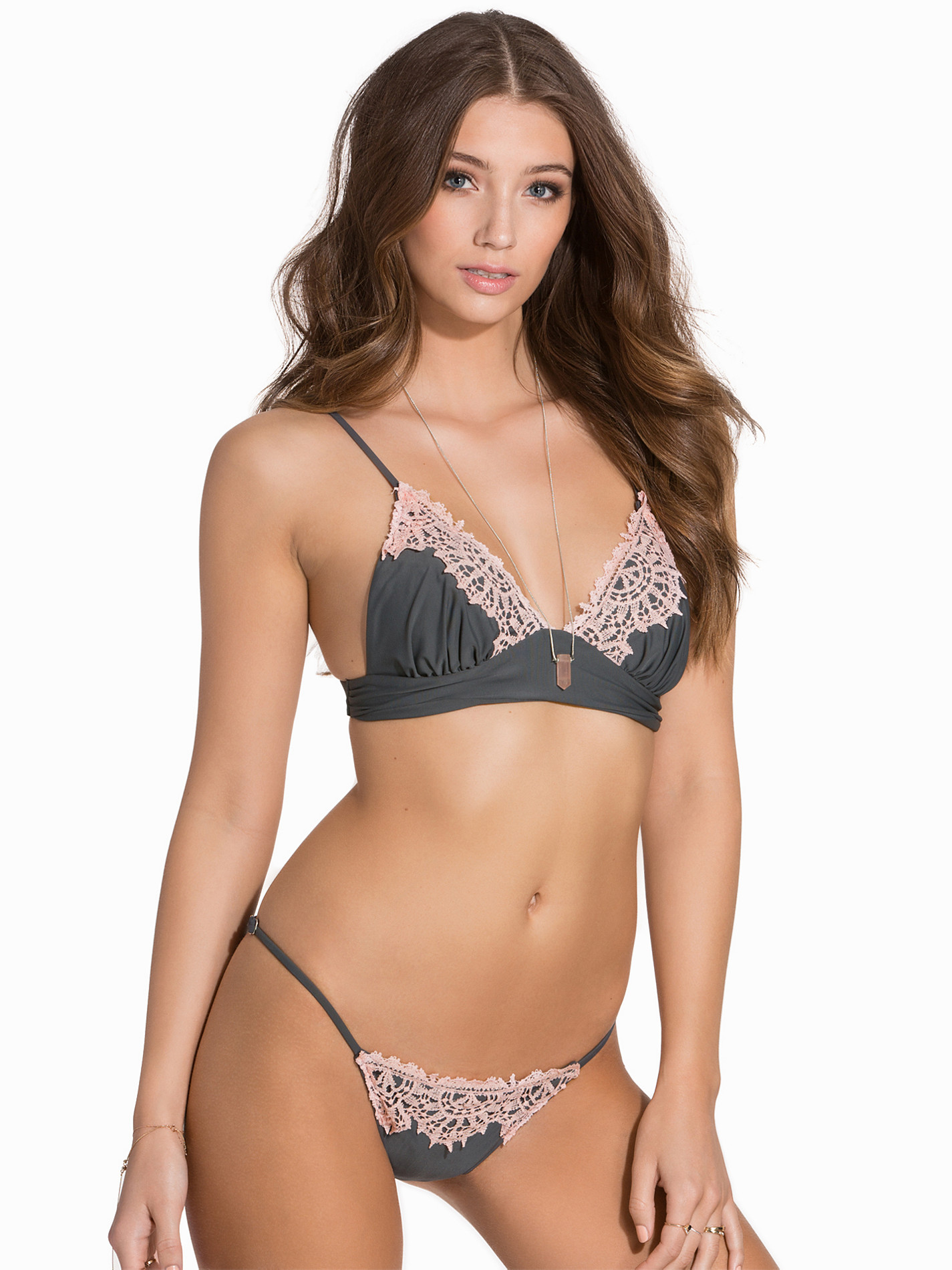
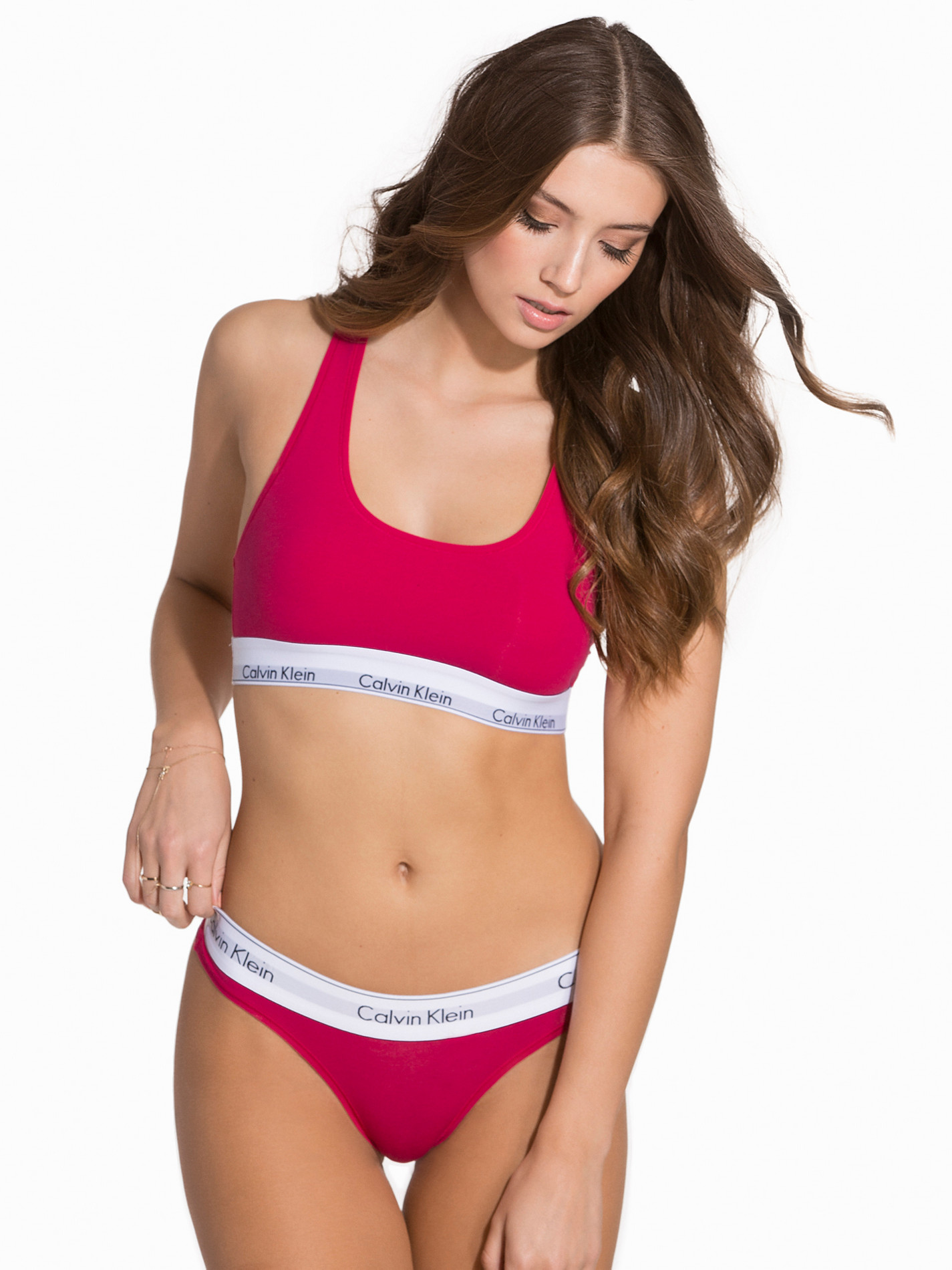
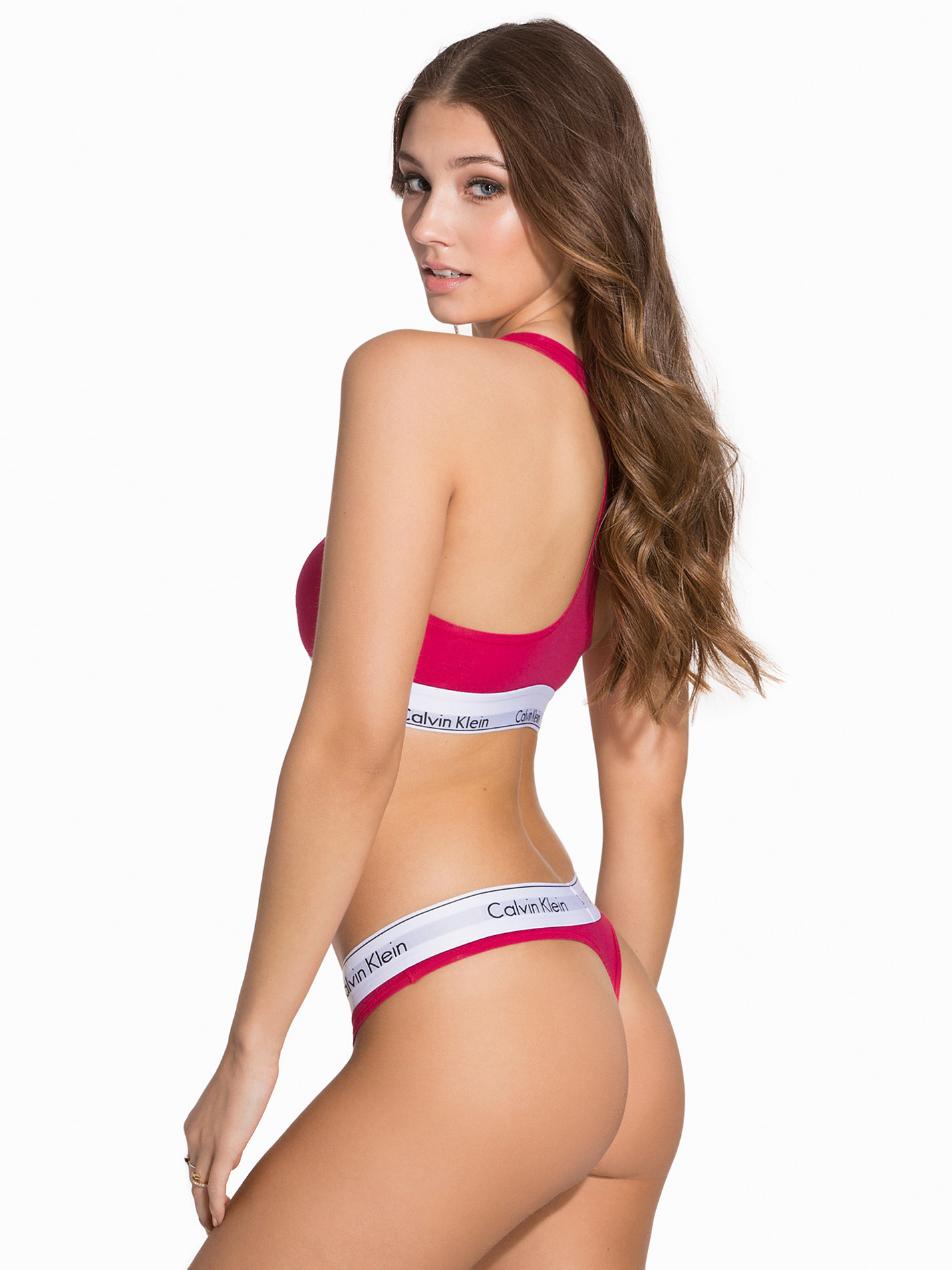
Nelly Swim Nelly Intimates







 DK is shooting with Jared Thomas Kocka again!
Danke @Stromboli1
Looking good!
Funny Or Die Swimsuit Issue: Climate Change Edition https://www.youtube.com/watch?v=KiKj5_hrBMs
Funny or Die Swimsuit Issue: Climate Change Edition https://www.youtube.com/watch?v=KiKj5_hrBMs
Moana Bikini Ph: Cameron Hammond
Alice + Olivia By Stacey Bendet Fall 2016 presentation during New York Fashion Week - 2/16/16 [mq]
Caroline Kelley (5) Daniela Lopez (5) Megan Williams (7) Sofia Resing (6) Tanya Mityushina (6)
*Buys Rosetta Stone so I can learn German*
DK is shooting with Jared Thomas Kocka again!
Danke @Stromboli1
Looking good!
Funny Or Die Swimsuit Issue: Climate Change Edition https://www.youtube.com/watch?v=KiKj5_hrBMs
Funny or Die Swimsuit Issue: Climate Change Edition https://www.youtube.com/watch?v=KiKj5_hrBMs
Moana Bikini Ph: Cameron Hammond
Alice + Olivia By Stacey Bendet Fall 2016 presentation during New York Fashion Week - 2/16/16 [mq]
Caroline Kelley (5) Daniela Lopez (5) Megan Williams (7) Sofia Resing (6) Tanya Mityushina (6)
*Buys Rosetta Stone so I can learn German*
Account
Search
Configure browser push notifications
Chrome (Android)
- Tap the lock icon next to the address bar.
- Tap Permissions → Notifications.
- Adjust your preference.
Chrome (Desktop)
- Click the padlock icon in the address bar.
- Select Site settings.
- Find Notifications and adjust your preference.
Safari (iOS 16.4+)
- Ensure the site is installed via Add to Home Screen.
- Open Settings App → Notifications.
- Find your app name and adjust your preference.
Safari (macOS)
- Go to Safari → Preferences.
- Click the Websites tab.
- Select Notifications in the sidebar.
- Find this website and adjust your preference.
Edge (Android)
- Tap the lock icon next to the address bar.
- Tap Permissions.
- Find Notifications and adjust your preference.
Edge (Desktop)
- Click the padlock icon in the address bar.
- Click Permissions for this site.
- Find Notifications and adjust your preference.
Firefox (Android)
- Go to Settings → Site permissions.
- Tap Notifications.
- Find this site in the list and adjust your preference.
Firefox (Desktop)
- Open Firefox Settings.
- Search for Notifications.
- Find this site in the list and adjust your preference.