
Pith_Possum
Members
-
Joined
-
Last visited
Everything posted by Pith_Possum
-
 Photographer: David Benoliel Nudity! nextmanagement.com
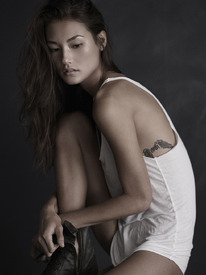
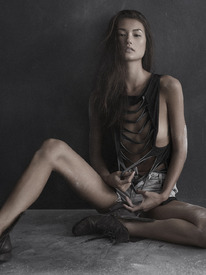


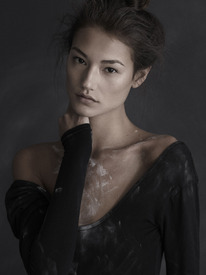
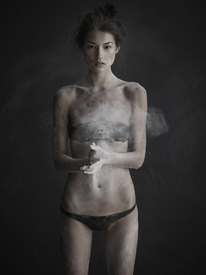



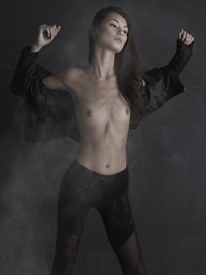
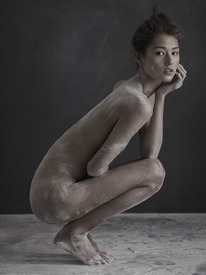
-
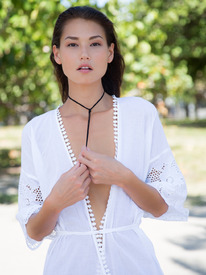
Photographer: Bryan Benoit nextmanagement.com

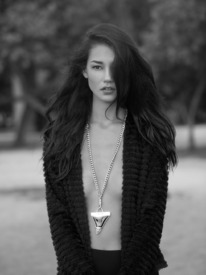


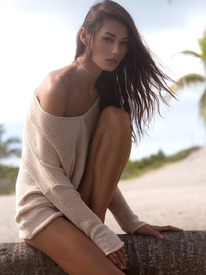

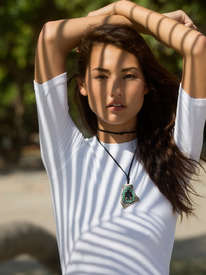
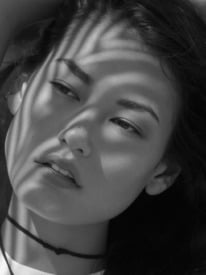

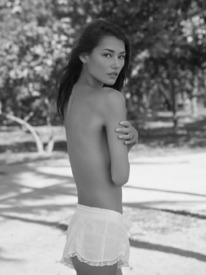
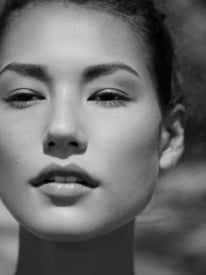


-
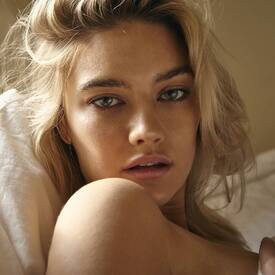
Photographer: Patrick Xiong instagram.com/patrick_xiong







-
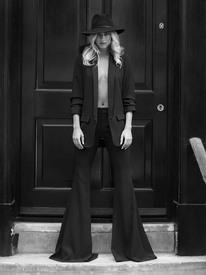
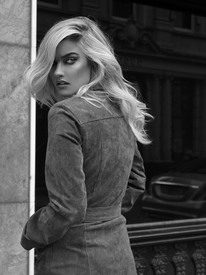
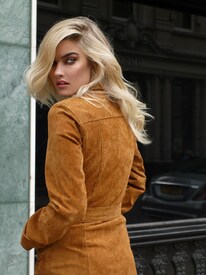
VAR MAGAZINE Photographer / Art Direction: Isabella Lombardini Hair & Makeup: Jourdan Walker isabellalombardini.com/VAR-Magazine-New-York-City varmag.com/fashion/tess-jantschek-by-isabella-lombardini



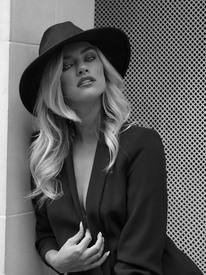




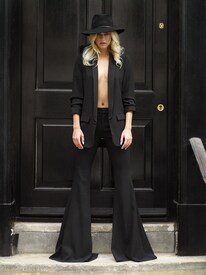
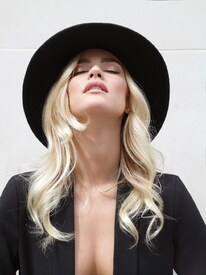
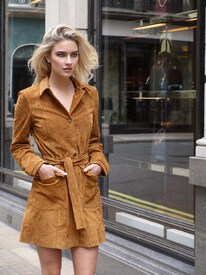







-
"Indoor Cat" Photographer: Jordan Doner Nudity! jordandoner.com/photography/journal/indoor-cat
-
Photographer: Jordan Doner jordandoner.com/photography/journal/anue
-
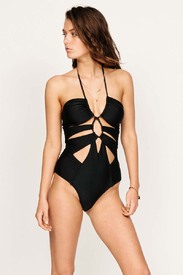
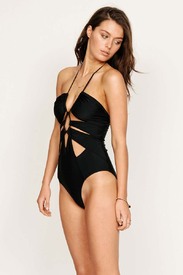
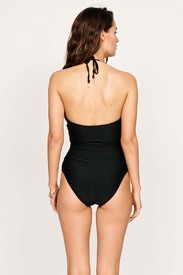
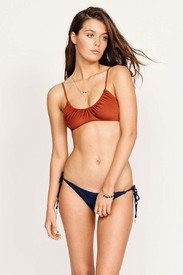
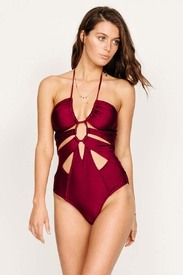
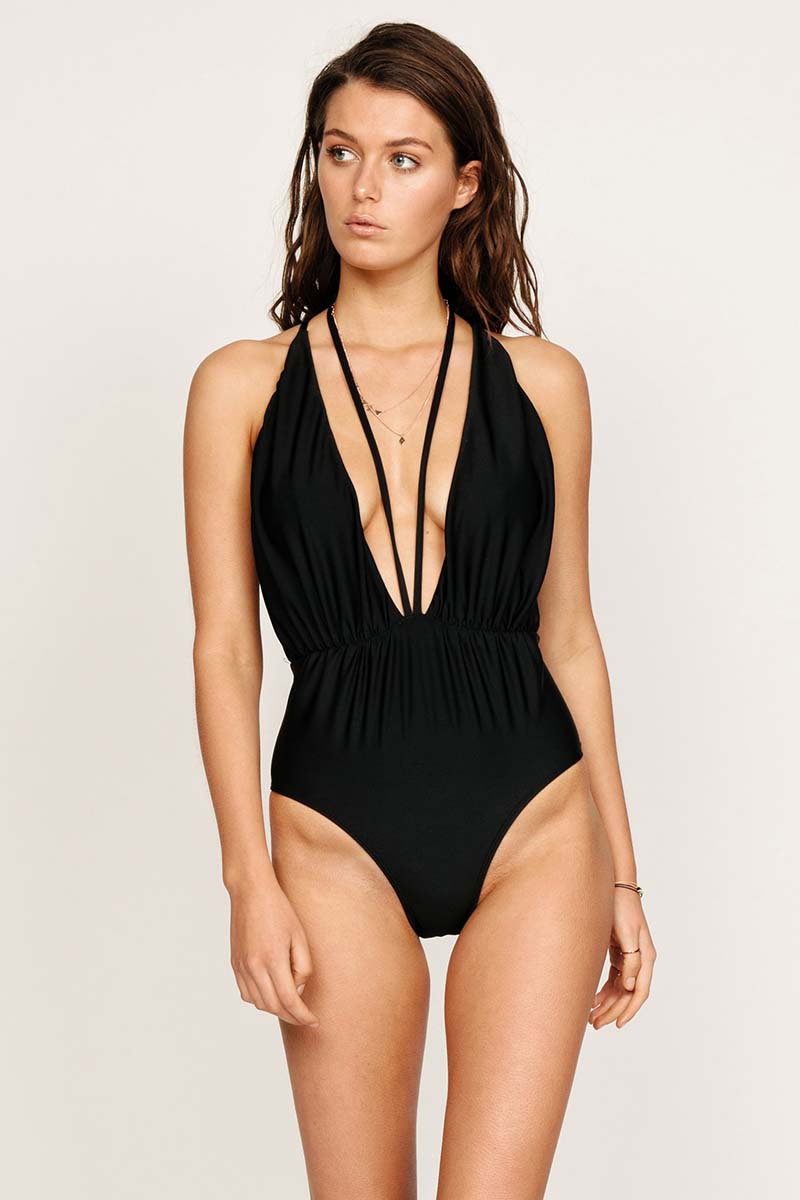
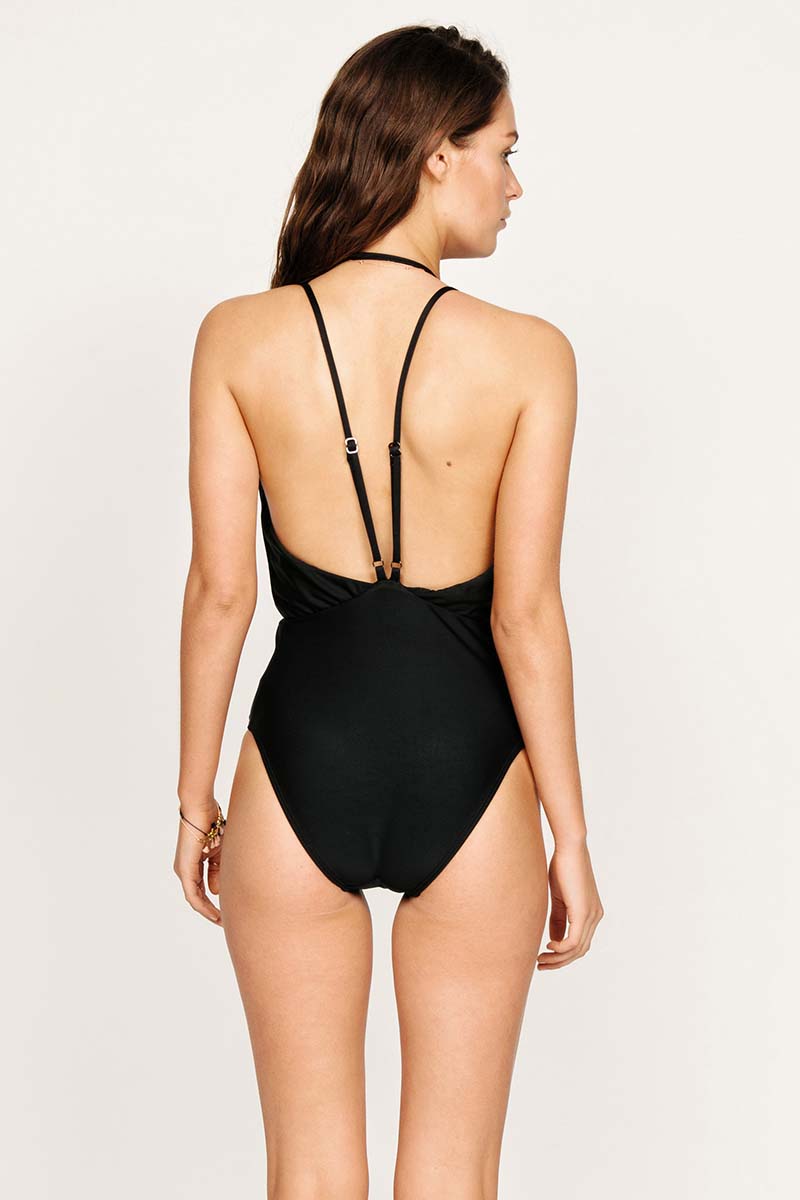
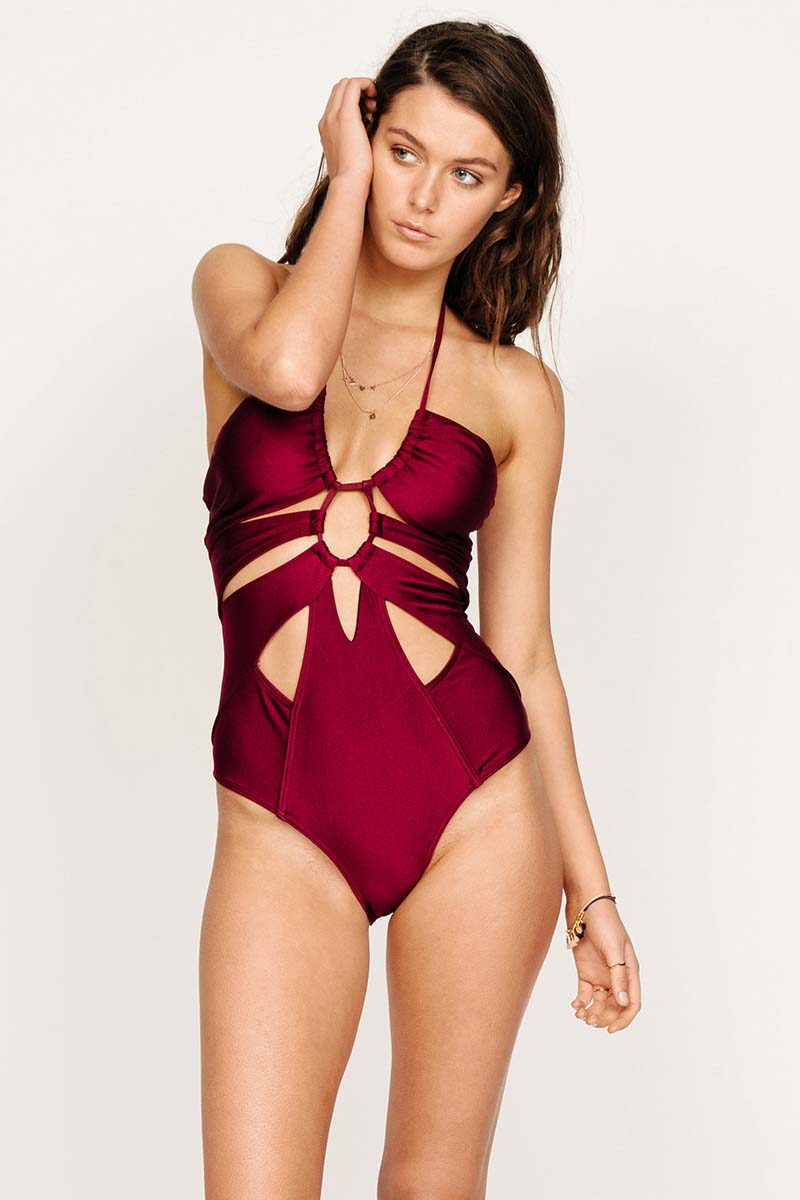
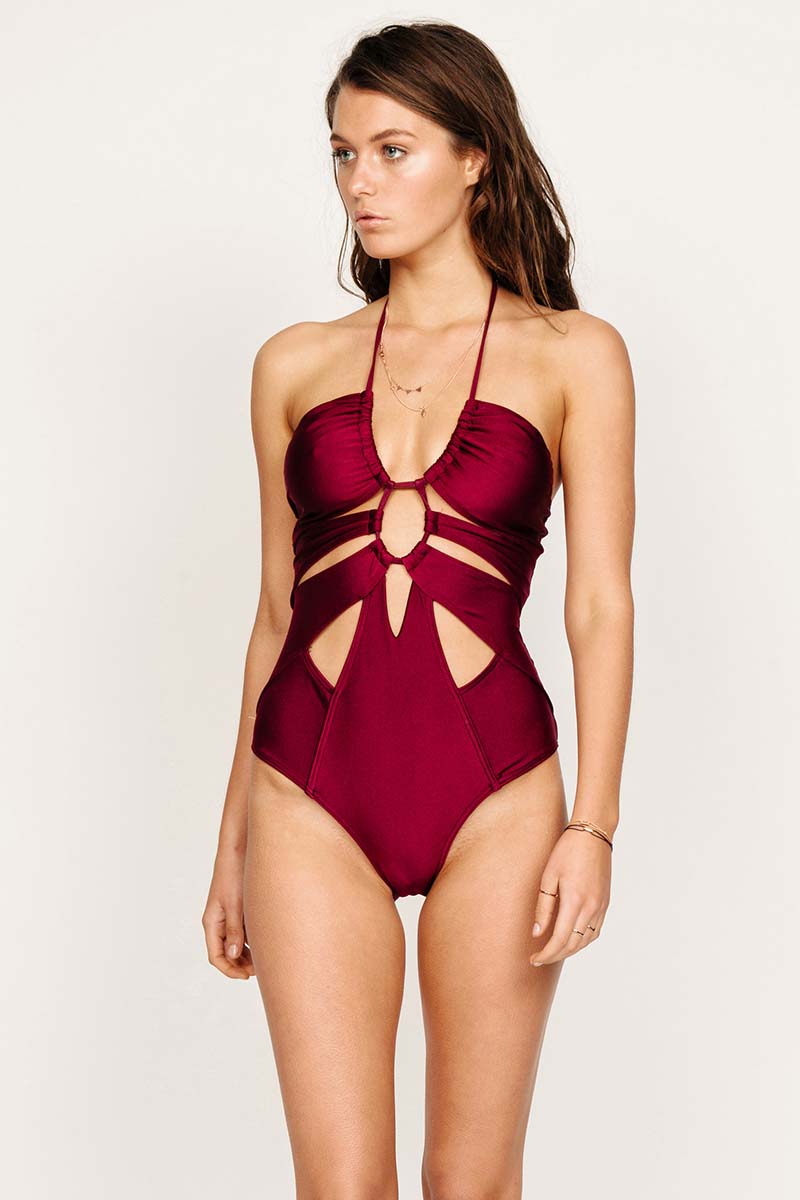
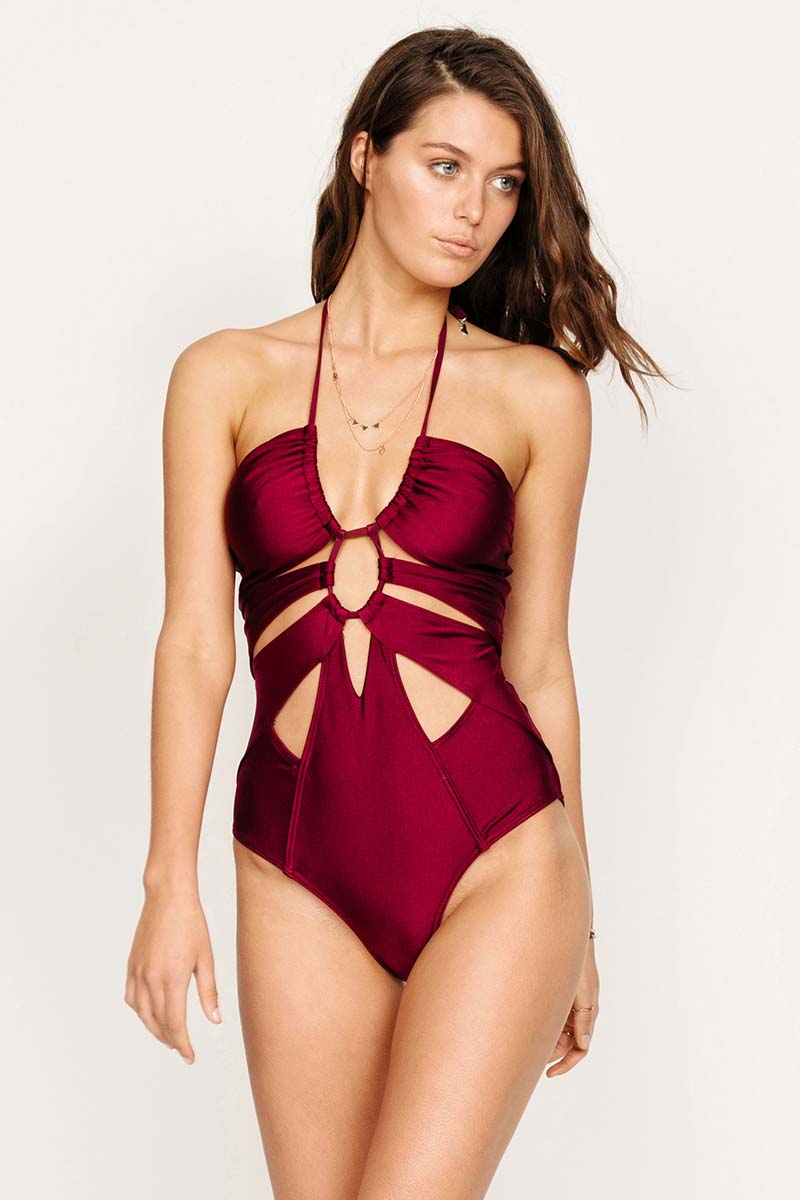
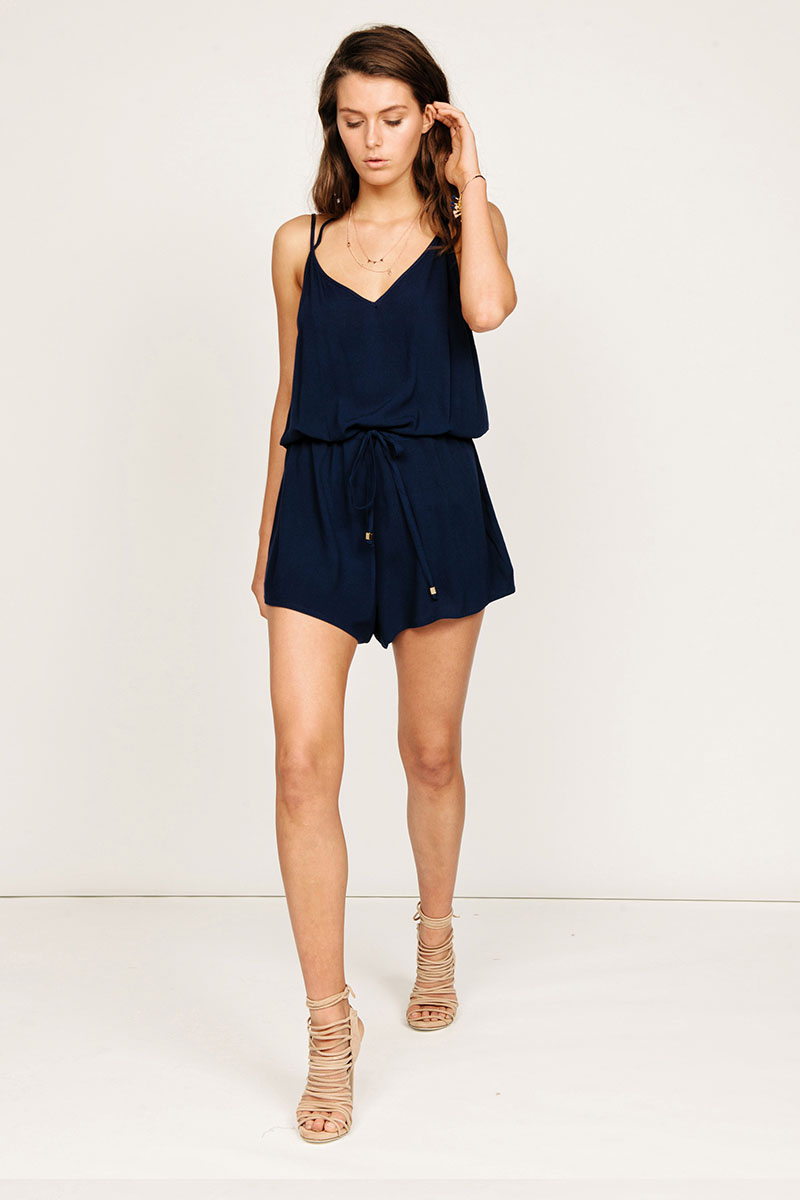
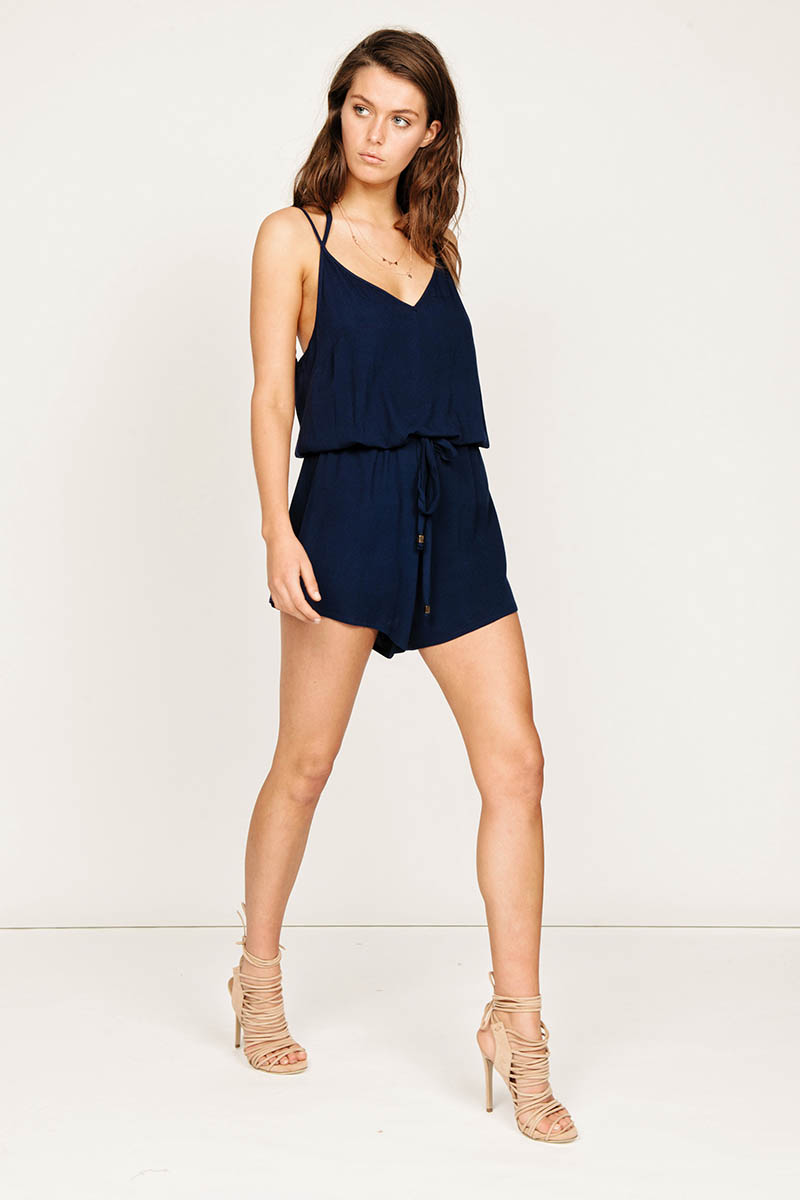
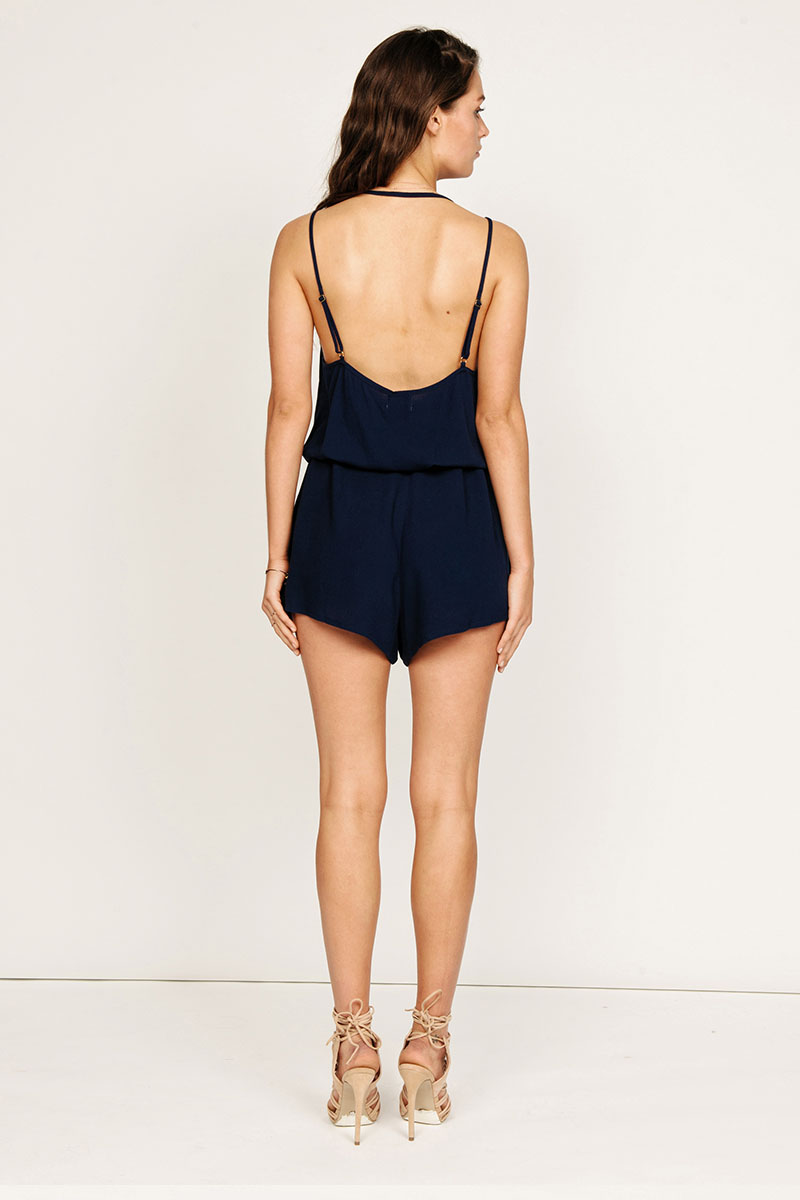
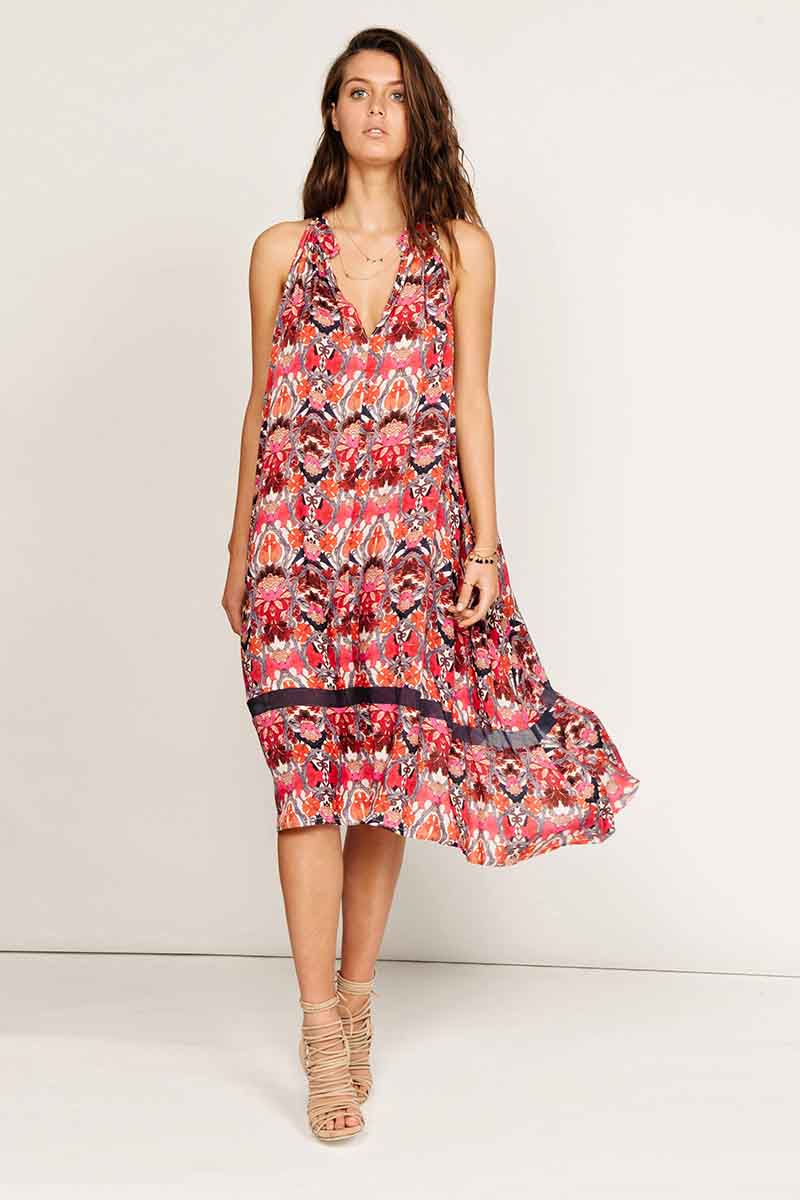
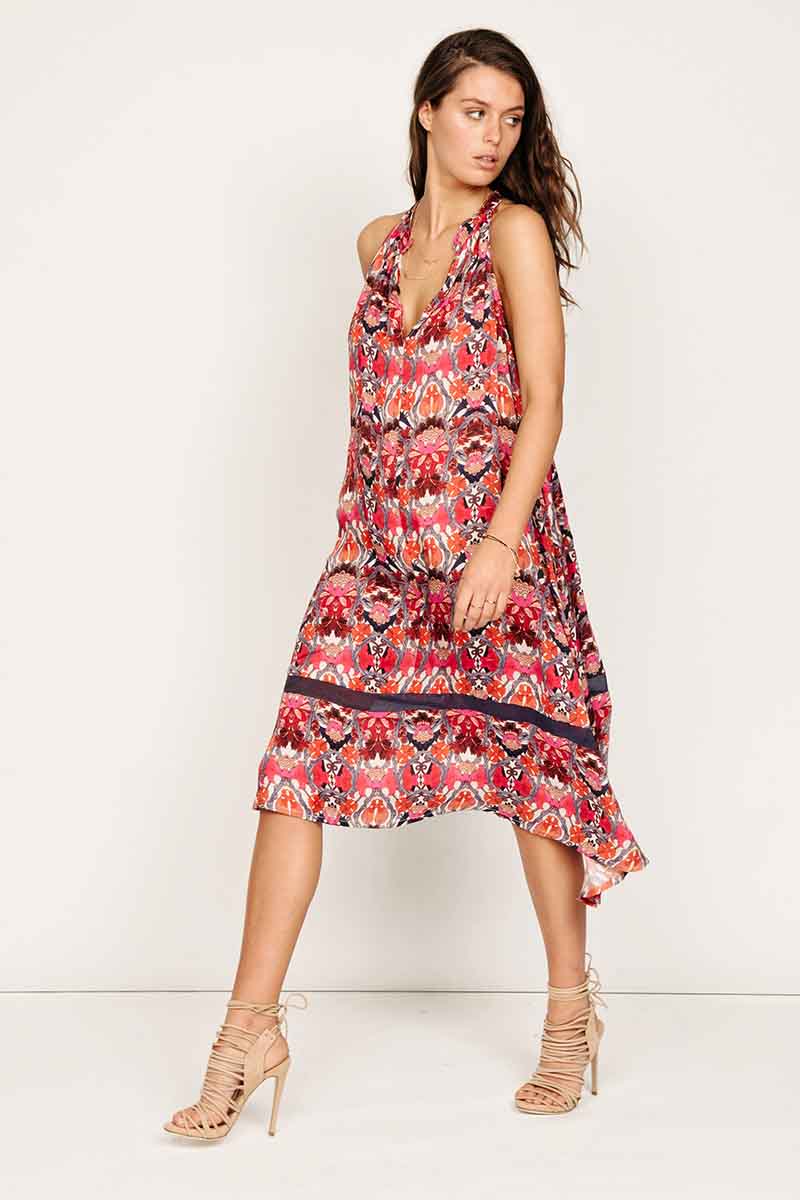
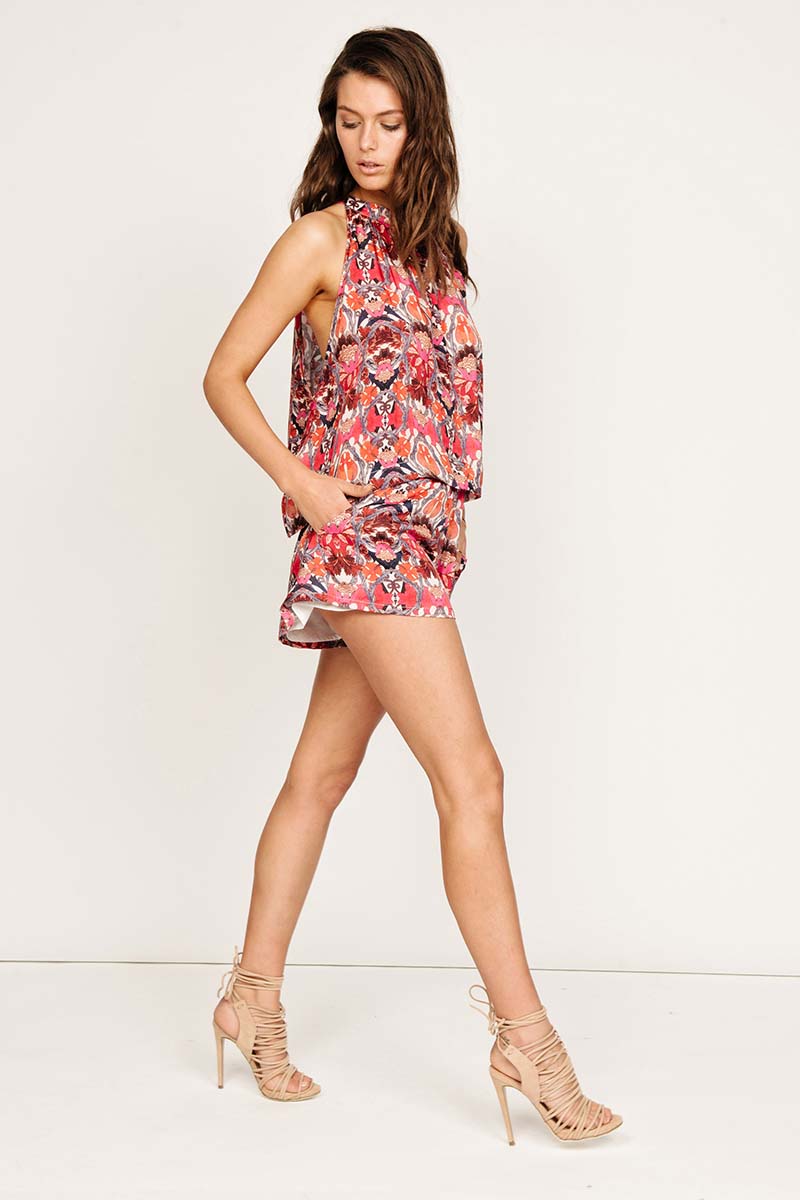
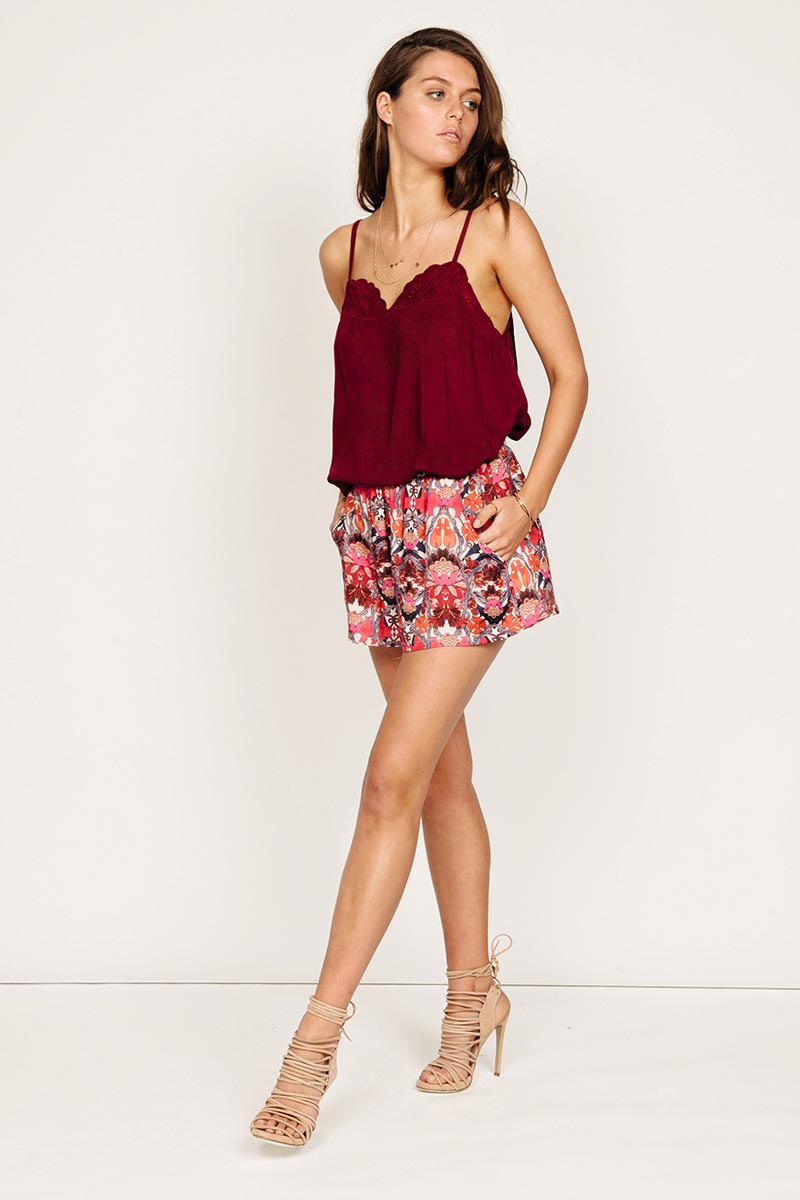
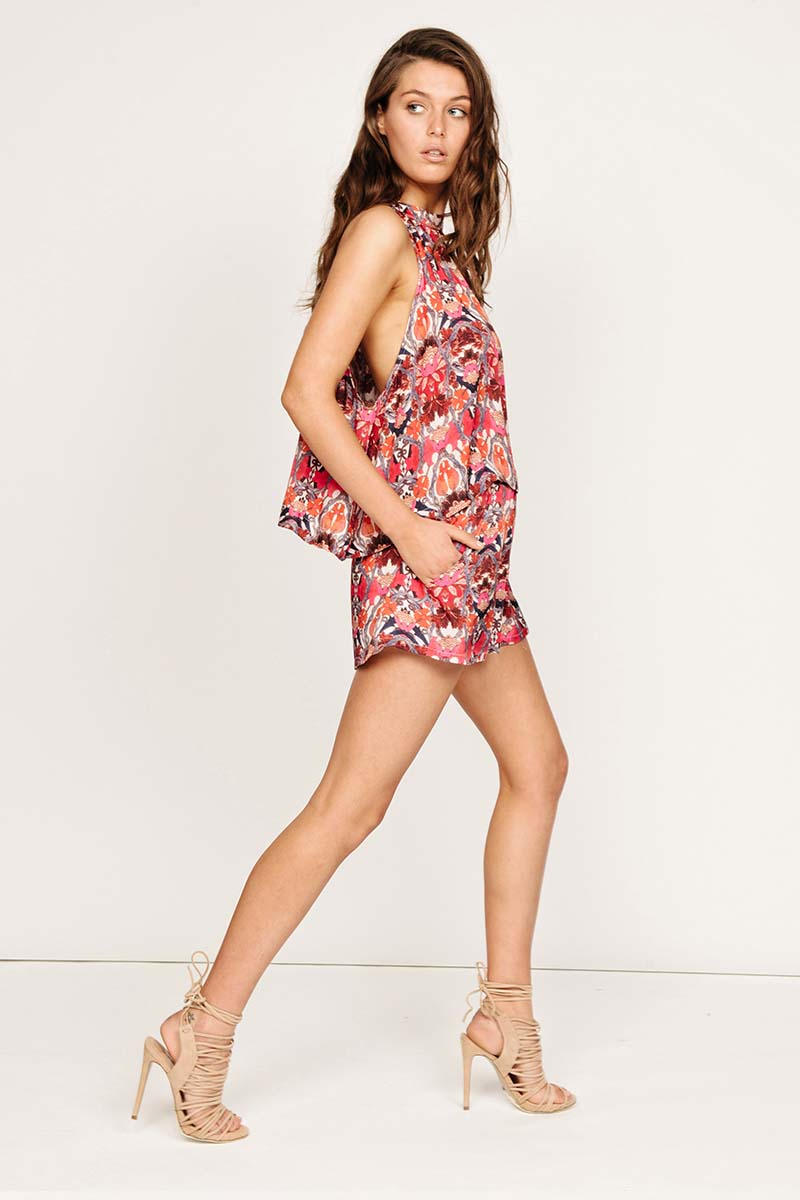
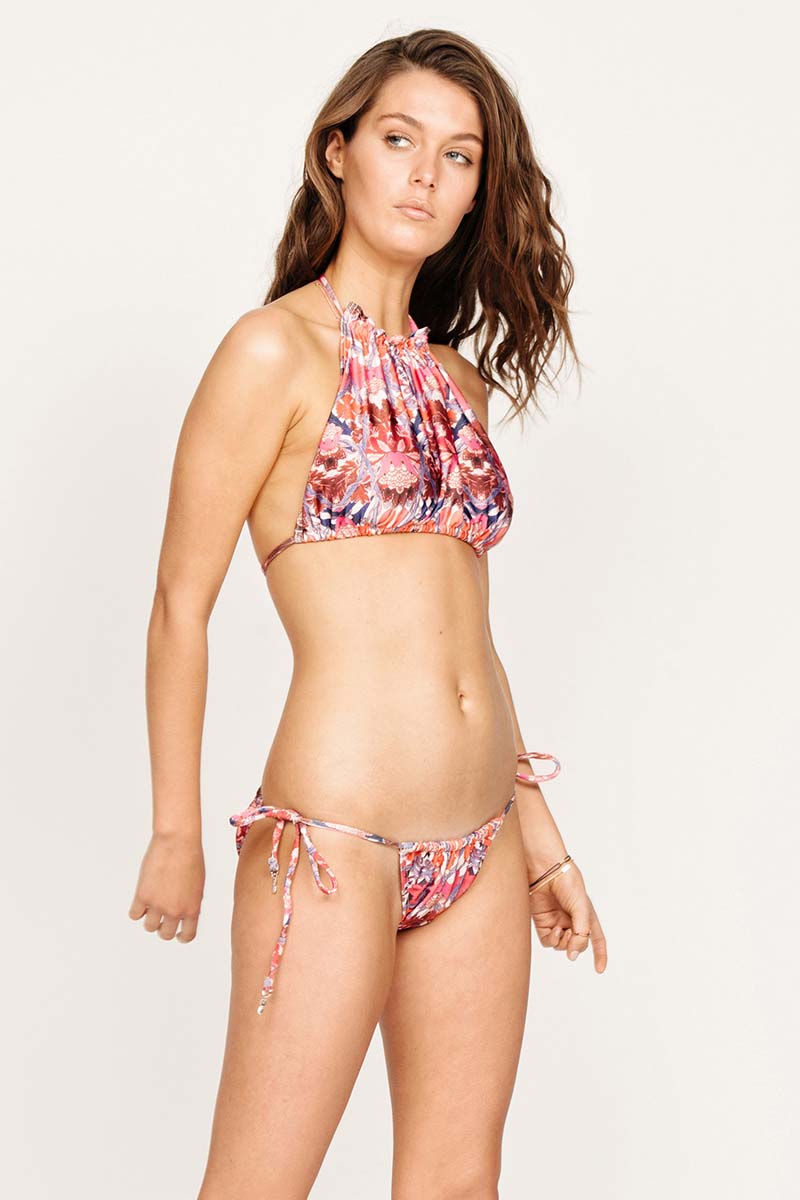
Suboo Shop suboo.com.au
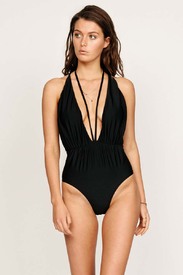
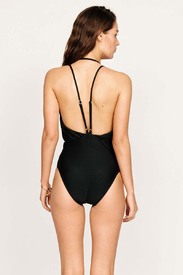
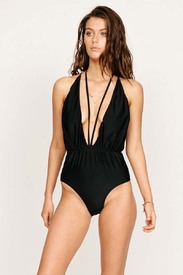

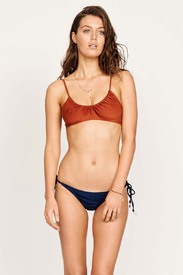
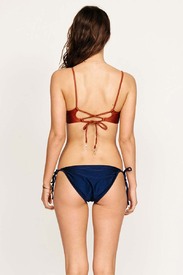
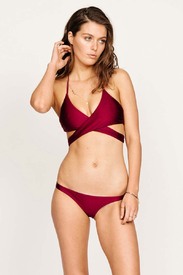
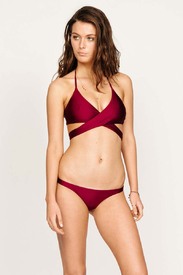
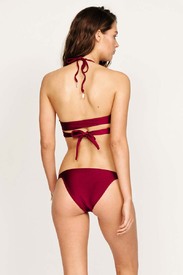
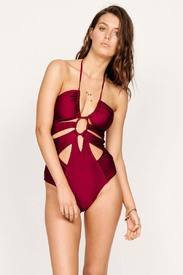
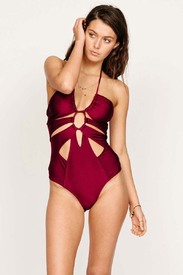
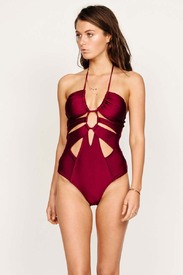
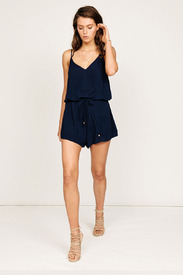
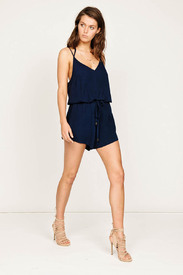
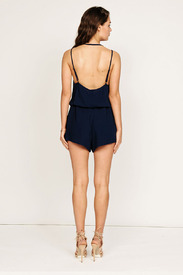
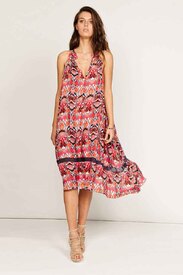
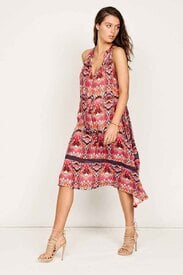
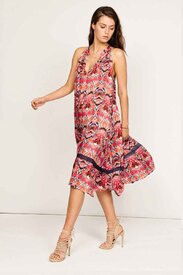
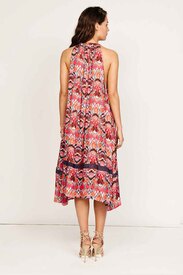
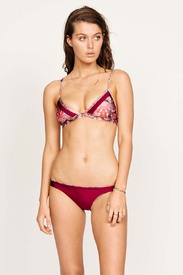
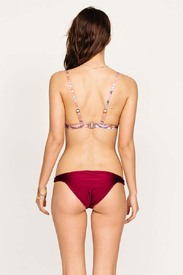
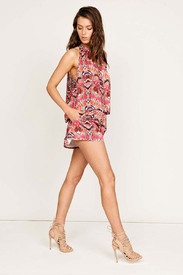
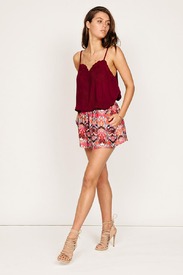
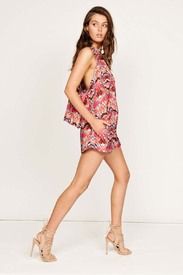

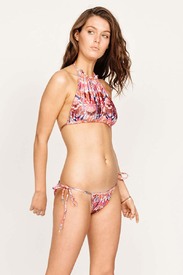
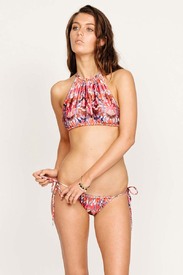 instagram.com/justinmacala
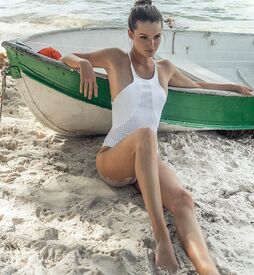
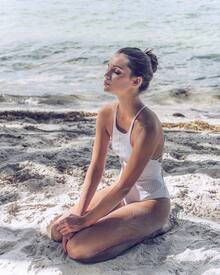 instagram.com/wilddtail
Outtakes instagram.com/sir_thelabel
instagram.com/wilddtail
Outtakes instagram.com/sir_thelabel

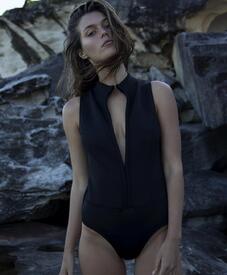


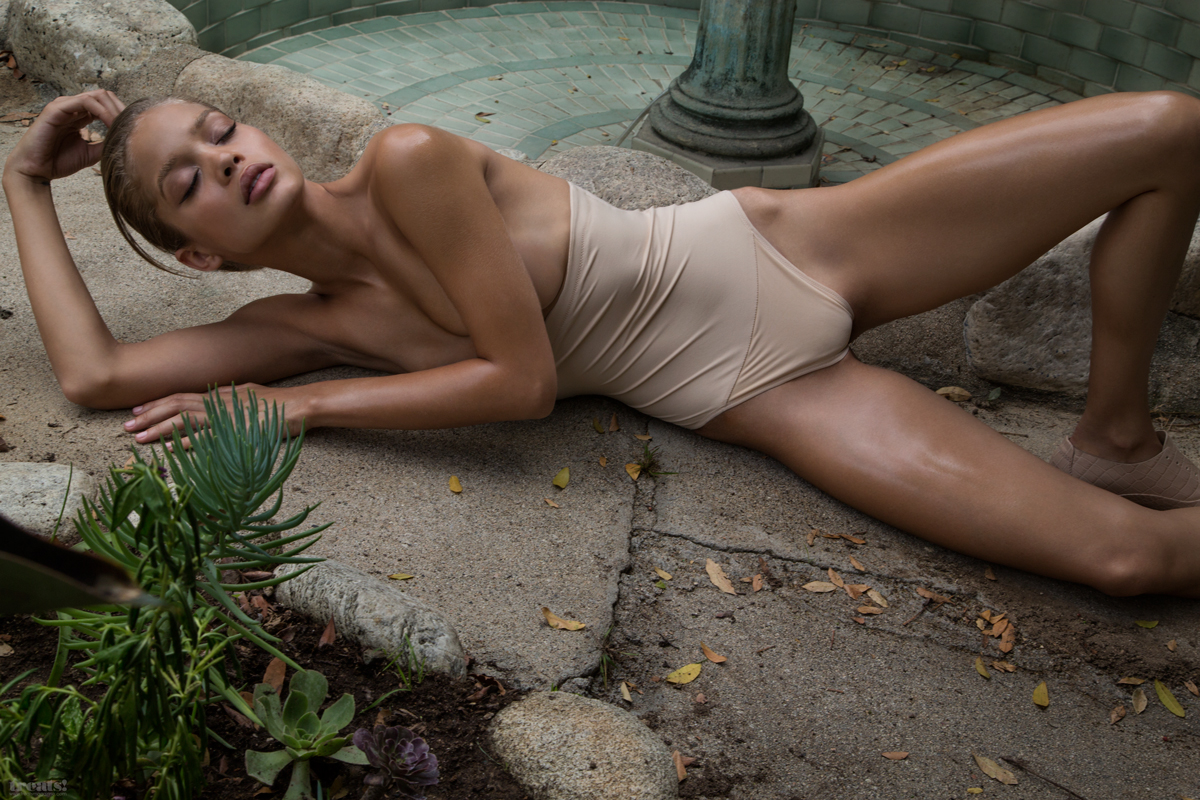
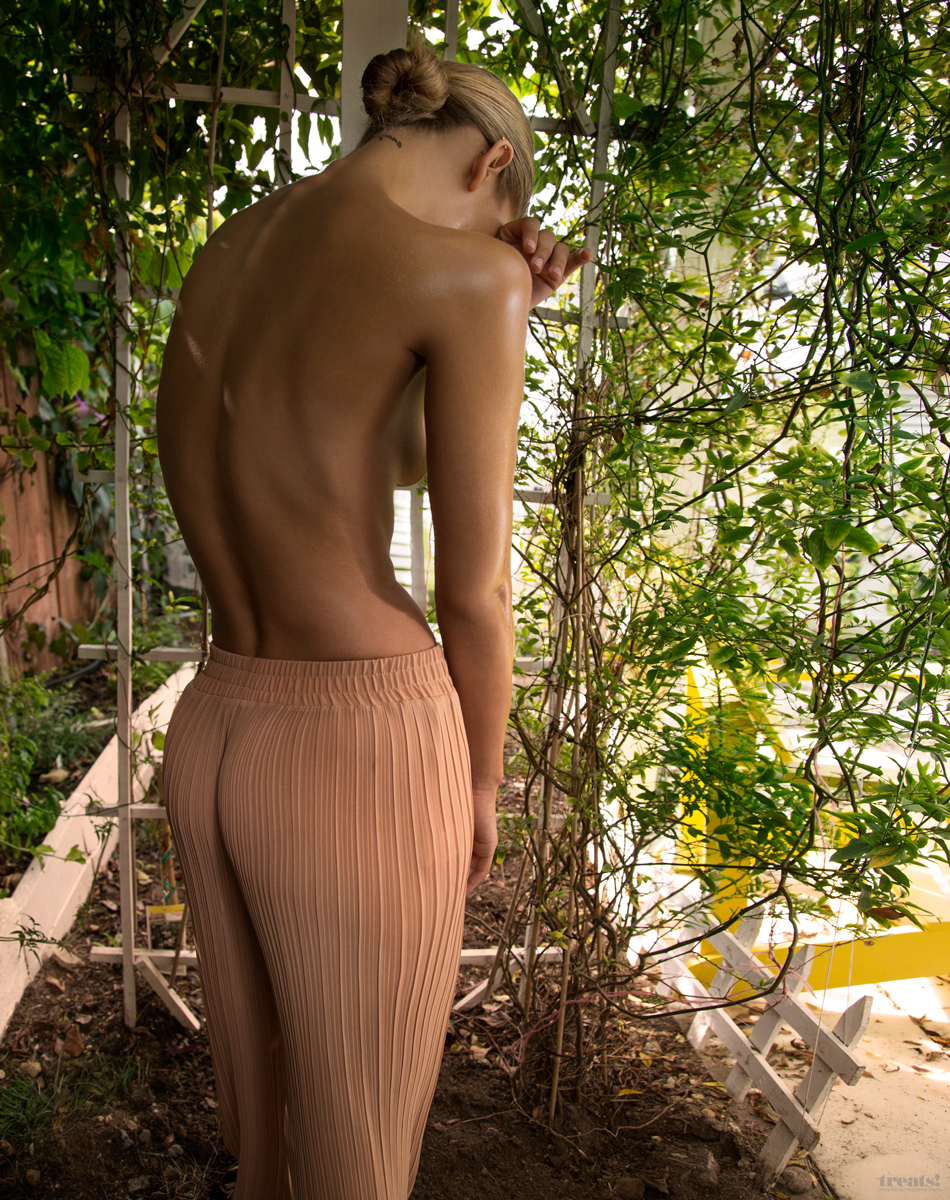
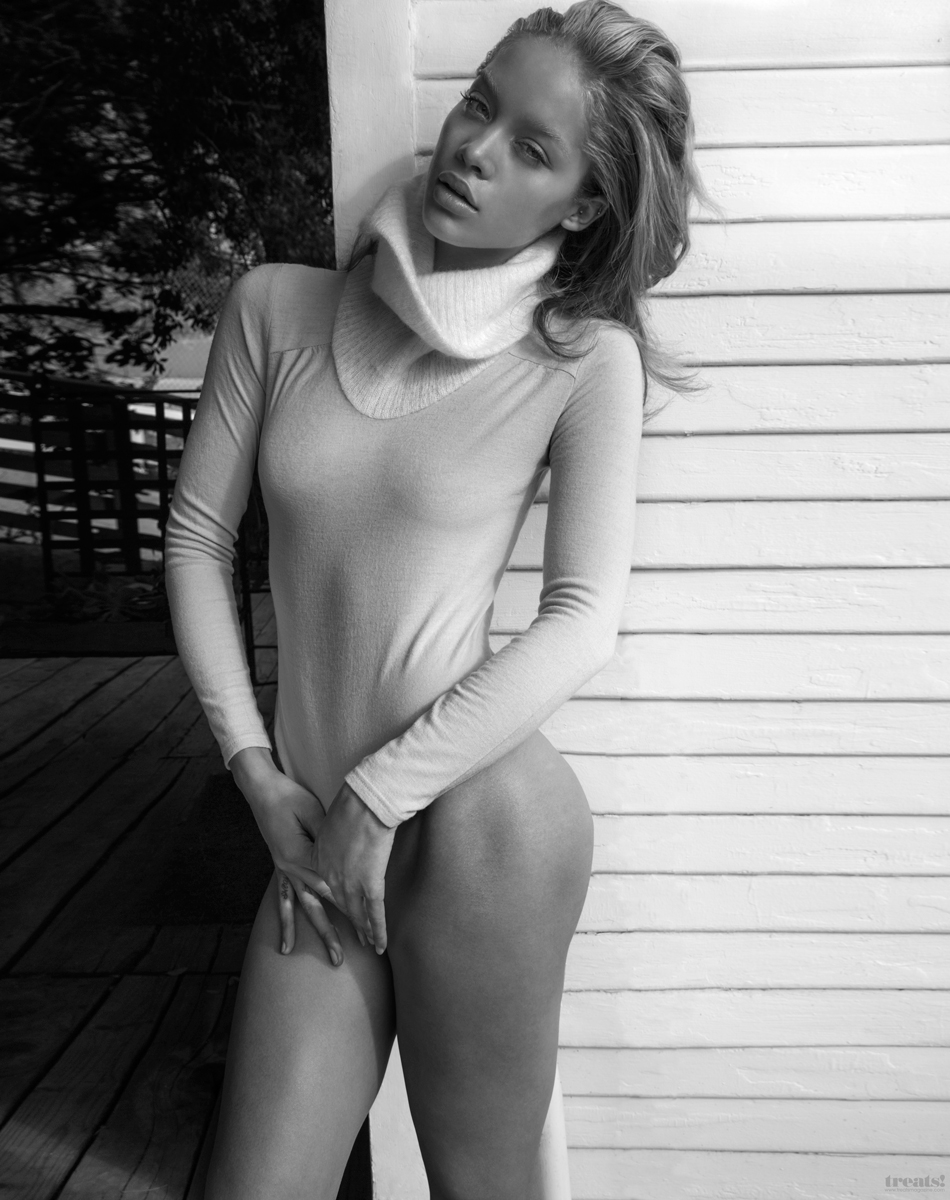
 Treats Magazine Issue #10 Outtakes Photographer: Tony Duran treatsmagazine.com/jasmine-sanders-tony-duran-interview

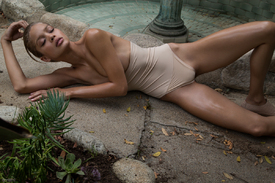
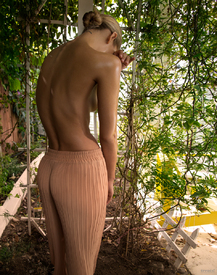
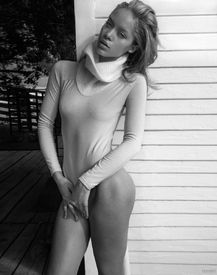
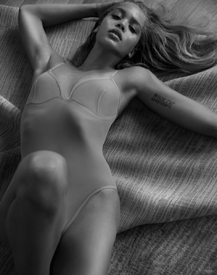




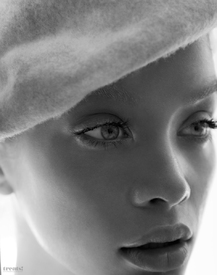 Thanks @RIP_Cabrini_Green, fantastic adds. She looks gorgeous.
Photographer: Rylan Perry instagram.com/rp_goldenfotos
Thanks @RIP_Cabrini_Green, fantastic adds. She looks gorgeous.
Photographer: Rylan Perry instagram.com/rp_goldenfotos

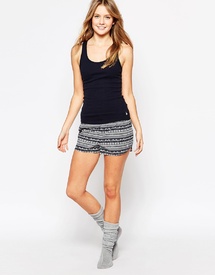
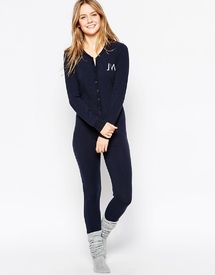
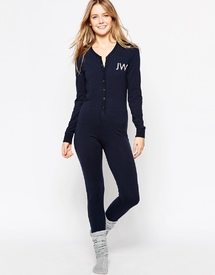
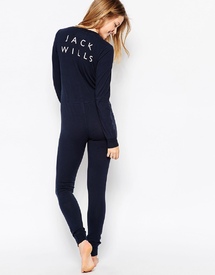
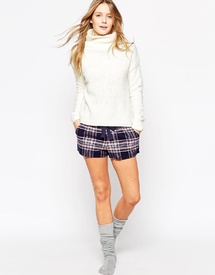
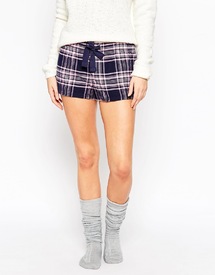
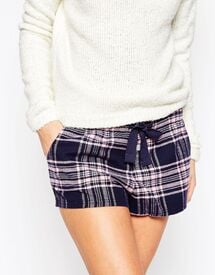
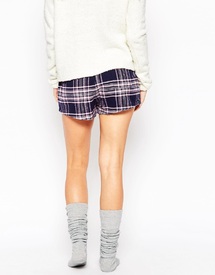
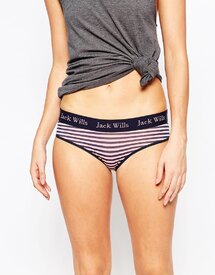
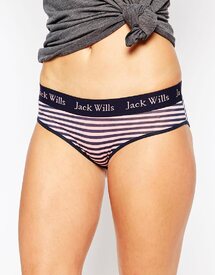
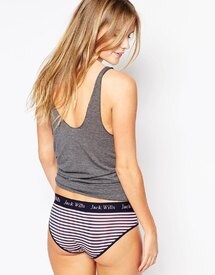
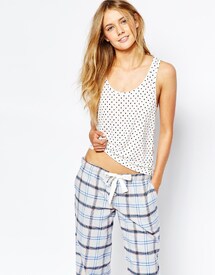
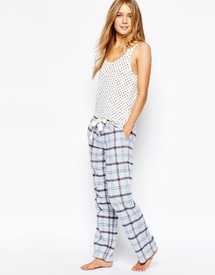
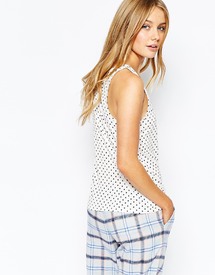
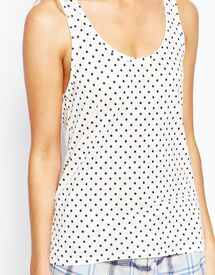
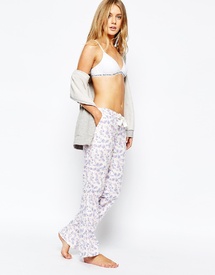
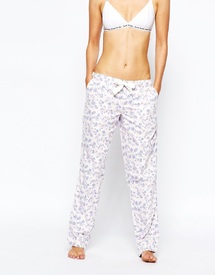
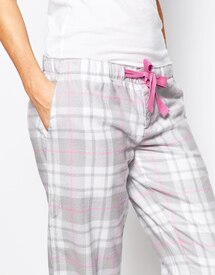
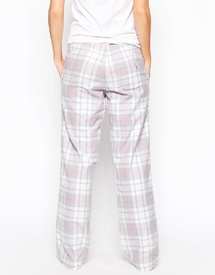
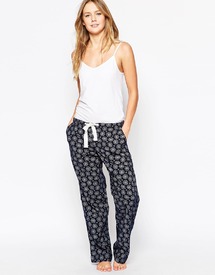
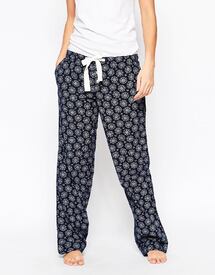
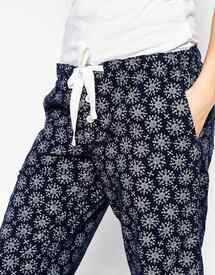
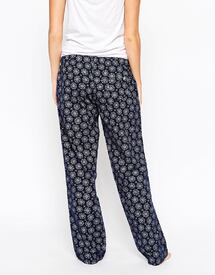
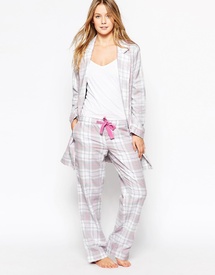
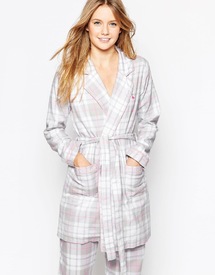
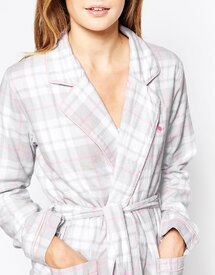
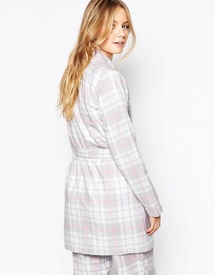
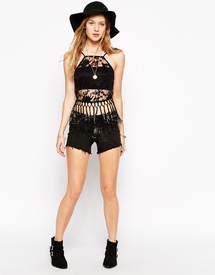
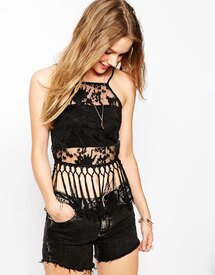
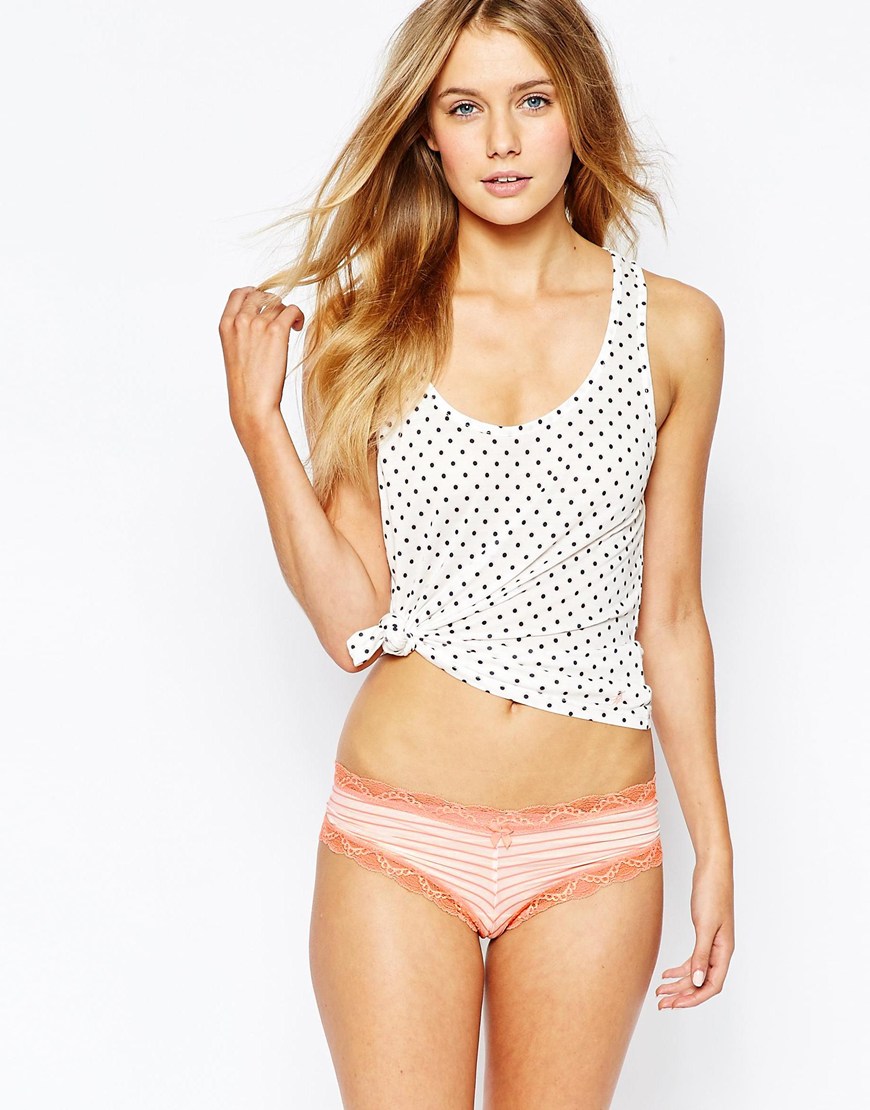
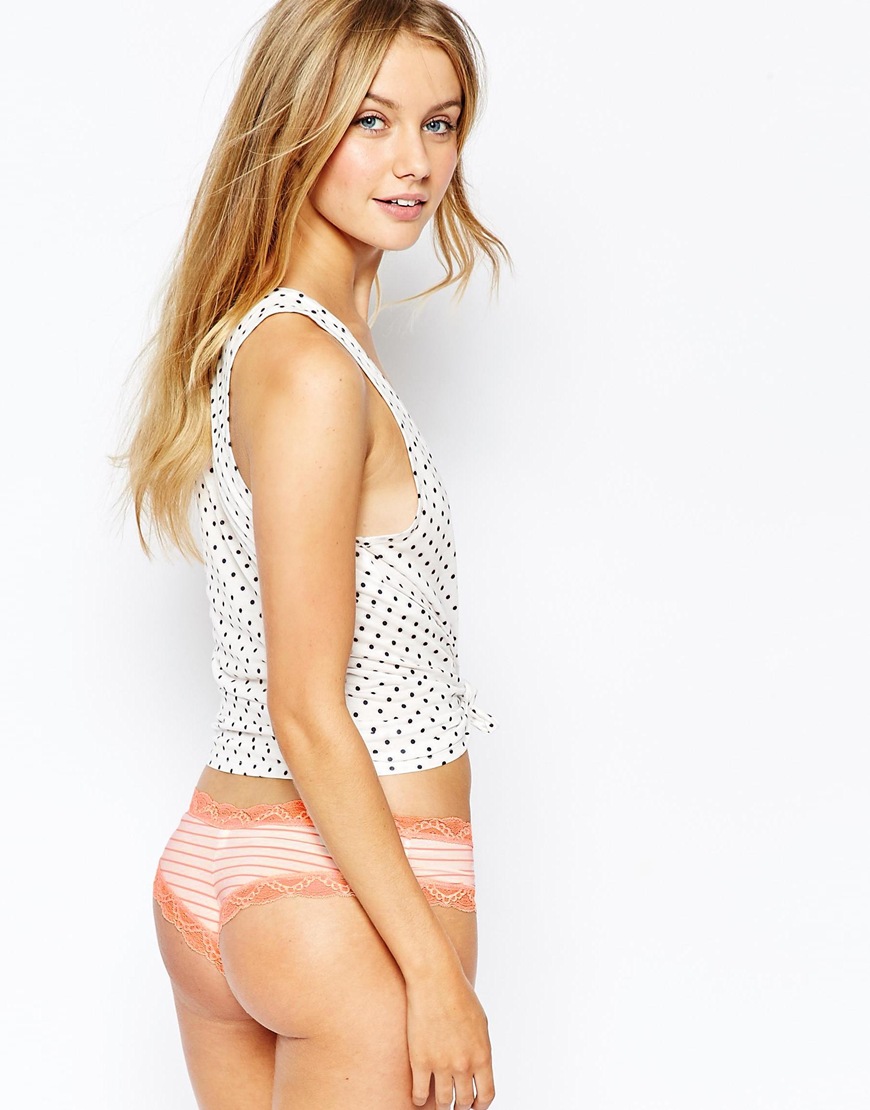
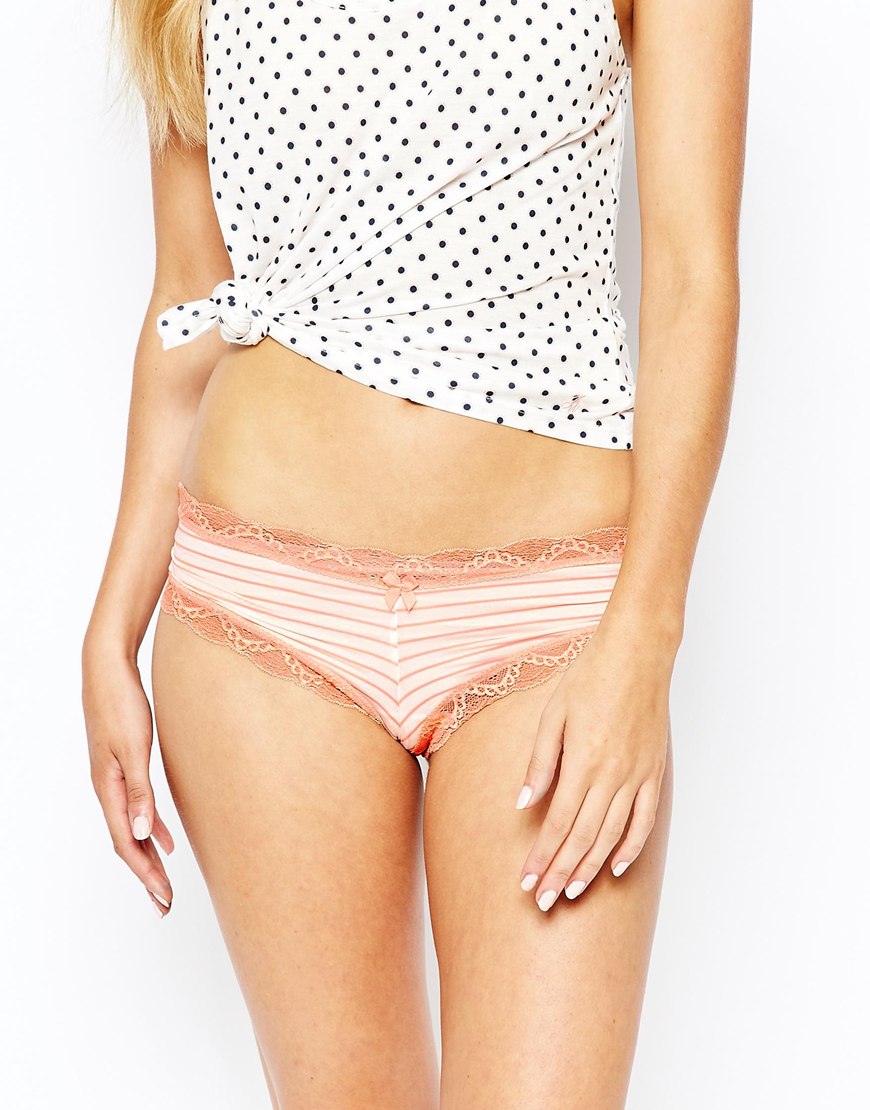
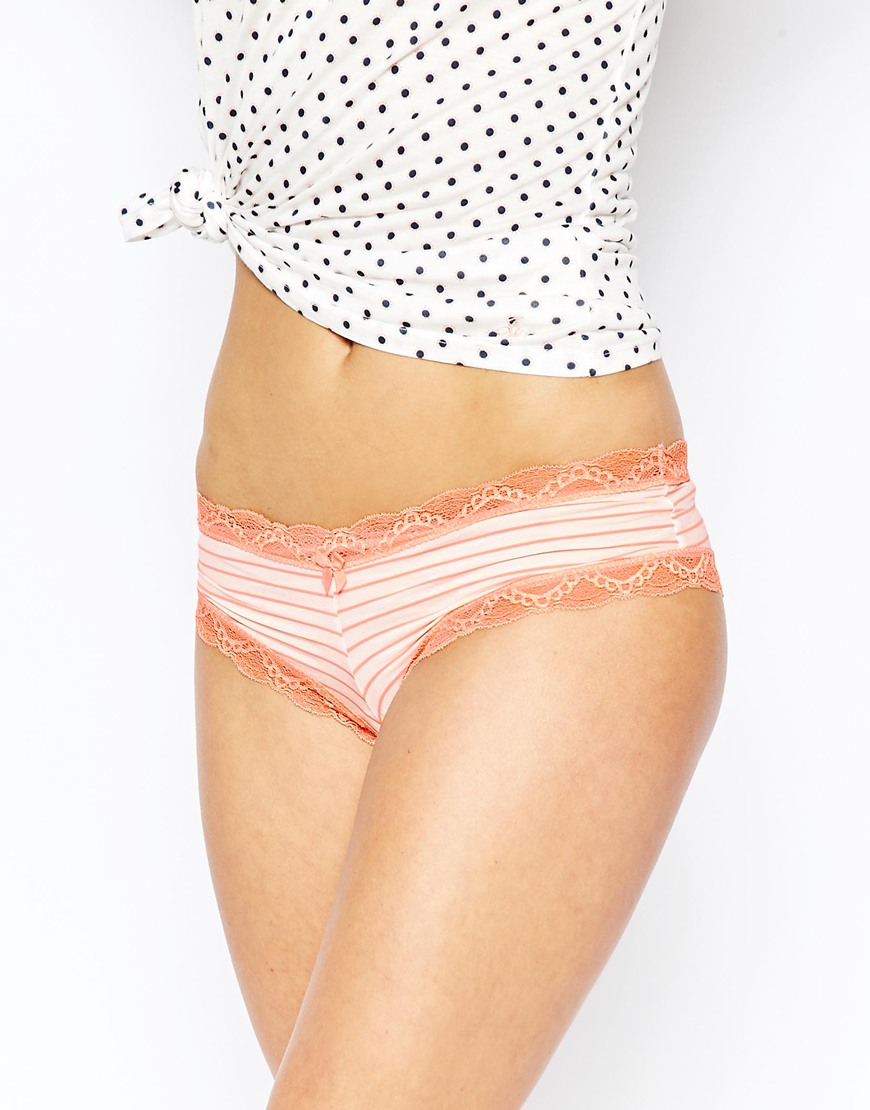
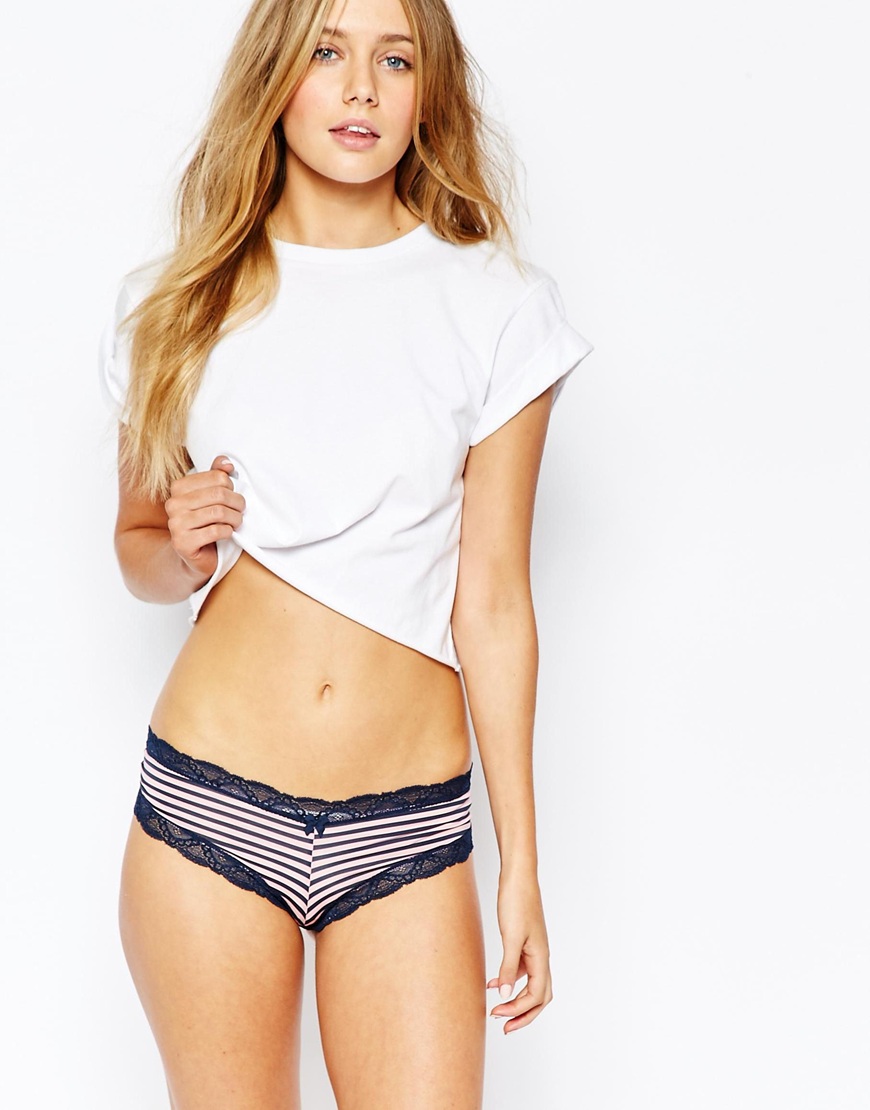
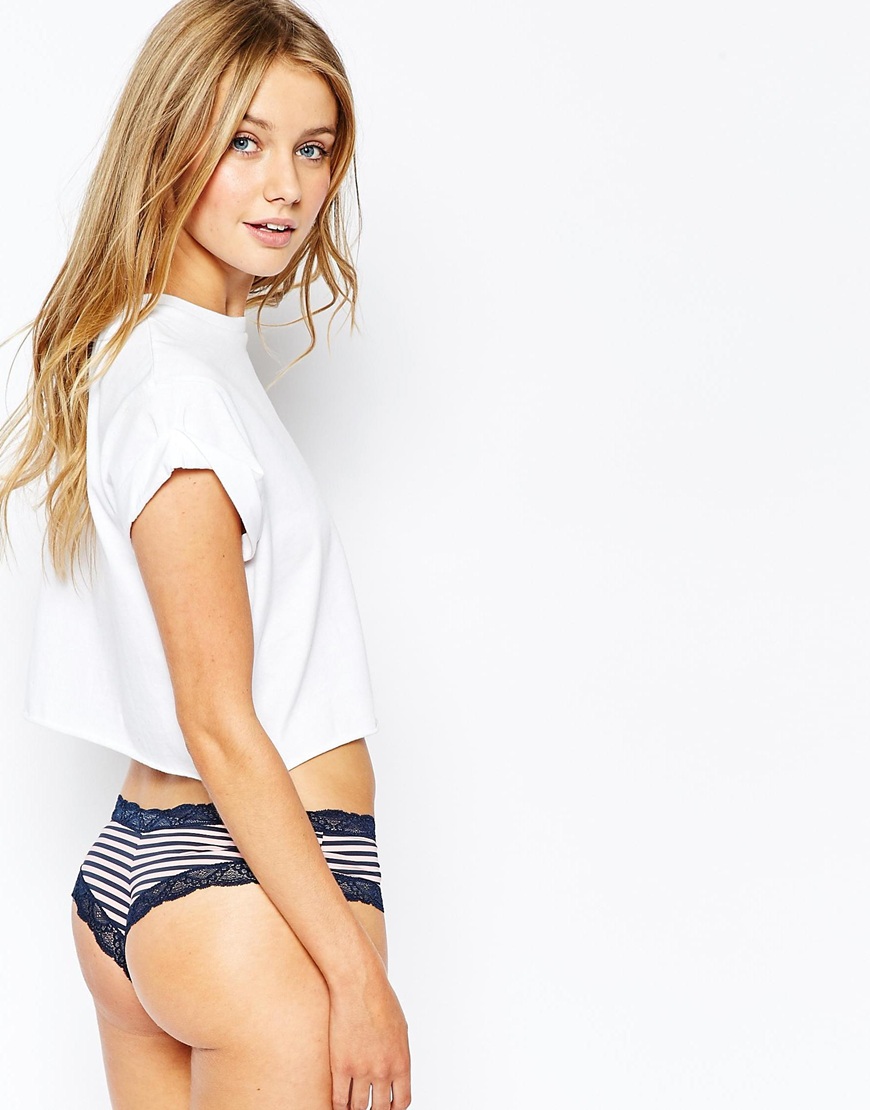
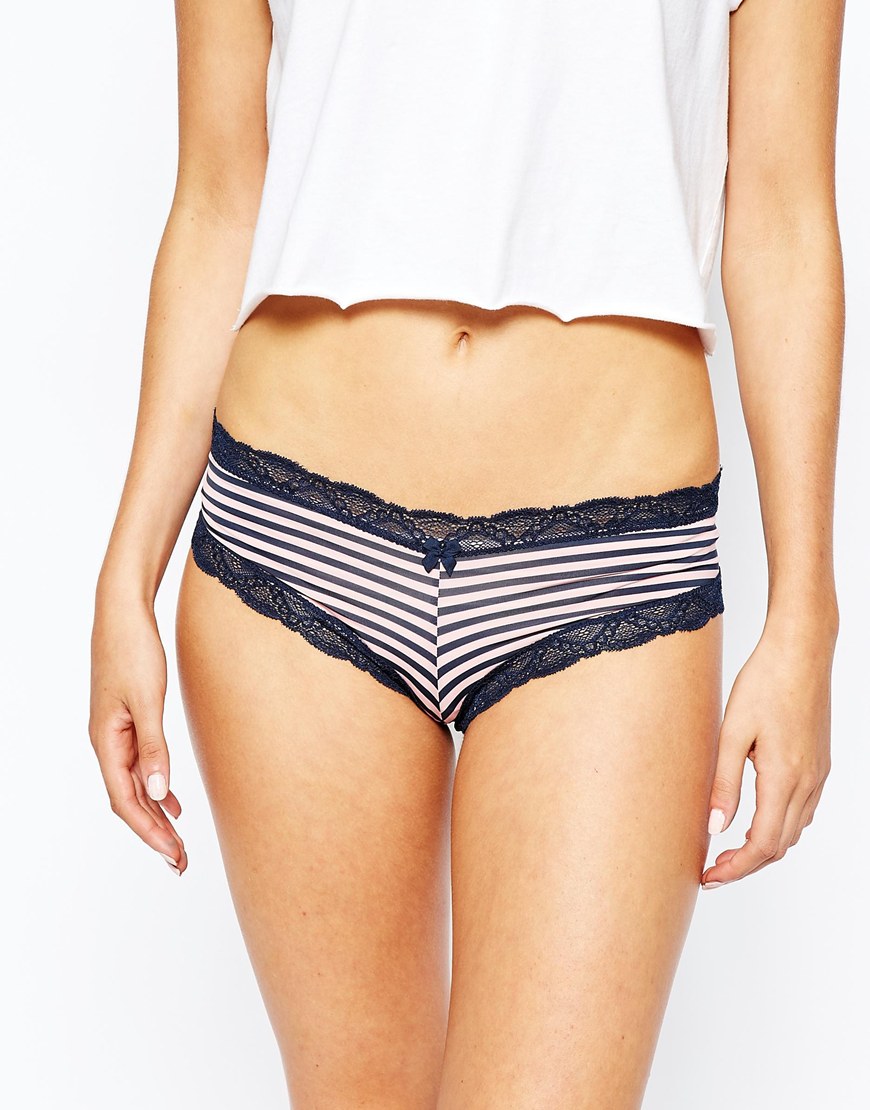
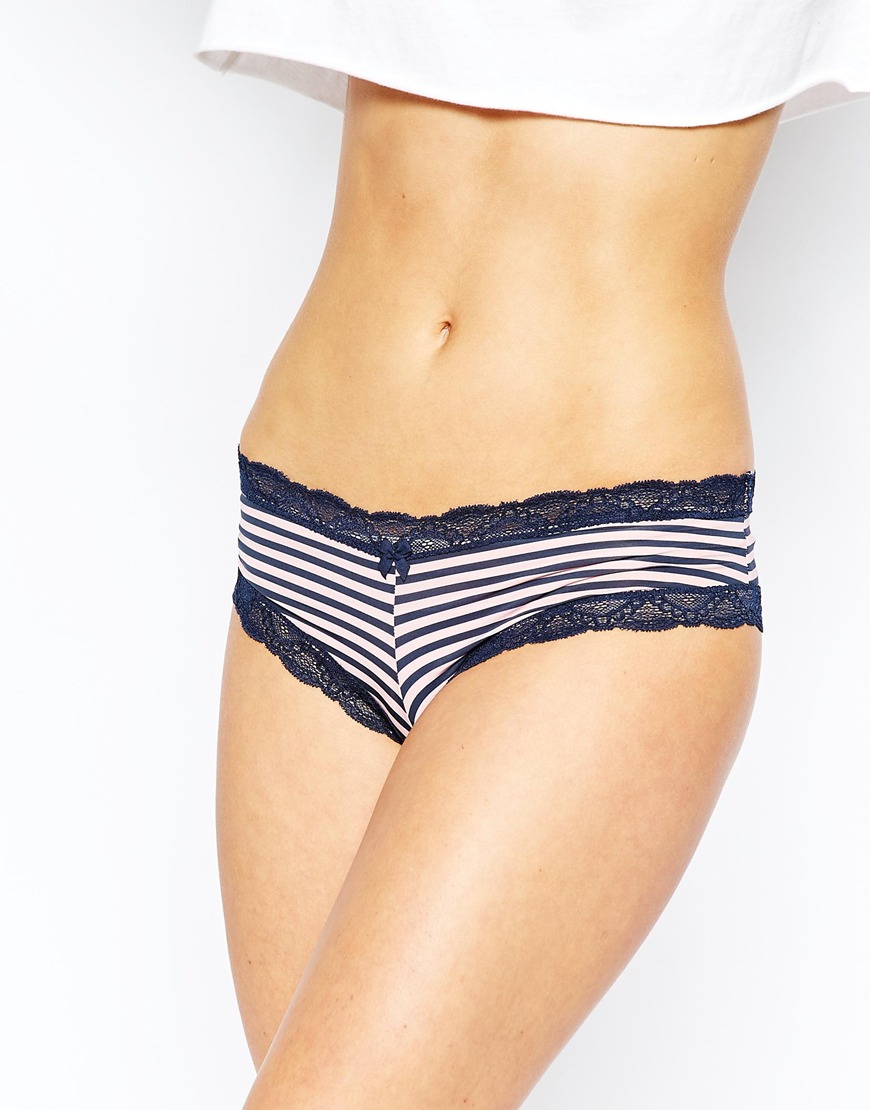
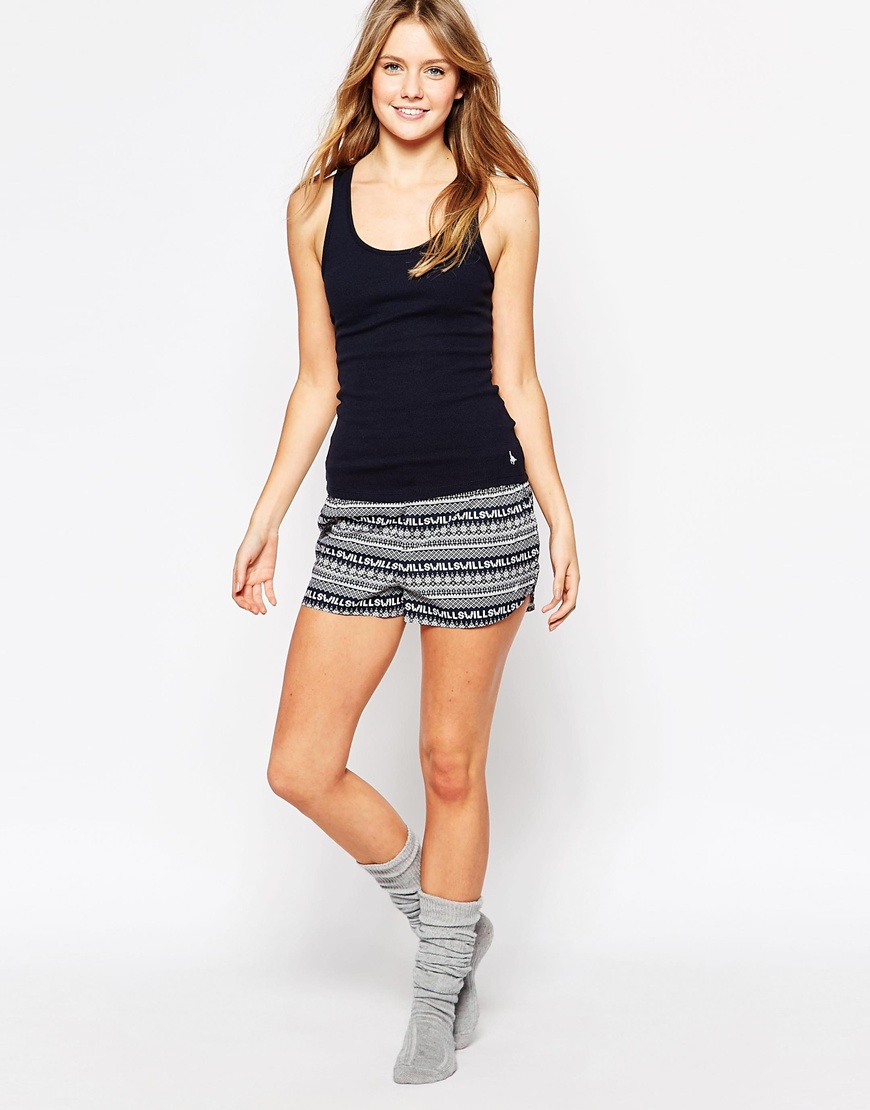
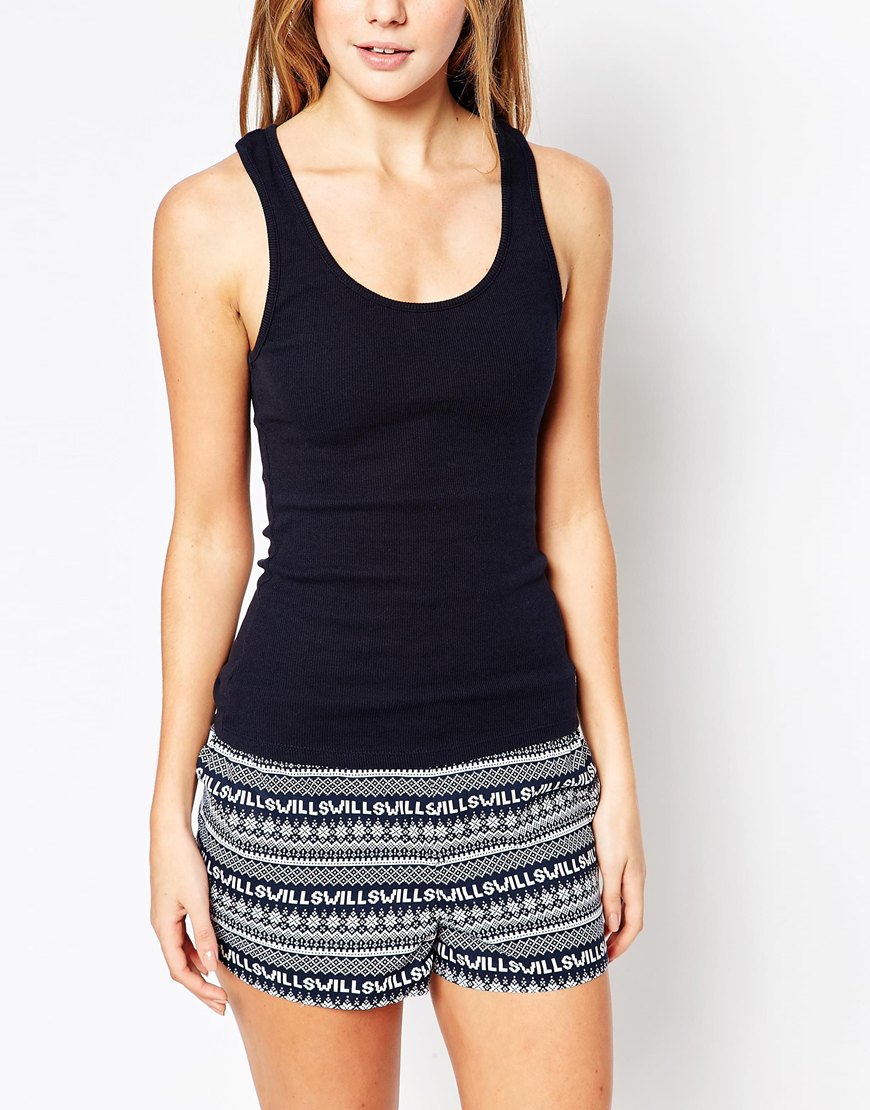
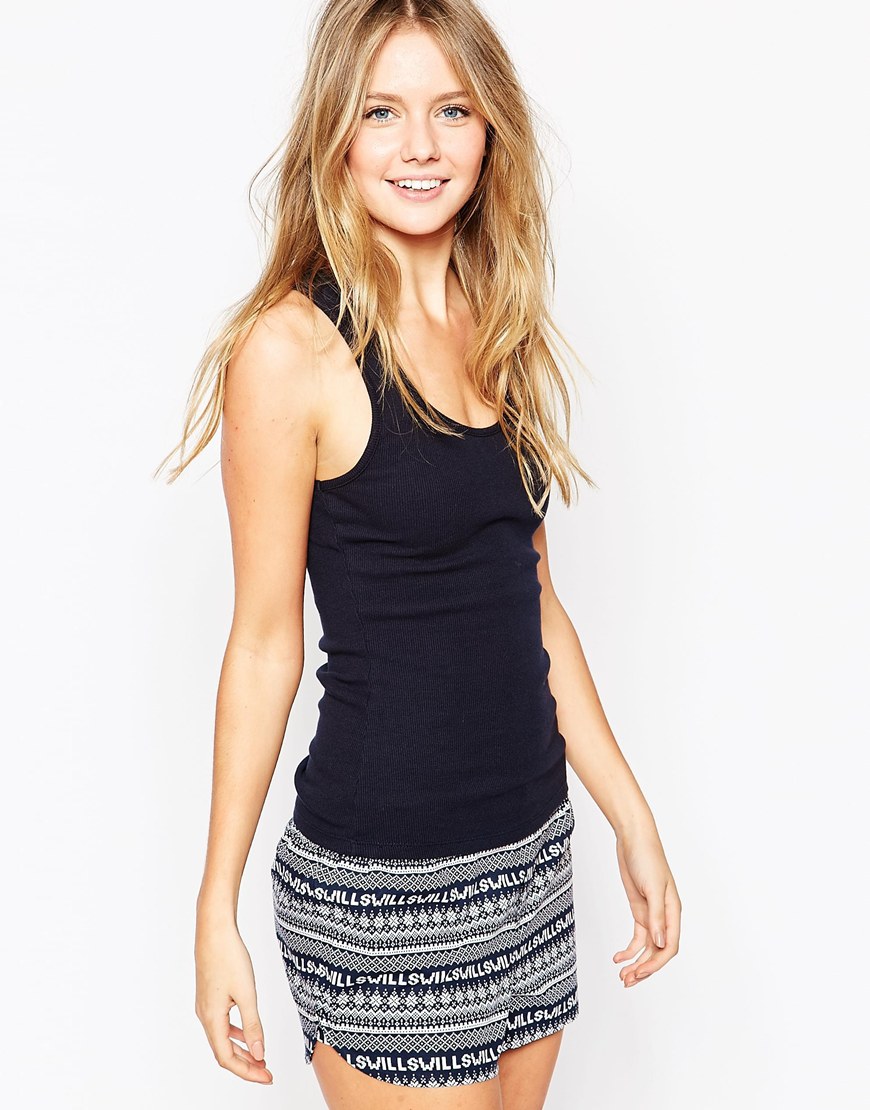
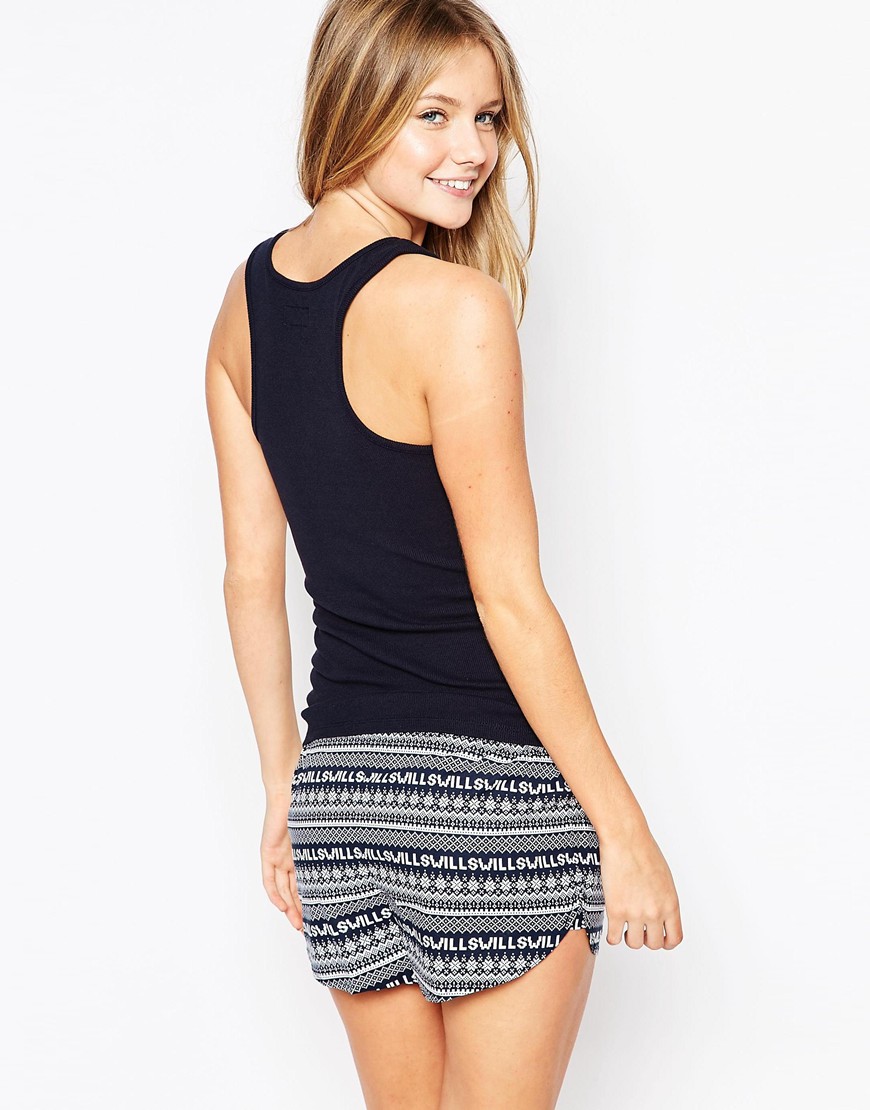
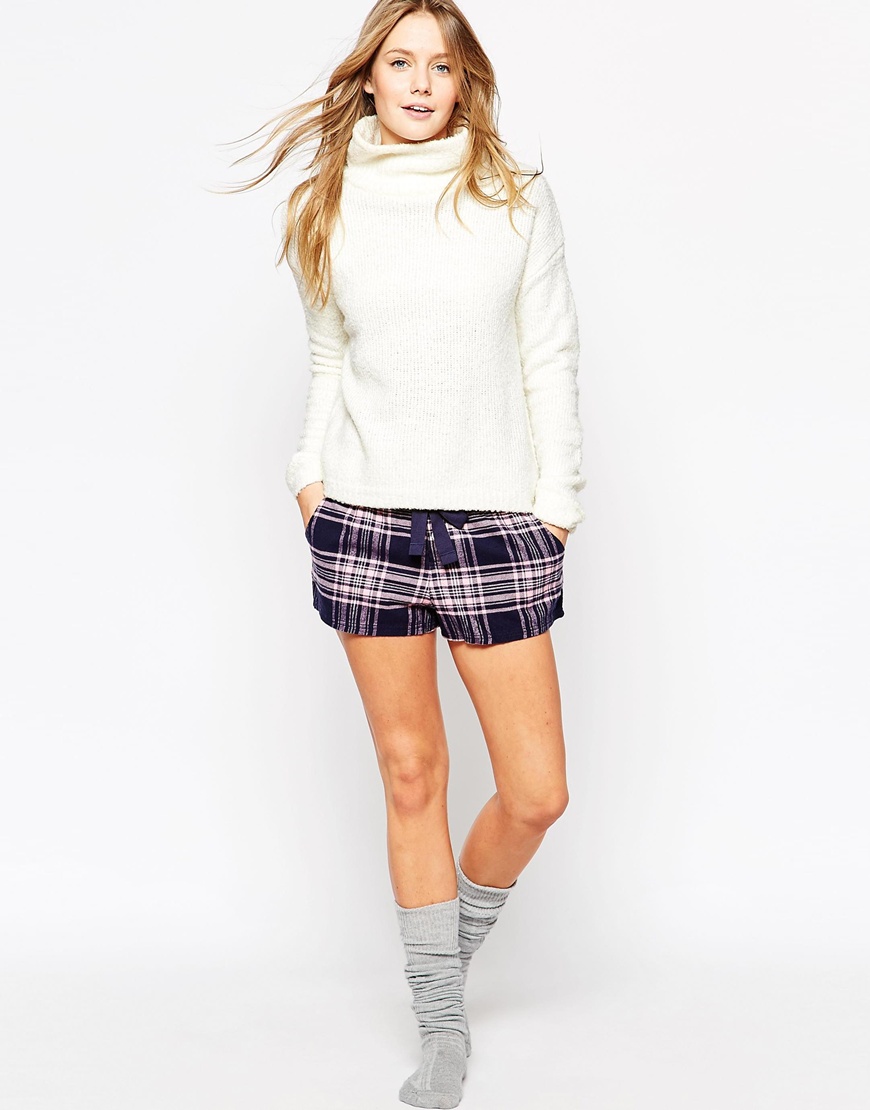
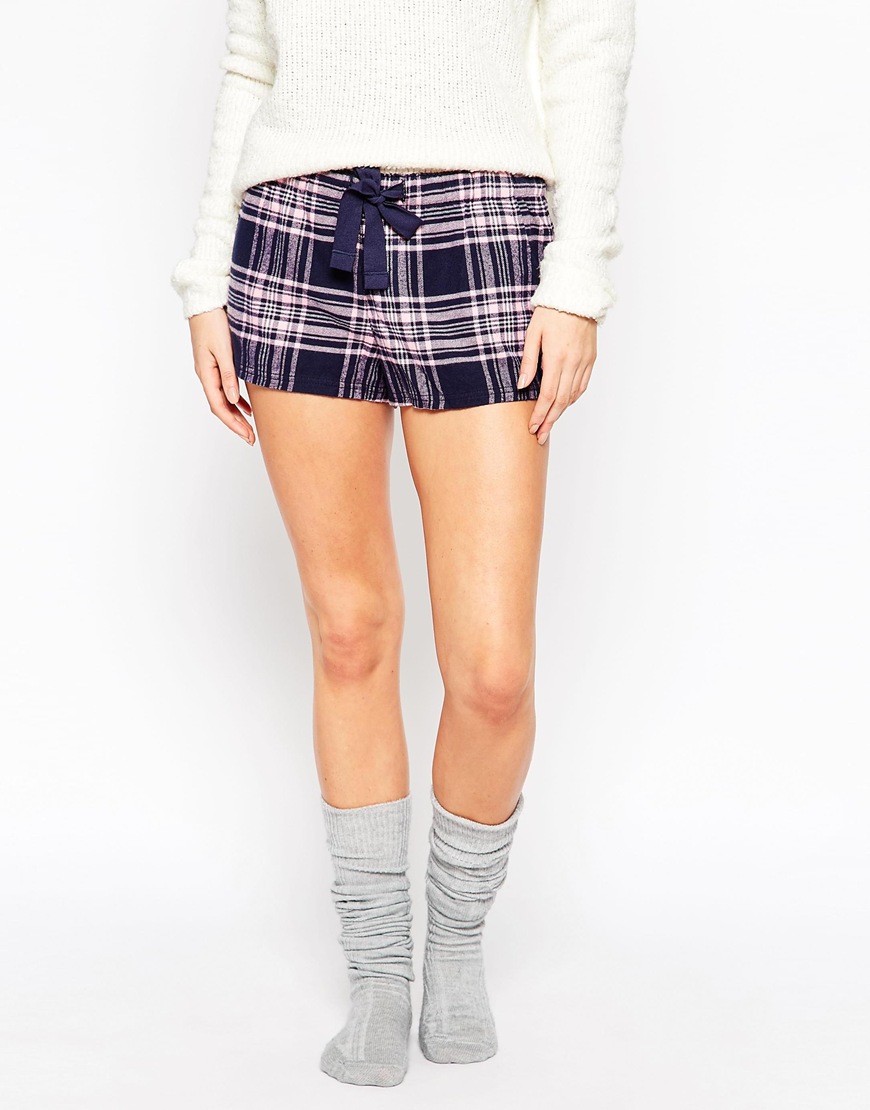
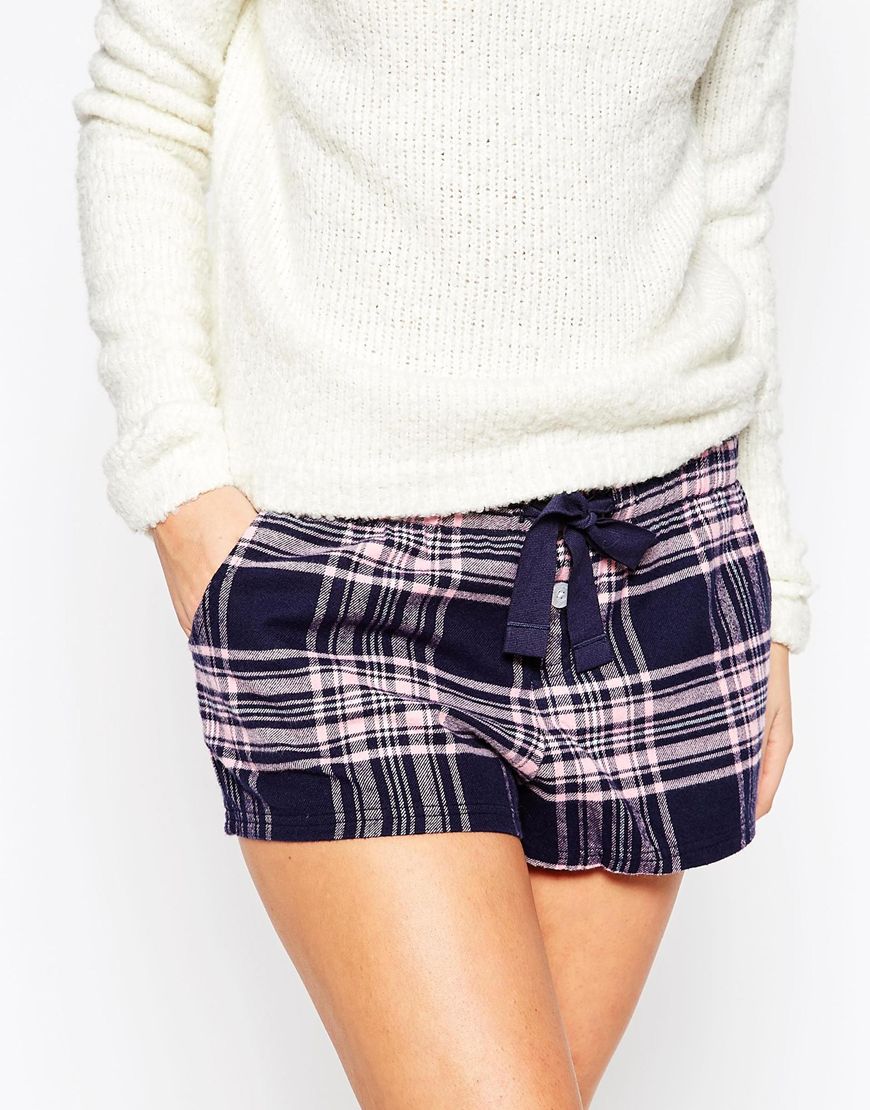
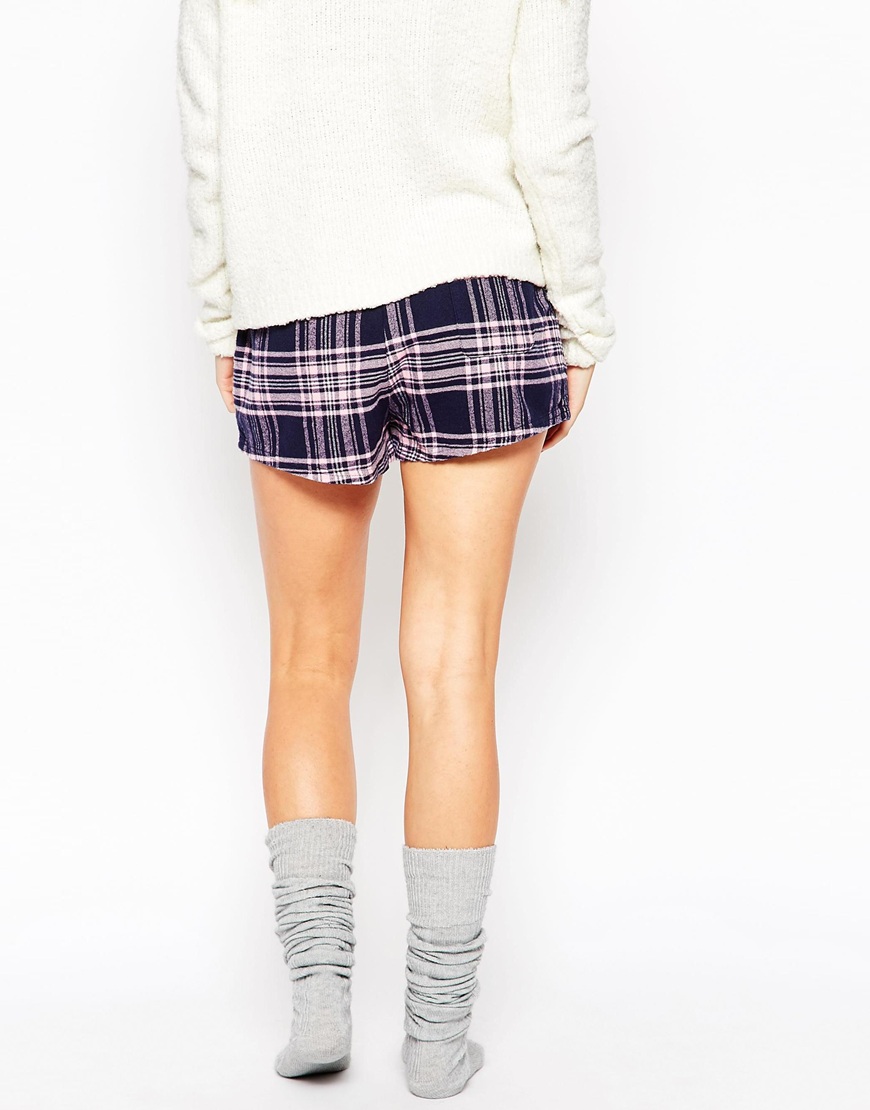
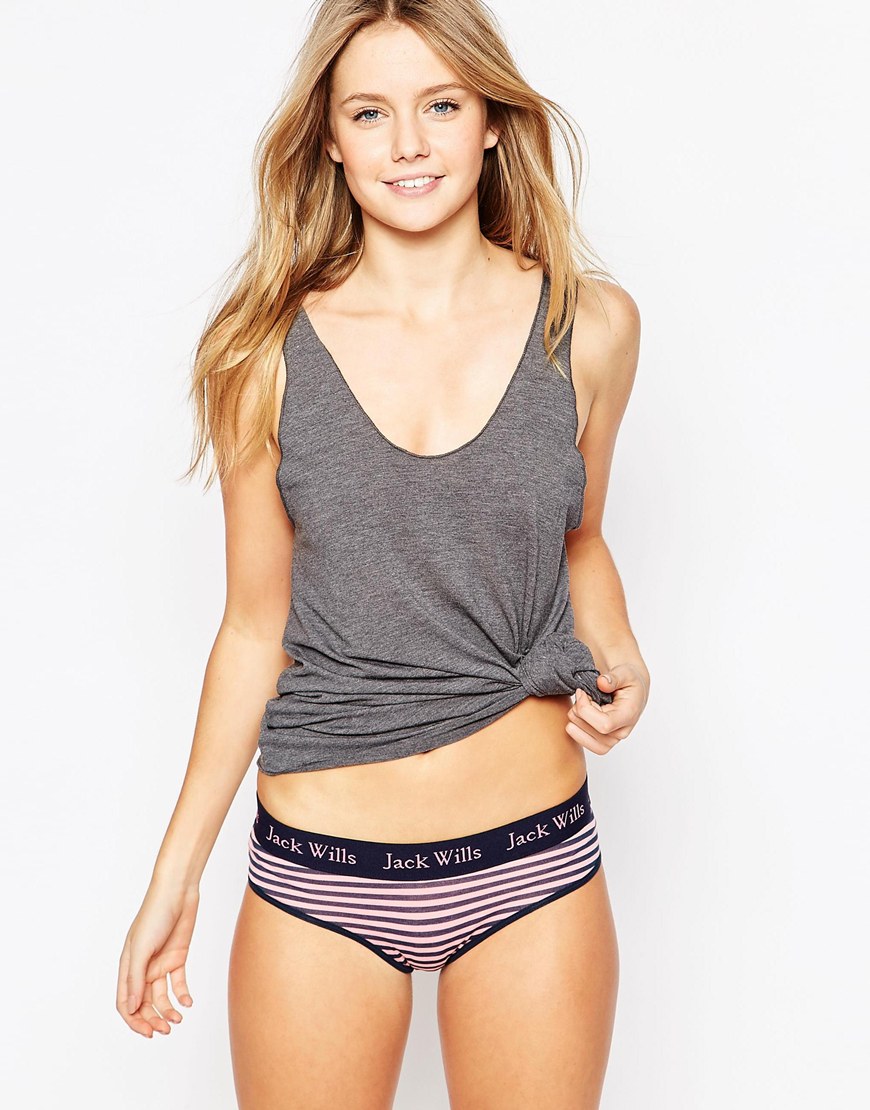
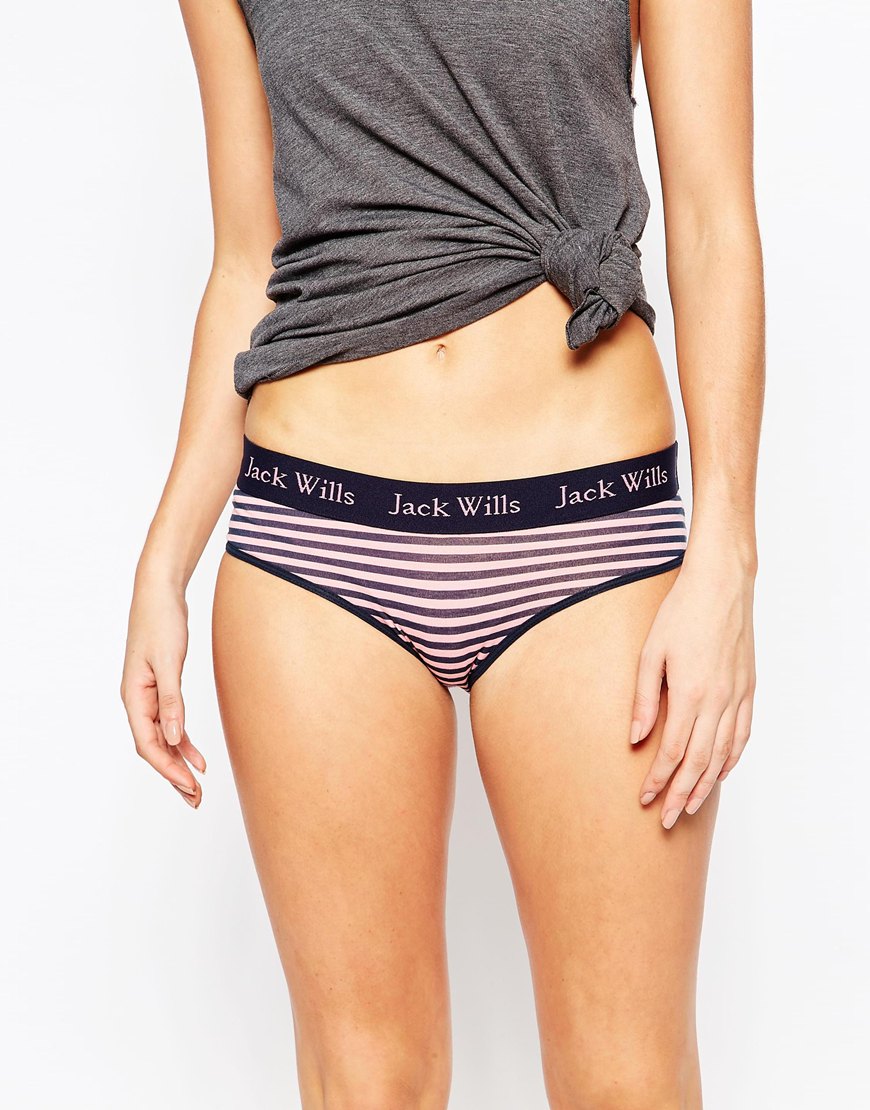
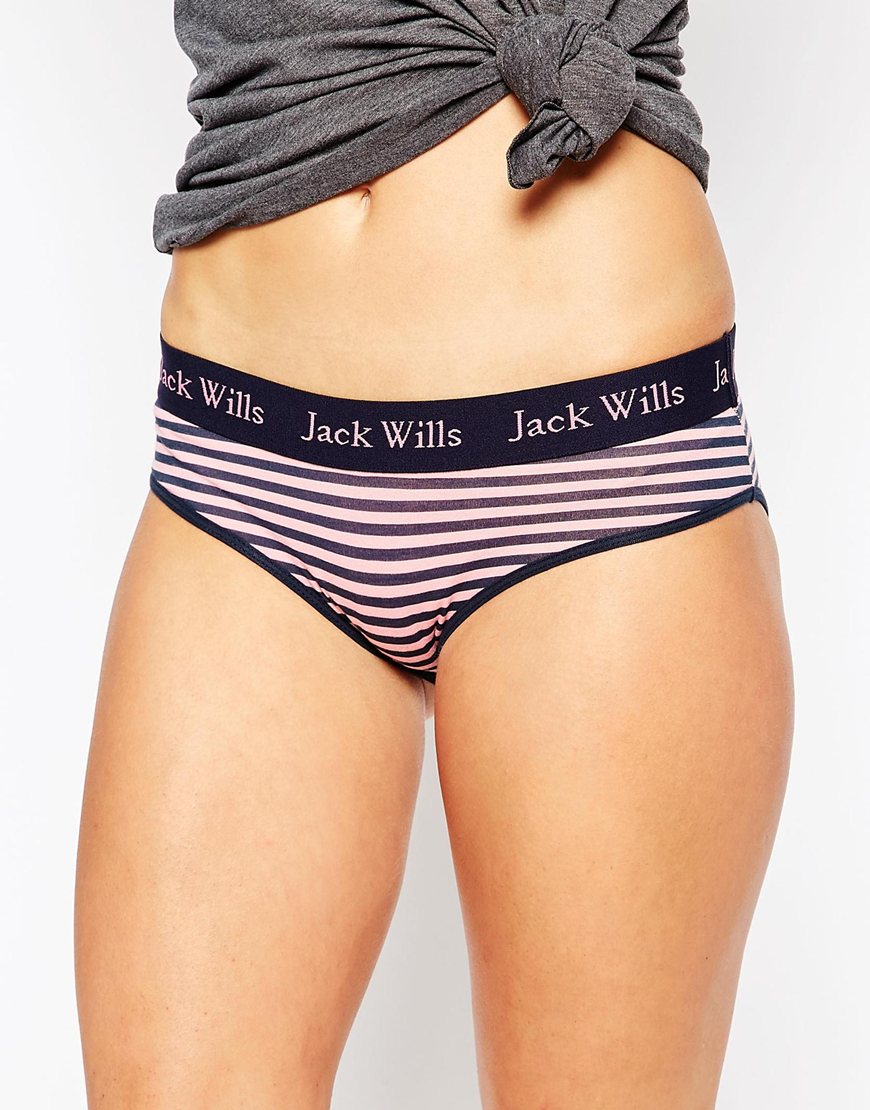
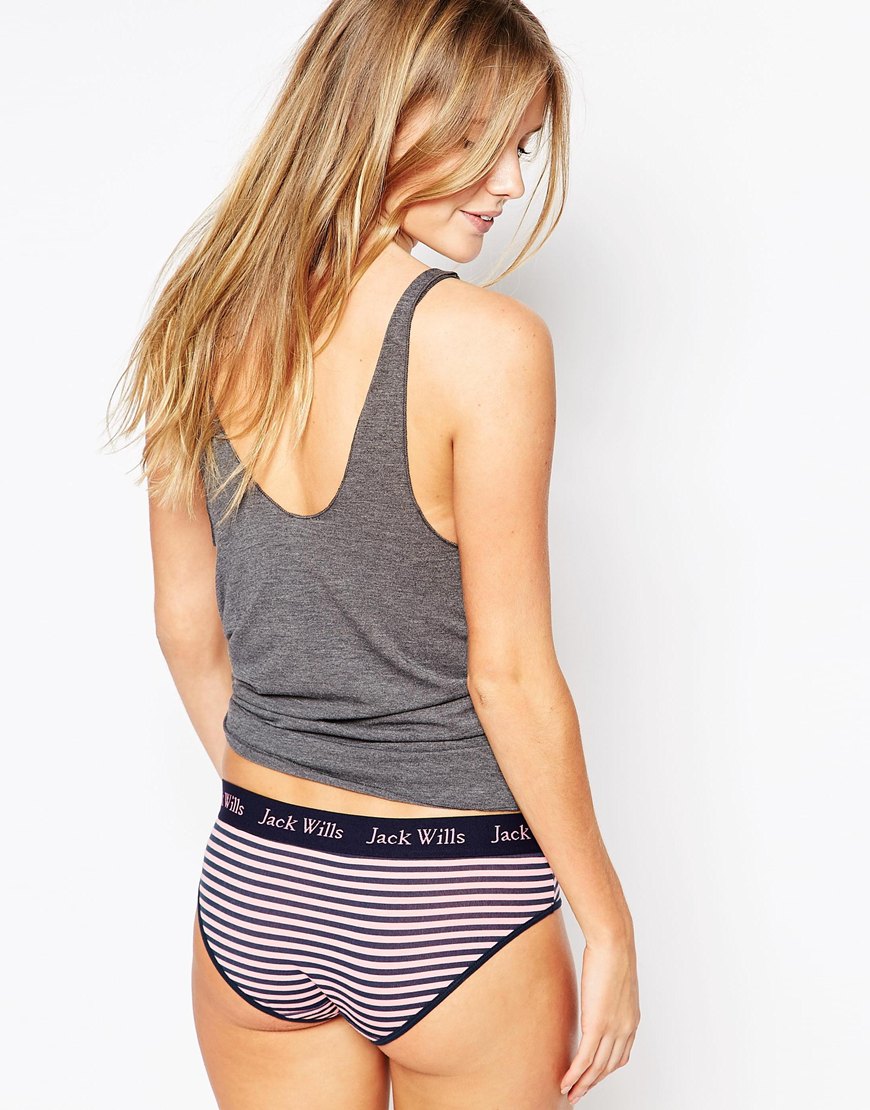
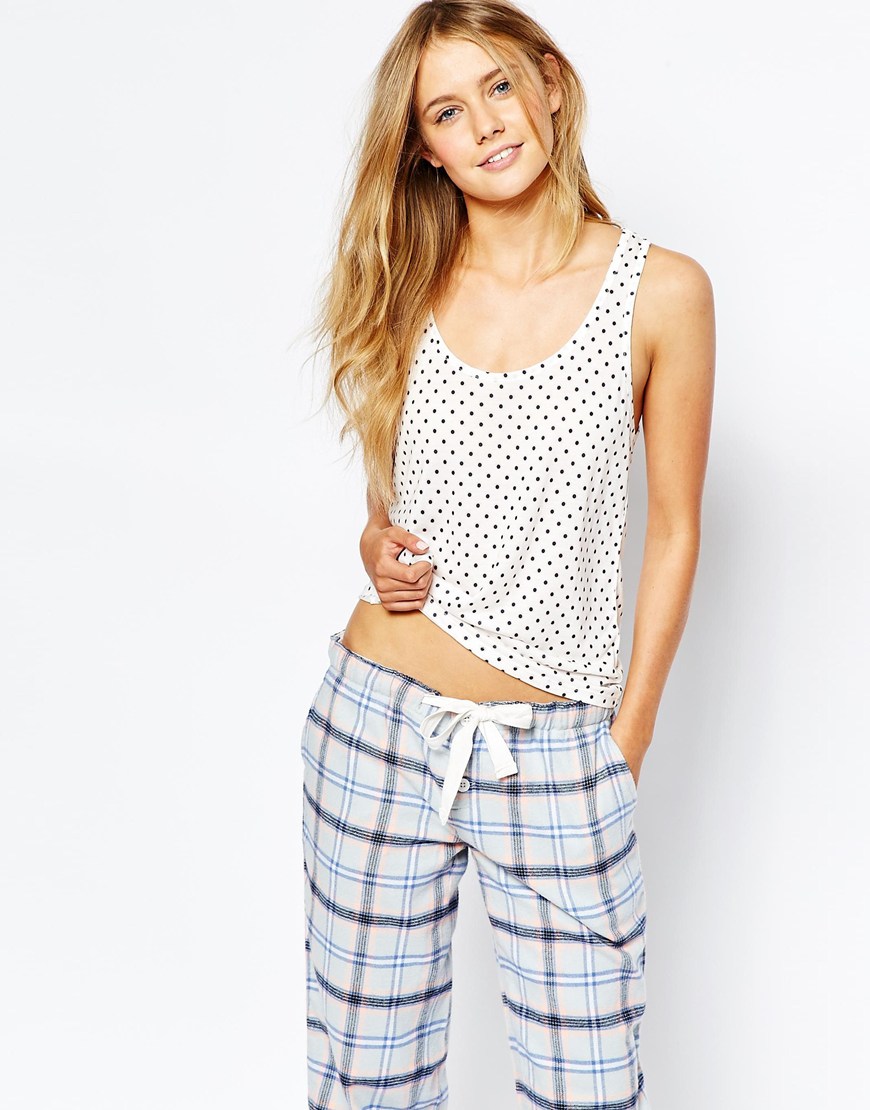
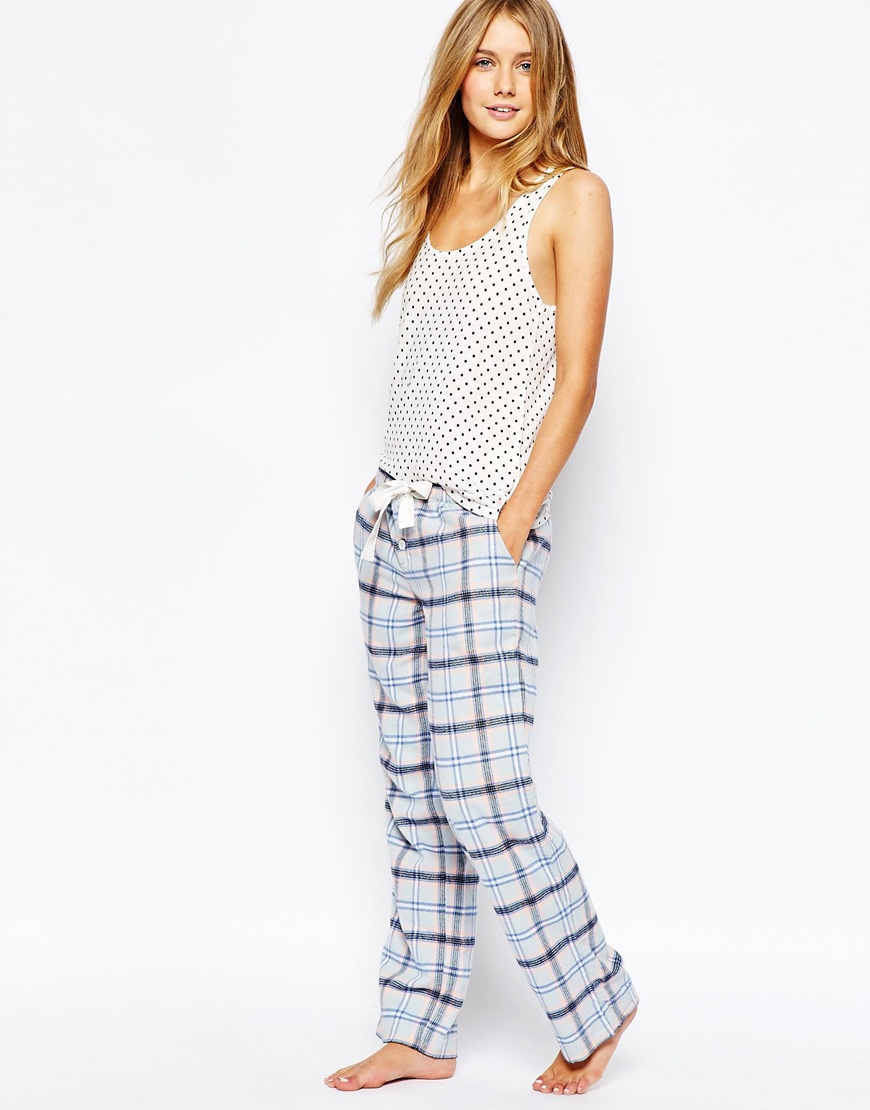
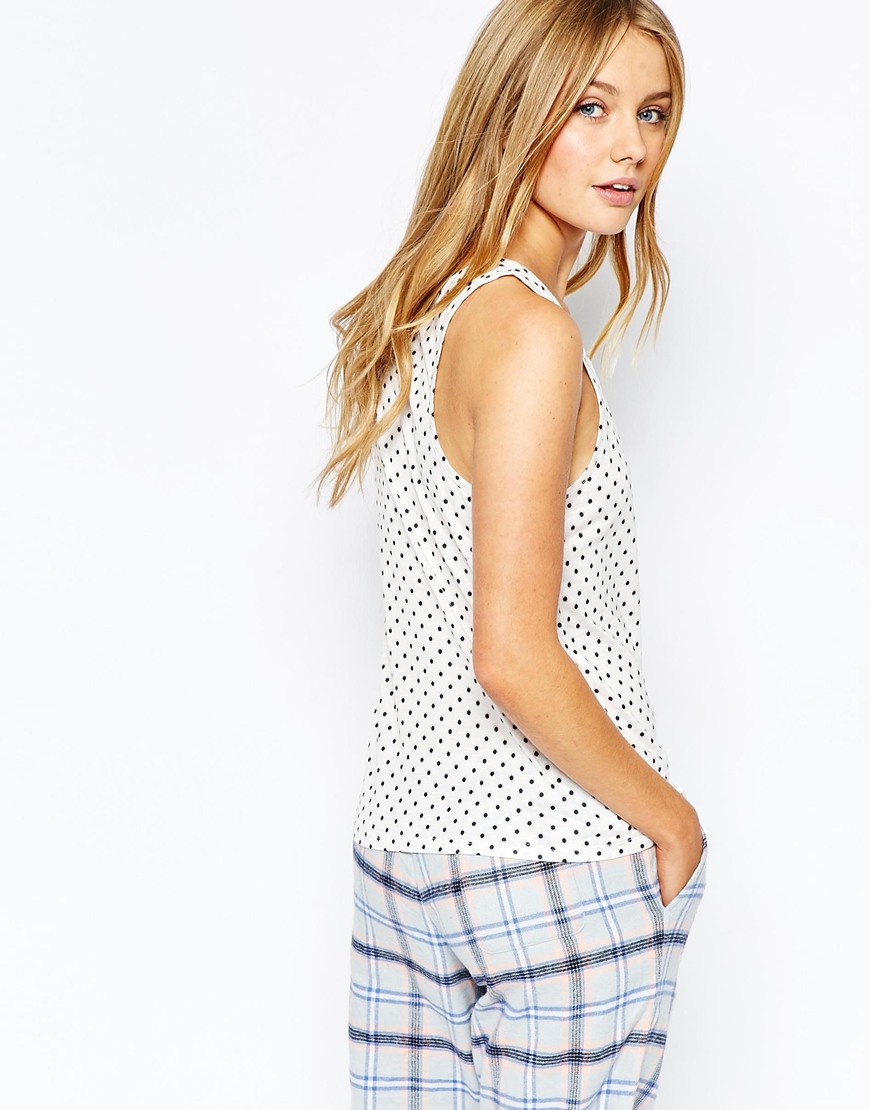
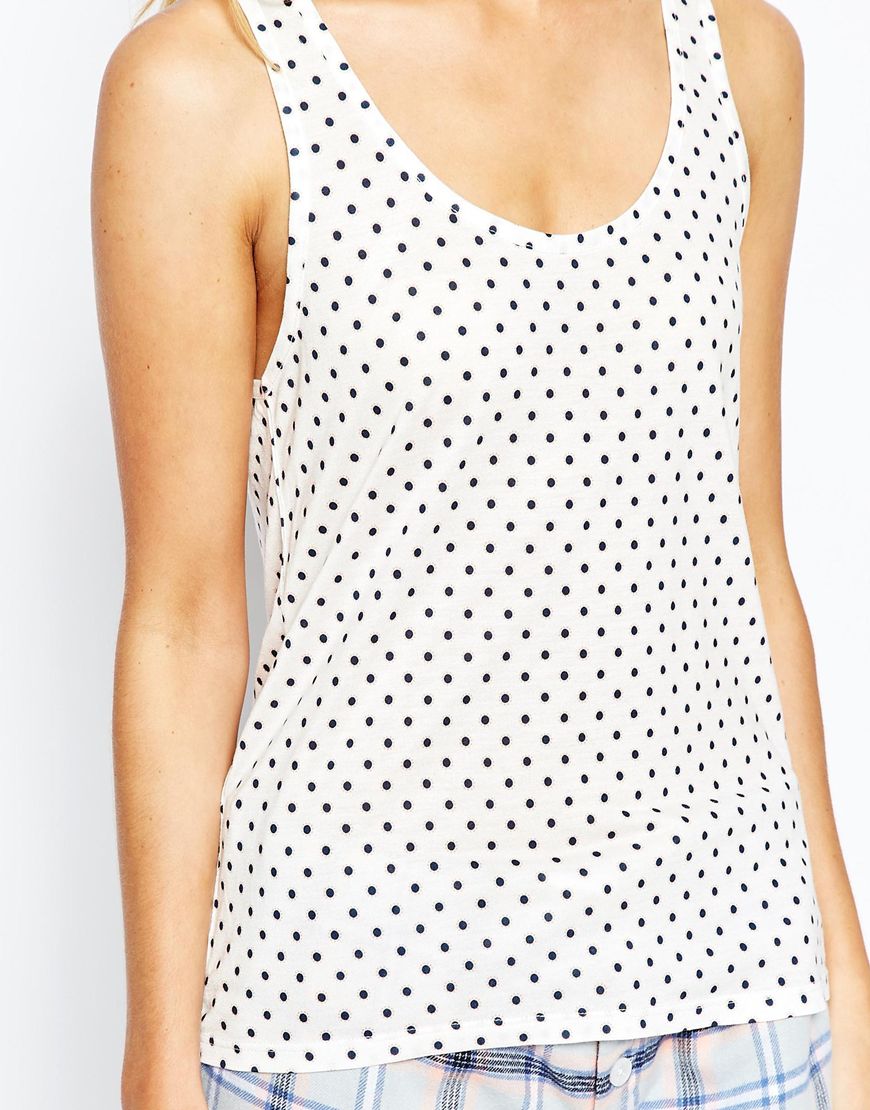
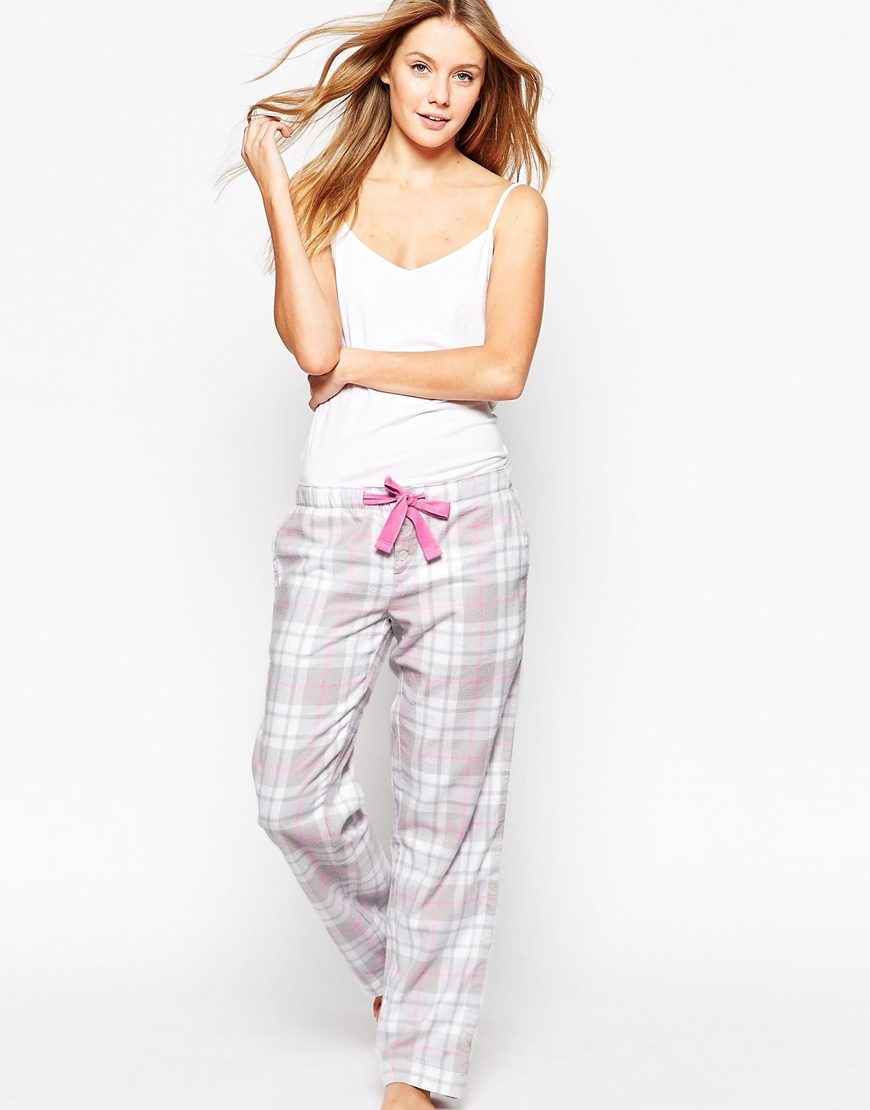
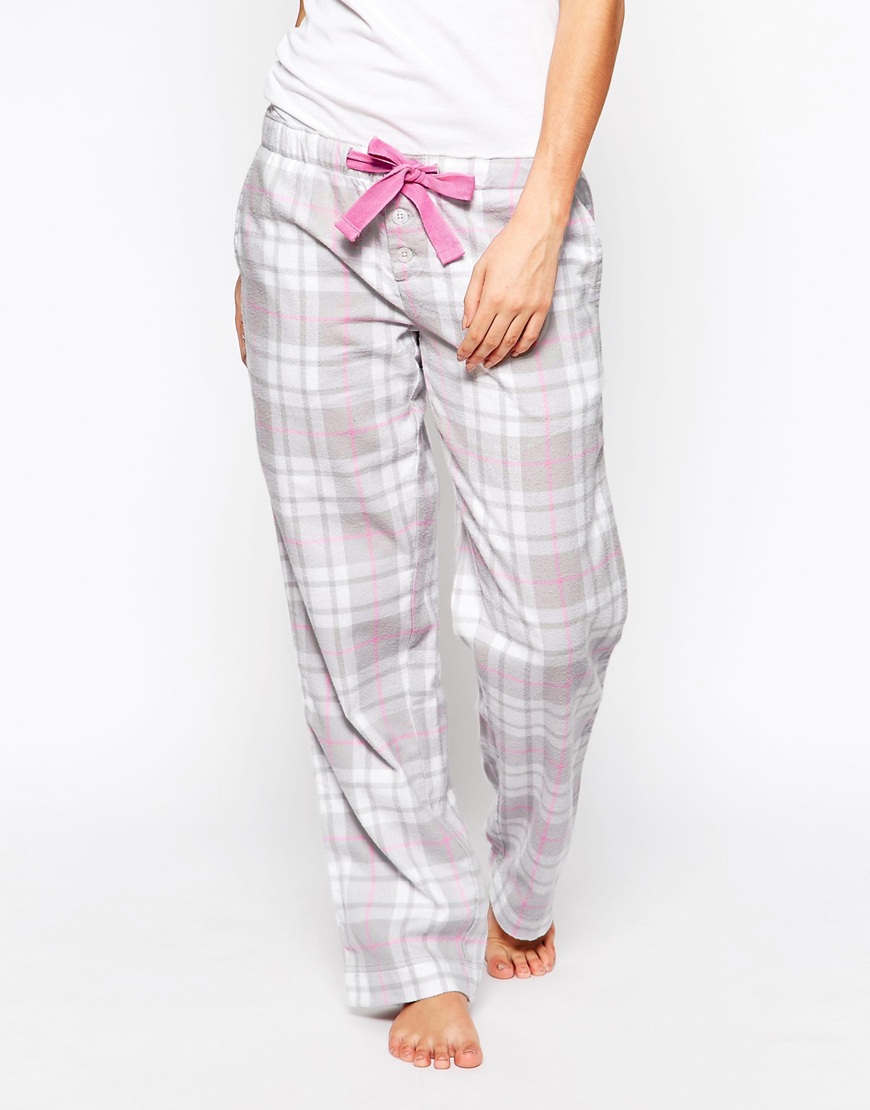
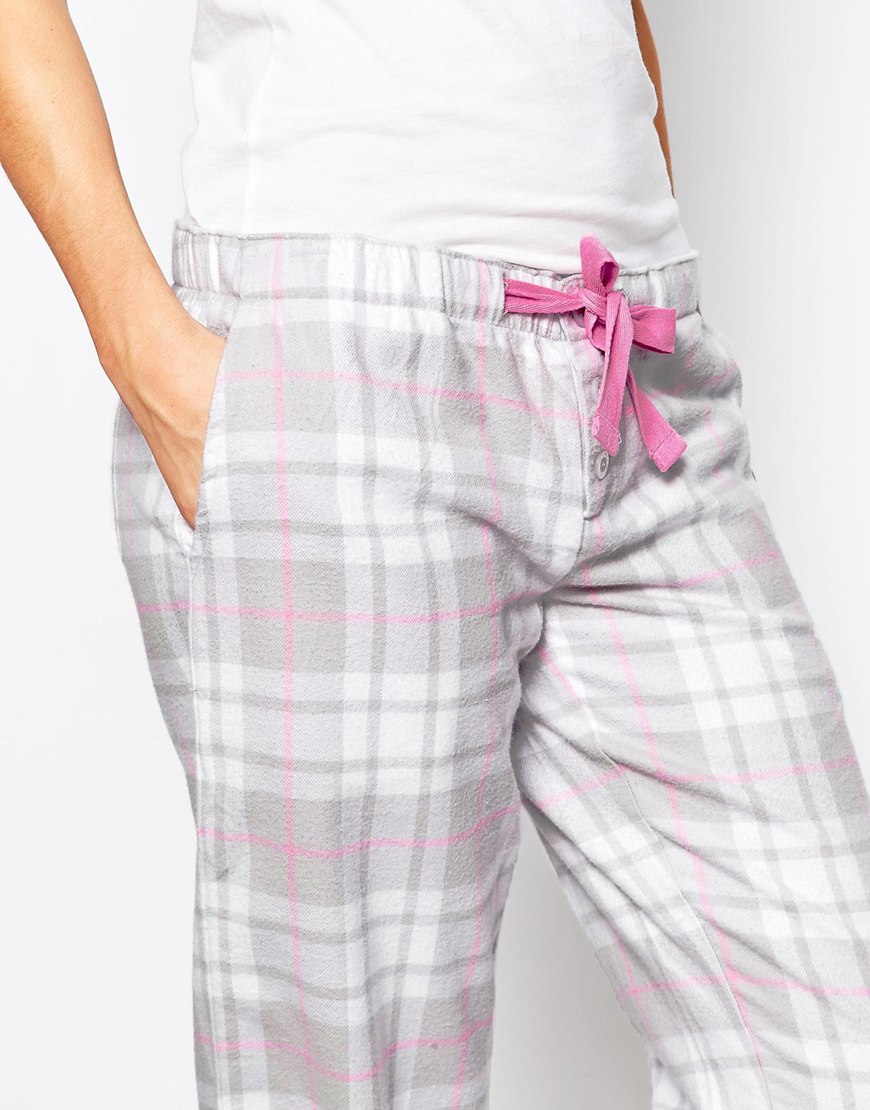
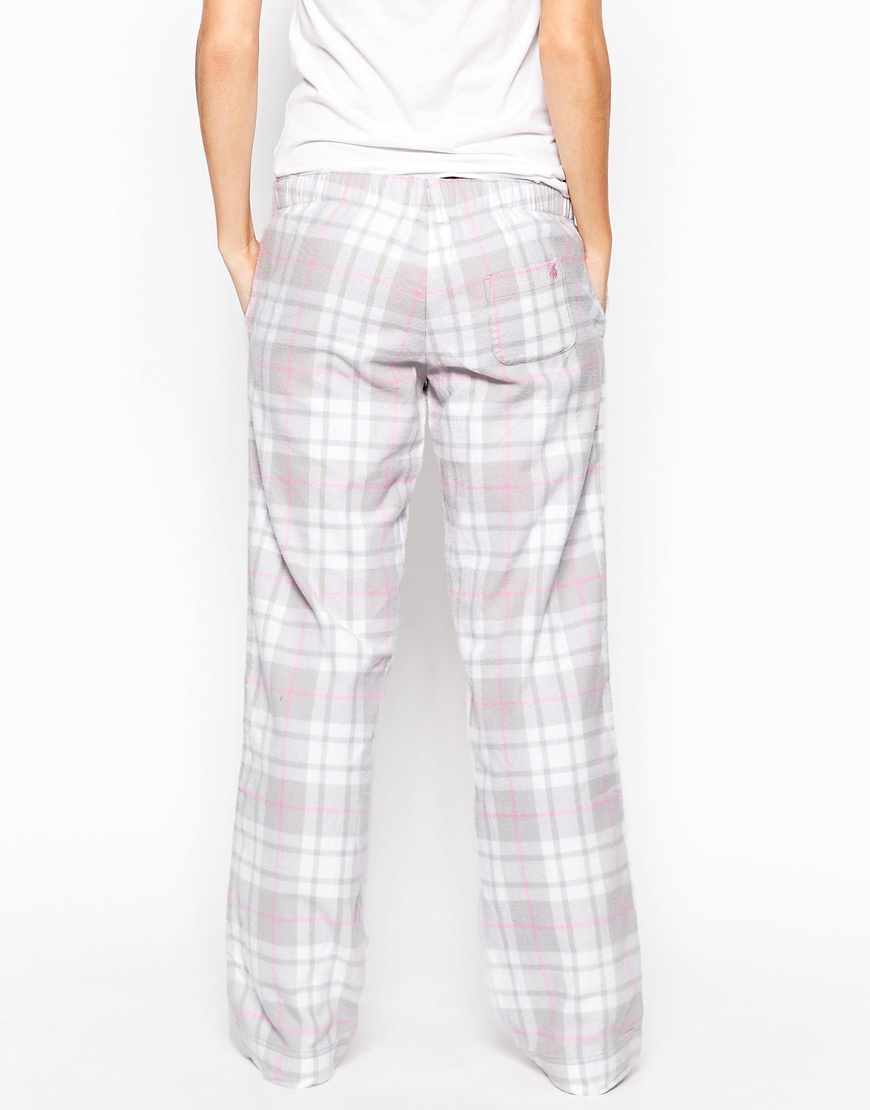
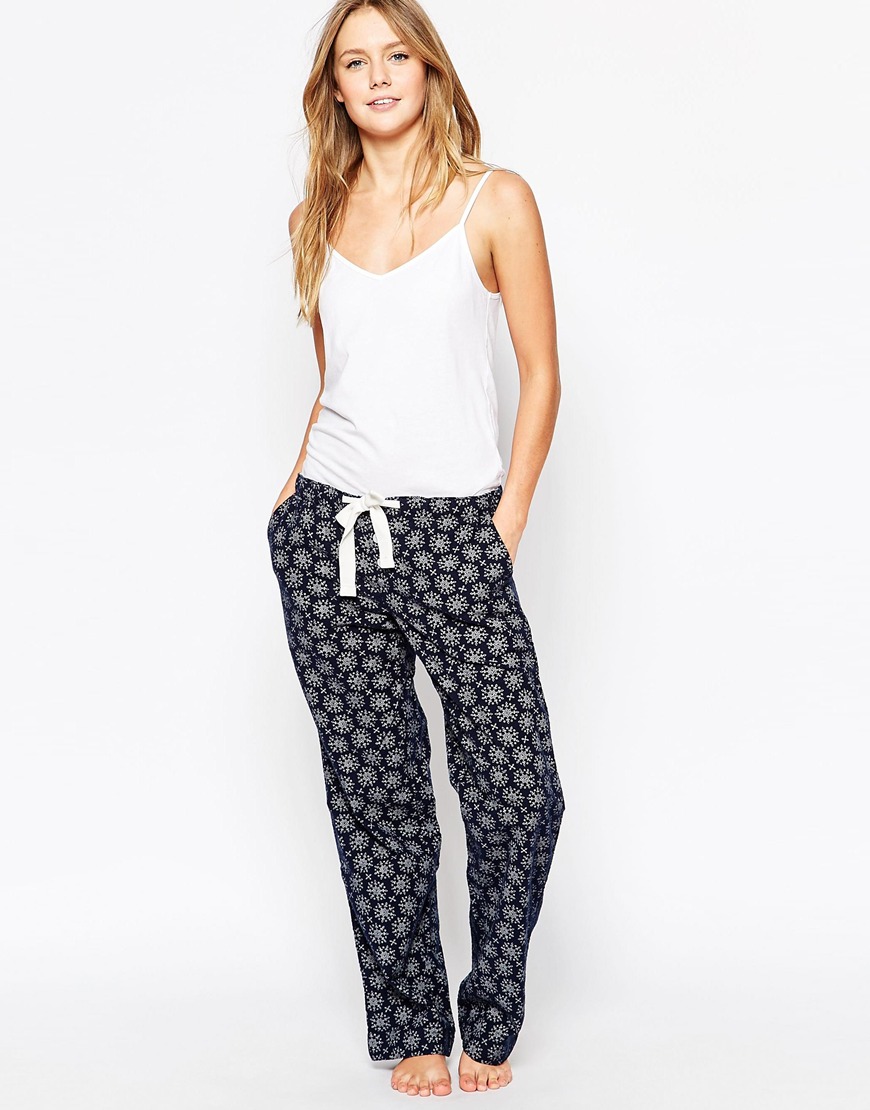
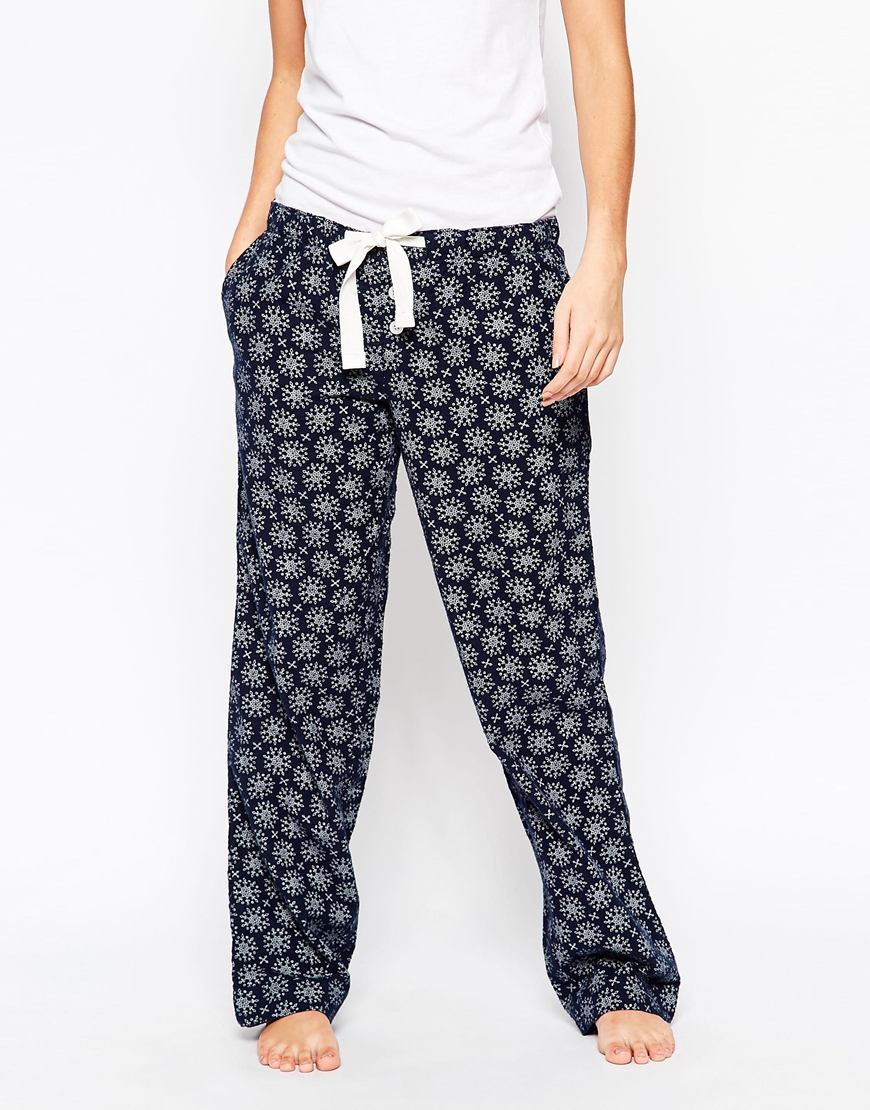
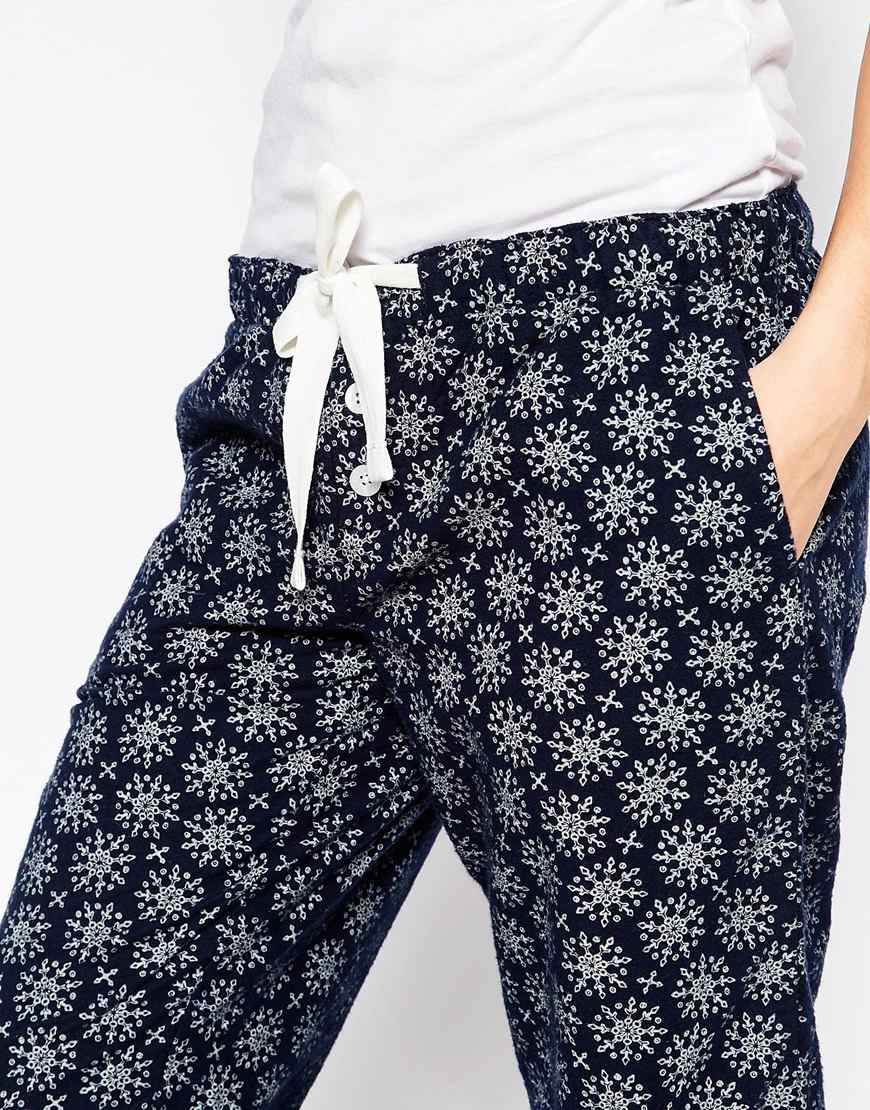
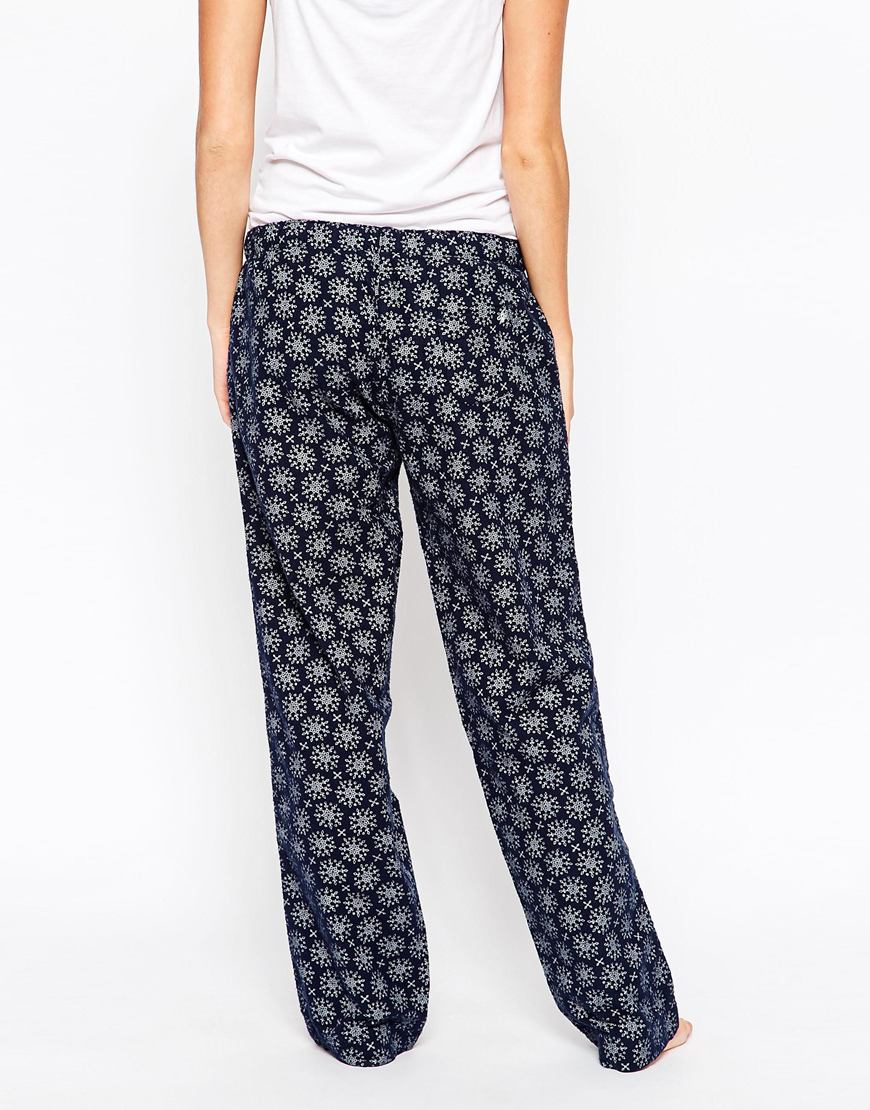
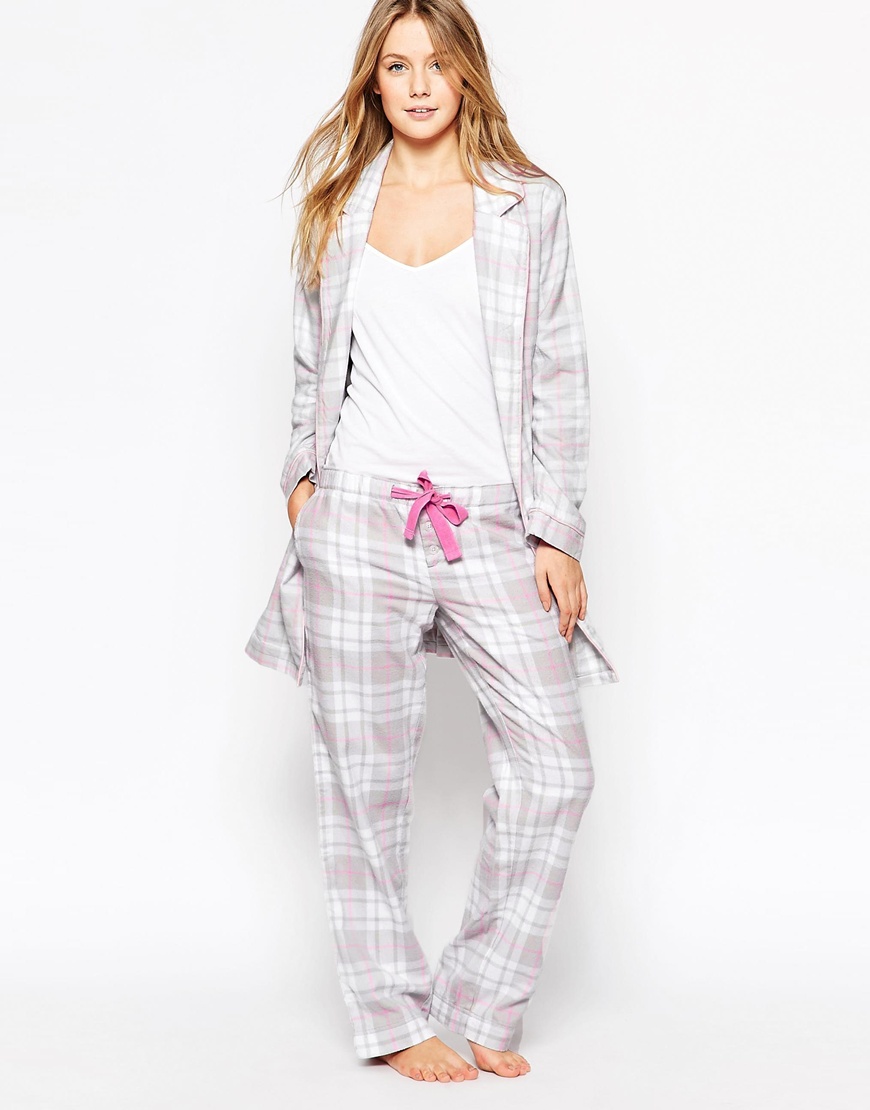
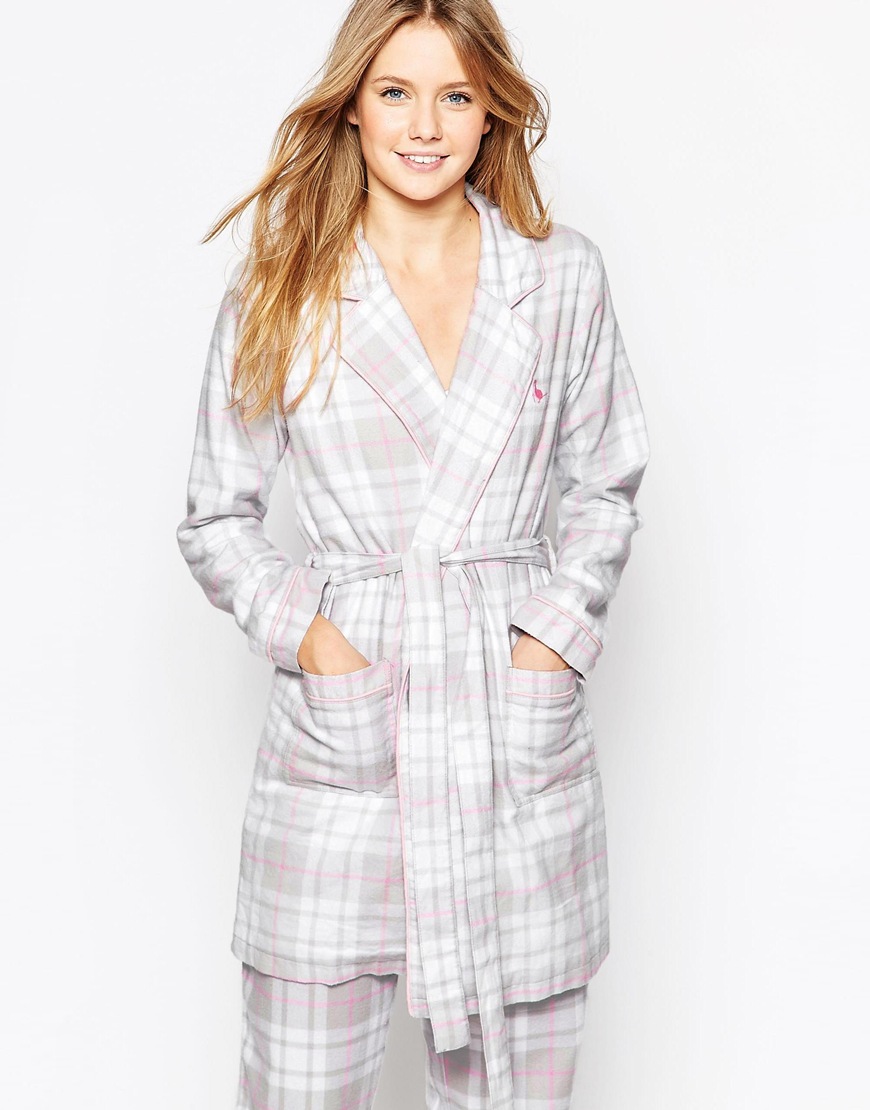
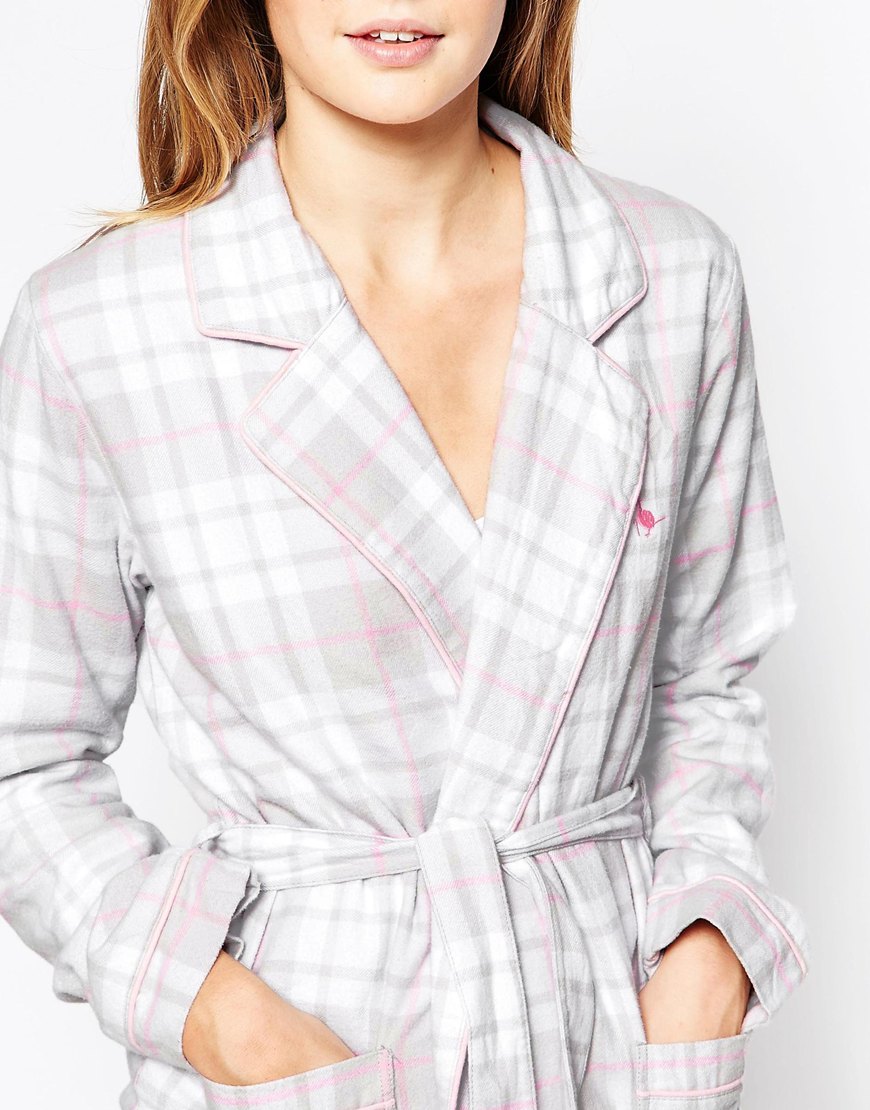
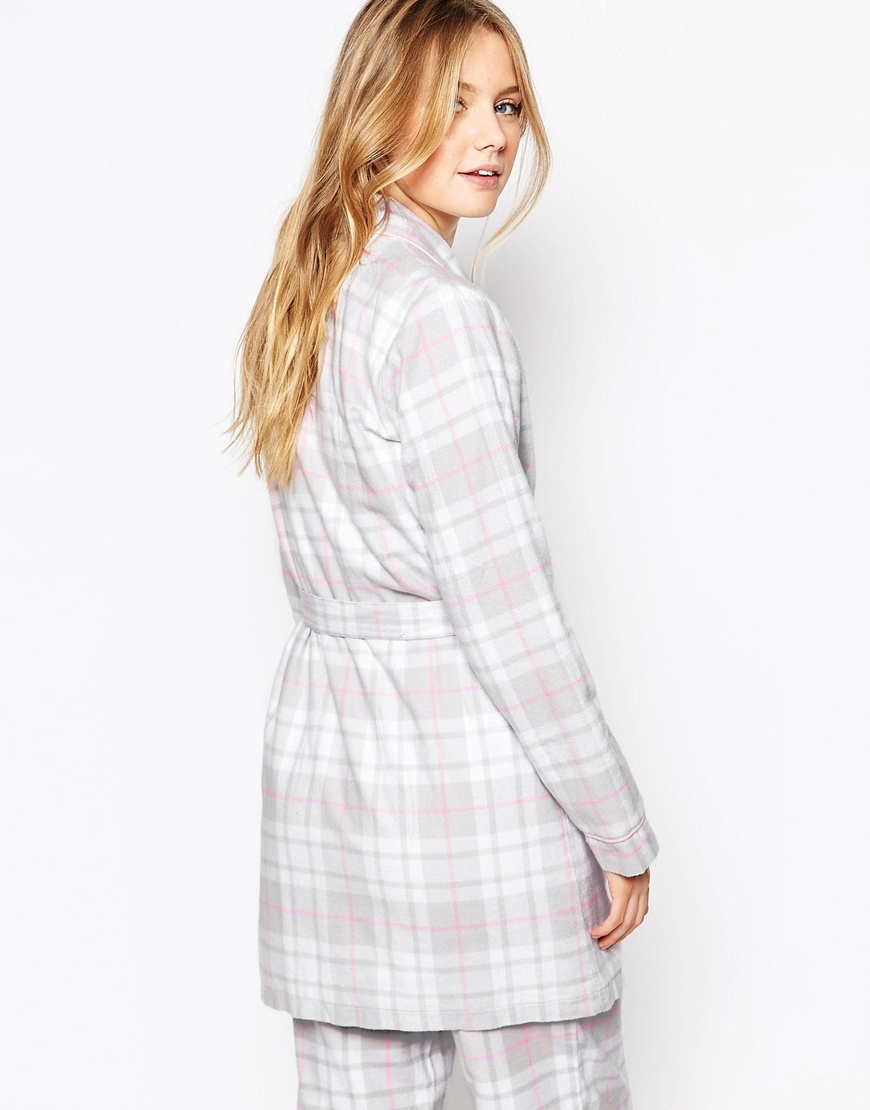
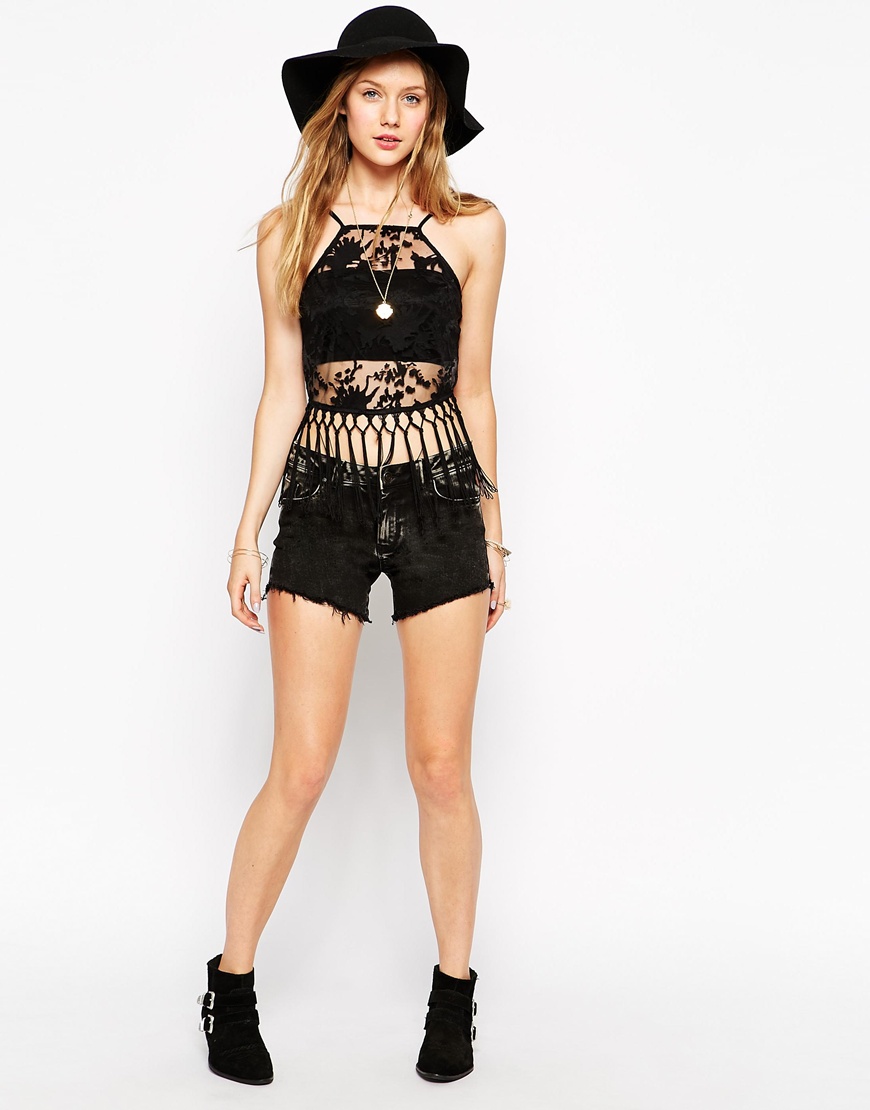
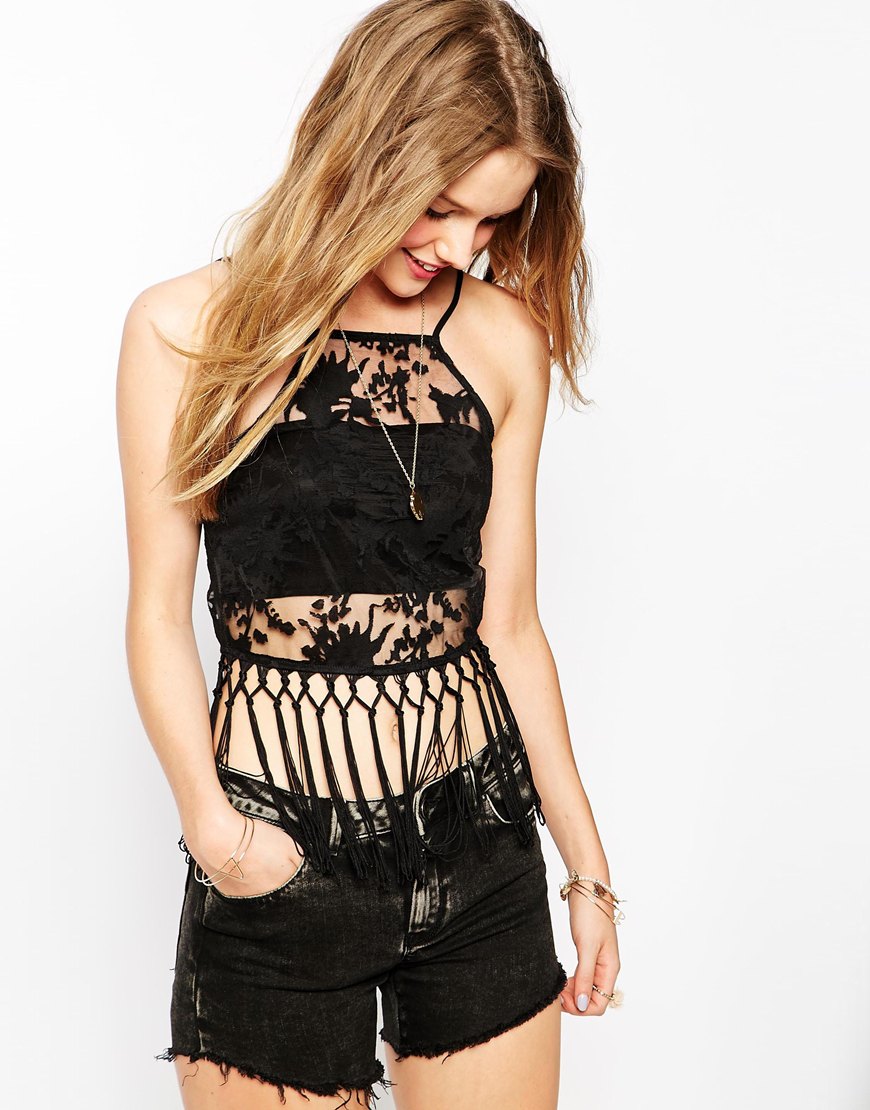
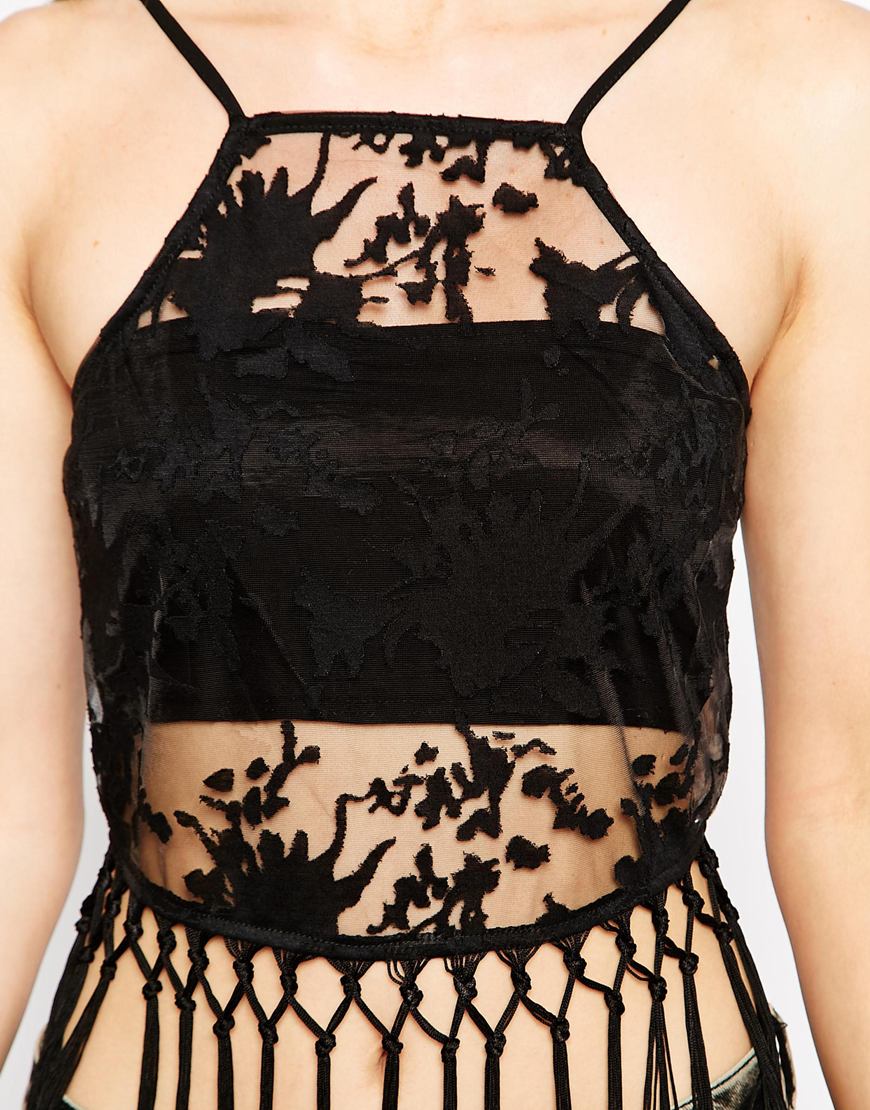
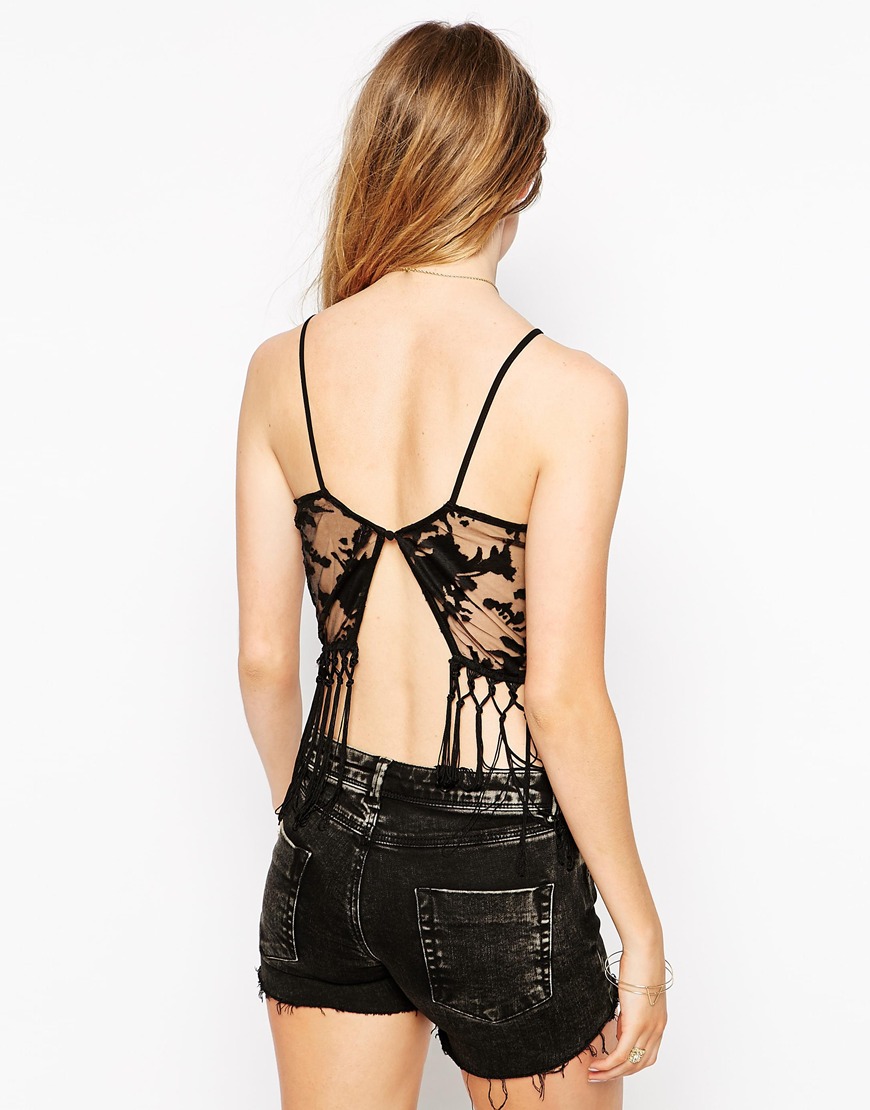
 ASOS asos.com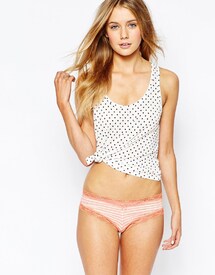
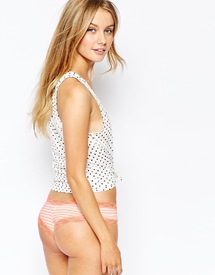
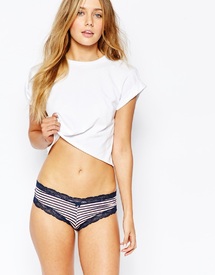
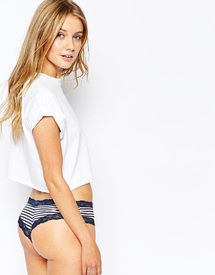
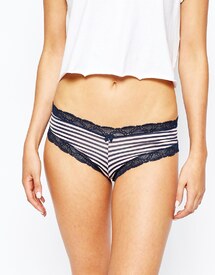
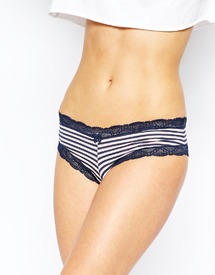


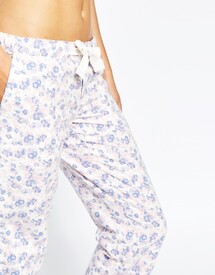
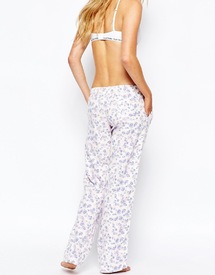
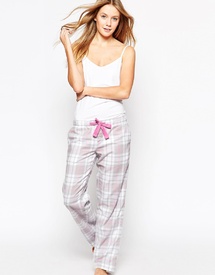
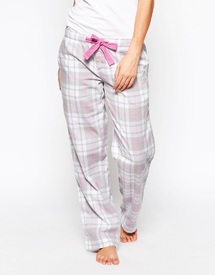
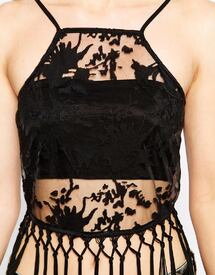
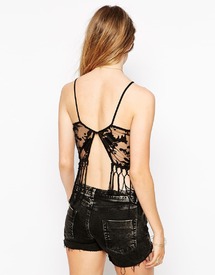 Ph: Isabella Lombardini isabellalombardini.com/Lingerie





 Ph: Reuben Moore reuben-moore.com/jessica-towner


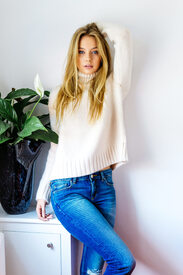


 La Vie en Lingerie lingerielafemme.com/interviews/la-vie-en-lingerie-jessica-towner

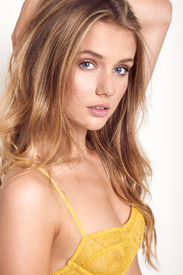
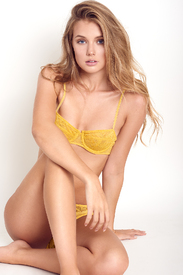
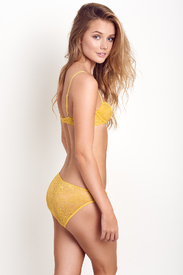
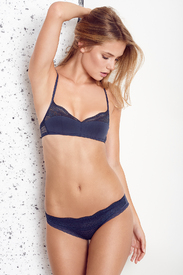
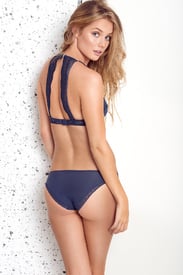 Ph: Jessica Blomiley instagram.com/jessicablomileyphotography

 Ph: Brett Russell stormmanagement.com/models/jessica-towner brettrussellldn.squarespace.com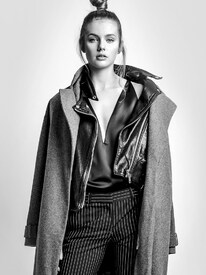
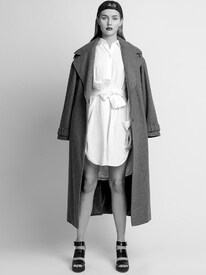
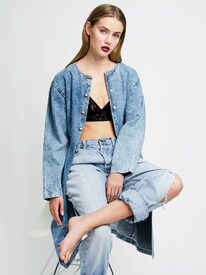

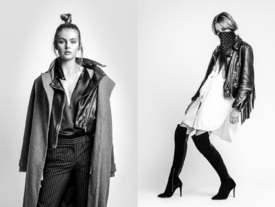
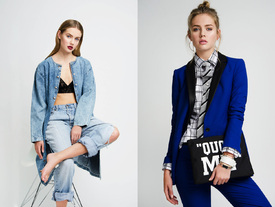
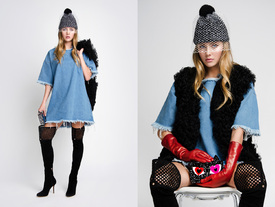 Nudity! modelwerk.de


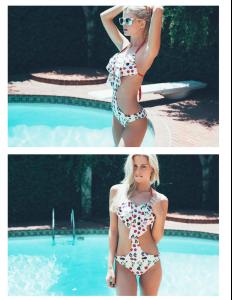
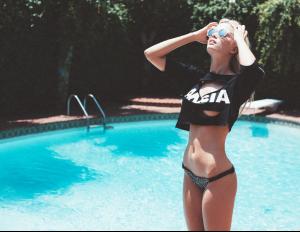
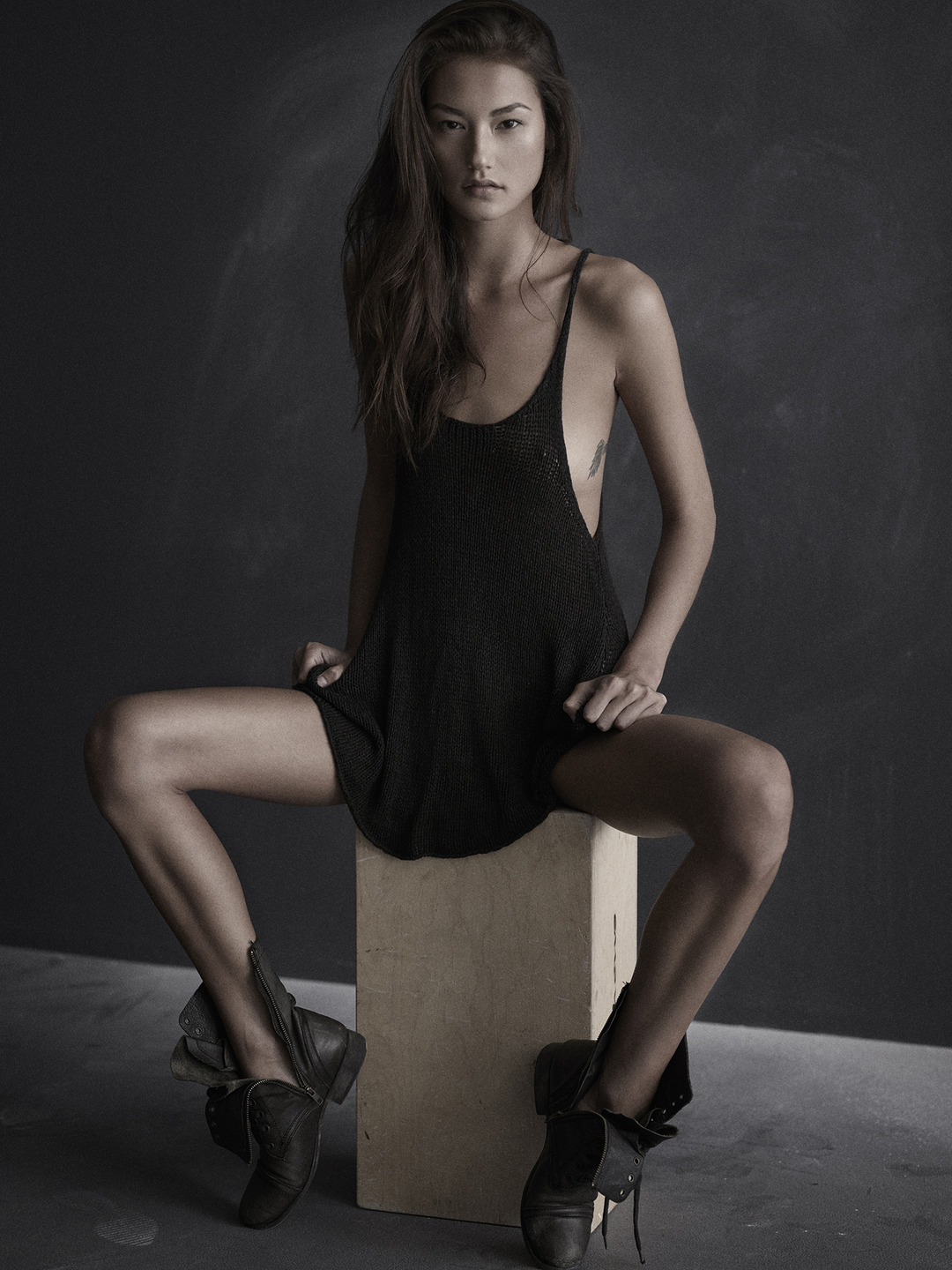
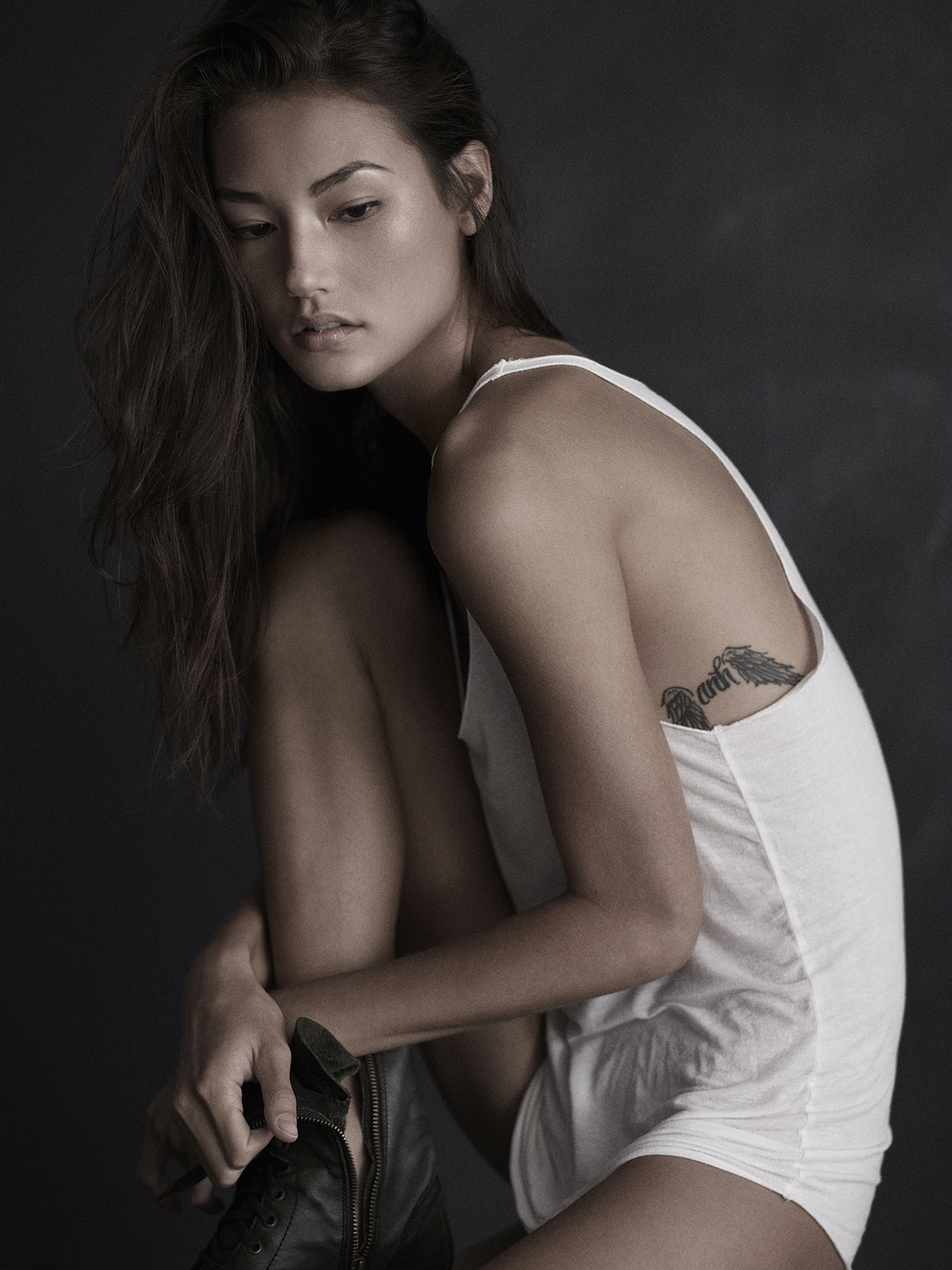
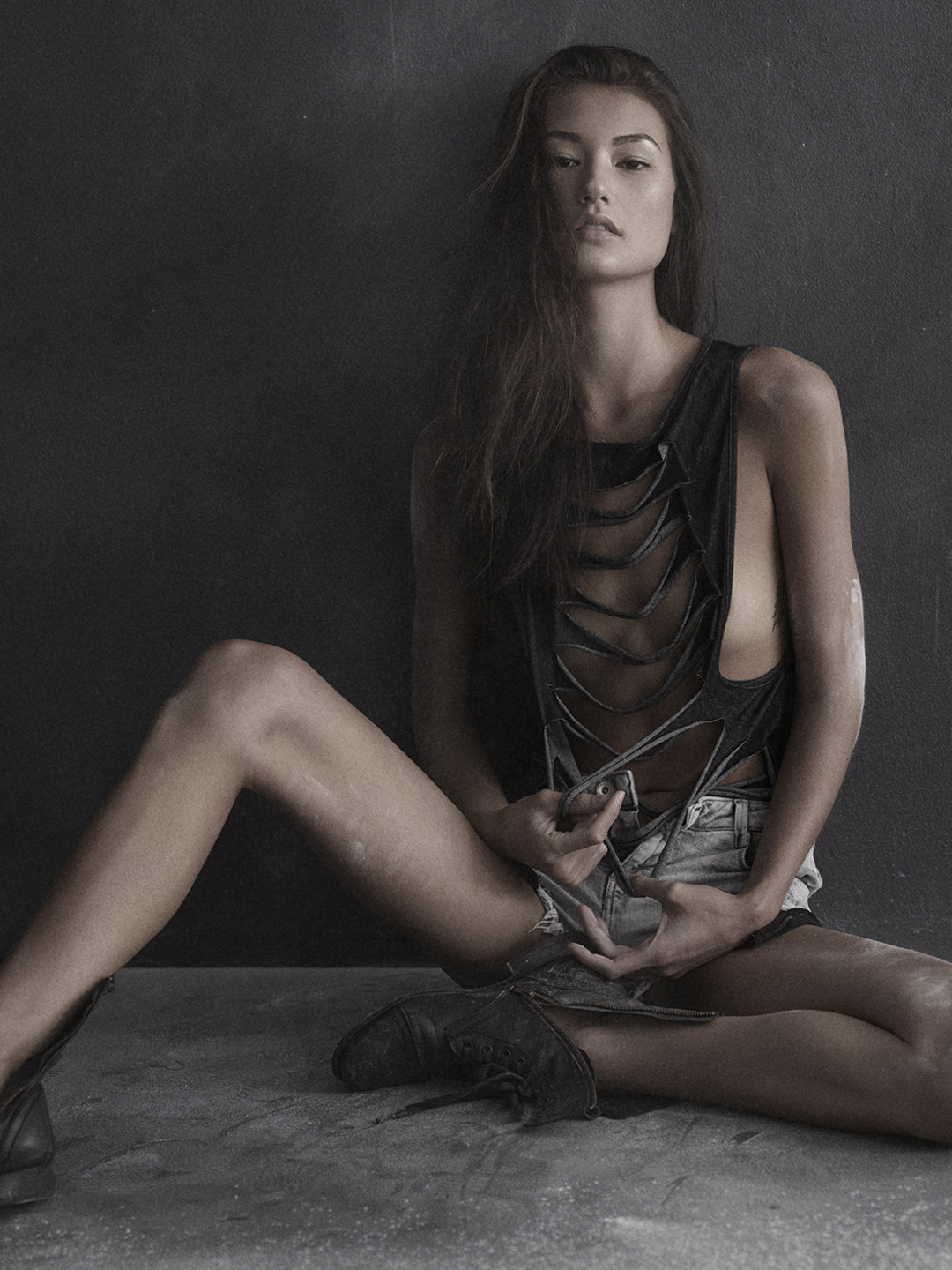
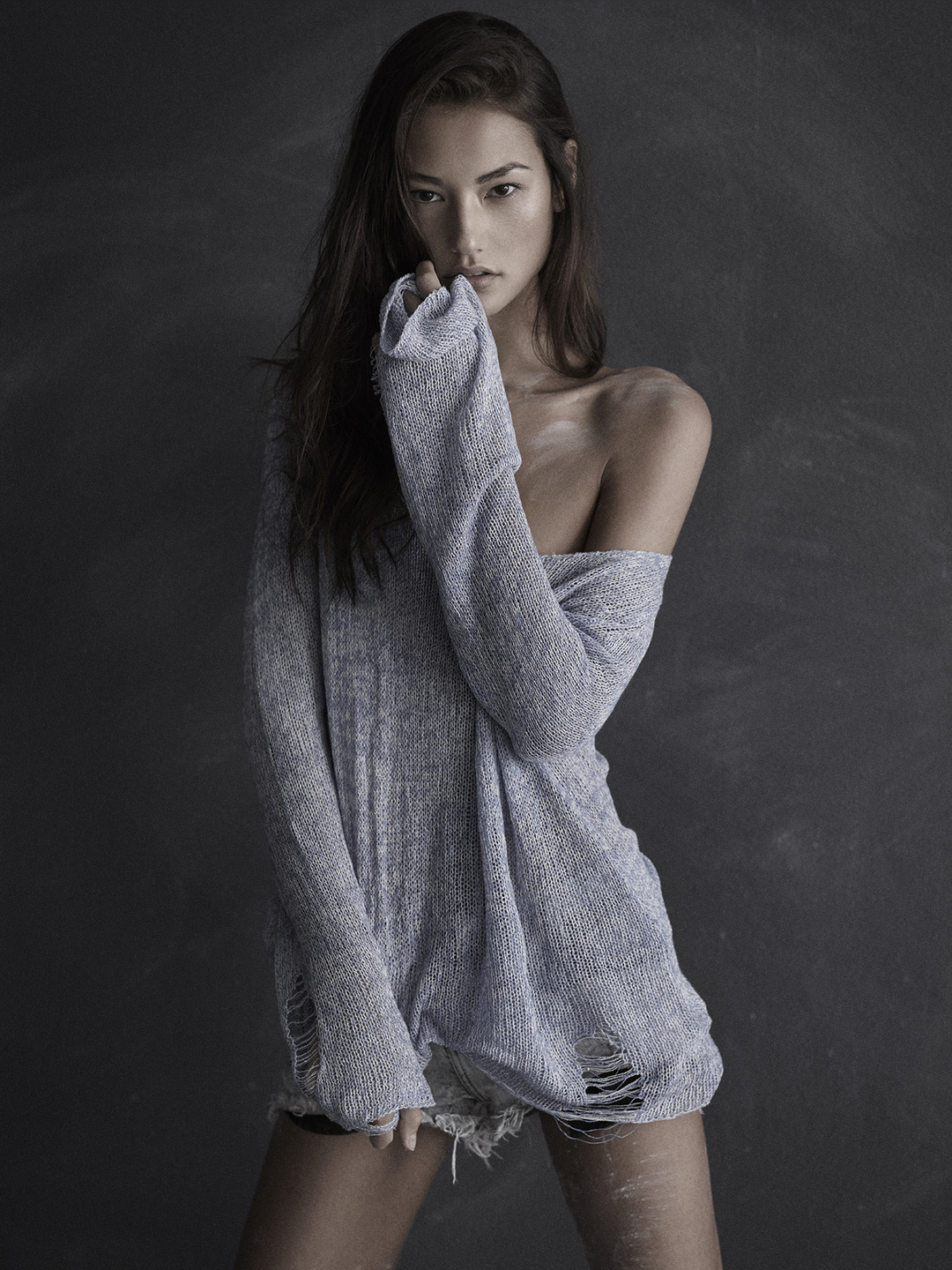
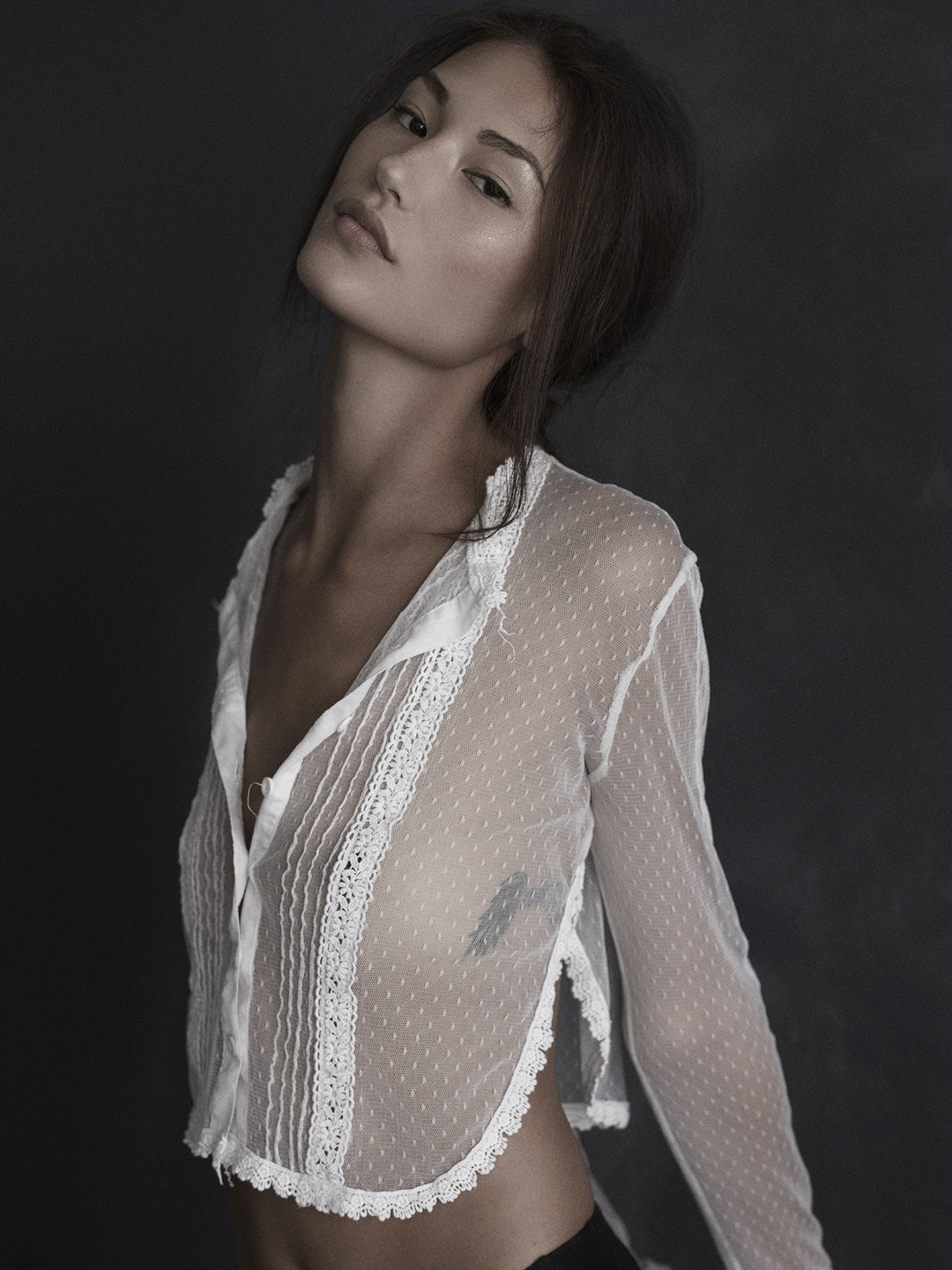
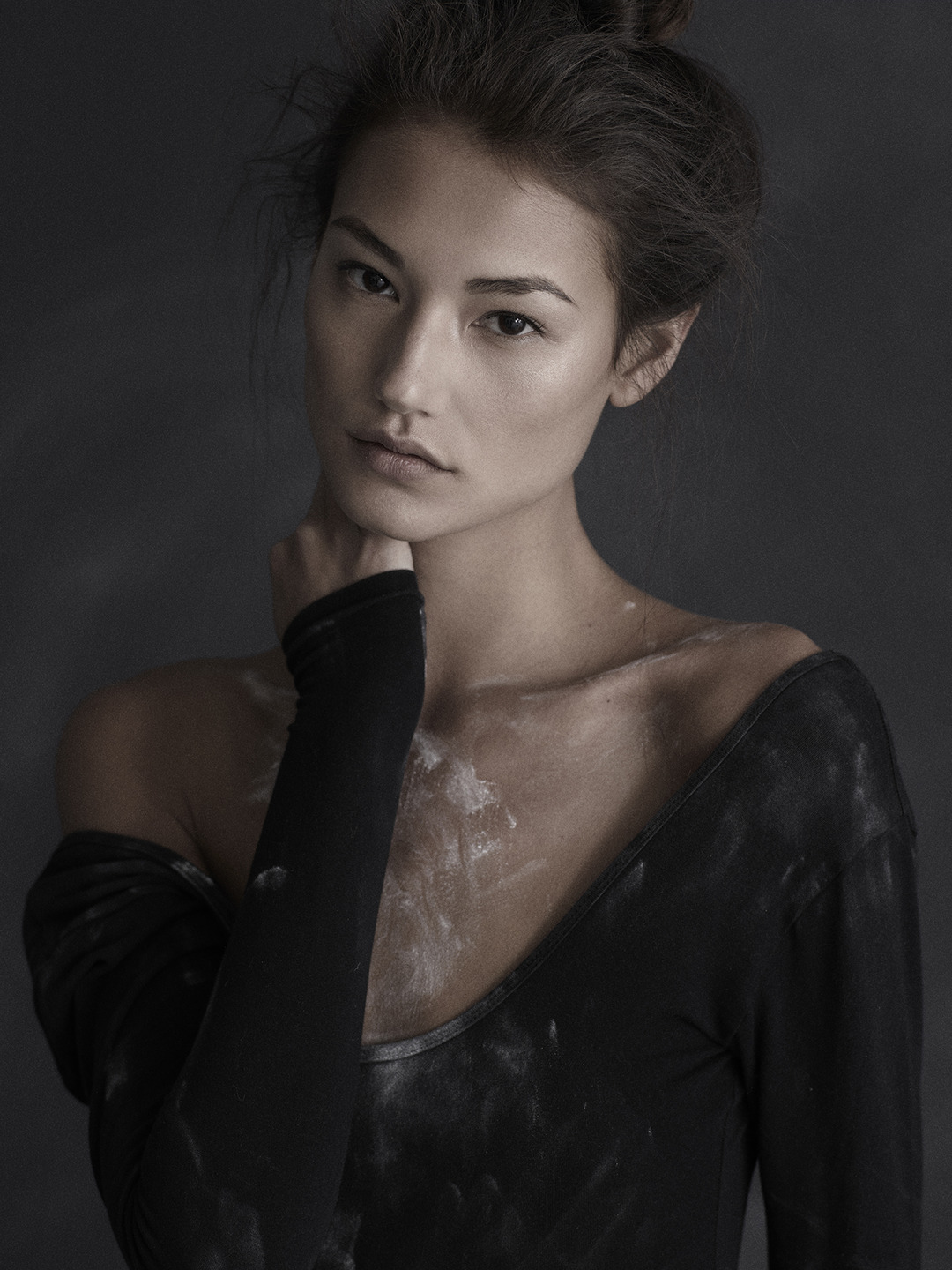
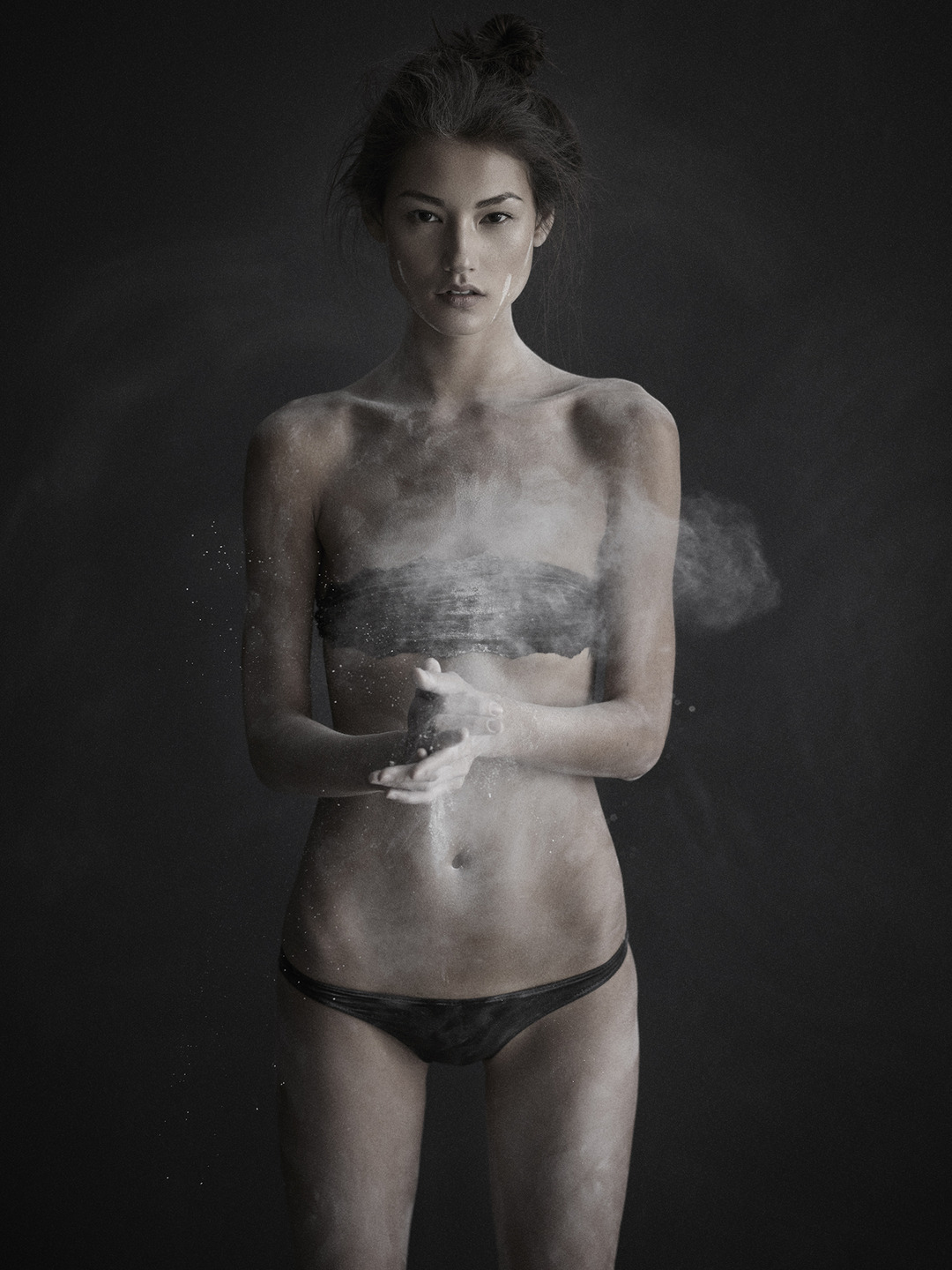
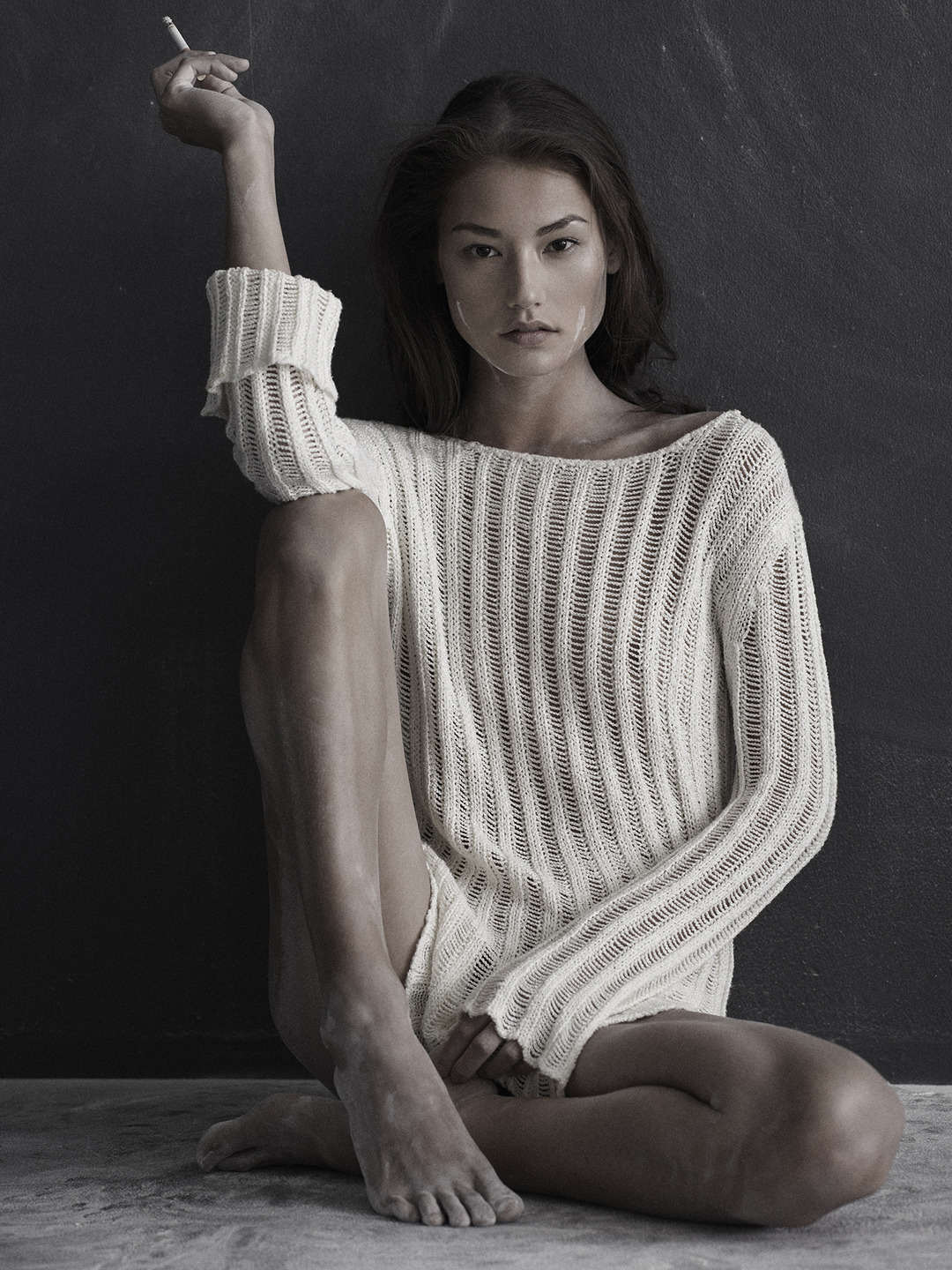
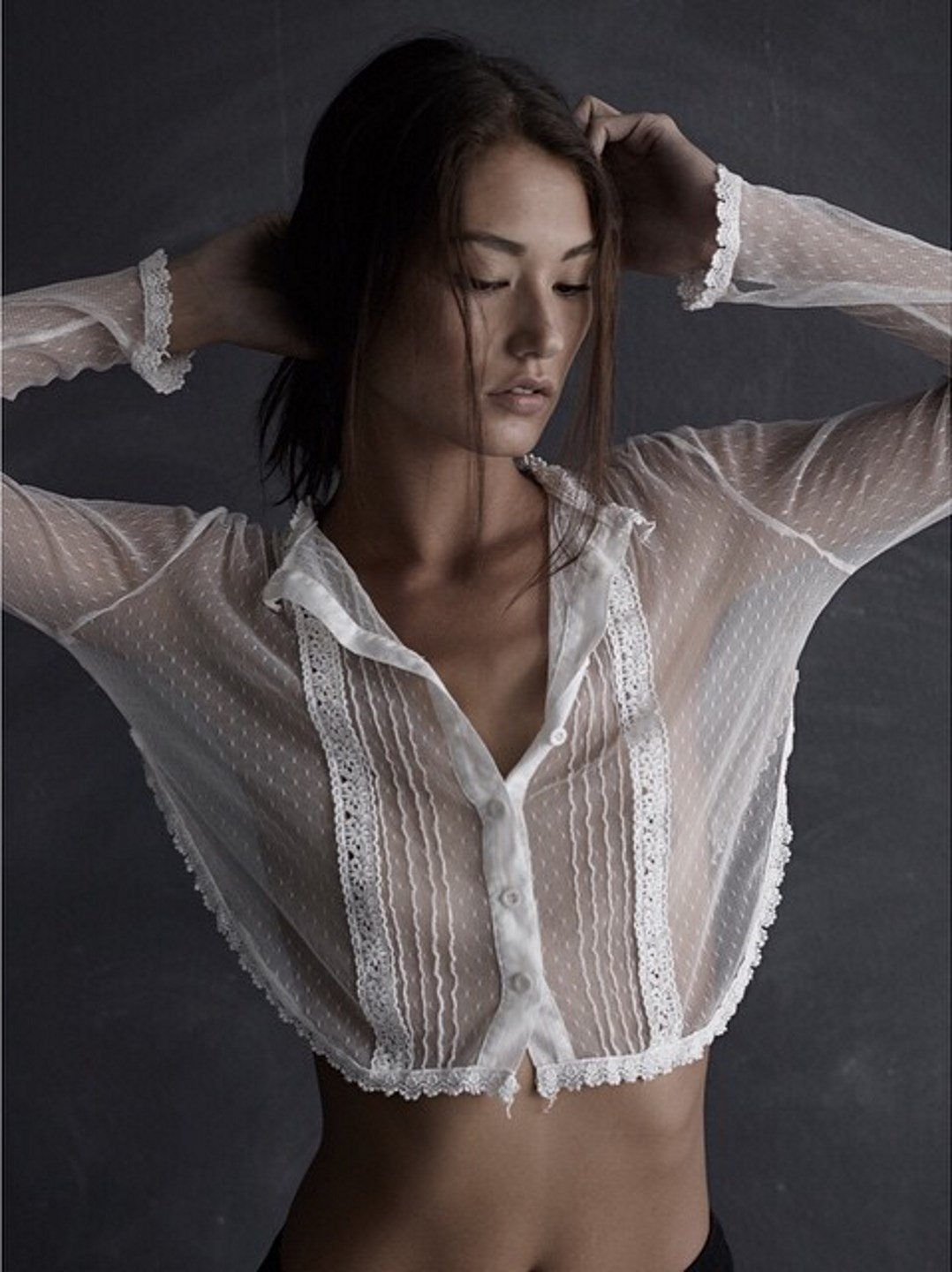
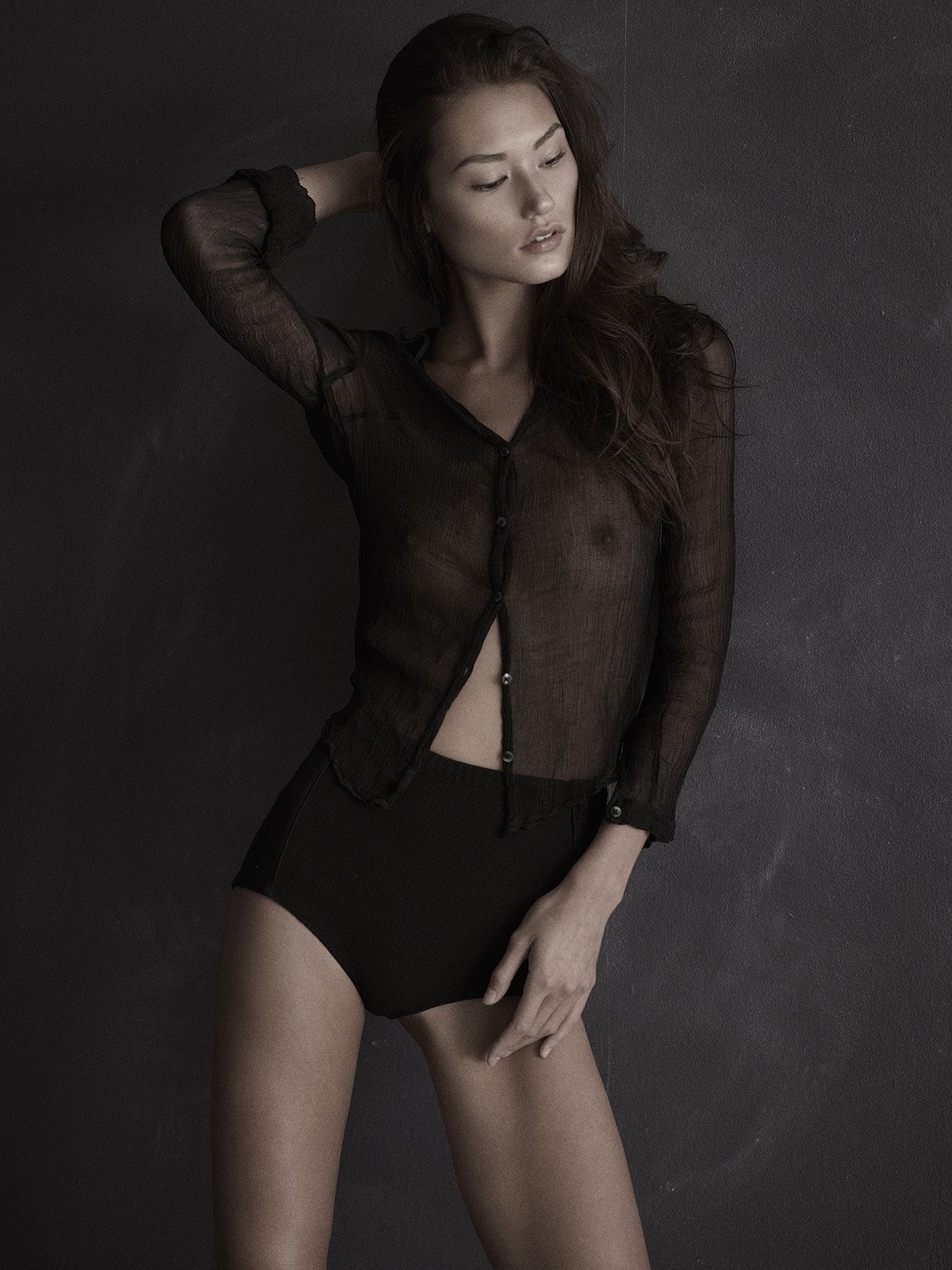
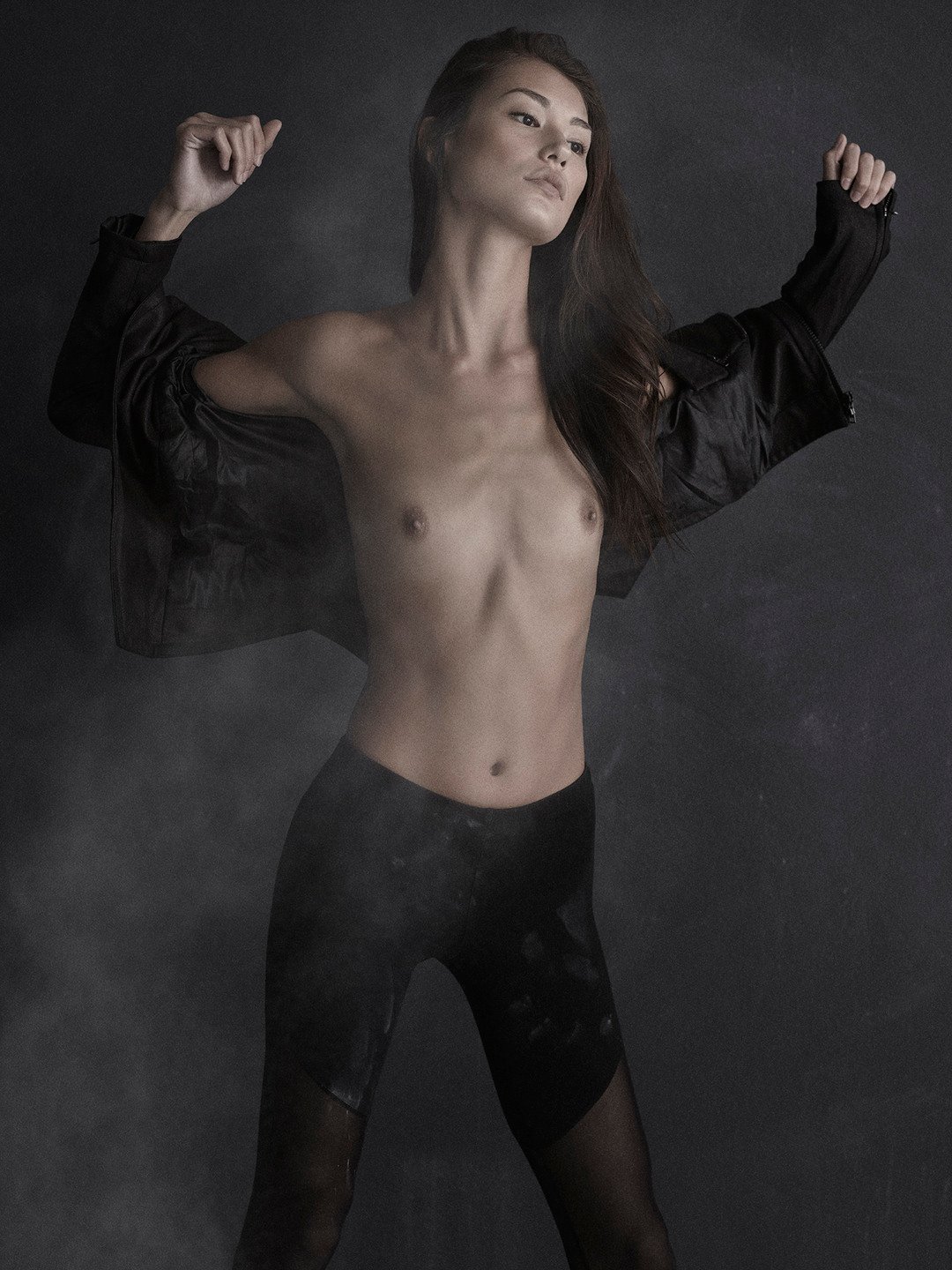
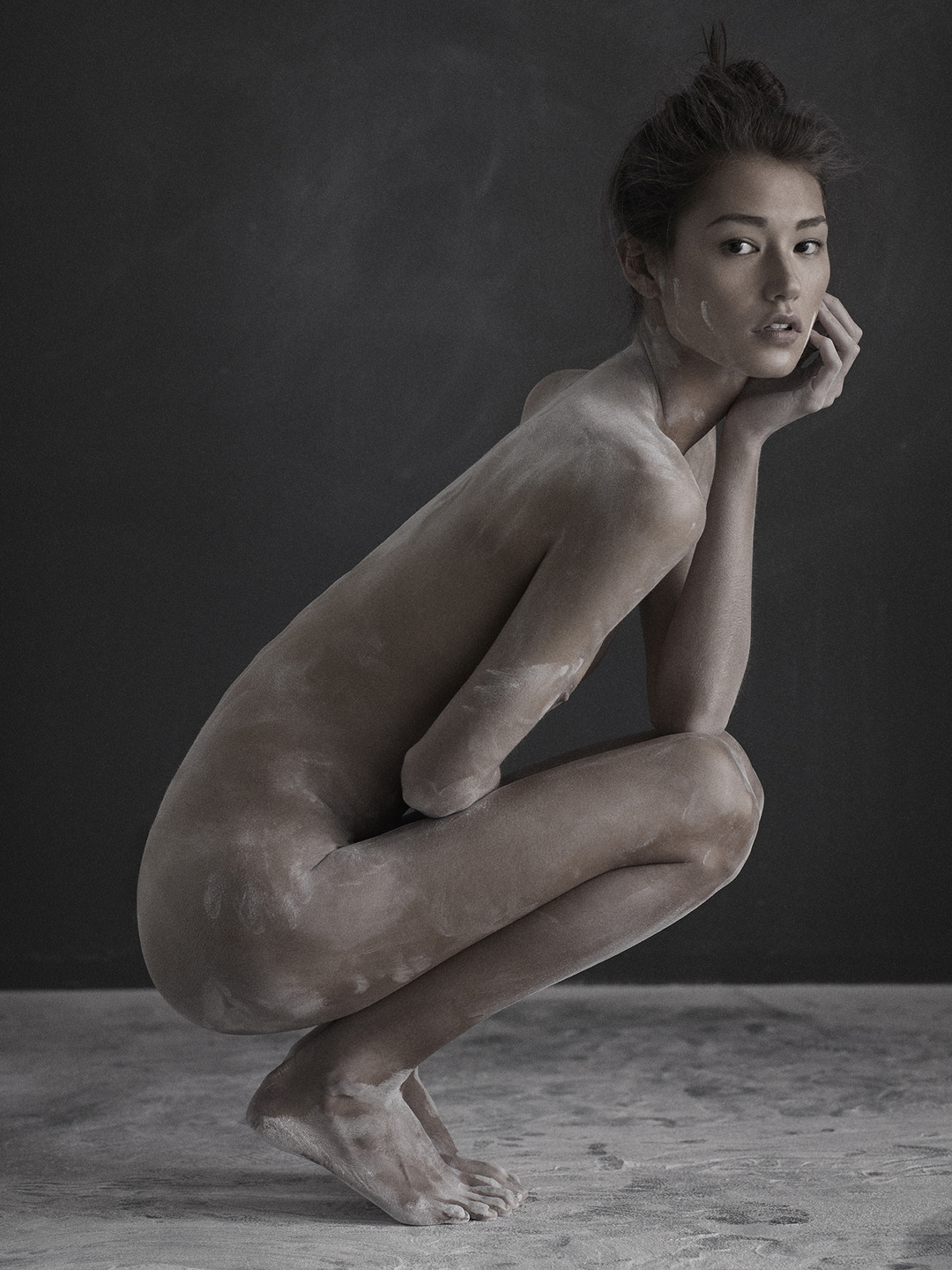
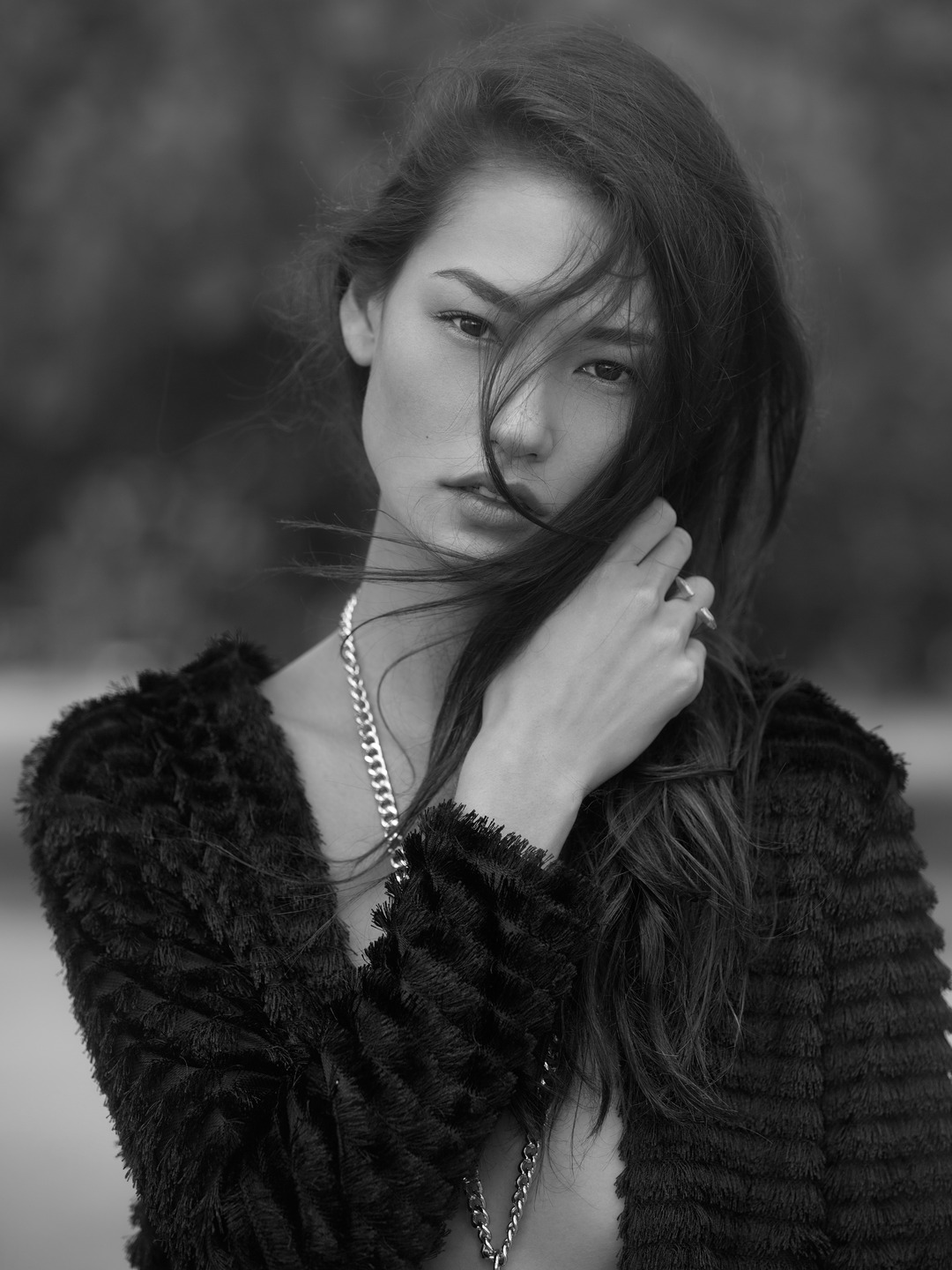
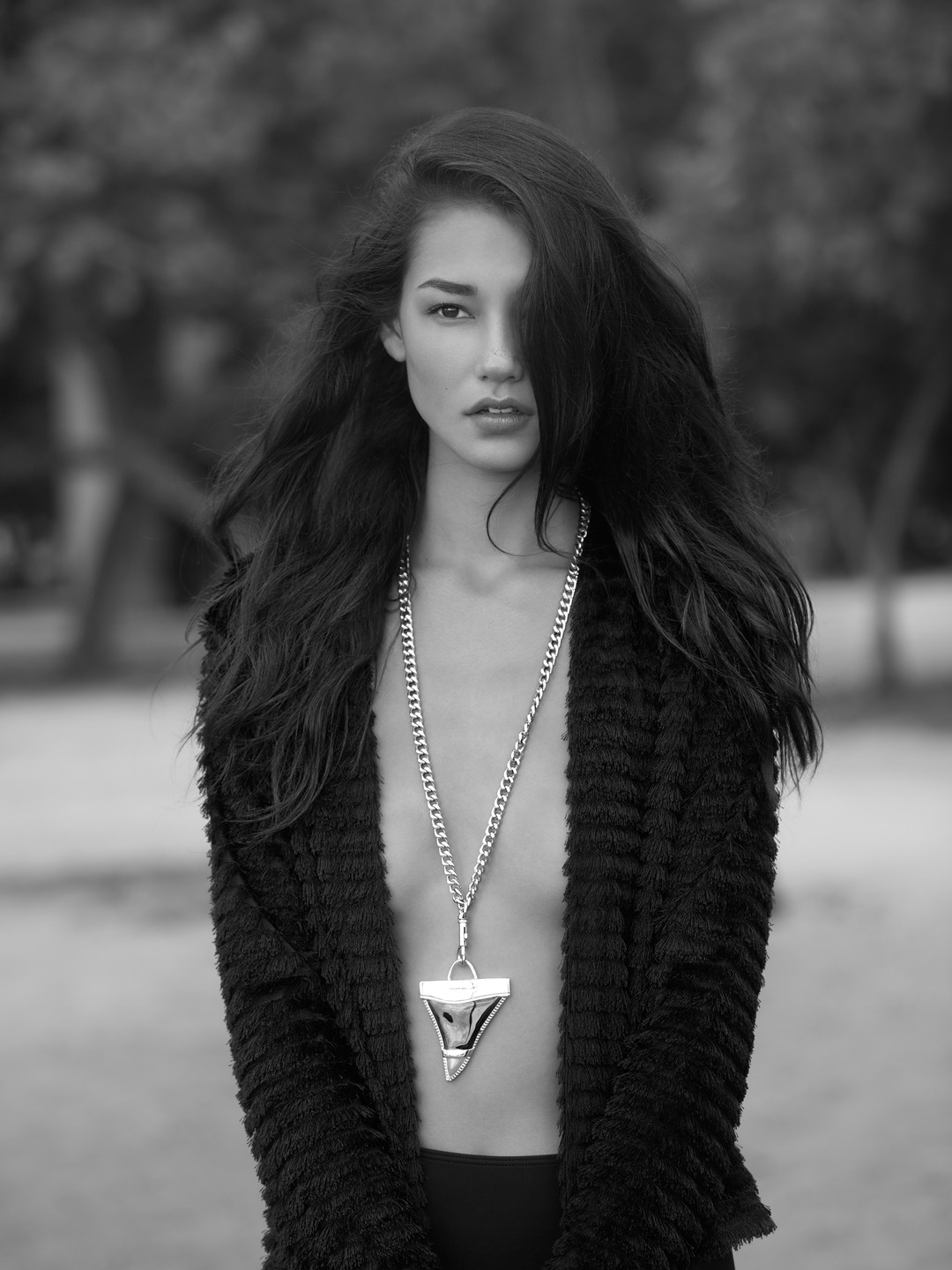
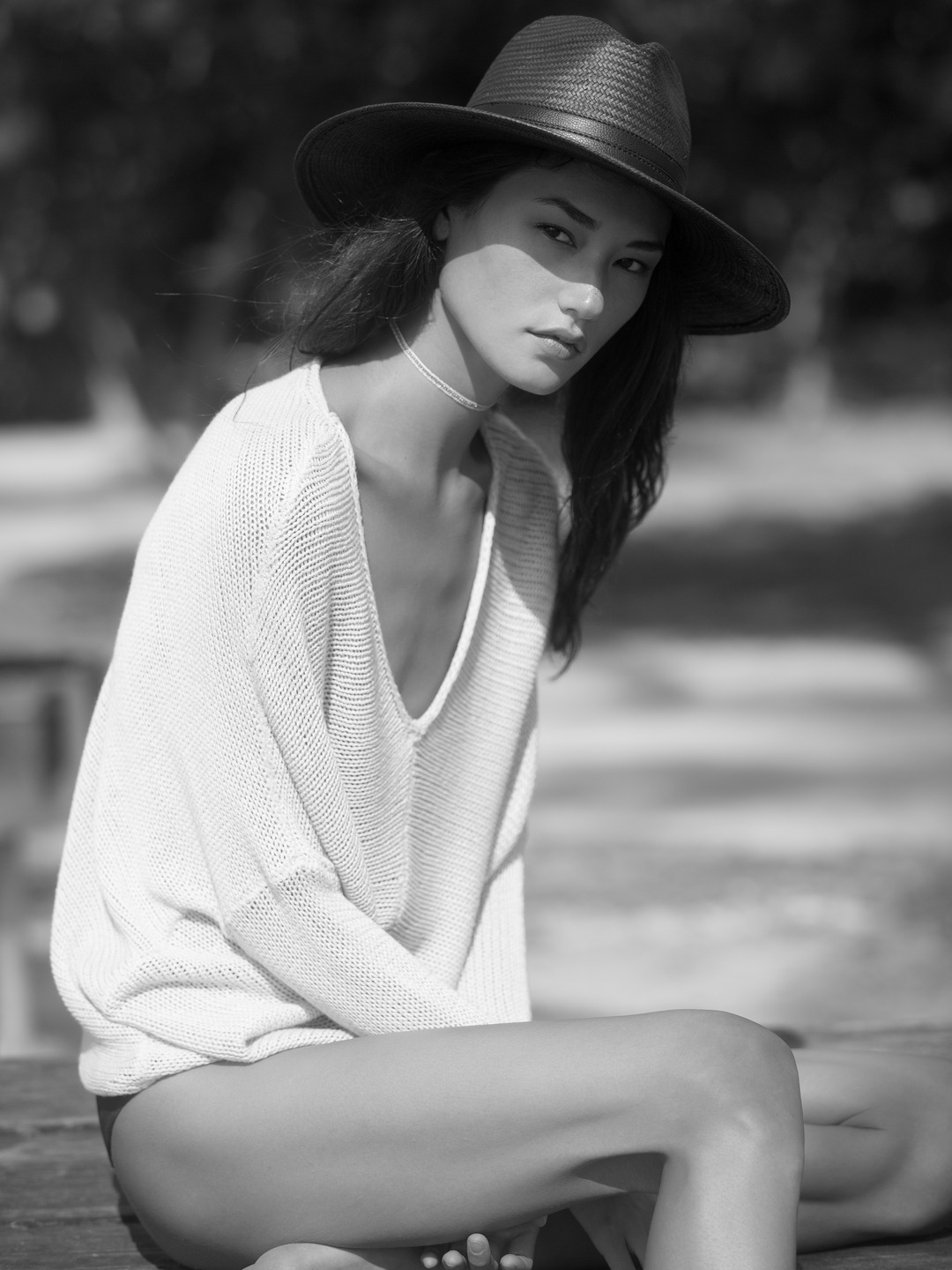
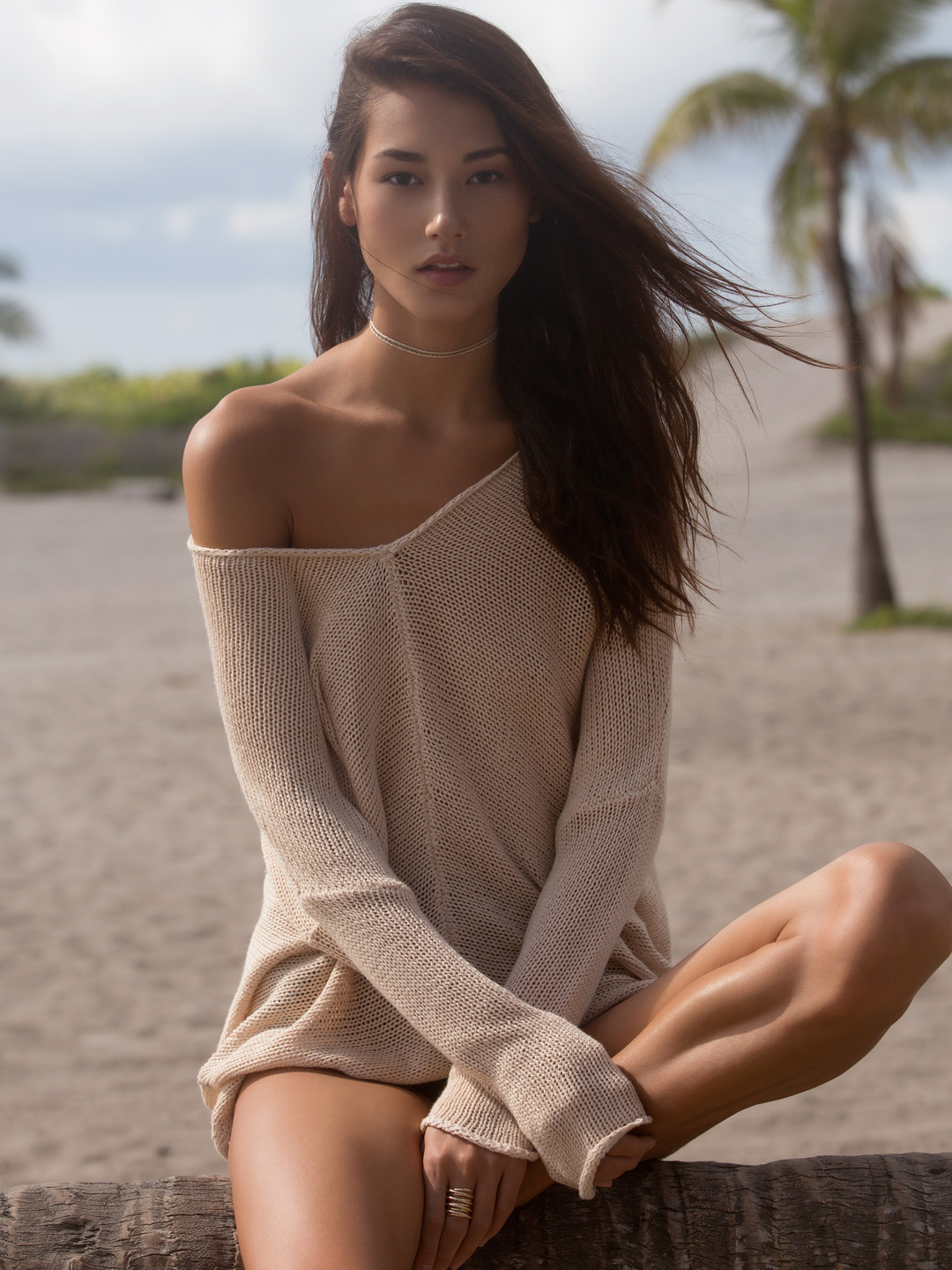
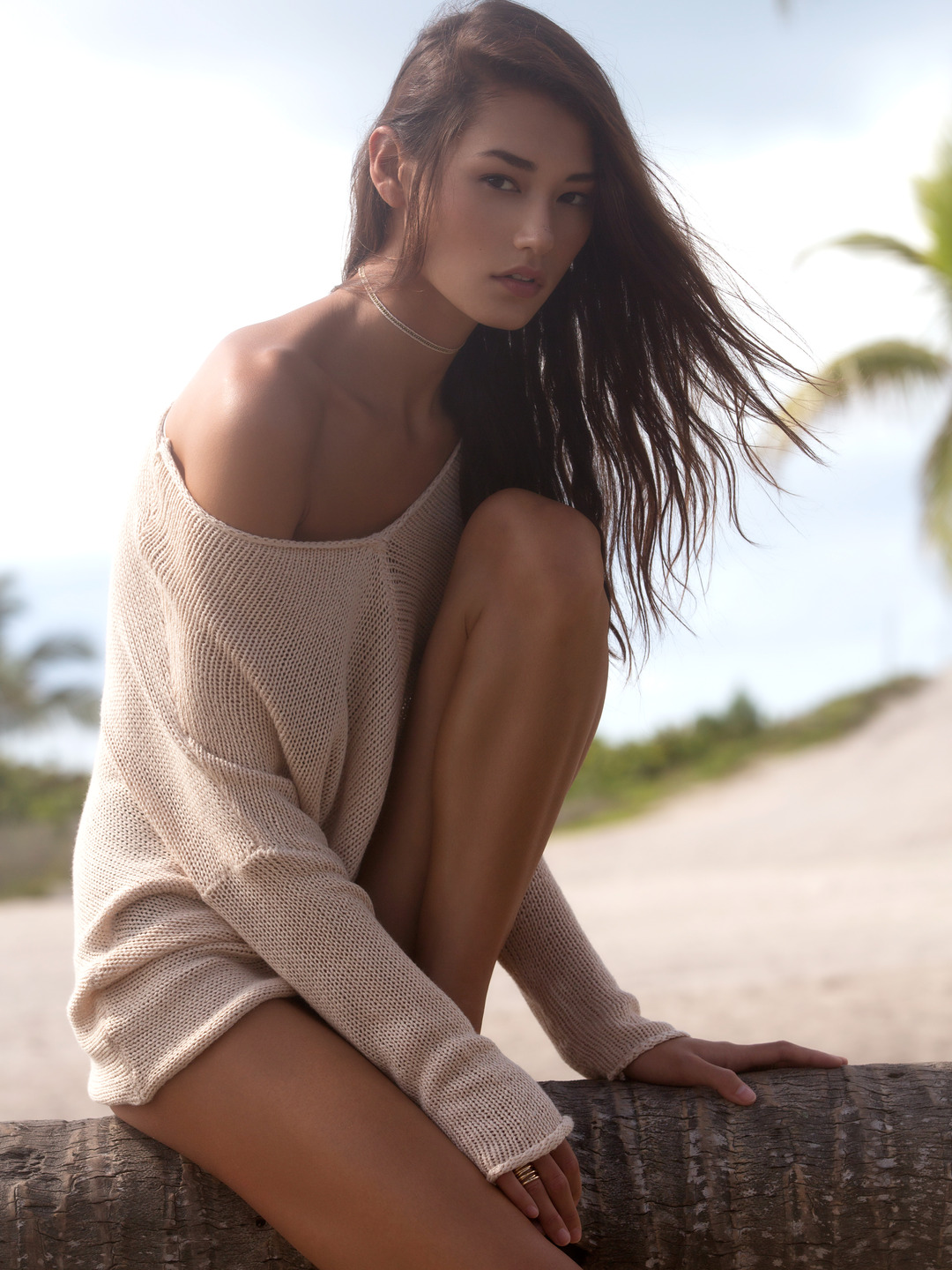
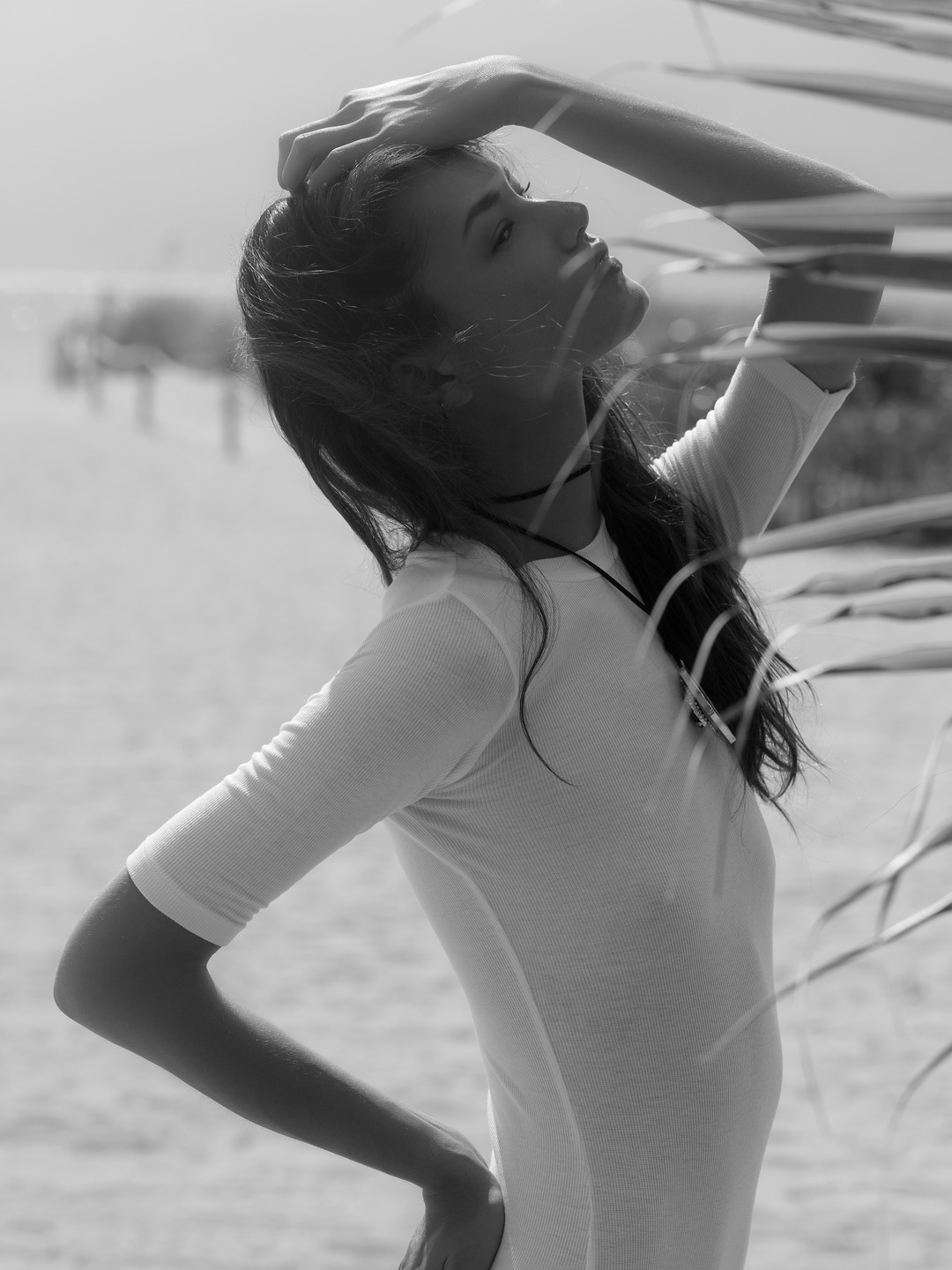
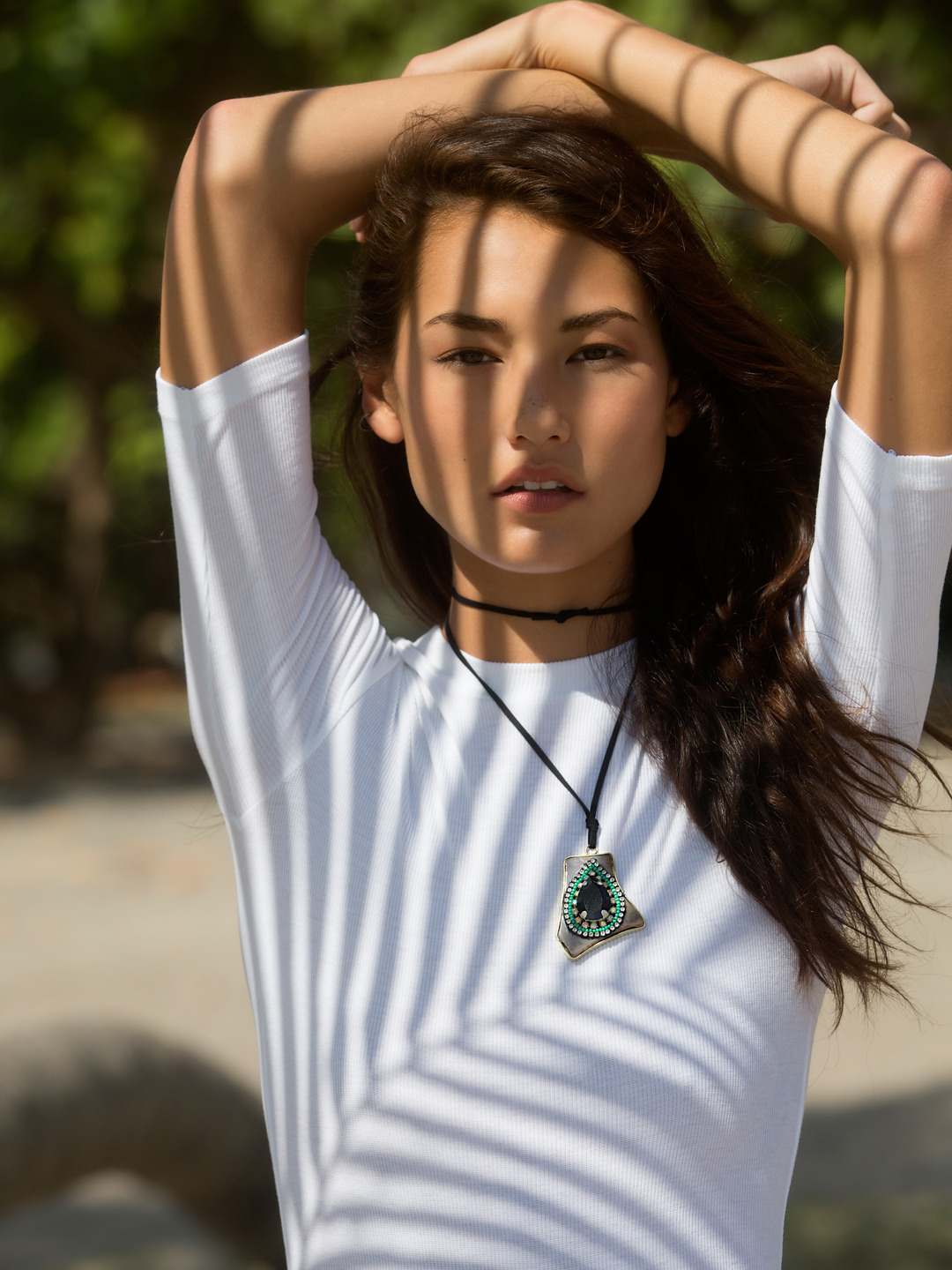
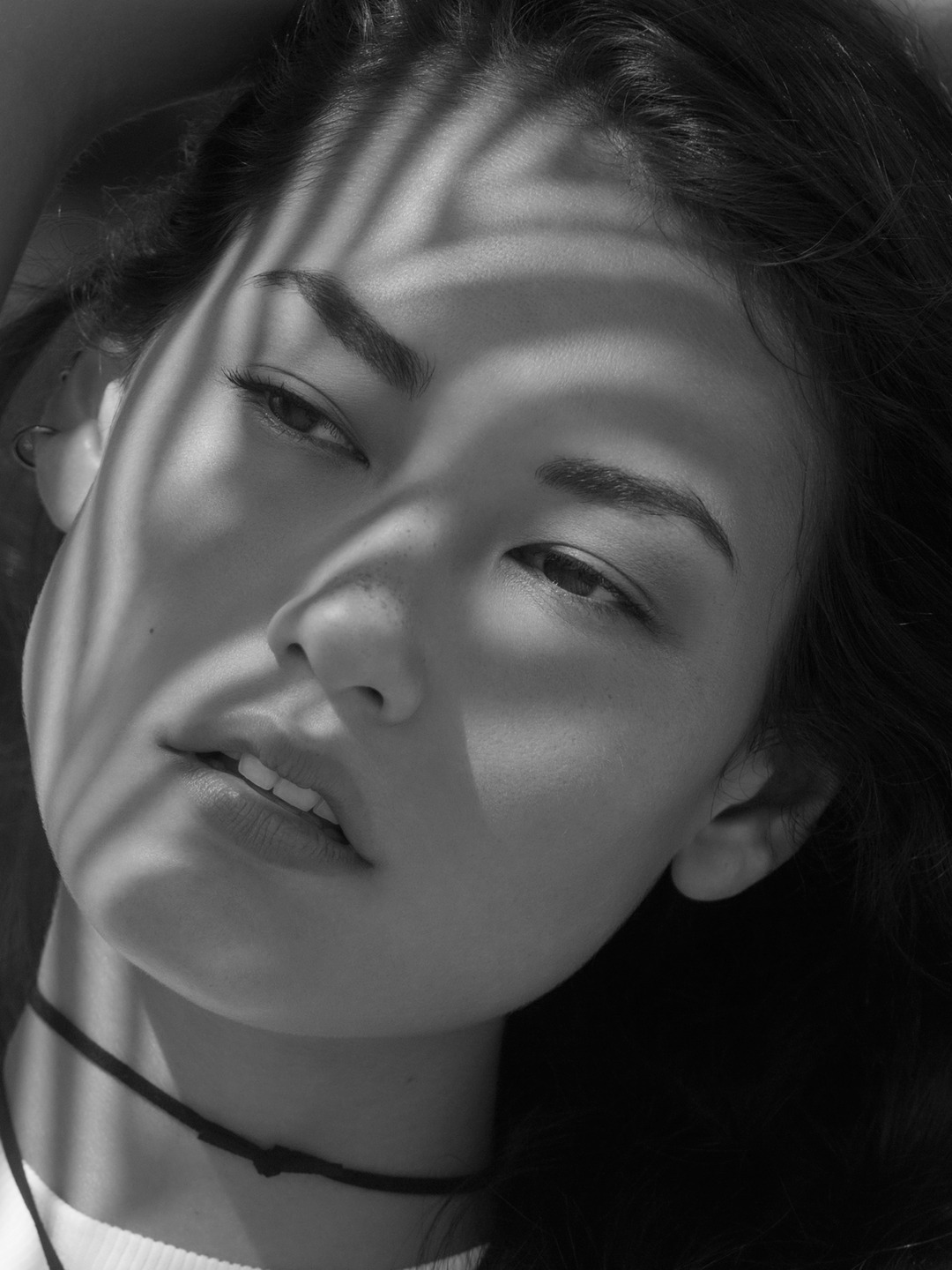
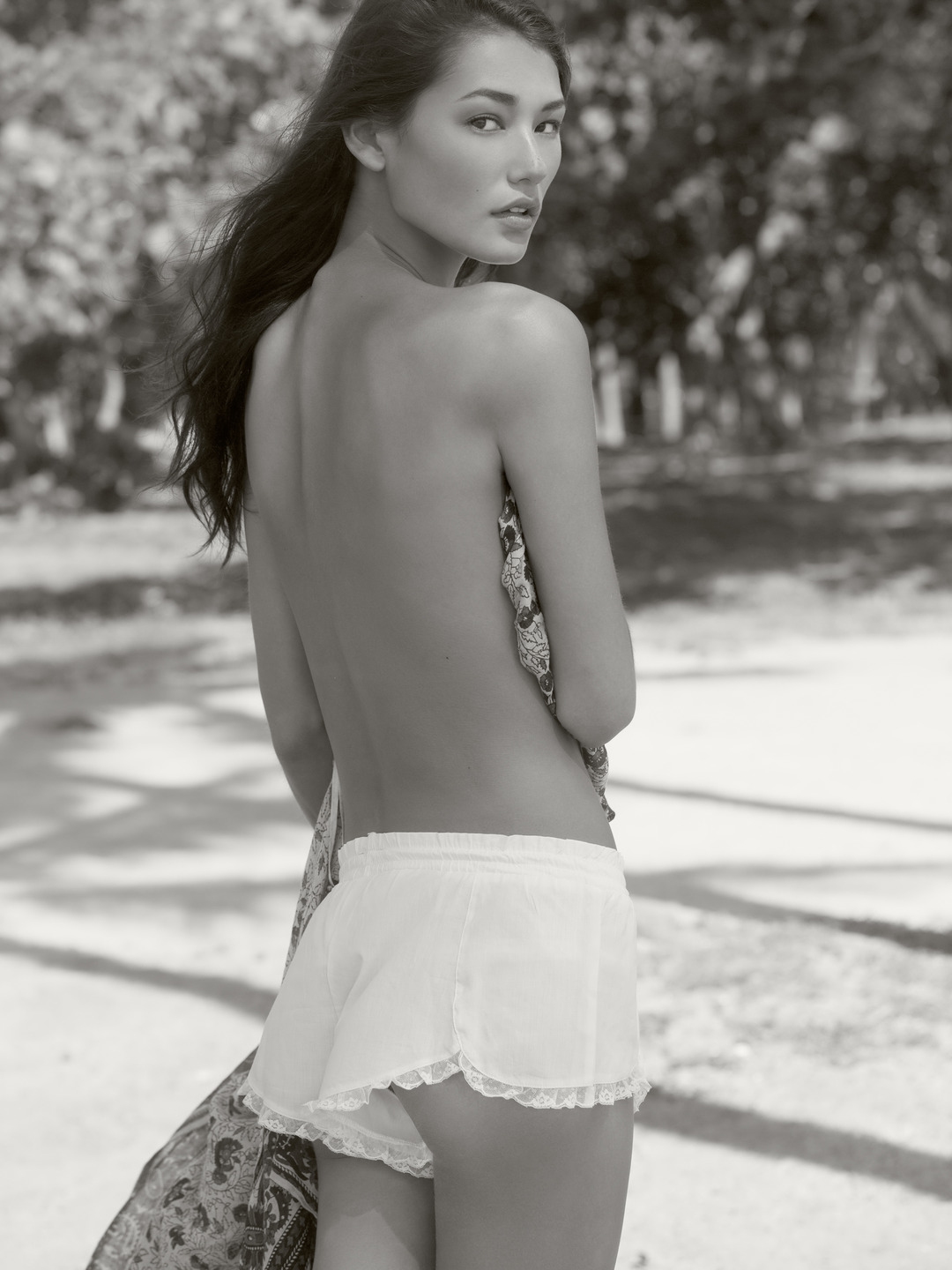
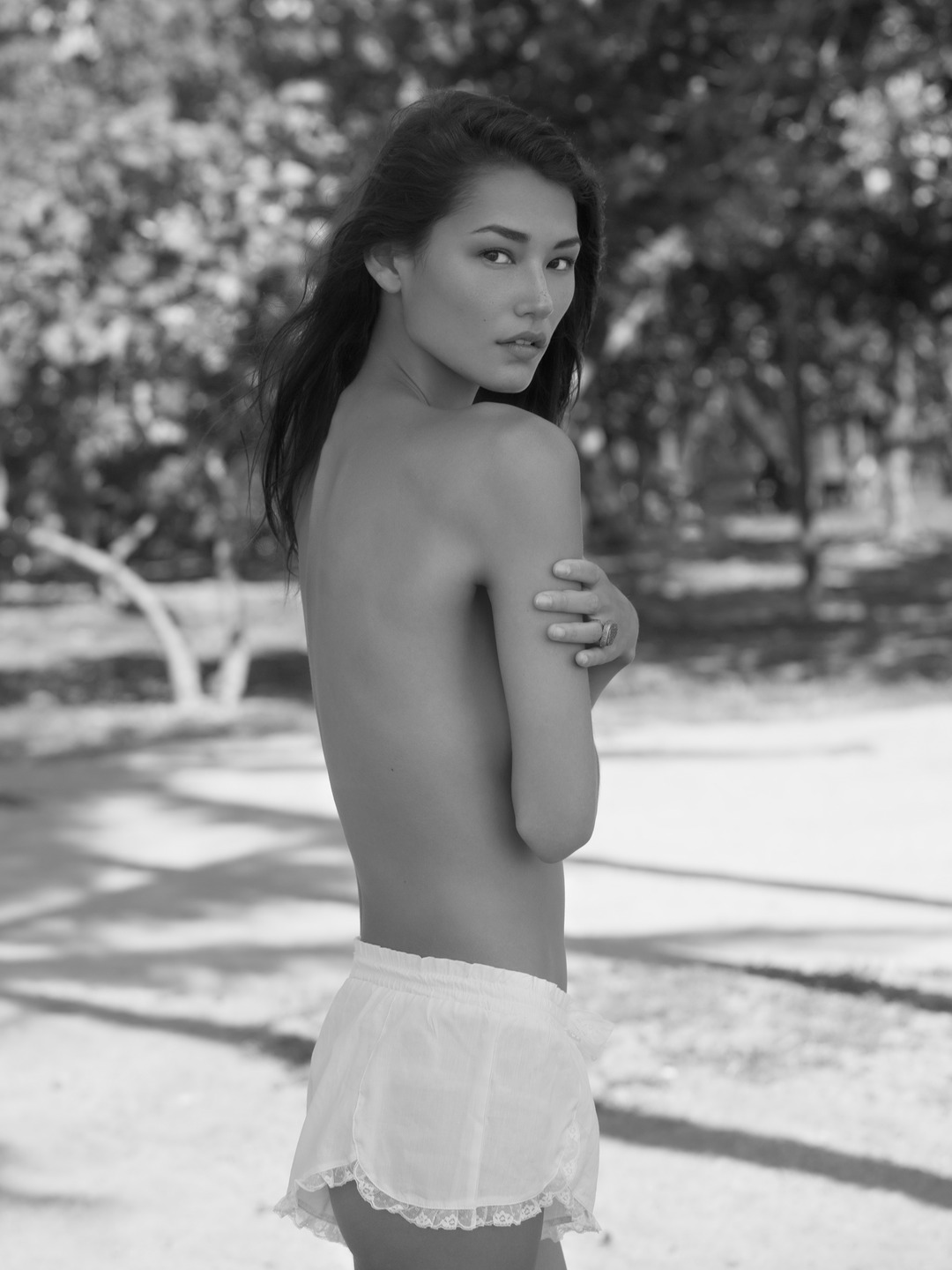
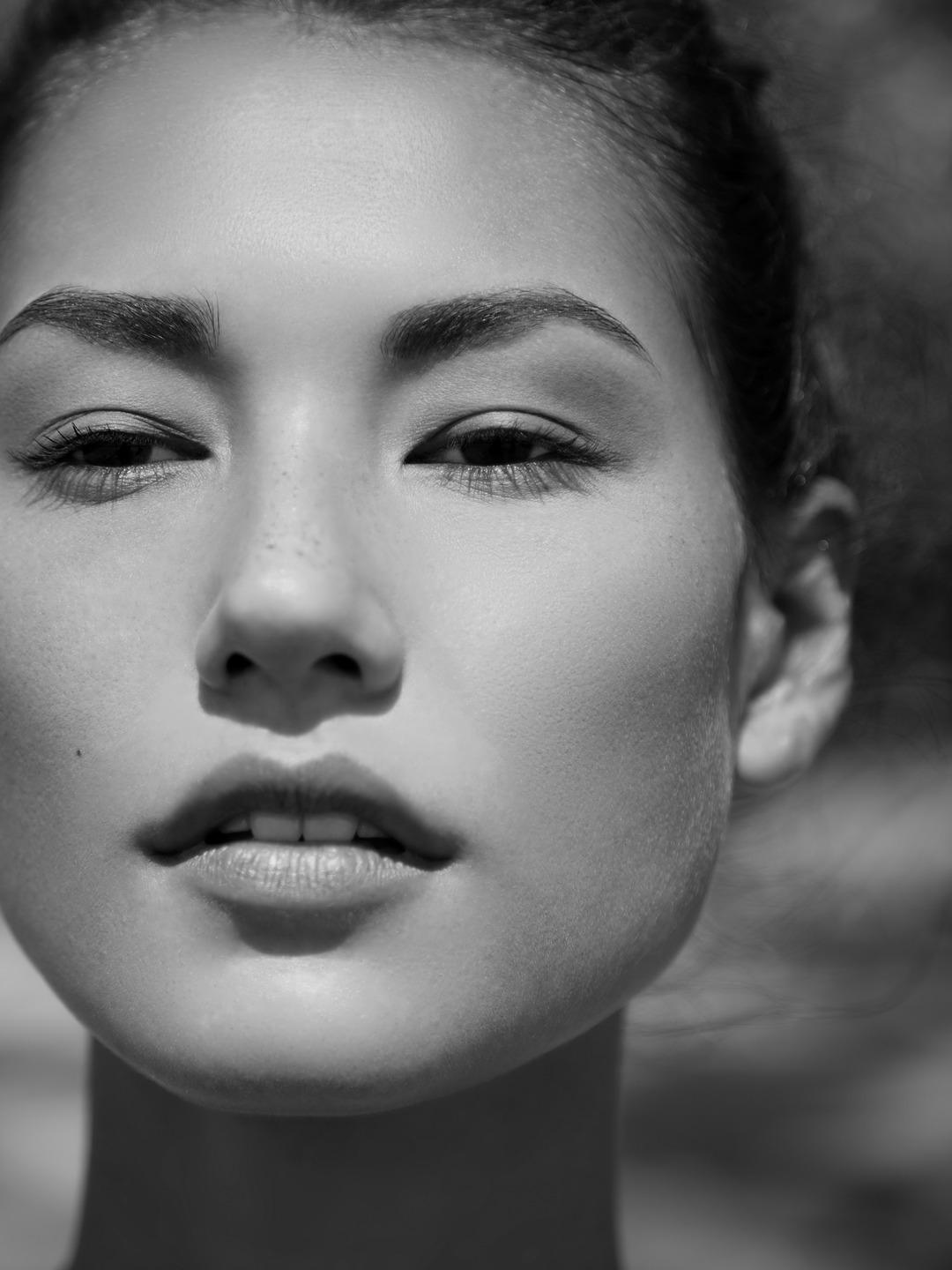
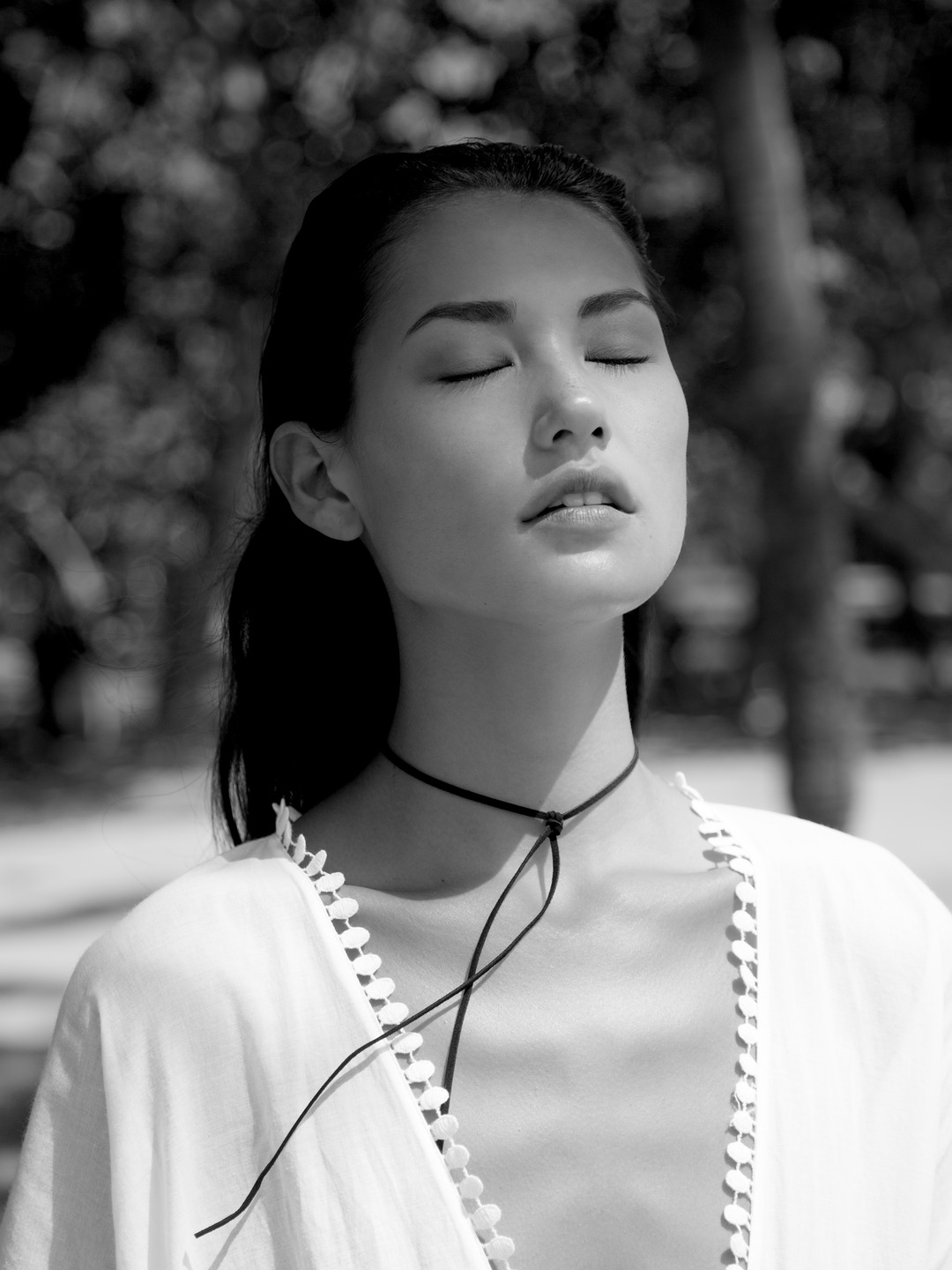
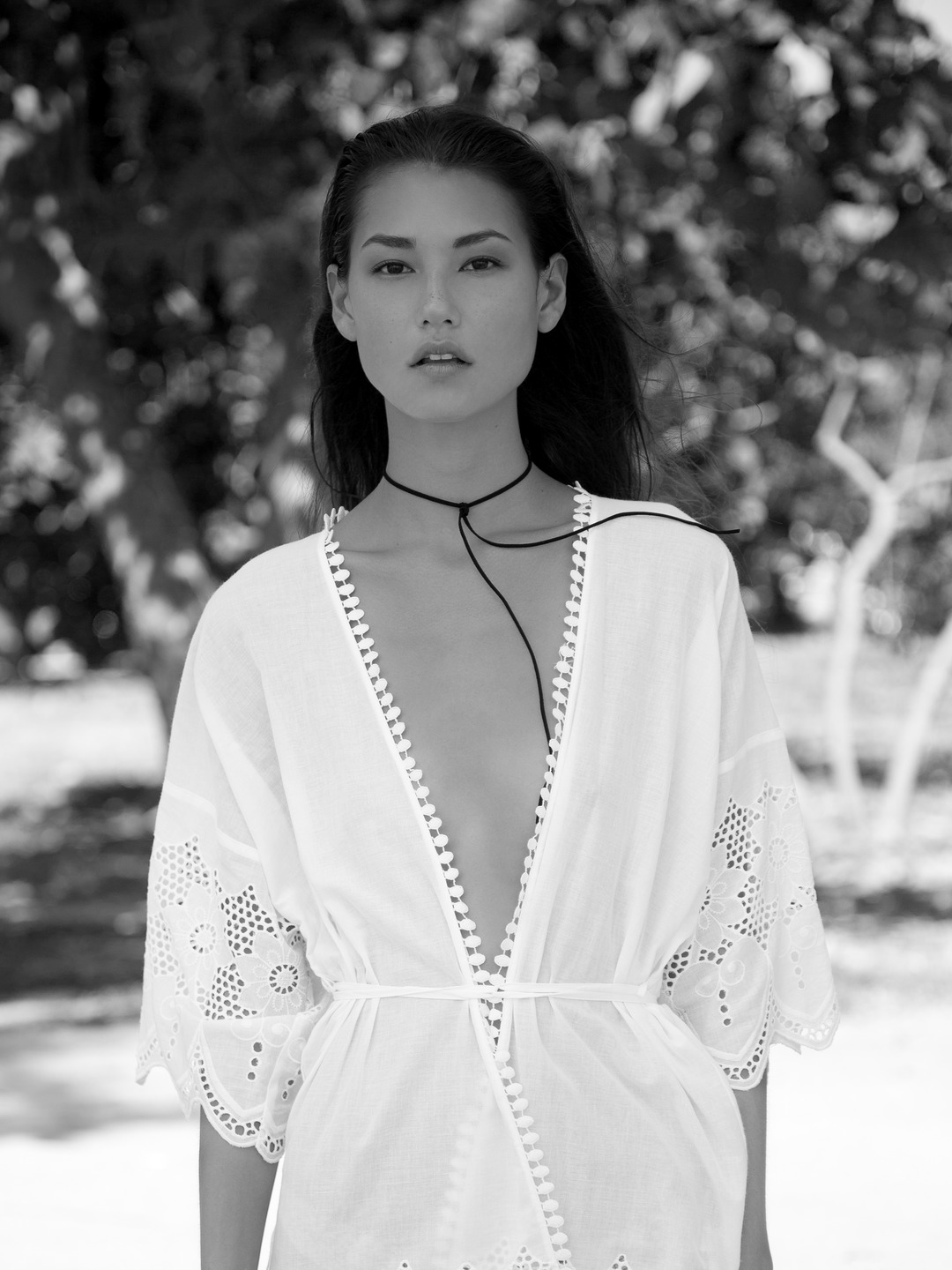
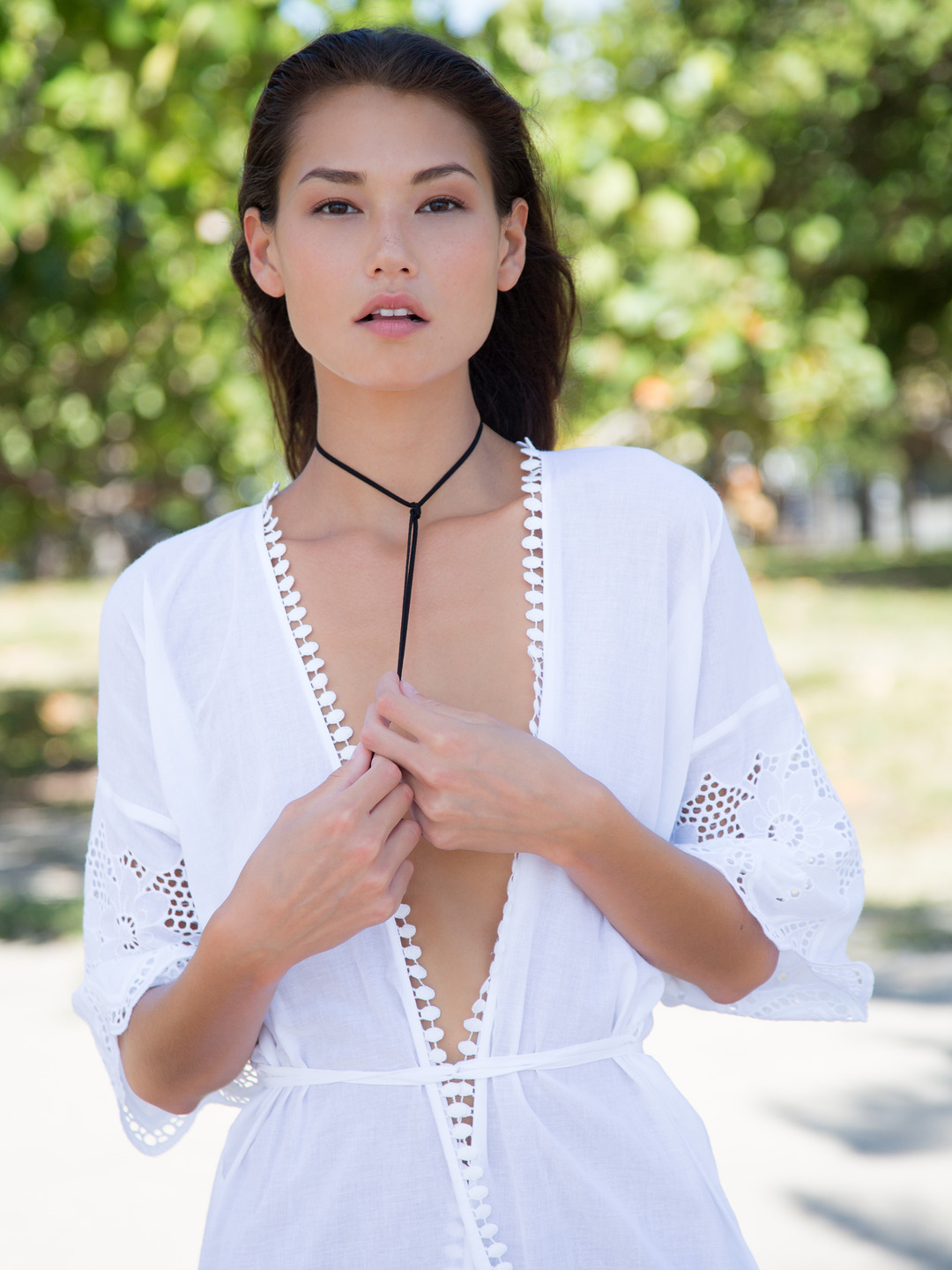
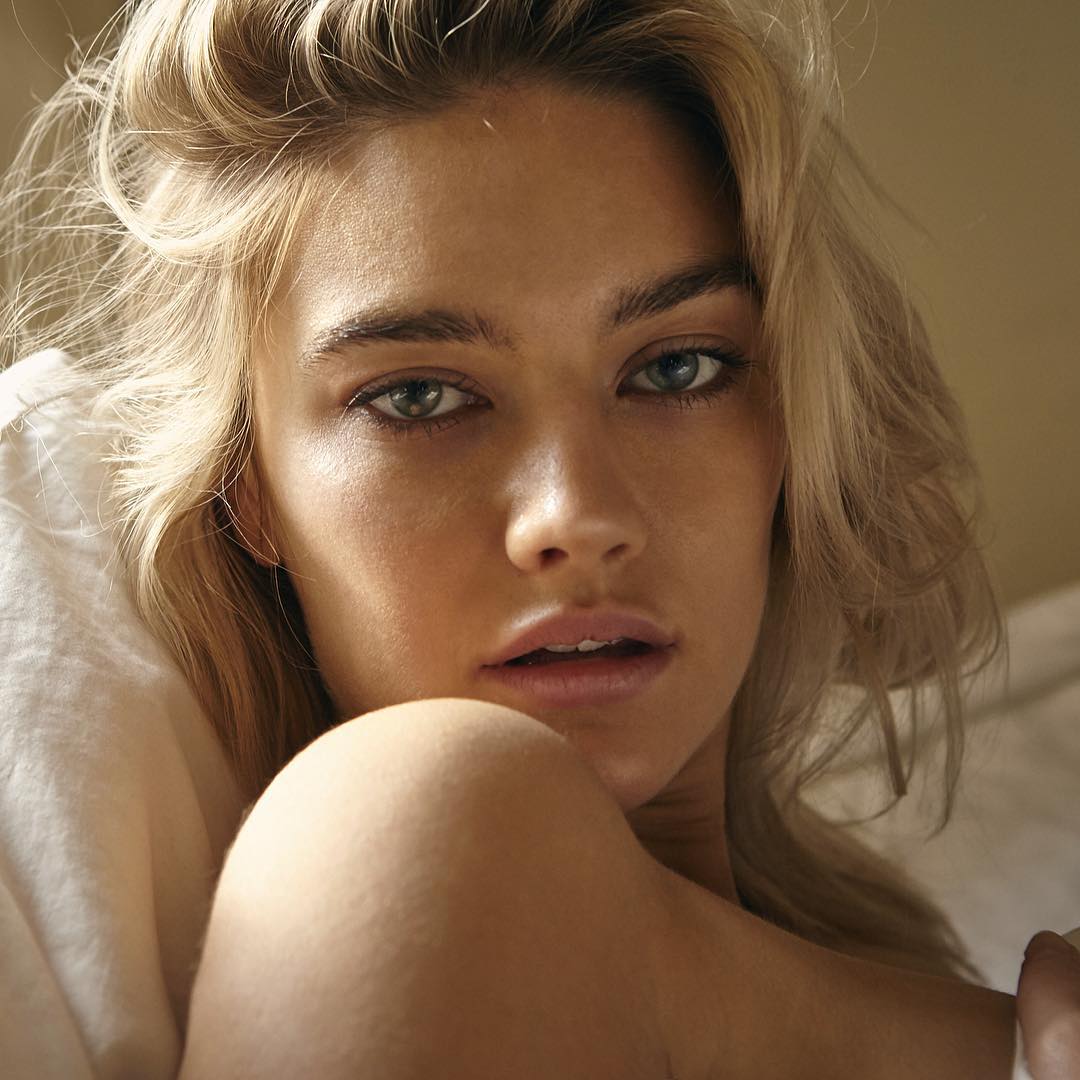
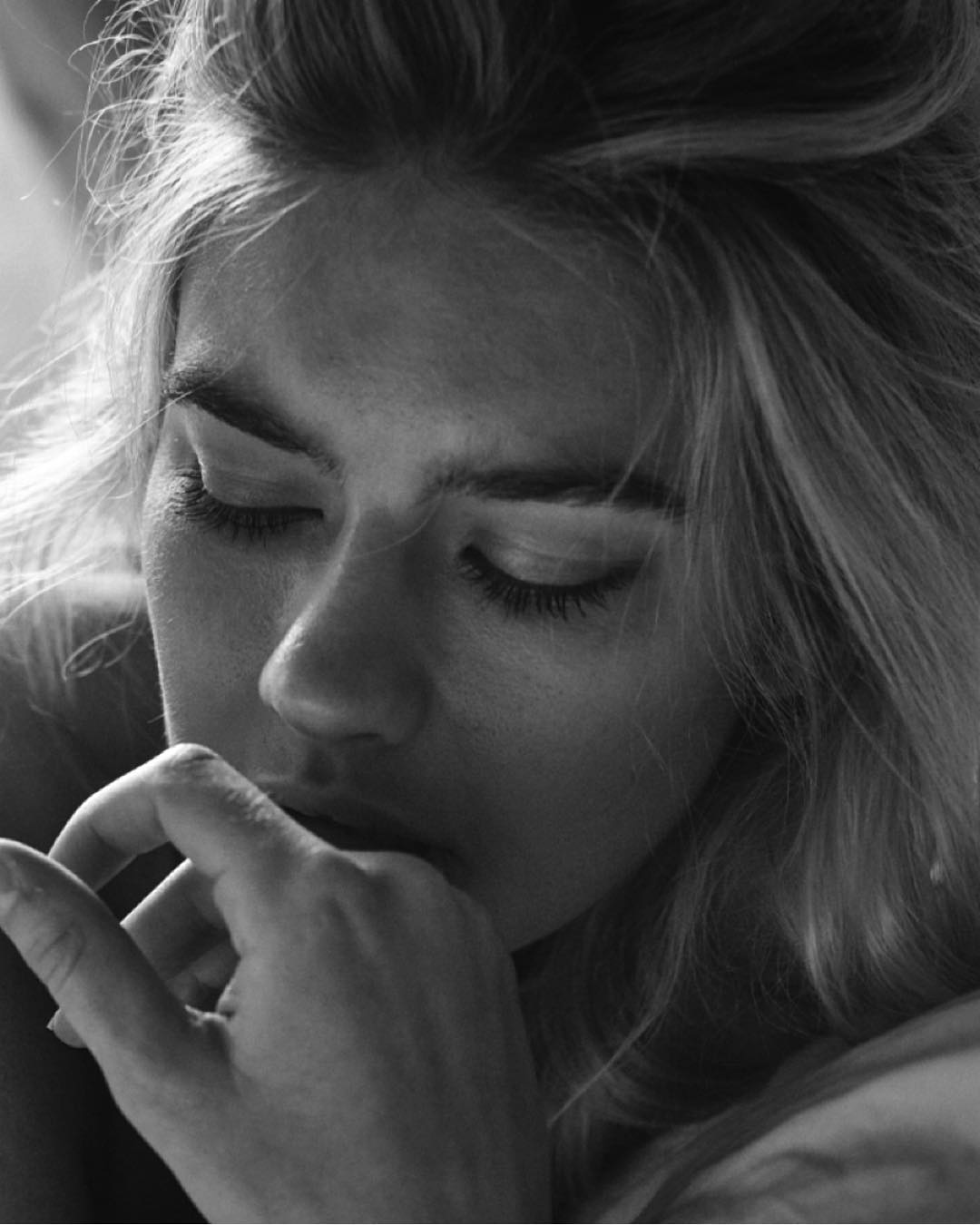
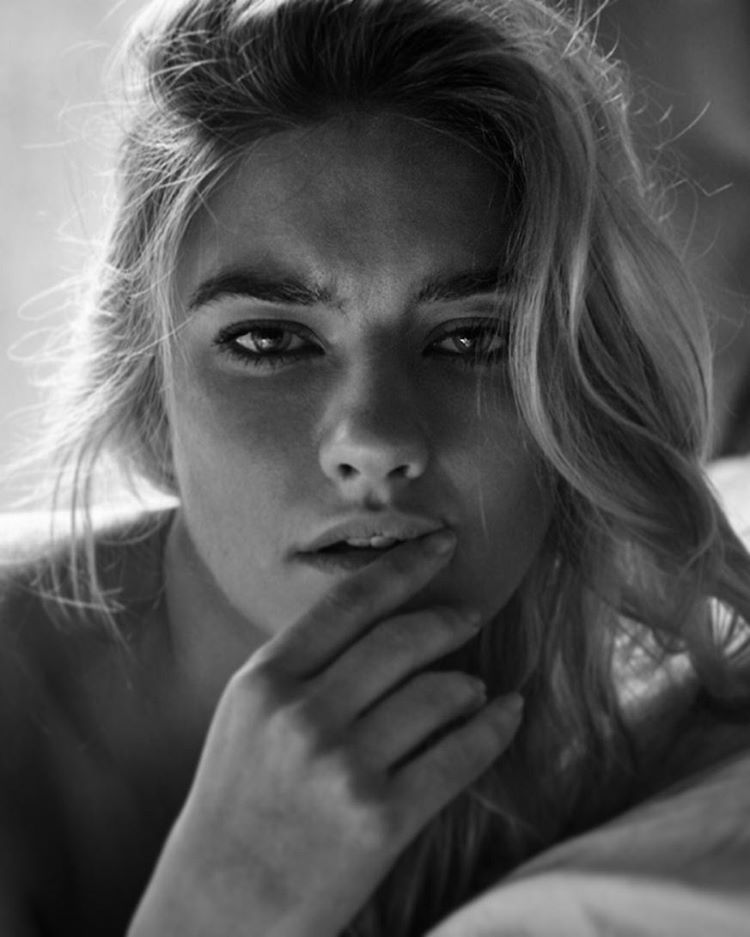
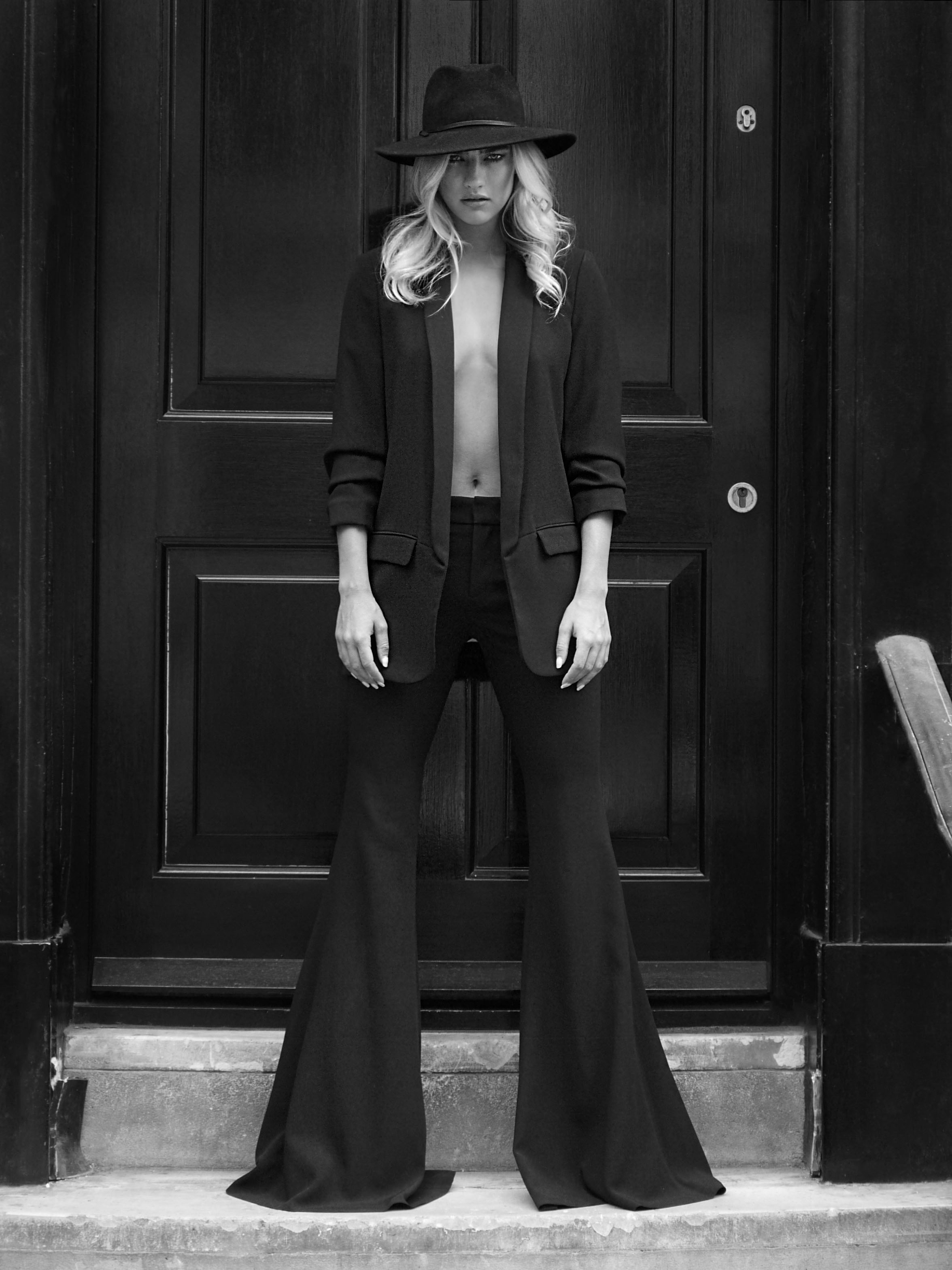
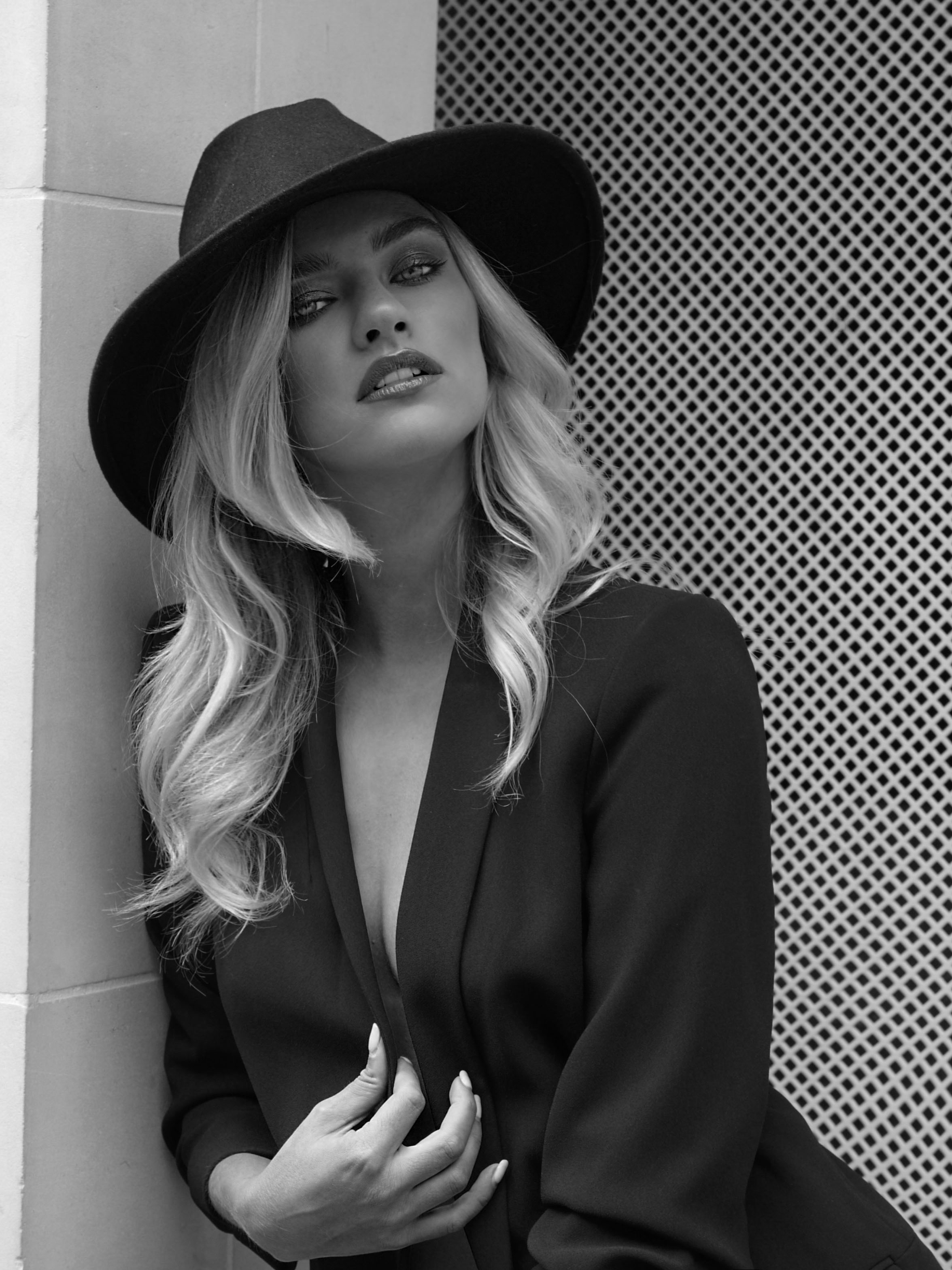
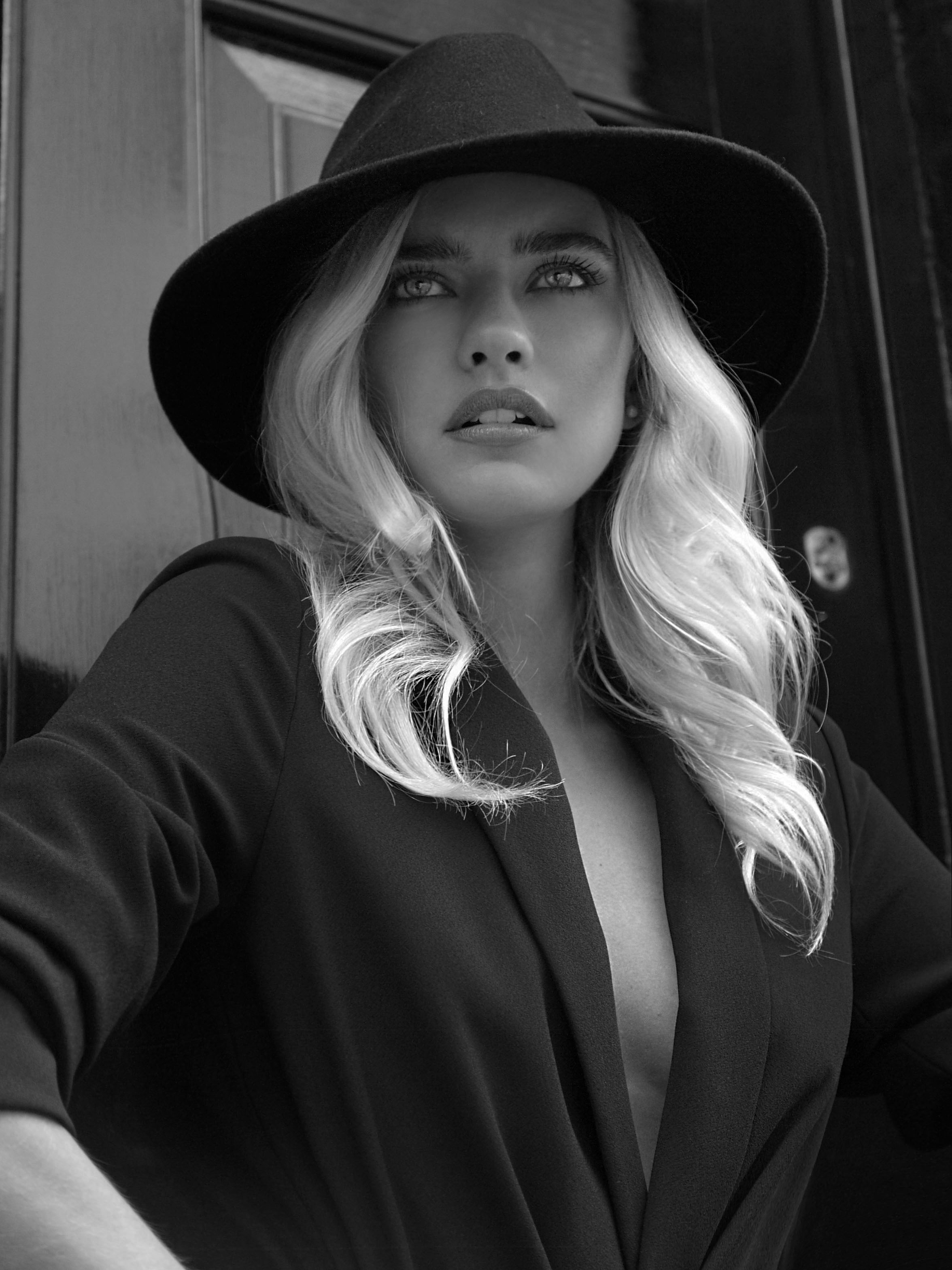
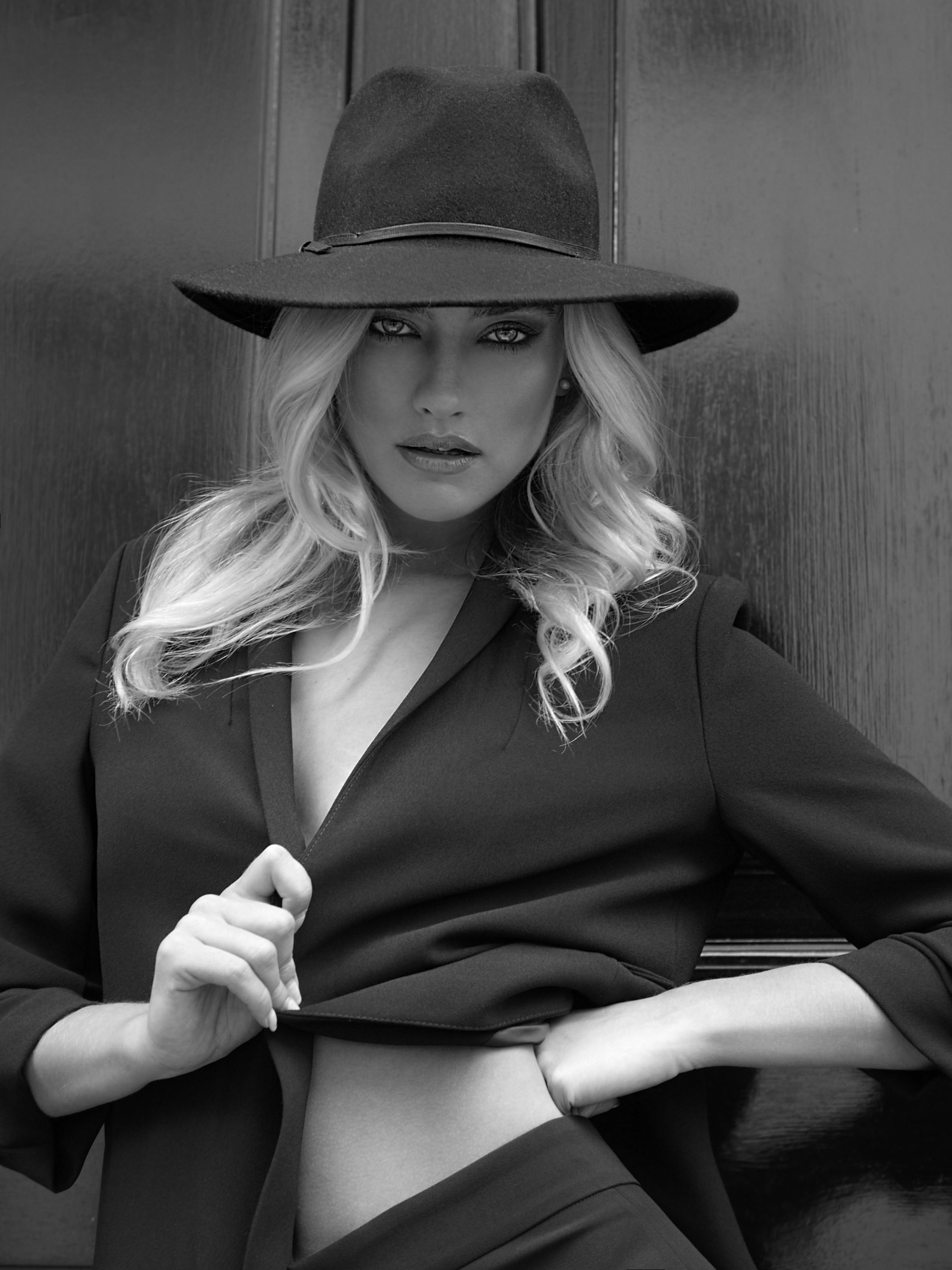
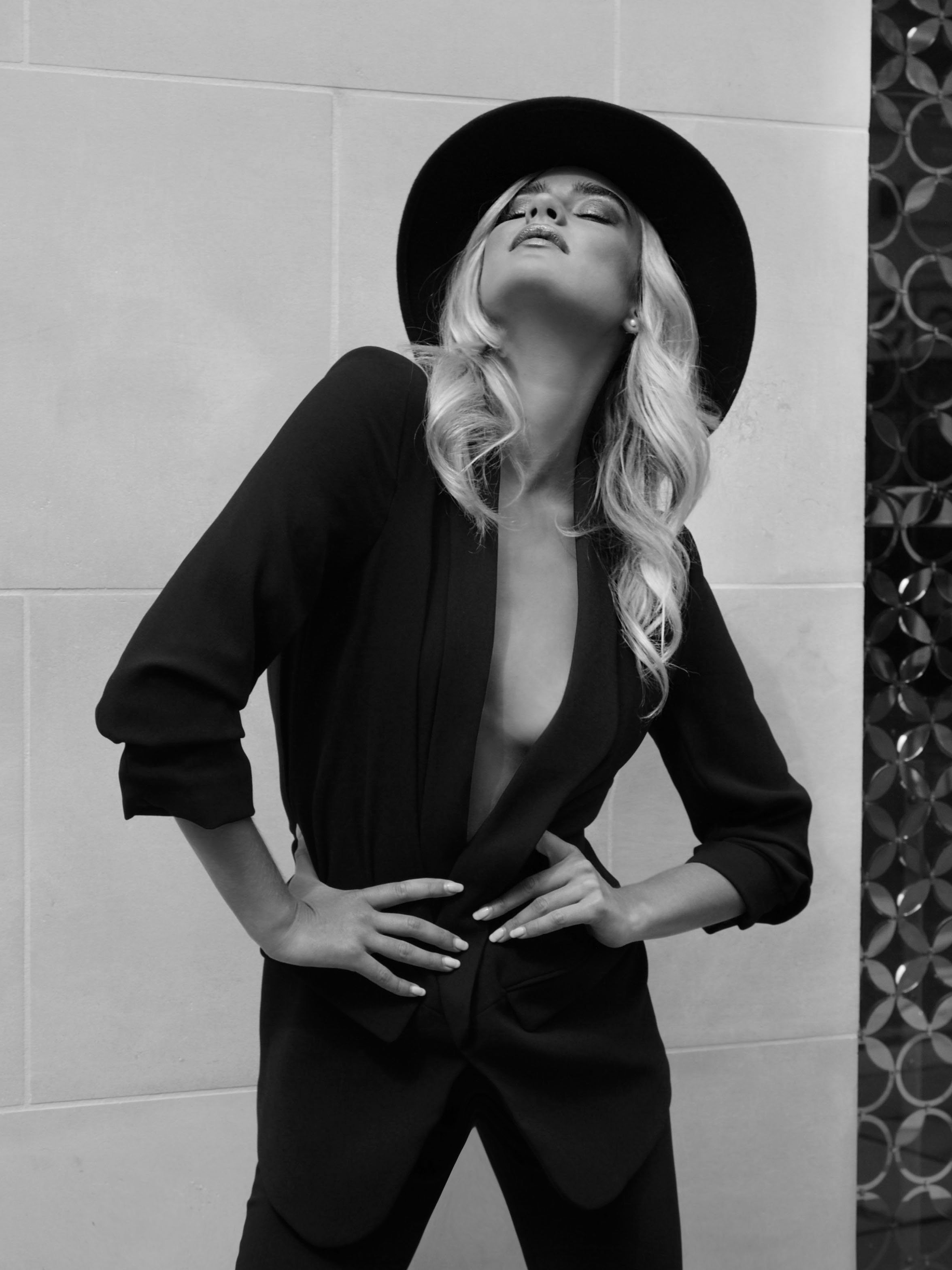
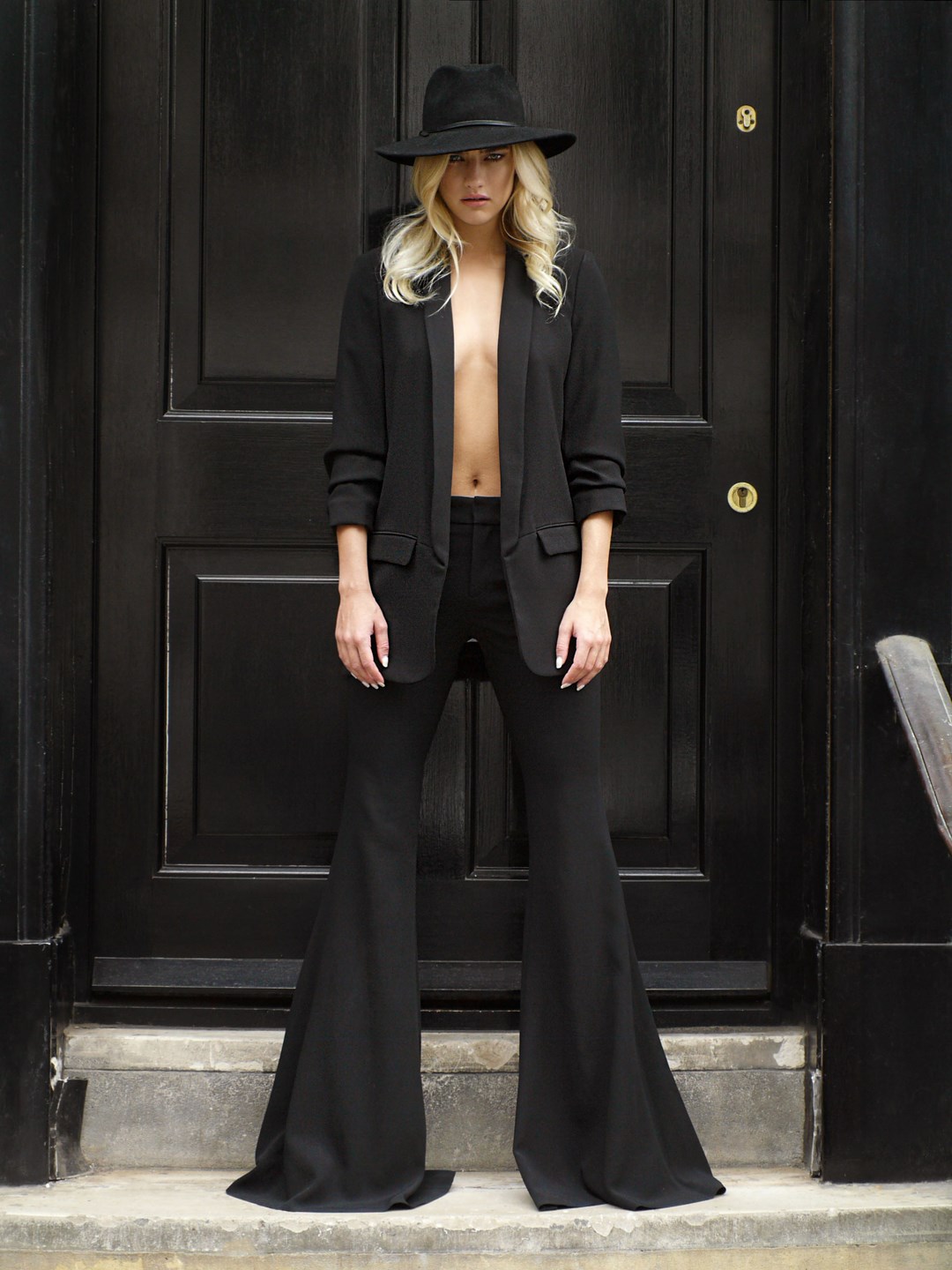
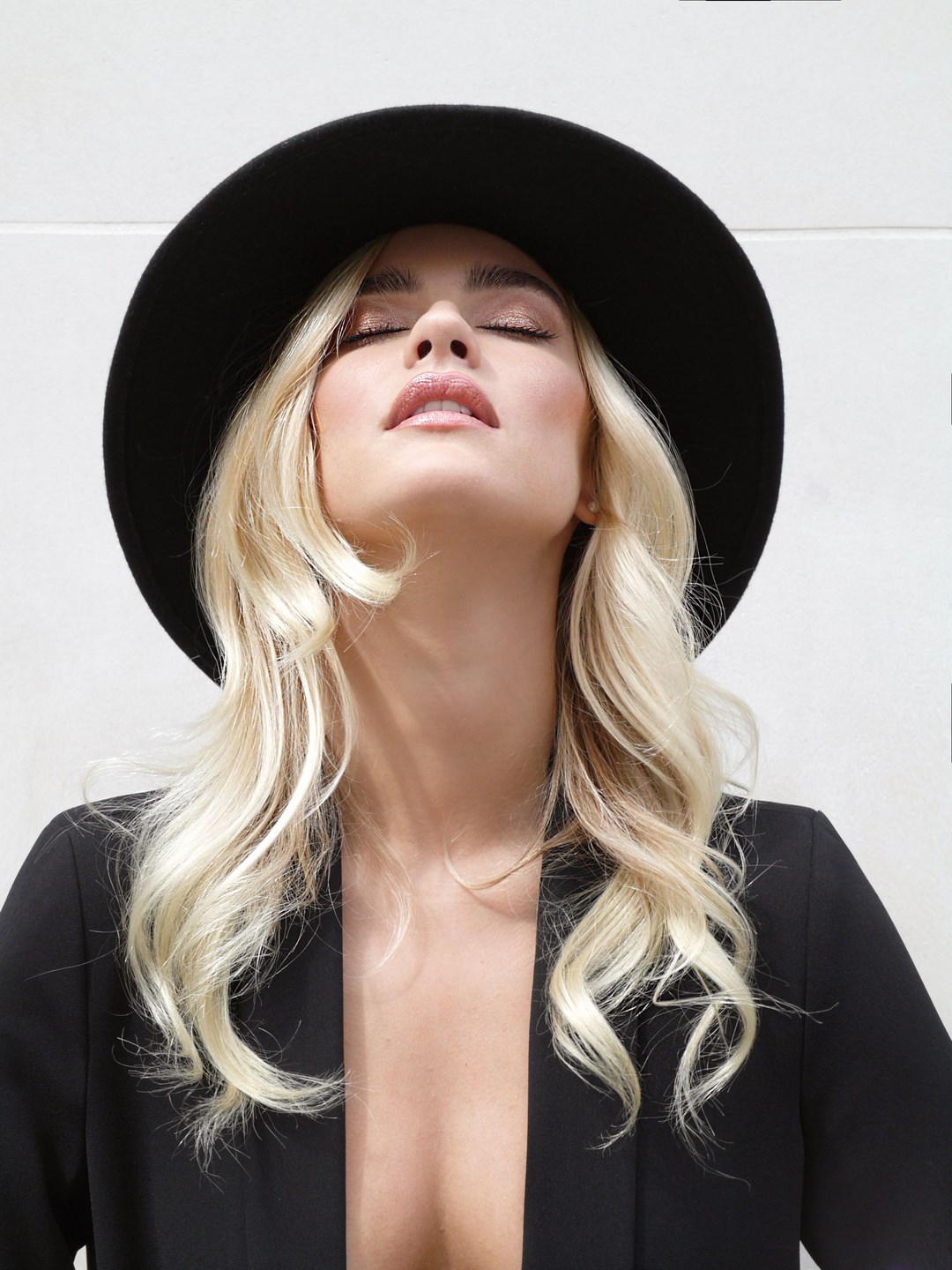
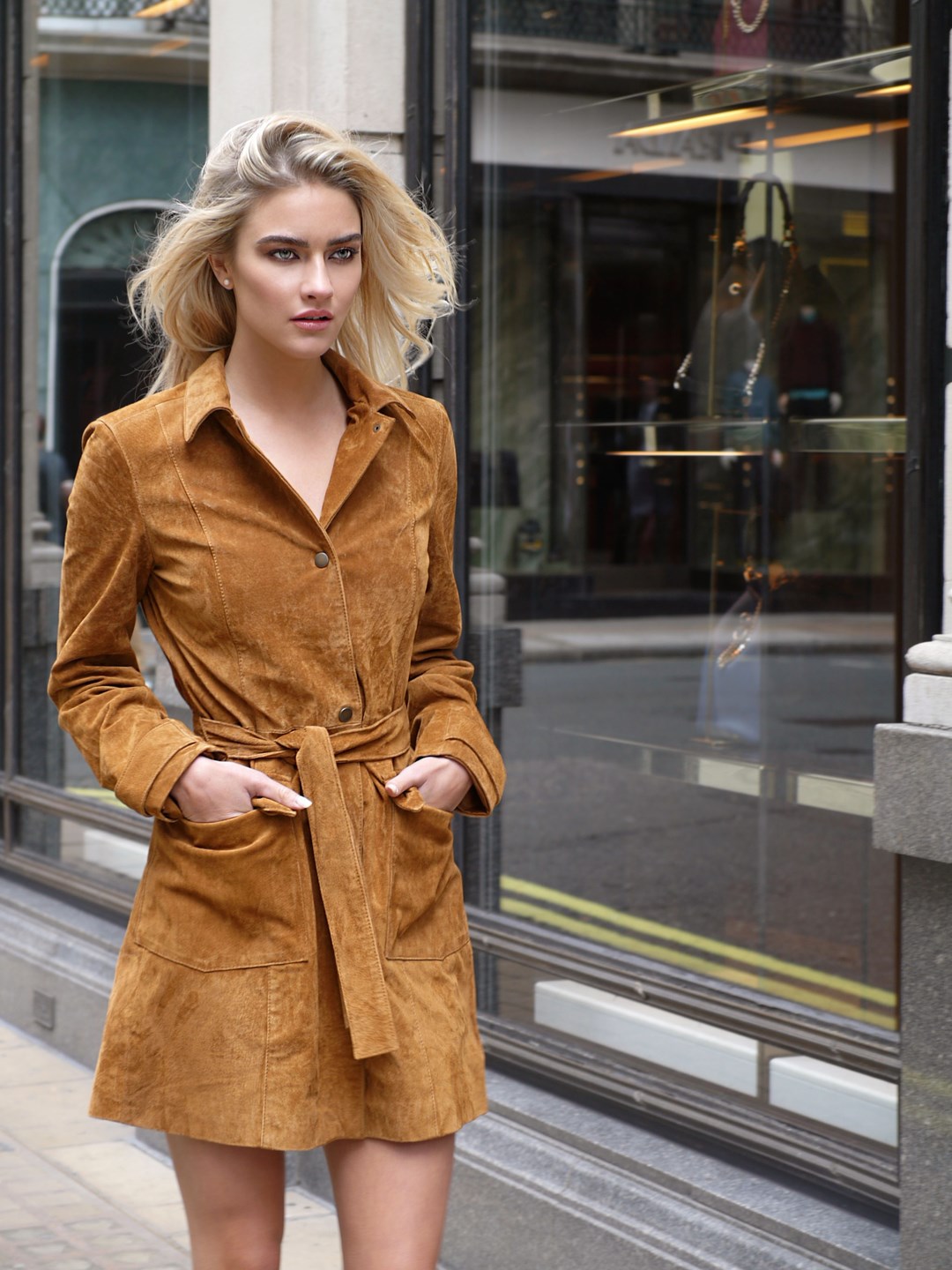
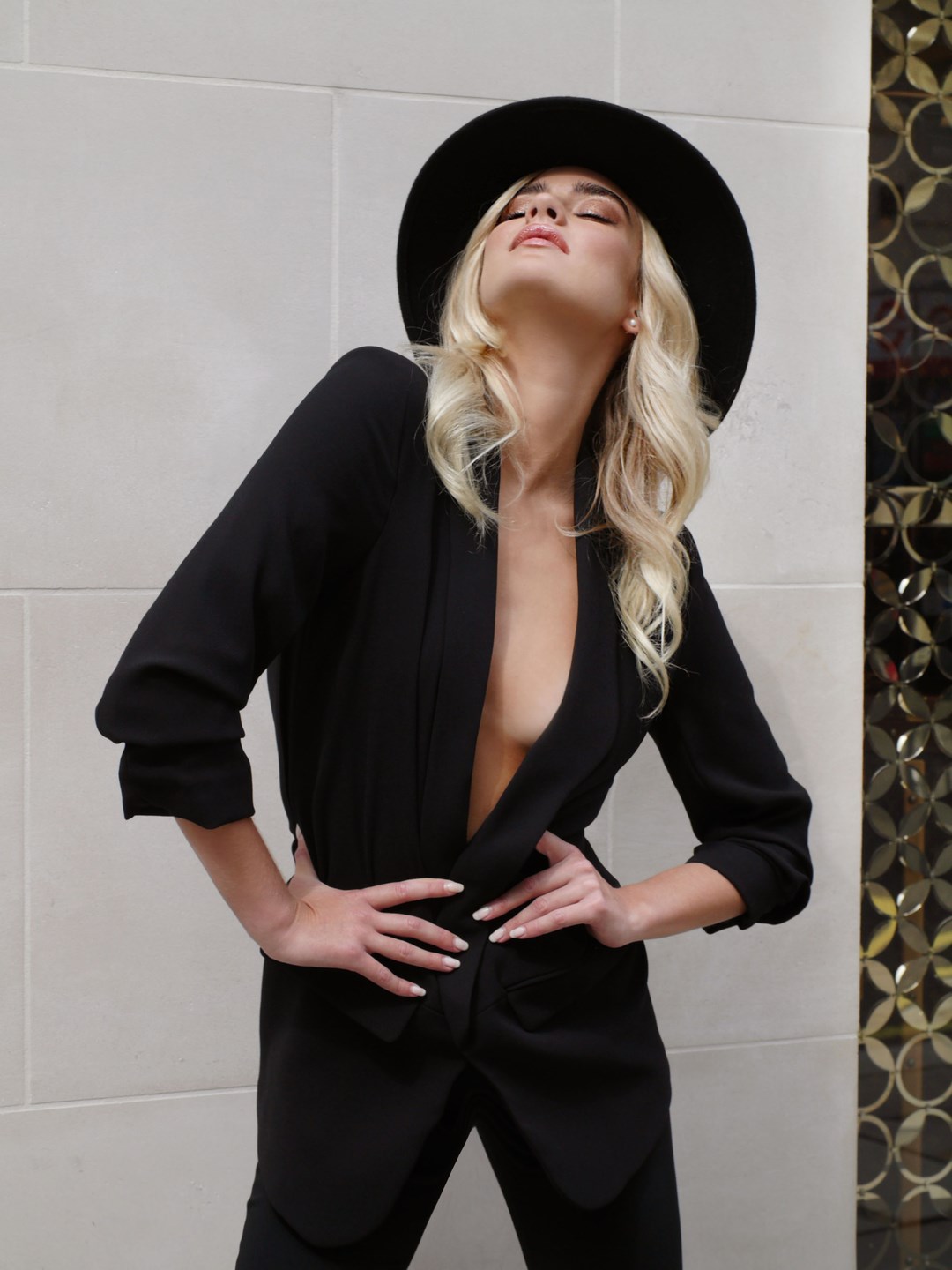
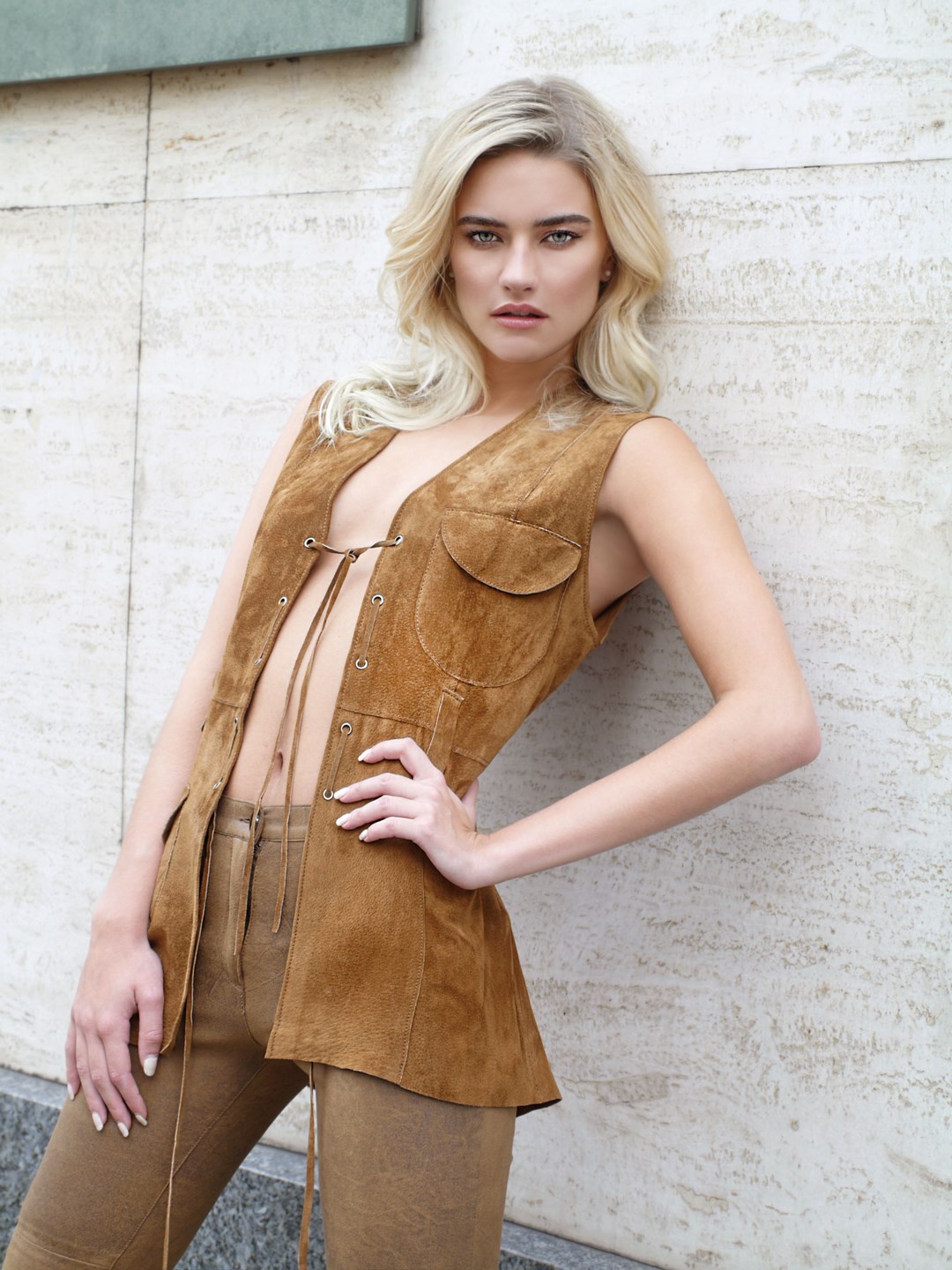
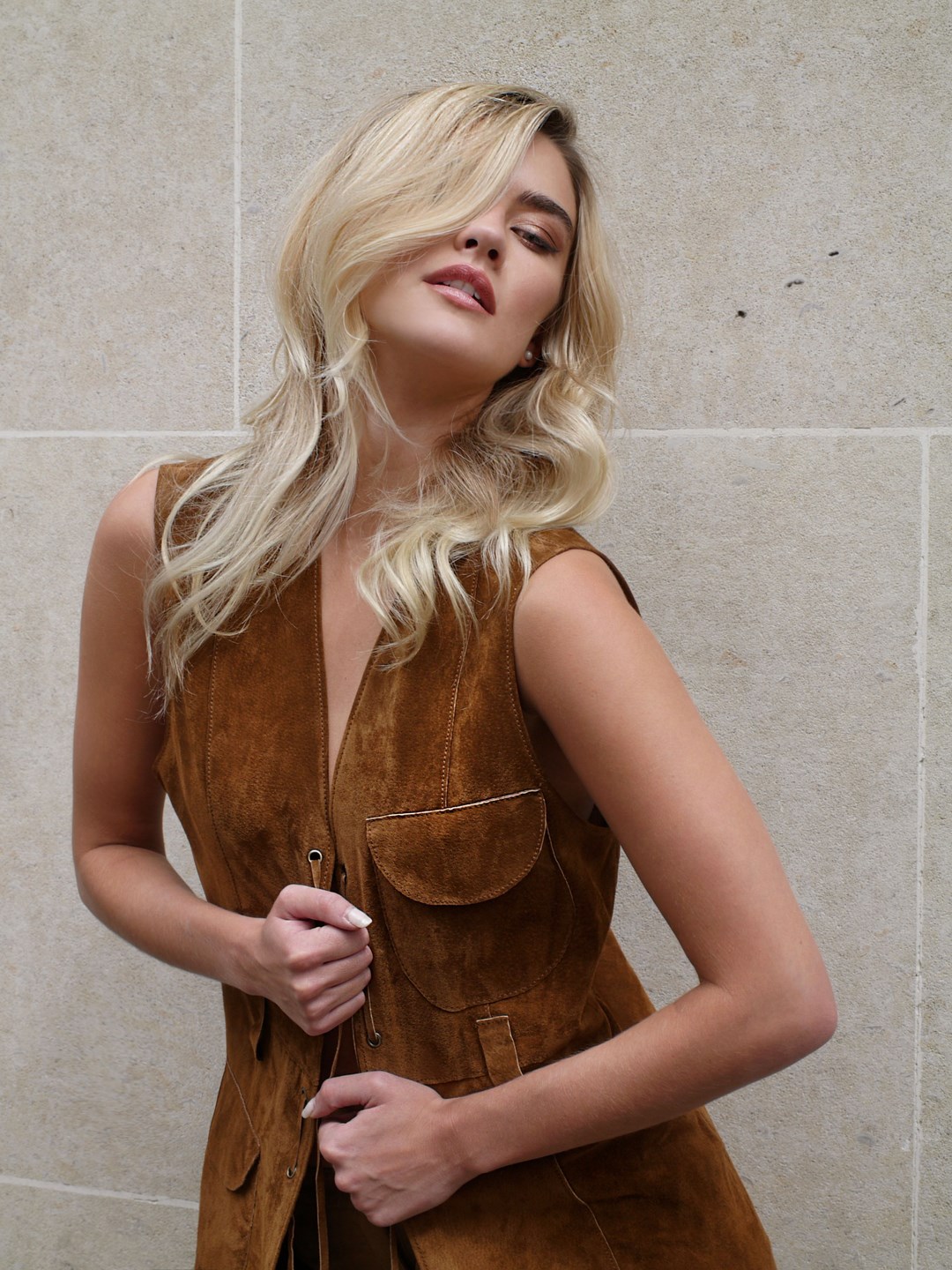
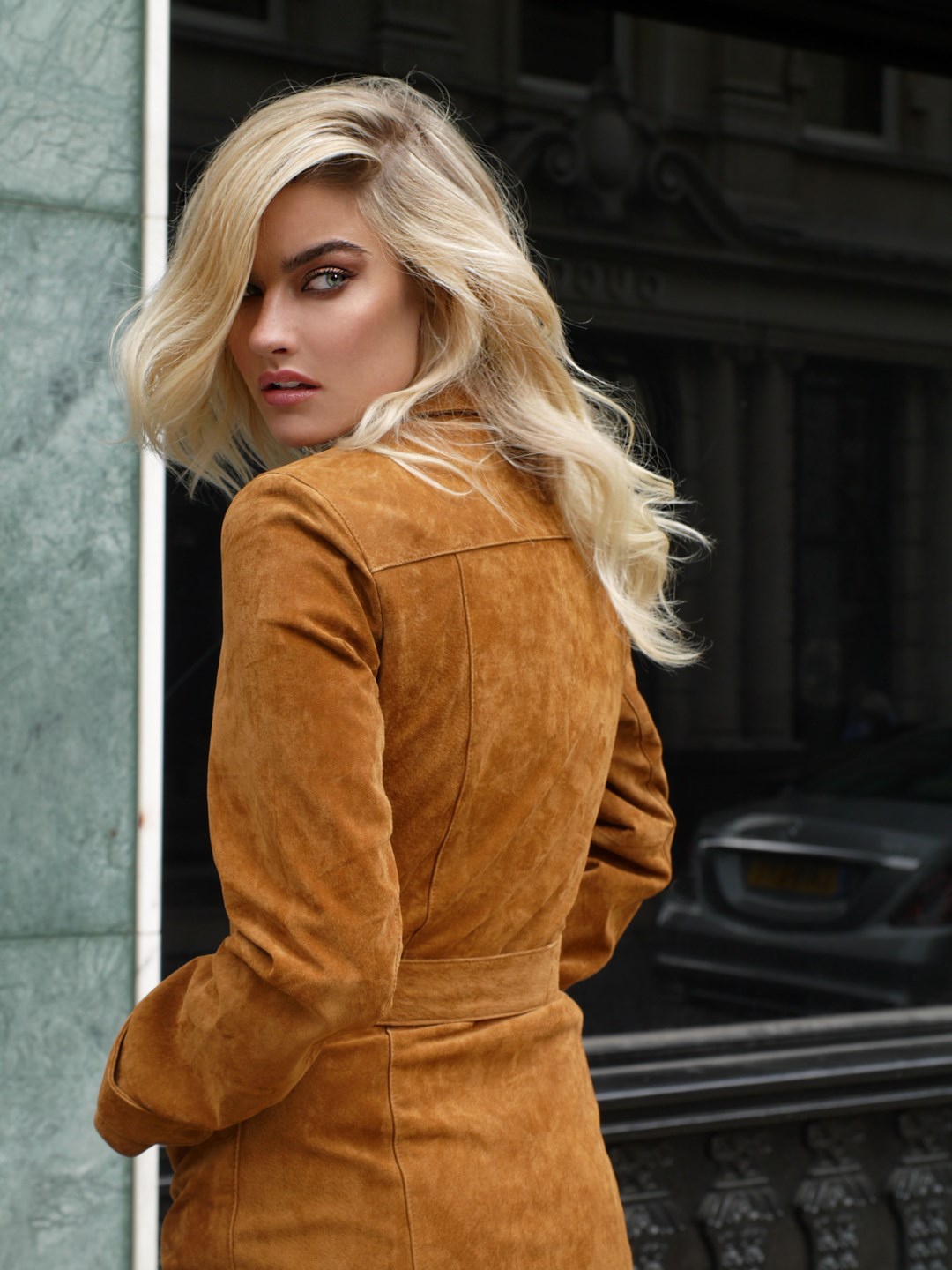
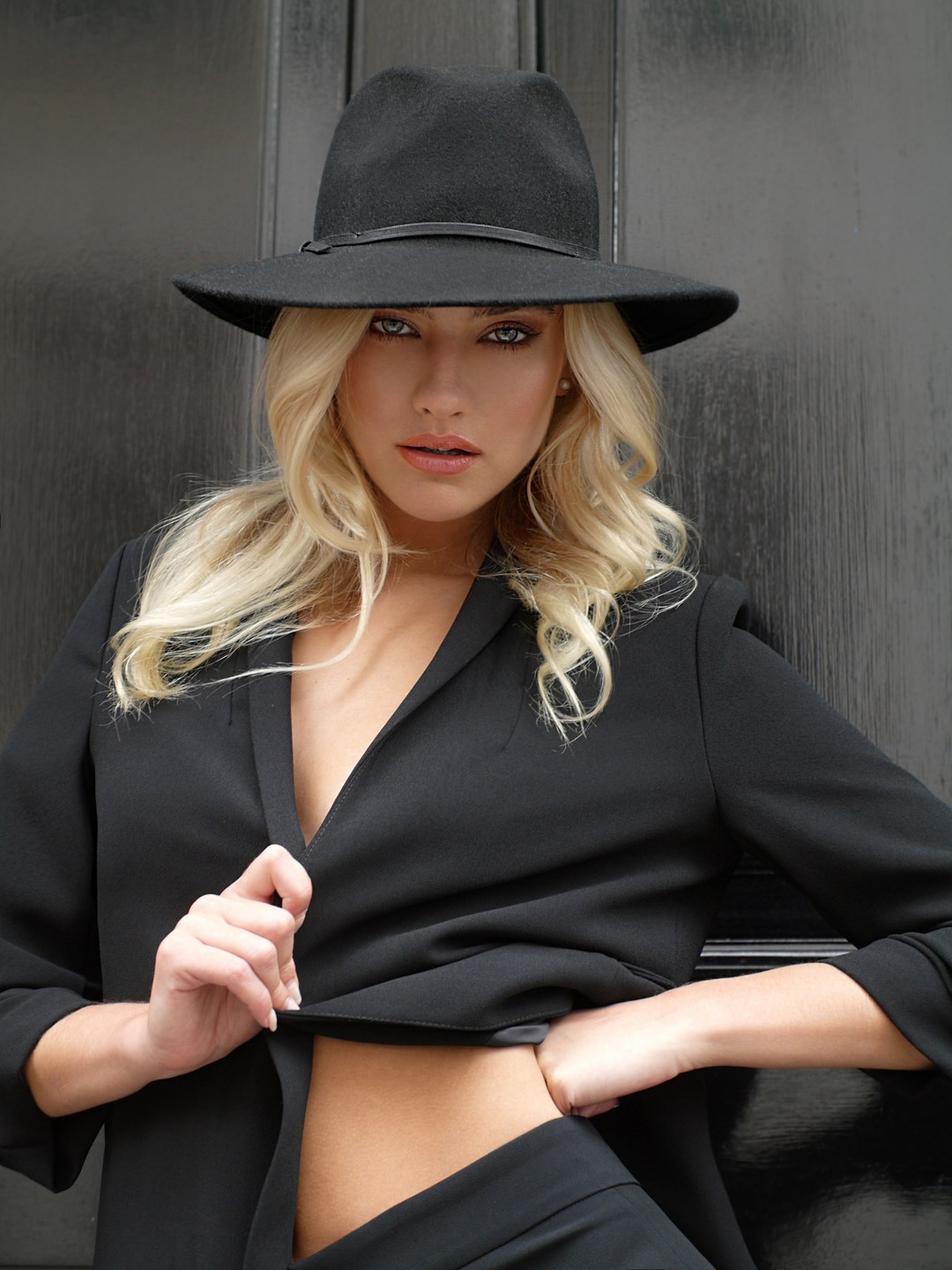
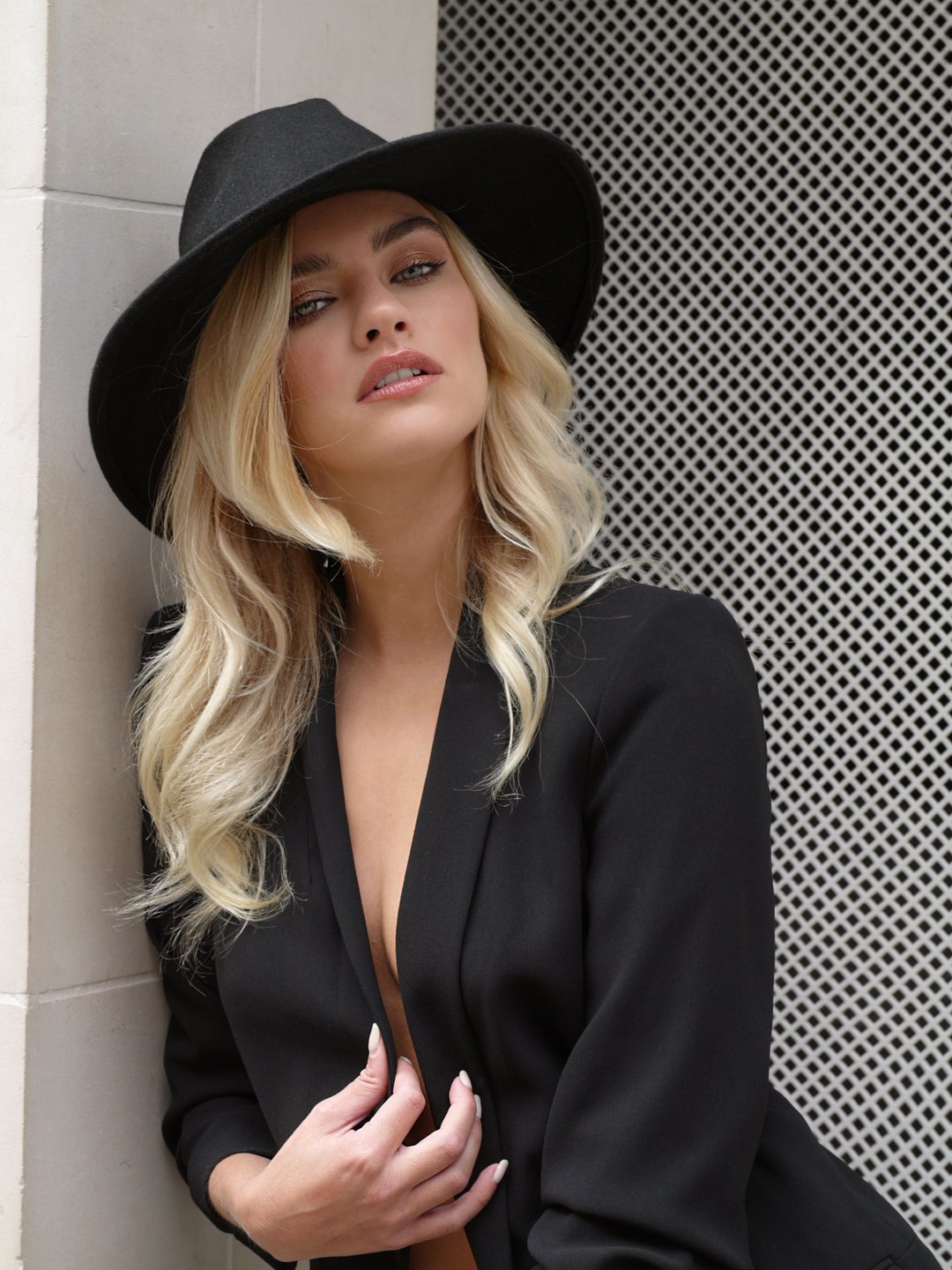
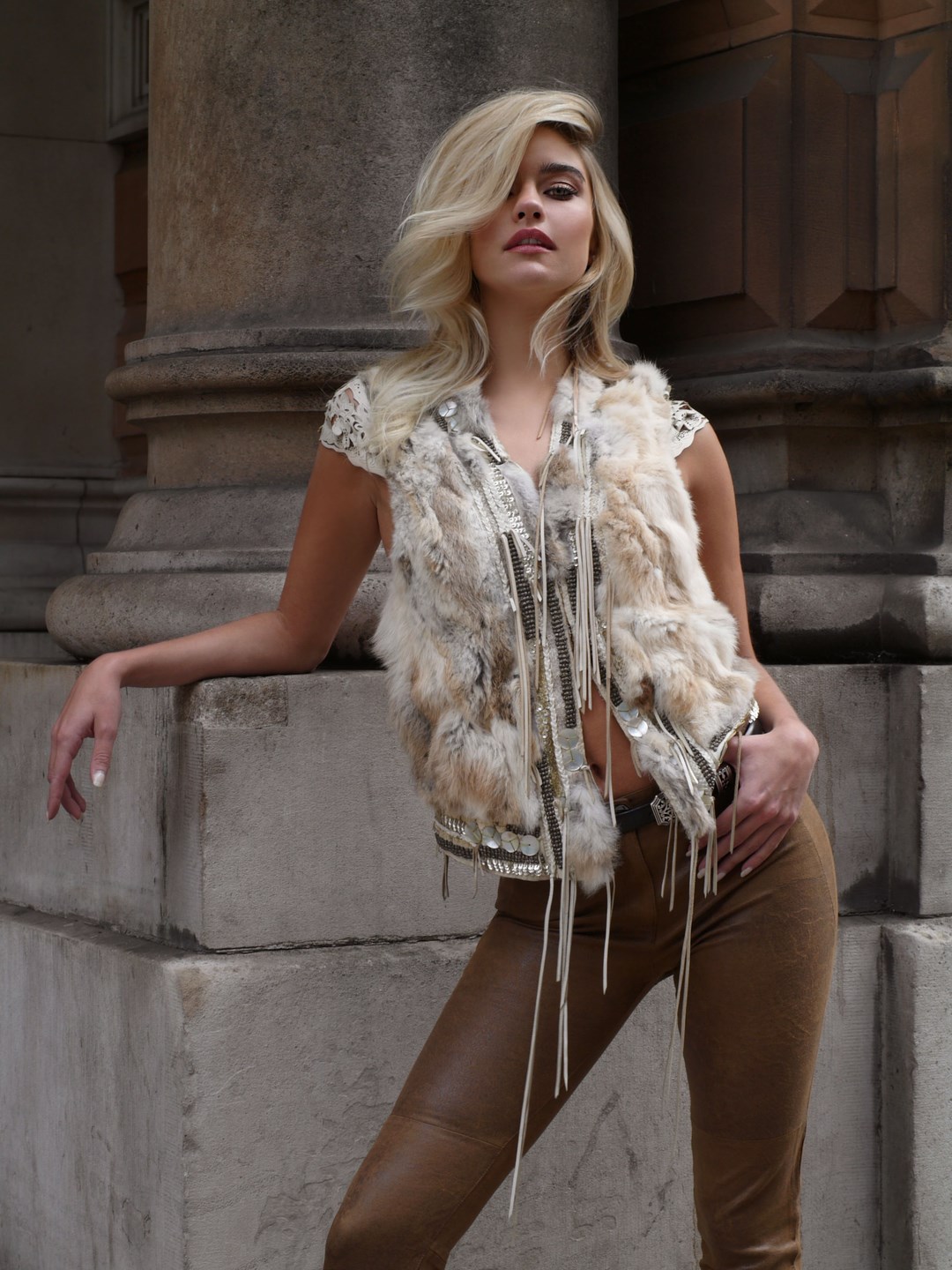
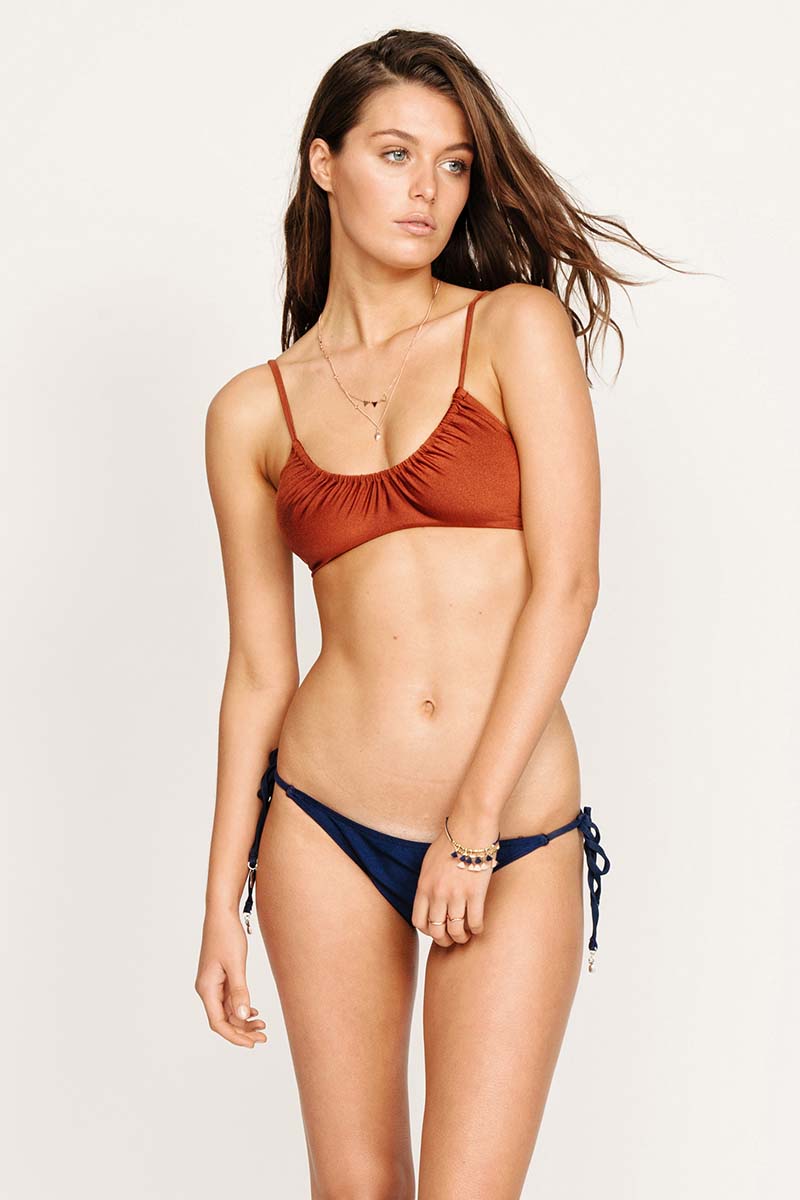
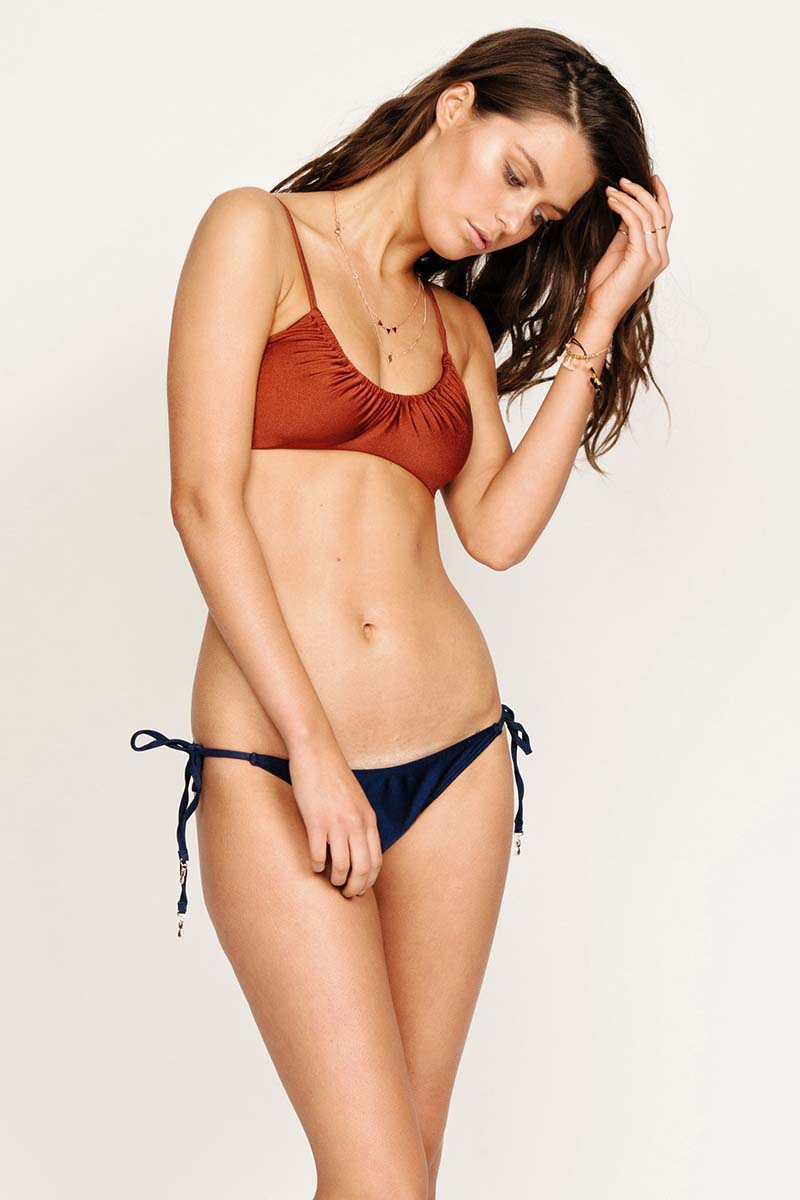
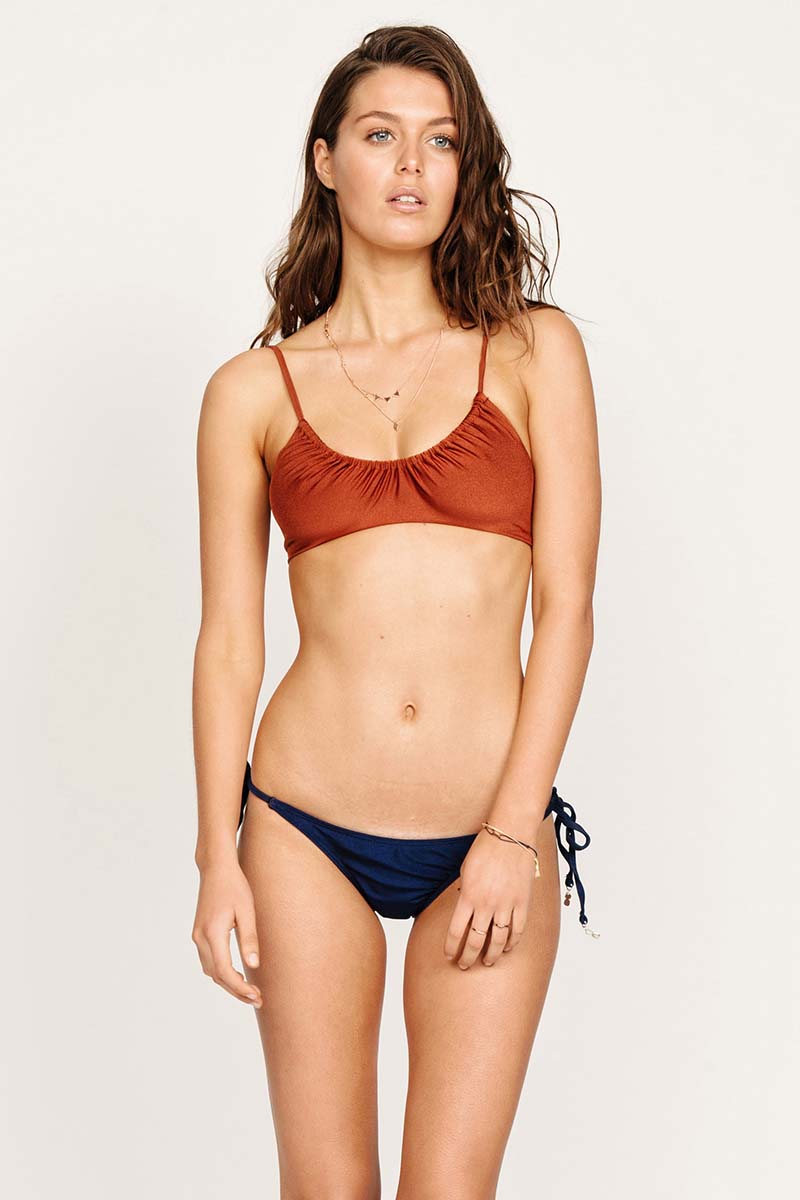
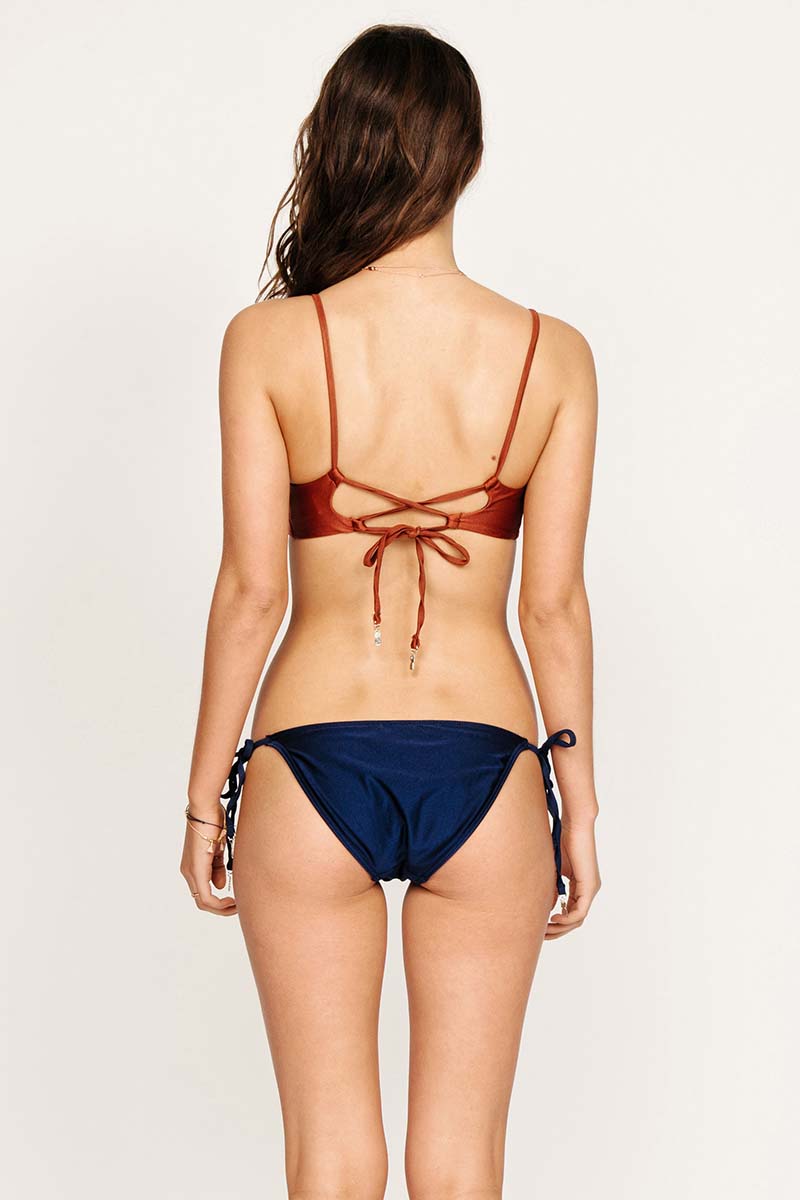
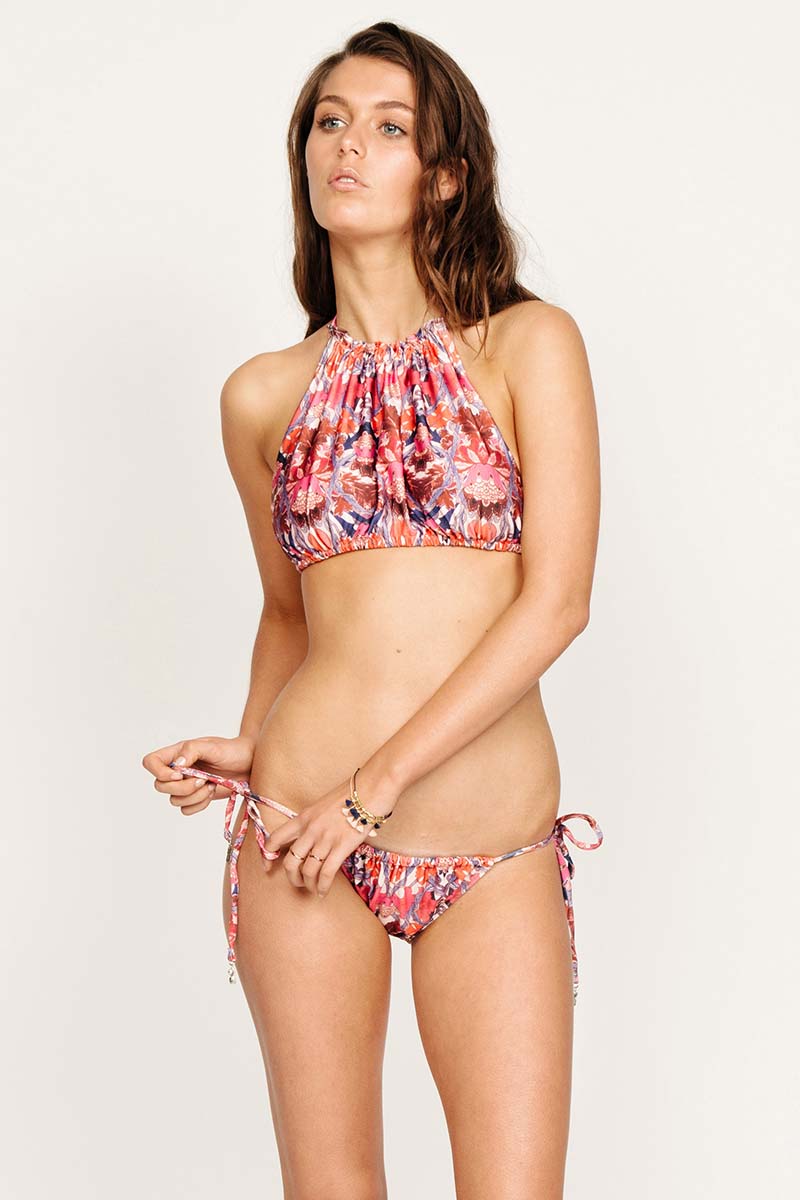
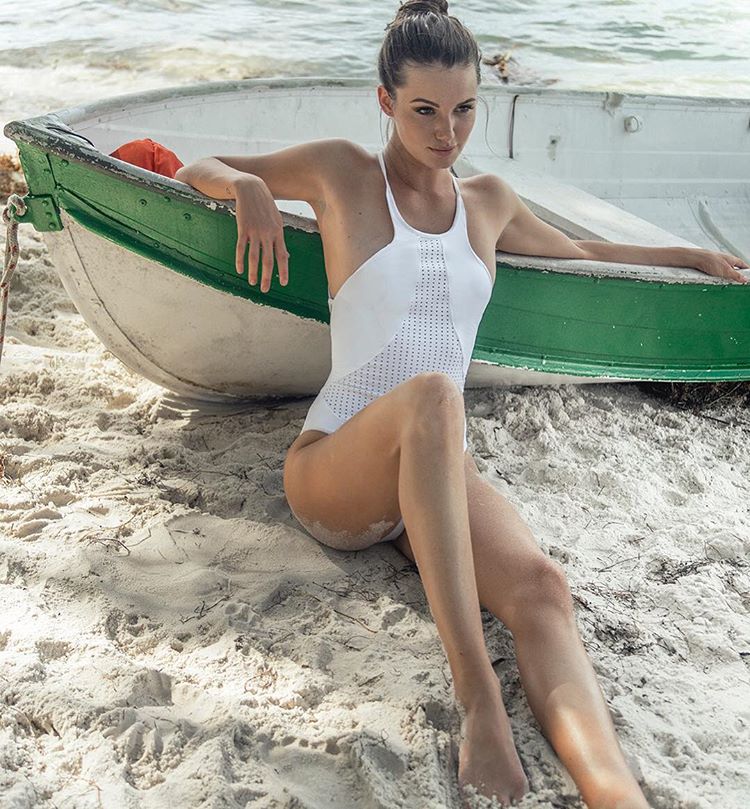
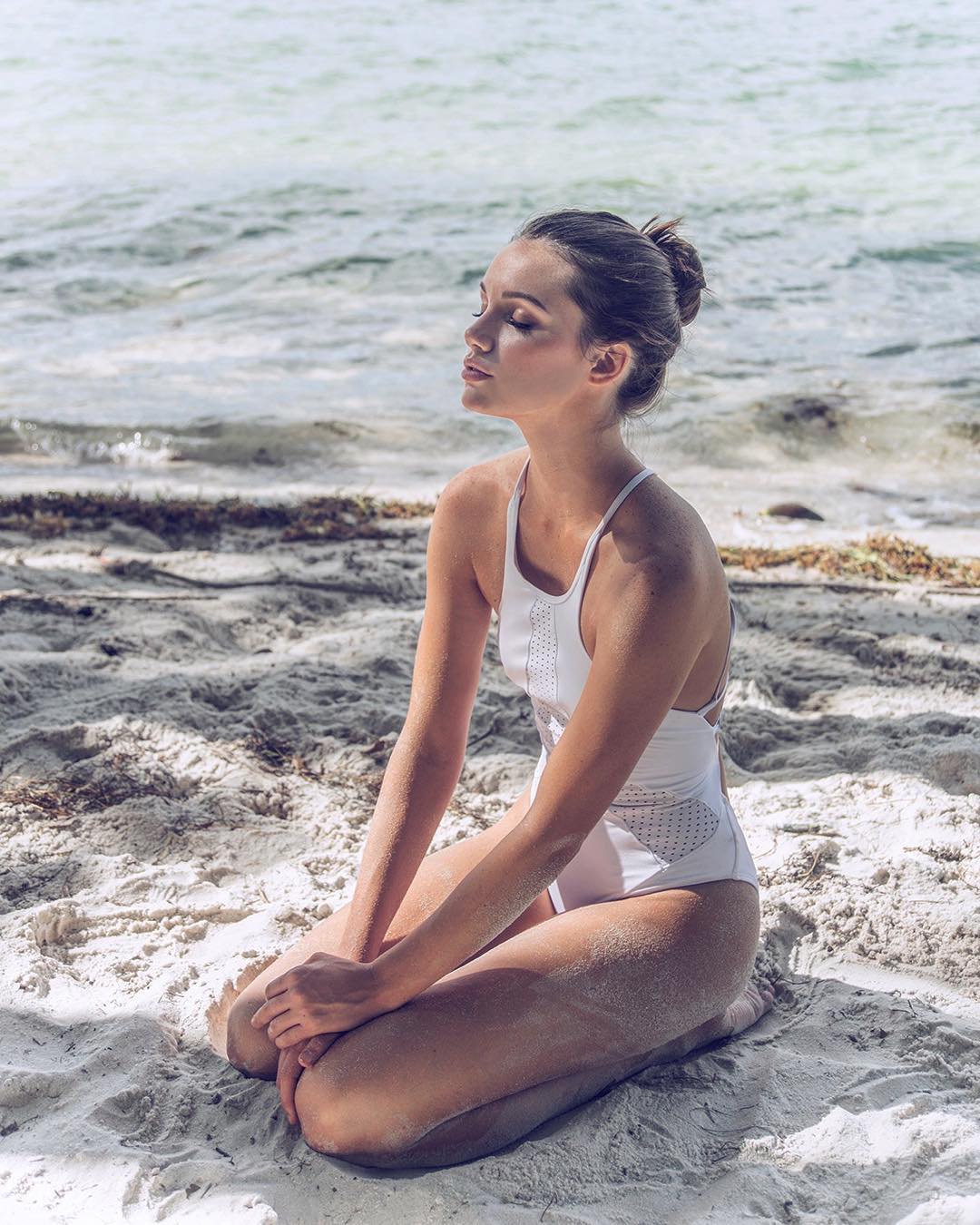
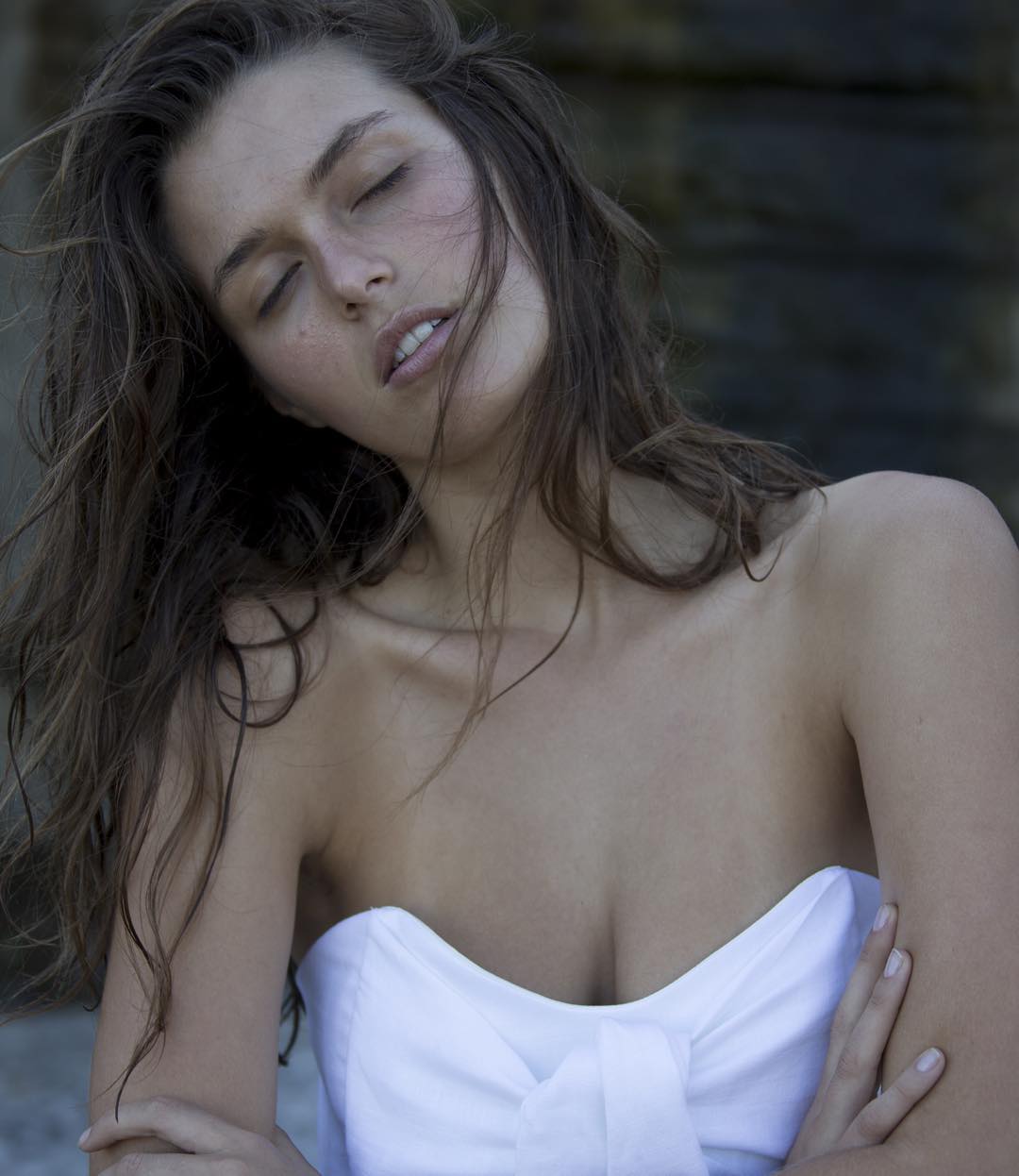
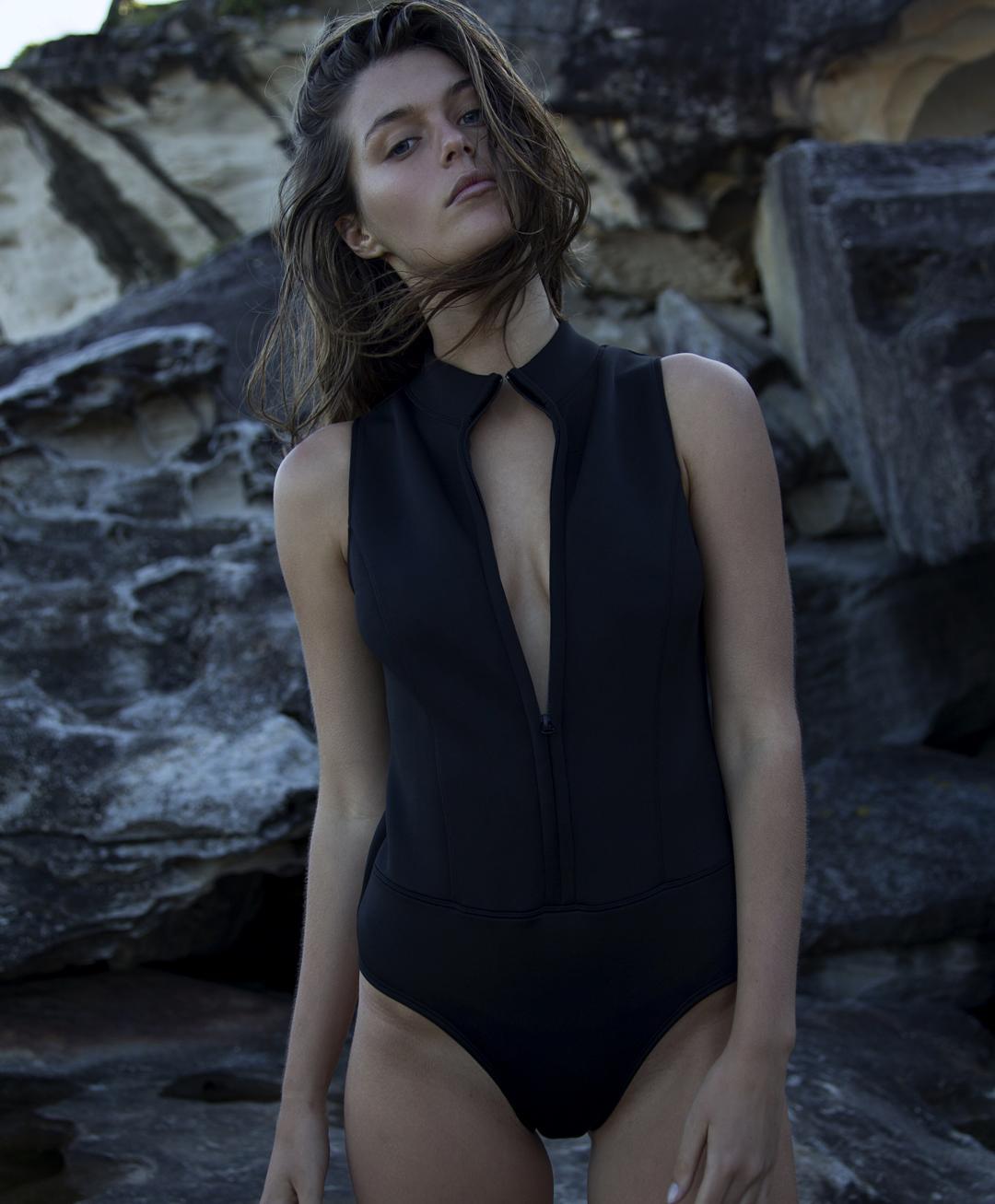
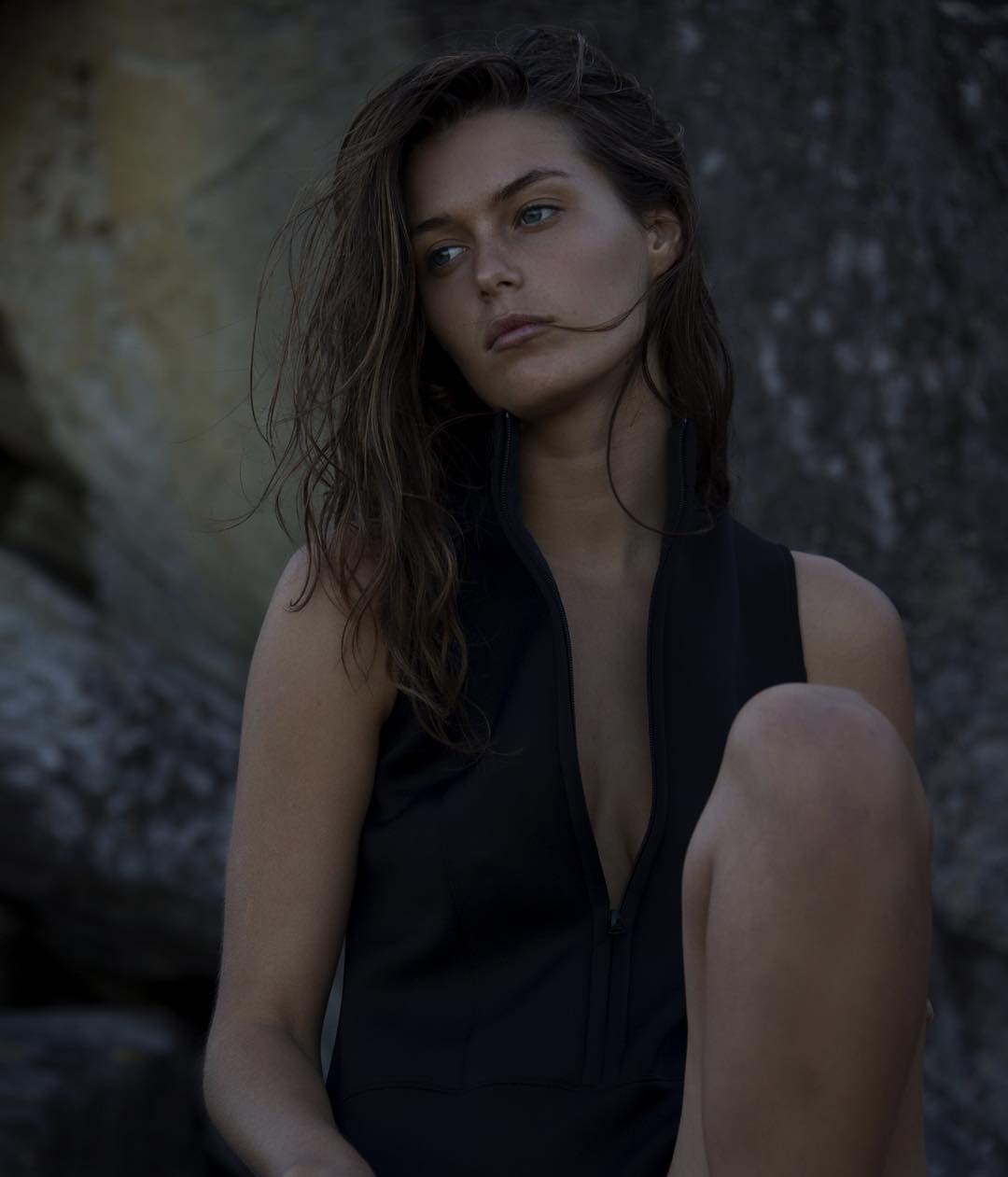
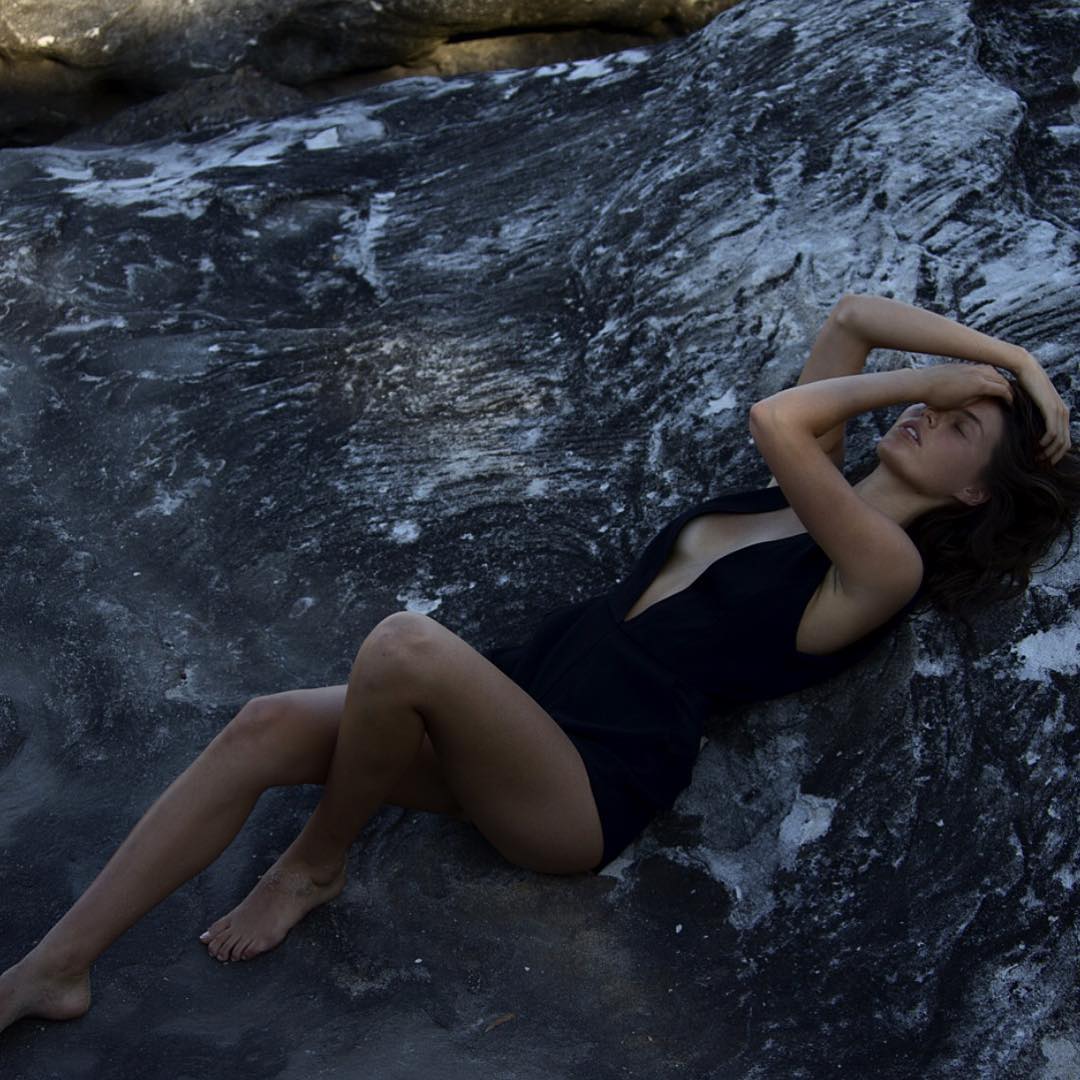
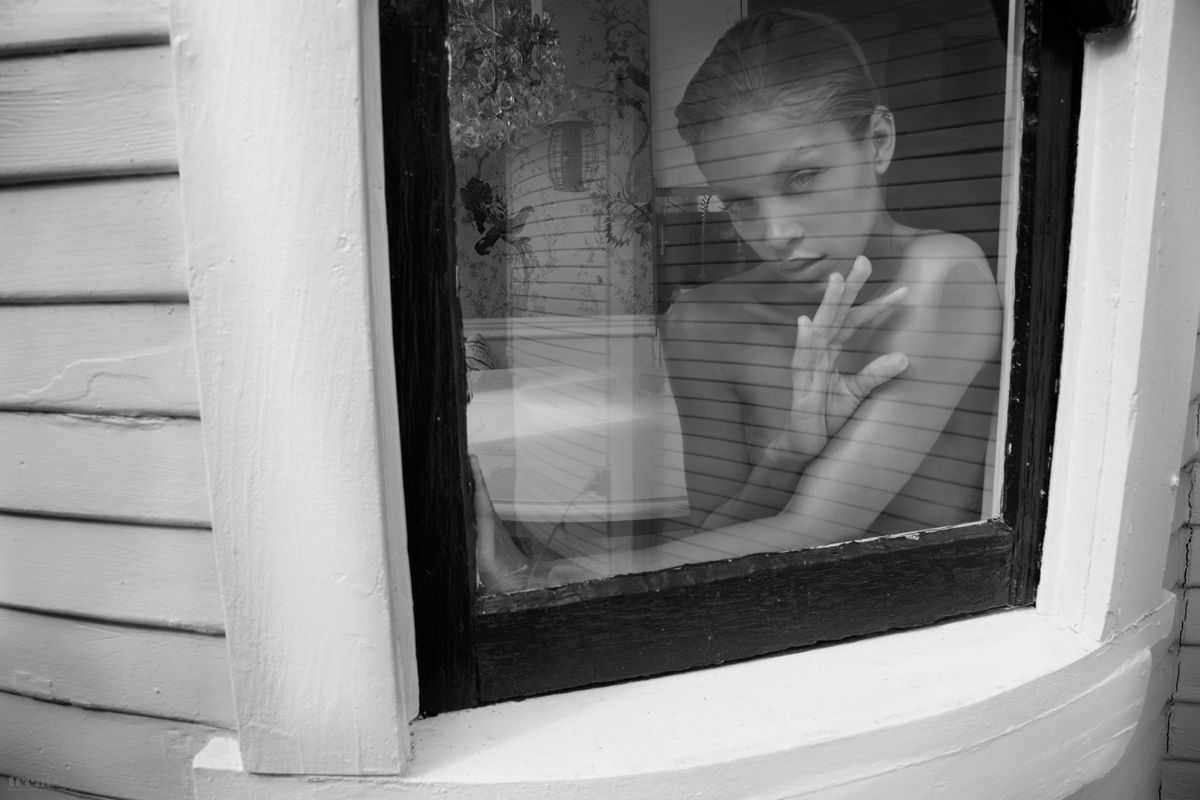
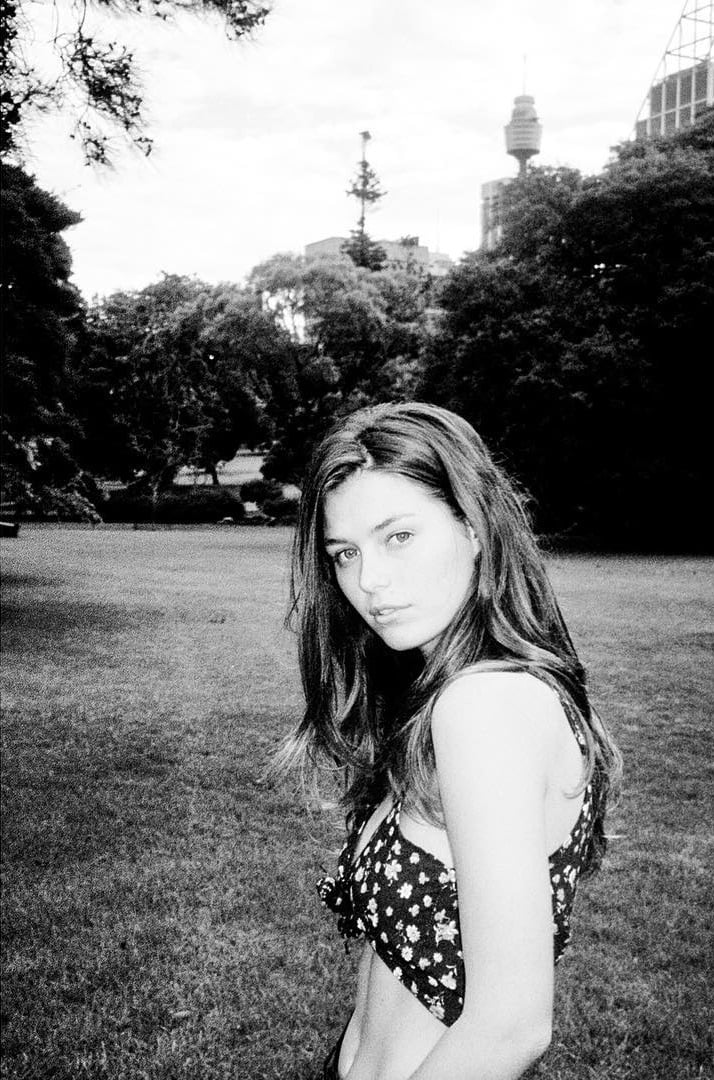
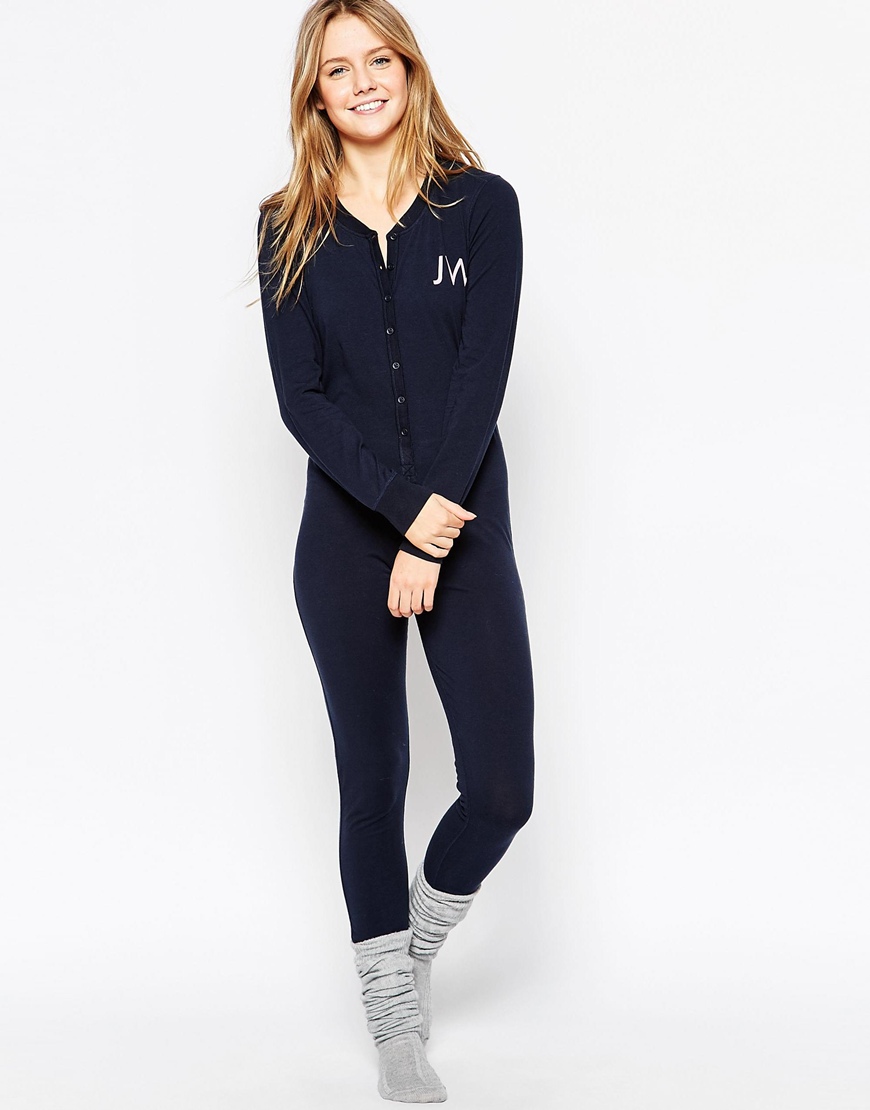
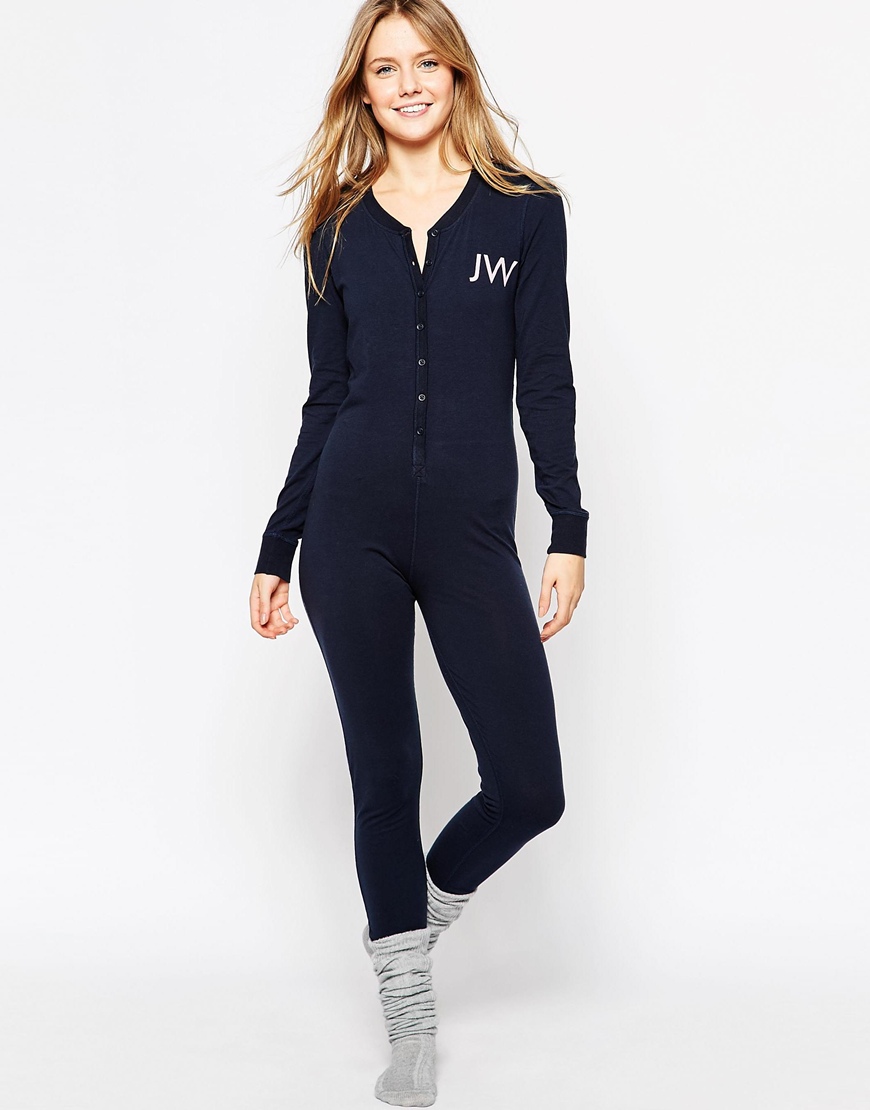
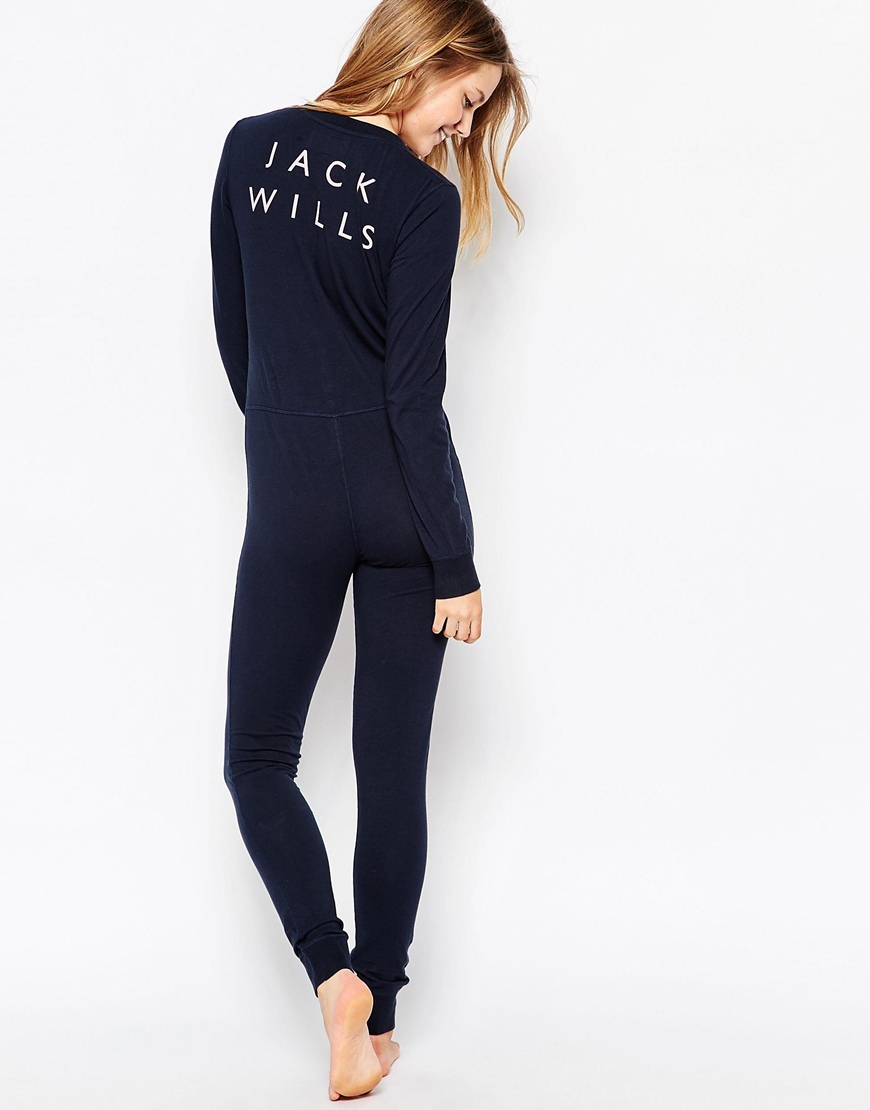
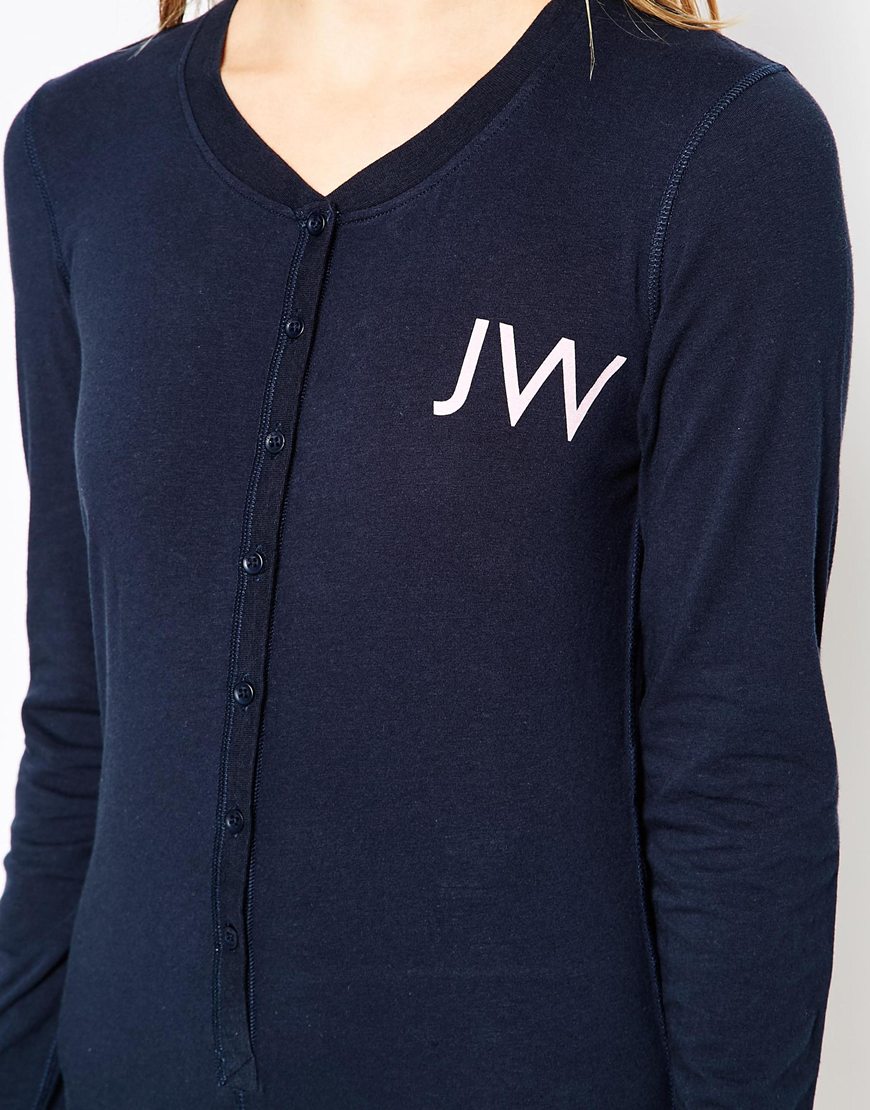
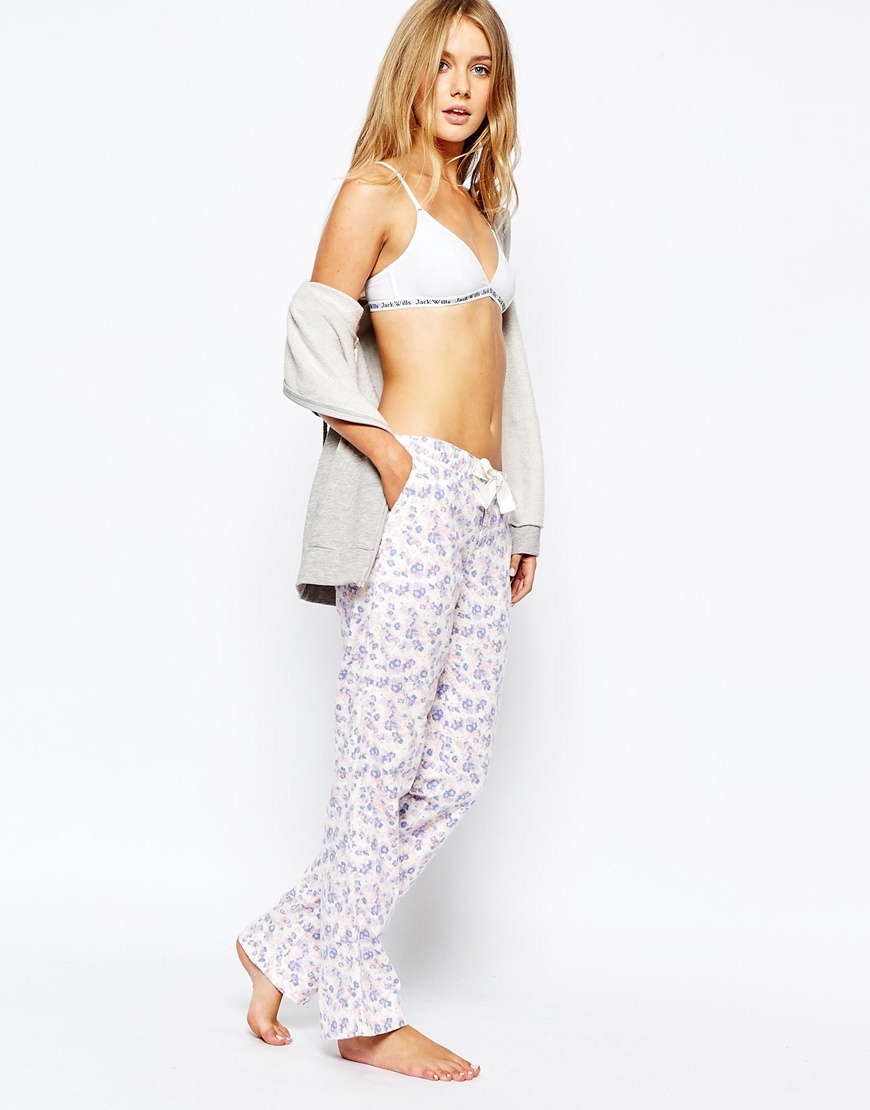
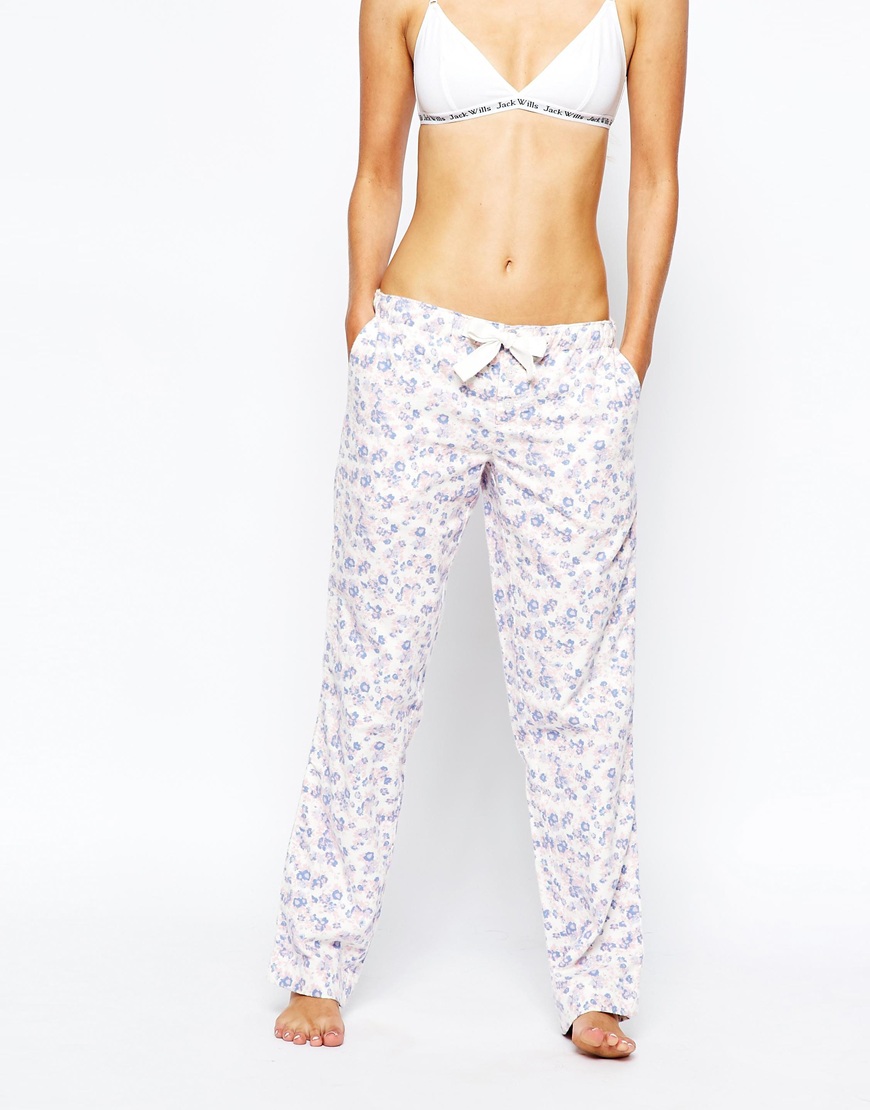
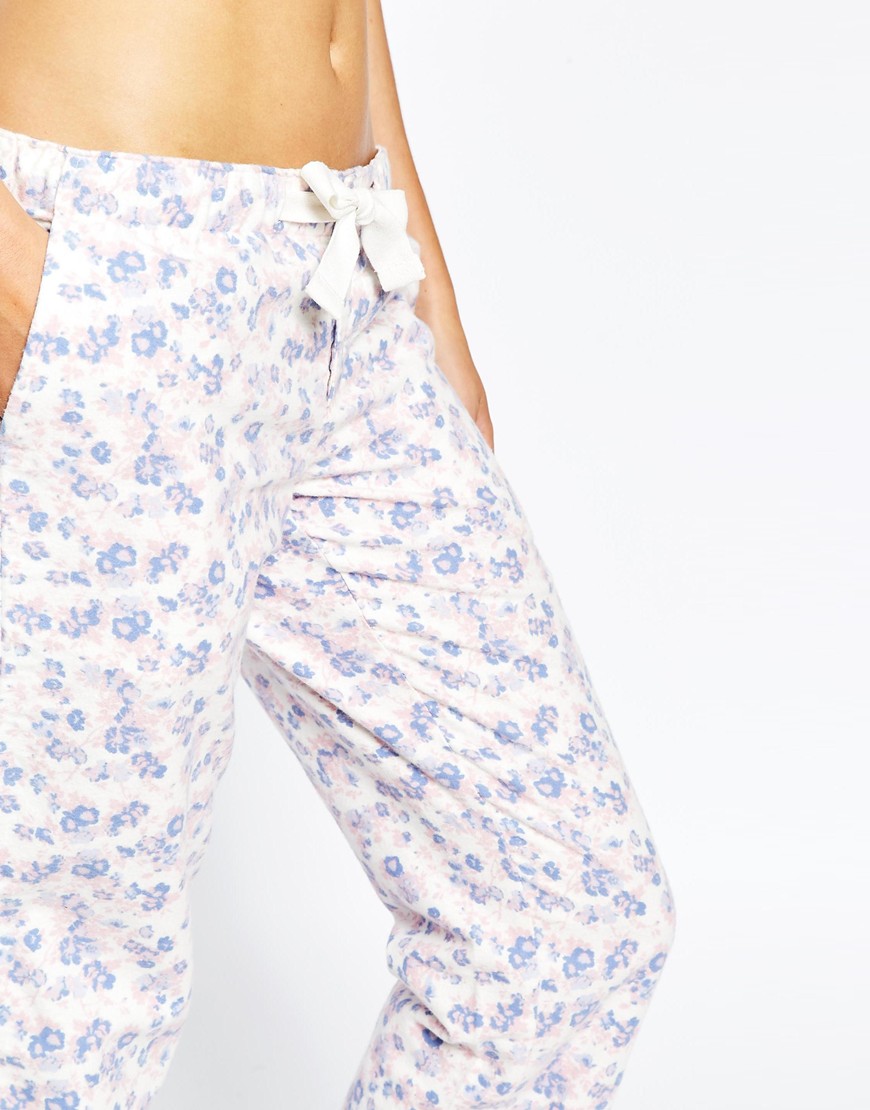
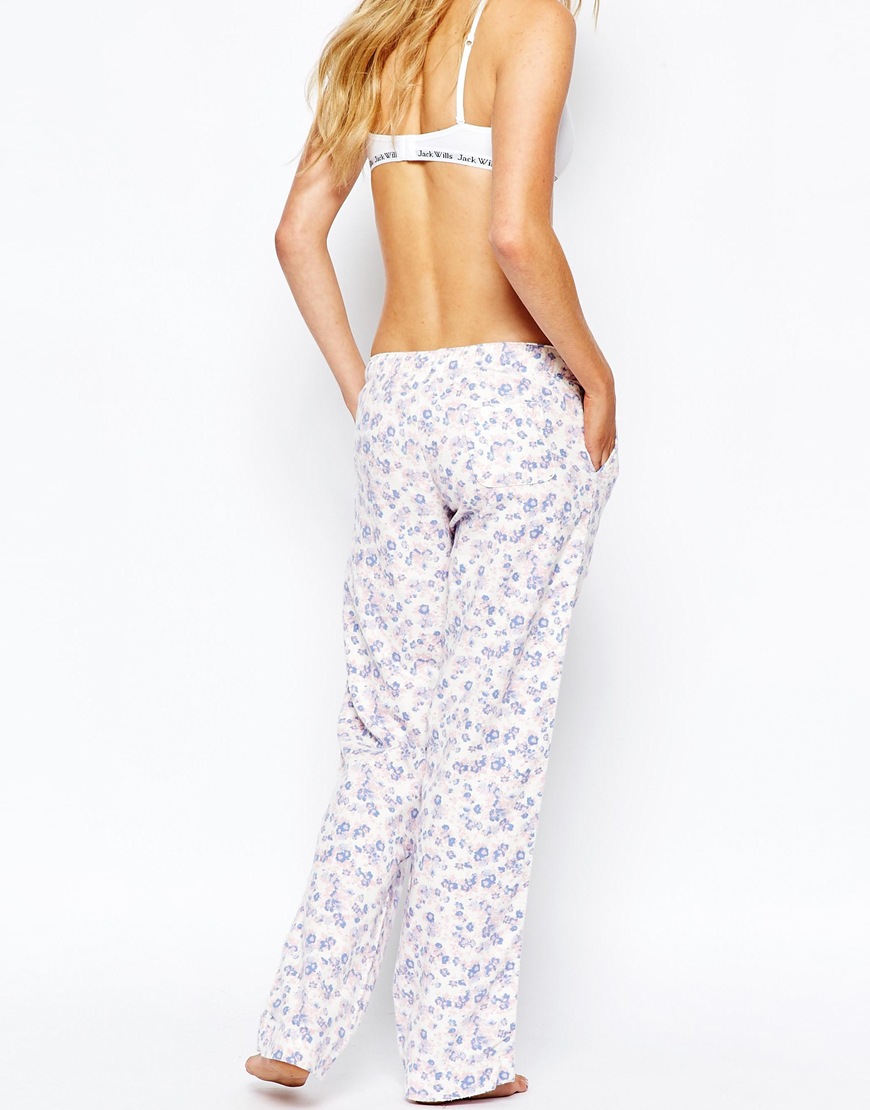
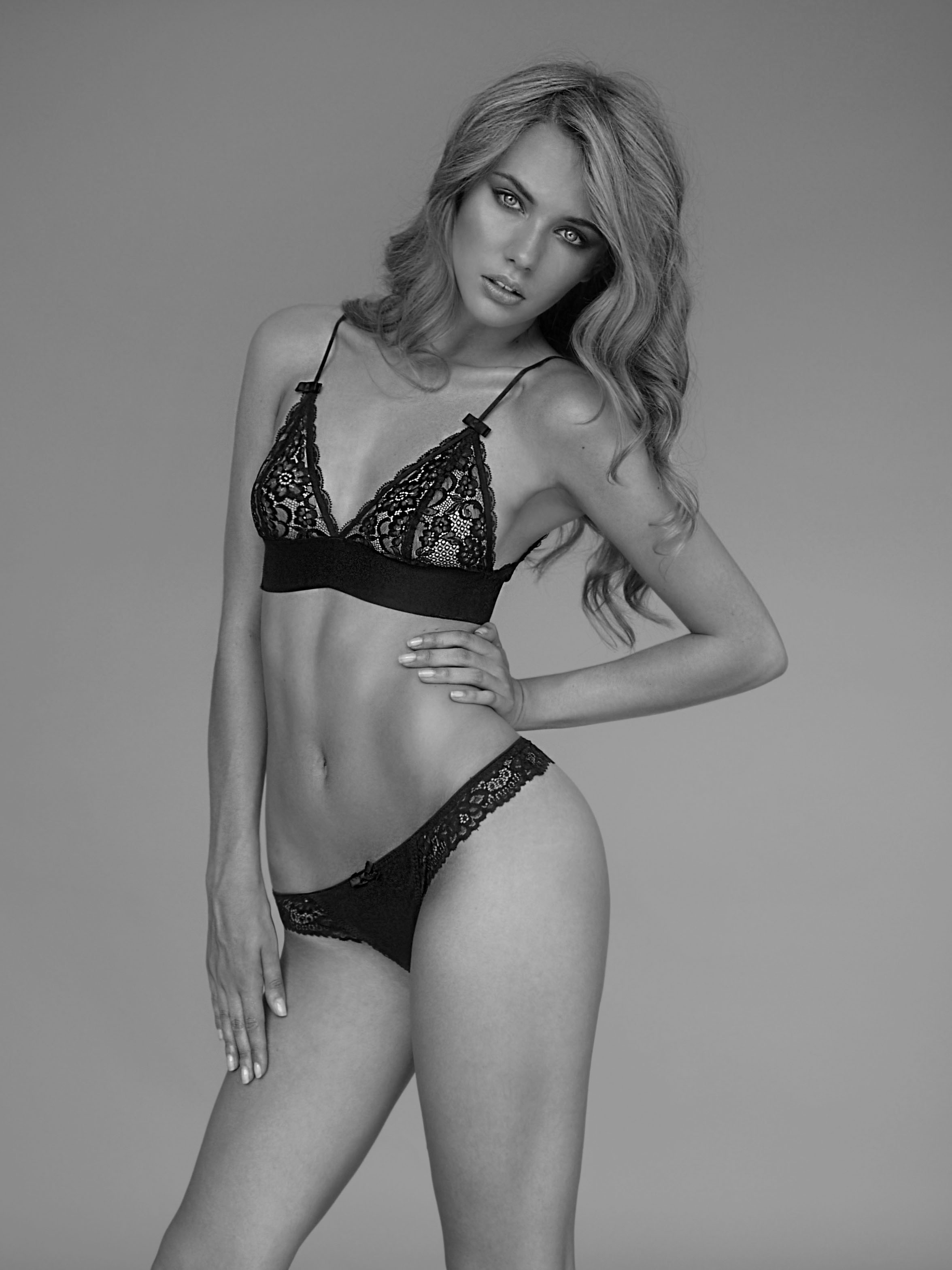
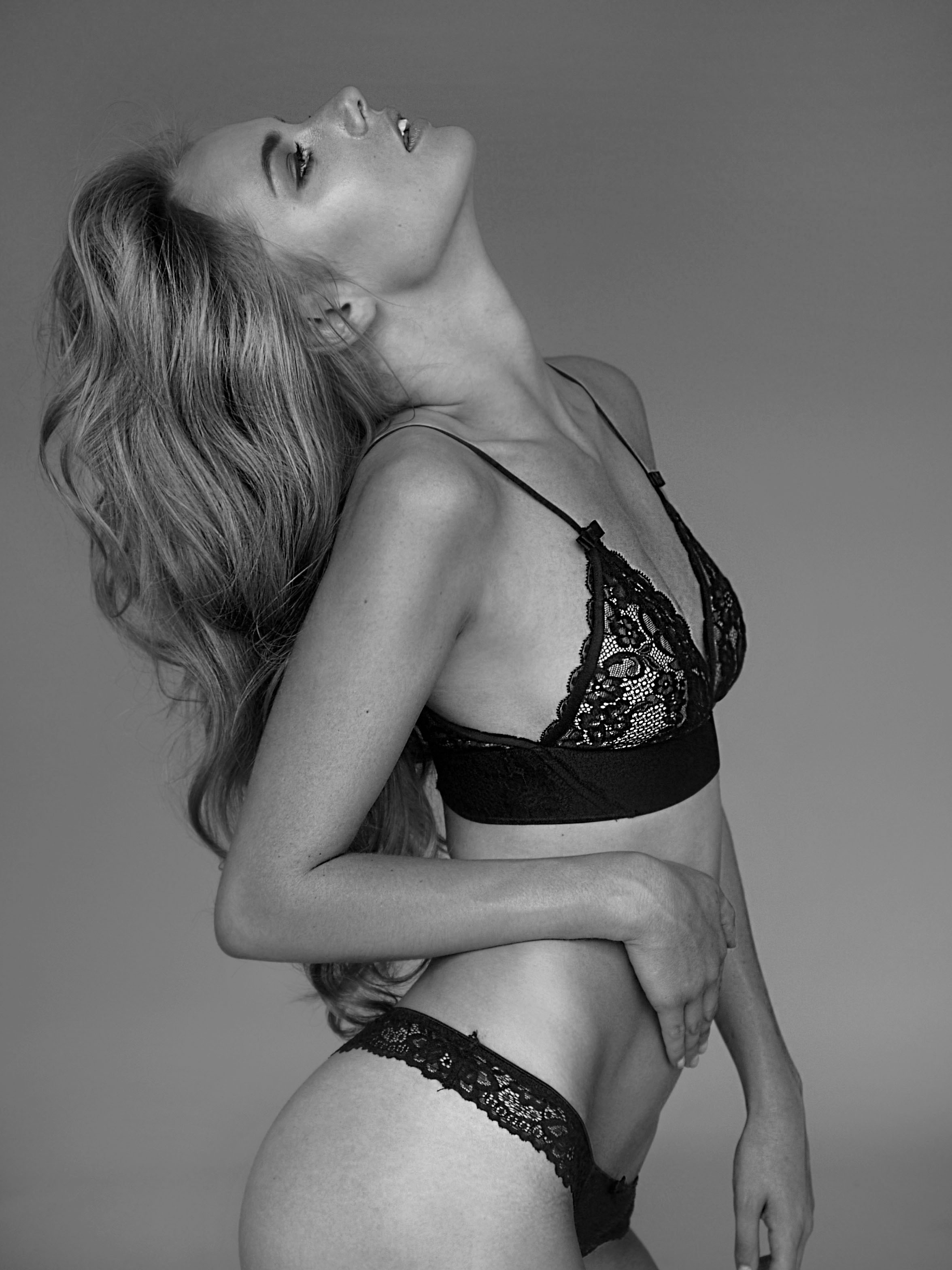
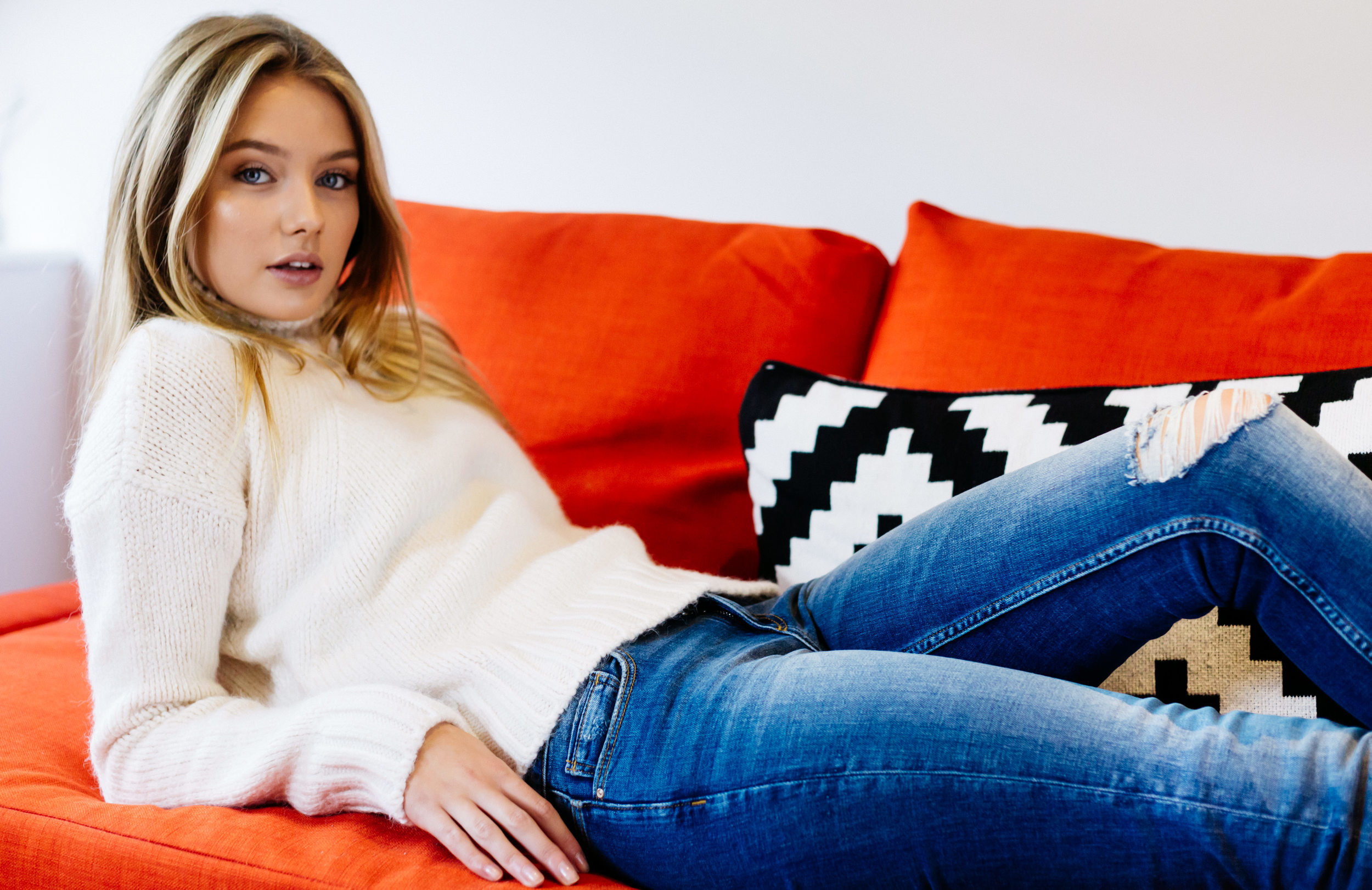
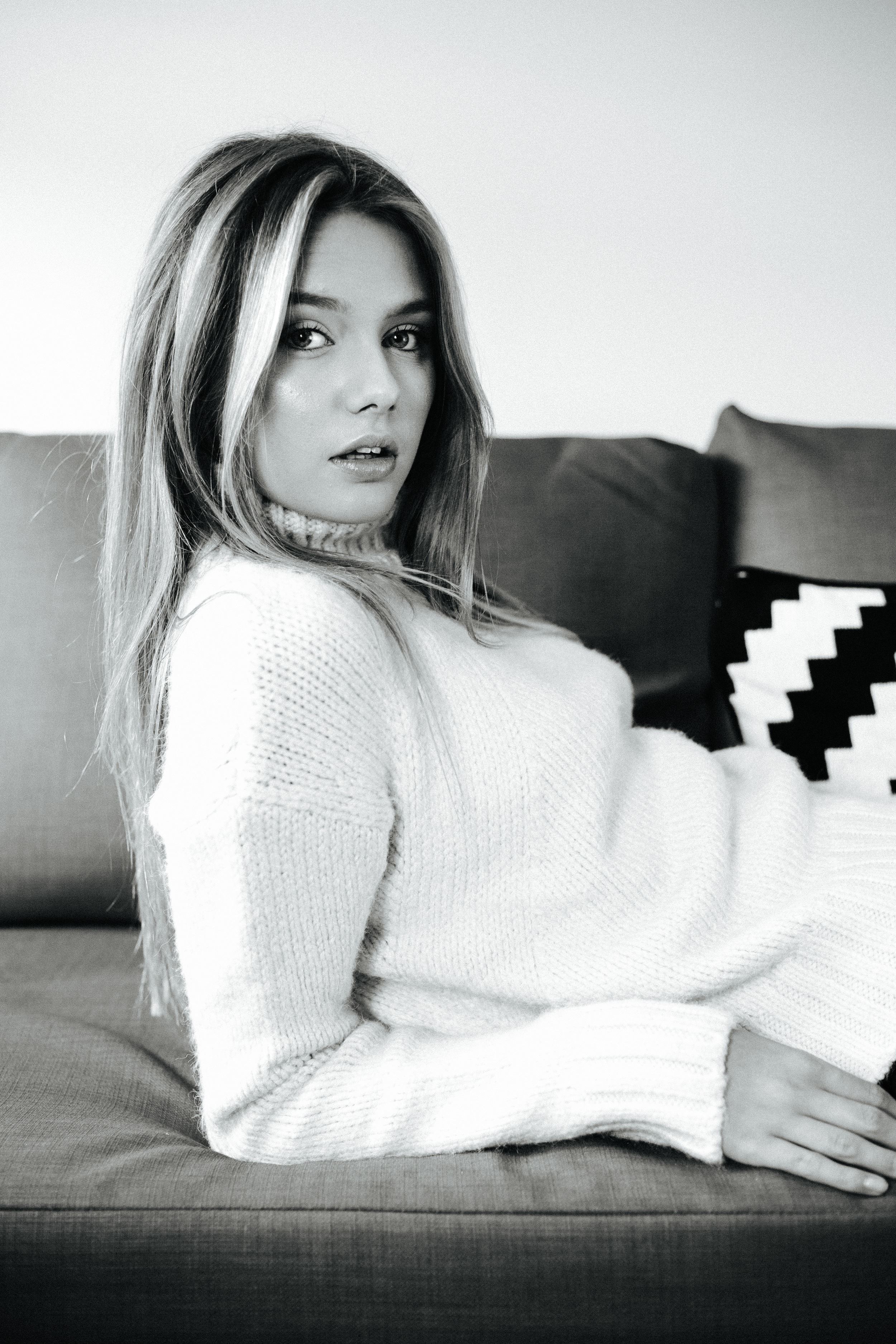
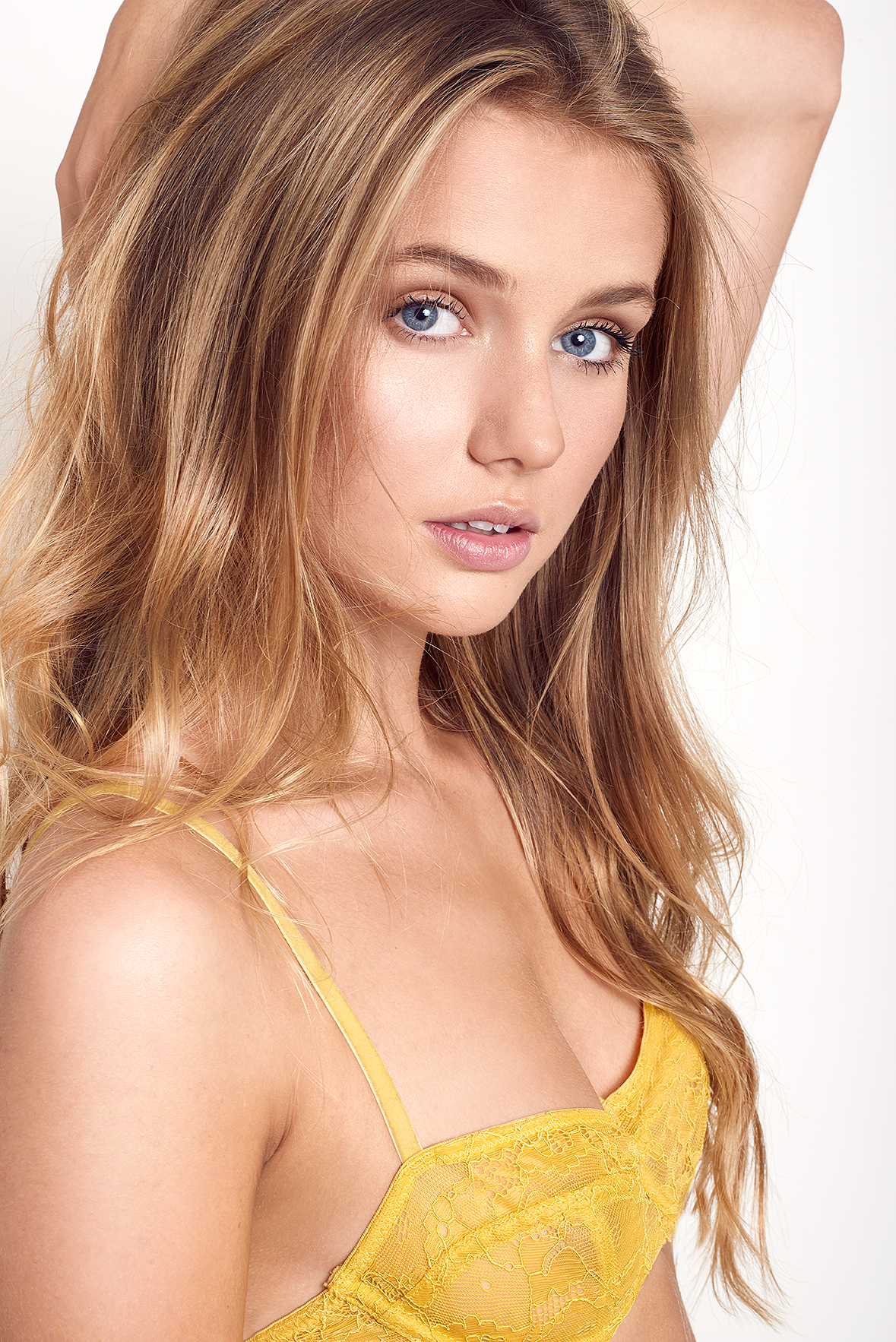
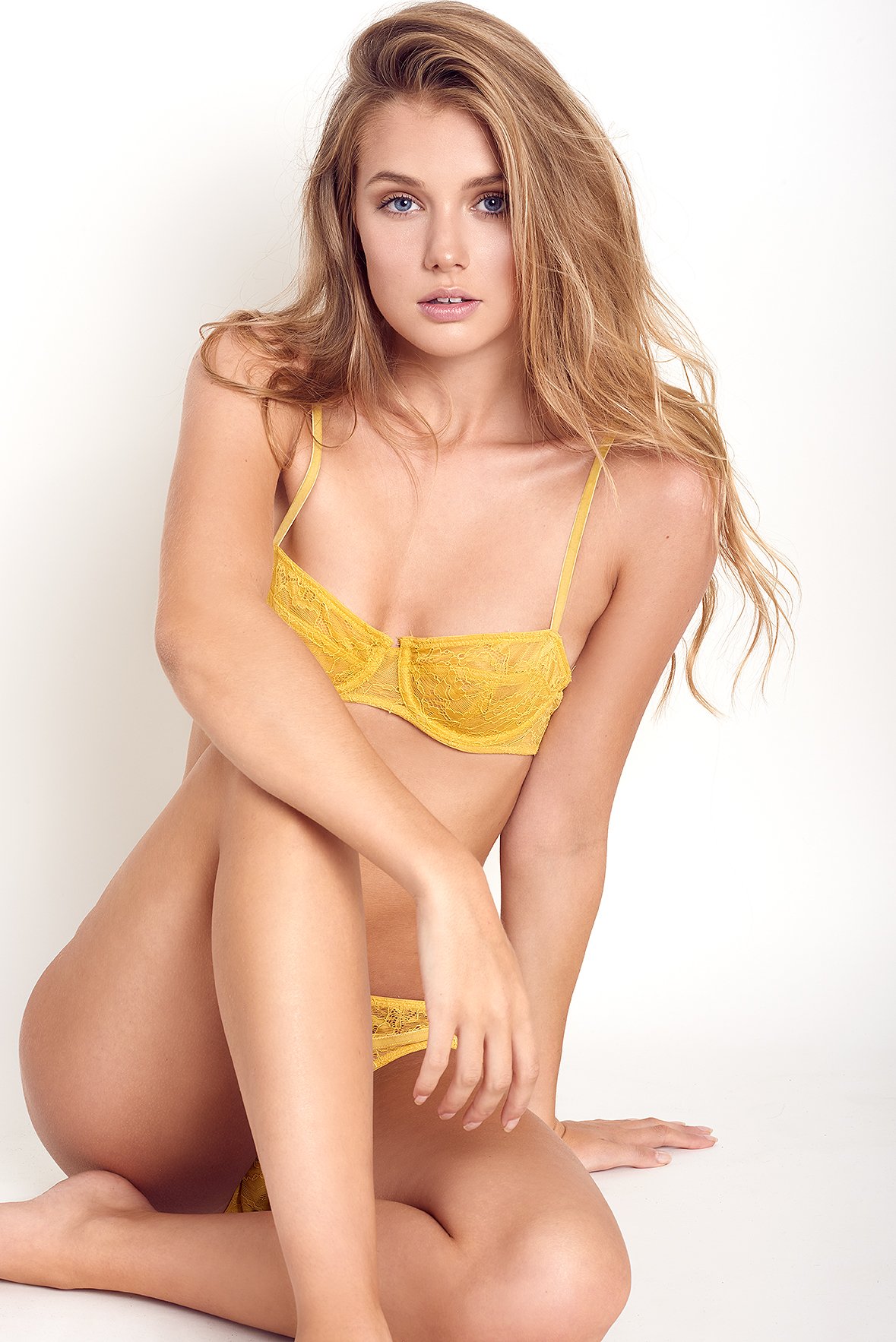
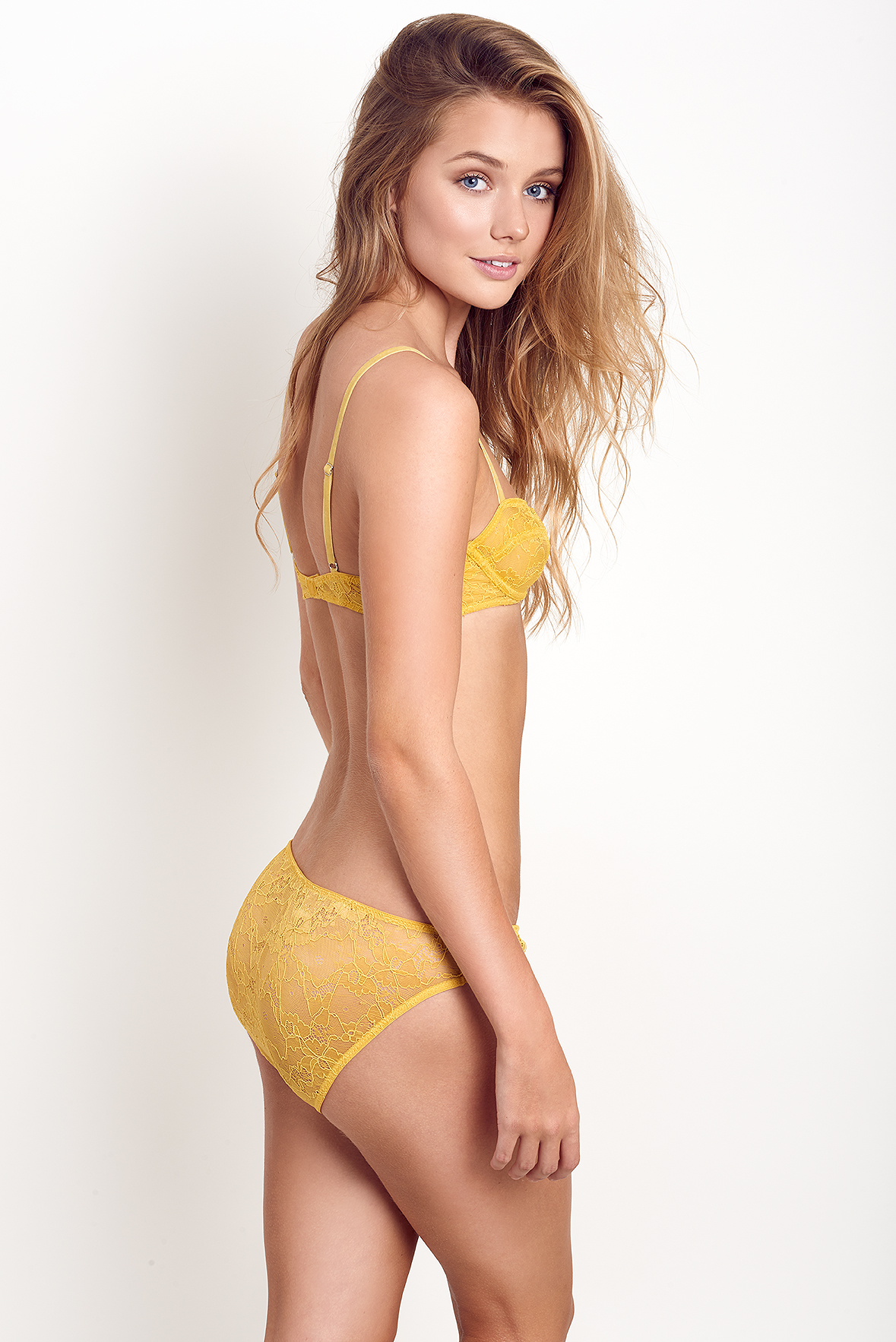
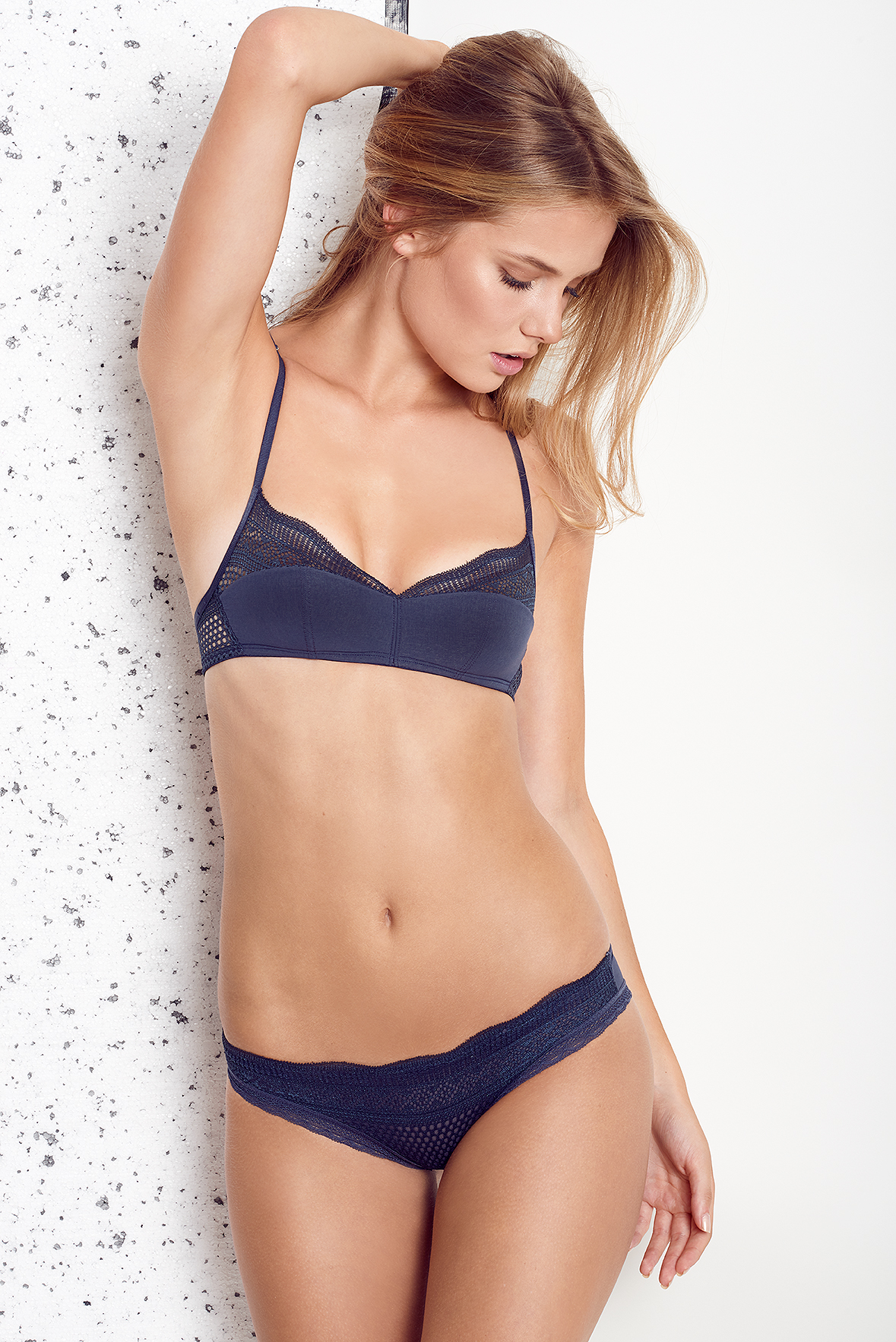
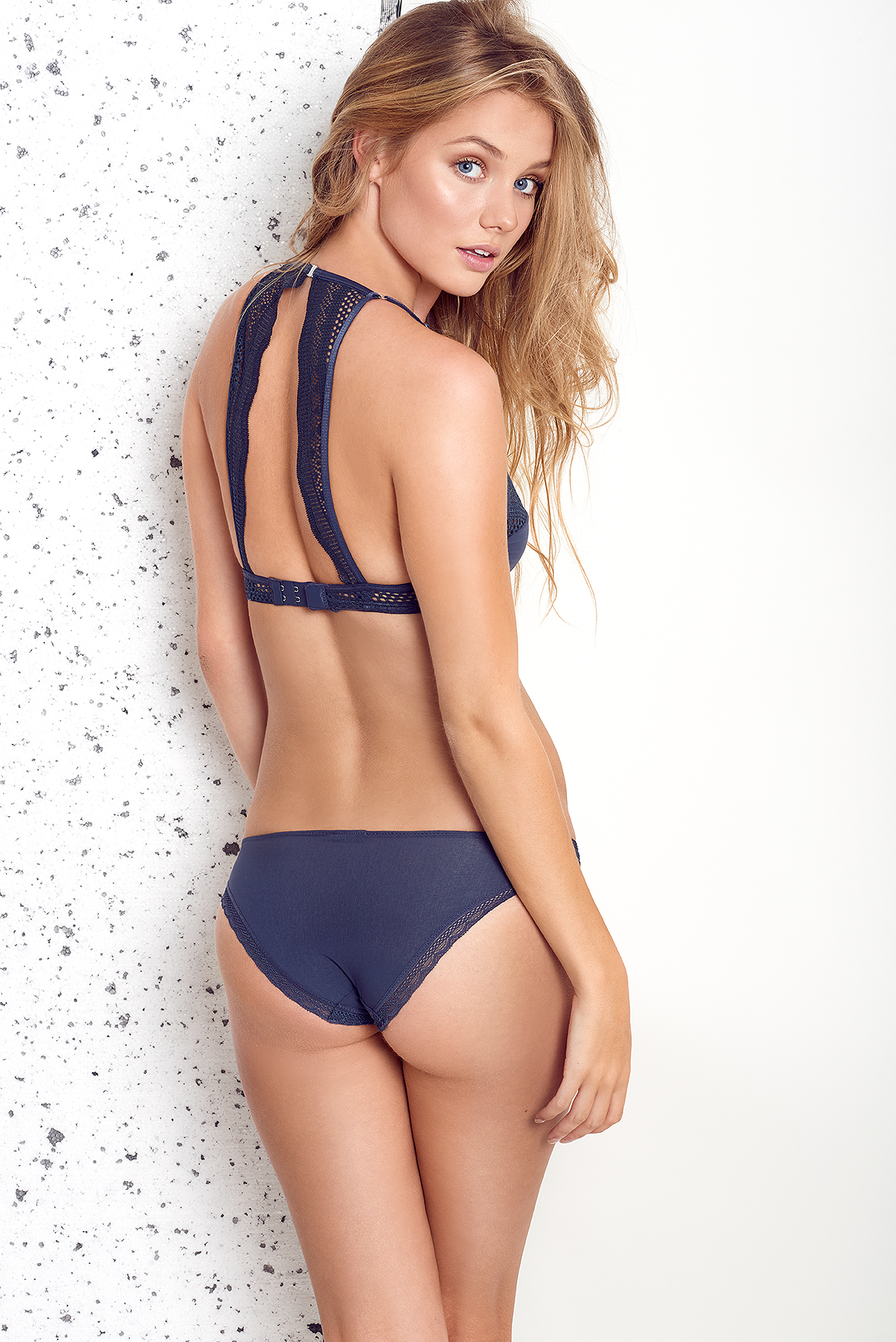
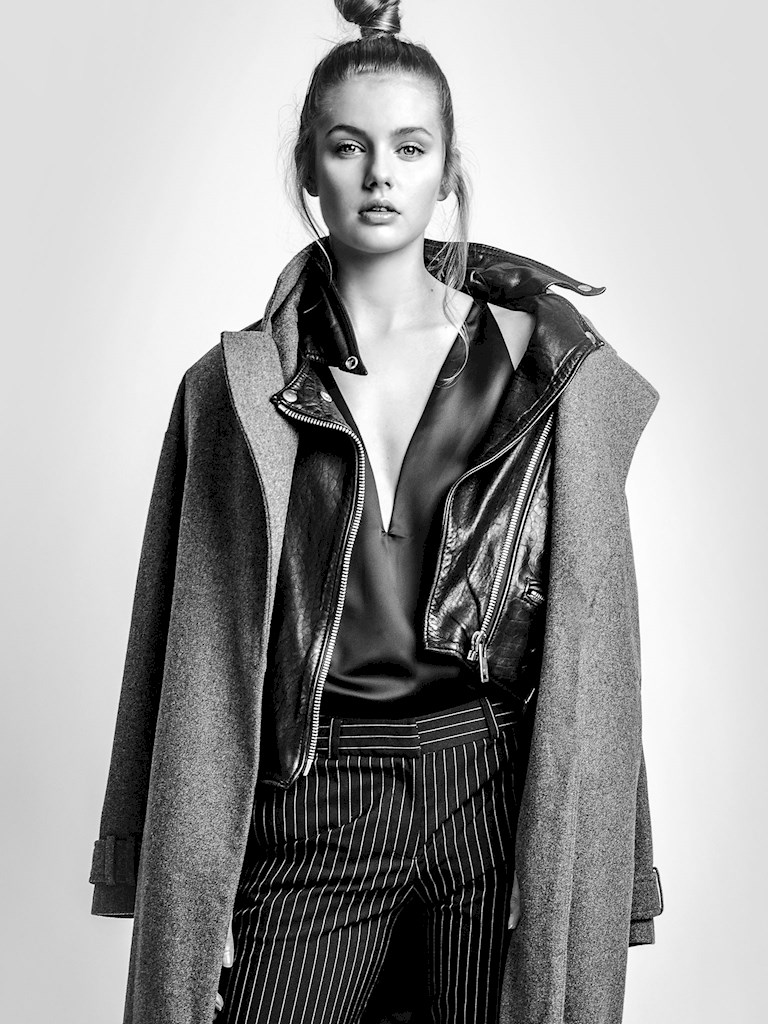
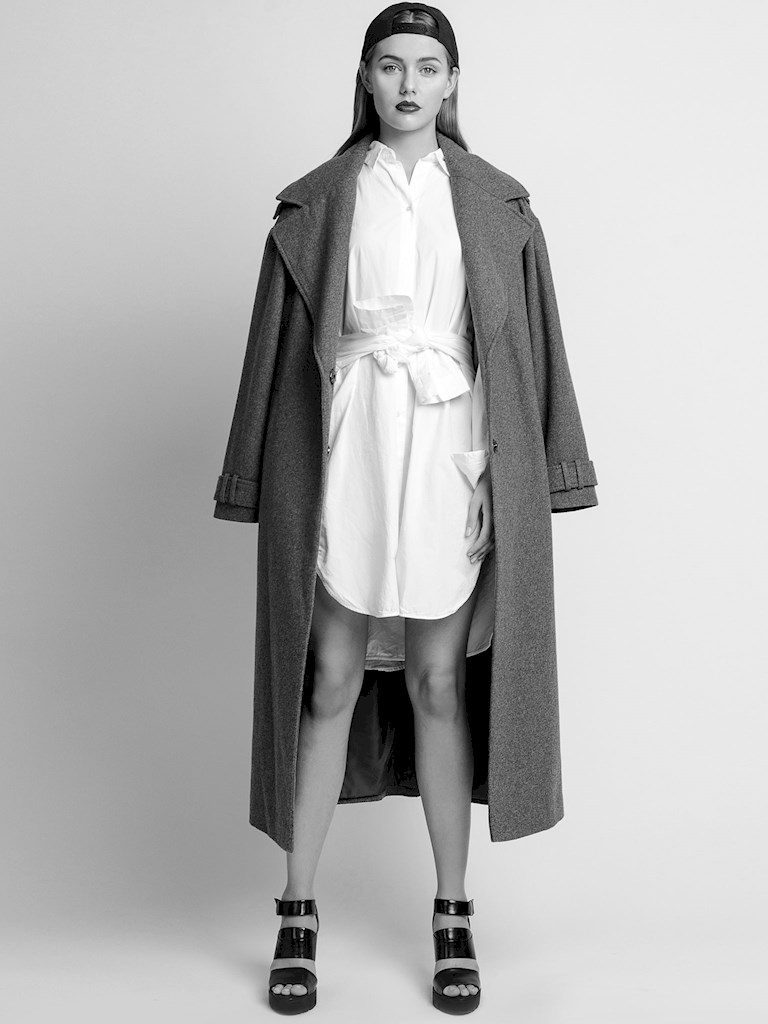
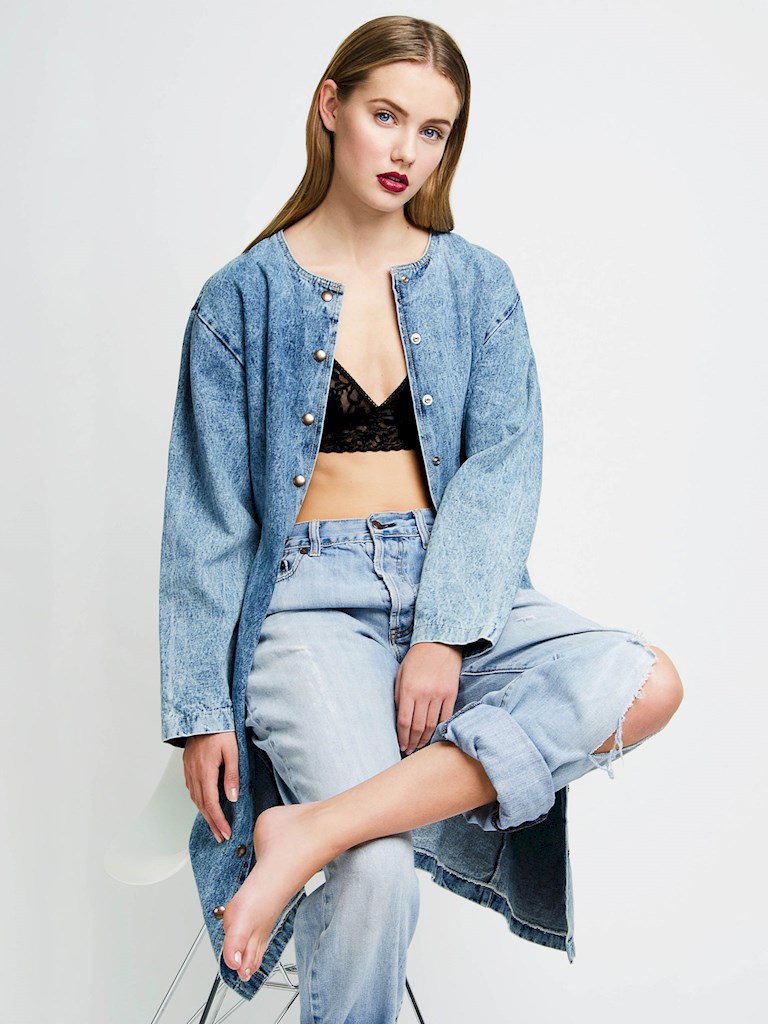
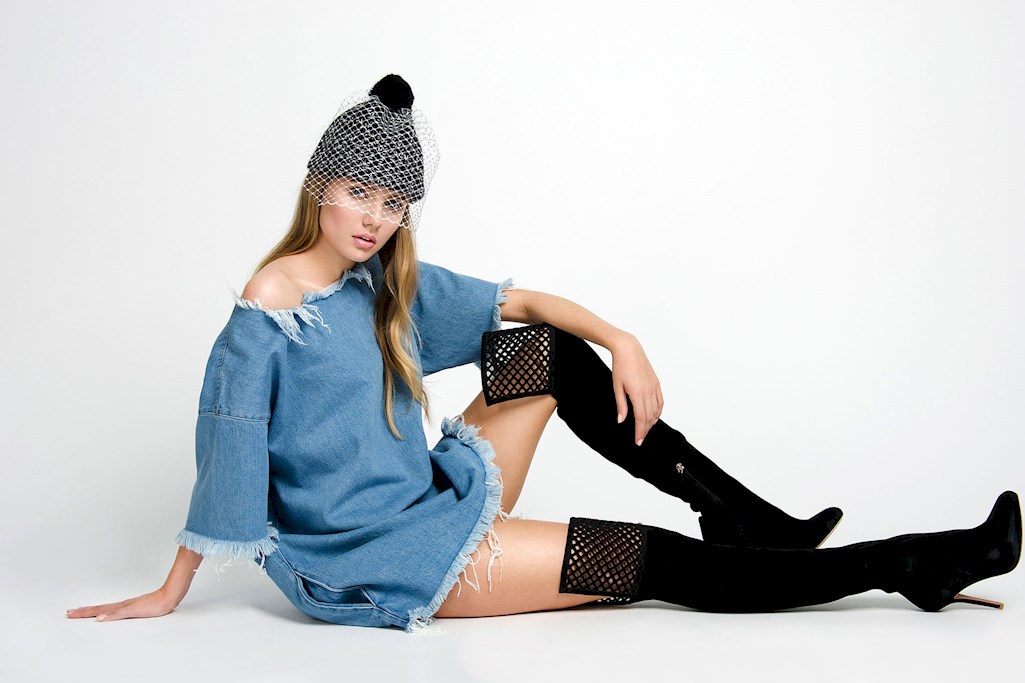
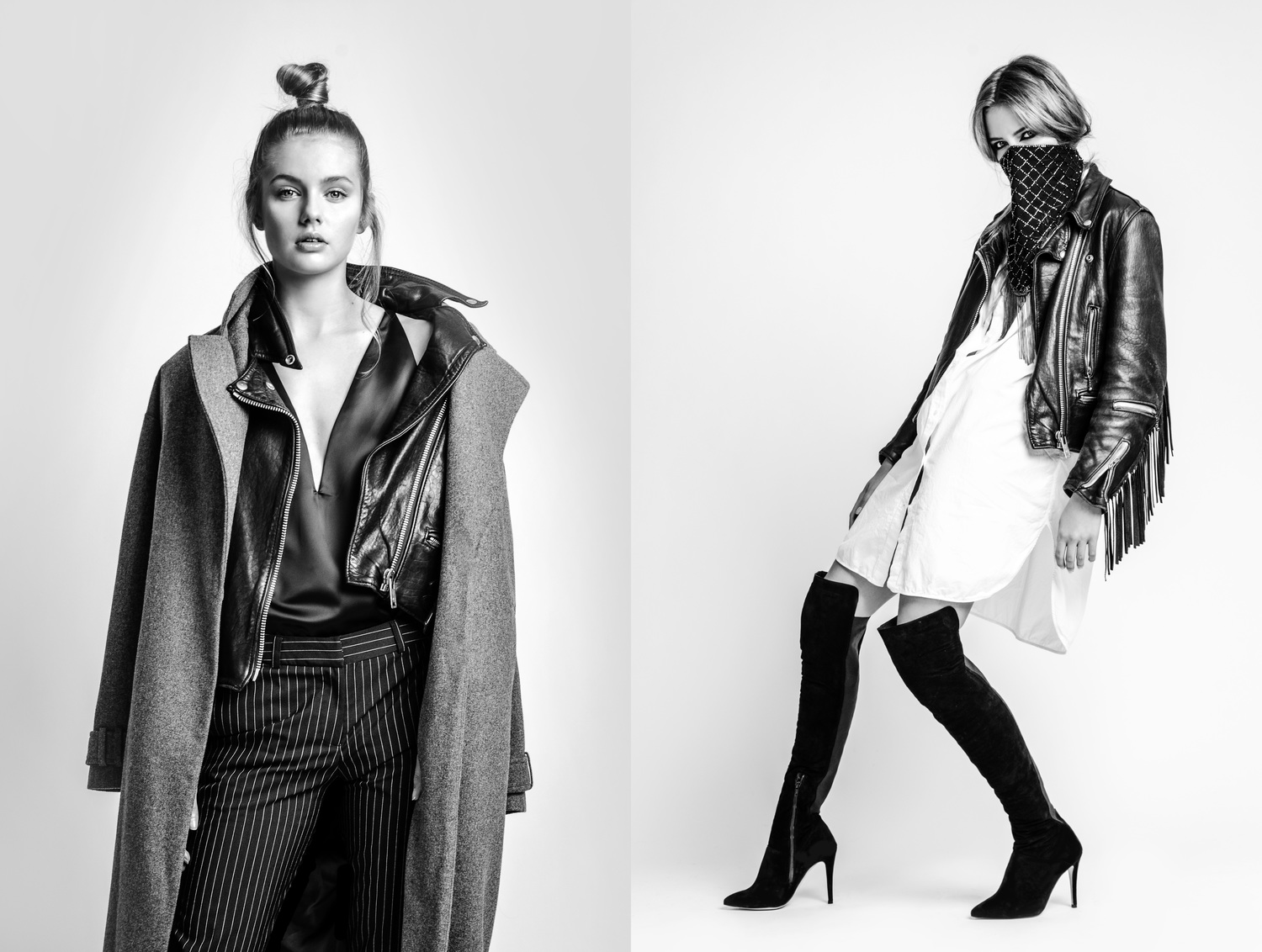
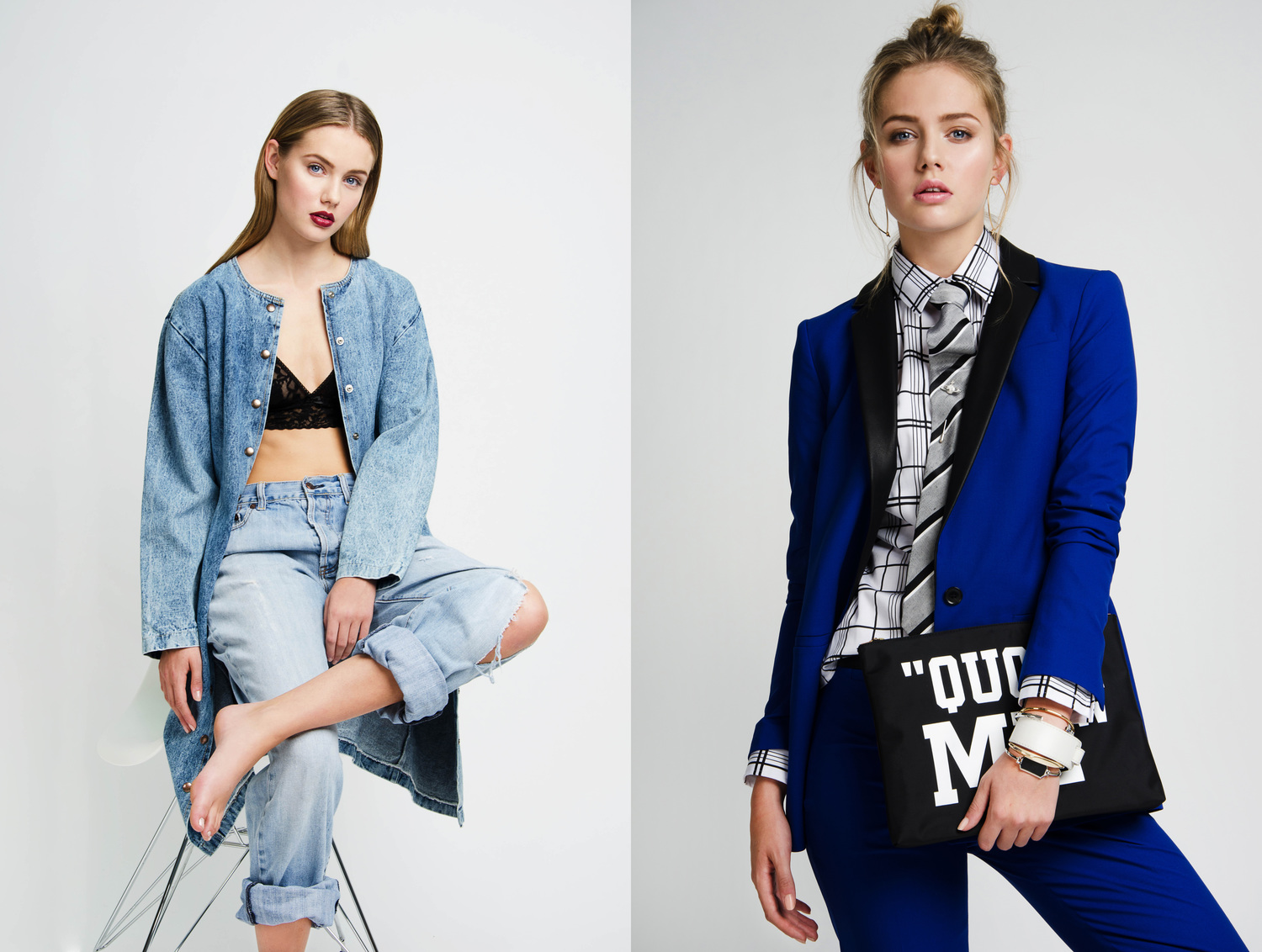
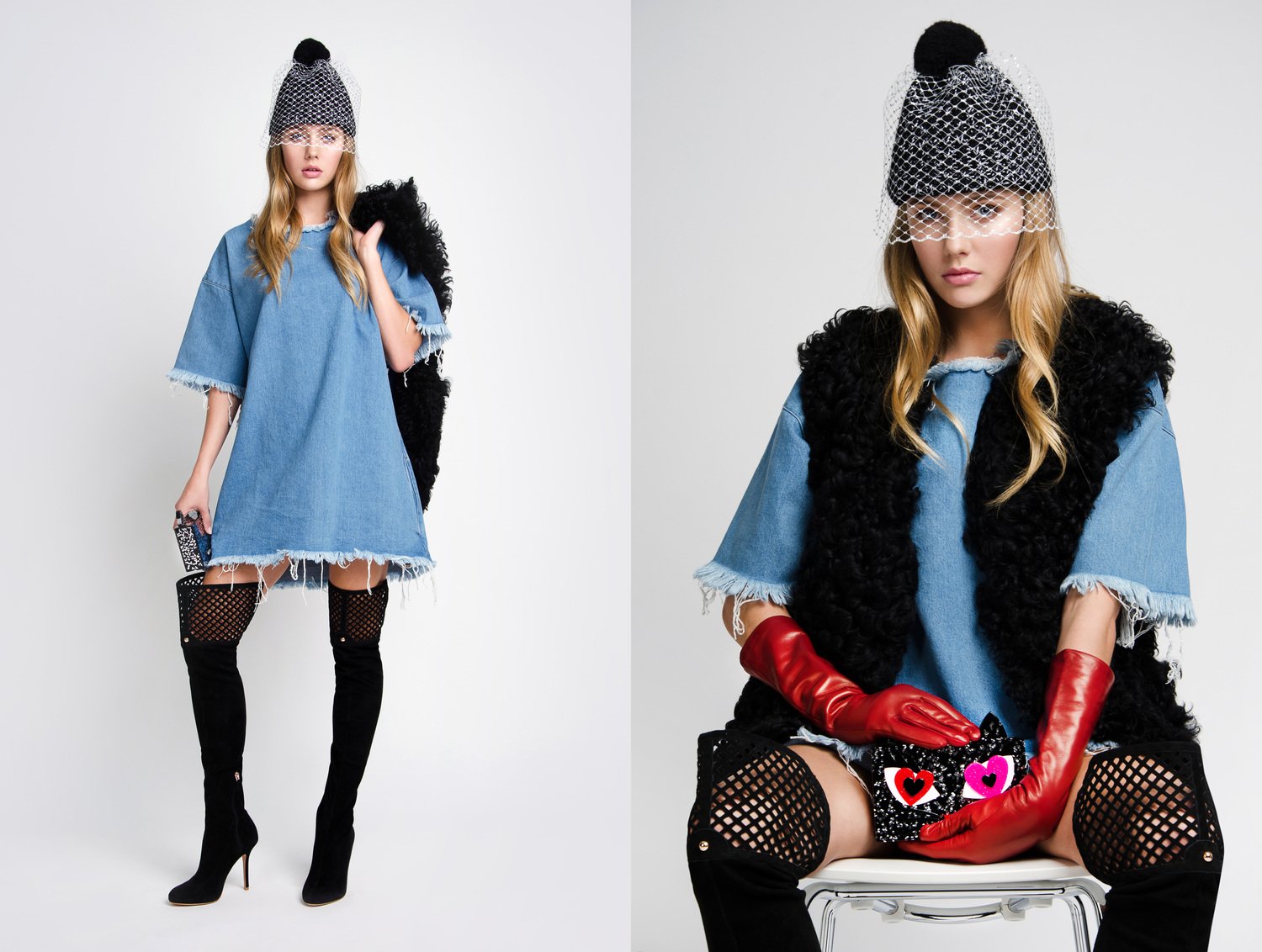
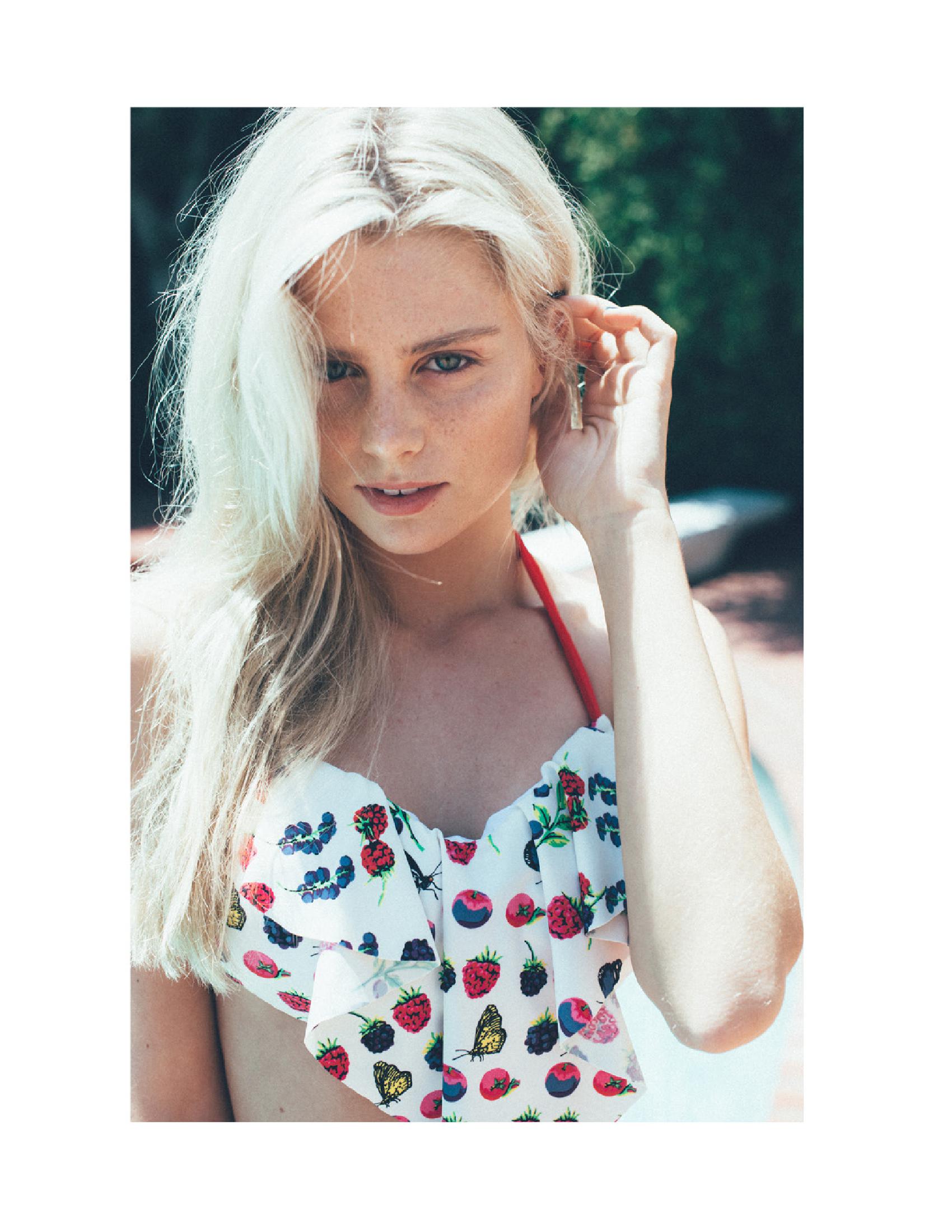
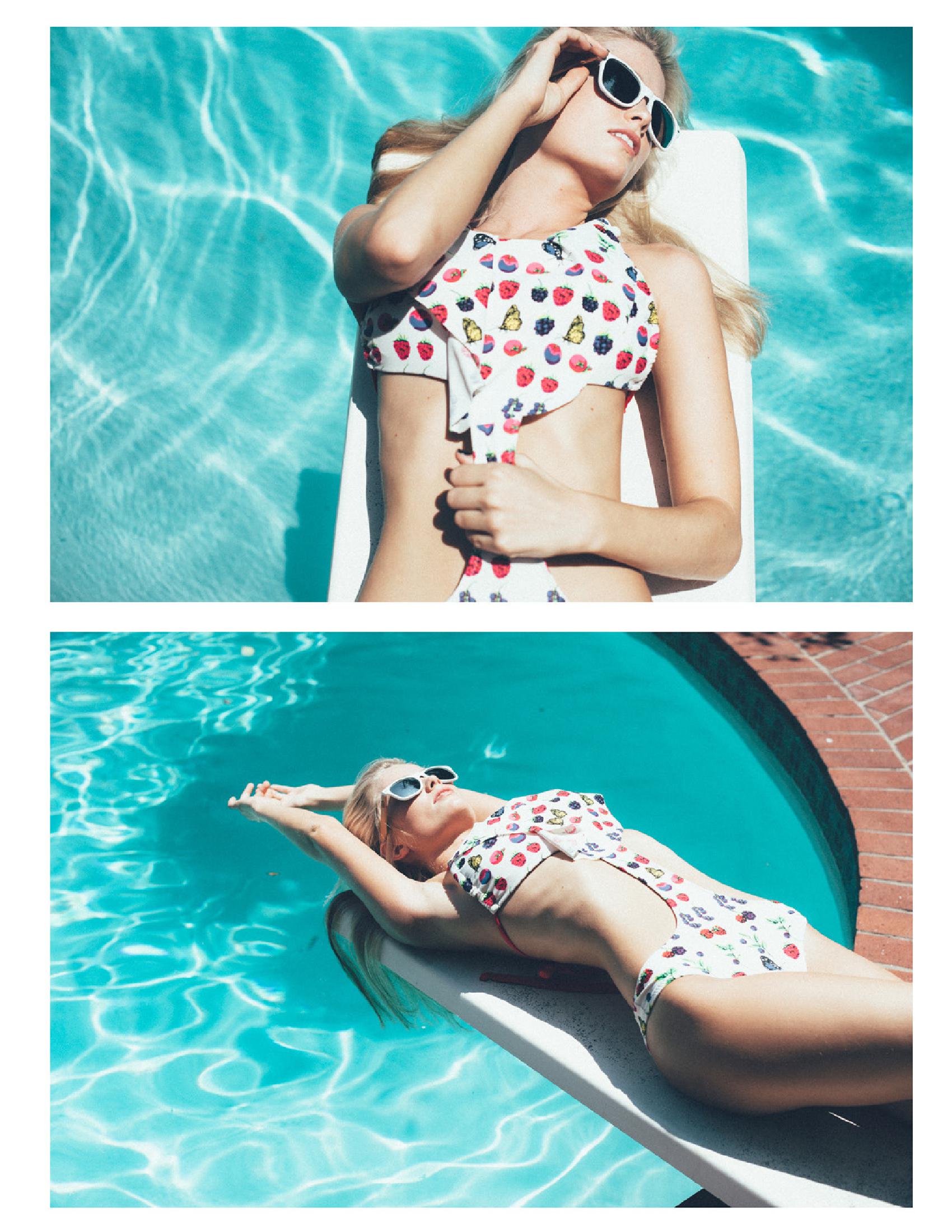
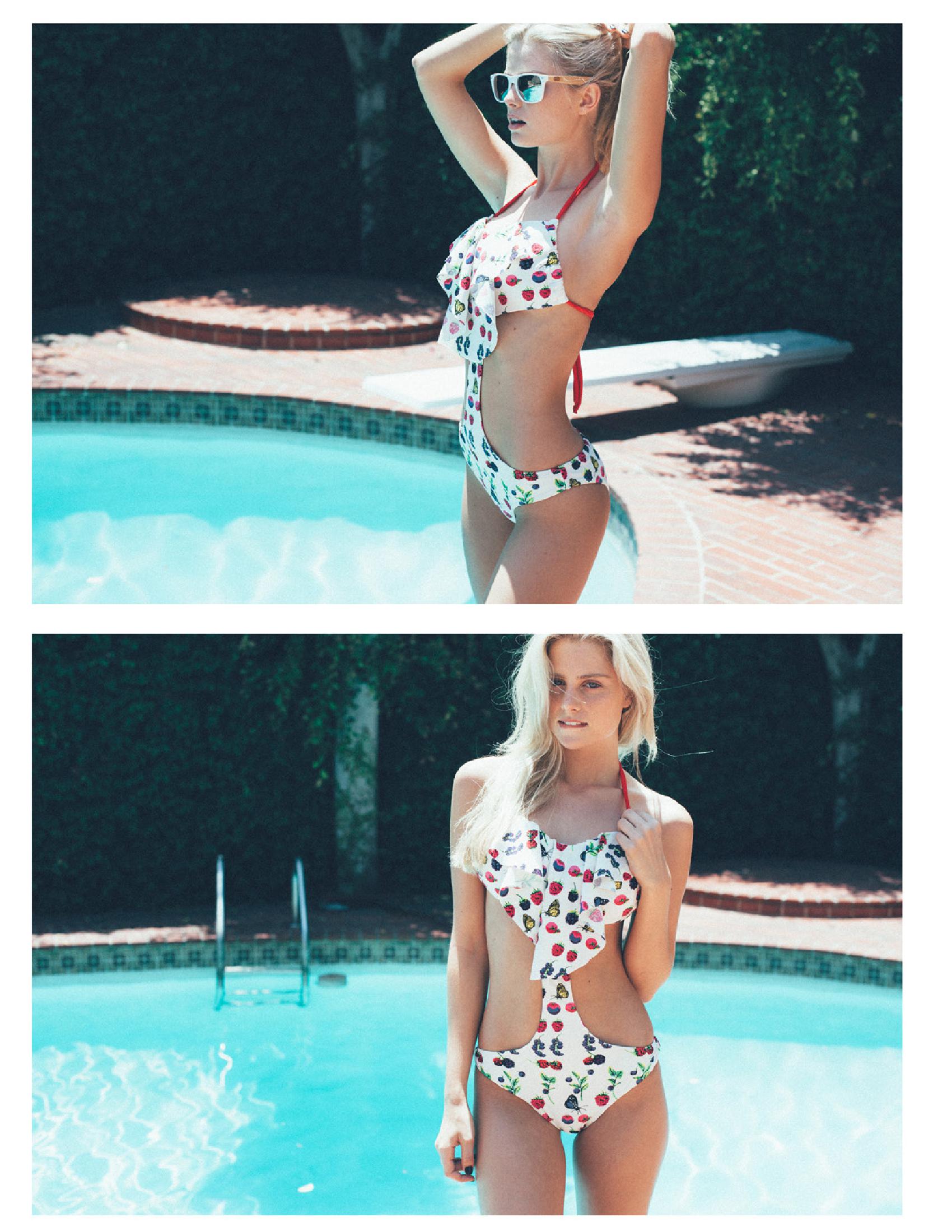
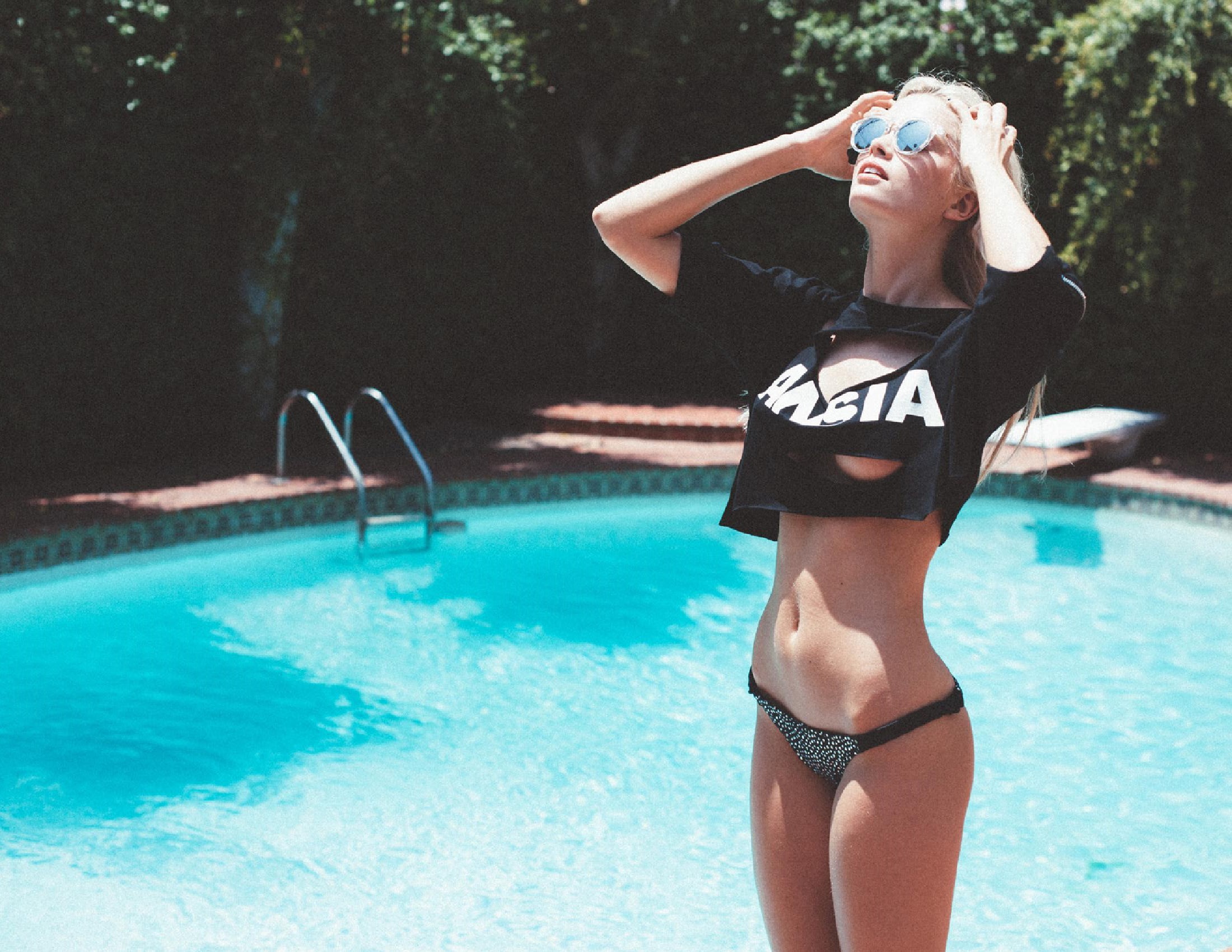
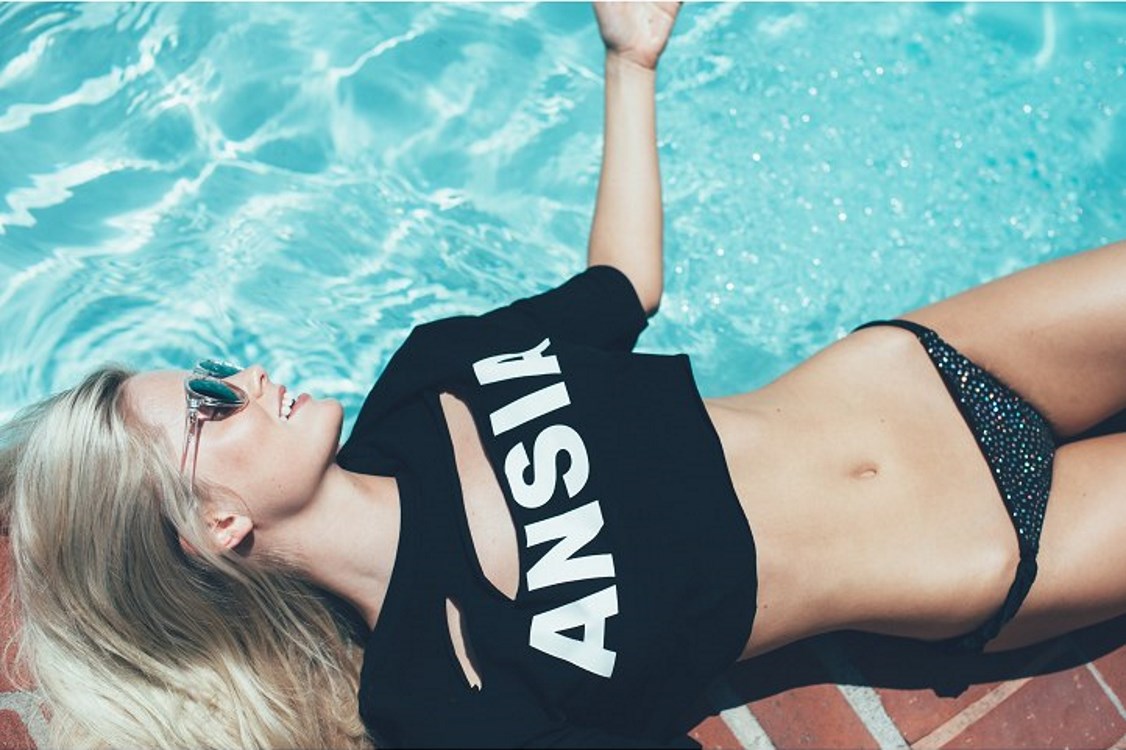
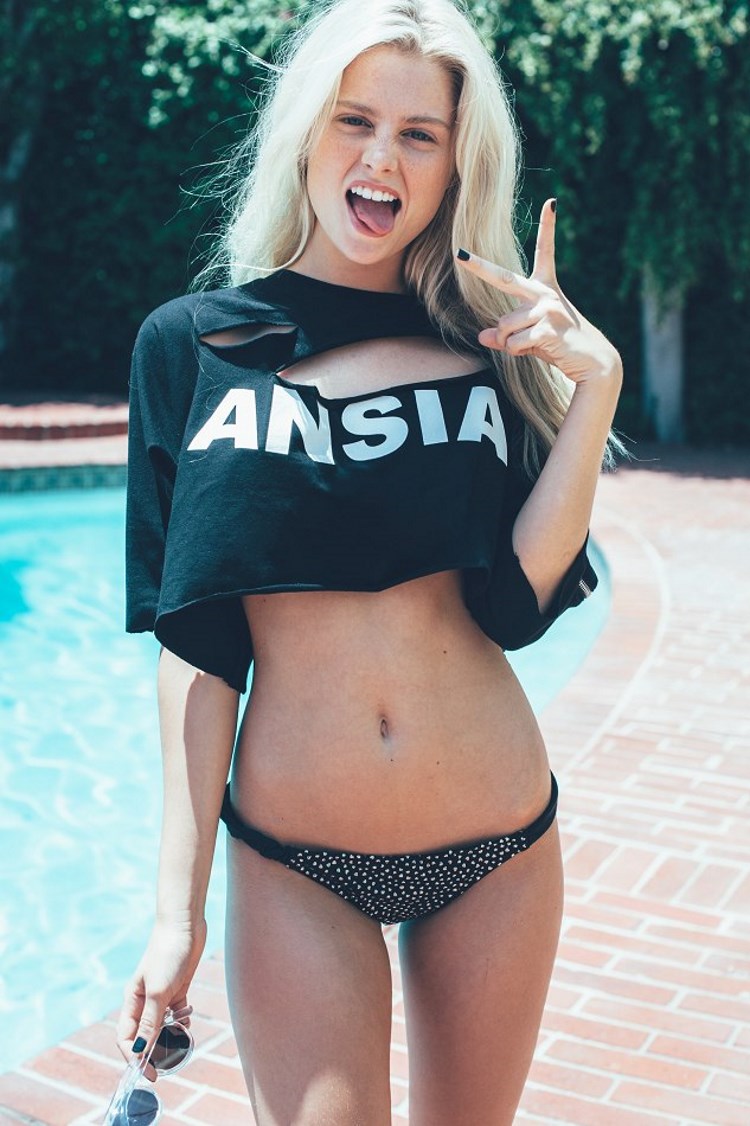
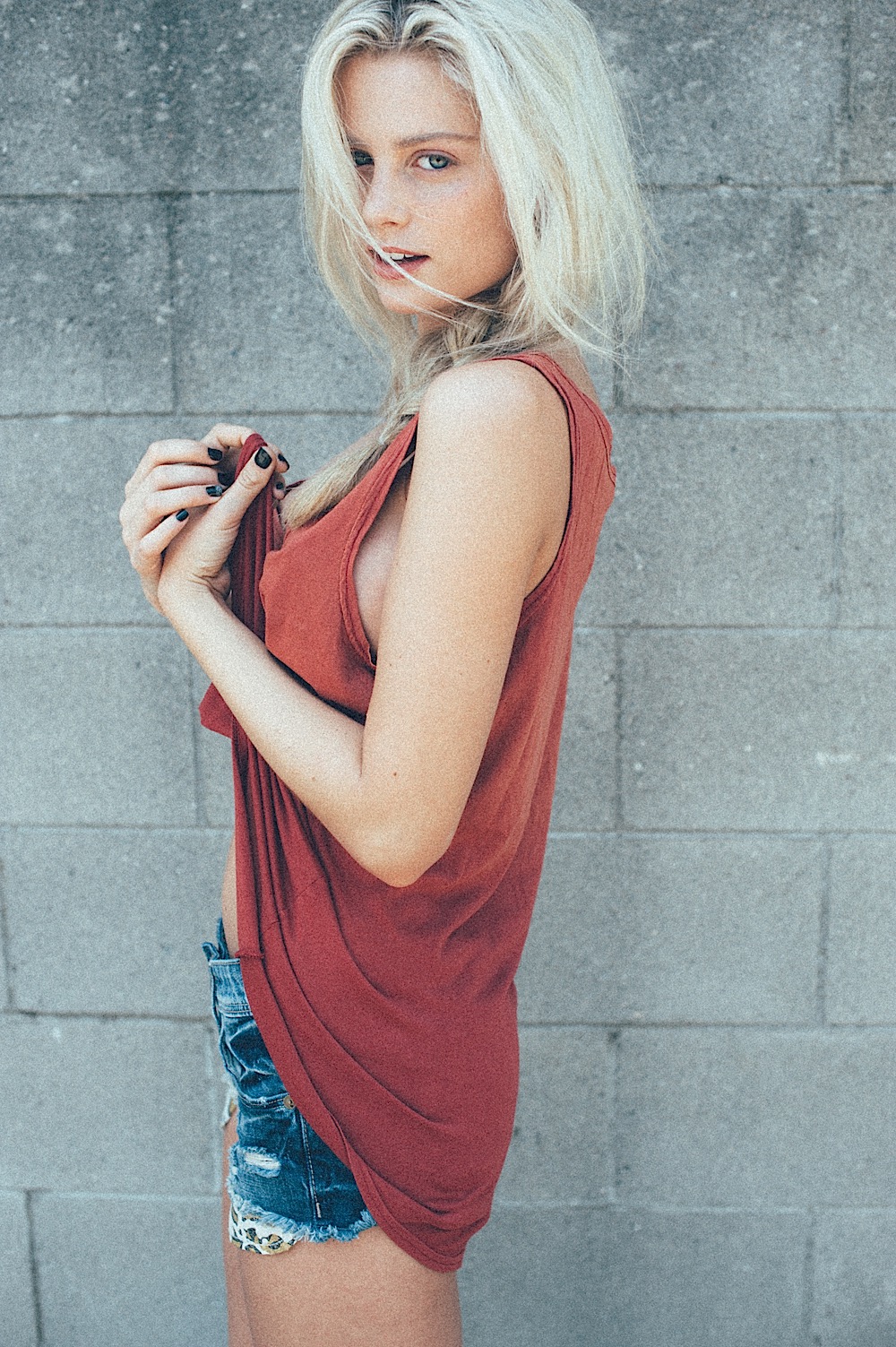
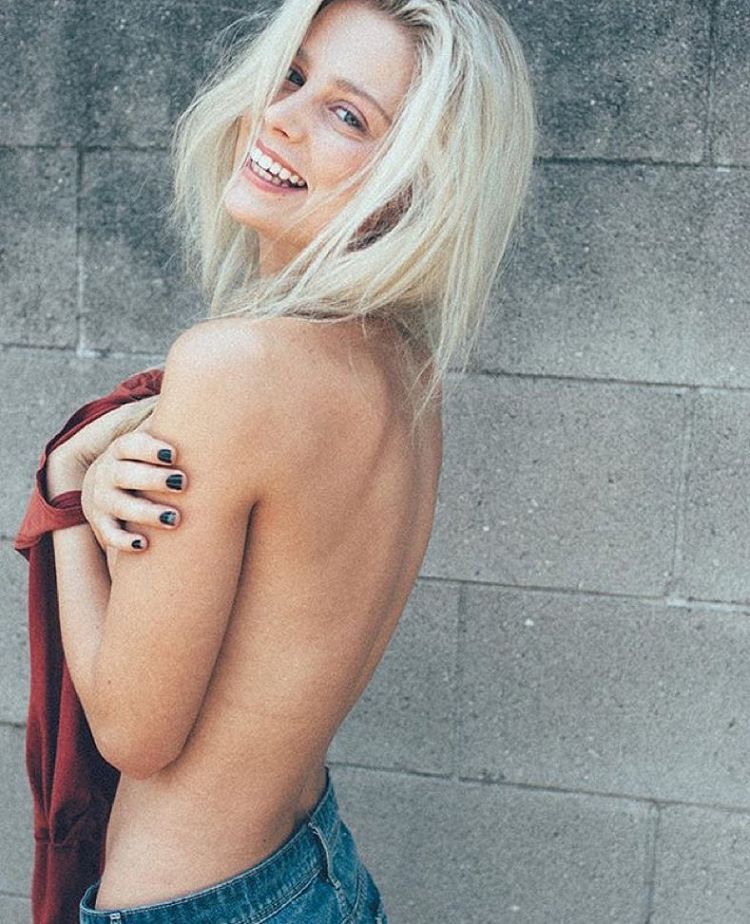
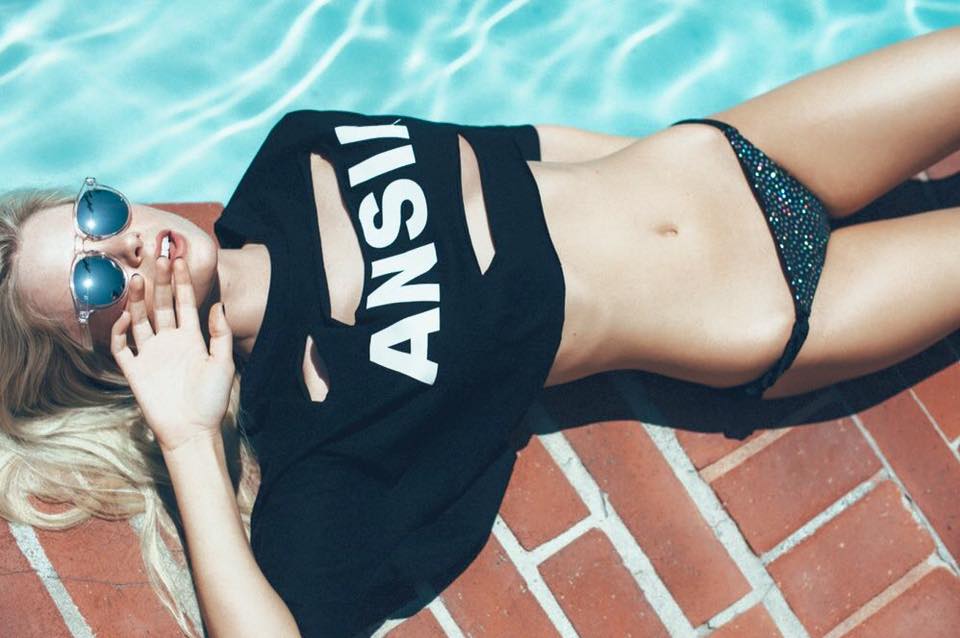
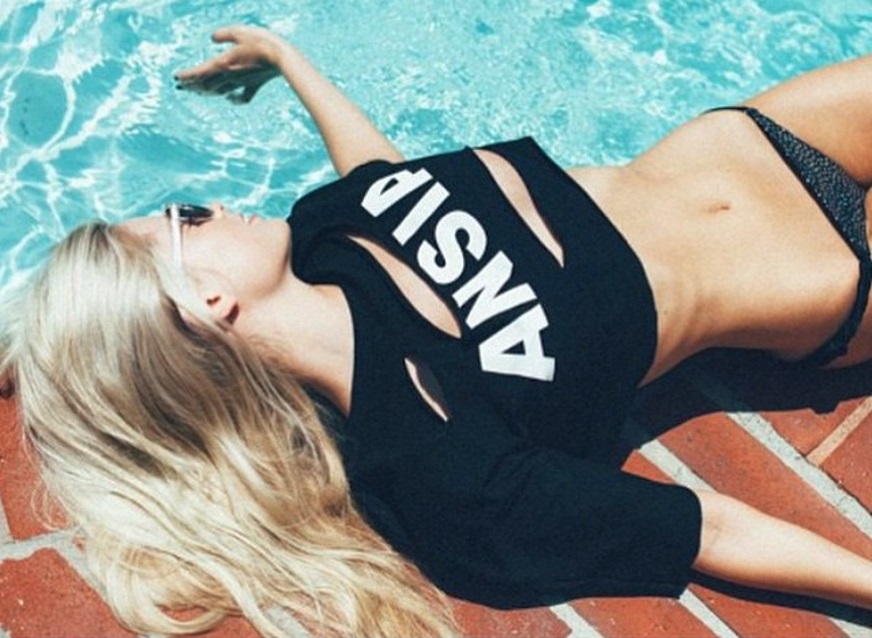
 4 outtakes: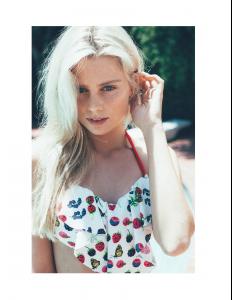
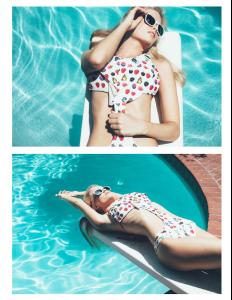











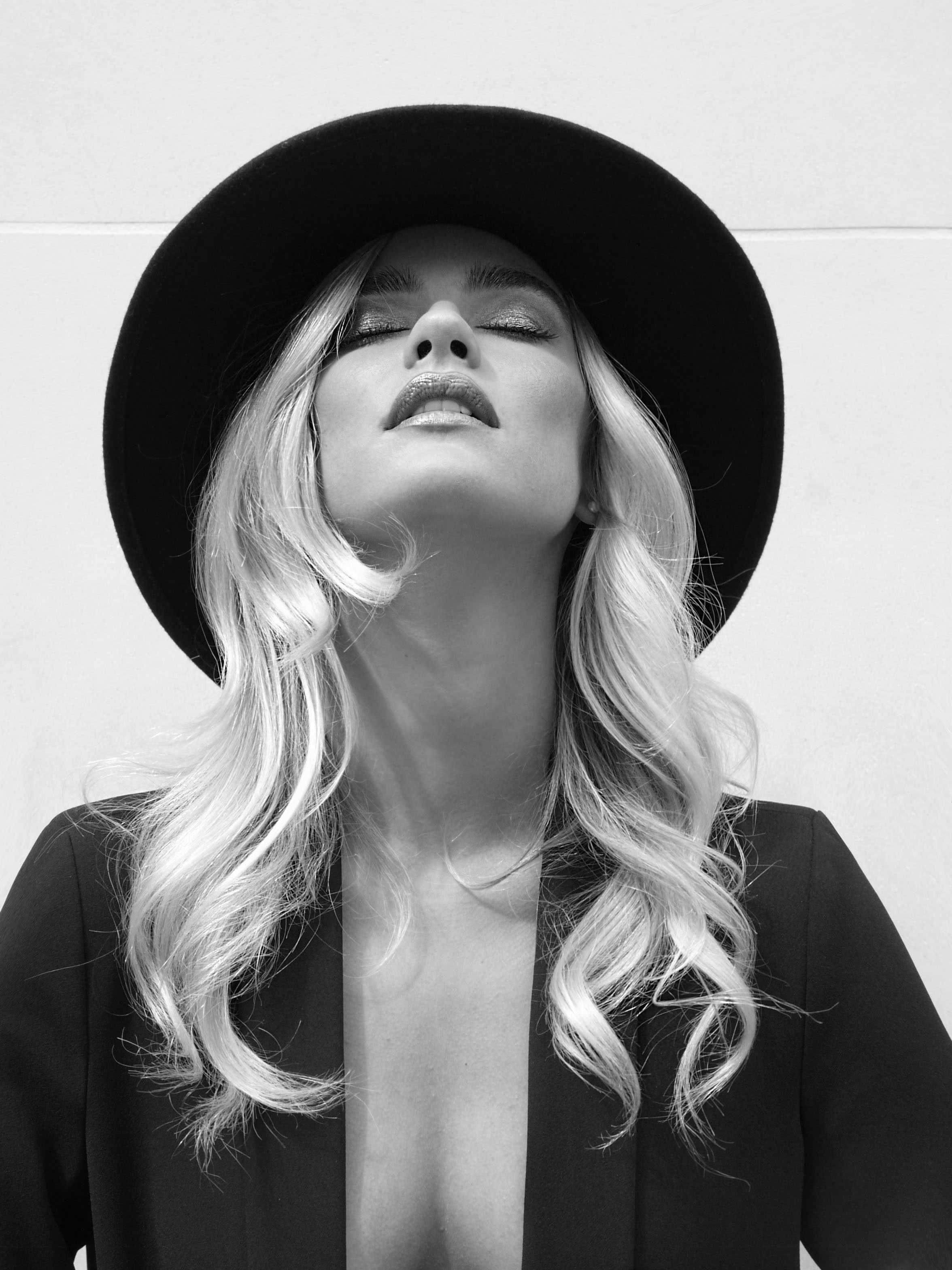
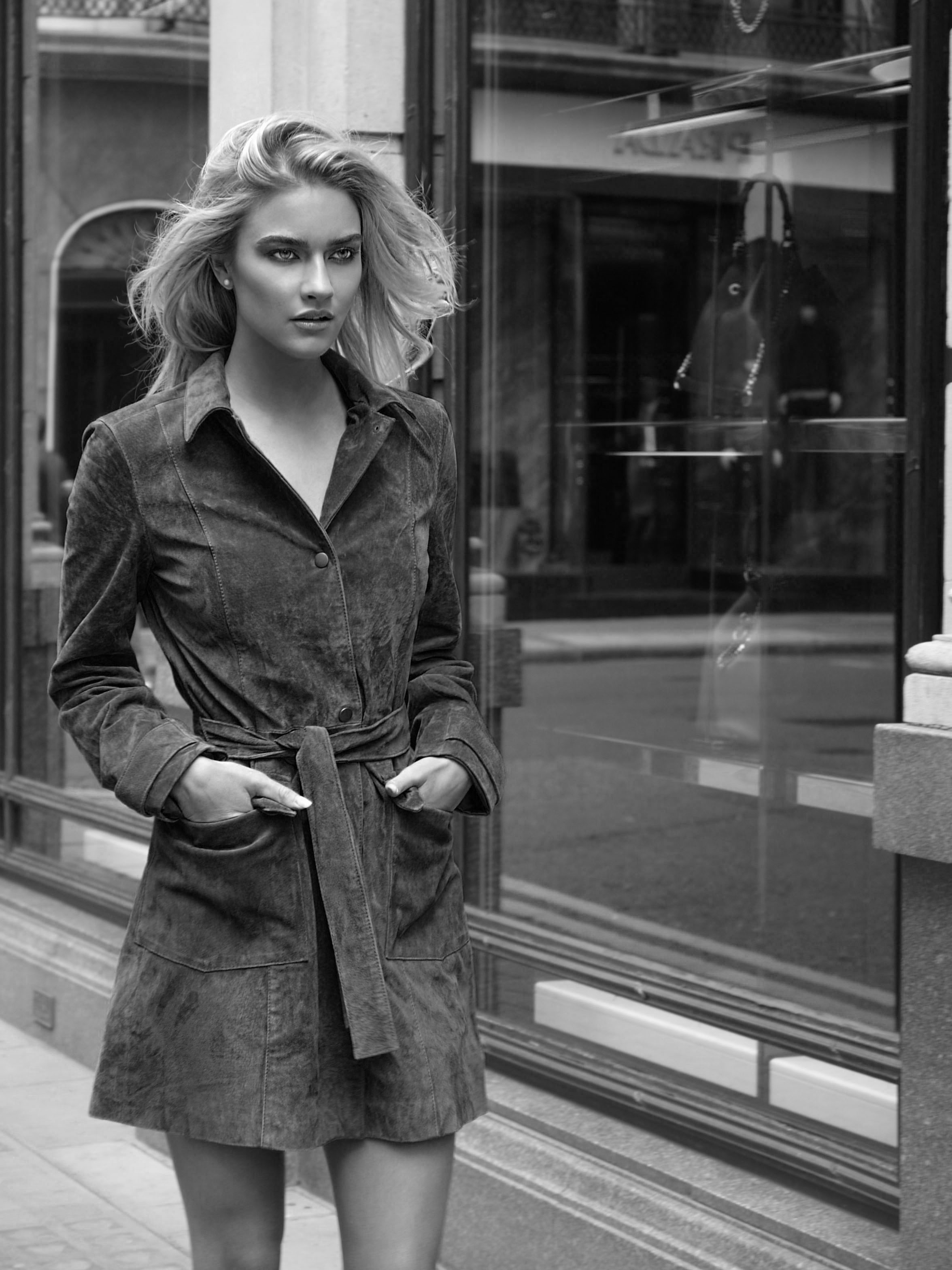
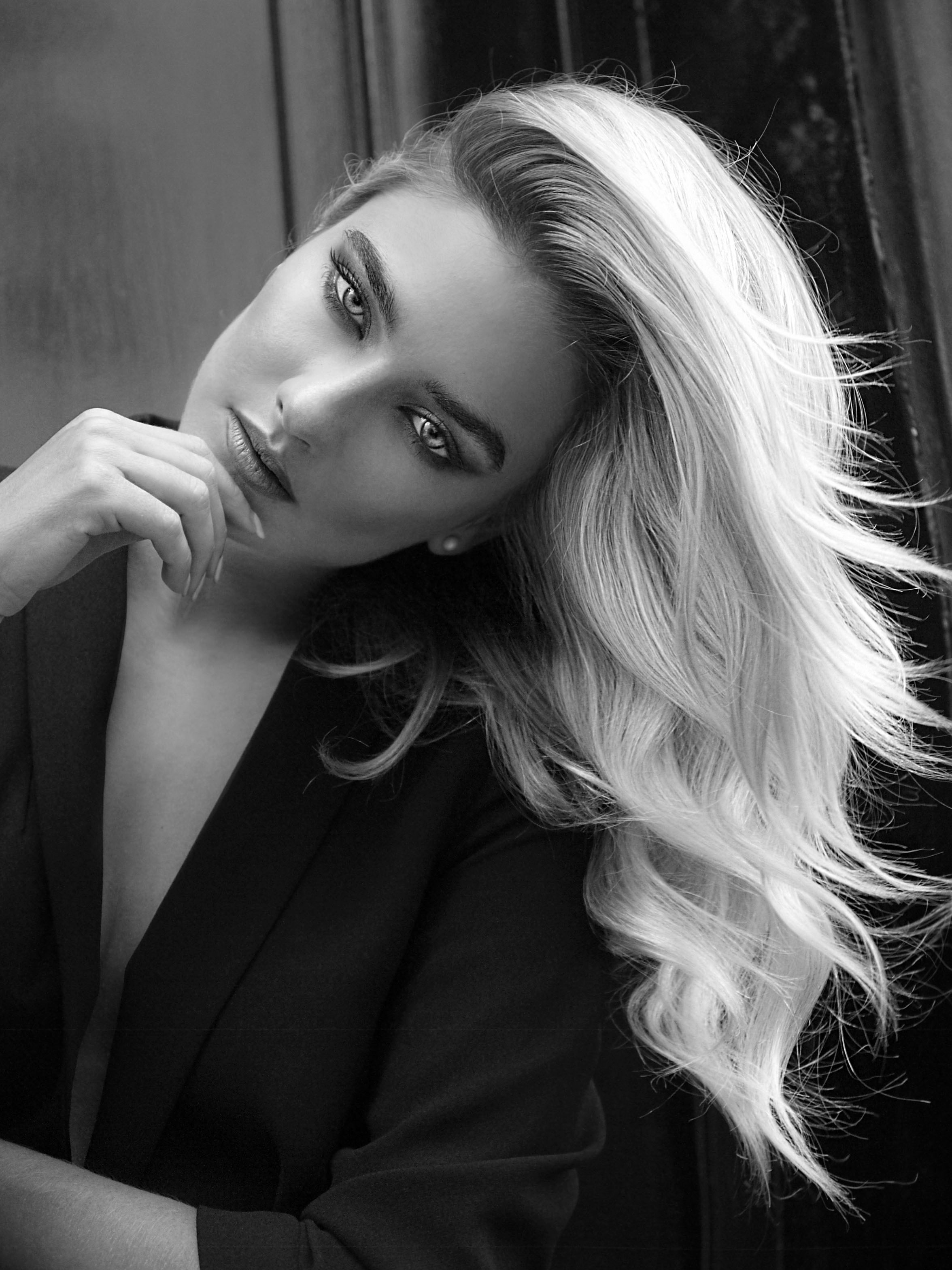
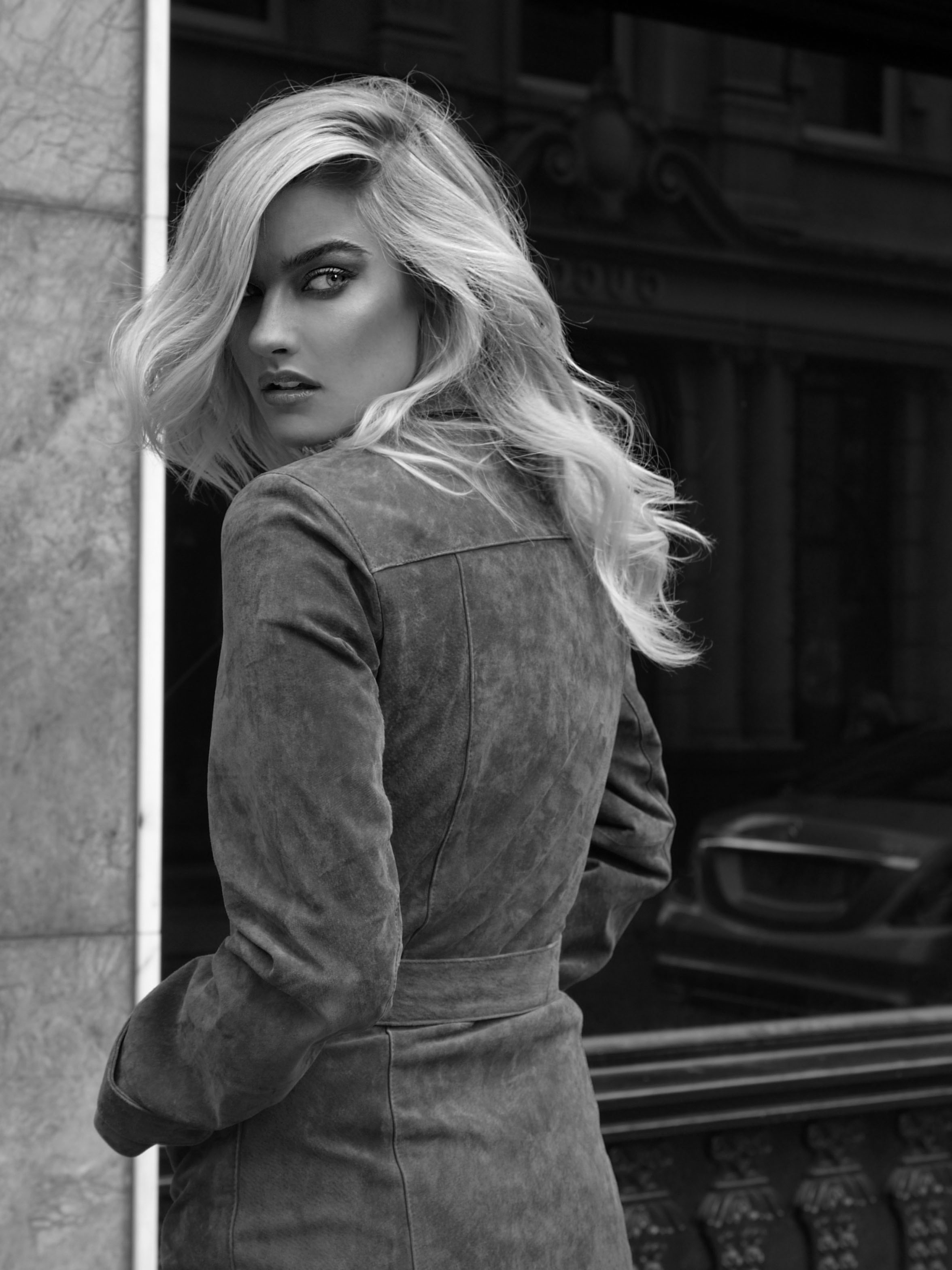


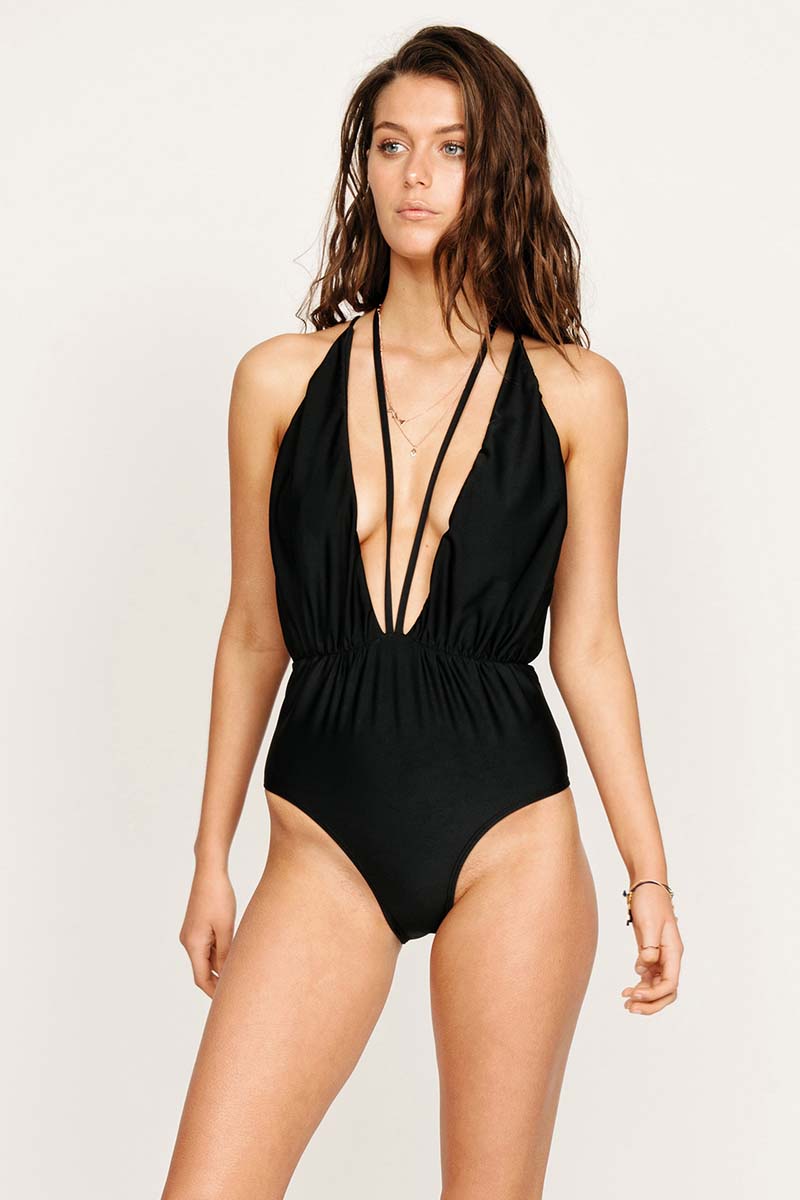
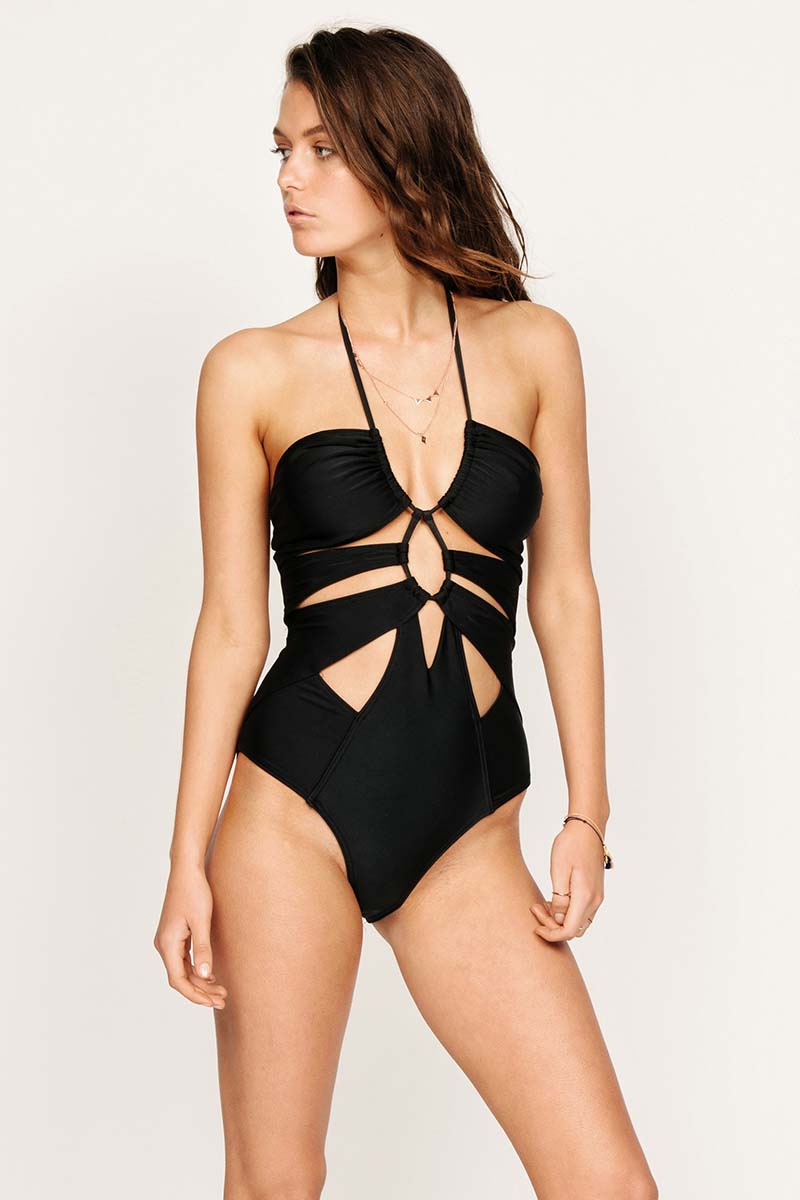
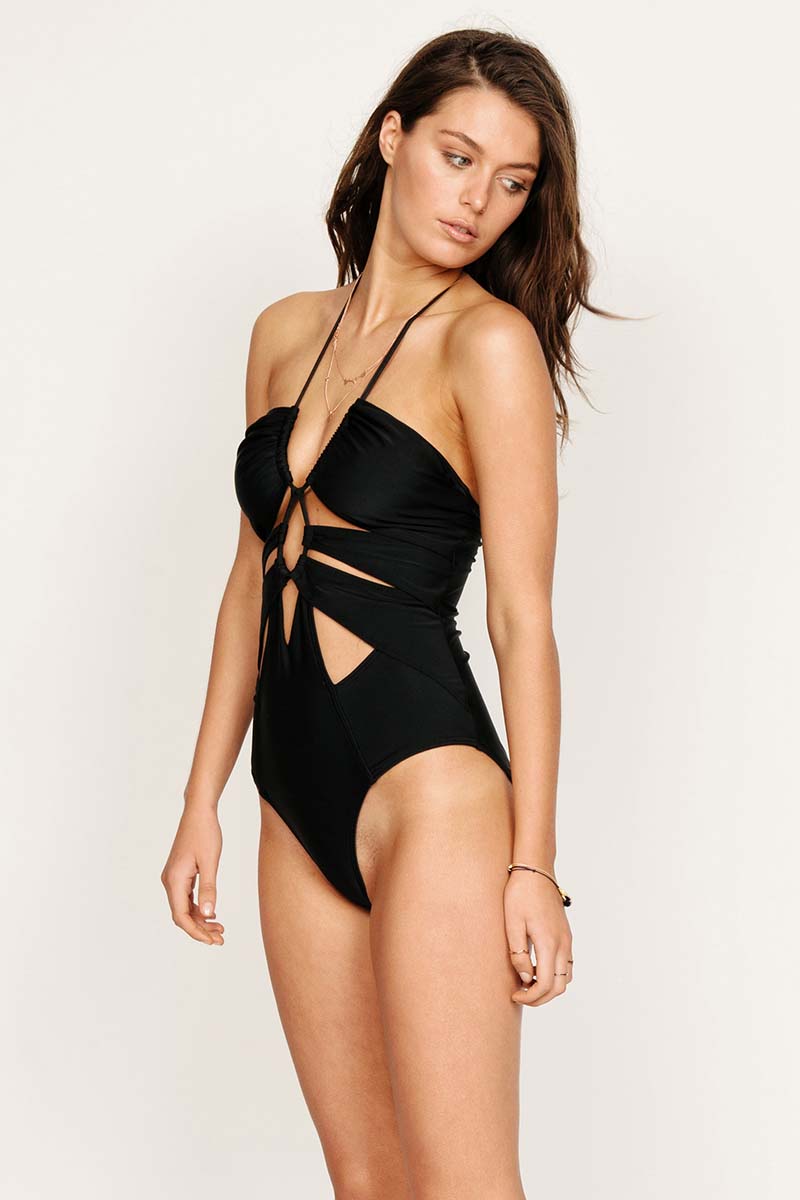
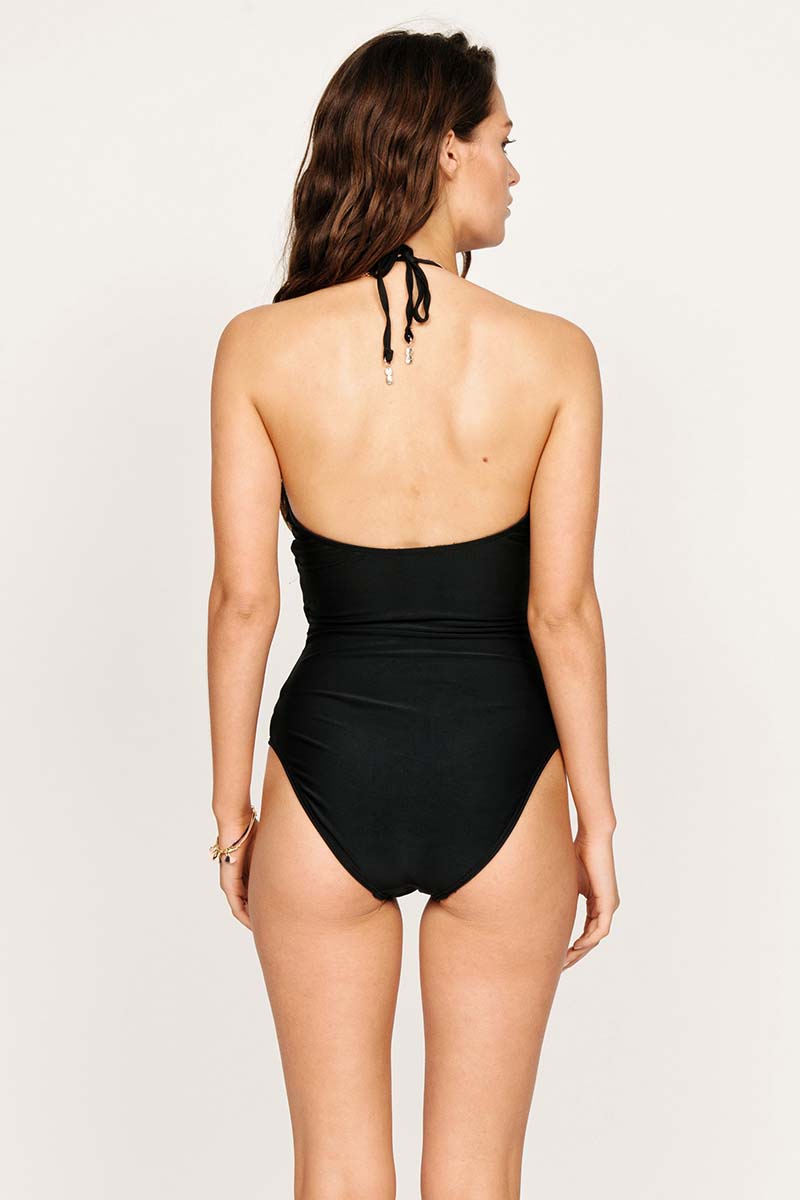
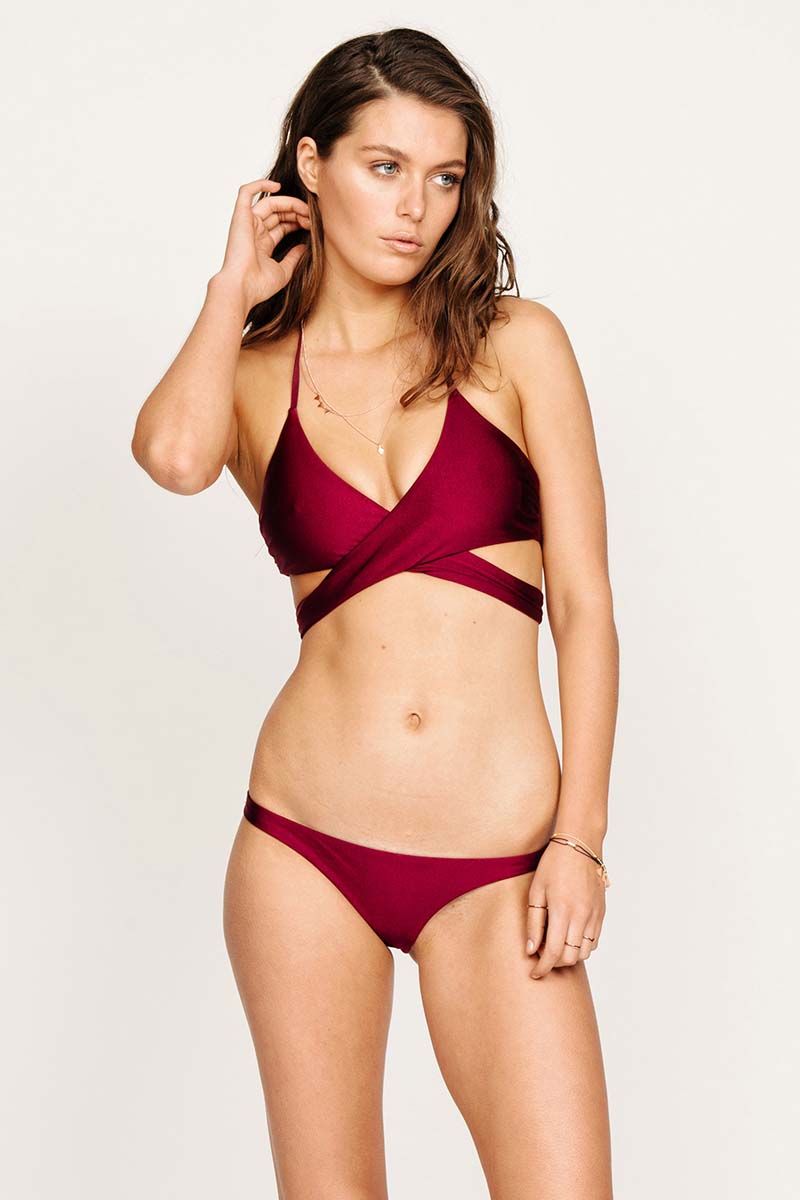
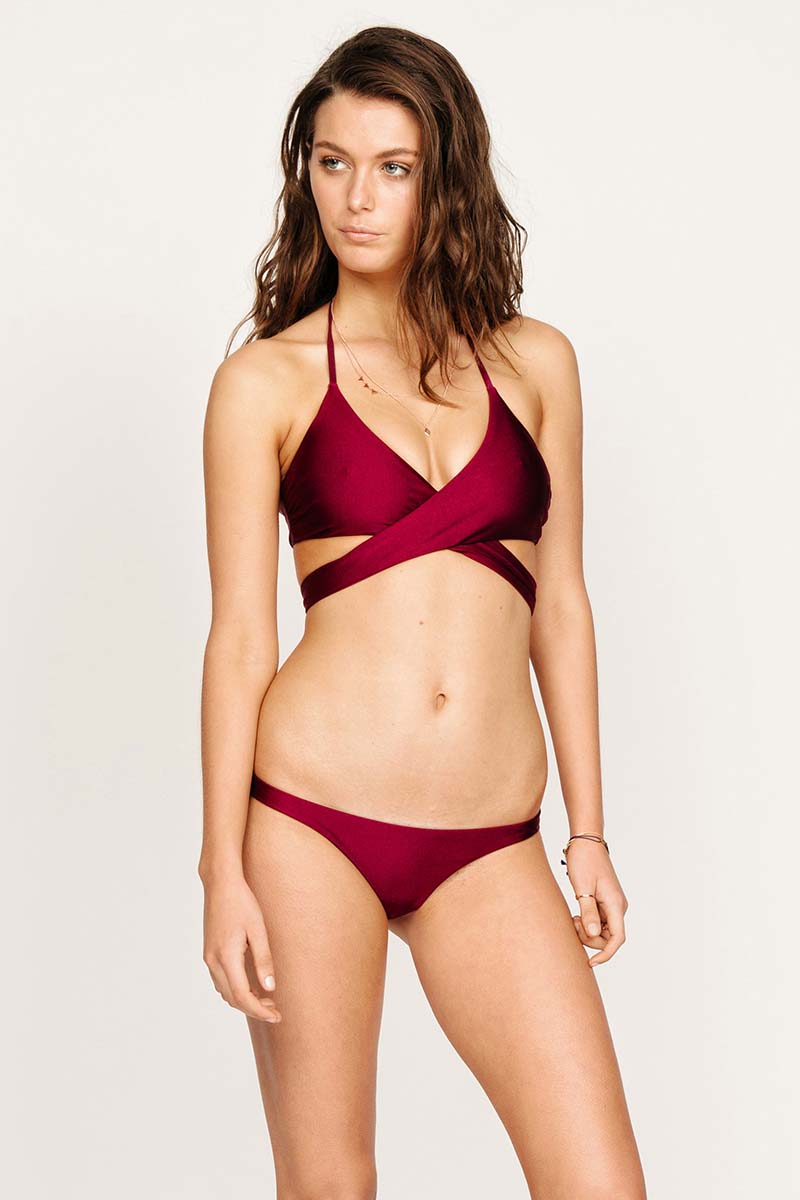
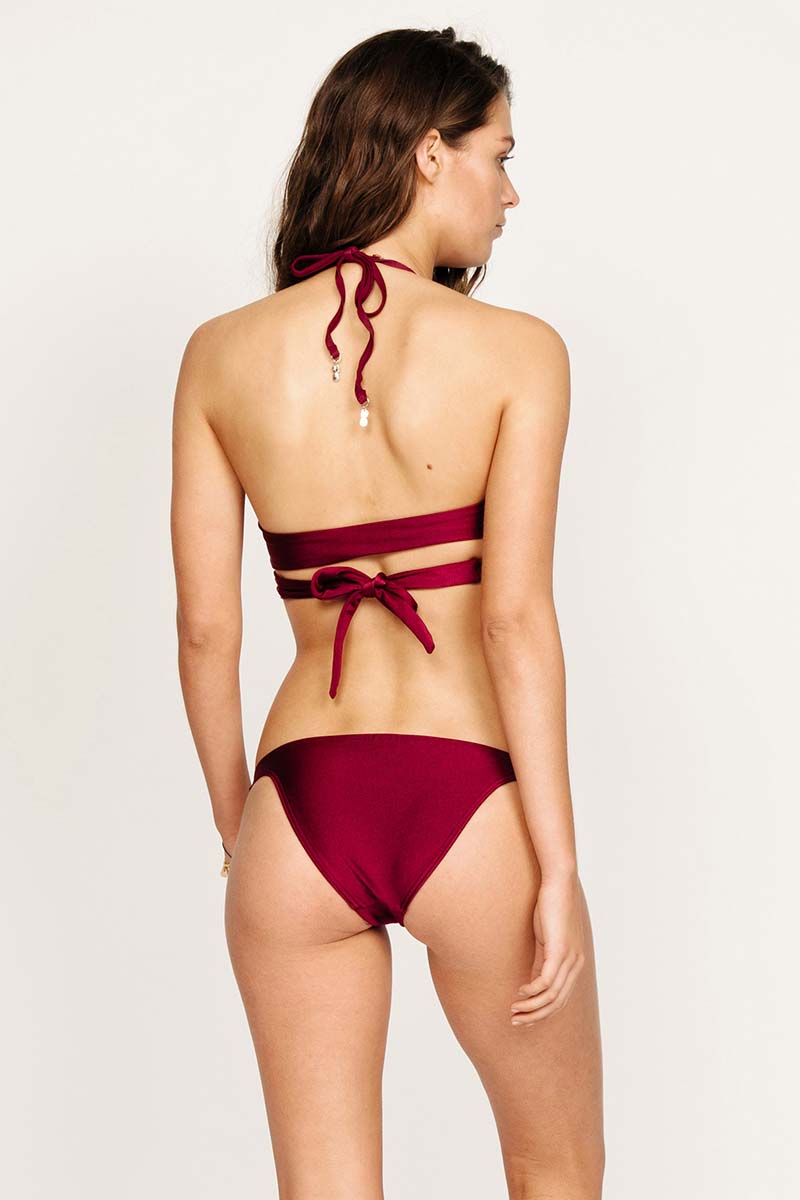
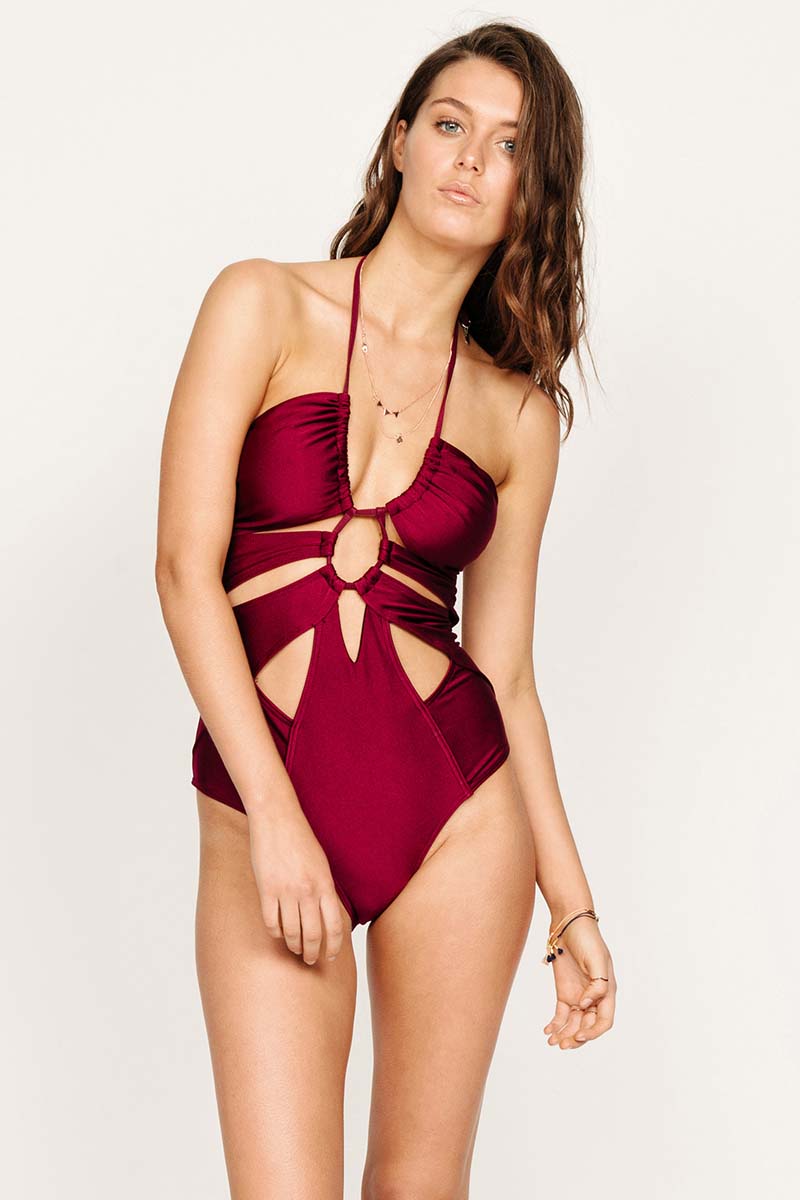
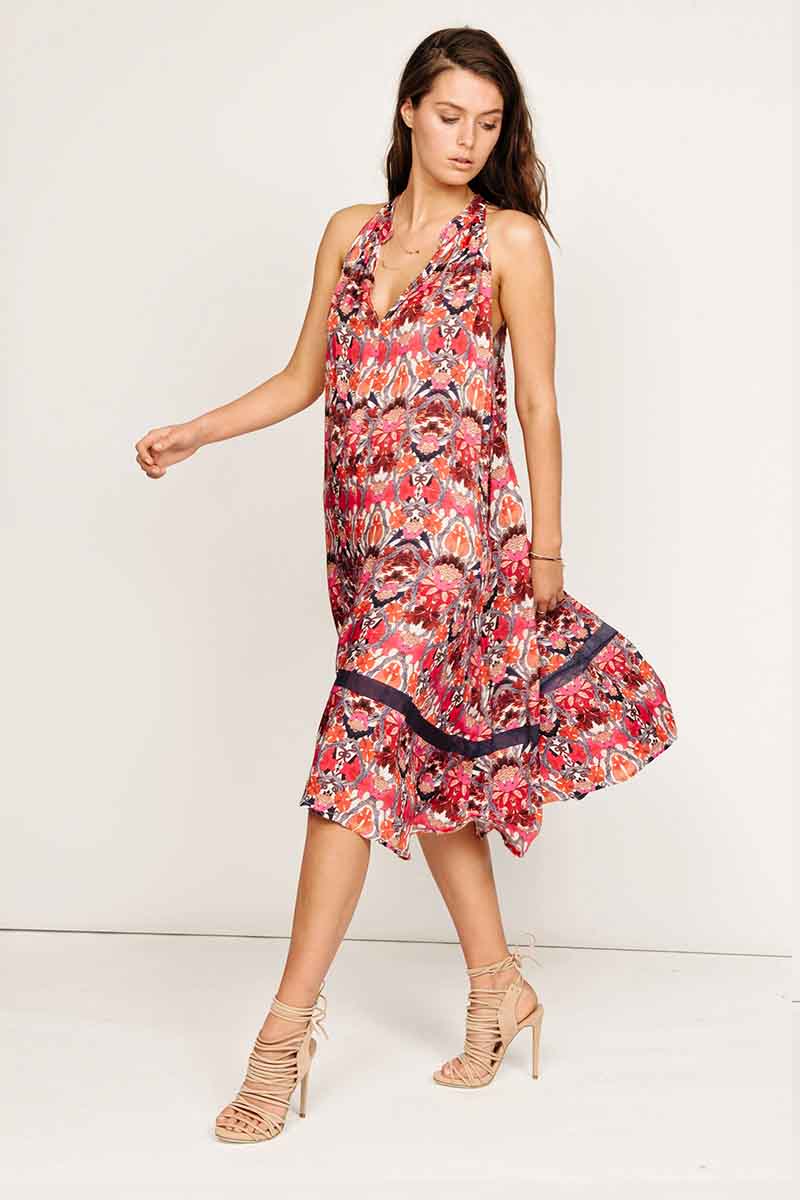
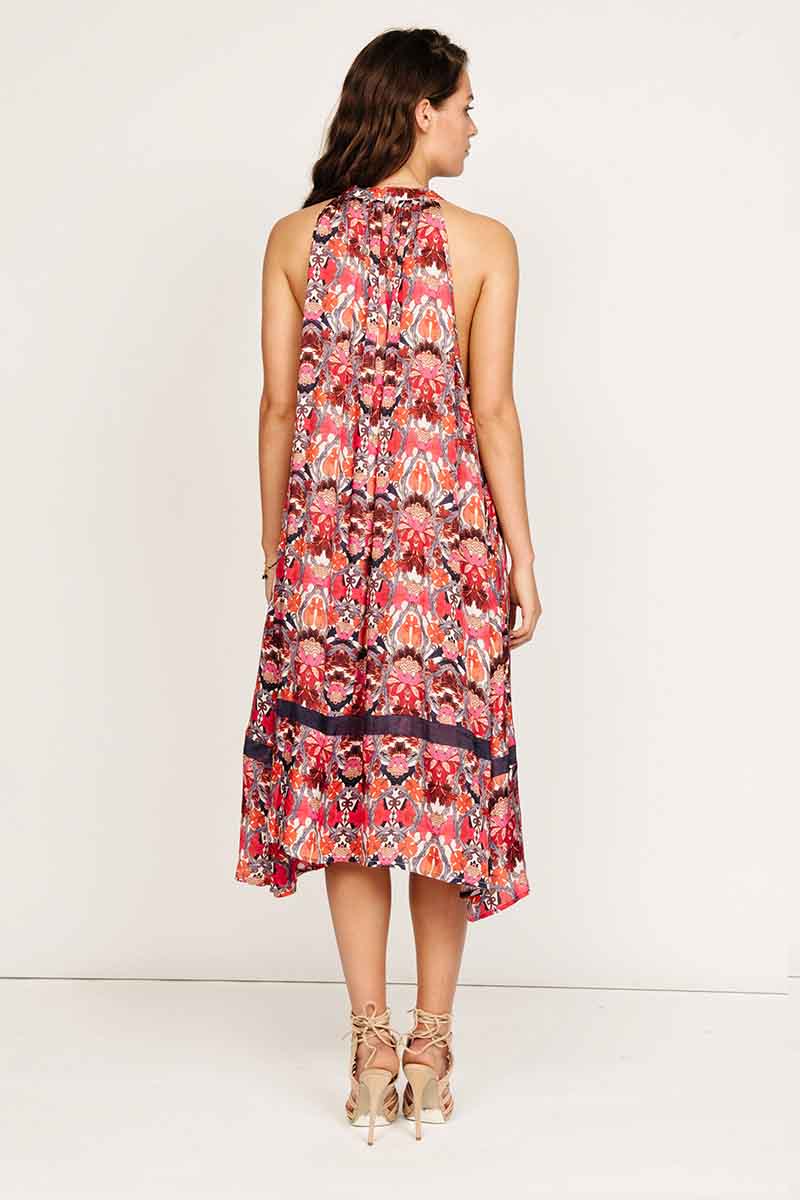
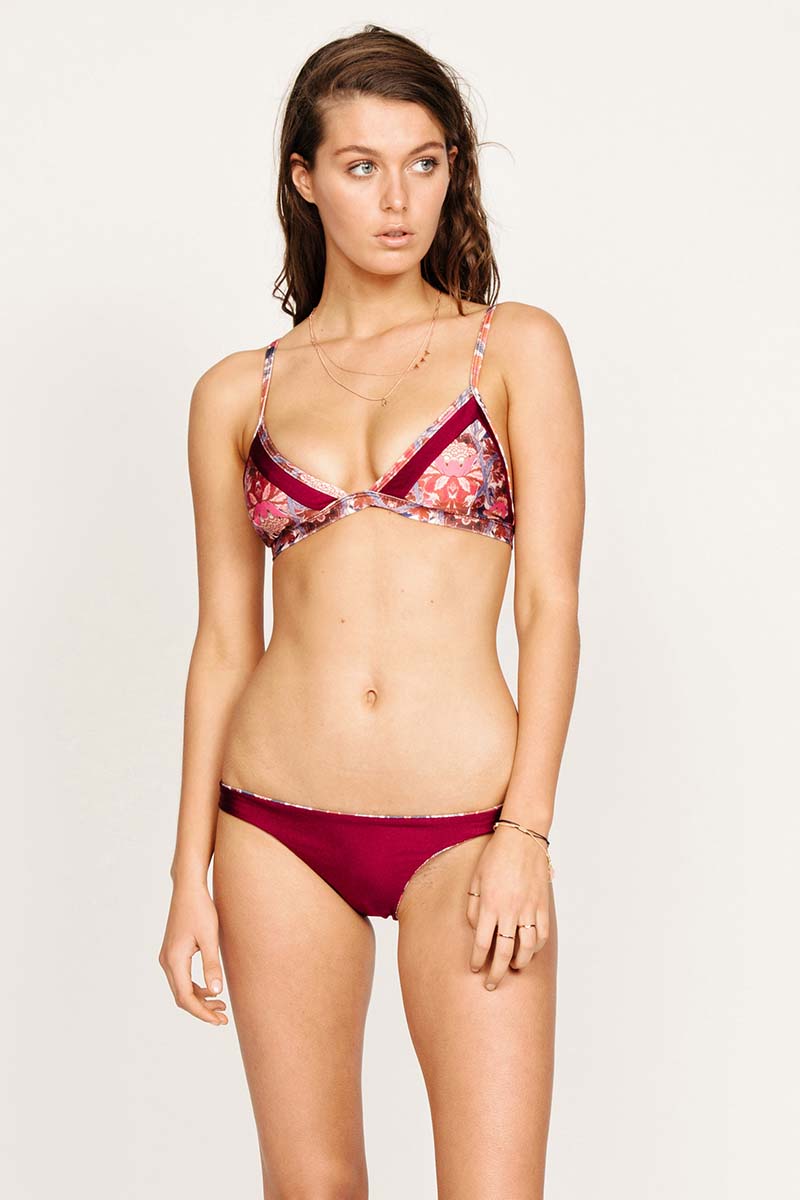
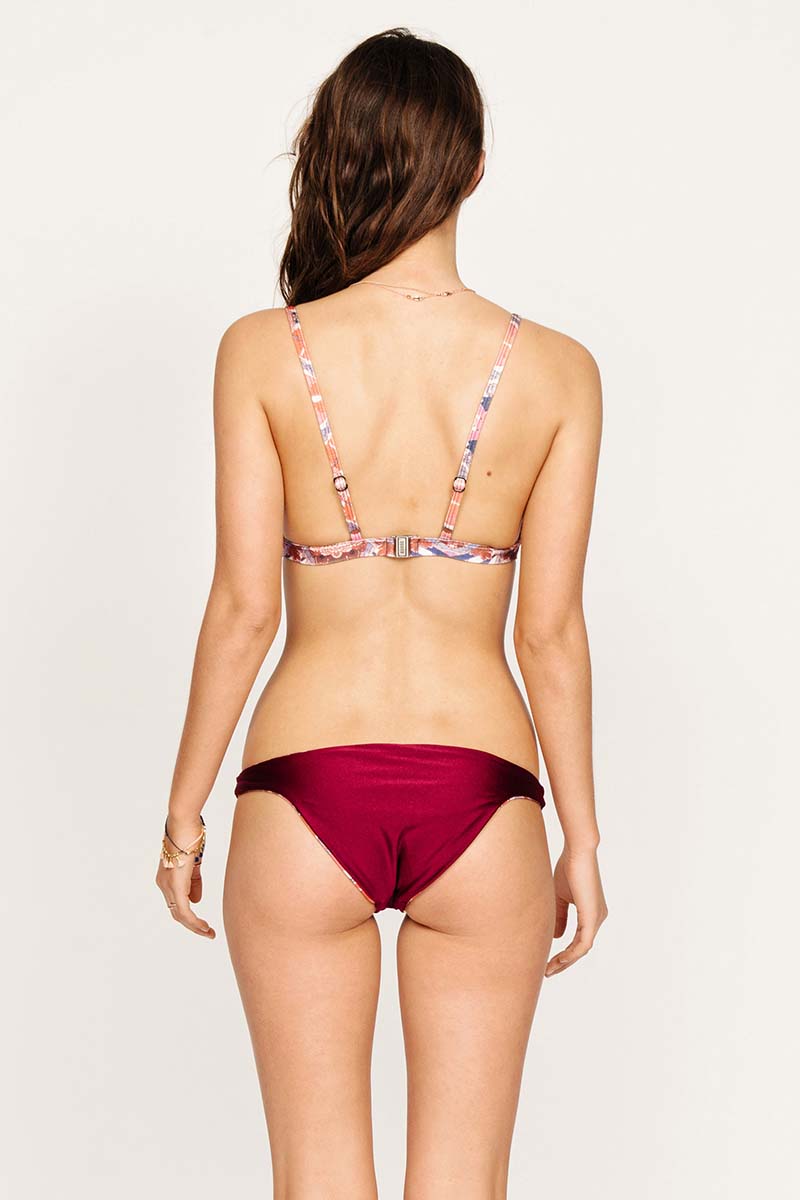


















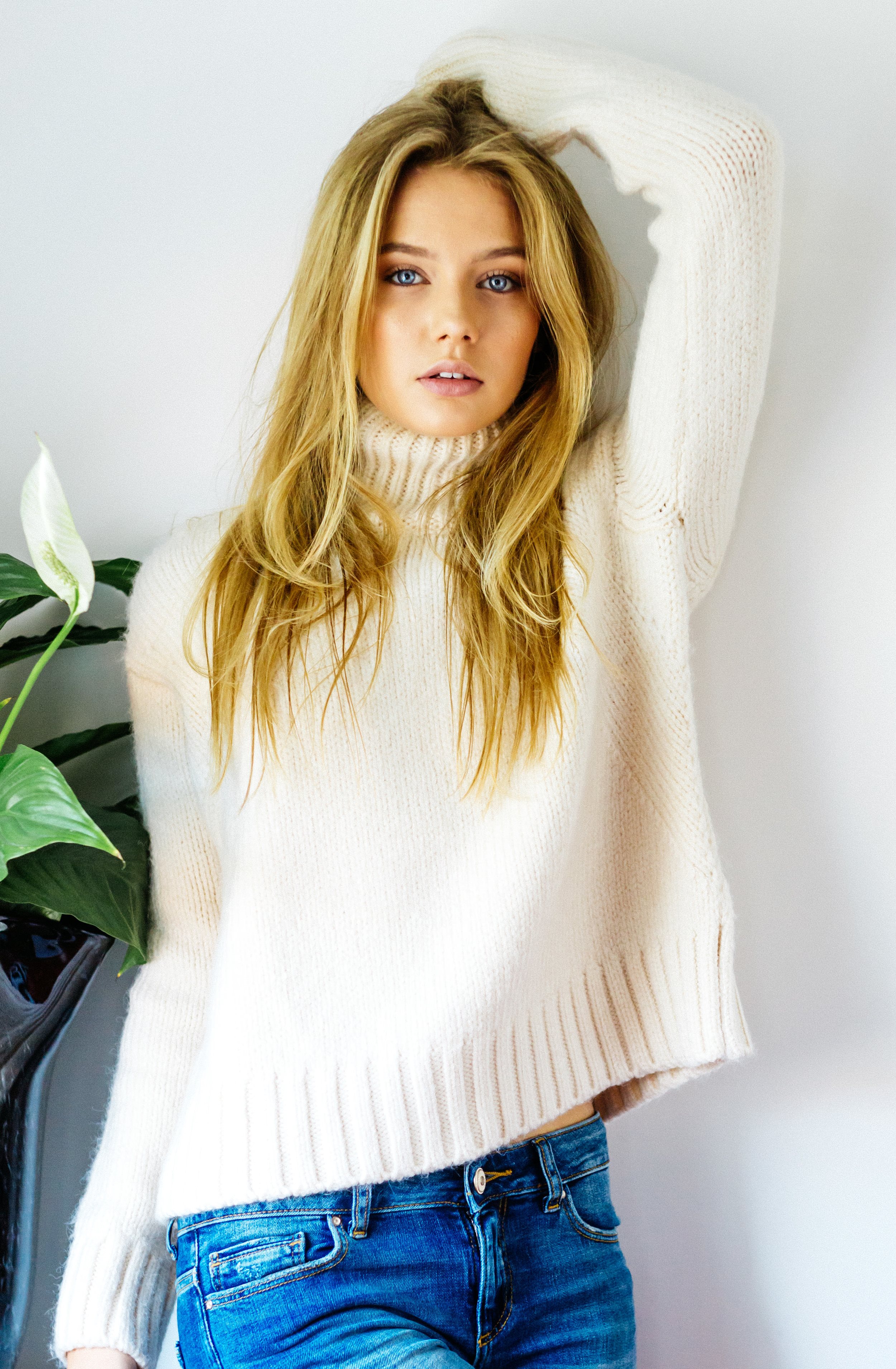
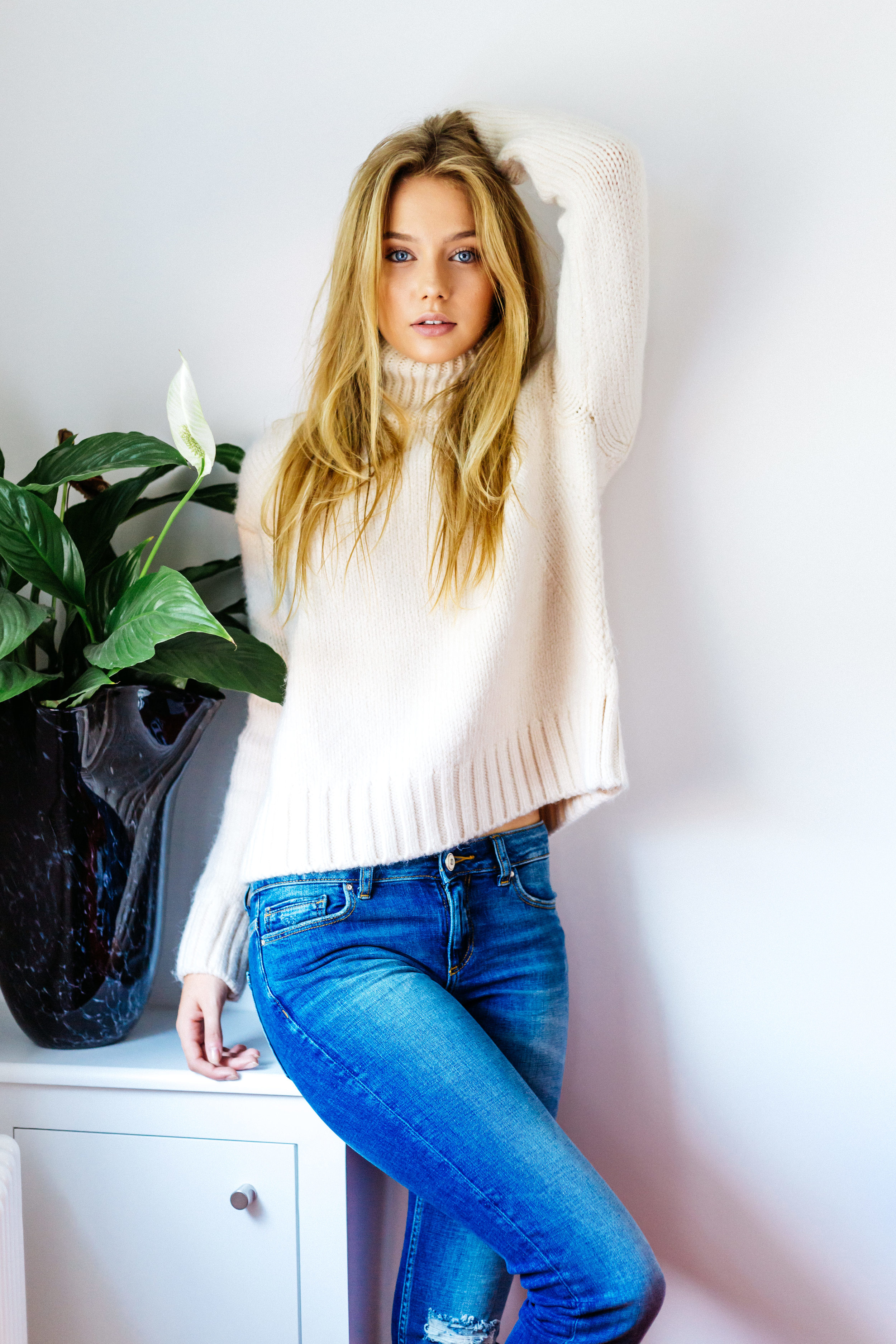
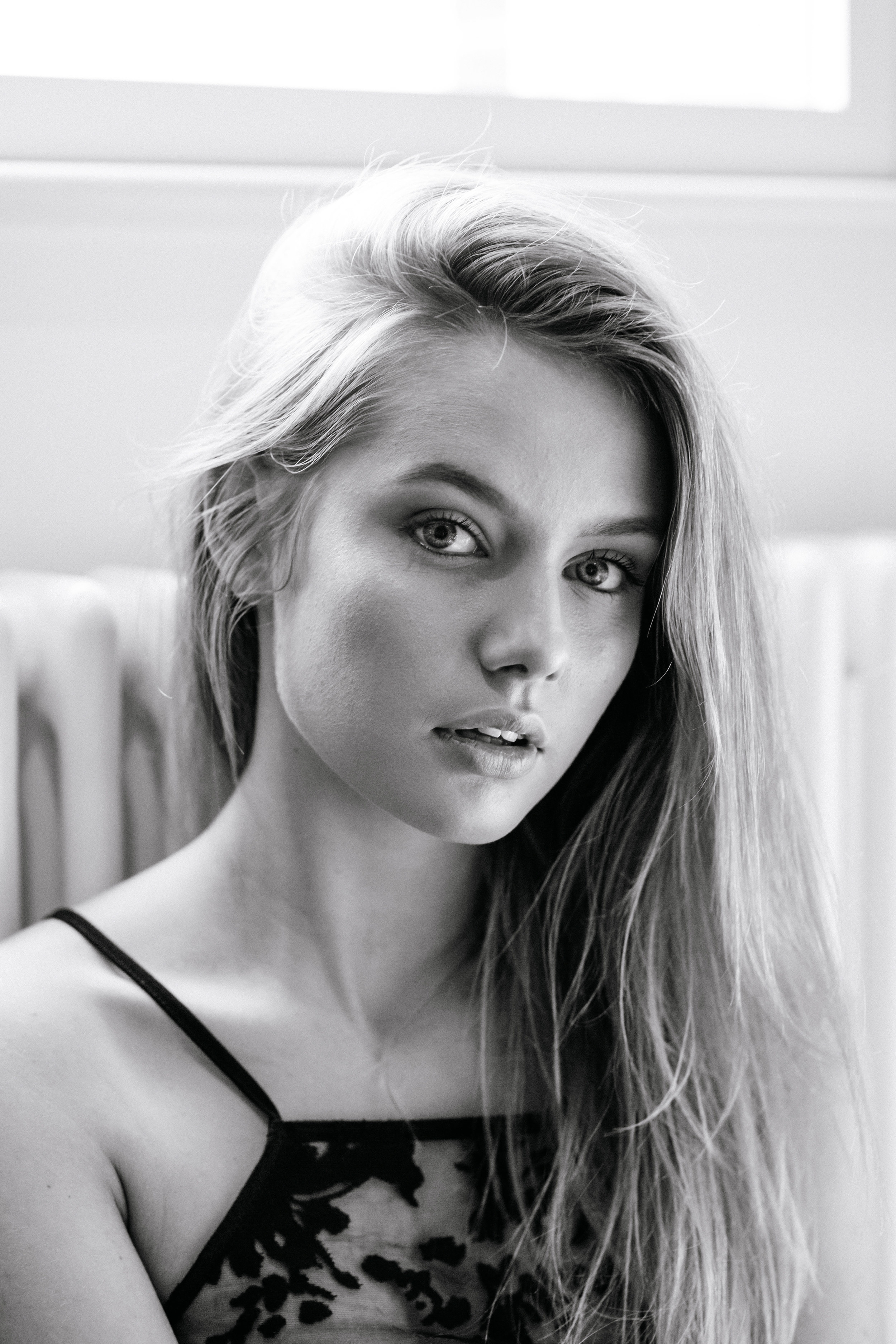
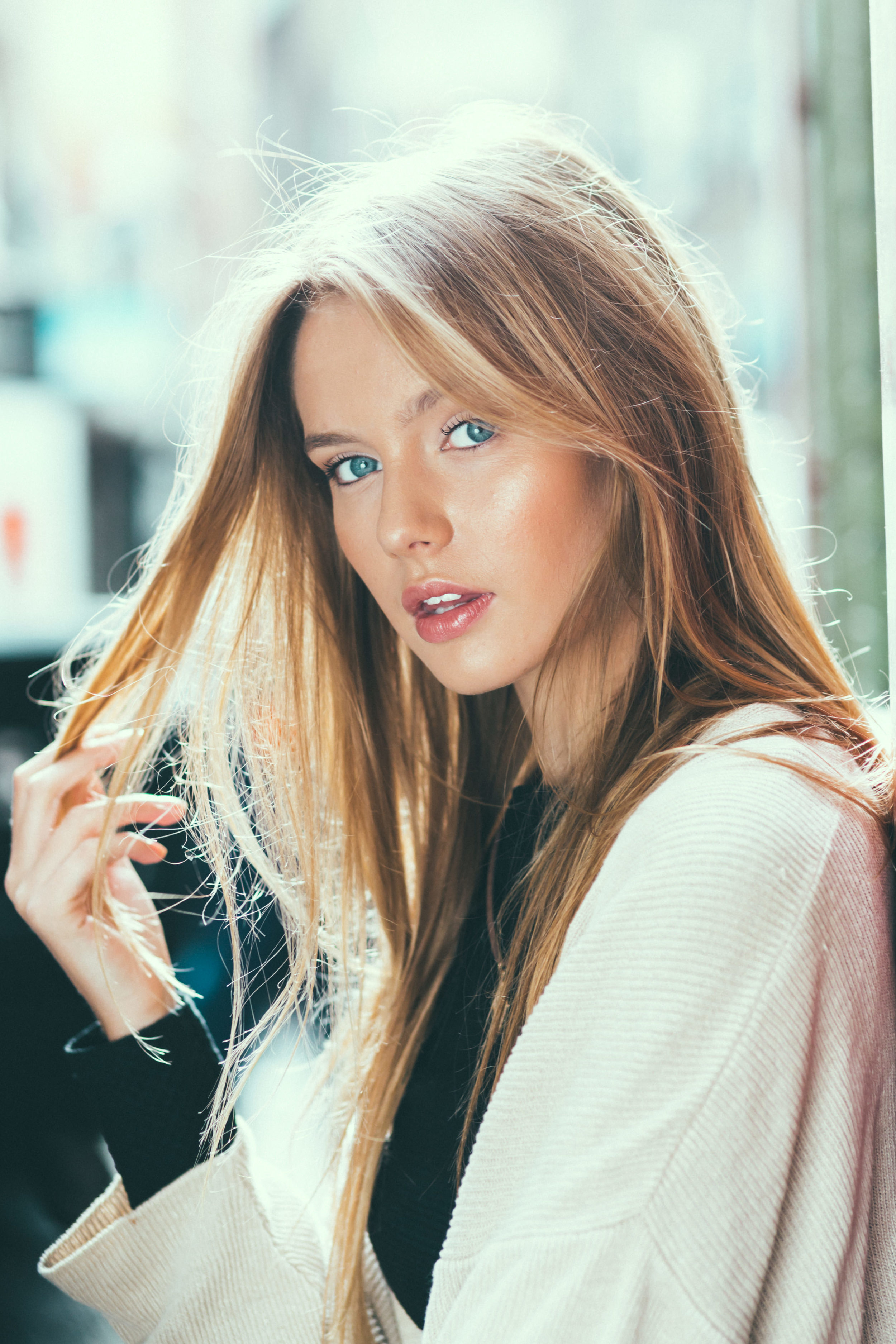










Account
Navigation
Search
Configure browser push notifications
Chrome (Android)
- Tap the lock icon next to the address bar.
- Tap Permissions → Notifications.
- Adjust your preference.
Chrome (Desktop)
- Click the padlock icon in the address bar.
- Select Site settings.
- Find Notifications and adjust your preference.
Safari (iOS 16.4+)
- Ensure the site is installed via Add to Home Screen.
- Open Settings App → Notifications.
- Find your app name and adjust your preference.
Safari (macOS)
- Go to Safari → Preferences.
- Click the Websites tab.
- Select Notifications in the sidebar.
- Find this website and adjust your preference.
Edge (Android)
- Tap the lock icon next to the address bar.
- Tap Permissions.
- Find Notifications and adjust your preference.
Edge (Desktop)
- Click the padlock icon in the address bar.
- Click Permissions for this site.
- Find Notifications and adjust your preference.
Firefox (Android)
- Go to Settings → Site permissions.
- Tap Notifications.
- Find this site in the list and adjust your preference.
Firefox (Desktop)
- Open Firefox Settings.
- Search for Notifications.
- Find this site in the list and adjust your preference.