
Pith_Possum
Members
-
Joined
-
Last visited
Everything posted by Pith_Possum
-
 Kluid Magazine
Andrea Esteva
Kluid Magazine
Andrea Esteva




 L'Officiel Austria









 Dsquared2 see-through!
Steve Gripp
Dsquared2 see-through!
Steve Gripp Arnie Watkins see-through!
 Brydie Mack

 BTS Nick Suarez Shoot 120737936_814158509324197_2417481739067955867_n.mp4
^^ two more by Lina Tesch
BTS Nick Suarez Shoot 120737936_814158509324197_2417481739067955867_n.mp4
^^ two more by Lina Tesch
 Cloud Blvd.








 Randall Slavin









 Alanna Gilbert













 Brydie Mack





 Issue Chile

 Lahana Swim










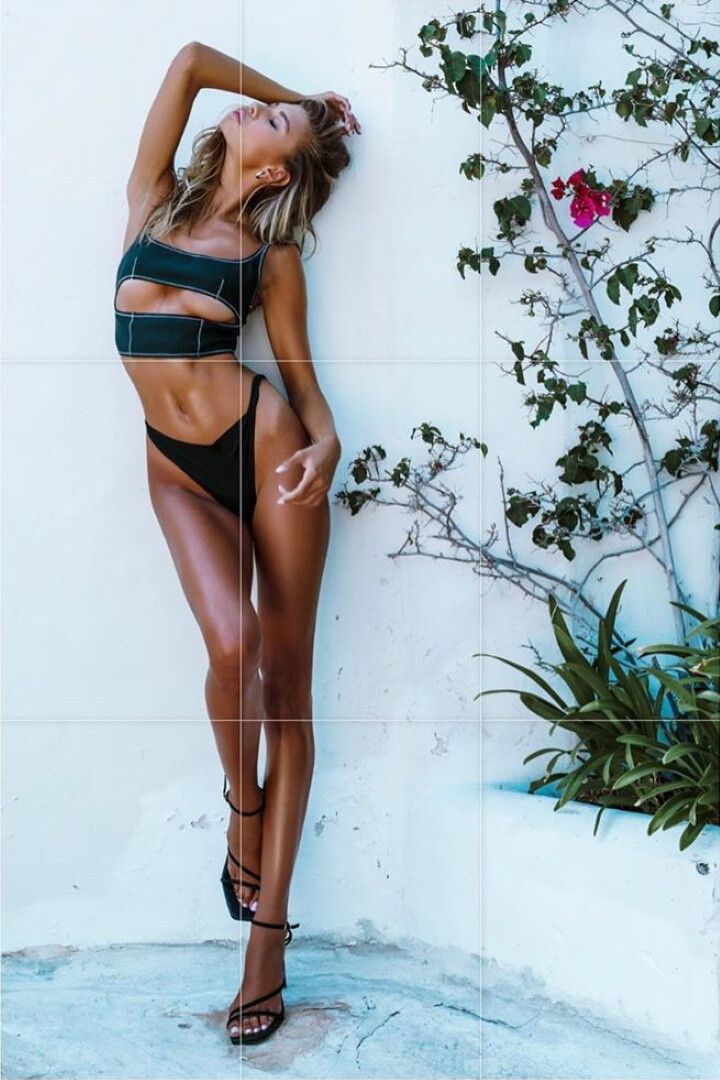
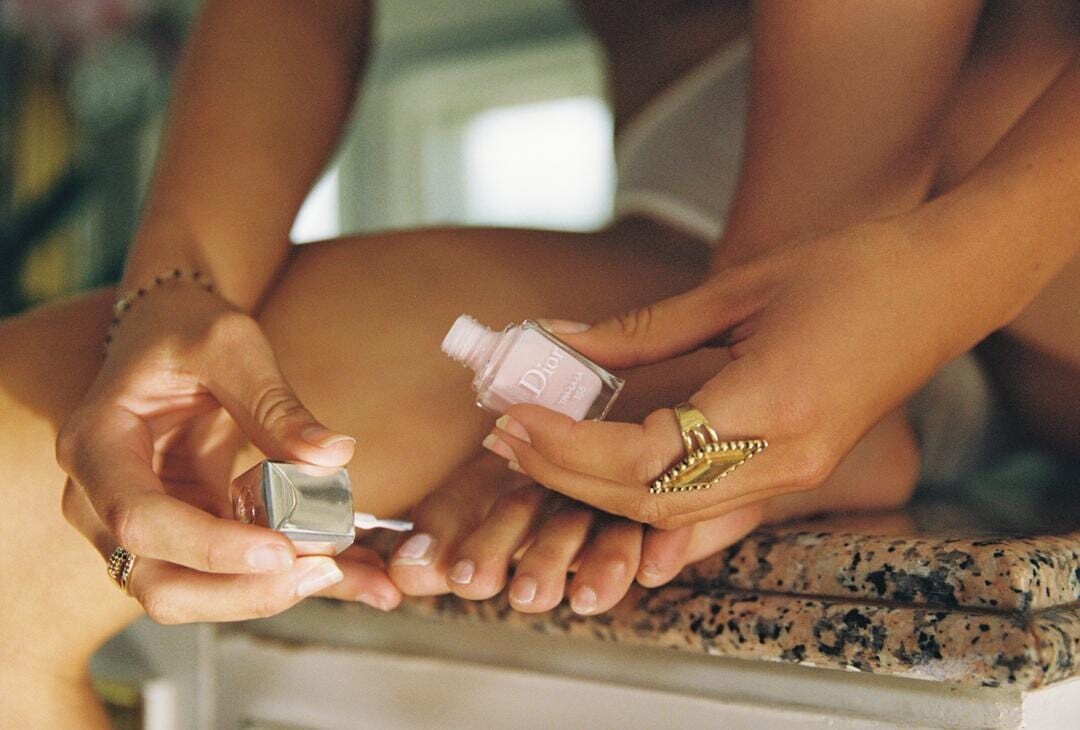
 Vanessa Mooney Fall 2020 Collection Ph: Cameron Hammond see-through!























































 Vanessa Mooney Fall 2020 Collection Ph: Cameron Hammond













































 119564849_200234174830738_7157947066720339245_n.mp4
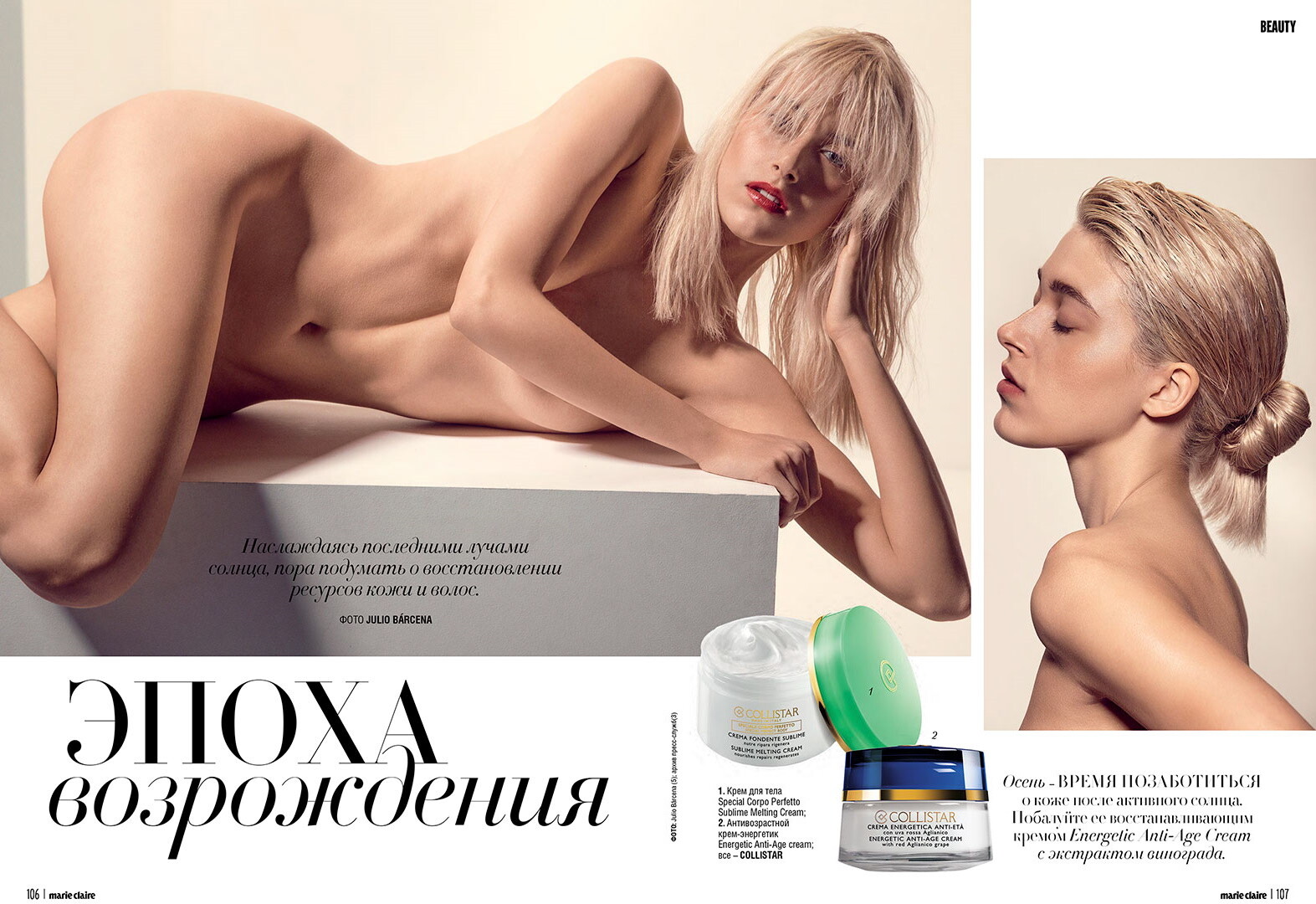
Marie Claire Ukraine Ph: Julia Barcena
119564849_200234174830738_7157947066720339245_n.mp4
Marie Claire Ukraine Ph: Julia Barcena

 SOMMER SWIM CRUISE COLLECTION.mp4
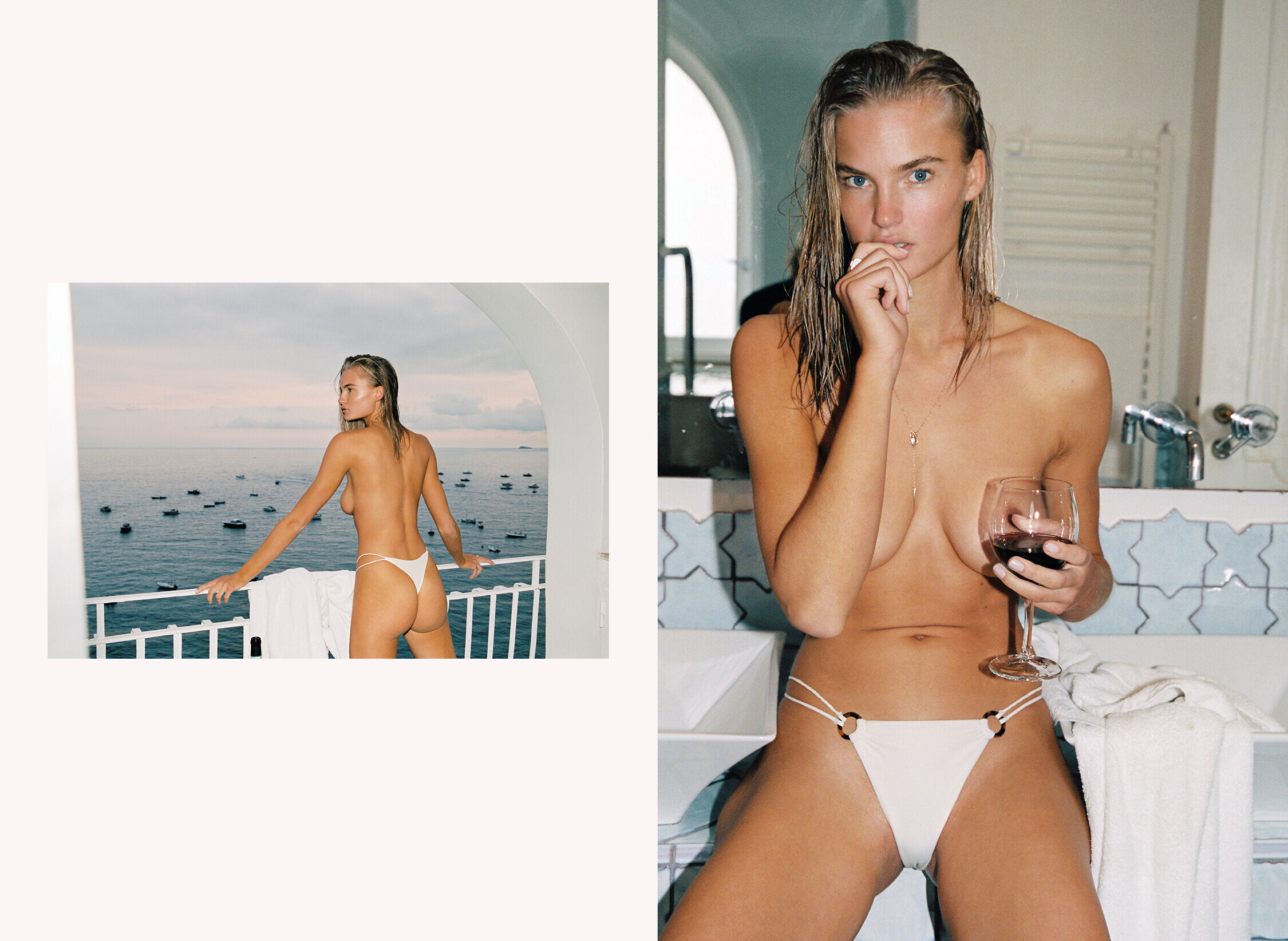
It's Now Cool X Double Rainbouu
SOMMER SWIM CRUISE COLLECTION.mp4
It's Now Cool X Double Rainbouu
























 118411203_944971552653146_709633679694852095_n.mp4

















































































































































































































































































































Account
Navigation
Search
Configure browser push notifications
Chrome (Android)
- Tap the lock icon next to the address bar.
- Tap Permissions → Notifications.
- Adjust your preference.
Chrome (Desktop)
- Click the padlock icon in the address bar.
- Select Site settings.
- Find Notifications and adjust your preference.
Safari (iOS 16.4+)
- Ensure the site is installed via Add to Home Screen.
- Open Settings App → Notifications.
- Find your app name and adjust your preference.
Safari (macOS)
- Go to Safari → Preferences.
- Click the Websites tab.
- Select Notifications in the sidebar.
- Find this website and adjust your preference.
Edge (Android)
- Tap the lock icon next to the address bar.
- Tap Permissions.
- Find Notifications and adjust your preference.
Edge (Desktop)
- Click the padlock icon in the address bar.
- Click Permissions for this site.
- Find Notifications and adjust your preference.
Firefox (Android)
- Go to Settings → Site permissions.
- Tap Notifications.
- Find this site in the list and adjust your preference.
Firefox (Desktop)
- Open Firefox Settings.
- Search for Notifications.
- Find this site in the list and adjust your preference.