
Pith_Possum
Members
-
Joined
-
Last visited
Everything posted by Pith_Possum
-
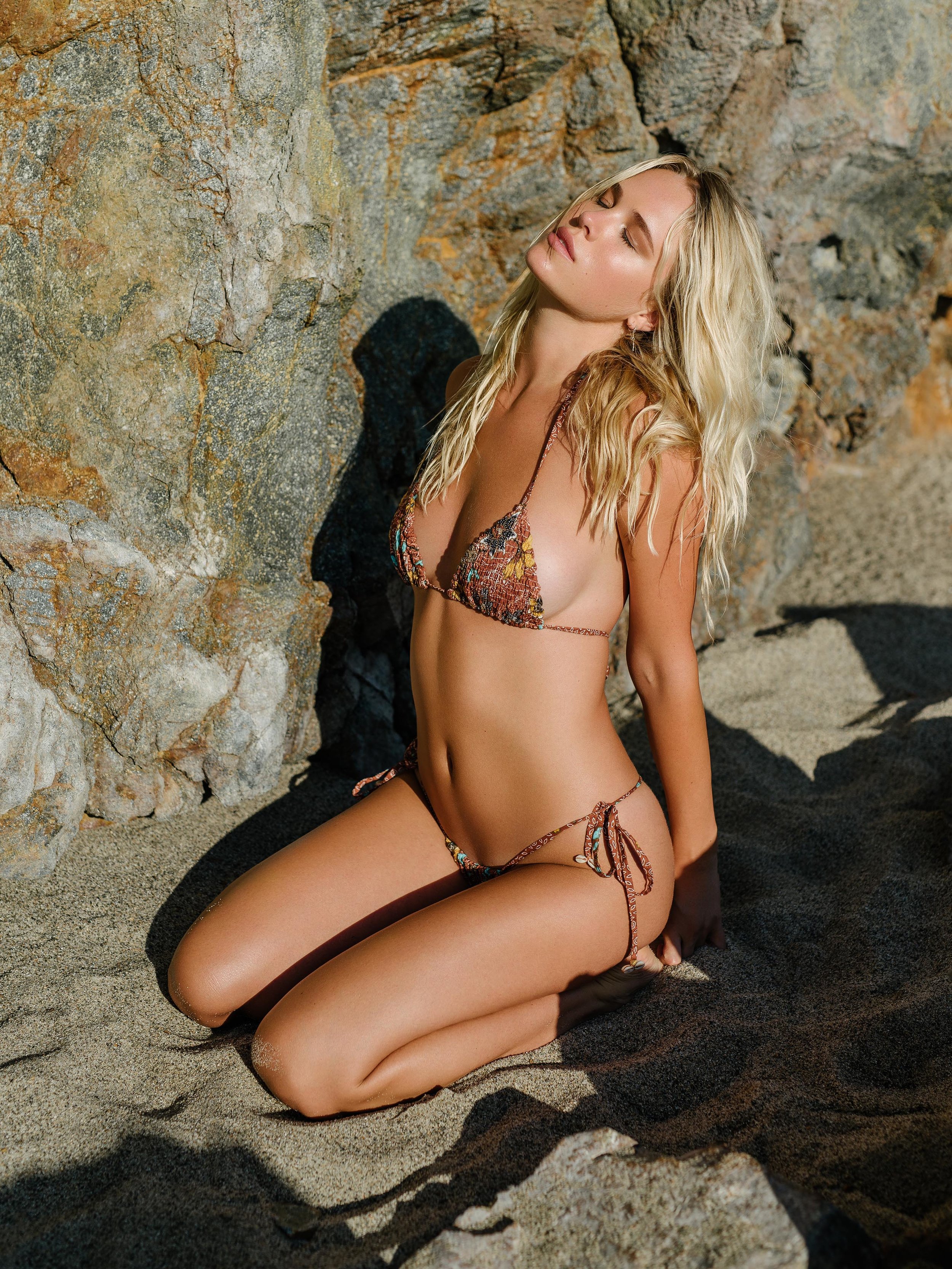
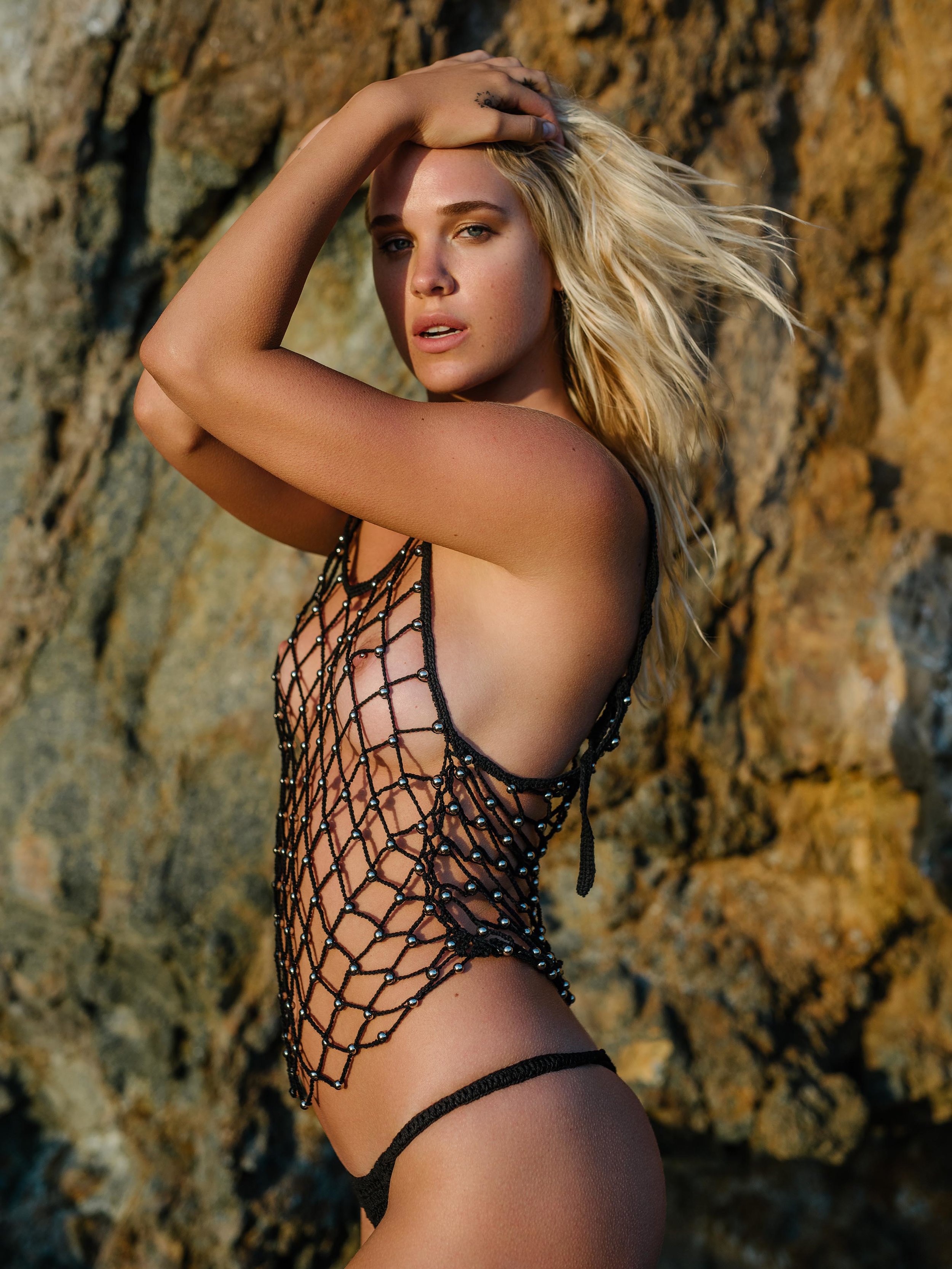
 Lack of Color Summer 2018 Collection "Summer of Sun" Photographer: Henrik Purienne Models: Zoi Mantzakanis, Cora Keegan, Alina Timofeeva Nudity!
 -
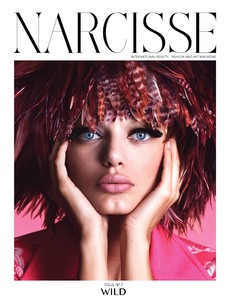
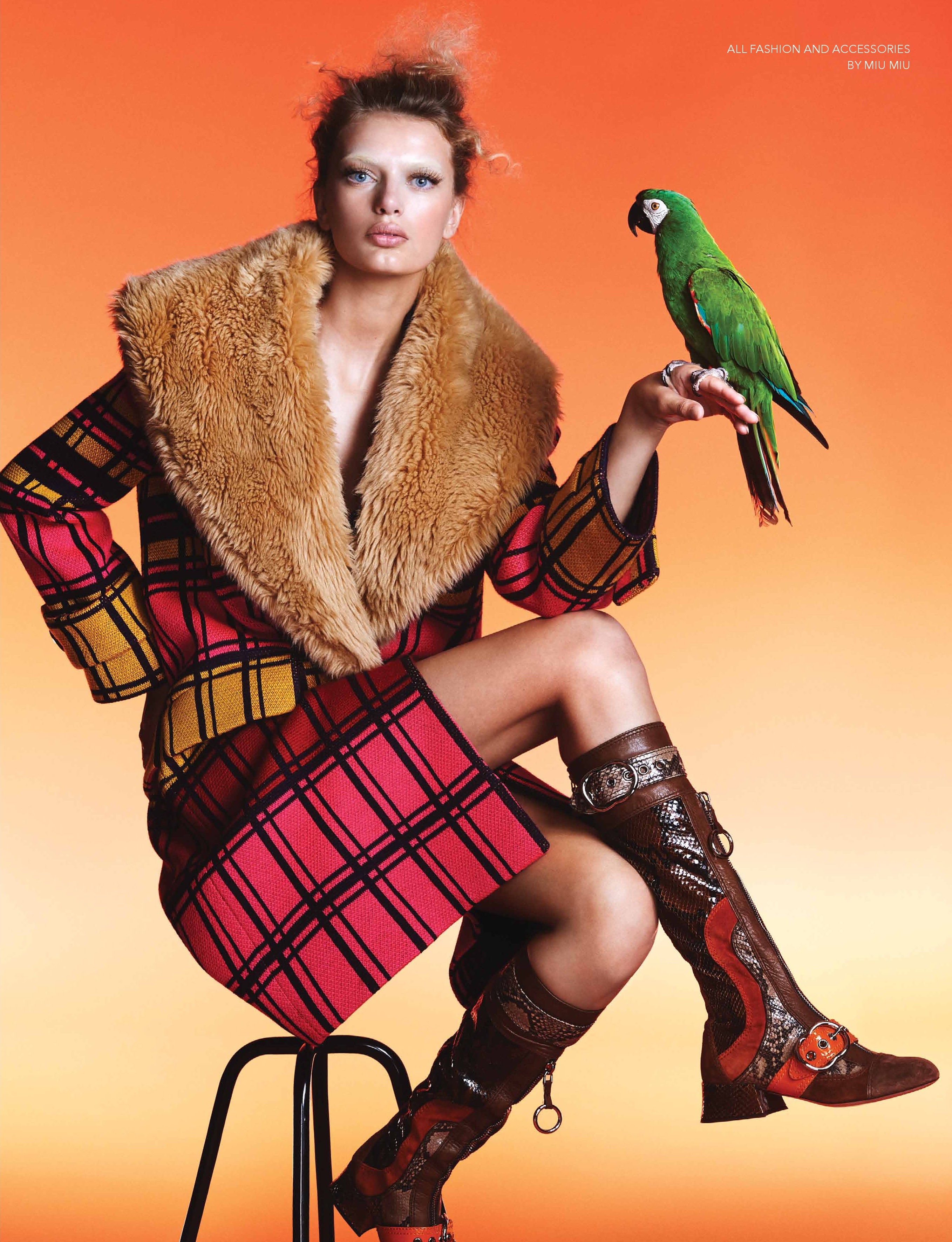
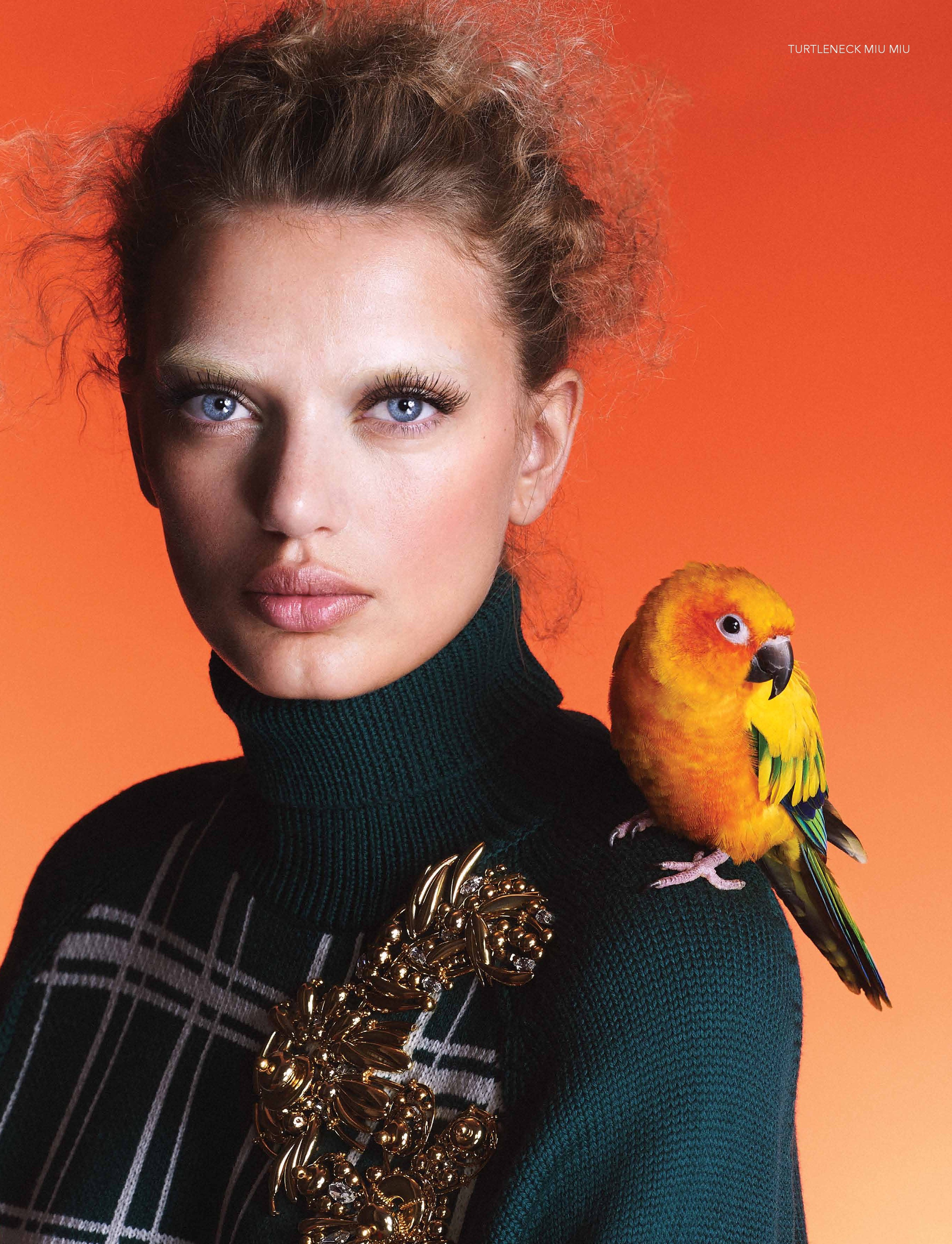
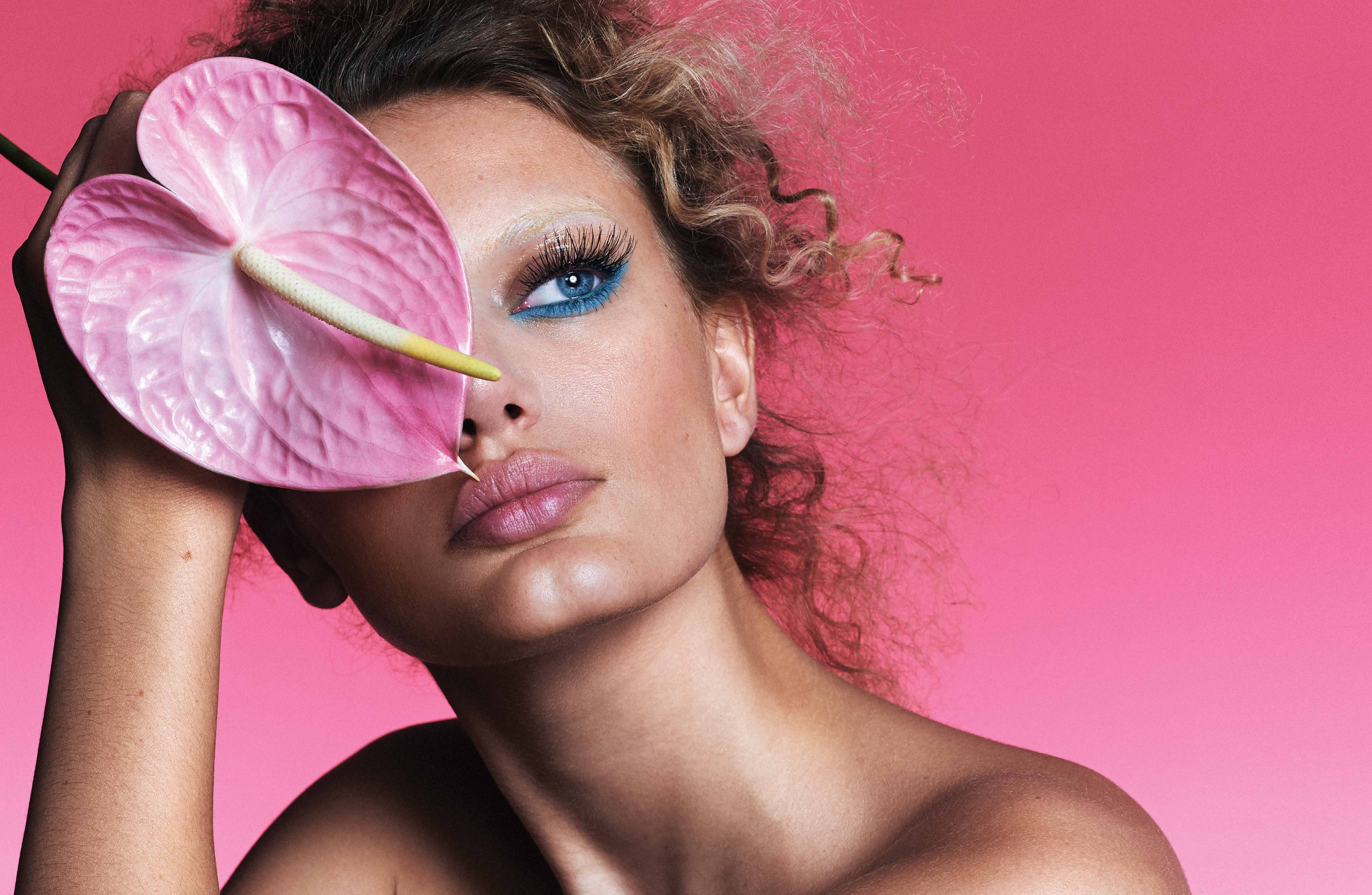
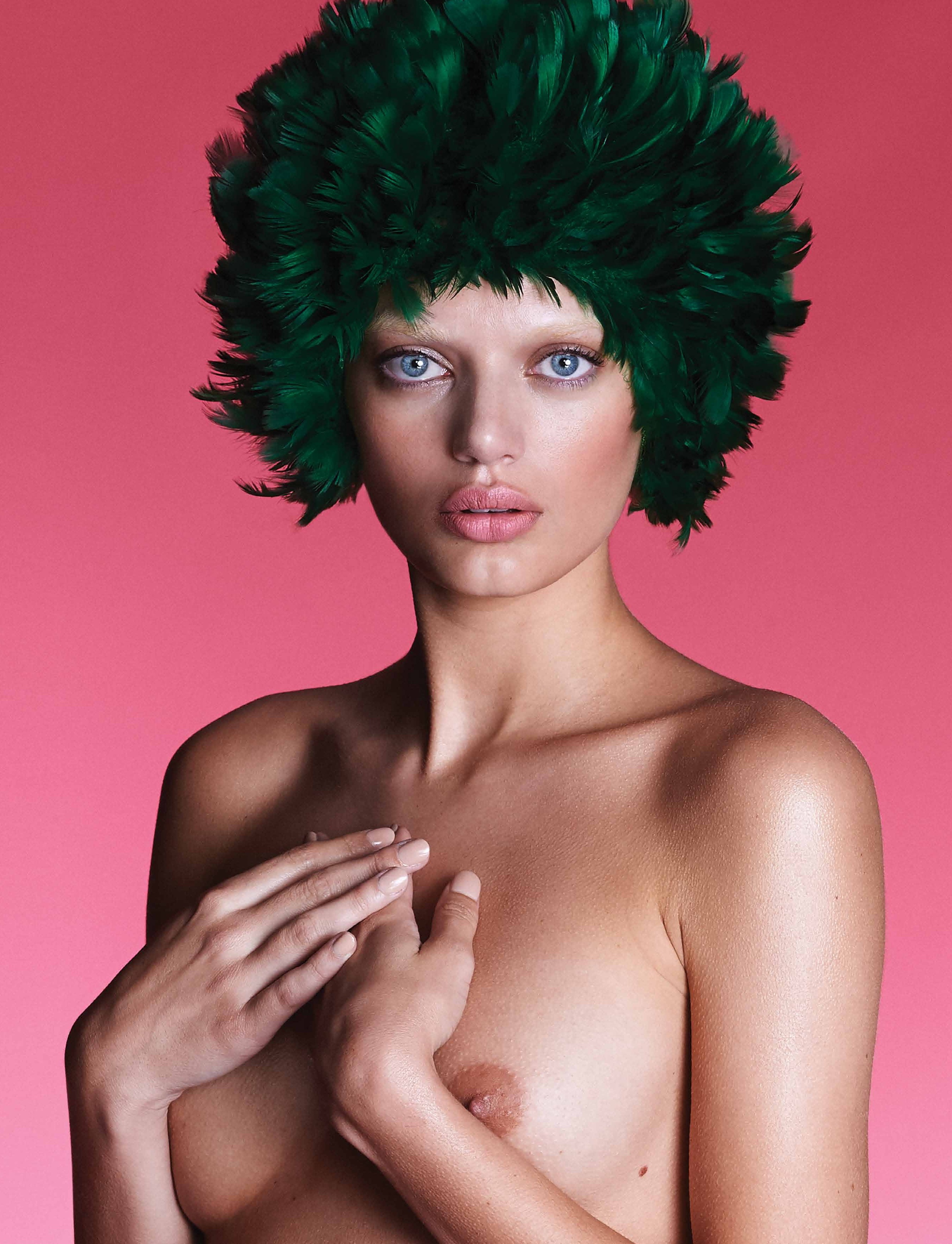
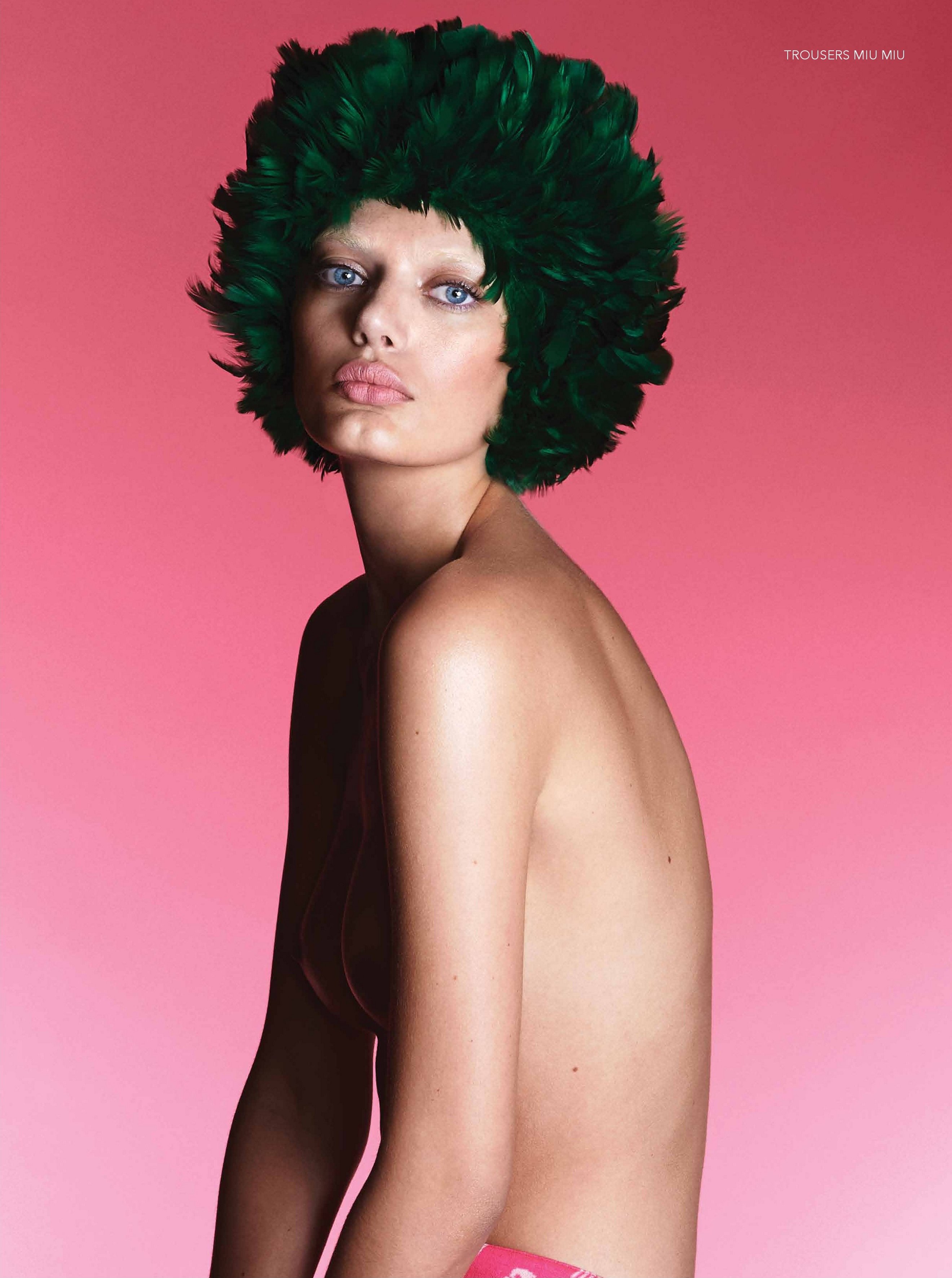
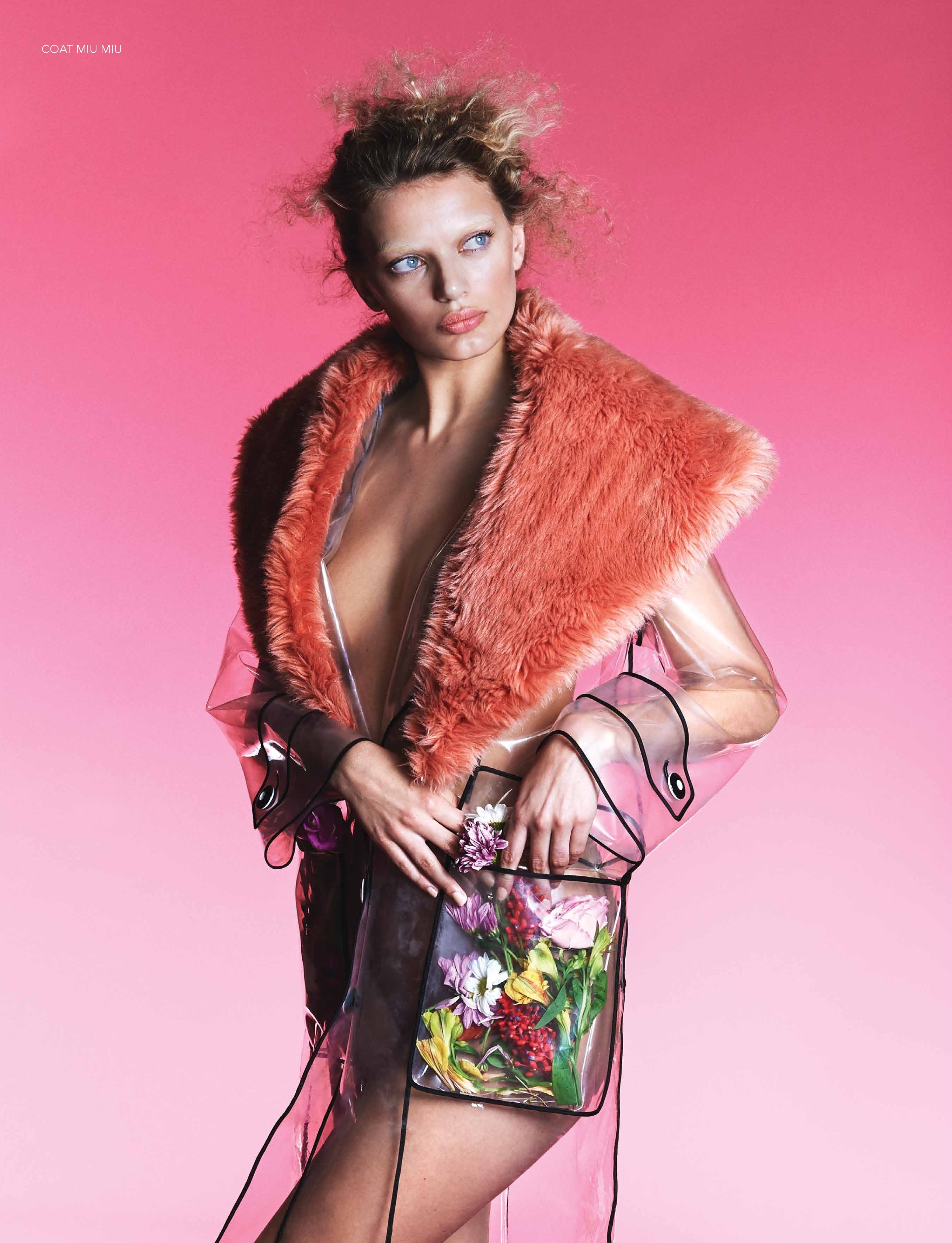
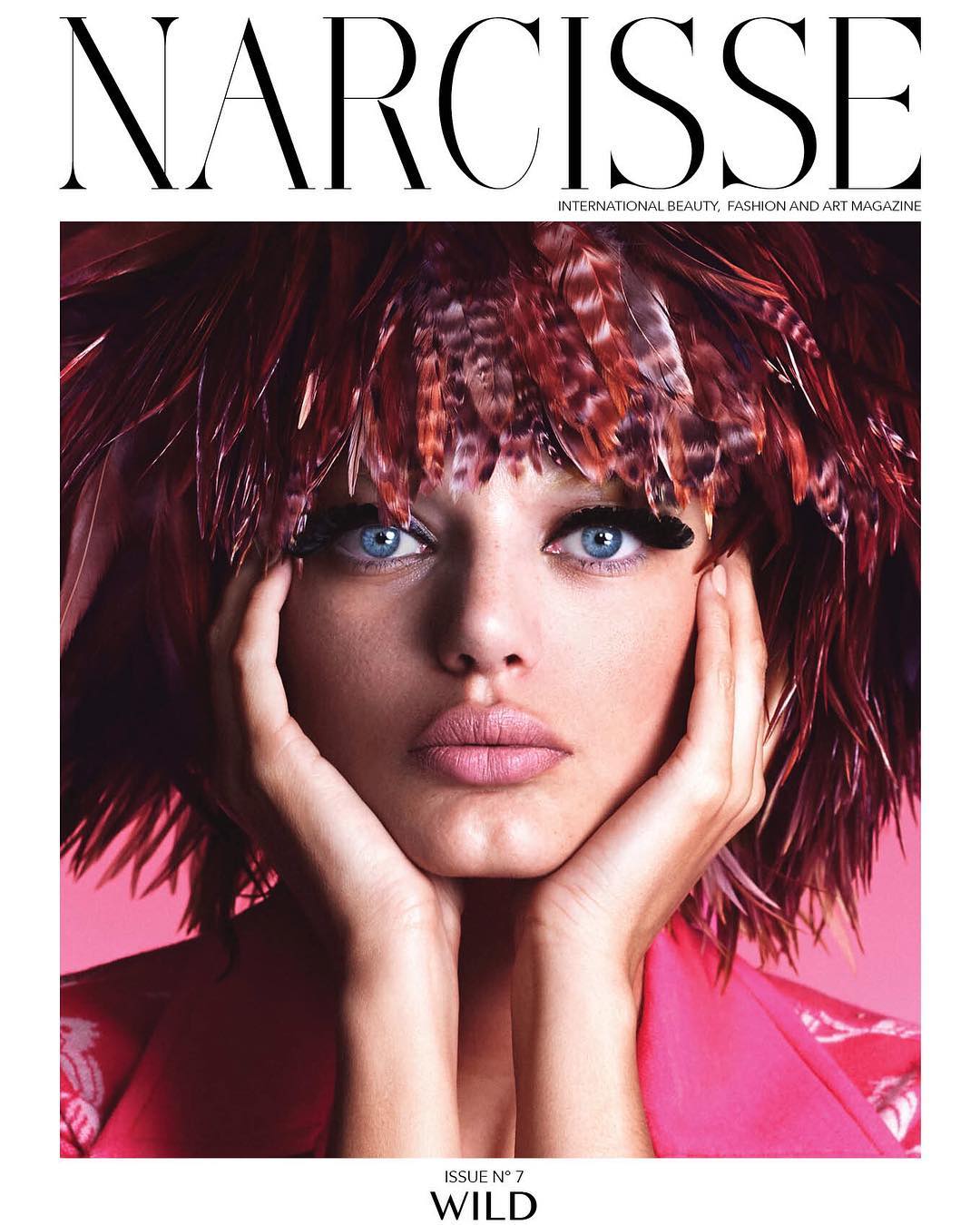
Narcisse Magazine Issue 7 Ph: Rowan Papier Nudity!










-
Naked Cashmere 22181046_142061609740118_5670133352217182208_n.mp4 21930506_459365391099889_4985693467075149824_n.mp4








-
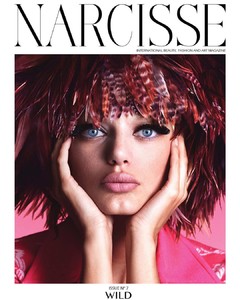
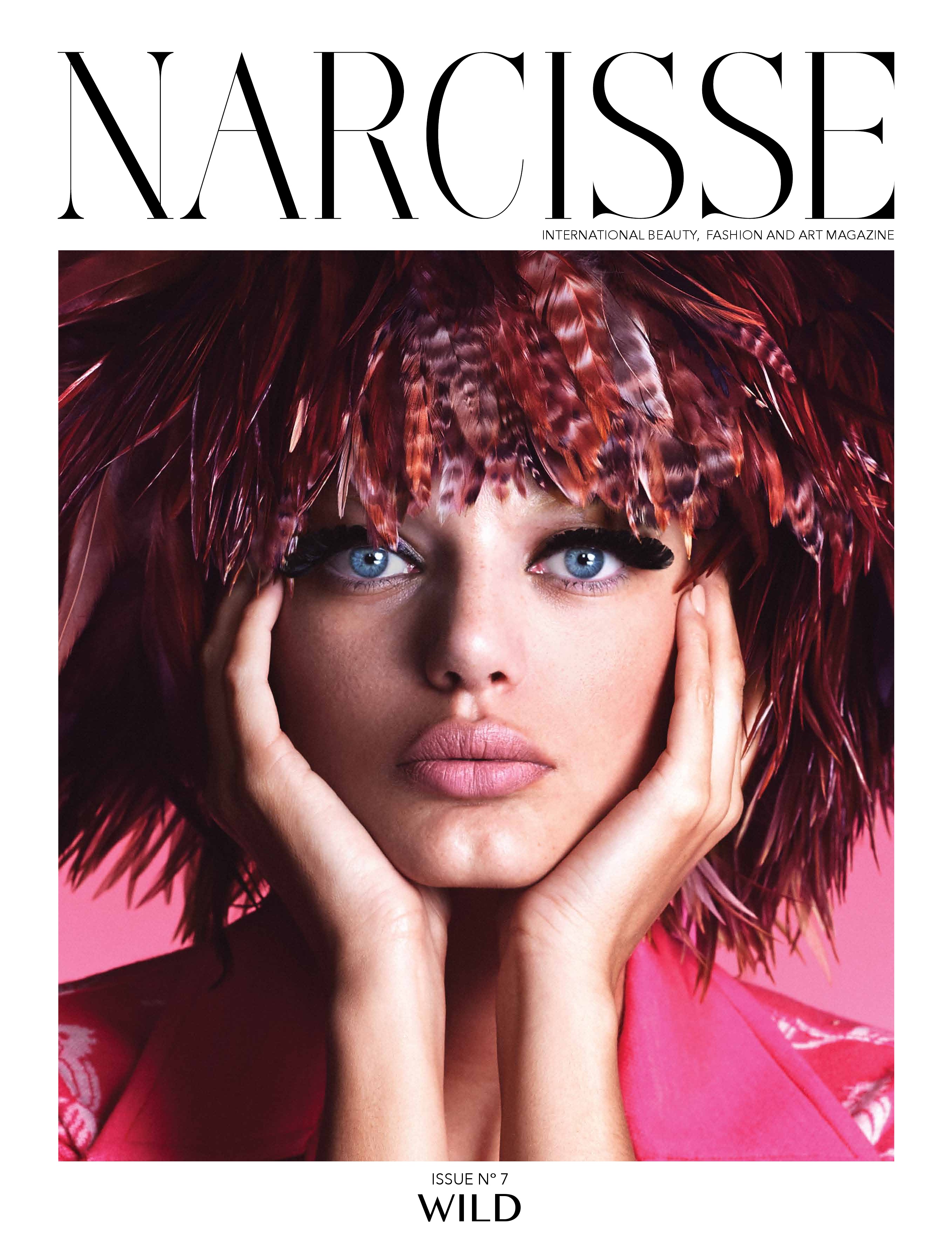
Narcisse Magazine Issue 7

-
uncensored, but LQ
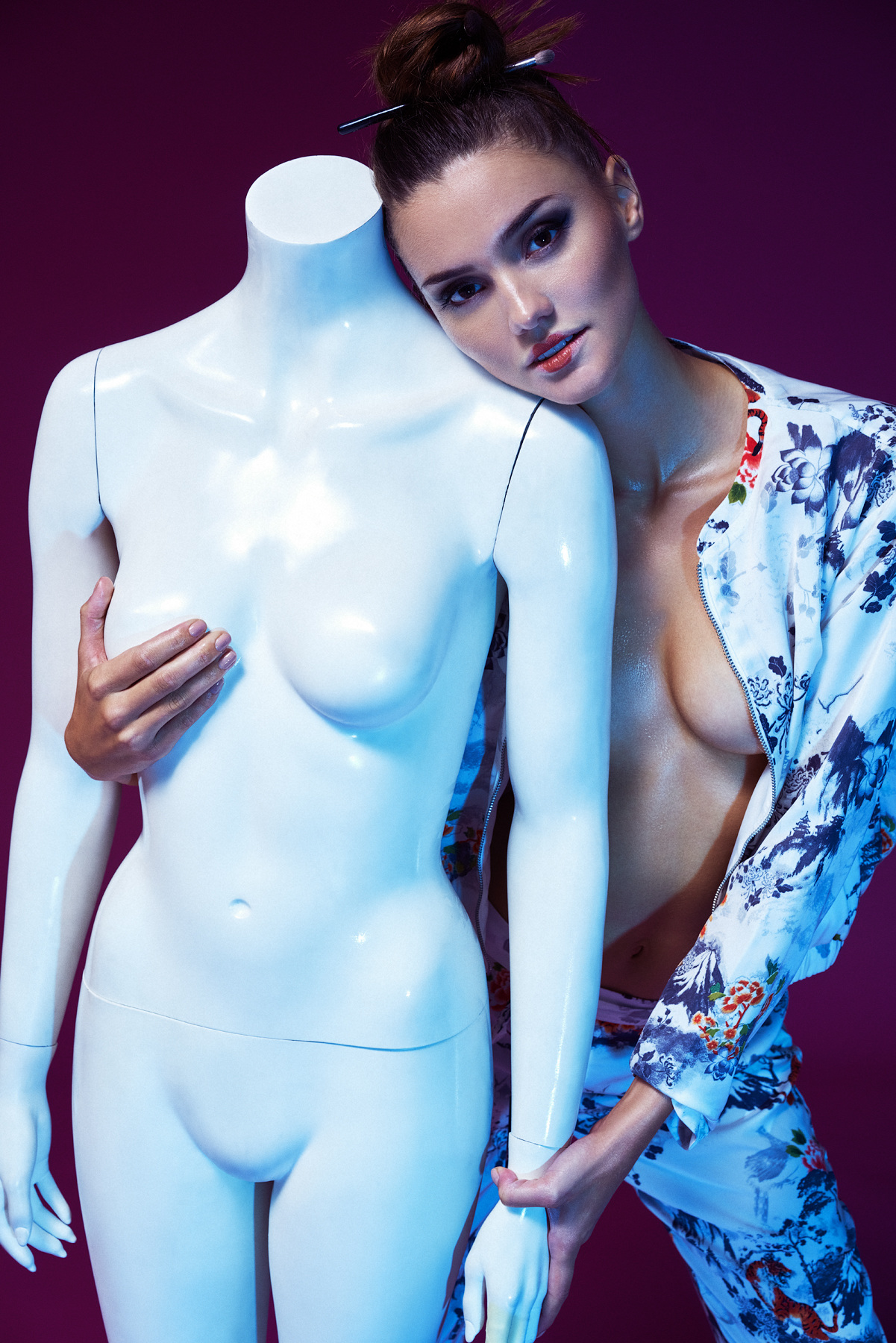
 Ph: Sarah Silver
 Ph: Sarah Silver Nudity!
 cameron_hammond
 Ph: Yiorgos Mavropoulos Nudity! https://www.bellazon.com/main/uploads/monthly_2017_09/tumblr_ovzcp9v0kY1qc2ndyo2_1280.jpg.0d1de7793b4f63c72ed0d41c798e9ae5.jpg
 cameron__mackie


 Men's Health October 2017 Ph: Ben Ritter
 Nudity!
 RektMag - "Drive Me" Ph: Jeffrey Chan Nudity! https://www.bellazon.com/main/uploads/monthly_2017_09/Holly_JCH4751.jpeg.0ccb18337c34ff764fb906ef9e56da3b.jpeg https://www.bellazon.com/main/uploads/monthly_2017_09/Holly_JCH4752.jpeg.e3960fe240e371bdb0ddbd136ee3ab3e.jpeg




















 Ph: Manny Seguin Nudity! https://www.bellazon.com/main/uploads/monthly_2017_09/DSC_0556.jpg.8138381d8987377ae902a432a39f8ee6.jpg
 Ph: Alexei Bazdarev











 Finally! Video with Nudity!
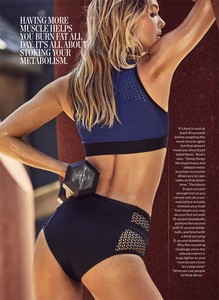
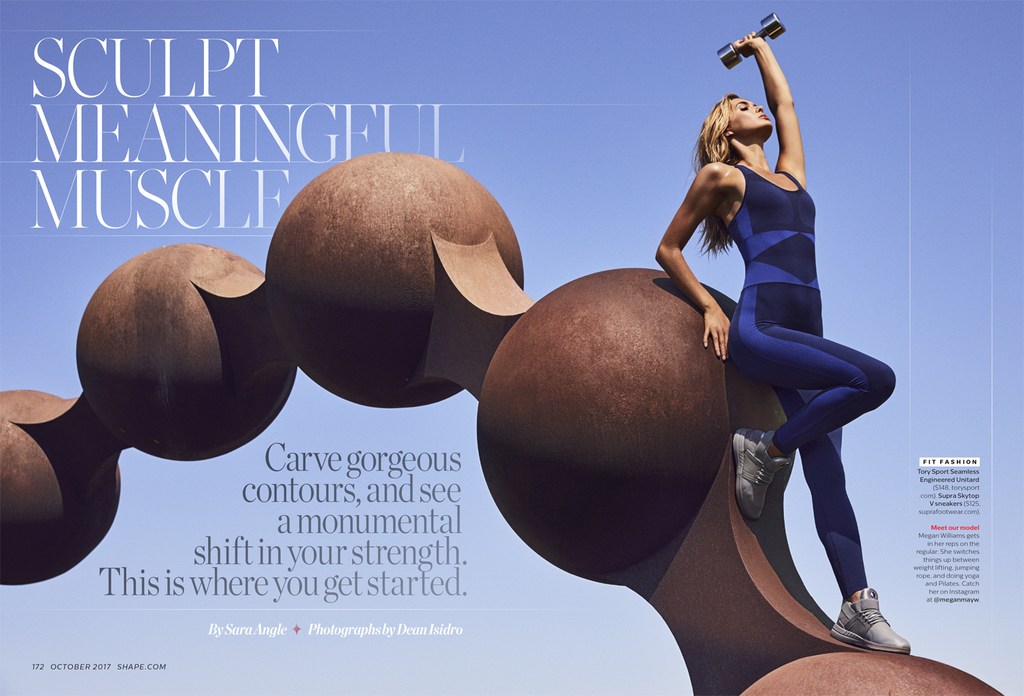
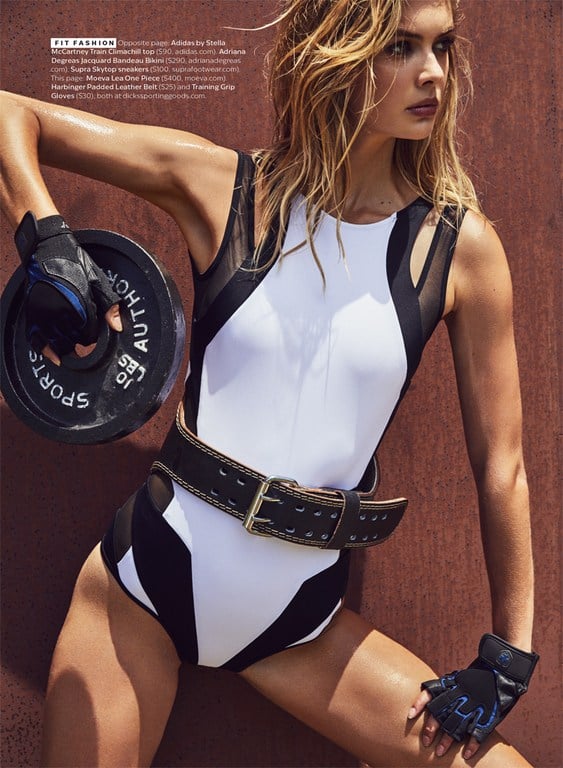
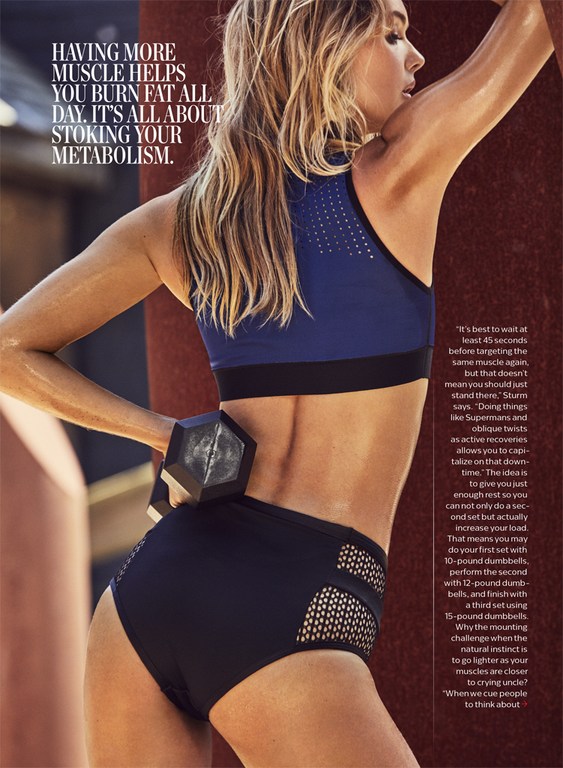
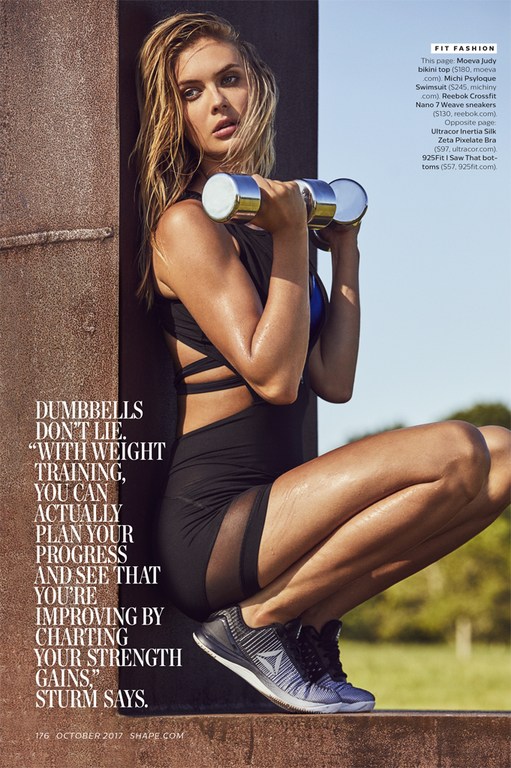
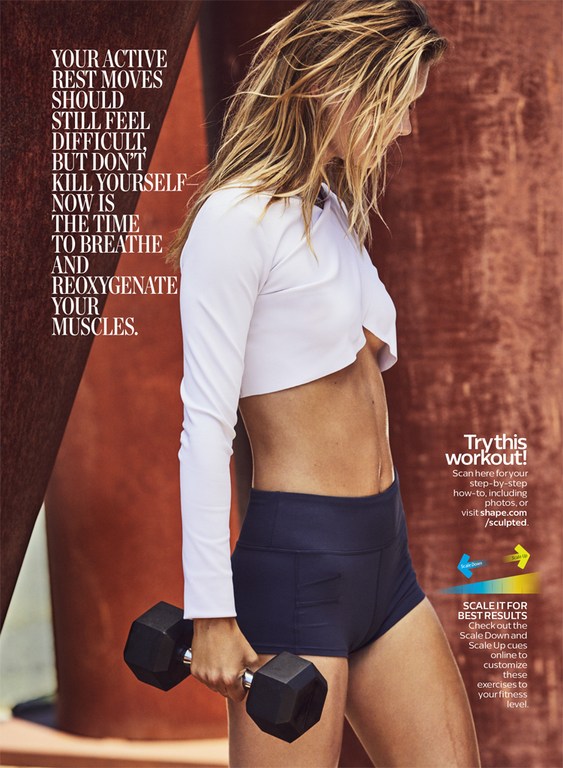
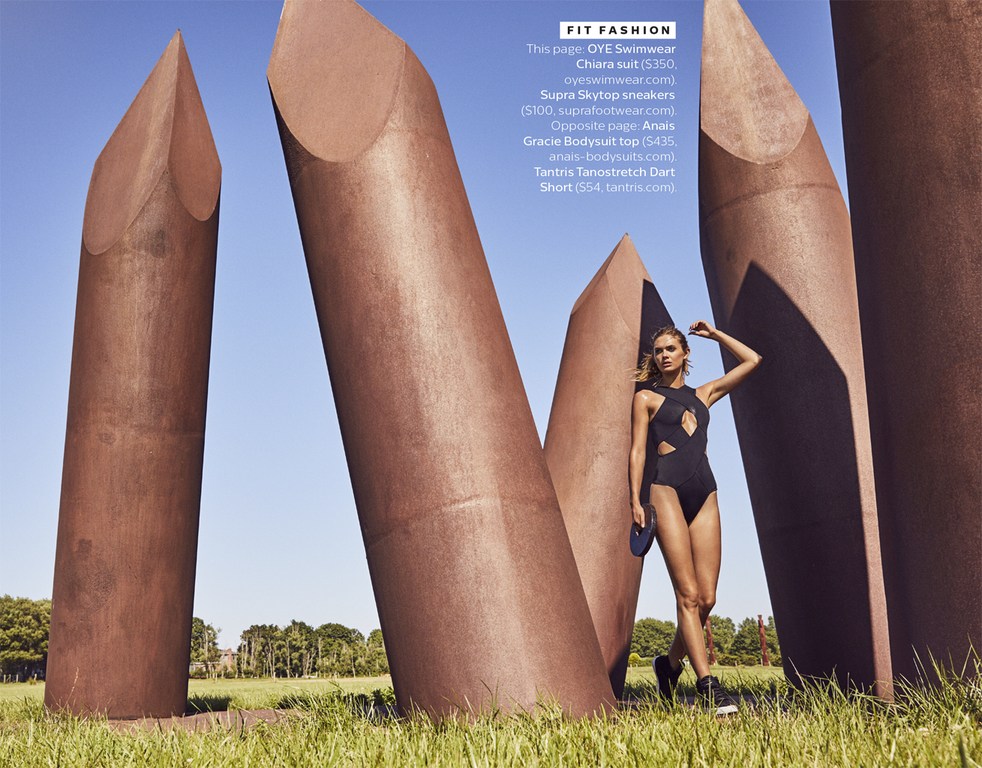
Shape October 2017 Ph: Dean Isidro
Finally! Video with Nudity!
Shape October 2017 Ph: Dean Isidro




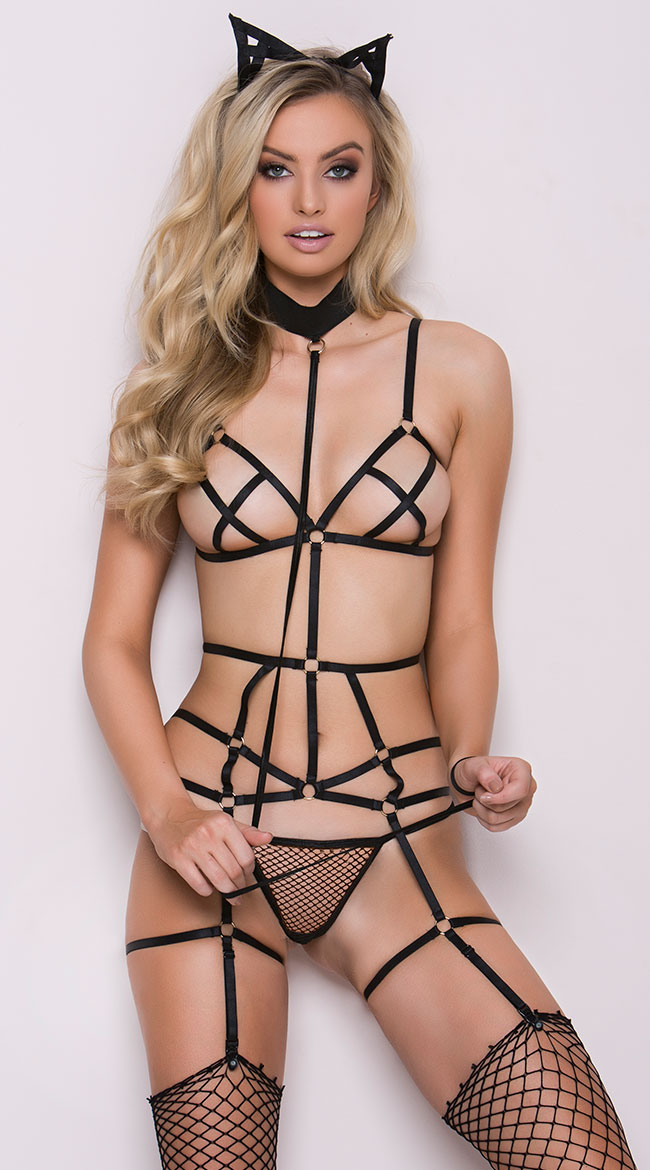
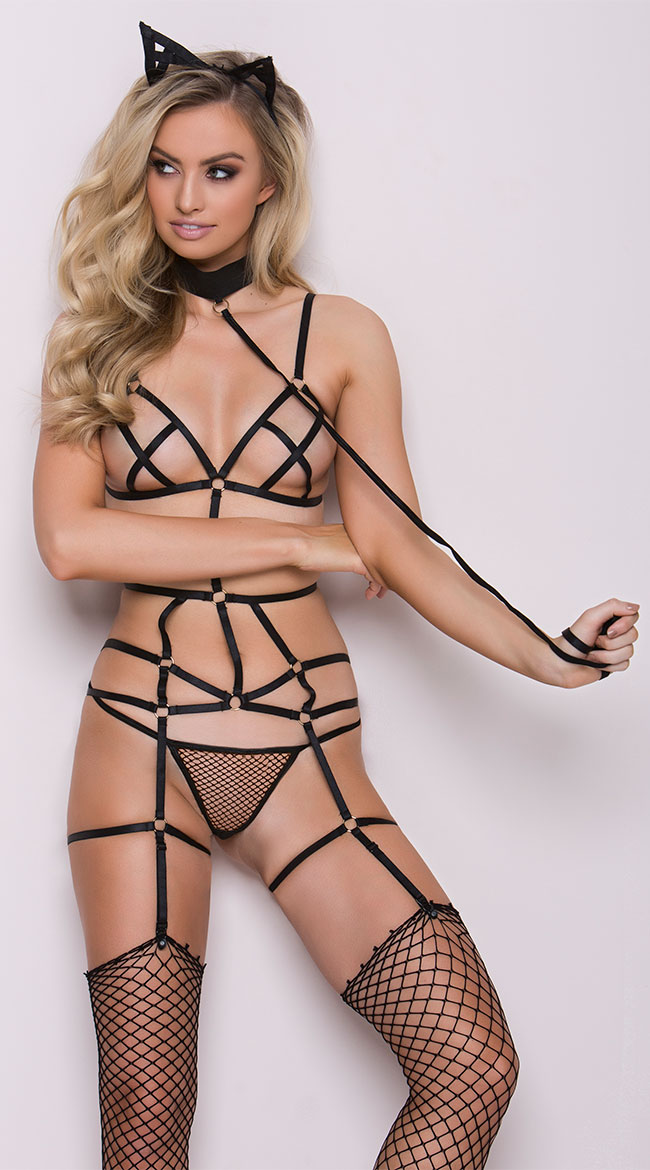
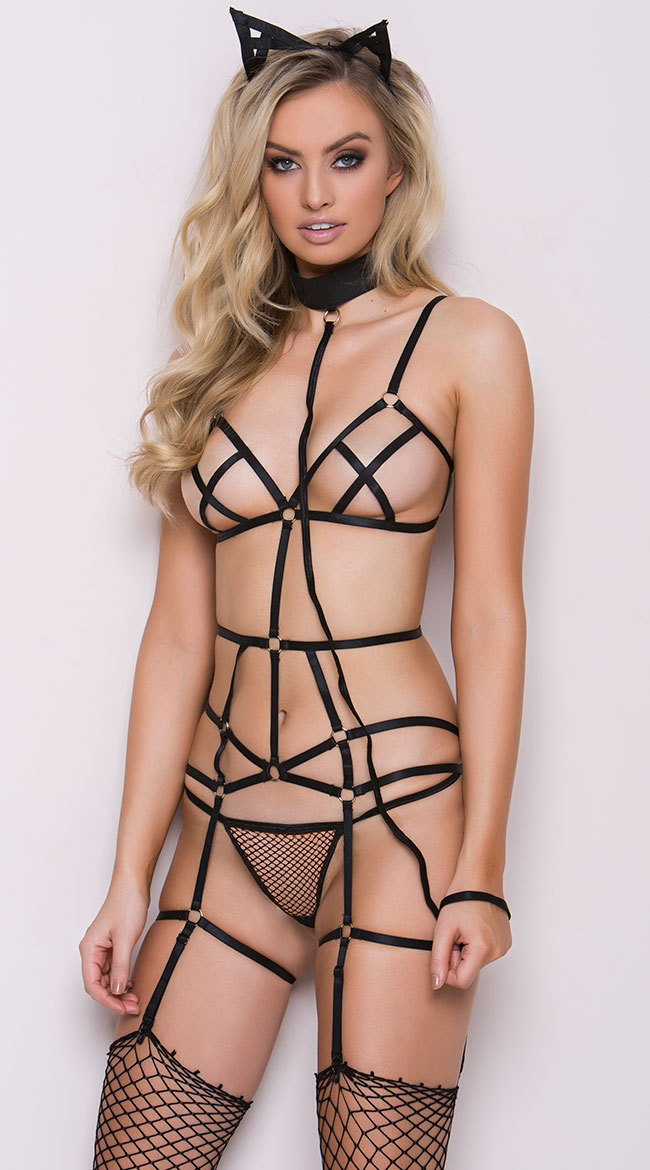
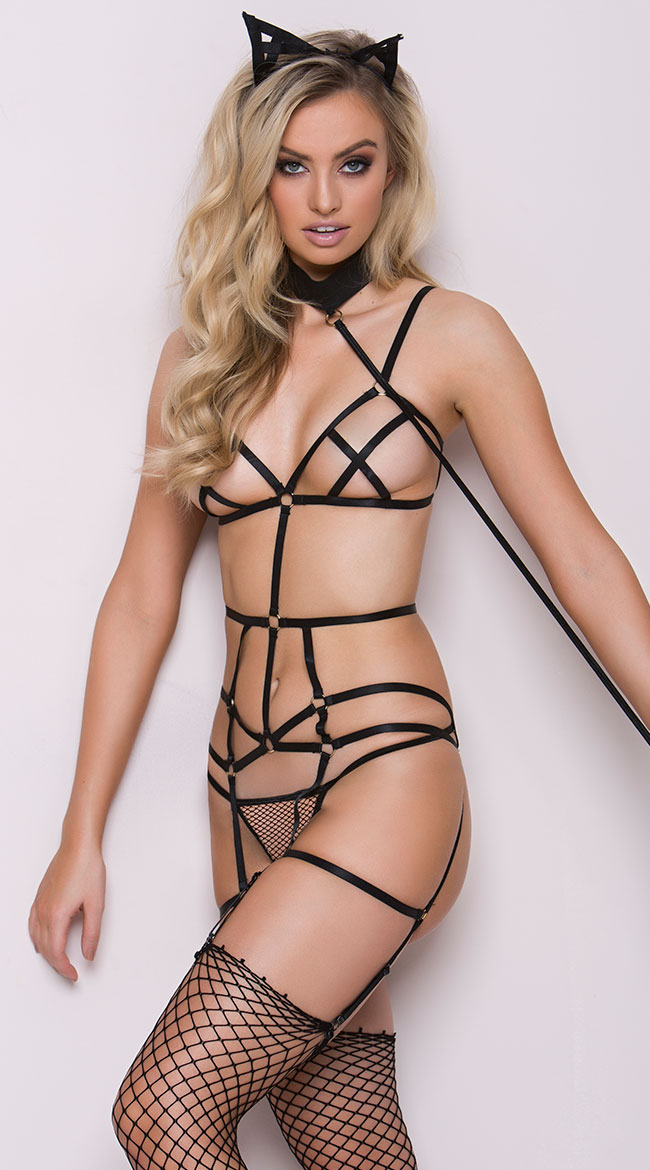
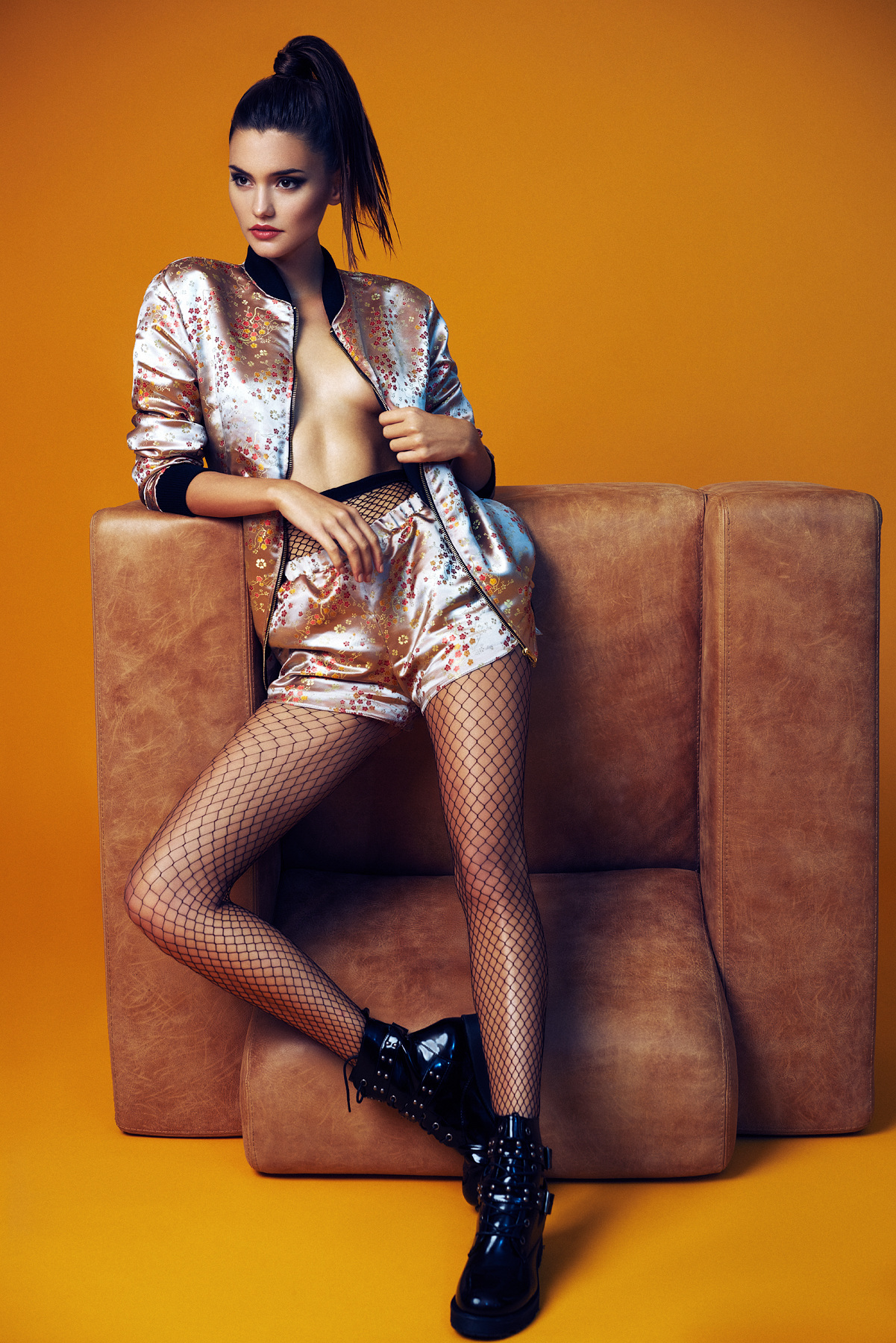
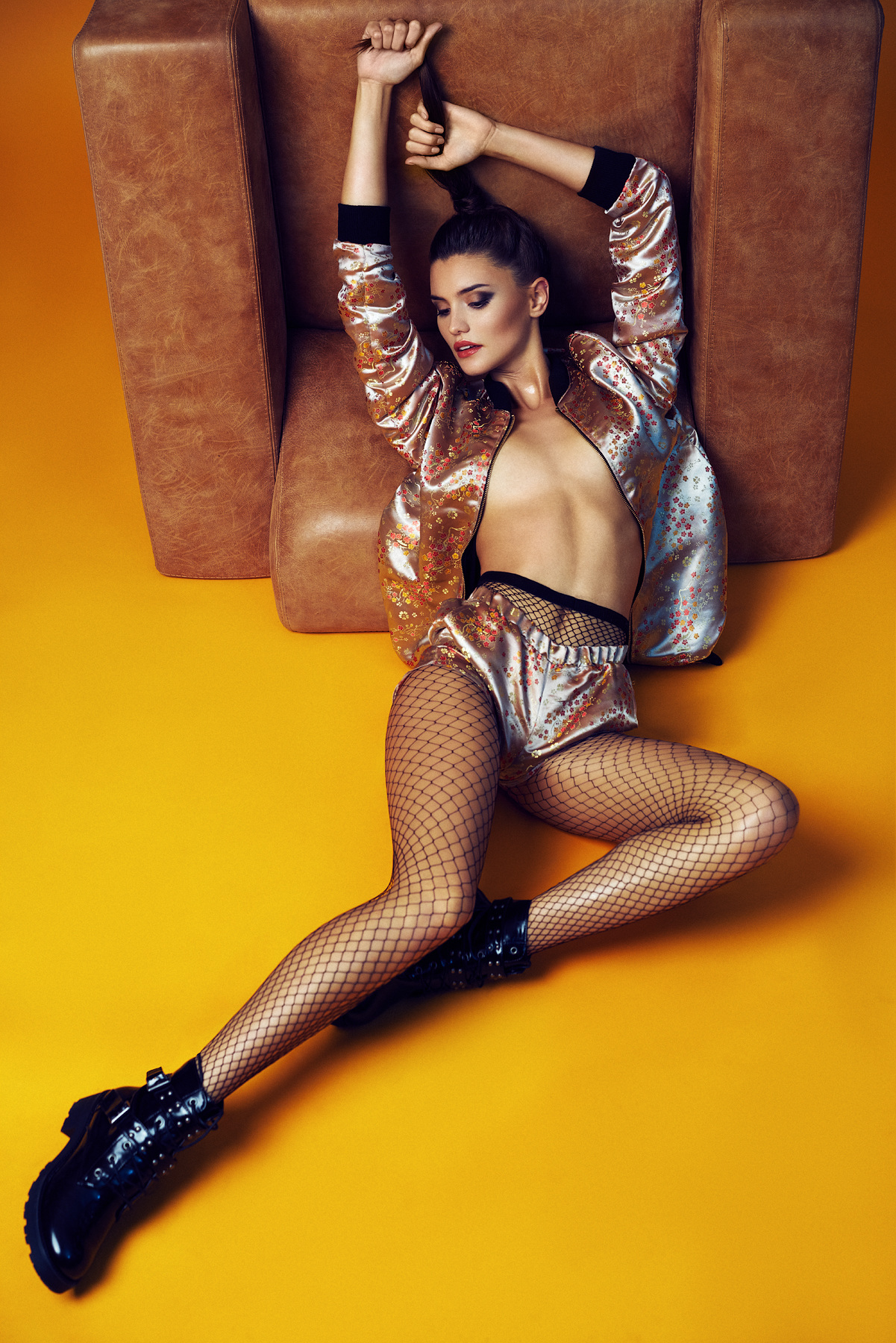
 Guess
Guess





















































































Account
Navigation
Search
Configure browser push notifications
Chrome (Android)
- Tap the lock icon next to the address bar.
- Tap Permissions → Notifications.
- Adjust your preference.
Chrome (Desktop)
- Click the padlock icon in the address bar.
- Select Site settings.
- Find Notifications and adjust your preference.
Safari (iOS 16.4+)
- Ensure the site is installed via Add to Home Screen.
- Open Settings App → Notifications.
- Find your app name and adjust your preference.
Safari (macOS)
- Go to Safari → Preferences.
- Click the Websites tab.
- Select Notifications in the sidebar.
- Find this website and adjust your preference.
Edge (Android)
- Tap the lock icon next to the address bar.
- Tap Permissions.
- Find Notifications and adjust your preference.
Edge (Desktop)
- Click the padlock icon in the address bar.
- Click Permissions for this site.
- Find Notifications and adjust your preference.
Firefox (Android)
- Go to Settings → Site permissions.
- Tap Notifications.
- Find this site in the list and adjust your preference.
Firefox (Desktop)
- Open Firefox Settings.
- Search for Notifications.
- Find this site in the list and adjust your preference.