ziggurat234
Members
-
Joined
-
Last visited
Everything posted by ziggurat234
-

-
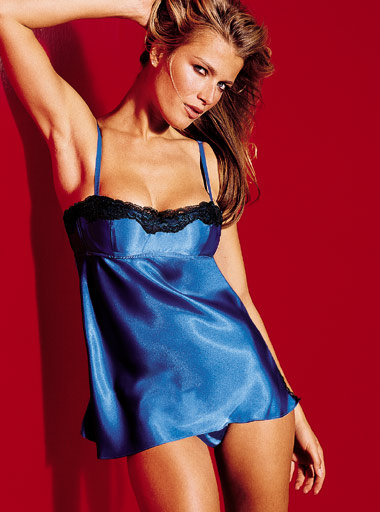
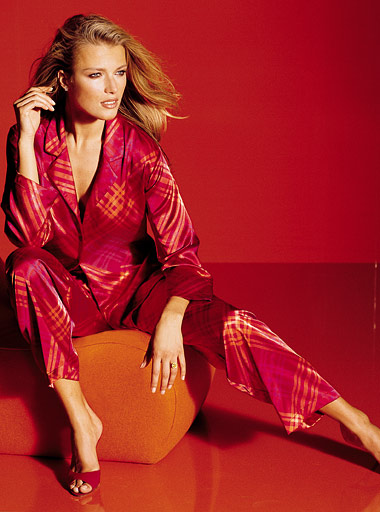
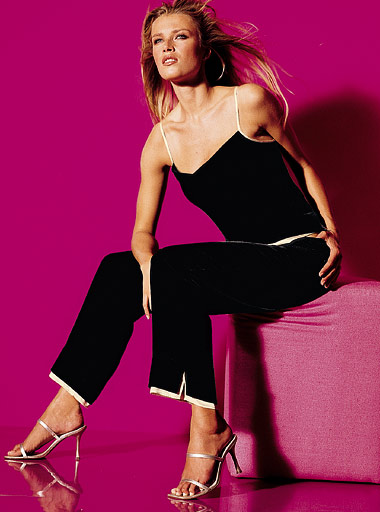
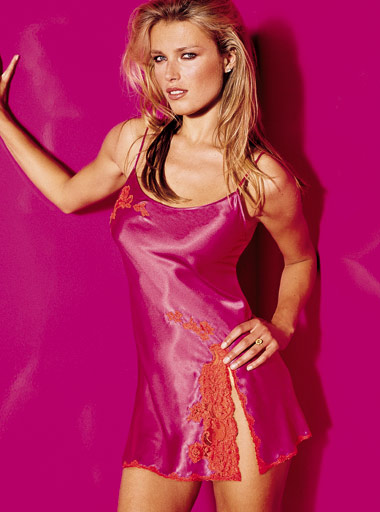
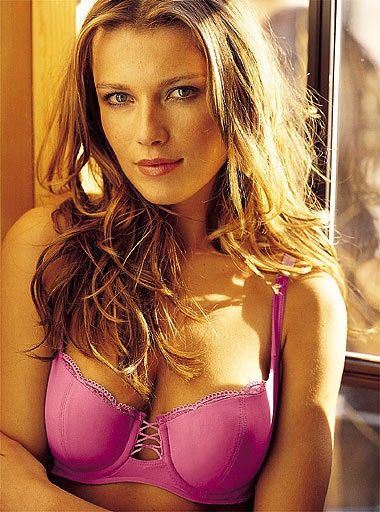
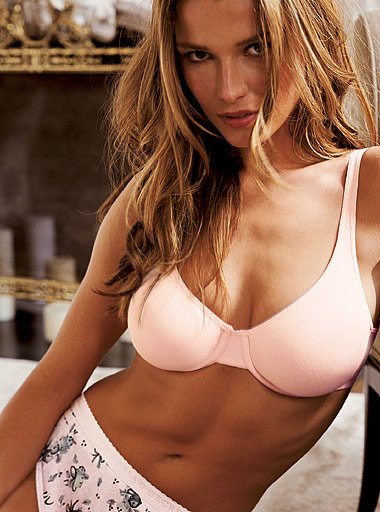
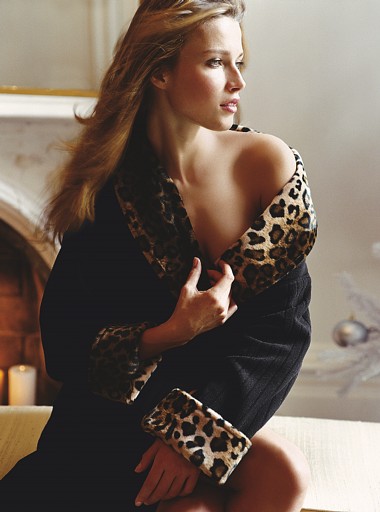
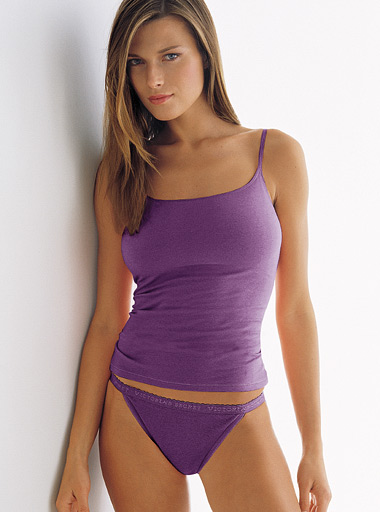
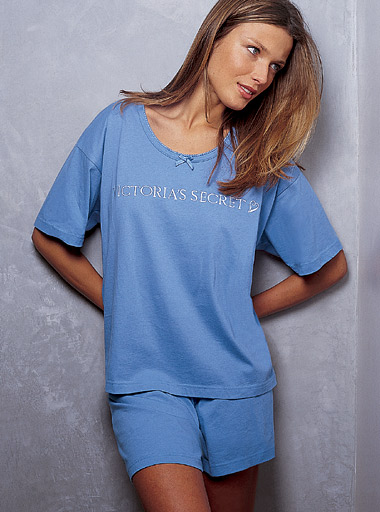
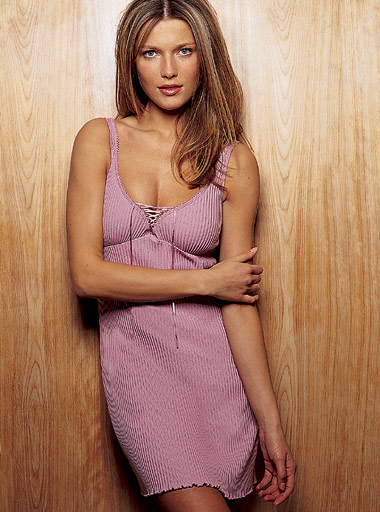
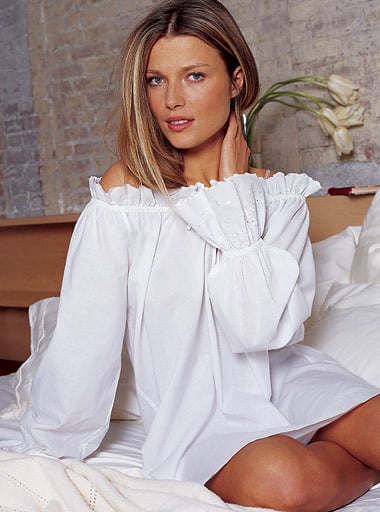
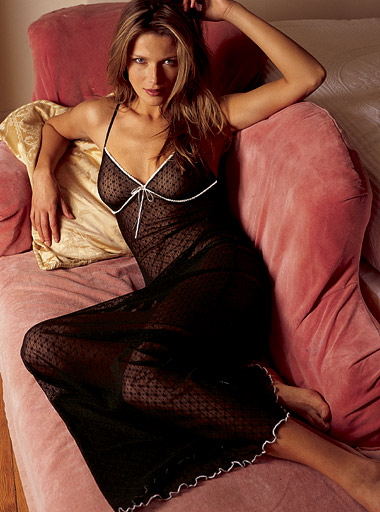
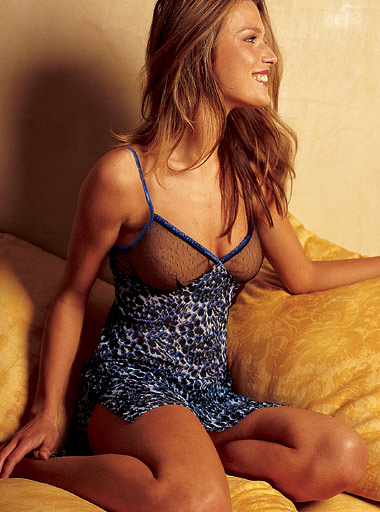
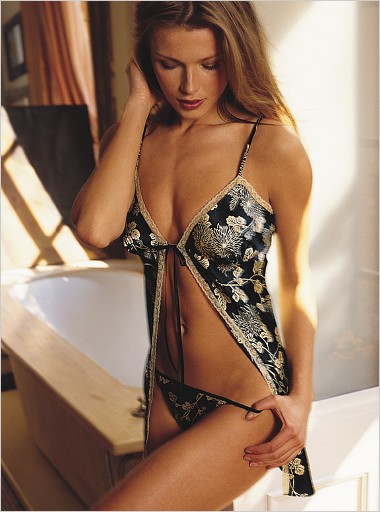
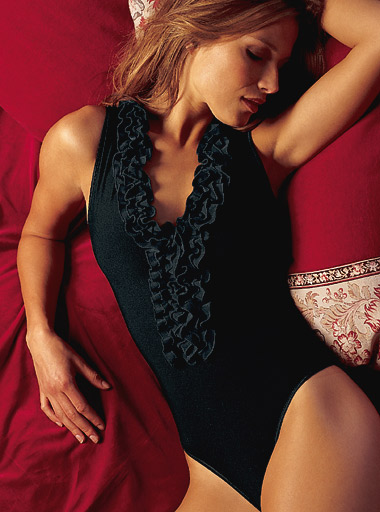
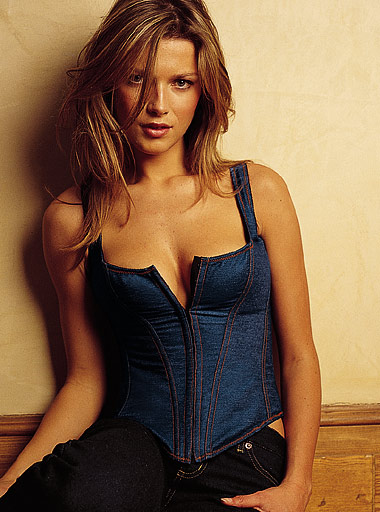
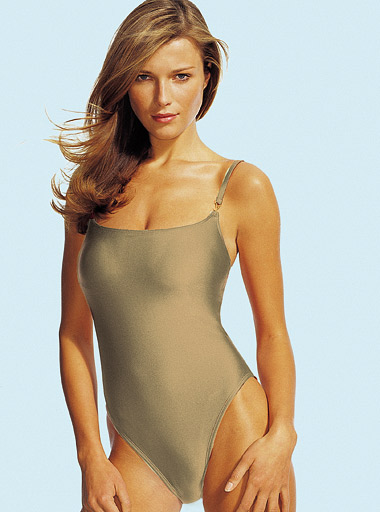
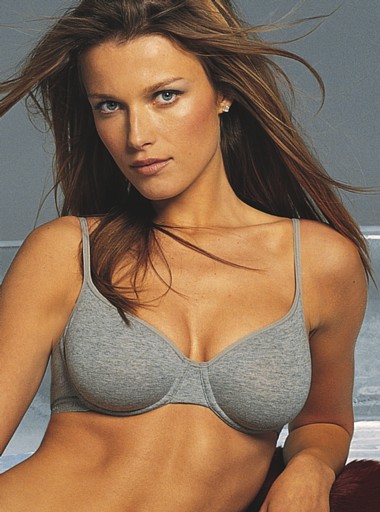
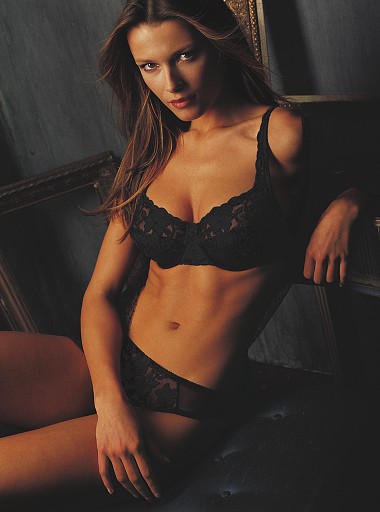
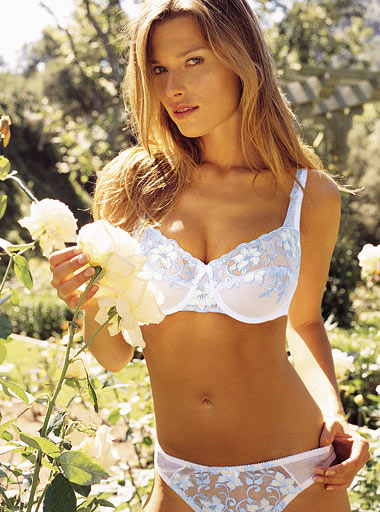
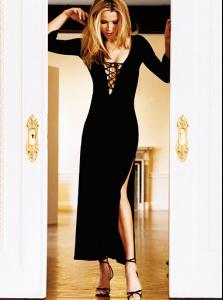
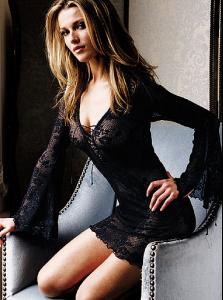
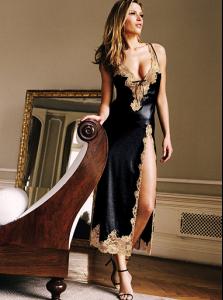
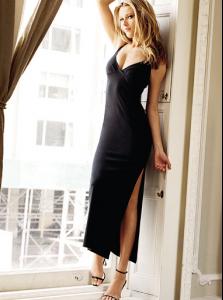
Victoria's Secret may as well have been called Veronica's Secret.

















-
can't stop the rock







-
Have some more!














-
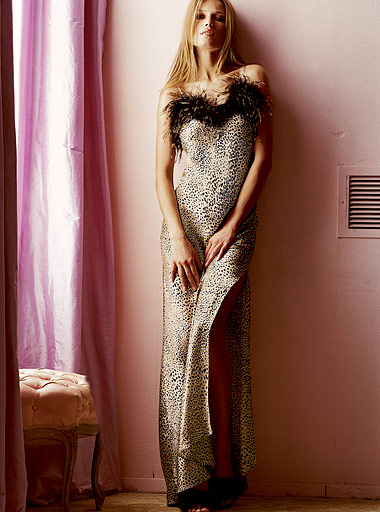
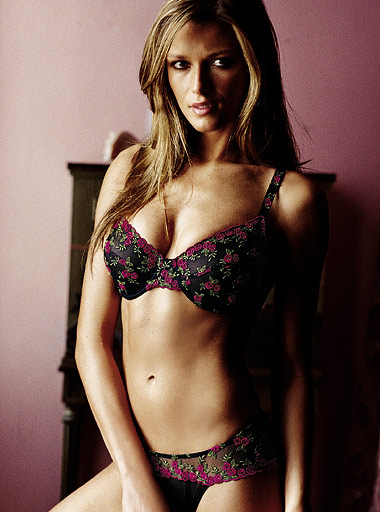
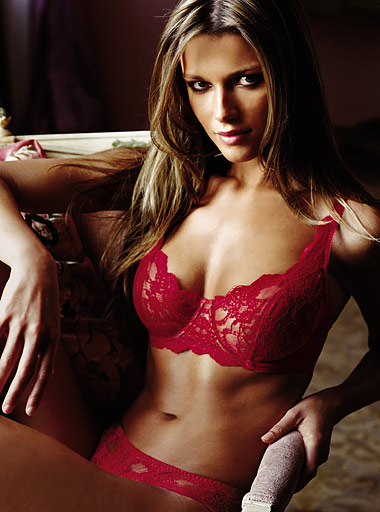
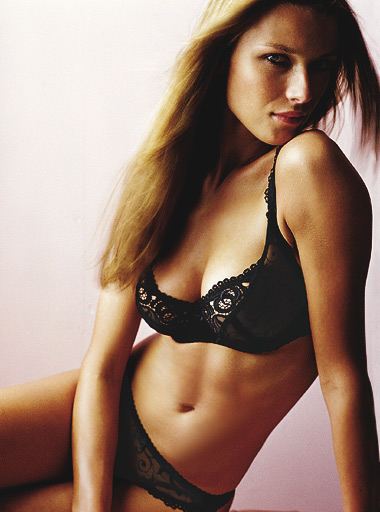
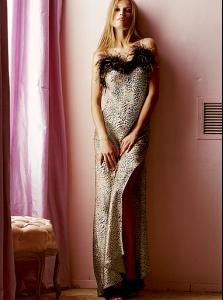
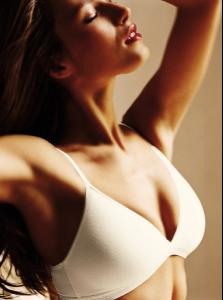
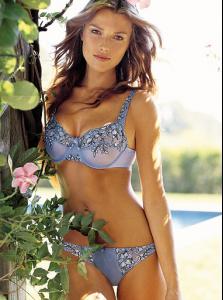
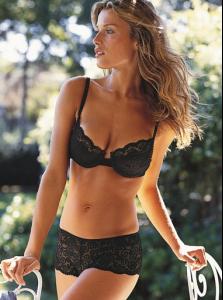
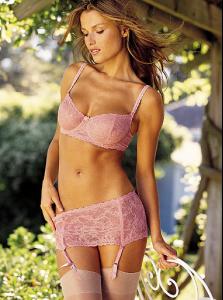
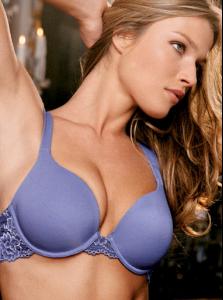
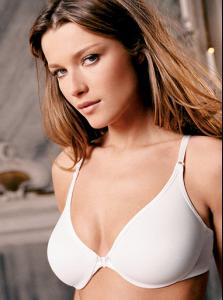
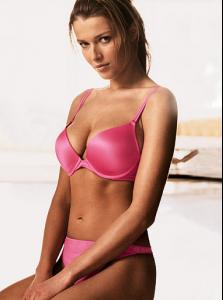
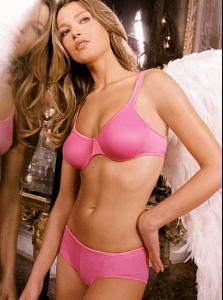
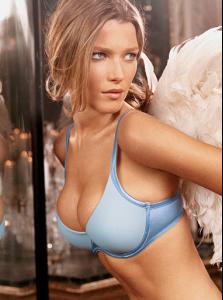
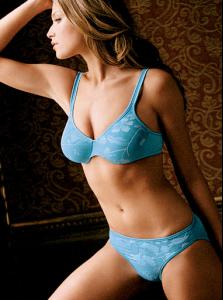
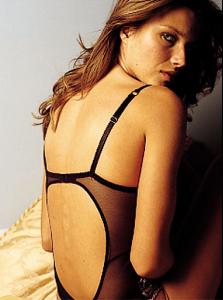
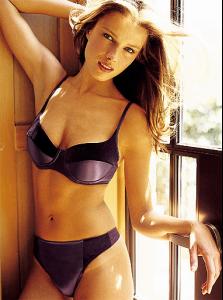
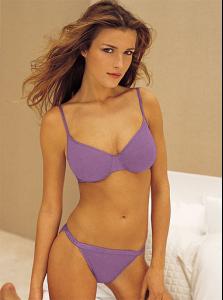
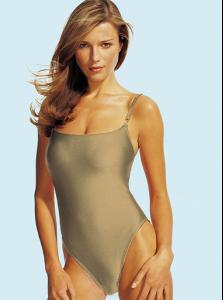
All right, this is all I'm up to posting for now. However I have LOADS more VS pics of her, which I will be sure to post over the next few days. So get pumped for those! And enjoy these.






























-
More to come...


































-
A number of these are reposts, but I figured it would more convenient for everyone if they were all on one page. Hopefully this will help anyone who's displeased with the lack of Veronica in the new SI issue... VS


















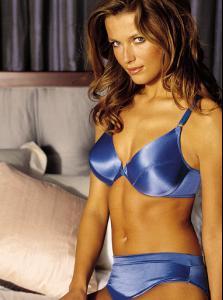






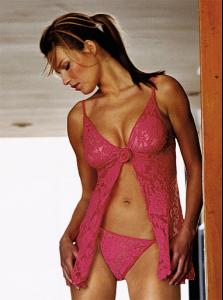
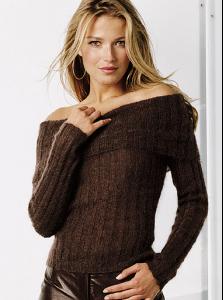
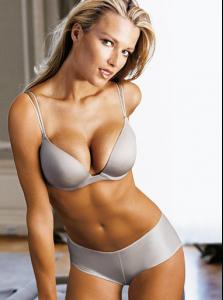

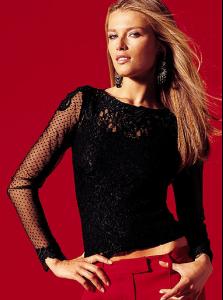


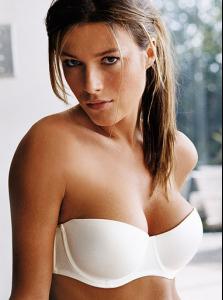





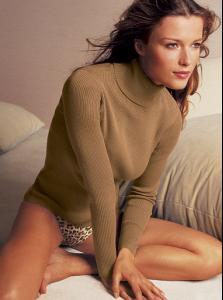

-
-
The VS site puts the pictures from the catalogue online early (anywhere from a few days to a few weeks early). If you know html, you can write your own source code and make your own pages to look through them. Here's a site that's a good example of it: http://www.geocities.com/bigassscans/vs/ . This is the site that a lot of us from ChilaX used to use all of the time. It's not updated for recent pictures, but you get the point. I've written my own pages on my computer just like the site that I mentioned above. Another option is to use this link: http://vsbrowser.altervista.org/vsbrowser.html Just browse through. It takes longer, but it works the same way. There are probably other ways as well, but those are the two that I use.
-
-
-
-
Is there a European version to the Victoria's Secret website where you're accessing all of these new VS photos? I checked the American version and these photos don't seem to be posted there yet, and I feel like this happens a lot (someone posts new VS photos before the American version posts them).
-
Weren't her breasts big enough BEFORE the boob job??? Seriously.
-
Here's a larger version of that photo:

-
So I was just checking out Ana's website, and it seems that all sorts of new pics have posted since I last checked out the site (which was probably over a year ago, and before then the only things that were ever updated on the site were the background and music). Unfortunately it's a flashplayer site, so I have no clue of how to salvage the pictures (or save them to my computer) as right-clicking on any picture just brings up a menu that says "settings" and "about adobe flash player 9" (there is no "save as" or "copy" option). Anyone have any idea of how to get these pictures saved?
-
The VS pic on the left? It looks similar to another one, but it's definitely a recent addition.
-
-
-
Out of curiosity Jal, do you have a large version of your profile picture? (that is Daniela in it, right?)
-
AH! Found some more! The second pic's thumbnail is different from the image it links to...however the image it links to is of Jessica with what appears to be shorter hair! http://www4.jcpenney.com/jcp/Products.aspx...379|40392|40460 http://www4.jcpenney.com/jcp/Products.aspx...379|40392|40460 http://www4.jcpenney.com/jcp/Products.aspx...379|40392|40460 http://www4.jcpenney.com/jcp/Products.aspx...379|40392|40460 http://www4.jcpenney.com/jcp/Products.aspx...379|40392|40460
-
For anyone interested, there are some new pics of Aurelie on JC Penny's lingerie website. Only problem is, I have no idea how to get the large versions of the pictures into a savable form (it's that dumb zoom in/zoom out type of file). If anyone does know how to do this, it would be much appreciated! Even better would be if someone could explain how (then I could just do the technical stuff myself!). I know you have to edit something in the image's url, but I don't know what exactly... In any case, here are some links to the thumbnails of the photos: http://www4.jcpenney.com/jcp/Products.aspx...379|40392|40466 http://www4.jcpenney.com/jcp/Products.aspx...5&cmPosID=2 http://www4.jcpenney.com/jcp/Products.aspx...379|40392|40466 http://www4.jcpenney.com/jcp/Products.aspx...379|40392|40466 http://www4.jcpenney.com/jcp/Products.aspx...379|40392|40460 There might be more...I haven't looked through the whole thing yet.
-
-
Actually, there are some new images of her on the JC Penny lingerie website. Here are some links: http://www3.jcpenney.com/jcp/Products.aspx...381|40392|40466 http://www3.jcpenney.com/jcp/Products.aspx...4&cmPosID=3 http://www3.jcpenney.com/jcp/Products.aspx...381|40392|40466 You can click on "larger image and other views" once on these pages, but...if you try to save or copy any of these images, they appear as completely blank, white boxes (that is, when you paste the image elsewhere, you get a big white box, or if you save it, the file will show the same white box). There are some people on bellazon who seem to know how to get around this (there's something specific you have to change in the image's URL), but I am sadly not one of those people. I think the user CAHA might know how?
-
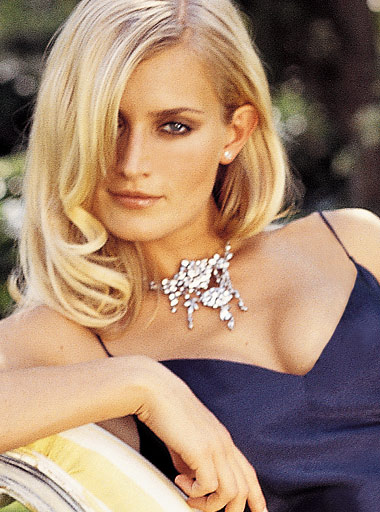
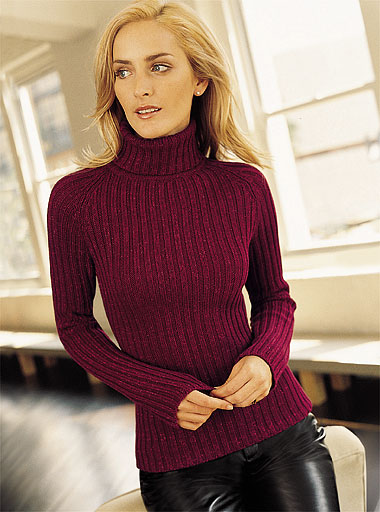
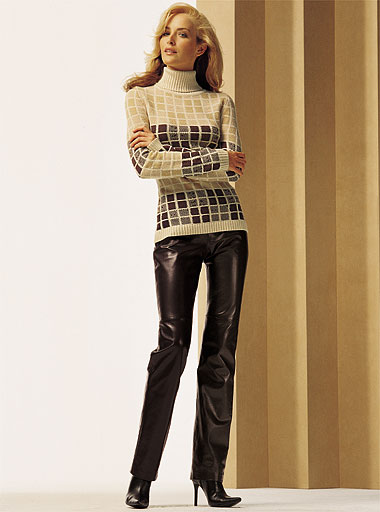
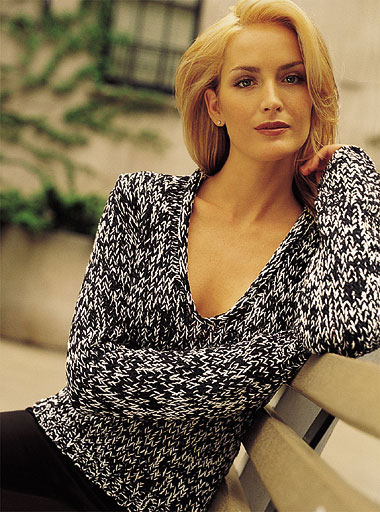
So this is a bit of toughie because (a) she hasn't been in any VS catalogs in ages and (b) I only have one picture of her...someone asked about her much earlier in this forum actually, but said person inquired about 6 or so other models at the same time, so this model kind of got overlooked. She usually only modeled clothes in the catalogs (no lingerie or swimsuits) to my recollection.