
RebelleFleur
Members
-
Joined
-
Last visited
Everything posted by RebelleFleur
-
 Looks radiant in a burgundy jumpsuit as leaving AOL studios in New York City - September 18, 2017














-
-
'The Tonight Show Starring Jimmy Fallon' at Rockefeller Center in New York 09/18/2017


-
-
-
-
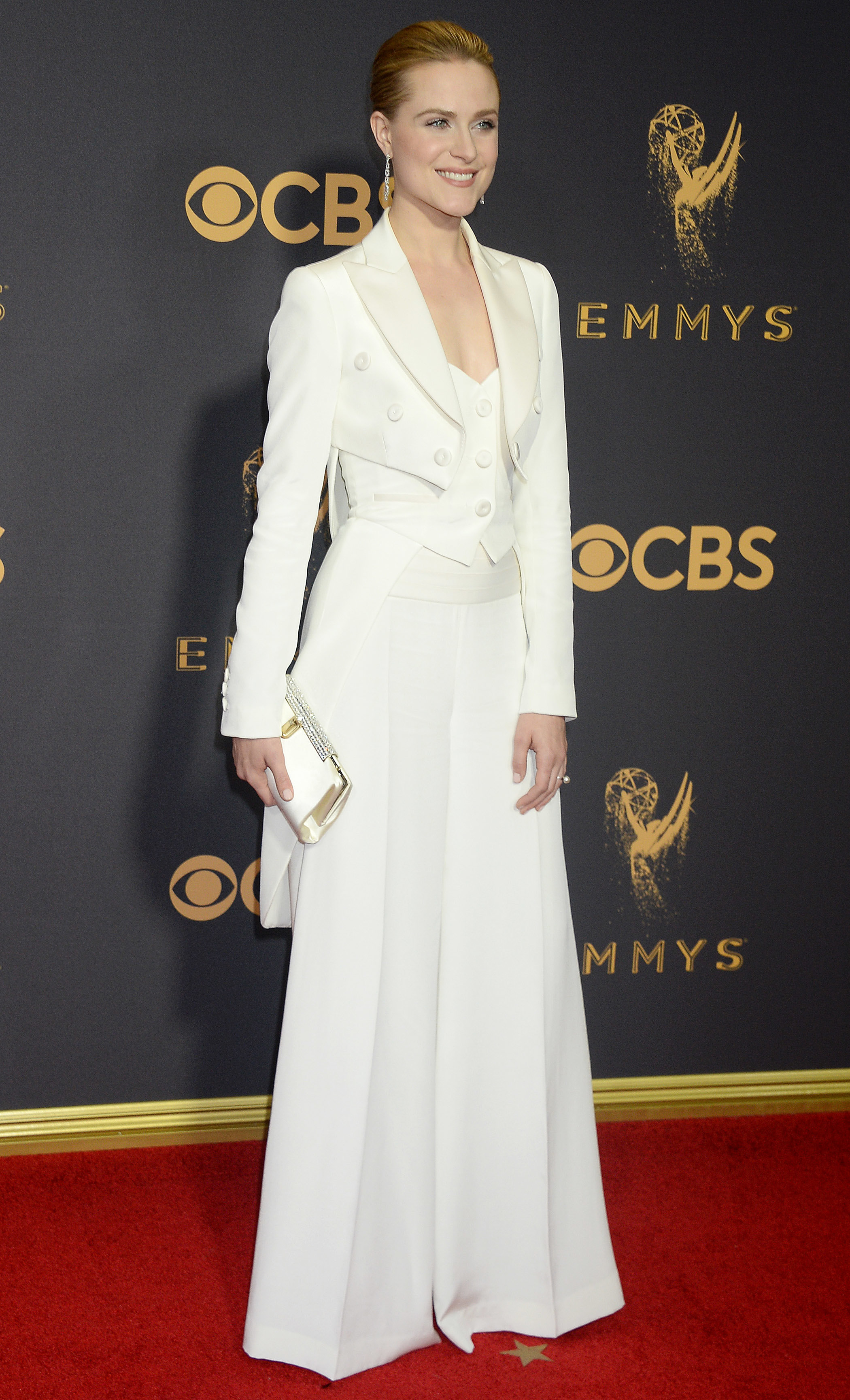
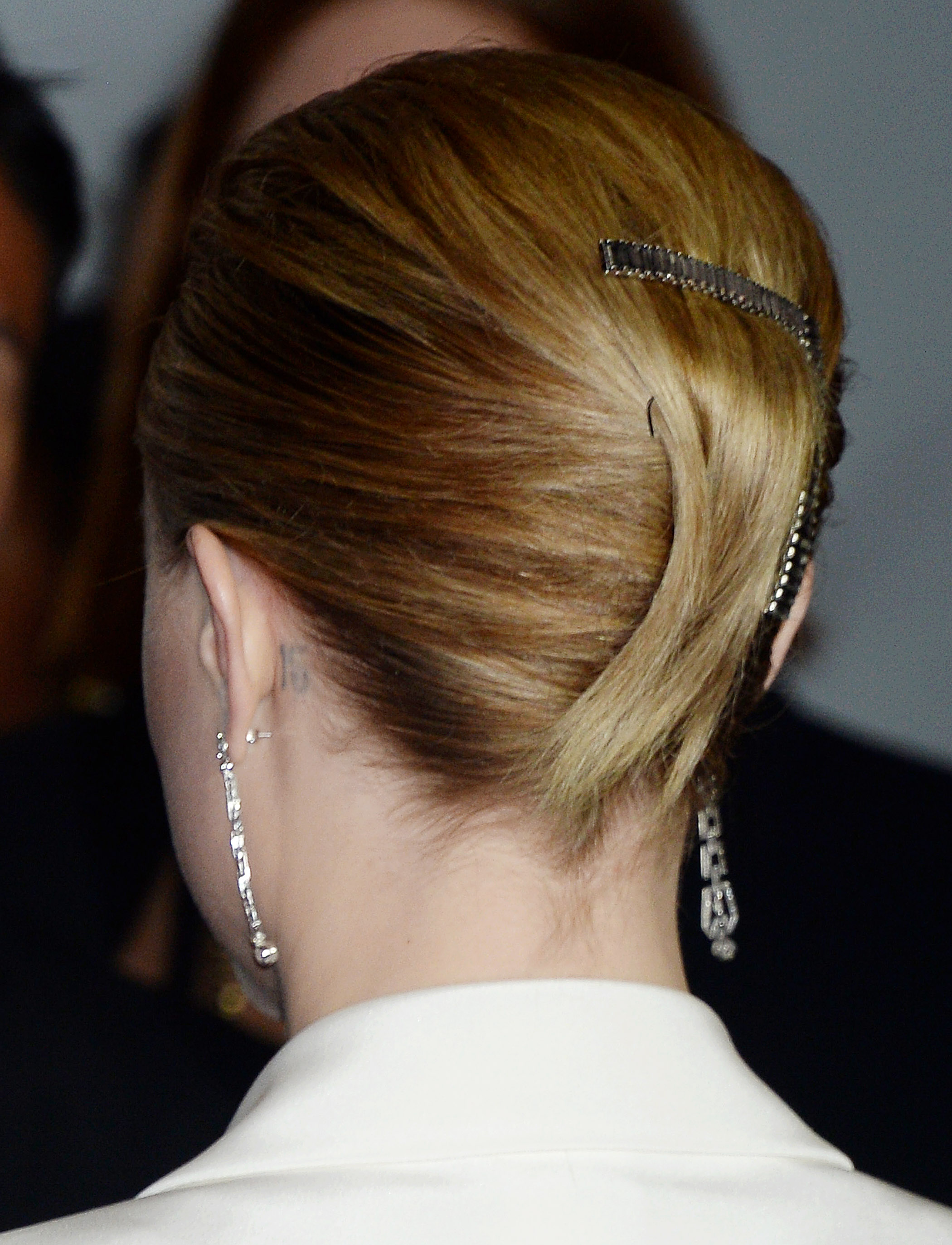
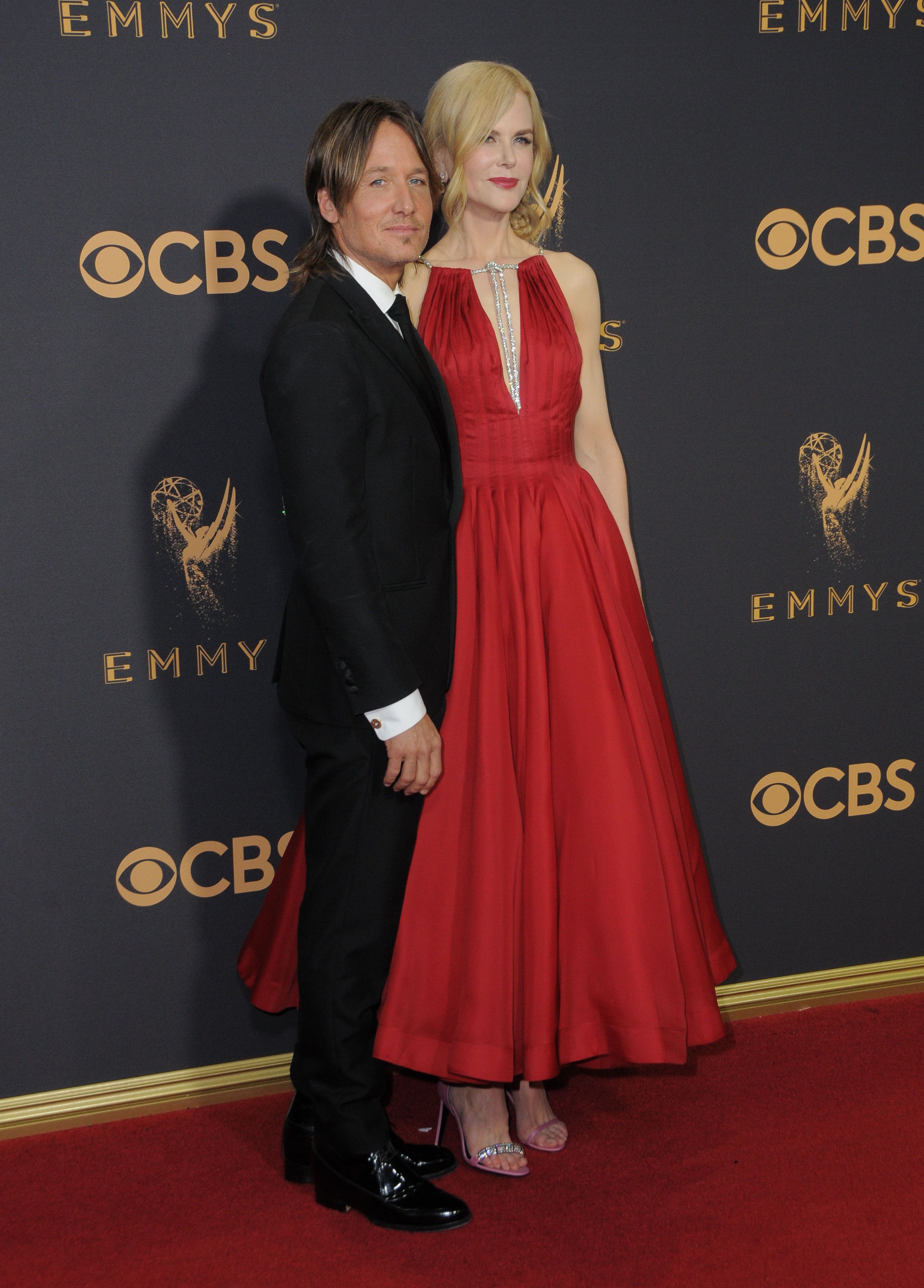
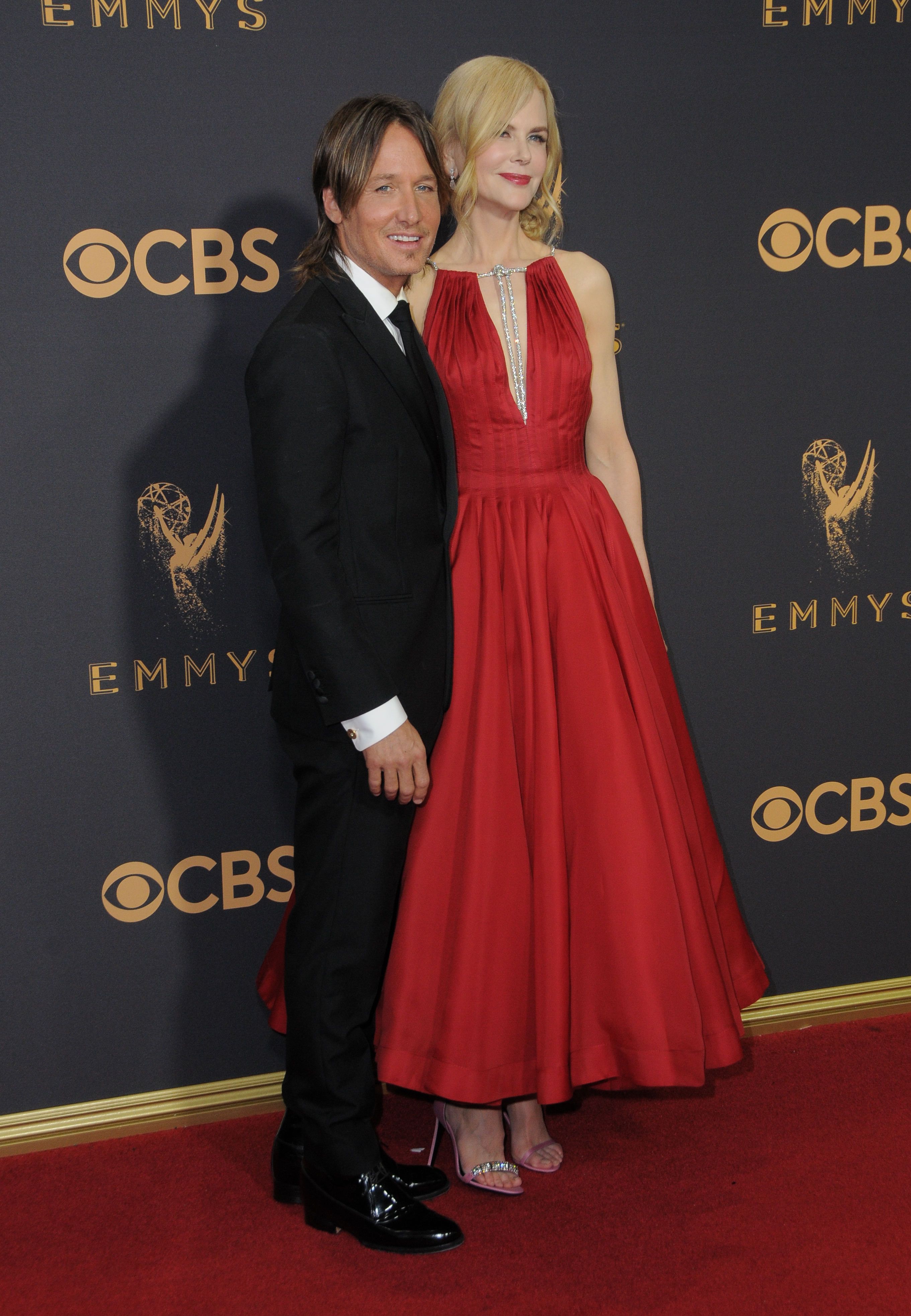
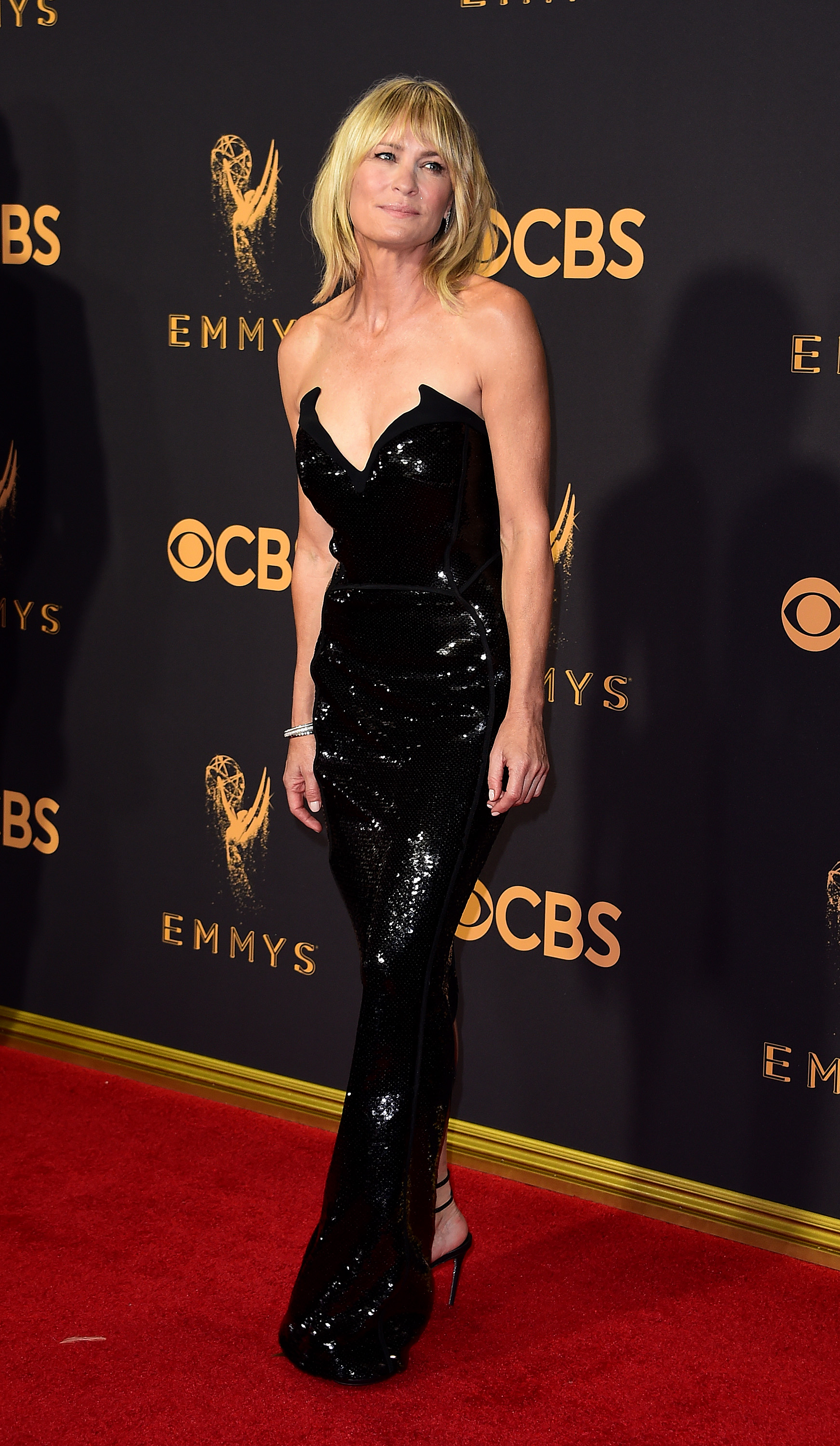
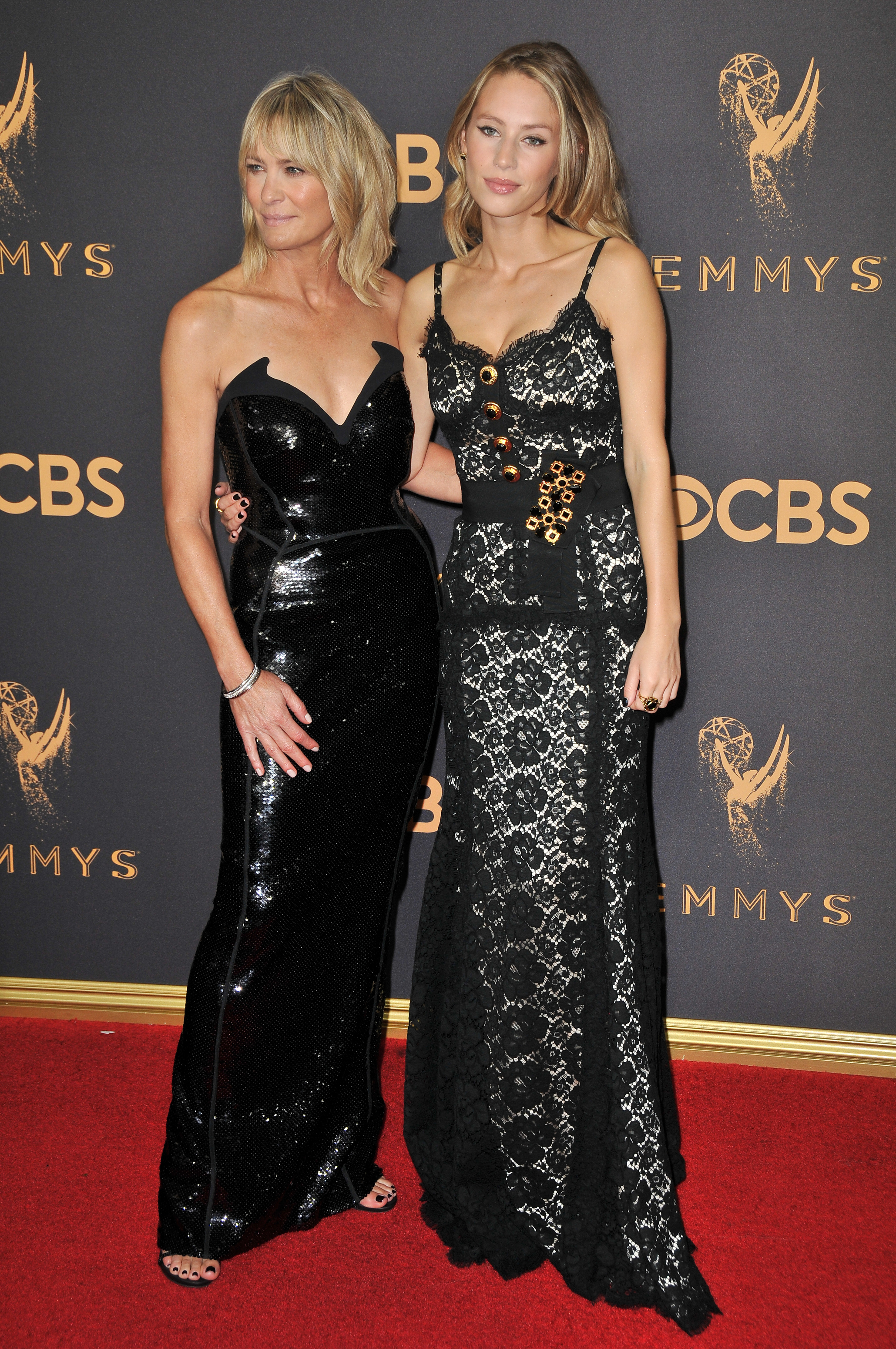
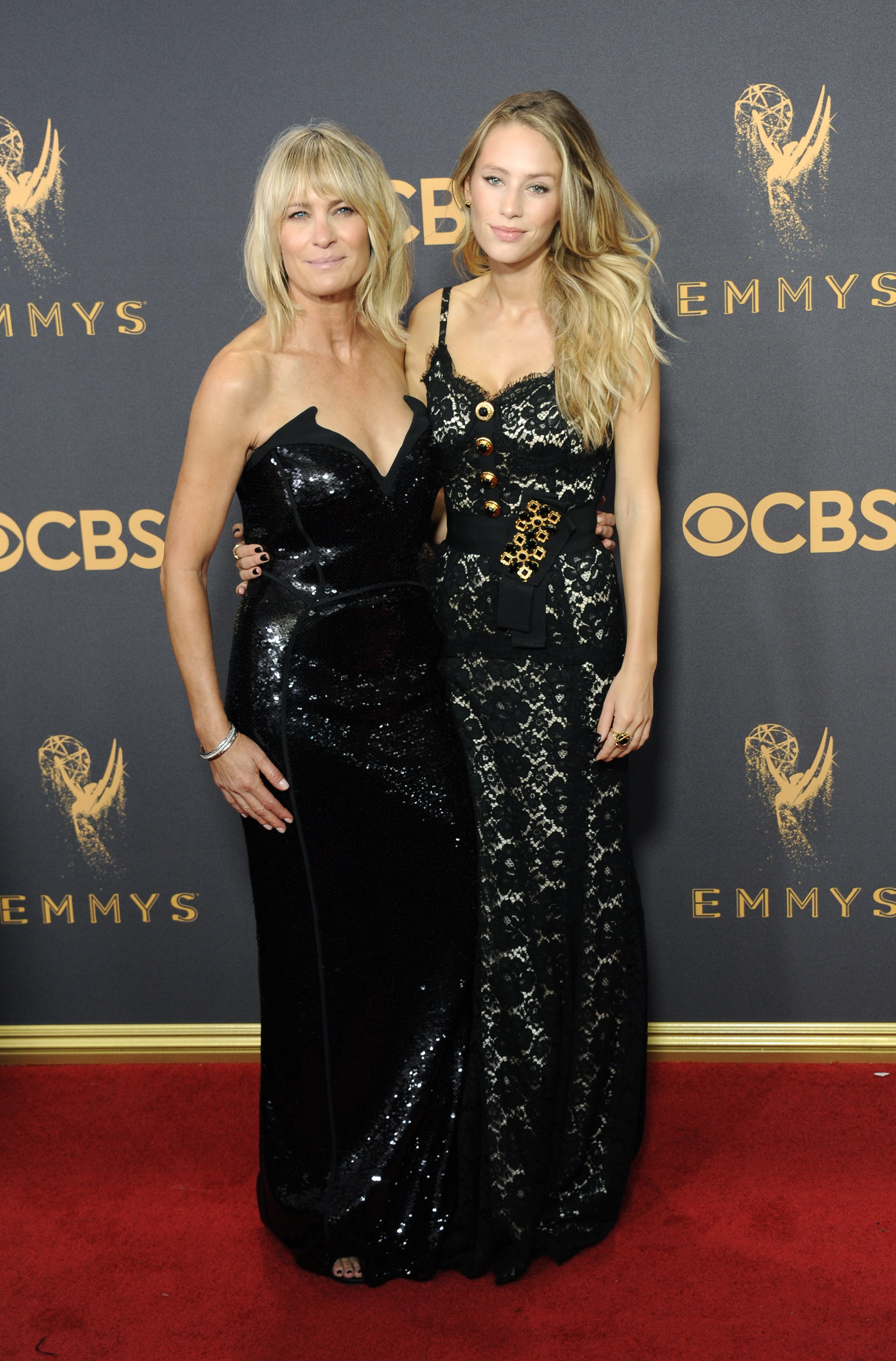
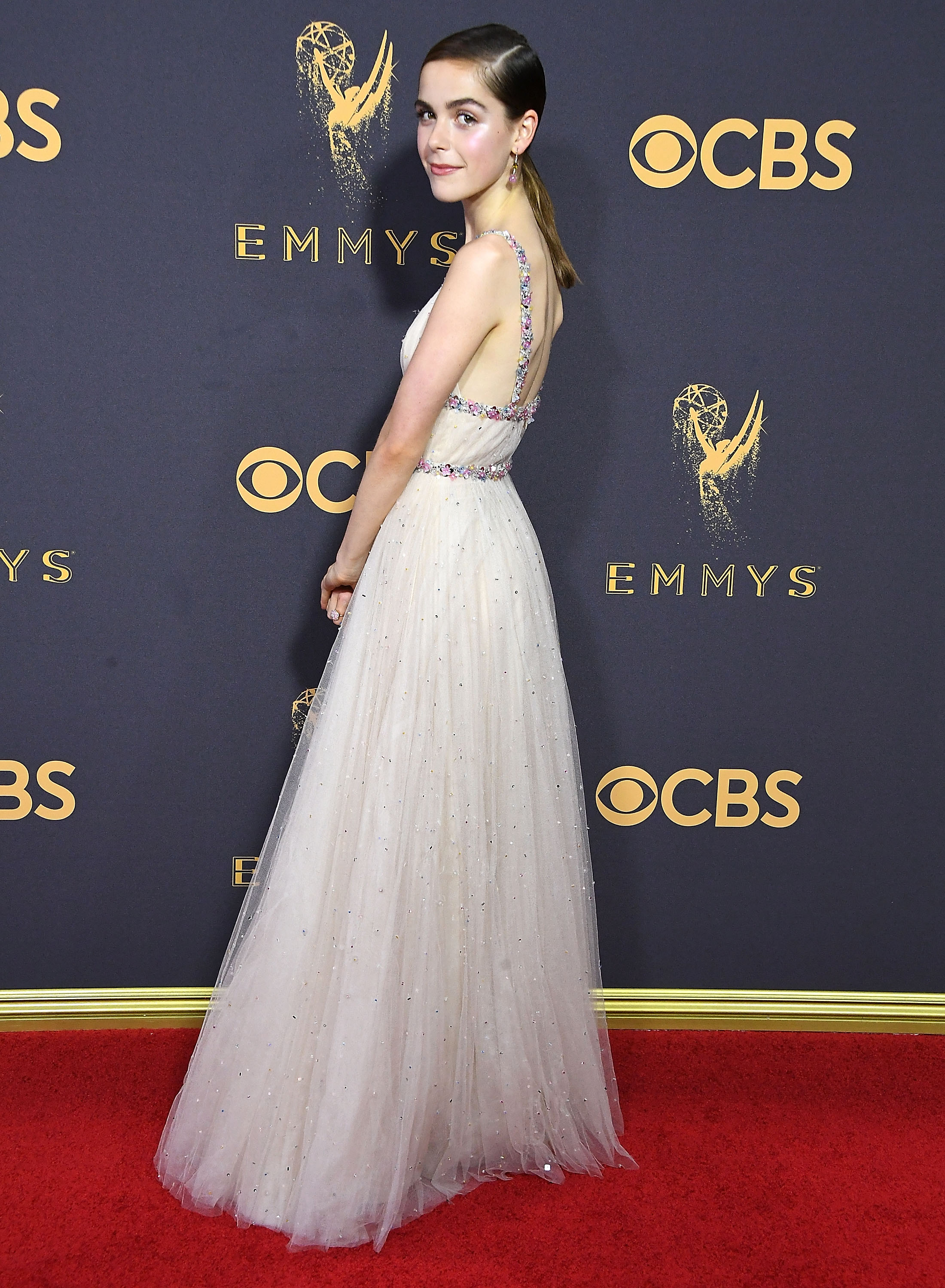
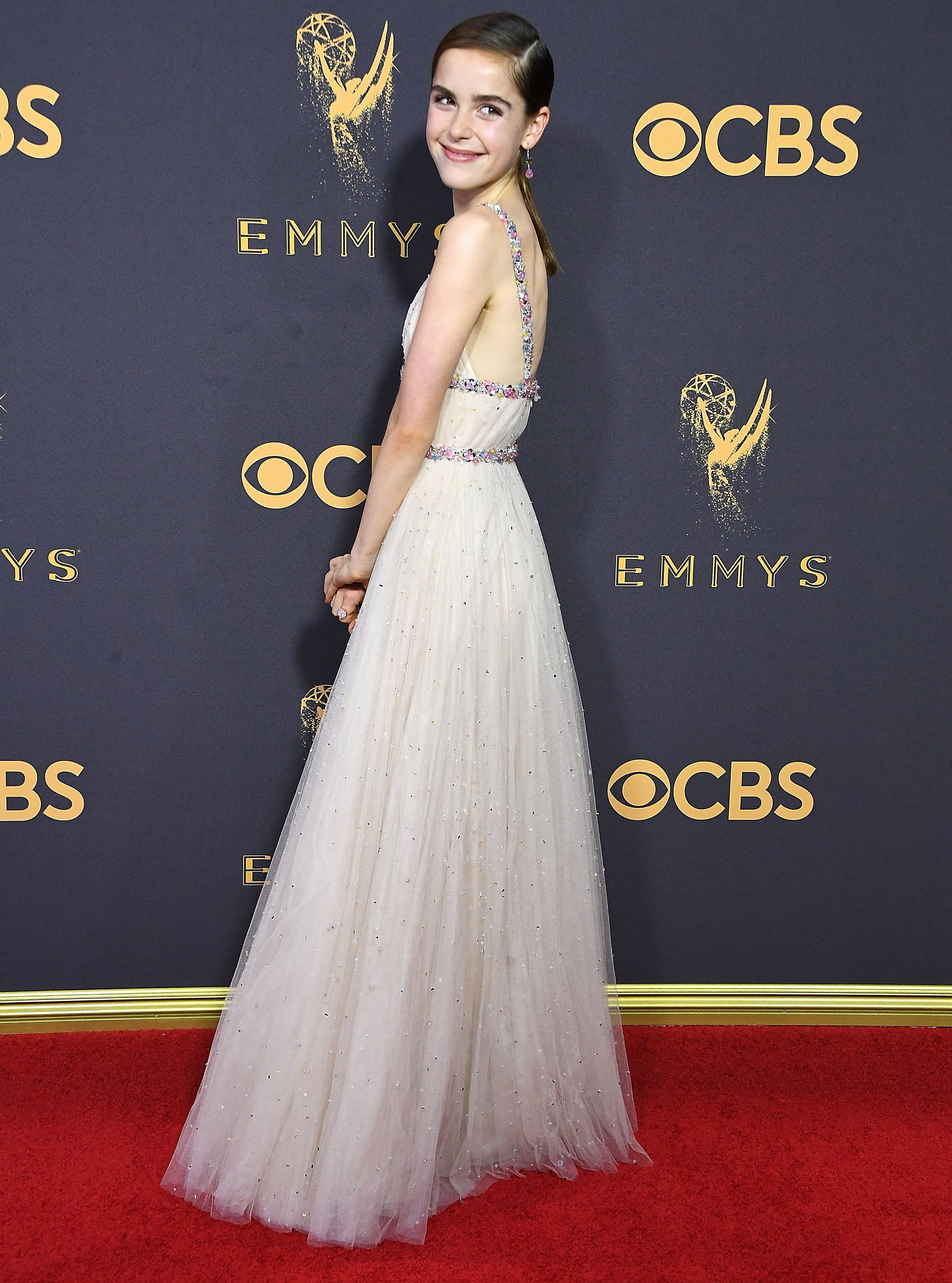
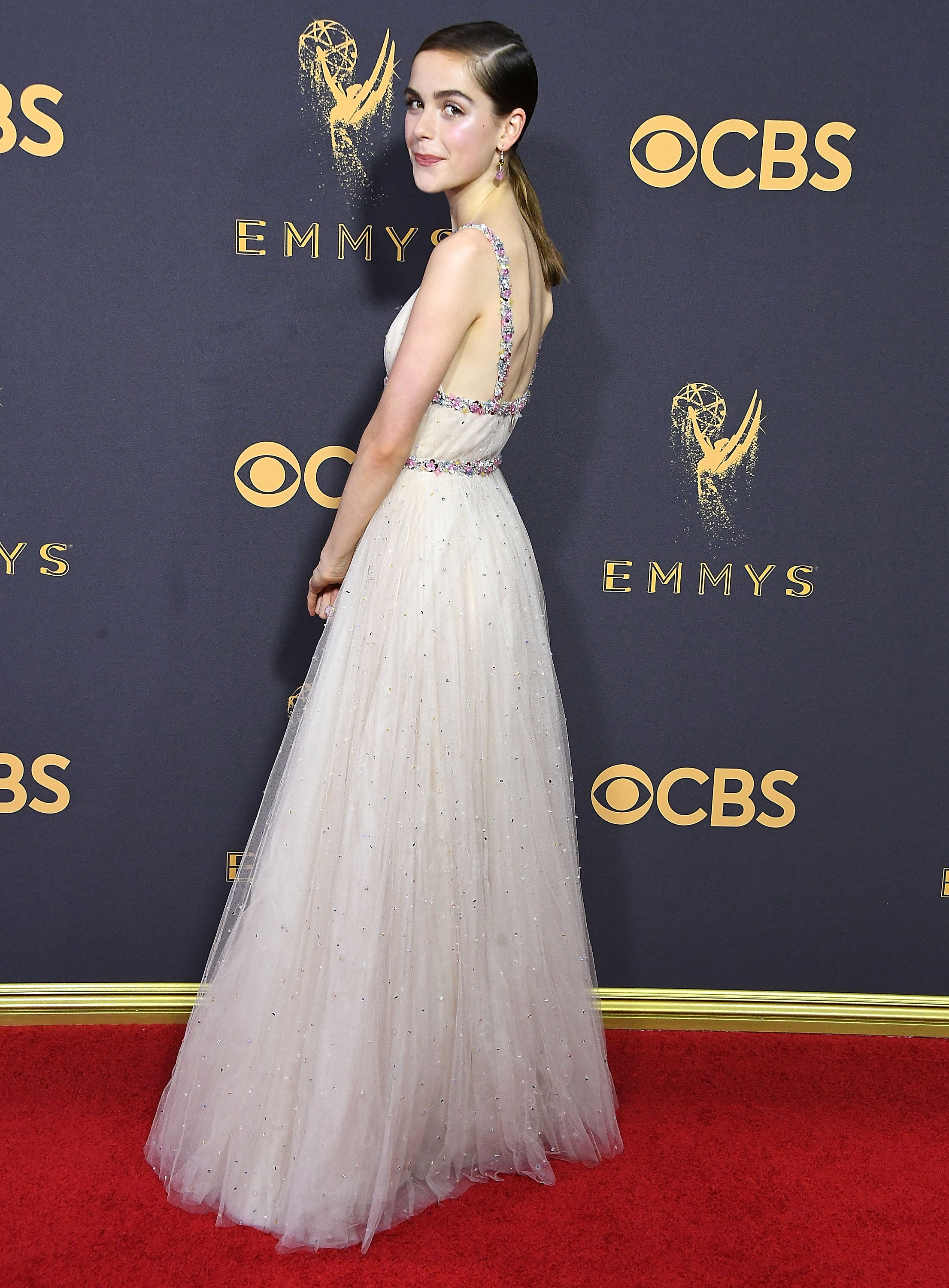
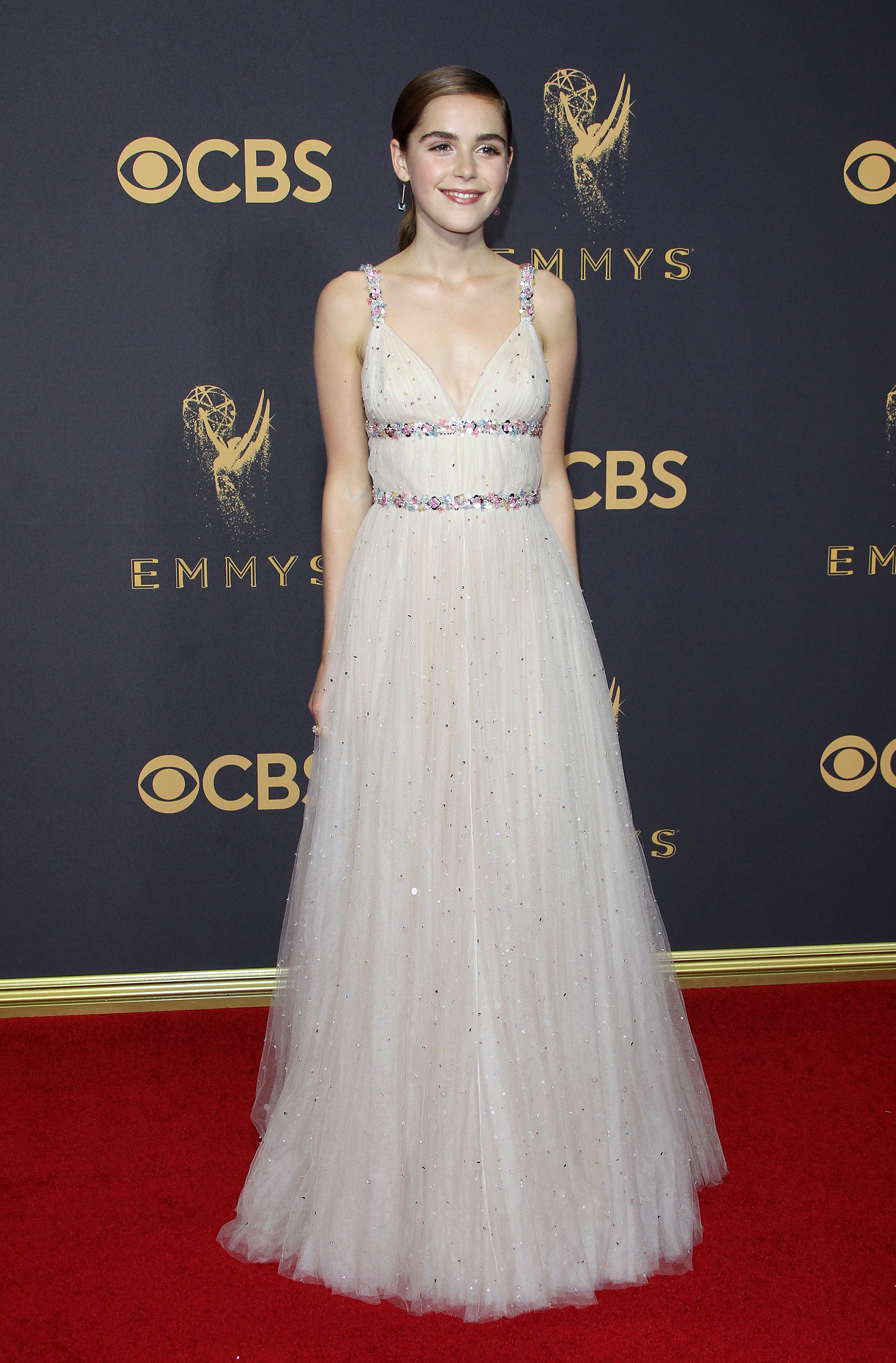
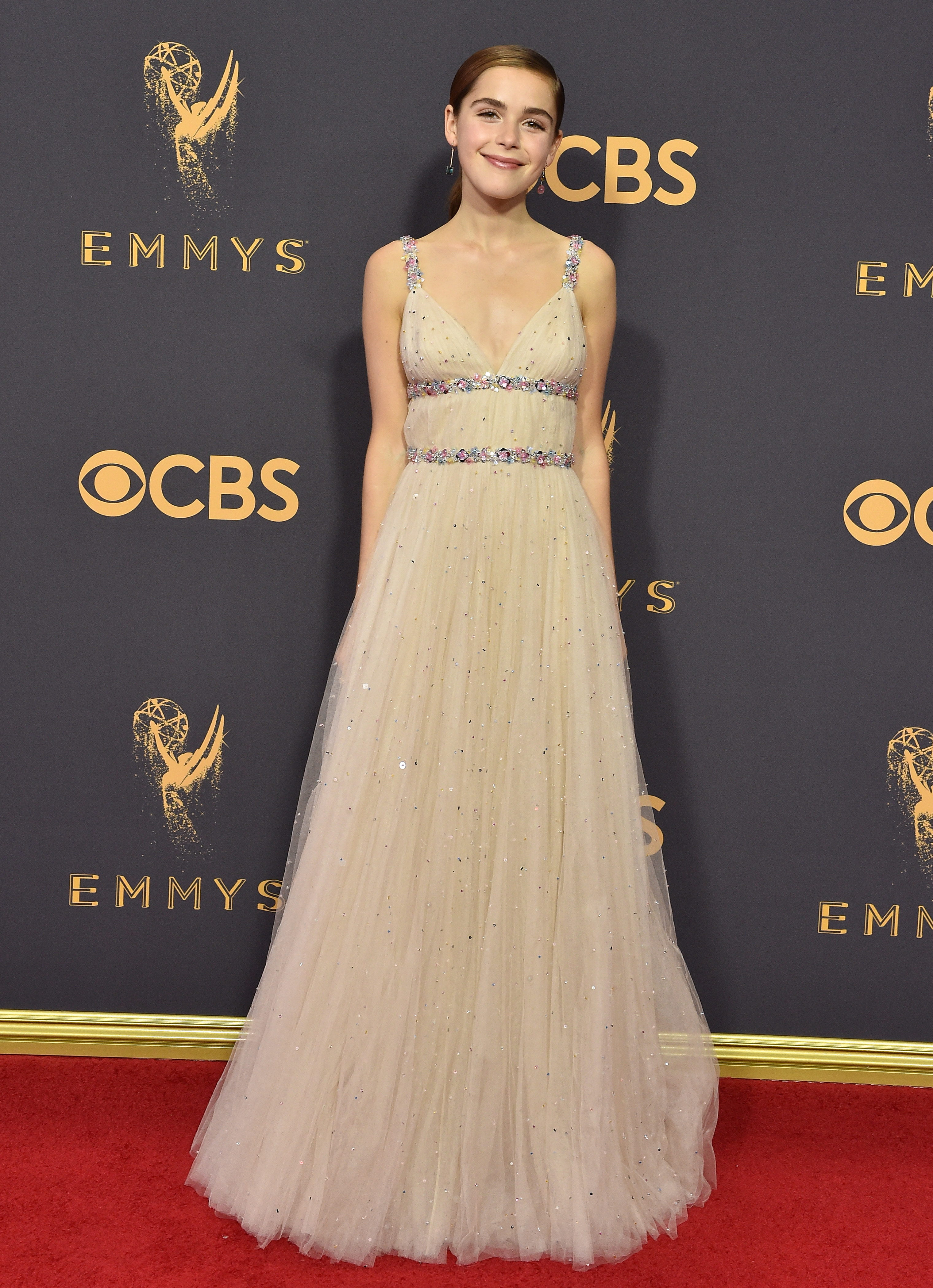
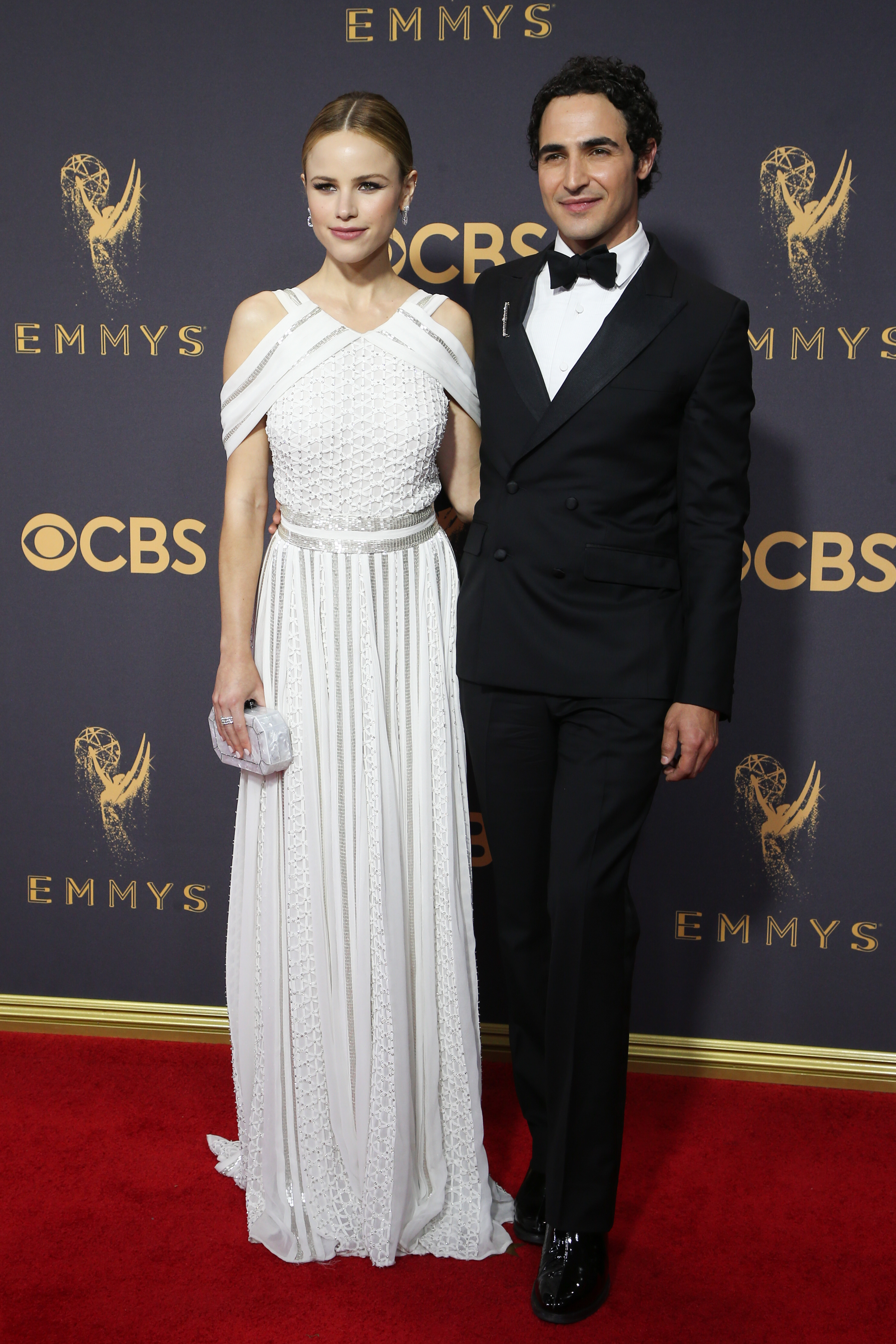
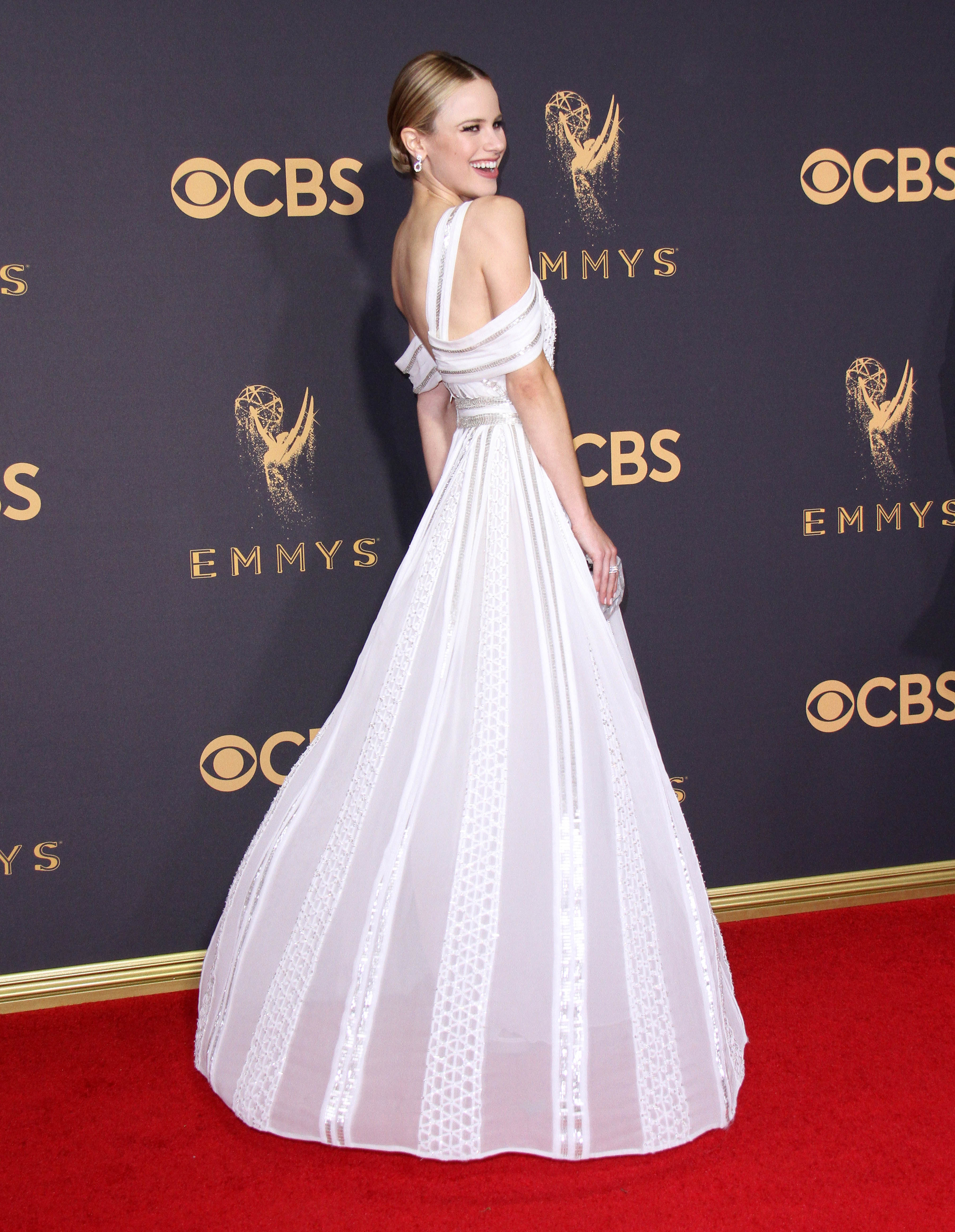
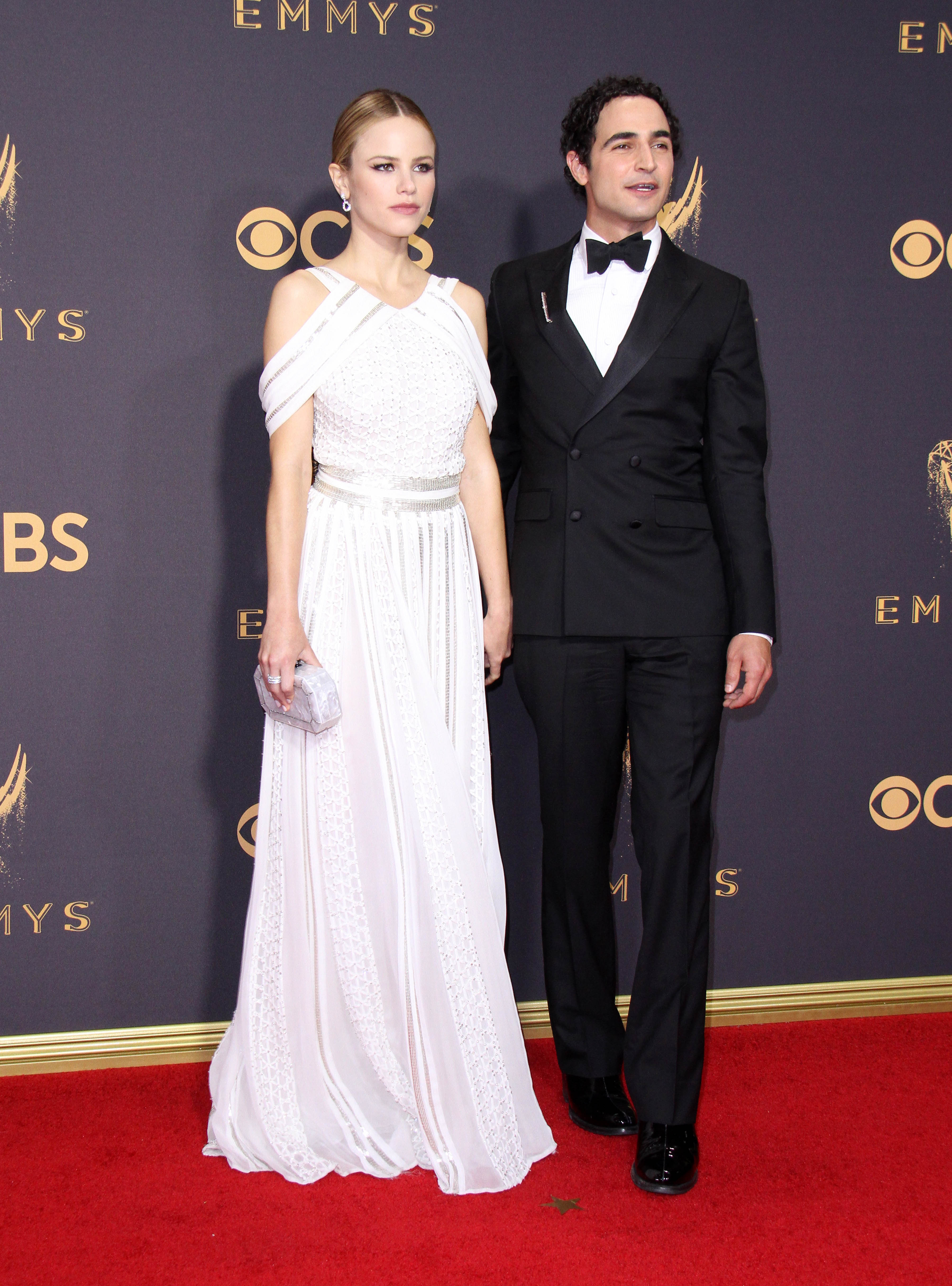
The 69th annual Primetime Emmy Awards at Microsoft Theater, Los Angeles - 09/17/2017


















































-
Spotted shooting scenes on the set of 'Maniac' in NYC September 19, 2017











-
-




























































































































































































































































































































































































































































Account
Navigation
Search
Configure browser push notifications
Chrome (Android)
- Tap the lock icon next to the address bar.
- Tap Permissions → Notifications.
- Adjust your preference.
Chrome (Desktop)
- Click the padlock icon in the address bar.
- Select Site settings.
- Find Notifications and adjust your preference.
Safari (iOS 16.4+)
- Ensure the site is installed via Add to Home Screen.
- Open Settings App → Notifications.
- Find your app name and adjust your preference.
Safari (macOS)
- Go to Safari → Preferences.
- Click the Websites tab.
- Select Notifications in the sidebar.
- Find this website and adjust your preference.
Edge (Android)
- Tap the lock icon next to the address bar.
- Tap Permissions.
- Find Notifications and adjust your preference.
Edge (Desktop)
- Click the padlock icon in the address bar.
- Click Permissions for this site.
- Find Notifications and adjust your preference.
Firefox (Android)
- Go to Settings → Site permissions.
- Tap Notifications.
- Find this site in the list and adjust your preference.
Firefox (Desktop)
- Open Firefox Settings.
- Search for Notifications.
- Find this site in the list and adjust your preference.