Jump to content
View in the app

A better way to browse. Learn more.

Bellazon

A full-screen app on your home screen with push notifications, badges and more.

To install this app on iOS and iPadOS
  1. Tap the Share icon in Safari
  2. Scroll the menu and tap Add to Home Screen.
  3. Tap Add in the top-right corner.
To install this app on Android
  1. Tap the 3-dot menu (⋮) in the top-right corner of the browser.
  2. Tap Add to Home screen or Install app.
  3. Confirm by tapping Install.

RocketQueen

Members
  • Joined

  • Last visited

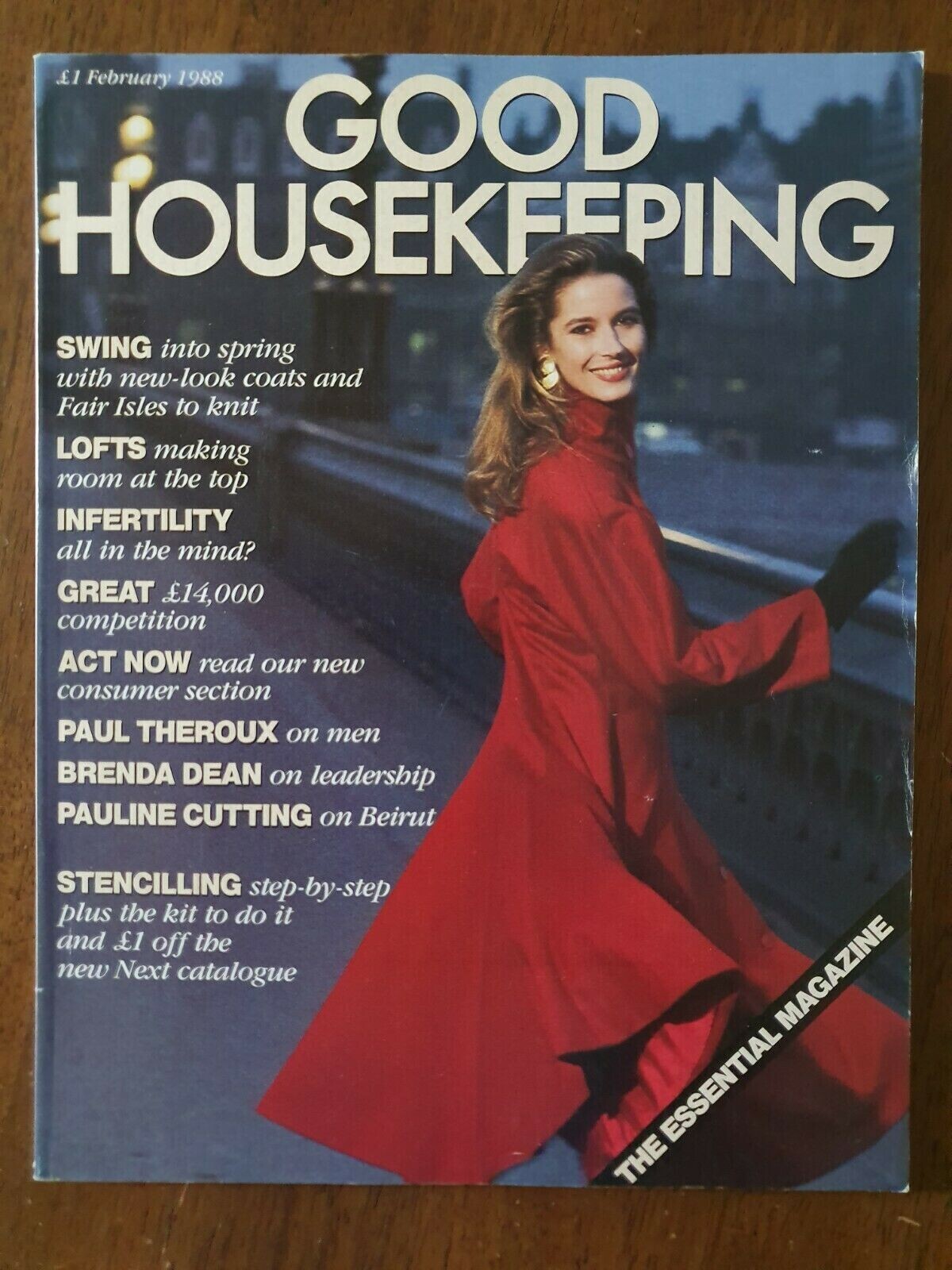
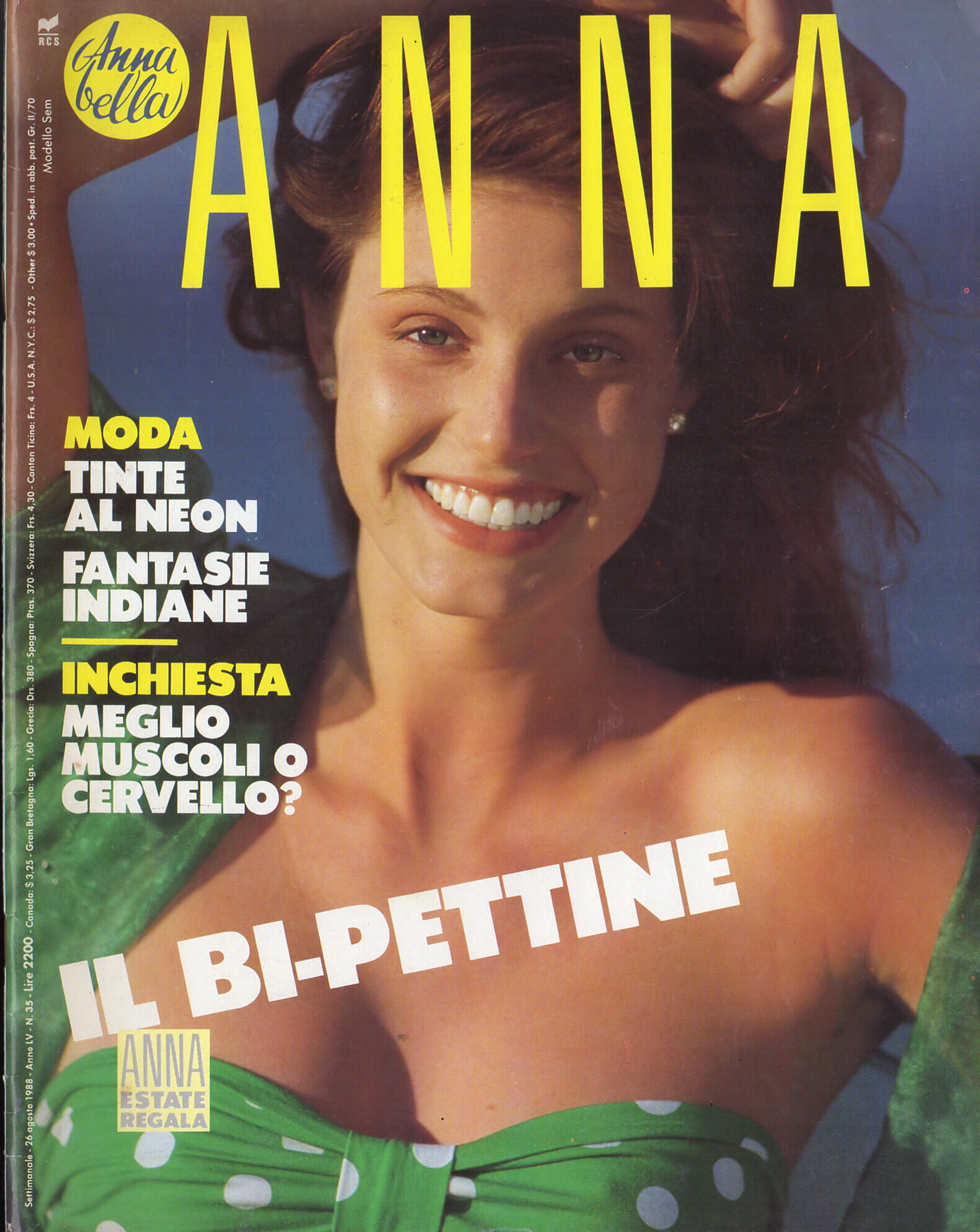
Everything posted by RocketQueen

  1. Frankie Park (in pink) Helena Sandling (black glove)
  2. Julia Gonnet
  3. Miranda Davis
  4. Ericka Lawson
  5. Miranda Davis (blonde)
  6. Patrizia Pilotti
  7. AVANTAGES FR, Dec 1999 - PH. PATRICE REUMONT - @sanja SCANS
  8. AVANTAGES FR, Dec 1999 - PH. PATRICE REUMONT - @sanja SCANS
  9. AVANTAGES FR, Apr 1999 - PH. MARC GUIBERT - @sanja SCANS
  10. MADAME FIGARO JP, 20 May 1997 - PH. UNKNOWN - MADAMEFIGARO.JP
  11. AVANTAGES FR, Sept 1999 - PH. UNKNOWN - @sanja SCAN
  12. AVANTAGES FR, Apr 1999 - PH. UNKNOWN - @sanja SCAN
  13. Ivelin Giro
  14. Priscilla Rodrigot
  15. Karolína Bosaková
  16. Yvonne Bosnjak
  17. She looks familiar. @Minerva13, what do you think?
  18. Sabina Stahl
  19. Suzanne Methe
  20. Susanne Boehm
  21. We have to revise some old unIDed models!
  22. Katja Halme
  23. Natalia Semanova
  24. Andrea Nemcova

Configure browser push notifications

Chrome (Android)
  1. Tap the lock icon next to the address bar.
  2. Tap Permissions → Notifications.
  3. Adjust your preference.
Chrome (Desktop)
  1. Click the padlock icon in the address bar.
  2. Select Site settings.
  3. Find Notifications and adjust your preference.