

RocketQueen
Members
-
Joined
-
Last visited
Everything posted by RocketQueen
-
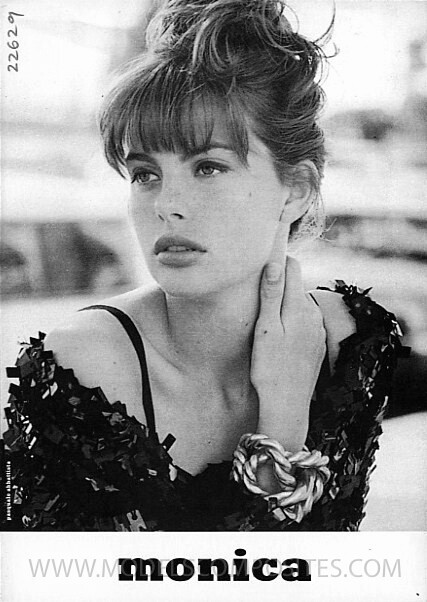
 Monica Bechthold
-
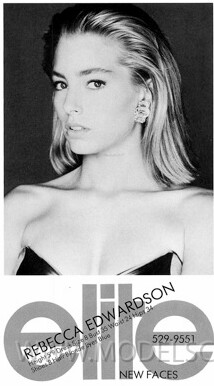
Blonde is Rebecca Edwardson.
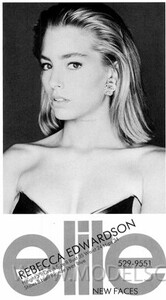
-
Kelly Fisher
-
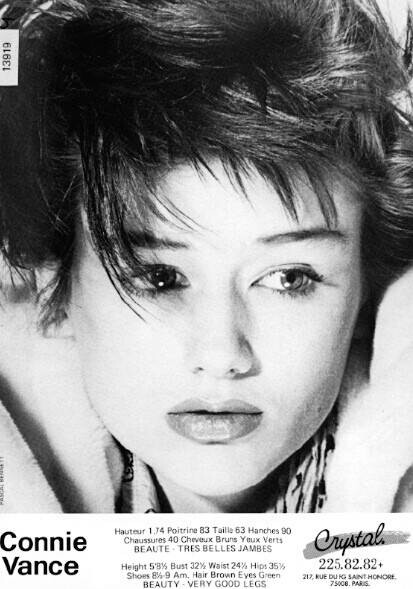
I'm pretty sure she's Connie Vance, what do you think?
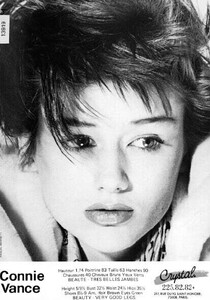
-
I thought it was her but wasn't sure, thanks for confirming!
-
You are right about everyone except the black model is Louise Vyent, not Lana.
-
Yes!
Helene Adolphsson
Monica Bechthold
I think spot on!
Yasmeen Ghauri
Sabine Siede
#1 Karin Kelts #2 Luciana Gimenez
Tulsa Jansson
Elena Rosenfelt
Pretty sure it's a slightly older Anette Karlsson.
Nathalie Sportiello
Sophie Gendron
I don't, I get additional help.
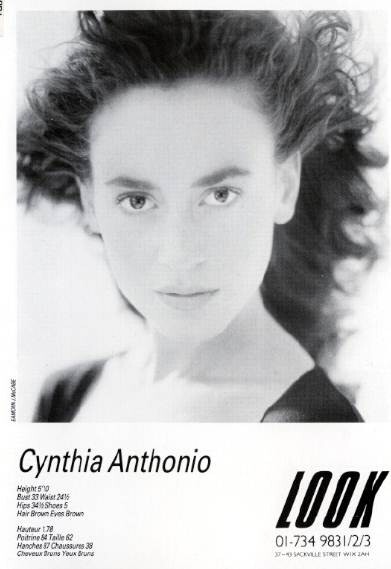
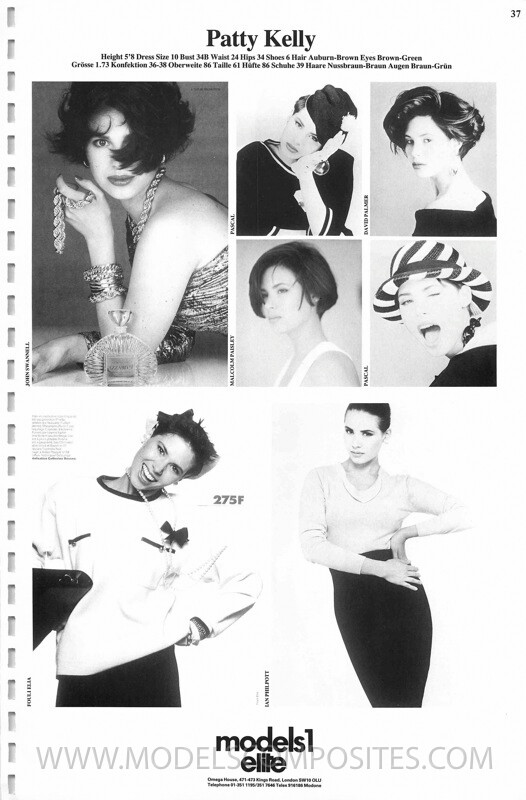
#1 Gabriella Howard #2 Nicole Verheyden
Account
Search
Configure browser push notifications
Chrome (Android)
- Tap the lock icon next to the address bar.
- Tap Permissions → Notifications.
- Adjust your preference.
Chrome (Desktop)
- Click the padlock icon in the address bar.
- Select Site settings.
- Find Notifications and adjust your preference.
Safari (iOS 16.4+)
- Ensure the site is installed via Add to Home Screen.
- Open Settings App → Notifications.
- Find your app name and adjust your preference.
Safari (macOS)
- Go to Safari → Preferences.
- Click the Websites tab.
- Select Notifications in the sidebar.
- Find this website and adjust your preference.
Edge (Android)
- Tap the lock icon next to the address bar.
- Tap Permissions.
- Find Notifications and adjust your preference.
Edge (Desktop)
- Click the padlock icon in the address bar.
- Click Permissions for this site.
- Find Notifications and adjust your preference.
Firefox (Android)
- Go to Settings → Site permissions.
- Tap Notifications.
- Find this site in the list and adjust your preference.
Firefox (Desktop)
- Open Firefox Settings.
- Search for Notifications.
- Find this site in the list and adjust your preference.