RocketQueen
Members
-
Joined
-
Last visited
Everything posted by RocketQueen
-
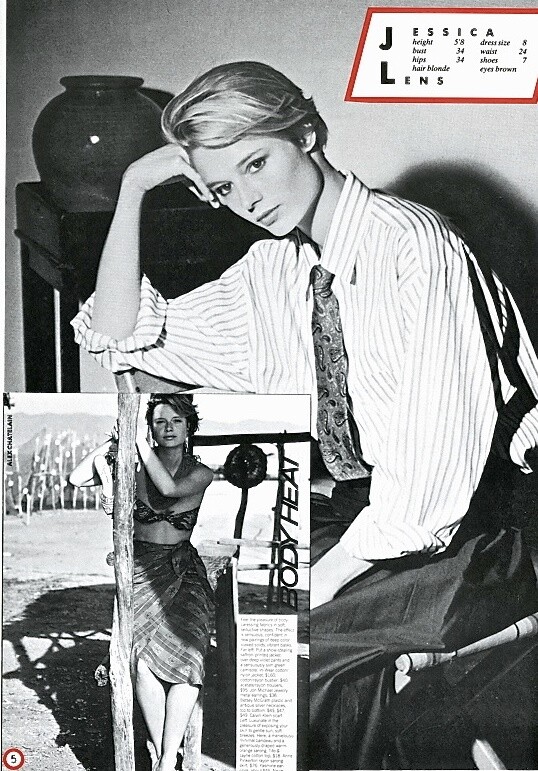
 I can't find this image in my files!
Wow, makes sense!
I've got this one IDed as Dore from the same editorial:
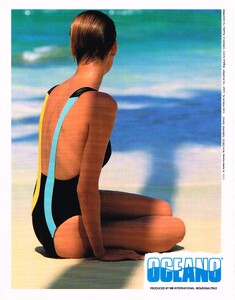
I can't find this image in my files!
Wow, makes sense!
I've got this one IDed as Dore from the same editorial: Sorry, no idea.
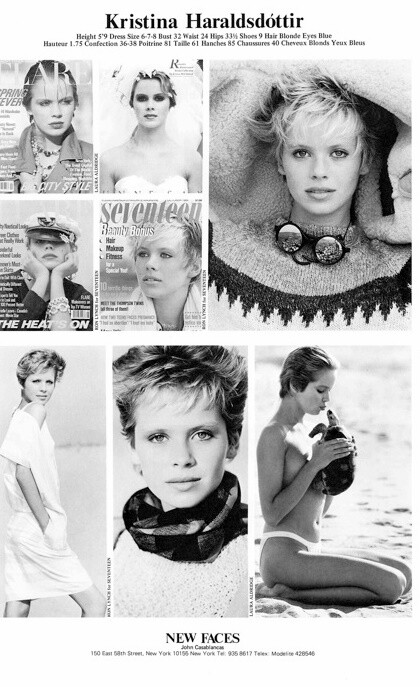
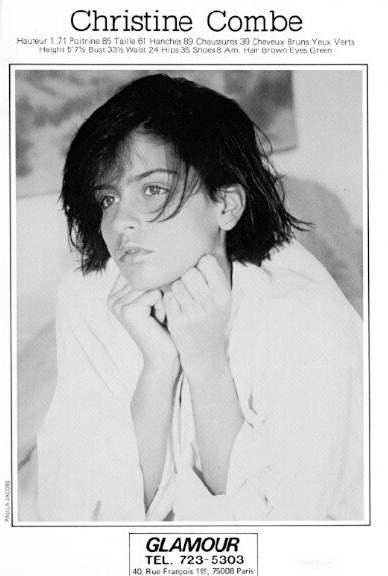
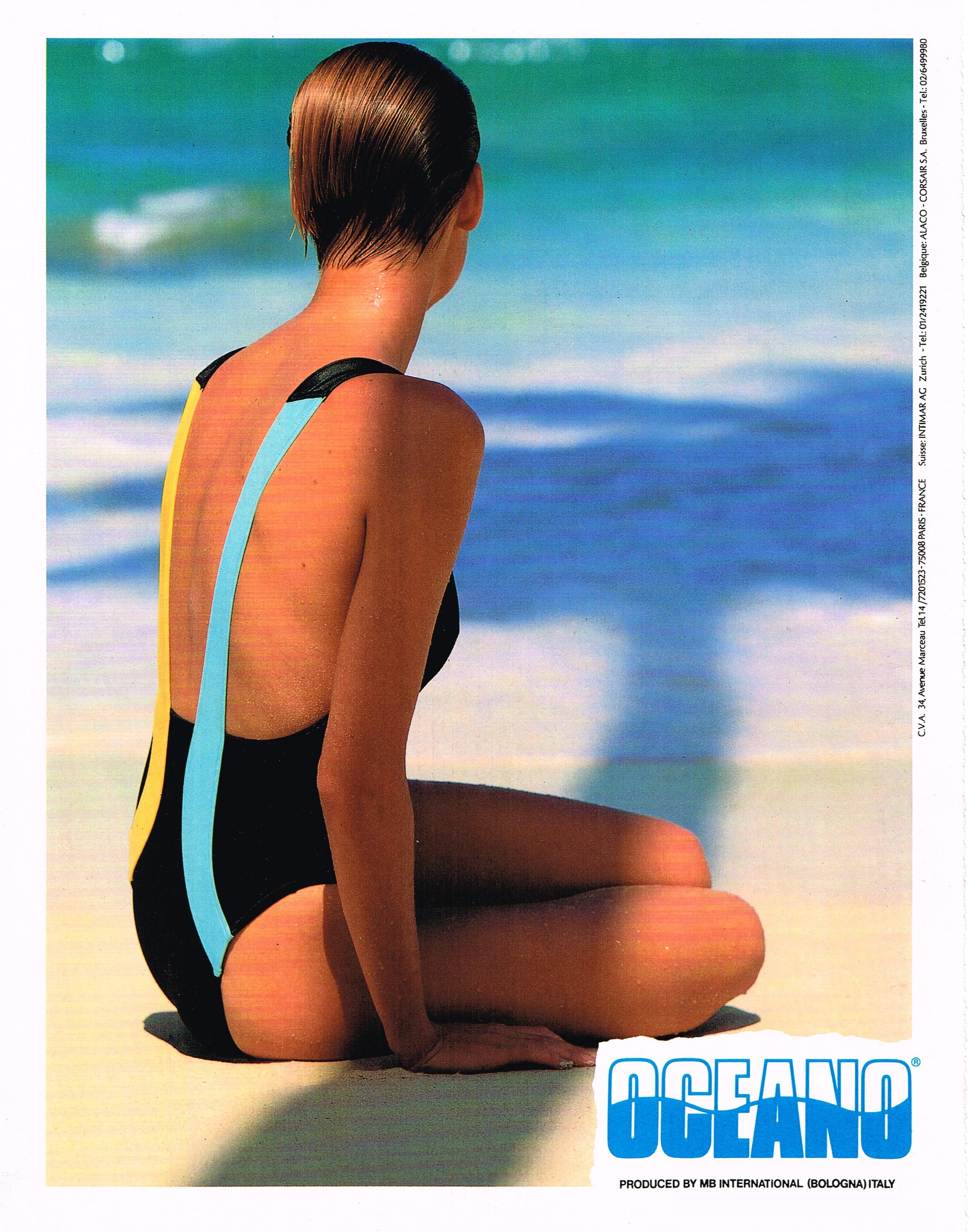
I think she's Nina Joukova but I'm not sure.
Sheli Gafni
Sorry, no idea.
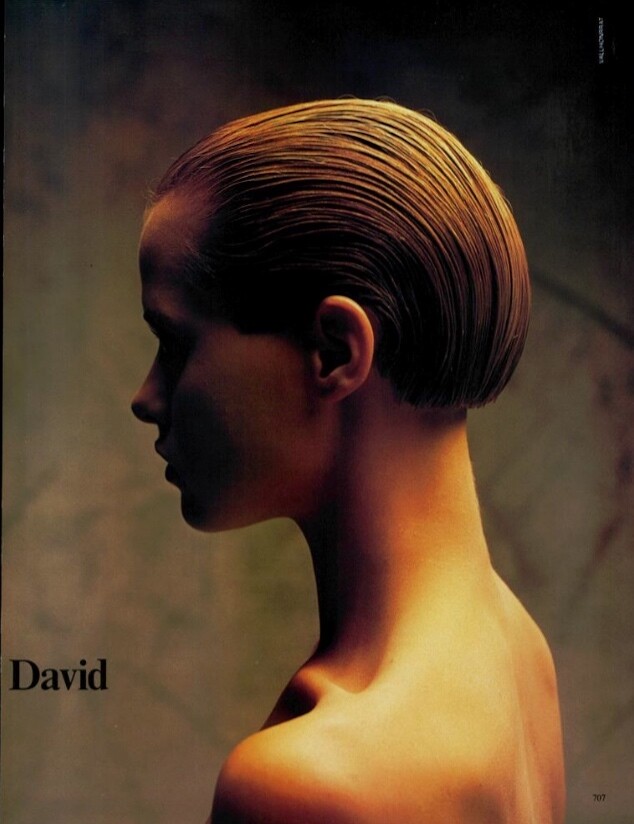
I think she's Nina Joukova but I'm not sure.
Sheli Gafni Vivien Cunha
 Michelle Eabry
Account
Search
Configure browser push notifications
Chrome (Android)
- Tap the lock icon next to the address bar.
- Tap Permissions → Notifications.
- Adjust your preference.
Chrome (Desktop)
- Click the padlock icon in the address bar.
- Select Site settings.
- Find Notifications and adjust your preference.
Safari (iOS 16.4+)
- Ensure the site is installed via Add to Home Screen.
- Open Settings App → Notifications.
- Find your app name and adjust your preference.
Safari (macOS)
- Go to Safari → Preferences.
- Click the Websites tab.
- Select Notifications in the sidebar.
- Find this website and adjust your preference.
Edge (Android)
- Tap the lock icon next to the address bar.
- Tap Permissions.
- Find Notifications and adjust your preference.
Edge (Desktop)
- Click the padlock icon in the address bar.
- Click Permissions for this site.
- Find Notifications and adjust your preference.
Firefox (Android)
- Go to Settings → Site permissions.
- Tap Notifications.
- Find this site in the list and adjust your preference.
Firefox (Desktop)
- Open Firefox Settings.
- Search for Notifications.
- Find this site in the list and adjust your preference.













(1).jpg.fa8039e804d0759674b2d725436c13c7.jpg.40184a02137a61c47cbfdc5dbcccd4dc.jpg)