RocketQueen
Members
-
Joined
-
Last visited
Everything posted by RocketQueen
-
 I think she's Theresa Morelli but I'm not 100% sure.
-
Maria Rosa Spagnolo

-
It's sad I don't remember any info about this pic!
-
Awesome, never heard of her!
-
Sweet! Now we have to find the surname!
-
Are you sure? The hat can be misleading. Here's another pic of the same model:

-
-
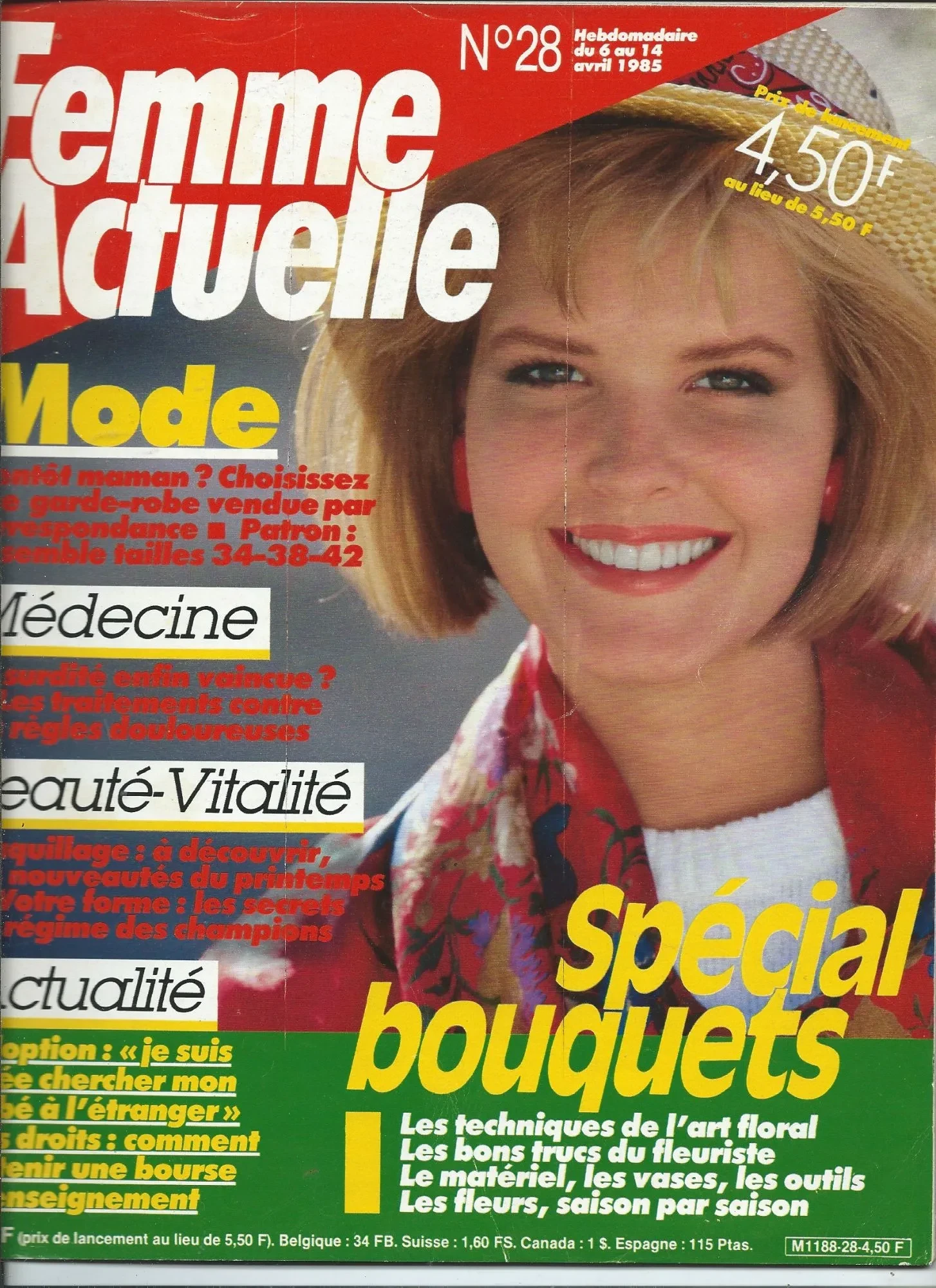
FEMME ACTUELLE FR, 80s (more info in the filenames) 1, 2, 3,4 5, 6, 7, 8 9, 10, 11, 12 13, 14, 15, 16 17, 18, 19, 20 21, 22, 23, 24 25, 26, 27, 28 29, 30, 31, 32 33, 34, 35, 36 37, 38





































 Thank you!
Correction! It's not Toni, it's actuallt Becky Delos Santos:
Thank you!
Correction! It's not Toni, it's actuallt Becky Delos Santos: Here's another cover of the same model. Do you have the name? I still have no idea who she is.
 Yup, my scans! AMICA IT, 1 Nov 1996

.thumb.jpg.4d3a2572447932bfe288a34fe703fa50.jpg)
.thumb.jpg.09268ddf765c6d042d50c214ae96a626.jpg)

.thumb.jpg.f311e14b20ae8c73504cb4b57b5fb3c2.jpg)
.thumb.jpg.4f661fdc71905c3bbd7861862d05fd43.jpg)

 Lydia Loison Vicente
 Ria
Ria Clair Glover
Account
Search
Configure browser push notifications
Chrome (Android)
- Tap the lock icon next to the address bar.
- Tap Permissions → Notifications.
- Adjust your preference.
Chrome (Desktop)
- Click the padlock icon in the address bar.
- Select Site settings.
- Find Notifications and adjust your preference.
Safari (iOS 16.4+)
- Ensure the site is installed via Add to Home Screen.
- Open Settings App → Notifications.
- Find your app name and adjust your preference.
Safari (macOS)
- Go to Safari → Preferences.
- Click the Websites tab.
- Select Notifications in the sidebar.
- Find this website and adjust your preference.
Edge (Android)
- Tap the lock icon next to the address bar.
- Tap Permissions.
- Find Notifications and adjust your preference.
Edge (Desktop)
- Click the padlock icon in the address bar.
- Click Permissions for this site.
- Find Notifications and adjust your preference.
Firefox (Android)
- Go to Settings → Site permissions.
- Tap Notifications.
- Find this site in the list and adjust your preference.
Firefox (Desktop)
- Open Firefox Settings.
- Search for Notifications.
- Find this site in the list and adjust your preference.













































.jpg.146405d54213643dfc1788f09cca81c5.jpg)
.jpg.cd0b89cb65222237a6b09f5355448146.jpg)

.jpg.3df180a99967e3b6321041dbade11f34.jpg)
.jpg.c9247d624de7bcba13f14437afec01c0.jpg)






.JPG.3d273230be7a91140e6790a825254b56.jpg.c19384d50c285fd15a800f01facb868f.jpg)