

RocketQueen
Members
-
Joined
-
Last visited
Everything posted by RocketQueen
-
 Kelly Harrison
Hi, guys! Sorry to have been away for the past few weeks! I've so much to catch up on!
Woooow, @Martial! What have you done?! That's so awesomeee!
Wow, awesome, thanks!
Yes, I did correct my two previous misidentifications, lol! But now that you've mentioned Jeanine, I just checked and apparently I've deleted all the images of her that I had.
Riiiight, I can see it now!!!
Elizabeth Marglin
Kelly Harrison
Hi, guys! Sorry to have been away for the past few weeks! I've so much to catch up on!
Woooow, @Martial! What have you done?! That's so awesomeee!
Wow, awesome, thanks!
Yes, I did correct my two previous misidentifications, lol! But now that you've mentioned Jeanine, I just checked and apparently I've deleted all the images of her that I had.
Riiiight, I can see it now!!!
Elizabeth Marglin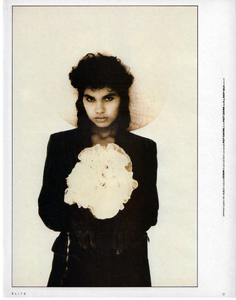 Anne-Marie Thomsen + Amanda Lewis
 Louise Merrick
 Yup.
Yup. Kara Young
 Frances Quillian
 You got them all correctly, there is another model in the second picture that I can't ID.
Anja Kneller + Amanda Lewis
You got them all correctly, there is another model in the second picture that I can't ID.
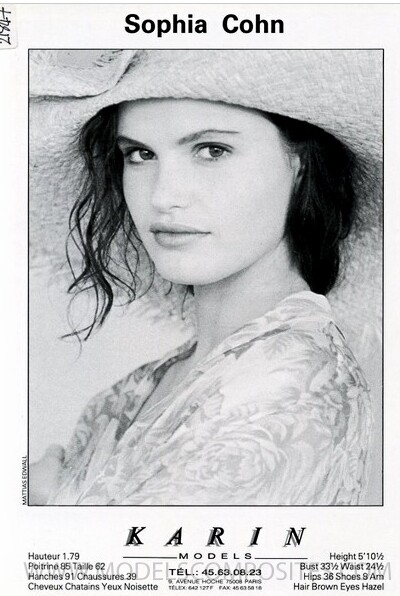
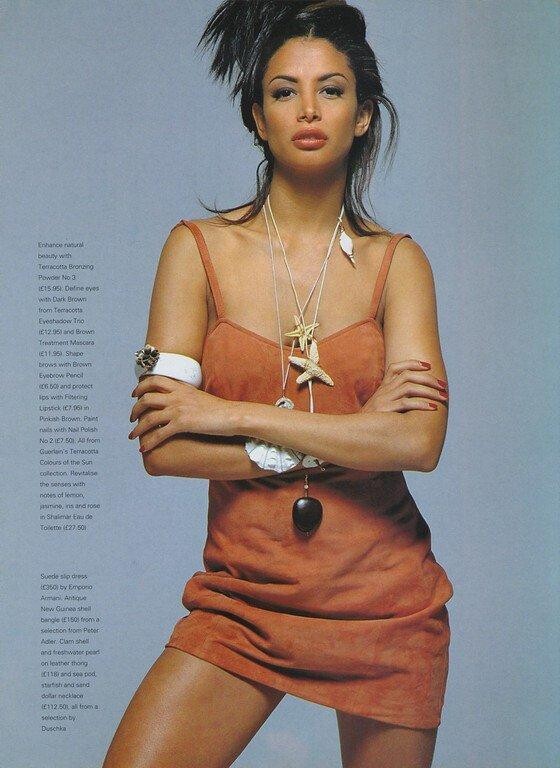
Anja Kneller + Amanda Lewis I believe the one with the long curly hair is Sophia Cohn. Also, I don't see Ana in this editorial.
 Btw, I agree it's Monica, we've IDed this same Hanro ad before.
Anja Matthes van Akeren (right)
Btw, I agree it's Monica, we've IDed this same Hanro ad before.
Anja Matthes van Akeren (right)












Account
Search
Configure browser push notifications
Chrome (Android)
- Tap the lock icon next to the address bar.
- Tap Permissions → Notifications.
- Adjust your preference.
Chrome (Desktop)
- Click the padlock icon in the address bar.
- Select Site settings.
- Find Notifications and adjust your preference.
Safari (iOS 16.4+)
- Ensure the site is installed via Add to Home Screen.
- Open Settings App → Notifications.
- Find your app name and adjust your preference.
Safari (macOS)
- Go to Safari → Preferences.
- Click the Websites tab.
- Select Notifications in the sidebar.
- Find this website and adjust your preference.
Edge (Android)
- Tap the lock icon next to the address bar.
- Tap Permissions.
- Find Notifications and adjust your preference.
Edge (Desktop)
- Click the padlock icon in the address bar.
- Click Permissions for this site.
- Find Notifications and adjust your preference.
Firefox (Android)
- Go to Settings → Site permissions.
- Tap Notifications.
- Find this site in the list and adjust your preference.
Firefox (Desktop)
- Open Firefox Settings.
- Search for Notifications.
- Find this site in the list and adjust your preference.