RocketQueen
Members
-
Joined
-
Last visited
Everything posted by RocketQueen
-
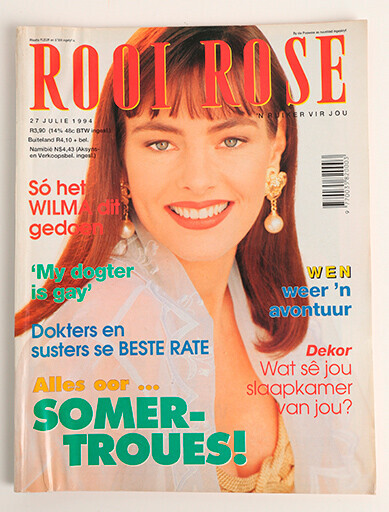
 Wilma van der Bijl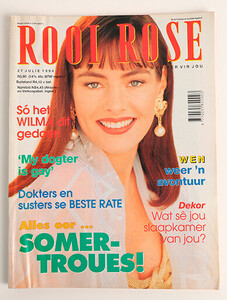
-
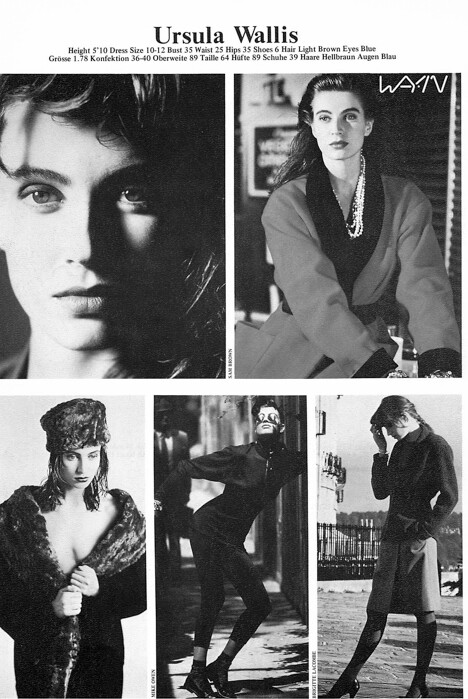
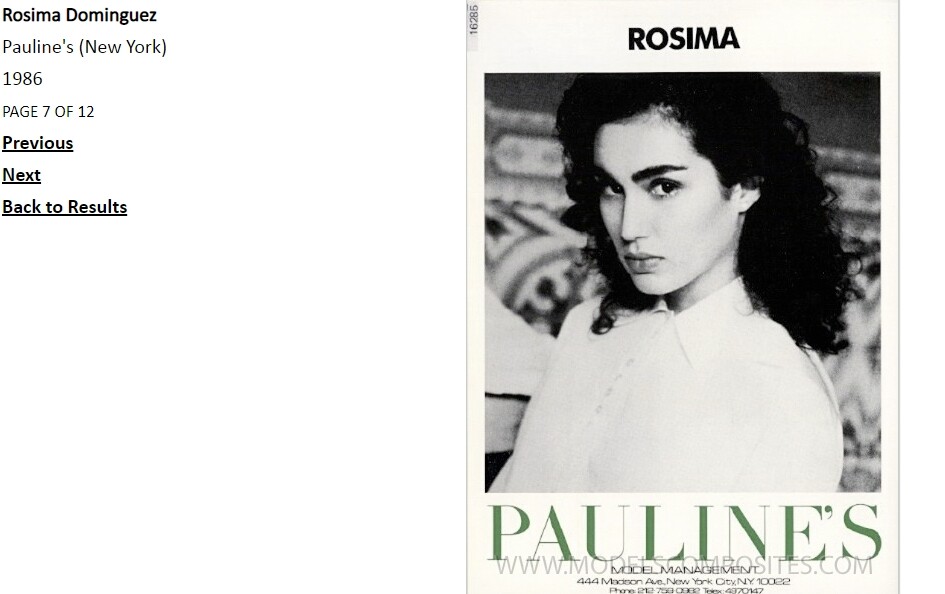
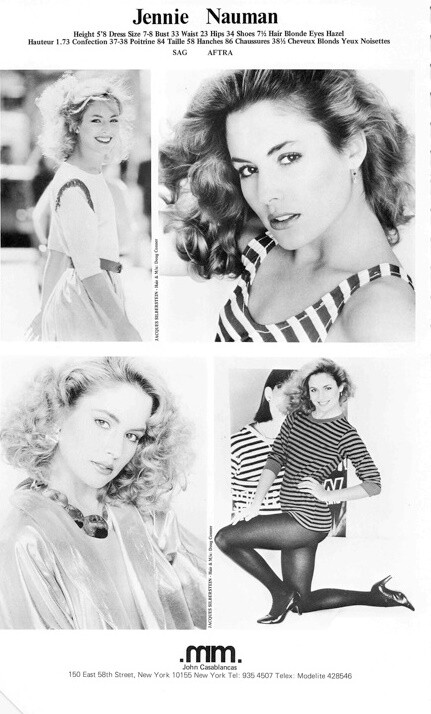
I agree with @BlueAcadia, it's Stephanie Kommer.
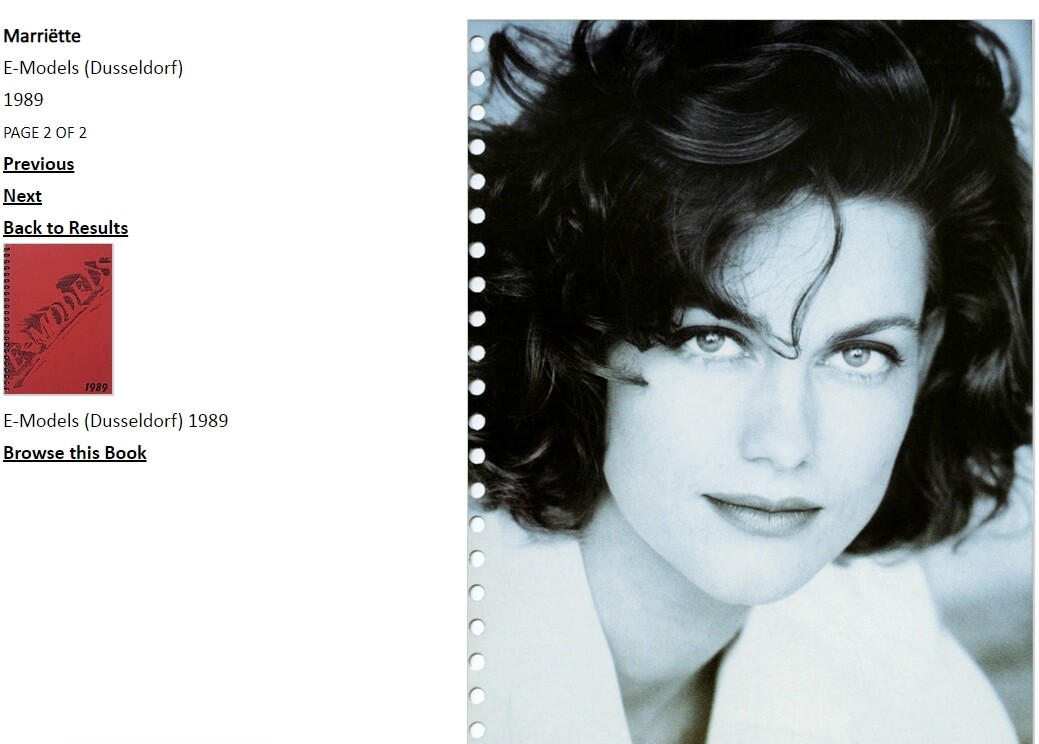
Mariette Voogd
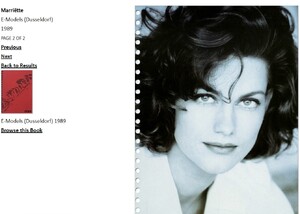 Nope, not her.
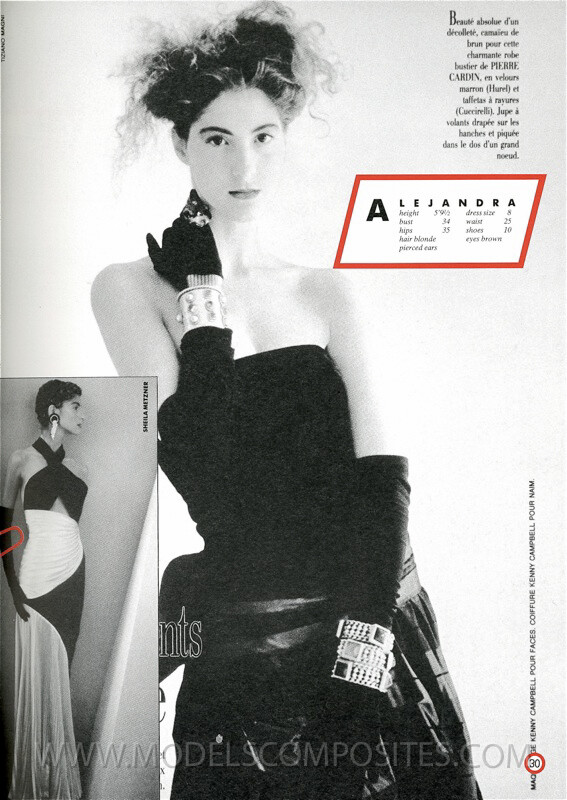
Imma González Pratts (first pic on the left):
Nope, not her.
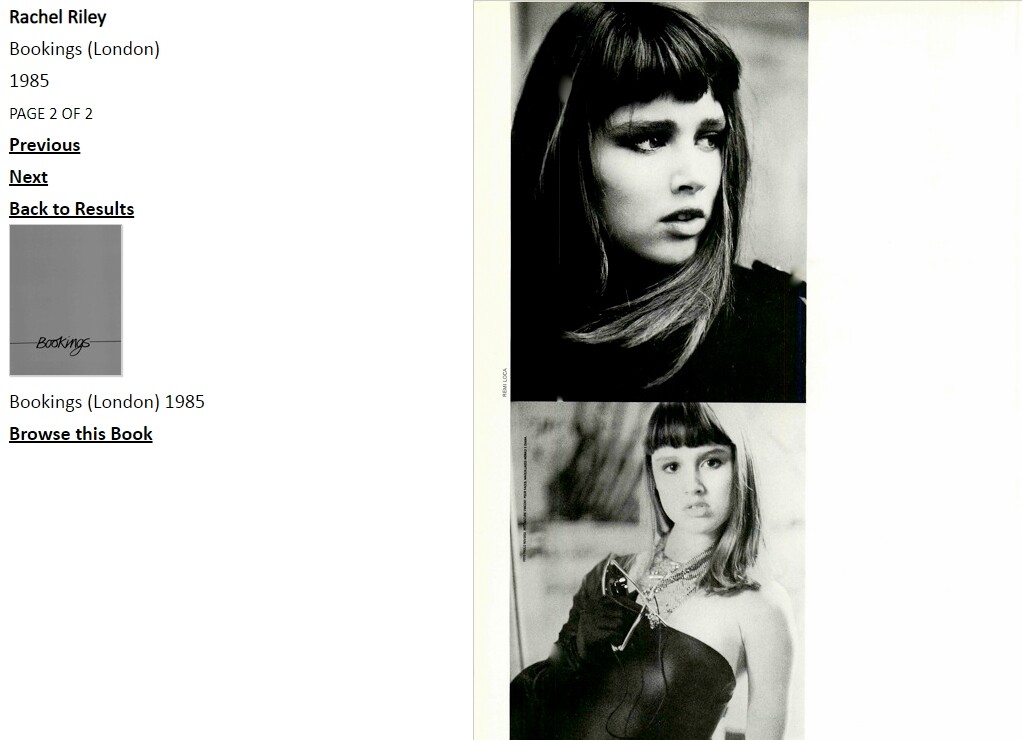
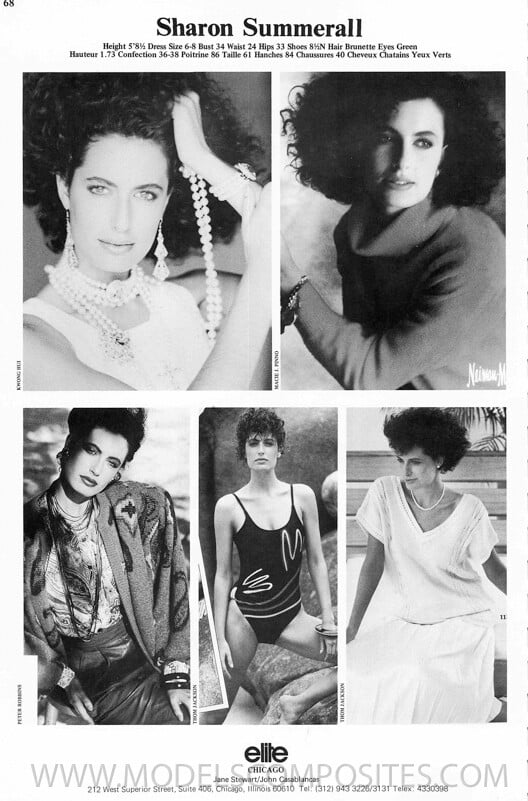
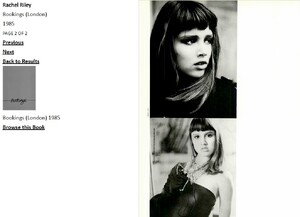
Imma González Pratts (first pic on the left): Alejandra Dolfino (top left): Rachel Riley (top right):
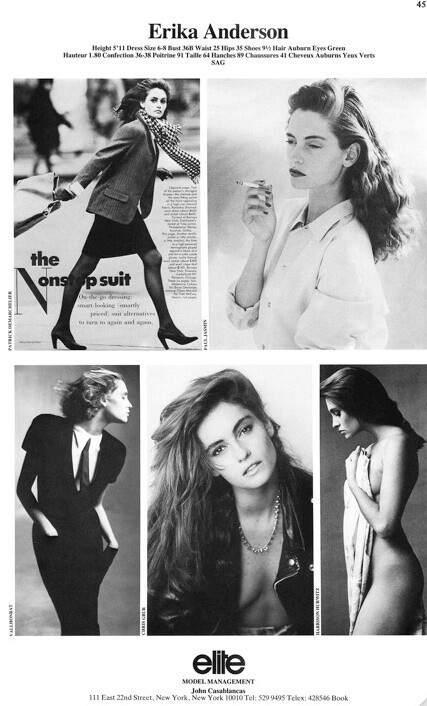
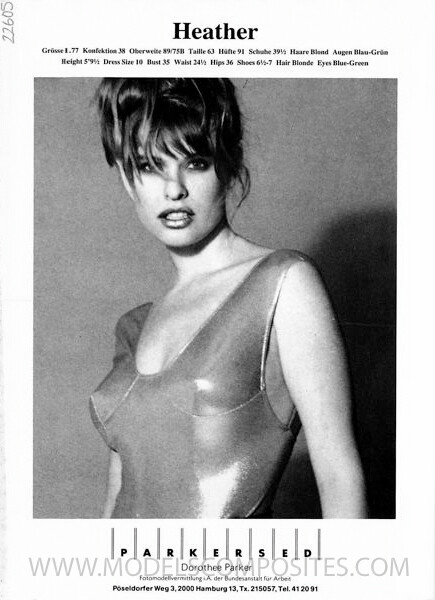
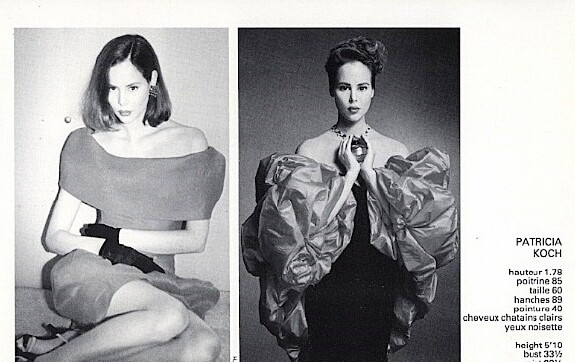
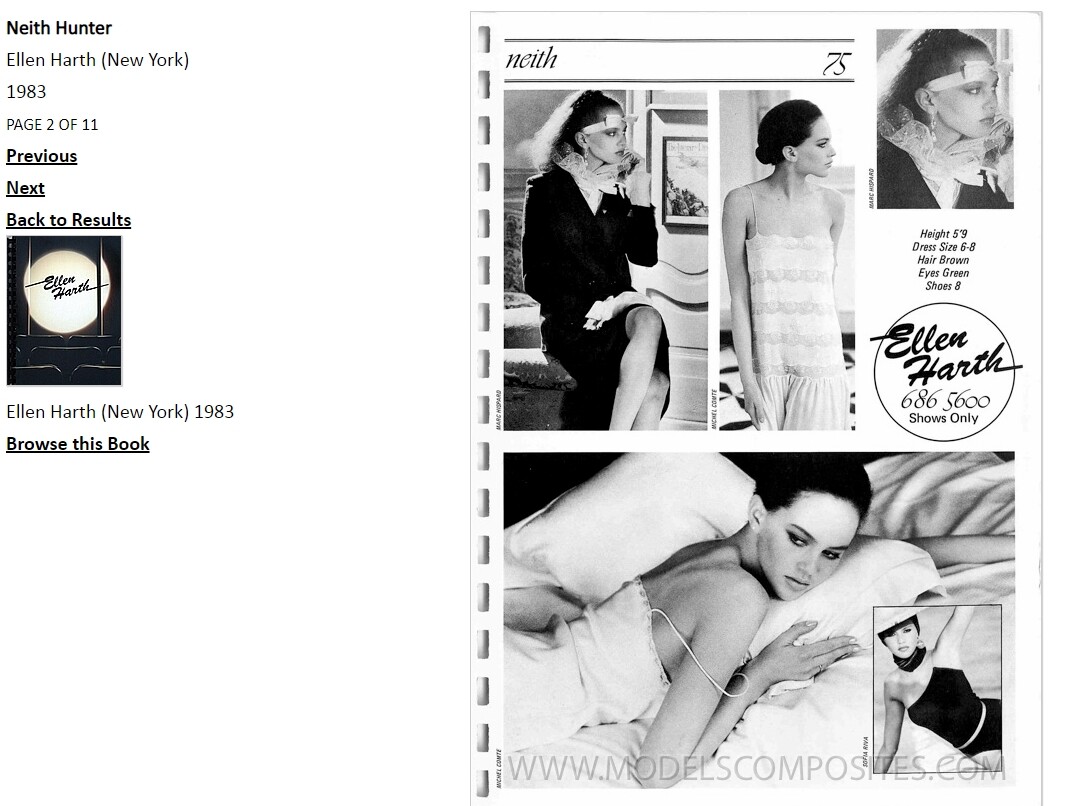
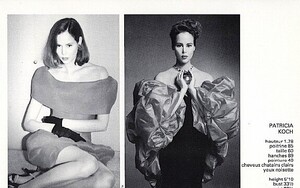
 Heather Meissner (top pic): Patricia Koch (right centre):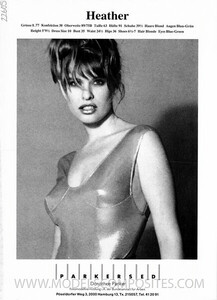
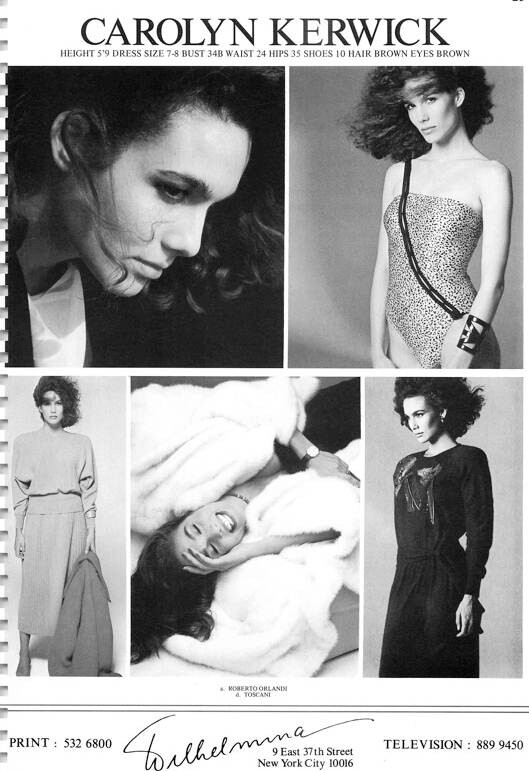
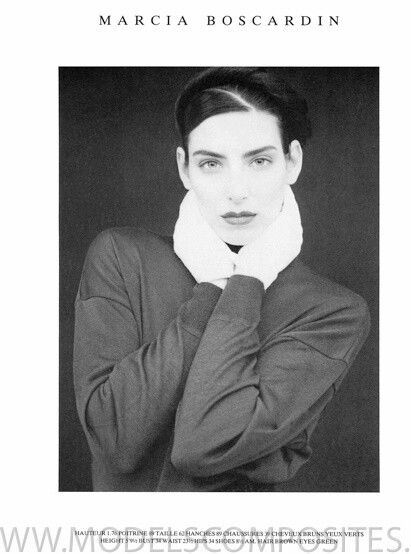
 Theresa Morelli
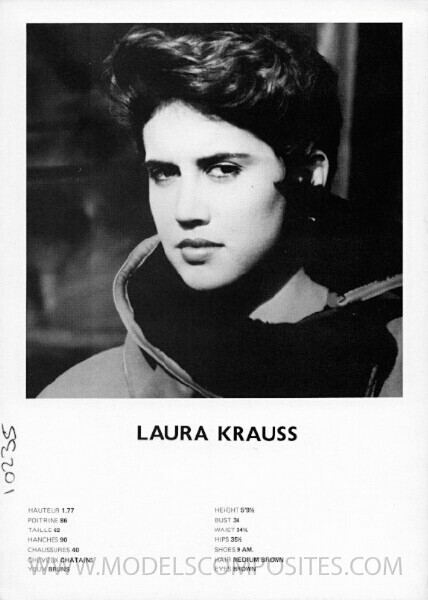
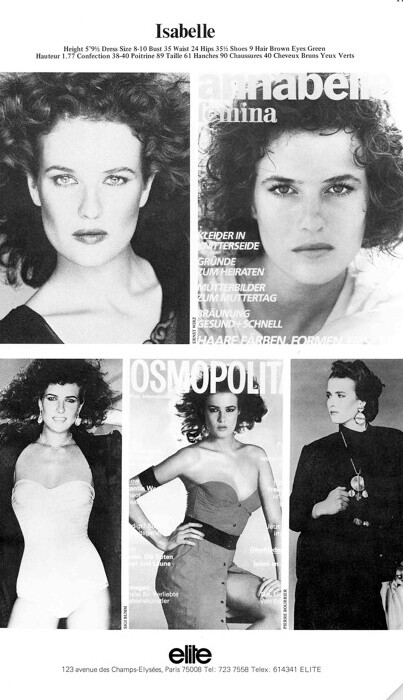
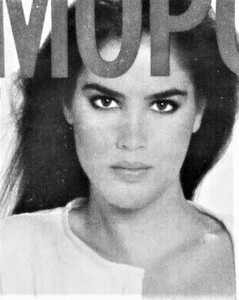 Suzy Stöckl Isabelle Hilaire
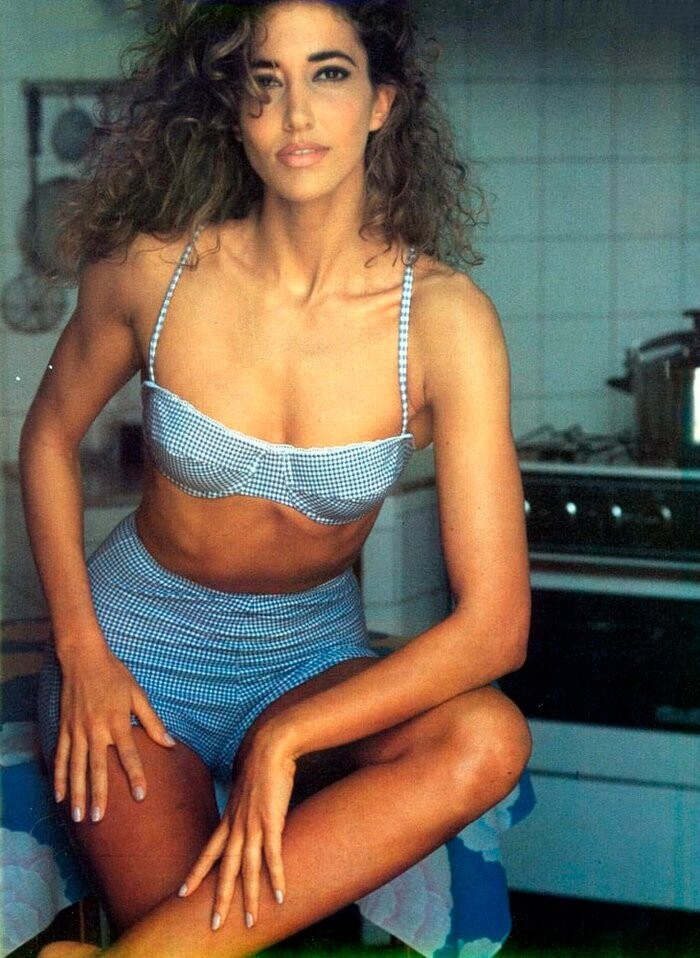
 How to be a perfect housewife:
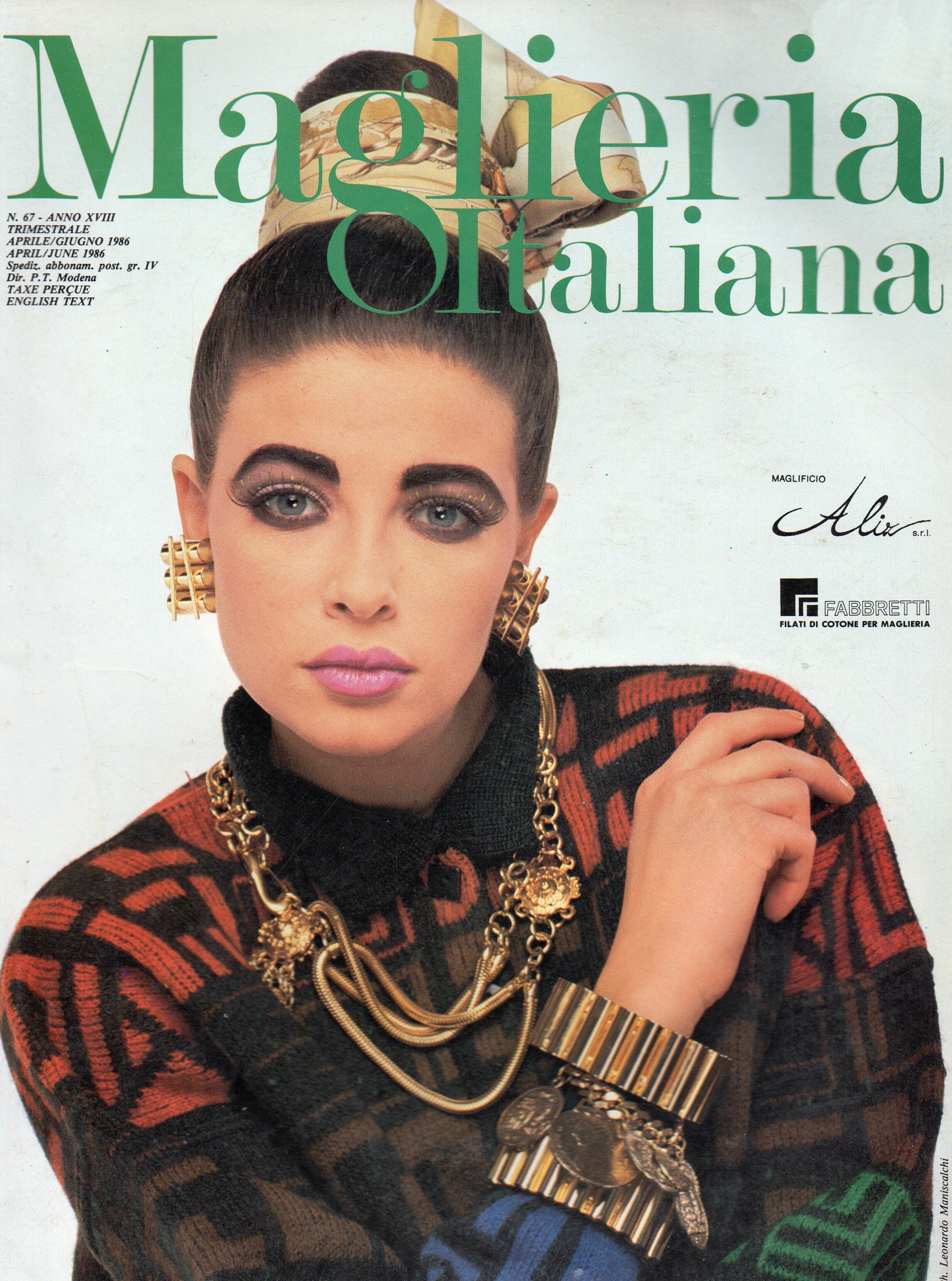
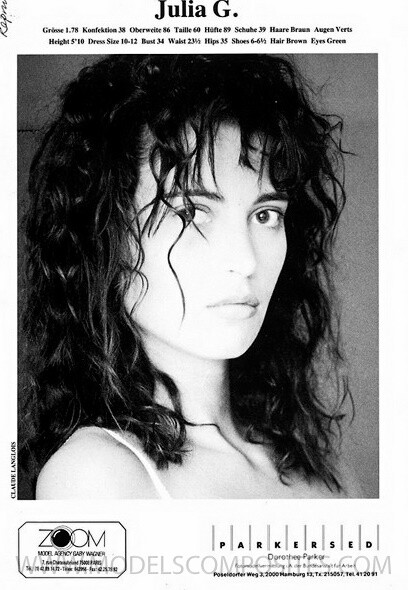
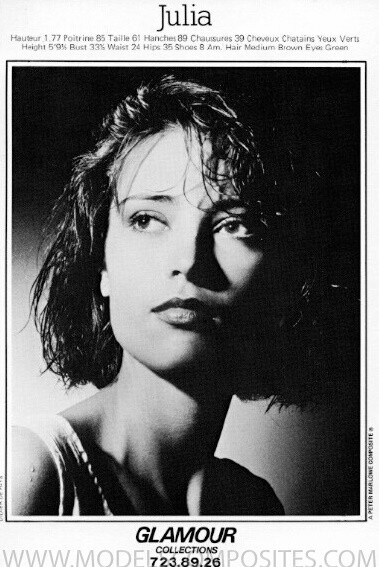
 Julia Gonnet
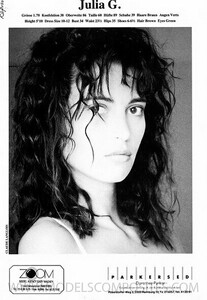 Theresa Morelli
Mariëtte Voogd Elsa Anka
Theresa Morelli
Mariëtte Voogd Elsa Anka
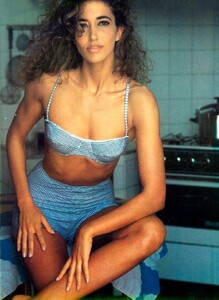 No idea unfortunately.
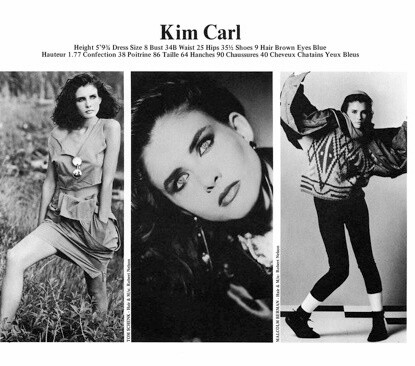
Julia Gonnet again and Kim Carl on the cover
No idea unfortunately.
Julia Gonnet again and Kim Carl on the cover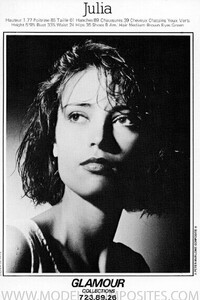

Account
Search
Configure browser push notifications
Chrome (Android)
- Tap the lock icon next to the address bar.
- Tap Permissions → Notifications.
- Adjust your preference.
Chrome (Desktop)
- Click the padlock icon in the address bar.
- Select Site settings.
- Find Notifications and adjust your preference.
Safari (iOS 16.4+)
- Ensure the site is installed via Add to Home Screen.
- Open Settings App → Notifications.
- Find your app name and adjust your preference.
Safari (macOS)
- Go to Safari → Preferences.
- Click the Websites tab.
- Select Notifications in the sidebar.
- Find this website and adjust your preference.
Edge (Android)
- Tap the lock icon next to the address bar.
- Tap Permissions.
- Find Notifications and adjust your preference.
Edge (Desktop)
- Click the padlock icon in the address bar.
- Click Permissions for this site.
- Find Notifications and adjust your preference.
Firefox (Android)
- Go to Settings → Site permissions.
- Tap Notifications.
- Find this site in the list and adjust your preference.
Firefox (Desktop)
- Open Firefox Settings.
- Search for Notifications.
- Find this site in the list and adjust your preference.