

RocketQueen
Members
-
Joined
-
Last visited
Everything posted by RocketQueen
-
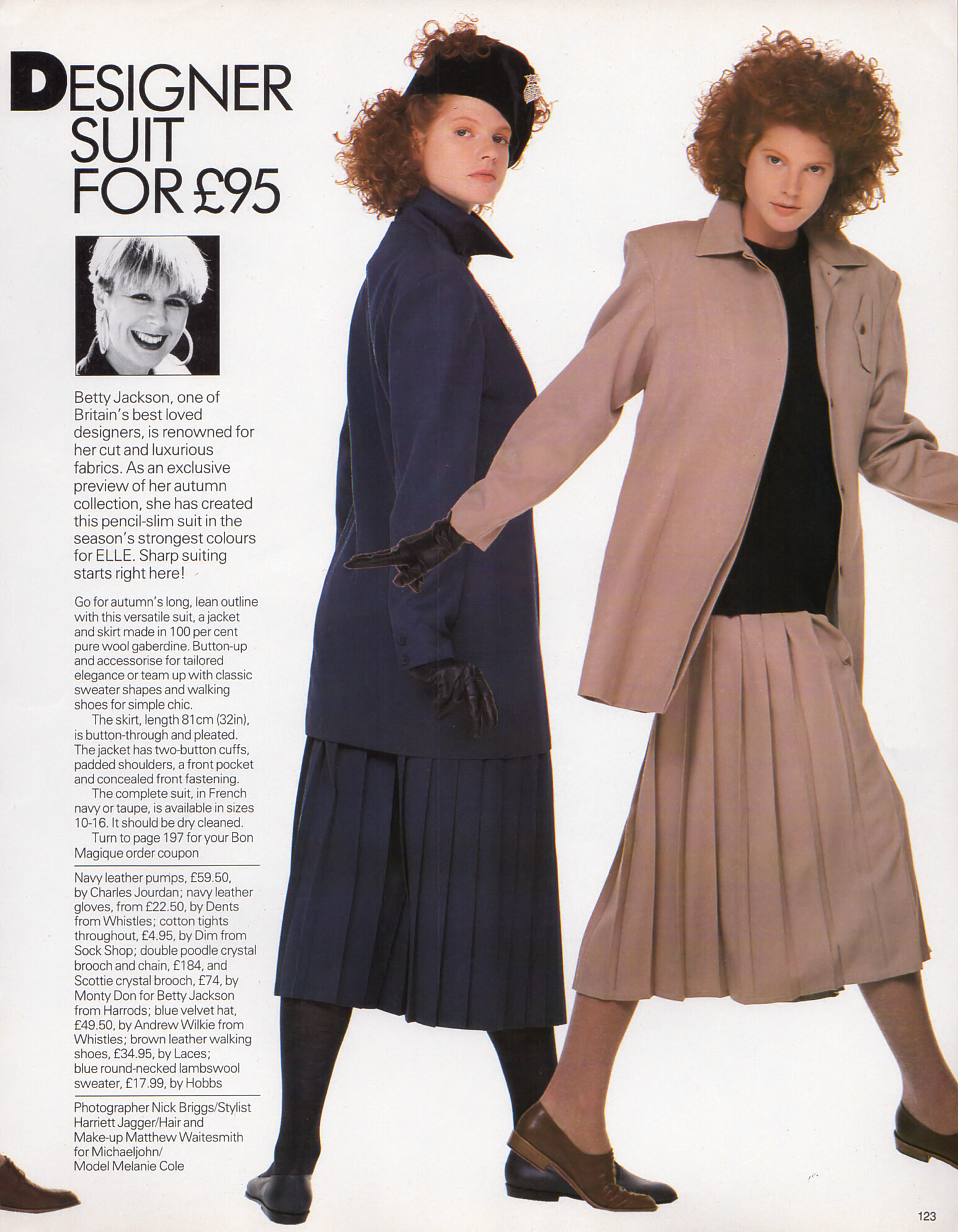
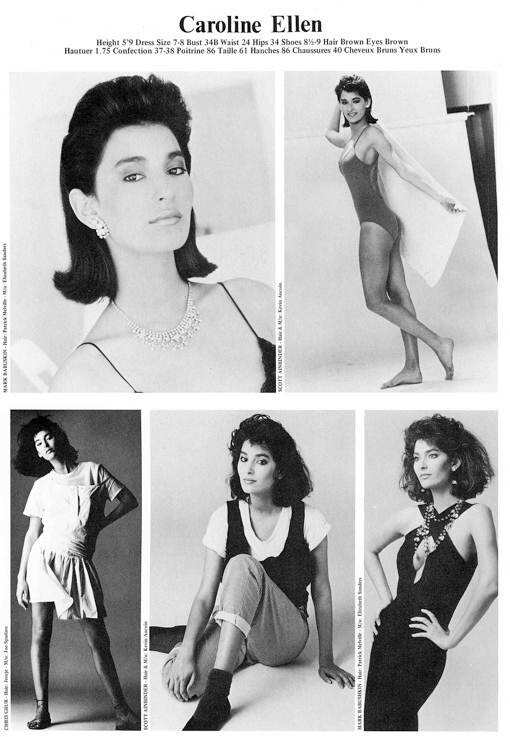
 Melanie Cole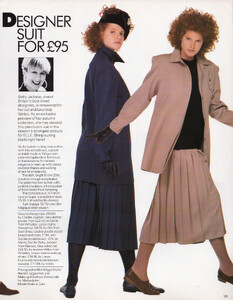
-
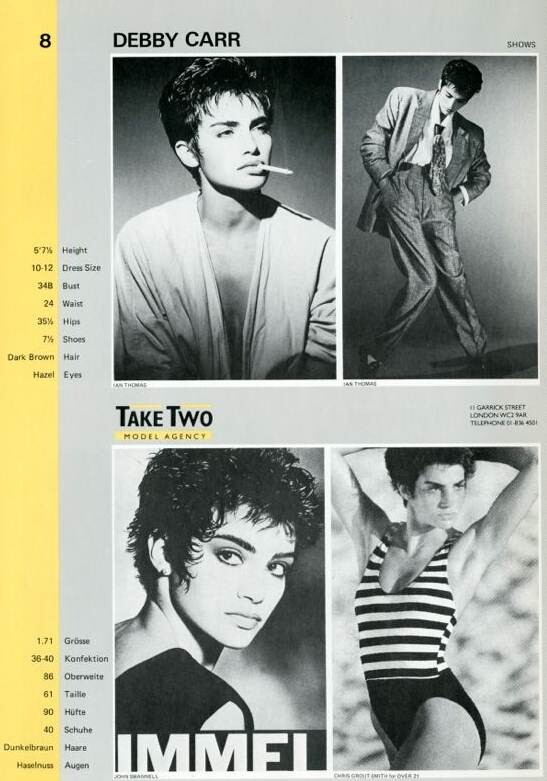
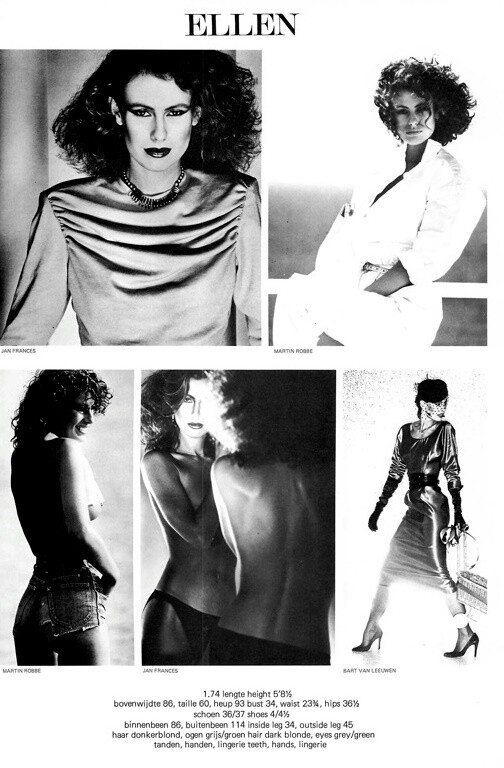
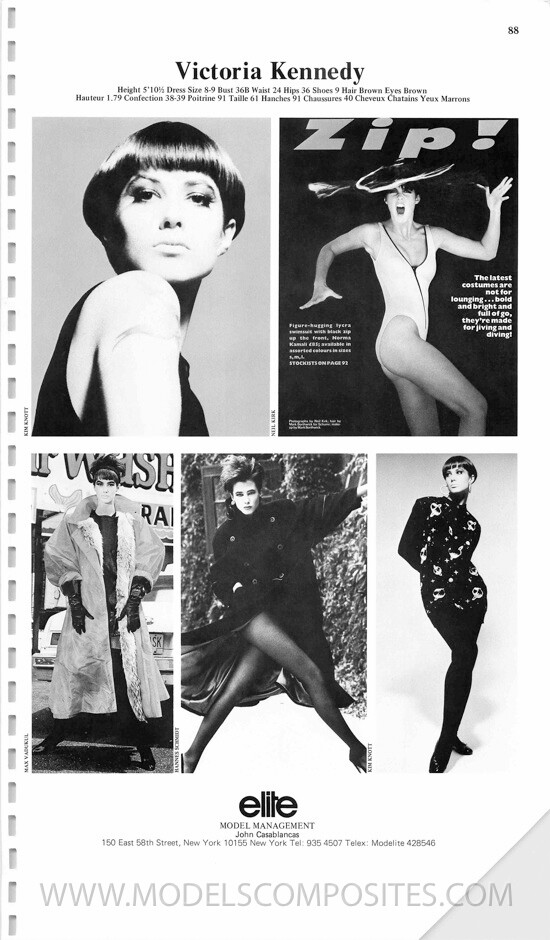
My friend, she's Debby Carr:
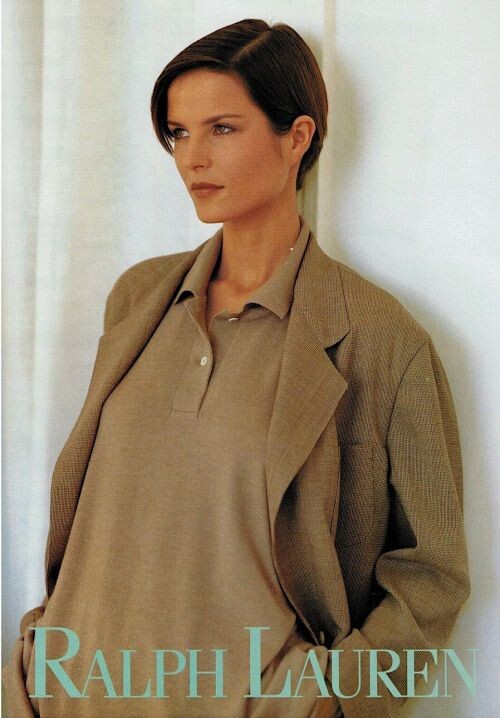
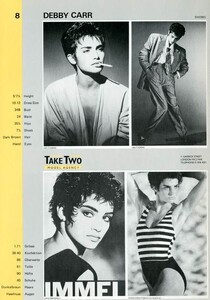 Christina Wayne
Andrea Seyfart (bottom left):
Christina Wayne
Andrea Seyfart (bottom left): Chris Garner (left):
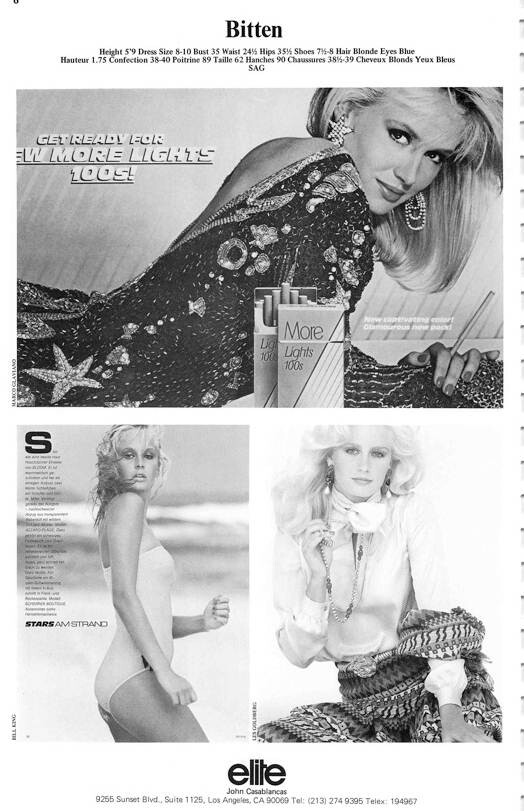
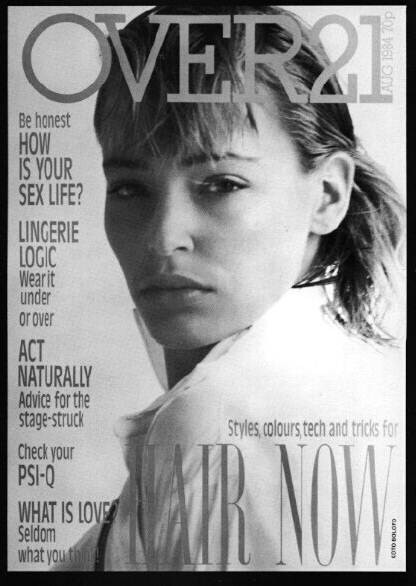
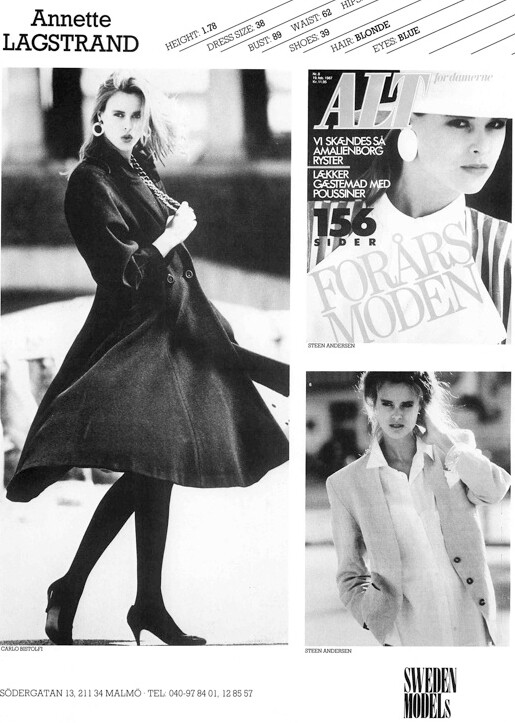
 Bitten Knudsen actually:
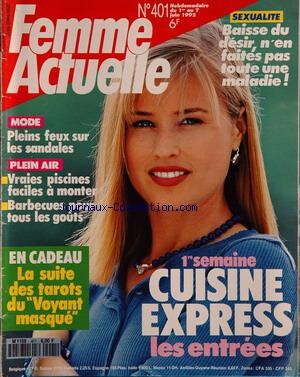
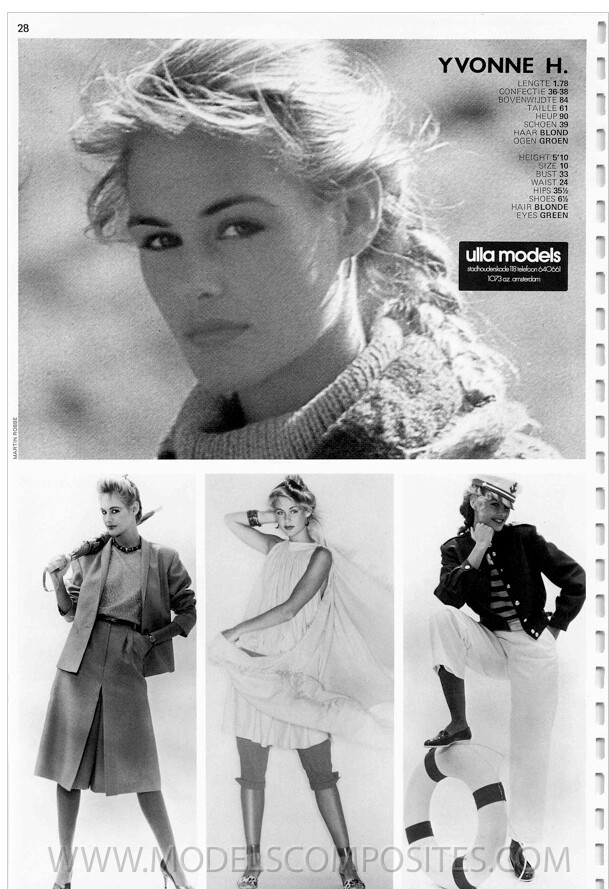
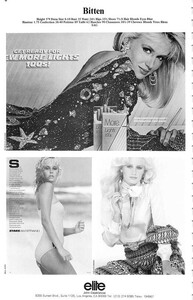 Ulrika Sundberg
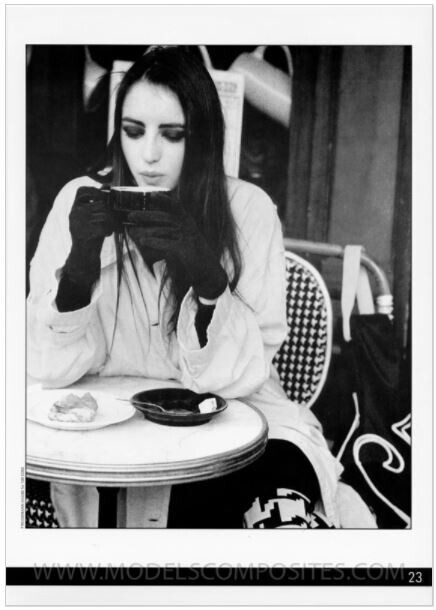
Clare Hoak
Ulrika Sundberg
Clare Hoak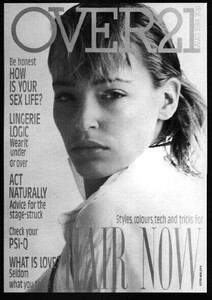 Louise Bertaux:
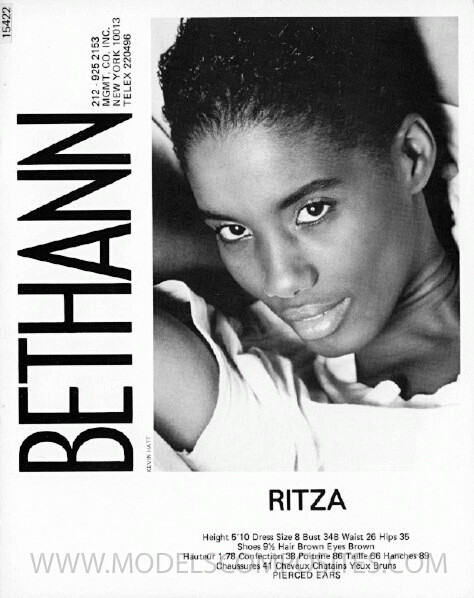
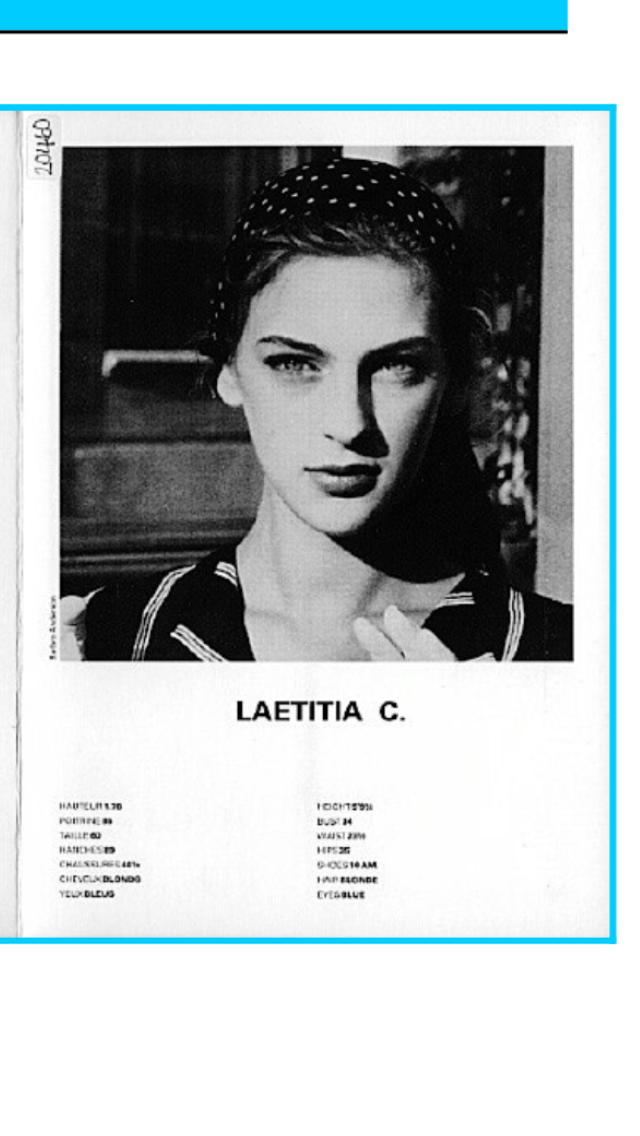
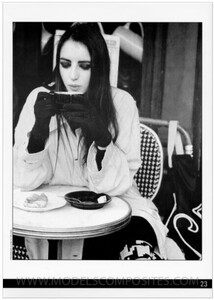 Laetitia Cadioux
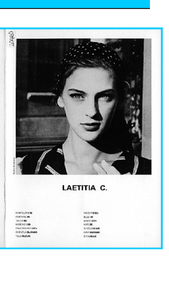 She's not Lara unfortunately.
Wow, @missparker7, these were pretty difficult to ID, most of these models are completely new to me!
I think so, yes.
Sandra van Echten
She's not Lara unfortunately.
Wow, @missparker7, these were pretty difficult to ID, most of these models are completely new to me!
I think so, yes.
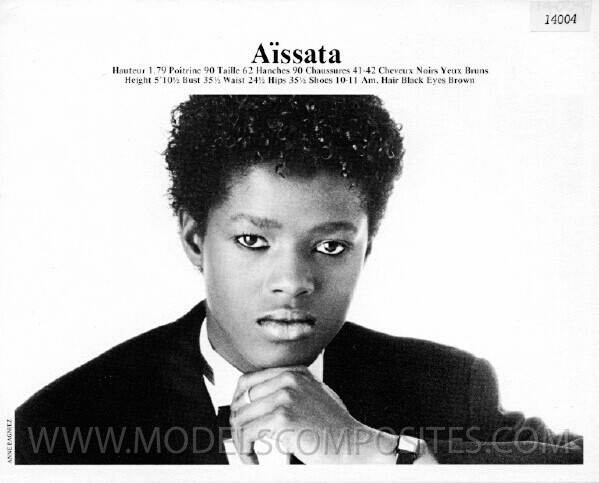
Sandra van Echten Corina
 Dorthe Skappel



Account
Search
Configure browser push notifications
Chrome (Android)
- Tap the lock icon next to the address bar.
- Tap Permissions → Notifications.
- Adjust your preference.
Chrome (Desktop)
- Click the padlock icon in the address bar.
- Select Site settings.
- Find Notifications and adjust your preference.
Safari (iOS 16.4+)
- Ensure the site is installed via Add to Home Screen.
- Open Settings App → Notifications.
- Find your app name and adjust your preference.
Safari (macOS)
- Go to Safari → Preferences.
- Click the Websites tab.
- Select Notifications in the sidebar.
- Find this website and adjust your preference.
Edge (Android)
- Tap the lock icon next to the address bar.
- Tap Permissions.
- Find Notifications and adjust your preference.
Edge (Desktop)
- Click the padlock icon in the address bar.
- Click Permissions for this site.
- Find Notifications and adjust your preference.
Firefox (Android)
- Go to Settings → Site permissions.
- Tap Notifications.
- Find this site in the list and adjust your preference.
Firefox (Desktop)
- Open Firefox Settings.
- Search for Notifications.
- Find this site in the list and adjust your preference.