

RocketQueen
Members
-
Joined
-
Last visited
Everything posted by RocketQueen
-
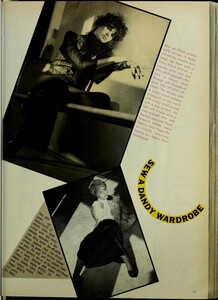
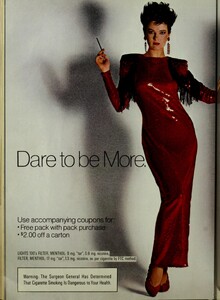
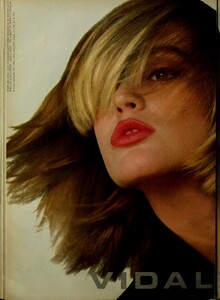
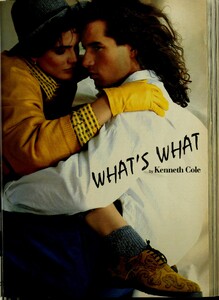
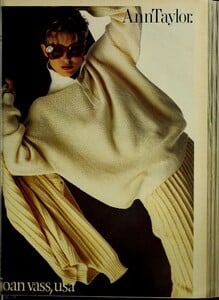
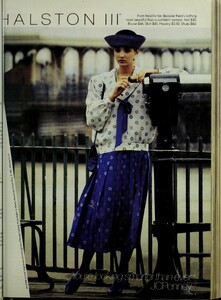
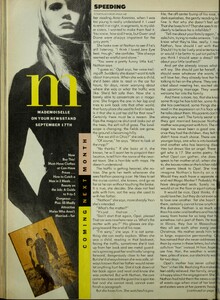
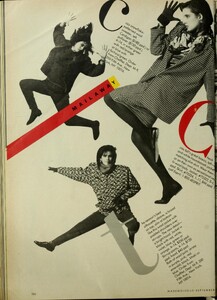
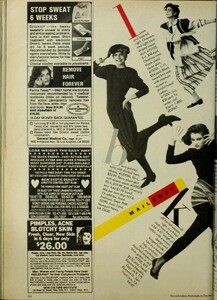
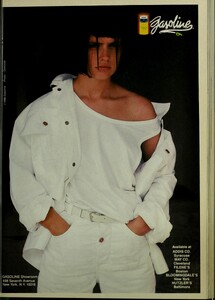
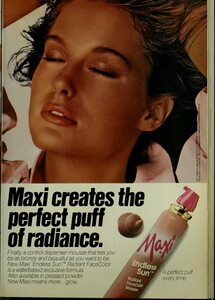
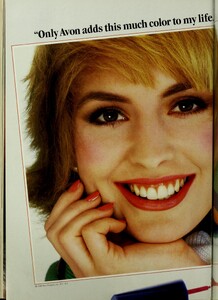
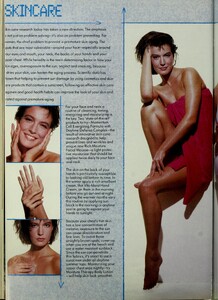
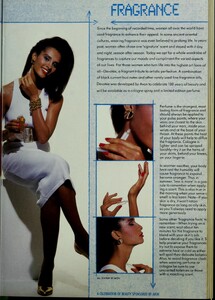
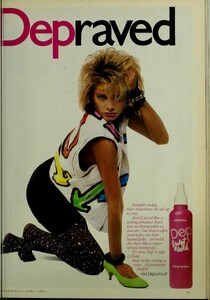
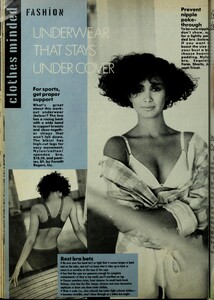
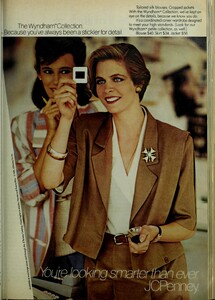
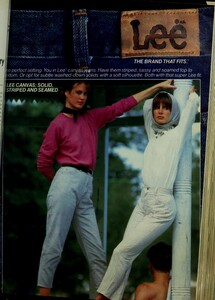
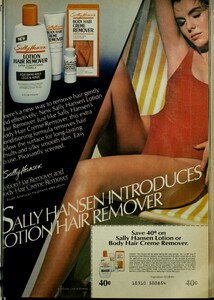
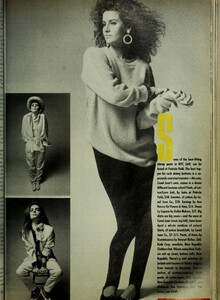
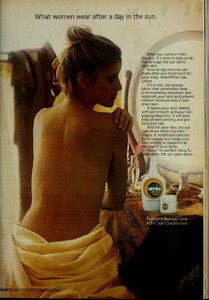
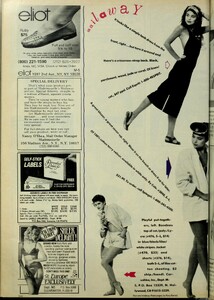
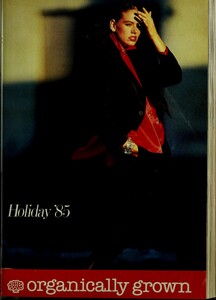
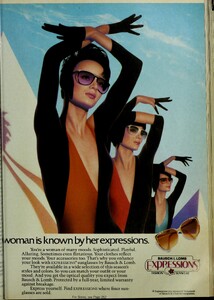
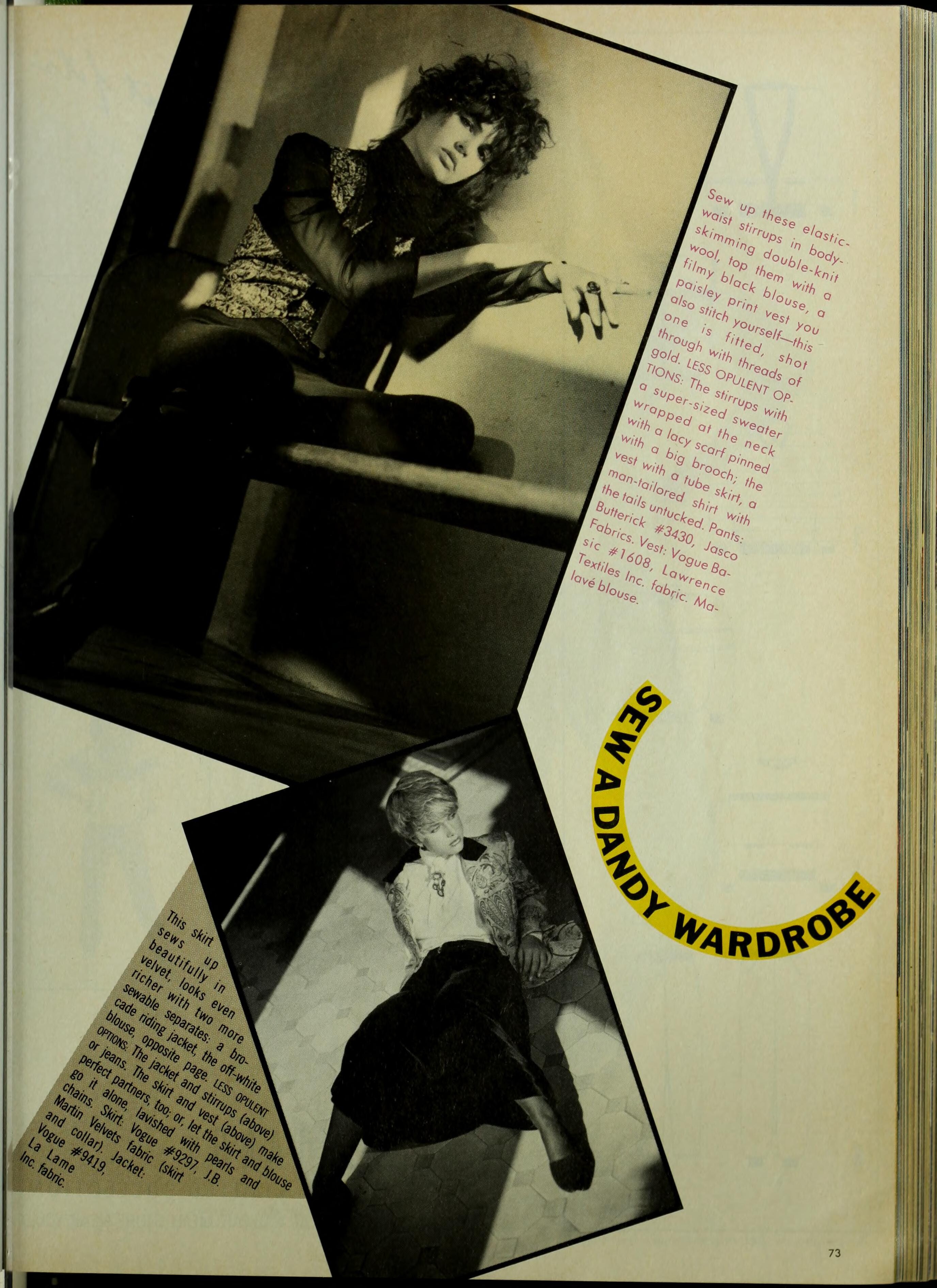
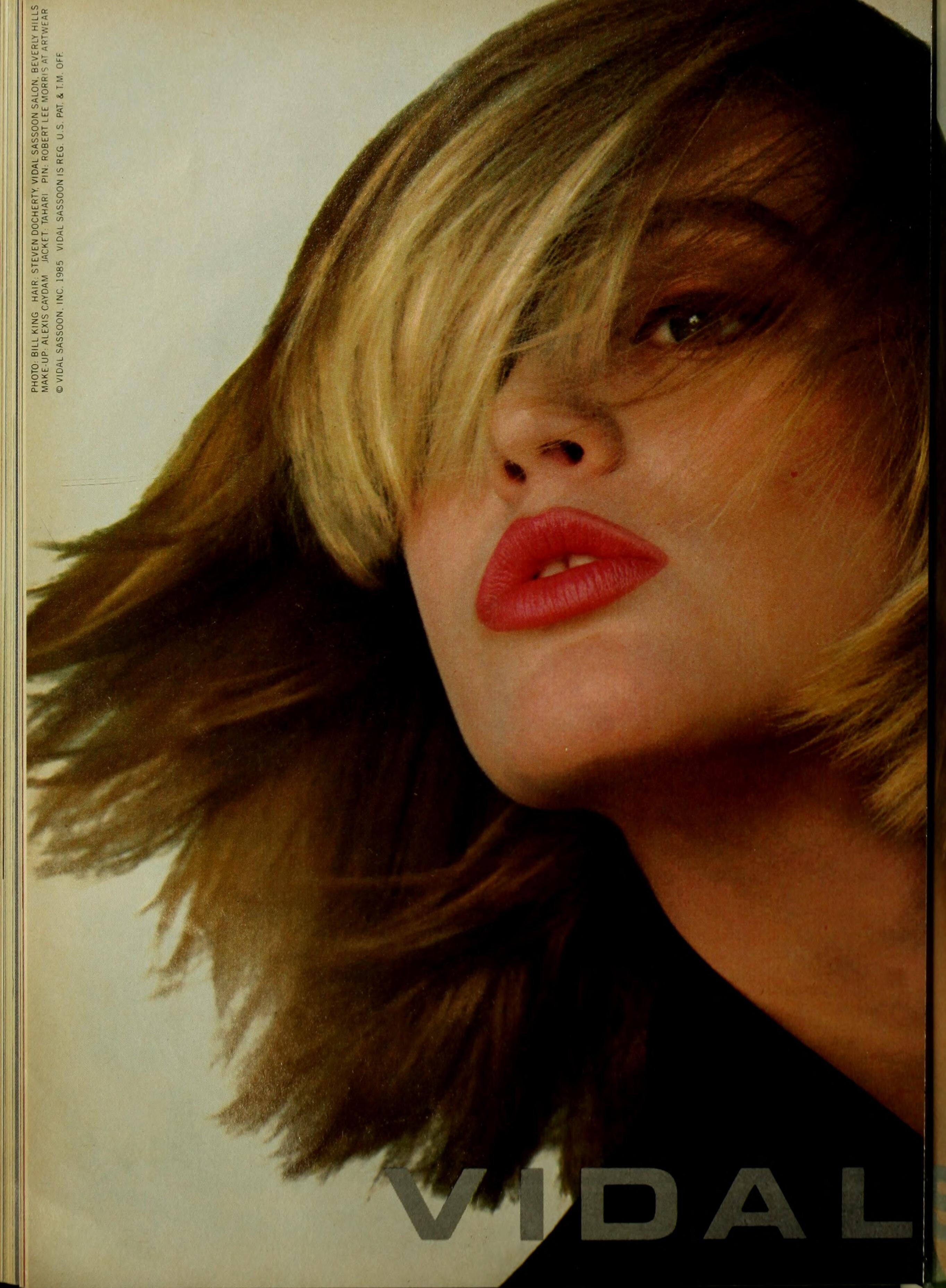
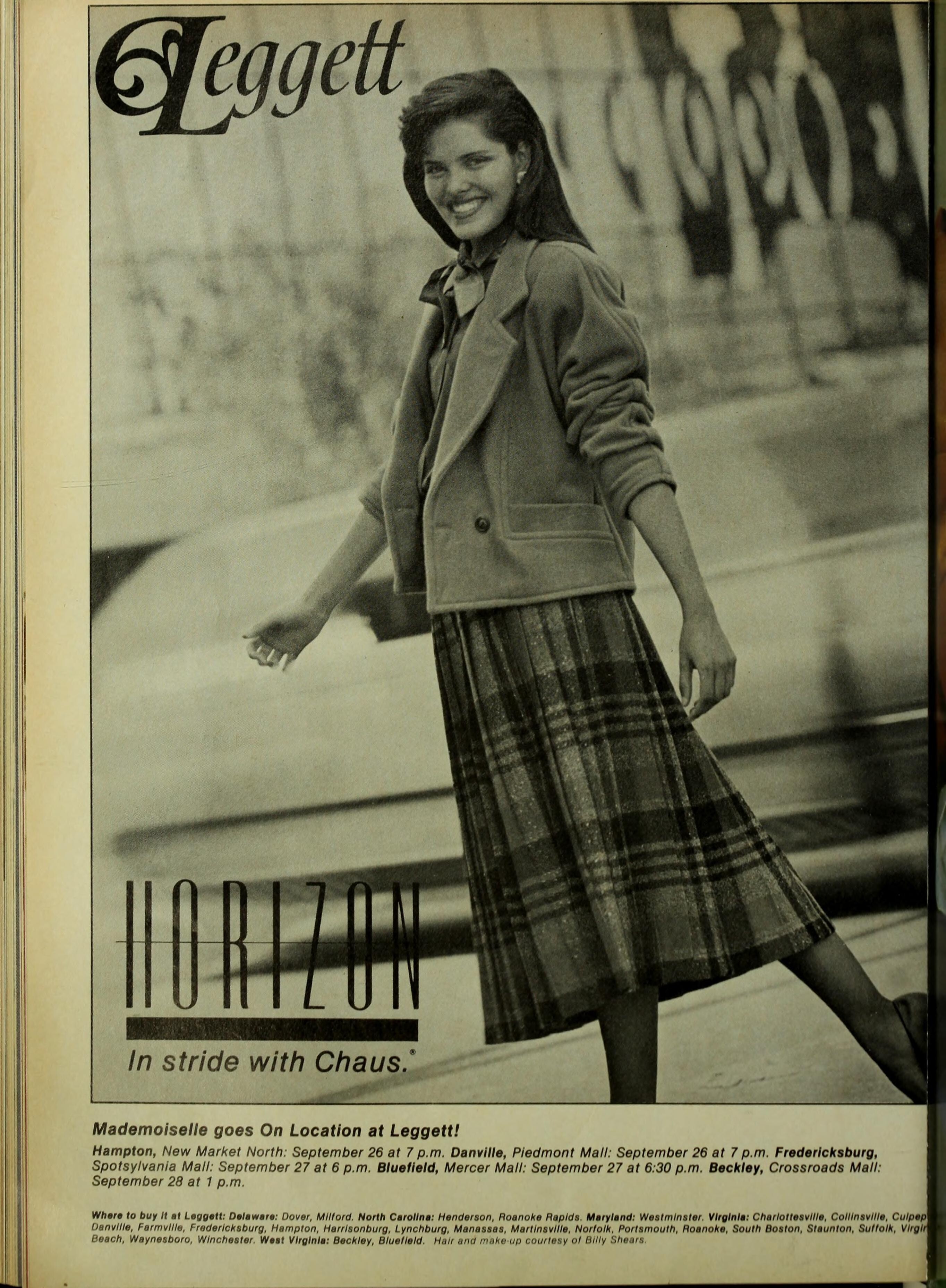
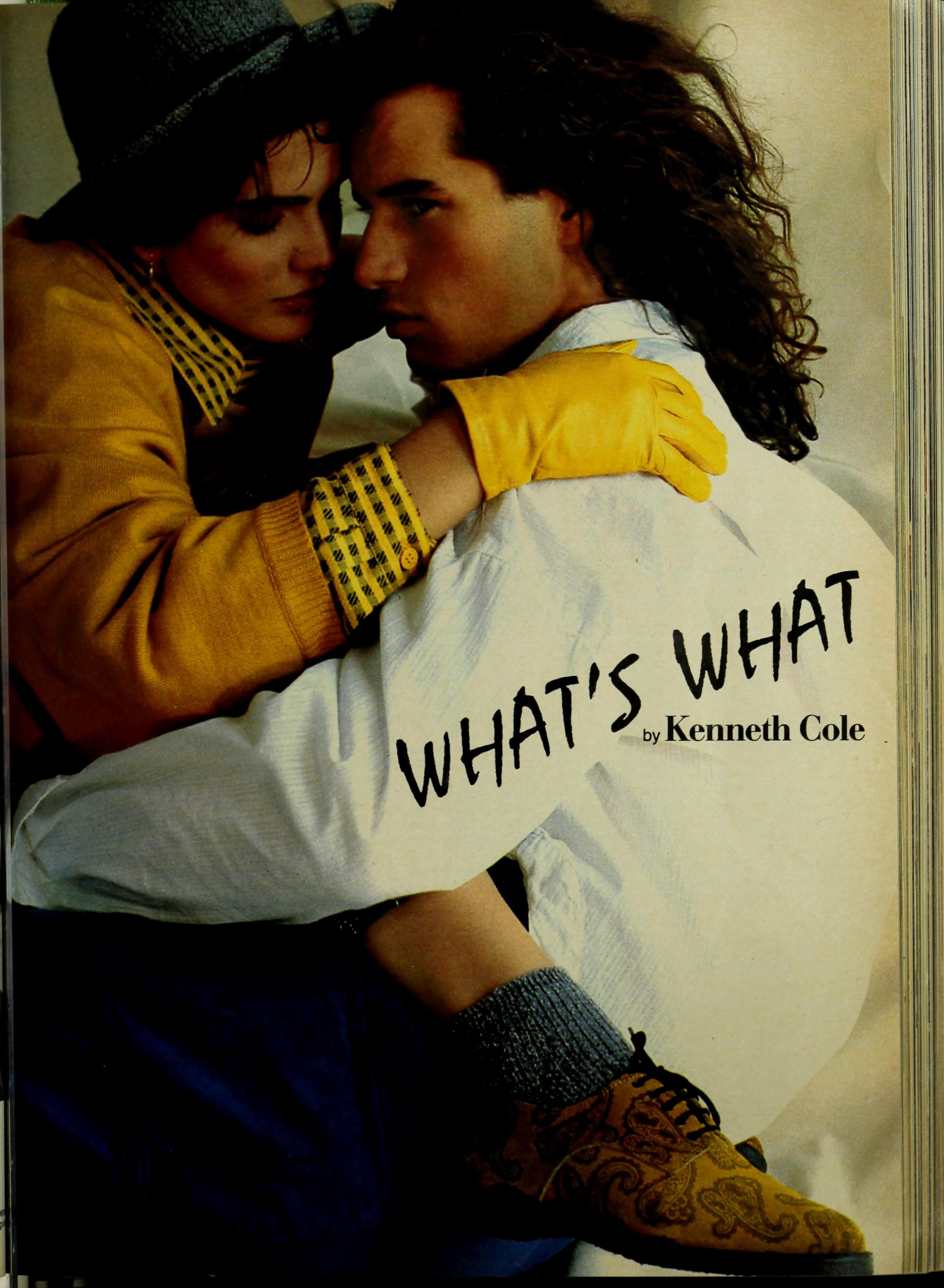
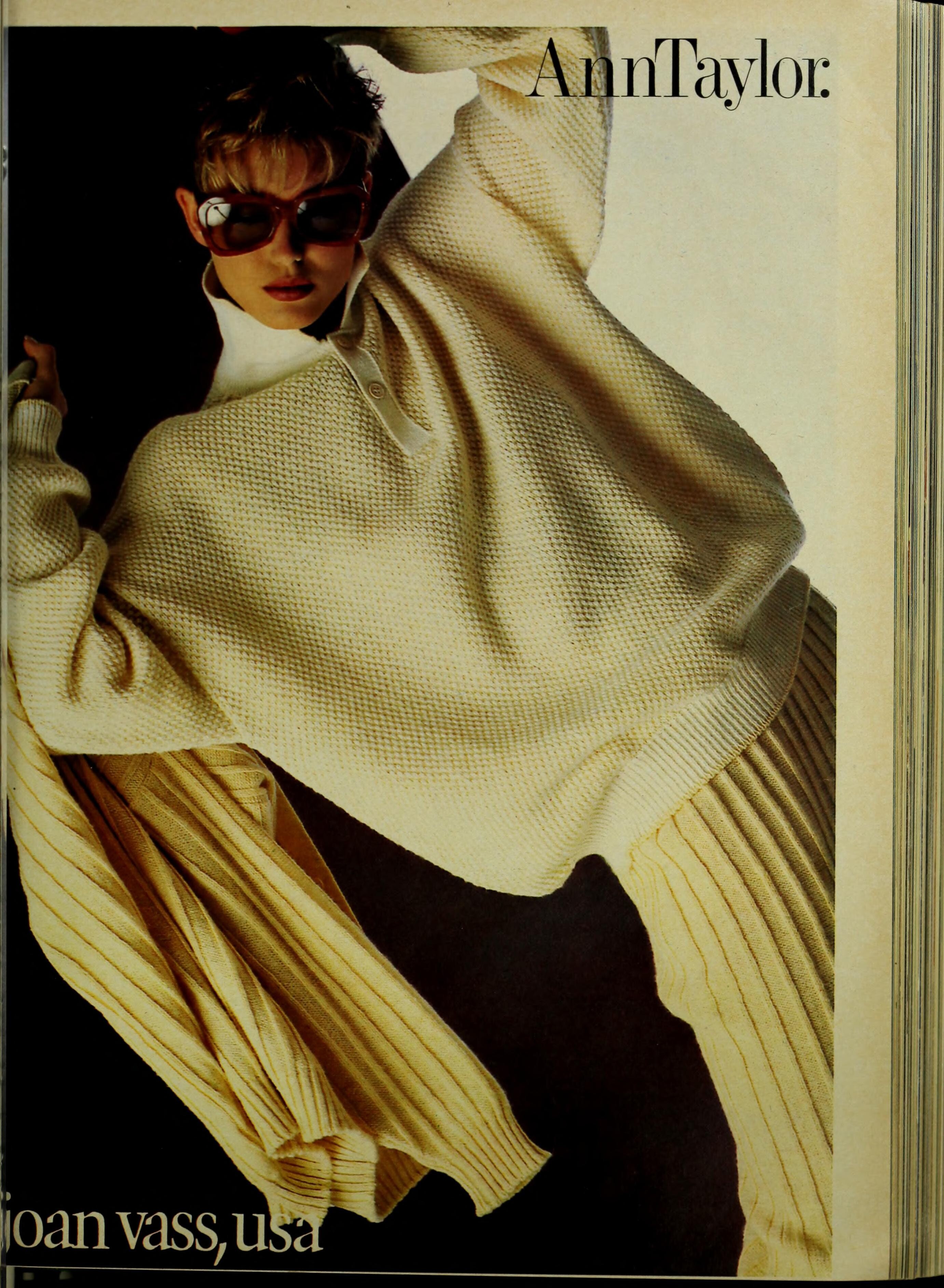
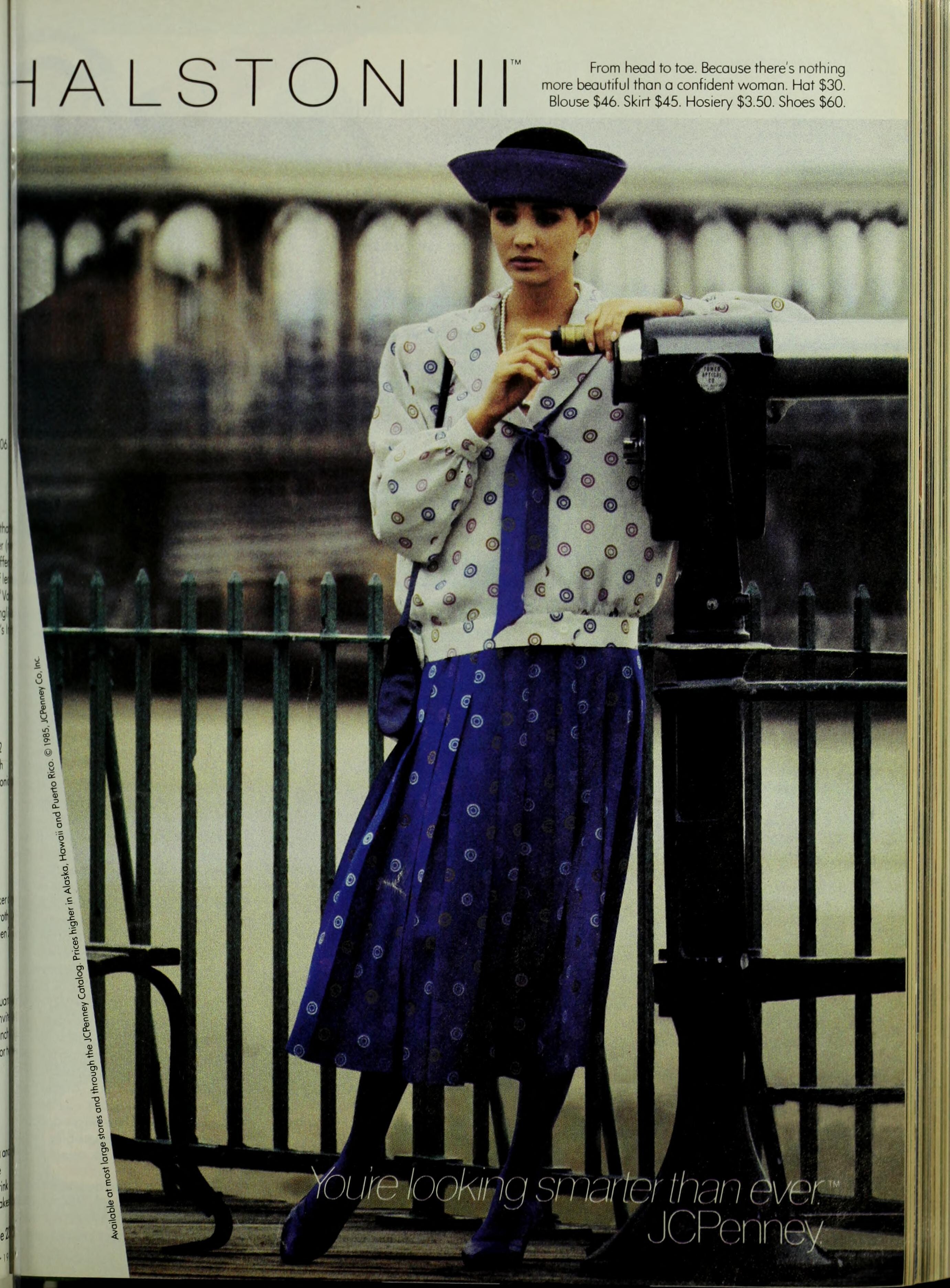
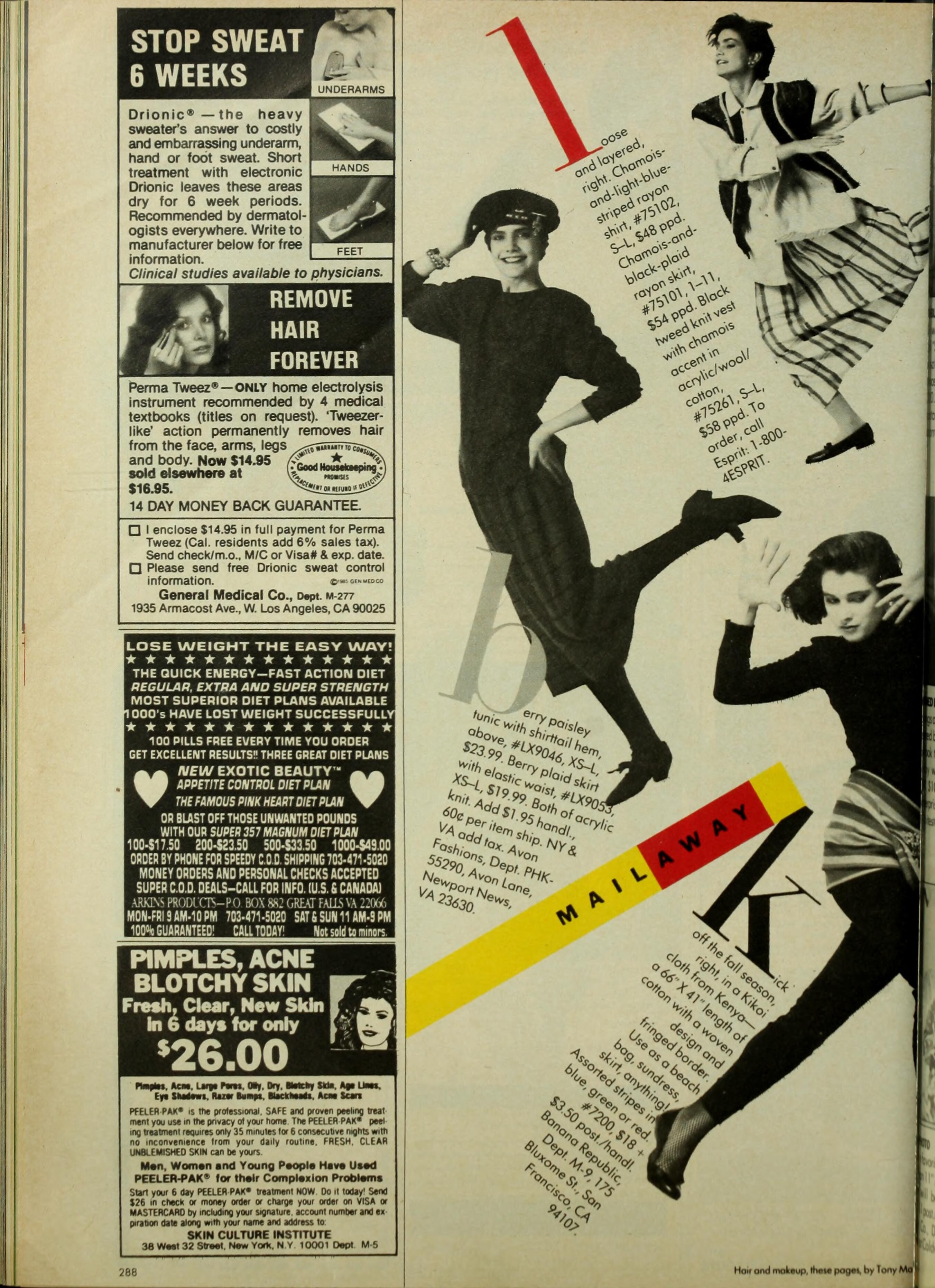
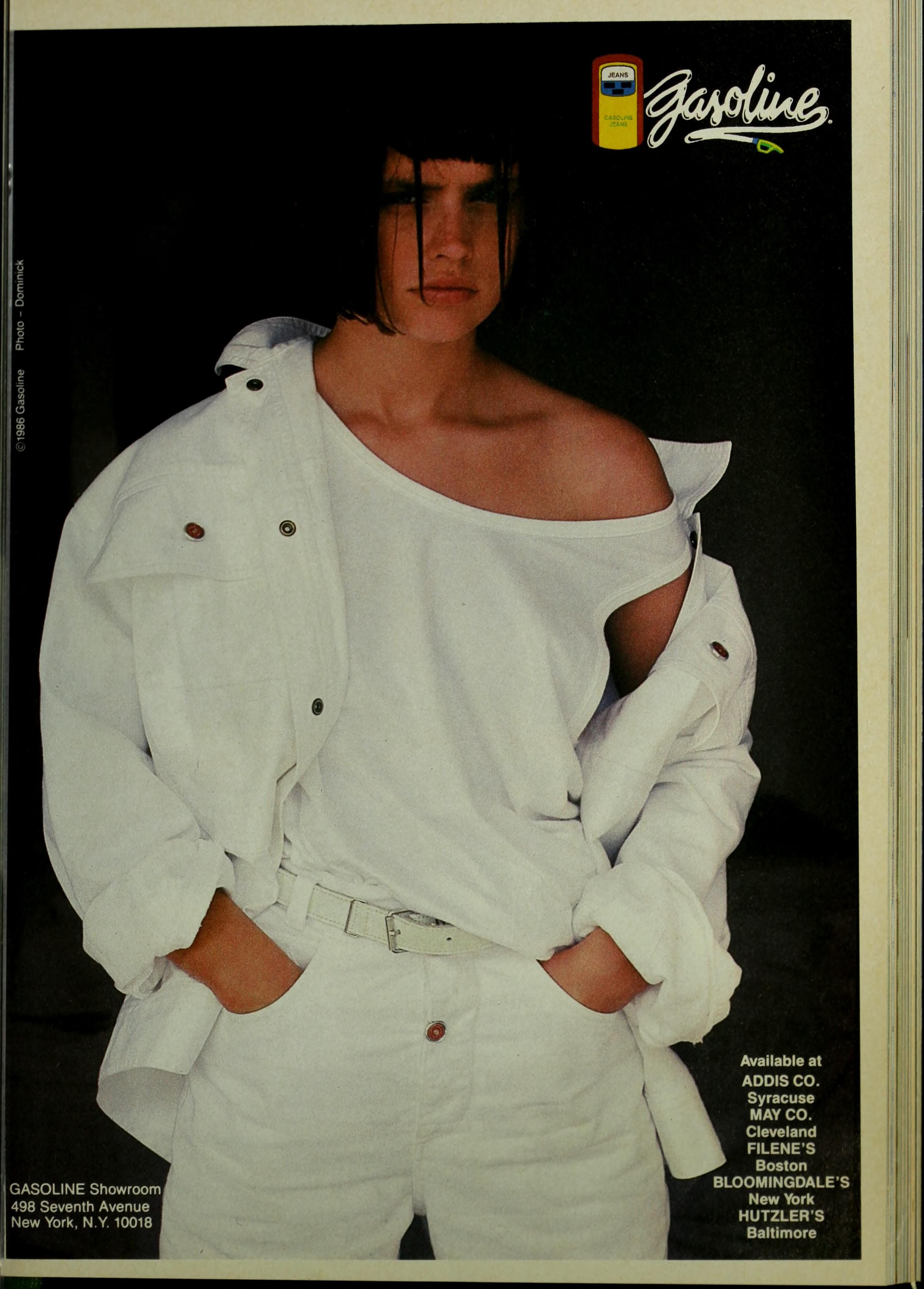
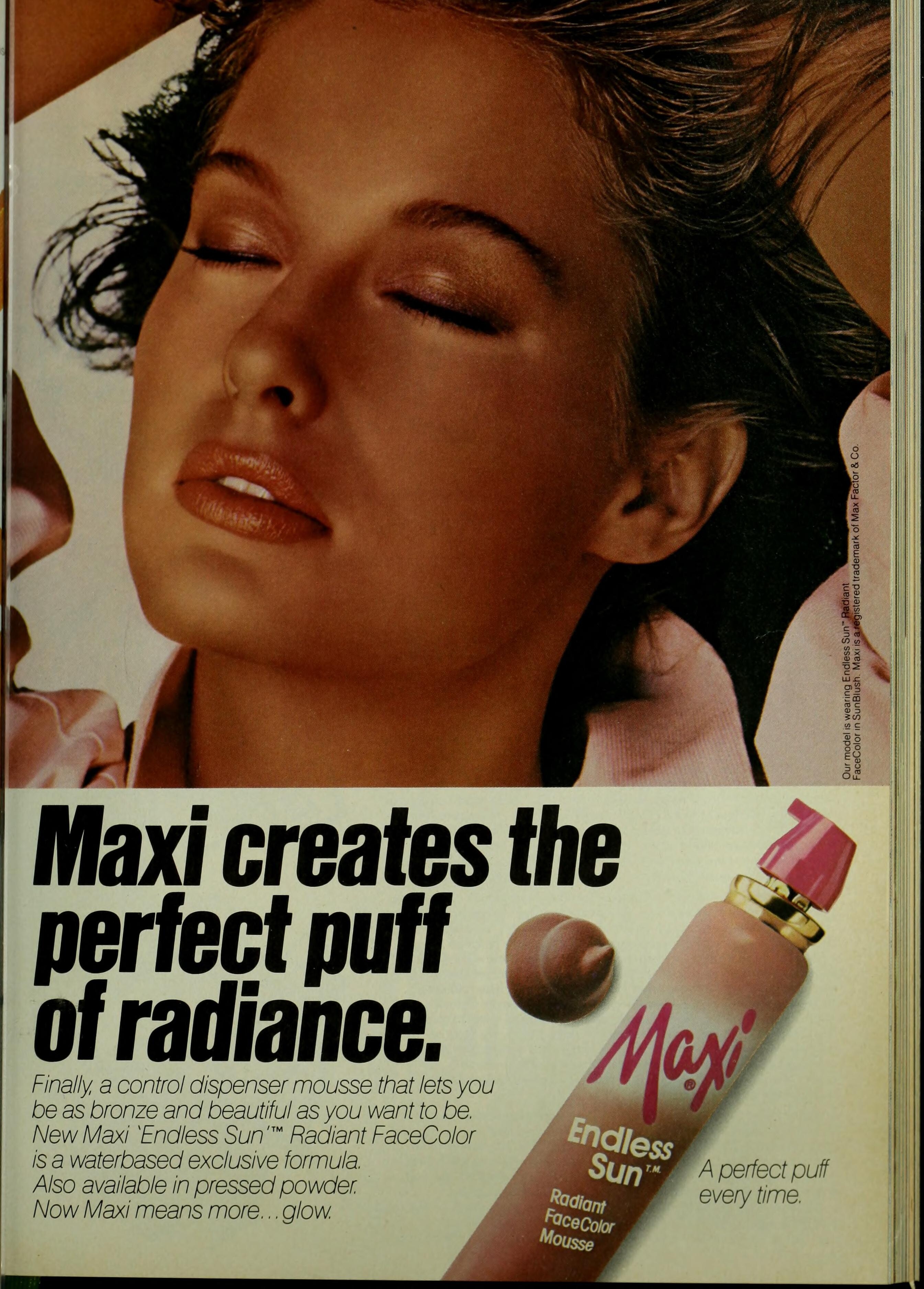
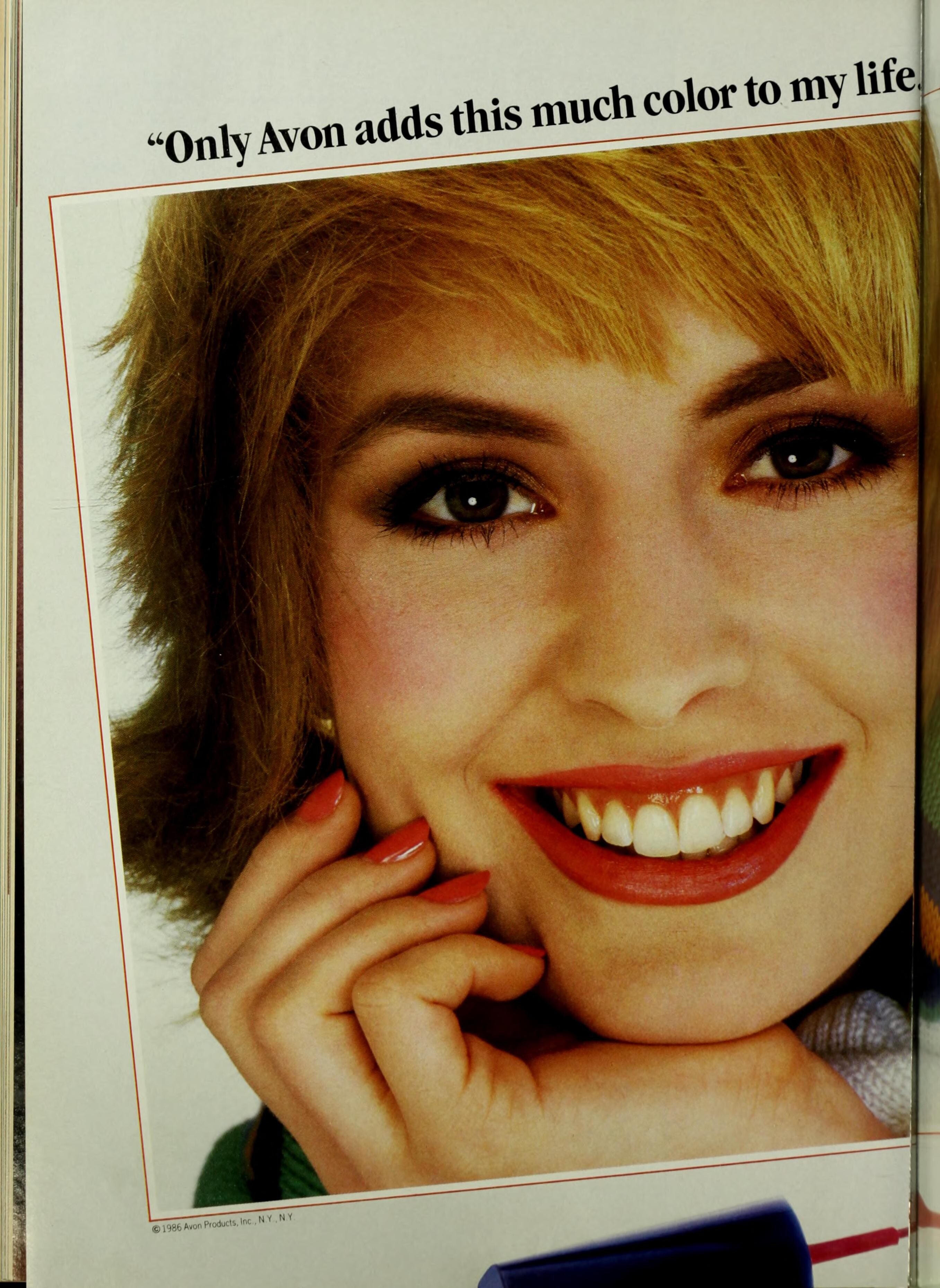
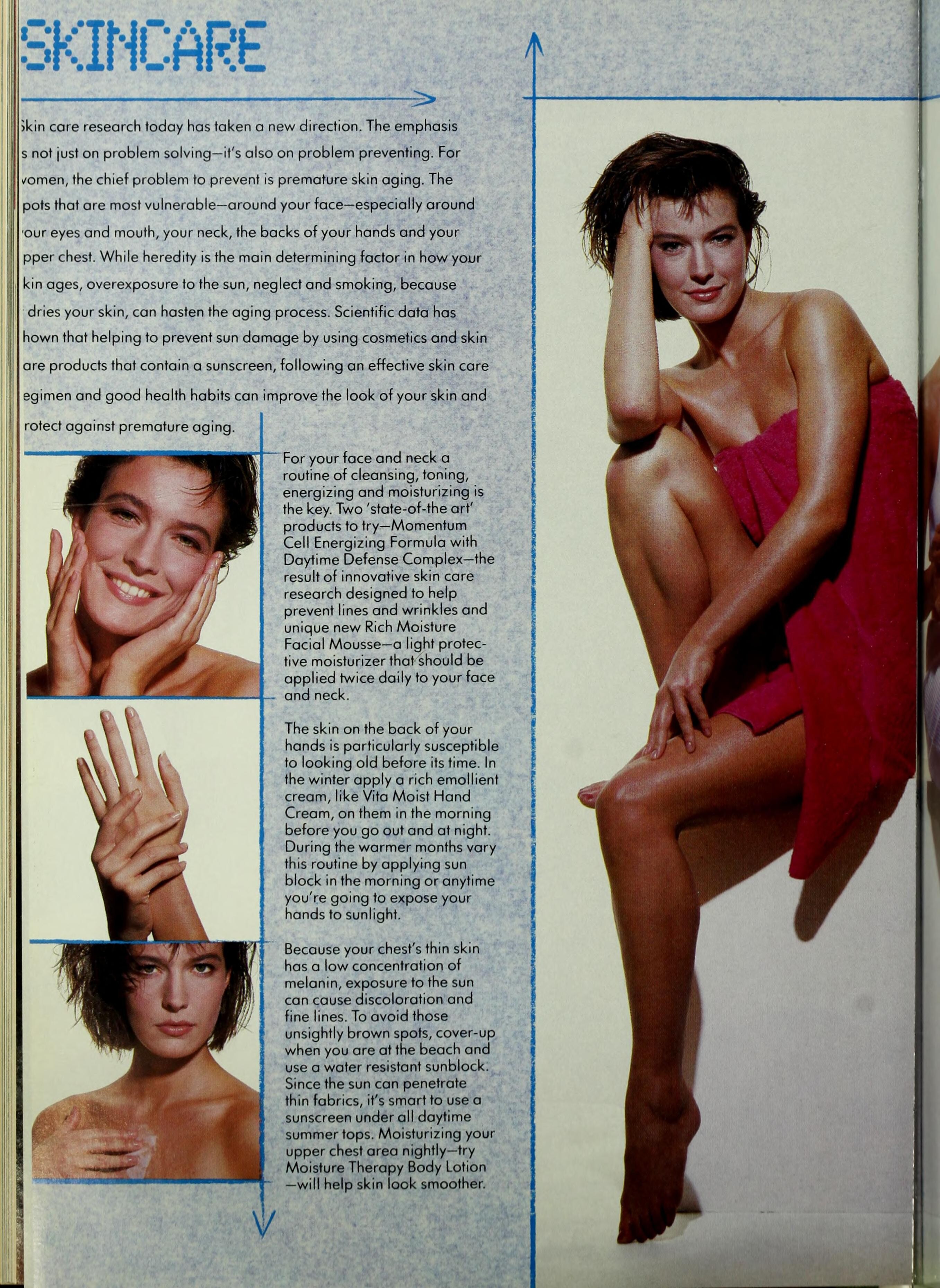
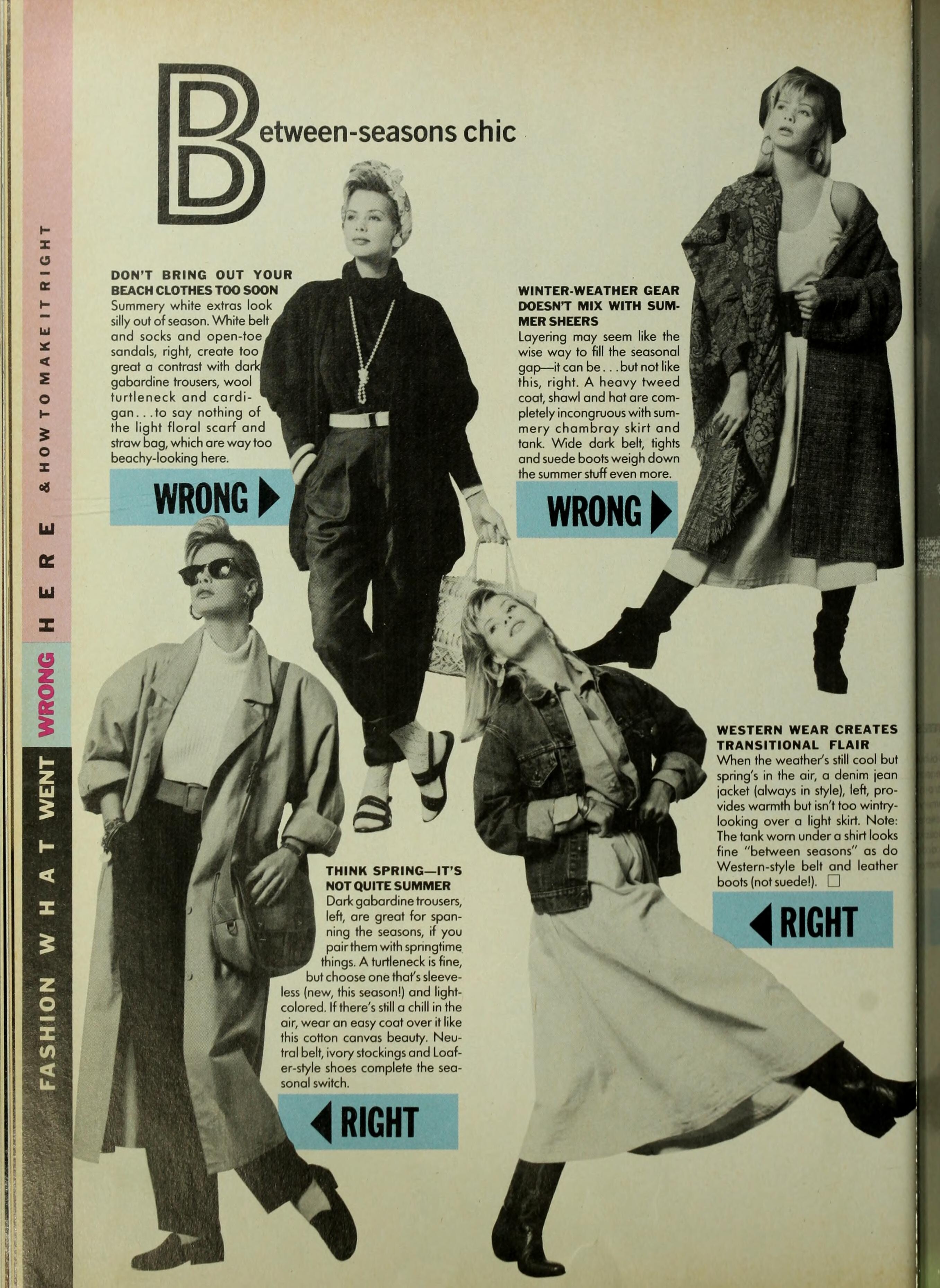
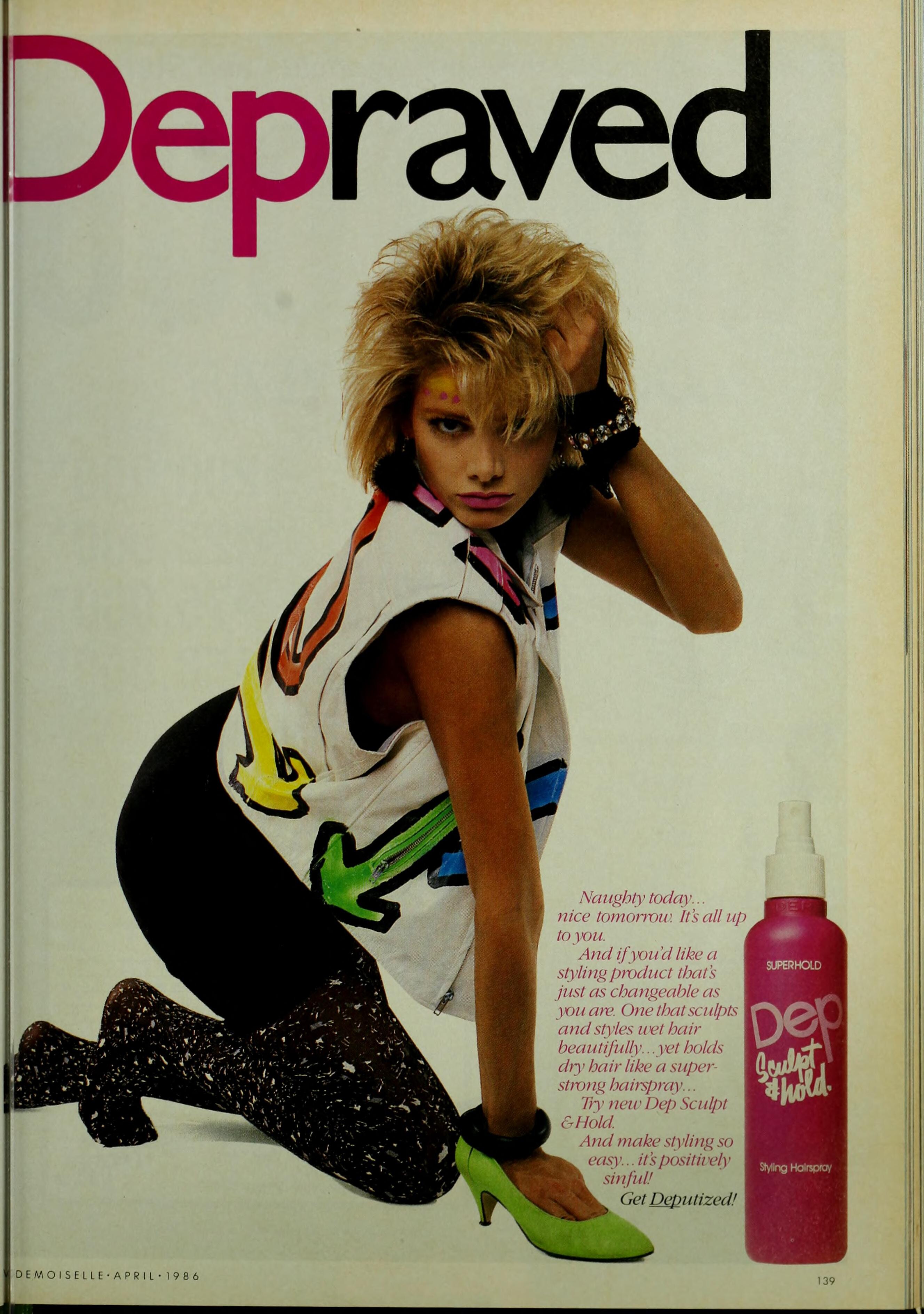
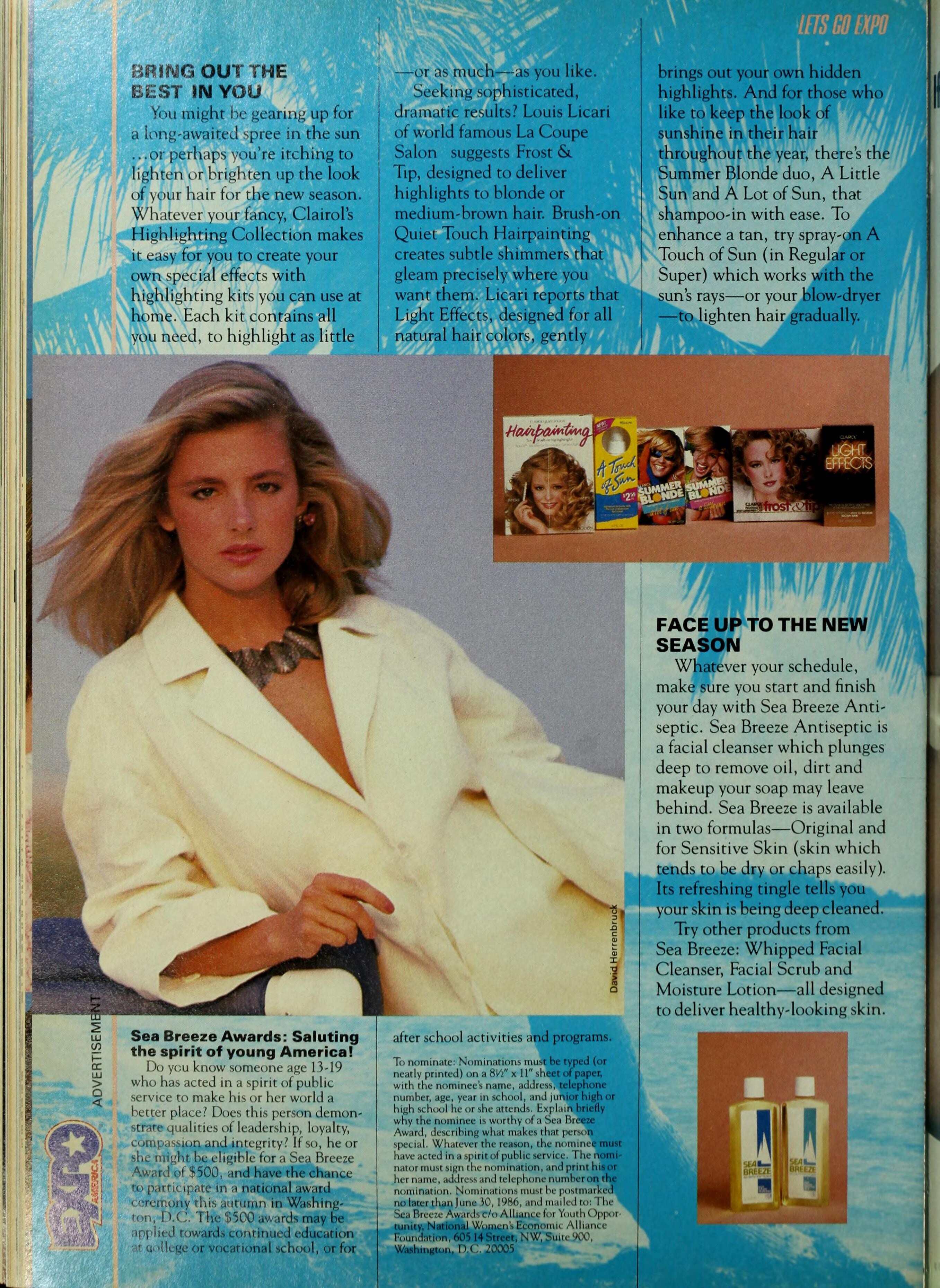
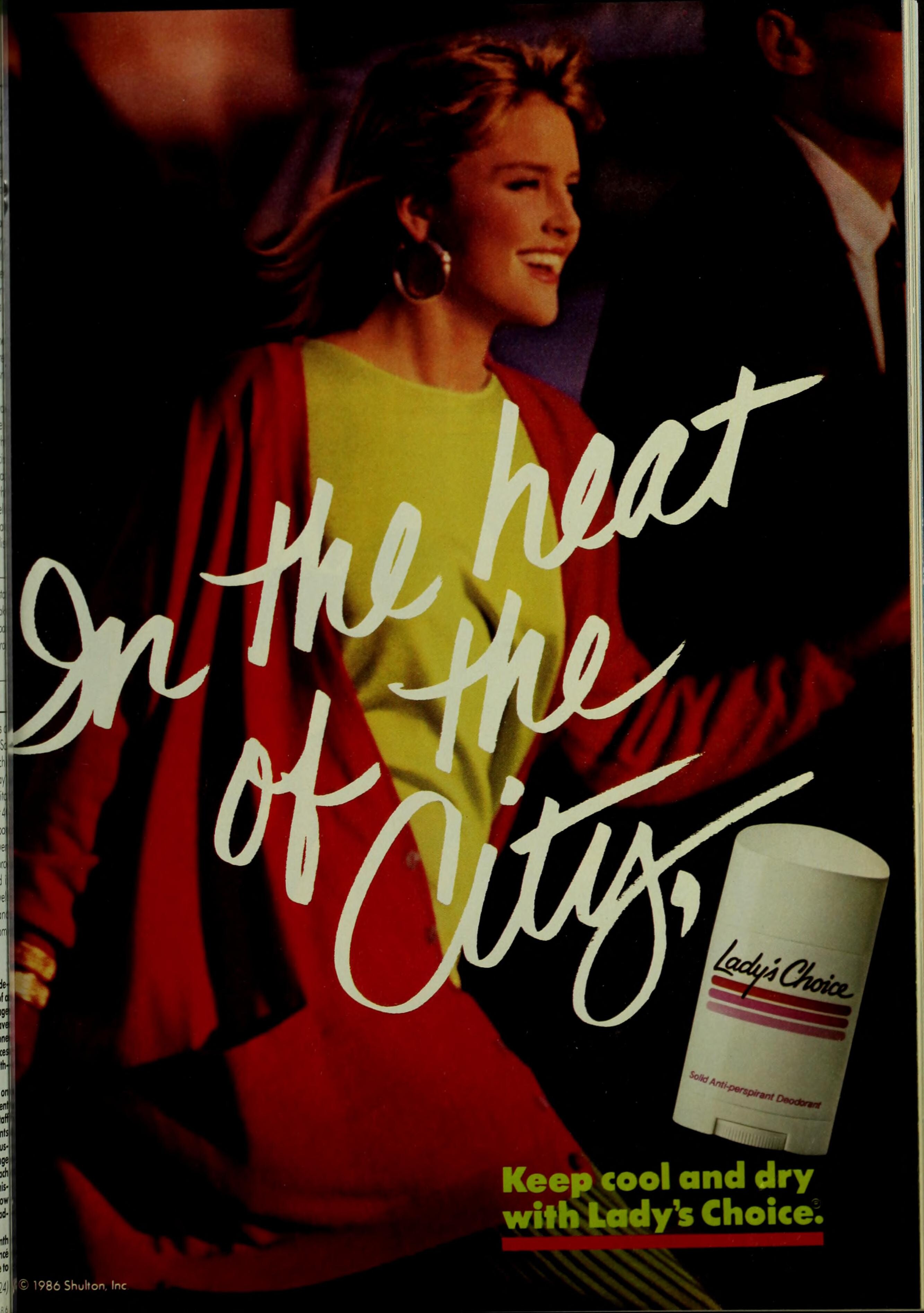
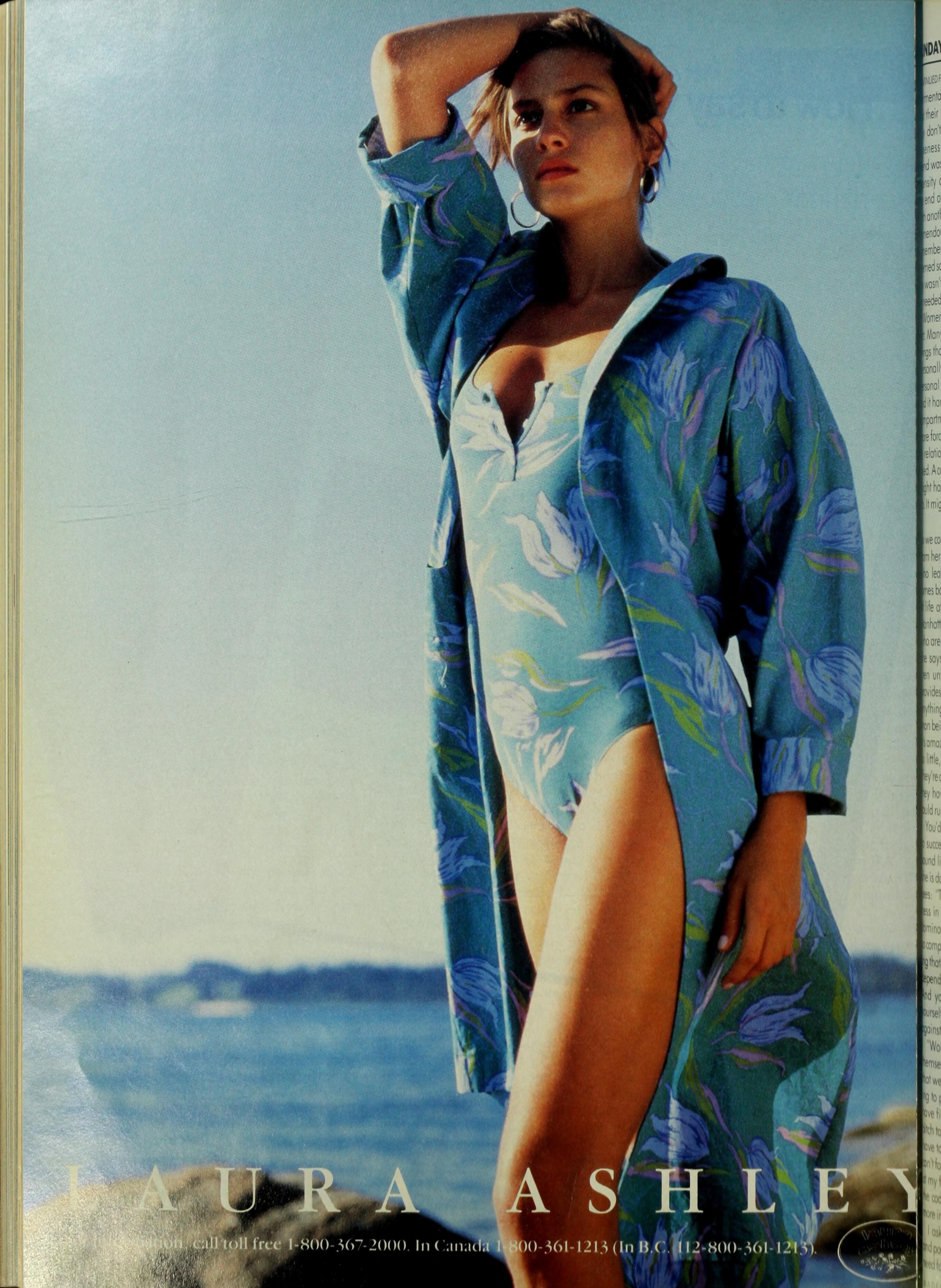
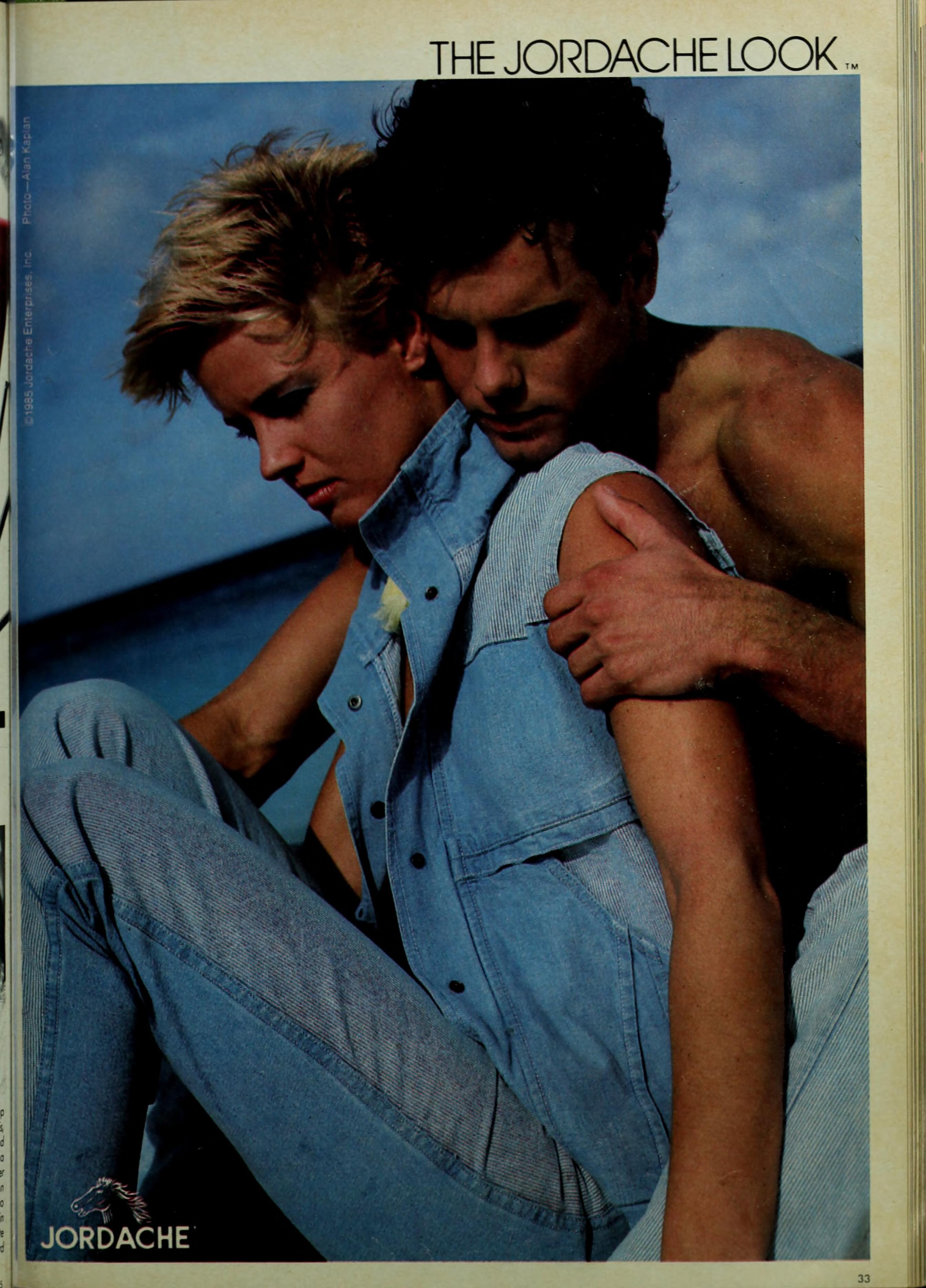
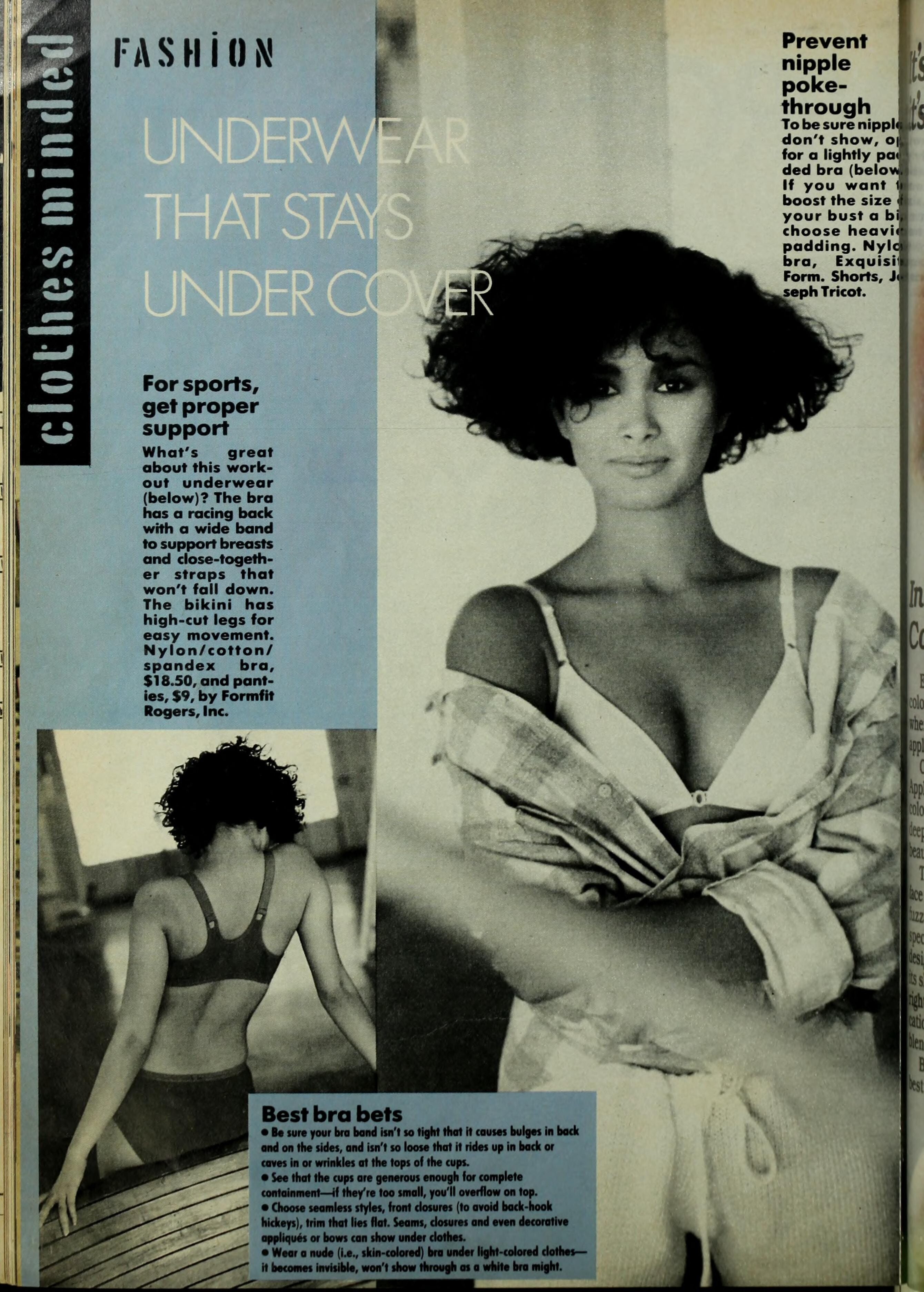
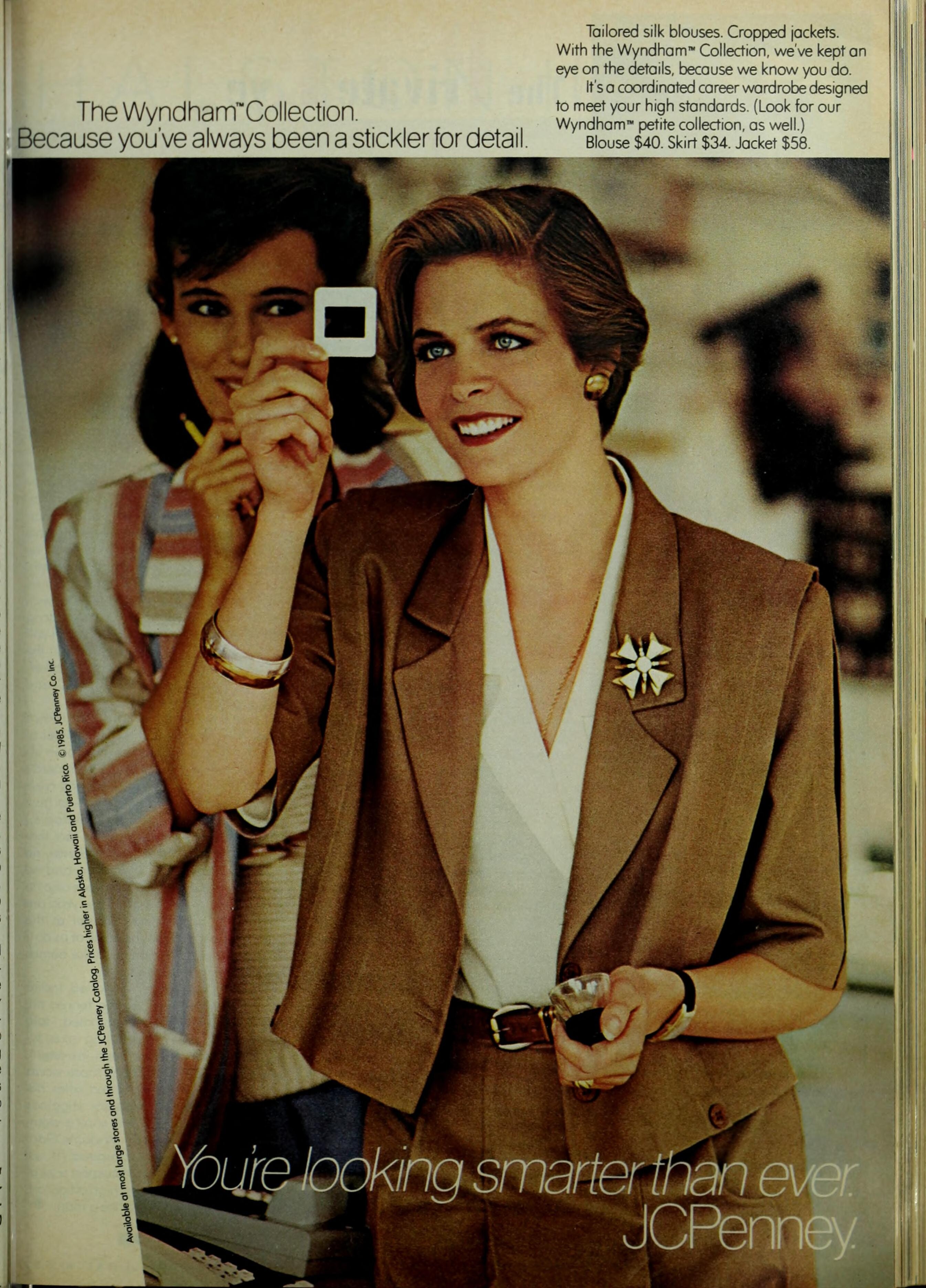
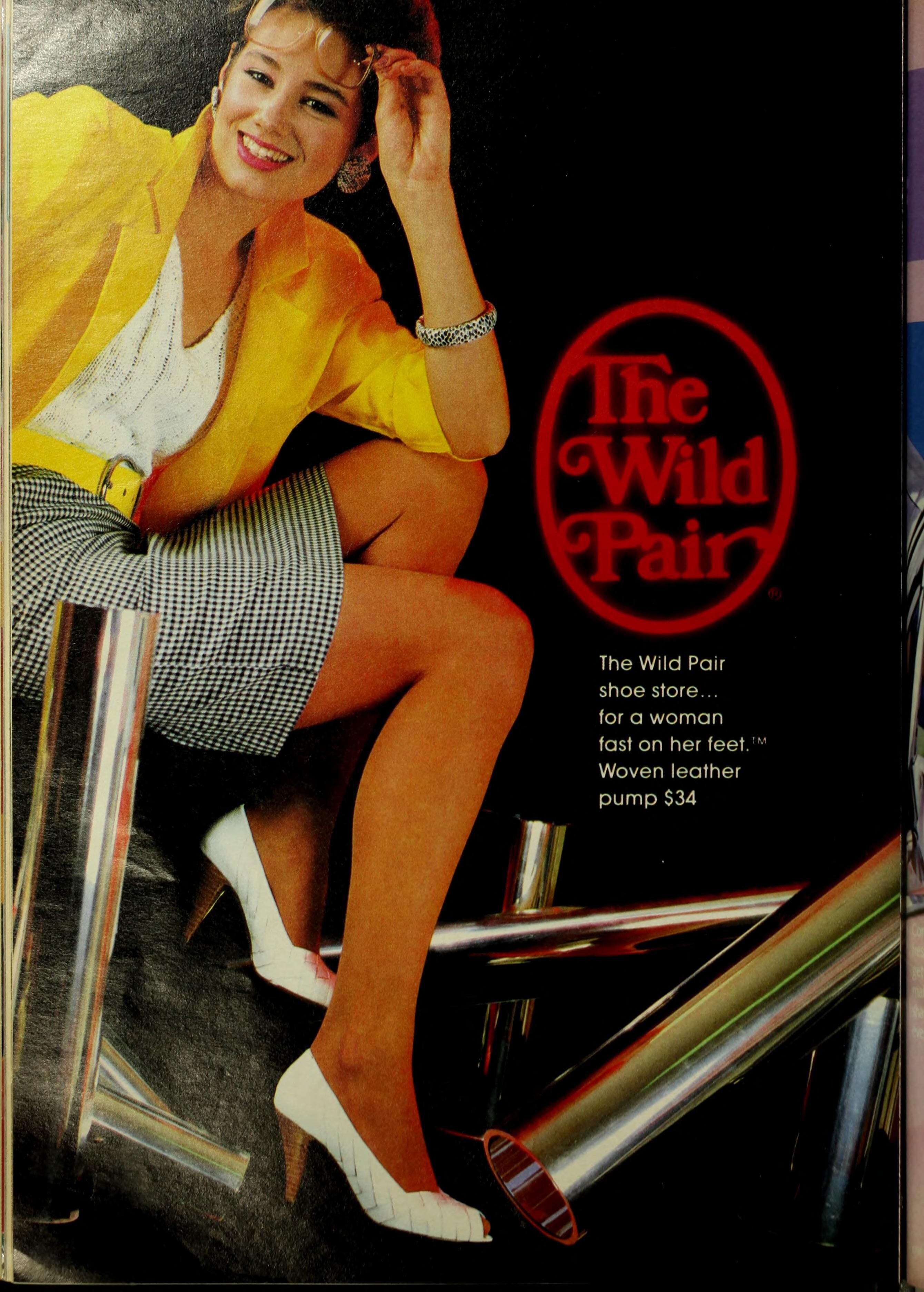
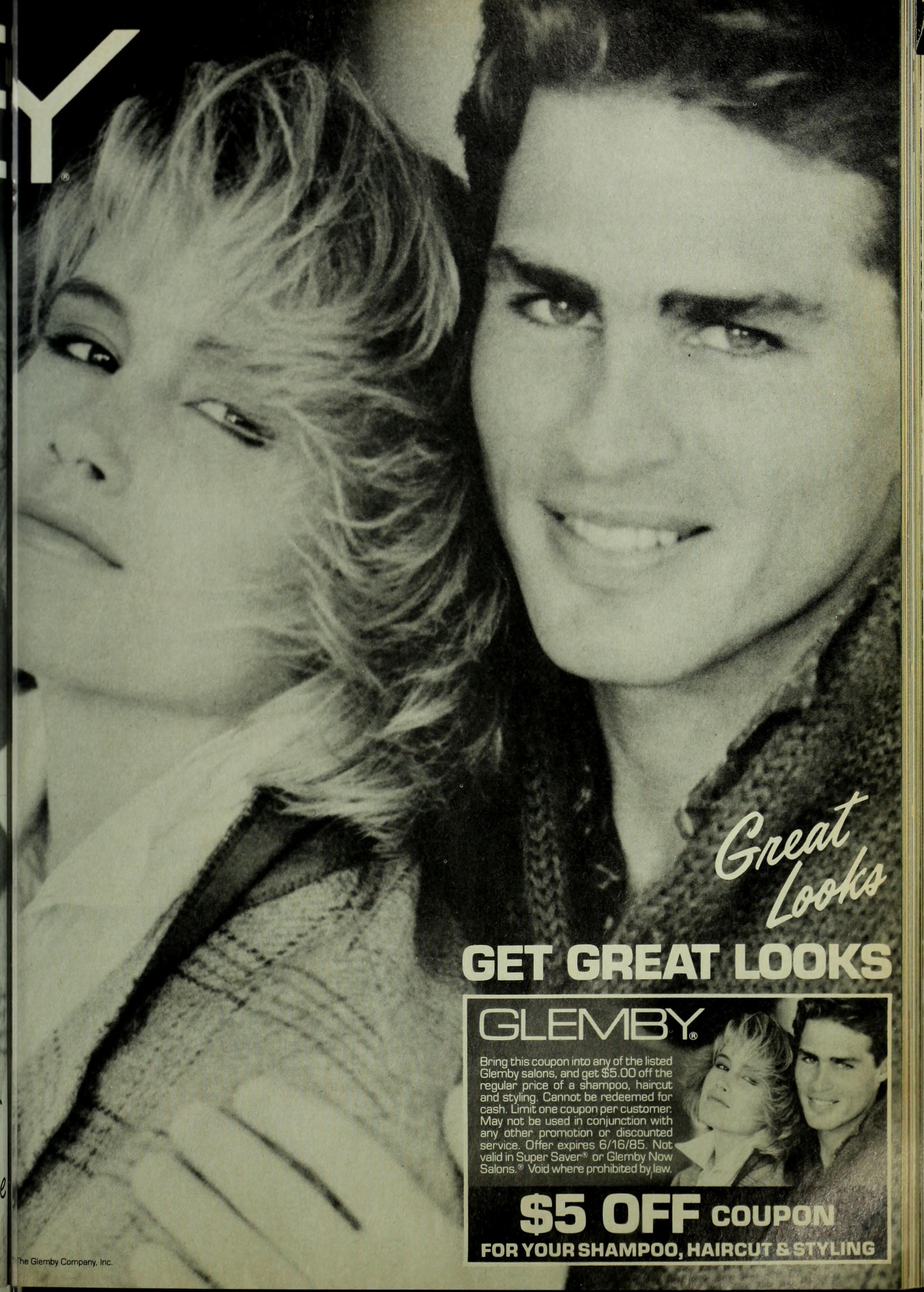
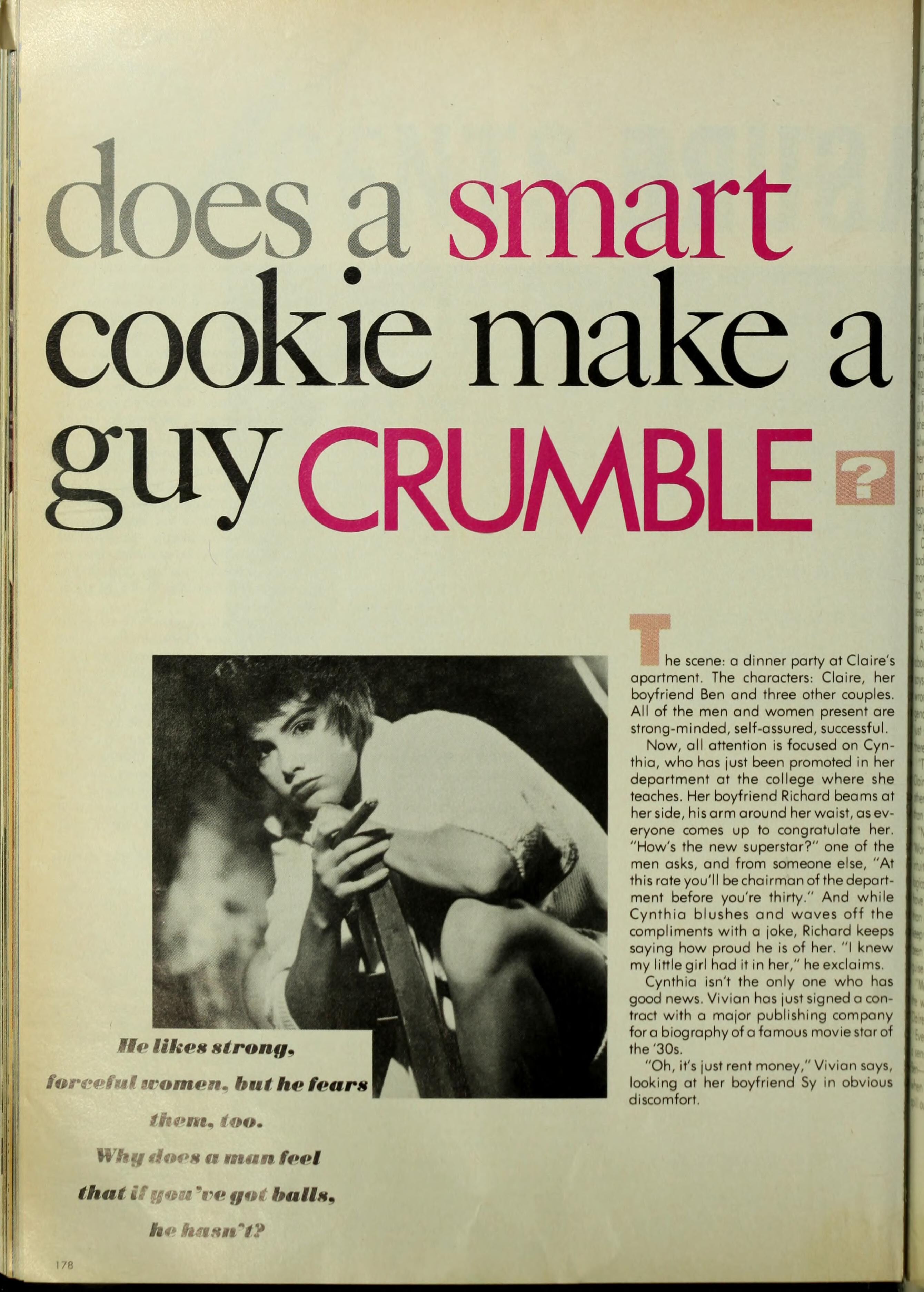
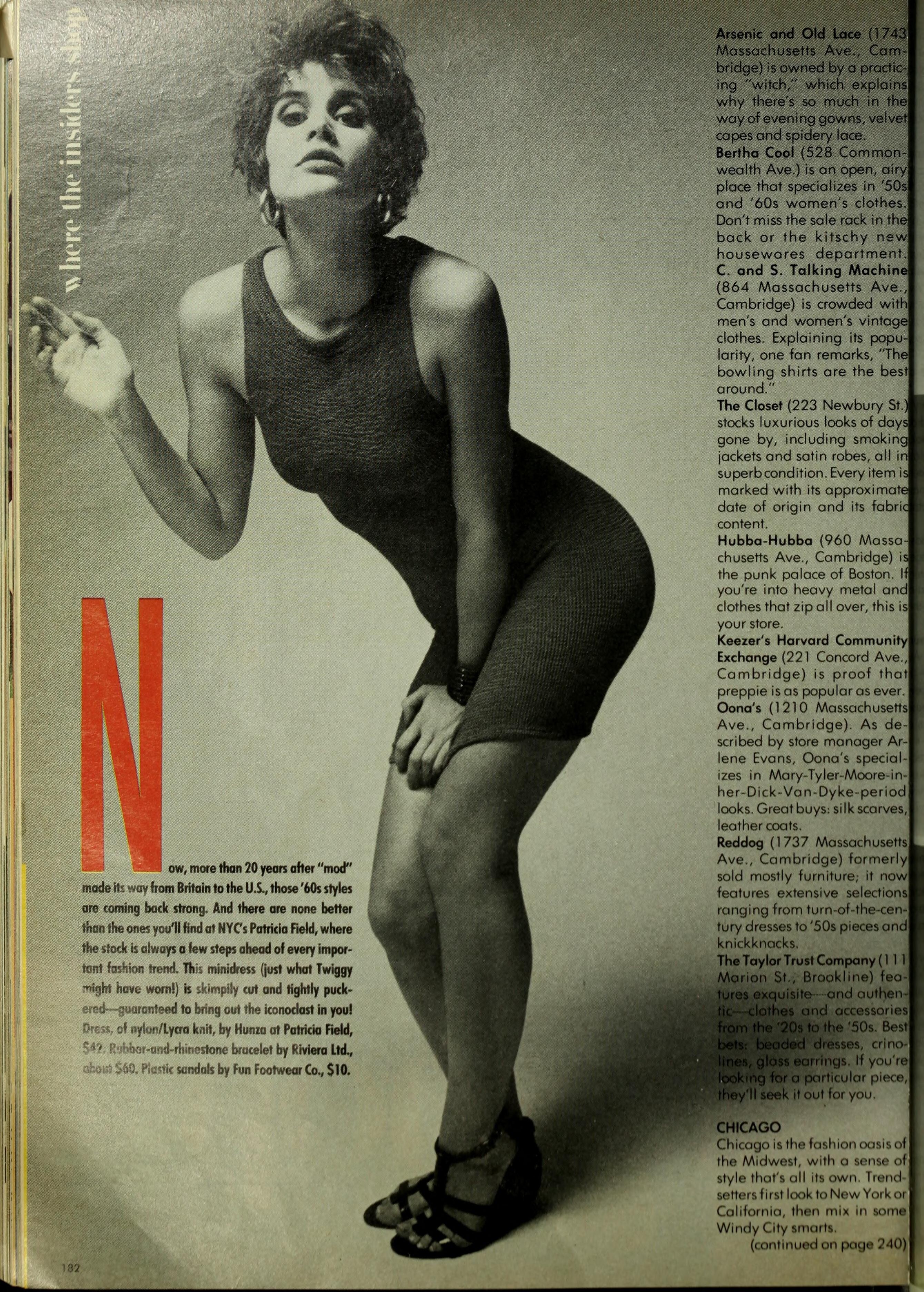
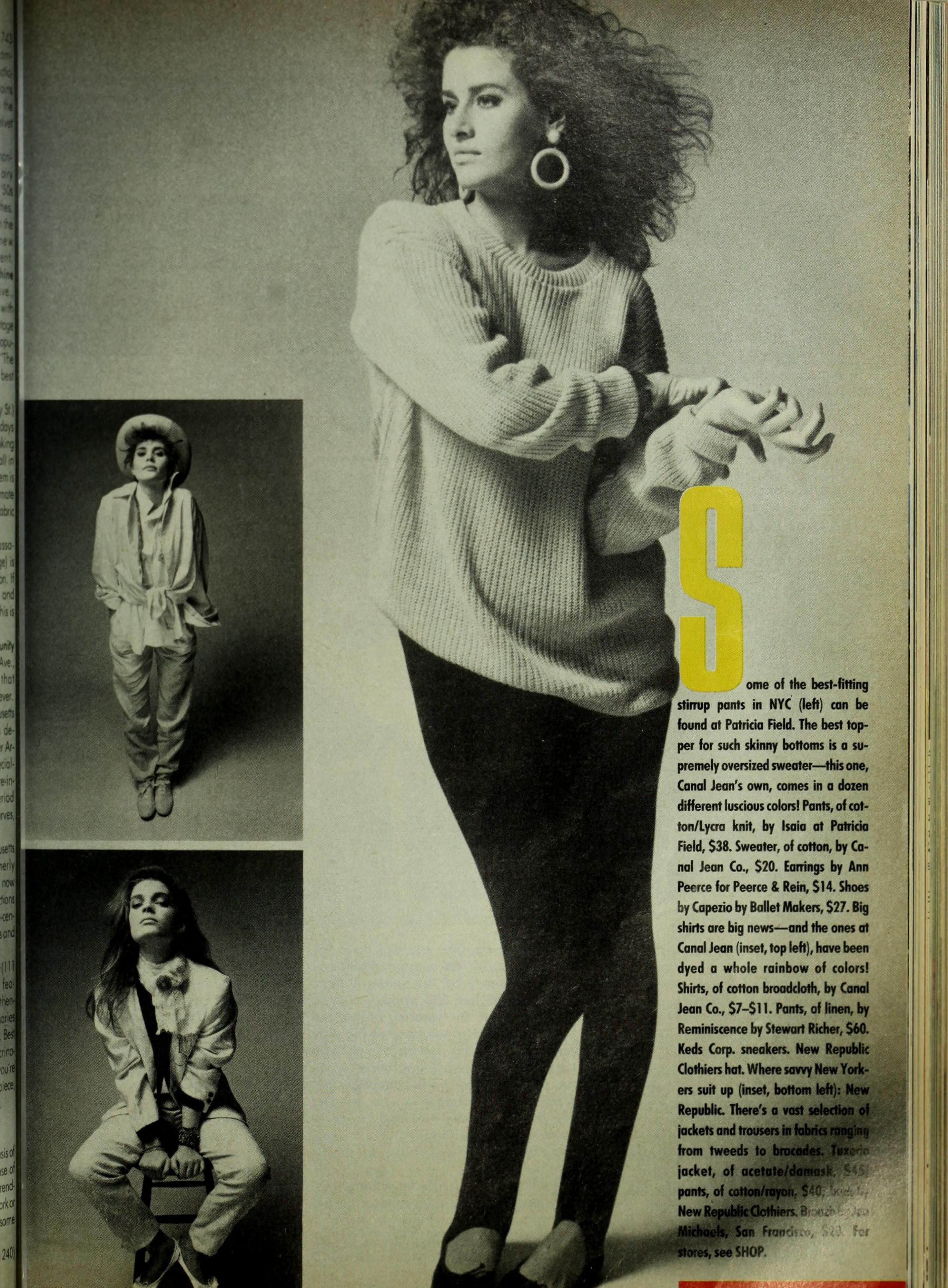
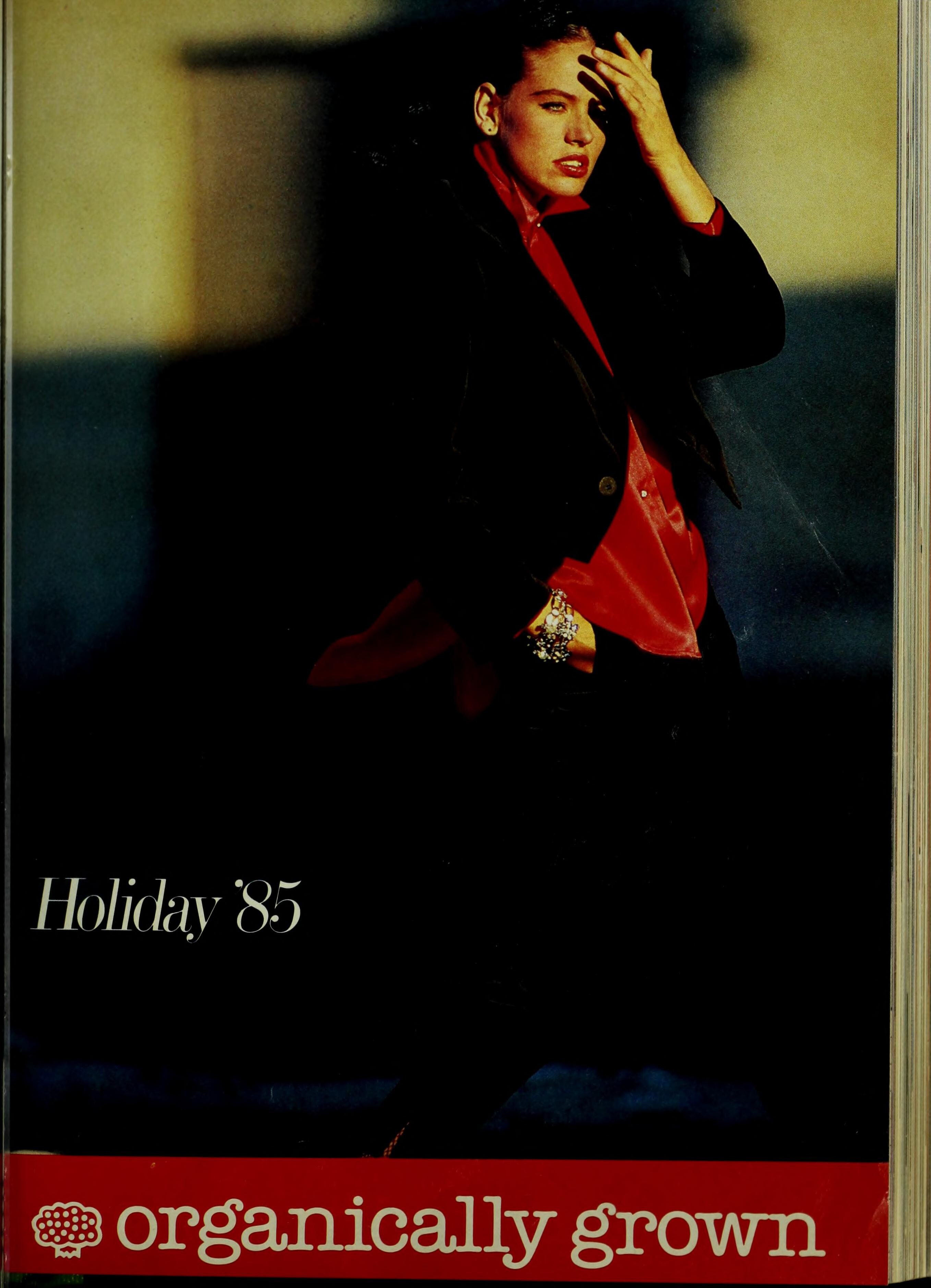
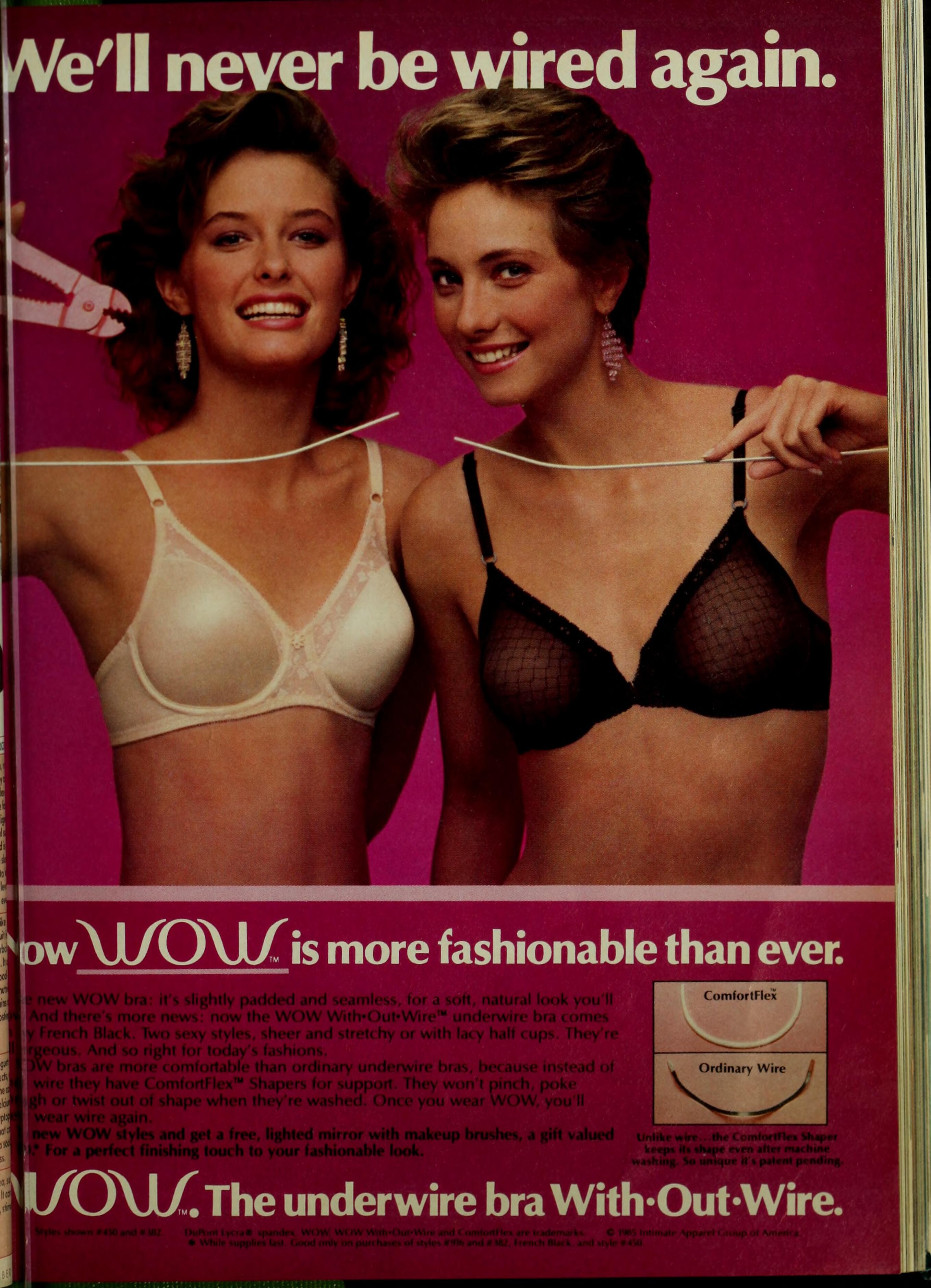
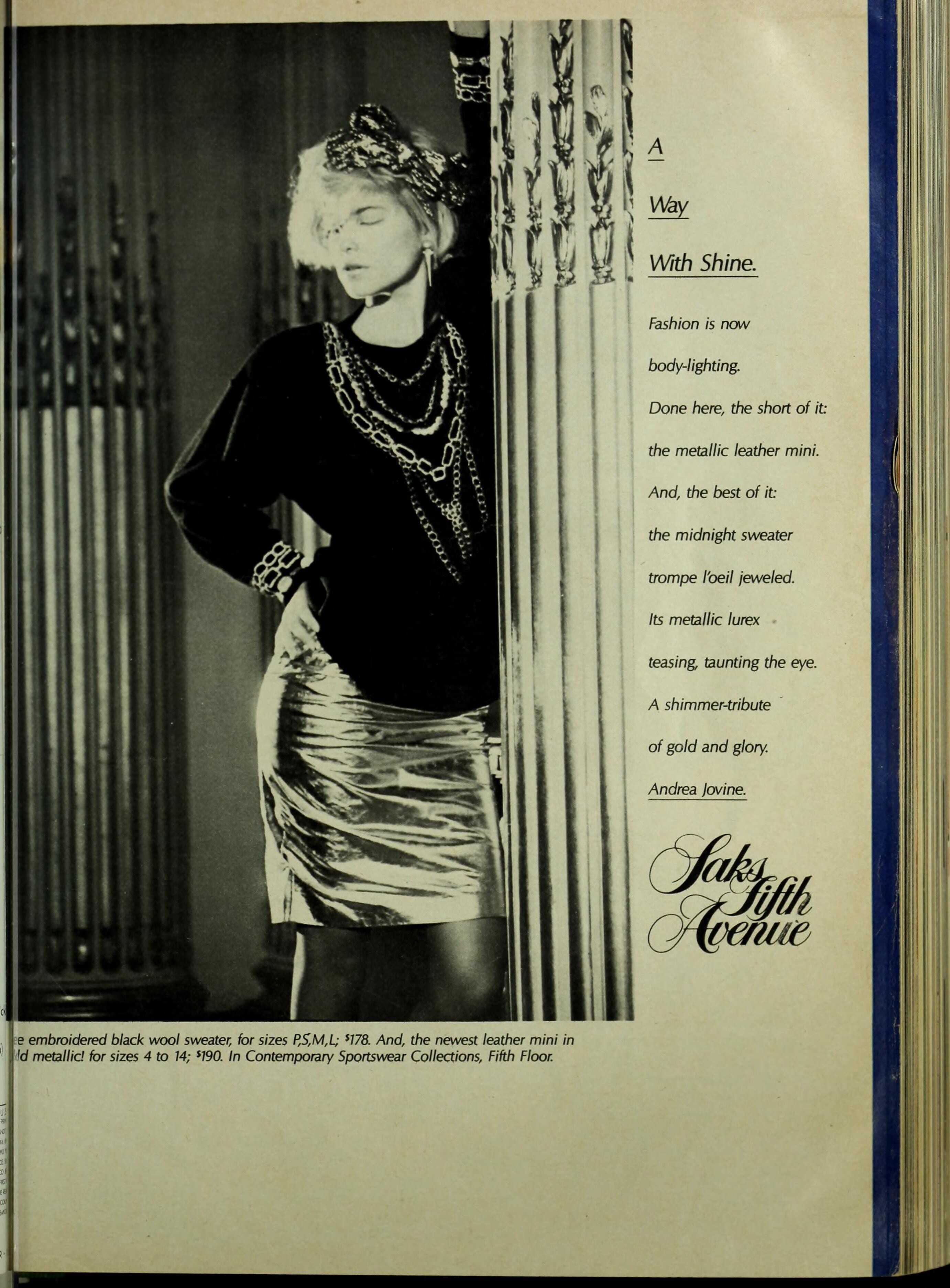
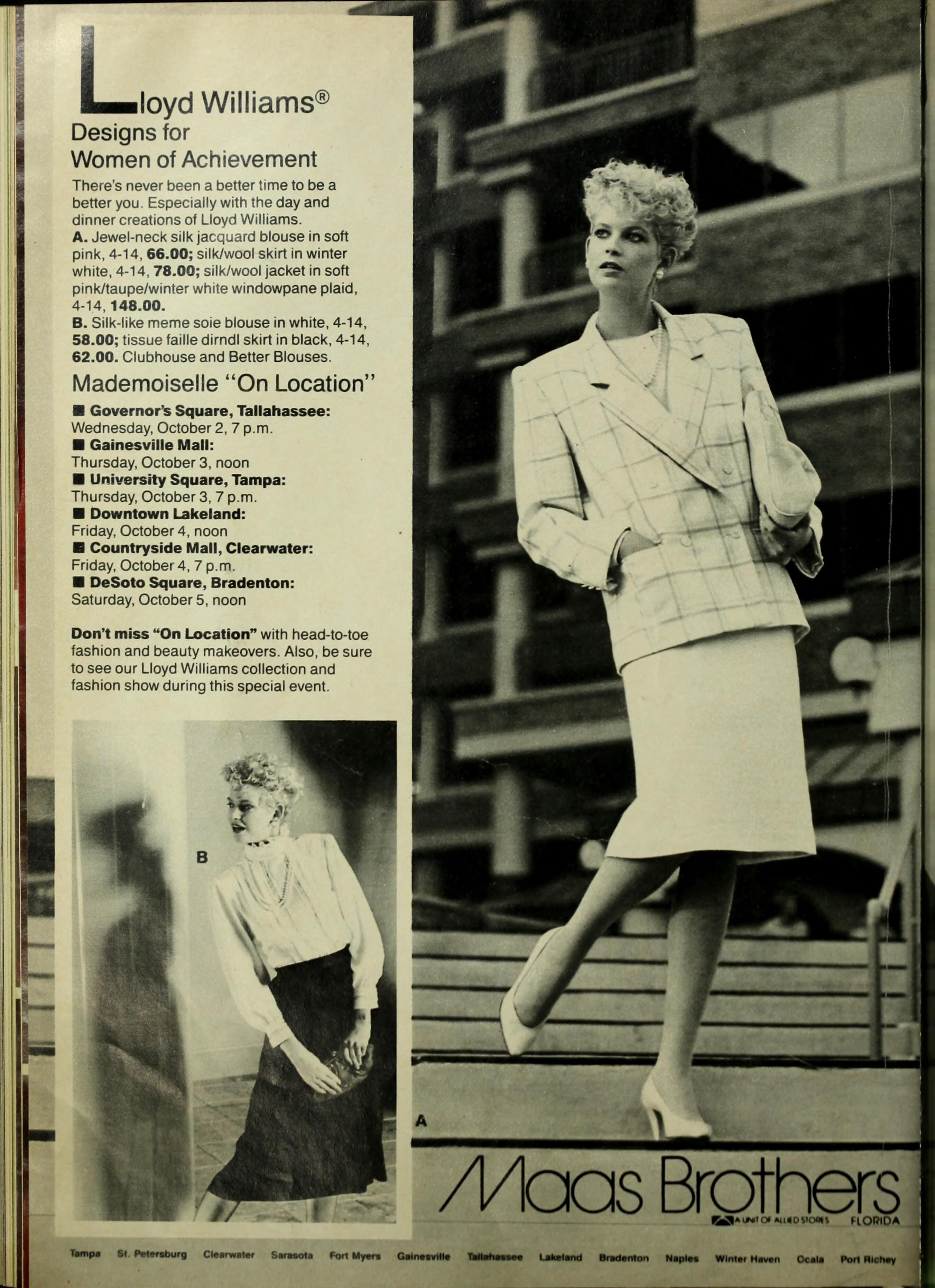
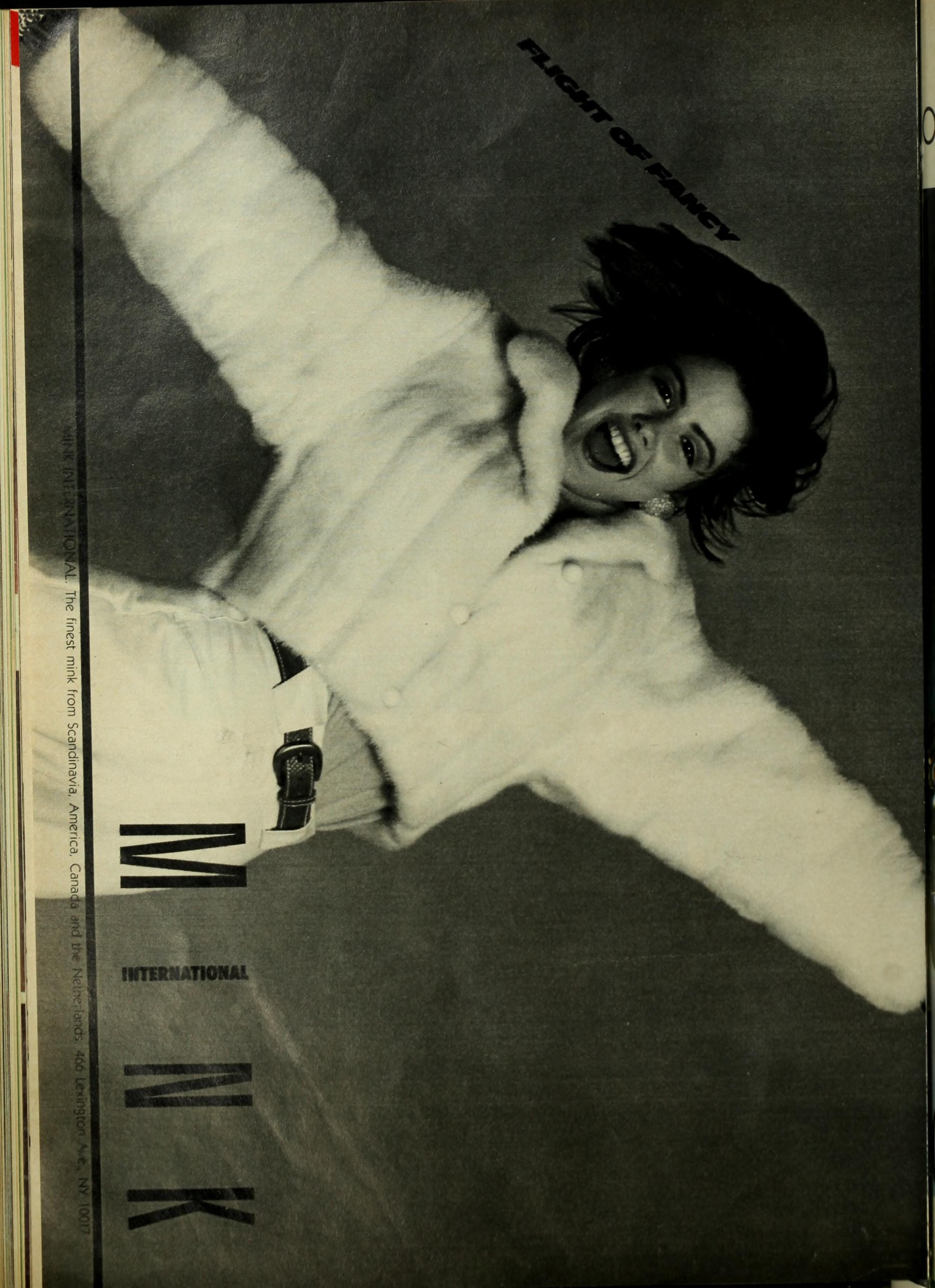
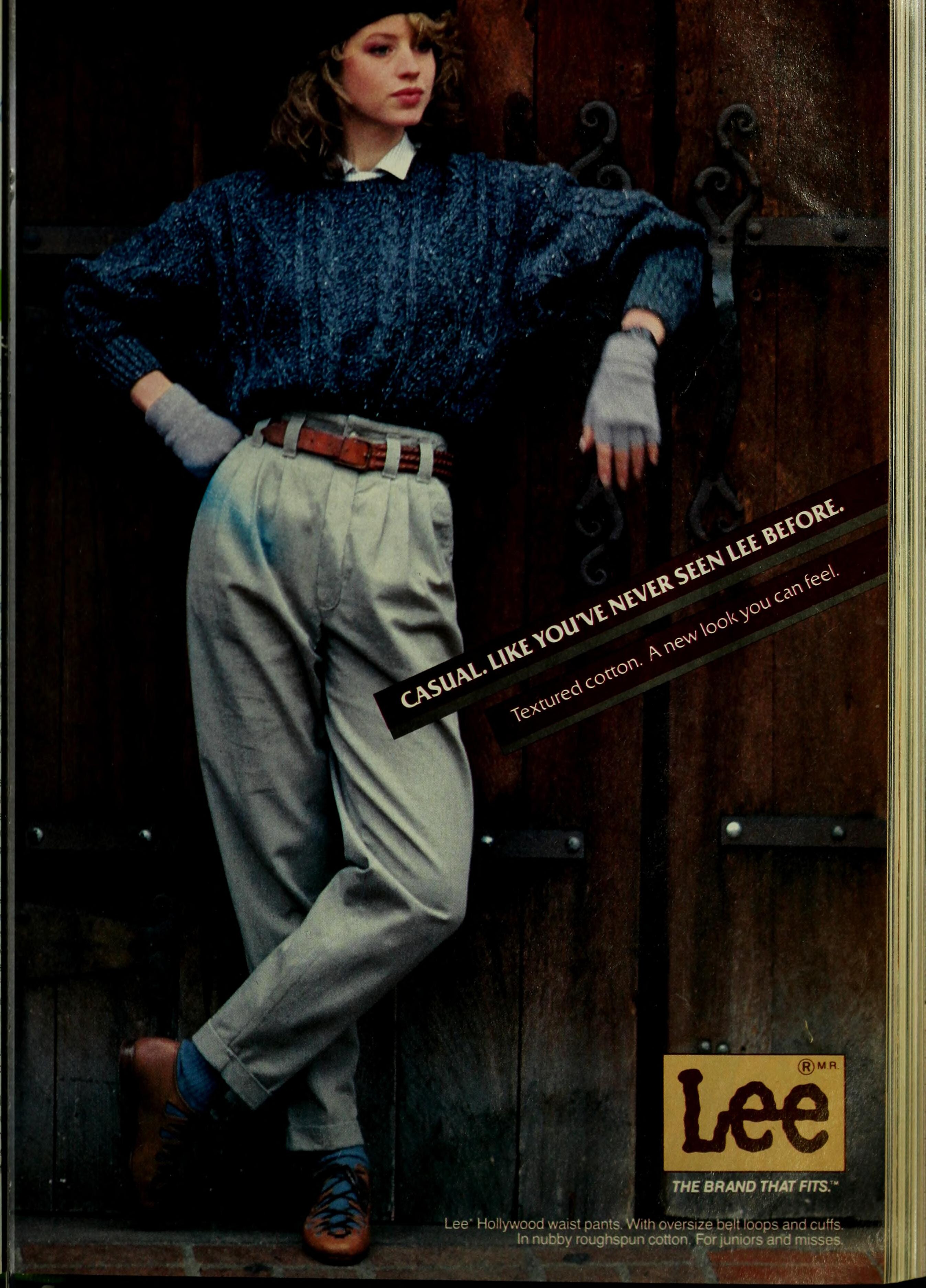
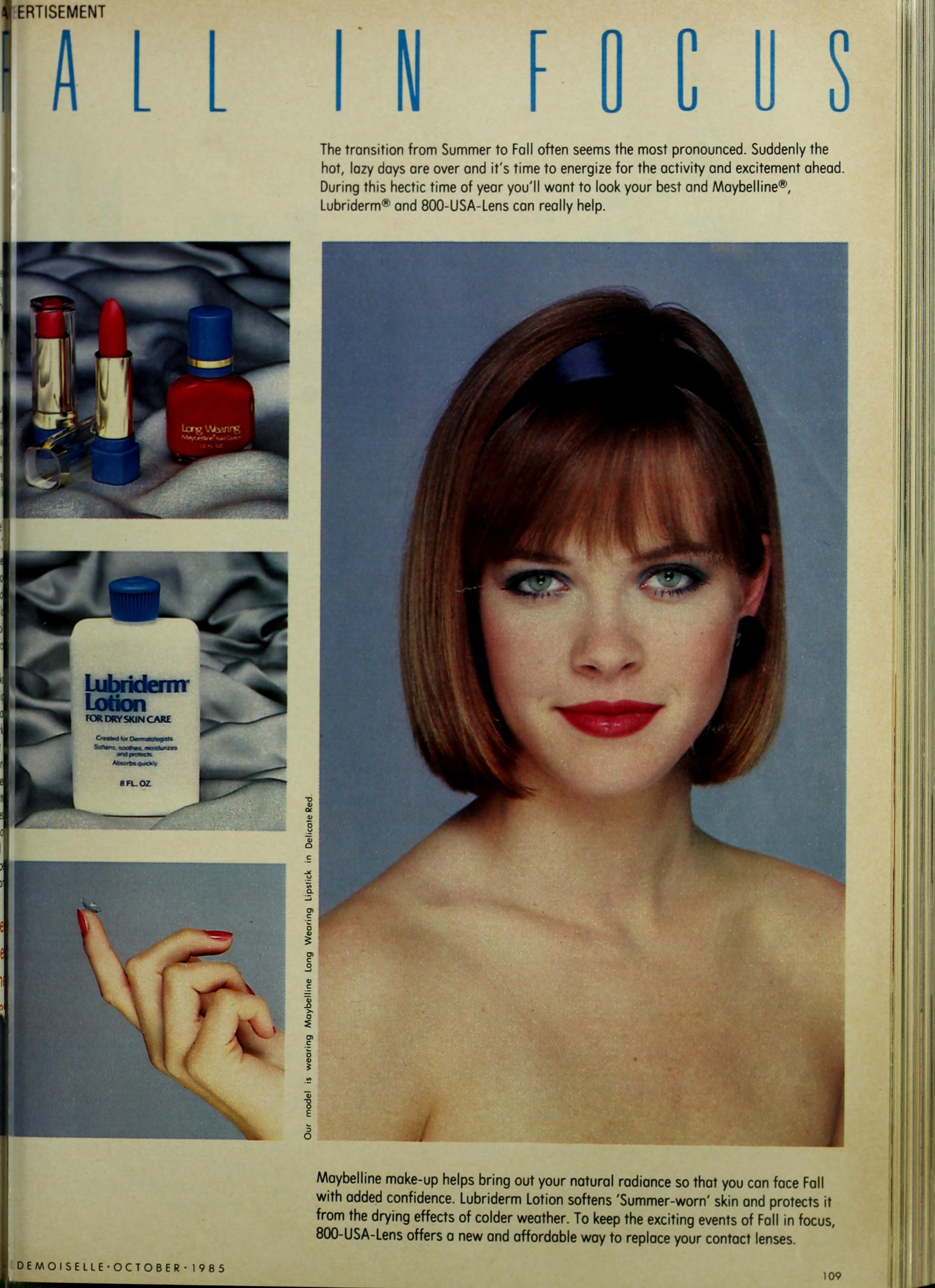
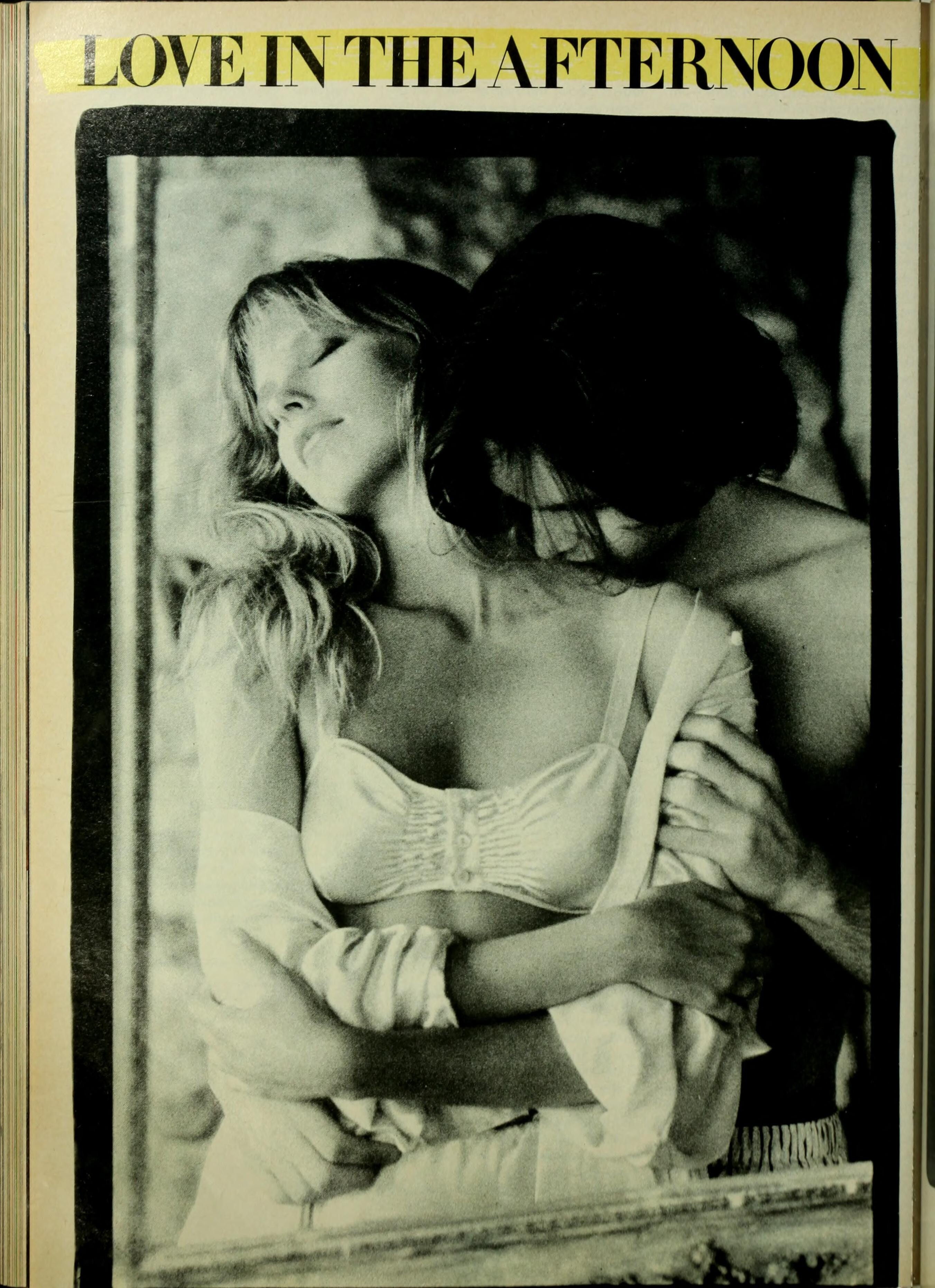
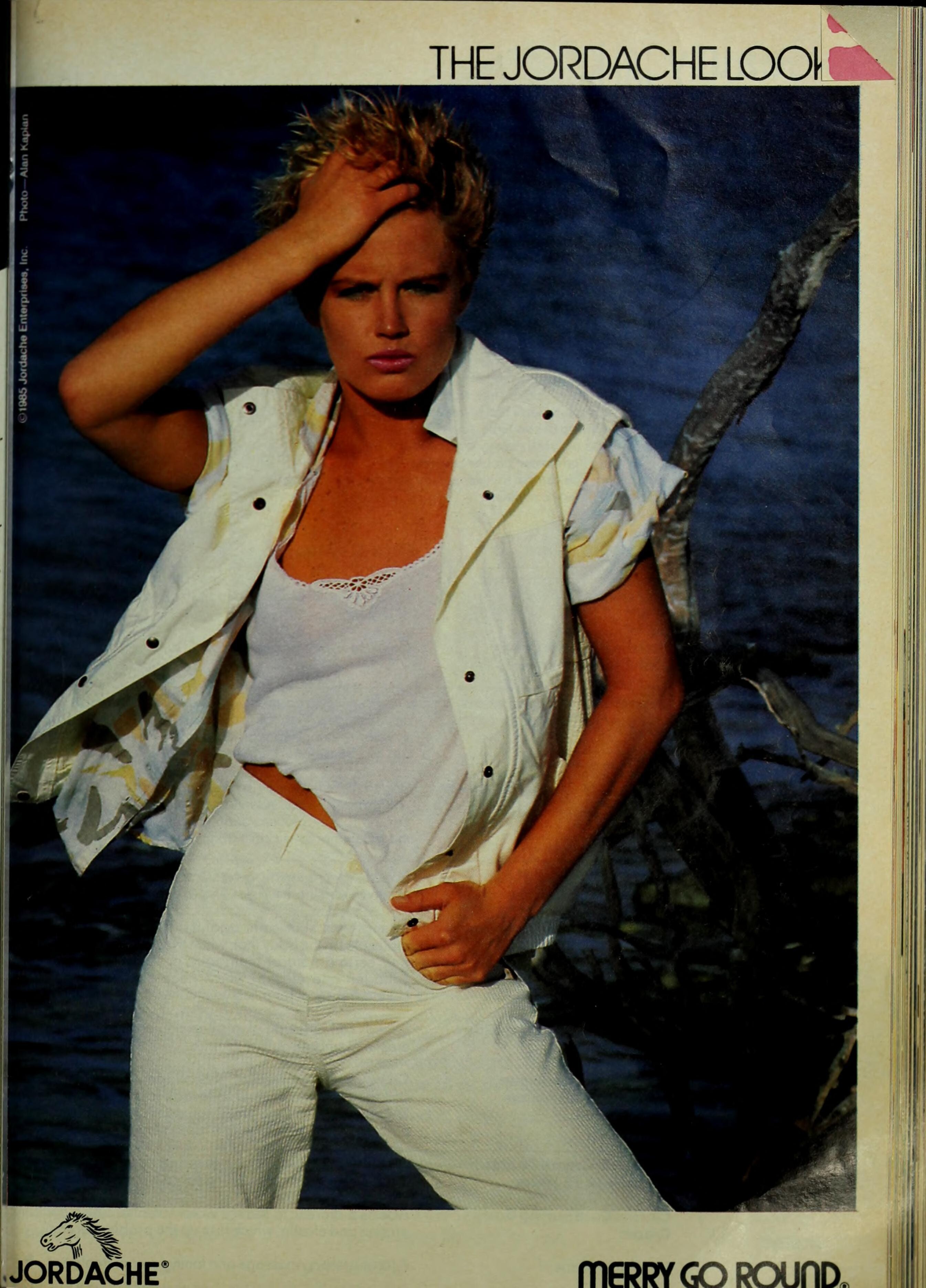
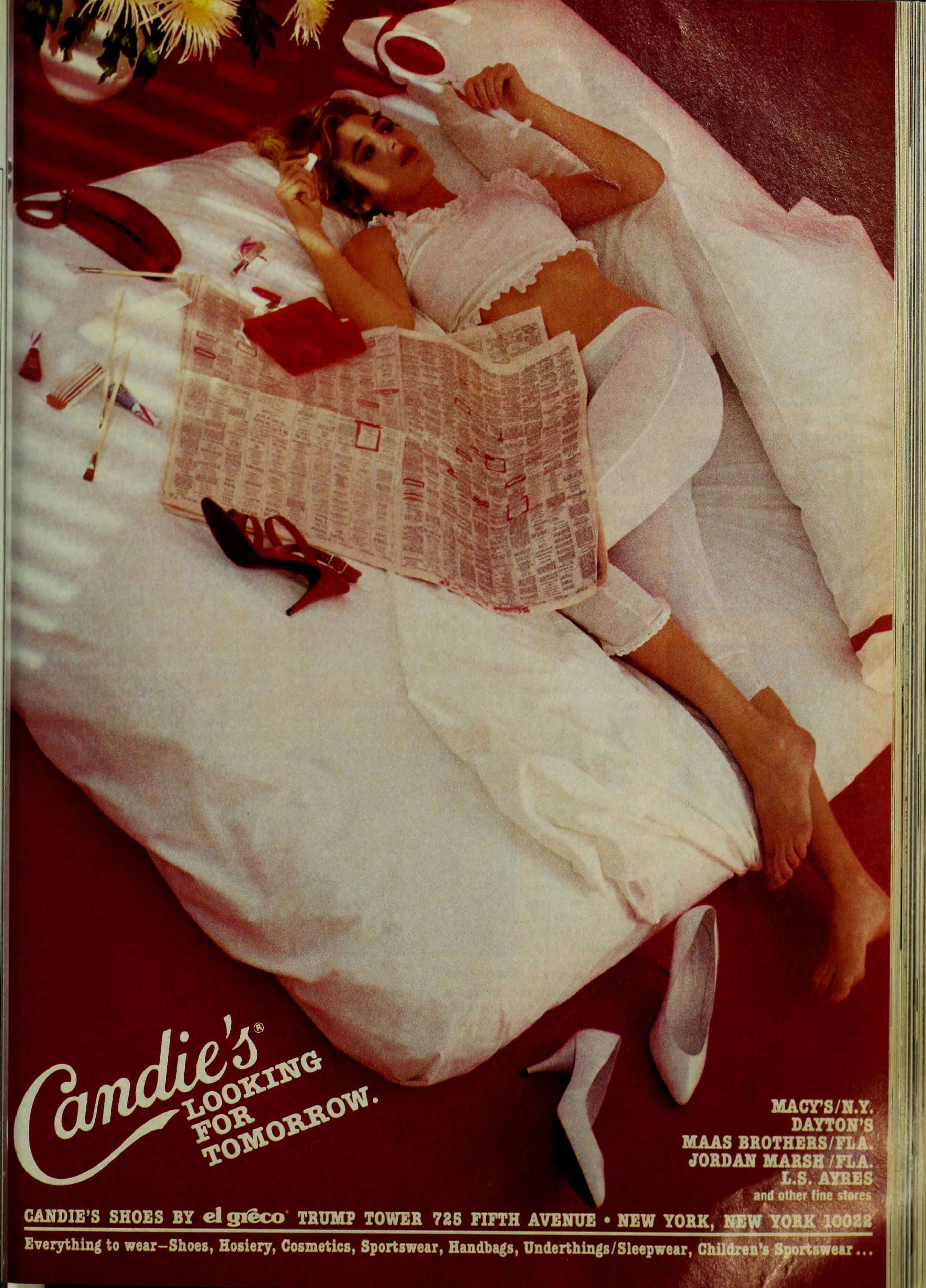
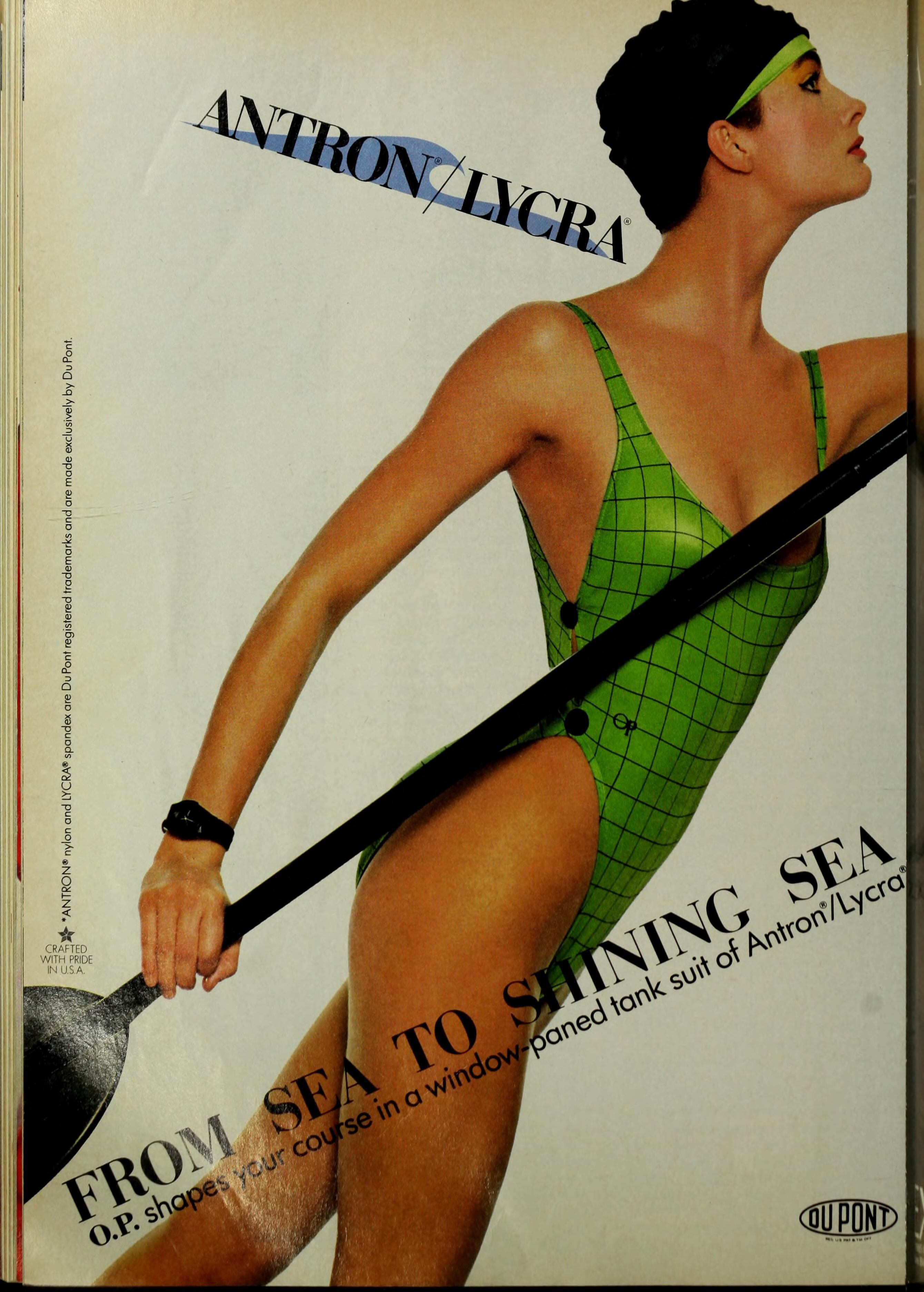
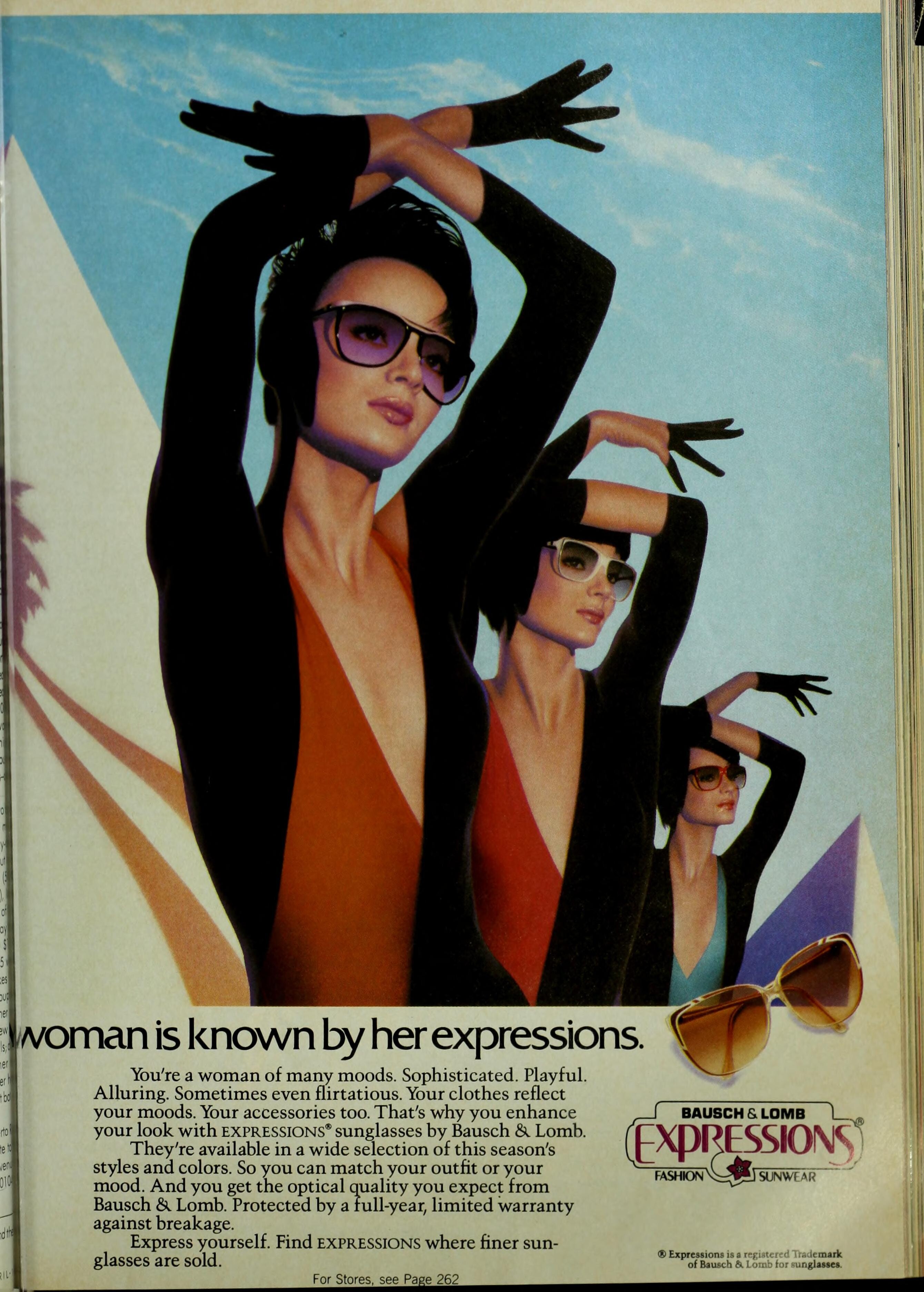
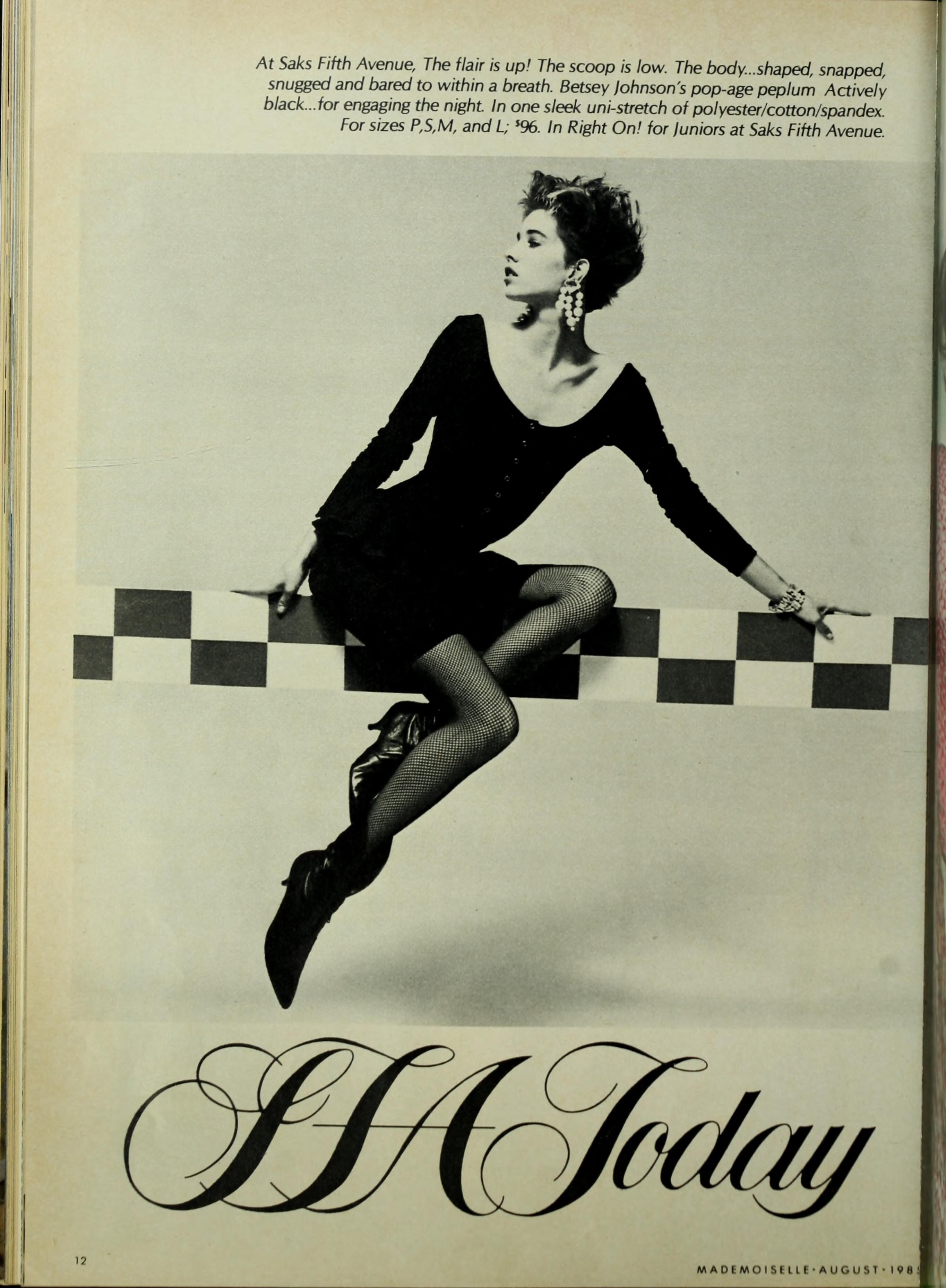
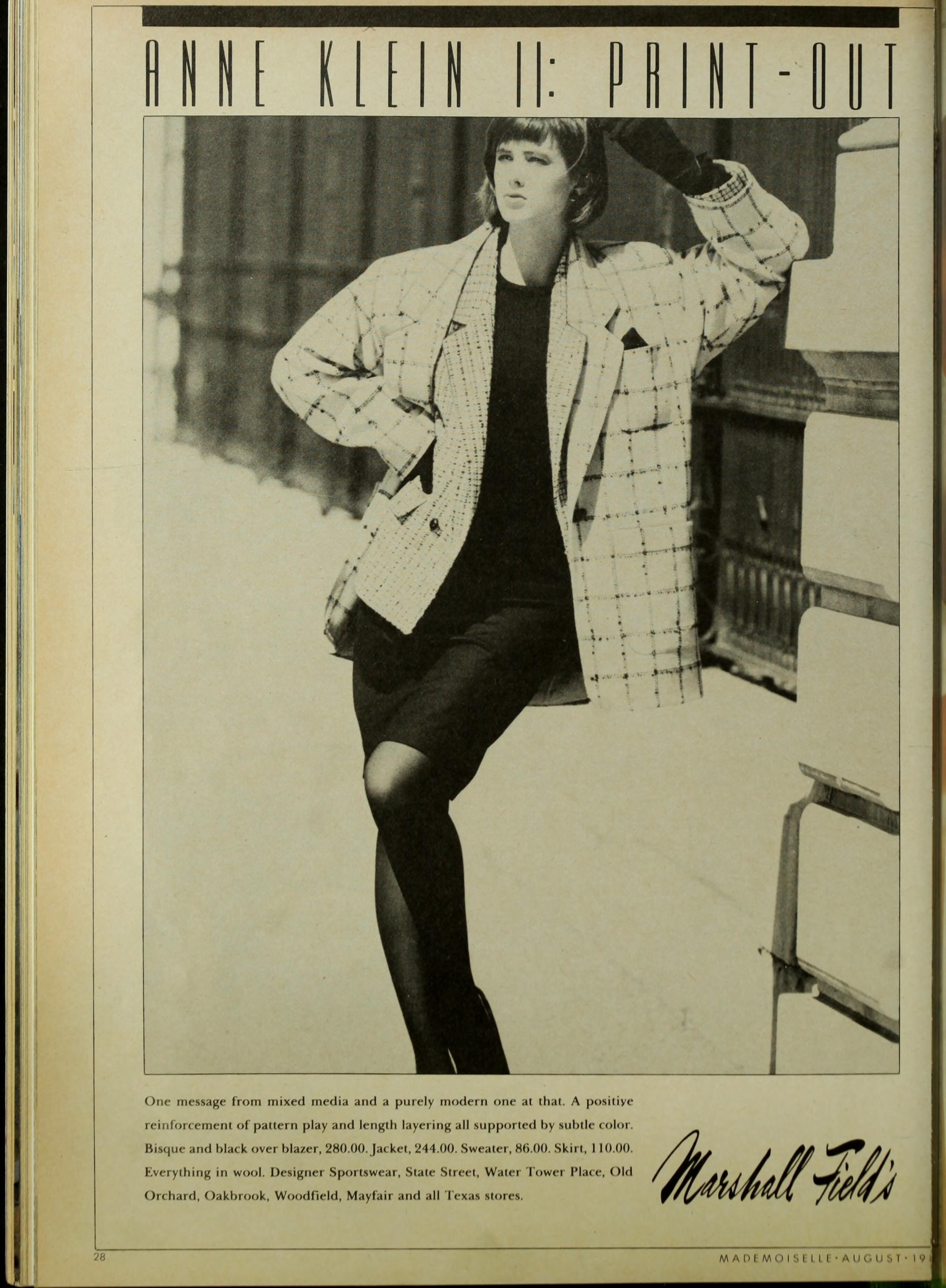
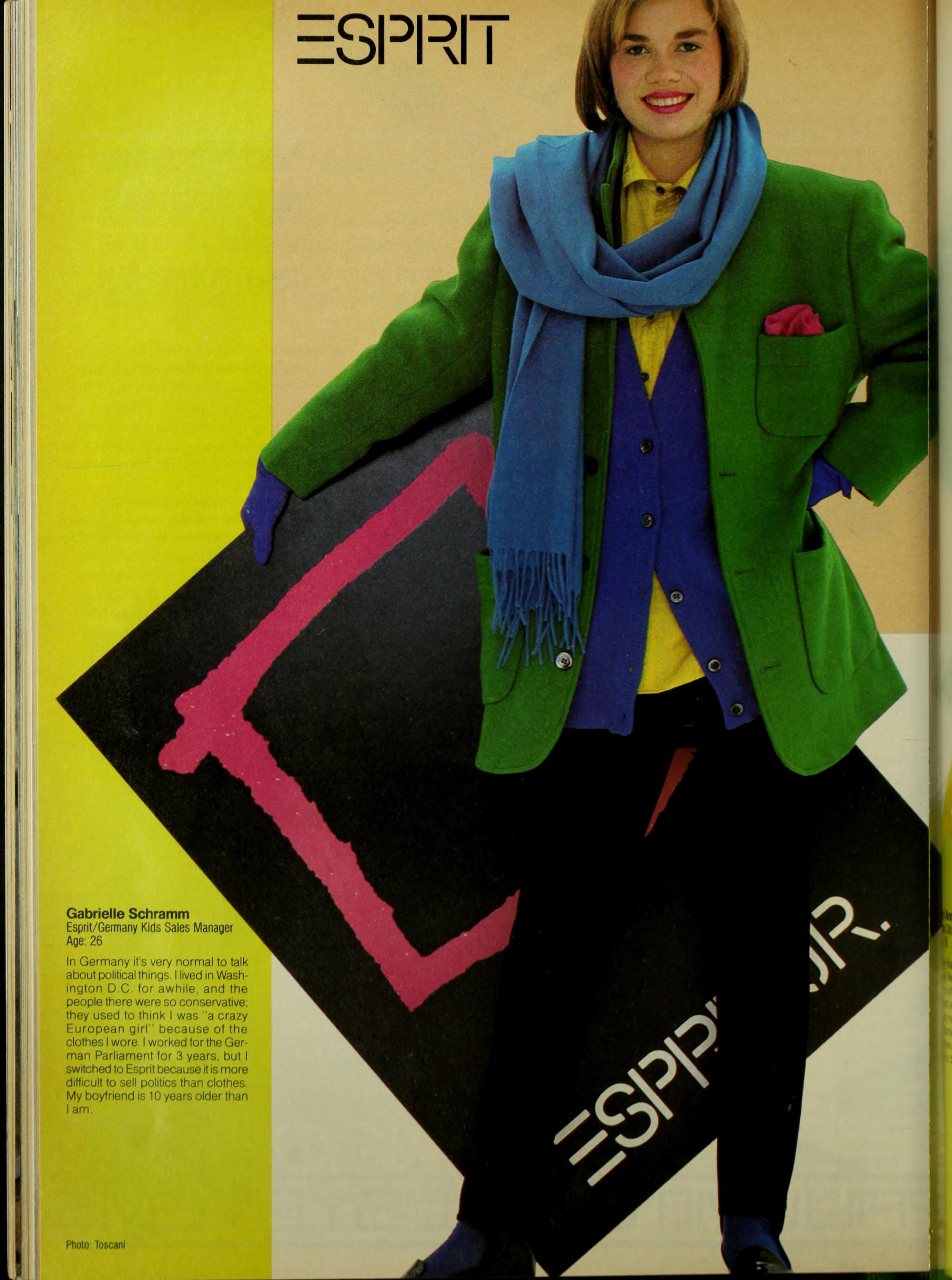
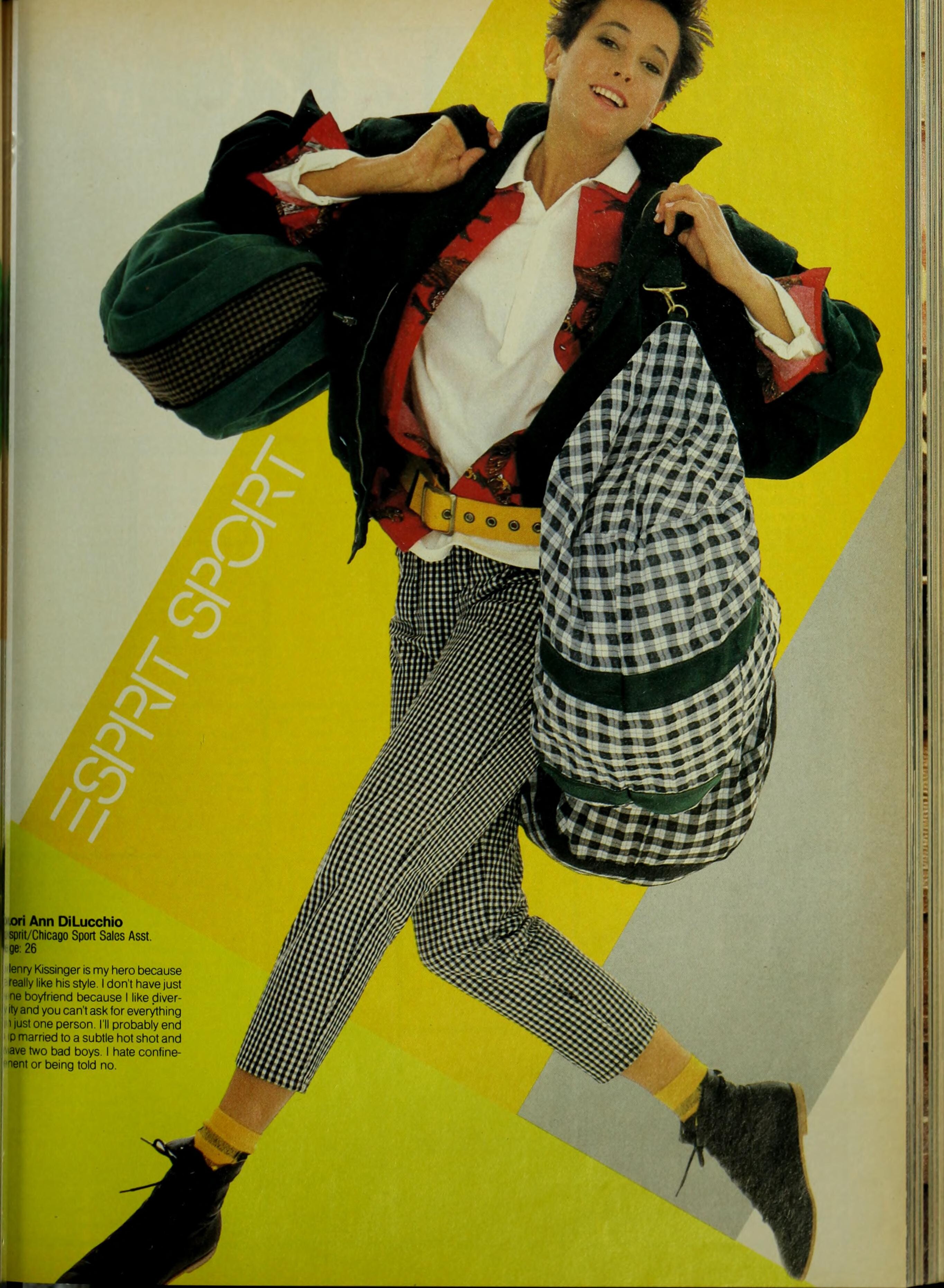
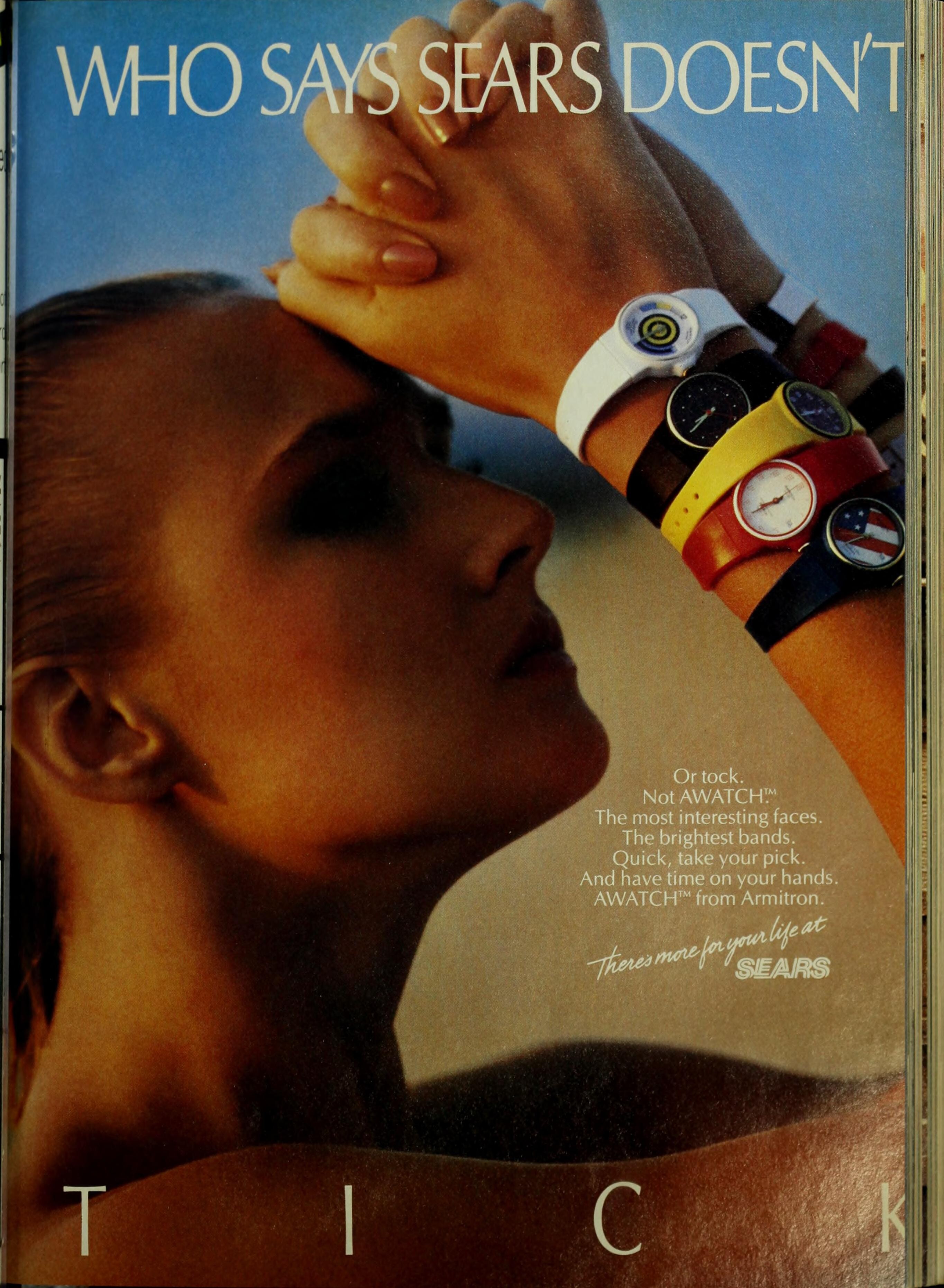
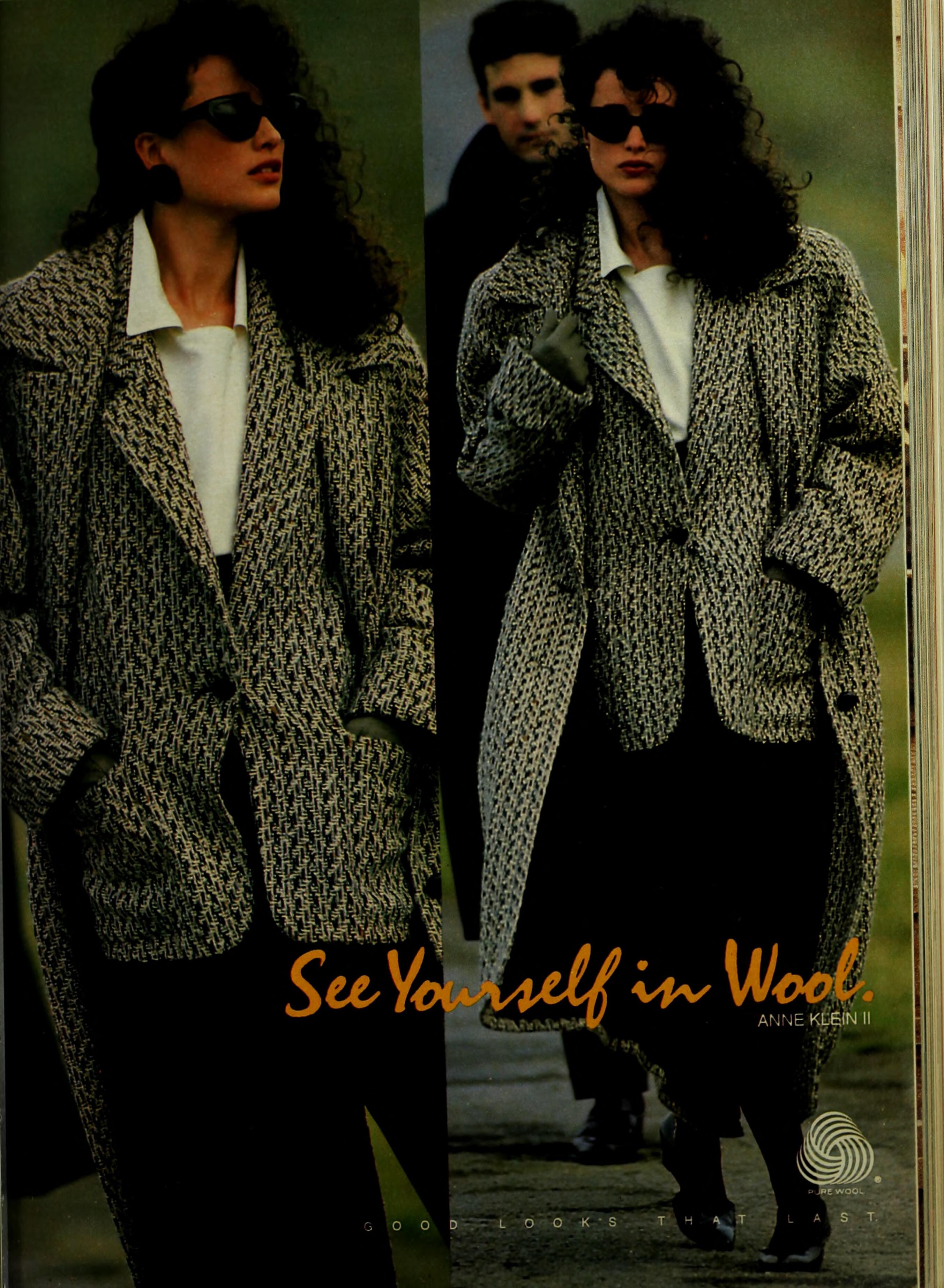
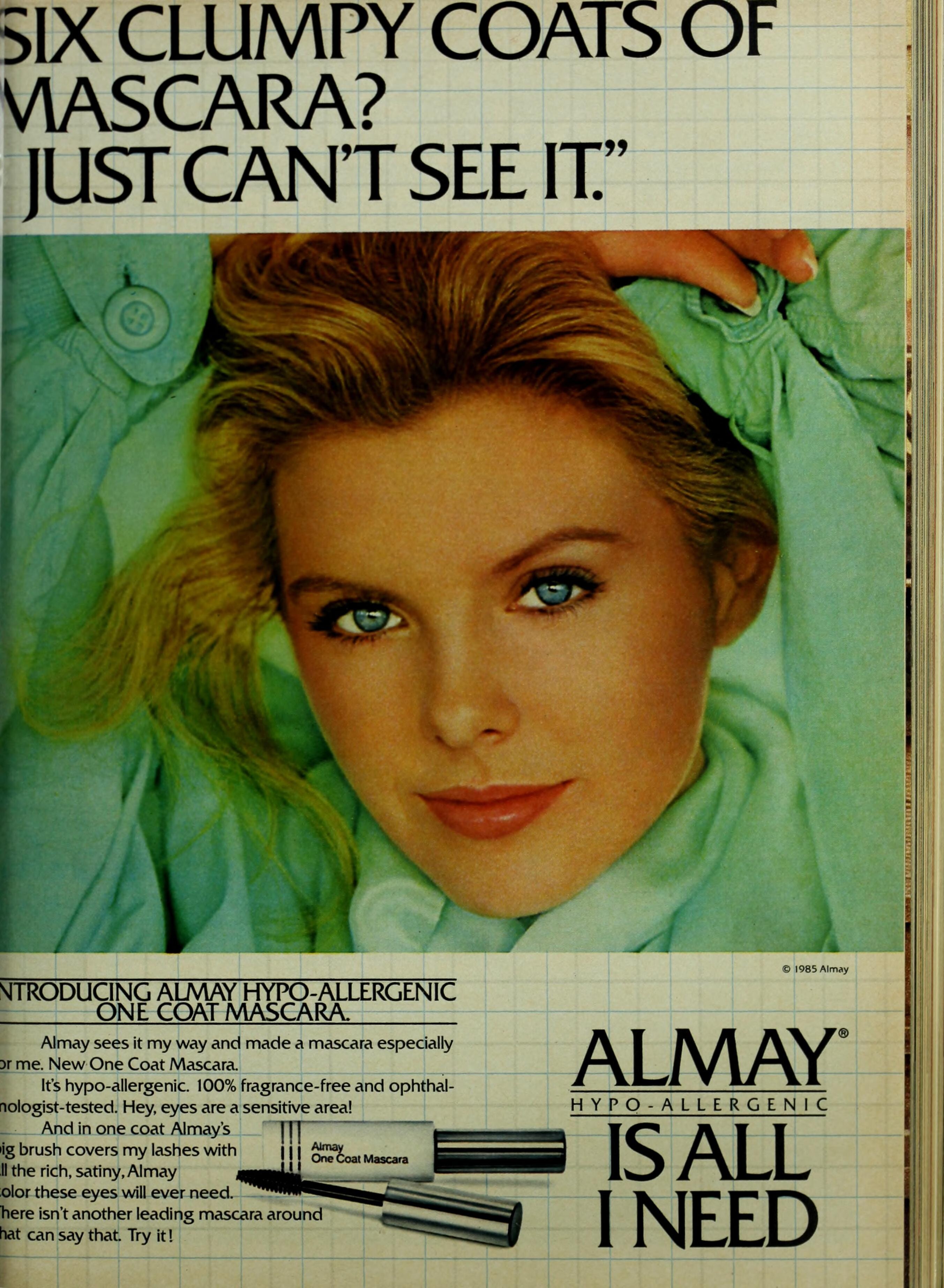
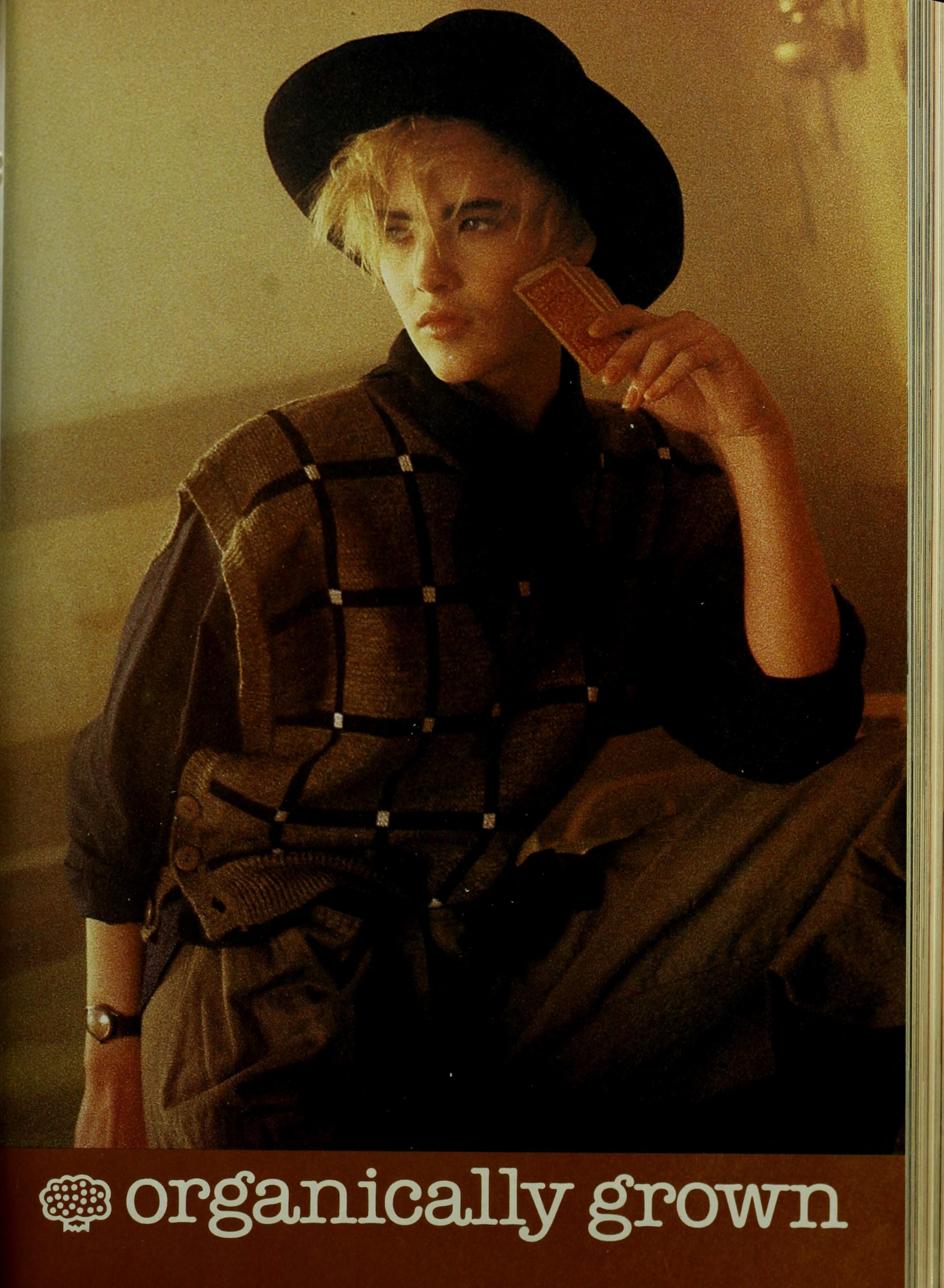
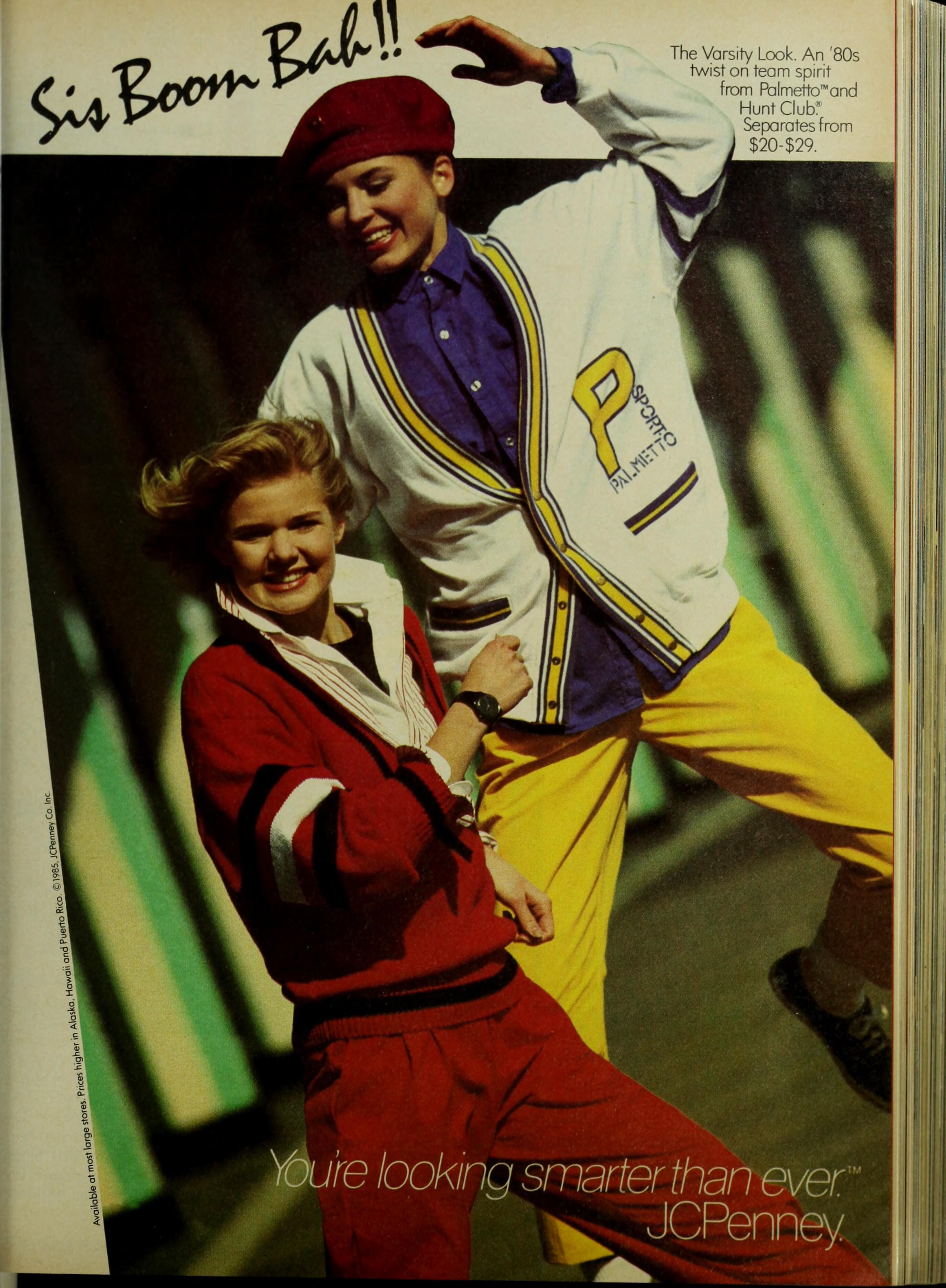
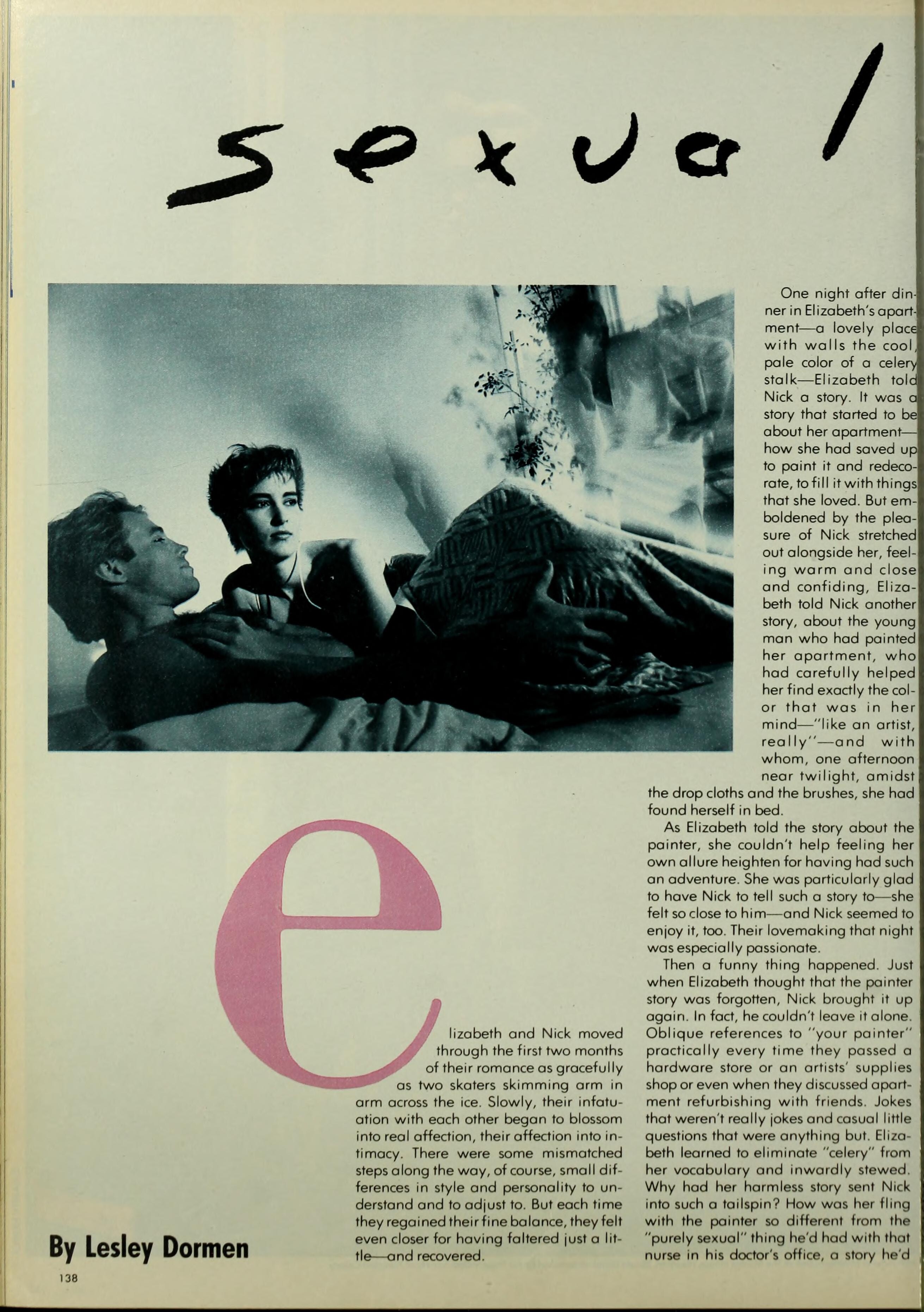
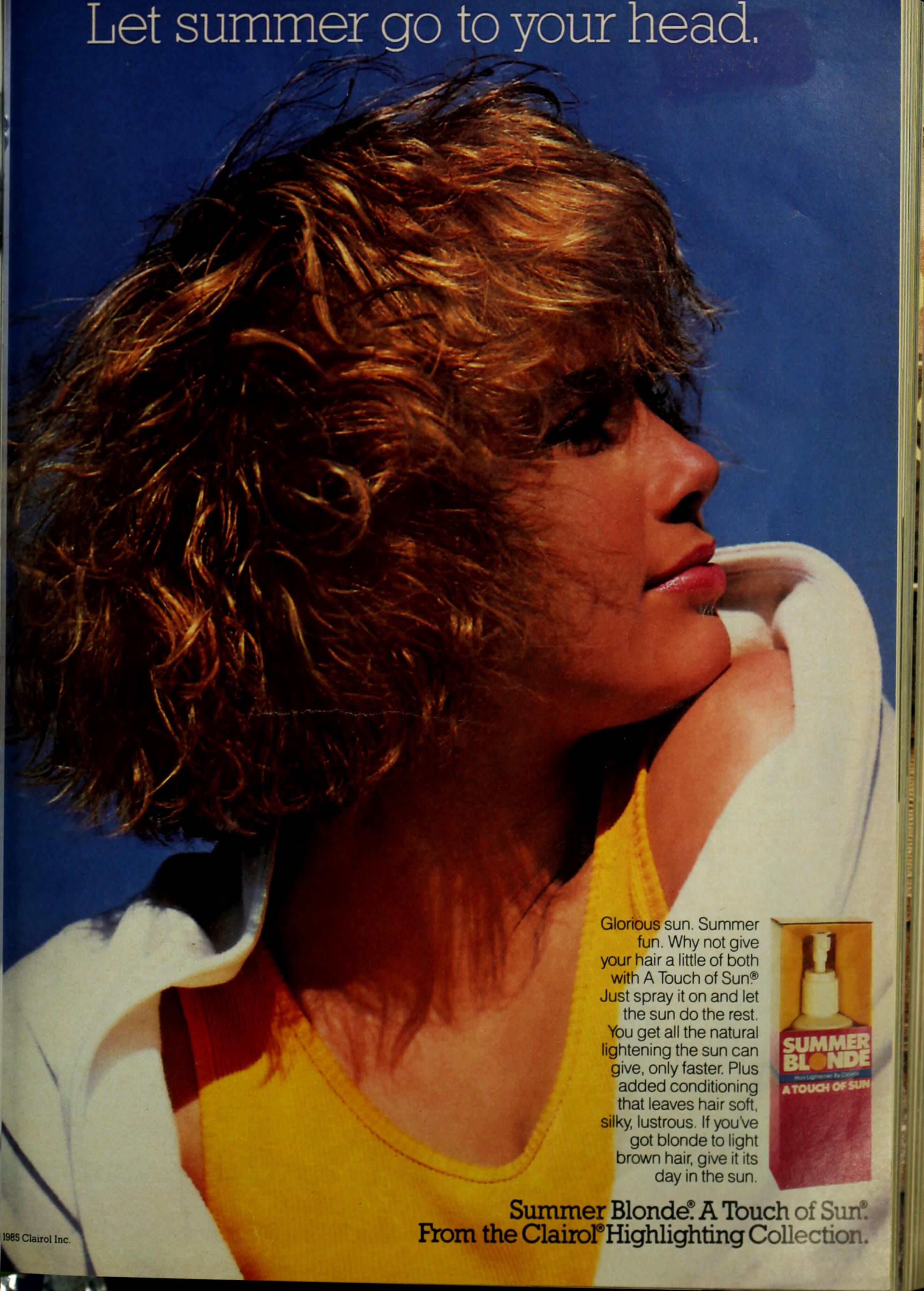
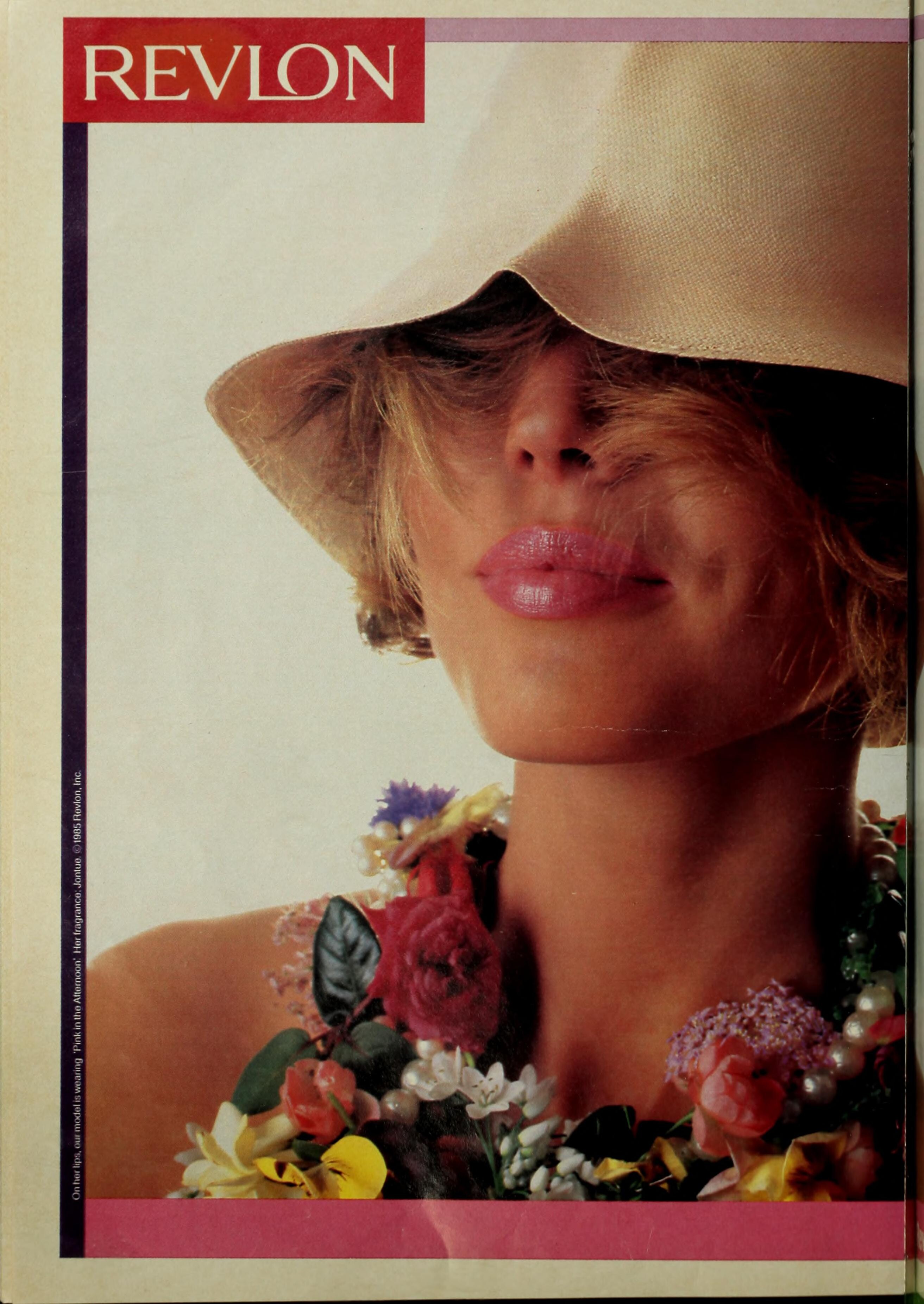
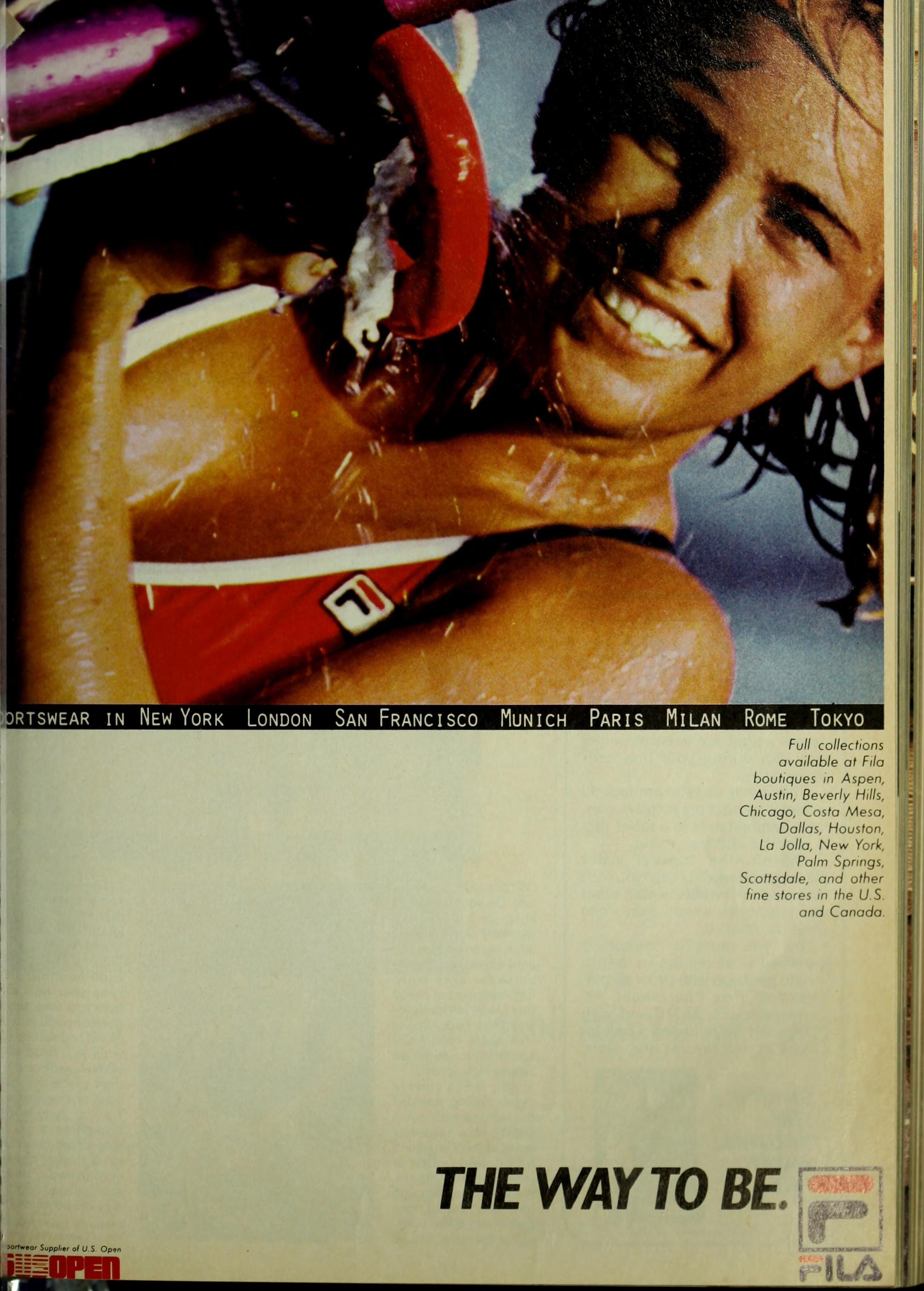
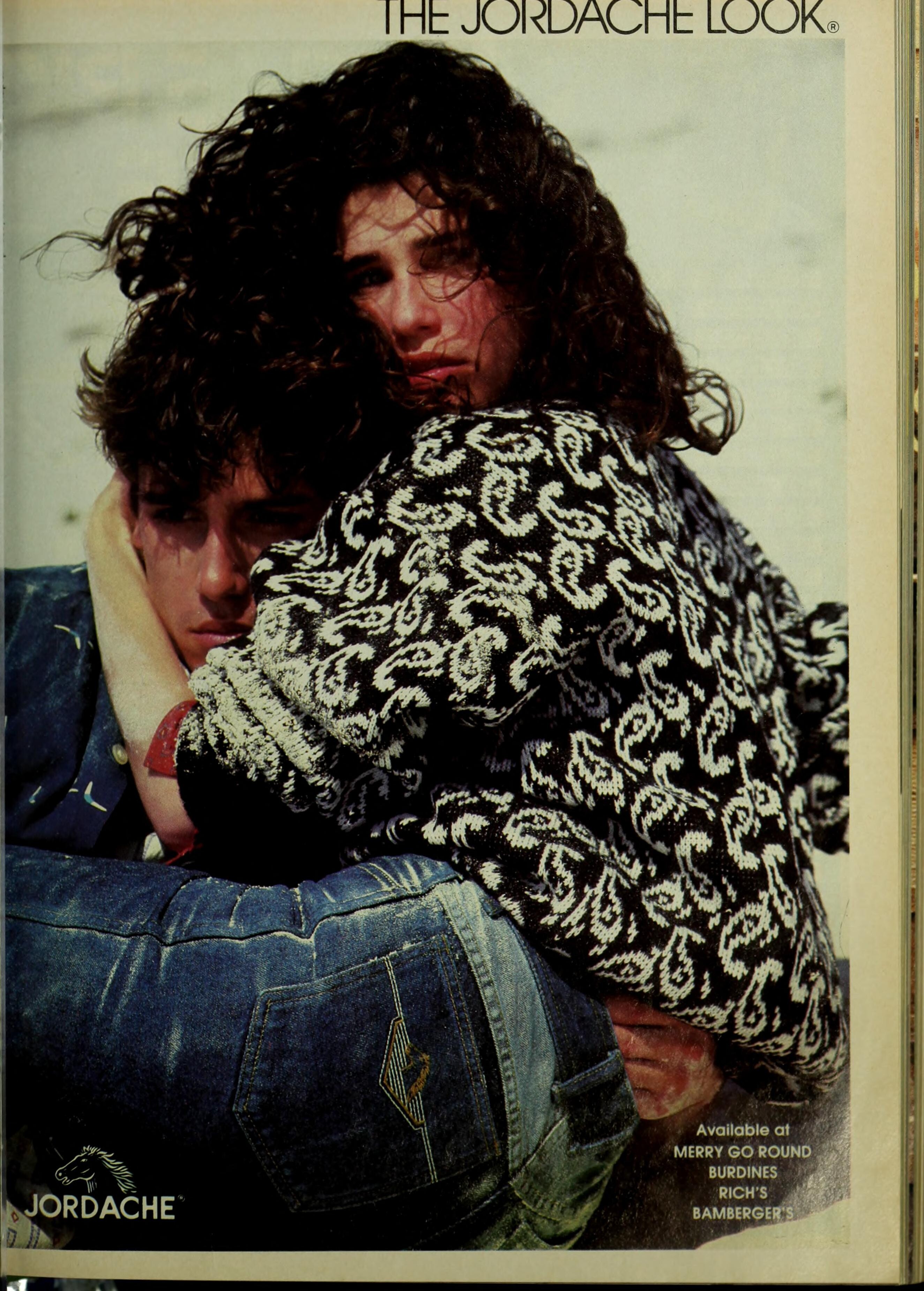
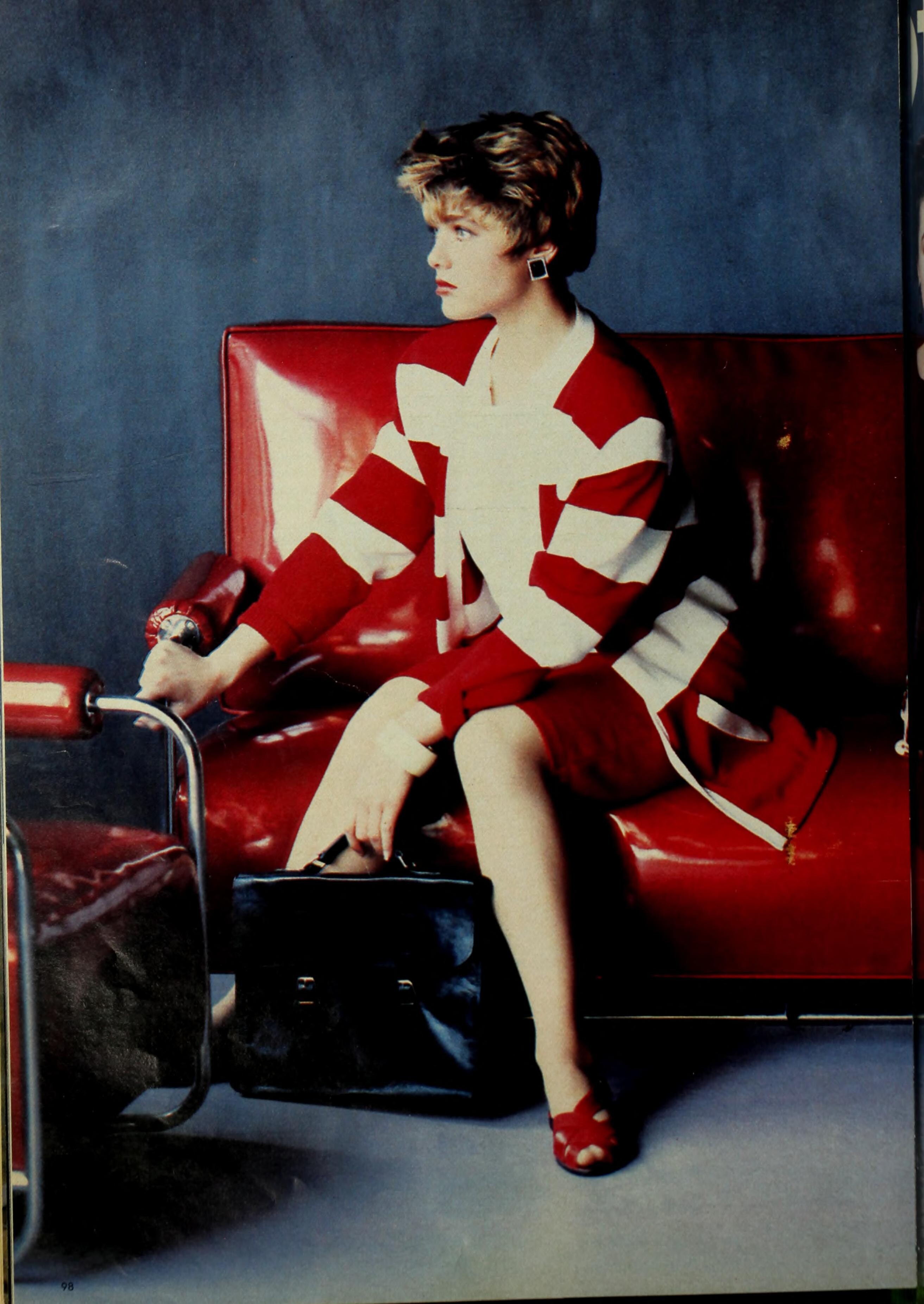
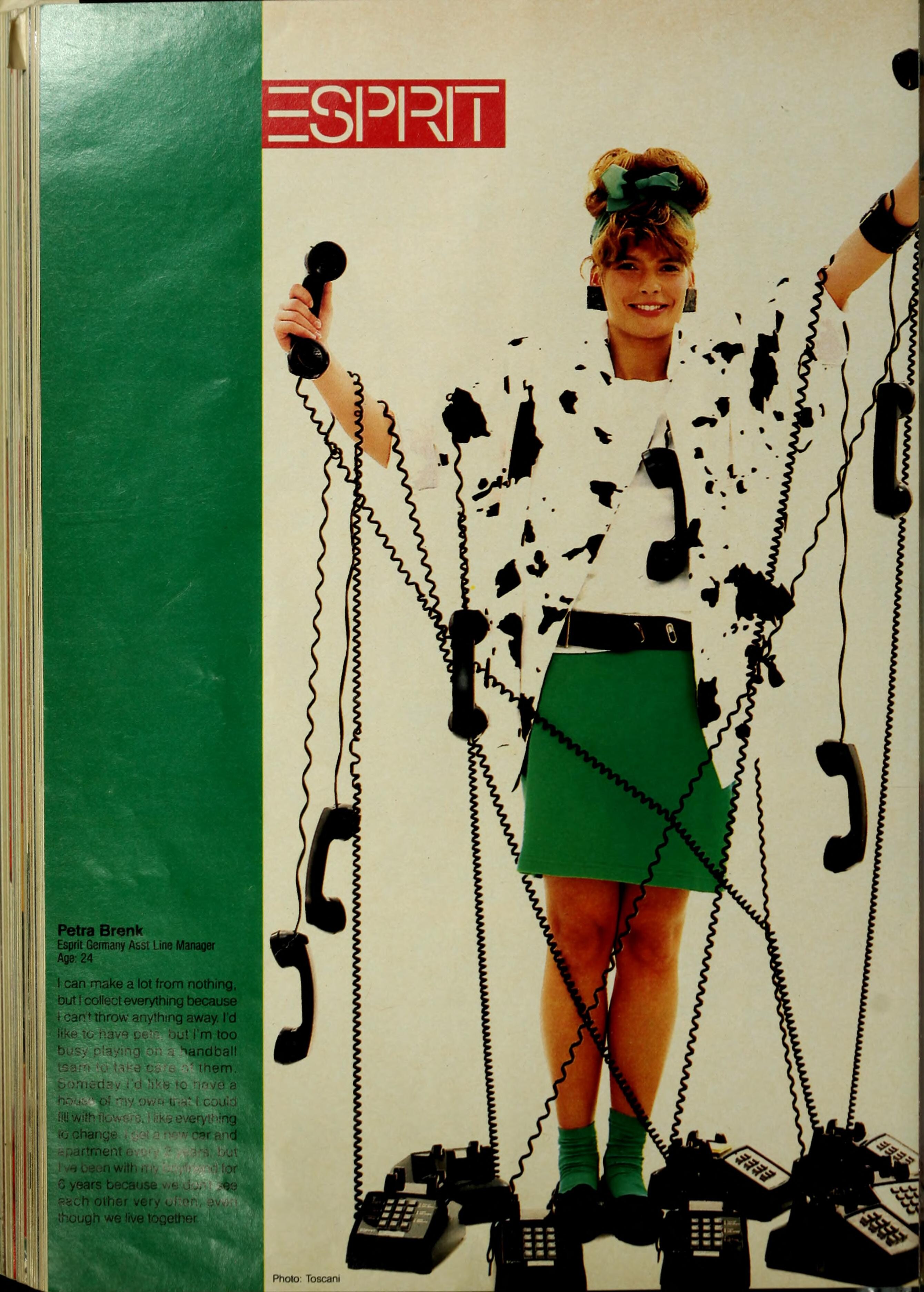
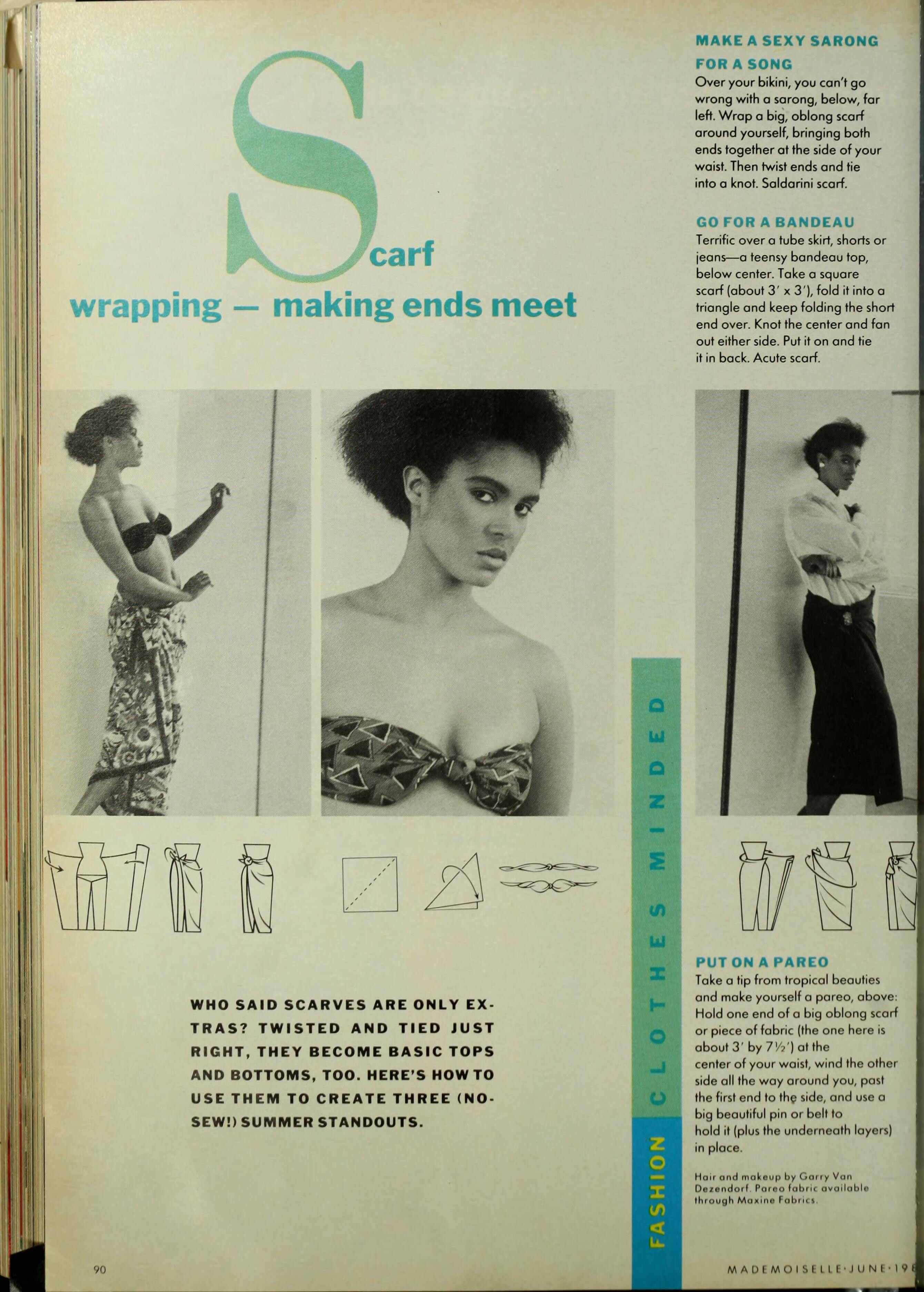
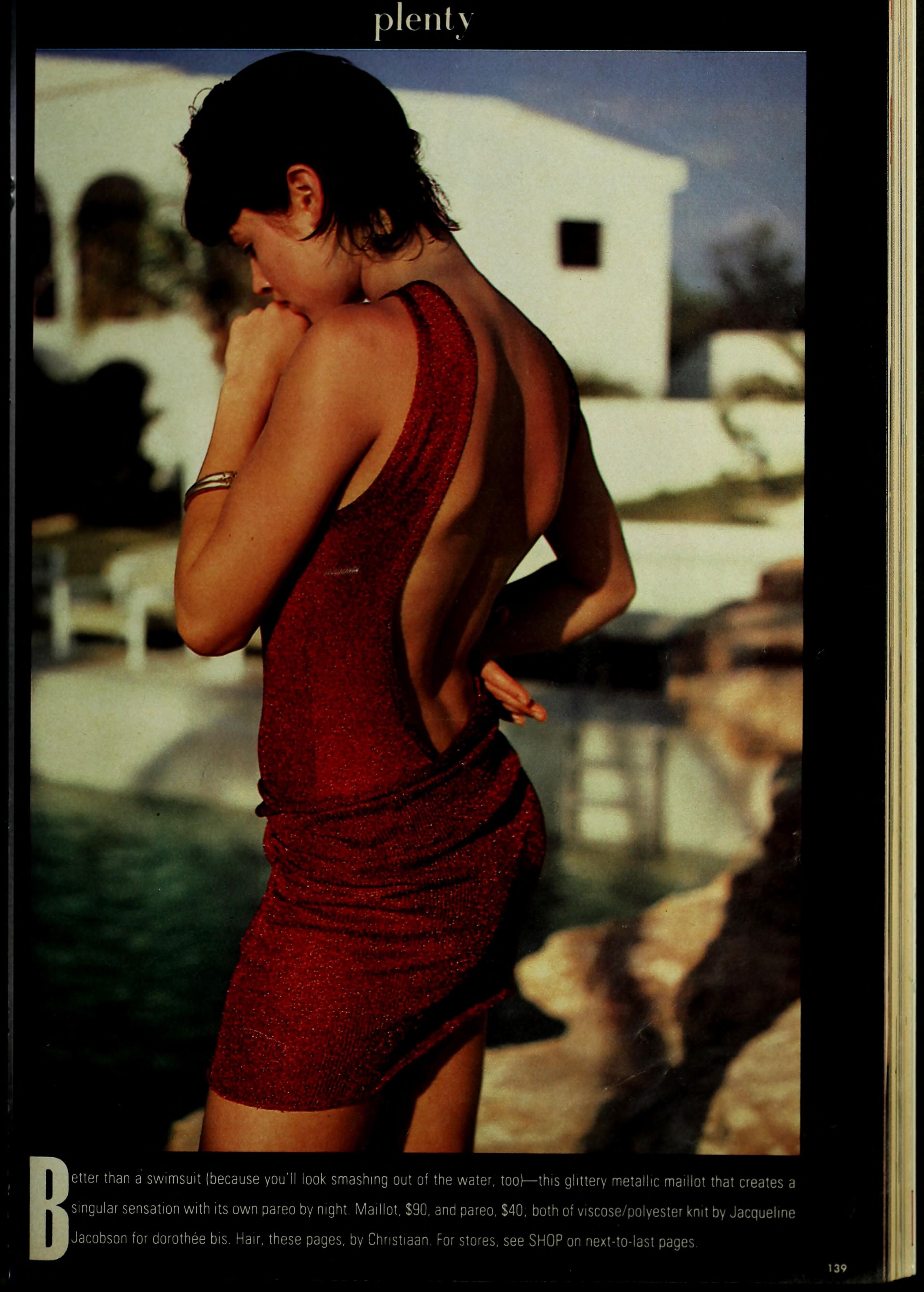
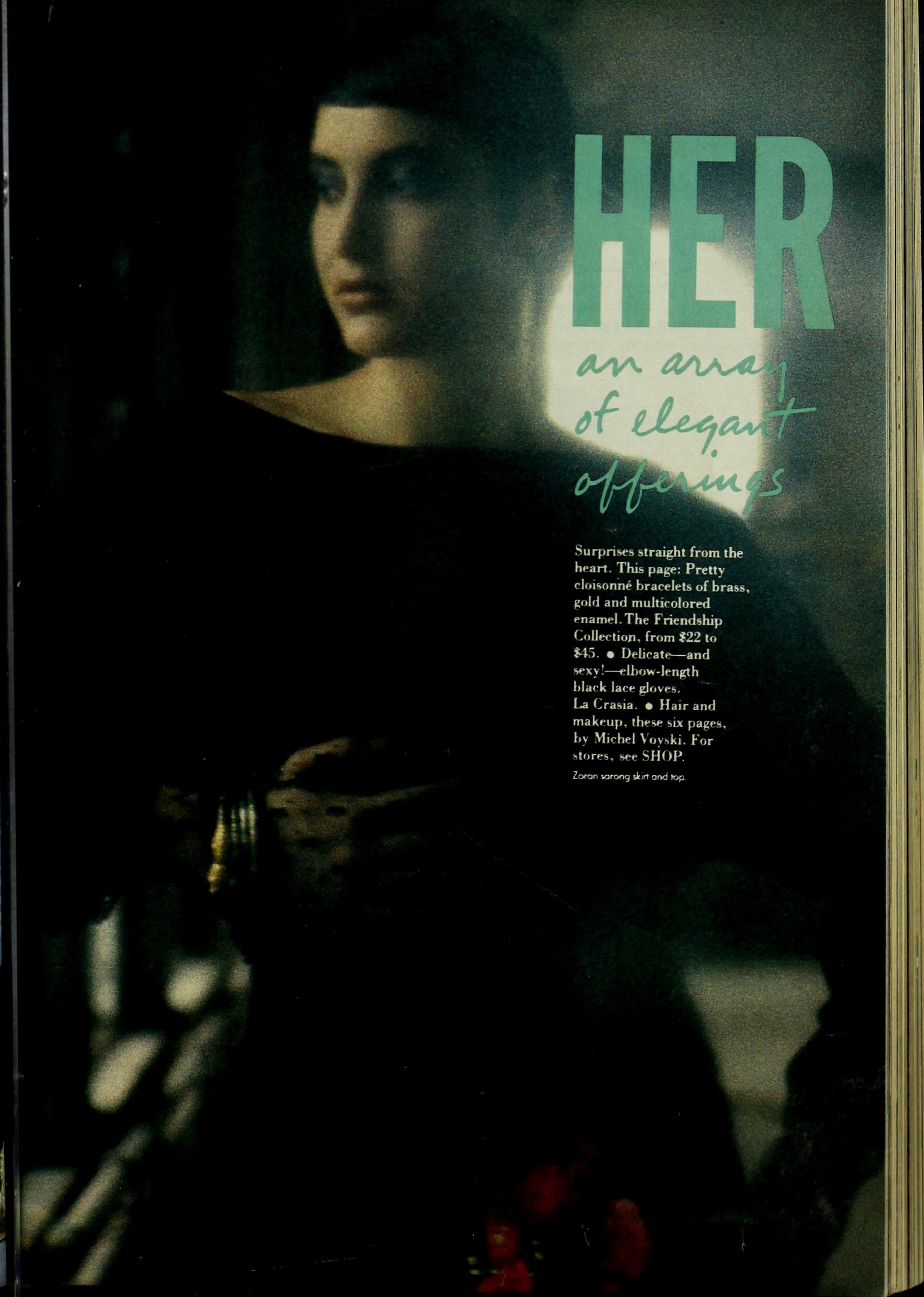
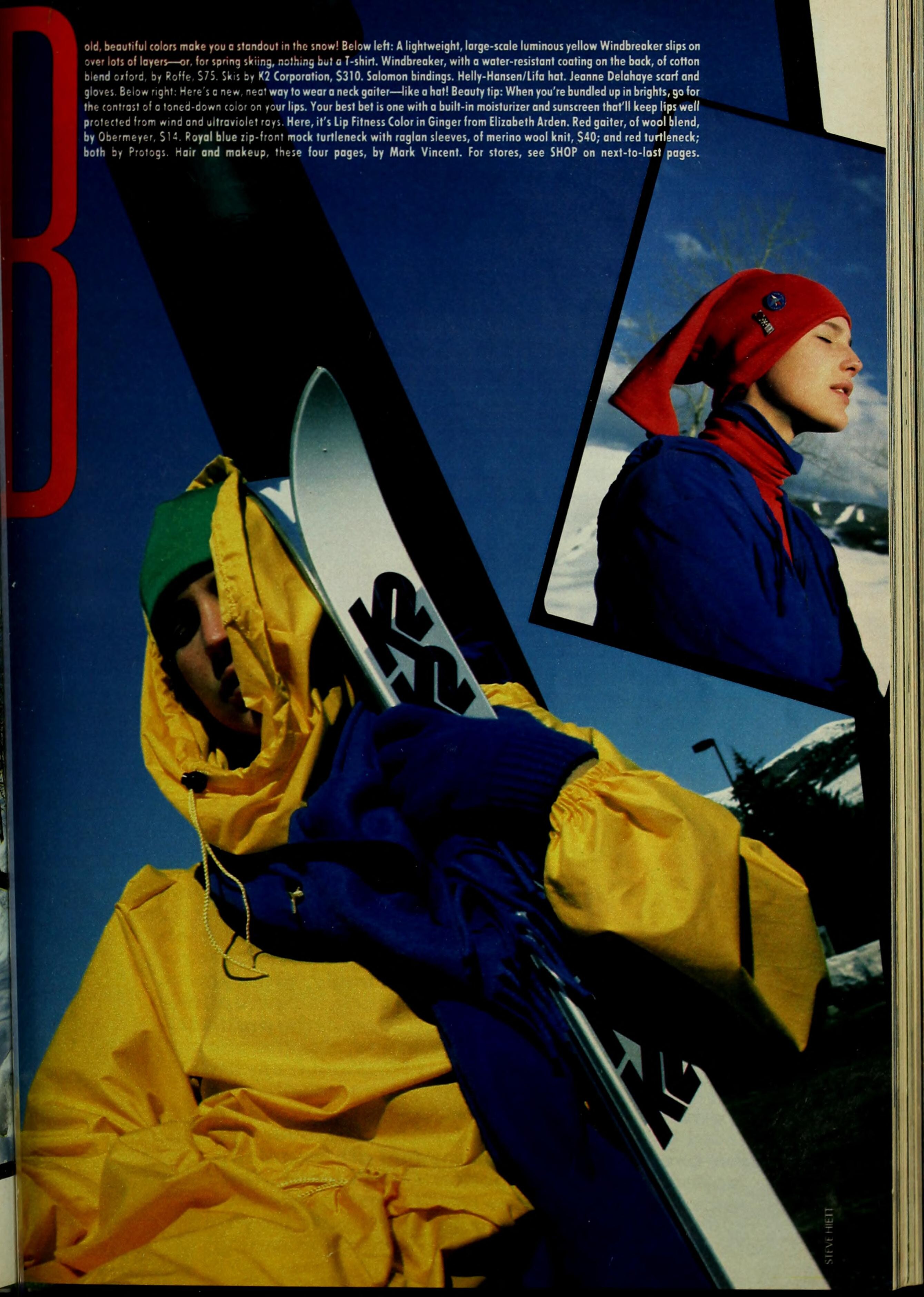
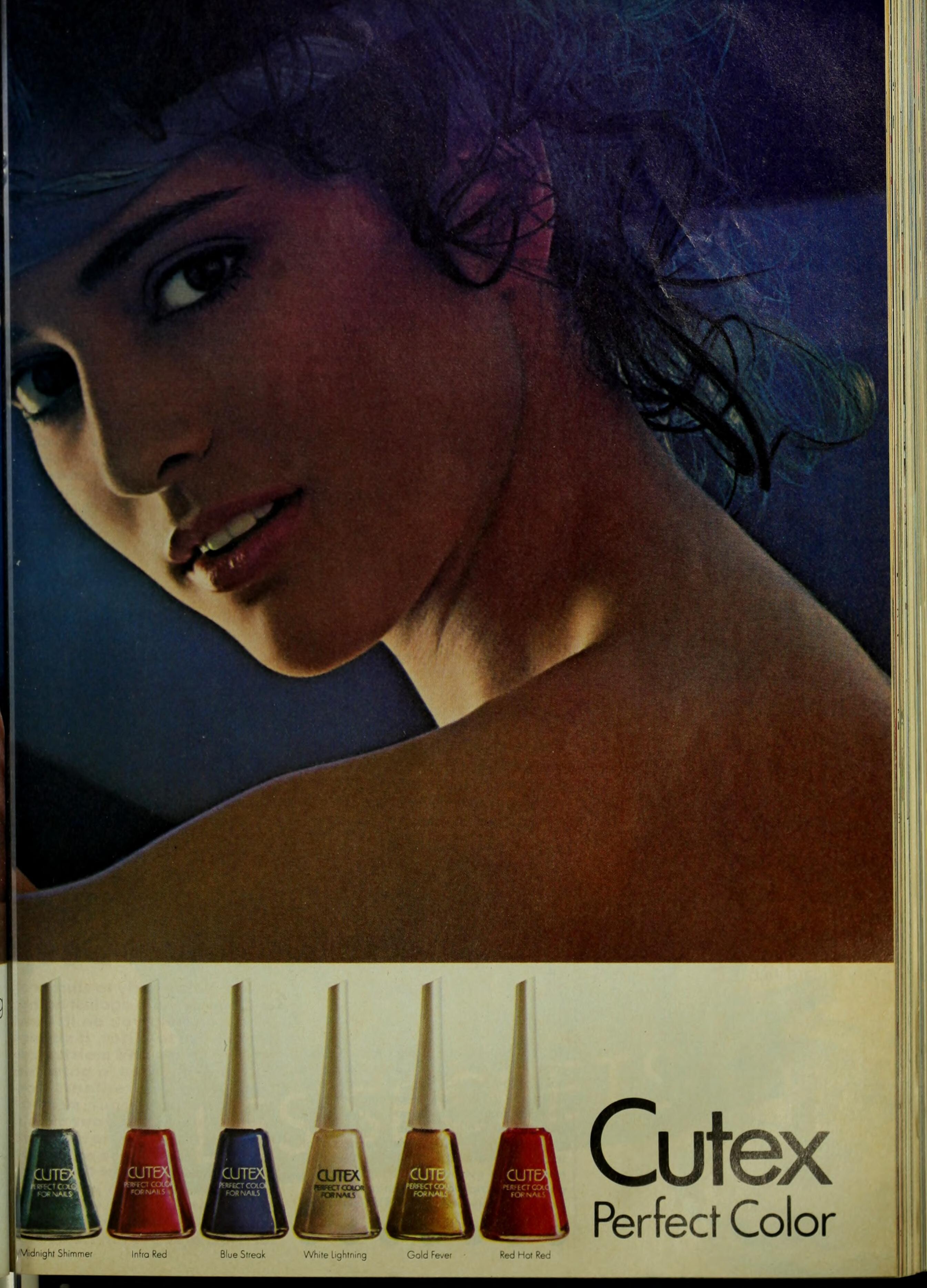
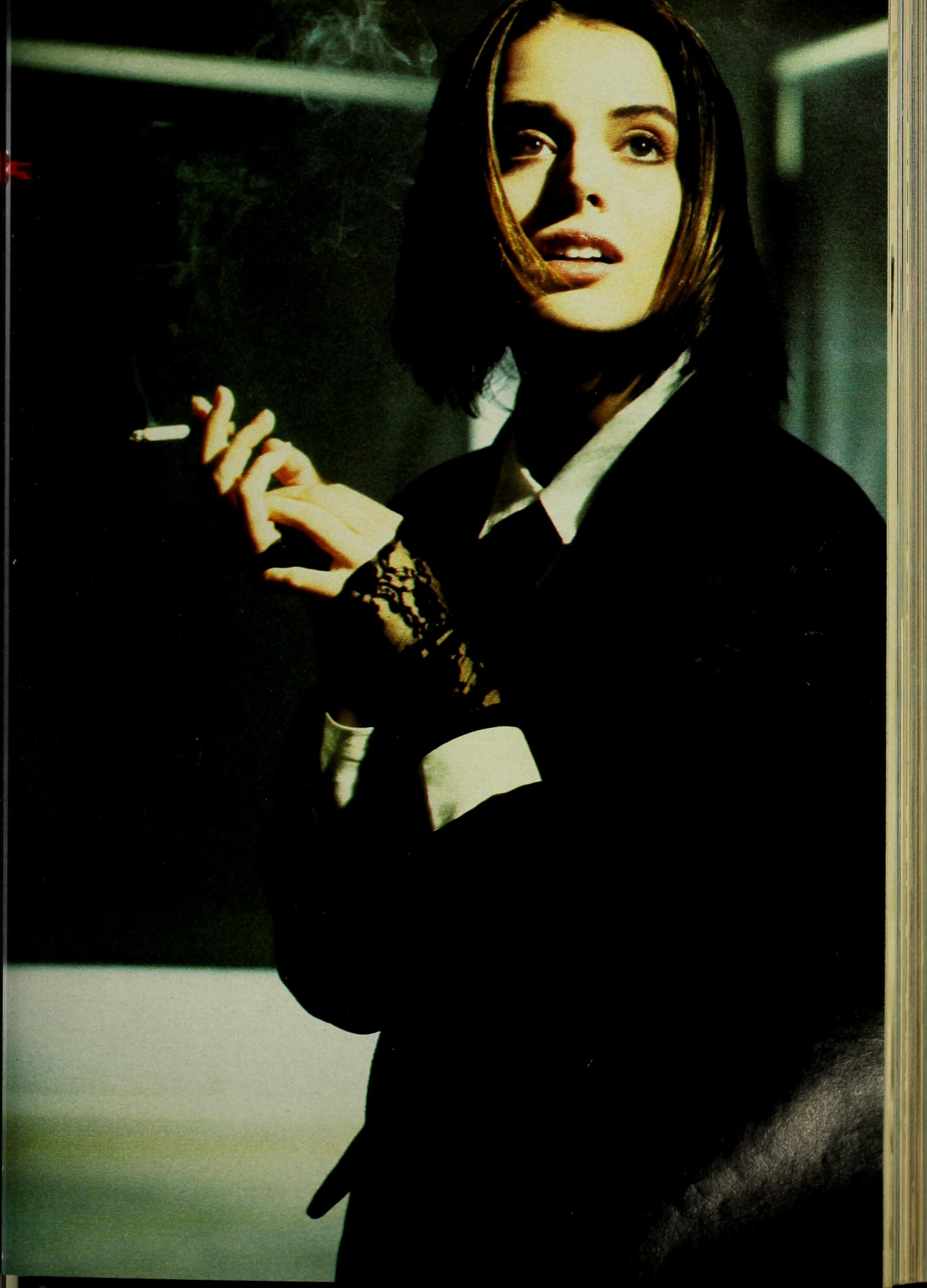
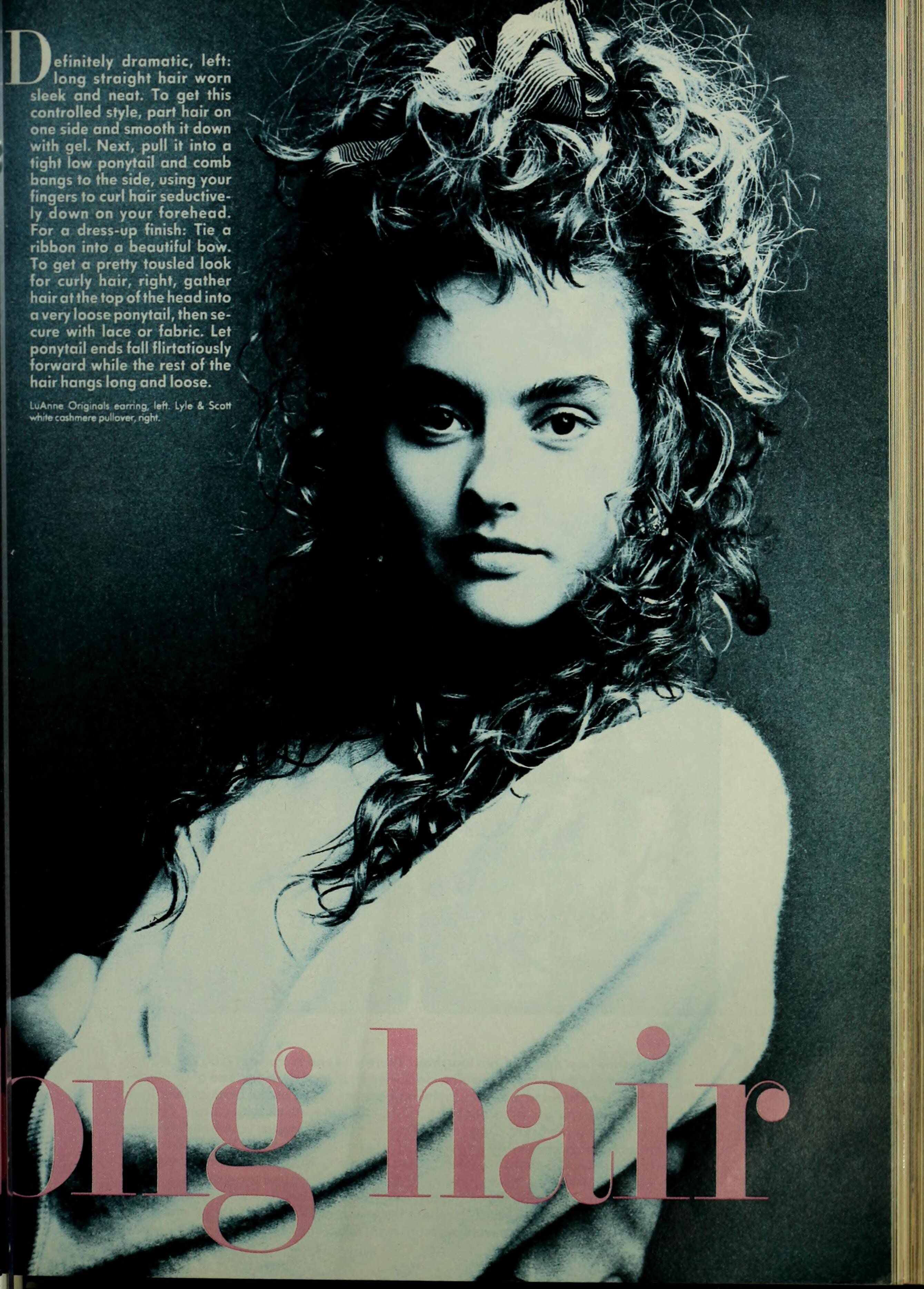
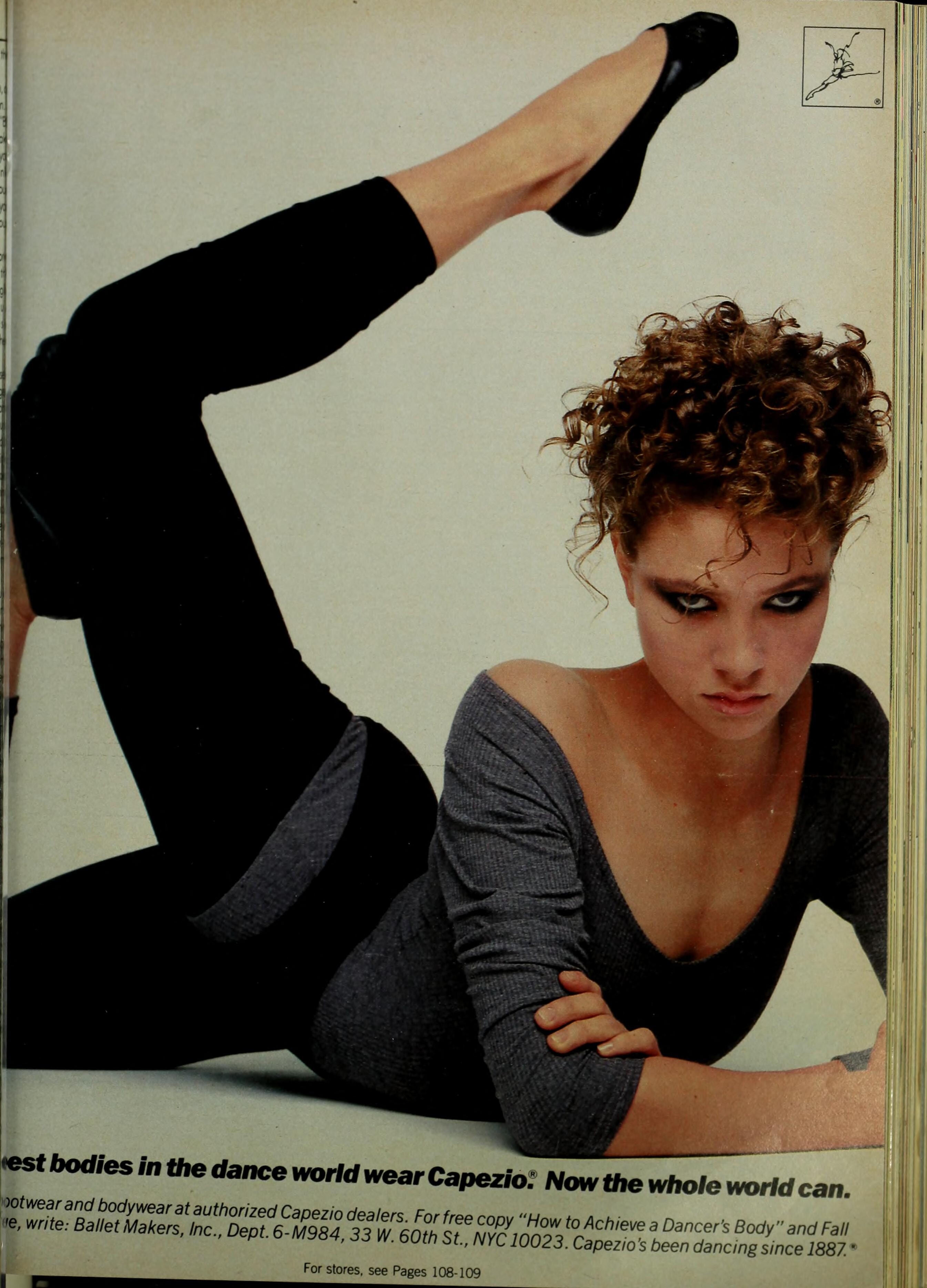
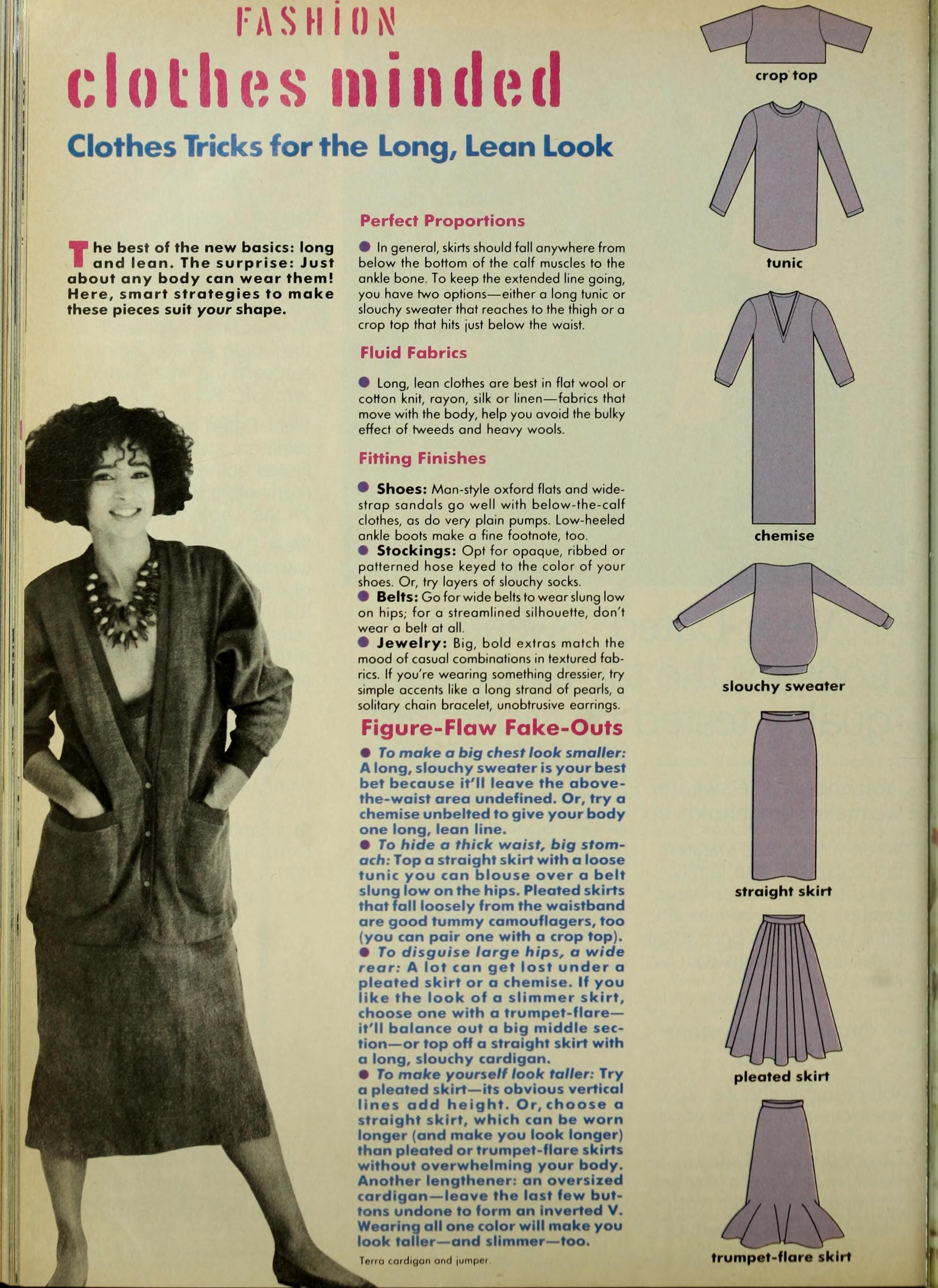
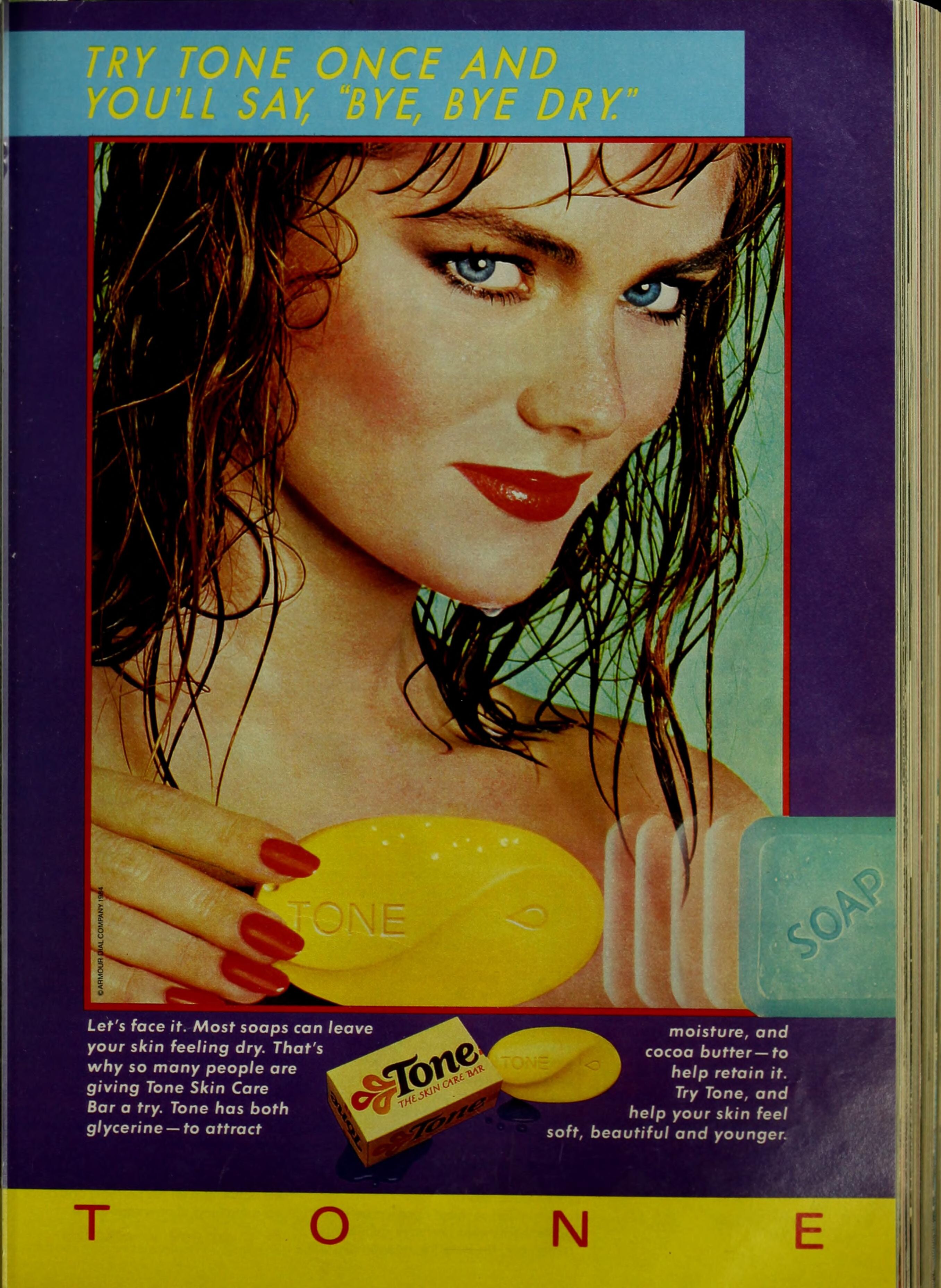
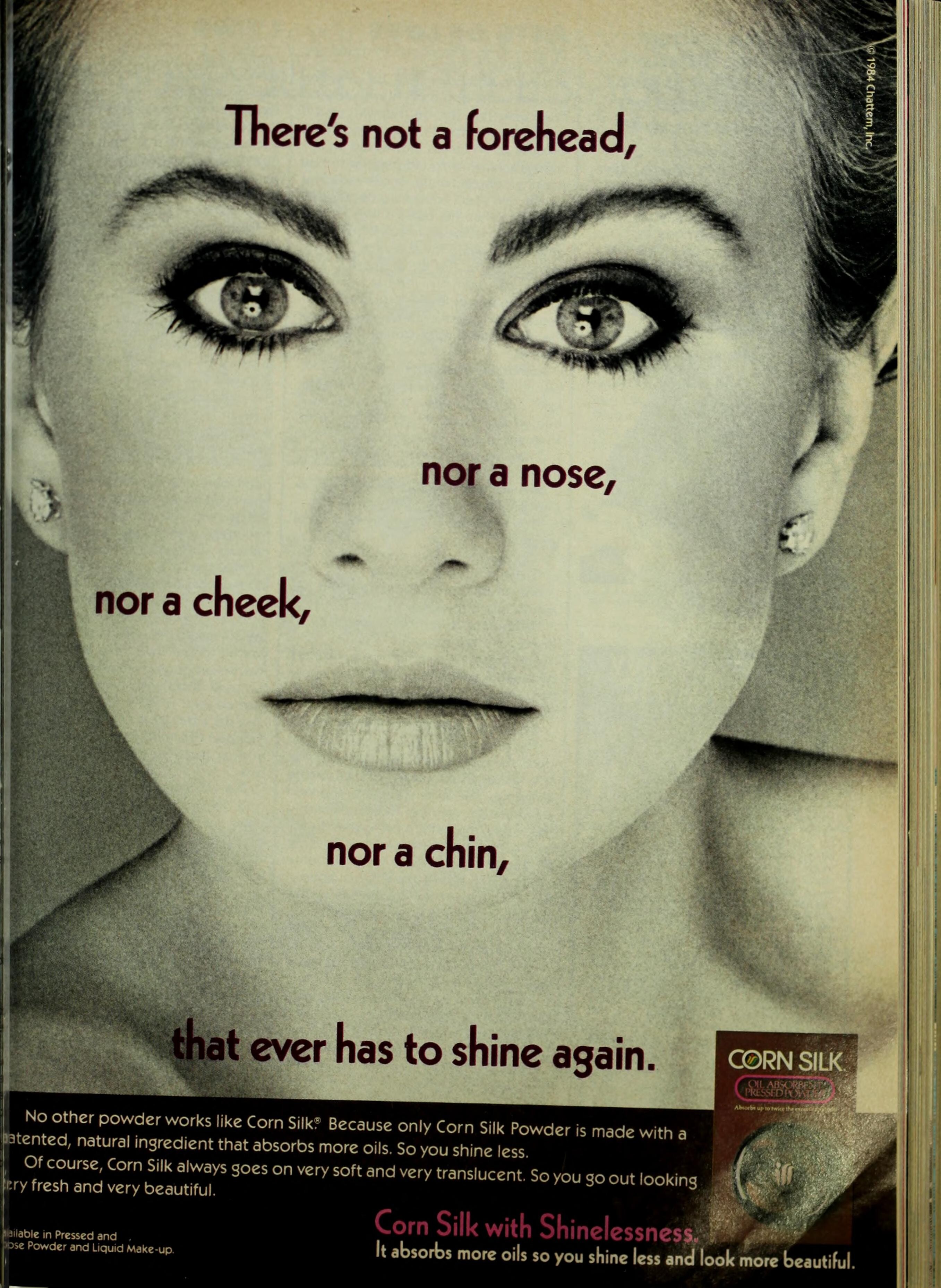
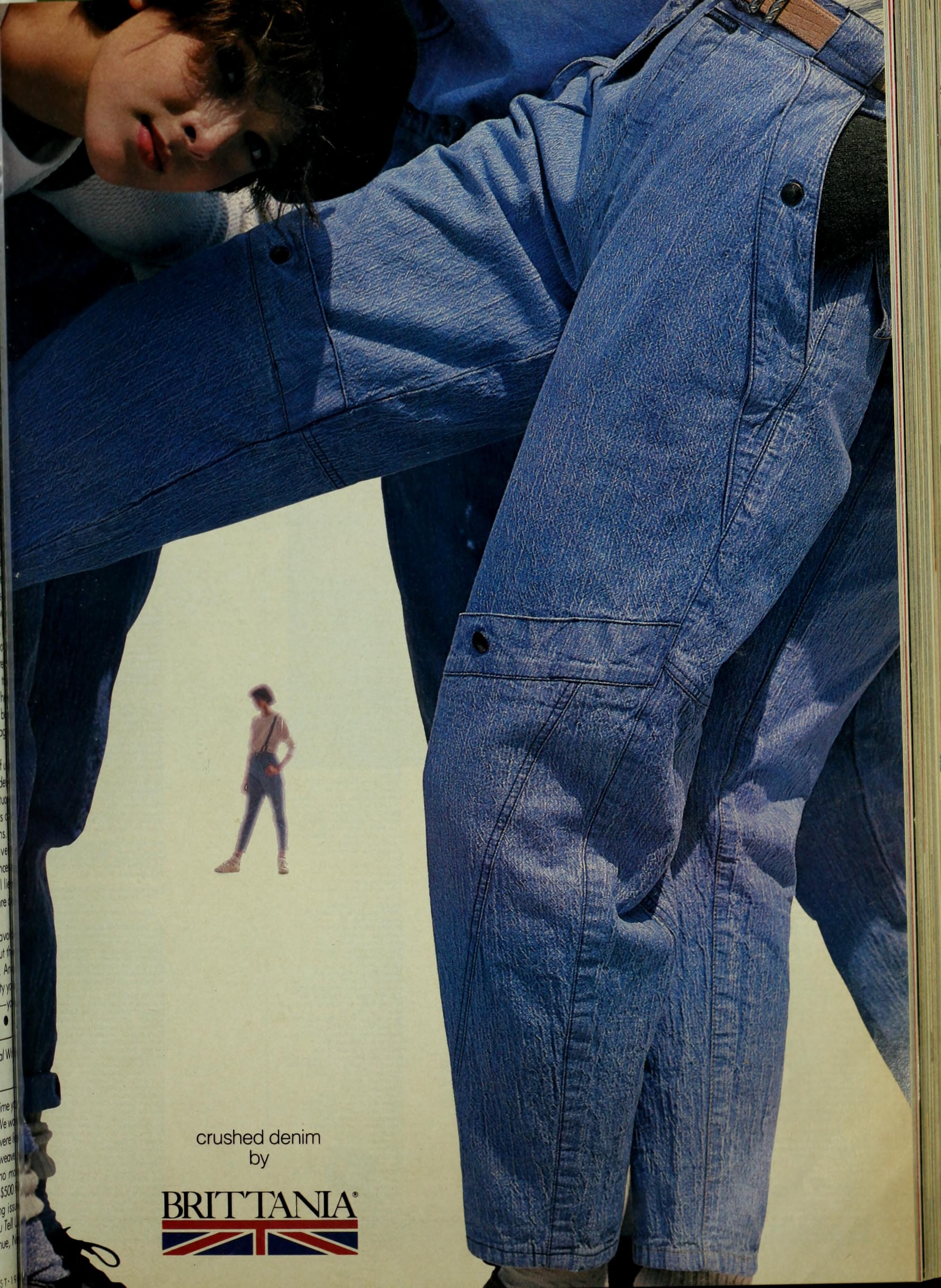
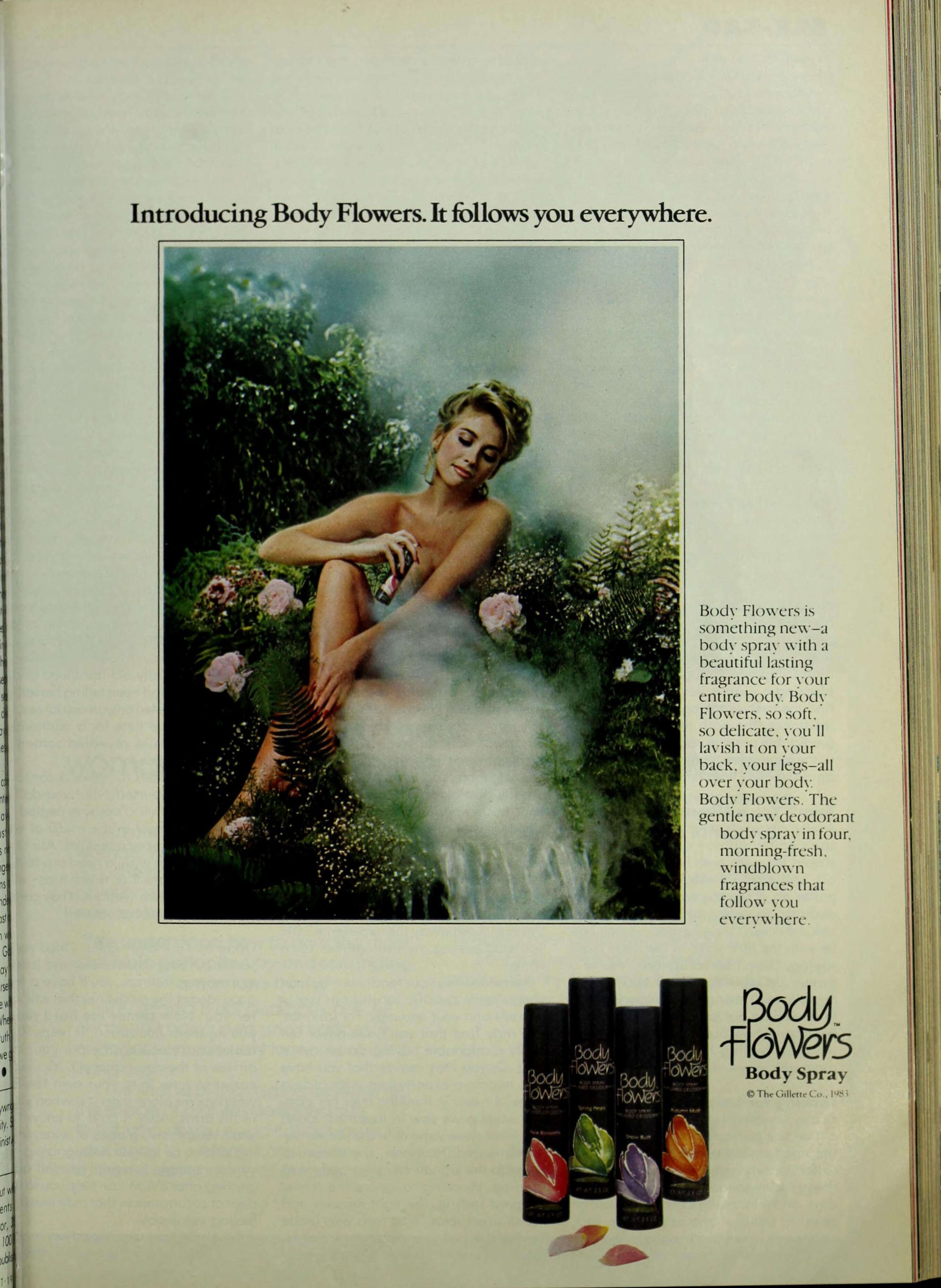
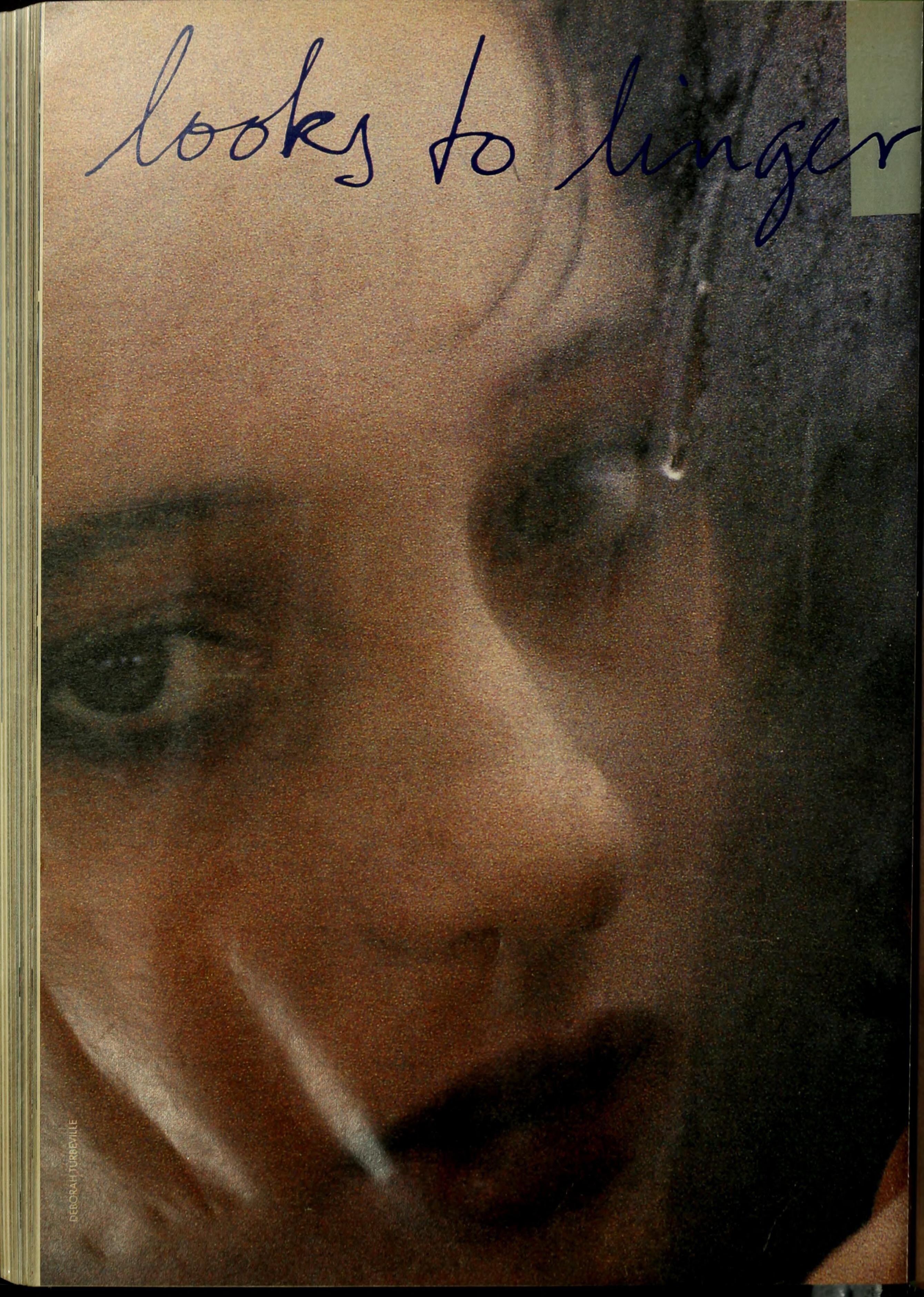
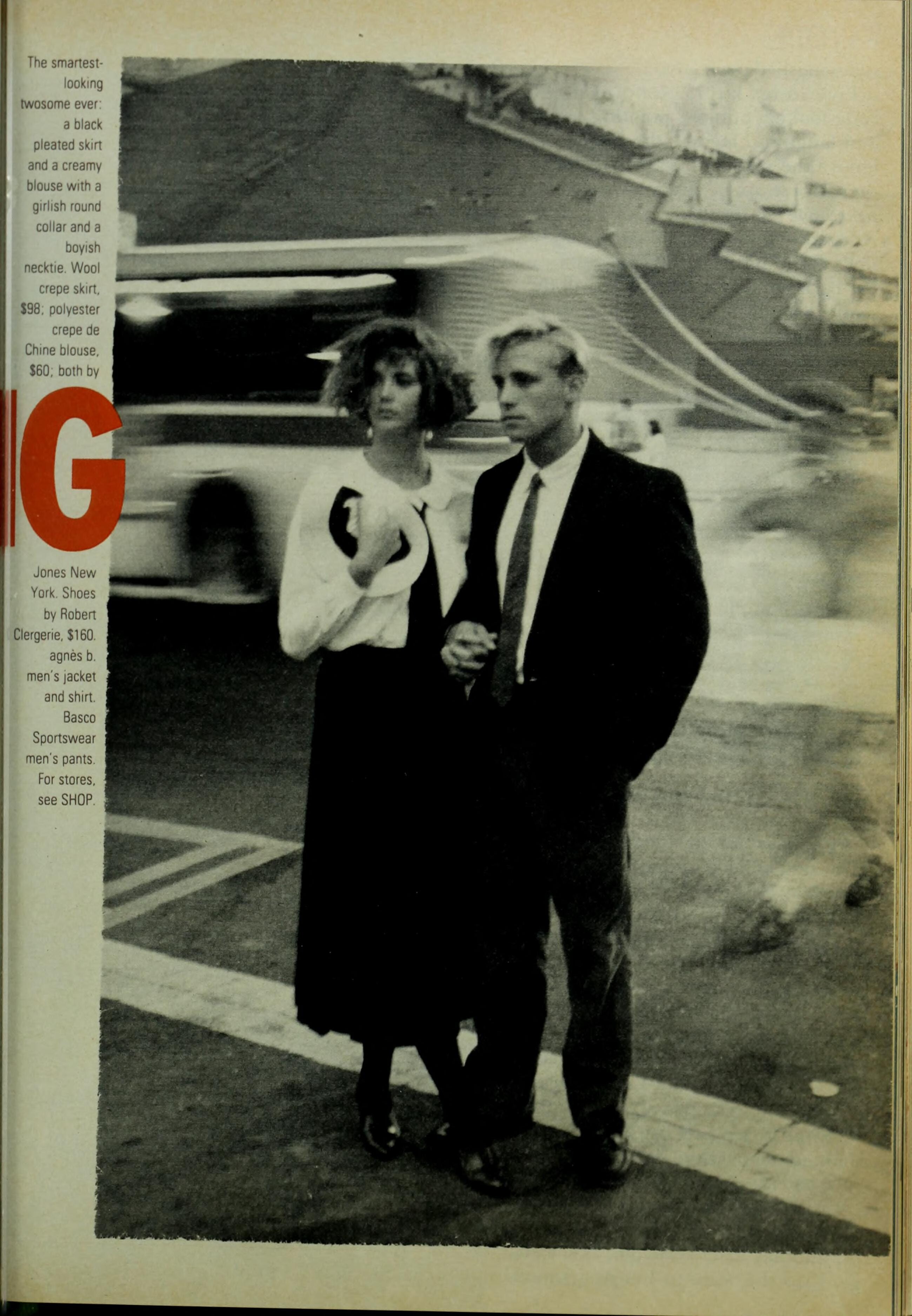
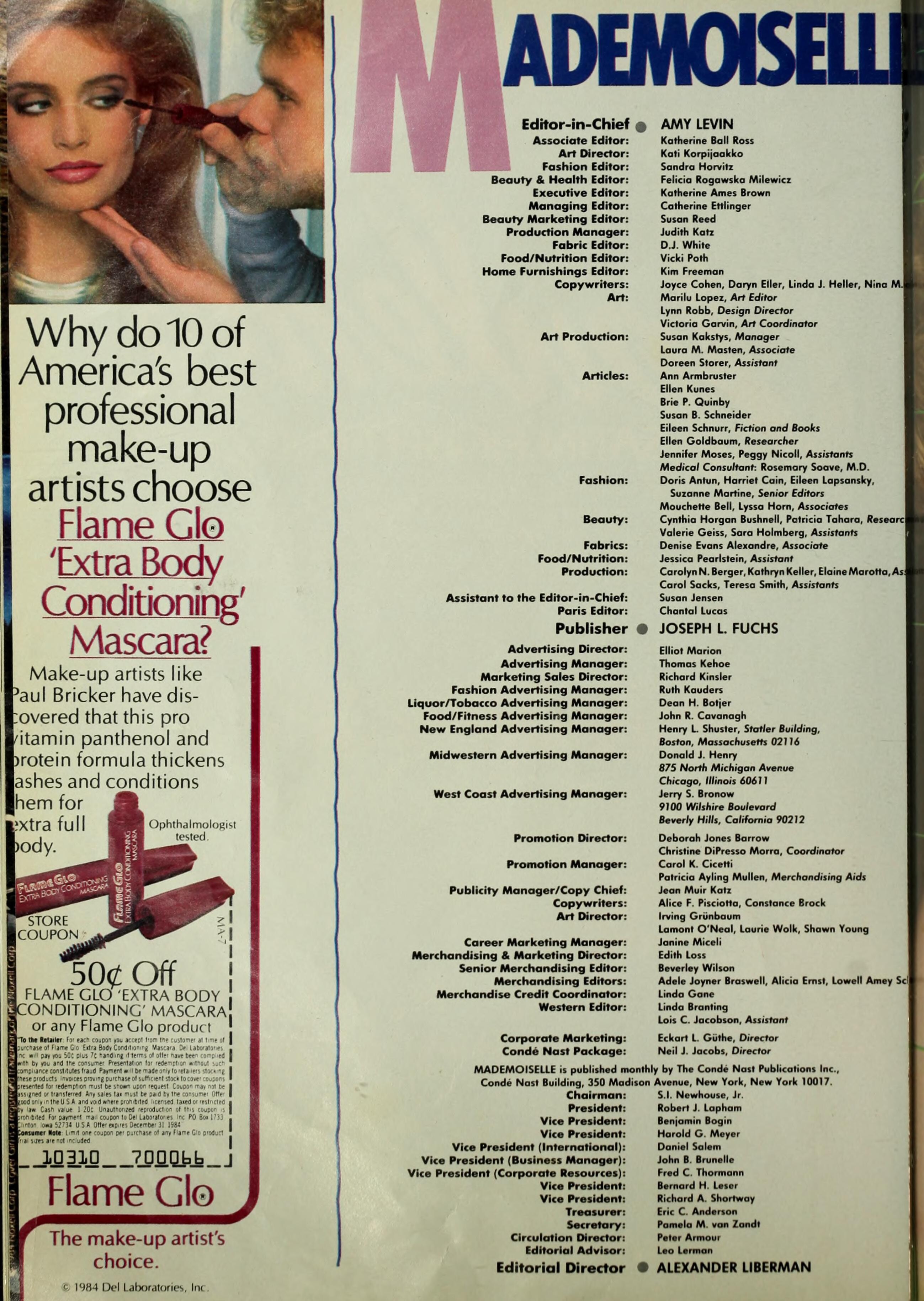
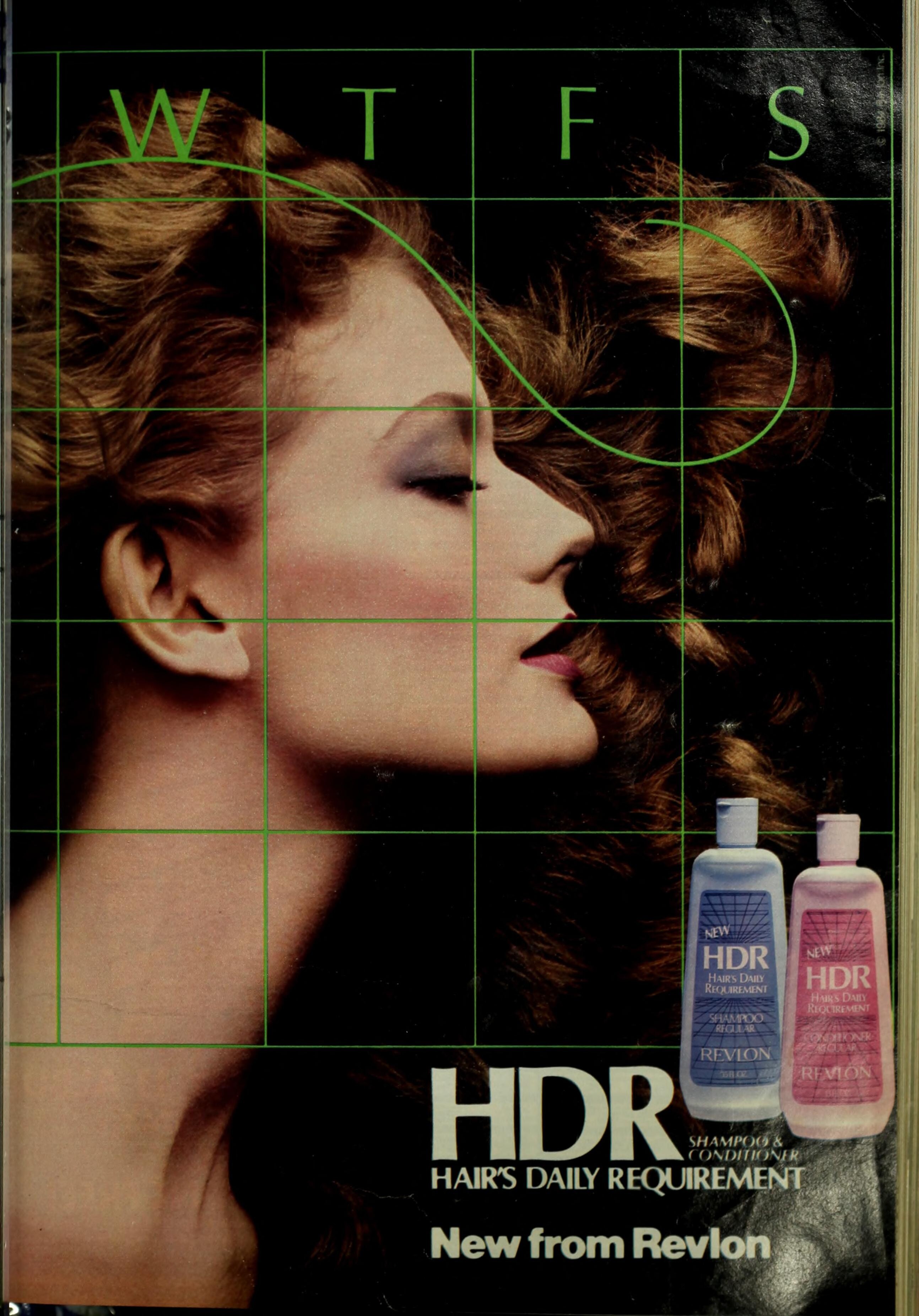
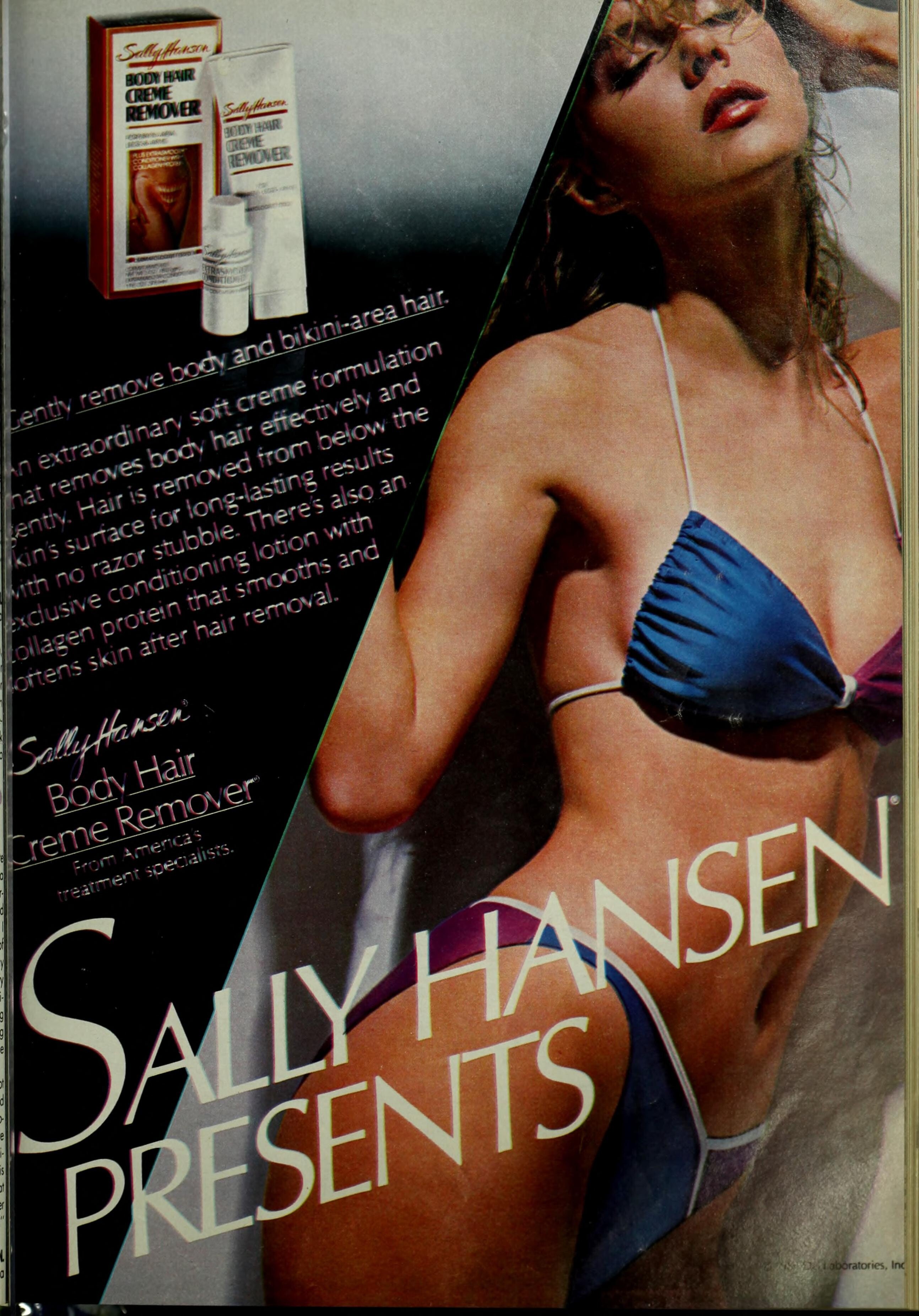
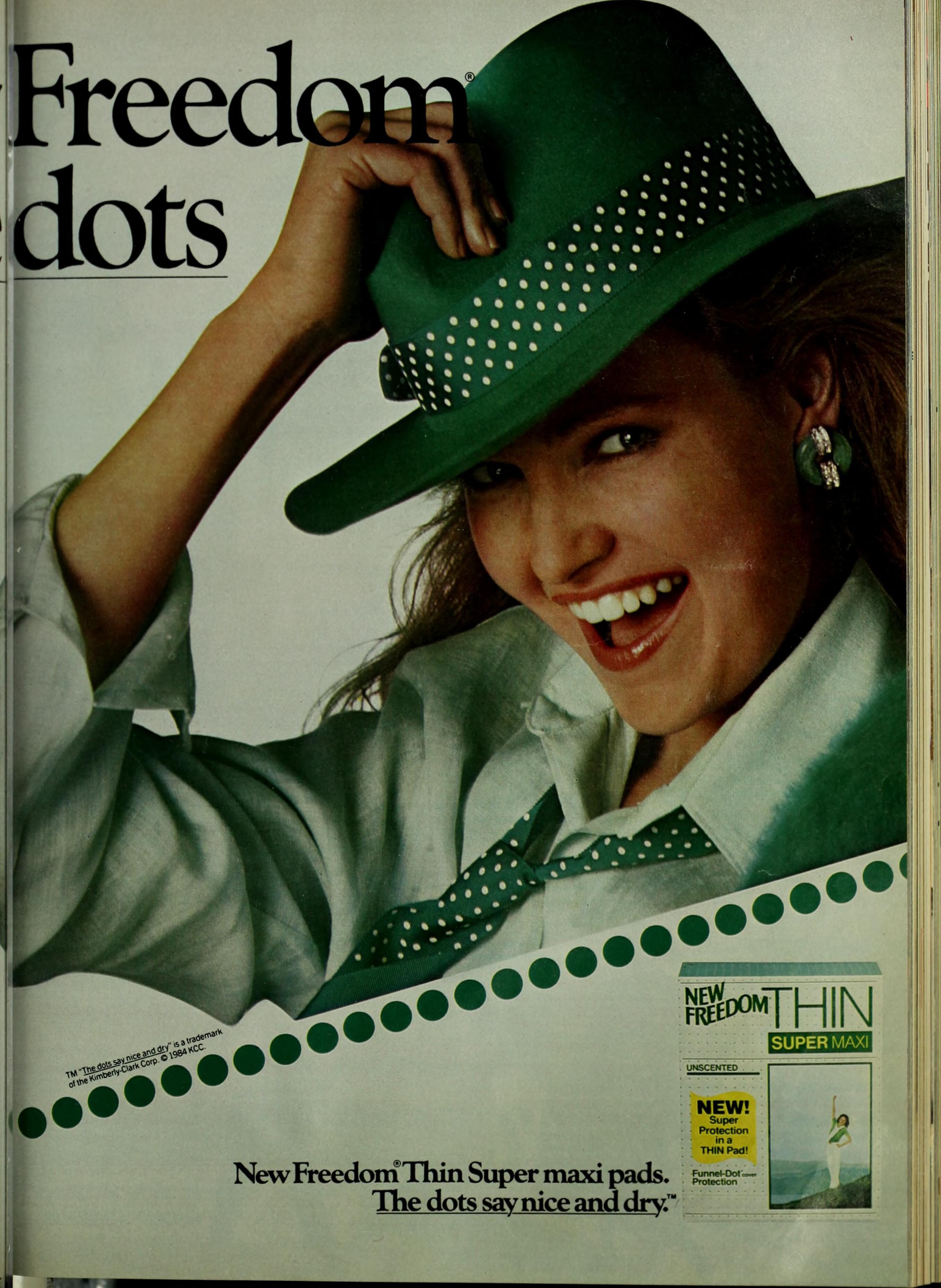
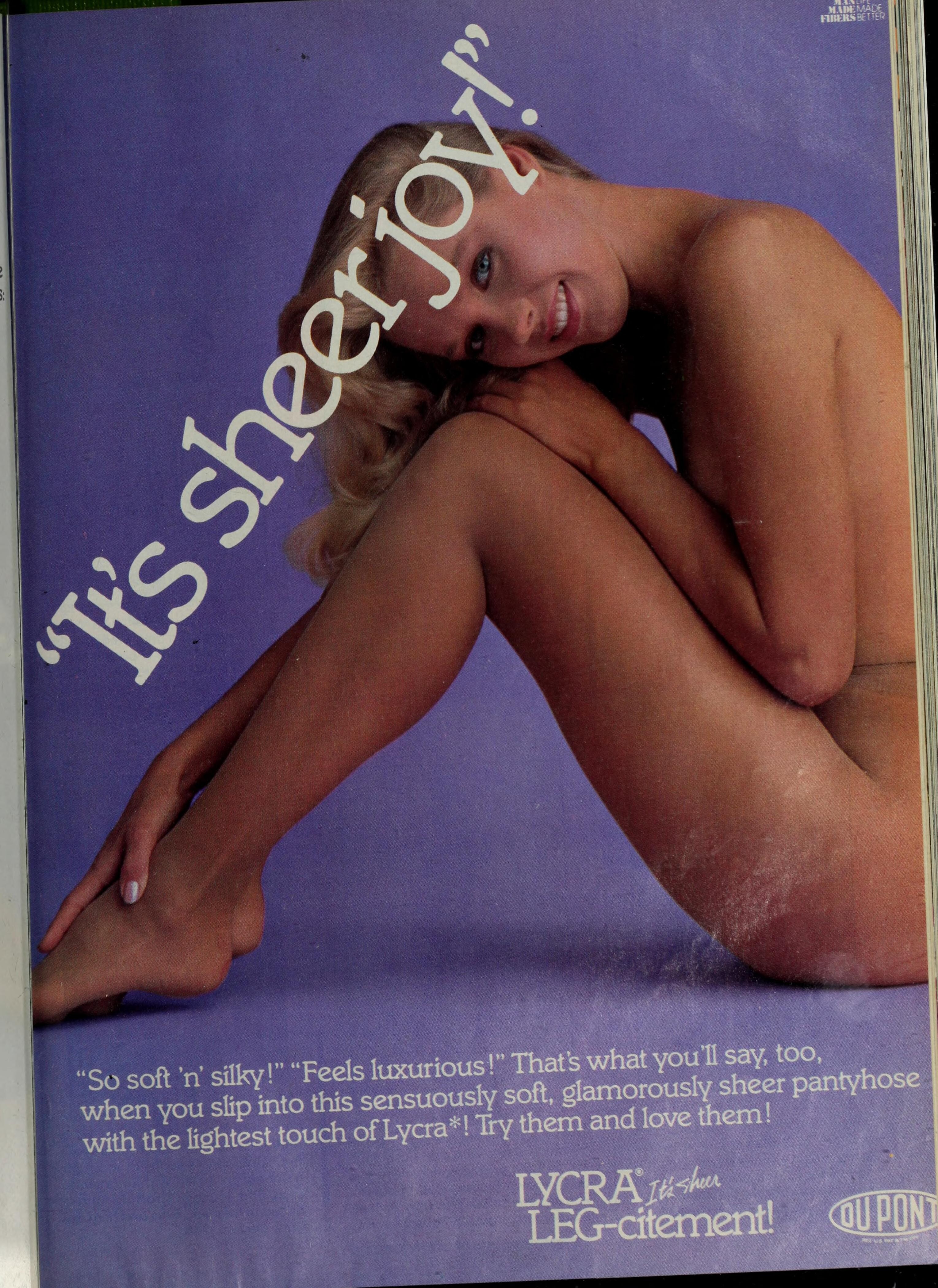
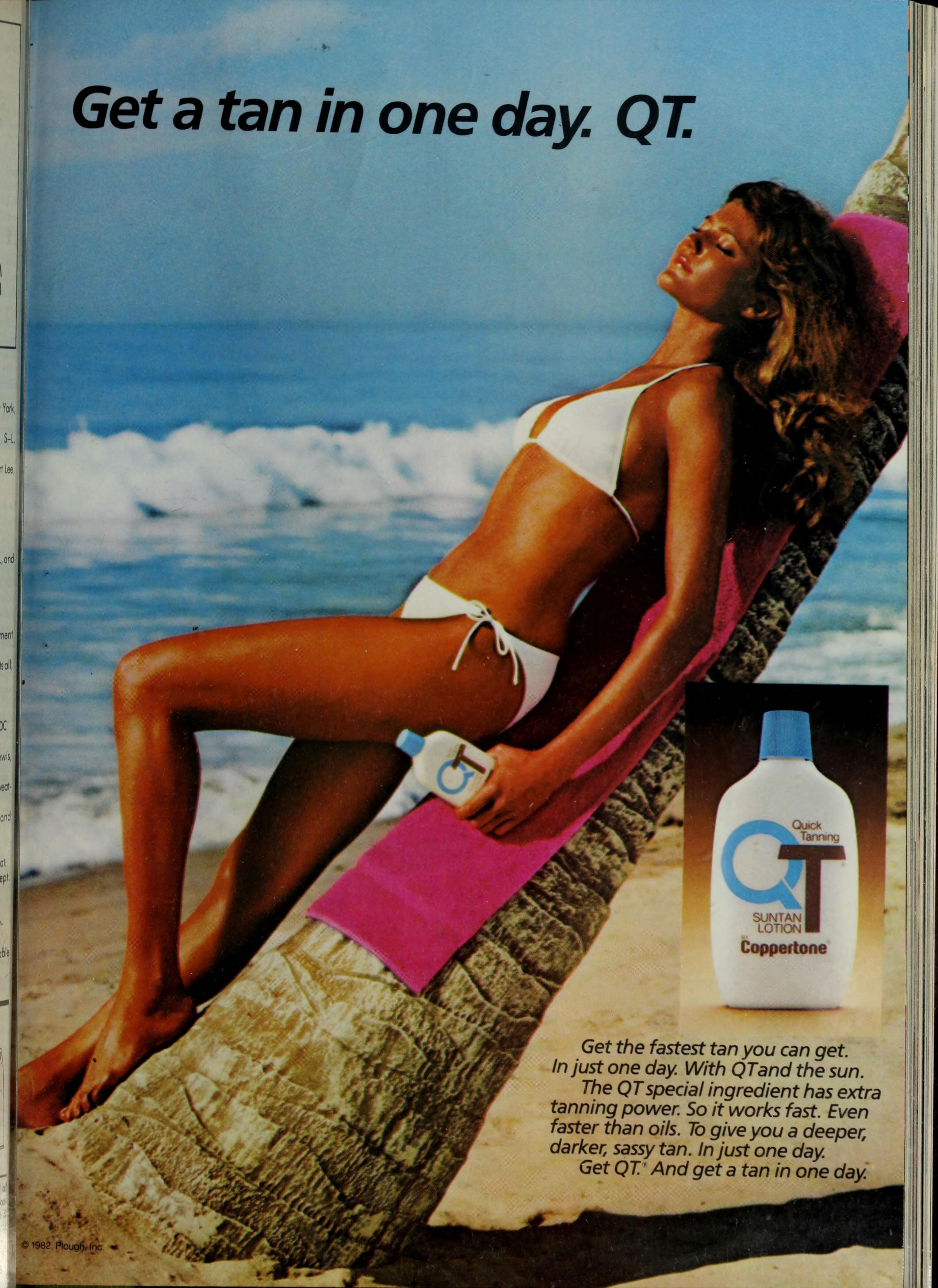
 MADEMOISELLE 1985/1986: (Shawn Huff - blonde) (Renata Vackova?)

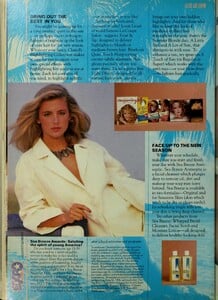
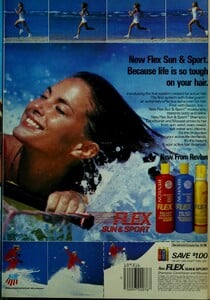
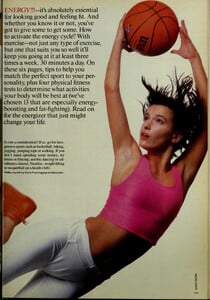



-
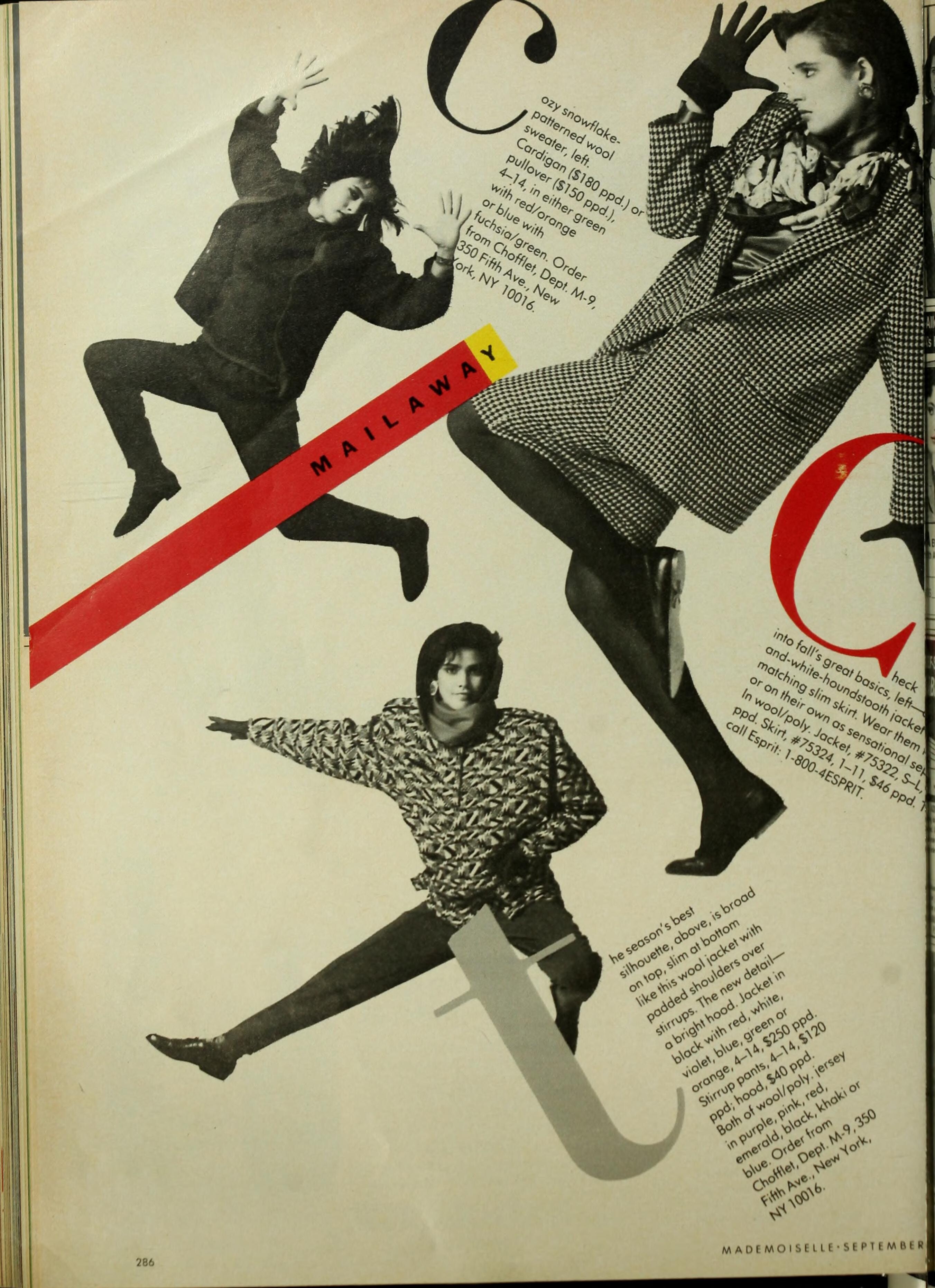
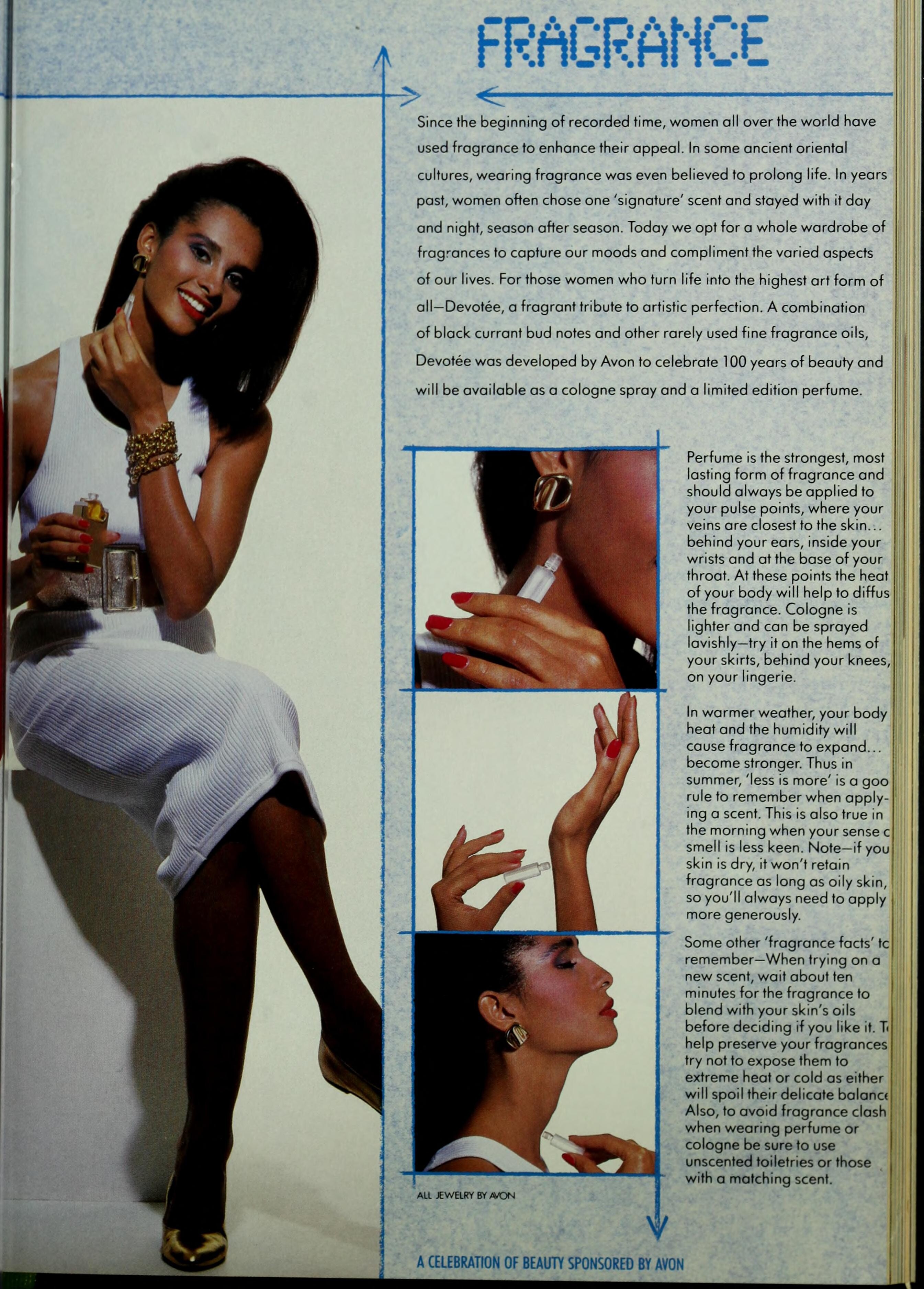
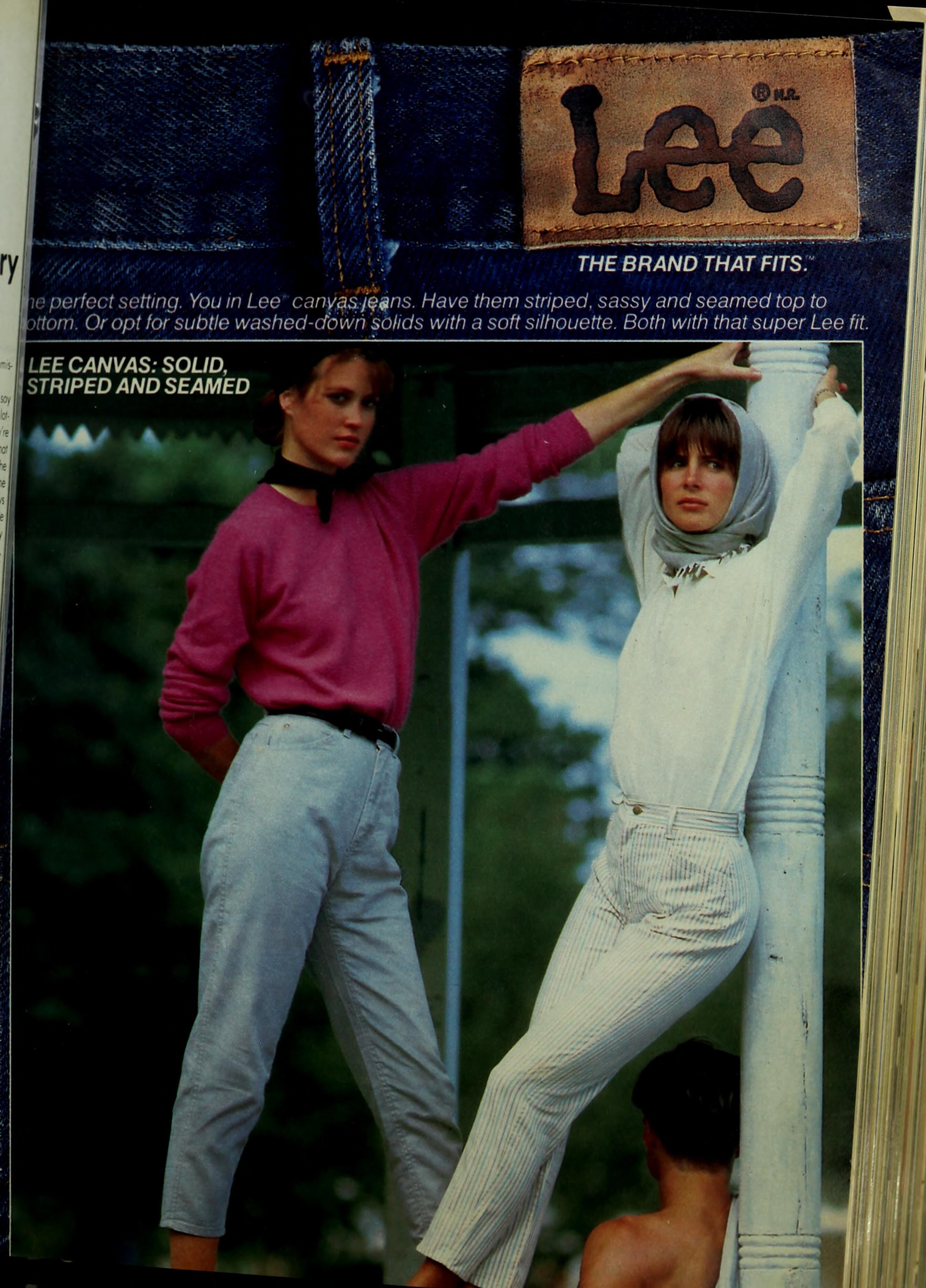
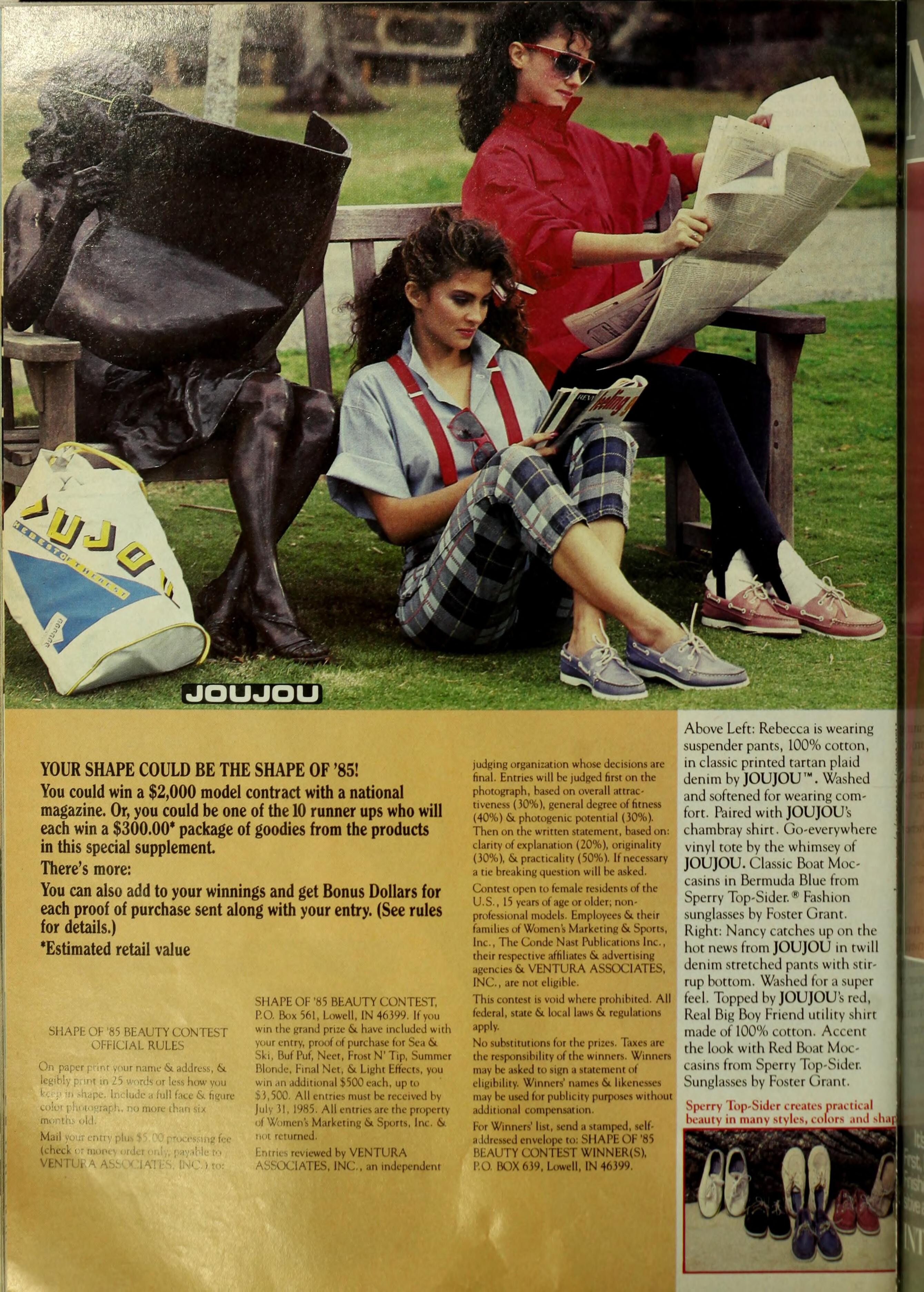
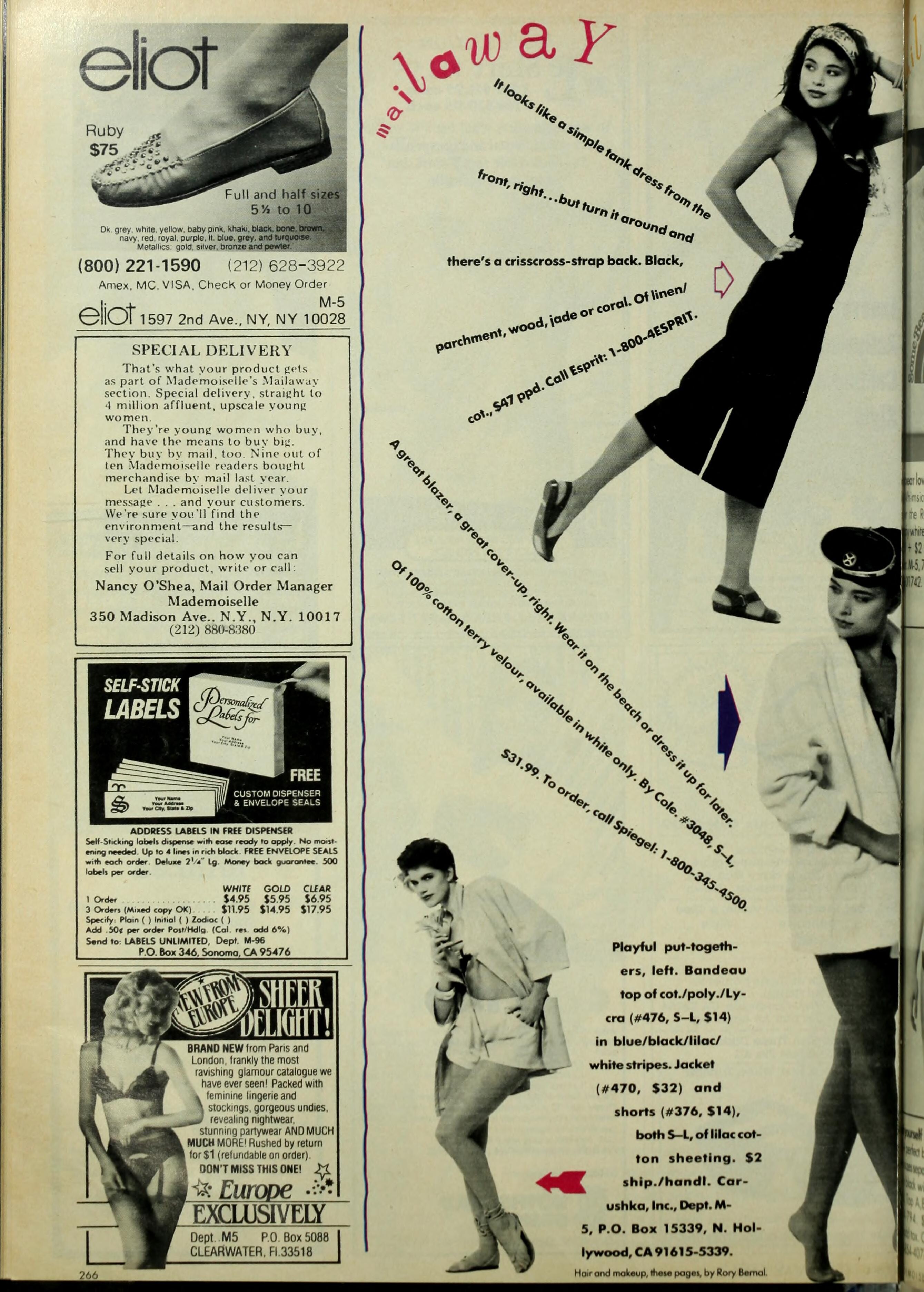
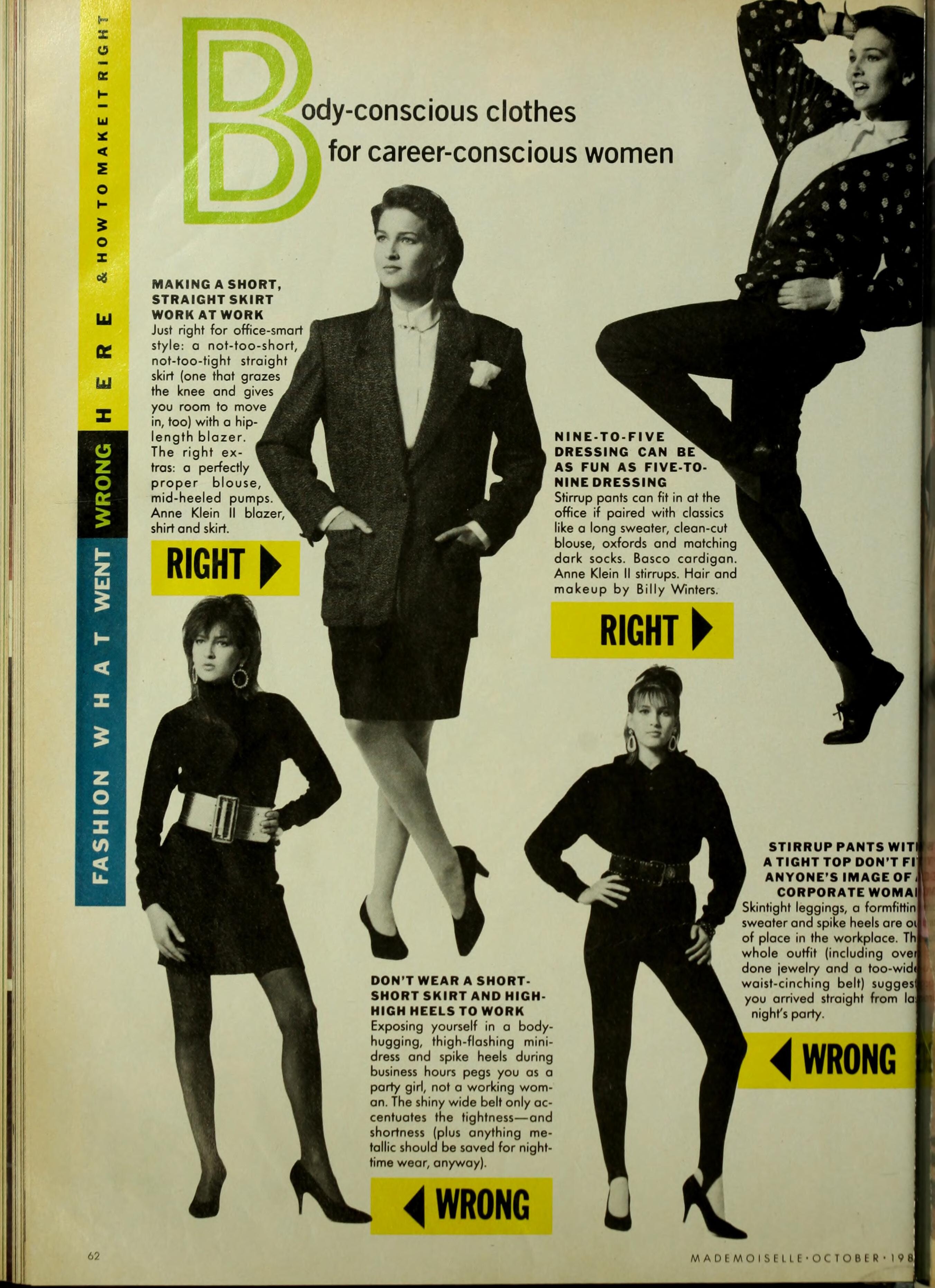
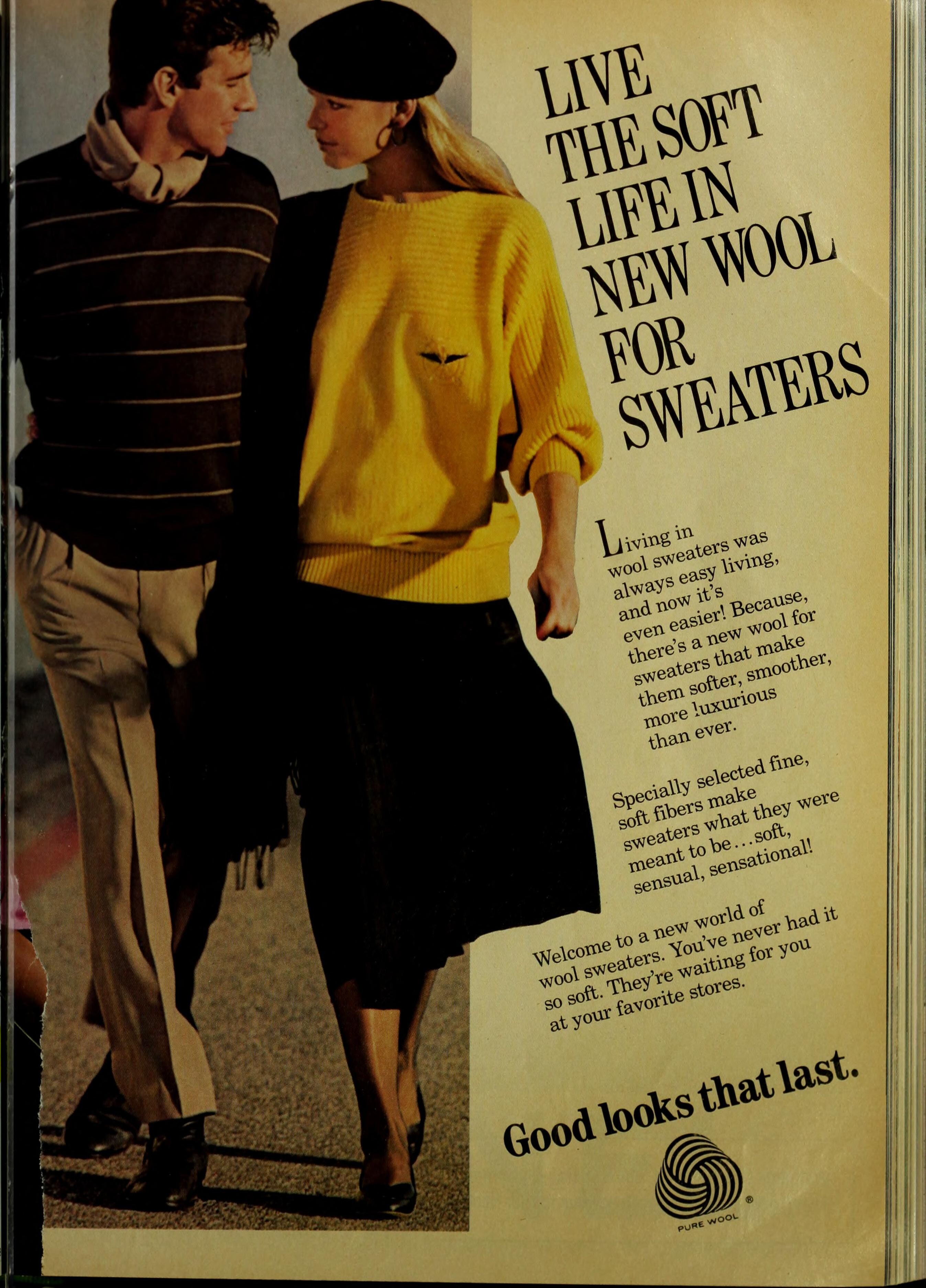
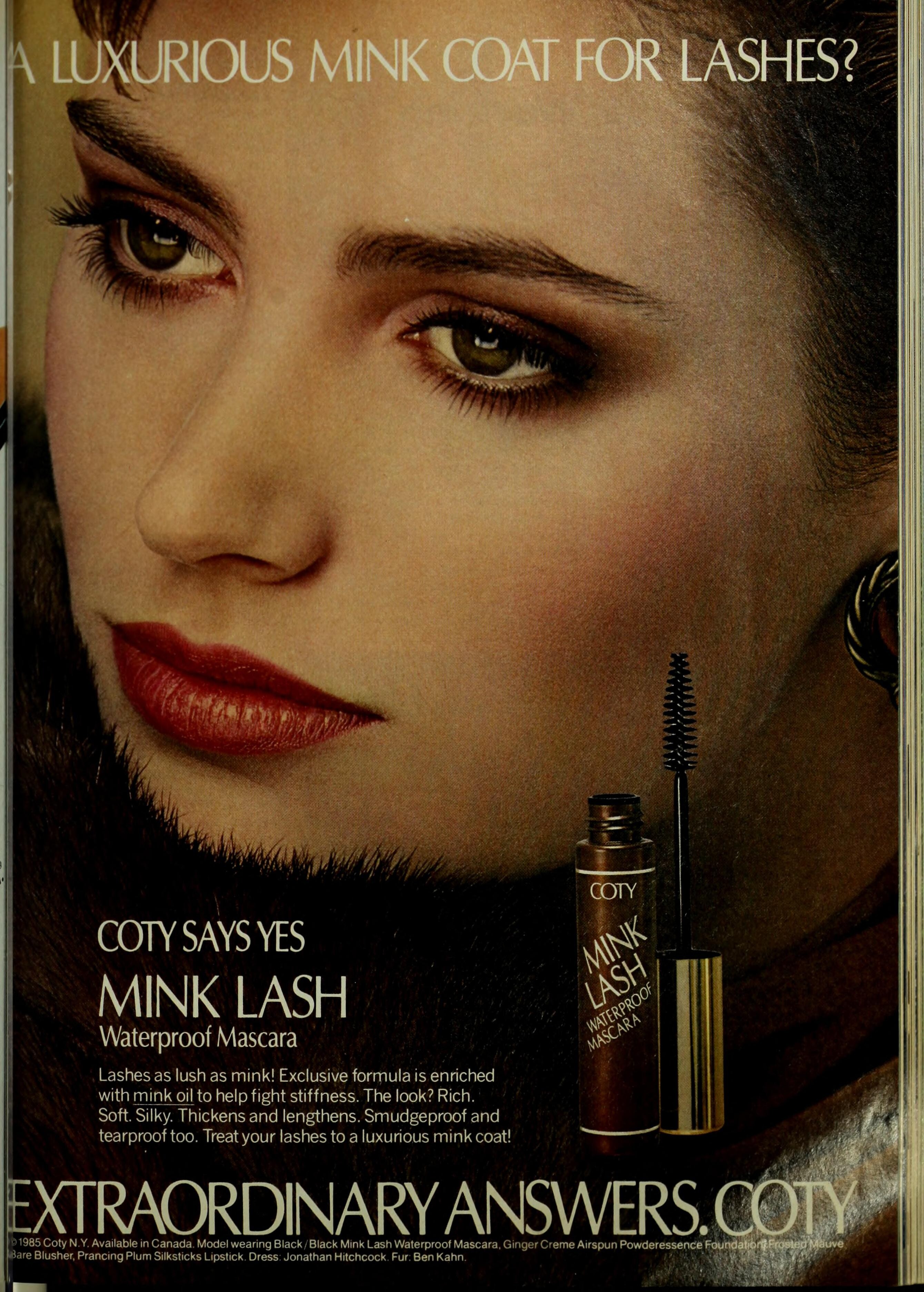
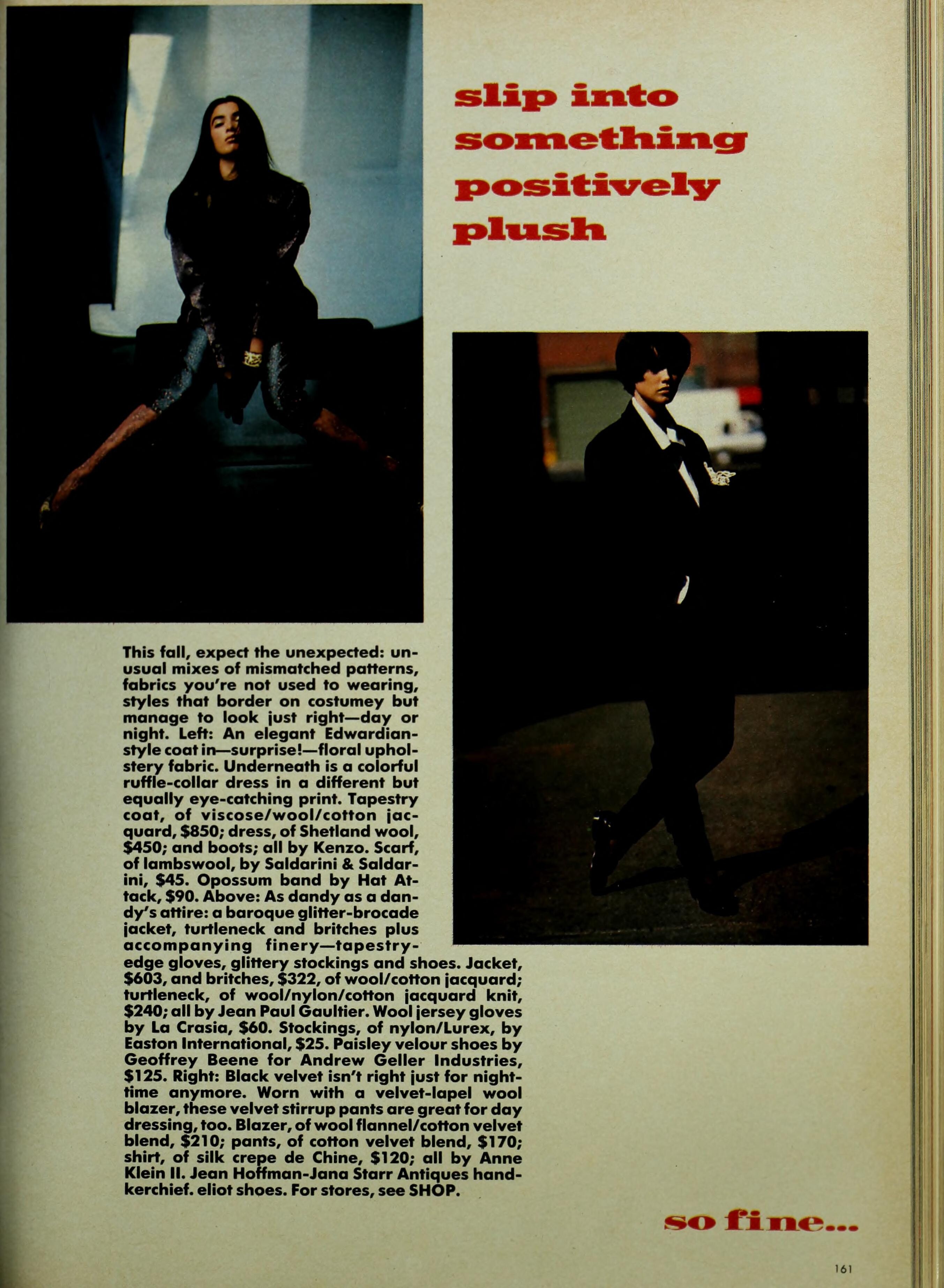
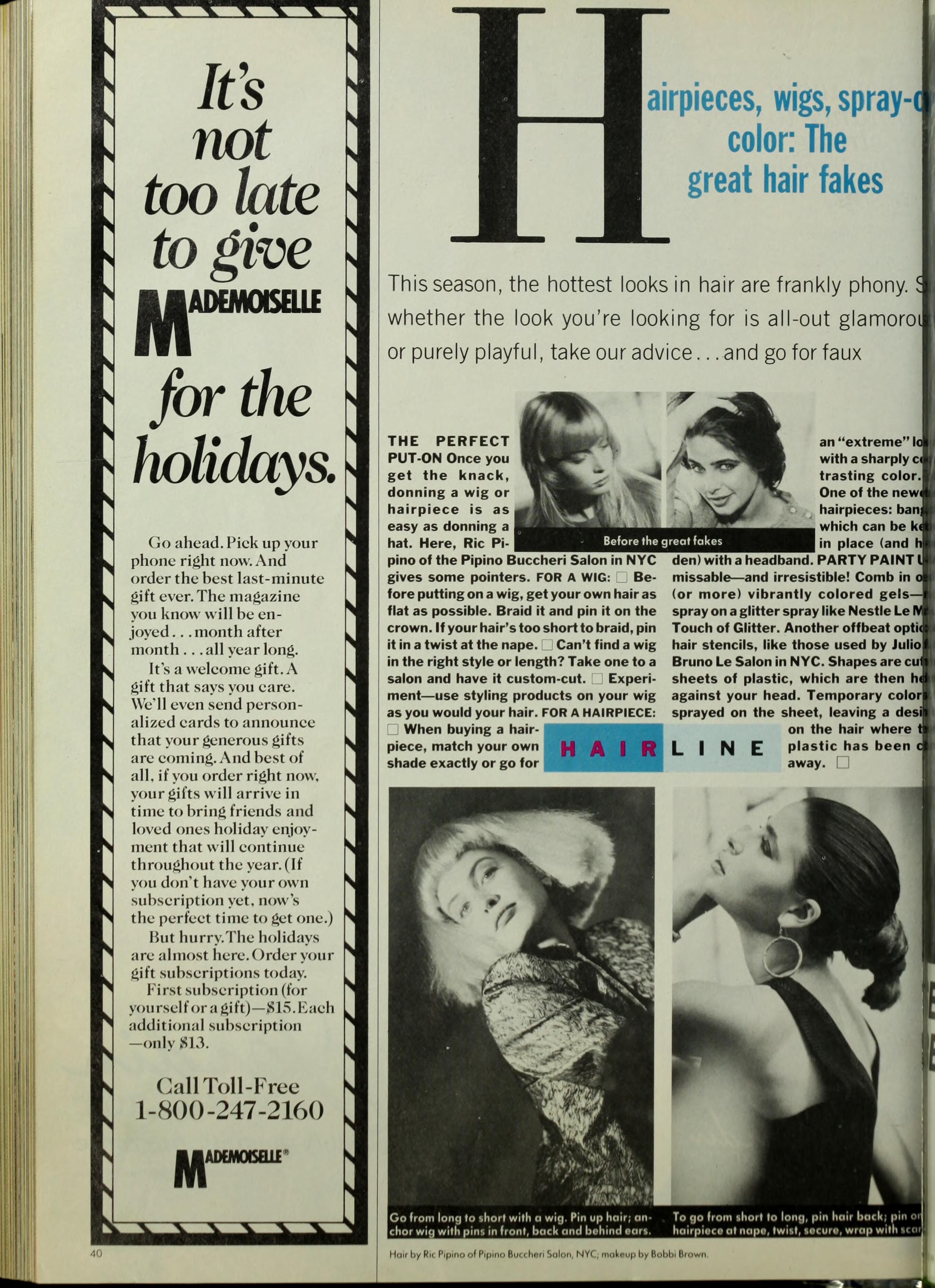
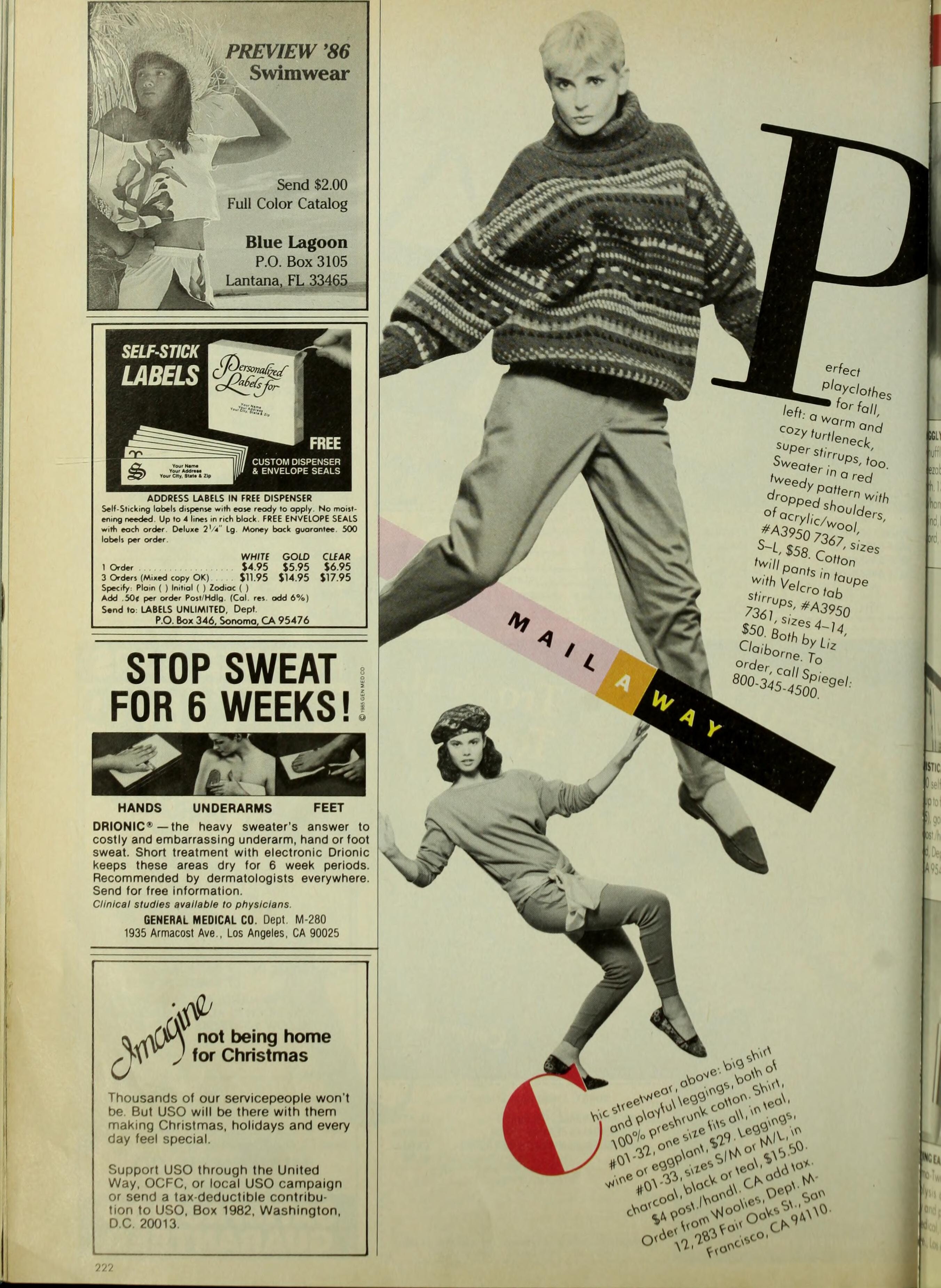
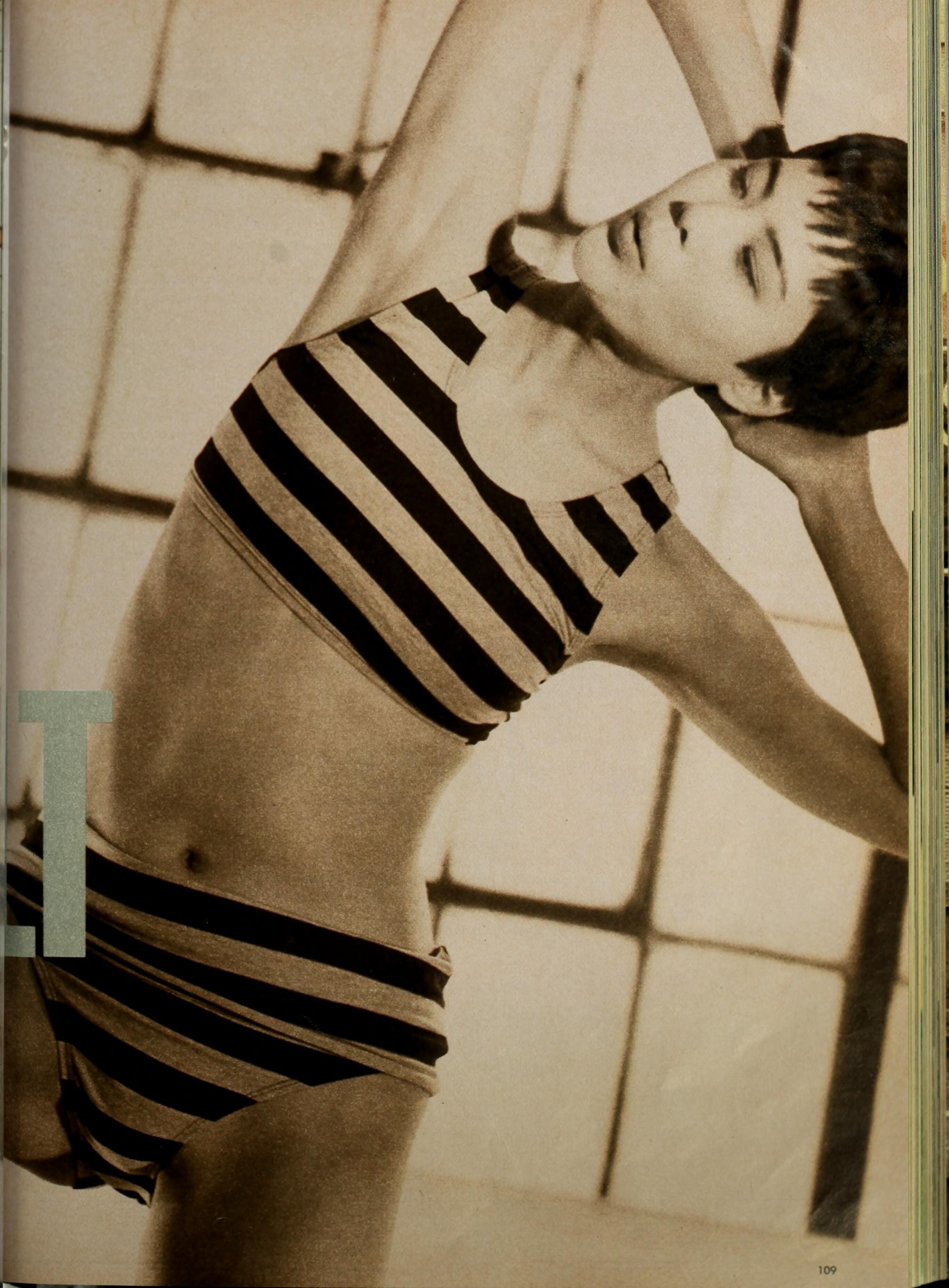
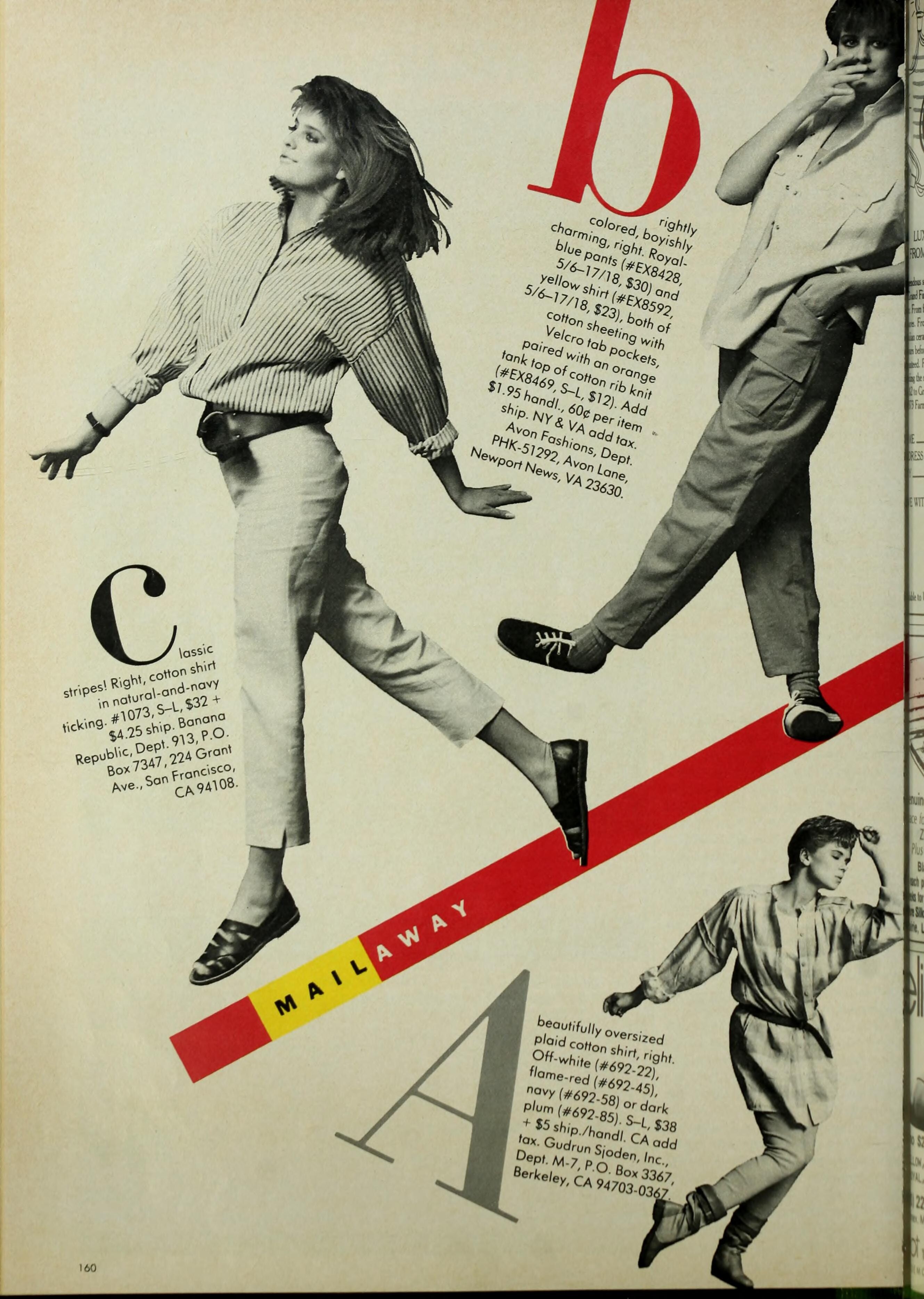
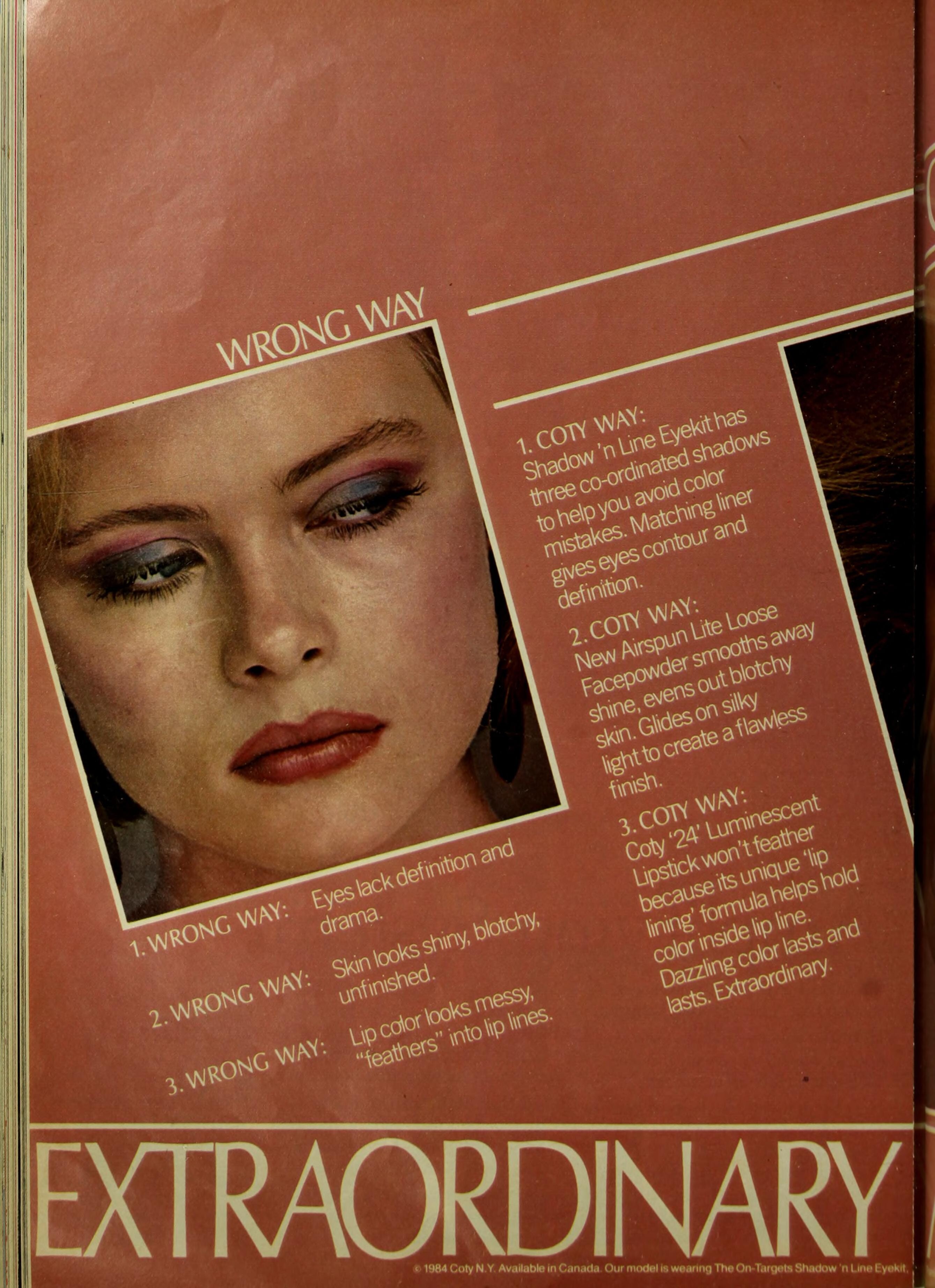
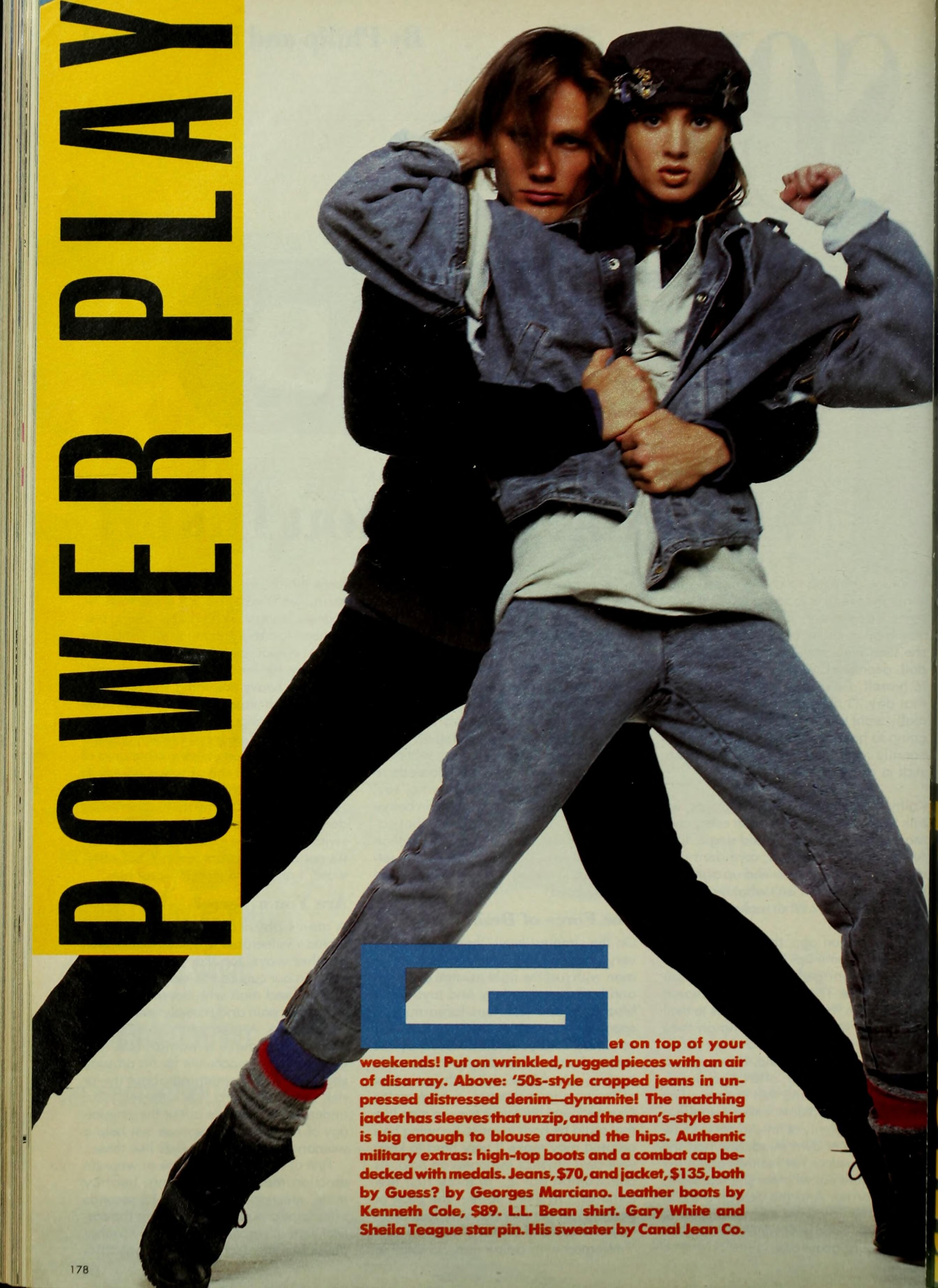
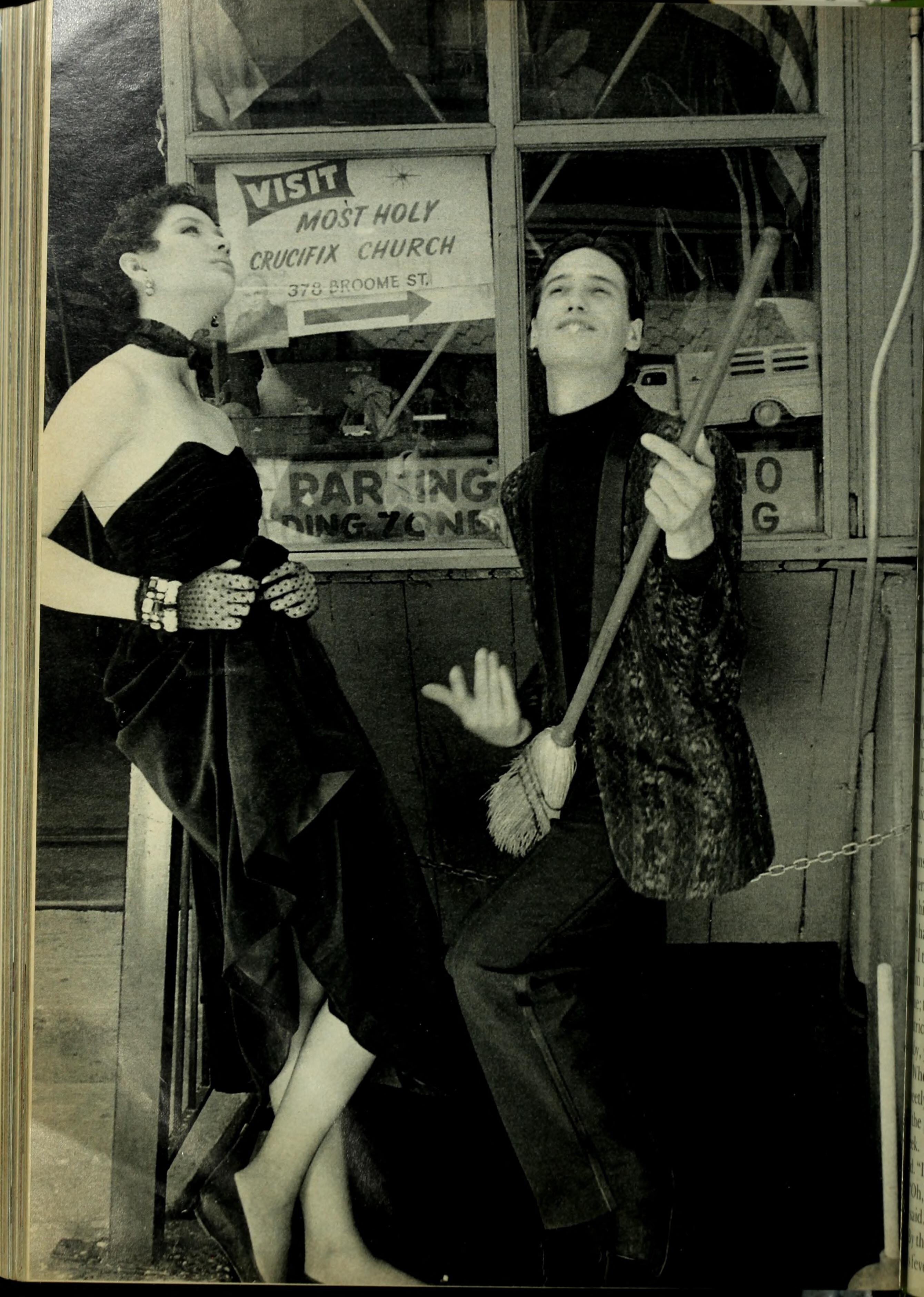
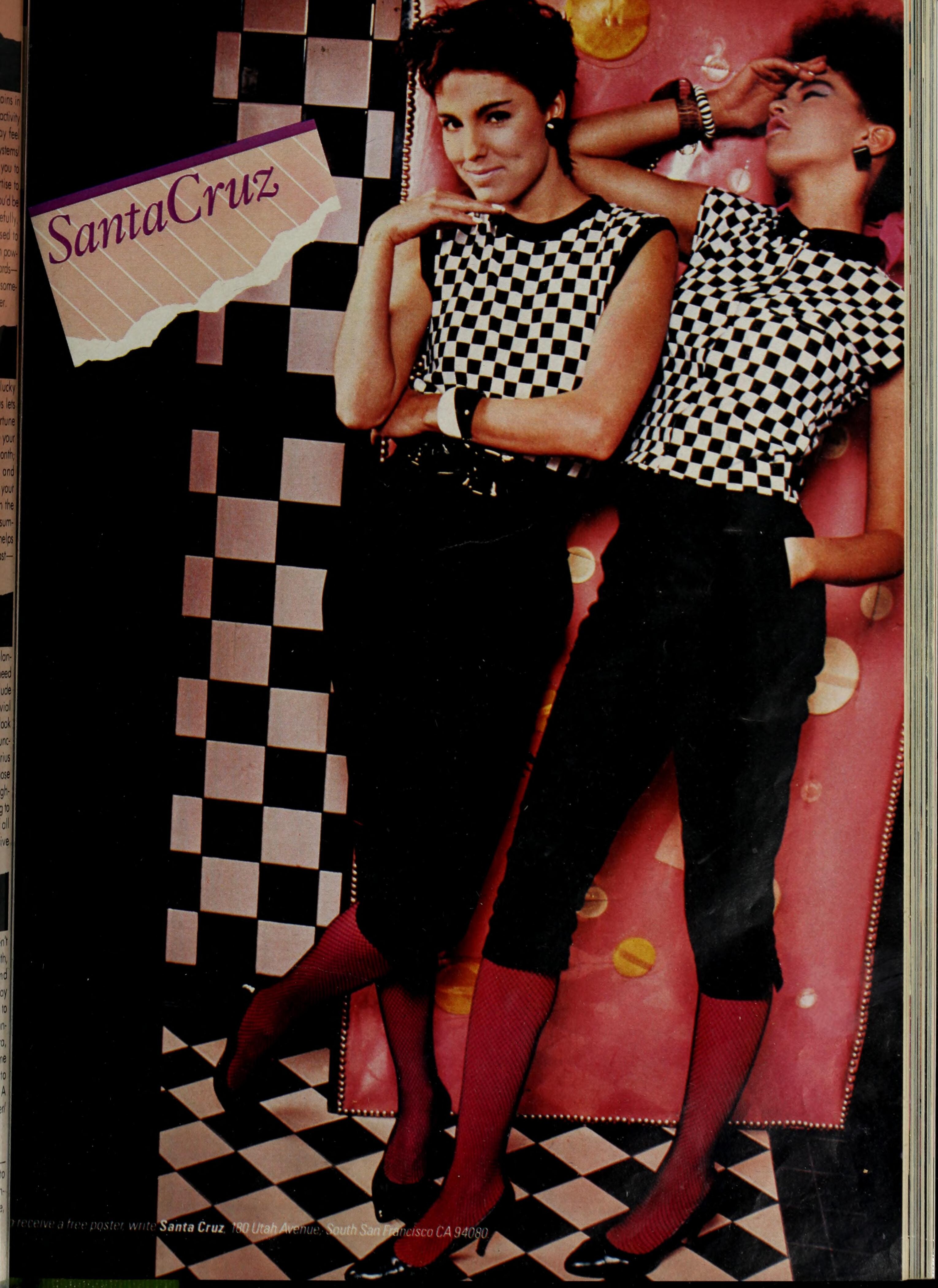
MADEMOISELLE 1985: (Cheri La Roque on the right) (Rebecca Ferratti - left) (left - Kara Eckman Underwood) (Model in the pic on the bottom?)
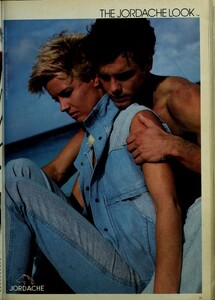

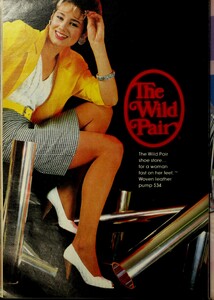

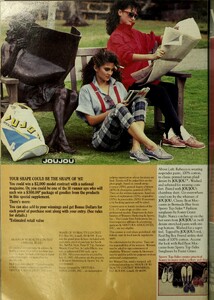
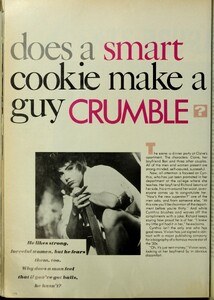
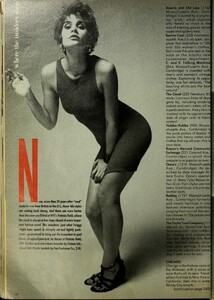
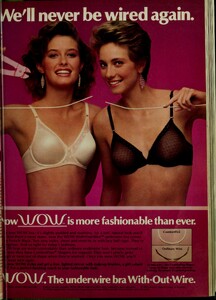
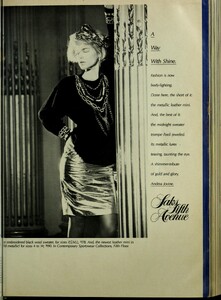
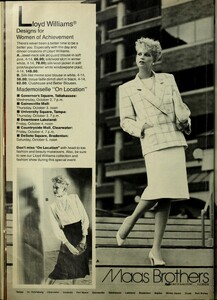
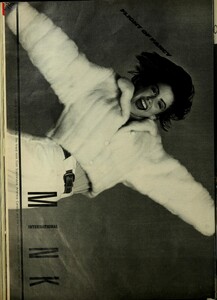

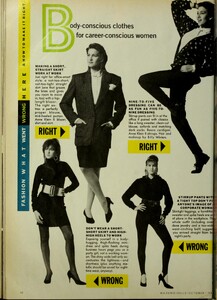
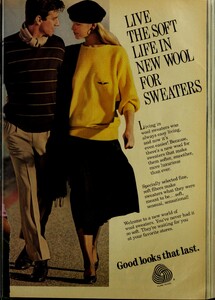
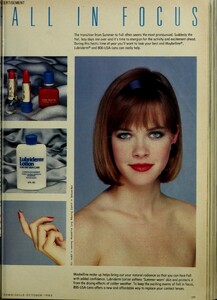
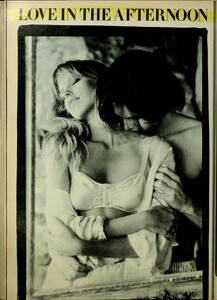
-
Thank you, guys!
-
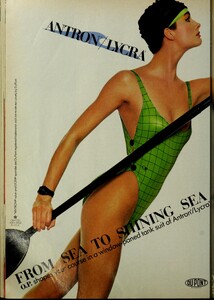
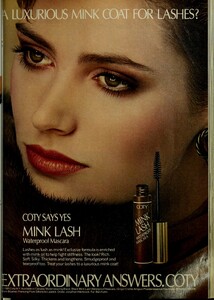
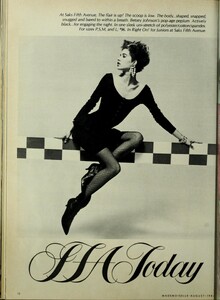
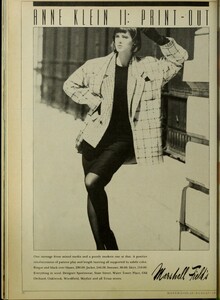
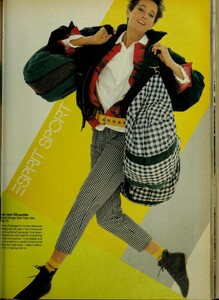
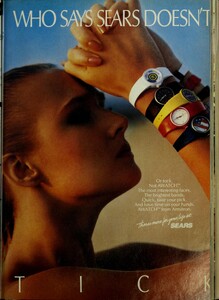
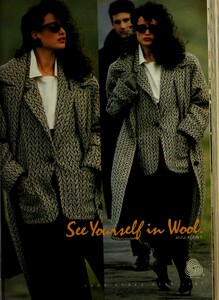
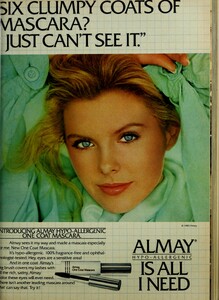
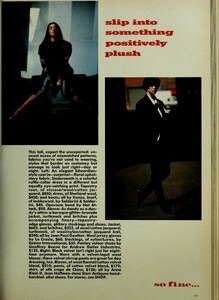
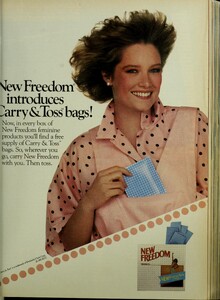
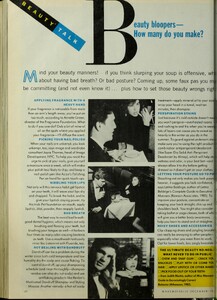
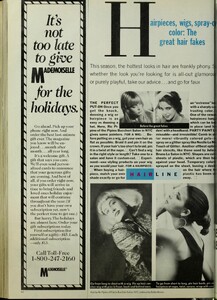
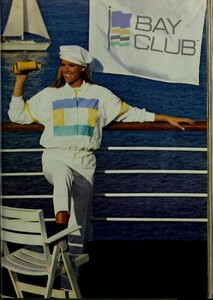
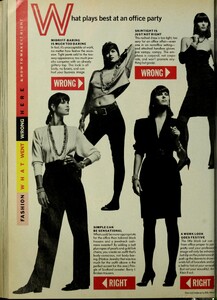
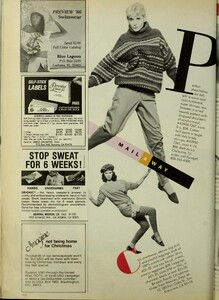
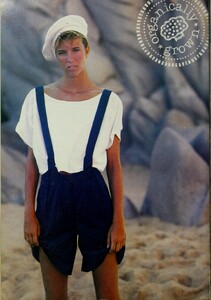
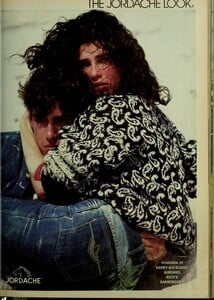
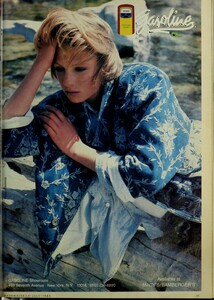
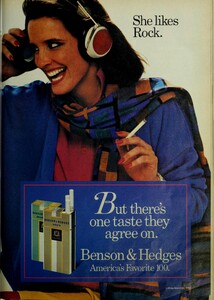
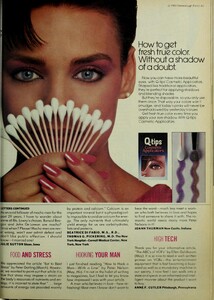
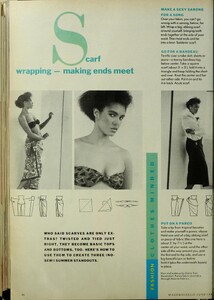
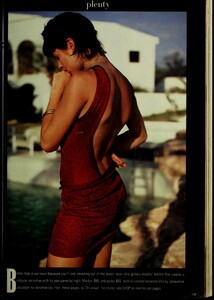
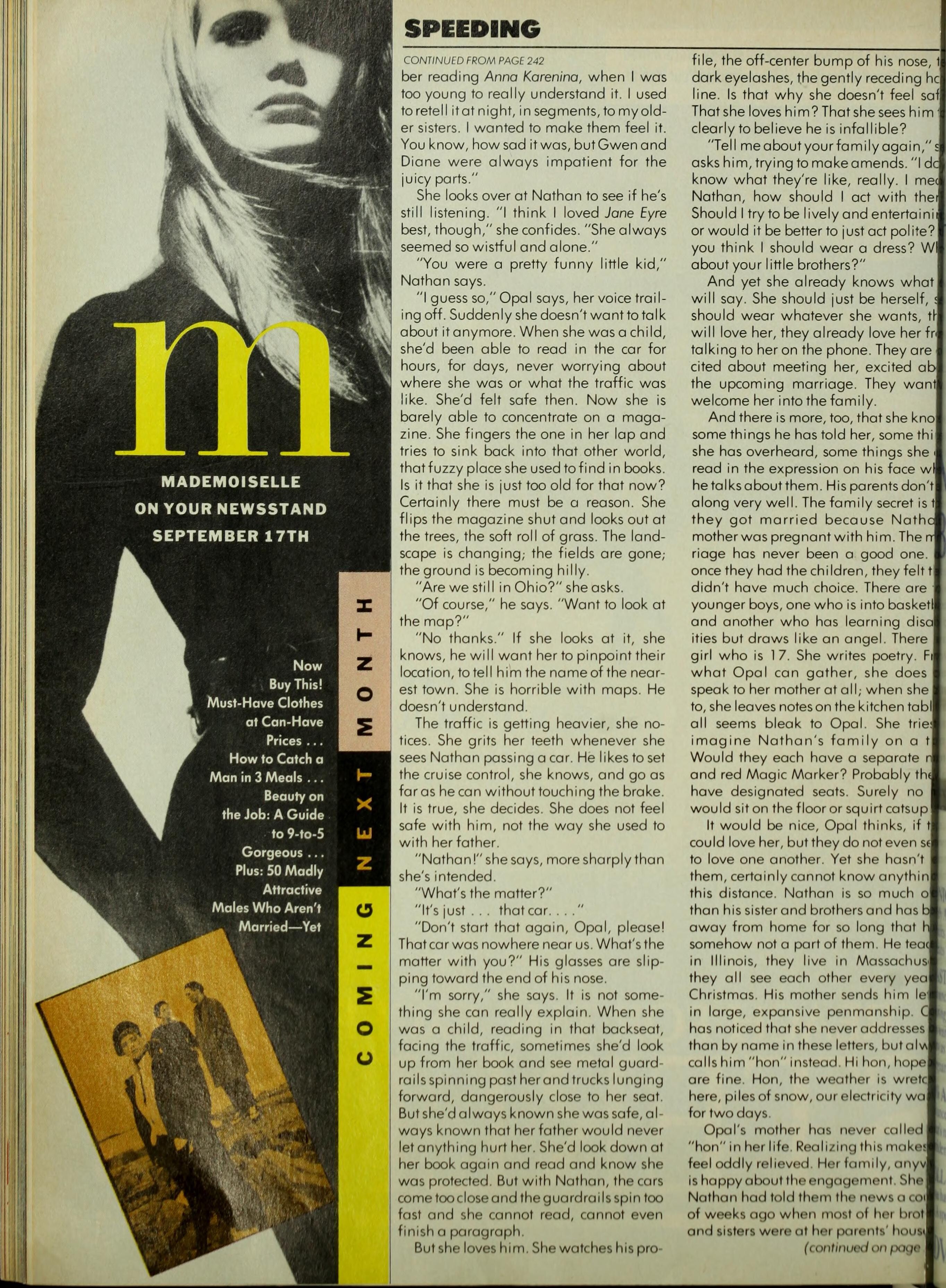
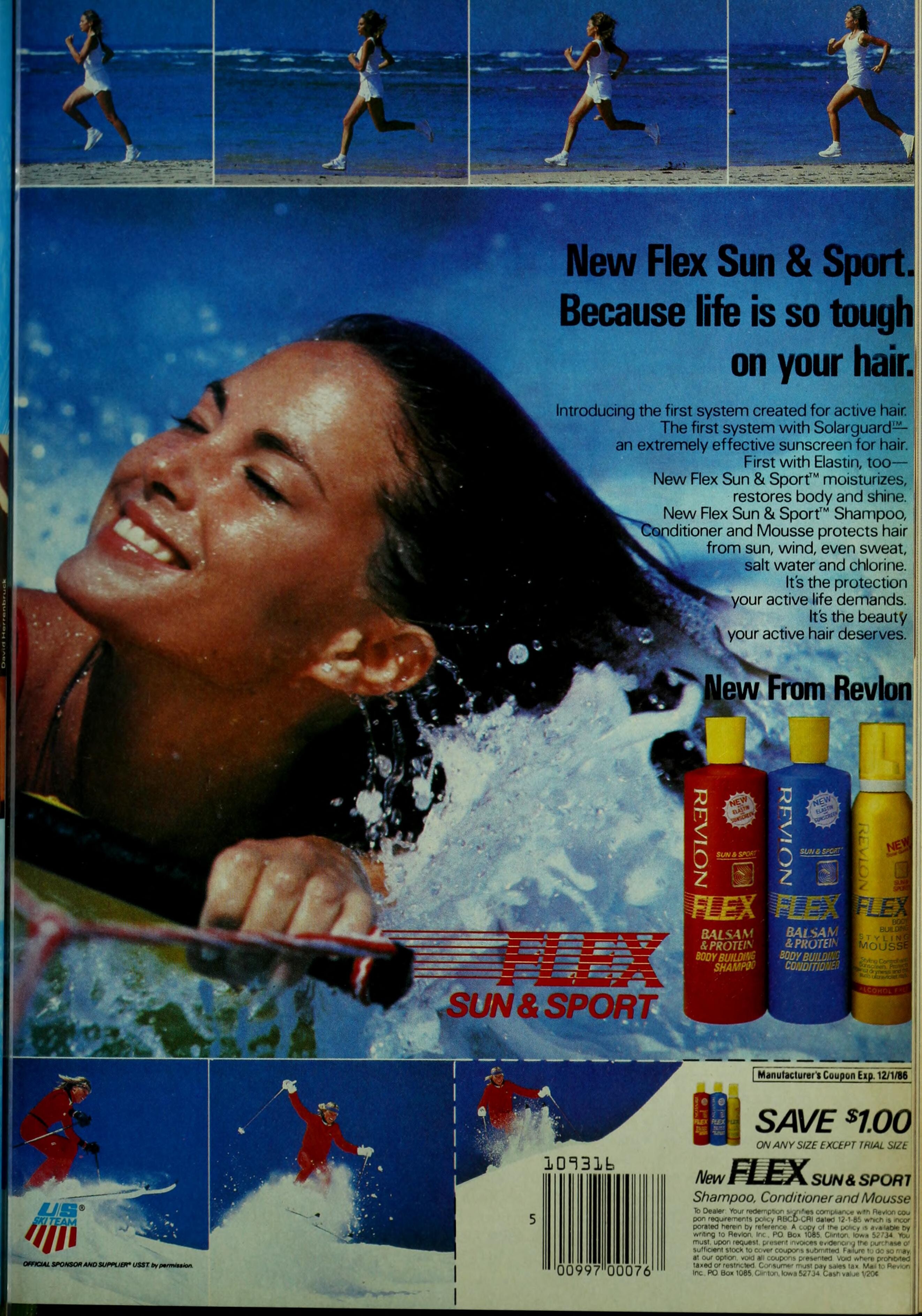
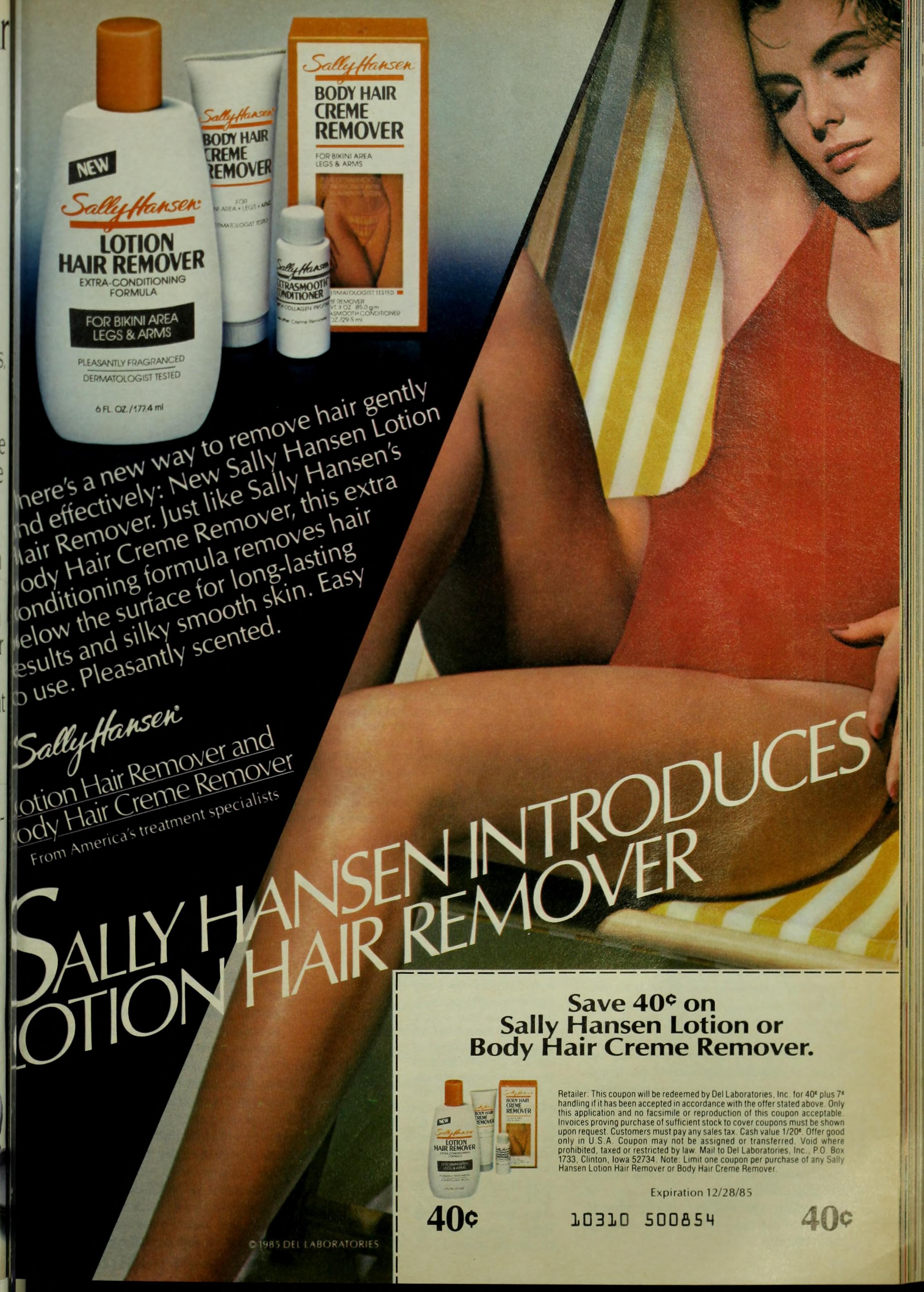
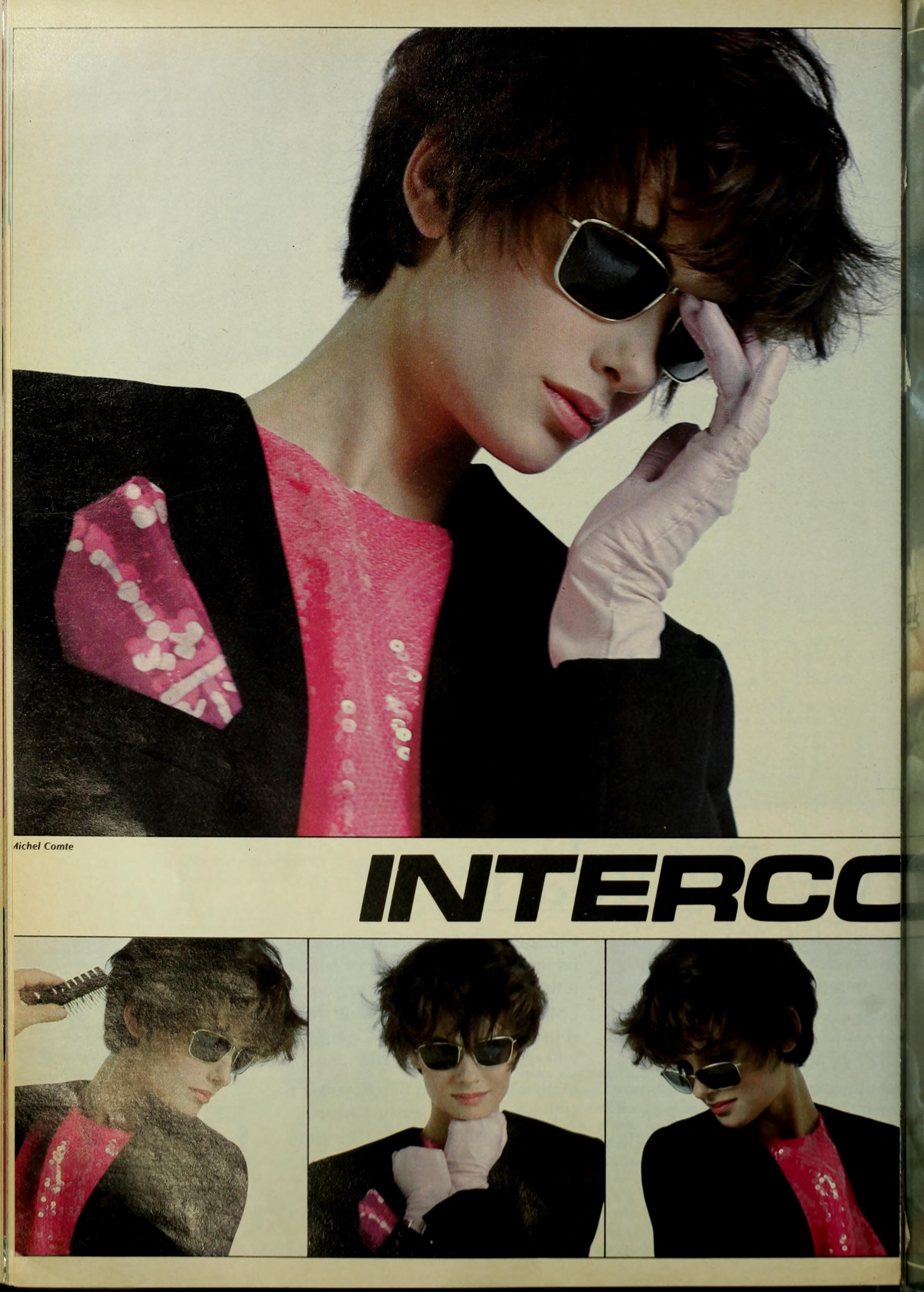
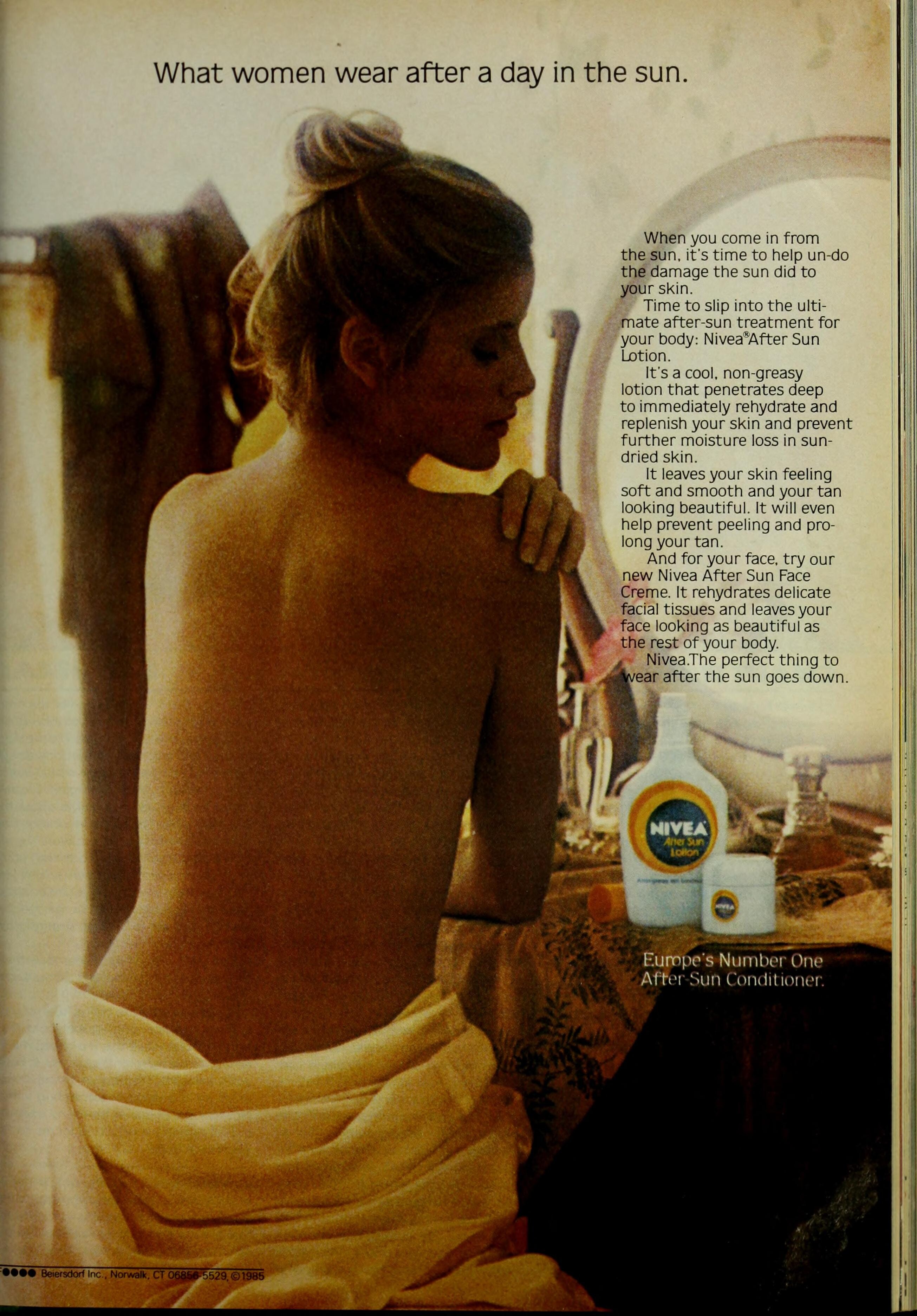
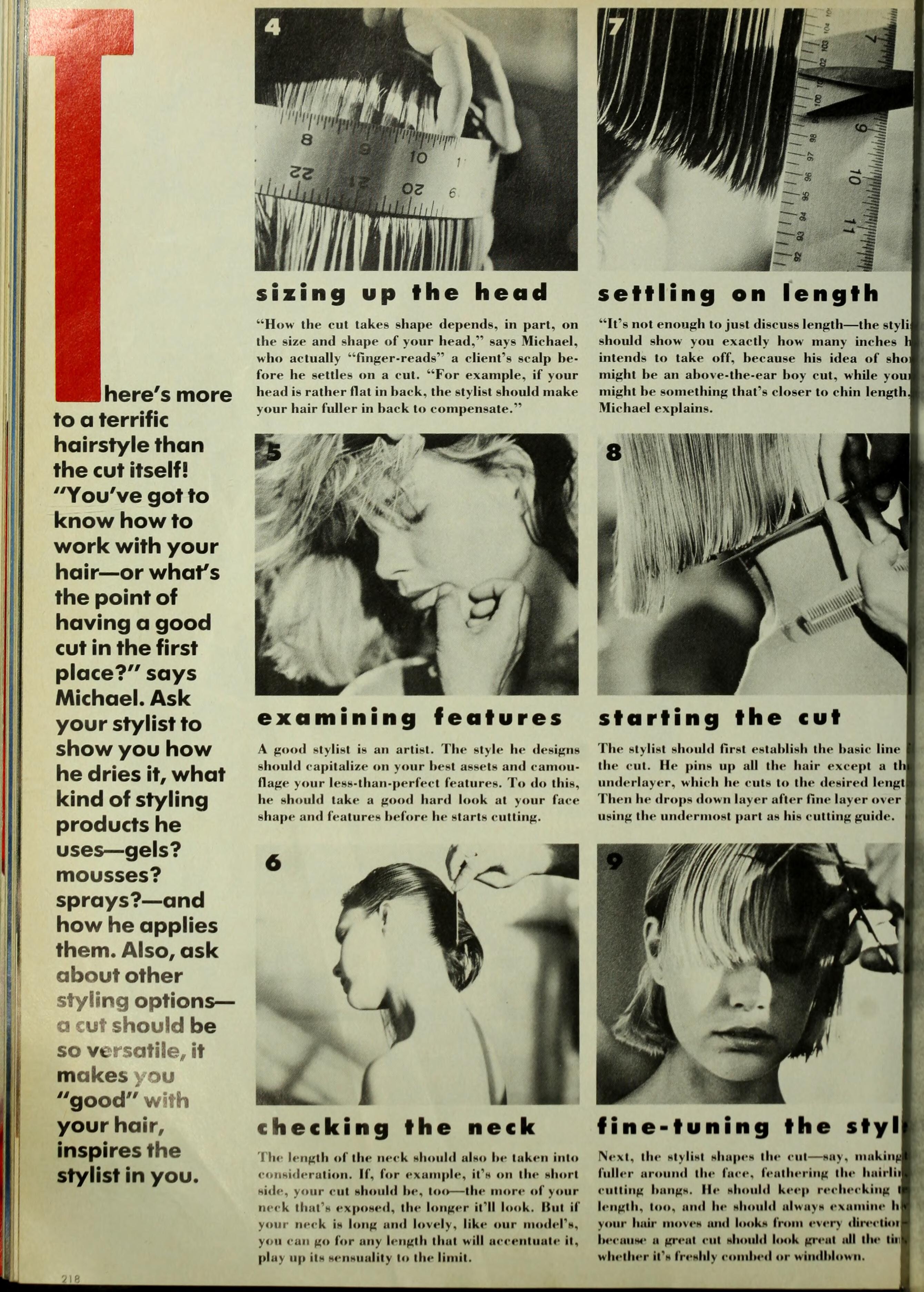
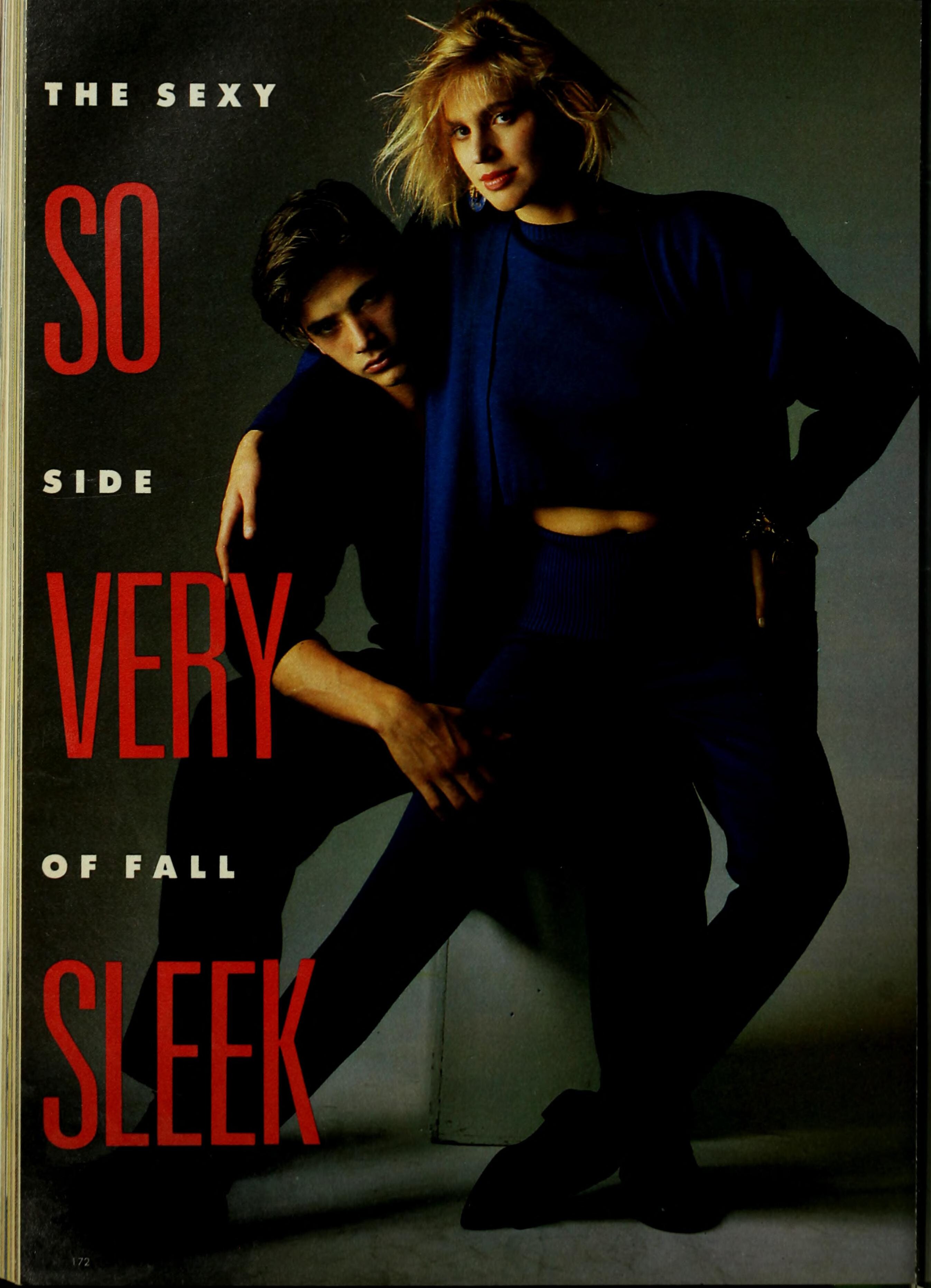
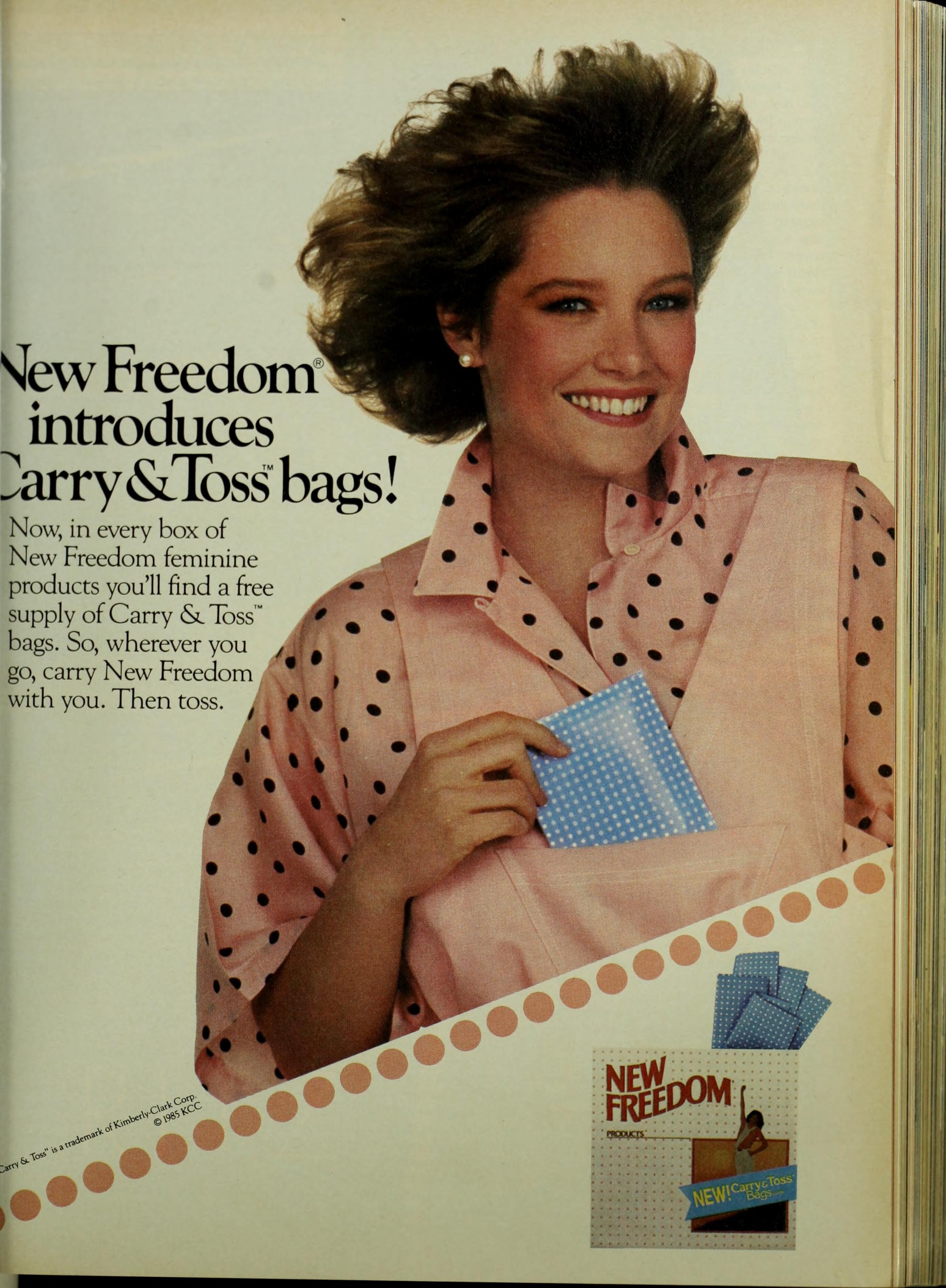
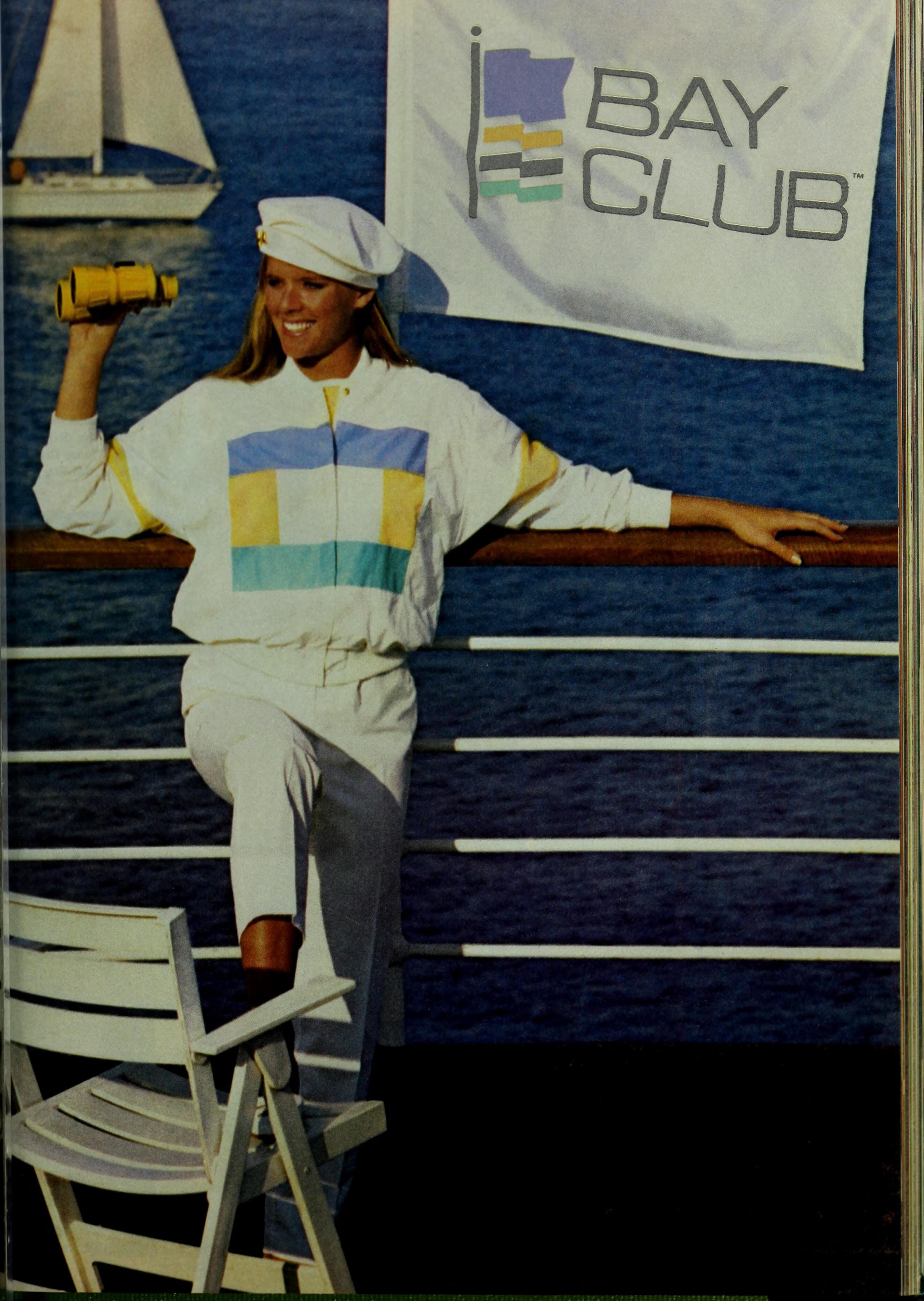
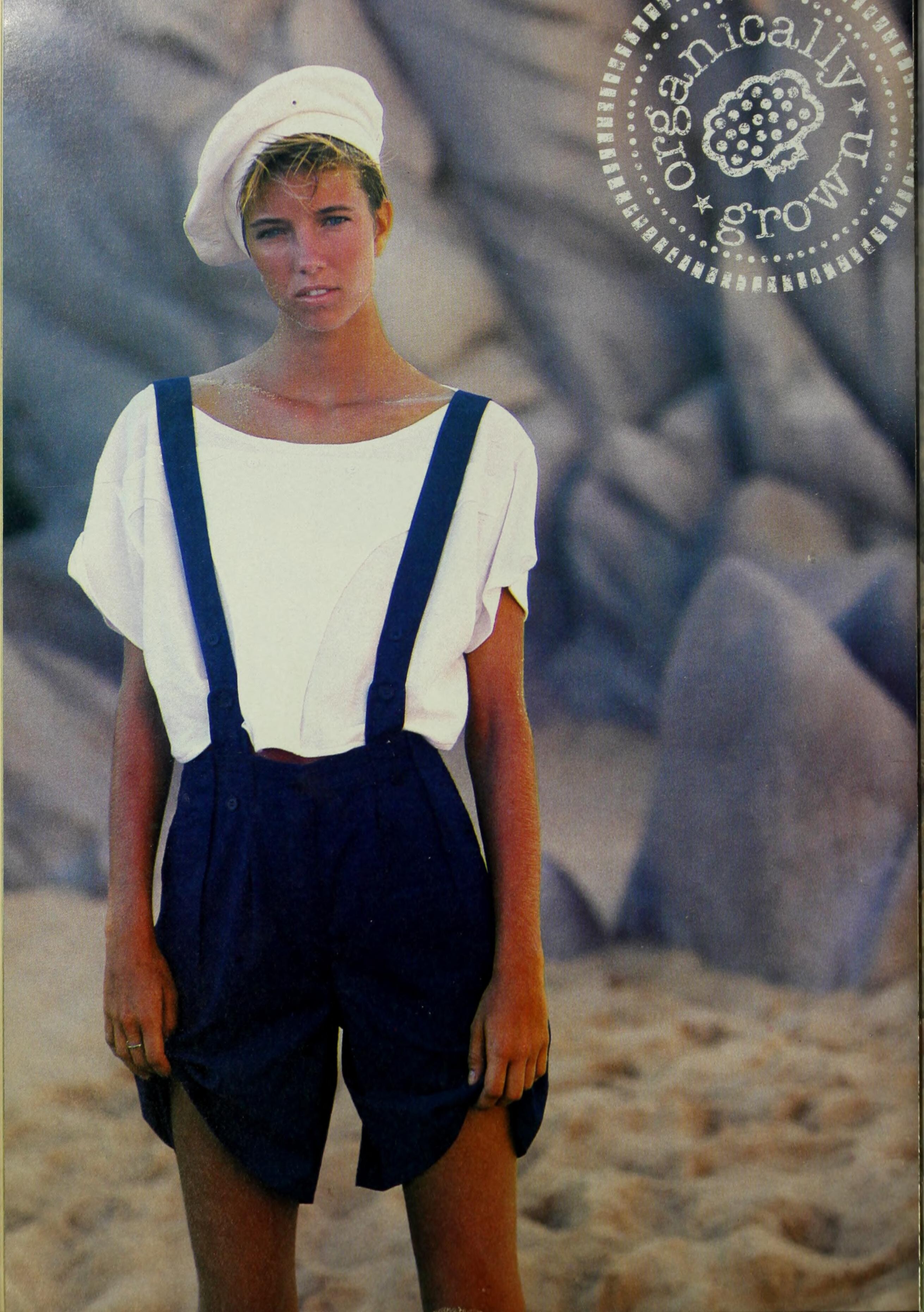
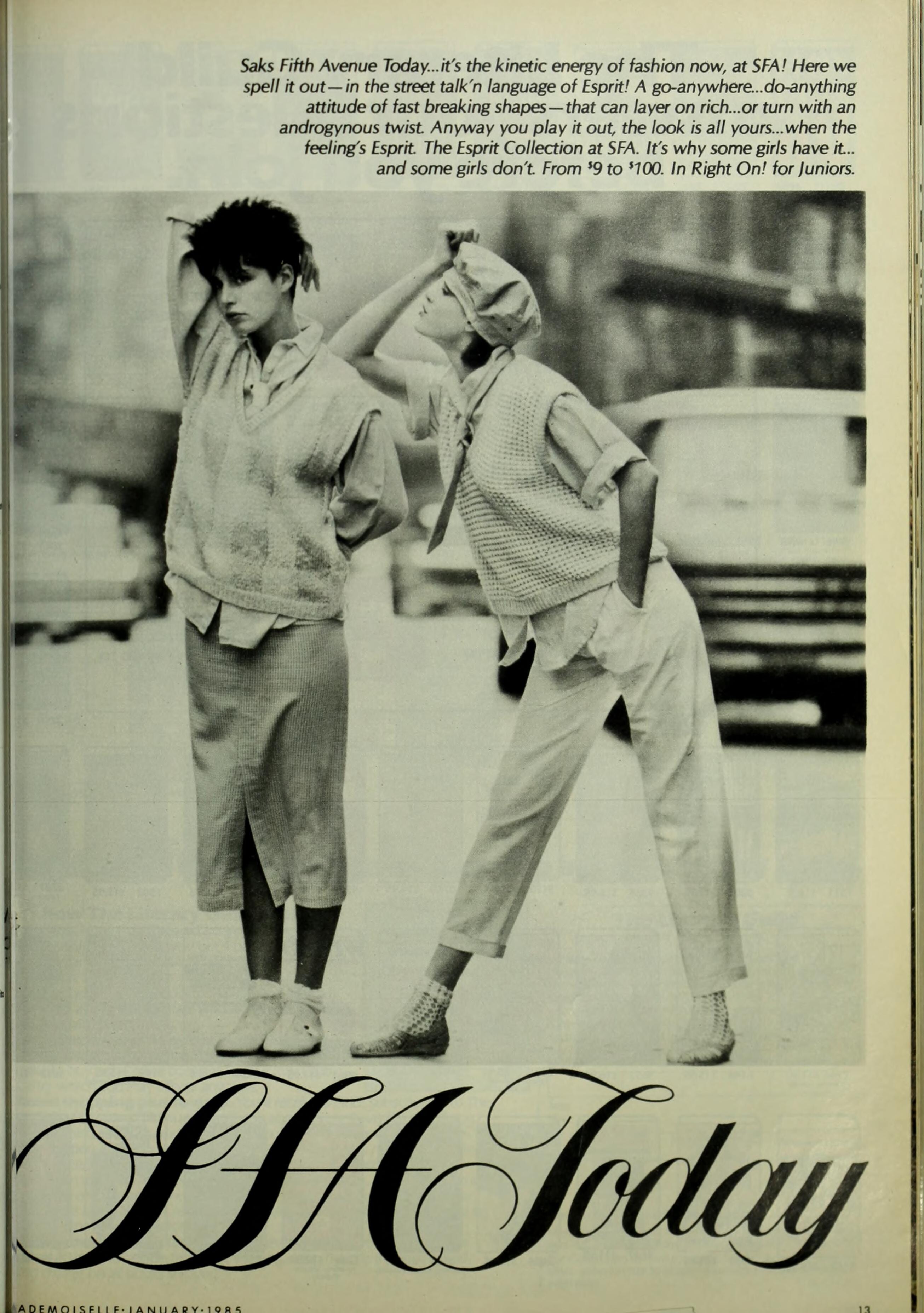
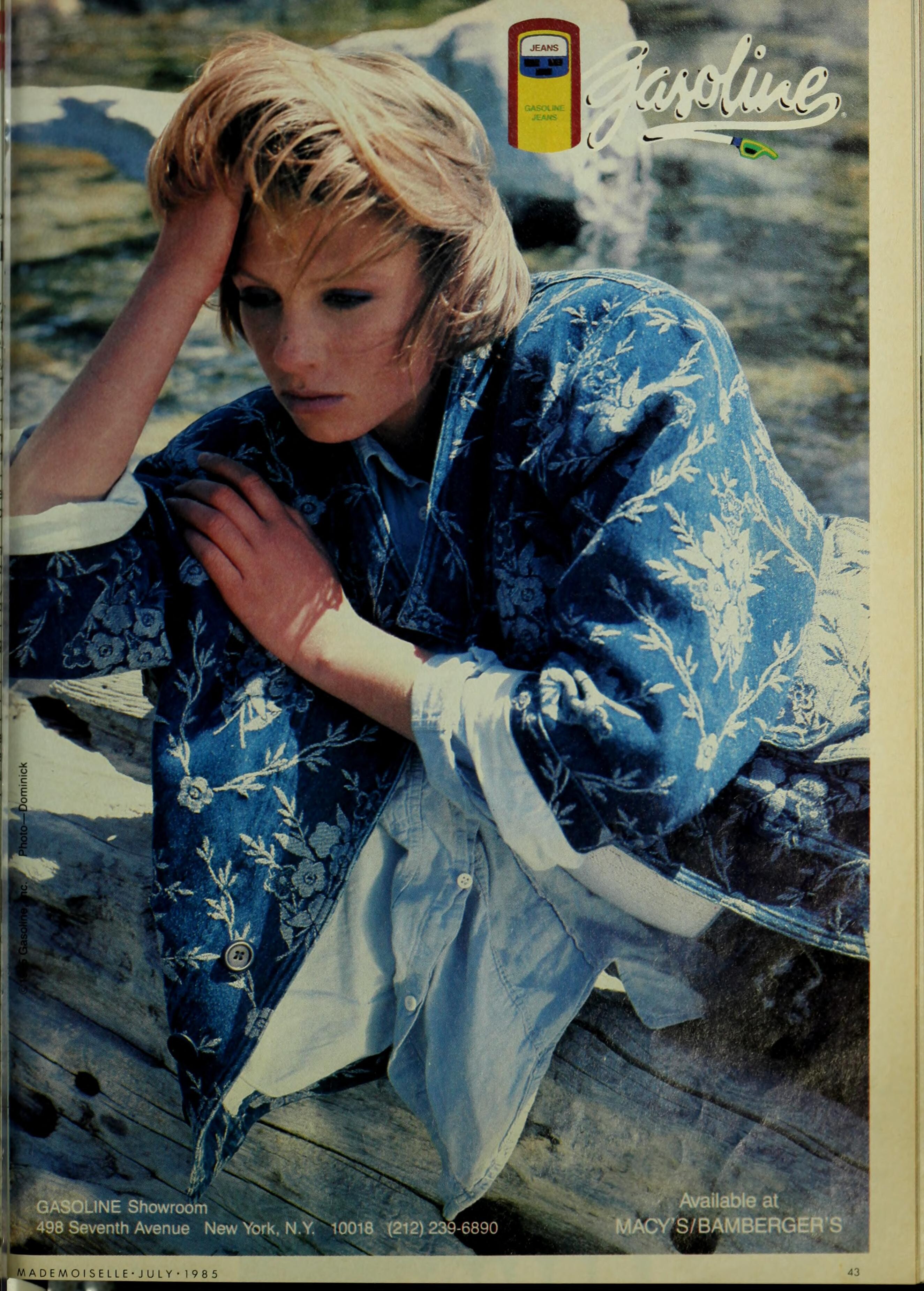
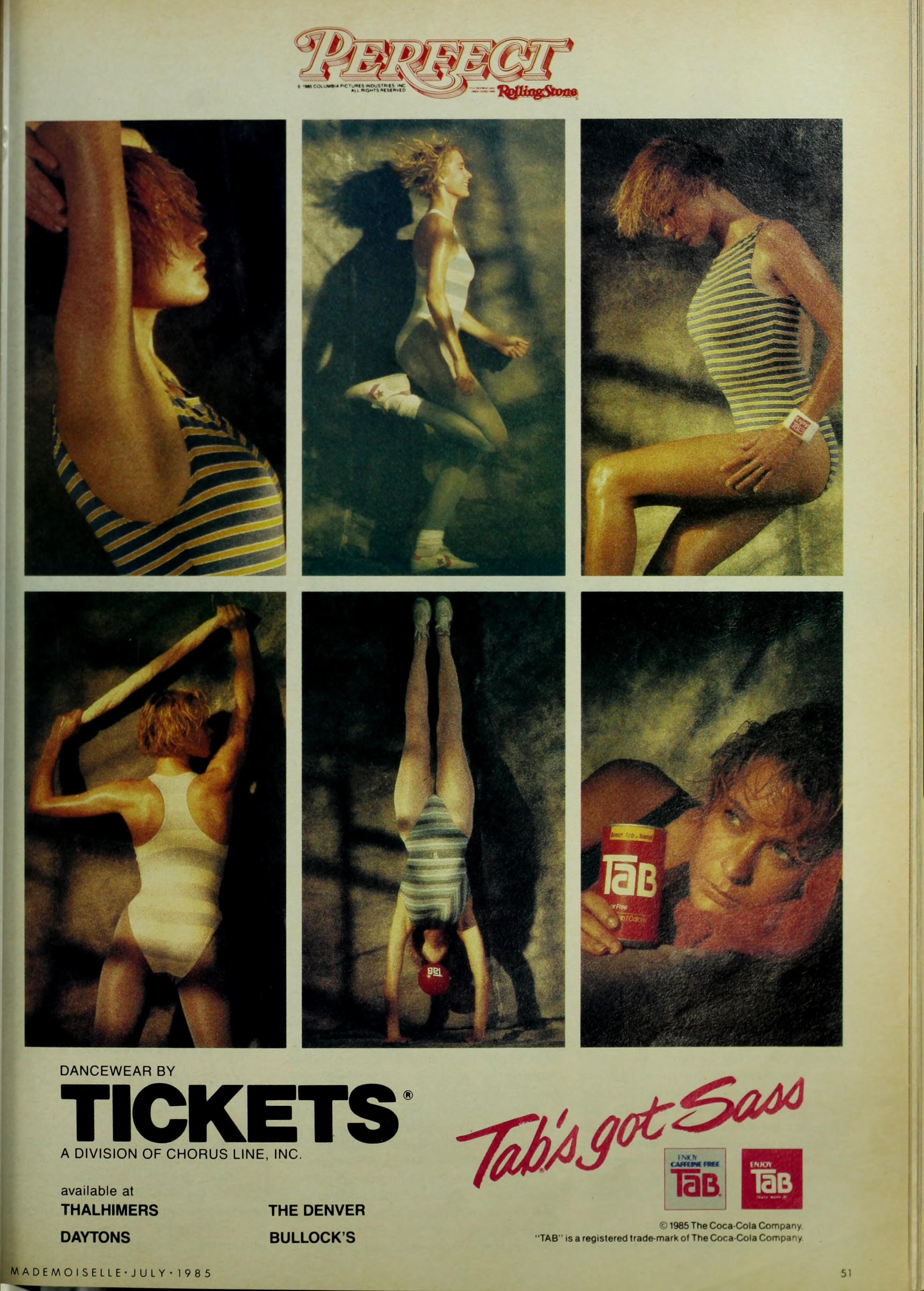
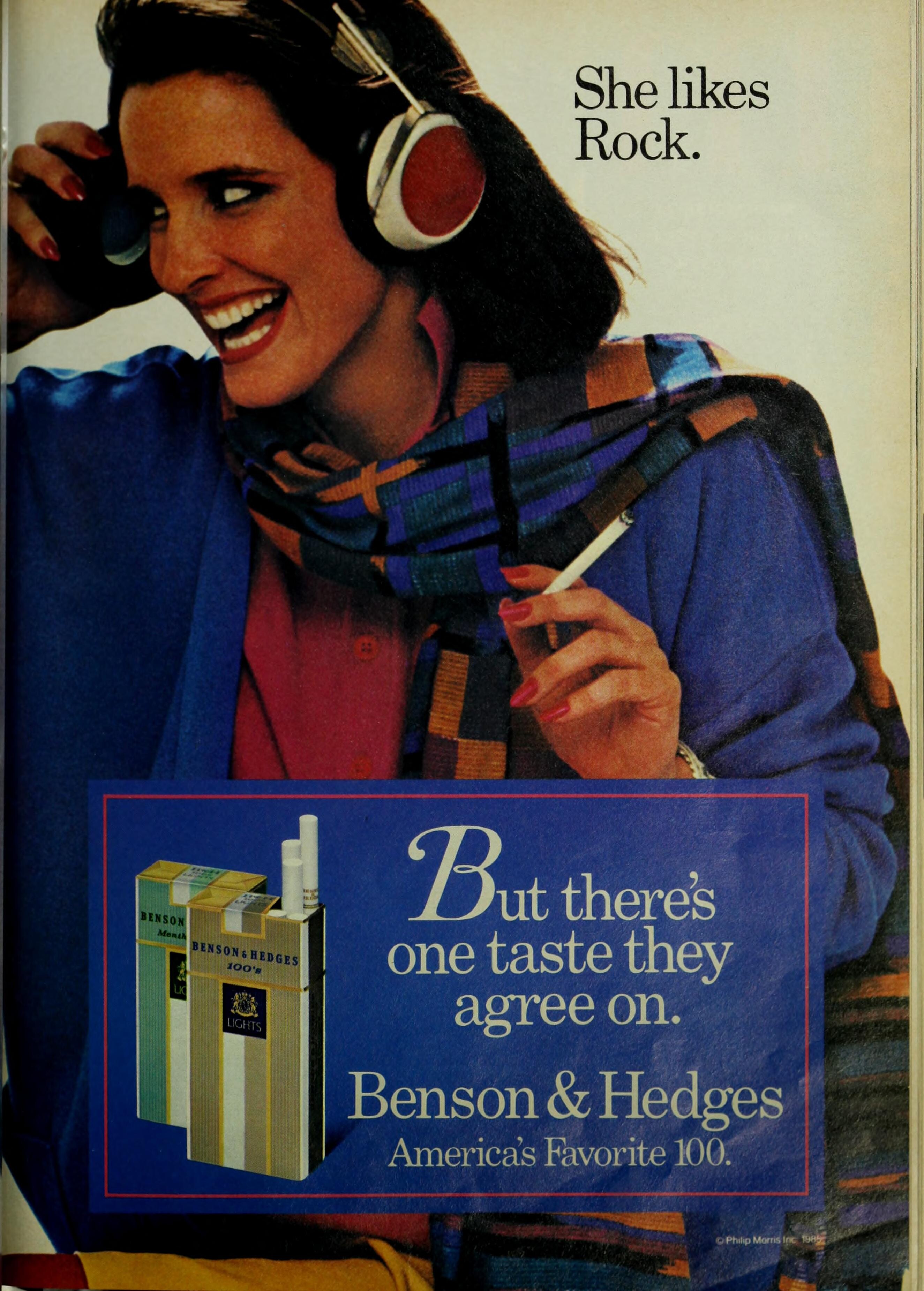
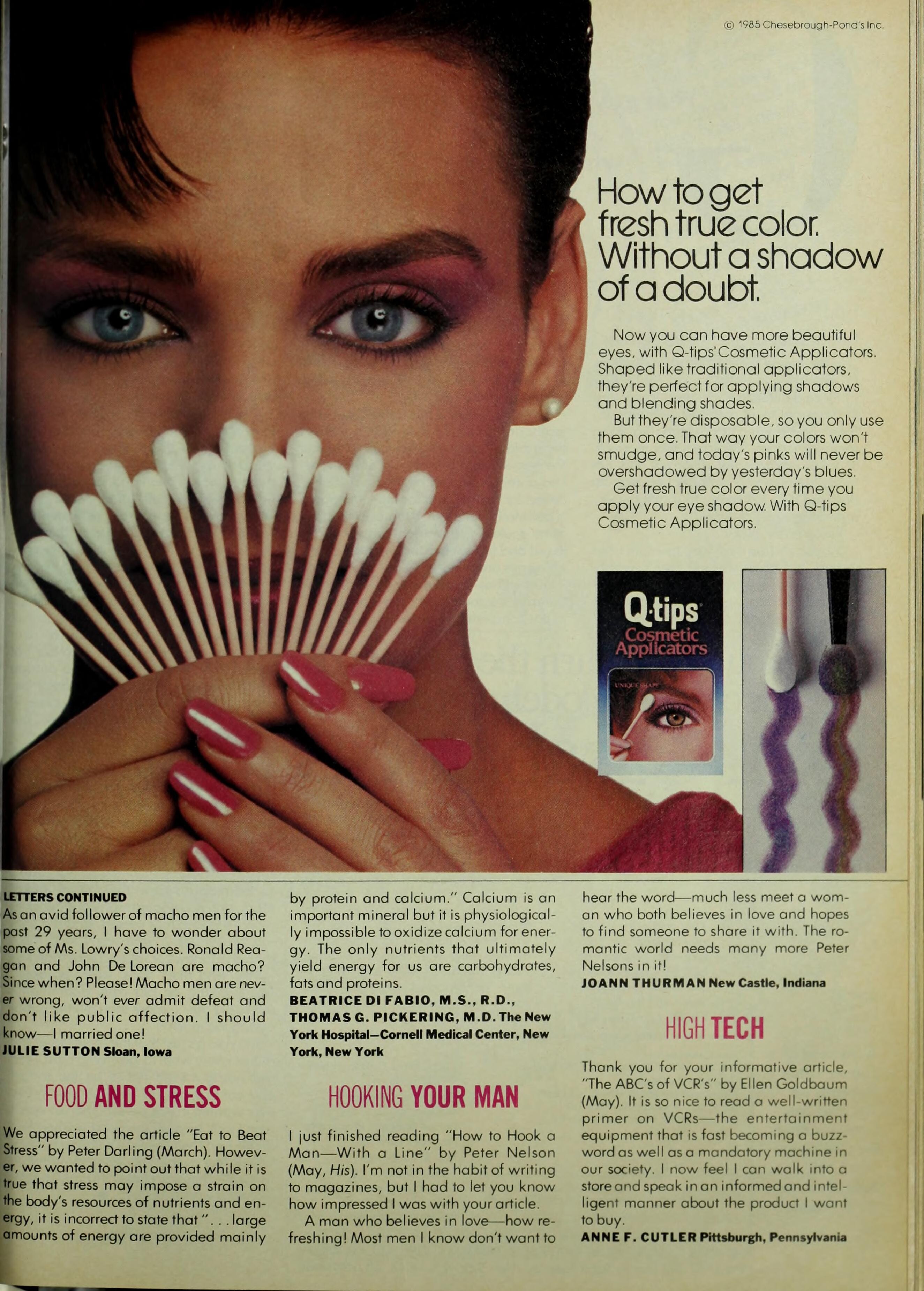
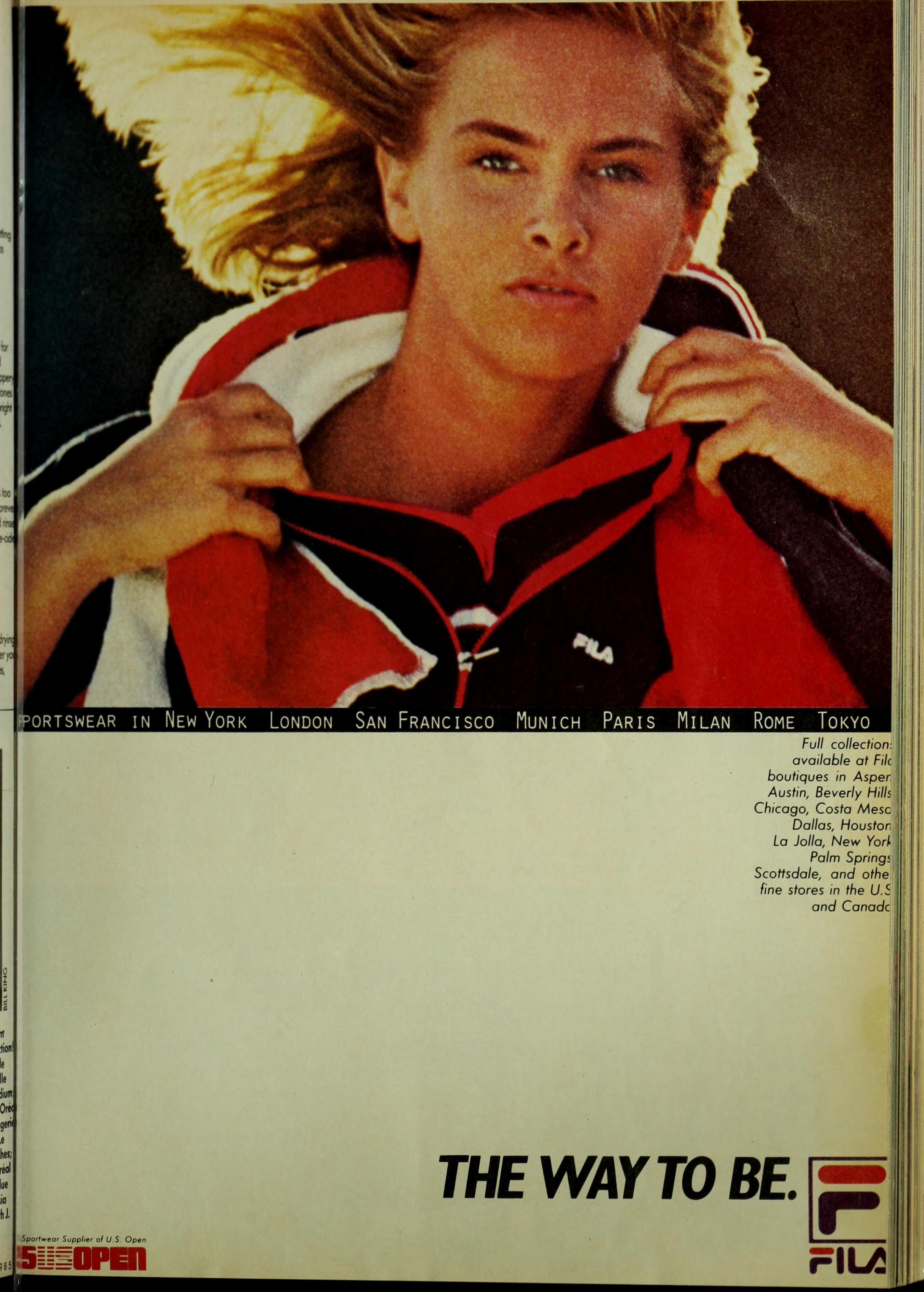
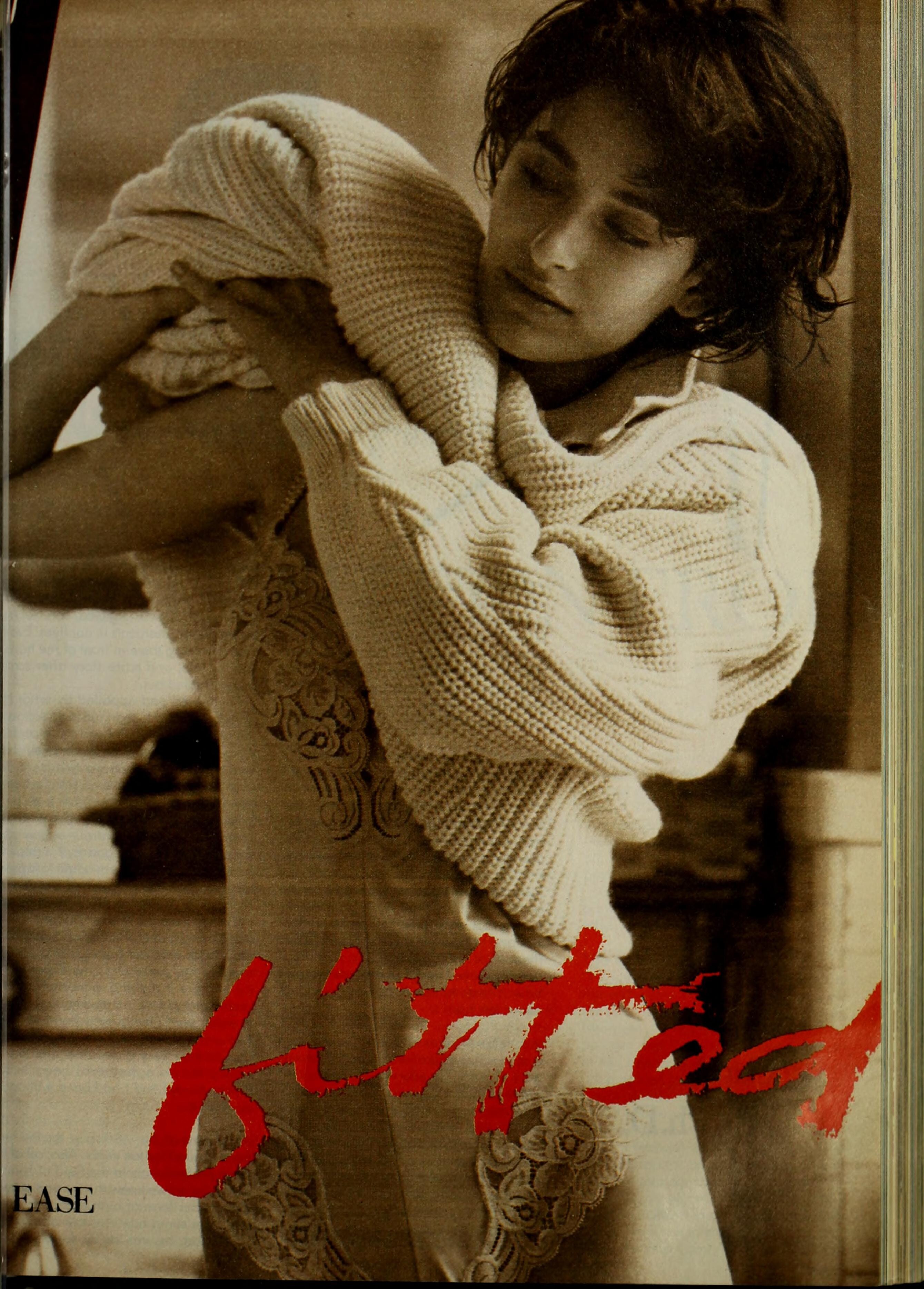
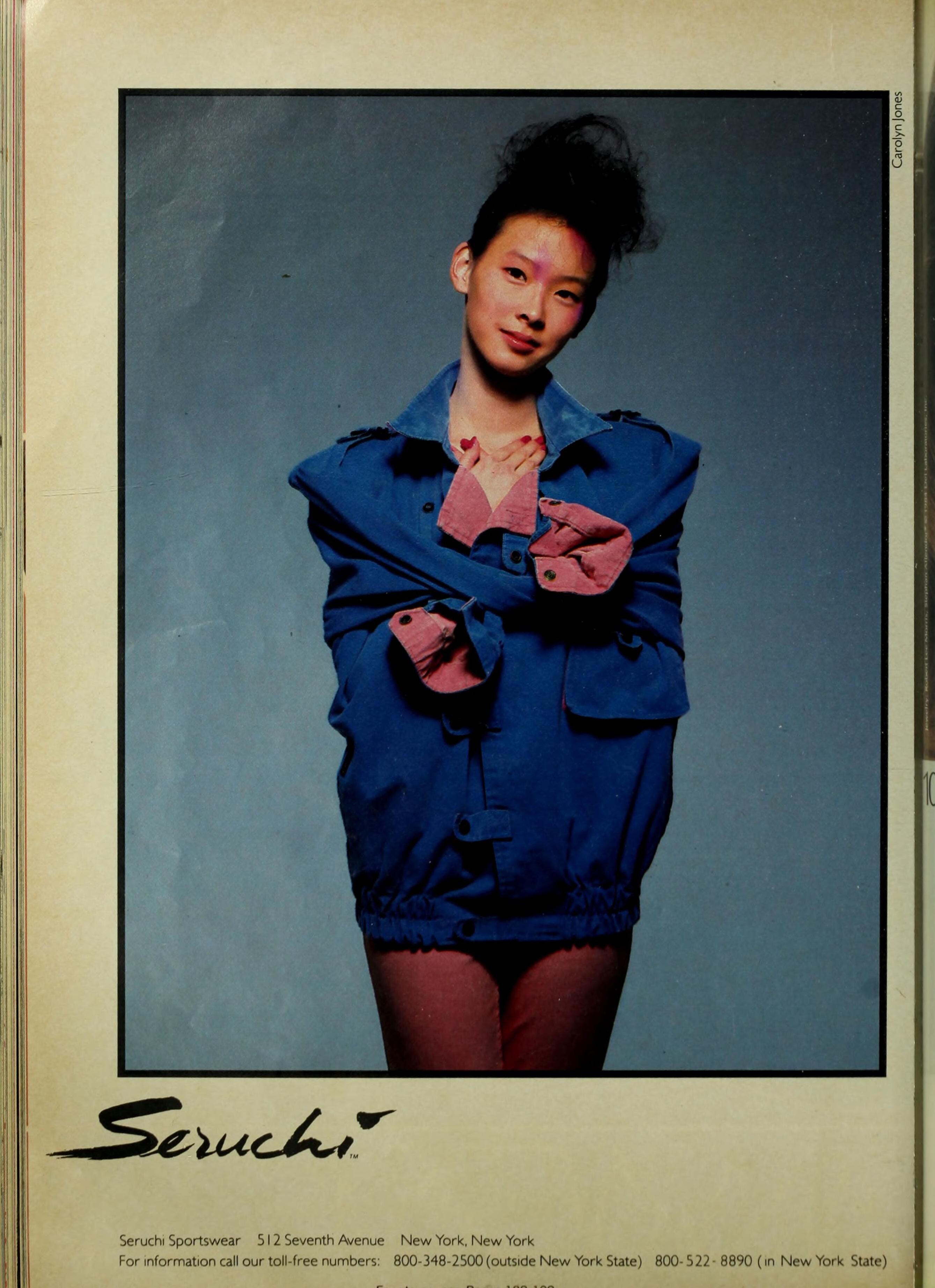
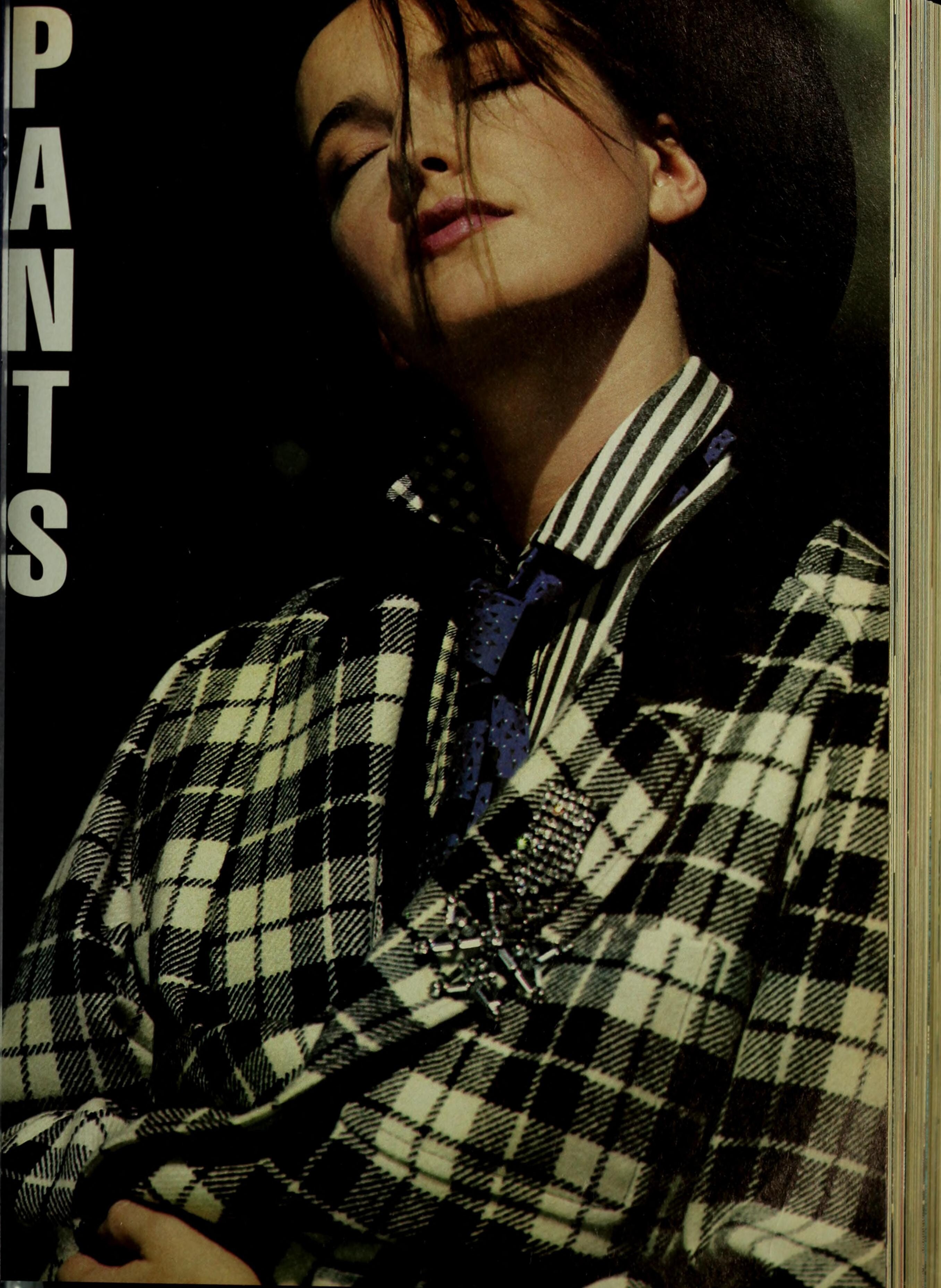
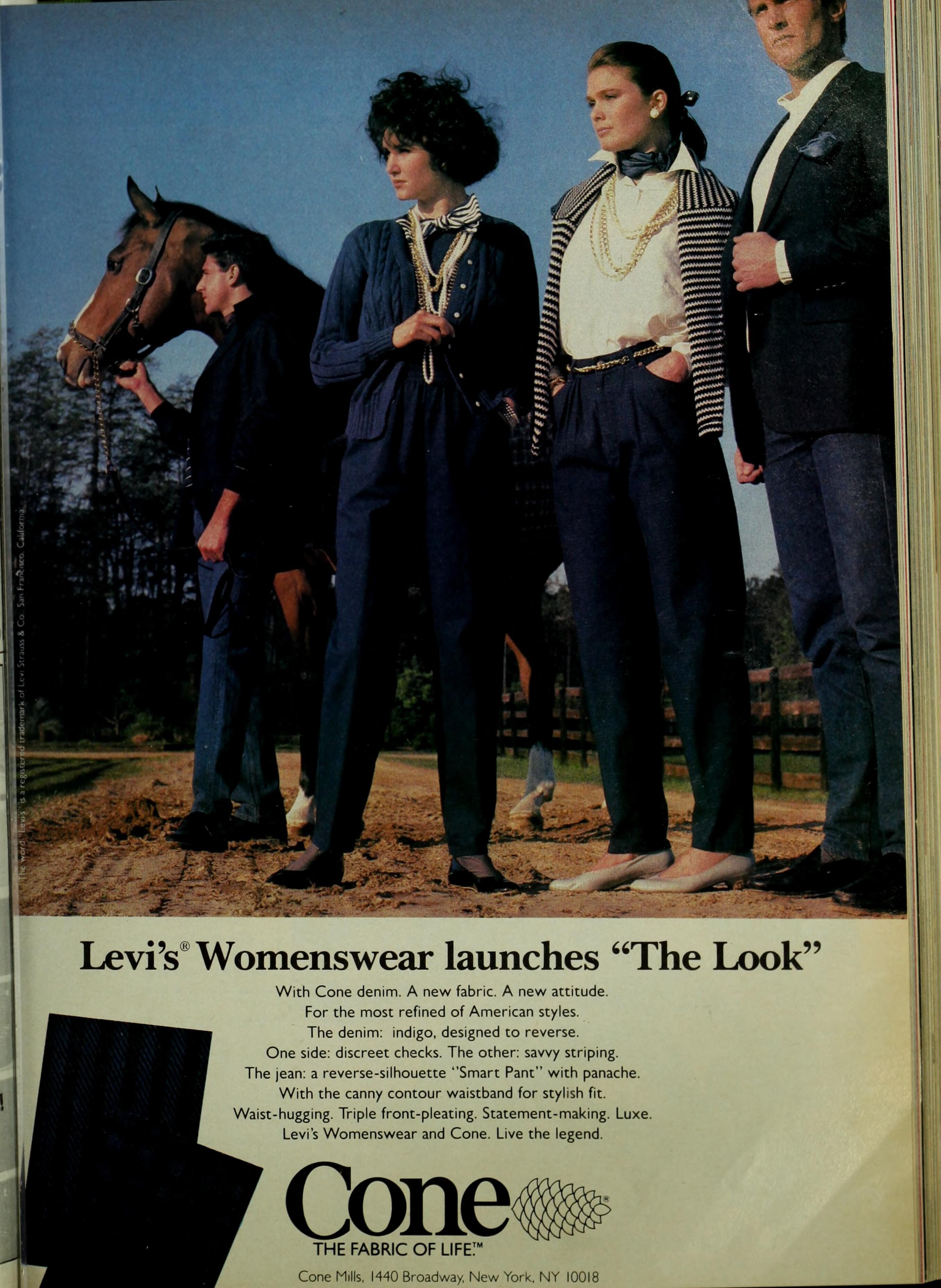
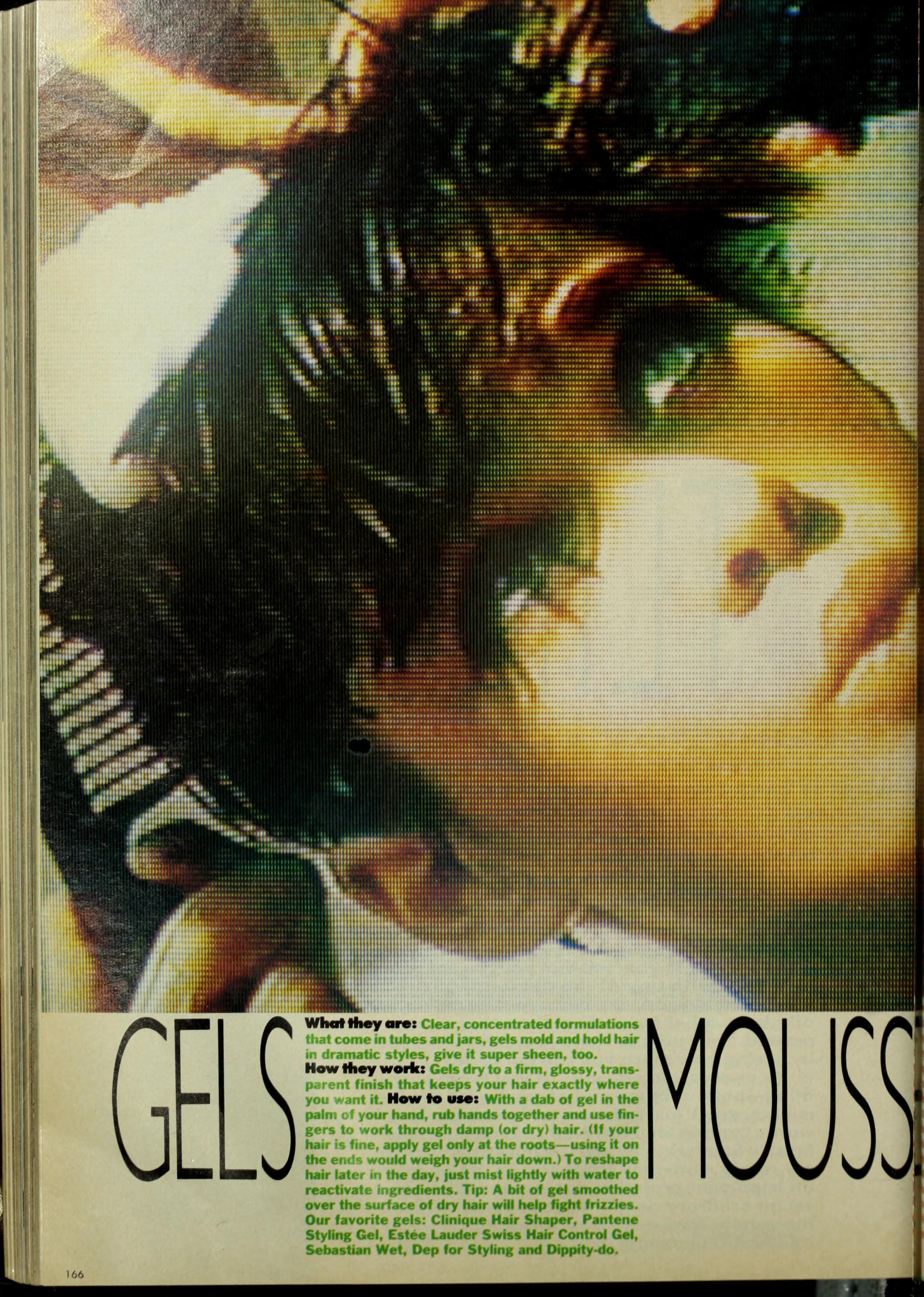
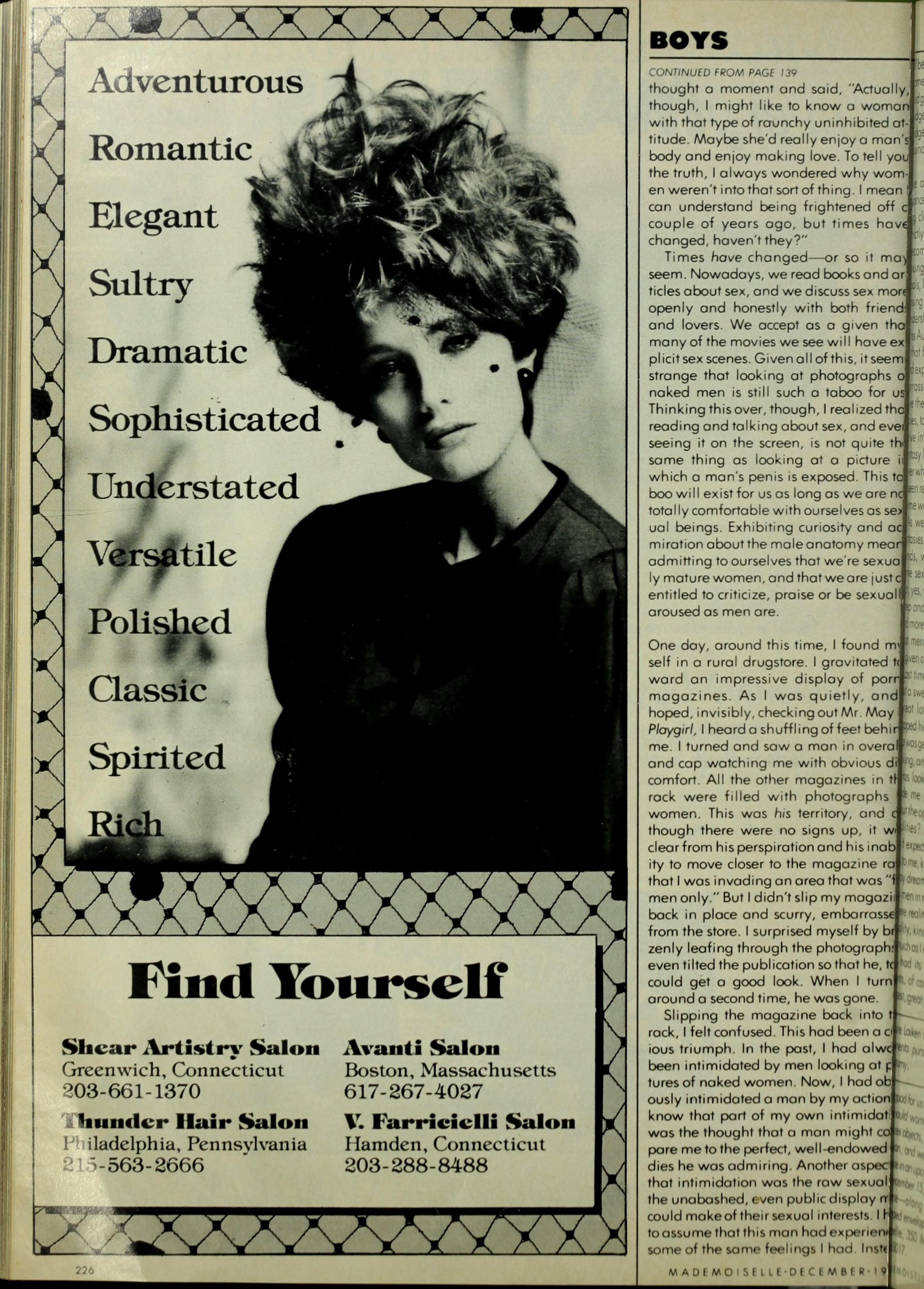
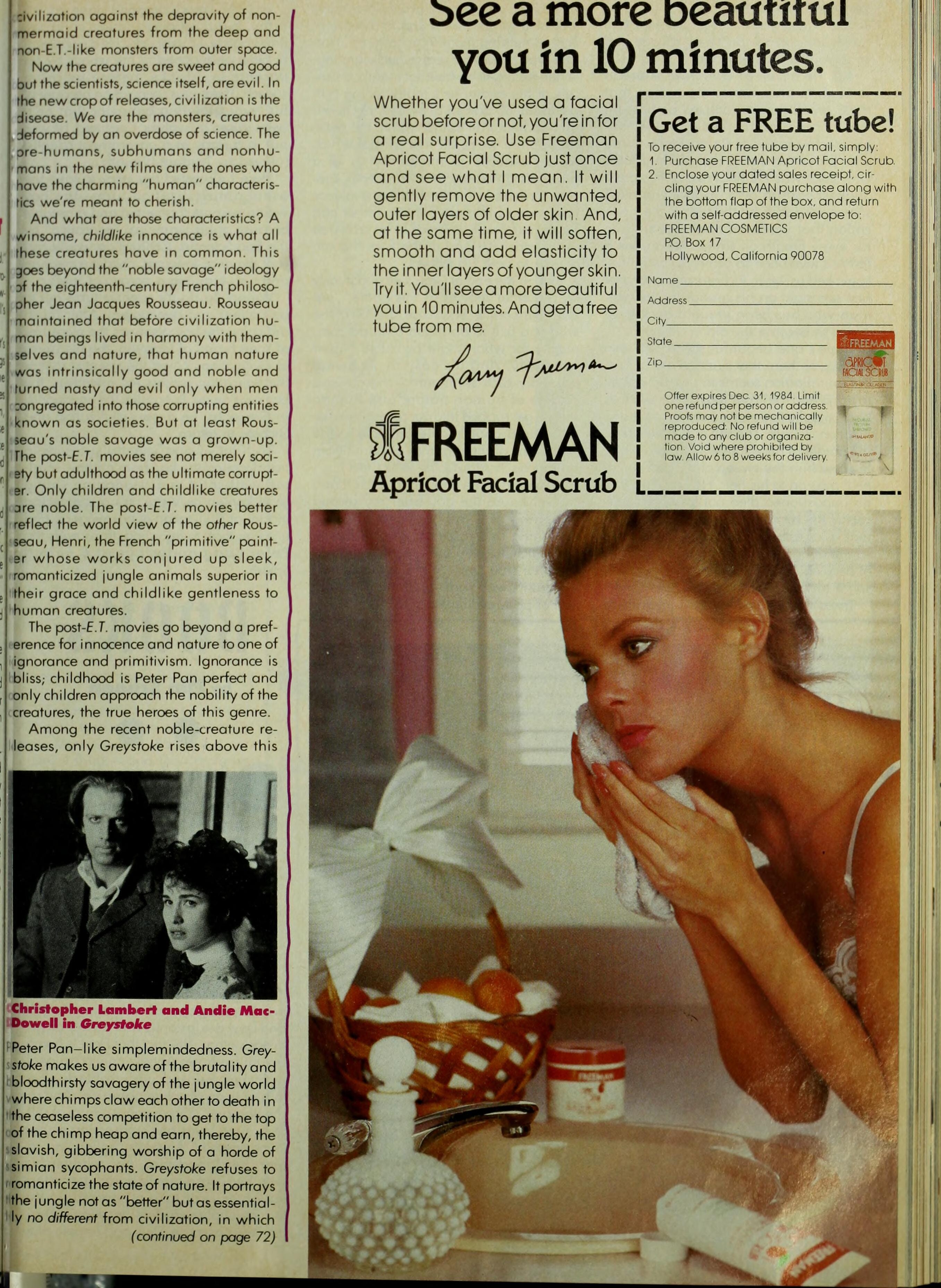
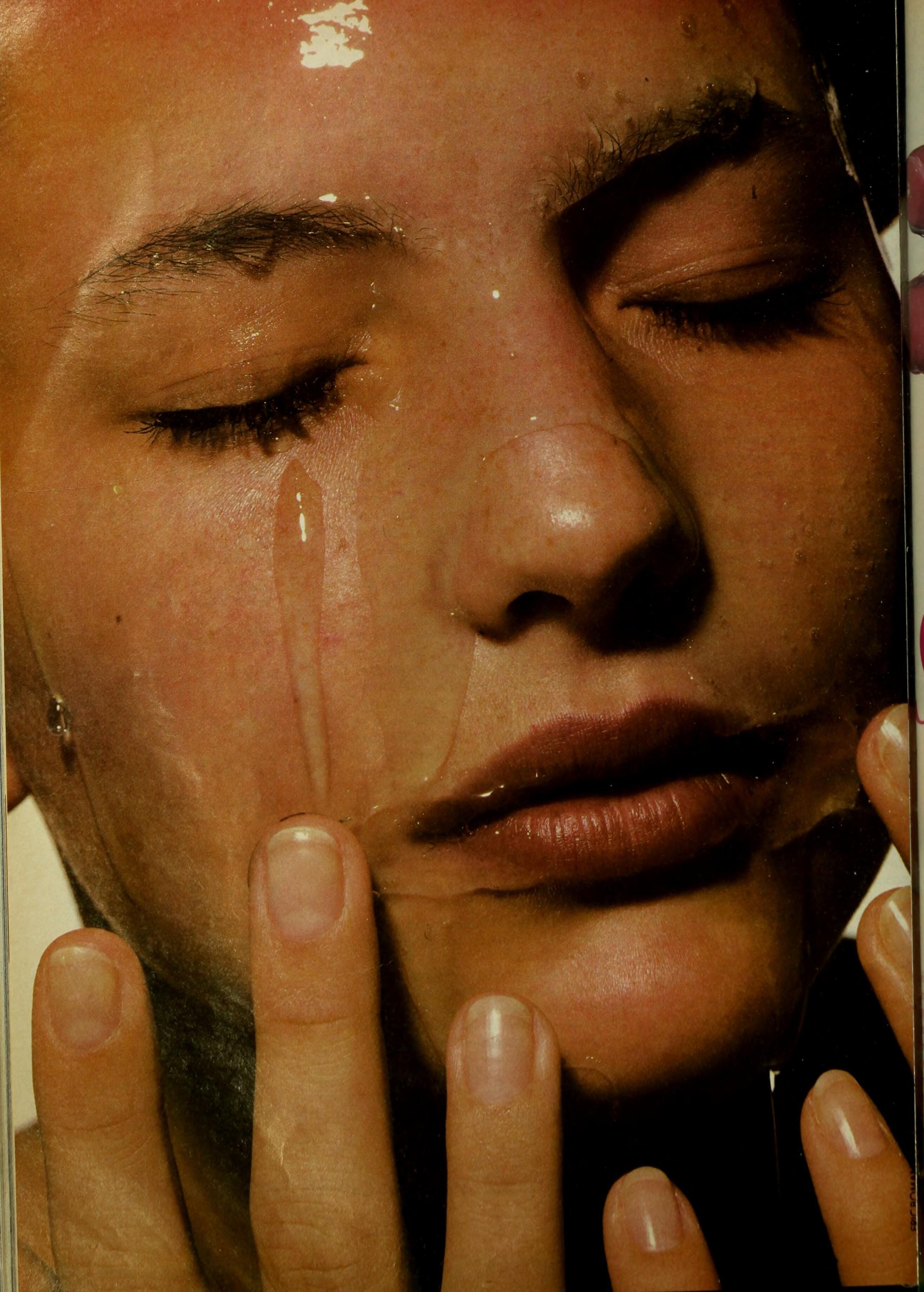
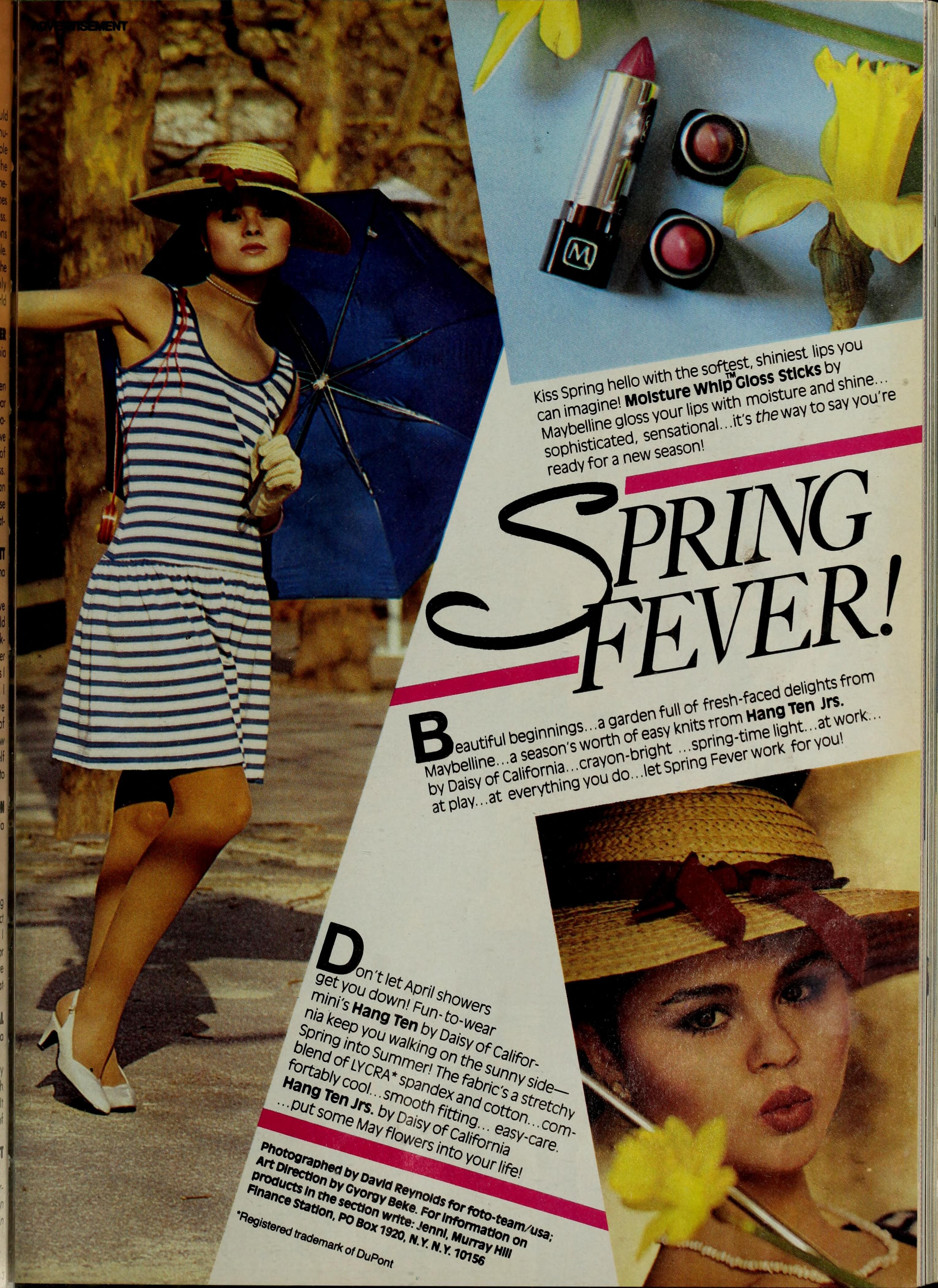
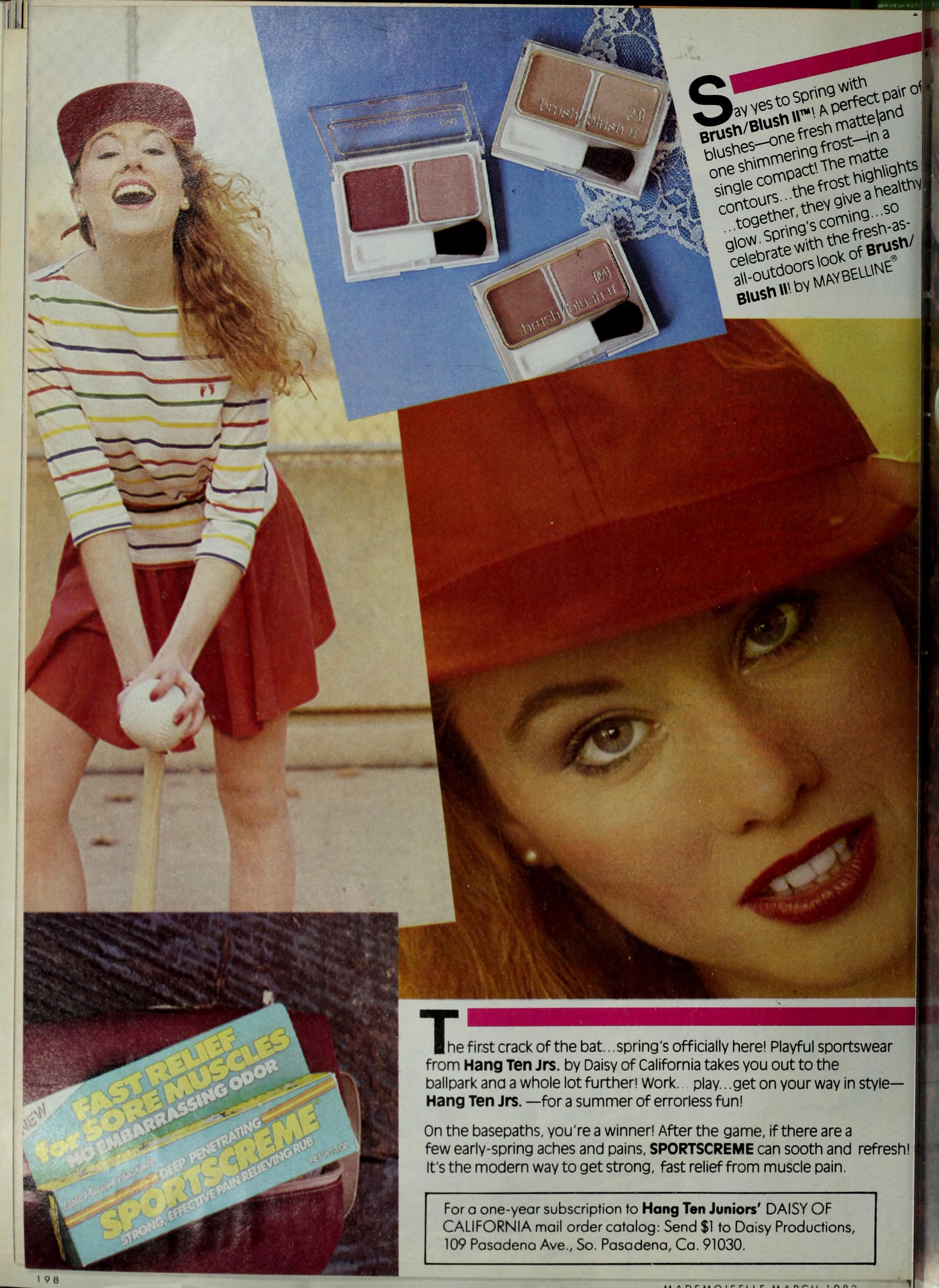
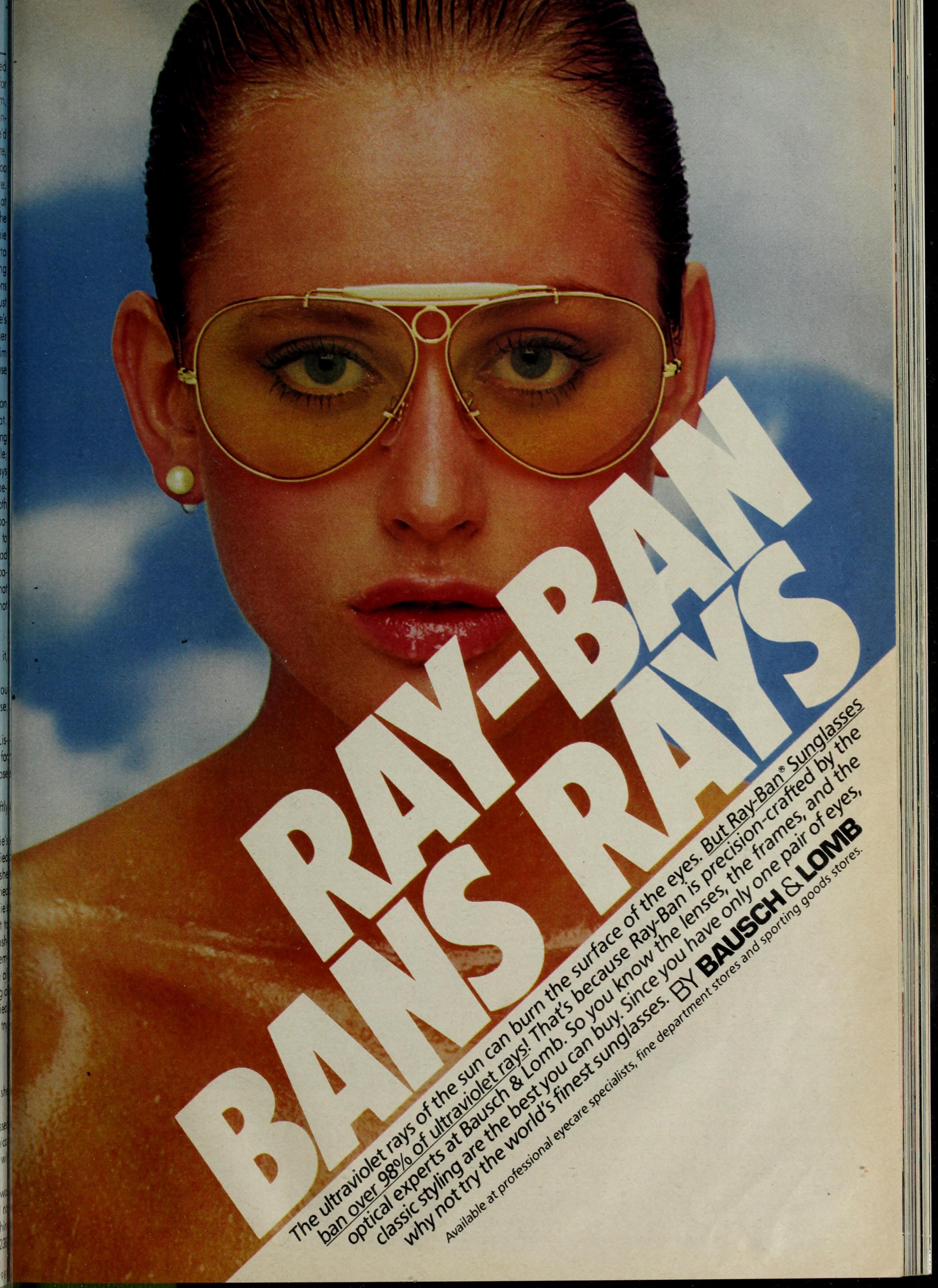
MADEMOISELLE Jan/Feb/Apr/Jun/Jul/Aug/Dec 1985: (Andie MacDowell maybe?) (Linda Spierings (top) and?) (Anna Magnusson - blonde) (Imma Gonzalez - top right) (Vanessa Sandin - bottom)





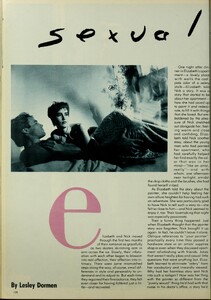
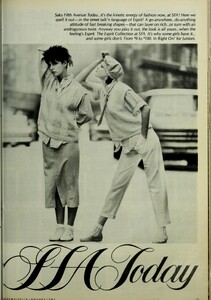
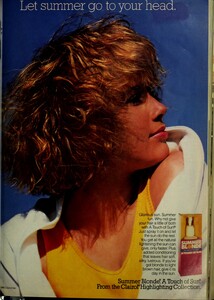

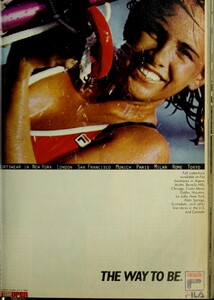


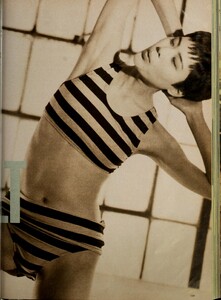
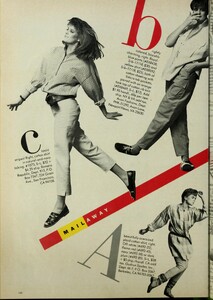
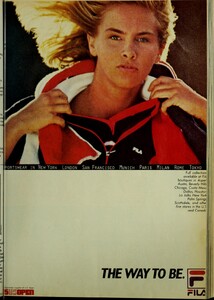
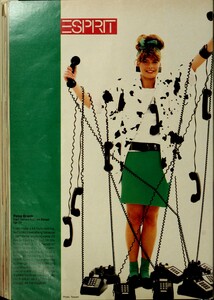
-
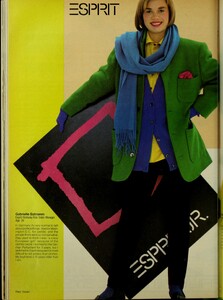
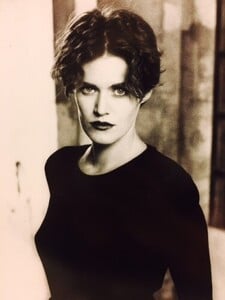
Gabriella (right):
-
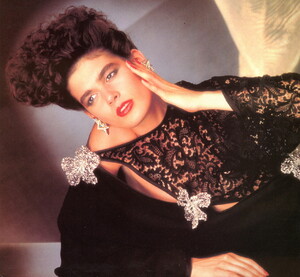
Kerry Kenny
-
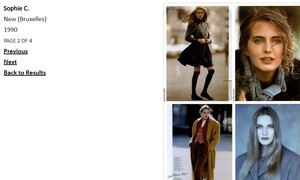
Blonde:
-
Oh, man! Absolutely! I have since I can't ID them myself. But apparently neither can PimEyes.
-
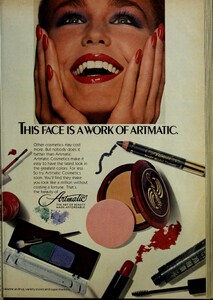
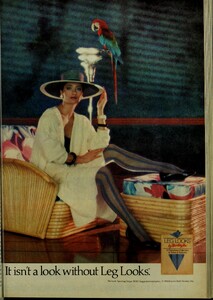
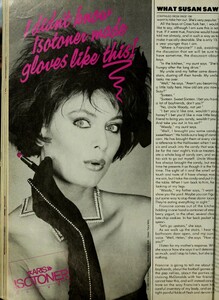
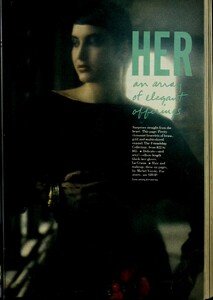
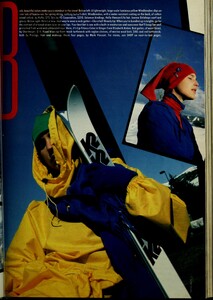
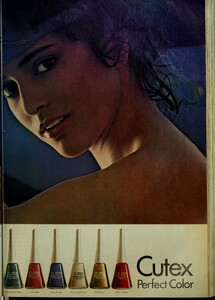
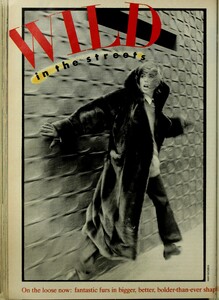
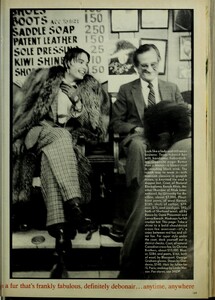
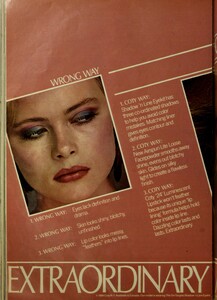
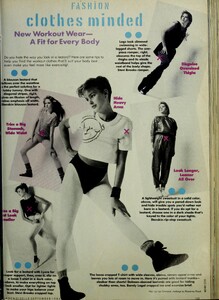
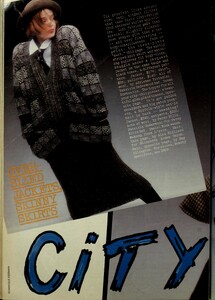
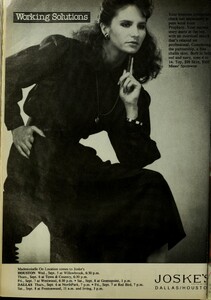
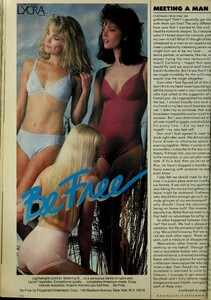
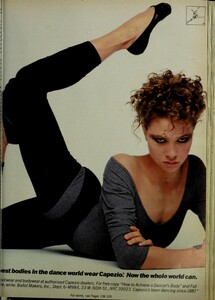
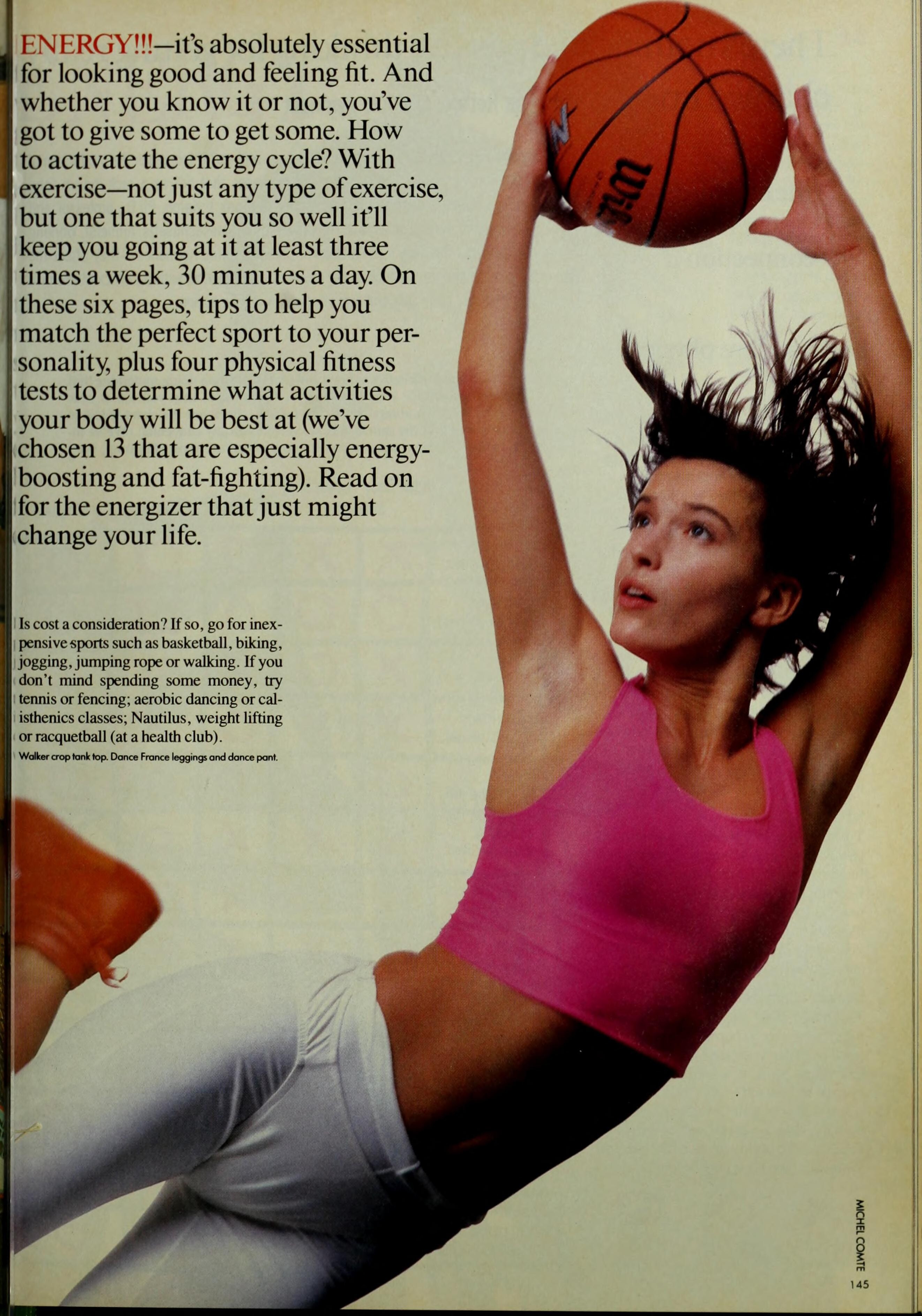
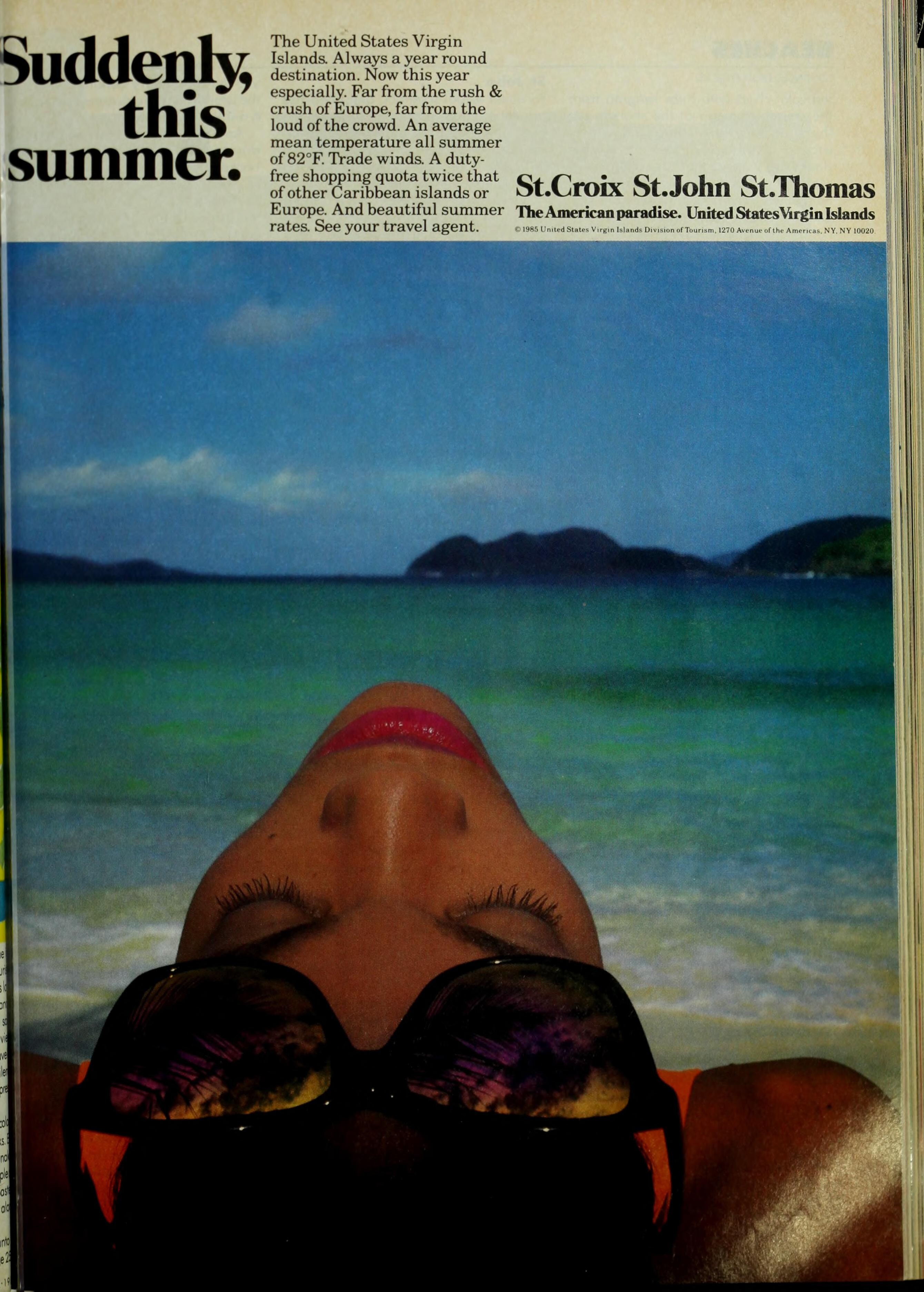
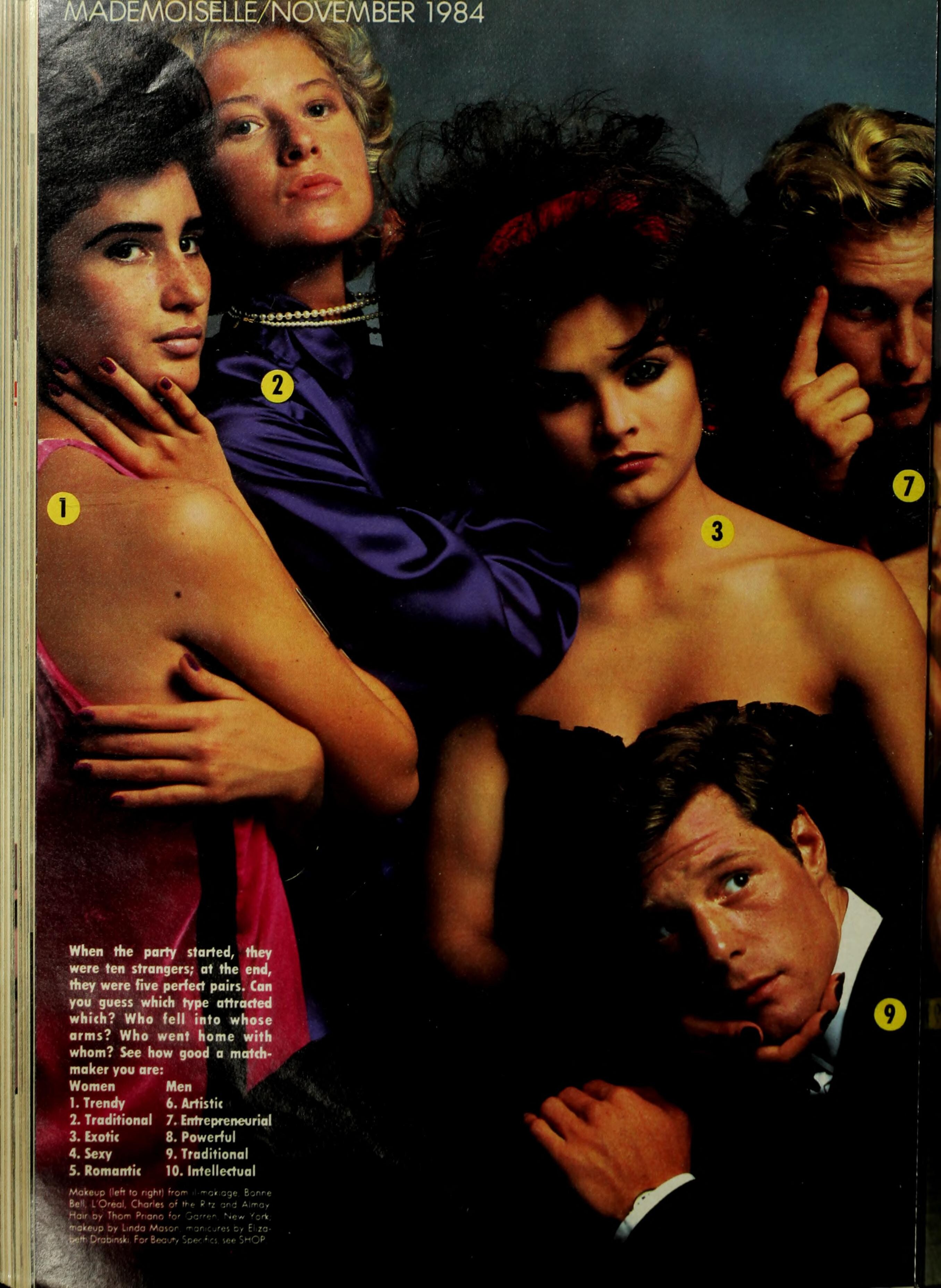
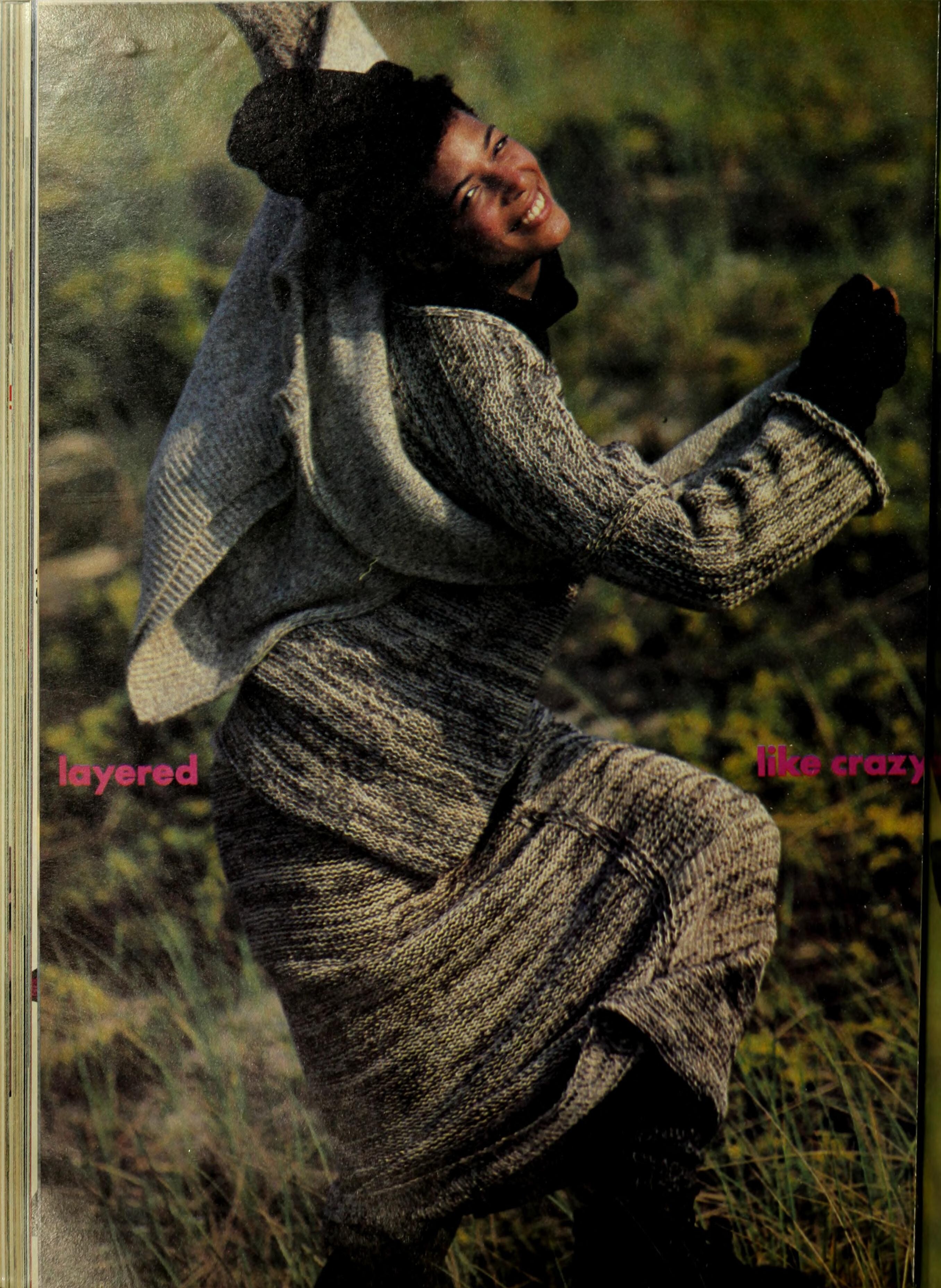
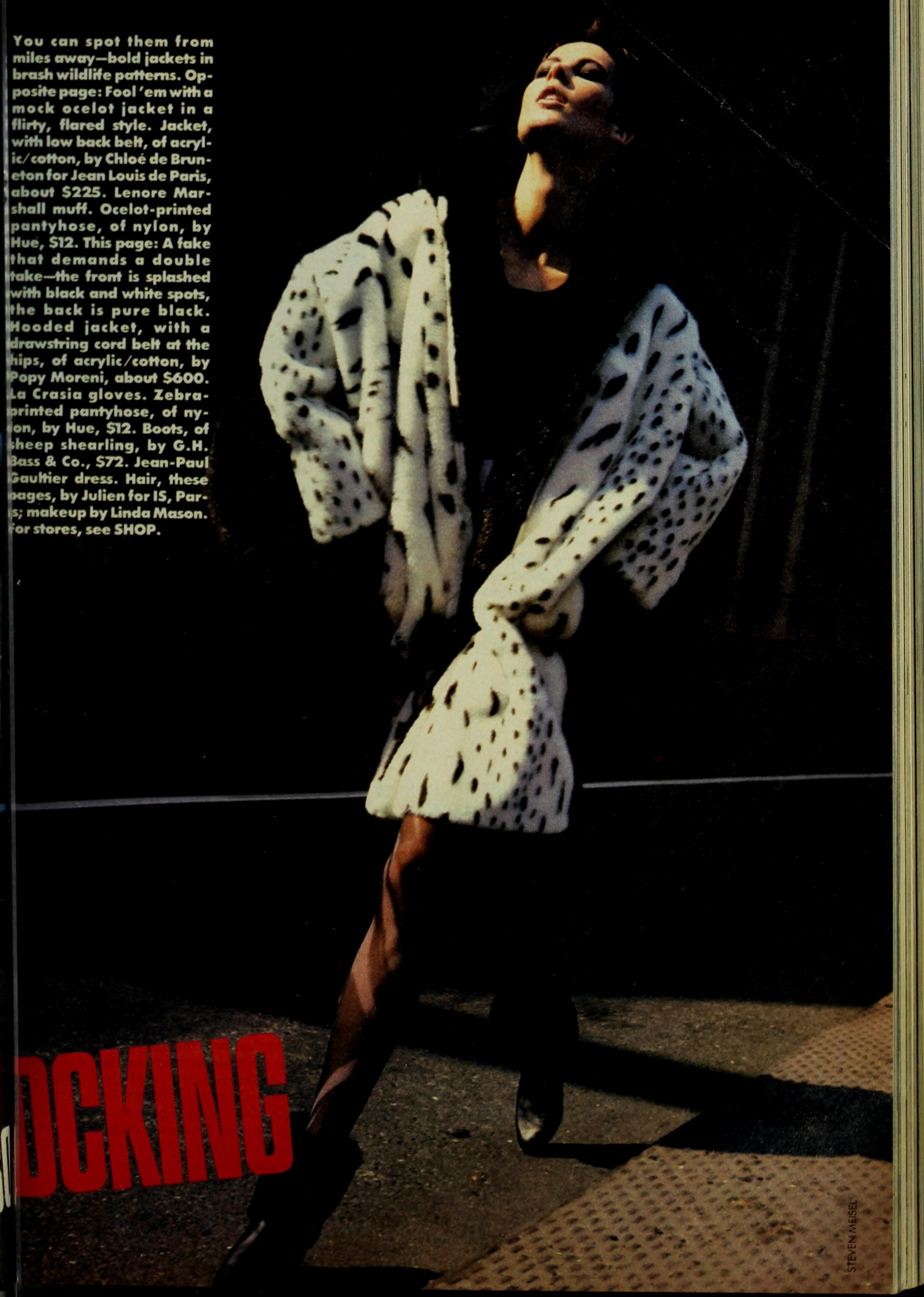
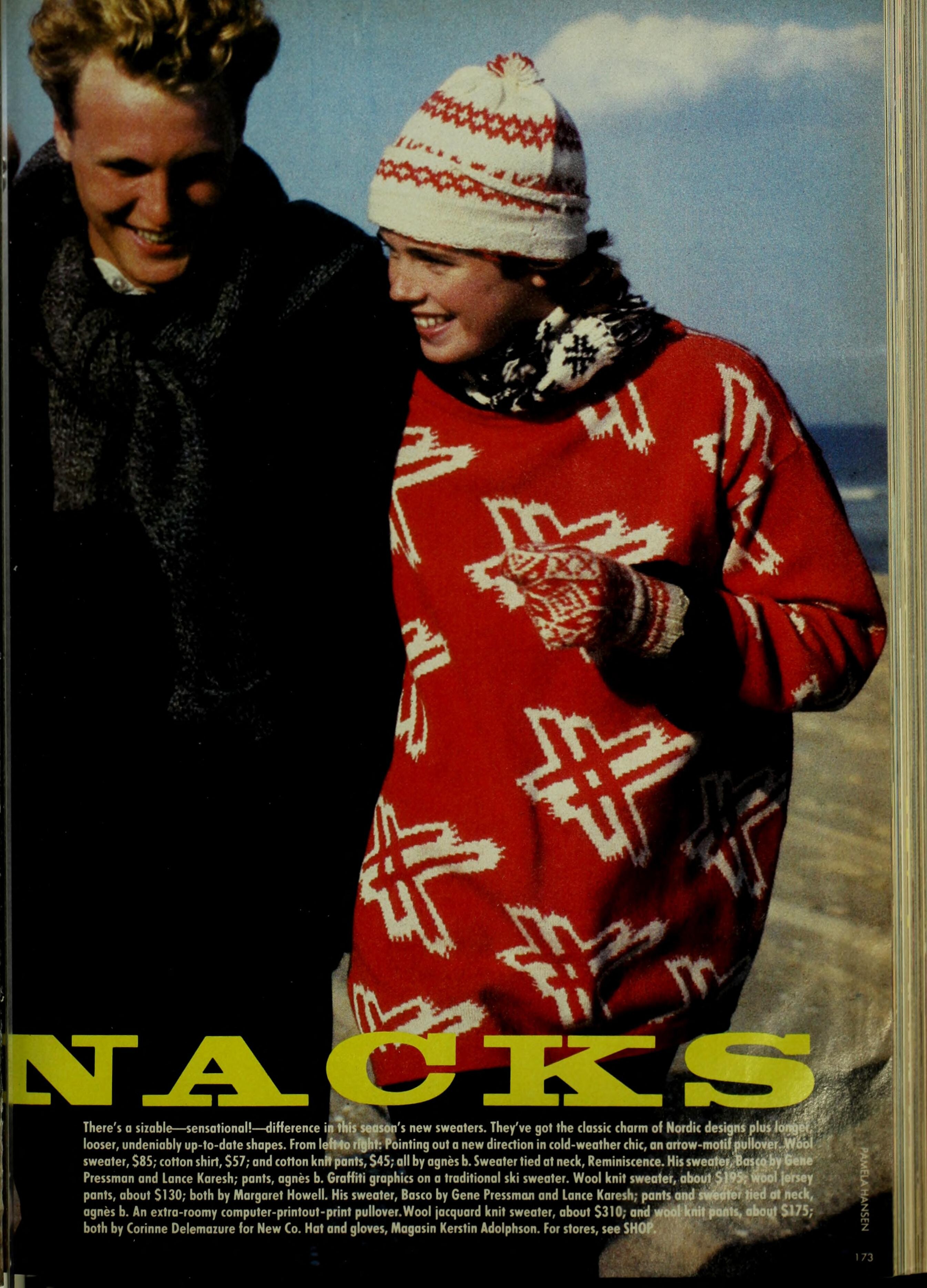
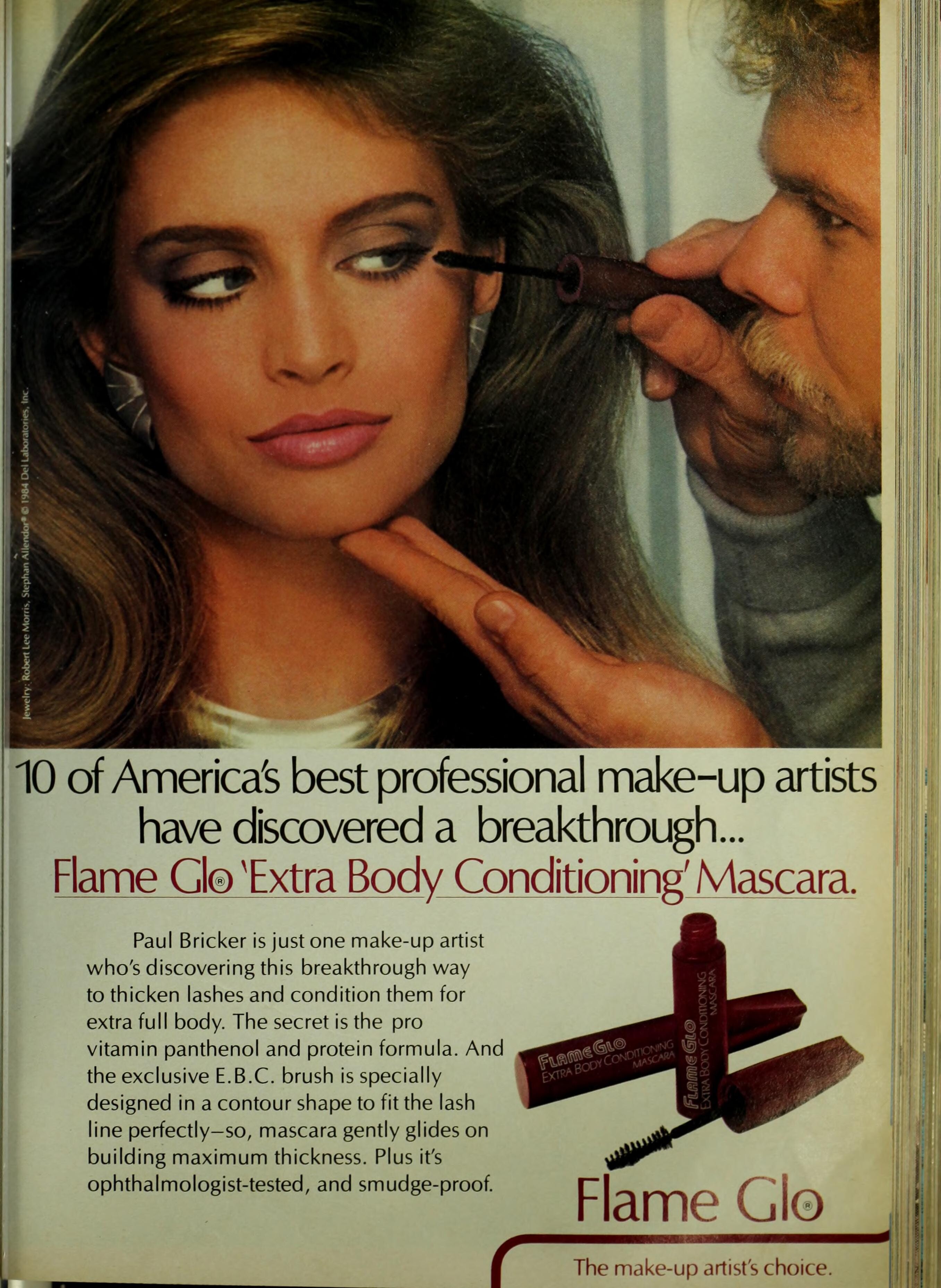
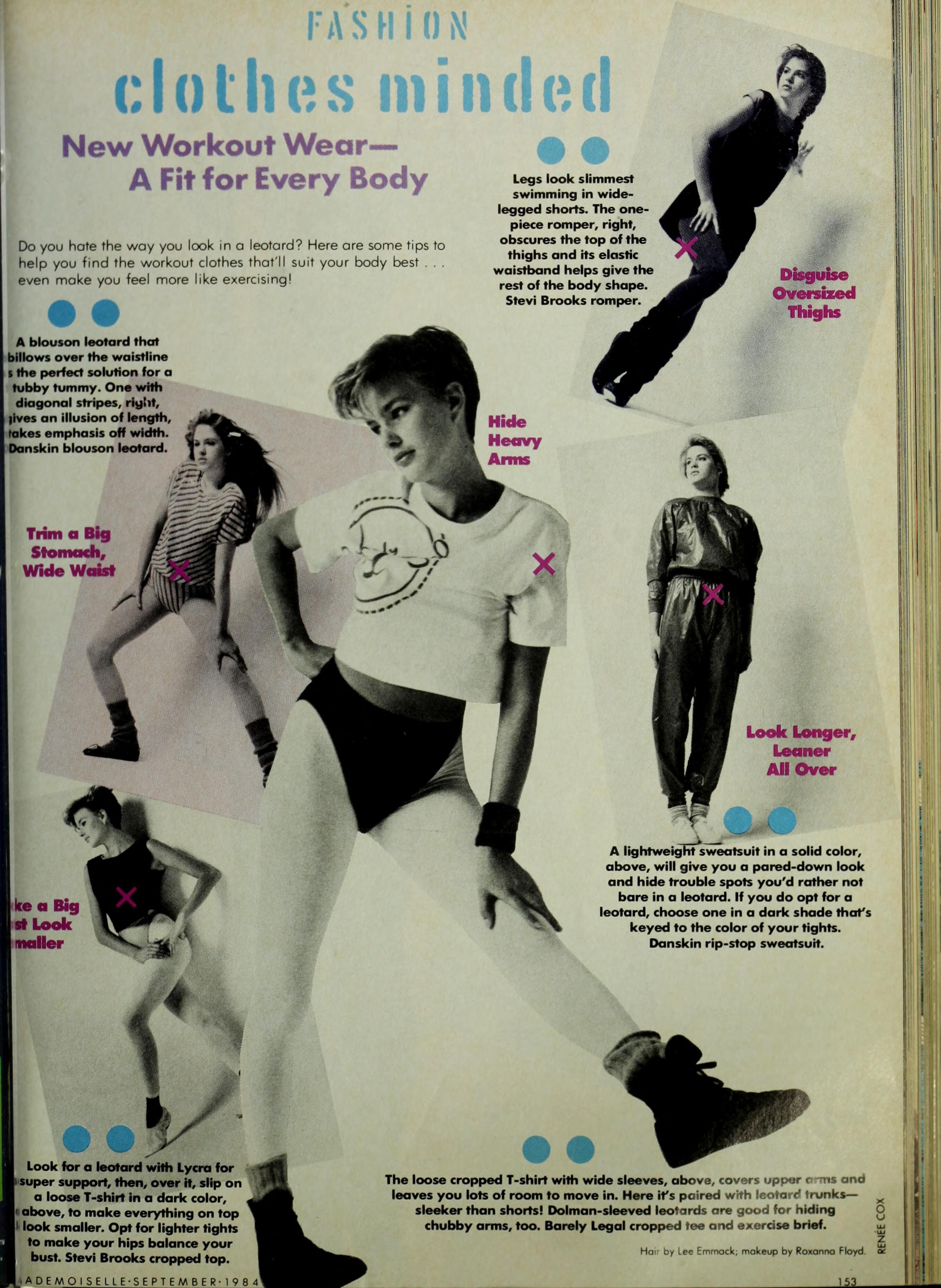
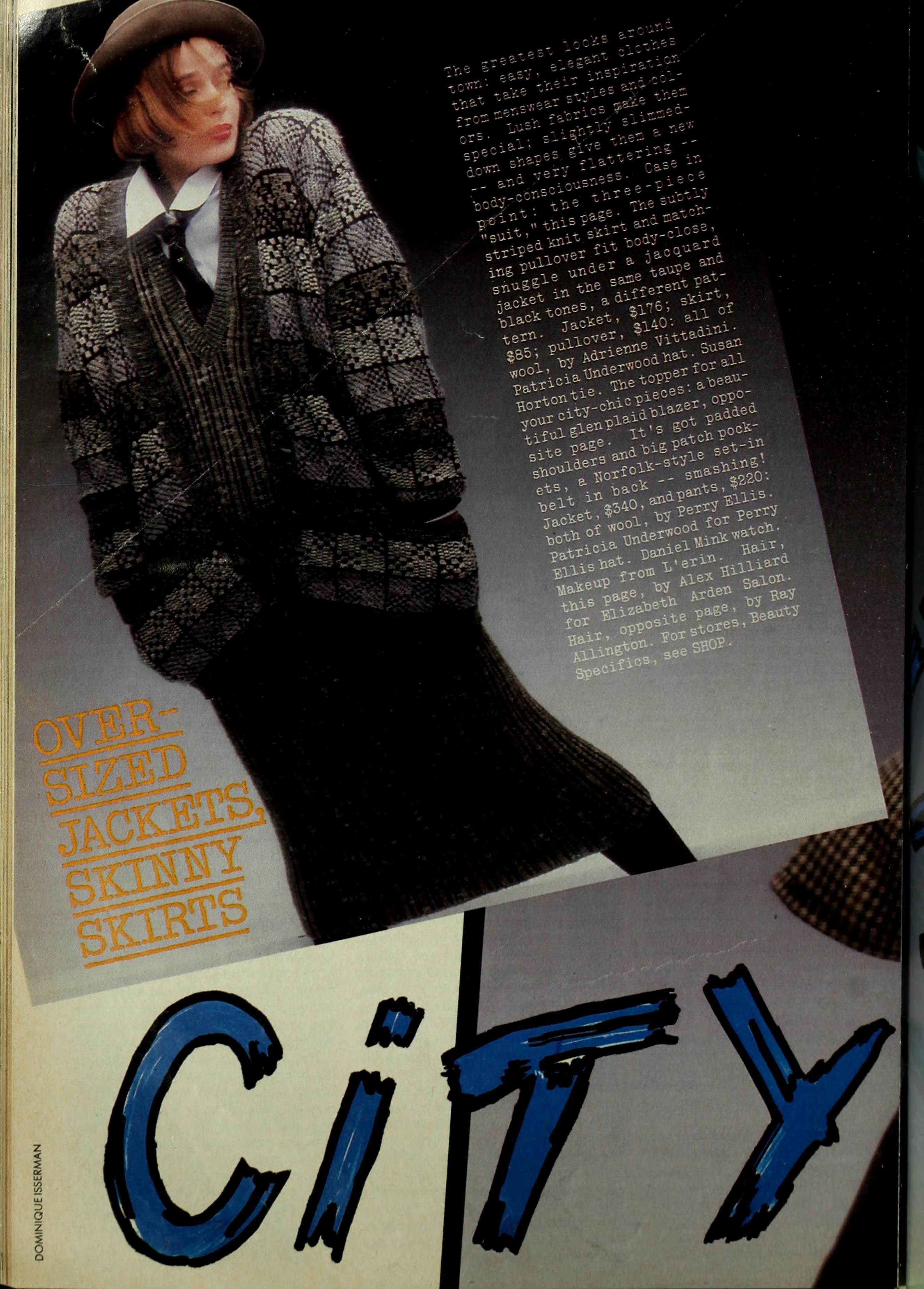
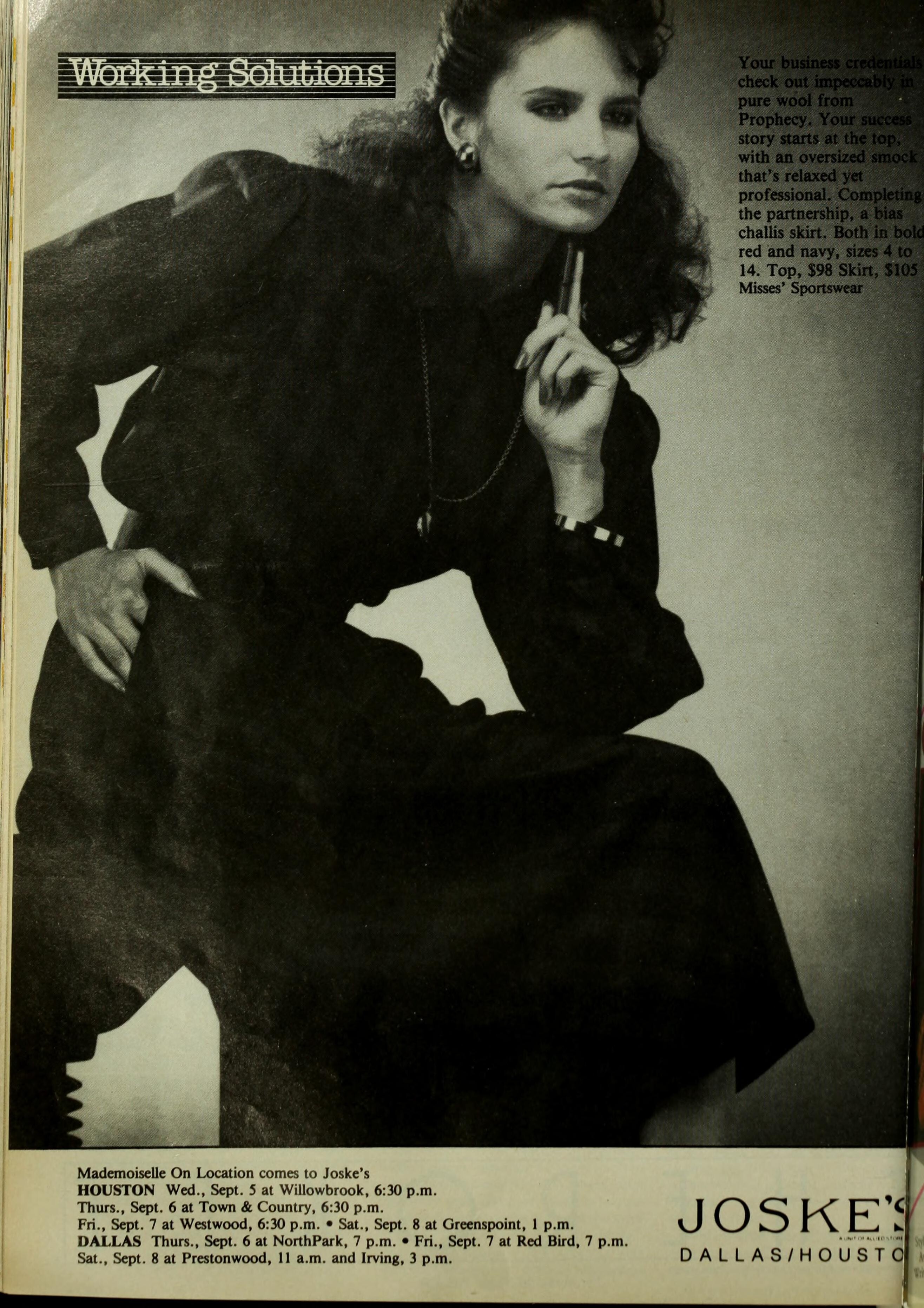
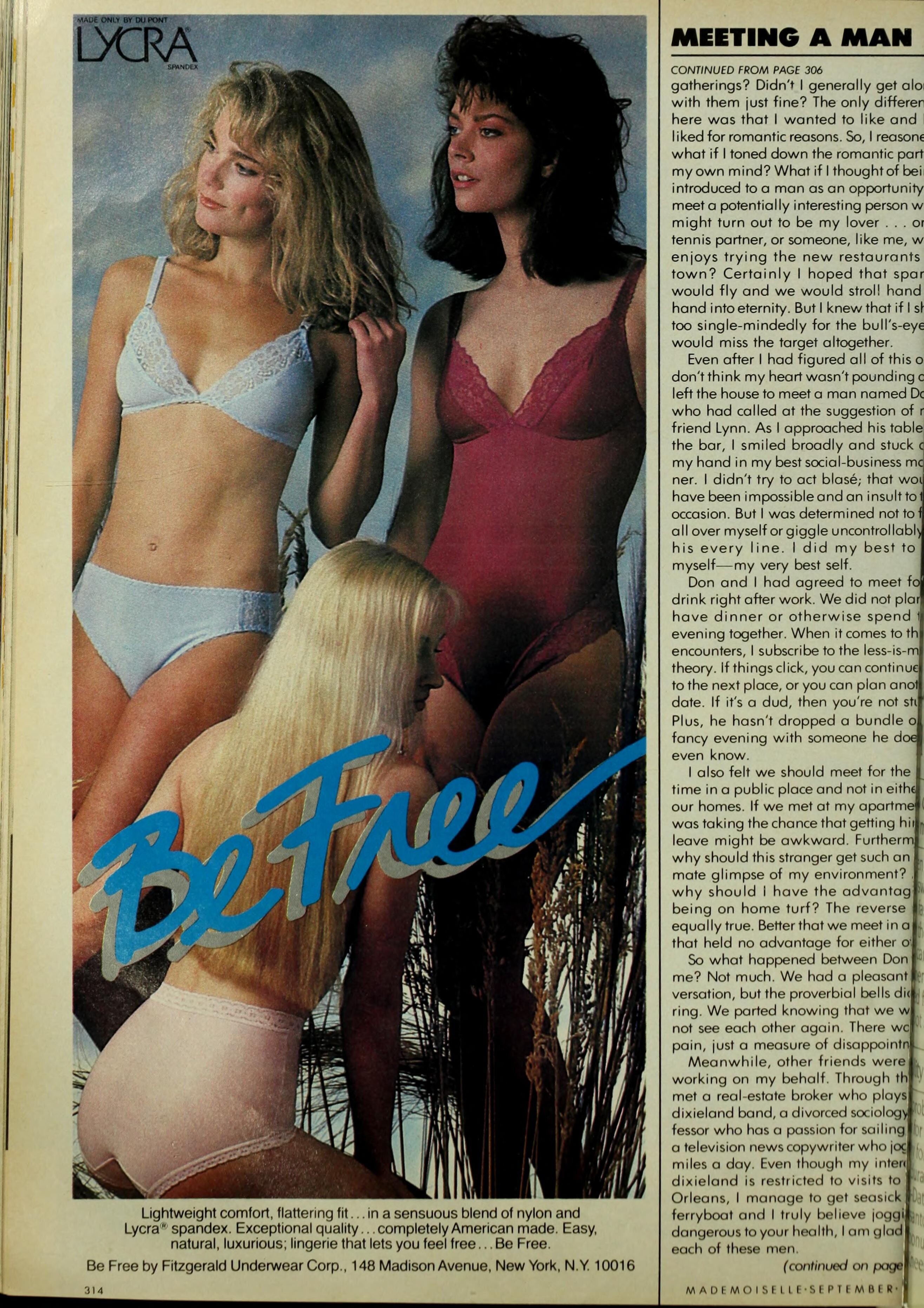
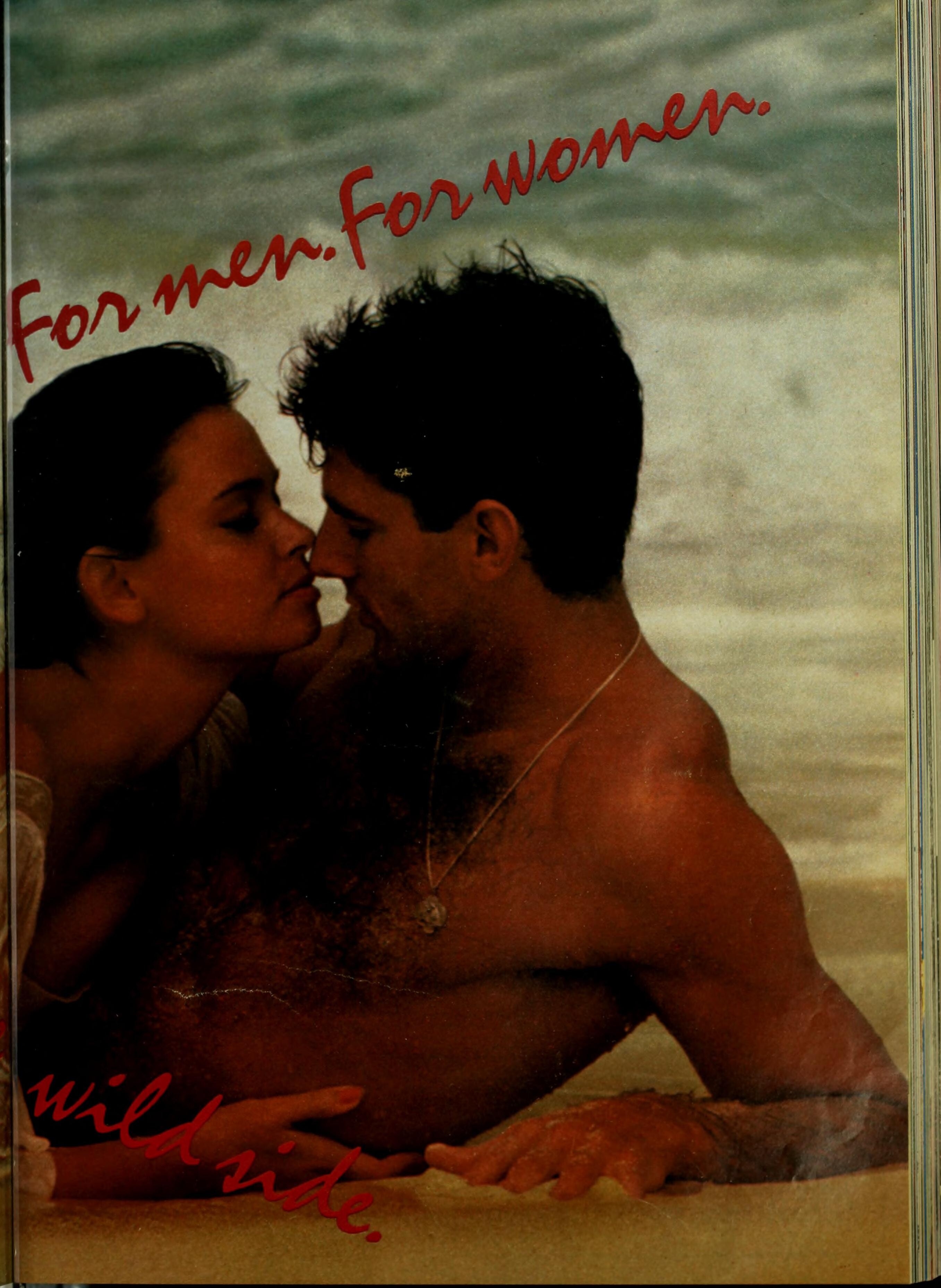
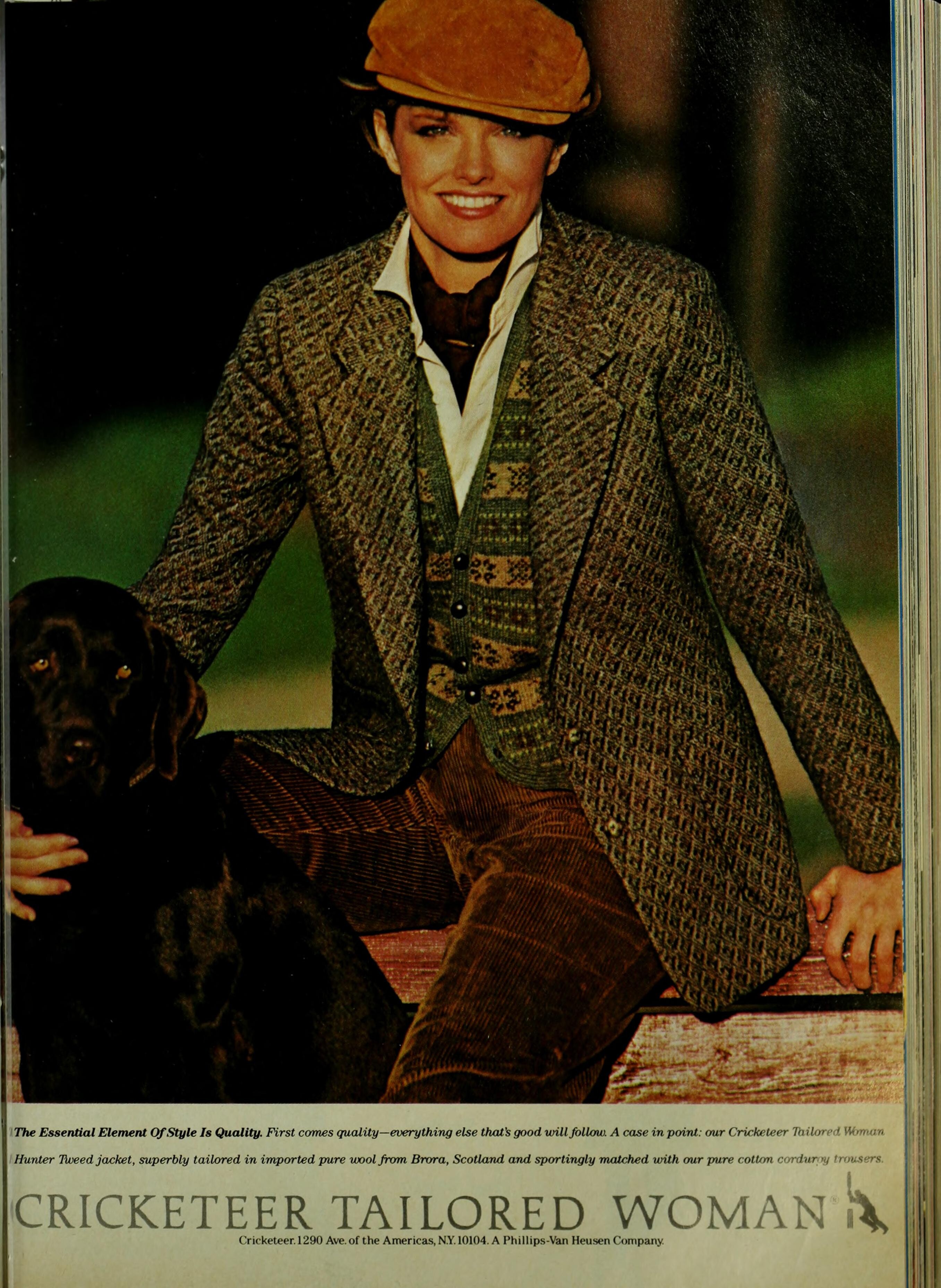
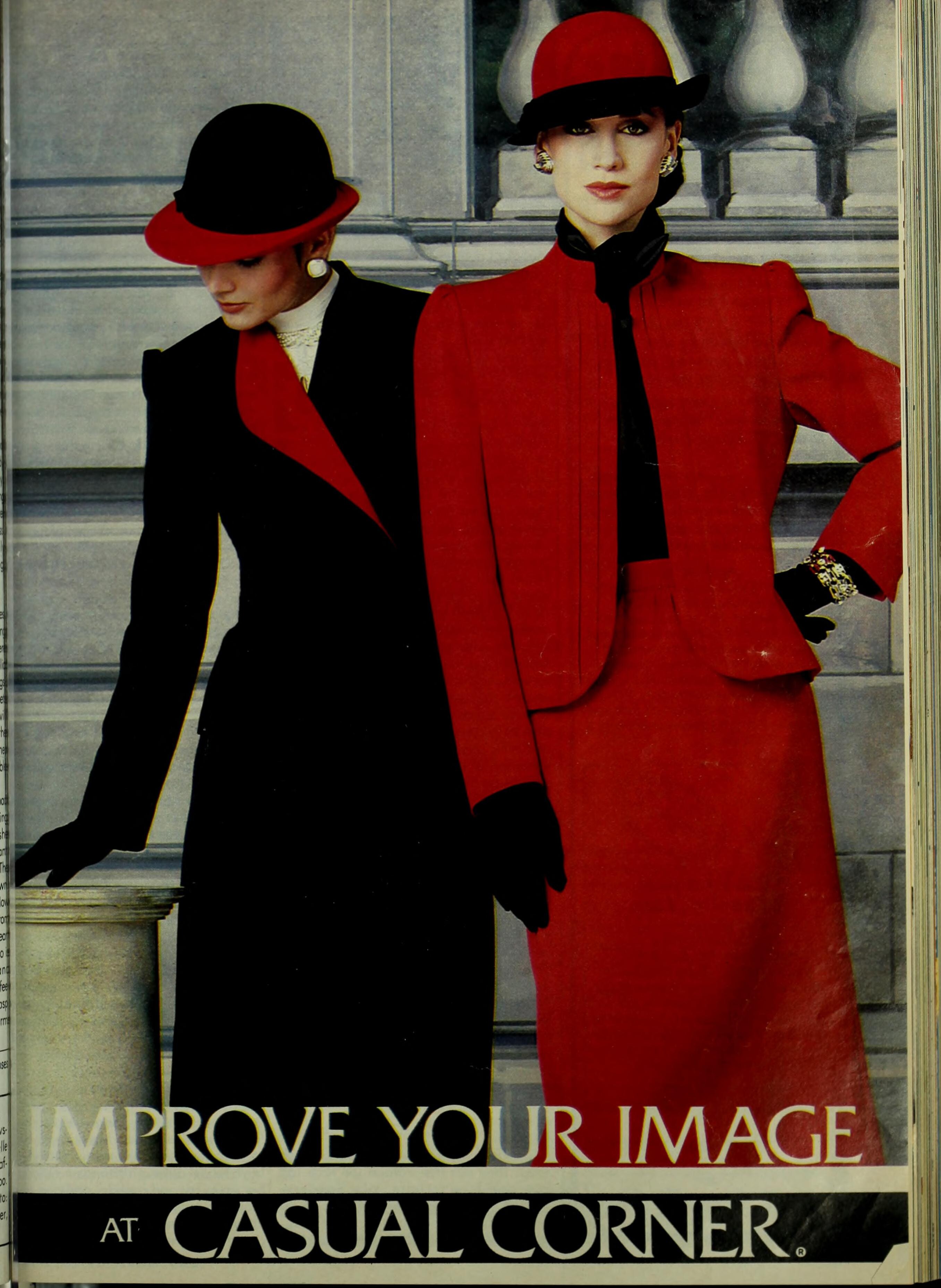
MADEMOISELLE Oct/Nov 1984: (Jenno Topping (blonde), Talisa Soto and?) (Talisa Soto?) (Eva Andersson-Dubin (blonde)

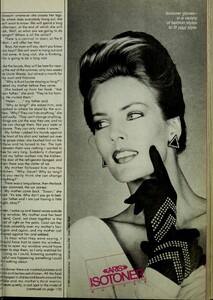
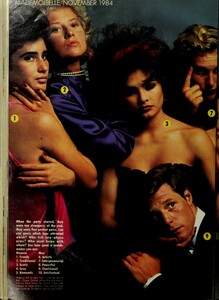
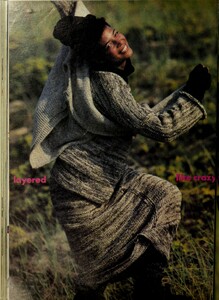
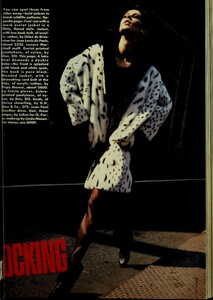






-
I though the same but then I ran her through PimEyes and it's not Jackie apparently. :/ Ugh, that's right! I agree about Sheila but not the rest. Second one definitely looks like Michelle but it's just a lookalike unfortunately. I thinks so, yes.
-
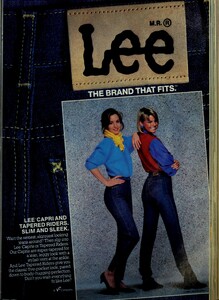
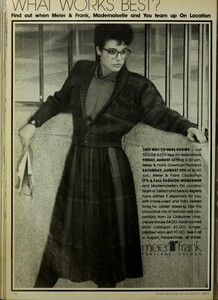
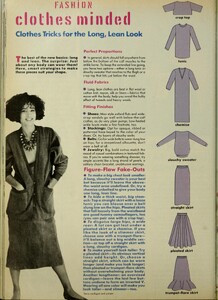
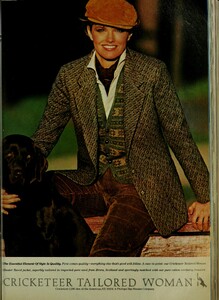
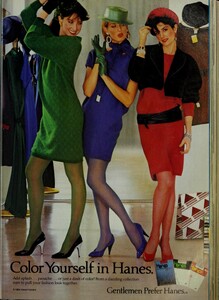
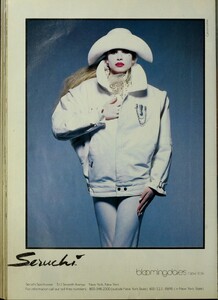
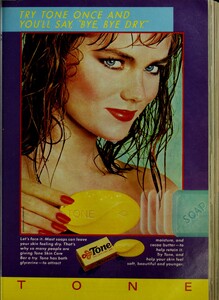
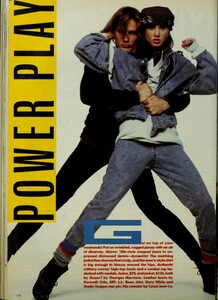
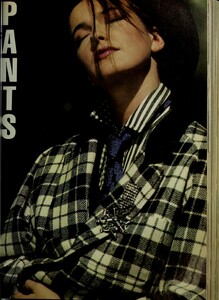
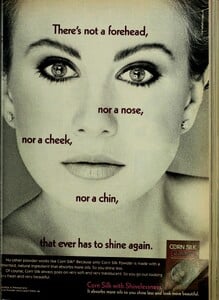
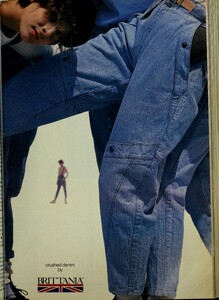
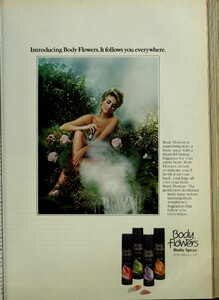
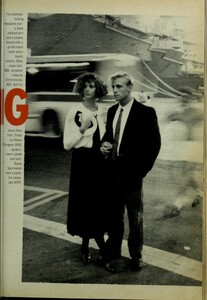
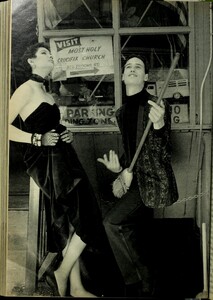
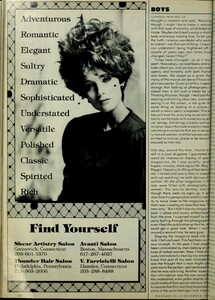
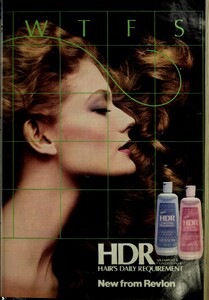
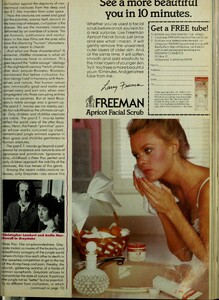
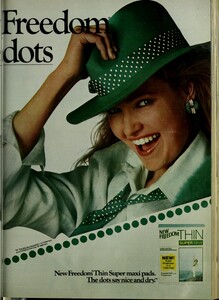
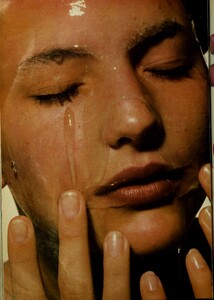
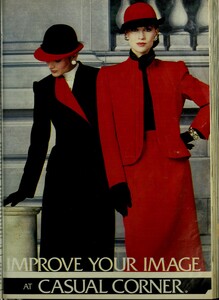
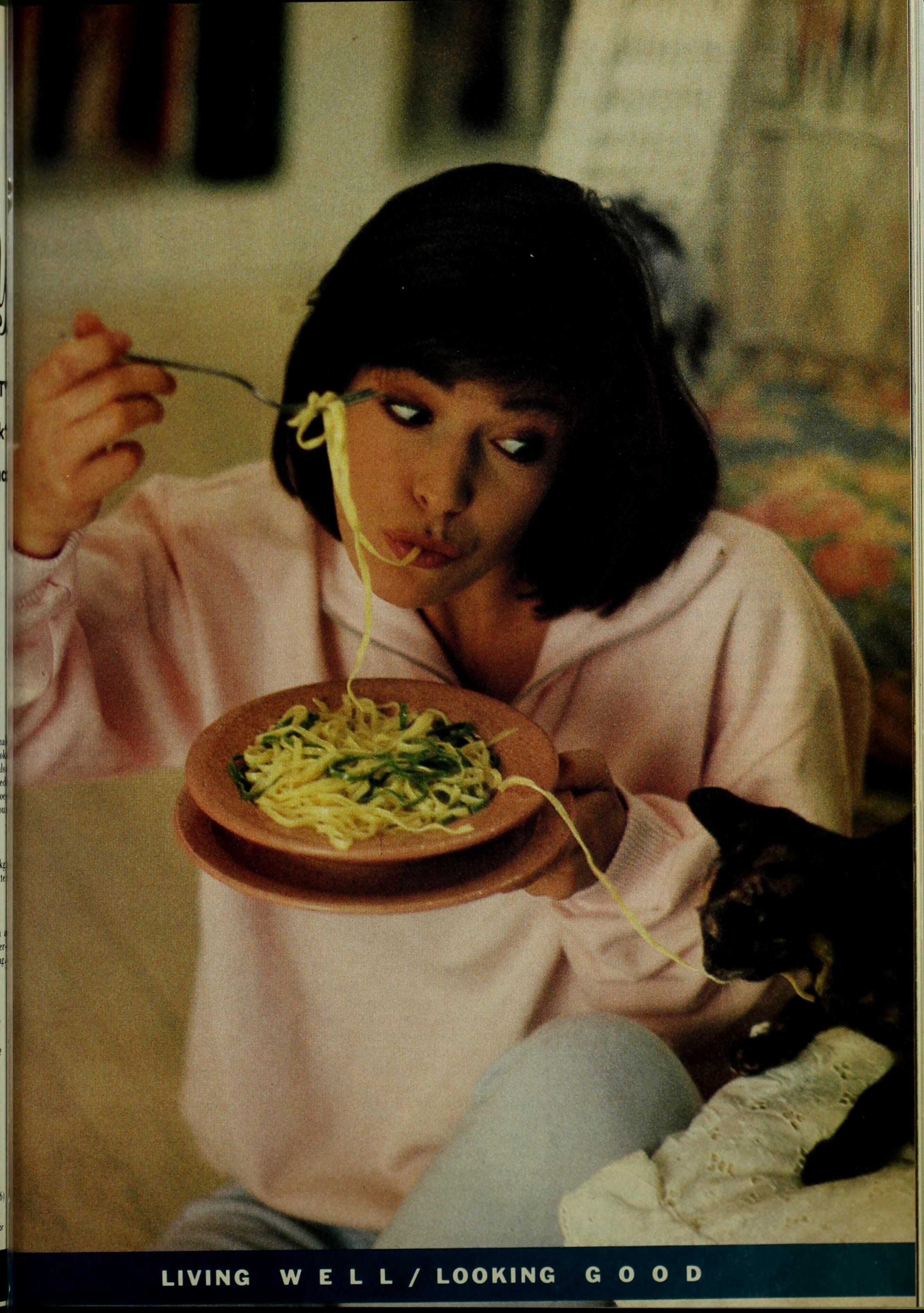
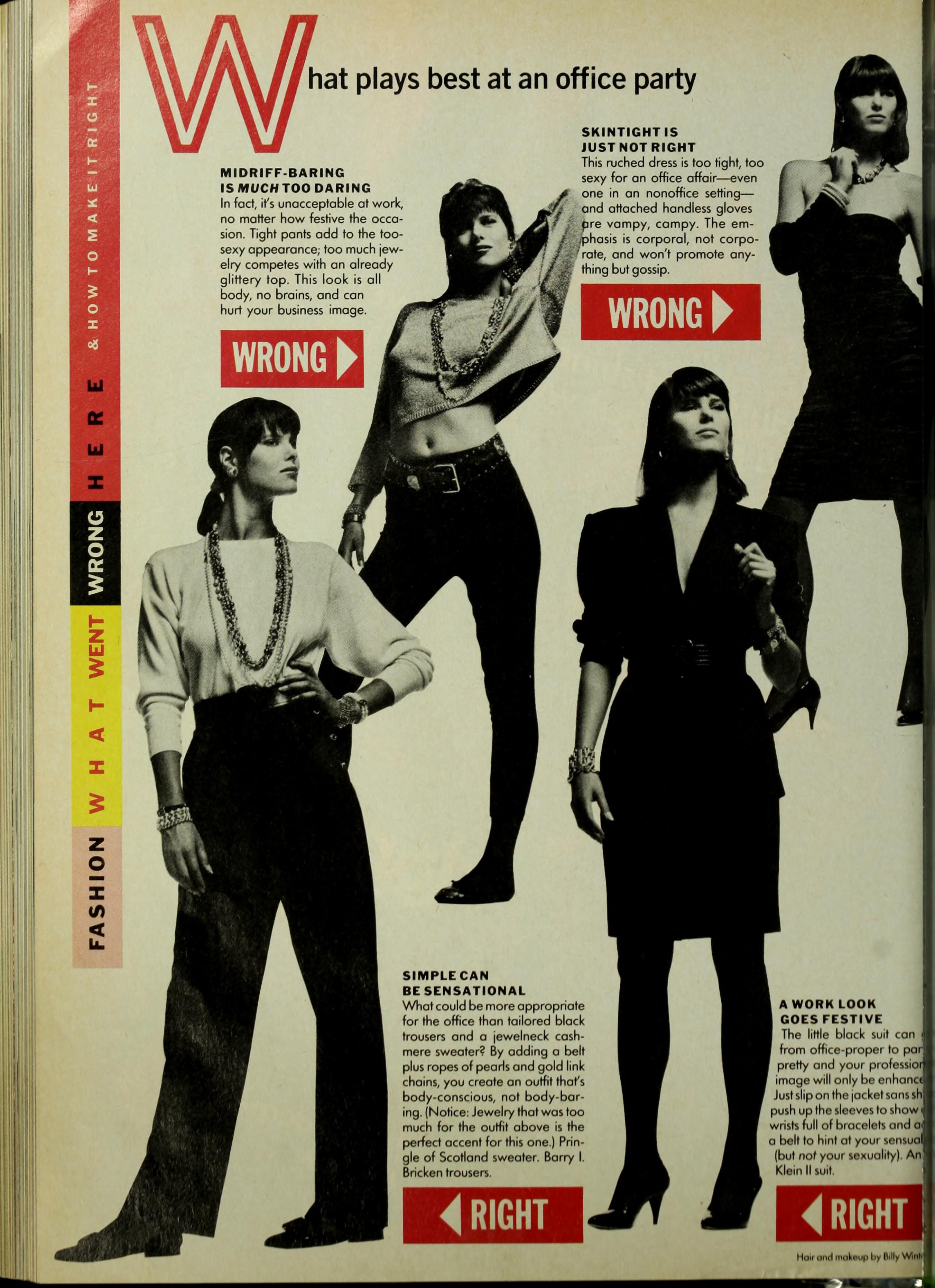
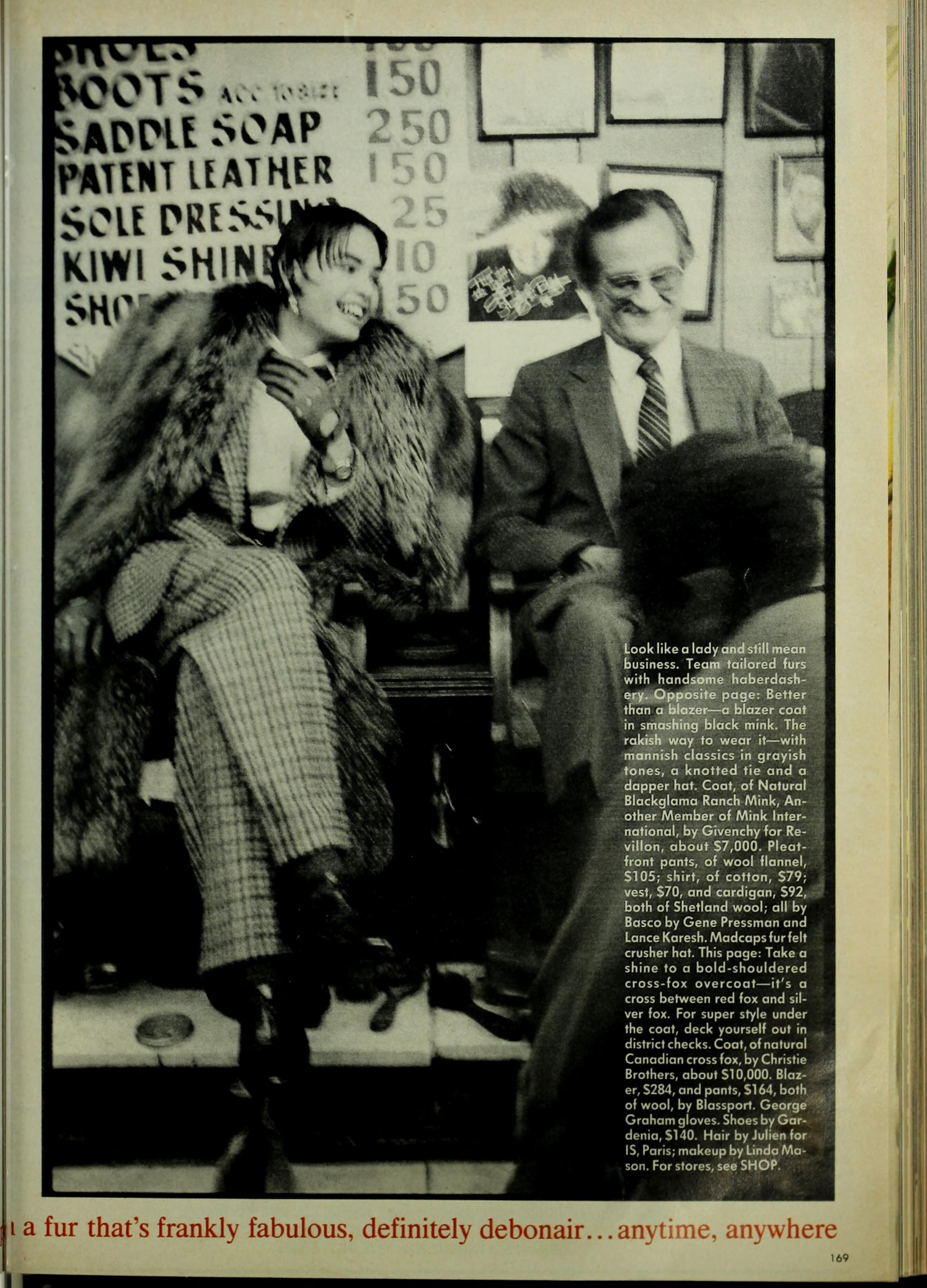
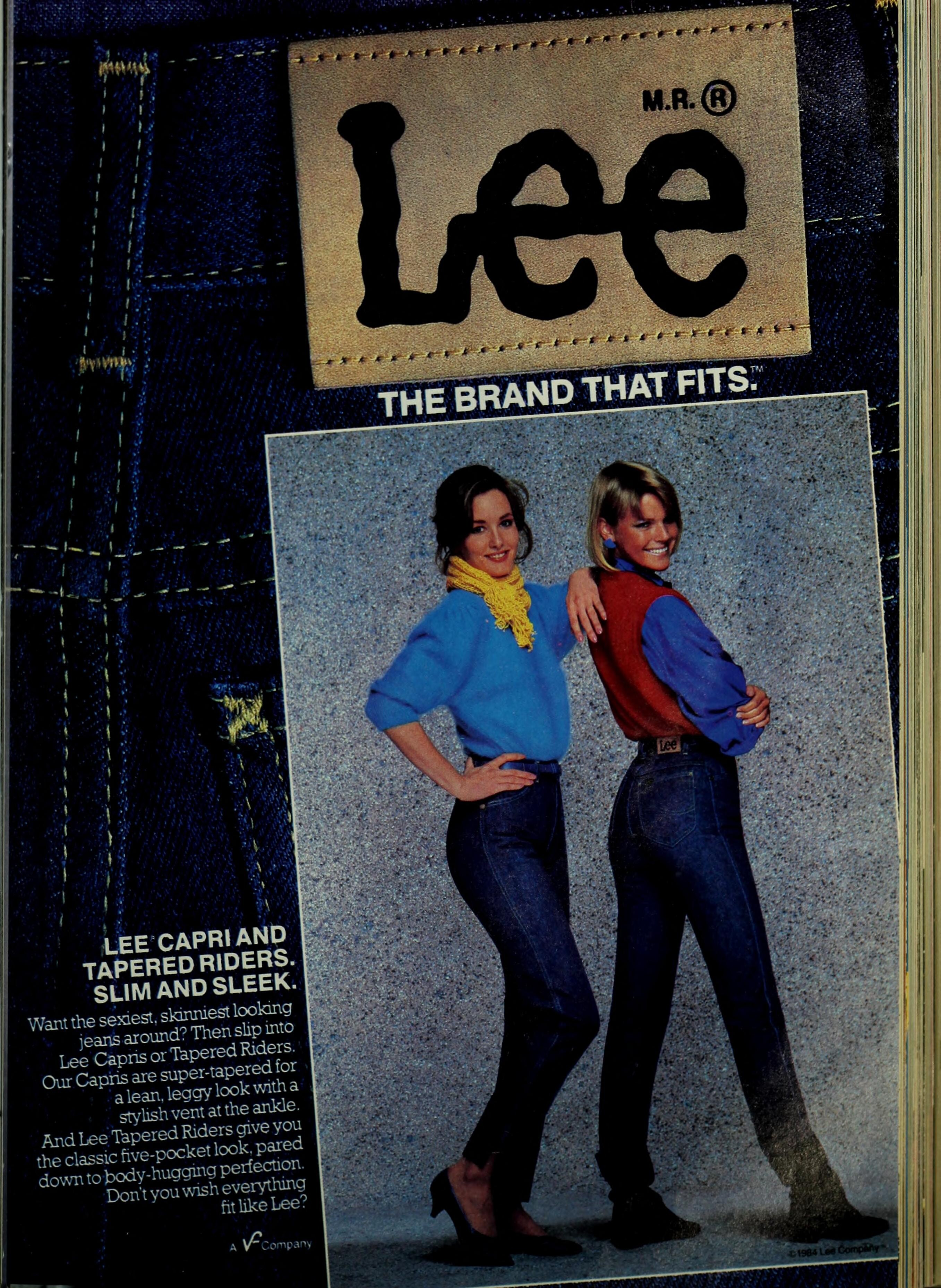
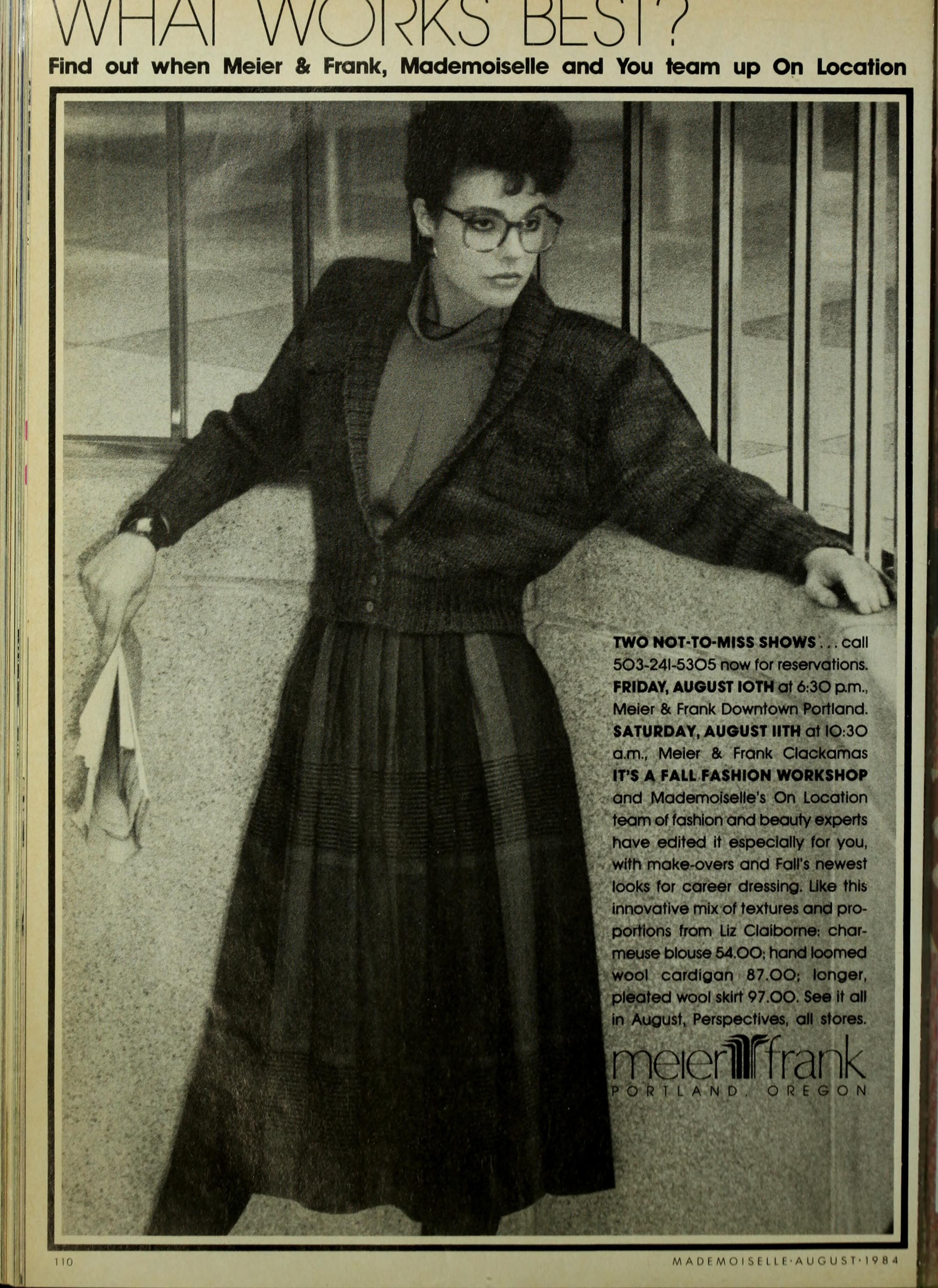
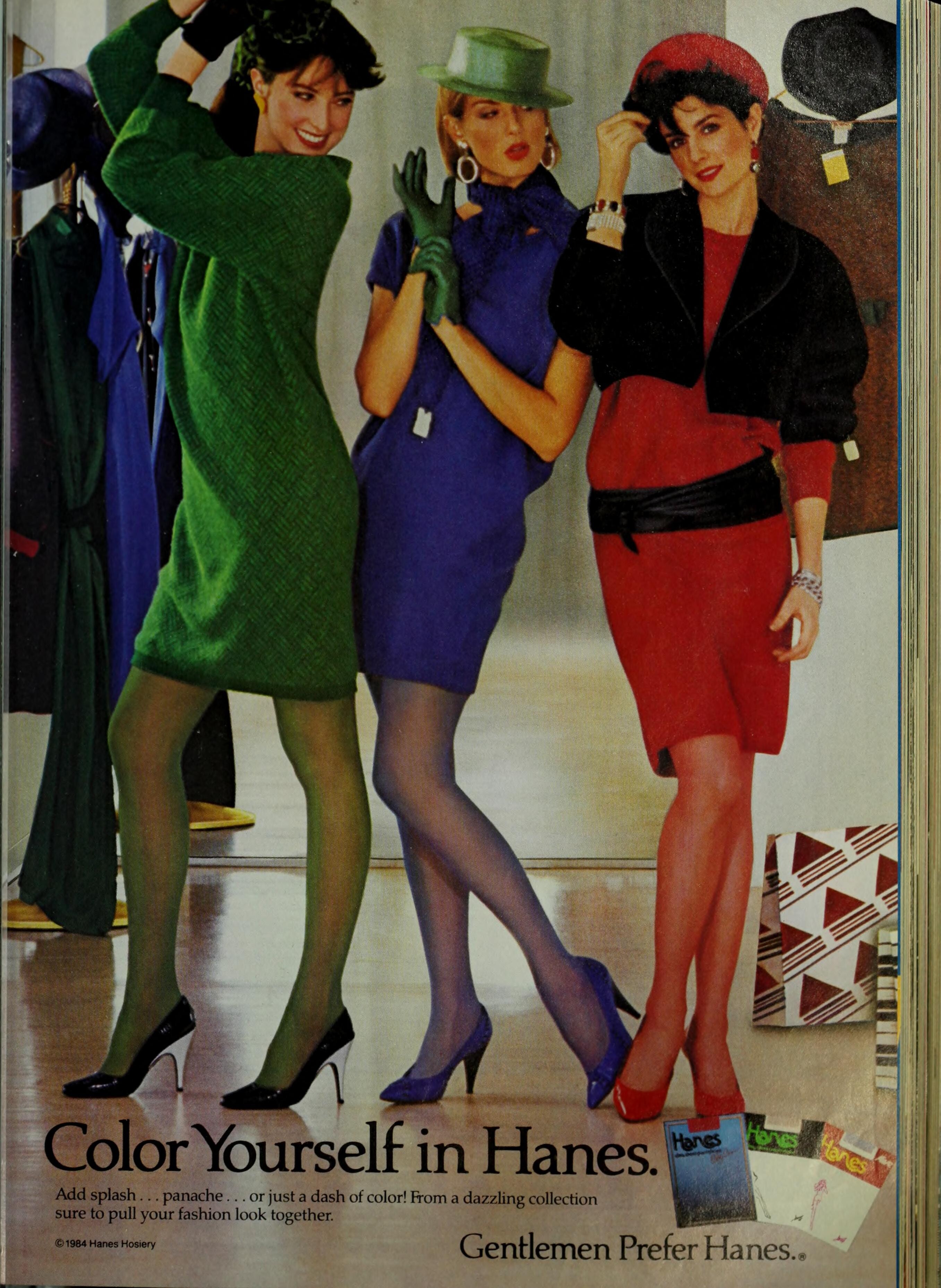
MADEMOISELLE Jul/Aug/Dec 1984: (Heather Miller on the left) (Terri May in the centre) (Barbara Neumann on the right)







-
Thank you! I can't really tell.
-
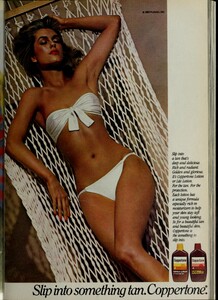
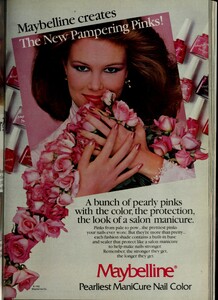
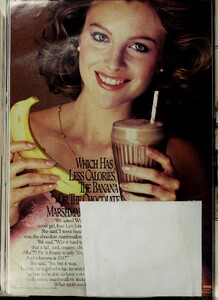
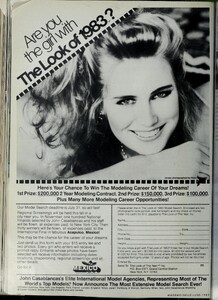
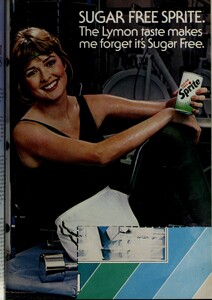
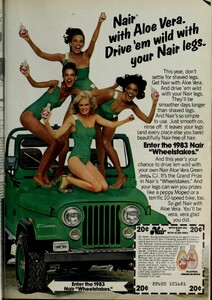
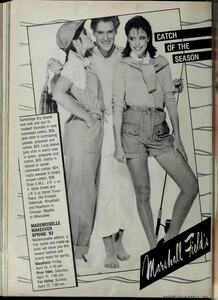
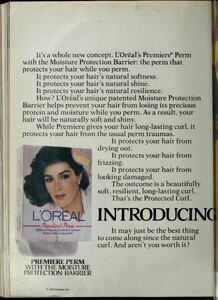
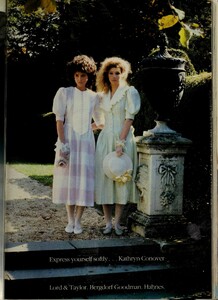
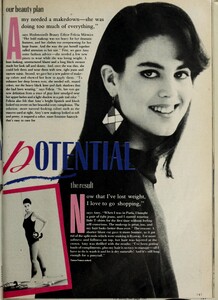
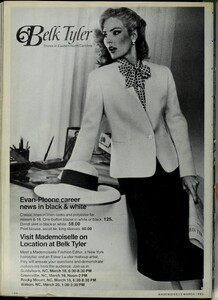
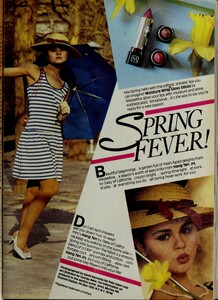
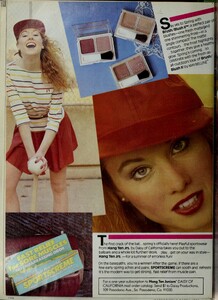
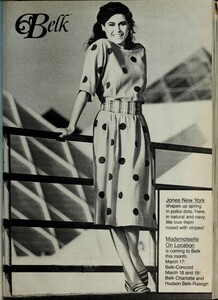
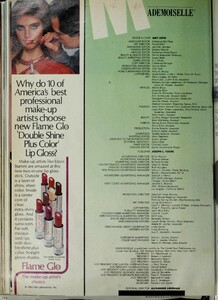
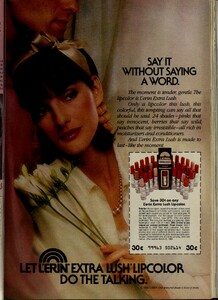
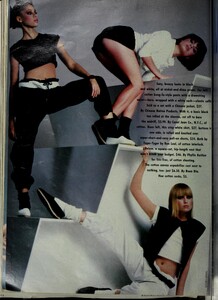
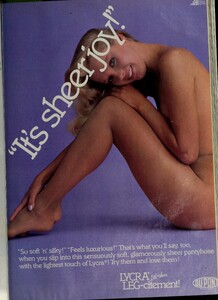
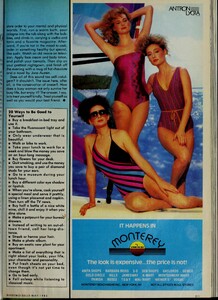
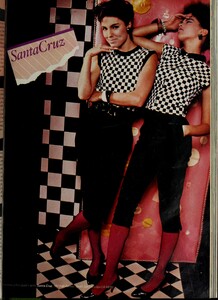
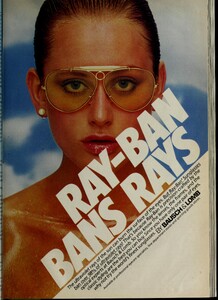
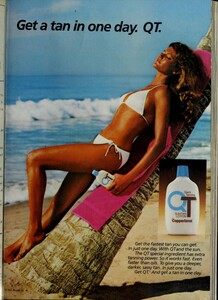
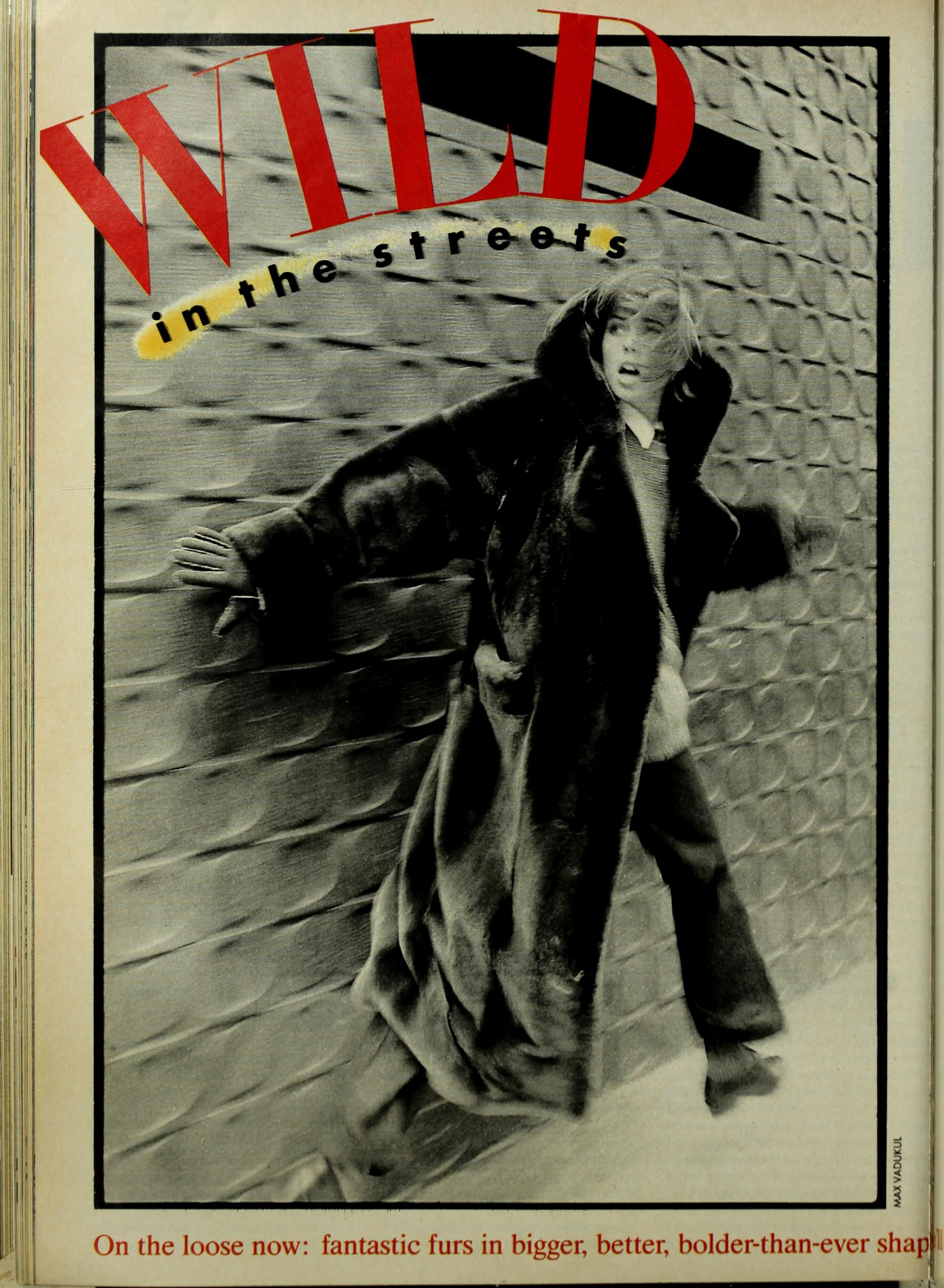
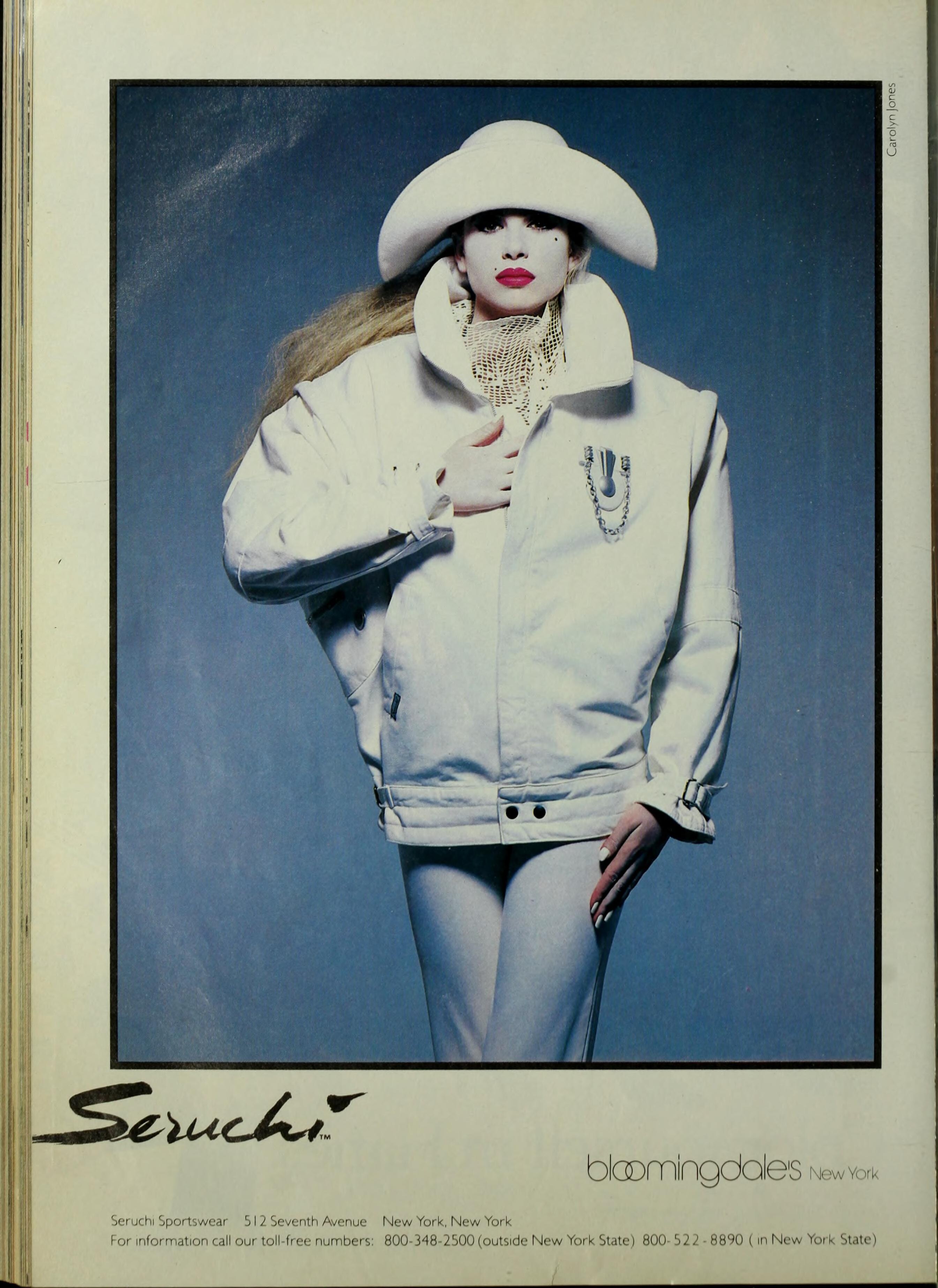
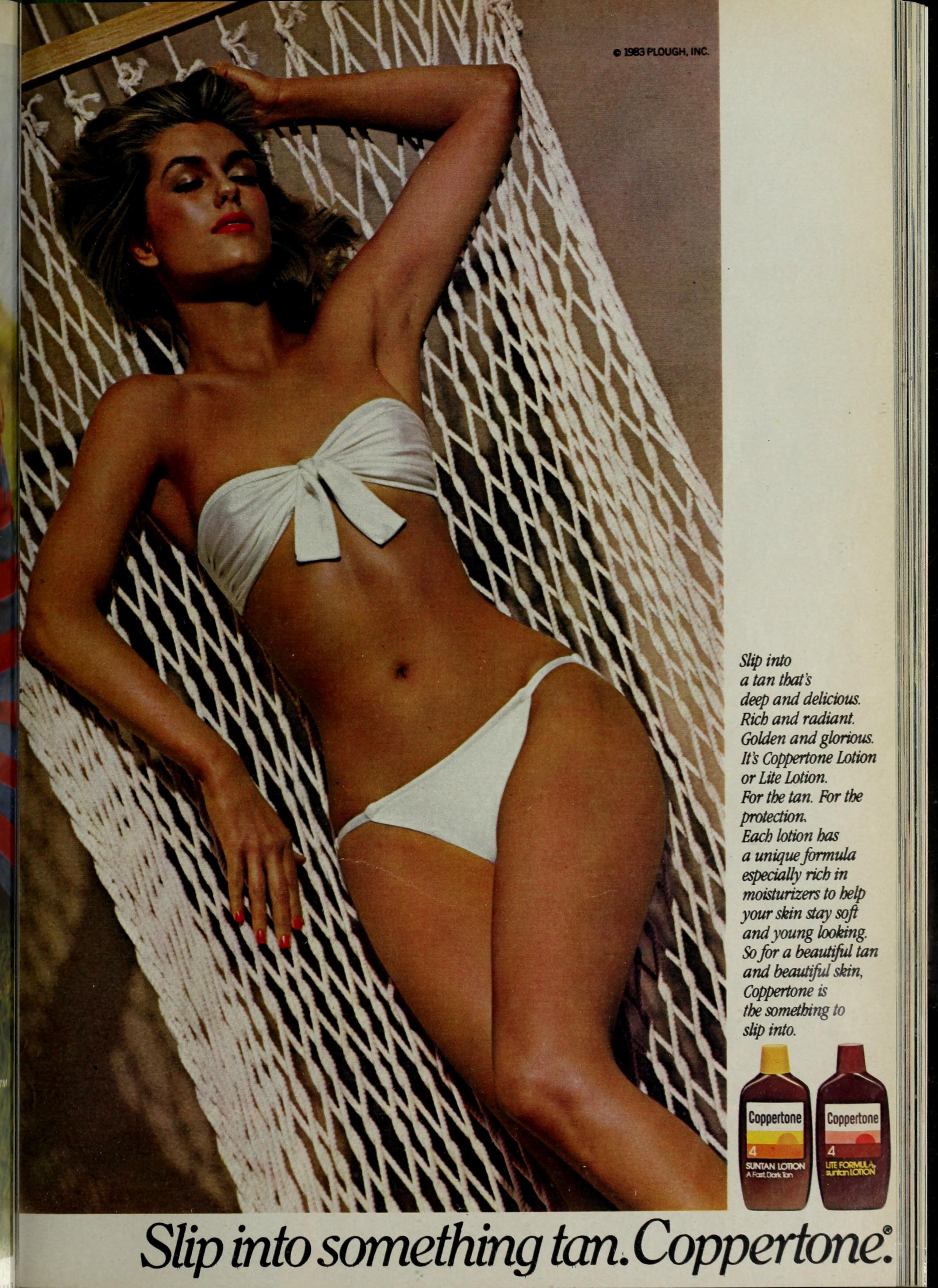
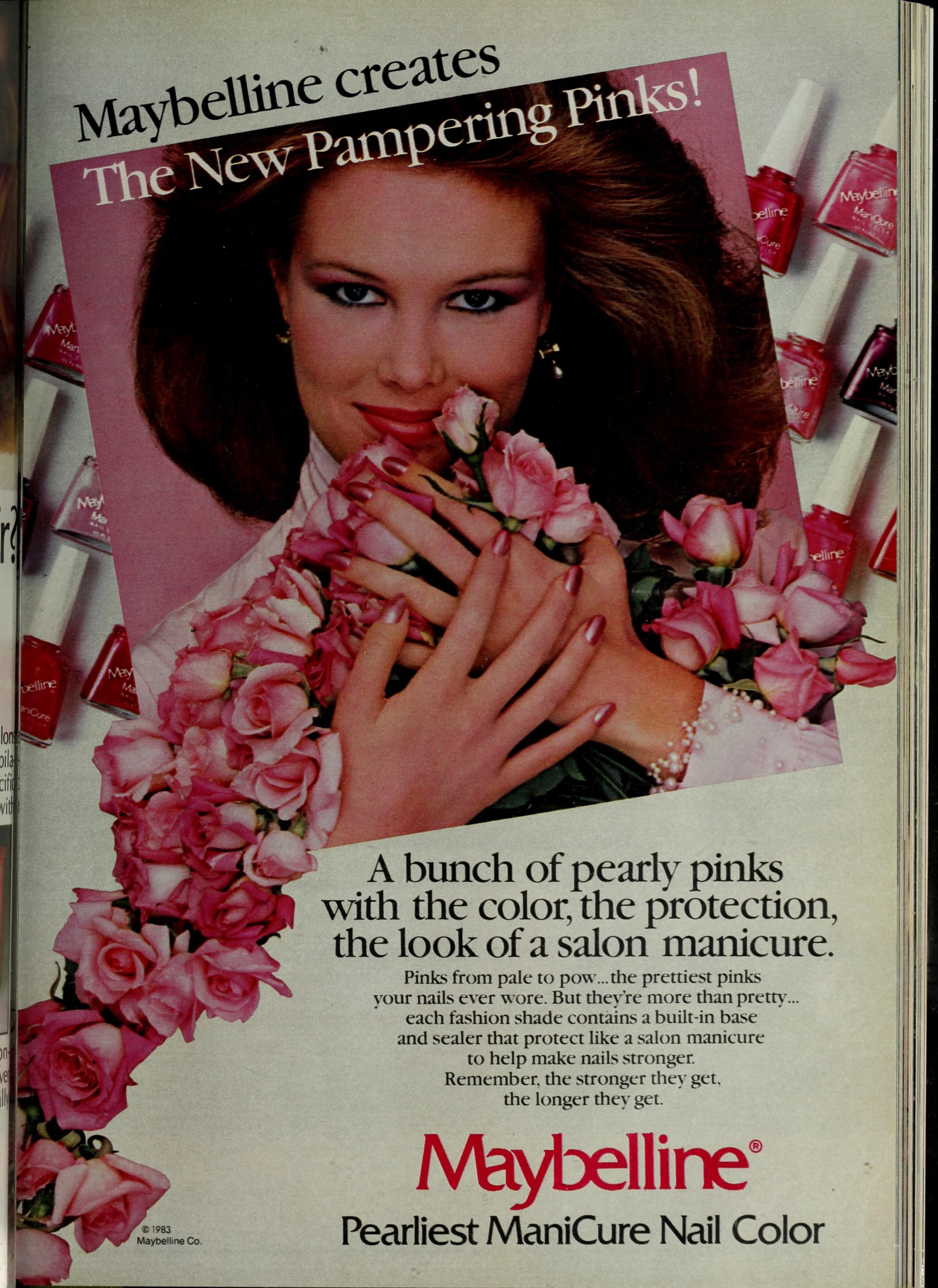
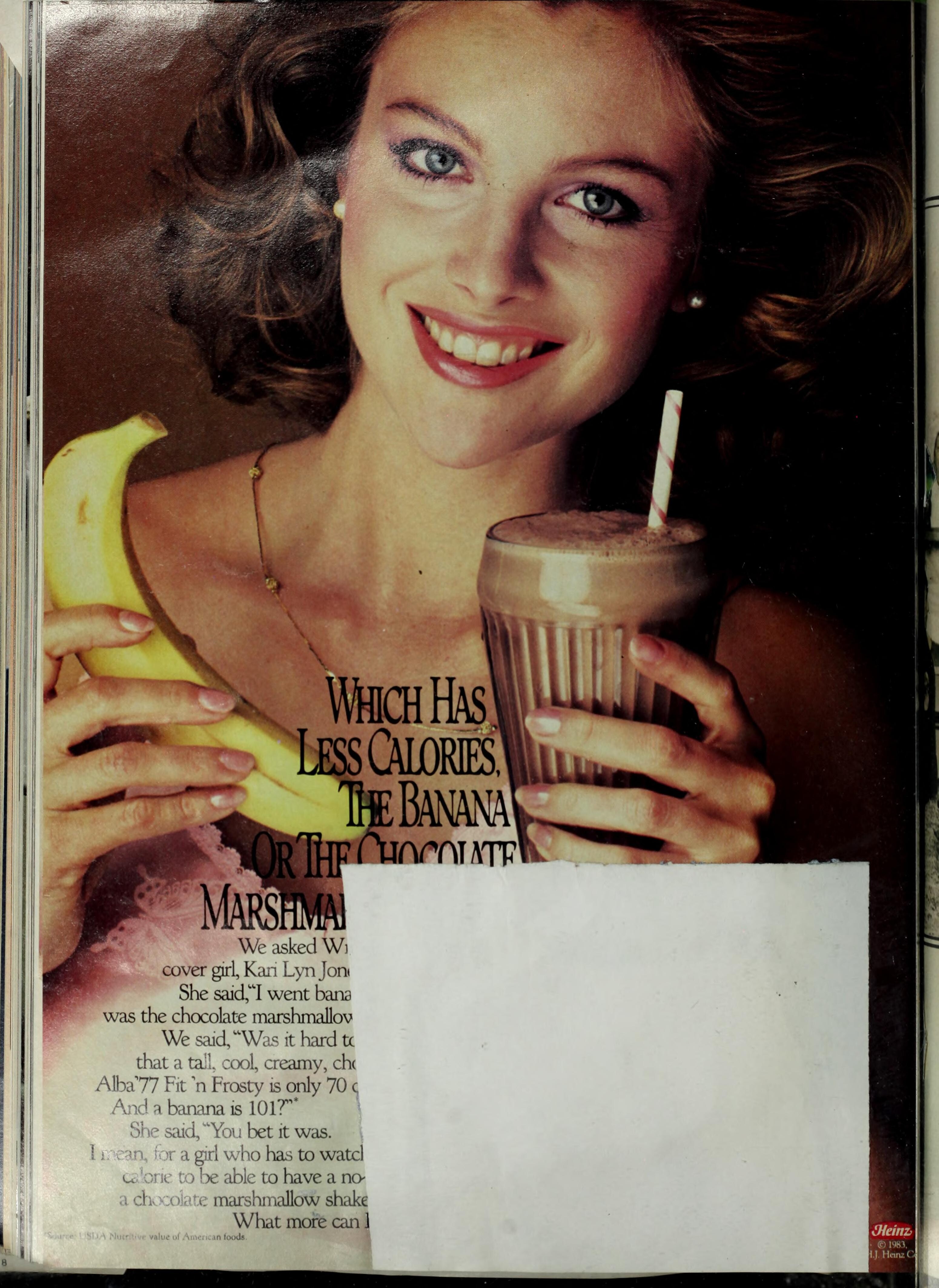
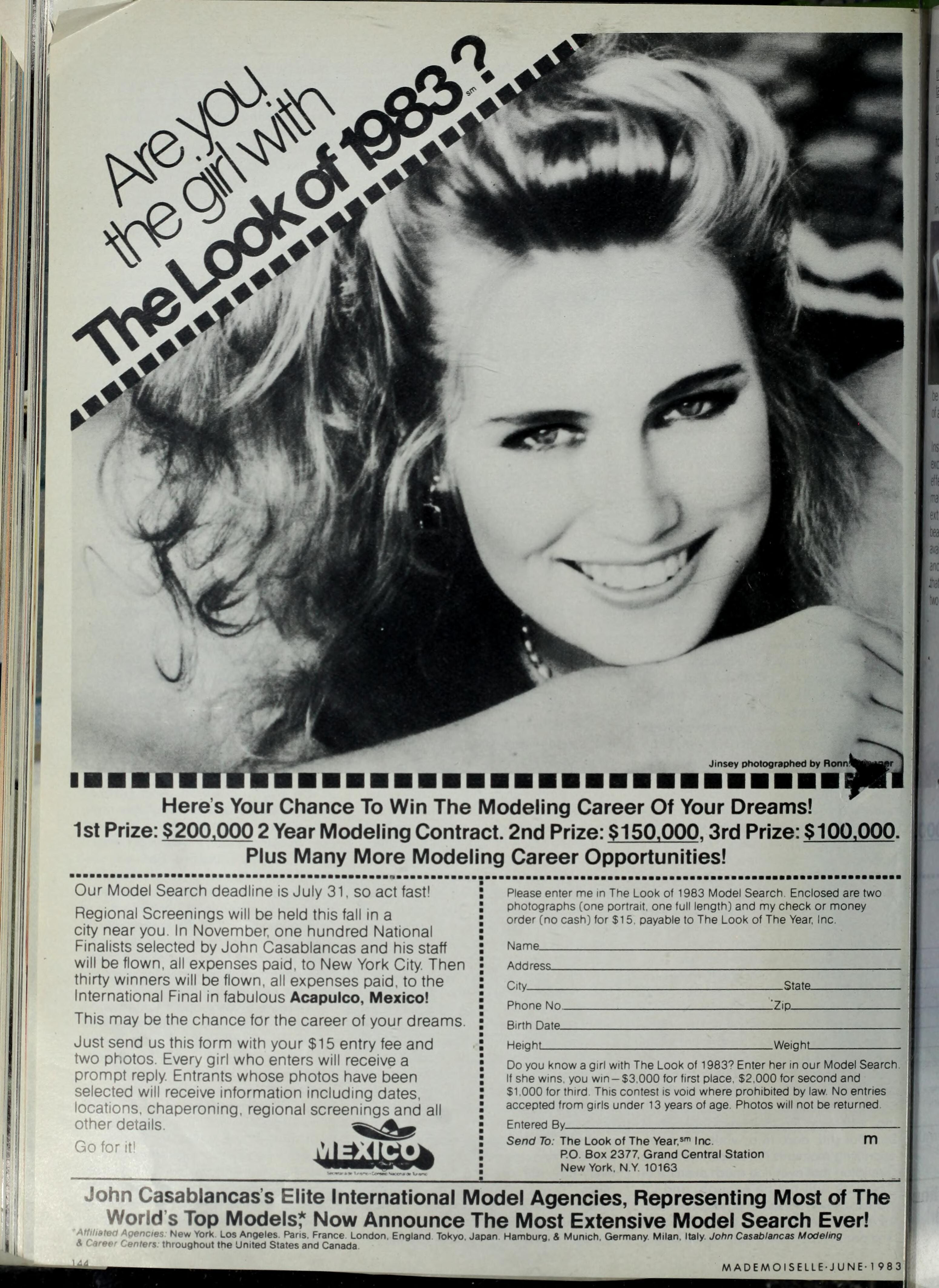
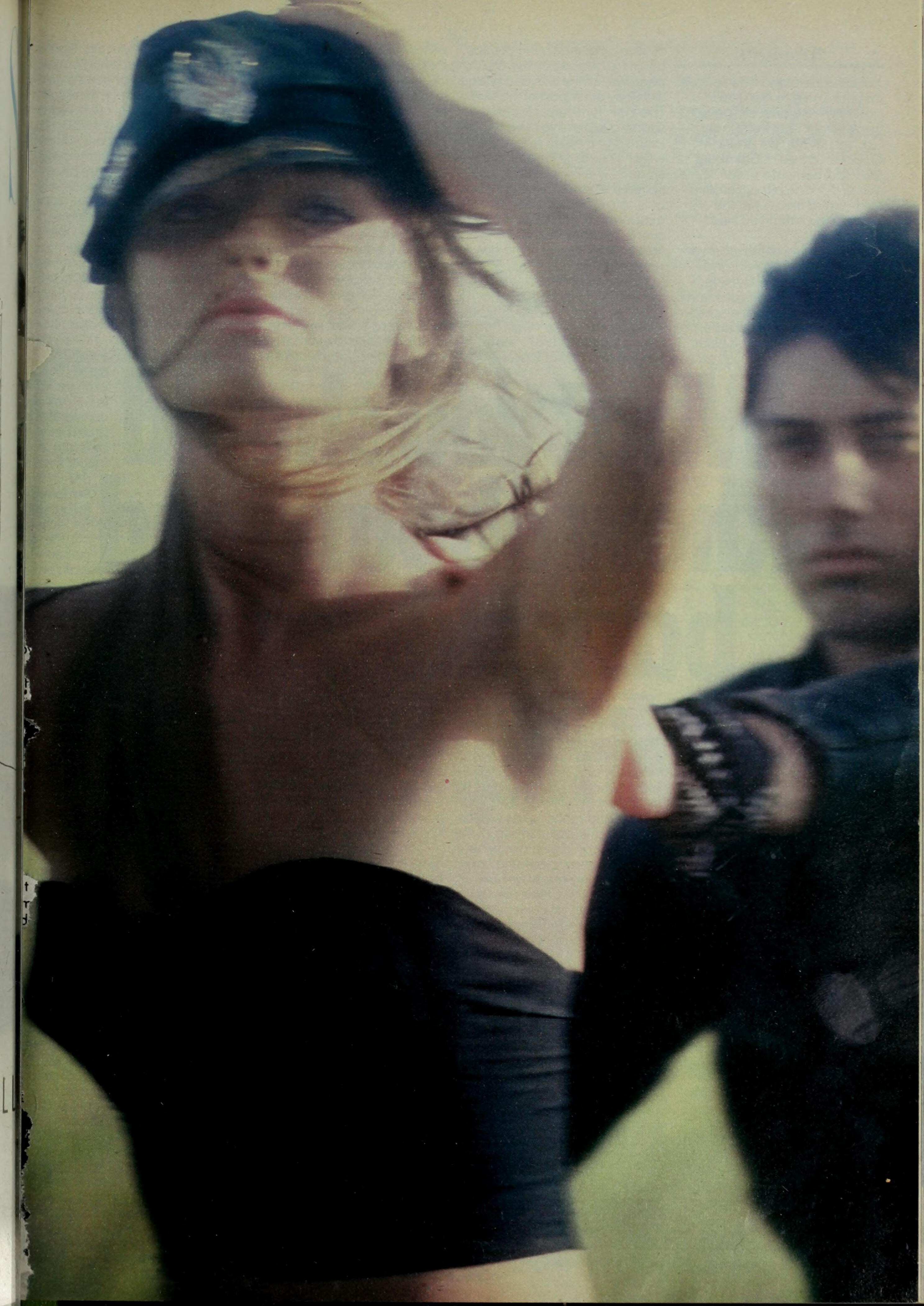
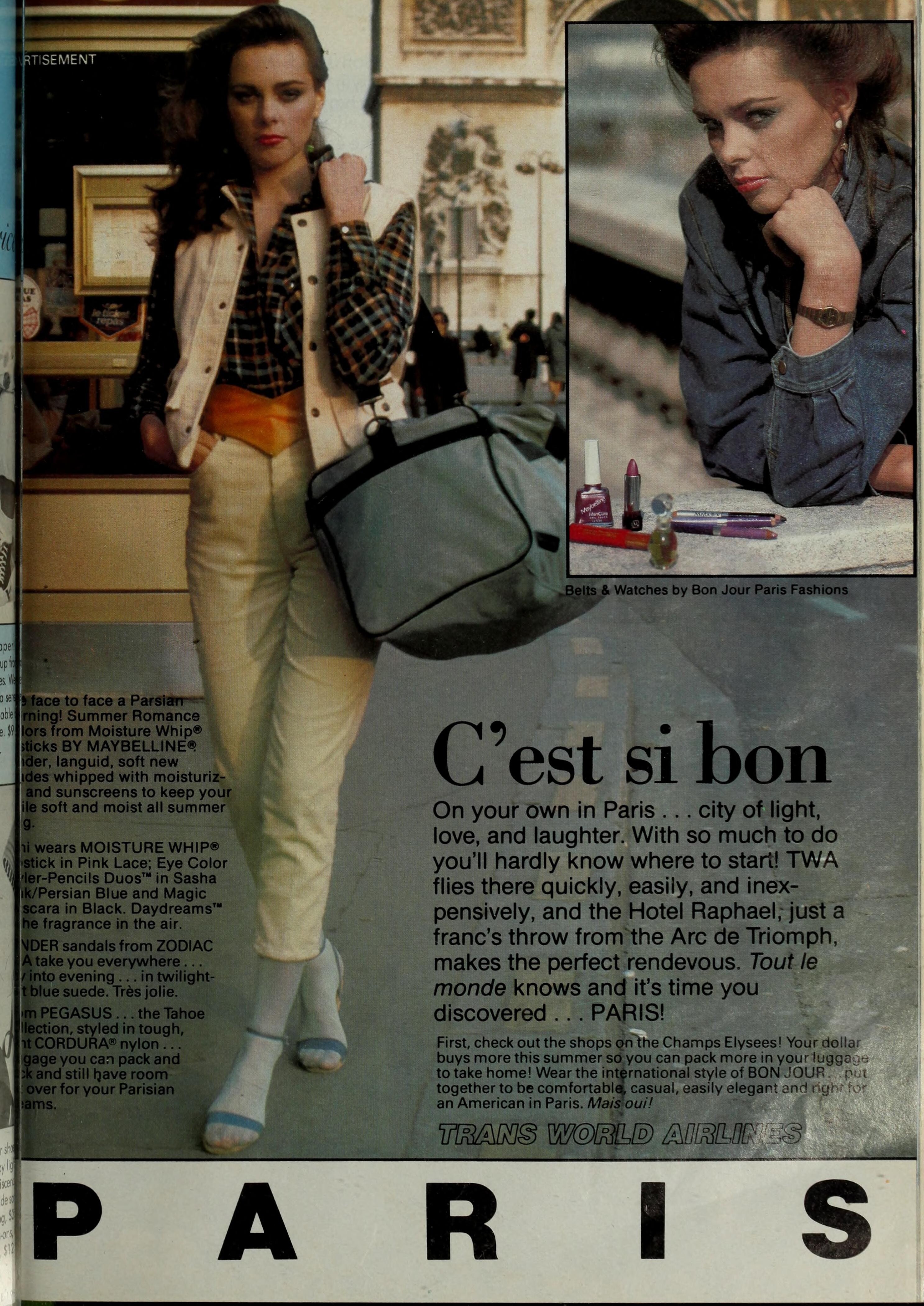
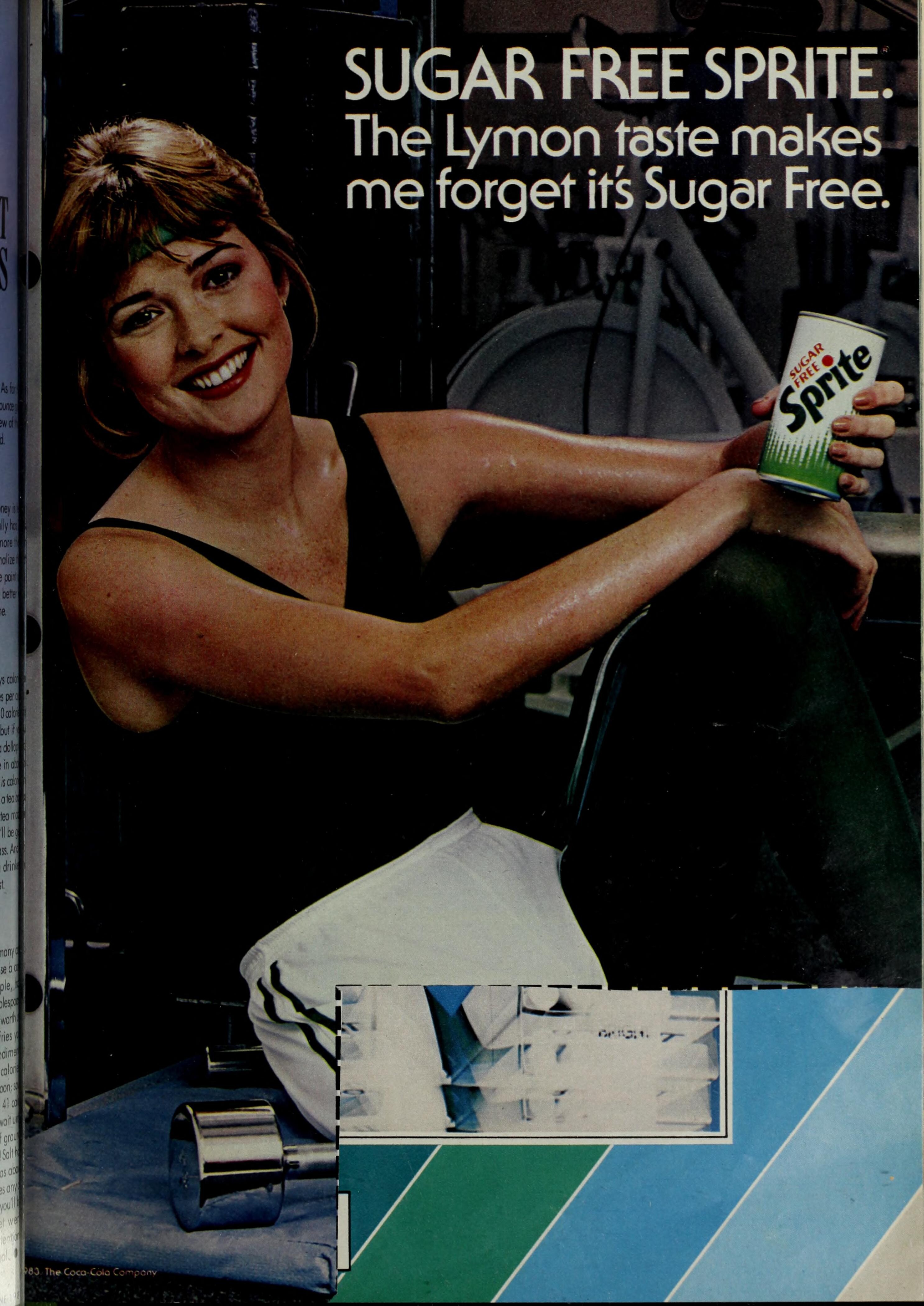
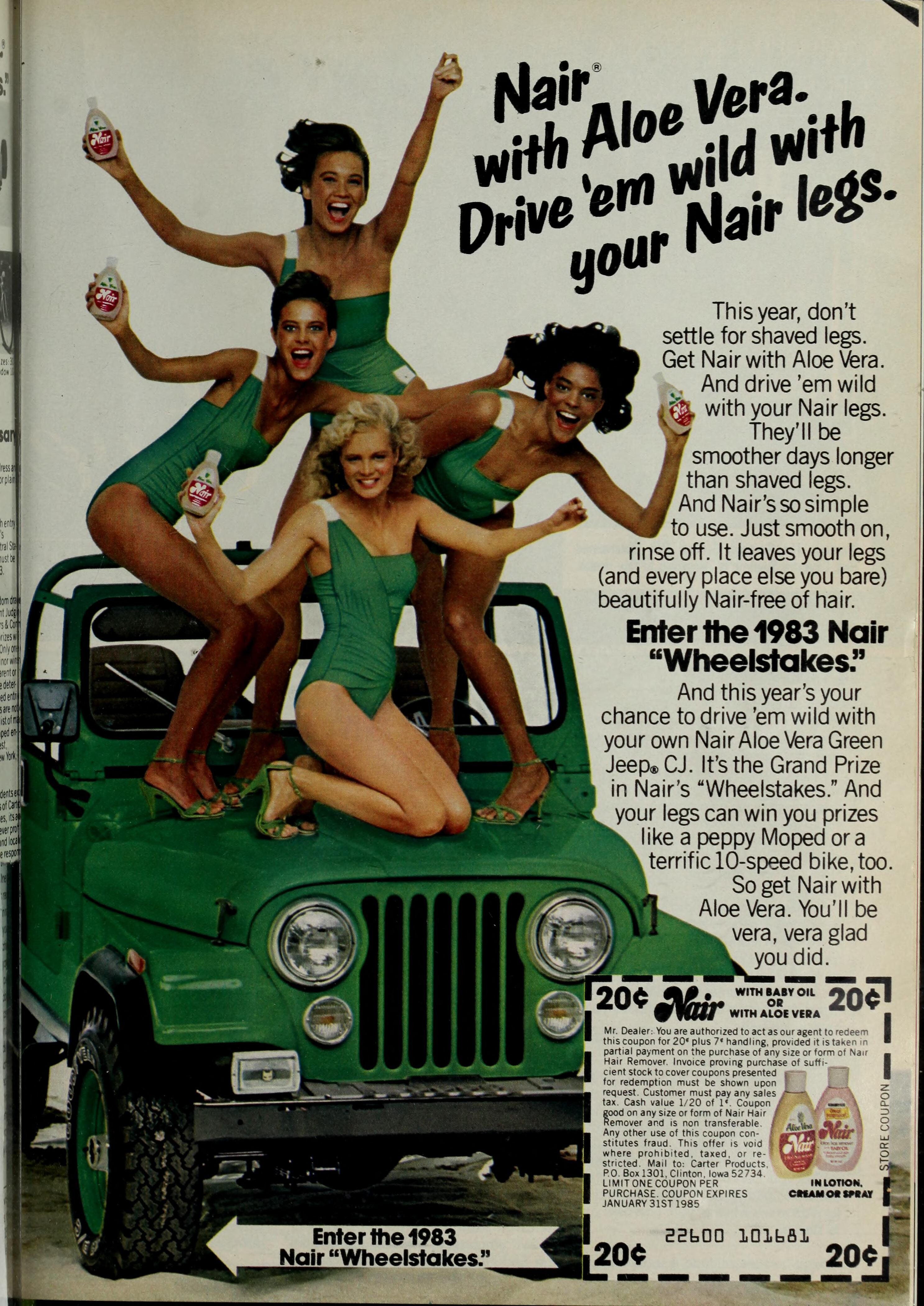
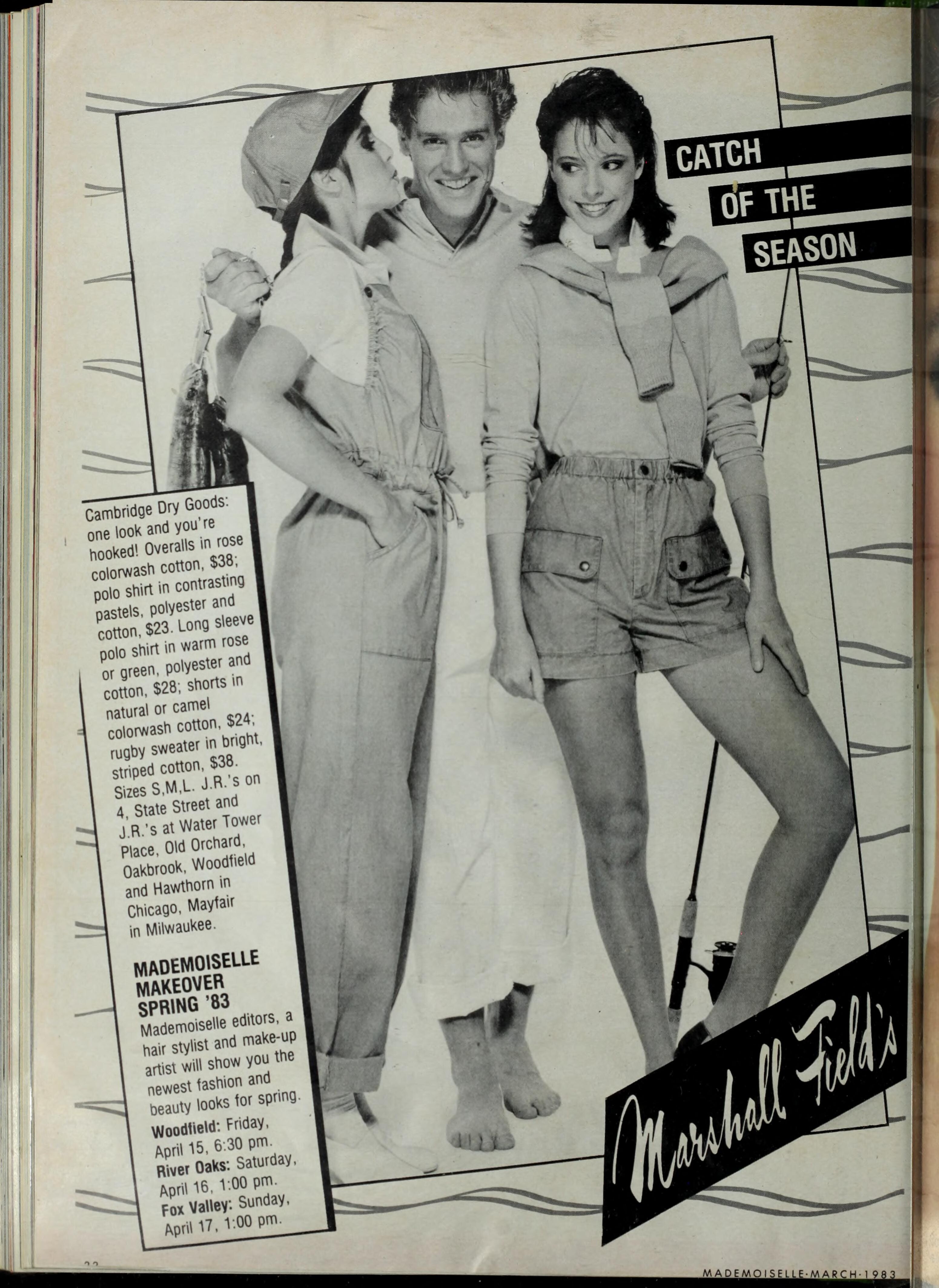
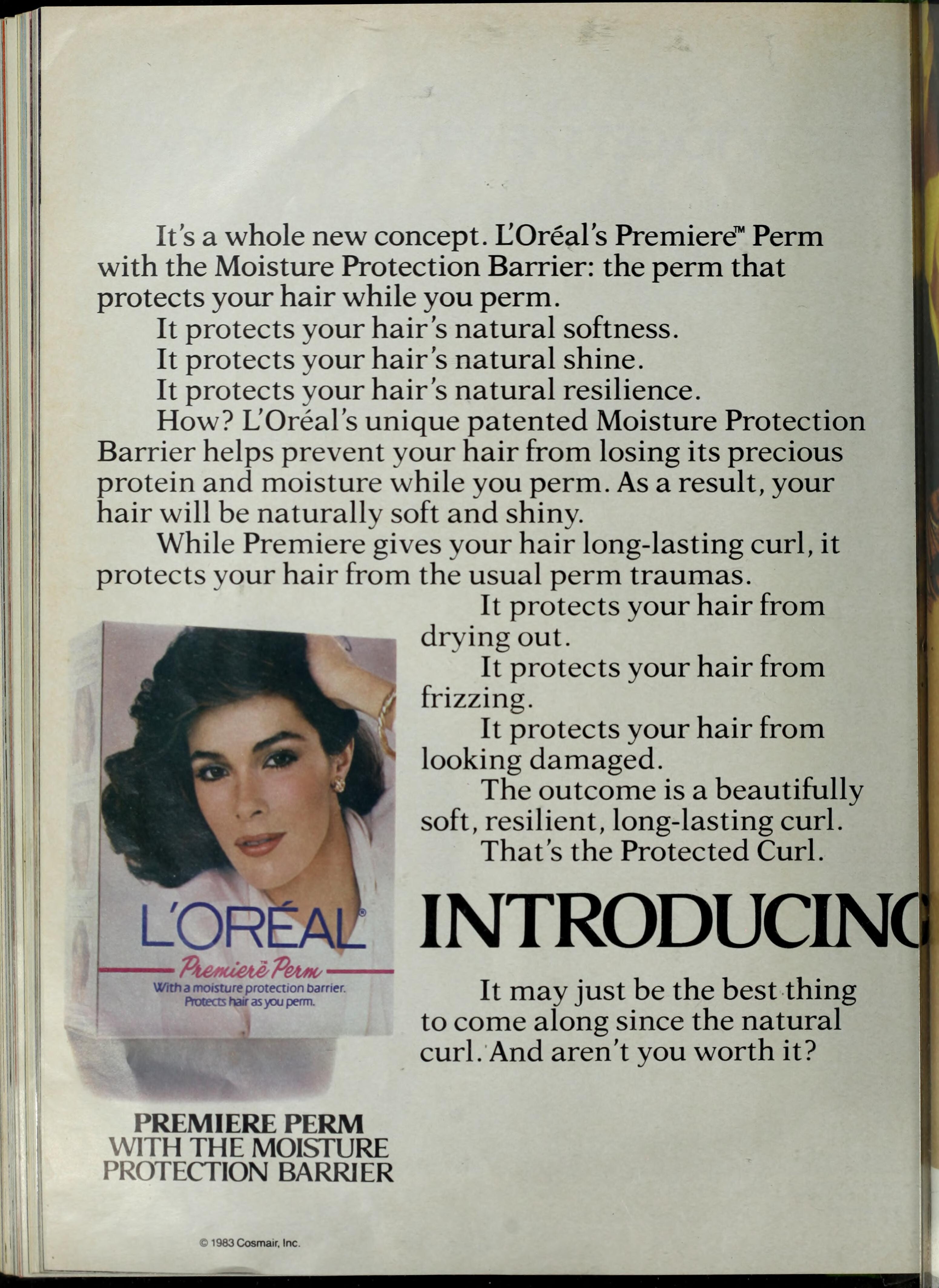
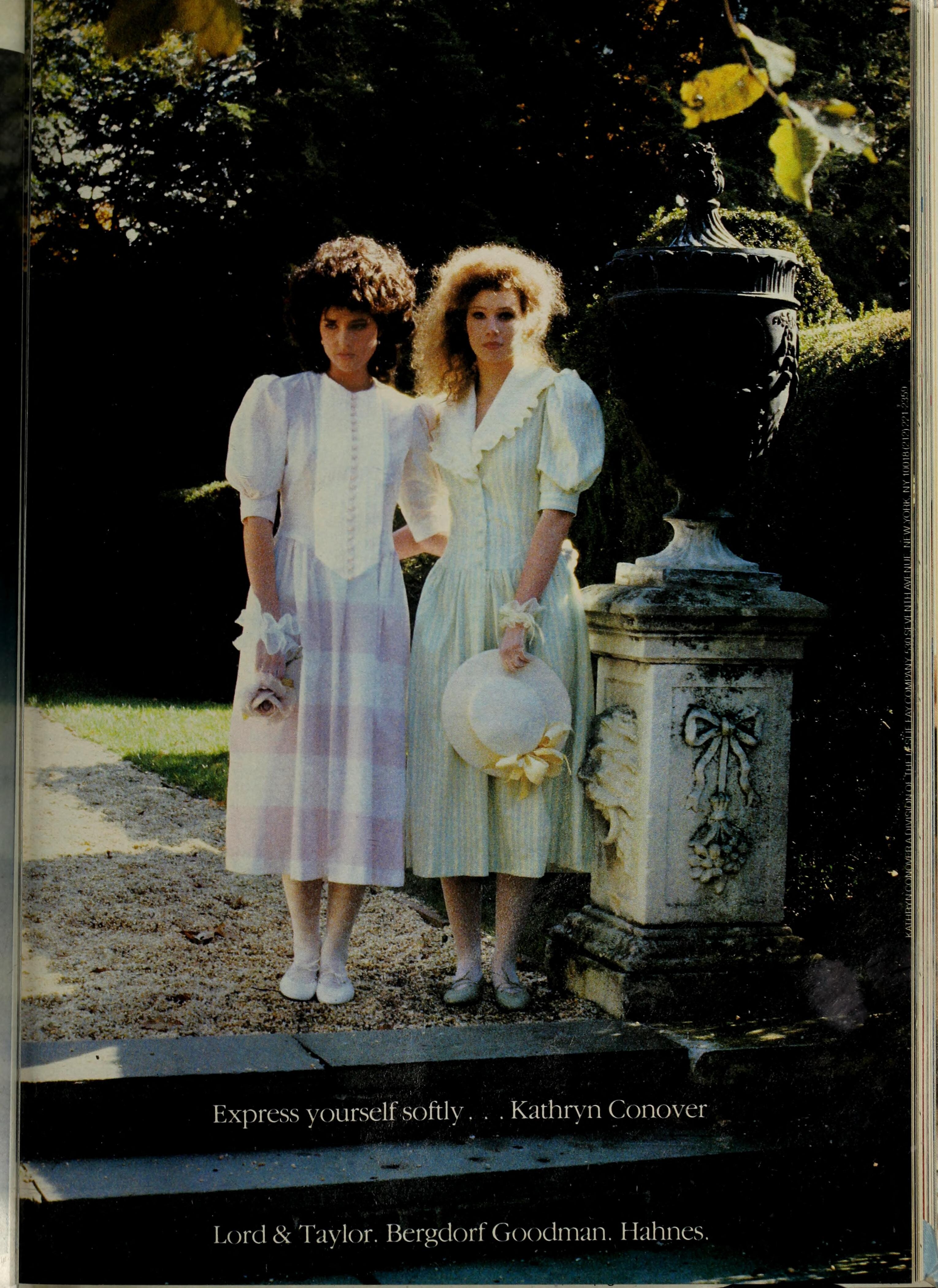
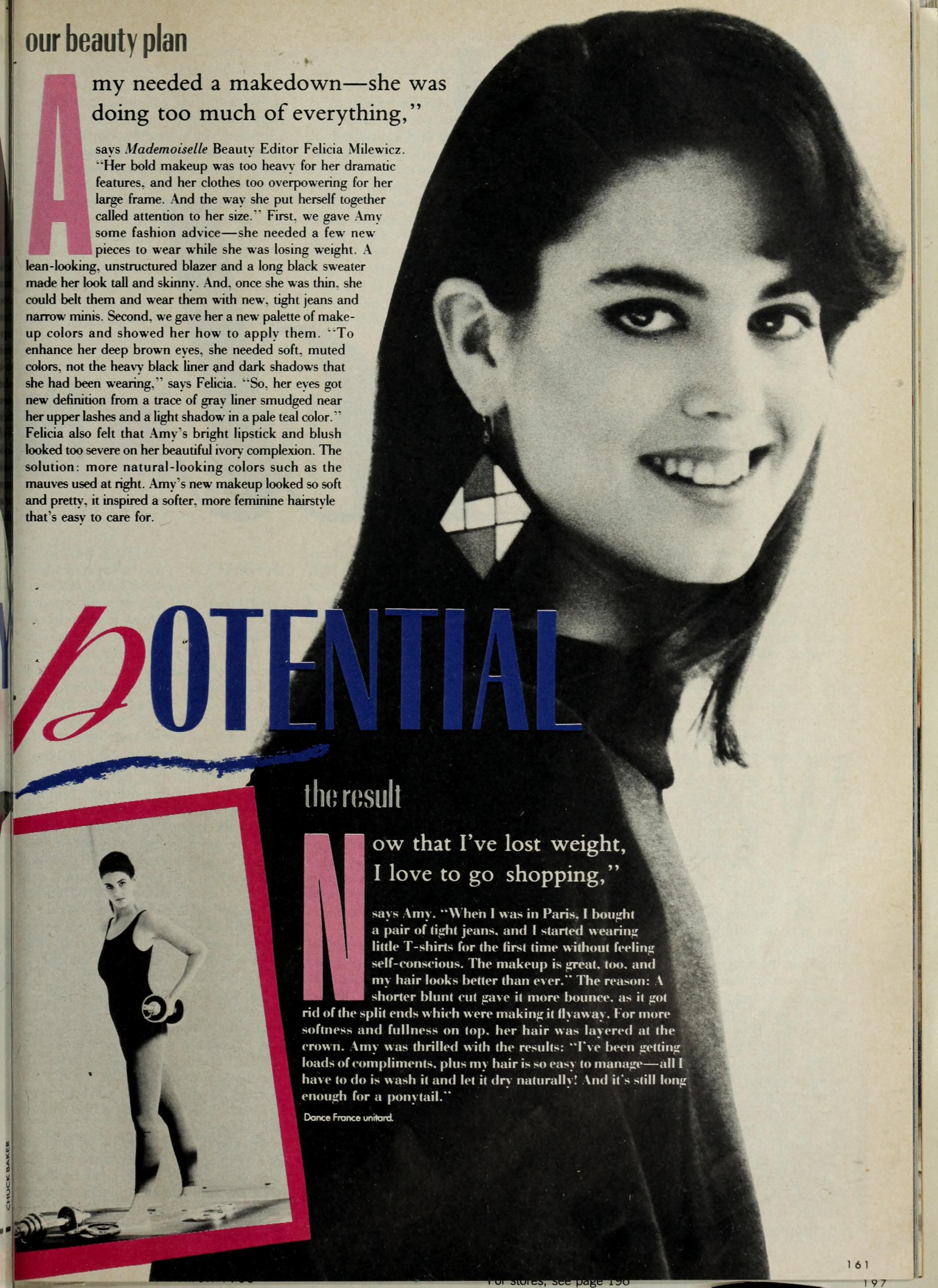
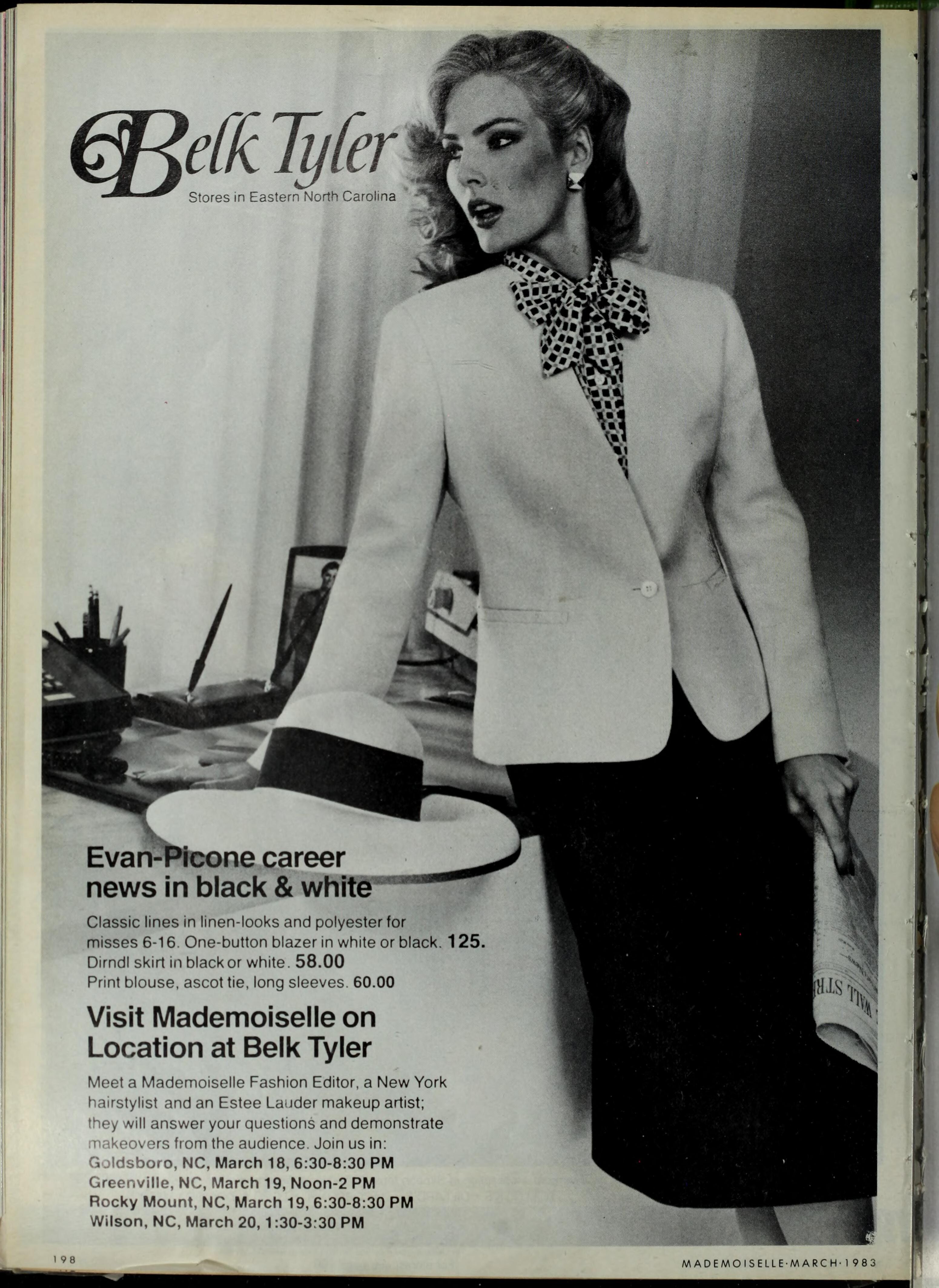
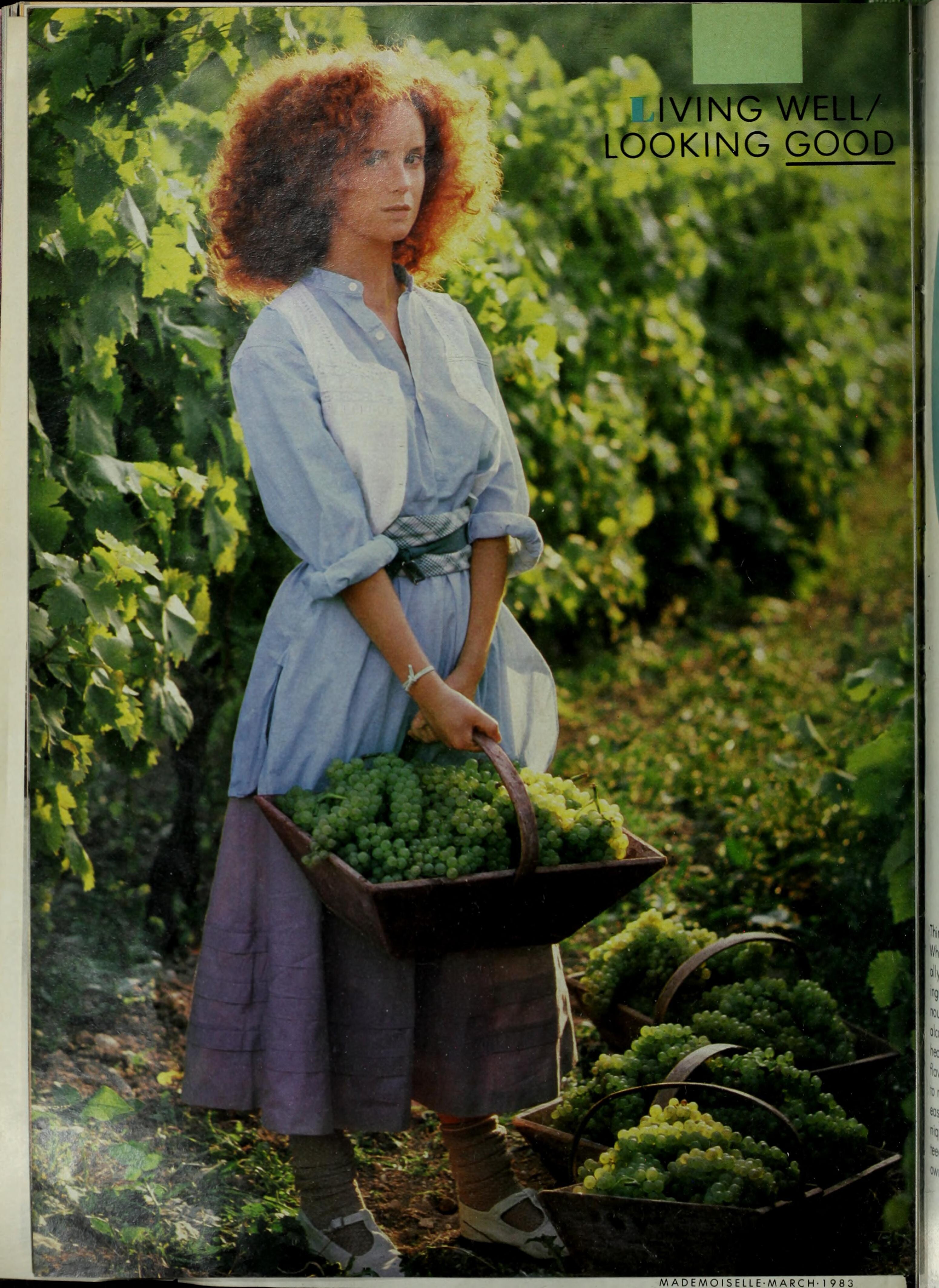
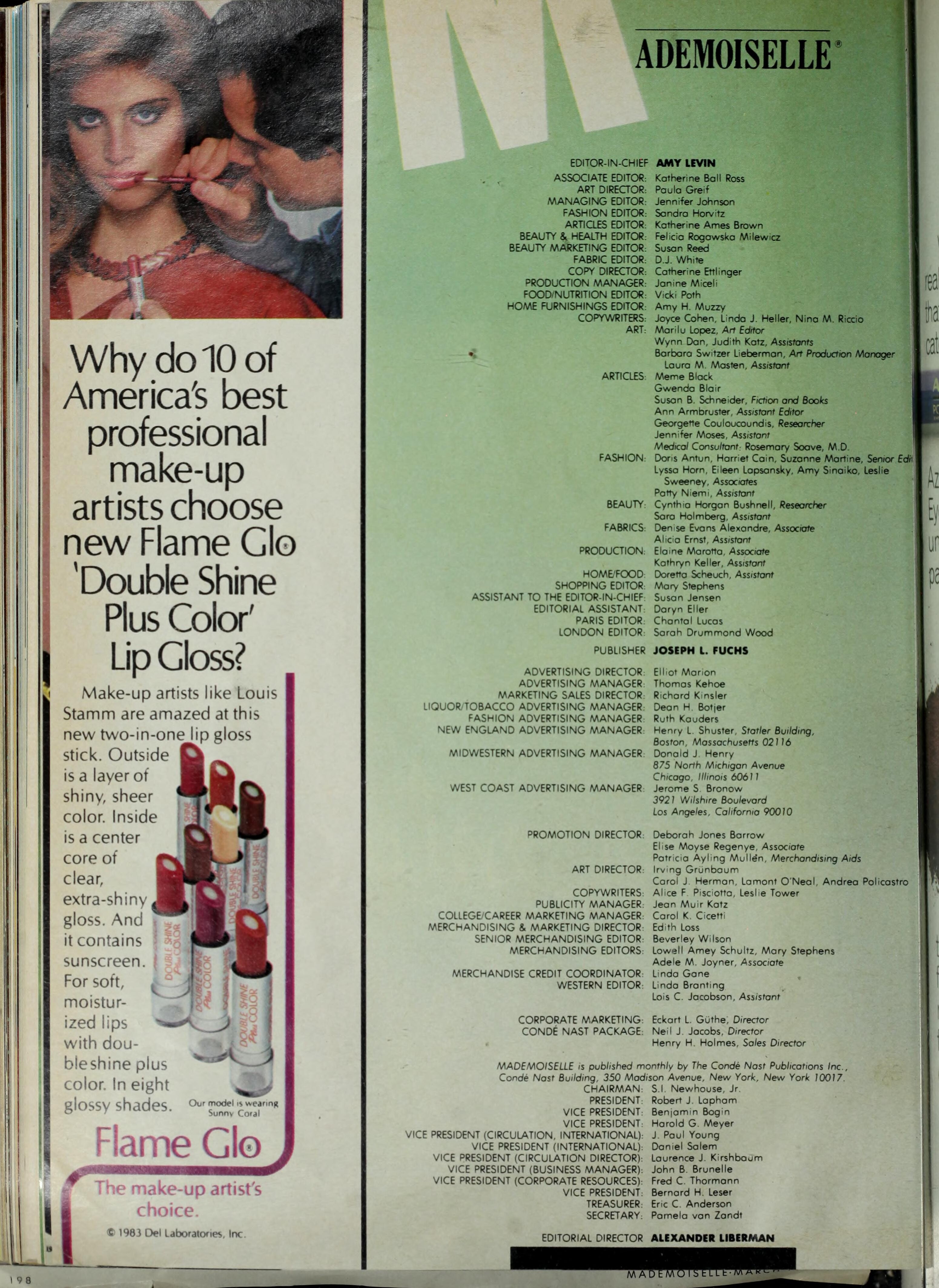
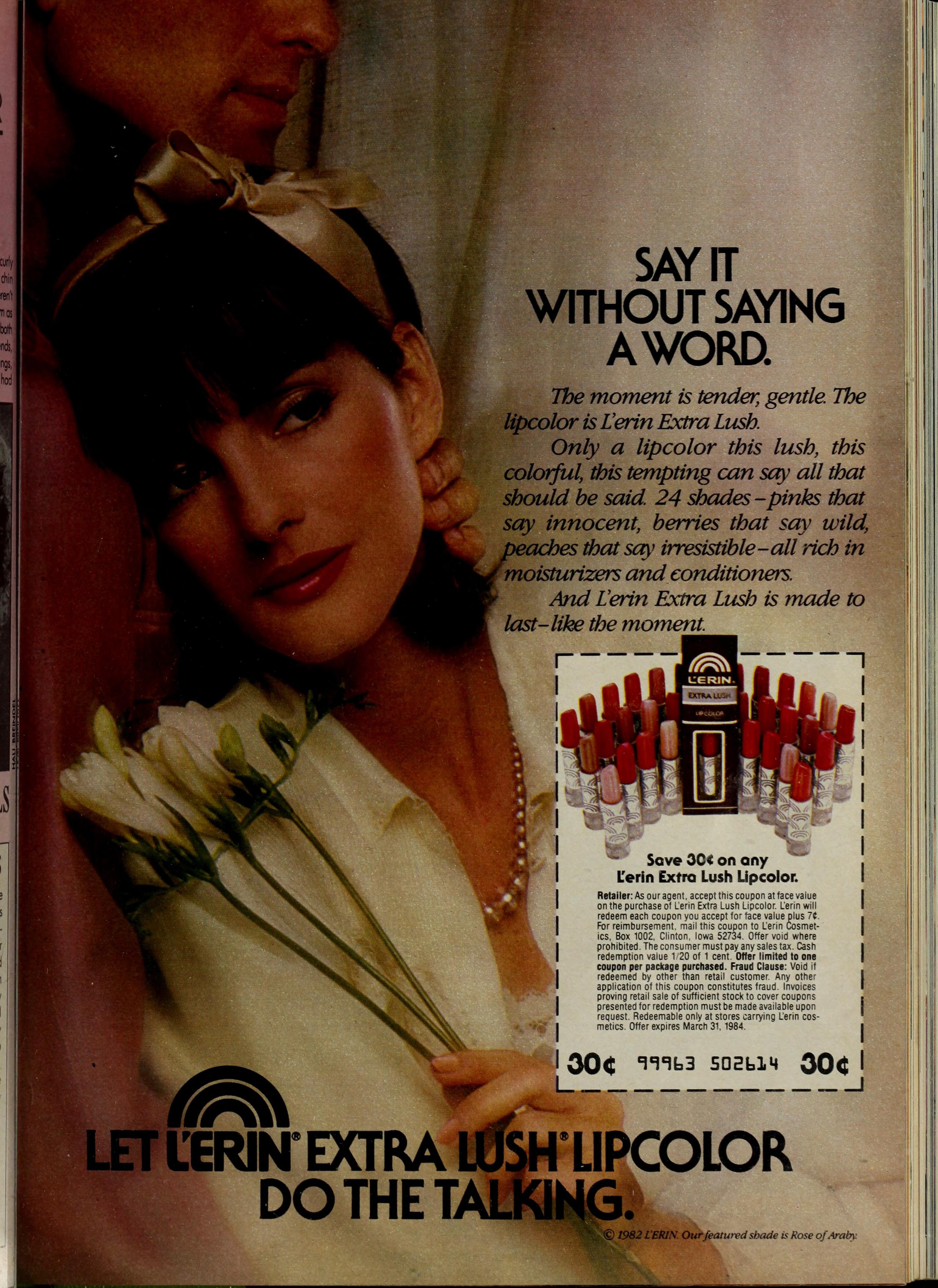
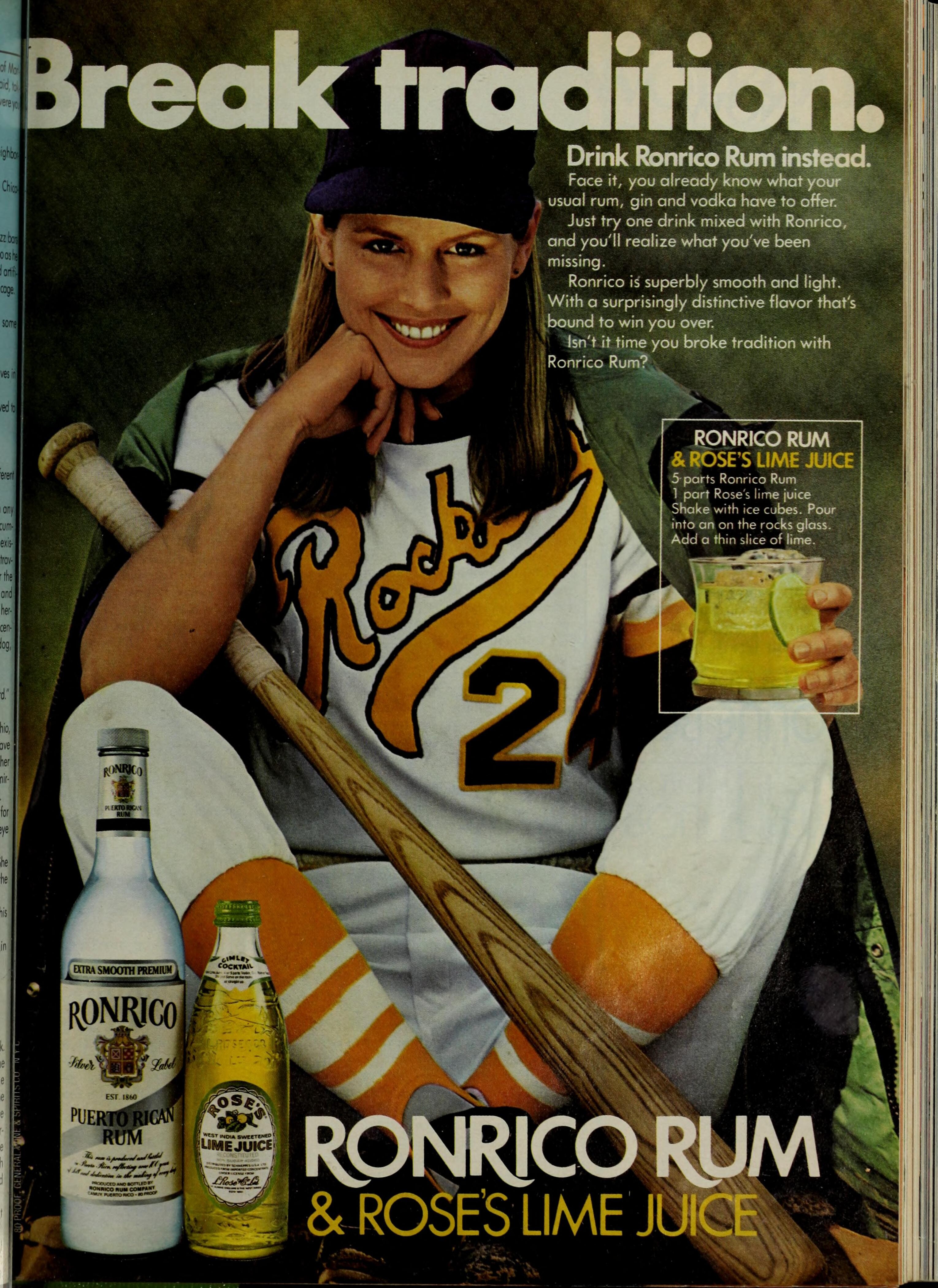
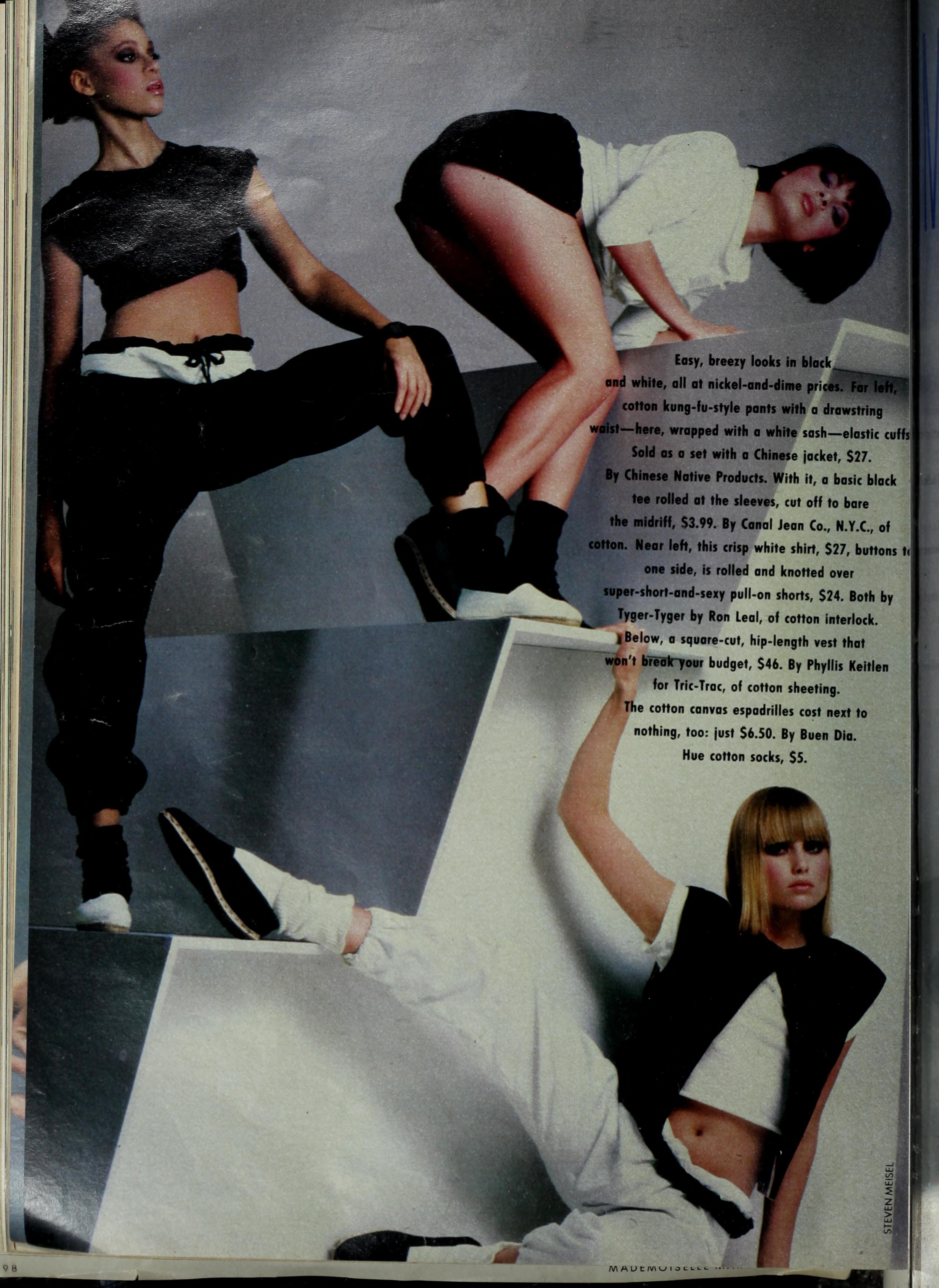
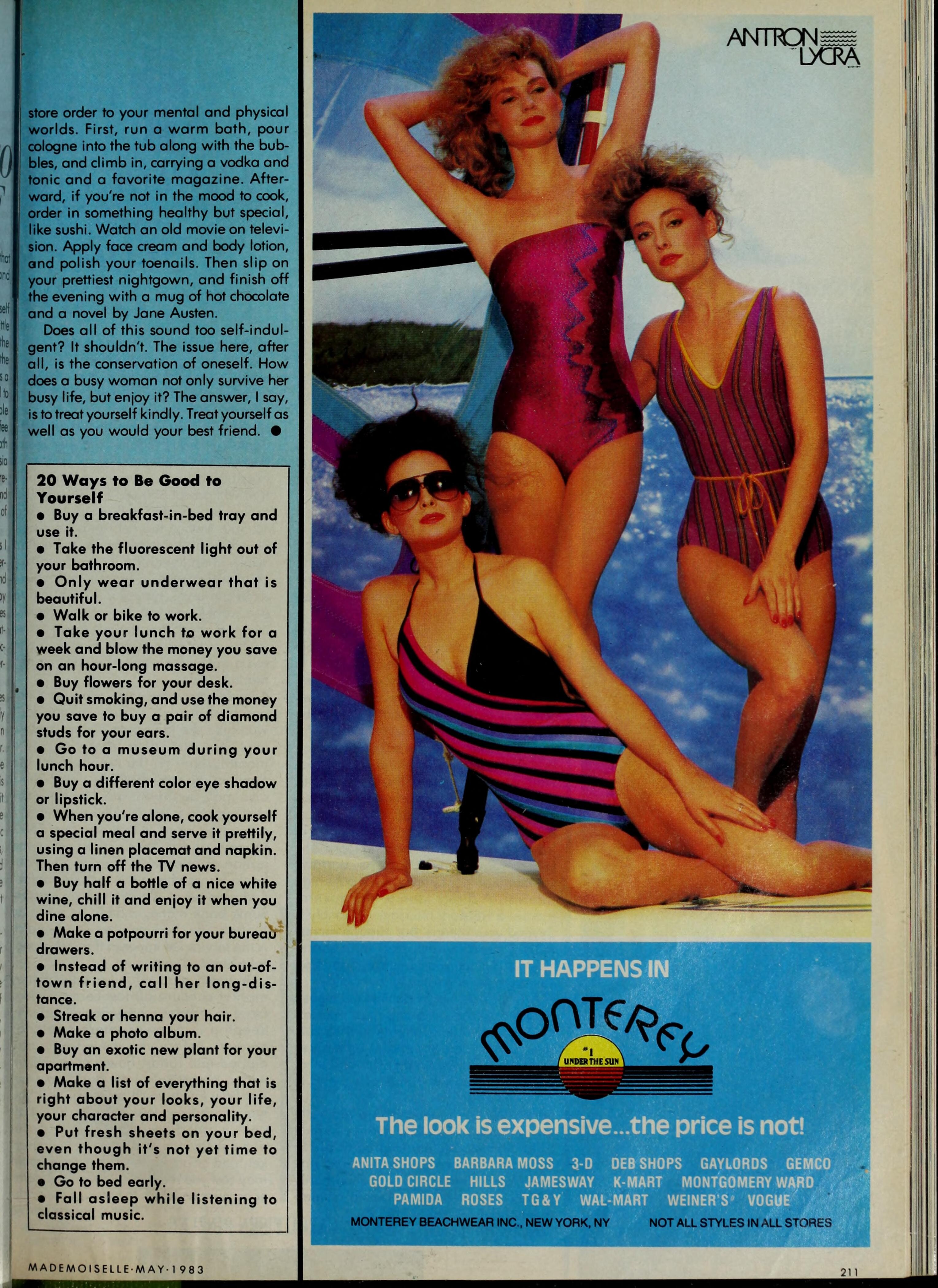
MADEMOISELLE US, Jun/Mar/May 1983: (Patricia van Rycekghem, Leslie/Melanie Caldwell and?) (Gina Figueroa - top right) (Kriss Ziemer - right) (Neith Hunter - right)




-
Oh, I can see her now! Thank you, my friend!
-
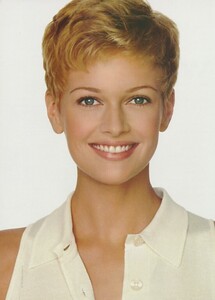
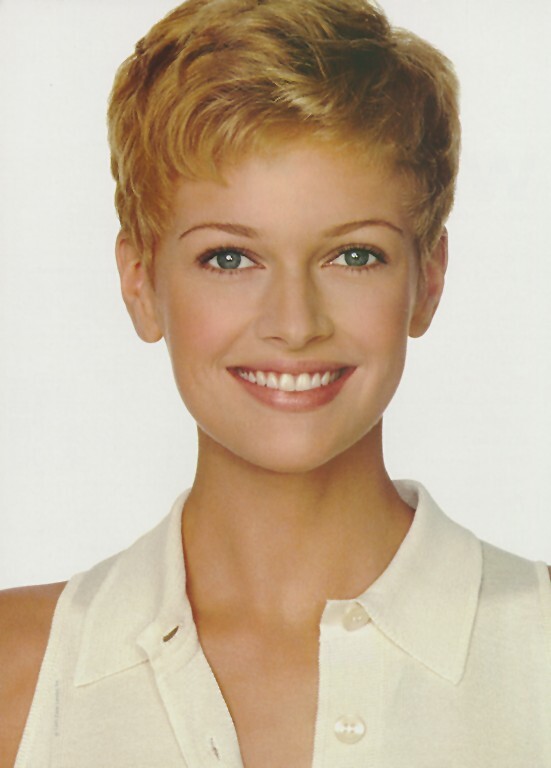
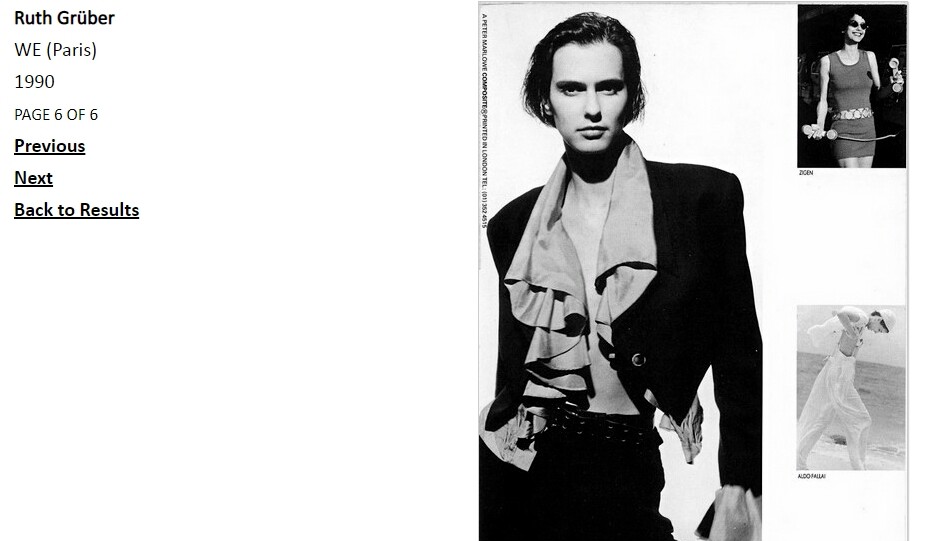
Sarah O'Hare
-
-
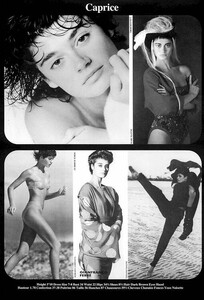
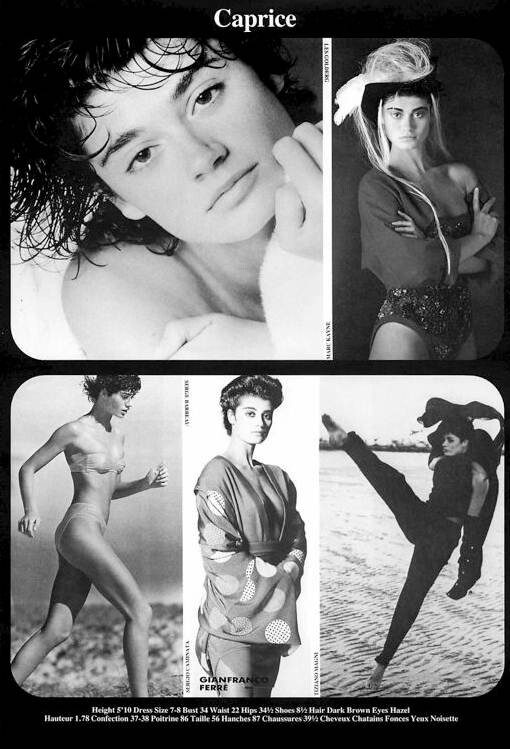
Caprice Benedetti
 Connie Nielsen
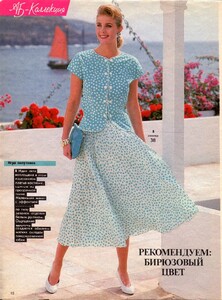 Jennifer Shepee Unknown - -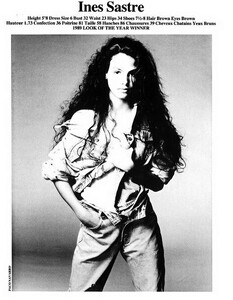
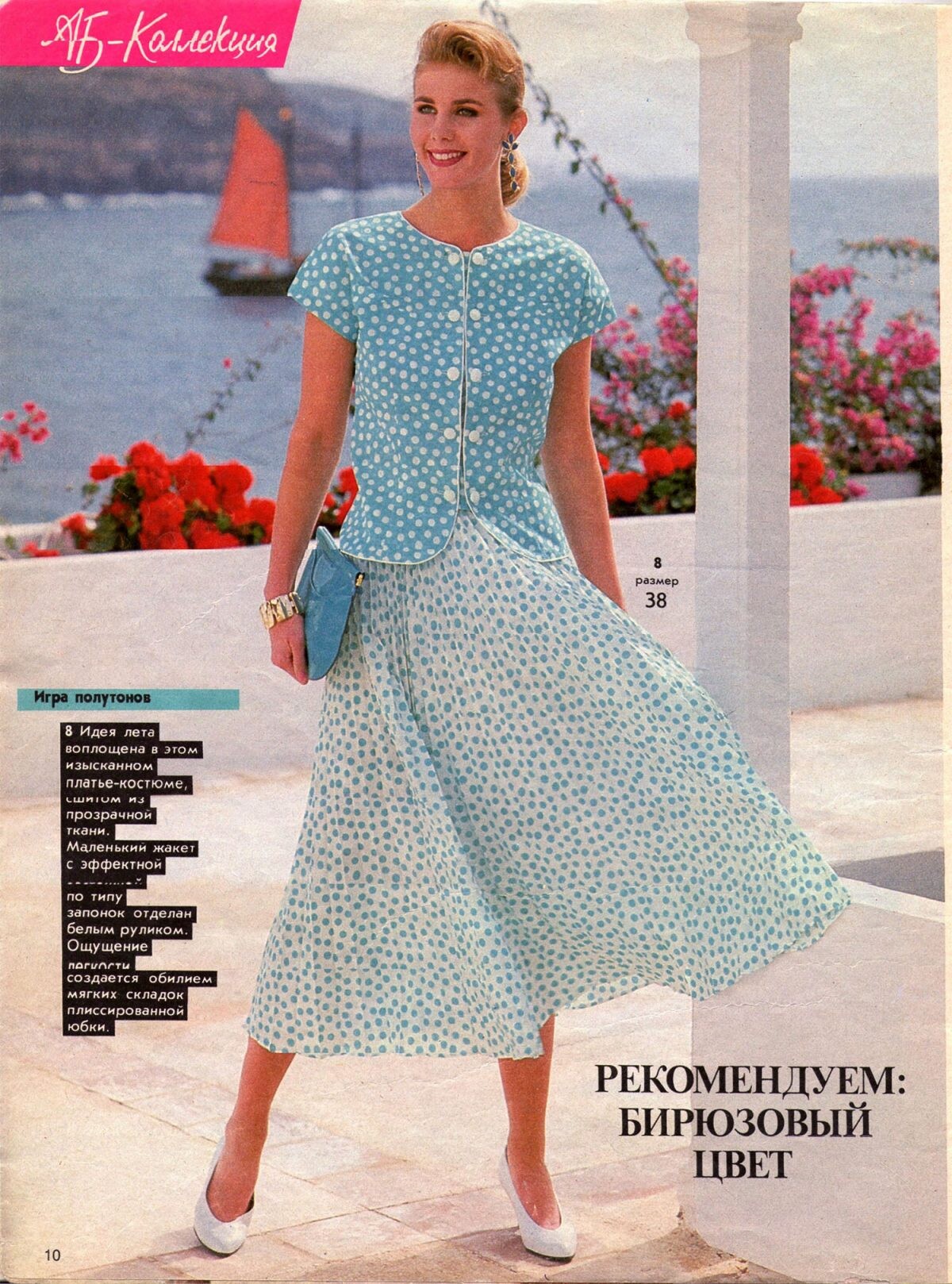
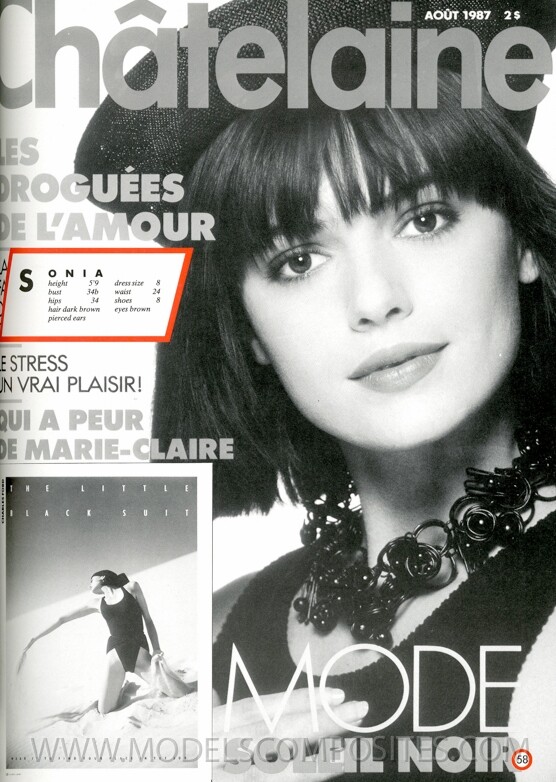
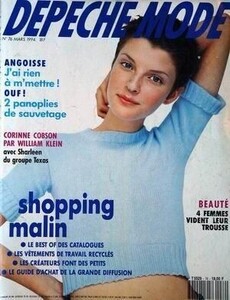 Sonya Ryzy-Ryski
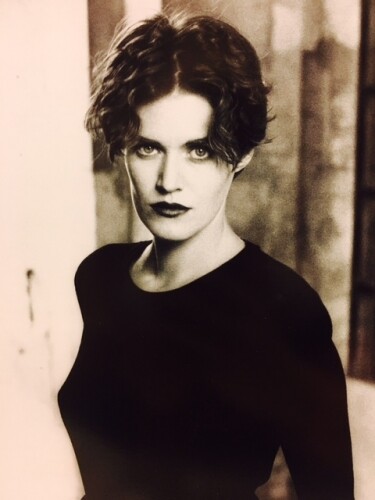
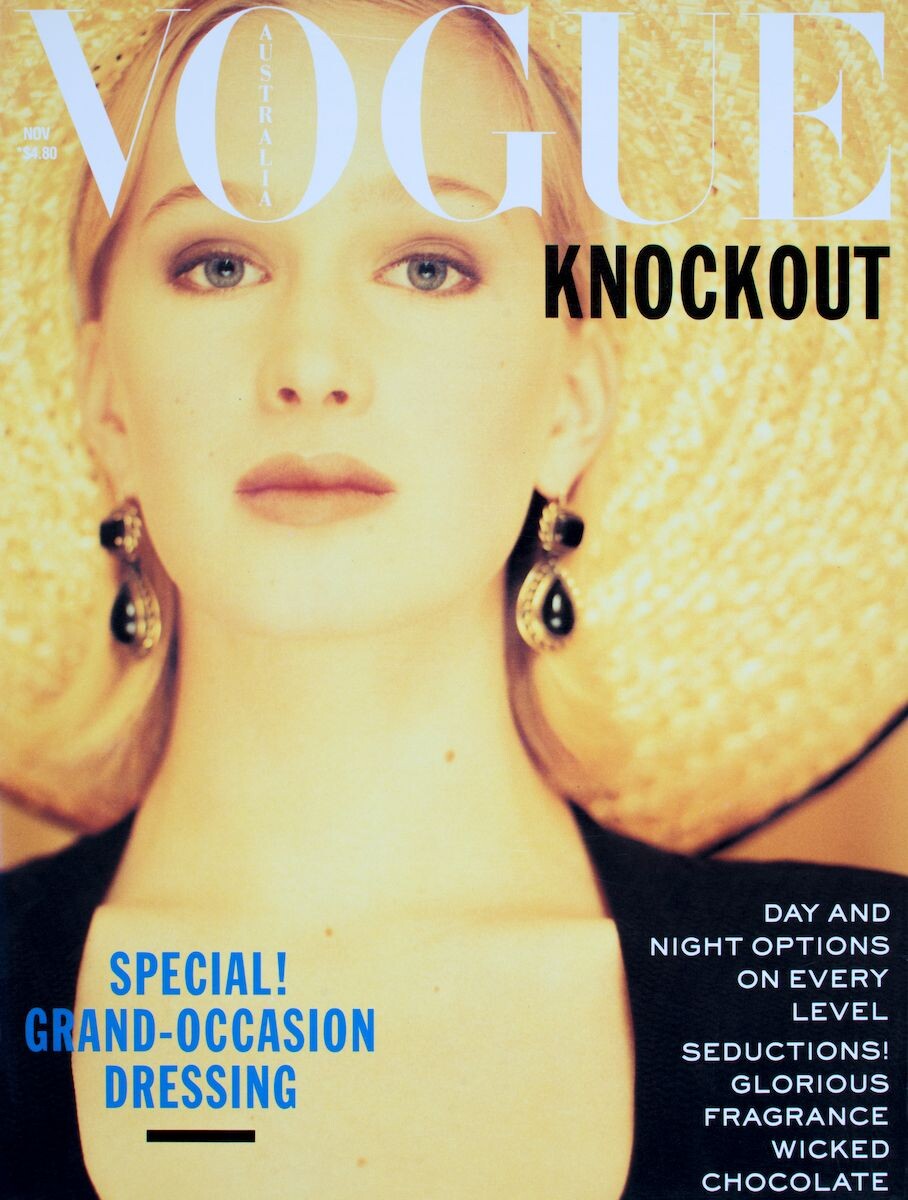
 Looks like Vendela.
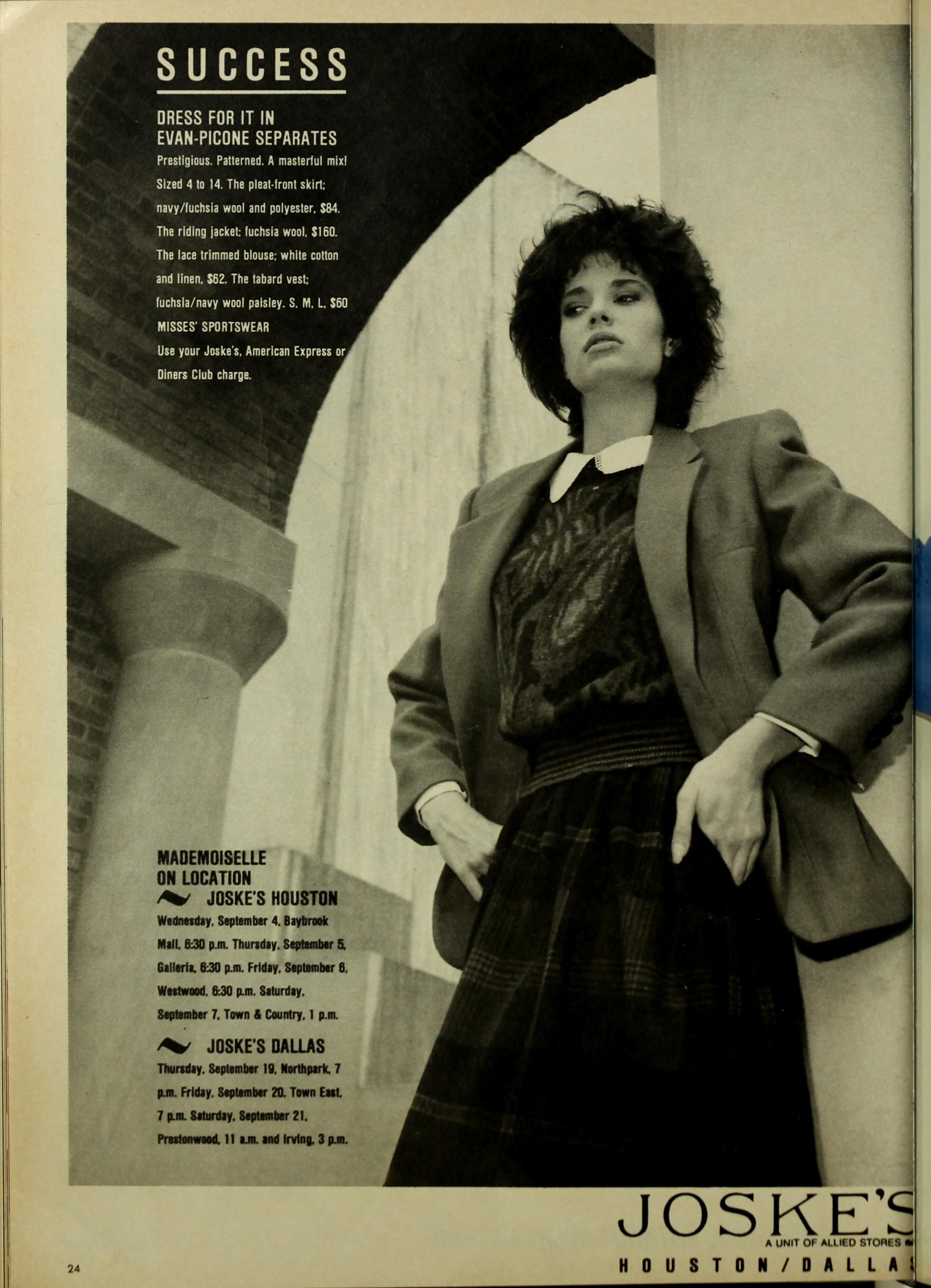








Account
Search
Configure browser push notifications
Chrome (Android)
- Tap the lock icon next to the address bar.
- Tap Permissions → Notifications.
- Adjust your preference.
Chrome (Desktop)
- Click the padlock icon in the address bar.
- Select Site settings.
- Find Notifications and adjust your preference.
Safari (iOS 16.4+)
- Ensure the site is installed via Add to Home Screen.
- Open Settings App → Notifications.
- Find your app name and adjust your preference.
Safari (macOS)
- Go to Safari → Preferences.
- Click the Websites tab.
- Select Notifications in the sidebar.
- Find this website and adjust your preference.
Edge (Android)
- Tap the lock icon next to the address bar.
- Tap Permissions.
- Find Notifications and adjust your preference.
Edge (Desktop)
- Click the padlock icon in the address bar.
- Click Permissions for this site.
- Find Notifications and adjust your preference.
Firefox (Android)
- Go to Settings → Site permissions.
- Tap Notifications.
- Find this site in the list and adjust your preference.
Firefox (Desktop)
- Open Firefox Settings.
- Search for Notifications.
- Find this site in the list and adjust your preference.