Jump to content
View in the app

A better way to browse. Learn more.

Bellazon

A full-screen app on your home screen with push notifications, badges and more.

To install this app on iOS and iPadOS
  1. Tap the Share icon in Safari
  2. Scroll the menu and tap Add to Home Screen.
  3. Tap Add in the top-right corner.
To install this app on Android
  1. Tap the 3-dot menu (⋮) in the top-right corner of the browser.
  2. Tap Add to Home screen or Install app.
  3. Confirm by tapping Install.

tinkerbelle

Members
  • Joined

  • Last visited

Everything posted by tinkerbelle

  1. stunning !! thanx !!!
  2. I love BOnes !!
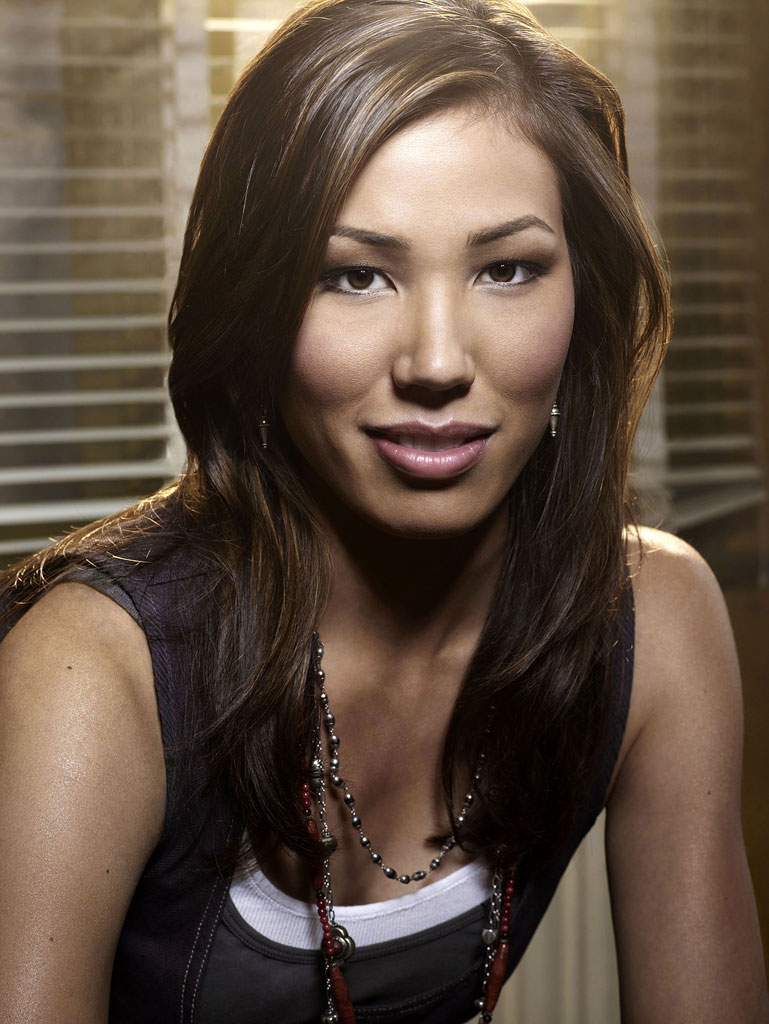
  3. I love her character Angela michaela.bmp michaela.bmp
  4. Date of Birth 9 June 1978, Allentown, Pennsylvania, USA Height 5' 8" (1.73 m) Trivia Mother is Chinese and father is Irish. Graduated from NYU's Tisch School of the Arts, with a BFA in Theatre. Appears with Billy F Gibbons [ZZ Top] as his daughter in season 1 of "Bones", episode 9, "The Man In The Fallout Shelter".
  5. hell yeahhhhhhhhhhhhhhhhh
  6. Thanx I love this one
  7. very good actor ! he's got special features, I love him in 28 days later
  8. he's cute ! I adore him in Mysterious skin !! he was excellent !!
  9. I saw topgun last night, he was so cute at that time
  10. fave for me too, I had left a message the other day but we can share
  11. sweet girl !
  12. tinkerbelle replied to a post in a topic in Female Fashion Models
    you never showed me pix of her so maybe one of those you didn't know the name

  13. tinkerbelle replied to a post in a topic in Female Fashion Models
    yep
  14. tinkerbelle replied to a post in a topic in Female Fashion Models
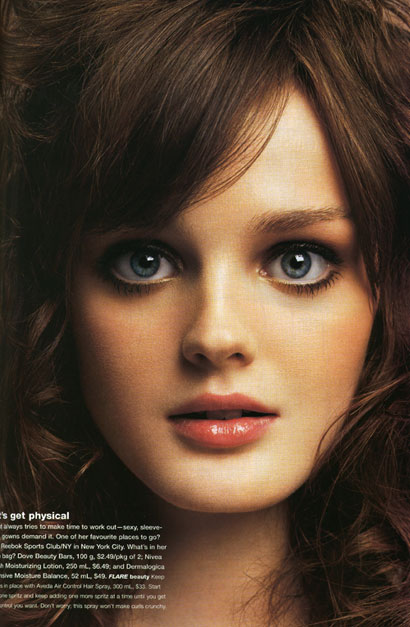
    sometimes she reminds me the actress in BOnes
  15. thanx for info !!
  16. thanx everyone !!! I can't wait for derdude's pix in Hq
  17. lovely !
  18. all those pix are absolutely great !! thanx !!! some were new to me
  19. woaw amazing found !! she was soooooooooooo beautiful and sweet

Configure browser push notifications

Chrome (Android)
  1. Tap the lock icon next to the address bar.
  2. Tap Permissions → Notifications.
  3. Adjust your preference.
Chrome (Desktop)
  1. Click the padlock icon in the address bar.
  2. Select Site settings.
  3. Find Notifications and adjust your preference.