tinkerbelle
Members
-
Joined
-
Last visited
Everything posted by tinkerbelle
-

-
you're welcome ! gabriella.bmp gabriella.bmp
-
sweet


-
-
c mouah ki la vu la prems jmet mon droit de veto sur la première lol
-
hehe !! that's what I read! just try
-
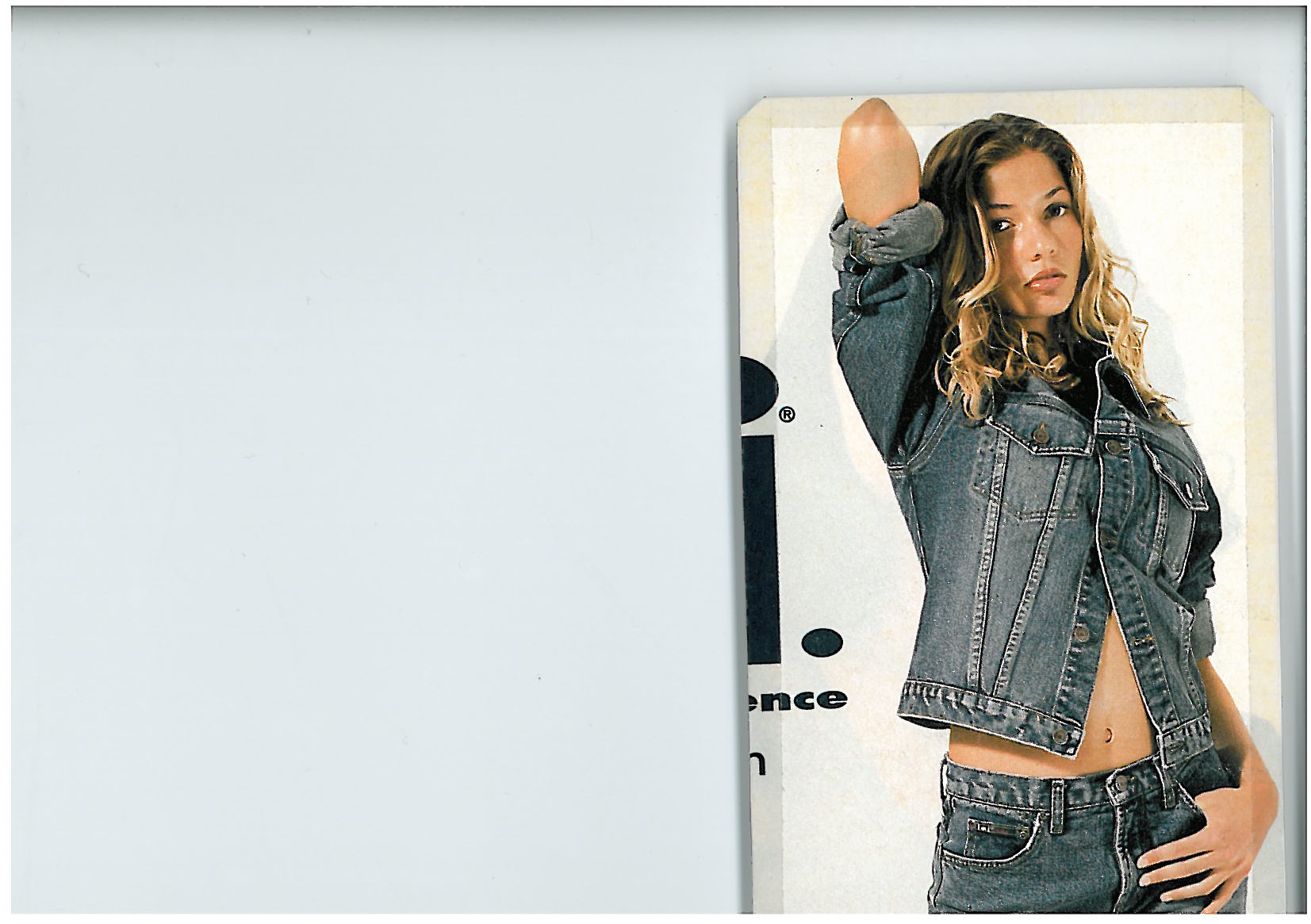
lovely !! she reminds me a bit of vanessa de assis
-
-
I can't decide if I like or not
-
awesome!! I love them all thanx
-
pour moi tu met la une et parfois serie guitare, moi jte met toutes les autres ke tu veux
 some more I read somewhere that he's gay :'( justin_pola.bmp justin_pola.bmp
the very first is my fave !!! you can keep all the others lol also love the one with guitar
some more I read somewhere that he's gay :'( justin_pola.bmp justin_pola.bmp
the very first is my fave !!! you can keep all the others lol also love the one with guitar
Account
Navigation
Search
Configure browser push notifications
Chrome (Android)
- Tap the lock icon next to the address bar.
- Tap Permissions → Notifications.
- Adjust your preference.
Chrome (Desktop)
- Click the padlock icon in the address bar.
- Select Site settings.
- Find Notifications and adjust your preference.
Safari (iOS 16.4+)
- Ensure the site is installed via Add to Home Screen.
- Open Settings App → Notifications.
- Find your app name and adjust your preference.
Safari (macOS)
- Go to Safari → Preferences.
- Click the Websites tab.
- Select Notifications in the sidebar.
- Find this website and adjust your preference.
Edge (Android)
- Tap the lock icon next to the address bar.
- Tap Permissions.
- Find Notifications and adjust your preference.
Edge (Desktop)
- Click the padlock icon in the address bar.
- Click Permissions for this site.
- Find Notifications and adjust your preference.
Firefox (Android)
- Go to Settings → Site permissions.
- Tap Notifications.
- Find this site in the list and adjust your preference.
Firefox (Desktop)
- Open Firefox Settings.
- Search for Notifications.
- Find this site in the list and adjust your preference.