Everything posted by TheBestModels
-
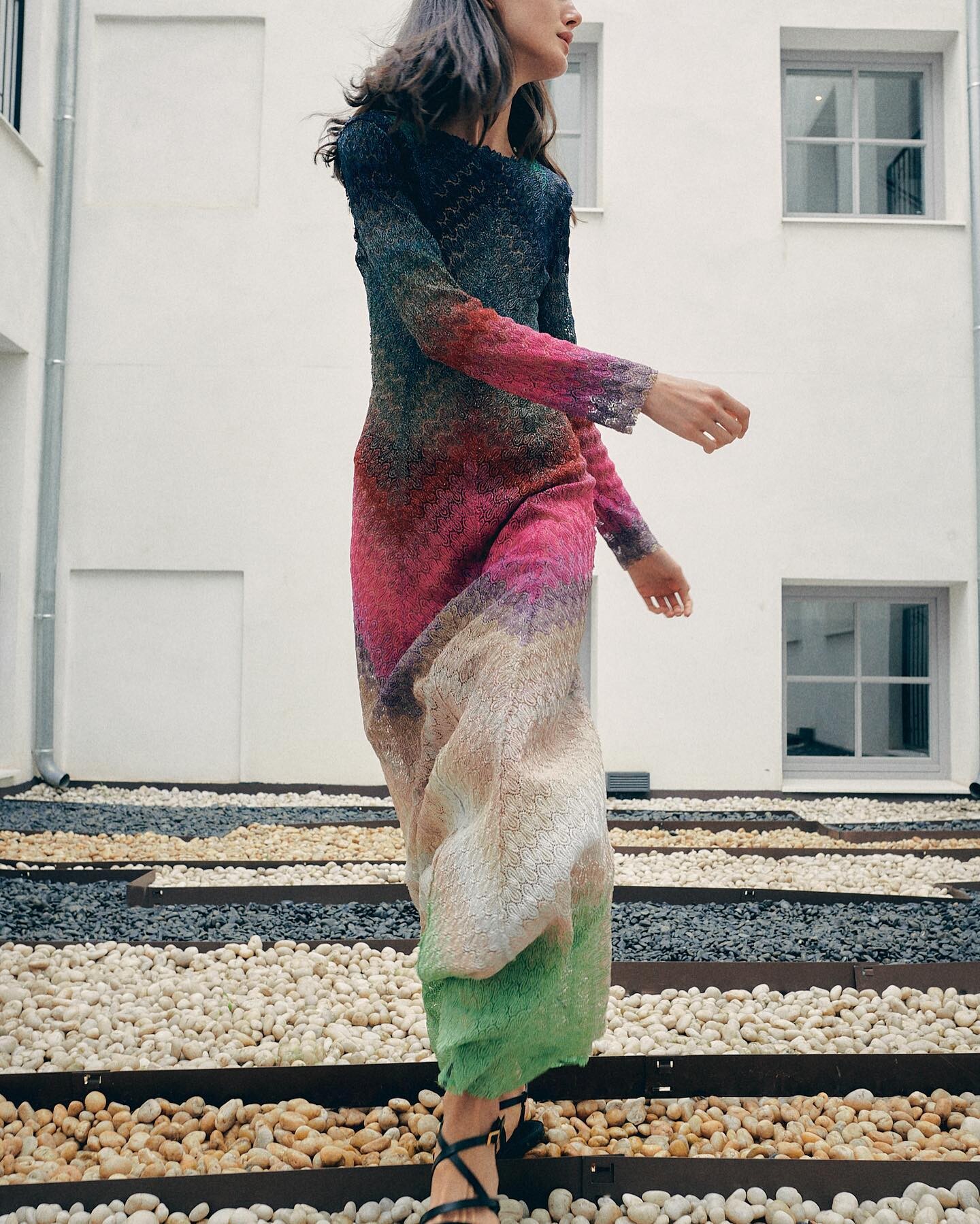
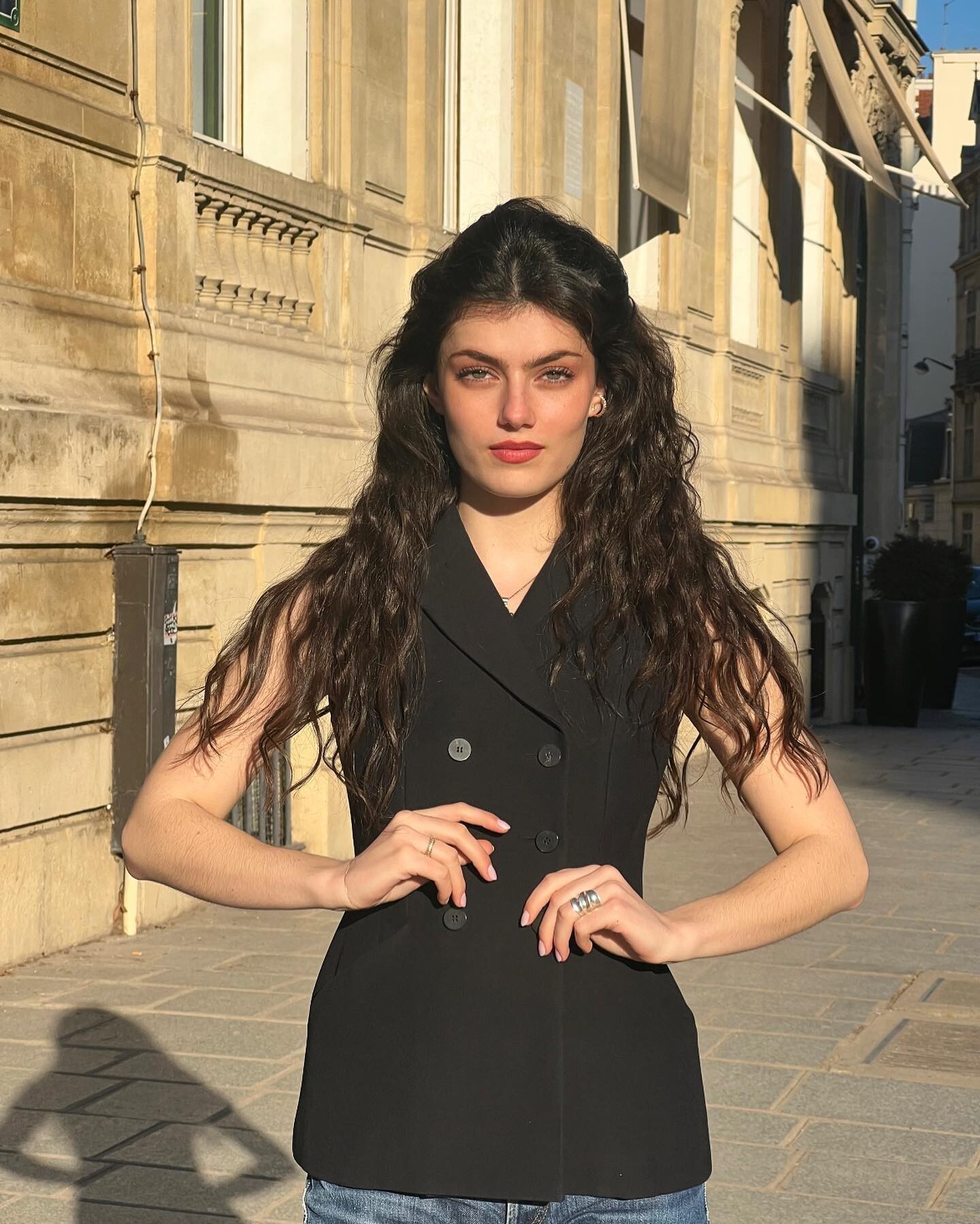
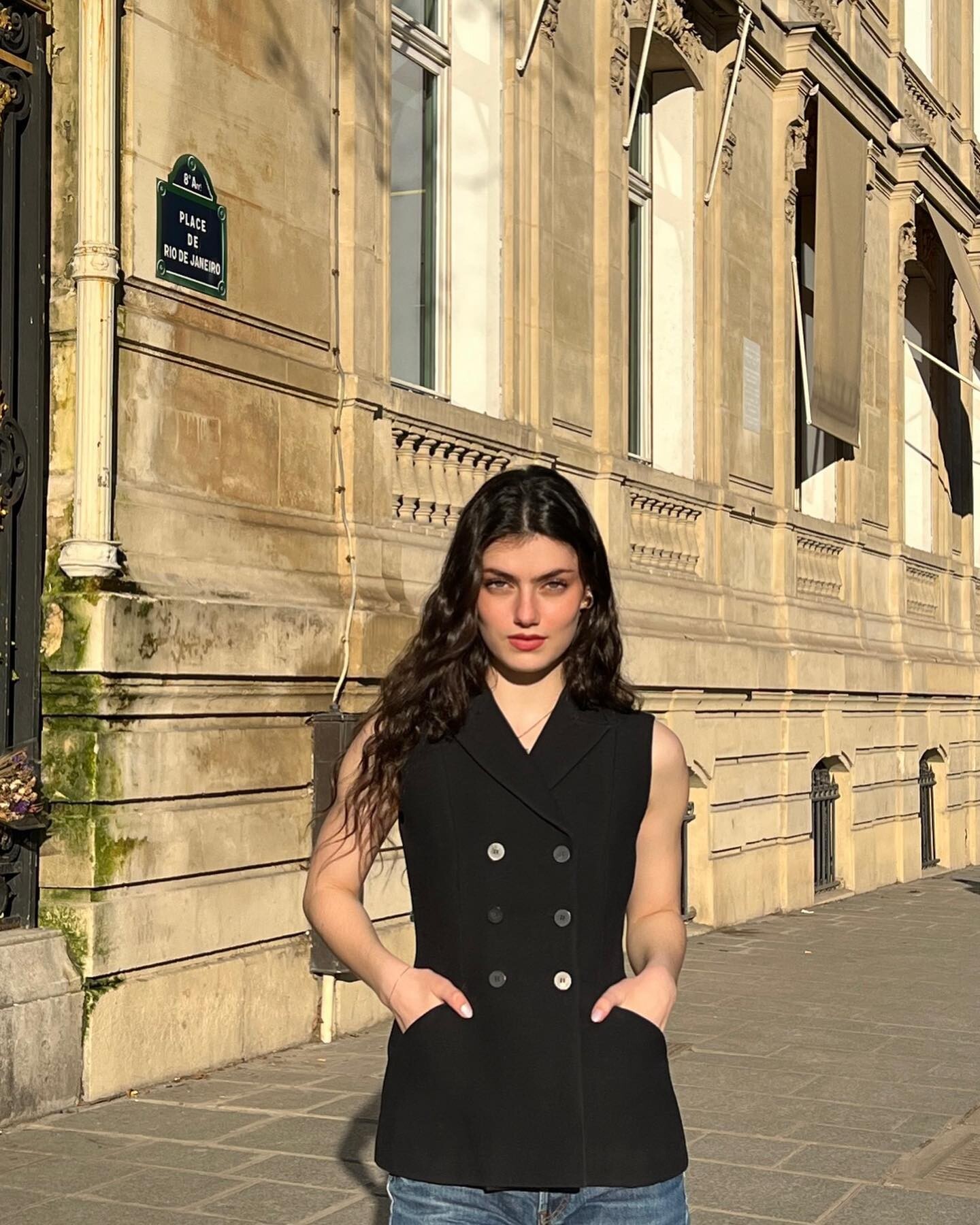
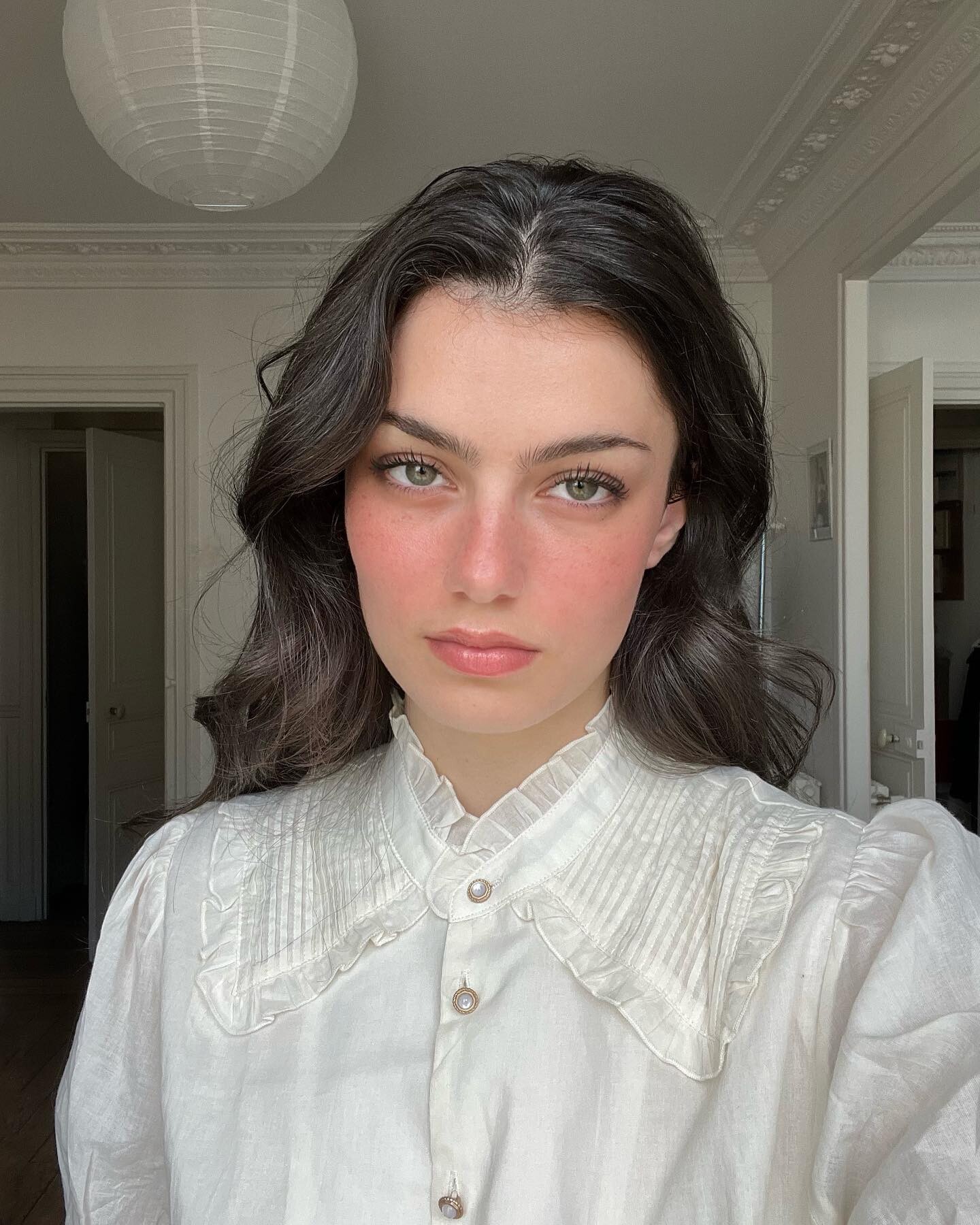
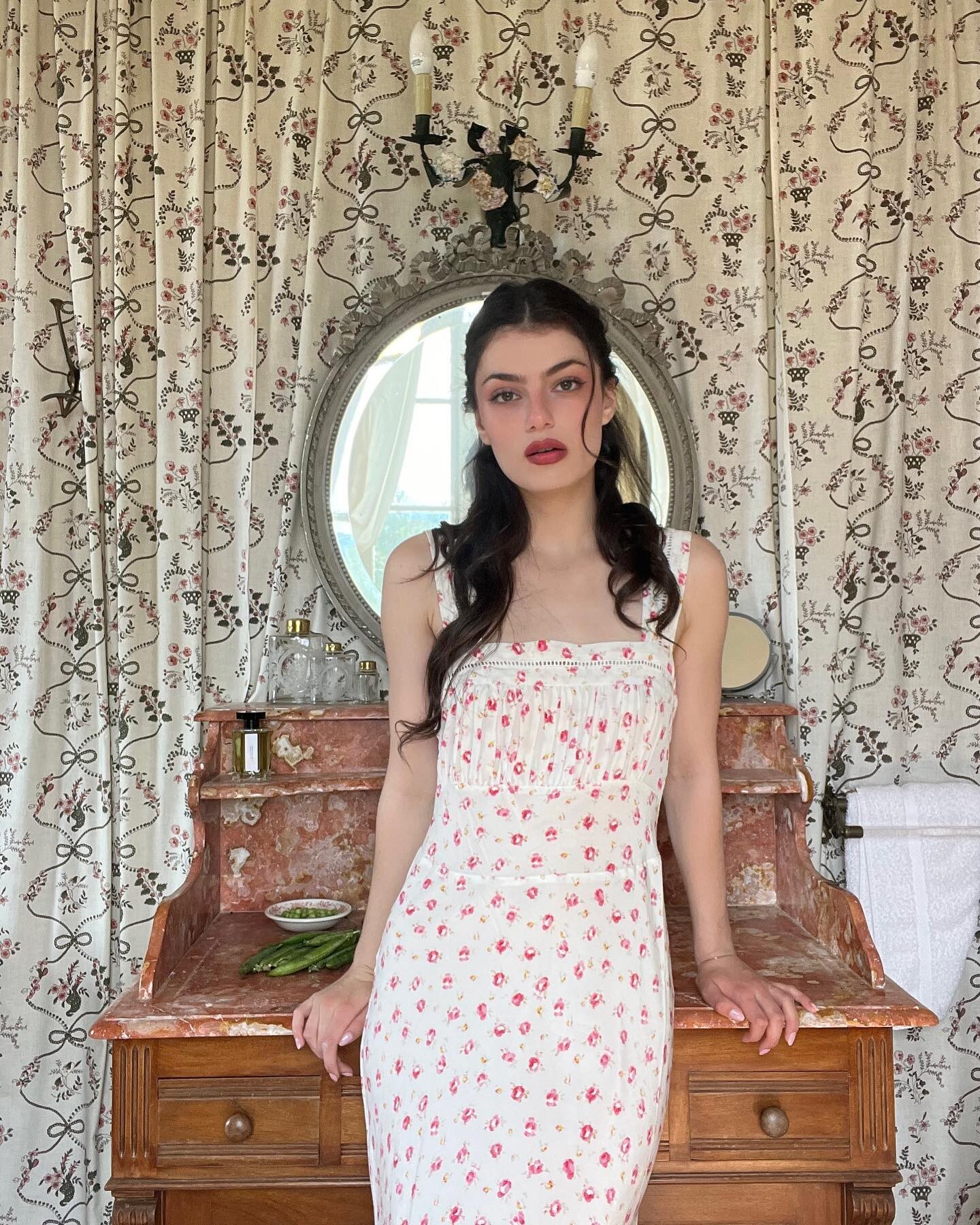
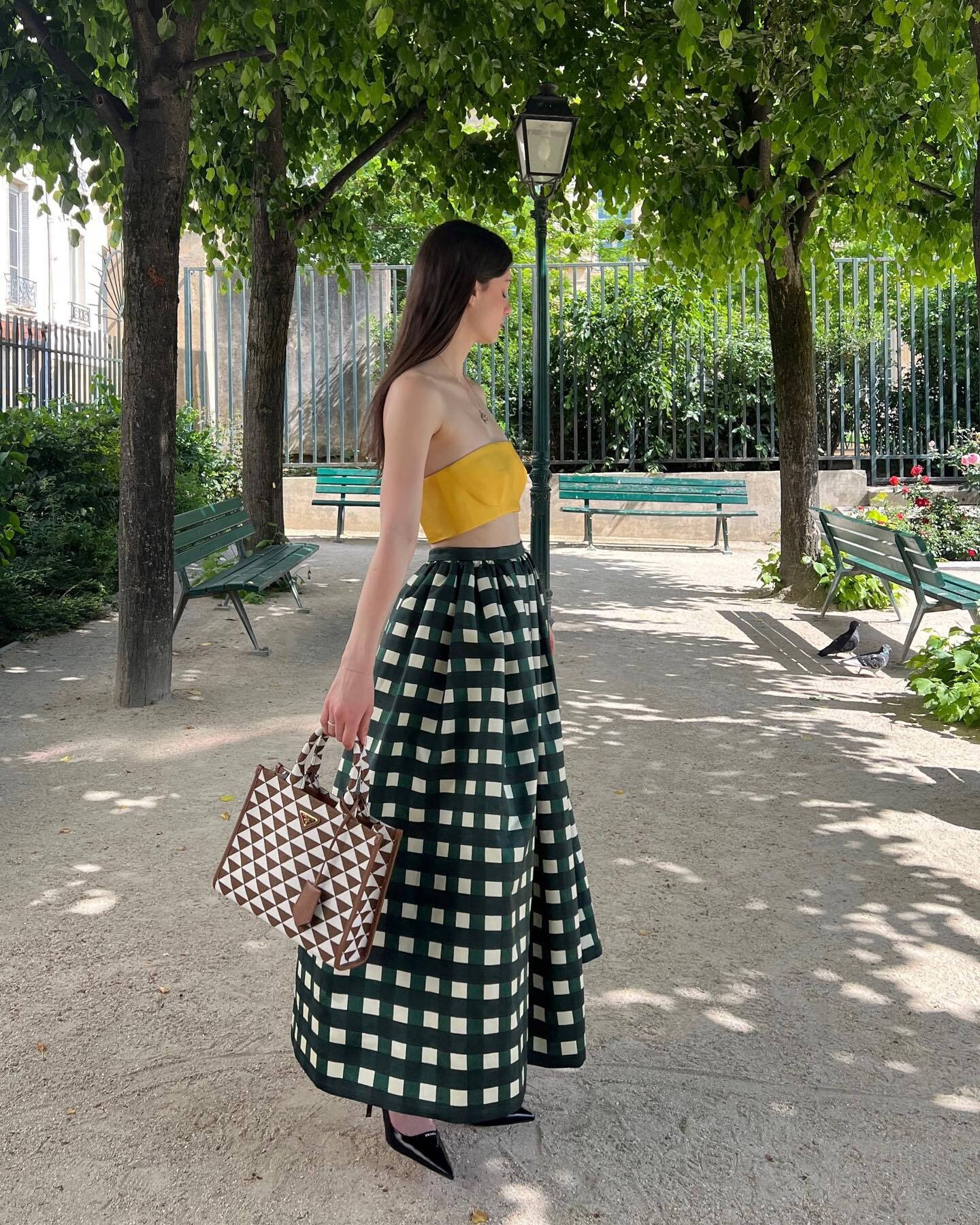
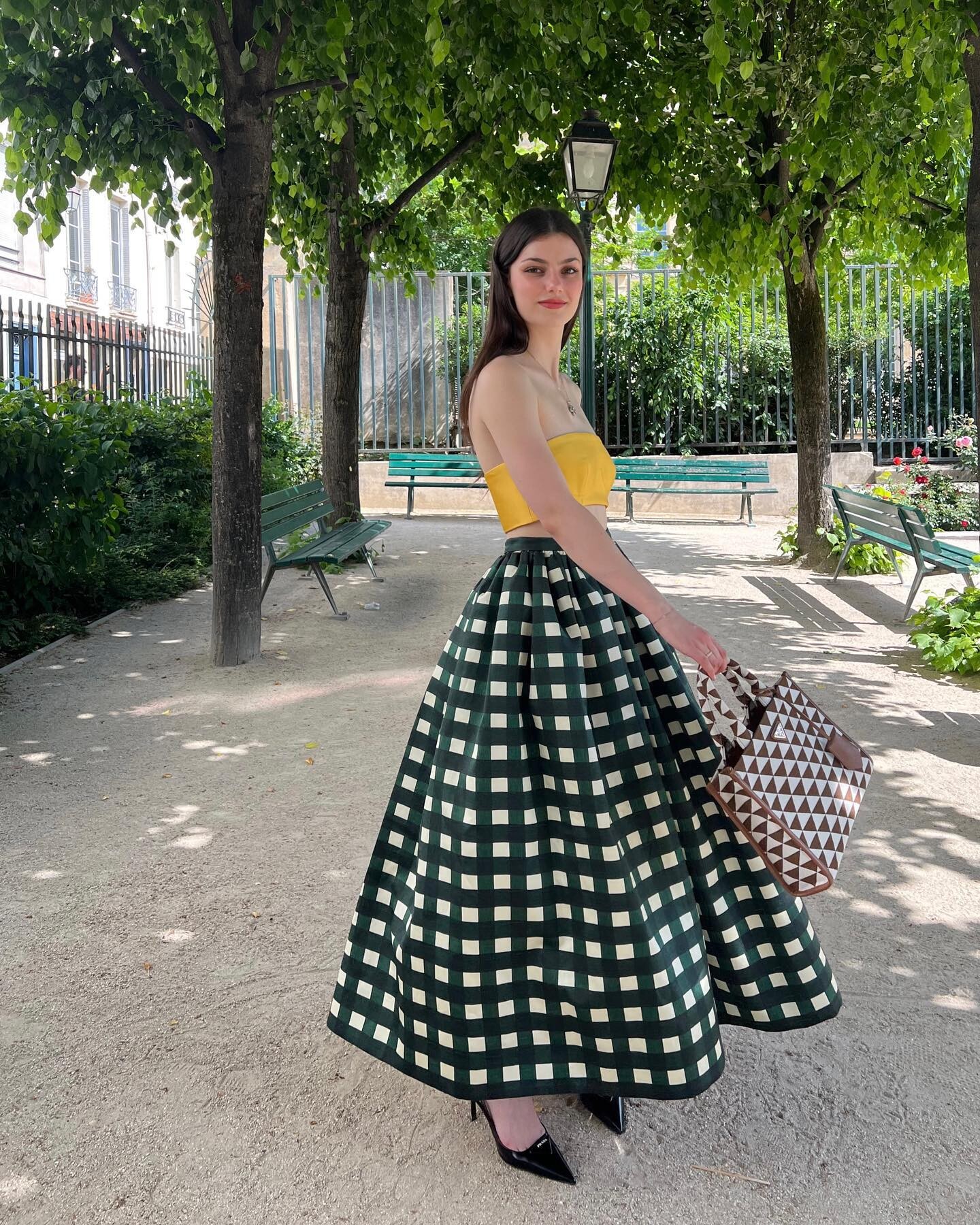
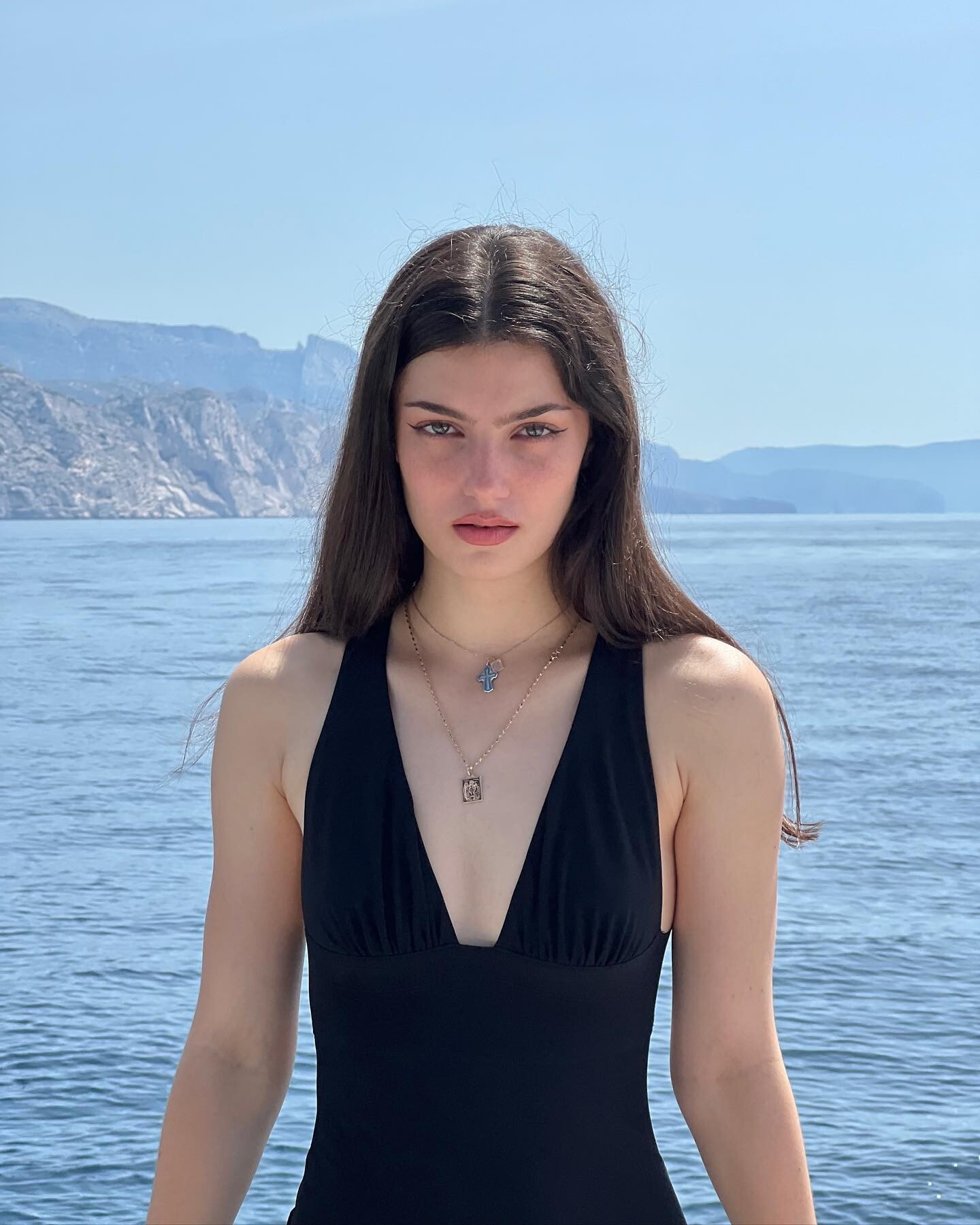
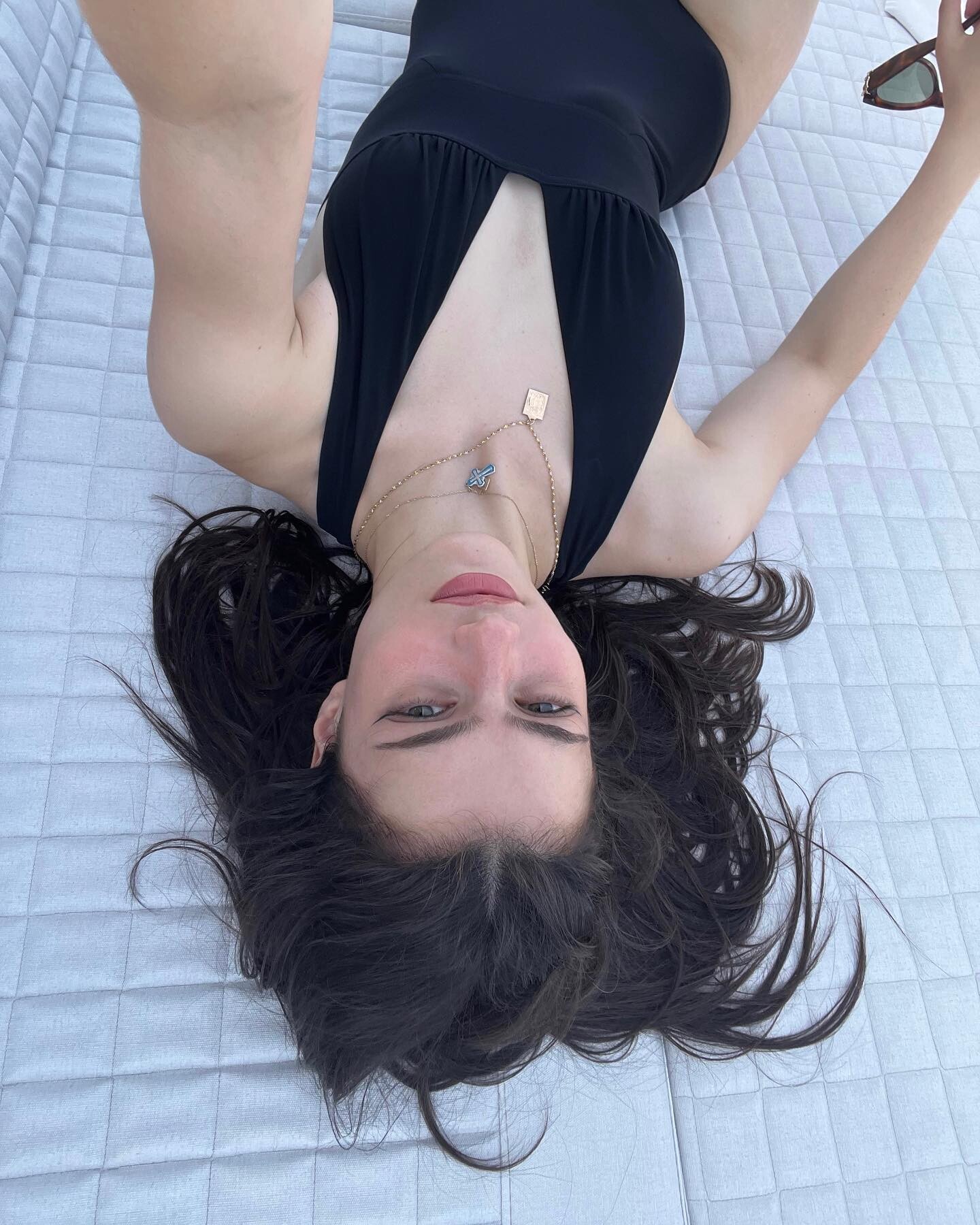
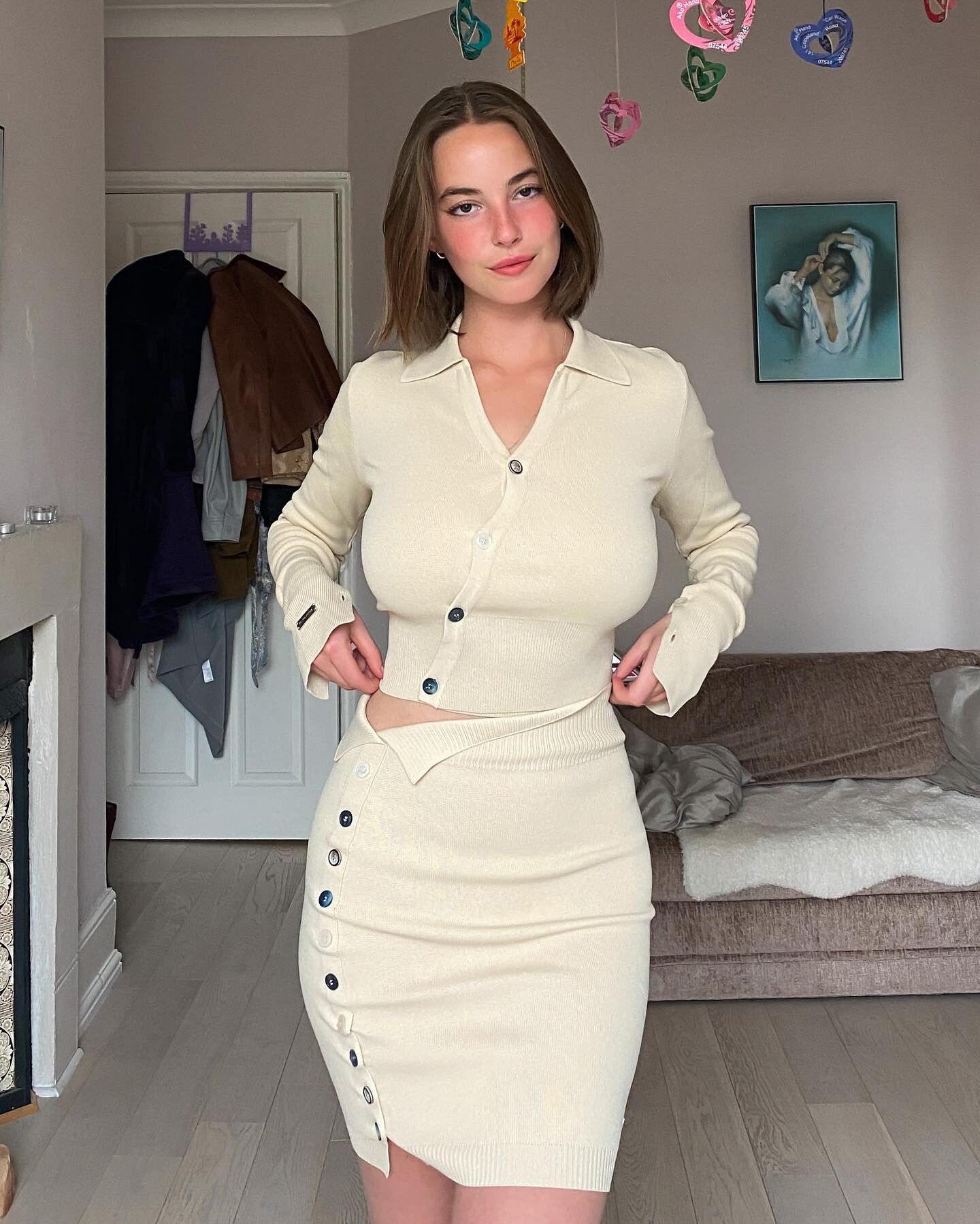
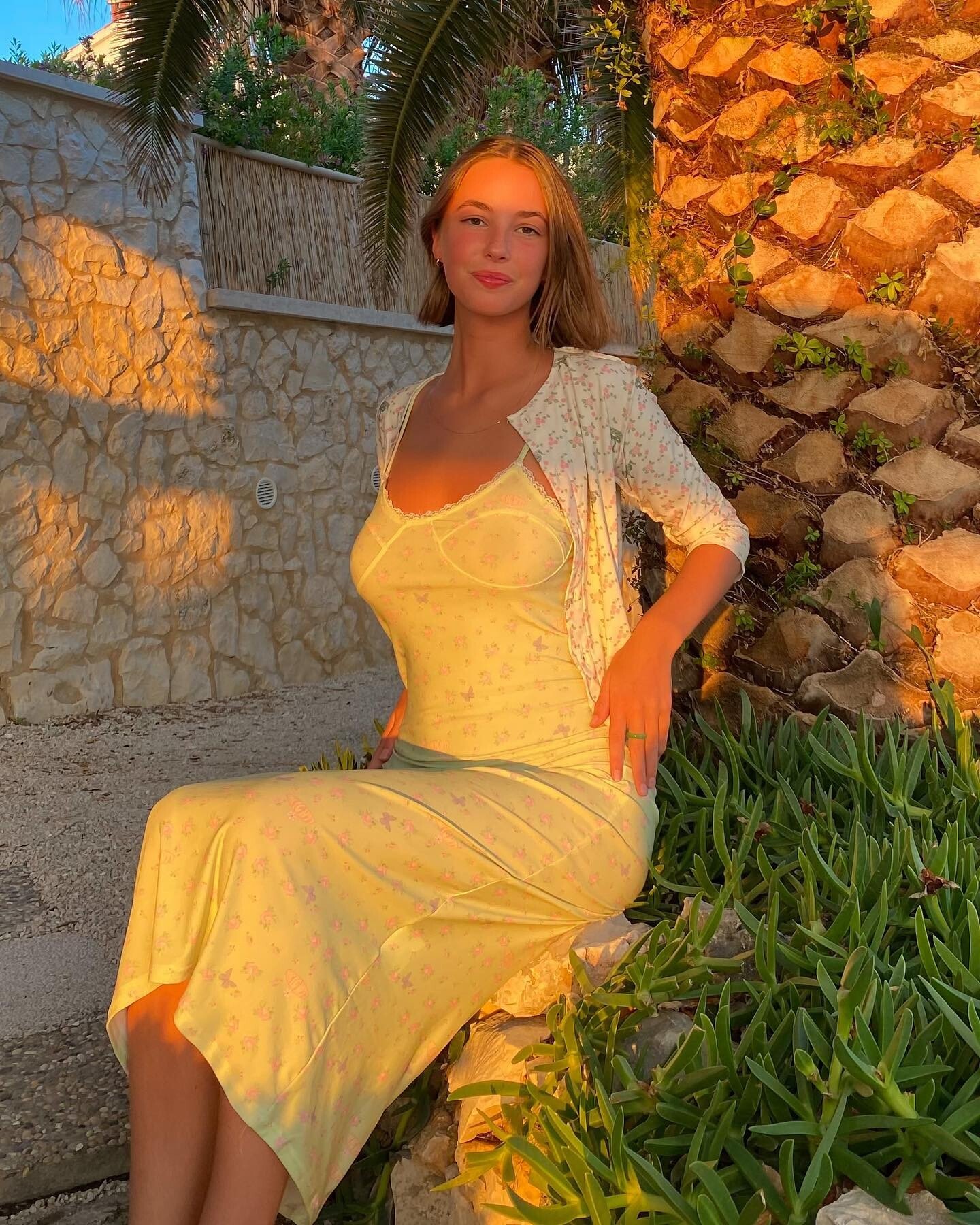
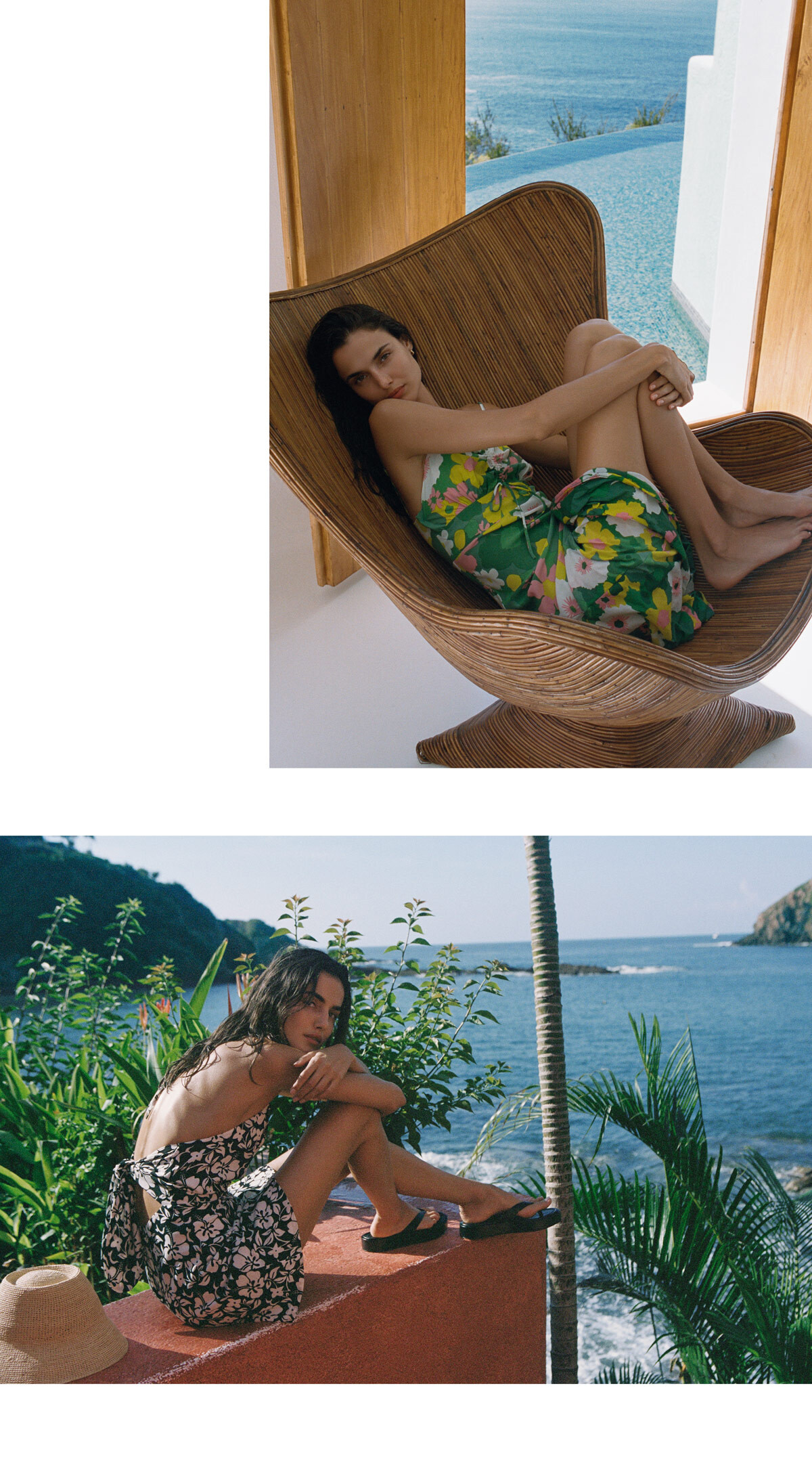
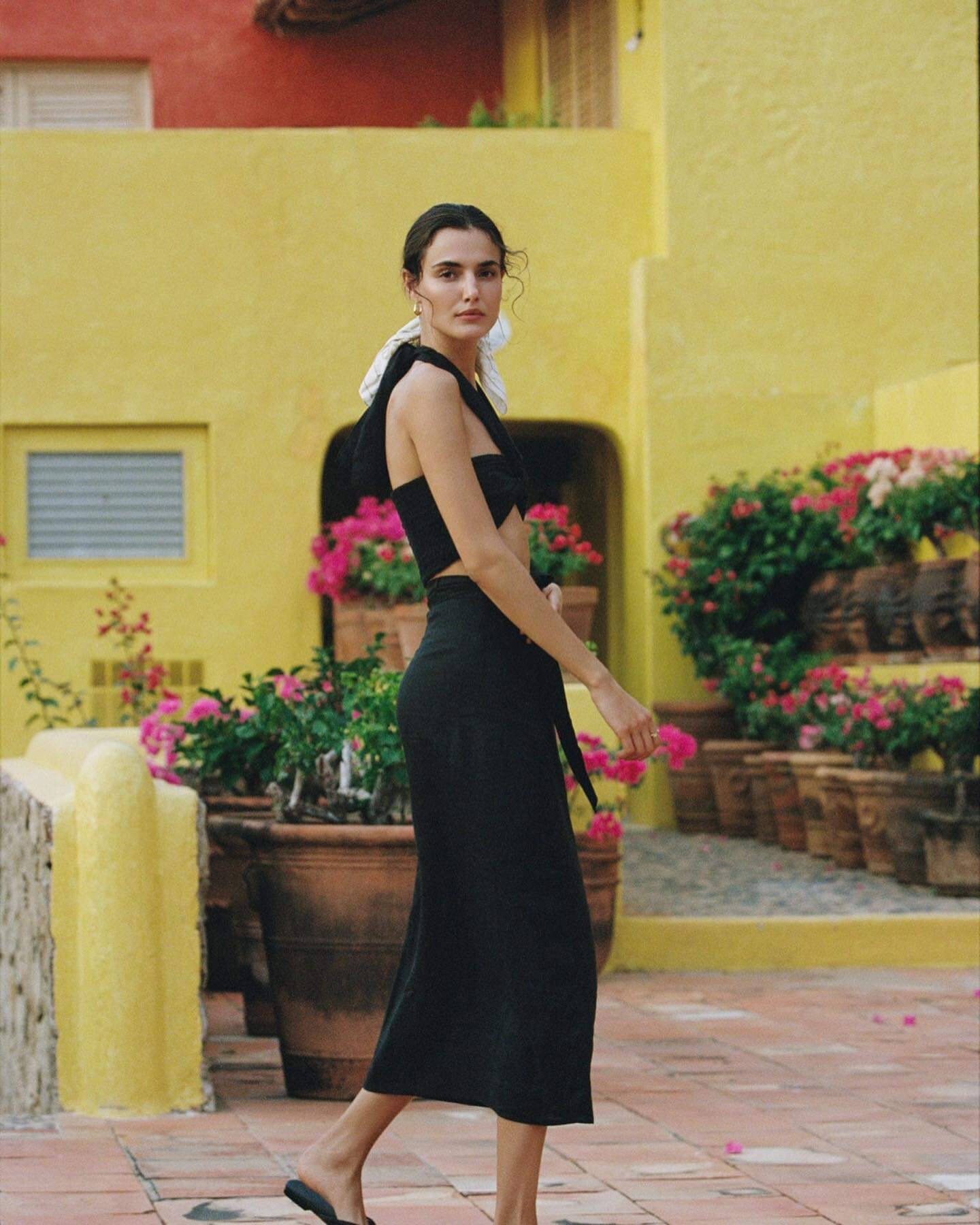
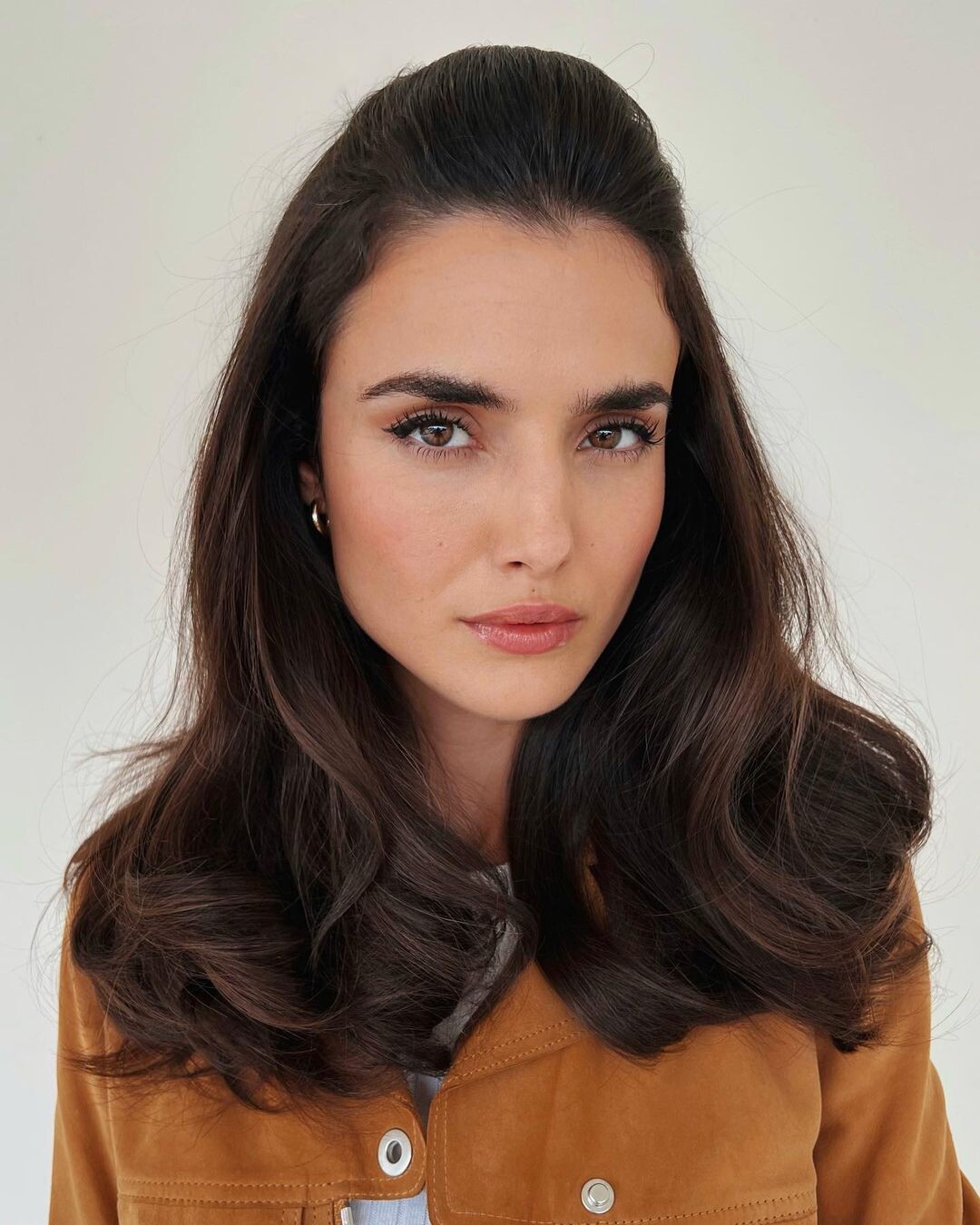
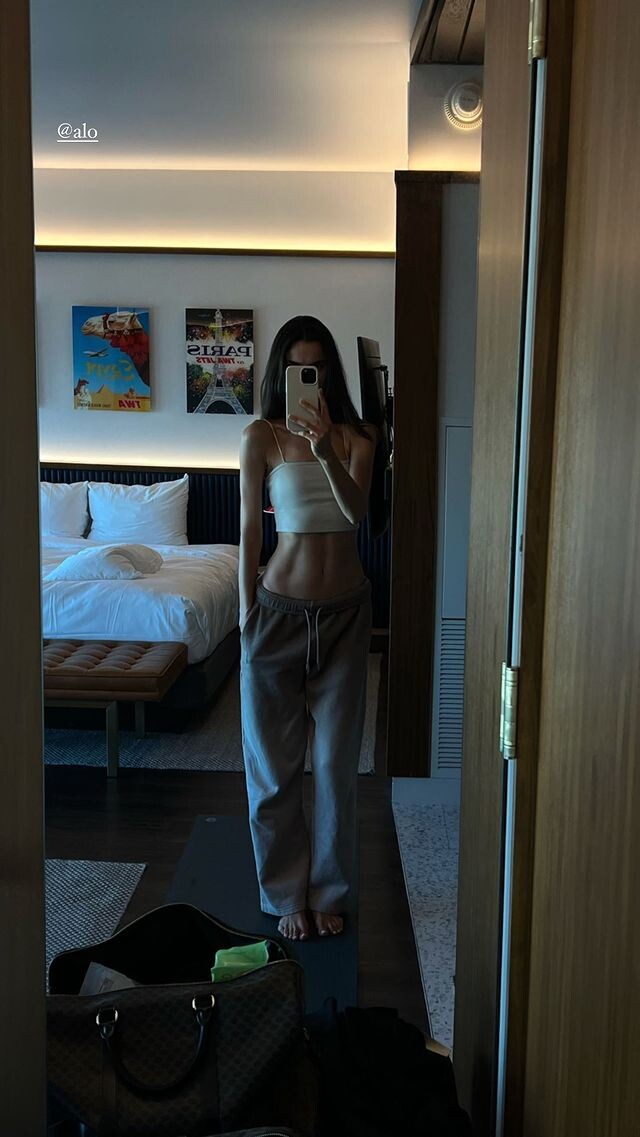
Blanca Padilla
- Blanca Padilla
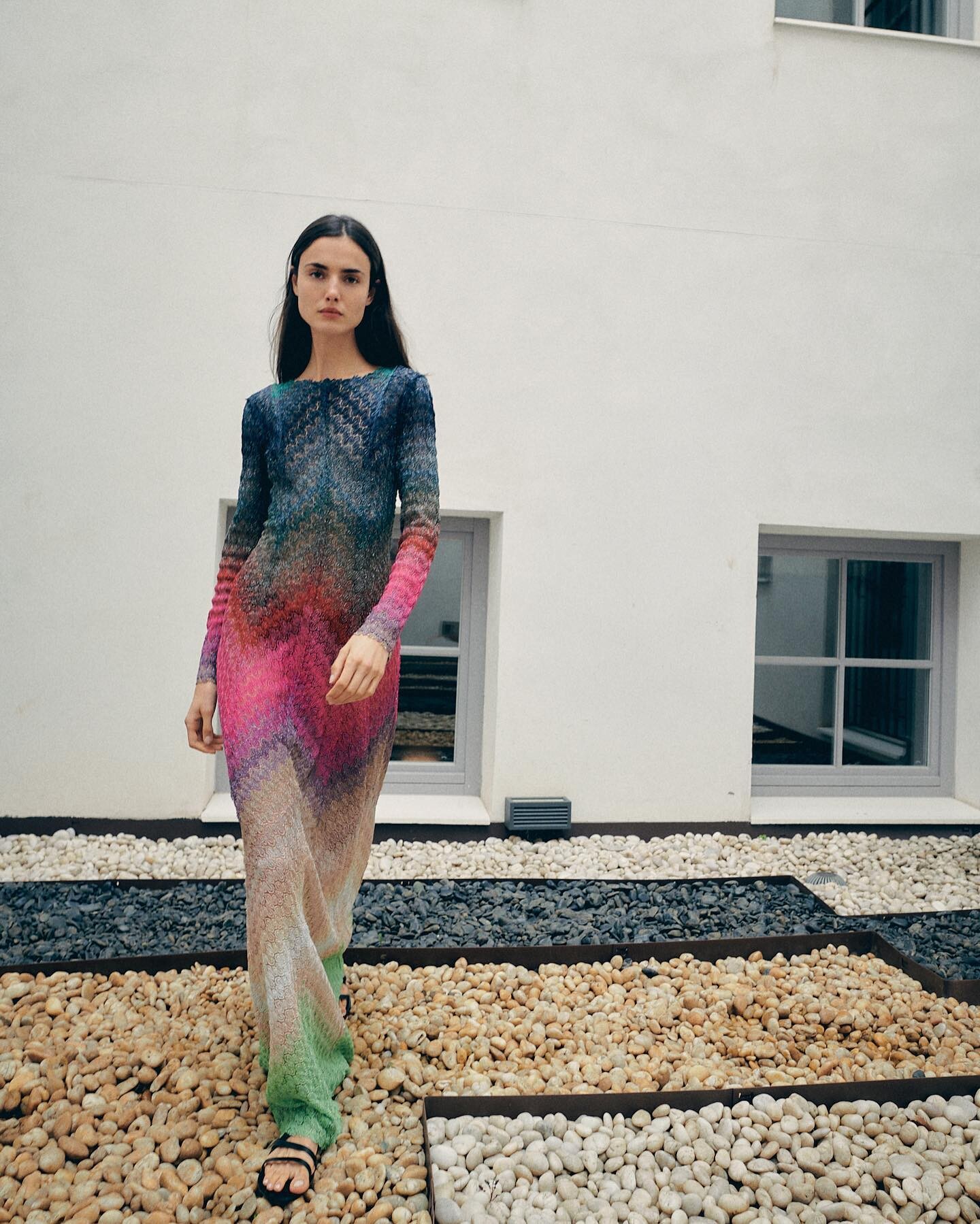
- Alejandra Guilmant
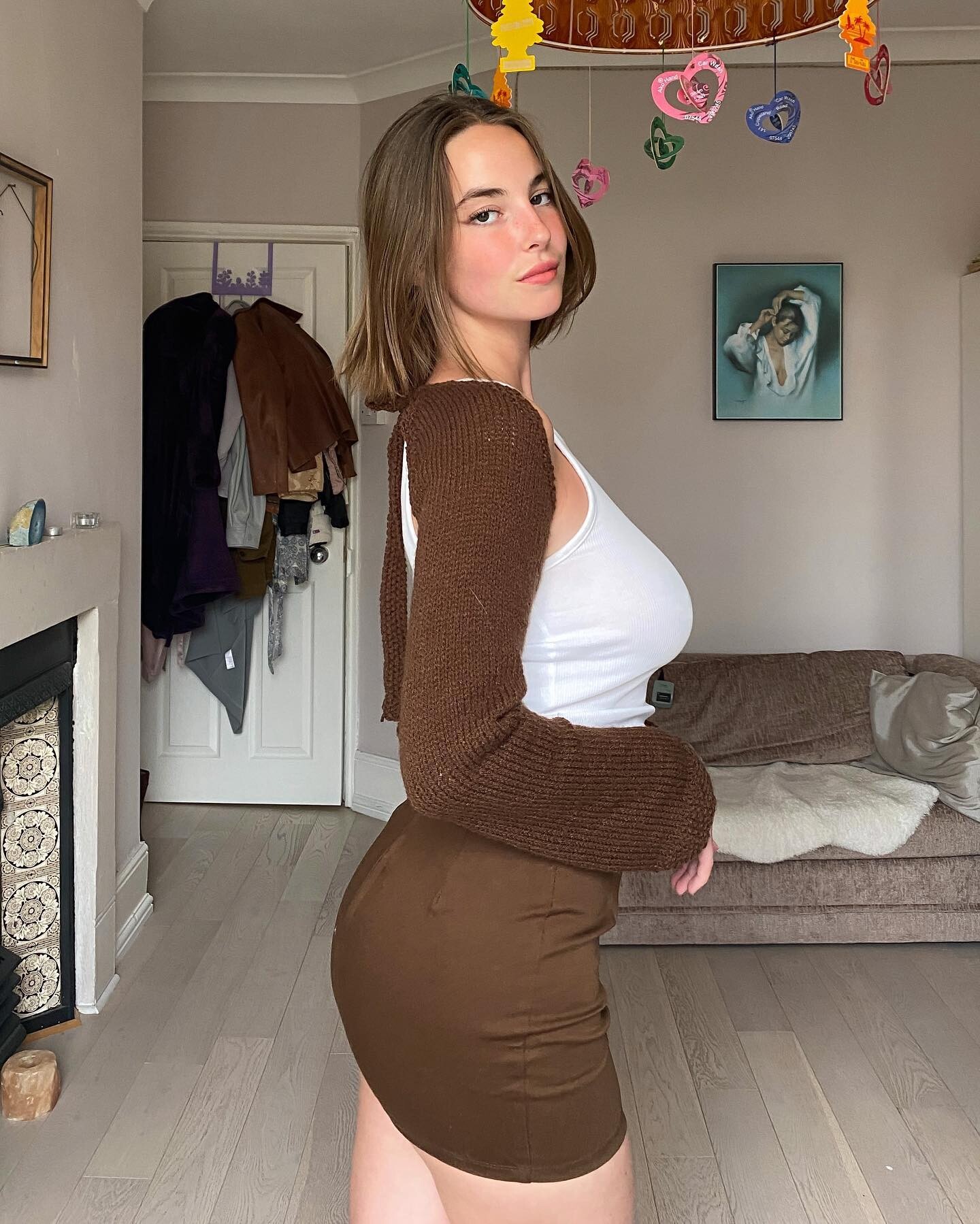
Thanks- Stephanie Rose Bertram
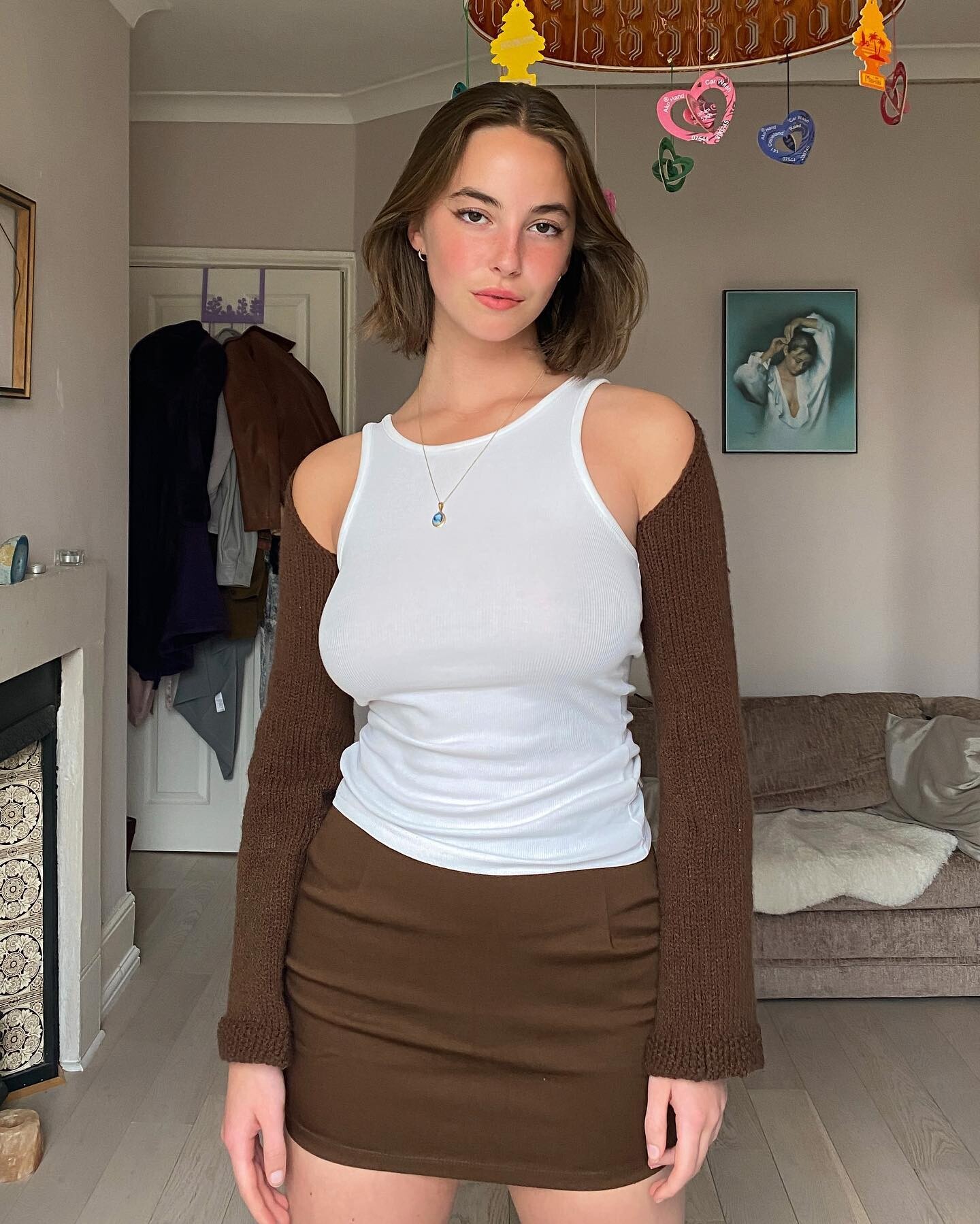
Thanks- Blanca Padilla
- Blanca Padilla
- Myrthe Bolt
Thanks!- Brooke Buchanan
- Blanca Padilla
- Blanca Padilla
- Blanca Padilla
- Blanca Padilla
- Blanca Padilla
Ig 3A44166F11462A842C87FC9C88C130AB_video_dashinit.mp4 CE4C24CE80622204EBC571F962F03C92_video_dashinit.mp4- Blanca Padilla
- Blanca Padilla
- Blanca Padilla
- Lauren Searle
- Amelie Manzoli
- Frida Aasen
Thanks guys!- Blanca Padilla
- Blanca Padilla
- Blanca Padilla
- Blanca Padilla
- Blanca Padilla
- Emily Ratajkowski
Thanks - Blanca Padilla
Account
Navigation
Search
Configure browser push notifications
Chrome (Android)
- Tap the lock icon next to the address bar.
- Tap Permissions → Notifications.
- Adjust your preference.
Chrome (Desktop)
- Click the padlock icon in the address bar.
- Select Site settings.
- Find Notifications and adjust your preference.
Safari (iOS 16.4+)
- Ensure the site is installed via Add to Home Screen.
- Open Settings App → Notifications.
- Find your app name and adjust your preference.
Safari (macOS)
- Go to Safari → Preferences.
- Click the Websites tab.
- Select Notifications in the sidebar.
- Find this website and adjust your preference.
Edge (Android)
- Tap the lock icon next to the address bar.
- Tap Permissions.
- Find Notifications and adjust your preference.
Edge (Desktop)
- Click the padlock icon in the address bar.
- Click Permissions for this site.
- Find Notifications and adjust your preference.
Firefox (Android)
- Go to Settings → Site permissions.
- Tap Notifications.
- Find this site in the list and adjust your preference.
Firefox (Desktop)
- Open Firefox Settings.
- Search for Notifications.
- Find this site in the list and adjust your preference.