Jump to content
View in the app

A better way to browse. Learn more.

Bellazon

A full-screen app on your home screen with push notifications, badges and more.

To install this app on iOS and iPadOS
  1. Tap the Share icon in Safari
  2. Scroll the menu and tap Add to Home Screen.
  3. Tap Add in the top-right corner.
To install this app on Android
  1. Tap the 3-dot menu (⋮) in the top-right corner of the browser.
  2. Tap Add to Home screen or Install app.
  3. Confirm by tapping Install.

TheBestModels

Members
  • Joined

Everything posted by TheBestModels

  1. Polkadot england Spring 22 277263510_507847977578907_7106727118340191832_n.mp4
  2. Underprotection 164781557_1063629197457978_4686608257000618807_n.mp4
  3. Thank you!
  4. Thanks!
  5. 275453531_1144835759601457_2765878750036079811_n.mp4
  6. I was waiting for it to be released, thanks for the share
  7. Thanks!!
  8. Thank you 😍
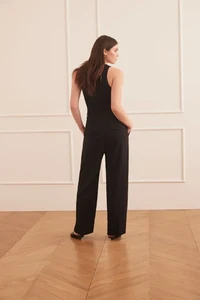
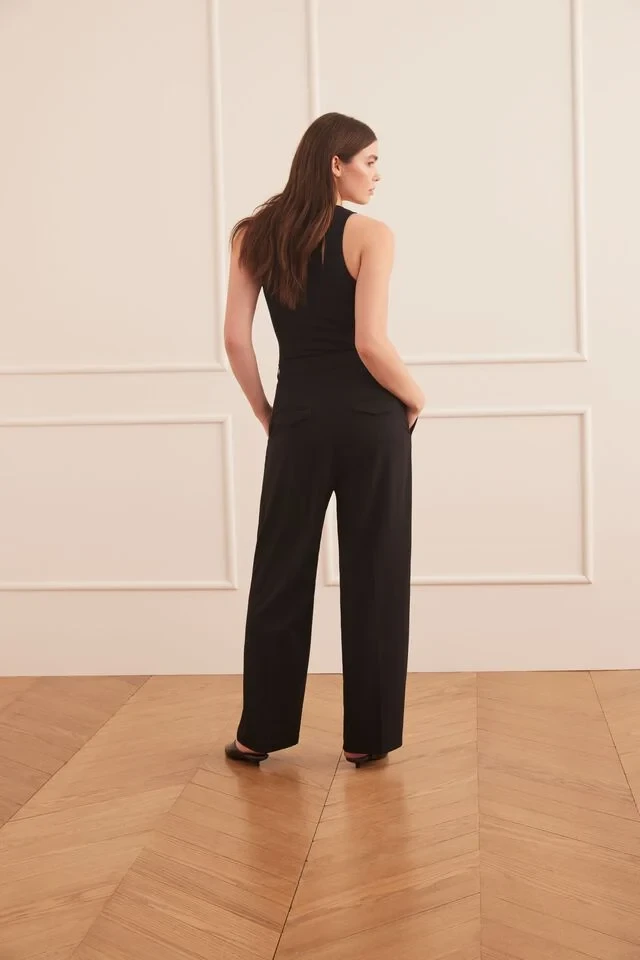
  9. Hannah is on Dynamite Clothing site

Account

Navigation

Search

Configure browser push notifications

Chrome (Android)
  1. Tap the lock icon next to the address bar.
  2. Tap Permissions → Notifications.
  3. Adjust your preference.
Chrome (Desktop)
  1. Click the padlock icon in the address bar.
  2. Select Site settings.
  3. Find Notifications and adjust your preference.