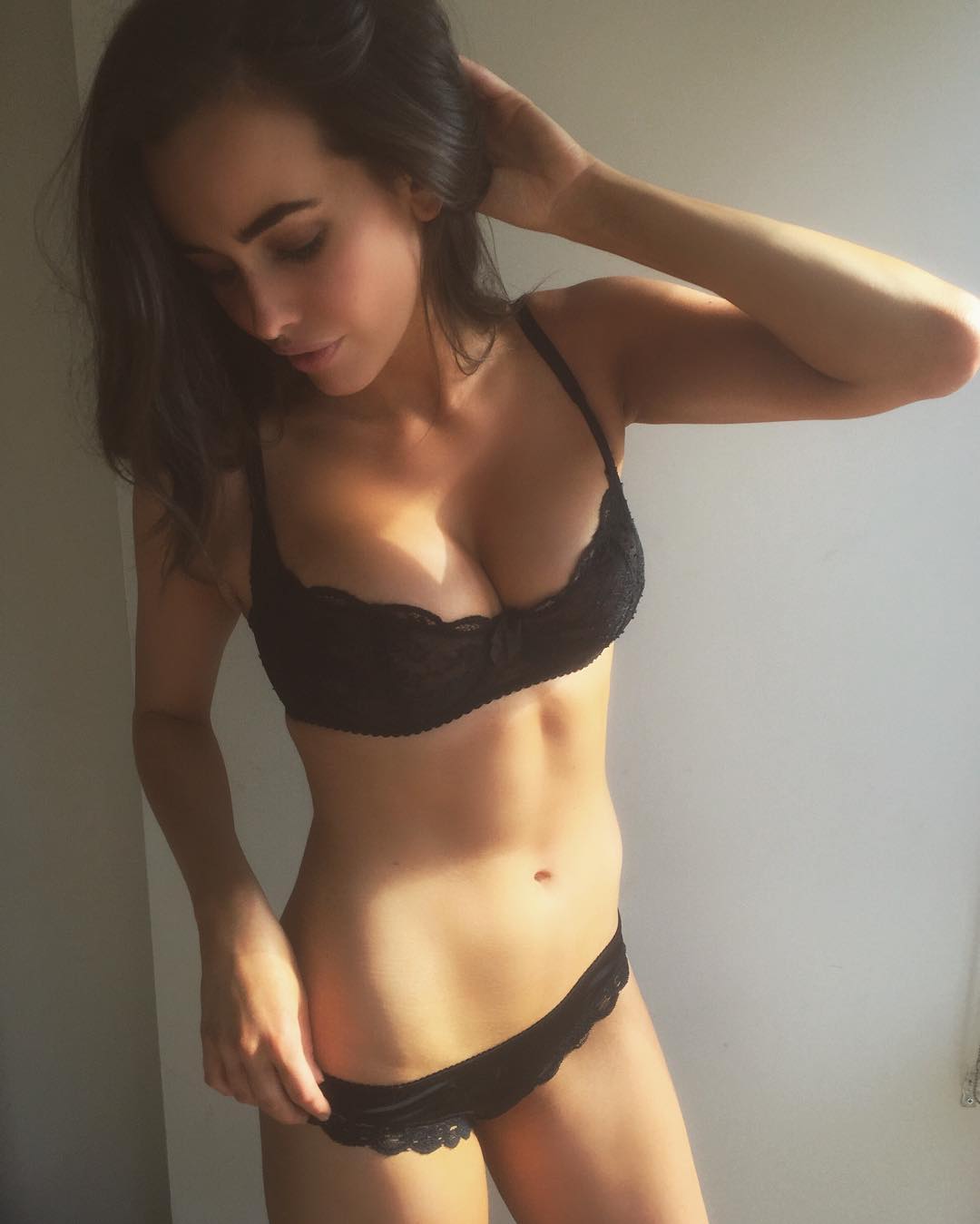
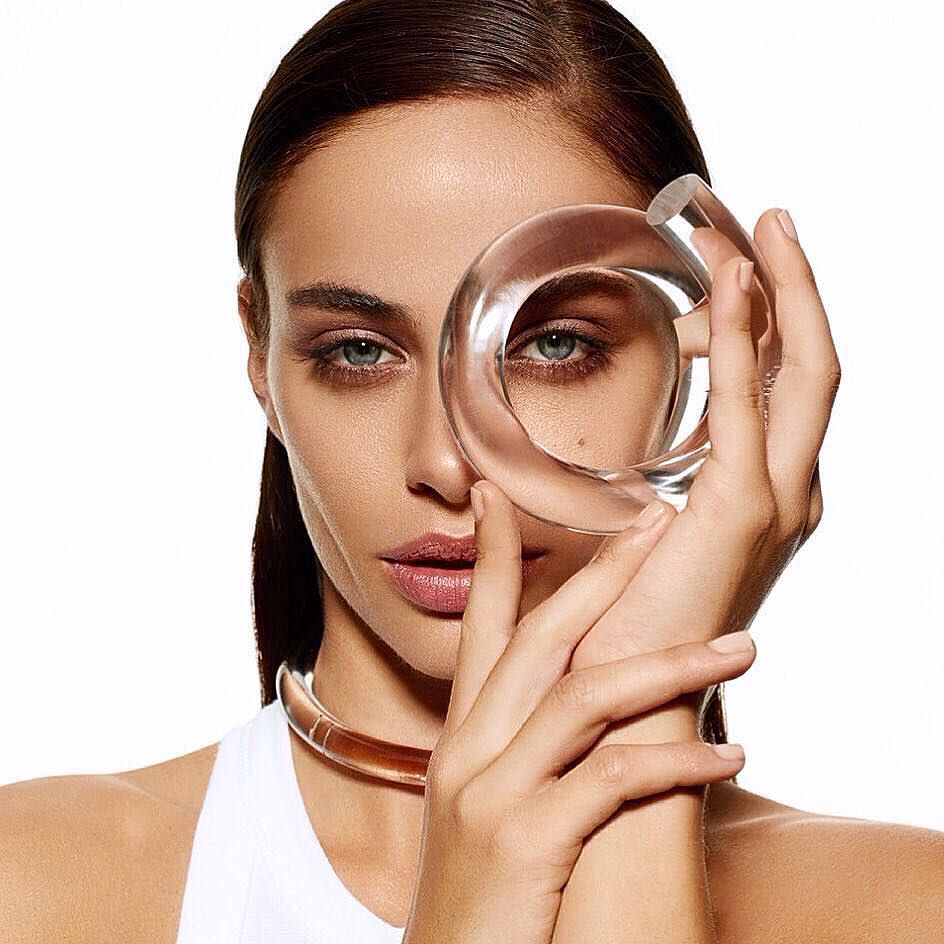
TheBestModels
Members
-
Joined
Everything posted by TheBestModels
-
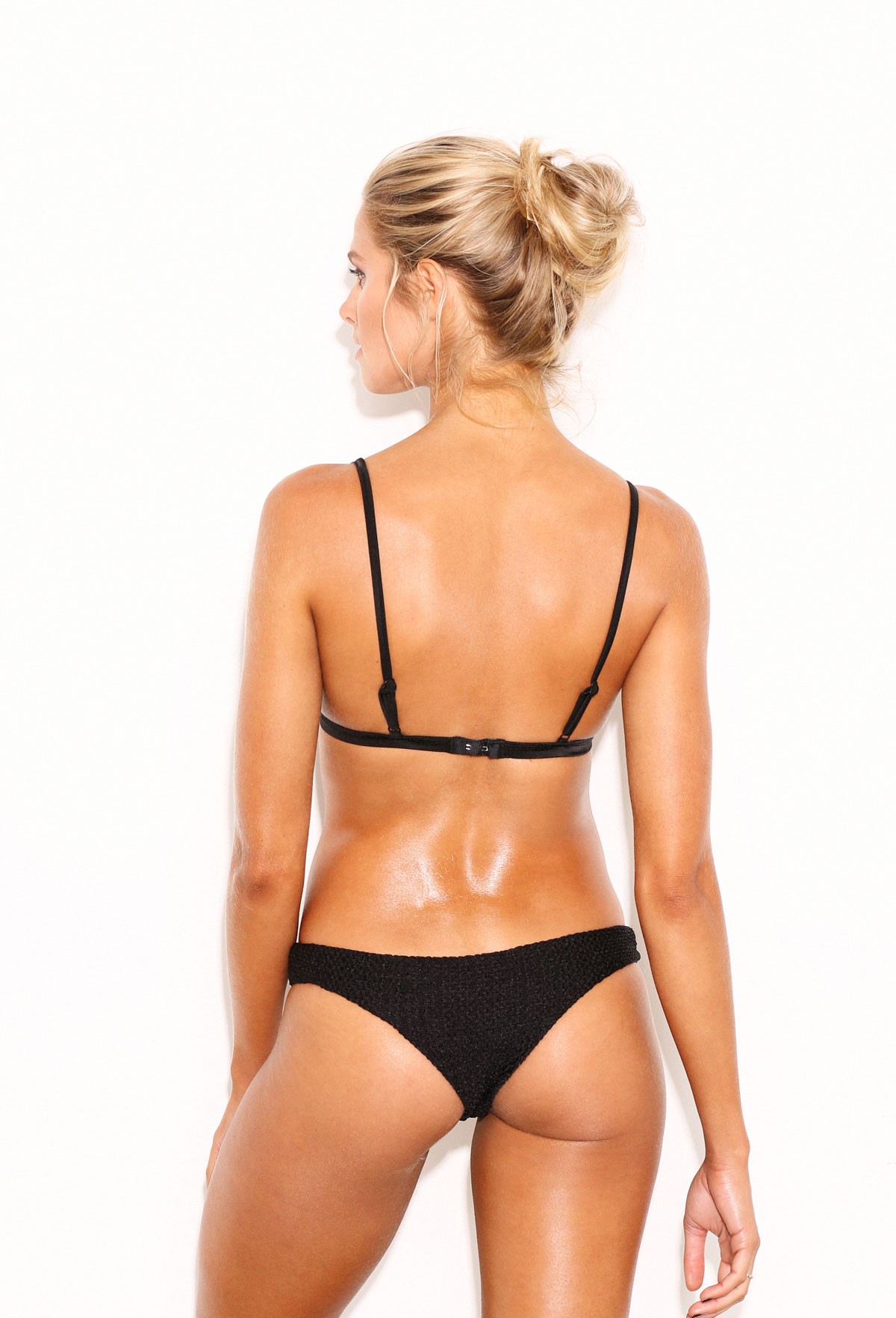
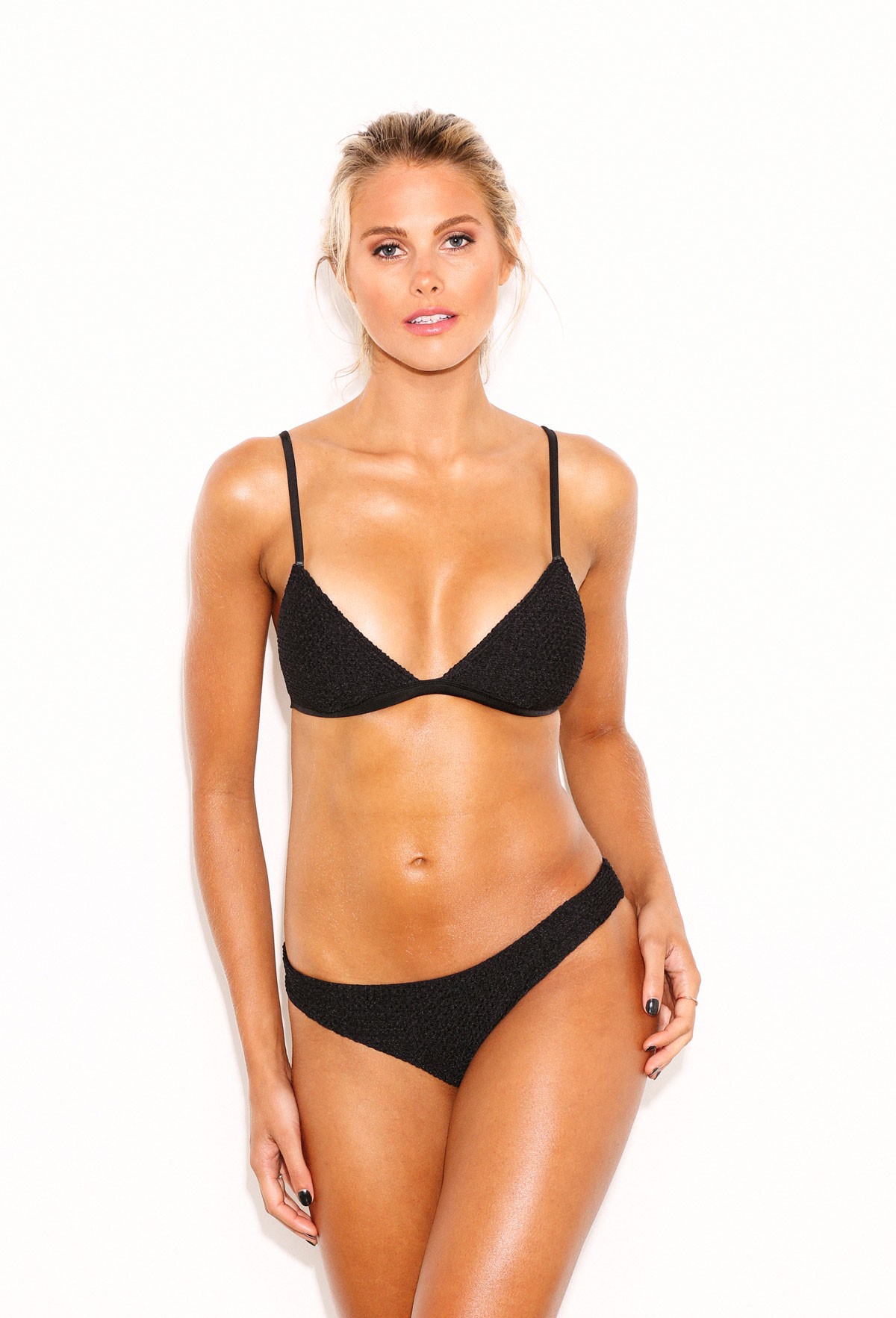
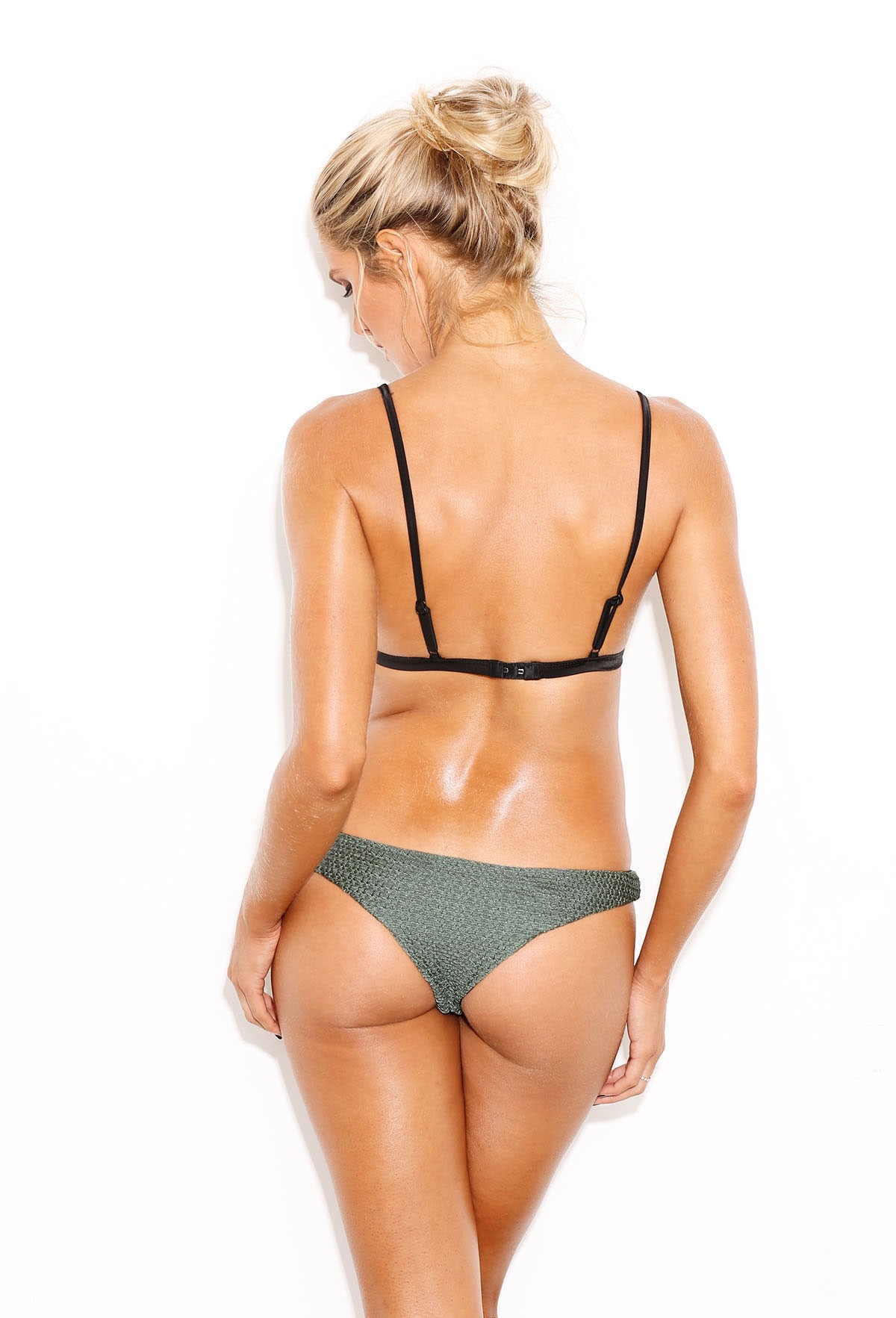
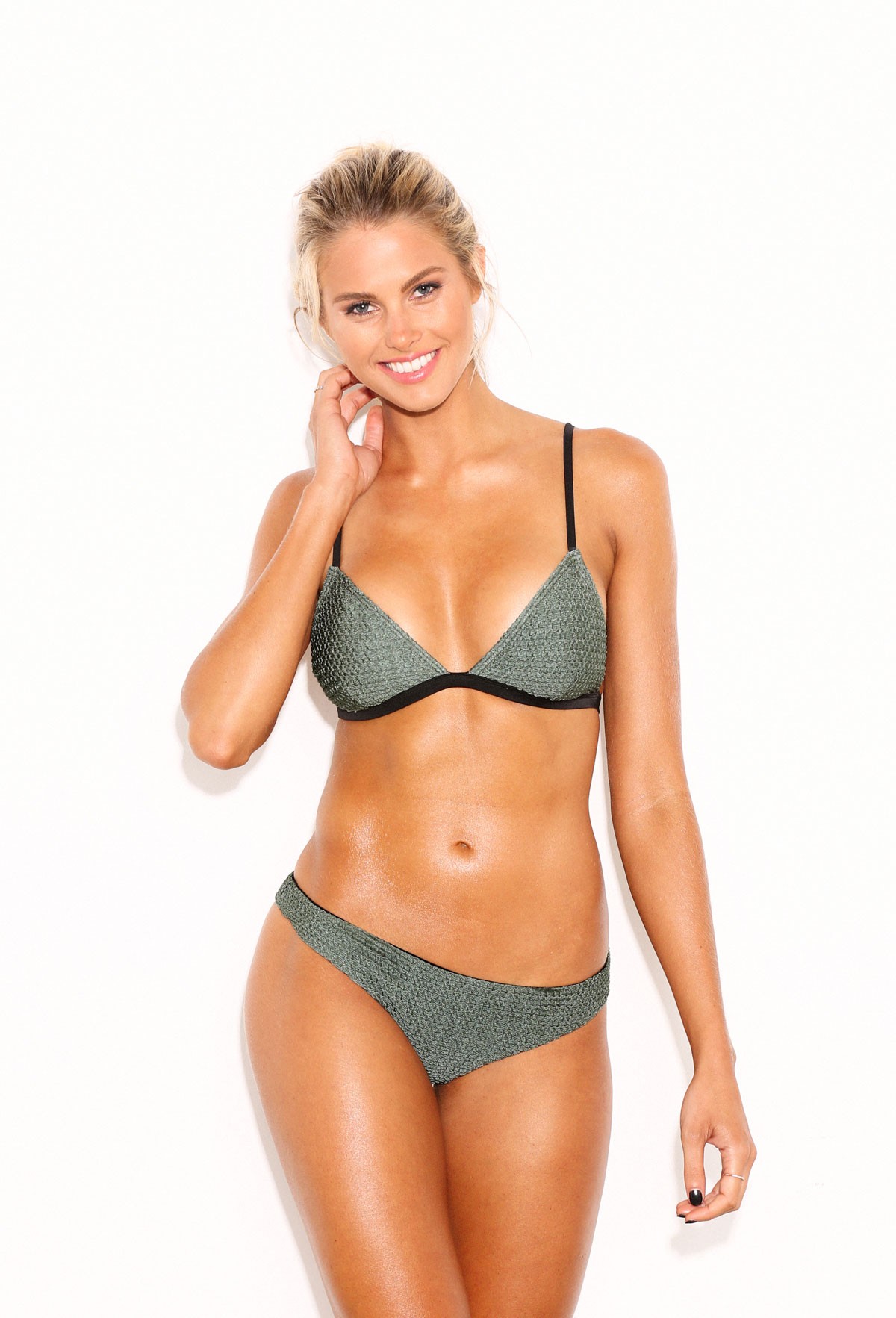
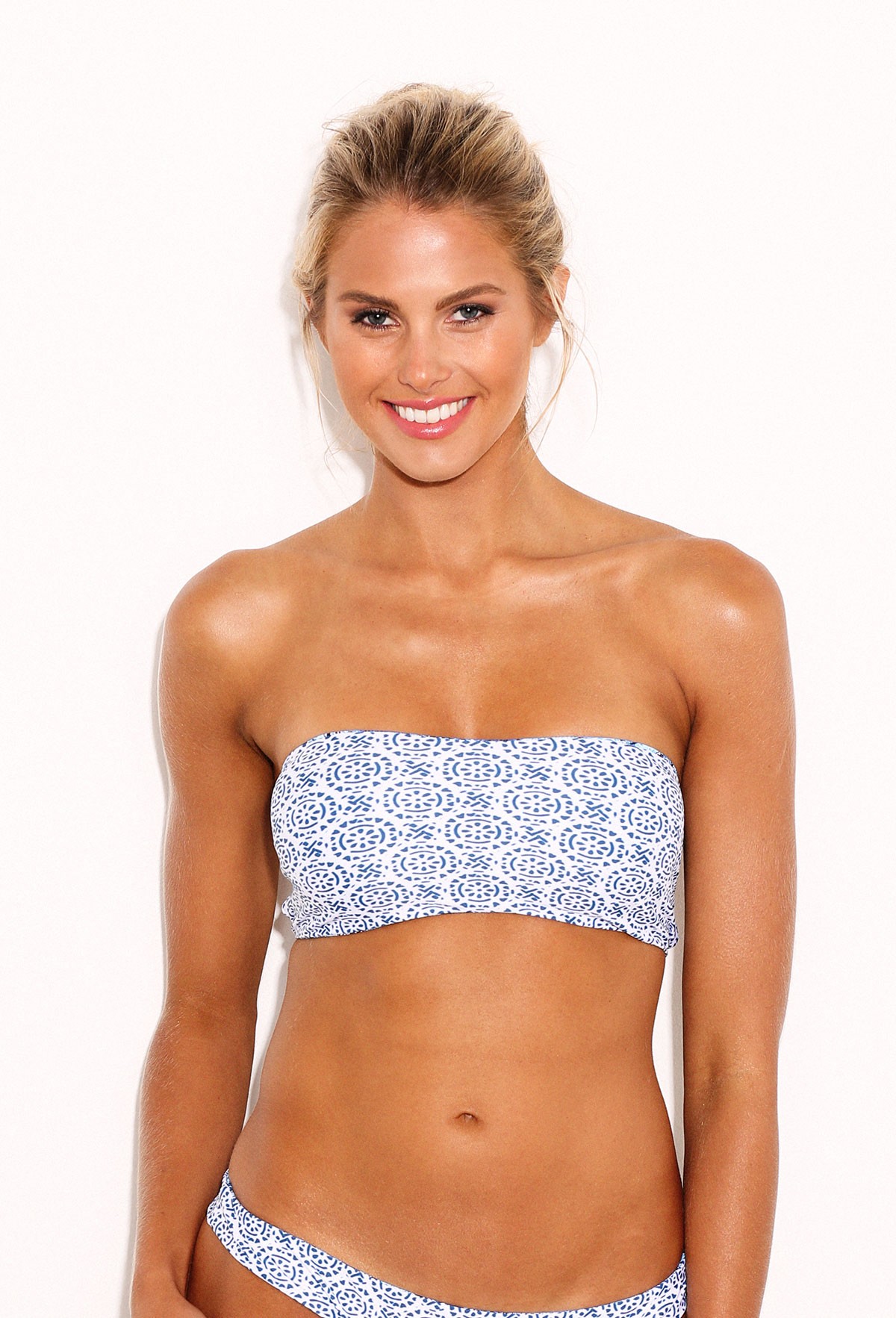
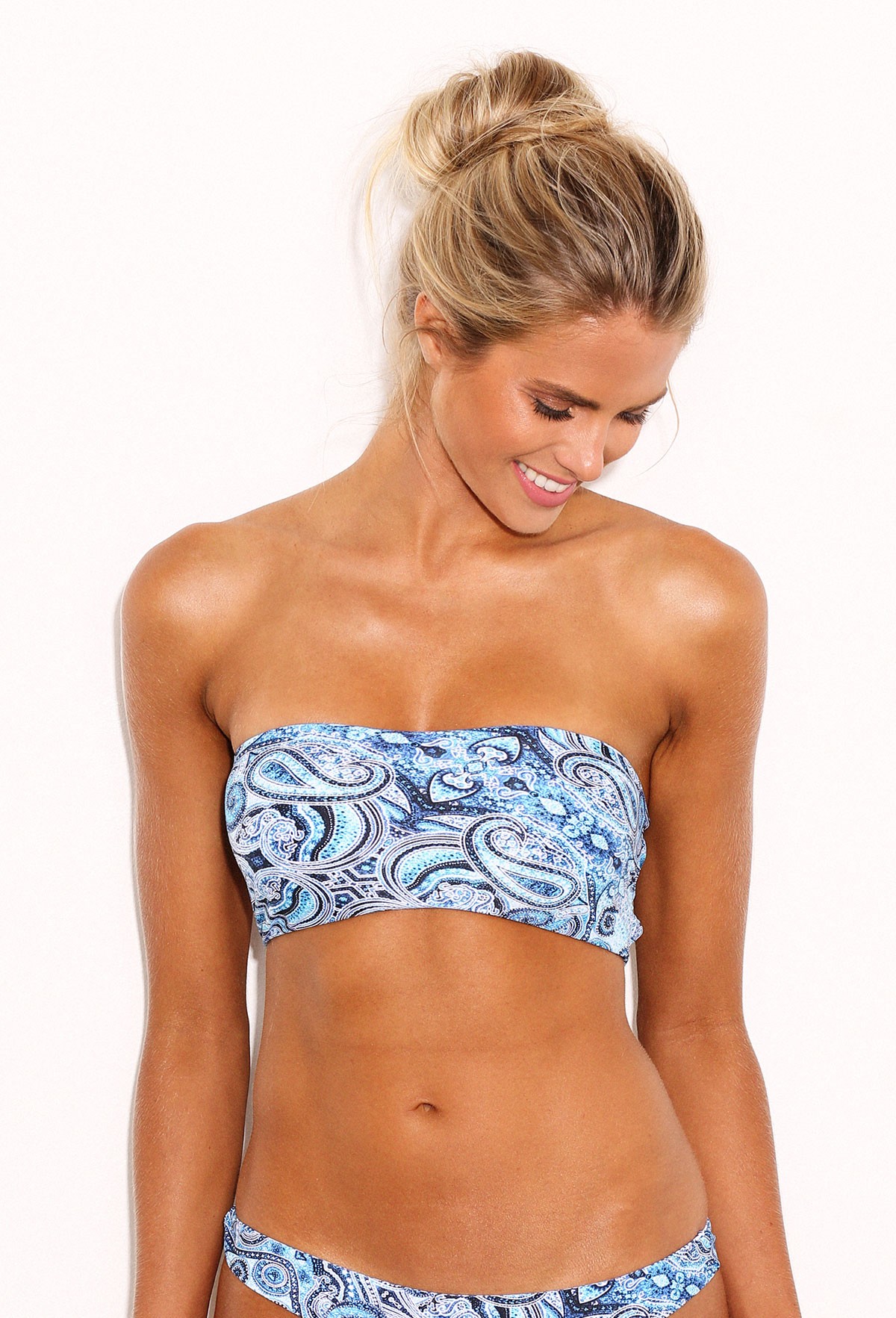
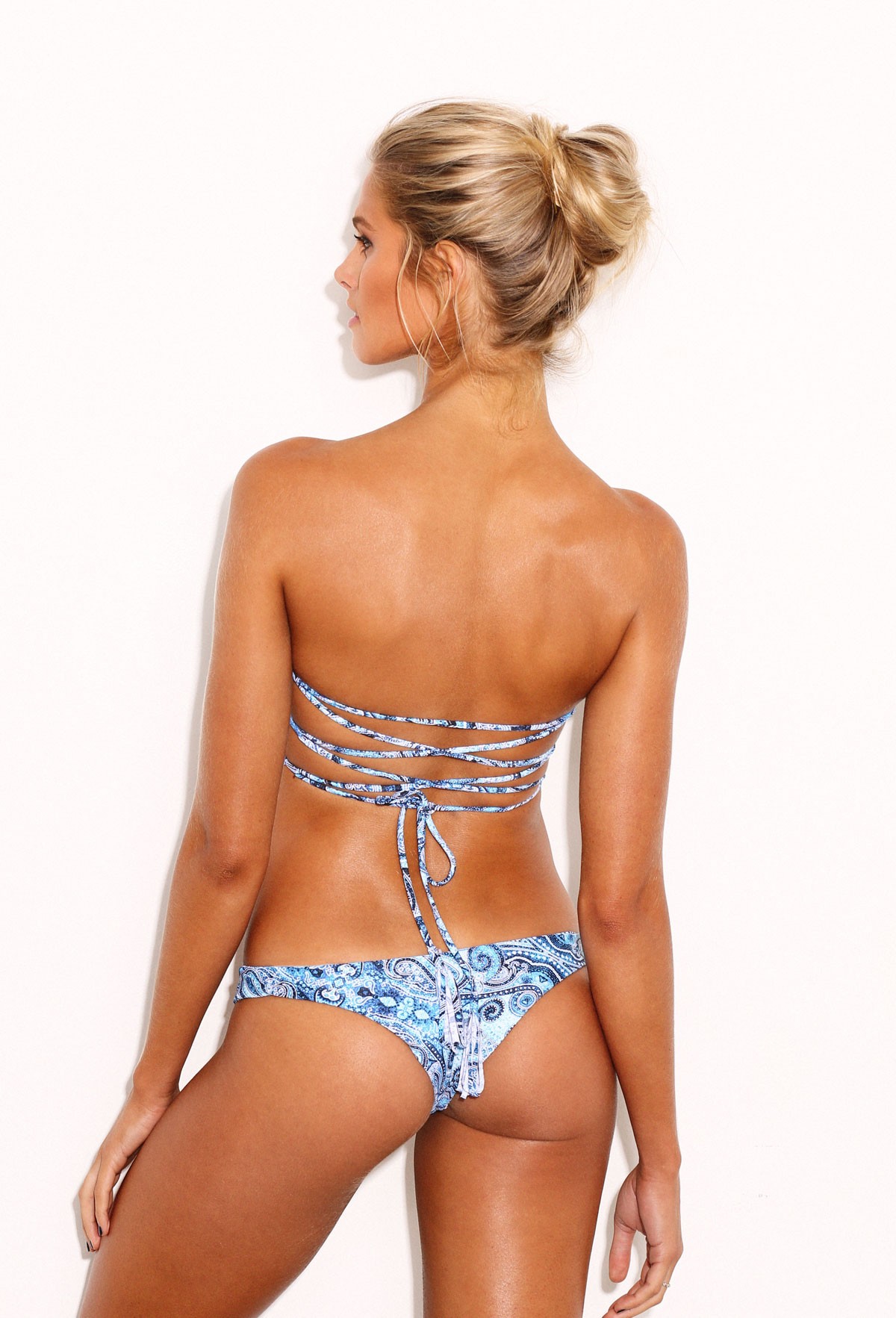
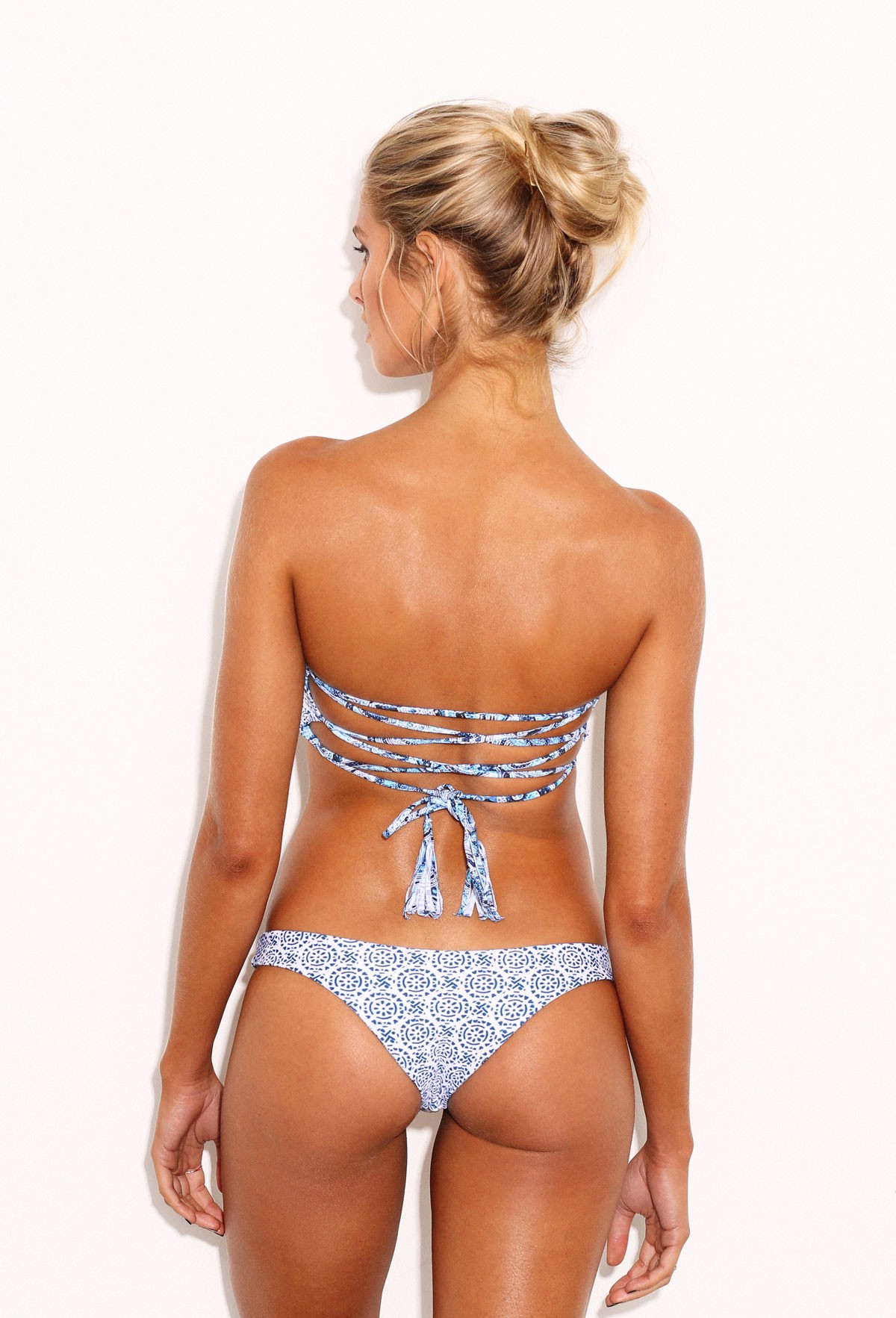
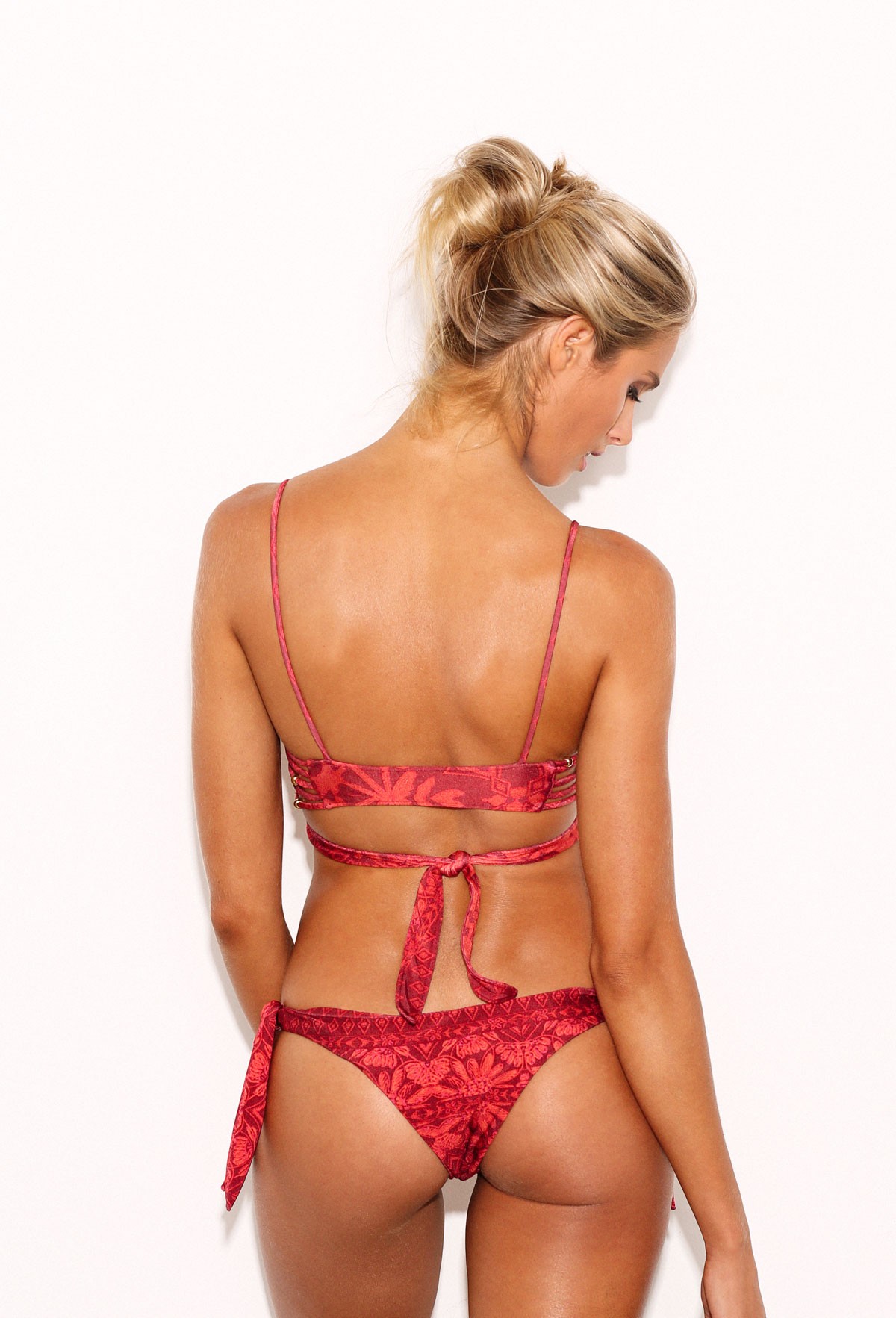
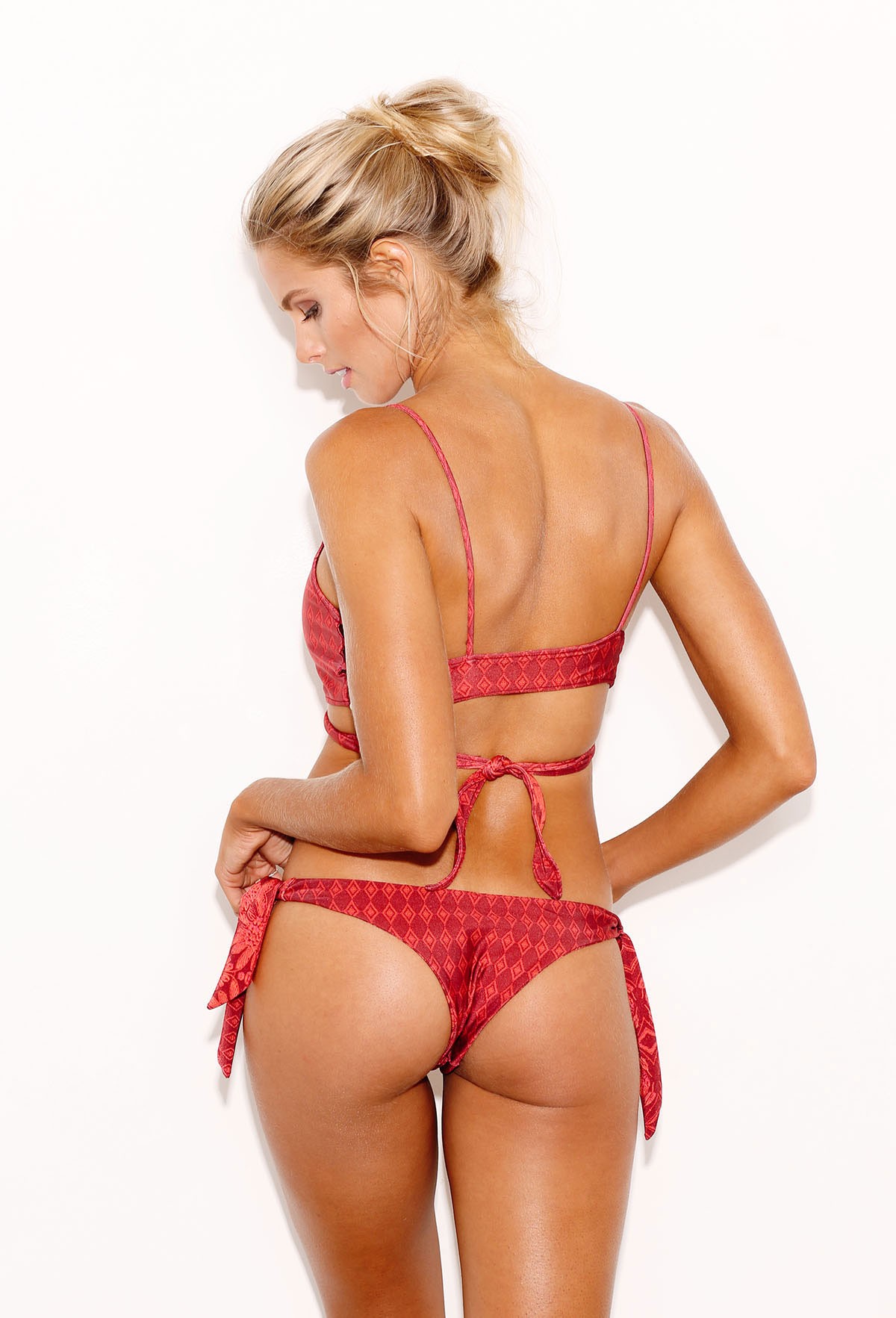
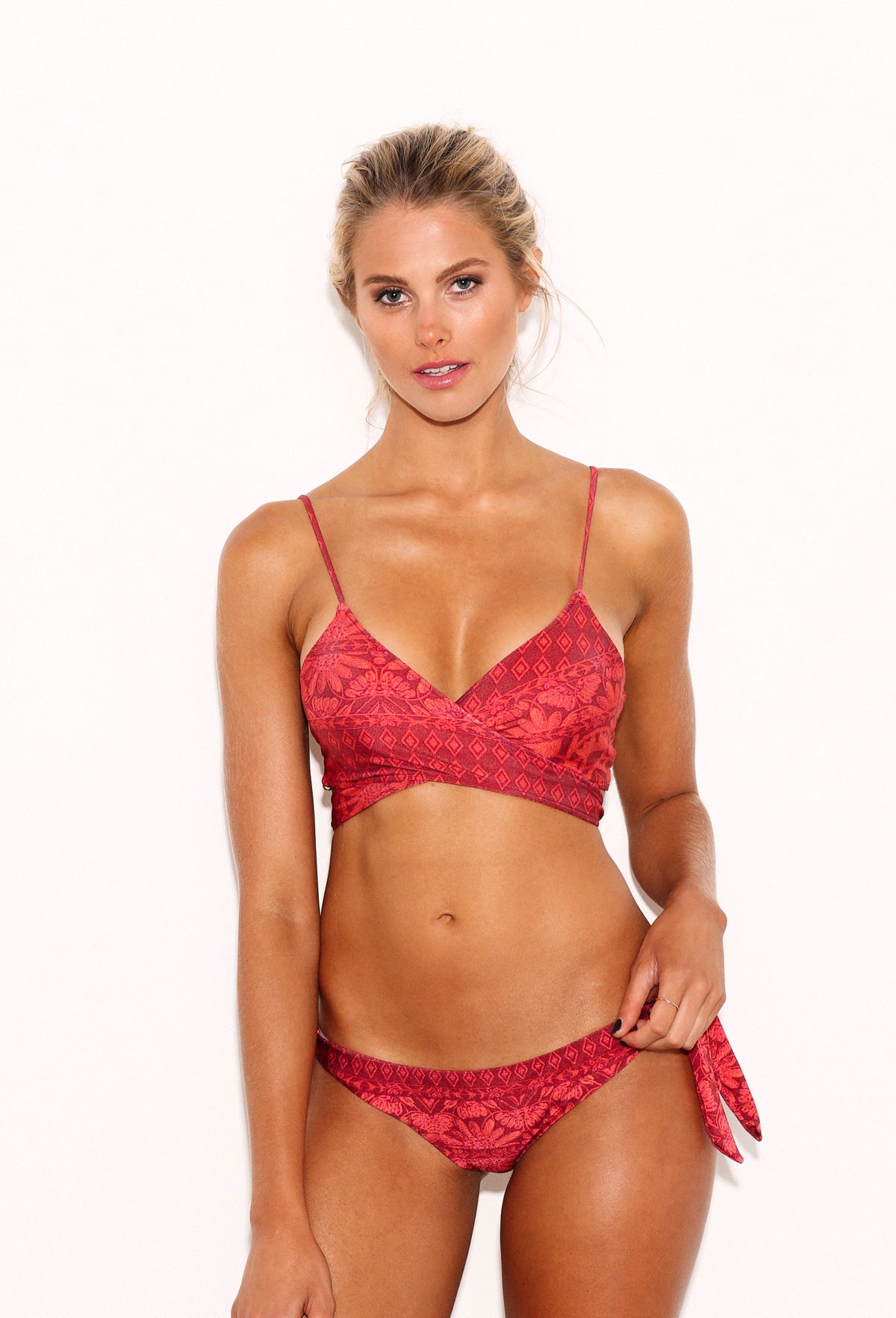
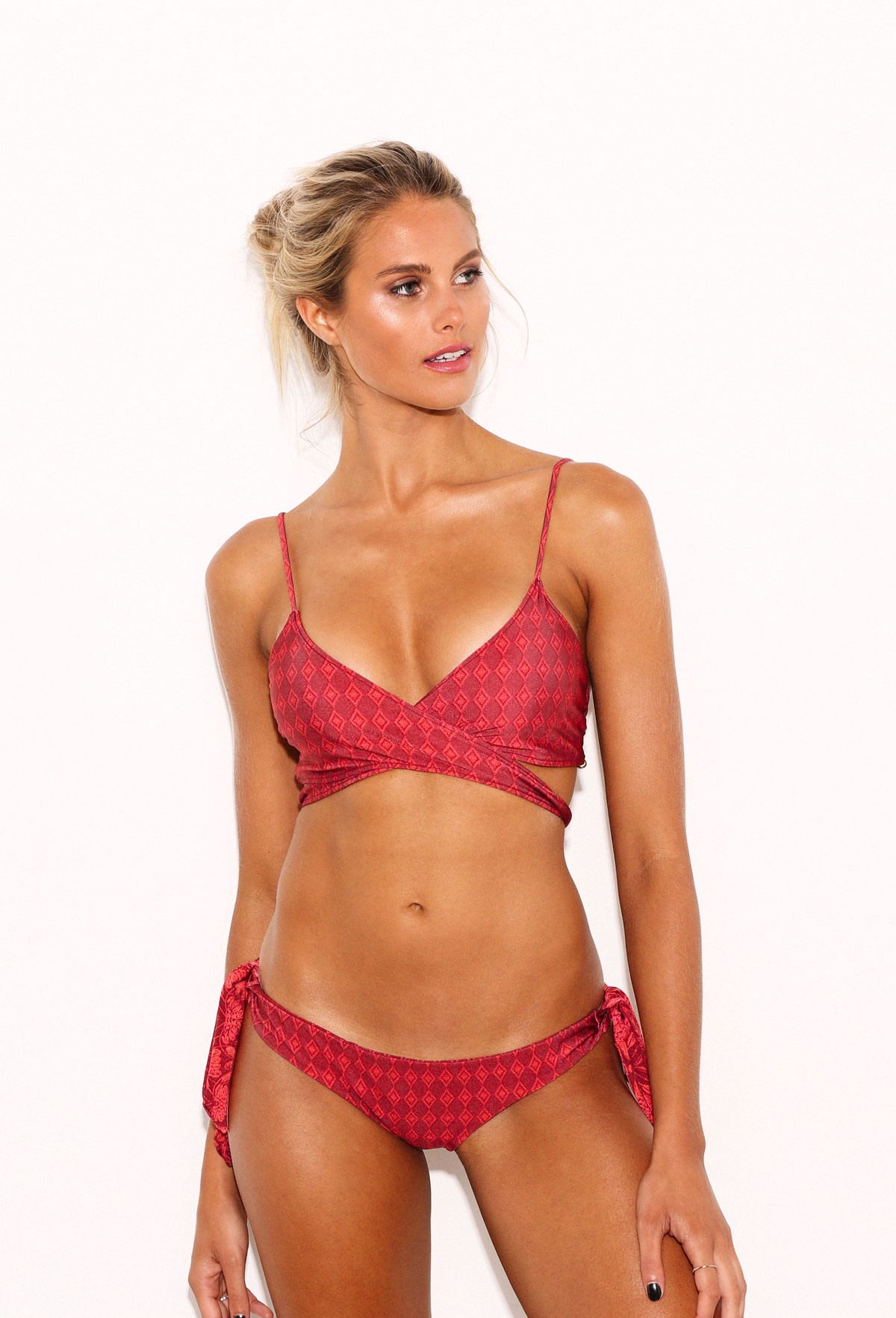
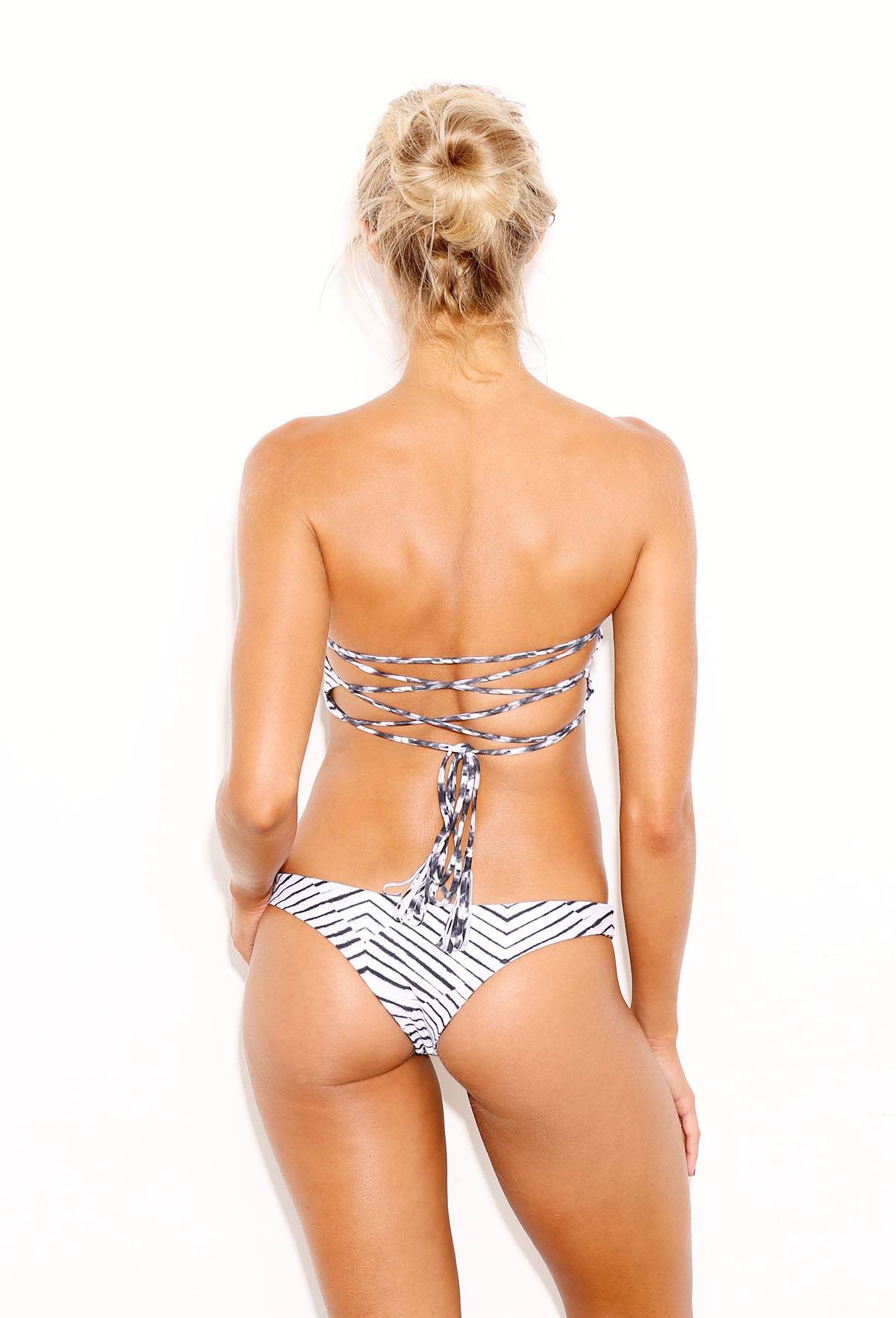
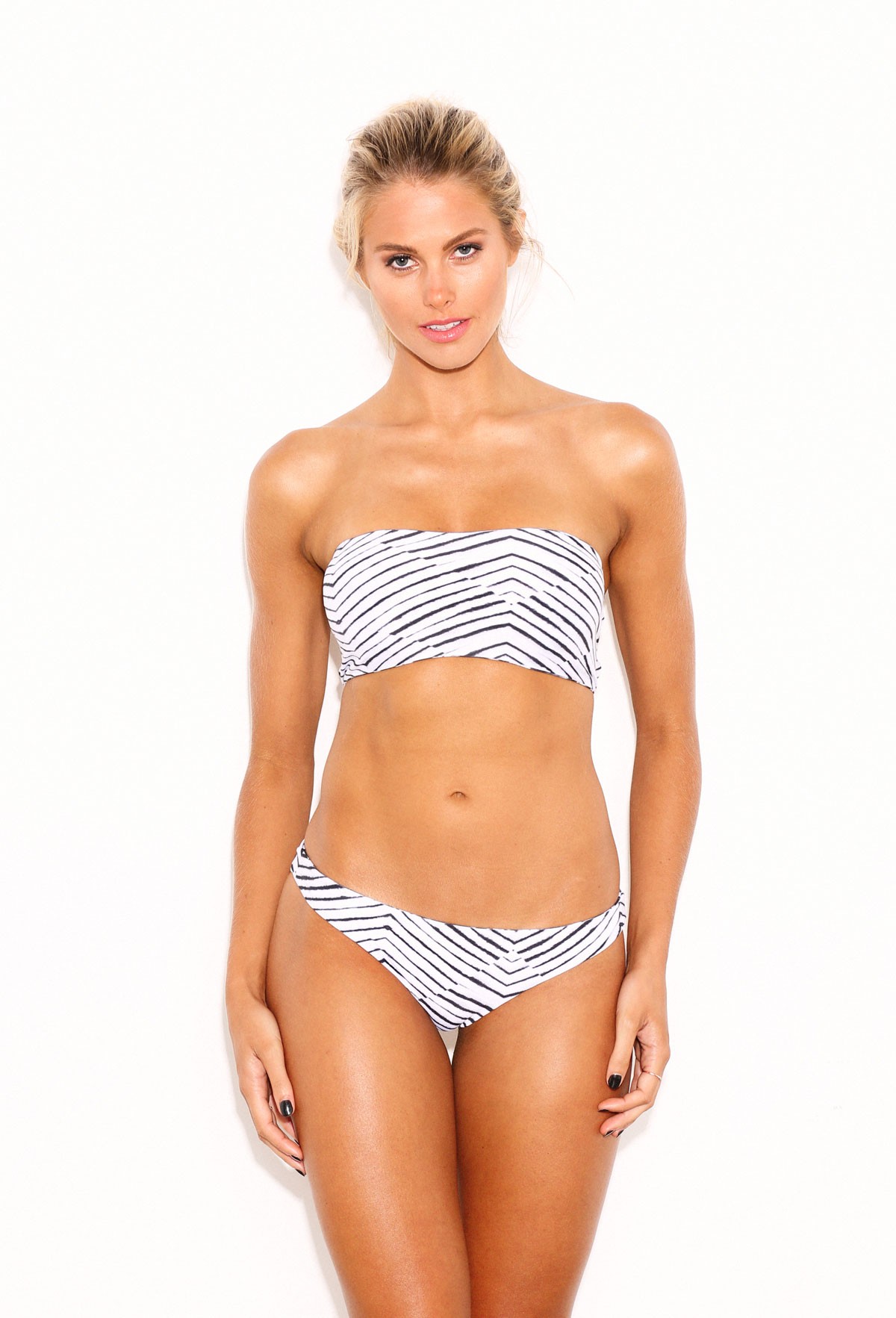
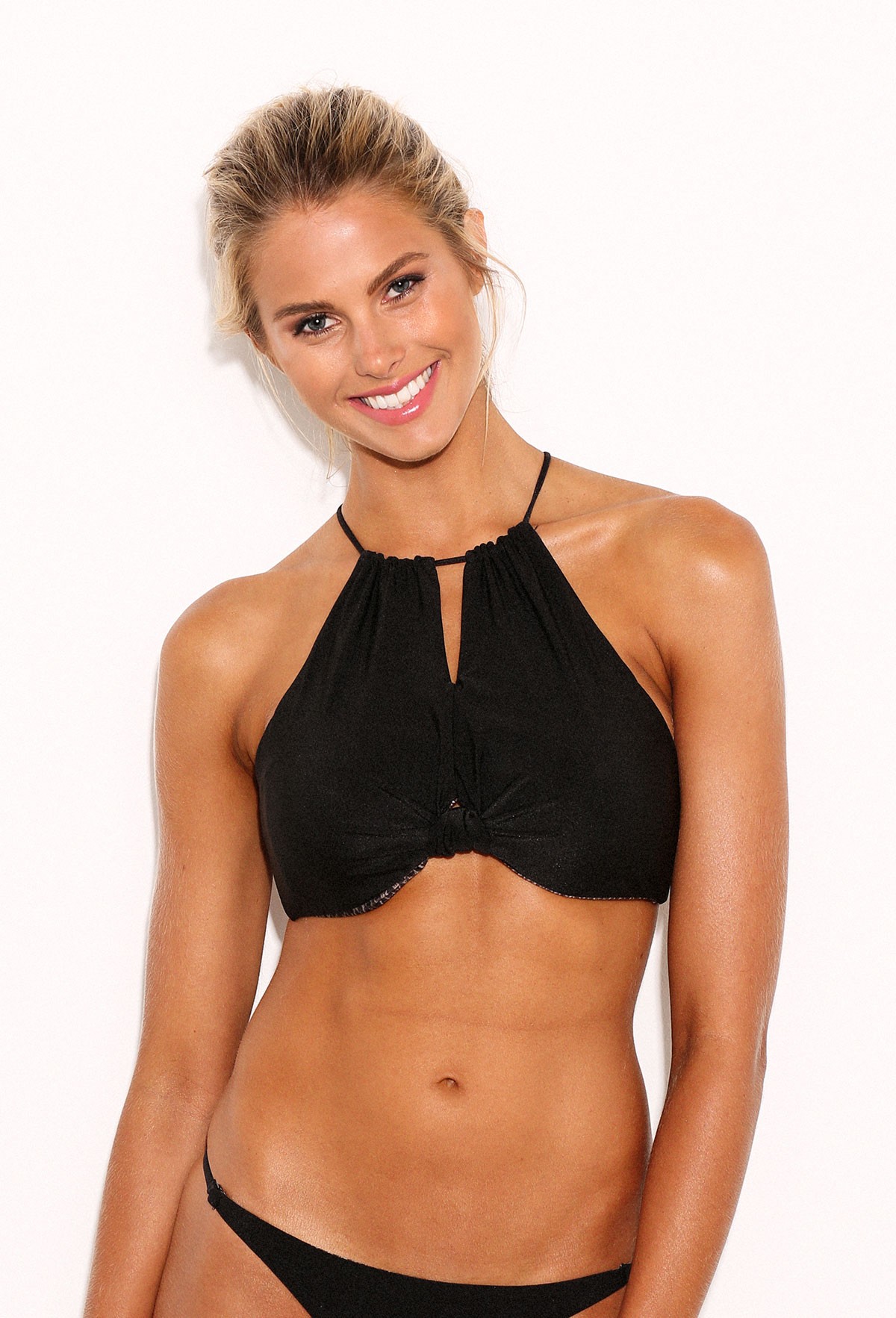
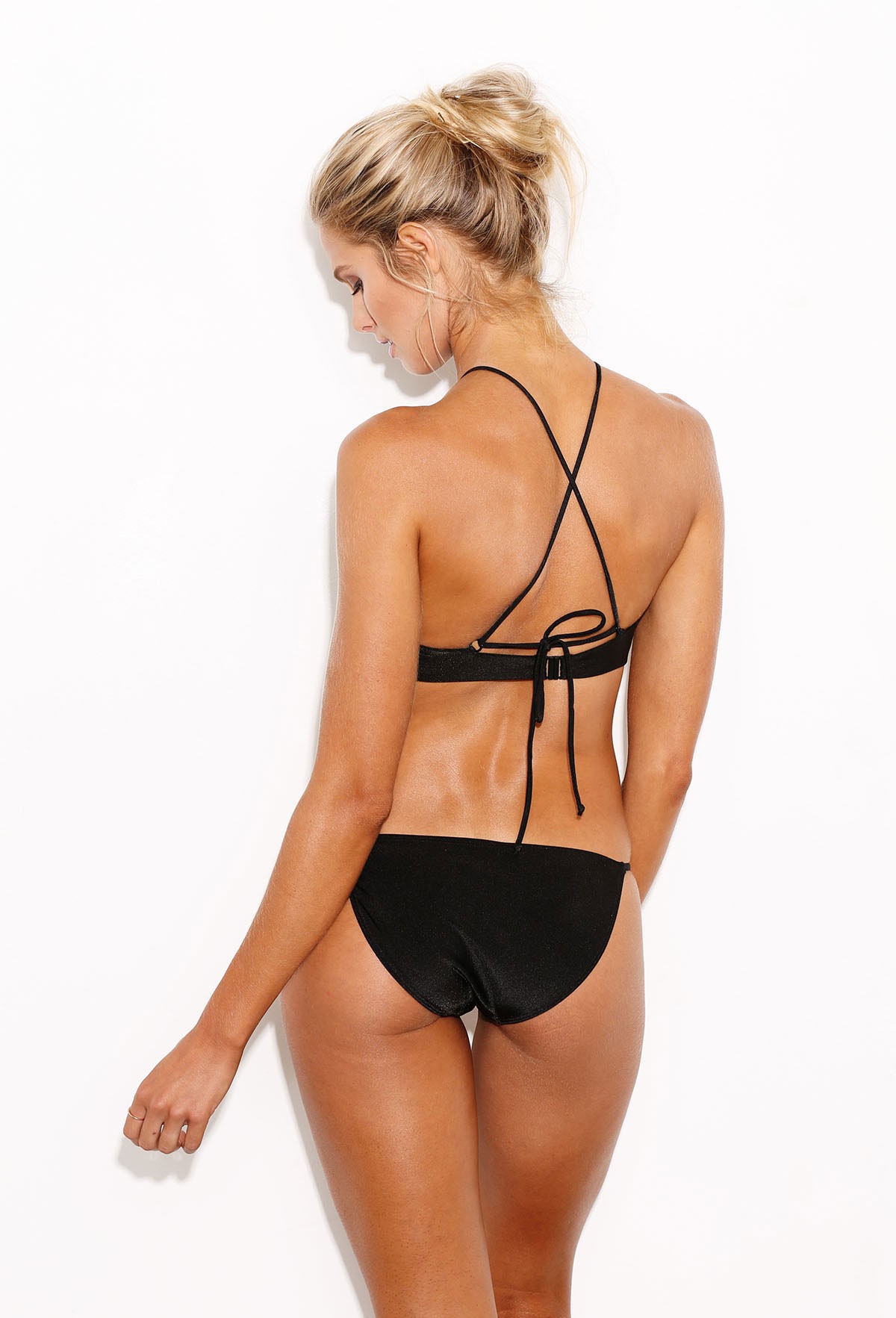
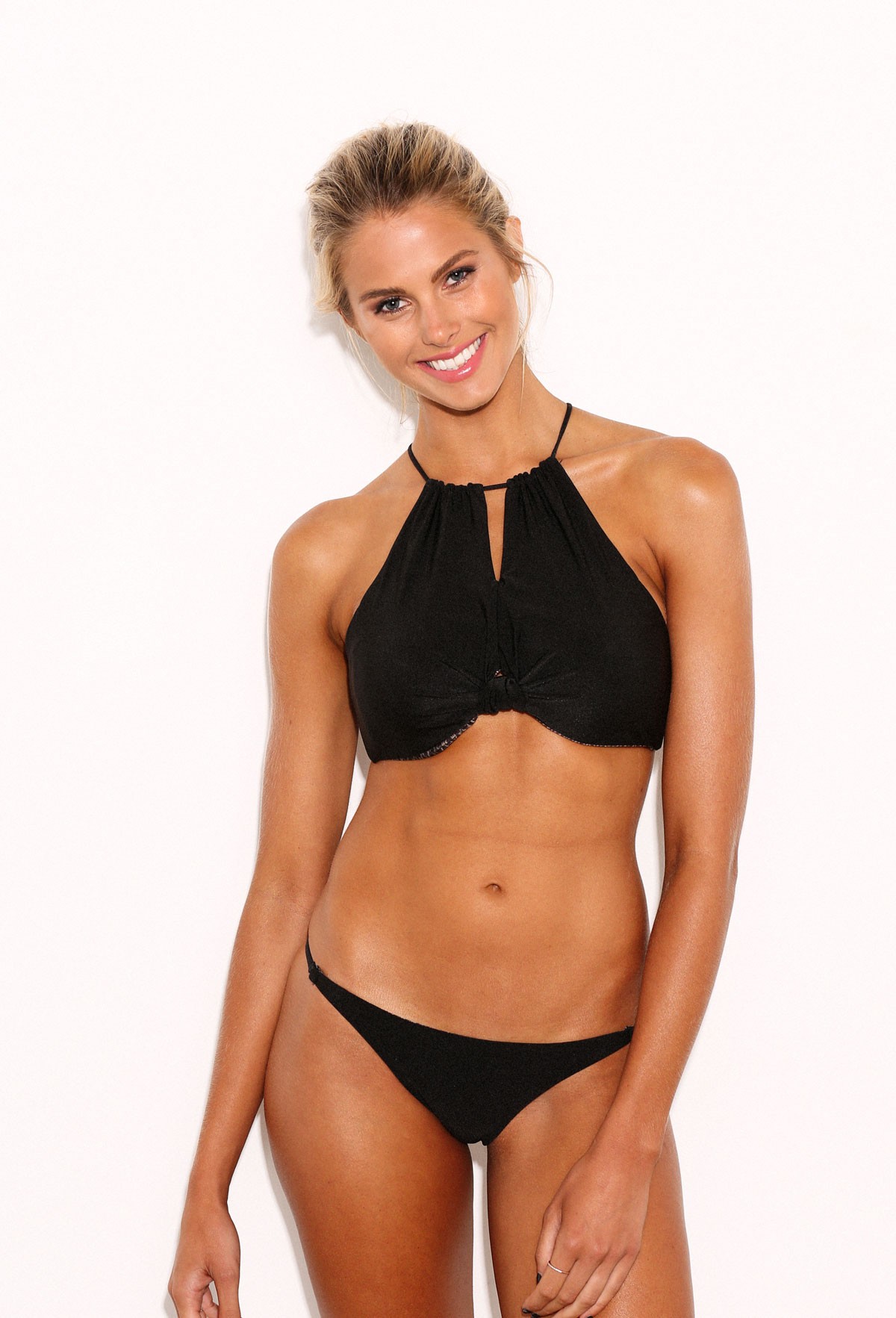
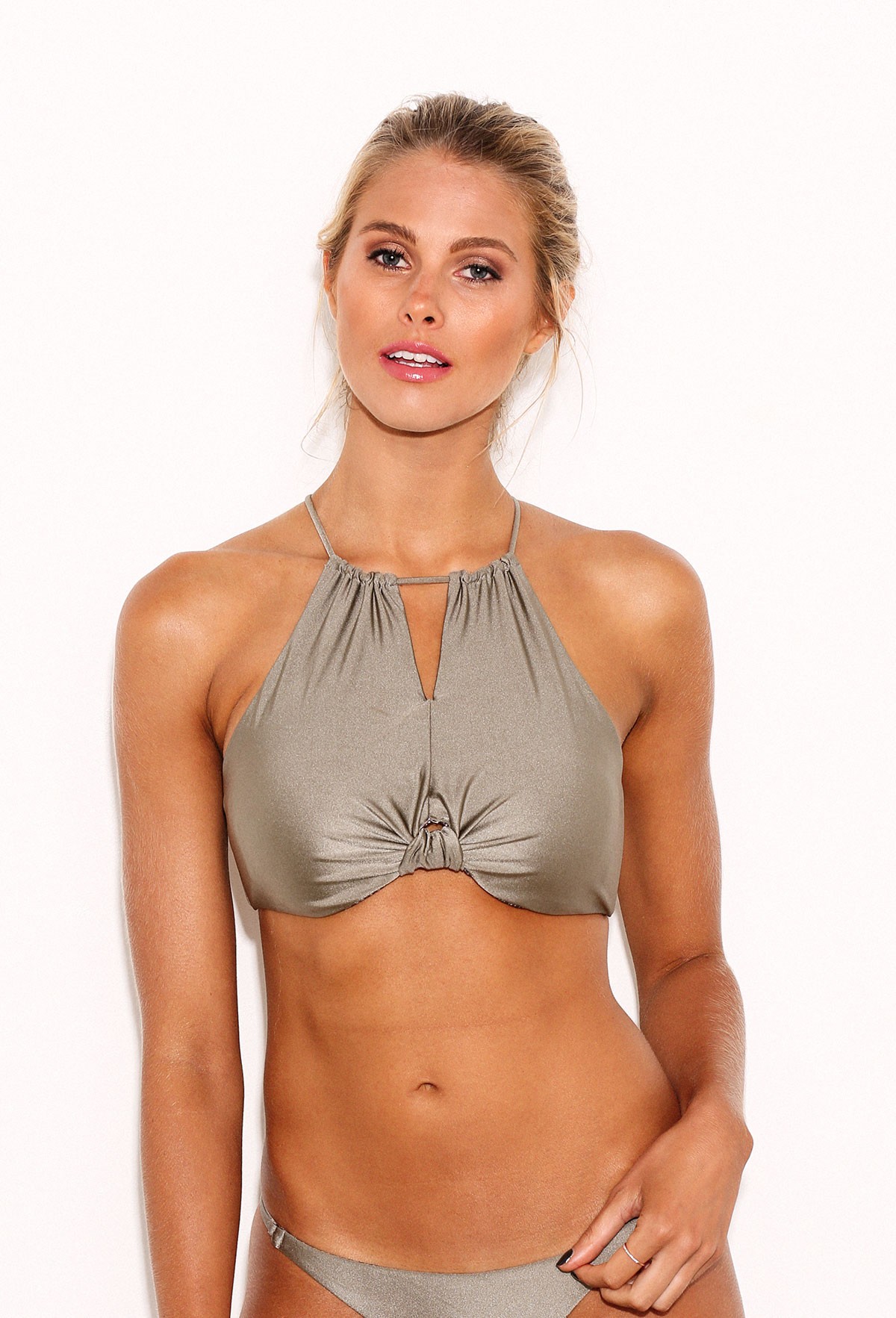
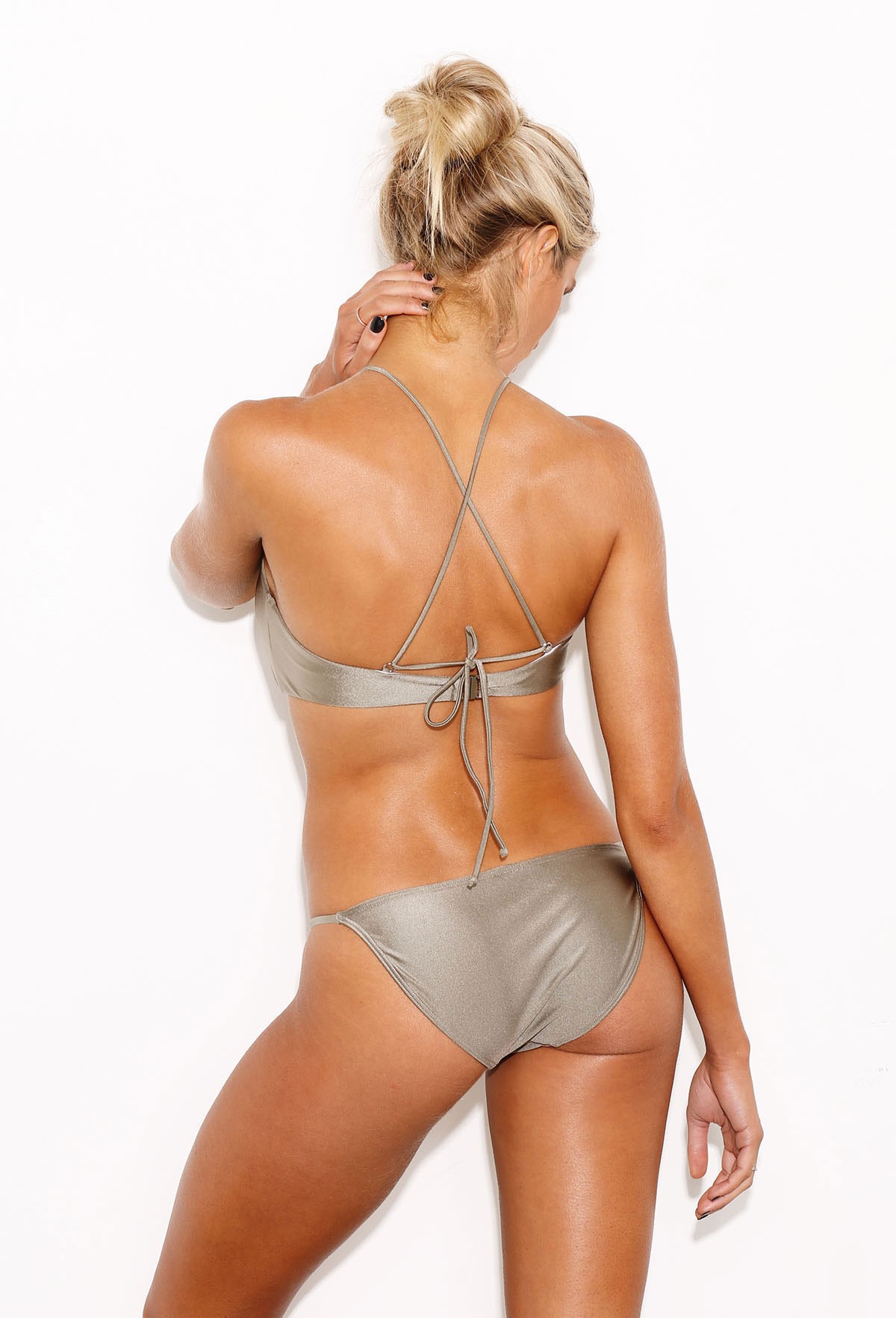
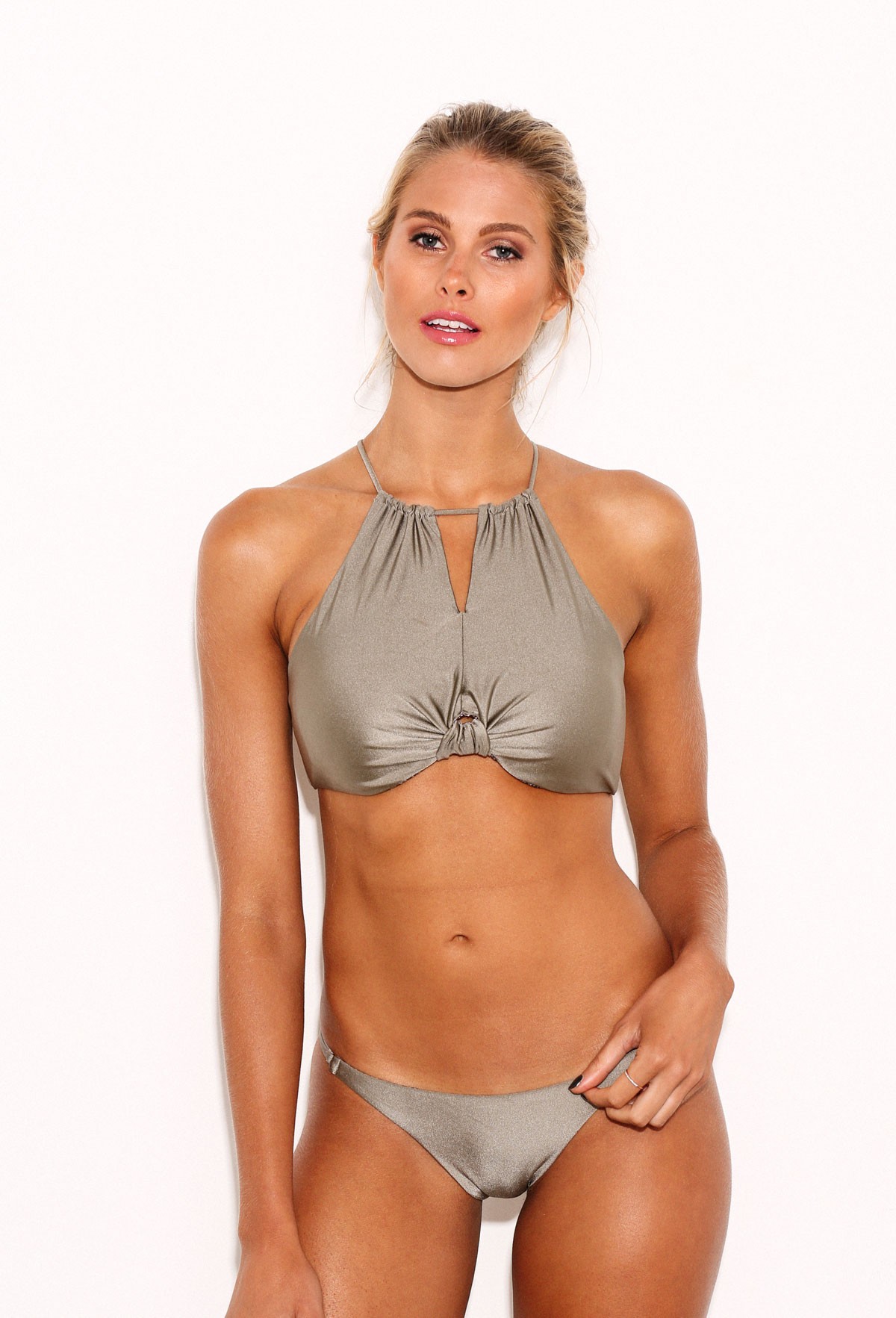
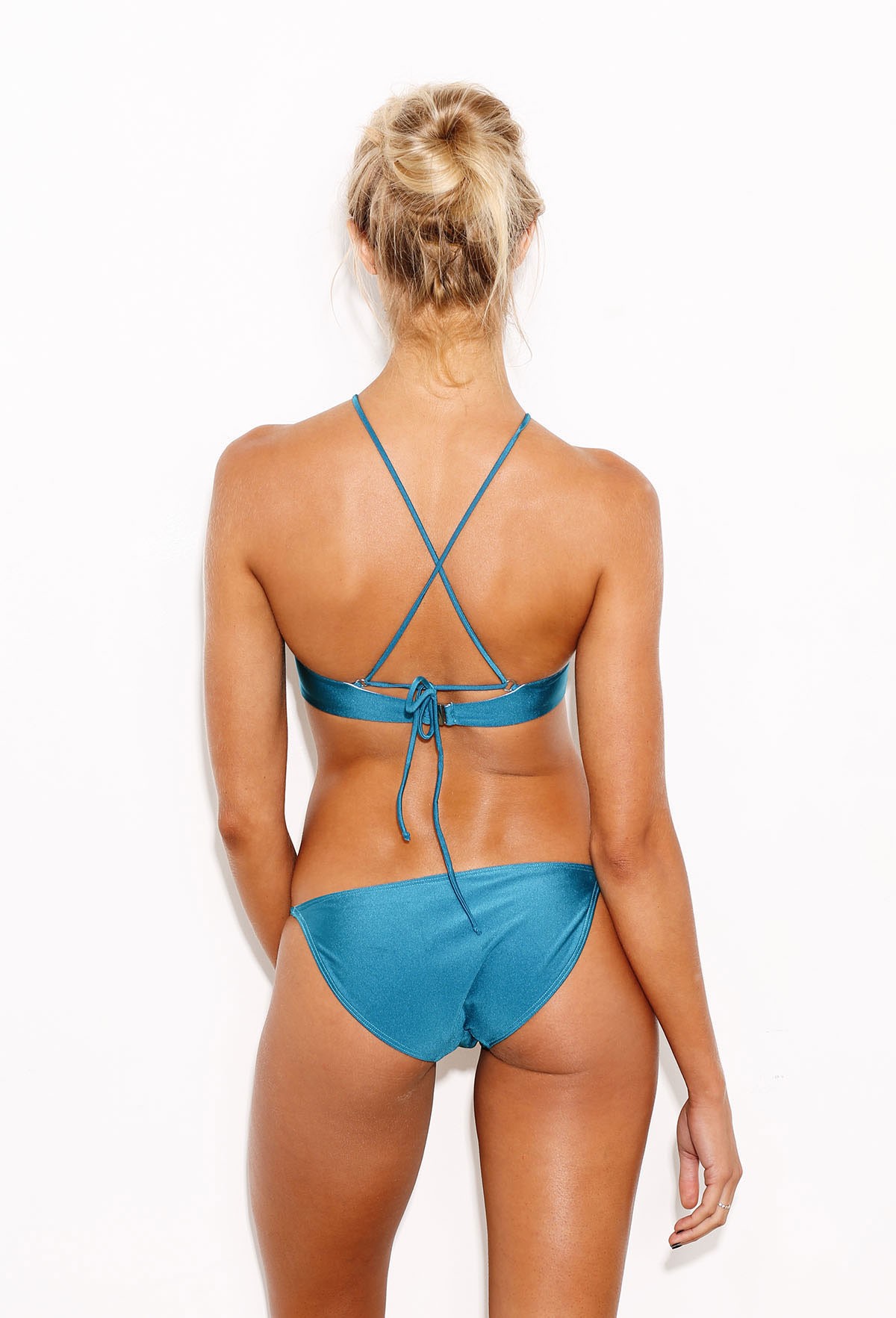
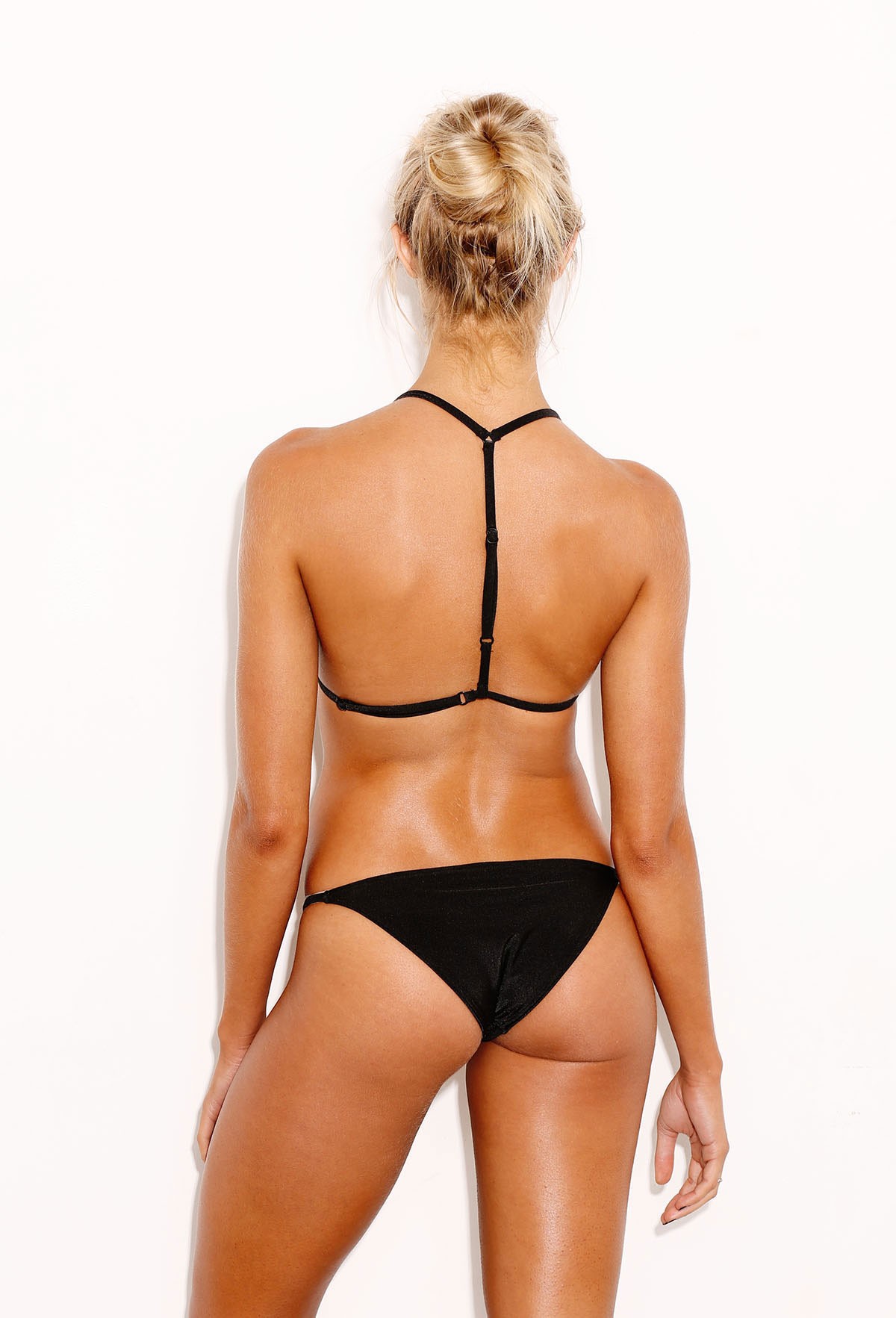
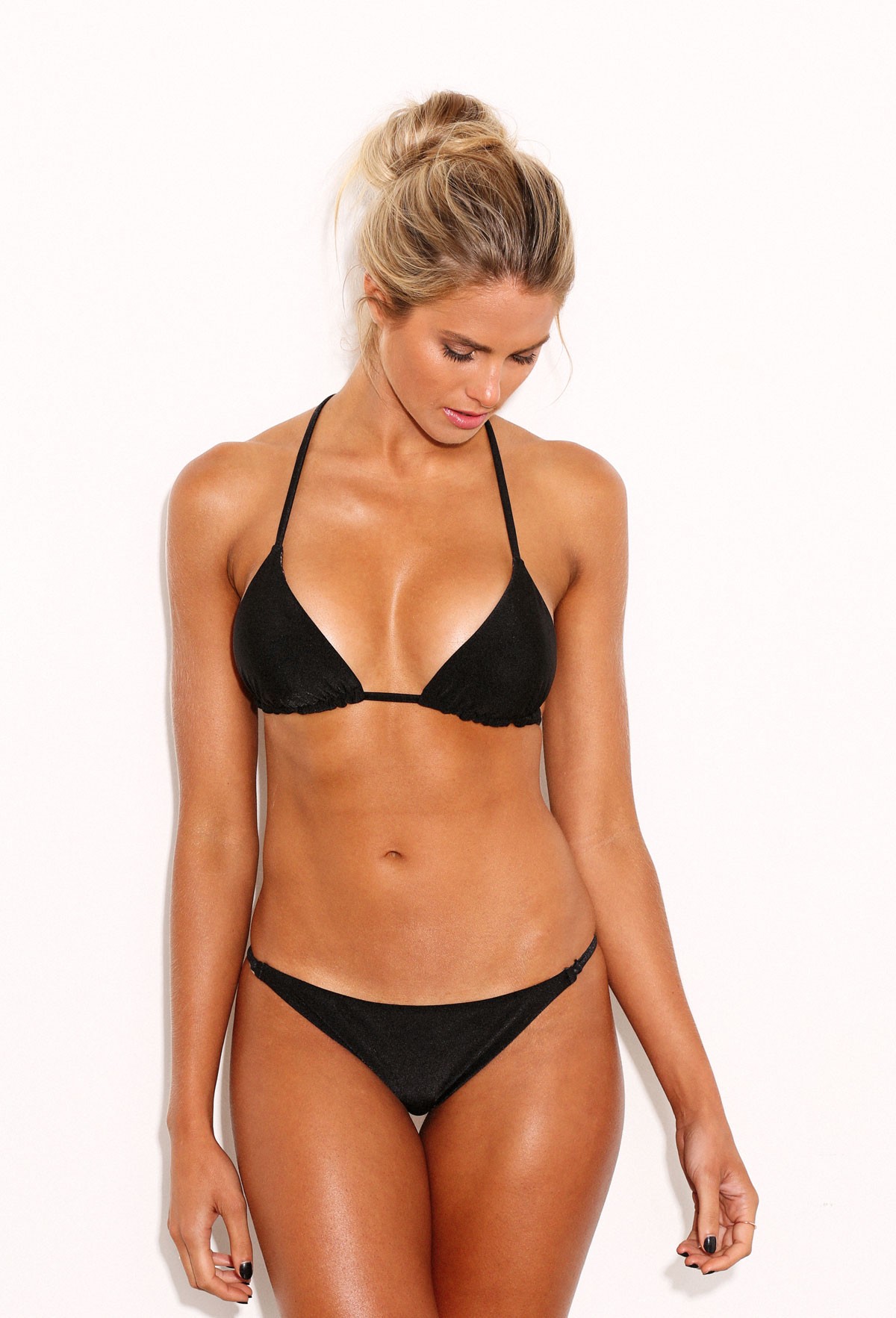
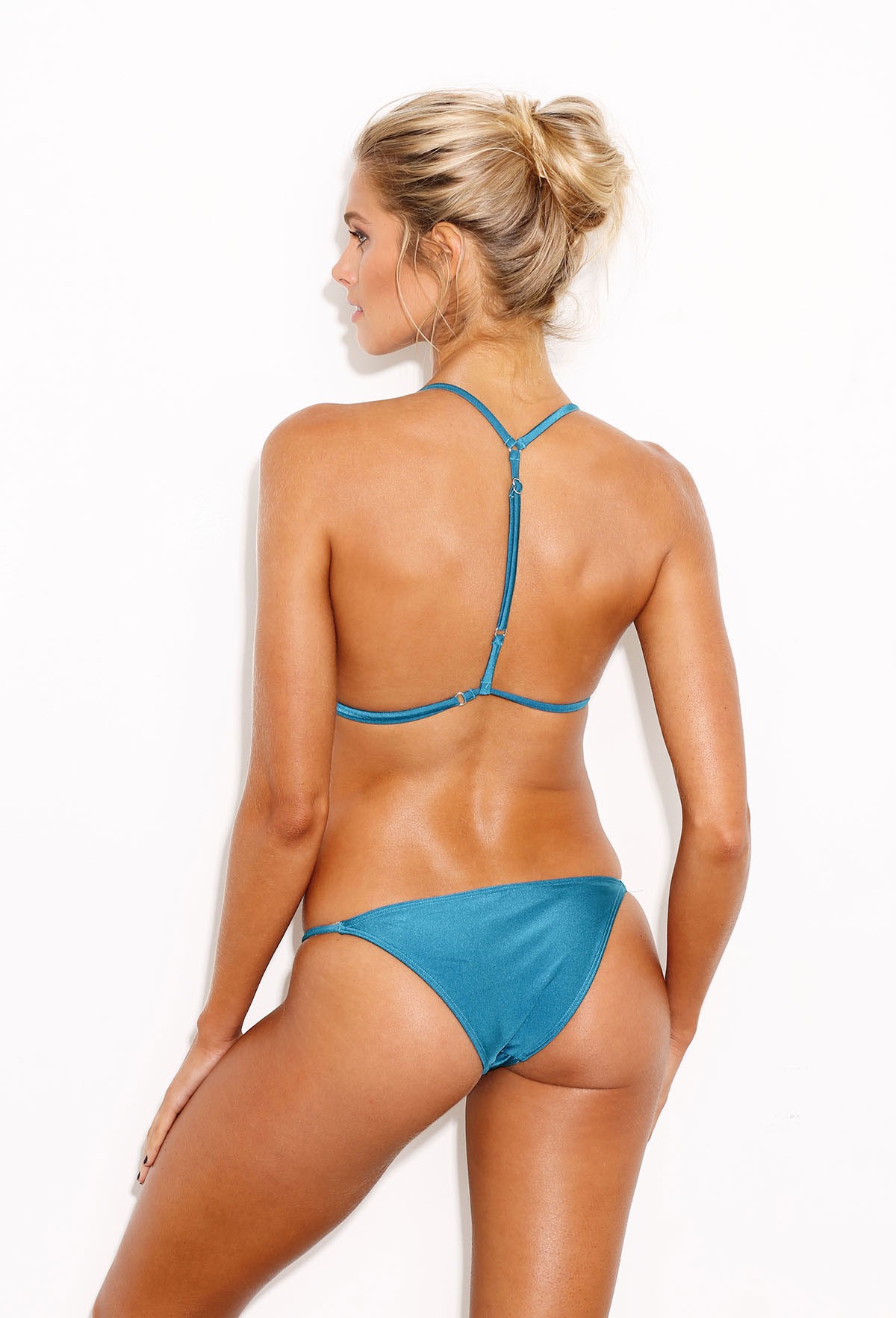
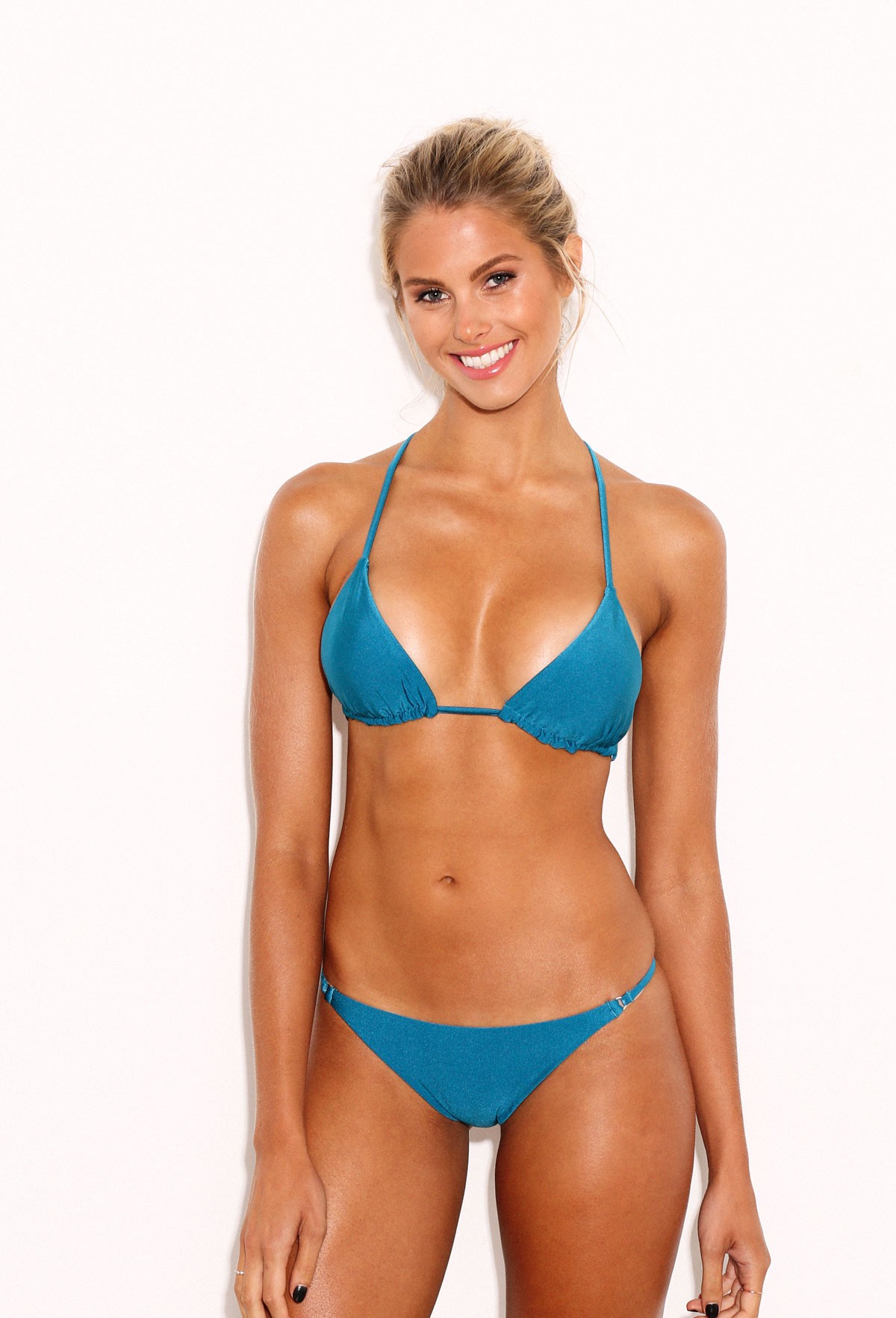
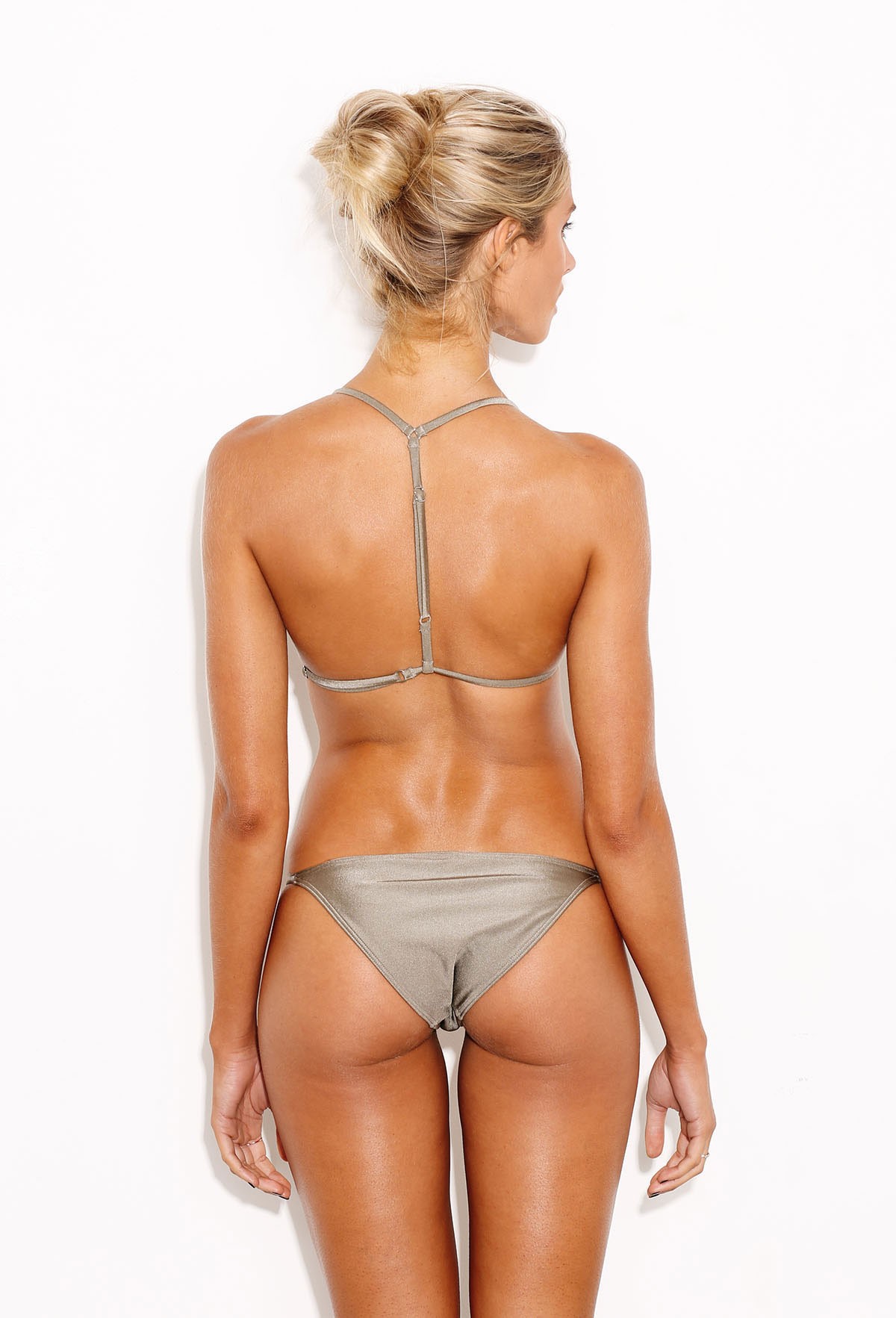
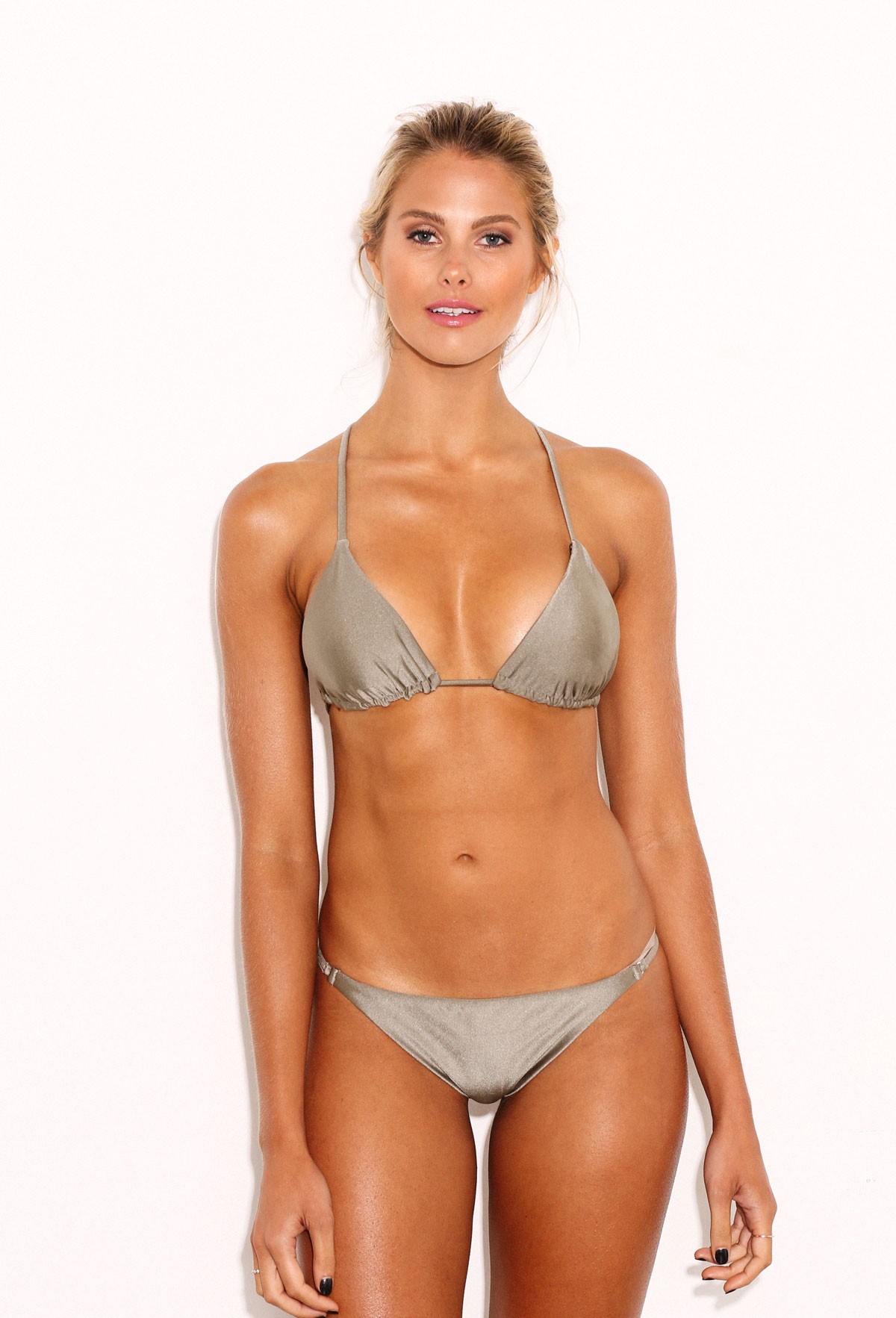
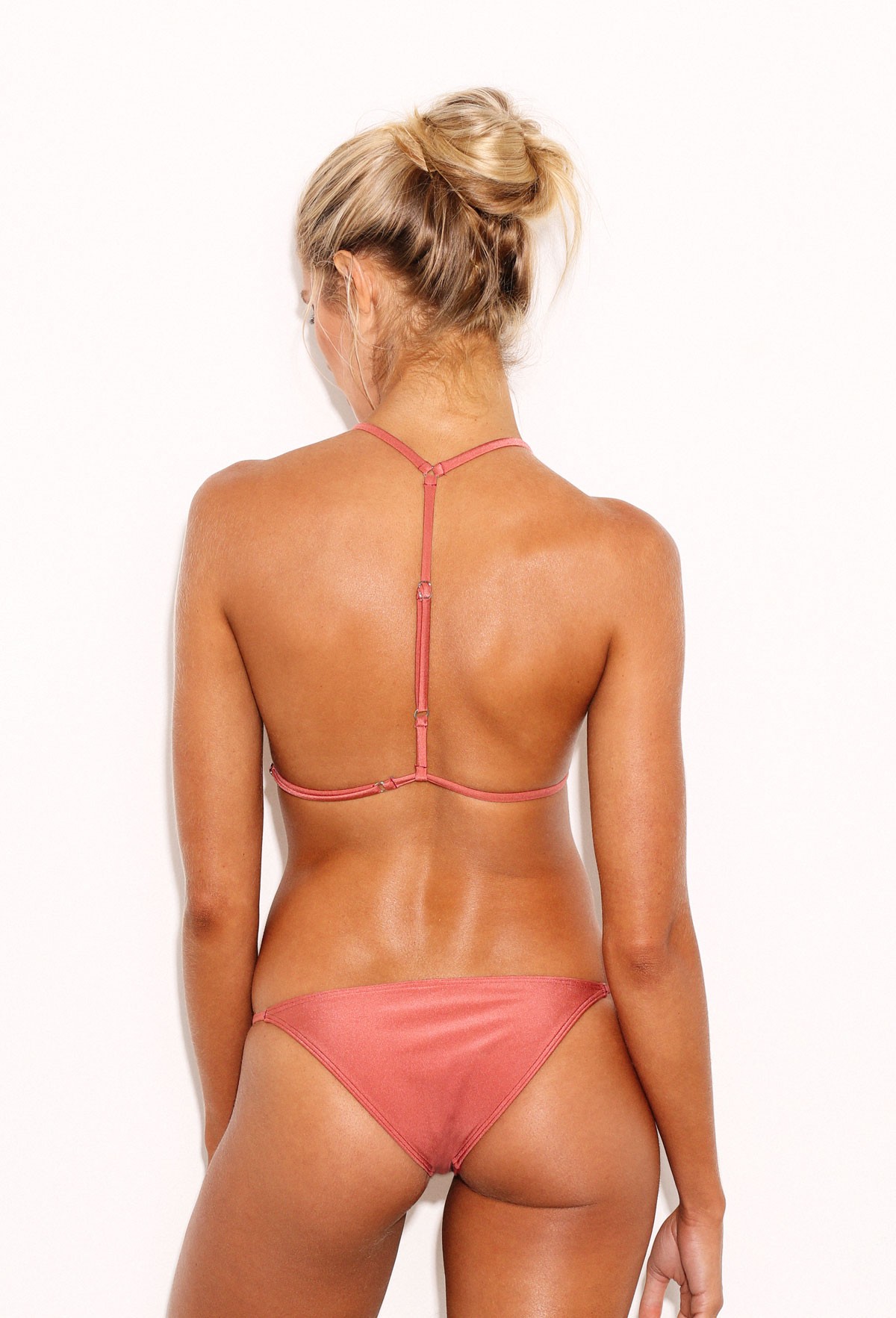
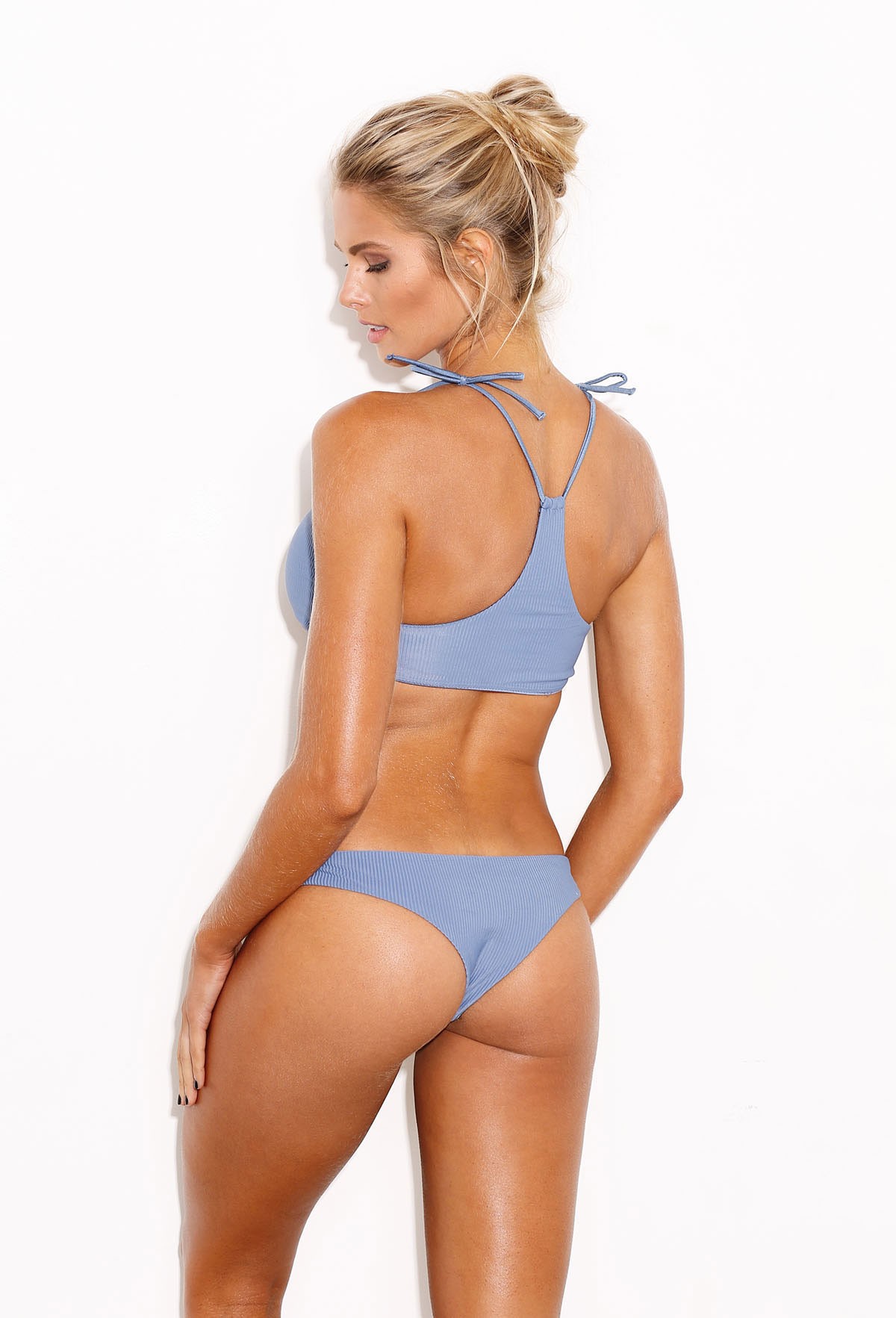
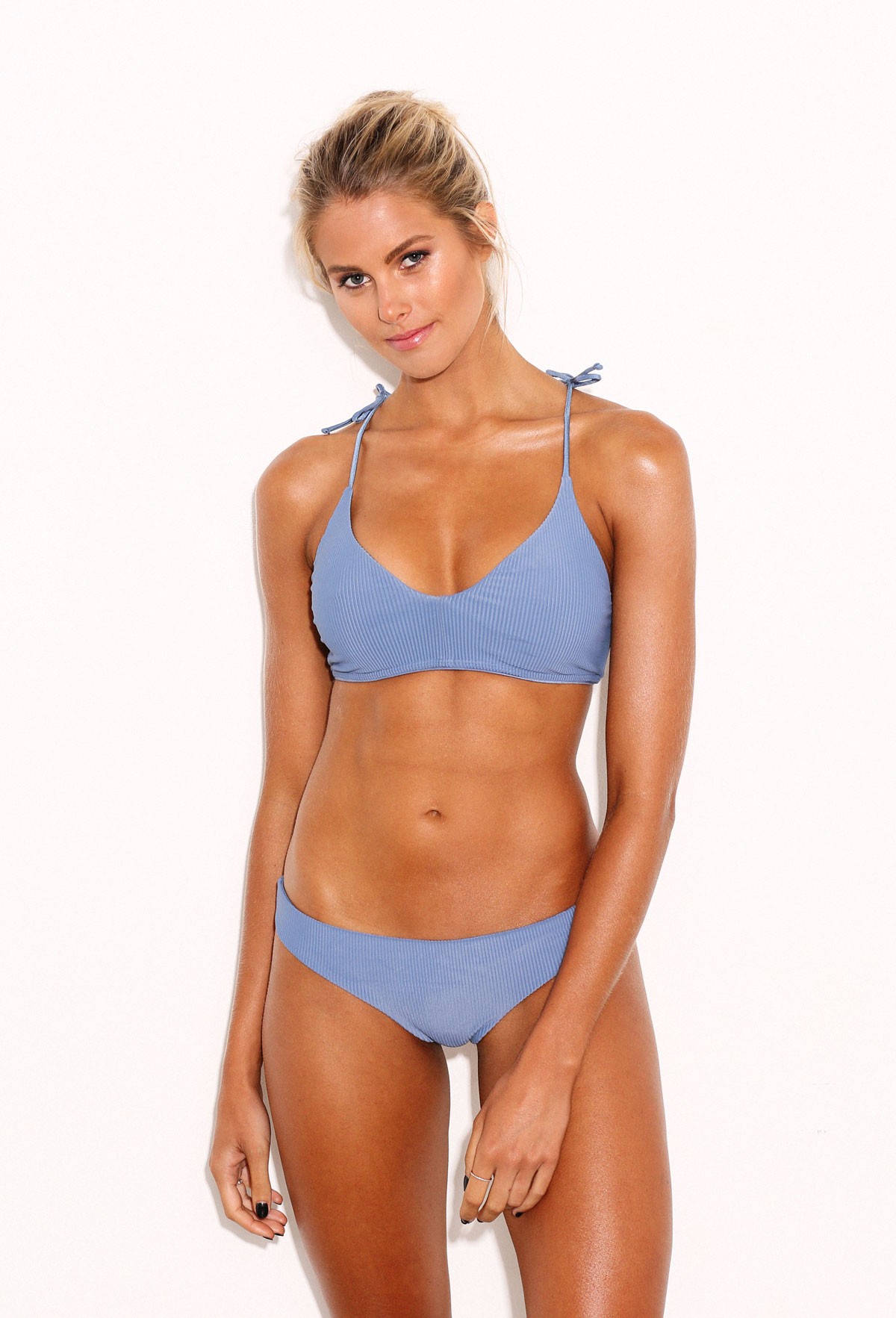
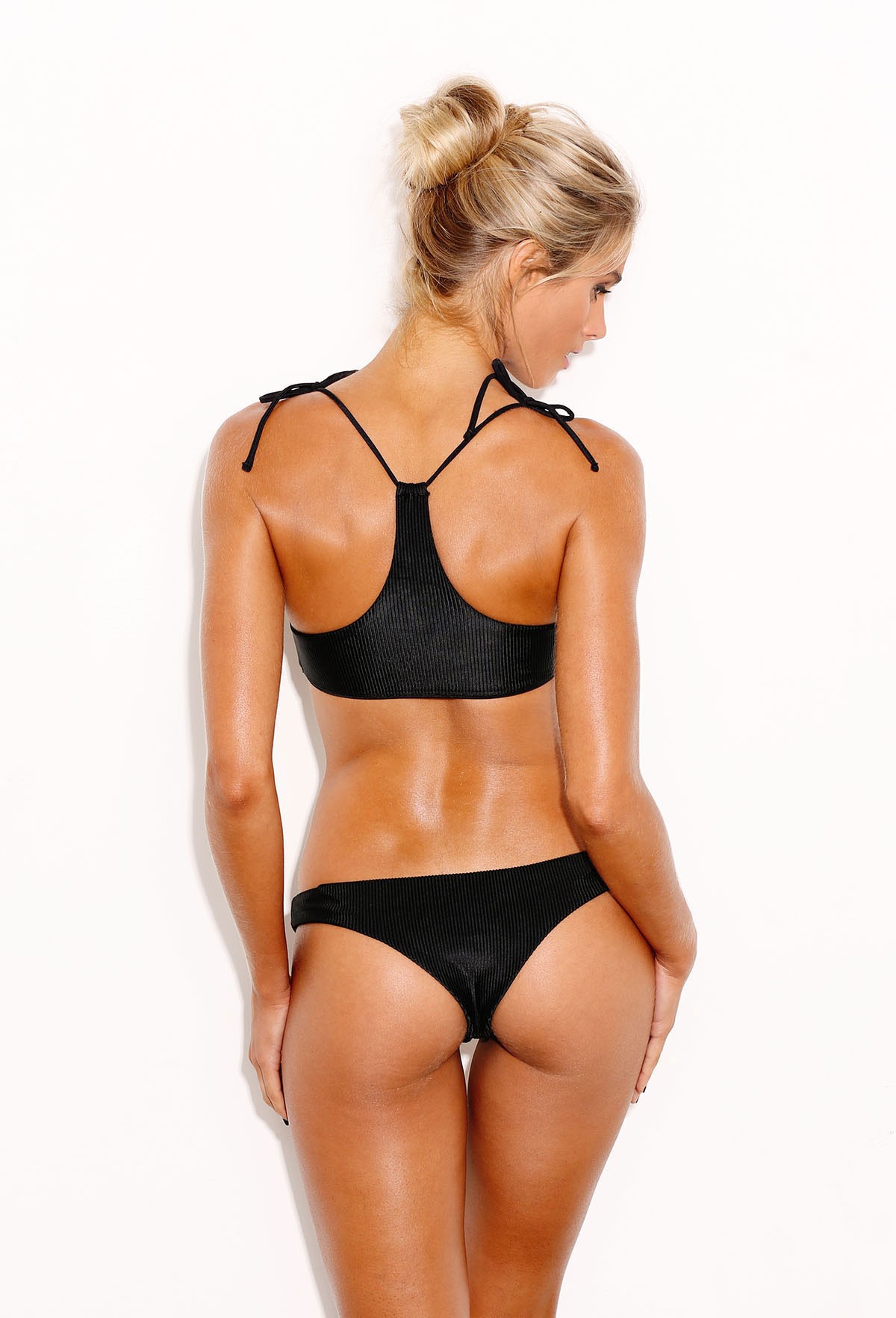
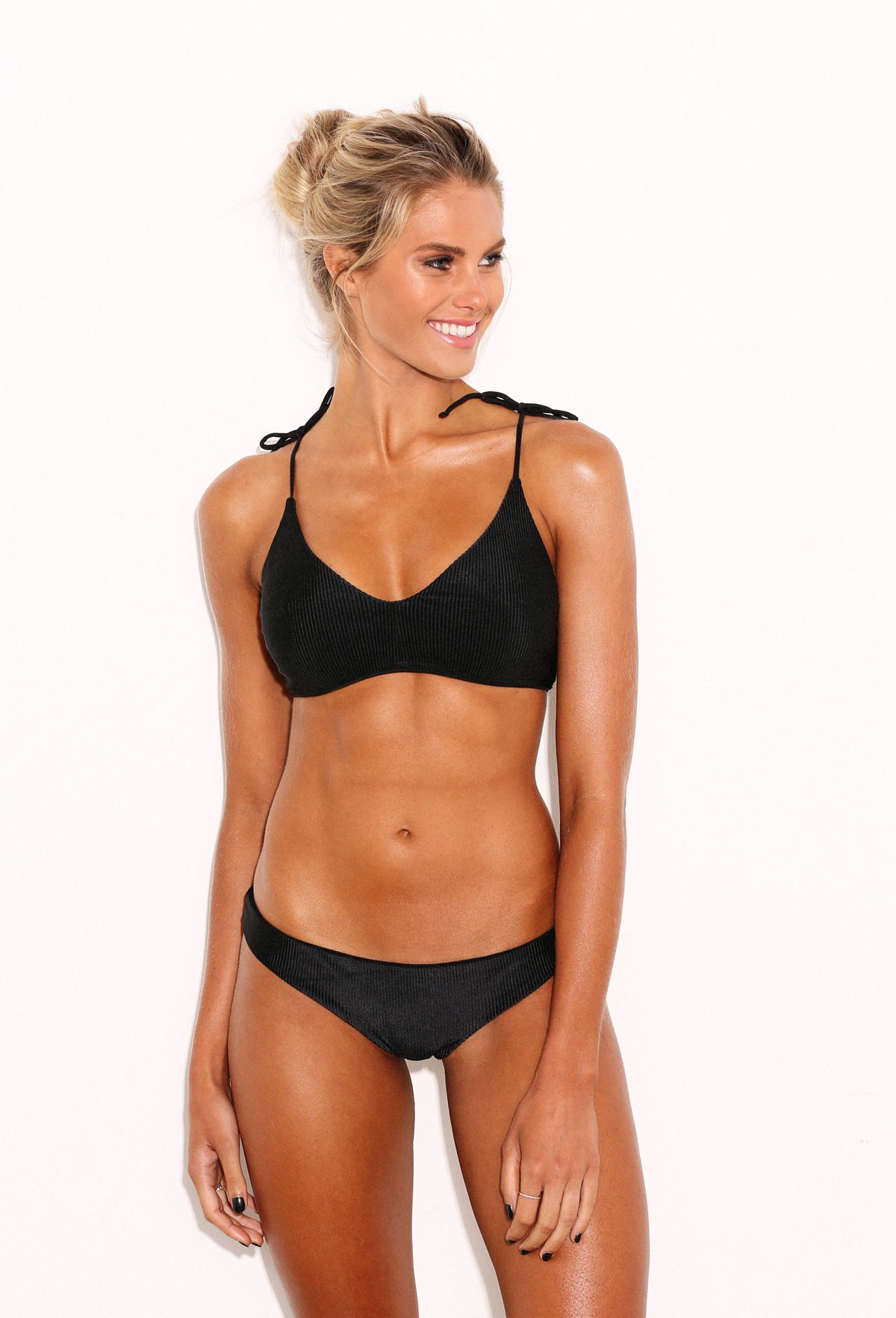
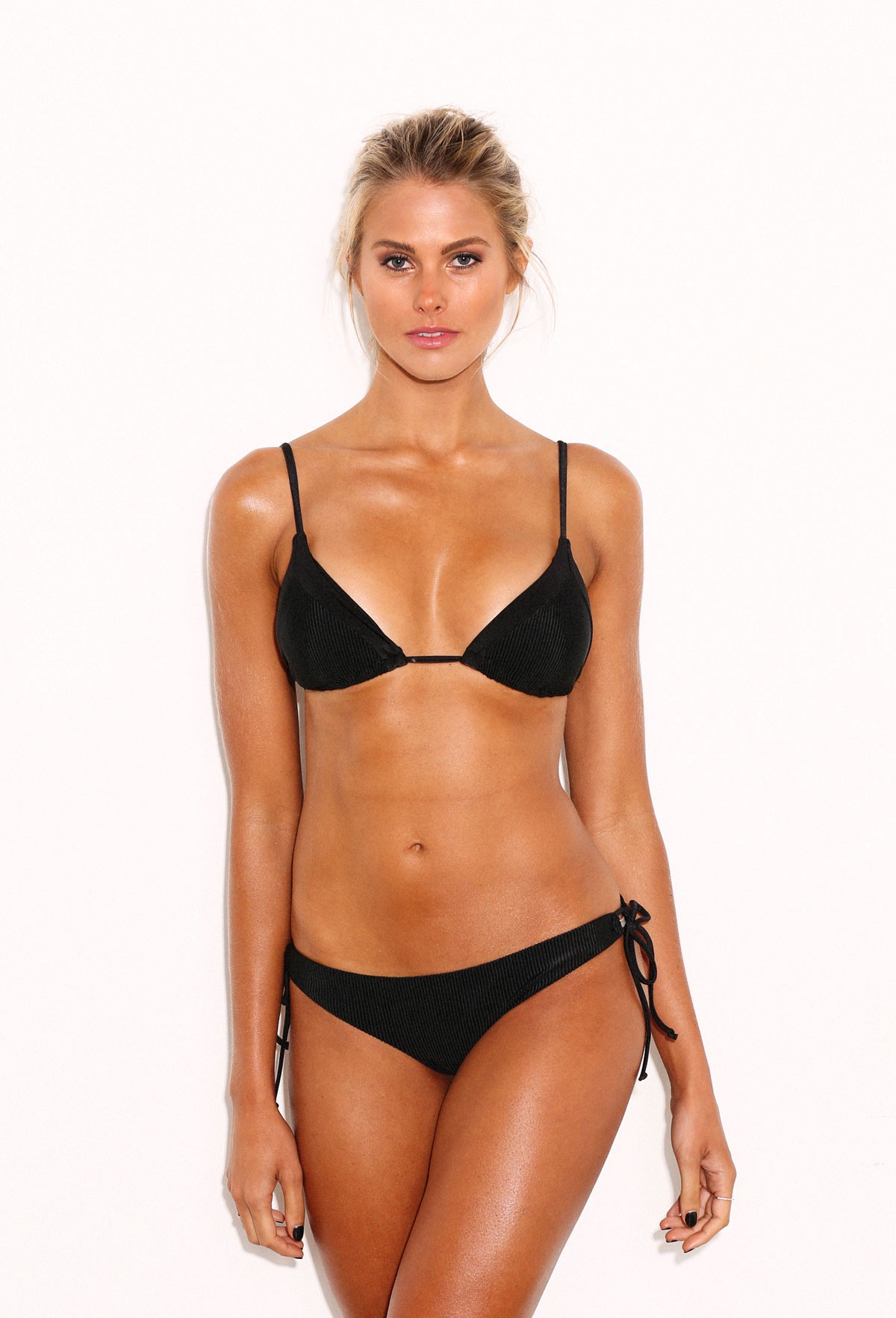
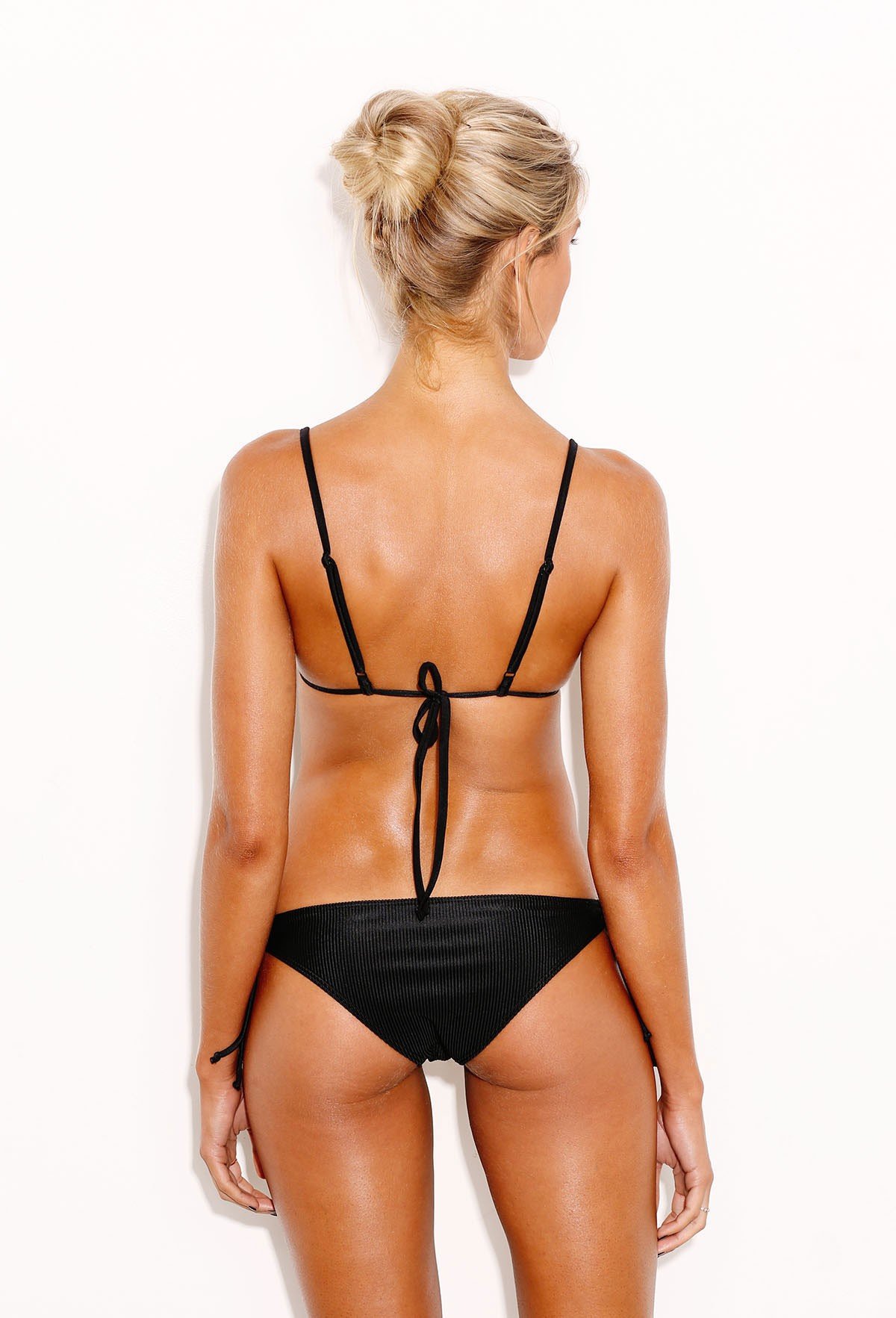
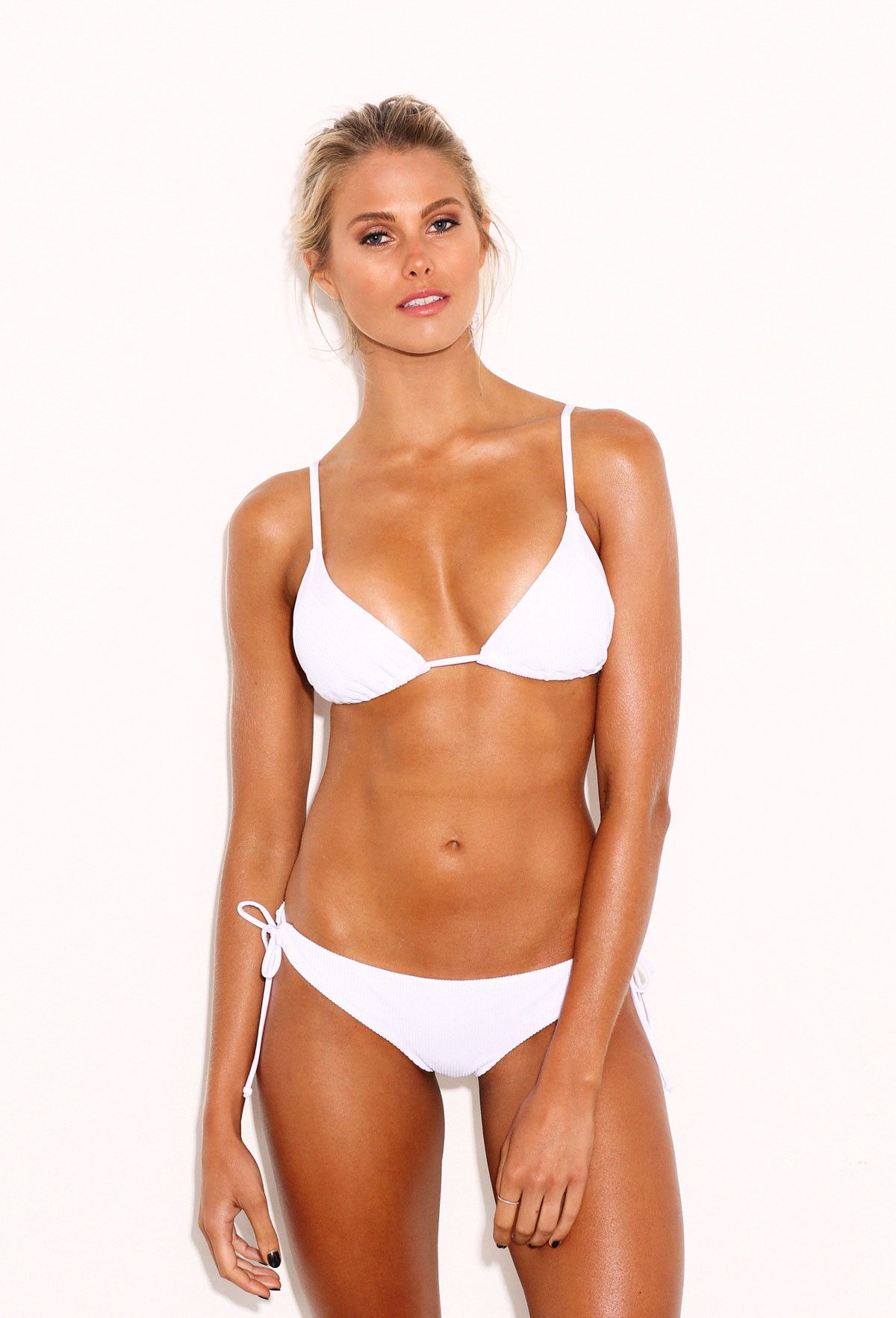
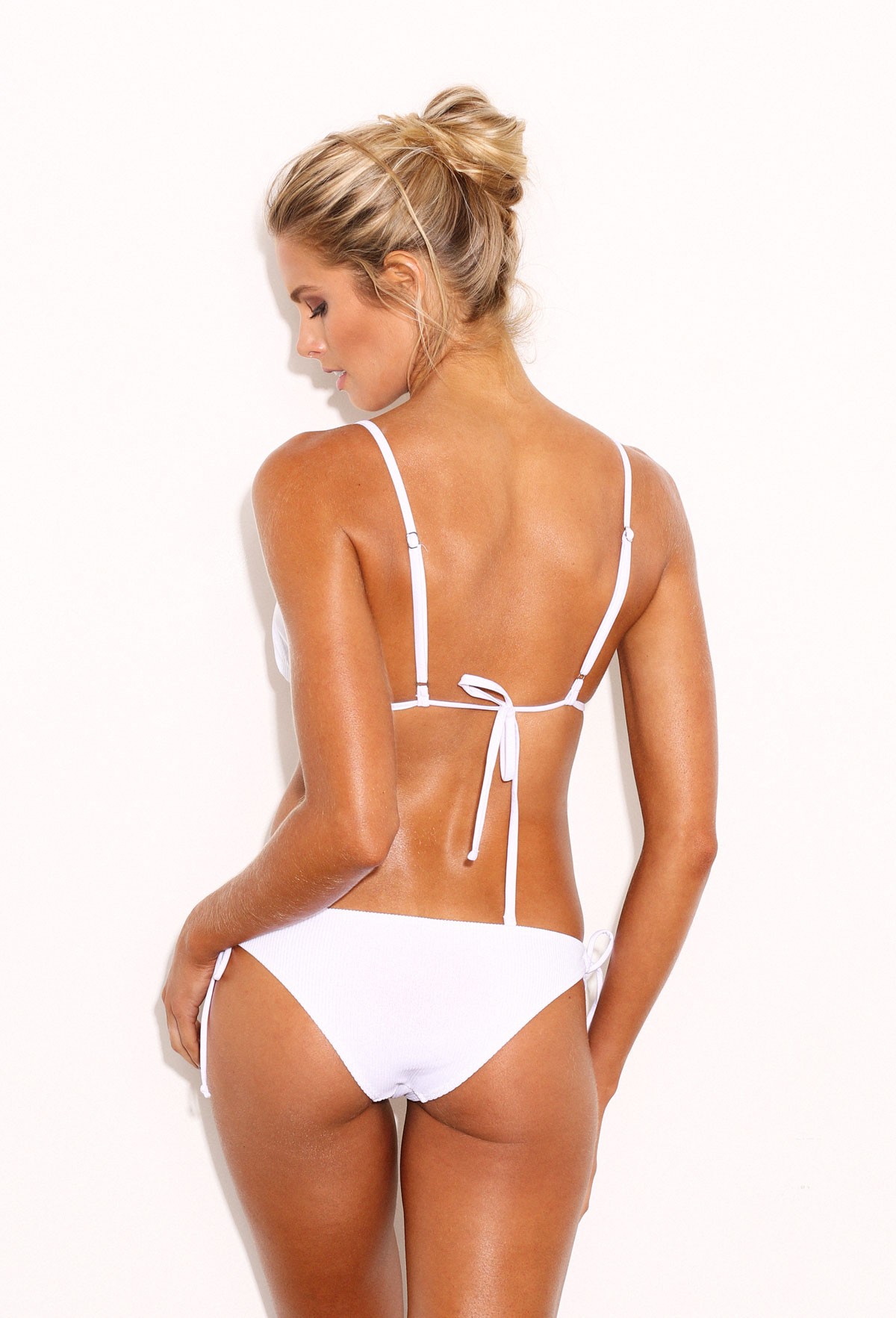
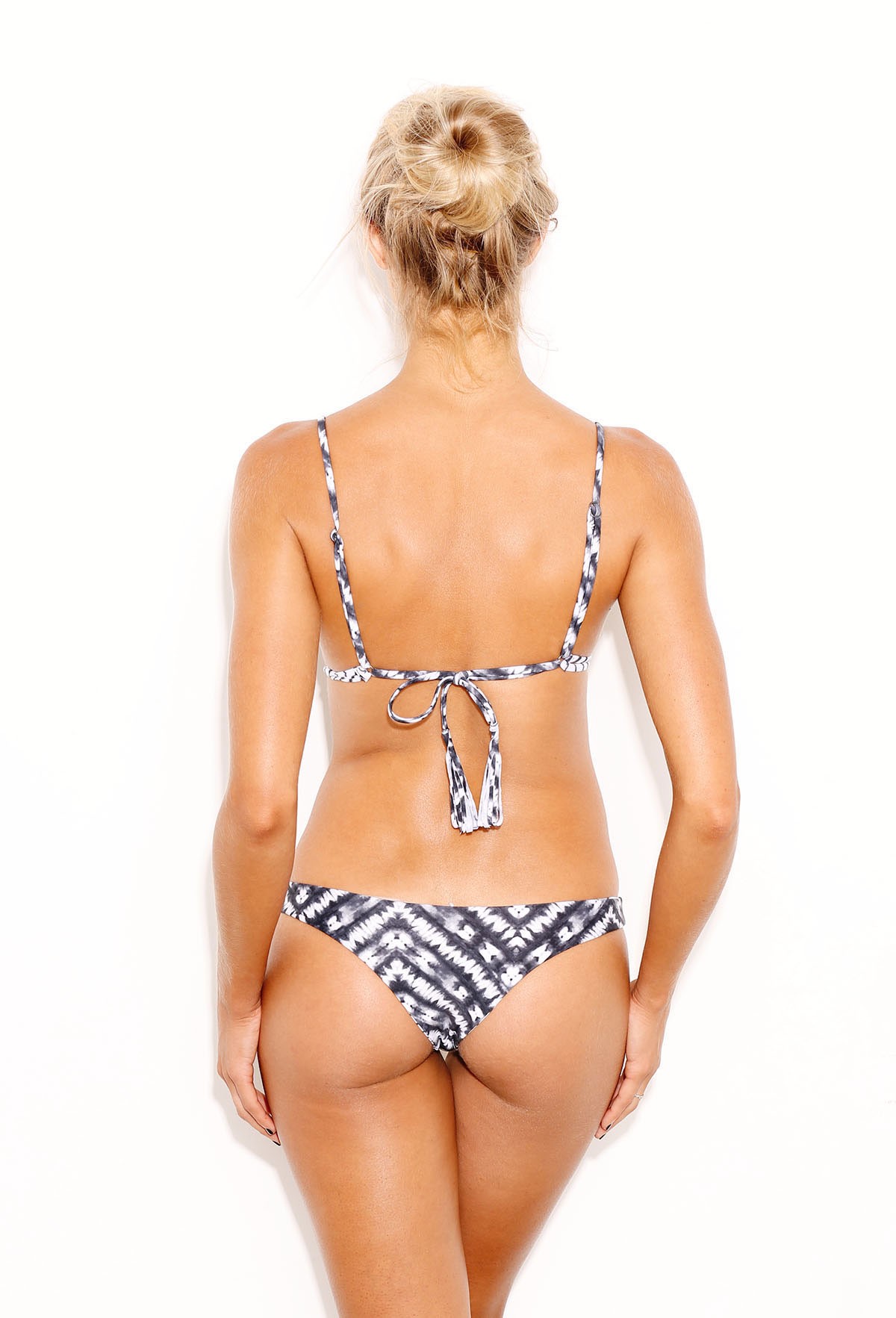
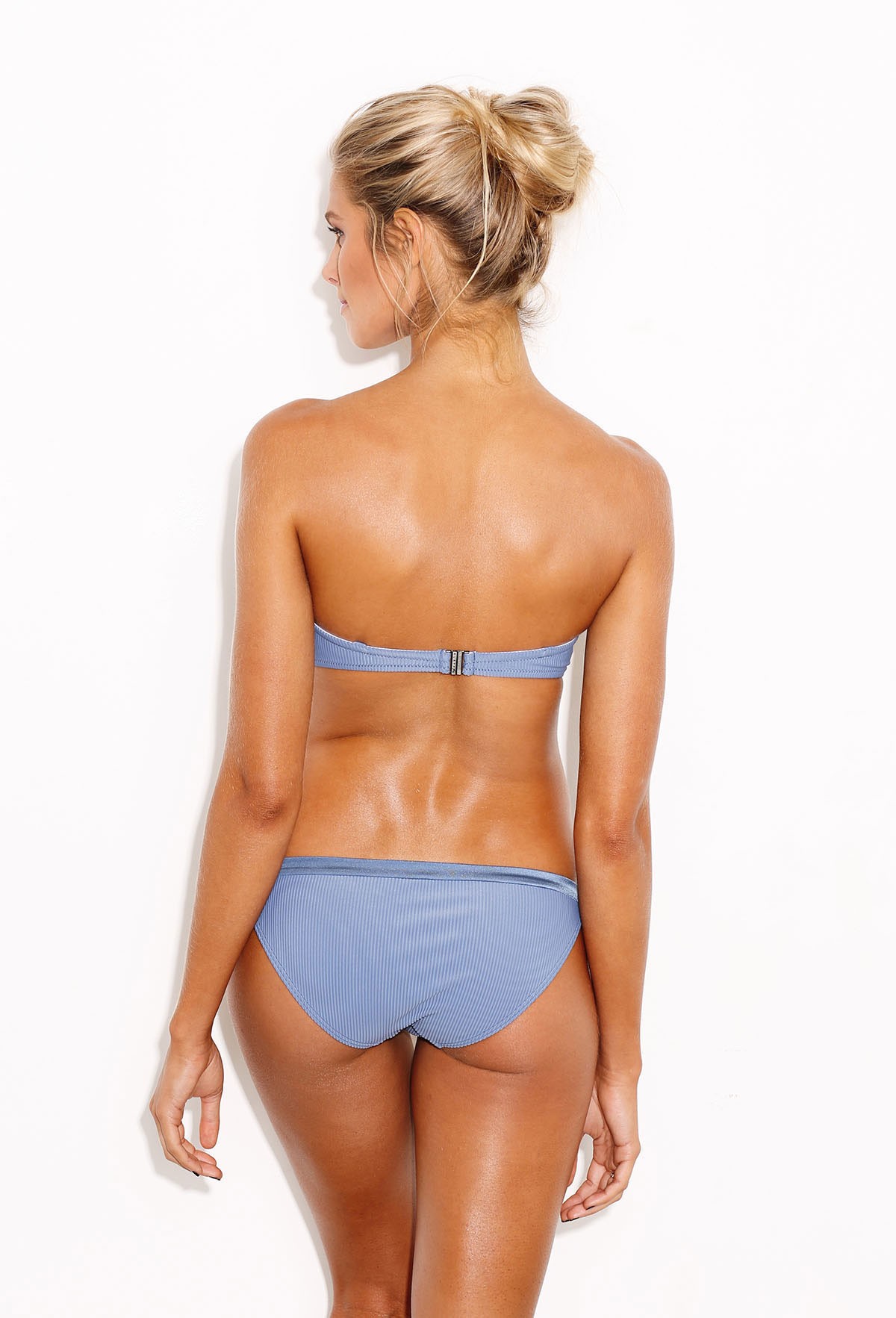
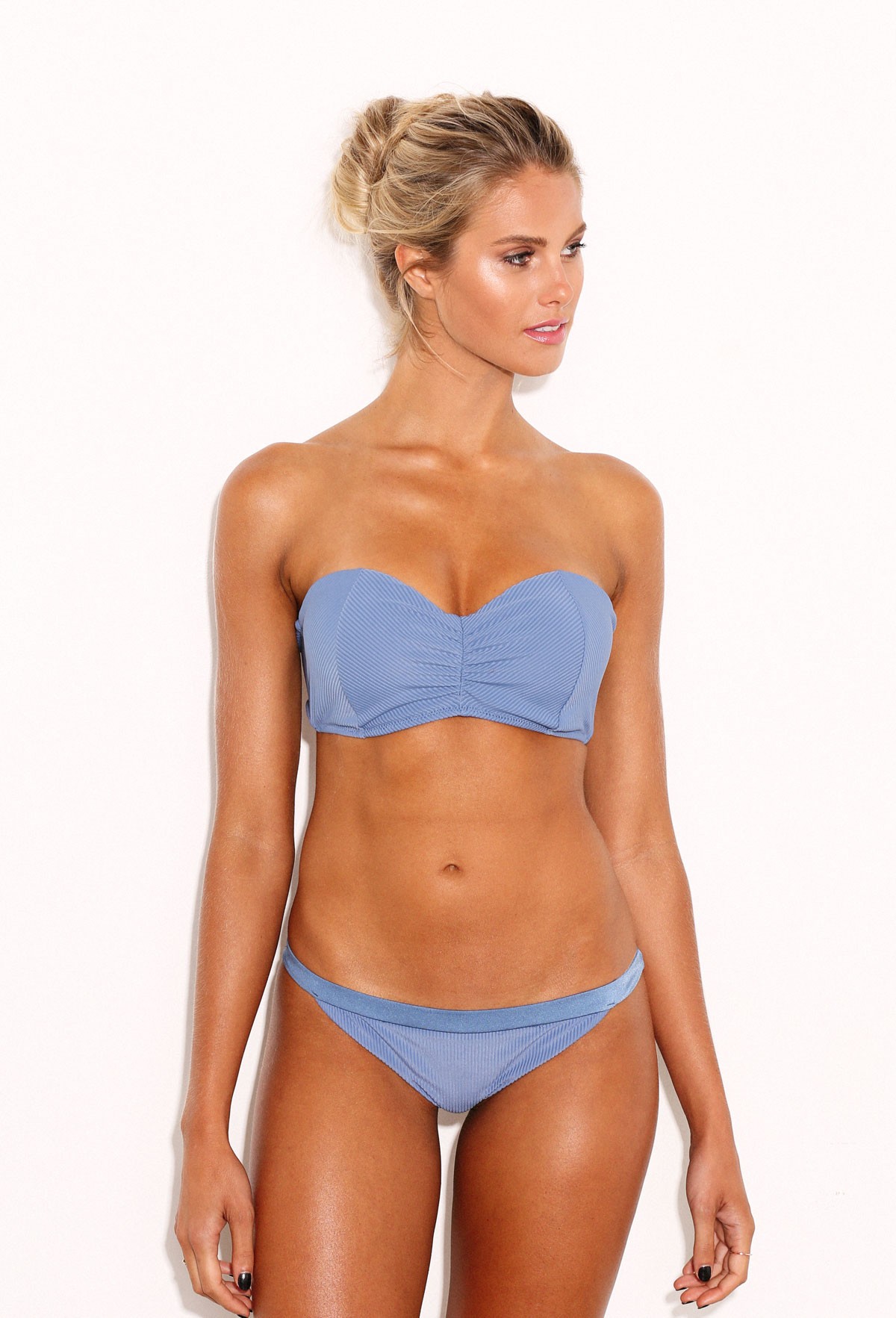
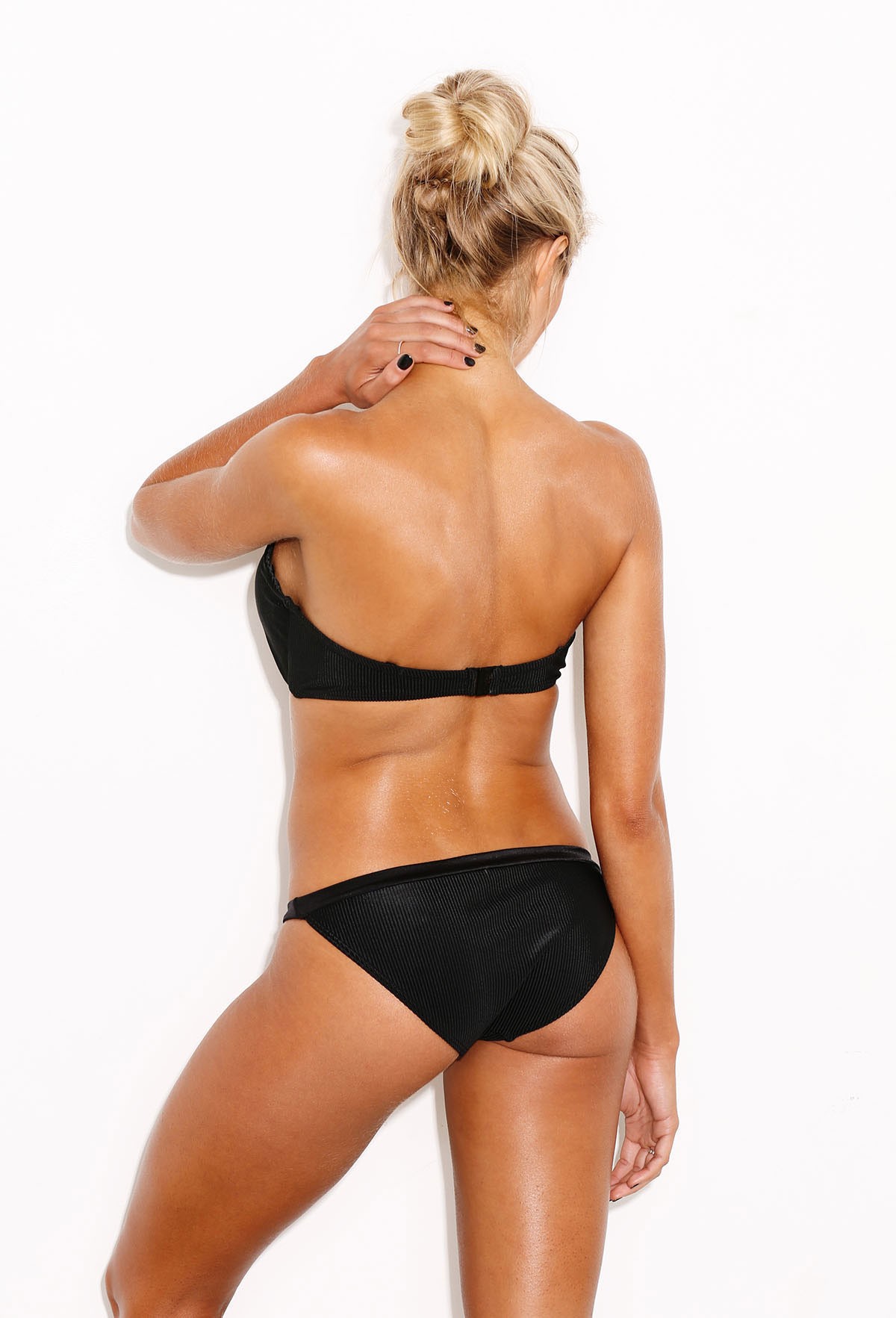
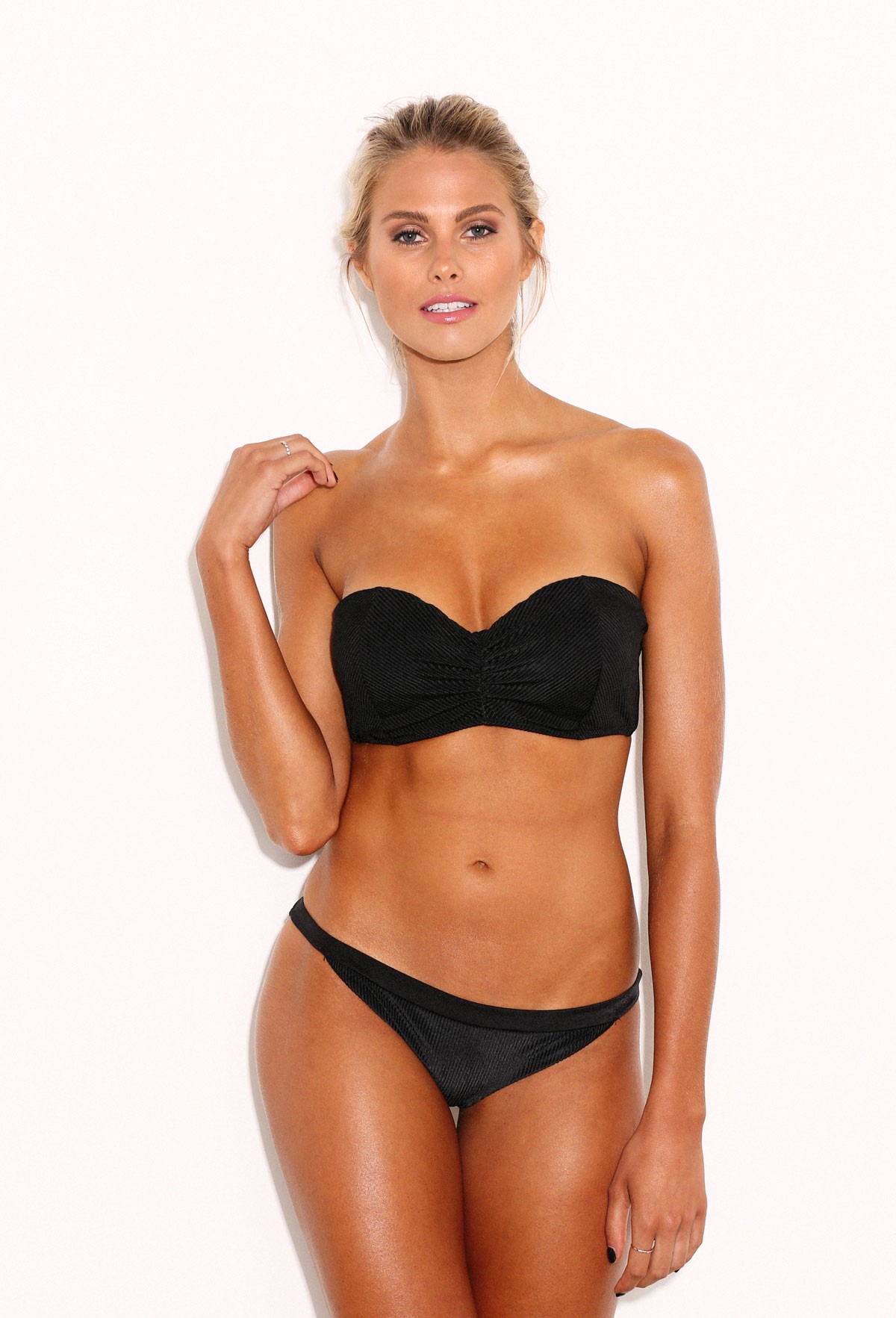
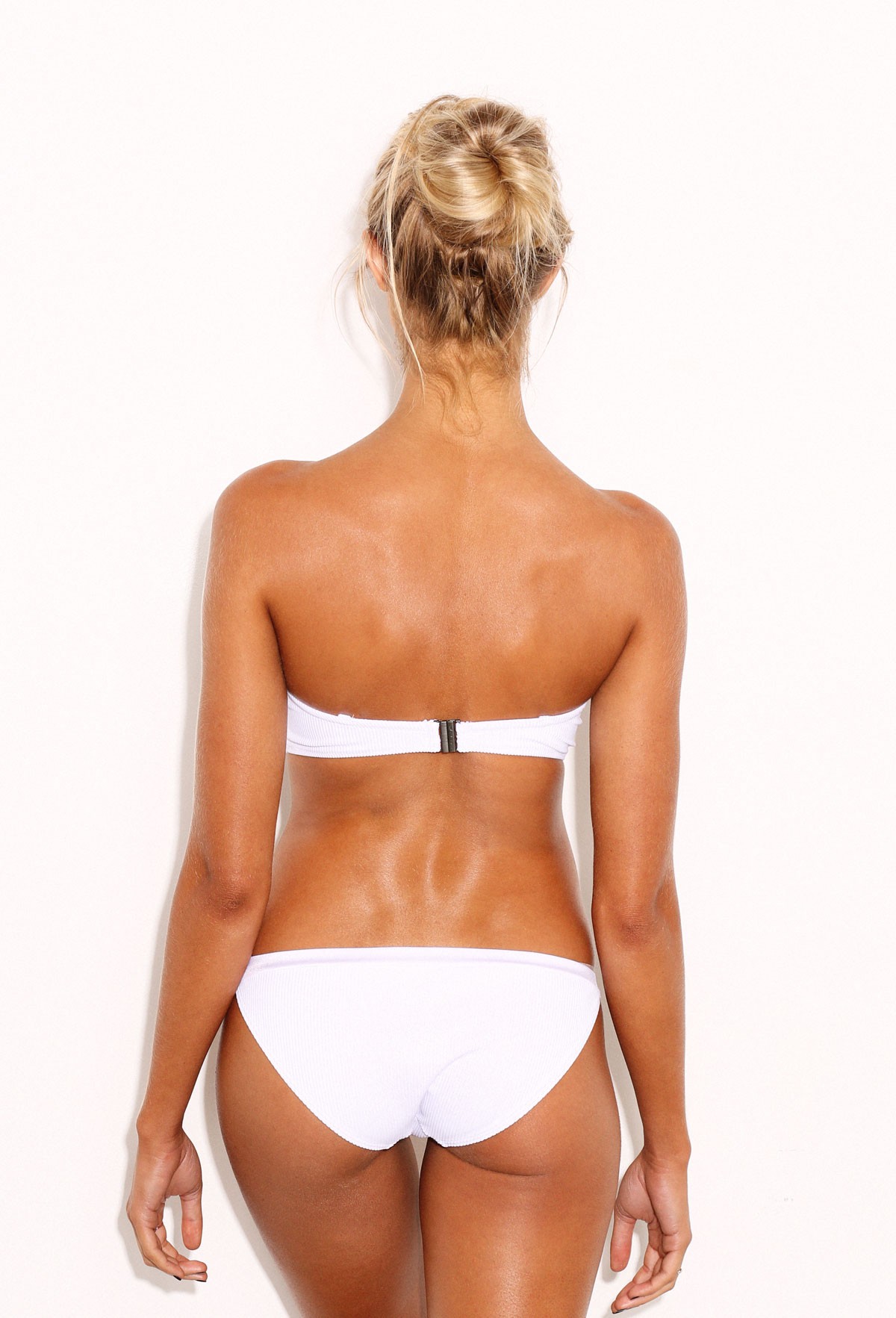
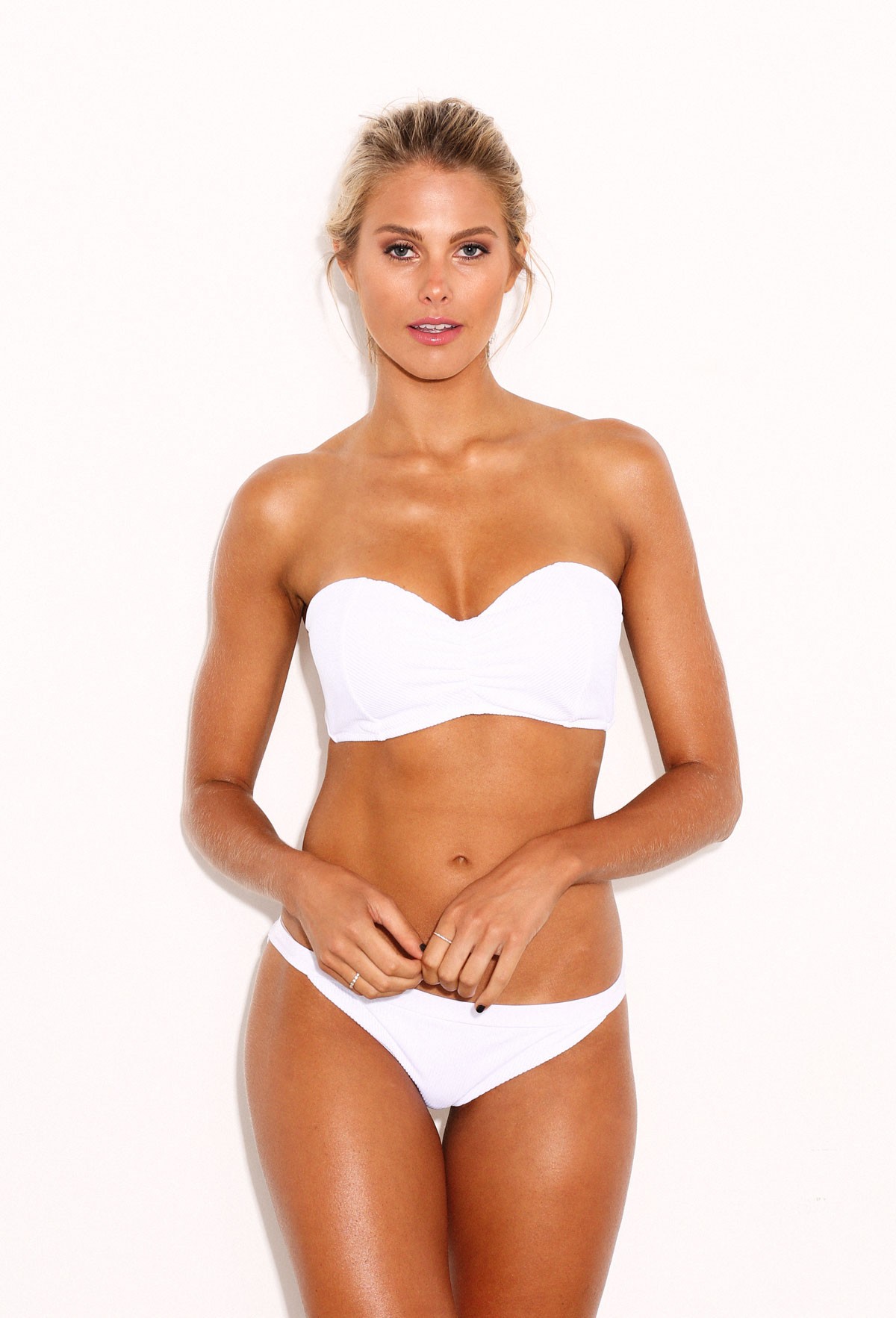
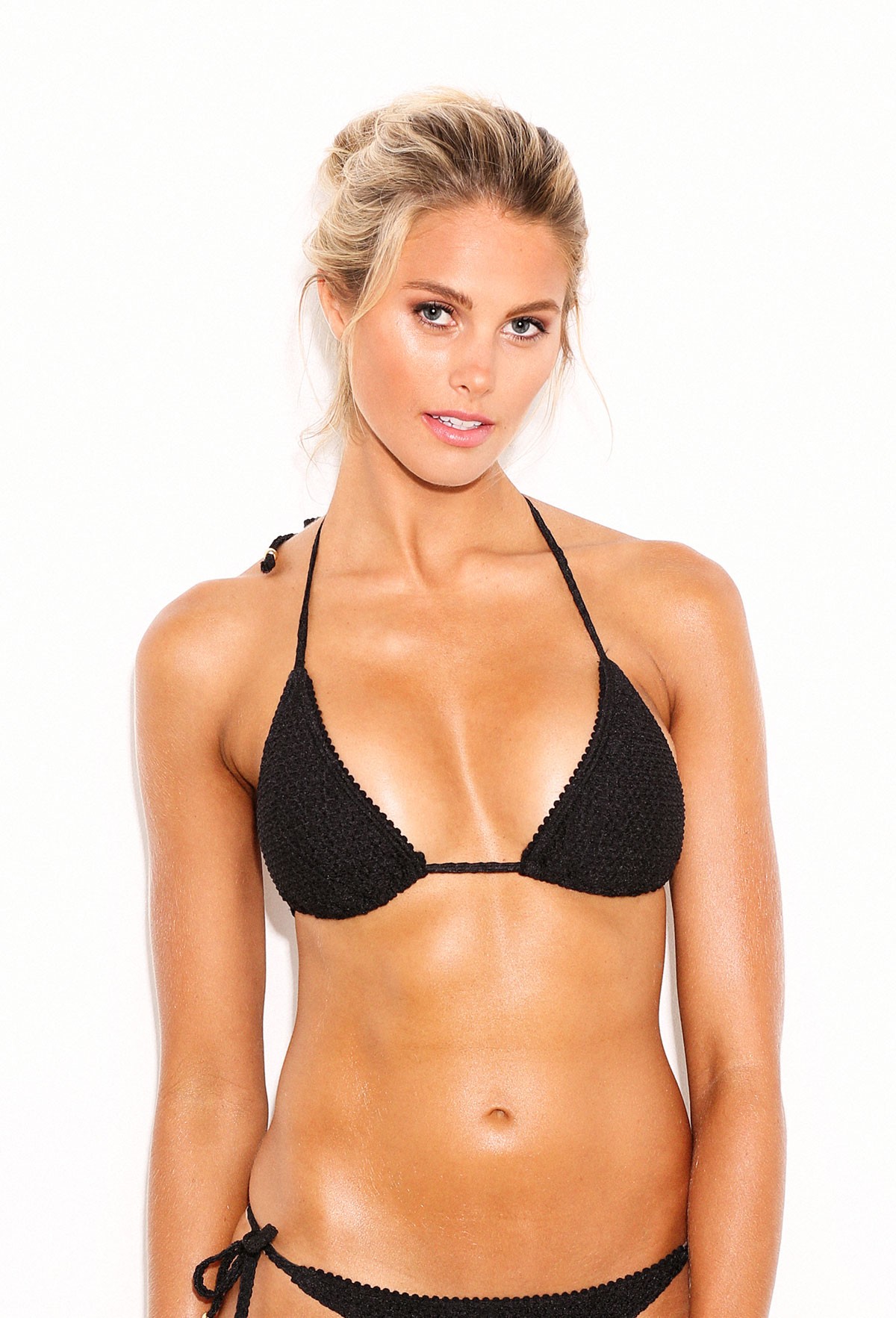
 @jajajaredthomas
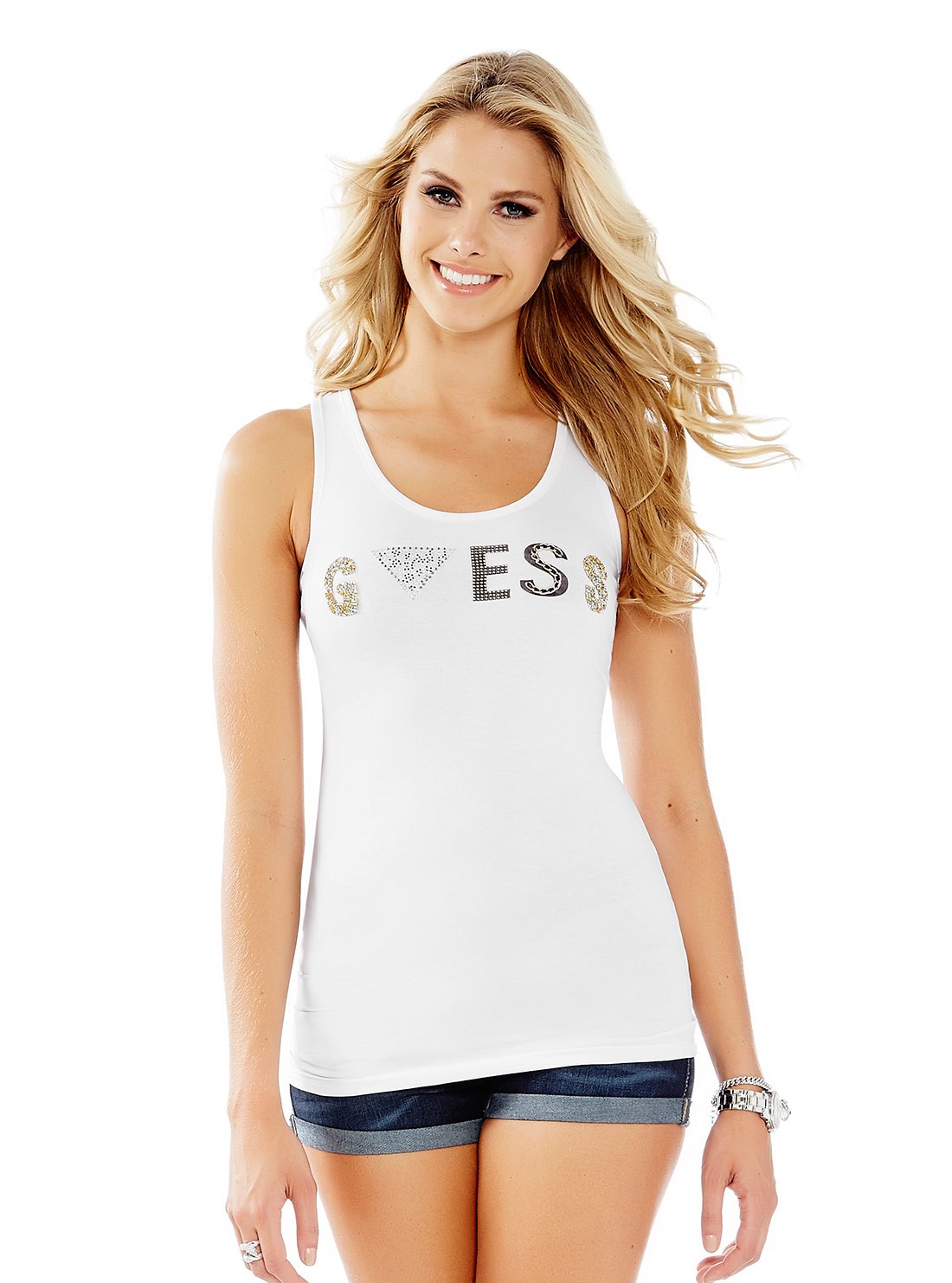
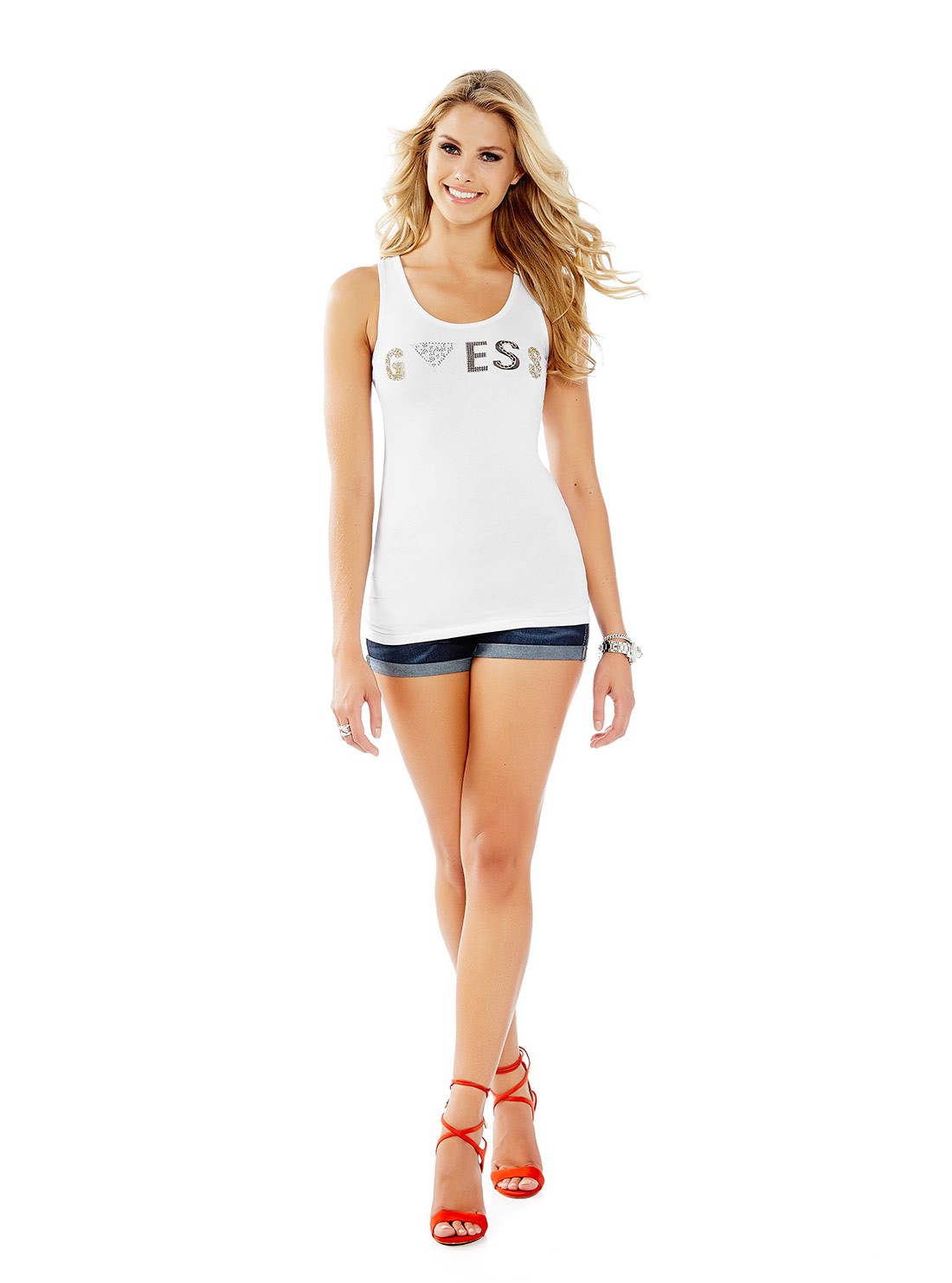
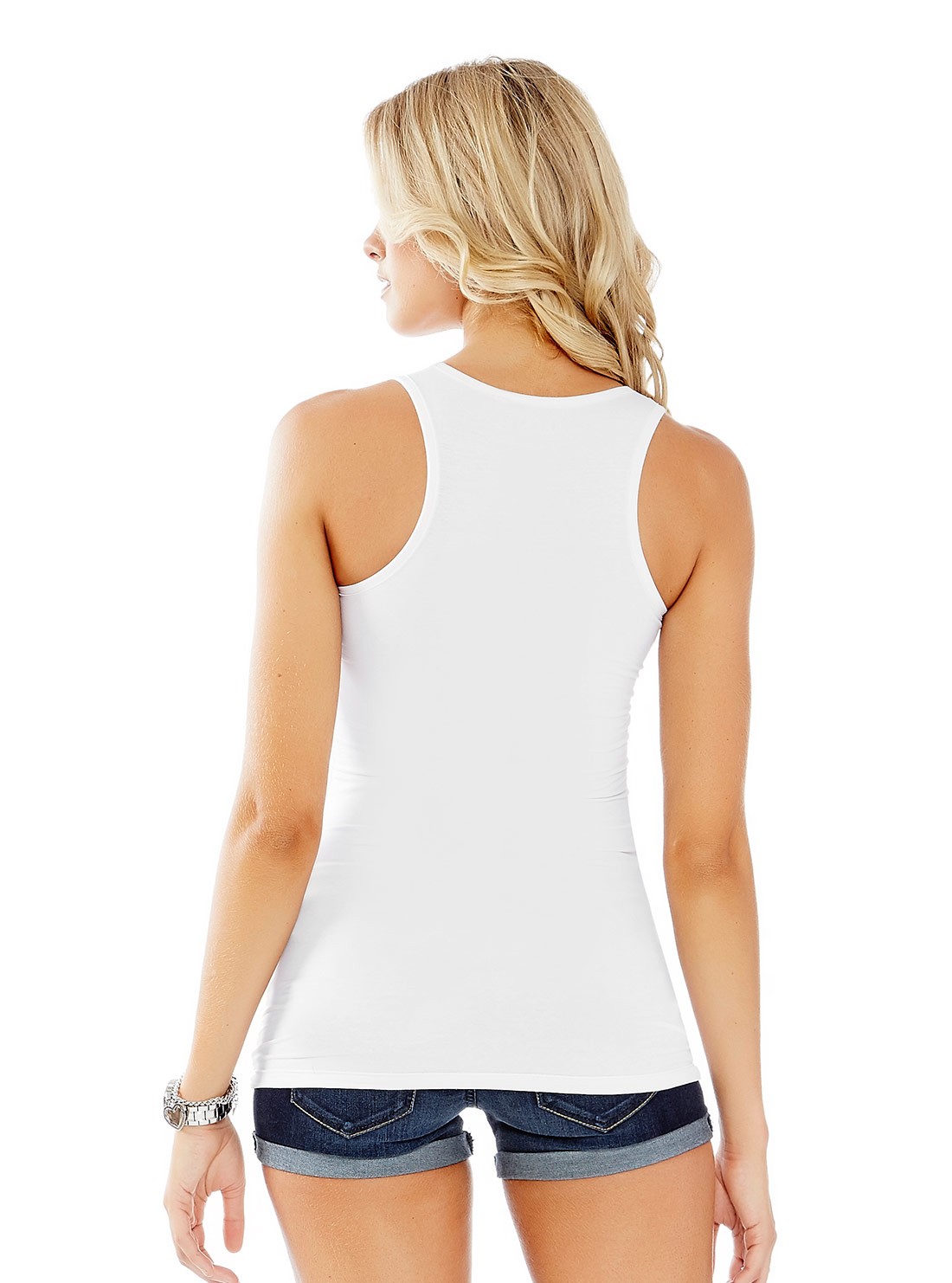
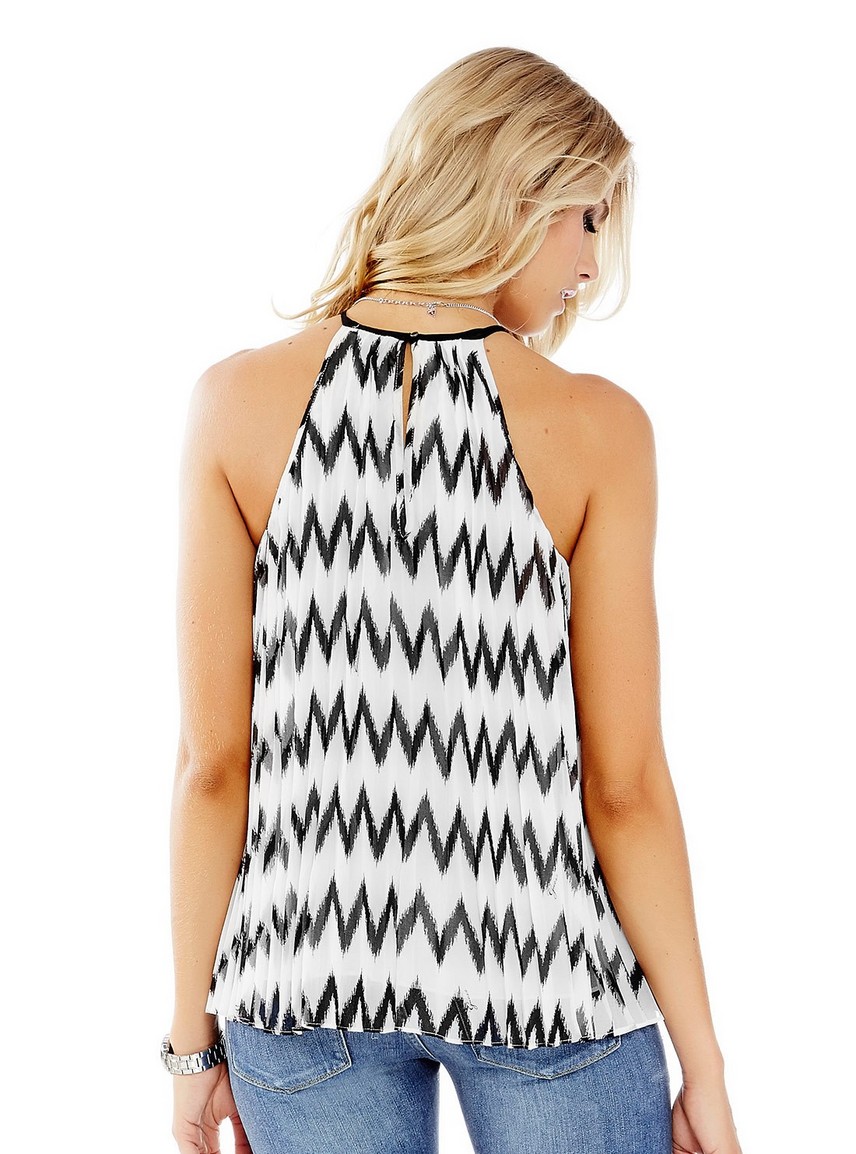
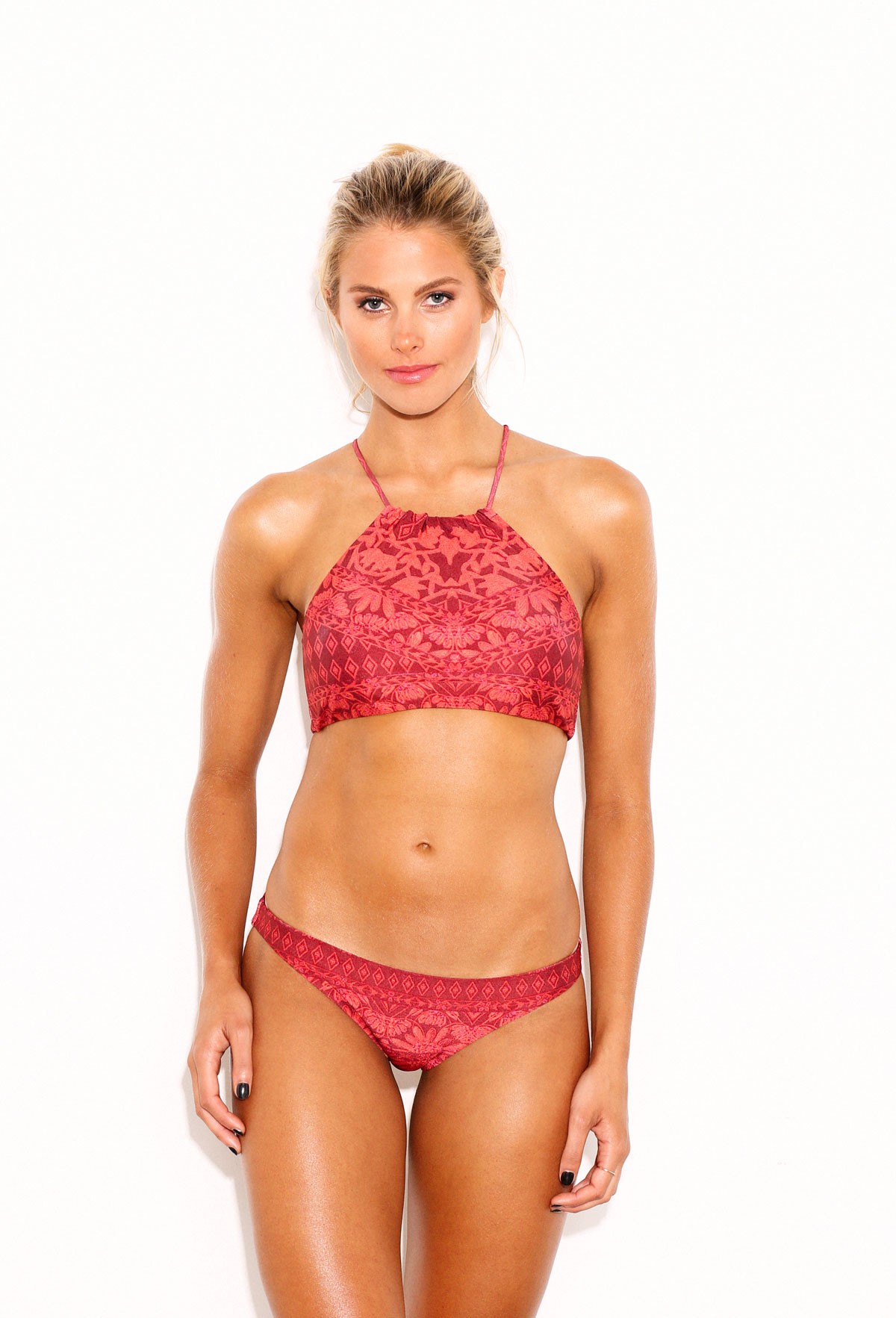
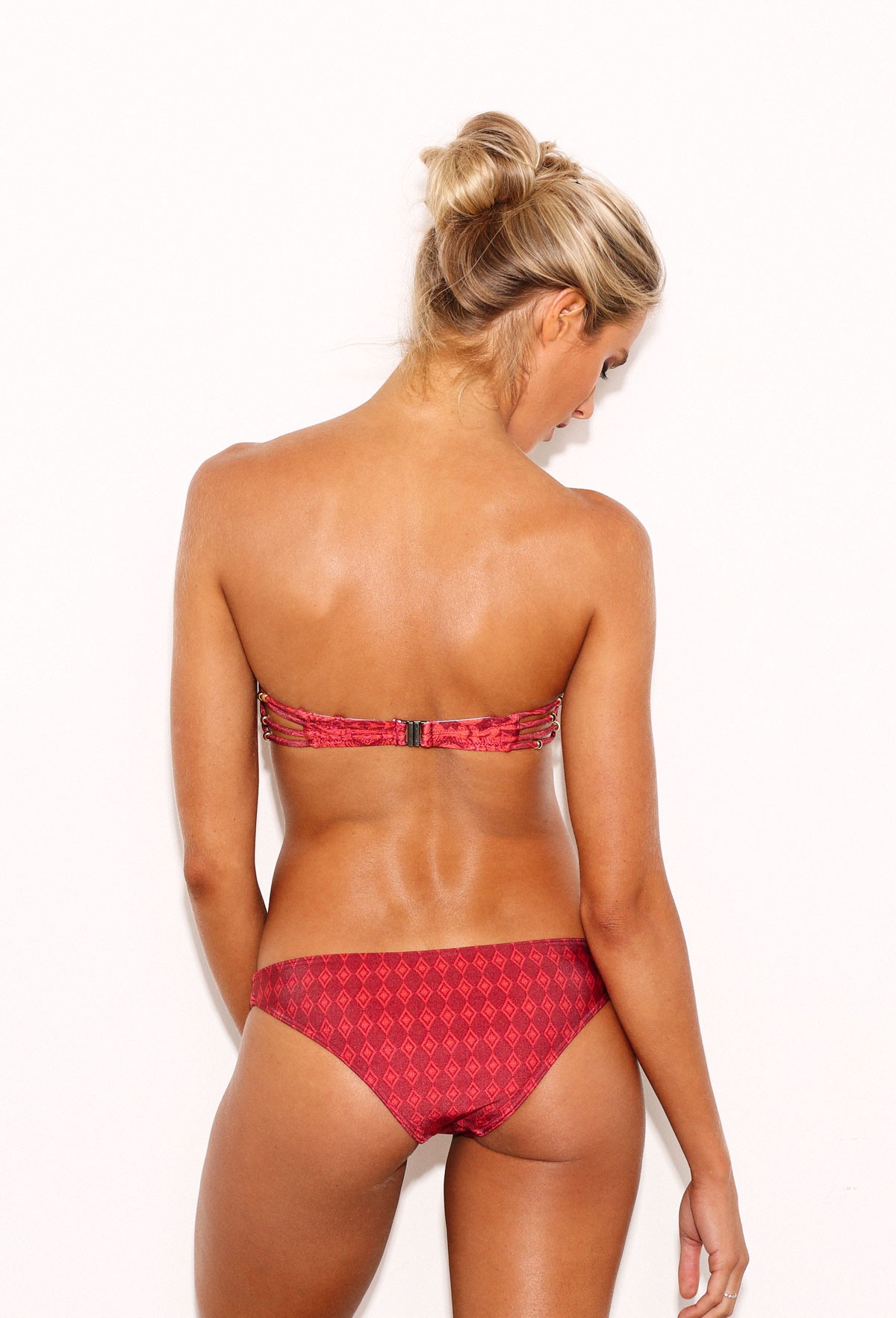
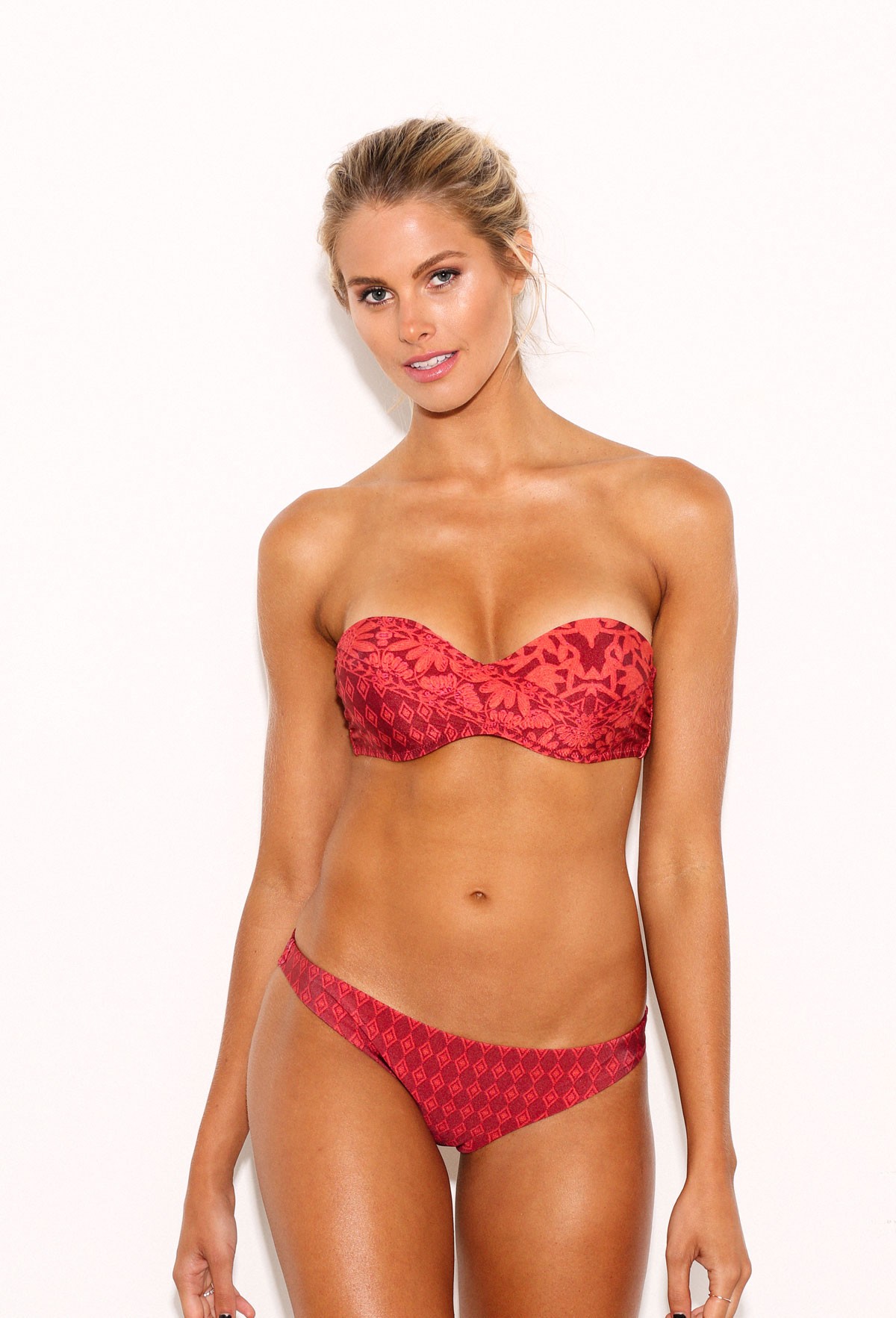
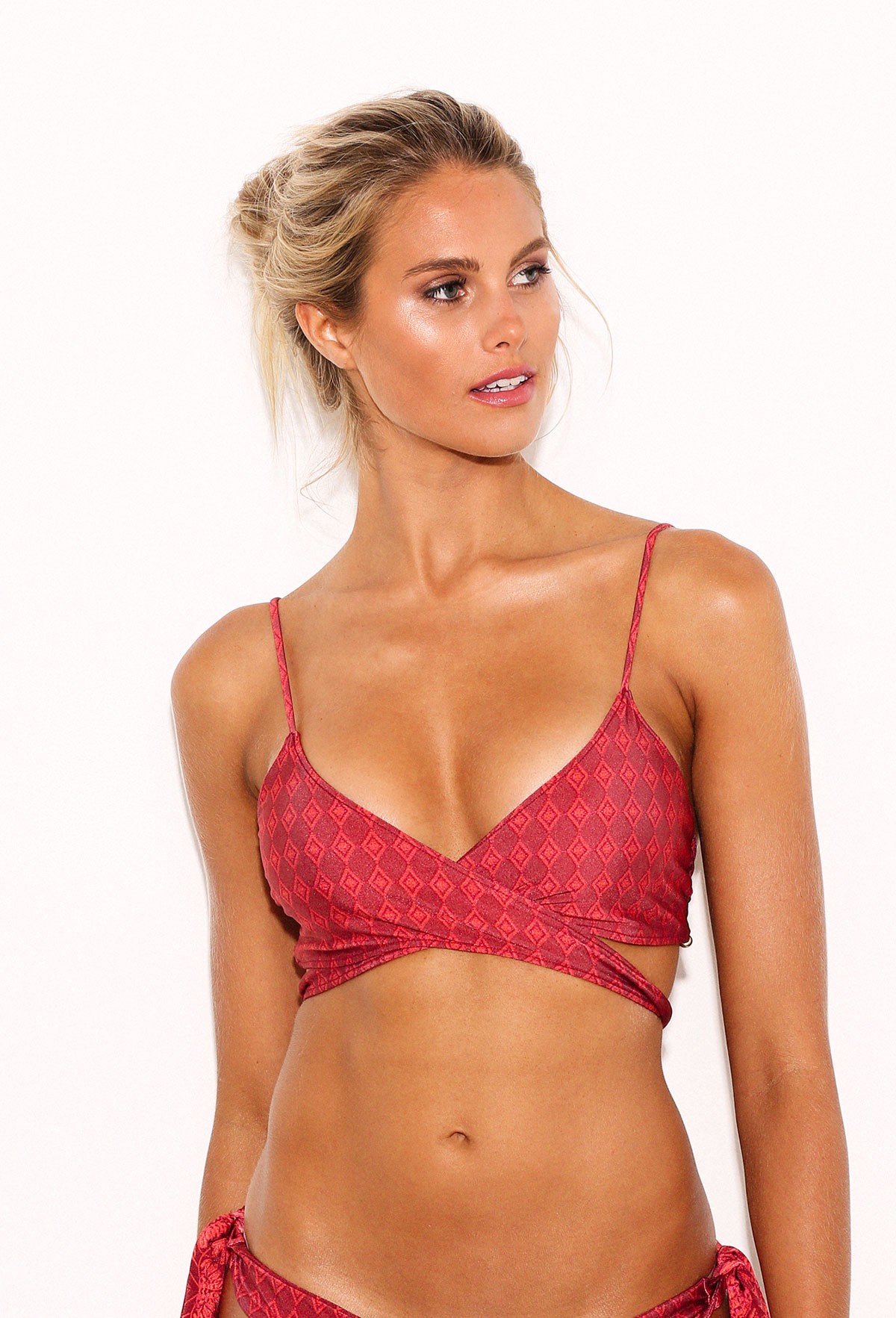
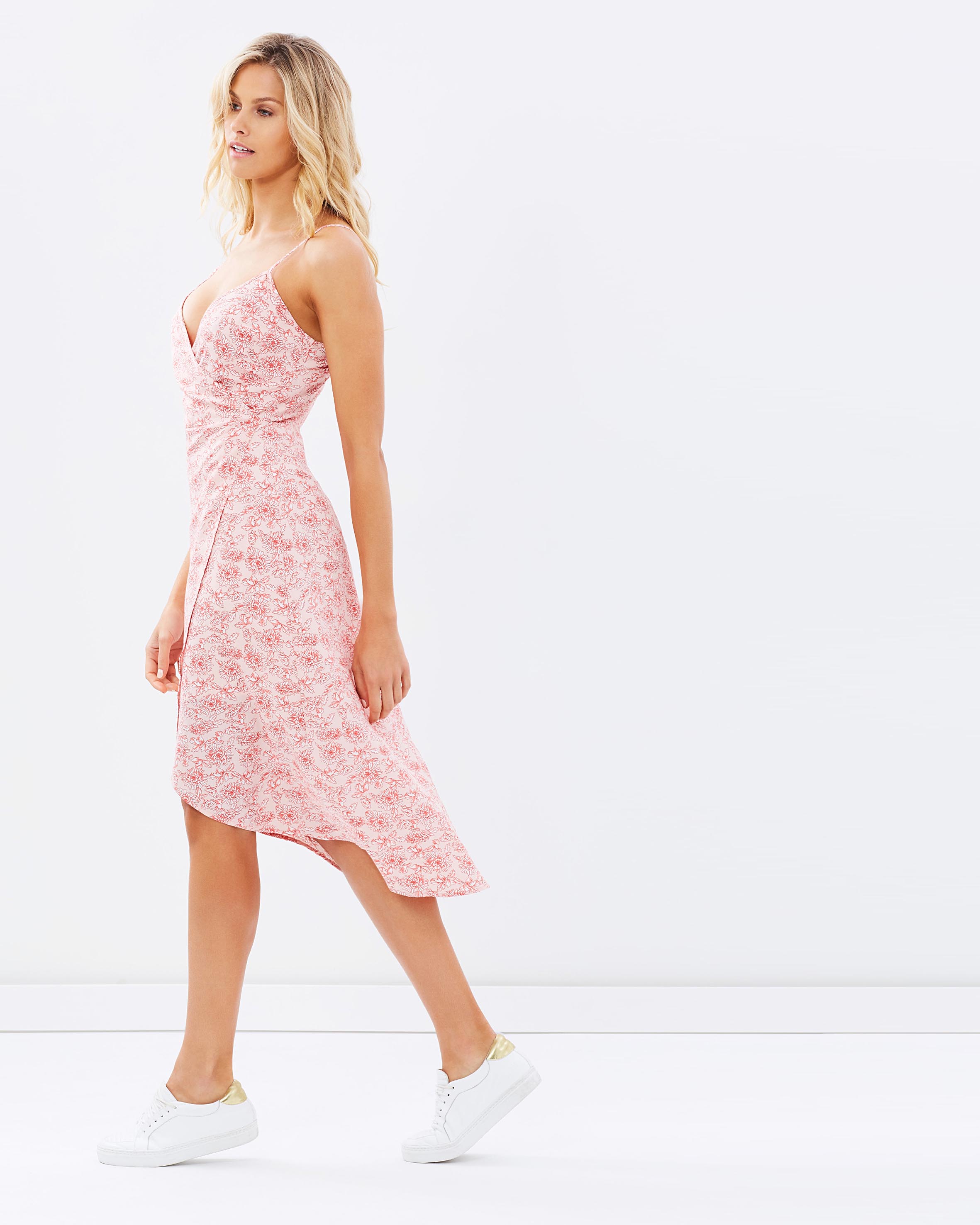
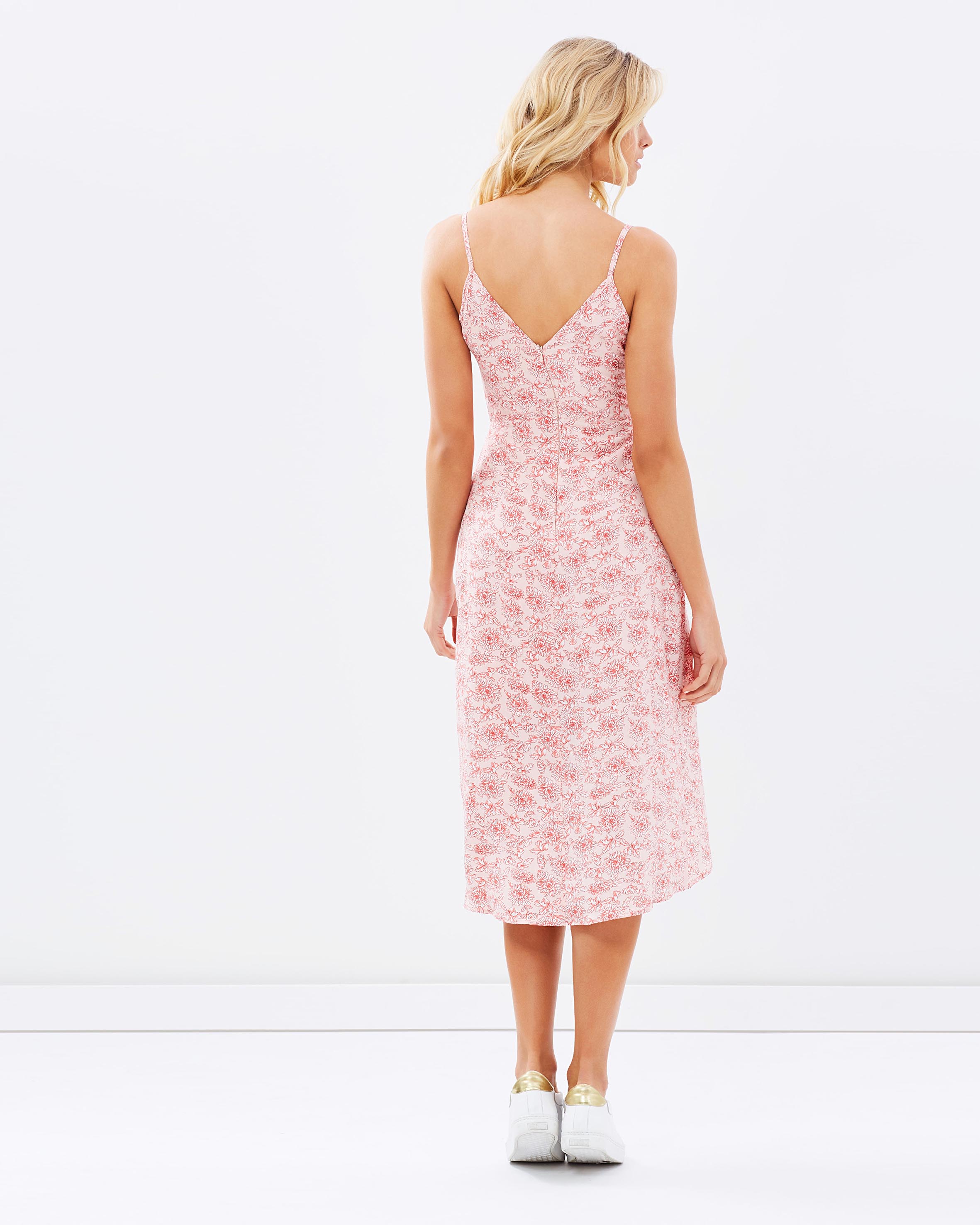
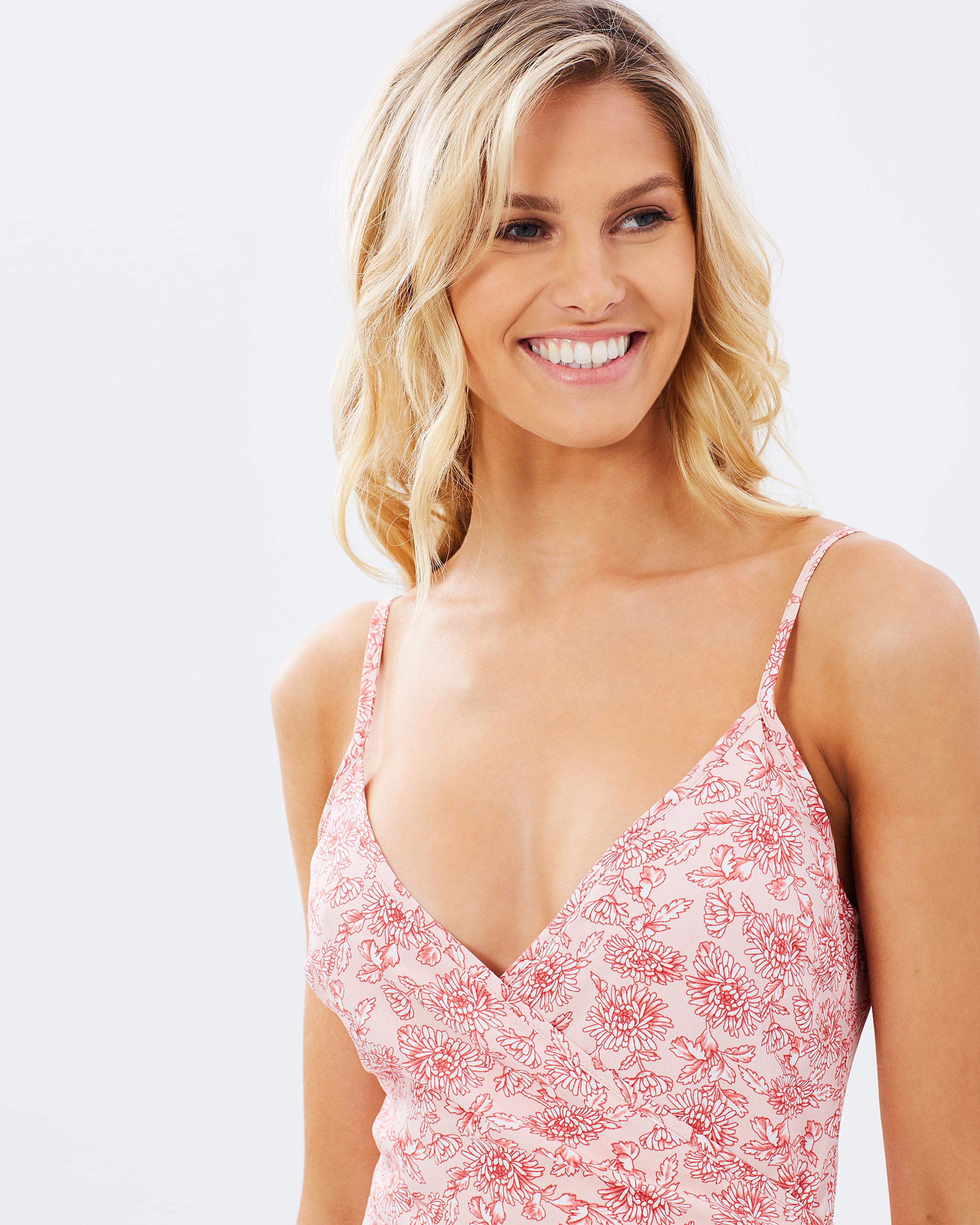
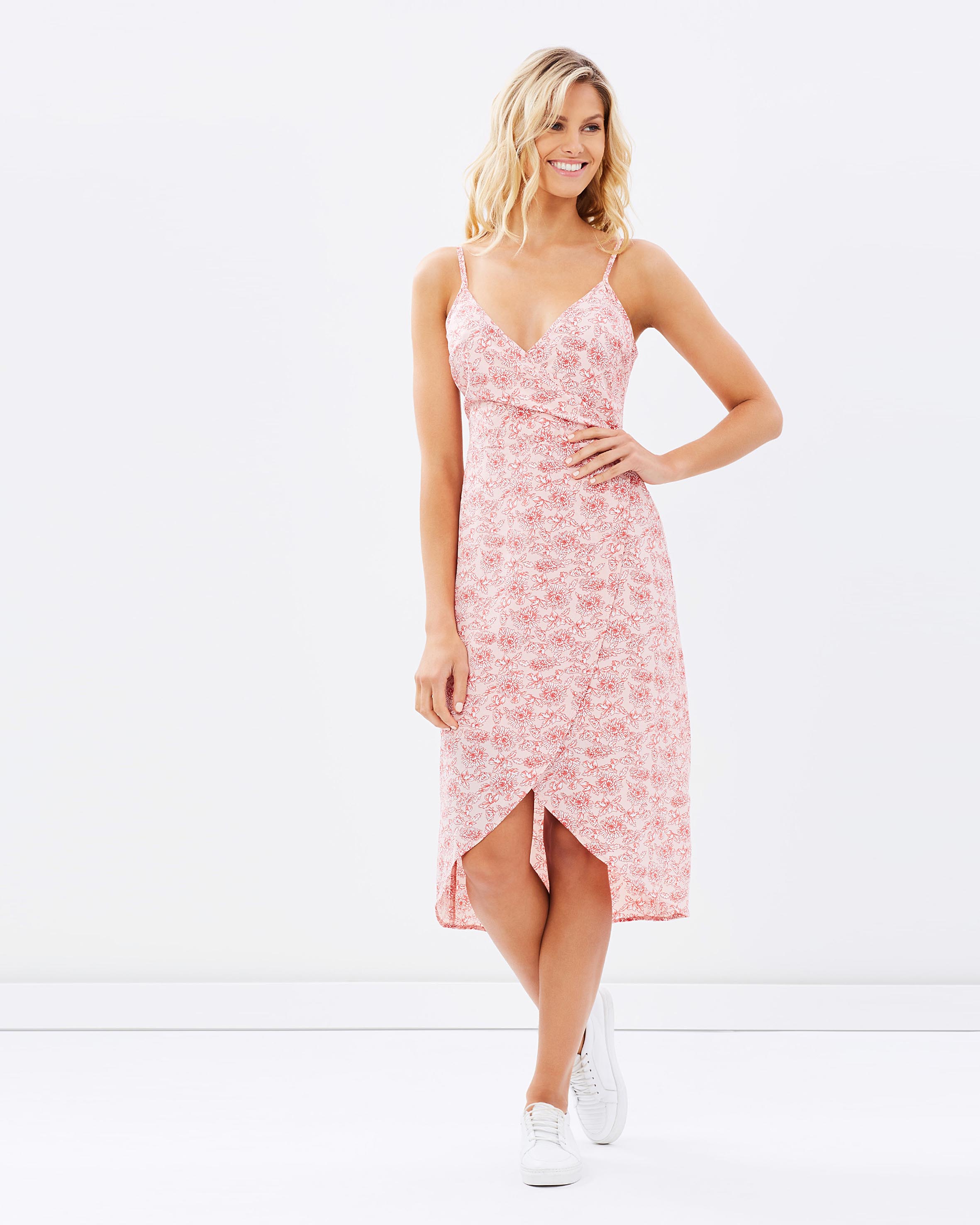
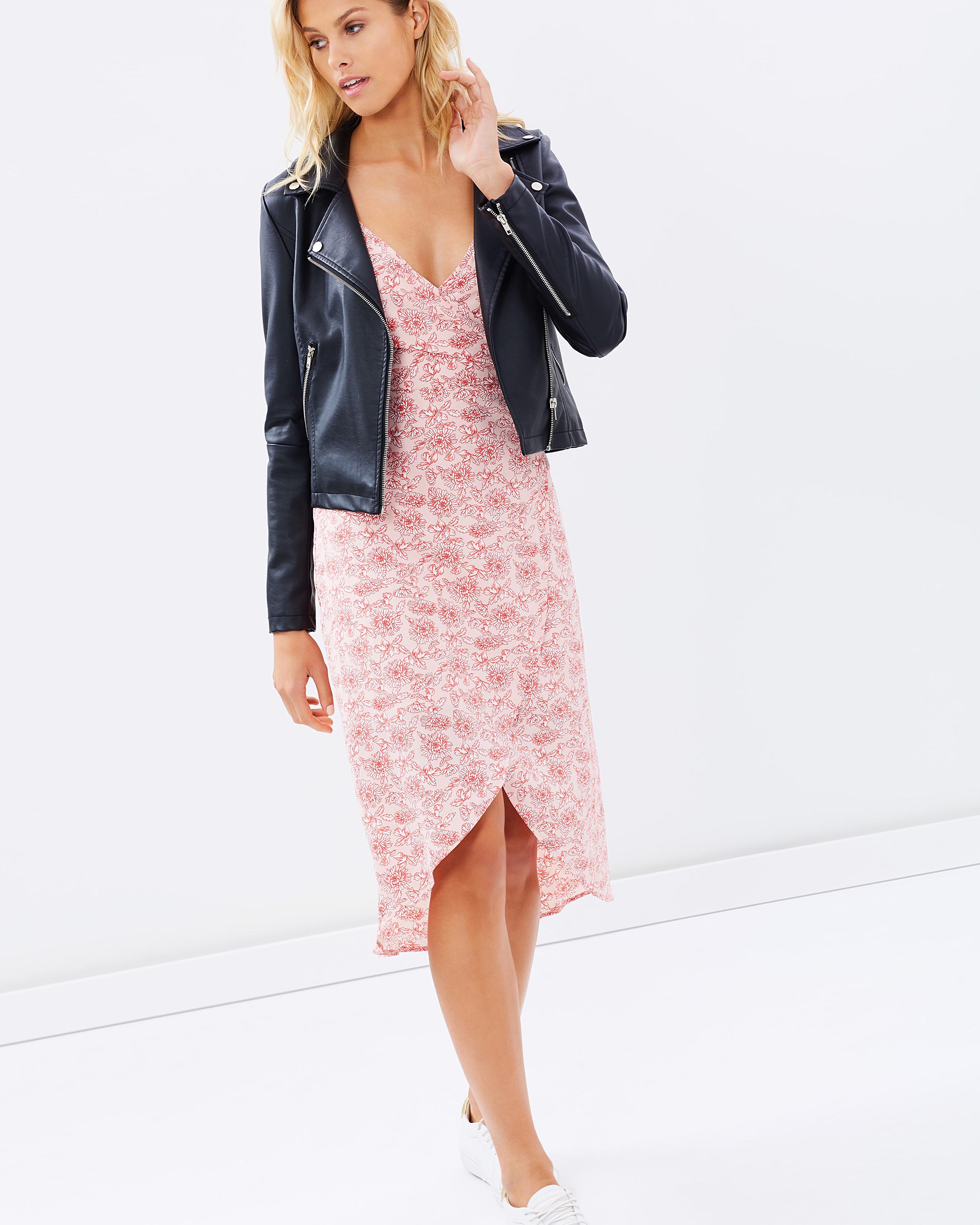
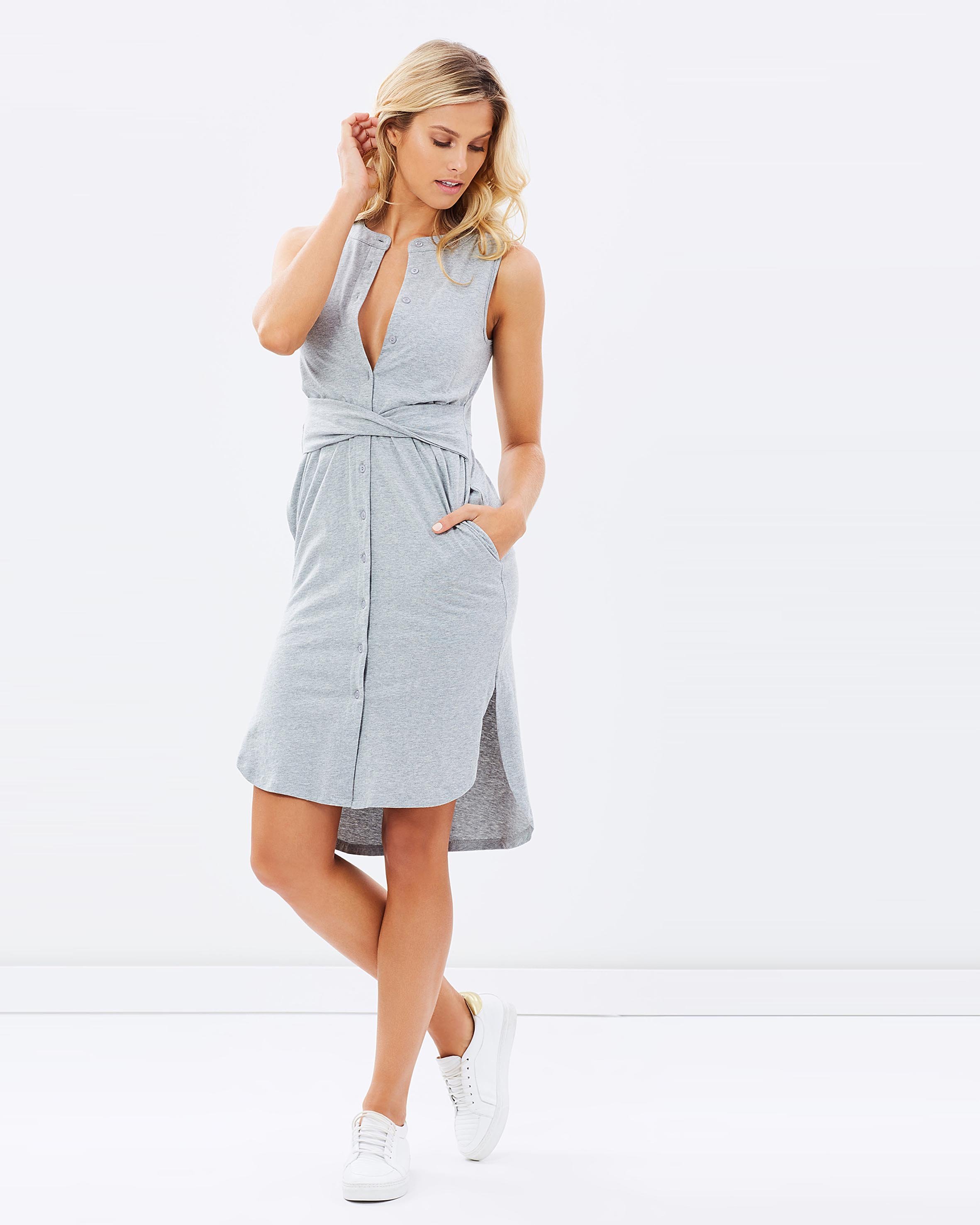
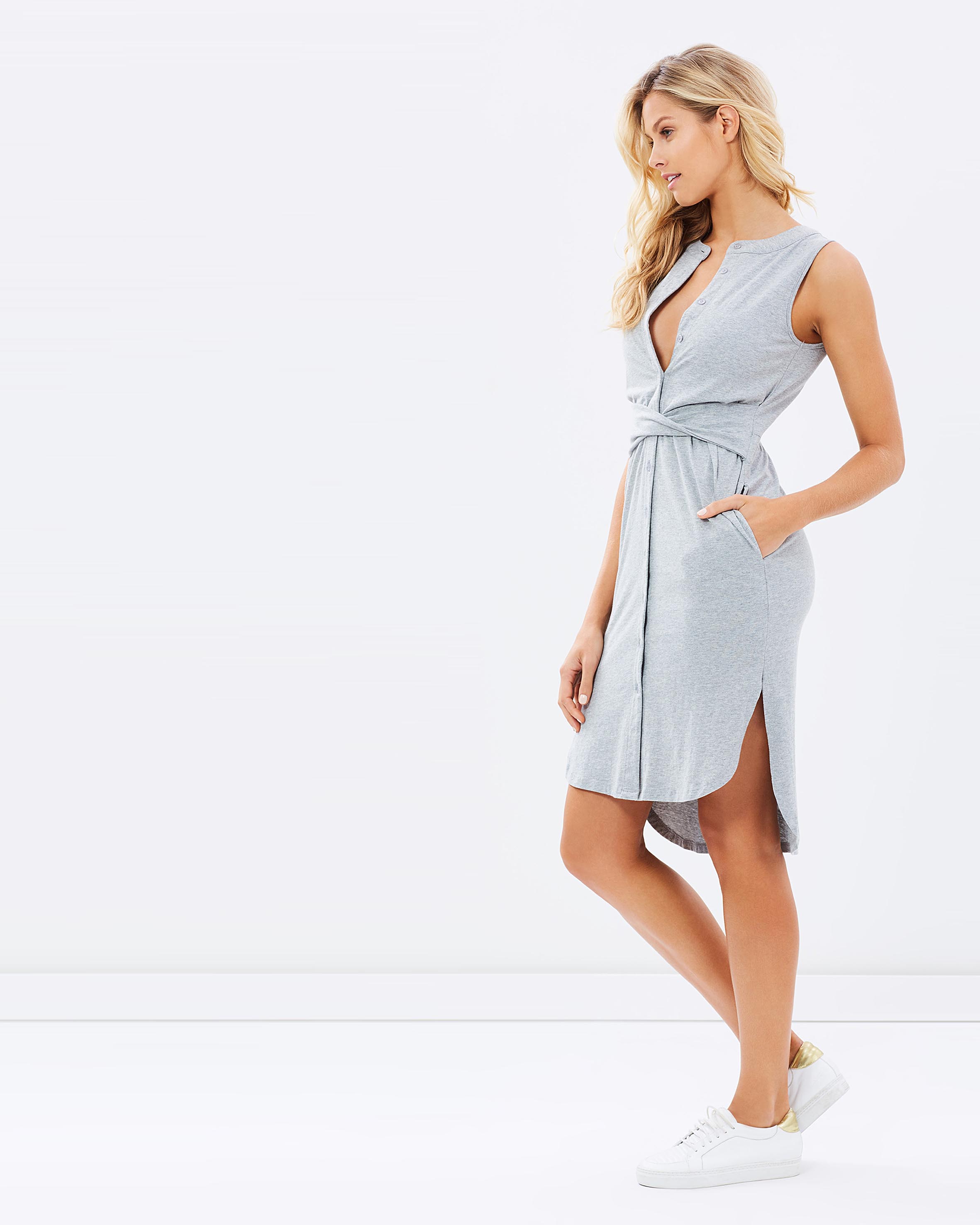
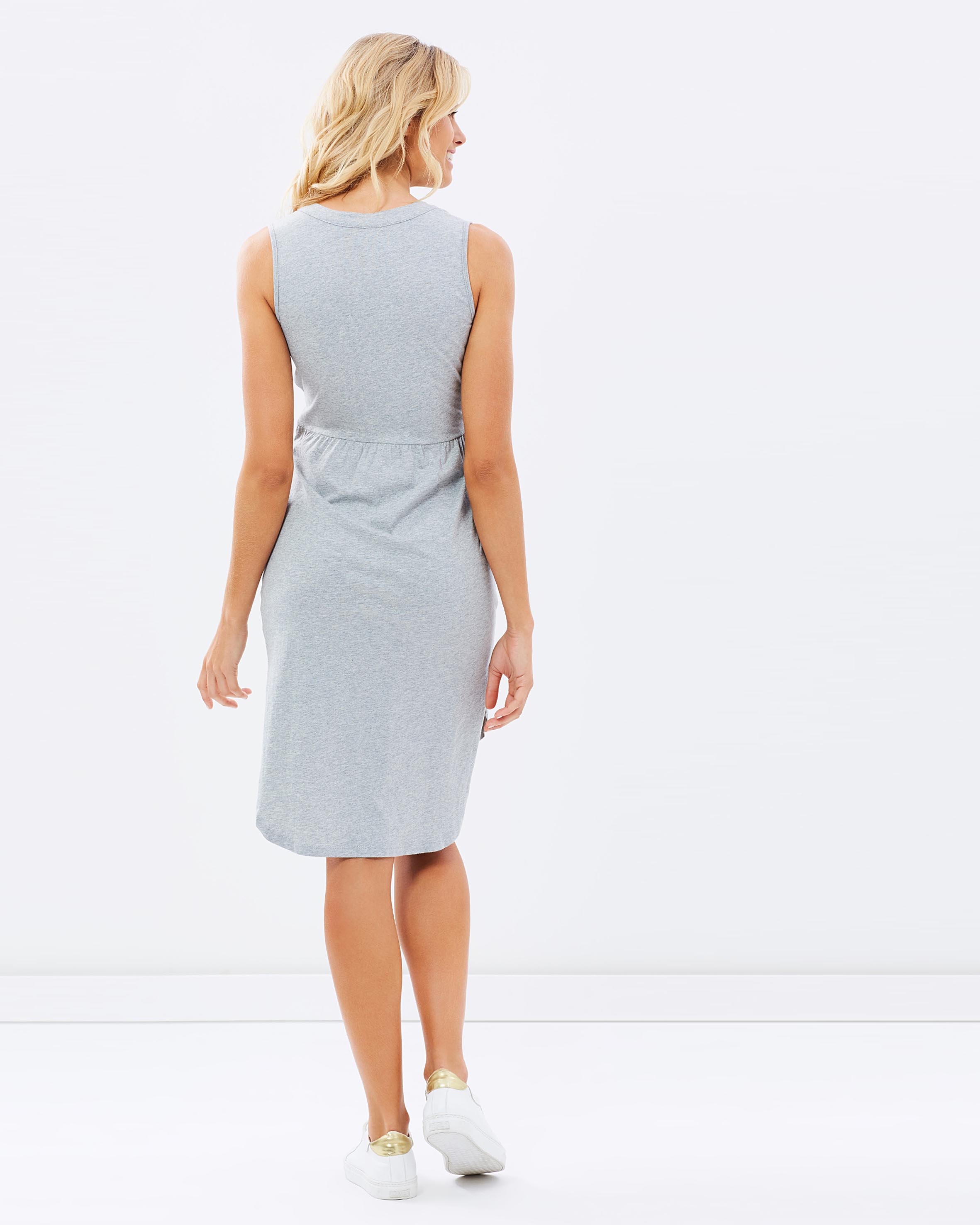
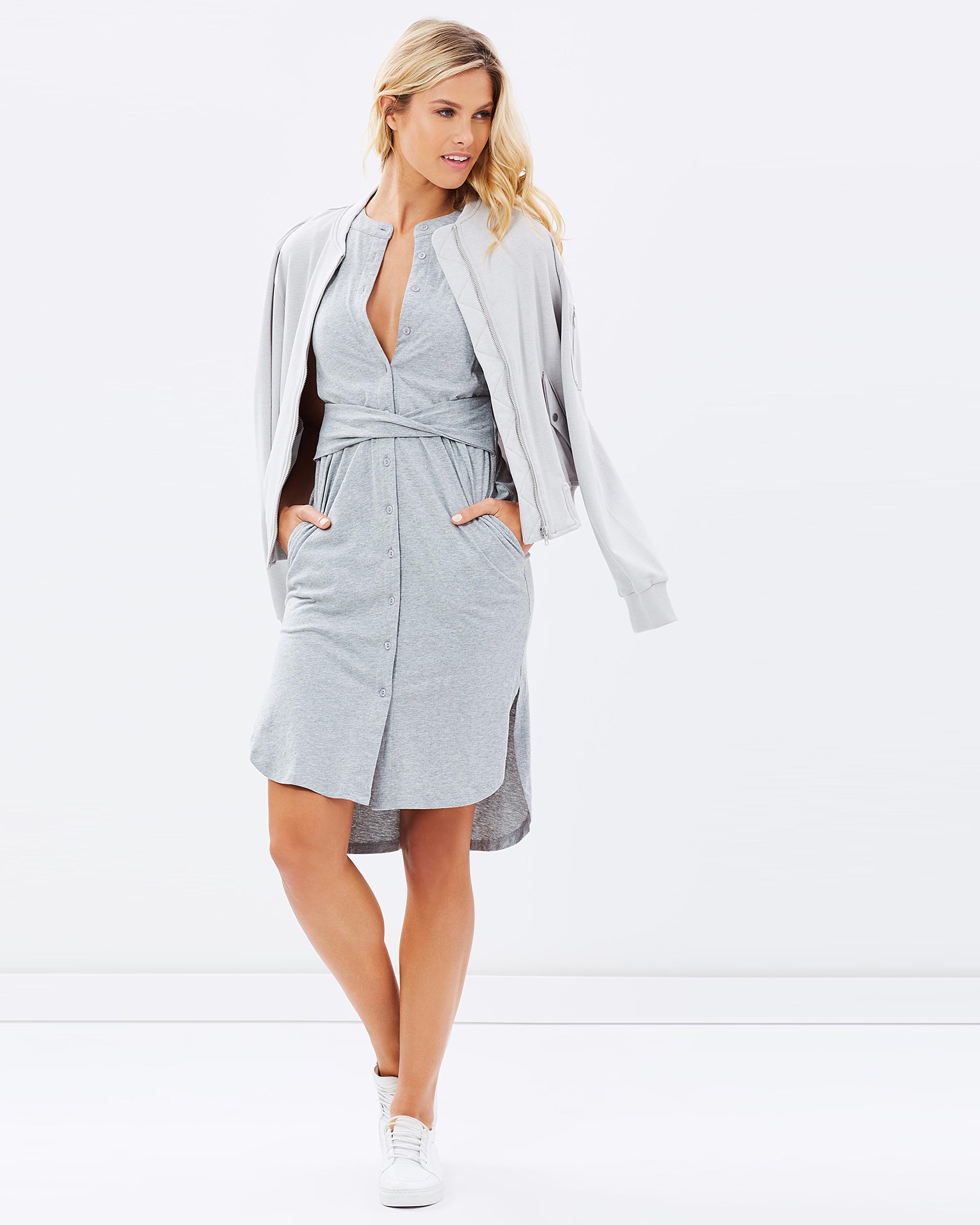
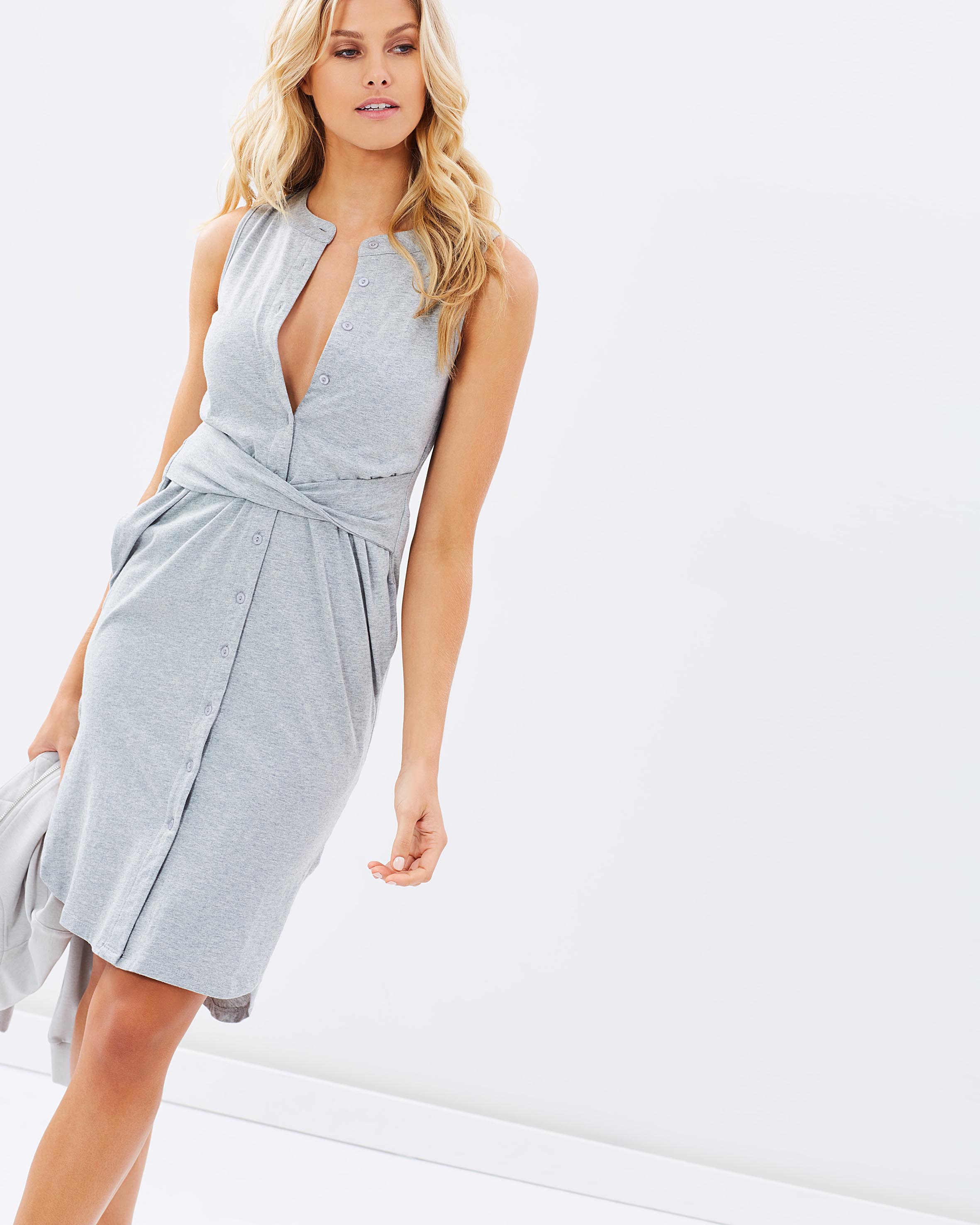
 Guess Australia PH@cervuliatko H&M@nishavanberkel
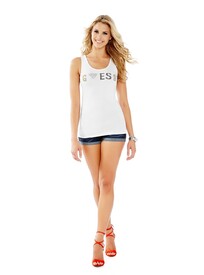
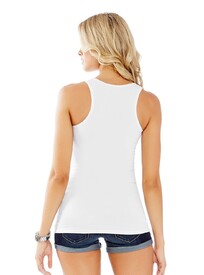
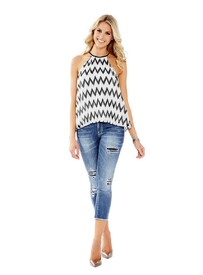
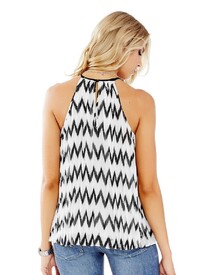
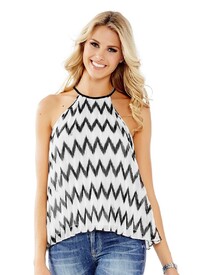

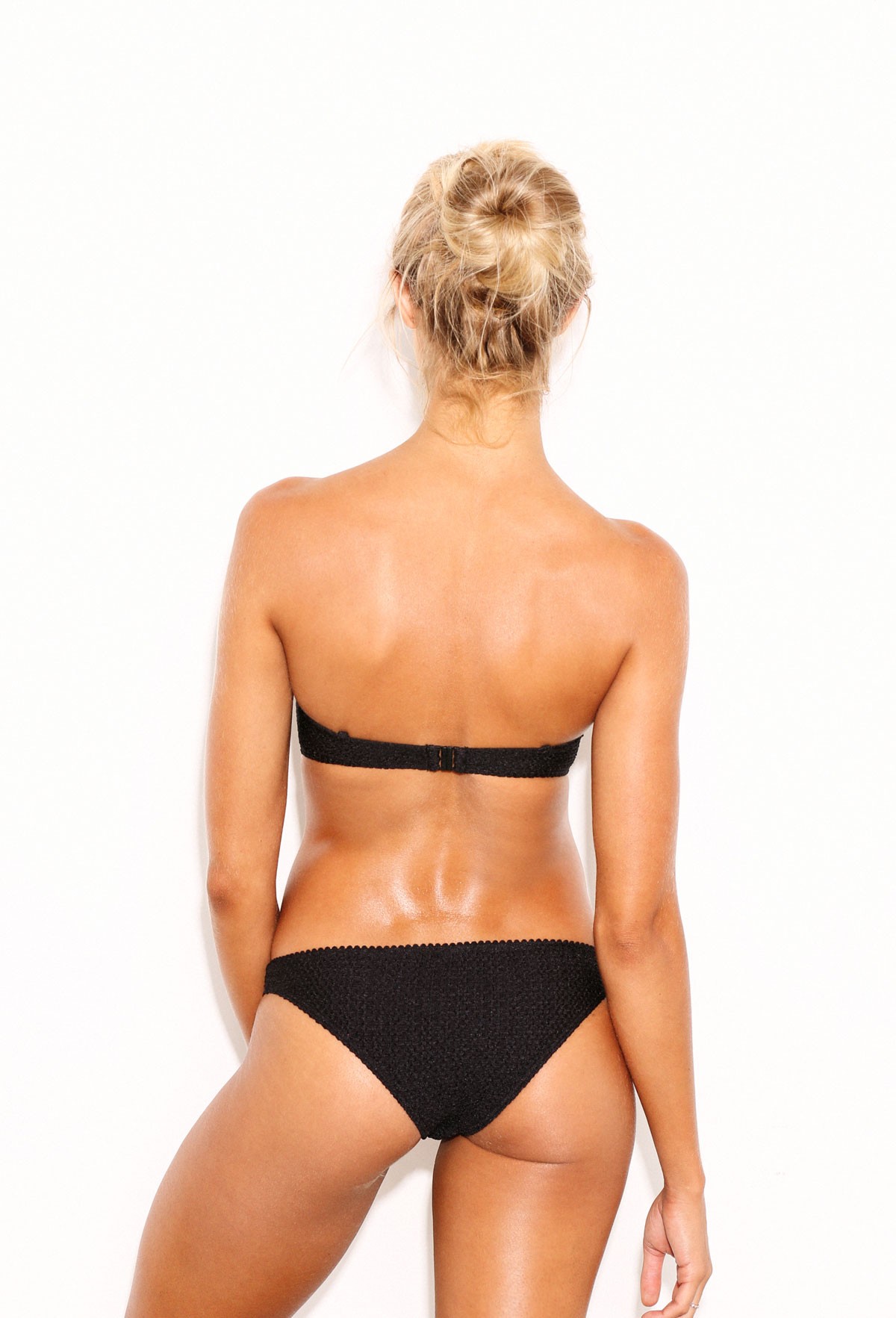
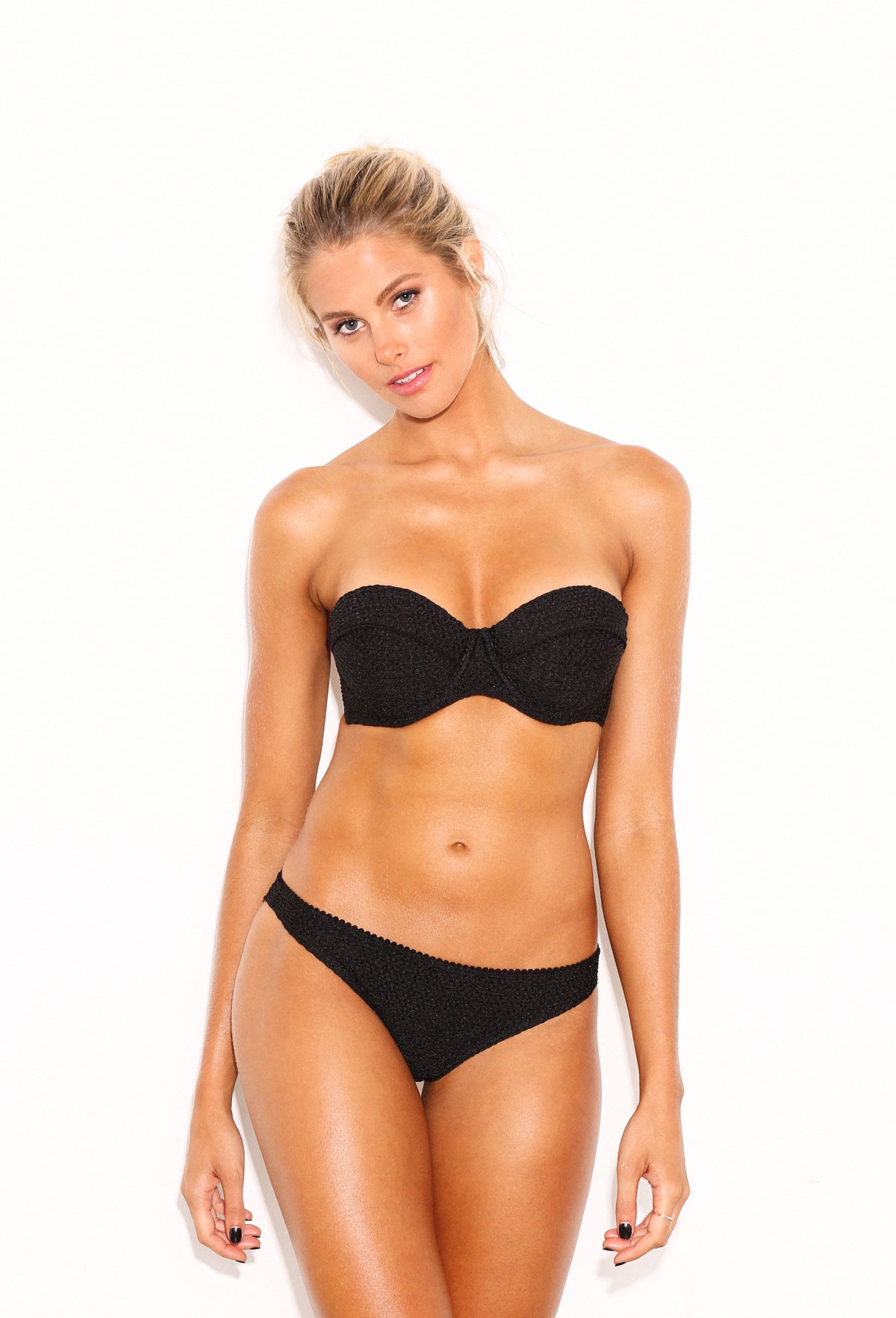
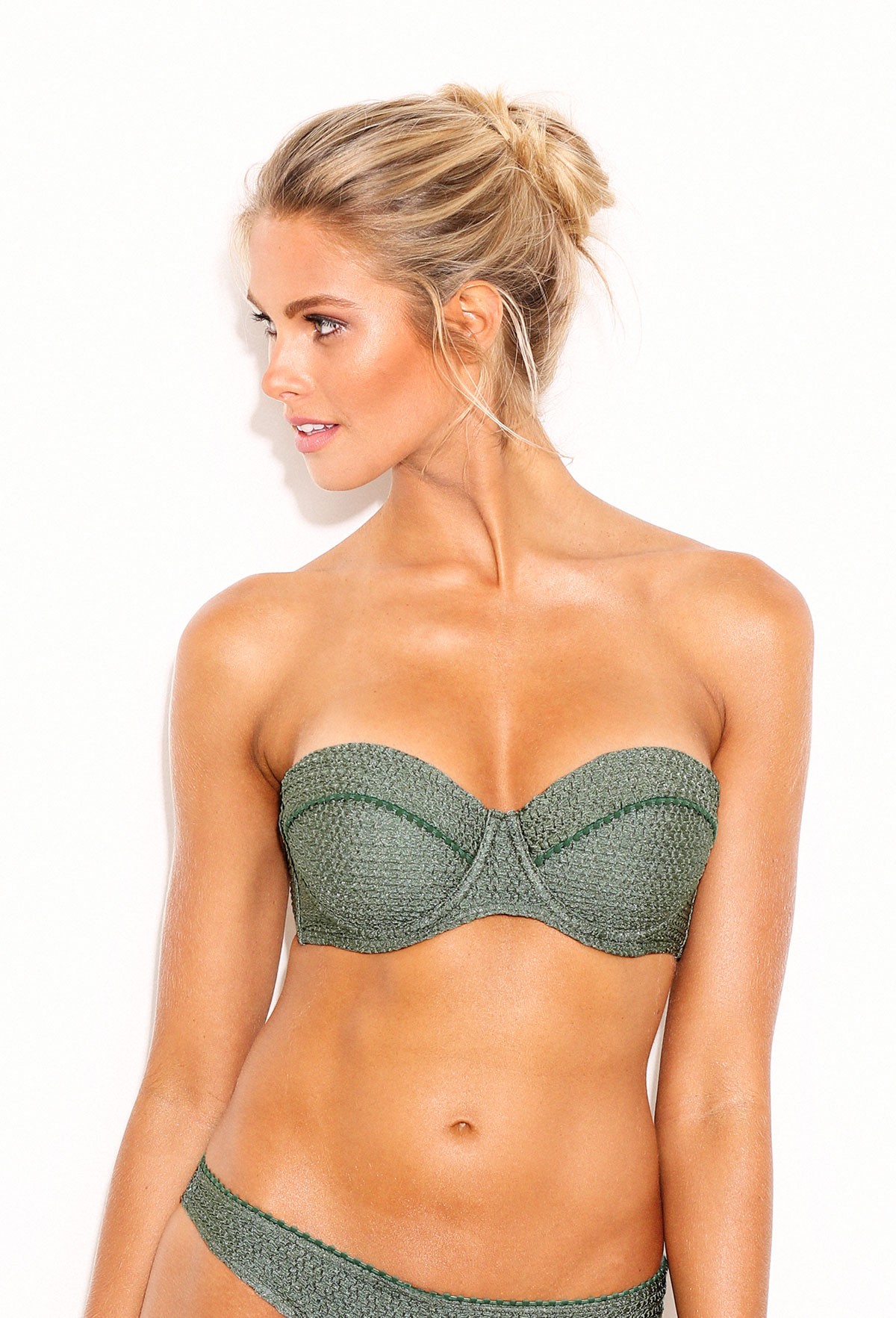
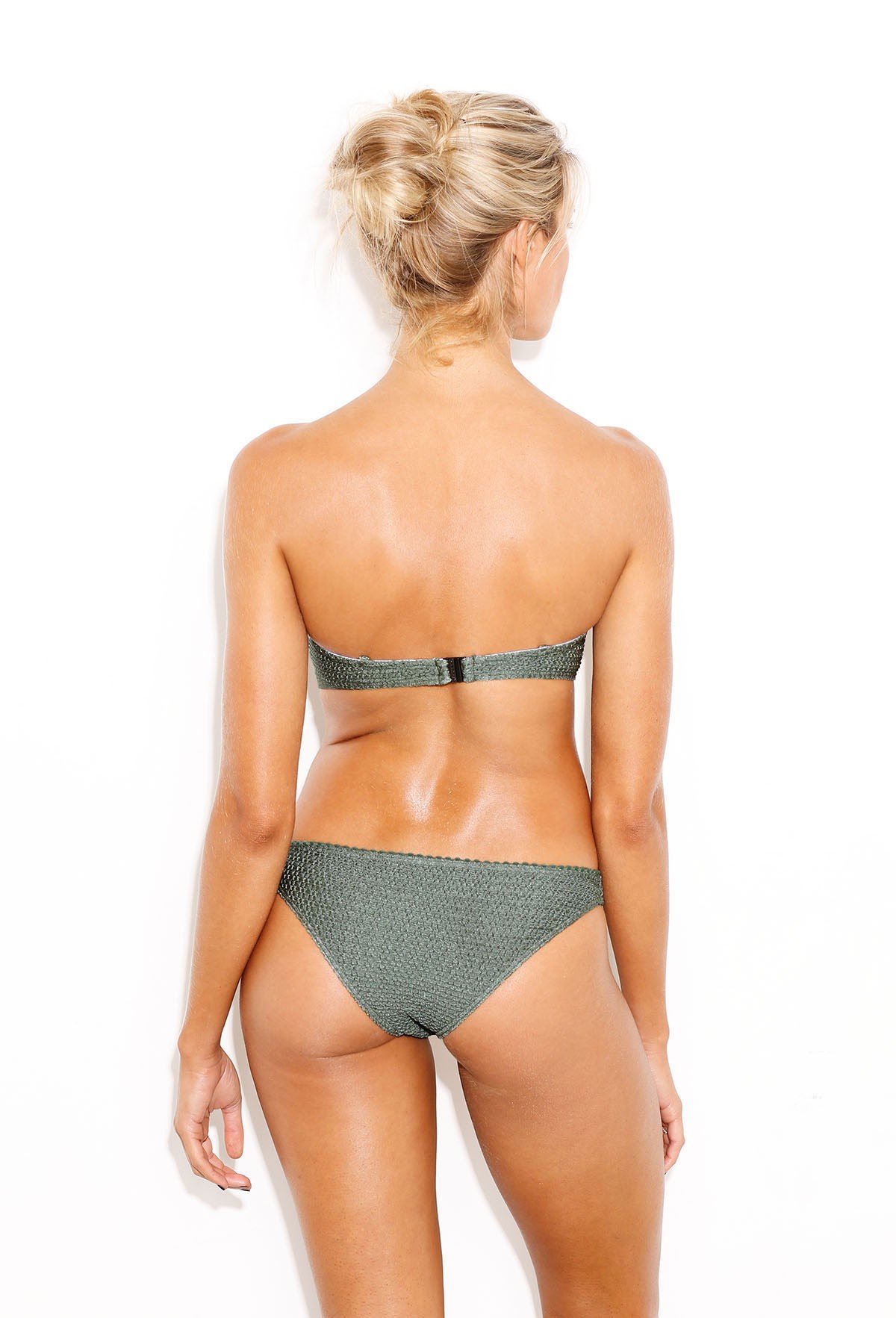
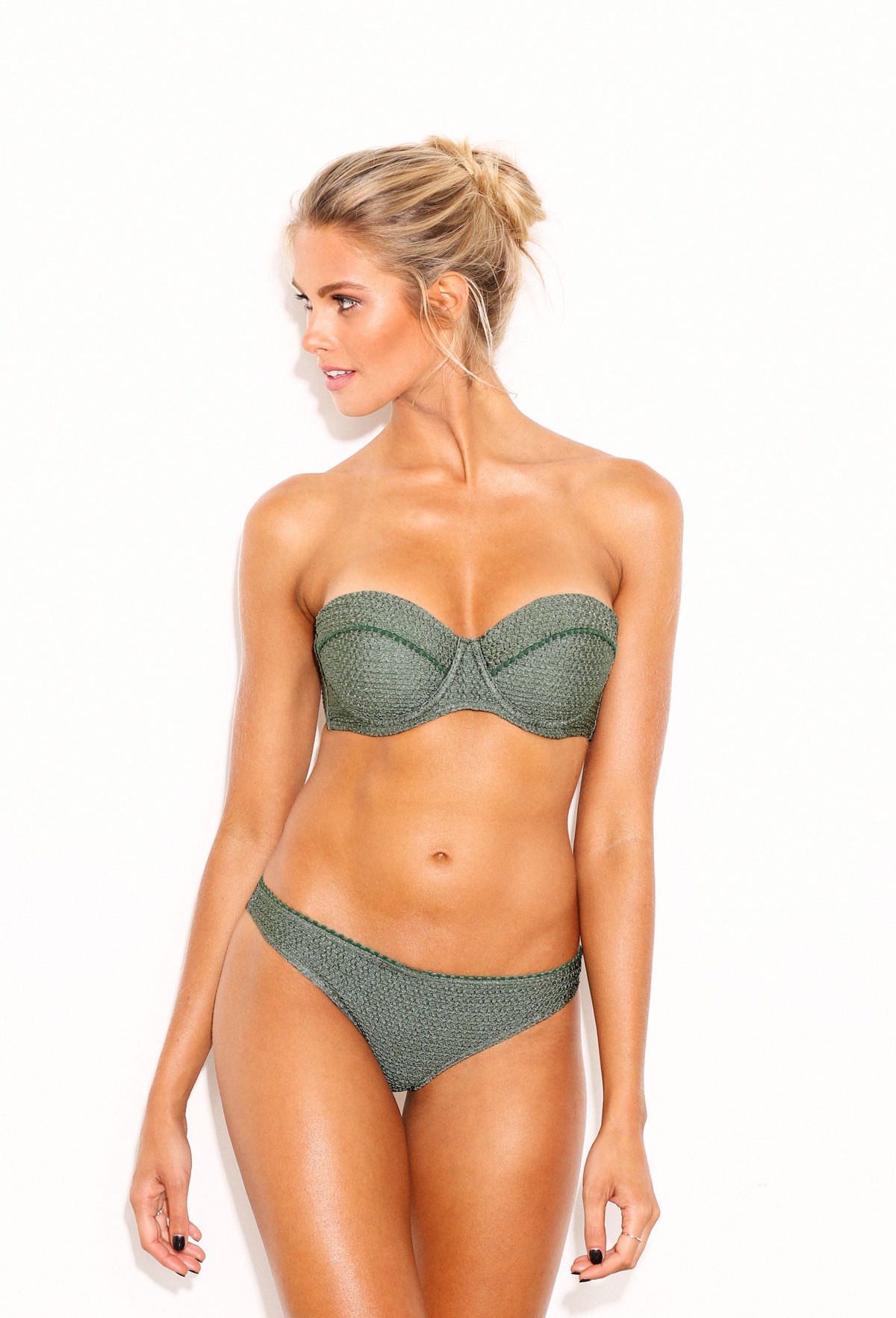
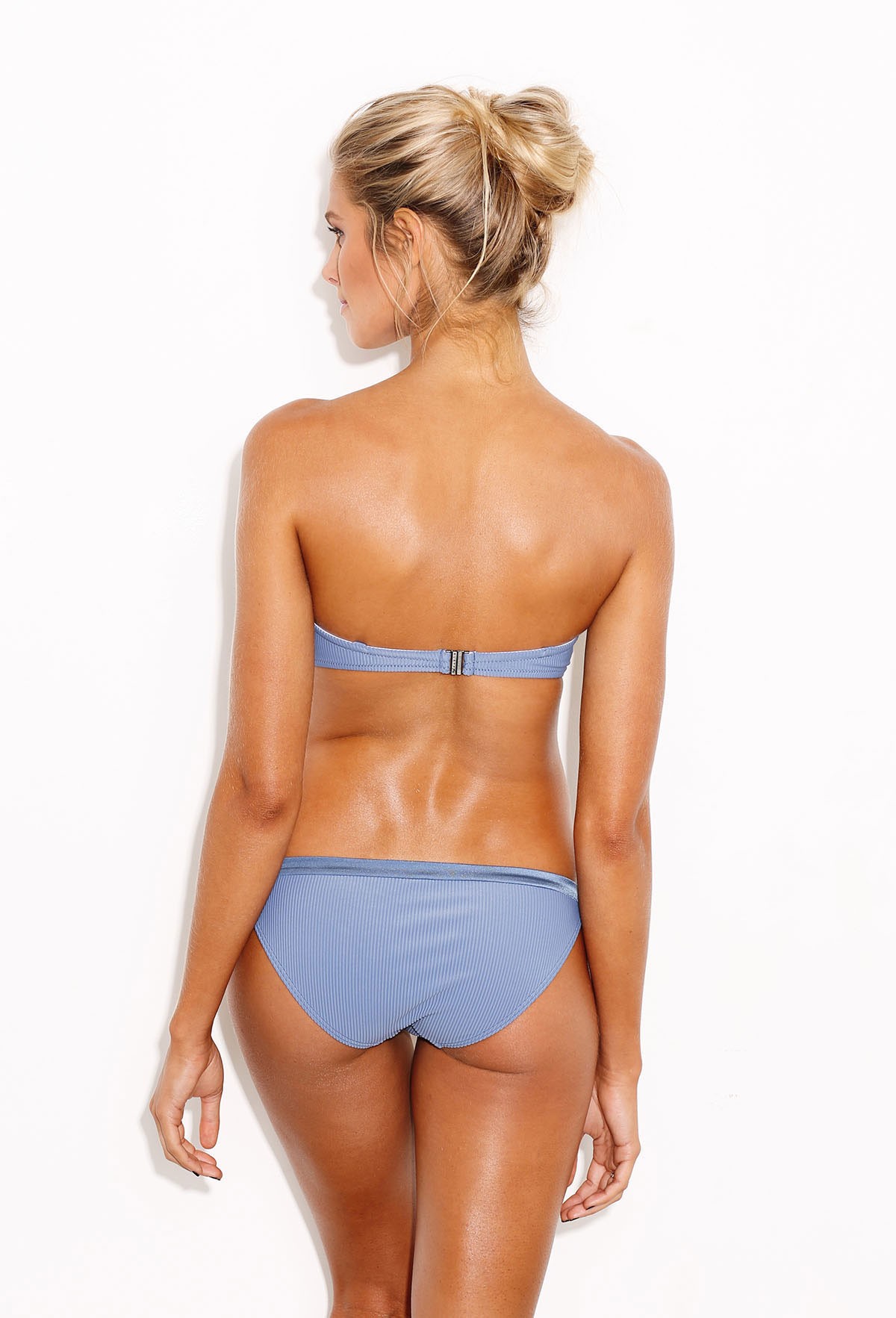
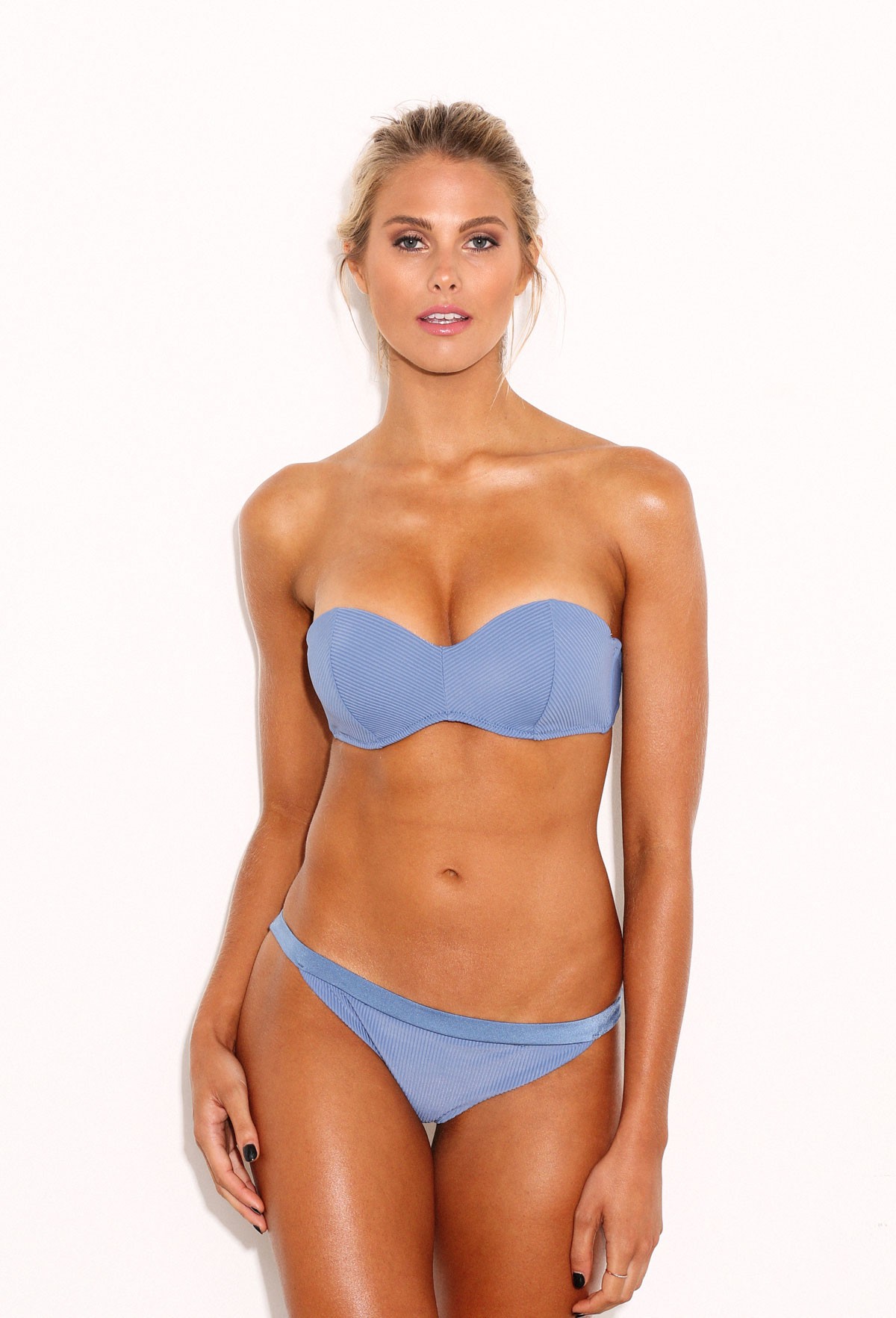
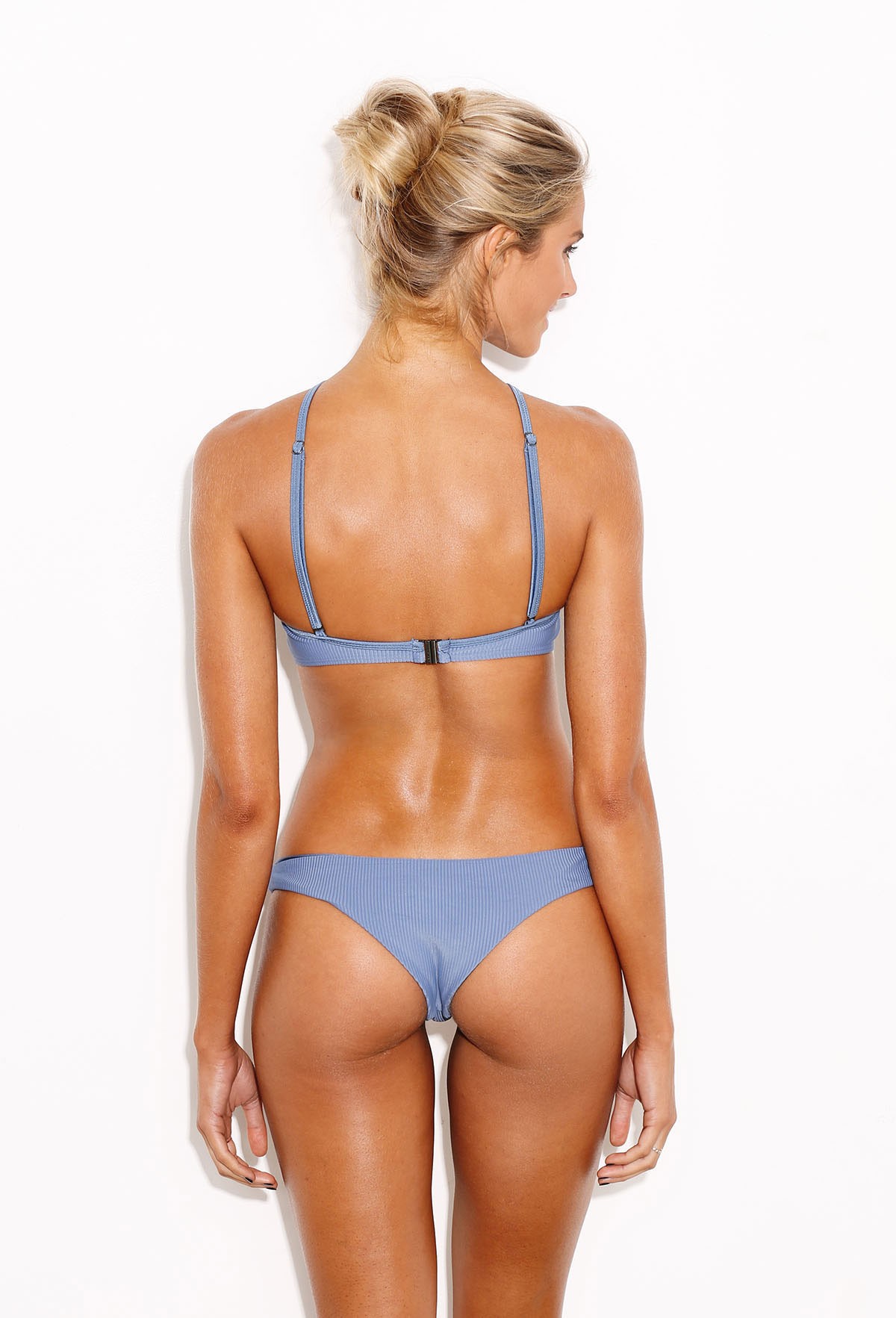
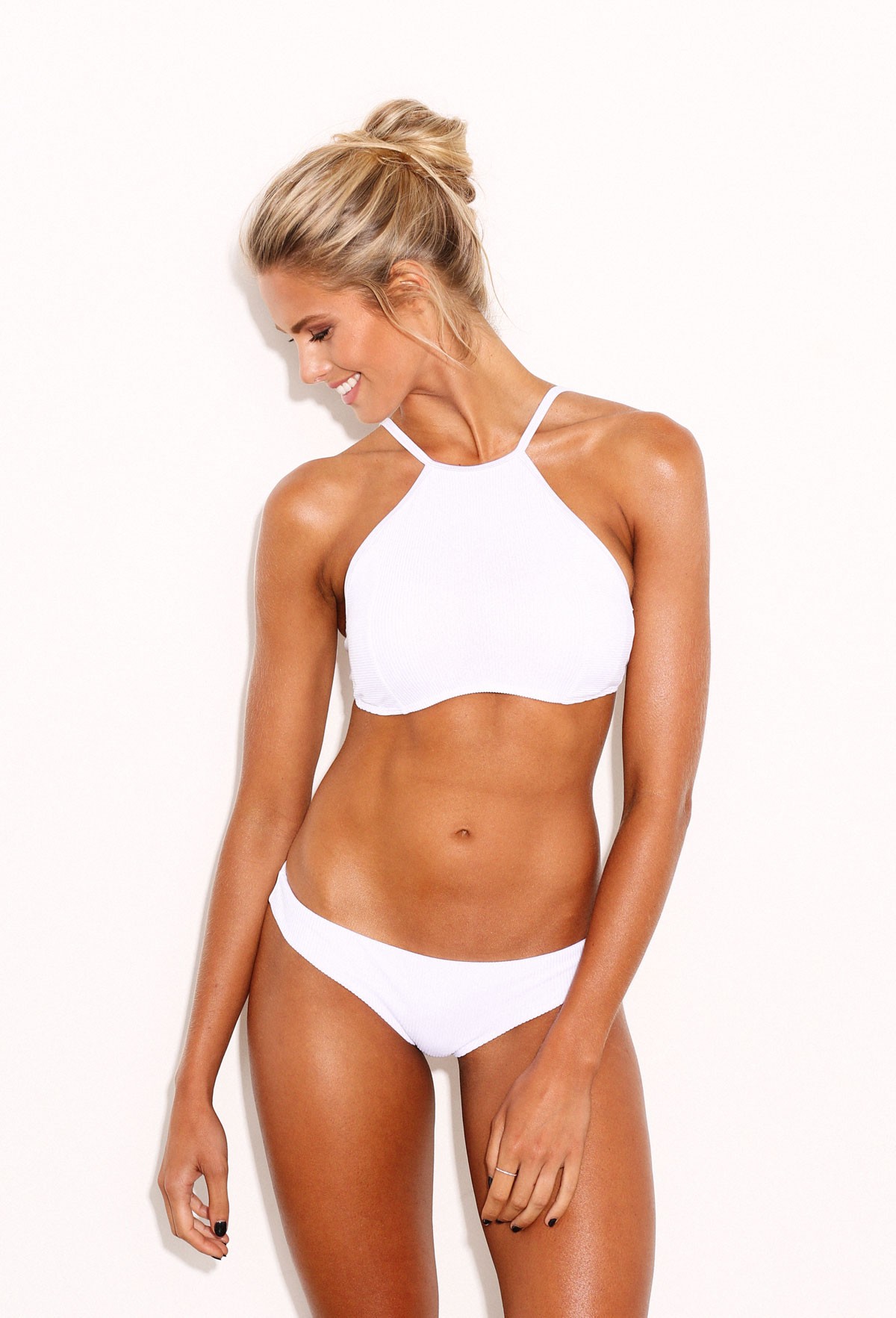
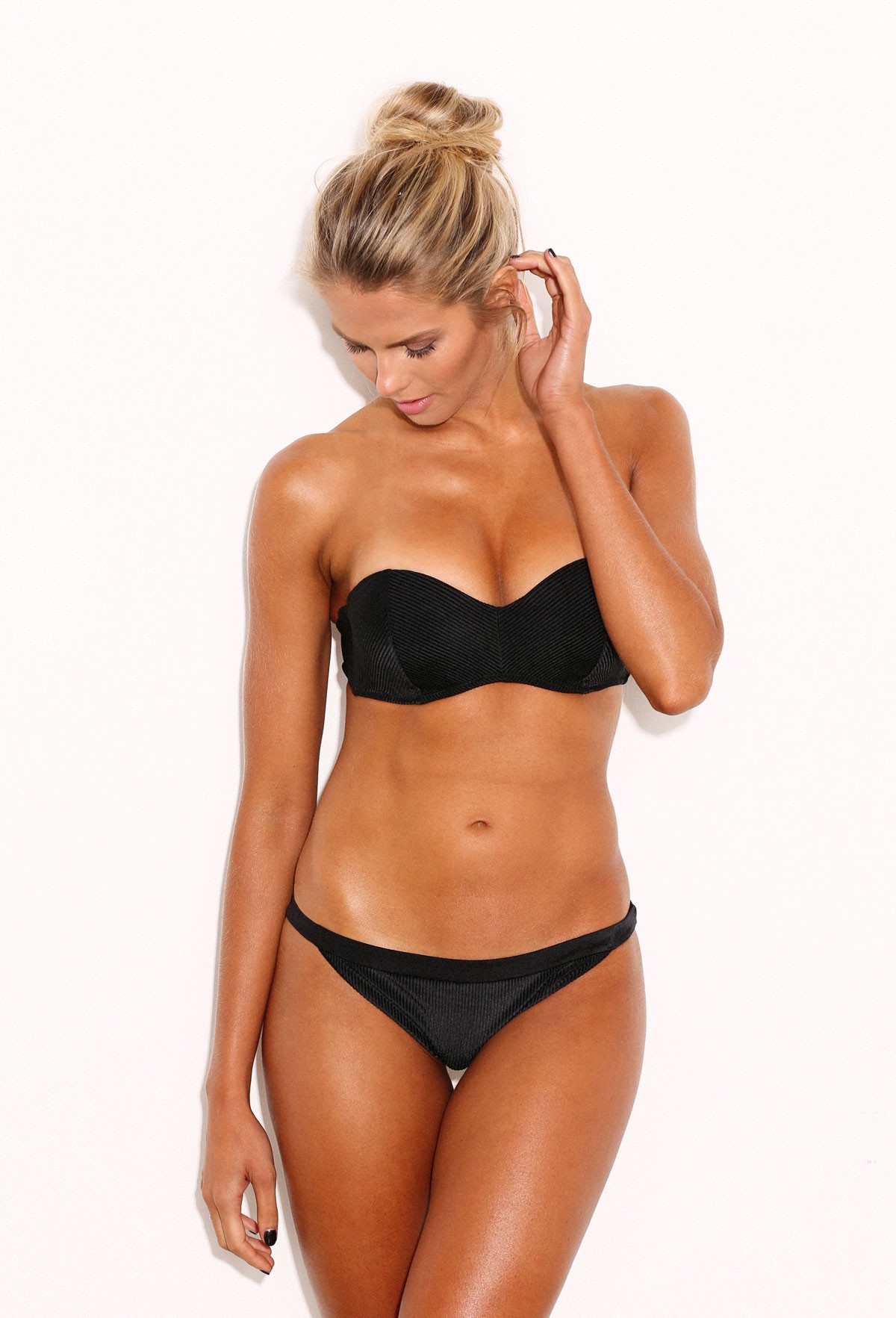
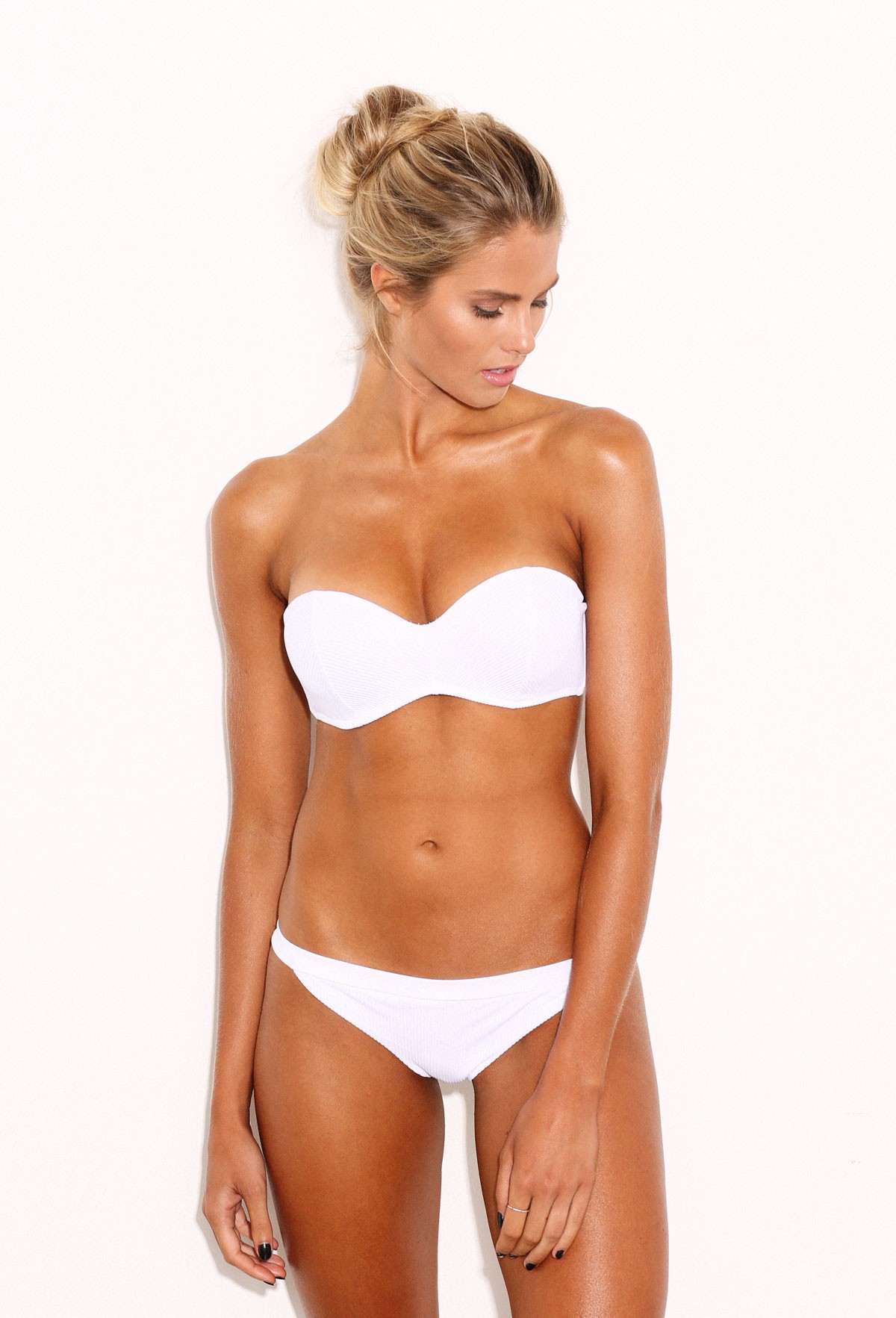
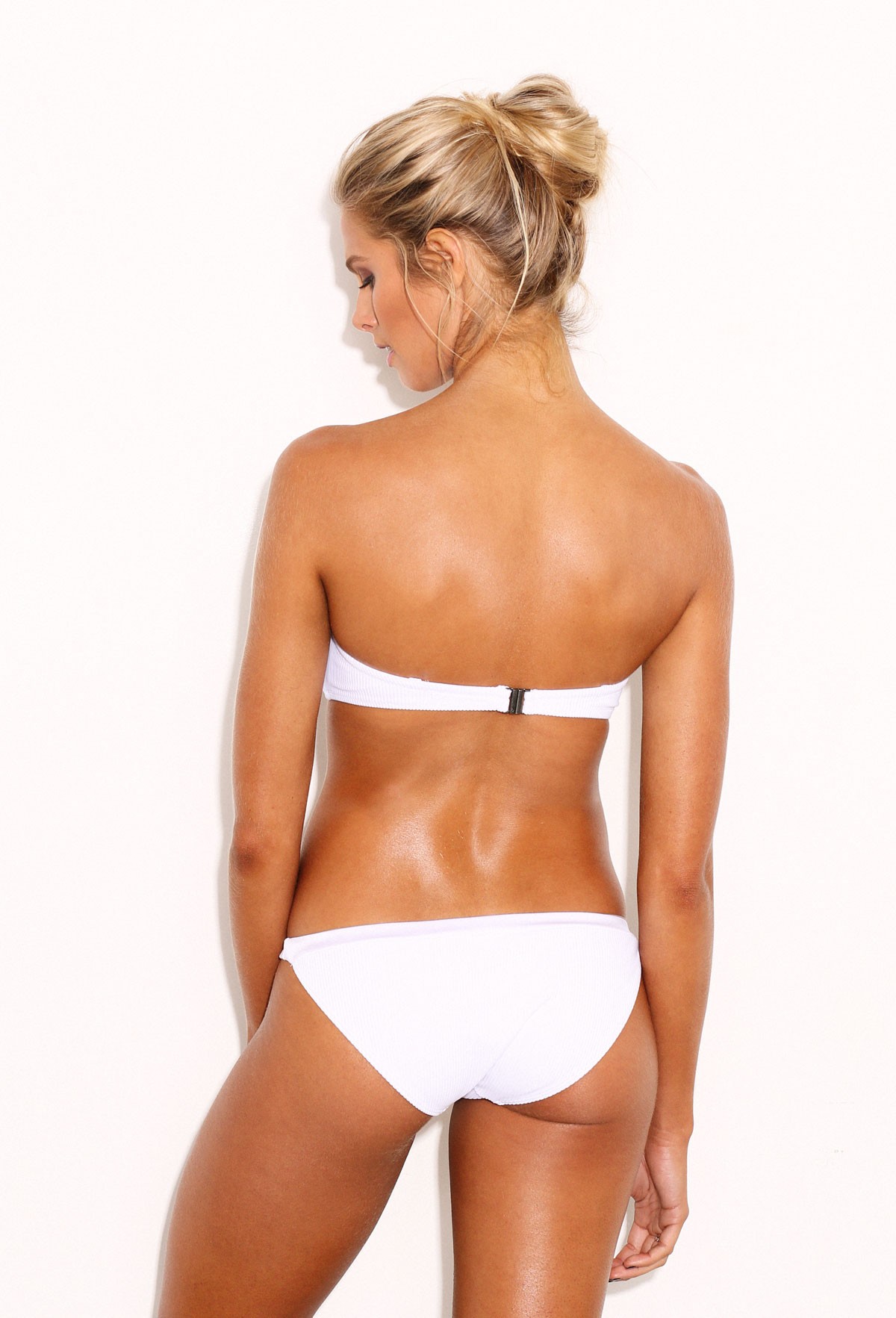
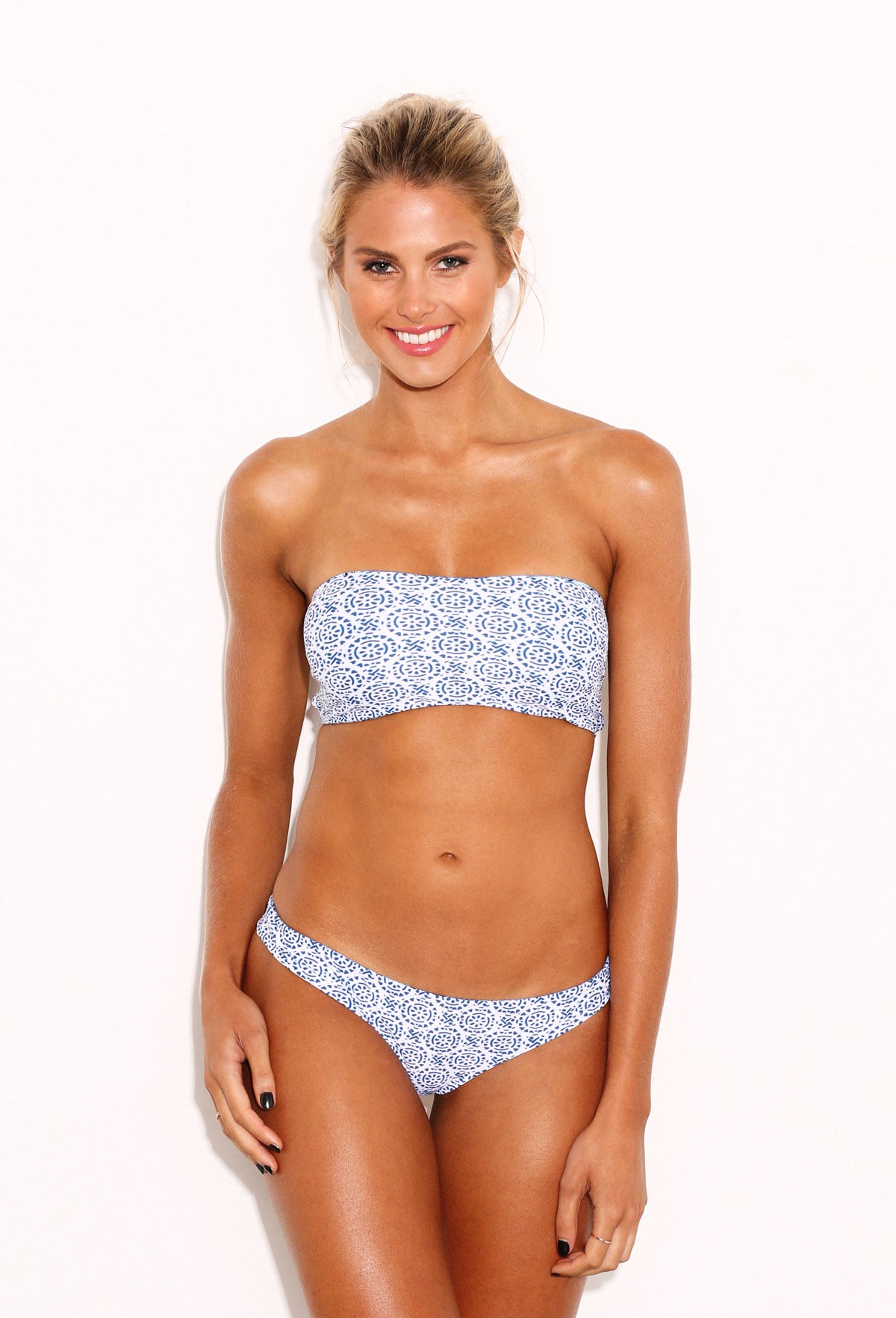
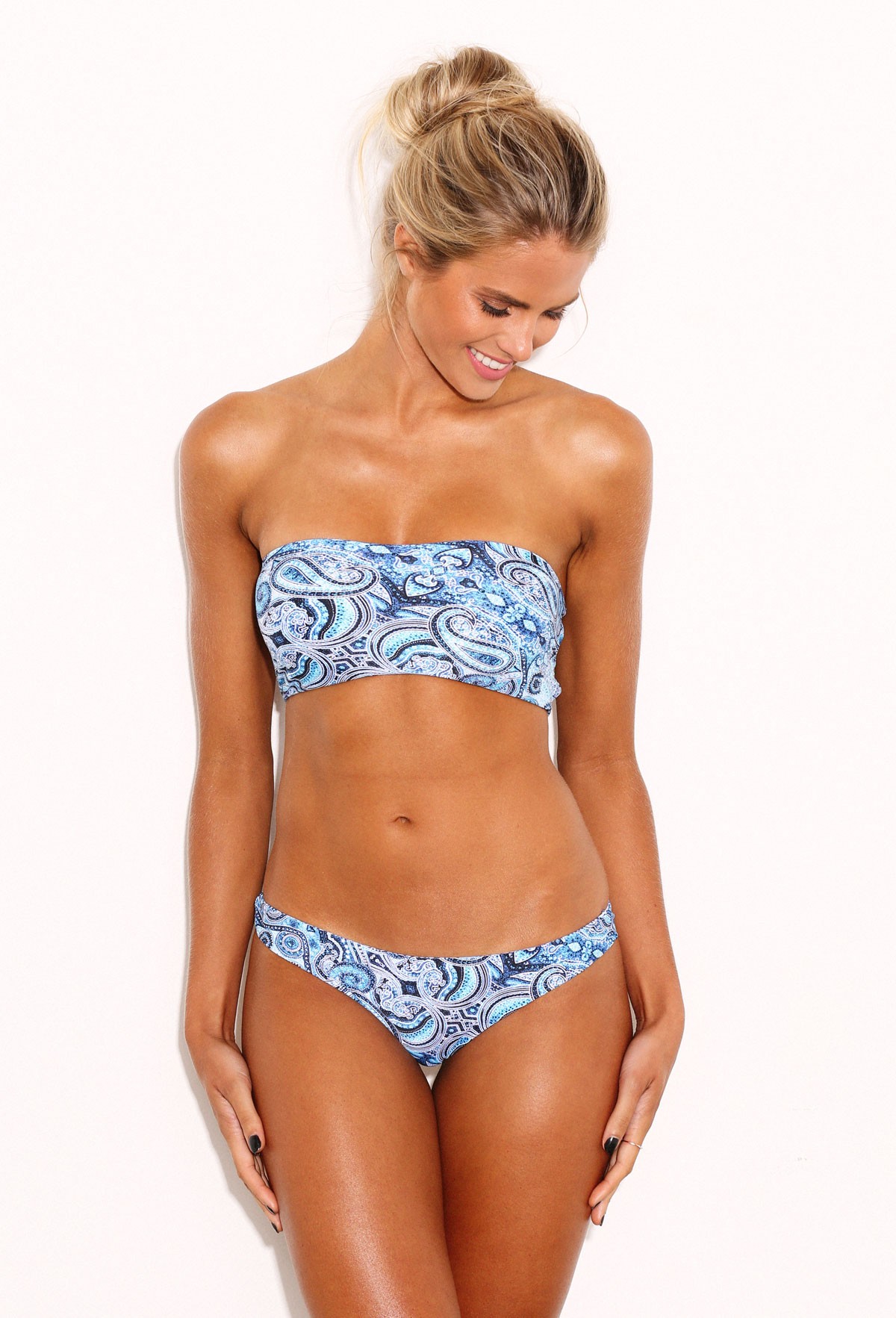
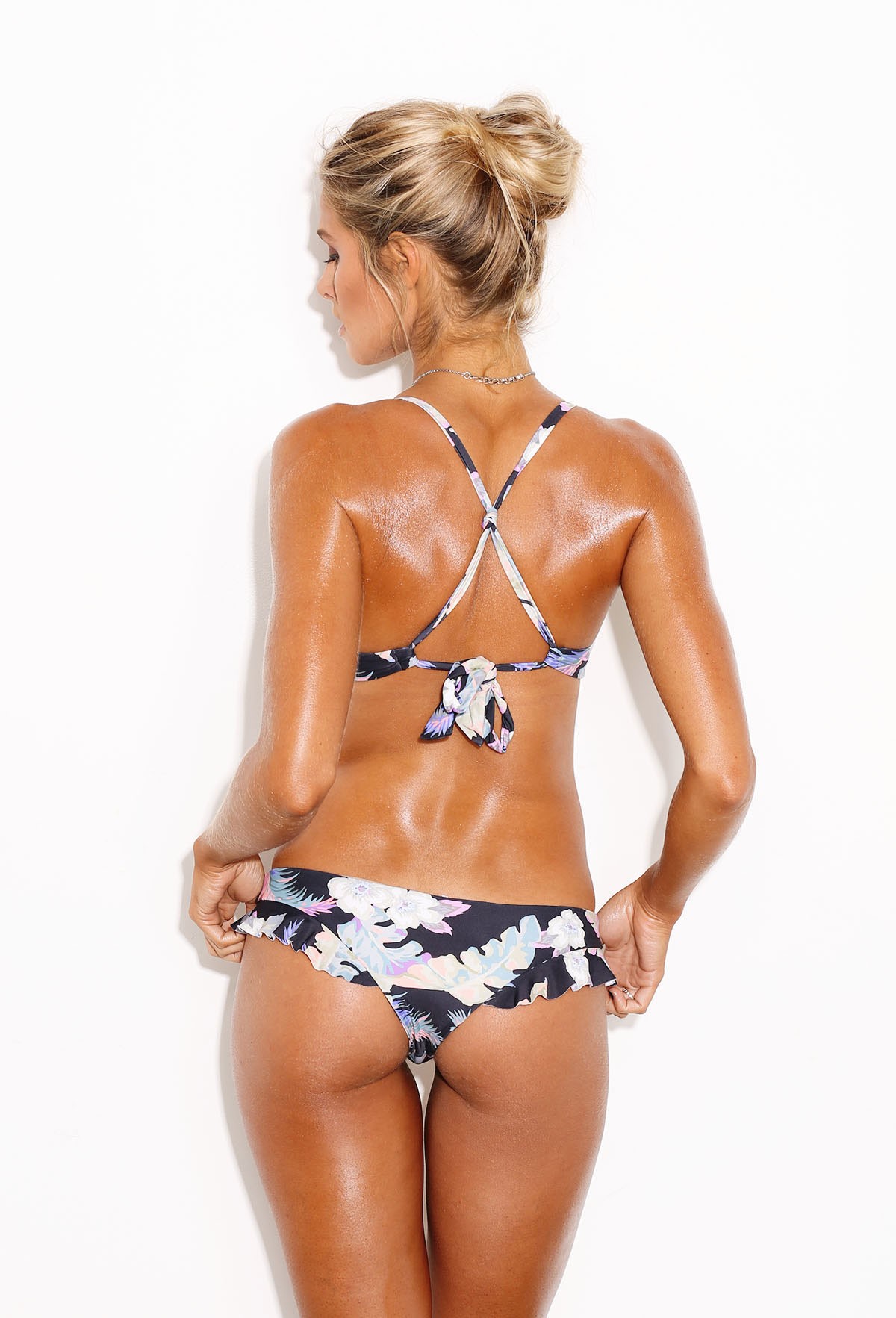
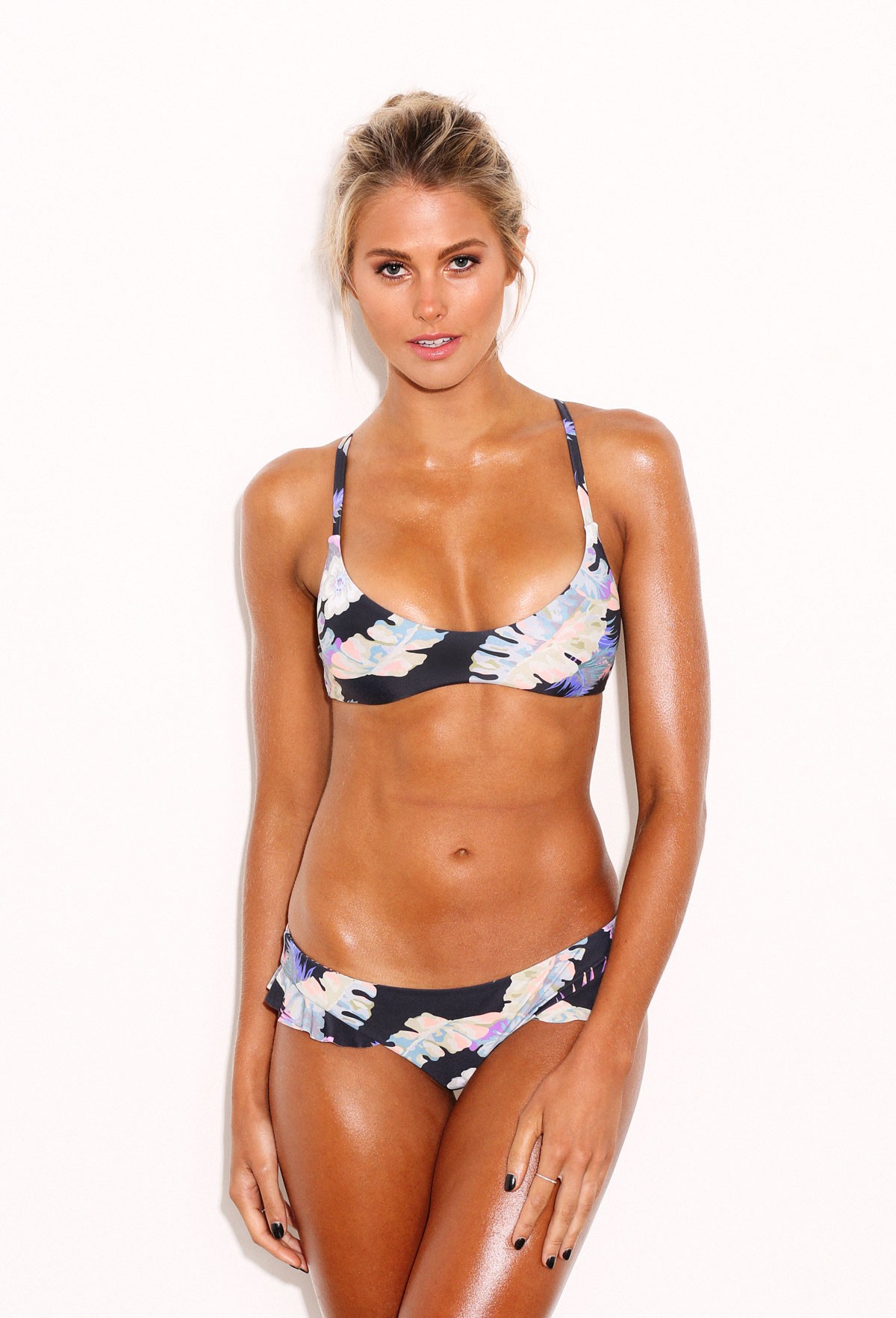
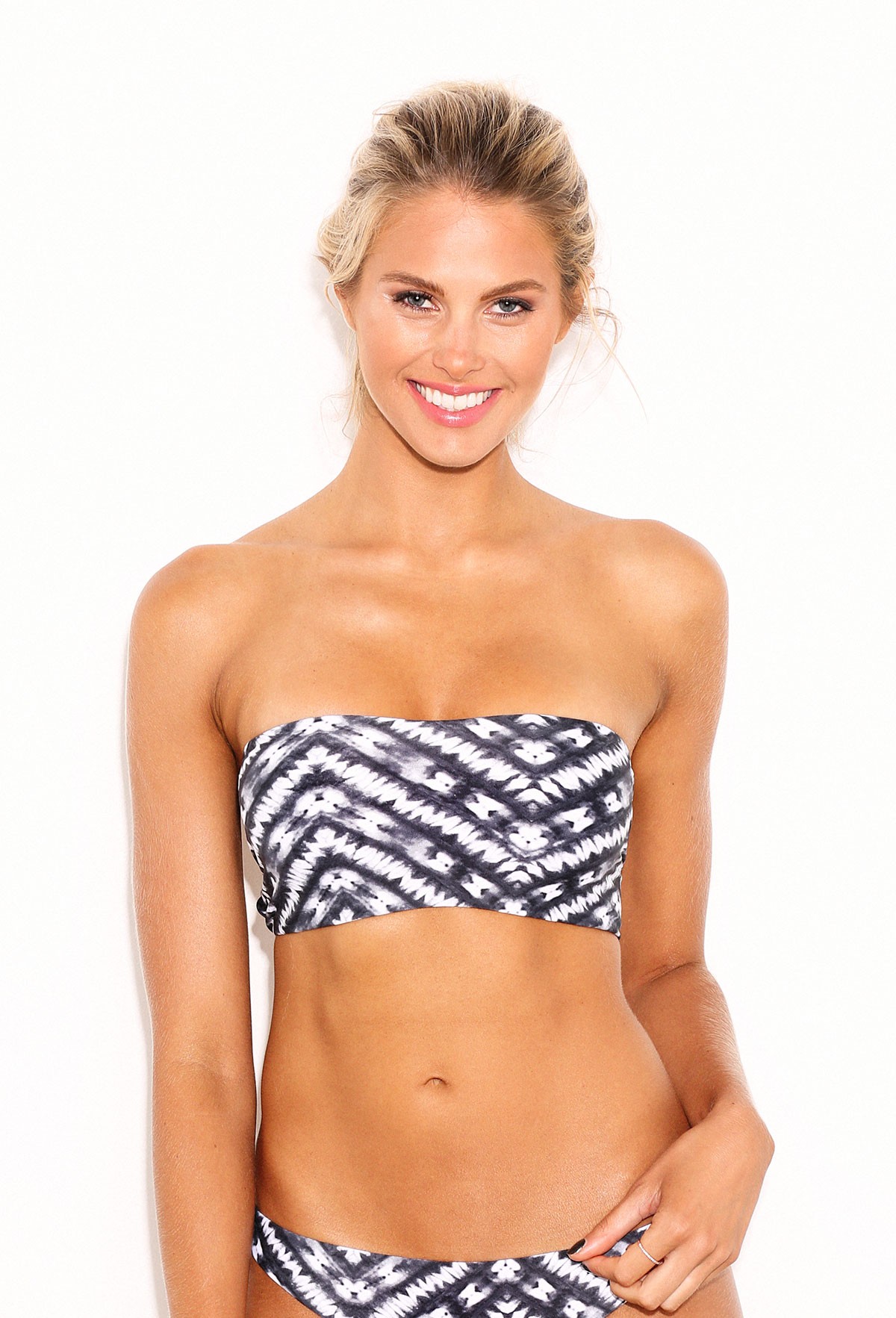
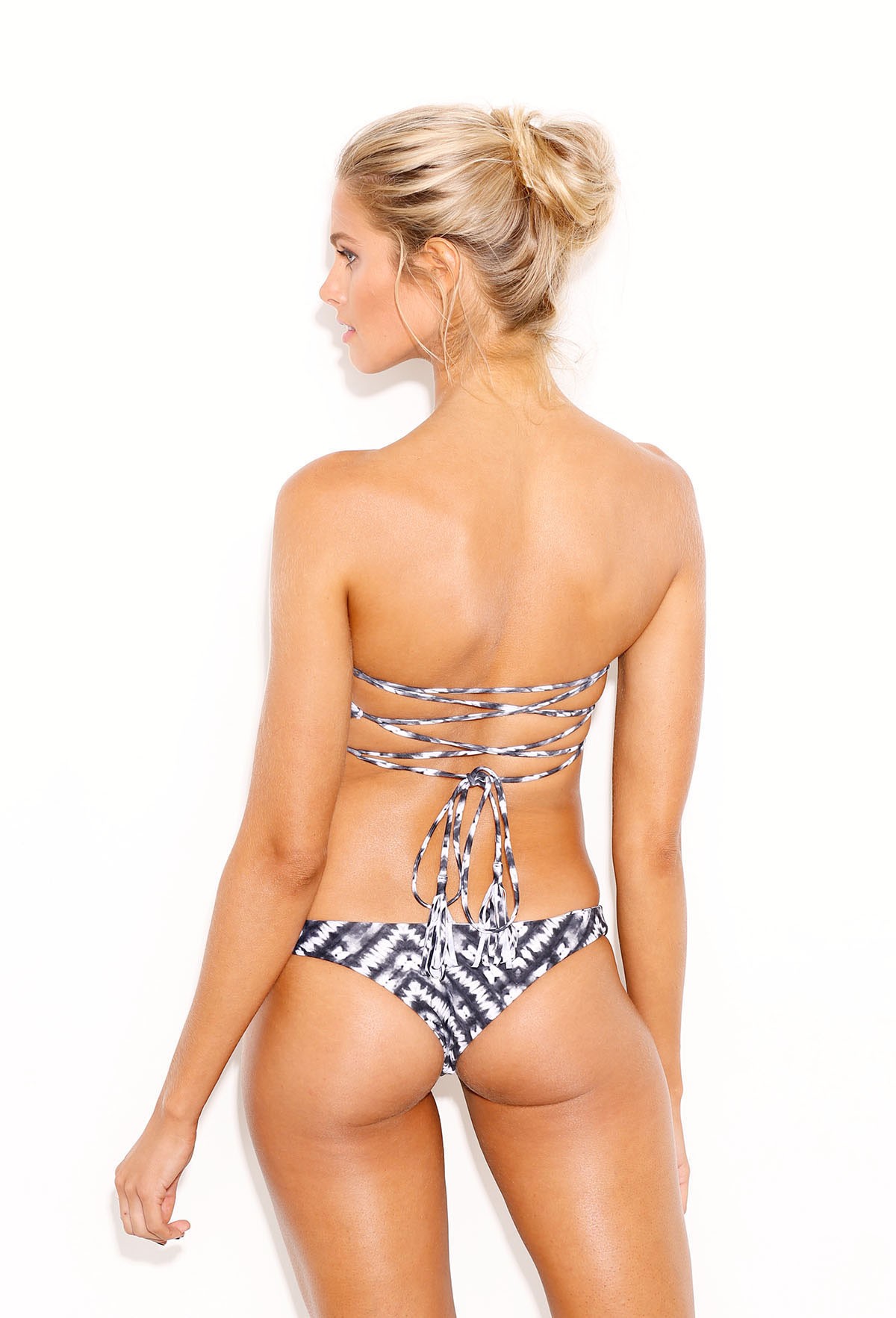
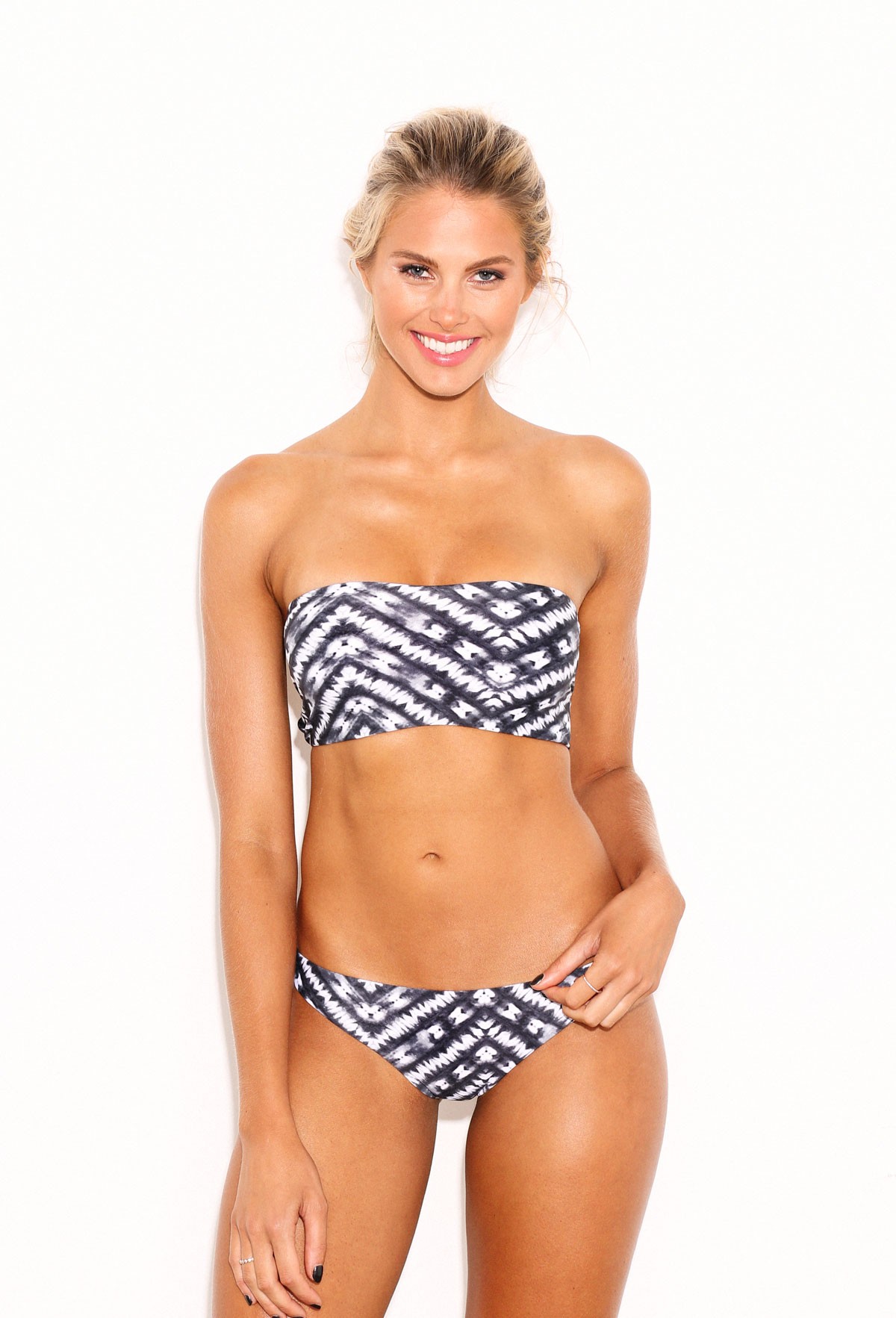
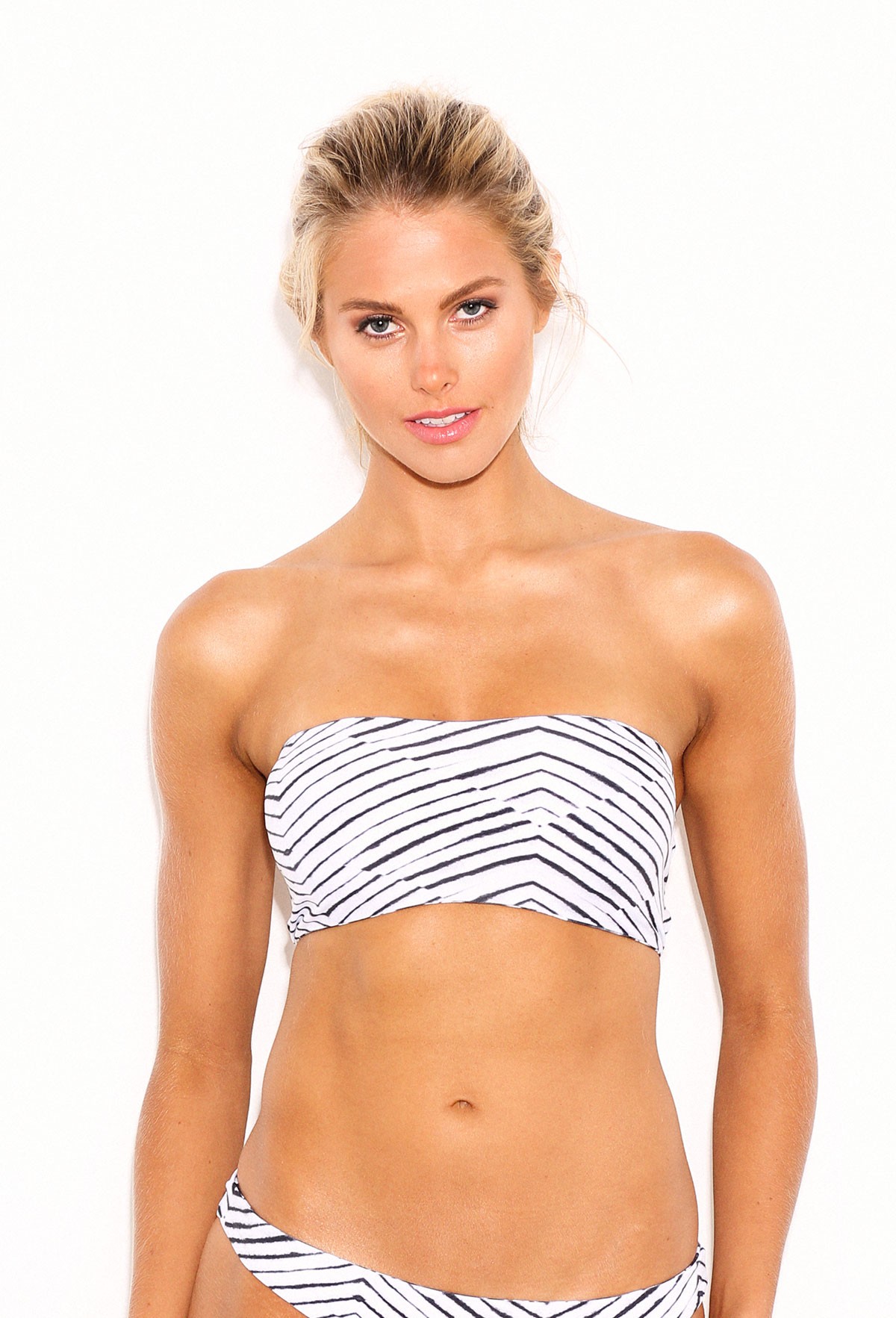
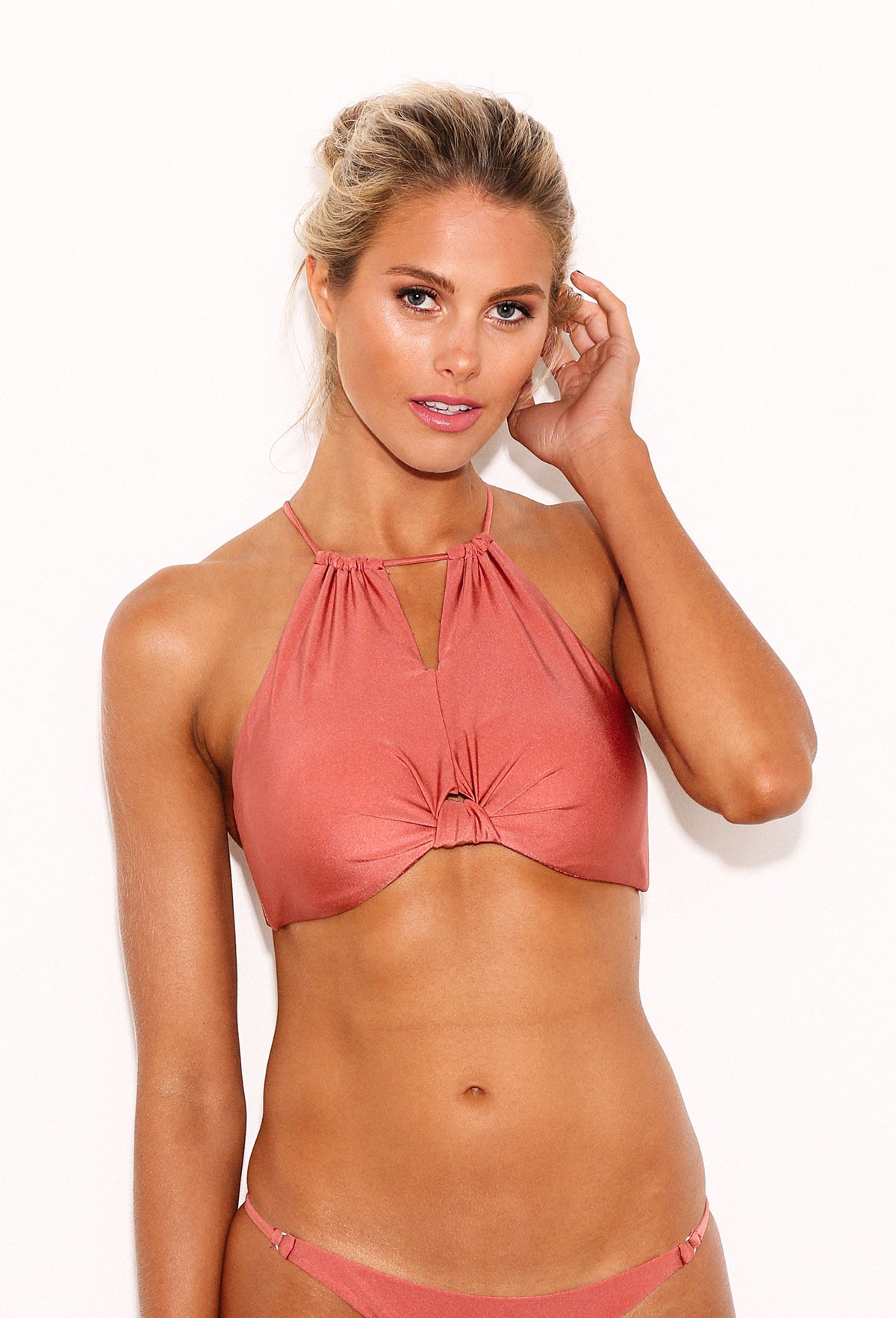
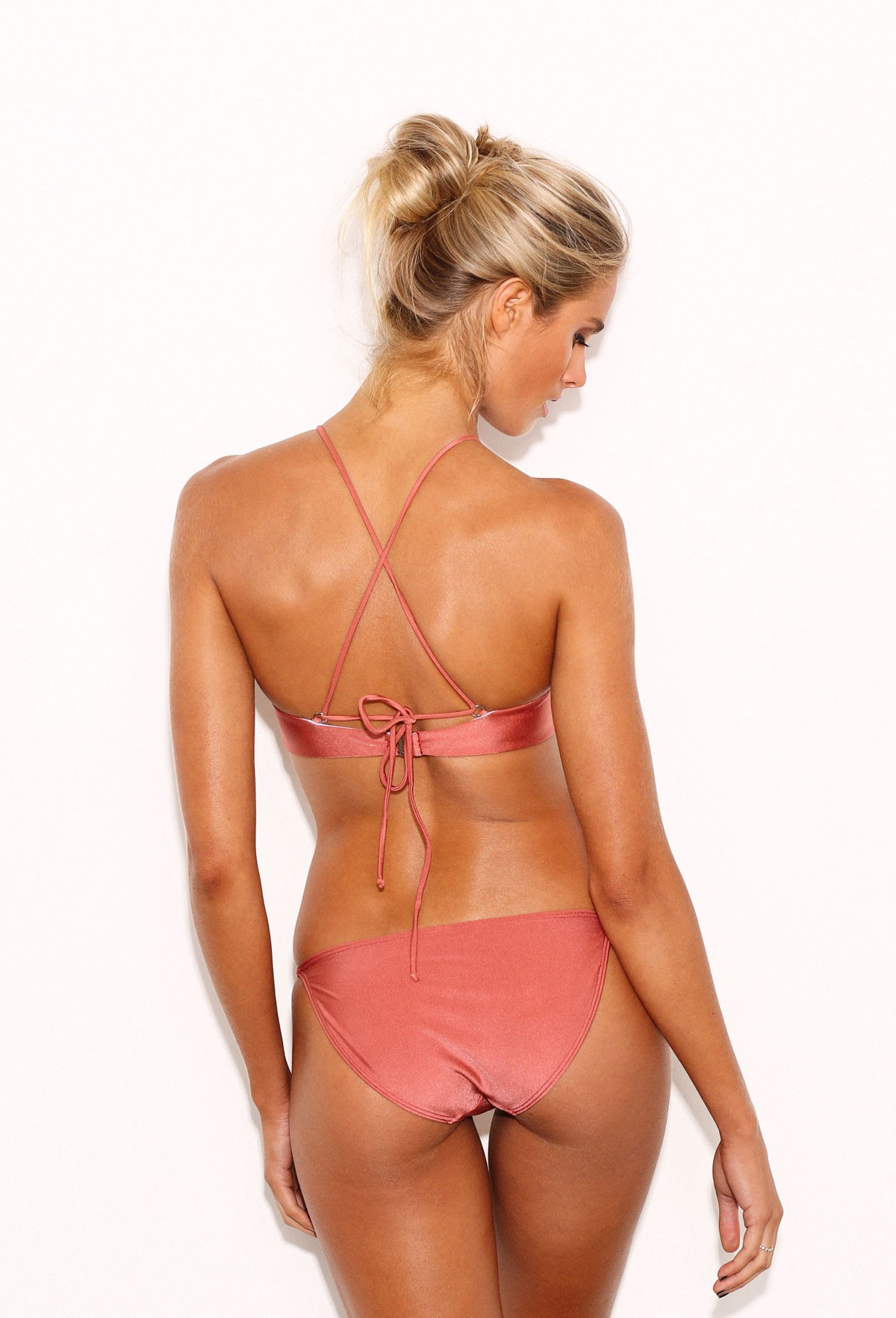
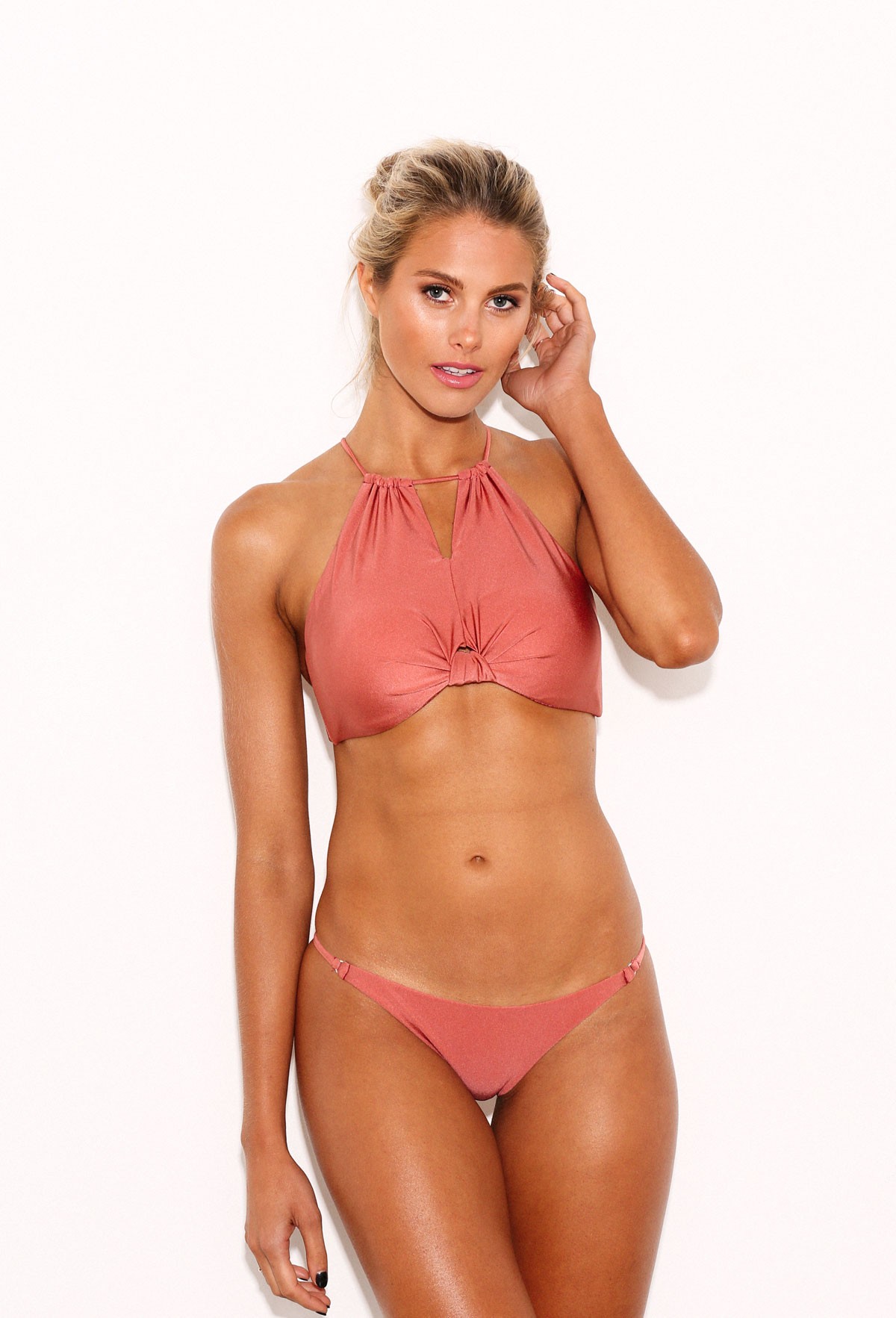
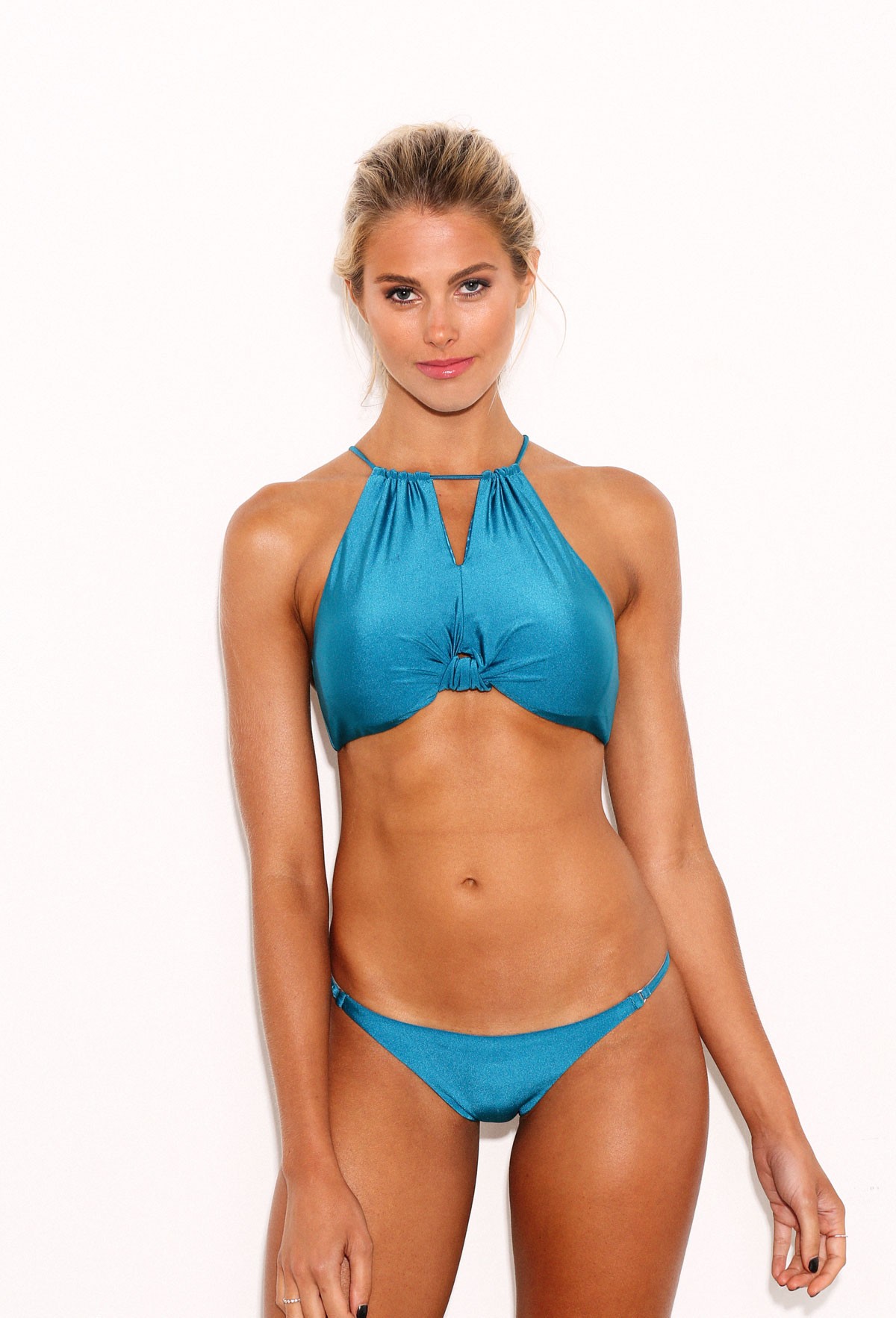
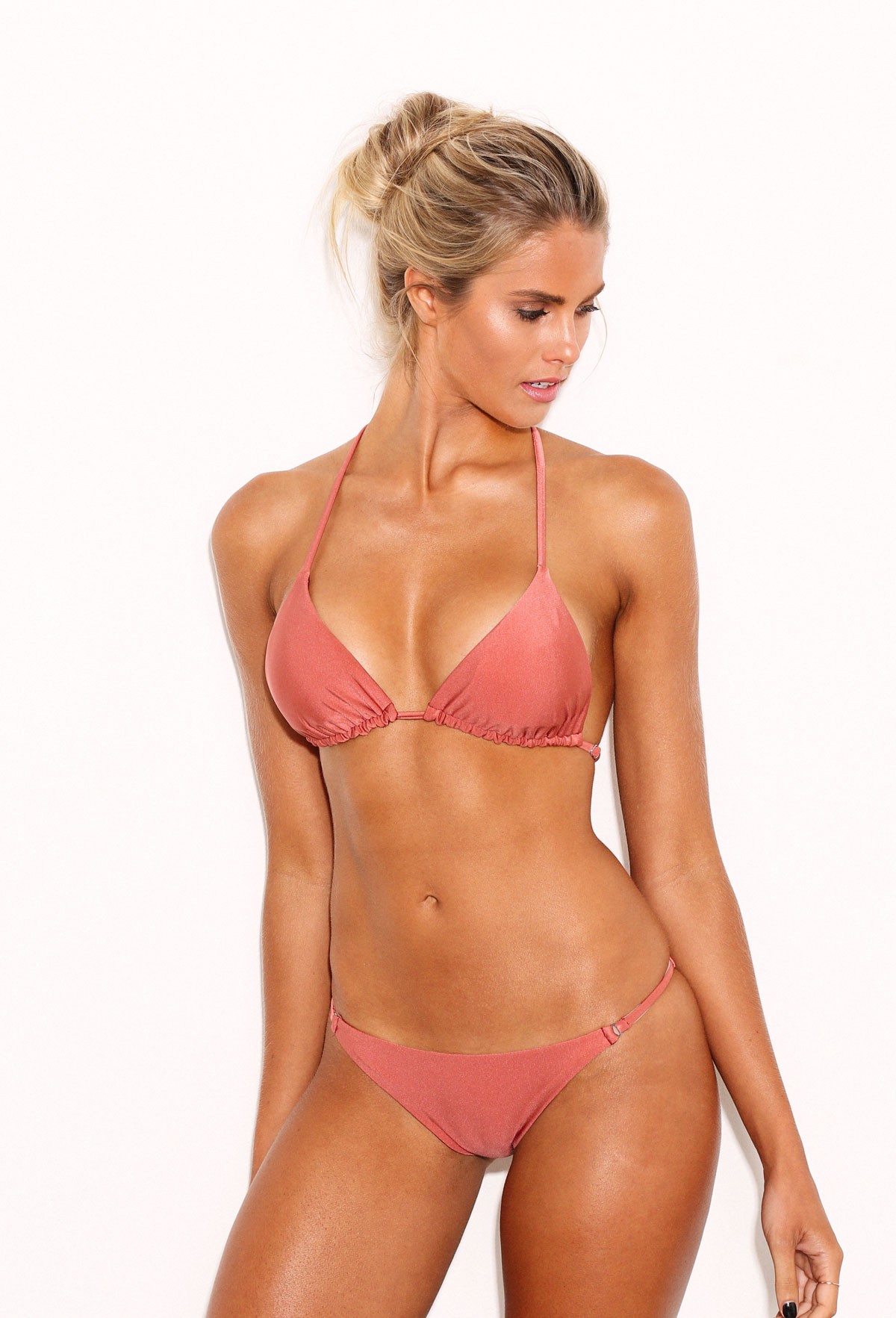
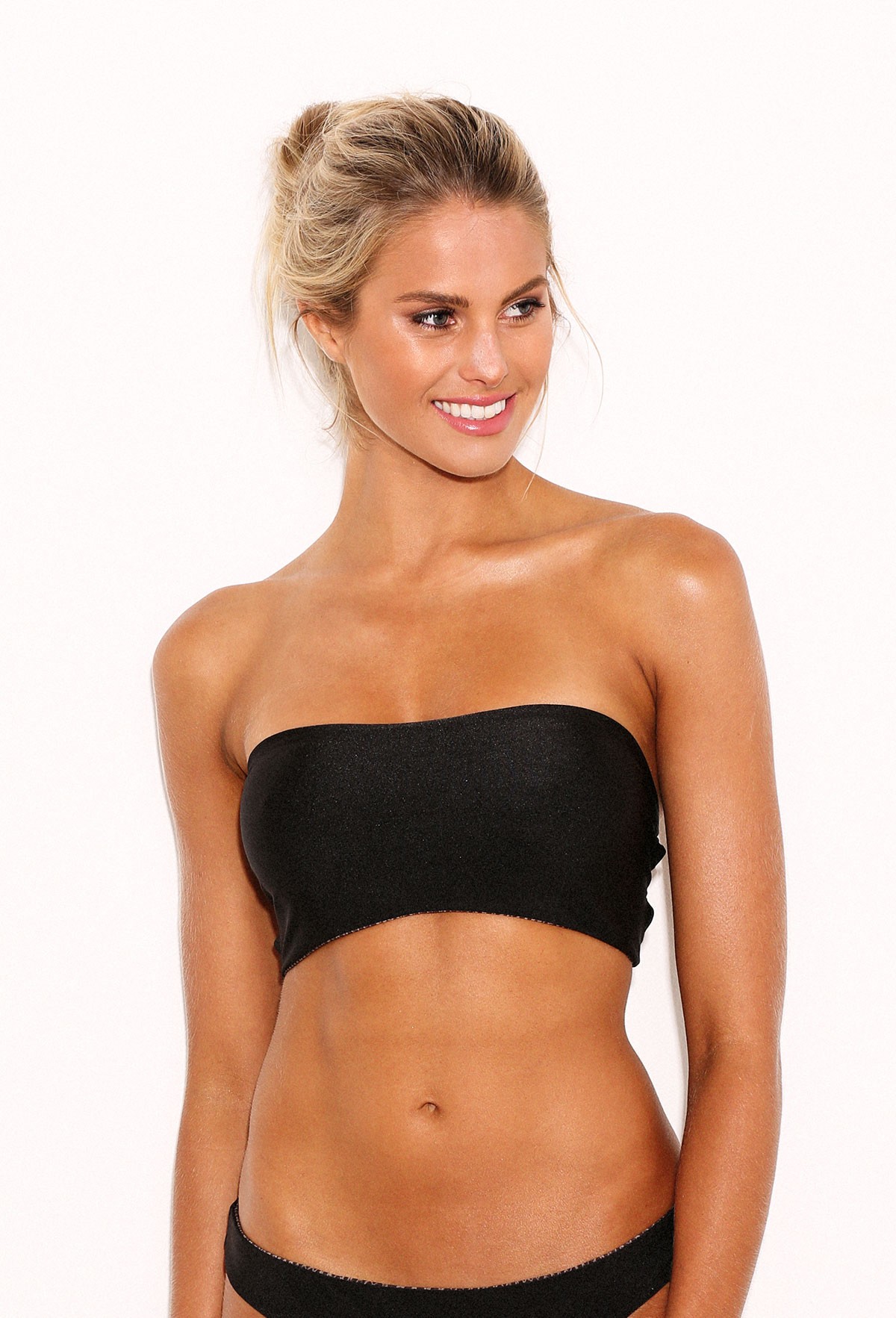
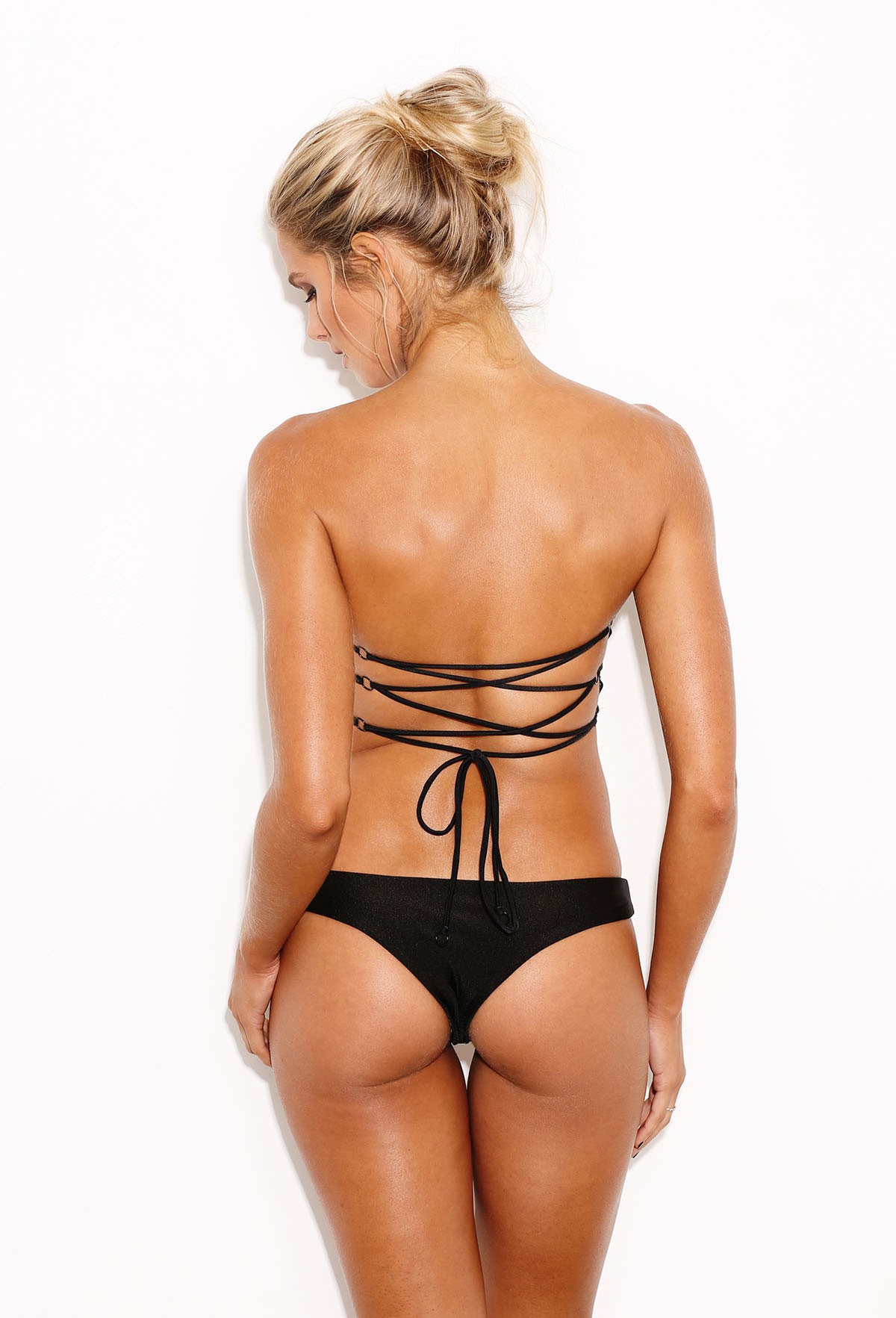
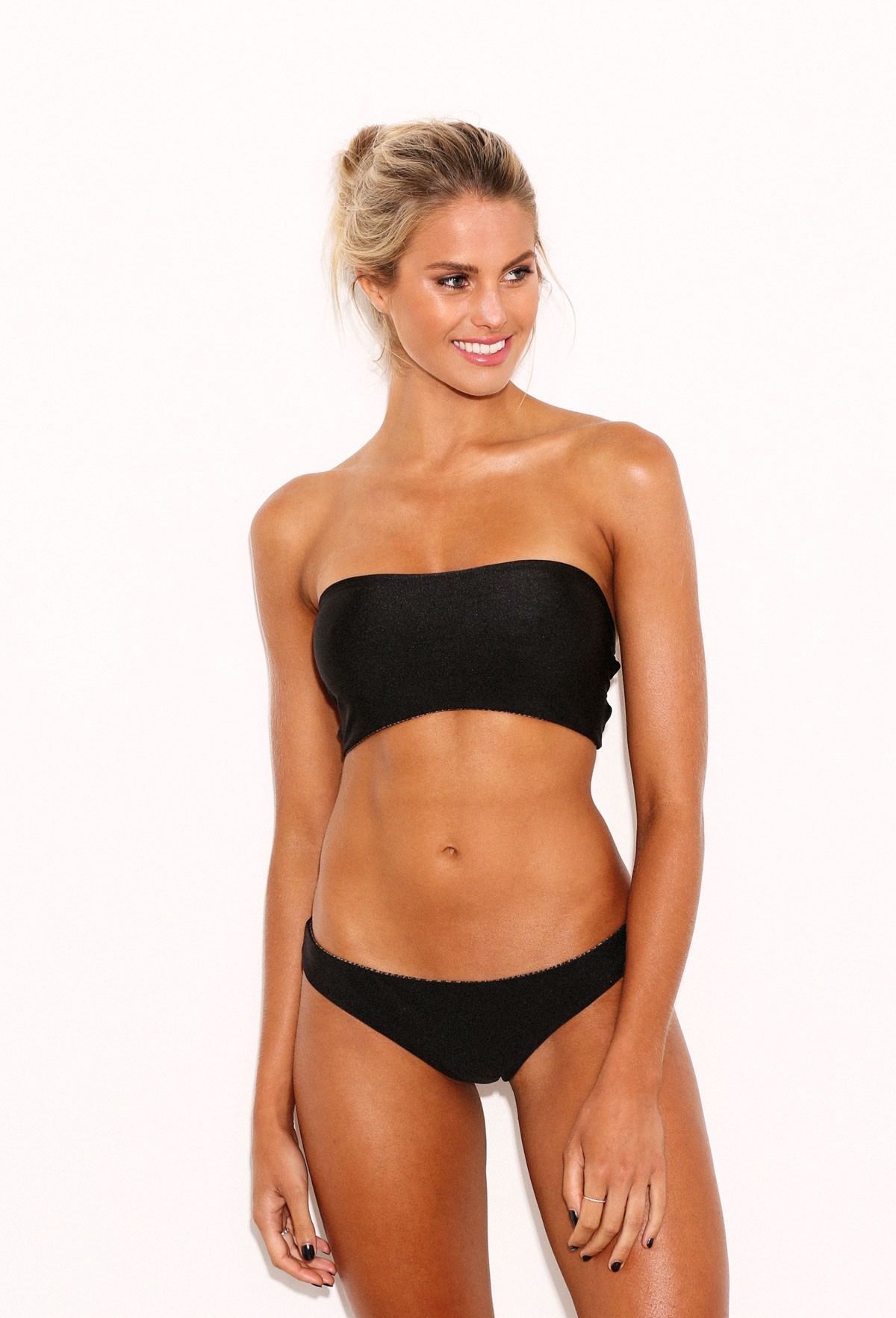
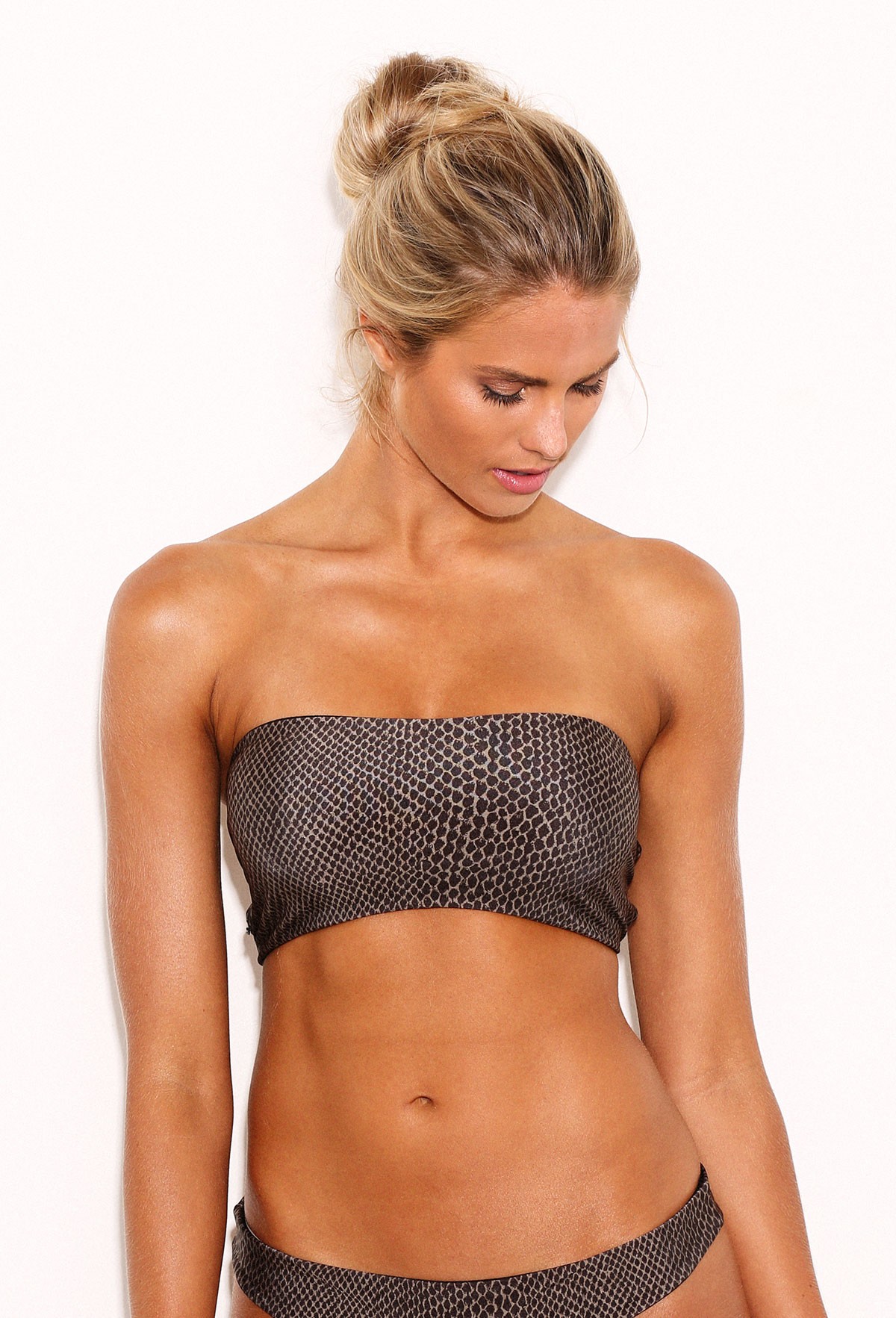
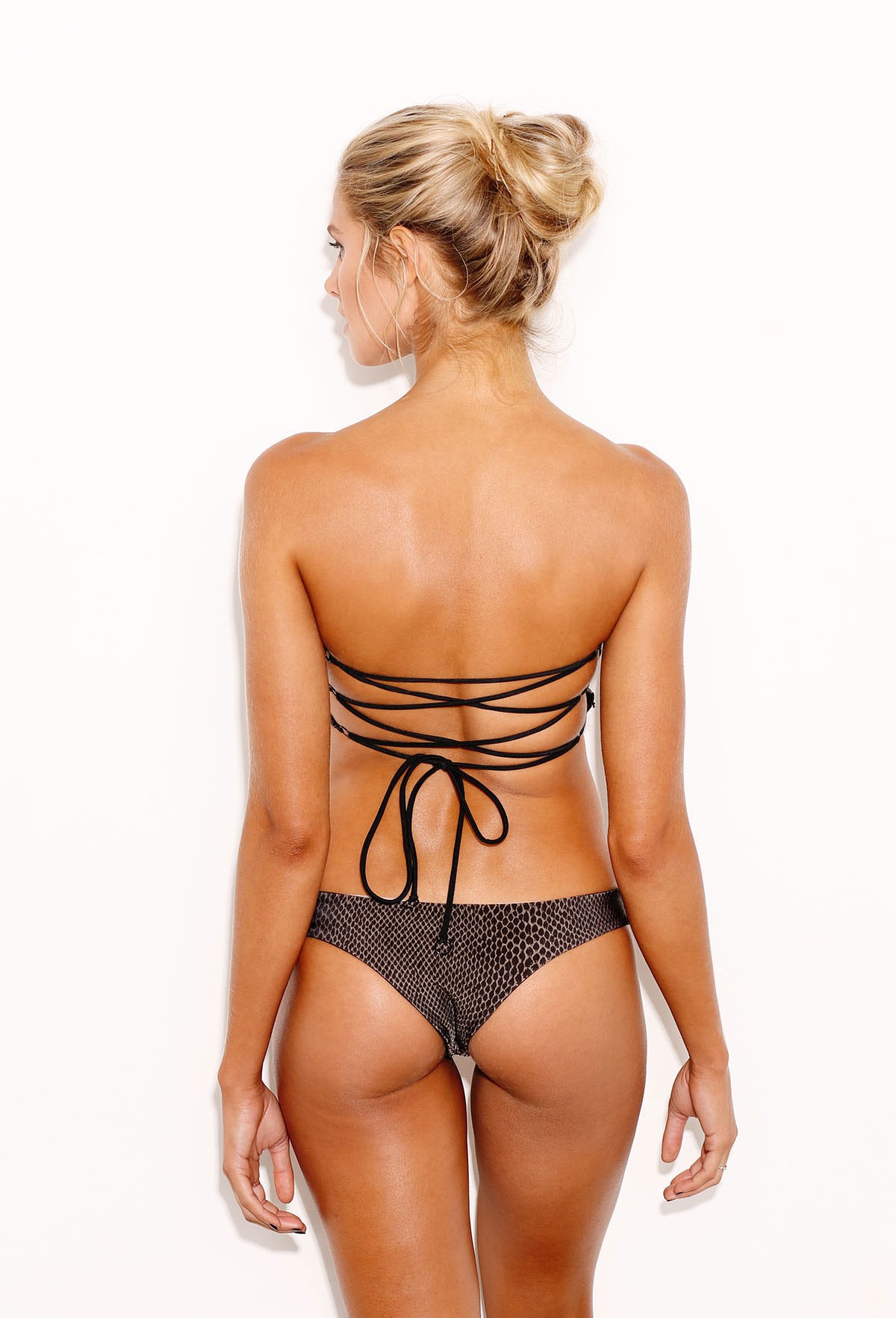
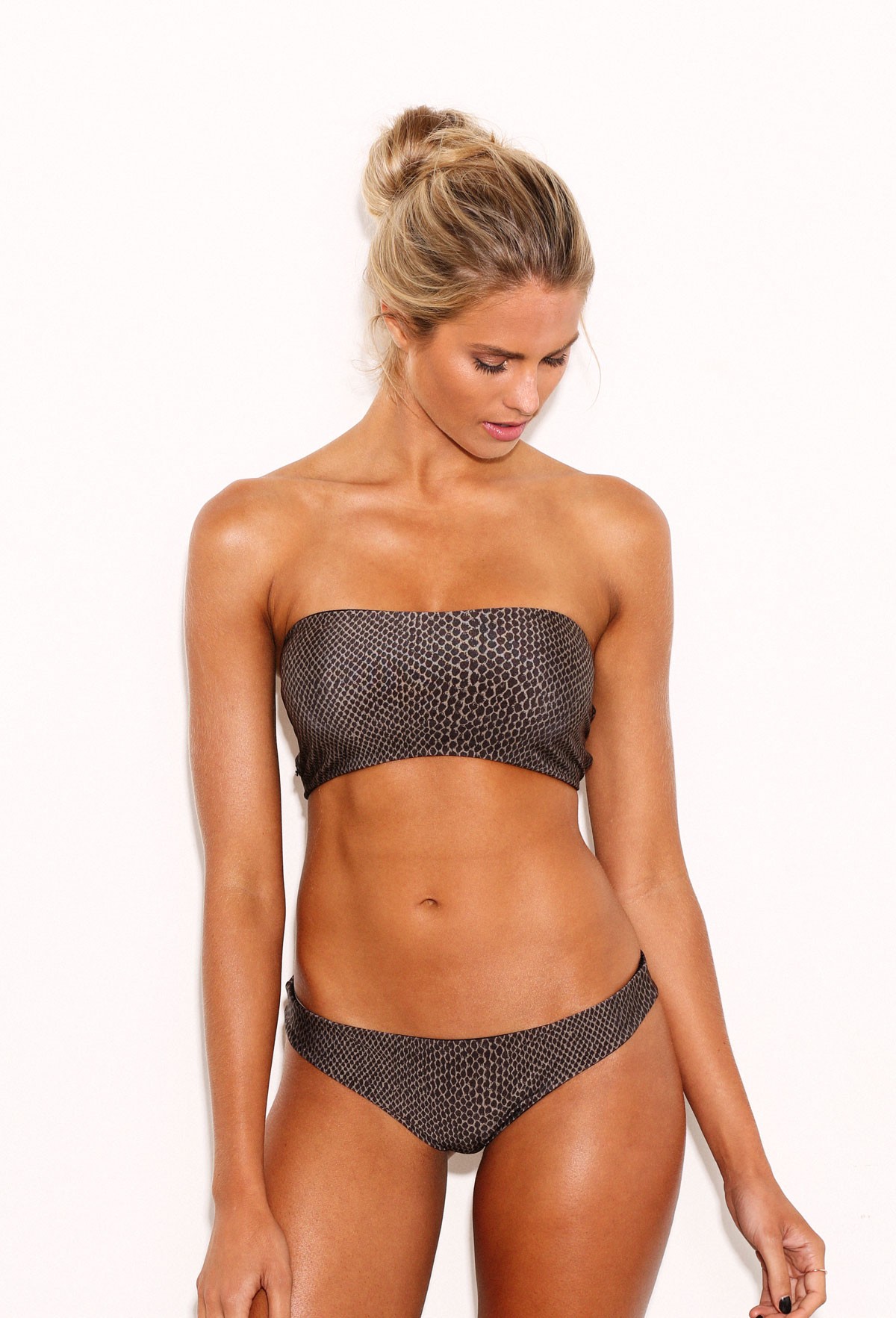
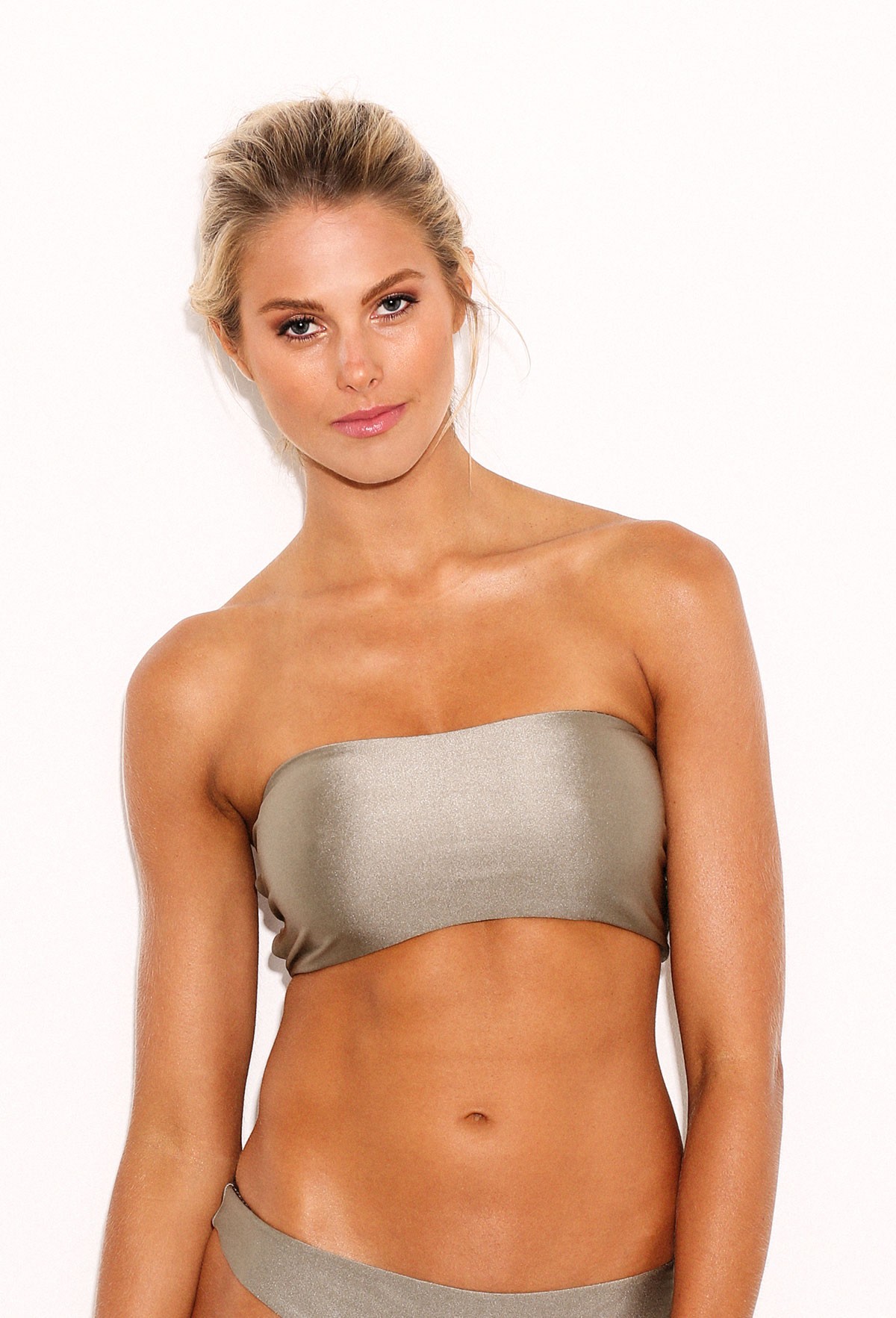
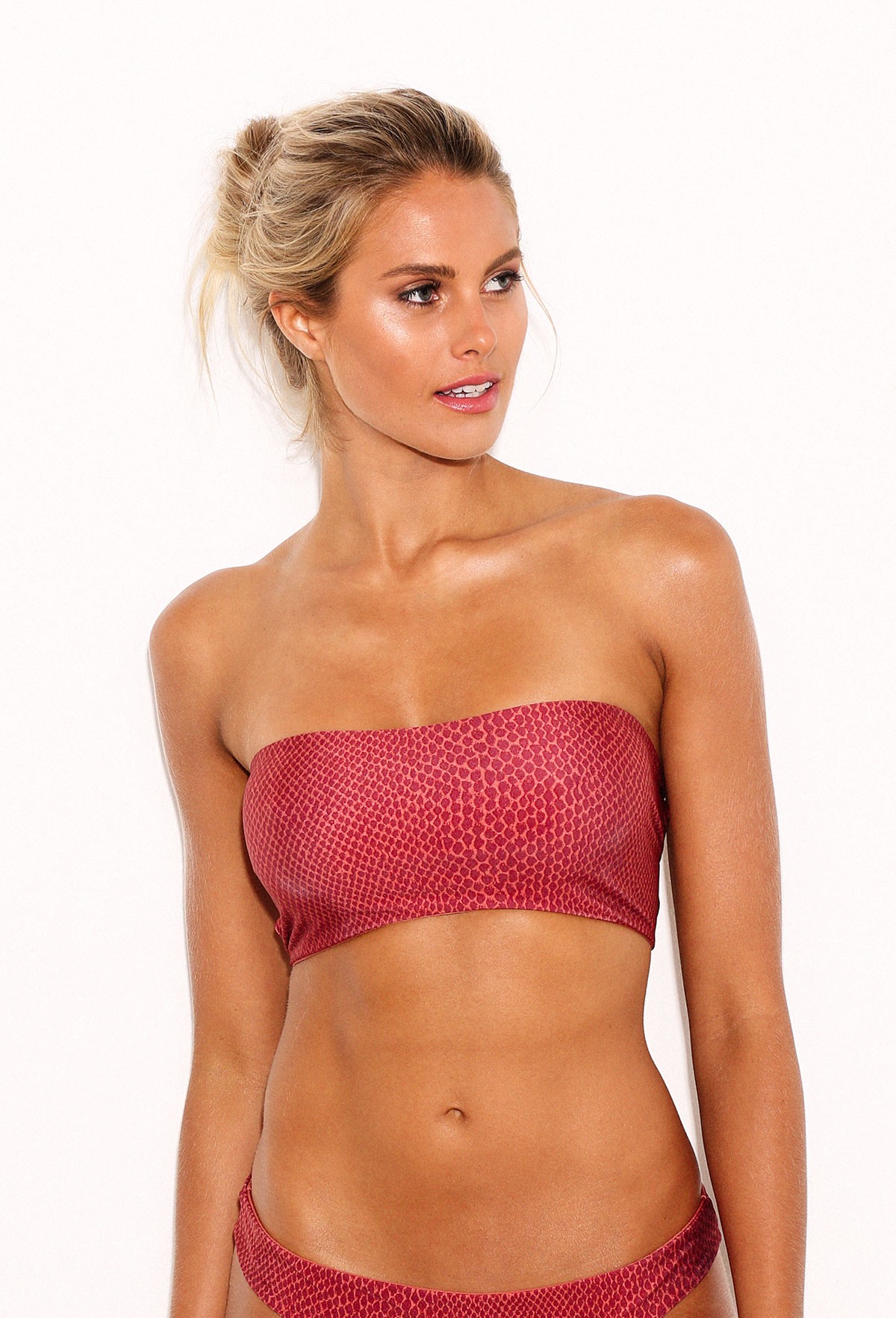
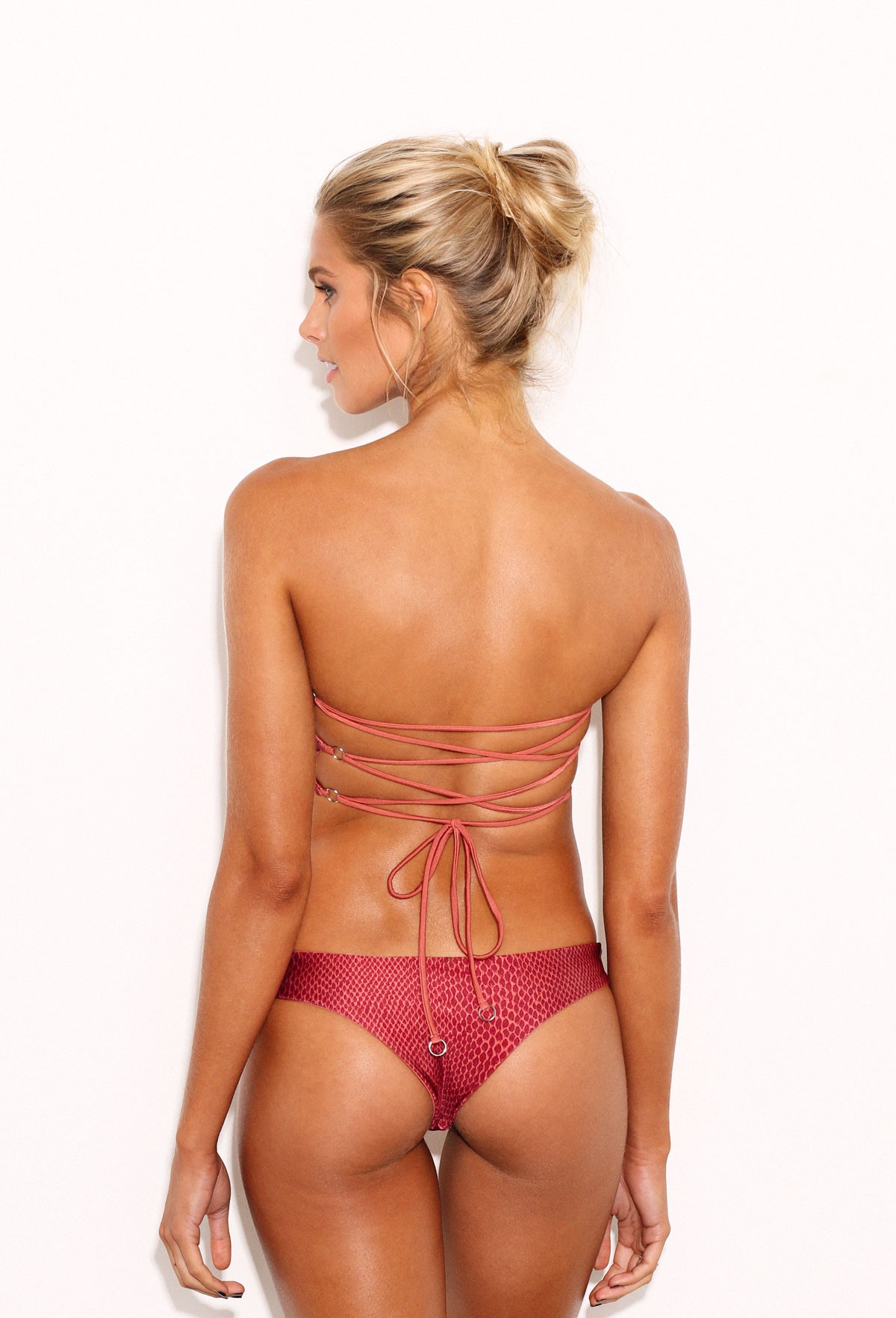
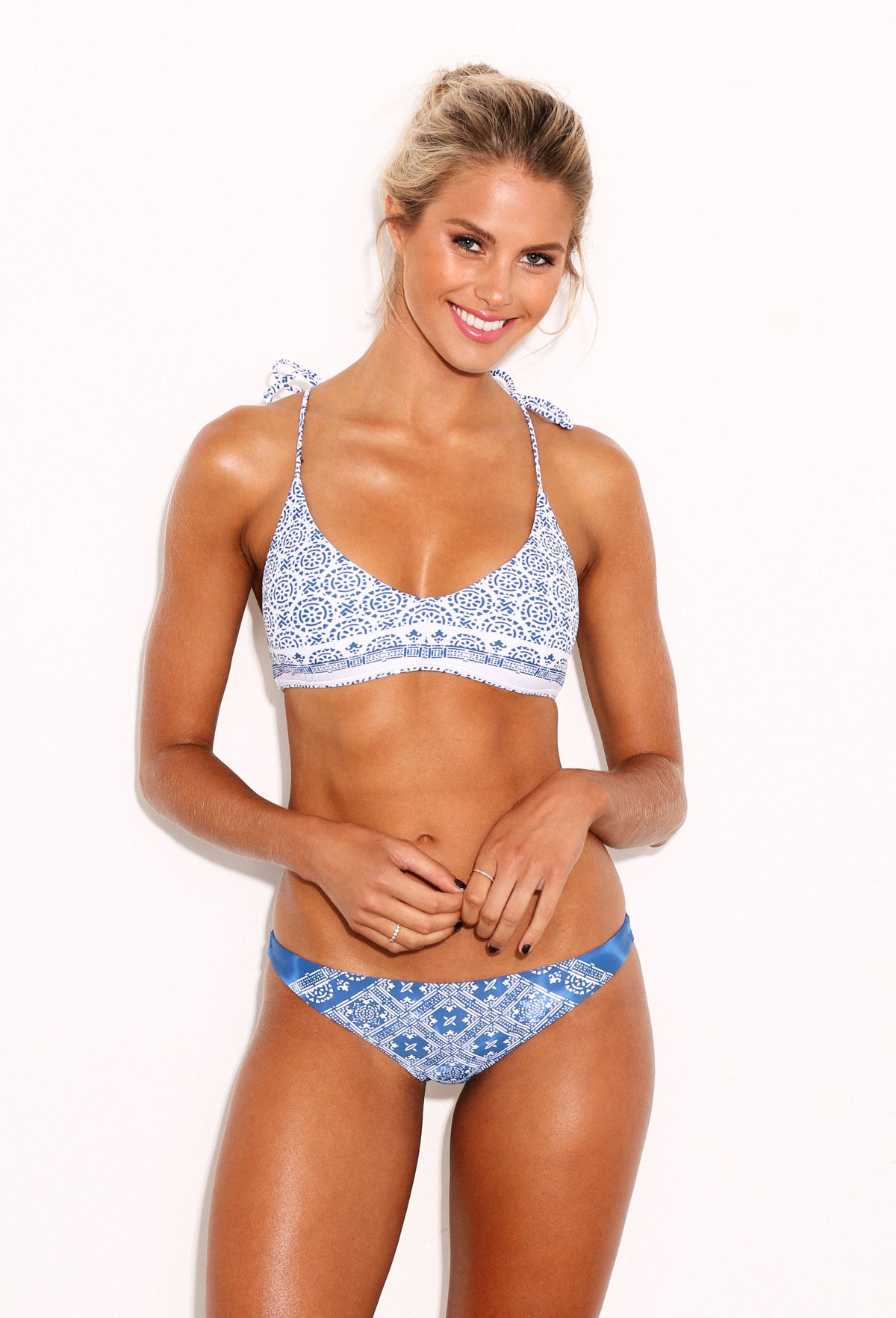
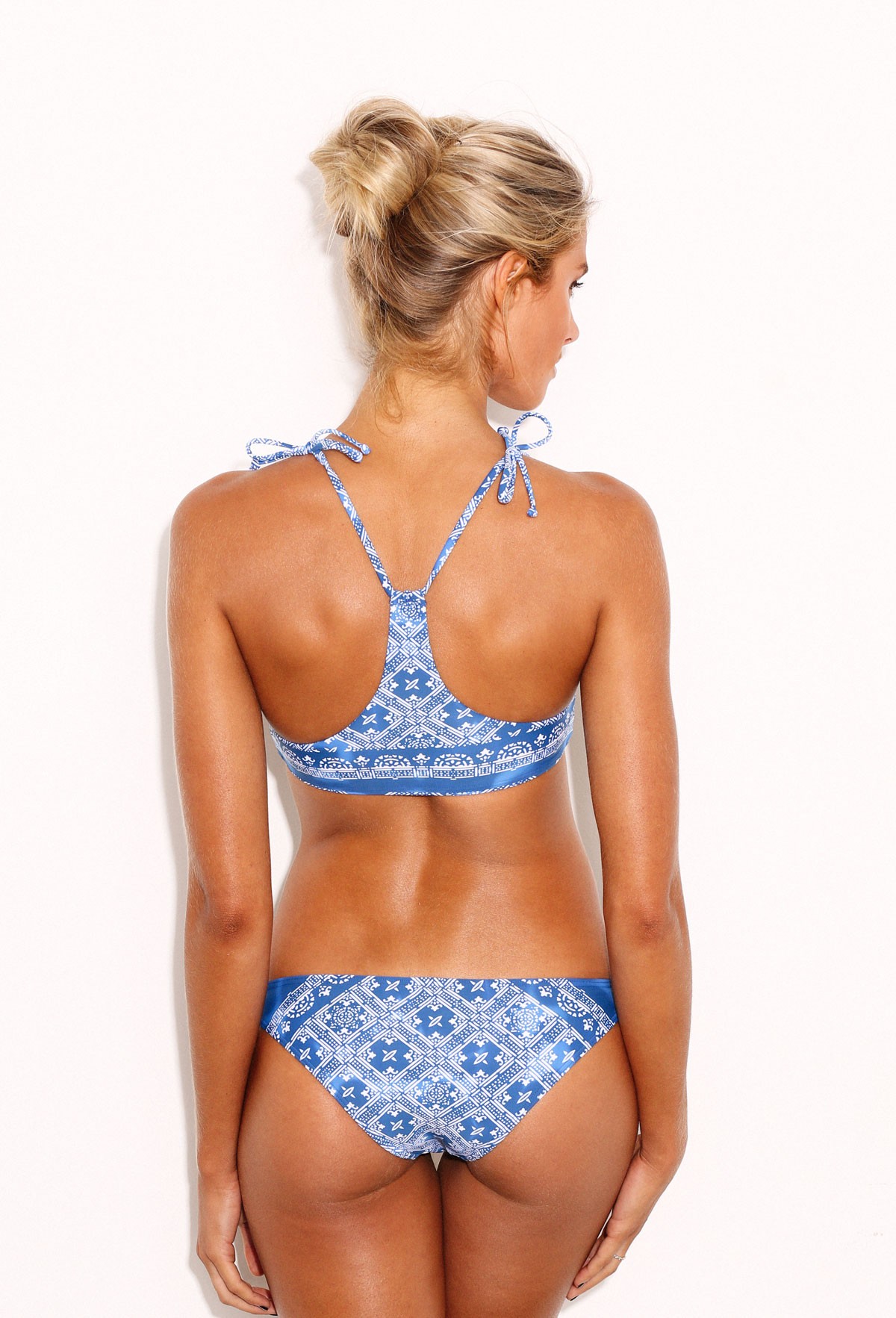
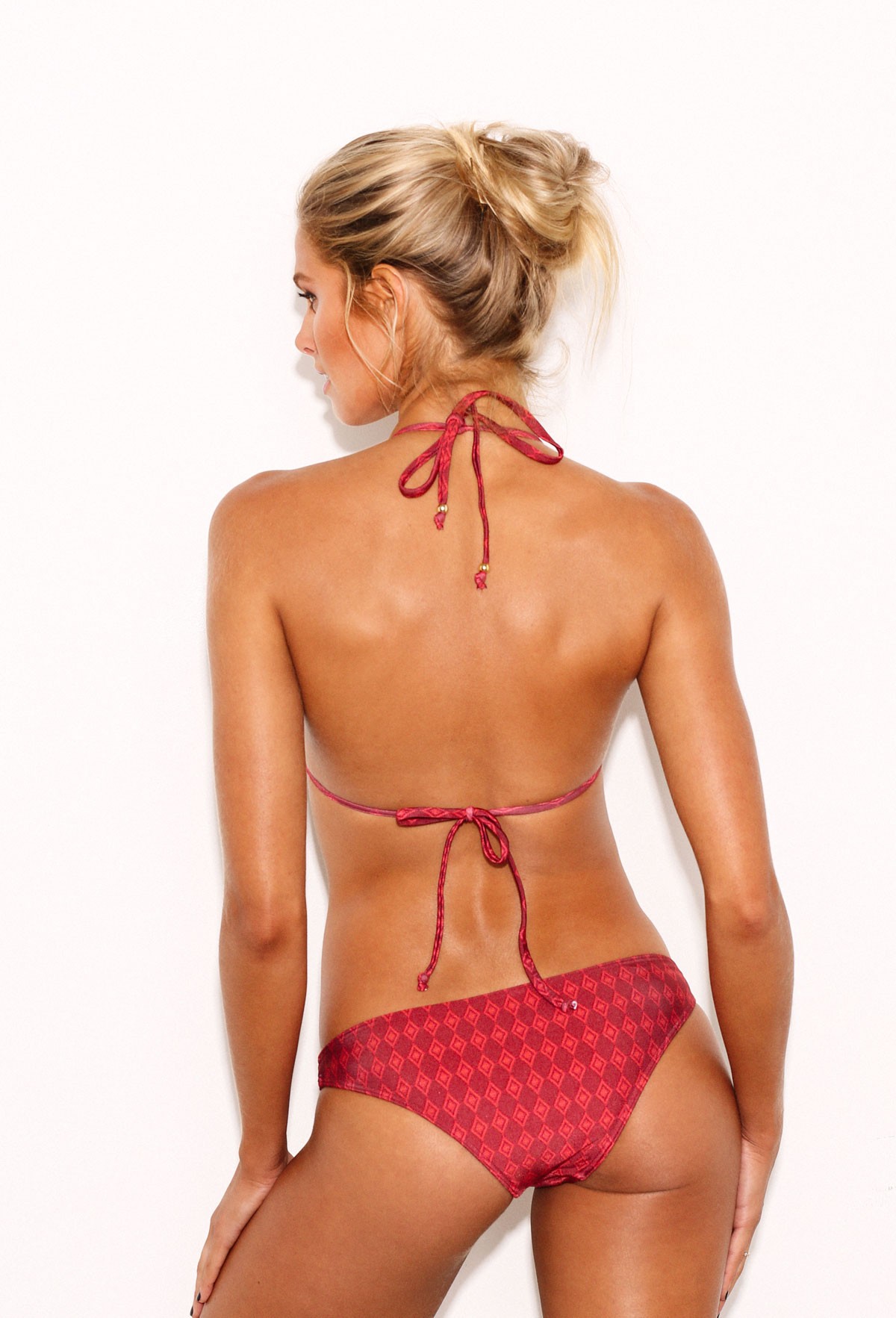
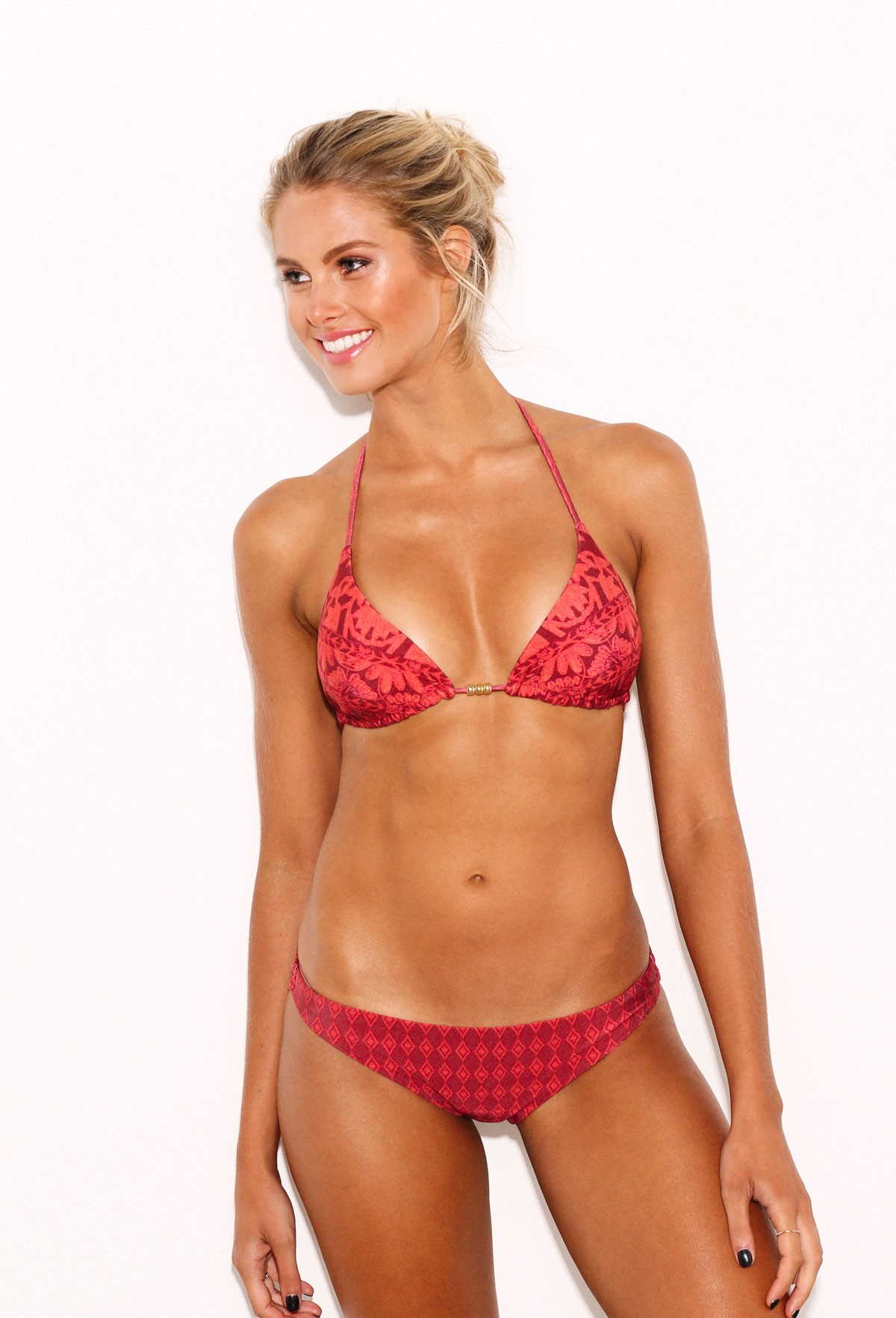
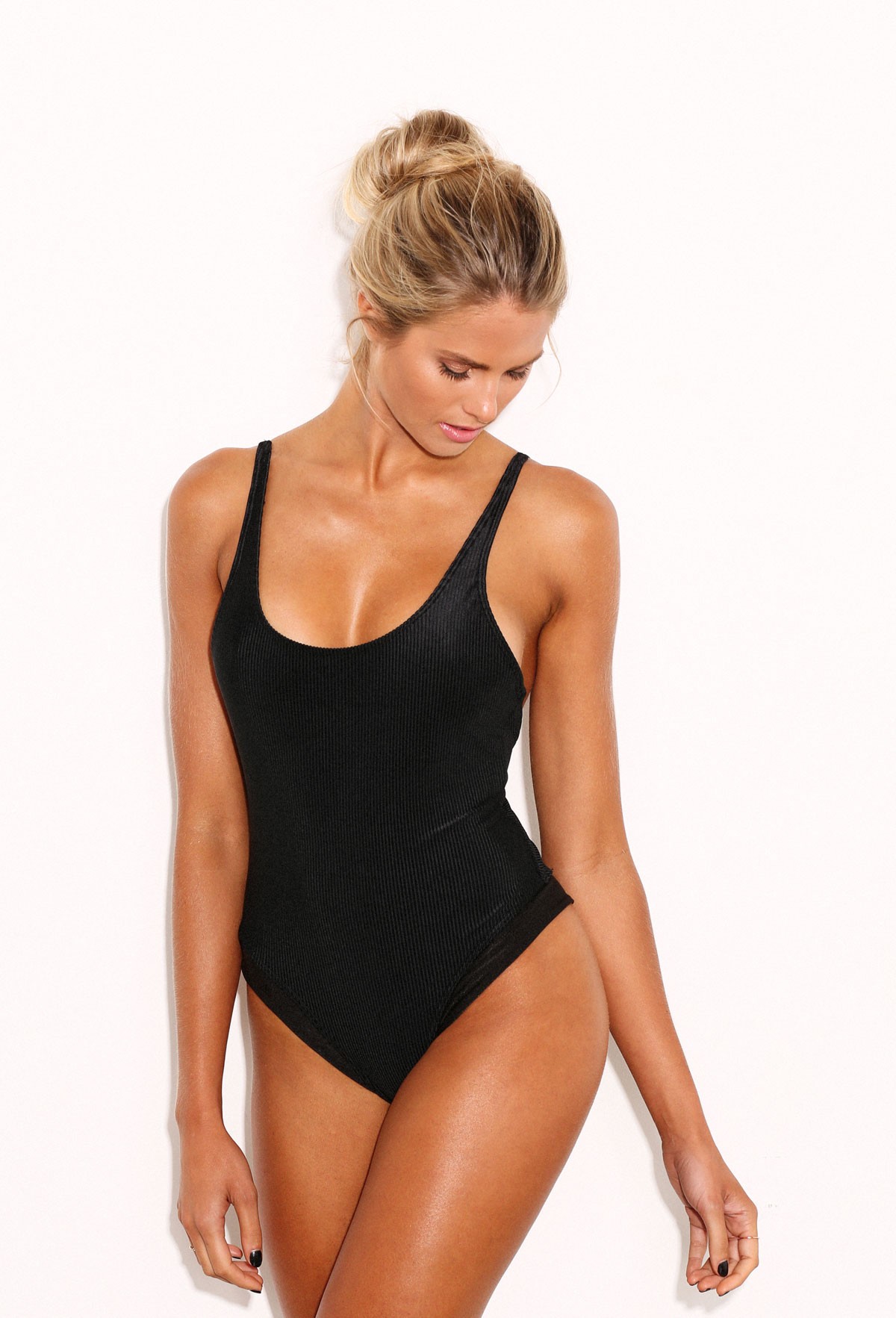
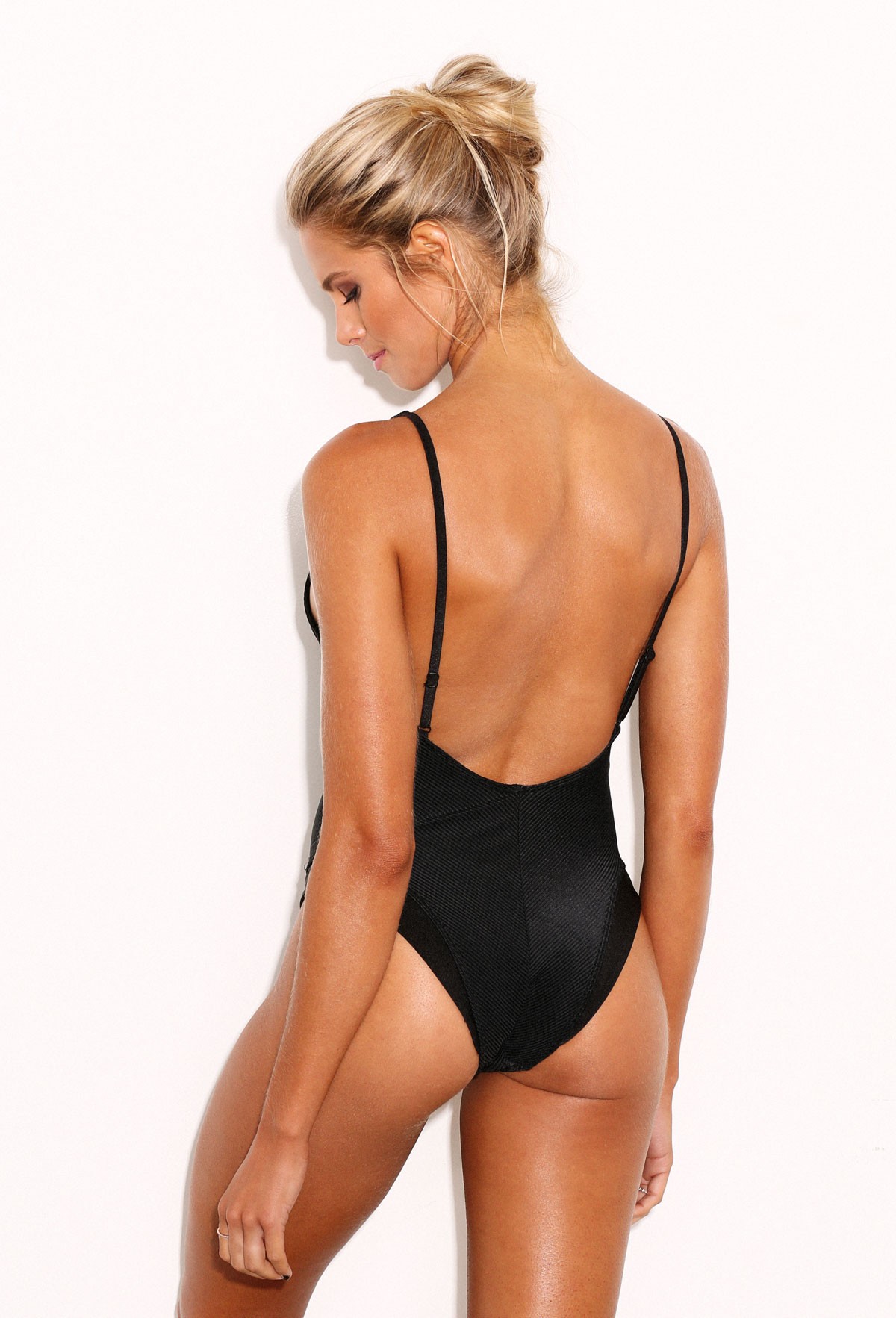
 @nicolemeyer1for @womenshealthmagsa@womenshealthnl #photo [email protected] / #hairandmakeup- @tinahoffmann000 /@roodebloemstudios #edit#retouchingstudio #dgtlcraft #capetown
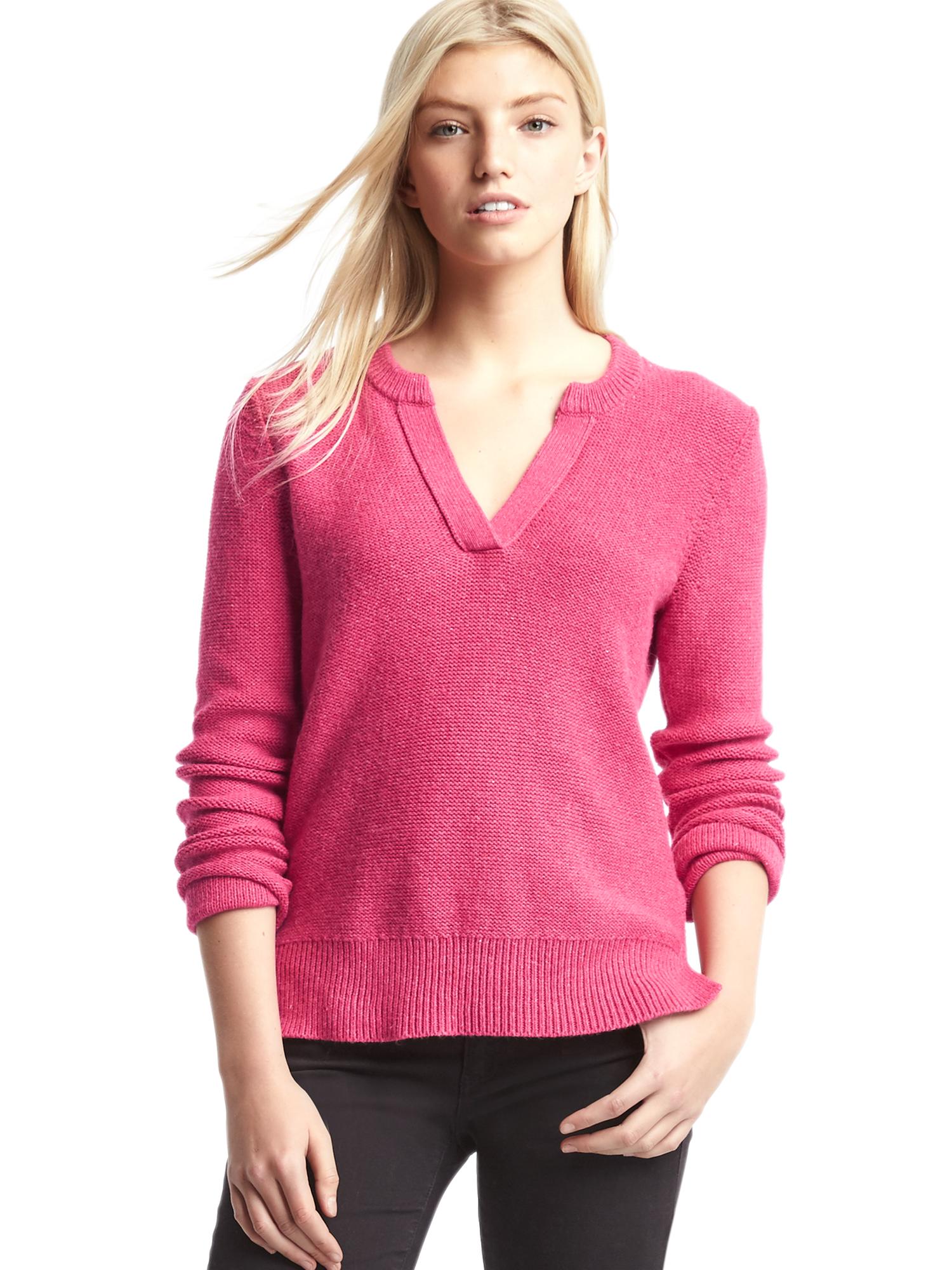
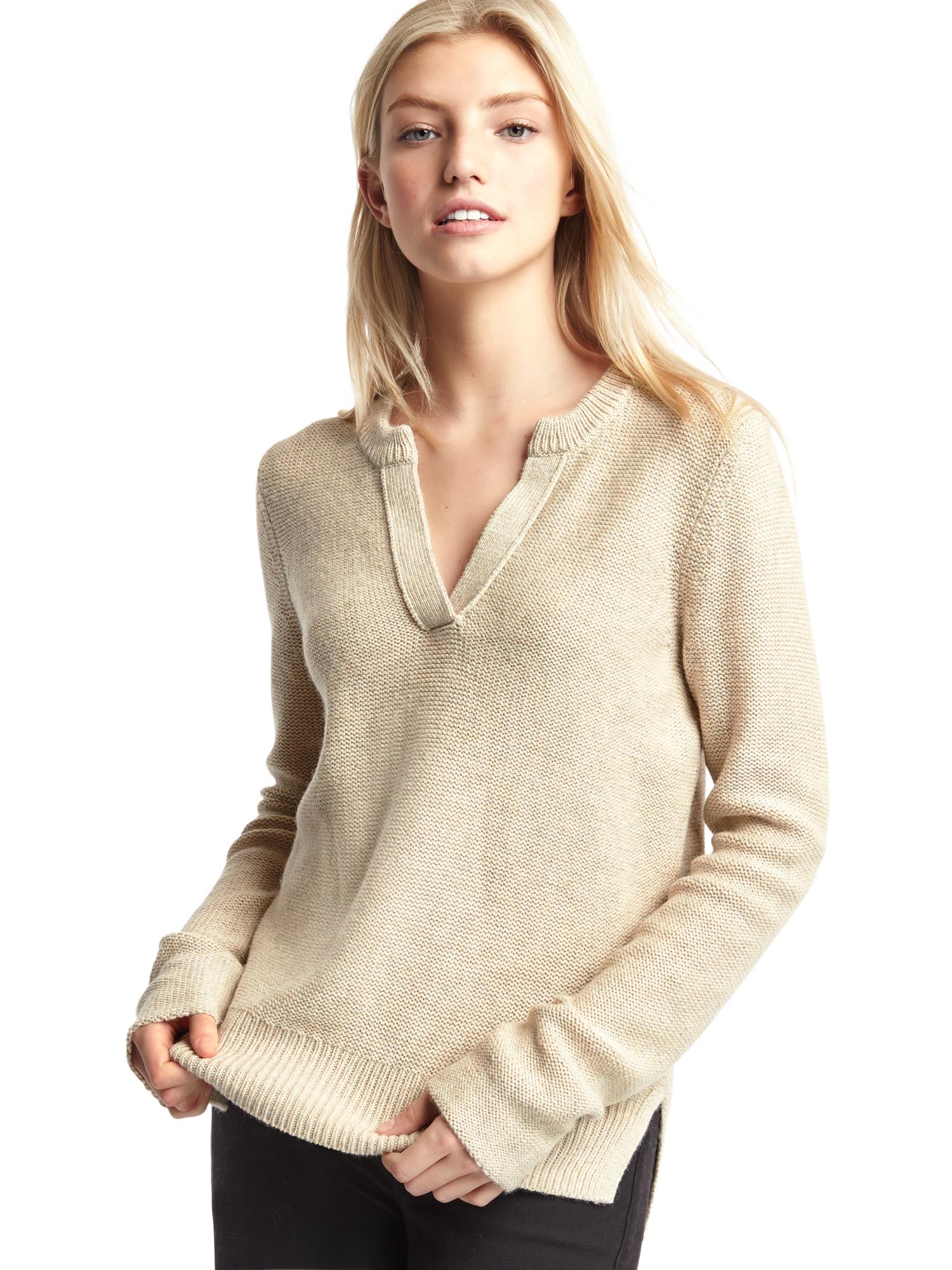
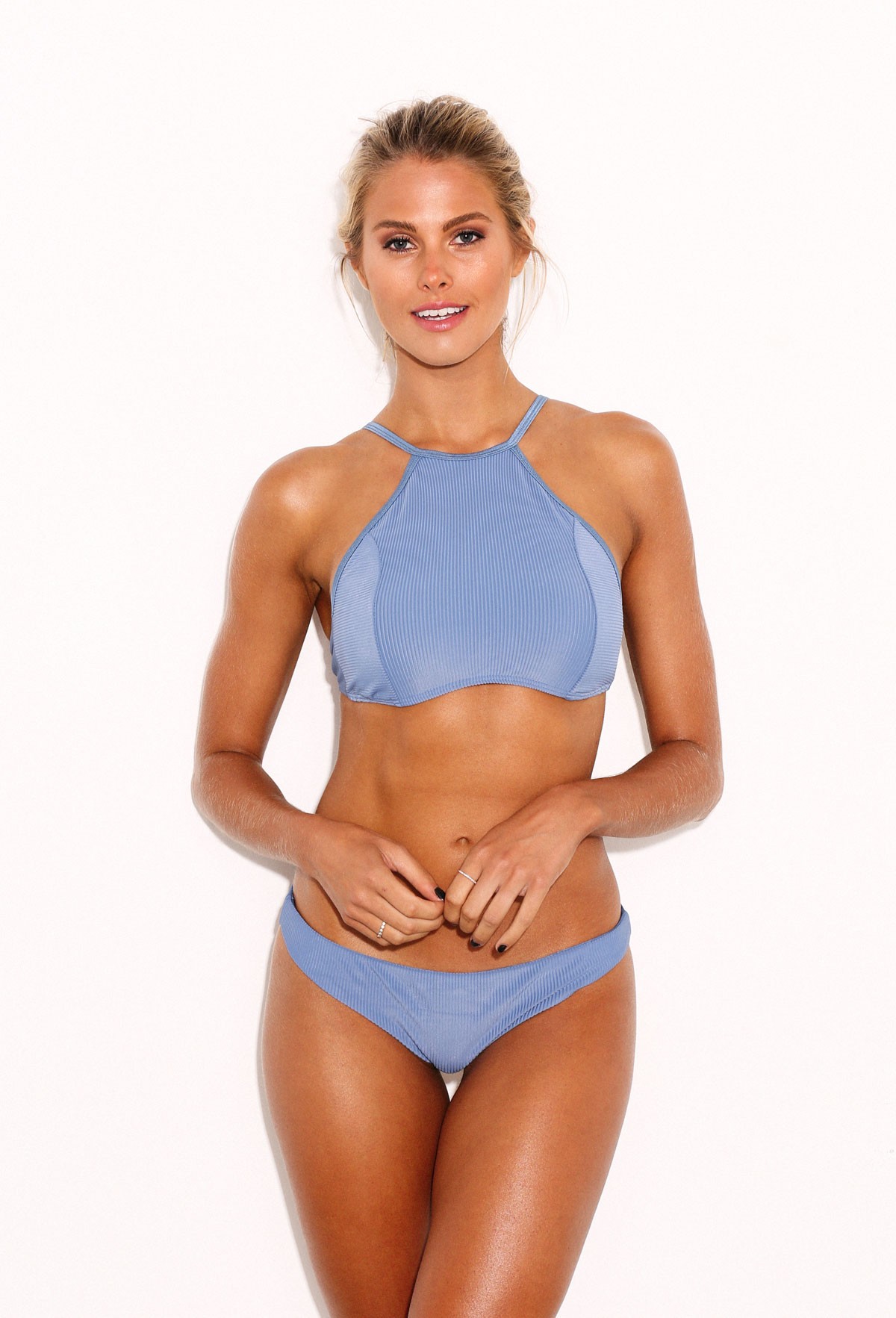
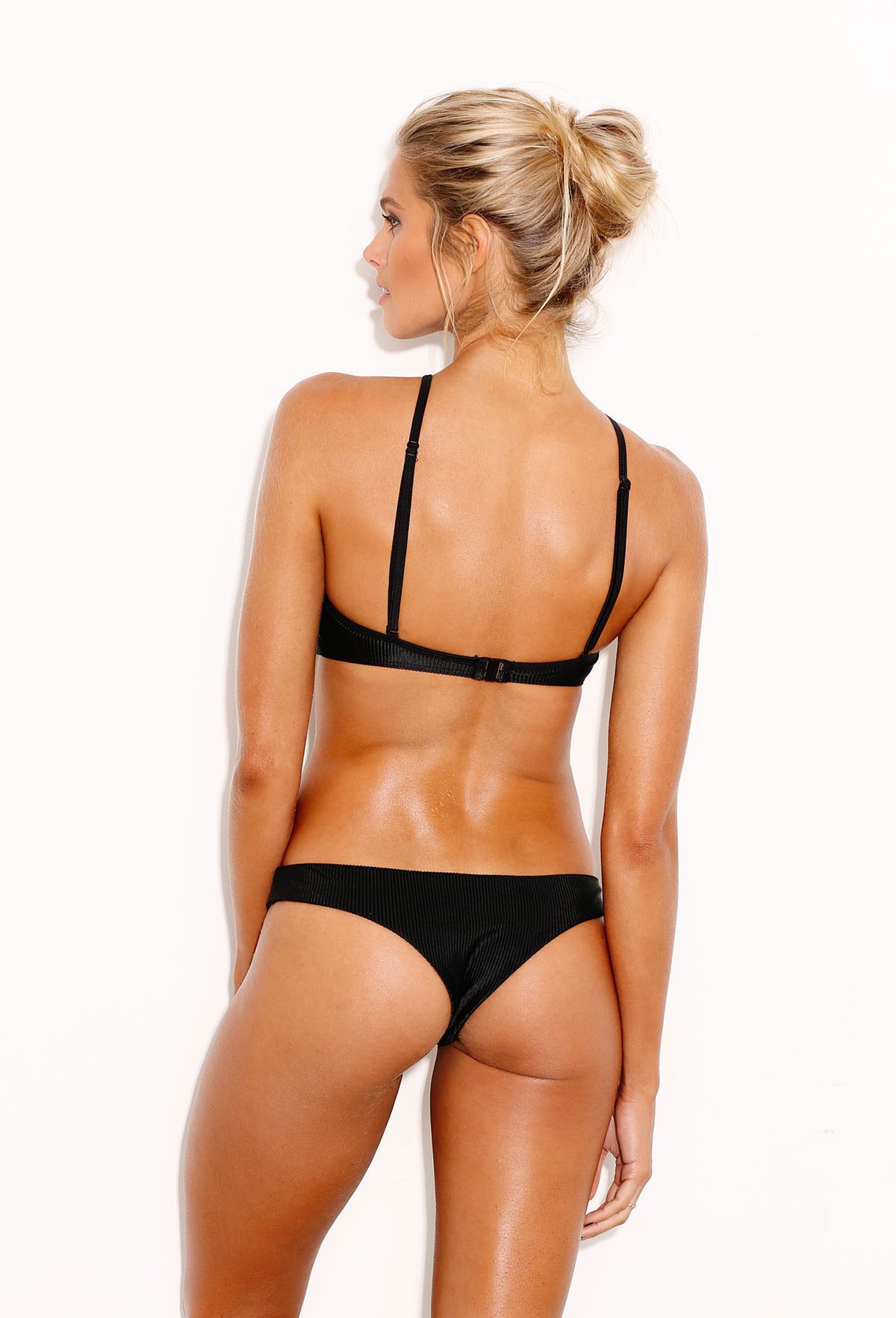
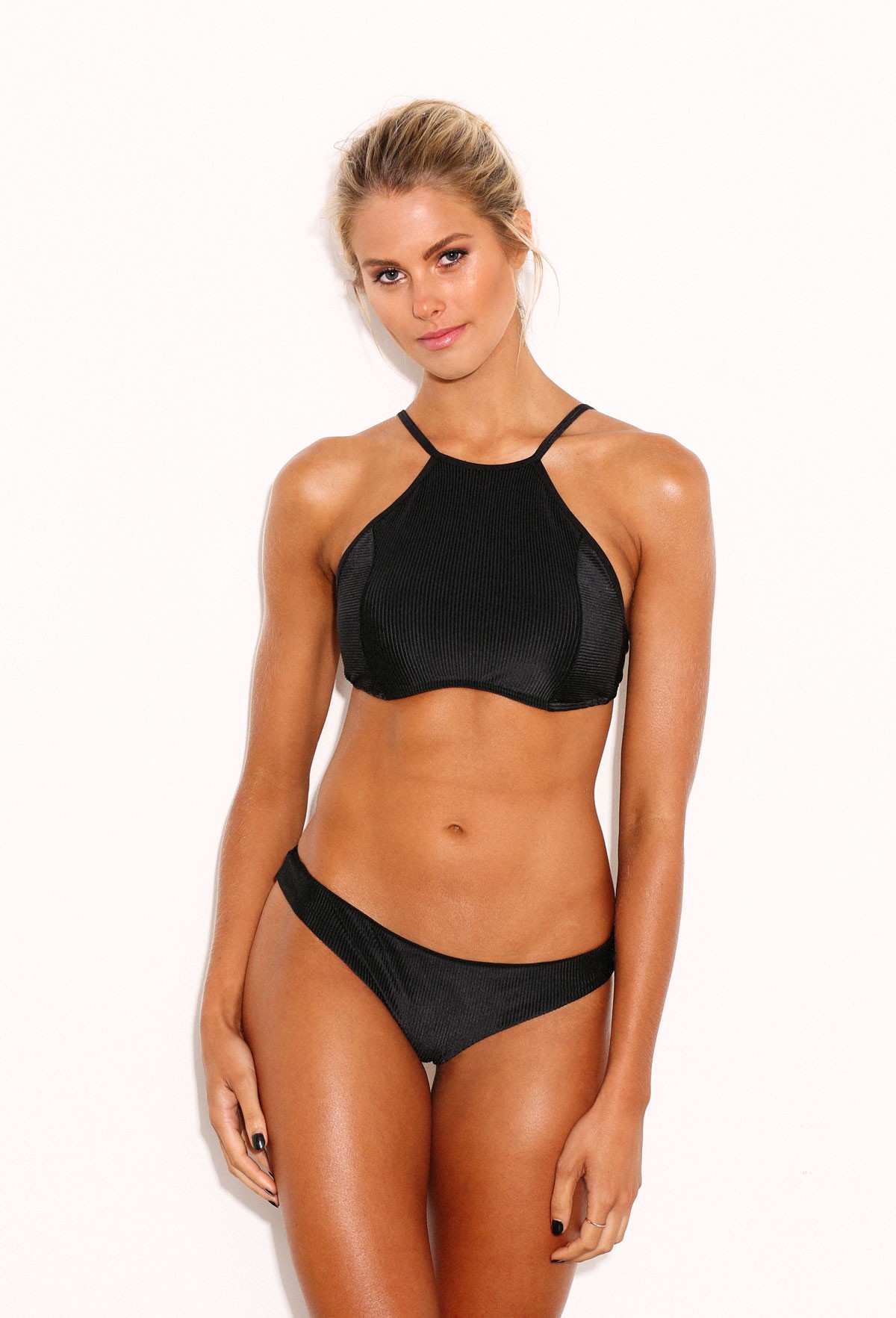
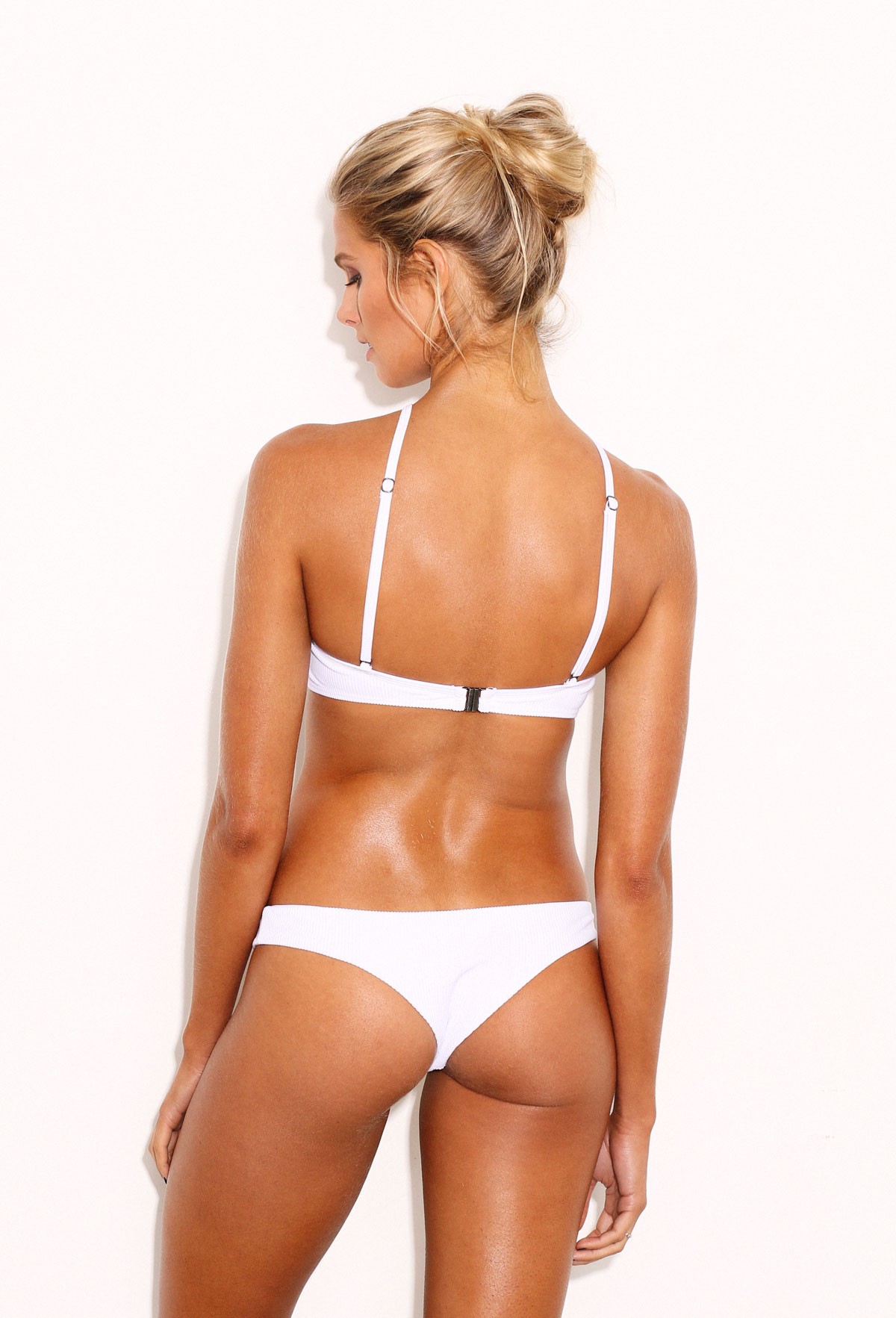
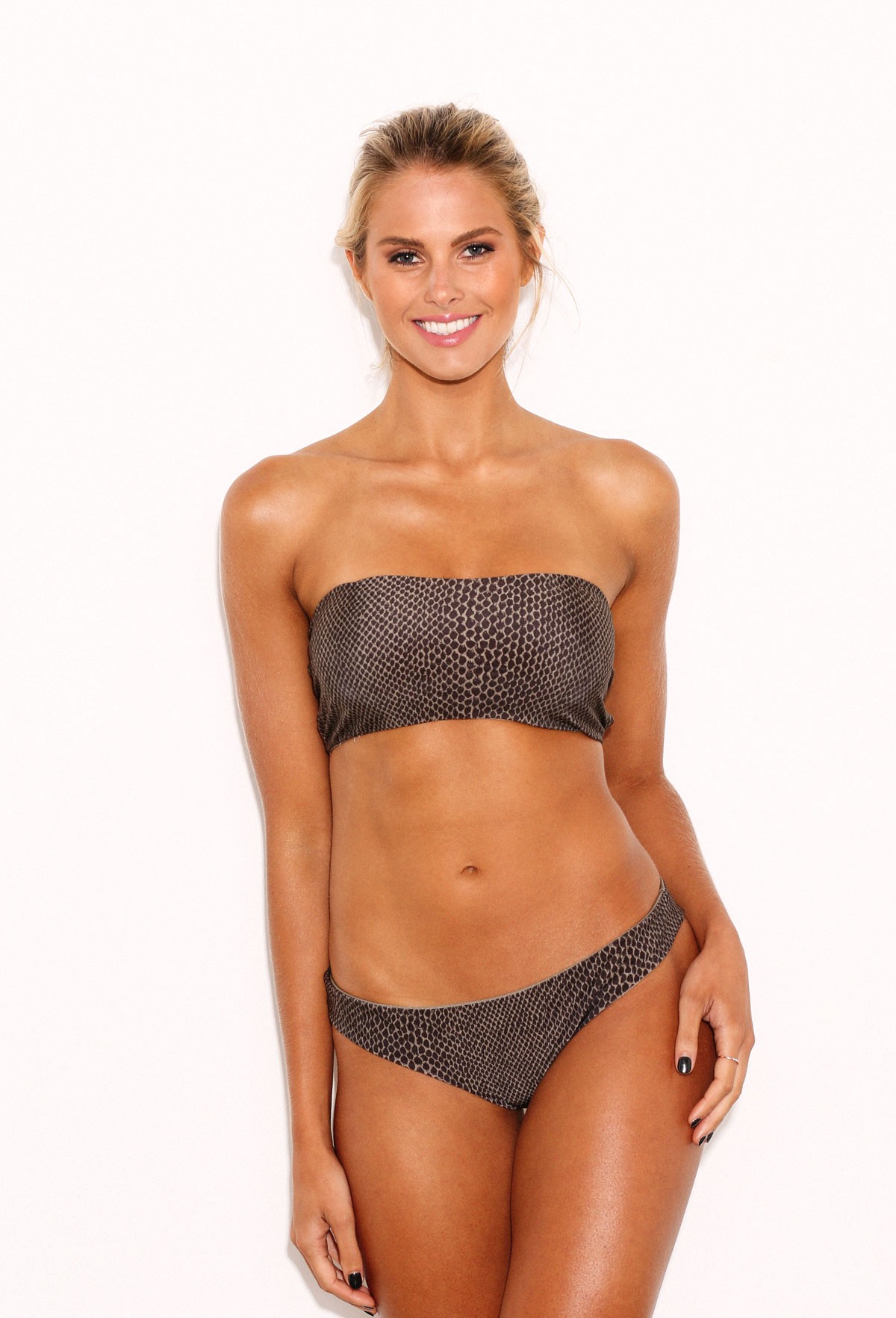
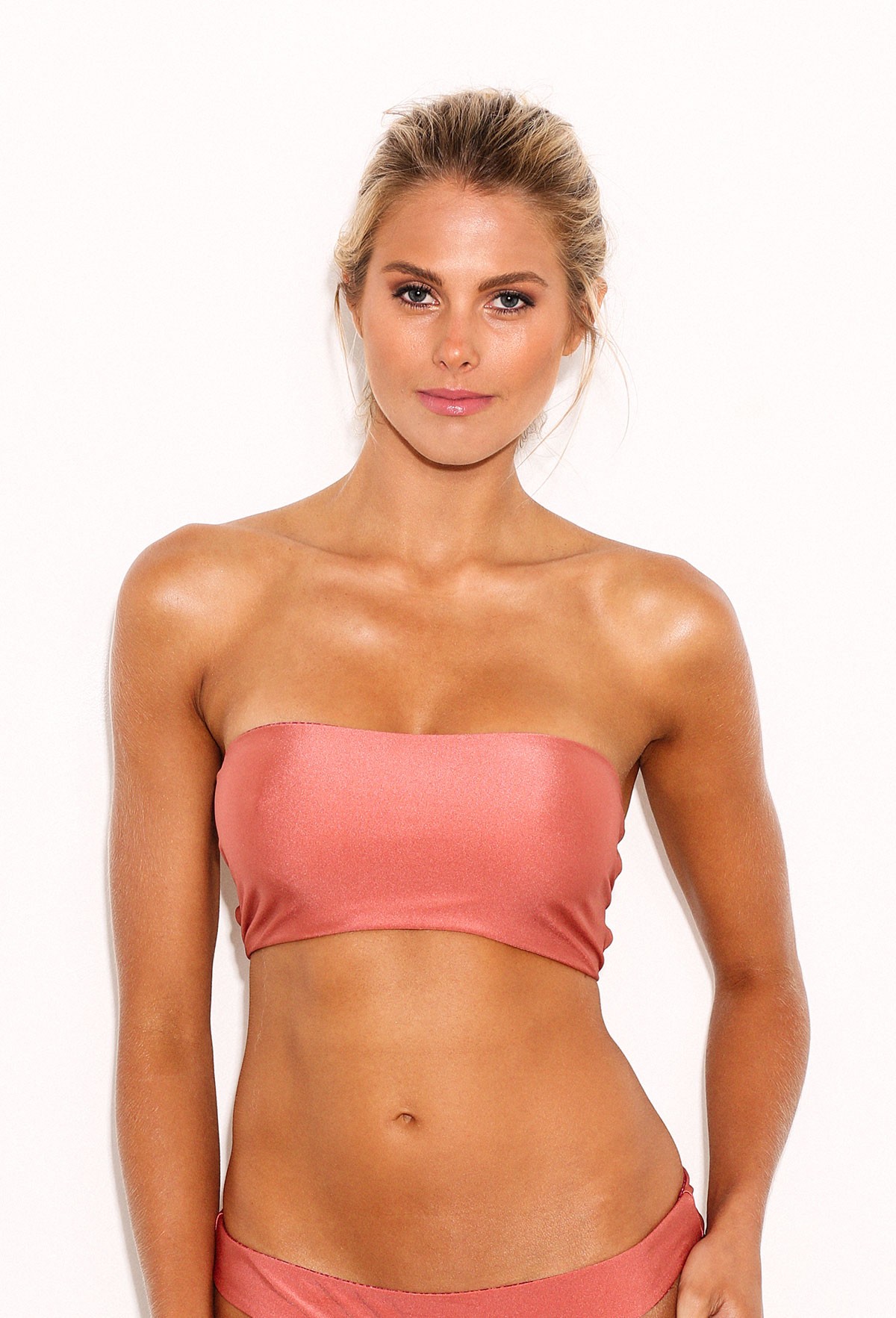
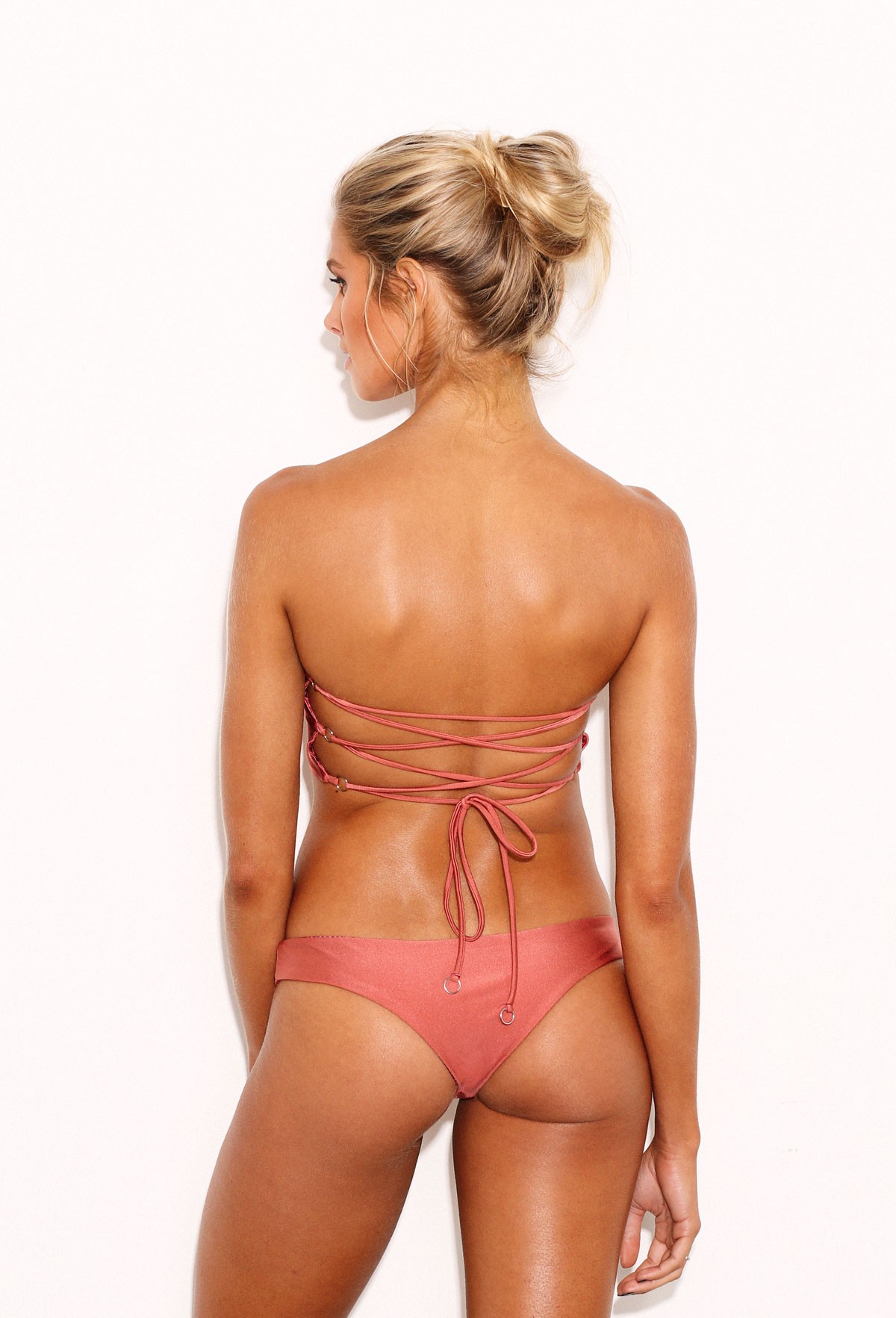
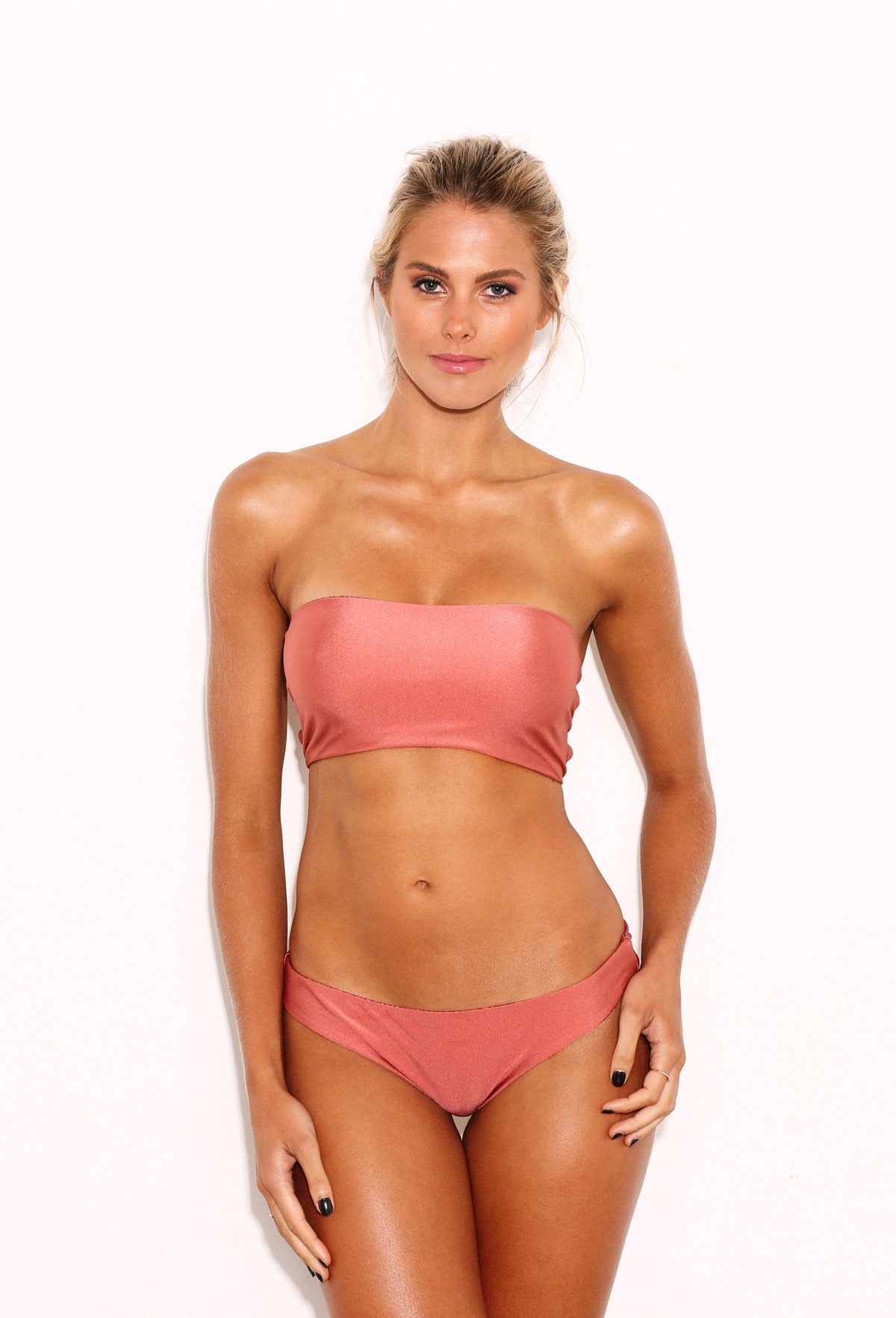
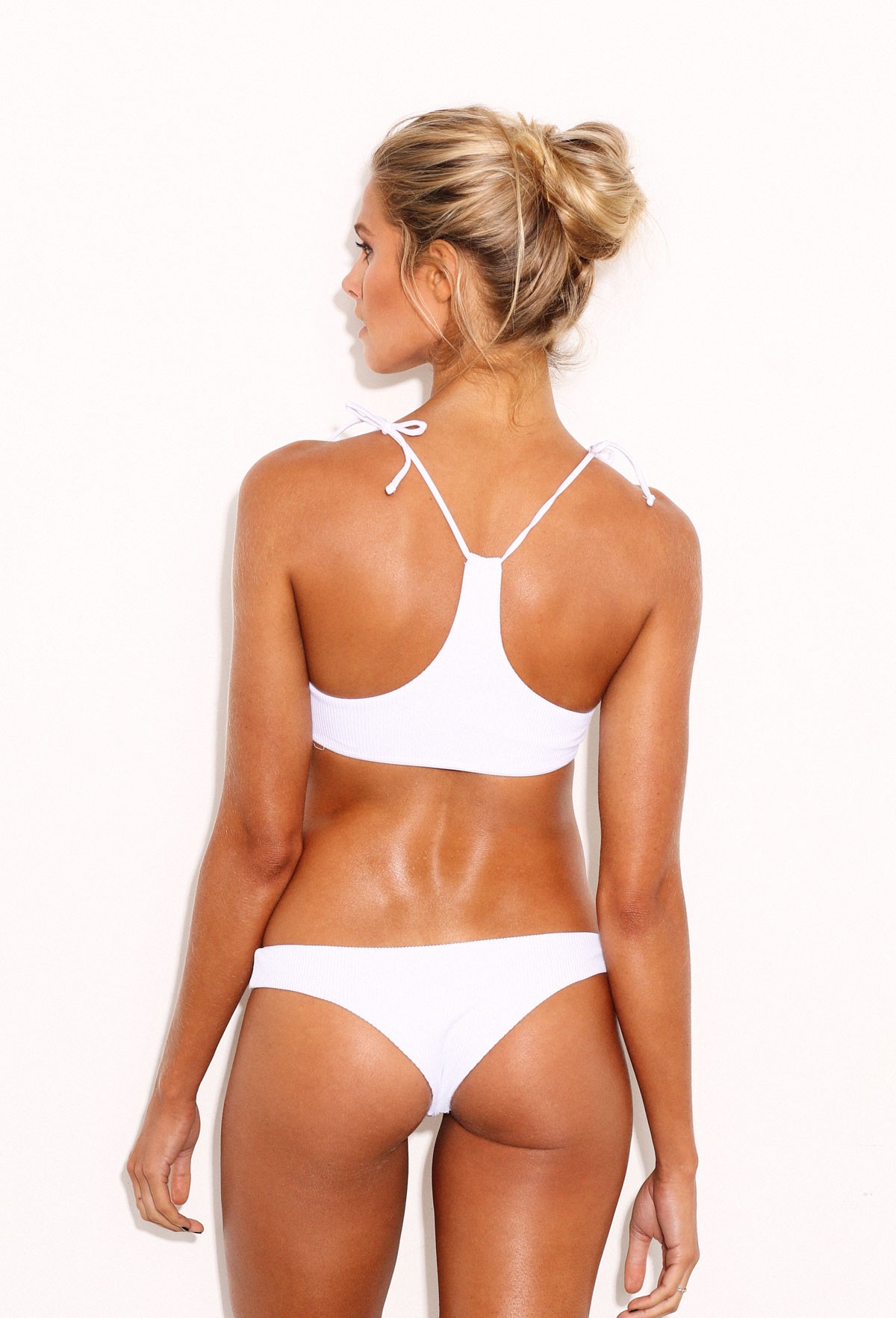
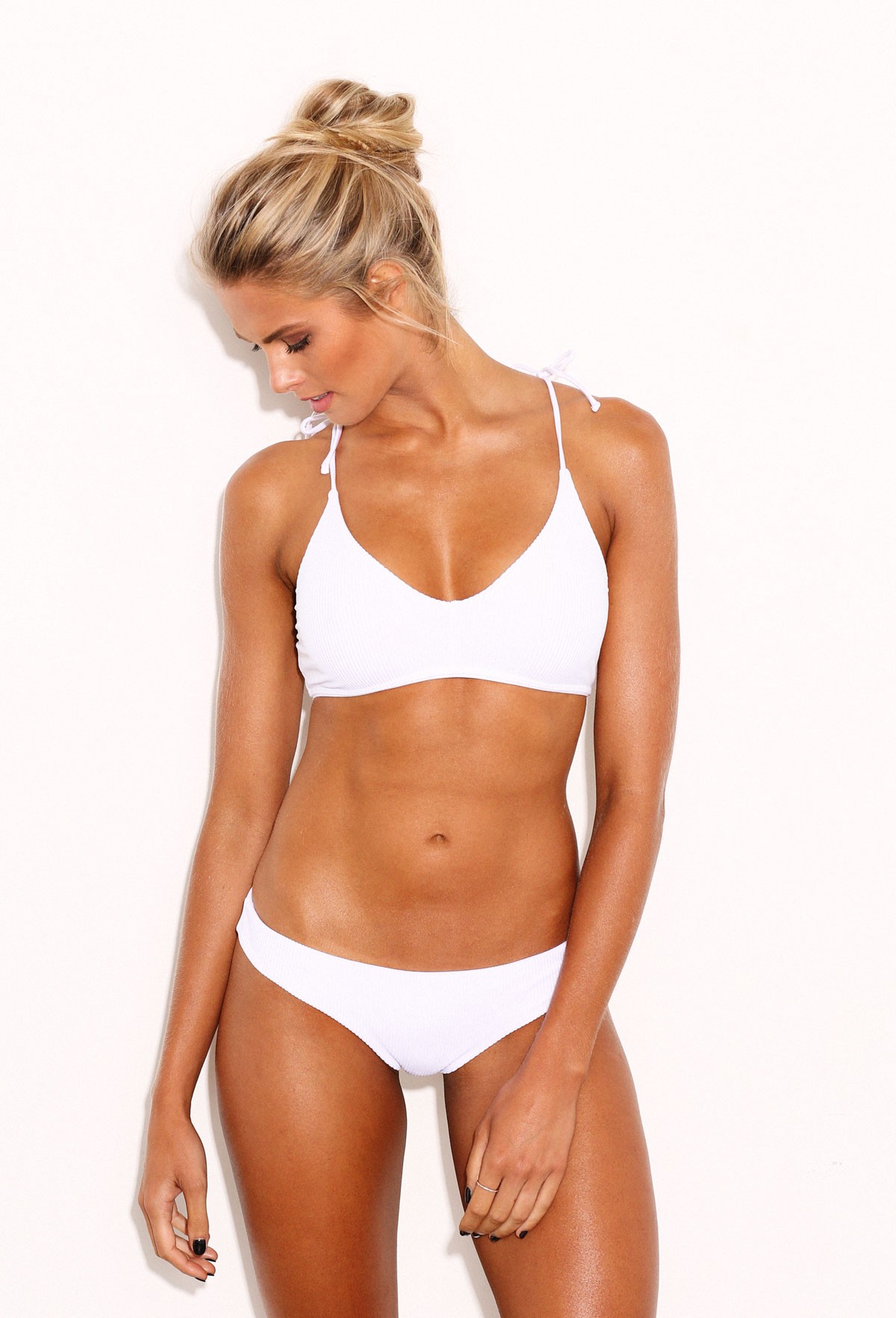
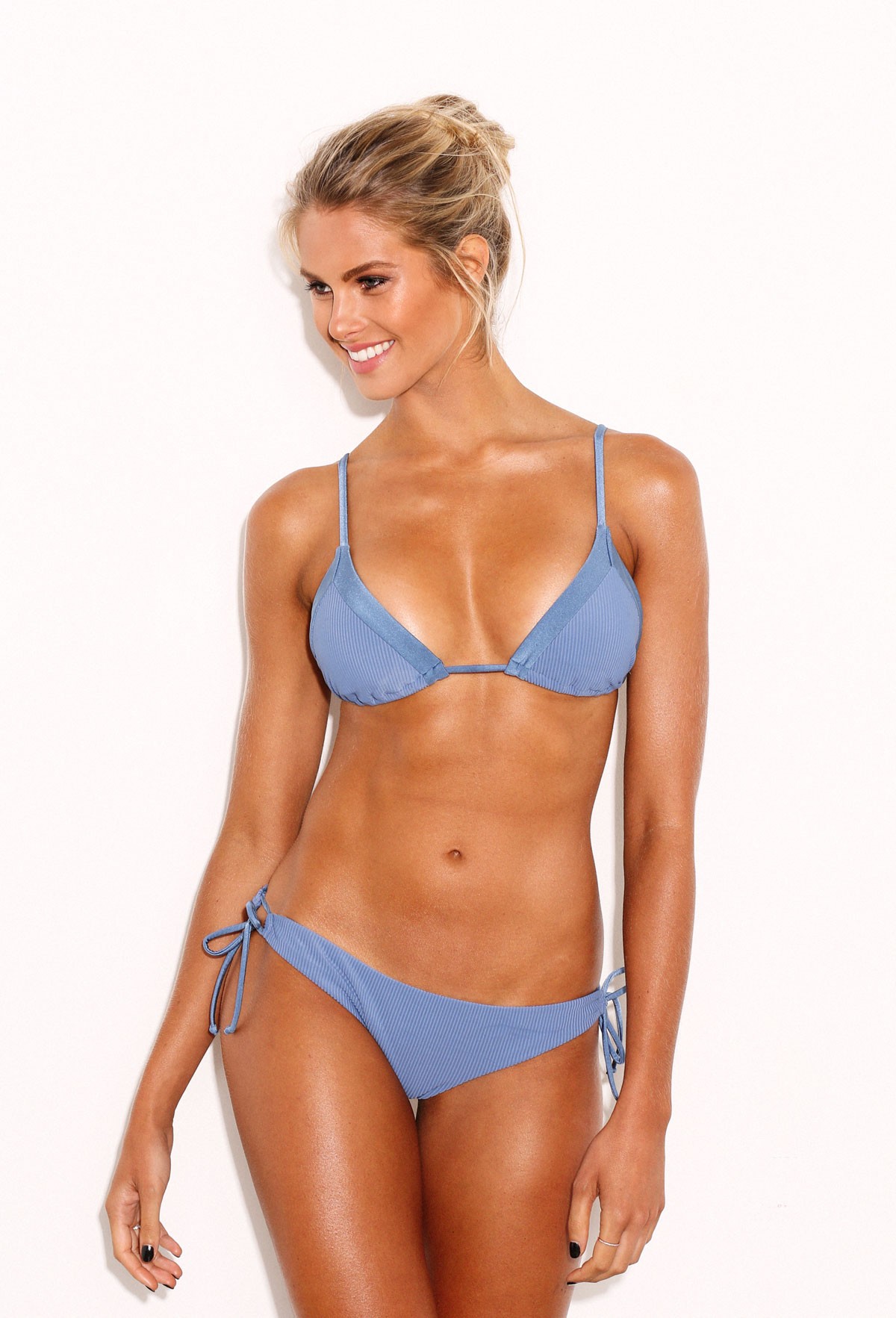
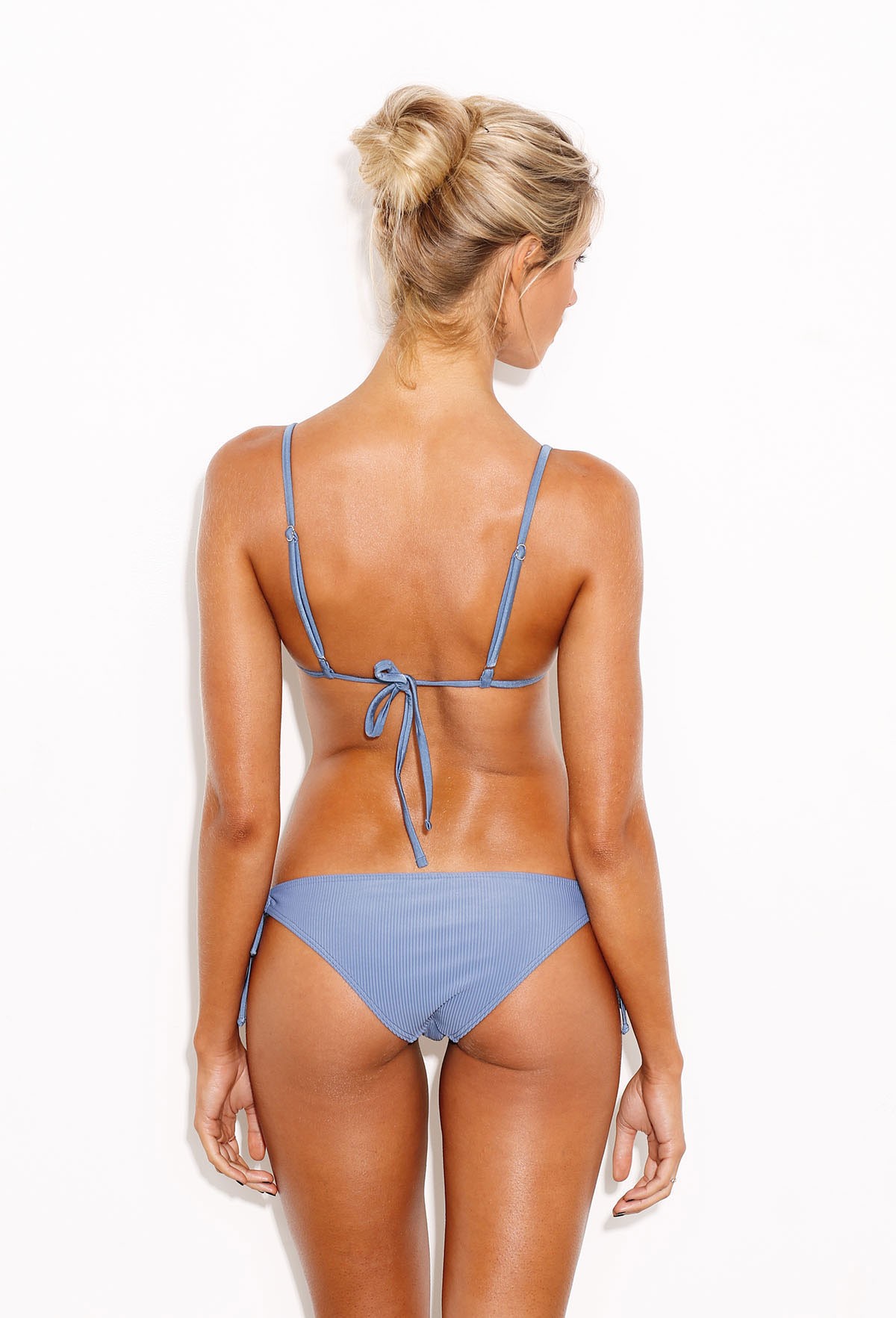
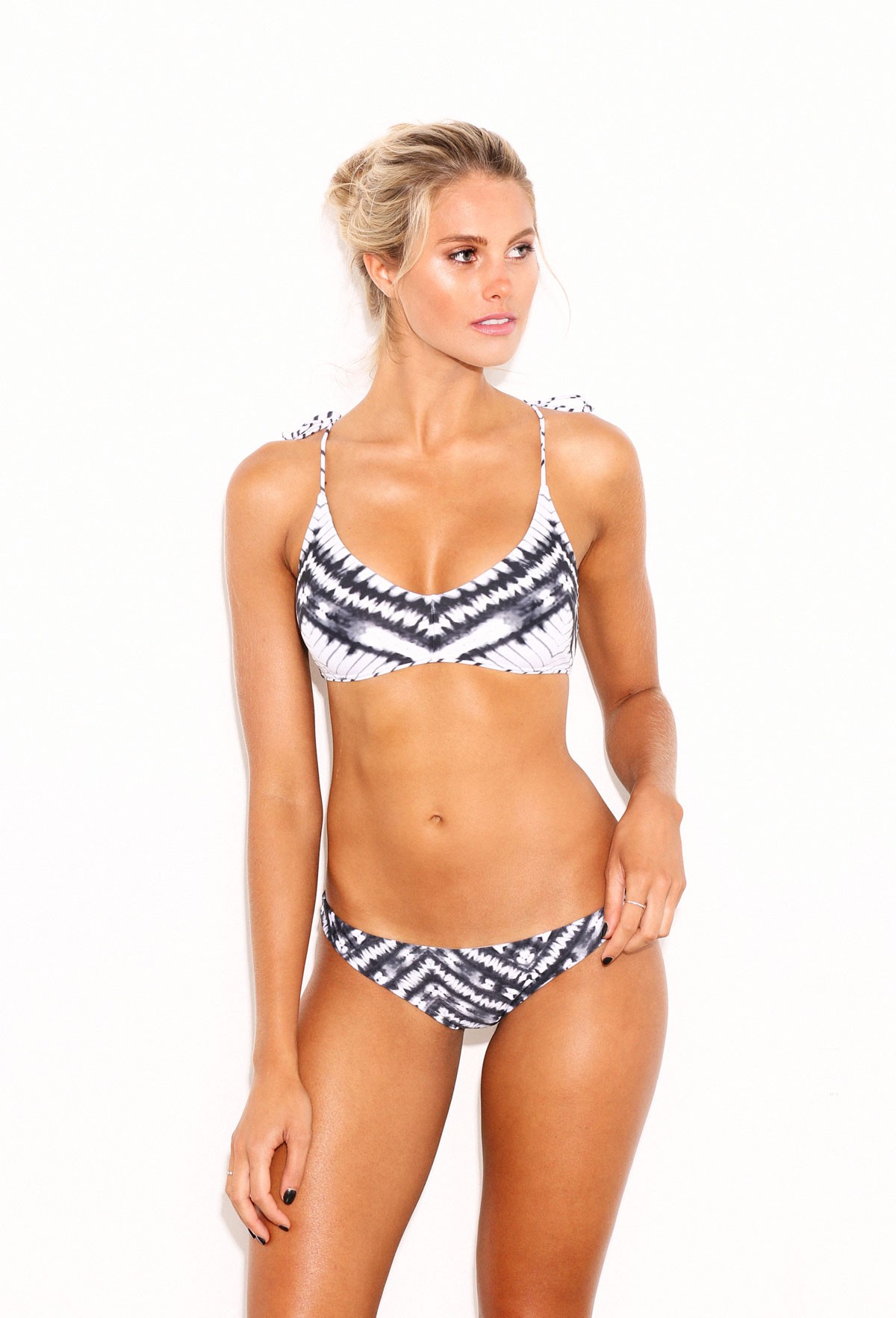
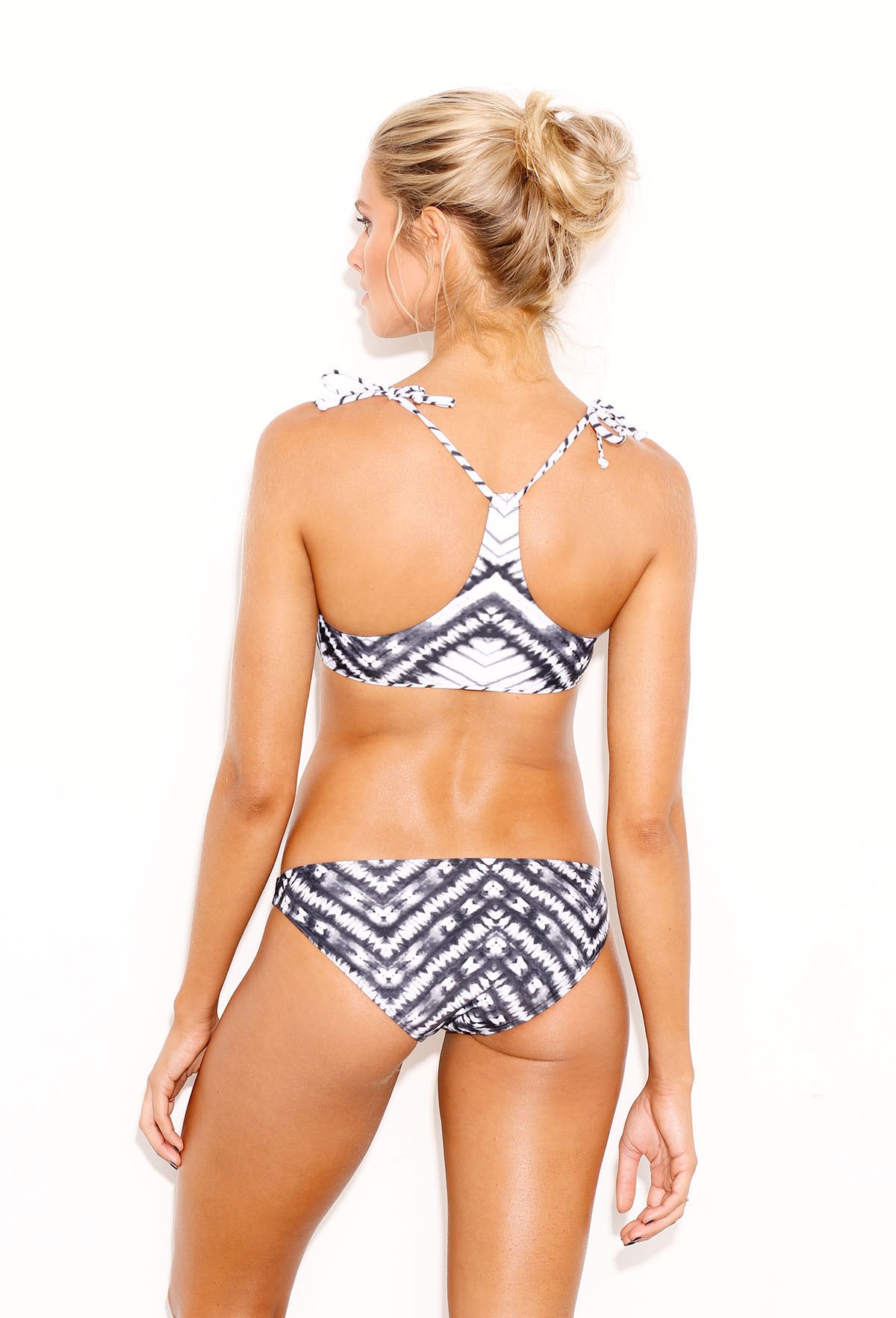
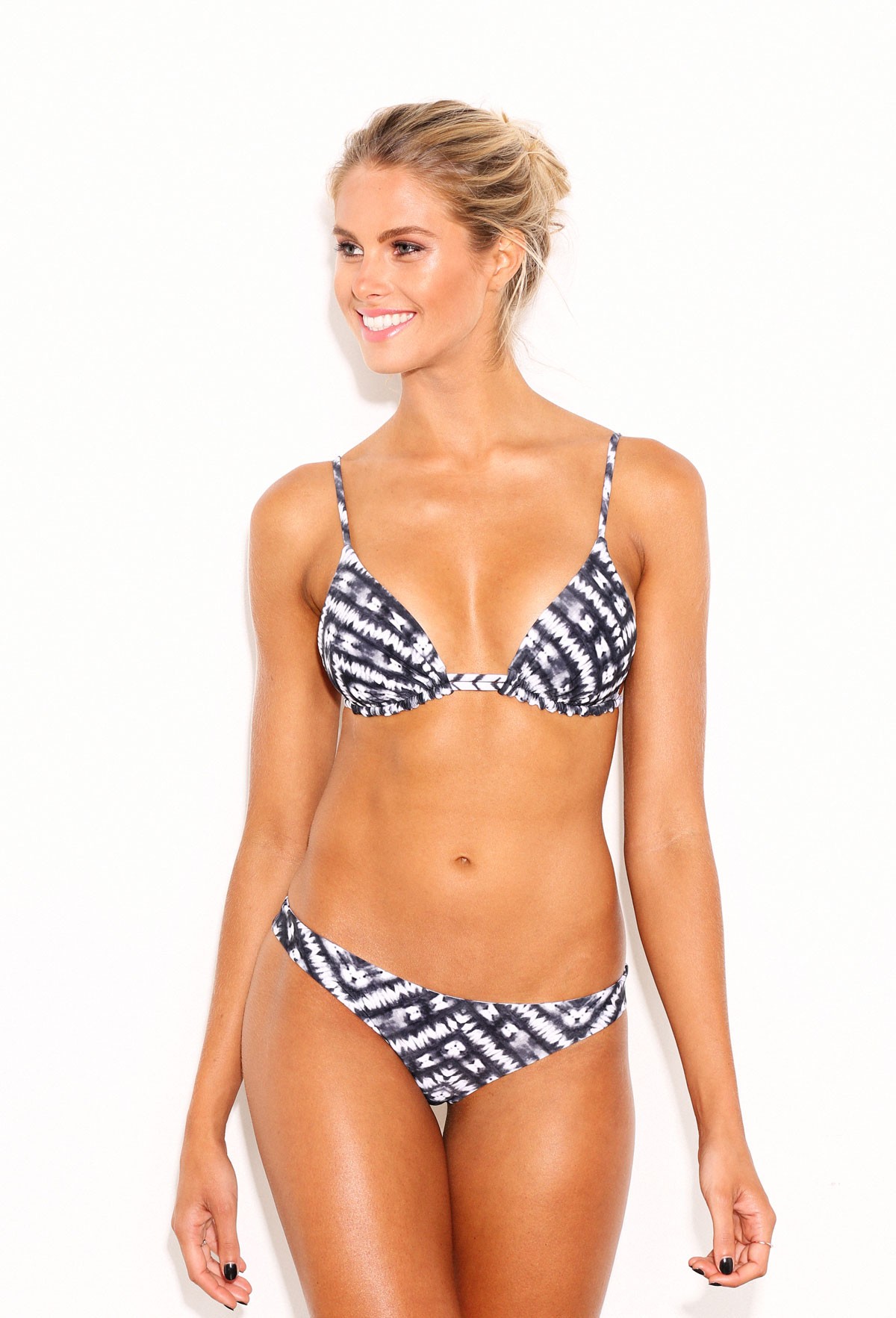
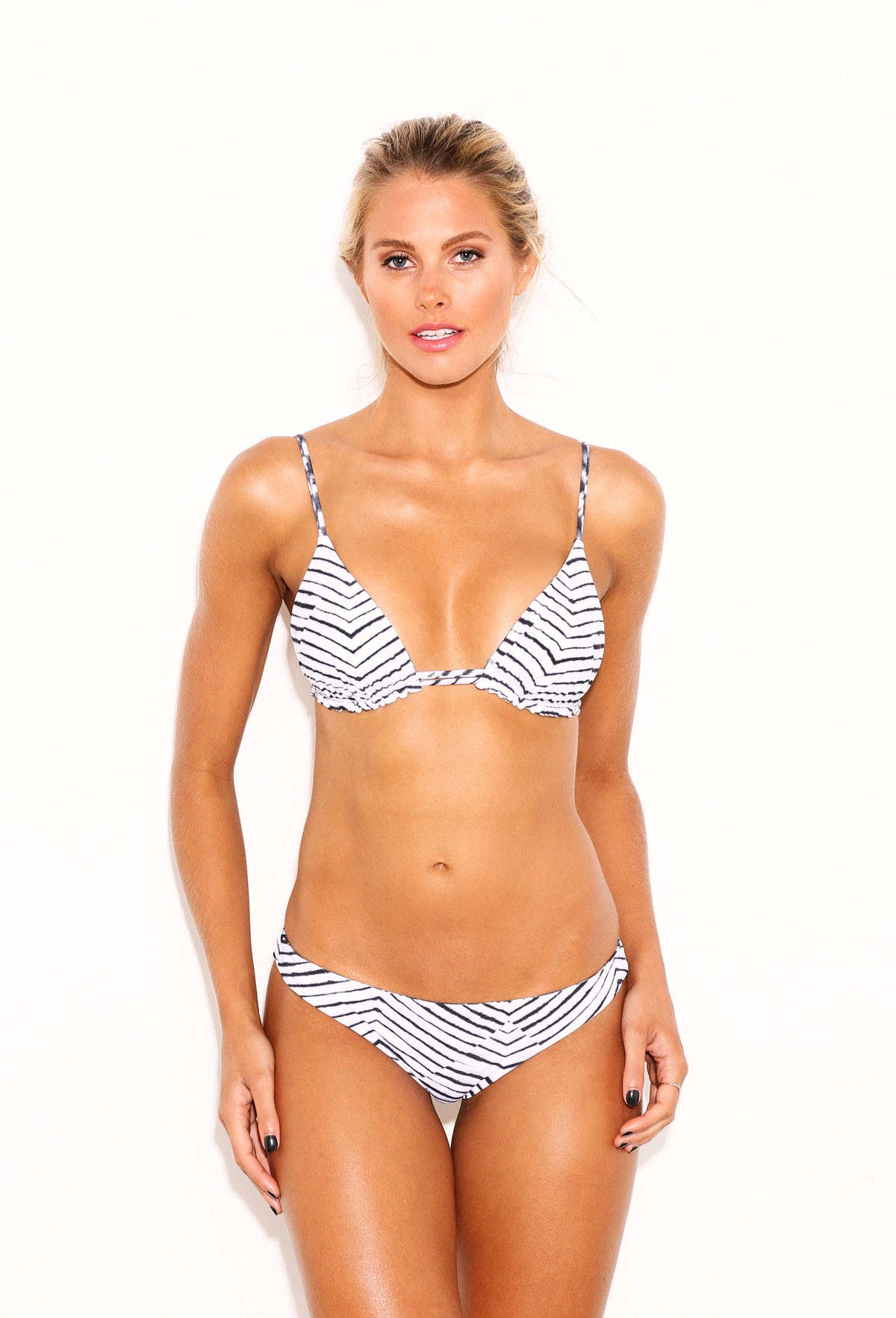
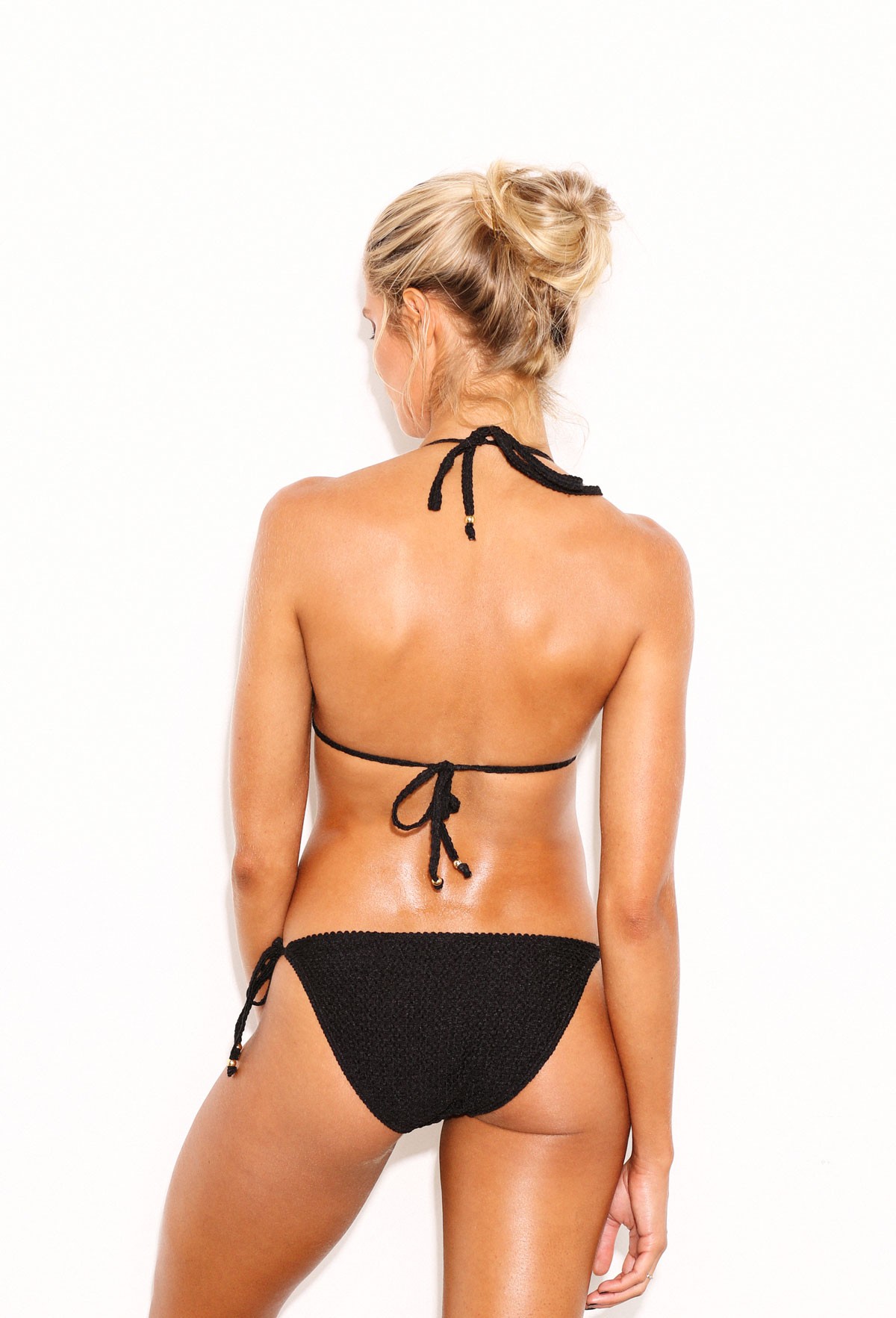
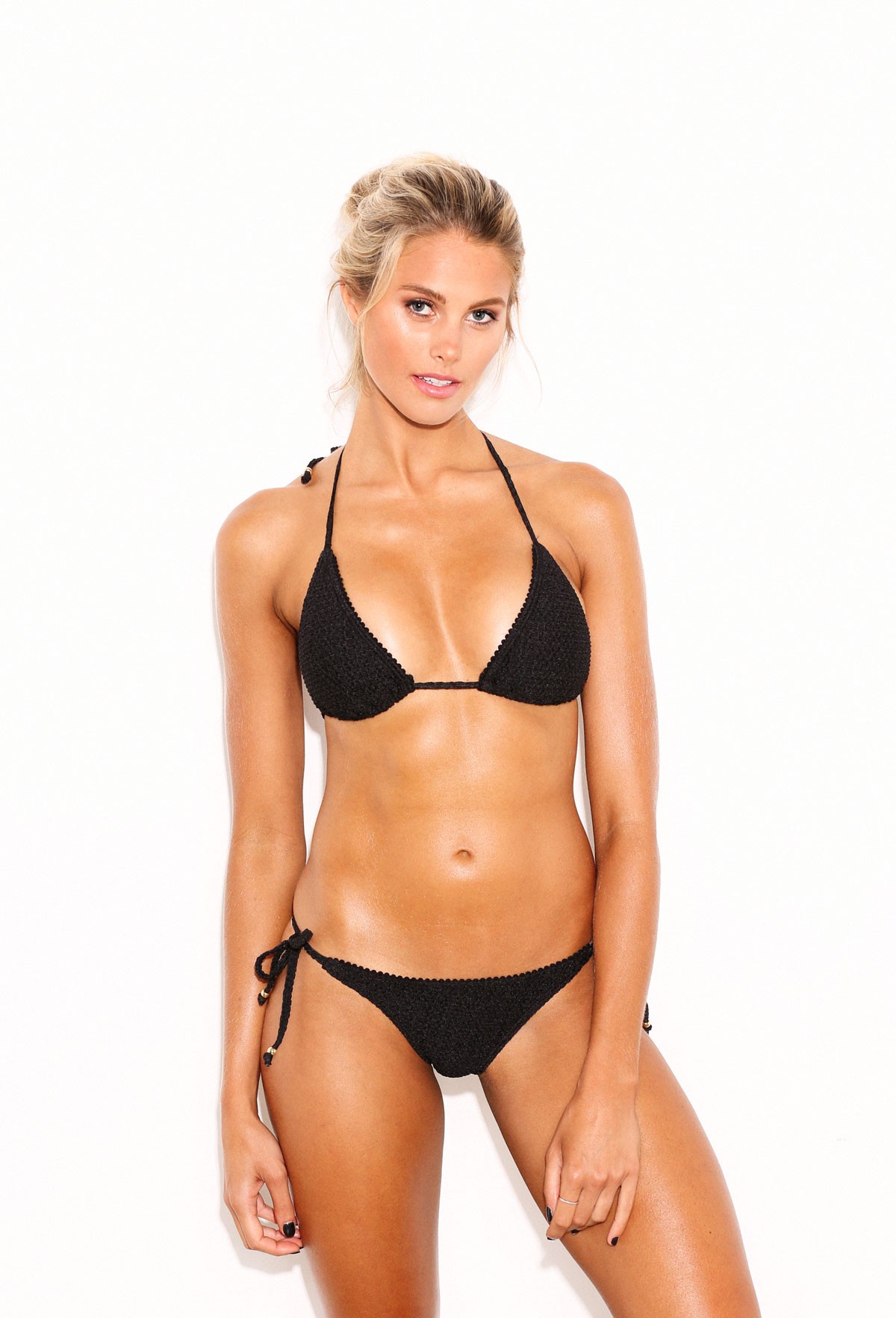
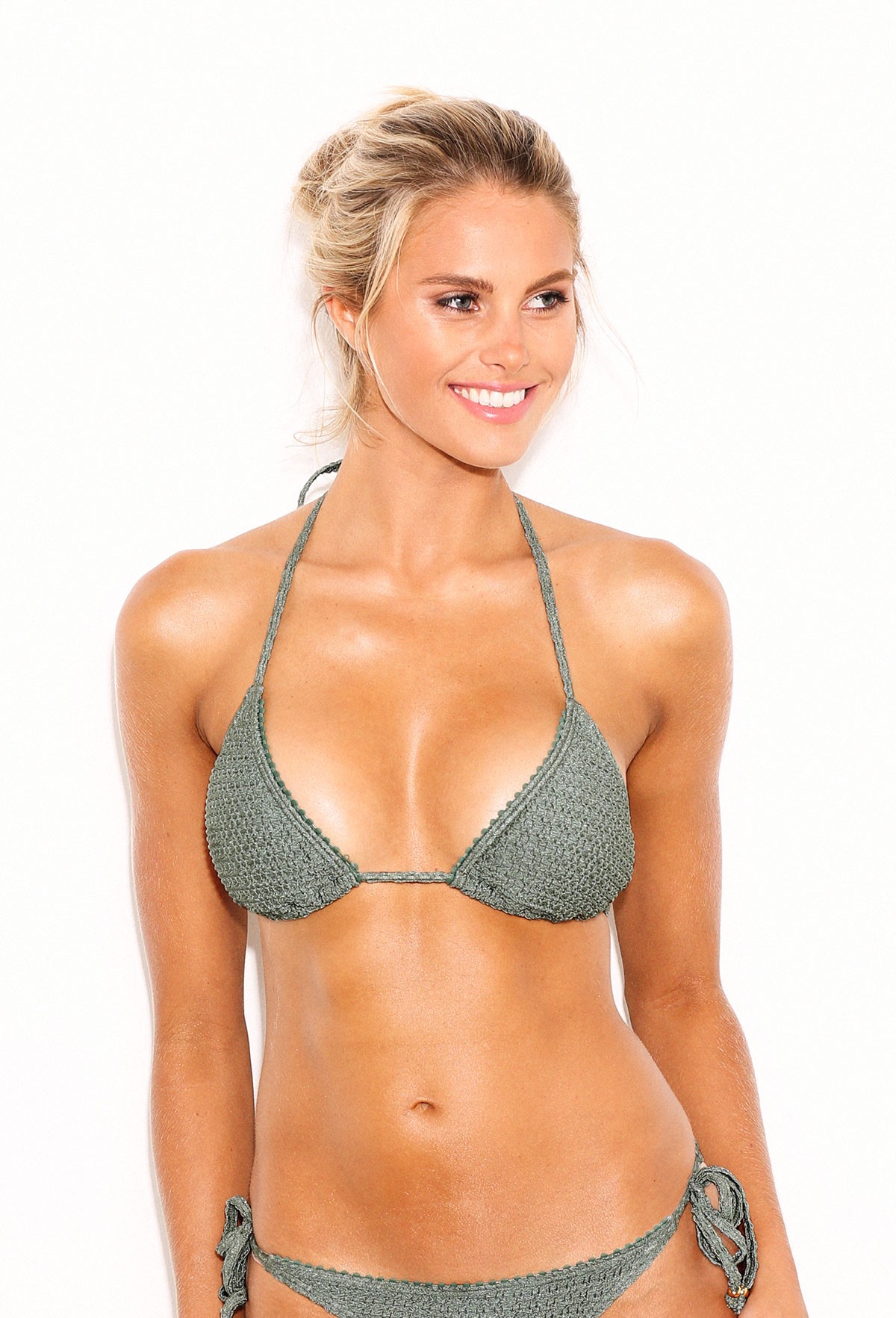
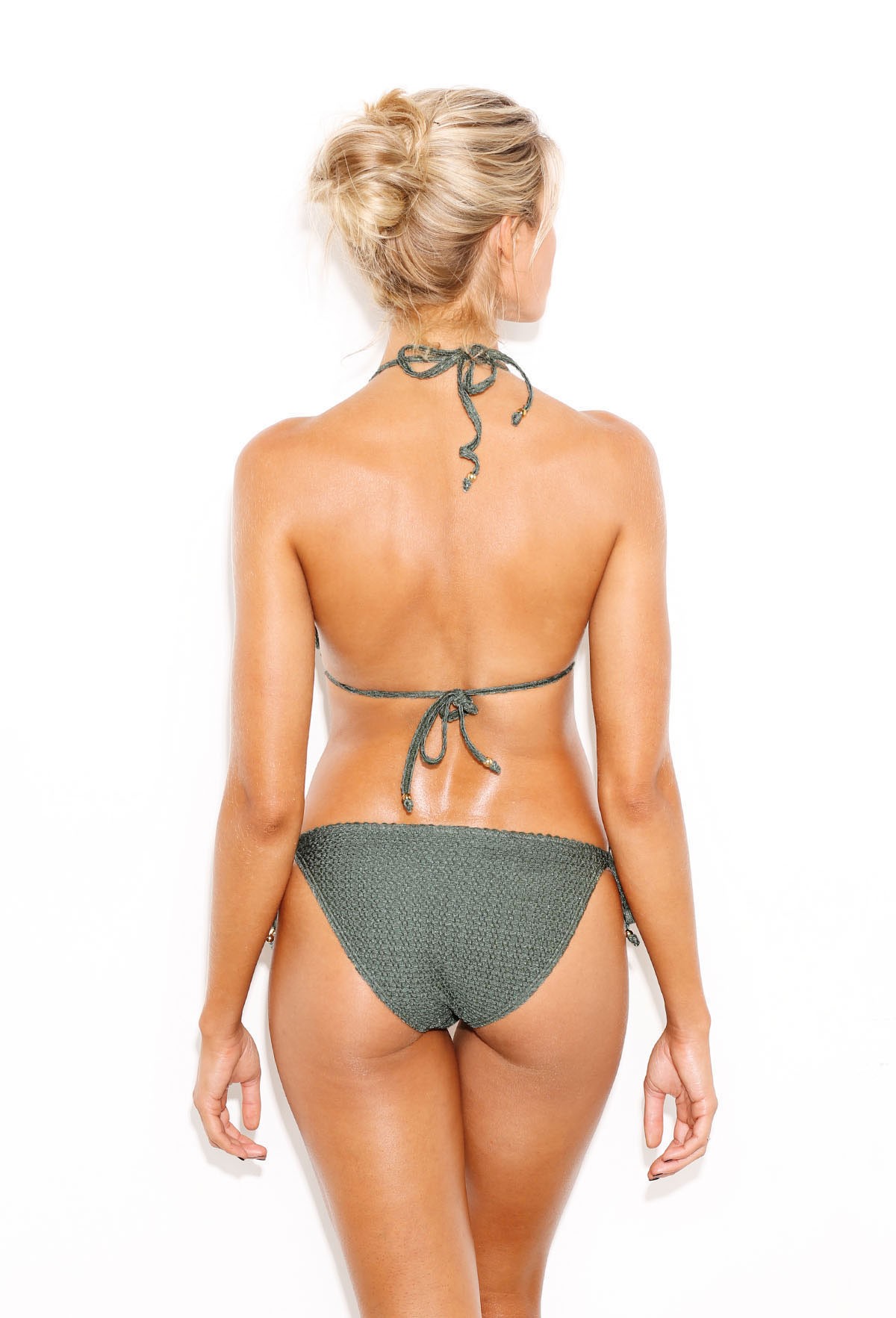
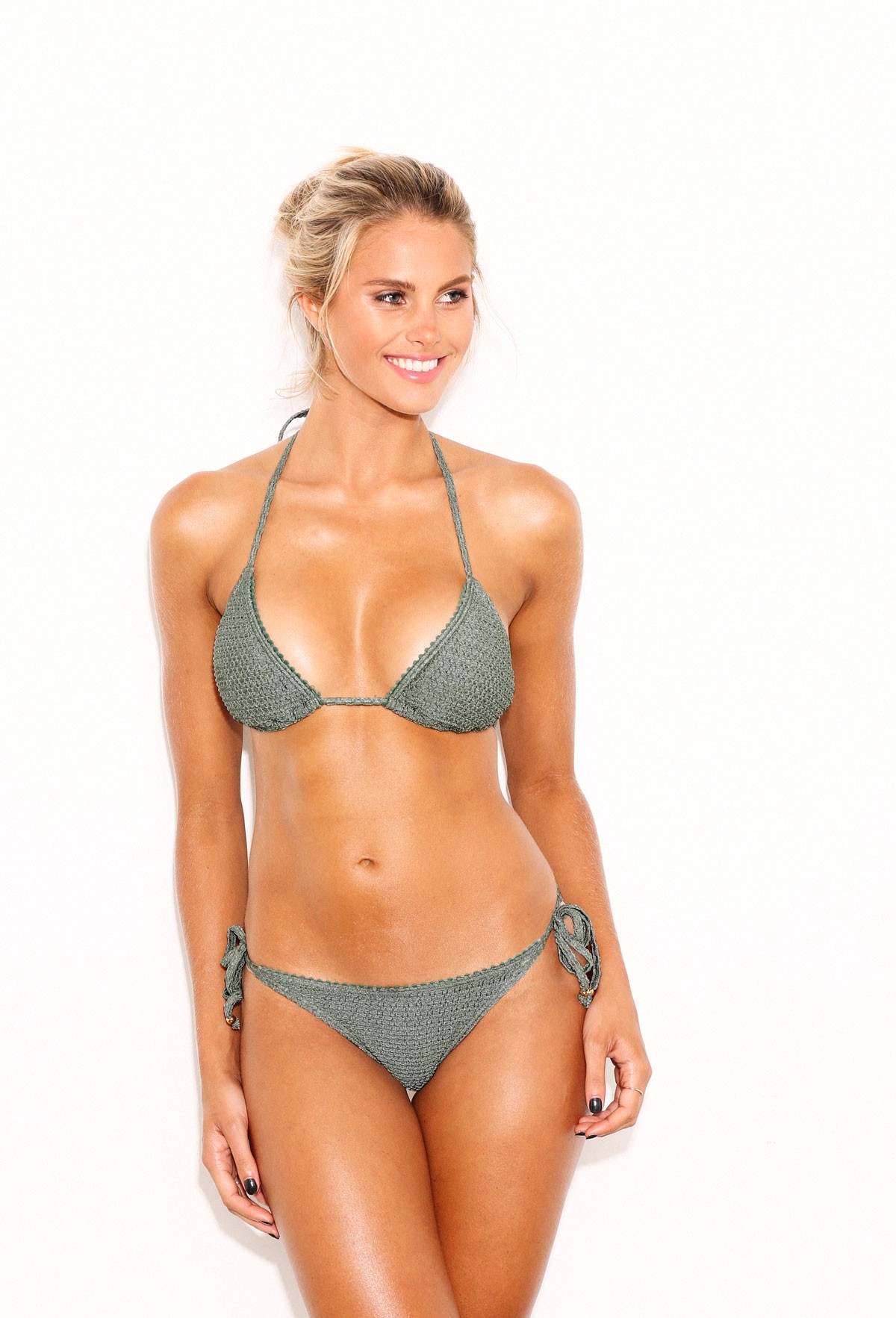
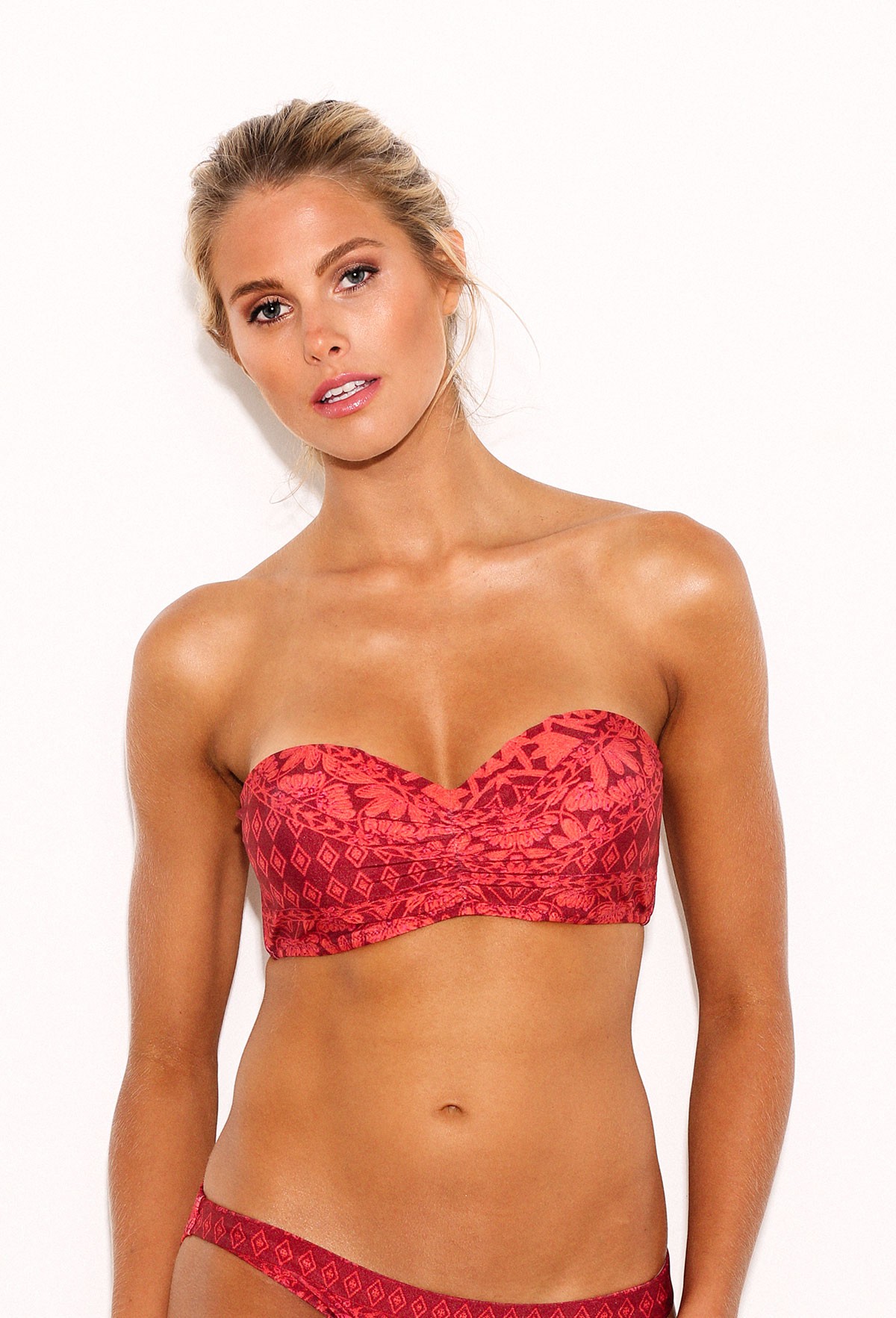
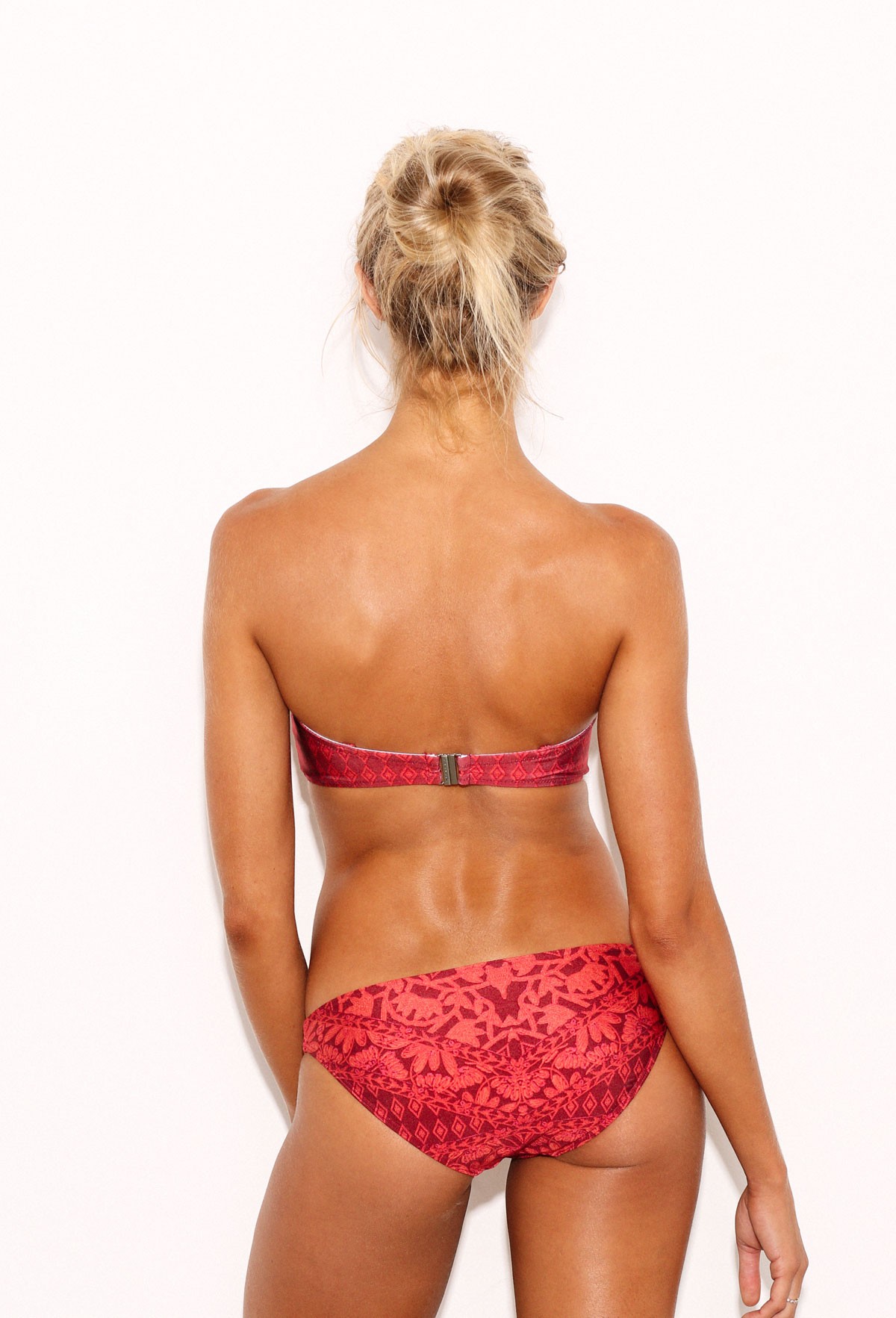
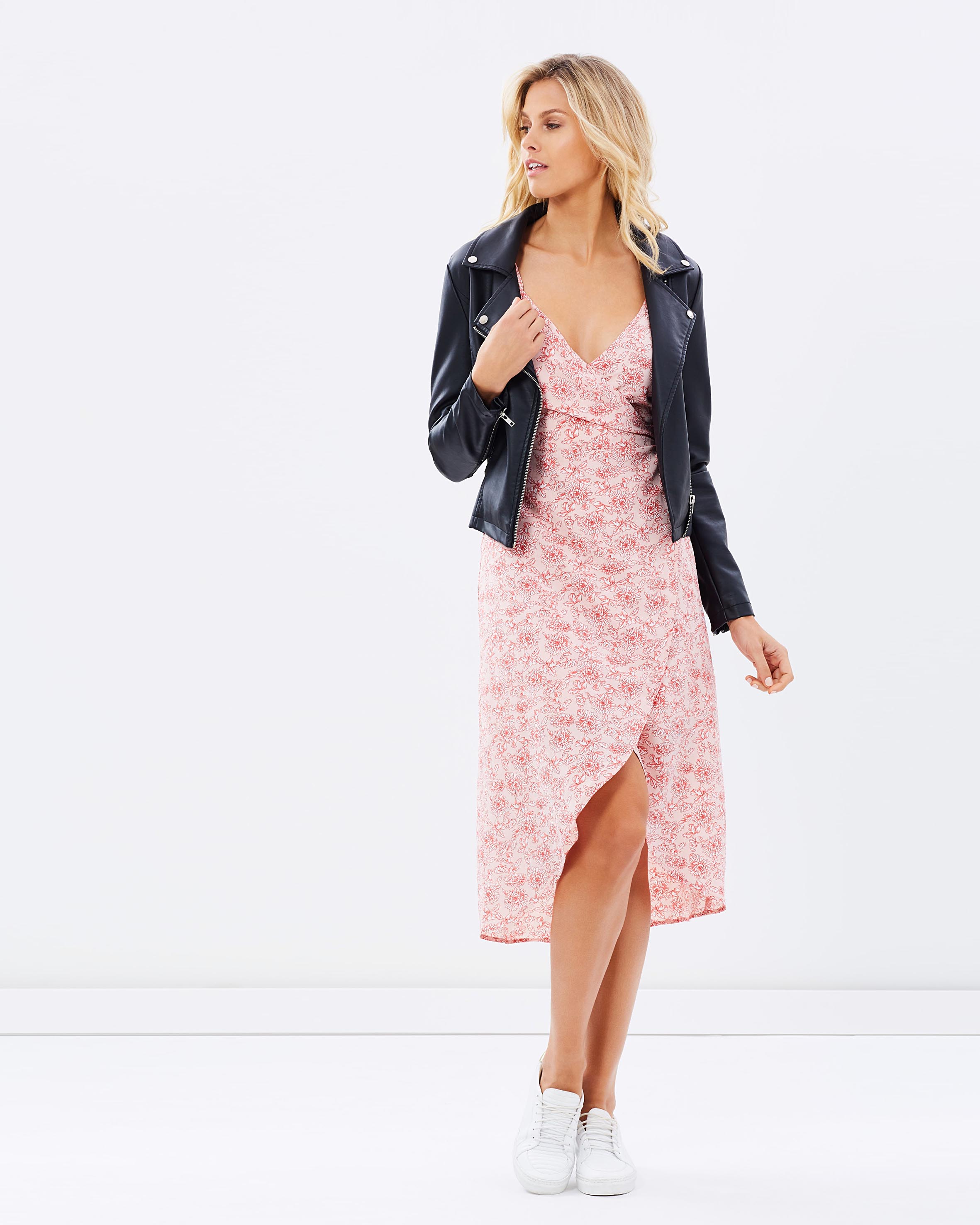
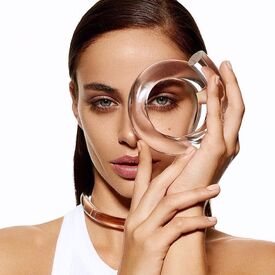 Yeah, yah know, that blonde goddess, the best angel VS never had ... yah know ... all of you girls are jealous of her, you remember now ?
I never liked Doutzen ... Since we're trolling... Alessandra looks always more to a boy these days, i find...
Yeah, yah know, that blonde goddess, the best angel VS never had ... yah know ... all of you girls are jealous of her, you remember now ?
I never liked Doutzen ... Since we're trolling... Alessandra looks always more to a boy these days, i find...
Account
Navigation
Search
Configure browser push notifications
Chrome (Android)
- Tap the lock icon next to the address bar.
- Tap Permissions → Notifications.
- Adjust your preference.
Chrome (Desktop)
- Click the padlock icon in the address bar.
- Select Site settings.
- Find Notifications and adjust your preference.
Safari (iOS 16.4+)
- Ensure the site is installed via Add to Home Screen.
- Open Settings App → Notifications.
- Find your app name and adjust your preference.
Safari (macOS)
- Go to Safari → Preferences.
- Click the Websites tab.
- Select Notifications in the sidebar.
- Find this website and adjust your preference.
Edge (Android)
- Tap the lock icon next to the address bar.
- Tap Permissions.
- Find Notifications and adjust your preference.
Edge (Desktop)
- Click the padlock icon in the address bar.
- Click Permissions for this site.
- Find Notifications and adjust your preference.
Firefox (Android)
- Go to Settings → Site permissions.
- Tap Notifications.
- Find this site in the list and adjust your preference.
Firefox (Desktop)
- Open Firefox Settings.
- Search for Notifications.
- Find this site in the list and adjust your preference.