TheBestModels
Members
-
Joined
Everything posted by TheBestModels
-

-
-
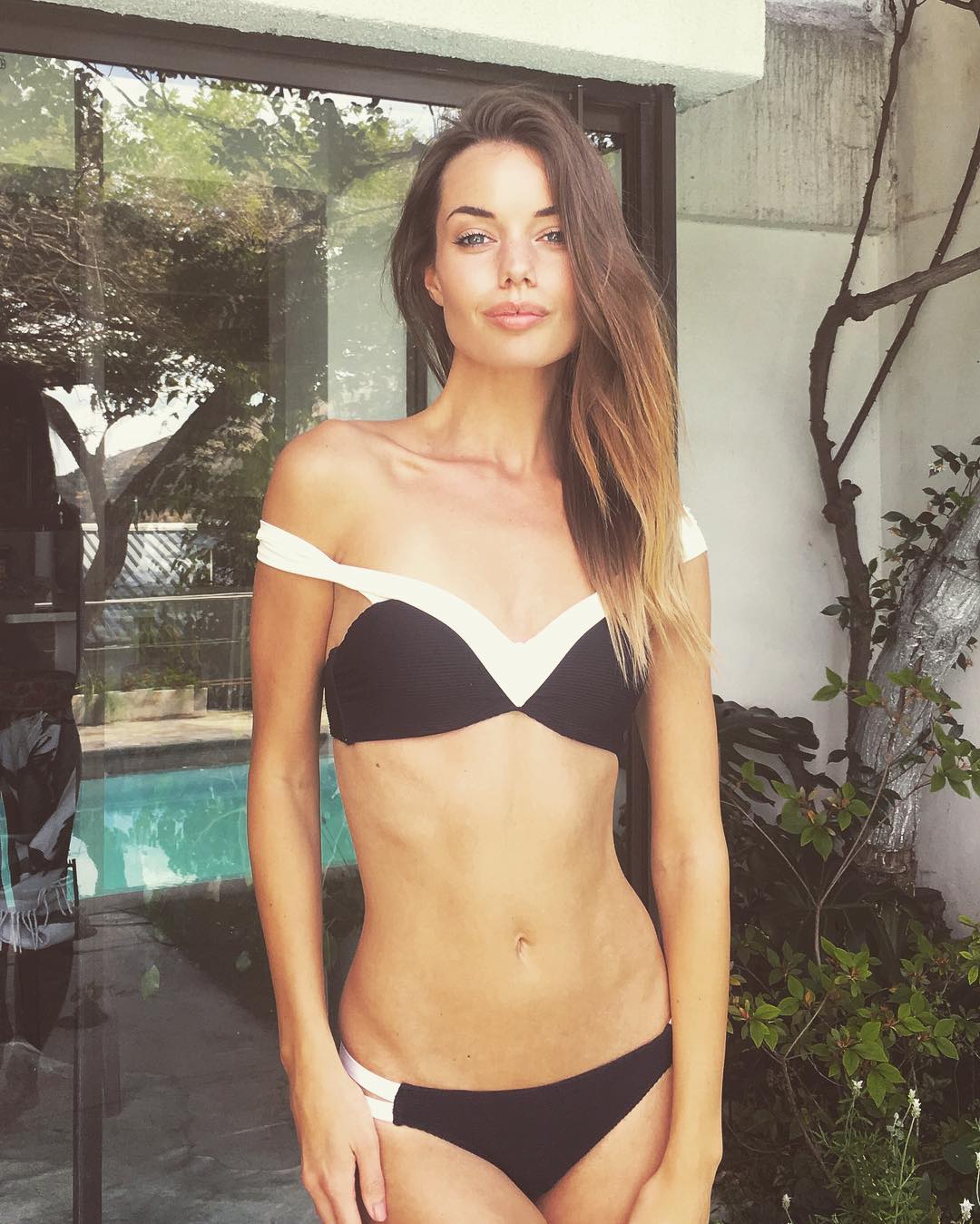
1. Blanca Padilla 2. Brooke Buchanan 3. Natalie Roser 4. Bojana Krsmanovic 5. Eniko Mihalik 6. Hannah Ferguson 7. Nicole Meyer 8. Candice Swanepoel 9. Solveig Mork Hansen 10. Niamh Adkins 11. Elsa Hosk 12. Gintare Sudzuite 13. Irina Sharipova 14. Alejandra Guilmant 15. Jessica Clements 16. Genevieve Morton 17. Jessica Alba 18. Hailey Clauson 19. Annie Ericson 20. Natasha Barnard
New Polas for Next LA
>> http://www.maxim.com/women/natalie-roser-maxim-australia-gallery-2016-11
@ibrahim.junior
@passmorepics
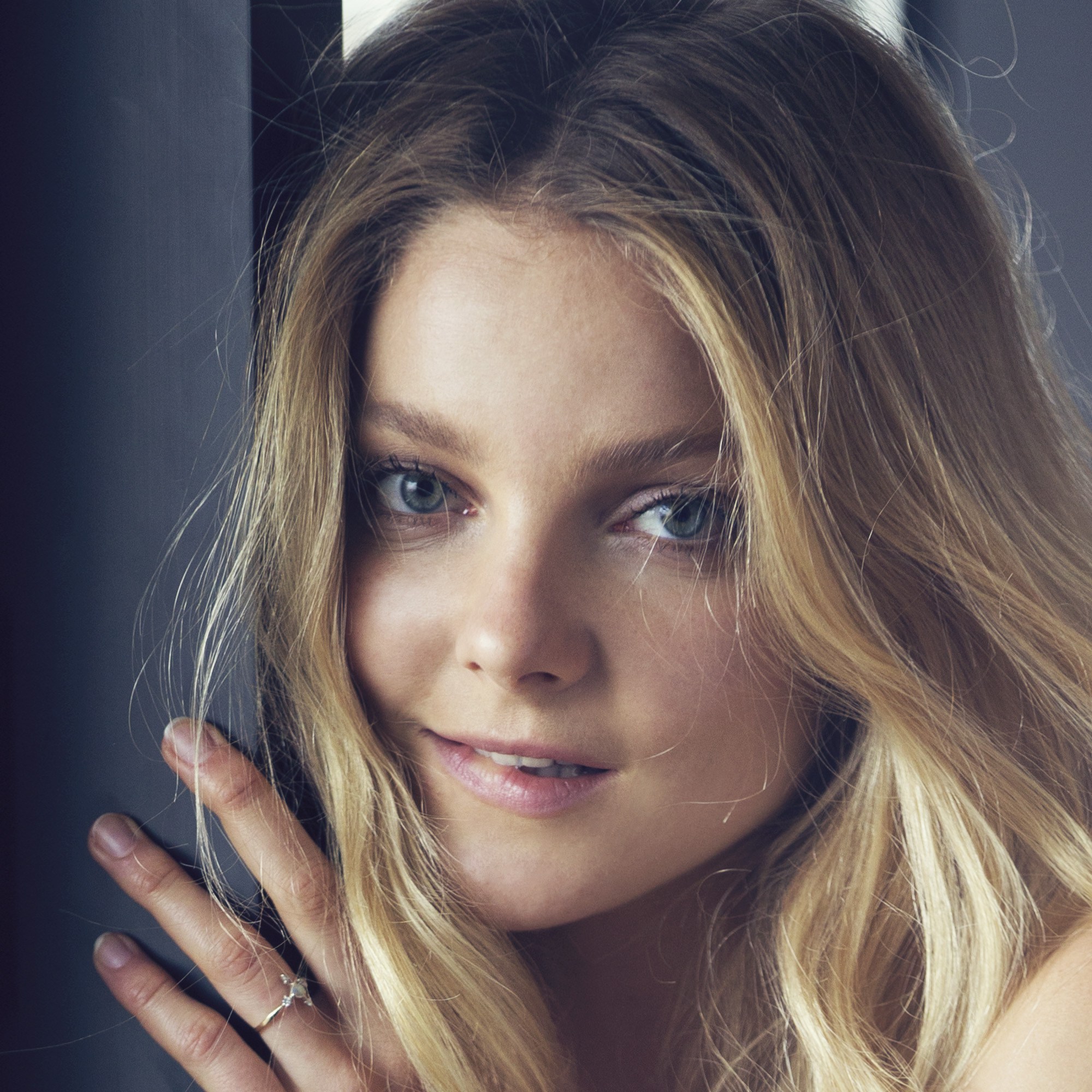
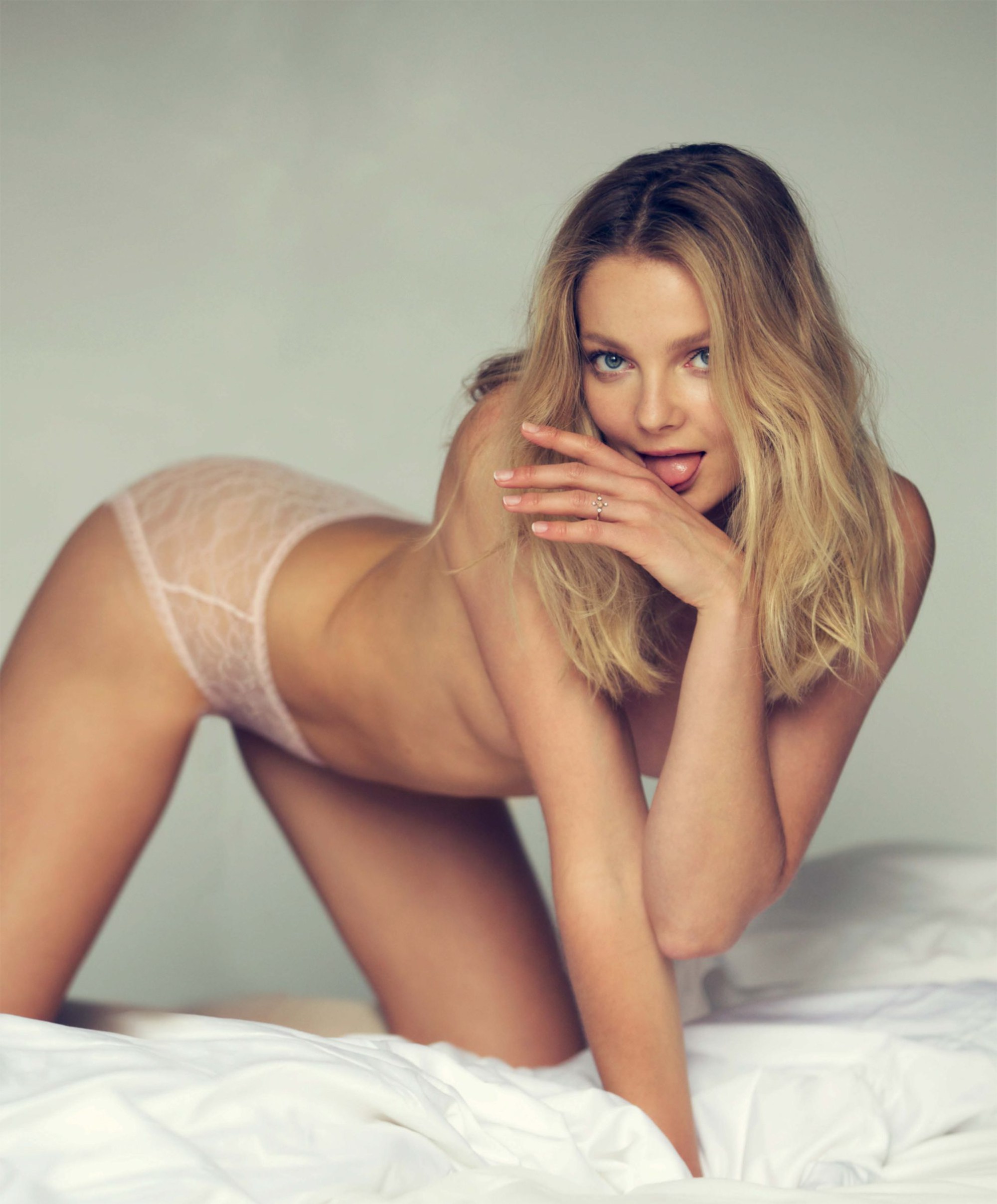
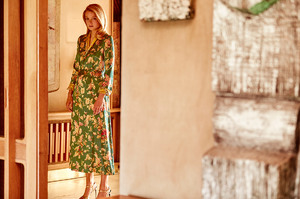
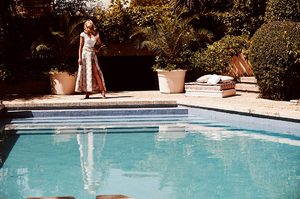
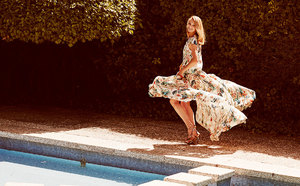
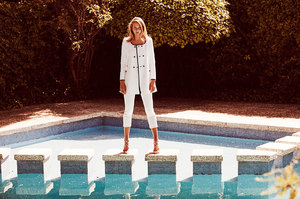
Sticksandstonesagency.com - Sven Kristian ‘Annie’ Since mother nature had different plans for their shoot, Sven & Annie couldn’t get the beach shots they had talked about. Instead they went back to Sven’s Cape Town home & captured a gorgeous series in a relaxed setting. Credits: Photographer: Sven Kristian @svenkristianphoto Model: Annie Ericson @annieericson Model Management: Ice Model Management Cape Town @icemodelscpt Accessories: Sarah Mulder Jewelry @sarahmulderjewelry Posted yesterday by Ainsley Hutchence
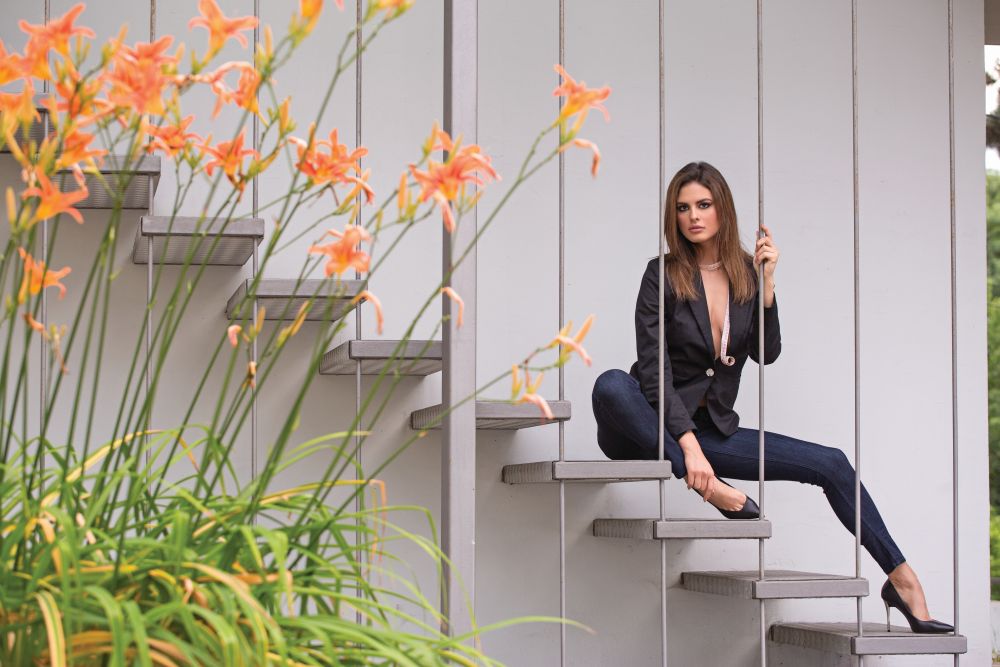
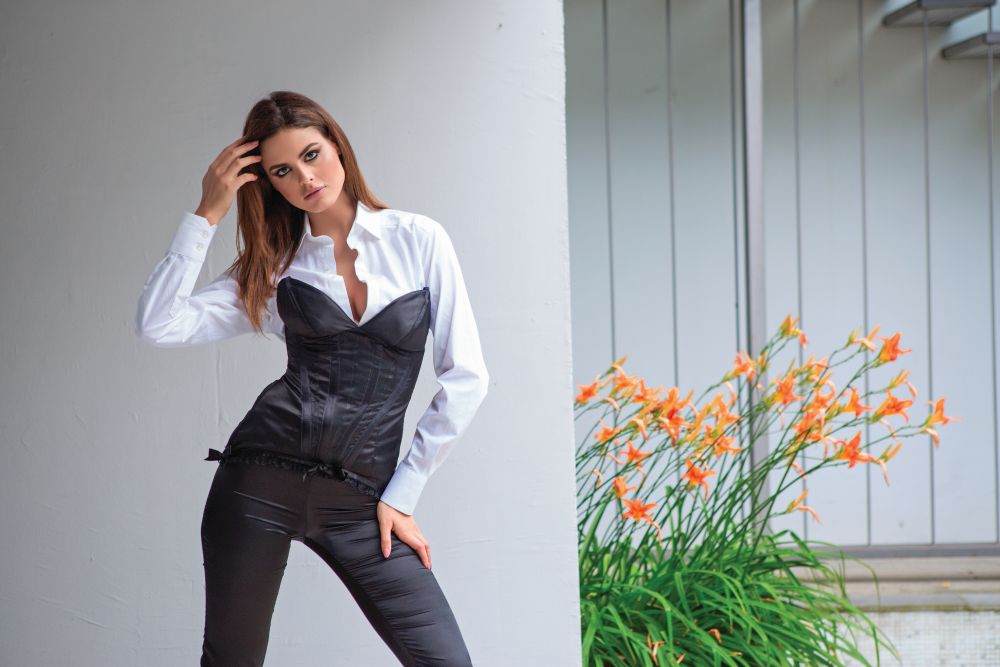
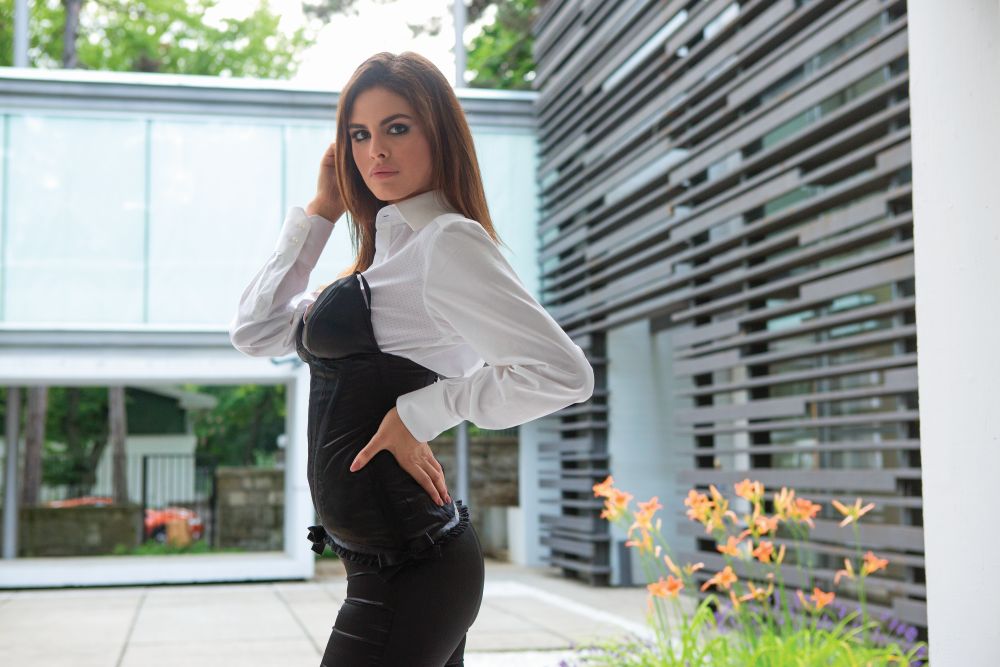
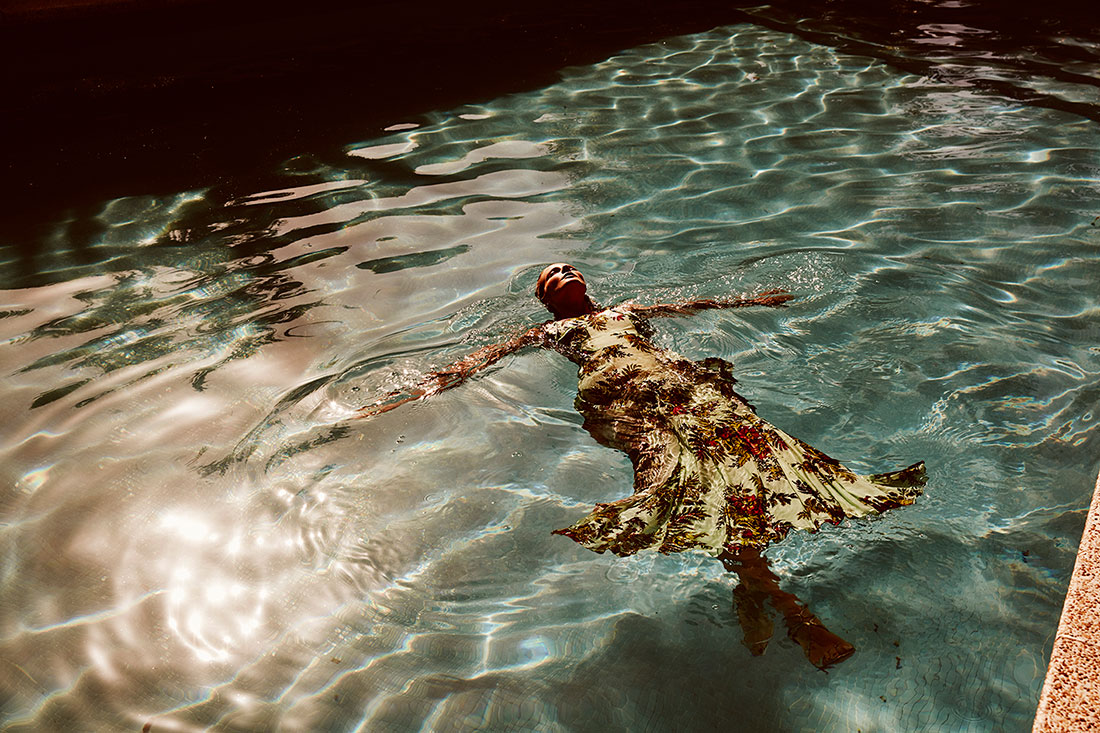
Gloria Serbia - "Made in Serbia" 11.2016 PH: Dalibor Danilović >> http://www.gloria.rs/price/bojana-krsmanovic-made-in-serbia/





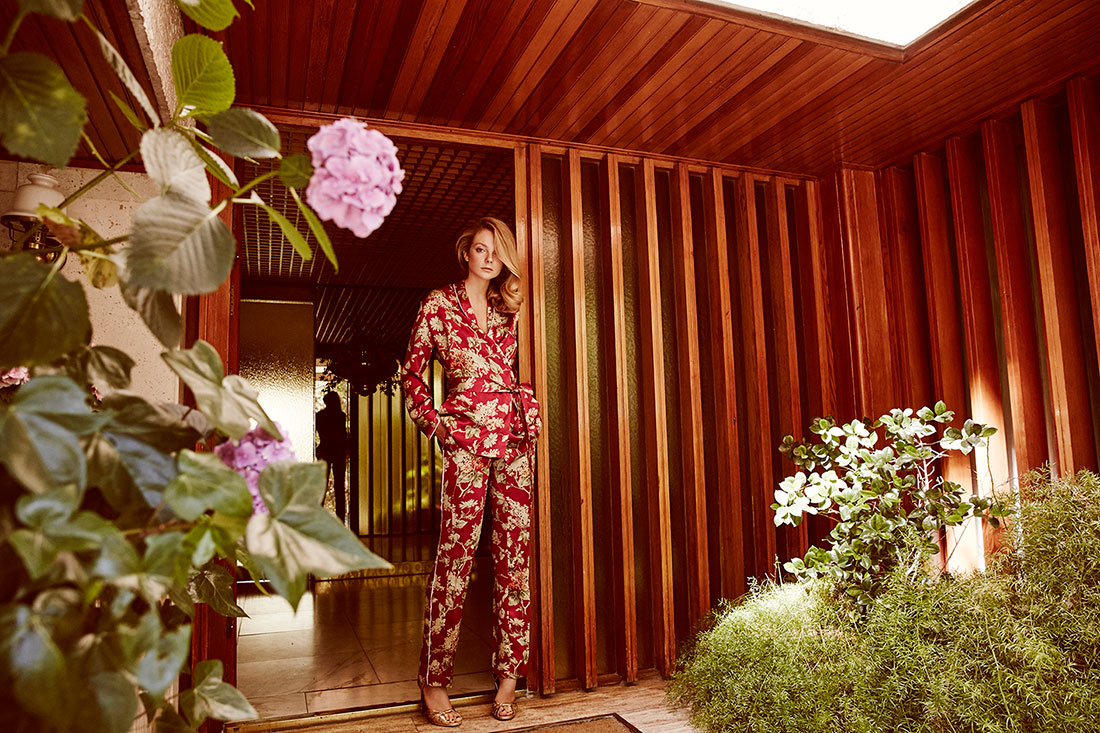
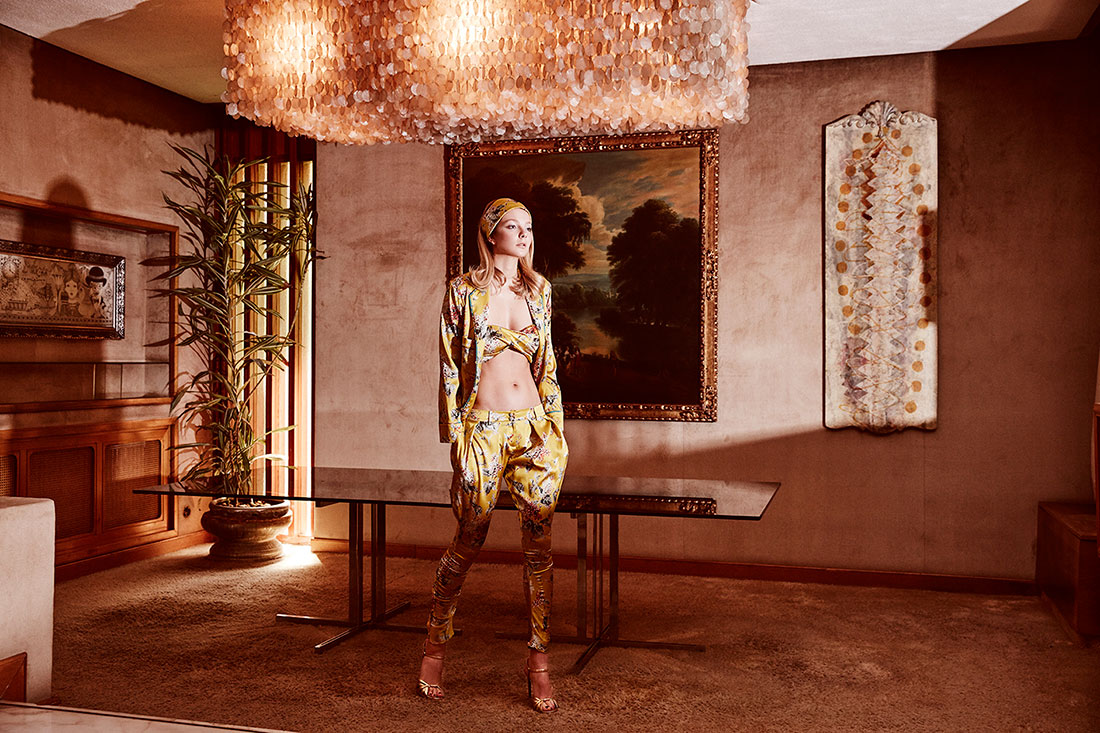
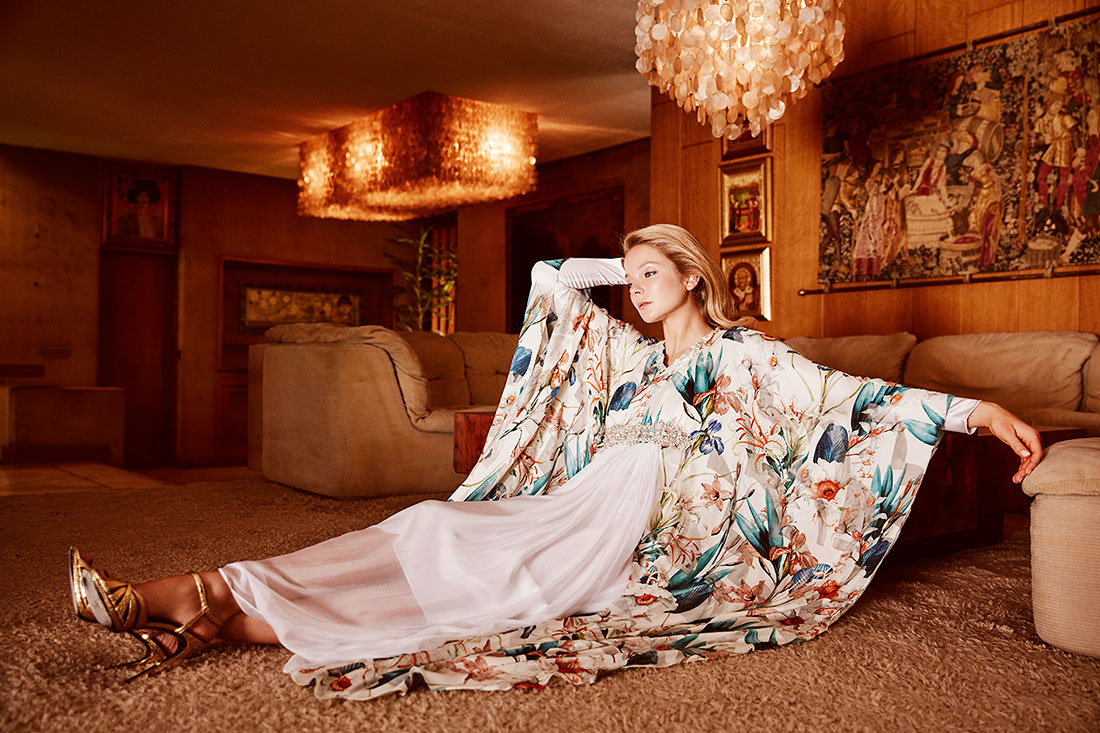
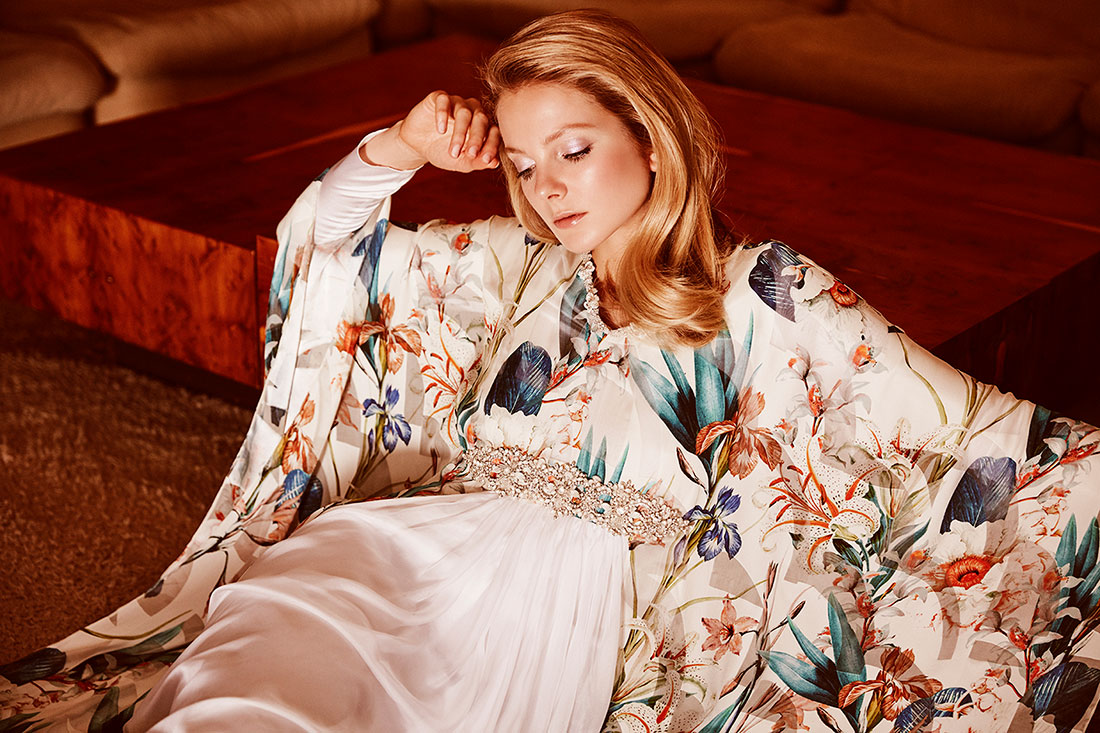
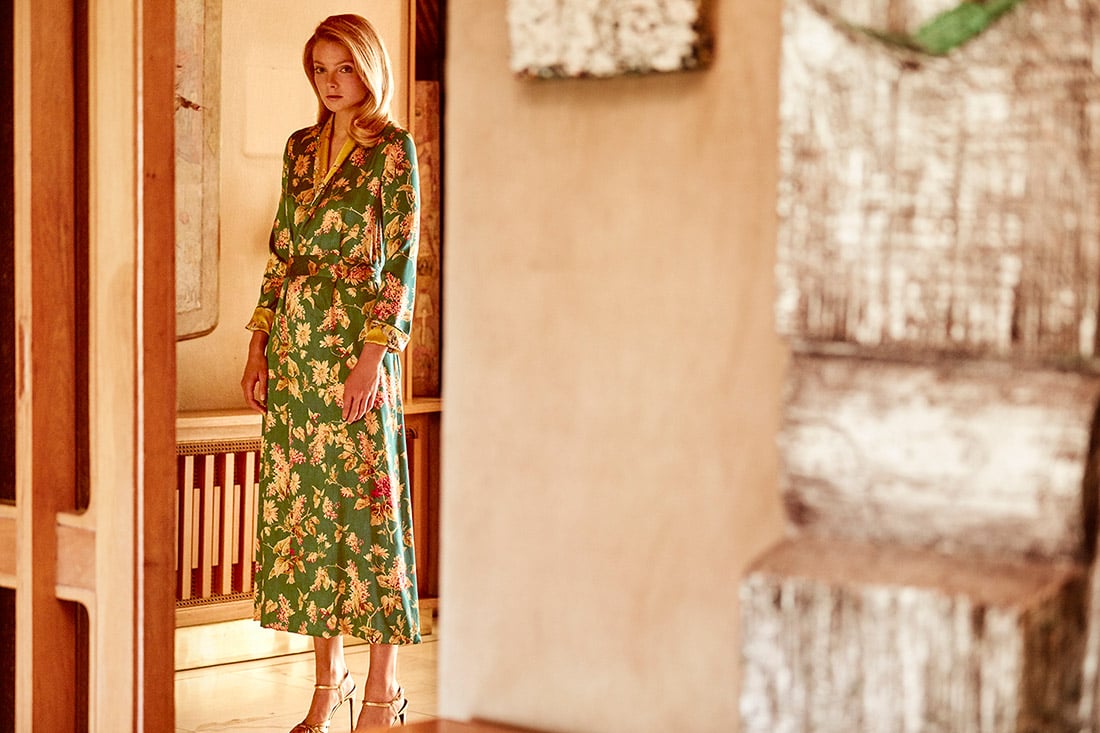
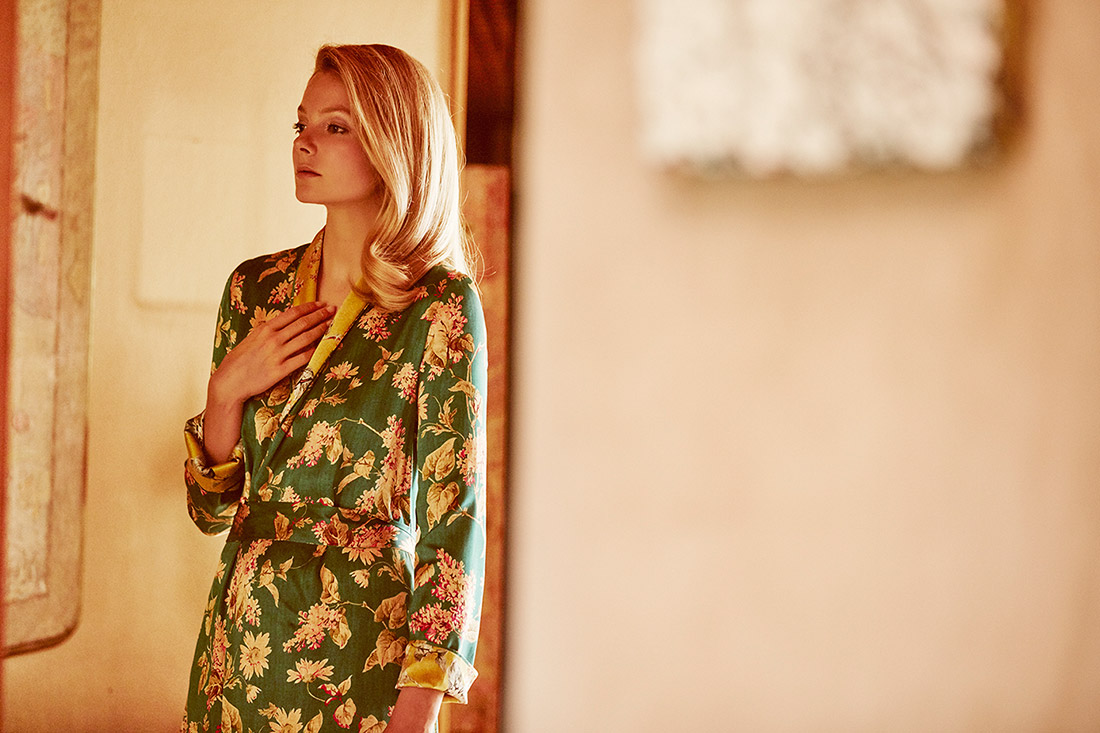
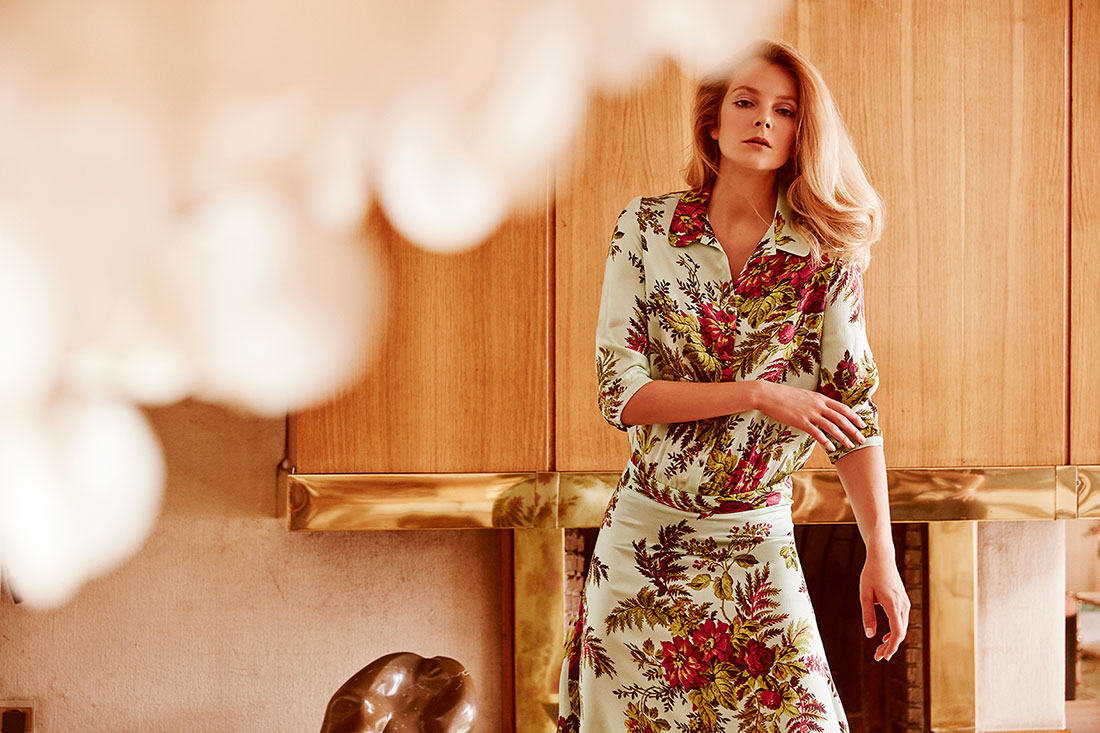
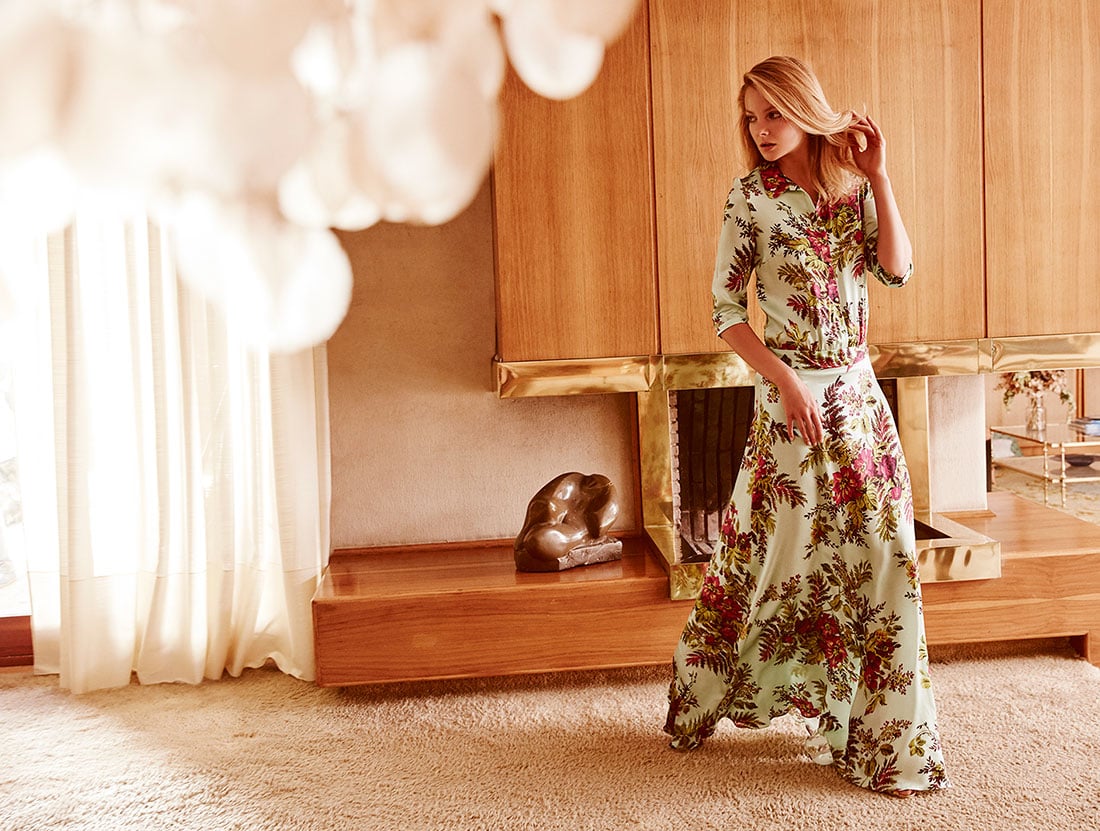
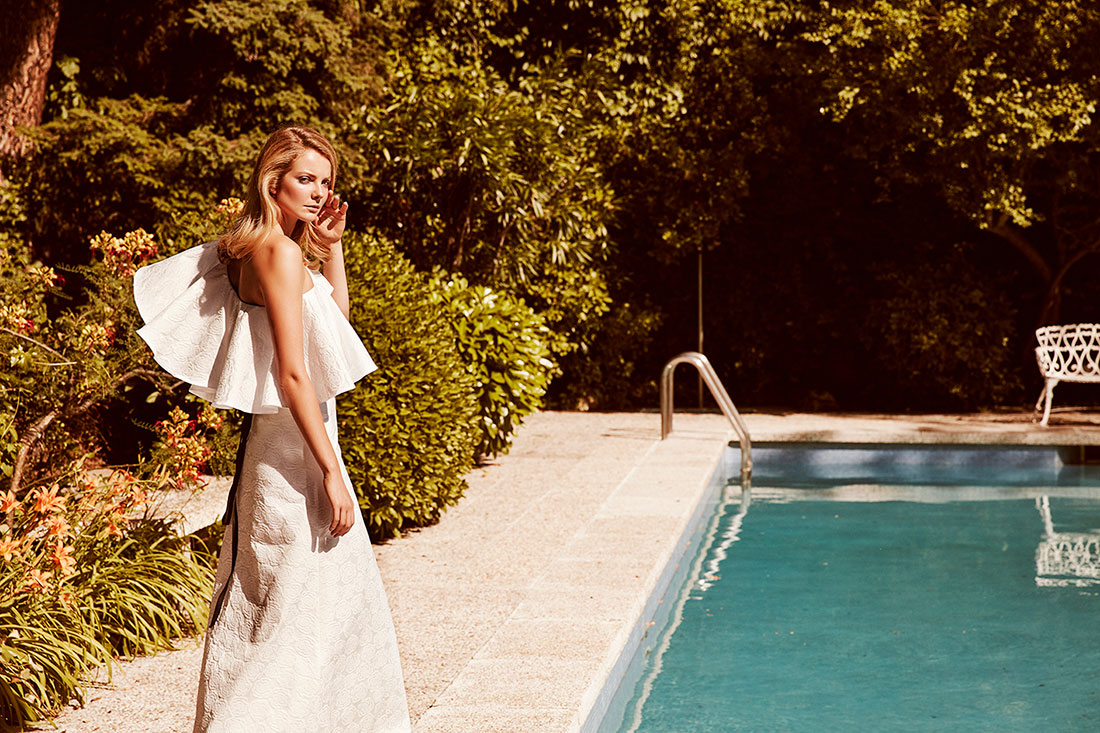
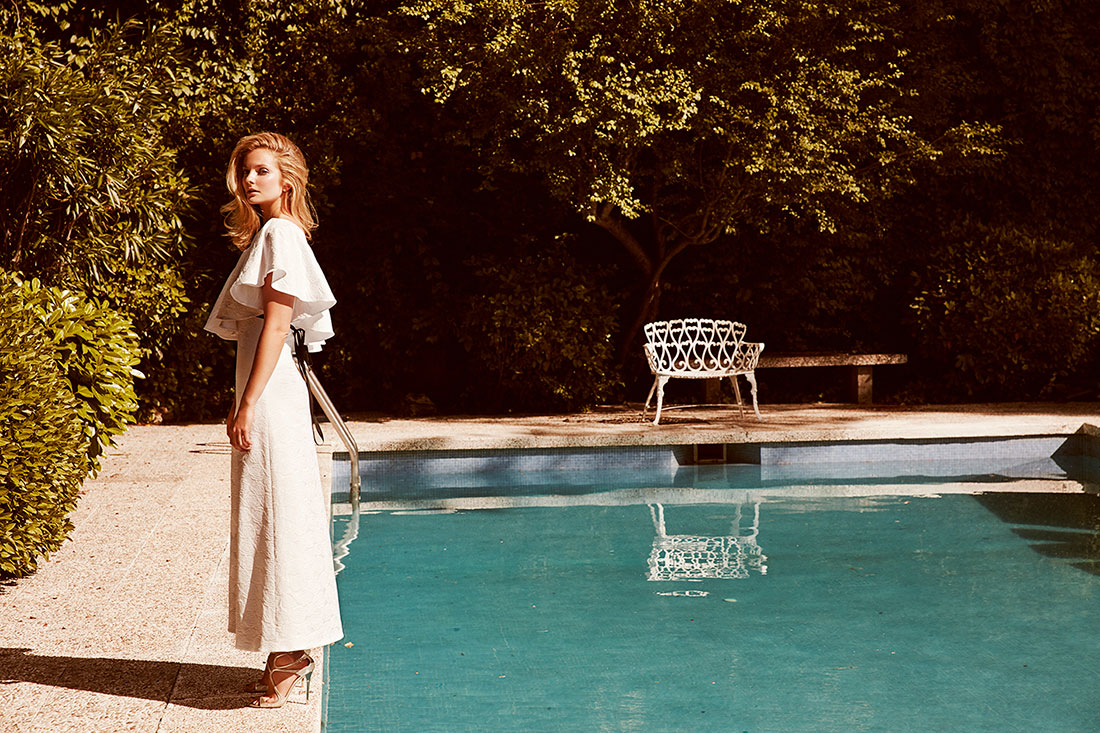
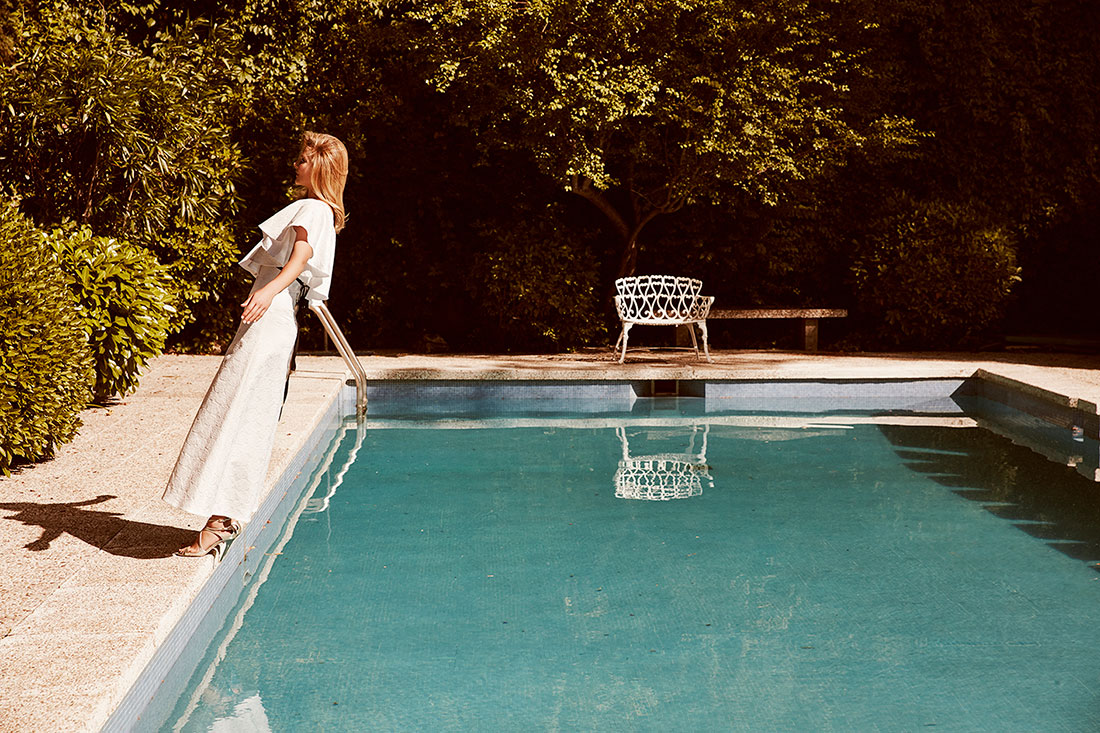
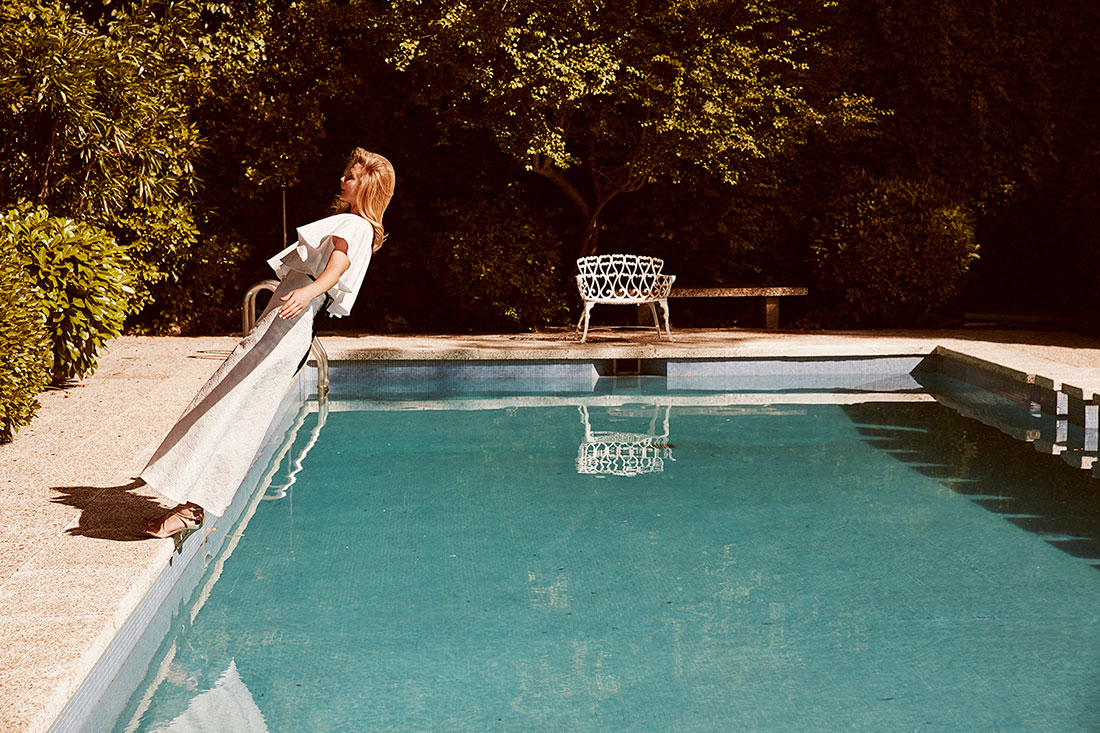
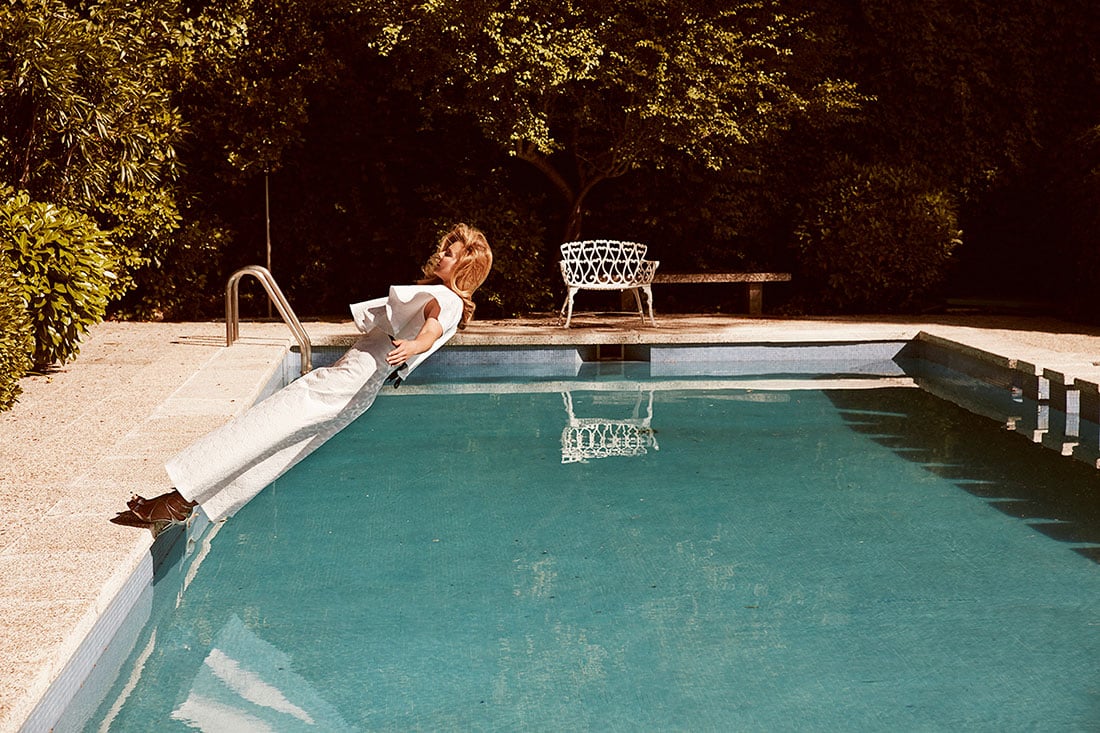
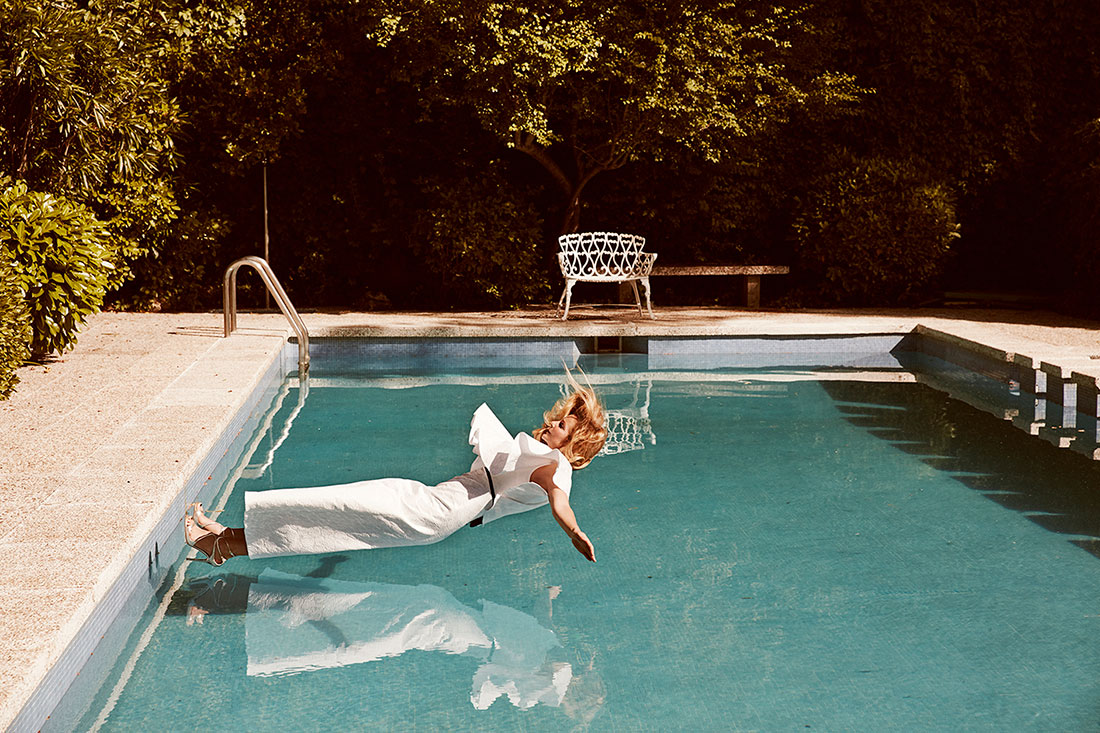
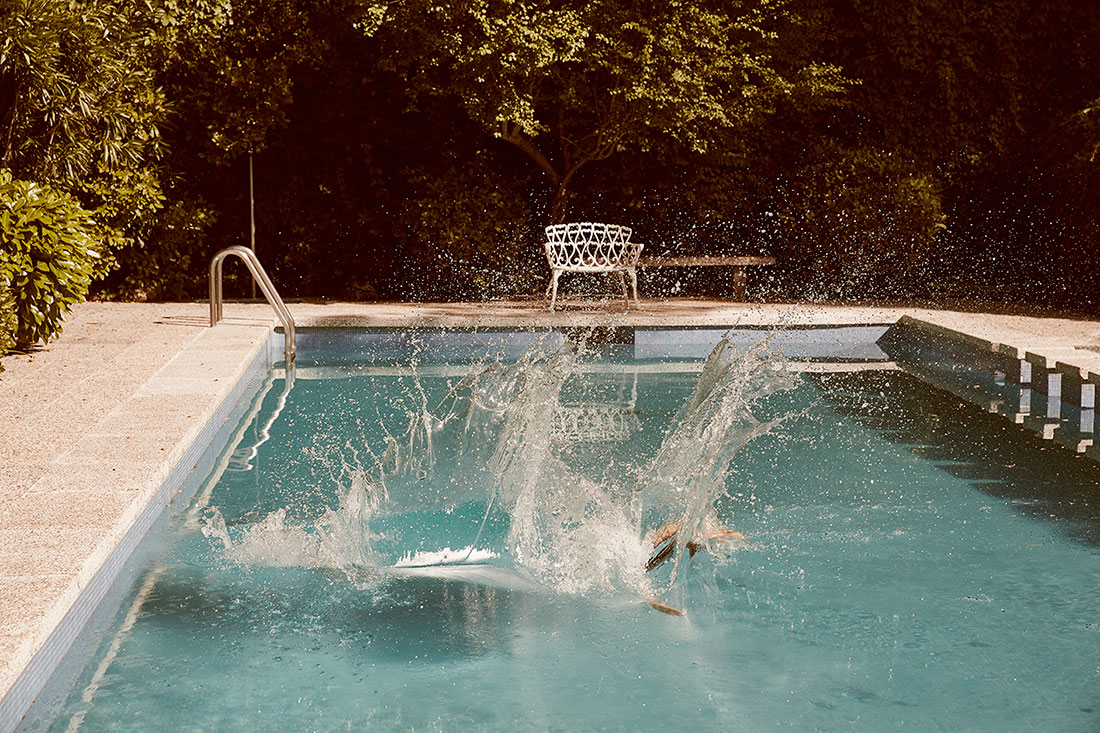
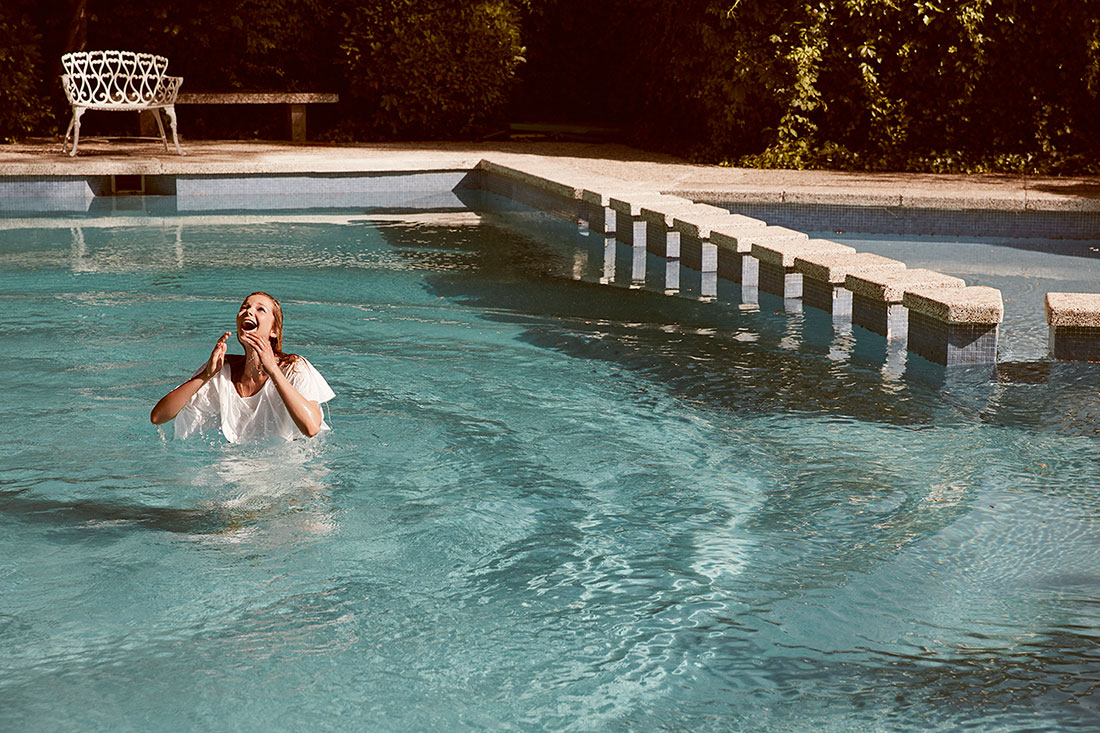
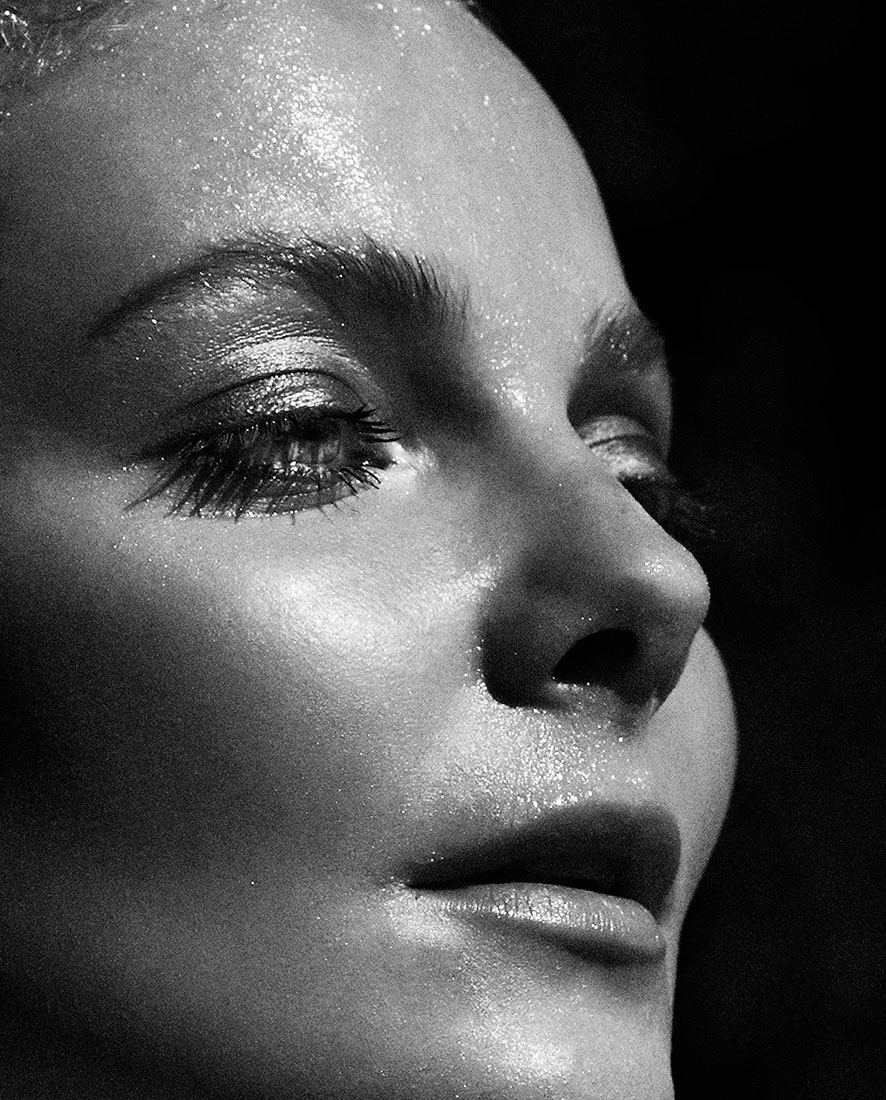
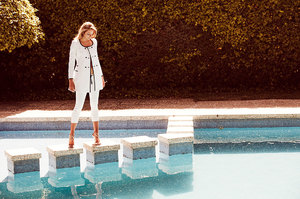
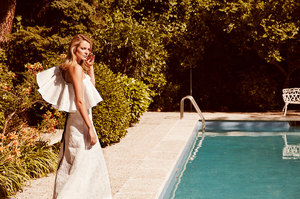
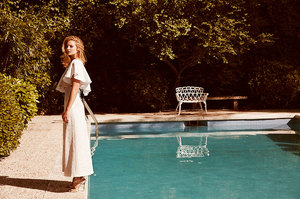
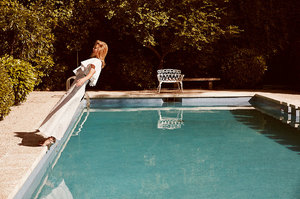
 @mreniko for @adrianaiglesiaseu SS17 PH @rafagallar Art direction by @saliquet @replicacomunicacion Make up @agostinofaggiano1 Hair @leo_pereiraaa































Account
Navigation
Search
Configure browser push notifications
Chrome (Android)
- Tap the lock icon next to the address bar.
- Tap Permissions → Notifications.
- Adjust your preference.
Chrome (Desktop)
- Click the padlock icon in the address bar.
- Select Site settings.
- Find Notifications and adjust your preference.
Safari (iOS 16.4+)
- Ensure the site is installed via Add to Home Screen.
- Open Settings App → Notifications.
- Find your app name and adjust your preference.
Safari (macOS)
- Go to Safari → Preferences.
- Click the Websites tab.
- Select Notifications in the sidebar.
- Find this website and adjust your preference.
Edge (Android)
- Tap the lock icon next to the address bar.
- Tap Permissions.
- Find Notifications and adjust your preference.
Edge (Desktop)
- Click the padlock icon in the address bar.
- Click Permissions for this site.
- Find Notifications and adjust your preference.
Firefox (Android)
- Go to Settings → Site permissions.
- Tap Notifications.
- Find this site in the list and adjust your preference.
Firefox (Desktop)
- Open Firefox Settings.
- Search for Notifications.
- Find this site in the list and adjust your preference.