

TheBestModels
Members
-
Joined
Everything posted by TheBestModels
-

-
-
@casteyewear styled by @foxyzingaro ? @louisesmit
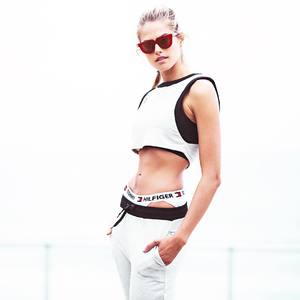
-
#MEFI #NewCampaign #LeatherInNature #photo @aytekinyalcin #styling @rabiaymn #makeup@rifatyuzuak #hair @mrbuluttt #model @nicolemeyer1
-
-
^ Original video:
-
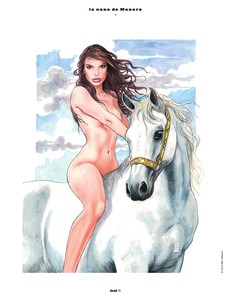
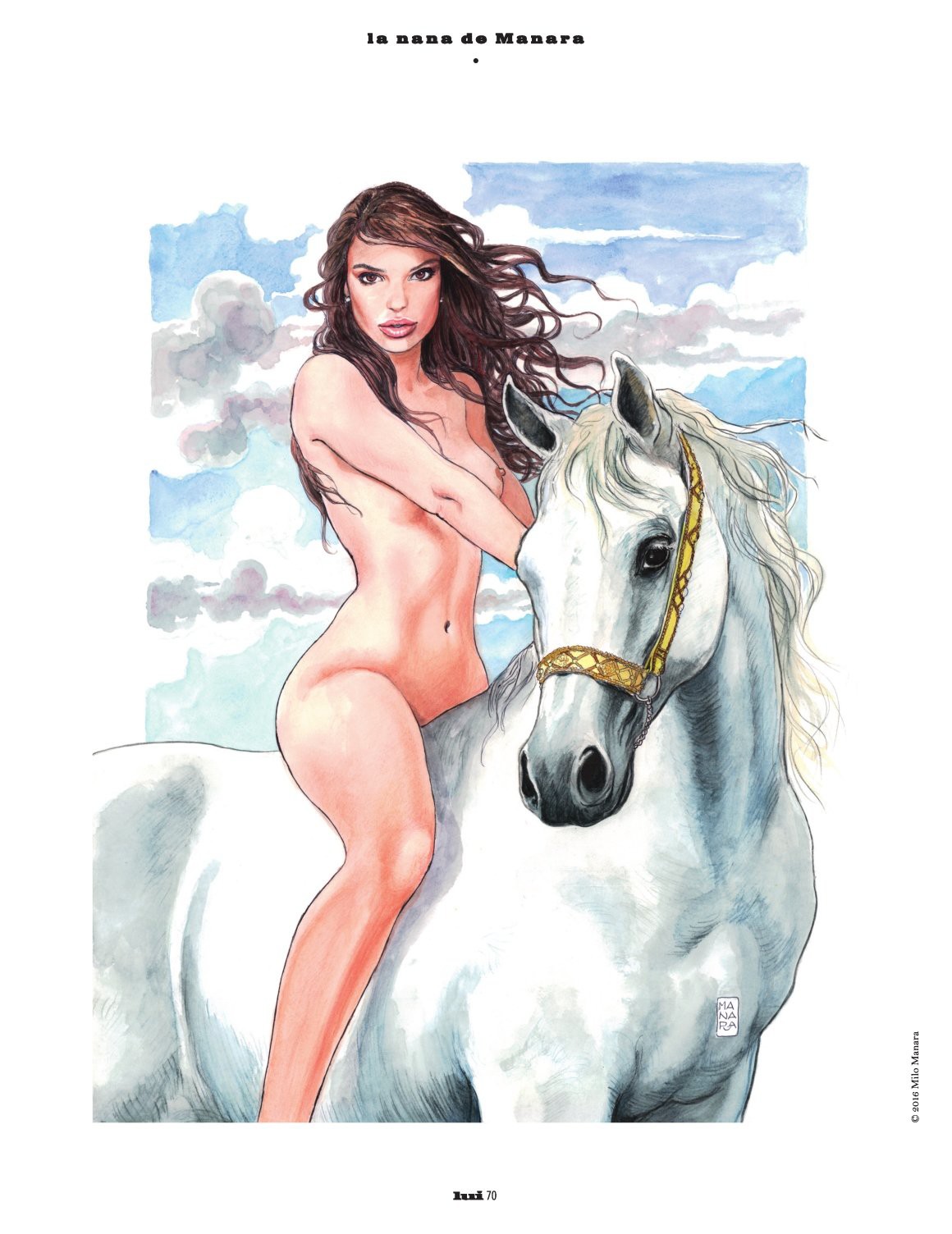
Emily by Milo Manara, Lui, December 2016 - January 2017
-
Thanks to @Candylicious.
-
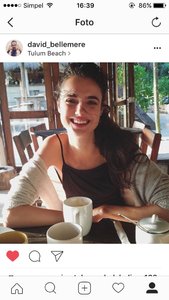
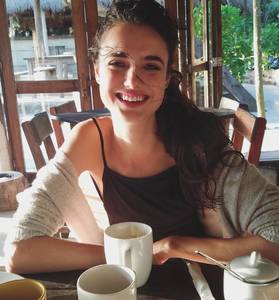
Lui, December 2016 - January 2017 by David Bellemere
-
Lui, December 2016 - January 2017 by David Bellemere NUDITY
-
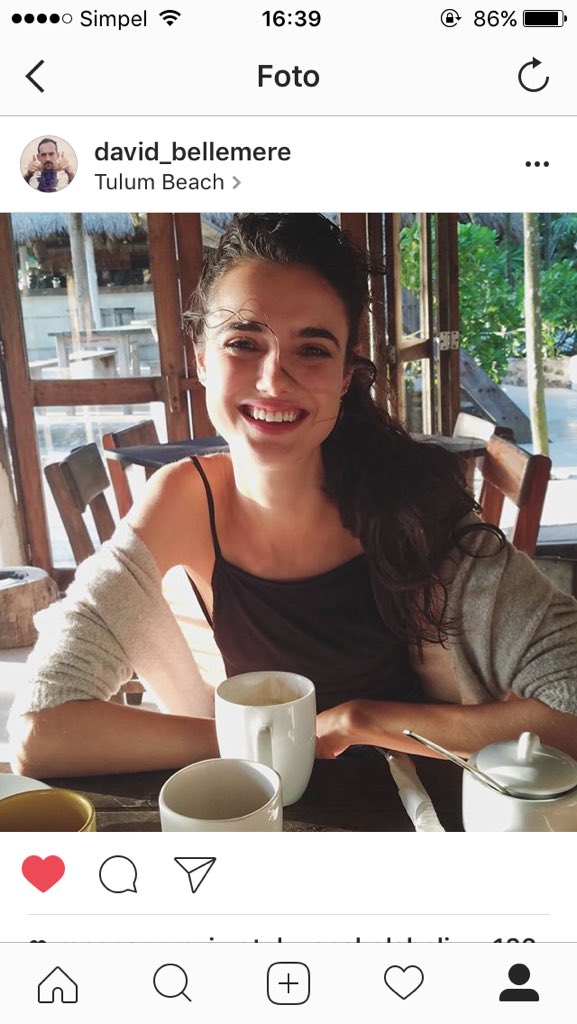
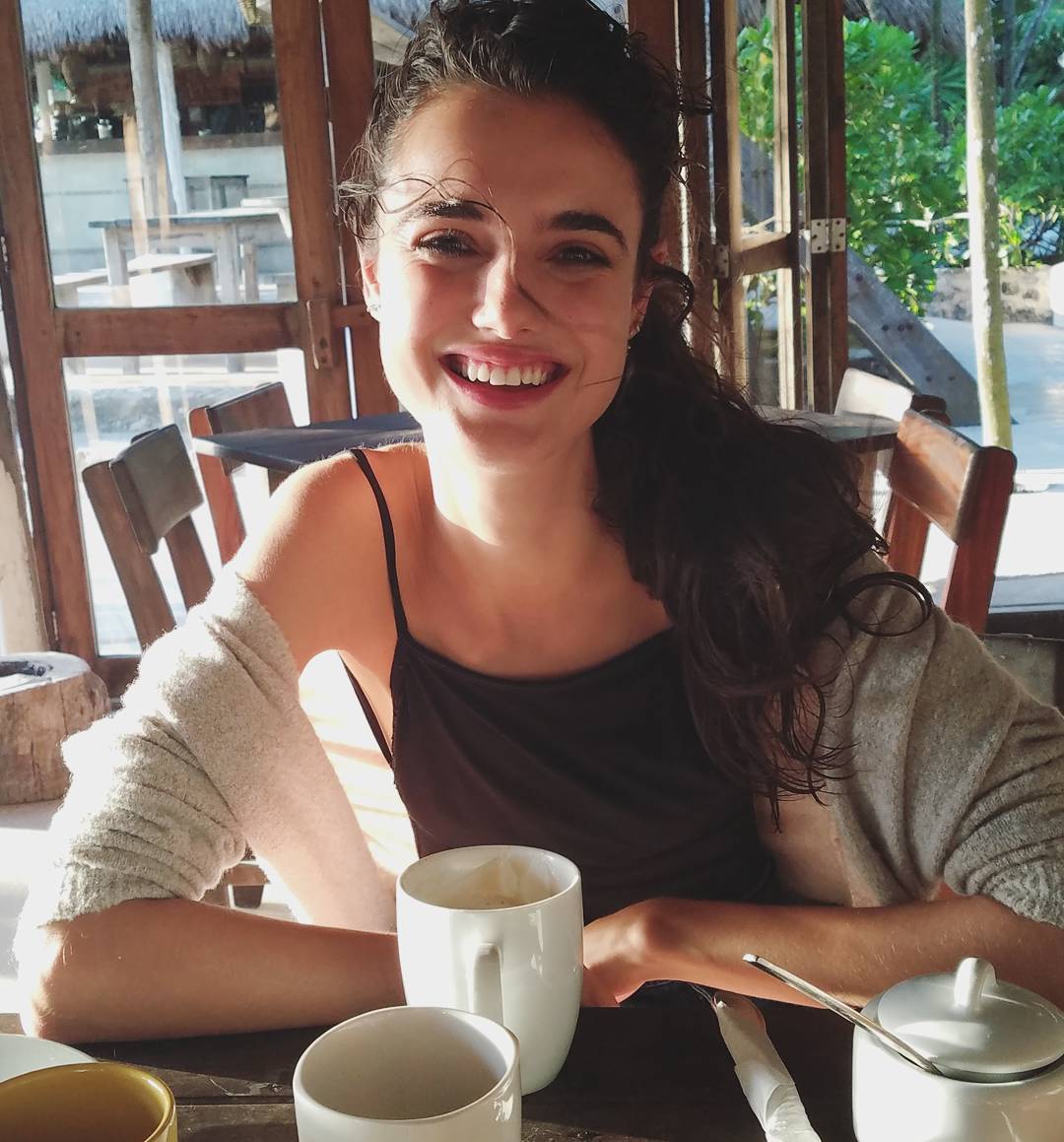
^ Blanca is in Tulum (Mexico) shooting with David
-
@redlipbandits photographer: @emmanuelsmonsalve makeup @tashymariemakeup
-
Picture by @elliotcito
-
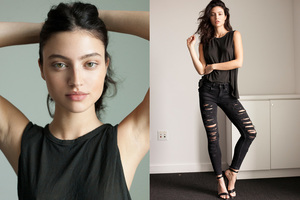
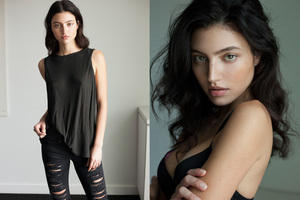
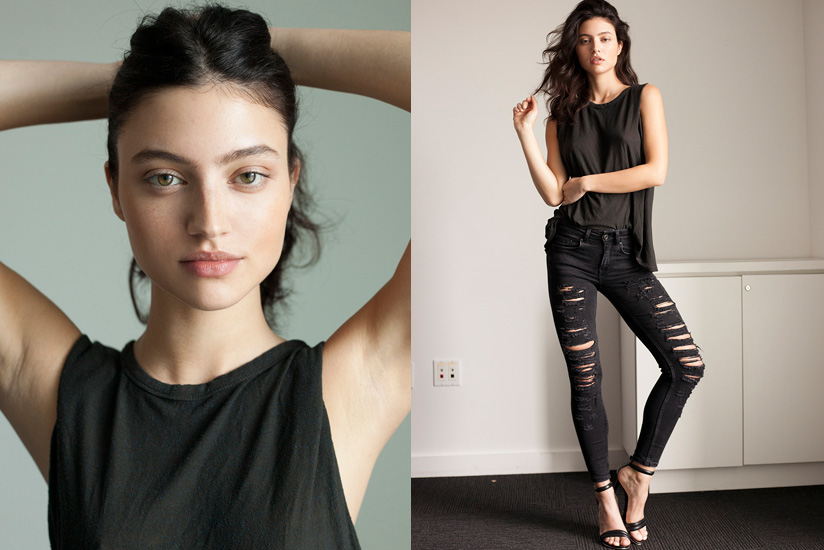
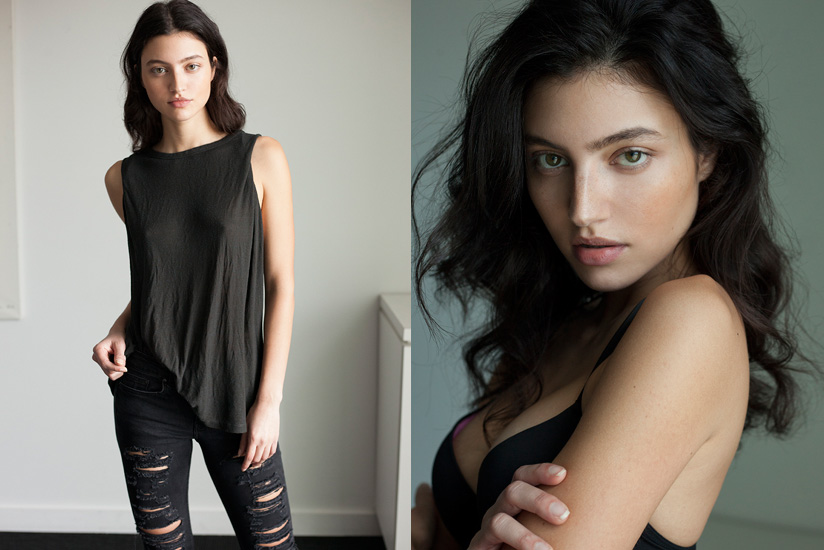
Zodiac Management /Digitals
-
Account
Navigation
Search
Configure browser push notifications
Chrome (Android)
- Tap the lock icon next to the address bar.
- Tap Permissions → Notifications.
- Adjust your preference.
Chrome (Desktop)
- Click the padlock icon in the address bar.
- Select Site settings.
- Find Notifications and adjust your preference.
Safari (iOS 16.4+)
- Ensure the site is installed via Add to Home Screen.
- Open Settings App → Notifications.
- Find your app name and adjust your preference.
Safari (macOS)
- Go to Safari → Preferences.
- Click the Websites tab.
- Select Notifications in the sidebar.
- Find this website and adjust your preference.
Edge (Android)
- Tap the lock icon next to the address bar.
- Tap Permissions.
- Find Notifications and adjust your preference.
Edge (Desktop)
- Click the padlock icon in the address bar.
- Click Permissions for this site.
- Find Notifications and adjust your preference.
Firefox (Android)
- Go to Settings → Site permissions.
- Tap Notifications.
- Find this site in the list and adjust your preference.
Firefox (Desktop)
- Open Firefox Settings.
- Search for Notifications.
- Find this site in the list and adjust your preference.