TheBestModels
Members
-
Joined
Everything posted by TheBestModels
-

-
-
Cool !! Thanks for sharing
^ Stunning ! Too bad there won't be a 2018 issue though ...
2013 is not so old
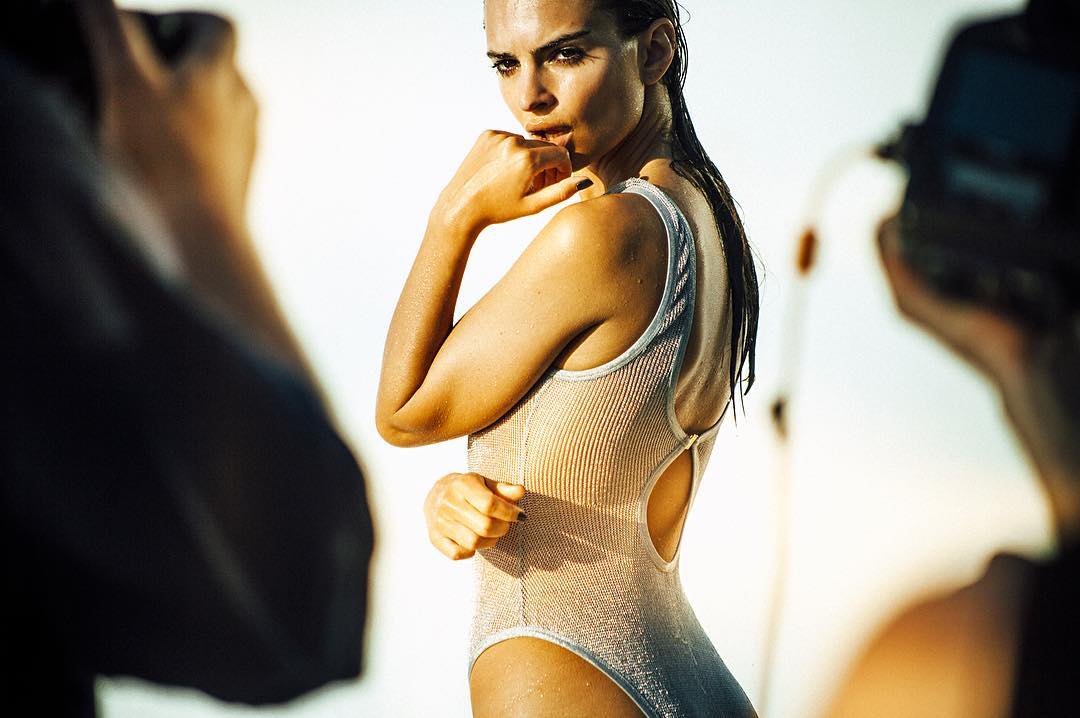
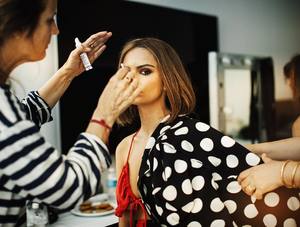
Allure - Behind The Scenes



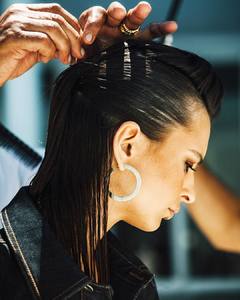
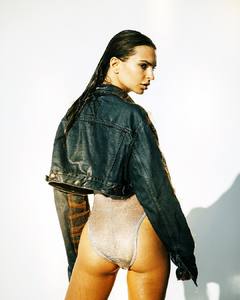
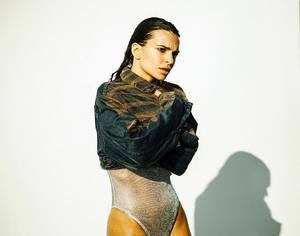

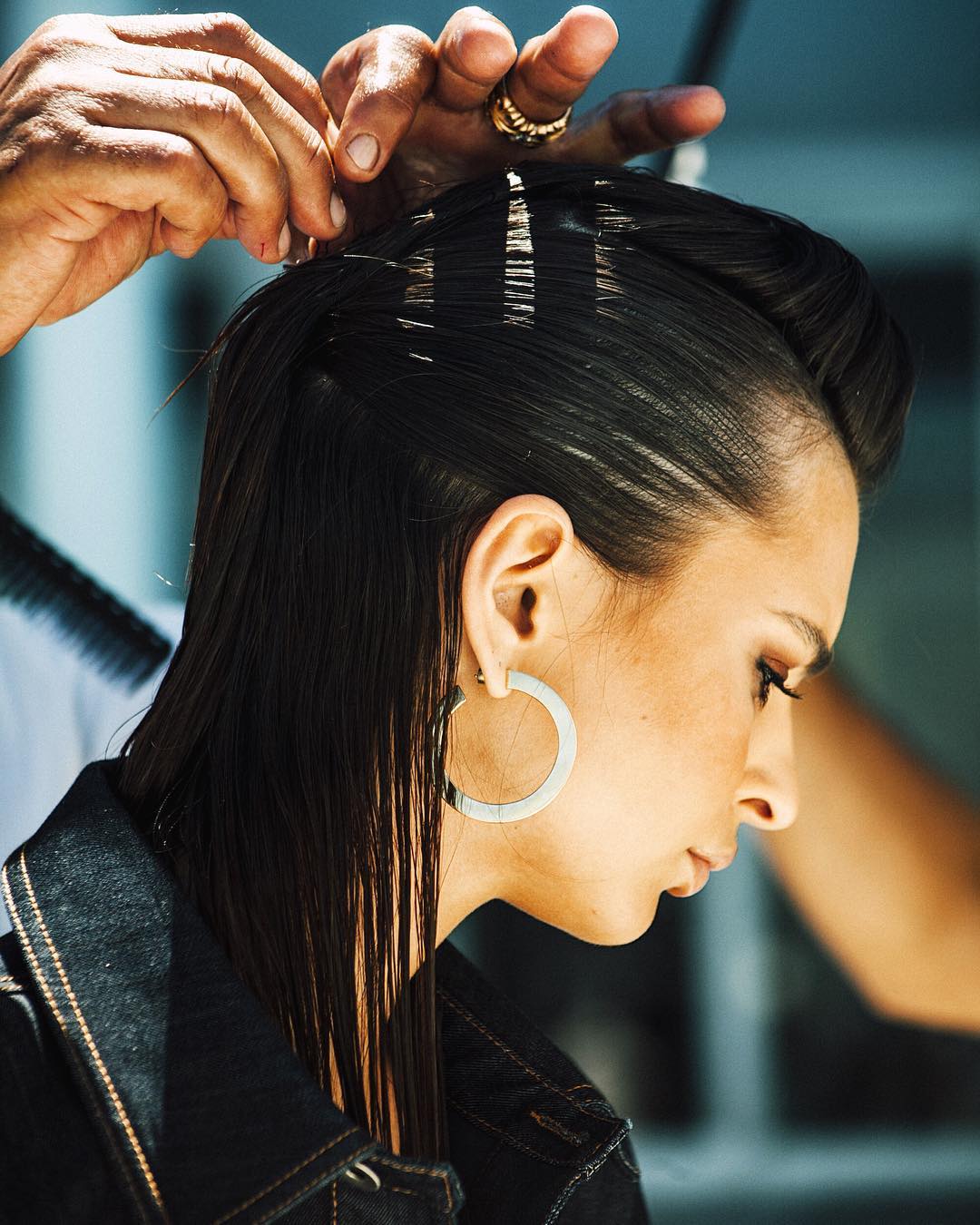
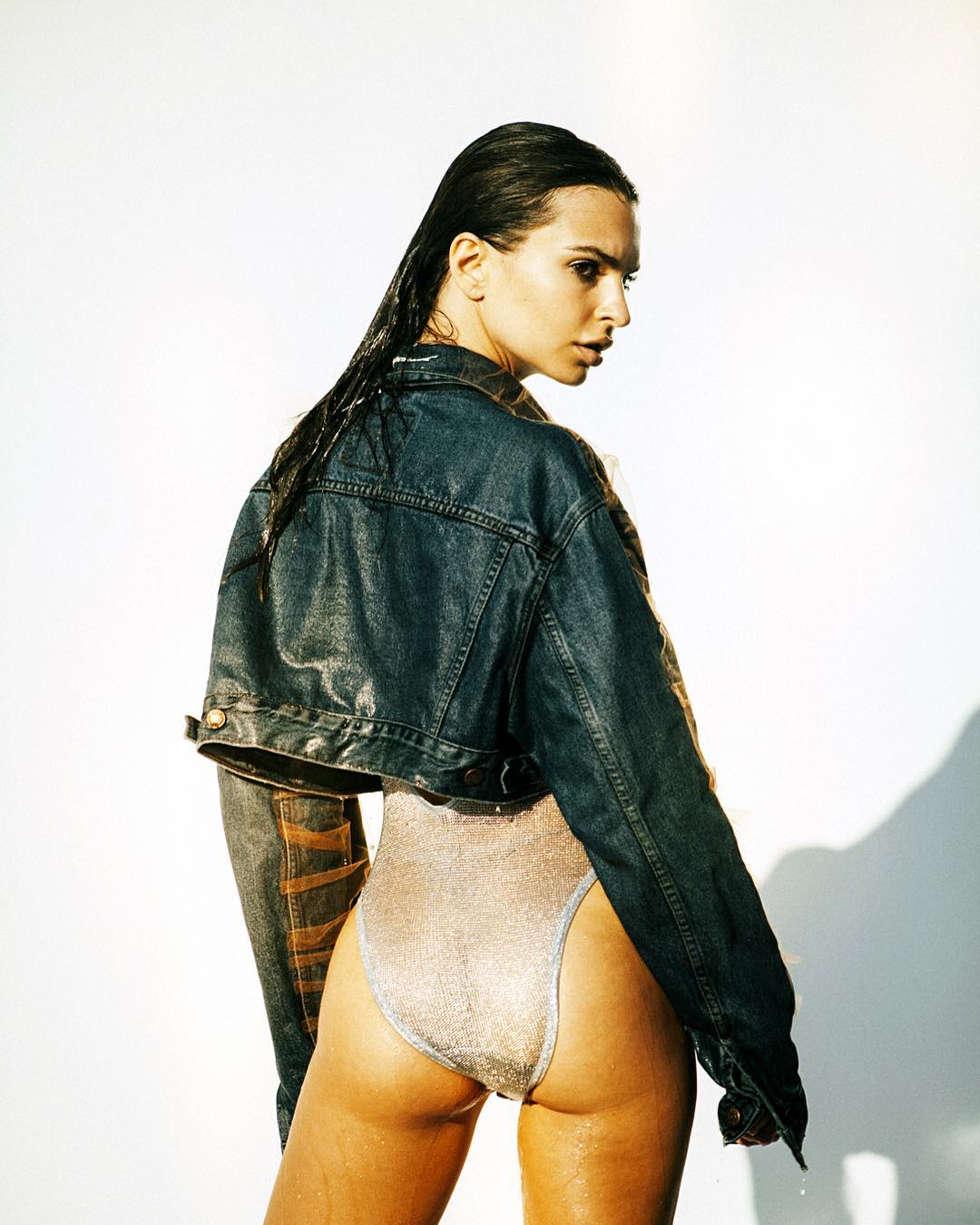
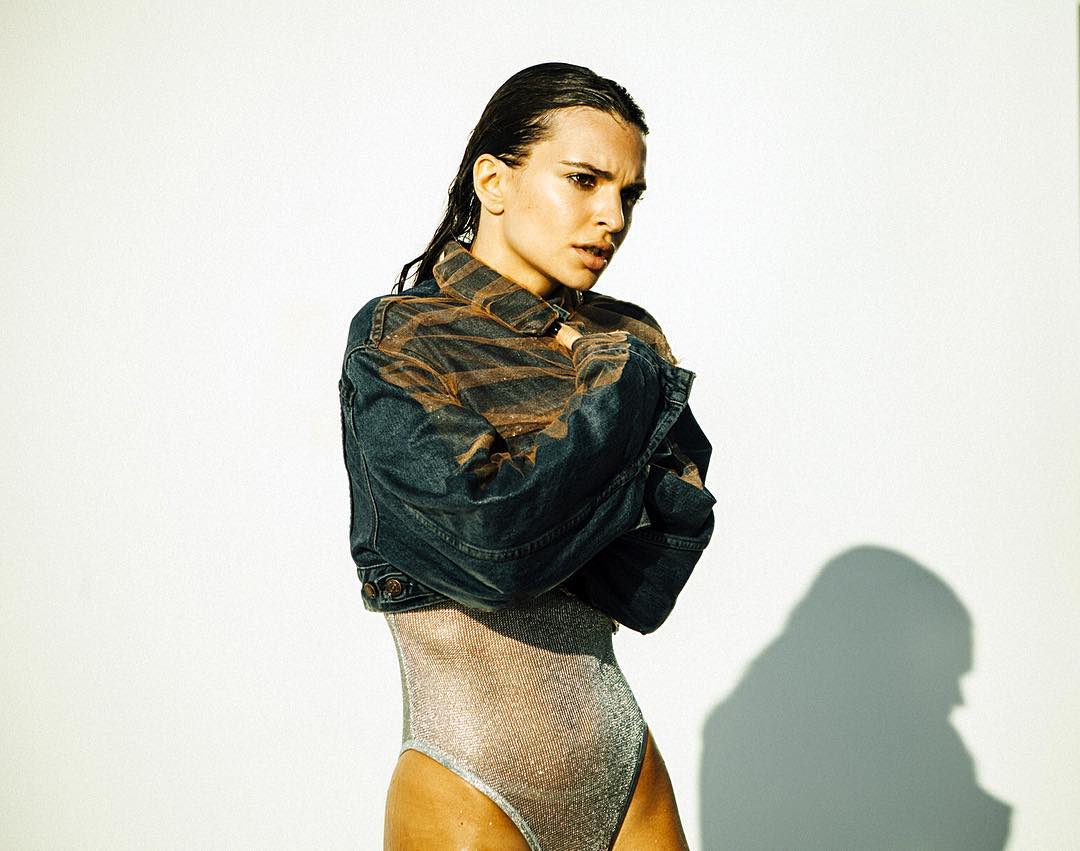
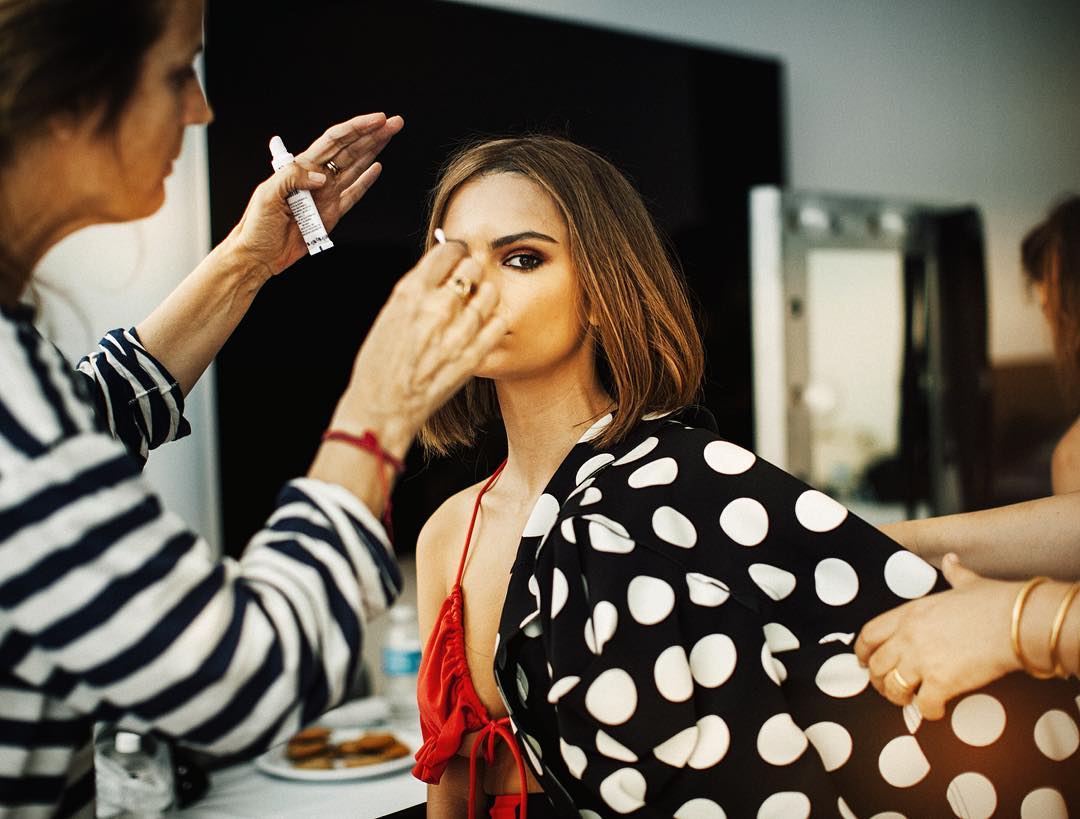
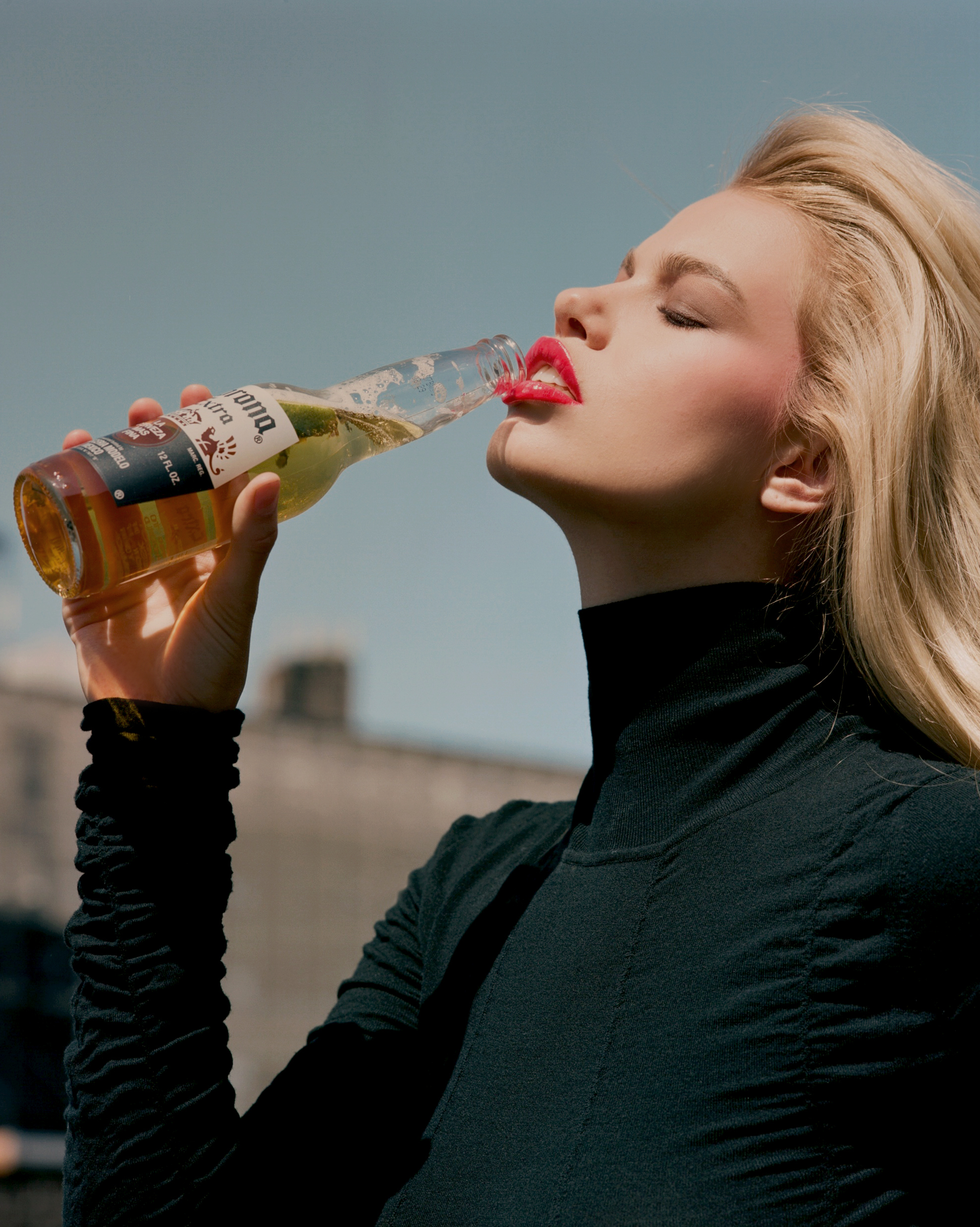
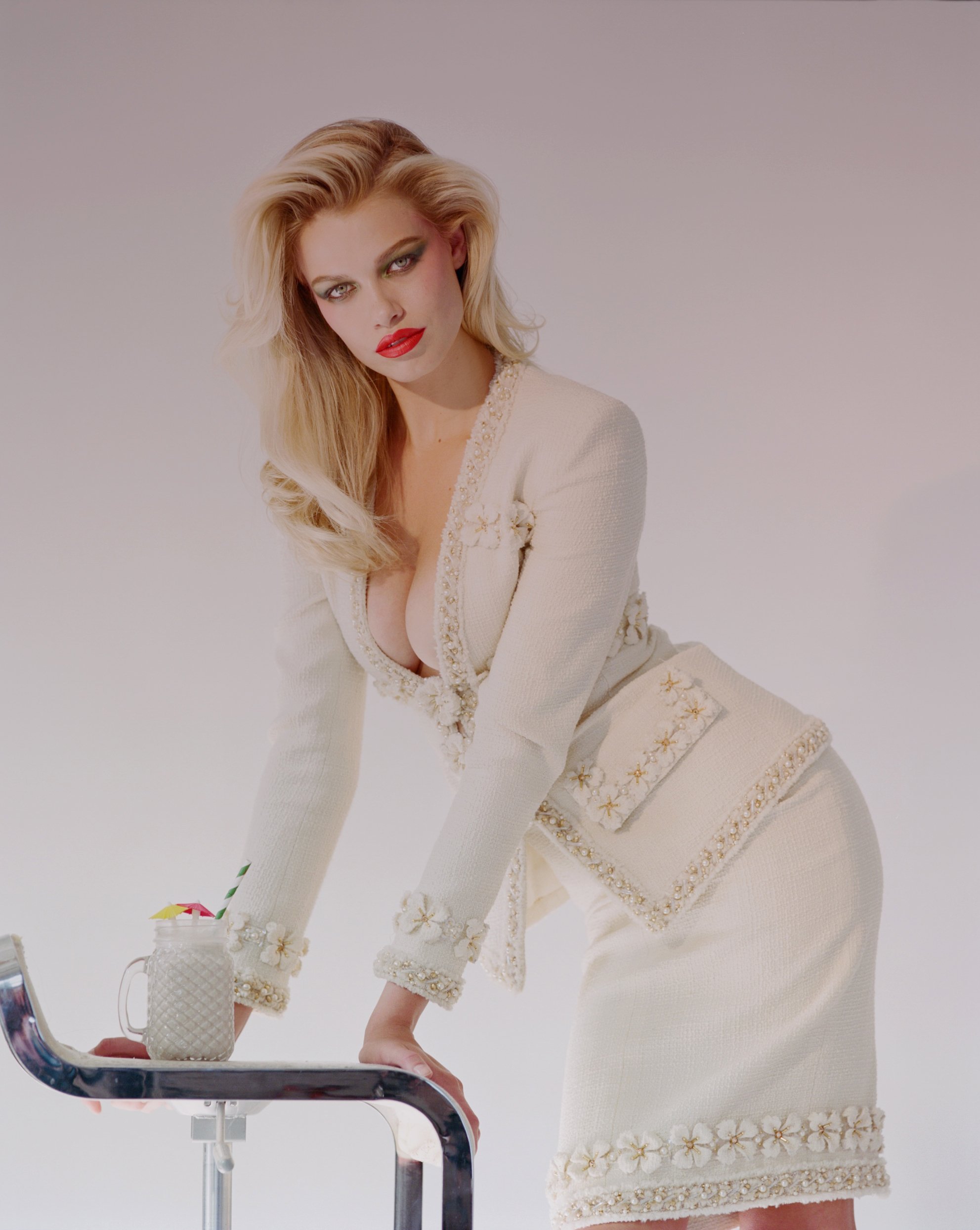
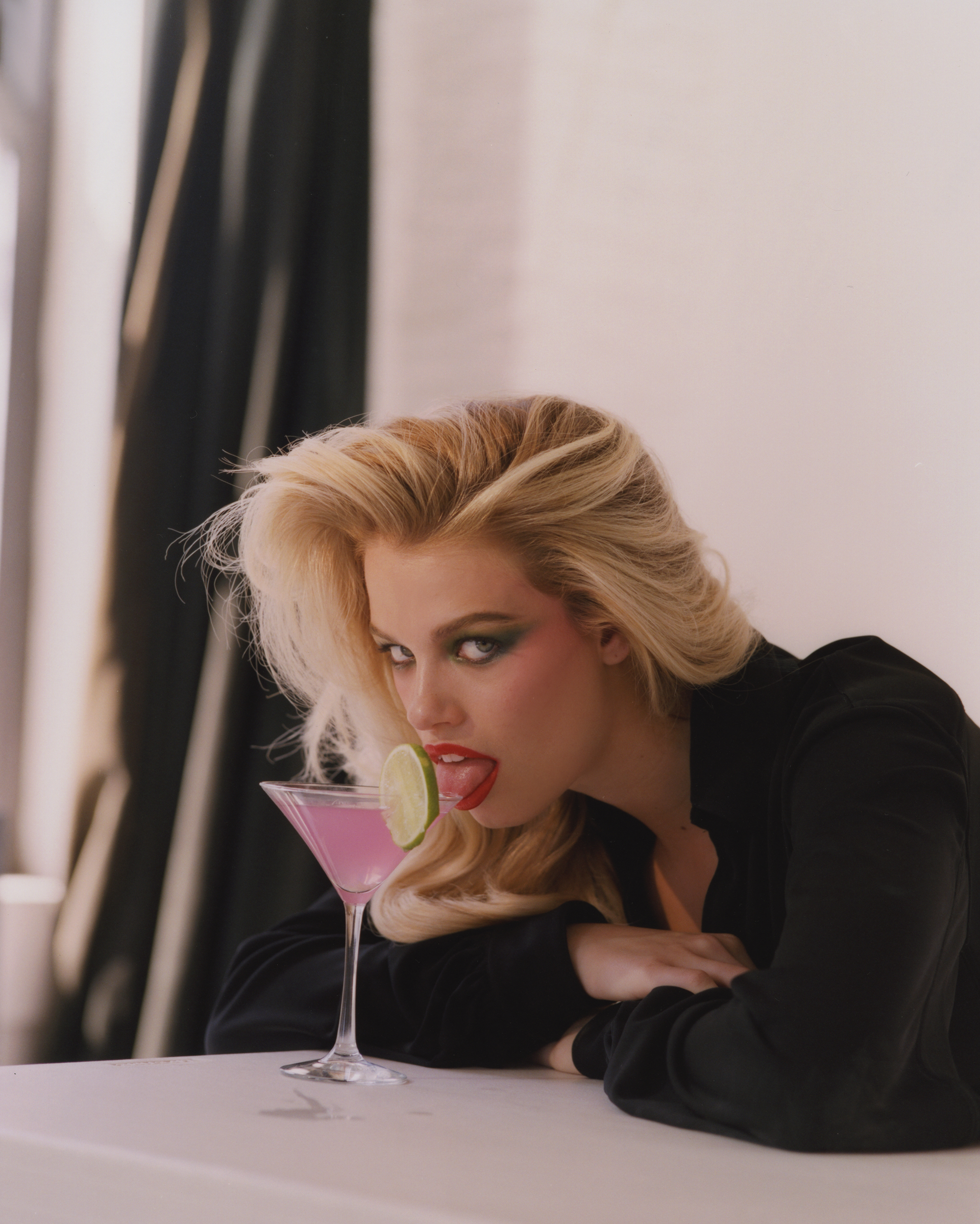
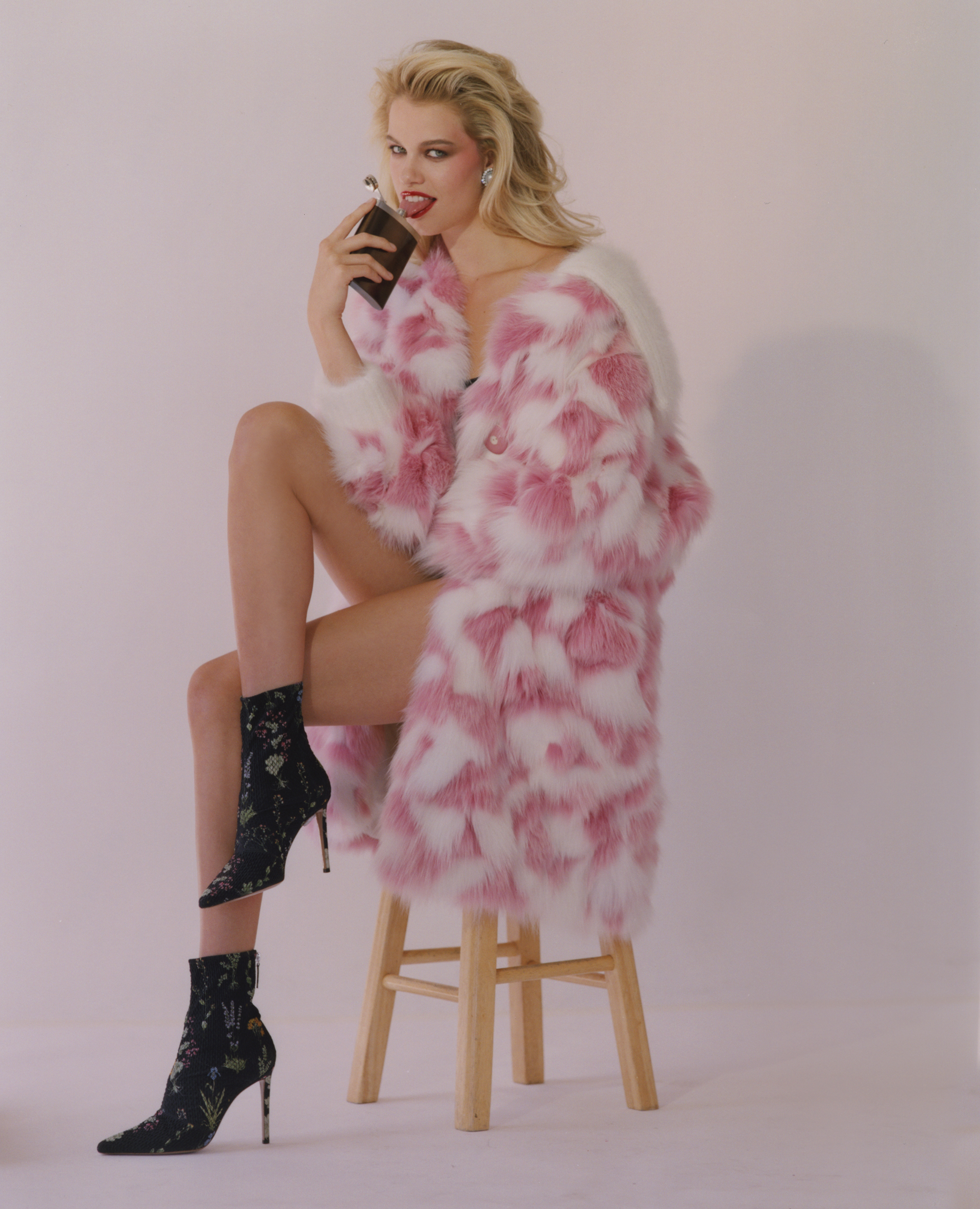
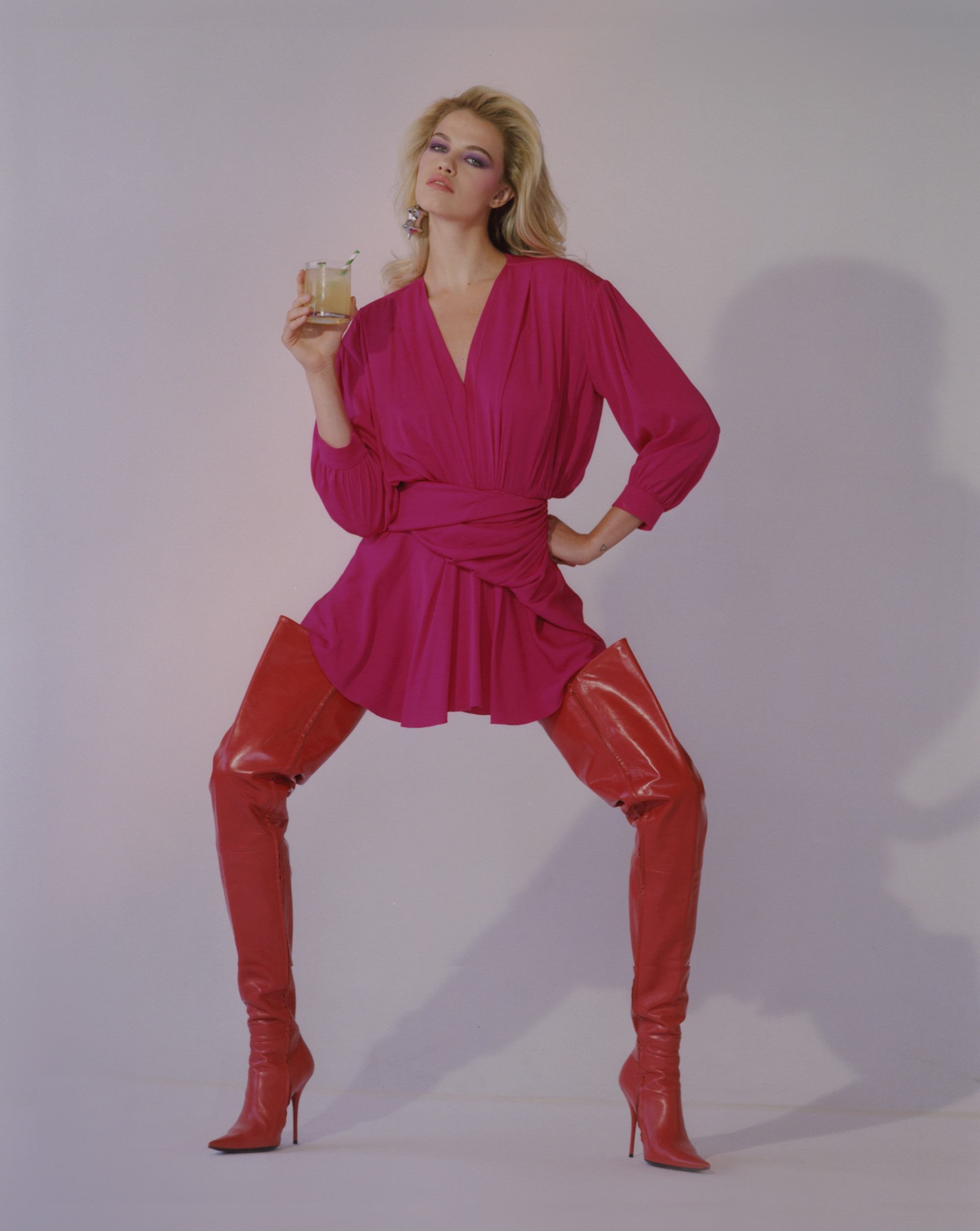
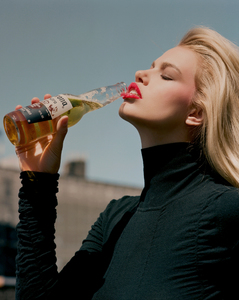
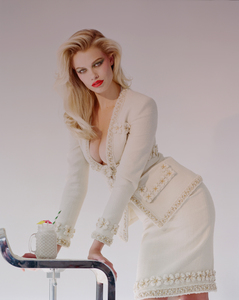
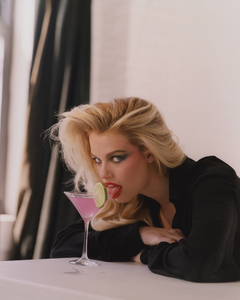
 @crfashionbook July 2017 - HAILEY CLAUSON'S GUIDE TO GLOBE TROTTING AND SIPPING SUMMERY COCKTAILS Photo @mashamel Fashion @ronnie_hart Hair @davidcolvinhair Makeup @gracegraceahn
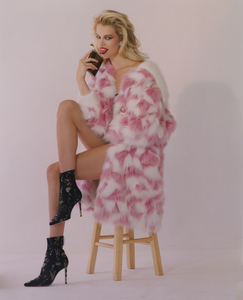
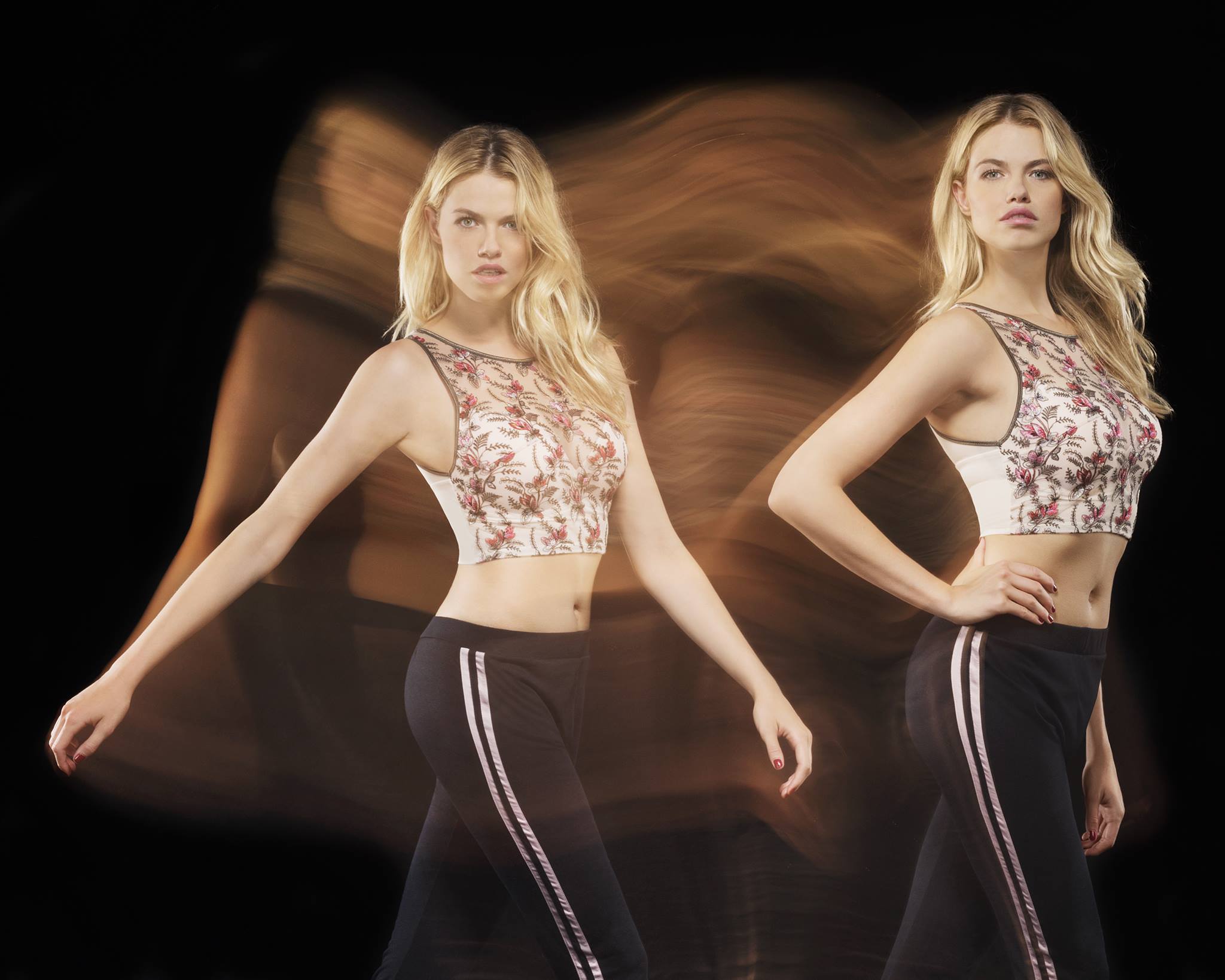
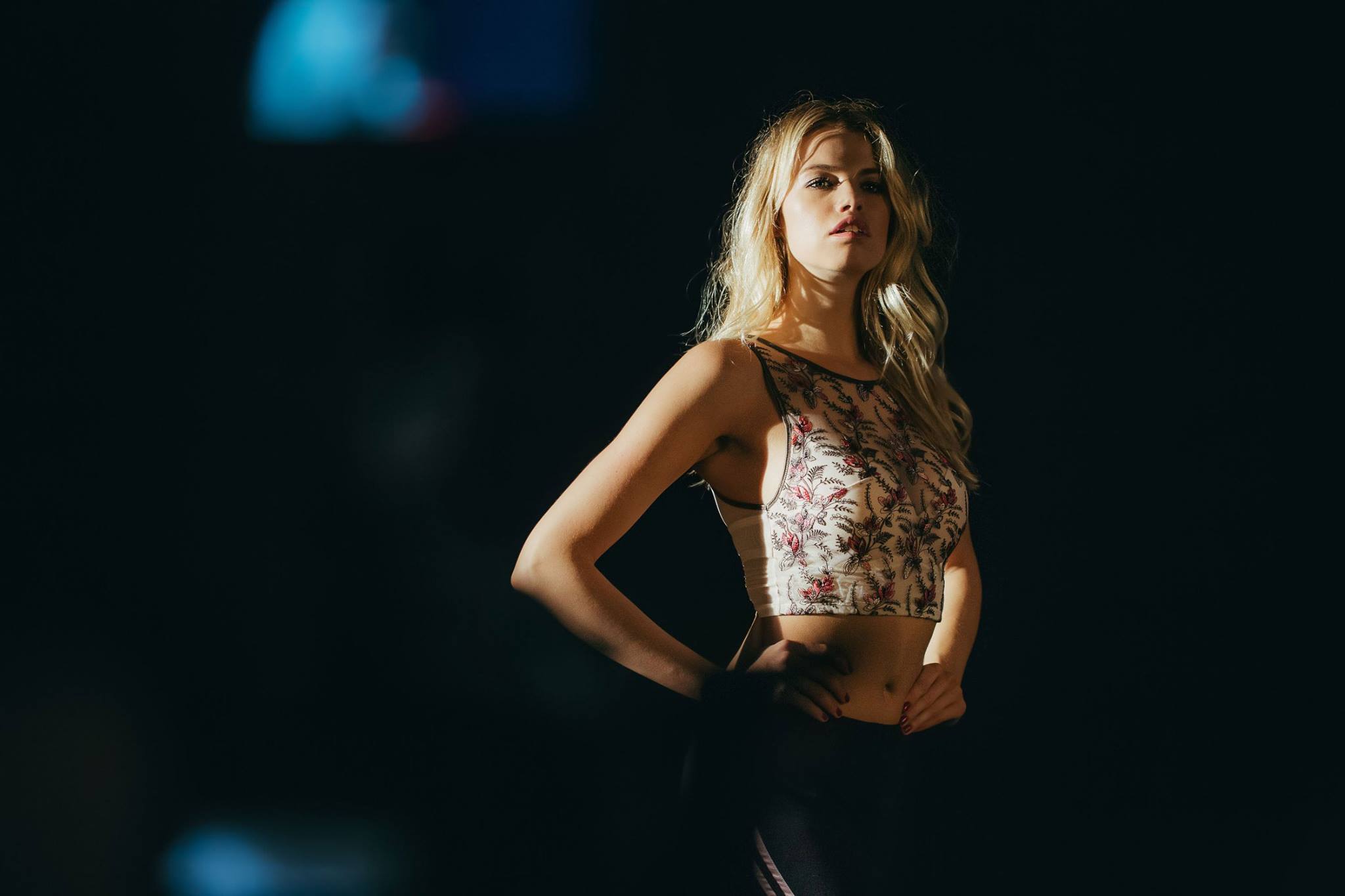
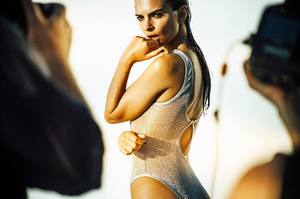
 ^ But wow, how you knew it was for Yamamay ?
Thanks for the updates all
SHE'S ON FIRE
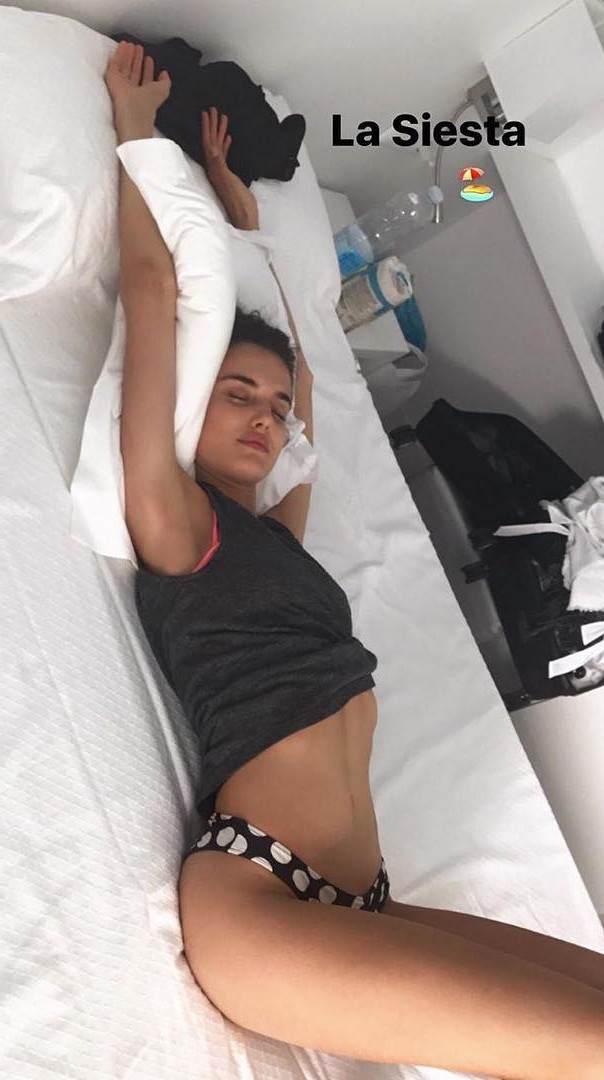
IG Story
^ But wow, how you knew it was for Yamamay ?
Thanks for the updates all
SHE'S ON FIRE
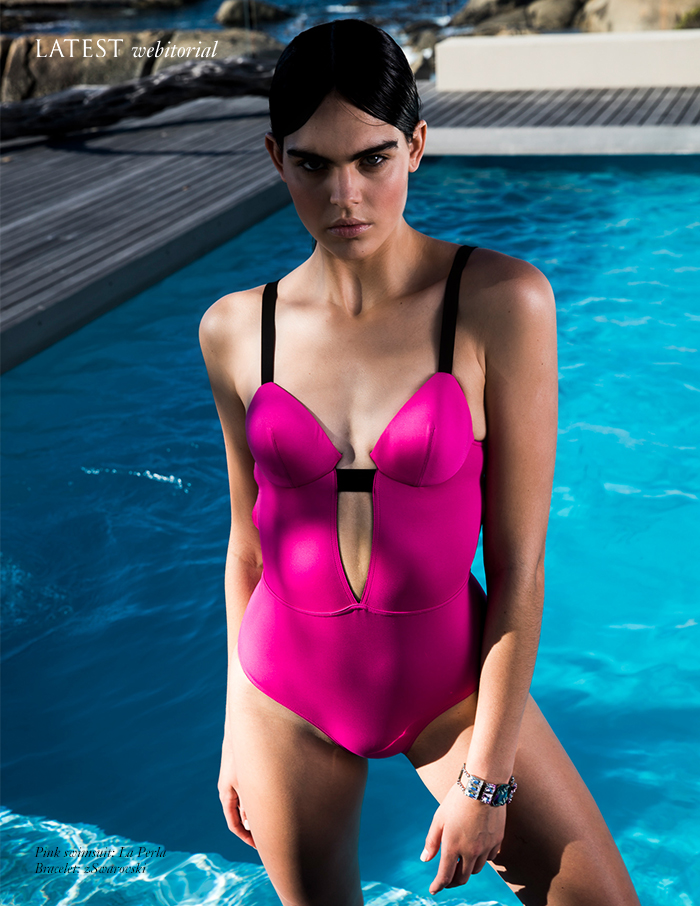
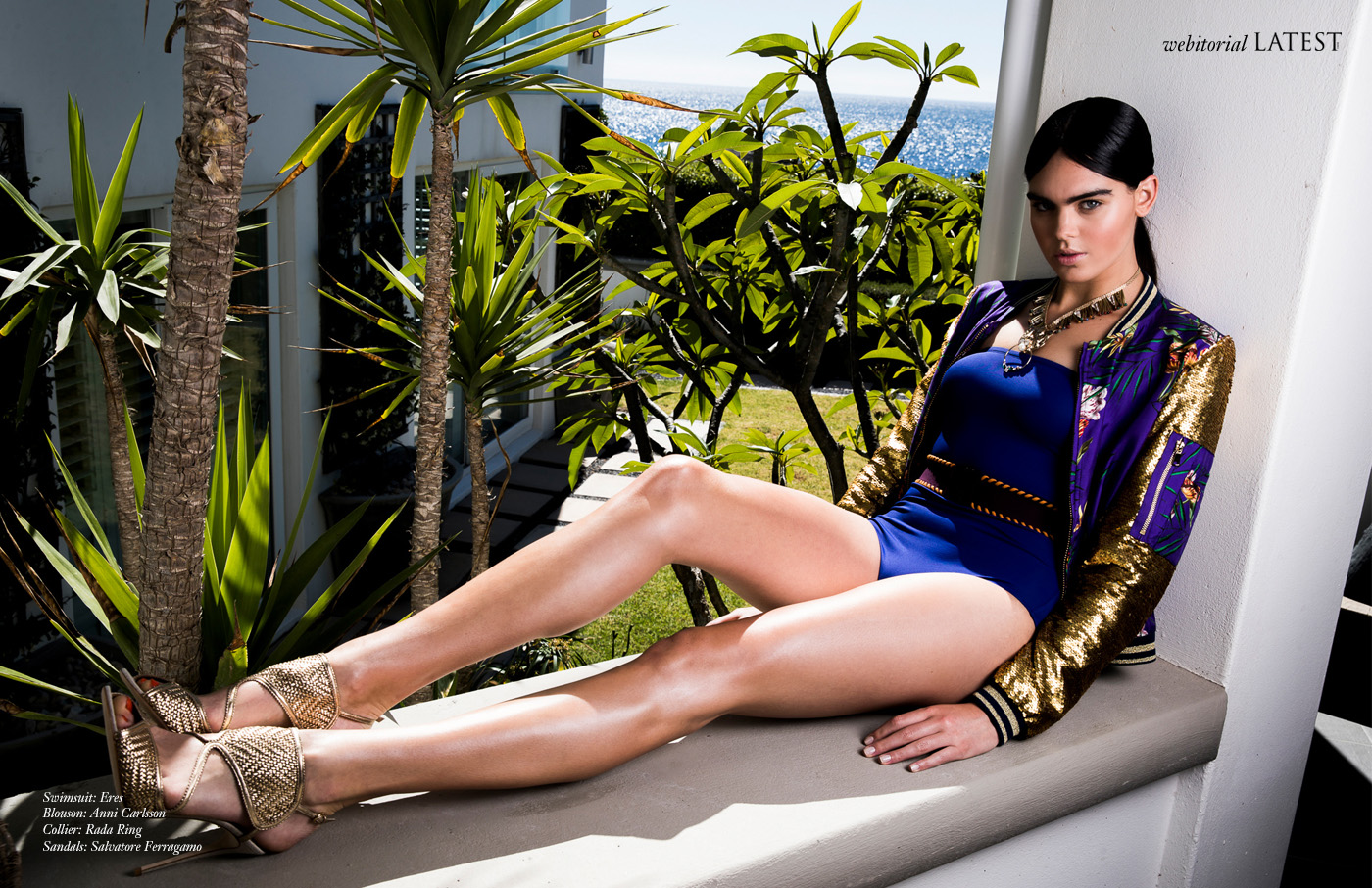
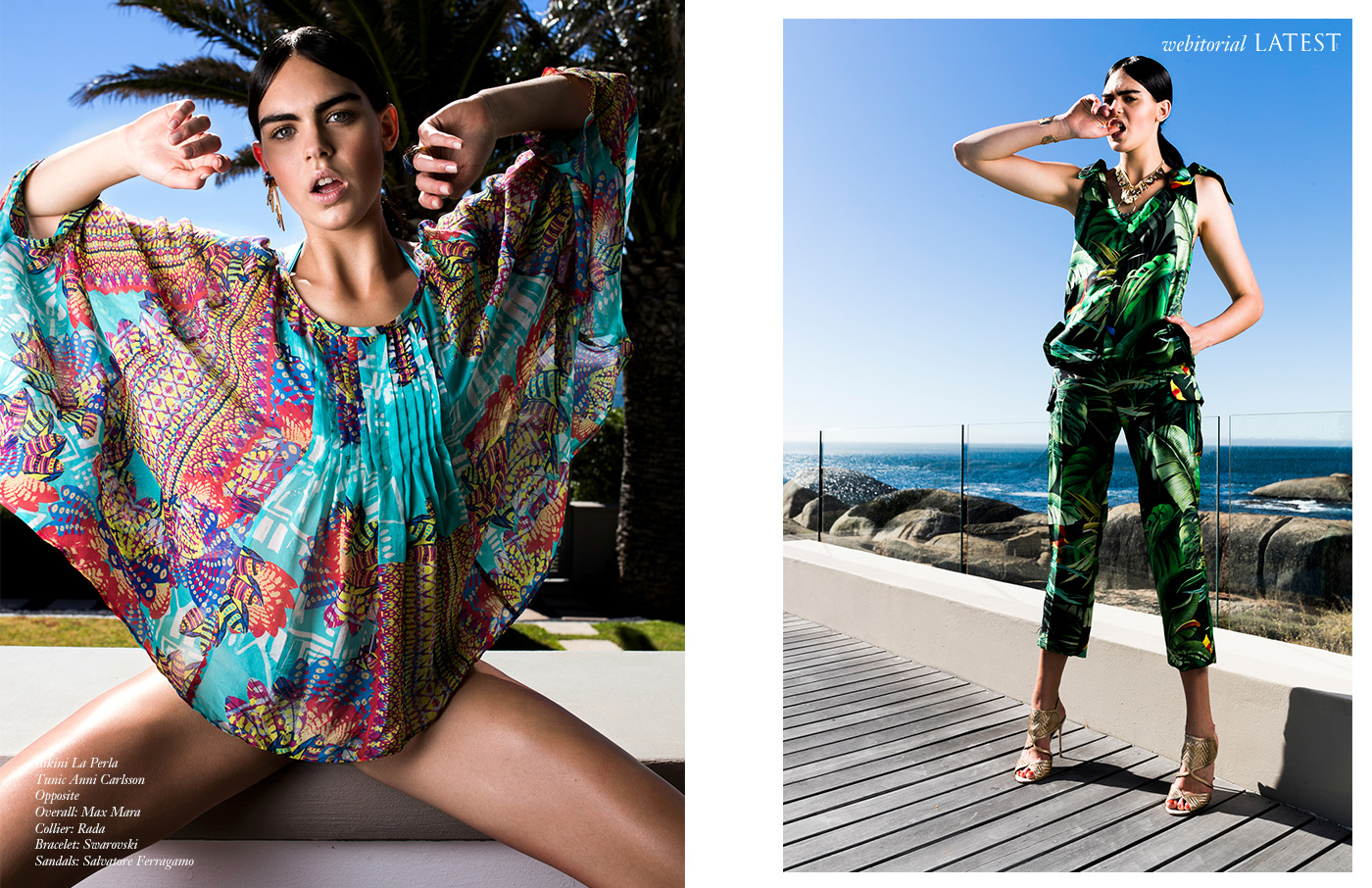
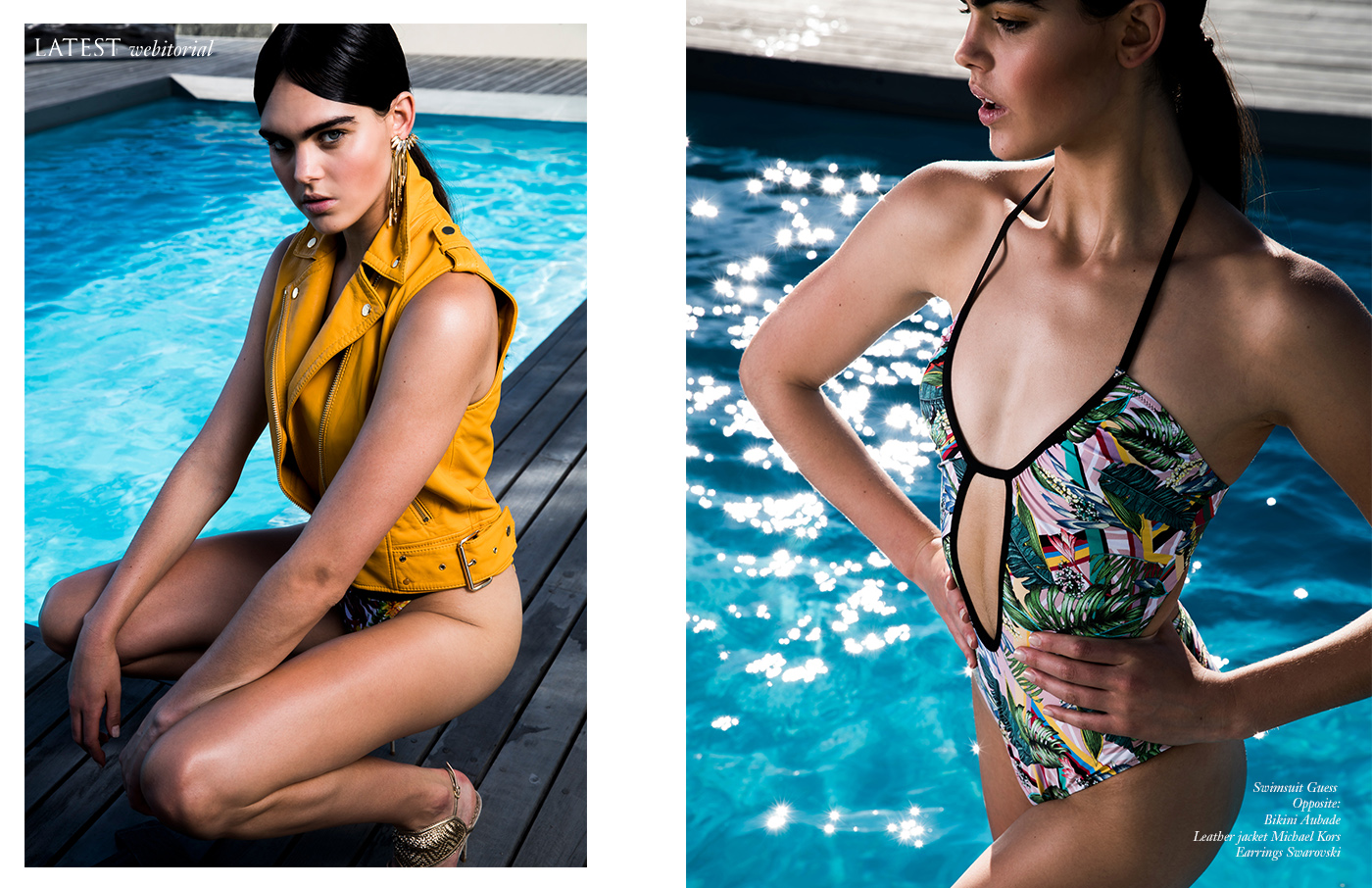
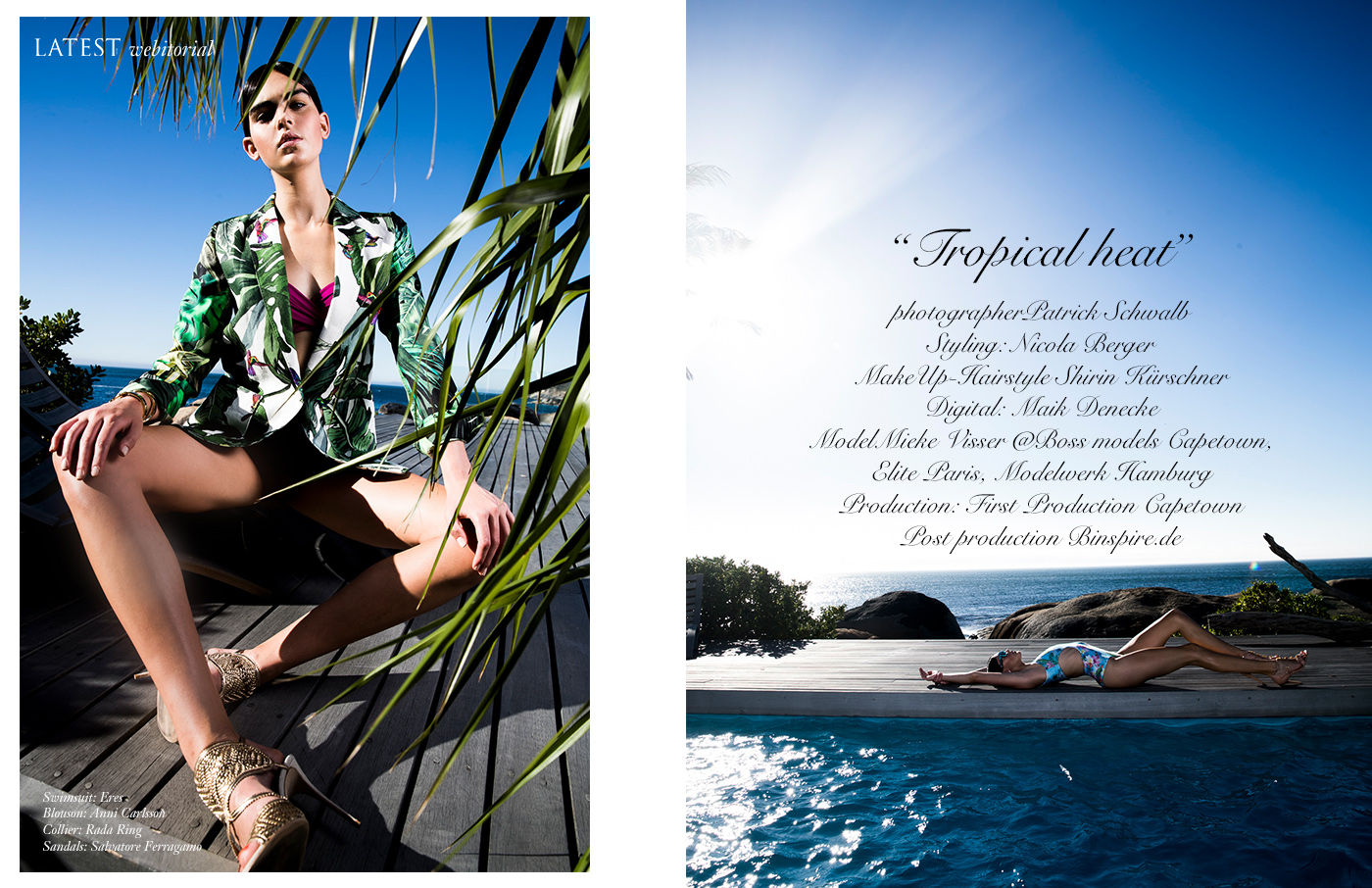
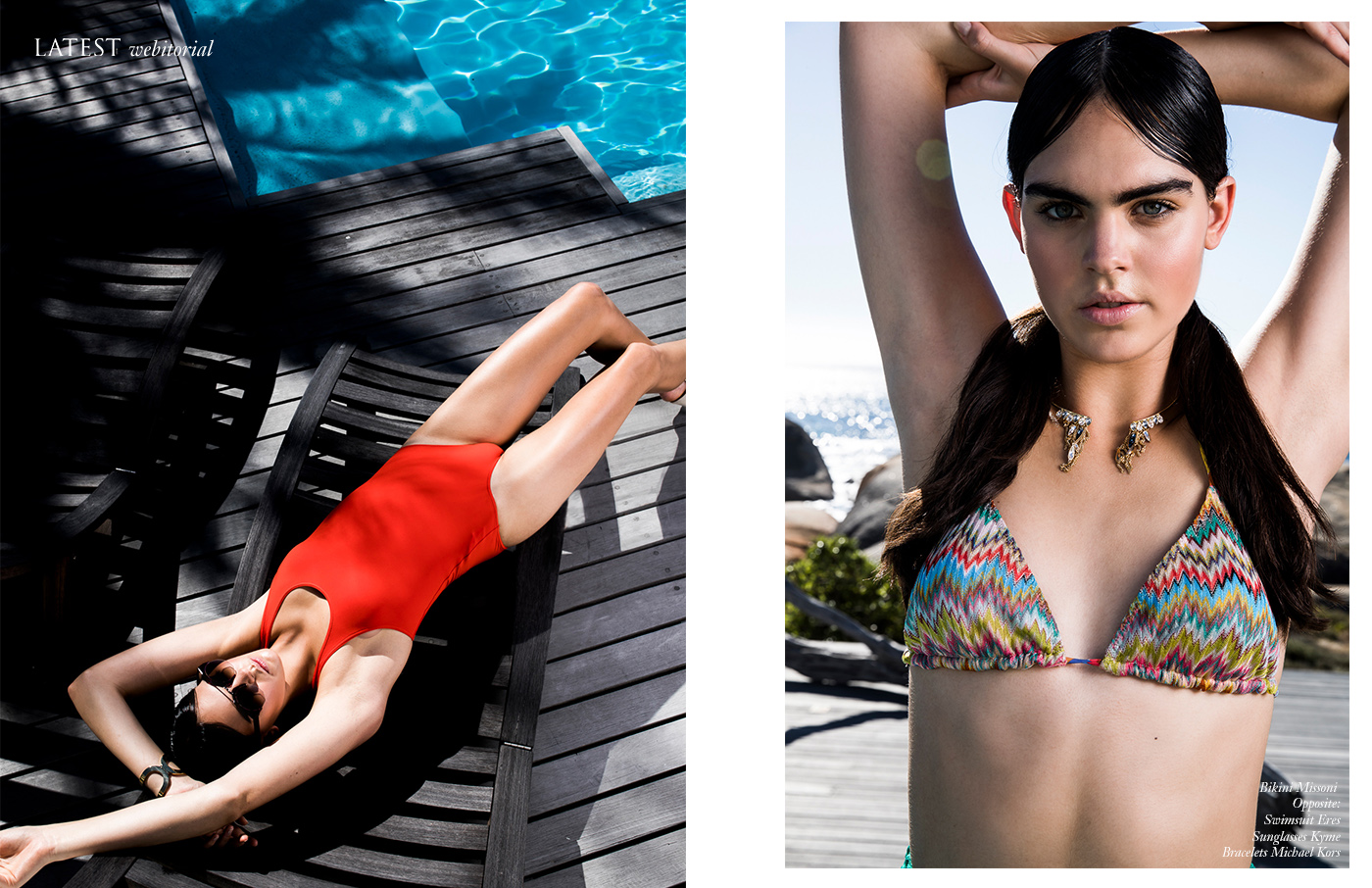
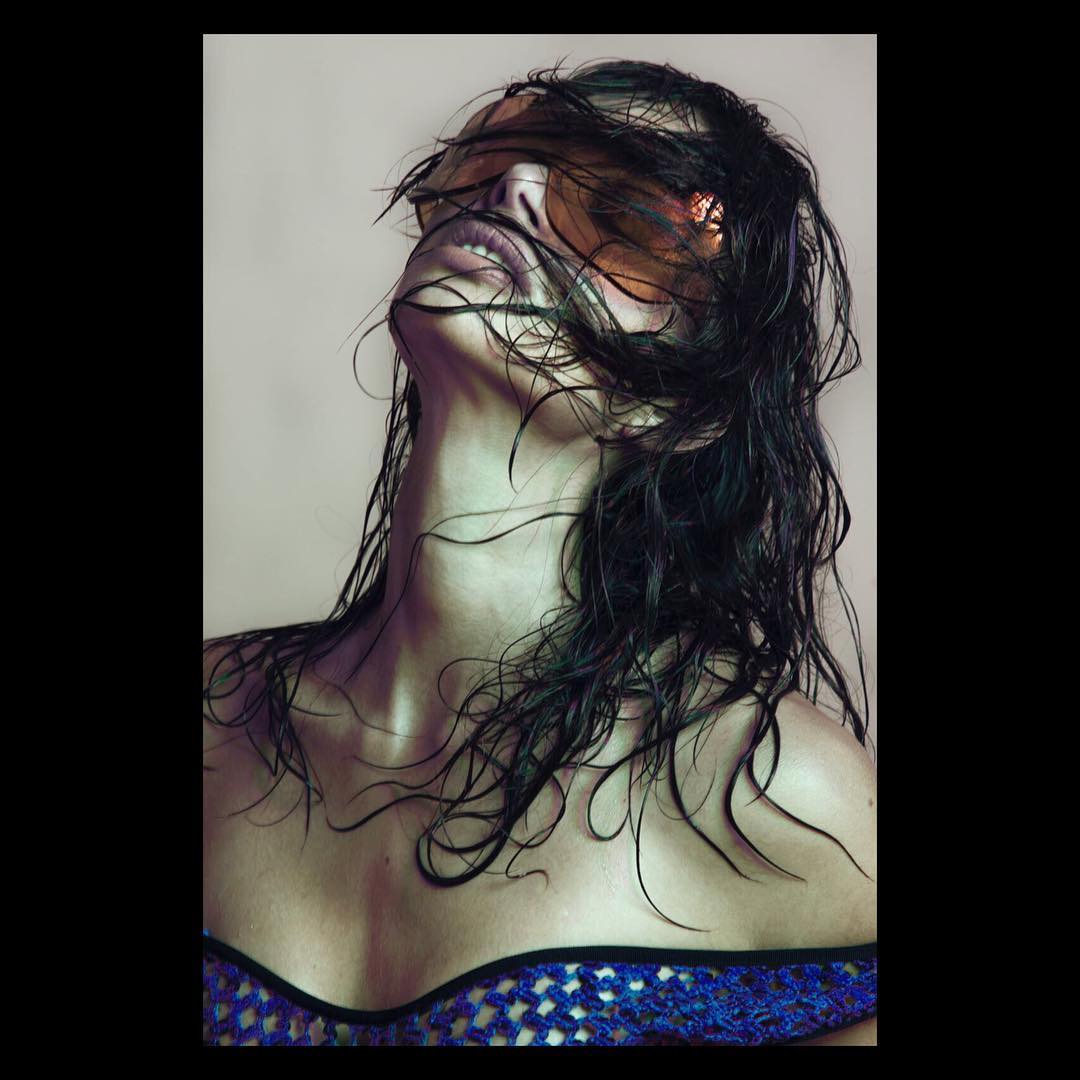
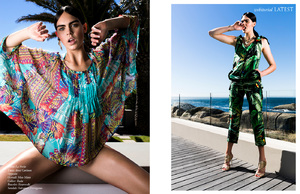
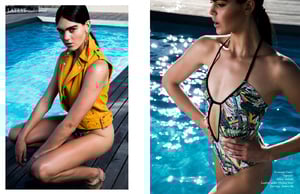
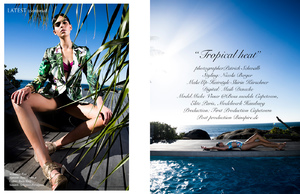
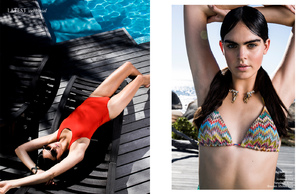
IG Story @latestmagazine #photographer @patrickschwalb #stylist @nicolaberger >> https://www.latestmagazine.net/single-post/2017/06/30/Tropical-heat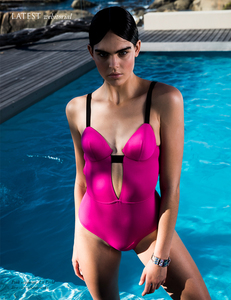

Account
Navigation
Search
Configure browser push notifications
Chrome (Android)
- Tap the lock icon next to the address bar.
- Tap Permissions → Notifications.
- Adjust your preference.
Chrome (Desktop)
- Click the padlock icon in the address bar.
- Select Site settings.
- Find Notifications and adjust your preference.
Safari (iOS 16.4+)
- Ensure the site is installed via Add to Home Screen.
- Open Settings App → Notifications.
- Find your app name and adjust your preference.
Safari (macOS)
- Go to Safari → Preferences.
- Click the Websites tab.
- Select Notifications in the sidebar.
- Find this website and adjust your preference.
Edge (Android)
- Tap the lock icon next to the address bar.
- Tap Permissions.
- Find Notifications and adjust your preference.
Edge (Desktop)
- Click the padlock icon in the address bar.
- Click Permissions for this site.
- Find Notifications and adjust your preference.
Firefox (Android)
- Go to Settings → Site permissions.
- Tap Notifications.
- Find this site in the list and adjust your preference.
Firefox (Desktop)
- Open Firefox Settings.
- Search for Notifications.
- Find this site in the list and adjust your preference.