

TheBestModels
Members
-
Joined
Everything posted by TheBestModels
-
 But what flattery ? I follow her since 8 years, i'm not going to insult her just because we're obviously not agree on that LOLzzz I'm in contact with her since years, and since years i'm always telling the same things again and again. At least it's great she came here to publicly tell what she think about it. I respect her statement about that, but i find a bit crazy the way she attempt the controle the internet ... We're not robots, or cold dicks. Ins't it. No flattery, no insult. But CONVERSATION. DIALOG.
 -
Honestly, you don't know 95% of the whole story, so i'll leave you at your great analysis once again ...
-
Just like you lol
-
You are a genuine and touching person Genevieve. Sorry to read what you went through lately. Continue to be yourself, and to do it the way you feel !
To take a concrete example, my brother is writer, and went through the same kind of issue with the ibooks, and there's nothing particular to do. Only to accept it, more or less, to make abstraction of it, and to continue working on your own art. No matter what is happening. Making such calendars is a great idea, and both are very beautiful i find. But for exemple, a digital format, would have helped to sale it even more. Many are not buying it because the only hard copy format, and higher price. But once again, it's only my opinion. You are a wonderful model, i personaly enjoyed every second i spent in looking for new content from you, and then updating this thread dedicated to you. I find a bit "off" to come, again and again, to complain from this way. You deserve for yourself and your work, and your career, a better treatment. You should go ahead, as long as you can, spoil us with your stunning images, and ignore what you can andle. That may sound crual, but the job is crual, the life is crual, as you know. But all that is only my opinion.
Yes, that's what he meant ...
No need, no legitimacy needed, believe me.
See, that's the negativity i'm talking about. You're judging me while you don't know who i am. You should be proud of all what you've done. And not using your past, or the roughness you went through your career to make feel bad a good fan of you. As you maybe noticed it, i never shared the contend you were not agree to share. I always respected you for what you are, no matter the up and down. EVERY models work their asses off very hard to achieve their dreams. For some it's just a little bit less or more difficult. Modeling is very hard. The job itself is hard, the environment in which you are working is hard, the whole industry must be hard, but it's the same for everybody. For that, you have all my admiration and respect. I am personally not arguing, but only being honest. Then, you are saying those who posted the pictures from your calendar "stole" it ... In my opinion, if they were able to share it, that mean they bought it. You may be agree or not on that, but that's a fact.
...
Well in fact that's the way works the internet like i already told you. I understand your statement, and i respect it. But the truth is that when you buy something, here your calendar, you can do whatever you want with it, even sharing it online. It's true for your art, but the movies, the musics, the video-games, etc... too. The question is matter of legality. I believe your pictures are protected by a copyright, isn't it. As a fan from almost the first hour, and knowing i am just a fan among the others too, i want to express publicly my own disappointment regarding your behavior with your fan community, or your simple followers. I think since some time already, your personal feelings and own questioning overshadow your professionalism as a model, and your own career as well. I deeply think your own disappointment regarding the fashion industry and more largely the showbusiness create an amount of negativity that you reject on your admirators. I personally don't find this legit, especially when you enjoyed that system for a long time in the past. I feel personally pretty "hurted" by the words you used above. Models are not objects for me. That terminology is not the good one to find again the right track for your success like a model, and a person.
At least your statement is clear now. That was the good thing to do i think to come here and to express it without filters.
Genevieve, if you want these pictures off this thread, i would advise you to contact an admin: @Prettyphile @PinkCouture
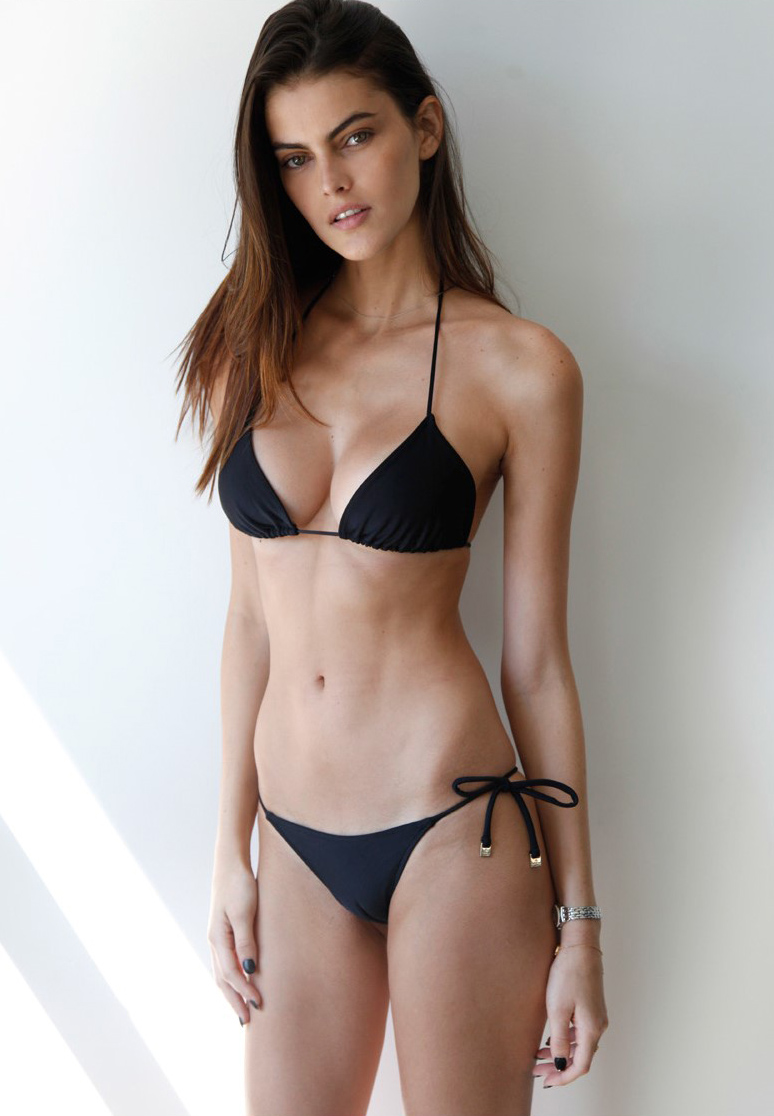
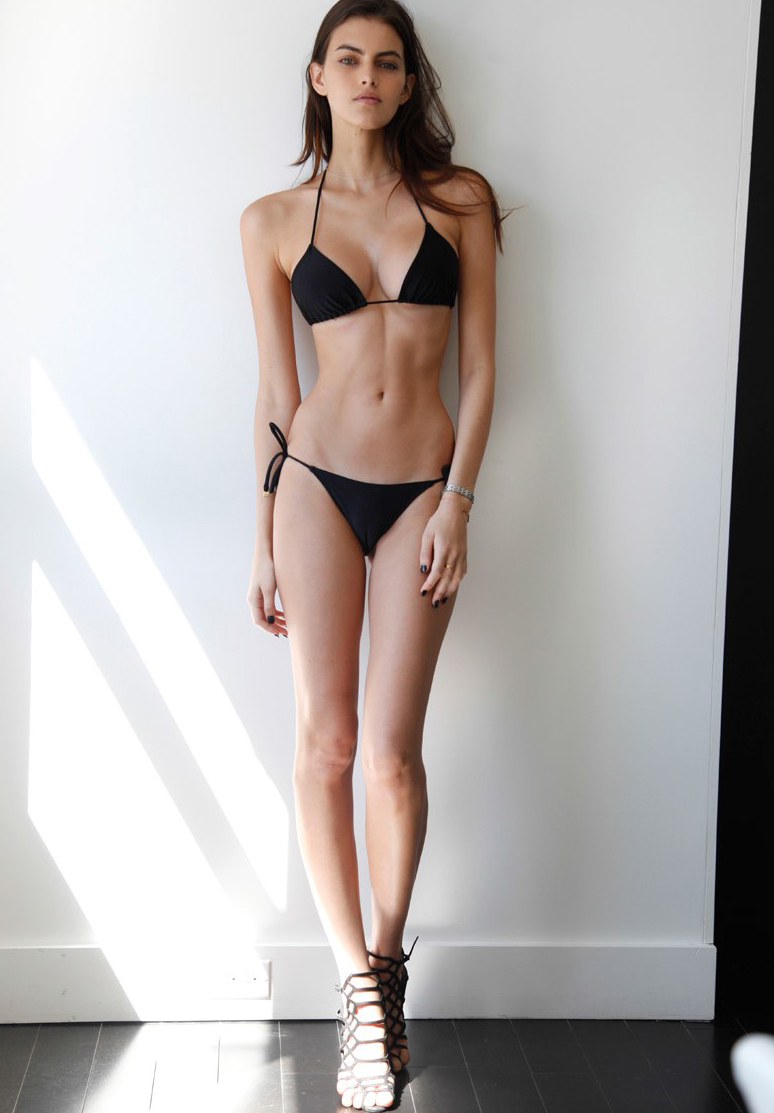
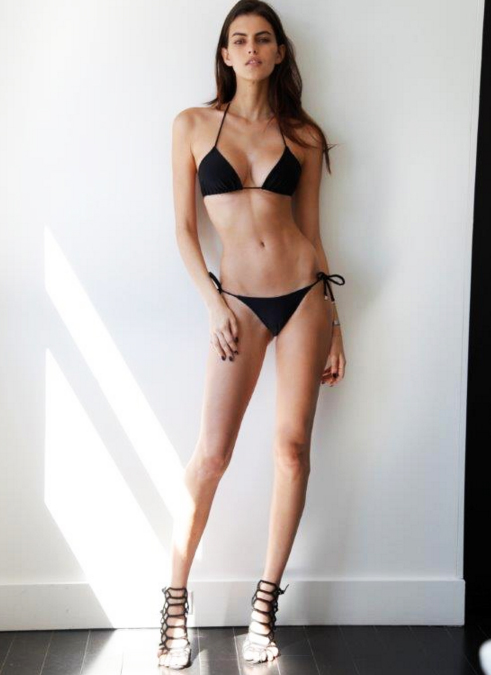
Polaroids / Digitals
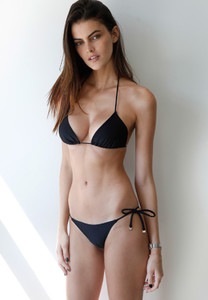
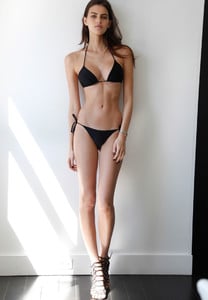
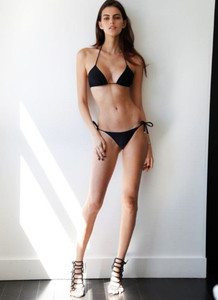 Good Gosh !
Nicole looks incredibly beautiful in that video !
HQ
Our forum NEED more serious posters/updaters ...
Outtakes
Good Gosh !
Nicole looks incredibly beautiful in that video !
HQ
Our forum NEED more serious posters/updaters ...
Outtakes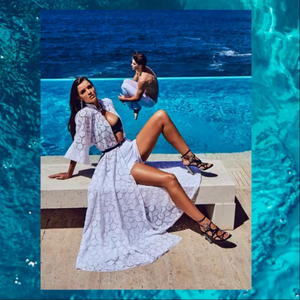
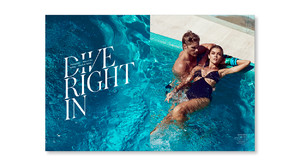
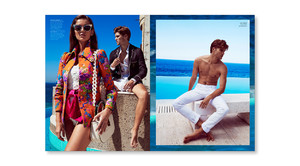
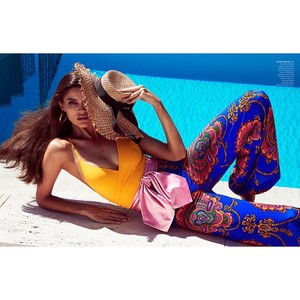
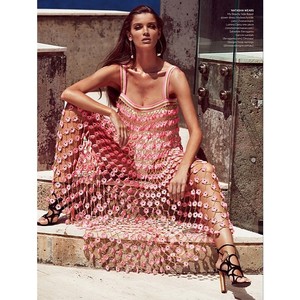
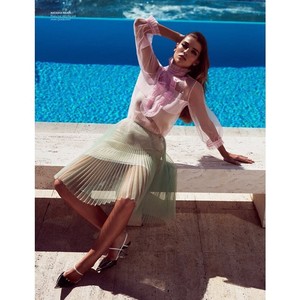
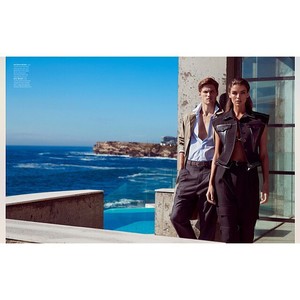
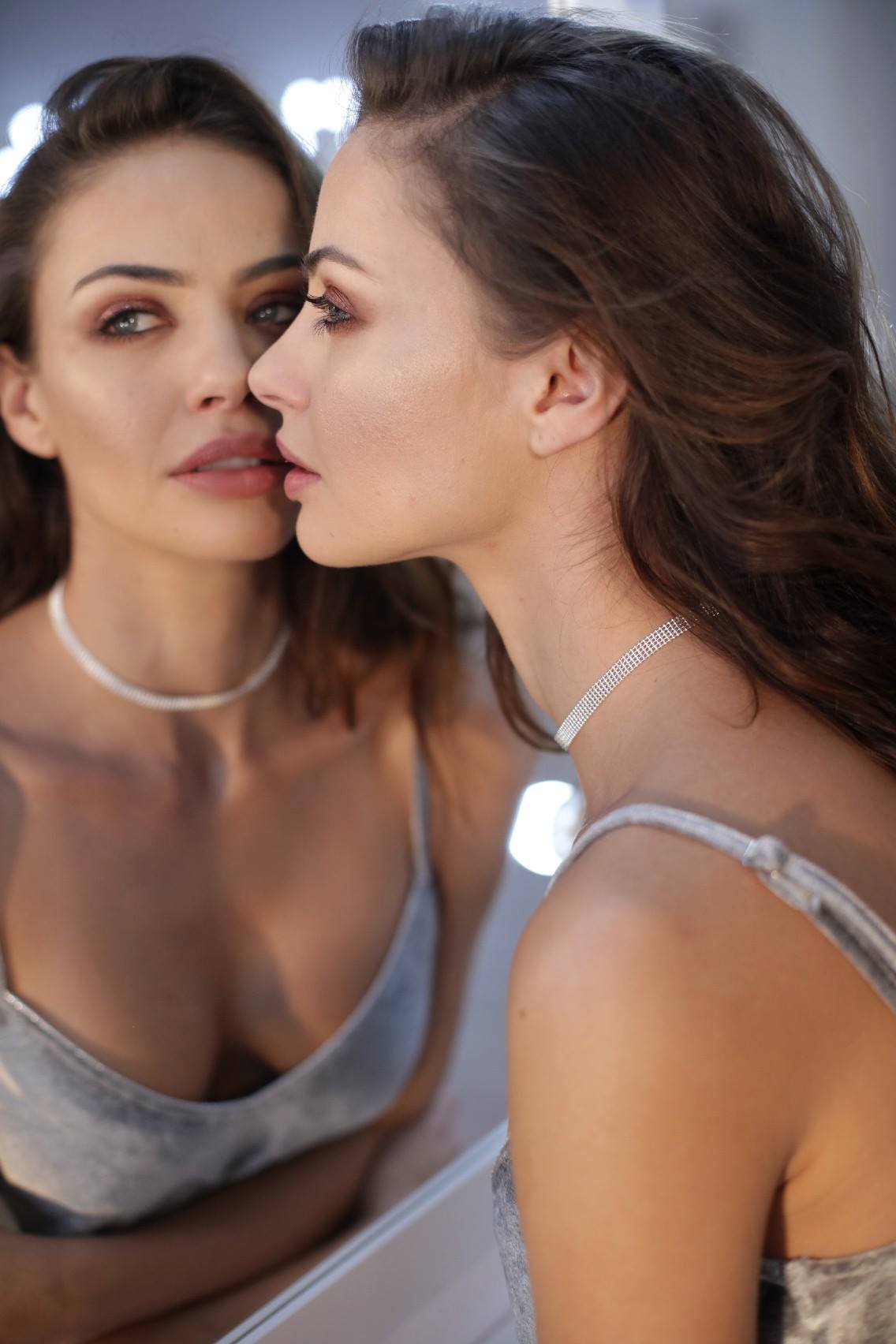
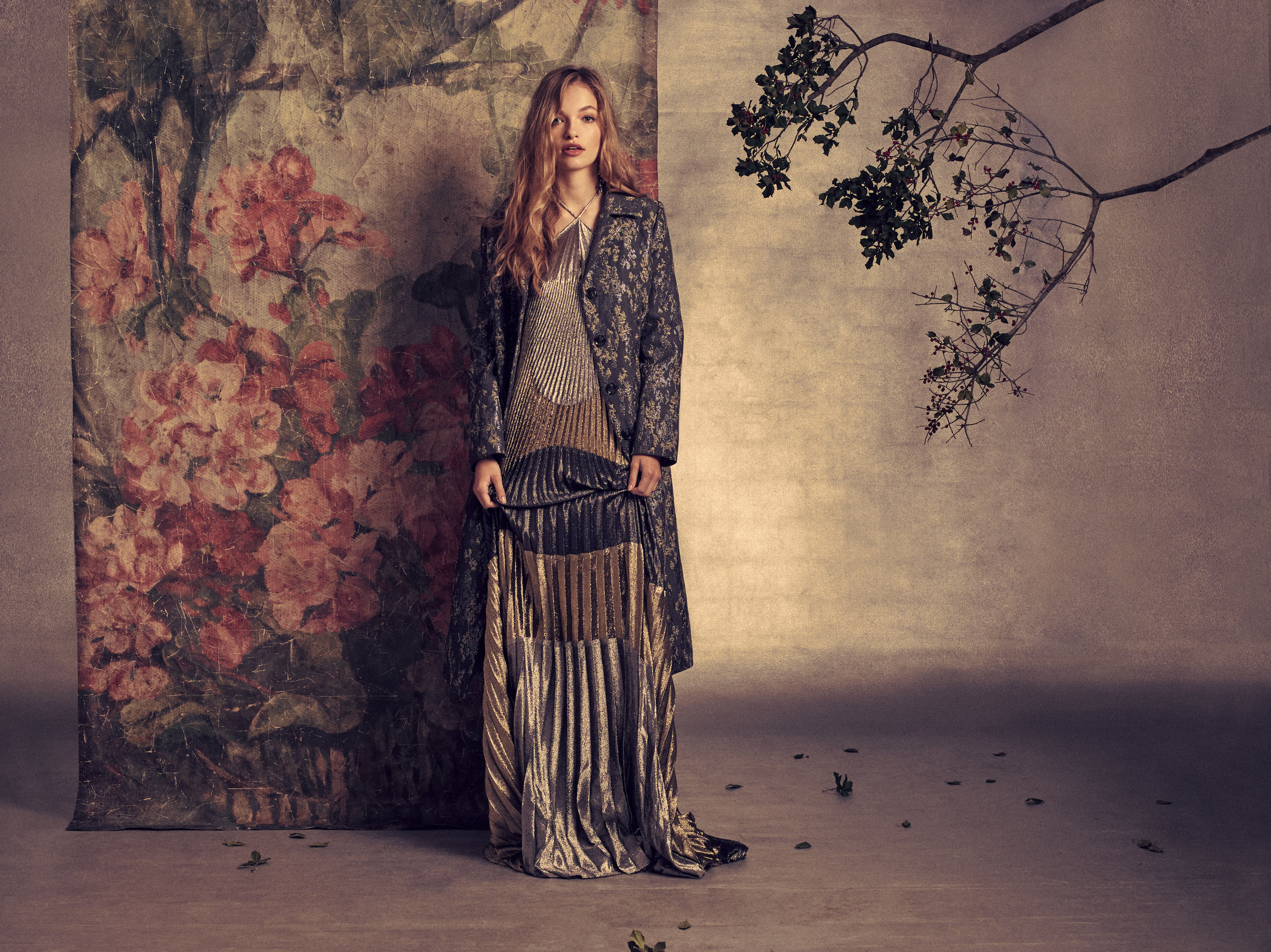
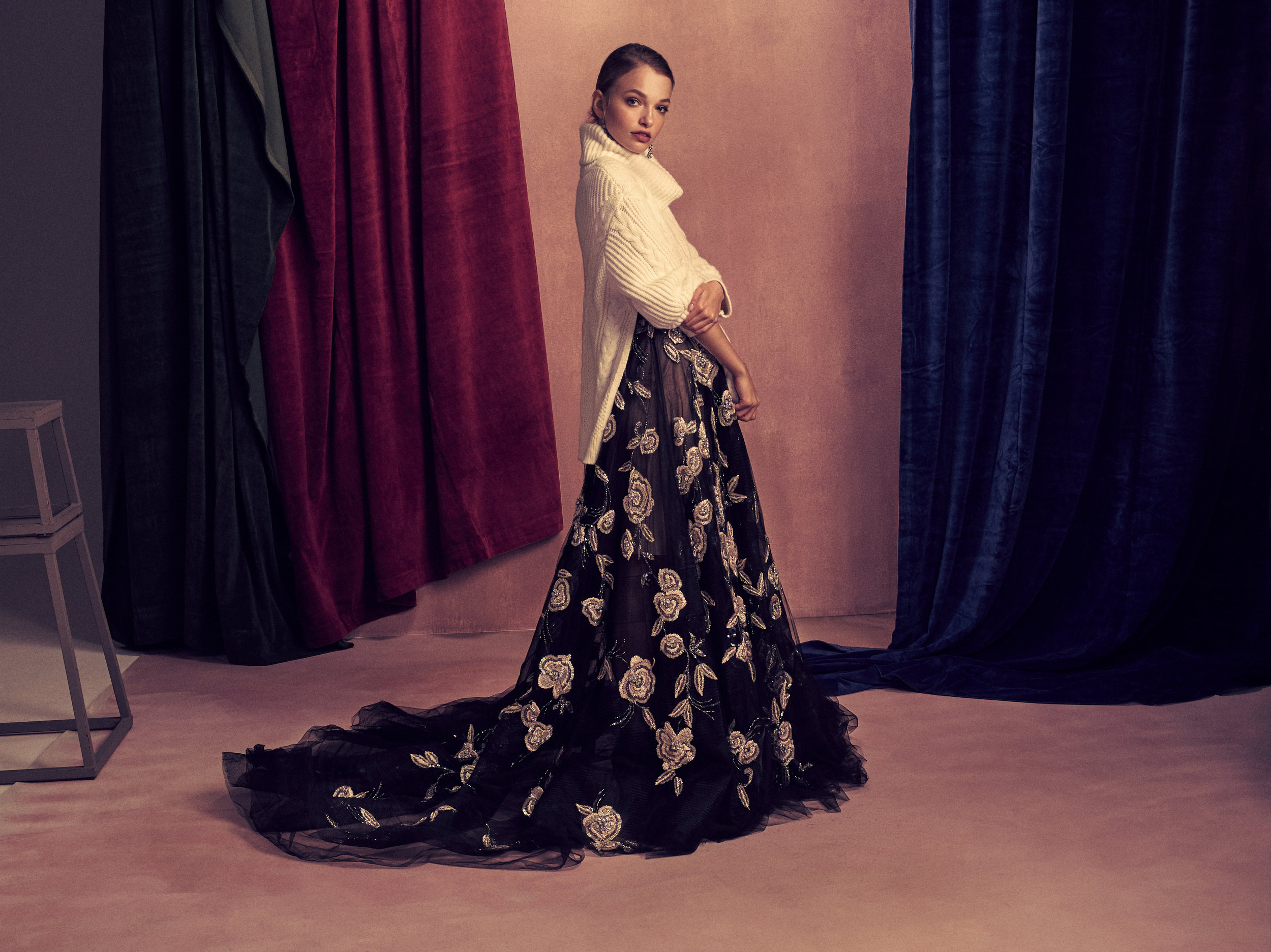
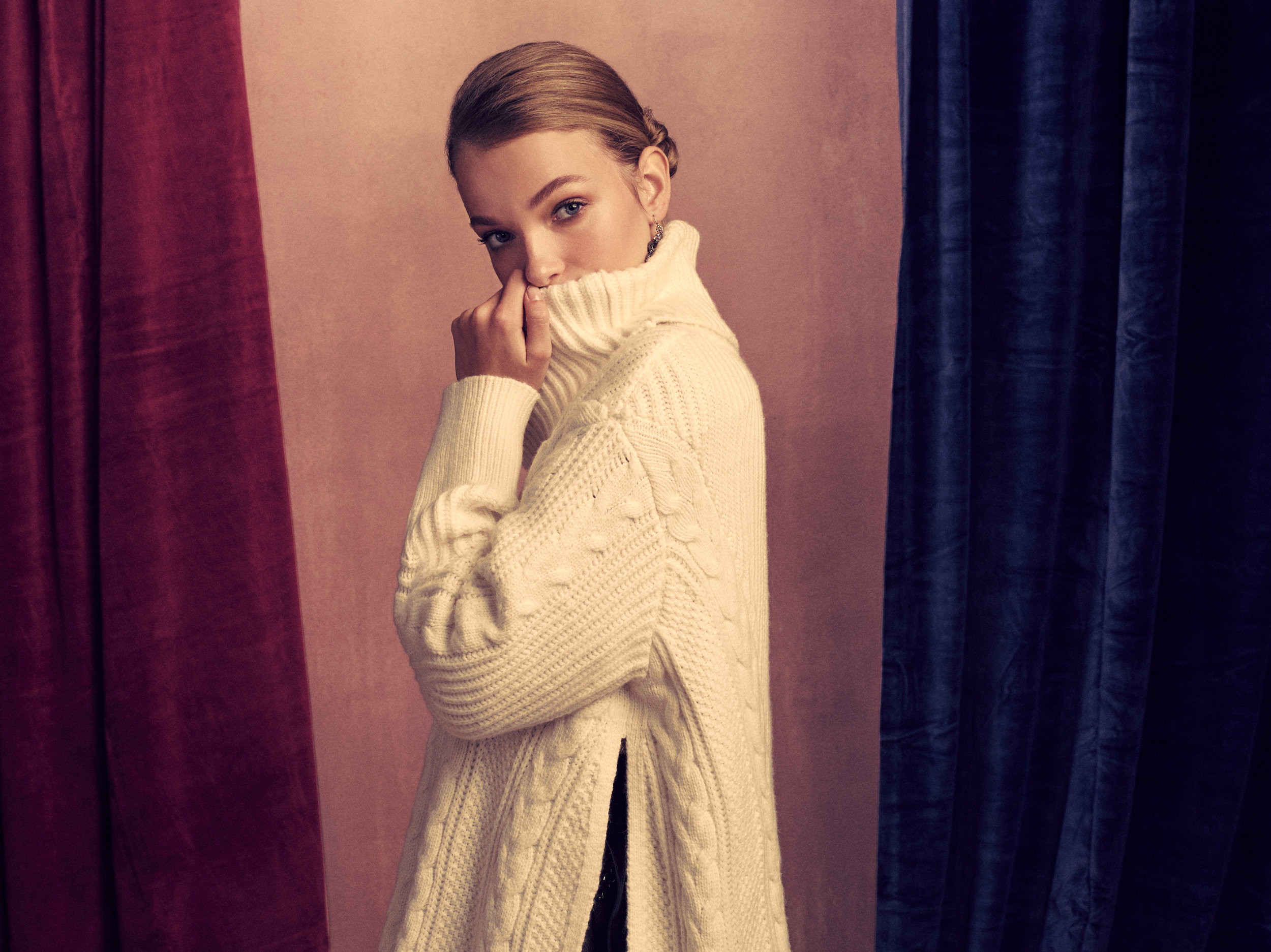
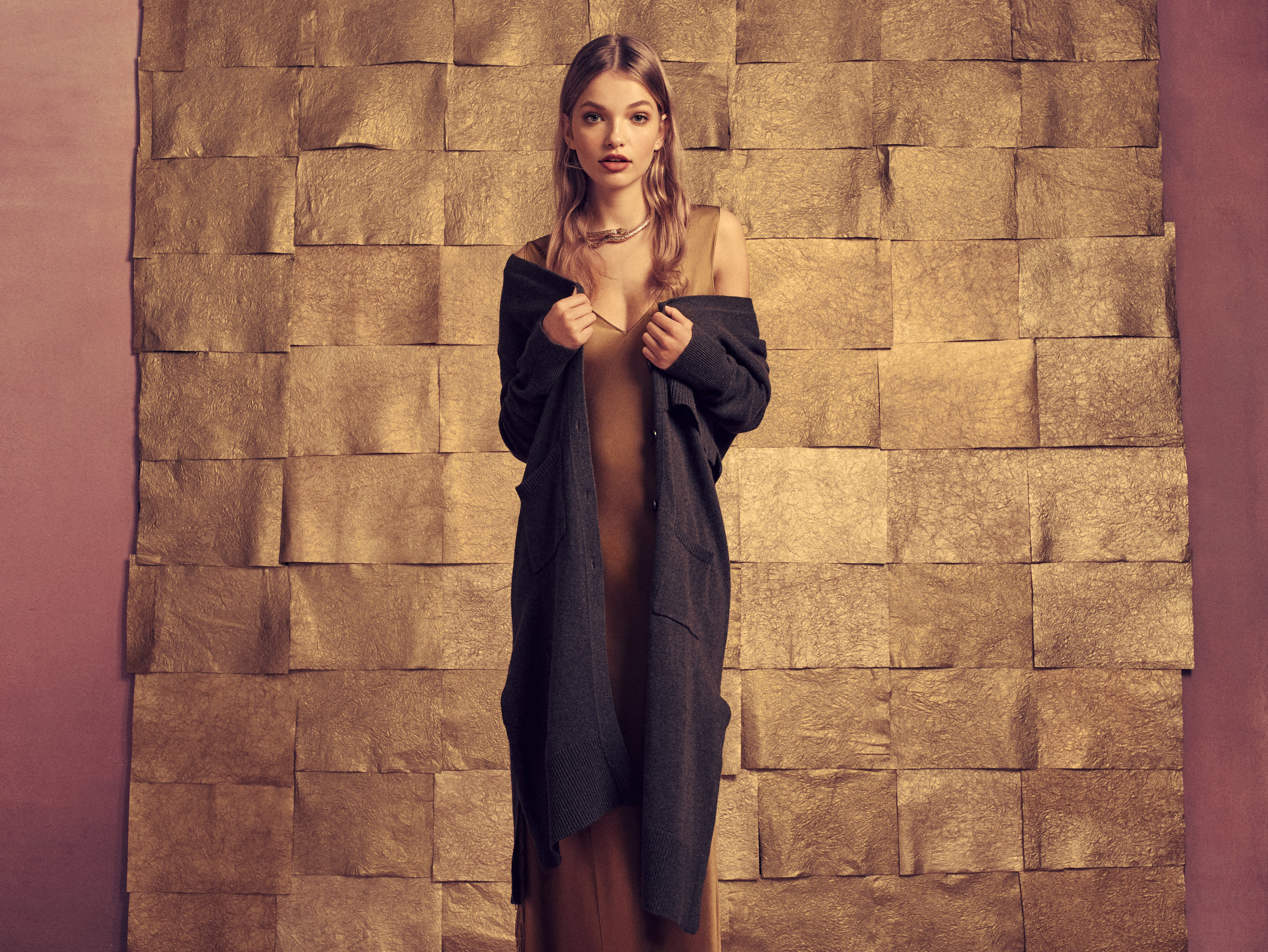
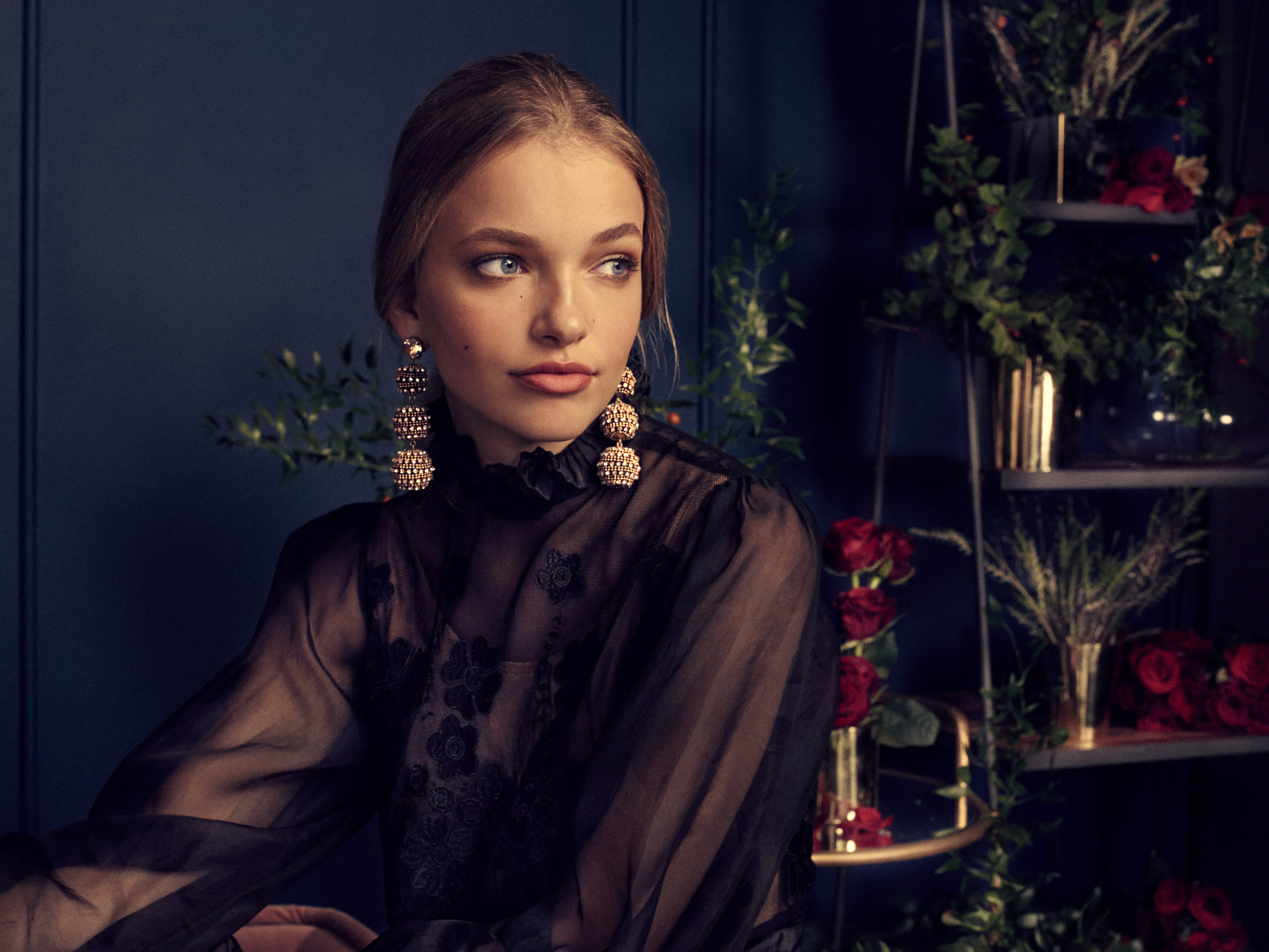
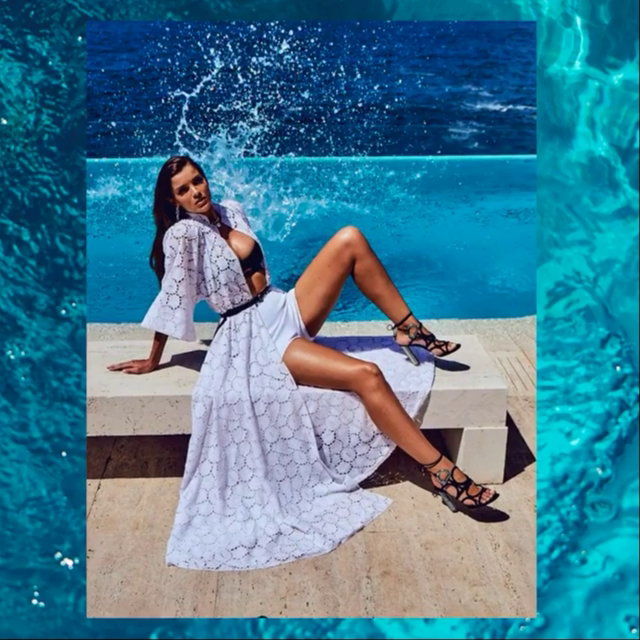
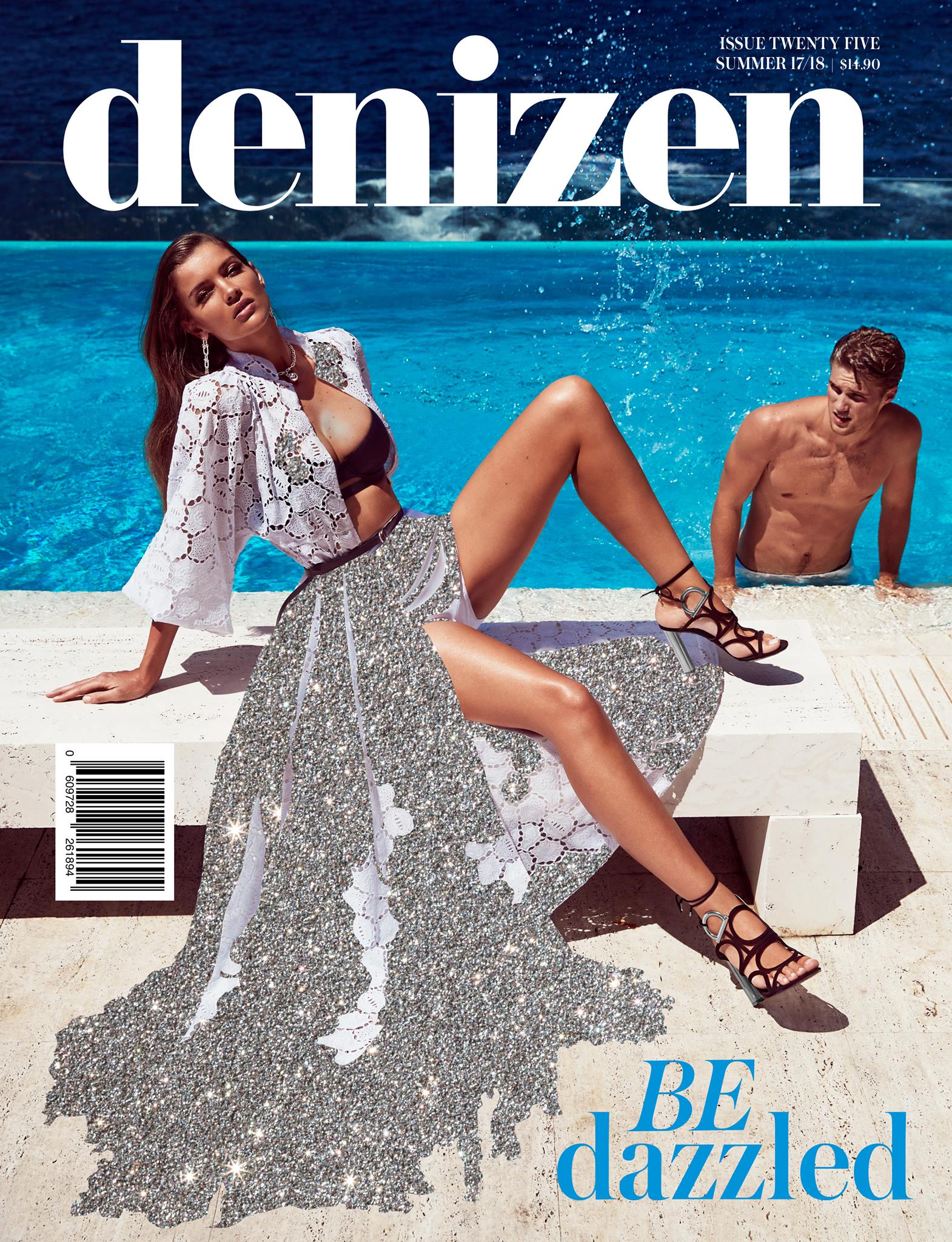
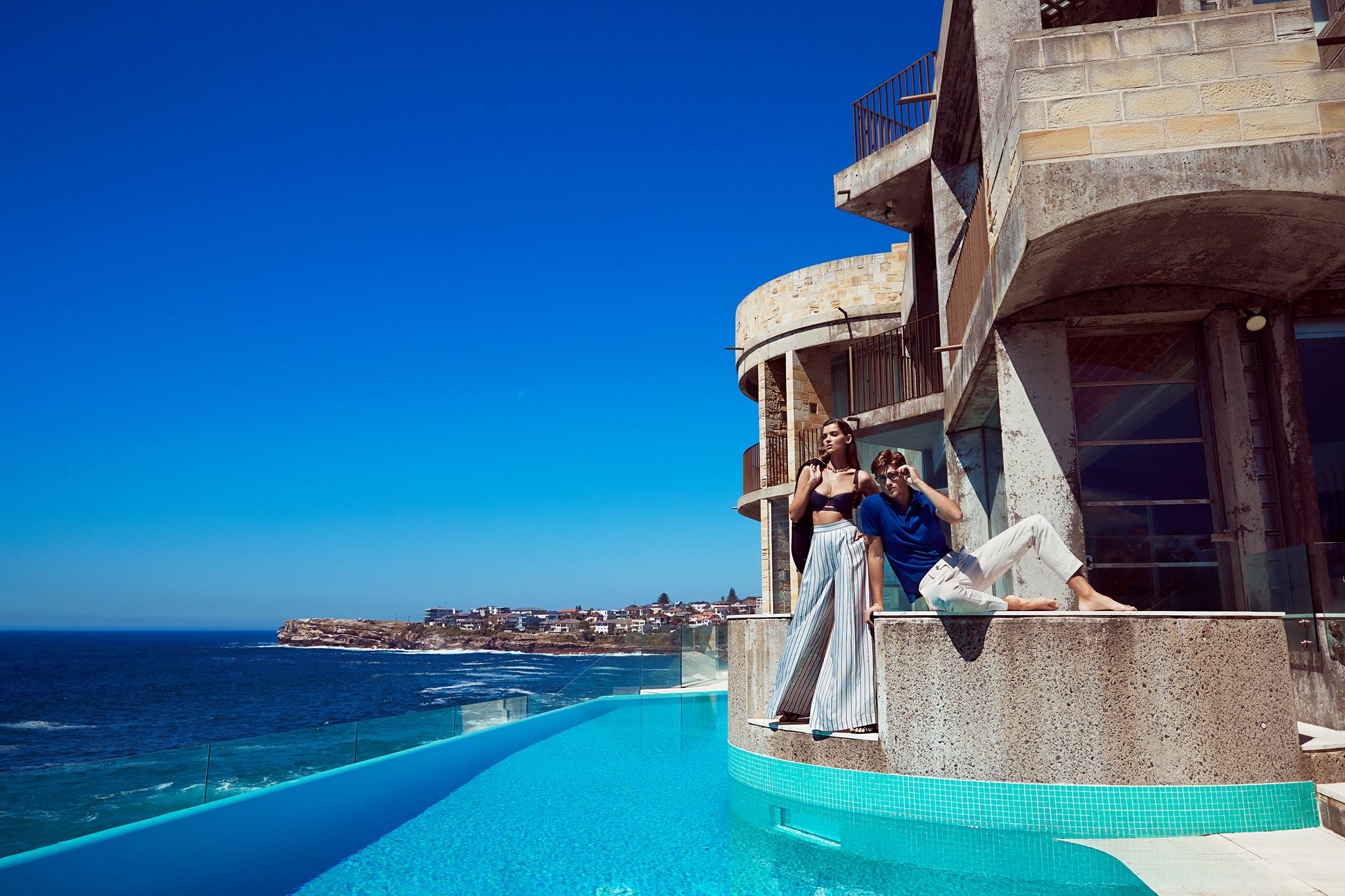
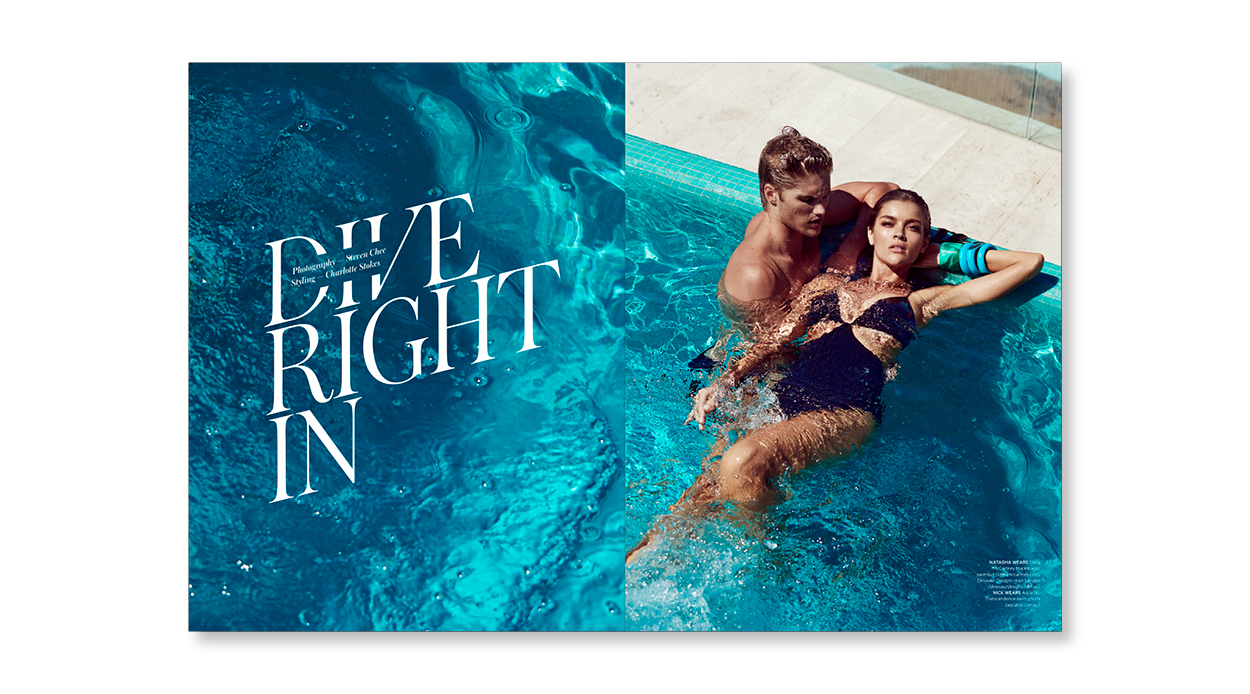
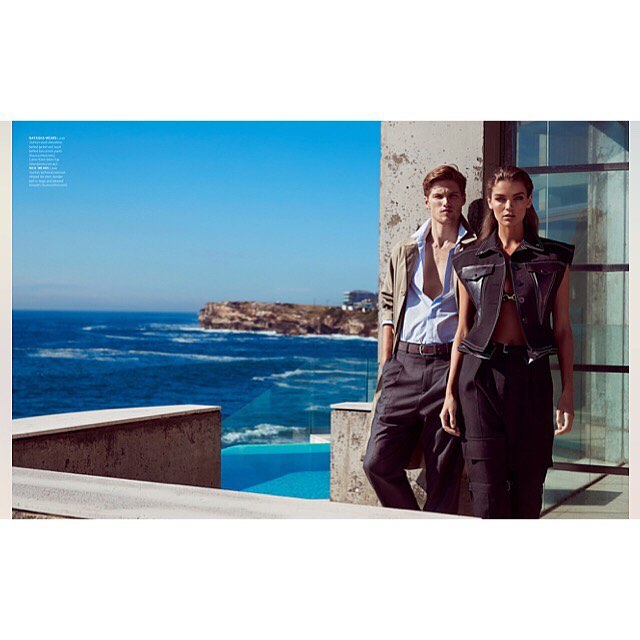
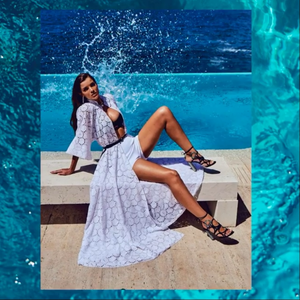 @denizenmagazine #25 Issue. Summer 17/18 Photo: @stevenchee Style: @charlotte__stokes MU: @aimiefiebig Hair: @anthony_nader/@rawanthonynader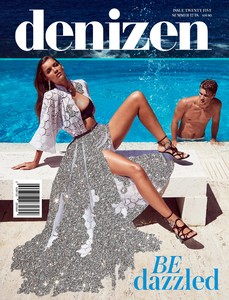

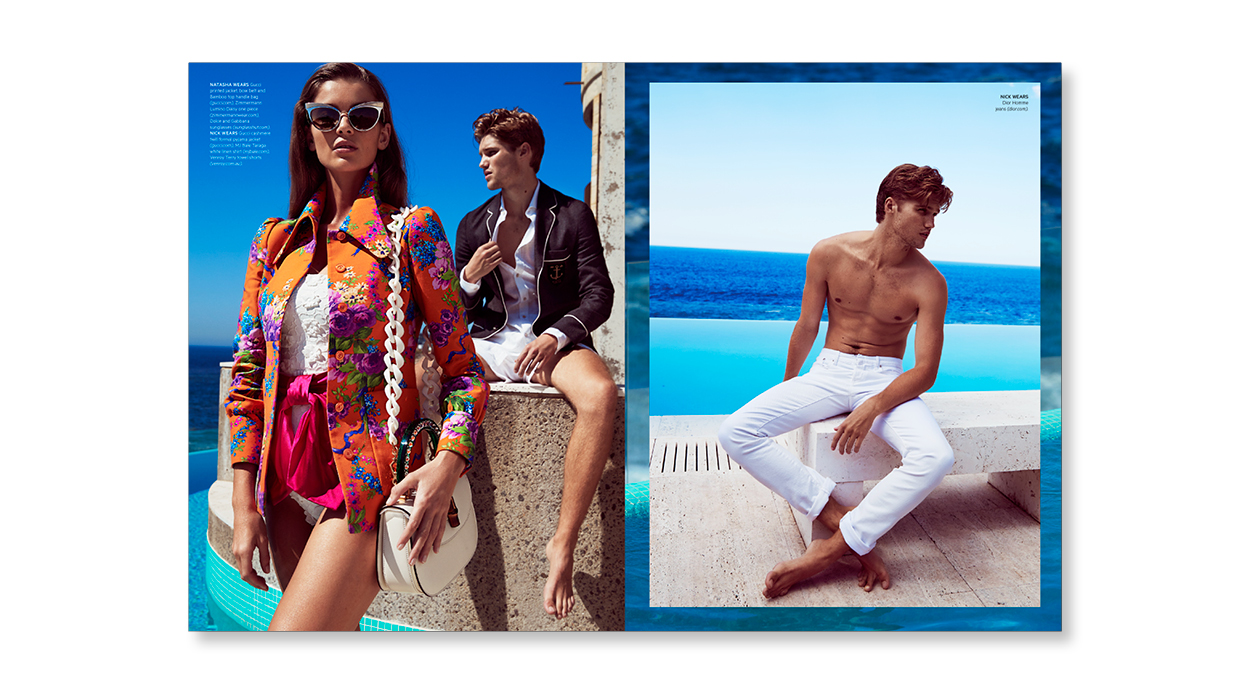
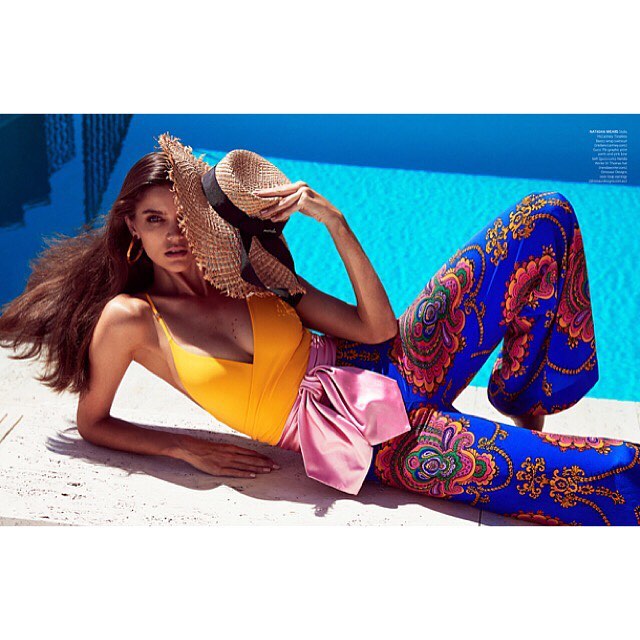
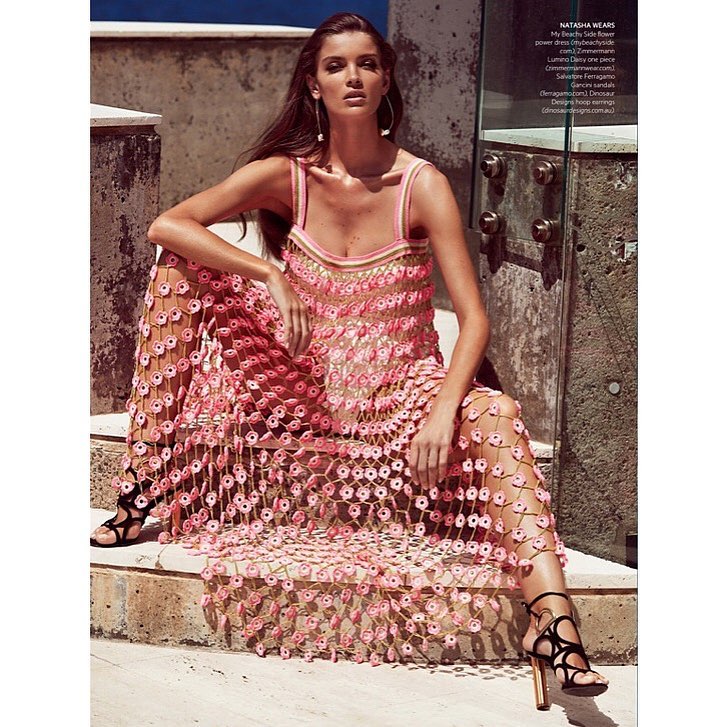
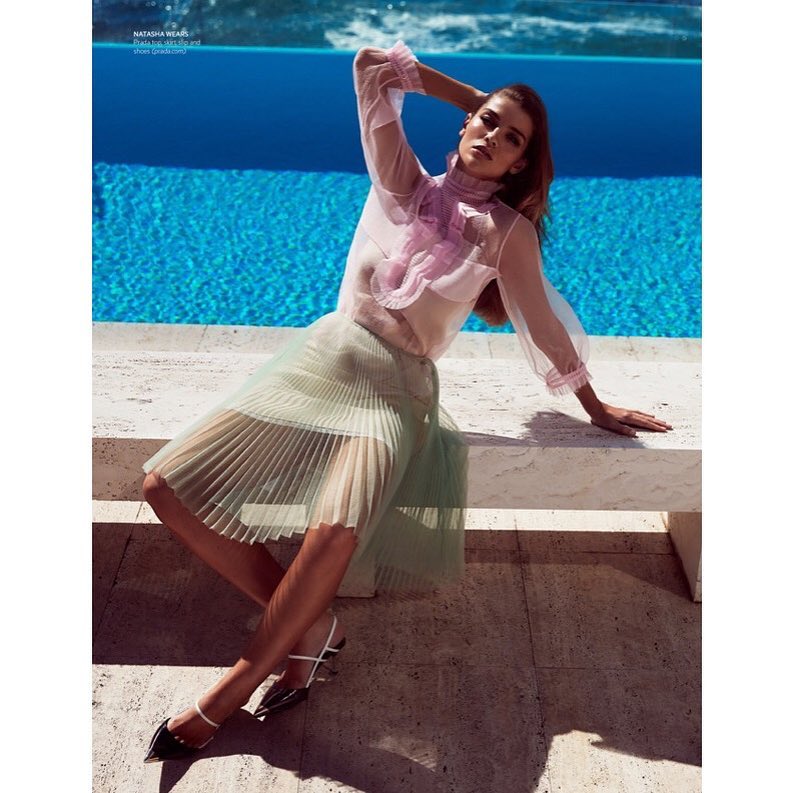
Account
Navigation
Search
Configure browser push notifications
Chrome (Android)
- Tap the lock icon next to the address bar.
- Tap Permissions → Notifications.
- Adjust your preference.
Chrome (Desktop)
- Click the padlock icon in the address bar.
- Select Site settings.
- Find Notifications and adjust your preference.
Safari (iOS 16.4+)
- Ensure the site is installed via Add to Home Screen.
- Open Settings App → Notifications.
- Find your app name and adjust your preference.
Safari (macOS)
- Go to Safari → Preferences.
- Click the Websites tab.
- Select Notifications in the sidebar.
- Find this website and adjust your preference.
Edge (Android)
- Tap the lock icon next to the address bar.
- Tap Permissions.
- Find Notifications and adjust your preference.
Edge (Desktop)
- Click the padlock icon in the address bar.
- Click Permissions for this site.
- Find Notifications and adjust your preference.
Firefox (Android)
- Go to Settings → Site permissions.
- Tap Notifications.
- Find this site in the list and adjust your preference.
Firefox (Desktop)
- Open Firefox Settings.
- Search for Notifications.
- Find this site in the list and adjust your preference.