TheBestModels
Members
-
Joined
Everything posted by TheBestModels
-
 ^ Thanks
 -
Hopefully not. I never thought that kind of choice was a good optional one. The ratio of success is so low. IMO, her futur stay in modeling, she's great in what she's doing, why to change now. So i don't think so.
-
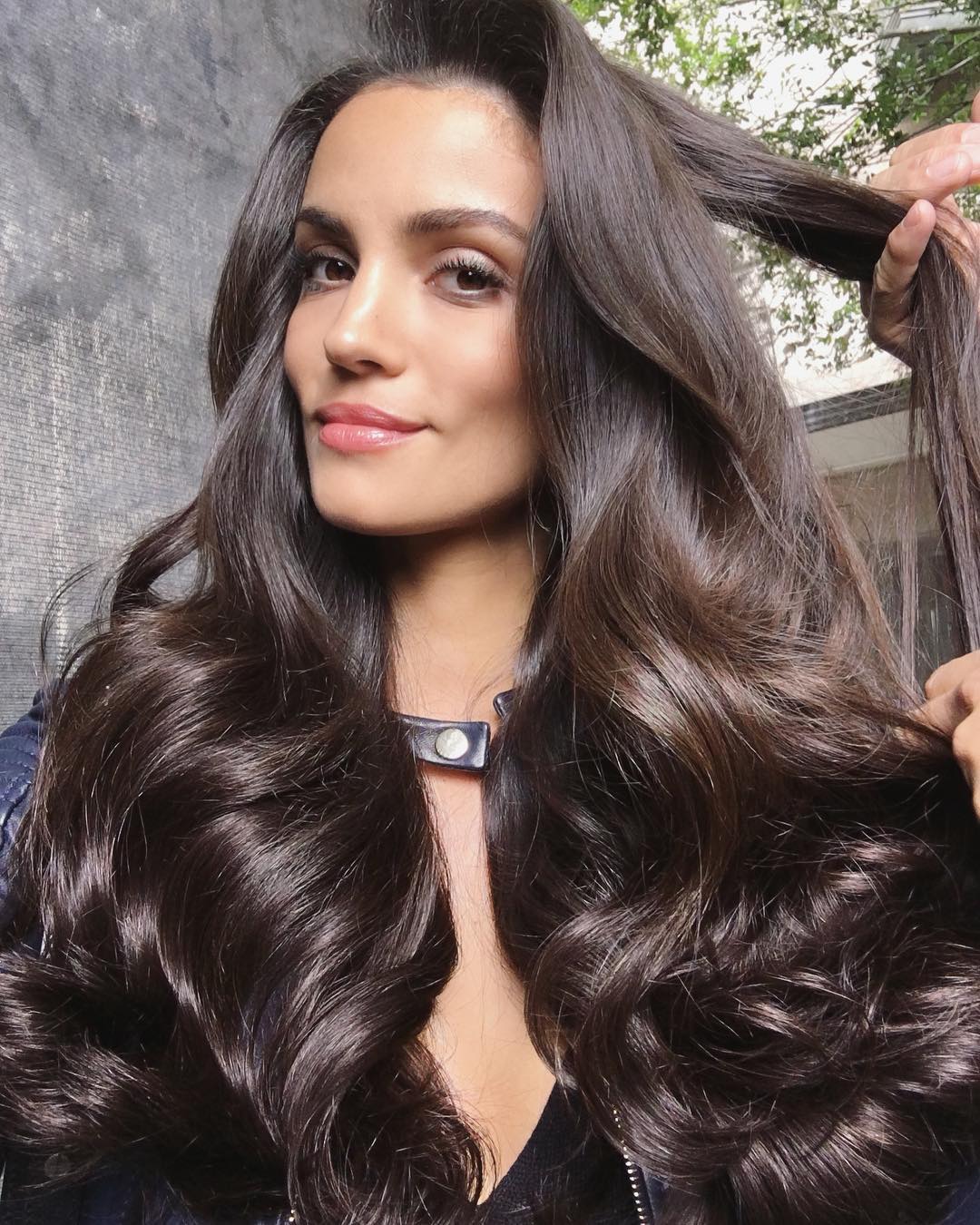
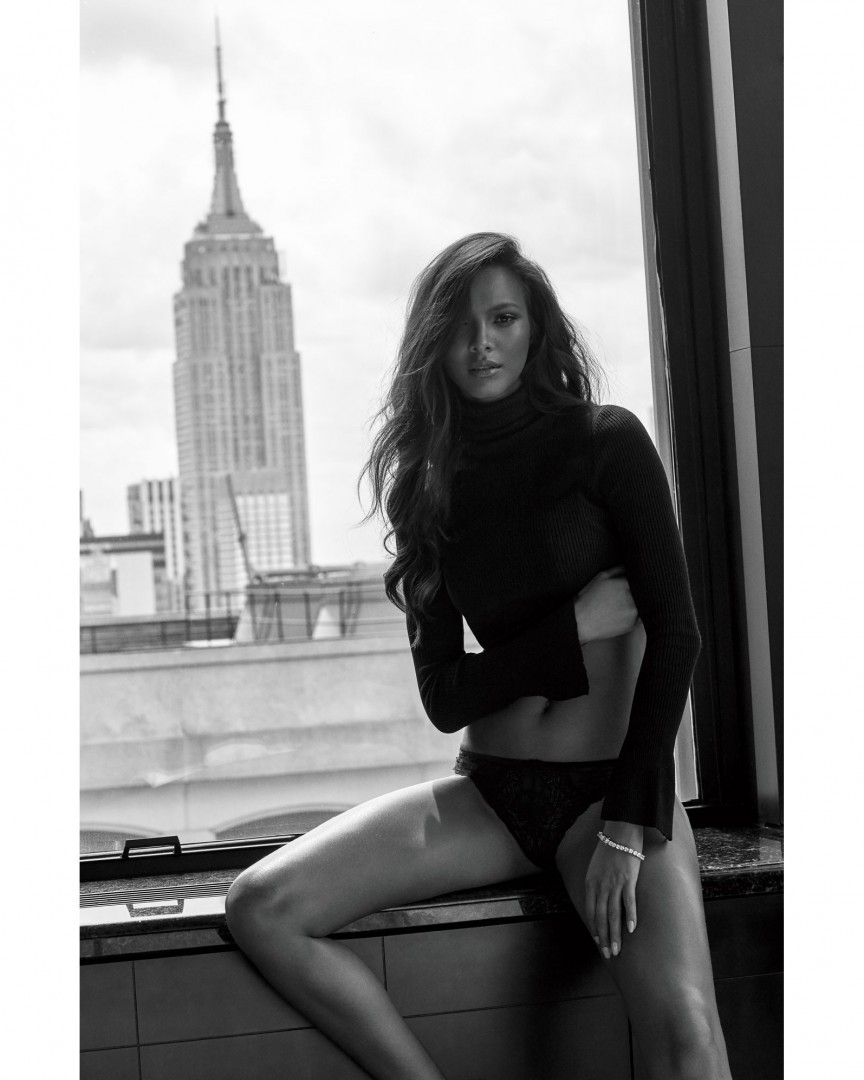
by @victorrobertof


-
Not sure ... I think she's native from there, so ... Maybe for the job too.
I think she did. Now she seems to be installed out there already. That's why she was a bit slow i think.
Me too. At first i was like ~~, but now i really like it !
Thanks all for the updates !
No biggie, and thank you !
I wish i could more often, but not much new content nowadays to post sadly ...
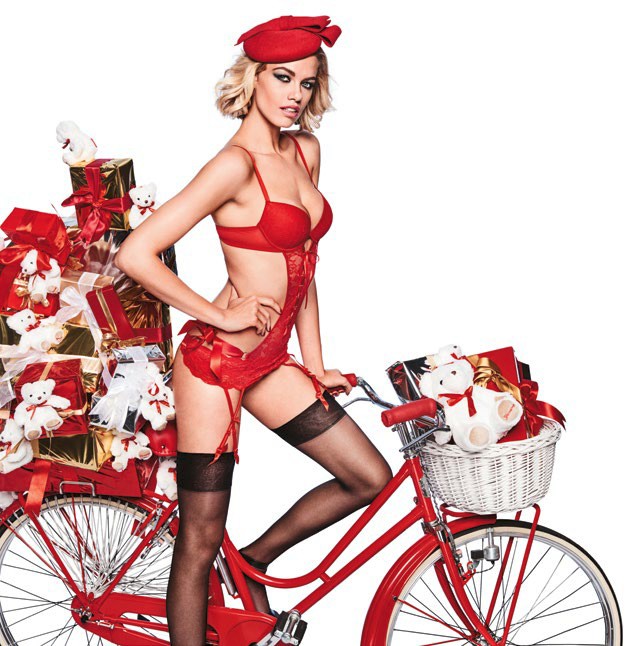
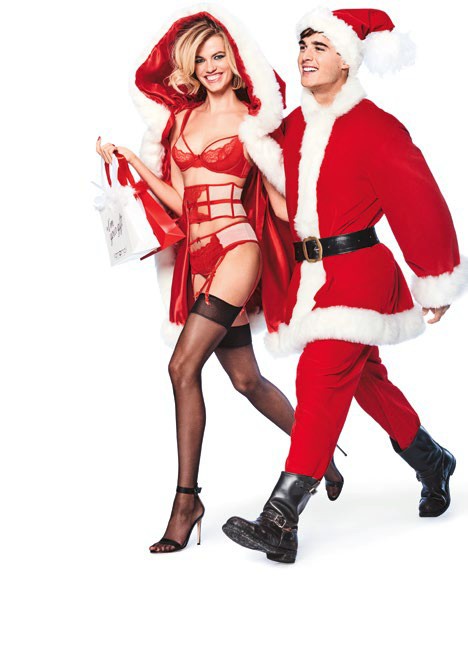
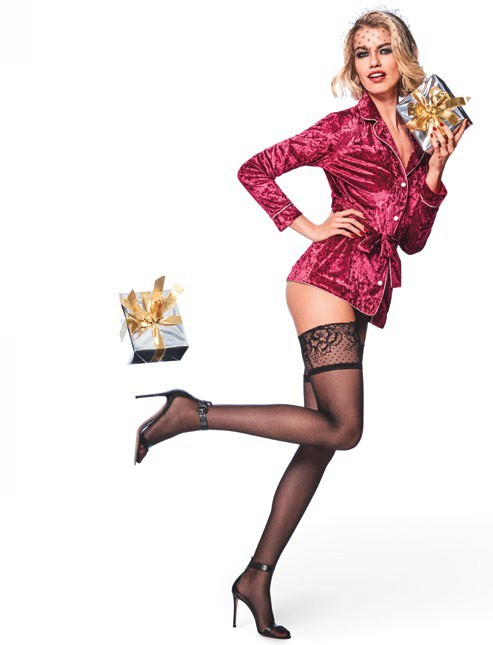
Hot vid' ... But i do wonder if Em got like a subscription to the Love Advent
'will see, what can i say lol
Account
Navigation
Search
Configure browser push notifications
Chrome (Android)
- Tap the lock icon next to the address bar.
- Tap Permissions → Notifications.
- Adjust your preference.
Chrome (Desktop)
- Click the padlock icon in the address bar.
- Select Site settings.
- Find Notifications and adjust your preference.
Safari (iOS 16.4+)
- Ensure the site is installed via Add to Home Screen.
- Open Settings App → Notifications.
- Find your app name and adjust your preference.
Safari (macOS)
- Go to Safari → Preferences.
- Click the Websites tab.
- Select Notifications in the sidebar.
- Find this website and adjust your preference.
Edge (Android)
- Tap the lock icon next to the address bar.
- Tap Permissions.
- Find Notifications and adjust your preference.
Edge (Desktop)
- Click the padlock icon in the address bar.
- Click Permissions for this site.
- Find Notifications and adjust your preference.
Firefox (Android)
- Go to Settings → Site permissions.
- Tap Notifications.
- Find this site in the list and adjust your preference.
Firefox (Desktop)
- Open Firefox Settings.
- Search for Notifications.
- Find this site in the list and adjust your preference.