

TheBestModels
Members
-
Joined
Everything posted by TheBestModels
-
 Unknown shot
-
It is now, thanks once again !
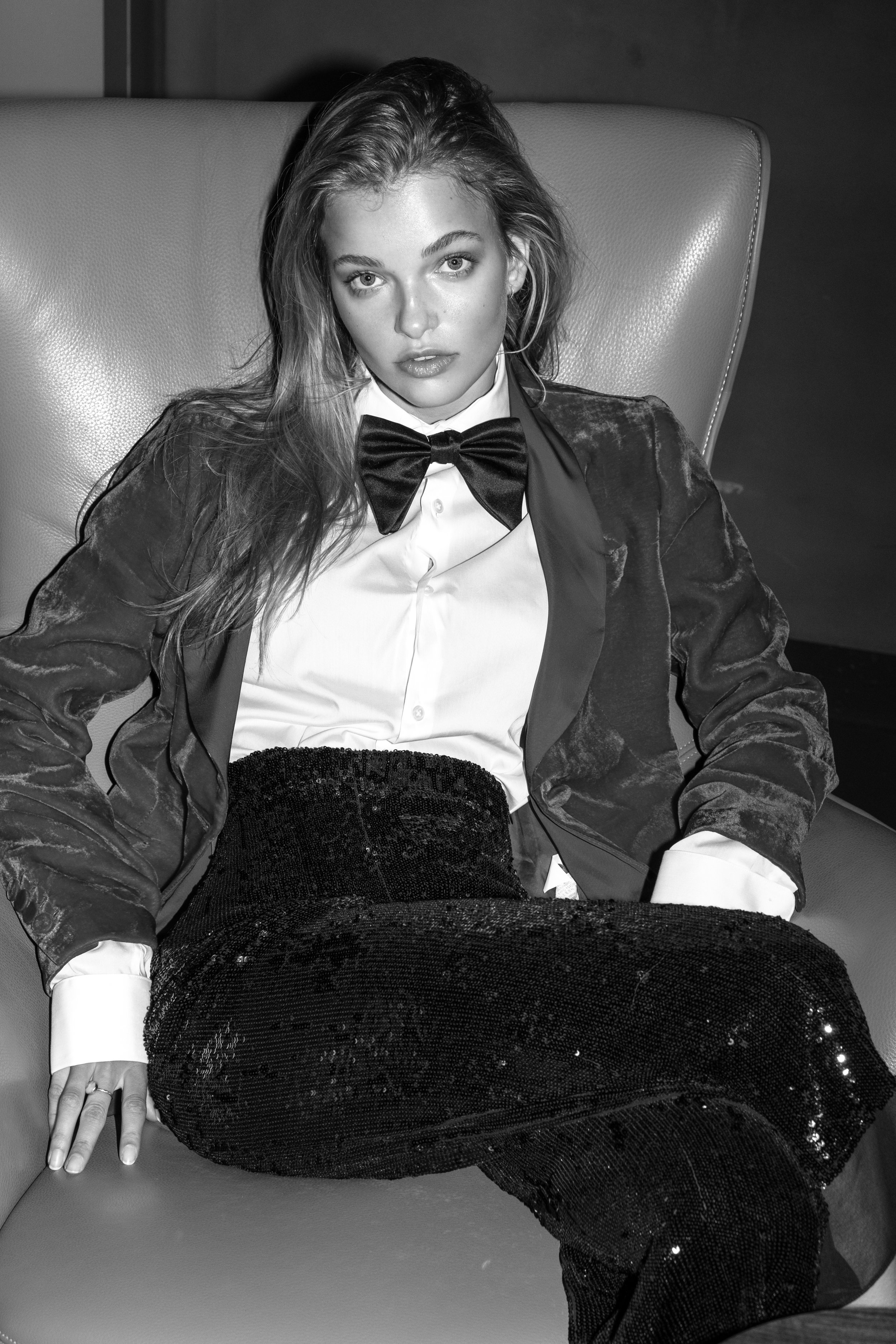
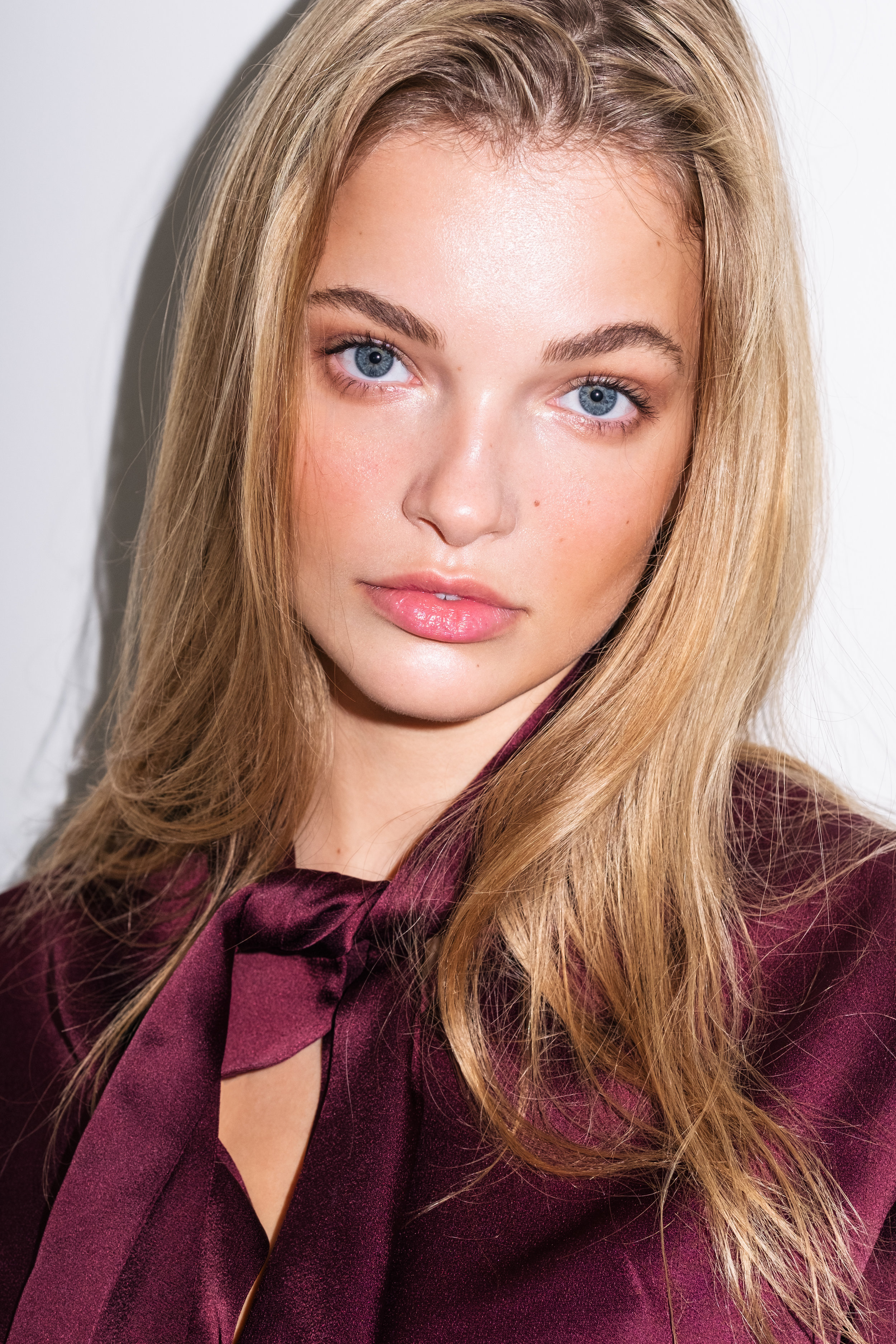
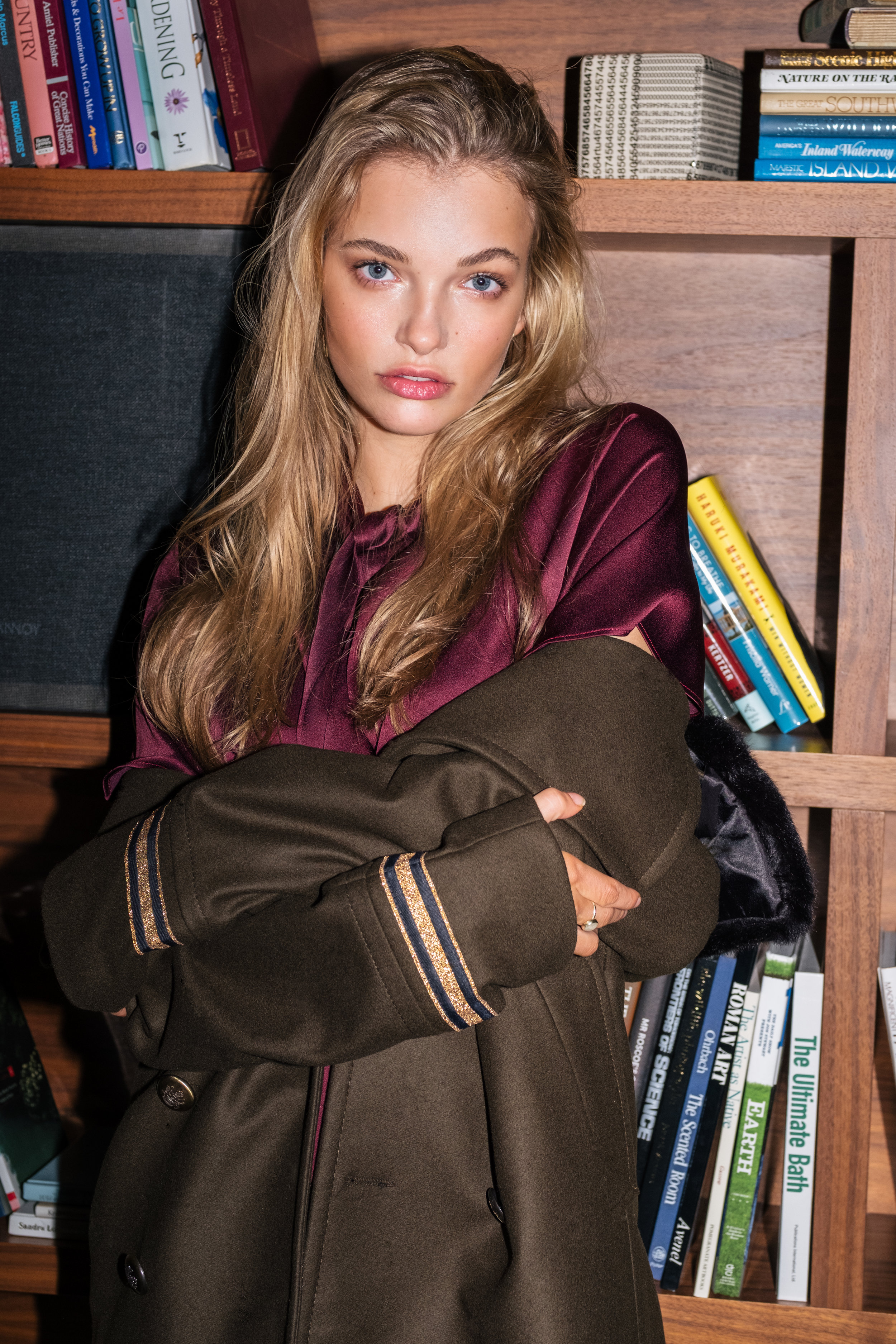
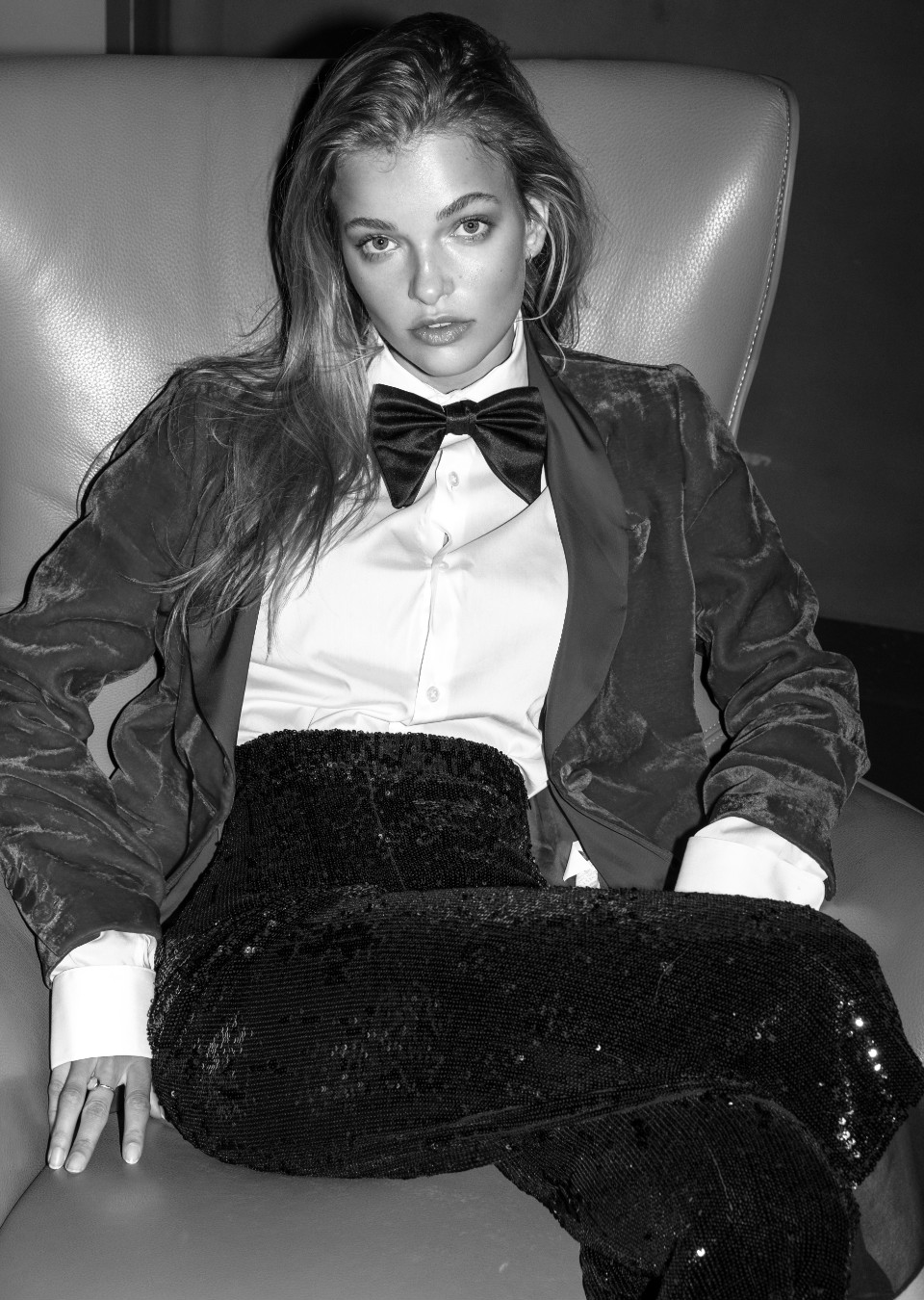
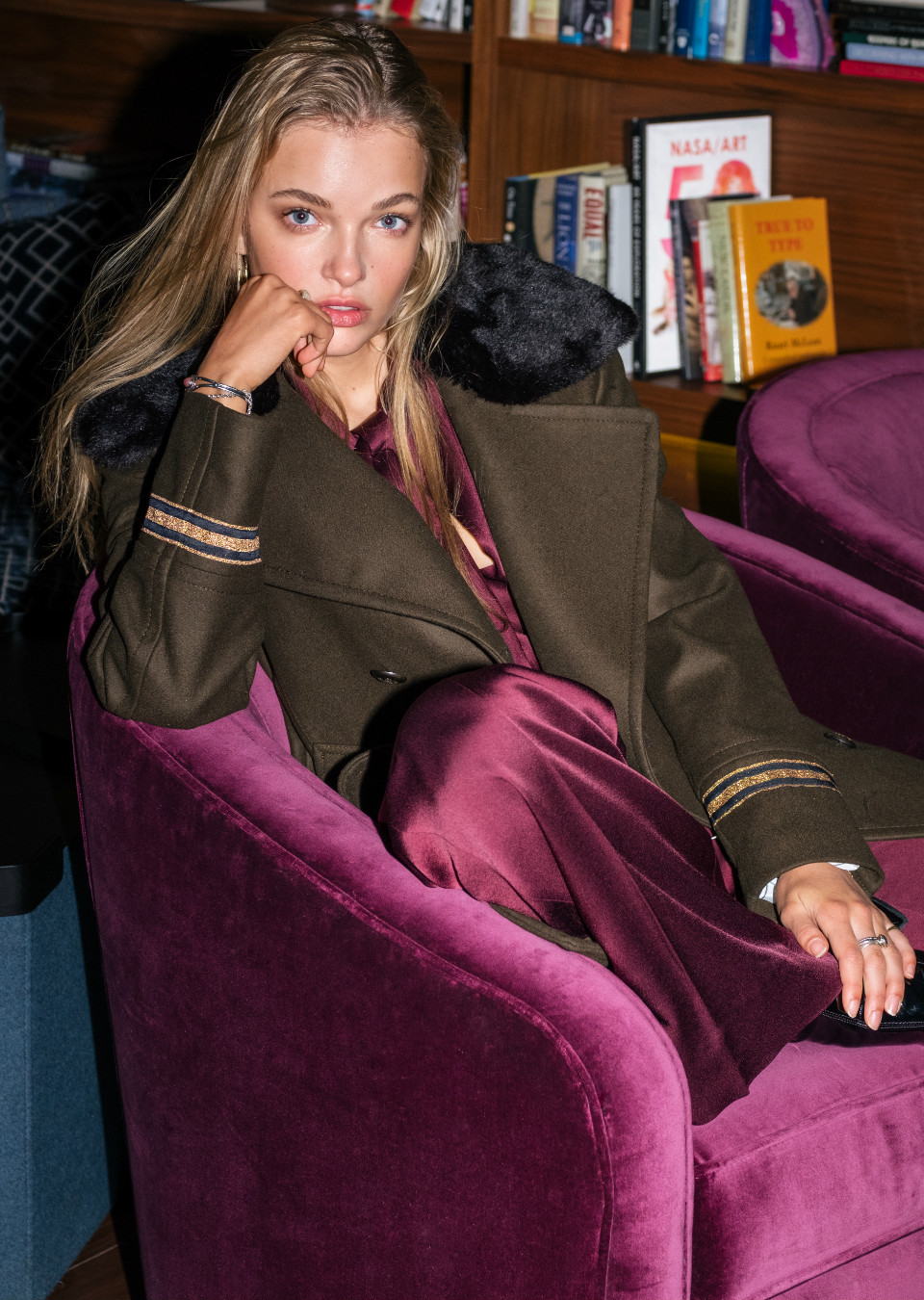
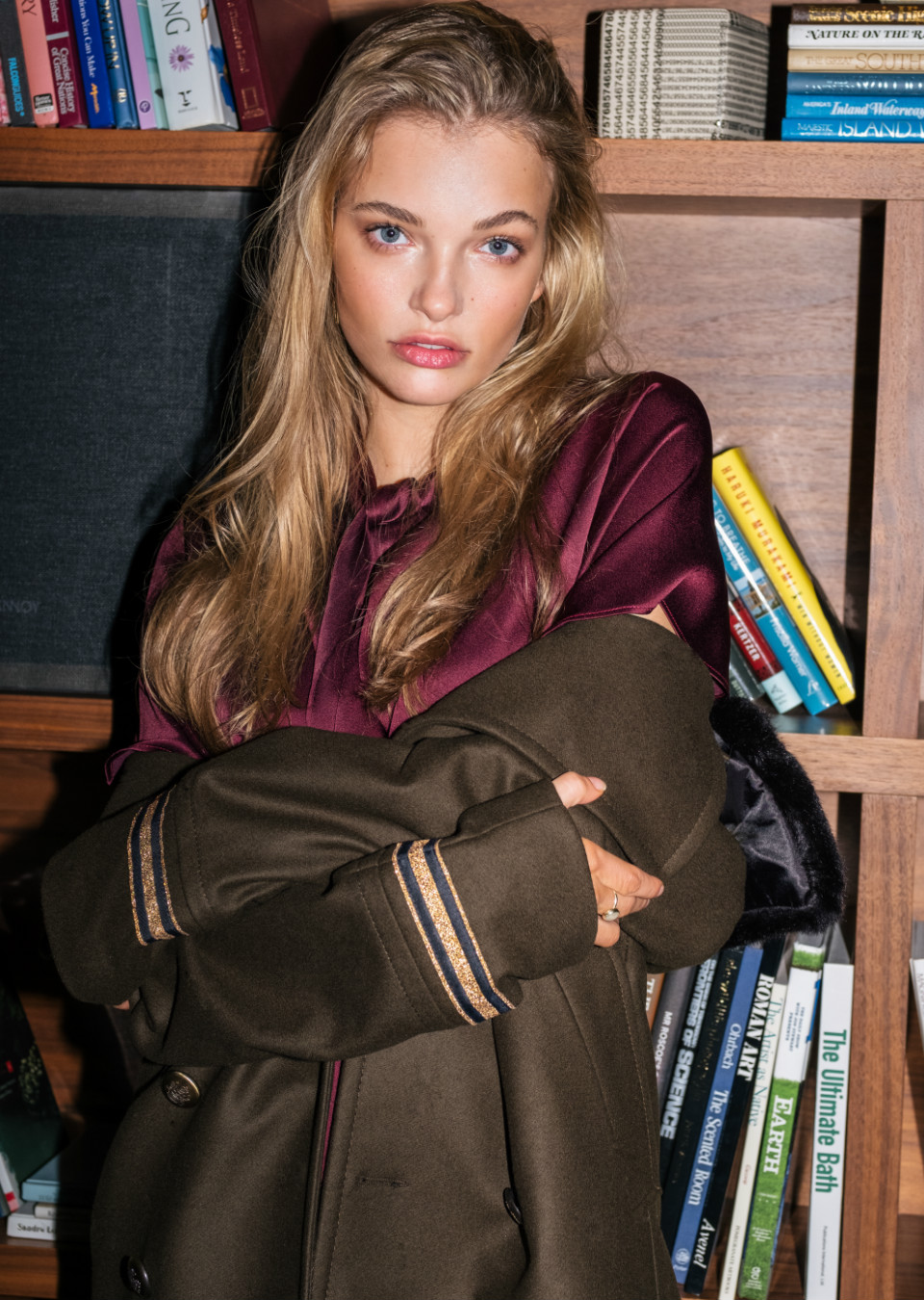
Ralph & Russo Winter 2017-18
 ^
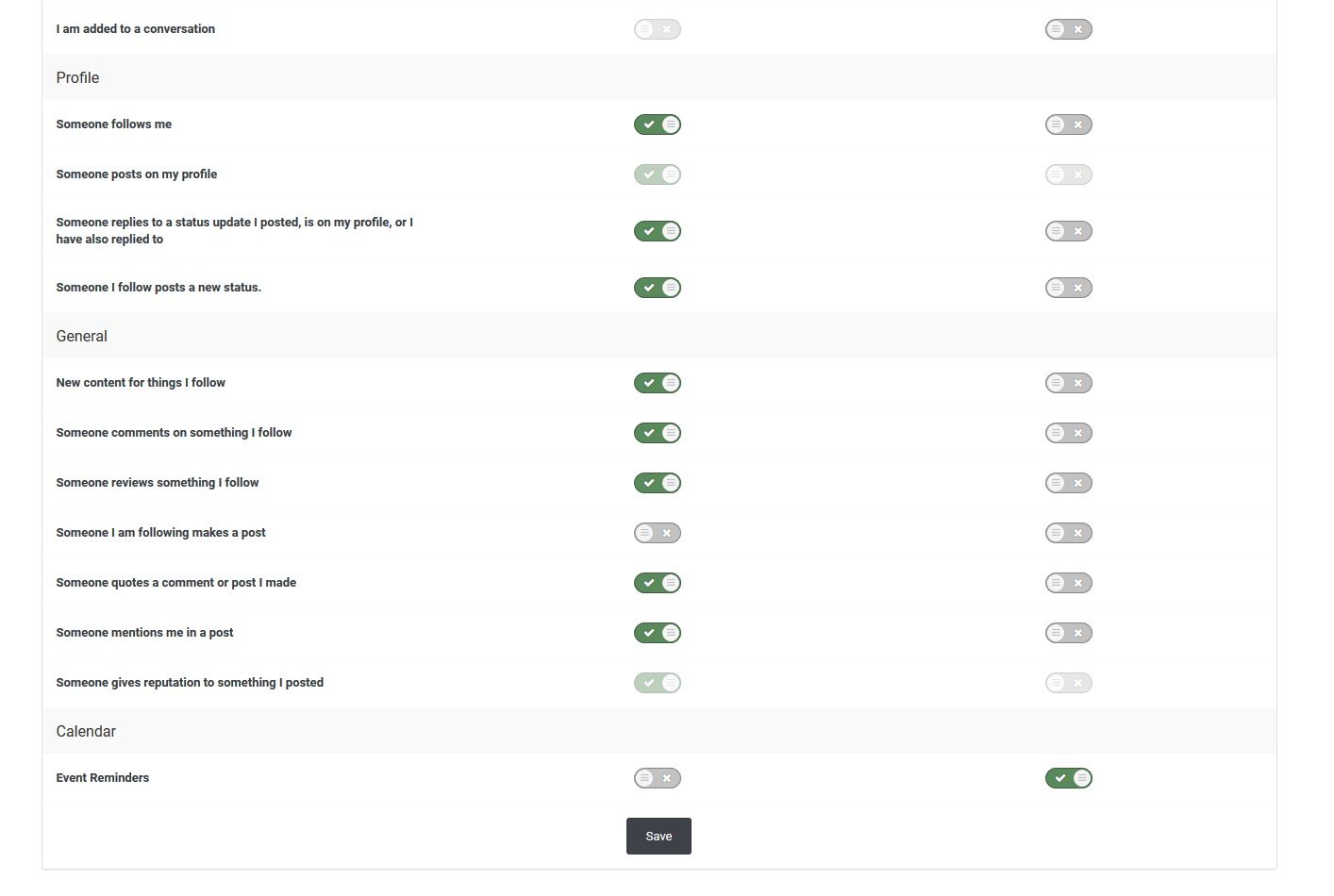
Ah well, it's good again Thank you between for the new buttun to review a post, it's a great idea ! Though, the notifiations who come with it are a bit annoying, do you know which option we have to turn off ?
^
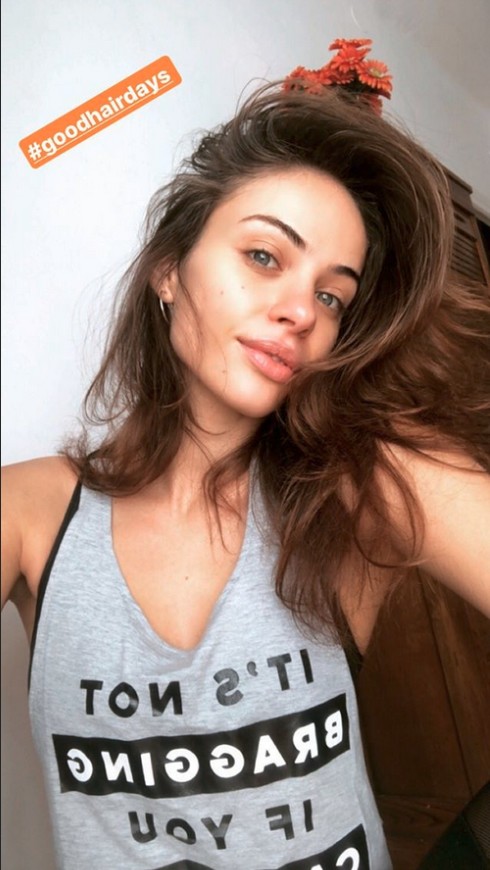
Ah well, it's good again Thank you between for the new buttun to review a post, it's a great idea ! Though, the notifiations who come with it are a bit annoying, do you know which option we have to turn off ?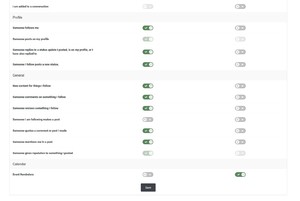 IG Story
 Definitely !
Totally agree ... So strange. I thought a model like Kara would go directly to the main casting, in avoid the "rookie" stuff ... I mean, Kara is made for such event like the SI Swimsuit issue !
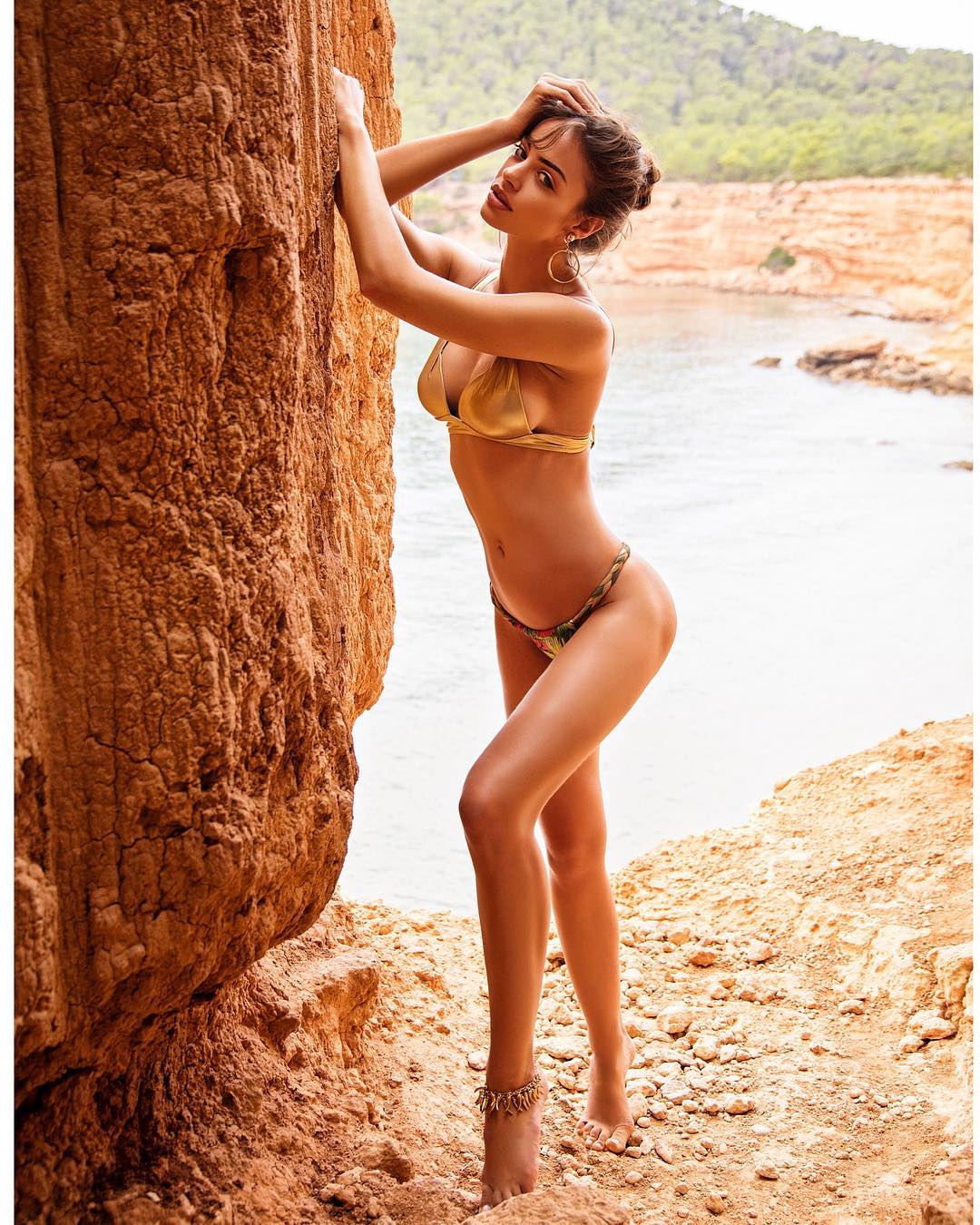
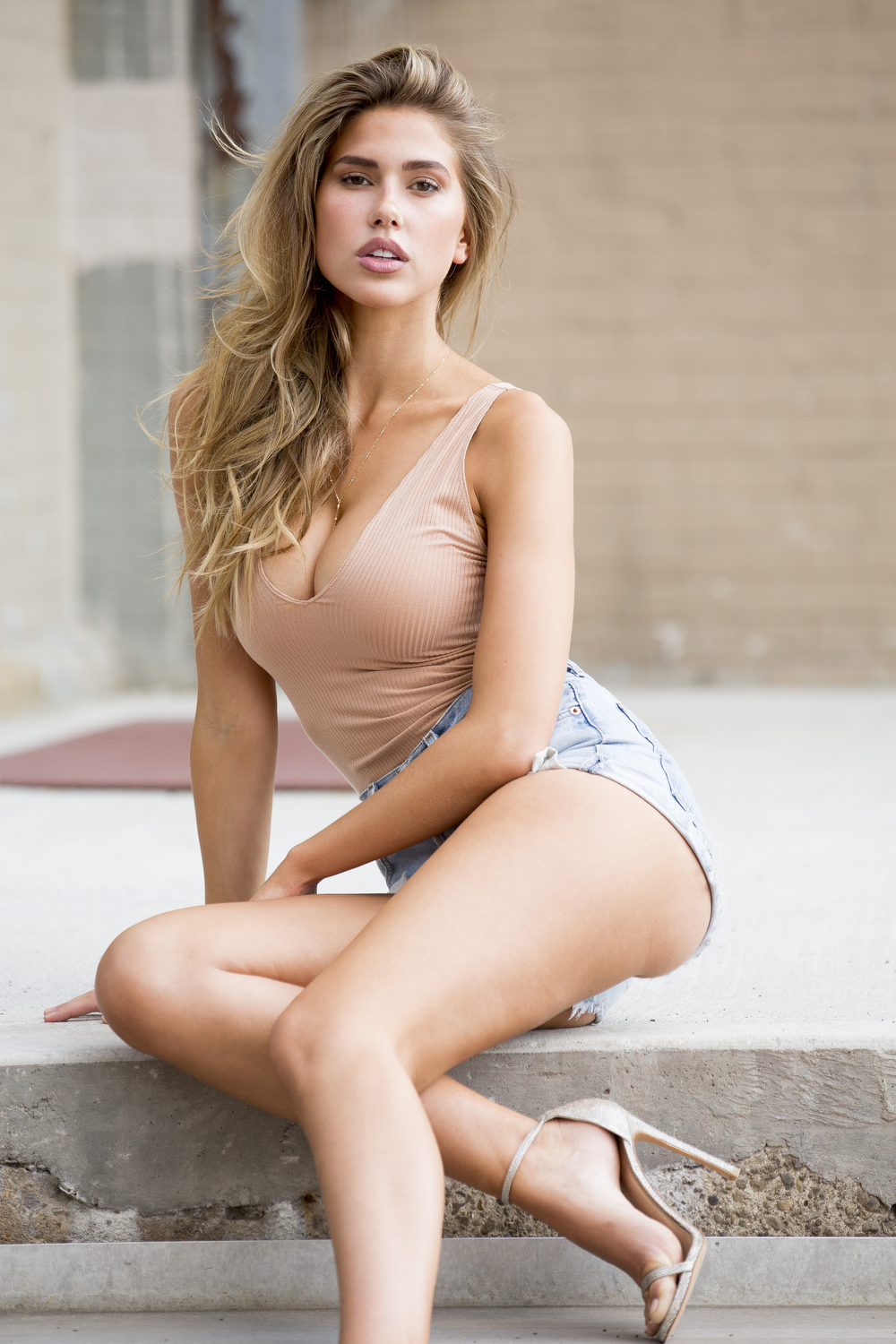
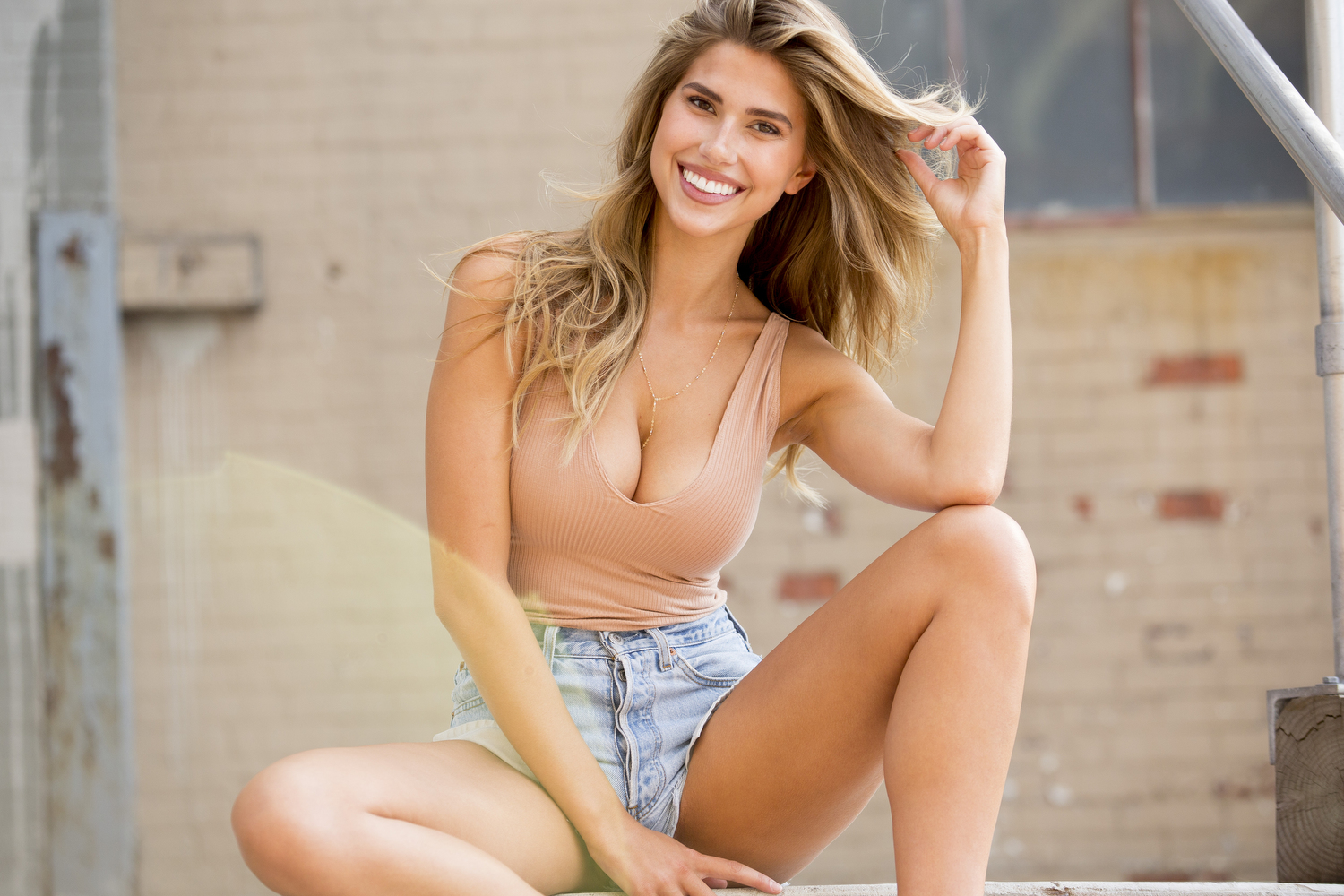
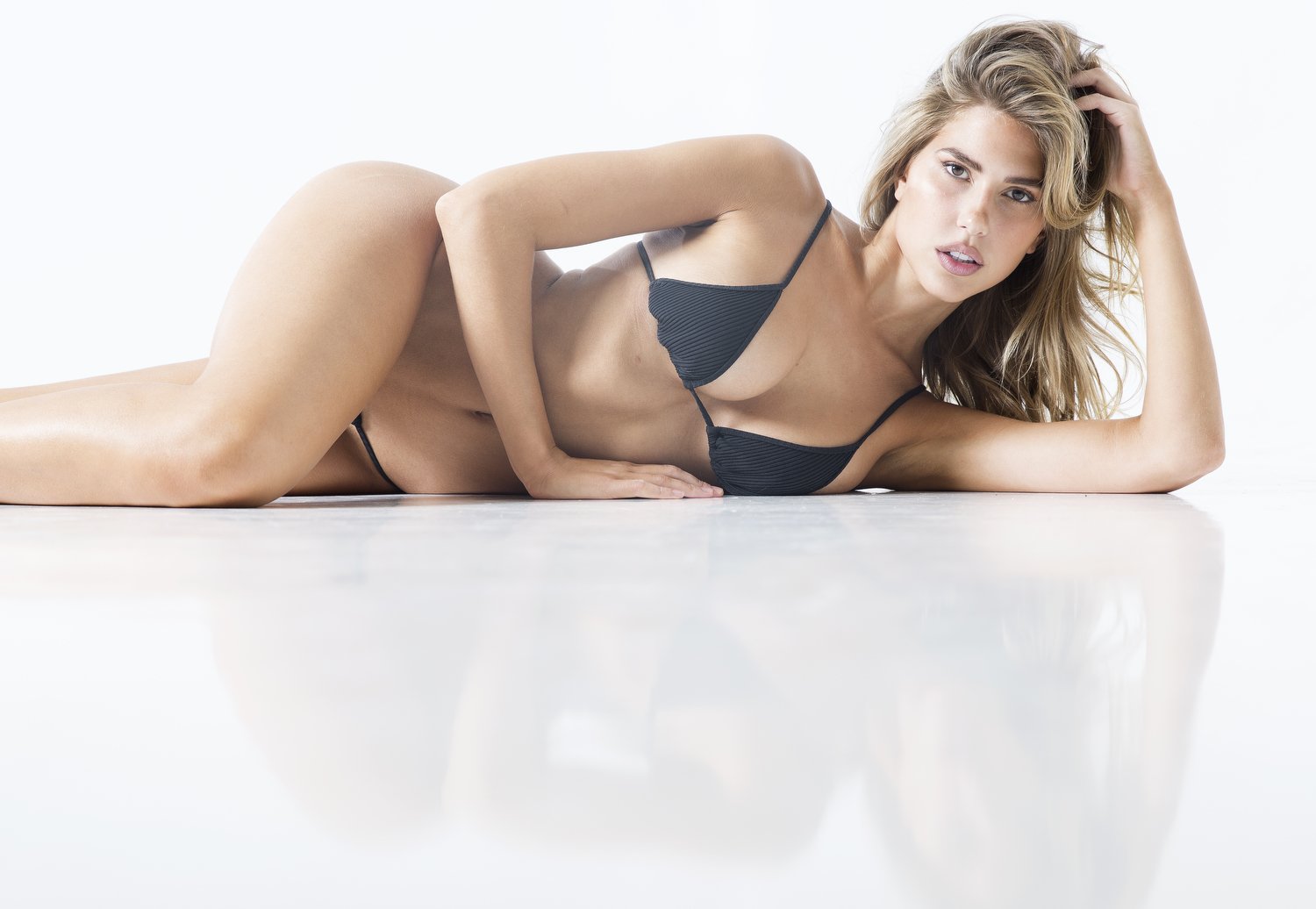
Pics by Taylor Ballantyne
Definitely !
Totally agree ... So strange. I thought a model like Kara would go directly to the main casting, in avoid the "rookie" stuff ... I mean, Kara is made for such event like the SI Swimsuit issue !
Pics by Taylor Ballantyne
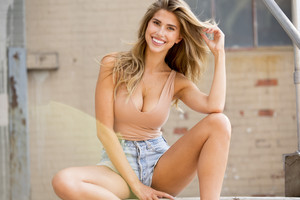
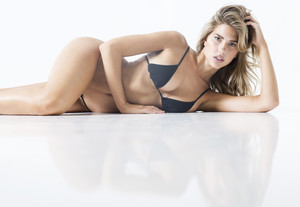 by @guankemole HQ
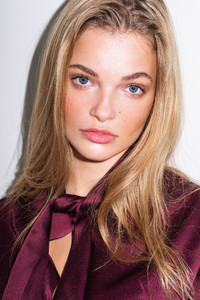

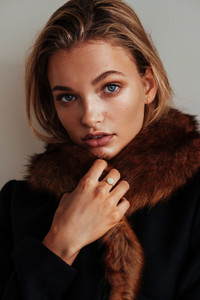

 Ah ok, i didn't know
Tanya is now followed by IMG Models. >> http://www.imgmodels.com/portfolio/new-york/women/model/17191
^ Wow i love that shot, one of her prettier in a long time !
It's working again, thank you! But i noticed the editing tool disappeared now in some topic, for exemple in the one from Nicole Meyer...
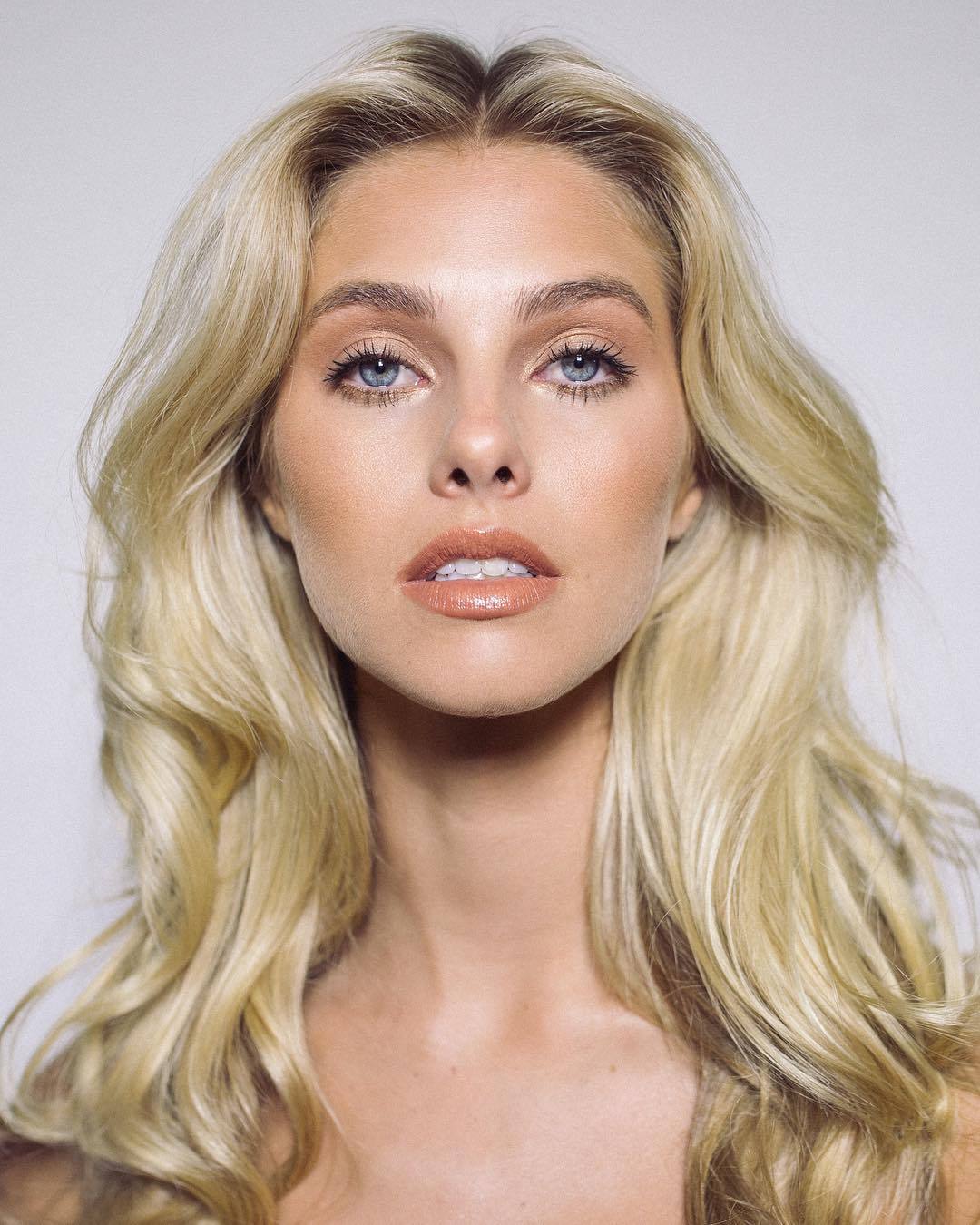
@tamarawilliams1
Ah ok, i didn't know
Tanya is now followed by IMG Models. >> http://www.imgmodels.com/portfolio/new-york/women/model/17191
^ Wow i love that shot, one of her prettier in a long time !
It's working again, thank you! But i noticed the editing tool disappeared now in some topic, for exemple in the one from Nicole Meyer...
@tamarawilliams1 by @guankemole









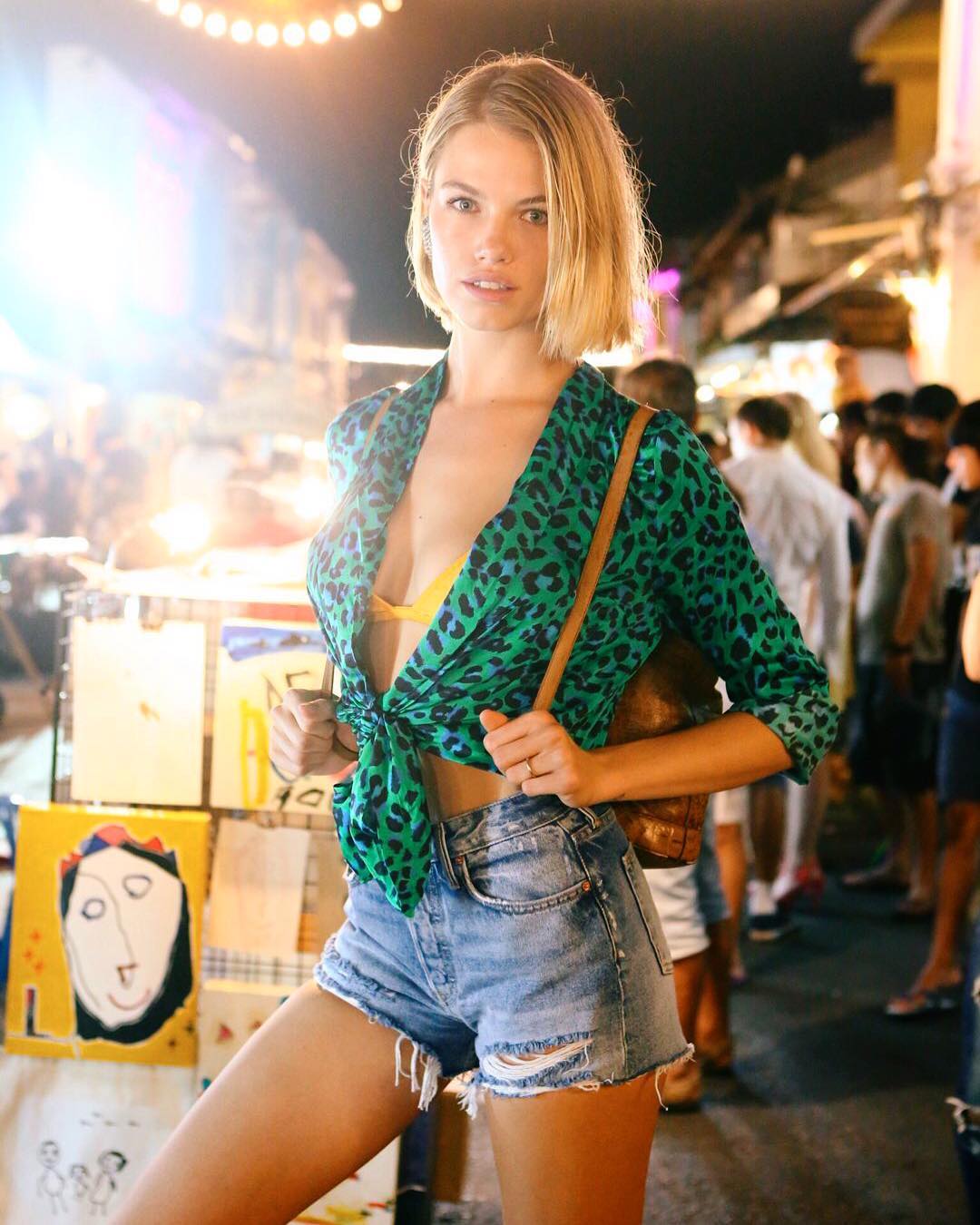
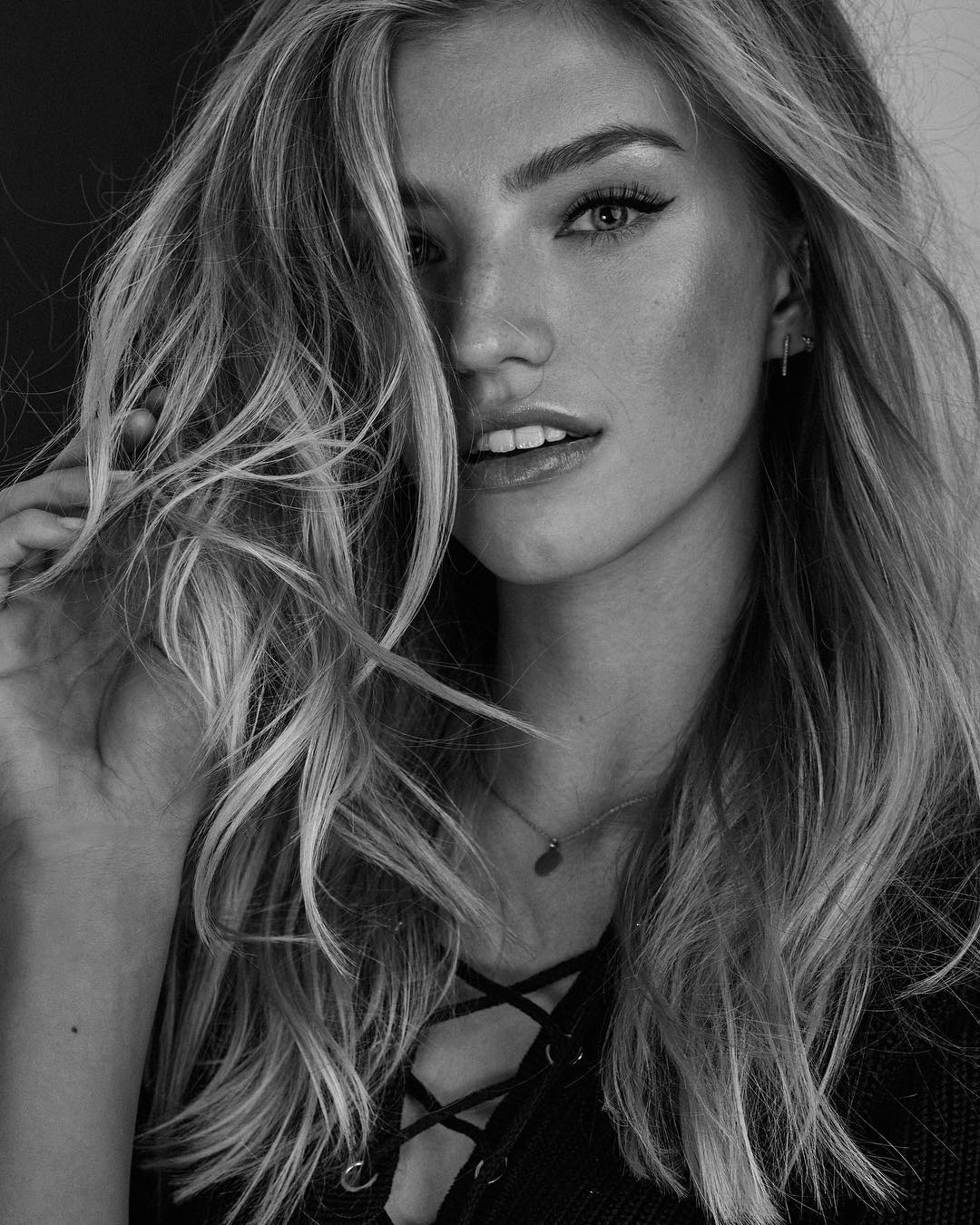
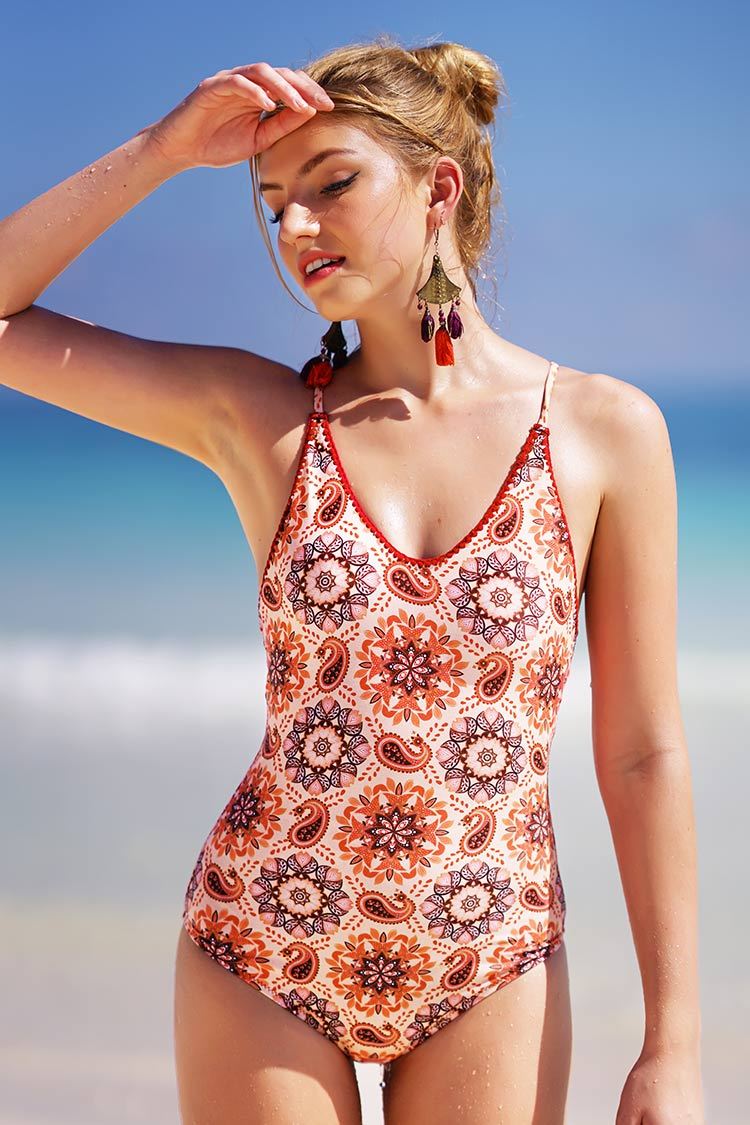
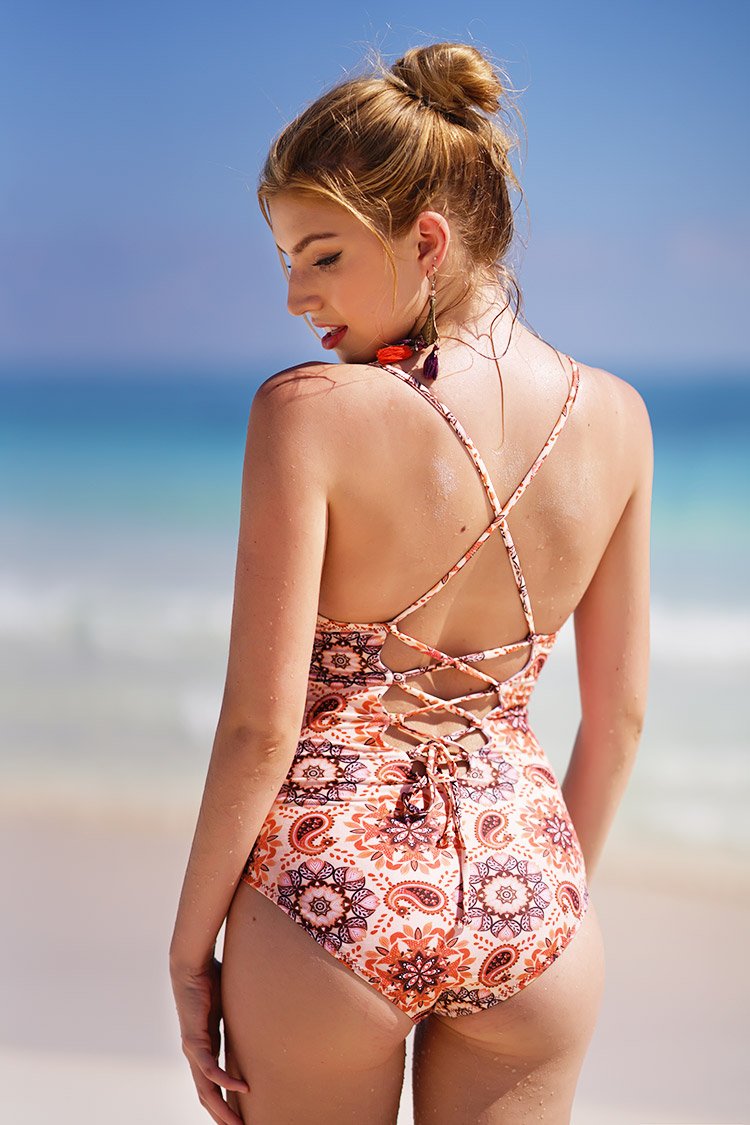
Account
Navigation
Search
Configure browser push notifications
Chrome (Android)
- Tap the lock icon next to the address bar.
- Tap Permissions → Notifications.
- Adjust your preference.
Chrome (Desktop)
- Click the padlock icon in the address bar.
- Select Site settings.
- Find Notifications and adjust your preference.
Safari (iOS 16.4+)
- Ensure the site is installed via Add to Home Screen.
- Open Settings App → Notifications.
- Find your app name and adjust your preference.
Safari (macOS)
- Go to Safari → Preferences.
- Click the Websites tab.
- Select Notifications in the sidebar.
- Find this website and adjust your preference.
Edge (Android)
- Tap the lock icon next to the address bar.
- Tap Permissions.
- Find Notifications and adjust your preference.
Edge (Desktop)
- Click the padlock icon in the address bar.
- Click Permissions for this site.
- Find Notifications and adjust your preference.
Firefox (Android)
- Go to Settings → Site permissions.
- Tap Notifications.
- Find this site in the list and adjust your preference.
Firefox (Desktop)
- Open Firefox Settings.
- Search for Notifications.
- Find this site in the list and adjust your preference.