

jj3
Members
-
Joined
Everything posted by jj3
-
 Don't tell me you'll be in your bunk you too ?
 -
I love that scene, but i loved the last scene of Alien: Convenant, too. The SW scene is a end hard but full of hope, when the Alien one was "sweet" but totally hopeless lol
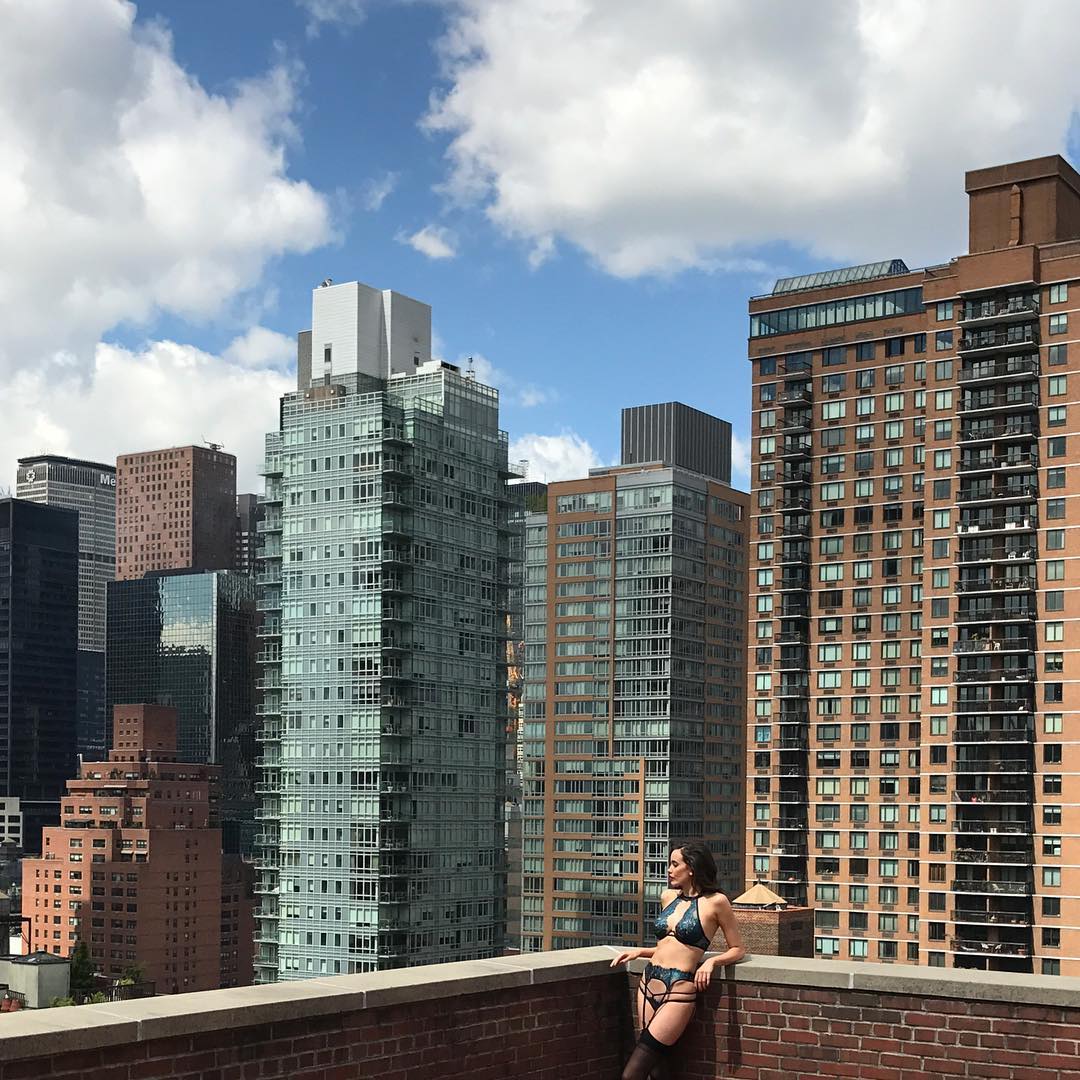
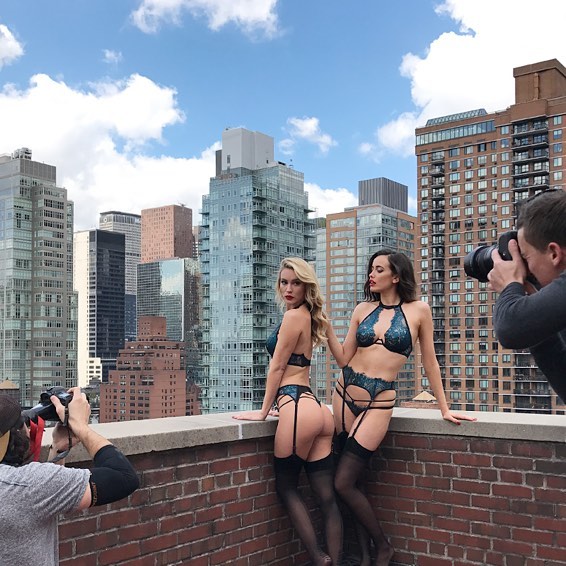
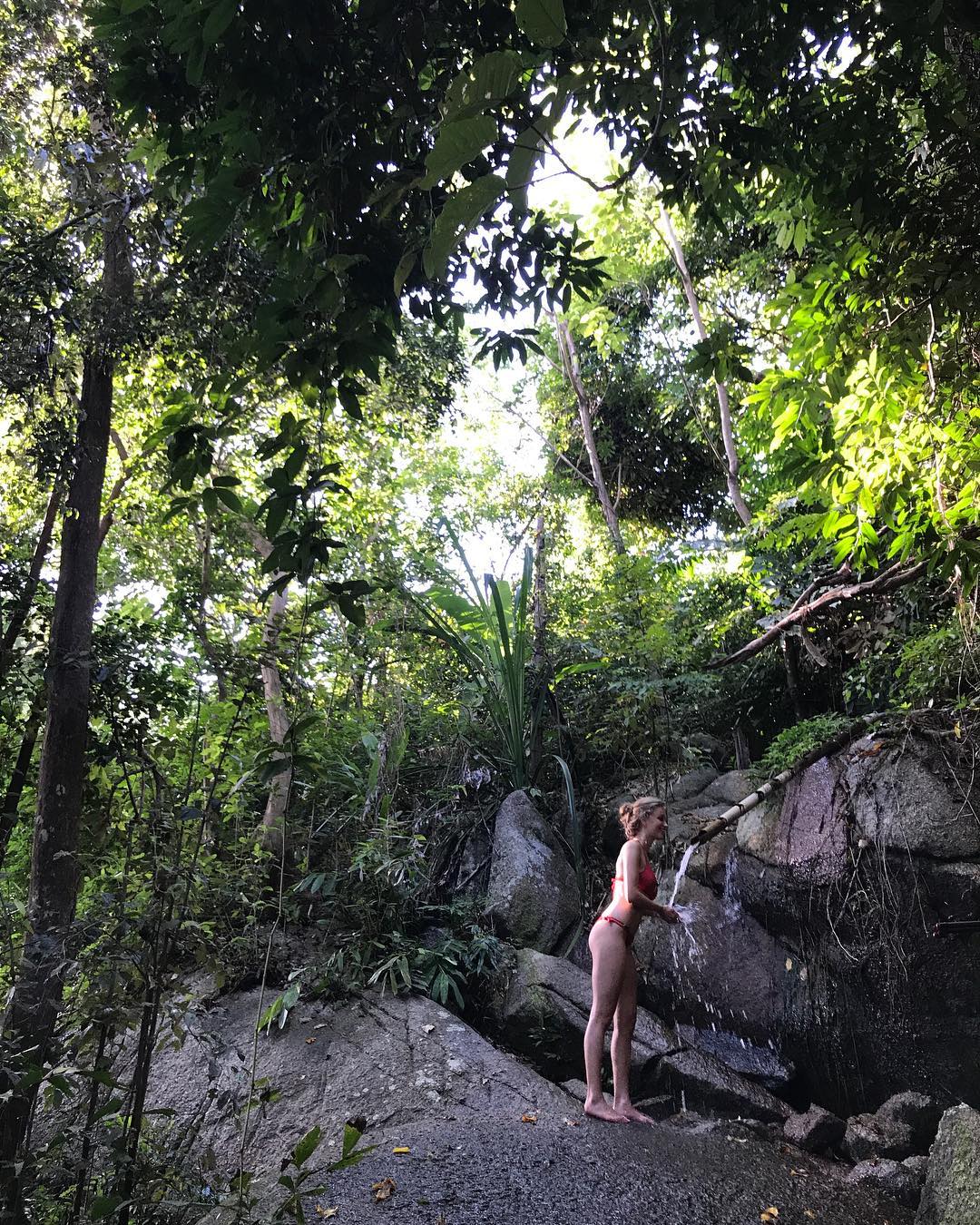
BTS @gemmalouise_may @eloisemonaghan
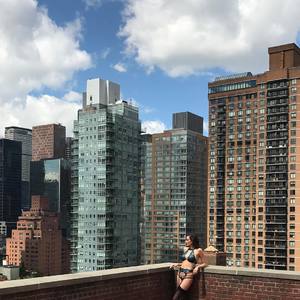
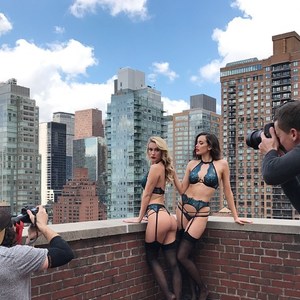 @photoericdeniset
 @pinupgirlclothing

 By @jordyn_mccray
 By @josefjassophoto





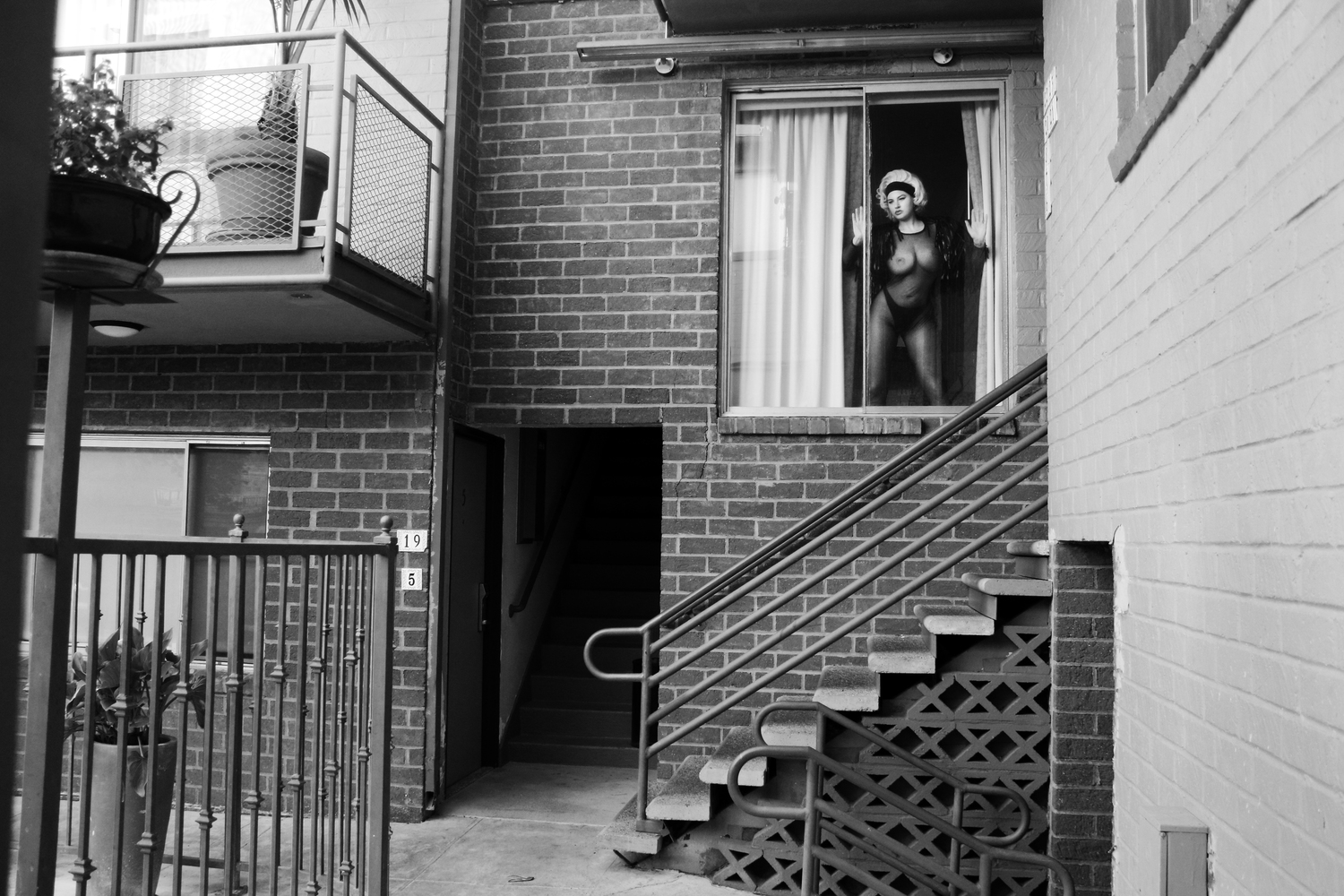
 By Geoff Moore


 By @malachibanales
 By James Macari
 By James Macari
 And what about the Treats mag shots then ?
I admit She doesn't need that. She already know that everybody will spend their time at imagining how it is under her unflattering dresses. I mean...
And me, if i have to eat the dead body of a human or the one of a little dog, i'll choose the human one
And what about the Treats mag shots then ?
I admit She doesn't need that. She already know that everybody will spend their time at imagining how it is under her unflattering dresses. I mean...
And me, if i have to eat the dead body of a human or the one of a little dog, i'll choose the human one

















































Account
Search
Configure browser push notifications
Chrome (Android)
- Tap the lock icon next to the address bar.
- Tap Permissions → Notifications.
- Adjust your preference.
Chrome (Desktop)
- Click the padlock icon in the address bar.
- Select Site settings.
- Find Notifications and adjust your preference.
Safari (iOS 16.4+)
- Ensure the site is installed via Add to Home Screen.
- Open Settings App → Notifications.
- Find your app name and adjust your preference.
Safari (macOS)
- Go to Safari → Preferences.
- Click the Websites tab.
- Select Notifications in the sidebar.
- Find this website and adjust your preference.
Edge (Android)
- Tap the lock icon next to the address bar.
- Tap Permissions.
- Find Notifications and adjust your preference.
Edge (Desktop)
- Click the padlock icon in the address bar.
- Click Permissions for this site.
- Find Notifications and adjust your preference.
Firefox (Android)
- Go to Settings → Site permissions.
- Tap Notifications.
- Find this site in the list and adjust your preference.
Firefox (Desktop)
- Open Firefox Settings.
- Search for Notifications.
- Find this site in the list and adjust your preference.