jj3
Members
-
Joined
Everything posted by jj3
-
 ^ She's that type who is too much and not enough in same time...
 -
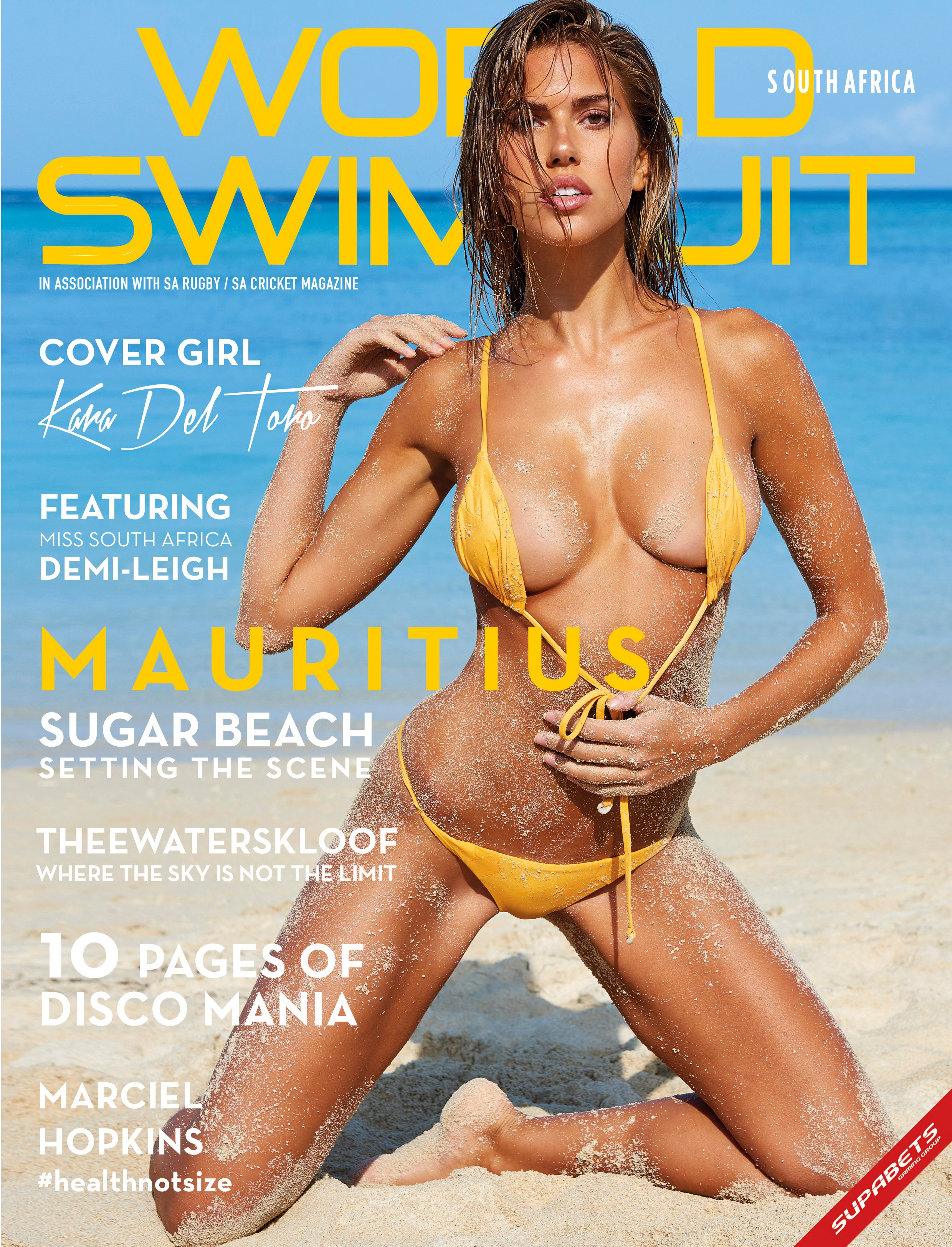
^ $he looks so fake. It should be forbidden to use so much filter ...
-
^ You talk about awesomeness !
-
-
-
That's as much common as fat people in Northern America actually
This is a secret code then :
Is that a secret code or something ?
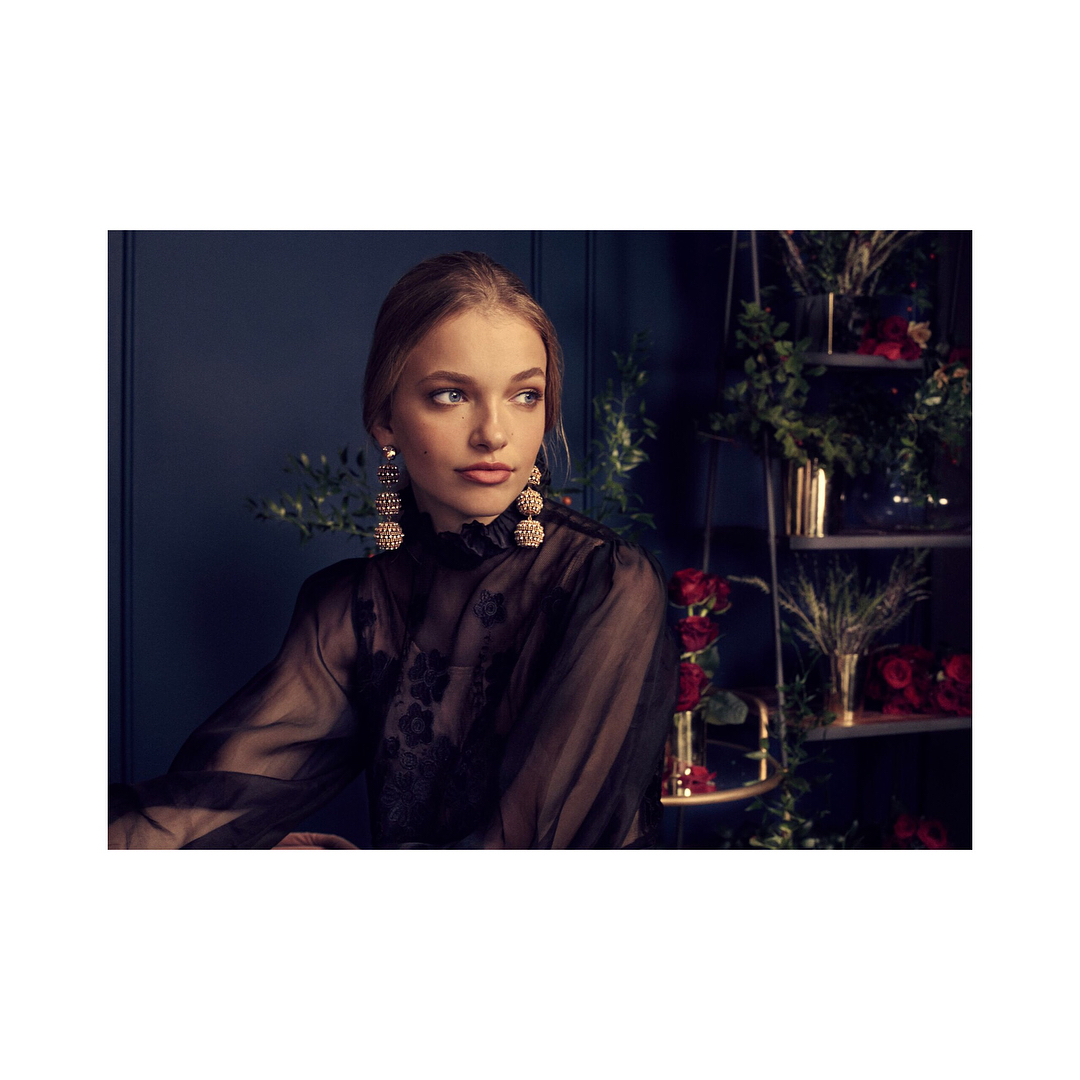
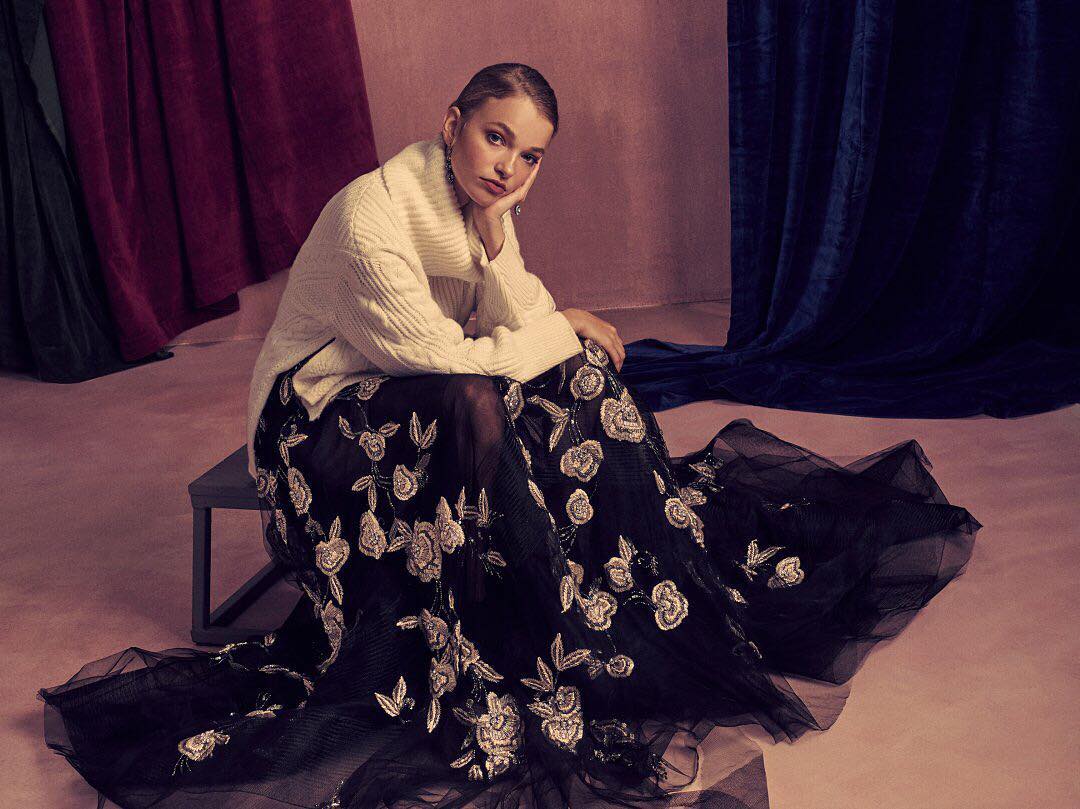
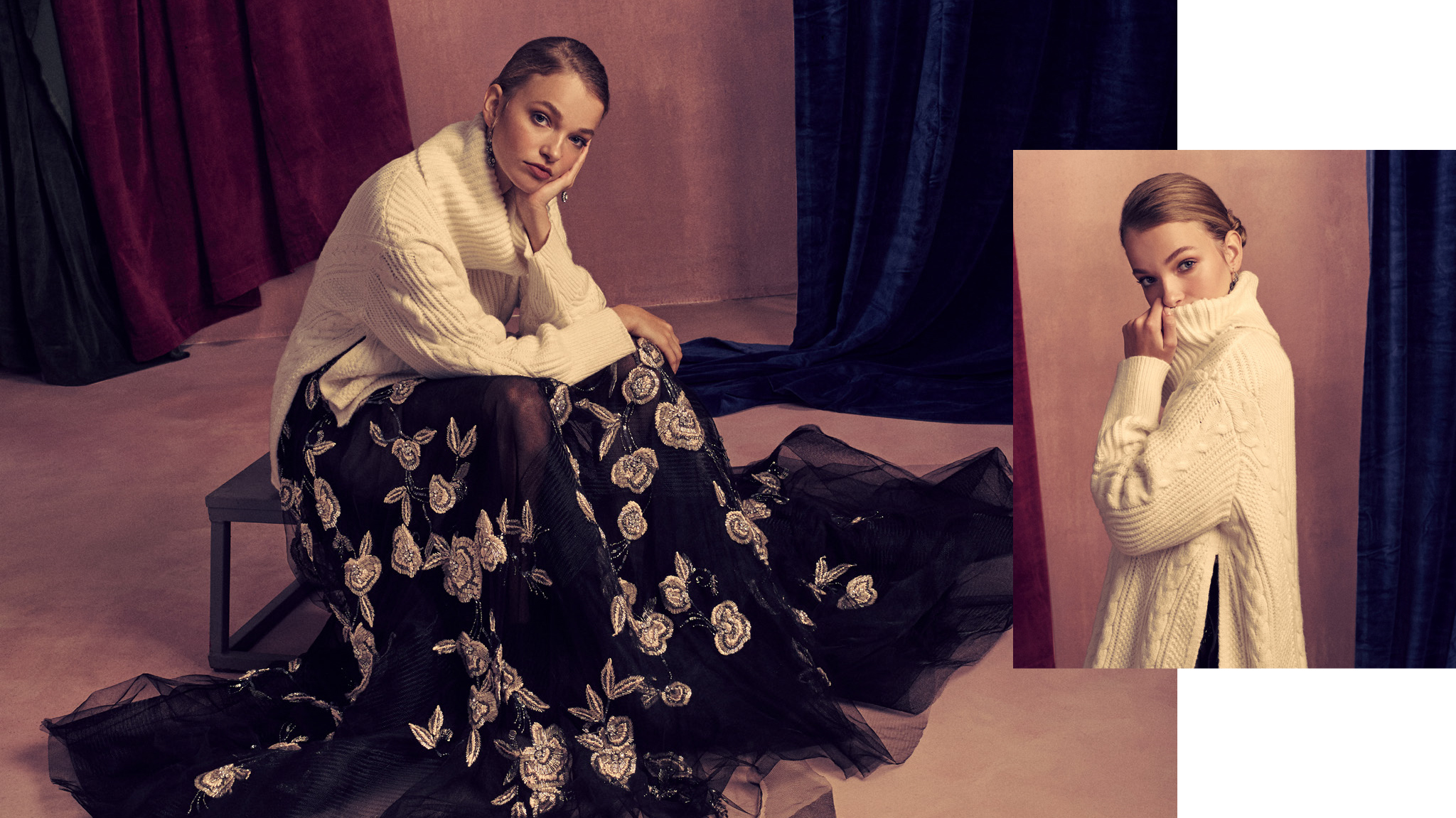
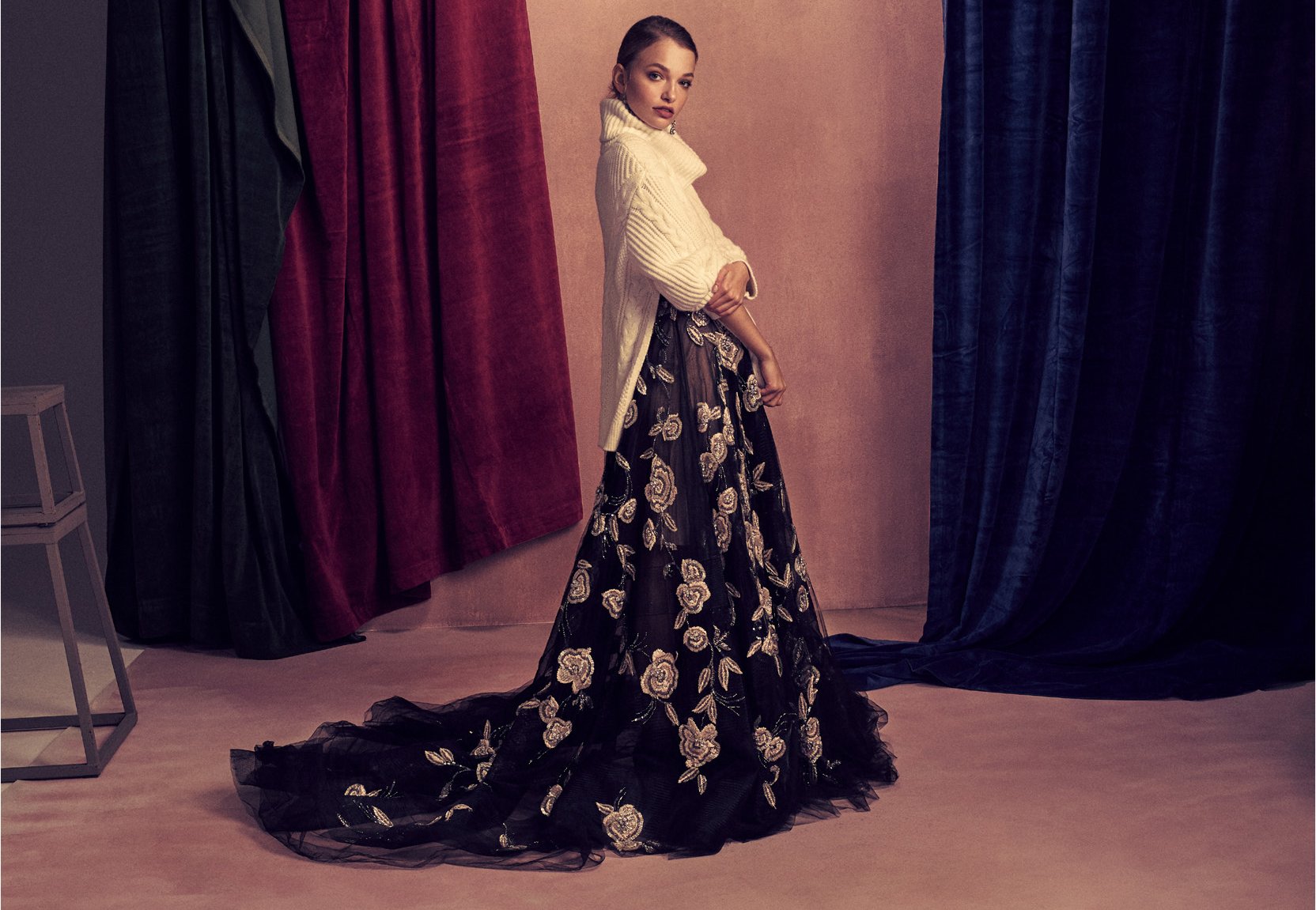
Harper's Bazaar December 2017 "Created by Harper's BAZAAR for BANAREPUBLIC" by Ph @daniel_w_king AD: @sonjageorgevich Stylist: @elizabethcabral Hair: @edwardlampley MU: @samaddington Set Design: @toddsets Production: @hkluck Casting: @jennifermcnugget Style Director: @tldjite Project Manager: @amandawoodz






 Thank you for postinig @carolisque
Who said that ?
^ LOLzzz
Thank you for postinig @carolisque
Who said that ?
^ LOLzzz
Account
Search
Configure browser push notifications
Chrome (Android)
- Tap the lock icon next to the address bar.
- Tap Permissions → Notifications.
- Adjust your preference.
Chrome (Desktop)
- Click the padlock icon in the address bar.
- Select Site settings.
- Find Notifications and adjust your preference.
Safari (iOS 16.4+)
- Ensure the site is installed via Add to Home Screen.
- Open Settings App → Notifications.
- Find your app name and adjust your preference.
Safari (macOS)
- Go to Safari → Preferences.
- Click the Websites tab.
- Select Notifications in the sidebar.
- Find this website and adjust your preference.
Edge (Android)
- Tap the lock icon next to the address bar.
- Tap Permissions.
- Find Notifications and adjust your preference.
Edge (Desktop)
- Click the padlock icon in the address bar.
- Click Permissions for this site.
- Find Notifications and adjust your preference.
Firefox (Android)
- Go to Settings → Site permissions.
- Tap Notifications.
- Find this site in the list and adjust your preference.
Firefox (Desktop)
- Open Firefox Settings.
- Search for Notifications.
- Find this site in the list and adjust your preference.