
foofur16
Members
-
Joined
-
Last visited
Everything posted by foofur16
-
 Thanks for the adds @jj3
The next chapter begins: https://www.yahoo.com/style/plus-size-male-models-are-here-but-is-the-fashion-175821231.html Mind you these "plus-size" male models are merely more muscularand much taller guys than your average male fashion model but I do wonder what the future holds for the plus size modelling. @Cult Icon What's you take on it?
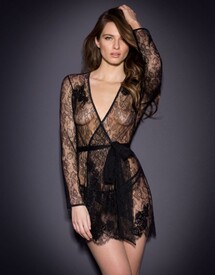
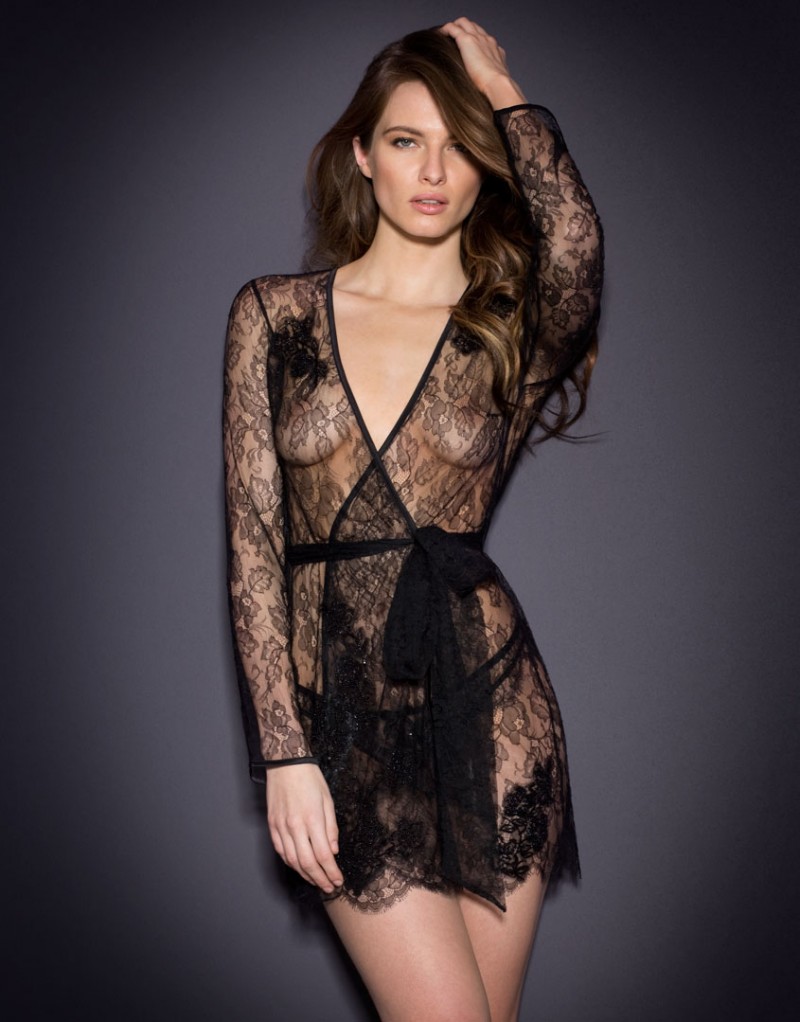
Agent Provocateur Soirée 2016
Thanks for the adds @jj3
The next chapter begins: https://www.yahoo.com/style/plus-size-male-models-are-here-but-is-the-fashion-175821231.html Mind you these "plus-size" male models are merely more muscularand much taller guys than your average male fashion model but I do wonder what the future holds for the plus size modelling. @Cult Icon What's you take on it?
Agent Provocateur Soirée 2016
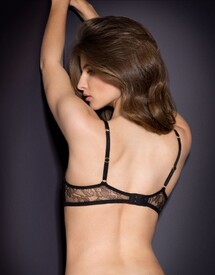
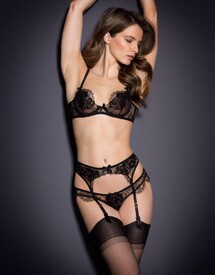
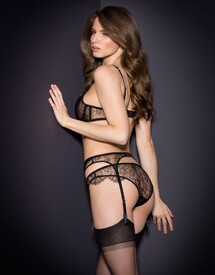

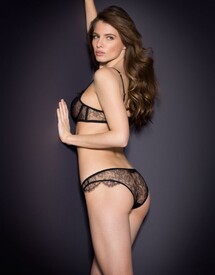
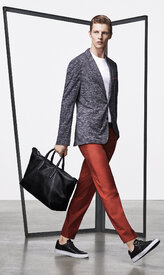
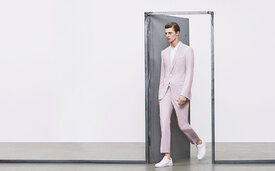
 Peek & Cloppenburg S/S 16
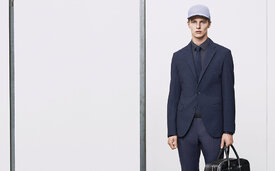
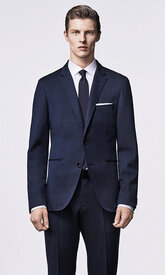
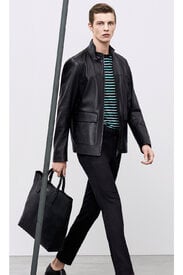
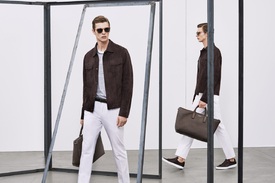
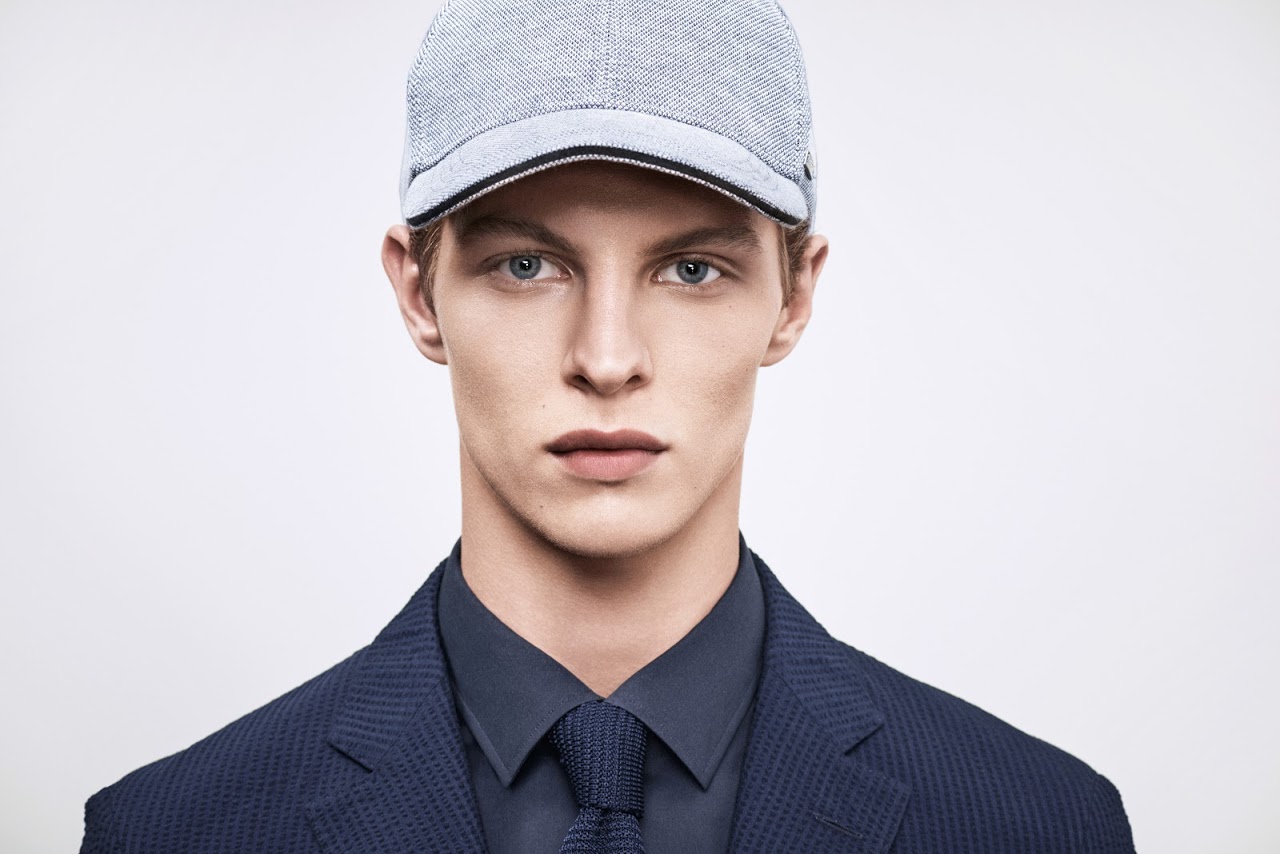
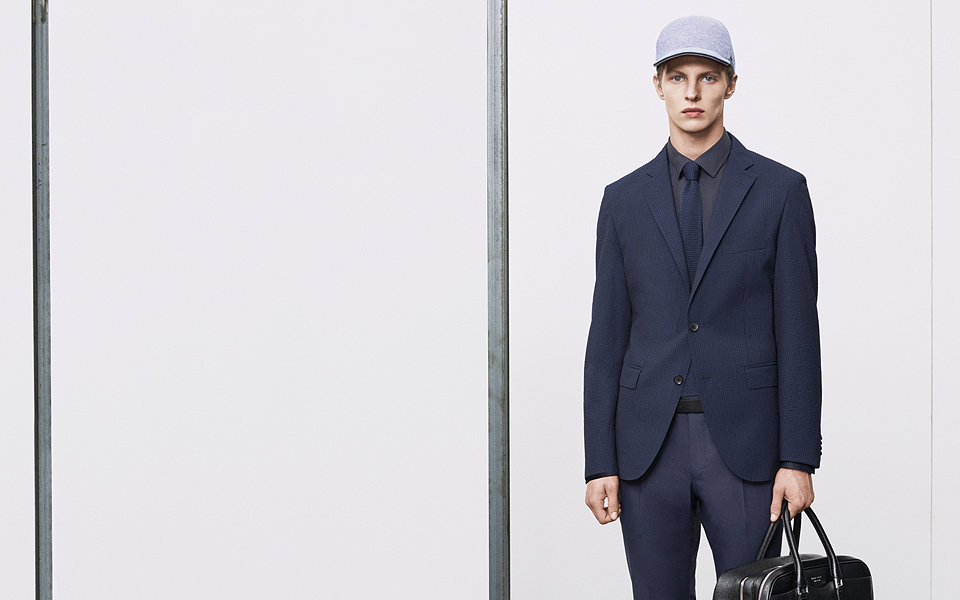
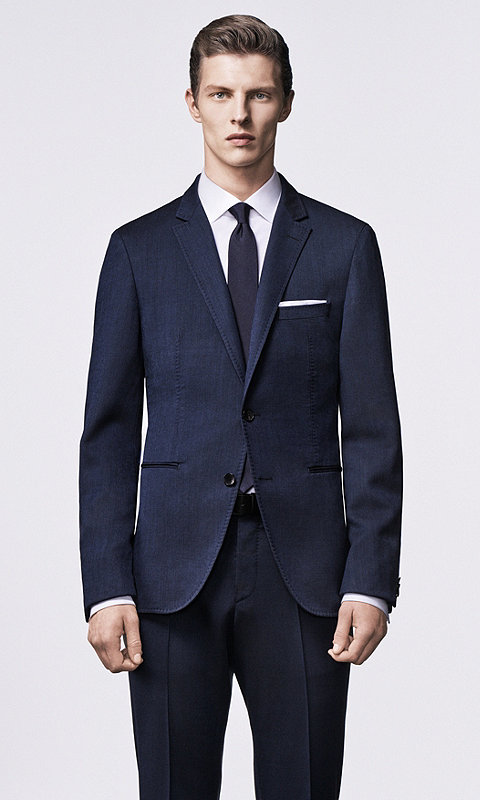
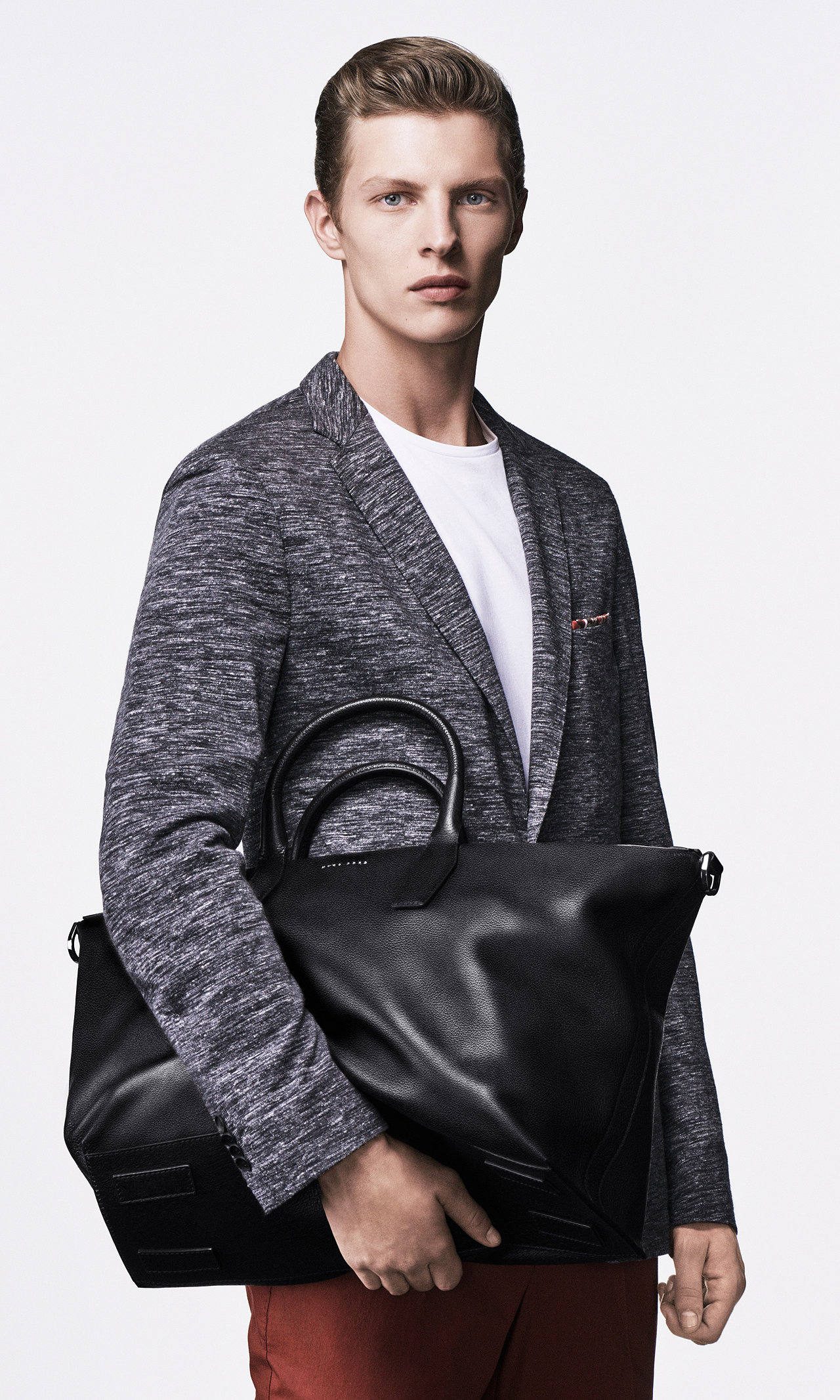
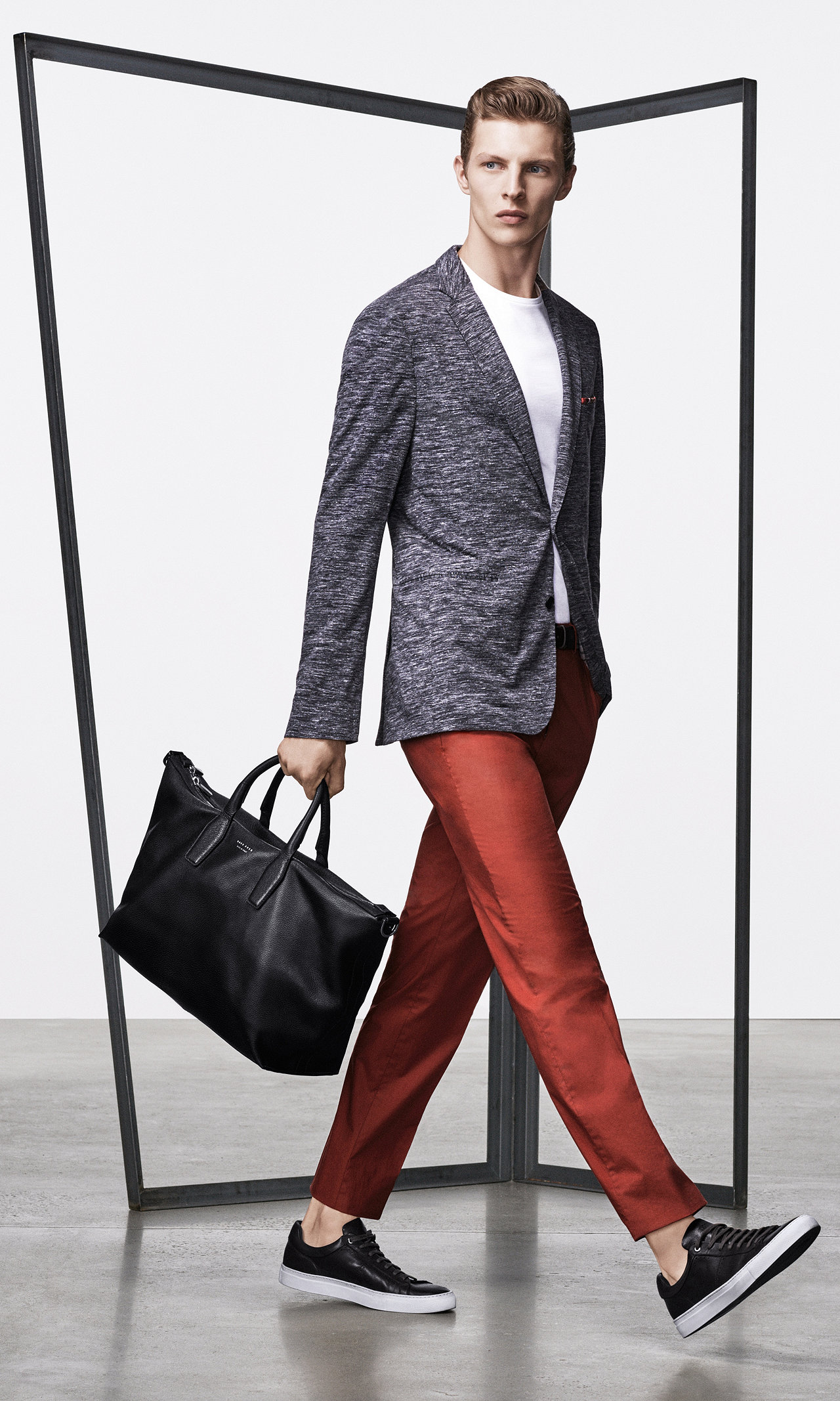
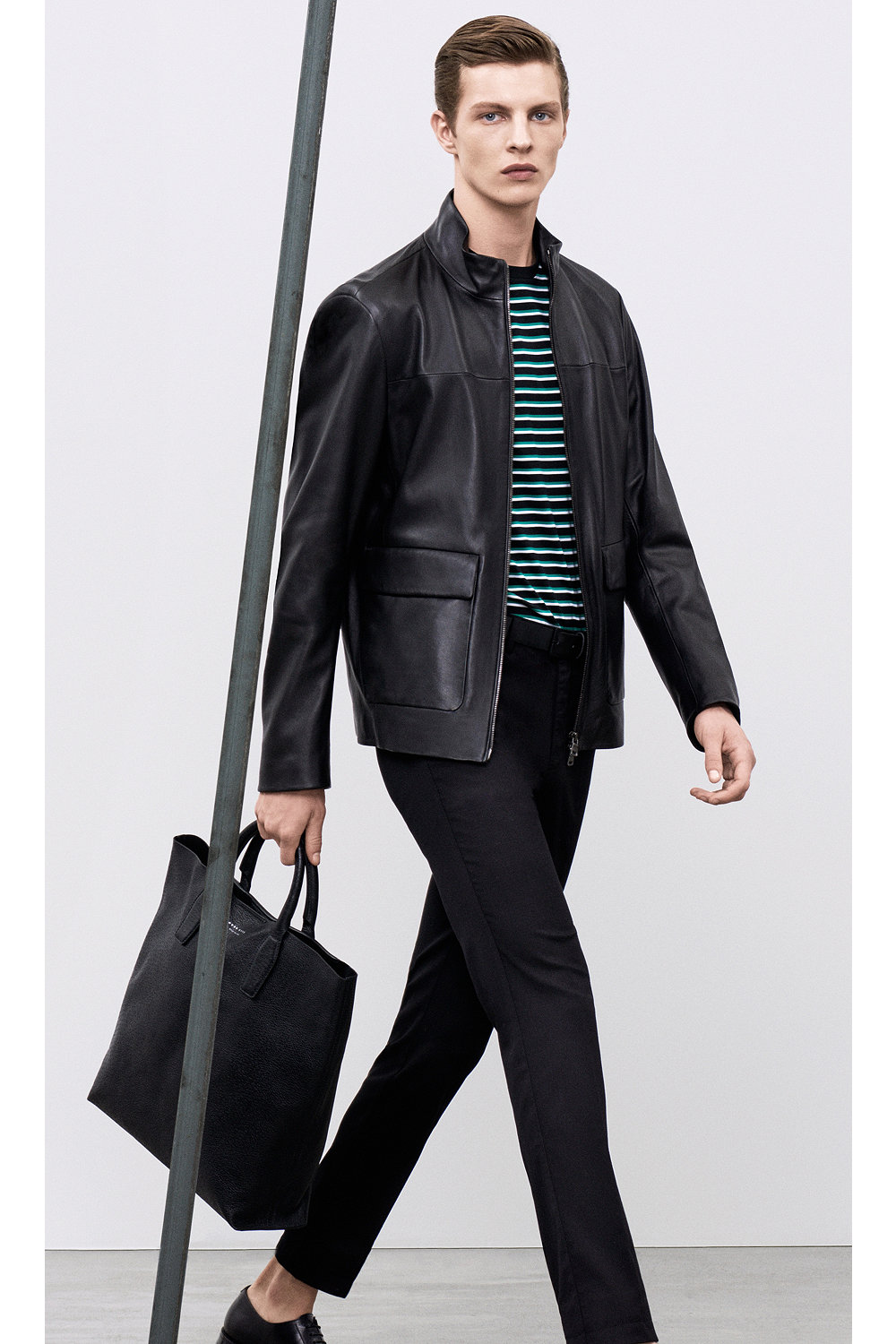
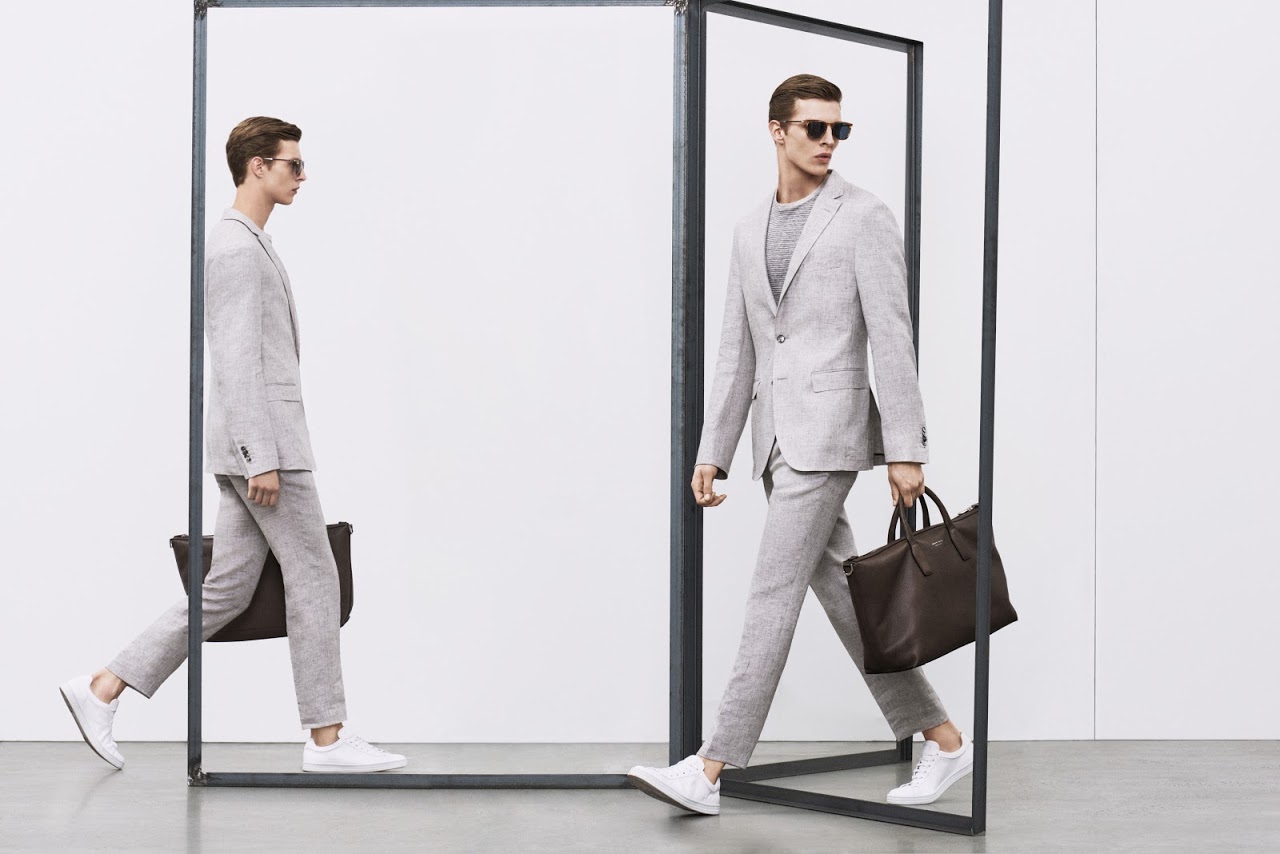
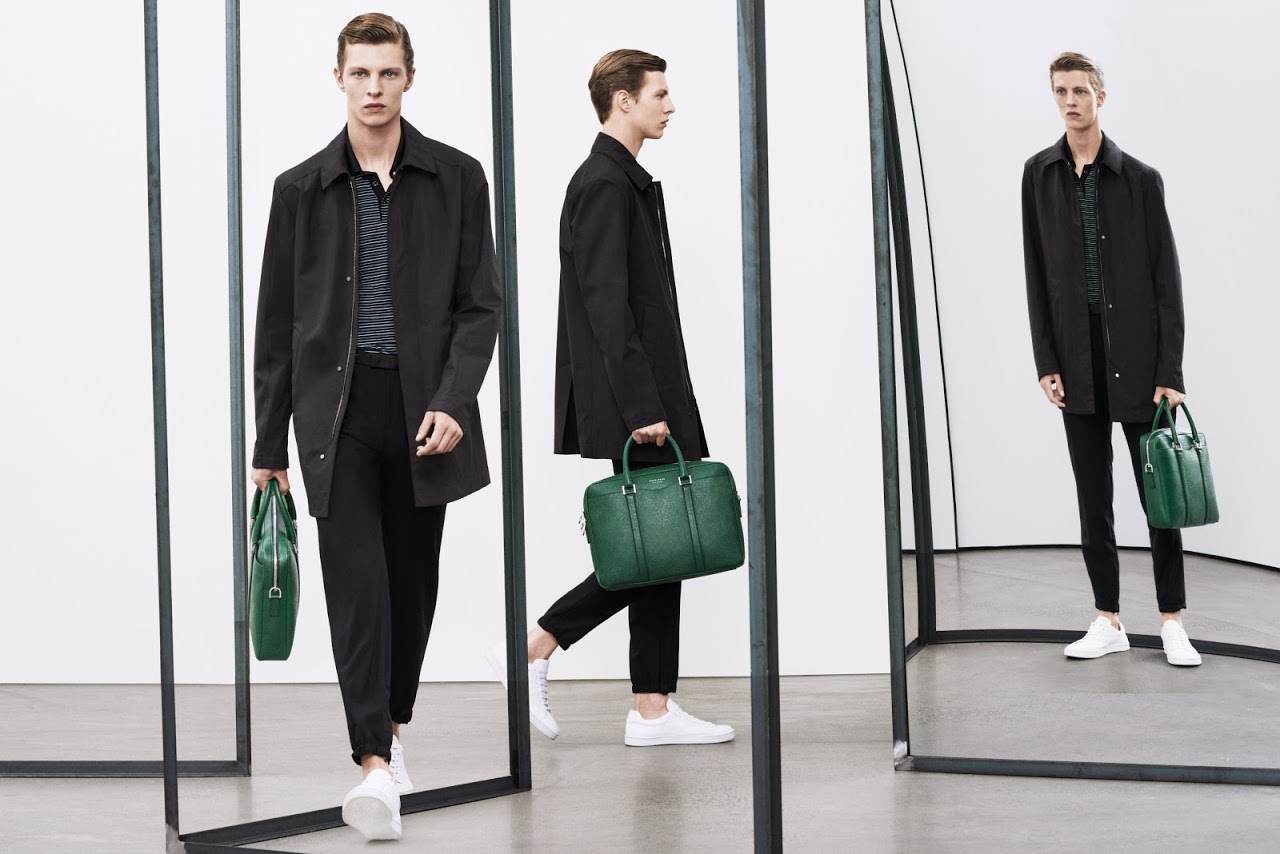
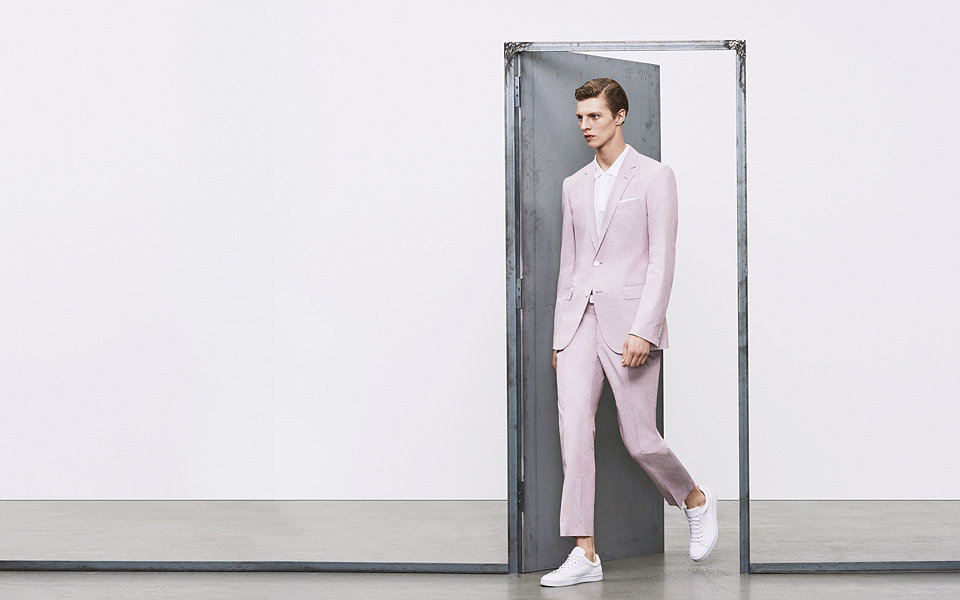
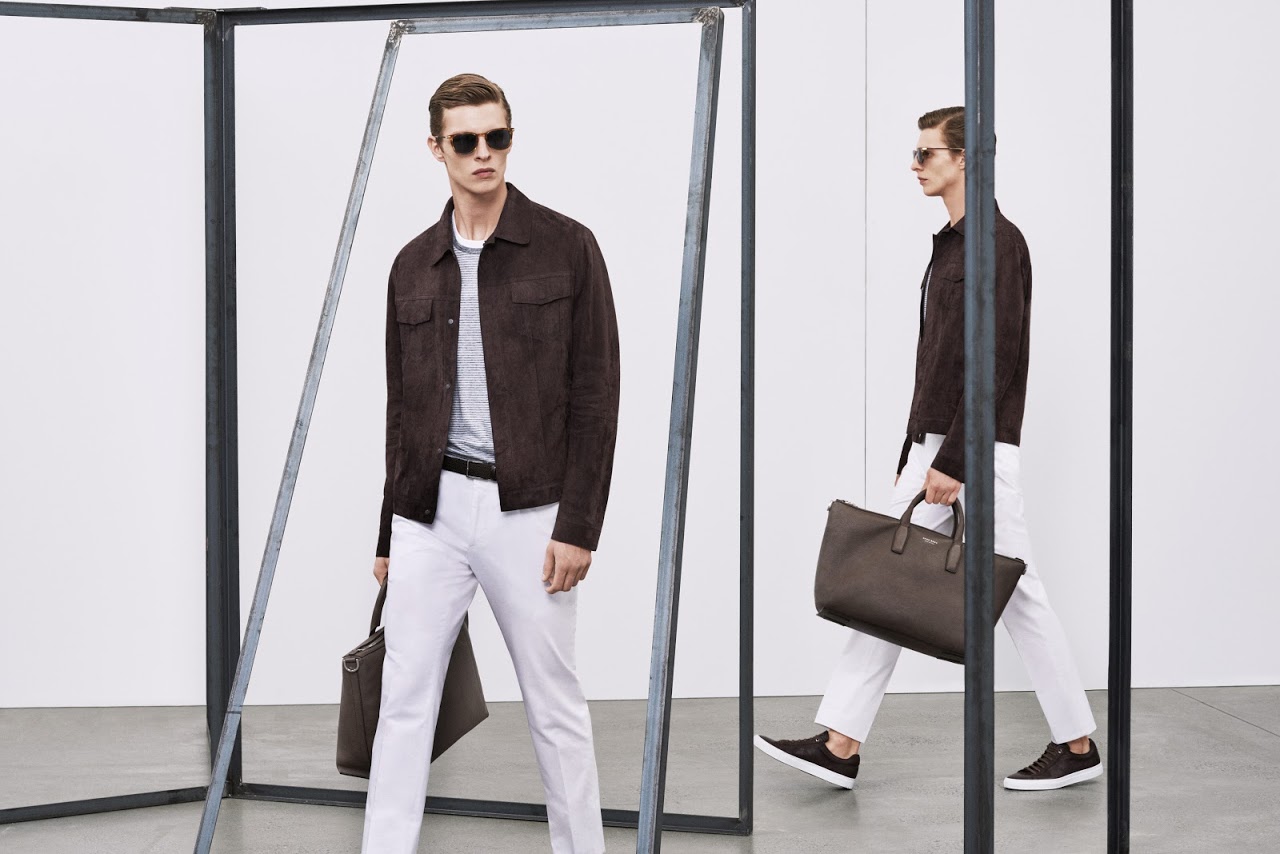
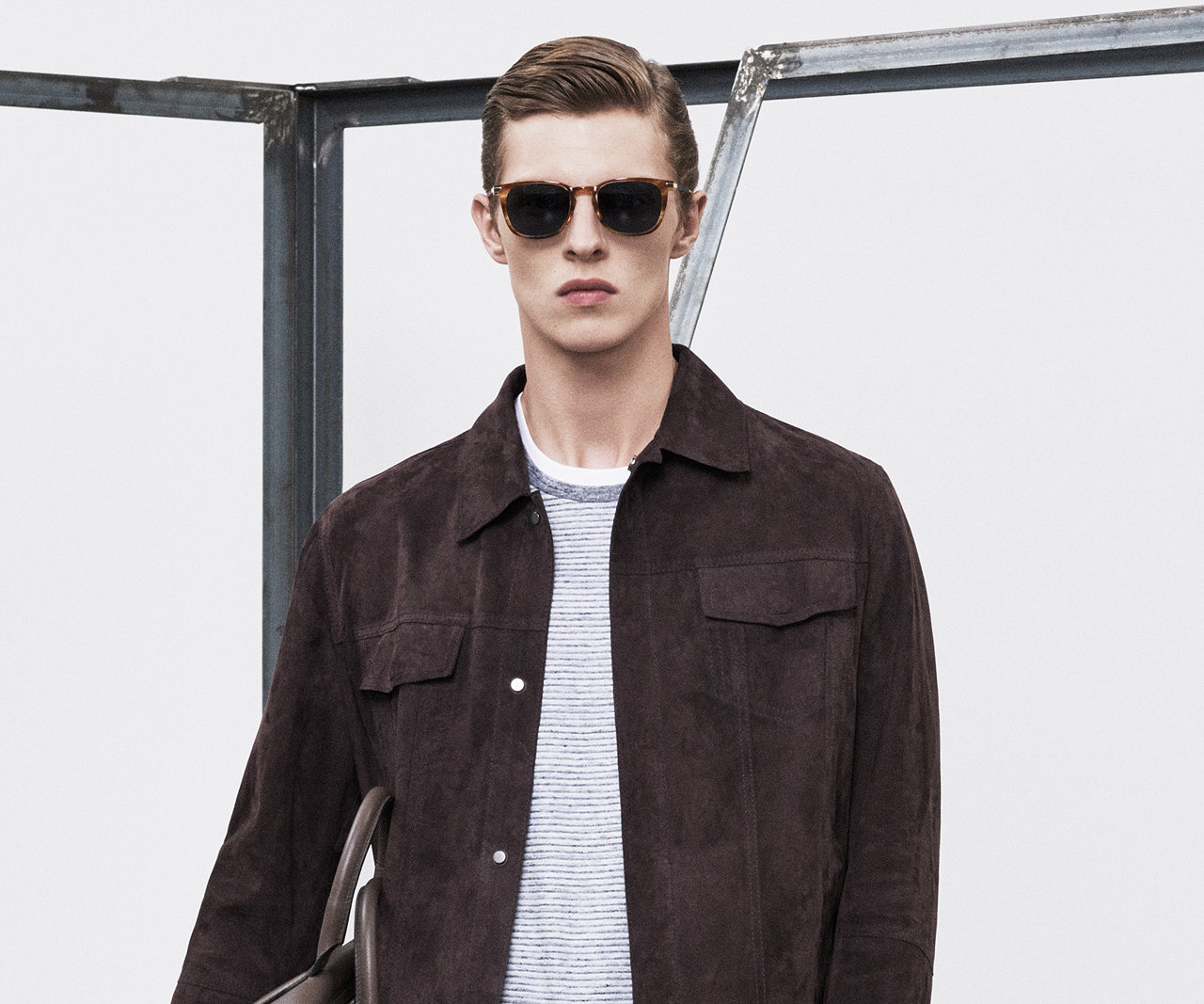
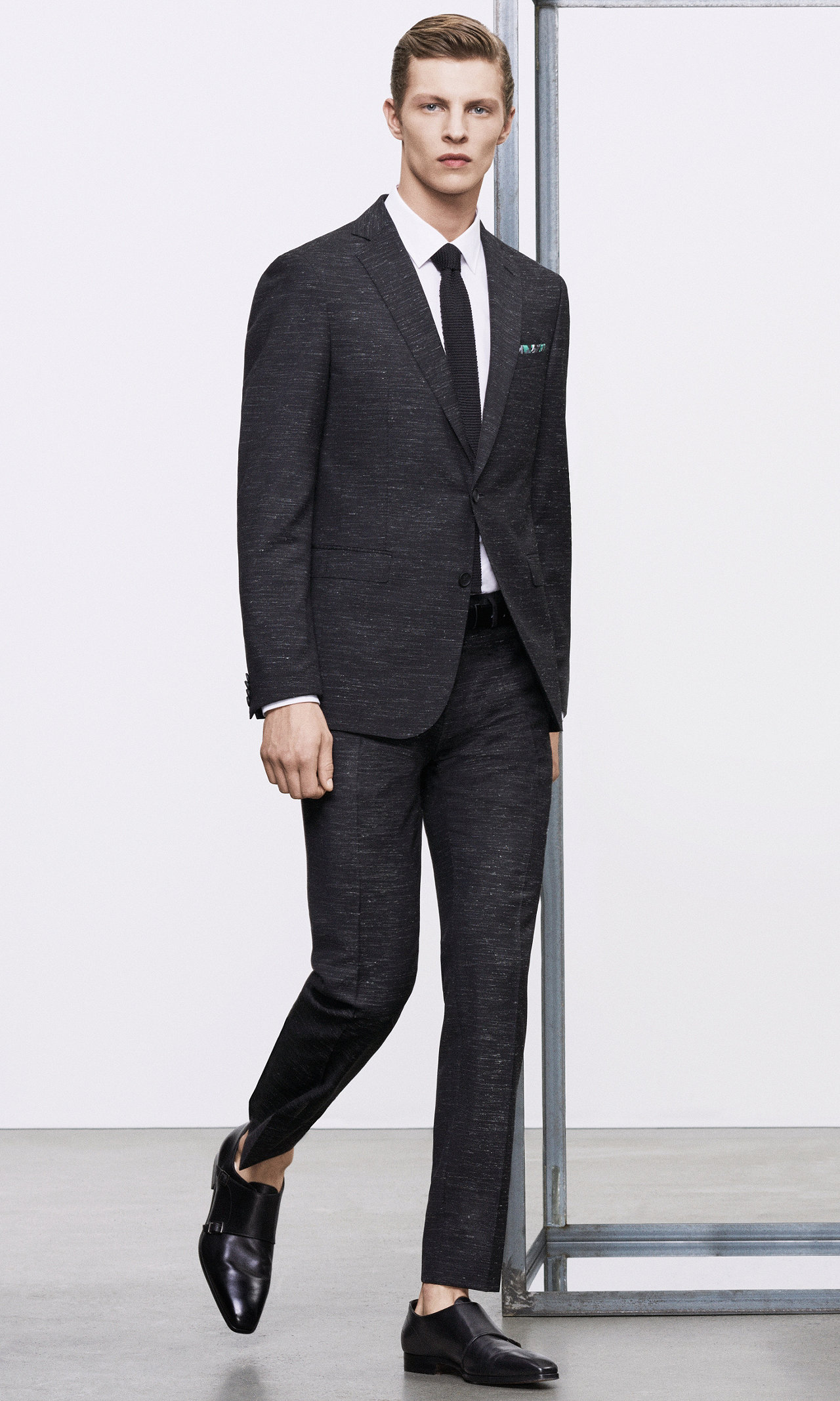
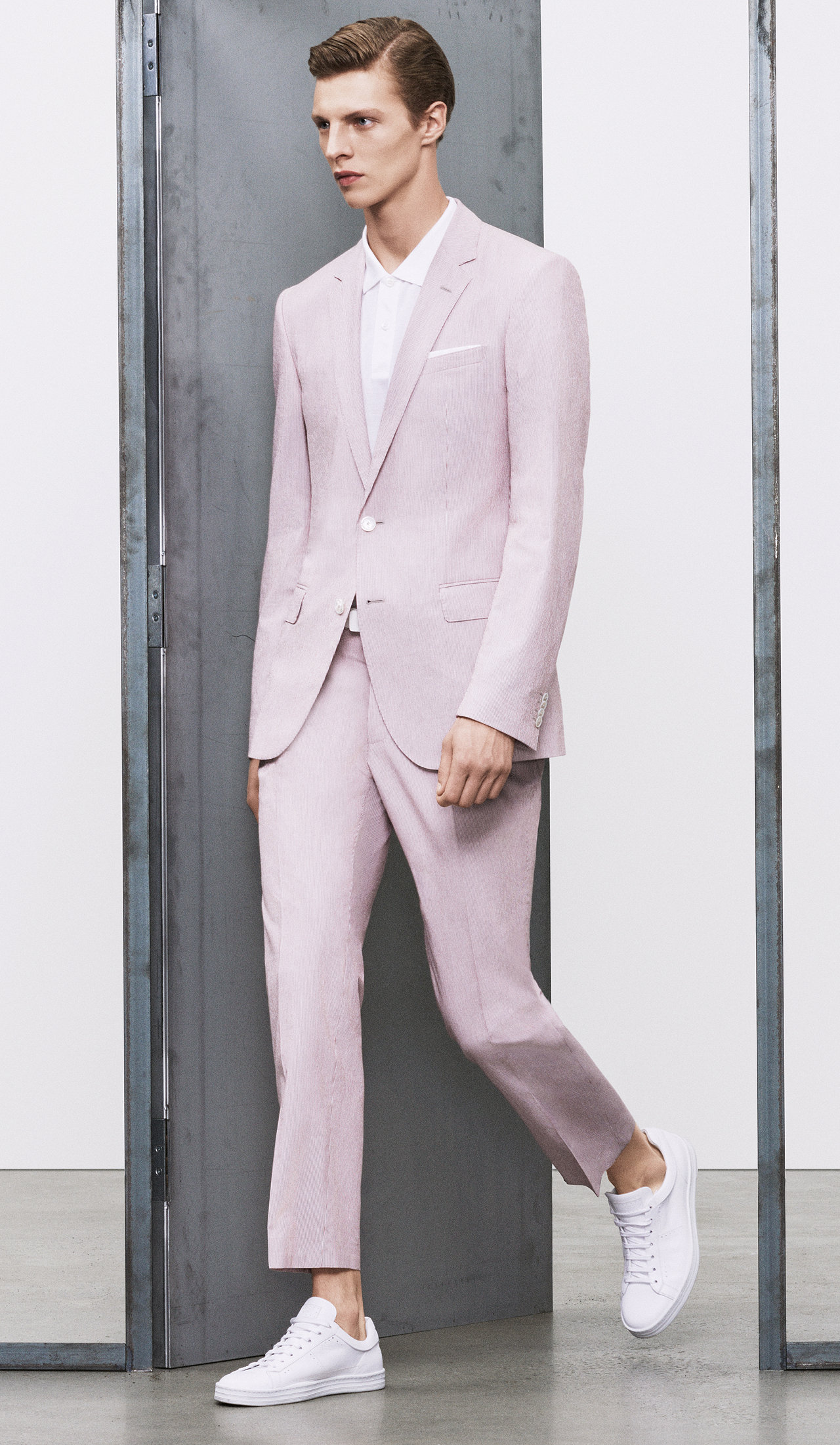
Hugo Boss 2016
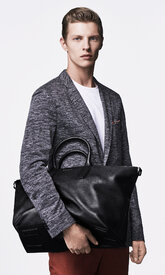
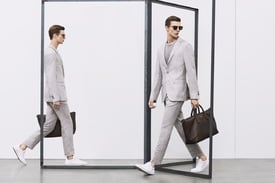
Peek & Cloppenburg S/S 16
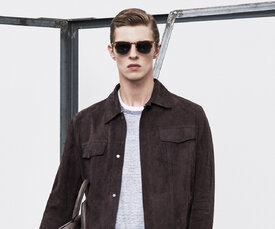
Peek & Cloppenburg S/S 16
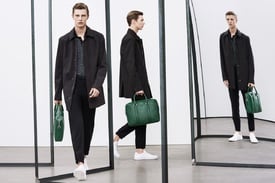
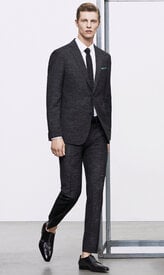
Hugo Boss 2016
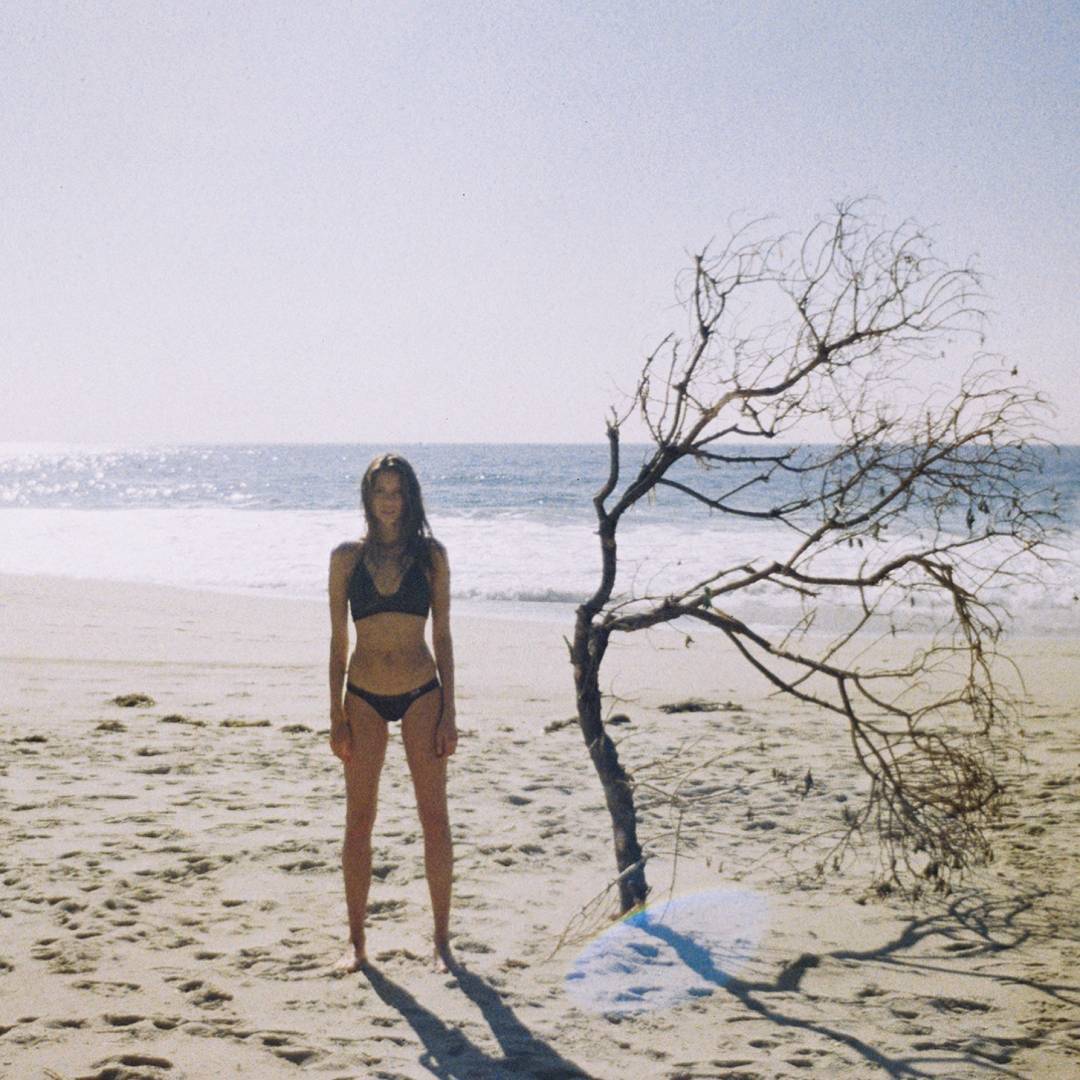
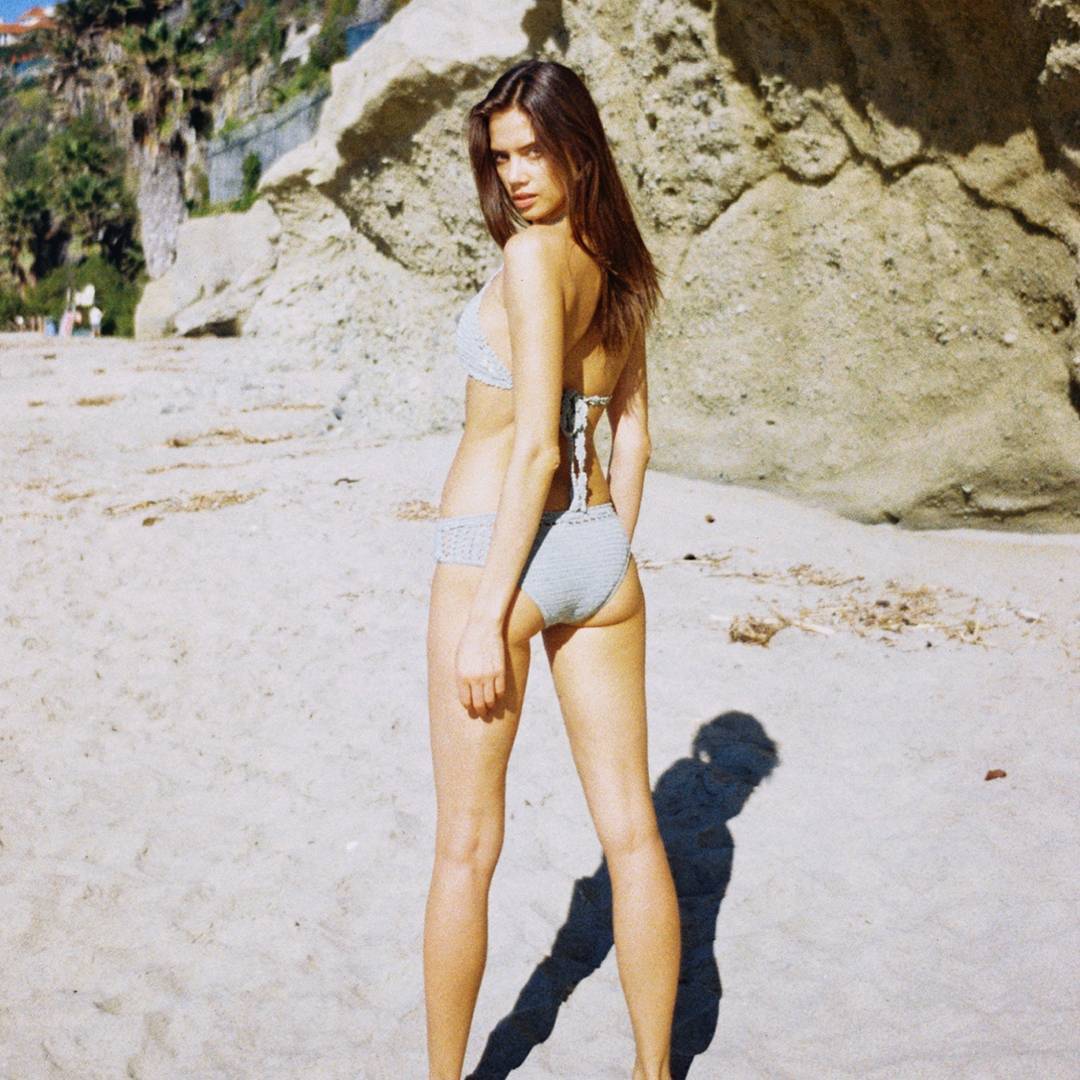
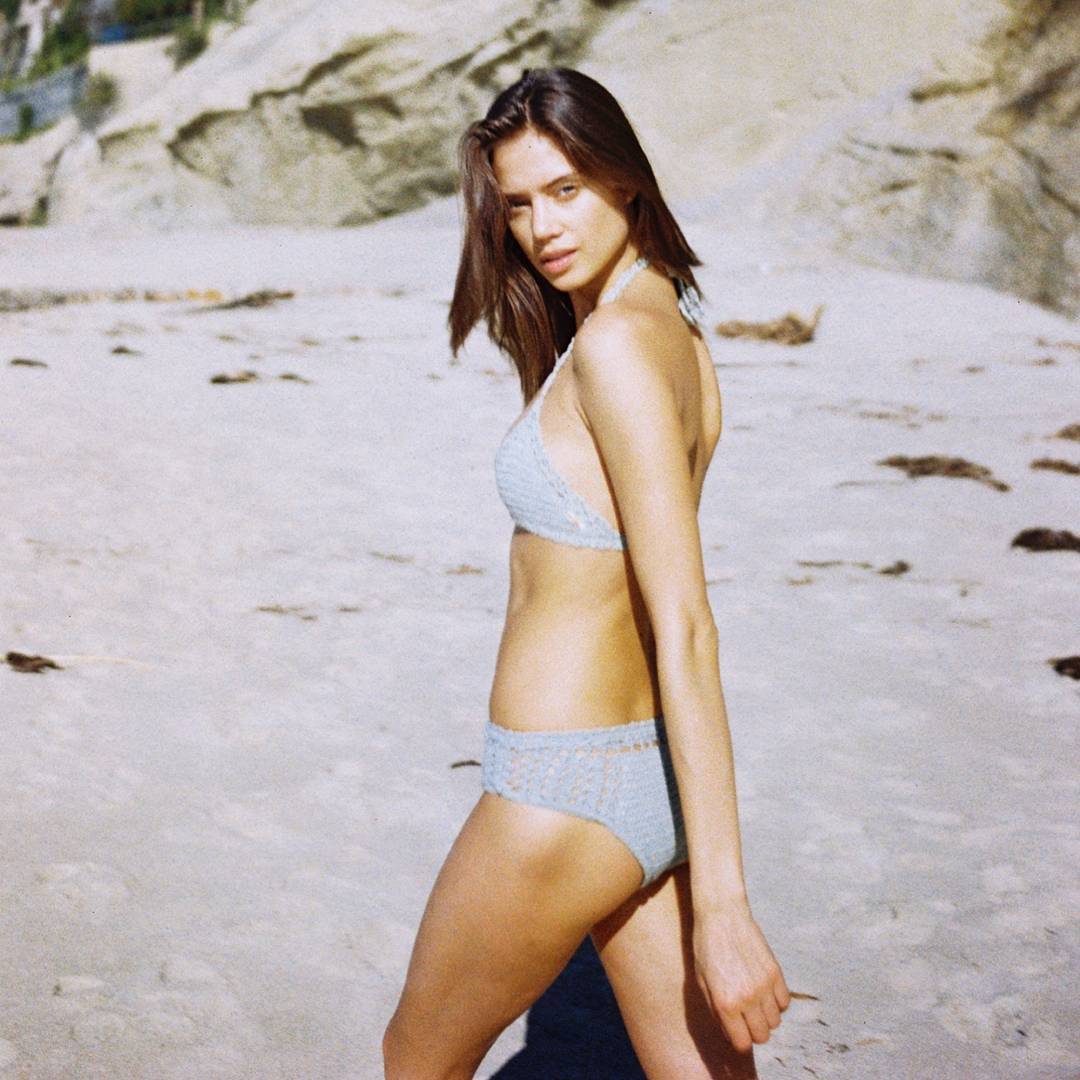
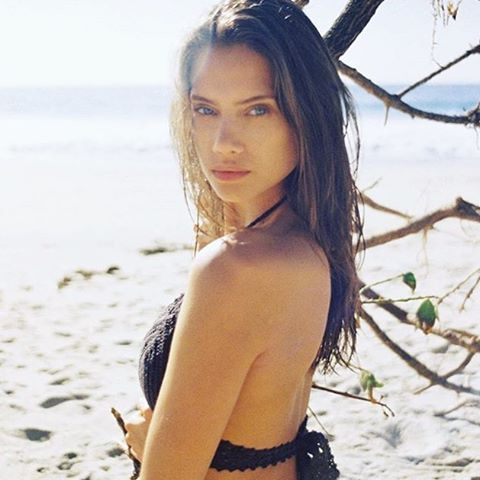
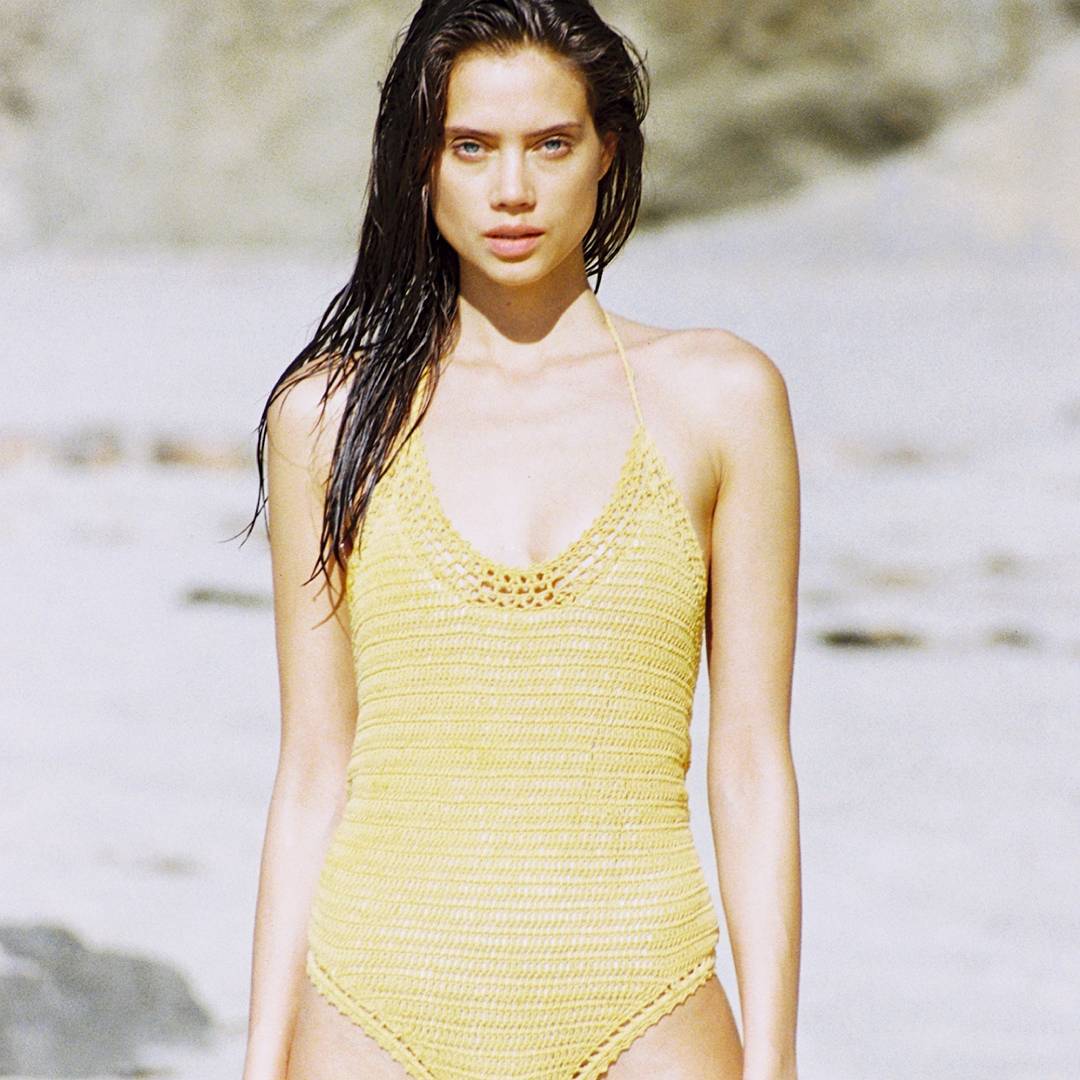
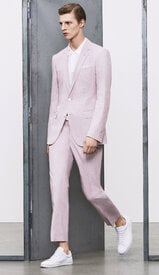 She Made Me Swimwear

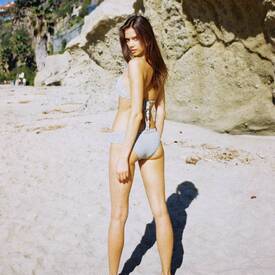



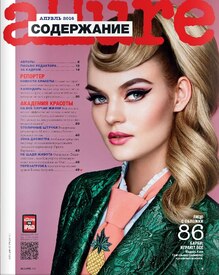
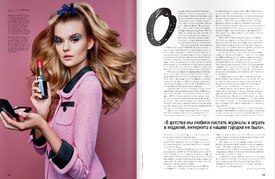
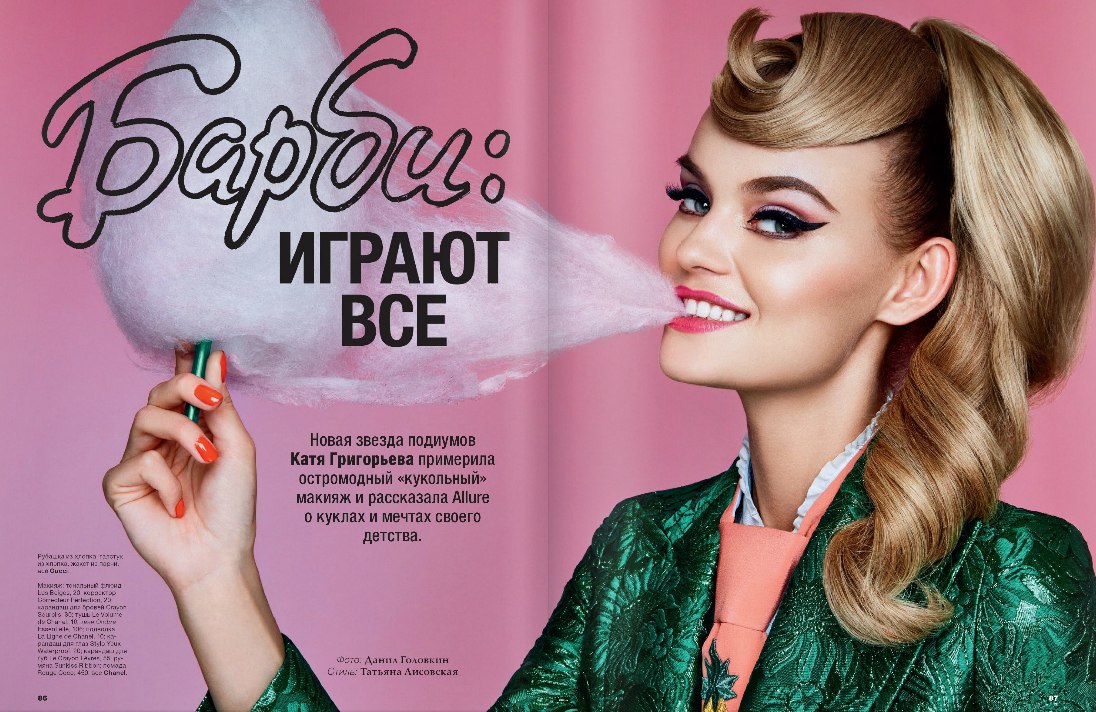
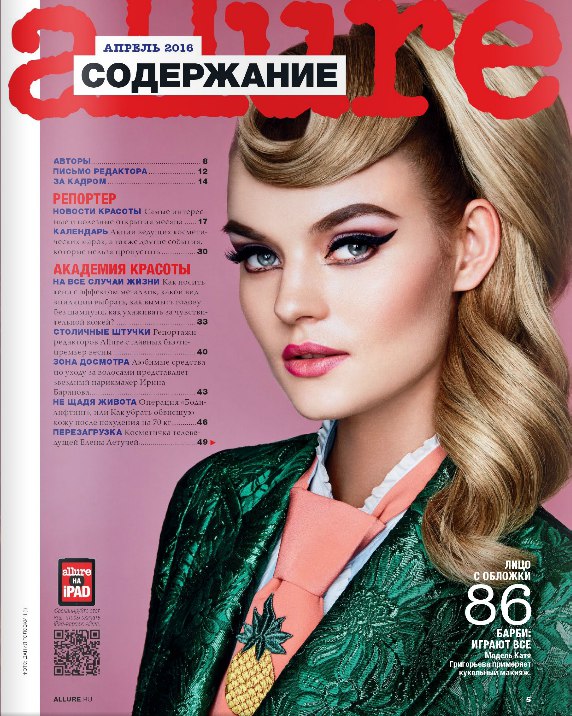
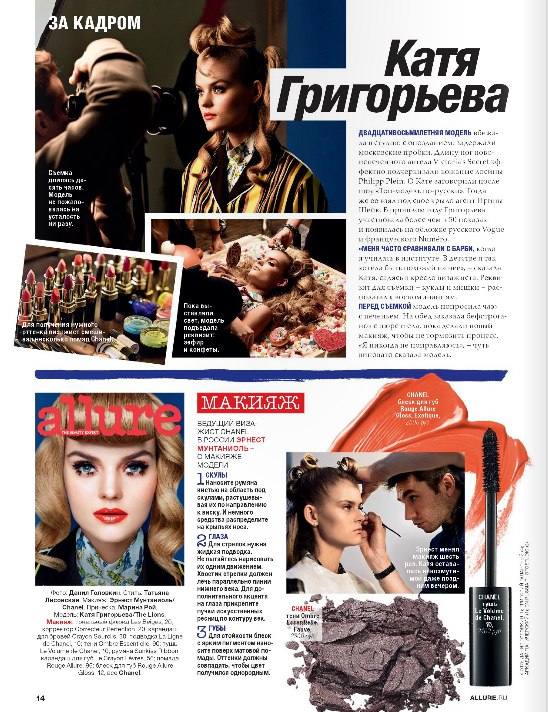
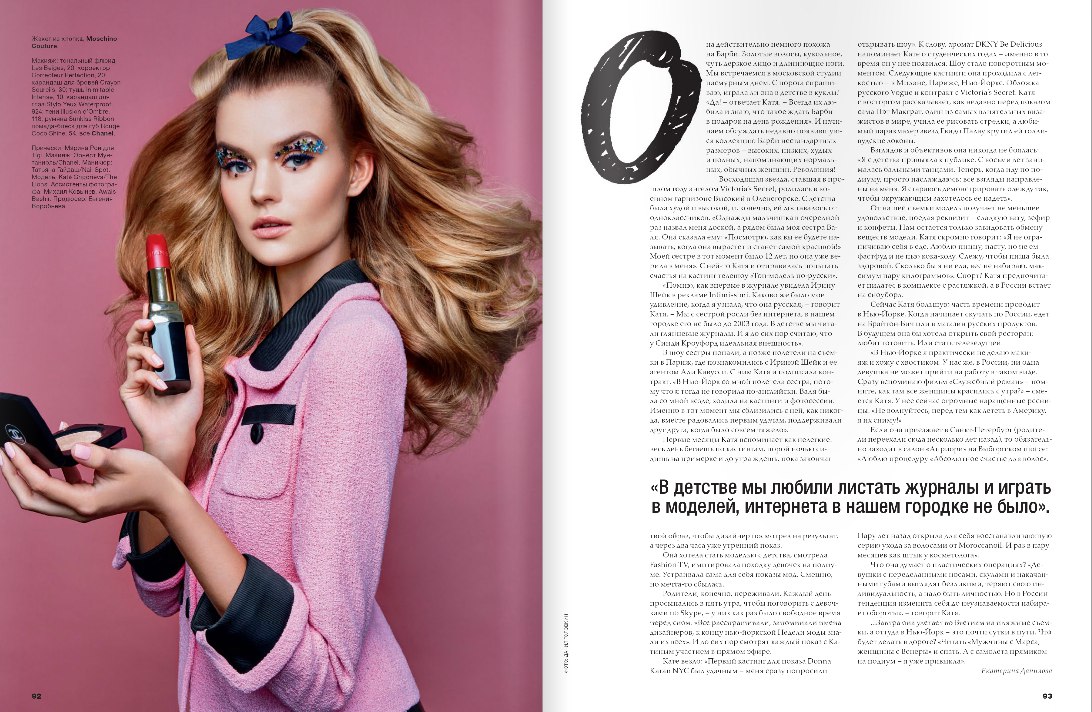
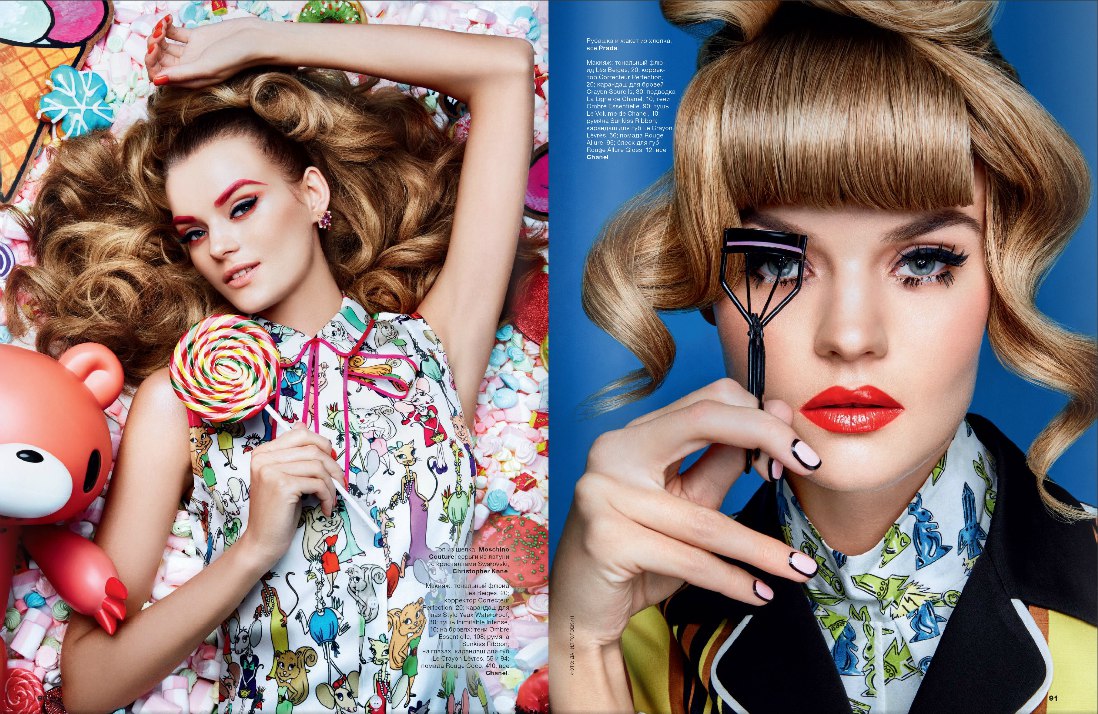
 Allure April 2016 HQ + Interview
Allure Russia April 2016 vk fanpage
Allure April 2016 HQ + Interview
Allure Russia April 2016 vk fanpage
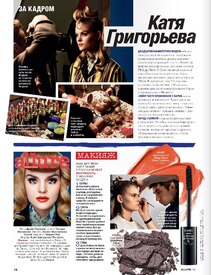
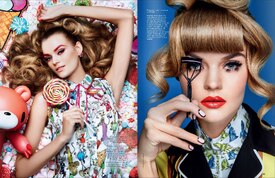 Dolce & Gabbana Beauty:Passion Eyes Waterproof Mascara
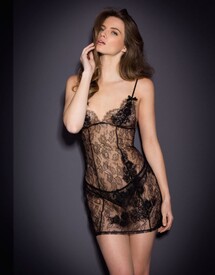
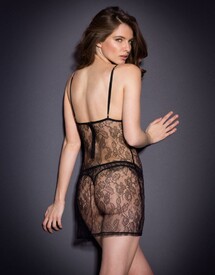
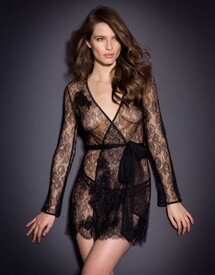
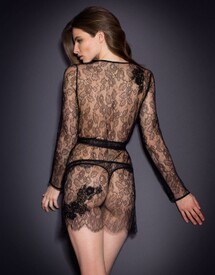
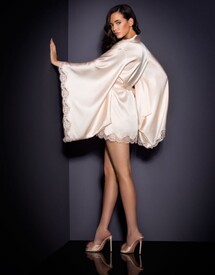
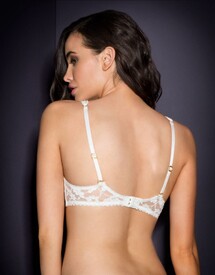
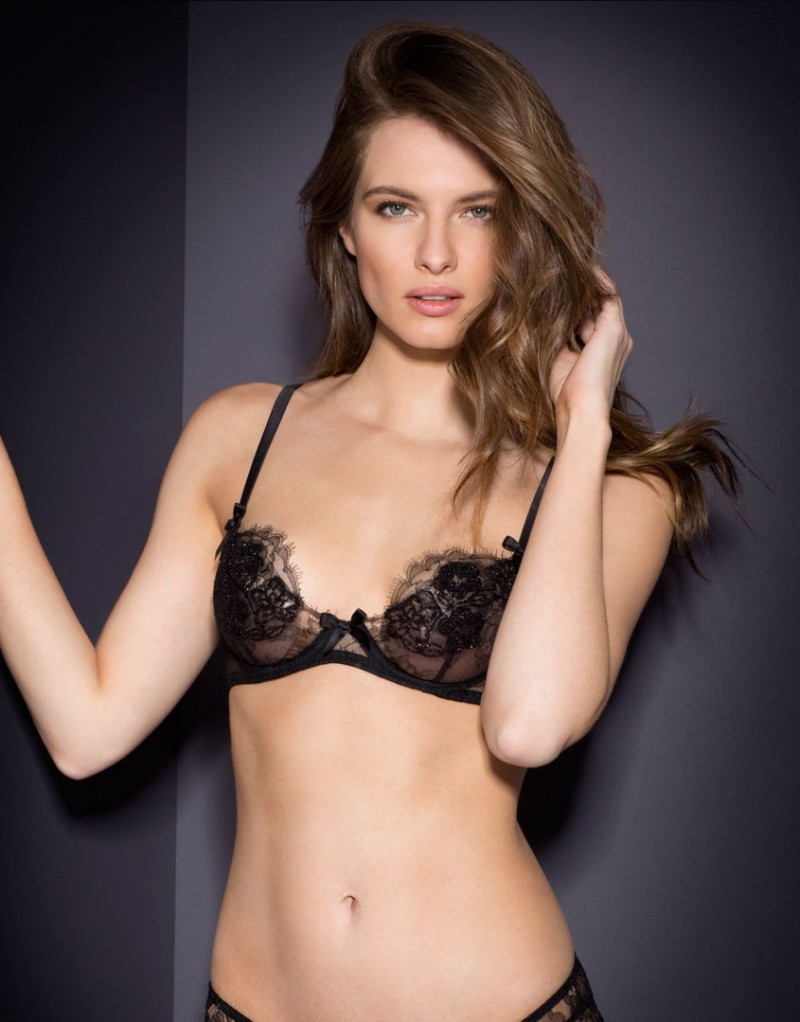
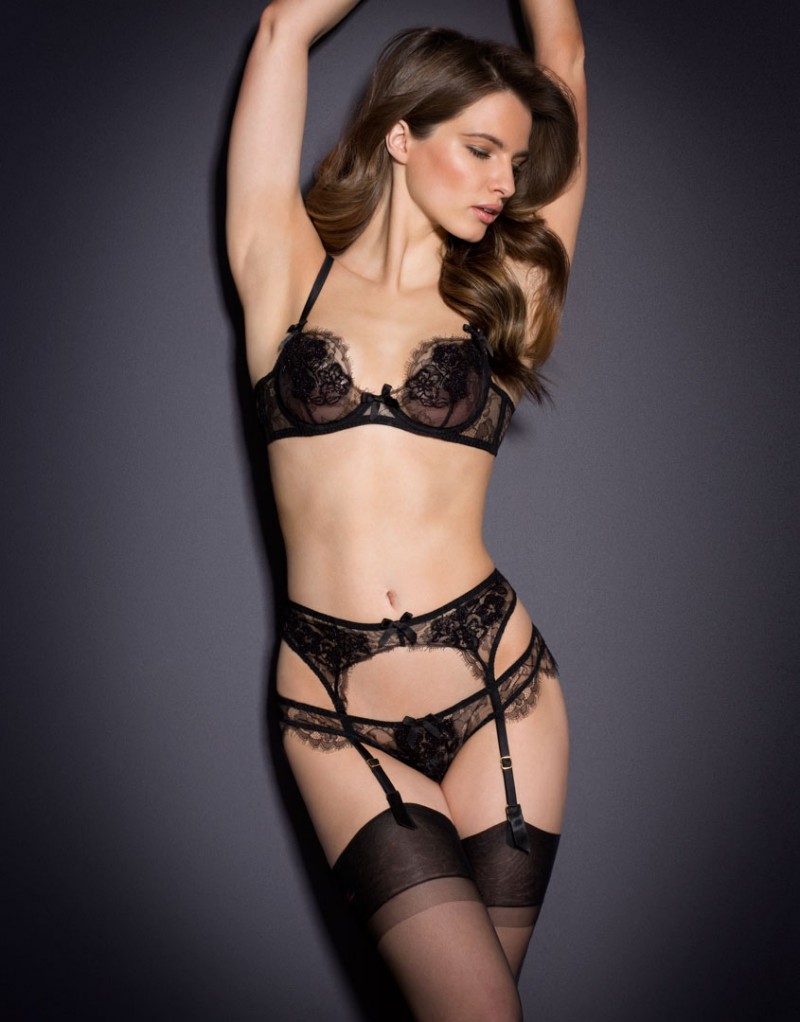
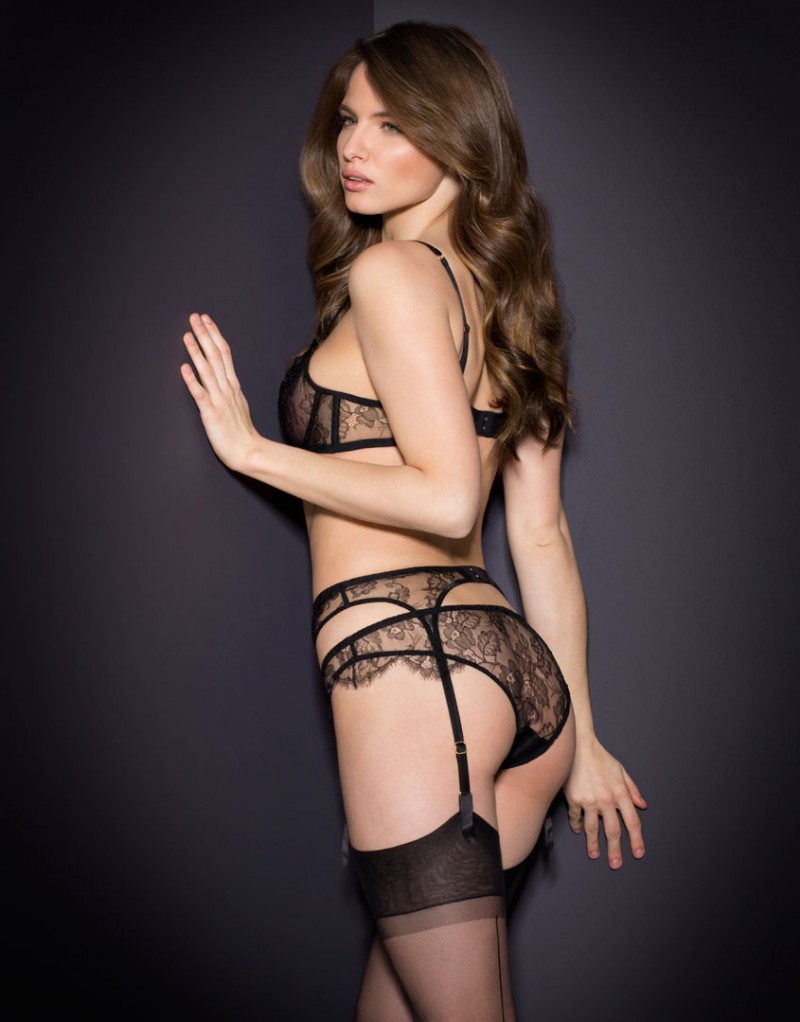
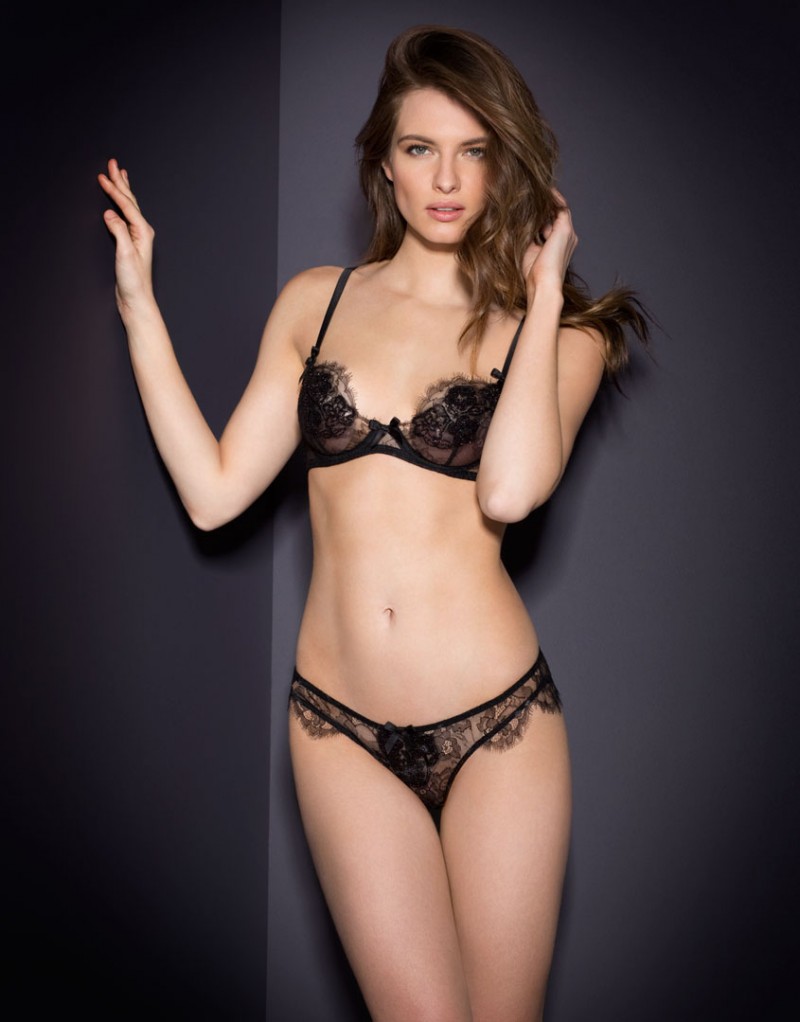
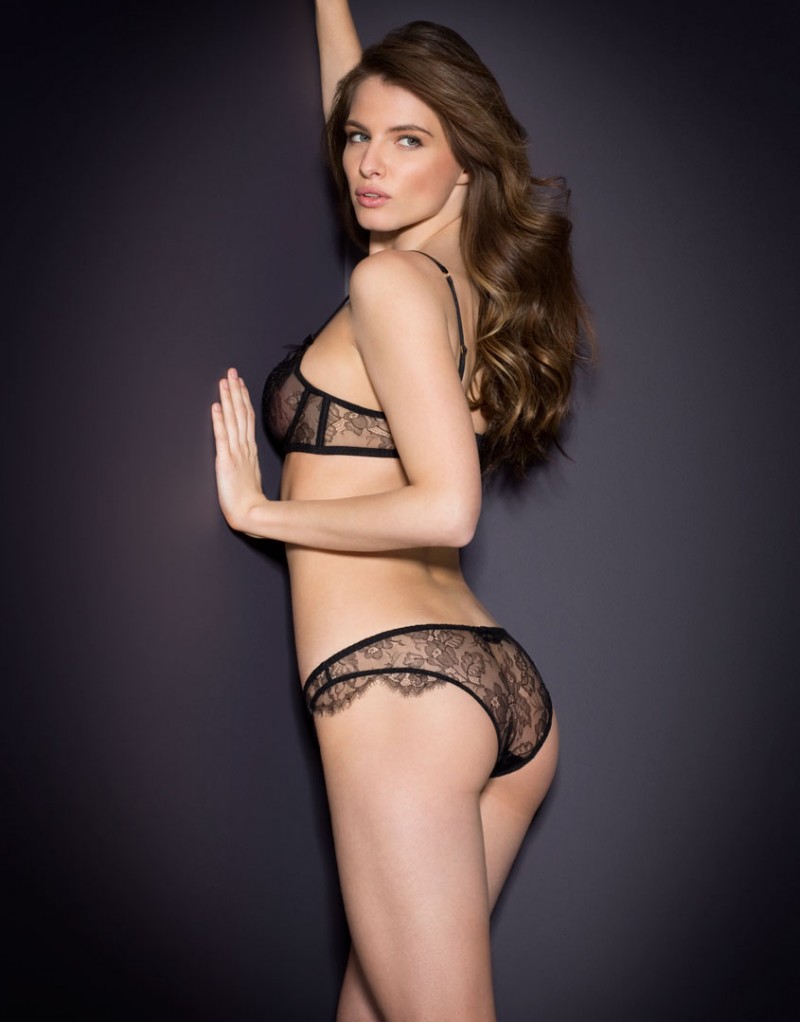
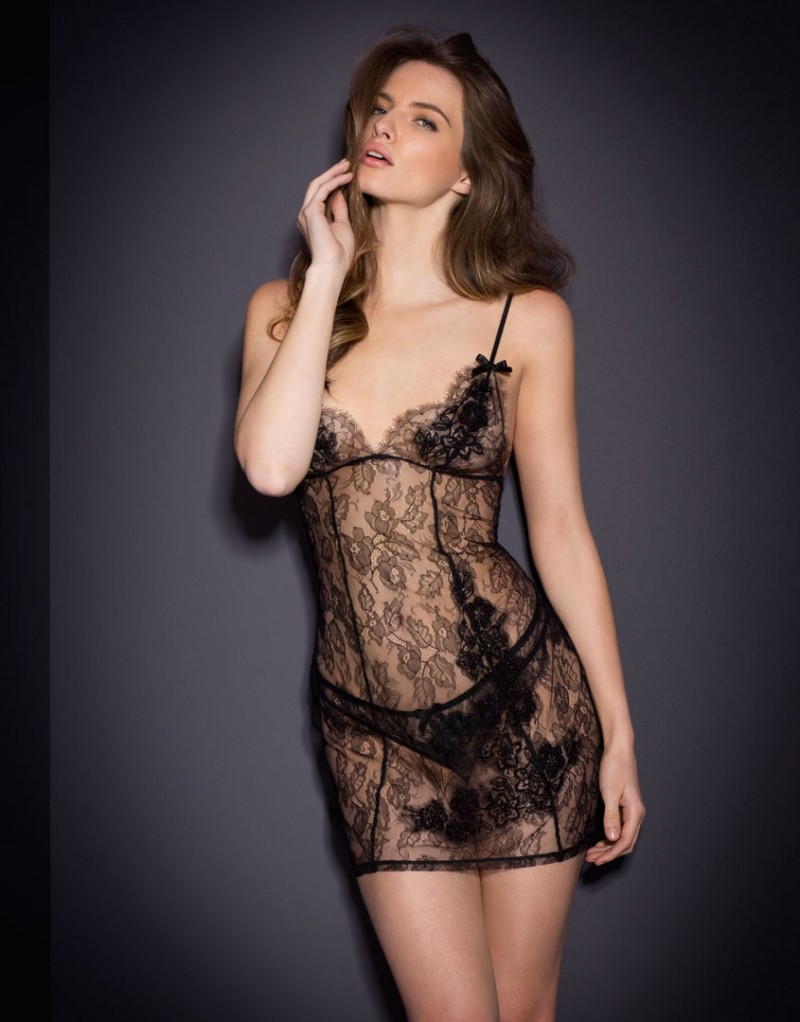
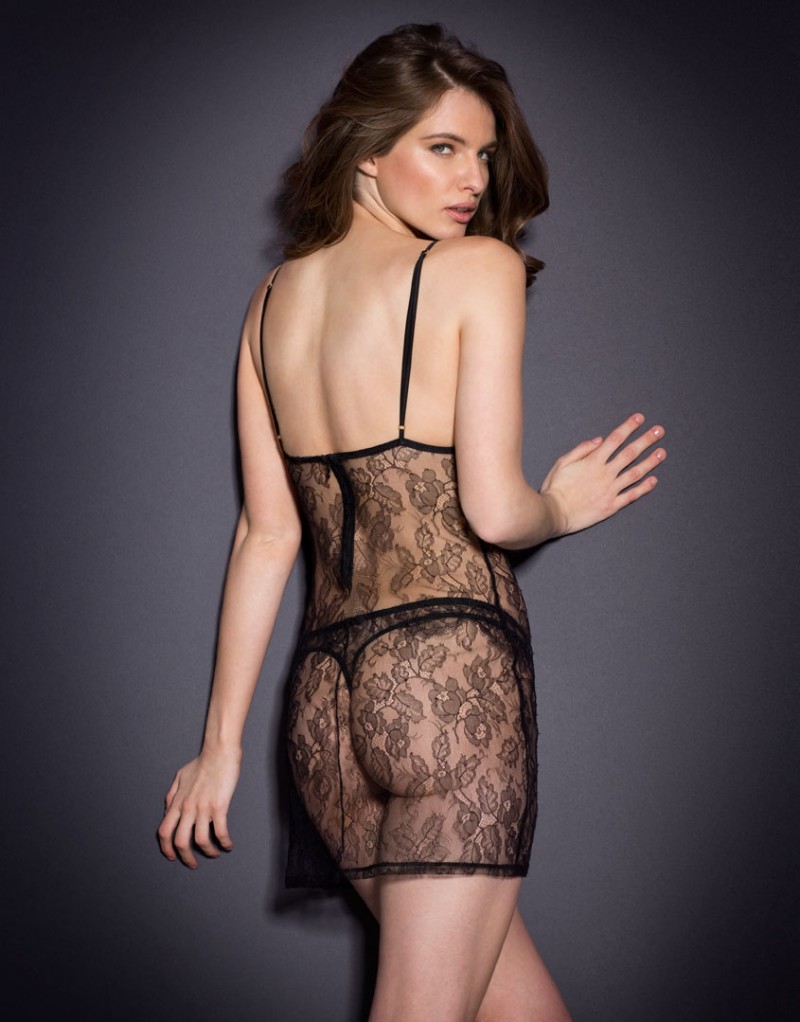
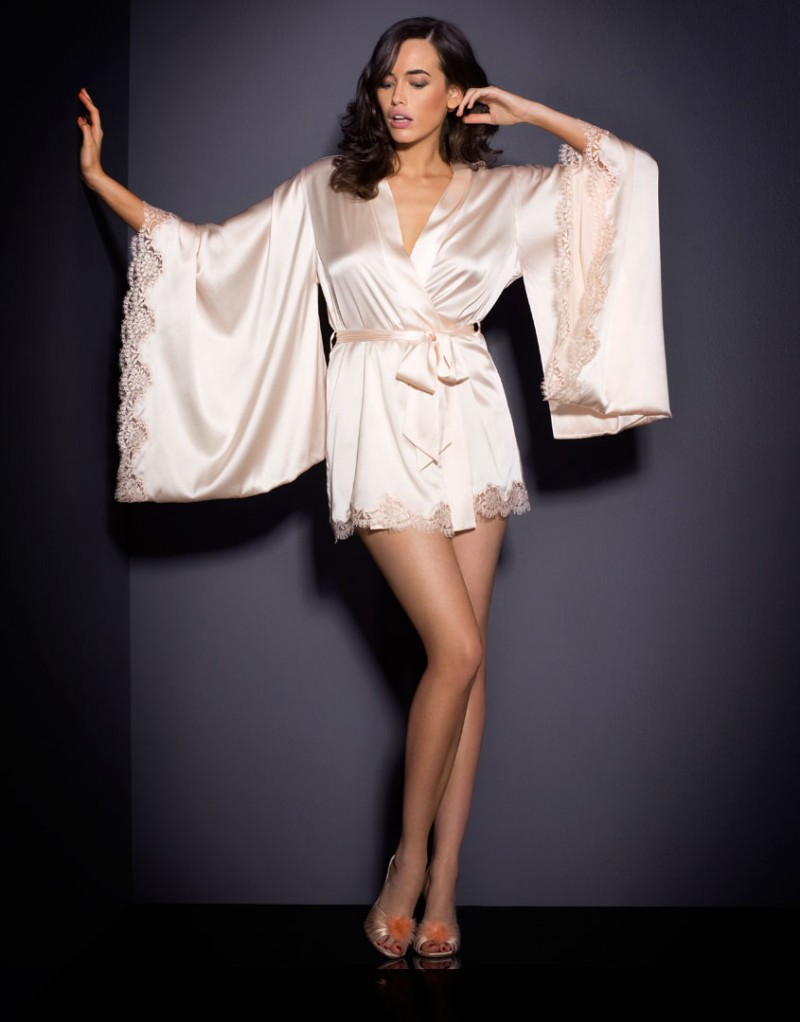
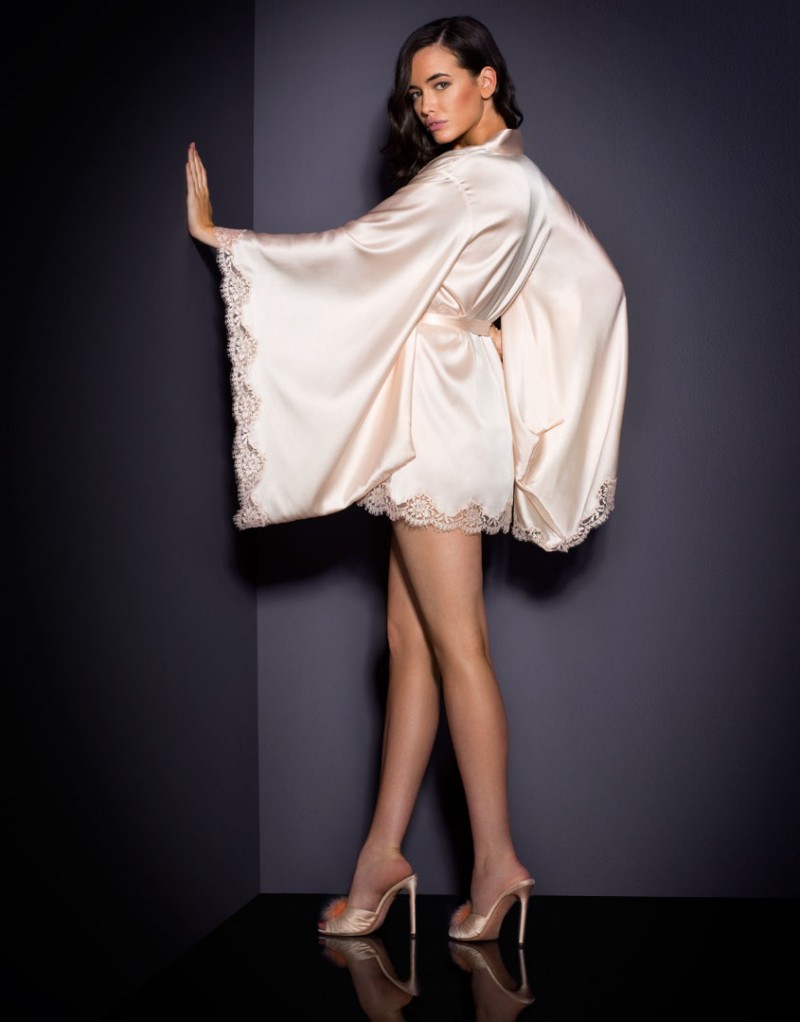
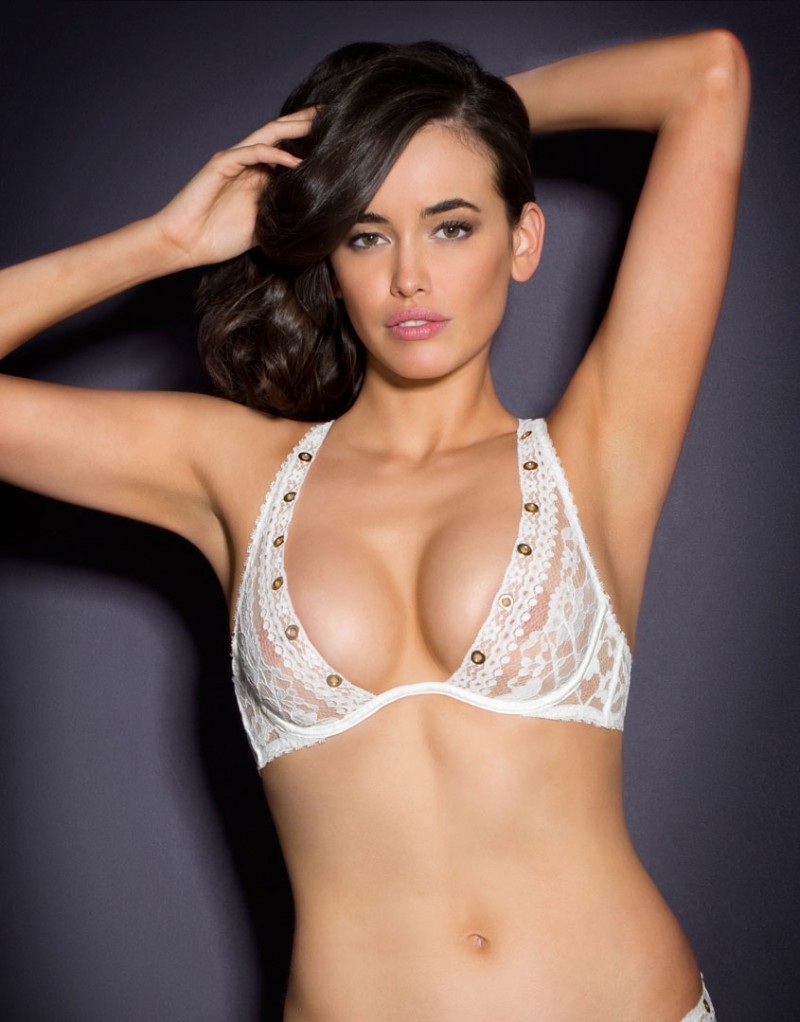
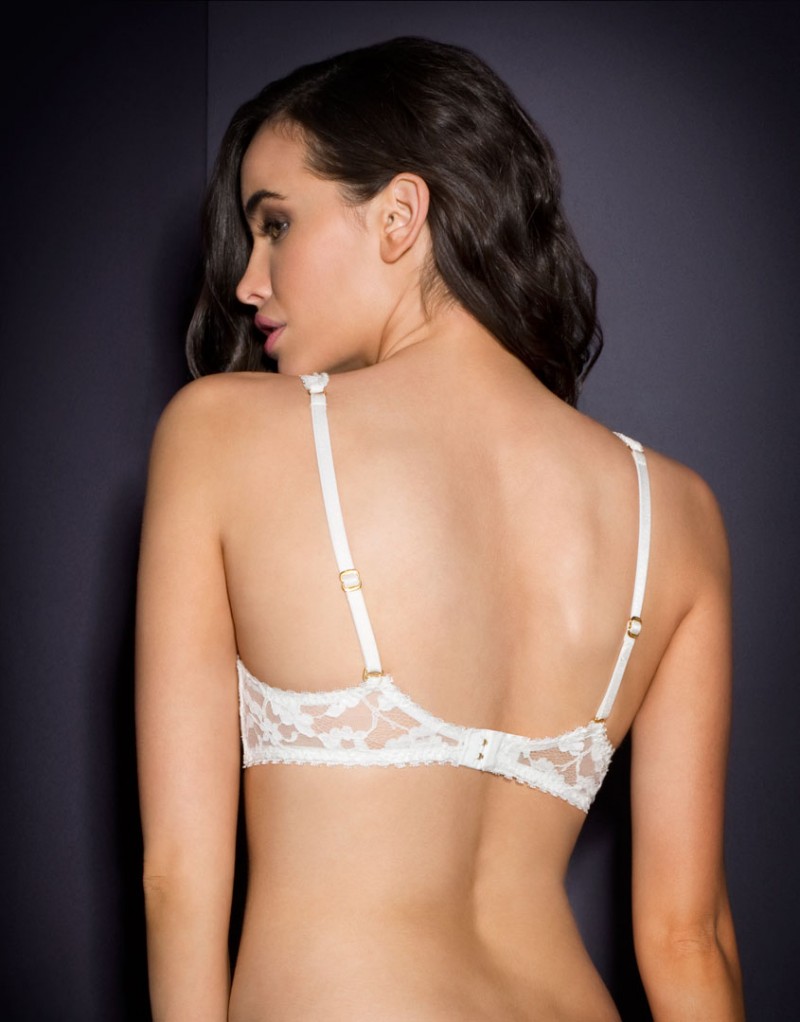
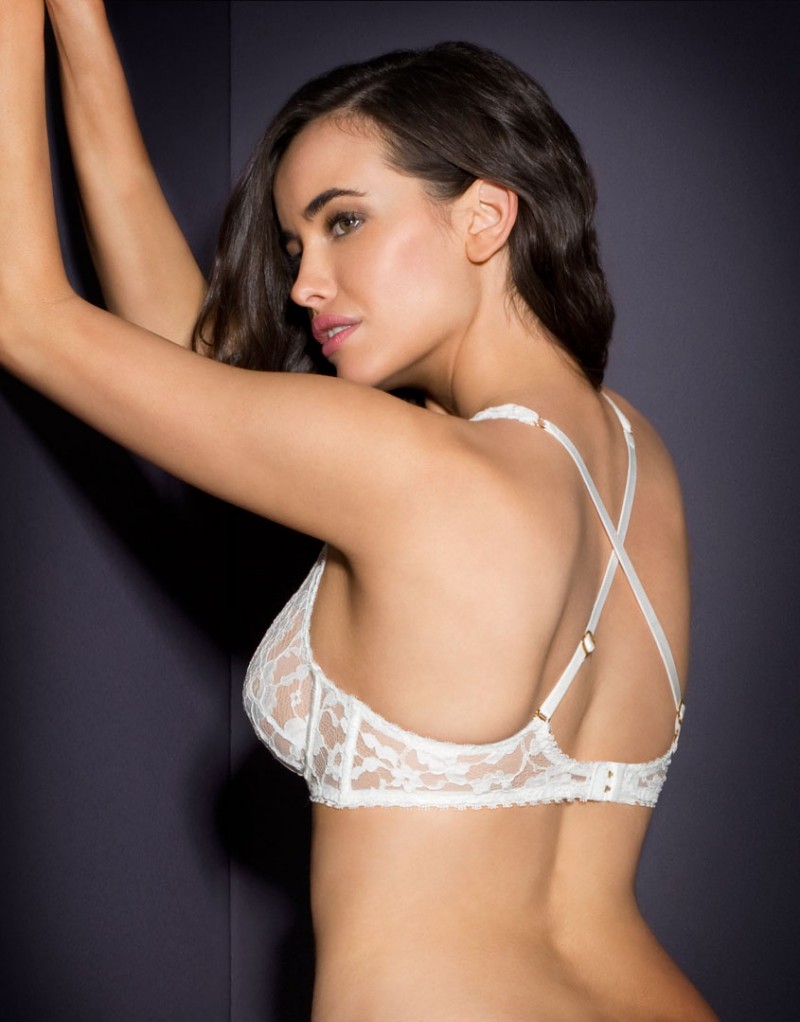
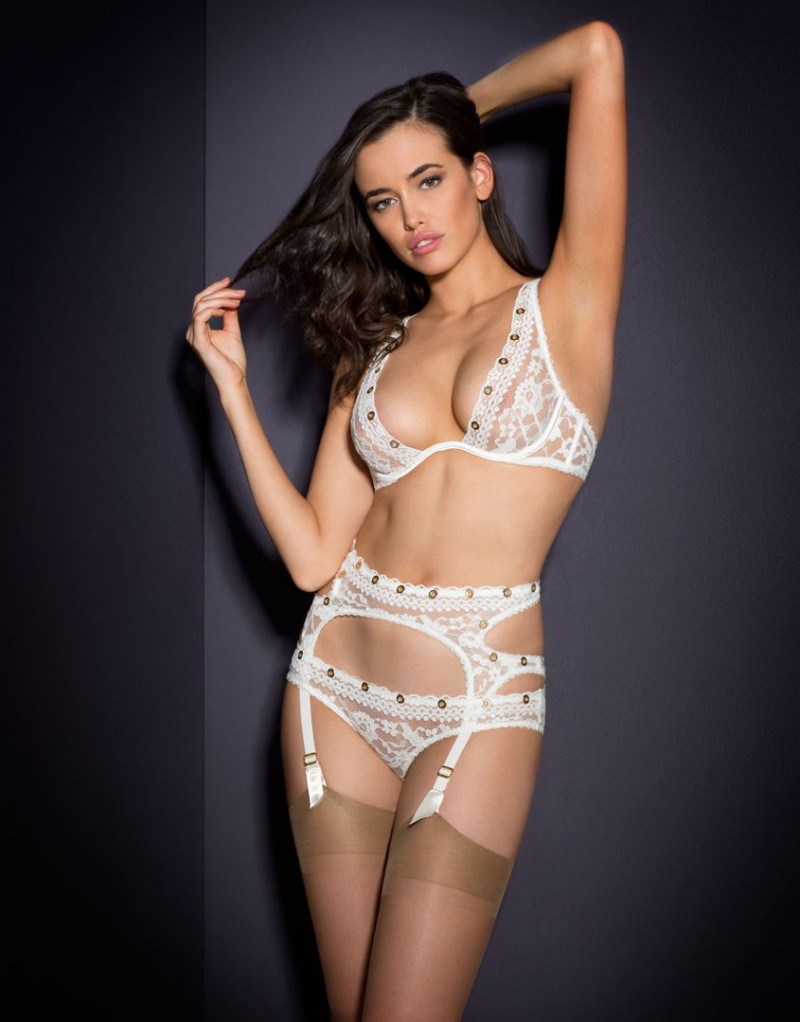
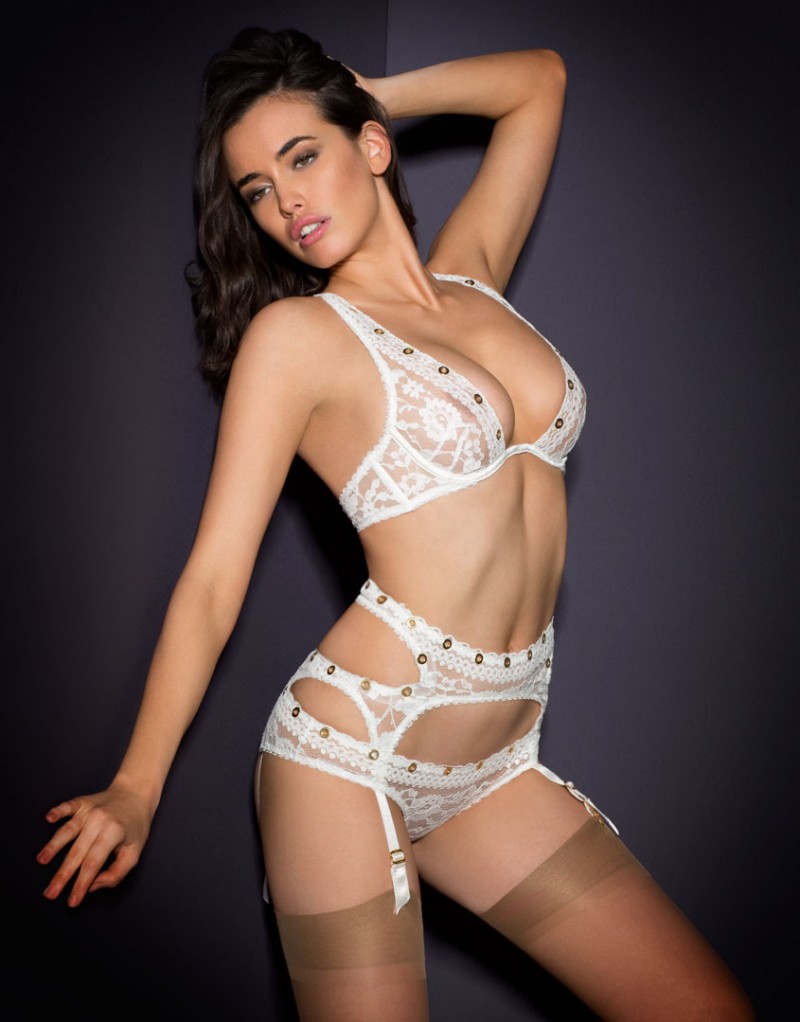
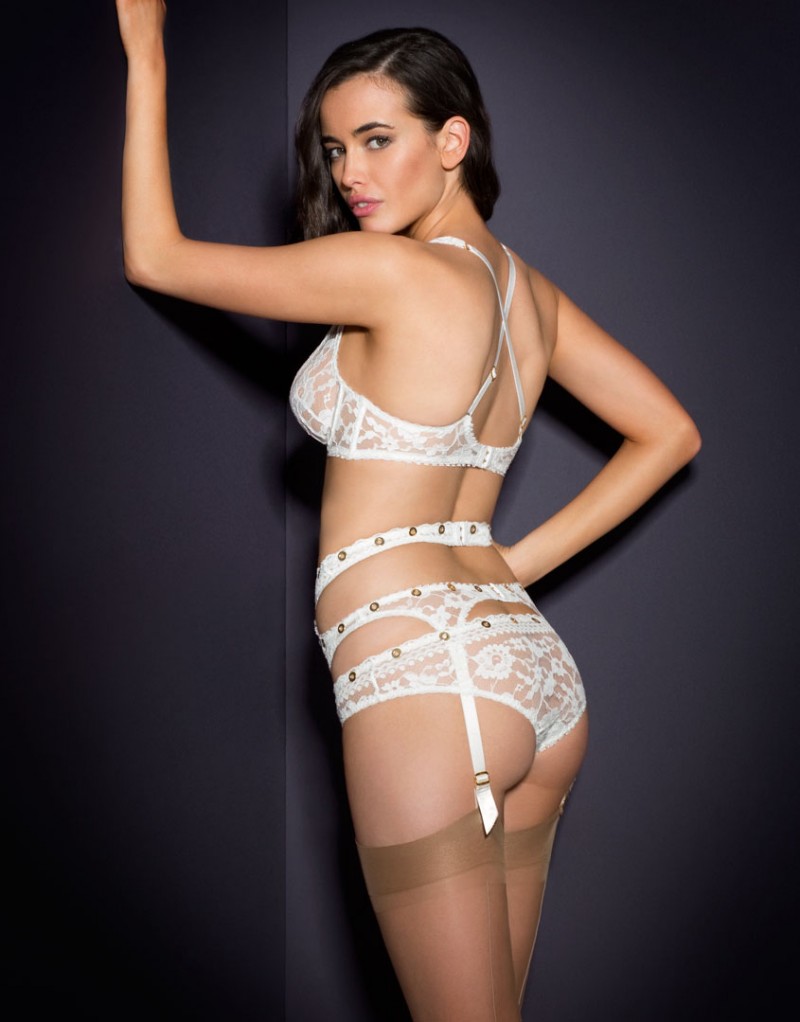
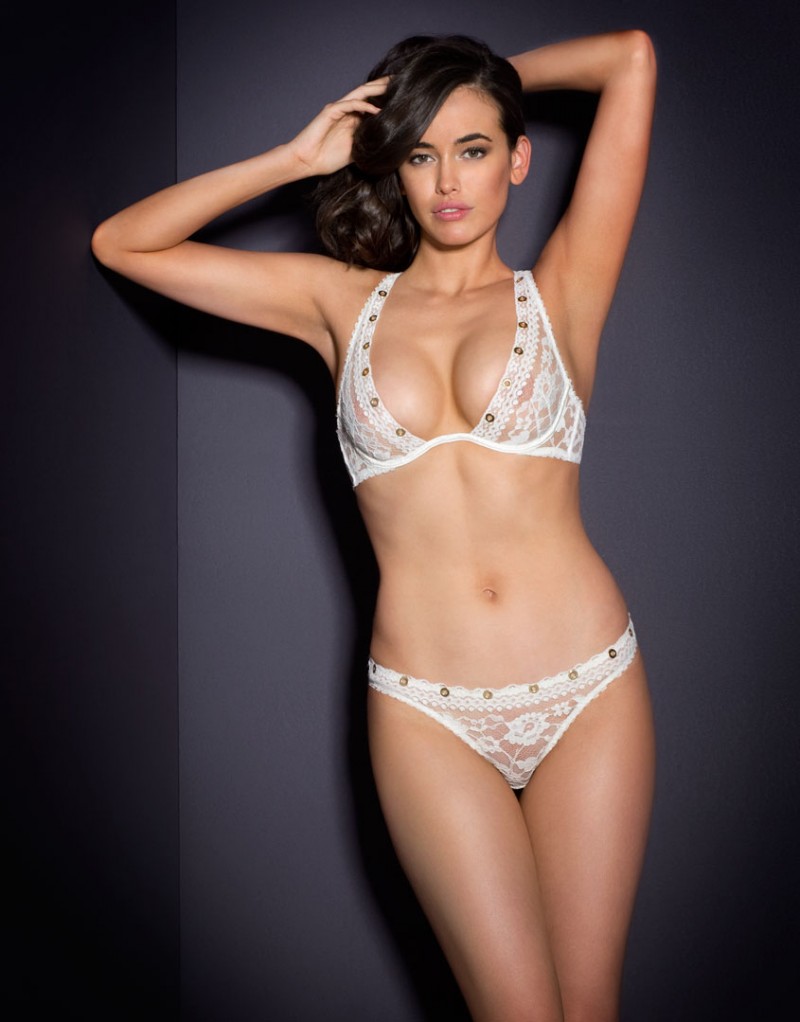
 Agent Provocateur SS 2016 (See-Through)
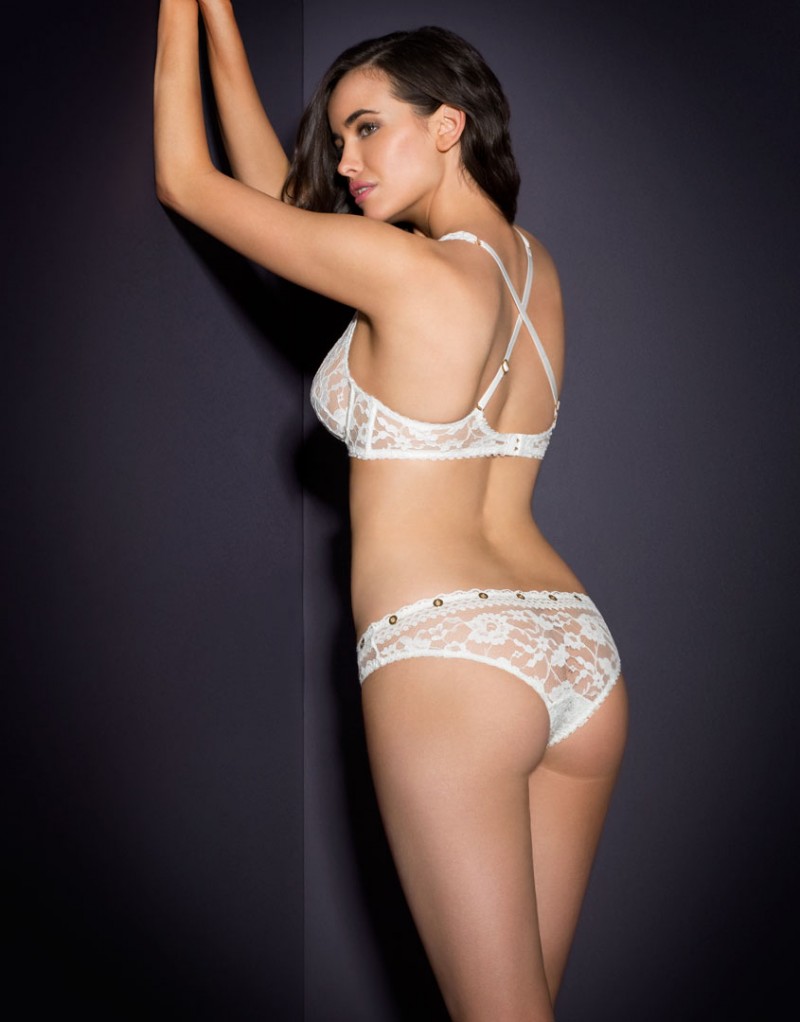
Agent Provocateur SS 2016
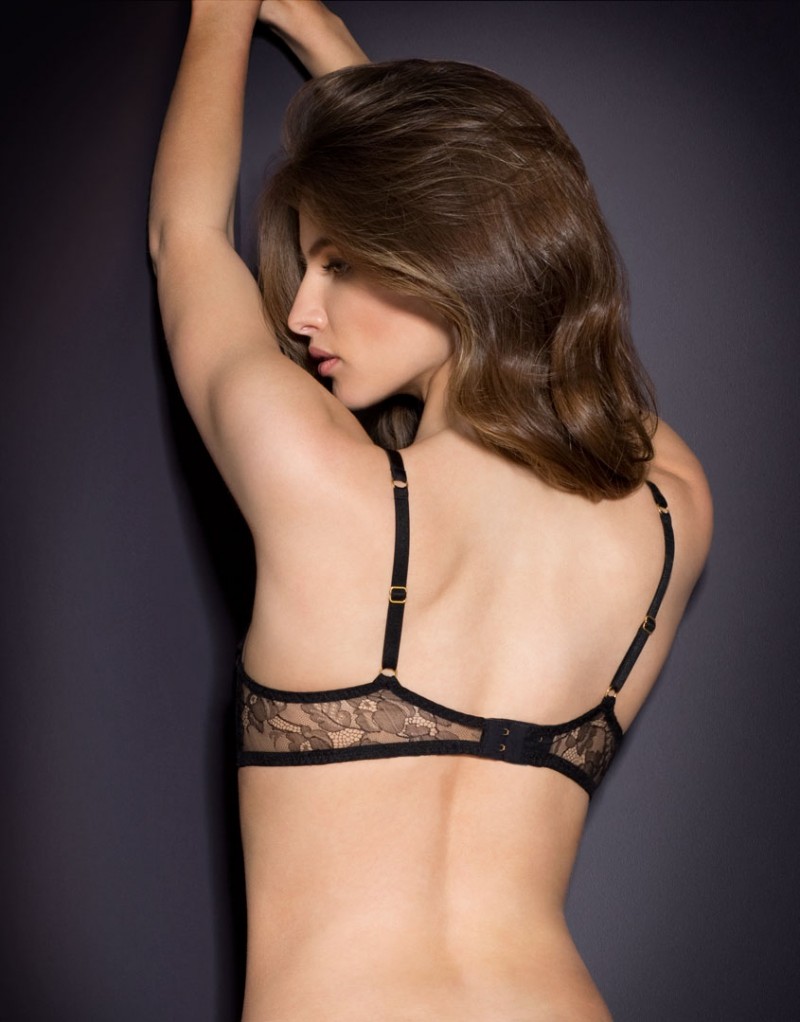
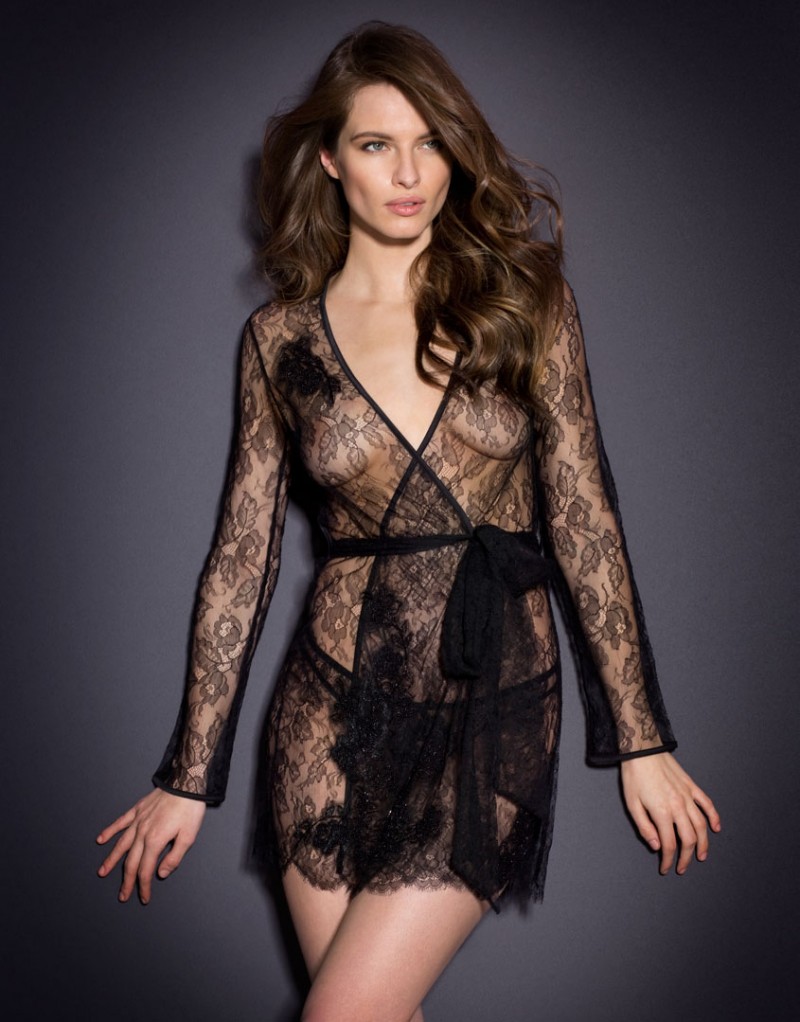
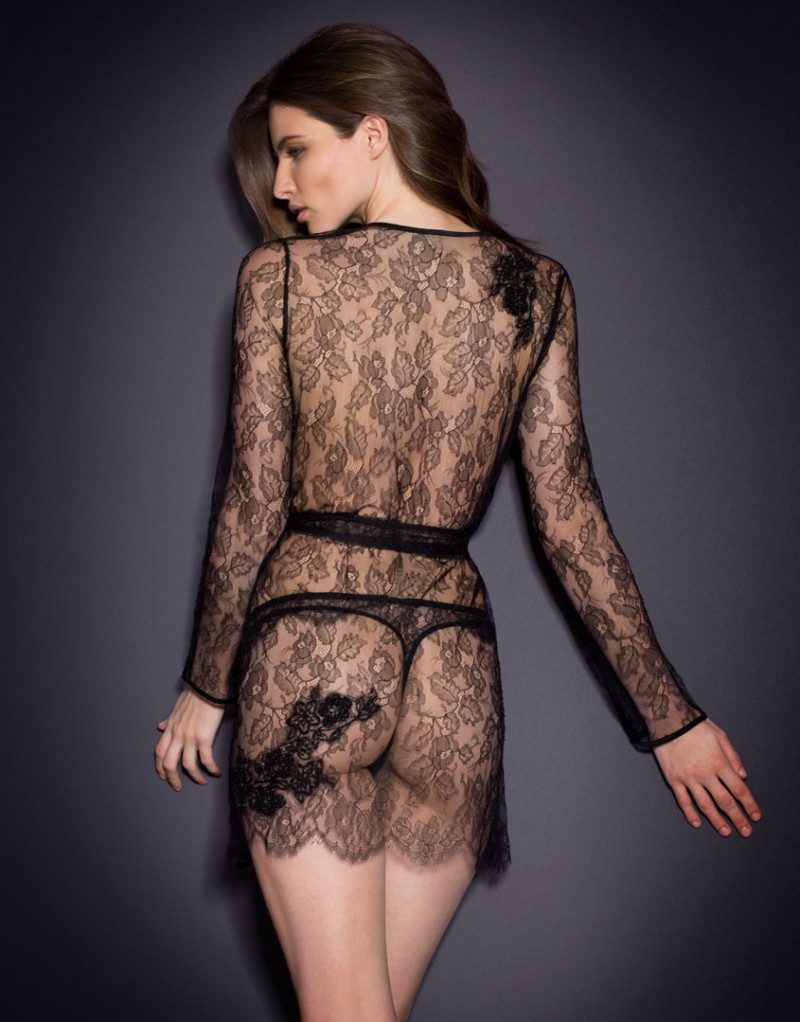
Agent Provocateur SS 2016 (See-Through)
Agent Provocateur SS 2016


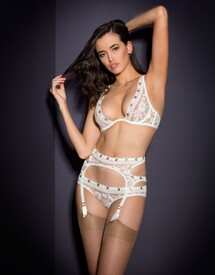

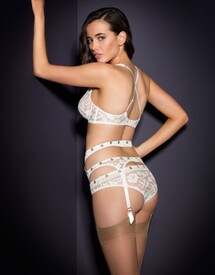


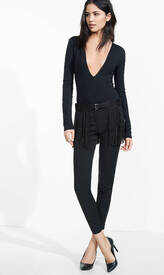
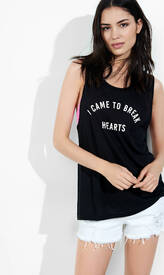
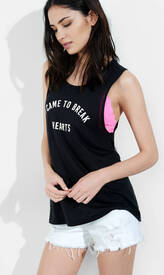
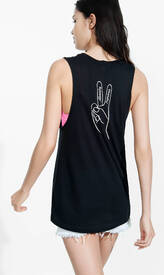
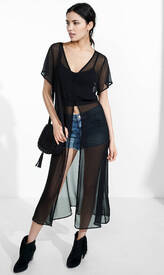
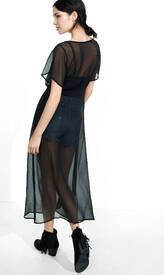
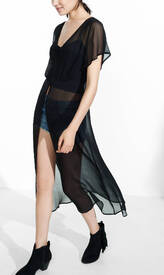
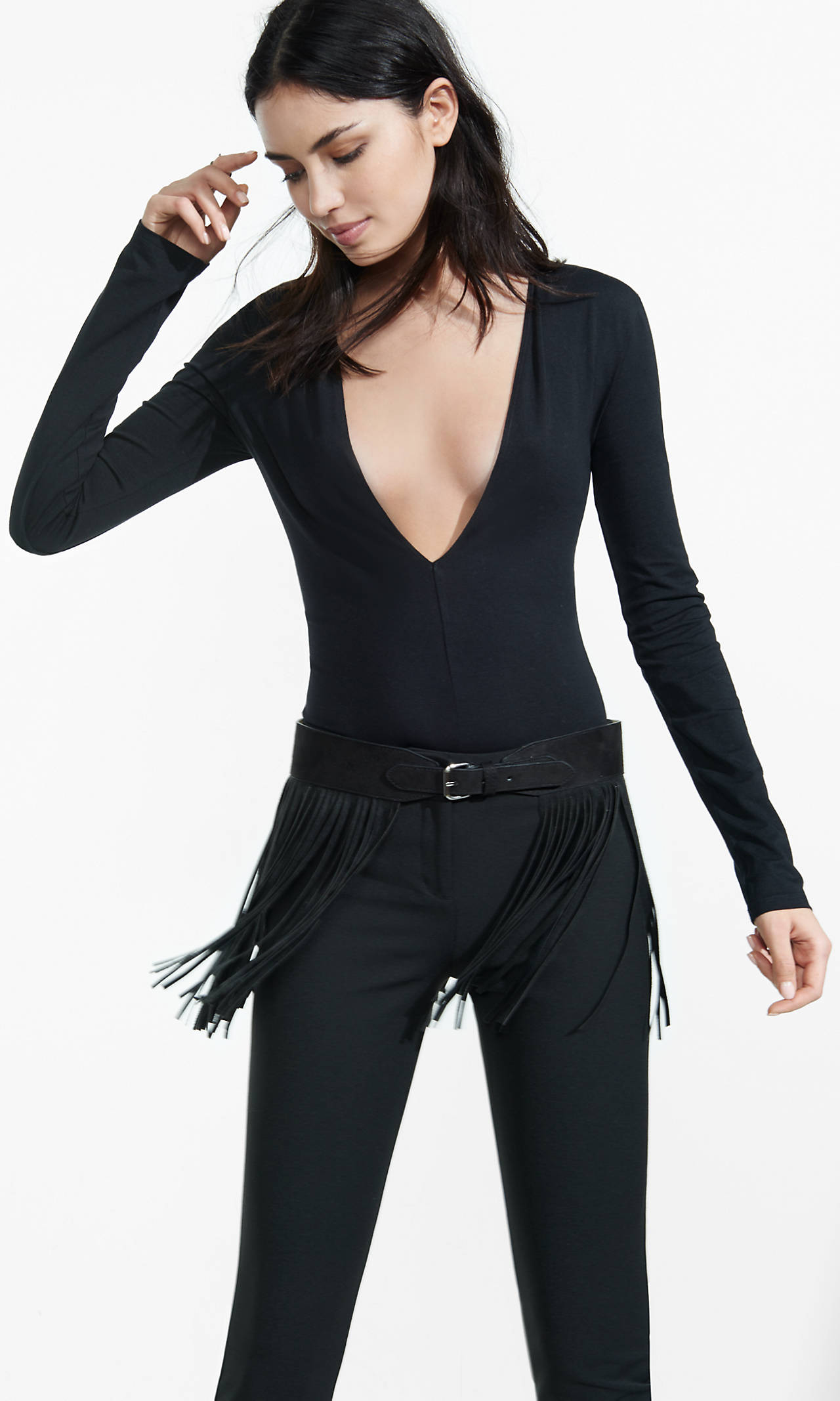
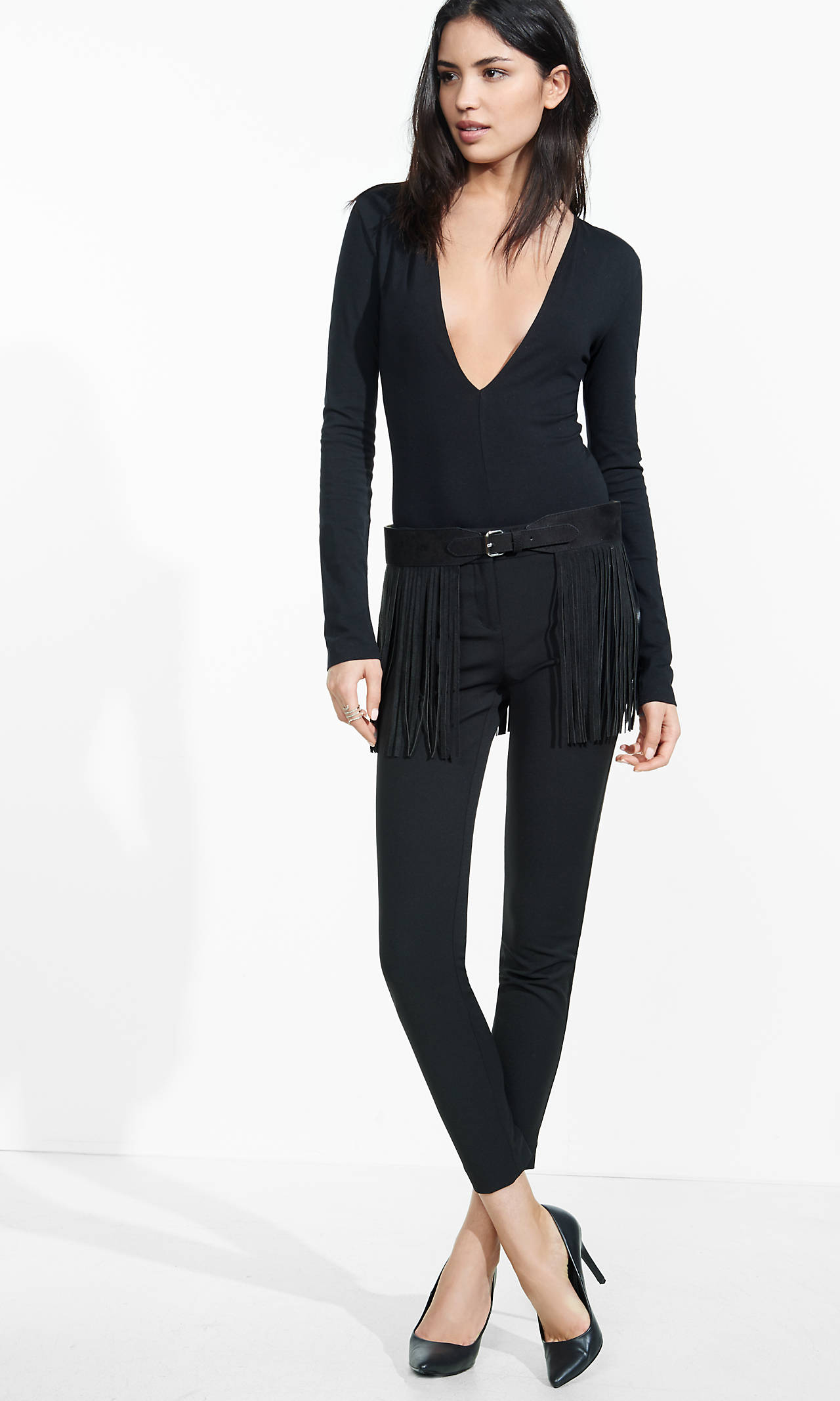
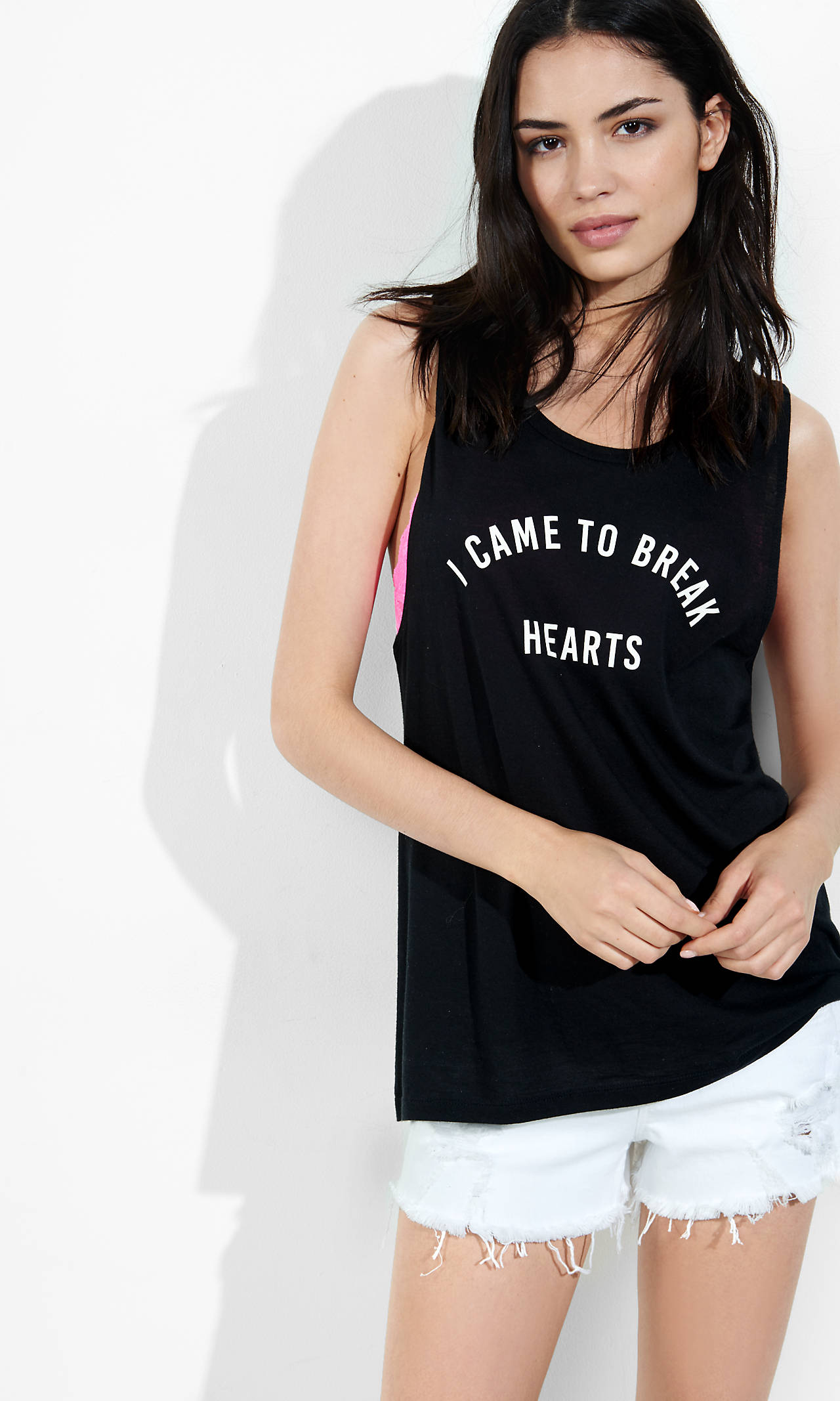
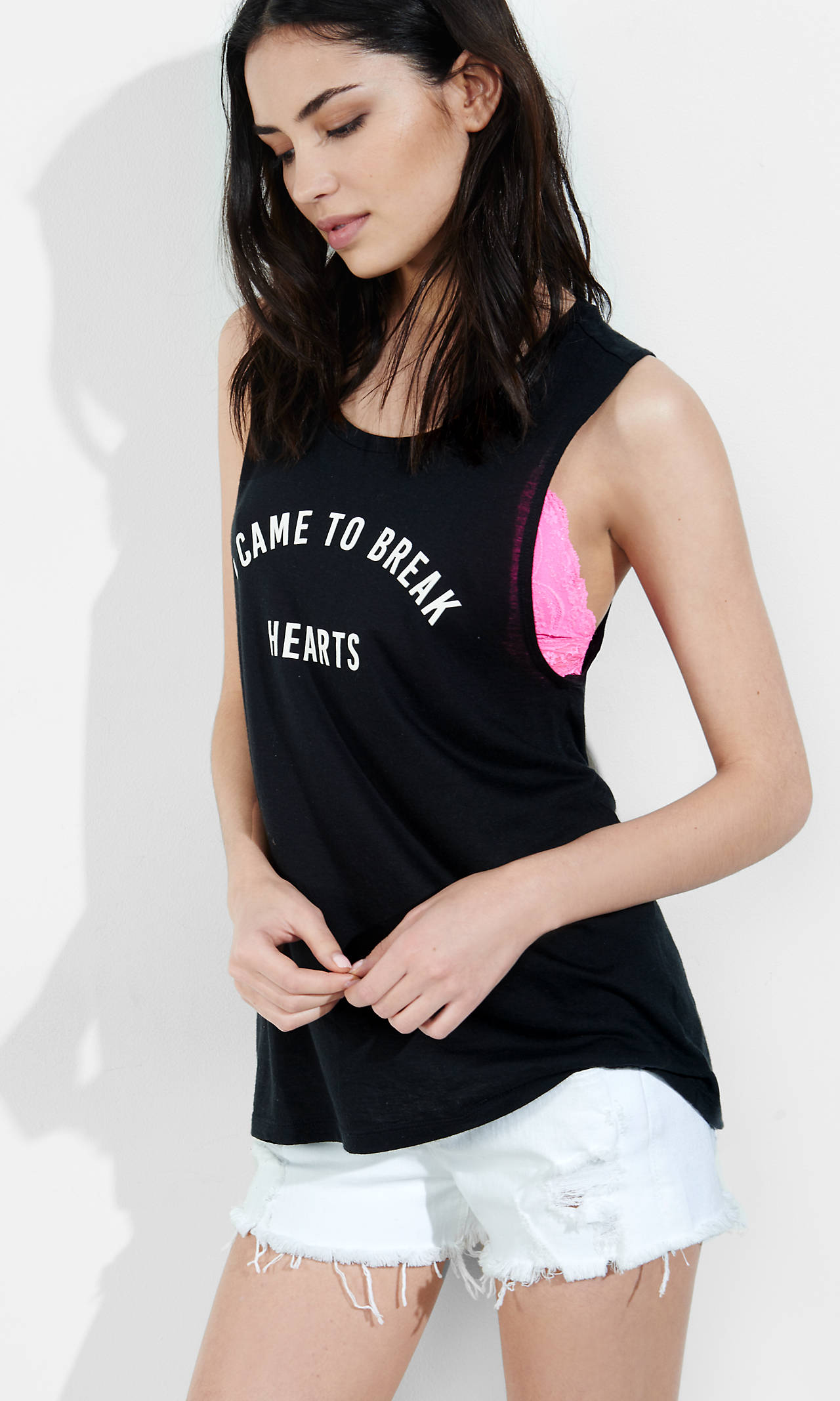
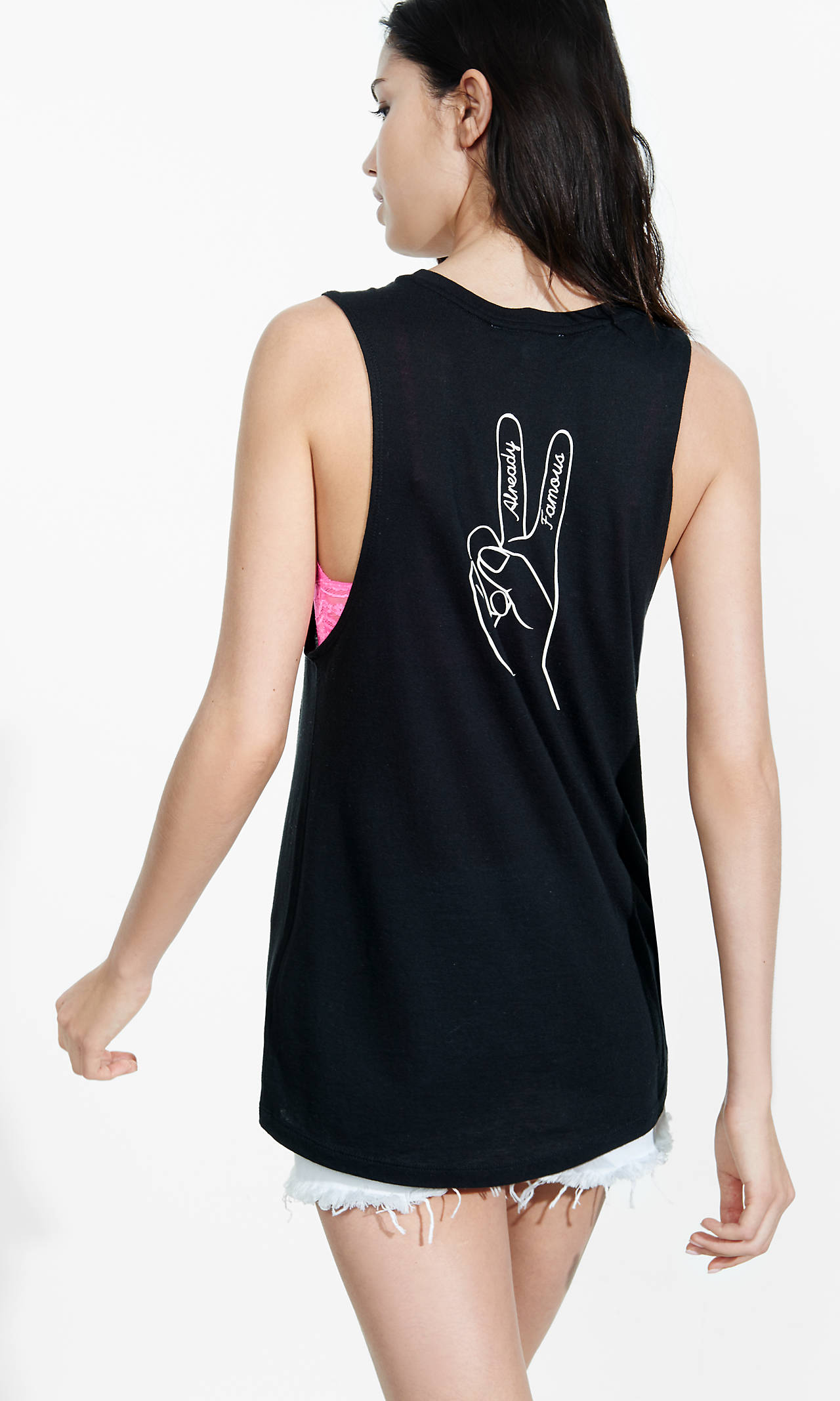
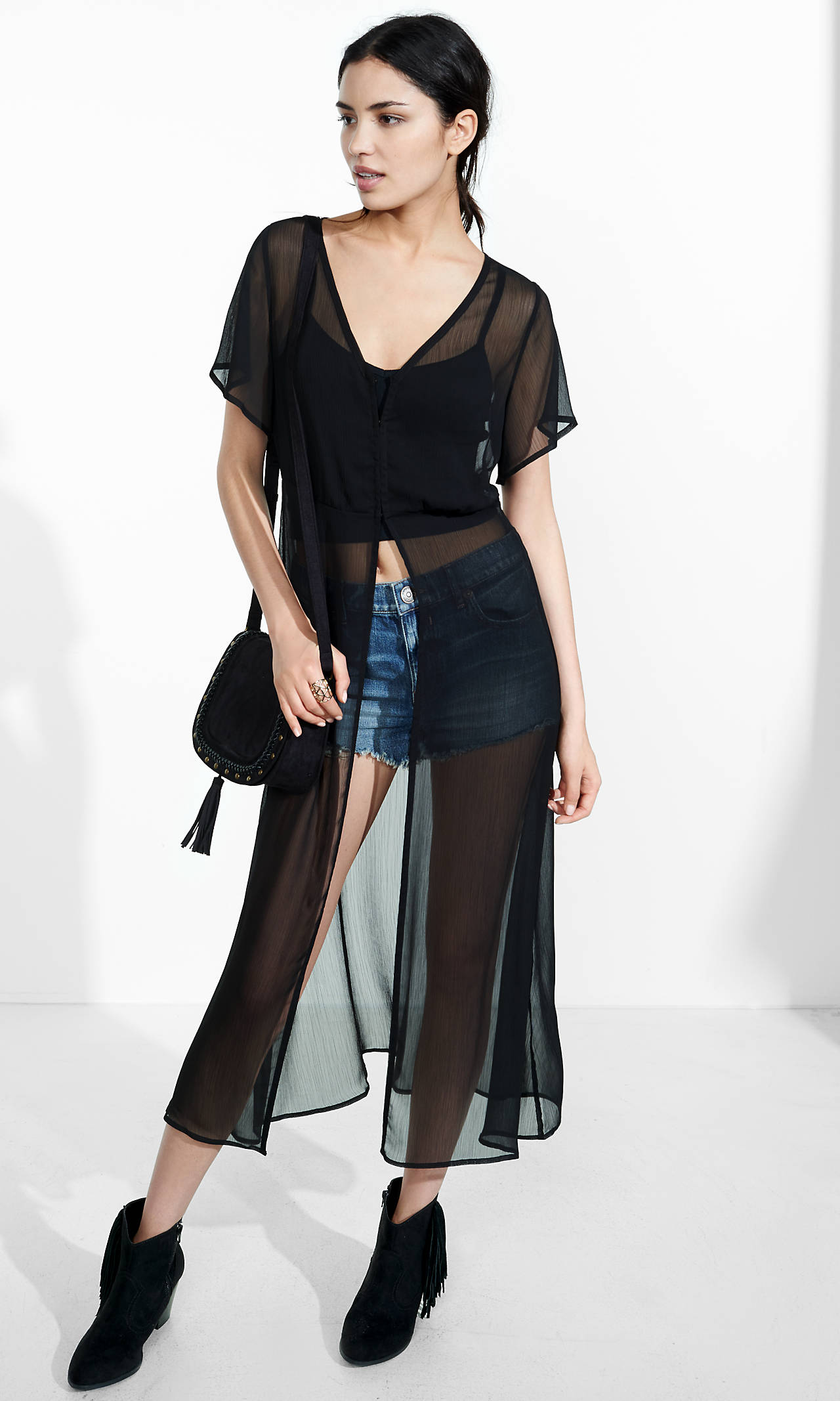
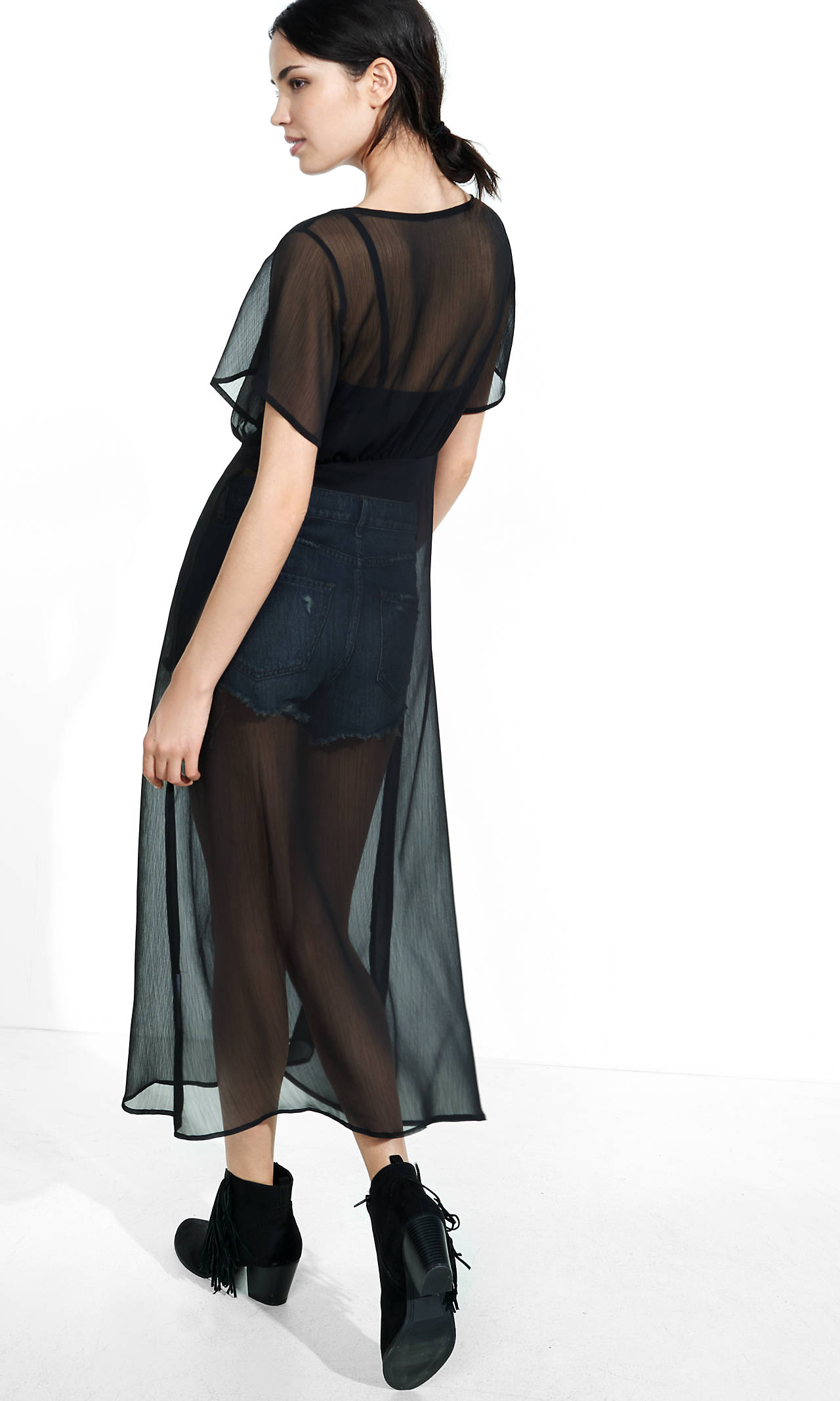
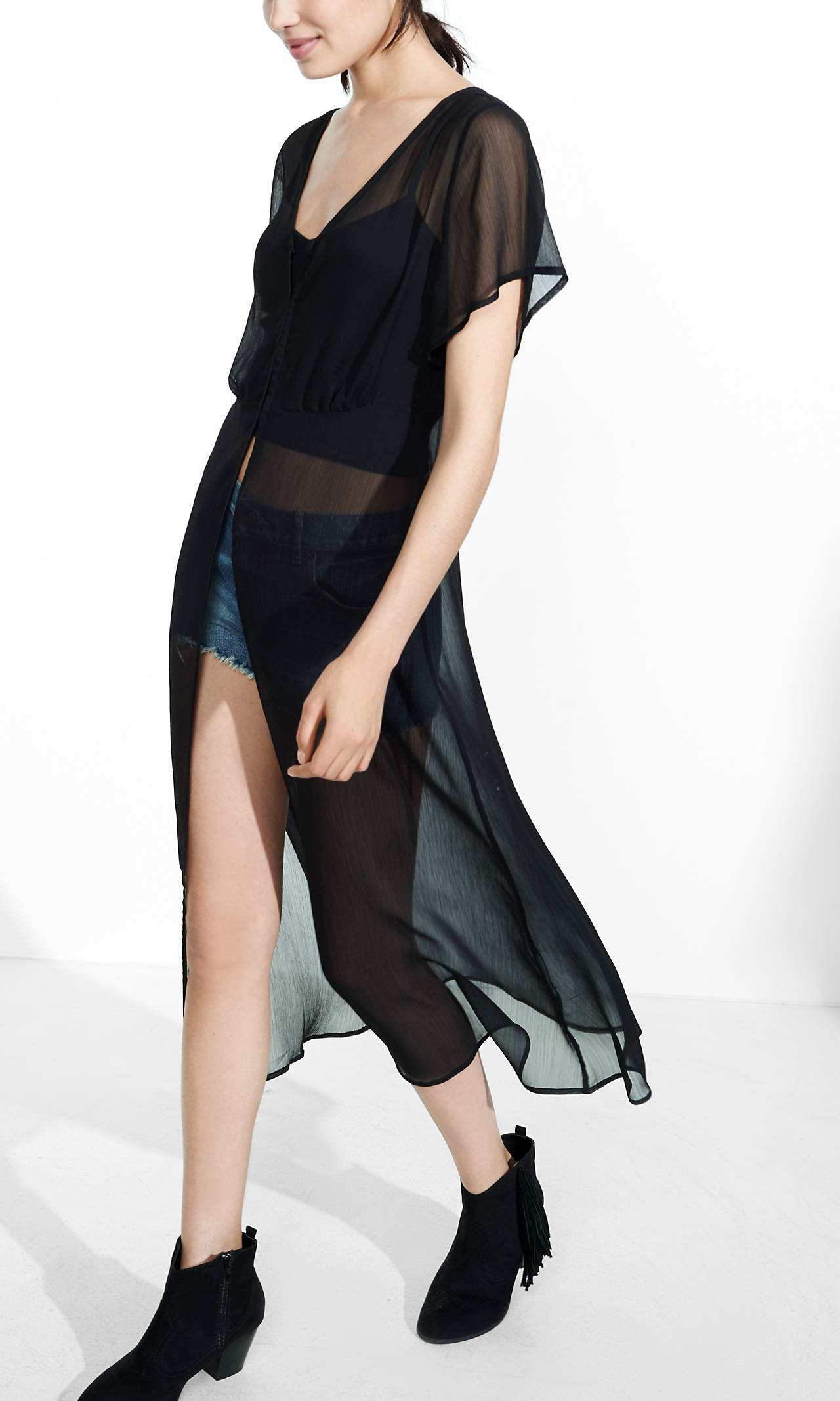
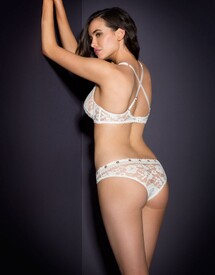 Express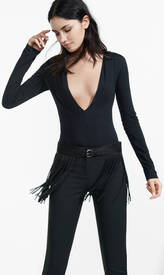
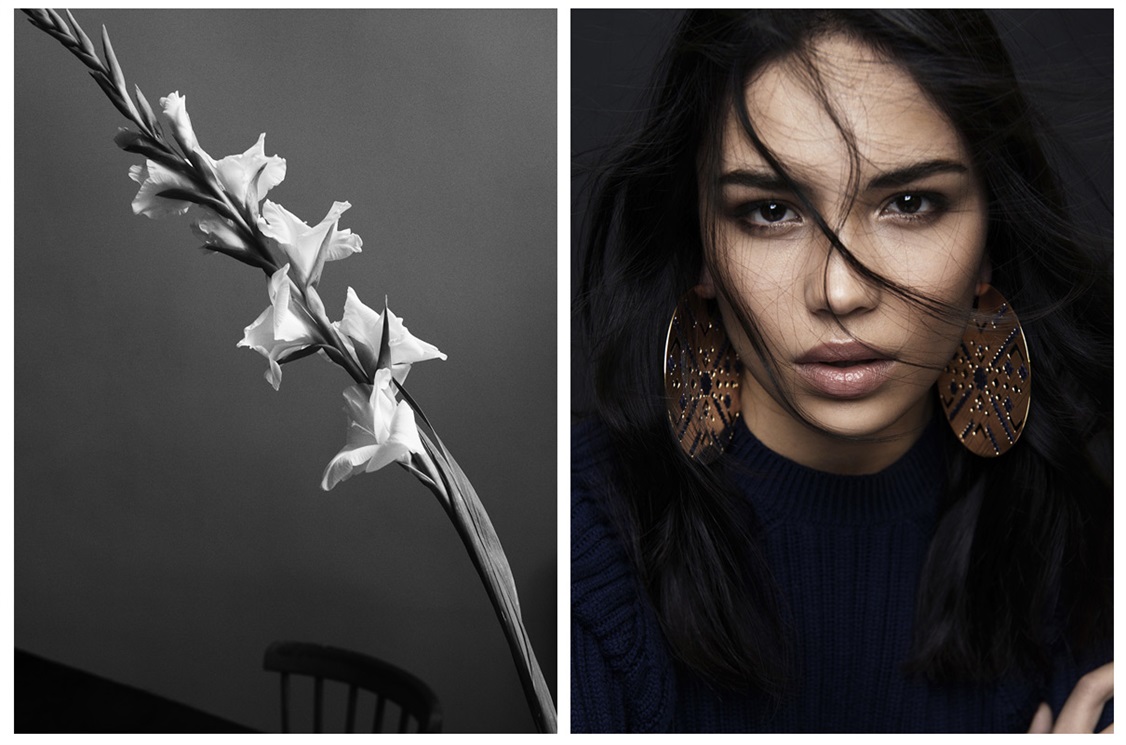
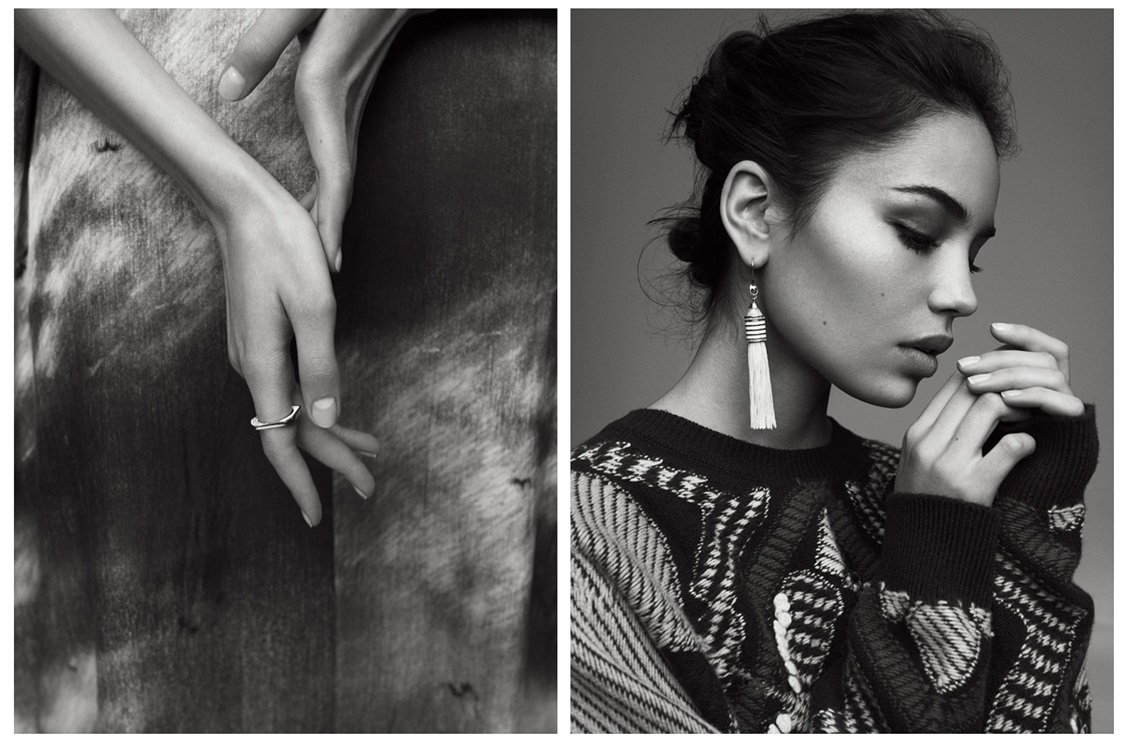
 Vogue.it "Shine a Light" Photographer: Wendelin Spiess Stylist: Jessica Gordon Hair: Tomoko at Calliste Make-up: Grigoris @ Calliste Model: Irina Sharipova @ Women Casting: Jacob Mohr @ Creartv Retouching: AWACS Paris Coordinated by Sara Maino vogue.it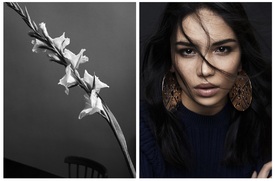
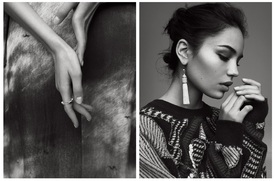
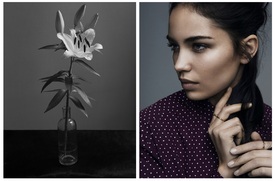
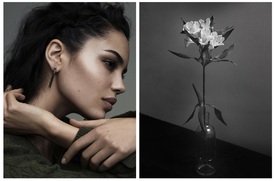
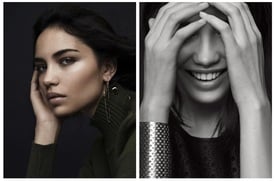 Pin Up Girl Clothing same source




Account
Navigation
Search
Configure browser push notifications
Chrome (Android)
- Tap the lock icon next to the address bar.
- Tap Permissions → Notifications.
- Adjust your preference.
Chrome (Desktop)
- Click the padlock icon in the address bar.
- Select Site settings.
- Find Notifications and adjust your preference.
Safari (iOS 16.4+)
- Ensure the site is installed via Add to Home Screen.
- Open Settings App → Notifications.
- Find your app name and adjust your preference.
Safari (macOS)
- Go to Safari → Preferences.
- Click the Websites tab.
- Select Notifications in the sidebar.
- Find this website and adjust your preference.
Edge (Android)
- Tap the lock icon next to the address bar.
- Tap Permissions.
- Find Notifications and adjust your preference.
Edge (Desktop)
- Click the padlock icon in the address bar.
- Click Permissions for this site.
- Find Notifications and adjust your preference.
Firefox (Android)
- Go to Settings → Site permissions.
- Tap Notifications.
- Find this site in the list and adjust your preference.
Firefox (Desktop)
- Open Firefox Settings.
- Search for Notifications.
- Find this site in the list and adjust your preference.