
foofur16
Members
-
Joined
-
Last visited
Everything posted by foofur16
-
 I'm honestly surprised they invited her back to the castings given the lack of work over the past 2 years! Model Irina Sharipova attends the 2016 Victoria's Secret Fashion Show call backs on October 25, 2016 in New York City.
 -
Planet Blue 2016
-
Diana's an auntie ! Diana's IG
-
Ultimo Lingerie 2016 See through
-
NEXT UK FALL 2016
-
Incanto Fall 2016 Collection Incanto Very Sexy Fall 2016 all from incanto.eu
-
Incanto Bridal Campaign Fall 2016 Incanto Sleepwear Fall 2016 all from incanto.eu
-
Planet Blue 2016
-
TIM SCHUHMACHER for H&M A/W 2016 shot by JOHAN SANDBERG H&M US
-
Francina Models October 2016 Digitals francinamodels.com
-
Deseo Russia 2016 Lingerie Campaign instagram/deseo_official
-
Planet Blue 2016
-
Planet Blue 2016
-
VOGUE ITALIA OCTOBER 2016 Close-up Photographer: Greg Lotus Models: Anna Mila Guyenz & Blanca Padilla Fashion Editor: Valentina Serra Hair: Gabriele Trezzi Make-up: Carole Lasnier Manicure: Carlotta Saettone Set Design: Conti|Marchetti Studio Vogue Italia Digital Edition posted by Avogadro on TFS
-
Planet Blue 2016 Wet Seal 2016
-
-
Behind the scenes at Wet Seal, Flynn Skye and Planet Blue
Miu Miu S/S 2017 Paris vogue
Miu Miu S/S 2017 Paris vogue
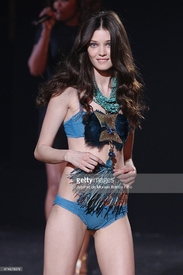
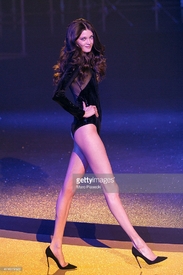
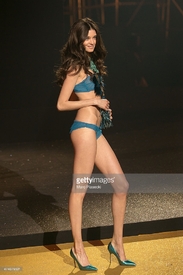
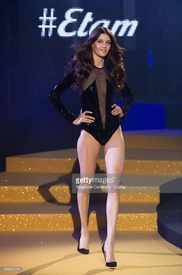
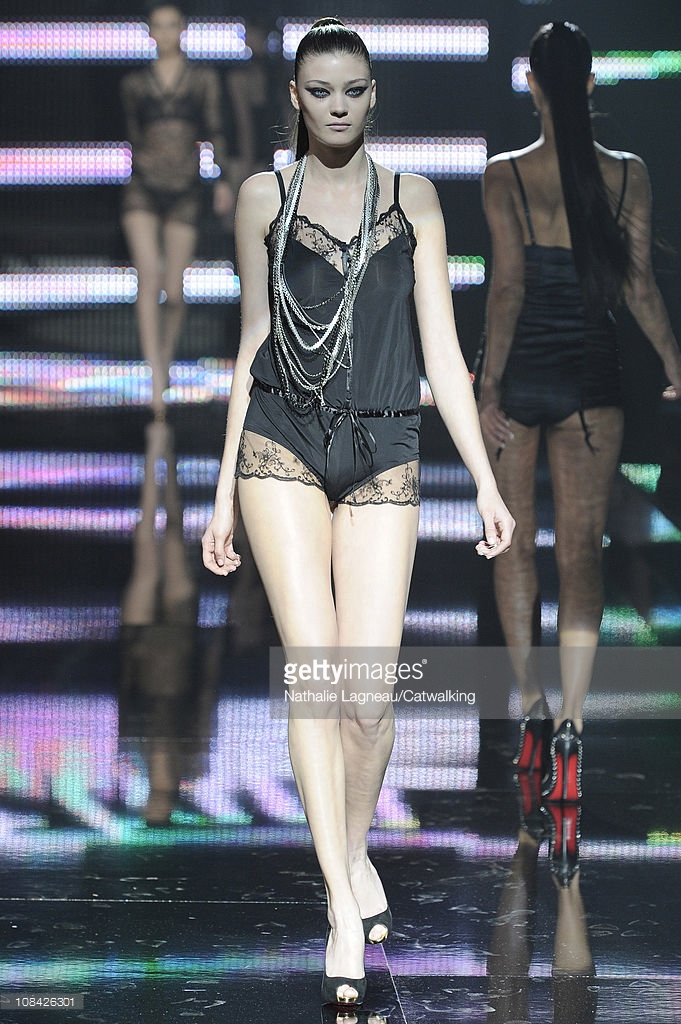
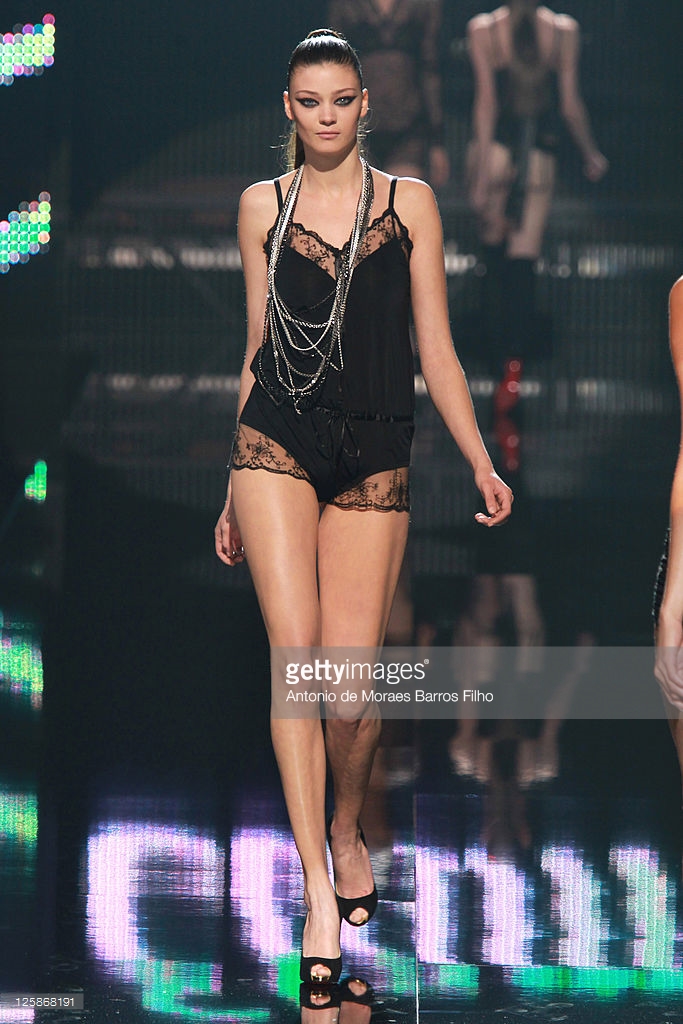
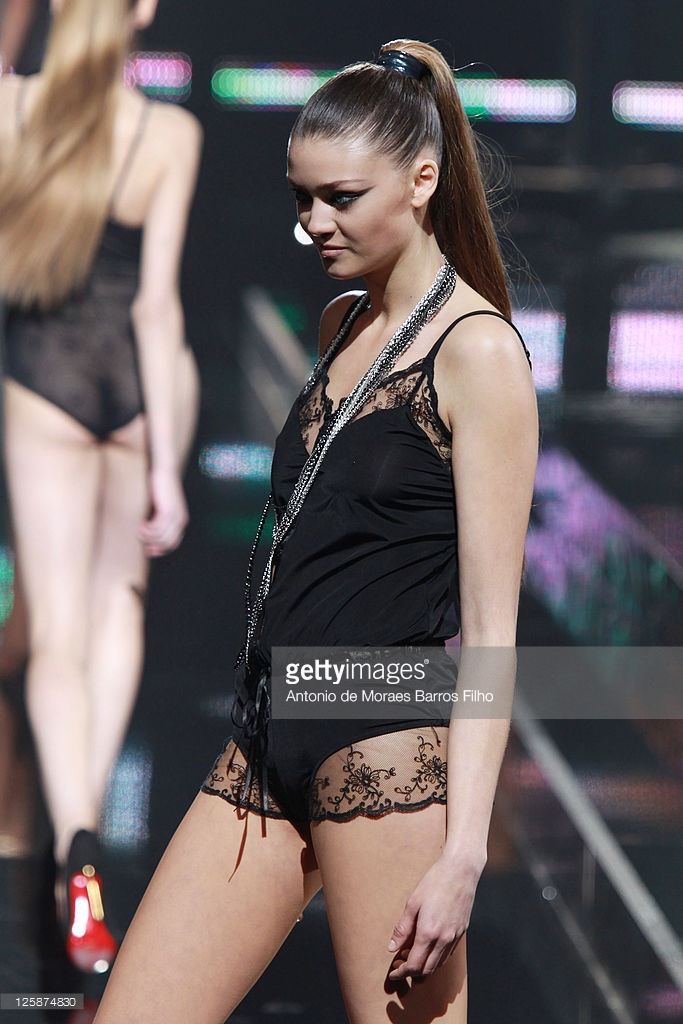
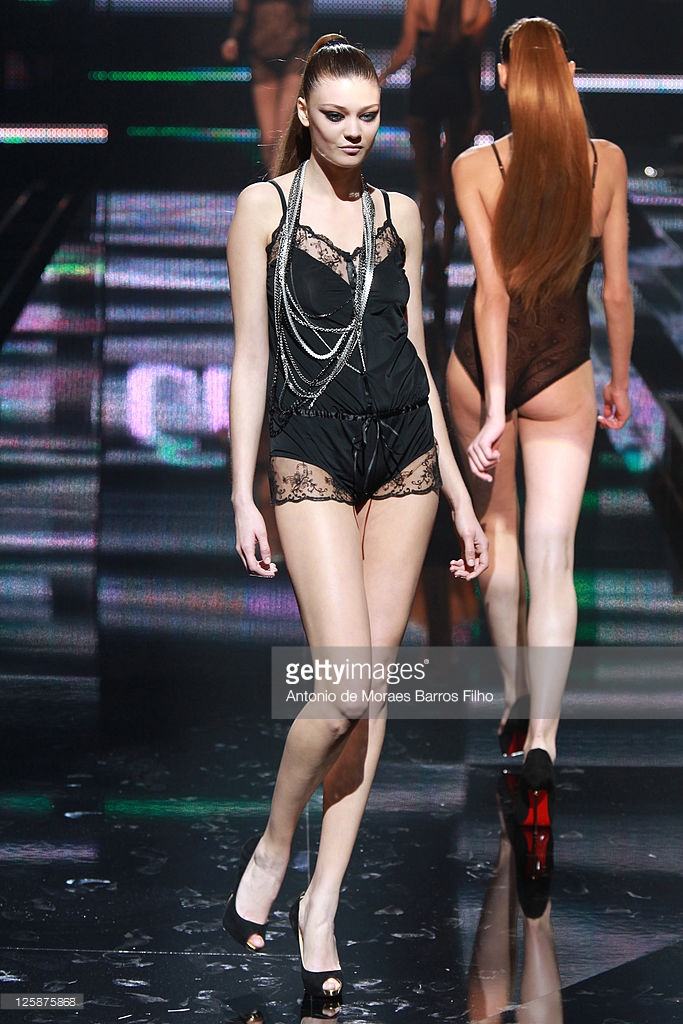
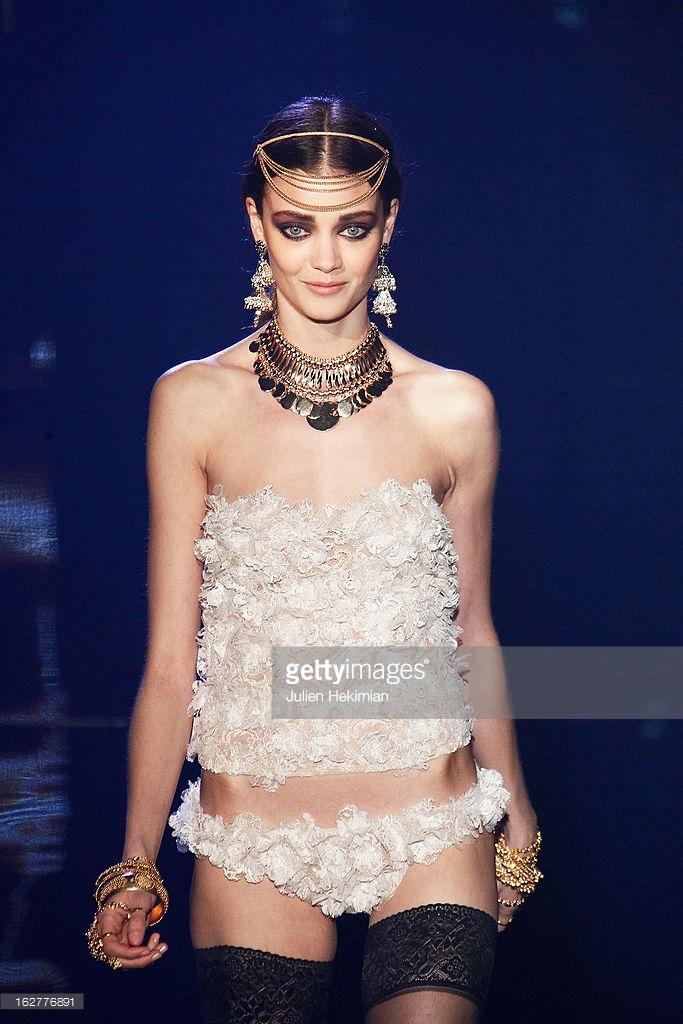
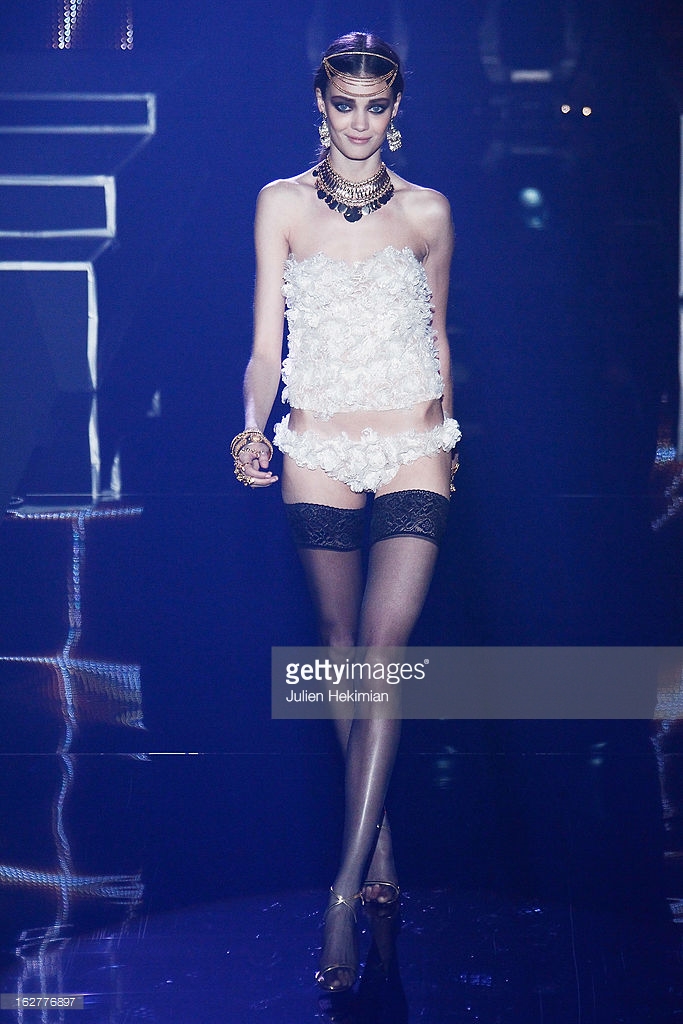
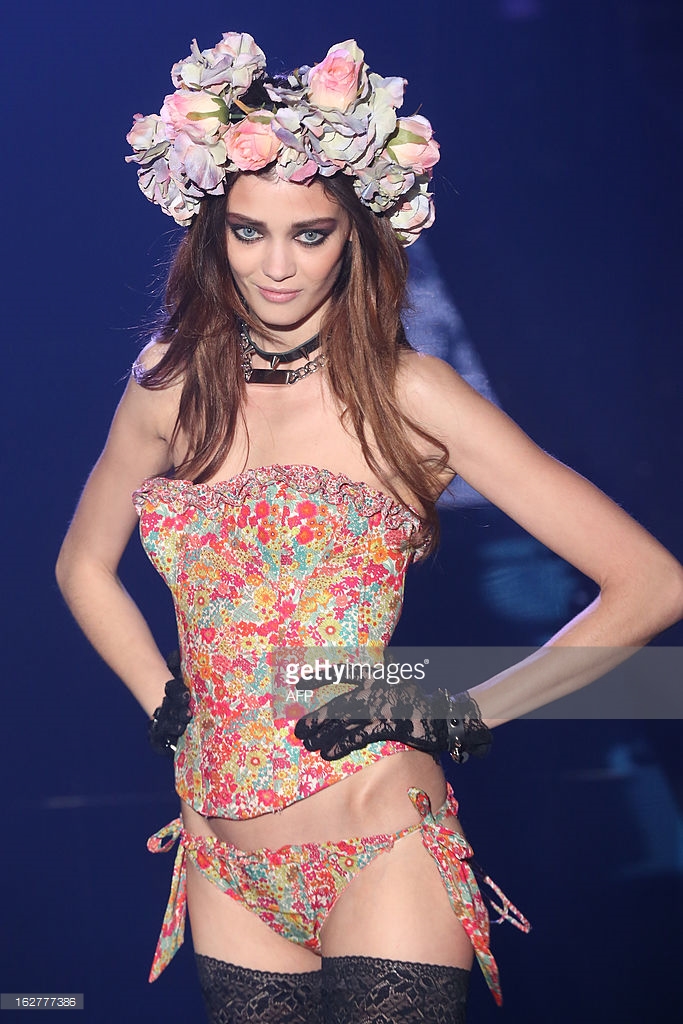
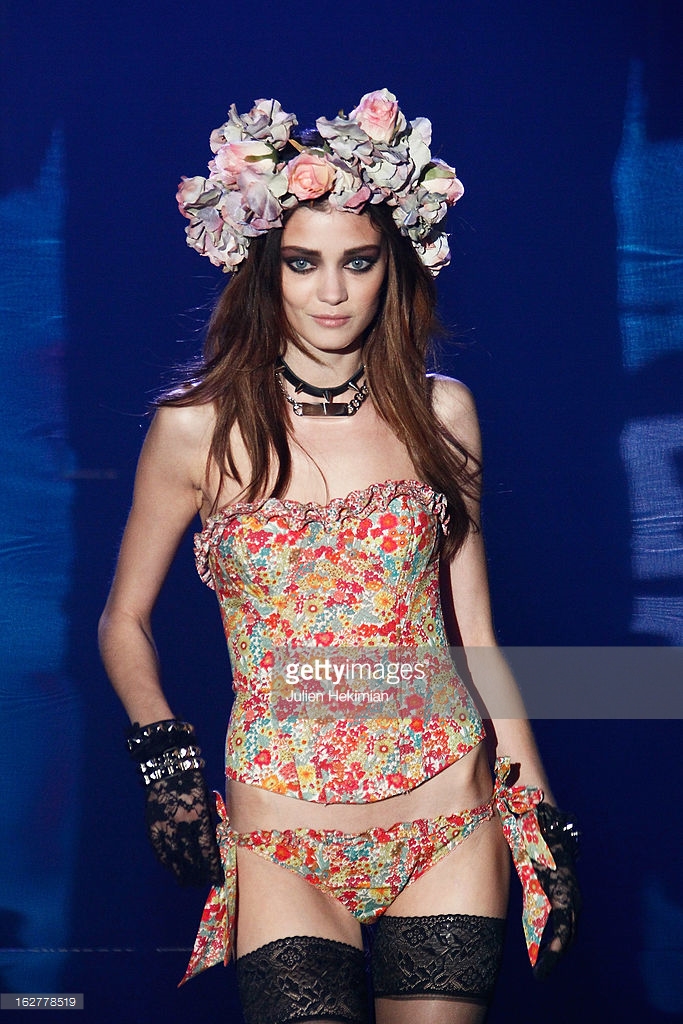
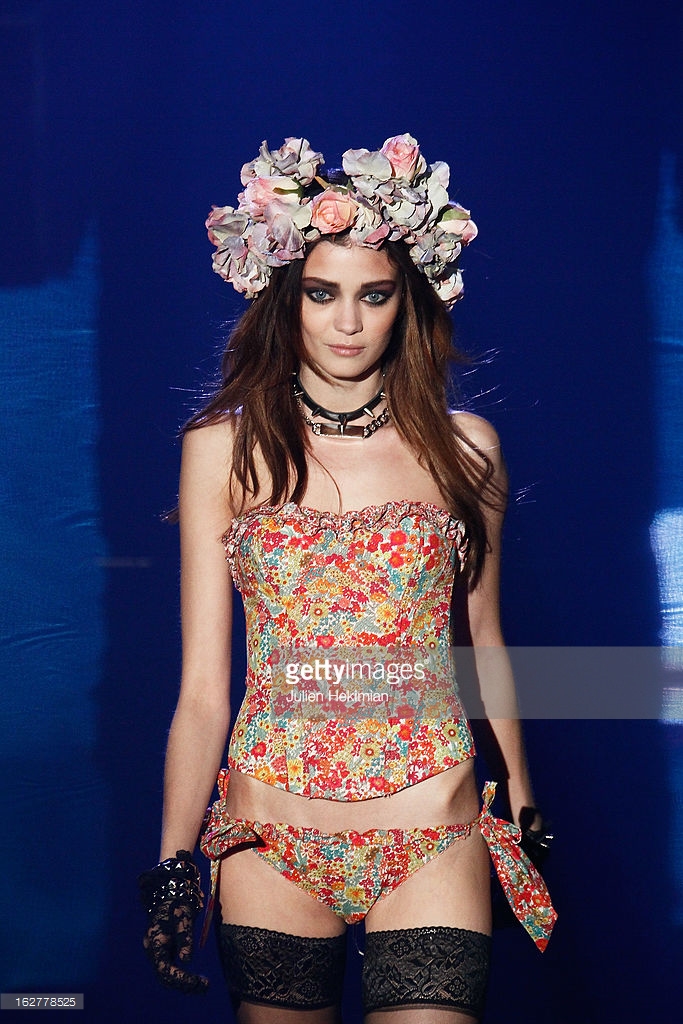
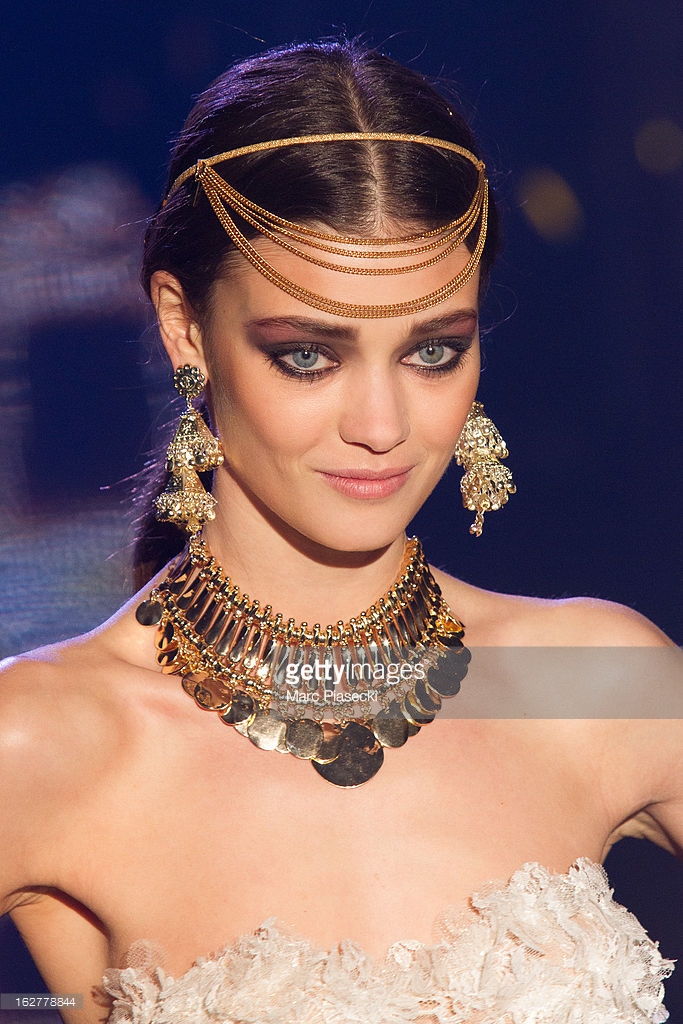
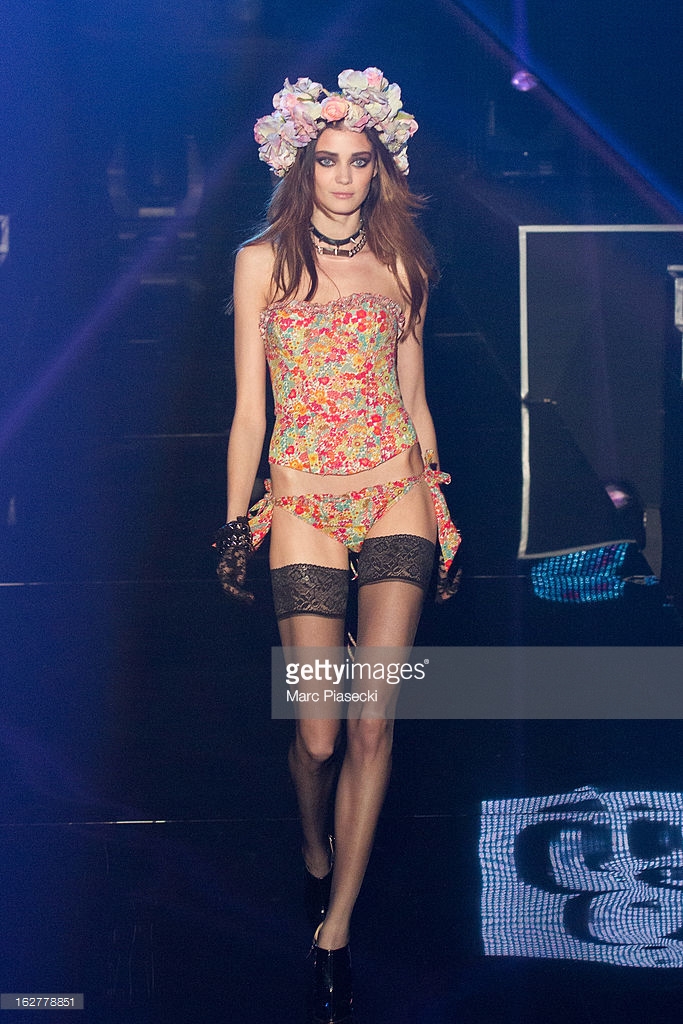
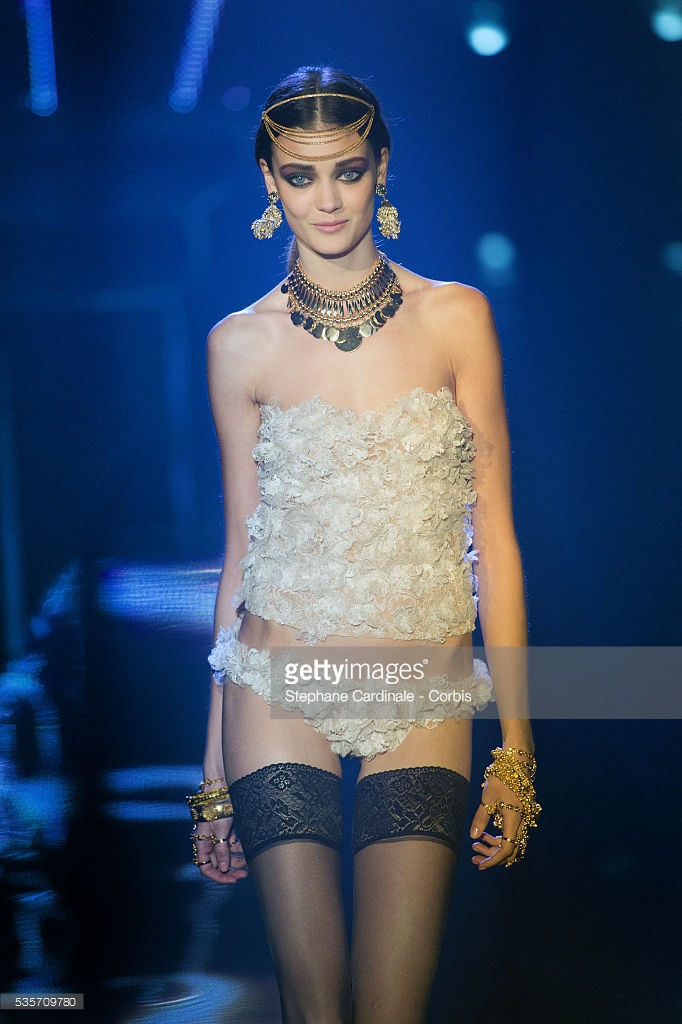
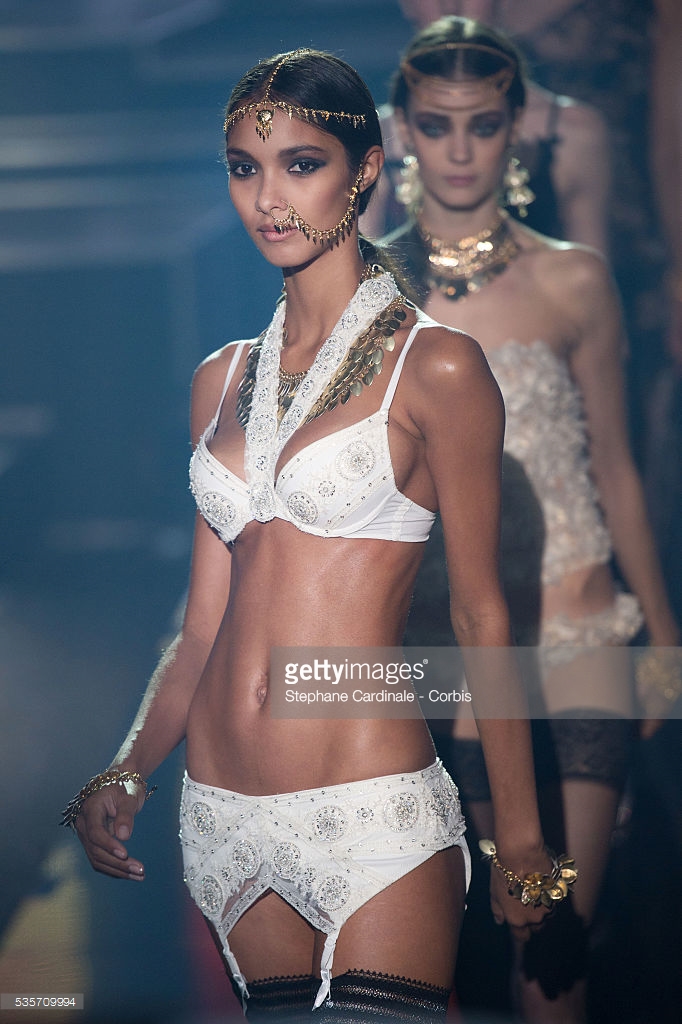
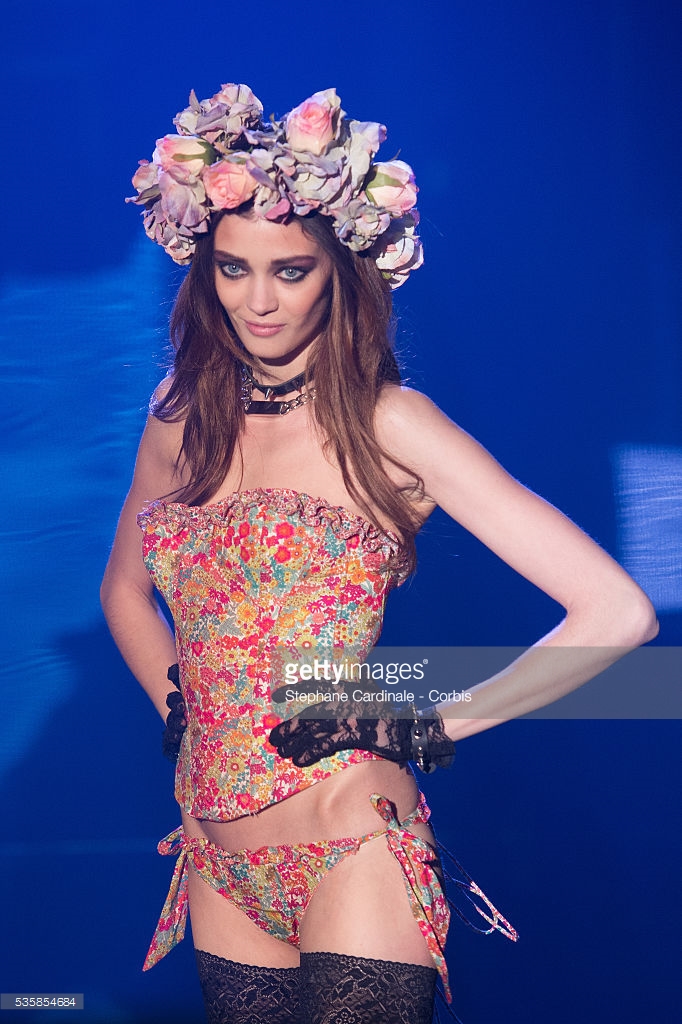
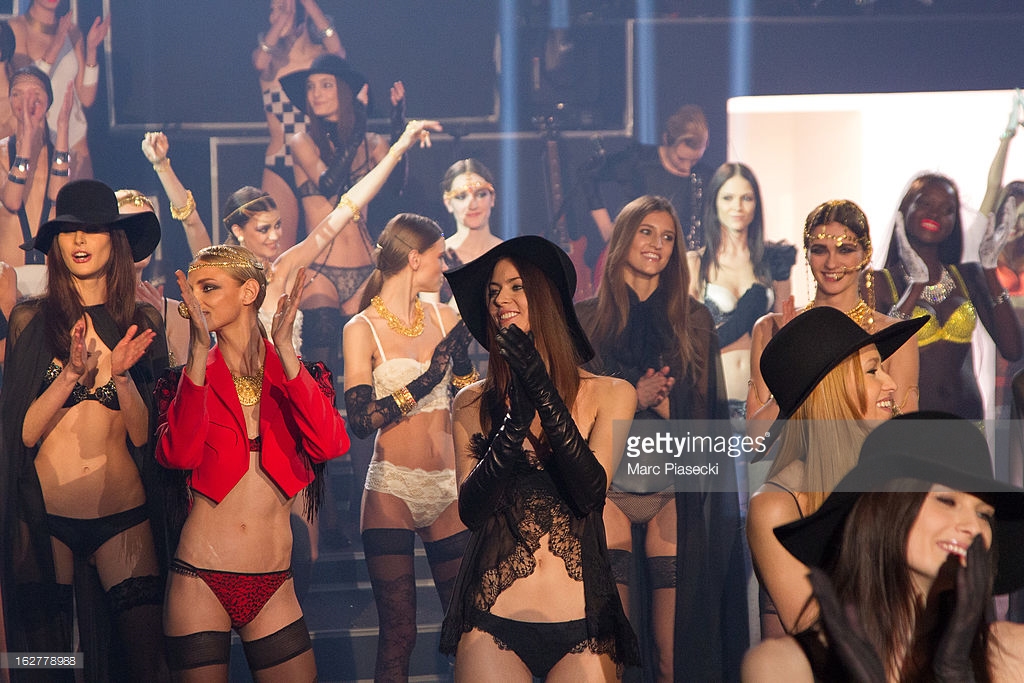
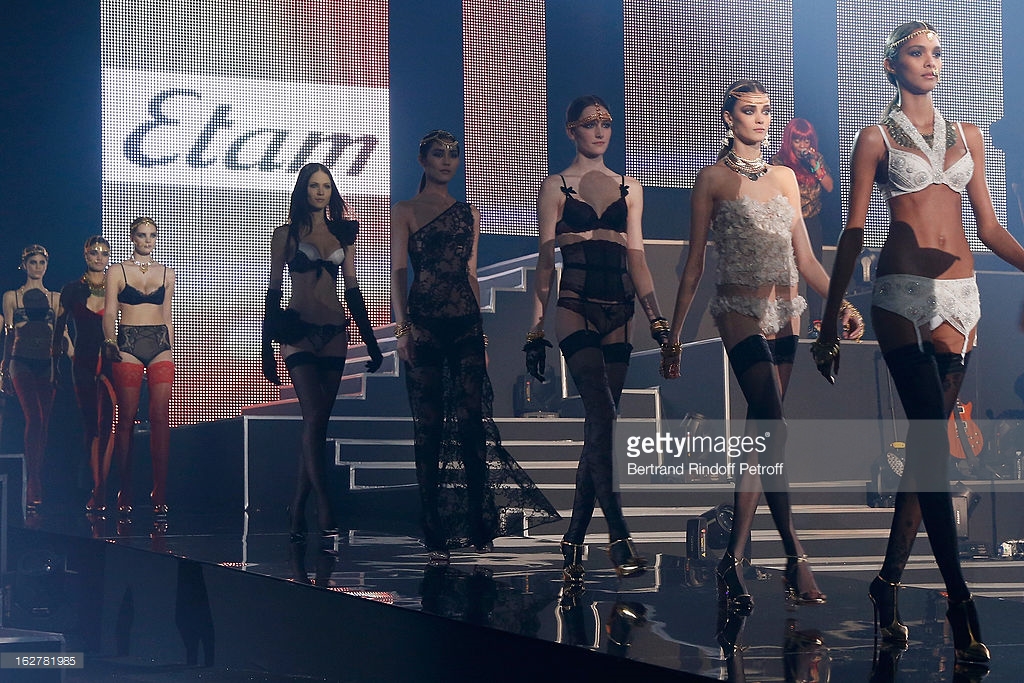
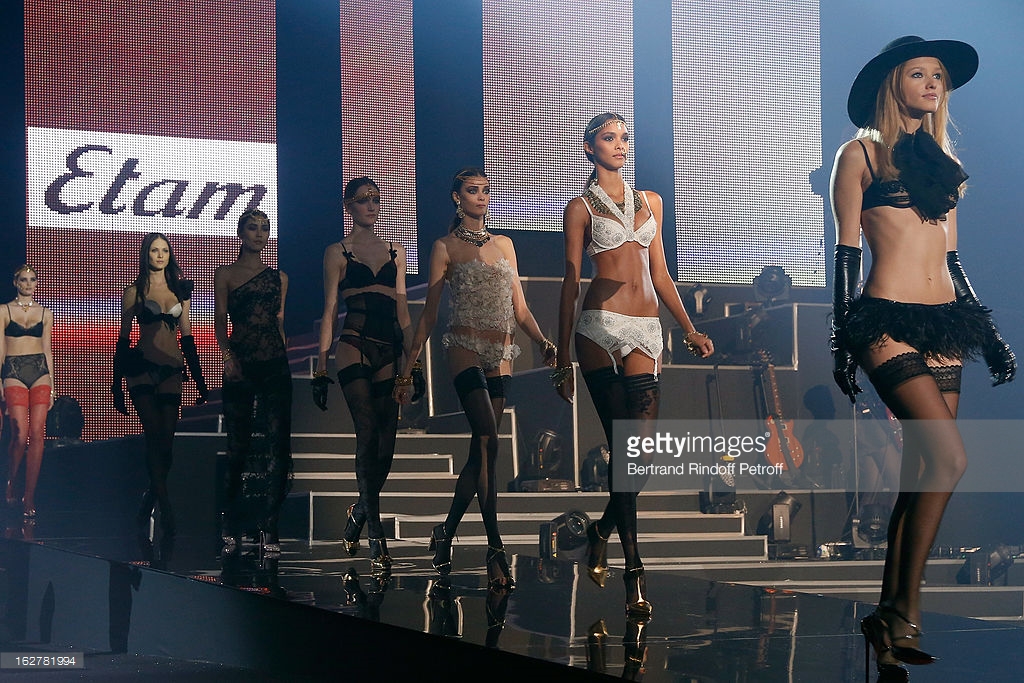
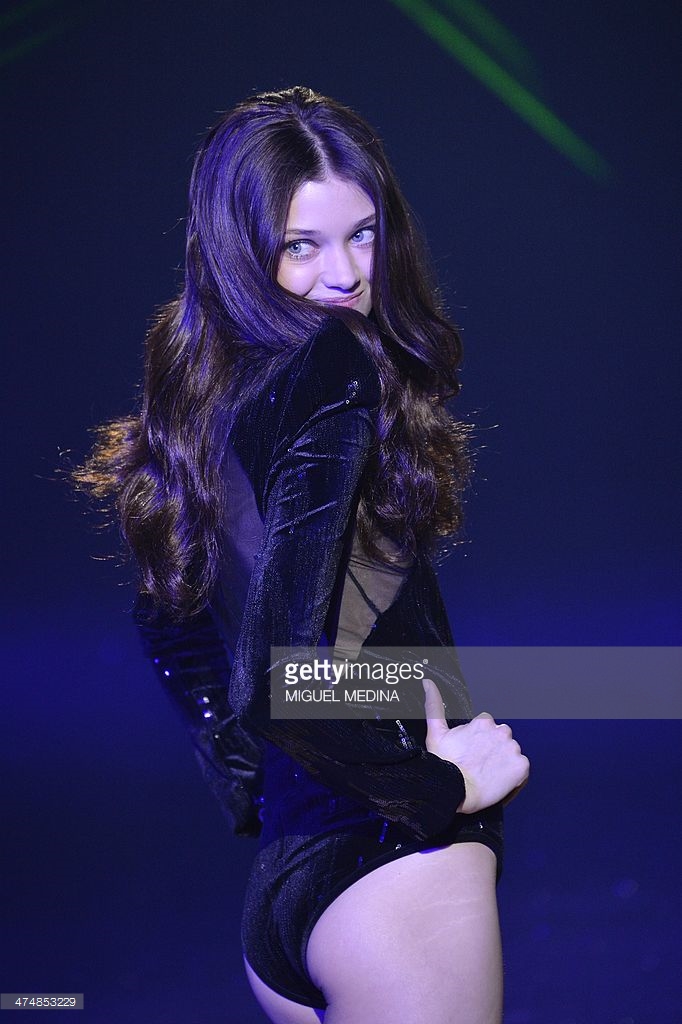
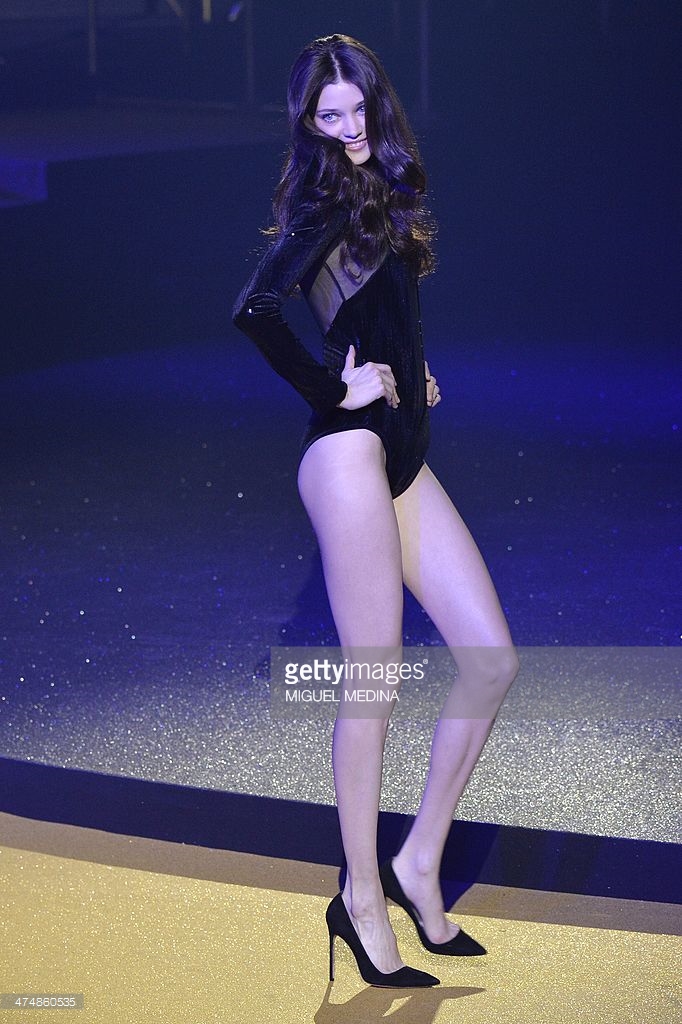
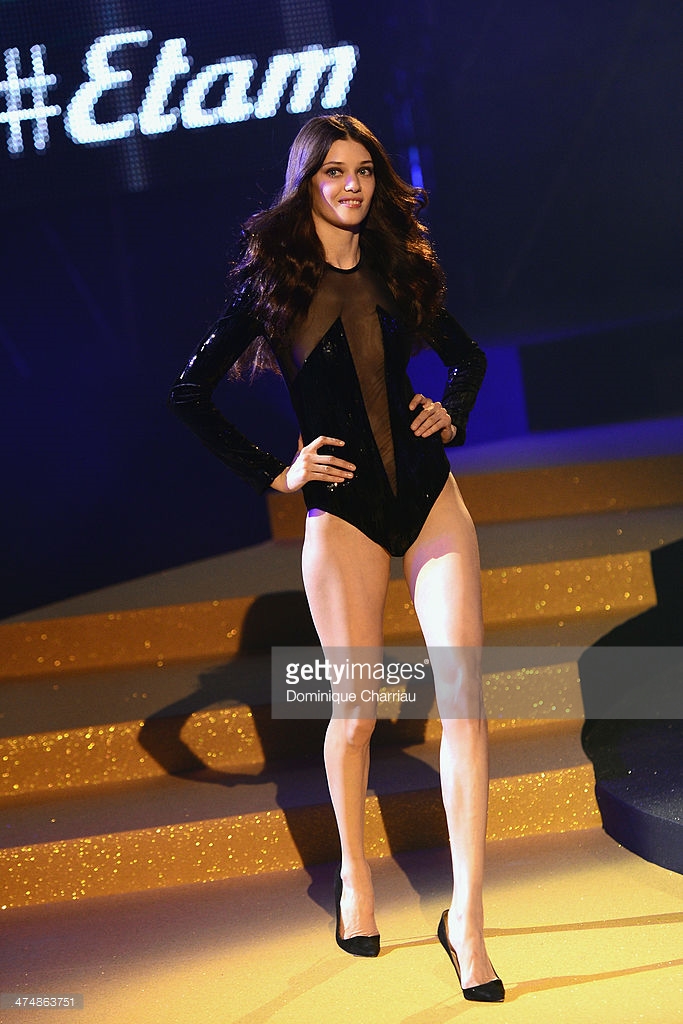
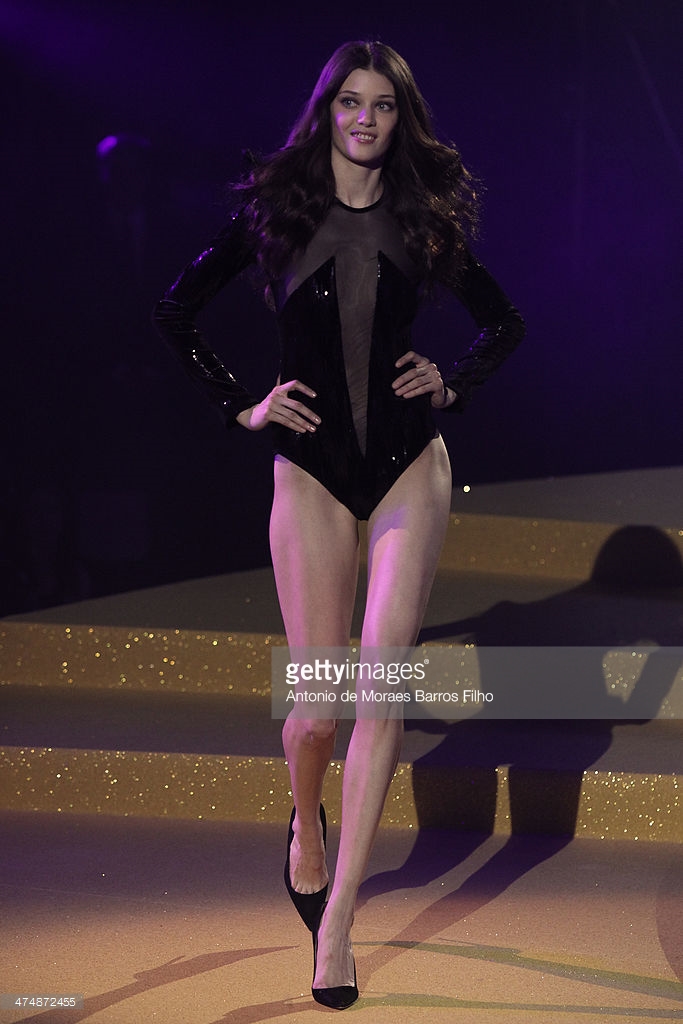
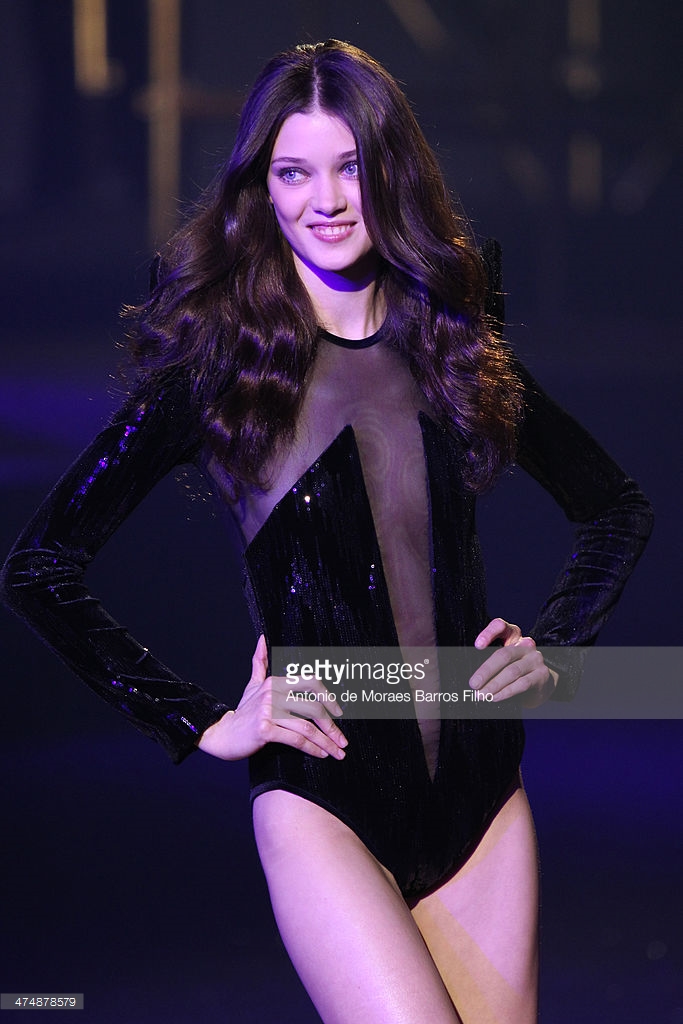
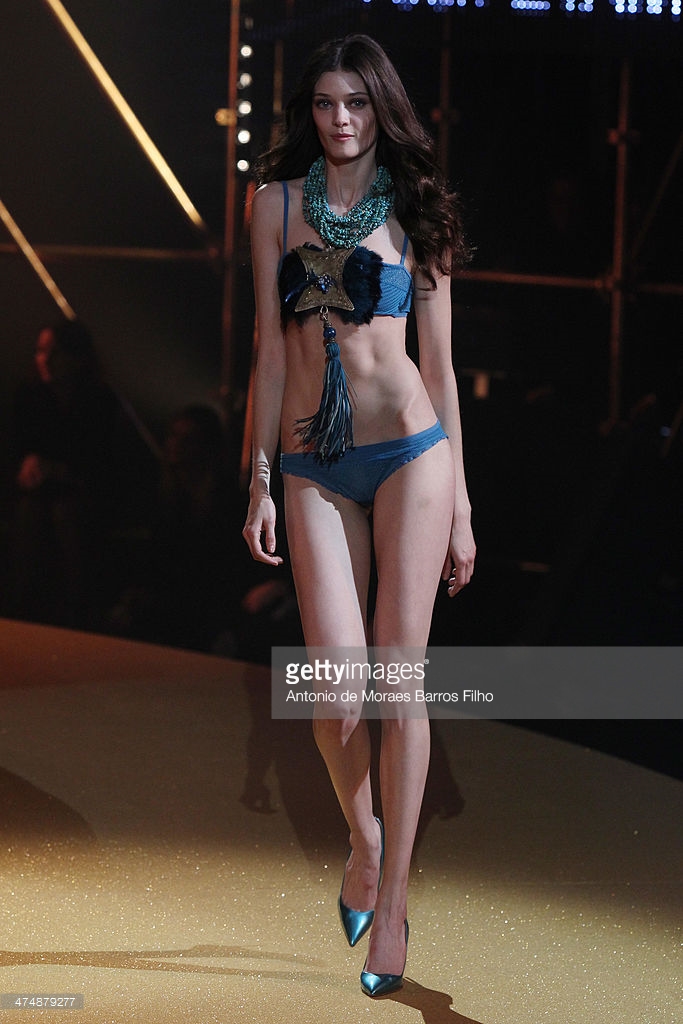
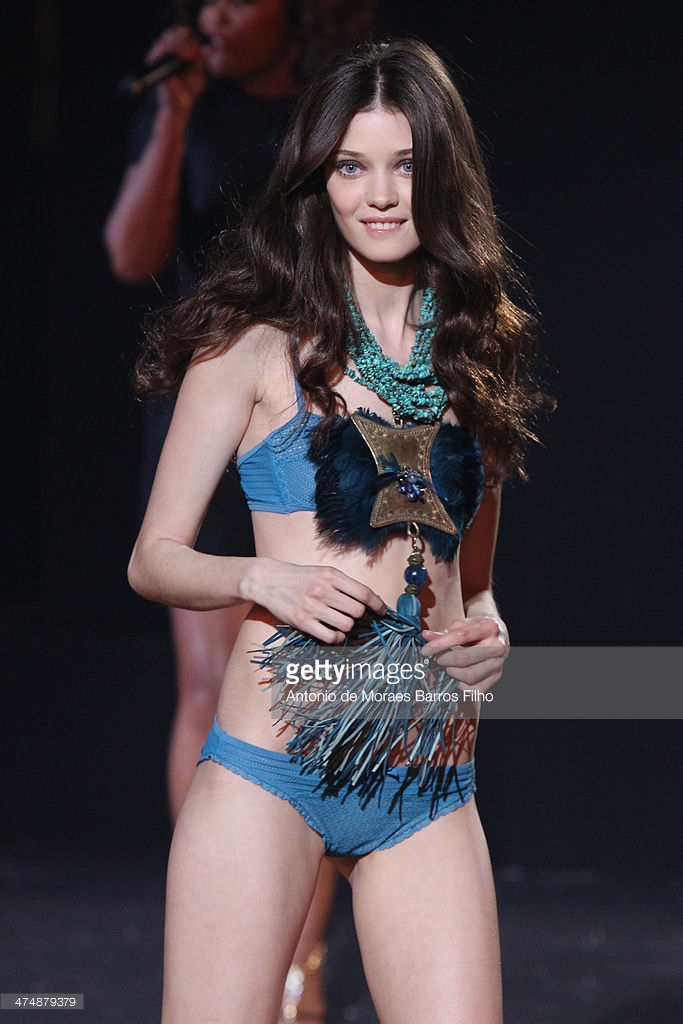
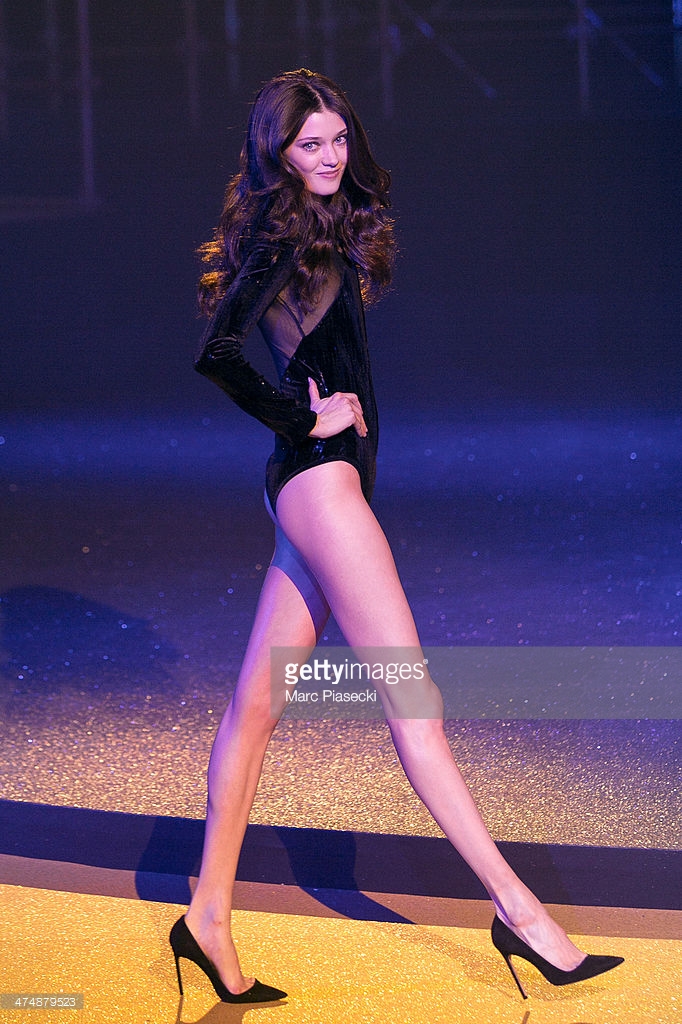
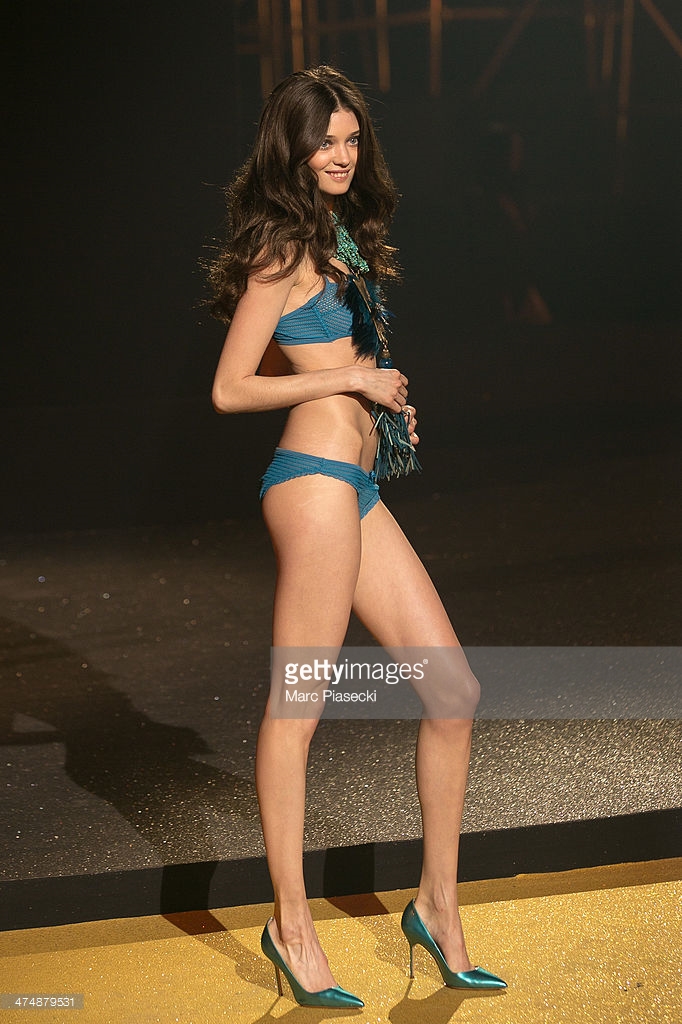
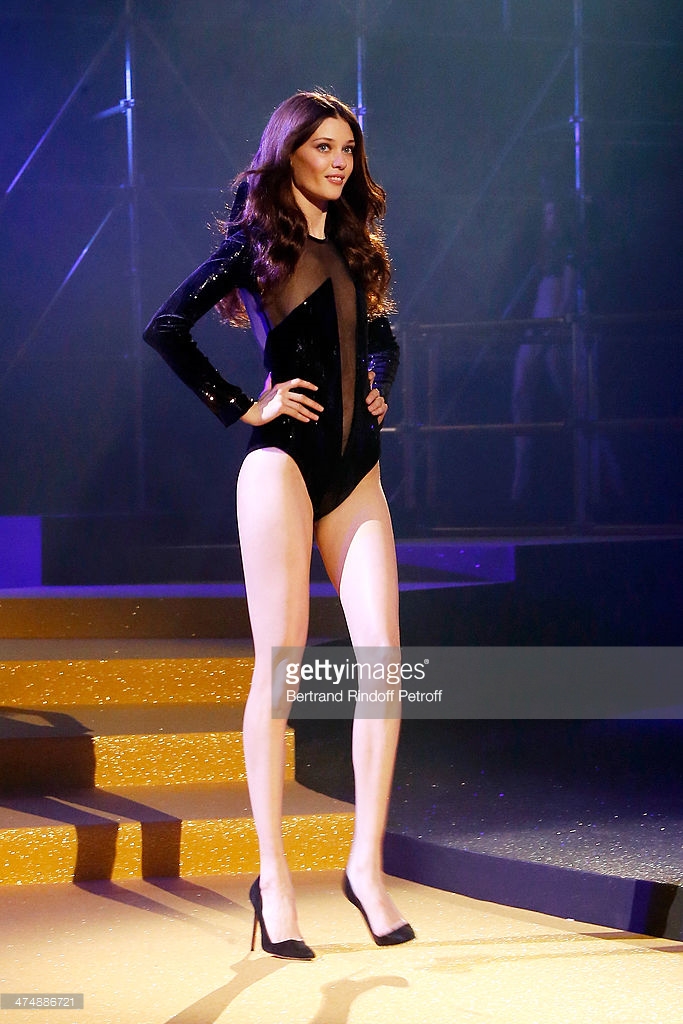
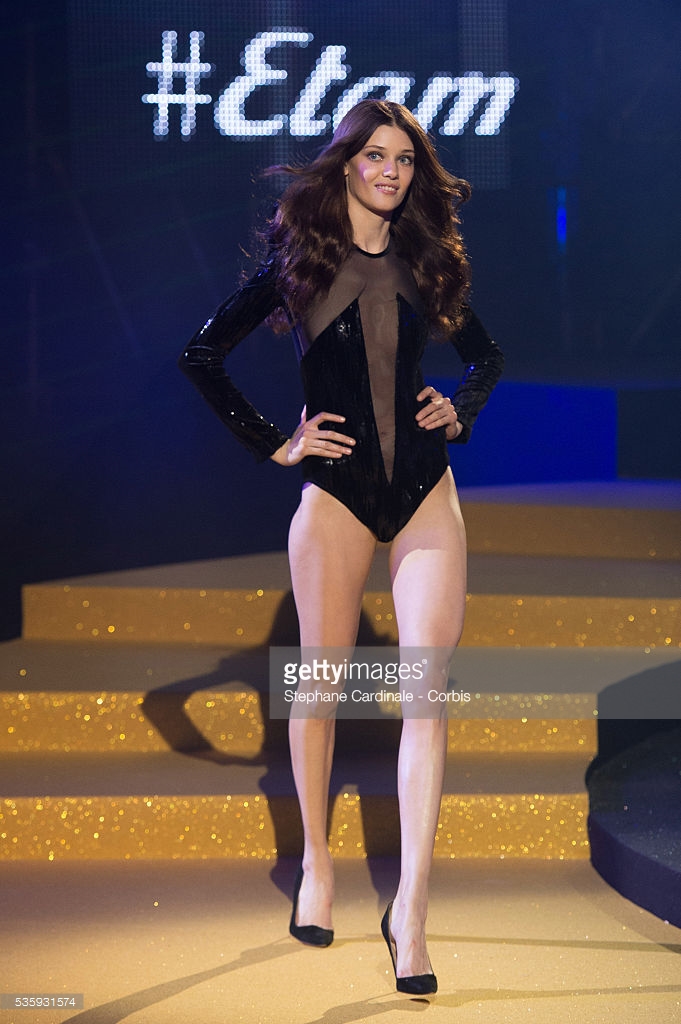
Etam Fashion Show 2011 Etam Fashion Show 2013 Etam Fashion Show 2014
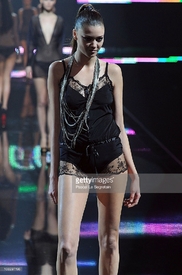
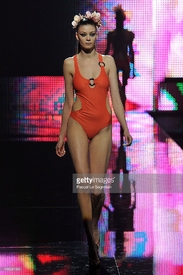
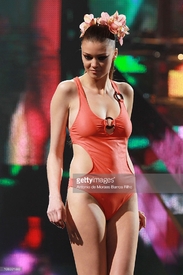
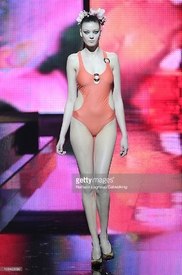
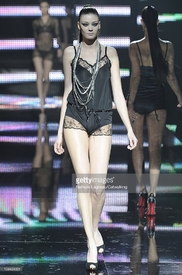
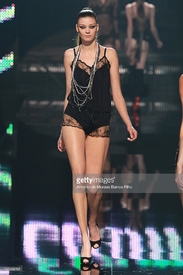
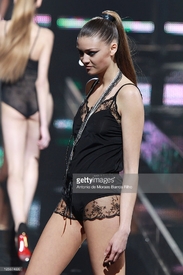

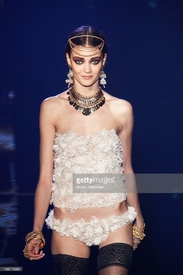
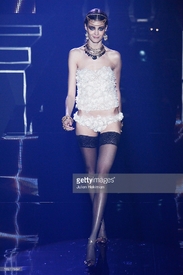

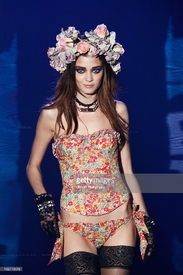
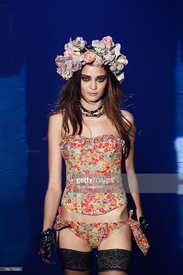

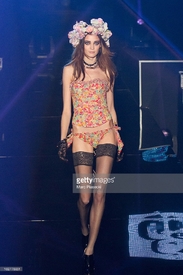
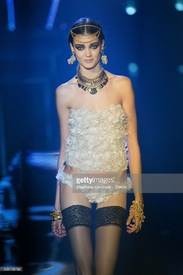
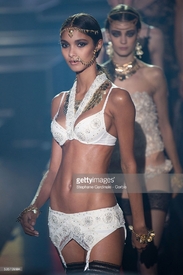




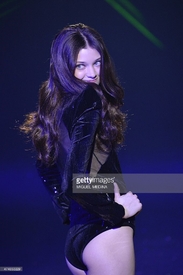
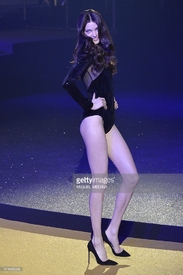

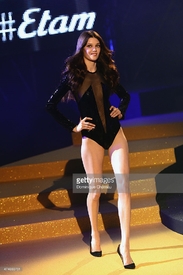
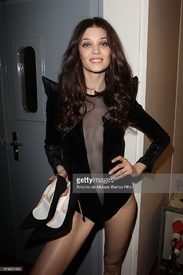
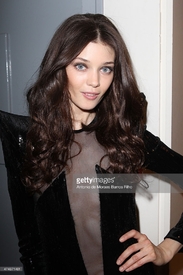
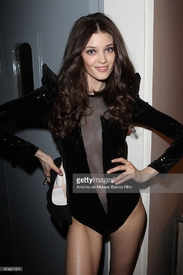
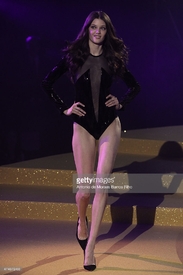
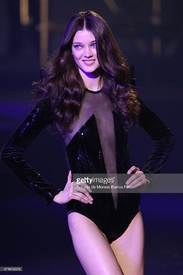
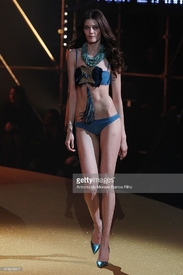

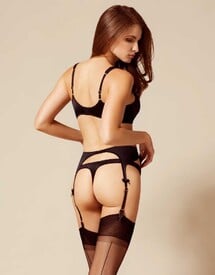
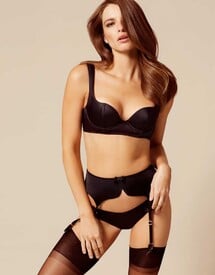
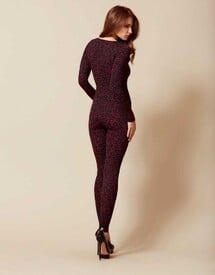
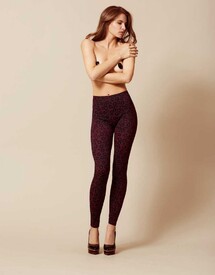
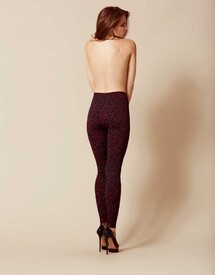
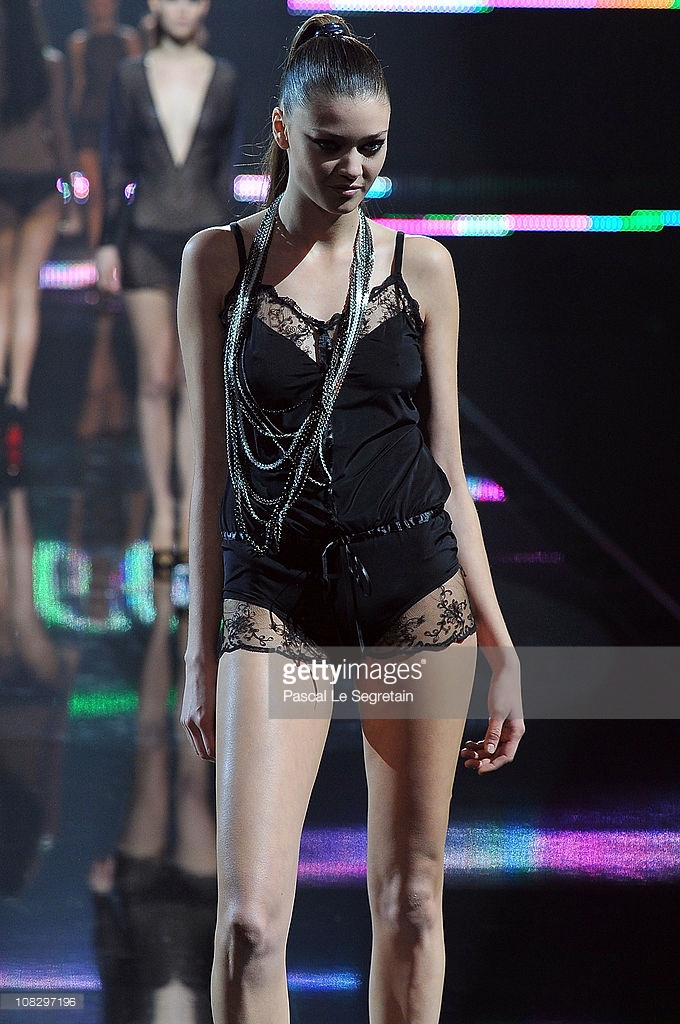
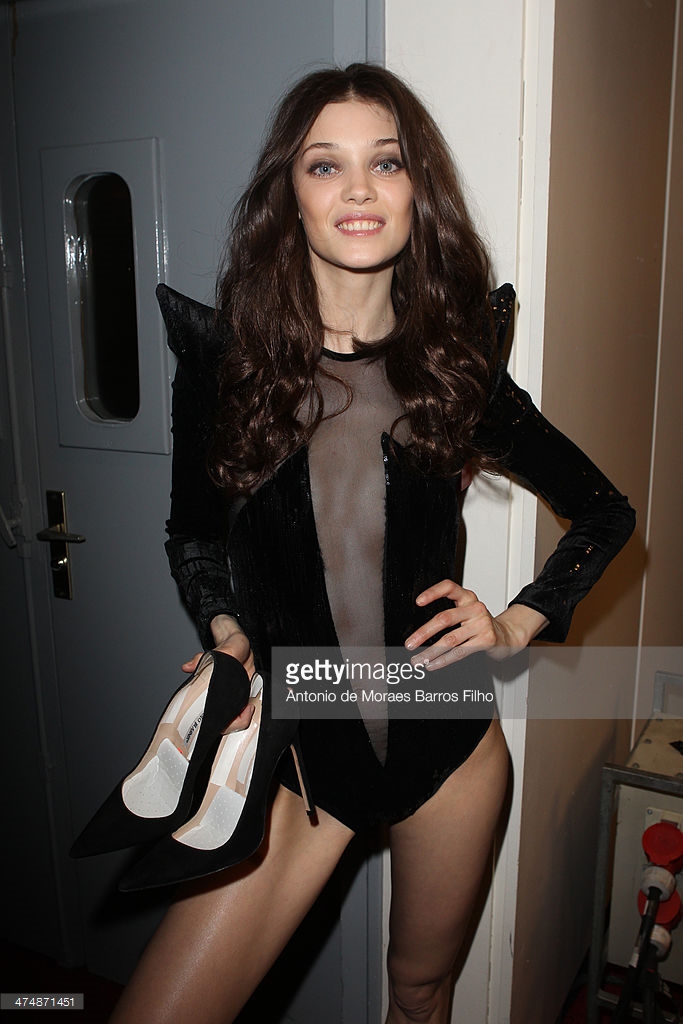
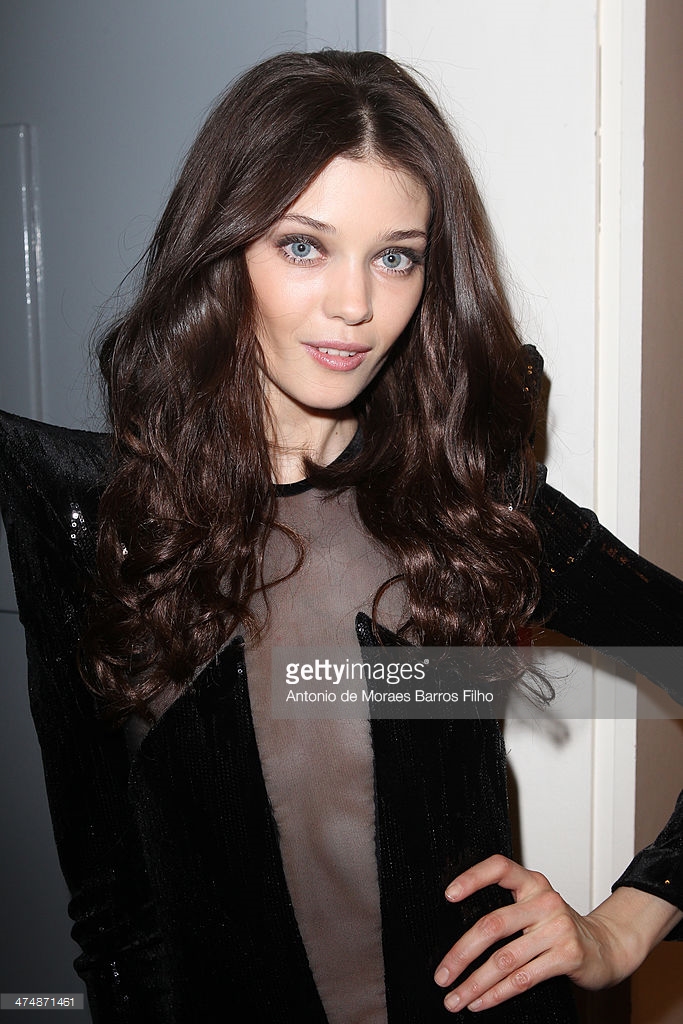
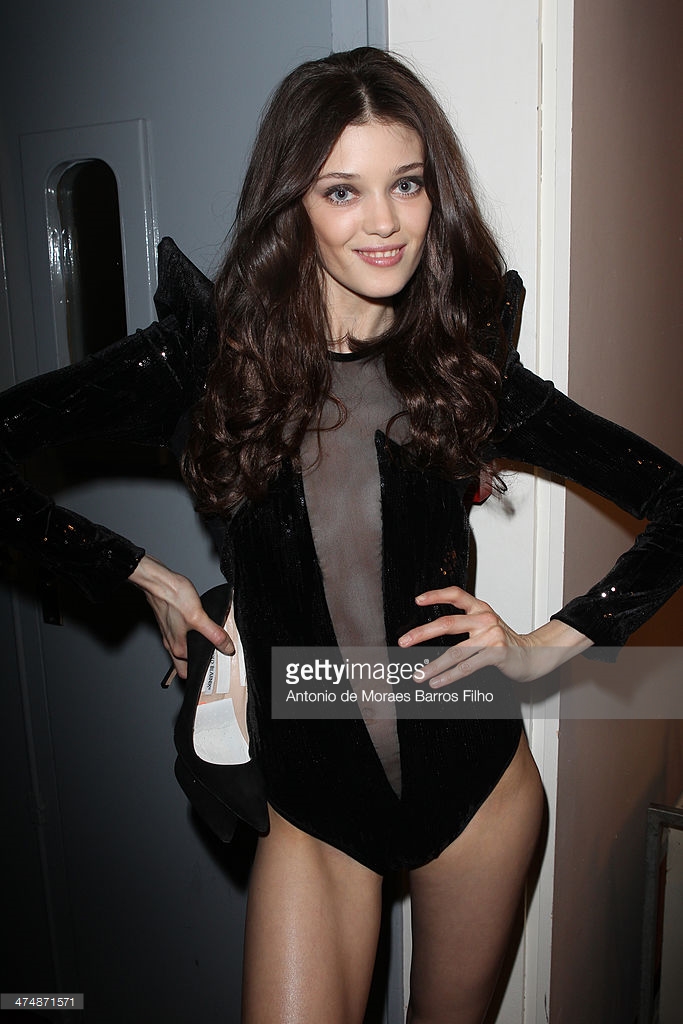
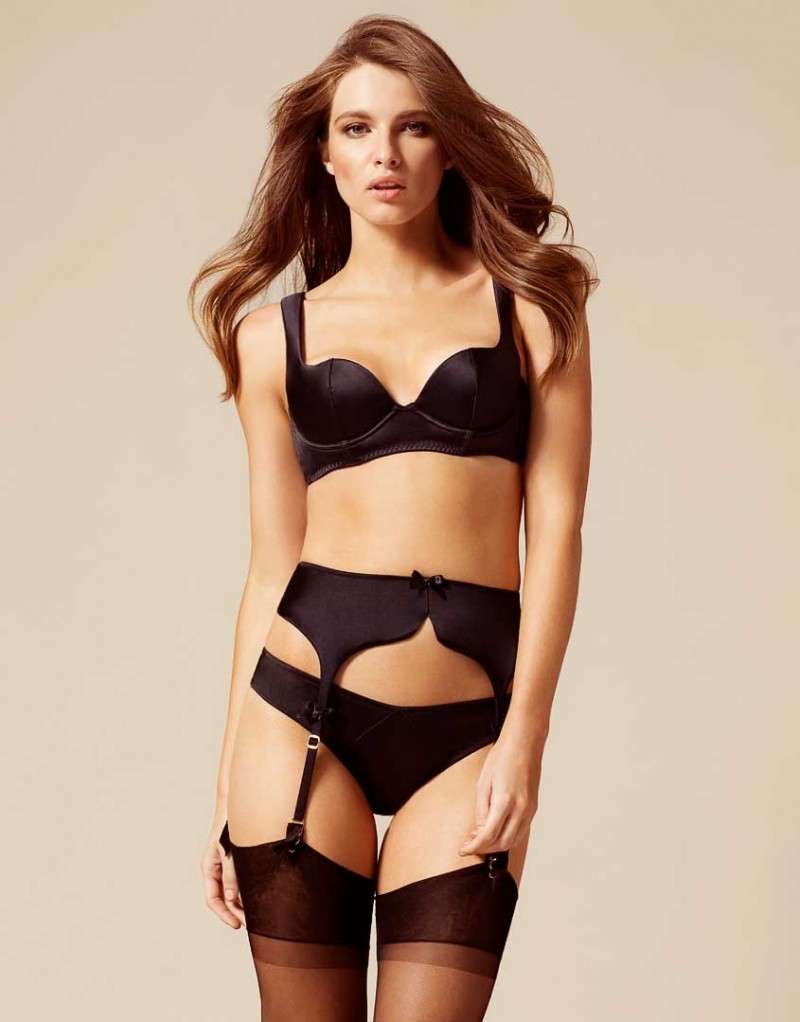
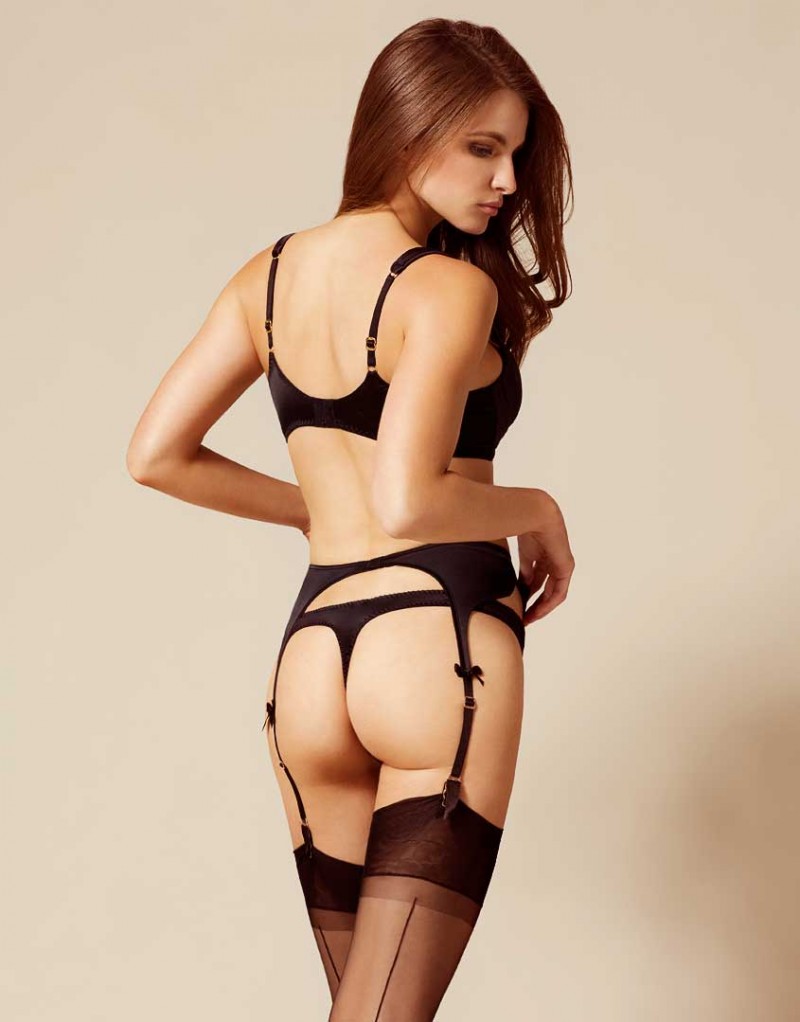
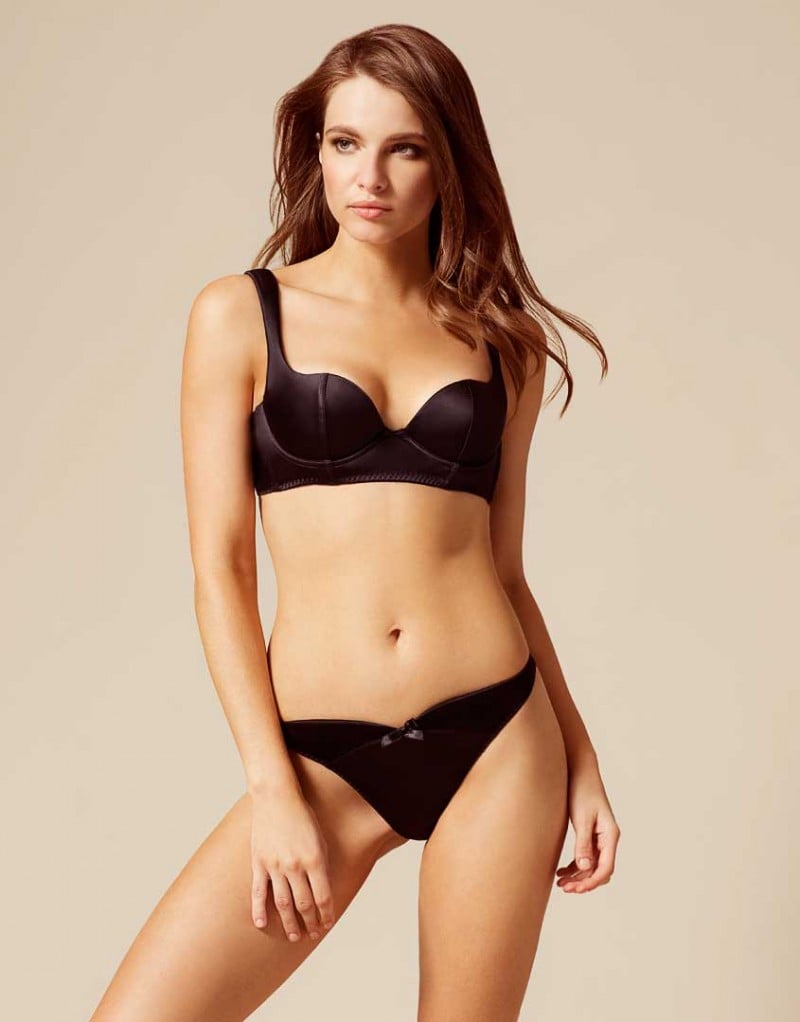
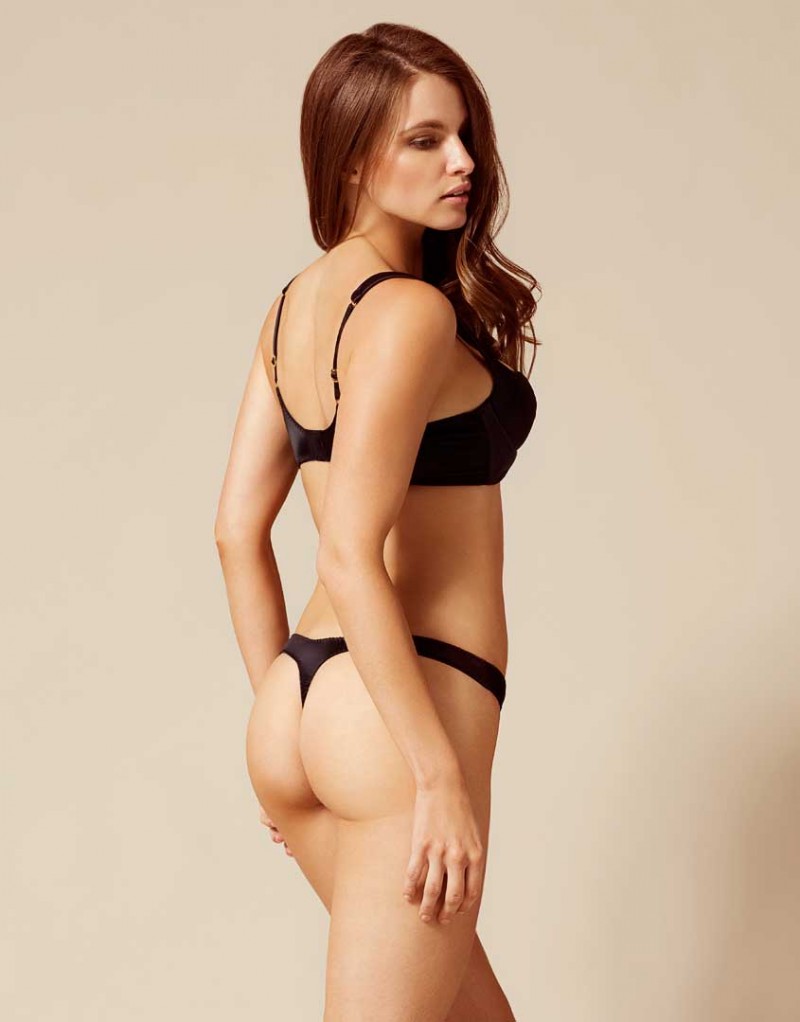
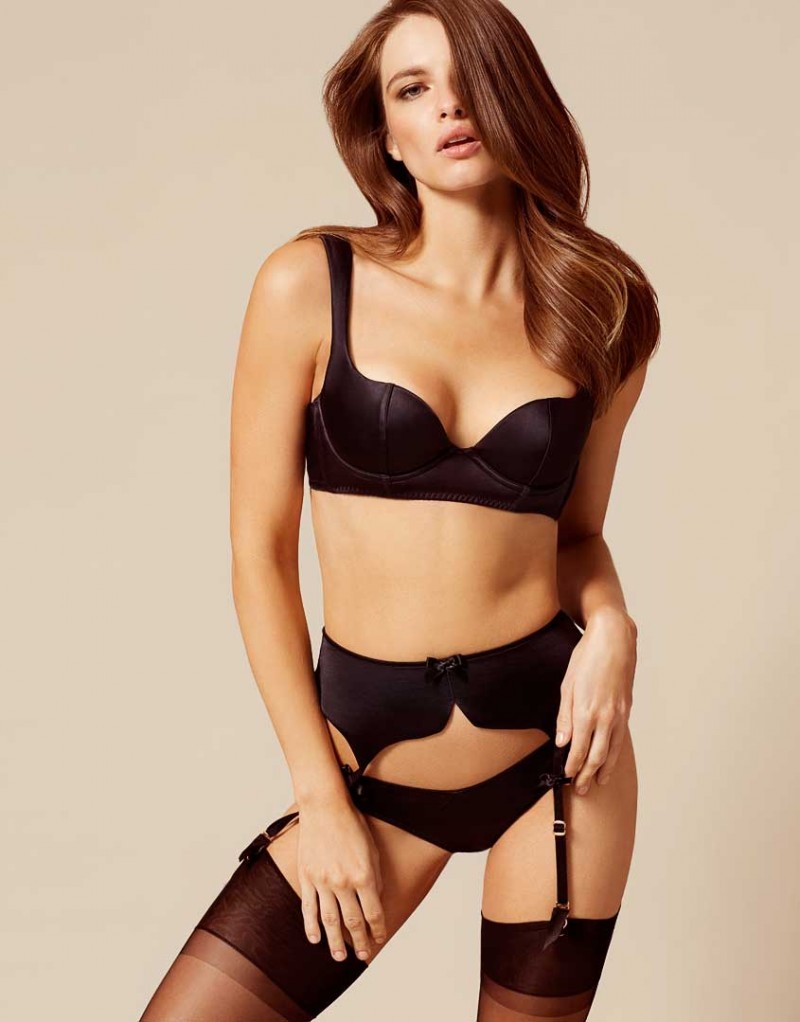
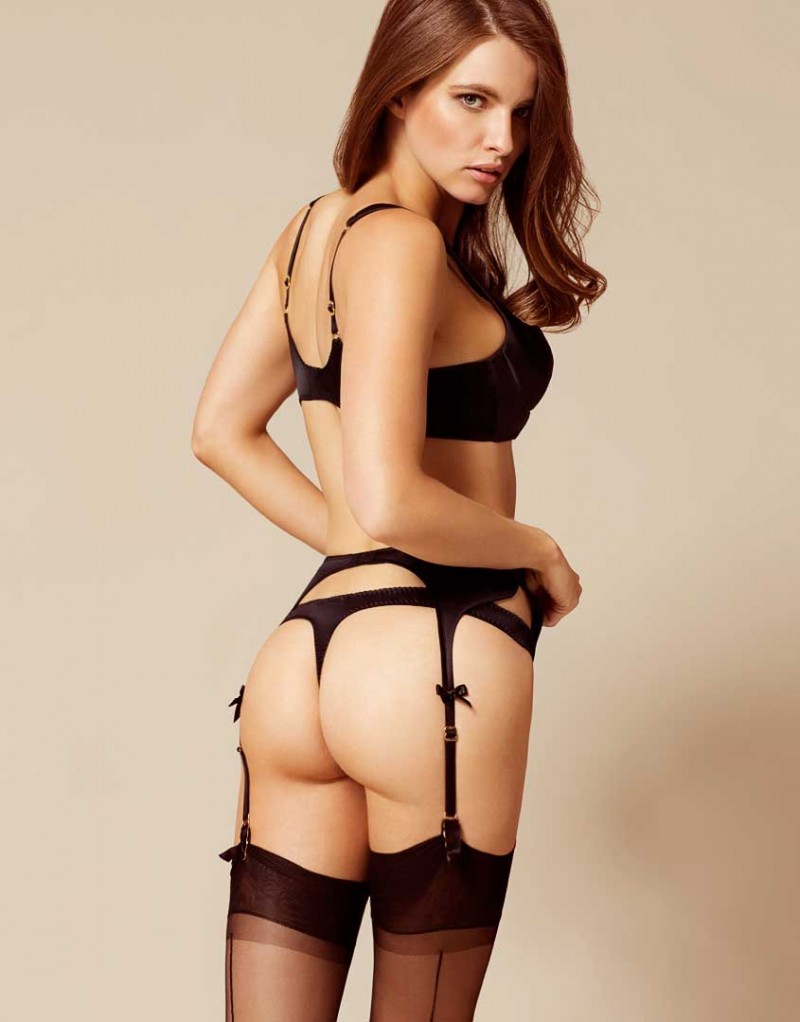
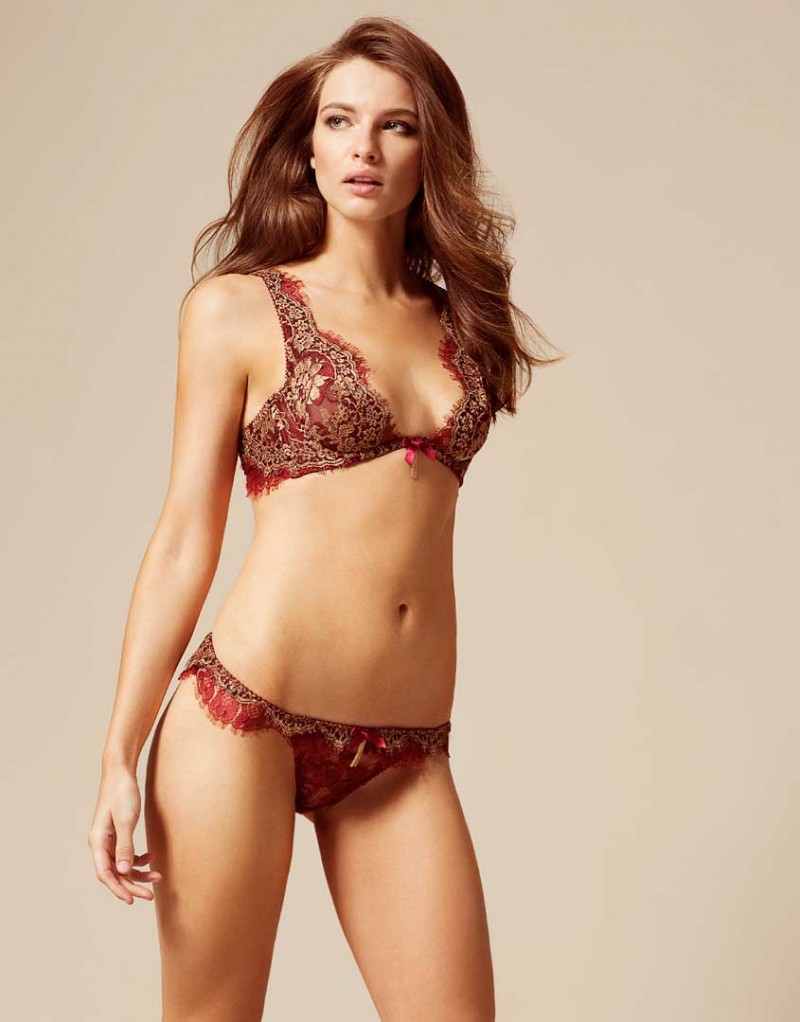
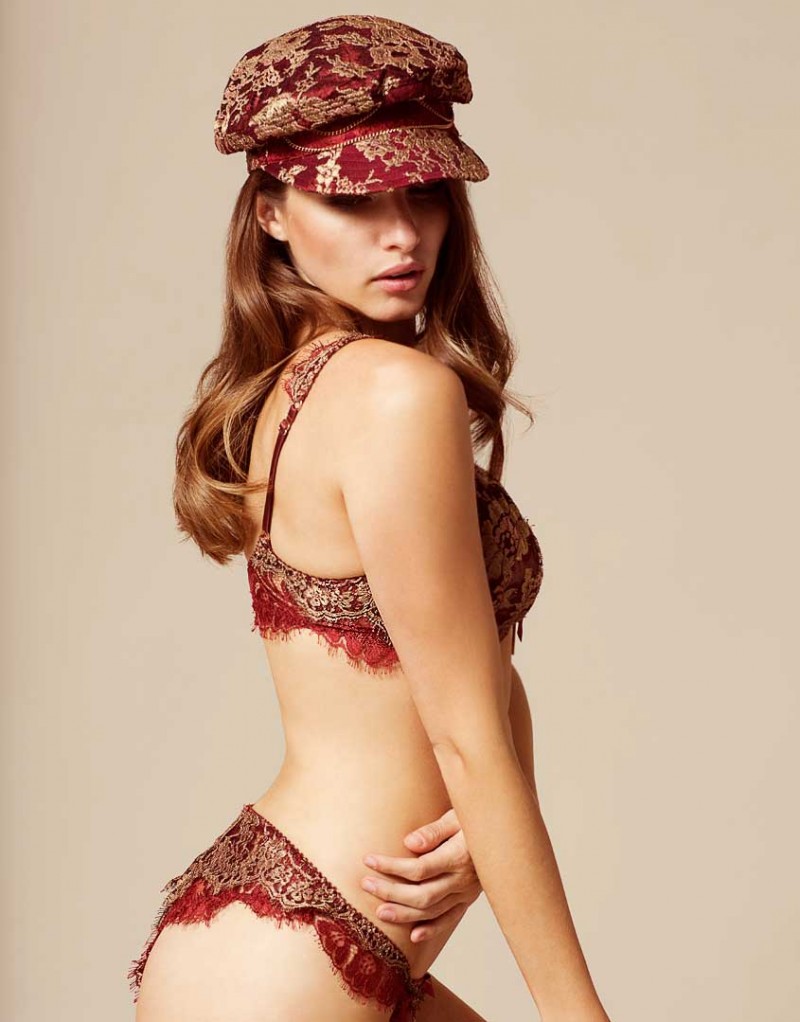
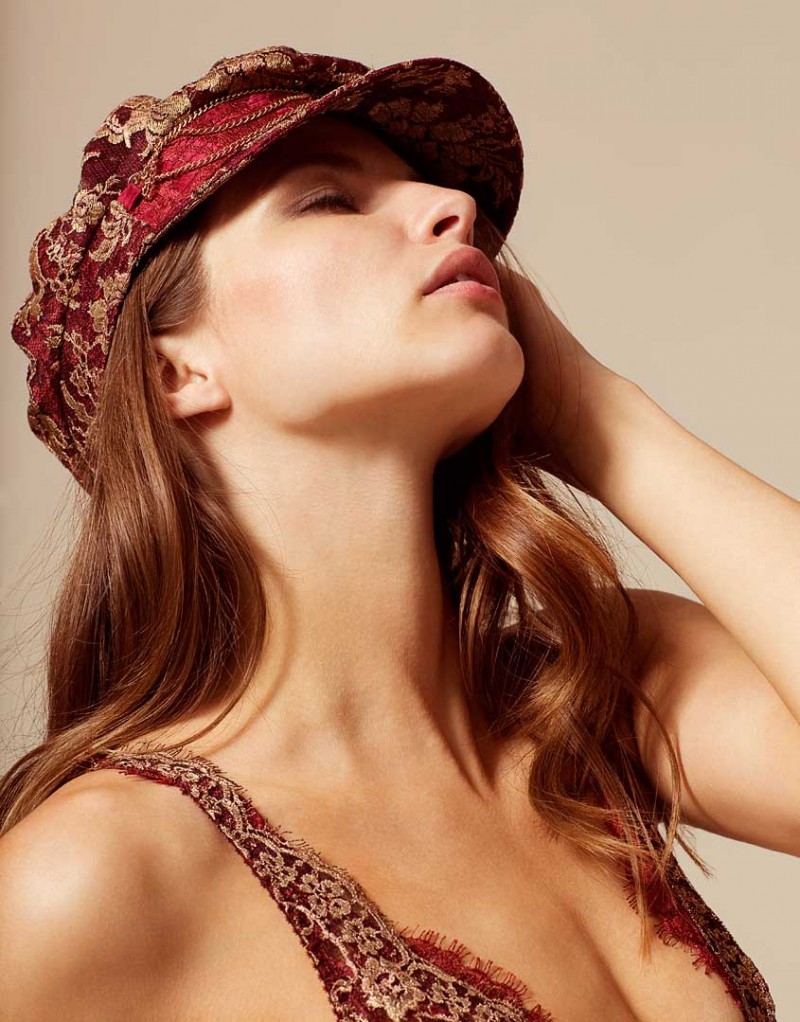
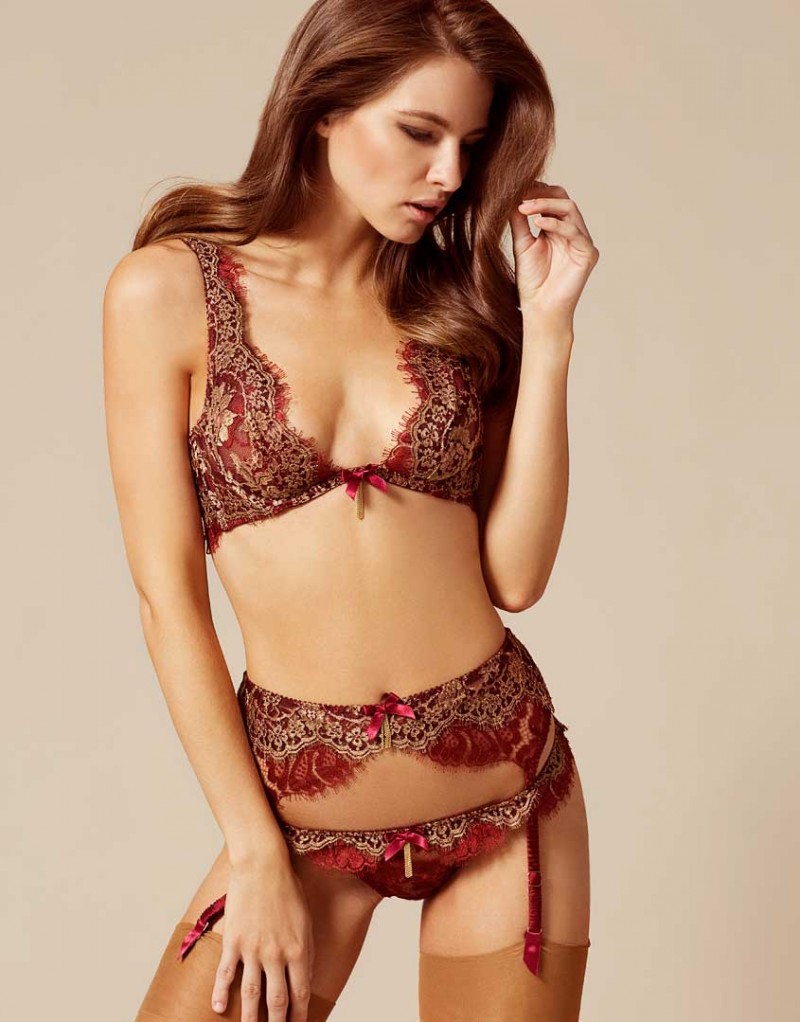
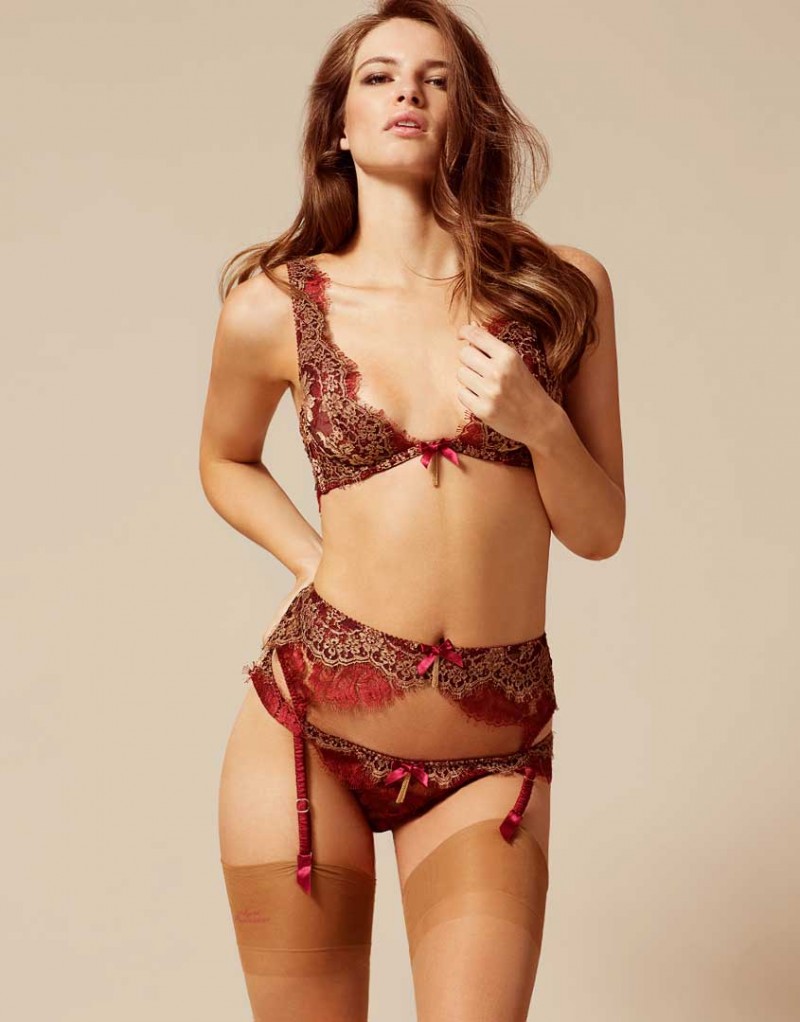
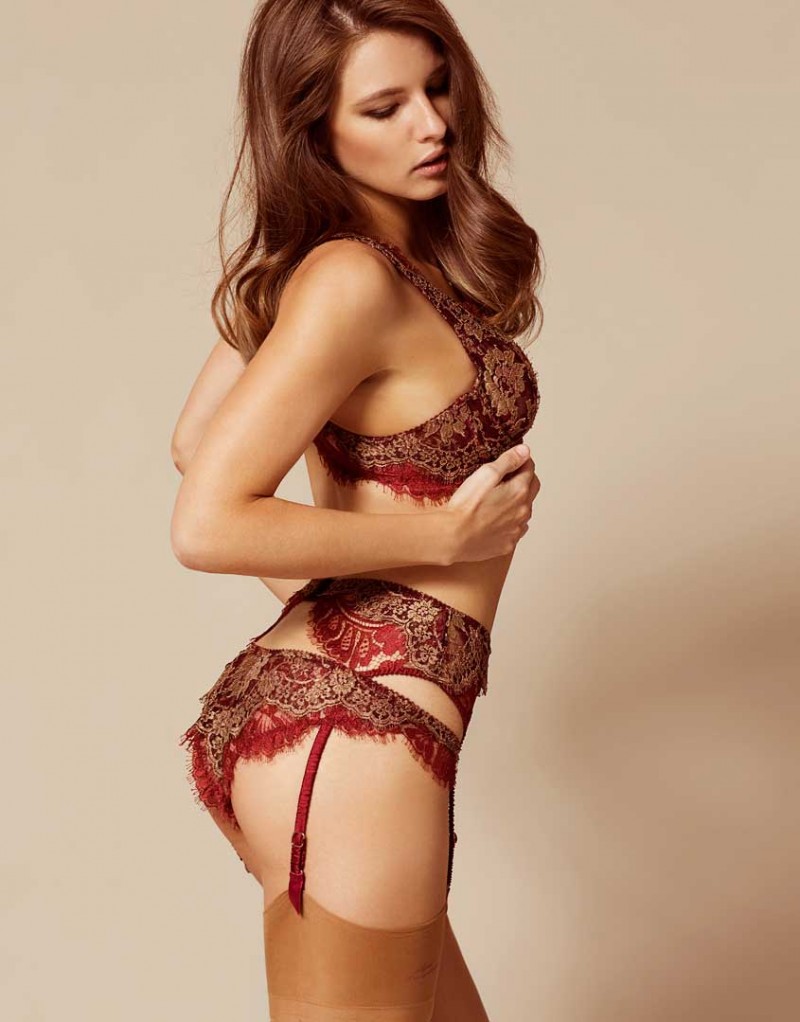
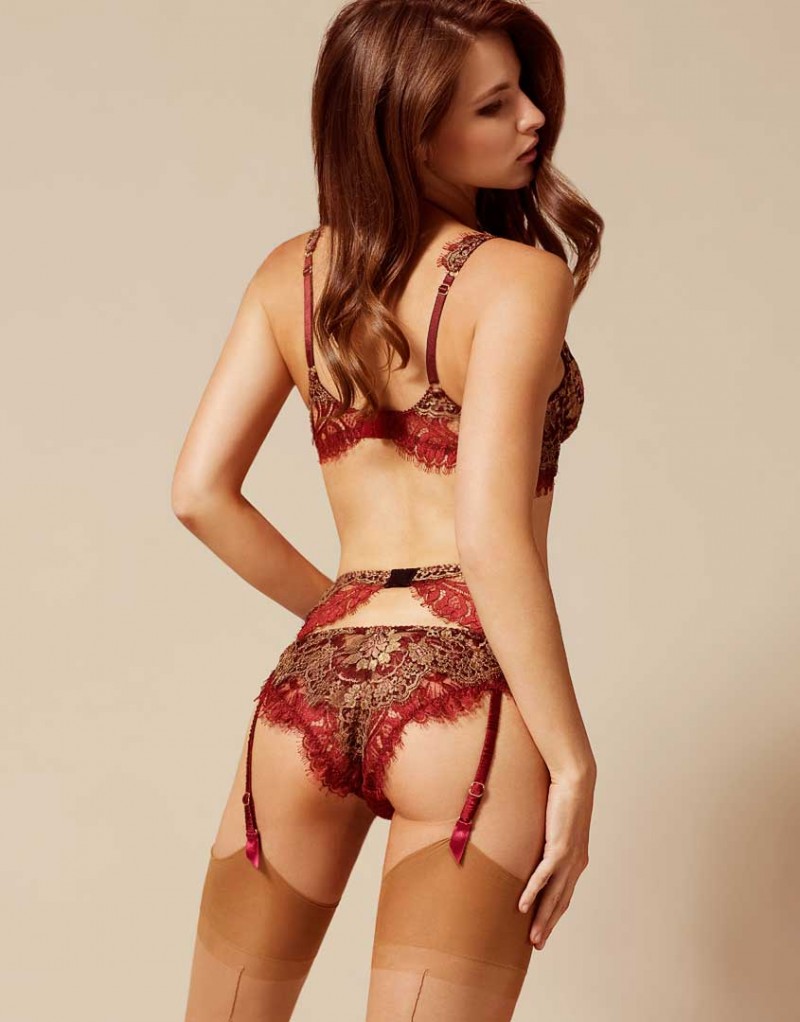
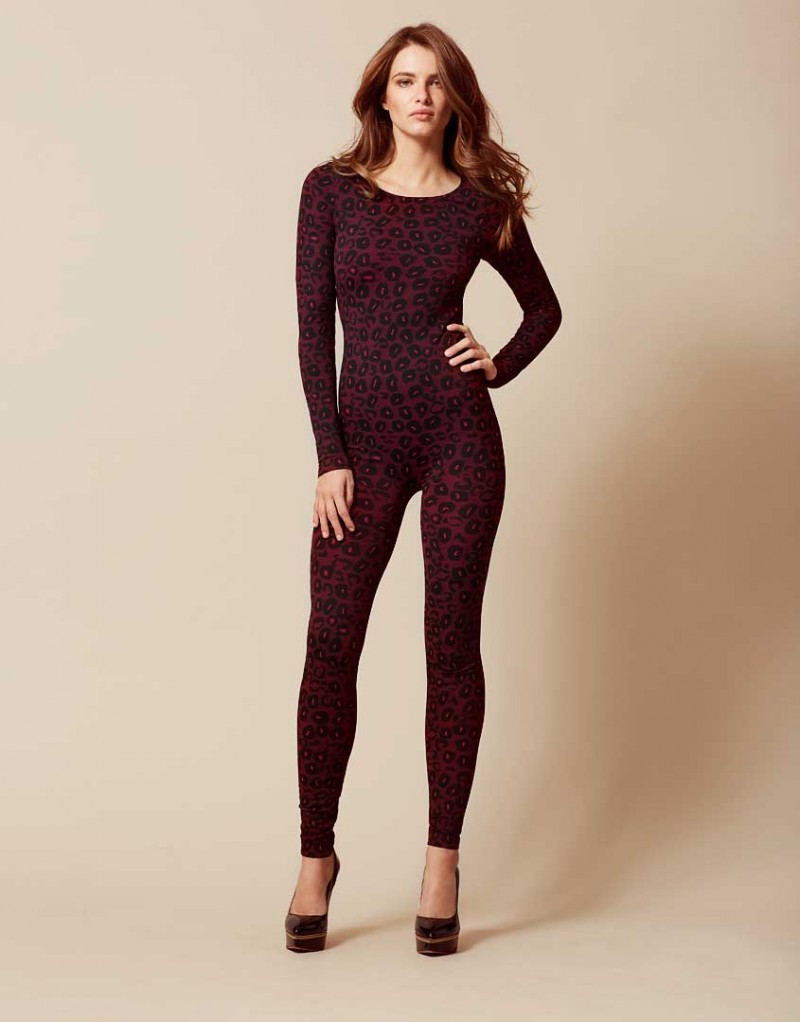
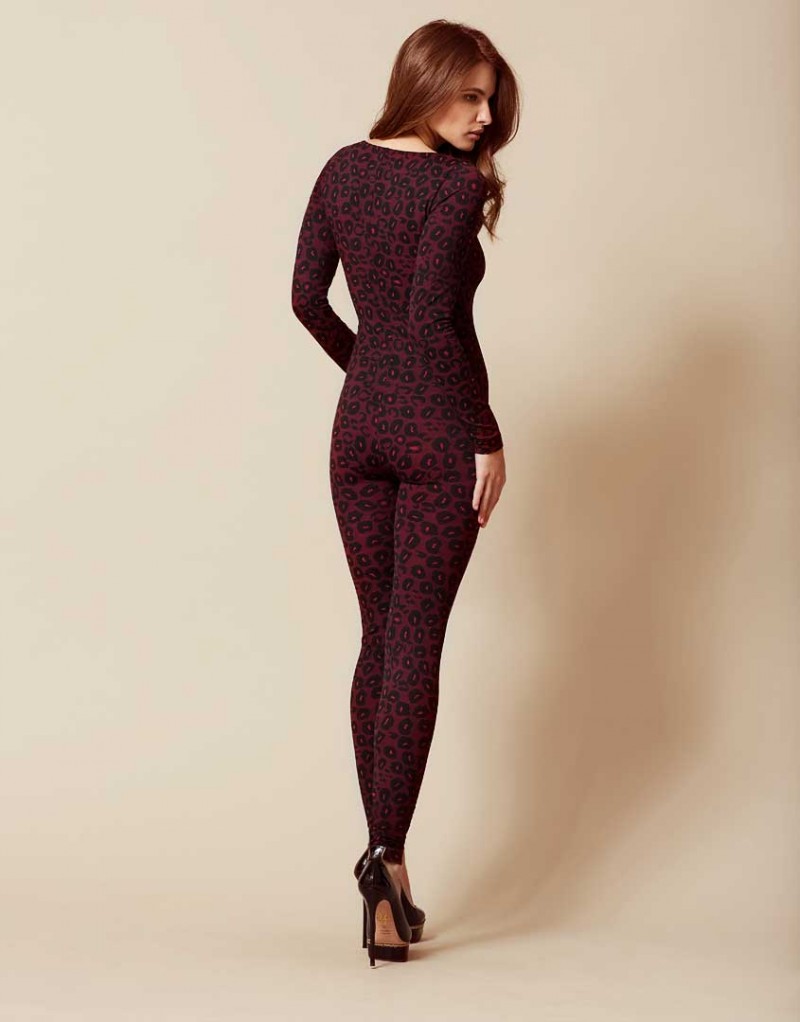
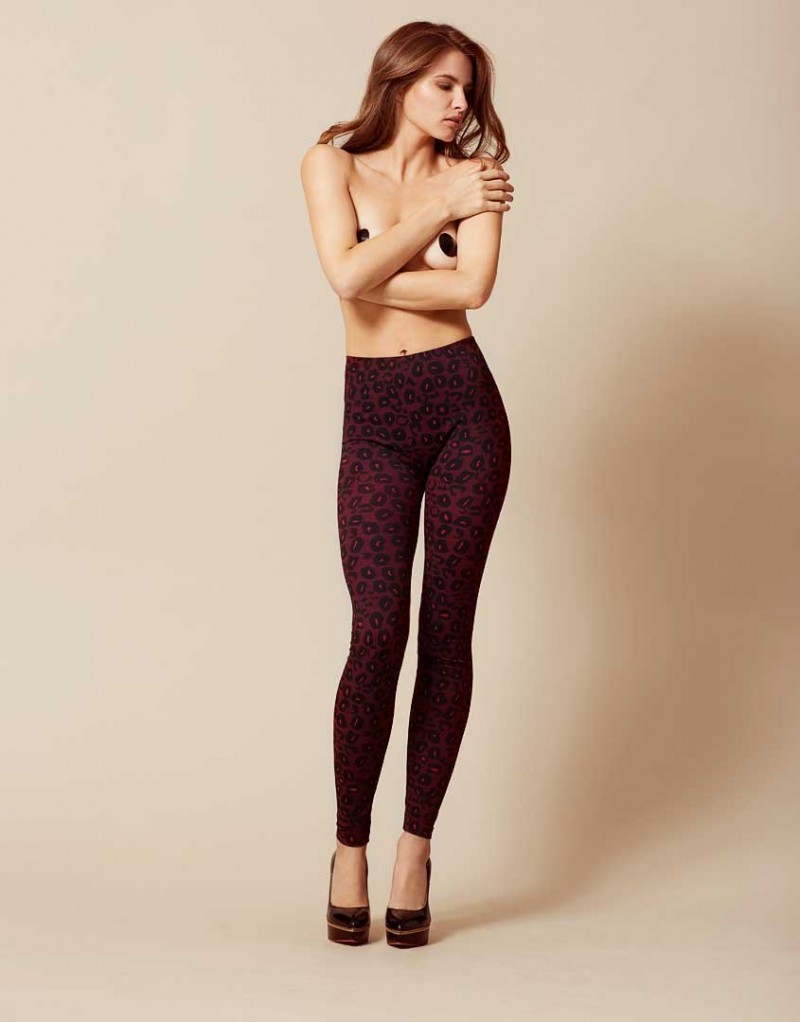
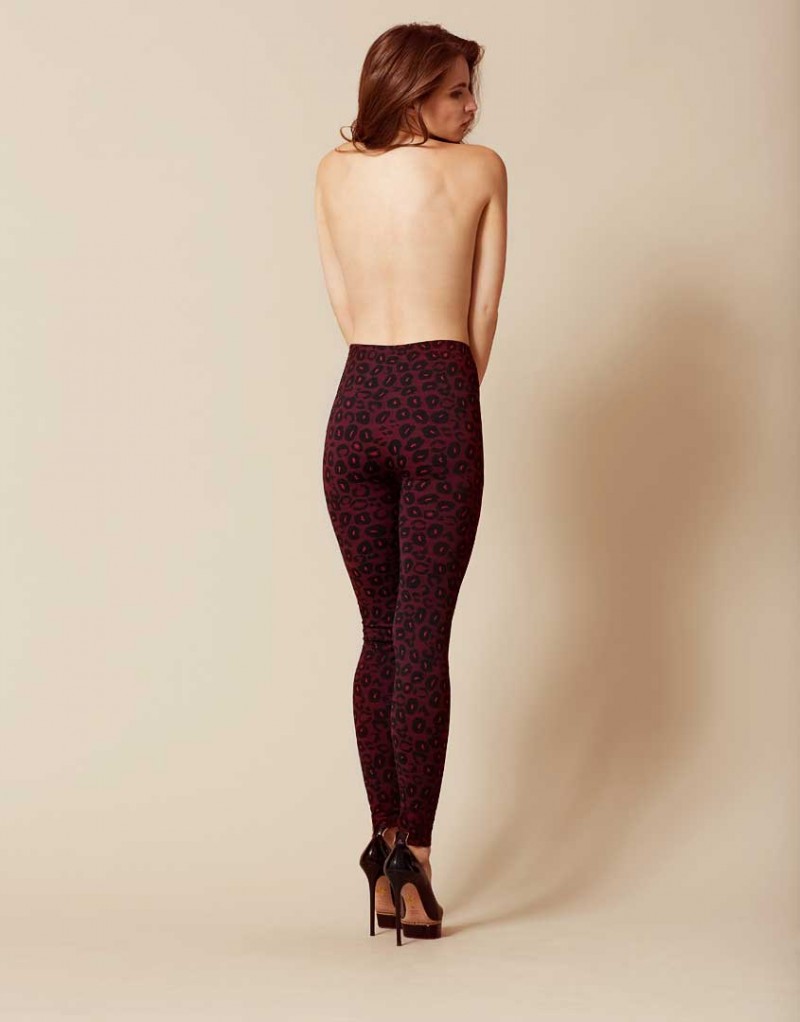
 Agent Provocateur 2016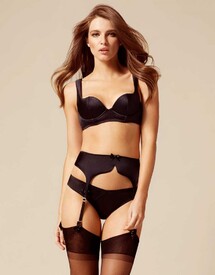










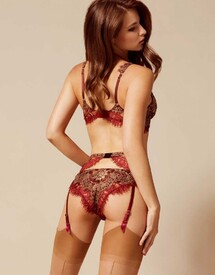




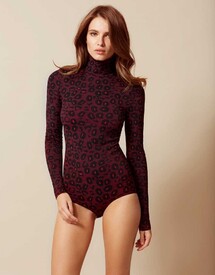


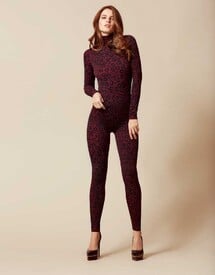
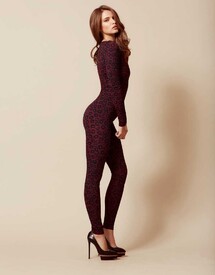
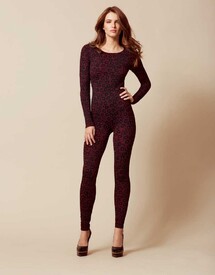
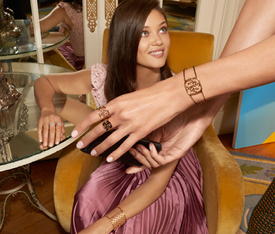
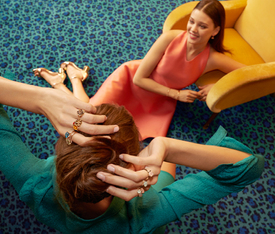
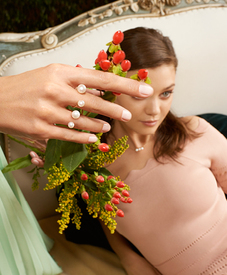
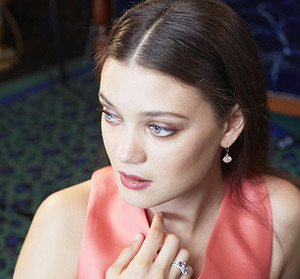
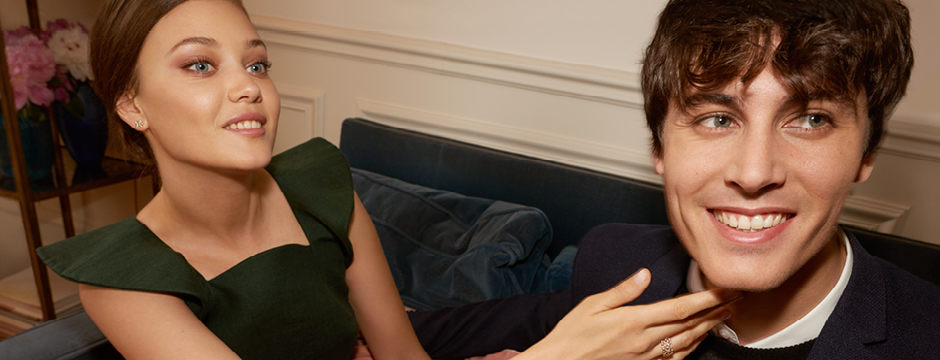
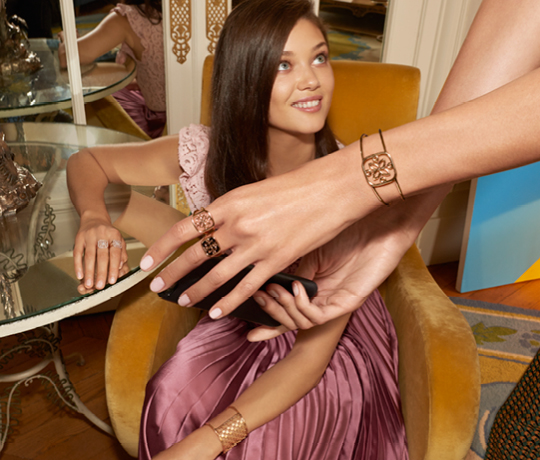
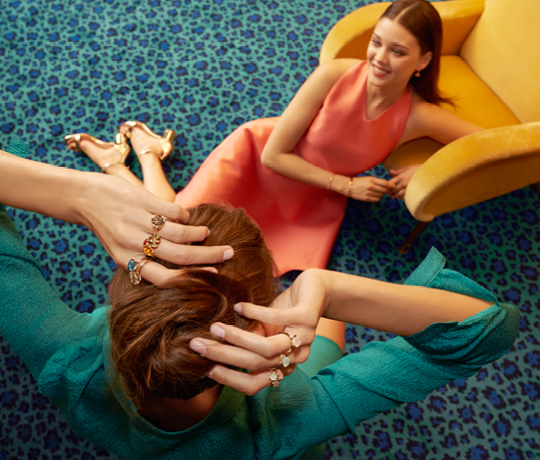
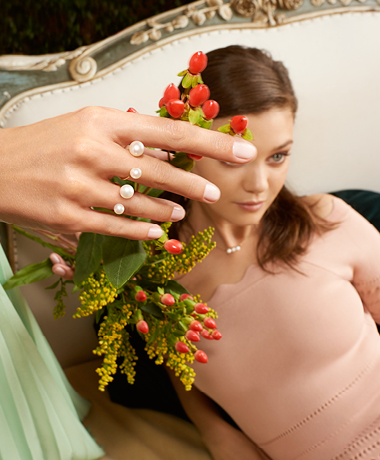
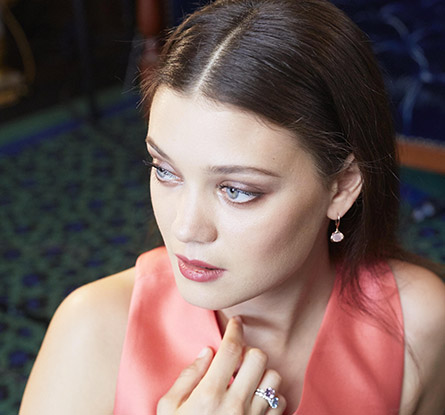
 Guérin Joaillerie Fall 2016 Campaign


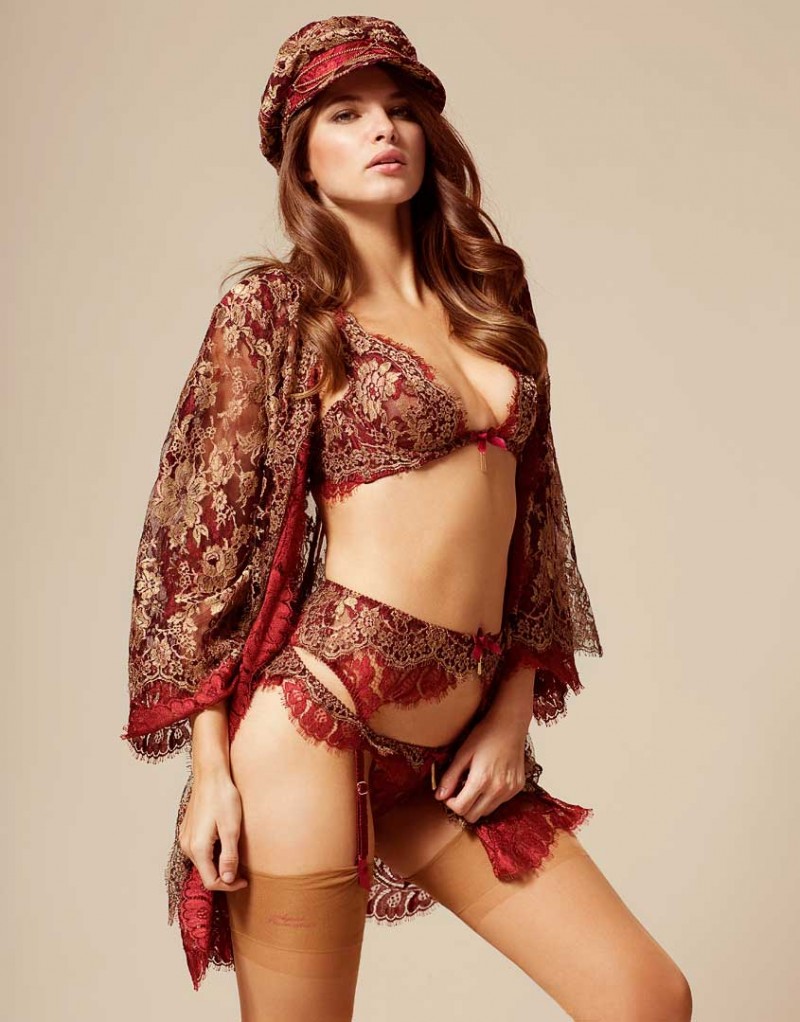
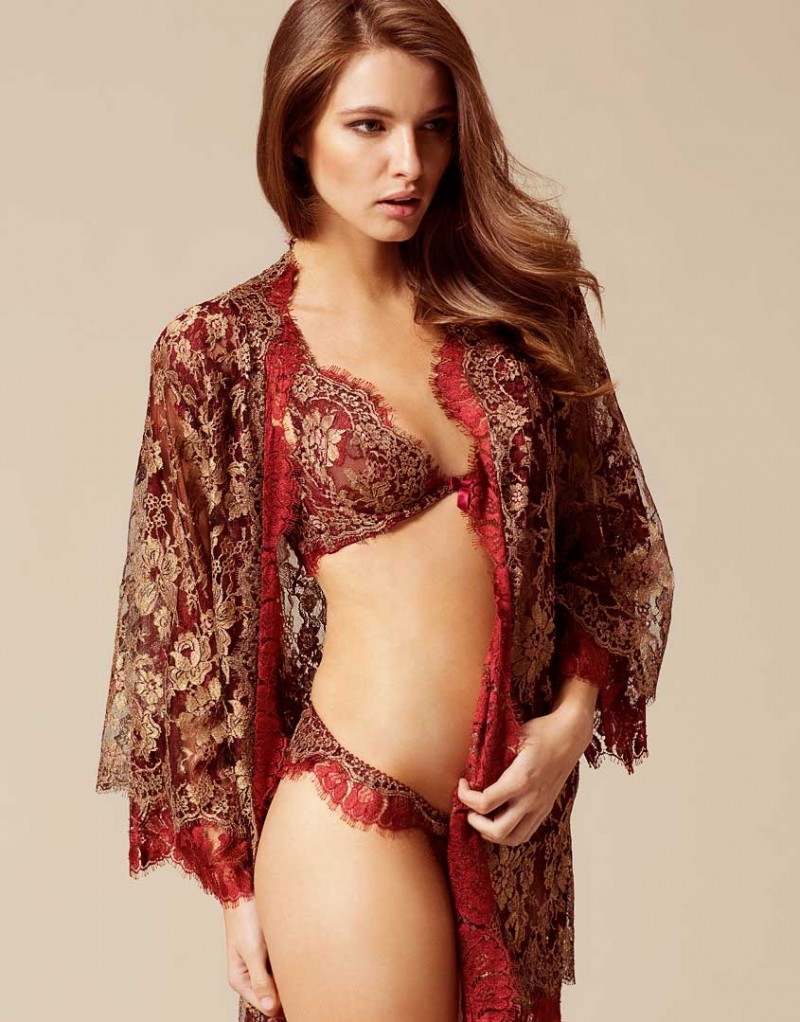

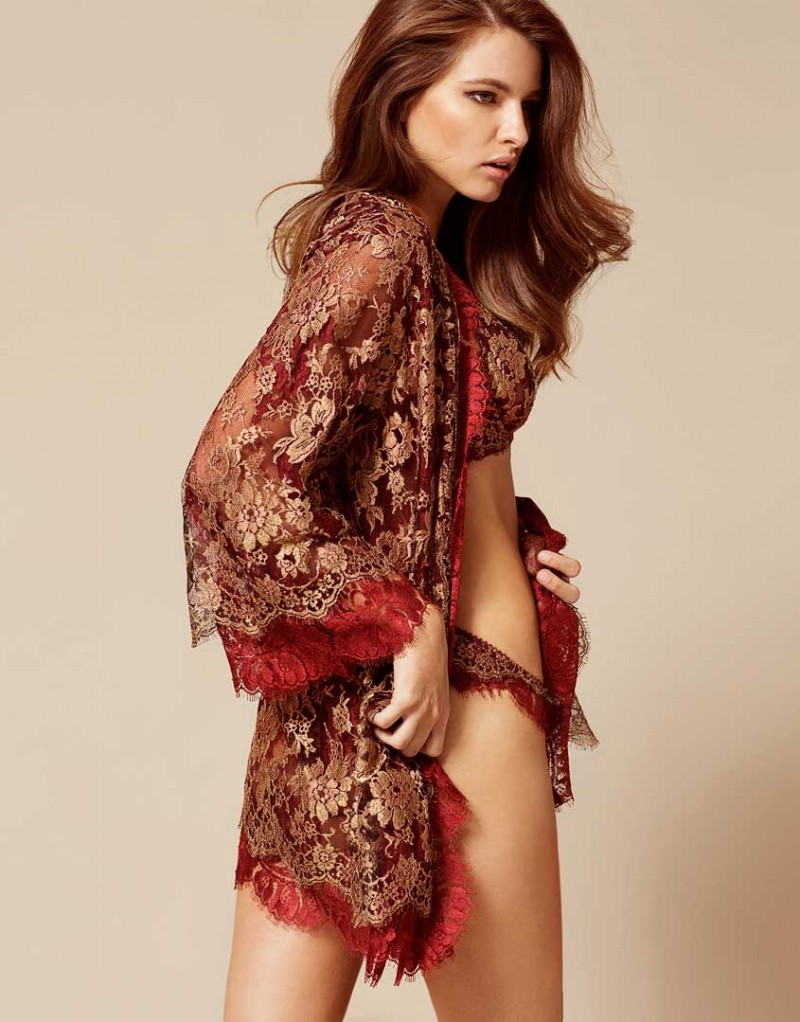
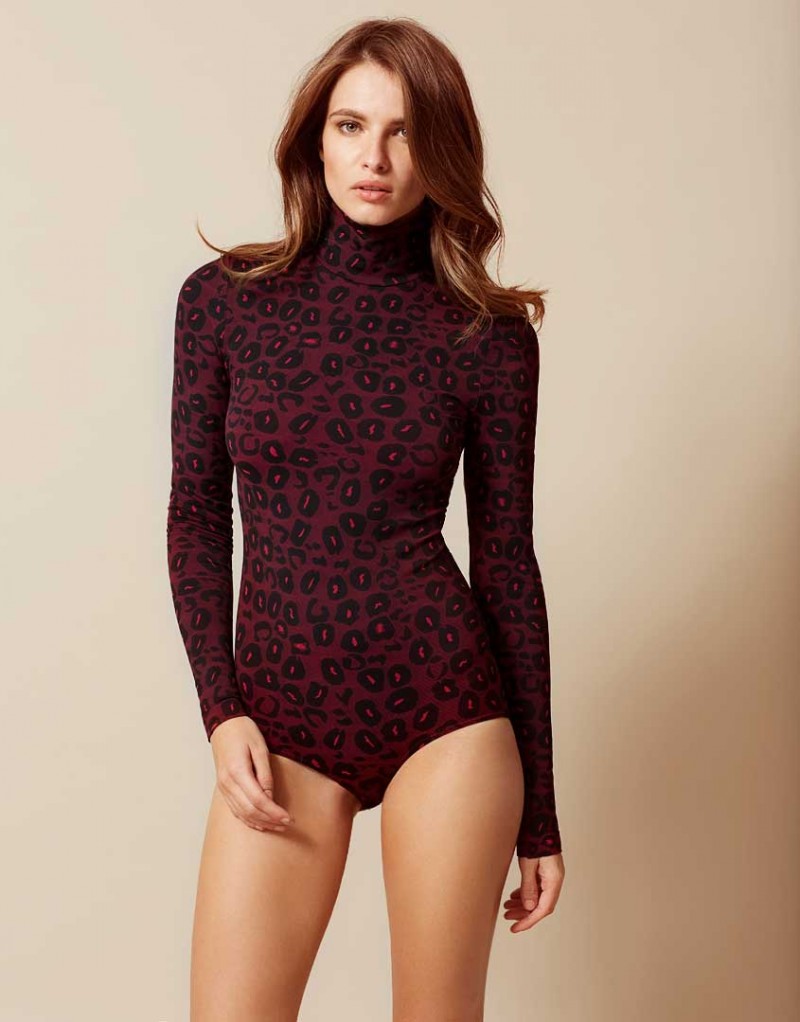
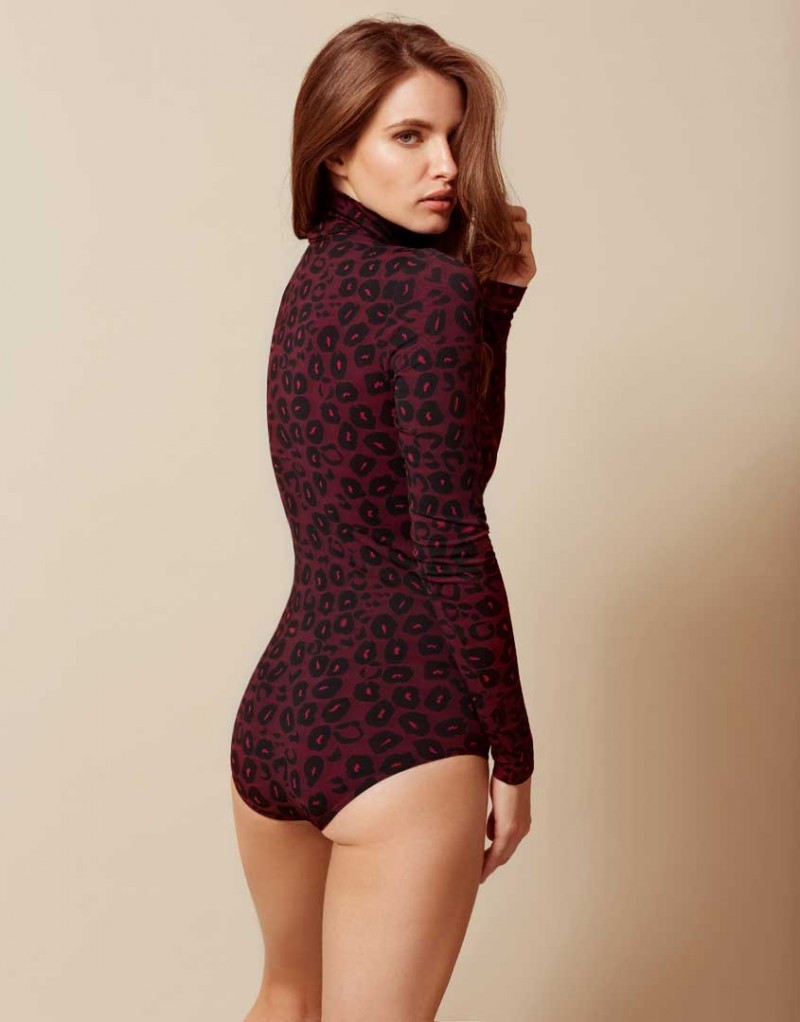
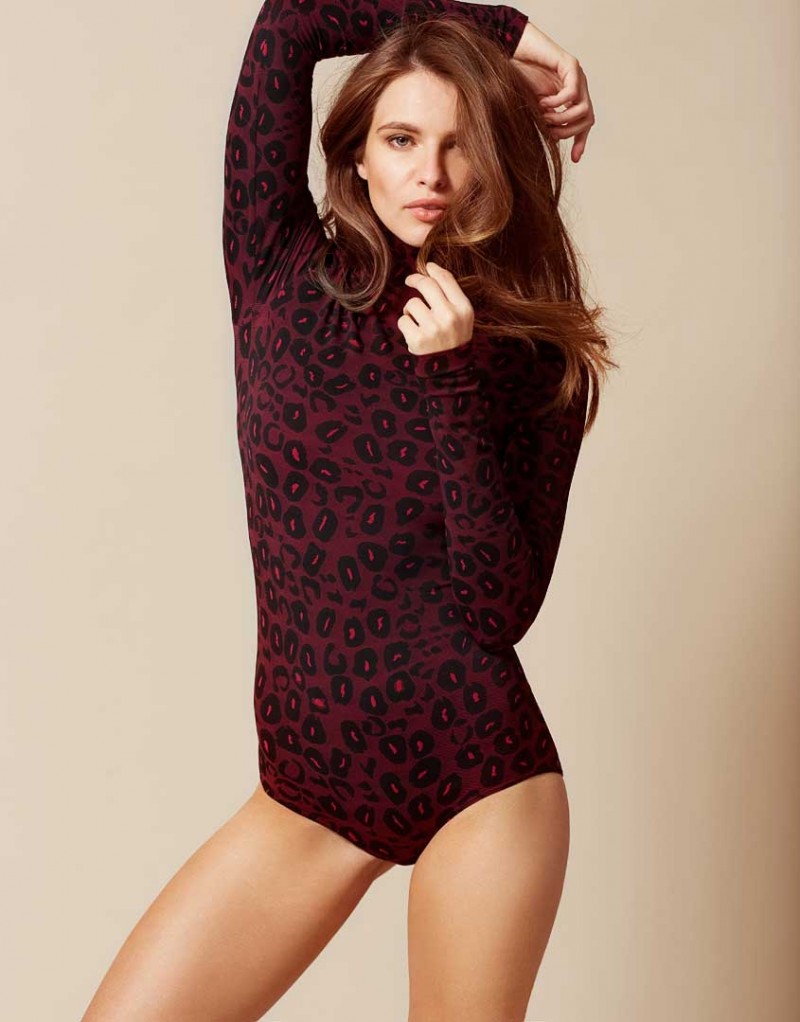
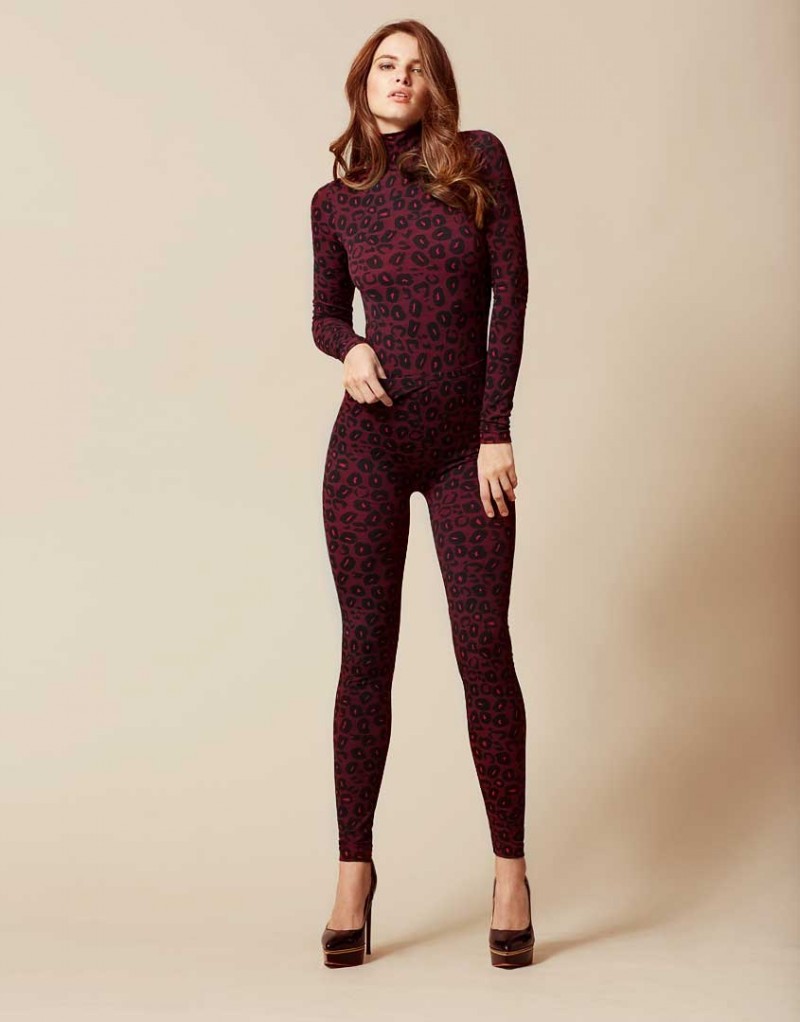
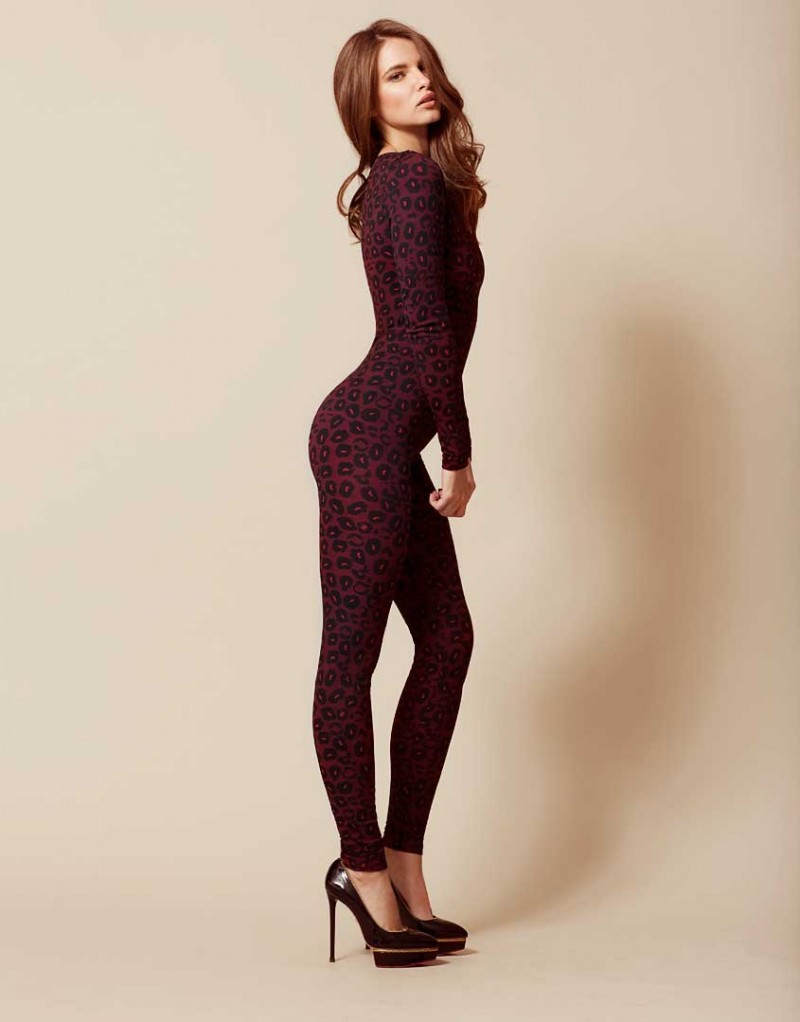
Account
Navigation
Search
Configure browser push notifications
Chrome (Android)
- Tap the lock icon next to the address bar.
- Tap Permissions → Notifications.
- Adjust your preference.
Chrome (Desktop)
- Click the padlock icon in the address bar.
- Select Site settings.
- Find Notifications and adjust your preference.
Safari (iOS 16.4+)
- Ensure the site is installed via Add to Home Screen.
- Open Settings App → Notifications.
- Find your app name and adjust your preference.
Safari (macOS)
- Go to Safari → Preferences.
- Click the Websites tab.
- Select Notifications in the sidebar.
- Find this website and adjust your preference.
Edge (Android)
- Tap the lock icon next to the address bar.
- Tap Permissions.
- Find Notifications and adjust your preference.
Edge (Desktop)
- Click the padlock icon in the address bar.
- Click Permissions for this site.
- Find Notifications and adjust your preference.
Firefox (Android)
- Go to Settings → Site permissions.
- Tap Notifications.
- Find this site in the list and adjust your preference.
Firefox (Desktop)
- Open Firefox Settings.
- Search for Notifications.
- Find this site in the list and adjust your preference.