nightowl
Members
-
Joined
-
Last visited
Everything posted by nightowl
-
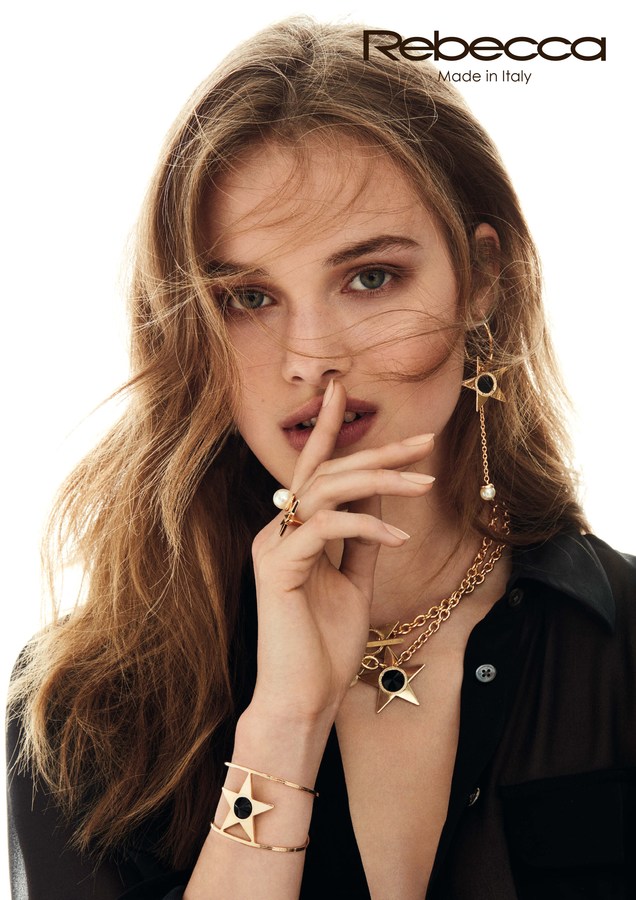
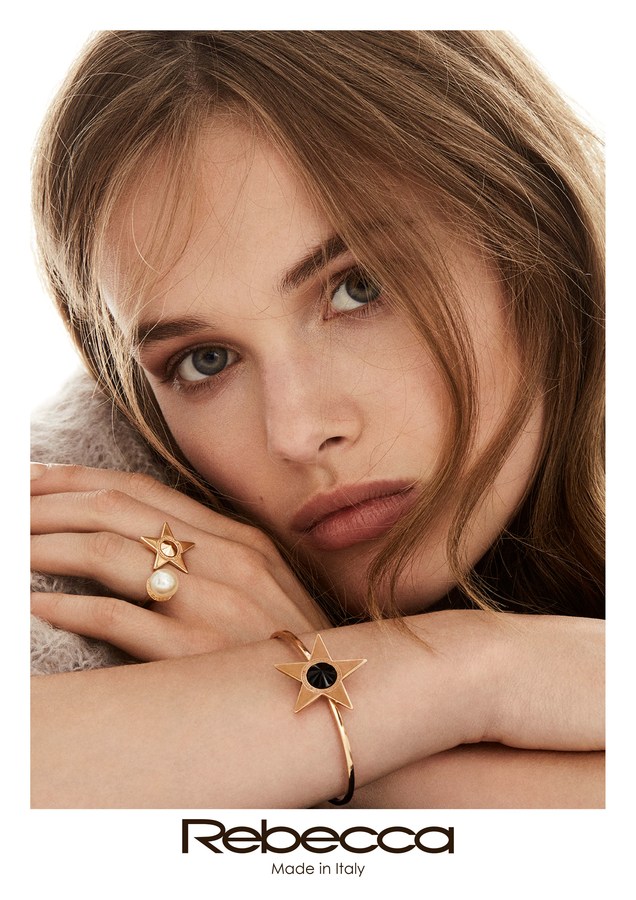
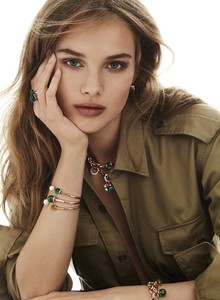
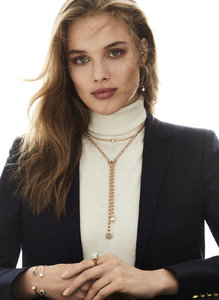
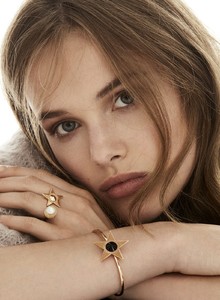
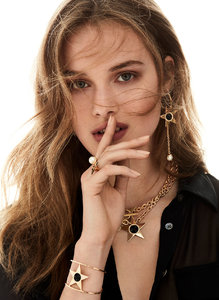
Bigger, from the jewelry site
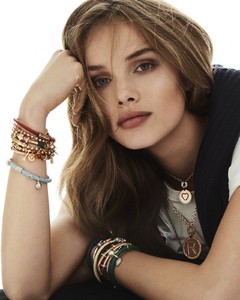
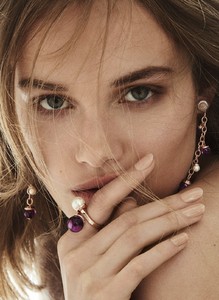
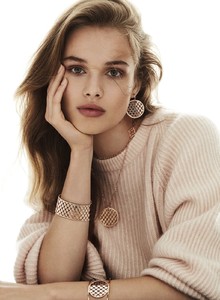
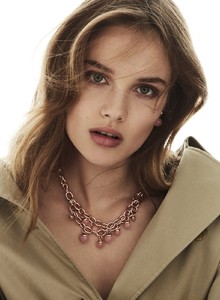
-
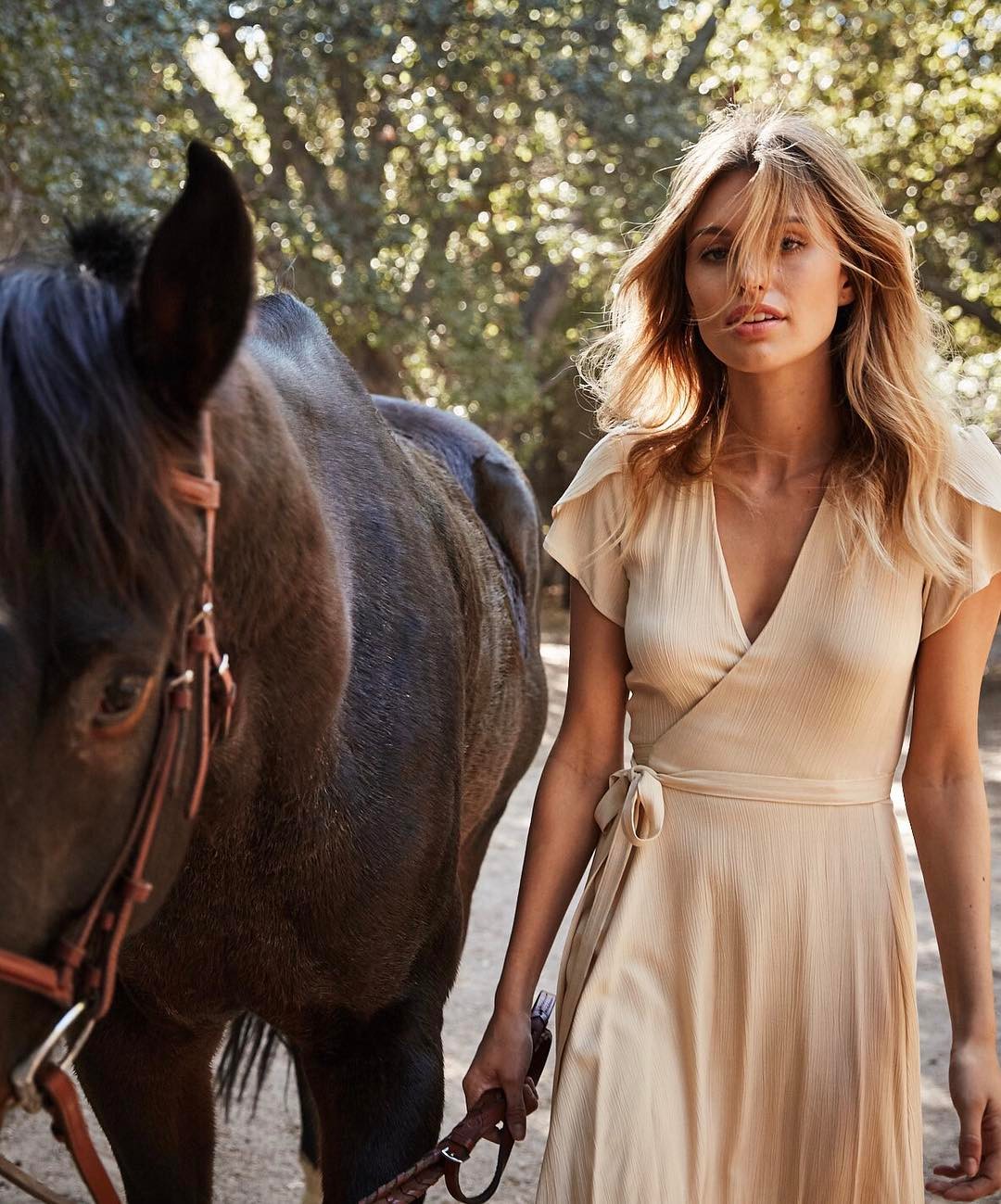
from Christy Dawn
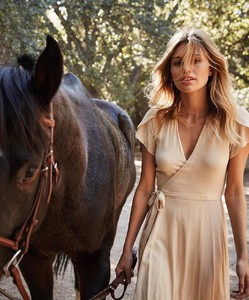 Found it--Chiara Ferragni. THanks.
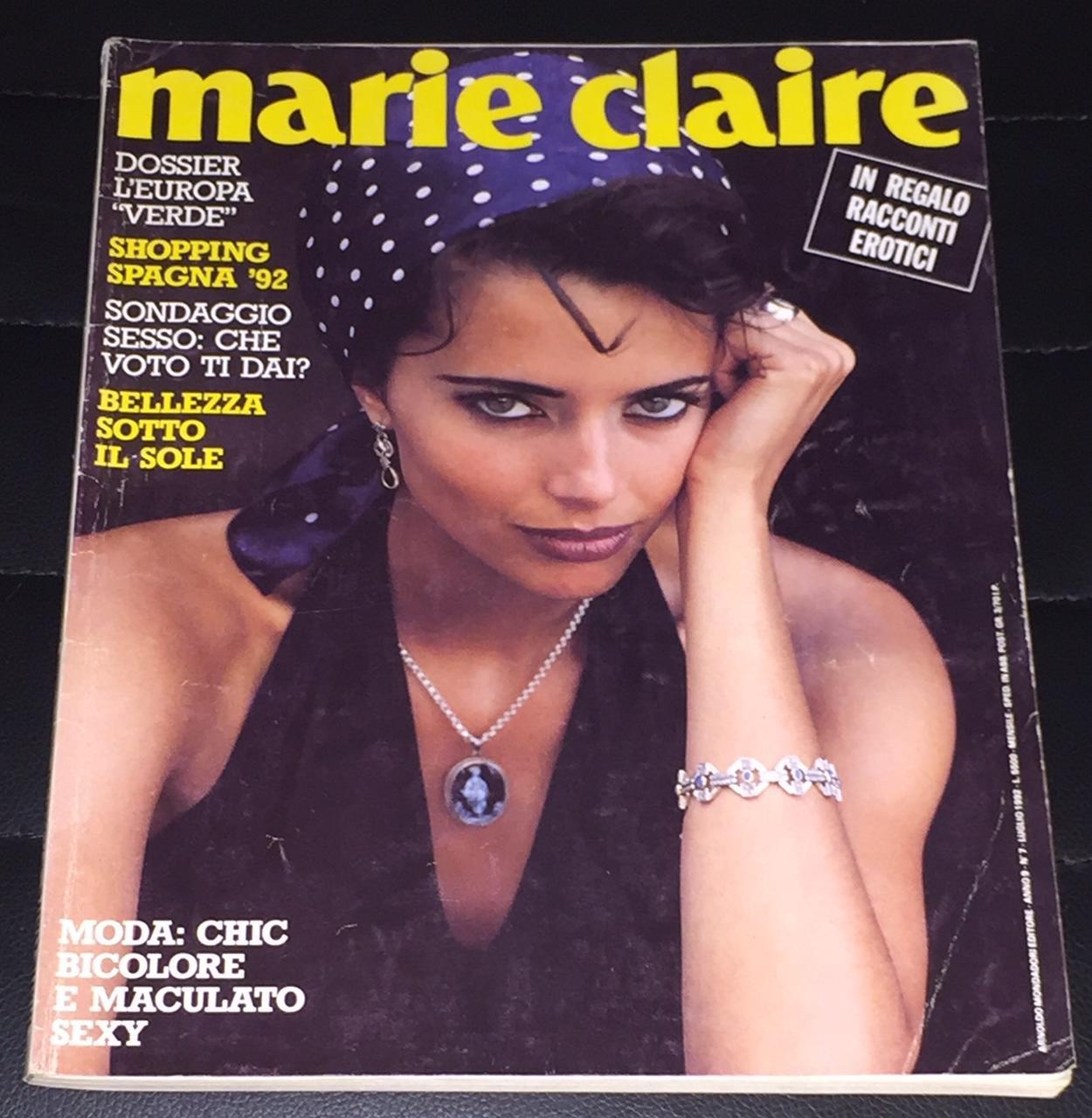
Any idea who that is on the cover? thanks!
She's very beautiful--thanks.
repost in the ID thread, and somebody might recognize her.
She's lovely. Thanks!
JD Williams
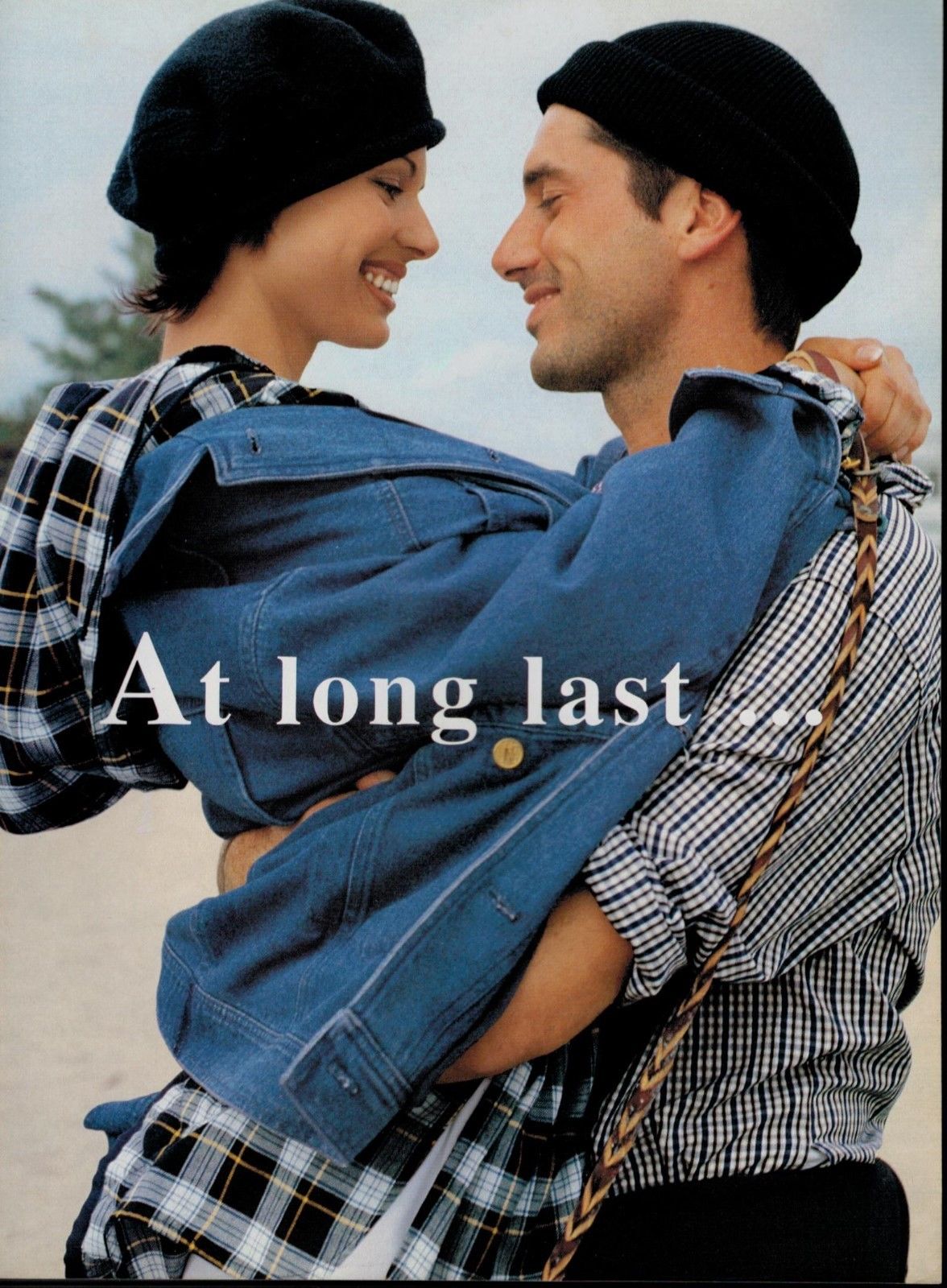
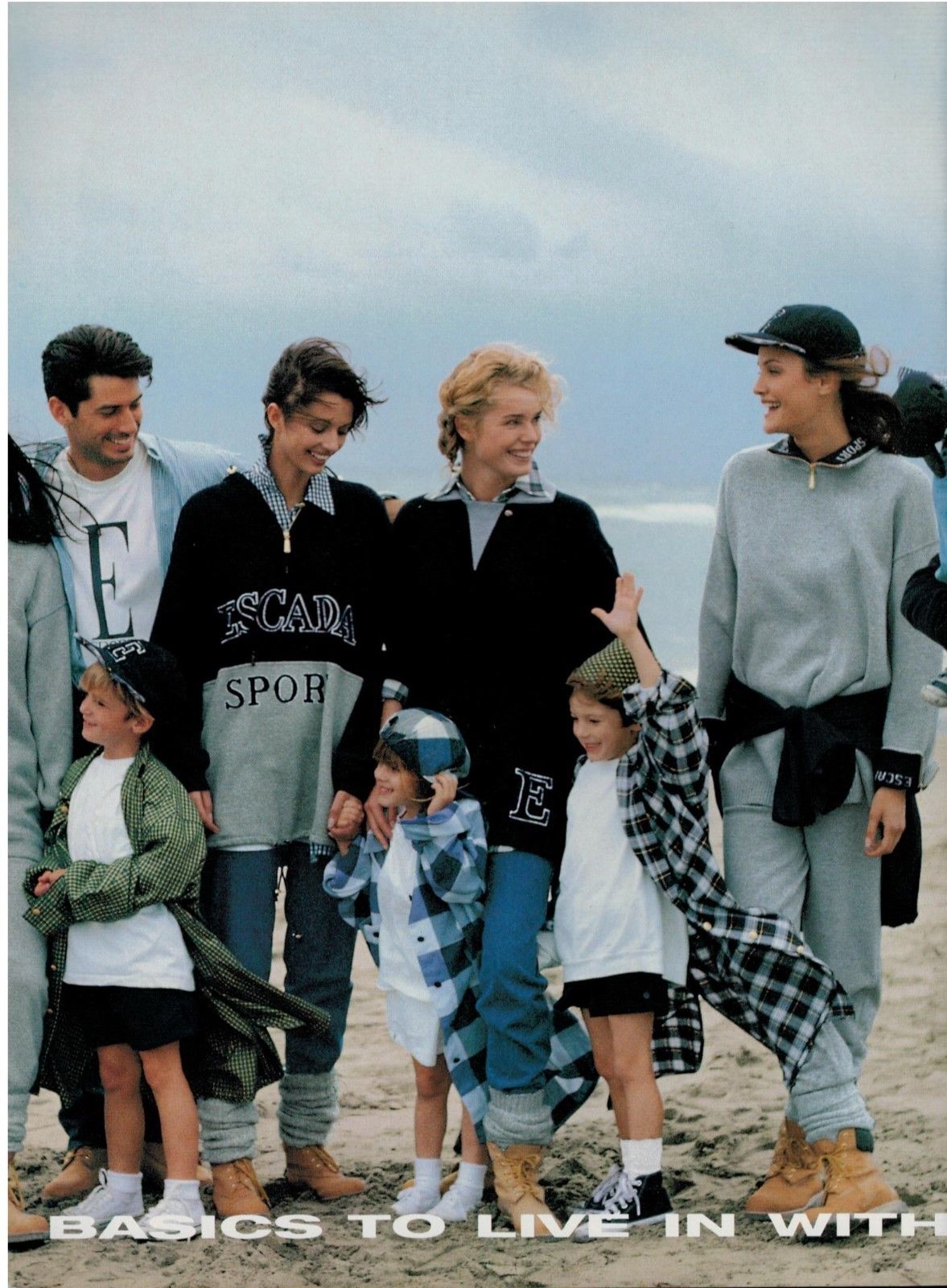
I don't think I've ever seen the first one and the last two, and the Escada pics are bigger than I've seen them before.
Found it--Chiara Ferragni. THanks.
Any idea who that is on the cover? thanks!
She's very beautiful--thanks.
repost in the ID thread, and somebody might recognize her.
She's lovely. Thanks!
JD Williams
I don't think I've ever seen the first one and the last two, and the Escada pics are bigger than I've seen them before.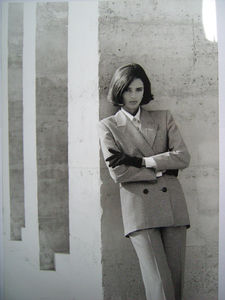
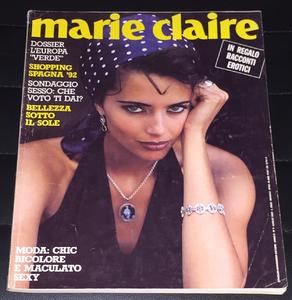
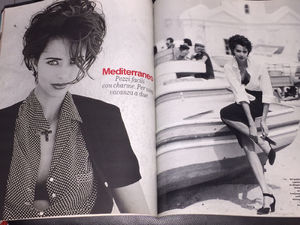 She's very lovely--thanks!
Lovely--thanks. 17263077_1322990364446803_8538238544559210496_n.mp4
In case anyone's interested, here's a case where bumping (infrequently!!!) can actually help. I didn't know Rachel Cook when this was originally posted, but I've come to recognize her since.
She's beautiful--thanks.
She's very lovely--thanks!
Lovely--thanks. 17263077_1322990364446803_8538238544559210496_n.mp4
In case anyone's interested, here's a case where bumping (infrequently!!!) can actually help. I didn't know Rachel Cook when this was originally posted, but I've come to recognize her since.
She's beautiful--thanks.