nightowl
Members
-
Joined
-
Last visited
Everything posted by nightowl
-
OK :shock: Blimey! If I thought it was so "obviously" not Alessandra then I wouldn't have bothered posting. I was under the impression that this was a thread for people to help each other out. But then - clearly - I am a little unobservant... I agree-- I don't think it is obvious at all ,and asked myself the same question when I saw it.
-
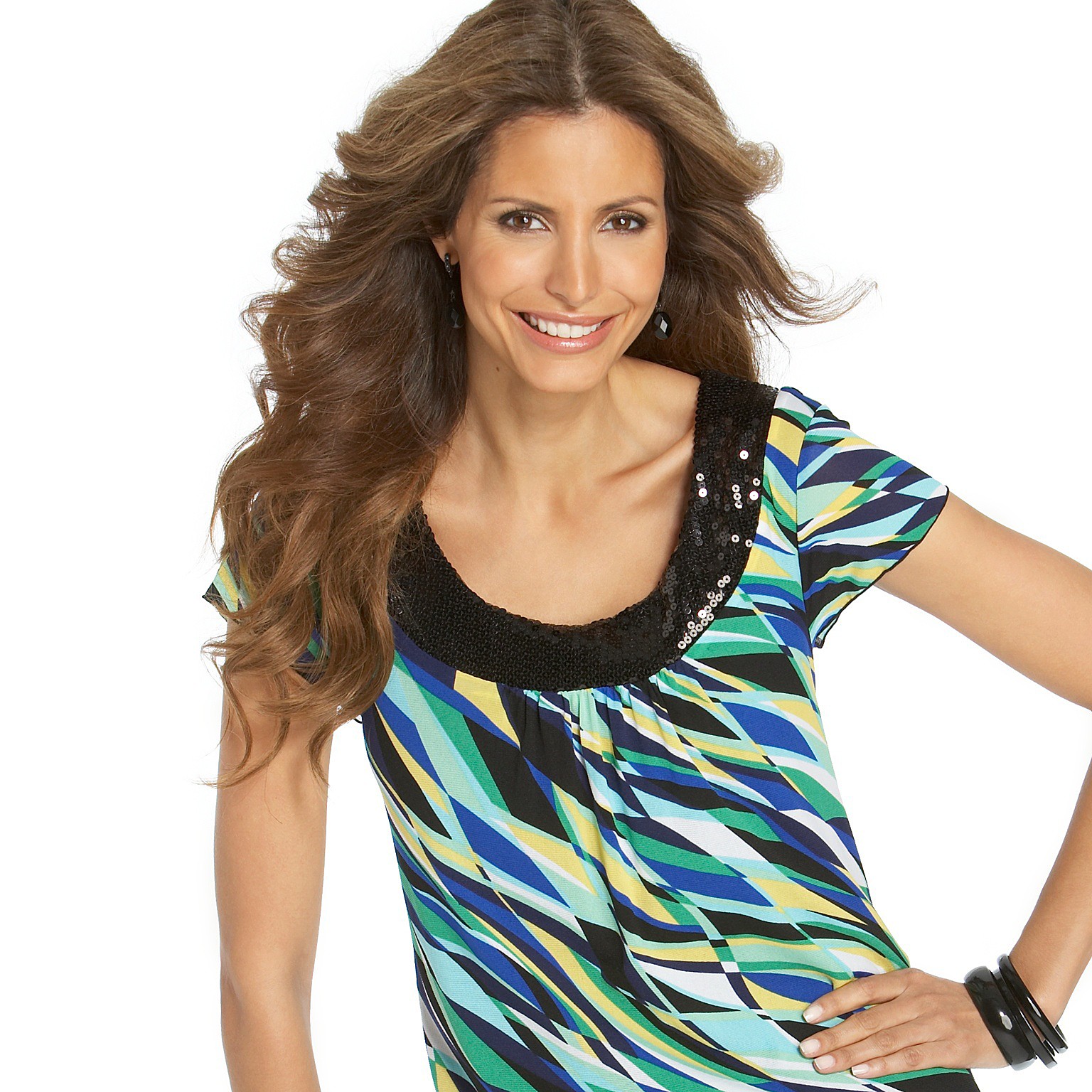
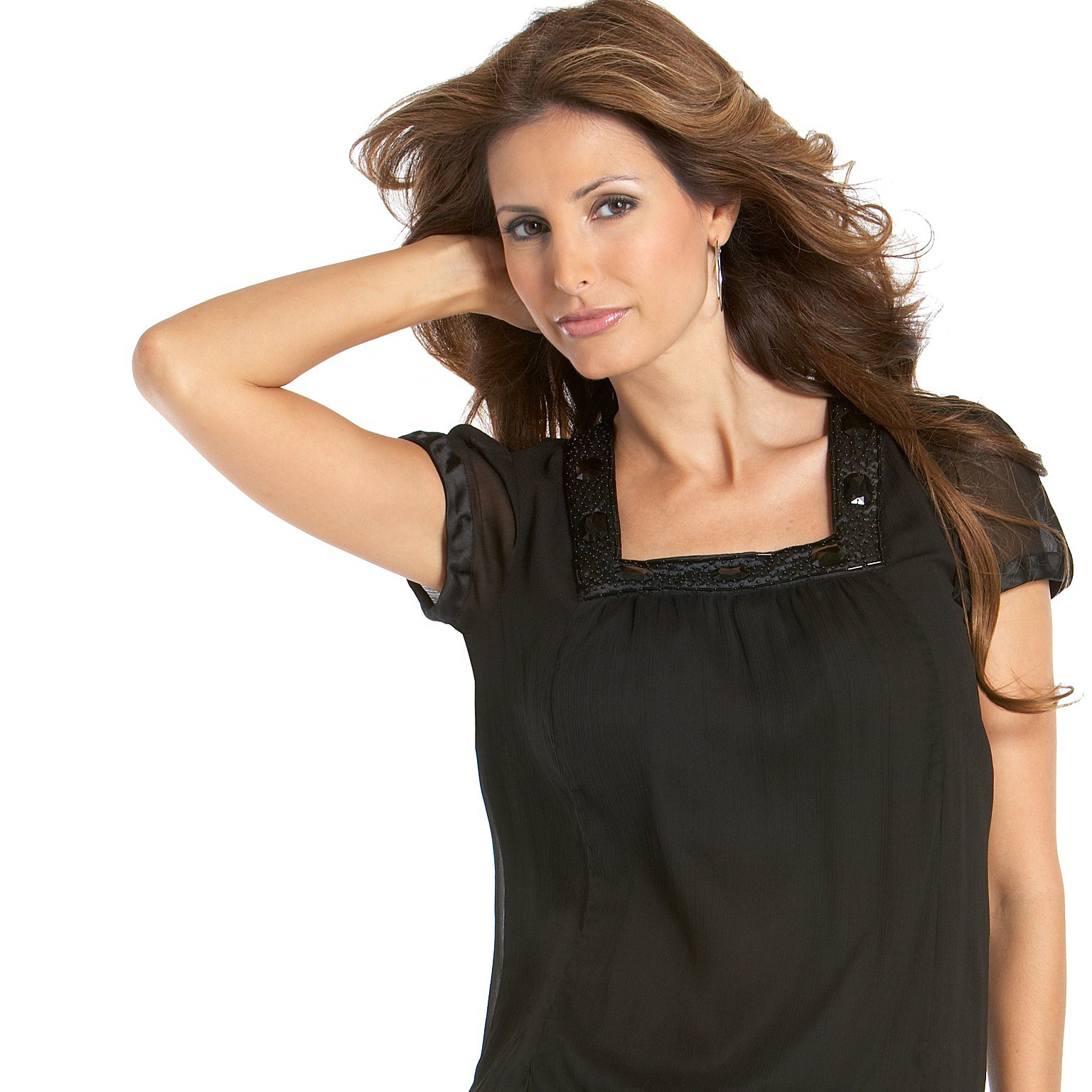
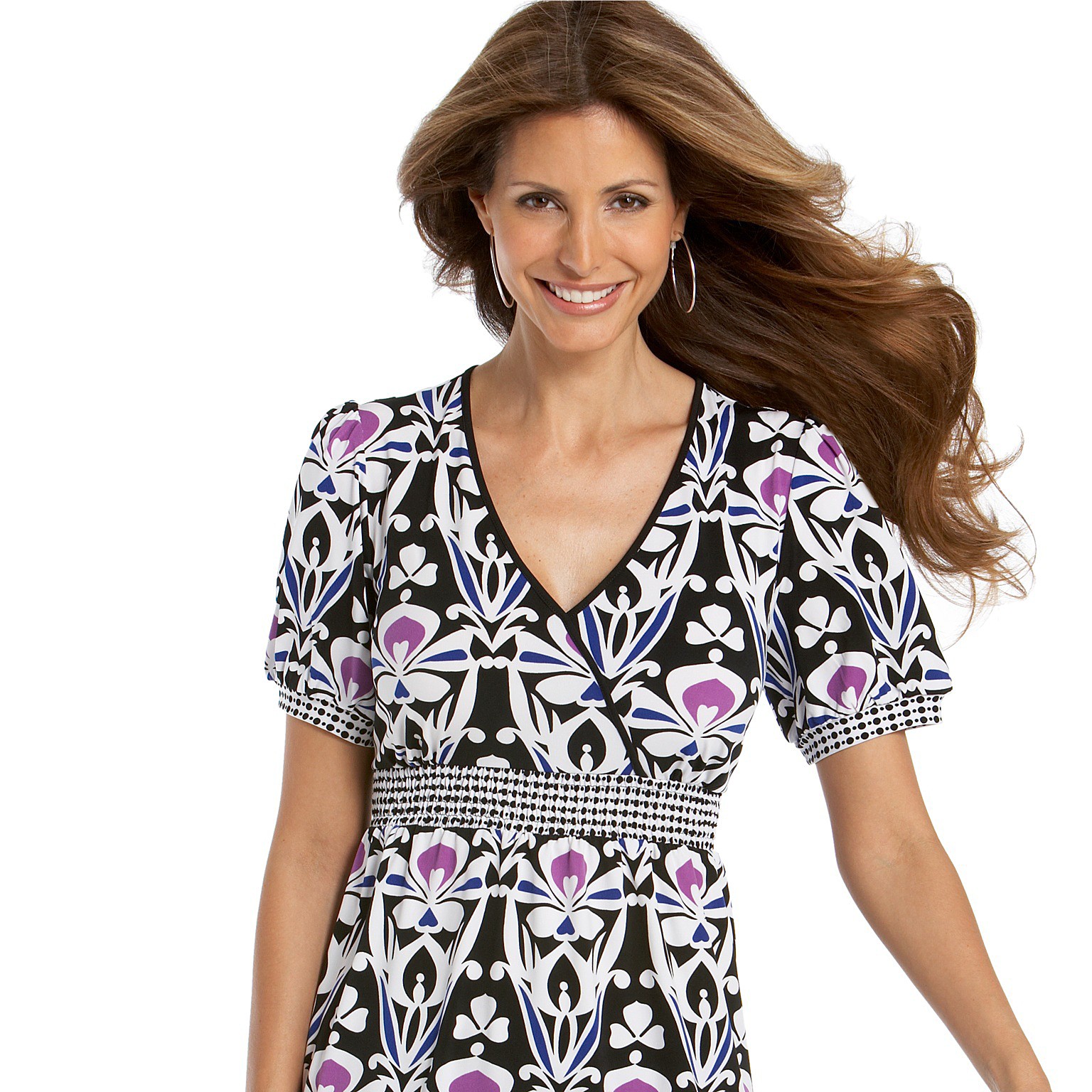
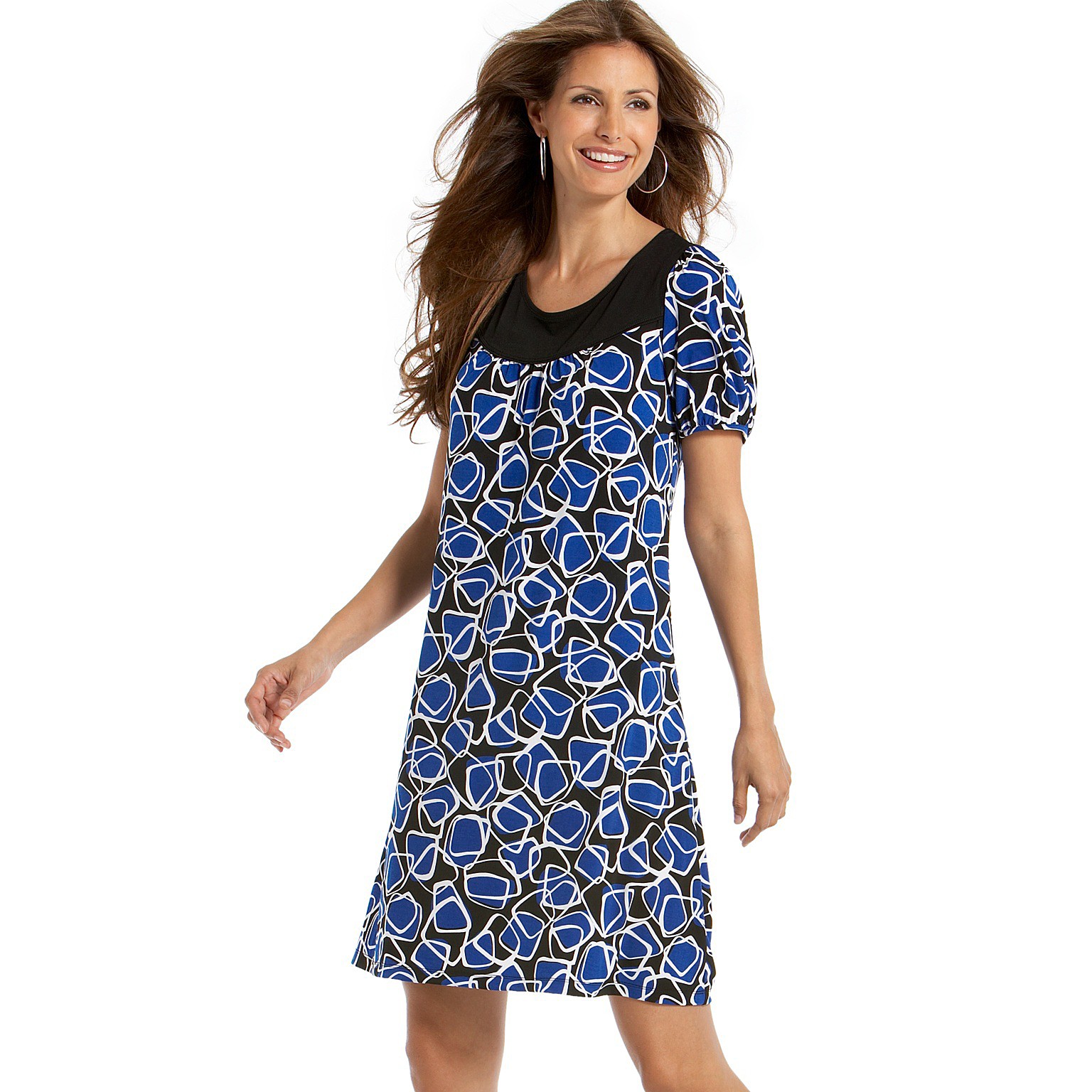
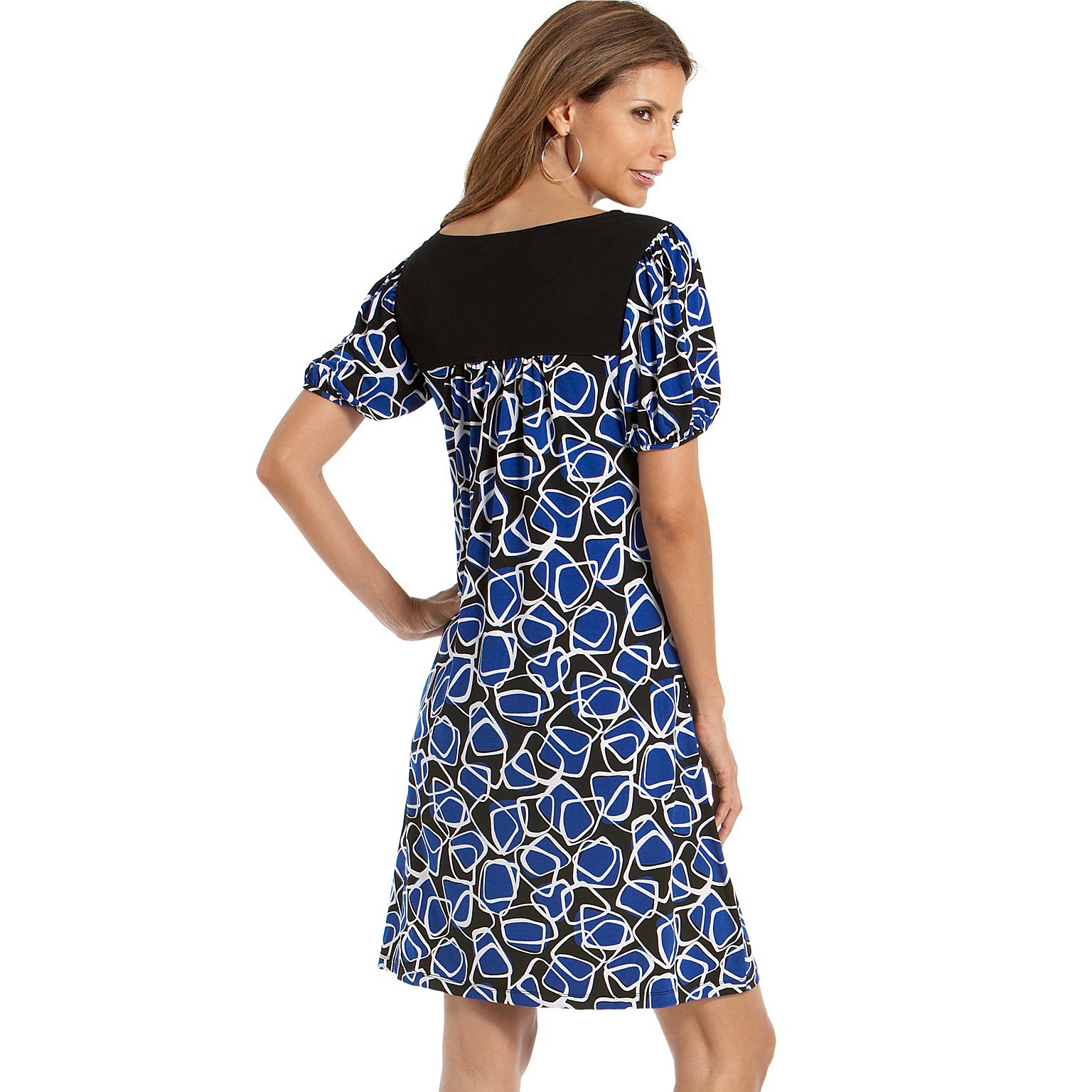
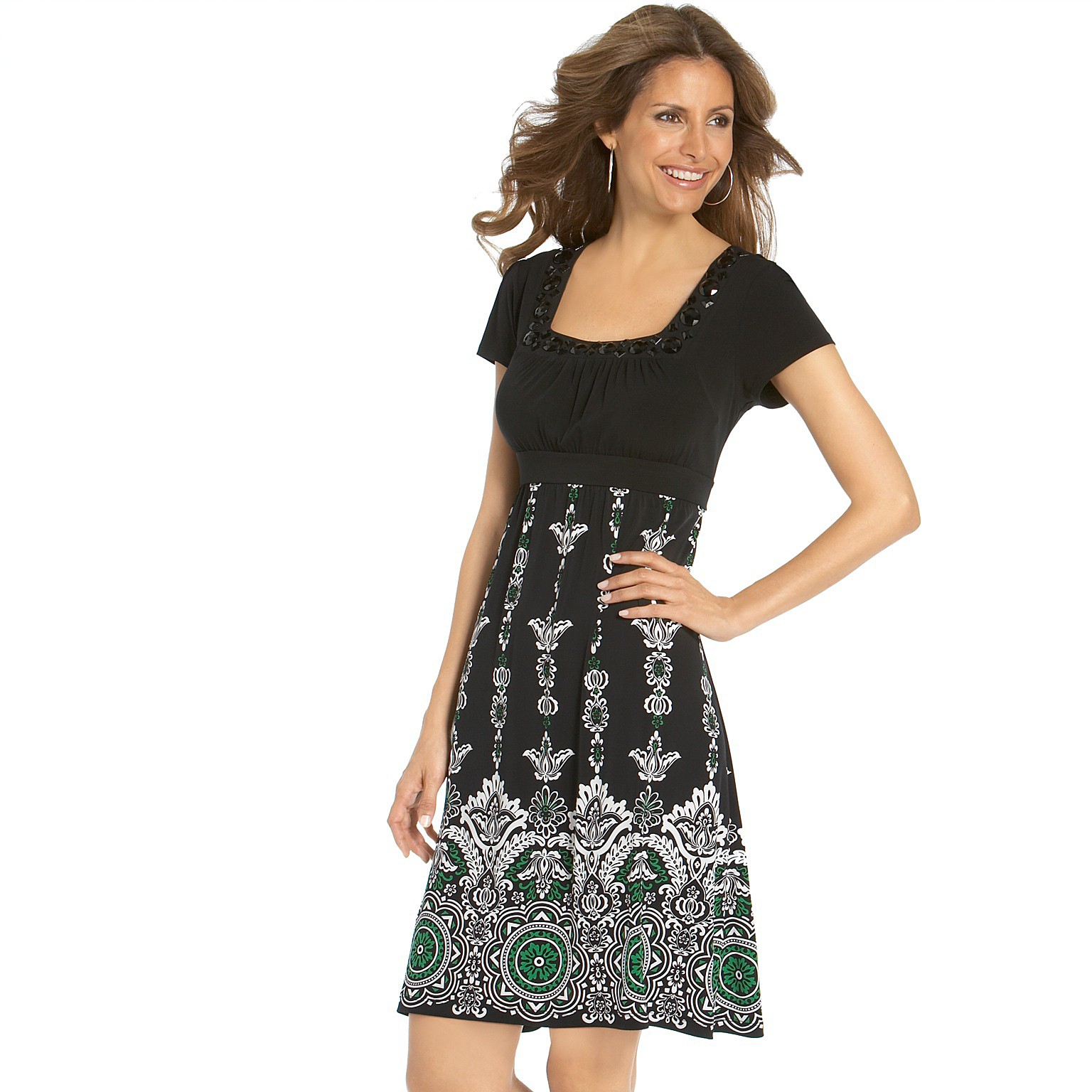
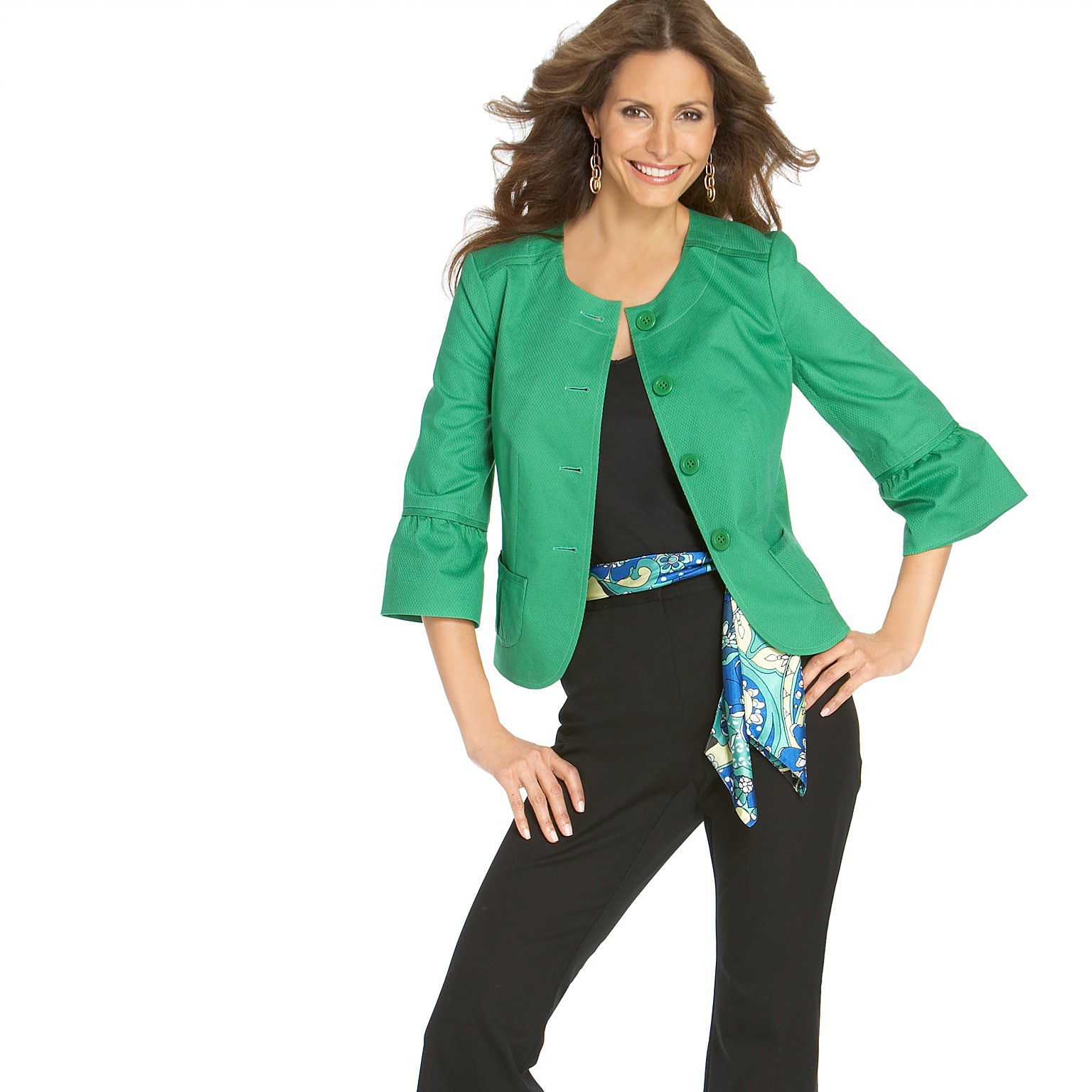
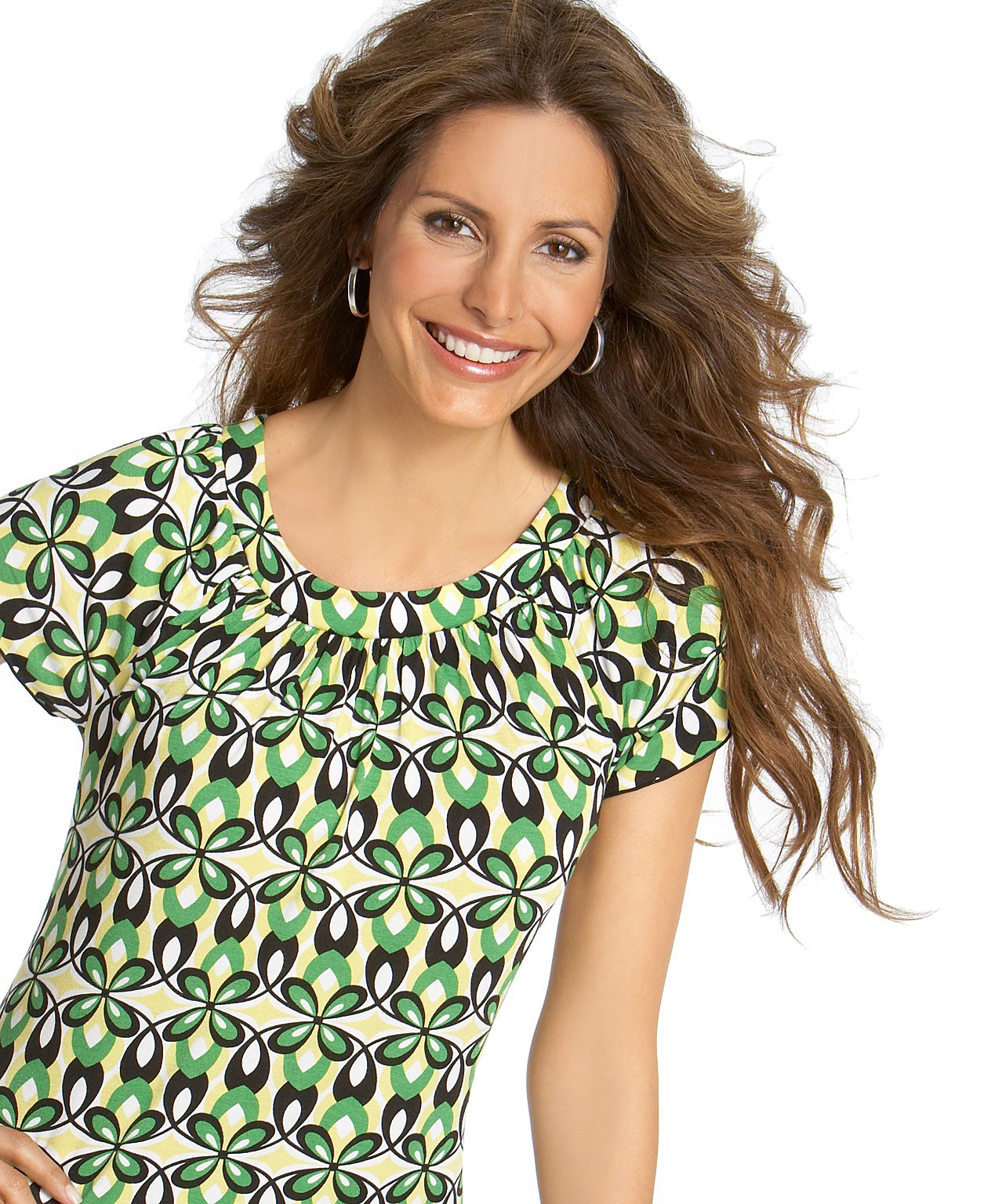
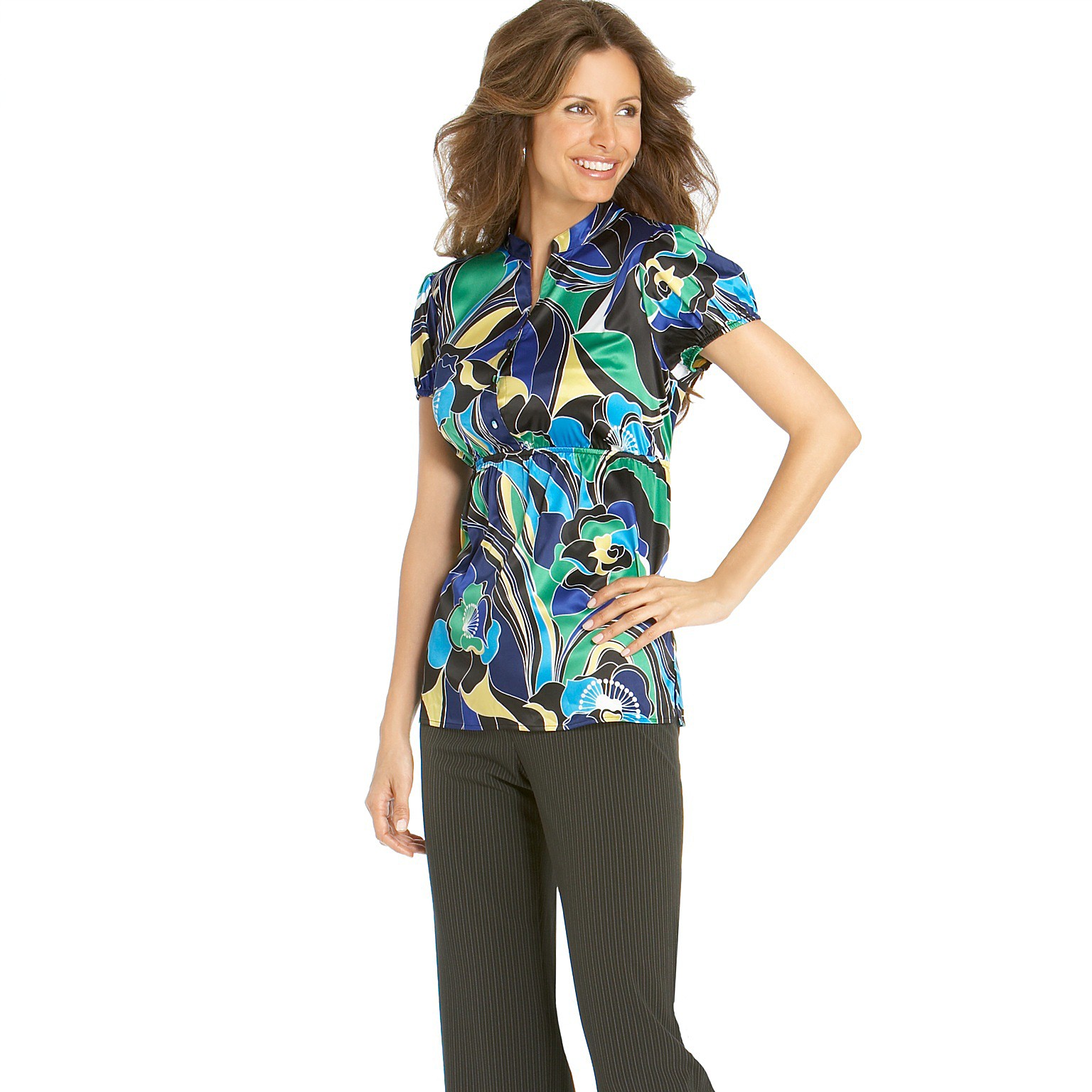
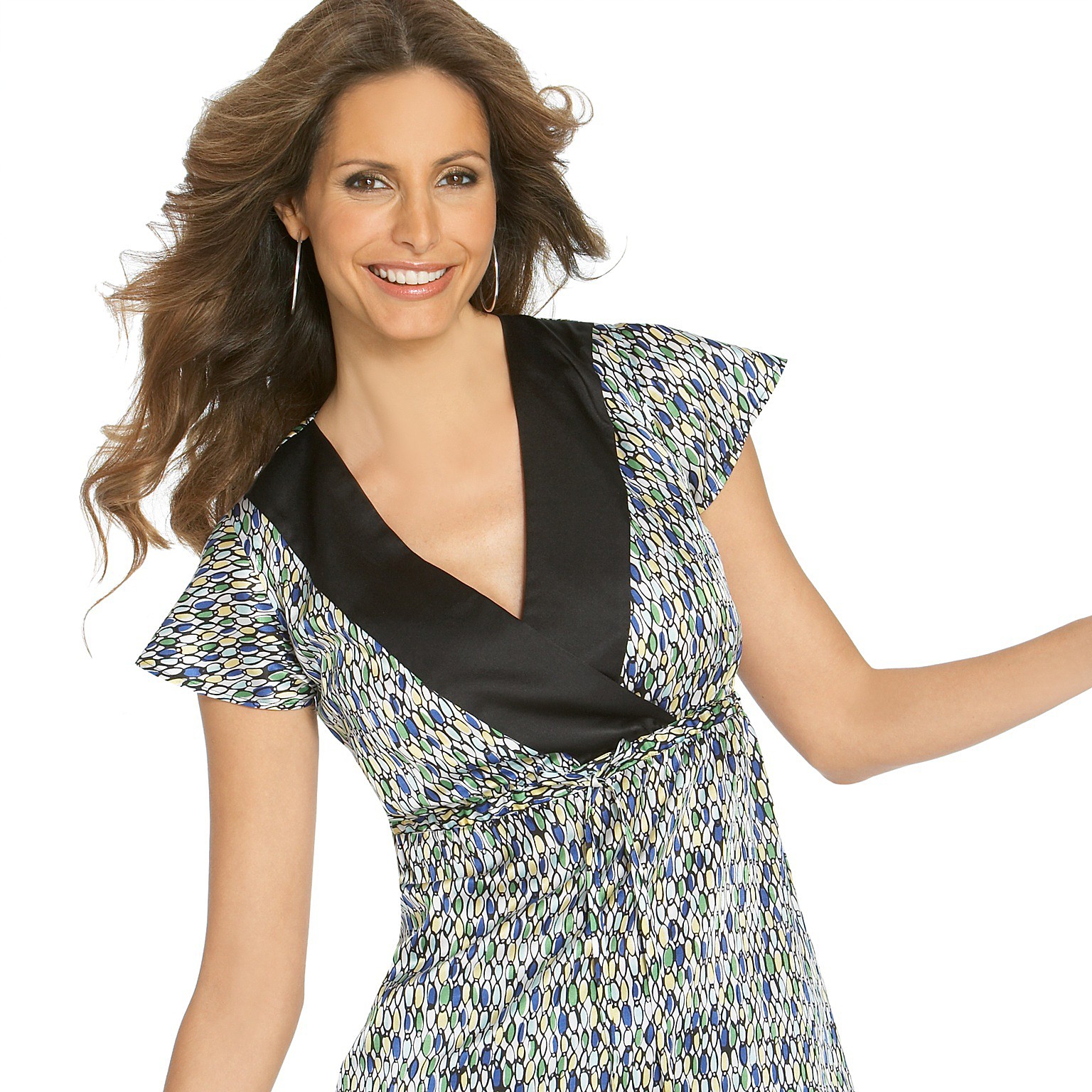
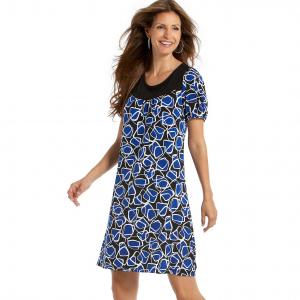
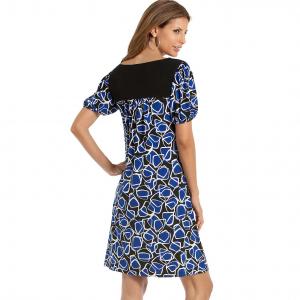
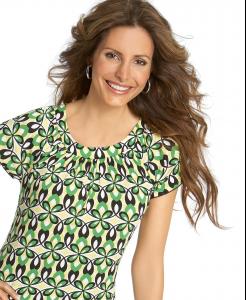
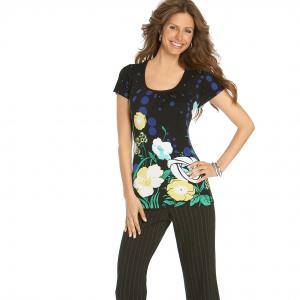
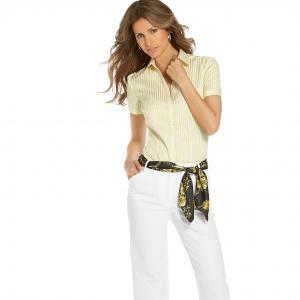
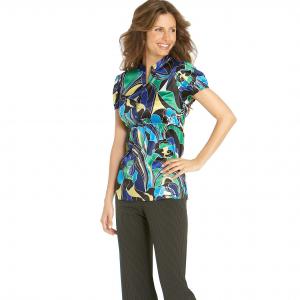
Elsa at Macy's for Style & Co. More to come.








-
Outstanding.
-
Rachel Roberts
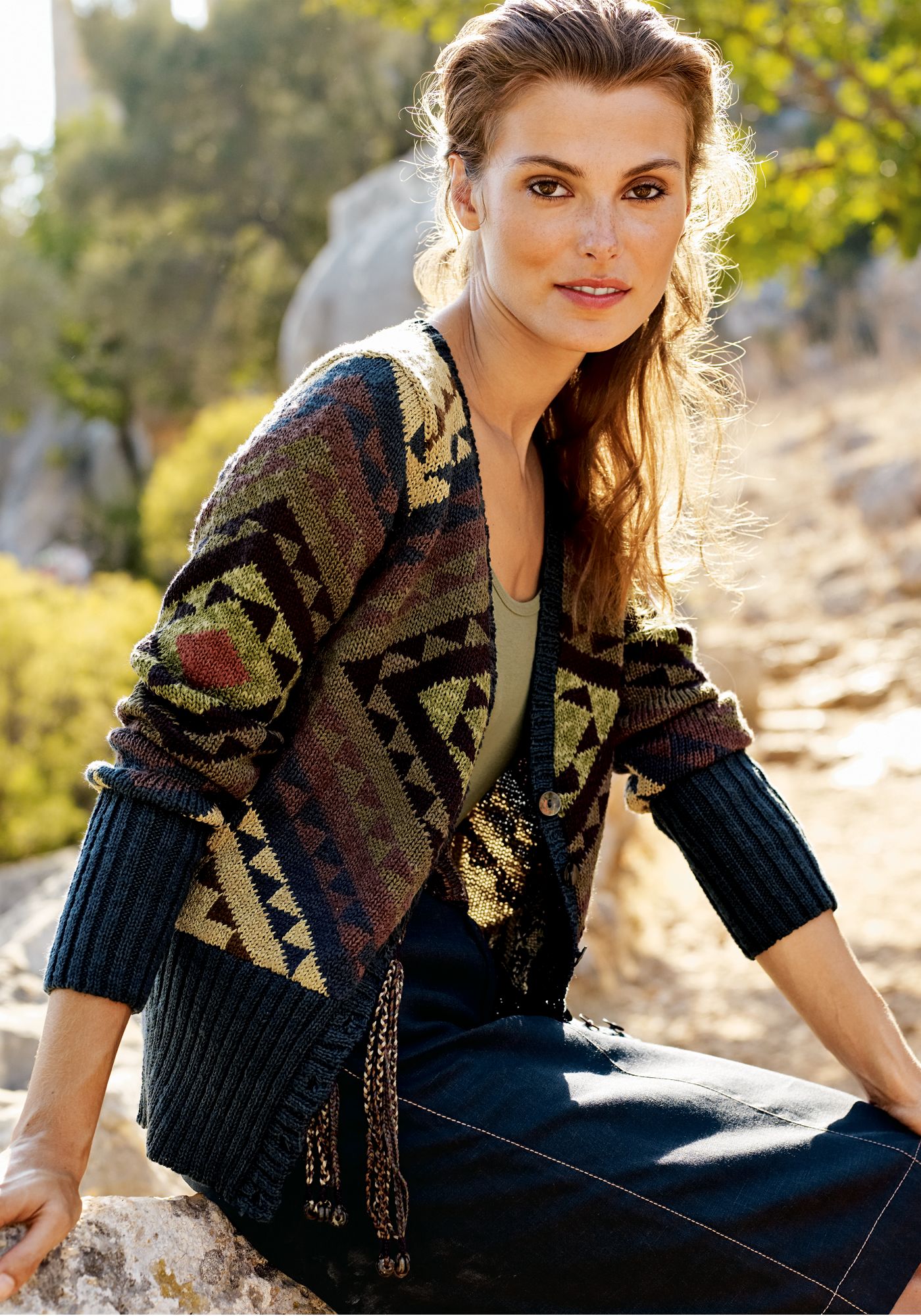
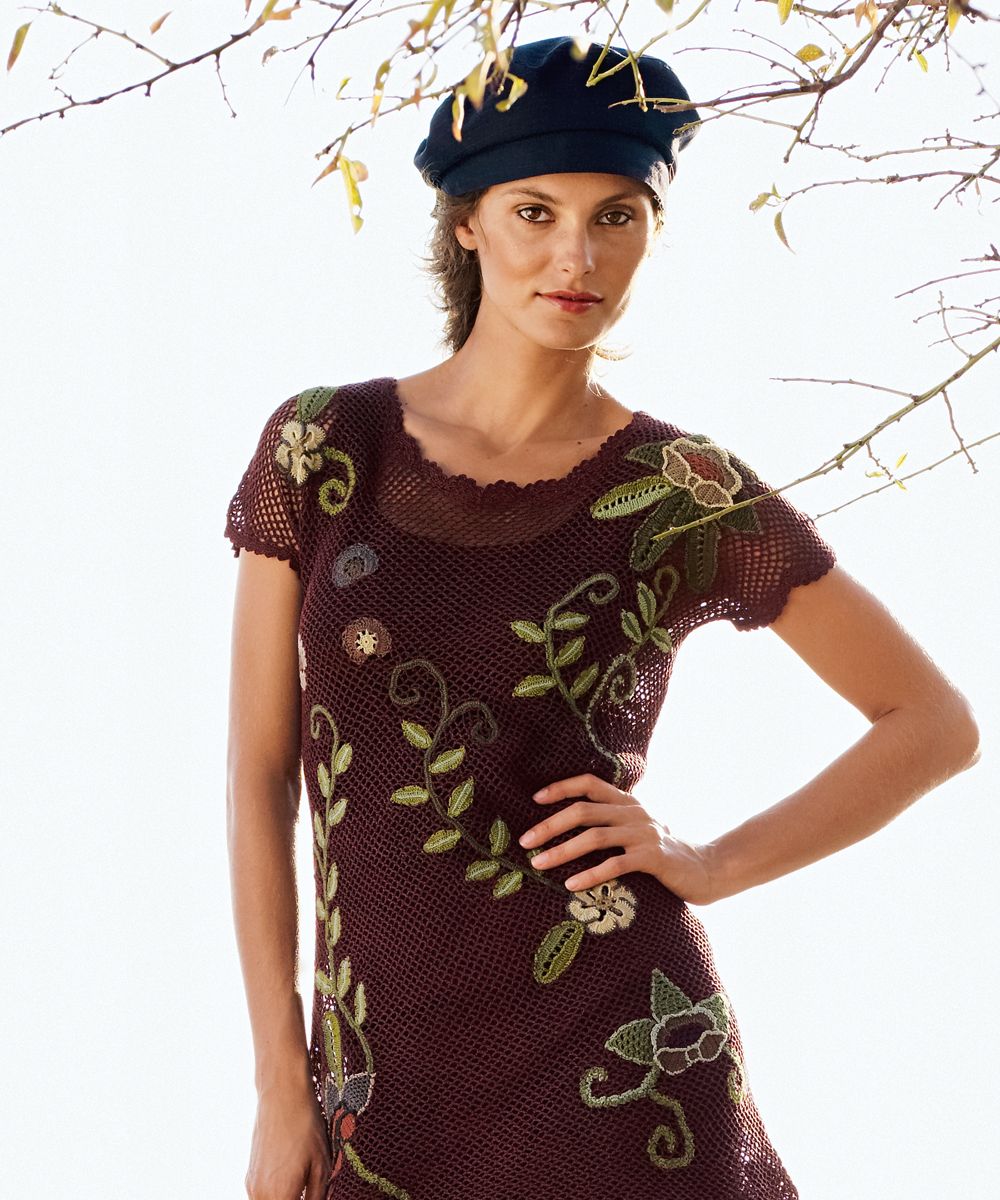
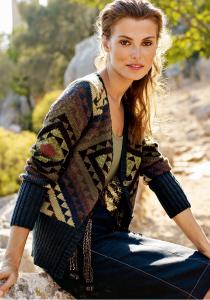
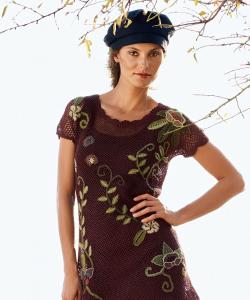
A few extraordinary pics of the lovely Ms. Claudel from the Peruvian Connection website
 From Roamans. Lots more there, too.
From Roamans There are a few more there as well
Not much here, but I don't think I've seen these before. They are for Gerry Weber. I couldn't find anything else of these on the web
Fernanda Prada
All are the lovely Sara Stout
Looks like Emma Heming to me.
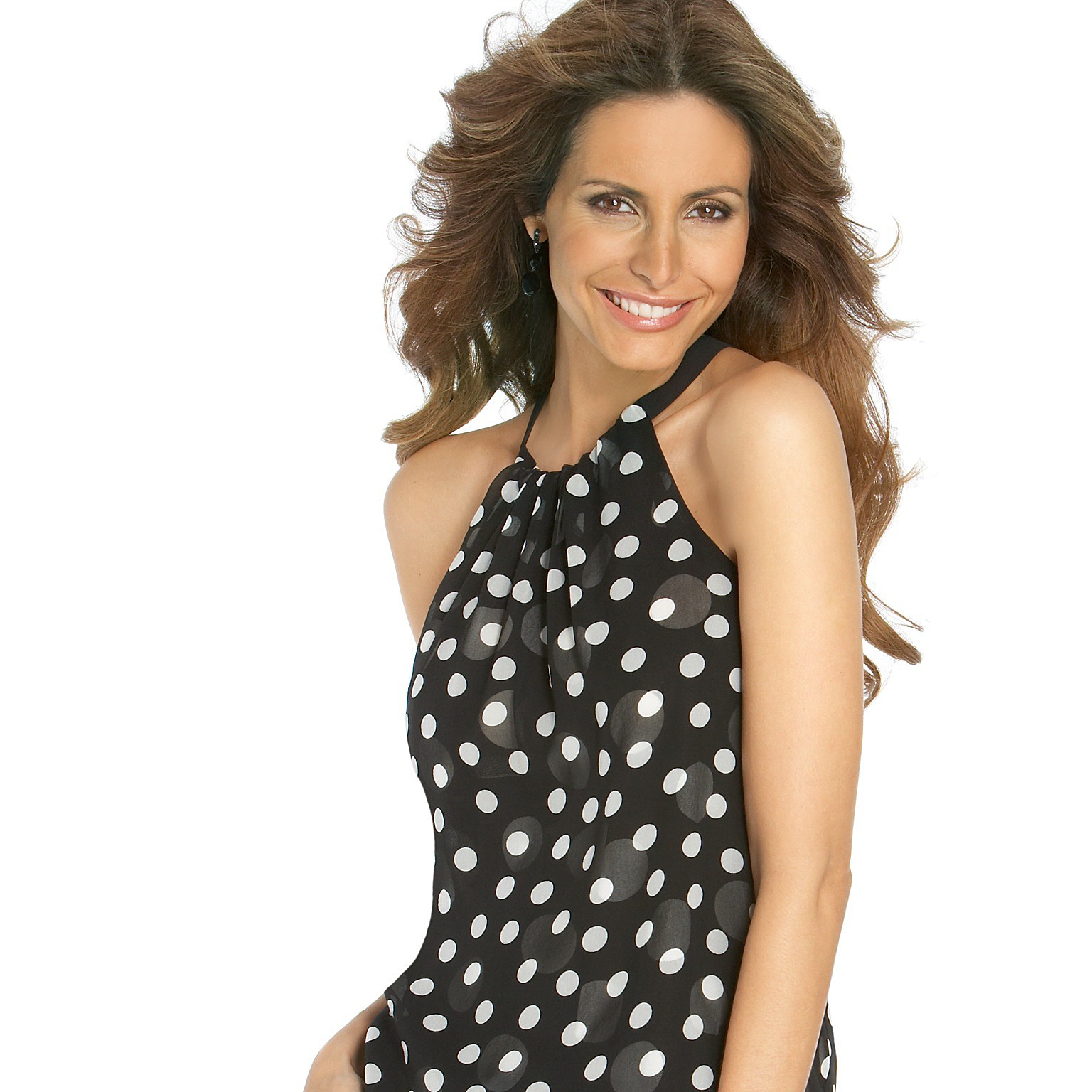
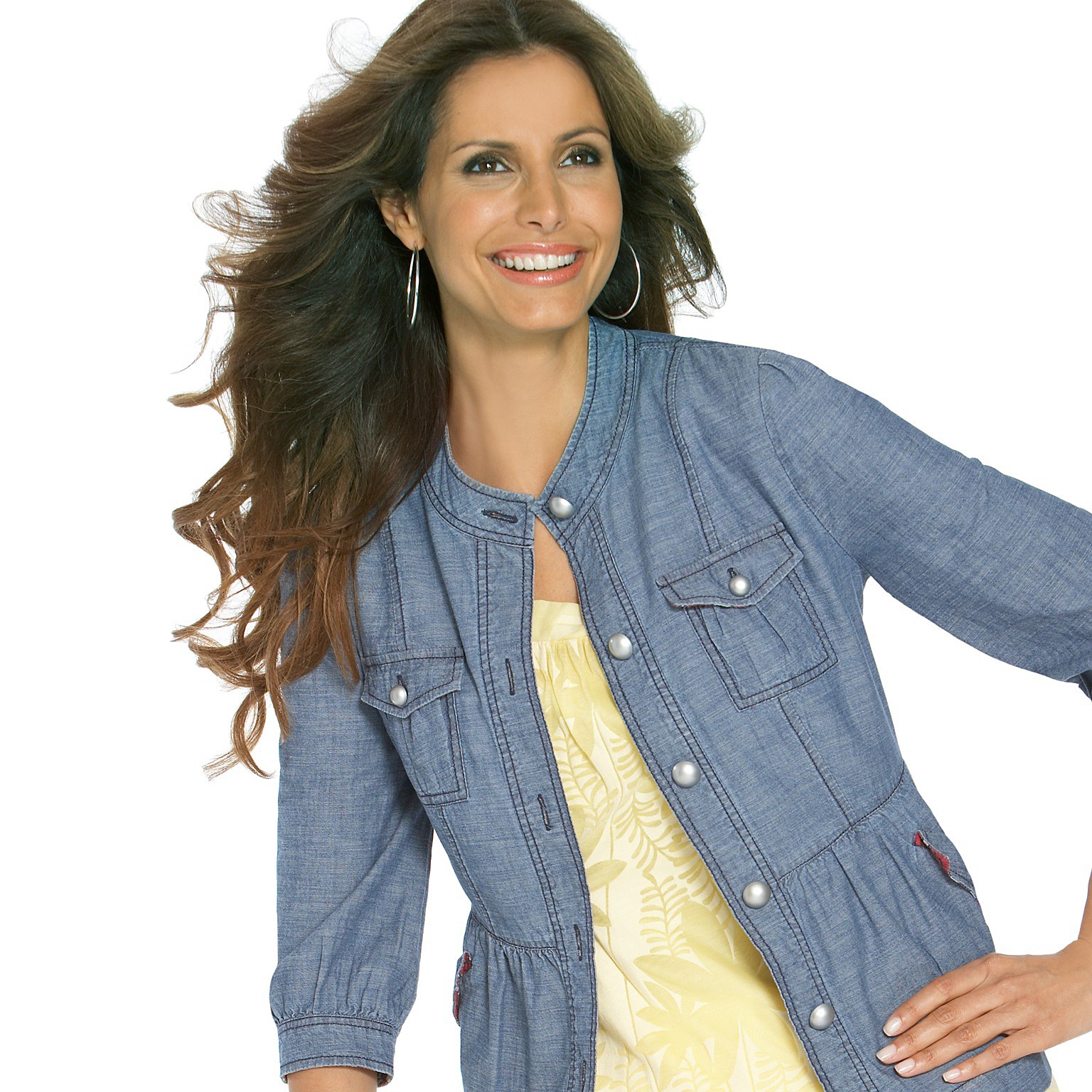
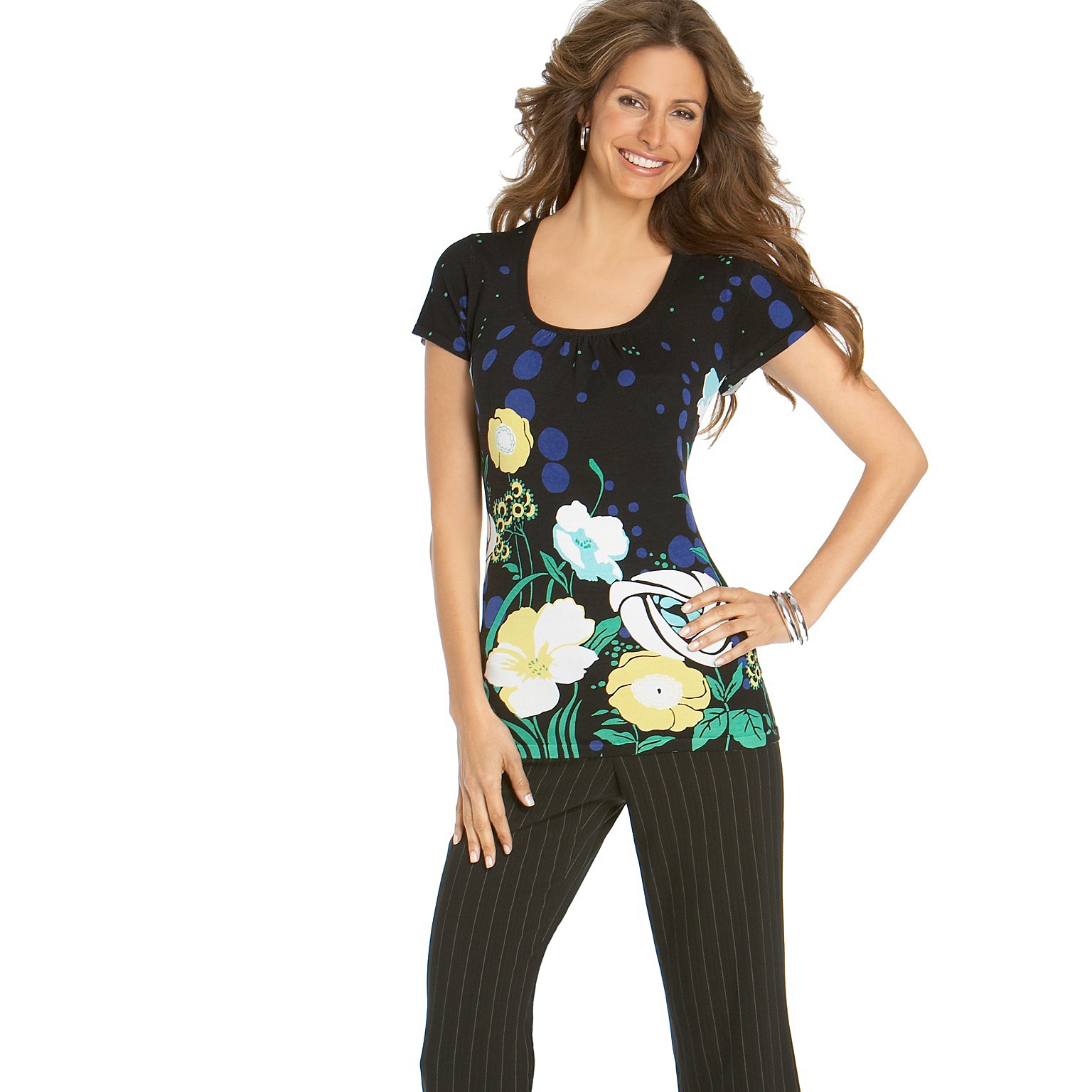
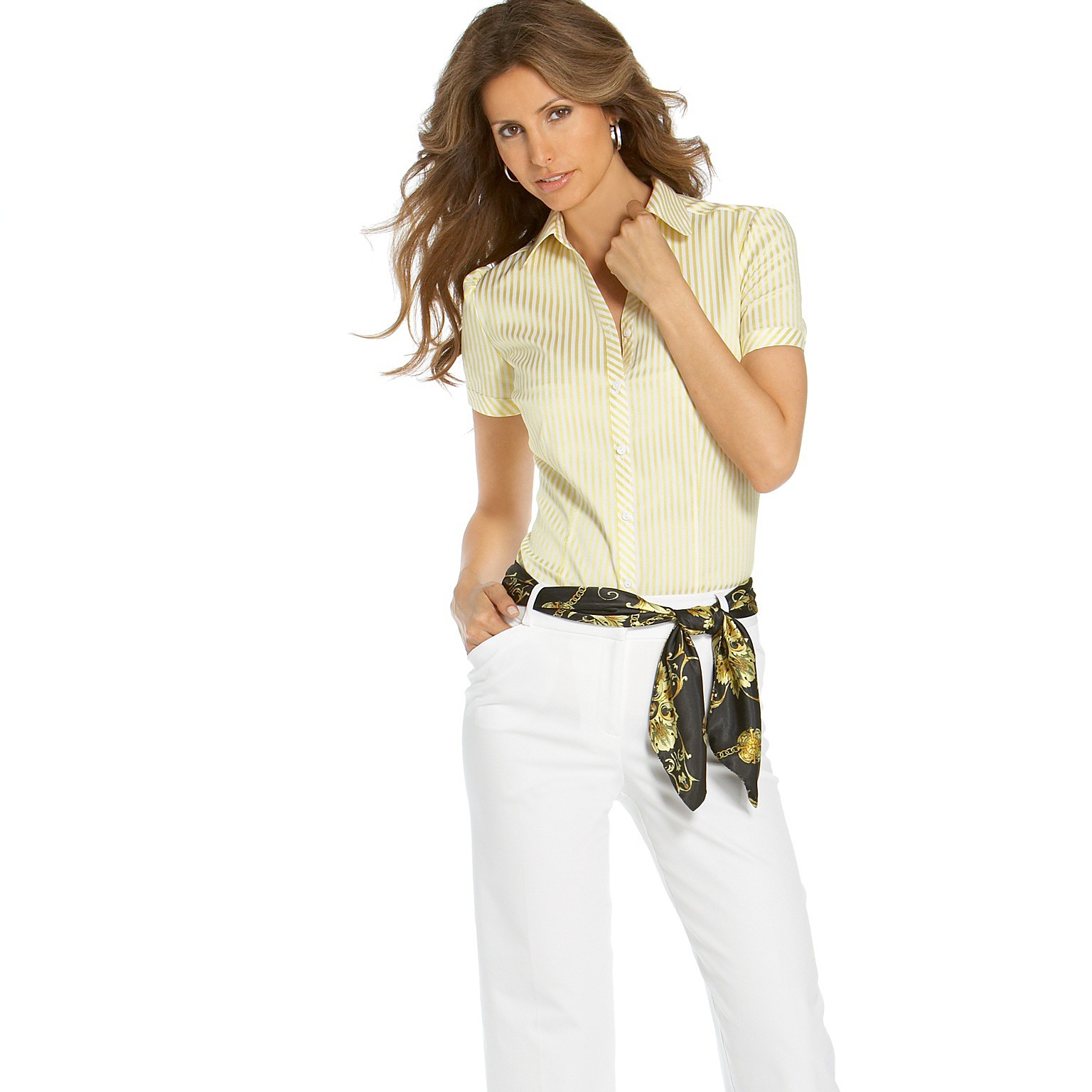
A few more from Spiegel. They are only part of the image--I haven't figured out how to get the entire thing at once (parameters to do so return "image size exceeded"), and I don't have the software or patience to paste parts together. Also, Spiegel seems to only recently have gone to a zoom viewer, so there are more Elsa pix there, but no more in big format that I could find.
From Roamans. Lots more there, too.
From Roamans There are a few more there as well
Not much here, but I don't think I've seen these before. They are for Gerry Weber. I couldn't find anything else of these on the web
Fernanda Prada
All are the lovely Sara Stout
Looks like Emma Heming to me.
A few more from Spiegel. They are only part of the image--I haven't figured out how to get the entire thing at once (parameters to do so return "image size exceeded"), and I don't have the software or patience to paste parts together. Also, Spiegel seems to only recently have gone to a zoom viewer, so there are more Elsa pix there, but no more in big format that I could find.

 >From Spiegel >And repost first two pics thanks!!
Account
Navigation
Search
Configure browser push notifications
Chrome (Android)
- Tap the lock icon next to the address bar.
- Tap Permissions → Notifications.
- Adjust your preference.
Chrome (Desktop)
- Click the padlock icon in the address bar.
- Select Site settings.
- Find Notifications and adjust your preference.
Safari (iOS 16.4+)
- Ensure the site is installed via Add to Home Screen.
- Open Settings App → Notifications.
- Find your app name and adjust your preference.
Safari (macOS)
- Go to Safari → Preferences.
- Click the Websites tab.
- Select Notifications in the sidebar.
- Find this website and adjust your preference.
Edge (Android)
- Tap the lock icon next to the address bar.
- Tap Permissions.
- Find Notifications and adjust your preference.
Edge (Desktop)
- Click the padlock icon in the address bar.
- Click Permissions for this site.
- Find Notifications and adjust your preference.
Firefox (Android)
- Go to Settings → Site permissions.
- Tap Notifications.
- Find this site in the list and adjust your preference.
Firefox (Desktop)
- Open Firefox Settings.
- Search for Notifications.
- Find this site in the list and adjust your preference.