
nightowl
Members
-
Joined
-
Last visited
Everything posted by nightowl
-
Whoa!! Keep 'em coming! These are excellent!
















-
THat's Daniela Urzi
-
Shalana Santana. Tres chaud.
-
I didn't check them all, but the first two are Karoline Amaral













-
That is some seriously weird photoshopping. She looks like Faye Dunaway...
-
thanks!




-
-
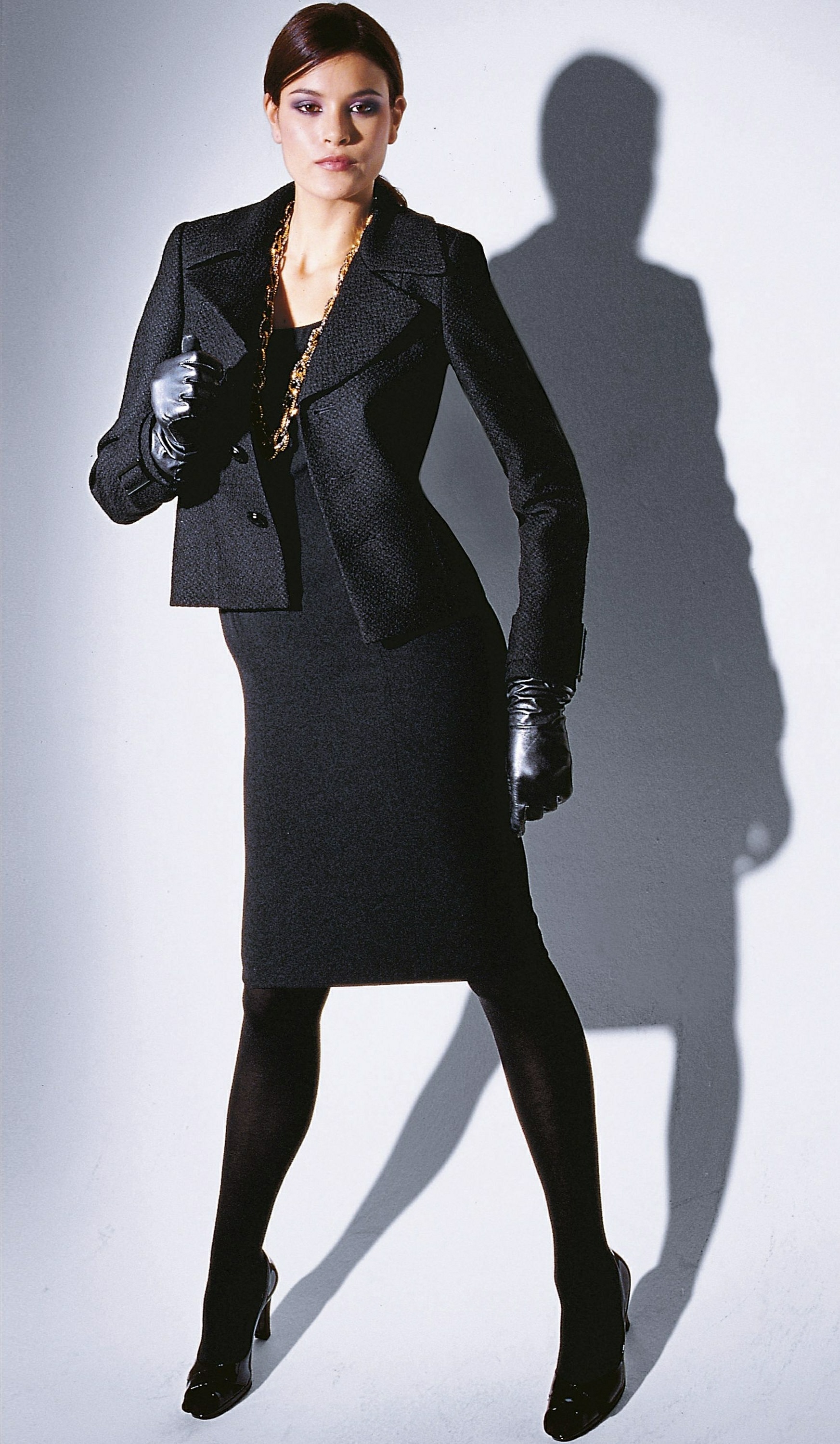
her name is either tanya rubenna or natanya ruben. i've seen it listed as one or the other at two agencies. Recently I browsed every agency at supermodels.nl, and a few more, and come up with a few longstanding mystery IDs, including hers.
-
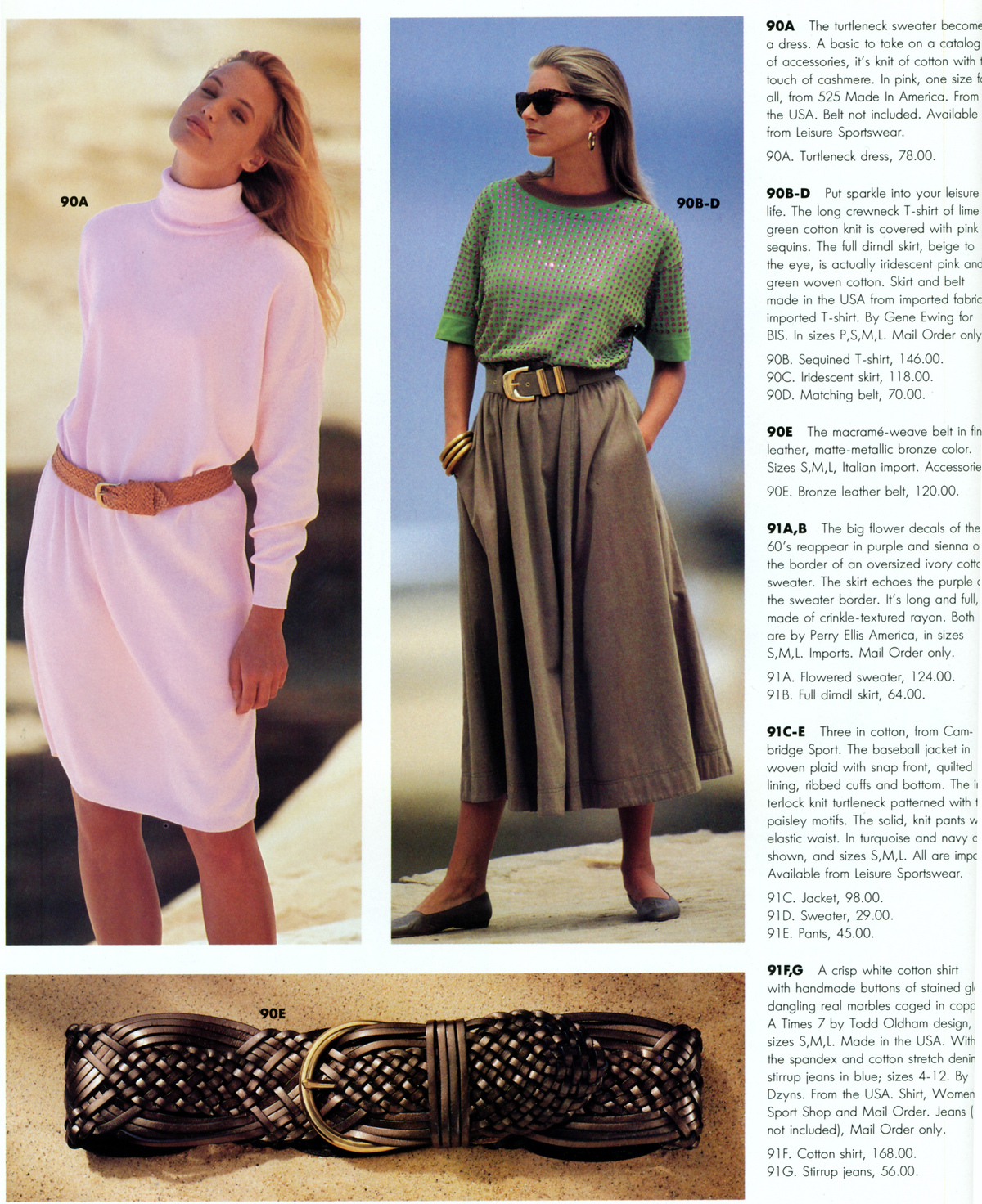
Can you identify the models here? I believe that's a young Cindy Crawford standing up
BTW, these are from Models1, http://www.models1.co.uk/details.asp?sac=&...To=&submit= home to some of the most beautiful older models.
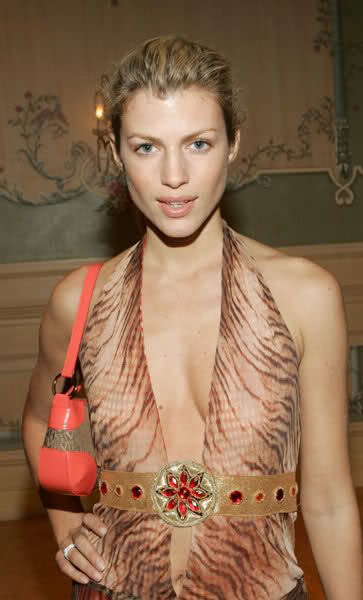
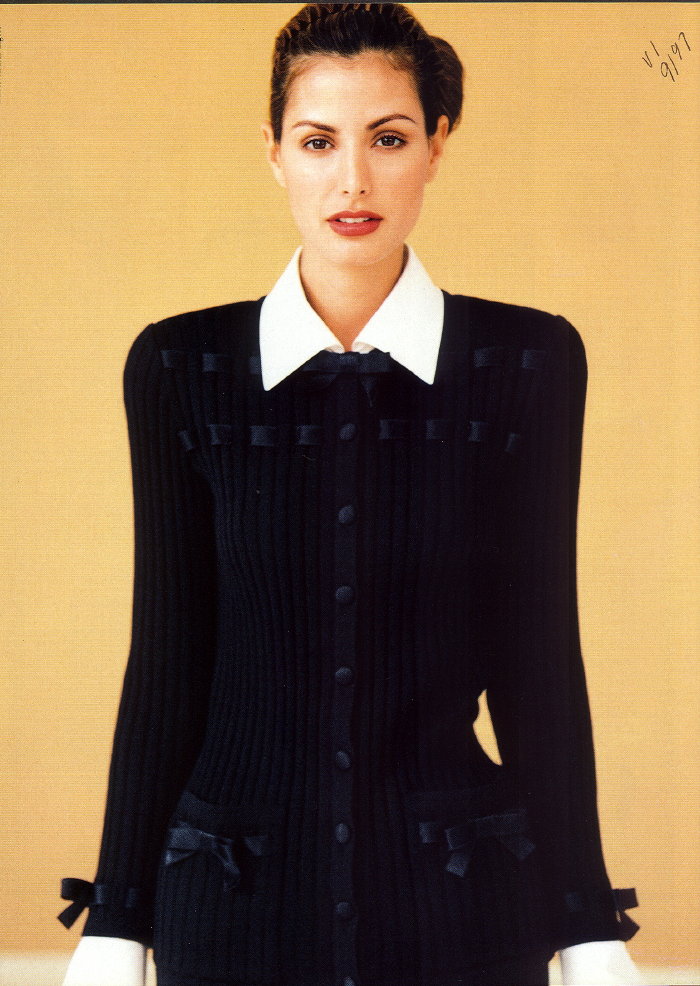
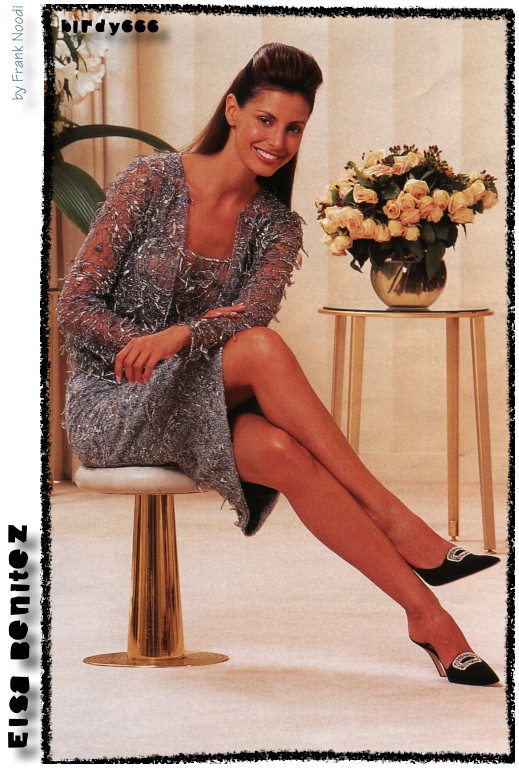
Anyone know the model on the far right?


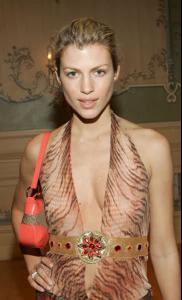



 I certainly haven't...
a few small, but new, images from Heather's portfolio
I certainly haven't...
a few small, but new, images from Heather's portfolio



 Whoah!! What a treat! thanks!
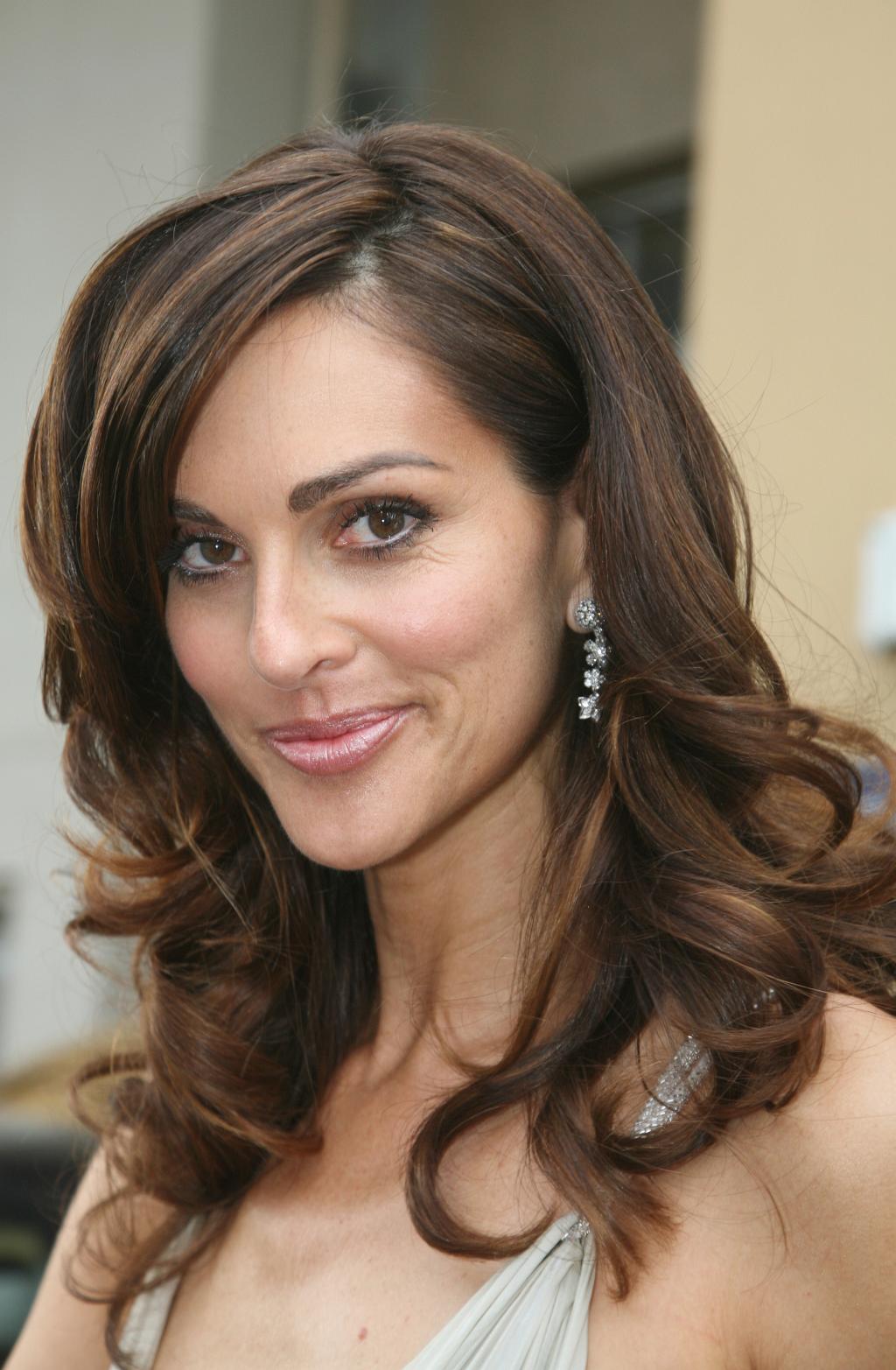
Morilia Moreno, with Elite model Brasil.
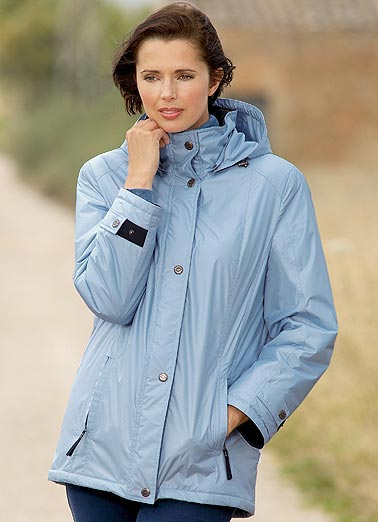
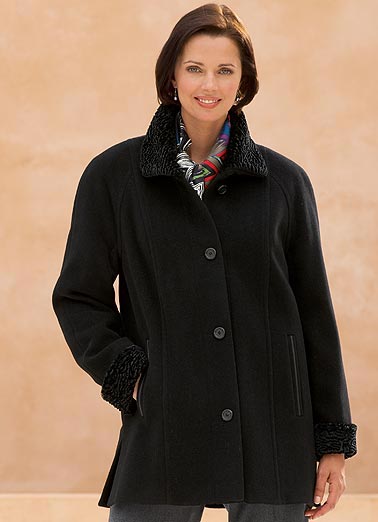
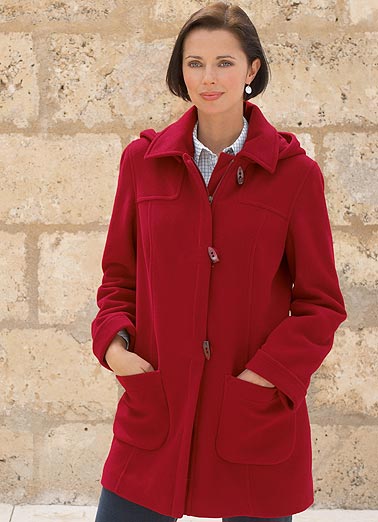
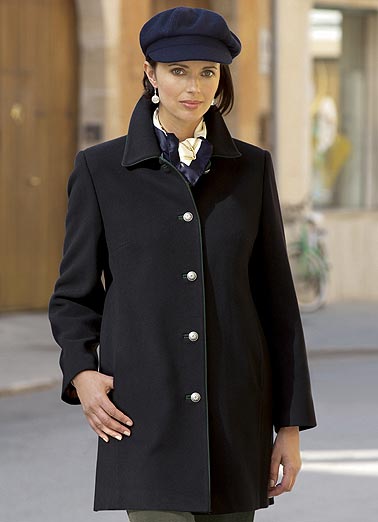
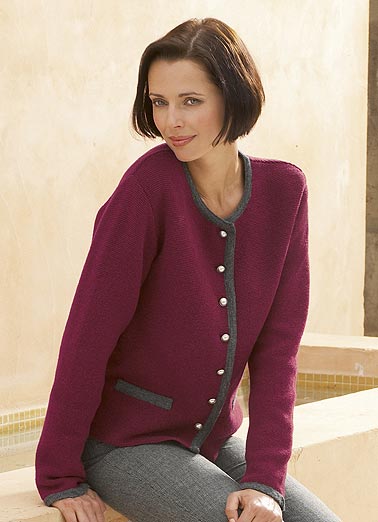
Heather is modeling again! from Rowlands clothing:
Whoah!! What a treat! thanks!
Morilia Moreno, with Elite model Brasil.
Heather is modeling again! from Rowlands clothing:









 Lindsay Frimodt
Can u please quote ur source for above
Lindsay Frimodt
Can u please quote ur source for above






















































Account
Navigation
Search
Configure browser push notifications
Chrome (Android)
- Tap the lock icon next to the address bar.
- Tap Permissions → Notifications.
- Adjust your preference.
Chrome (Desktop)
- Click the padlock icon in the address bar.
- Select Site settings.
- Find Notifications and adjust your preference.
Safari (iOS 16.4+)
- Ensure the site is installed via Add to Home Screen.
- Open Settings App → Notifications.
- Find your app name and adjust your preference.
Safari (macOS)
- Go to Safari → Preferences.
- Click the Websites tab.
- Select Notifications in the sidebar.
- Find this website and adjust your preference.
Edge (Android)
- Tap the lock icon next to the address bar.
- Tap Permissions.
- Find Notifications and adjust your preference.
Edge (Desktop)
- Click the padlock icon in the address bar.
- Click Permissions for this site.
- Find Notifications and adjust your preference.
Firefox (Android)
- Go to Settings → Site permissions.
- Tap Notifications.
- Find this site in the list and adjust your preference.
Firefox (Desktop)
- Open Firefox Settings.
- Search for Notifications.
- Find this site in the list and adjust your preference.