
DanniCullen
Members
-
Joined
-
Last visited
Everything posted by DanniCullen
-
 Thanks for all the pics Kate is just adorable
Elen looks so good for VSX.
Dani looks great for VS.
Nice to see the new girls all together
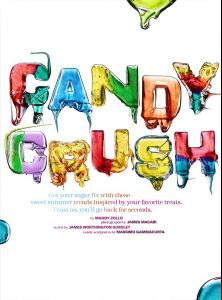
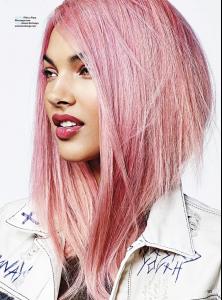
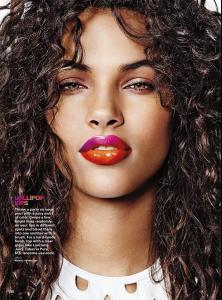
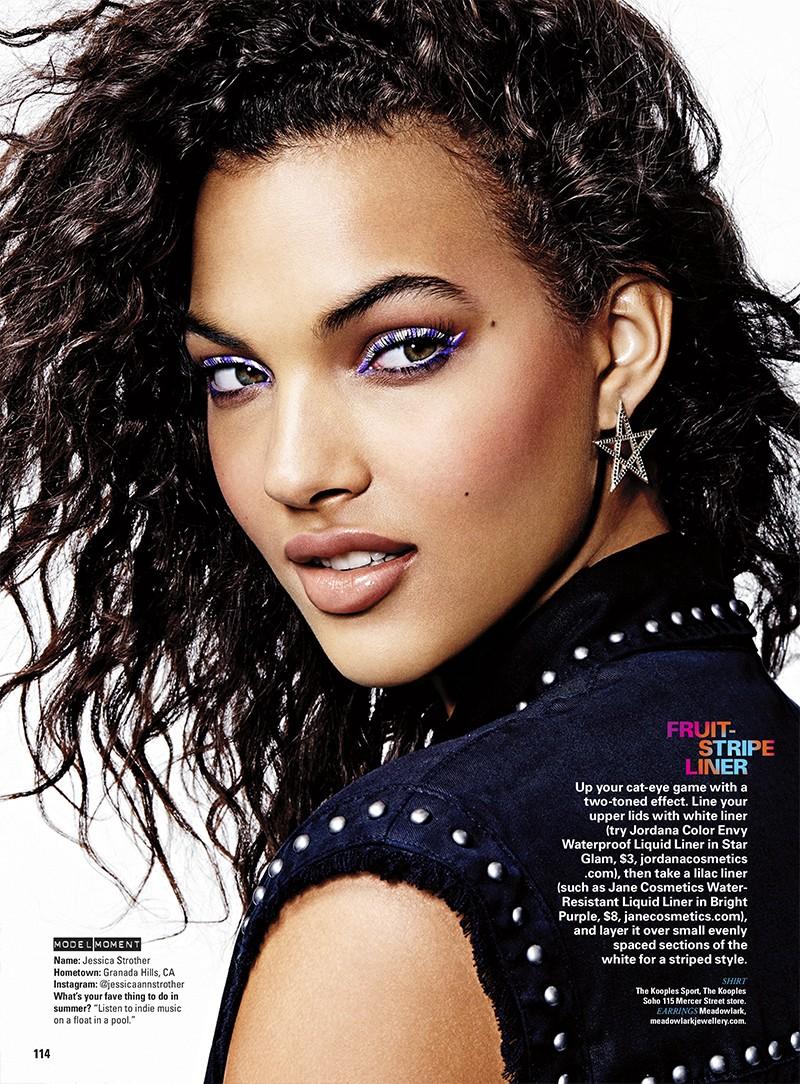
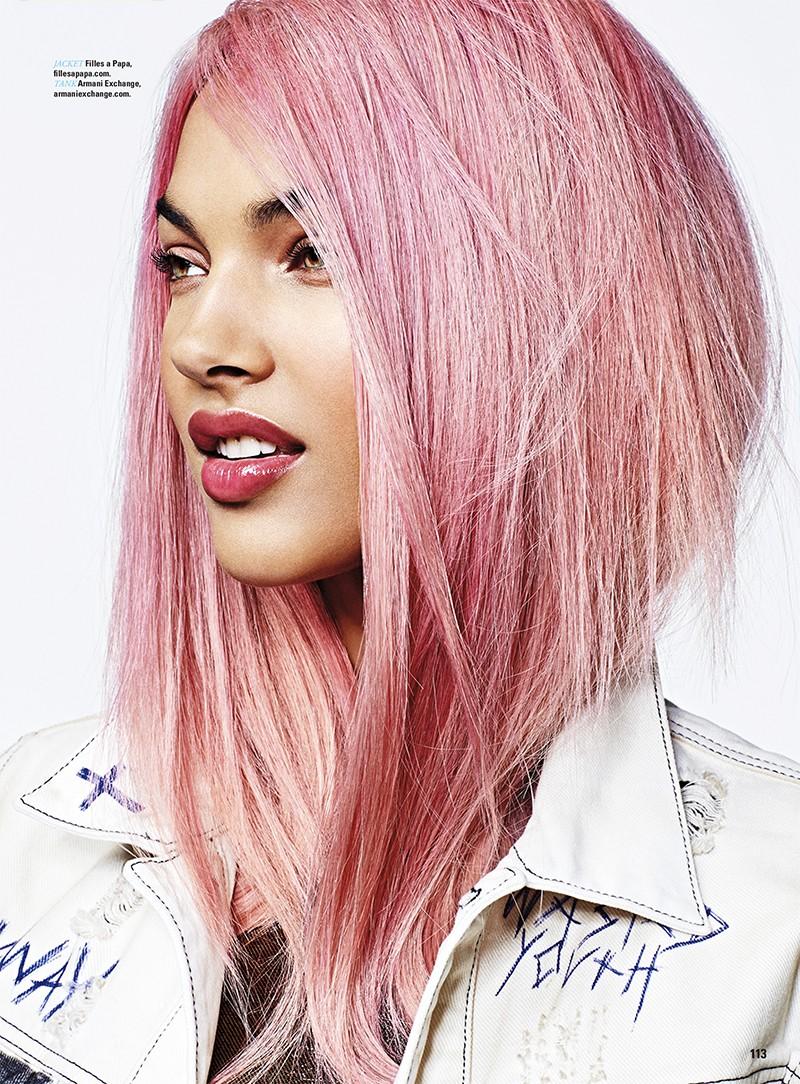
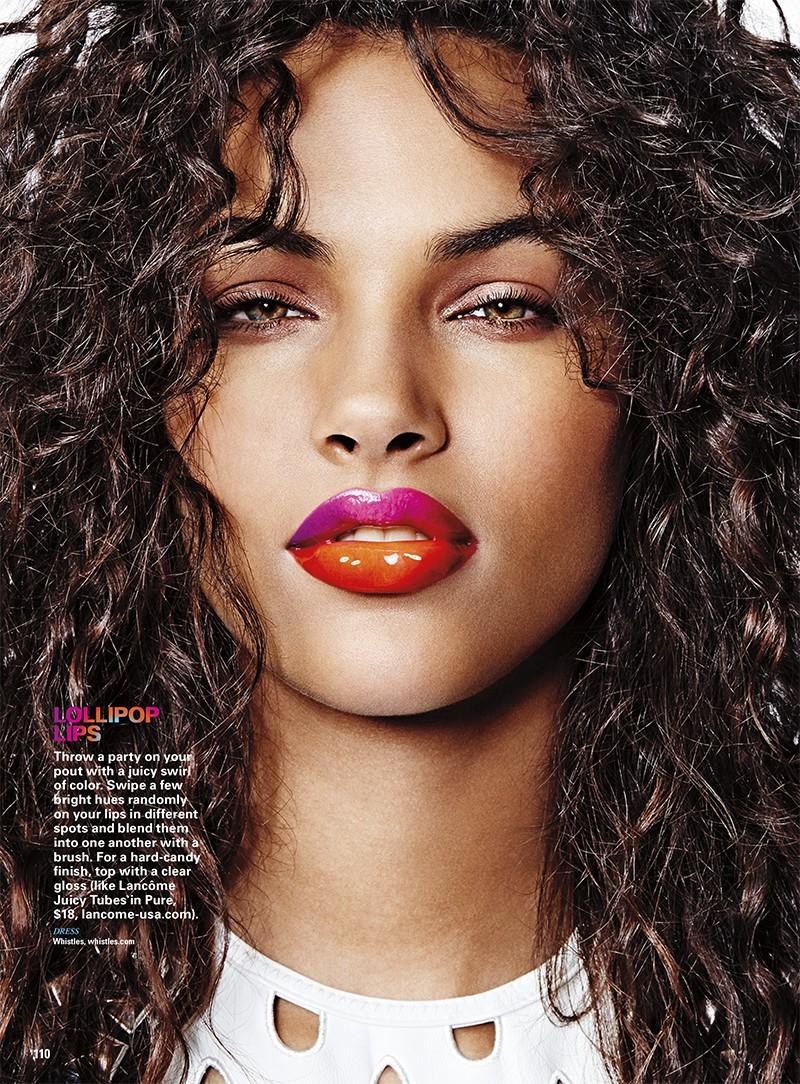
Seventeen Magazine | August 2015 "Candy Crush" James Macari - Photographer James Worthington Demolet - Fashion Editor/Stylist Thomas Dunkin - Hair Stylist Morgane Martini - Makeup Artist Julie Kandalec - Manicurist
Thanks for all the pics Kate is just adorable
Elen looks so good for VSX.
Dani looks great for VS.
Nice to see the new girls all together
Seventeen Magazine | August 2015 "Candy Crush" James Macari - Photographer James Worthington Demolet - Fashion Editor/Stylist Thomas Dunkin - Hair Stylist Morgane Martini - Makeup Artist Julie Kandalec - Manicurist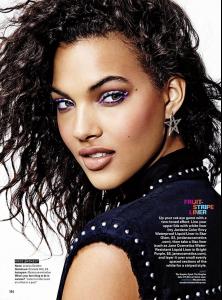
 Zhenya is gorgeous!
http://oceandrive.com/Post/5-new-models-to-watch
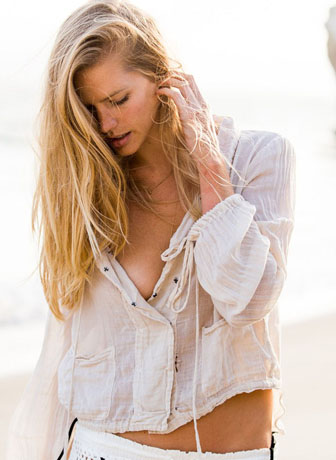
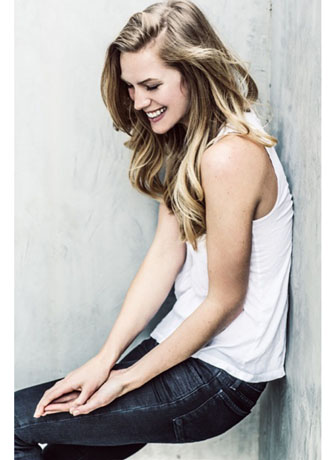
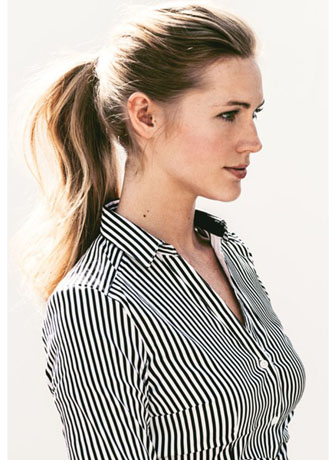
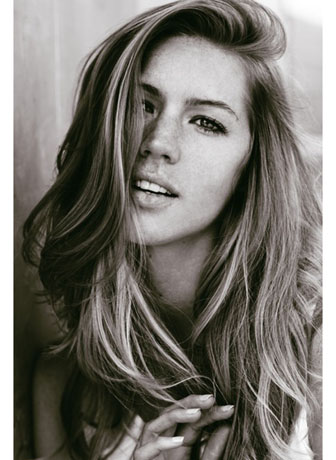
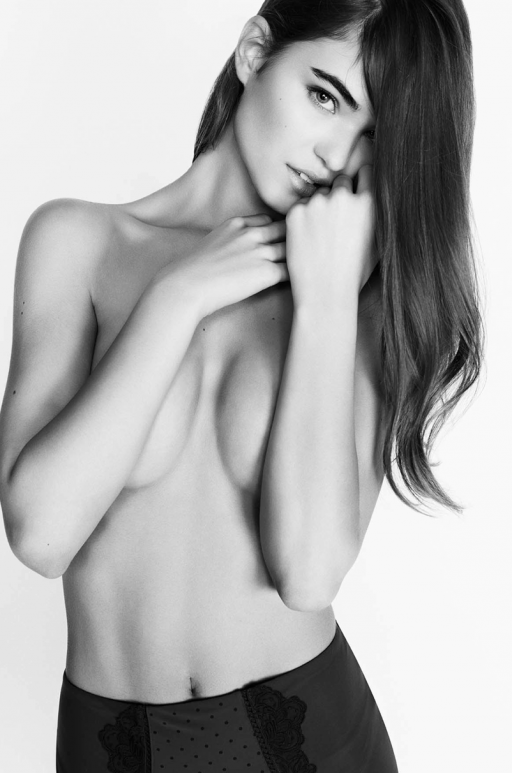
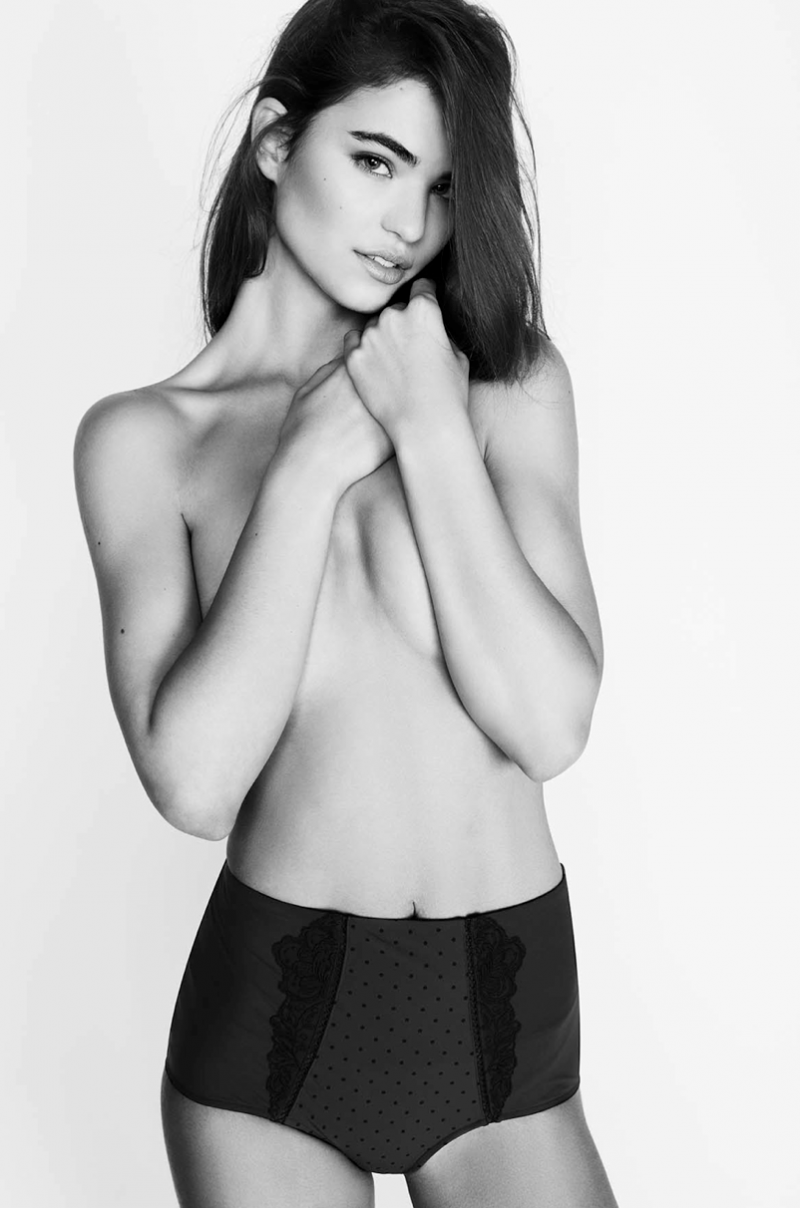
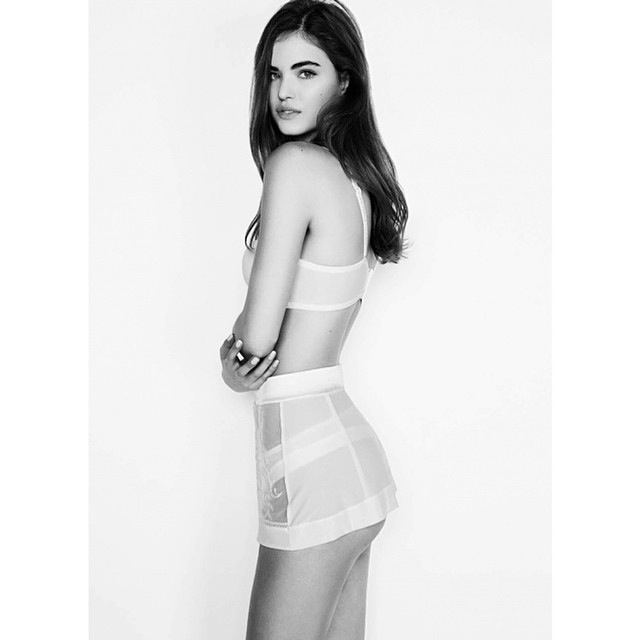
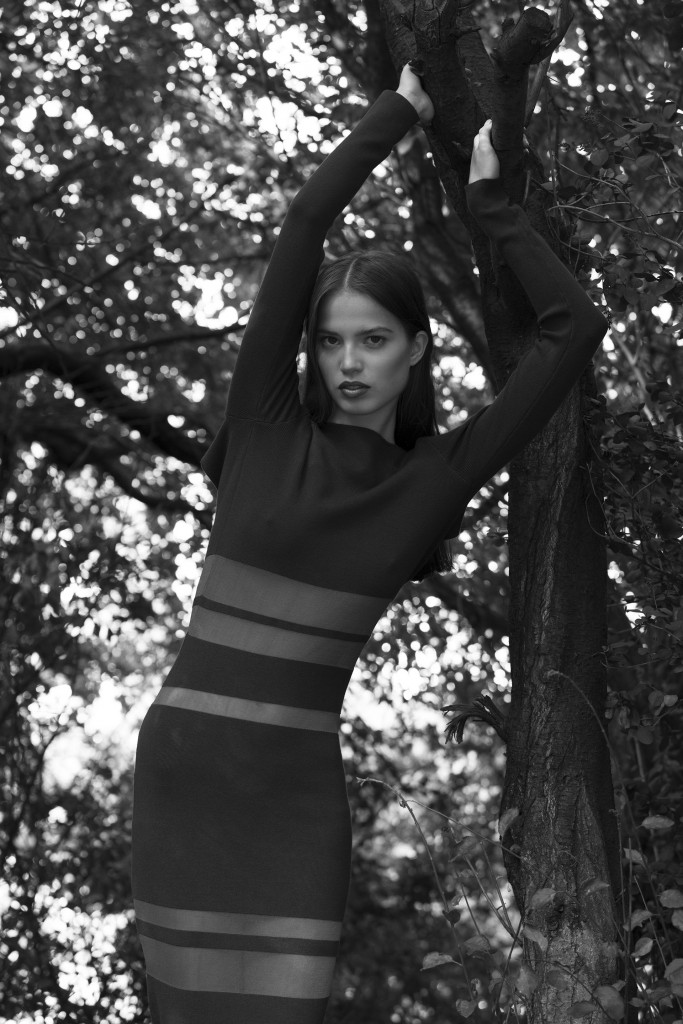
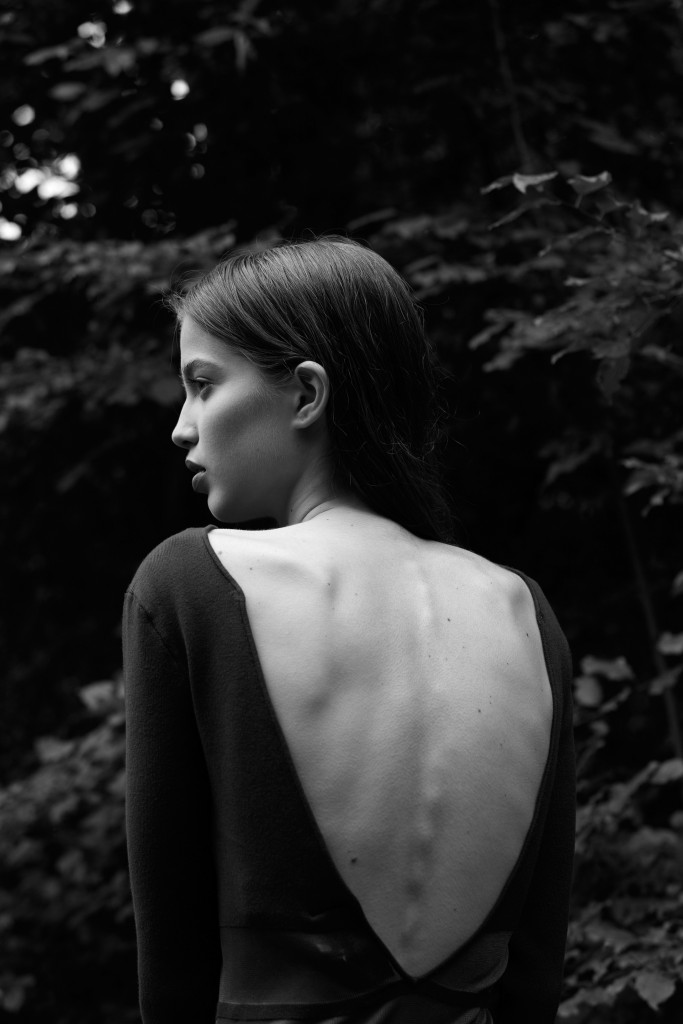
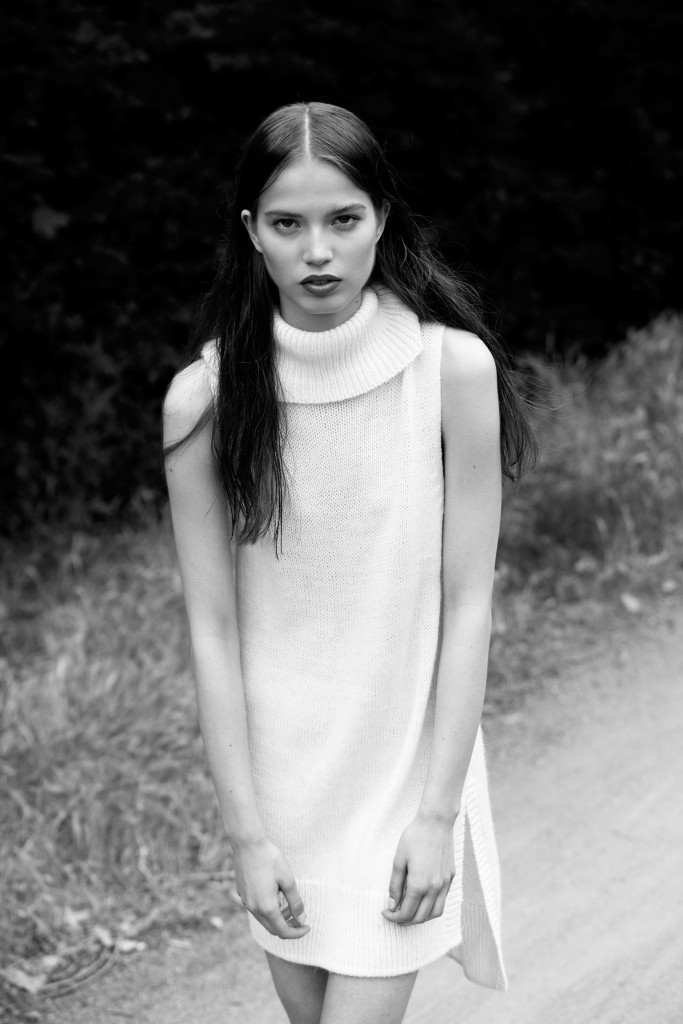
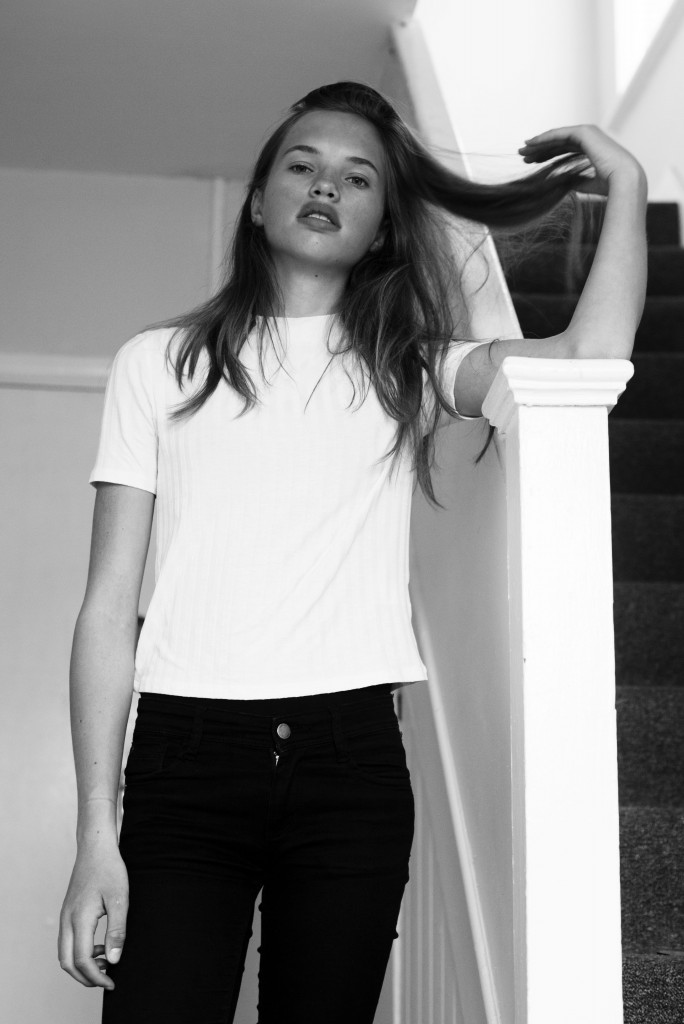
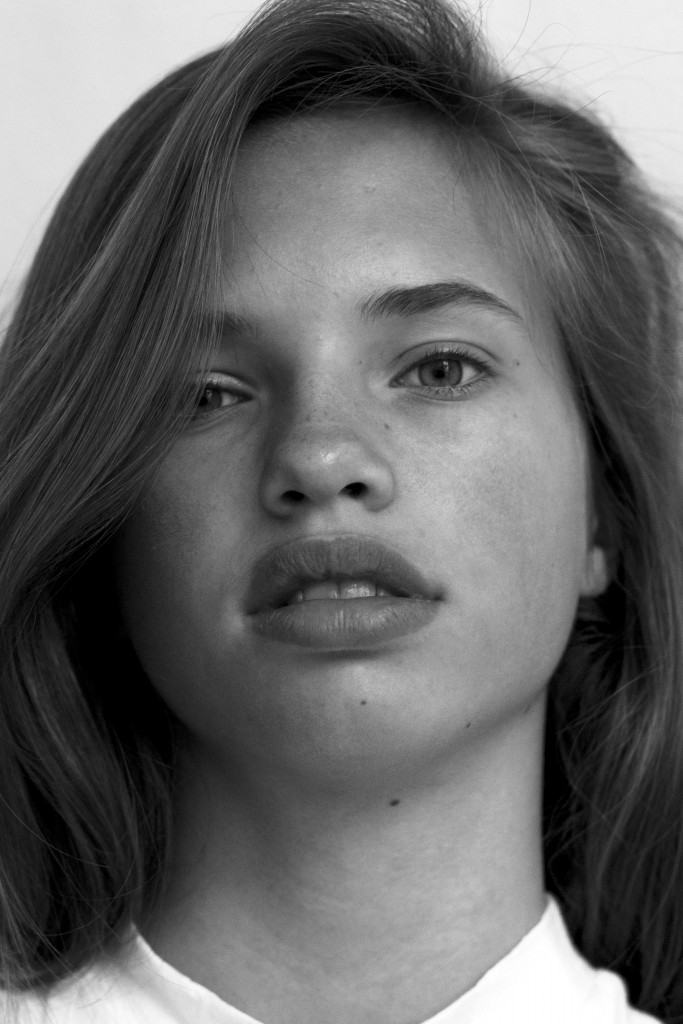
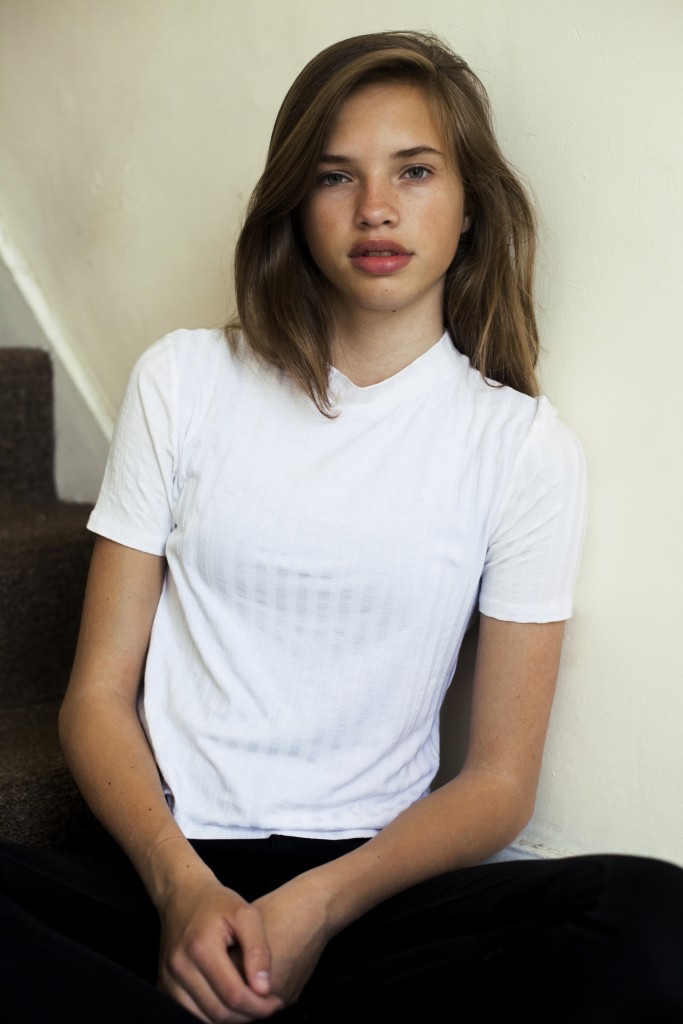
Some pics of Dani shot by R1 Studios on the home page. http://www.r1studios.com/#0
^Nope. Not her.
^ Her sister Karoline is the Le Management now. Originally with Unique.
Yes!! Congrats Dani! Perfect for Pink! :wub2:
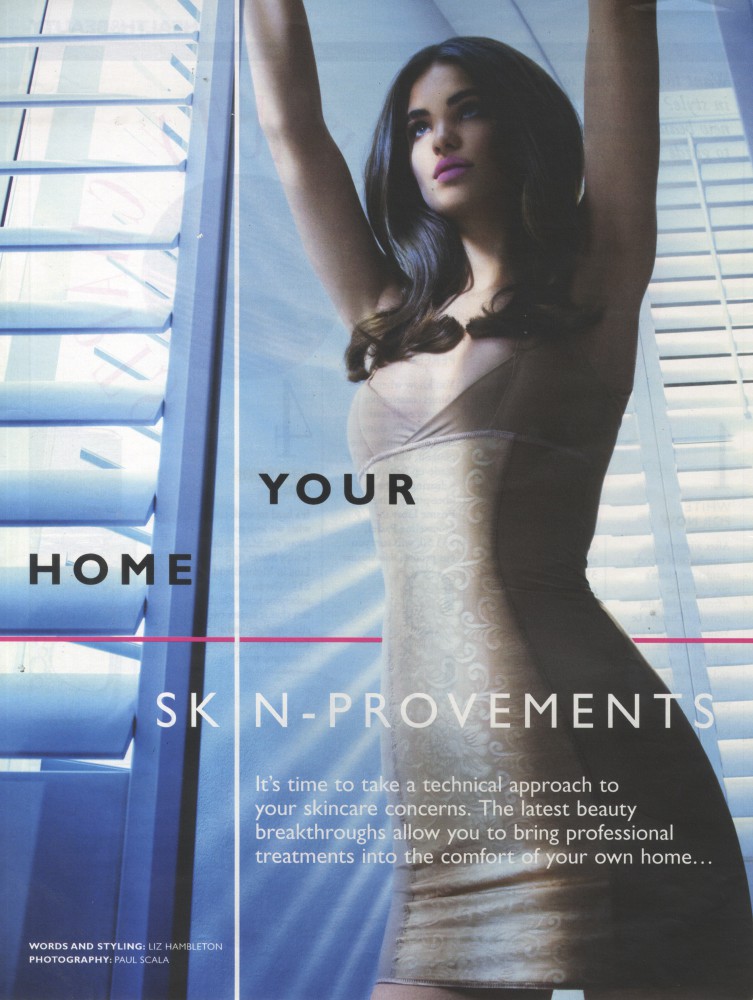
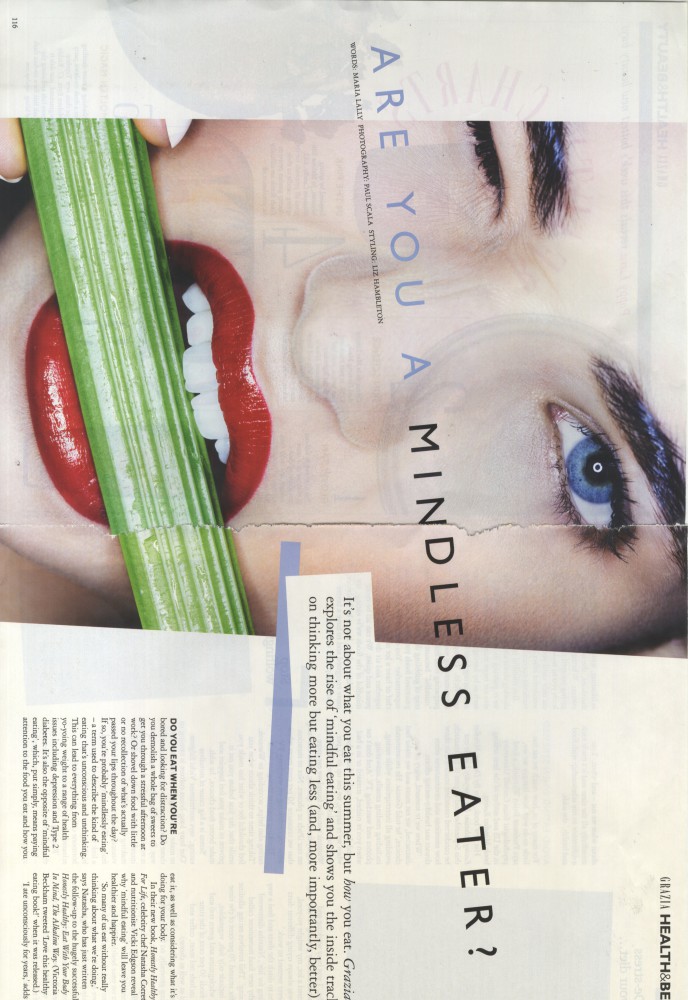
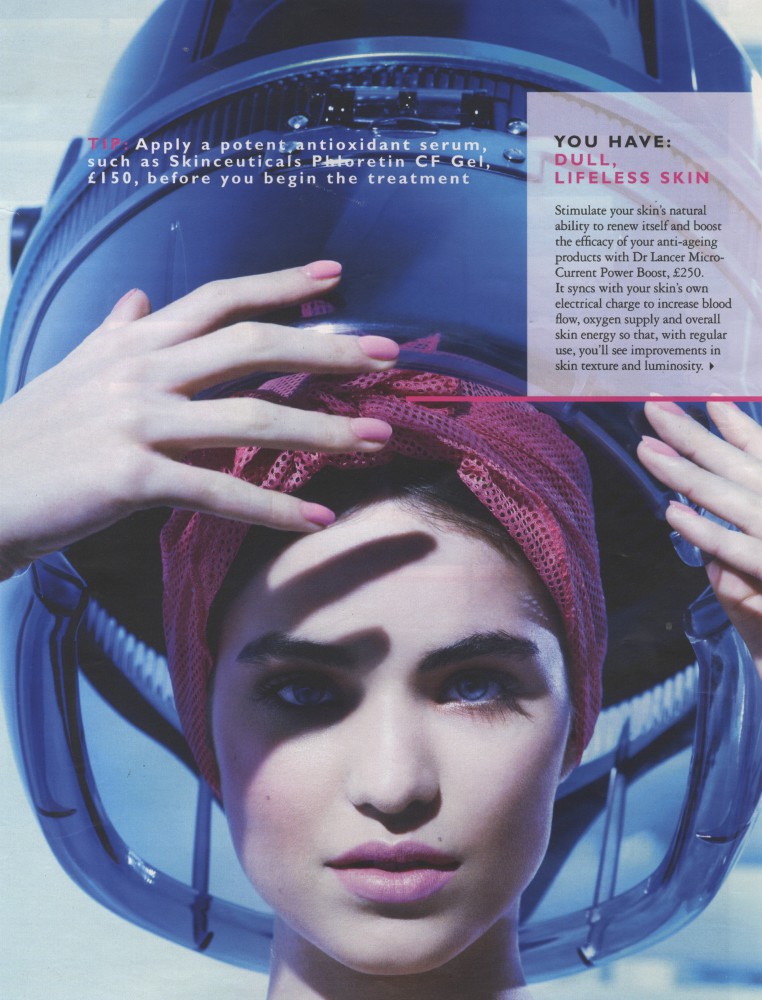
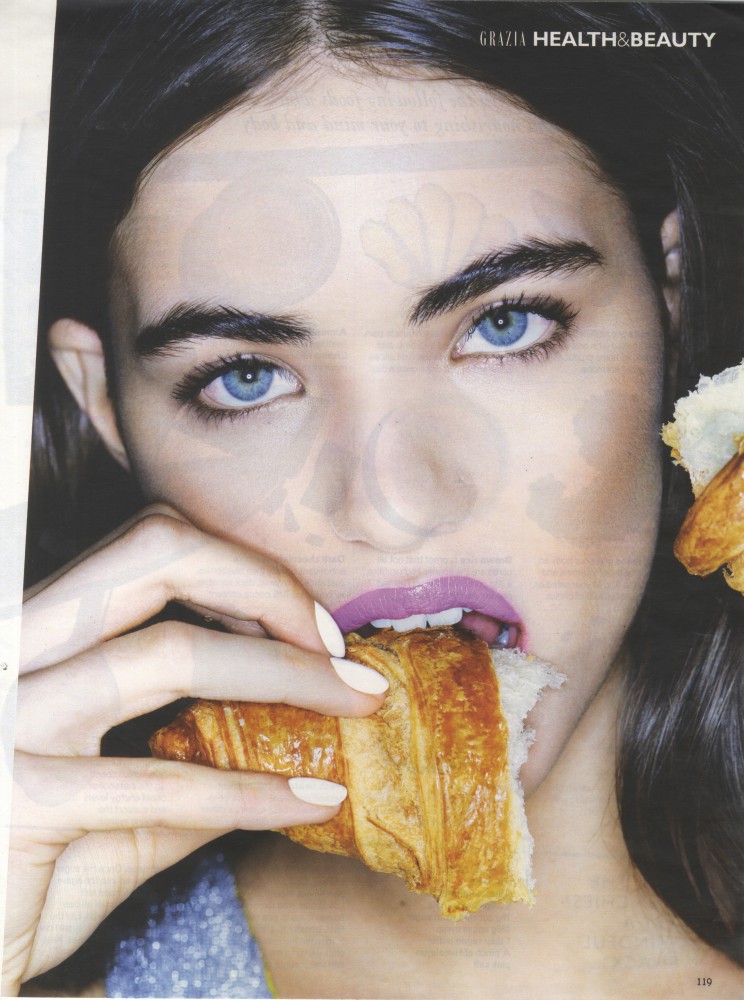
Grazia UK July 2014
Zhenya is gorgeous!
http://oceandrive.com/Post/5-new-models-to-watch
Some pics of Dani shot by R1 Studios on the home page. http://www.r1studios.com/#0
^Nope. Not her.
^ Her sister Karoline is the Le Management now. Originally with Unique.
Yes!! Congrats Dani! Perfect for Pink! :wub2:
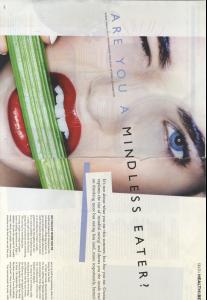
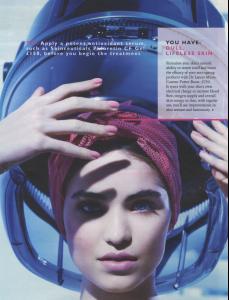
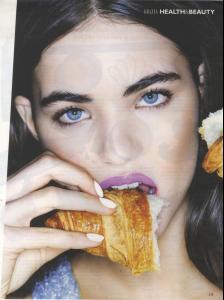
Grazia UK July 2014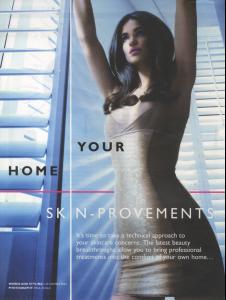
 STREETS meets New Face Cassandra Photography by Sophie Mayanne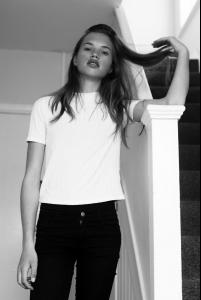
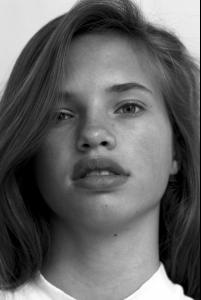
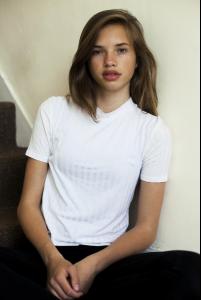 Isadora Cosmetics
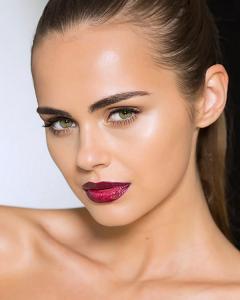 Sneak Preview of George Favios Shoot.
 IG Video: http://websta.me/p/1035763740145677697_727041852
Dani's snapchat is Danielalo322.
Backstage video of Uberliss https://vine.co/v/b9AKUYVZBnt https://vine.co/v/b9mxZQvEID1 https://vine.co/v/b9mOTrIF6UI https://vine.co/v/b9Z2lgnzWm1 https://vine.co/v/b9ZHAn9h0YB https://vine.co/v/b97xYblEjLL
IG Video: http://websta.me/p/1035763740145677697_727041852
Dani's snapchat is Danielalo322.
Backstage video of Uberliss https://vine.co/v/b9AKUYVZBnt https://vine.co/v/b9mxZQvEID1 https://vine.co/v/b9mOTrIF6UI https://vine.co/v/b9Z2lgnzWm1 https://vine.co/v/b9ZHAn9h0YB https://vine.co/v/b97xYblEjLL

Account
Search
Configure browser push notifications
Chrome (Android)
- Tap the lock icon next to the address bar.
- Tap Permissions → Notifications.
- Adjust your preference.
Chrome (Desktop)
- Click the padlock icon in the address bar.
- Select Site settings.
- Find Notifications and adjust your preference.
Safari (iOS 16.4+)
- Ensure the site is installed via Add to Home Screen.
- Open Settings App → Notifications.
- Find your app name and adjust your preference.
Safari (macOS)
- Go to Safari → Preferences.
- Click the Websites tab.
- Select Notifications in the sidebar.
- Find this website and adjust your preference.
Edge (Android)
- Tap the lock icon next to the address bar.
- Tap Permissions.
- Find Notifications and adjust your preference.
Edge (Desktop)
- Click the padlock icon in the address bar.
- Click Permissions for this site.
- Find Notifications and adjust your preference.
Firefox (Android)
- Go to Settings → Site permissions.
- Tap Notifications.
- Find this site in the list and adjust your preference.
Firefox (Desktop)
- Open Firefox Settings.
- Search for Notifications.
- Find this site in the list and adjust your preference.