
persuazn
Members
-
Joined
-
Last visited
Everything posted by persuazn
-
Blugirl - SS05
-
Blugirl - SS05
-
Alberto Biani - SS05
-
Alberto Biani - SS05
-
Alberto Biani - SS05
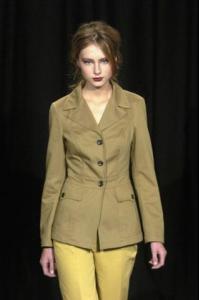
-
Bottega Veneta - FW06
-
sorry if repost
-
Dolce & Gabbana (there might be a few reposts )
-
that's for sure :|
Pussycat Dolls feat Will i am - Beep
welcome to BZ
Thanks Nicole
thanks Nicole
thanks for the pics everyone yay she's done new stuff for Cover Girl
more from Valentino Backstage - FW06 WARNING: see through top http://img83.imageshack.us/img83/1856/1c5qc.jpg
Yellow Fever Party - FW05 with her agent (Lee) with Cintia Dicker
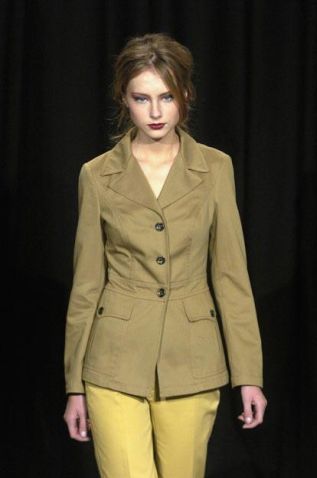
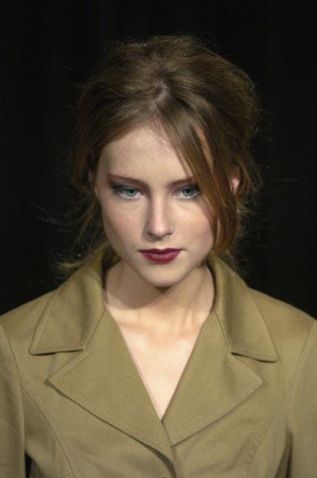

Account
Navigation
Search
Configure browser push notifications
Chrome (Android)
- Tap the lock icon next to the address bar.
- Tap Permissions → Notifications.
- Adjust your preference.
Chrome (Desktop)
- Click the padlock icon in the address bar.
- Select Site settings.
- Find Notifications and adjust your preference.
Safari (iOS 16.4+)
- Ensure the site is installed via Add to Home Screen.
- Open Settings App → Notifications.
- Find your app name and adjust your preference.
Safari (macOS)
- Go to Safari → Preferences.
- Click the Websites tab.
- Select Notifications in the sidebar.
- Find this website and adjust your preference.
Edge (Android)
- Tap the lock icon next to the address bar.
- Tap Permissions.
- Find Notifications and adjust your preference.
Edge (Desktop)
- Click the padlock icon in the address bar.
- Click Permissions for this site.
- Find Notifications and adjust your preference.
Firefox (Android)
- Go to Settings → Site permissions.
- Tap Notifications.
- Find this site in the list and adjust your preference.
Firefox (Desktop)
- Open Firefox Settings.
- Search for Notifications.
- Find this site in the list and adjust your preference.