radolgc
Members
-
Joined
-
Last visited
Everything posted by radolgc
-

-
-
-
-
-
-
-
-
-
-
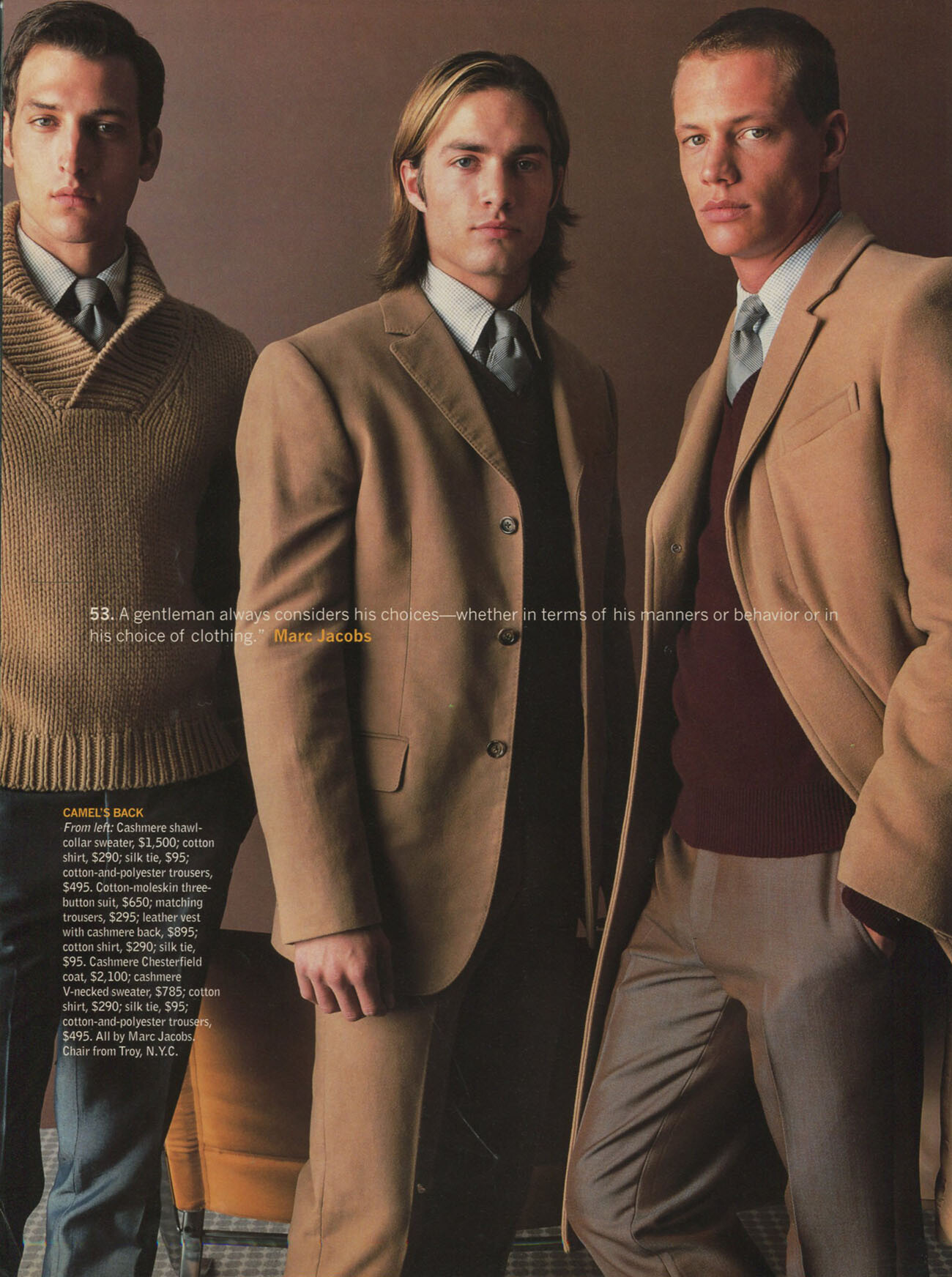
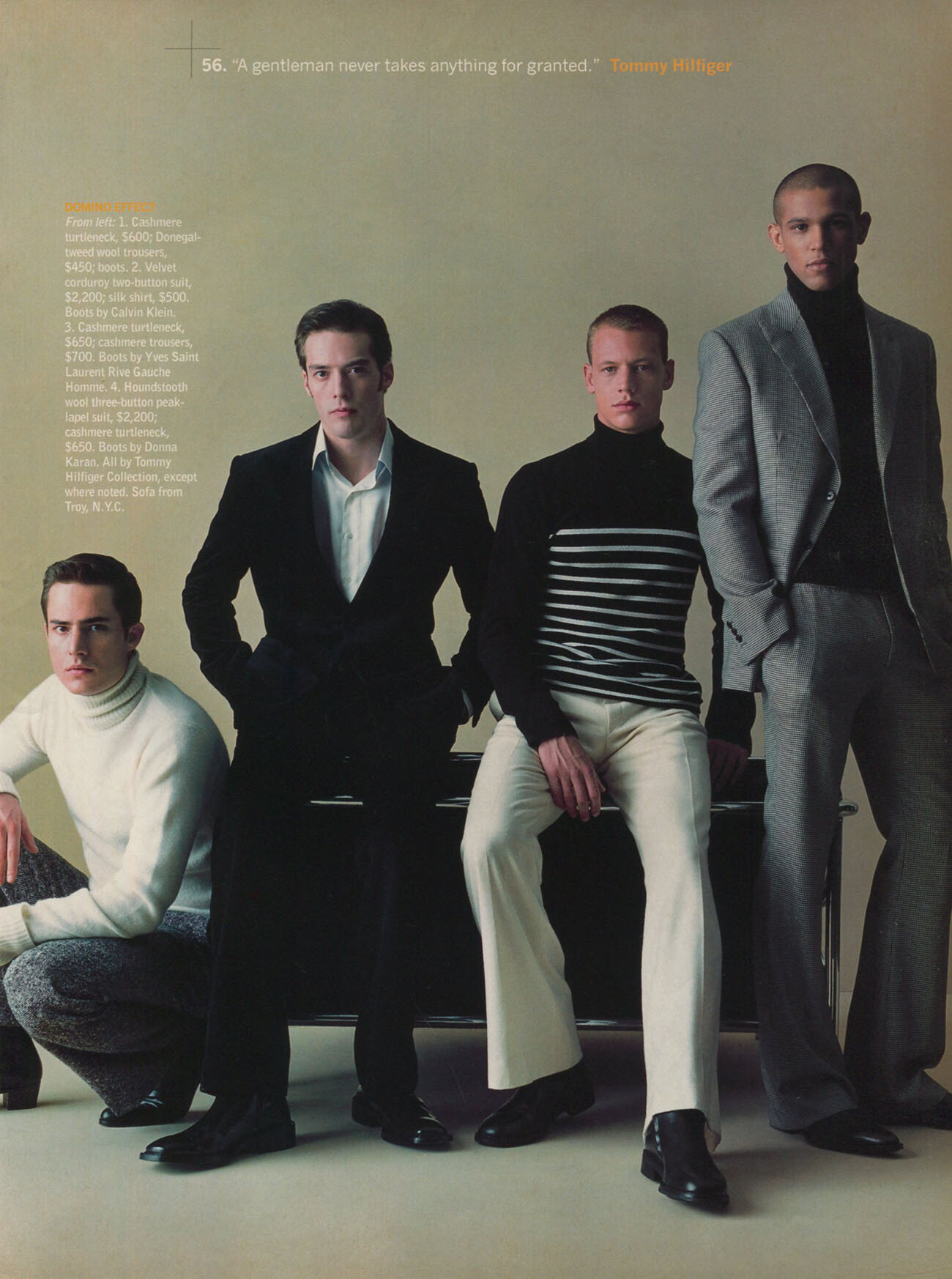
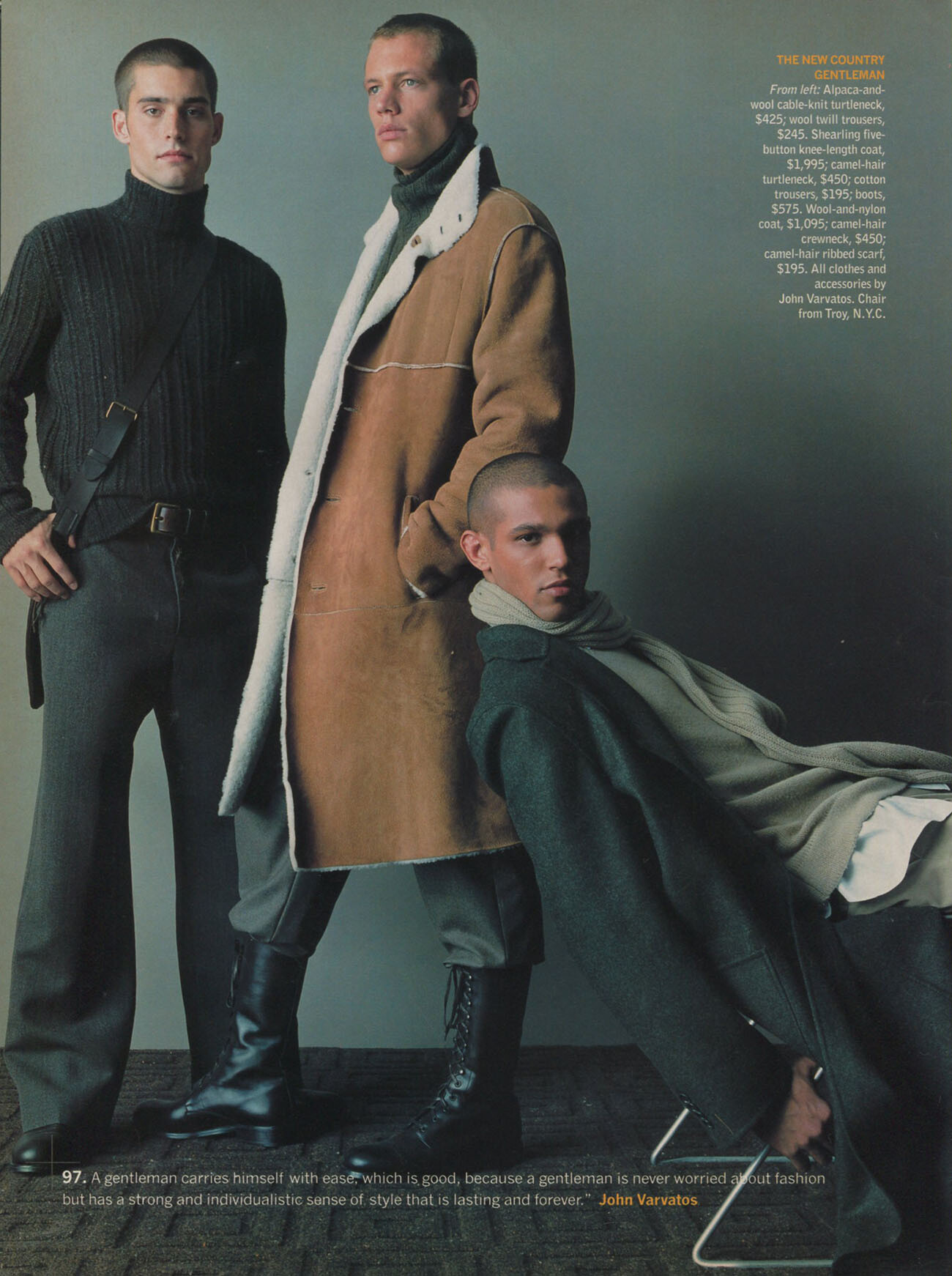
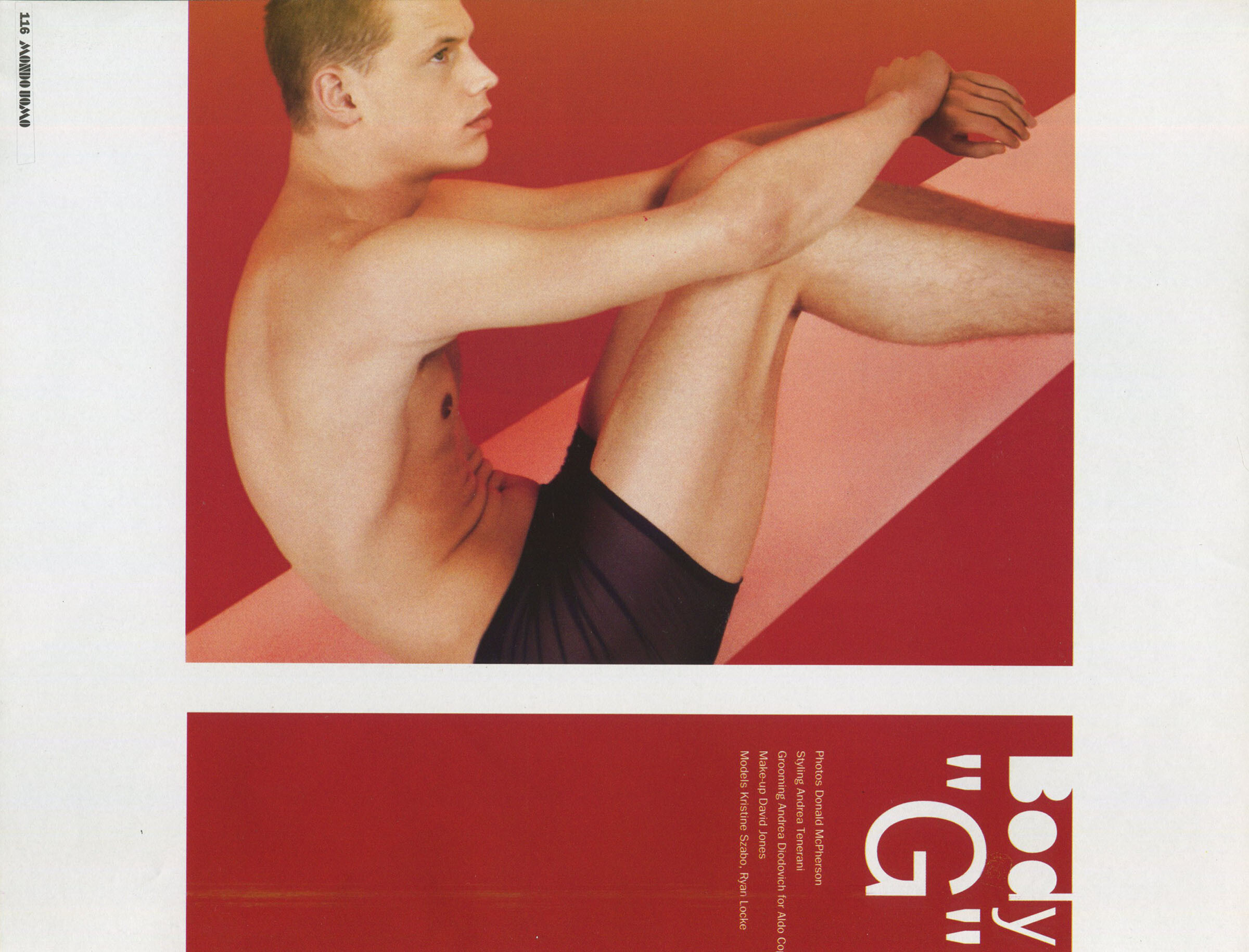
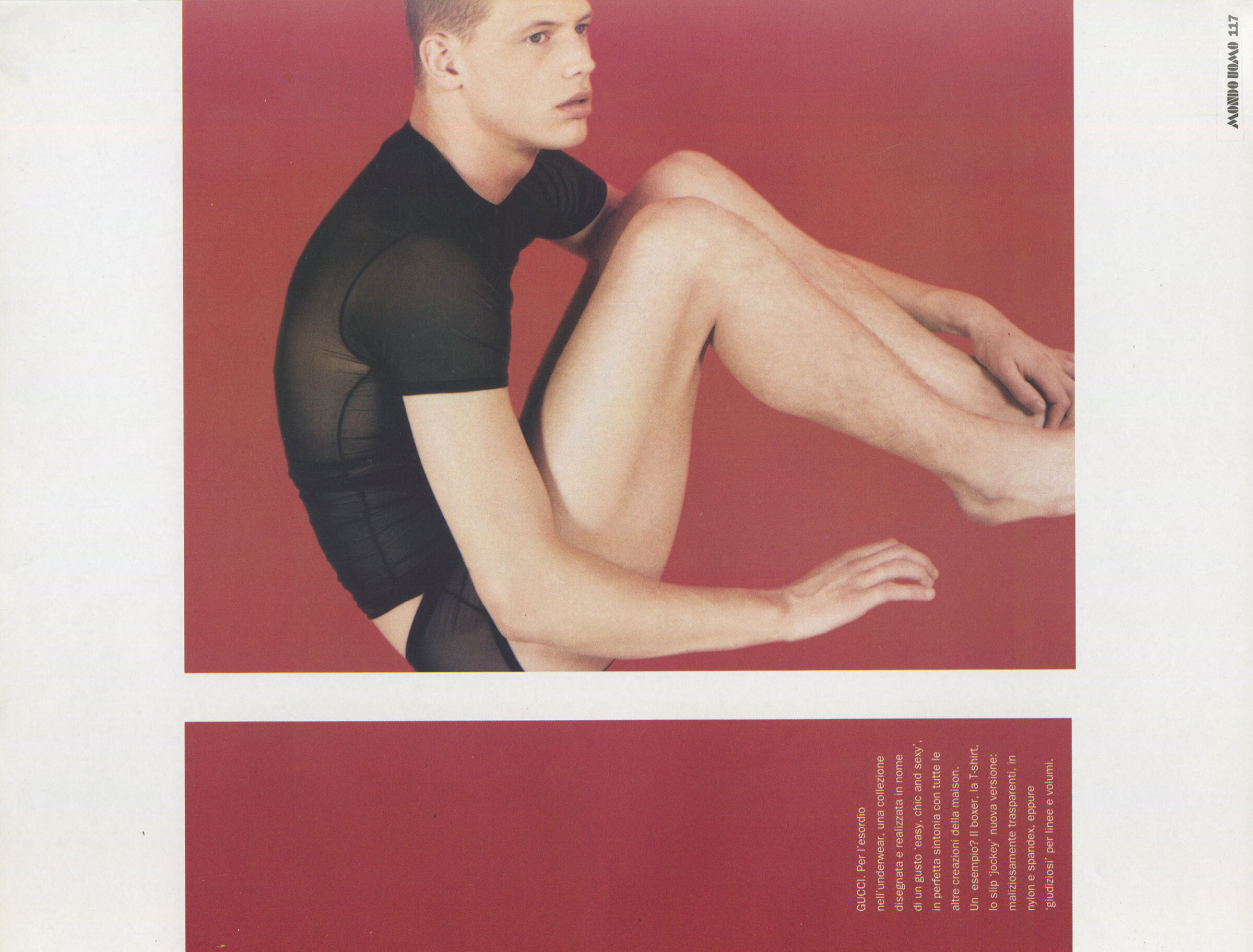
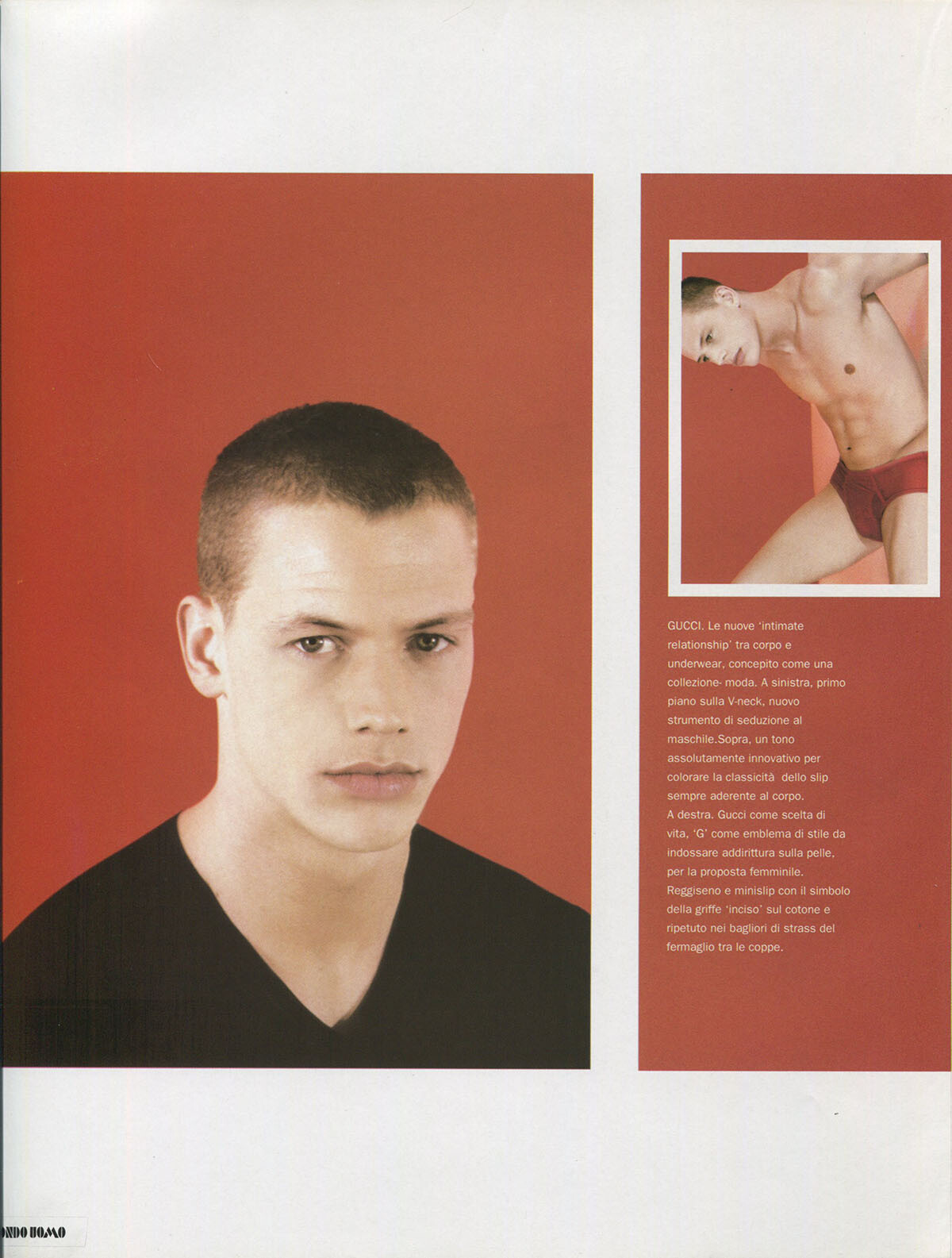
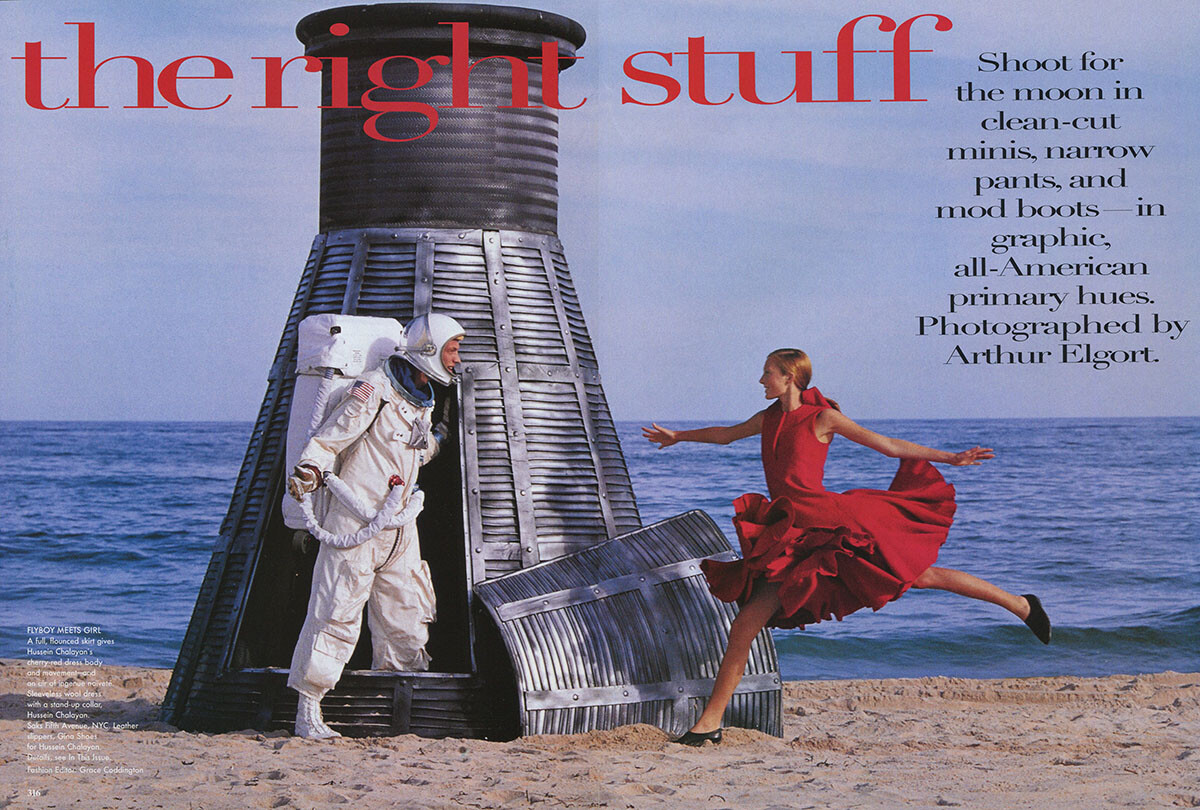
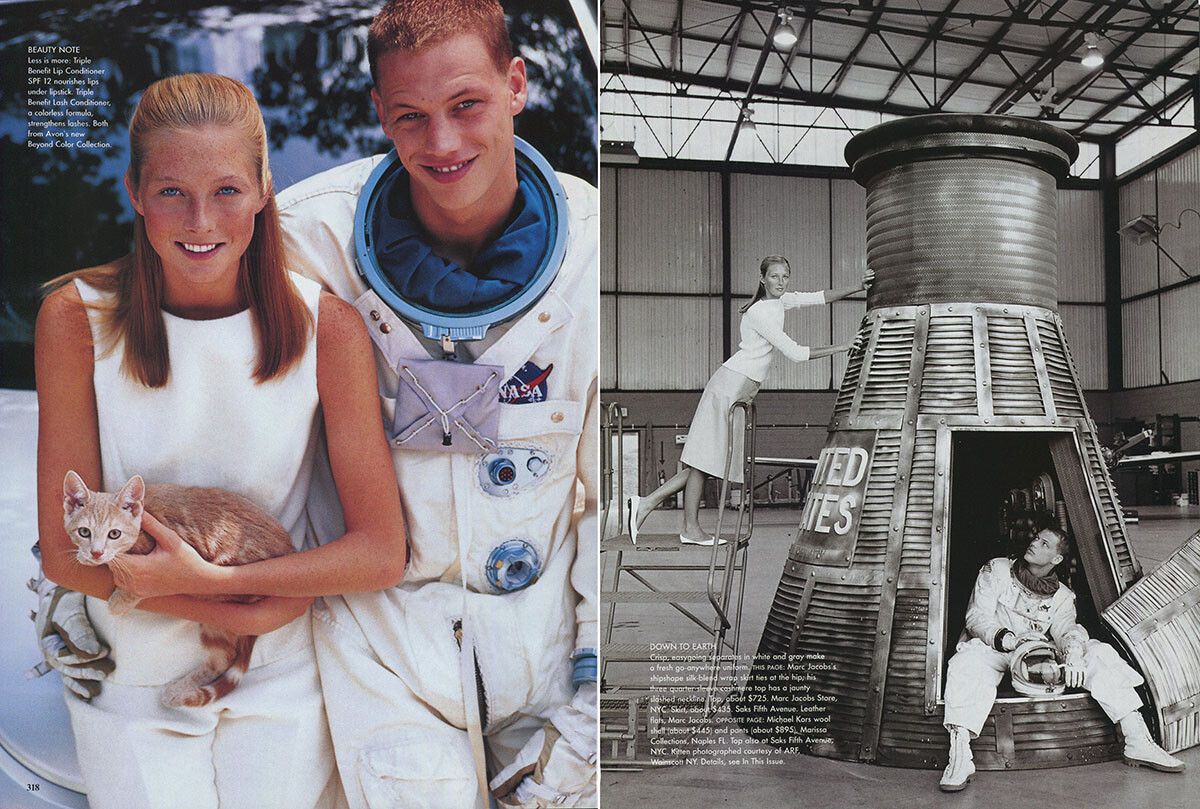
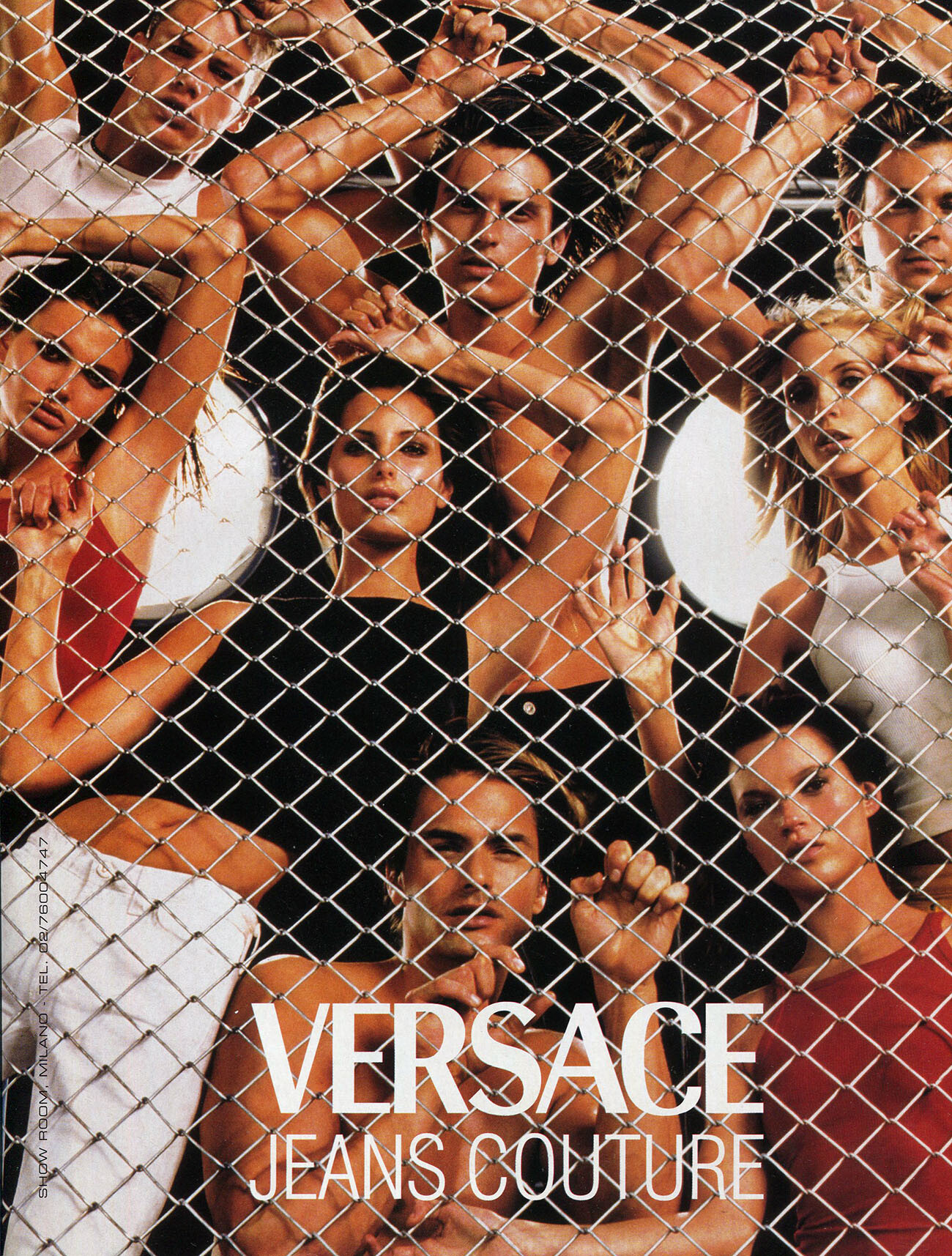
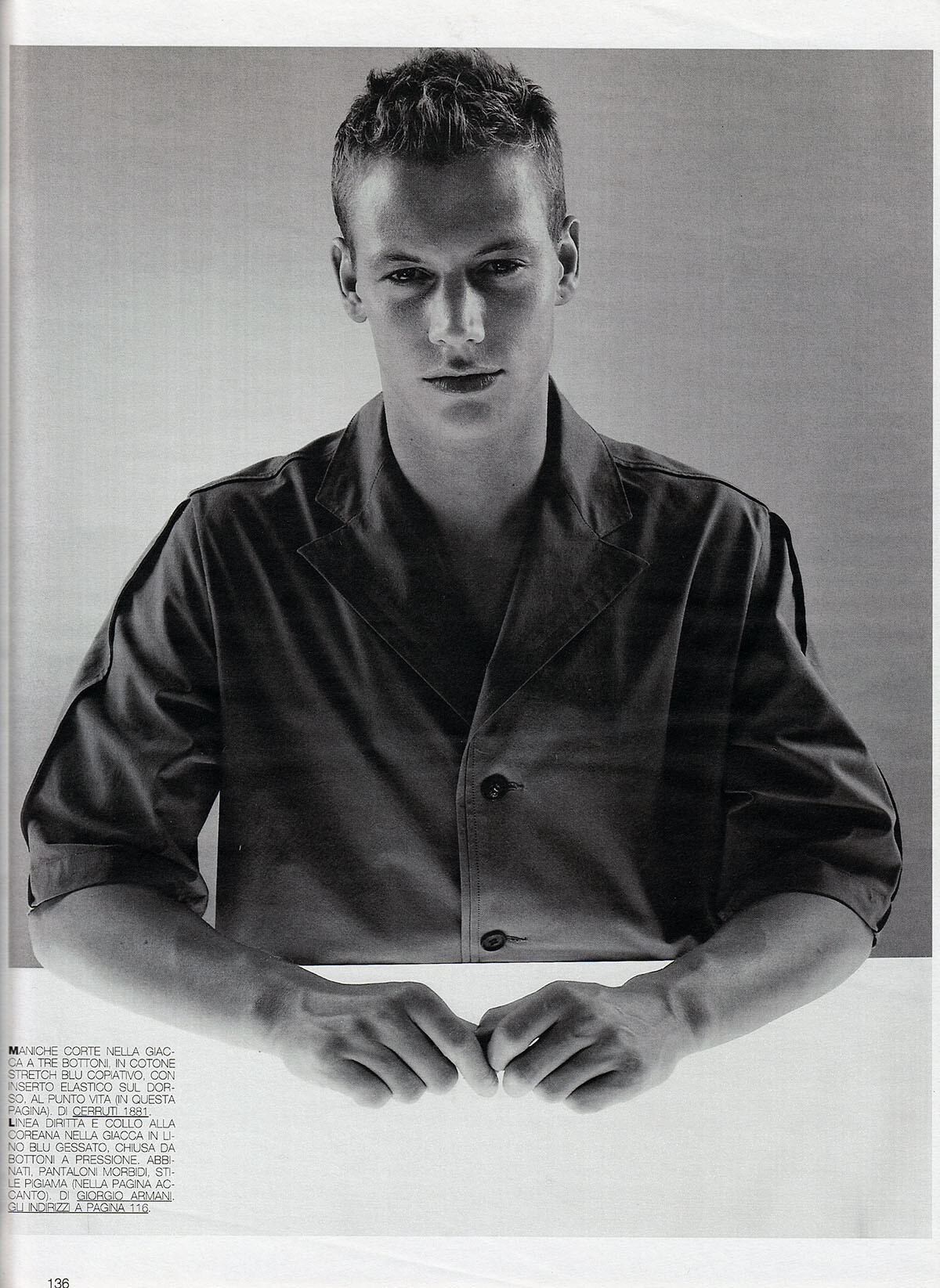
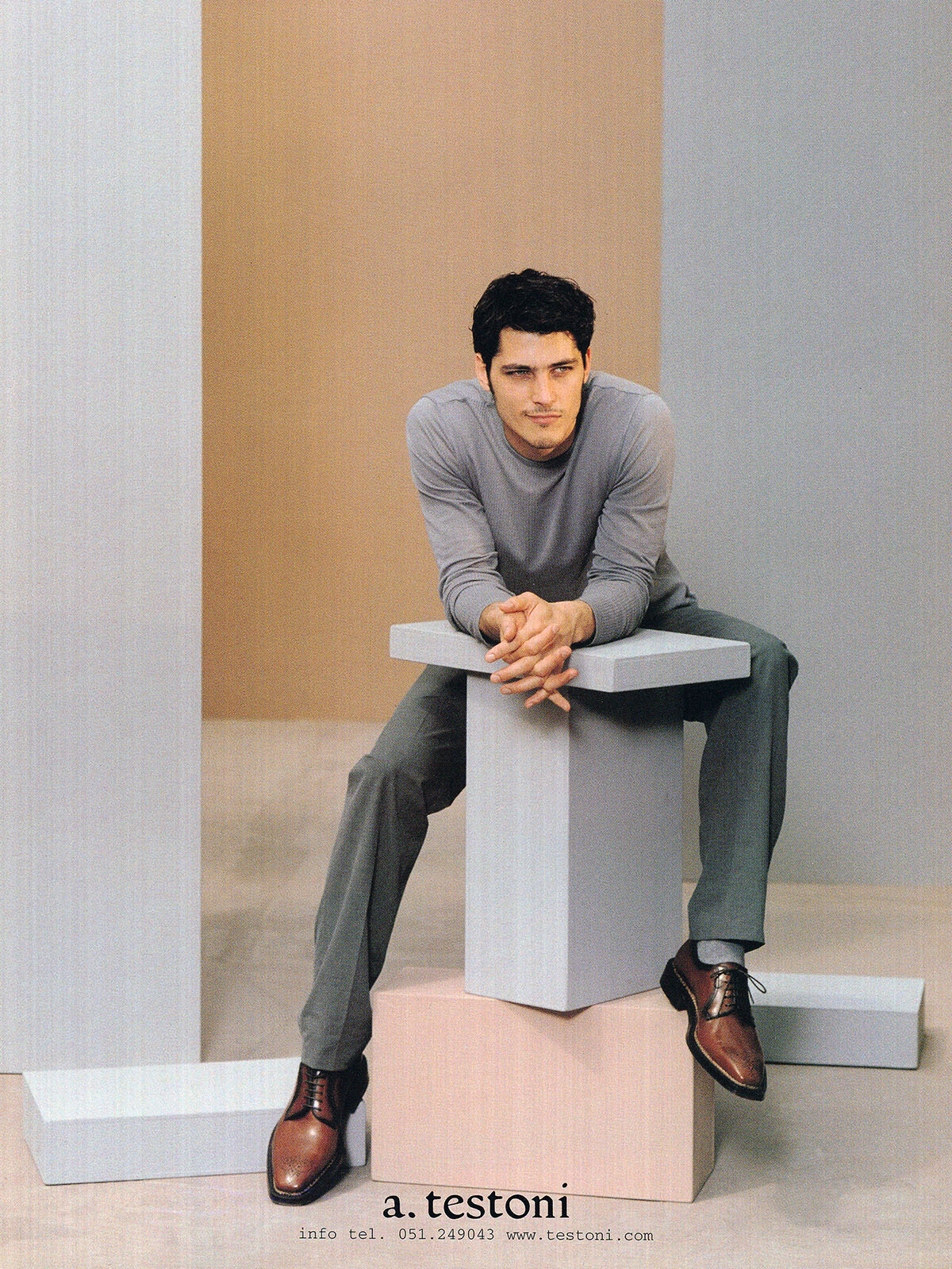
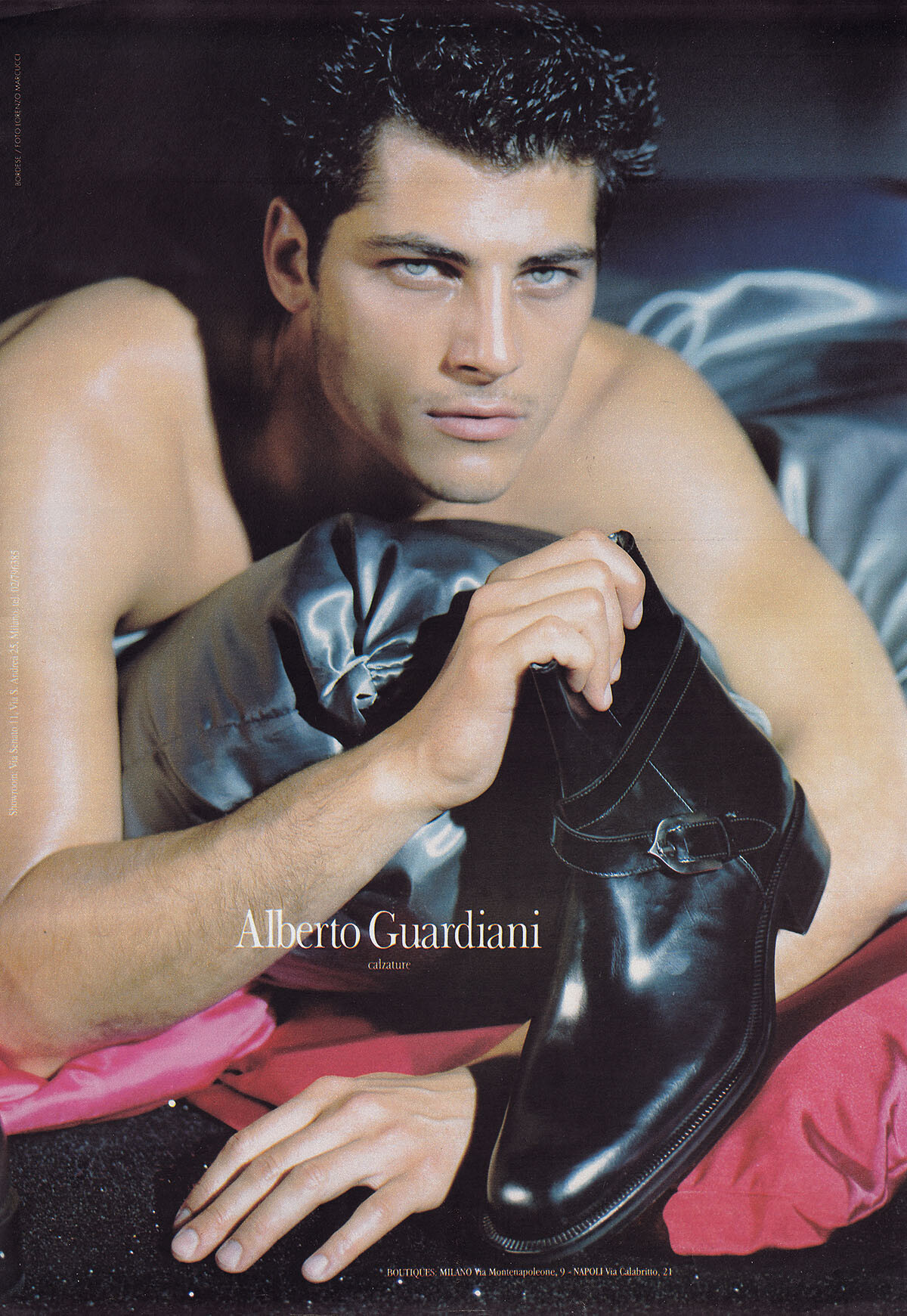
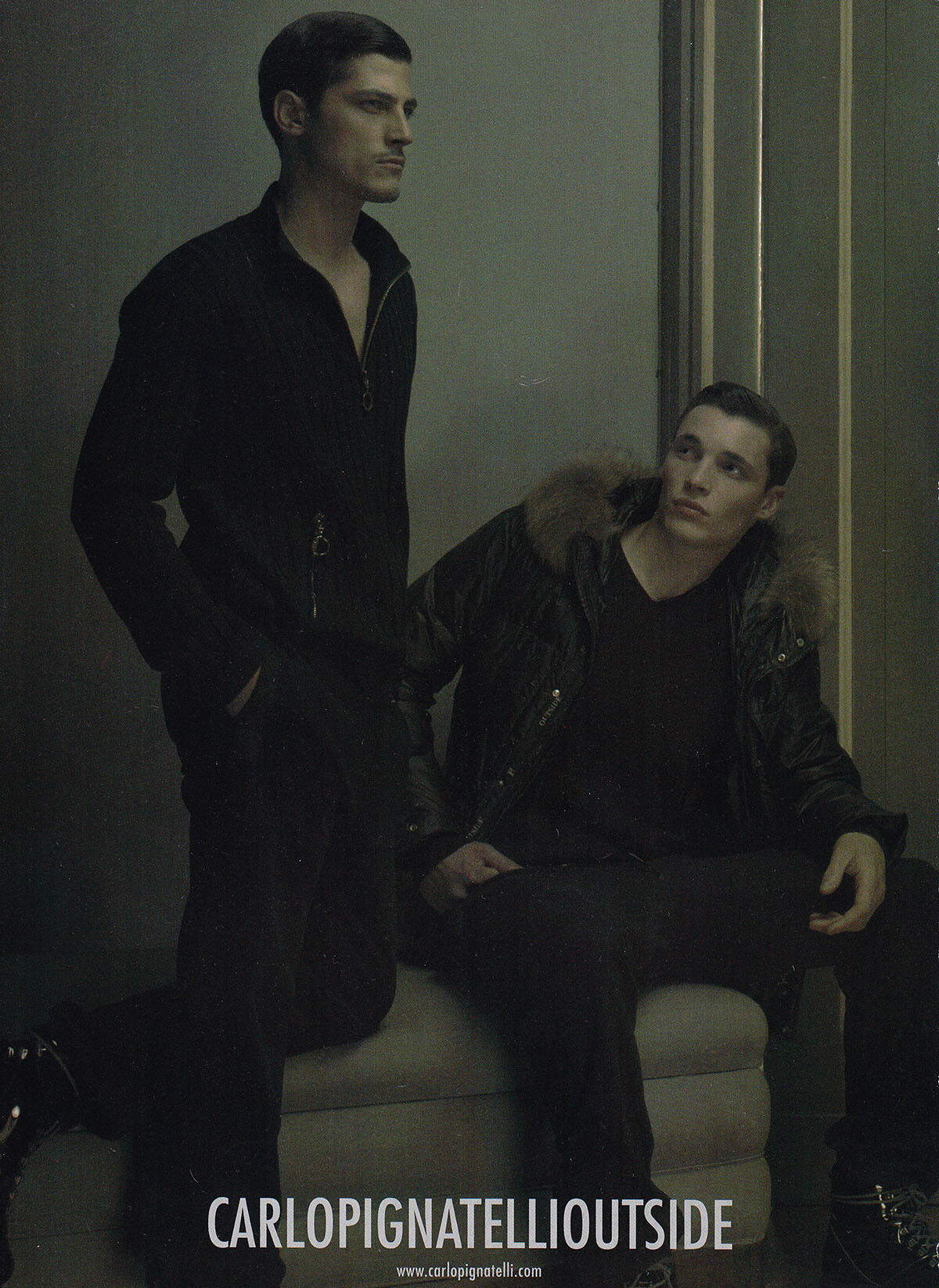
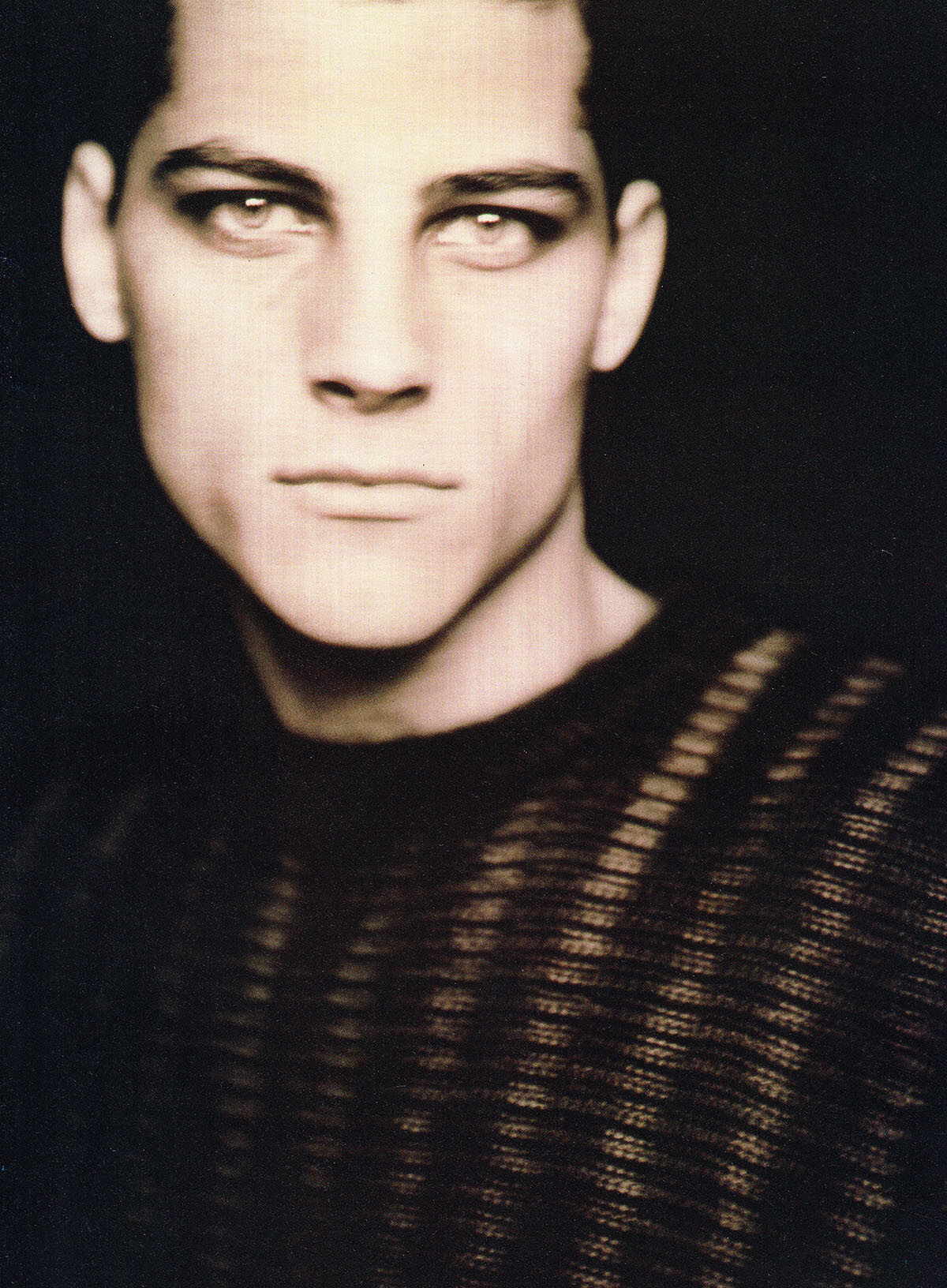
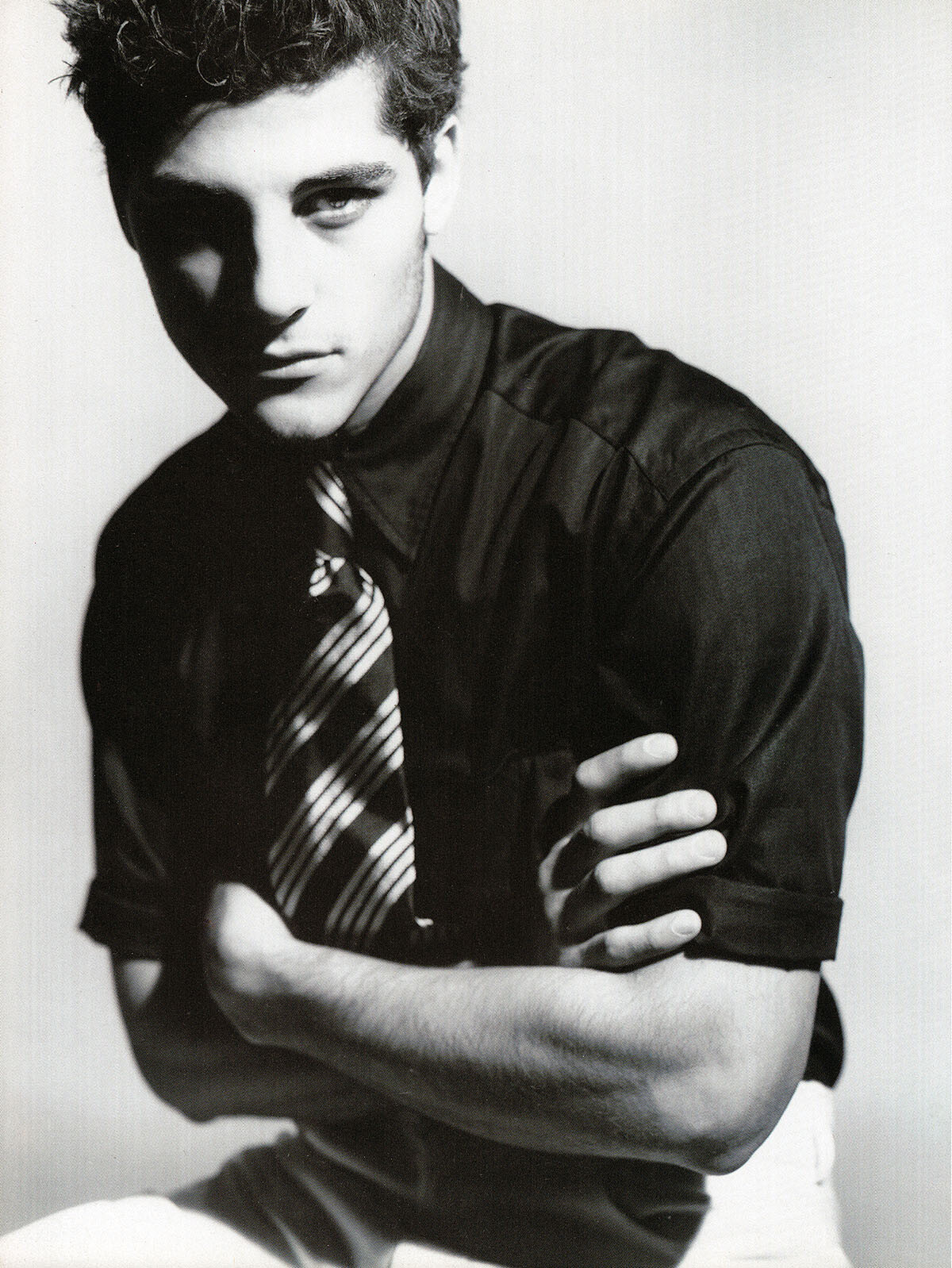
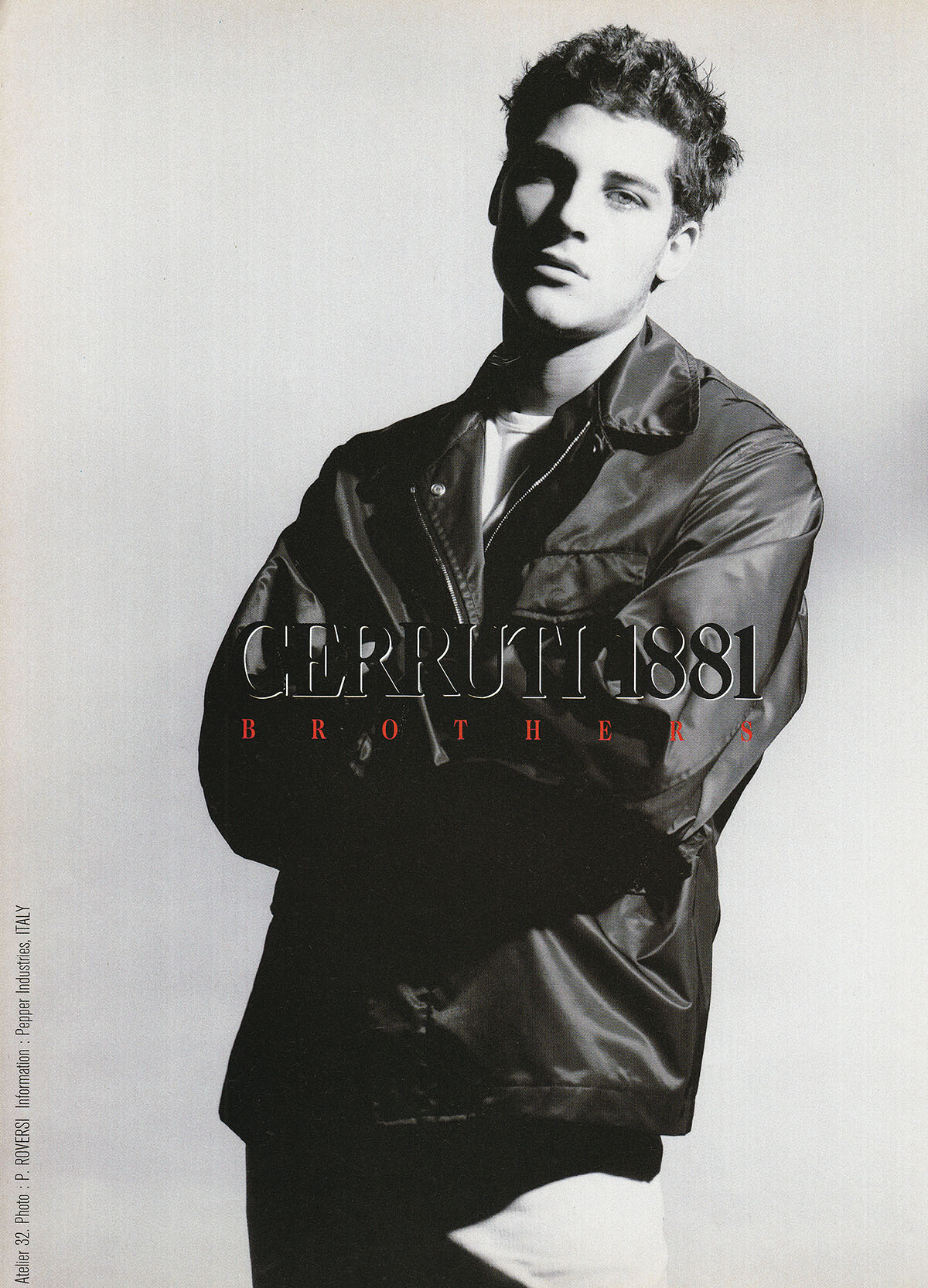
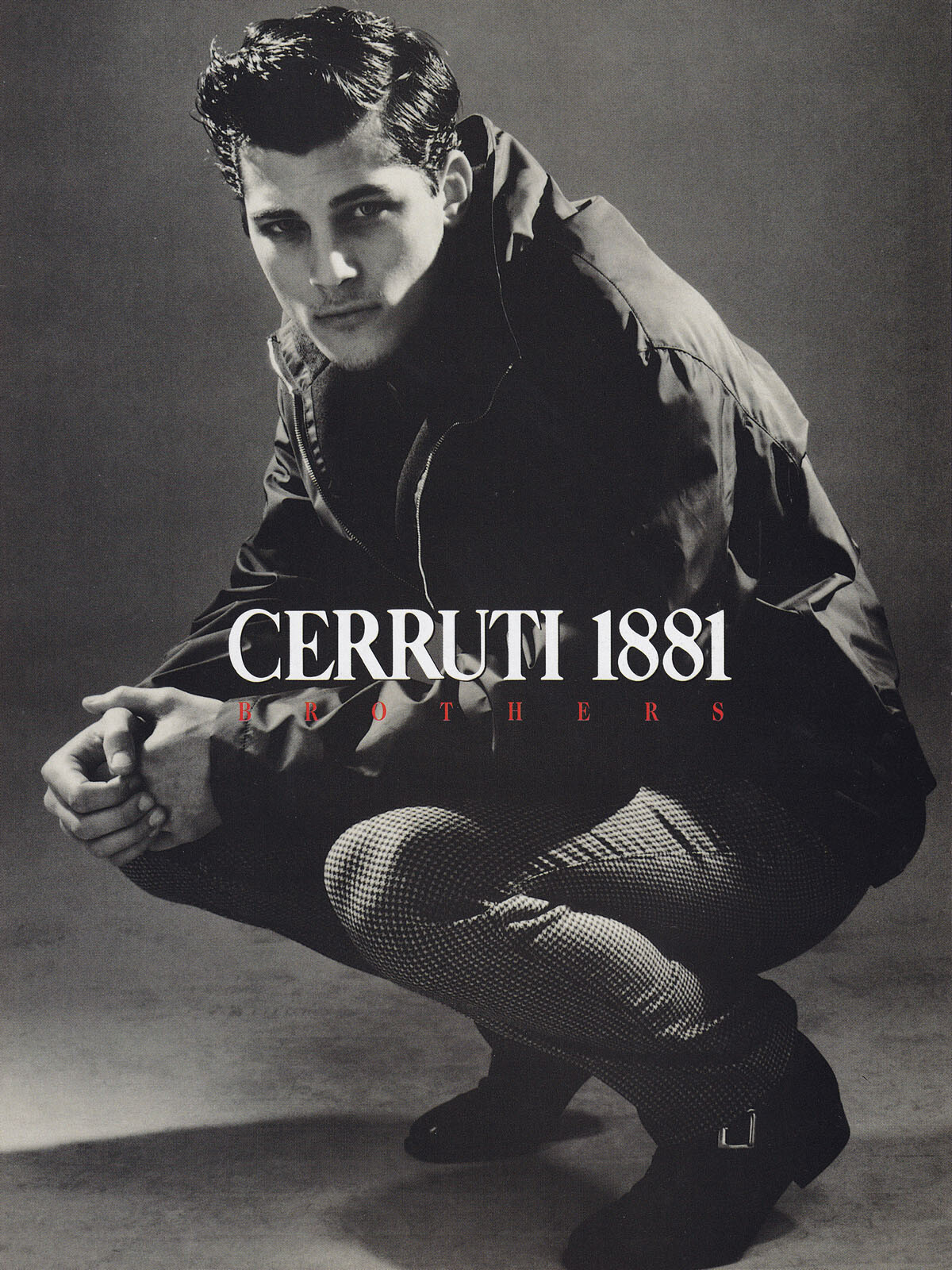
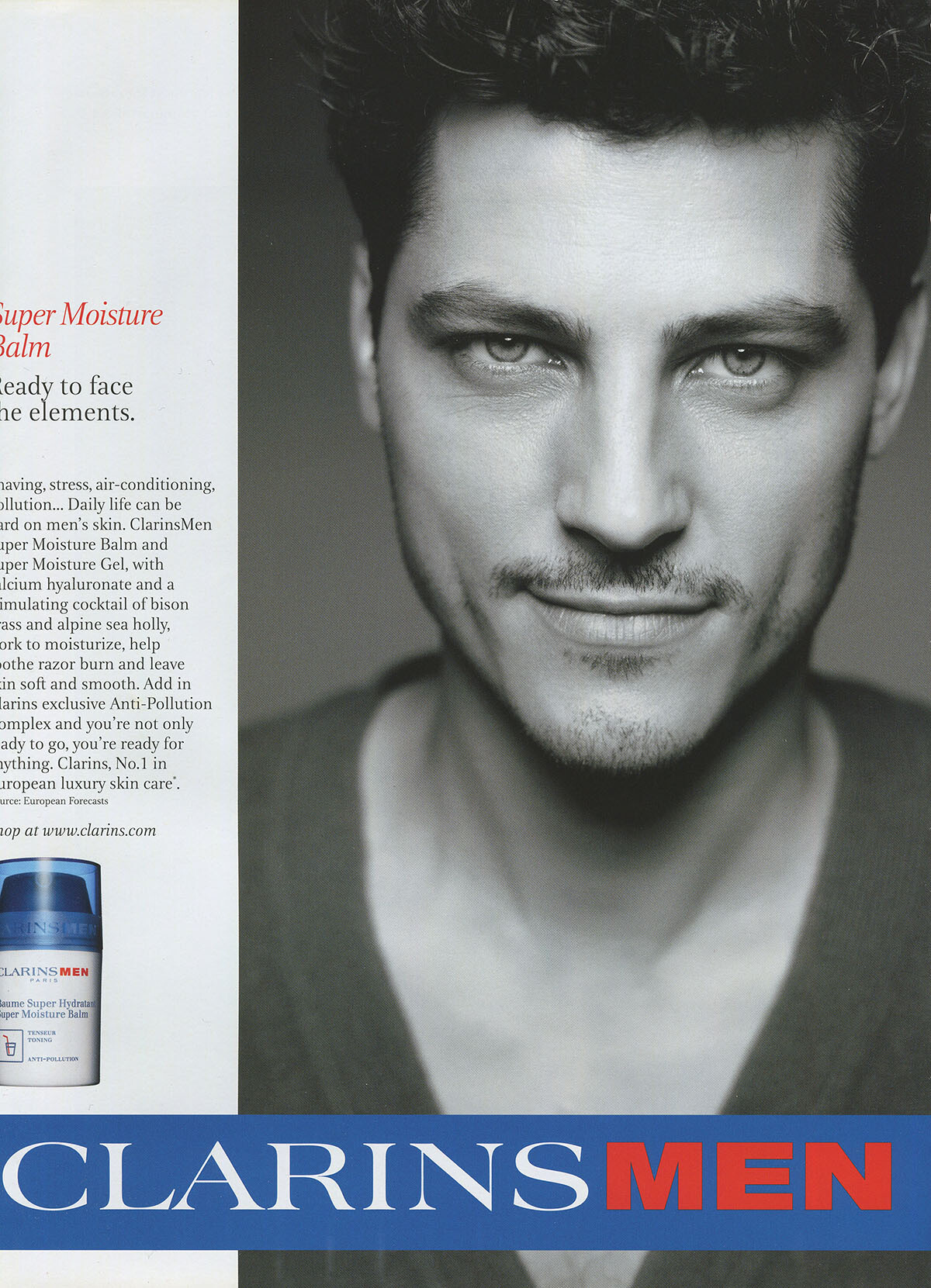
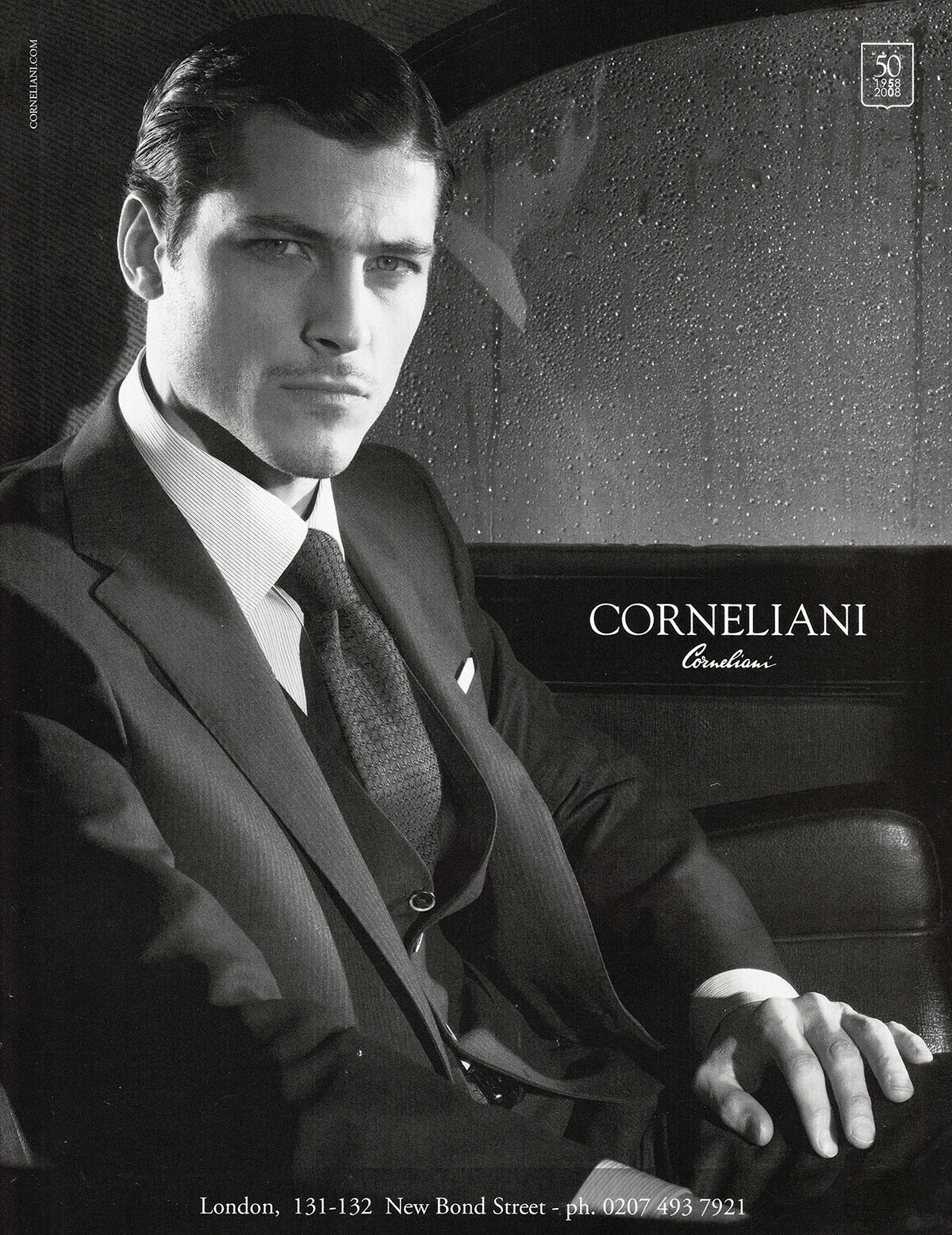
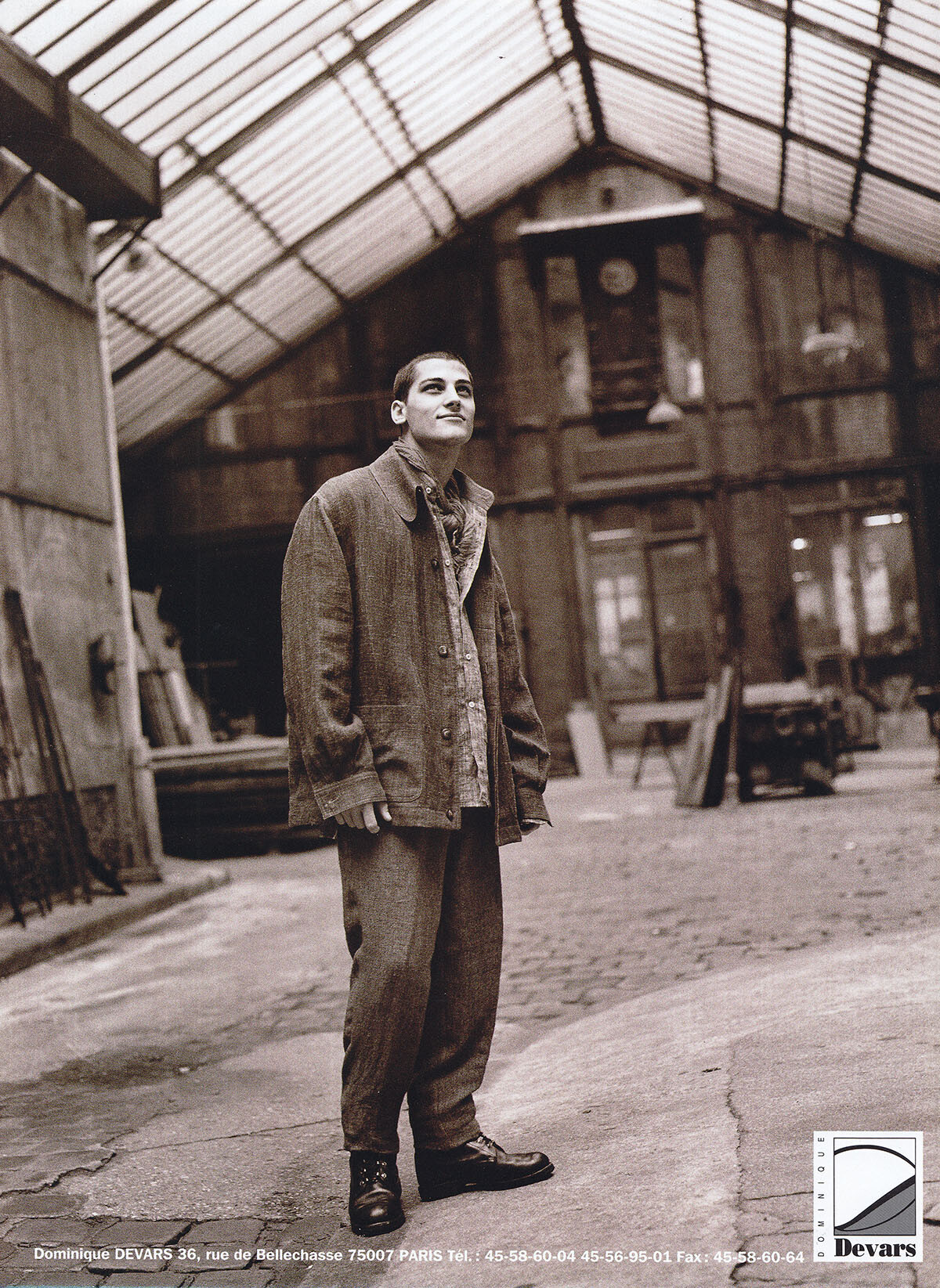
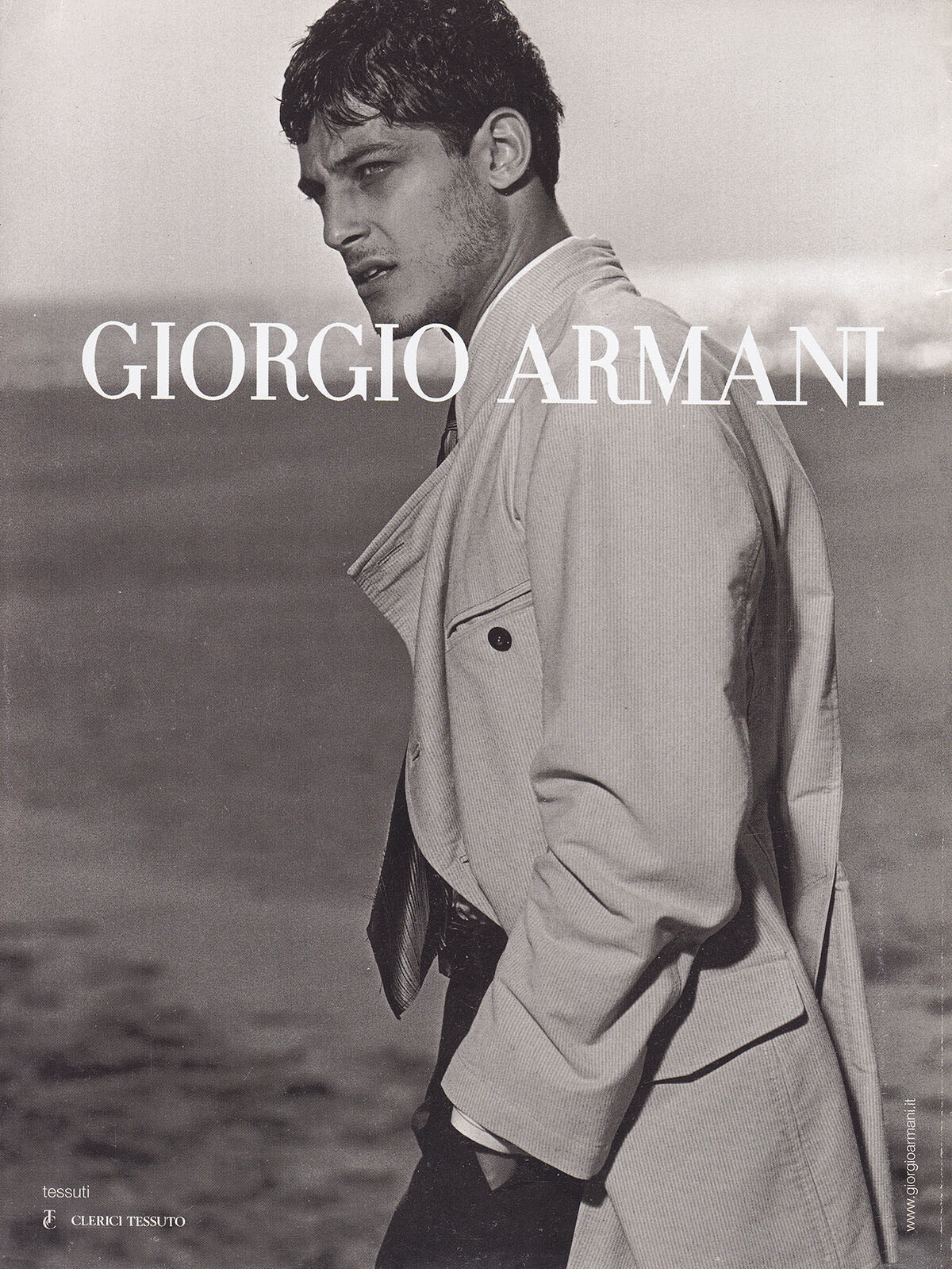
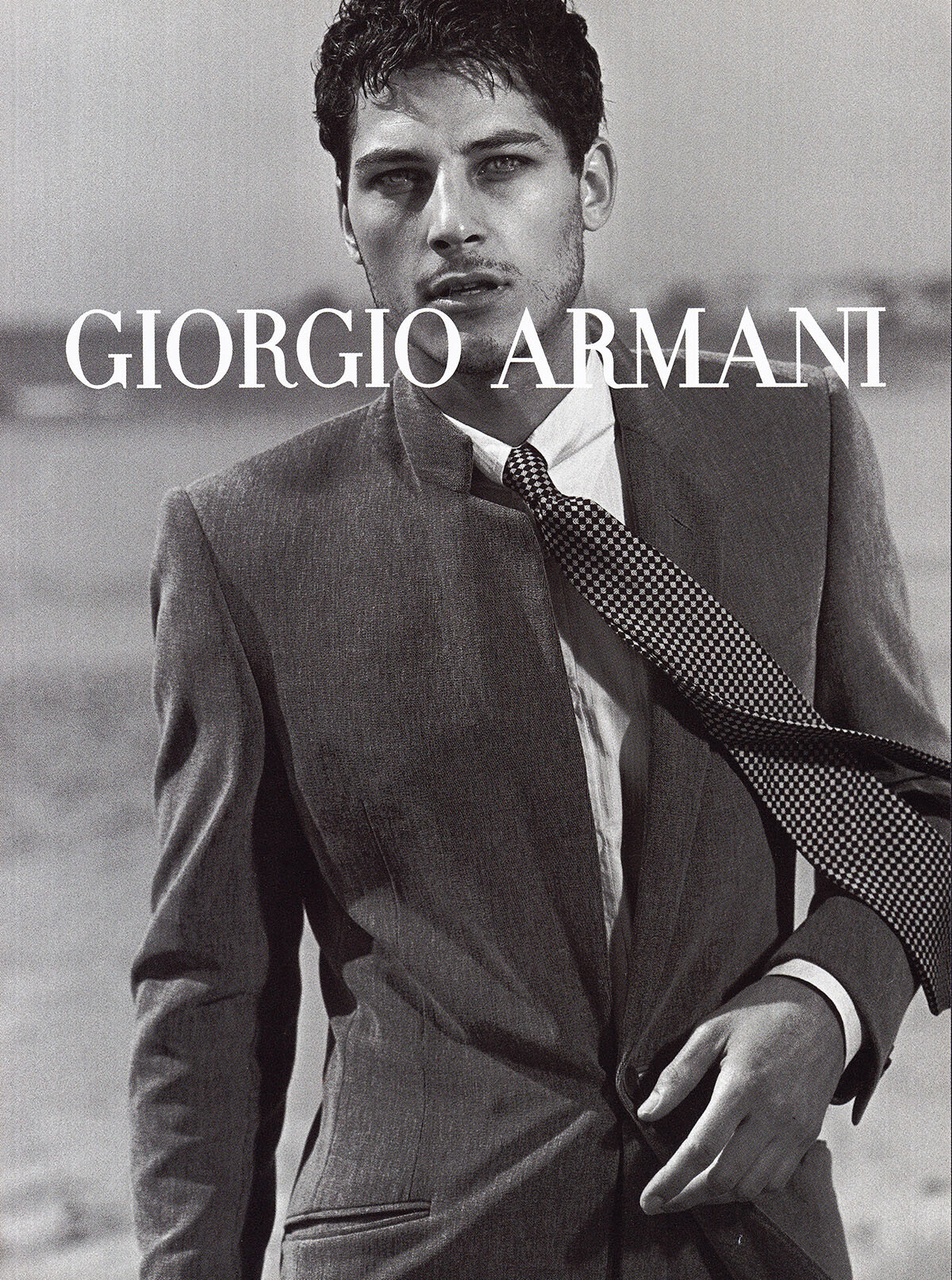
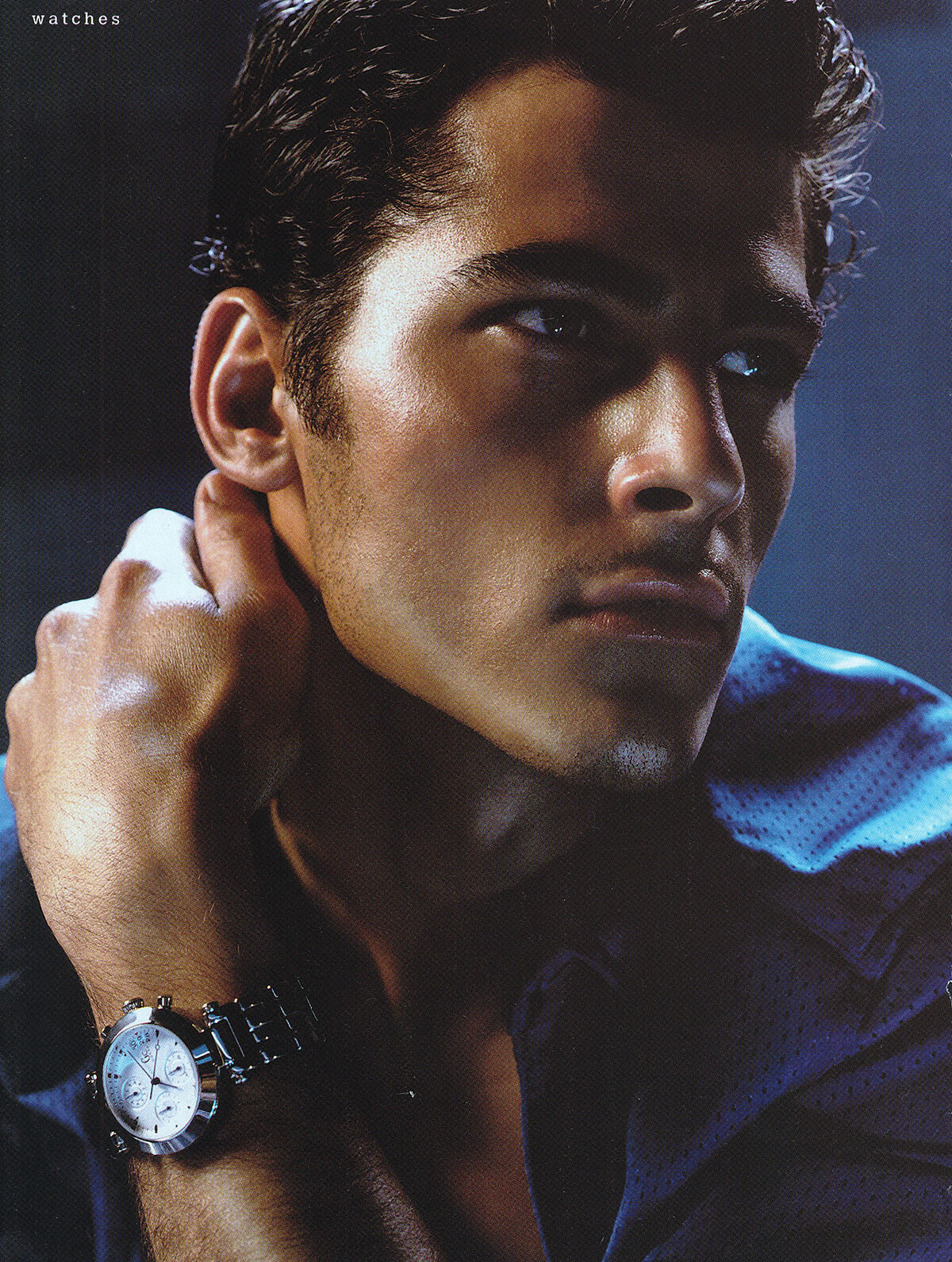
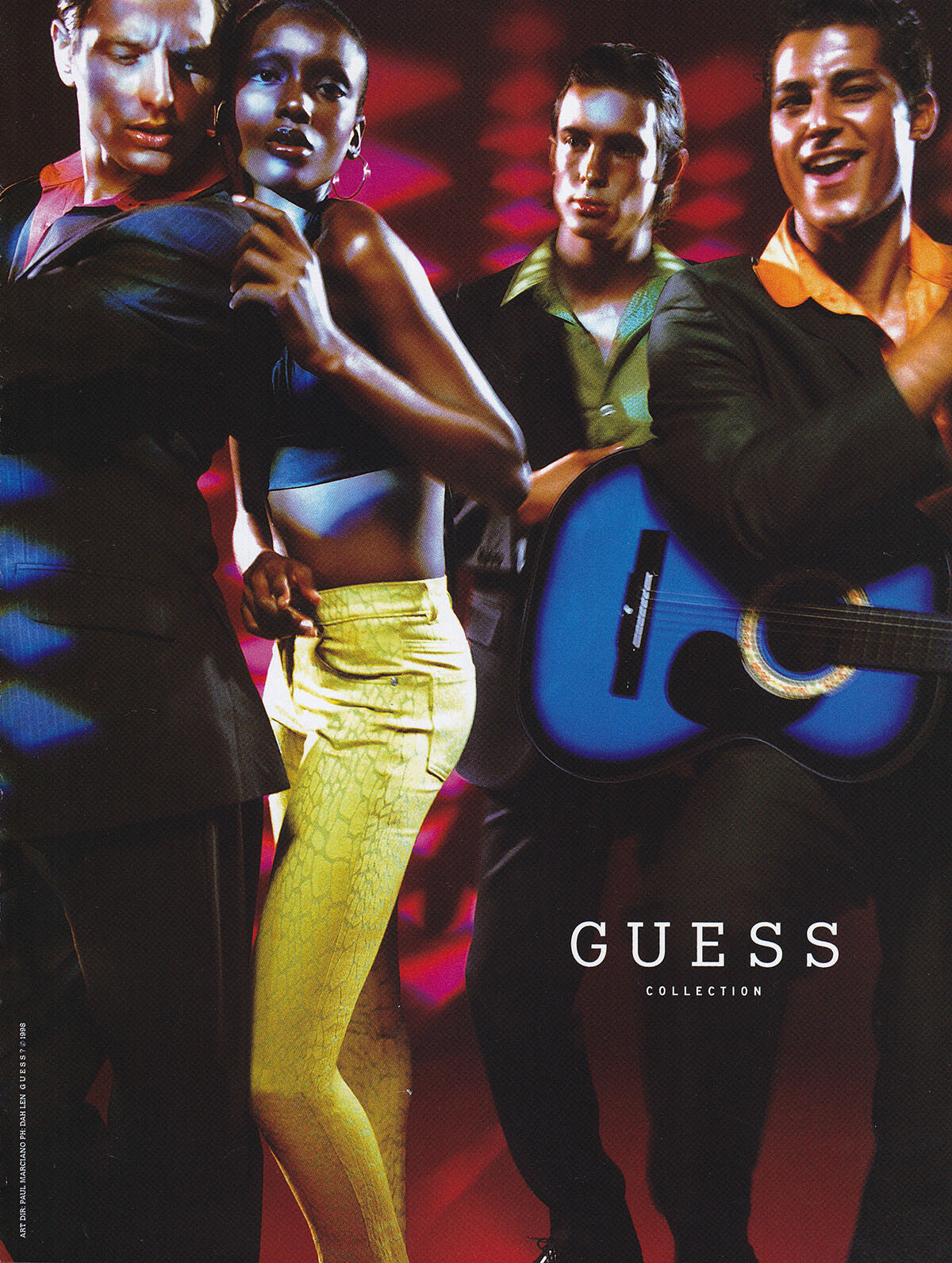
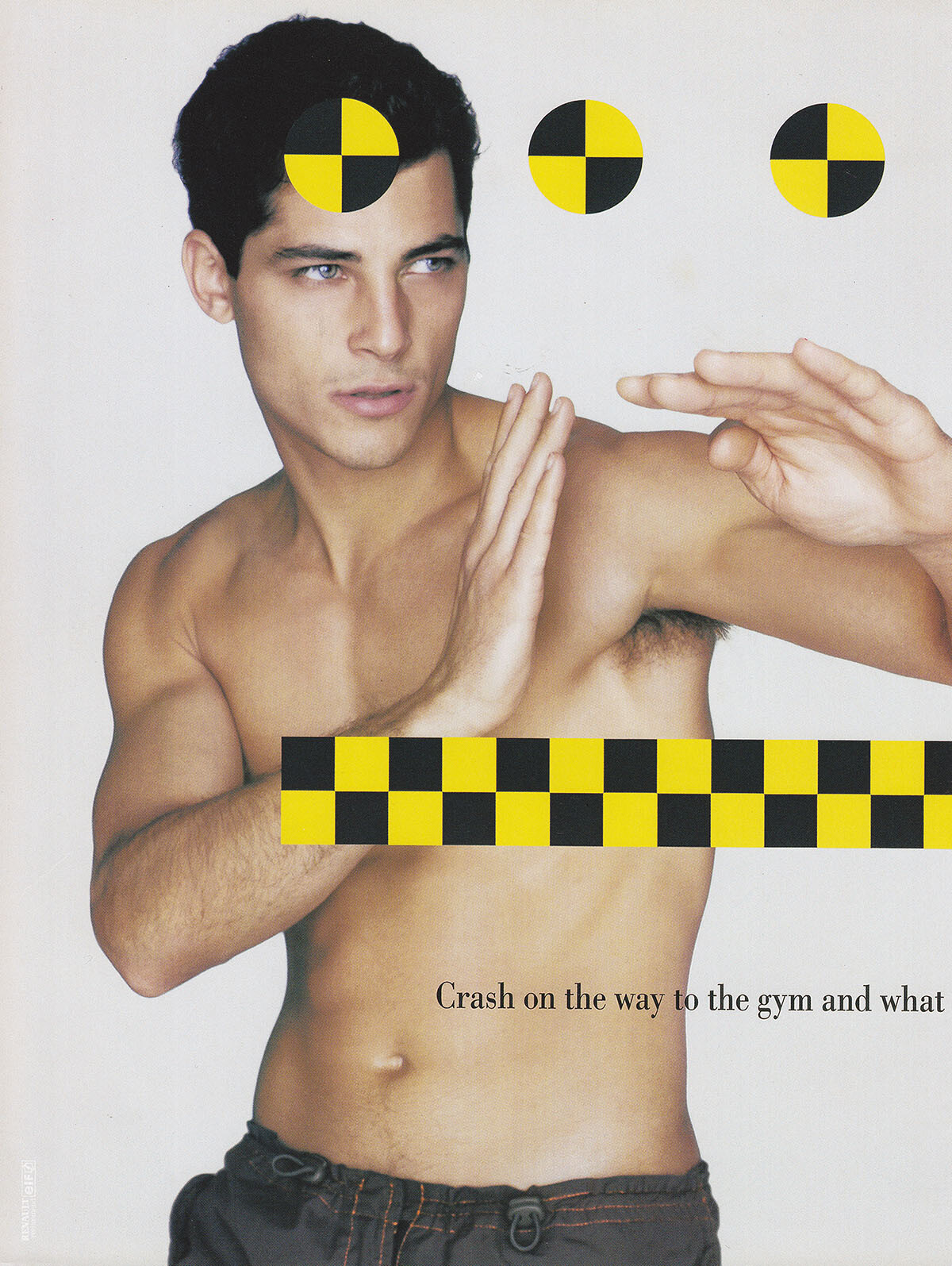
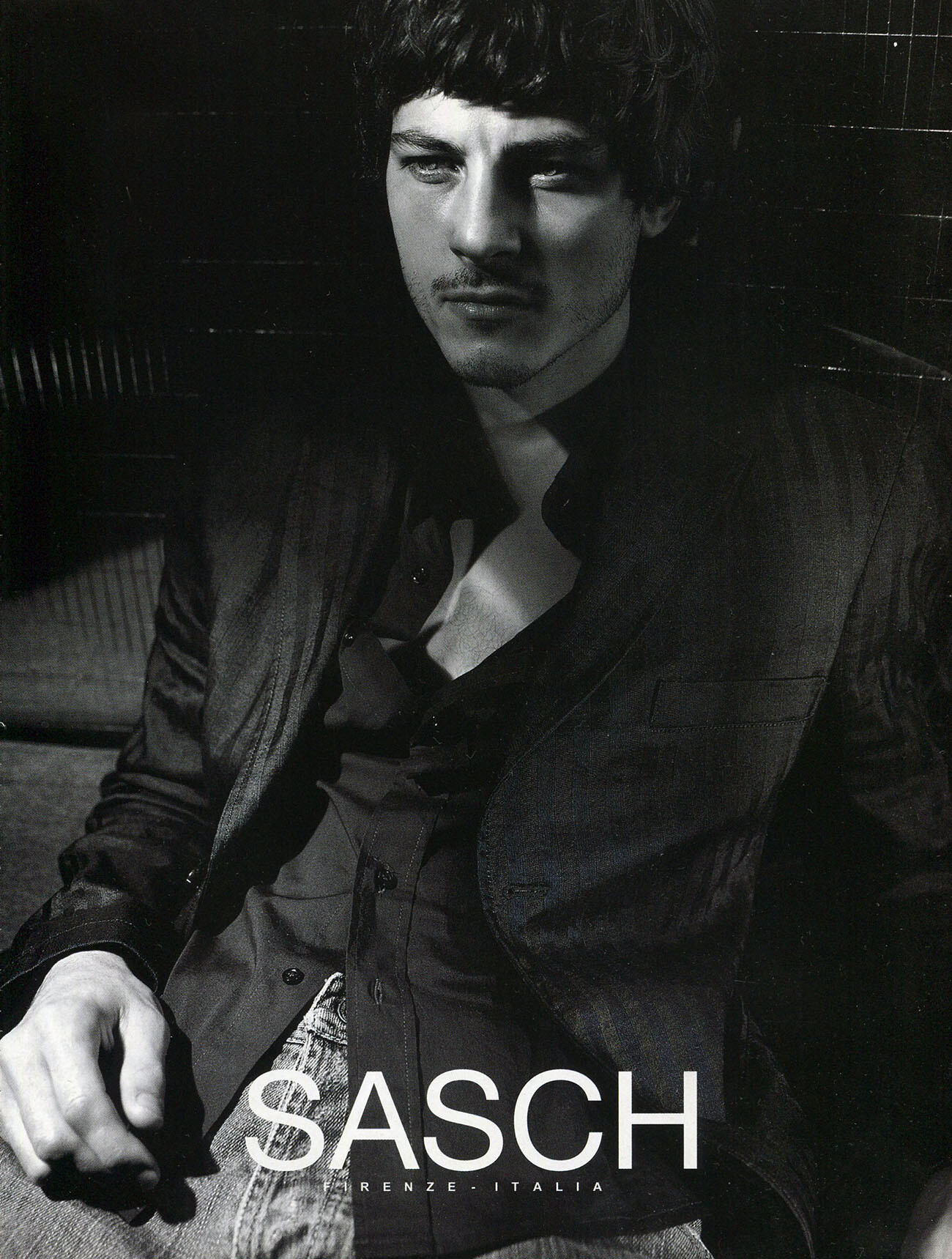
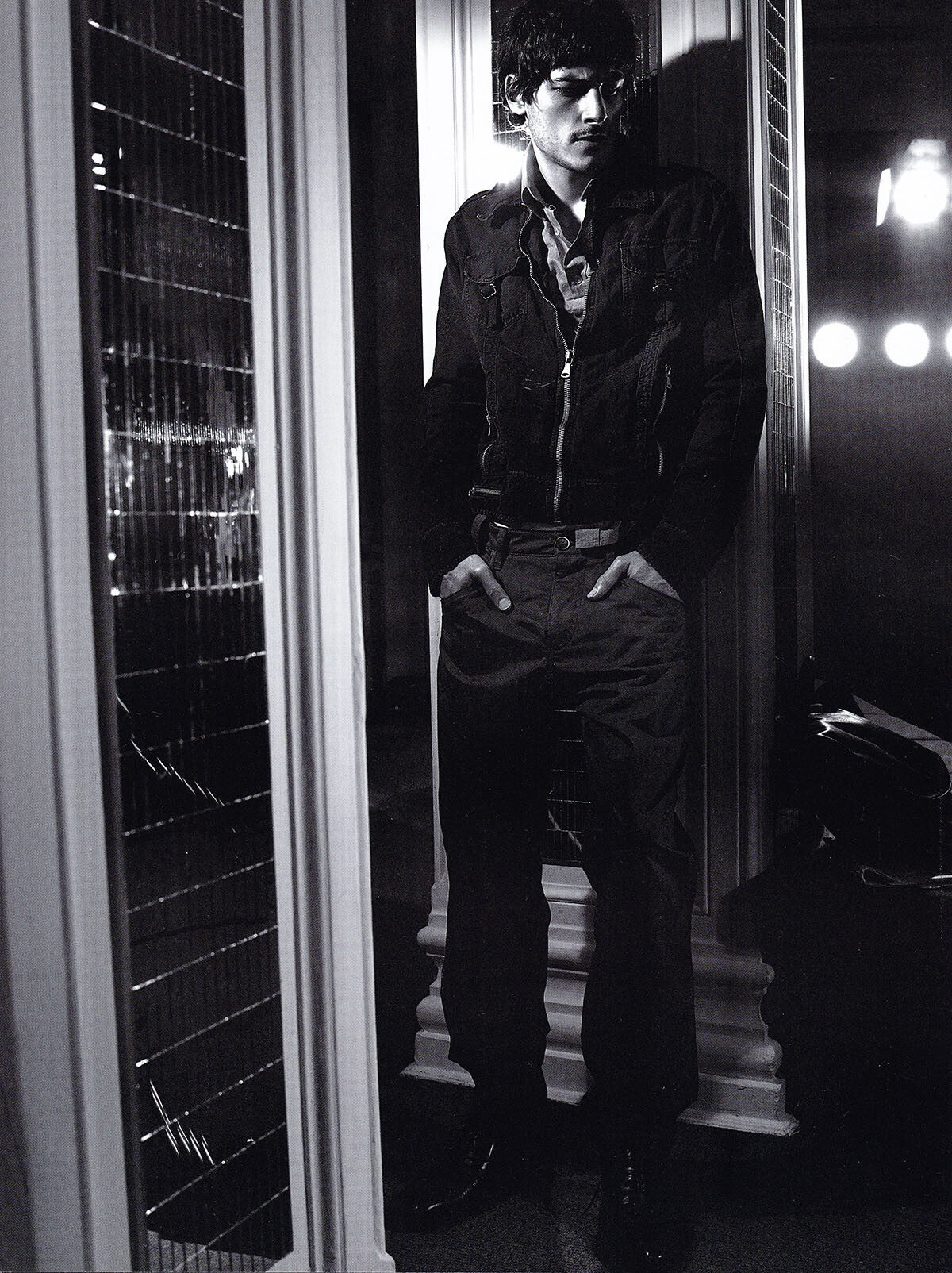
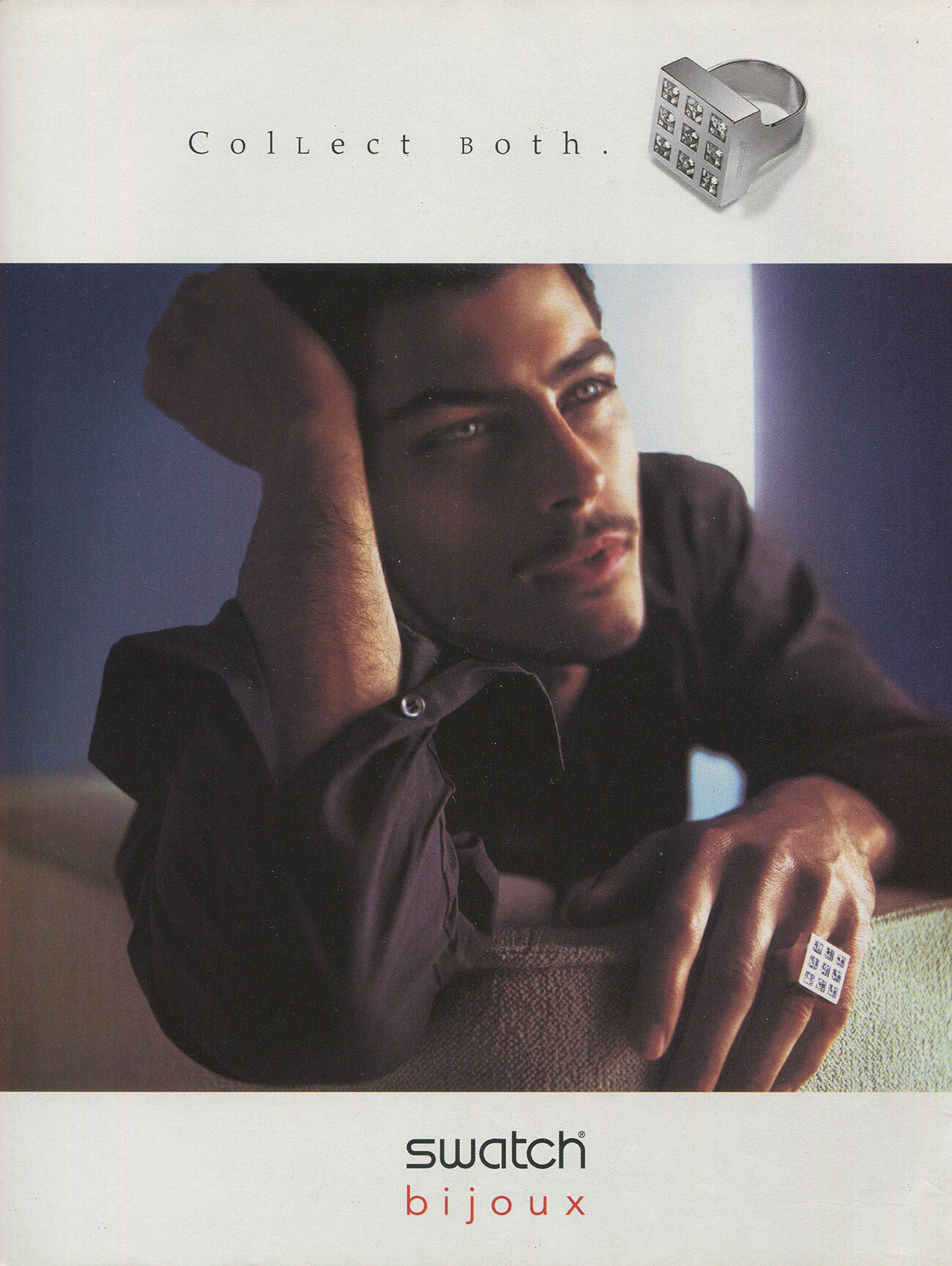
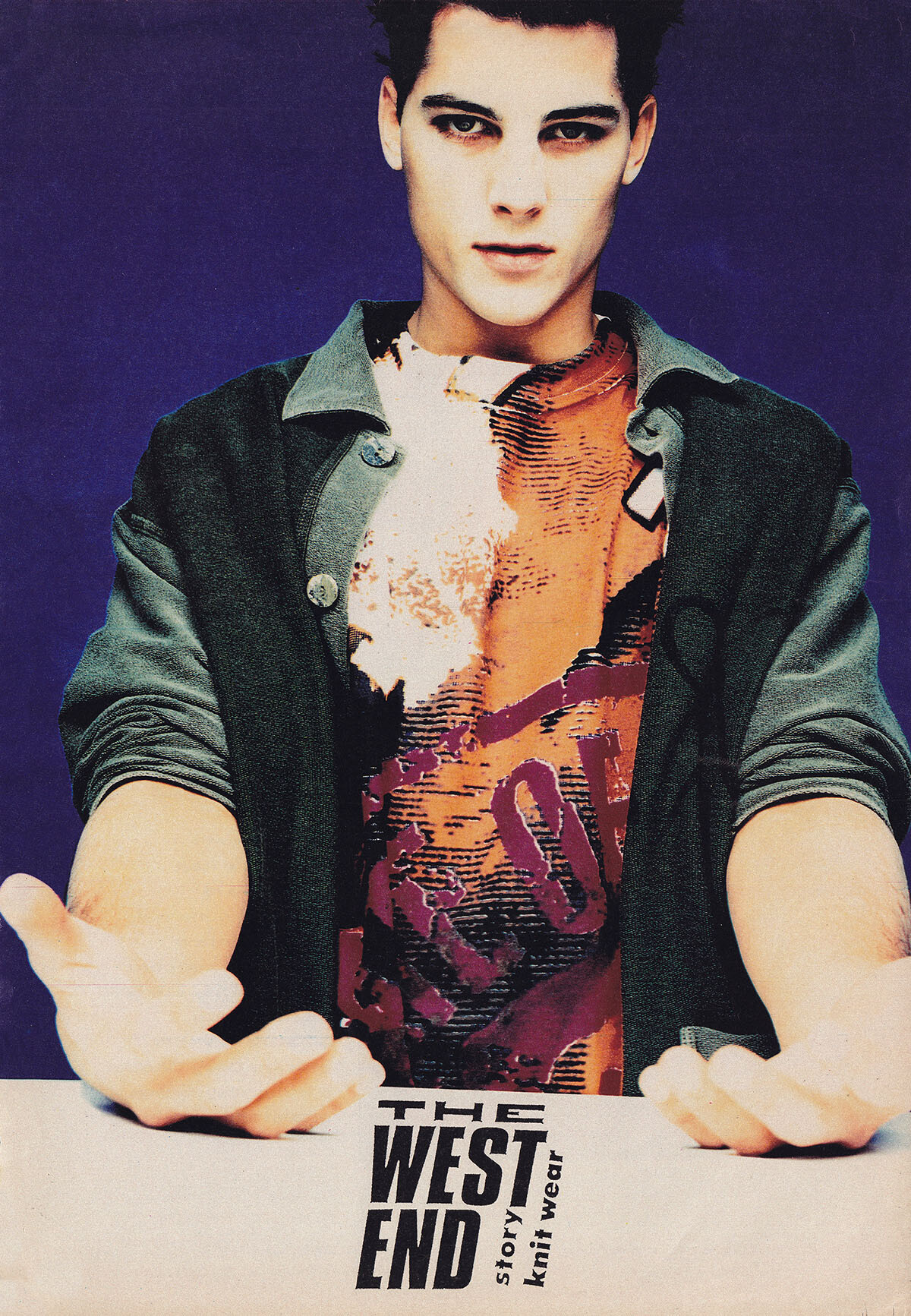
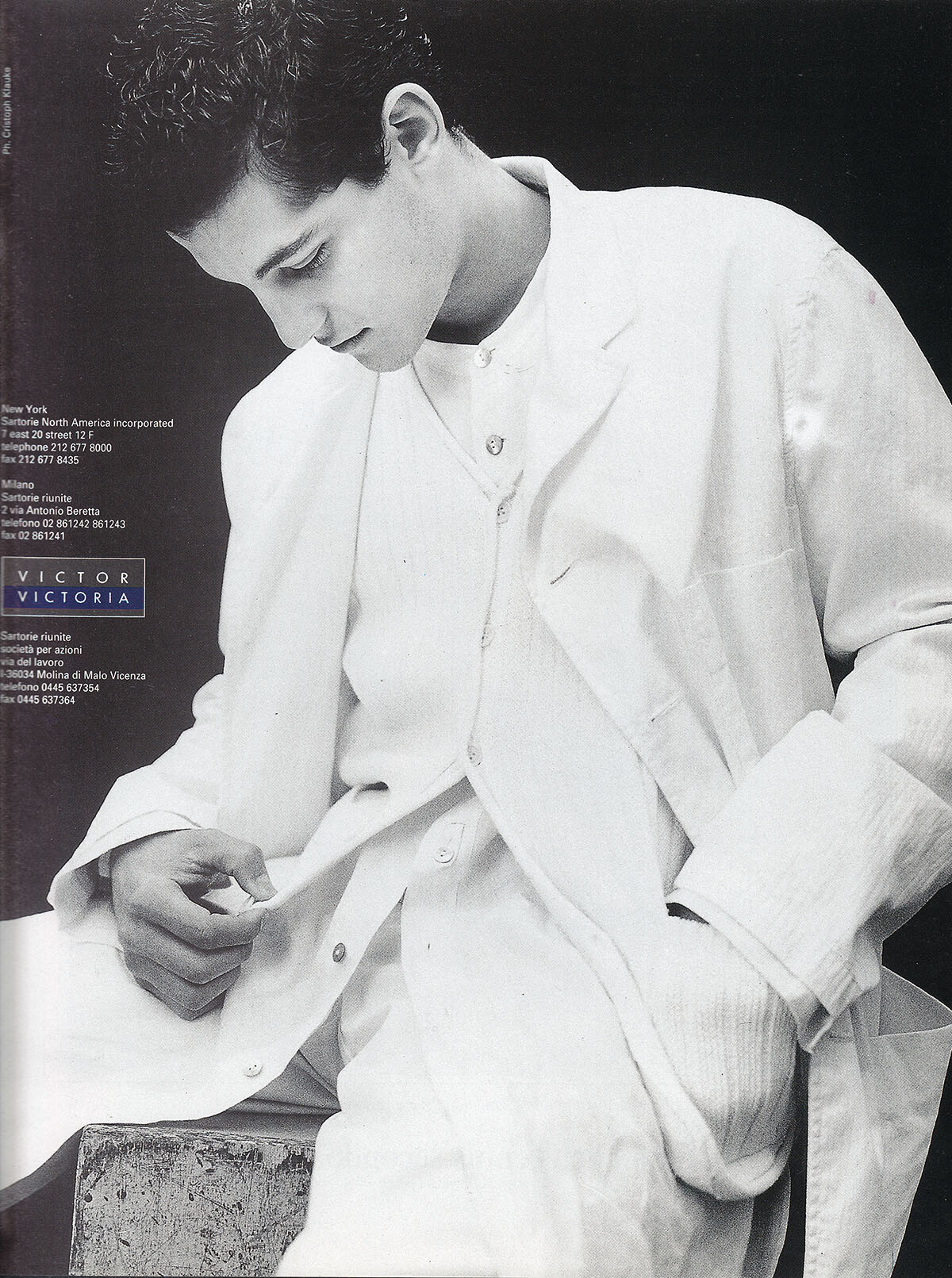
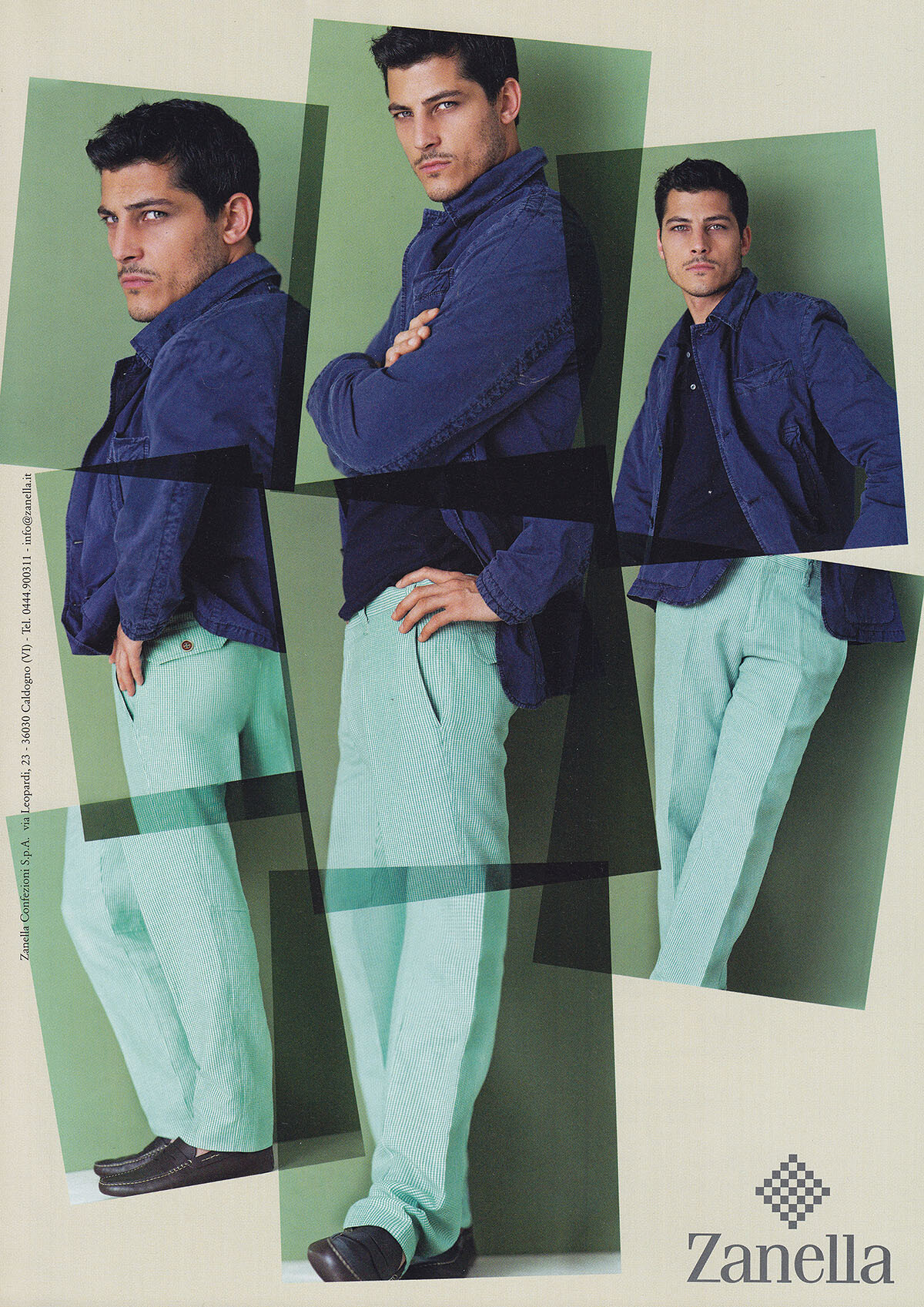
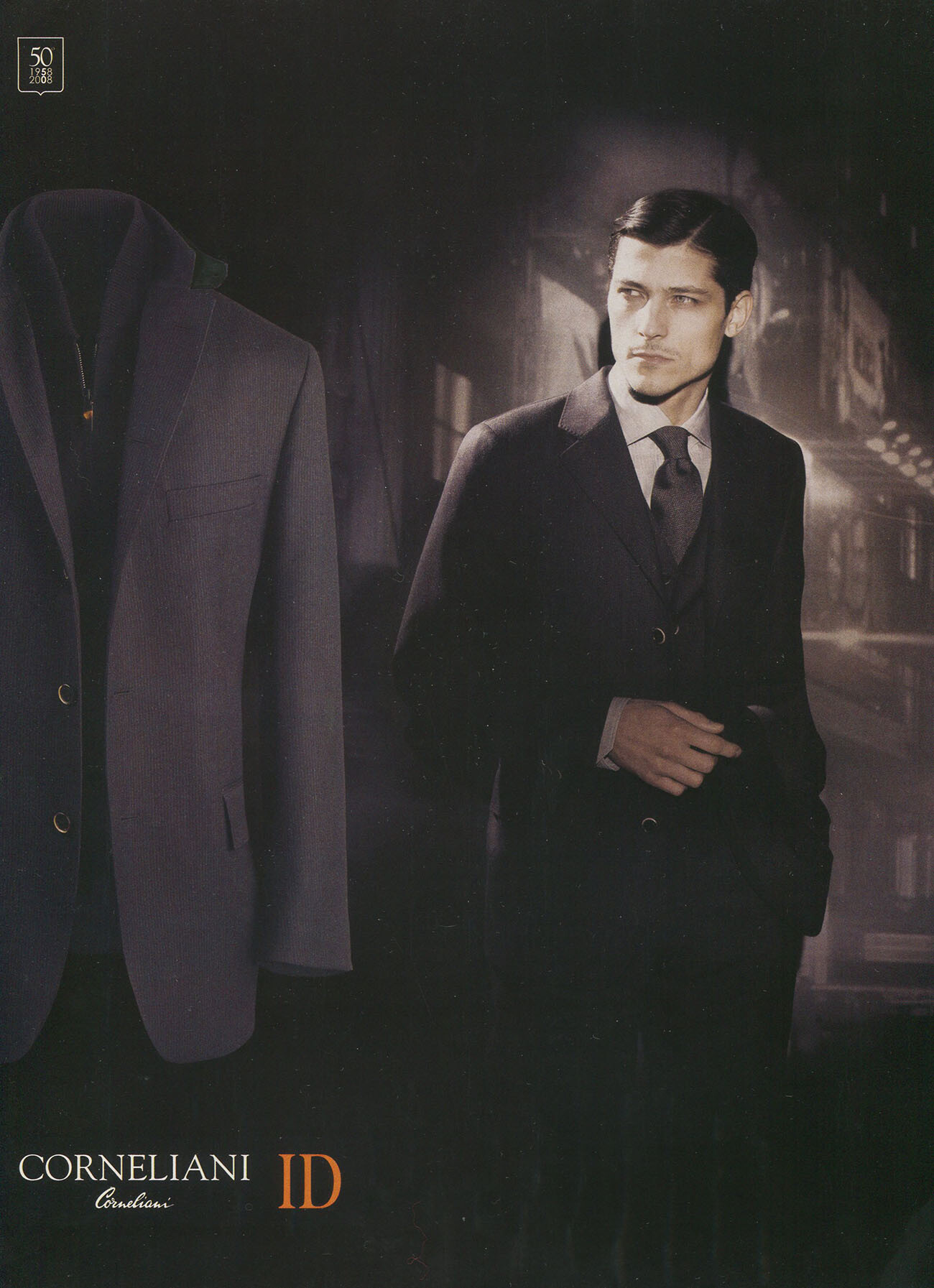
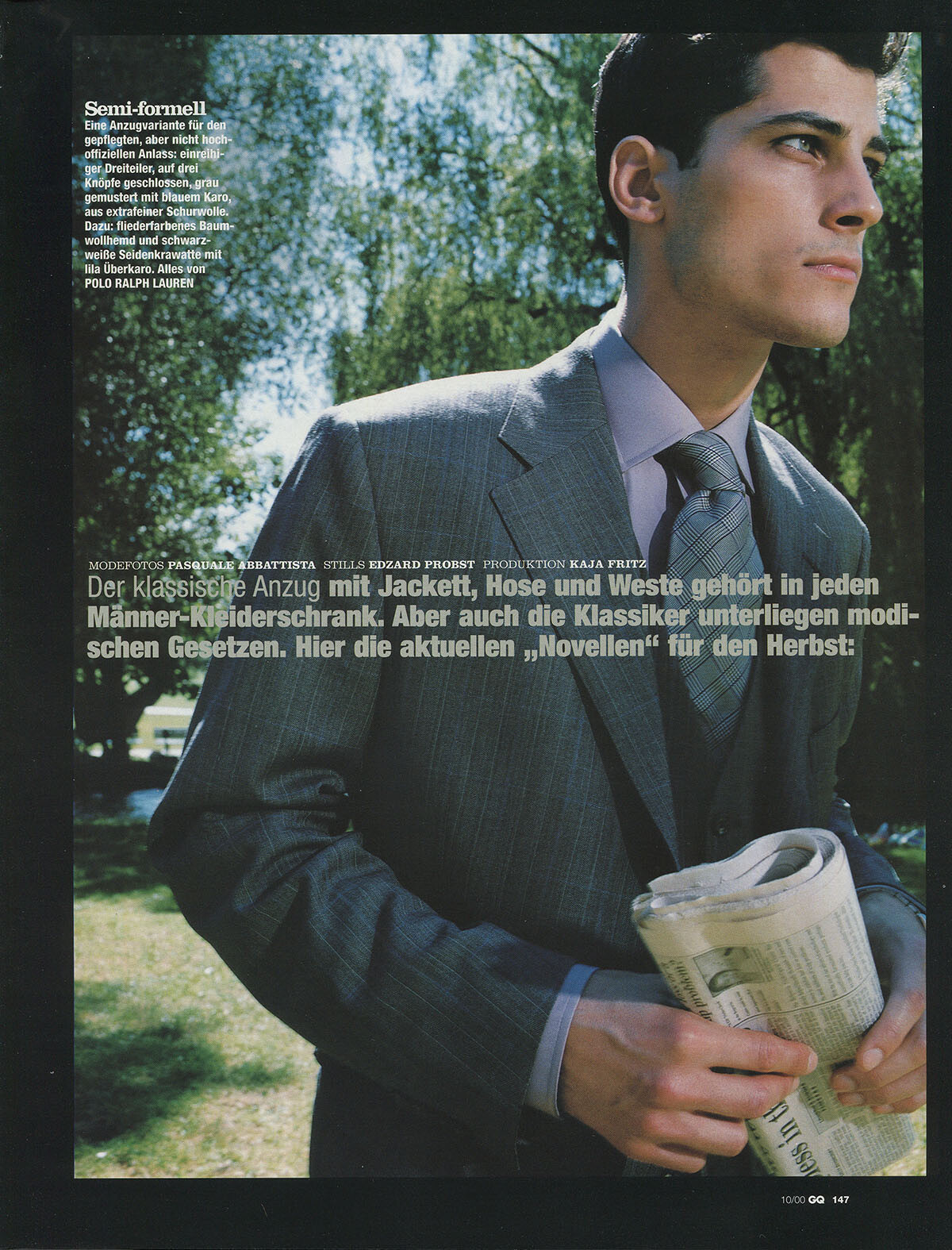
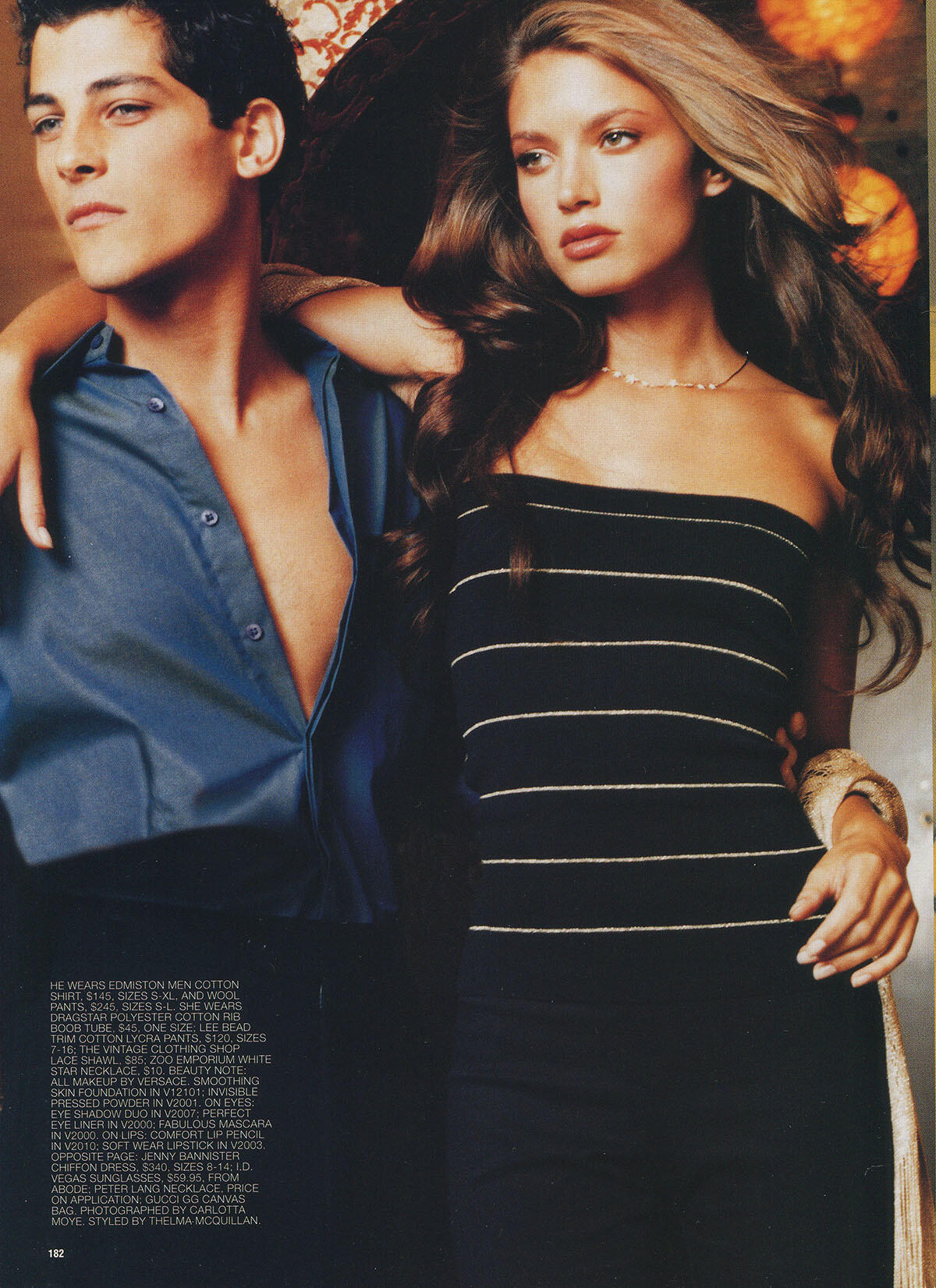
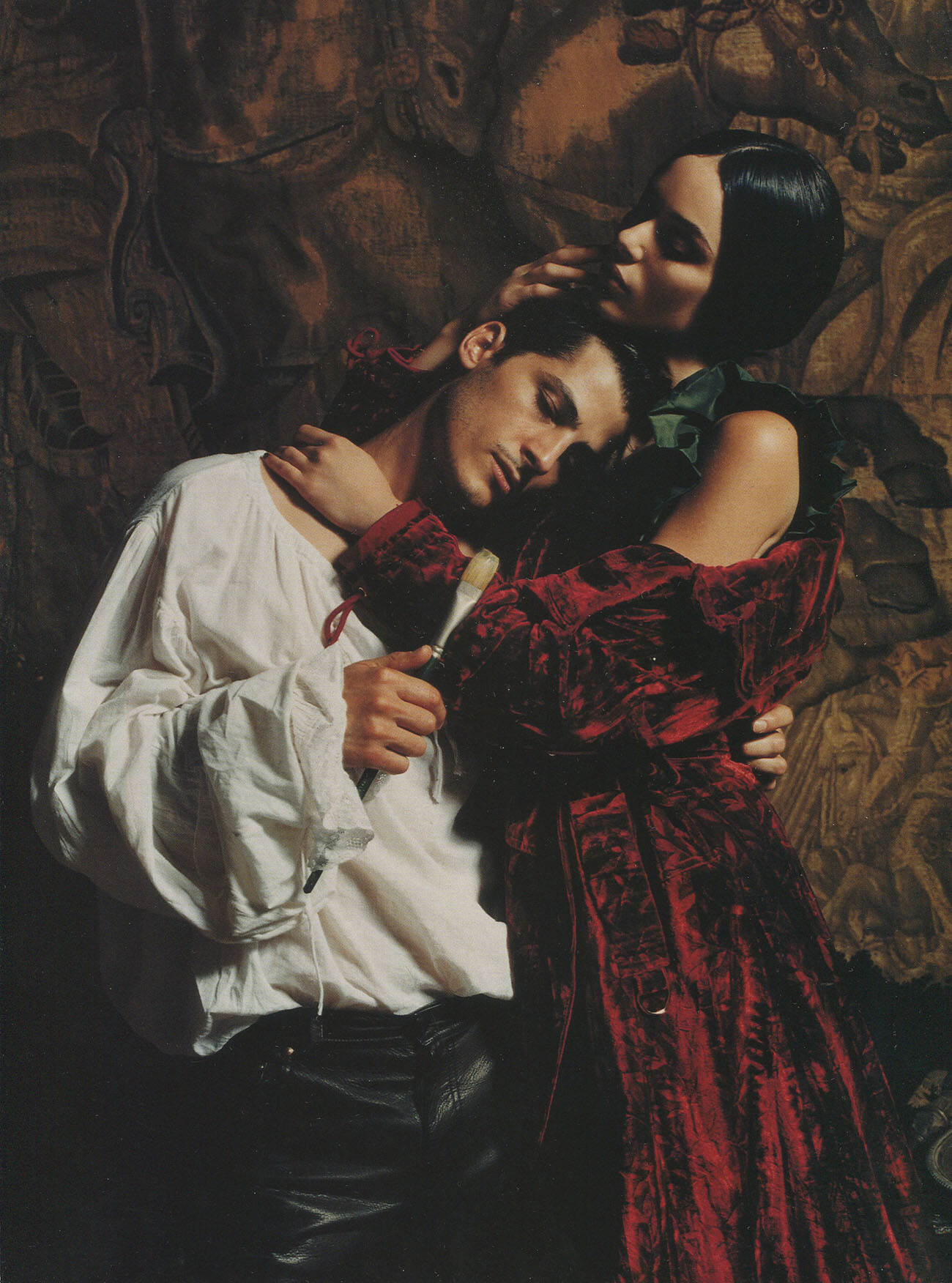
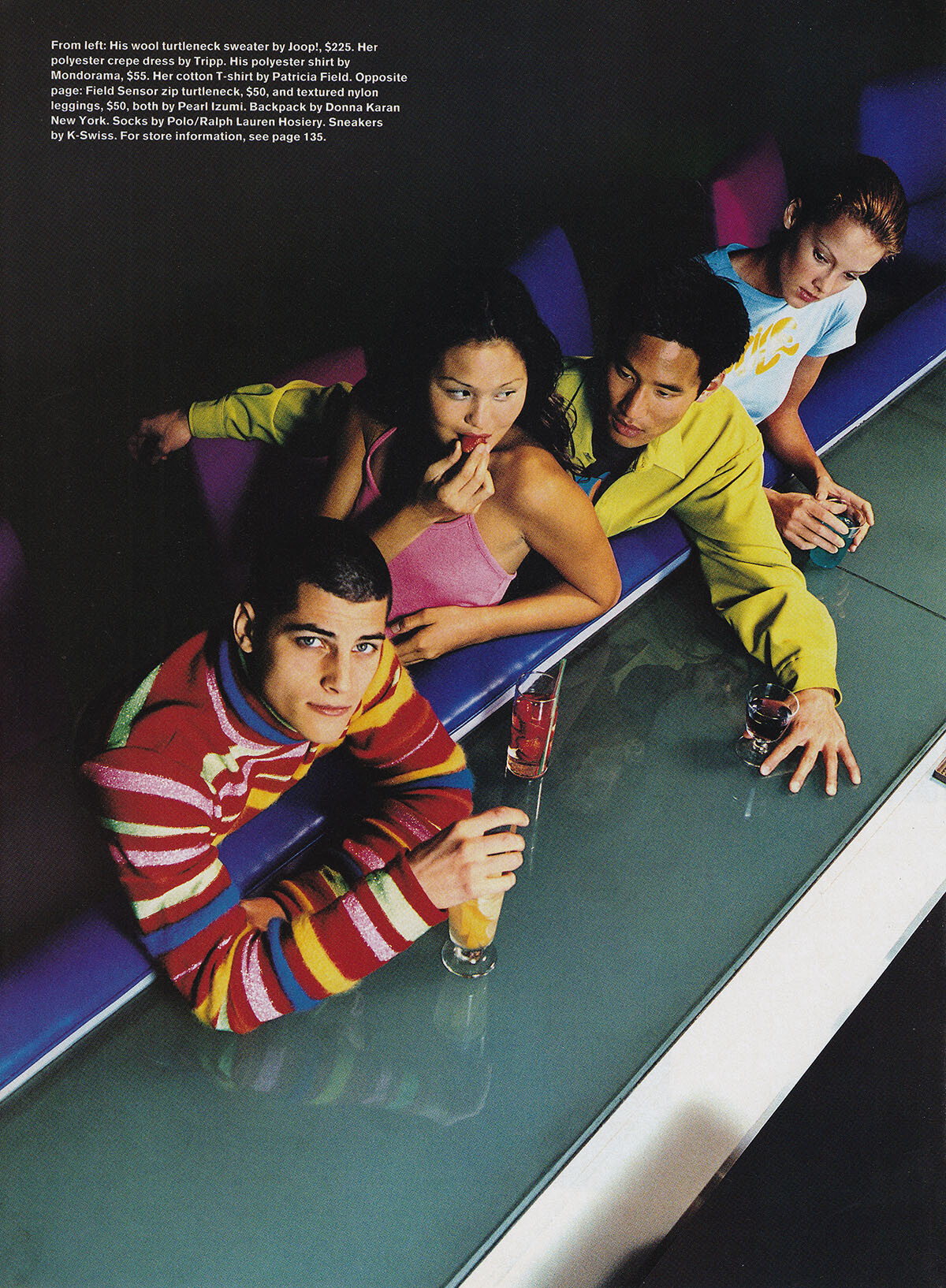
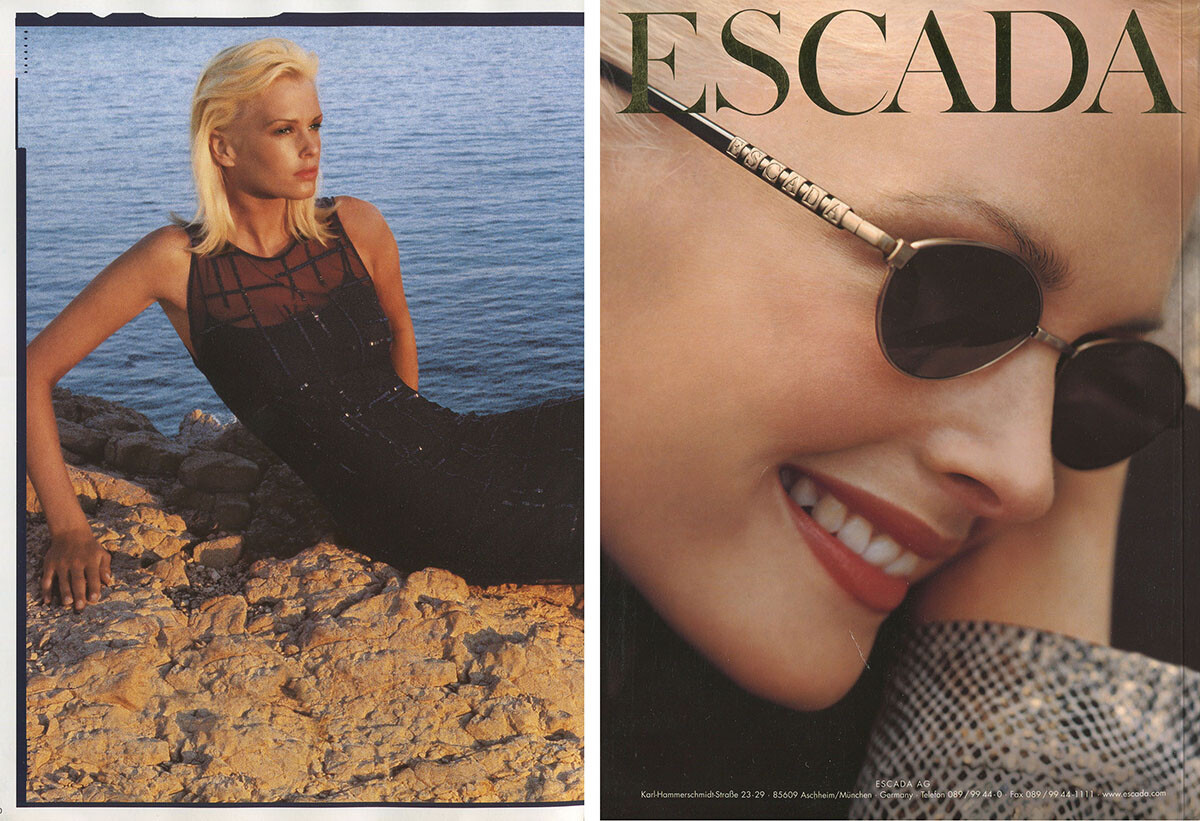
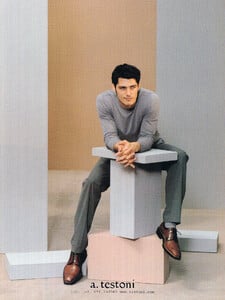
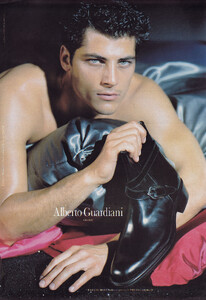
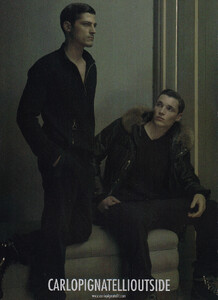
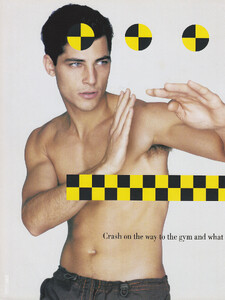
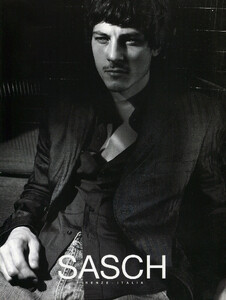
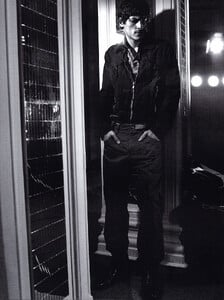
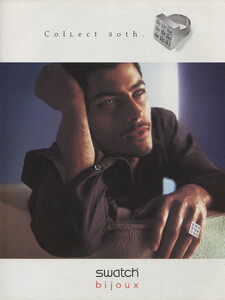
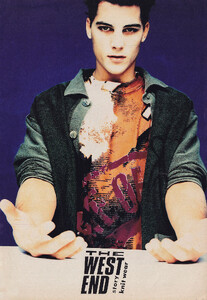
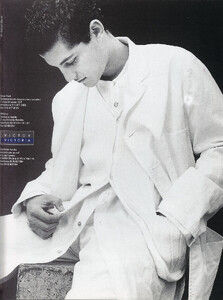
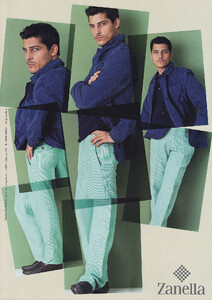
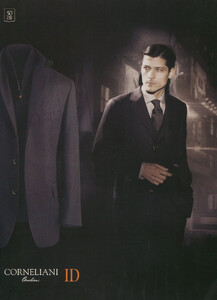
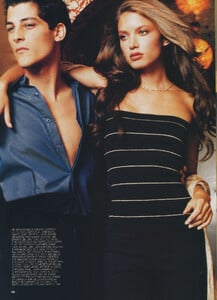
and some adverts from my collection, all scanned by me:

-
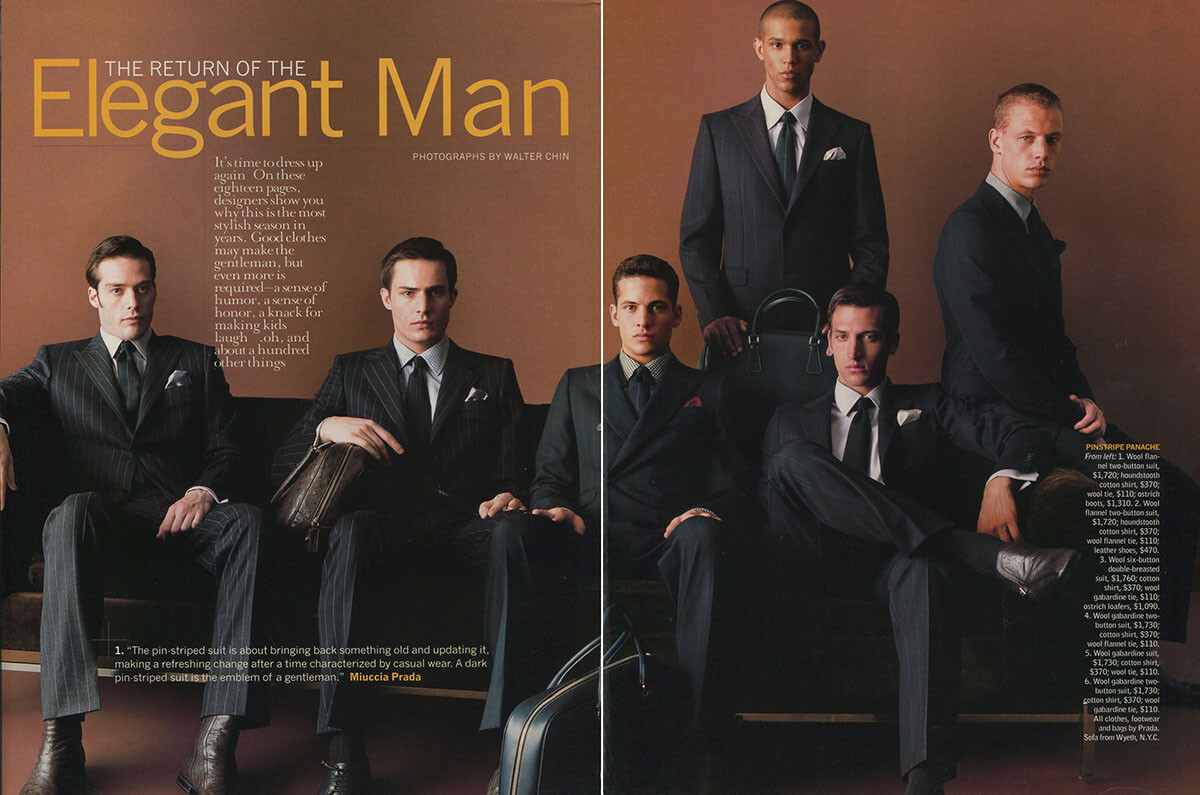
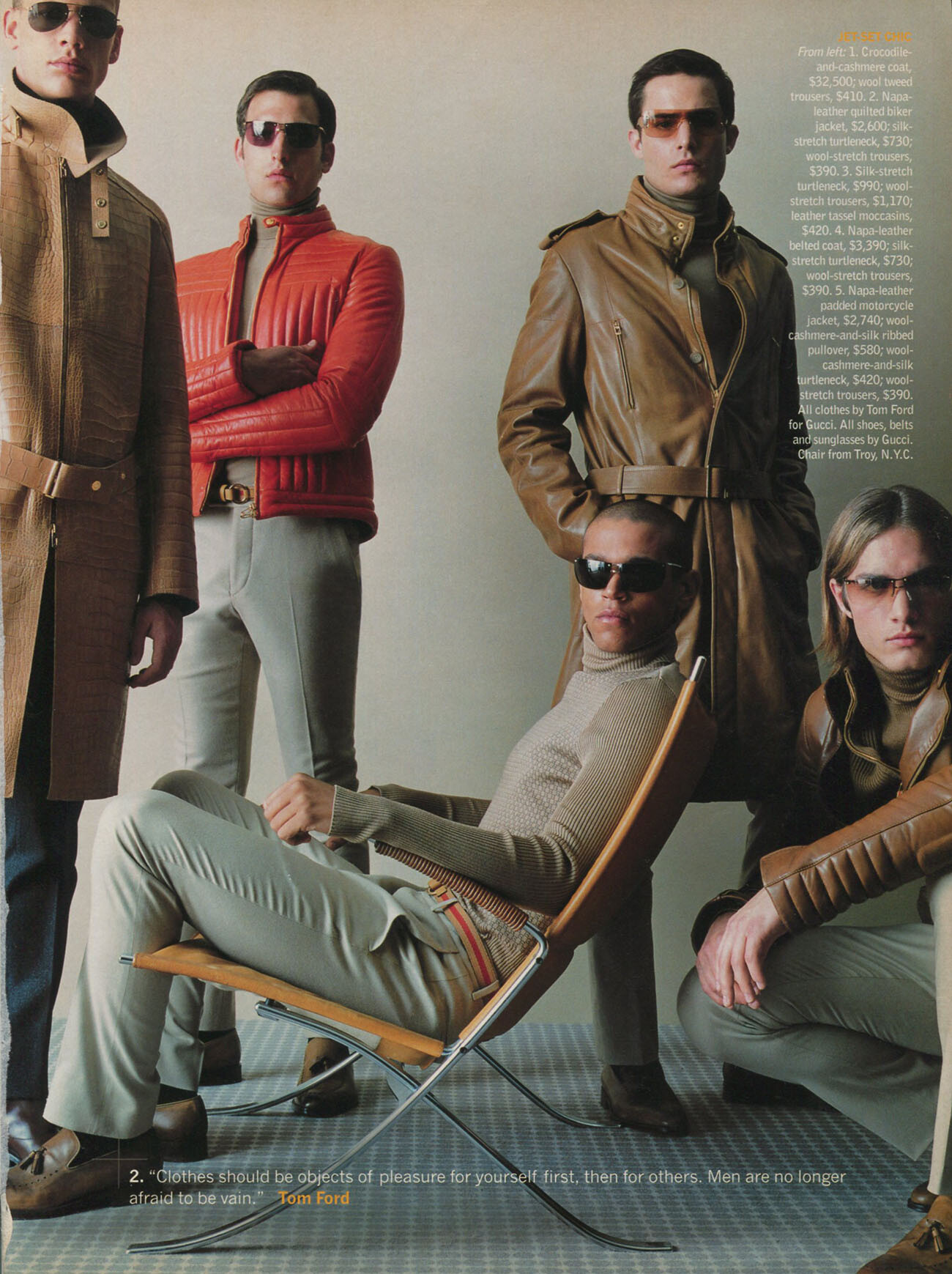
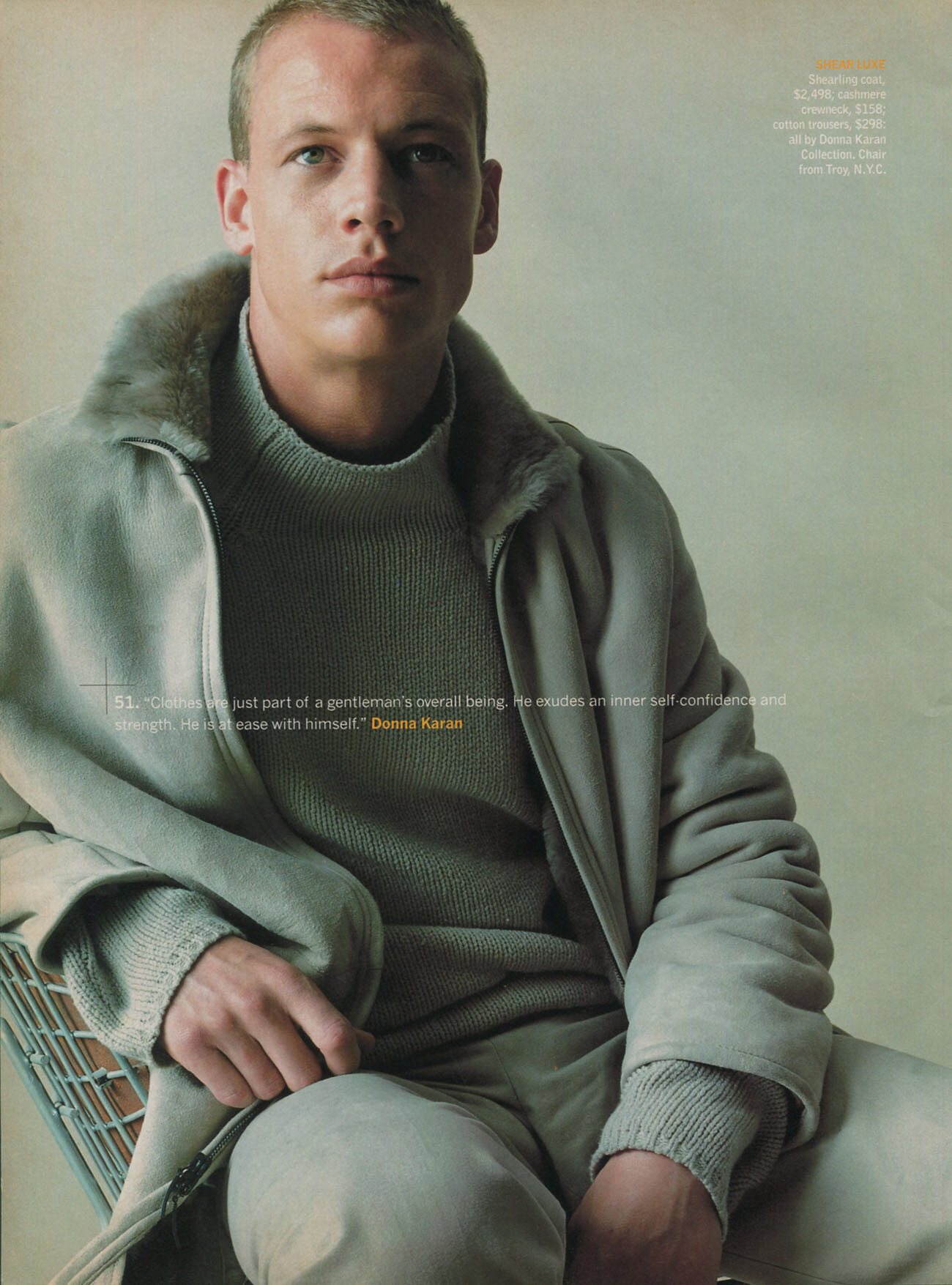
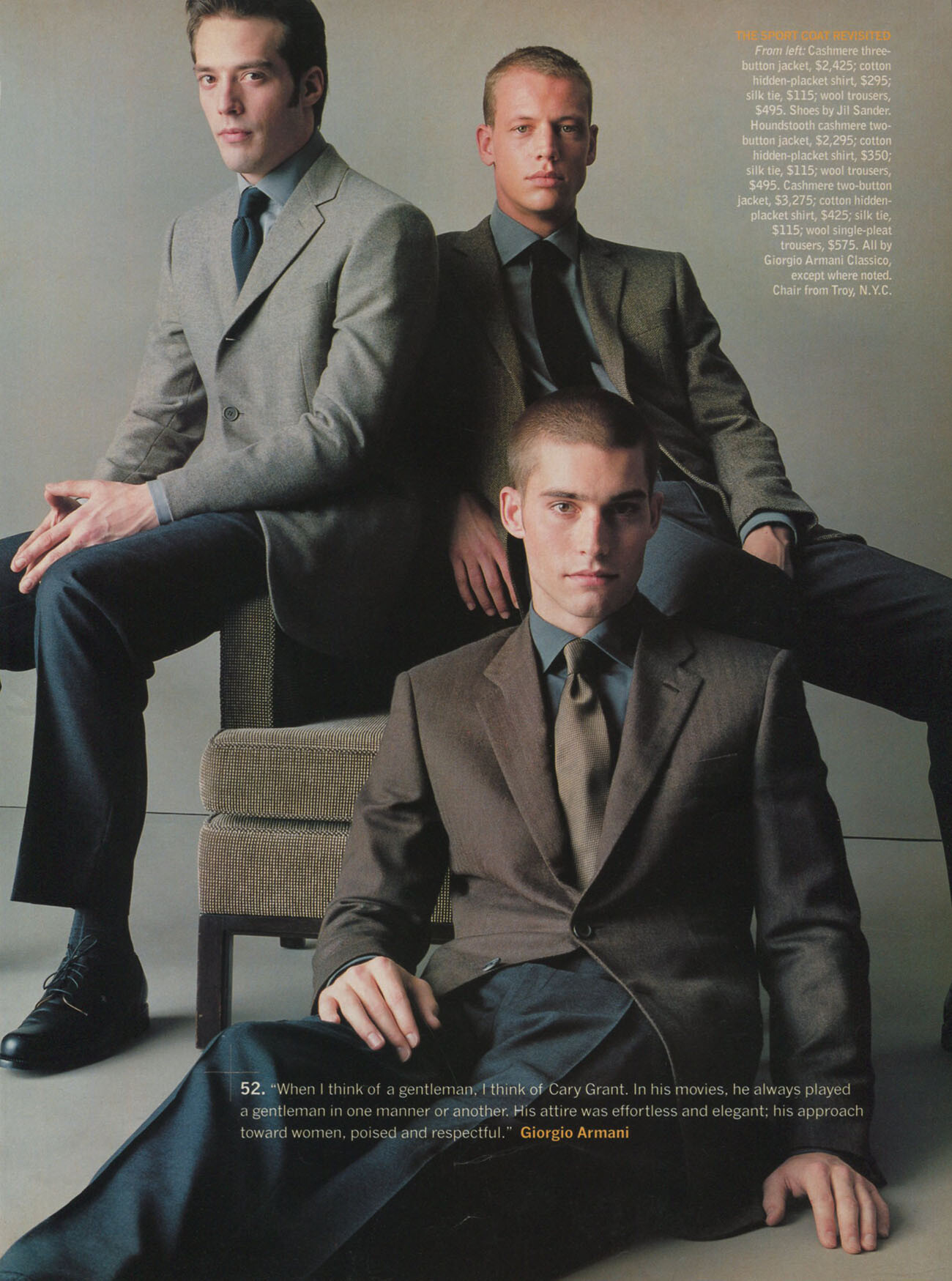
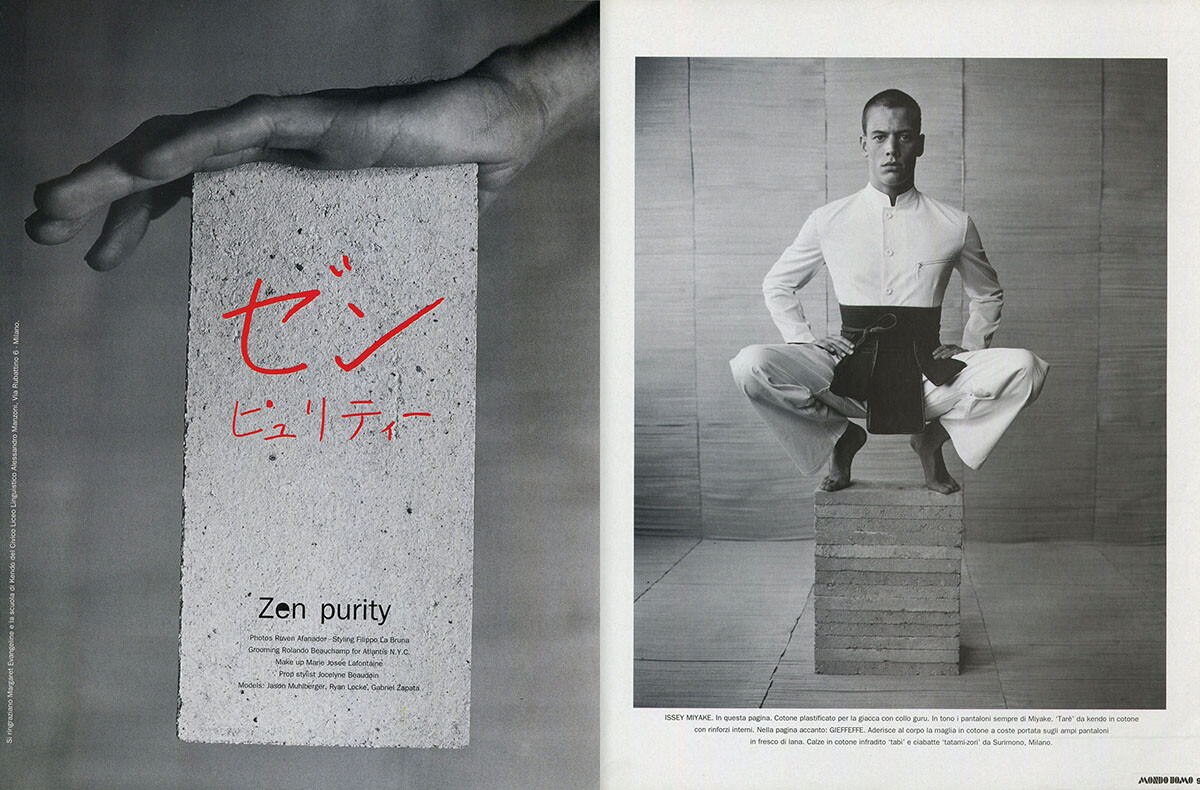
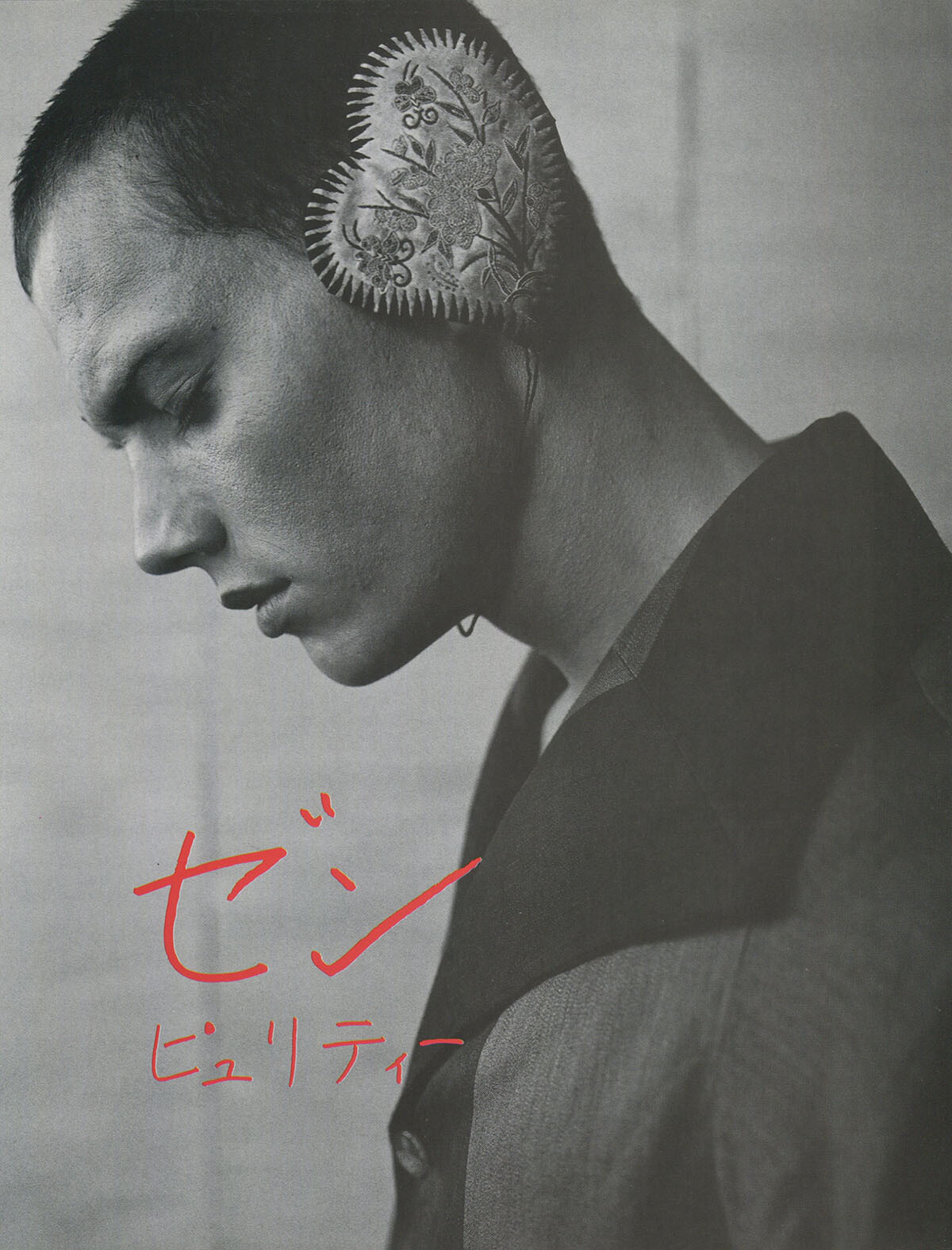
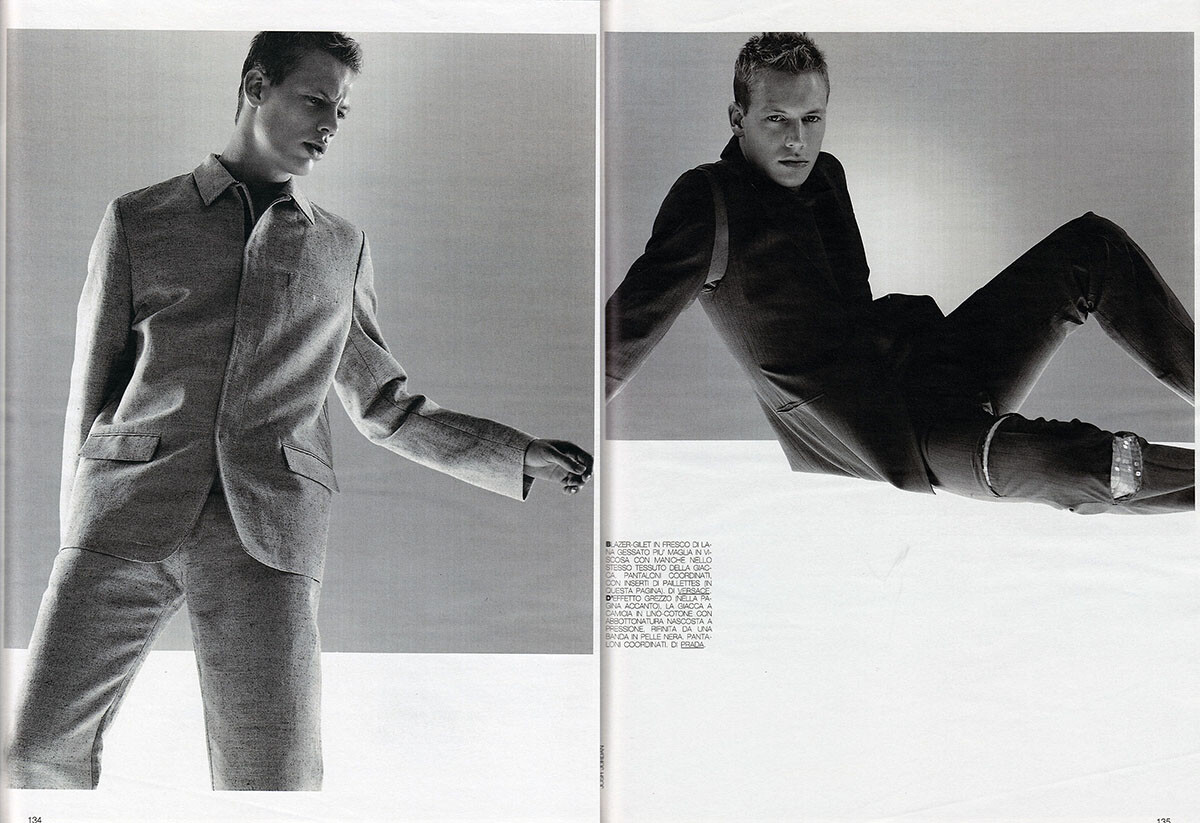
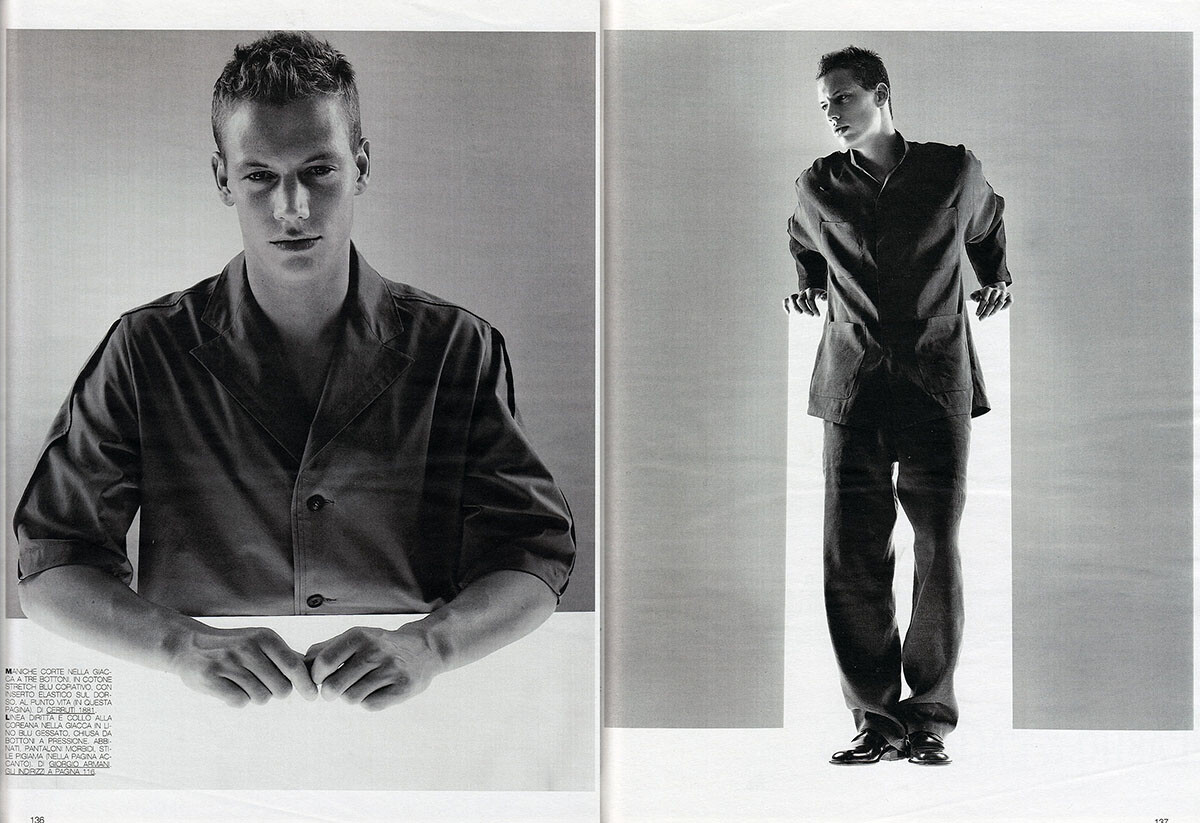
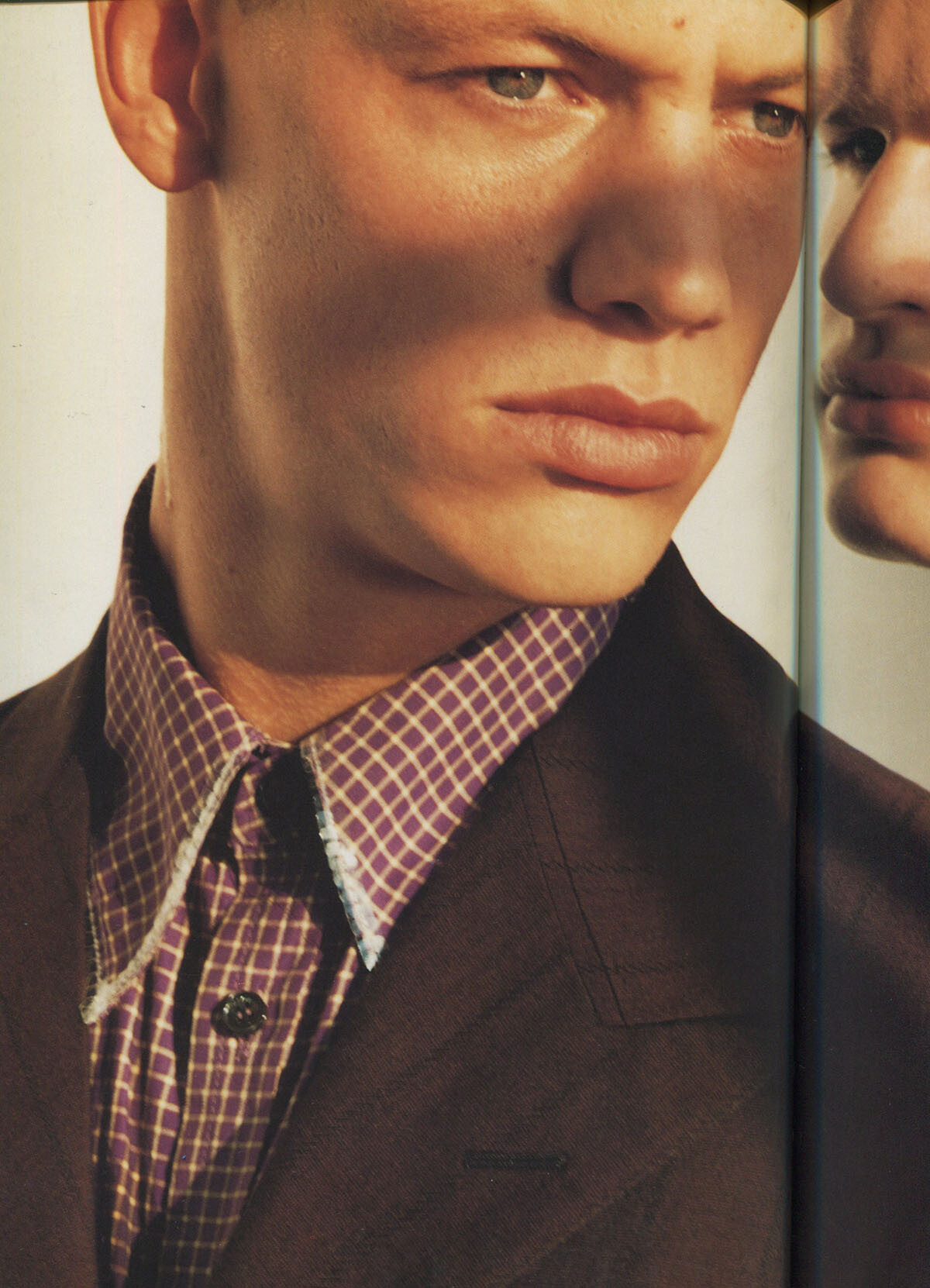
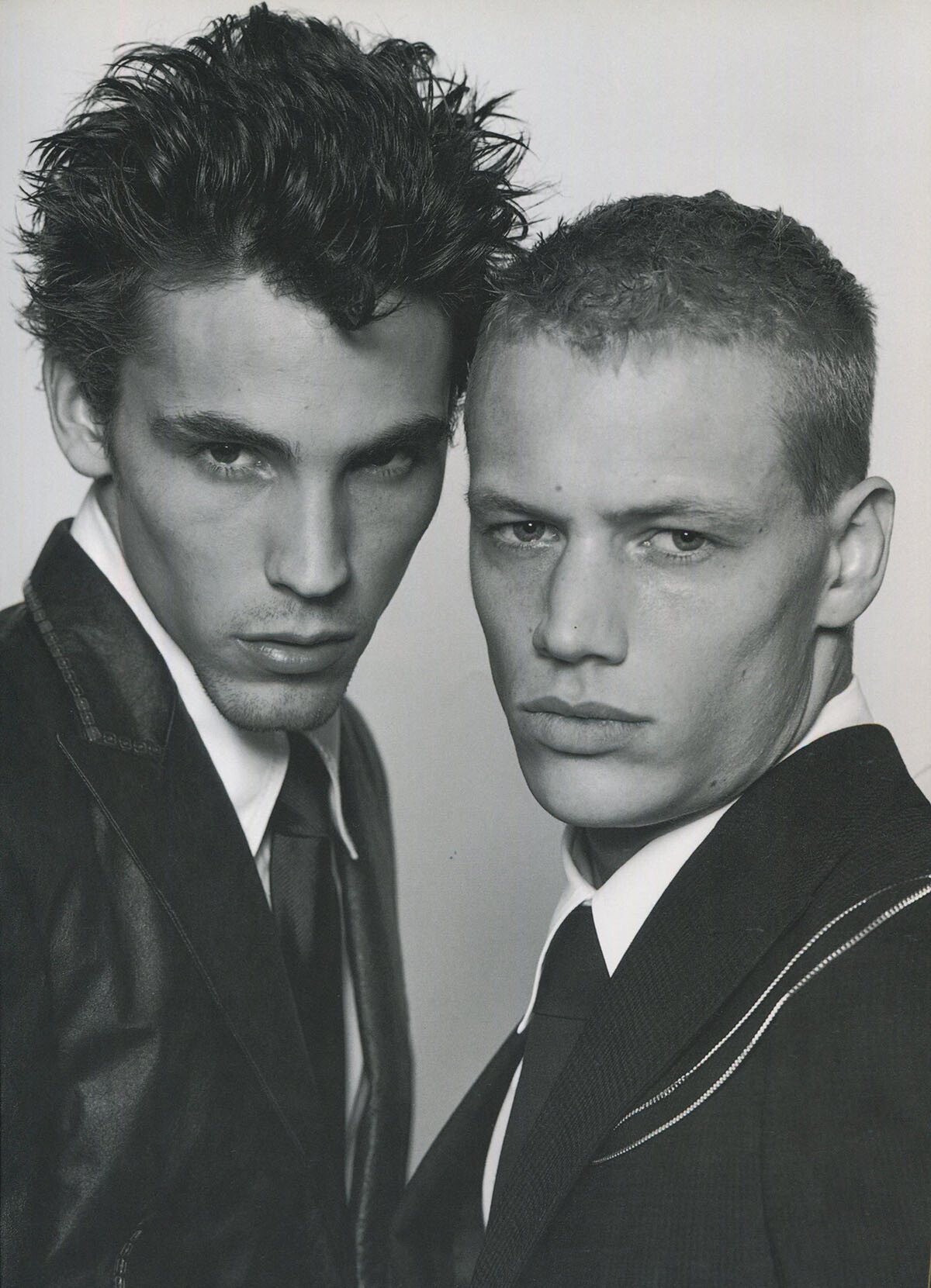
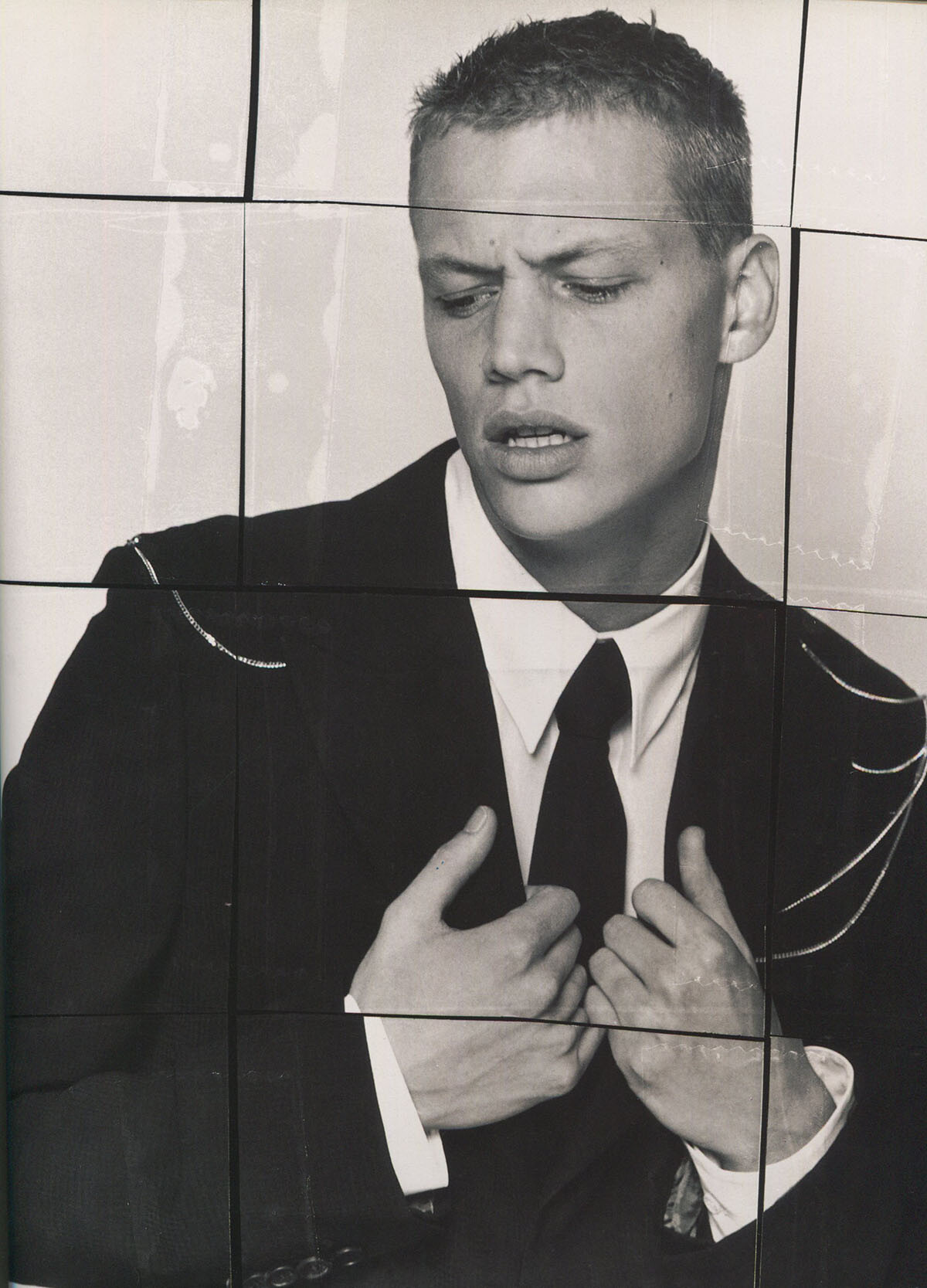
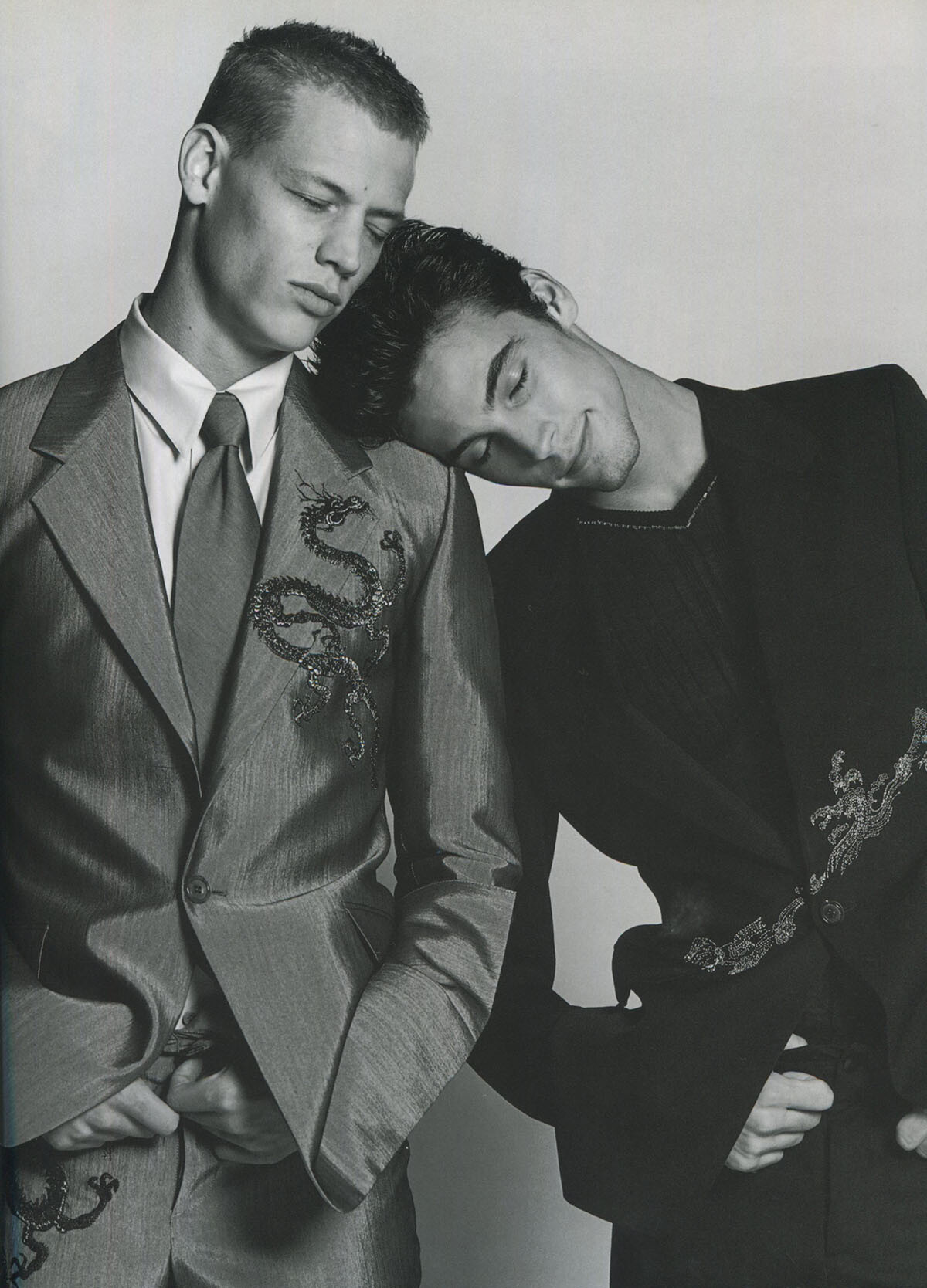
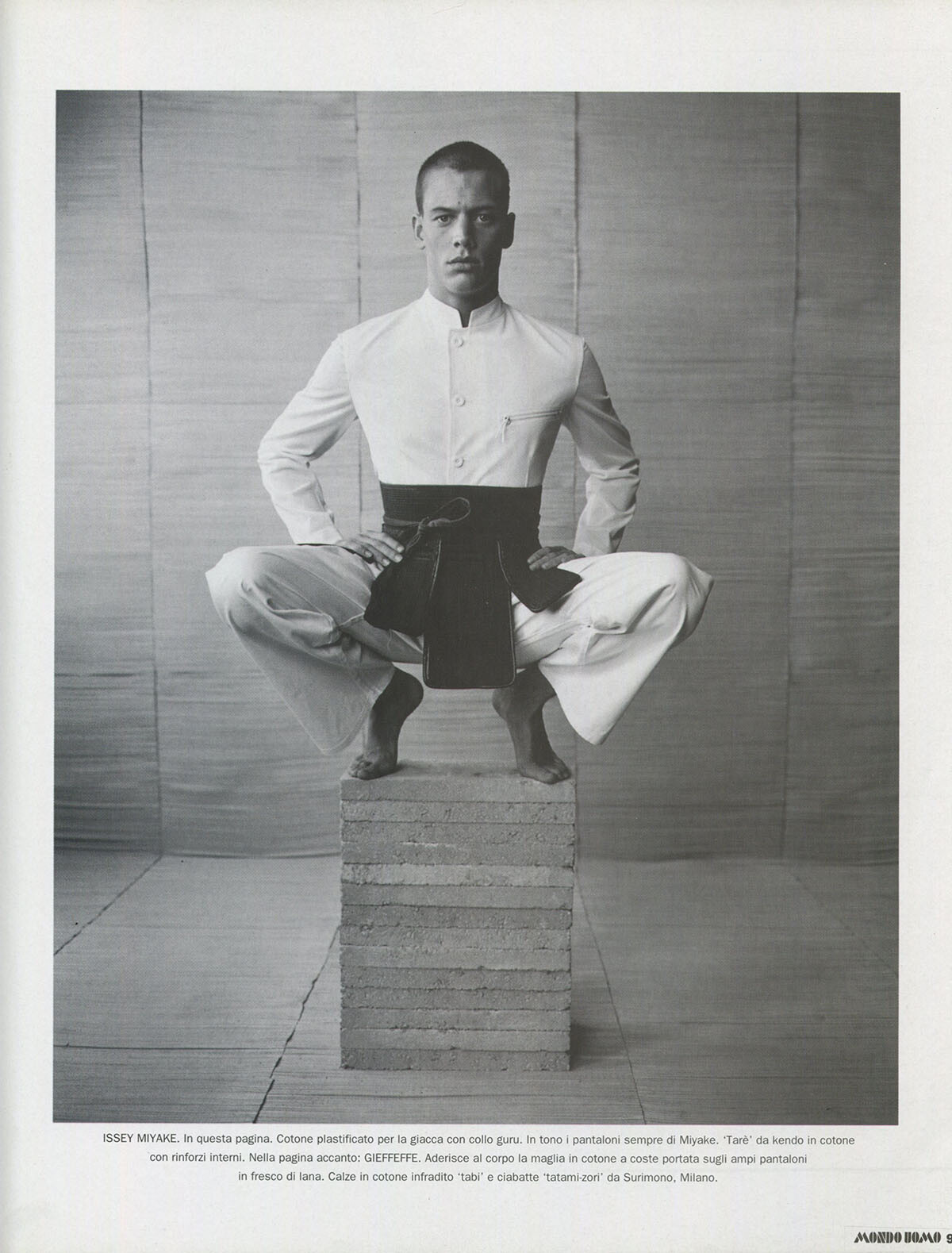
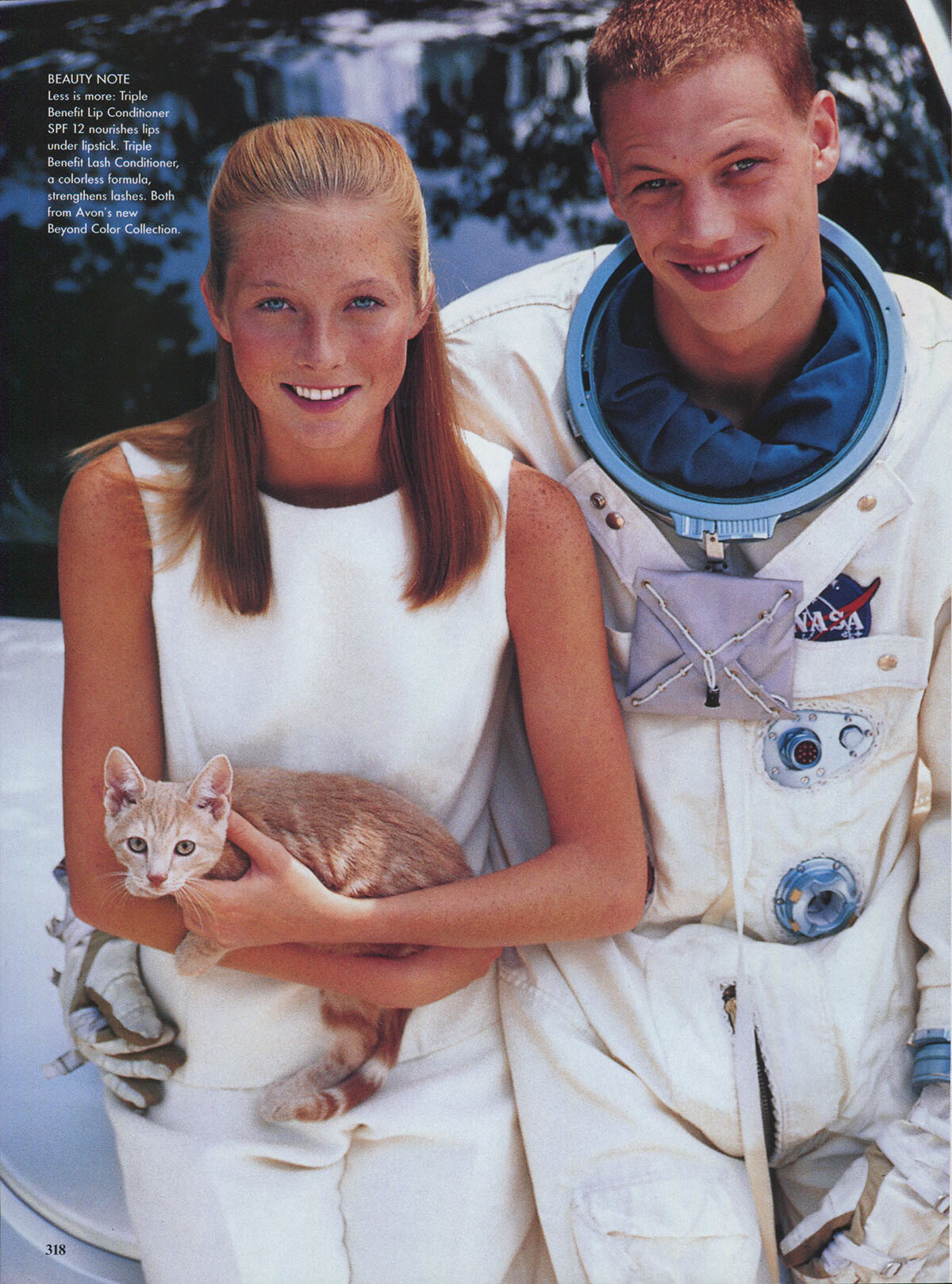
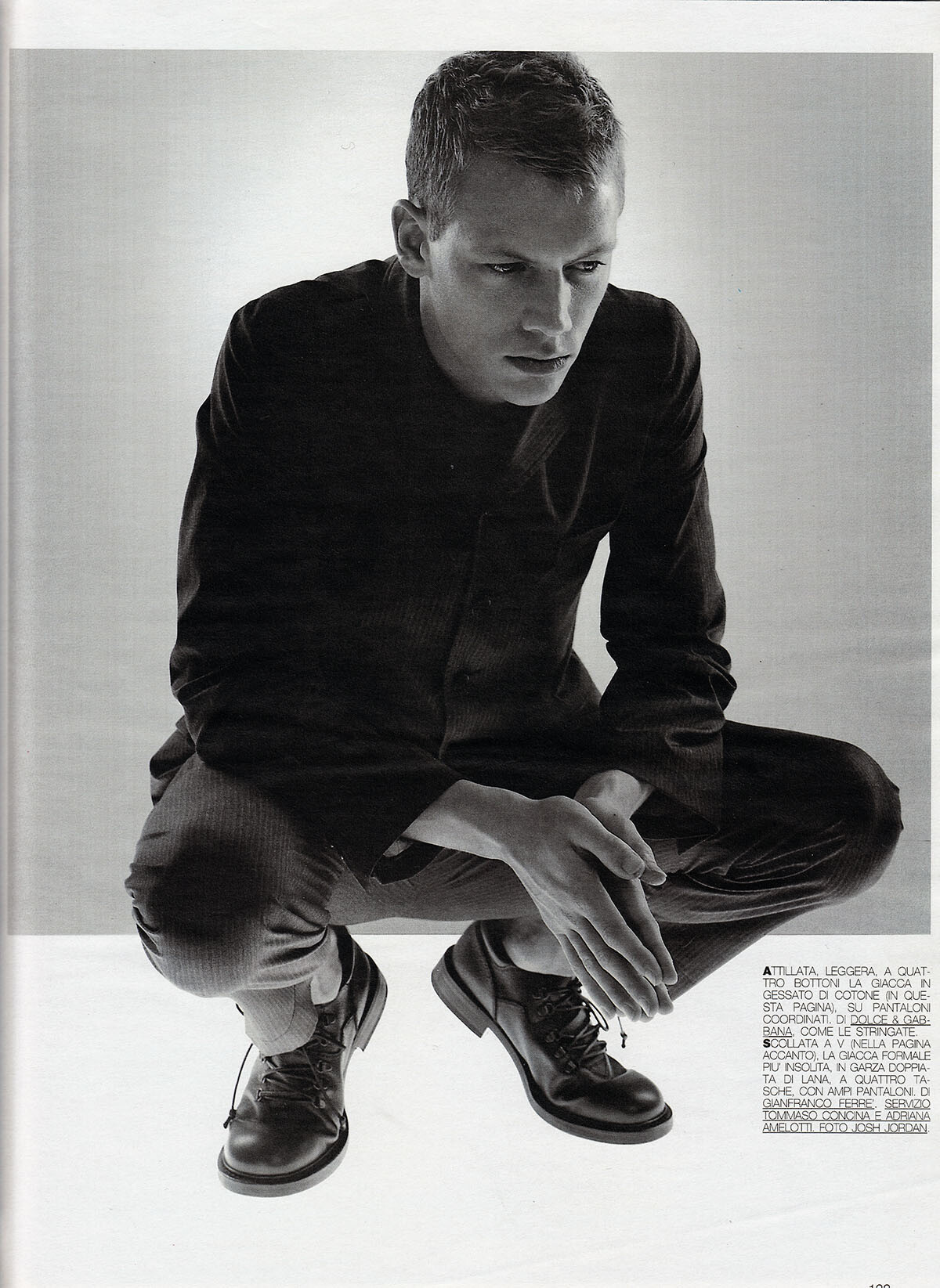
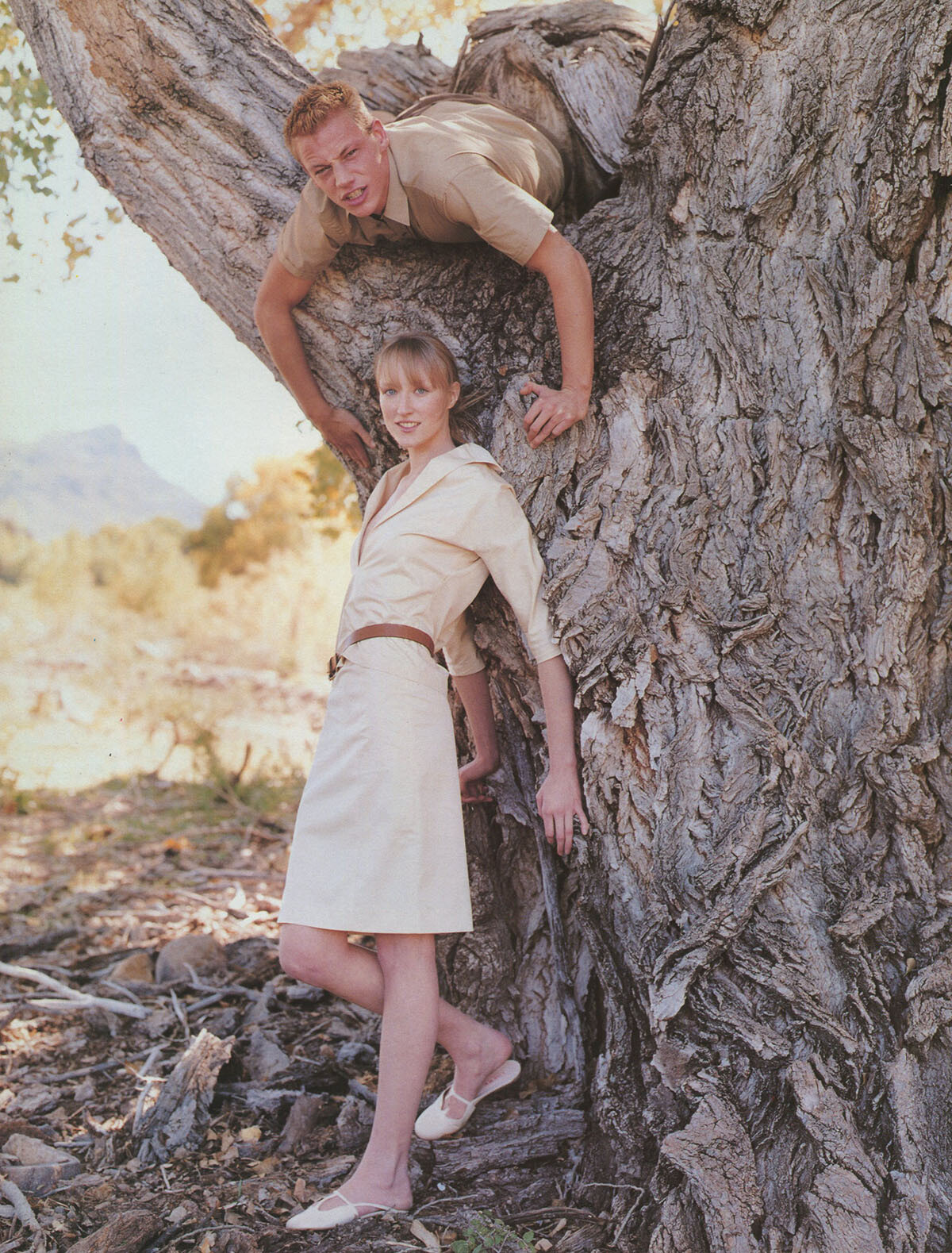
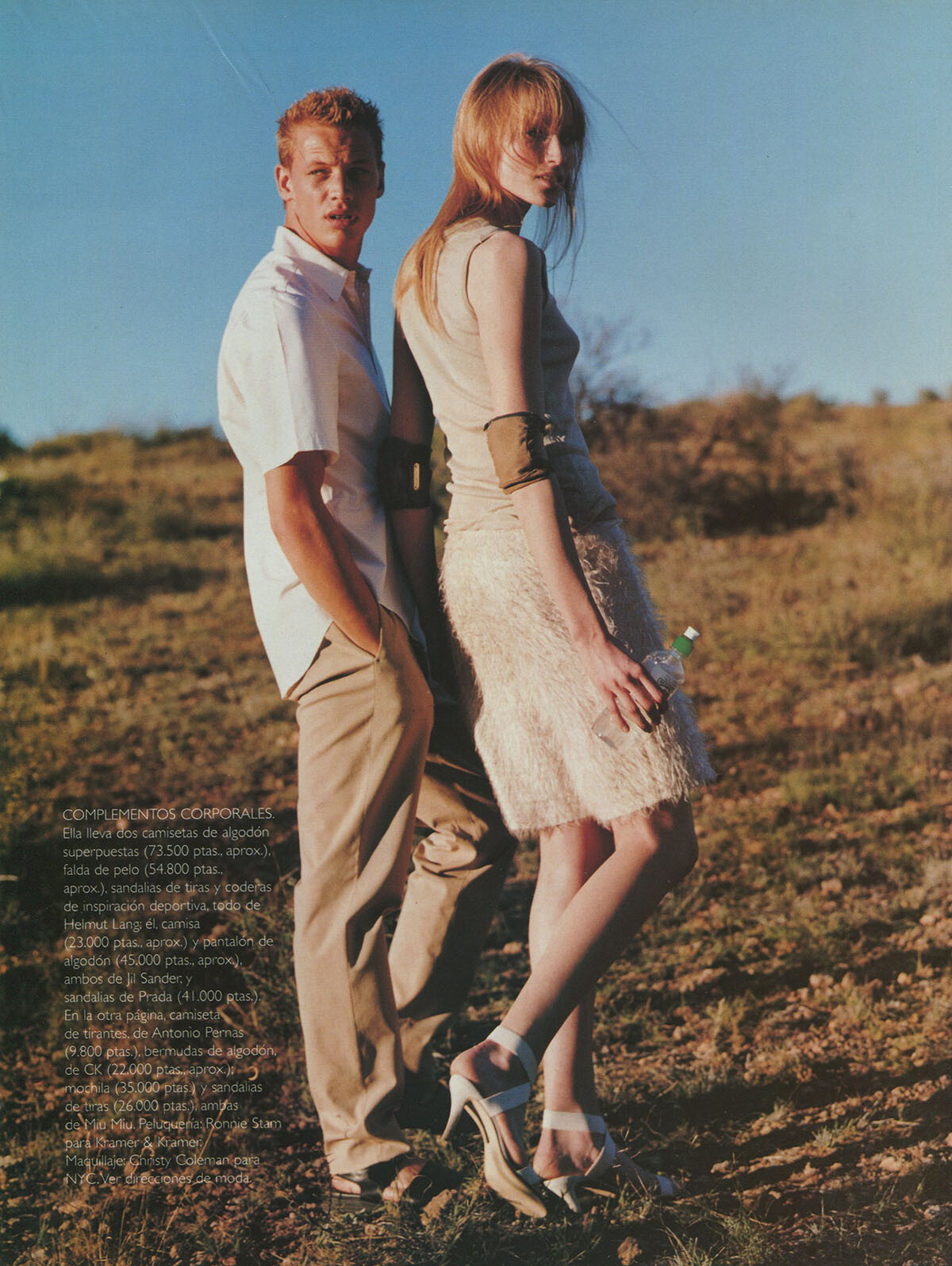
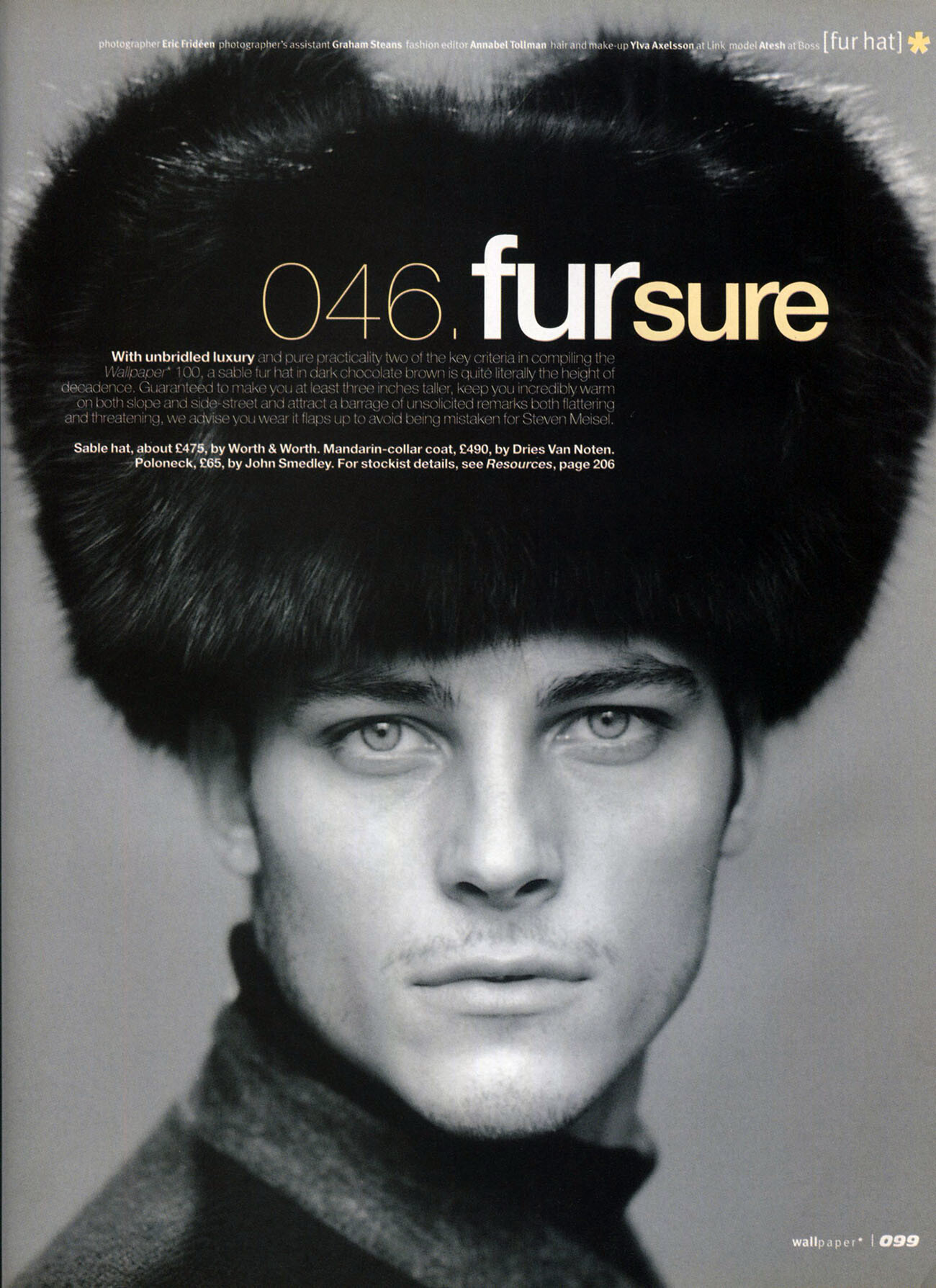
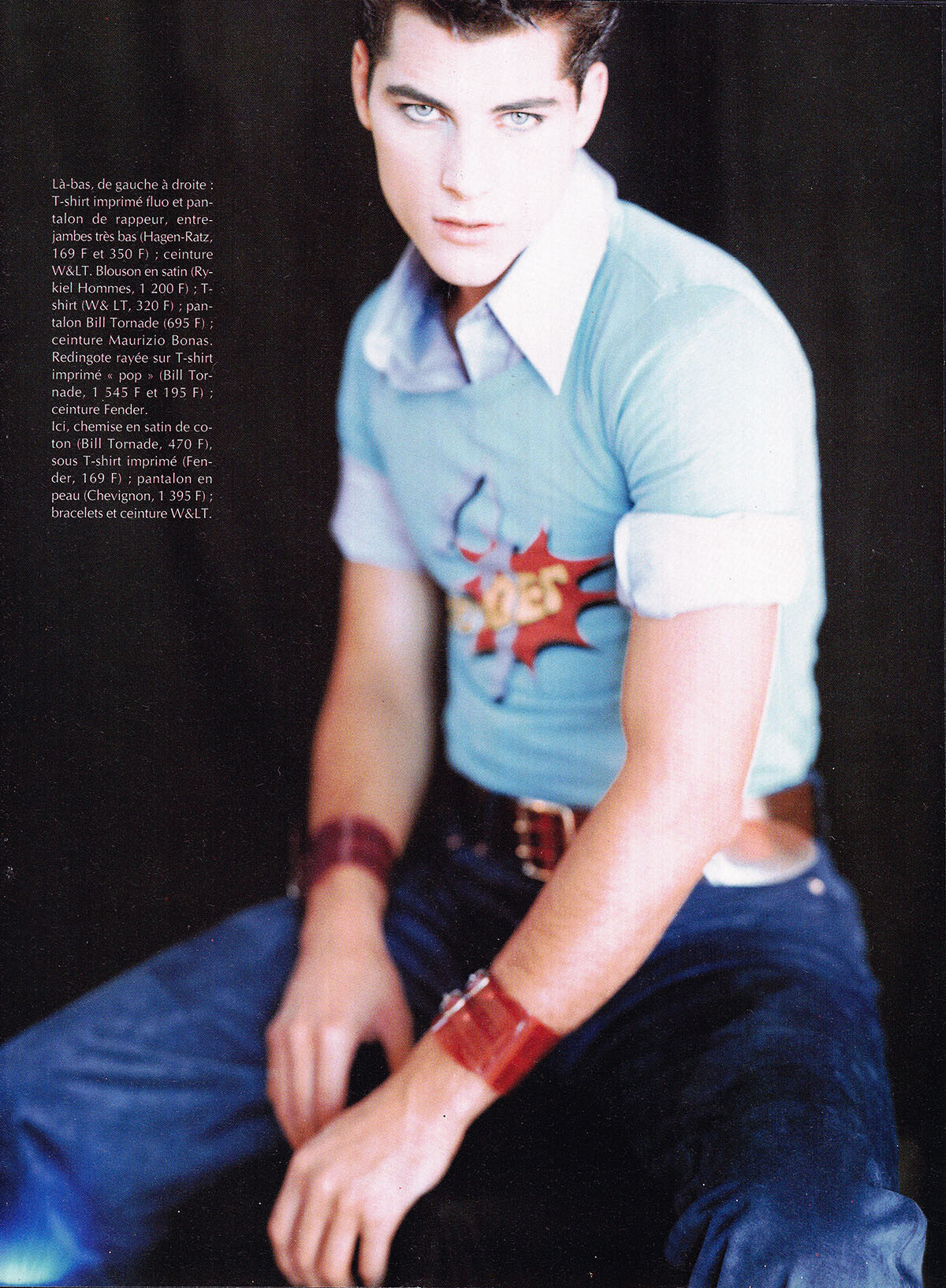
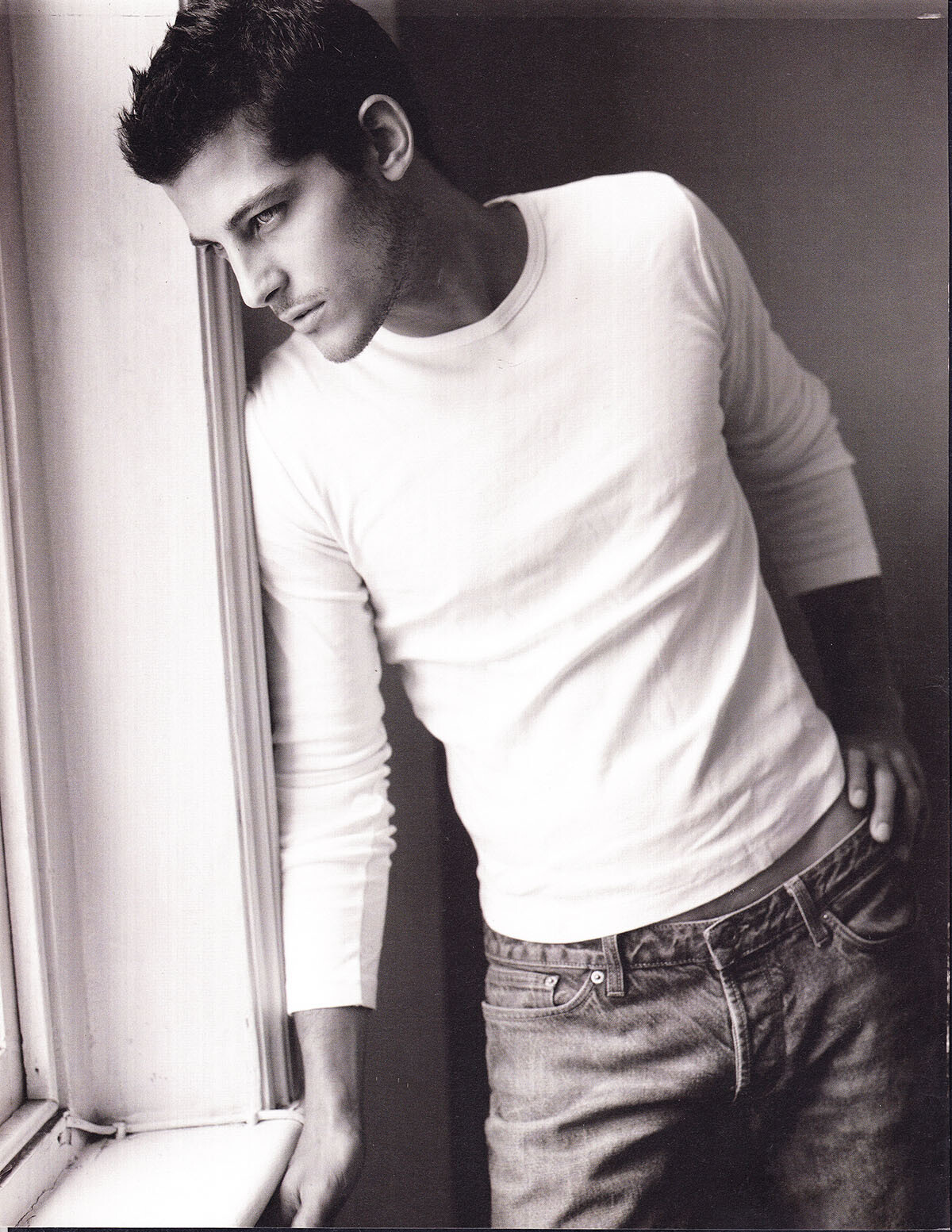
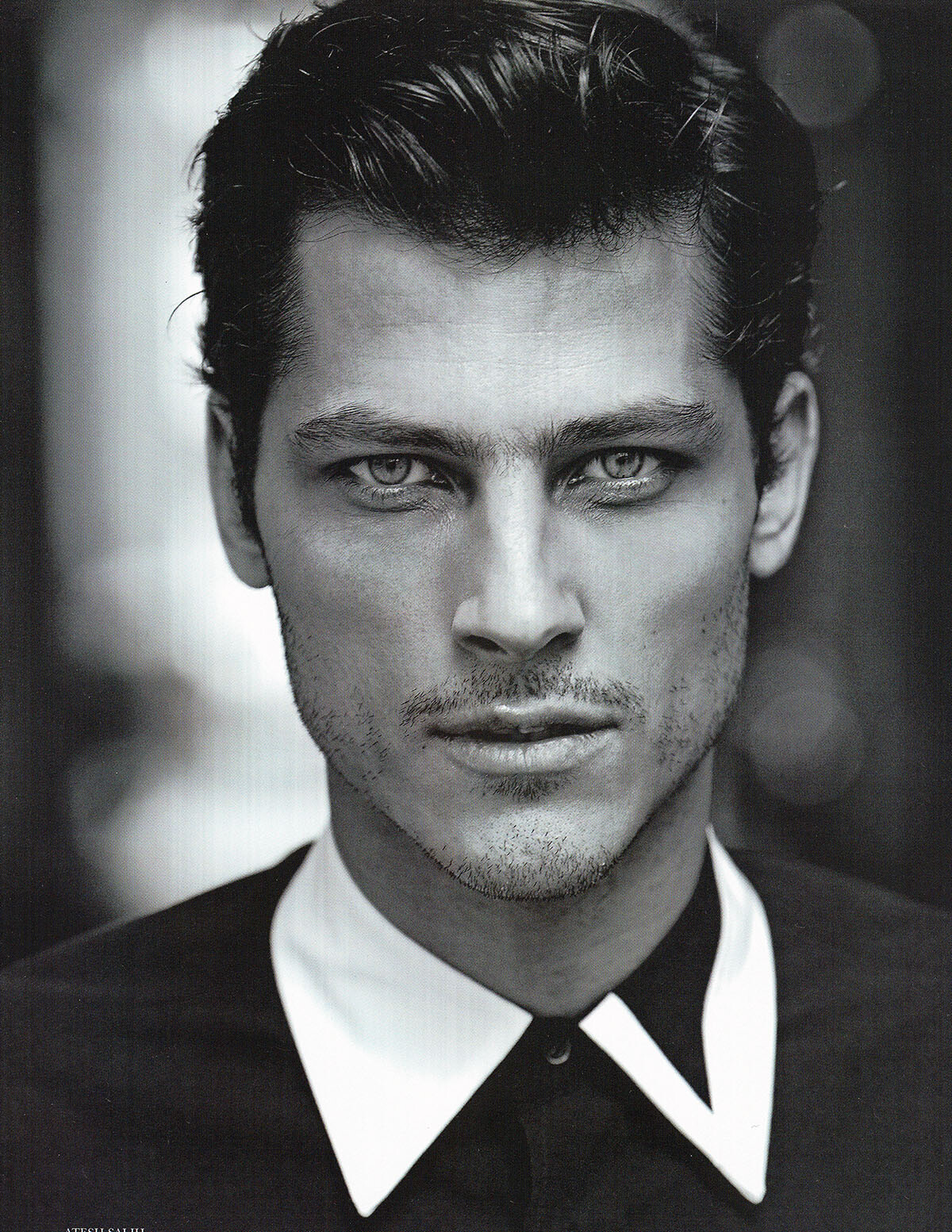
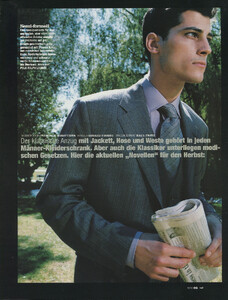
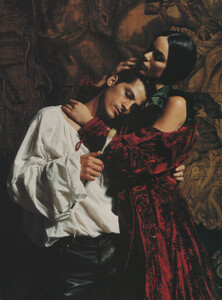
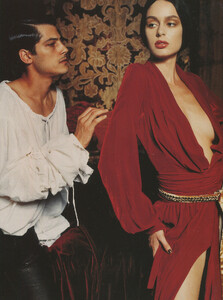
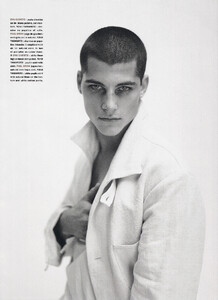
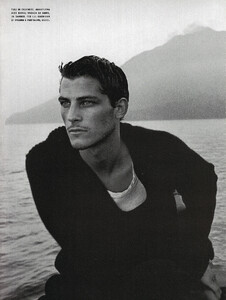
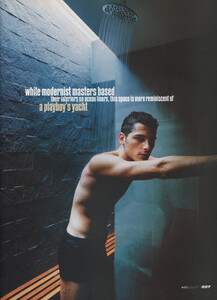
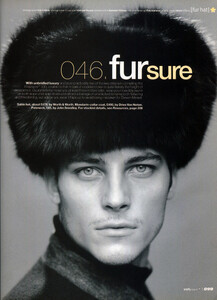
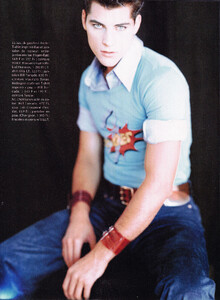
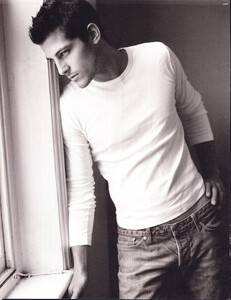
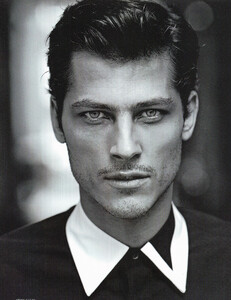
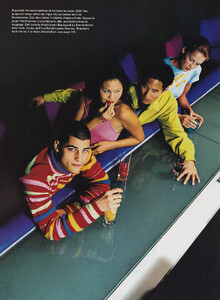
some editorial pages from my Atesh collection, all scanned by me:
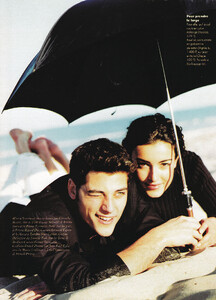
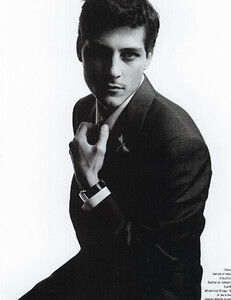
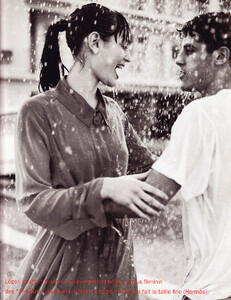
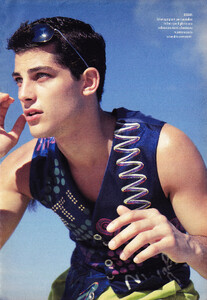
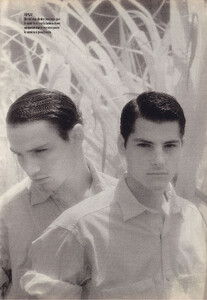
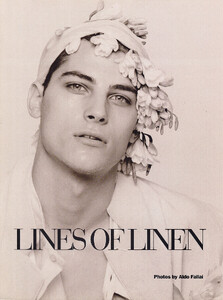
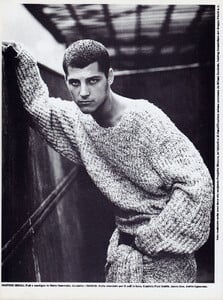
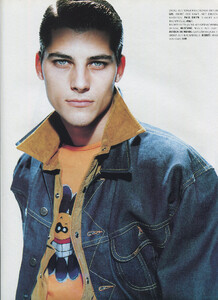
-
Wow, amazing!!!
-
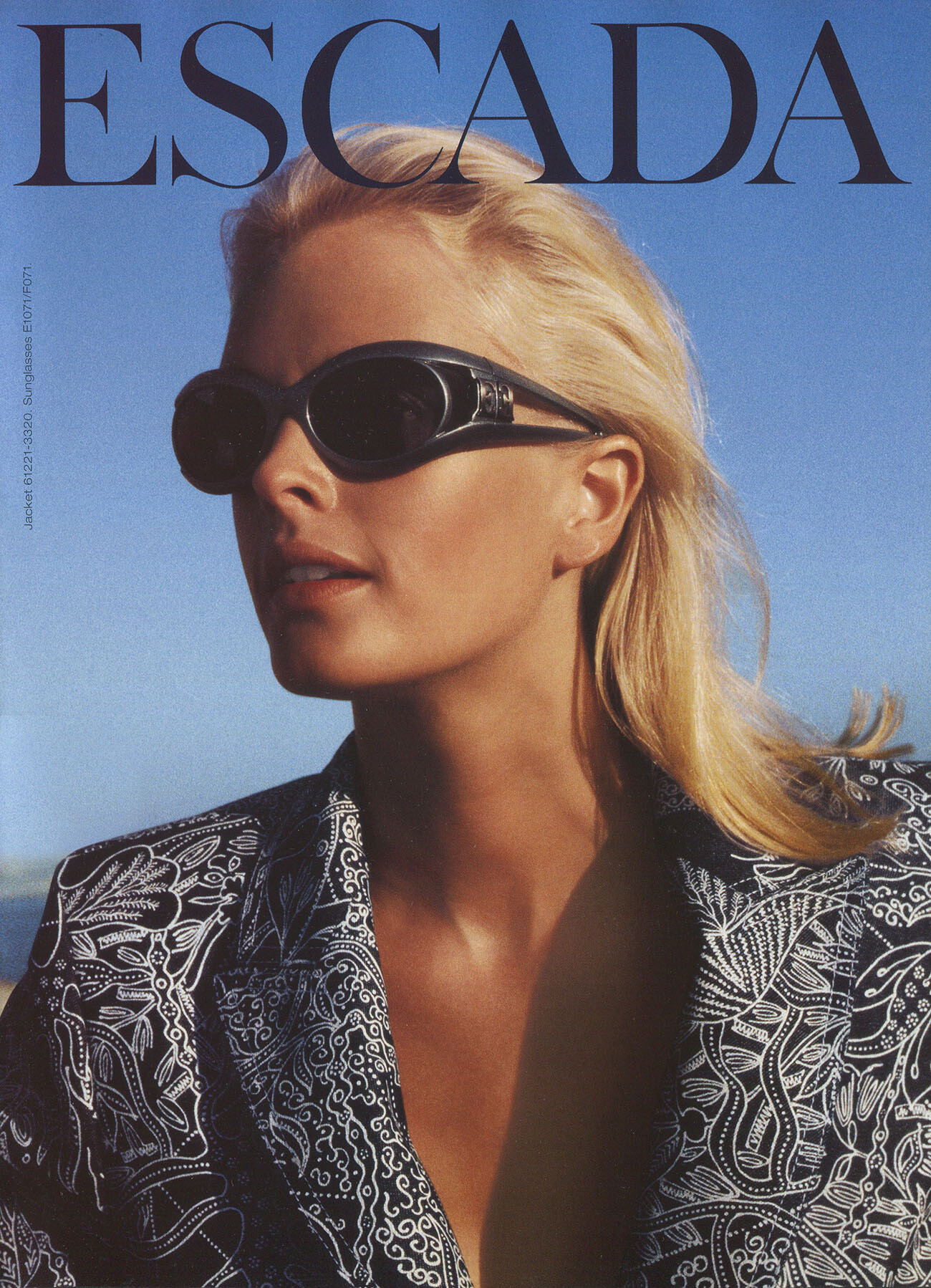
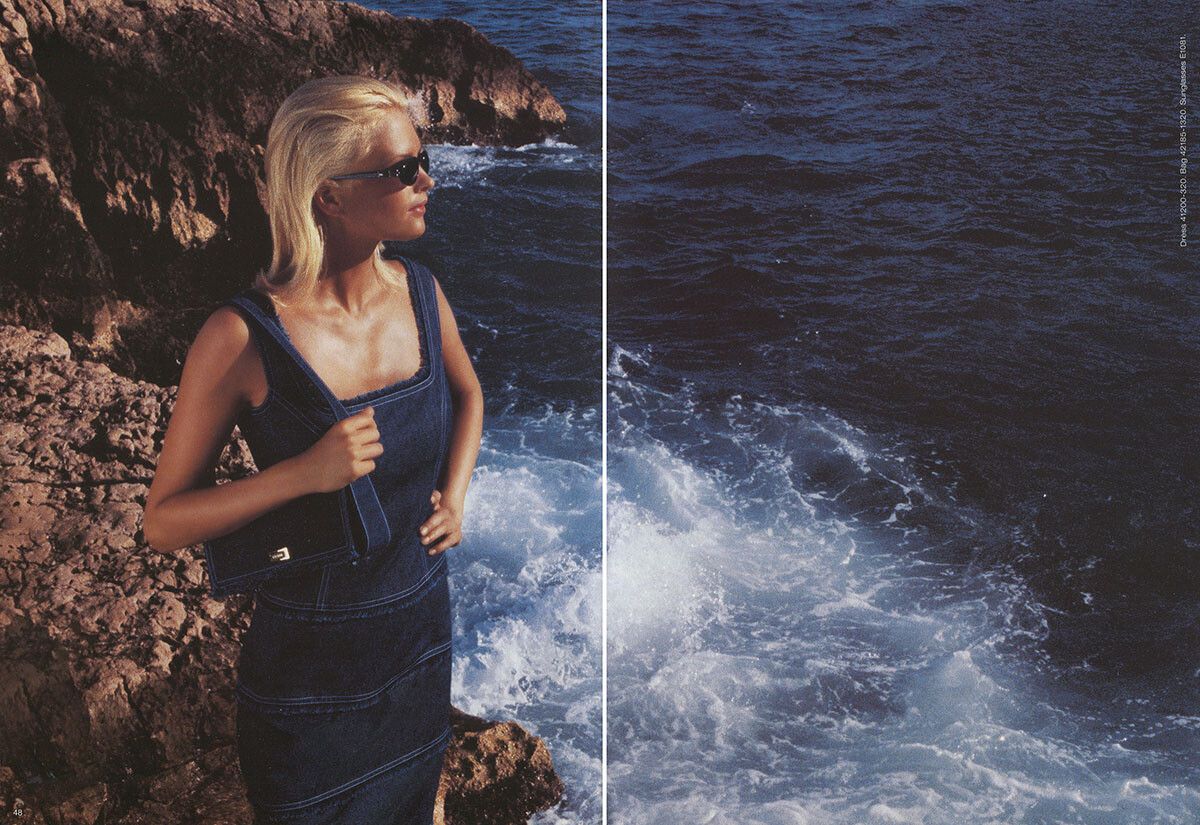
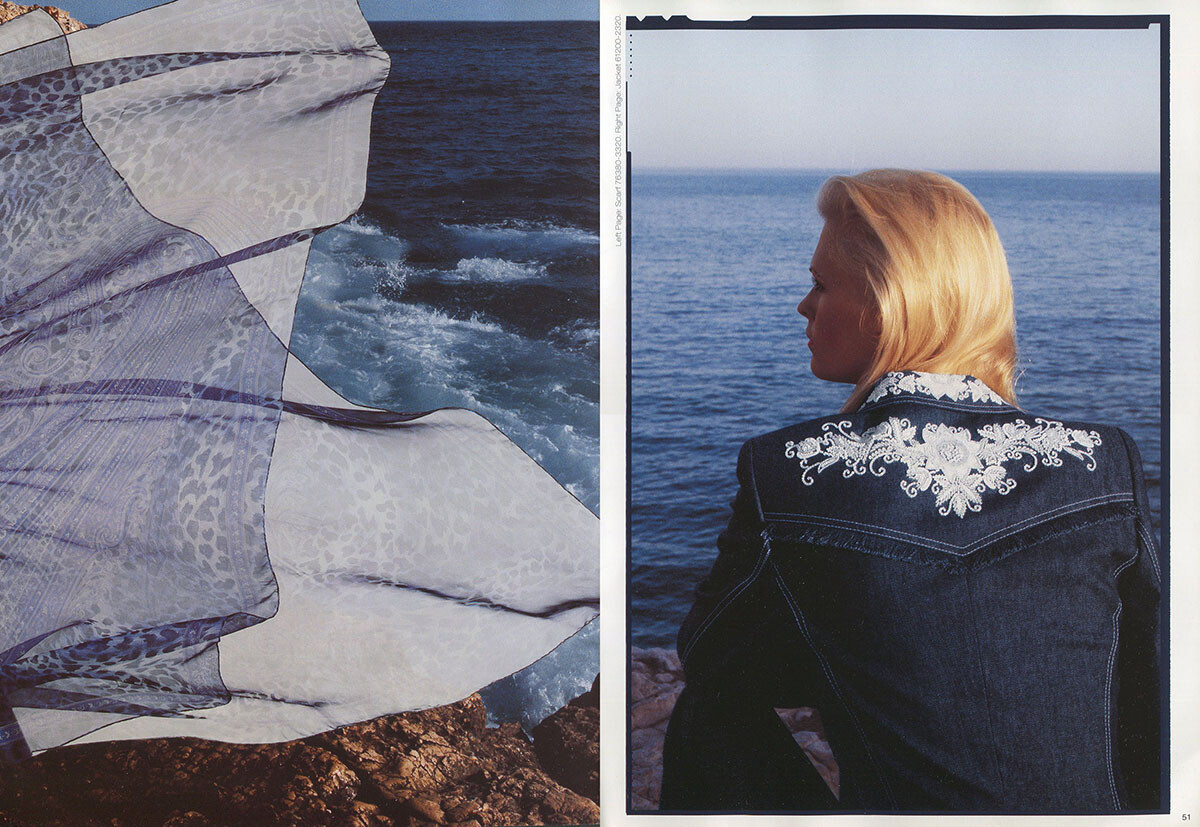
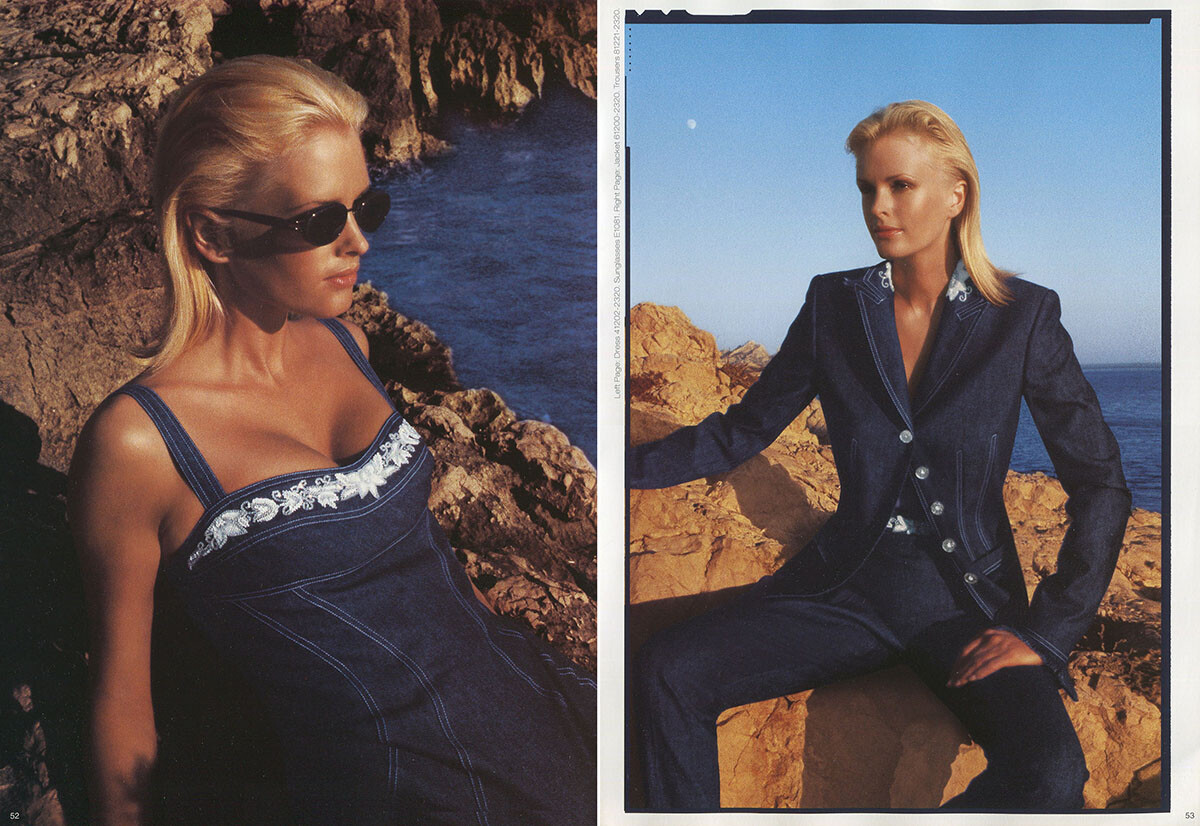
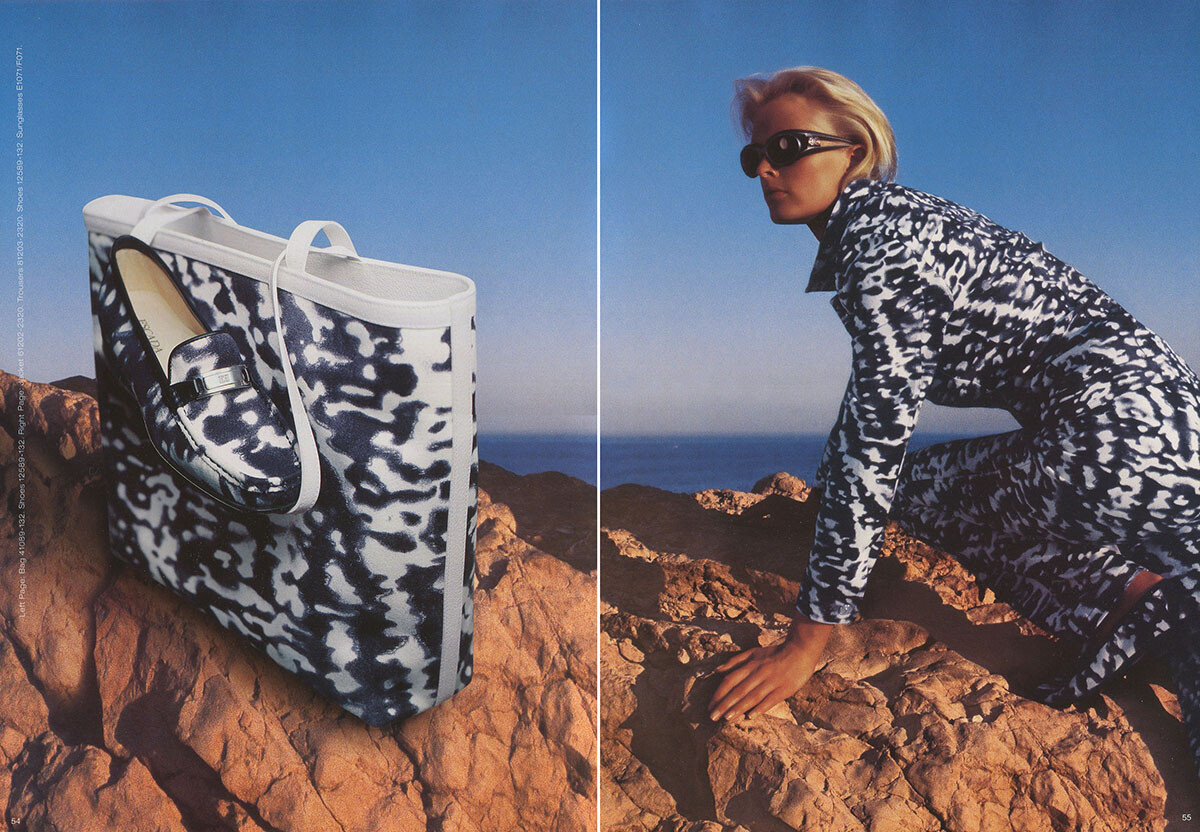
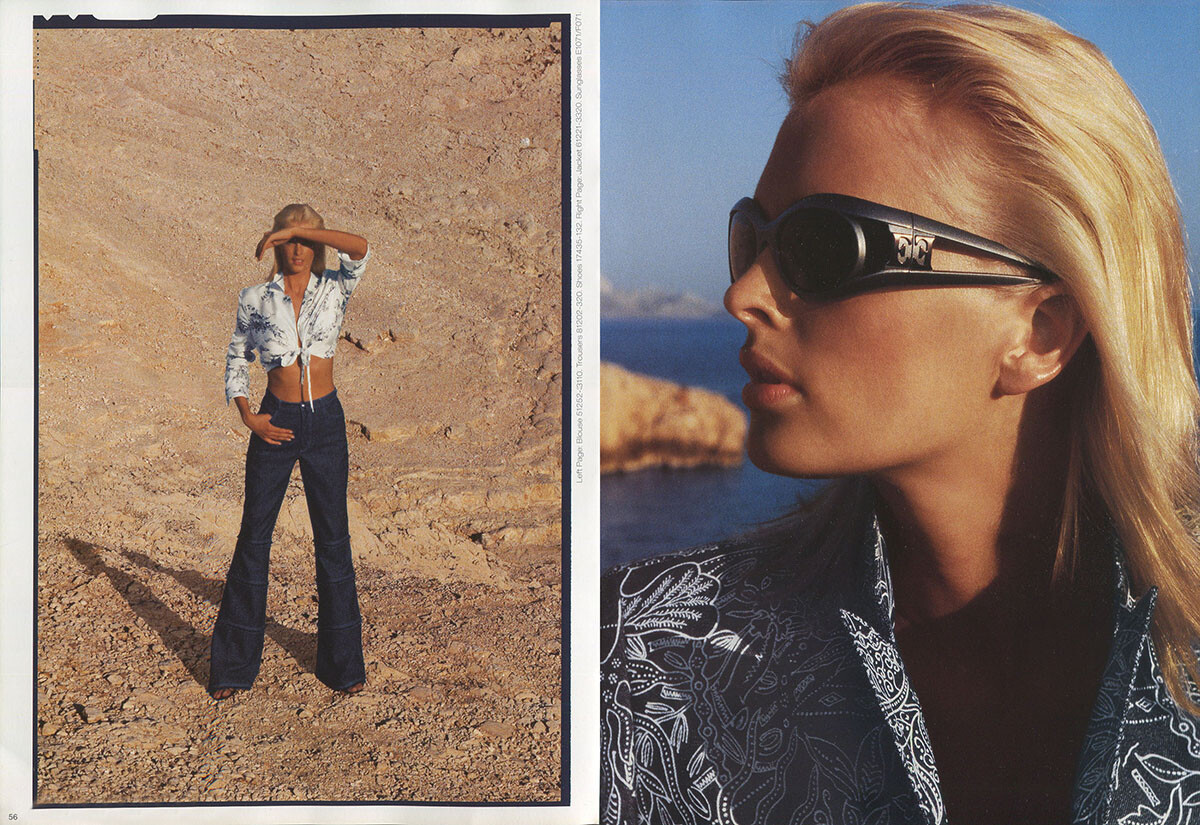
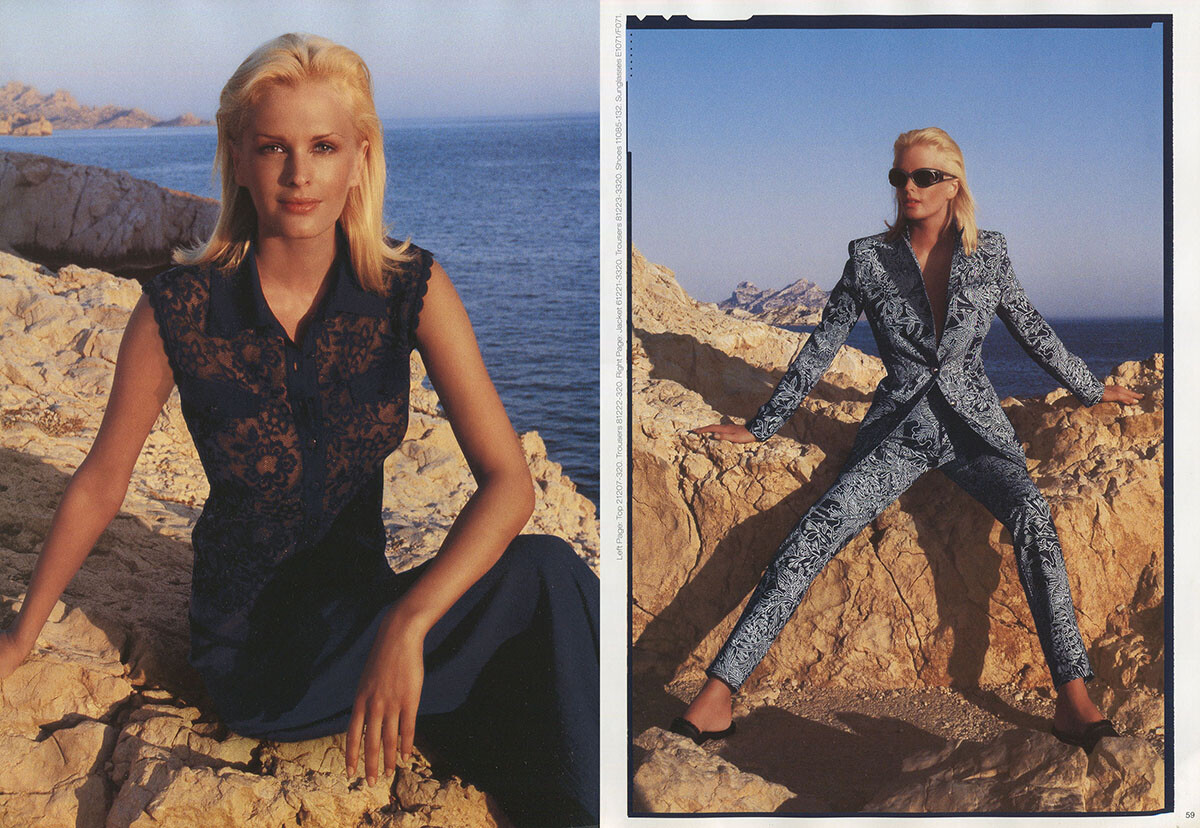
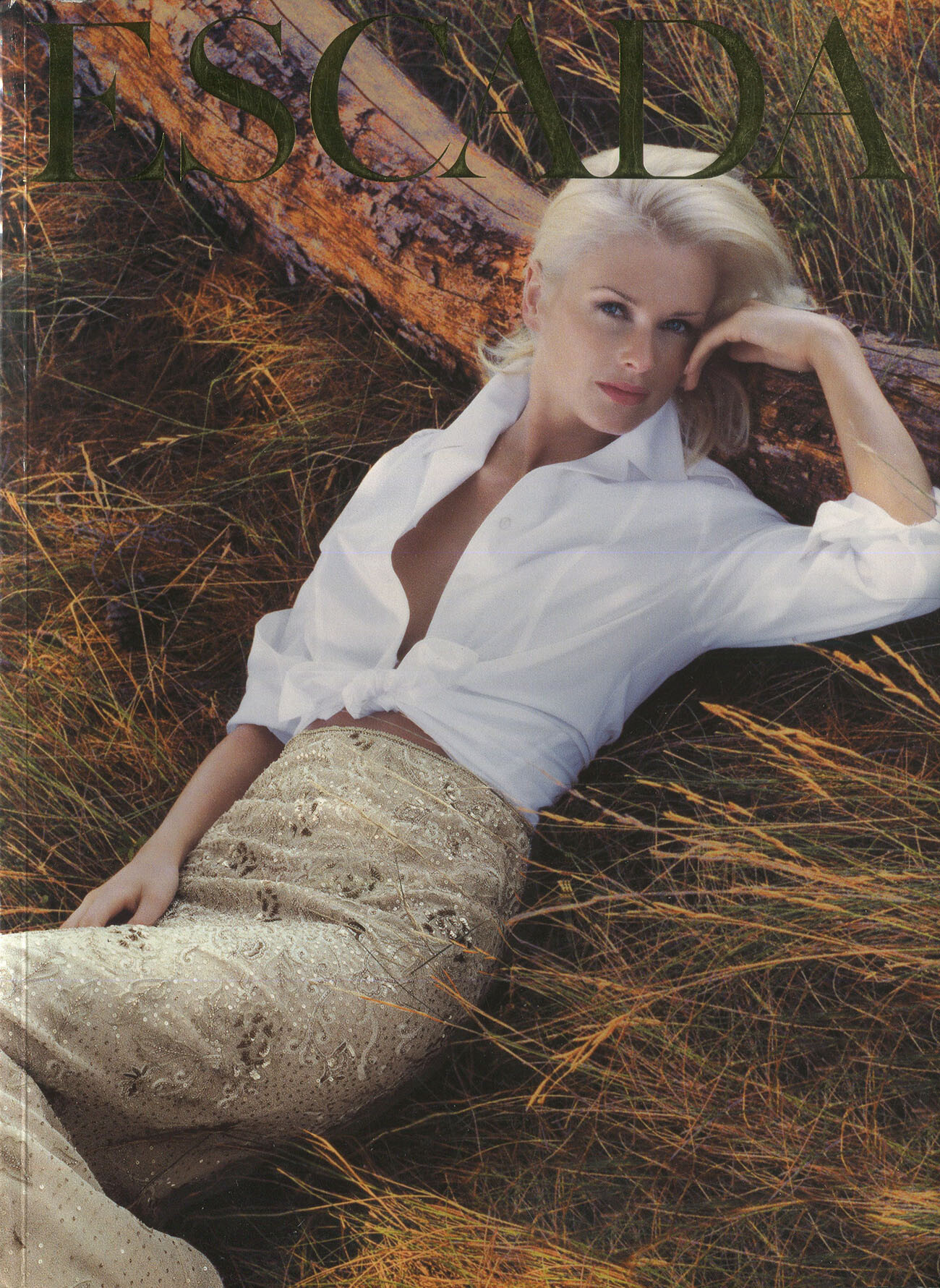
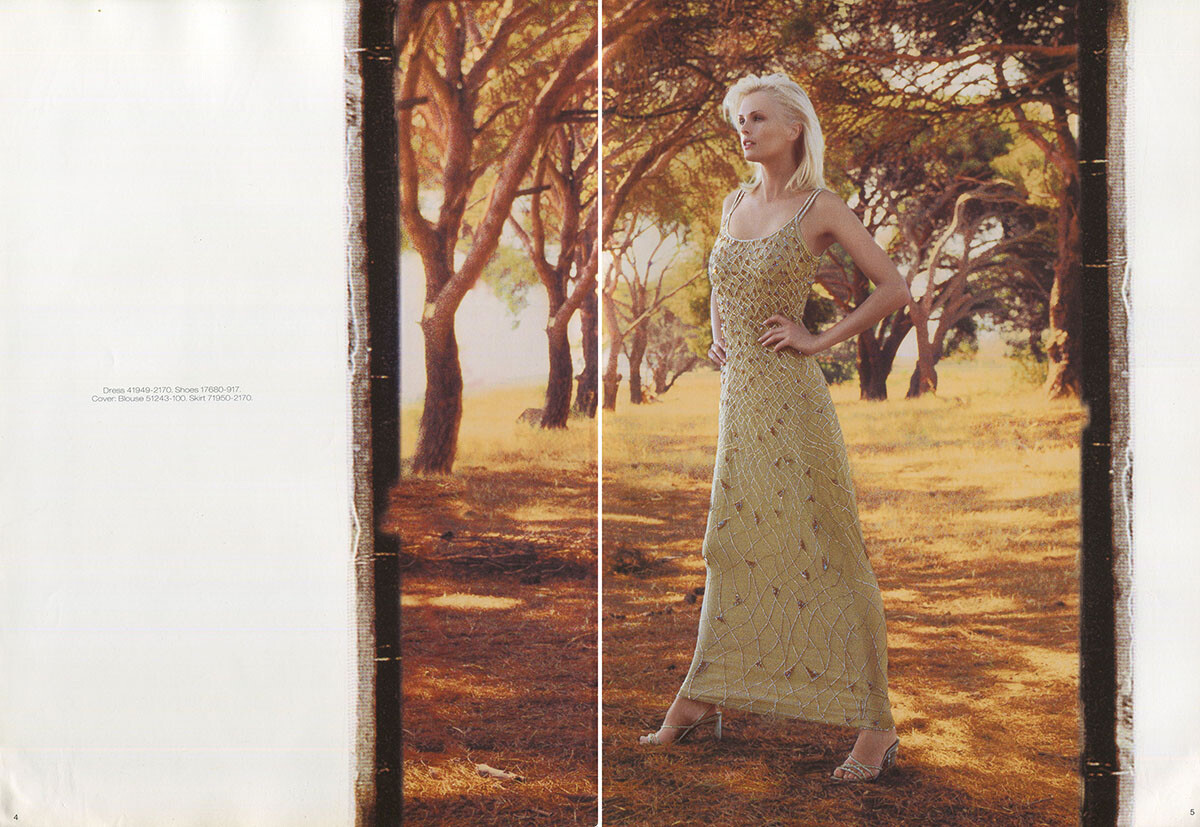
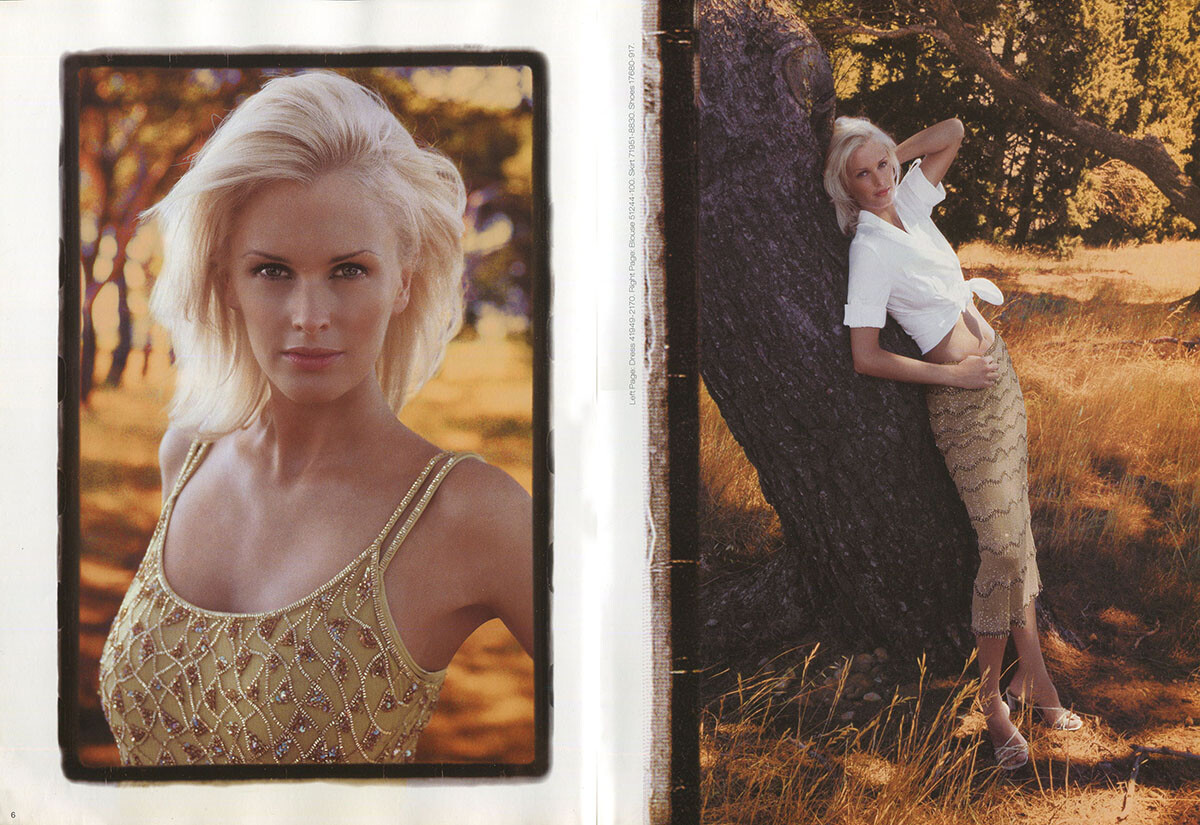
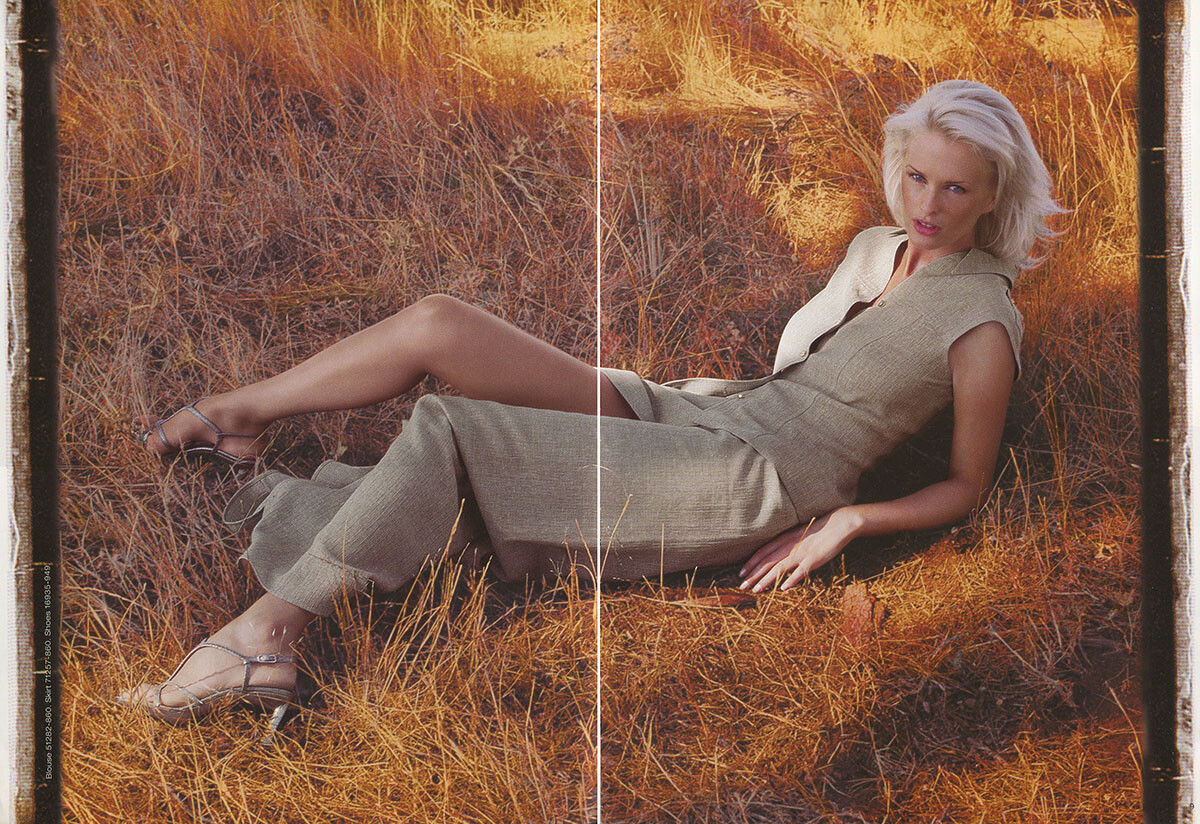
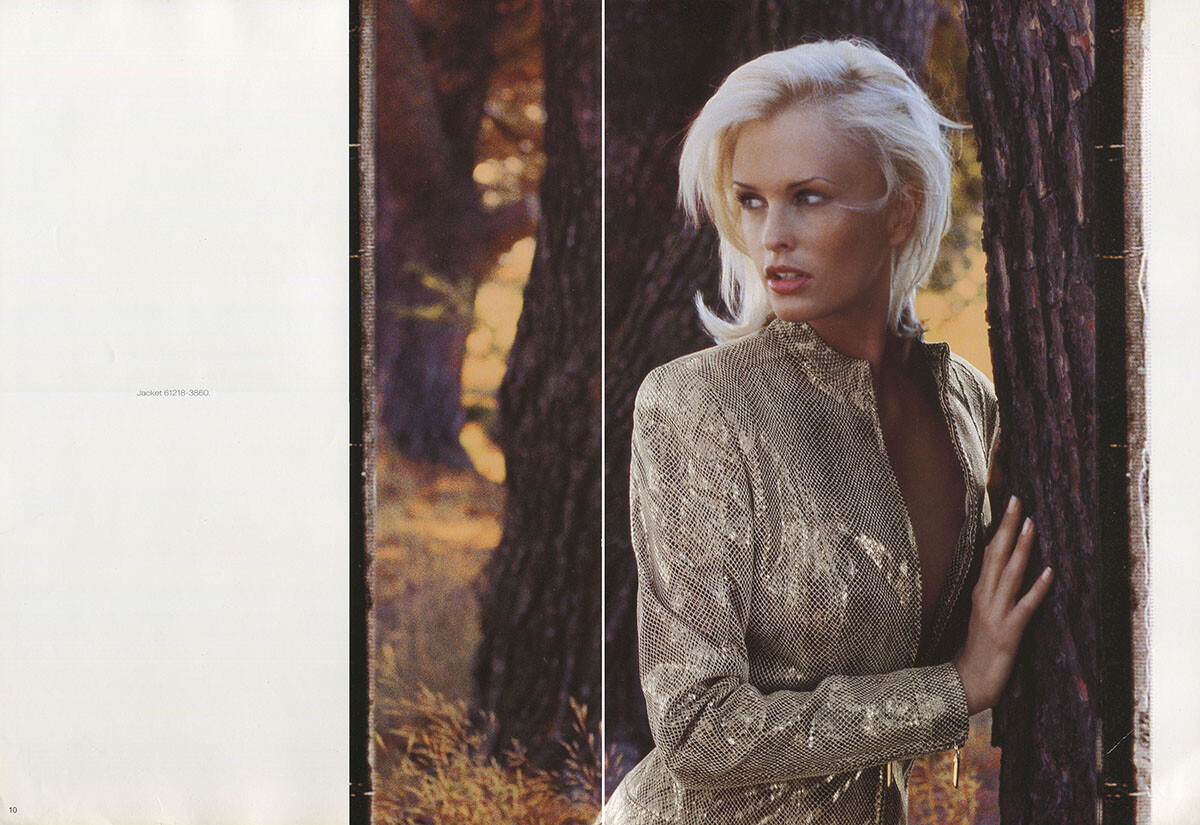
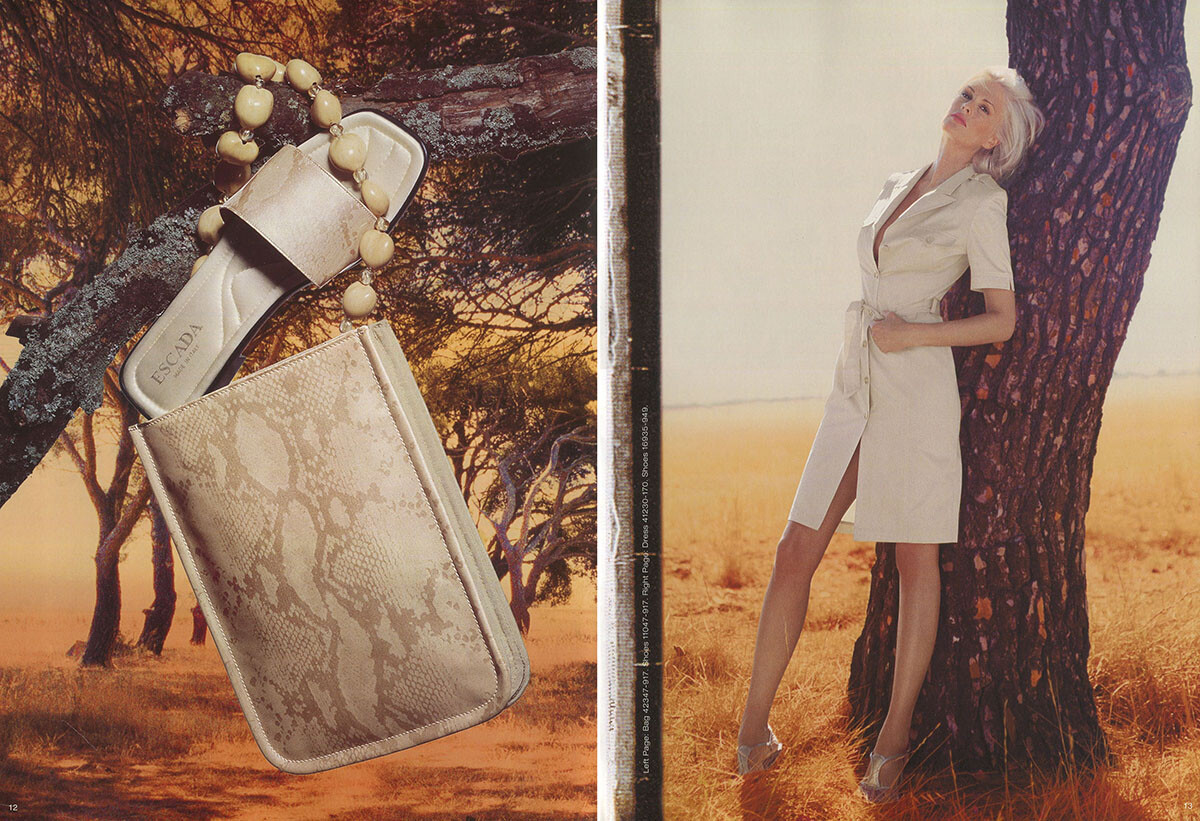
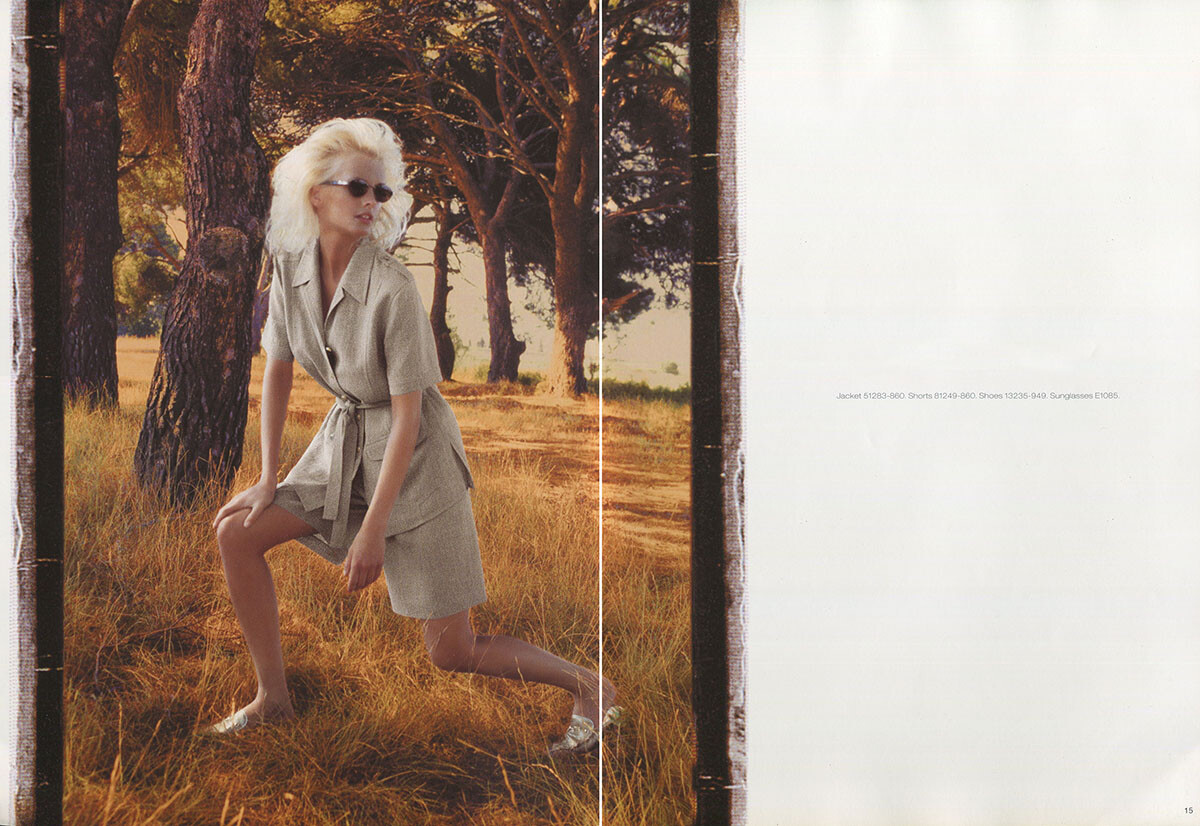
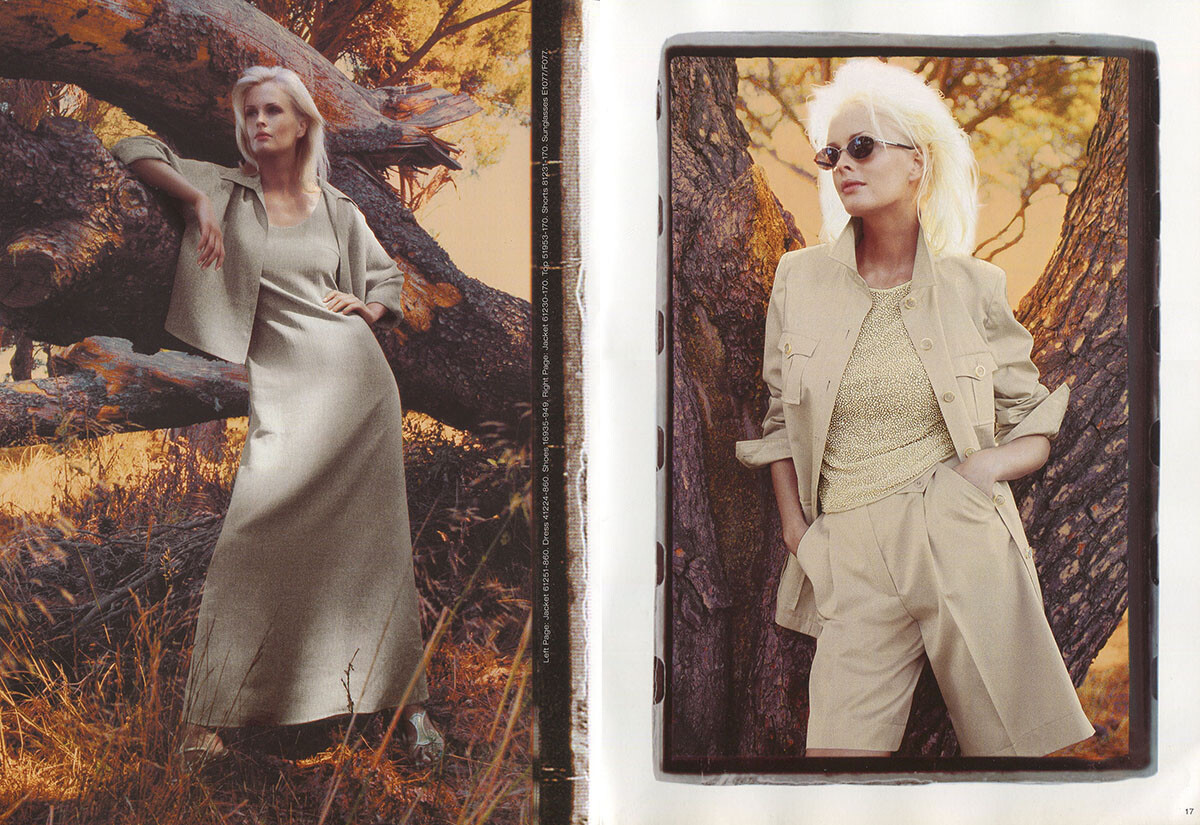
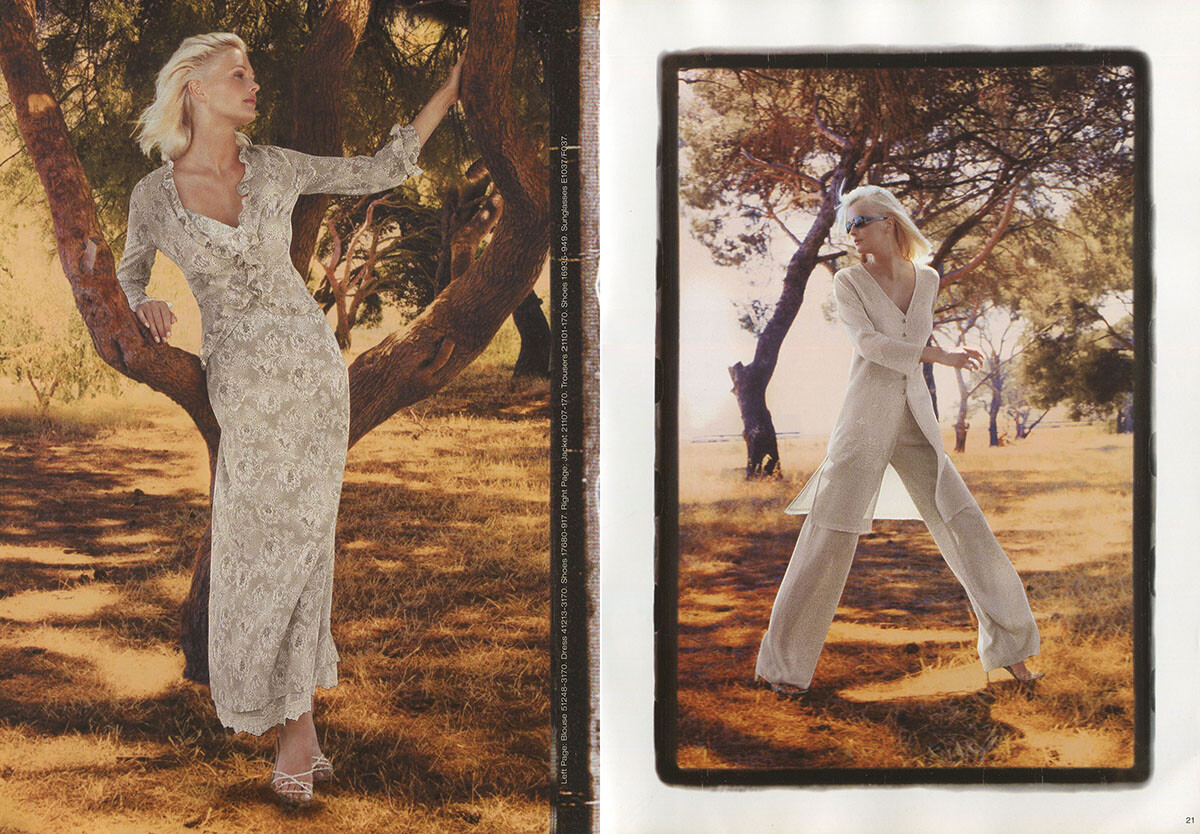
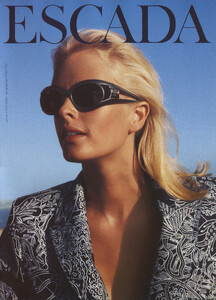
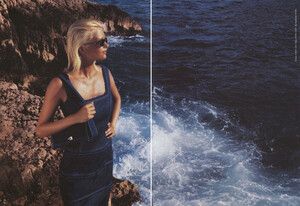
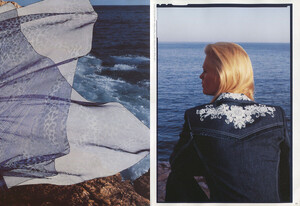
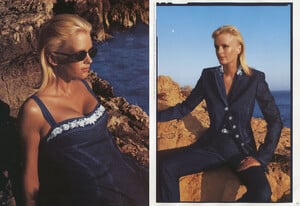
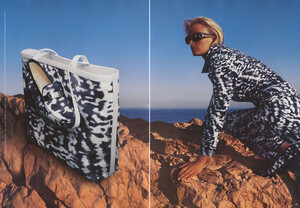
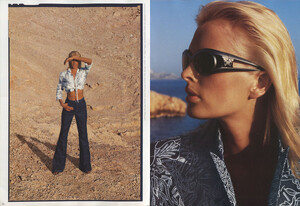
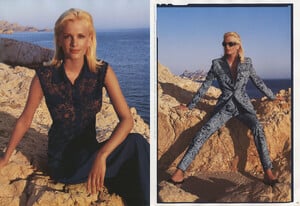
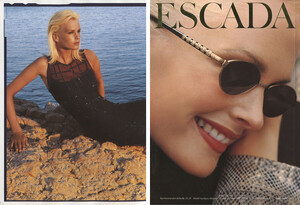
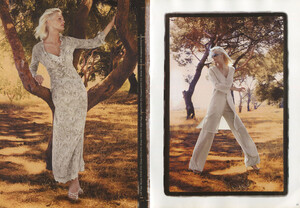
Escada catalog, summer 2000,part 2, scanned by me:

-
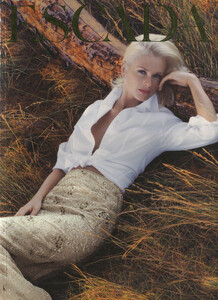
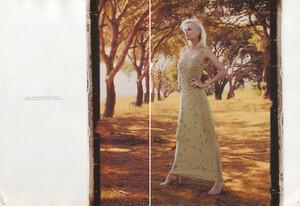
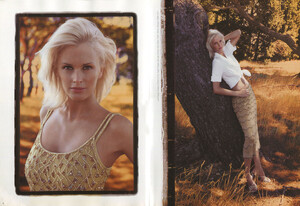
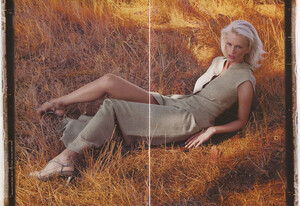
Escada catalog, summer 2000, part 1, scanned by me:
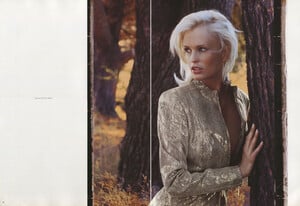
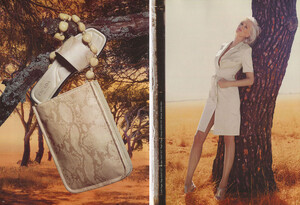
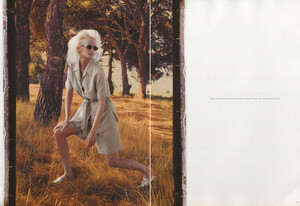
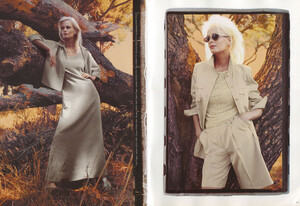
-
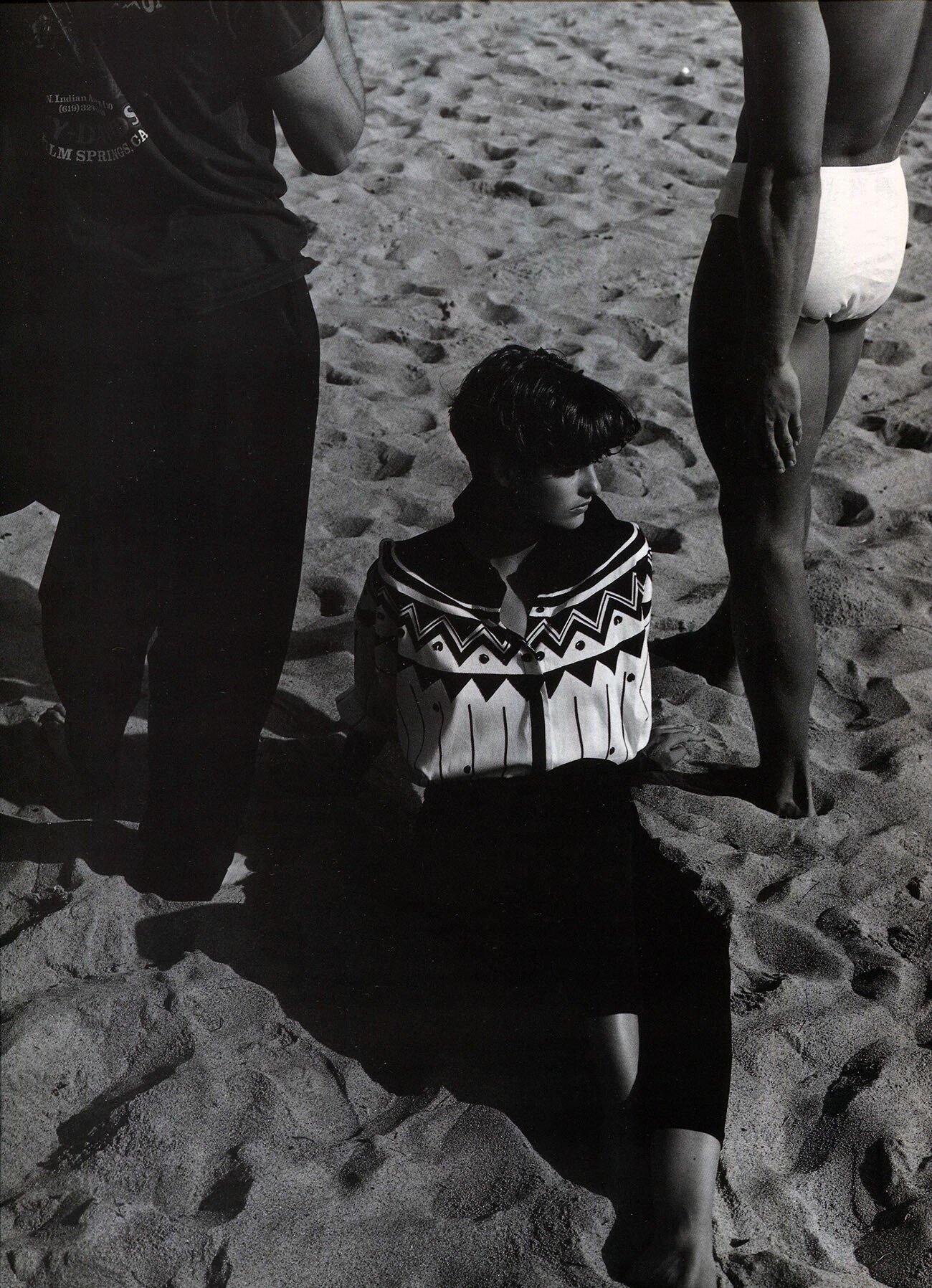
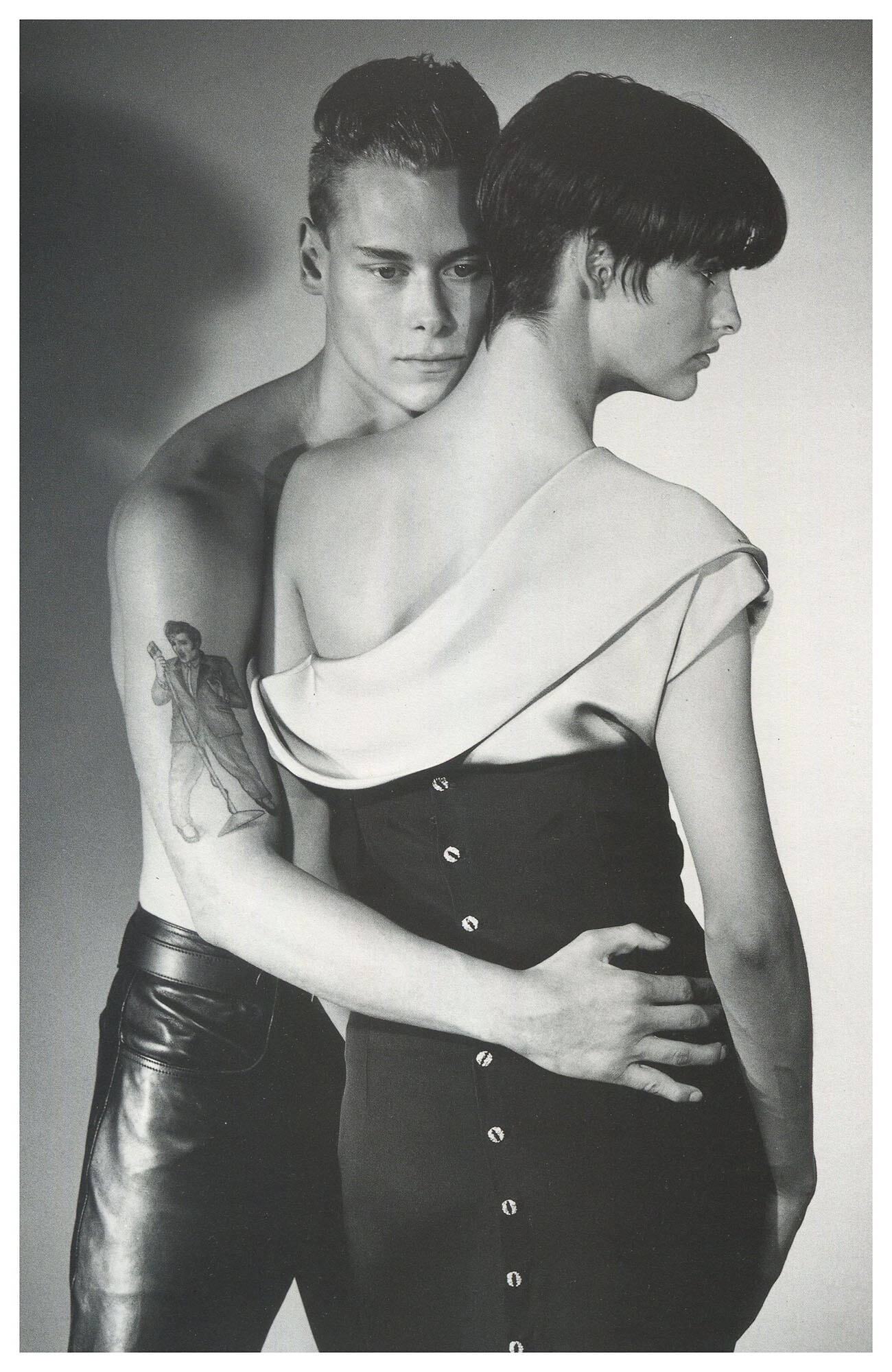
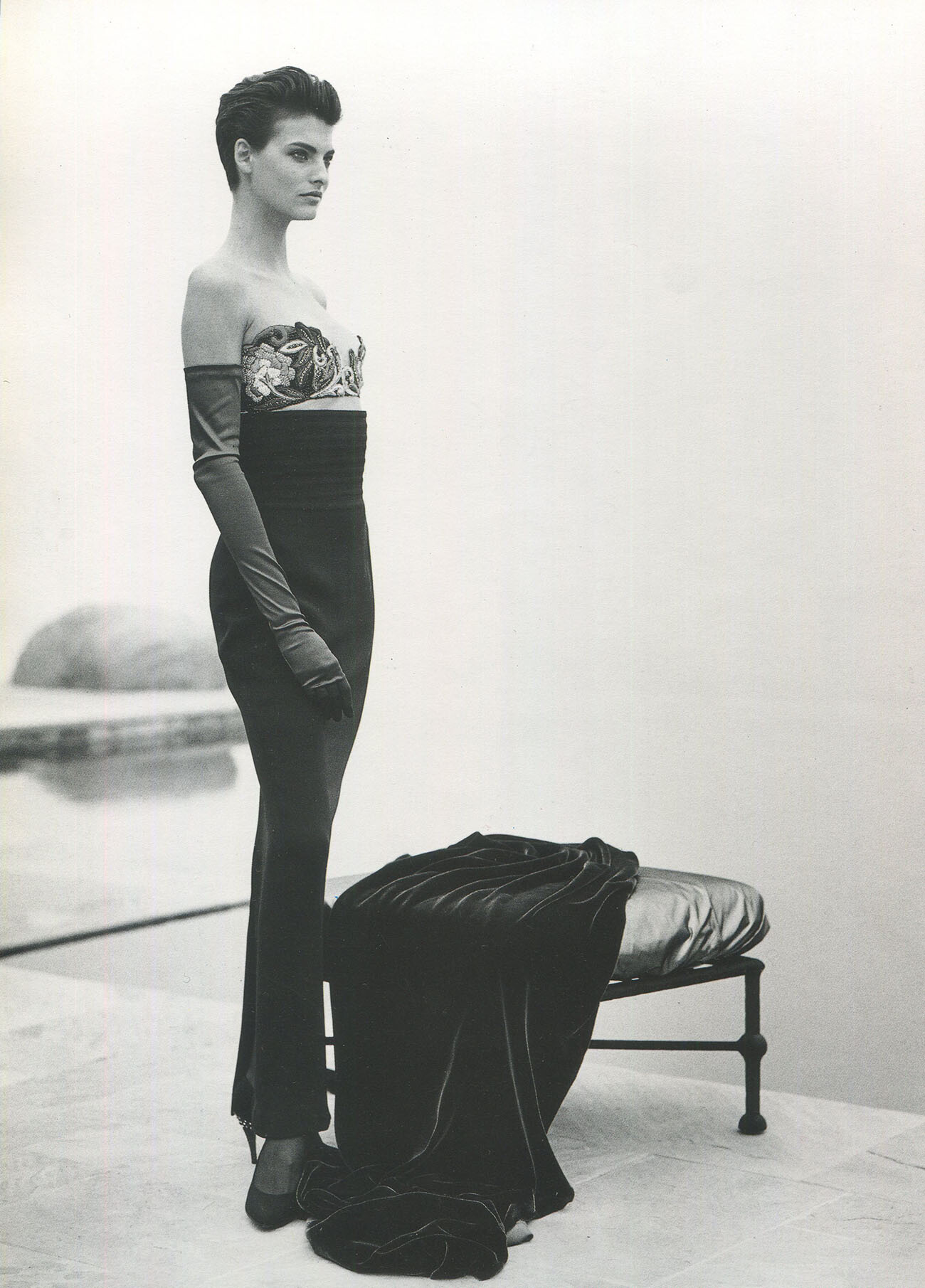
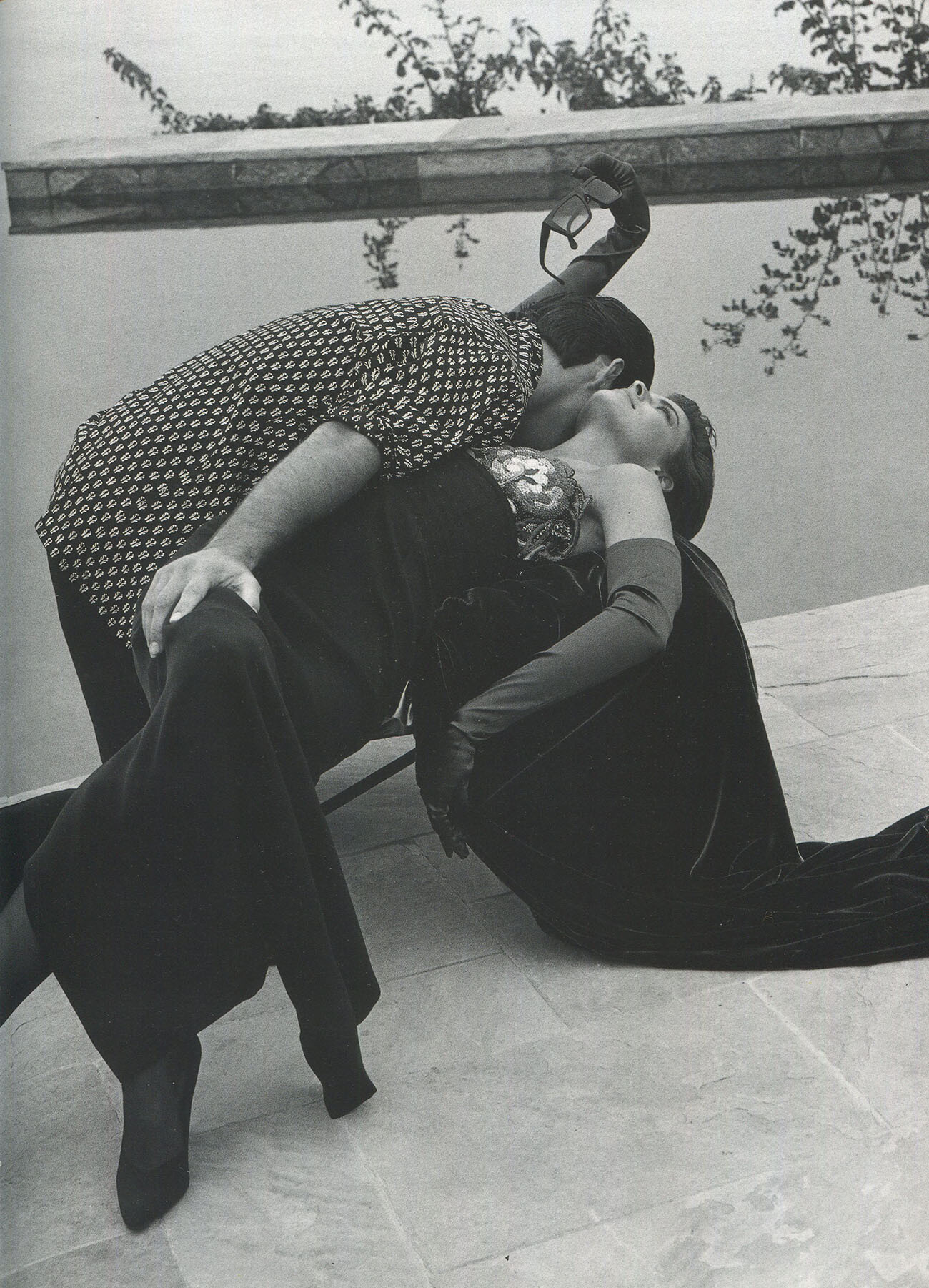
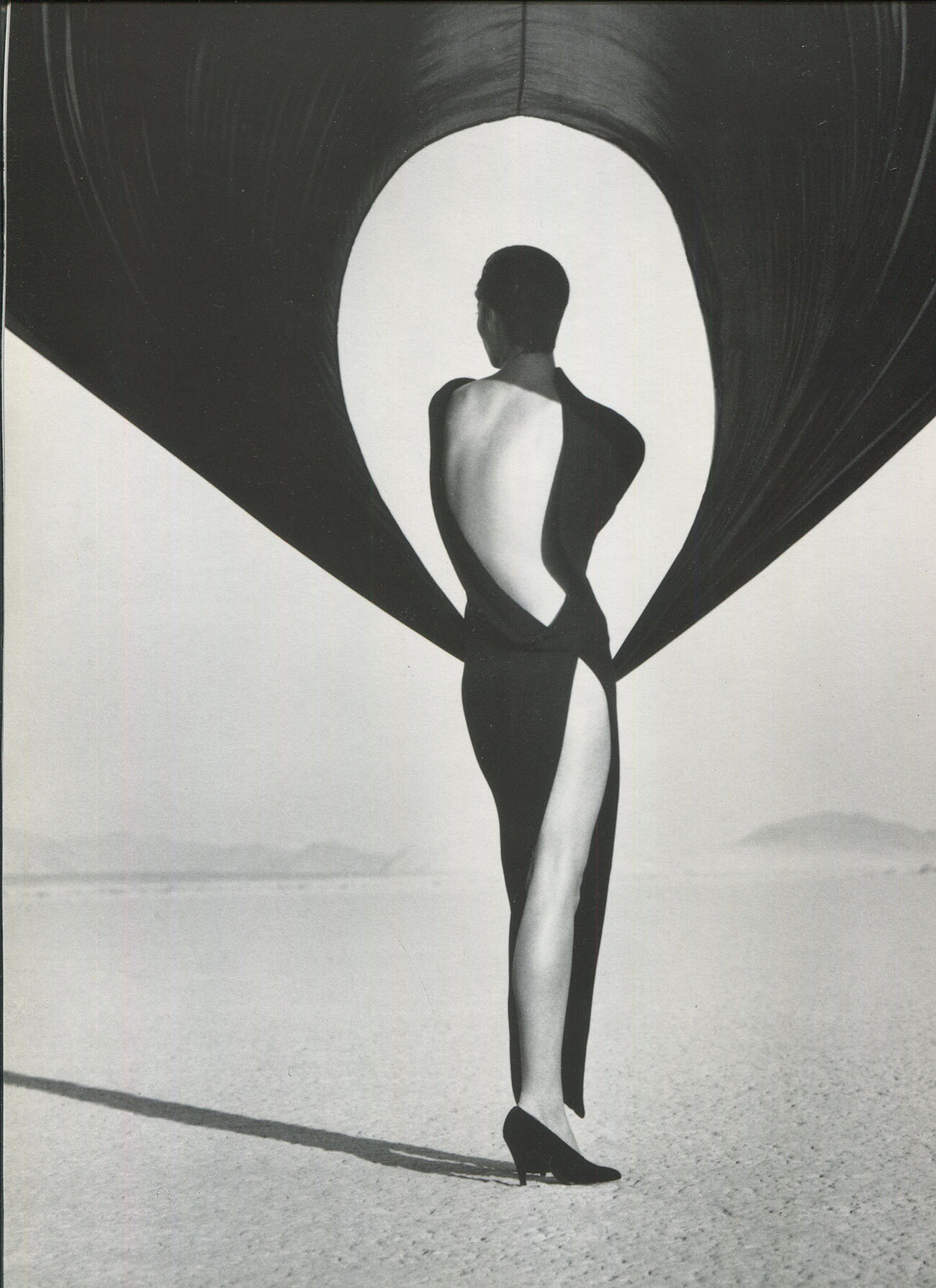
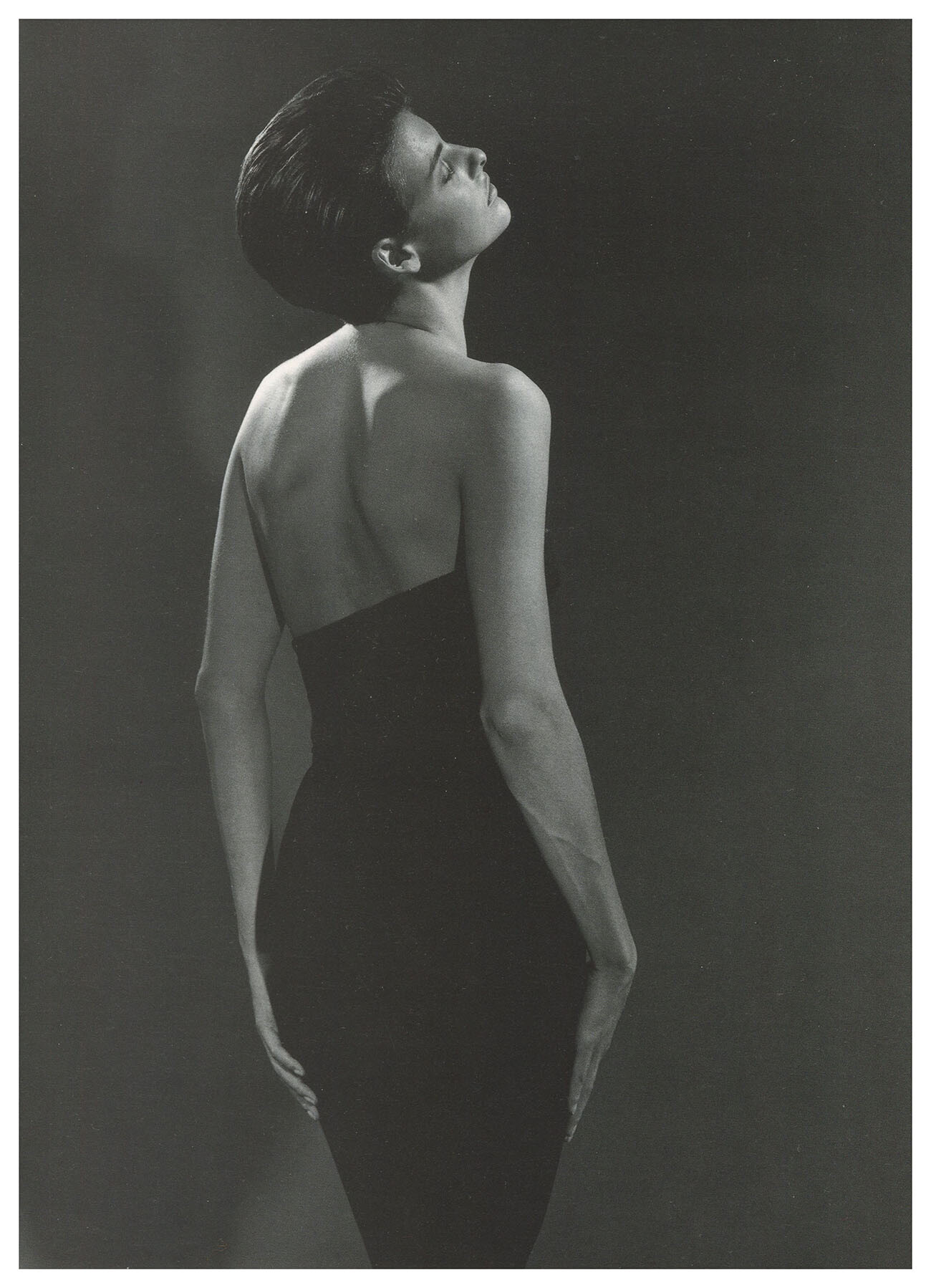
what are you sure of? That this is not Linda? The campaign in 1990 had more than 1 model as always.
-
Well, most of the time i read it is Tatjana Patitz, but her hair was probably never that short. Christy i think has a different body shape. This still might not be Linda, but from my observation i think it might be her. We will never know unless she tells us...lol
-
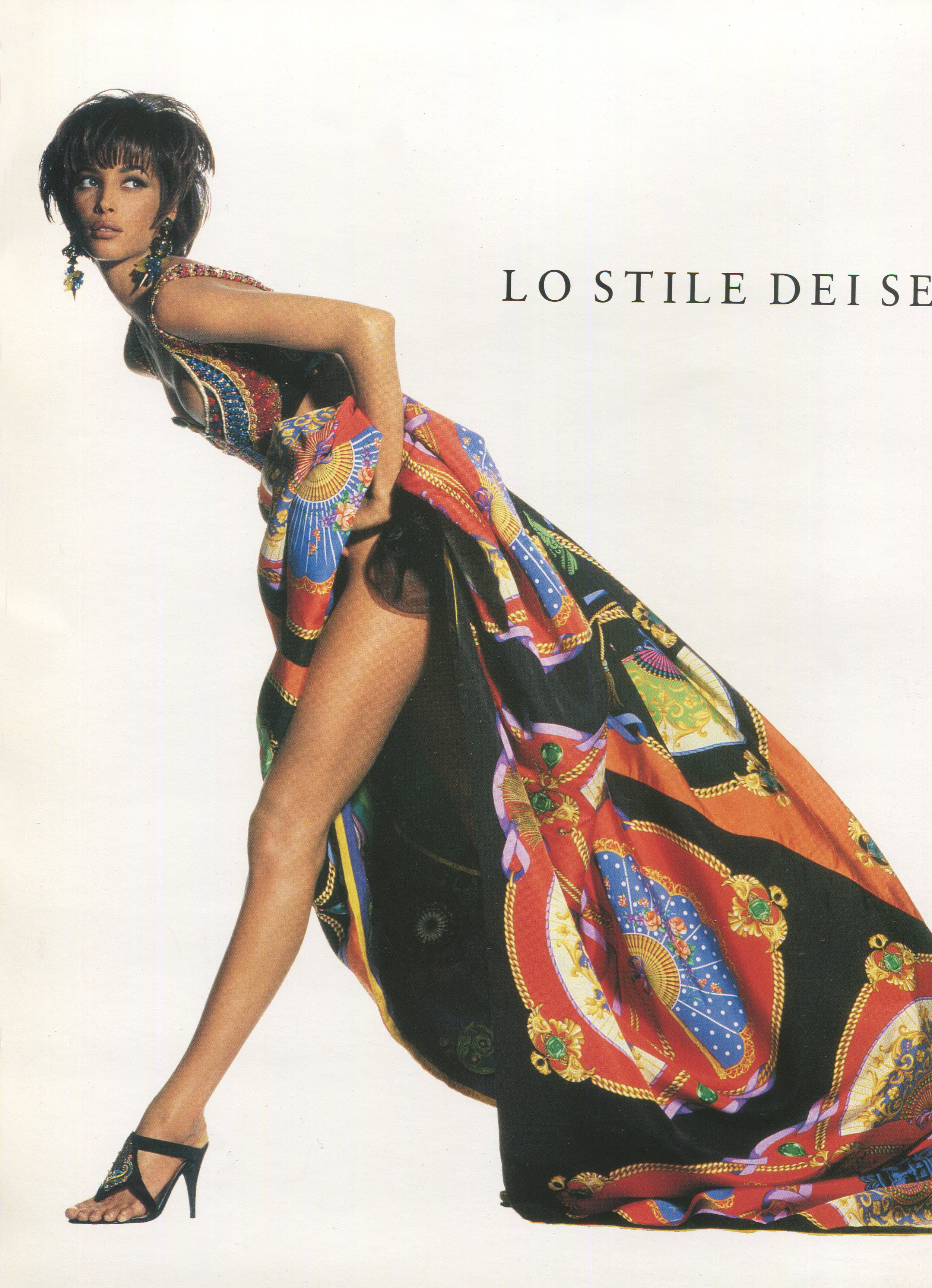
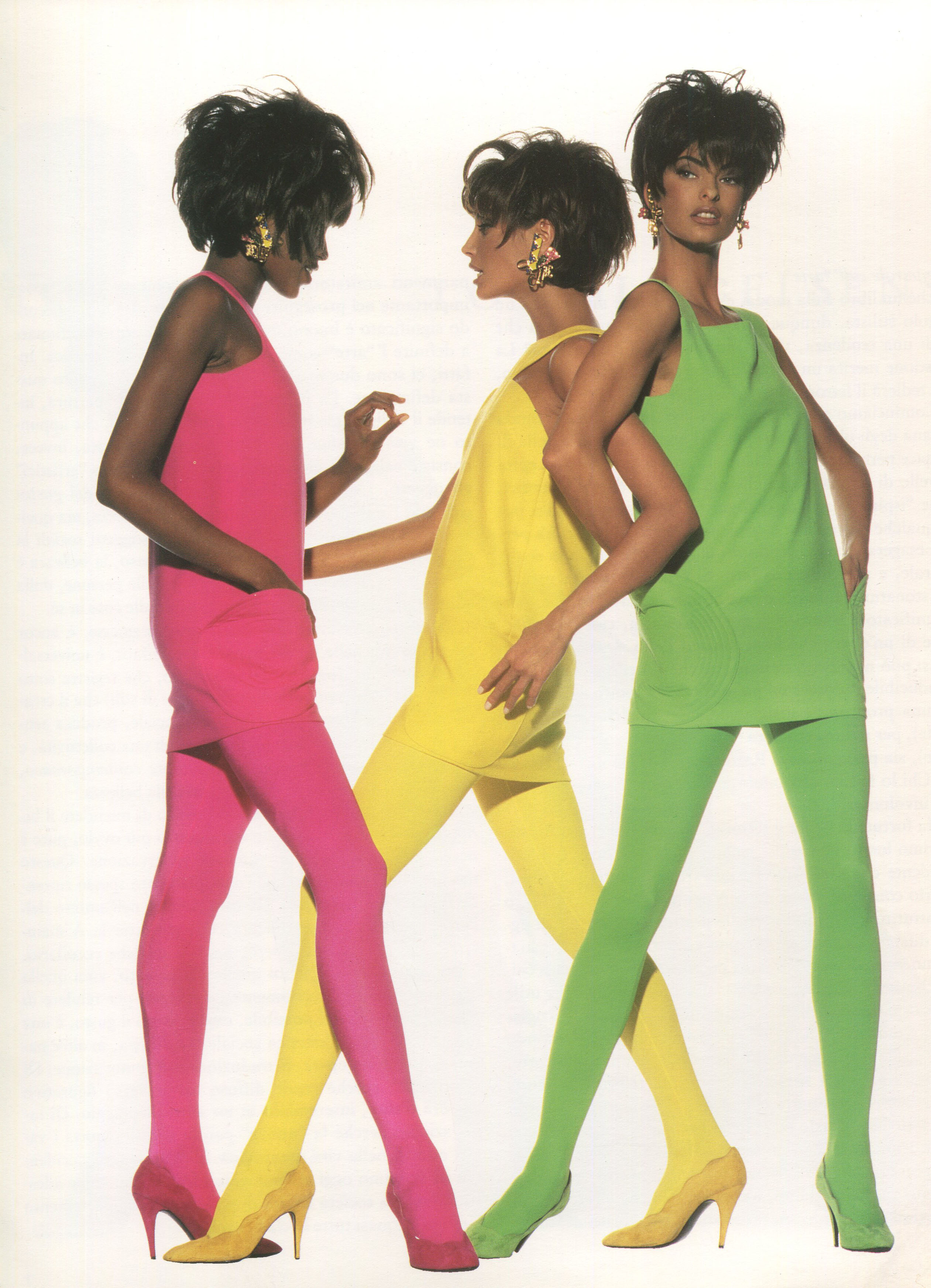
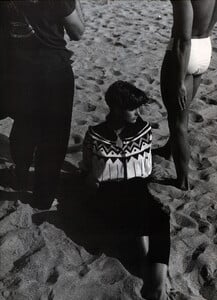
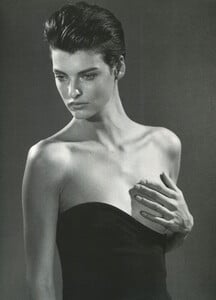
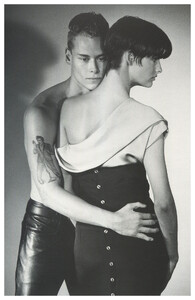
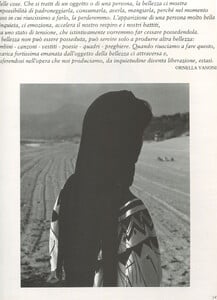
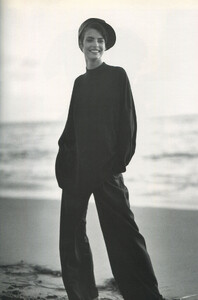
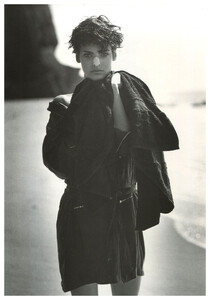
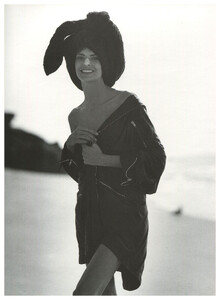
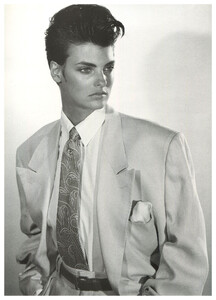
from the same book, part 2, scanned by me:
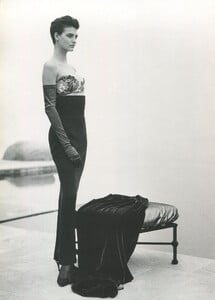
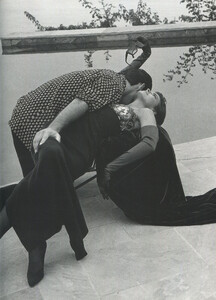
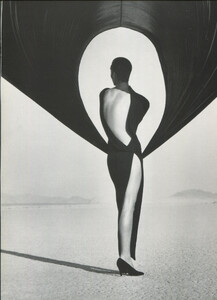
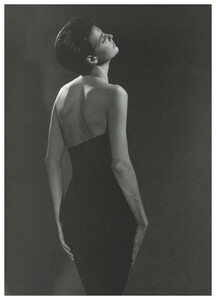
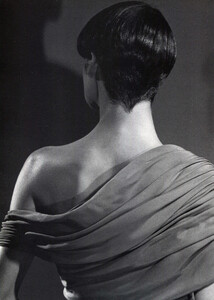
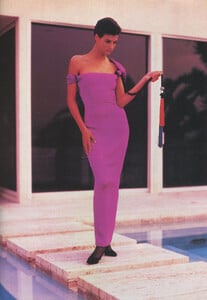

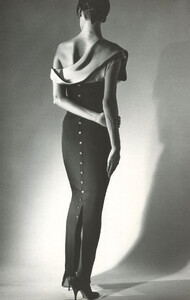
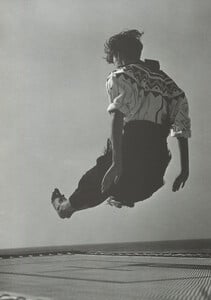
-
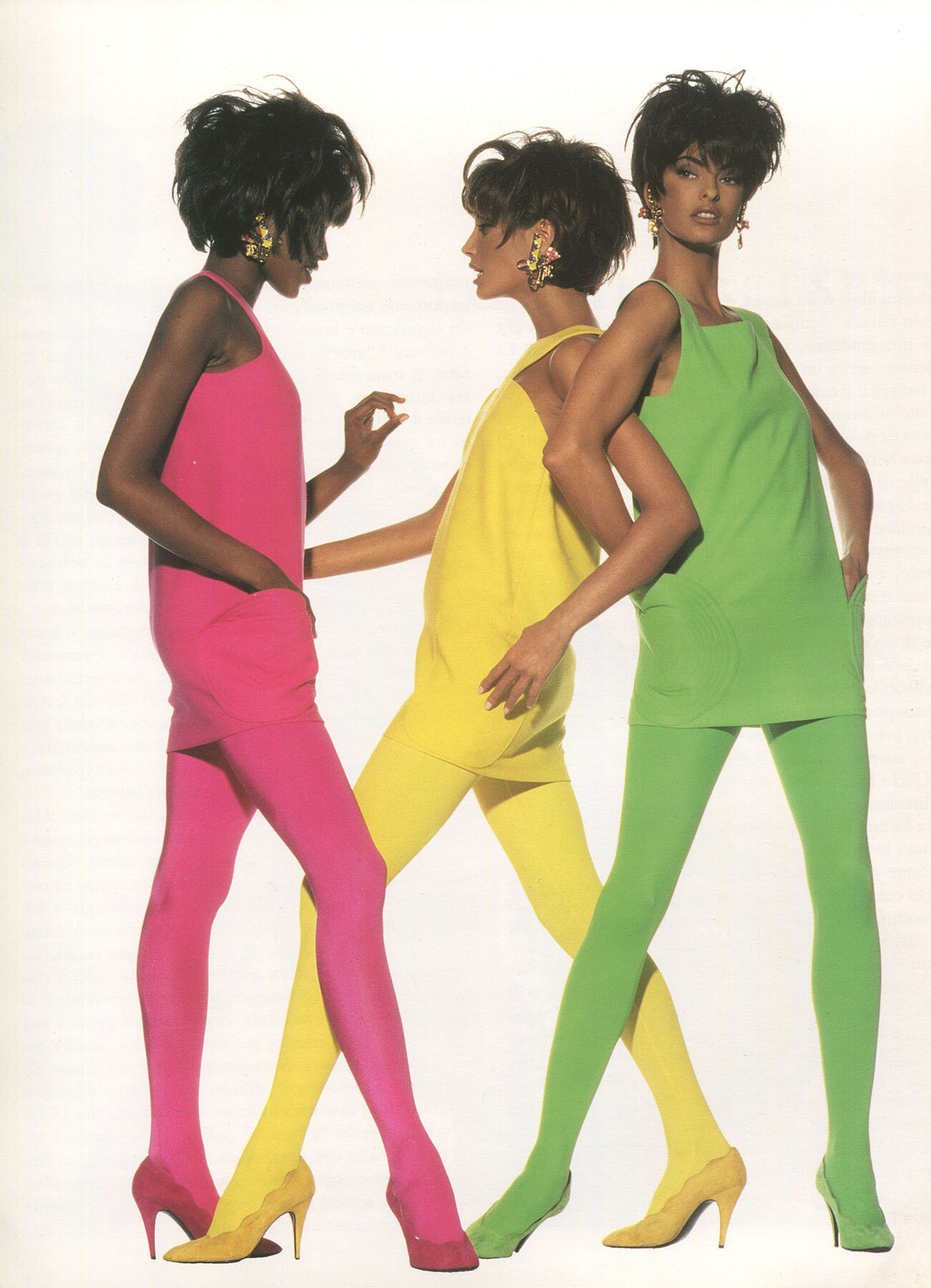
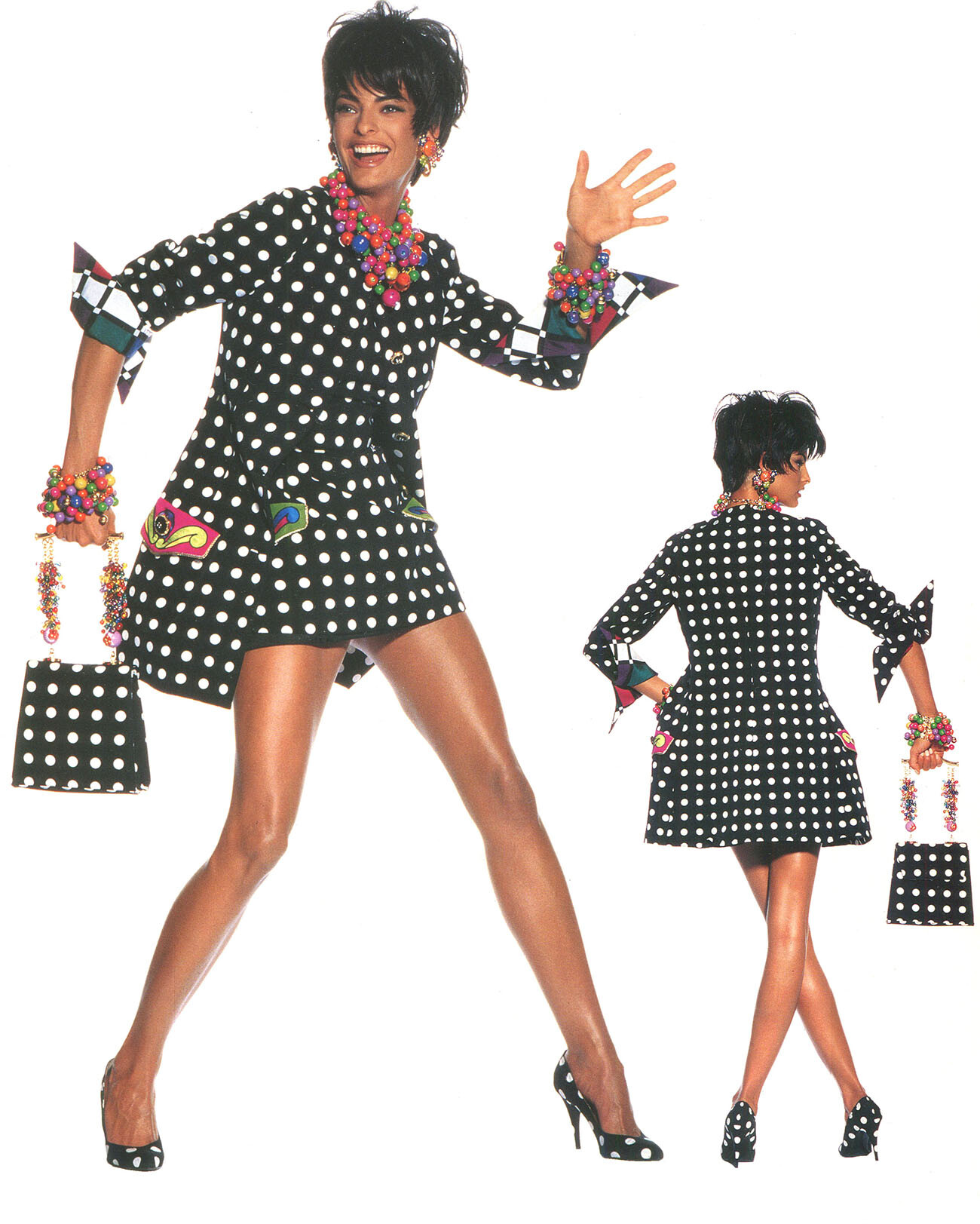
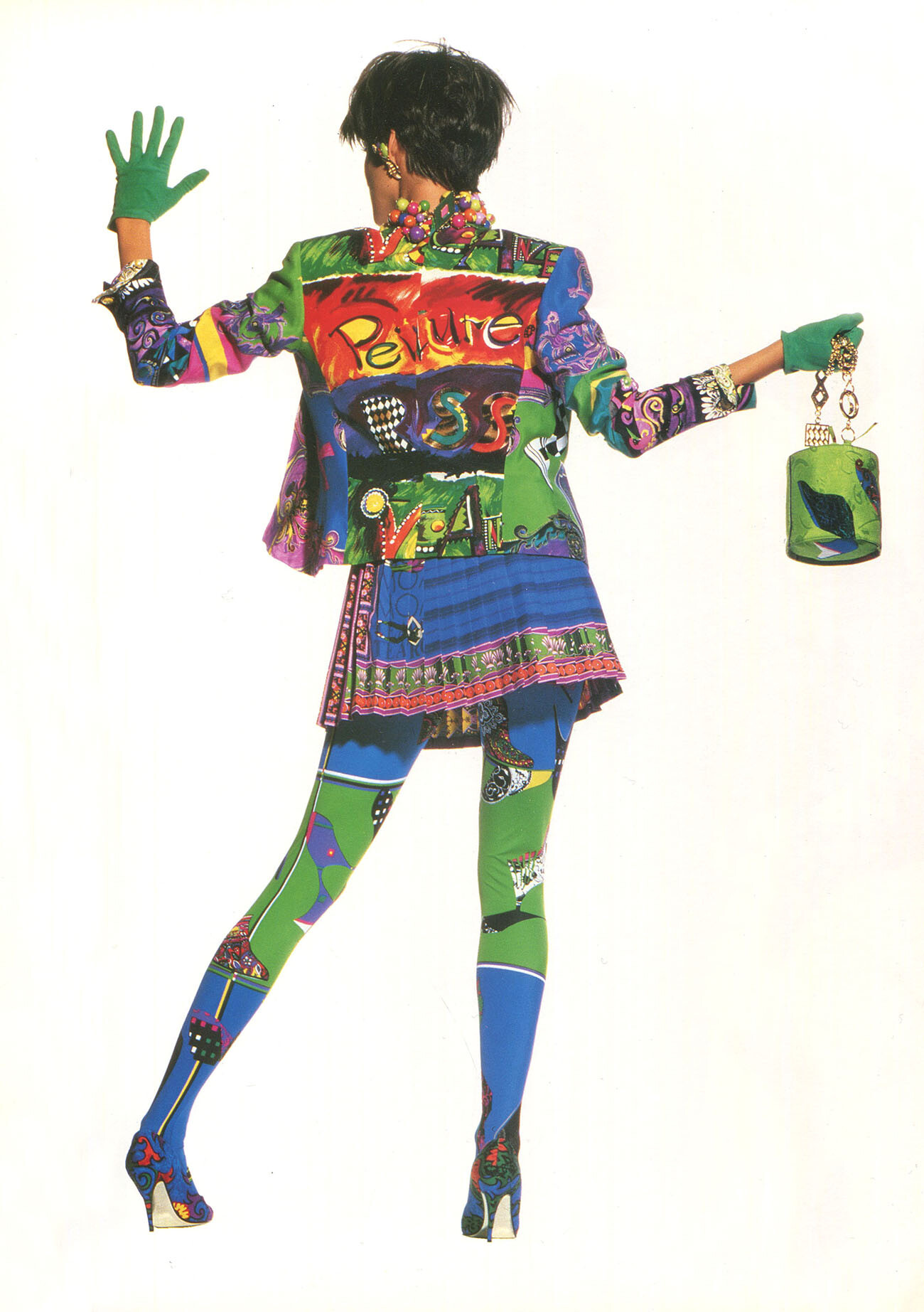
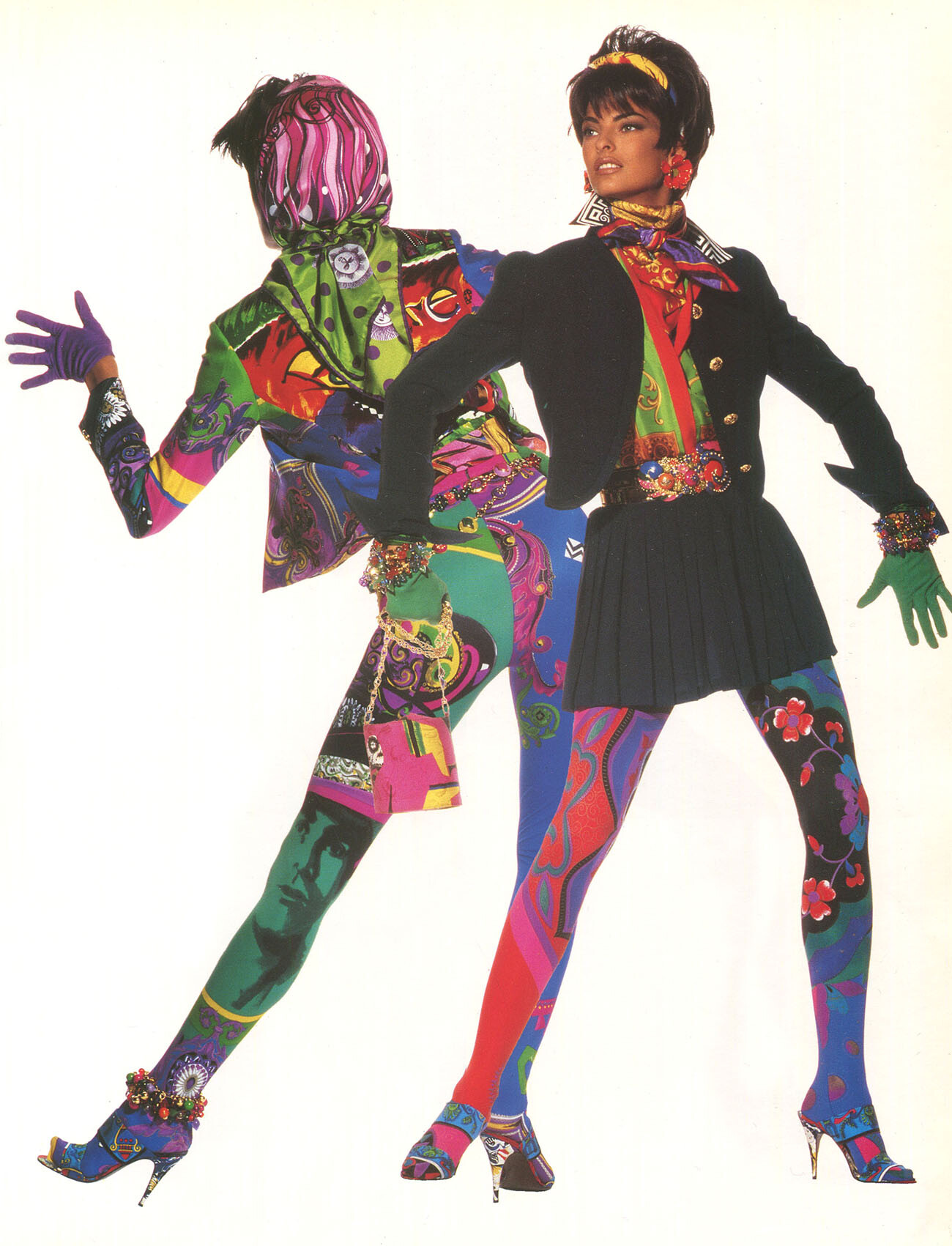
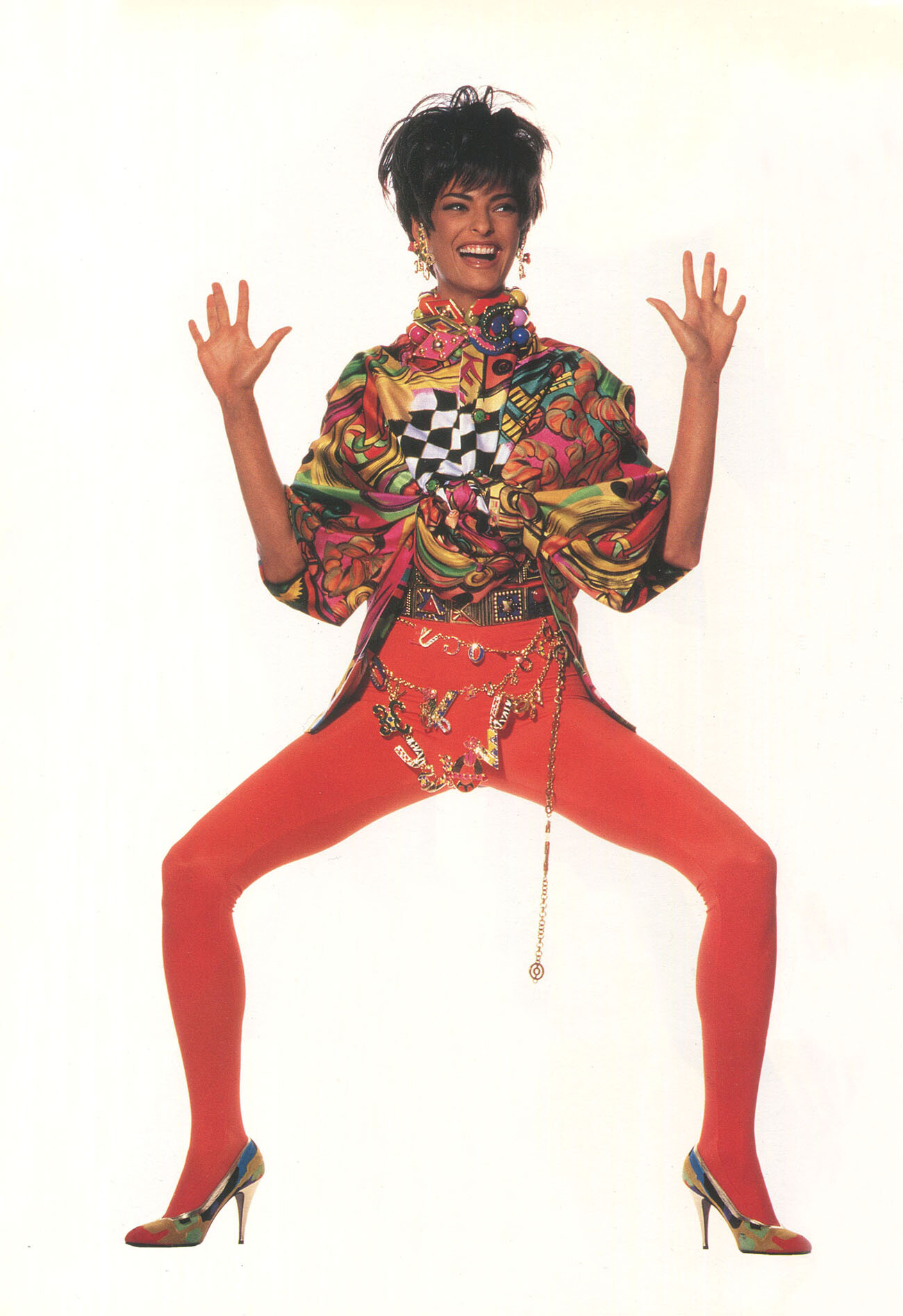
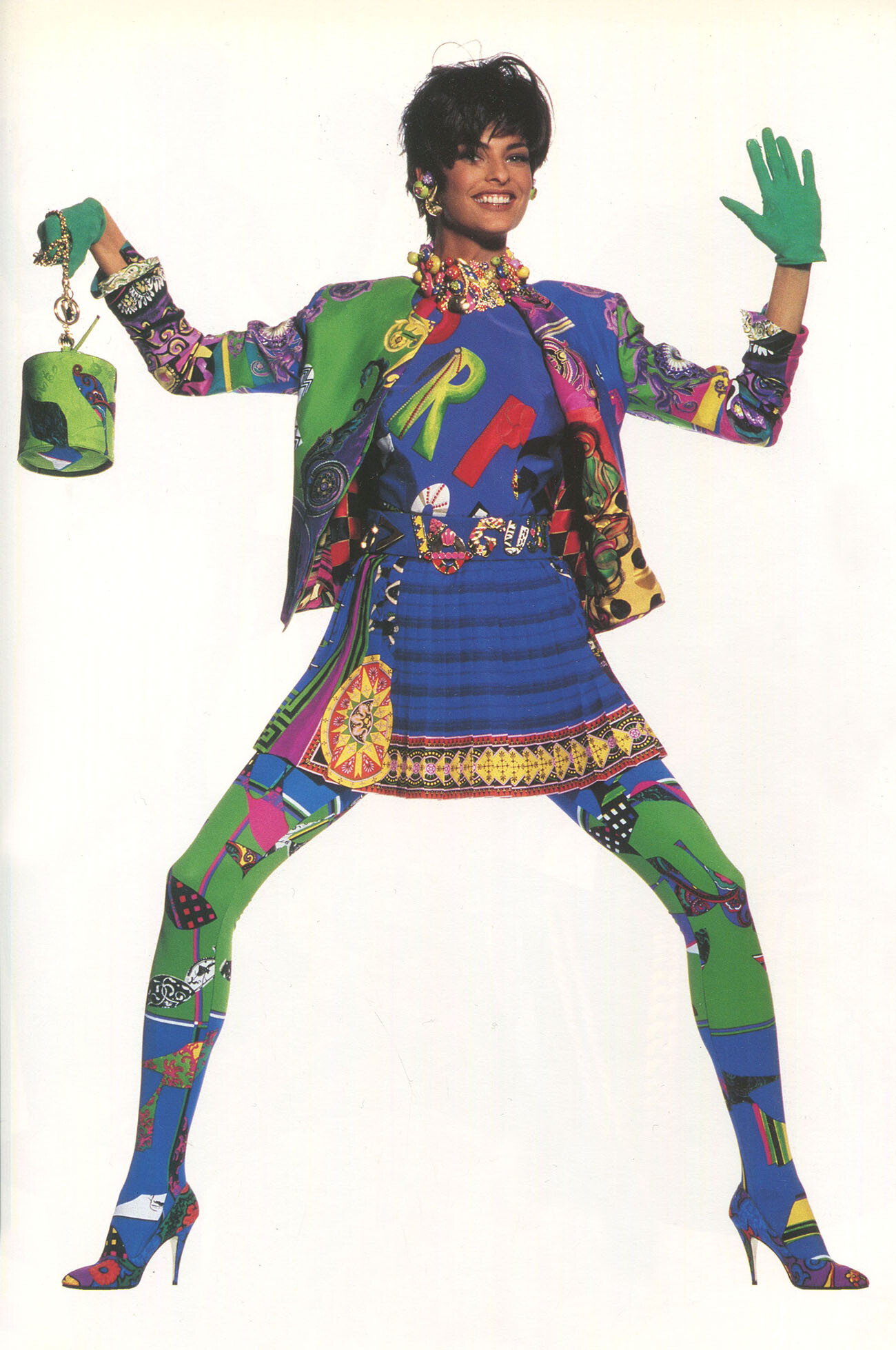
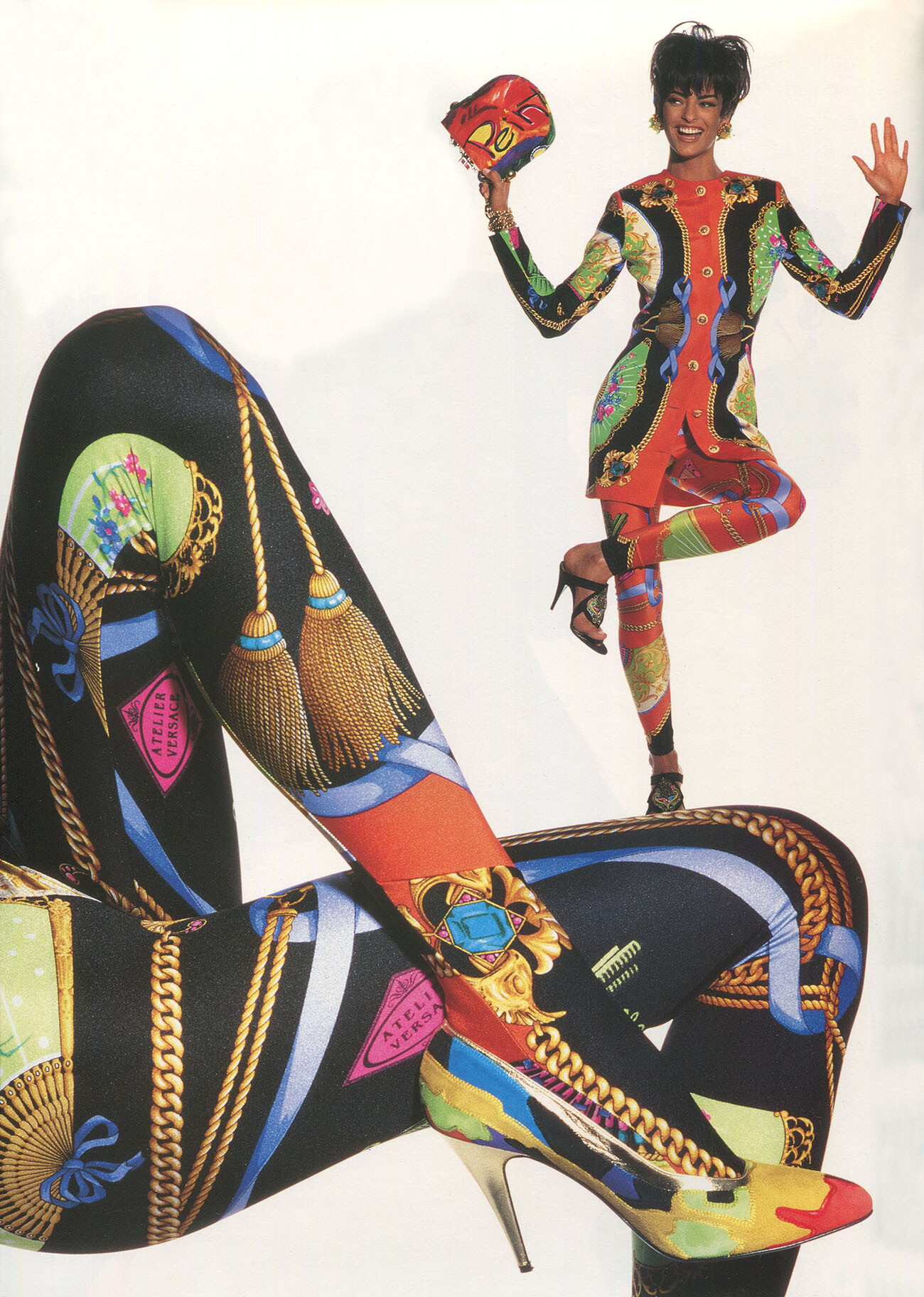
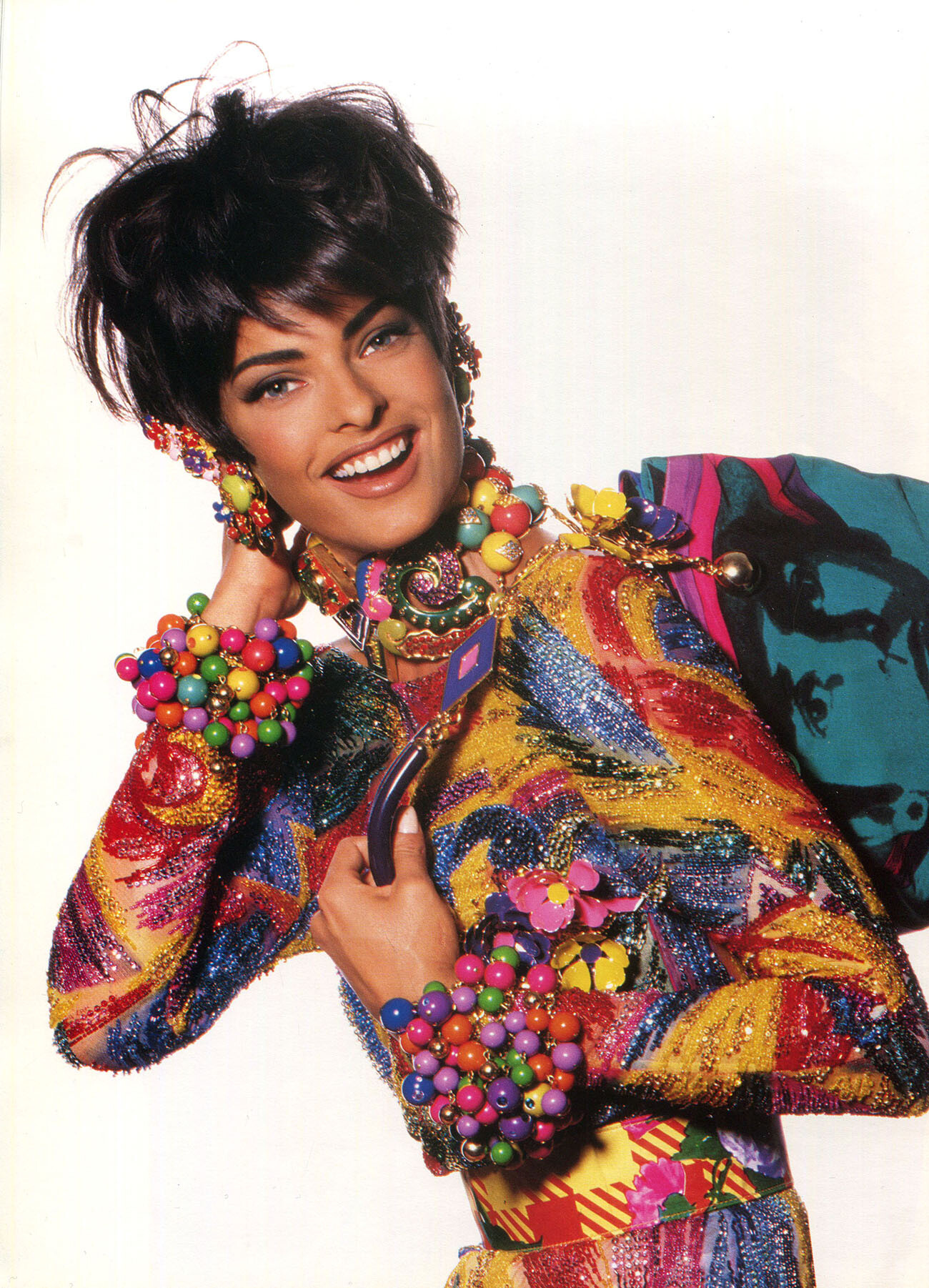
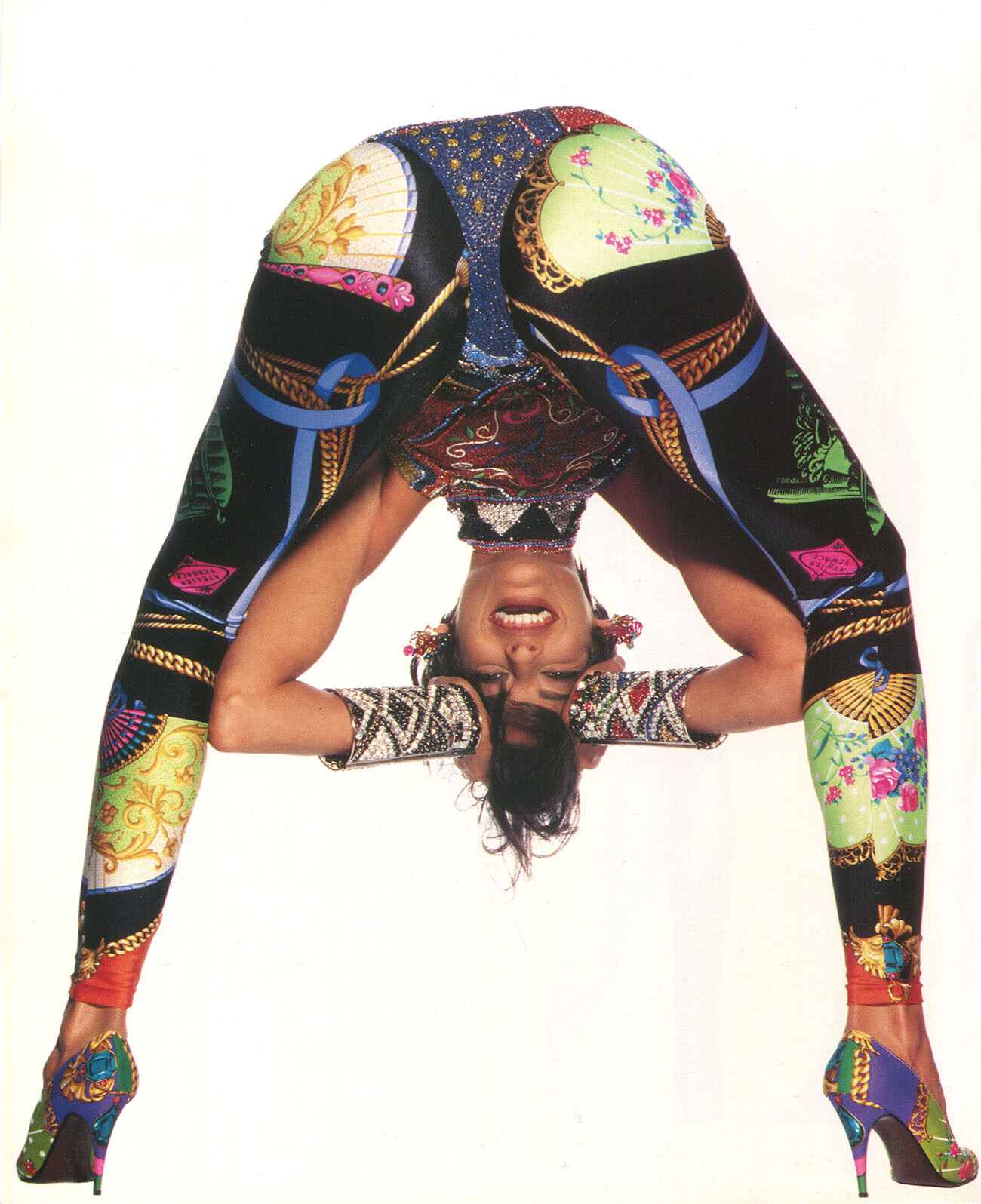
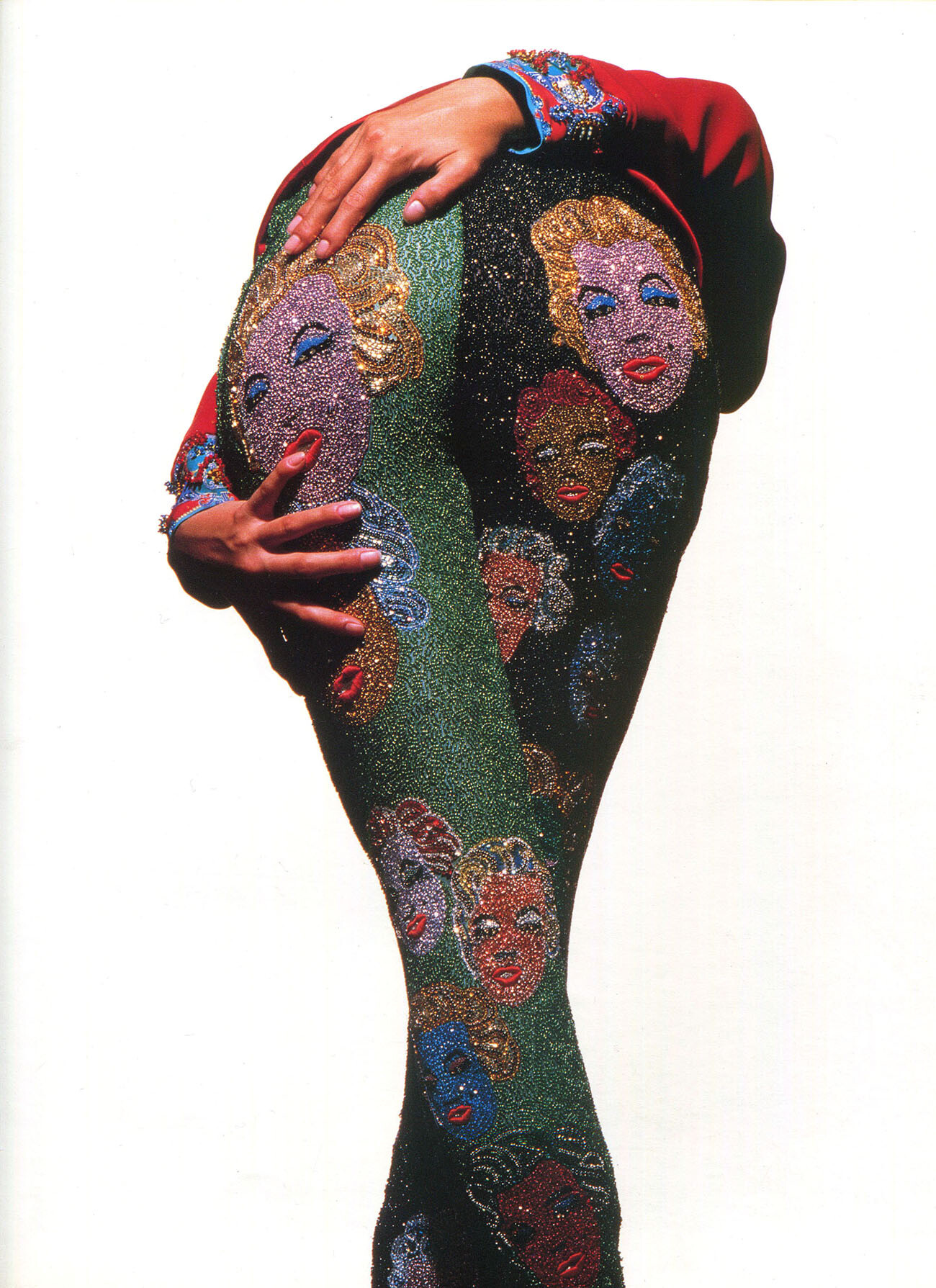
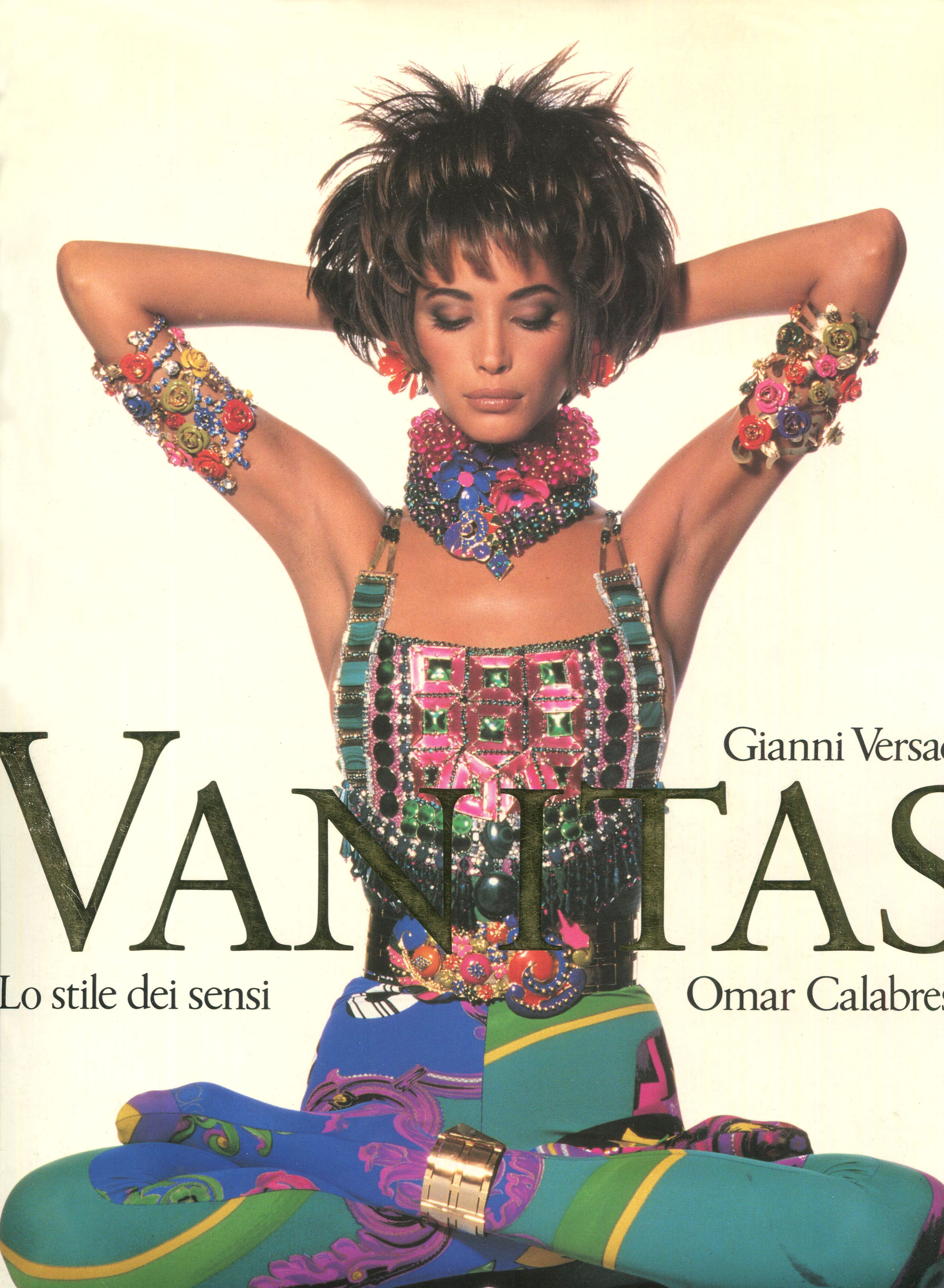
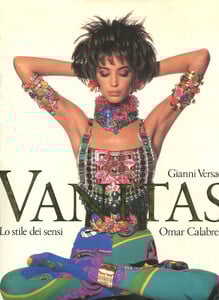
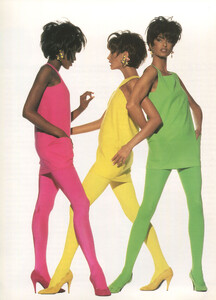
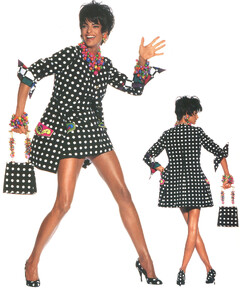
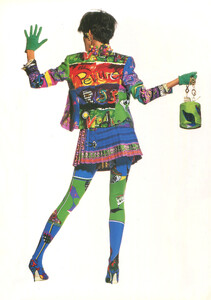
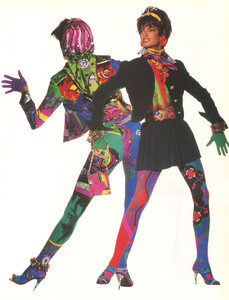
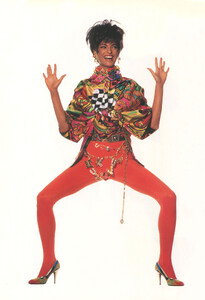
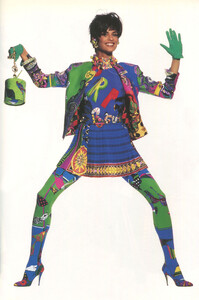
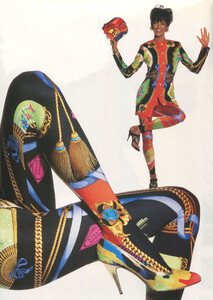
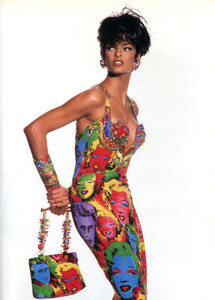
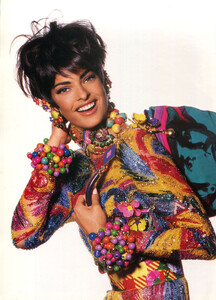
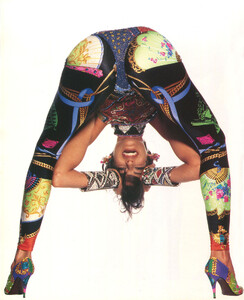
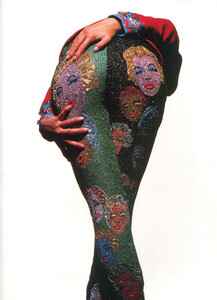
from the Gianni Versace book Vanitas, volume 1, part 1, scanned by me:
-
Very true indeed! Let's hope she is also on the cover of Italian Bazaar. They just messed up with her make-up...she does not look good with such black eyebrows..ouch...lol
-
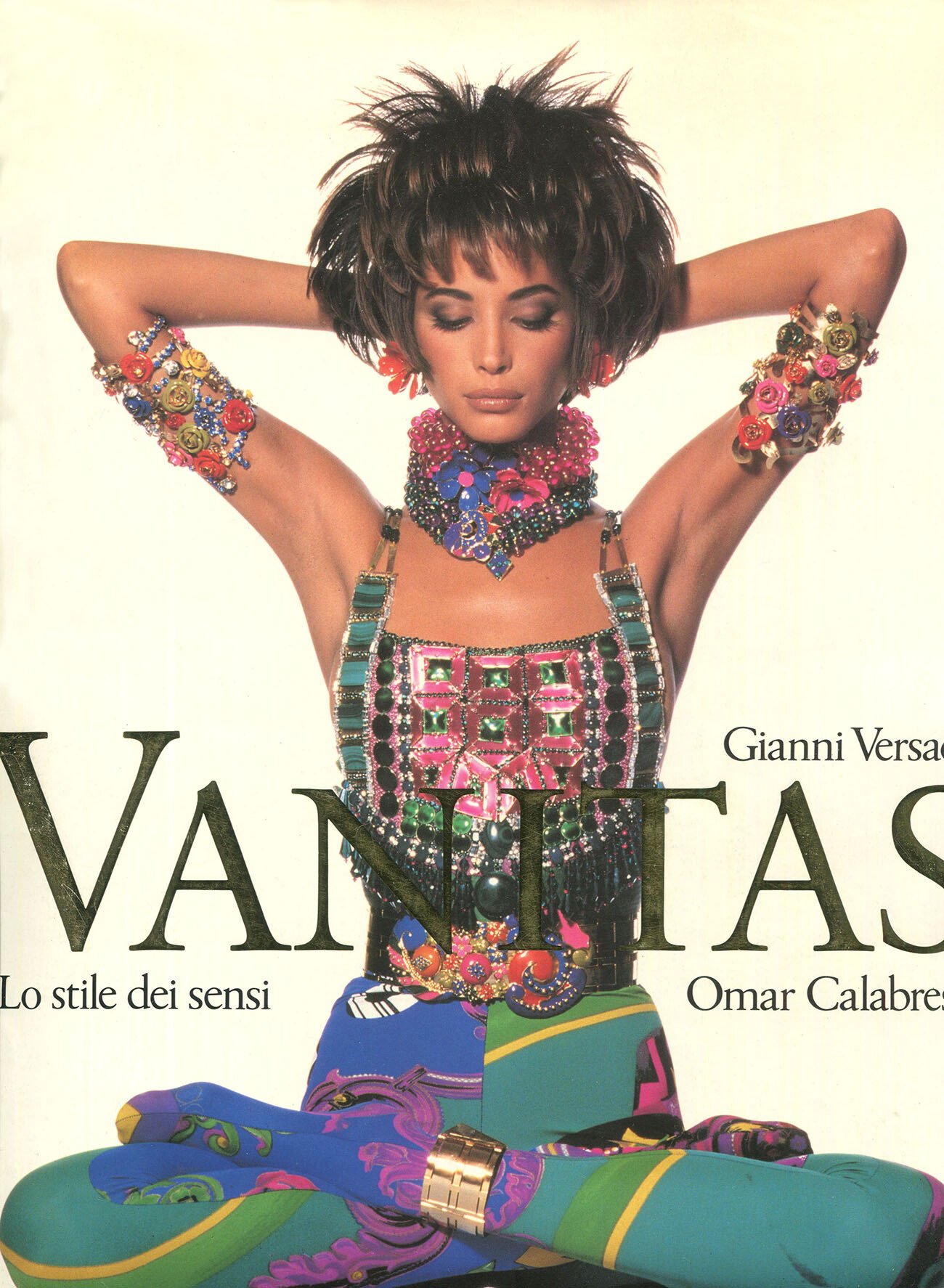
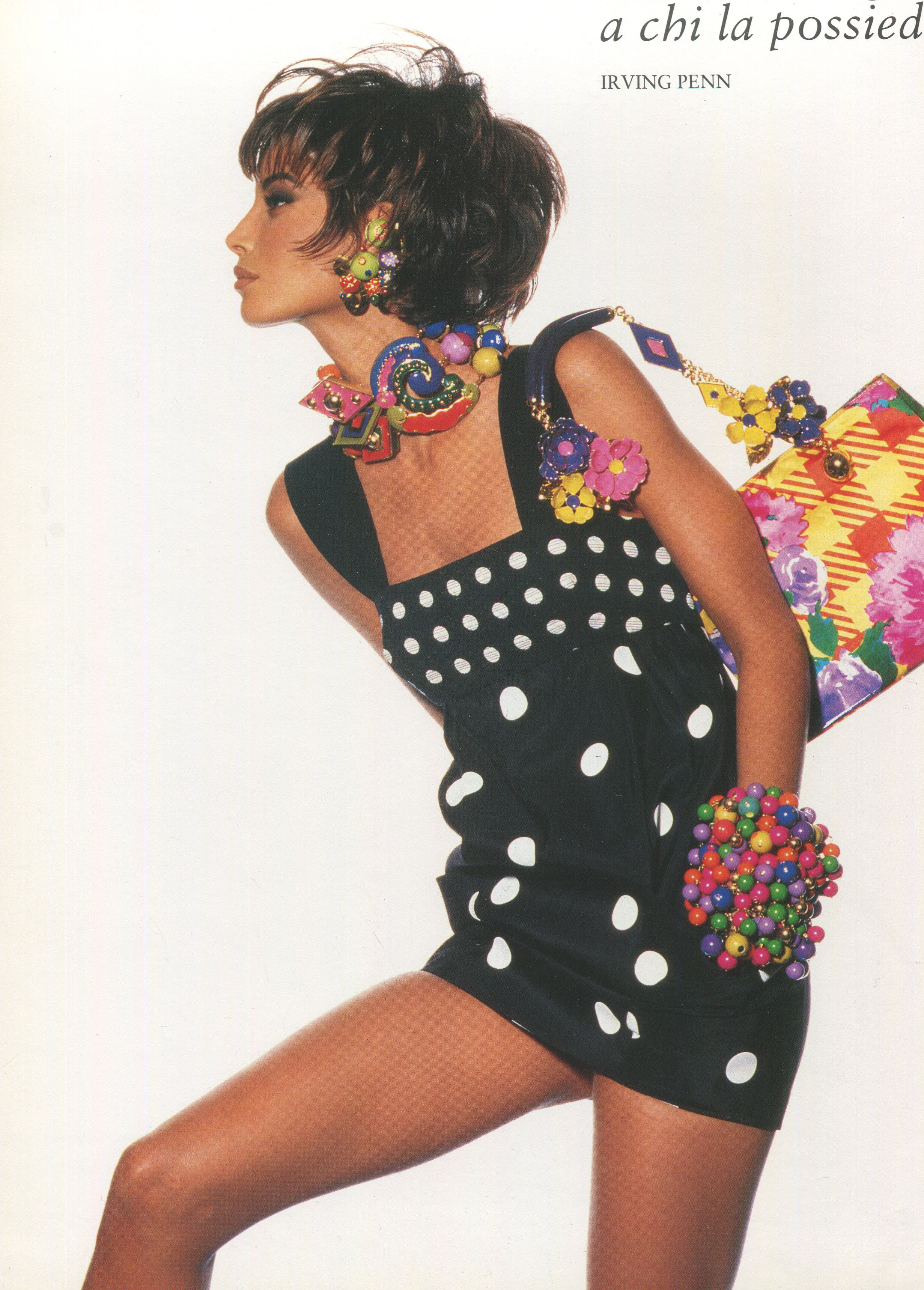
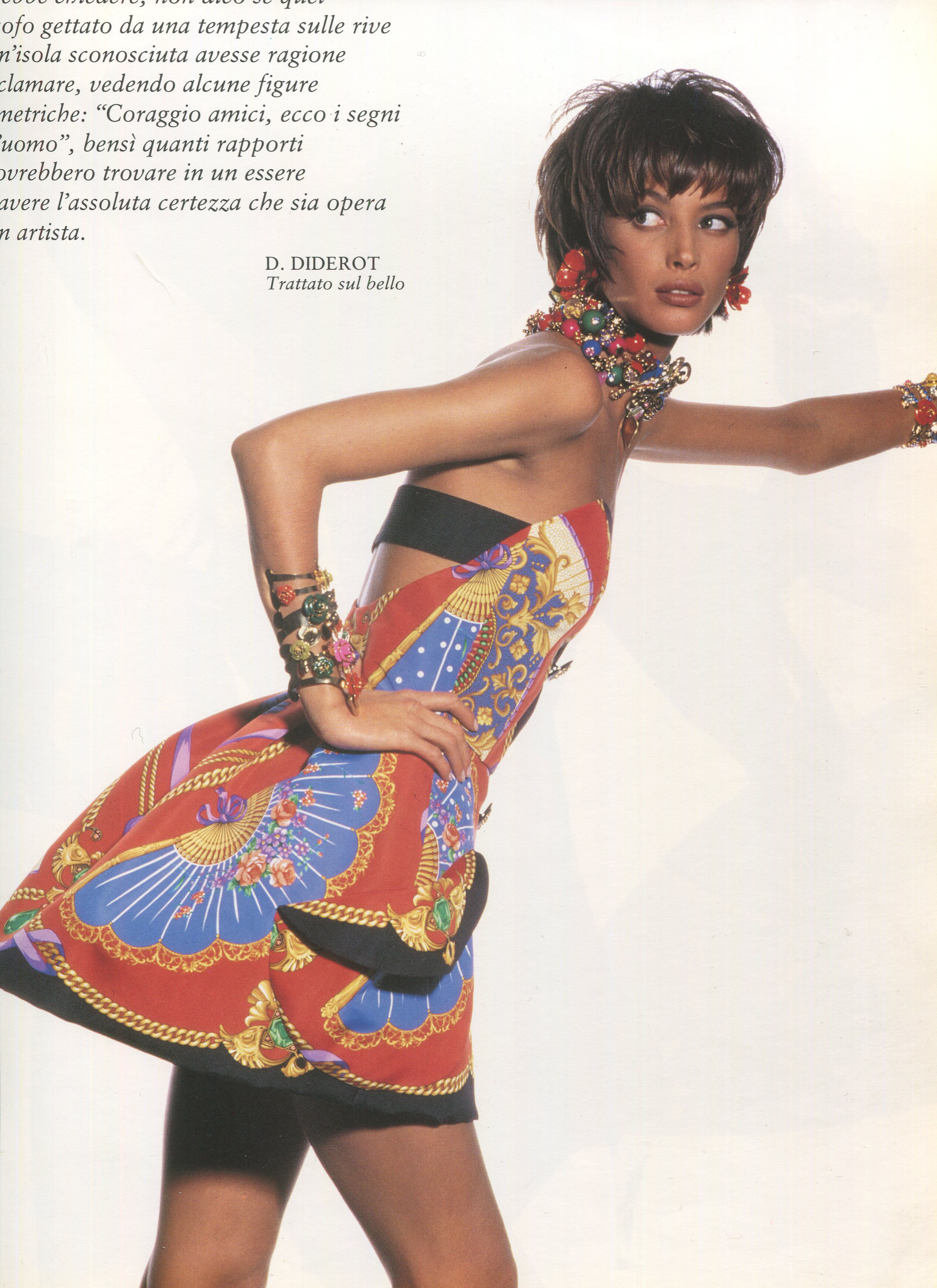
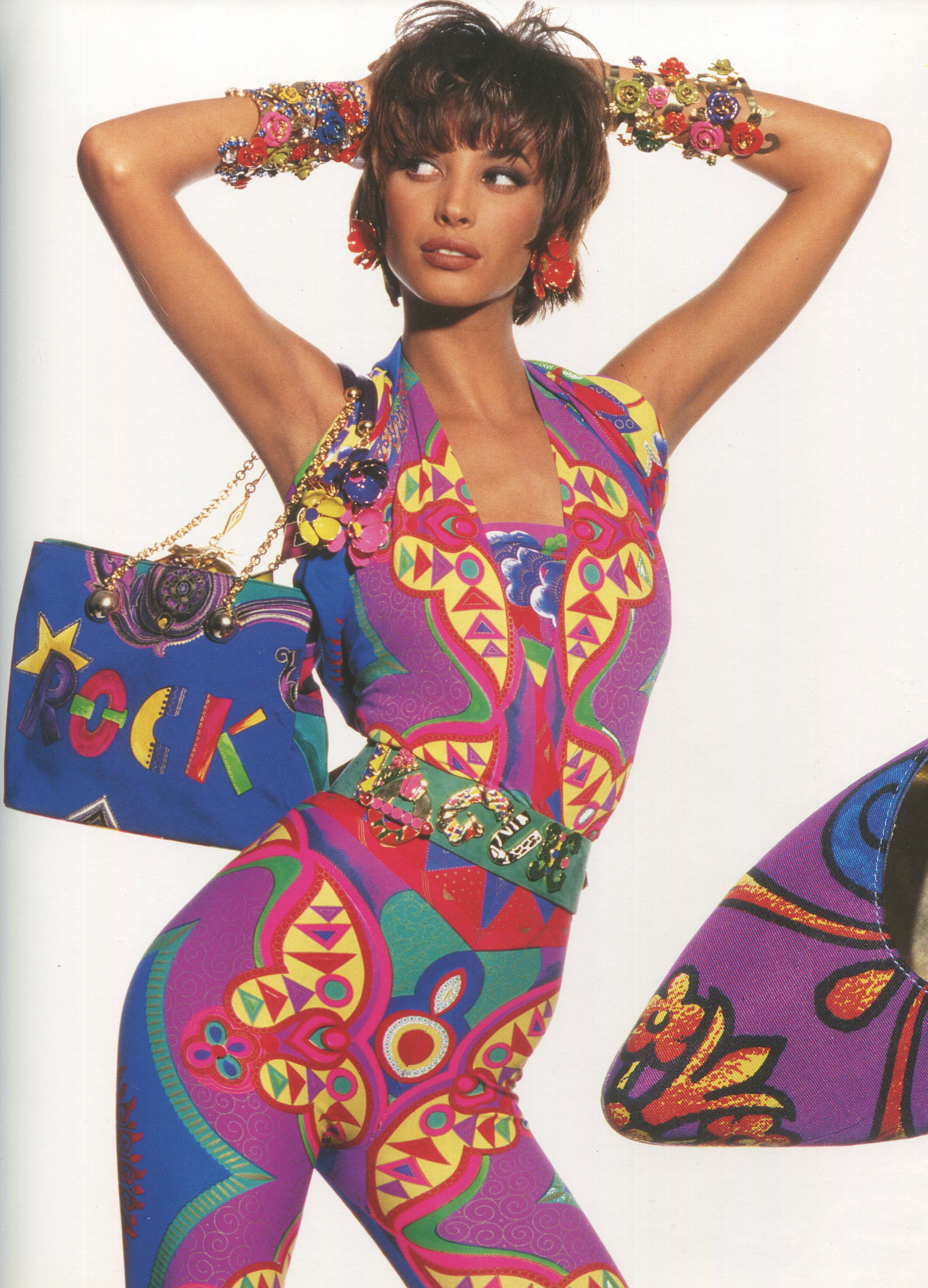
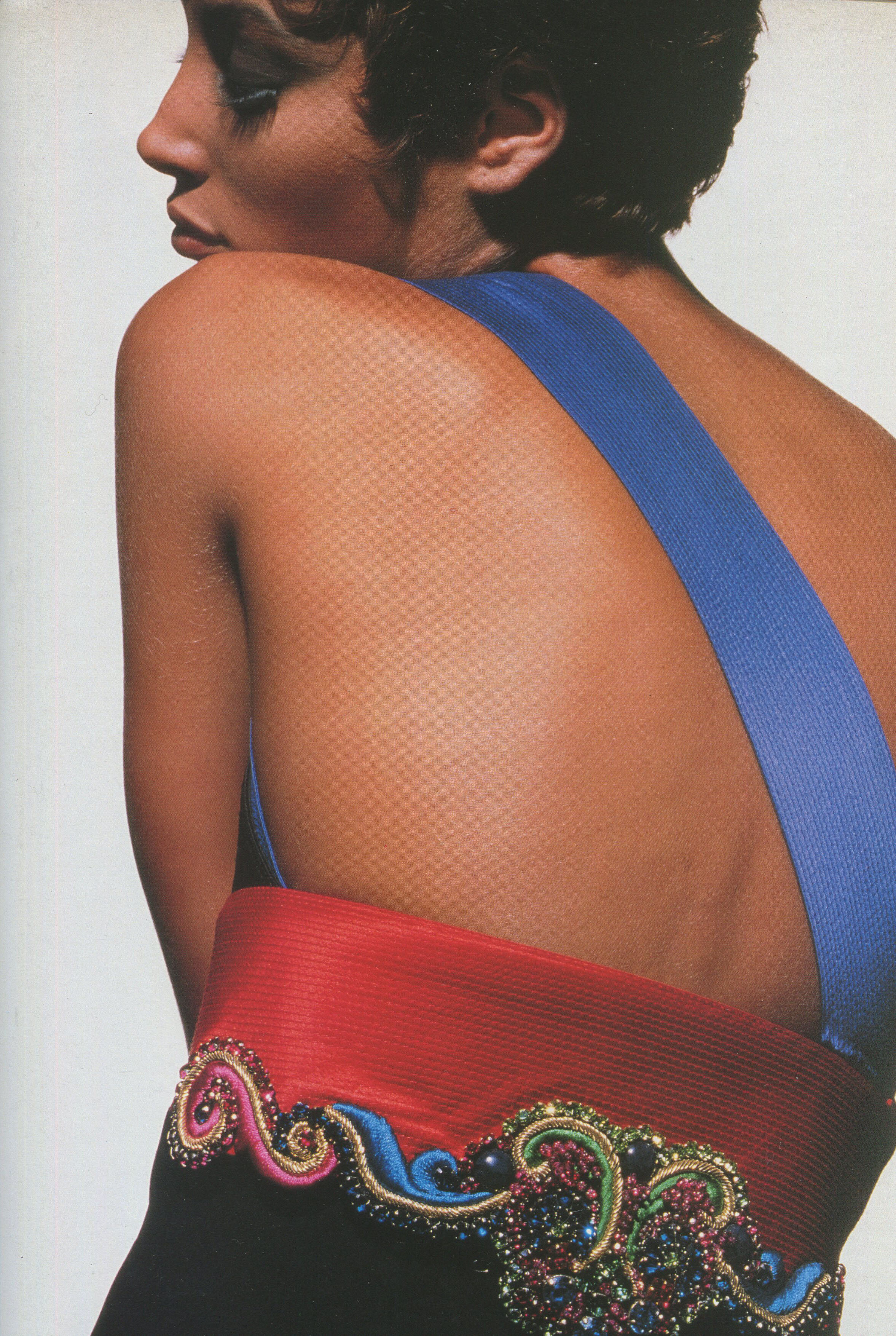
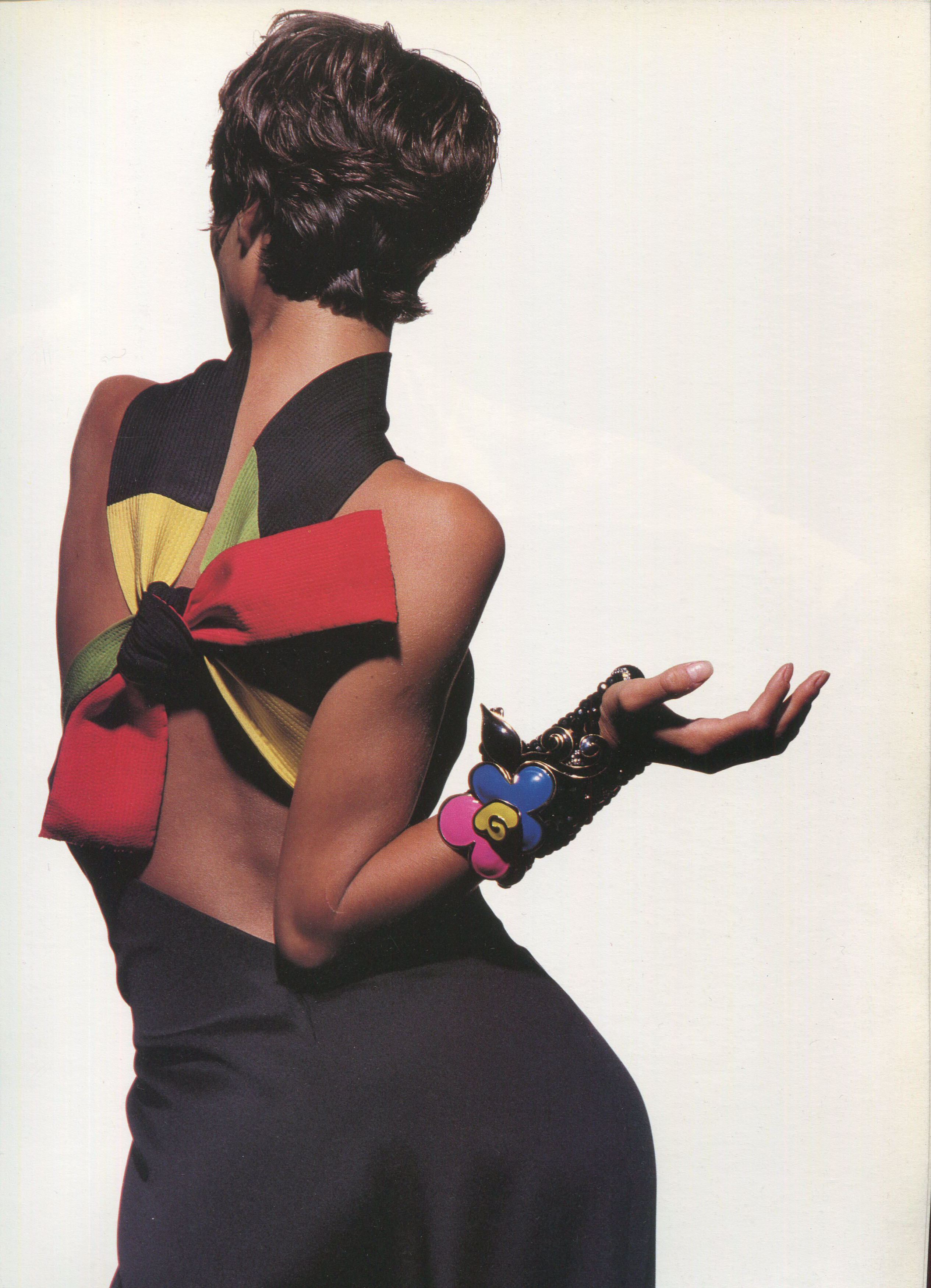
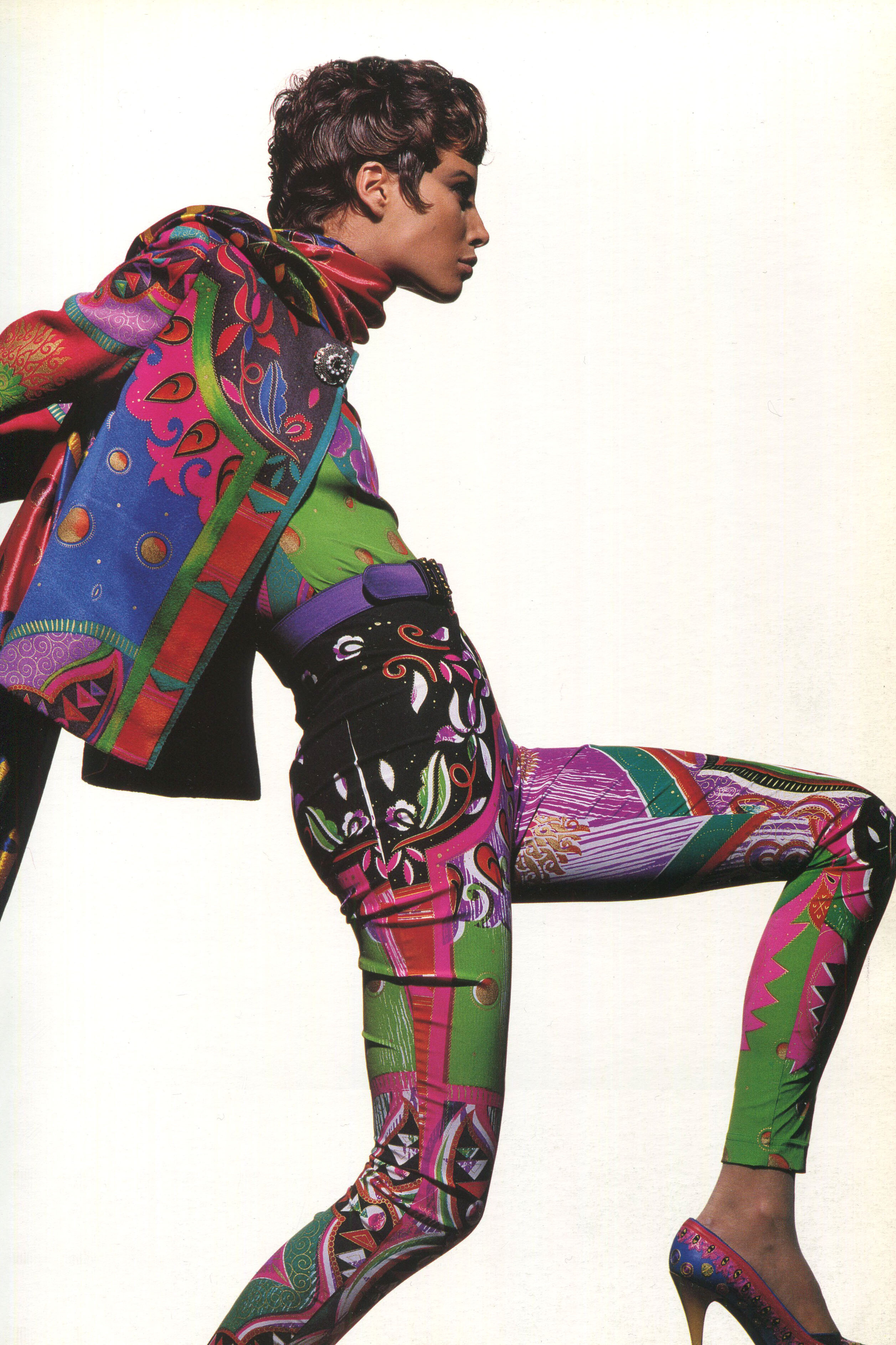
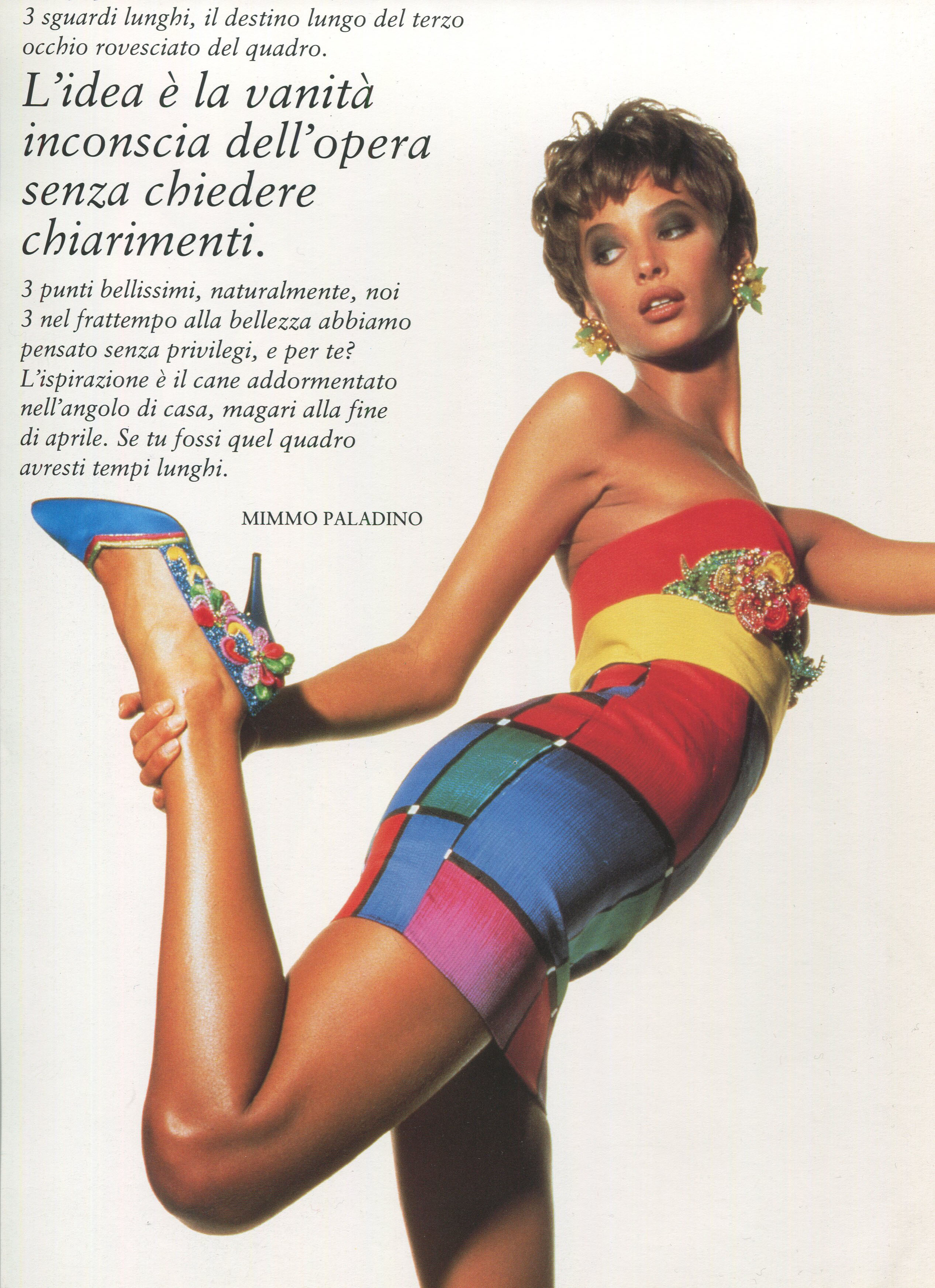
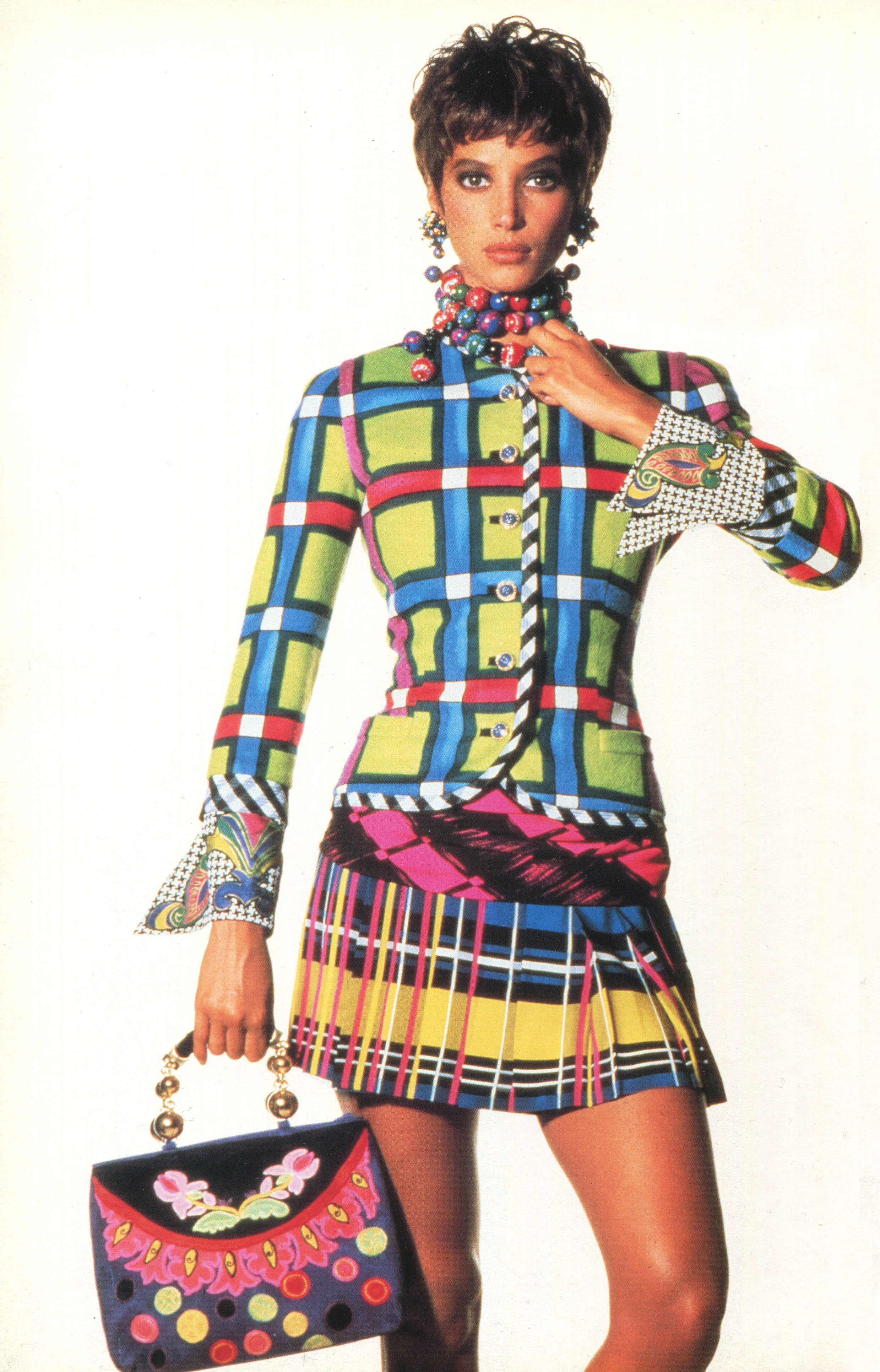
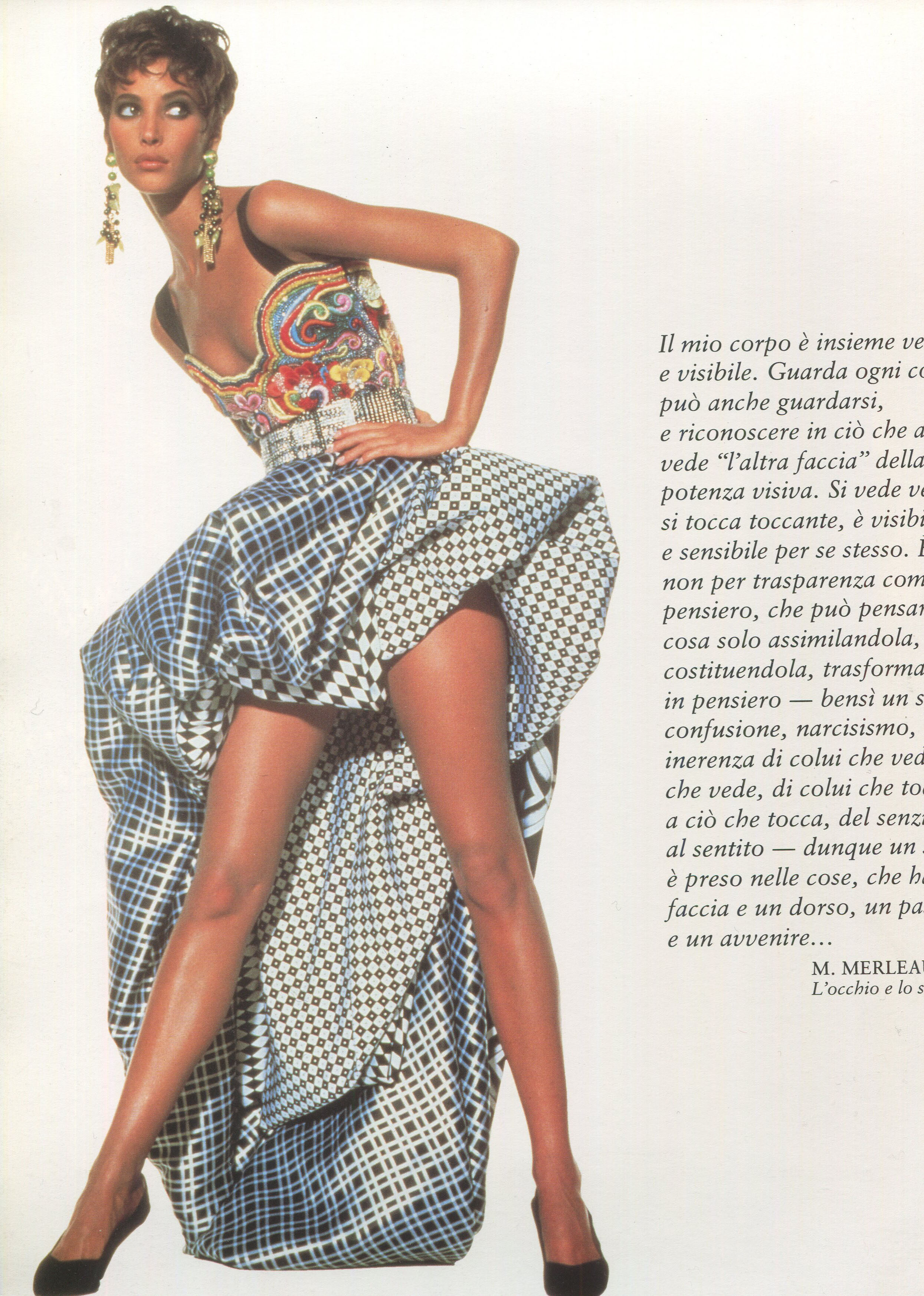
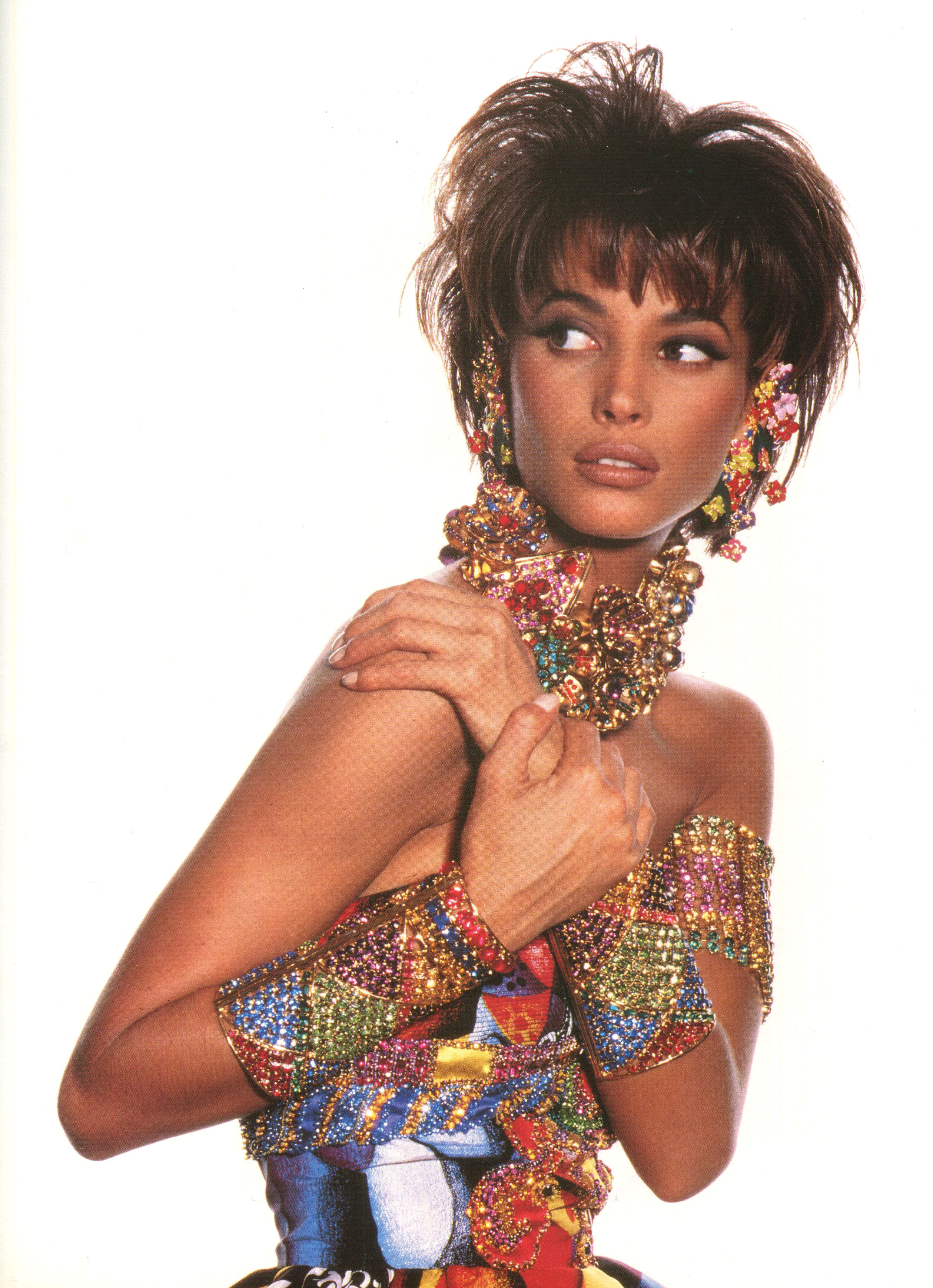
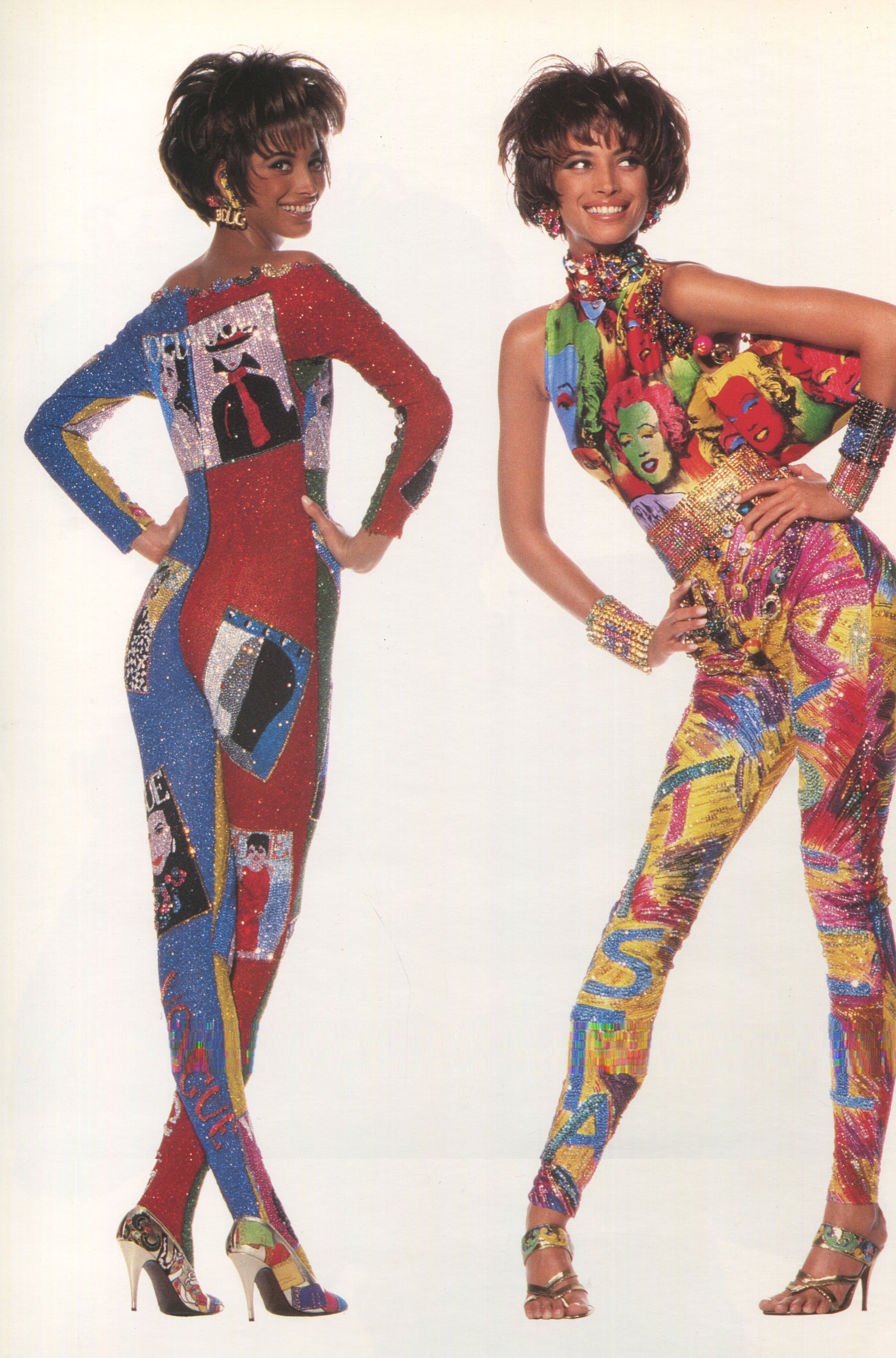
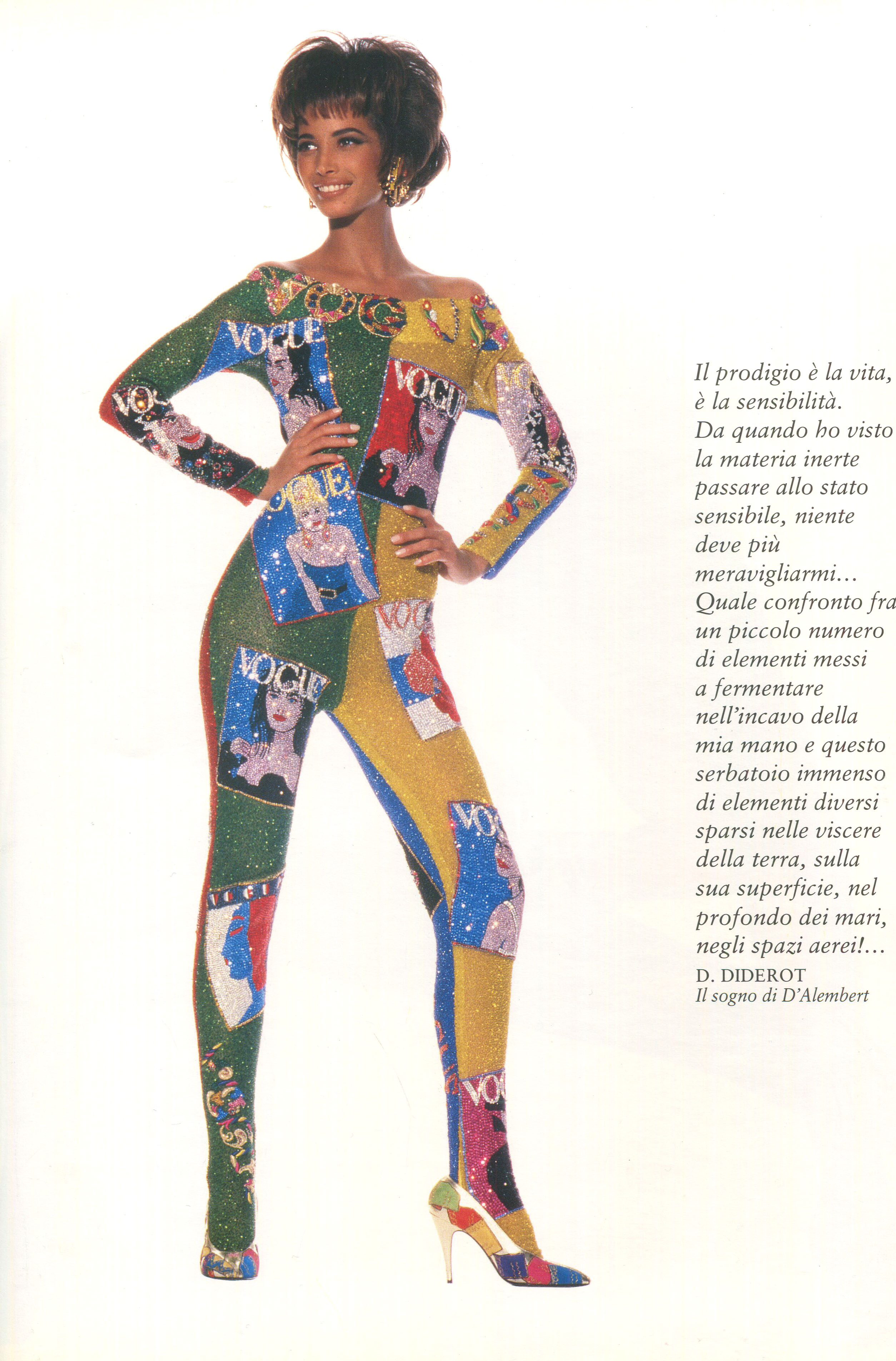
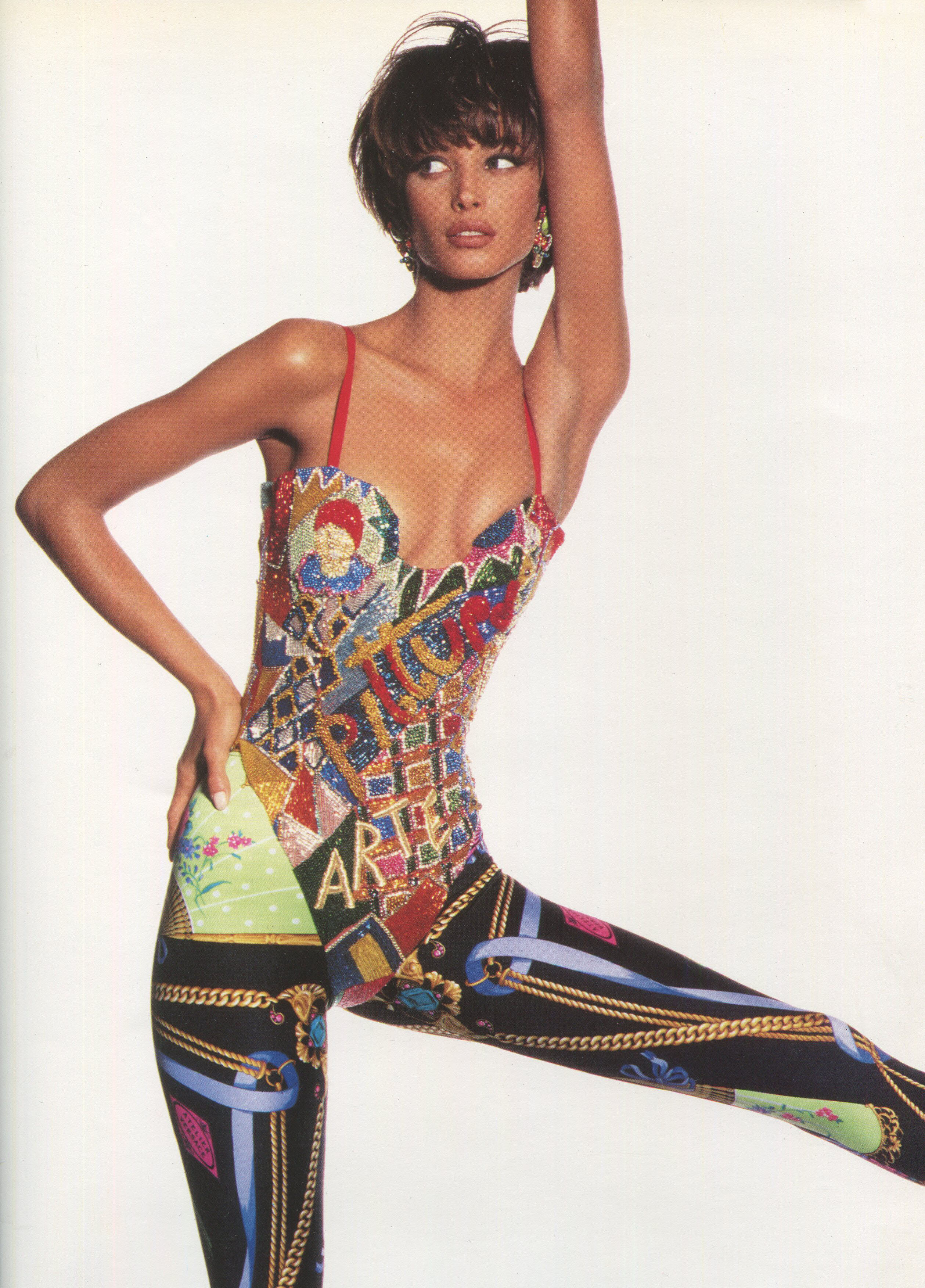
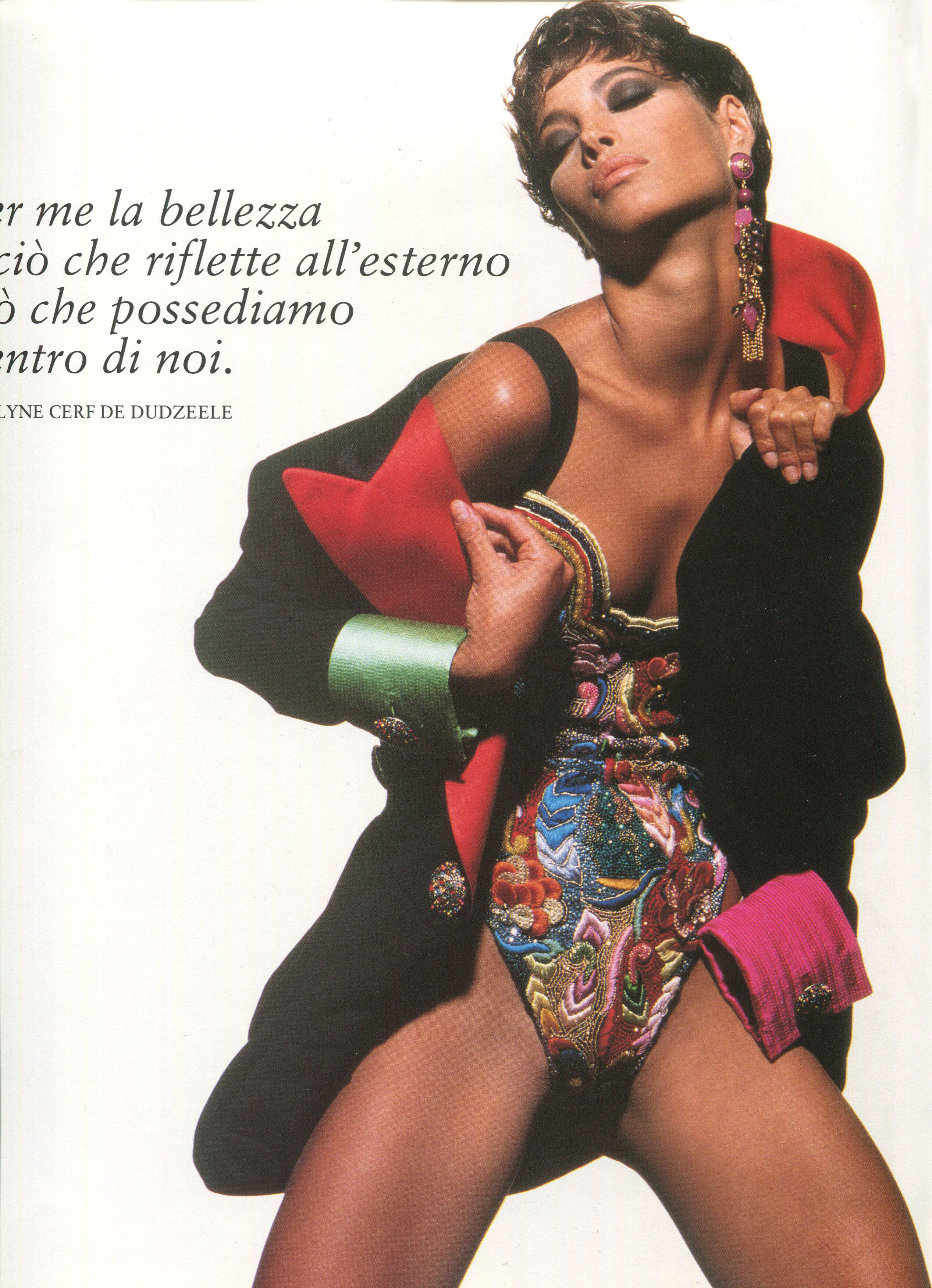
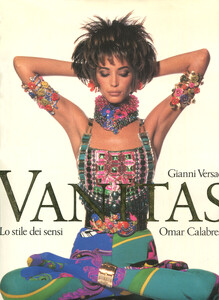
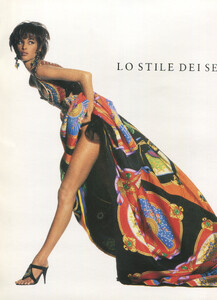
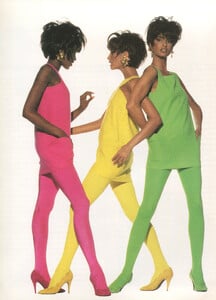
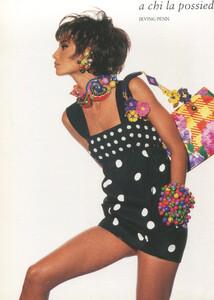
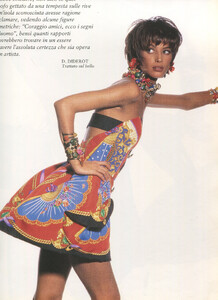
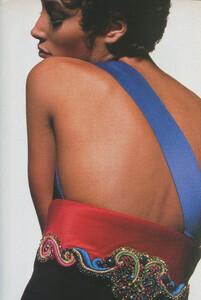
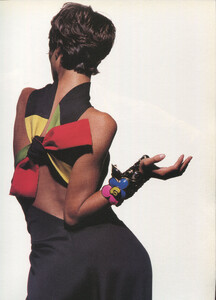
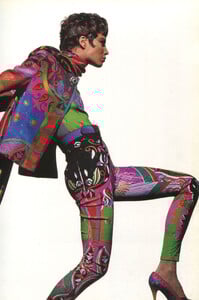
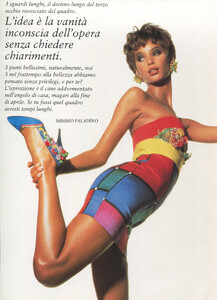
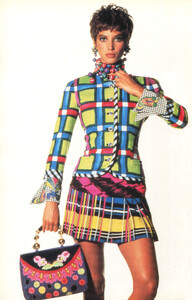
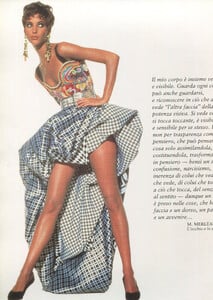
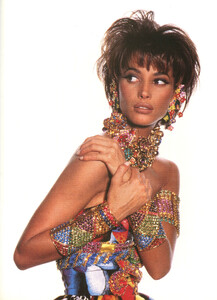
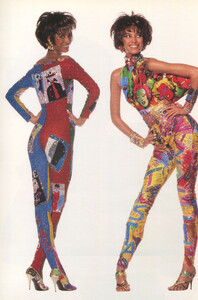
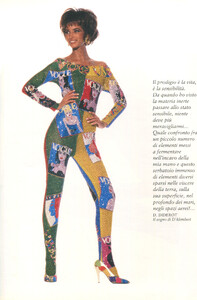
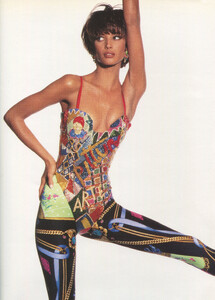
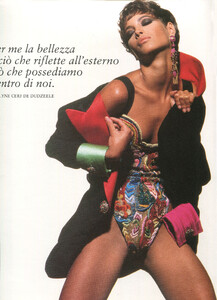
Just scanned the Versace book Vanitas, here are the Christy pages, no idea if these have been posted already:

-
Lol....fashion is not art, it is an indrustry that sometimes involves the work of artistic workers. Natasa did tons of horrible tasteless editorials, so i am really surprized by your shocking reaction...hahaha. However, the work of photographer Steven Klen(who i assume took these, which are rather fun compaired to his other works) has always been horrible and it is the first time i read such a reaction. Along with Steven Klein, the other photographers who do similar shit are Jurgen Teller and Helmut Newton.
-
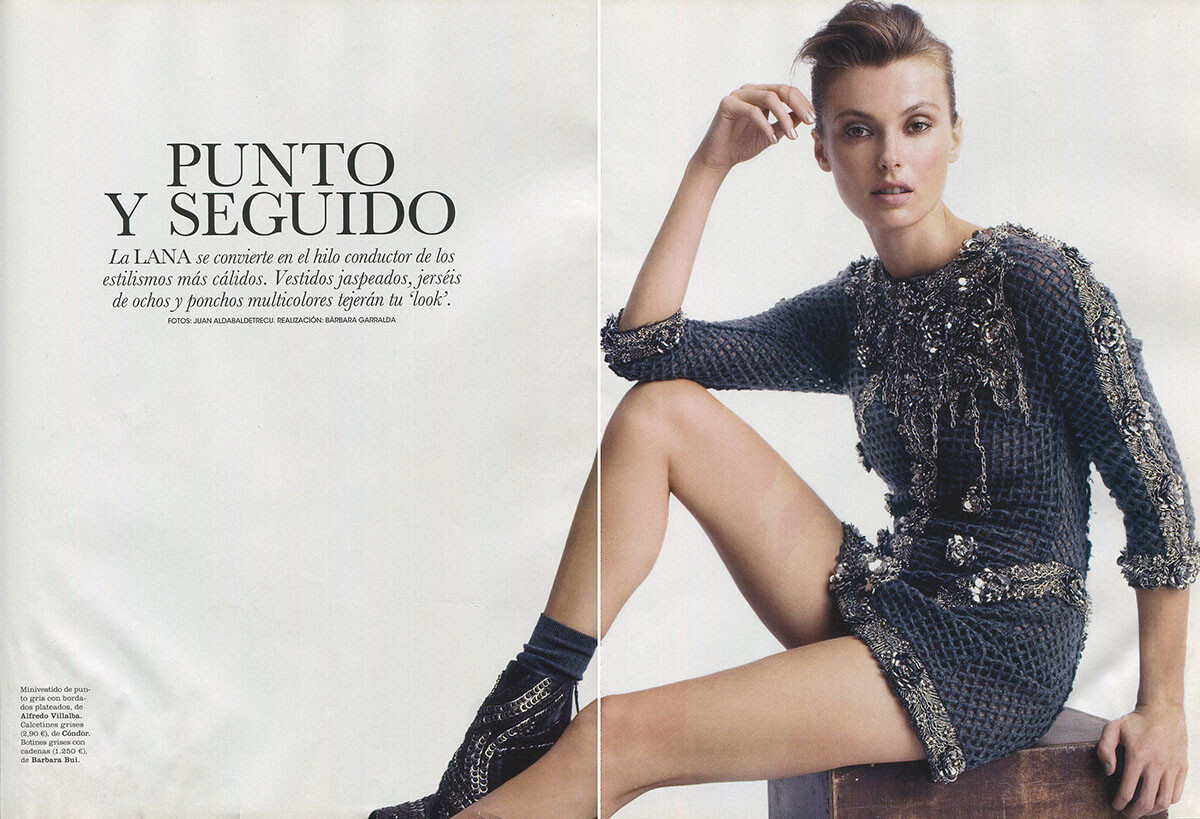
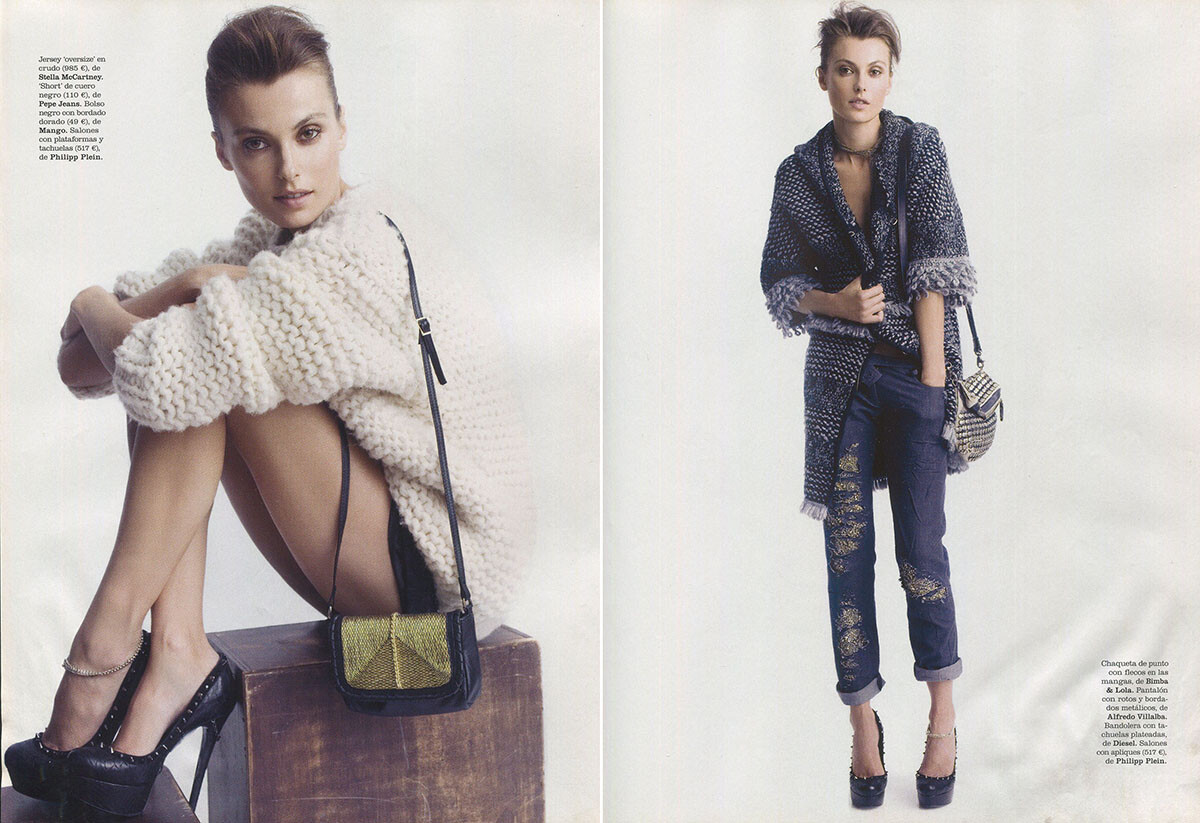
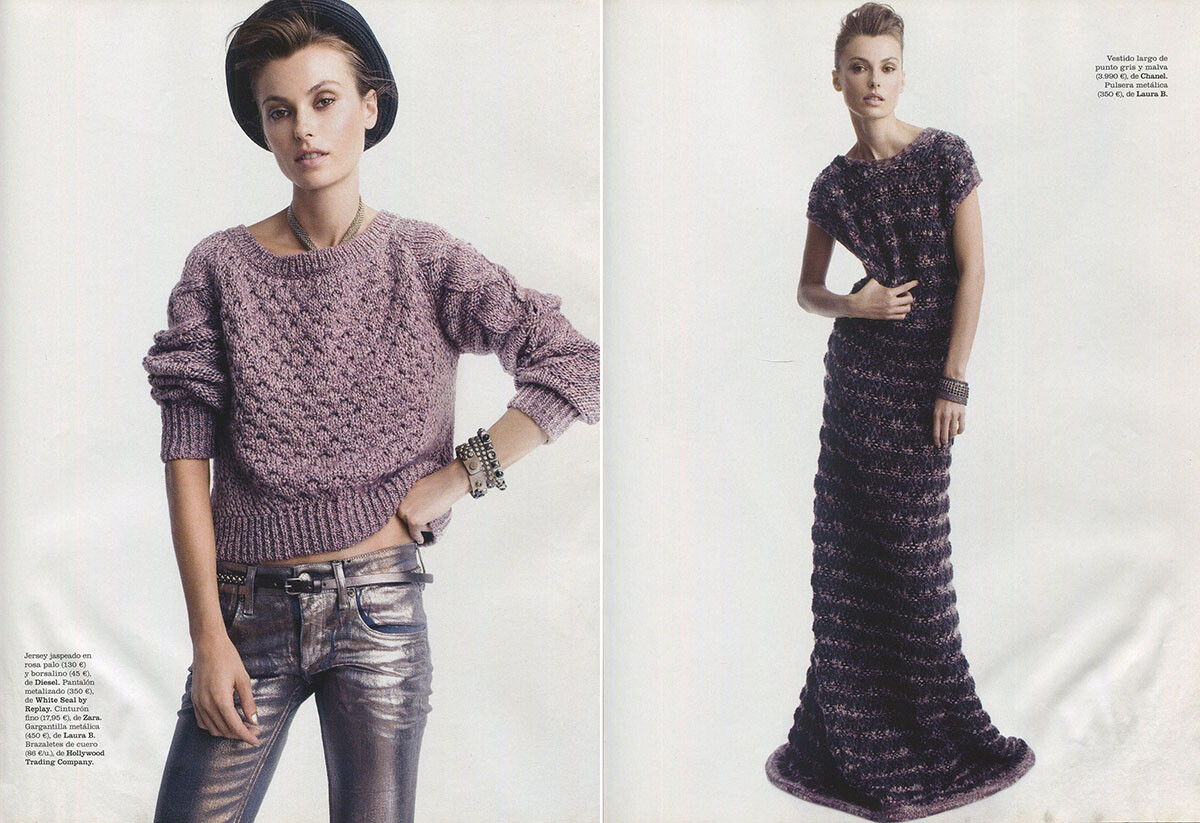
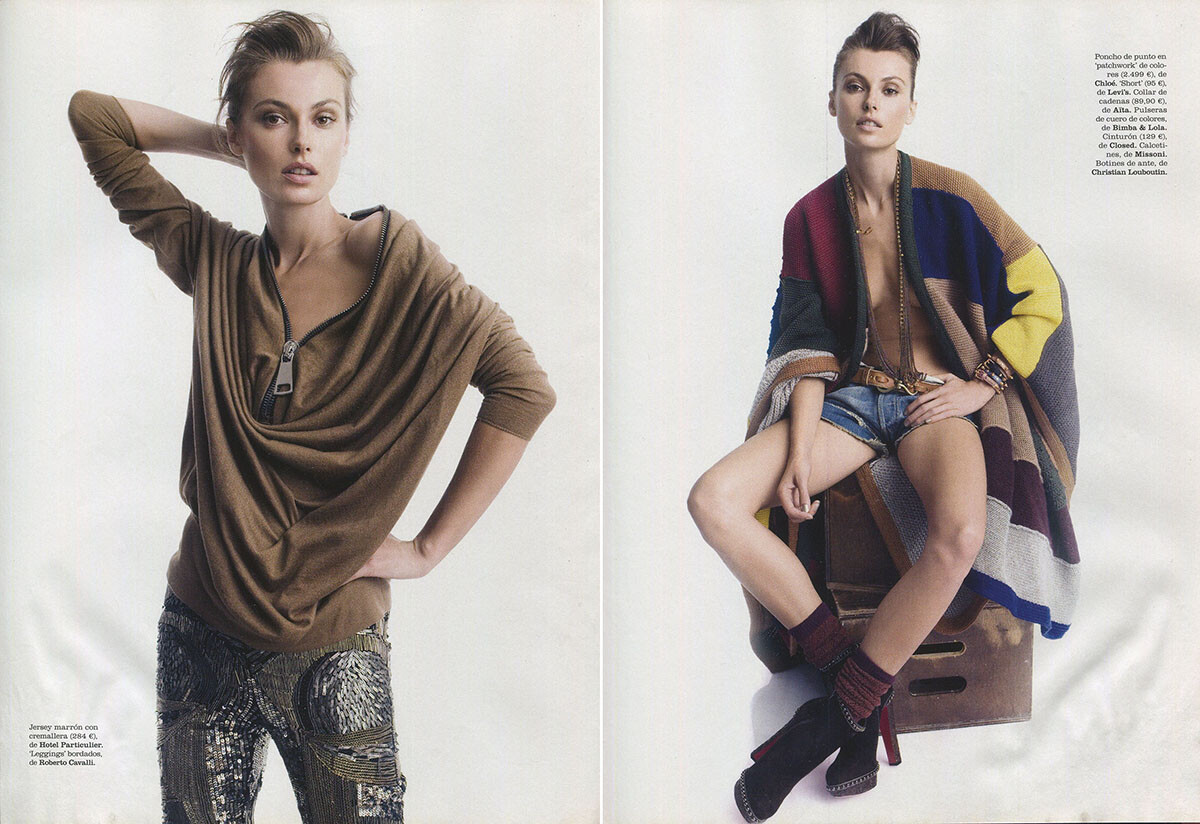
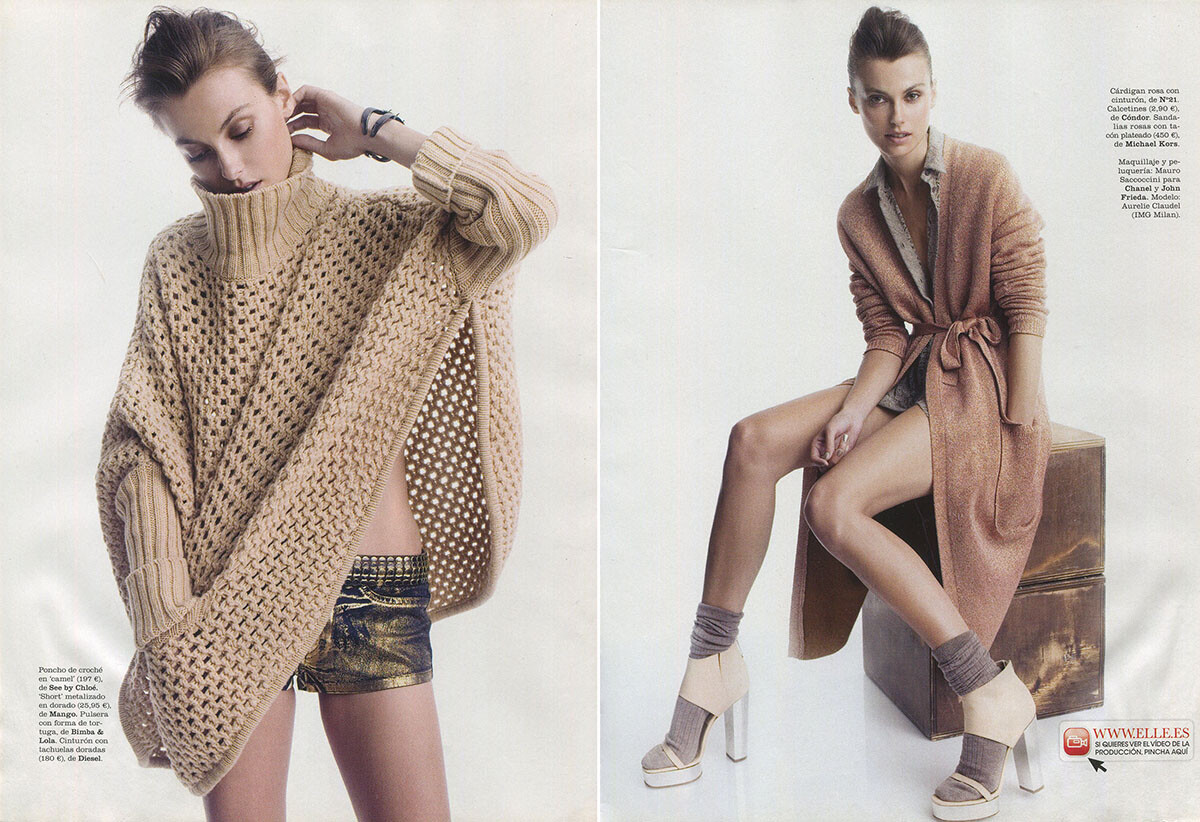
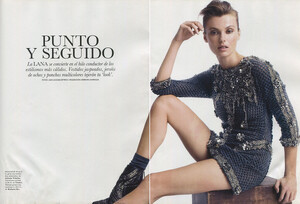
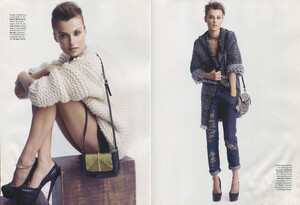
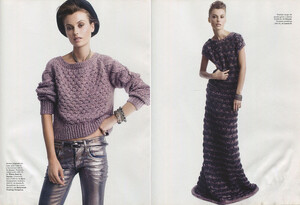
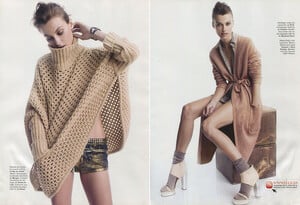
Elle Spain 10/2011, scanned by me:

-
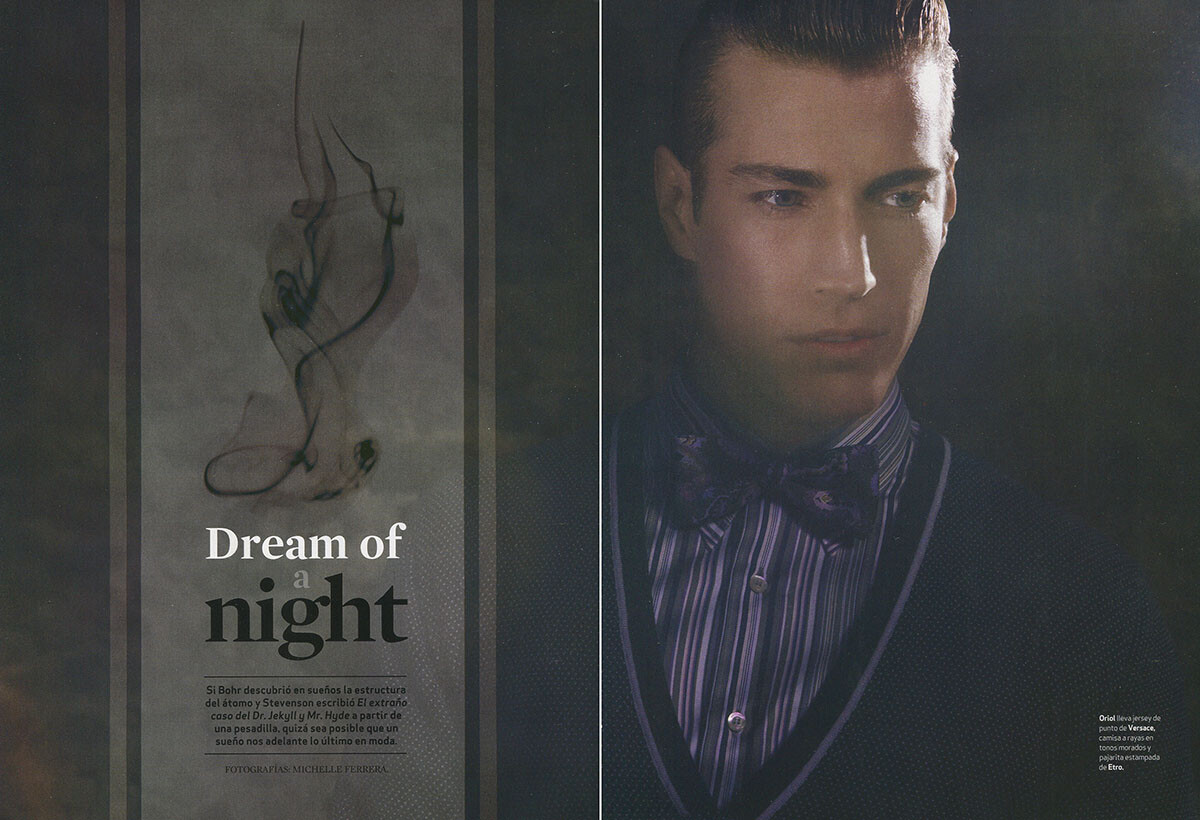
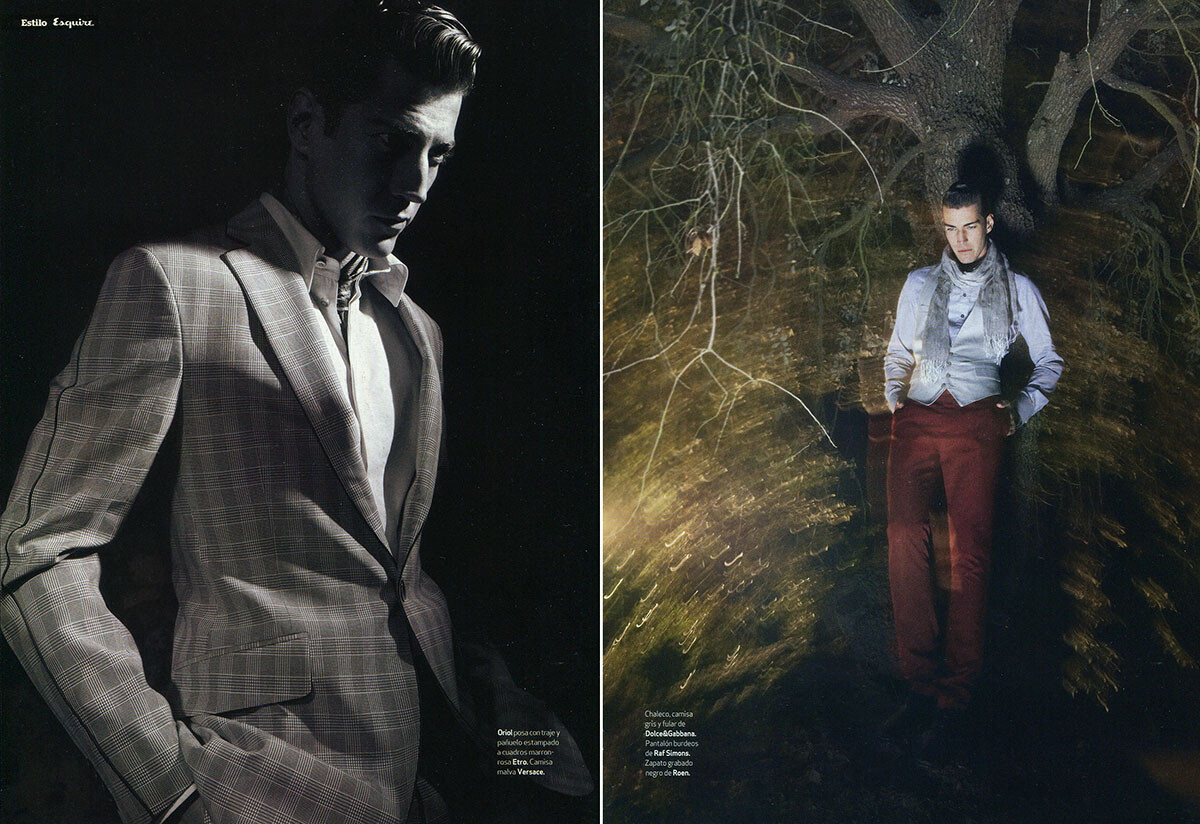
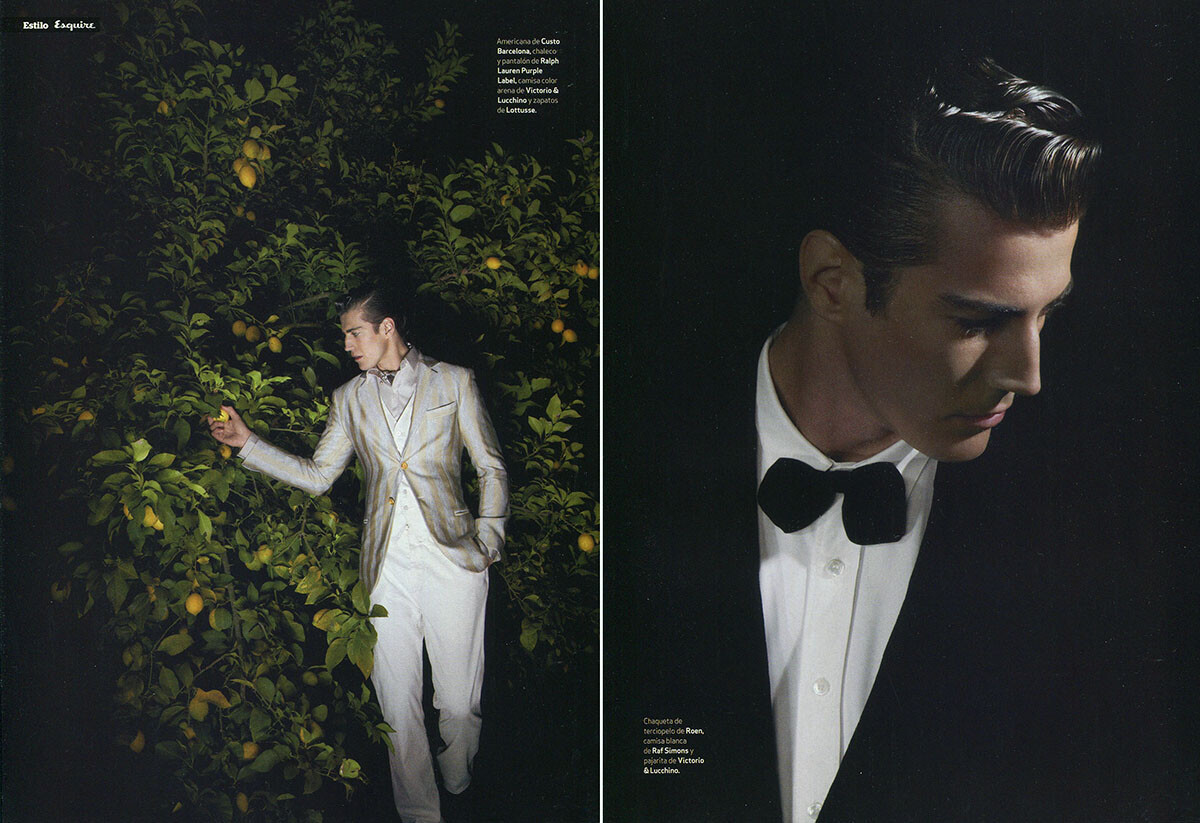
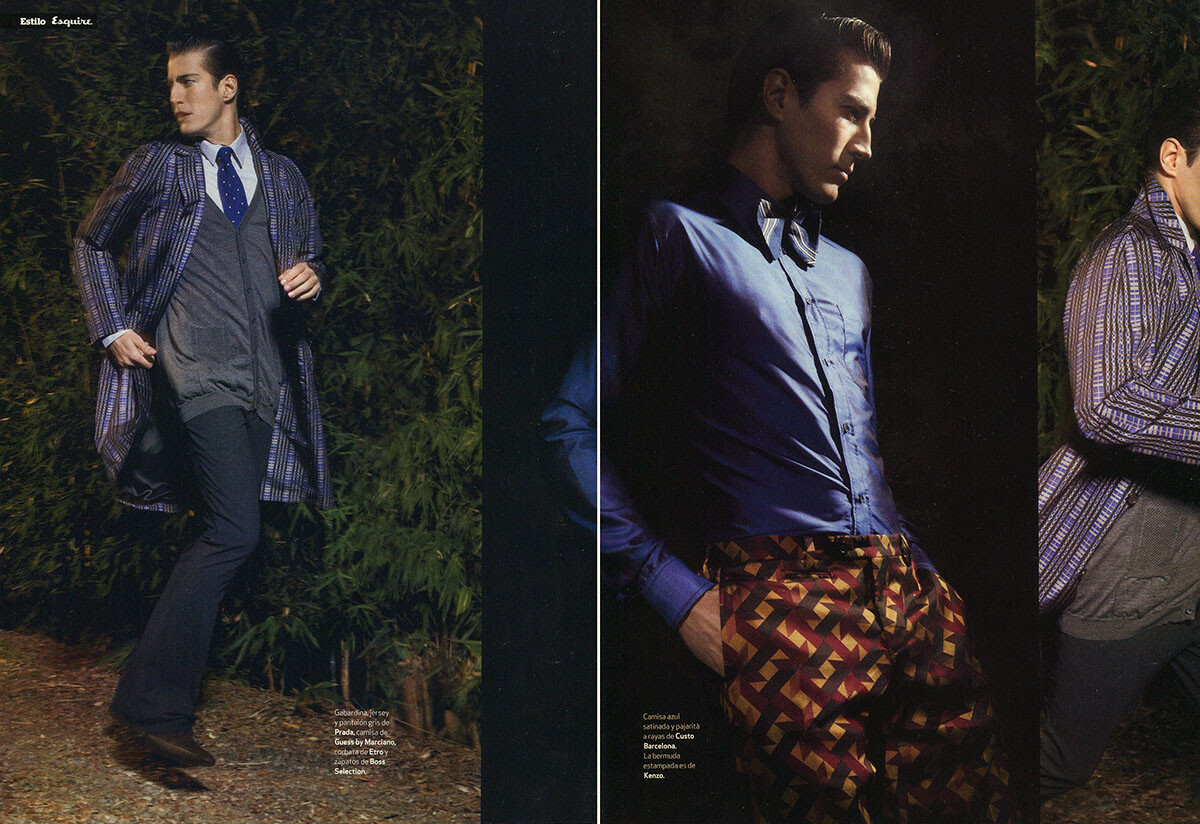
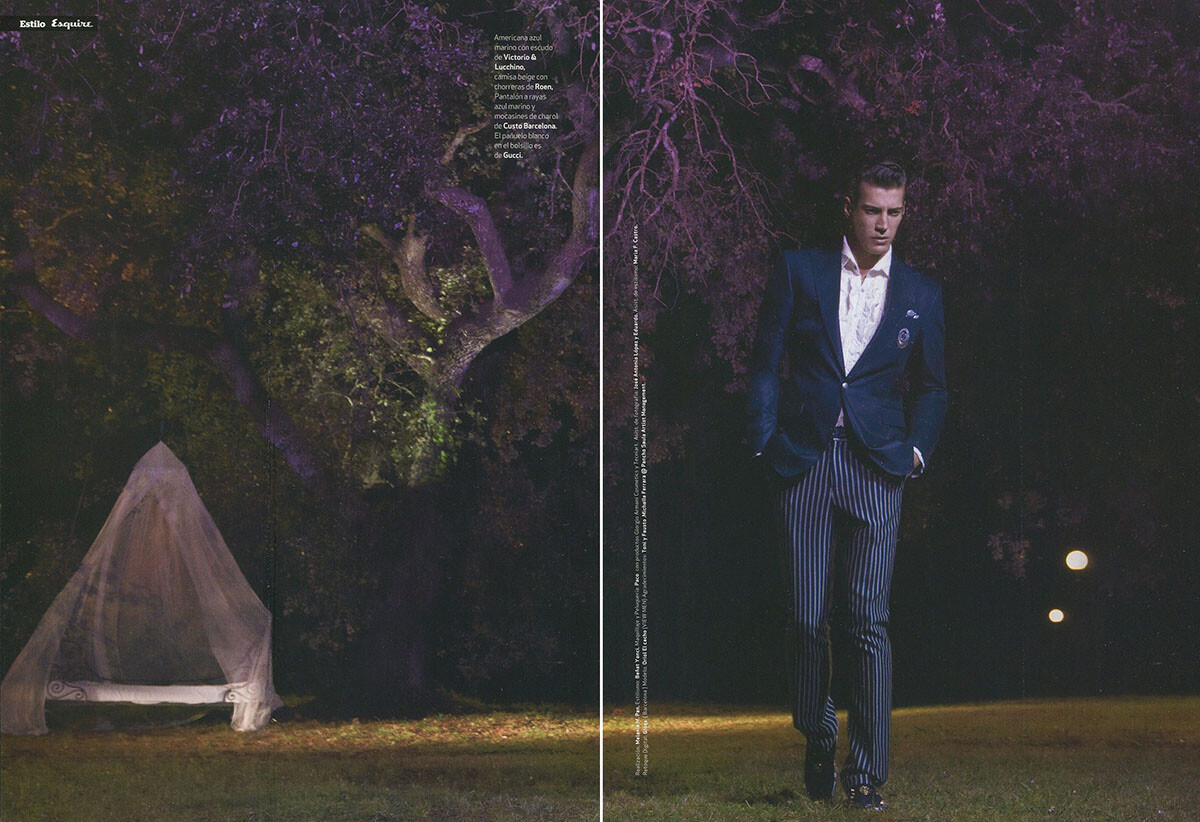
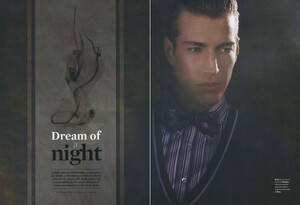
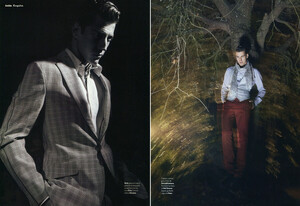
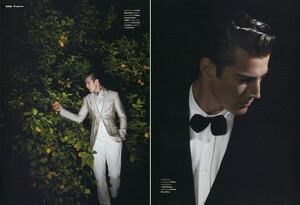
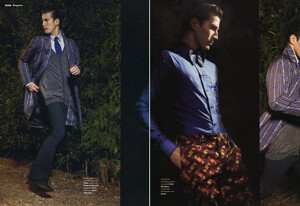
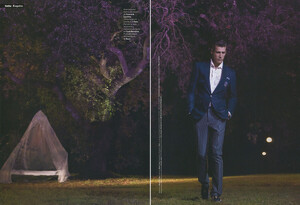
Esquire Spain 2/2008, scanned by me:
-
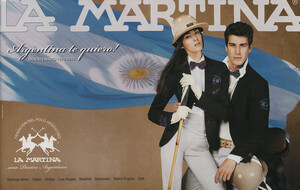
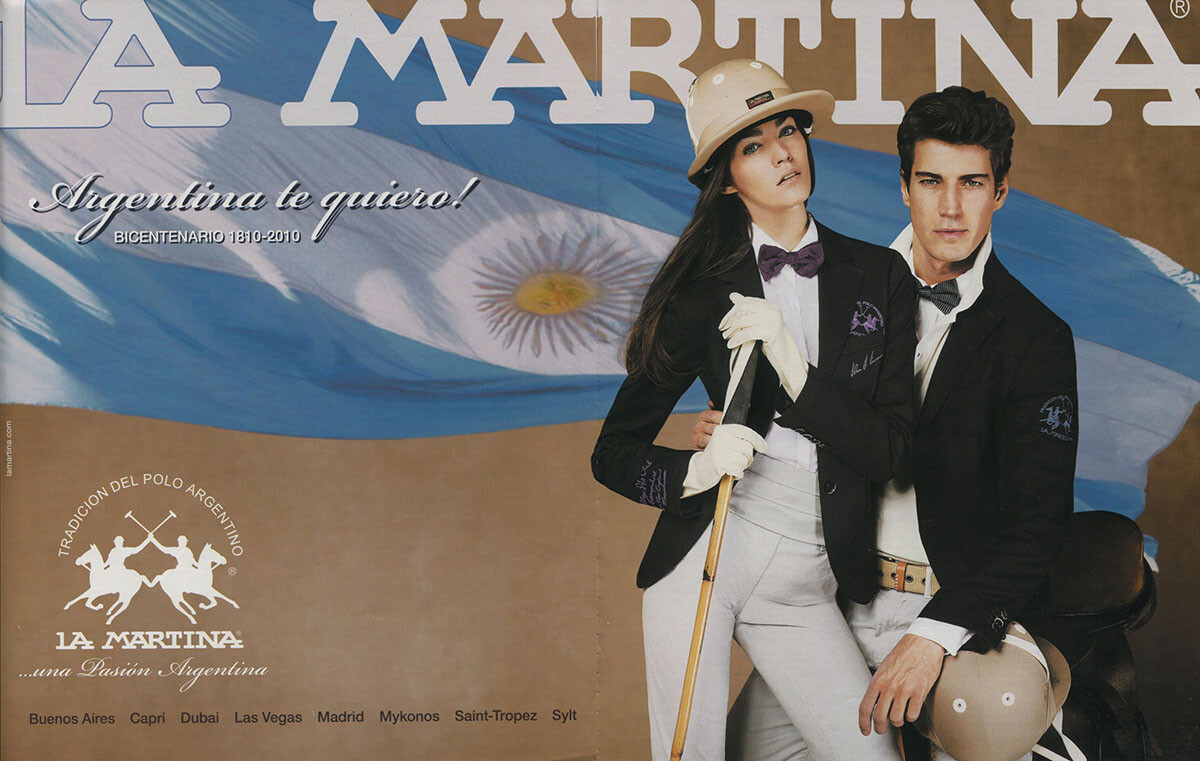
La Martina, scanned by me: