egluze
Members
-
Joined
-
Last visited
Everything posted by egluze
-
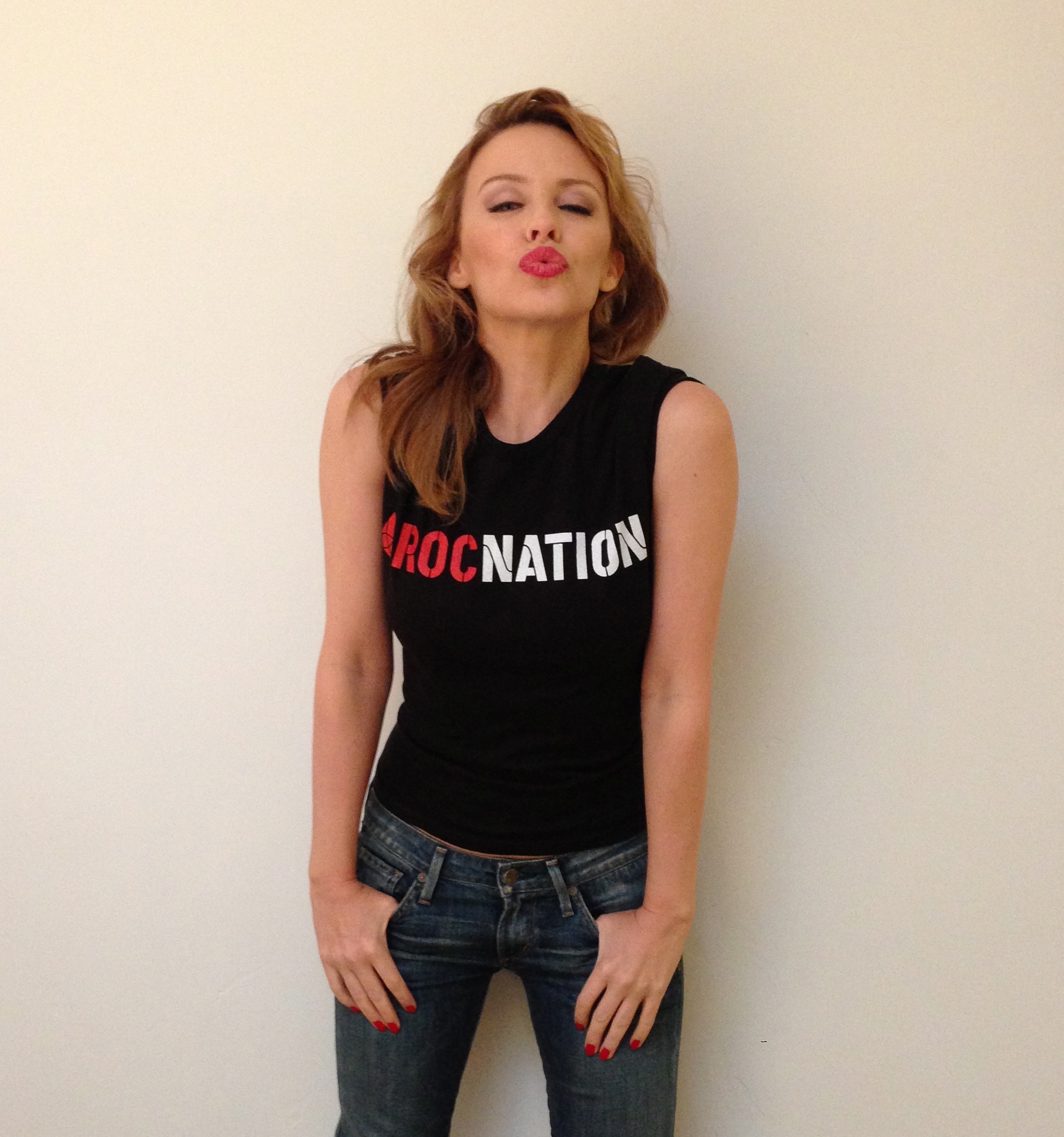
 Roc Nation Publicity Photo 6th February 2013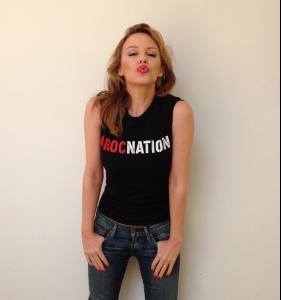
-
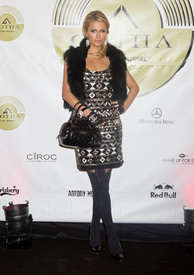
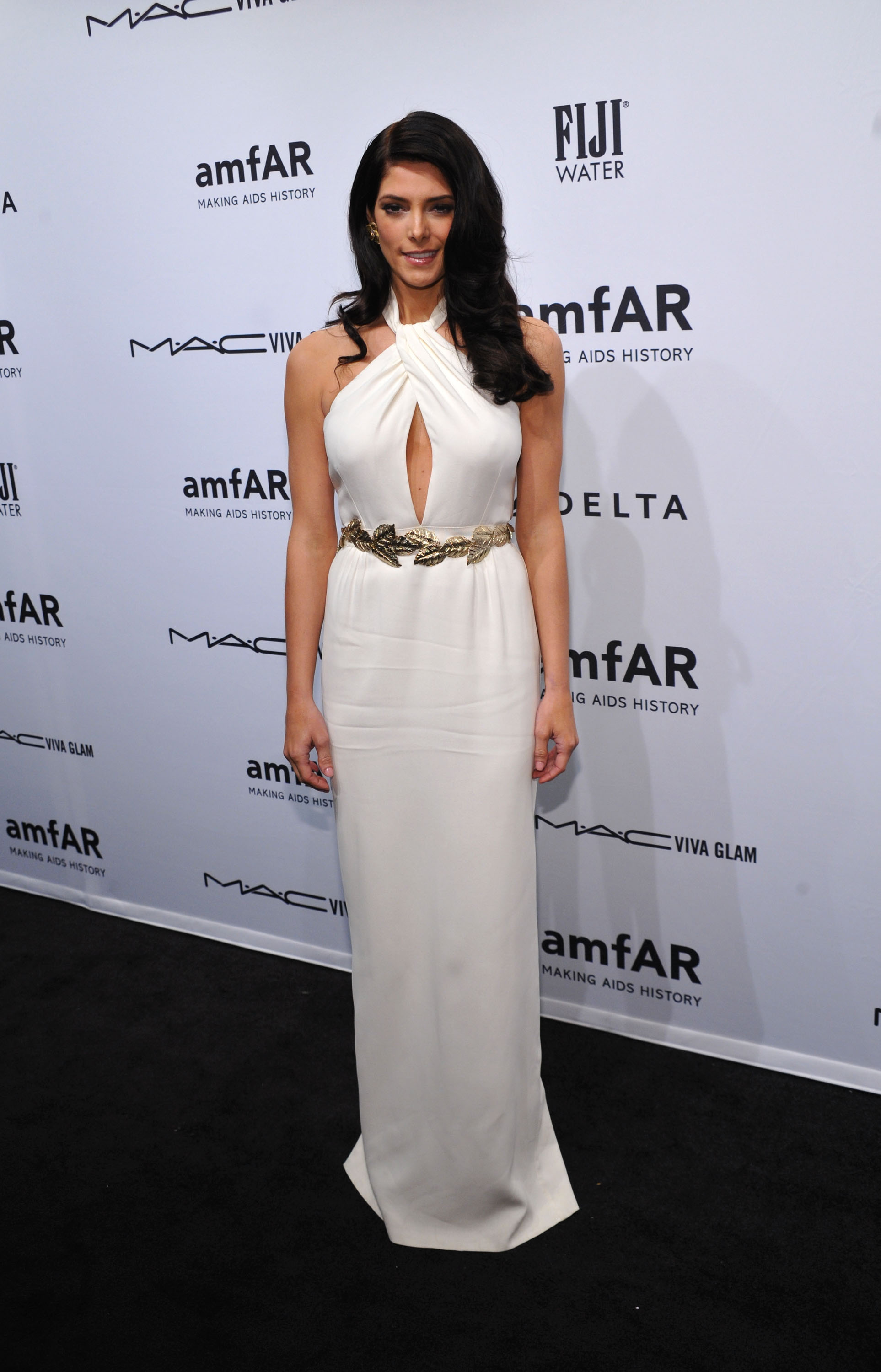
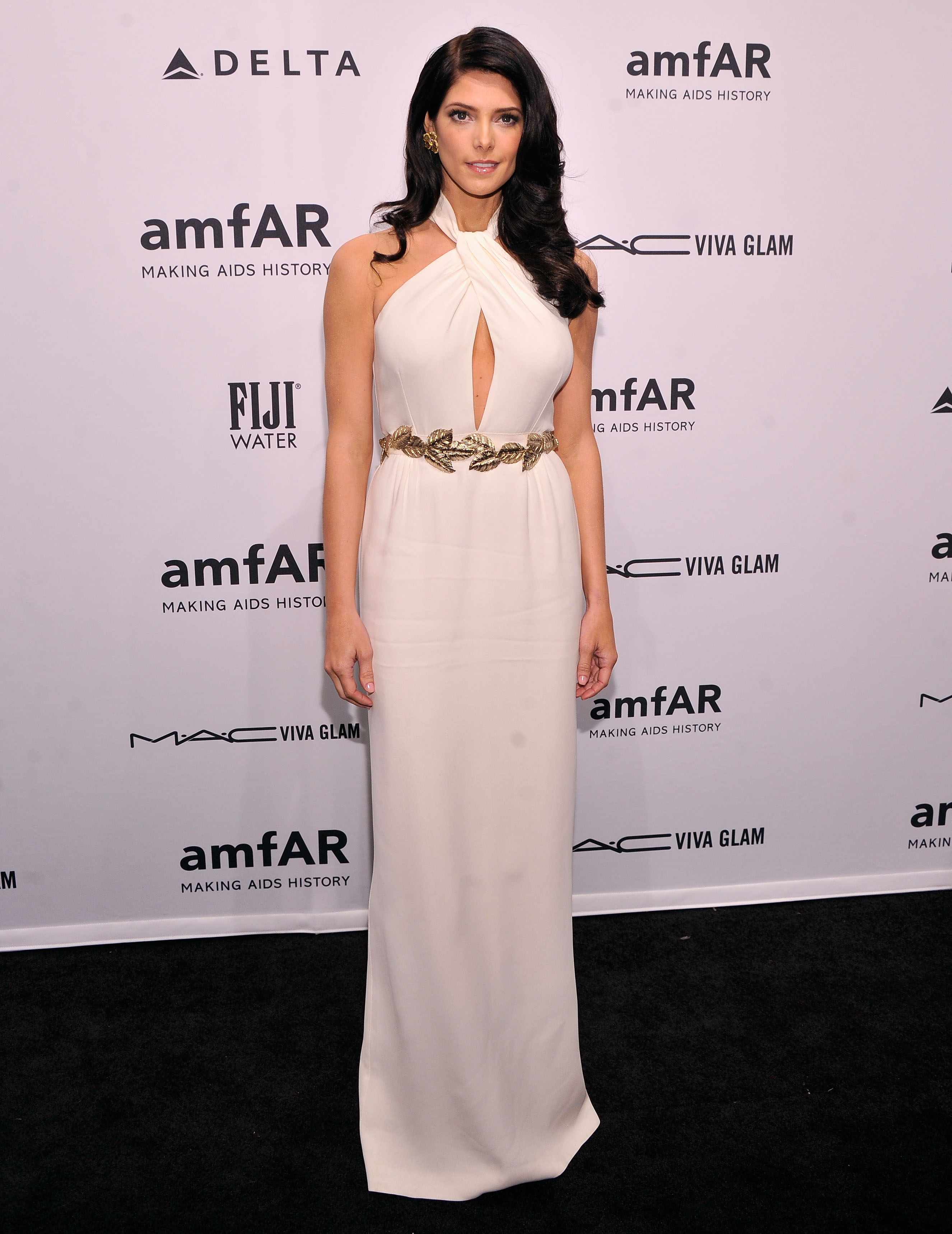
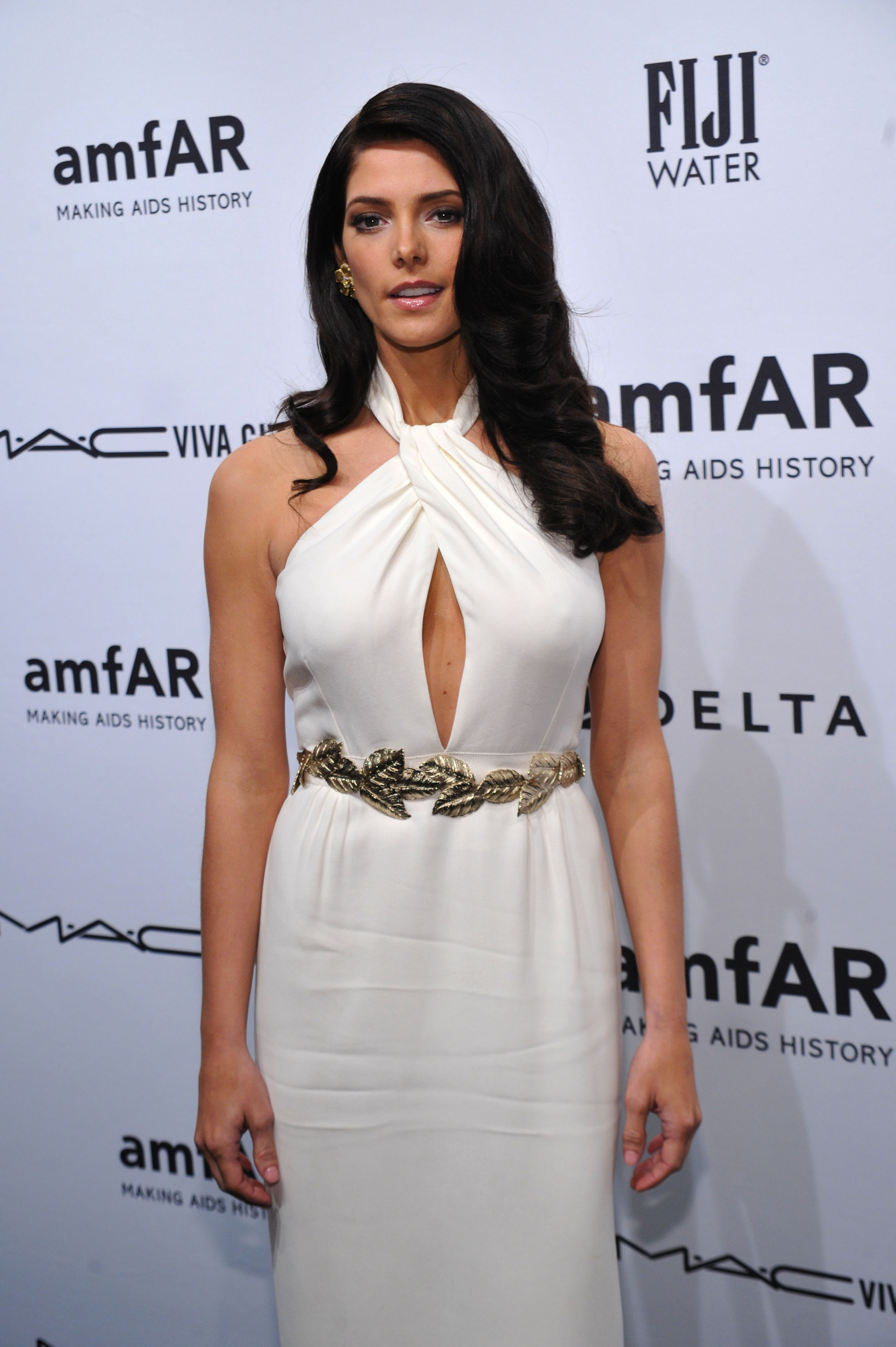
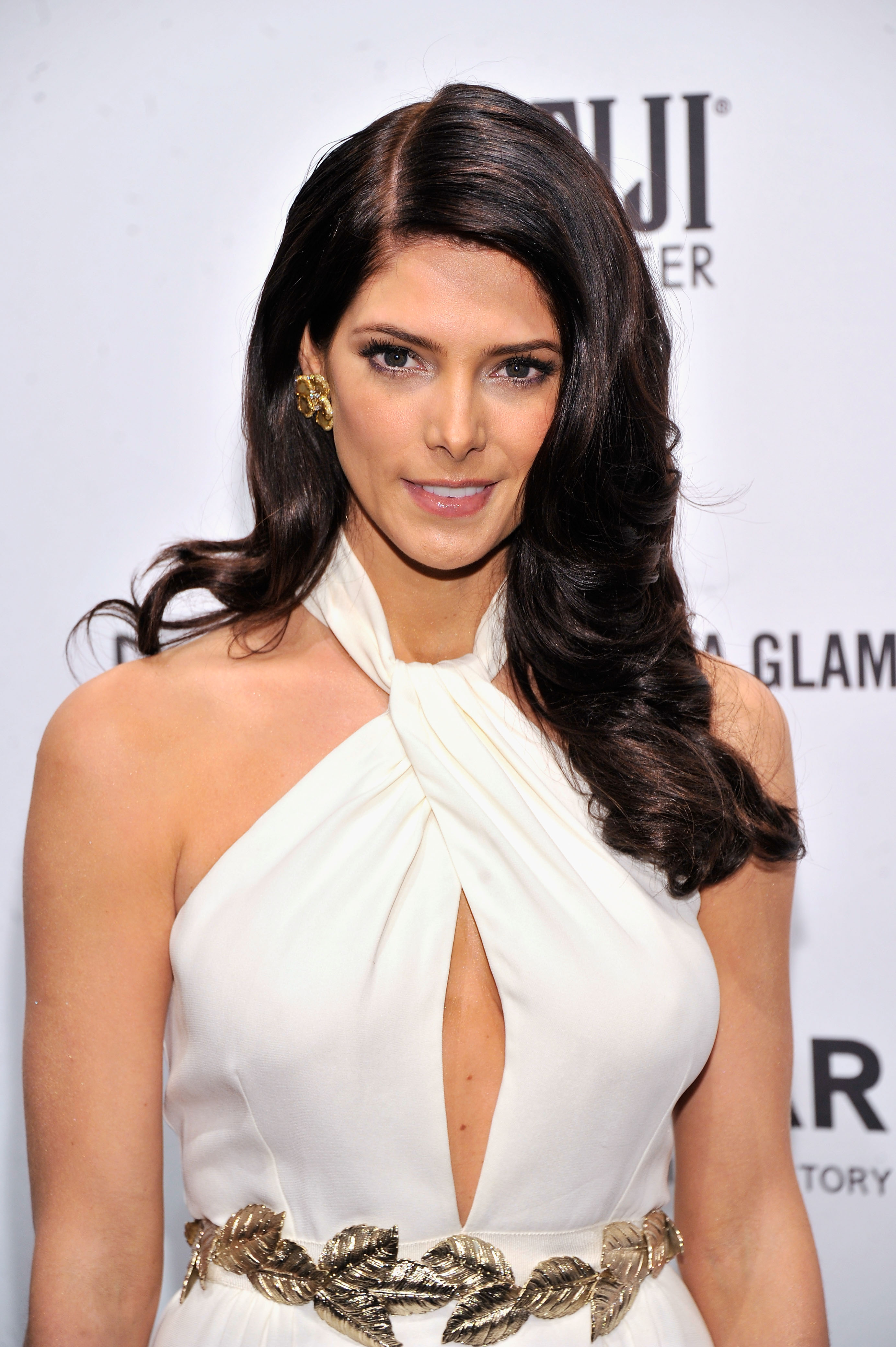
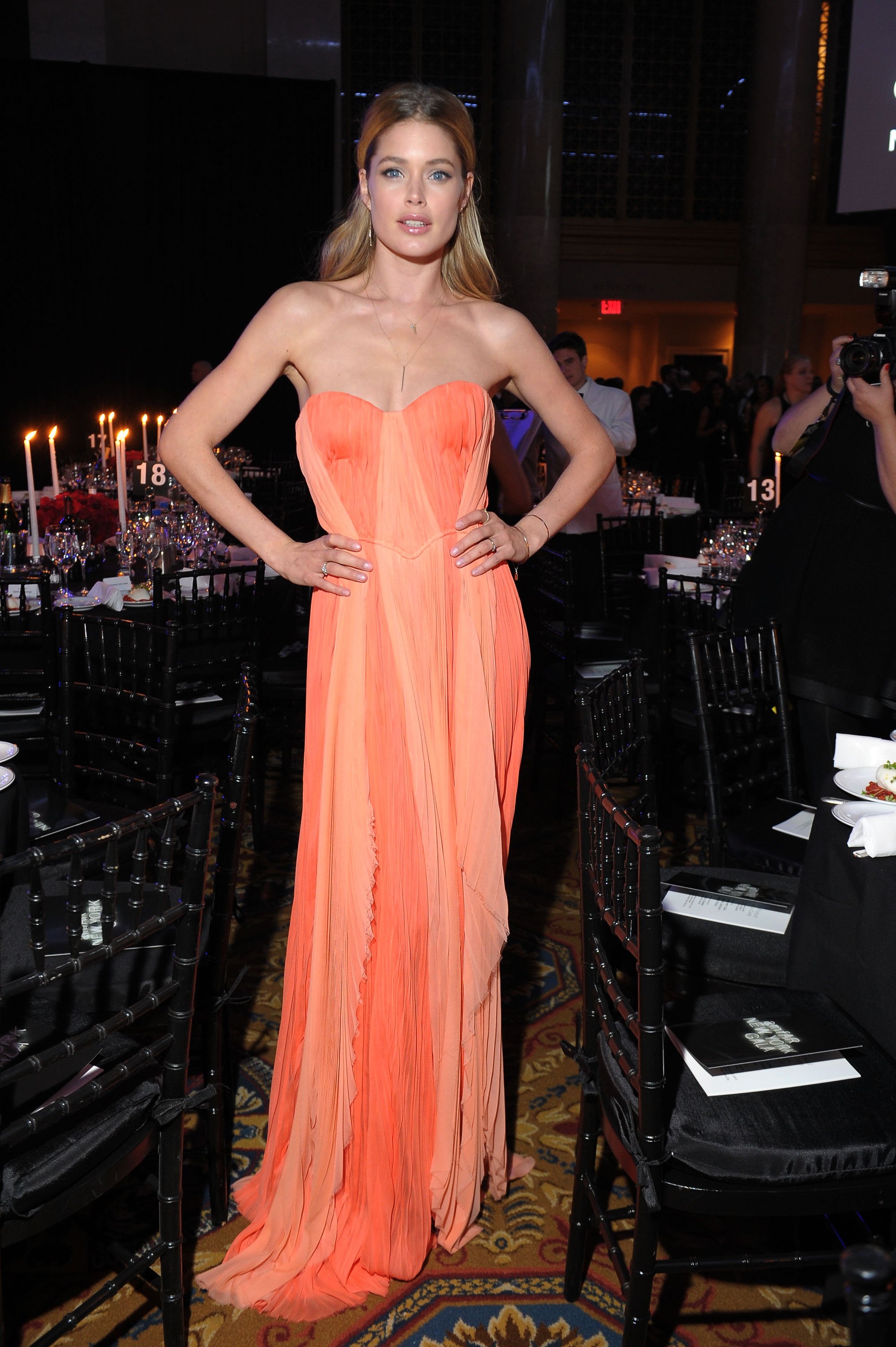
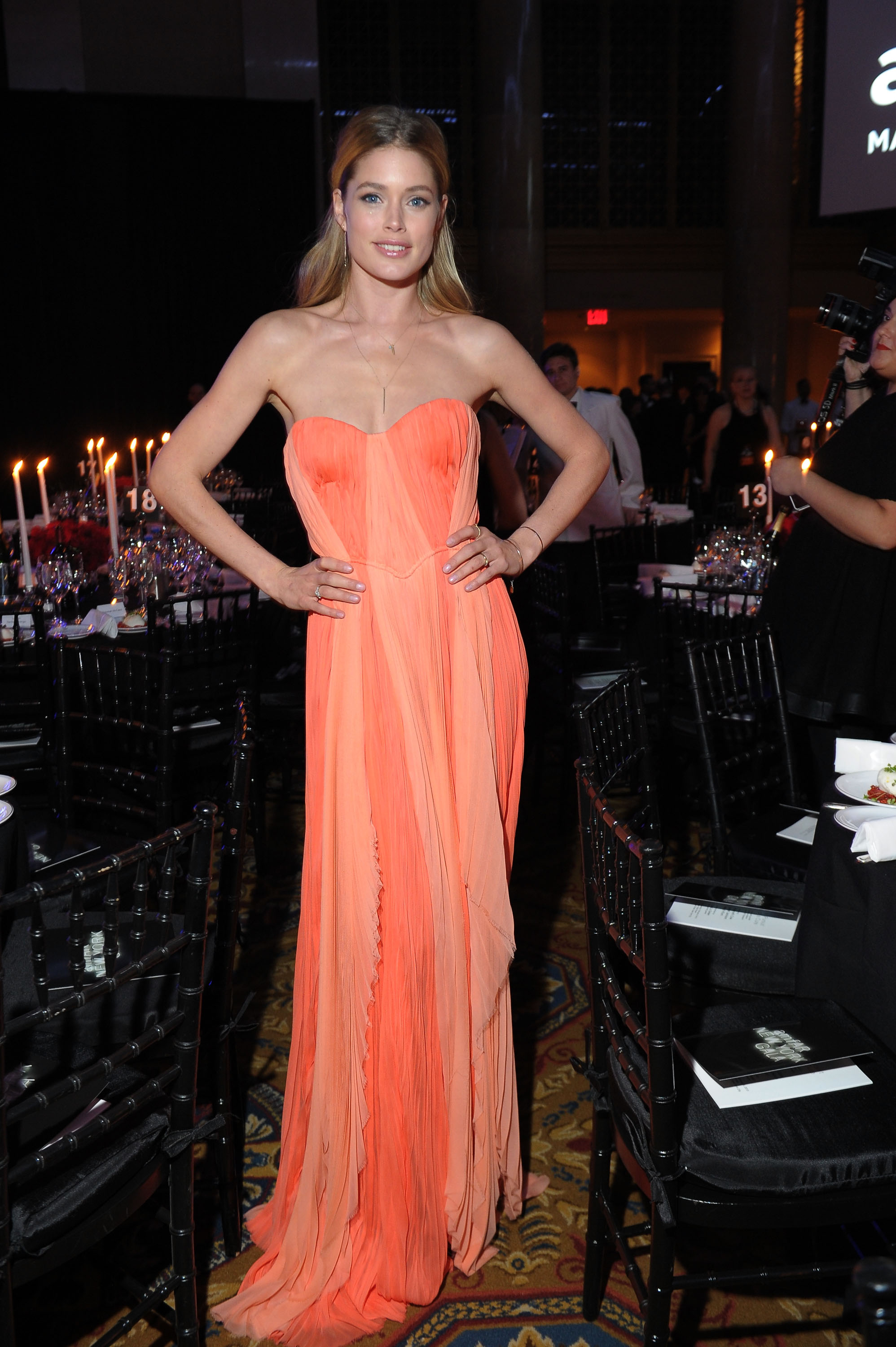
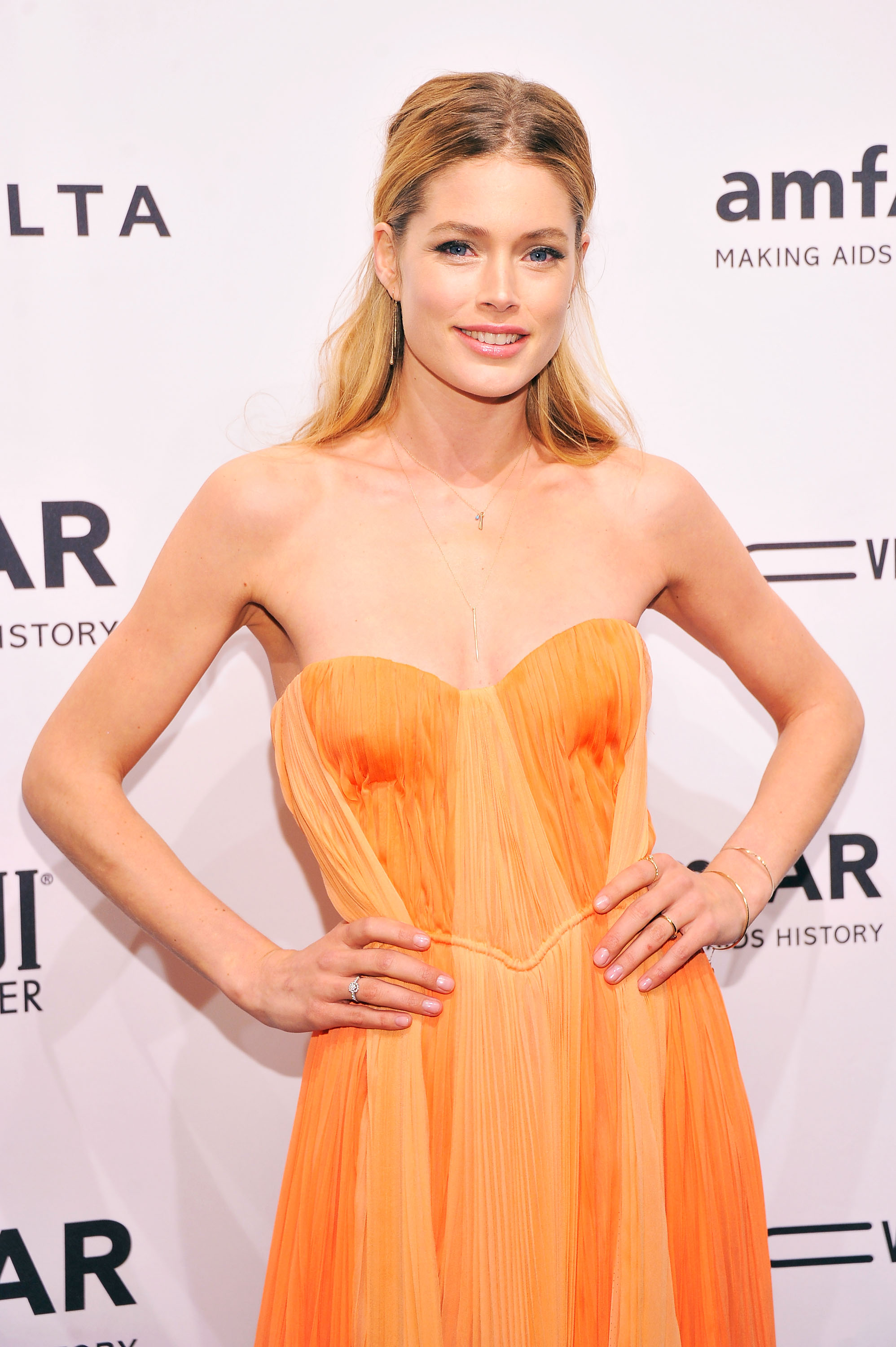
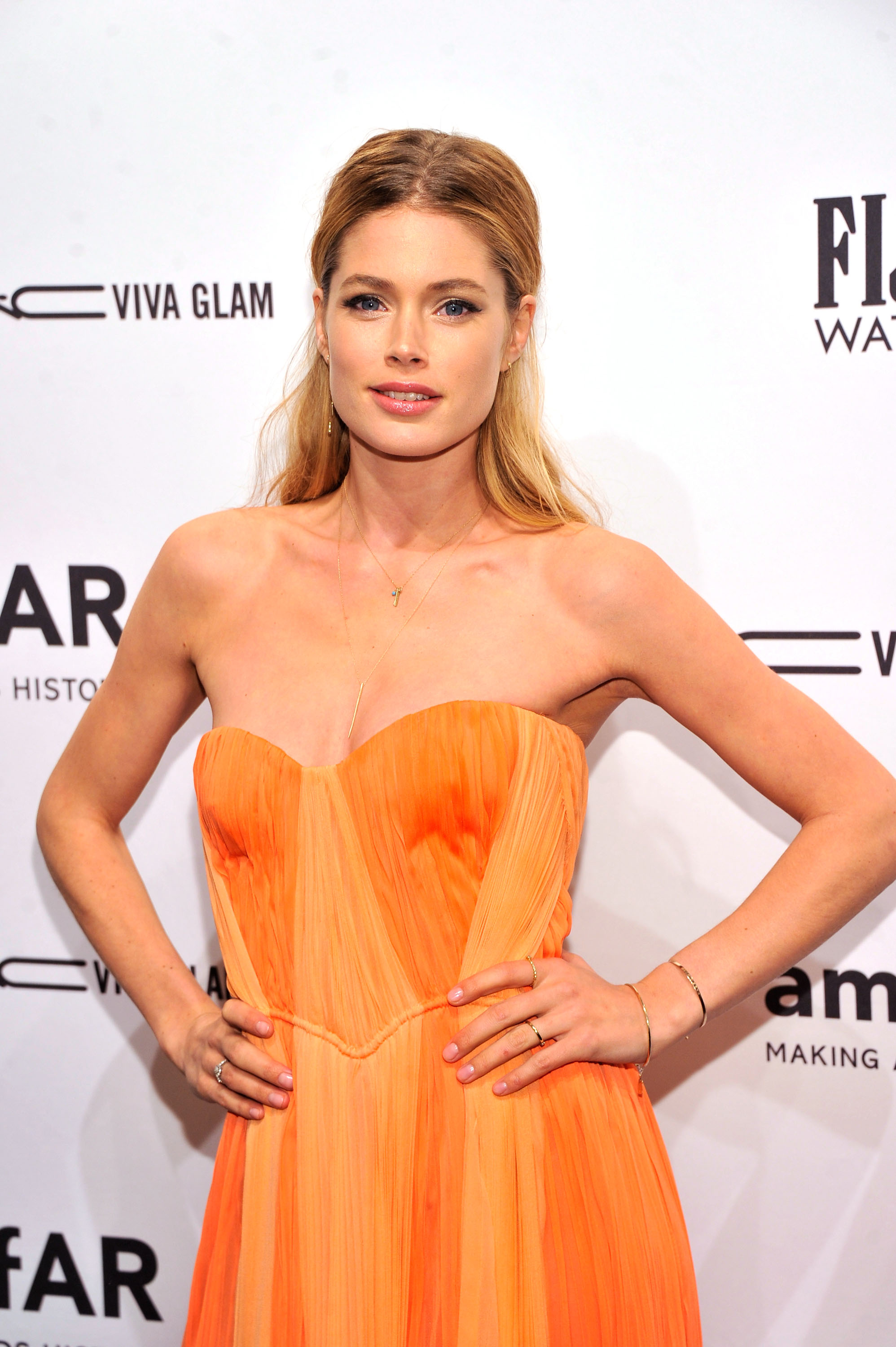
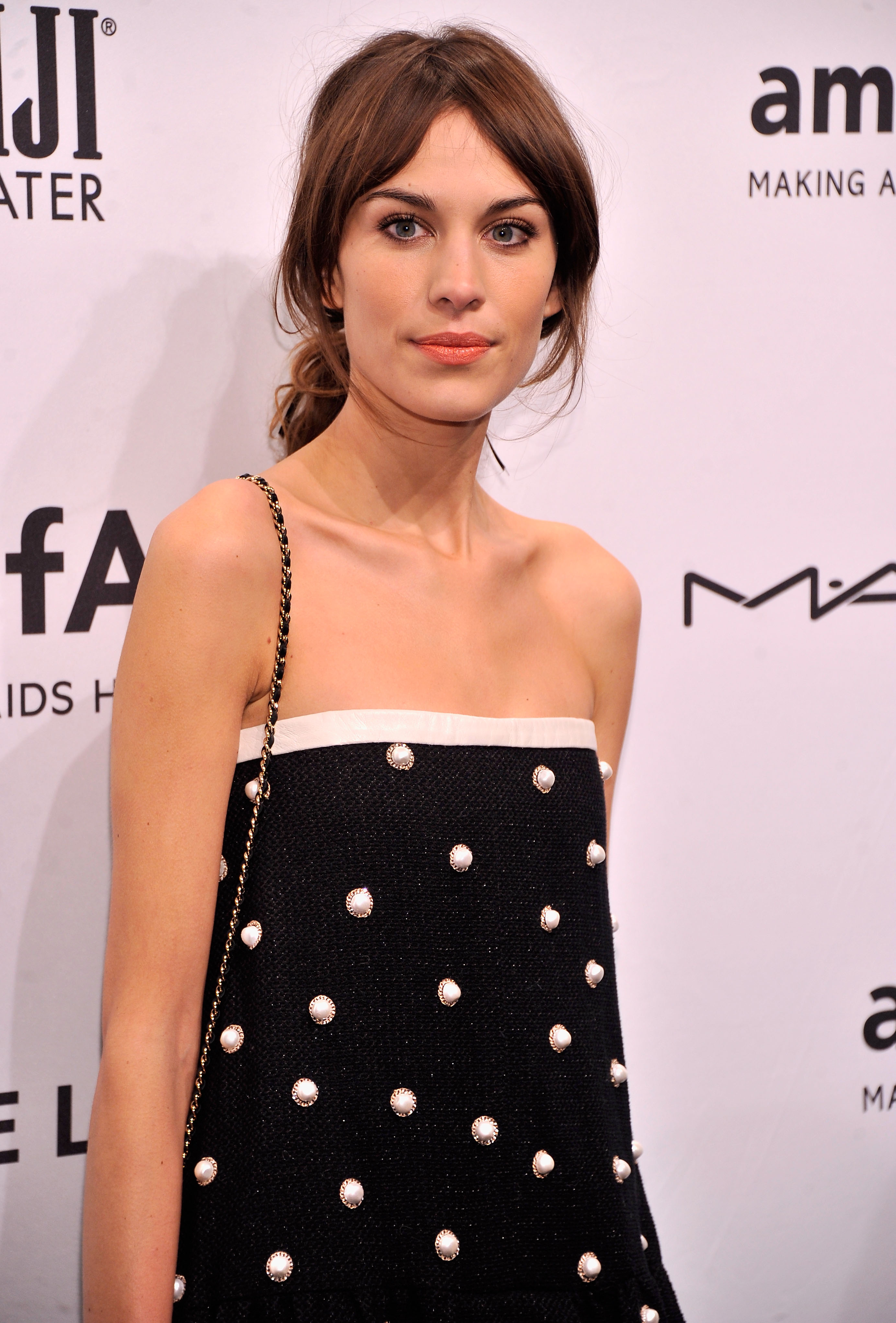
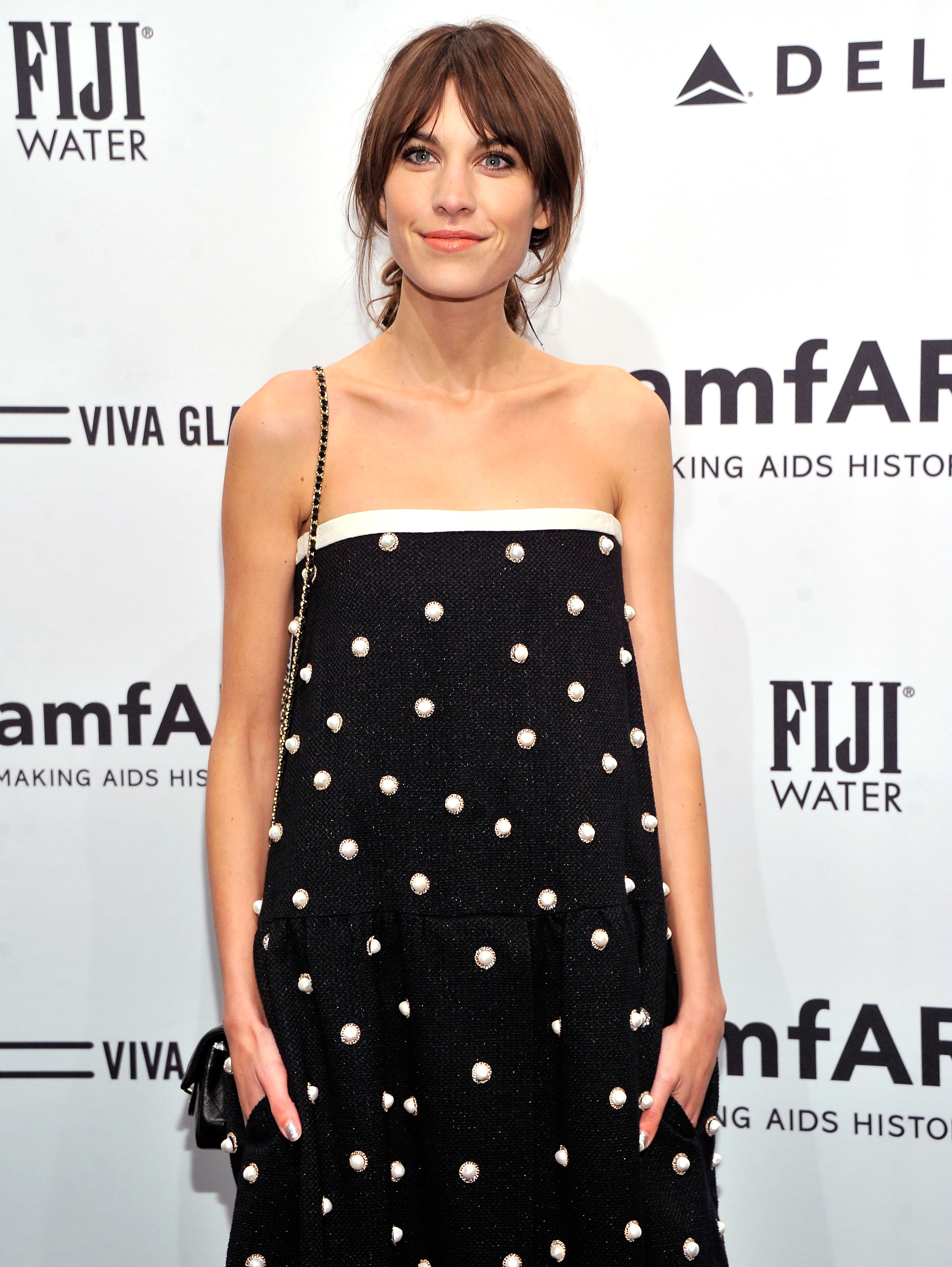
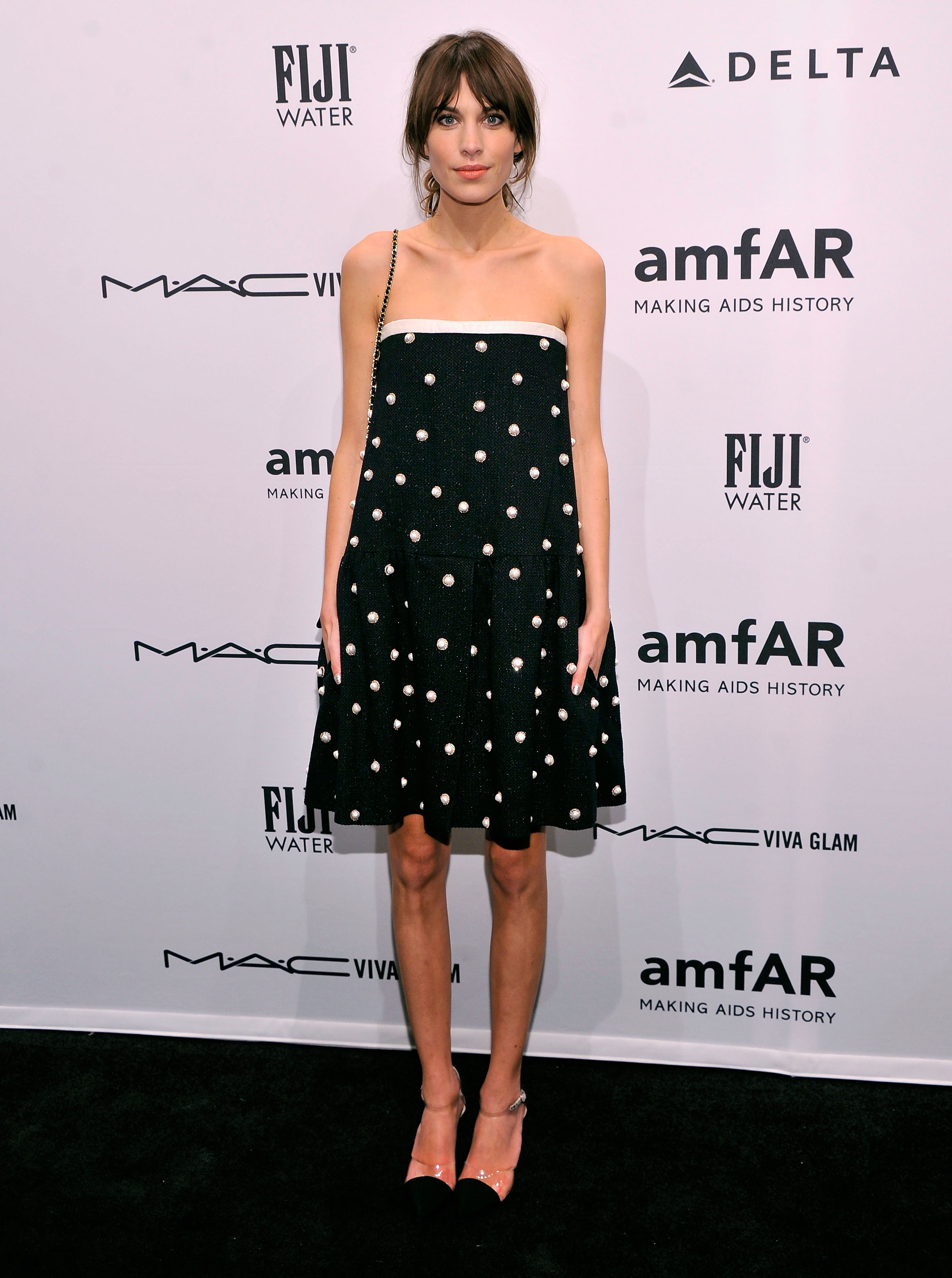
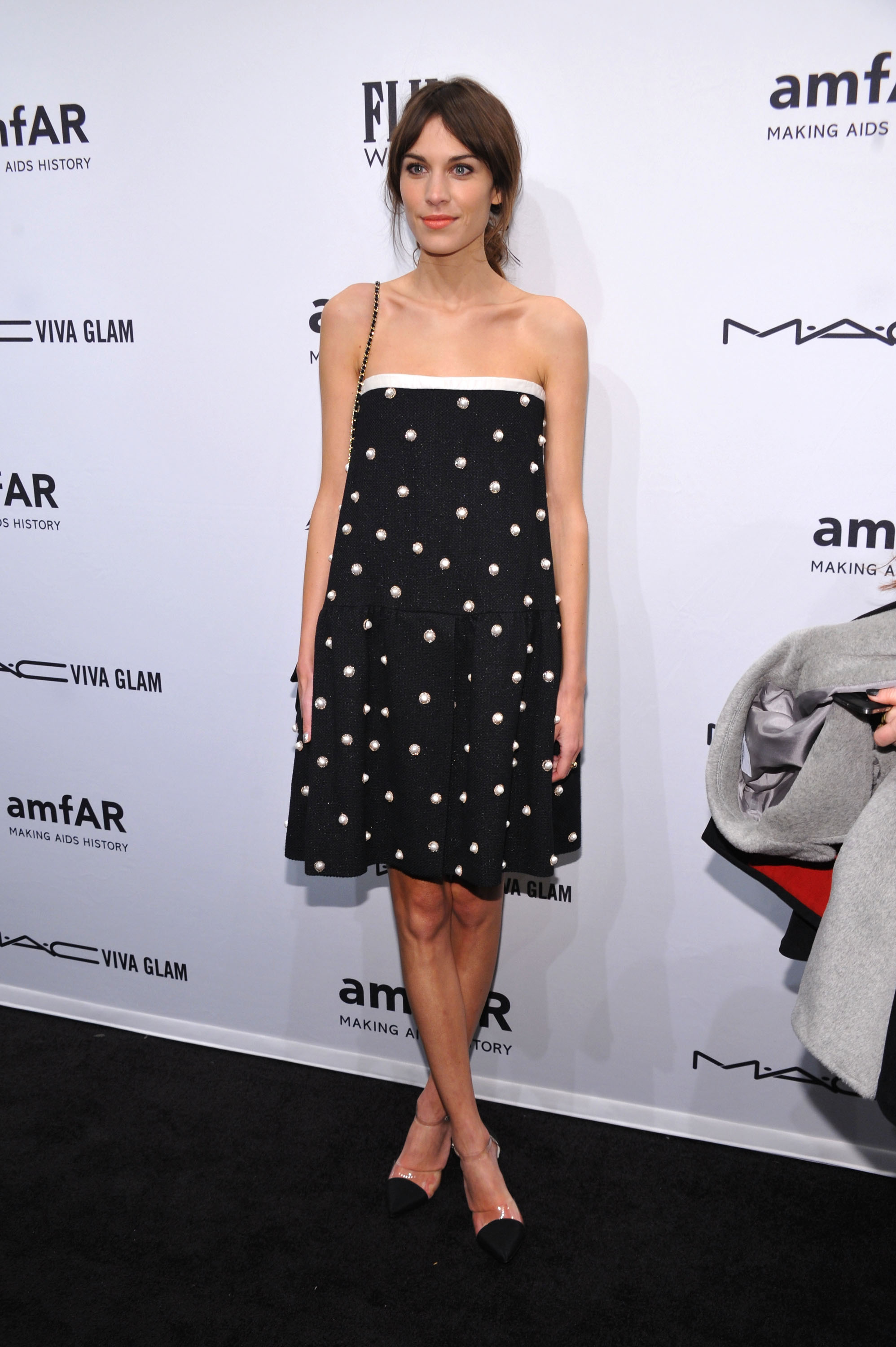
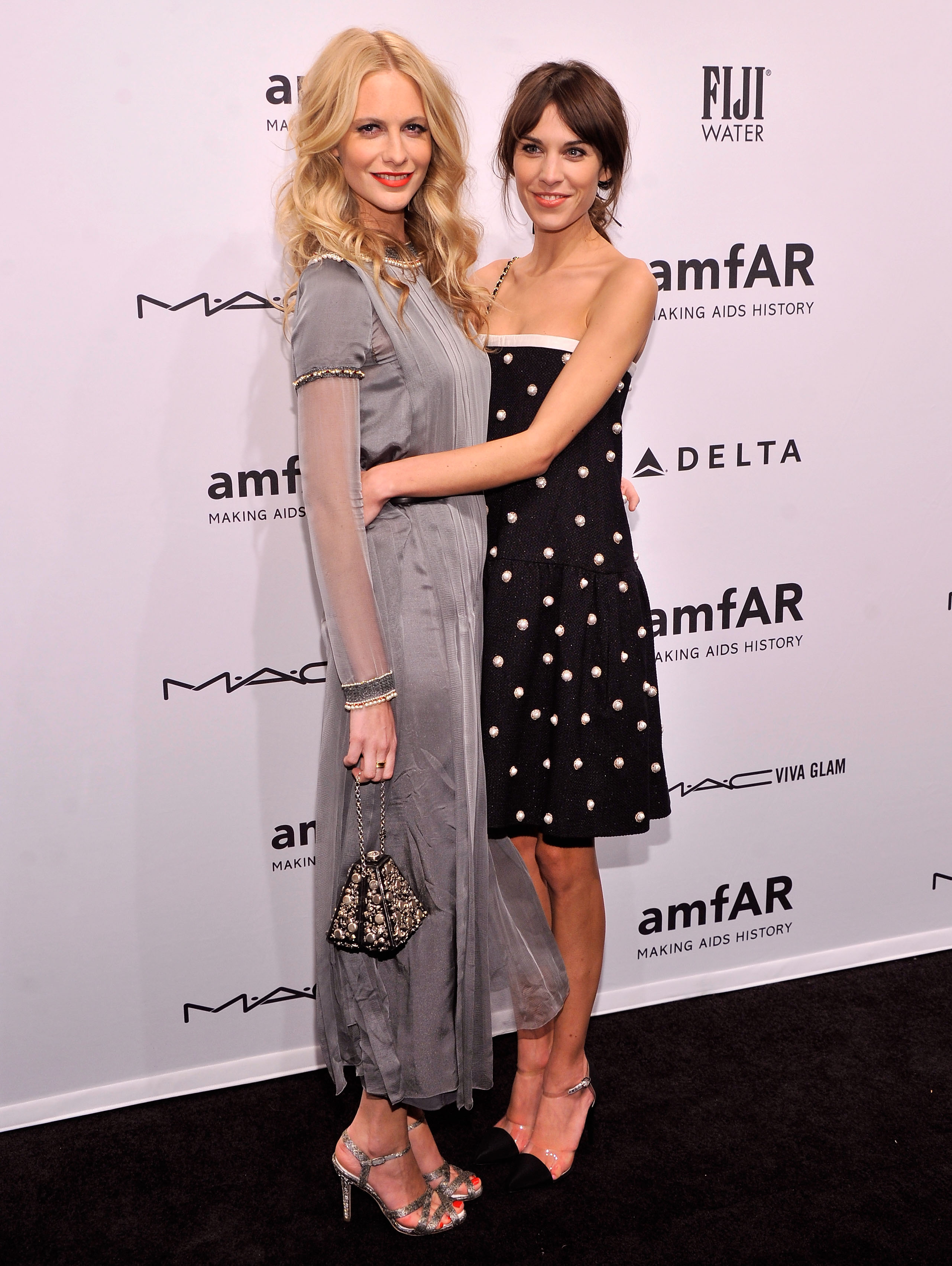
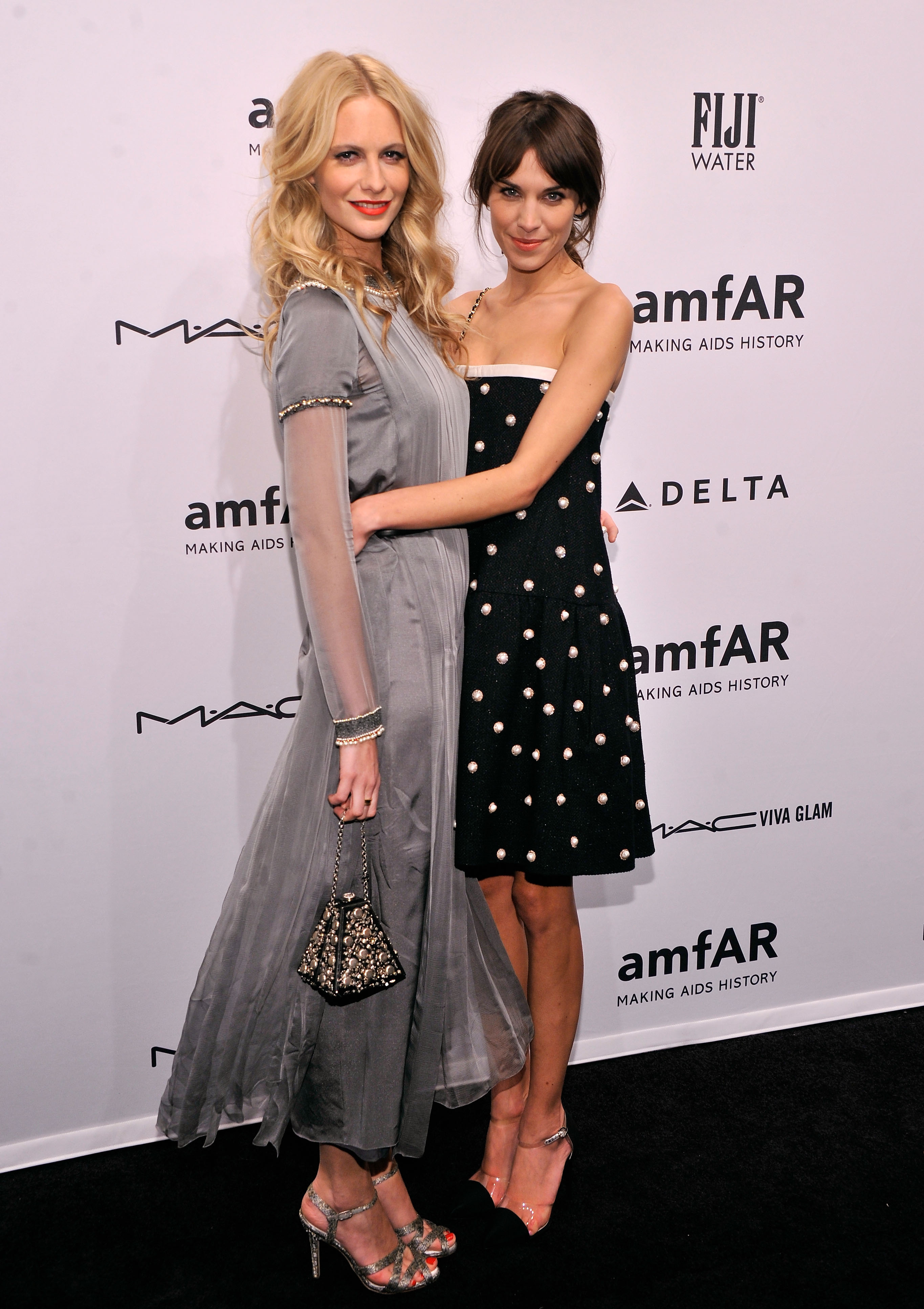
@ amfAR Gala To Kick Off Fall 2013 Fashion Week, NY, 02.06.13 HQ





-
Revlon Luxurious ColorSilk Buttercream Launch in NYC 2/7/13
-
-
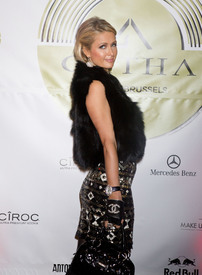
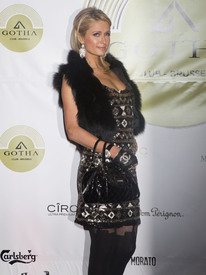
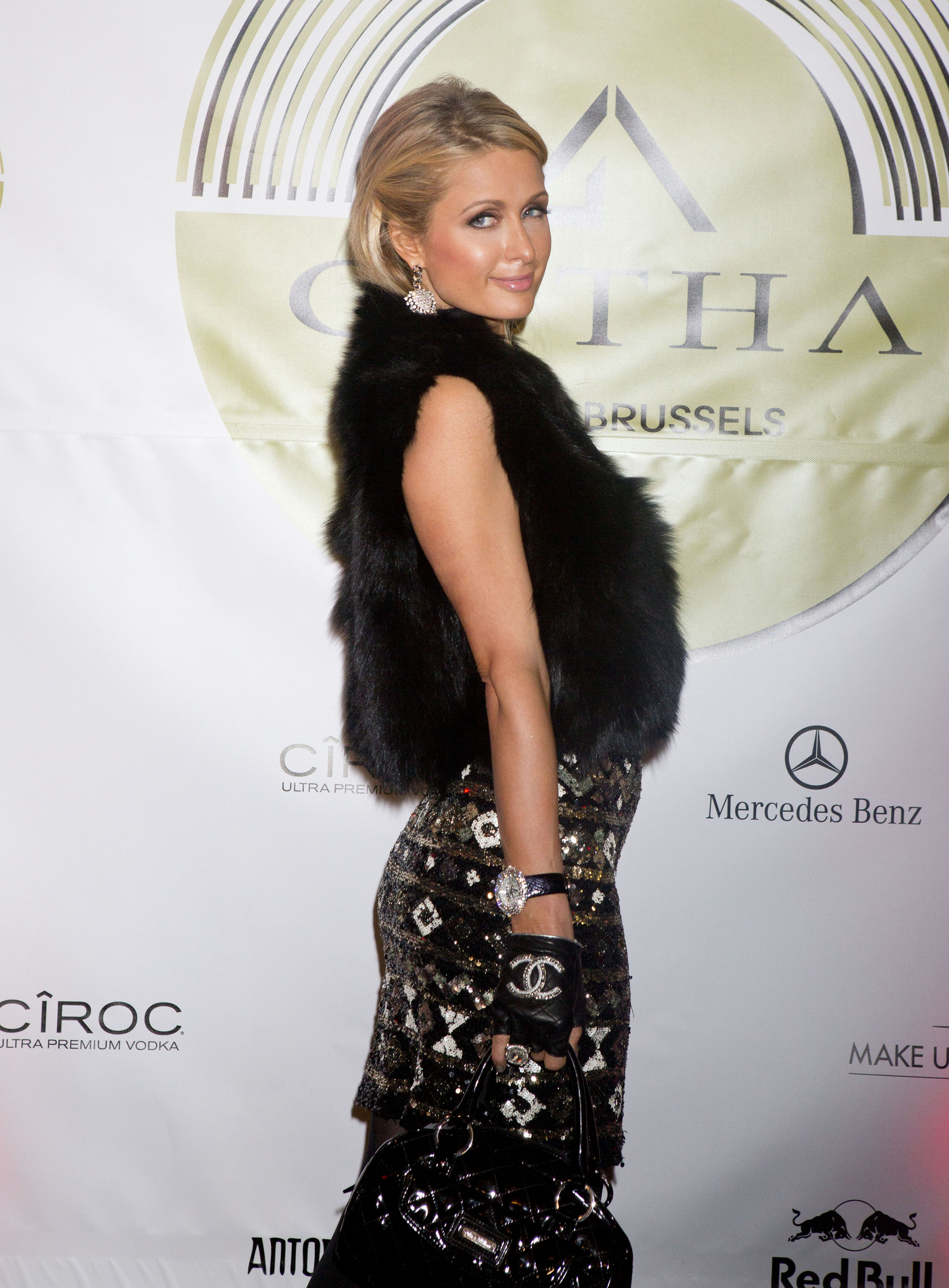
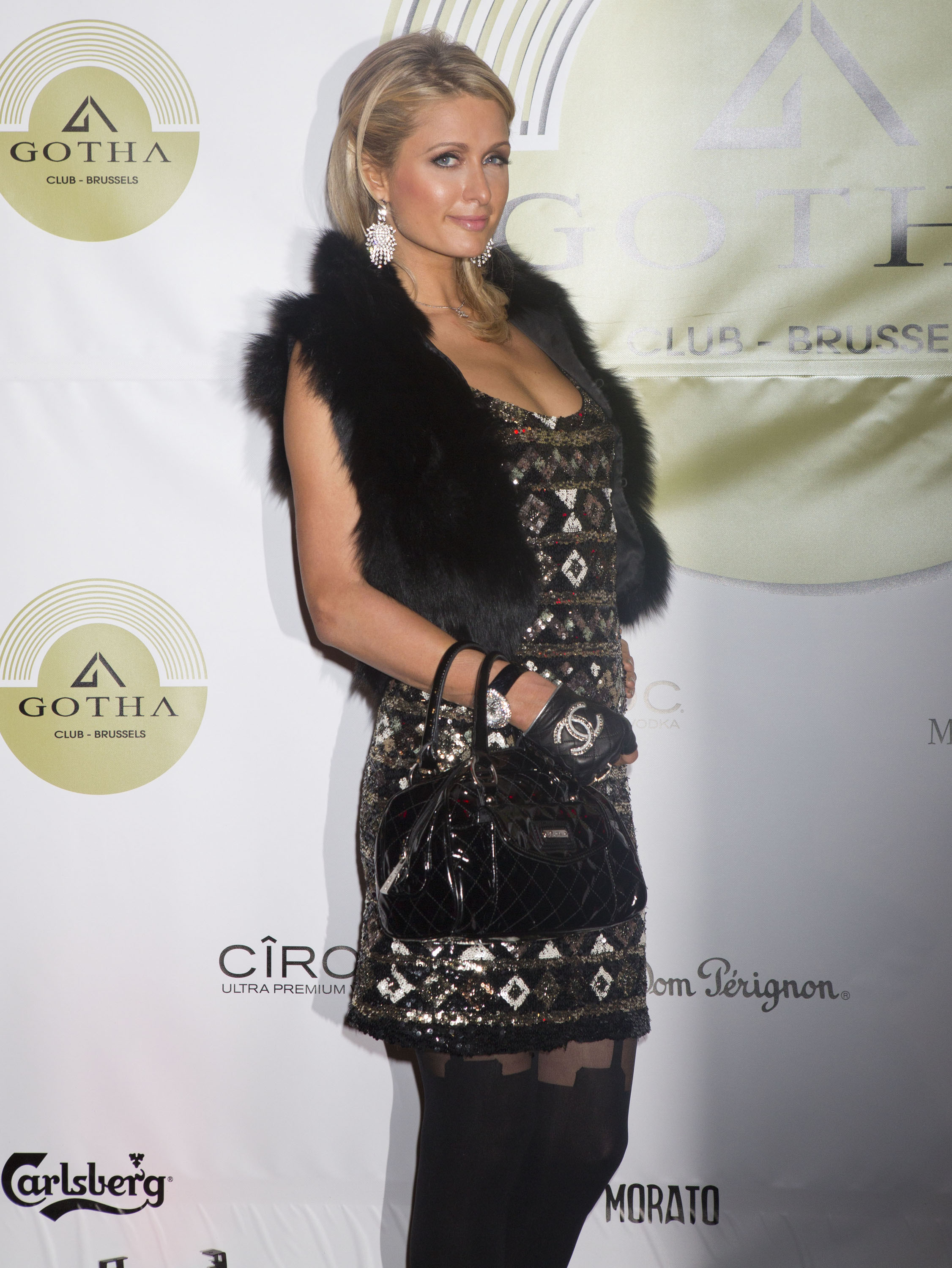
At a party in Brussels on February 1, 2013.

-
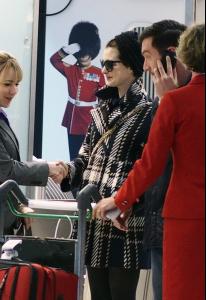
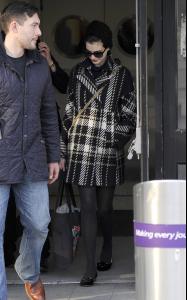
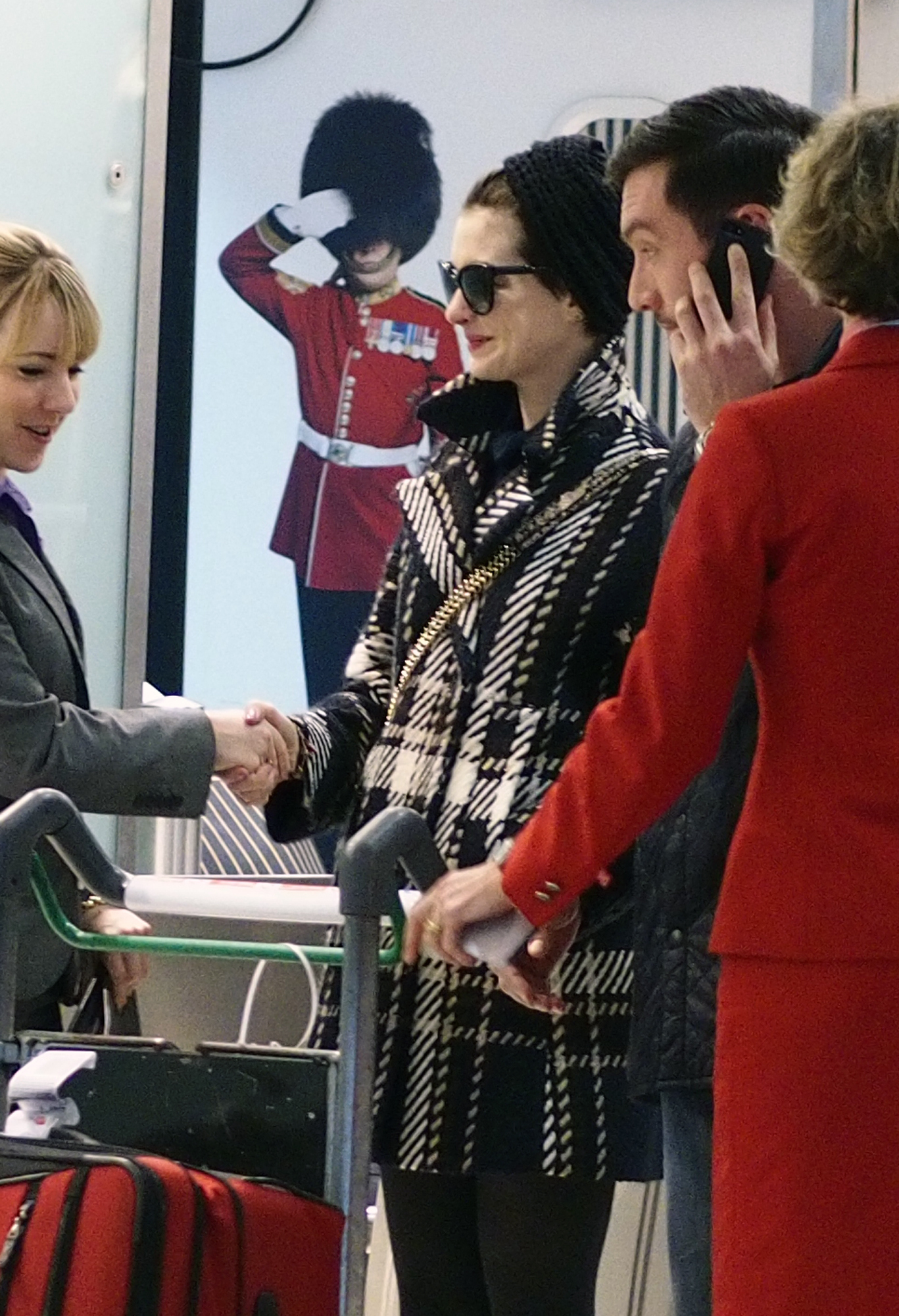
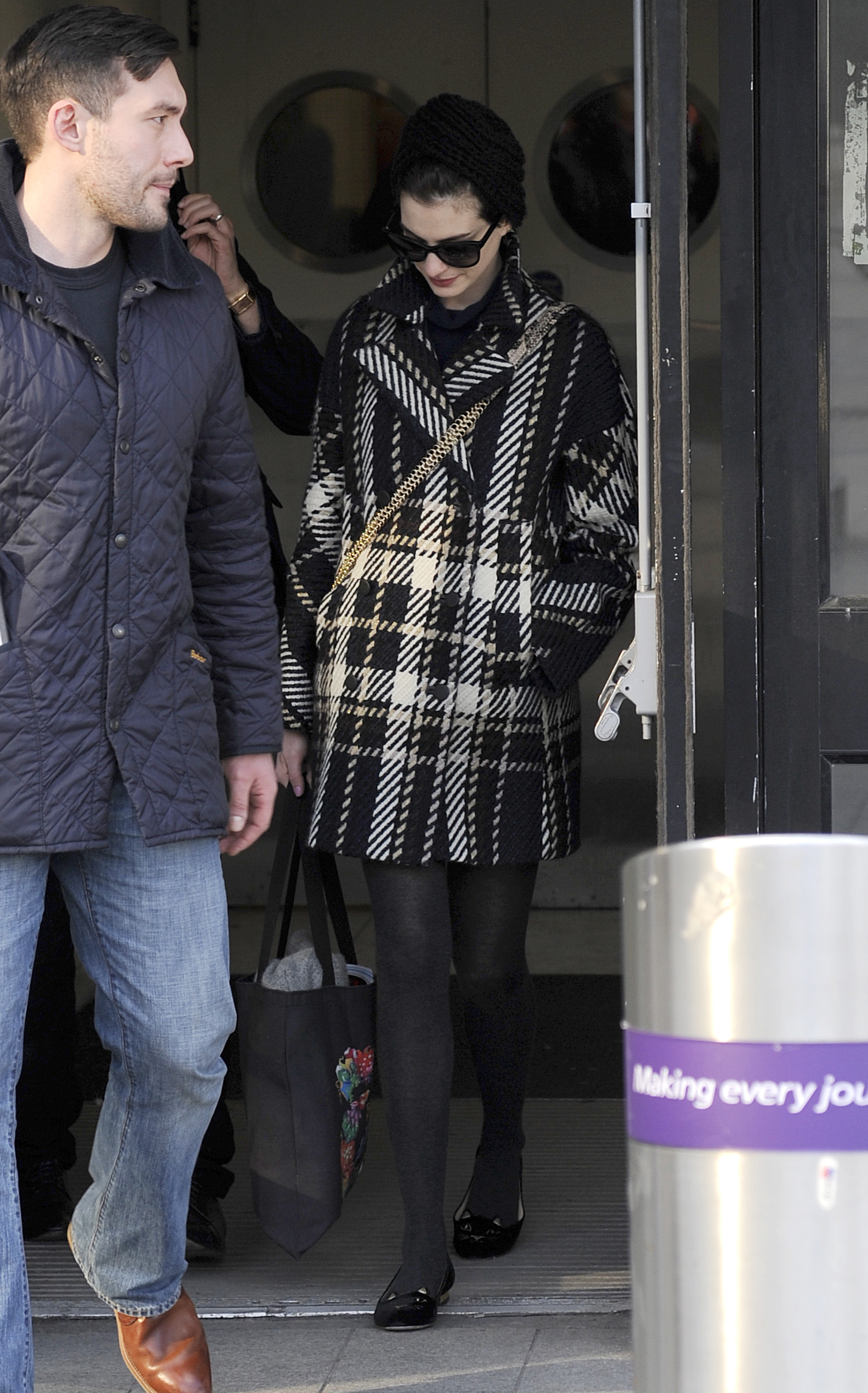
At Heathrow, February 6, 2013.
-
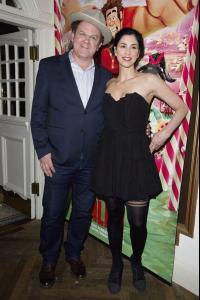
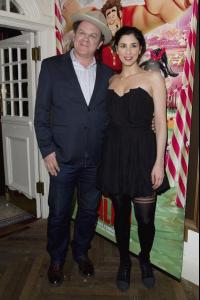
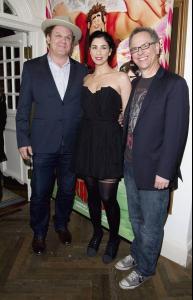
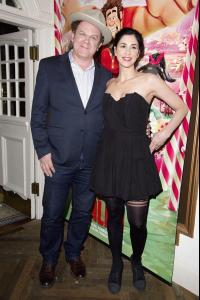
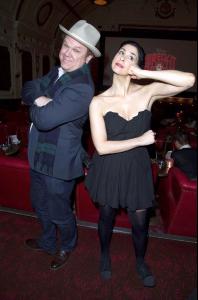
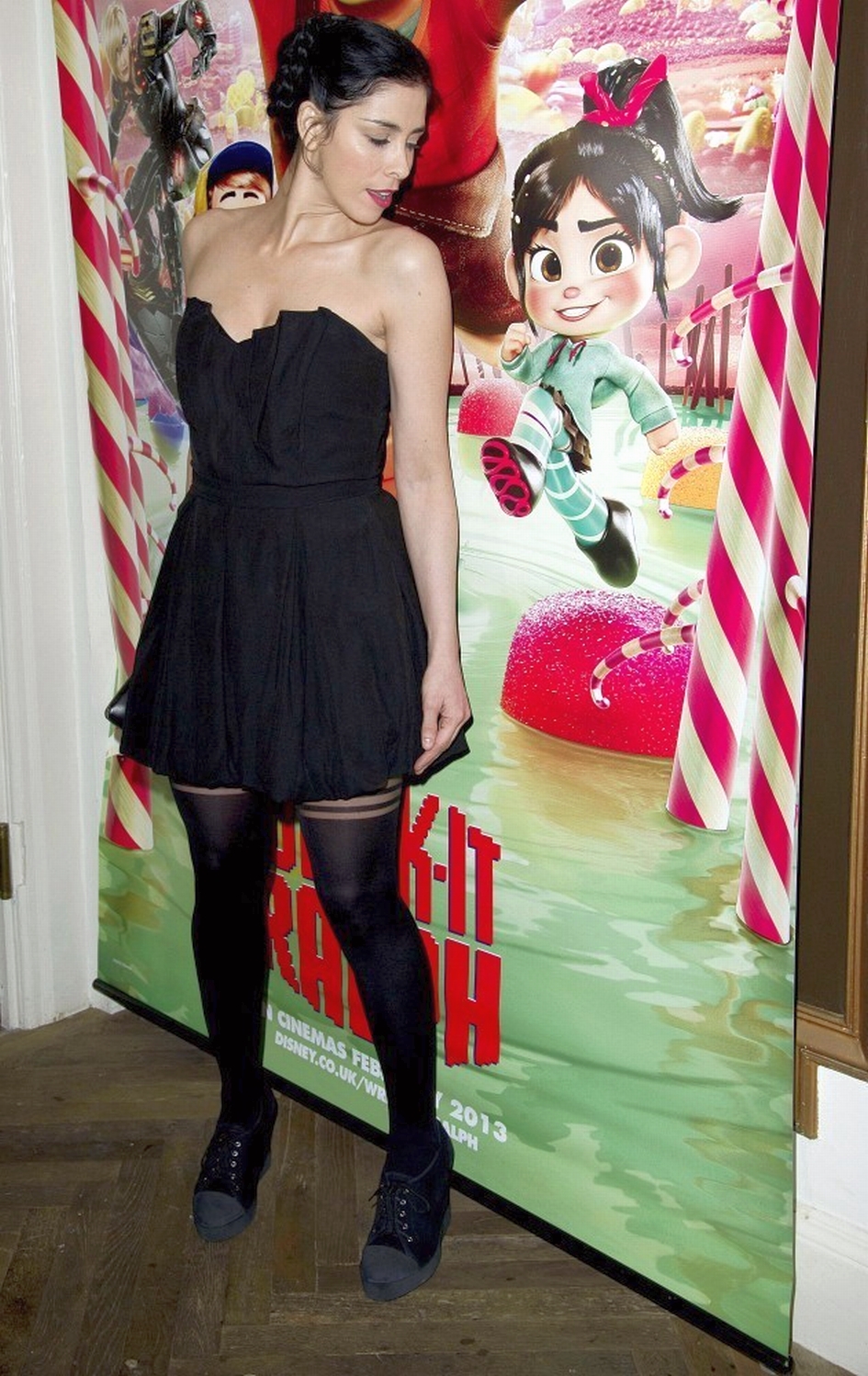
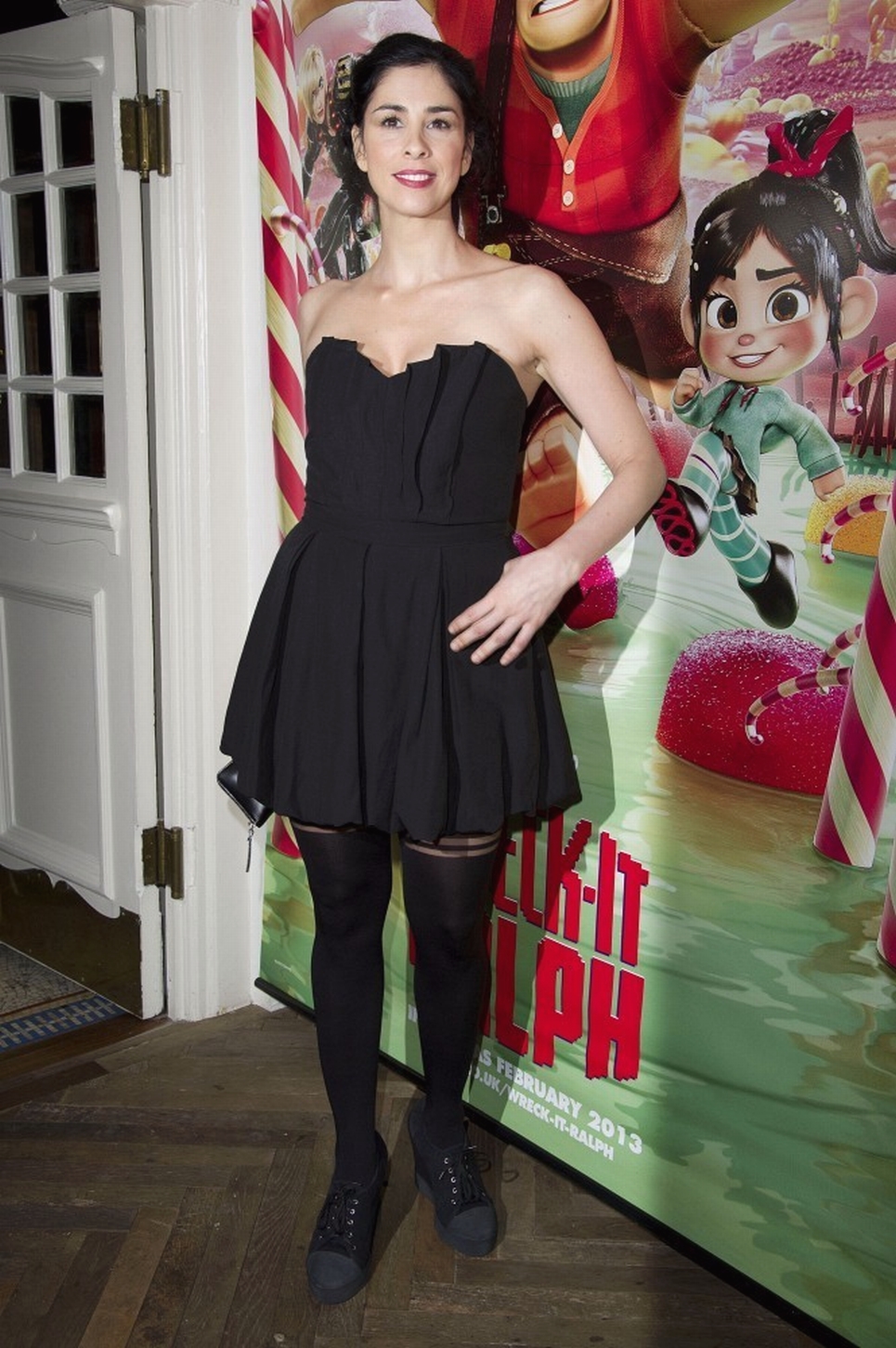
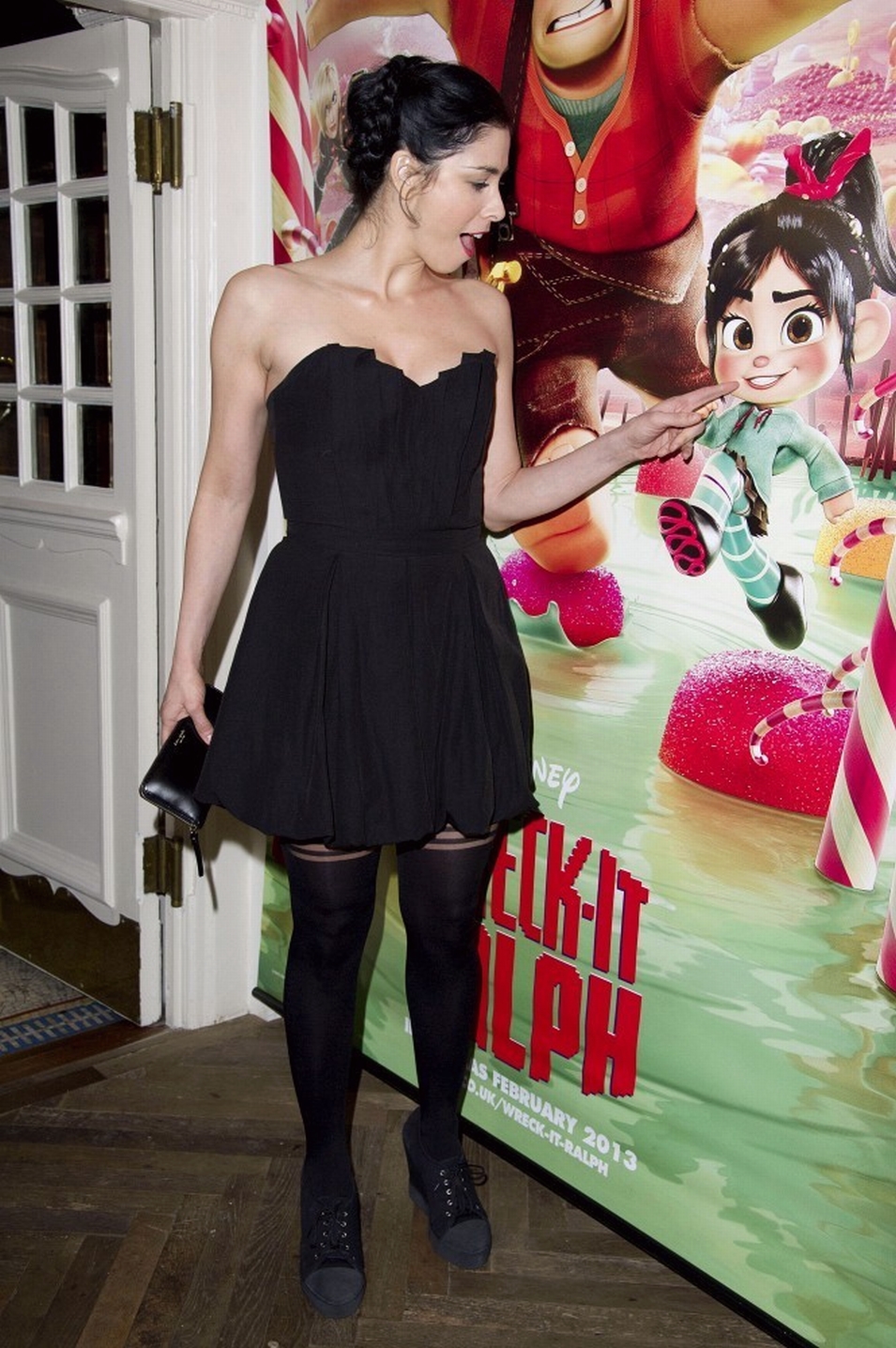
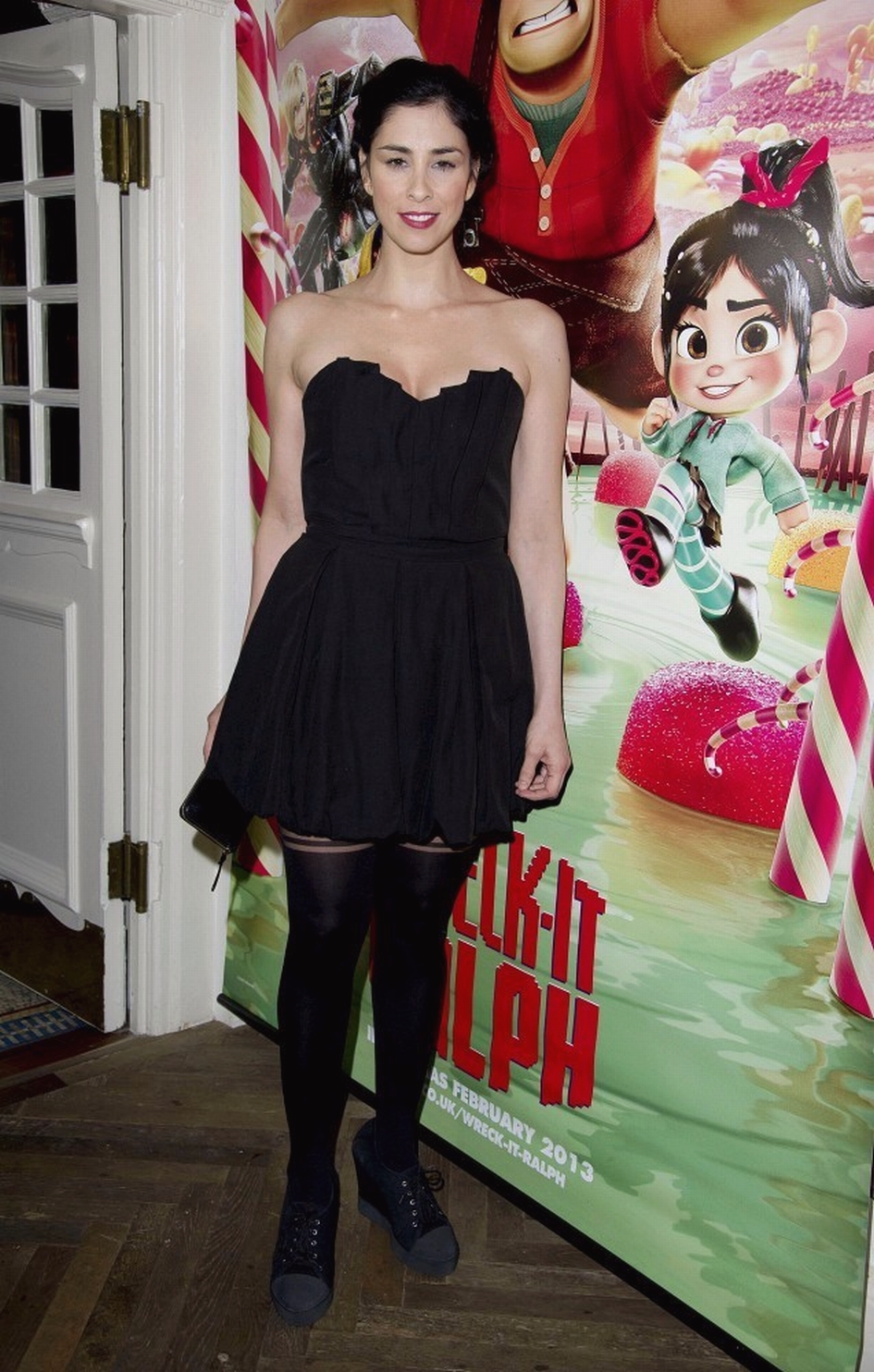
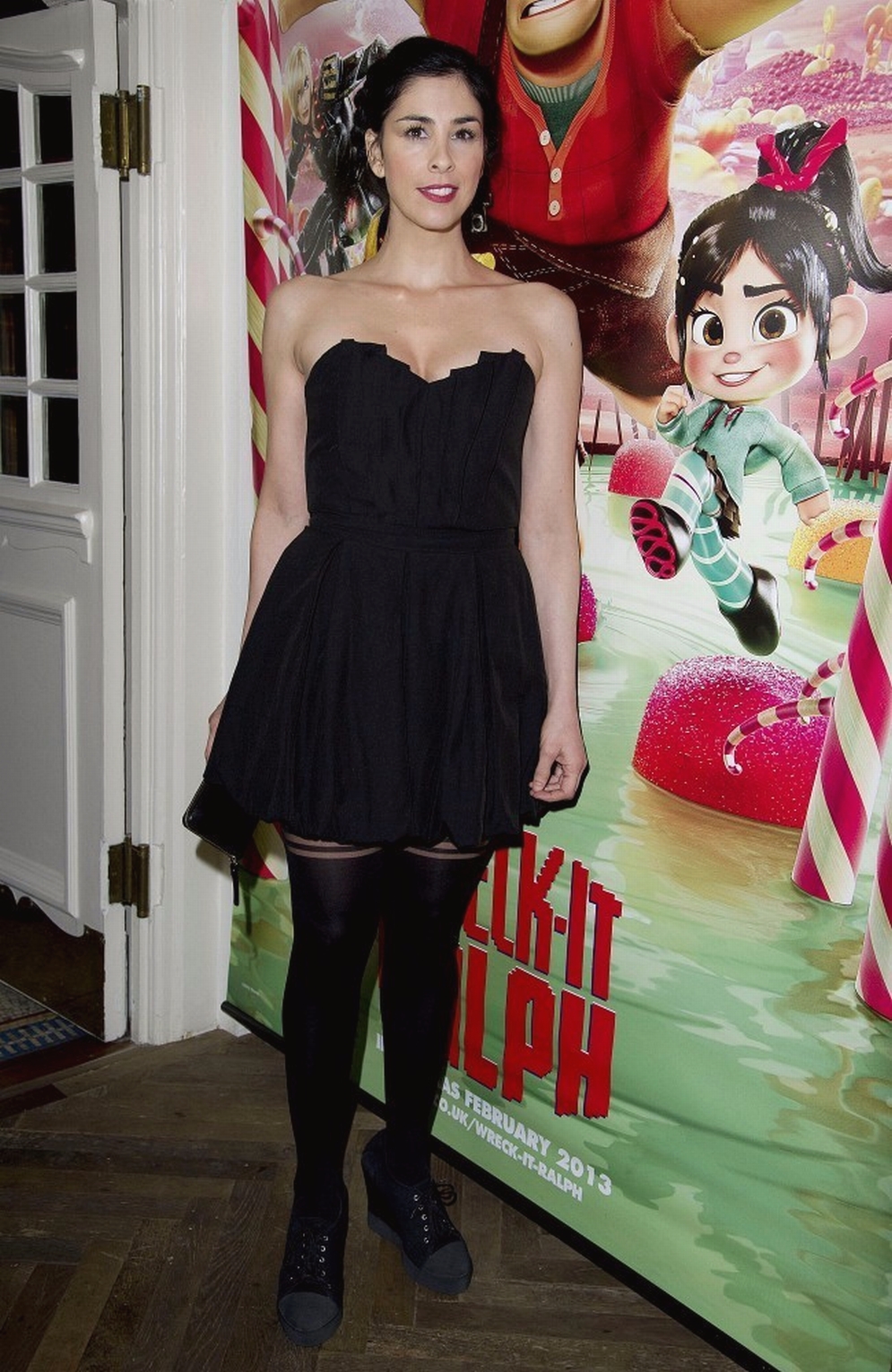
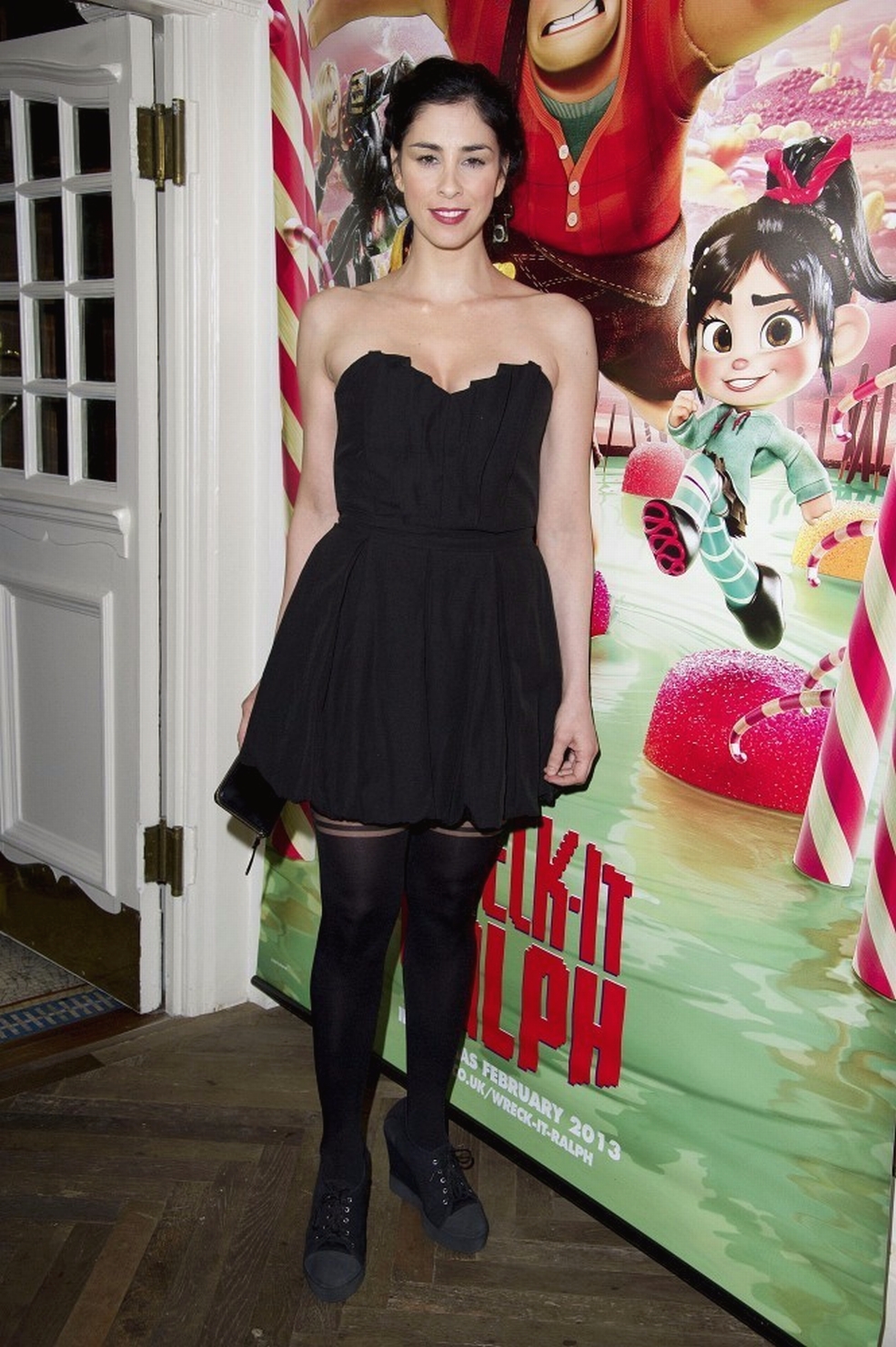
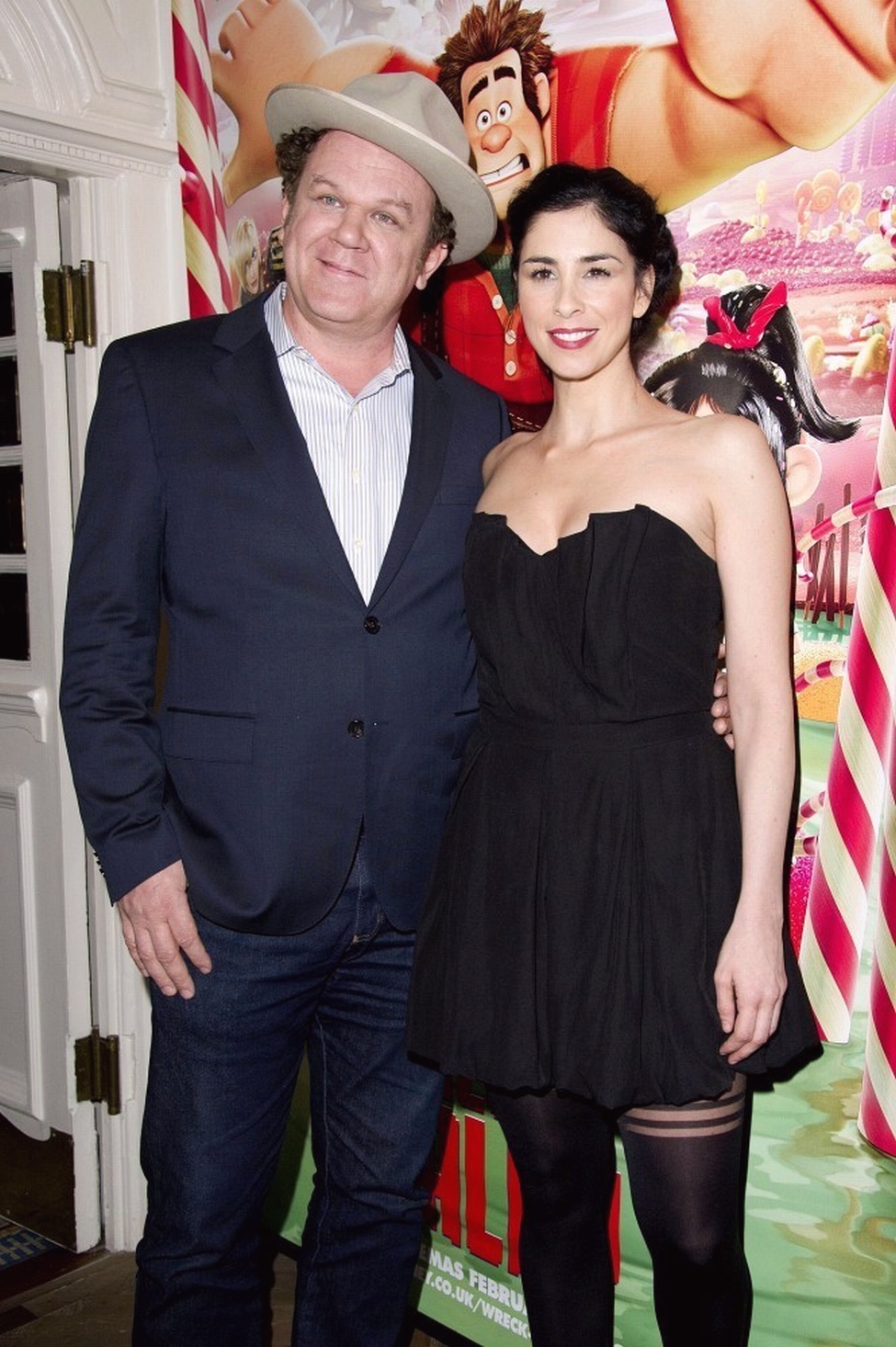
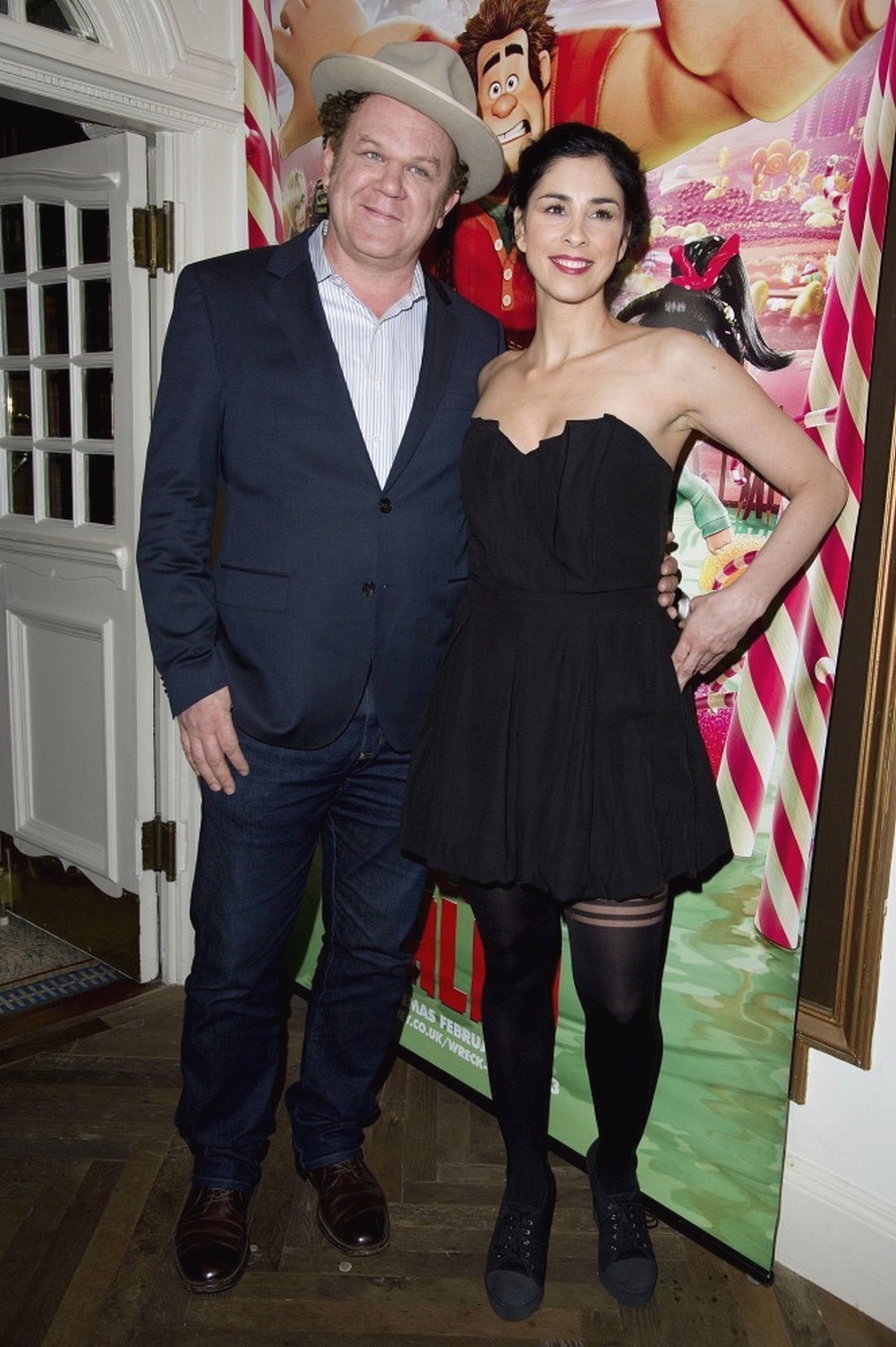
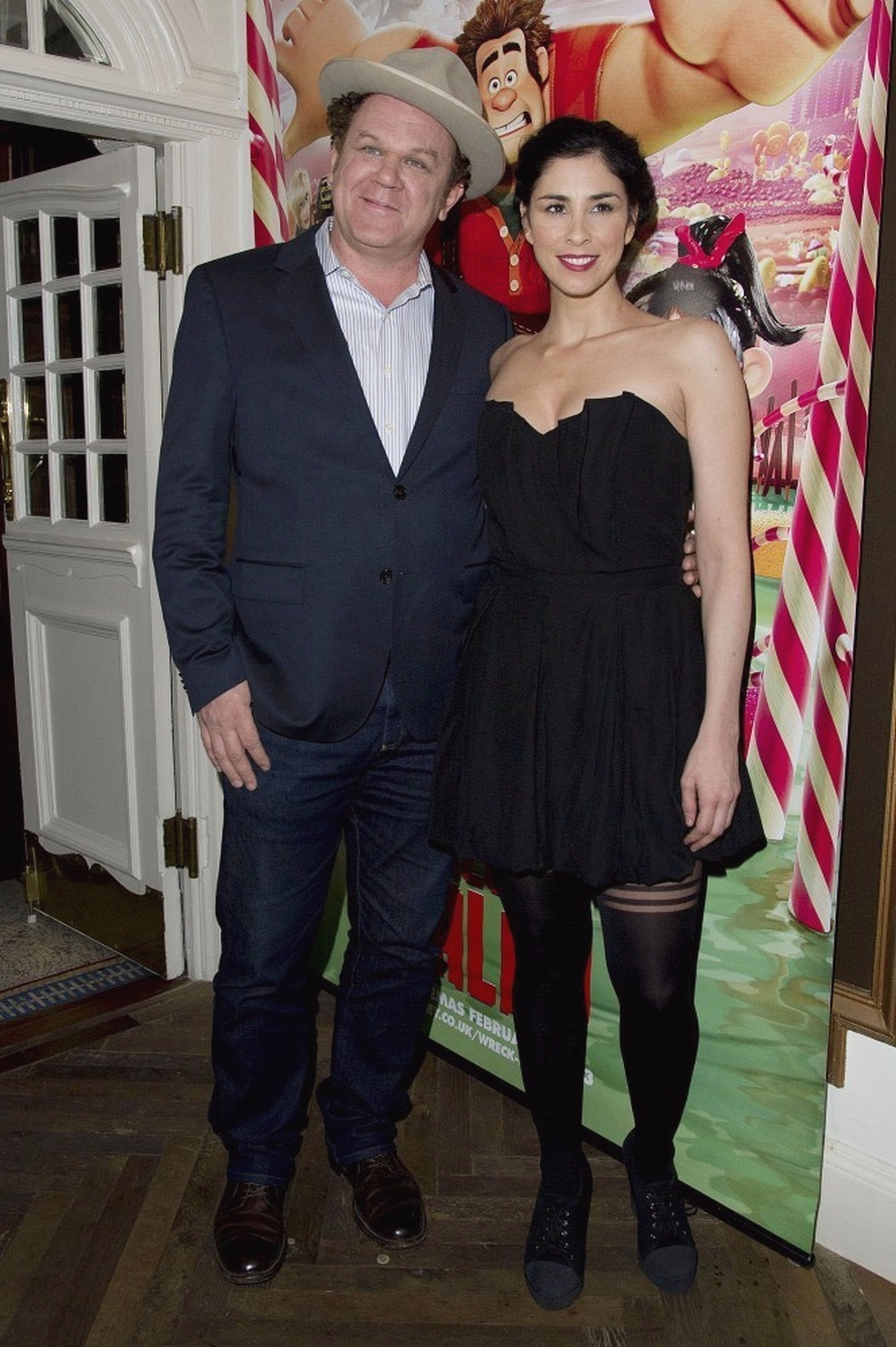
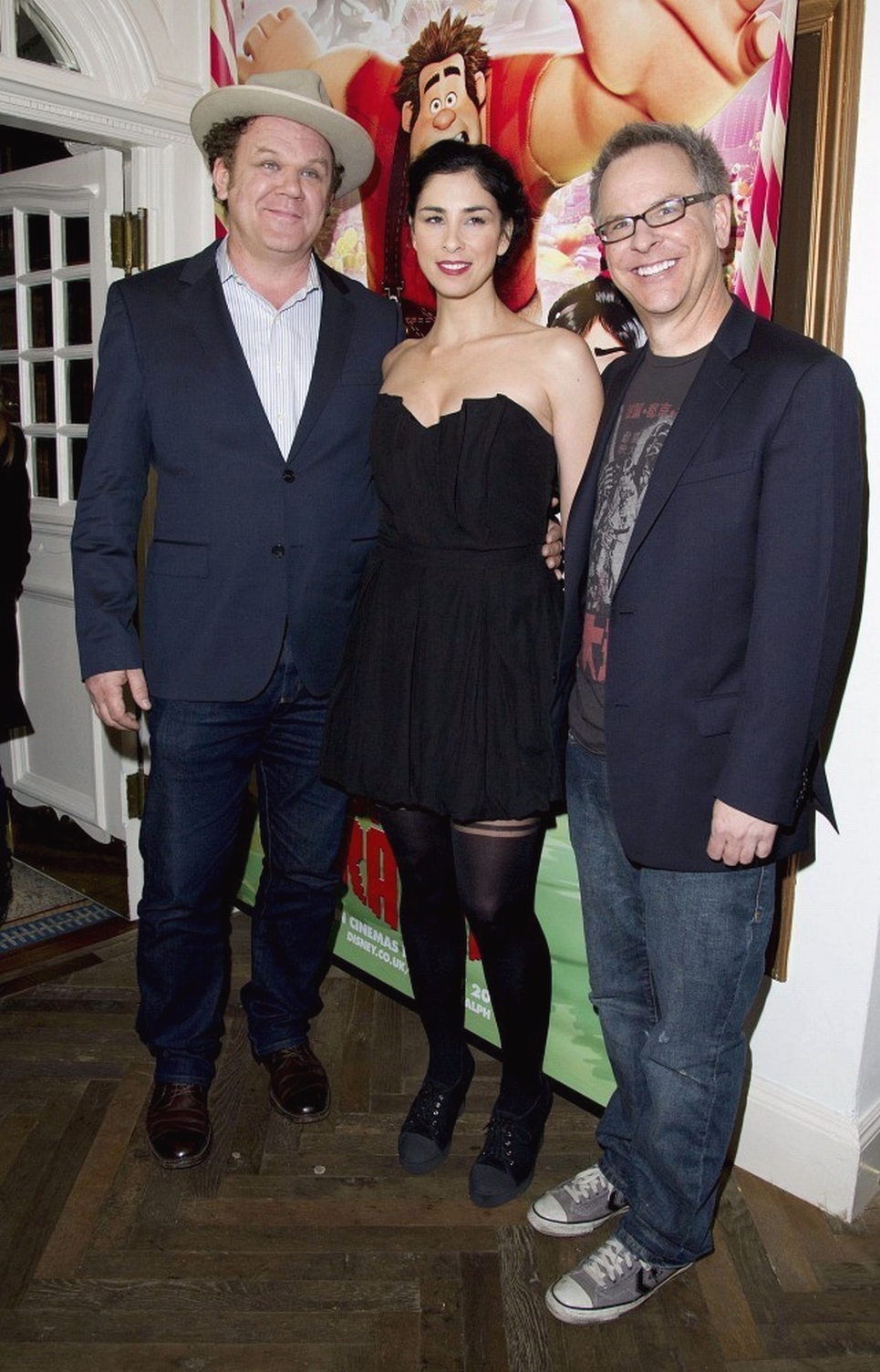
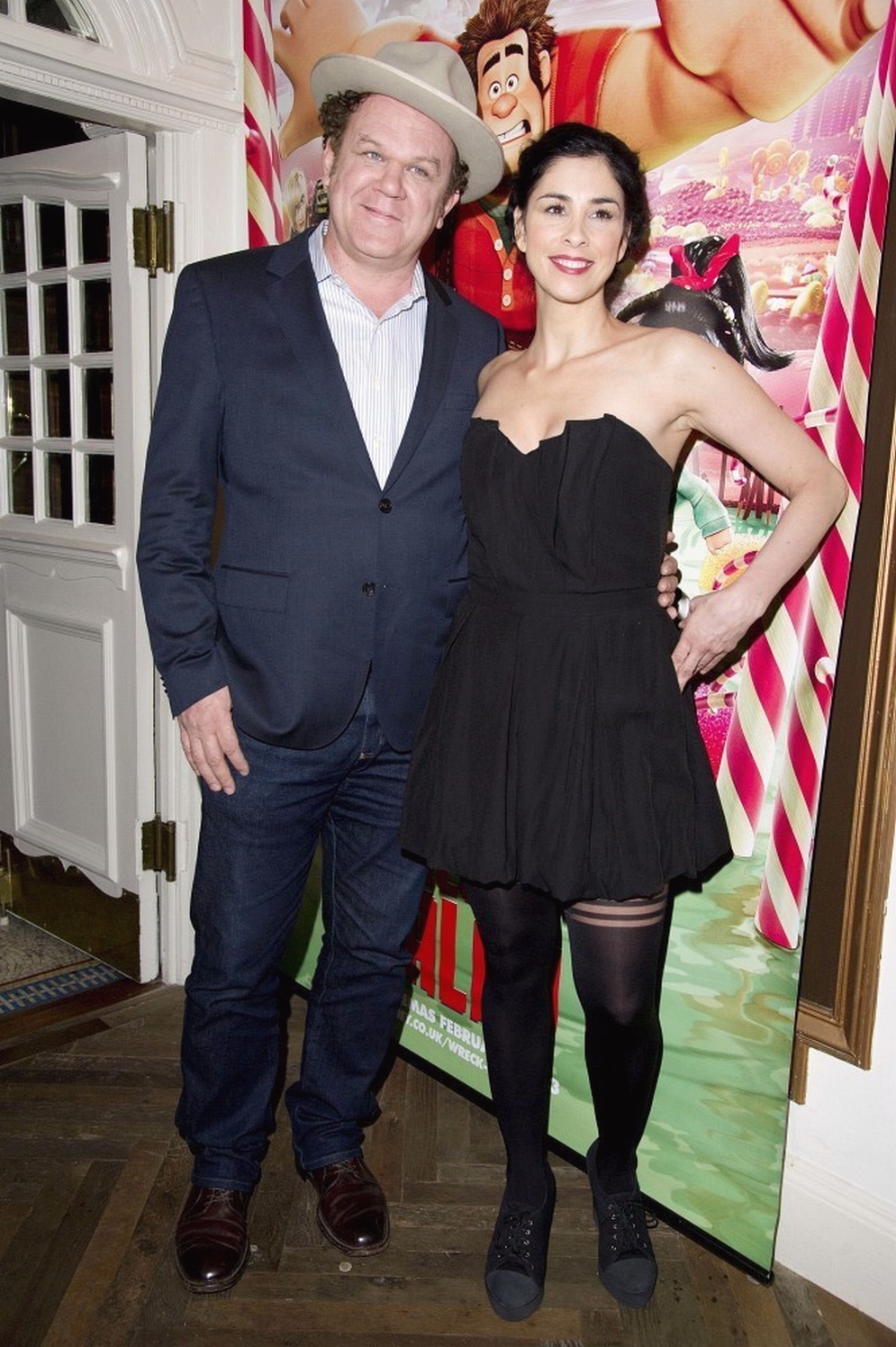
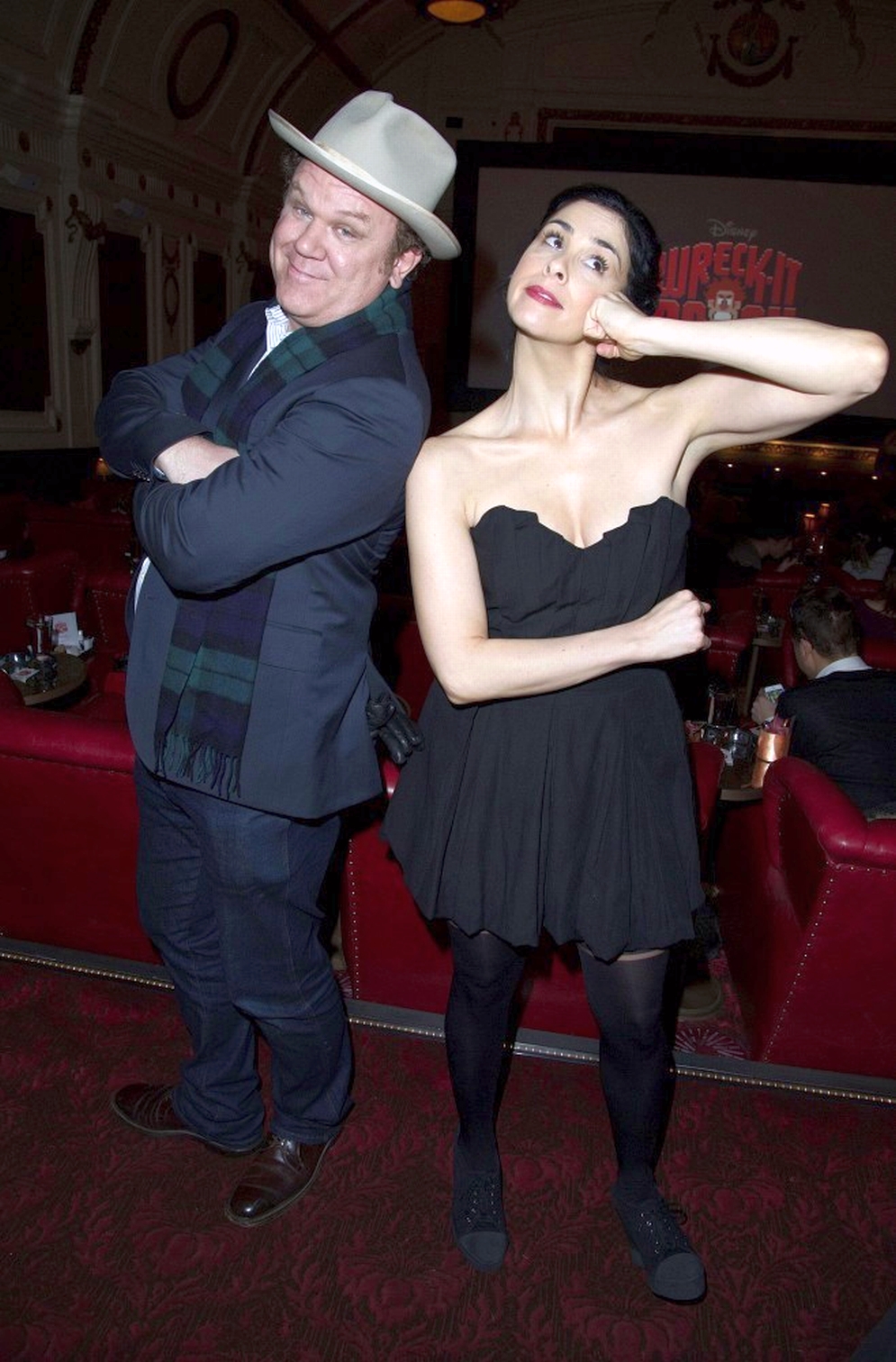
Attends a preview screening of "Wreck It Ralph" on February 5, 2013 in London.







-
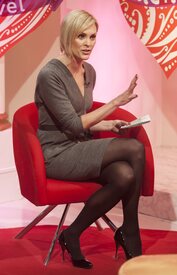
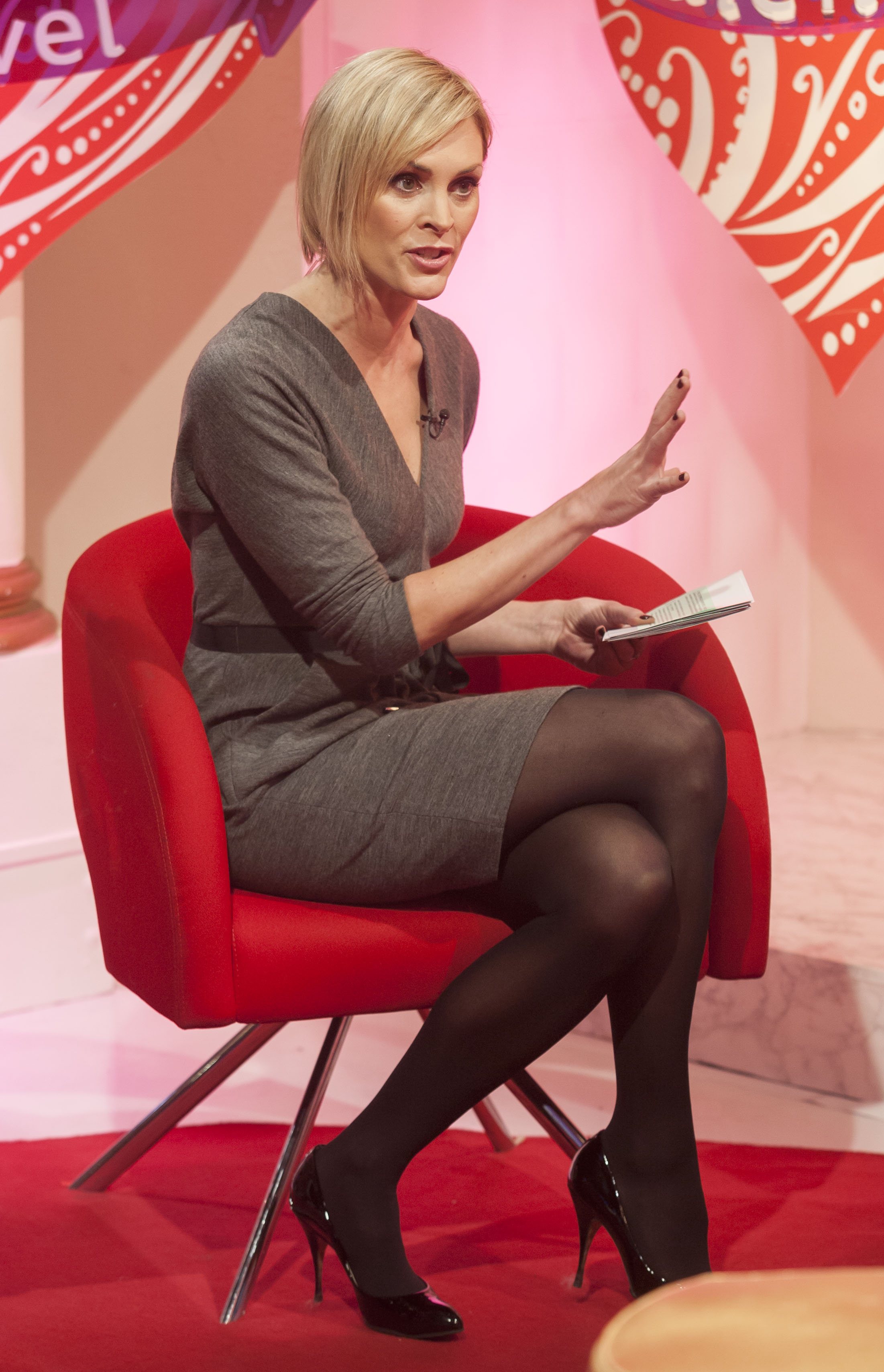
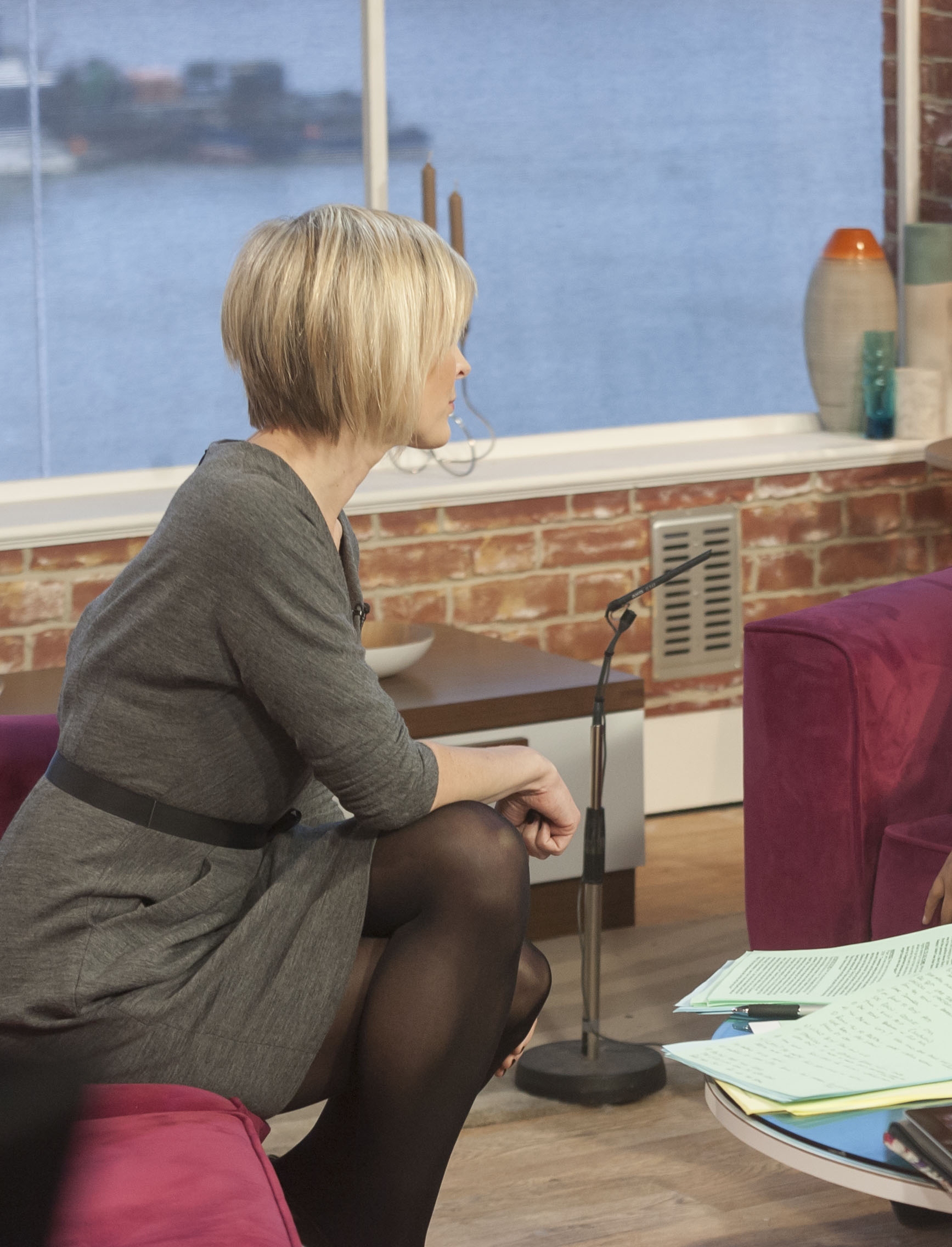
"This Morning" in London, February 6, 2013.
-
Out and about in London 2/6/13
-
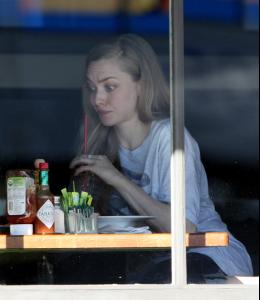
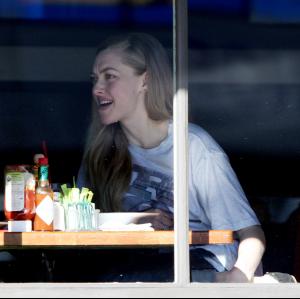
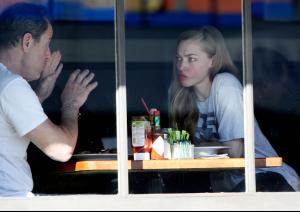
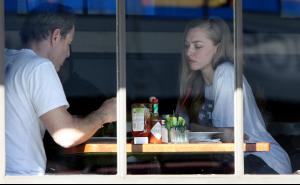
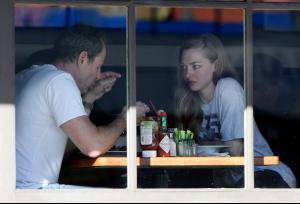
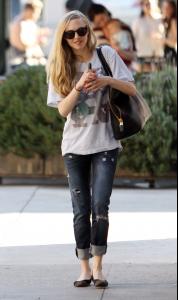
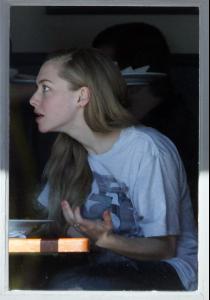
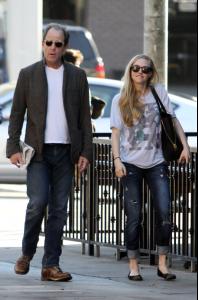
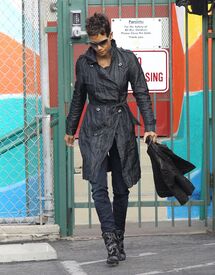
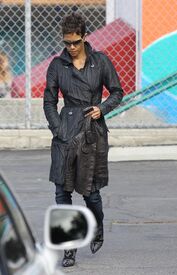
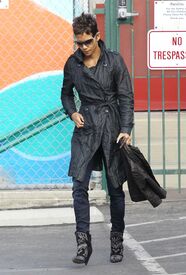
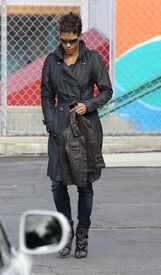
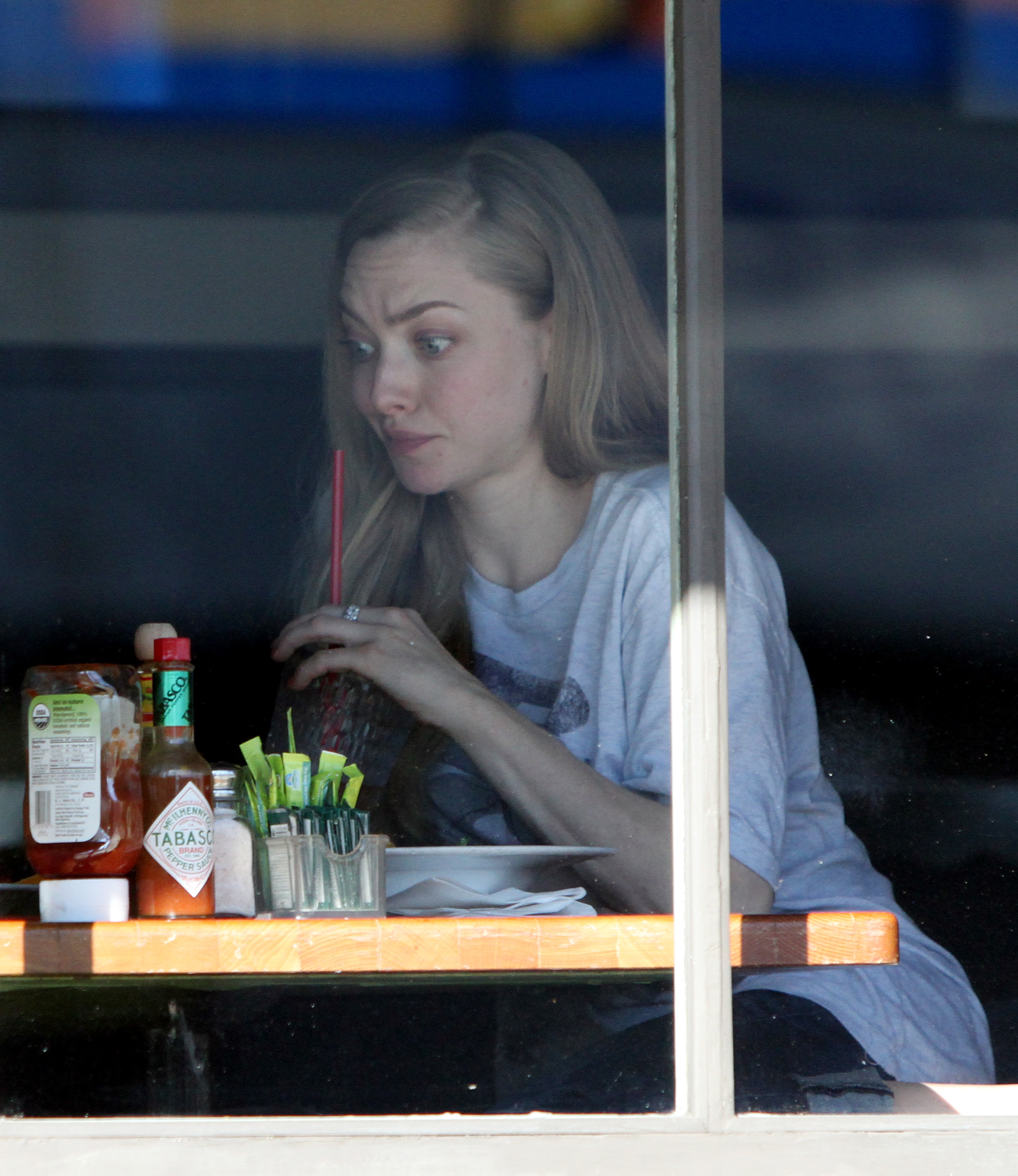
Out In LA Feb 6, 2013
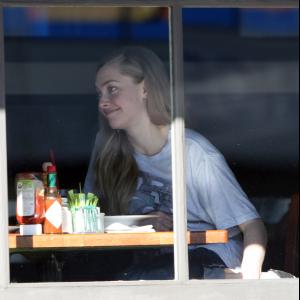
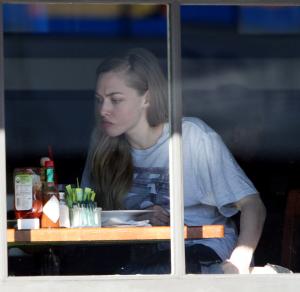
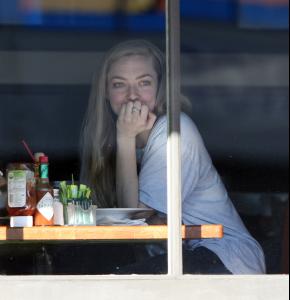
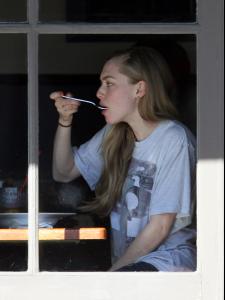

-
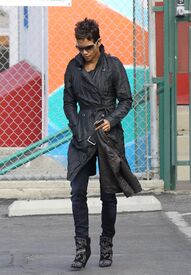
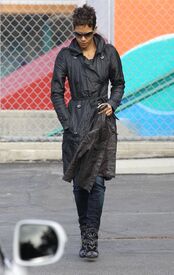
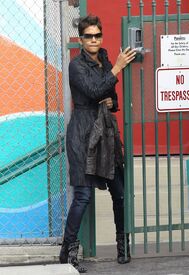
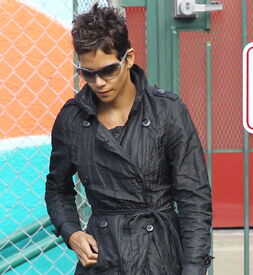
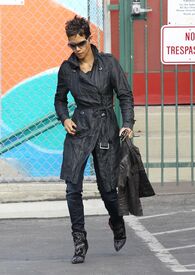
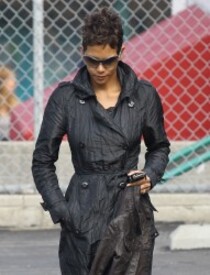
Out In Beverly Hills Feb 6, 2013 /monthly_02_2013/post-35864-0-1593838834-63667_thumb.jpg" class="ipsImage ipsImage_thumbnailed" alt="S136024918987717_7.jpg">
-
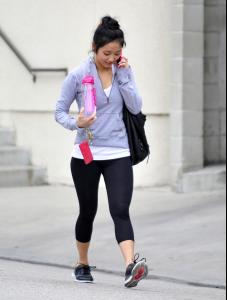
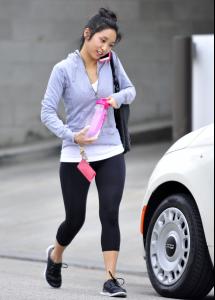
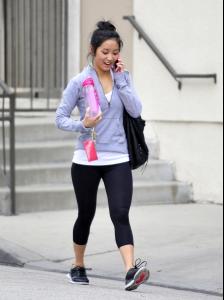
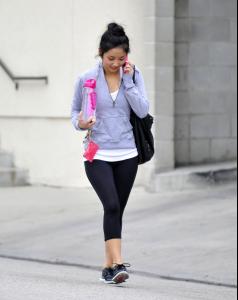
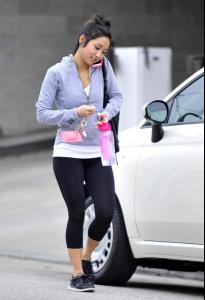
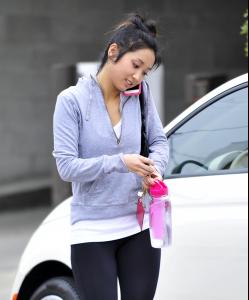
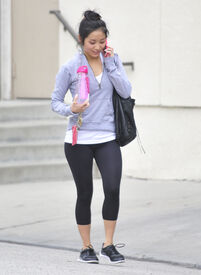
Leaving the Tracy Anderson Fitness Center in L.A. 2/5/13
-
leaving an office building in NY 2/4/13
-
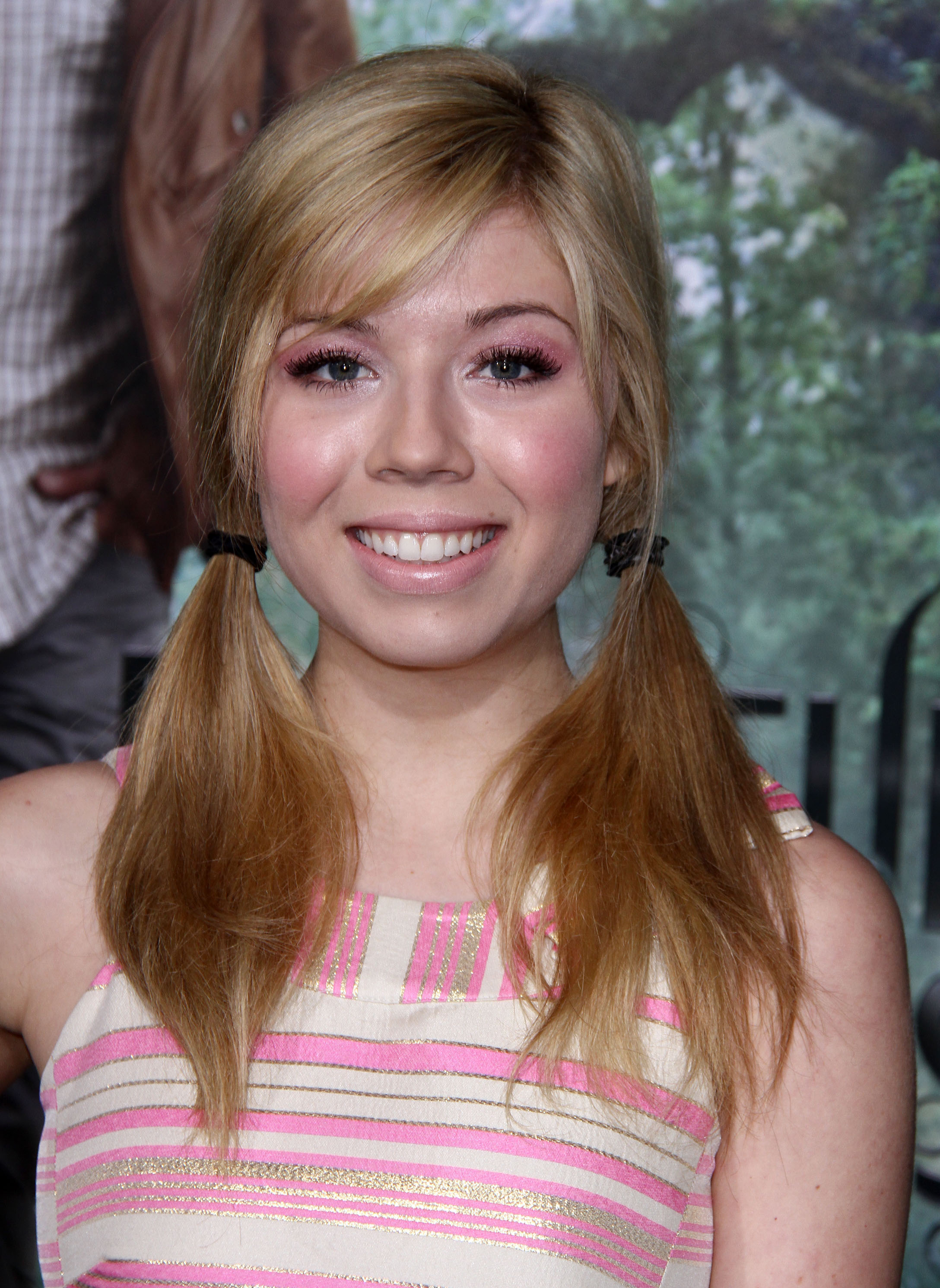
'Beautiful Creatures' premiere in Hollywood 2/6/13 /monthly_02_2013/post-35864-0-1593897687-77376_thumb.jpg" class="ipsImage ipsImage_thumbnailed" alt="Sasha Pieterse Beautiful Creatures premiere in LA_020613_02.jpg">


-
"Beautiful Creatures" Premiere at TCL Chinese Theatre in Hollywood 02/06/13
-
Damien Morley Photoshoot - February 5, 2013
-
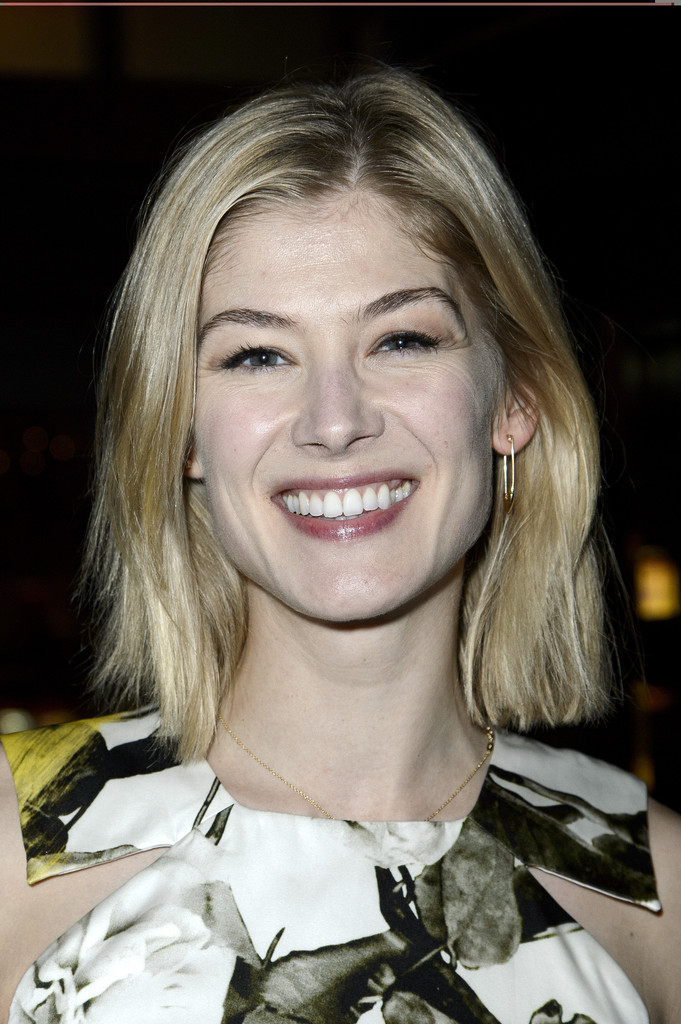
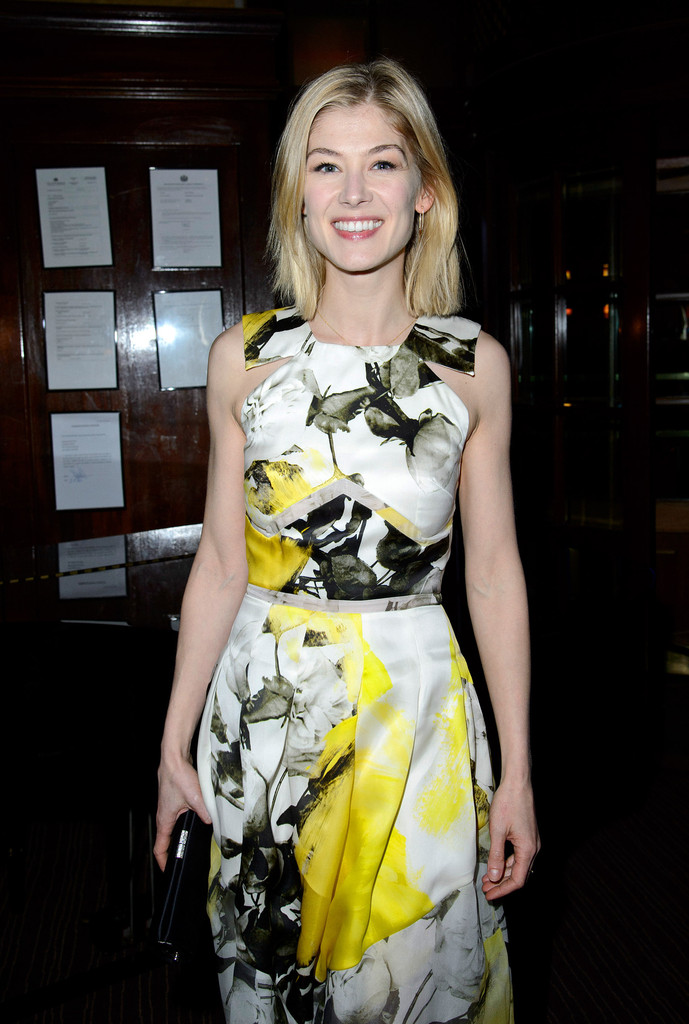
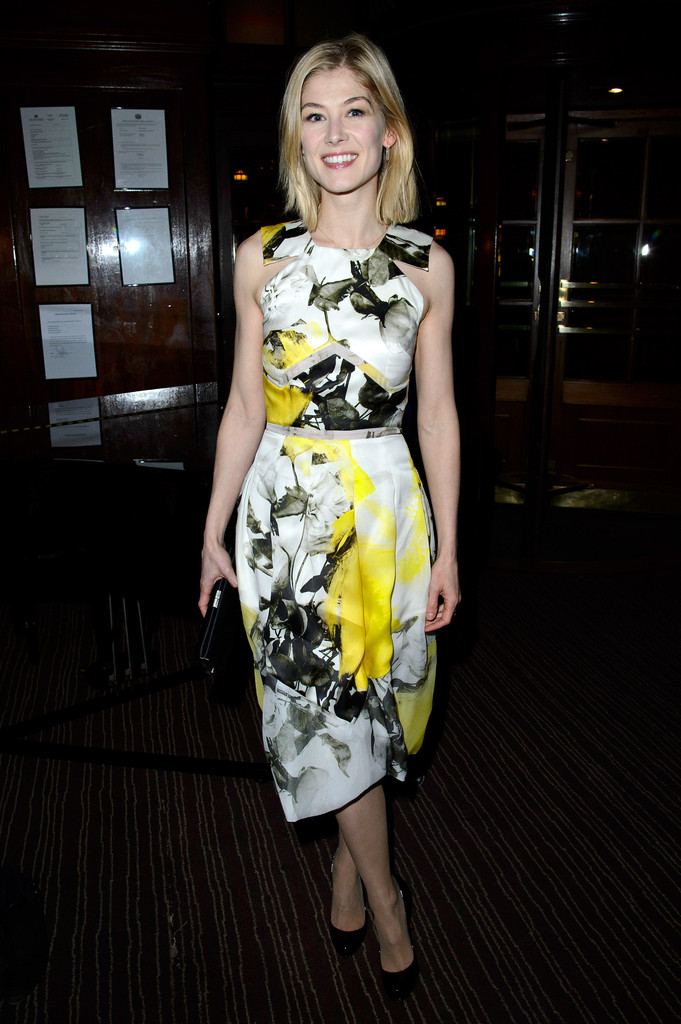
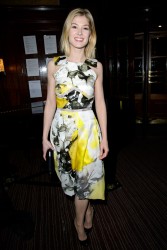
Private View Of PANTA RHEI in London 2/6/13 /monthly_02_2013/post-35864-0-1593853317-00579_thumb.jpg" class="ipsImage ipsImage_thumbnailed" alt="RosamundPike_020613_03.jpg">
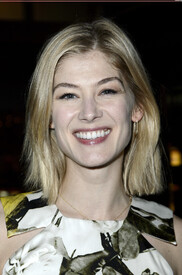
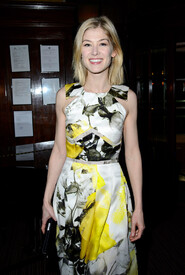
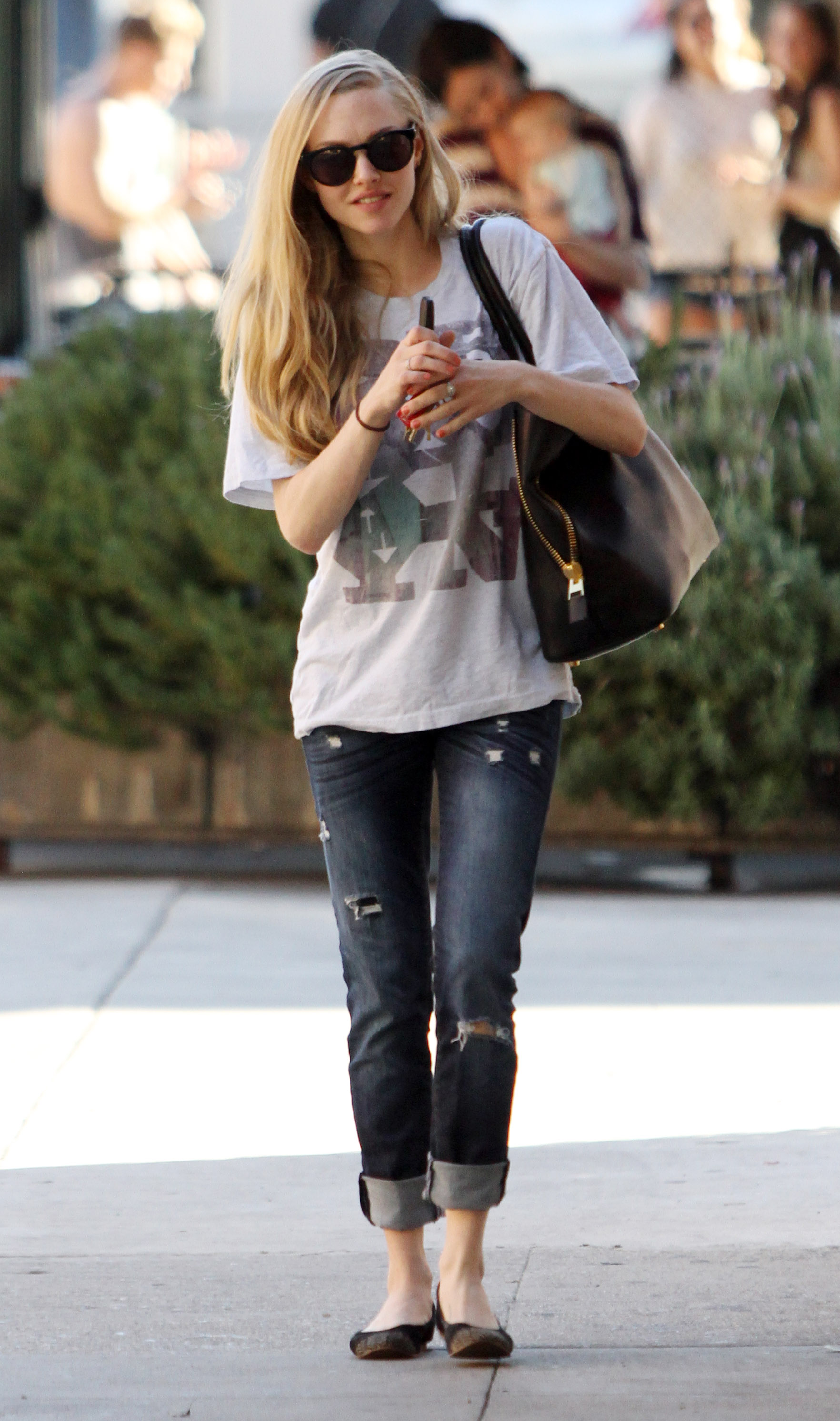
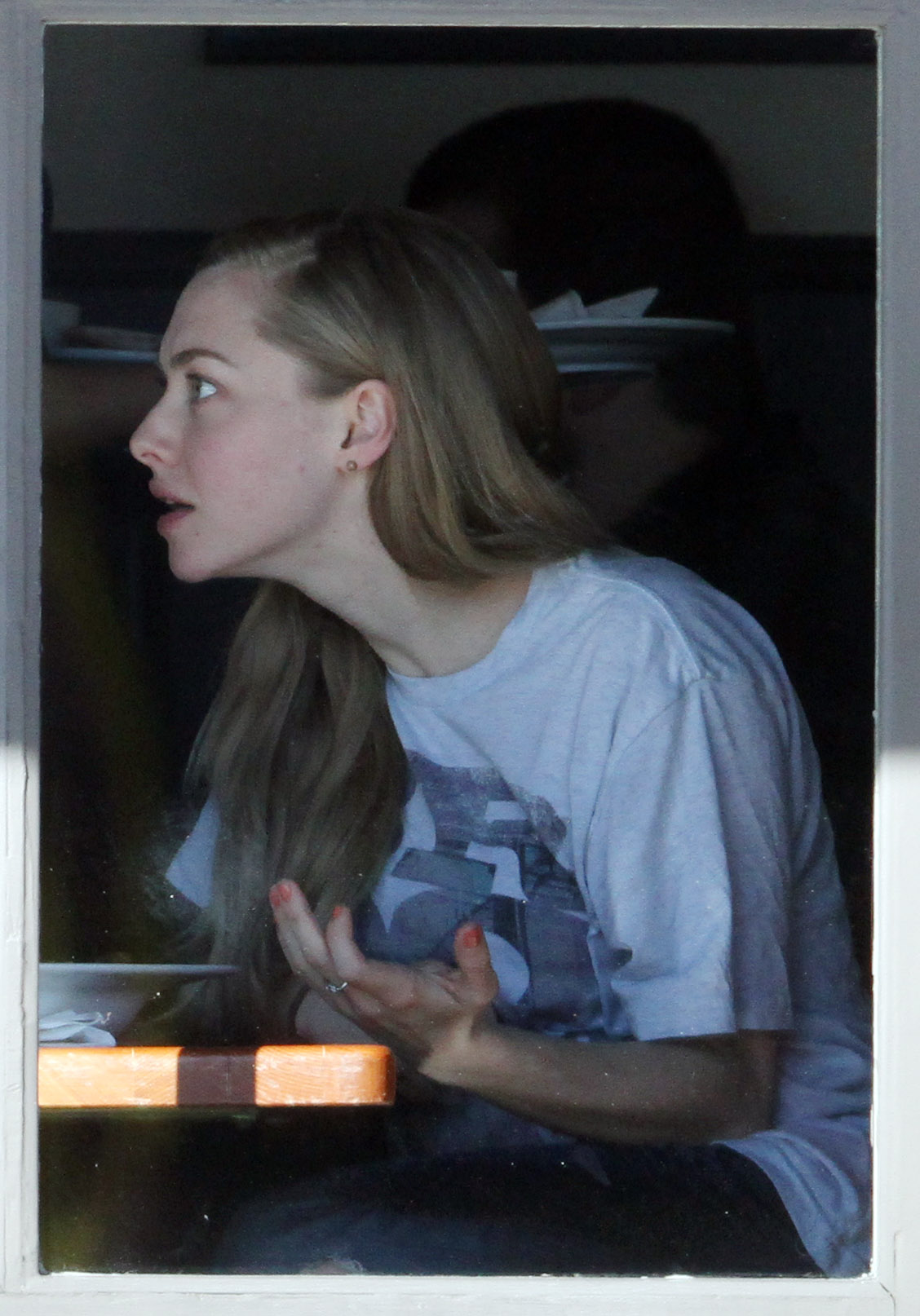
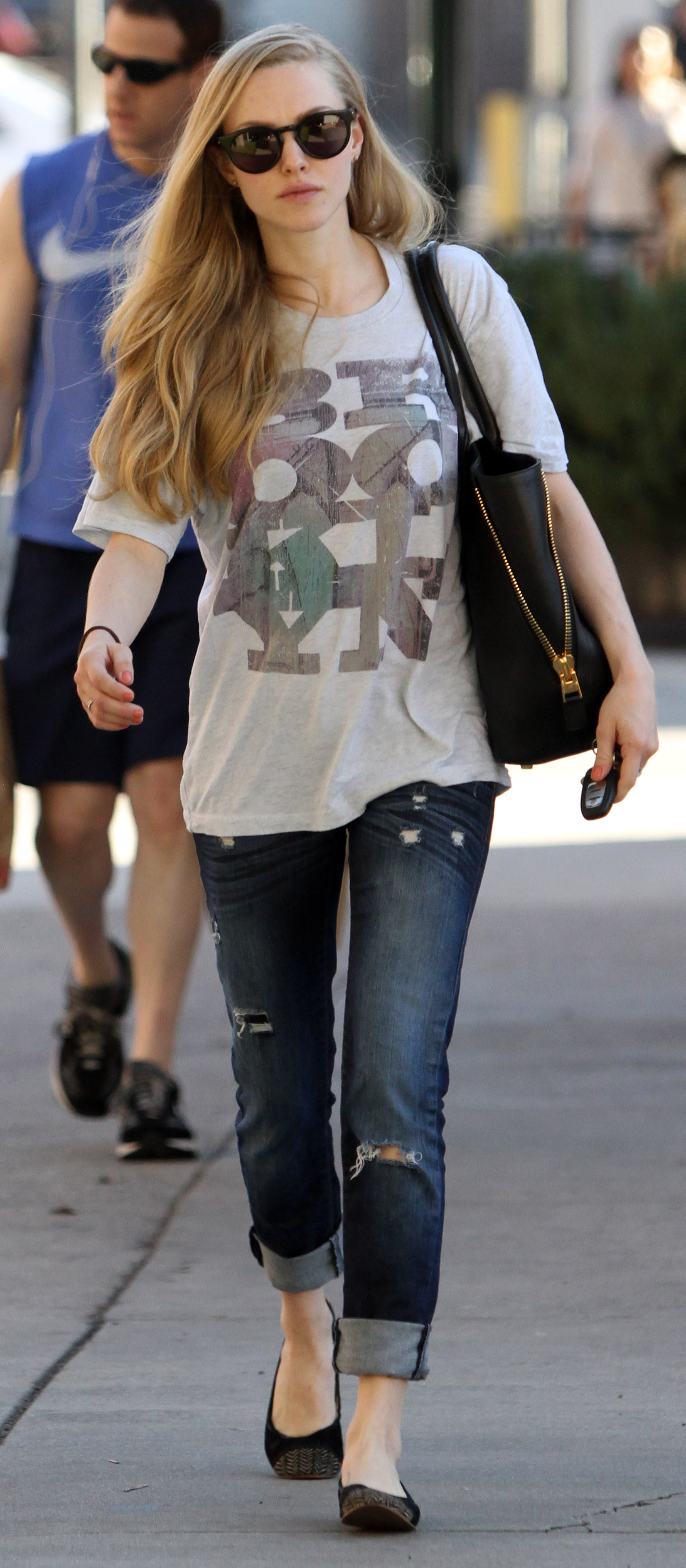
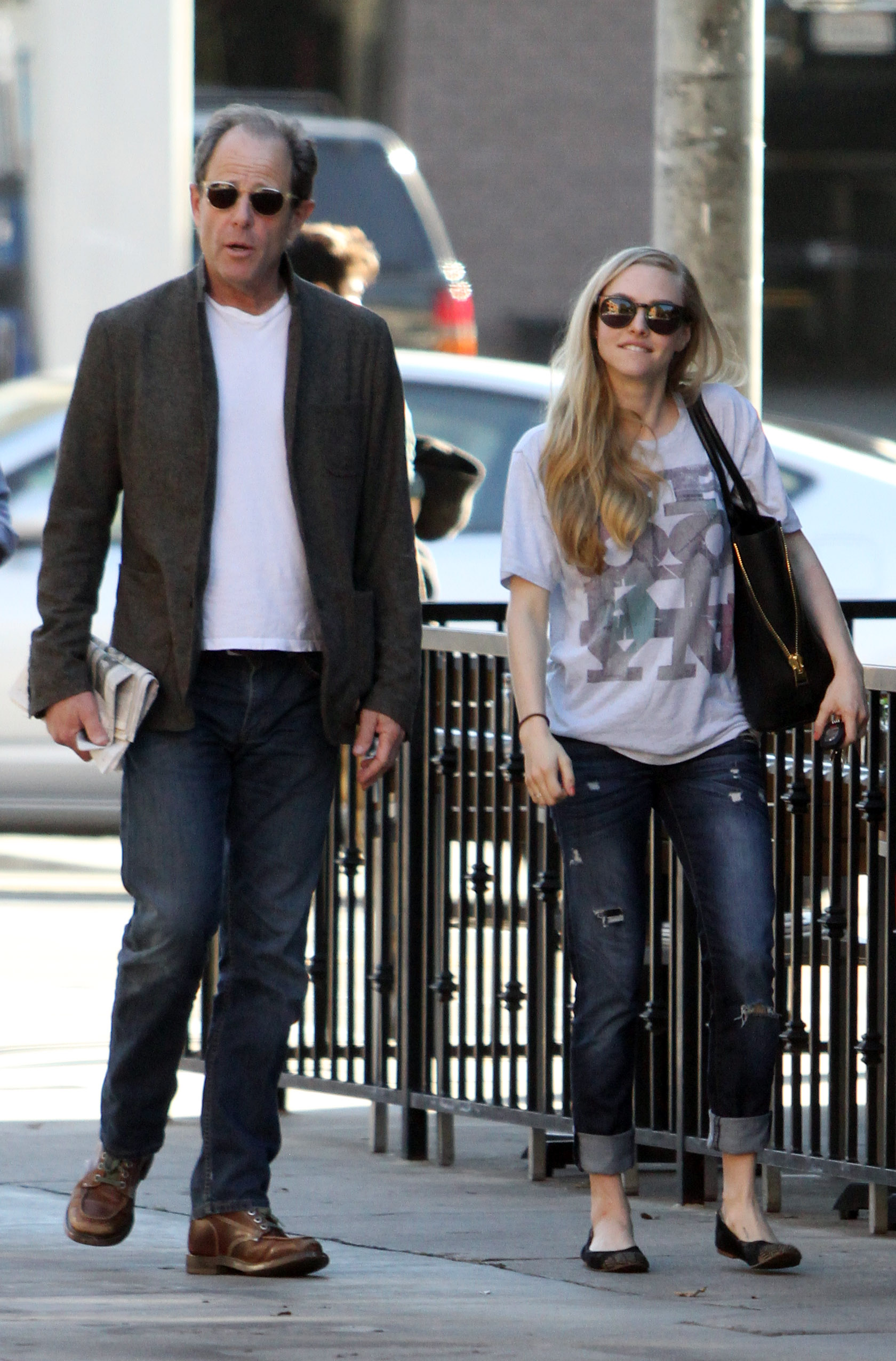
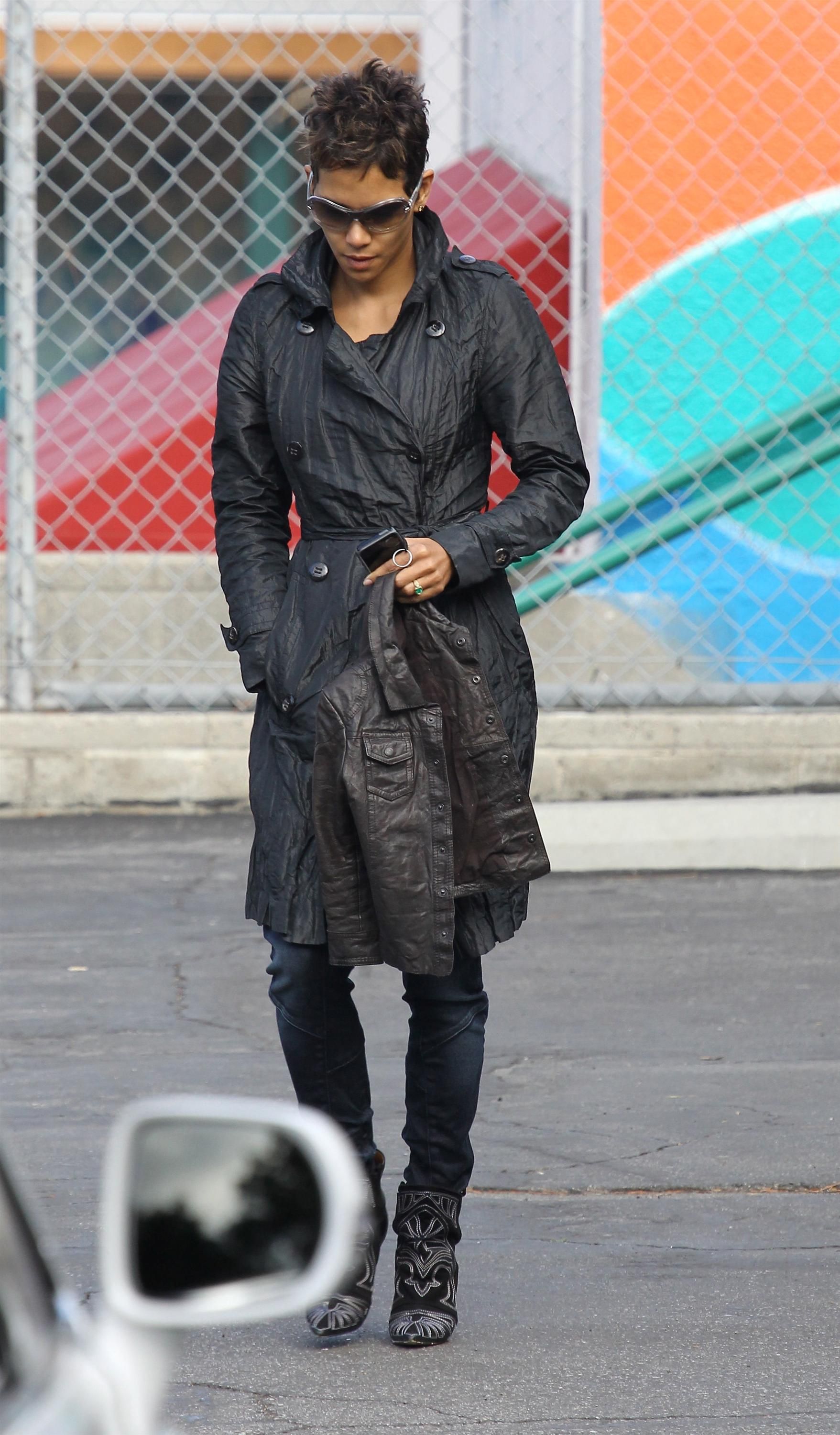
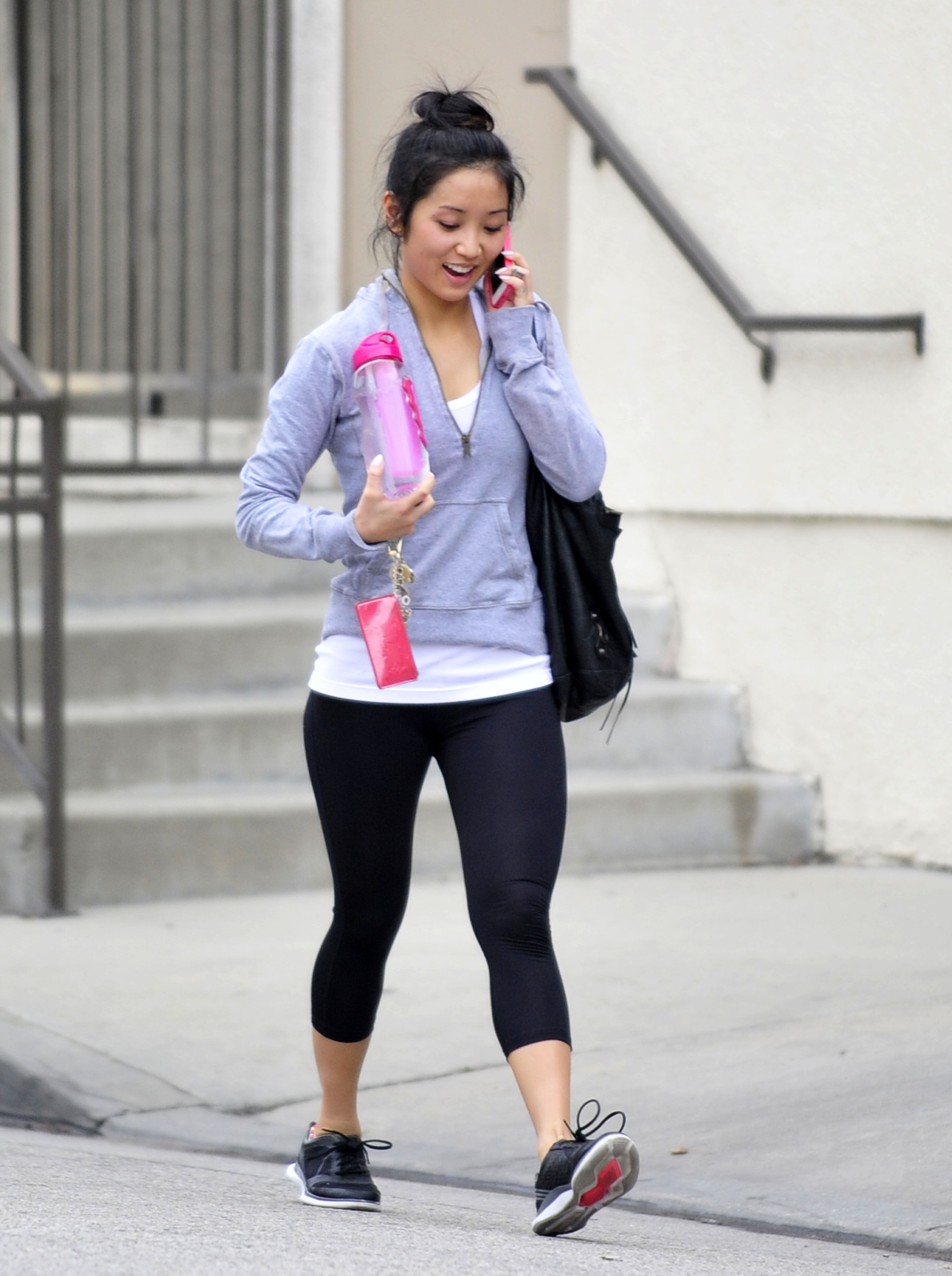
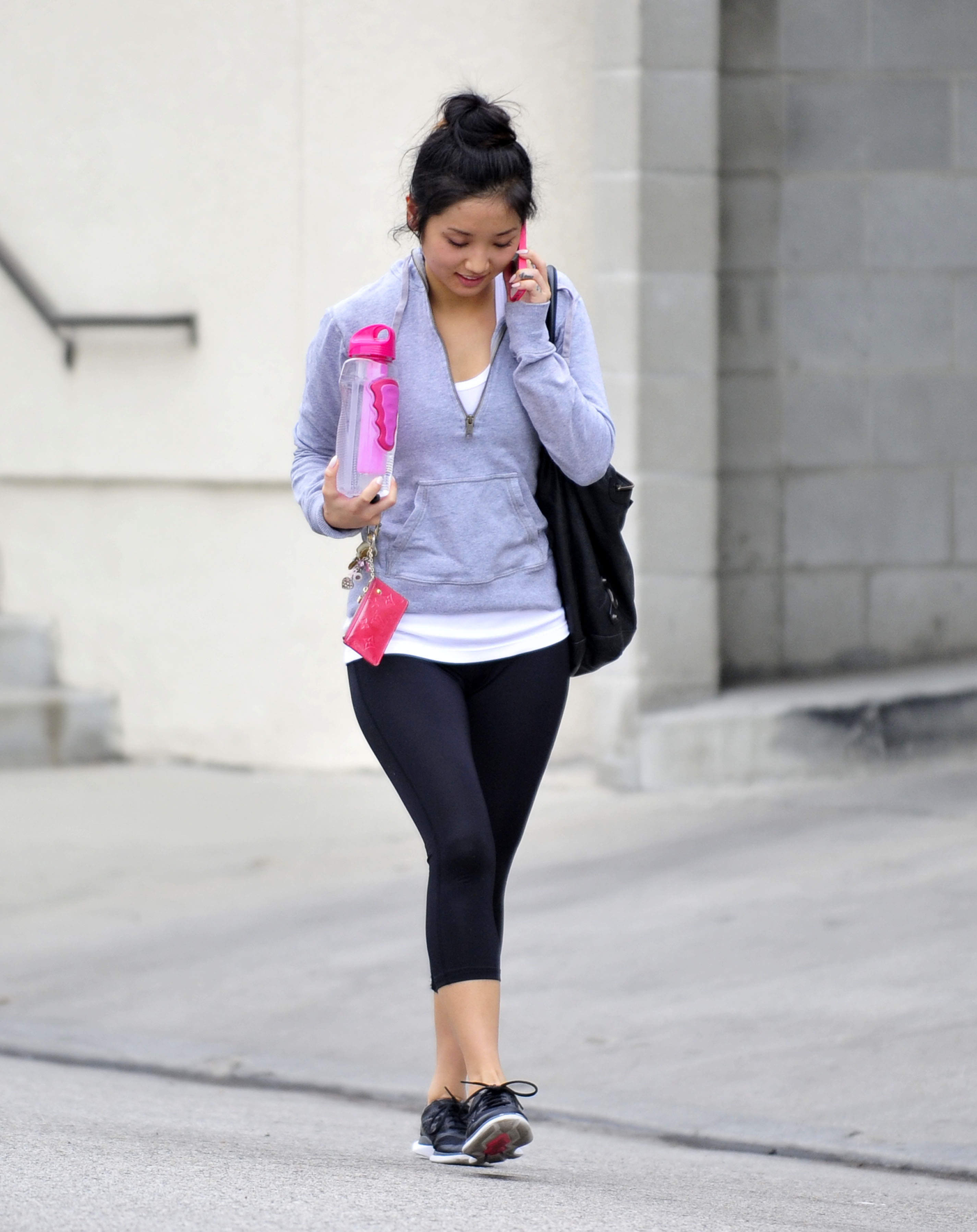
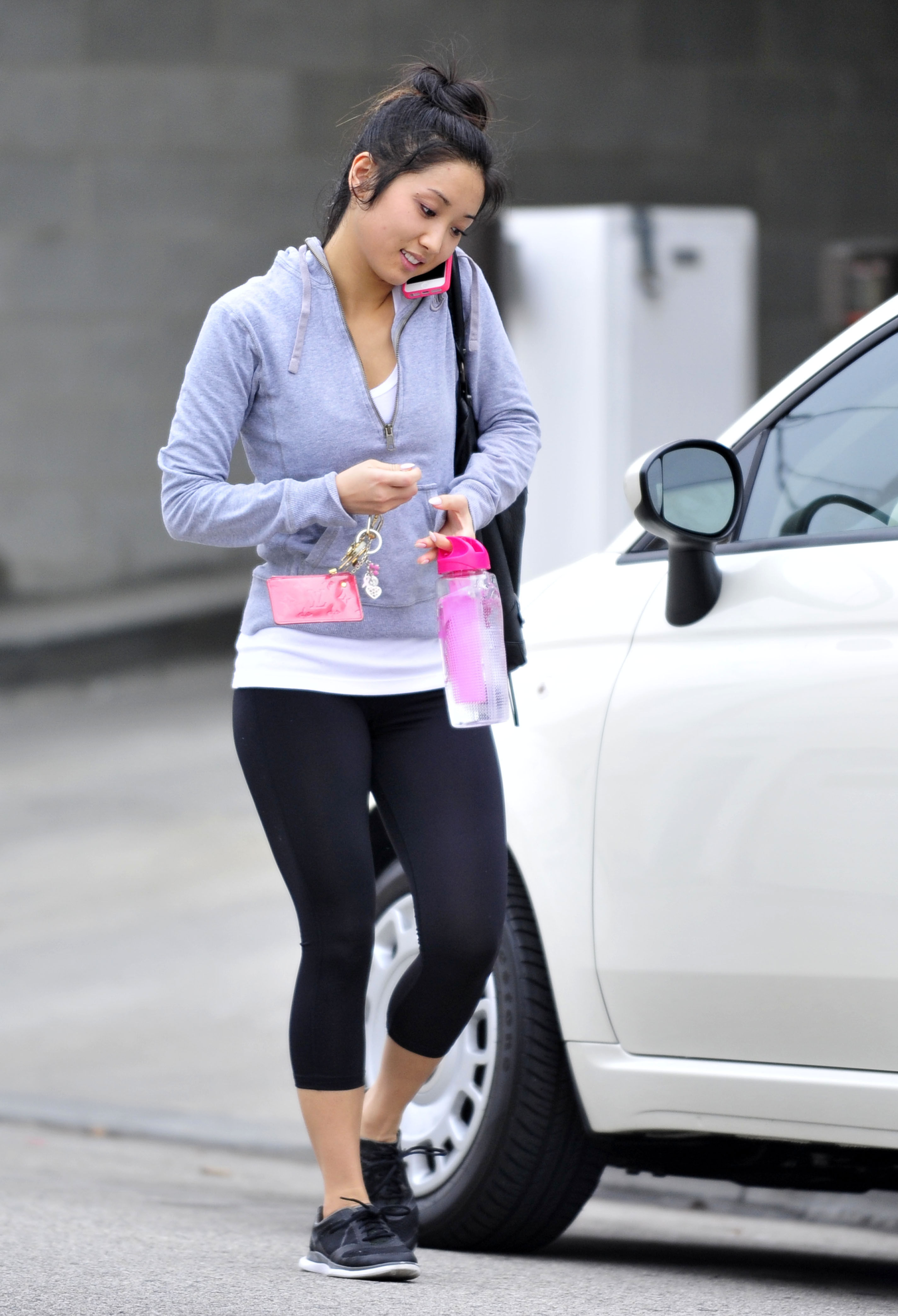
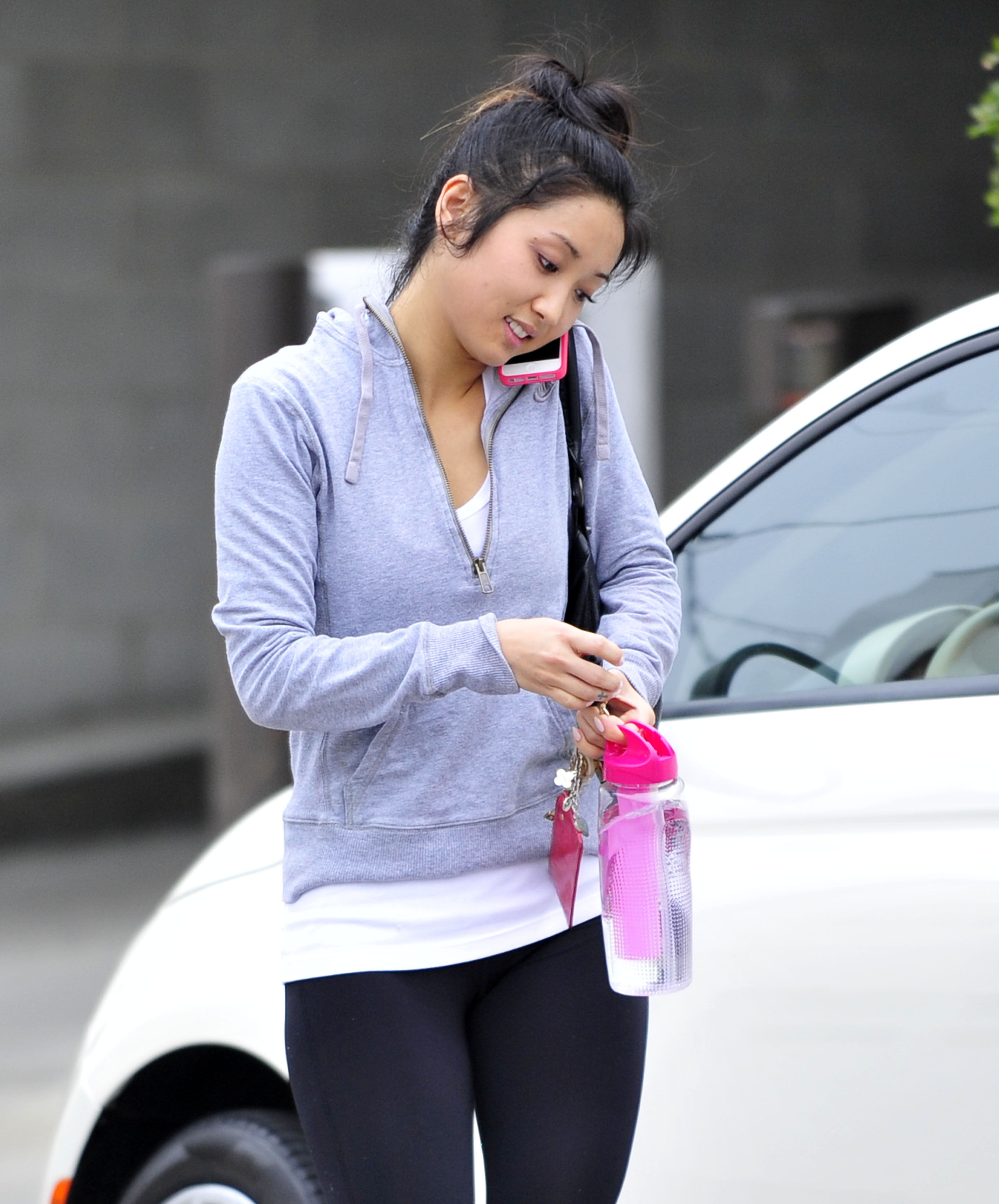
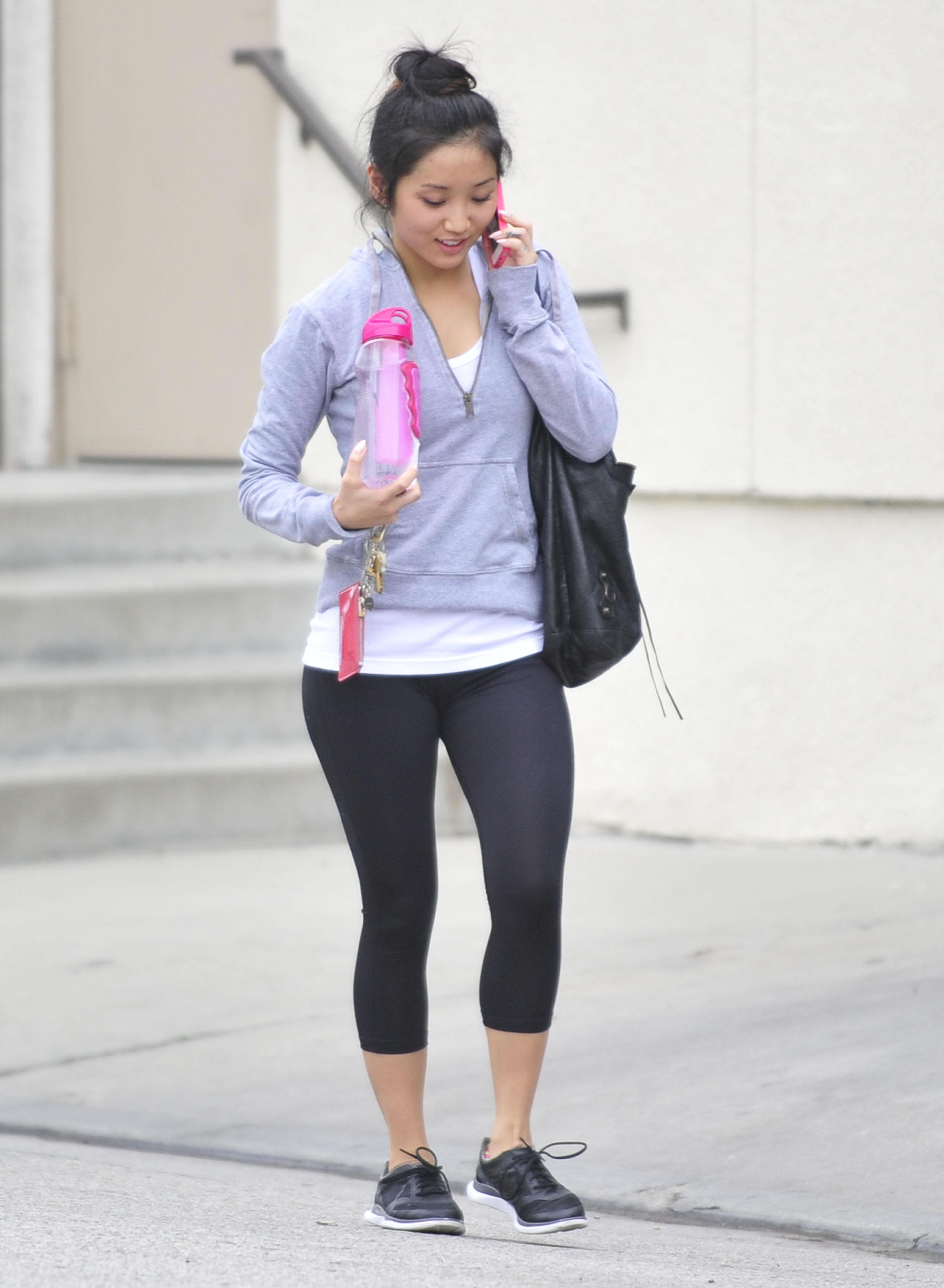
 out and about in LA 2/6/13
@ Listerine 21 Challenge Launch Event in NYC February 5,2013
Beautiful Creatures premiere in Hollywood 2/6/13
out and about in LA 2/6/13
@ Listerine 21 Challenge Launch Event in NYC February 5,2013
Beautiful Creatures premiere in Hollywood 2/6/13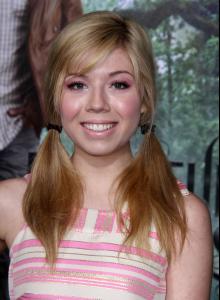
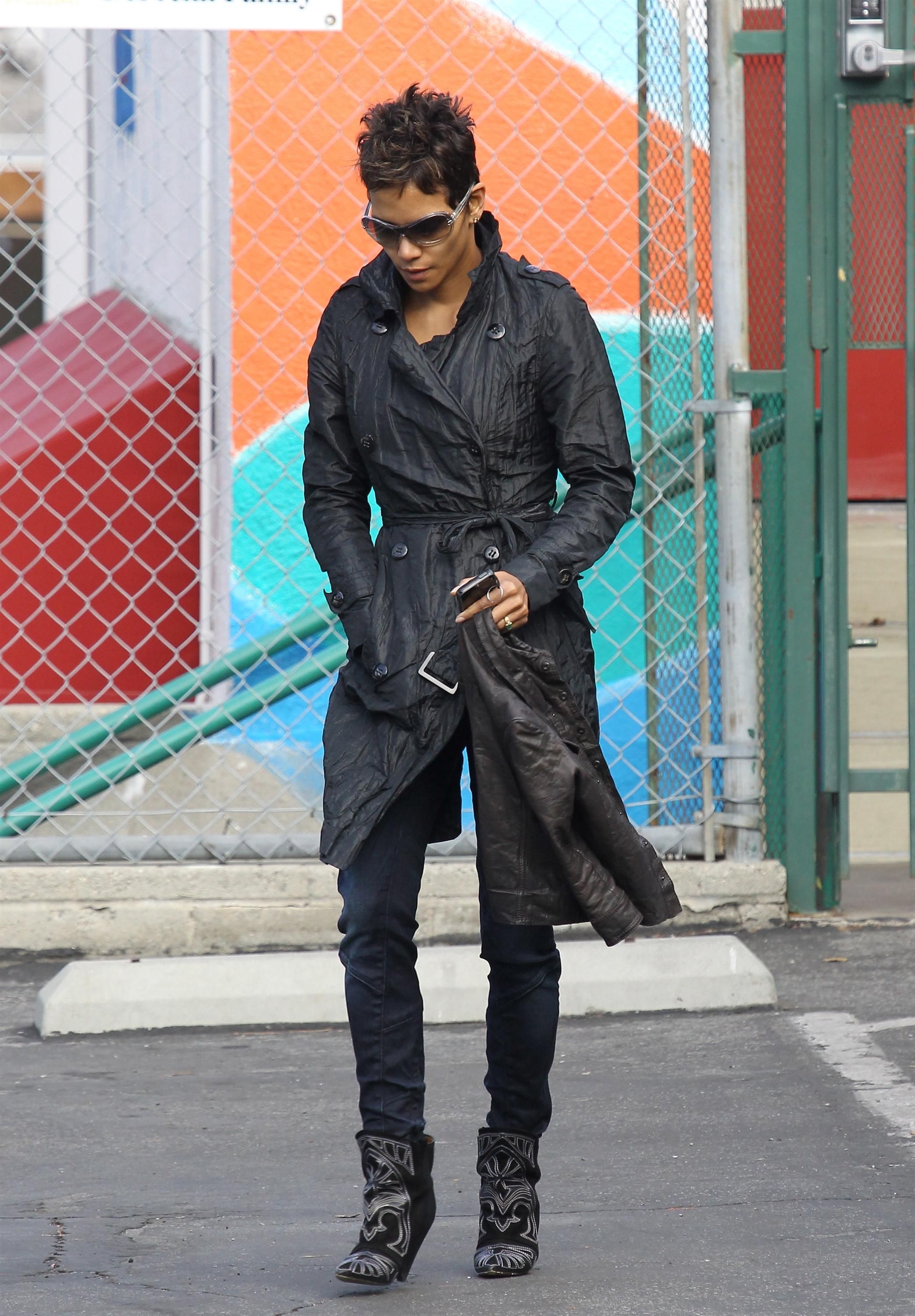
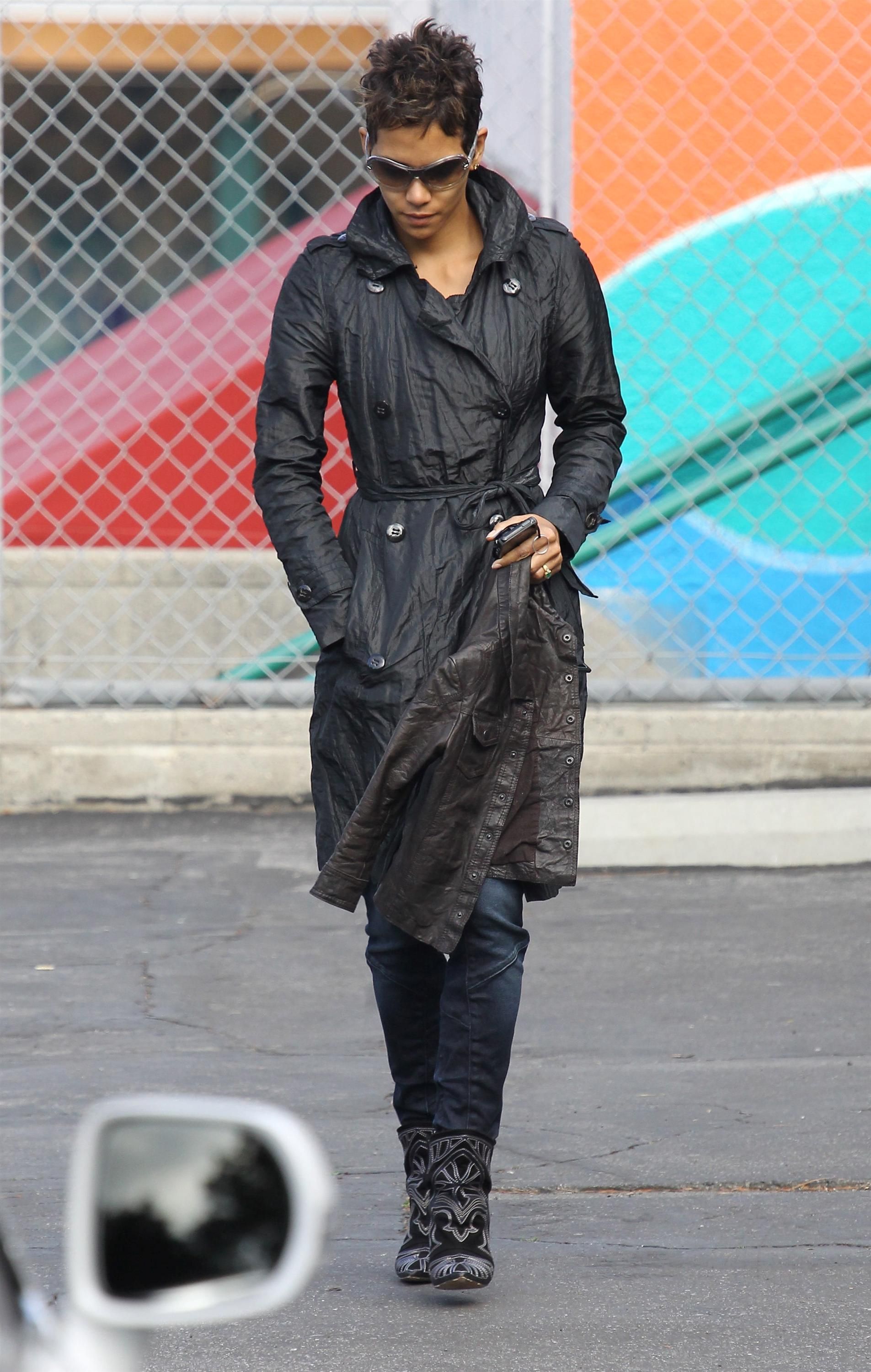
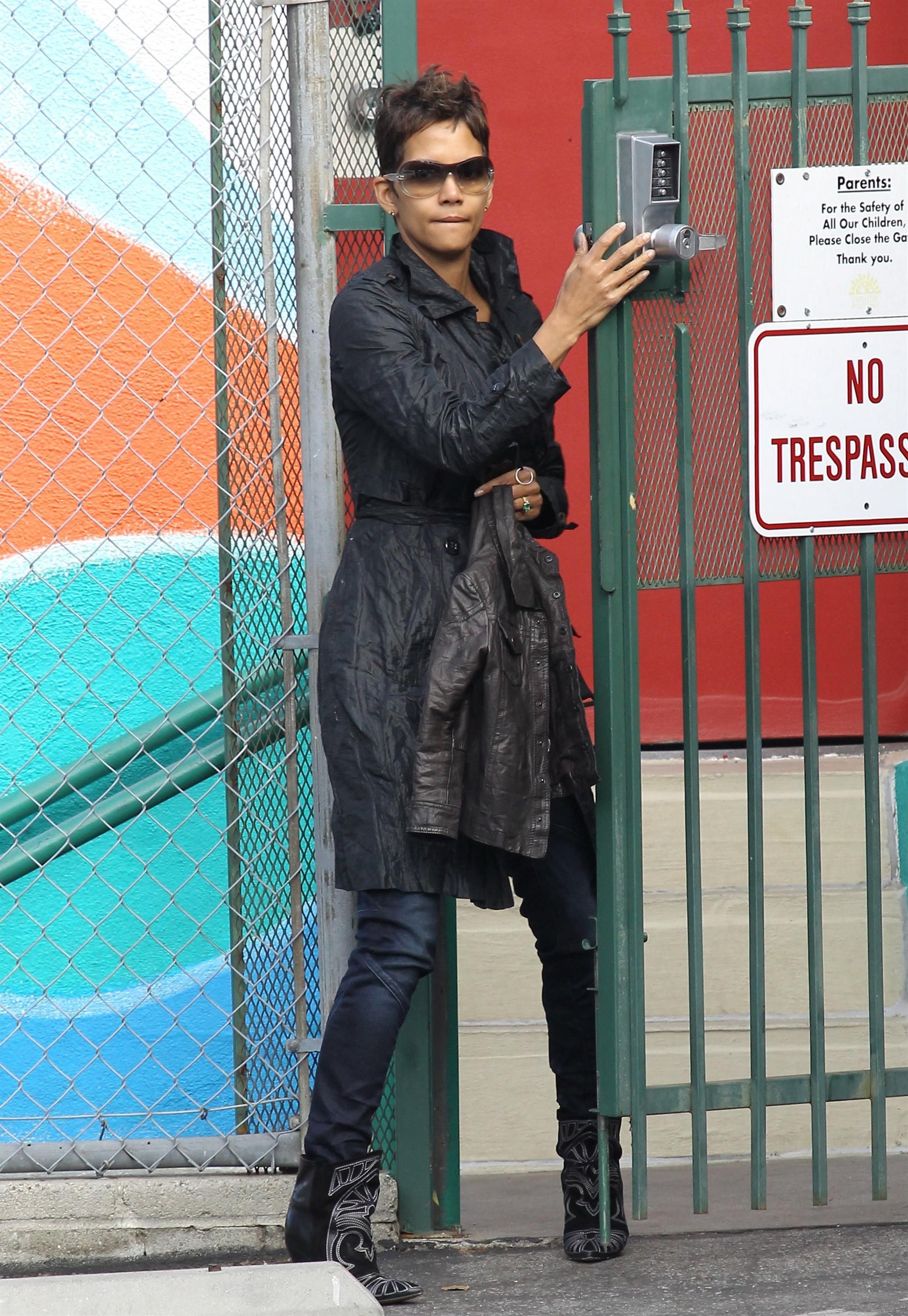
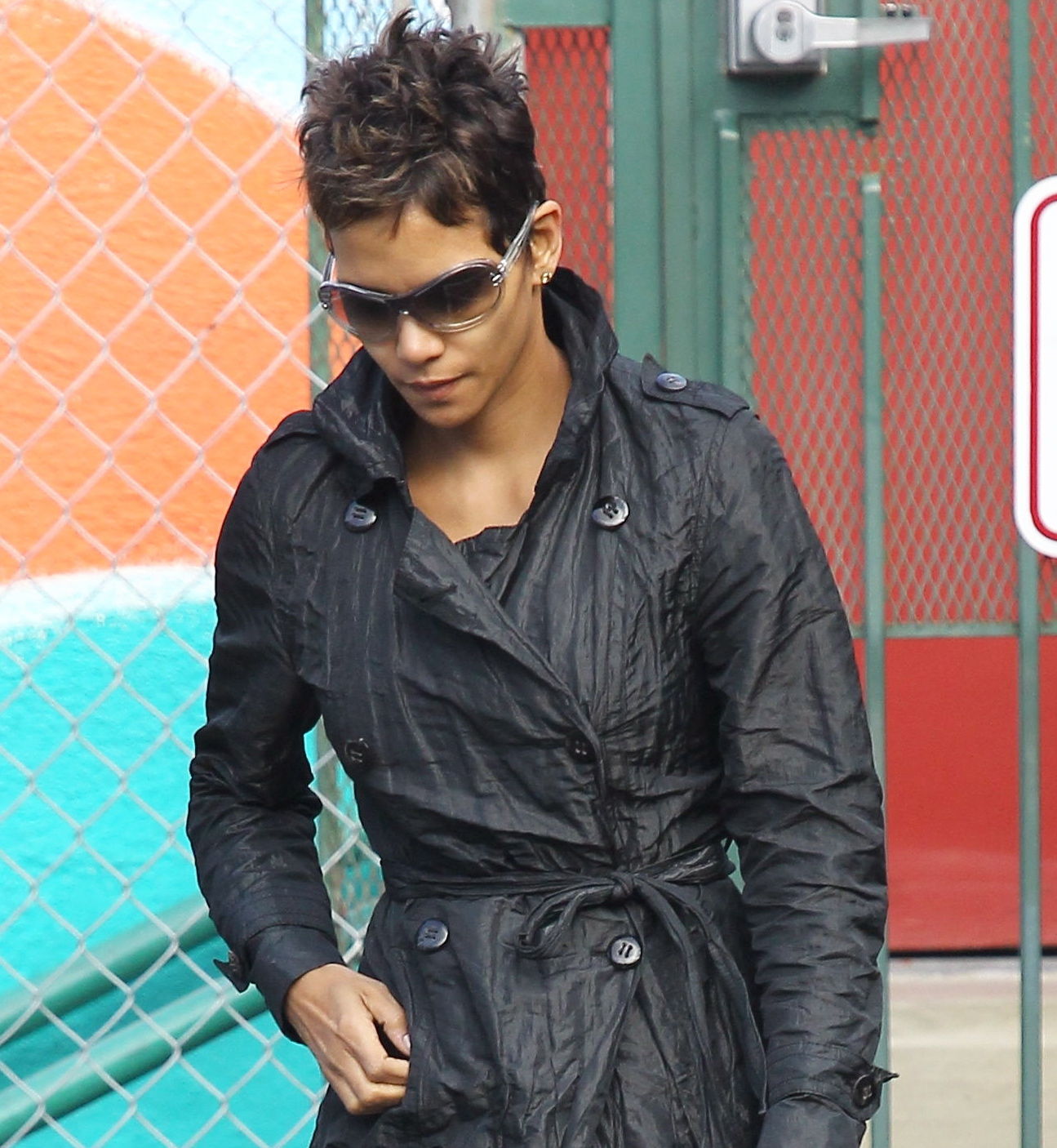
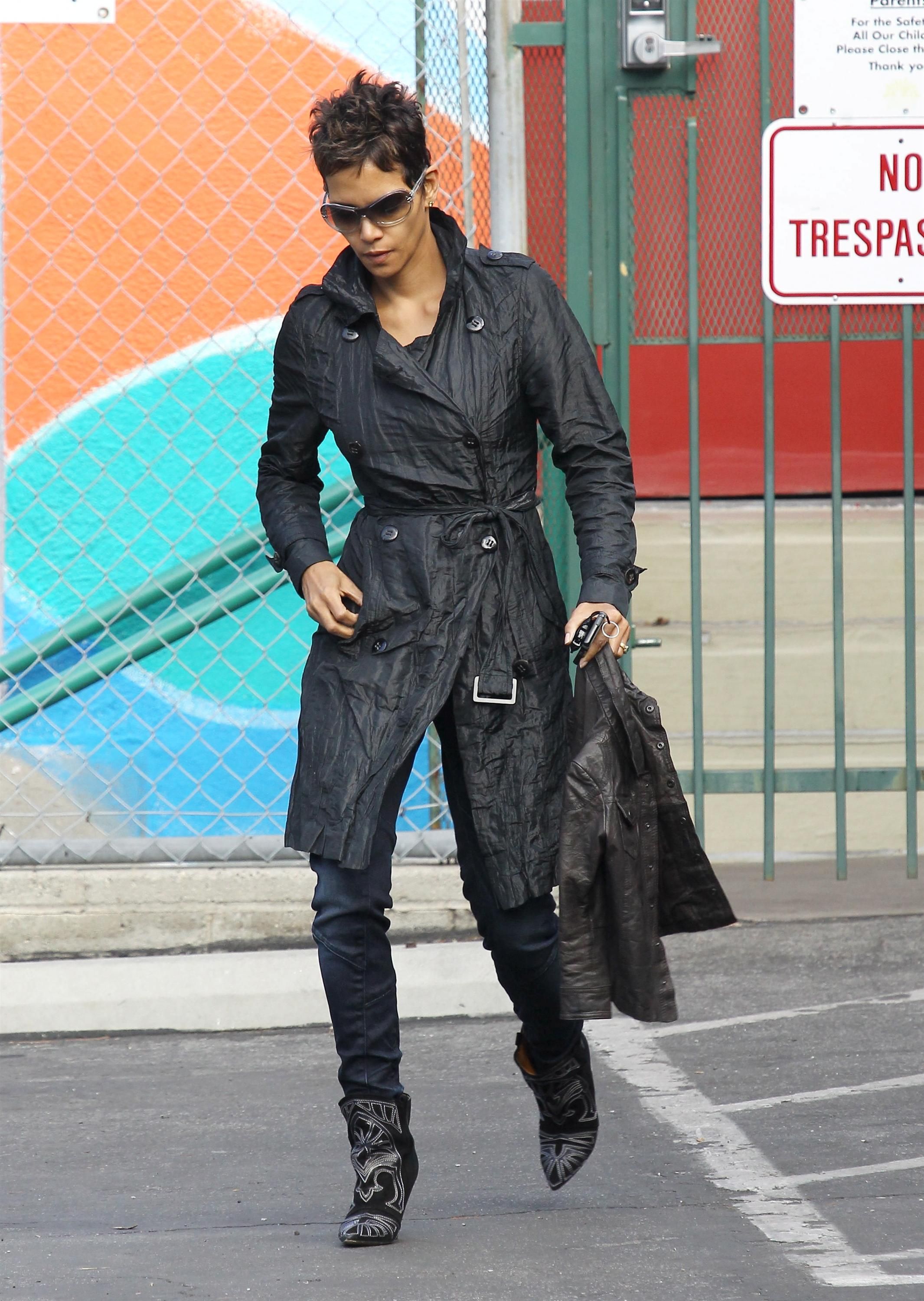
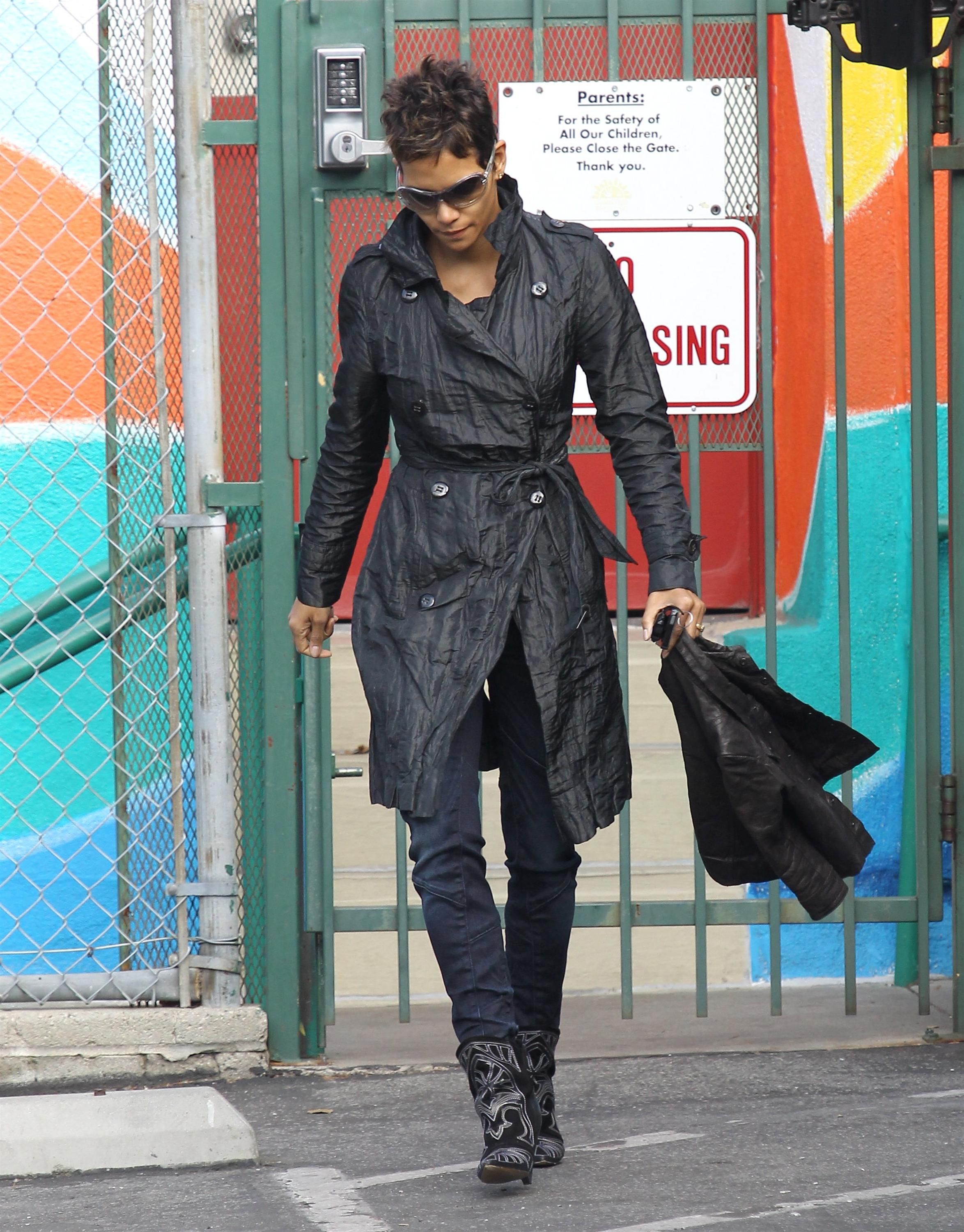
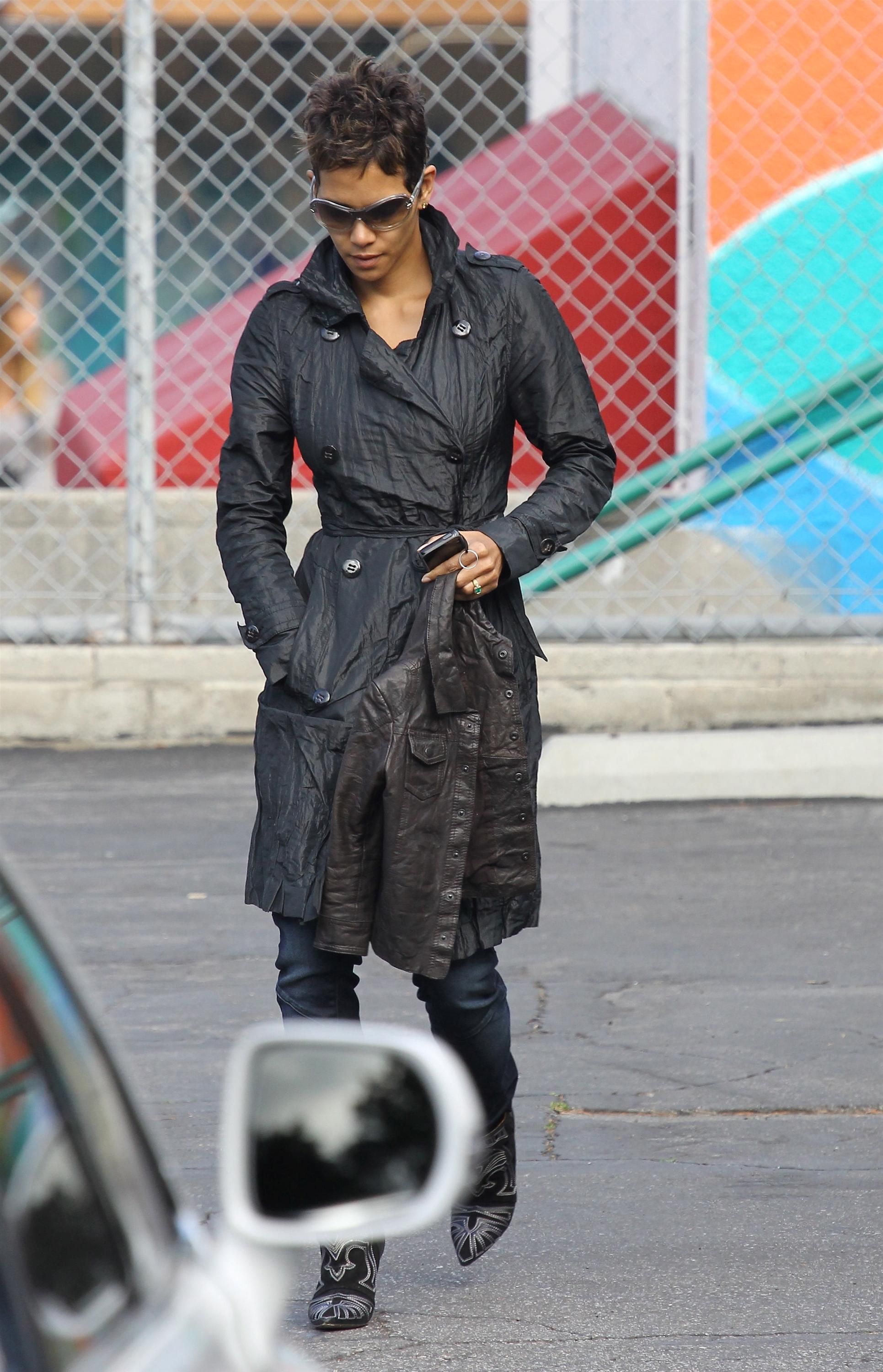
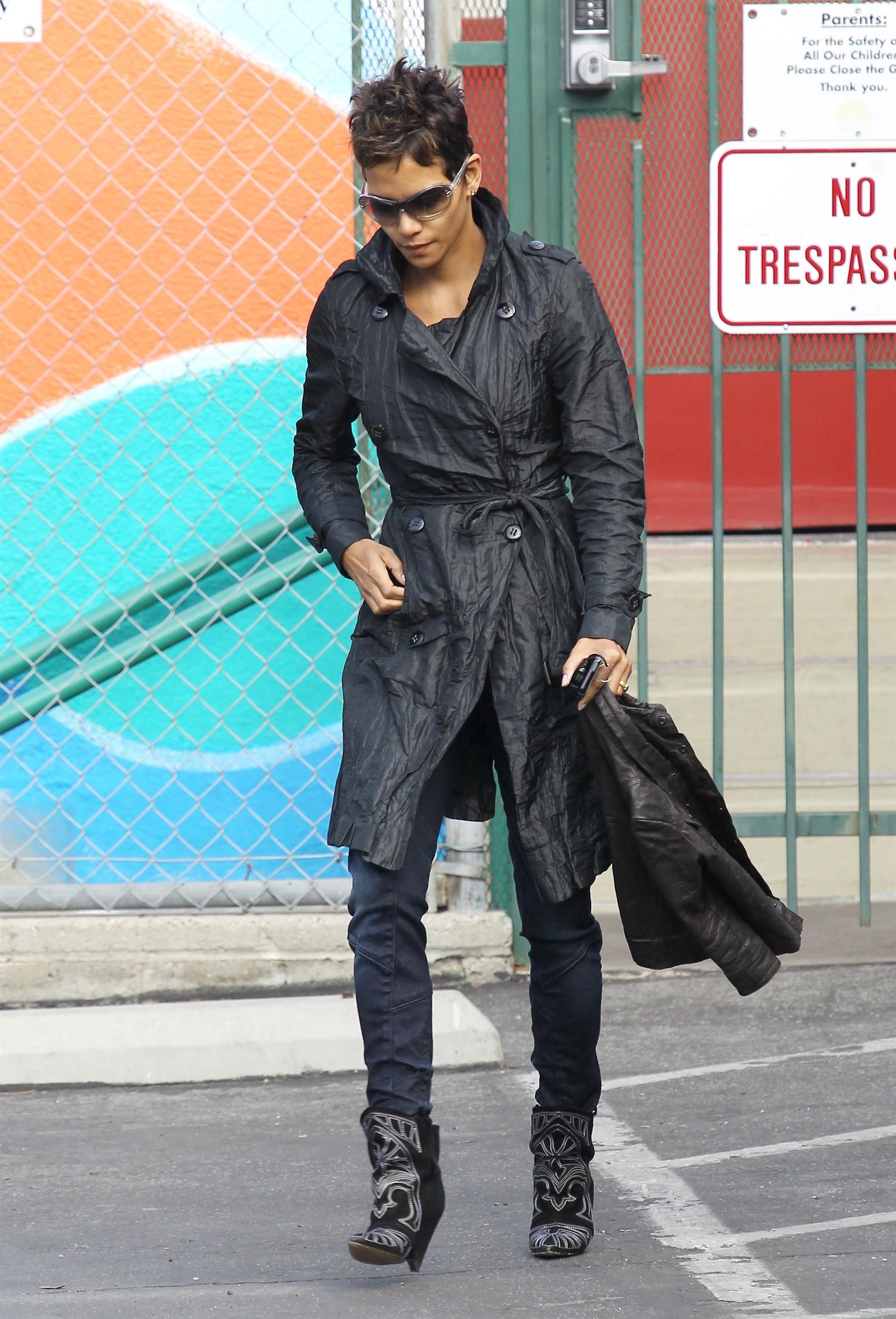
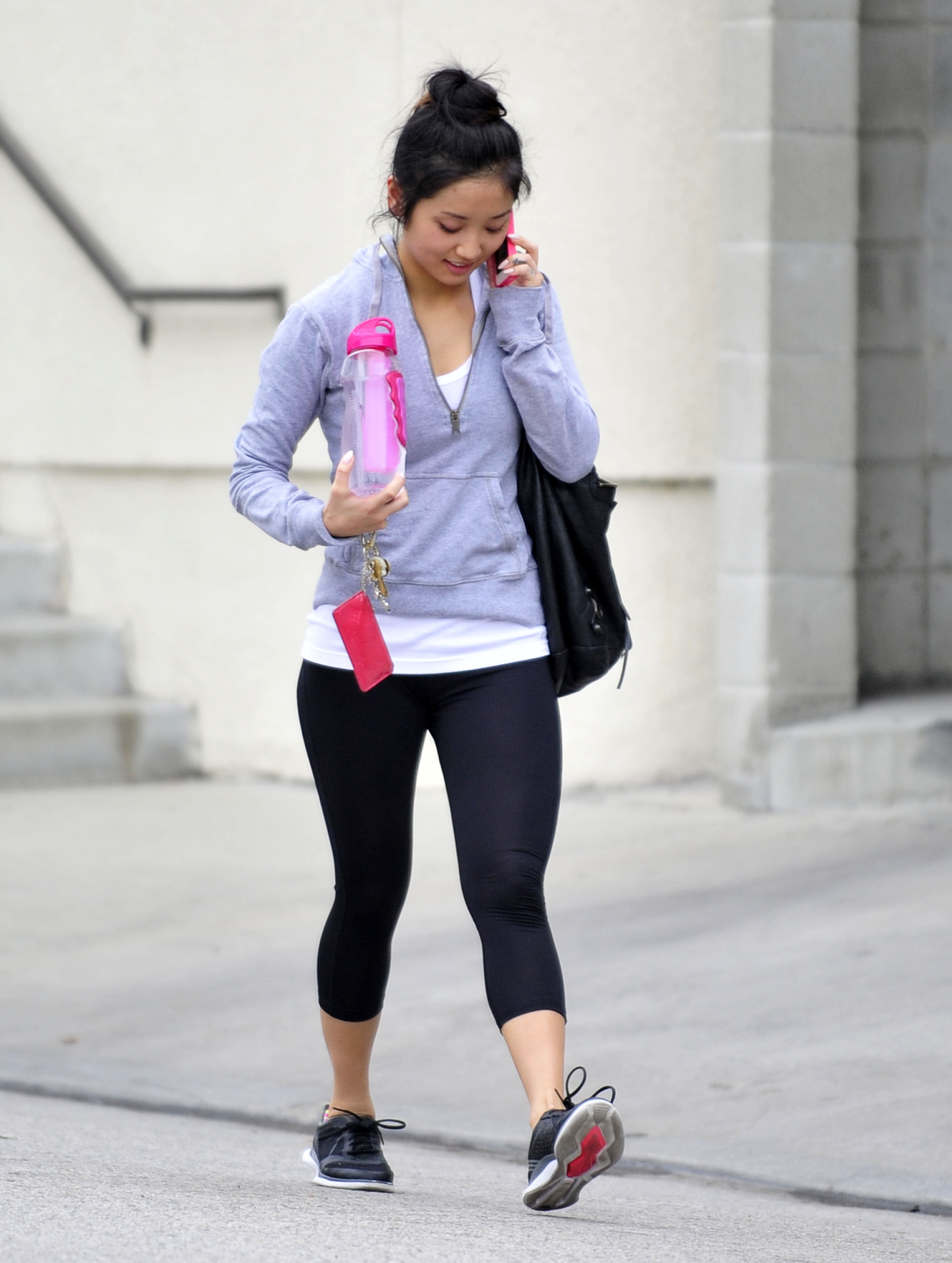
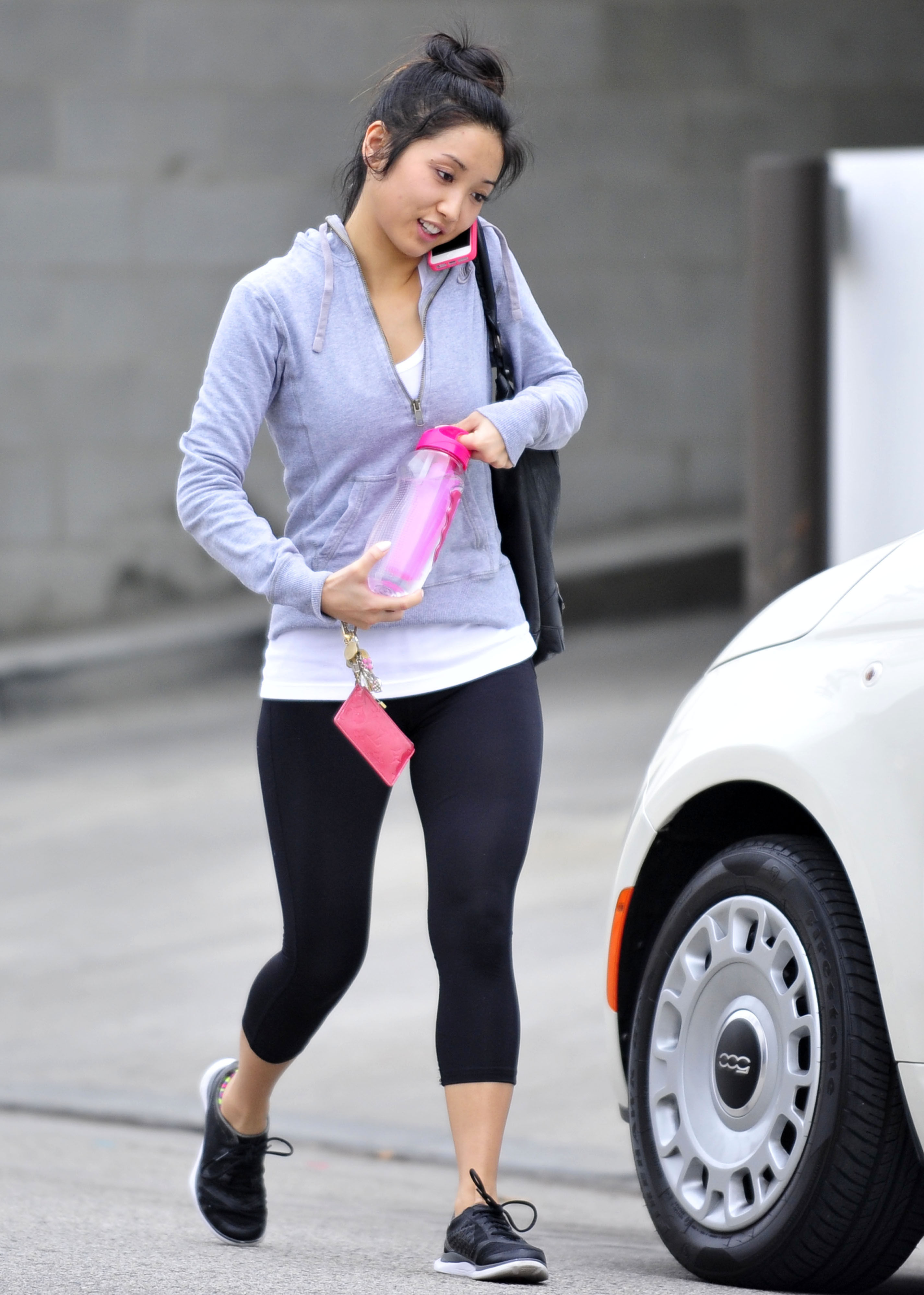
 takes her son to baby class in LA 2/6/13
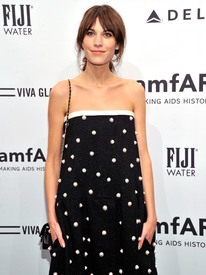
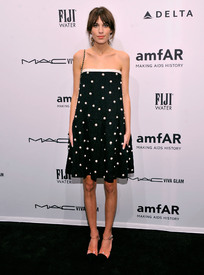
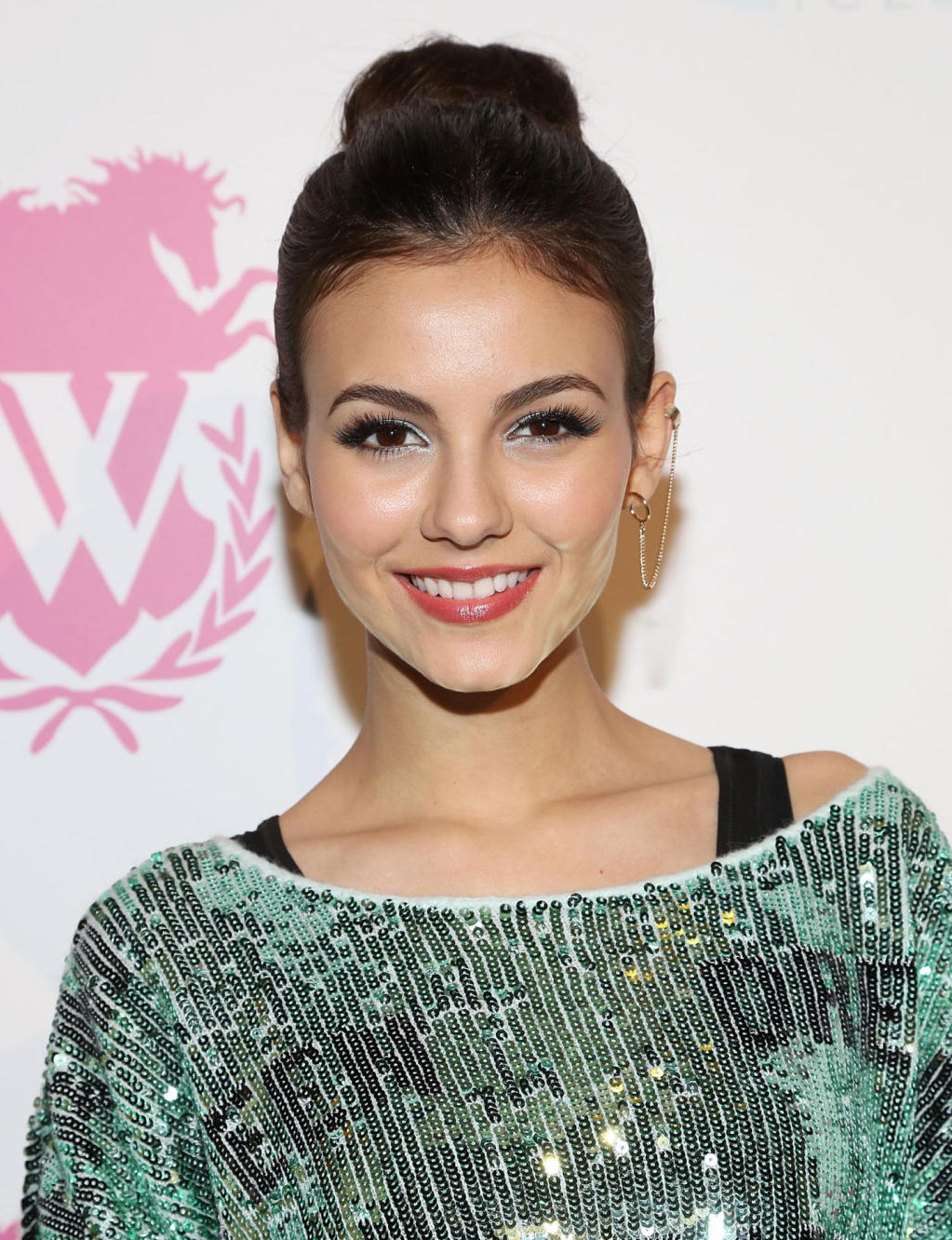
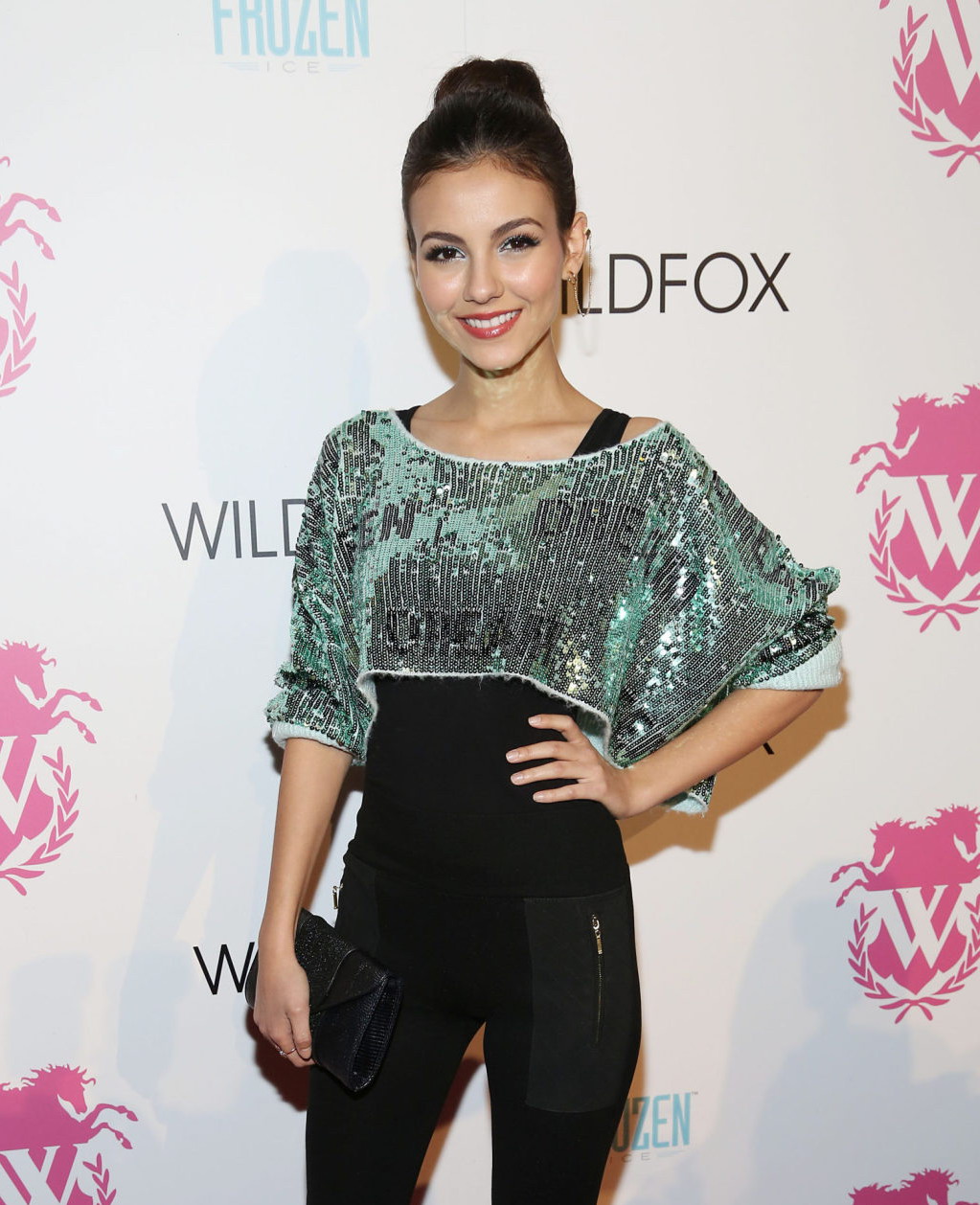
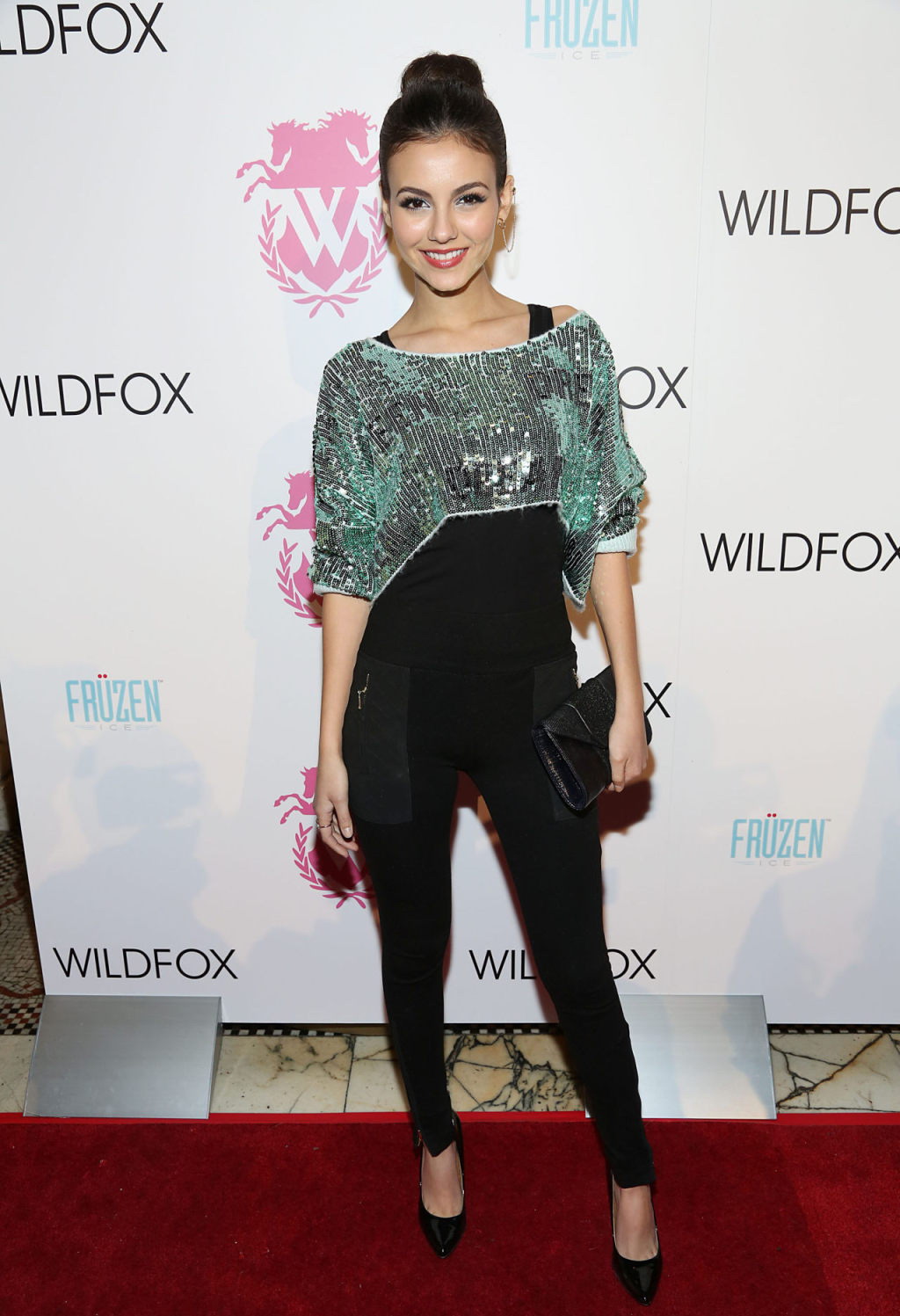
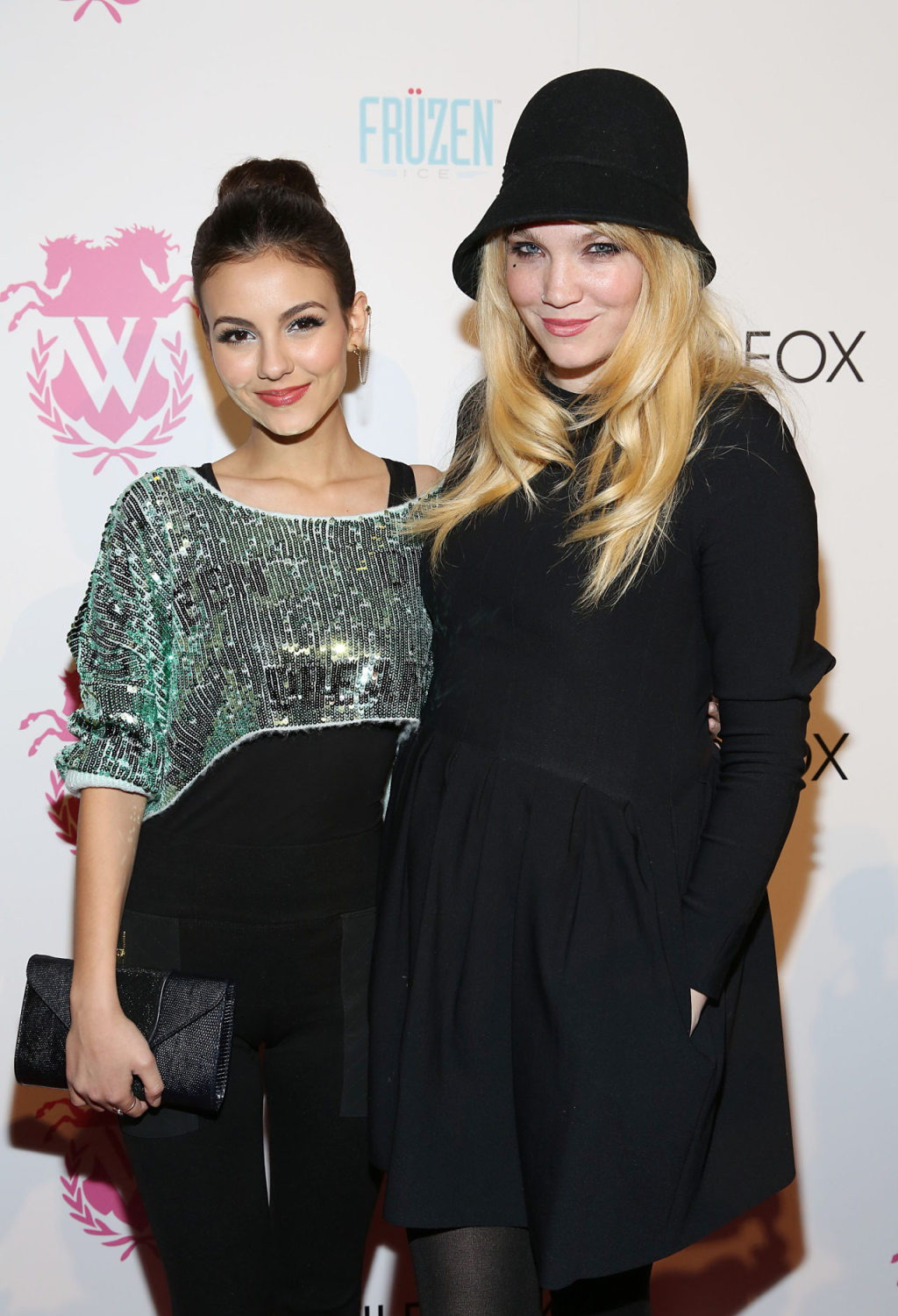
amfAR gala to kick off Fall fashion week 2/6/13
takes her son to baby class in LA 2/6/13
amfAR gala to kick off Fall fashion week 2/6/13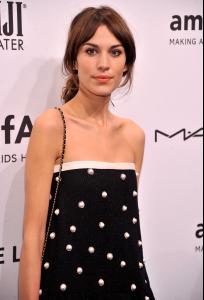











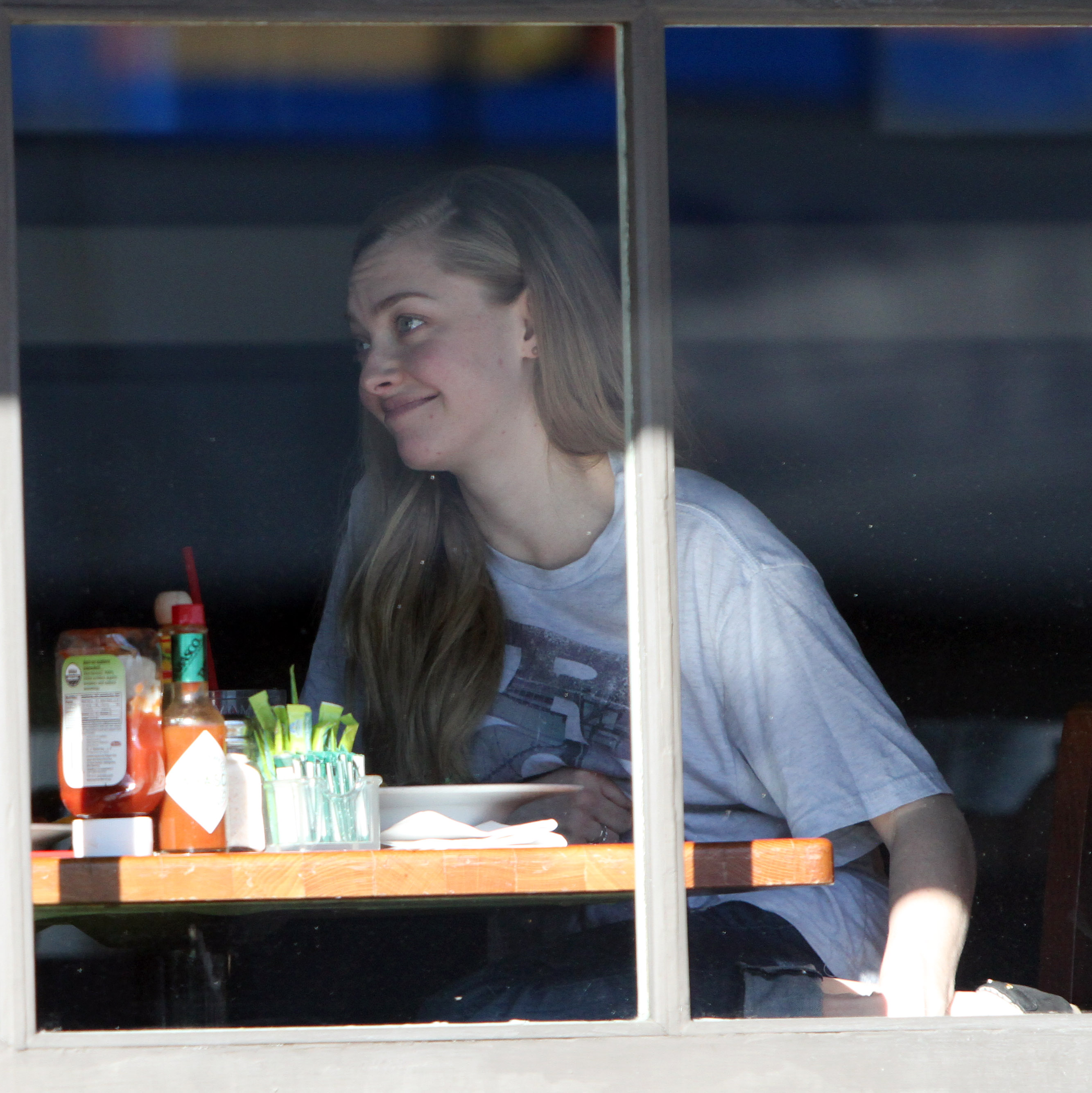
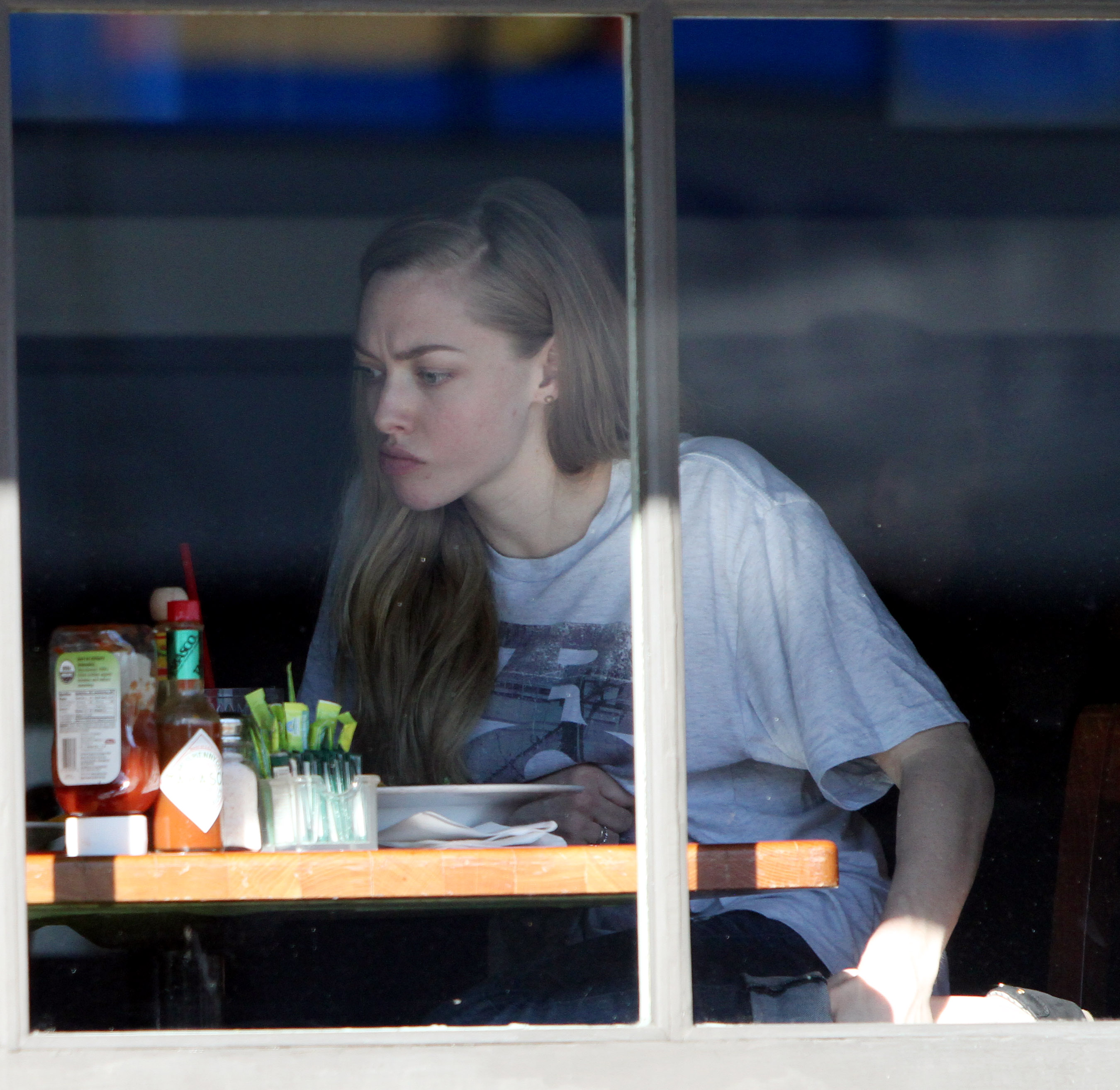
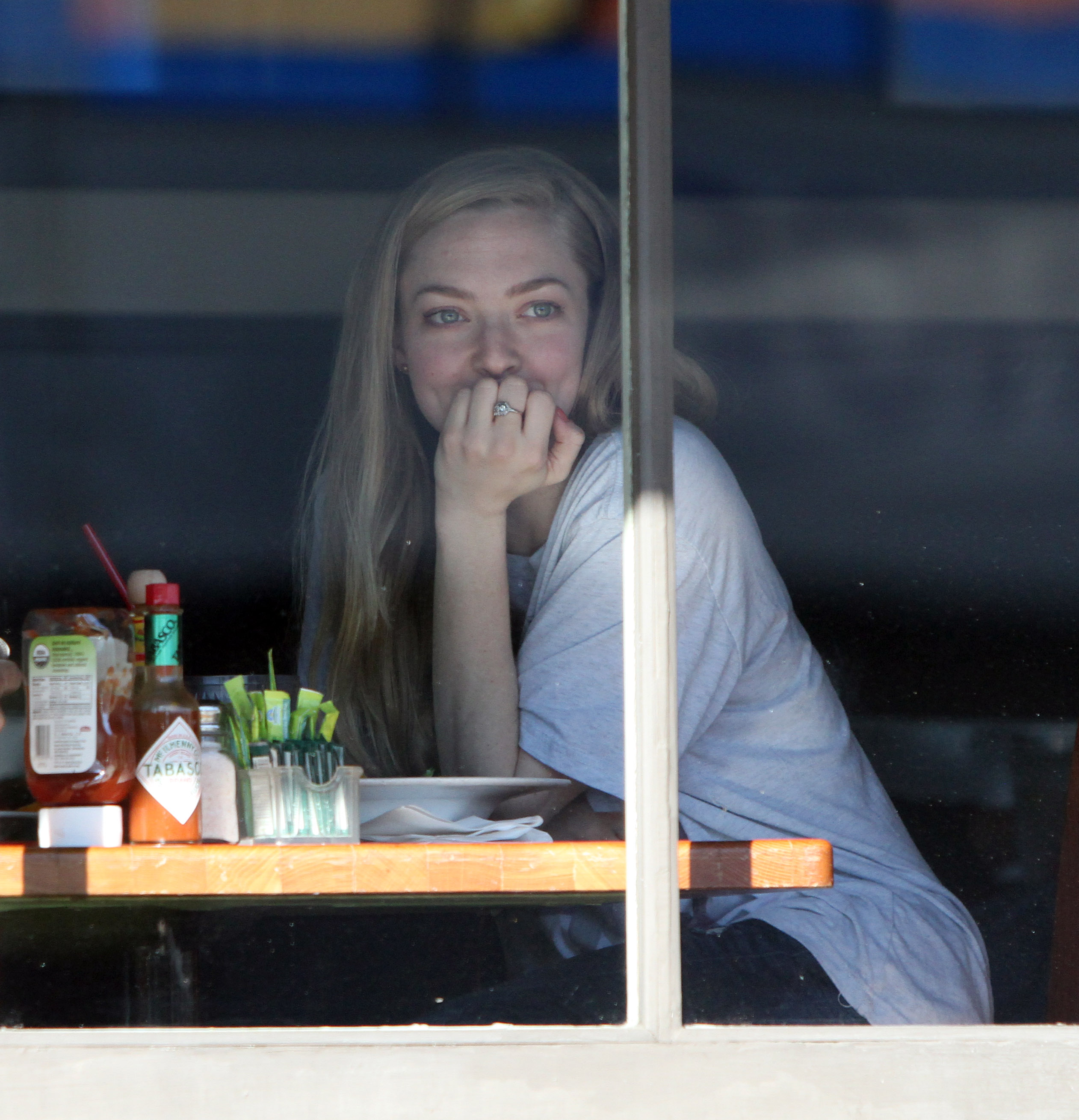
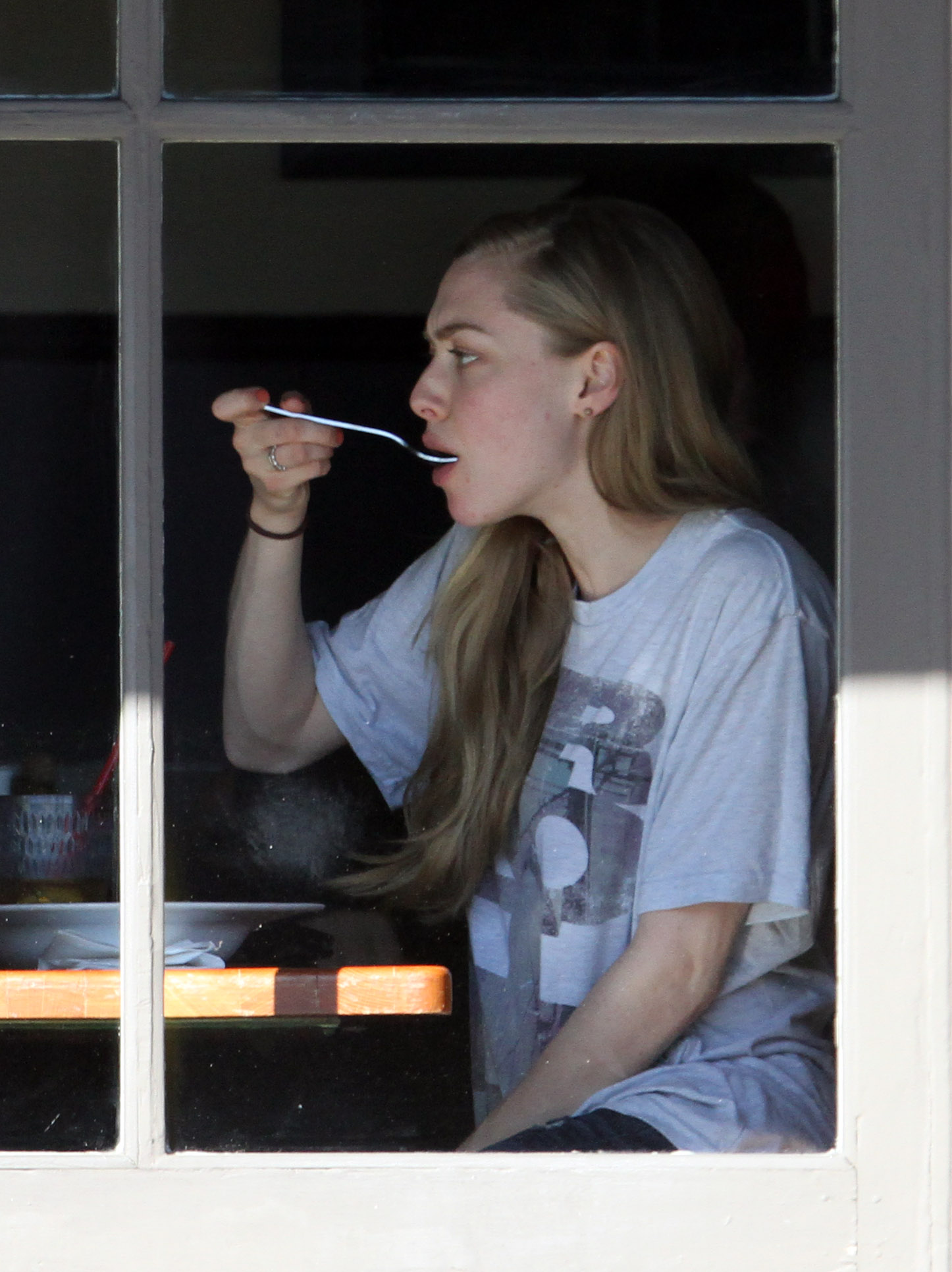
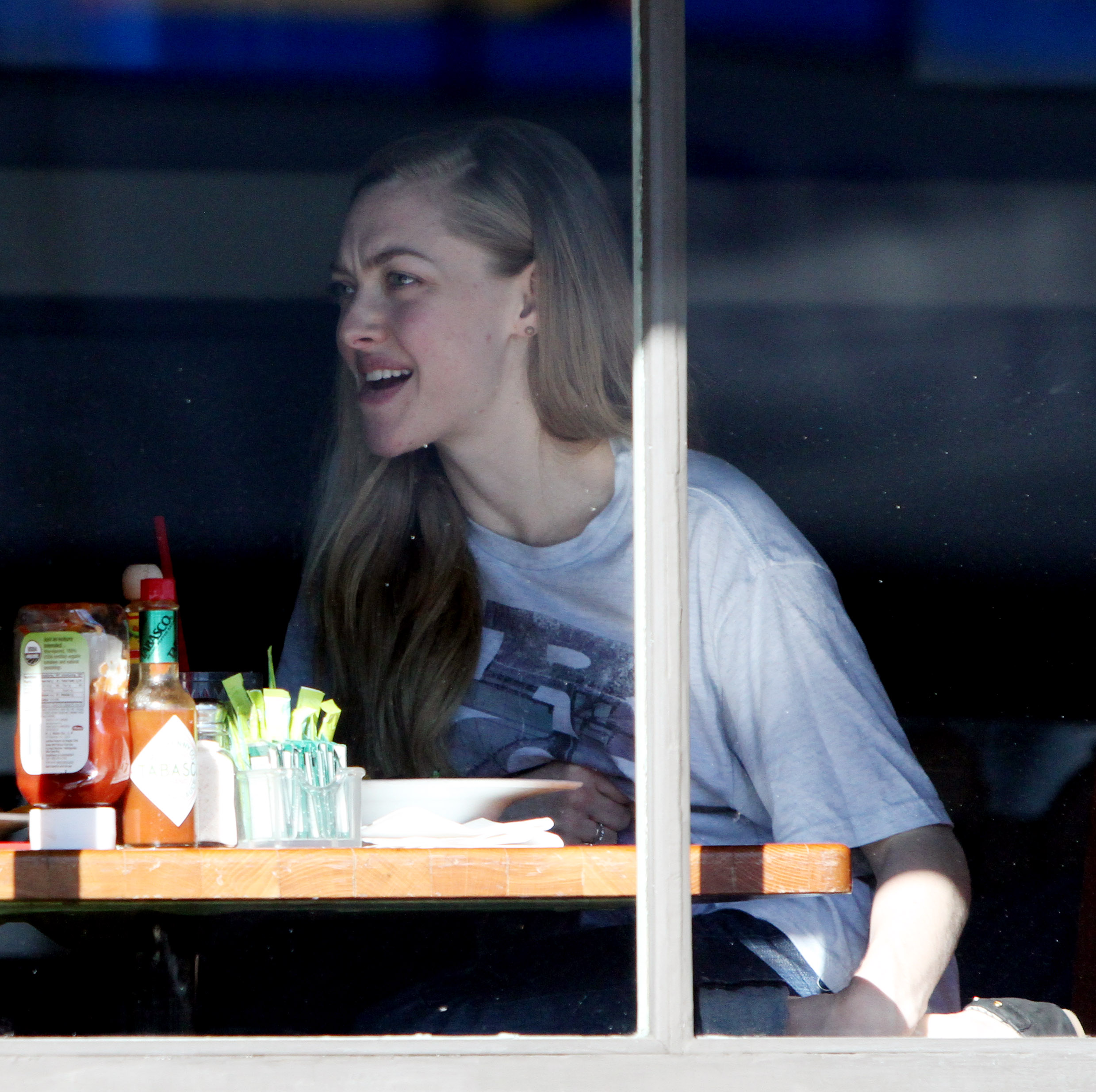
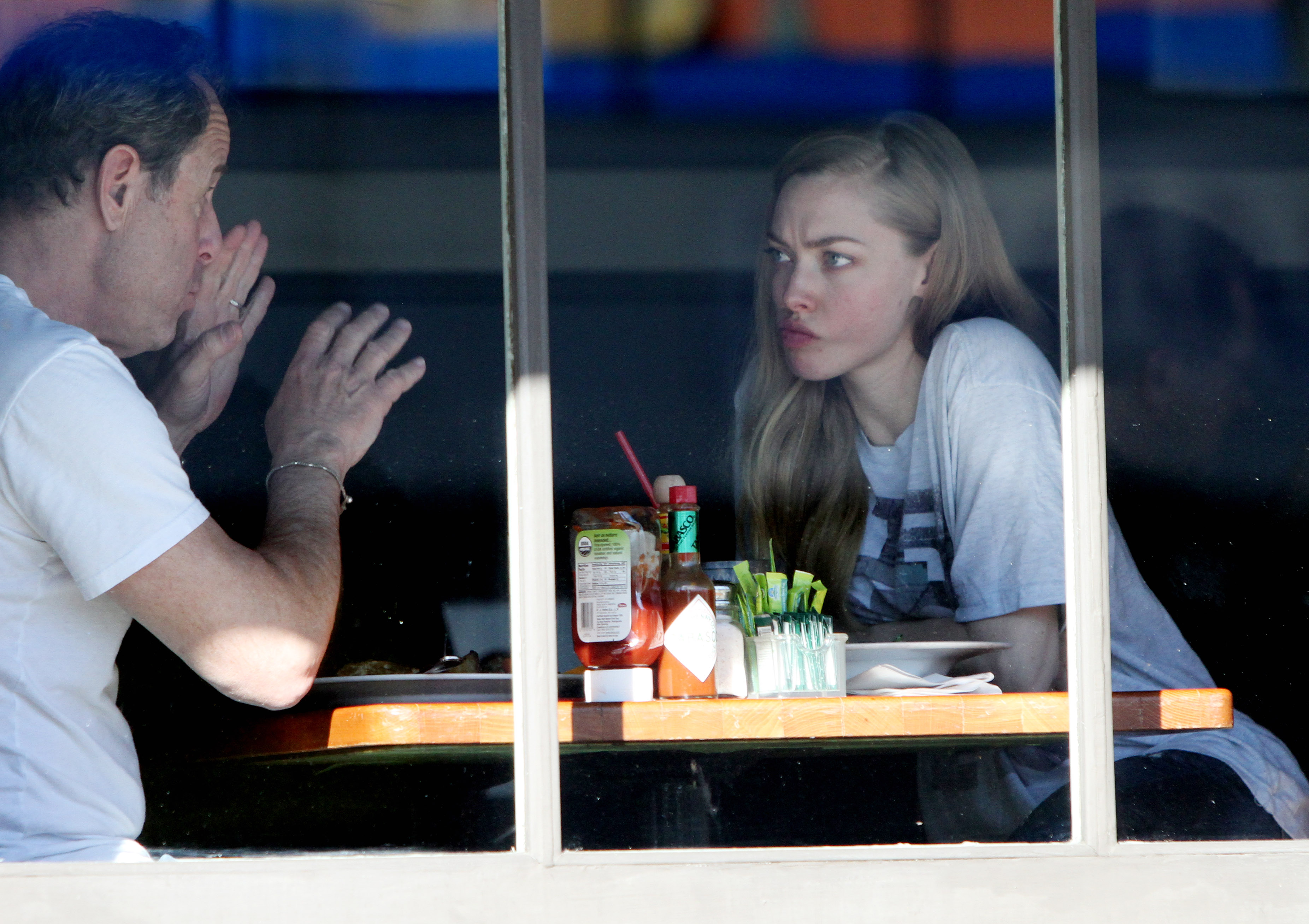
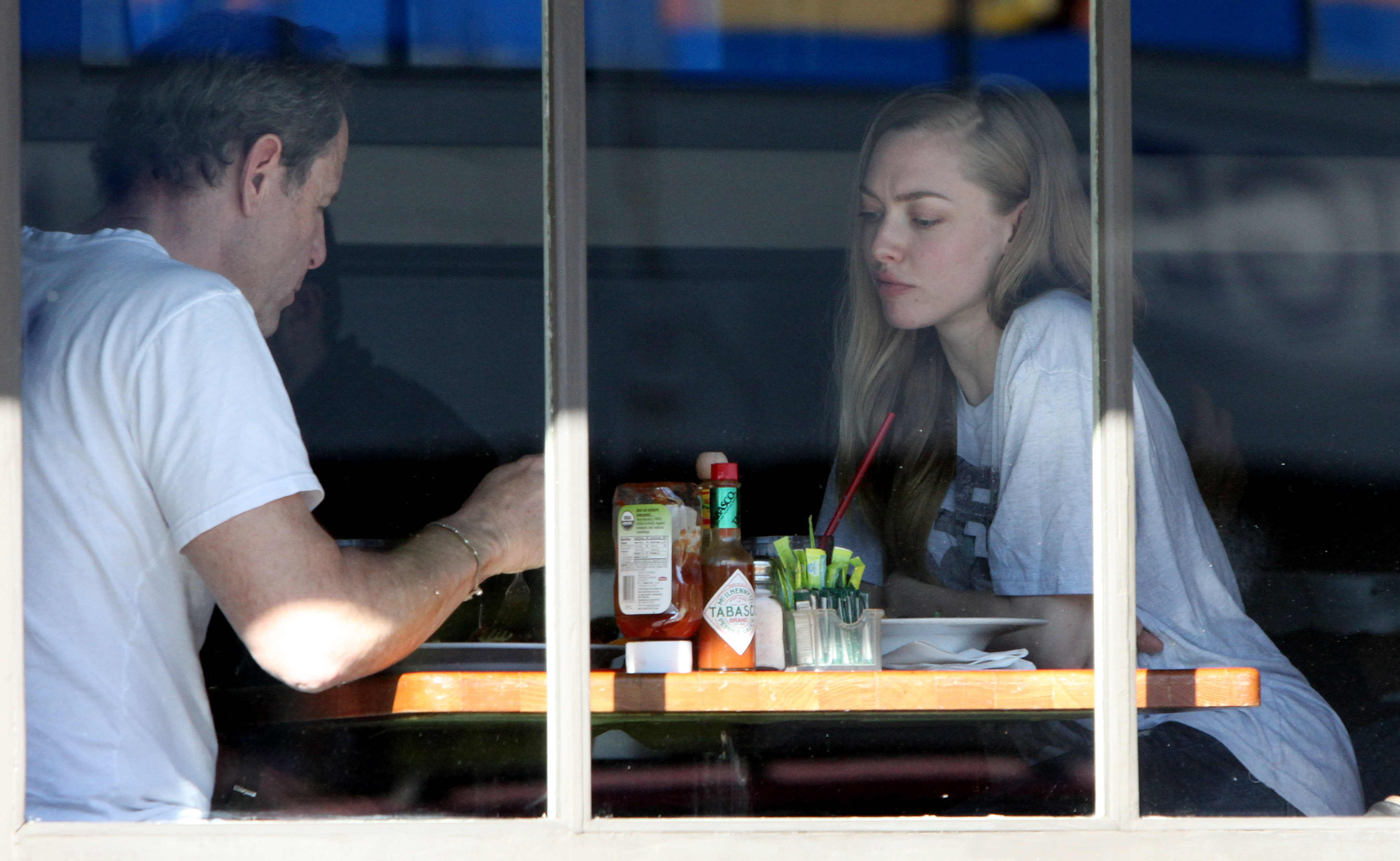
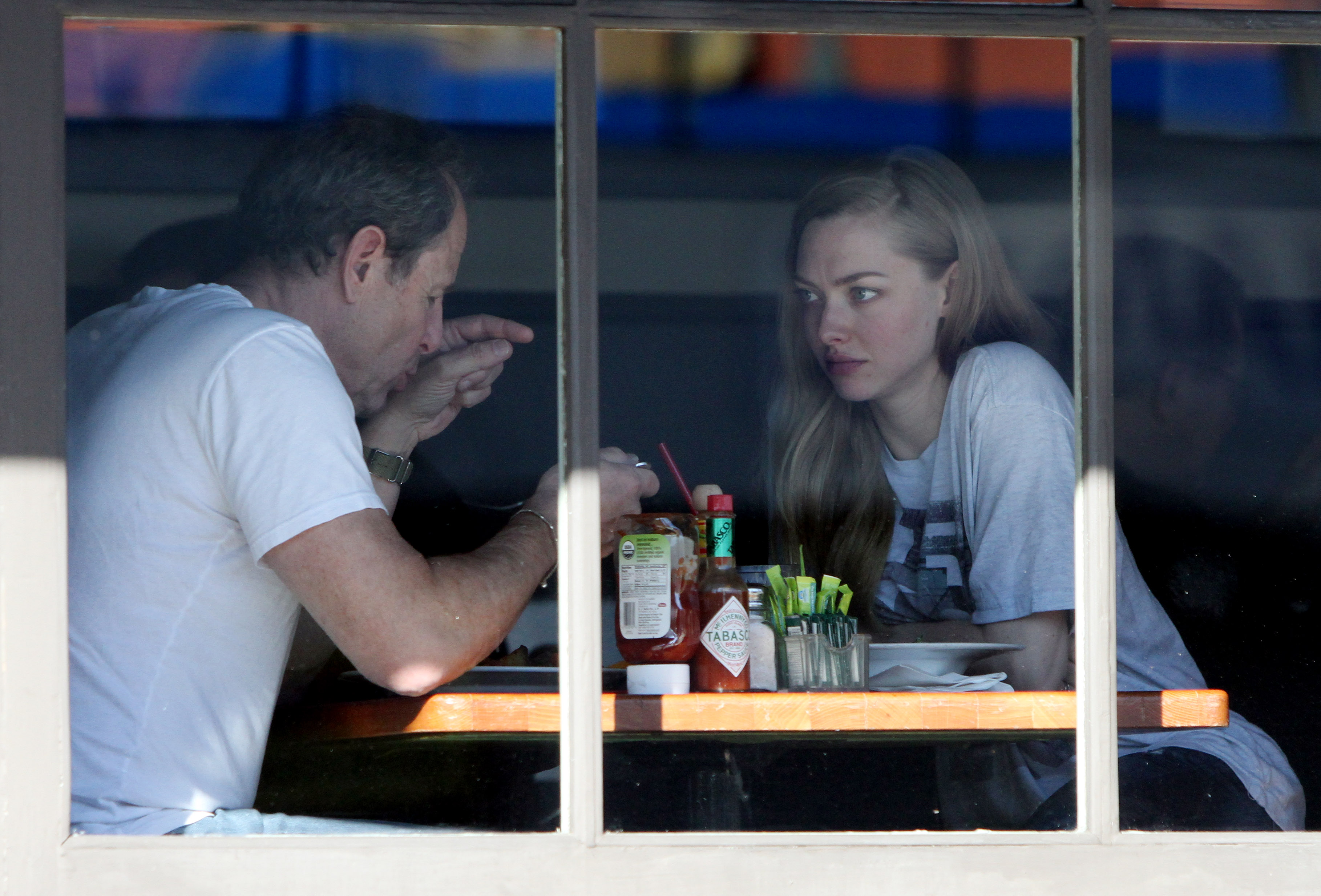




Account
Navigation
Search
Configure browser push notifications
Chrome (Android)
- Tap the lock icon next to the address bar.
- Tap Permissions → Notifications.
- Adjust your preference.
Chrome (Desktop)
- Click the padlock icon in the address bar.
- Select Site settings.
- Find Notifications and adjust your preference.
Safari (iOS 16.4+)
- Ensure the site is installed via Add to Home Screen.
- Open Settings App → Notifications.
- Find your app name and adjust your preference.
Safari (macOS)
- Go to Safari → Preferences.
- Click the Websites tab.
- Select Notifications in the sidebar.
- Find this website and adjust your preference.
Edge (Android)
- Tap the lock icon next to the address bar.
- Tap Permissions.
- Find Notifications and adjust your preference.
Edge (Desktop)
- Click the padlock icon in the address bar.
- Click Permissions for this site.
- Find Notifications and adjust your preference.
Firefox (Android)
- Go to Settings → Site permissions.
- Tap Notifications.
- Find this site in the list and adjust your preference.
Firefox (Desktop)
- Open Firefox Settings.
- Search for Notifications.
- Find this site in the list and adjust your preference.