
pitounsky
Members
-
Joined
-
Last visited
Everything posted by pitounsky
-
 Bijou Brigitte


-
-
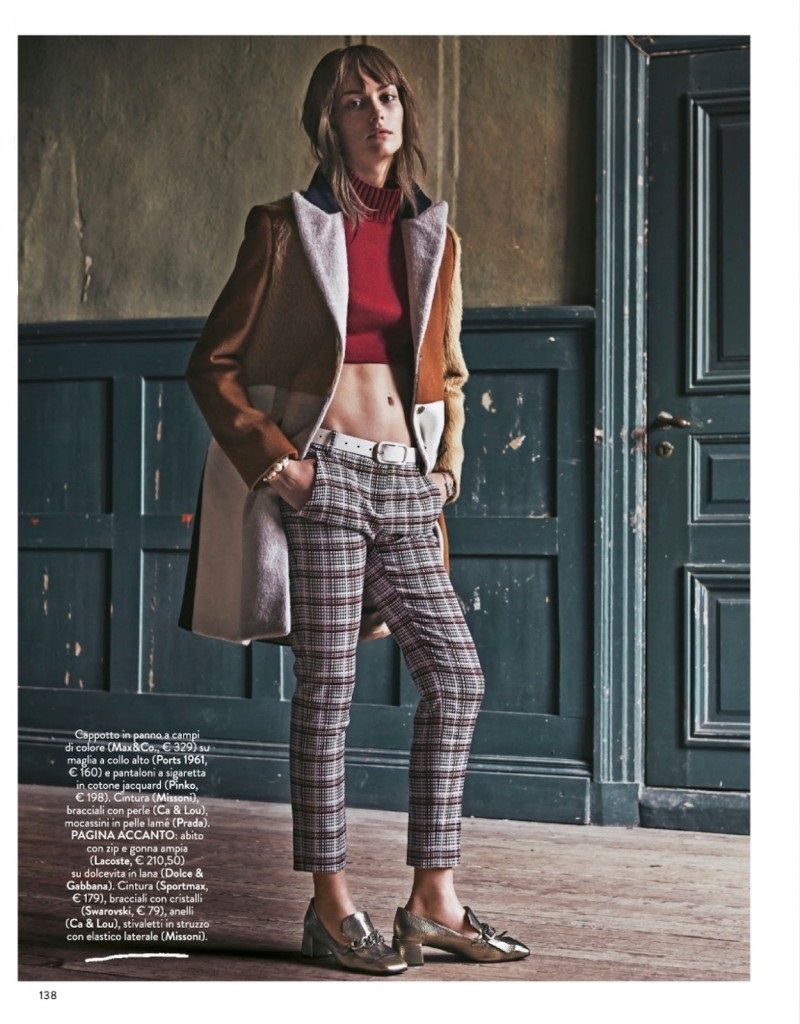
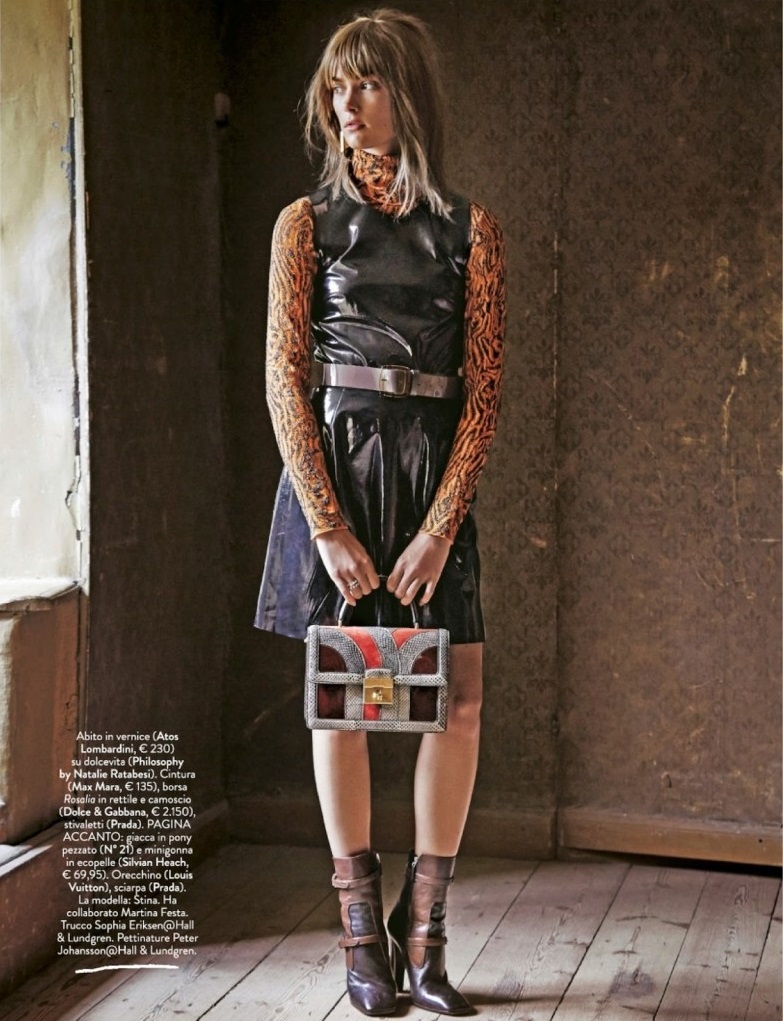
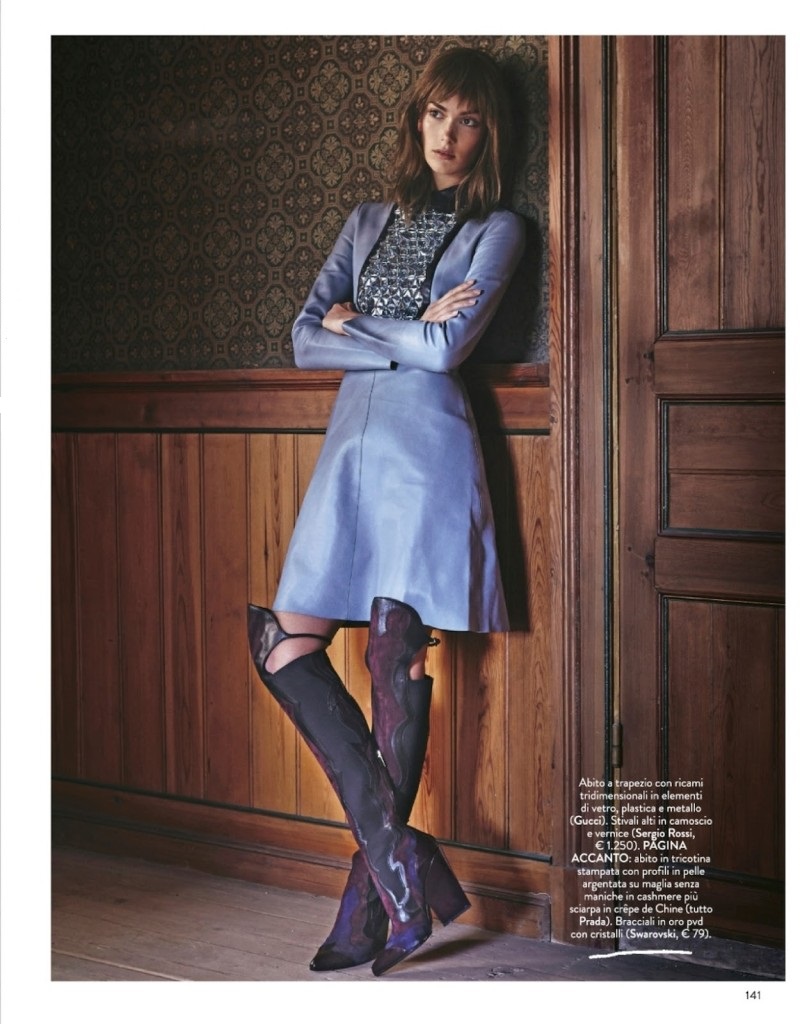
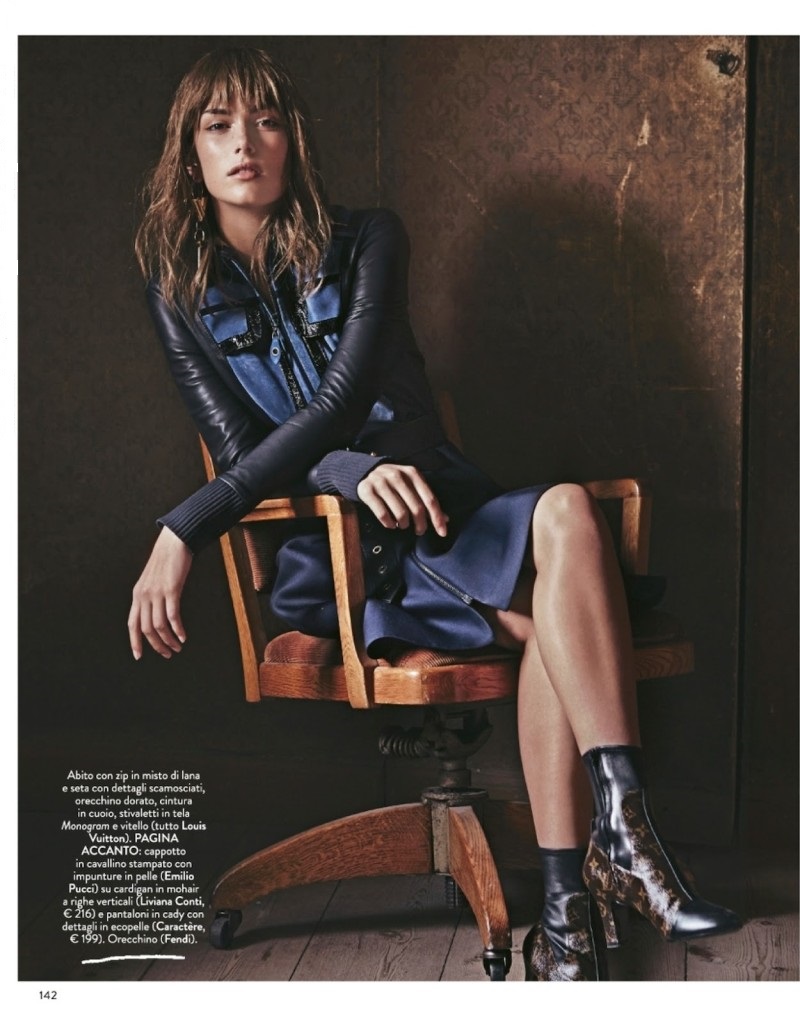
Amica Italy January 2015 by Christian Anwander (bigger)








-
L'Officiel Maroc September 2013




-
One more:



-
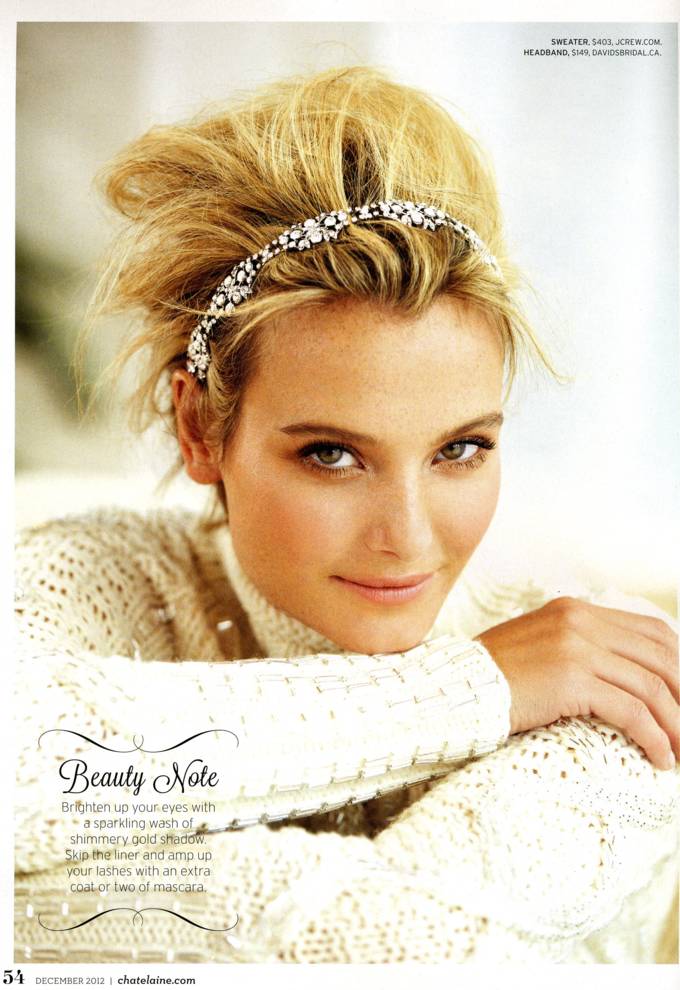
Chatelaine Magazine December 2012 Poor quality for some pictures, maybe not complete








-
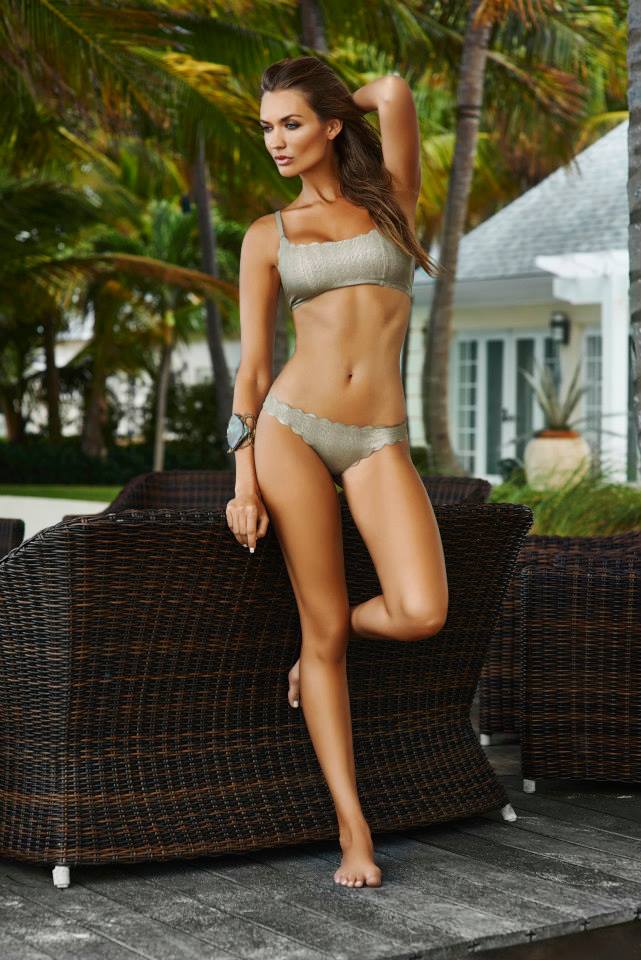
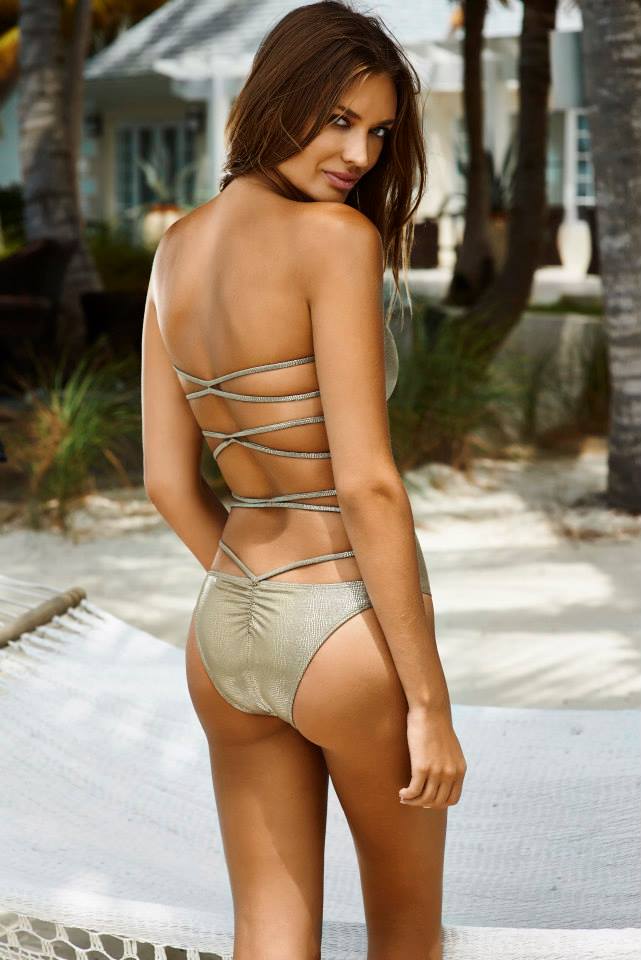
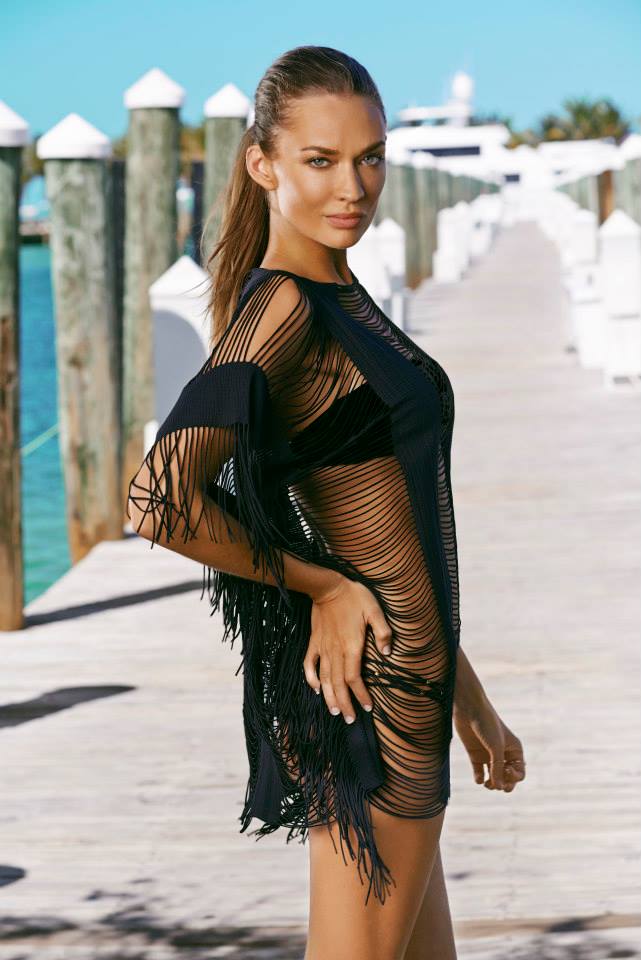
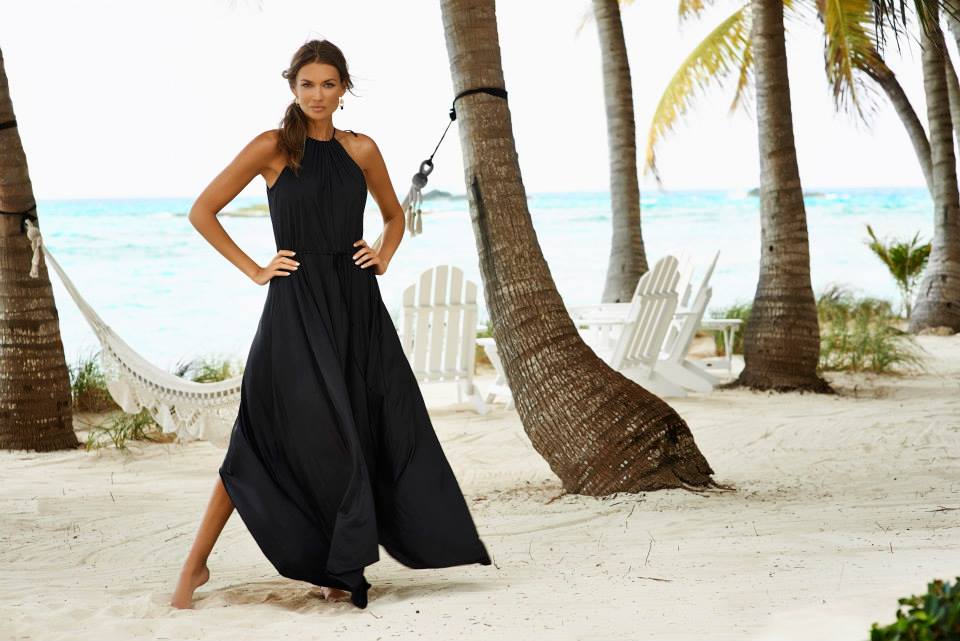
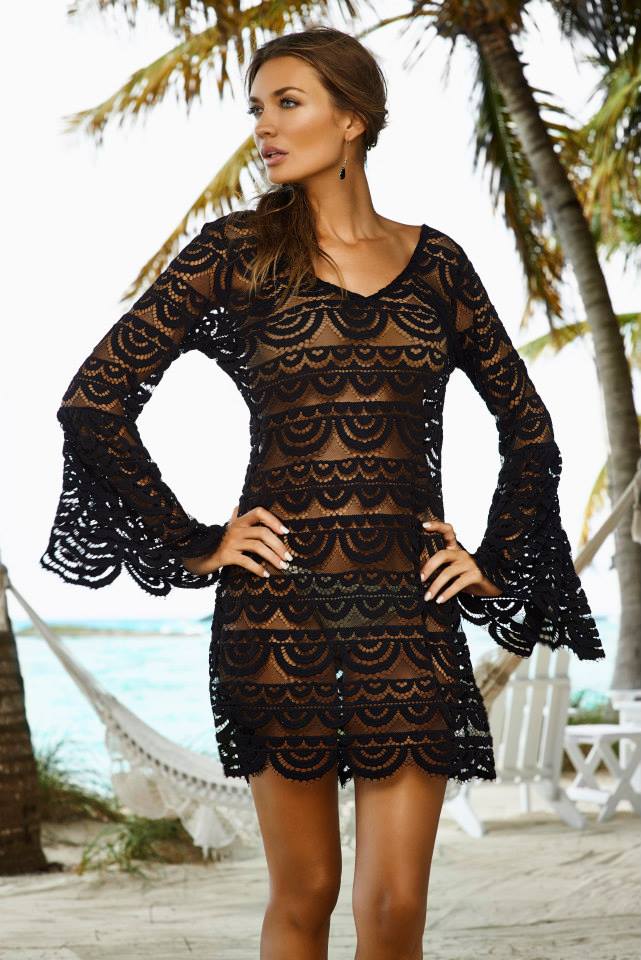
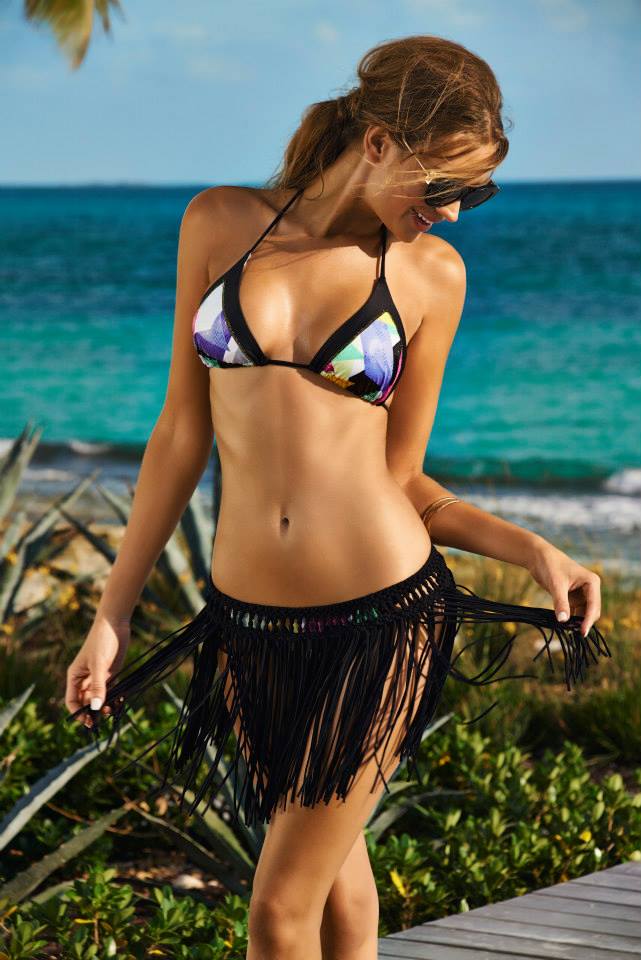
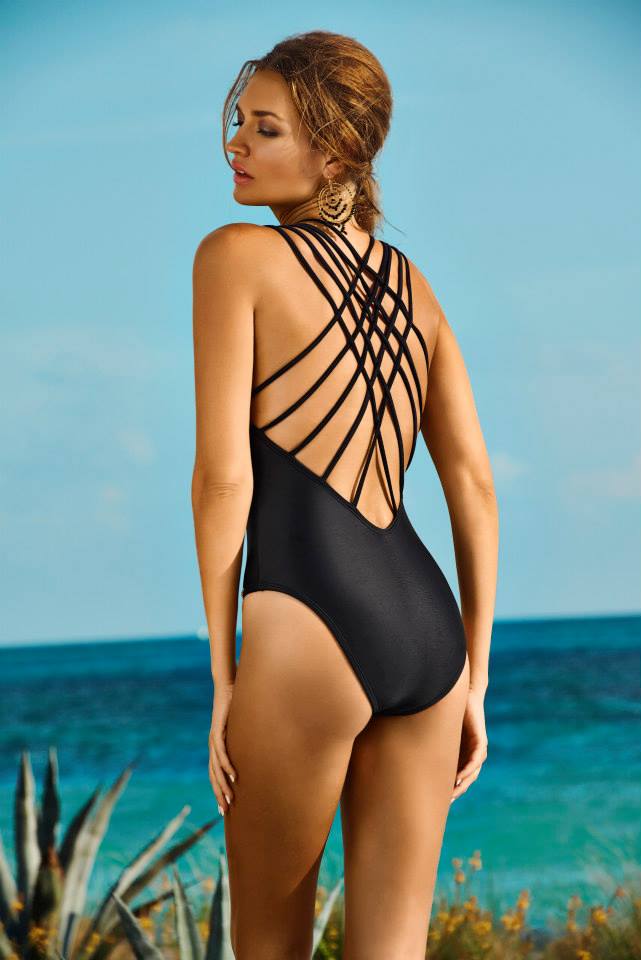
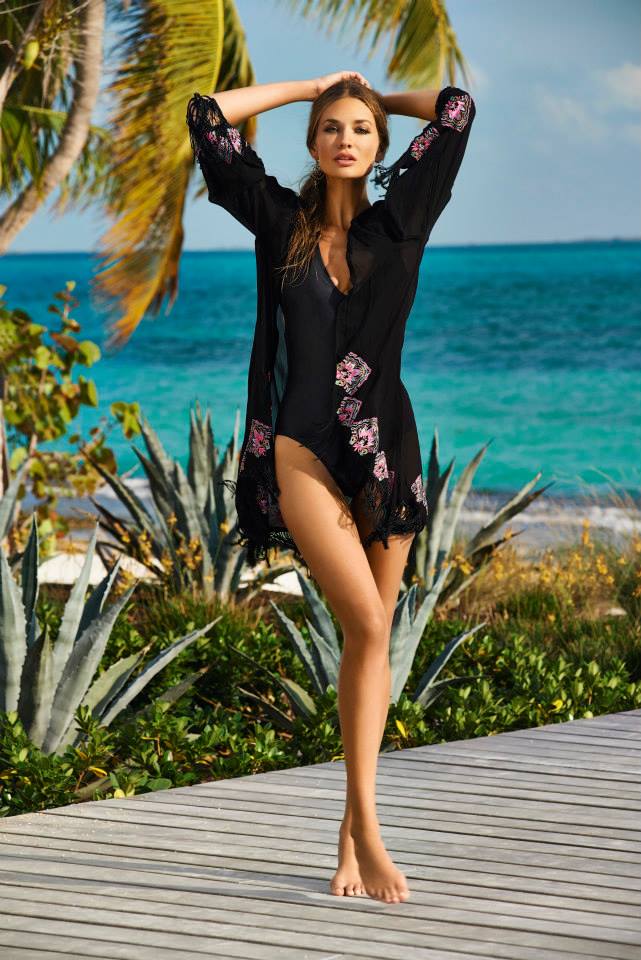
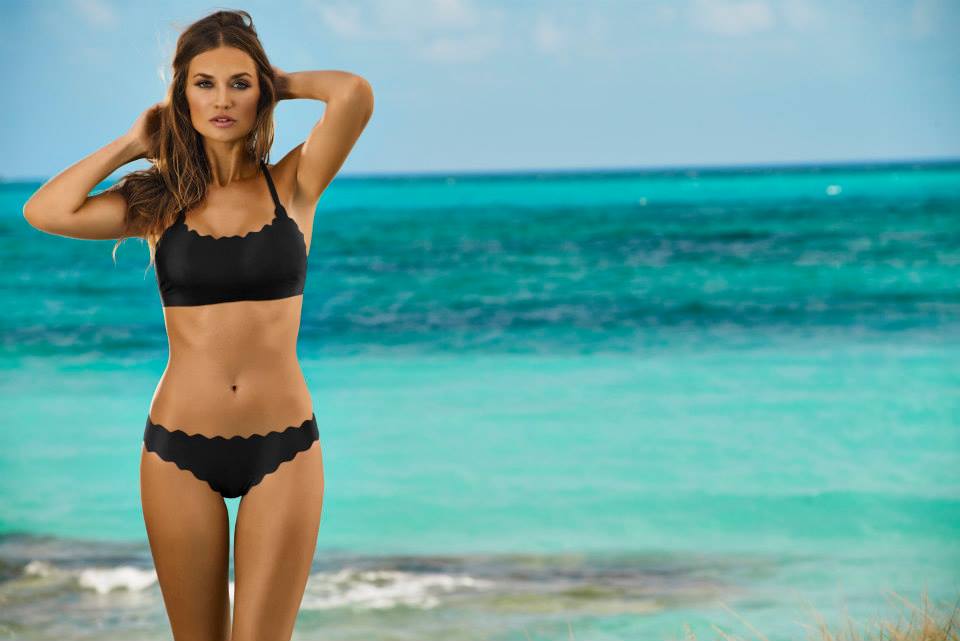
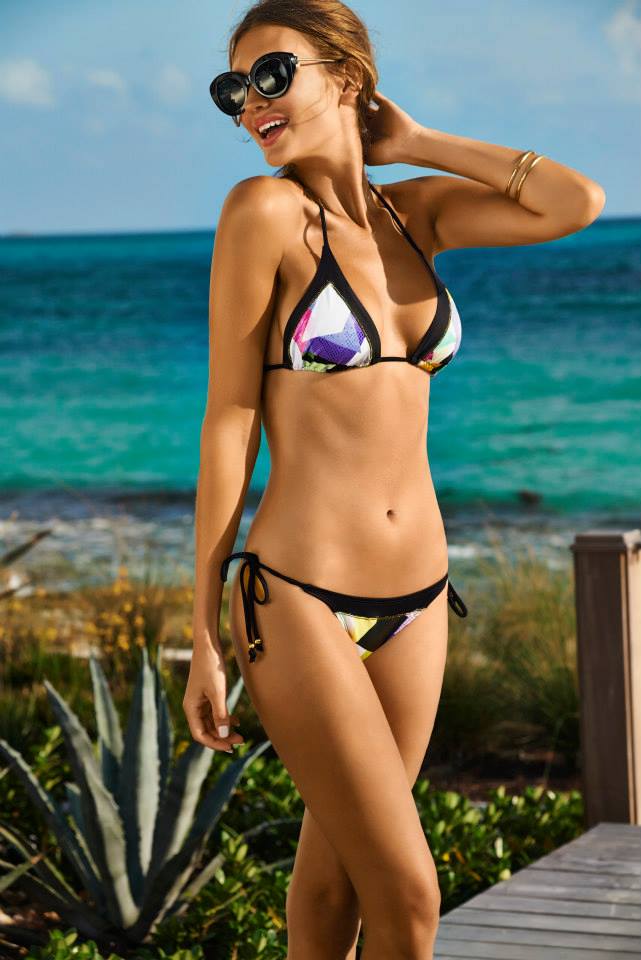
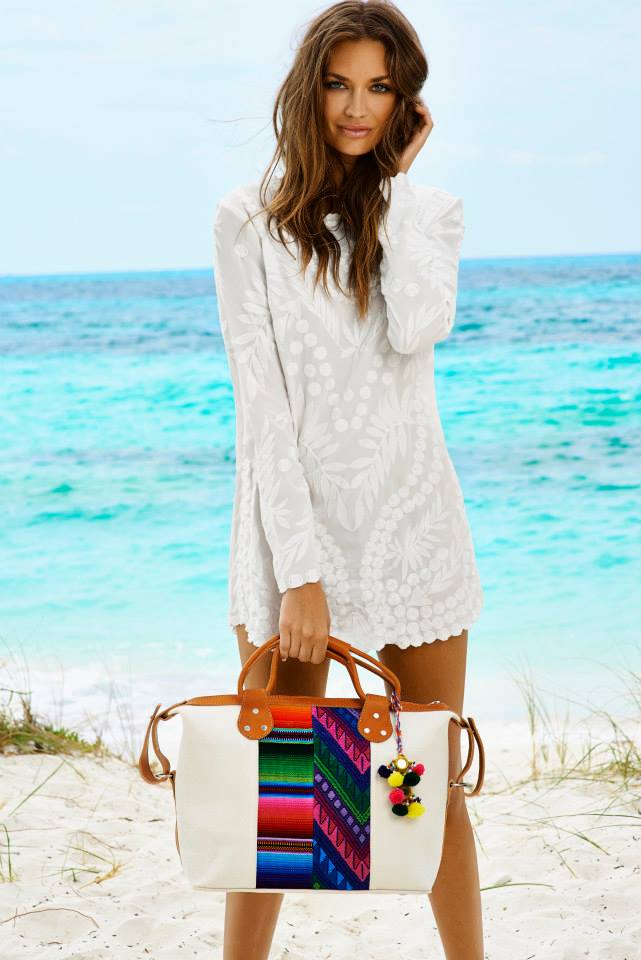
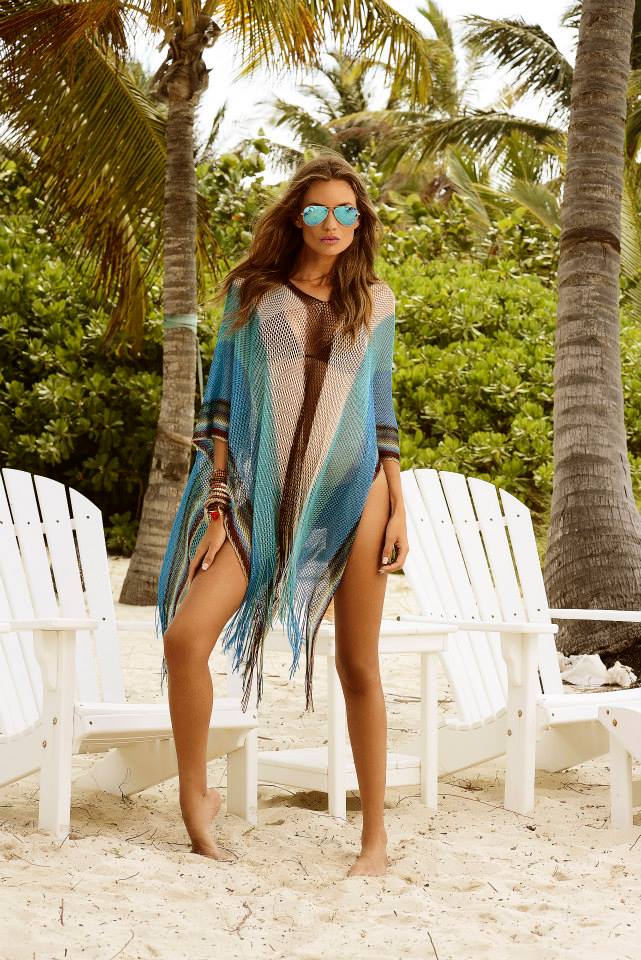
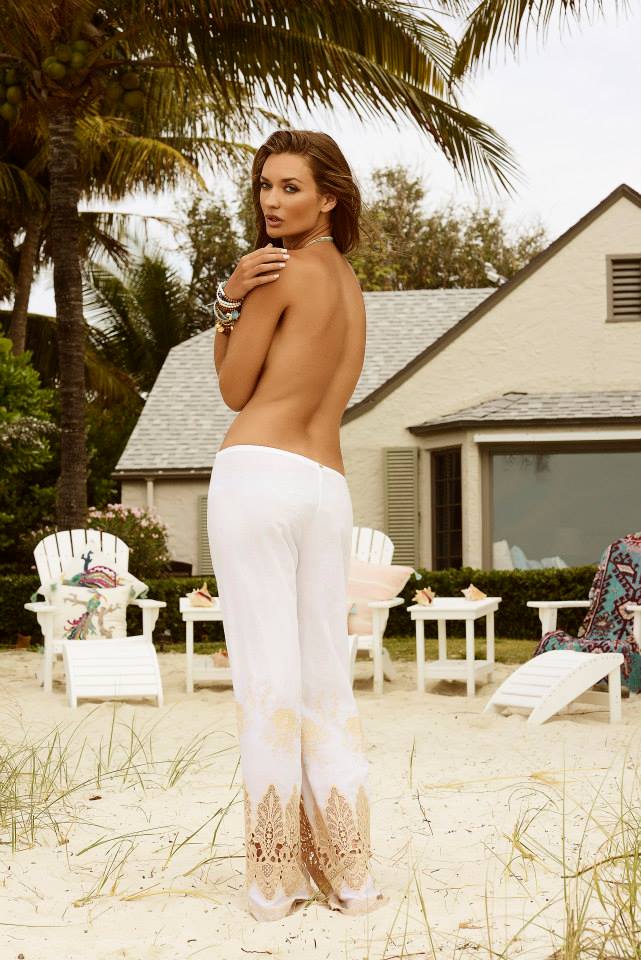
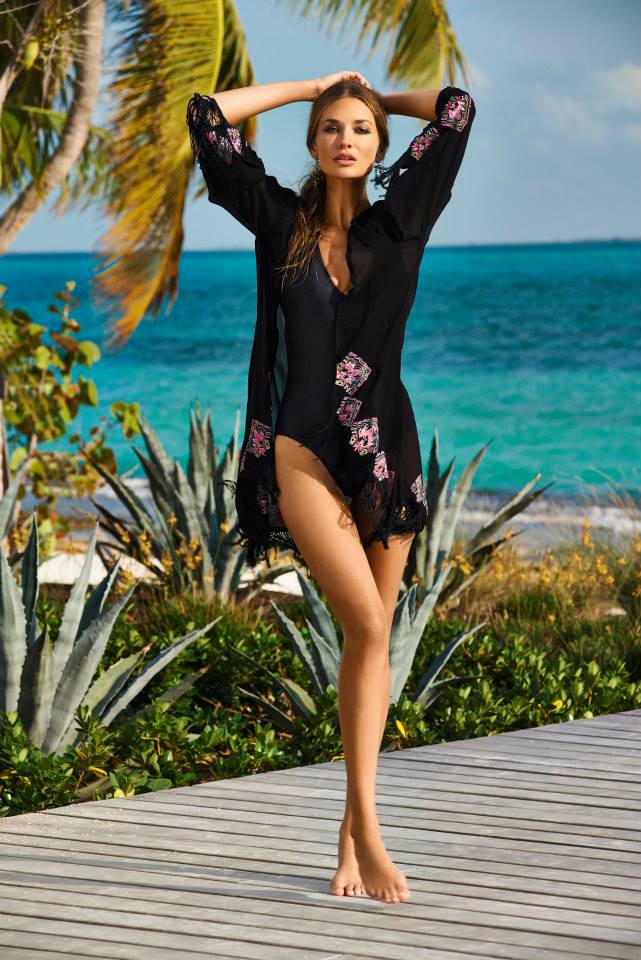
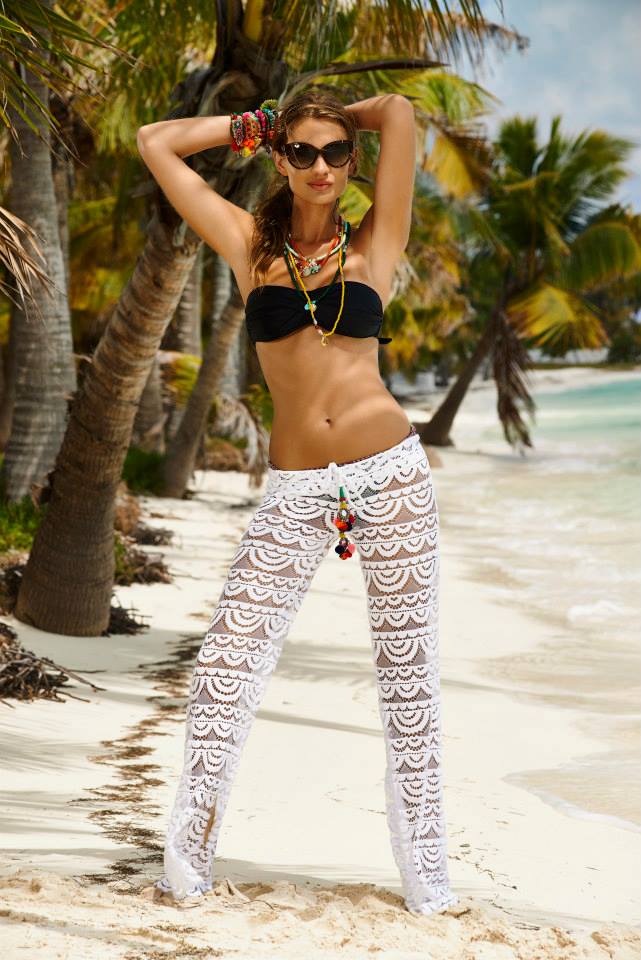
PilyQ Resort 2015 (part 2)







































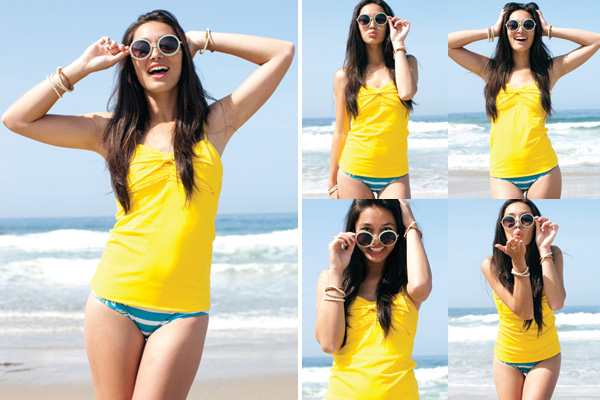
 PilyQ Resort 2015

































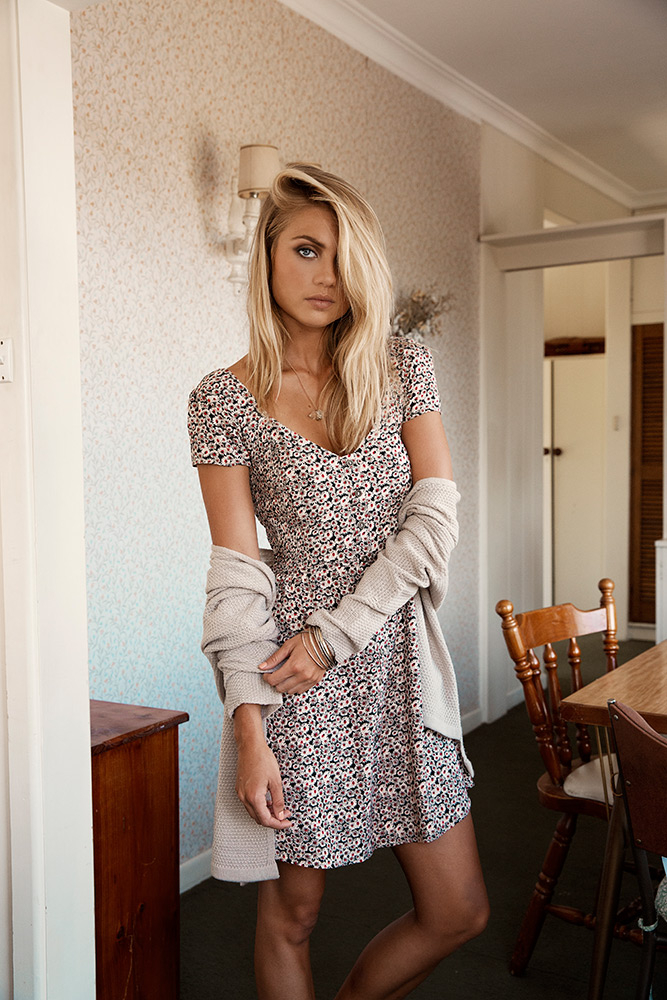
 Ghanda Clothing / Photographer: Emily Abay










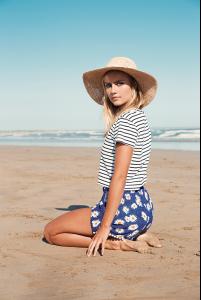


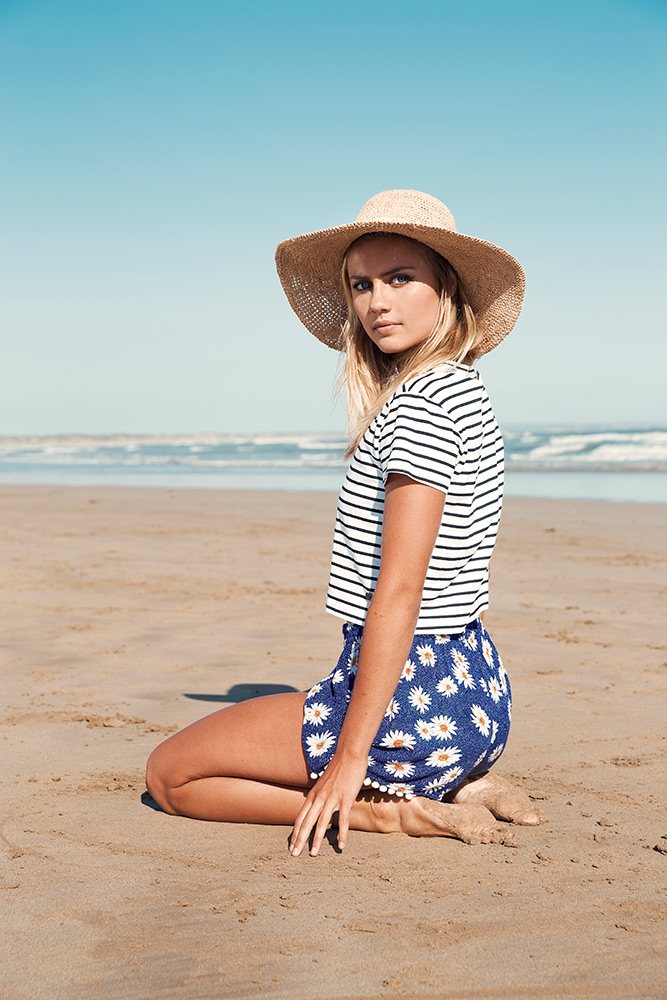
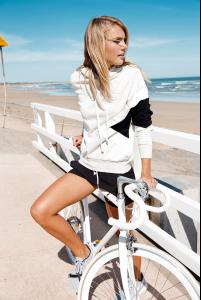 Photographer: Ren Pidgeon
 Lovisa Jewellery Summer Style Campaign



 Still don't know if it's her... but this is a bigger version
 ELLE South Africa September 2014 / Shot by Elford

 Vogue India January 2014 / Photographer: R. Burman







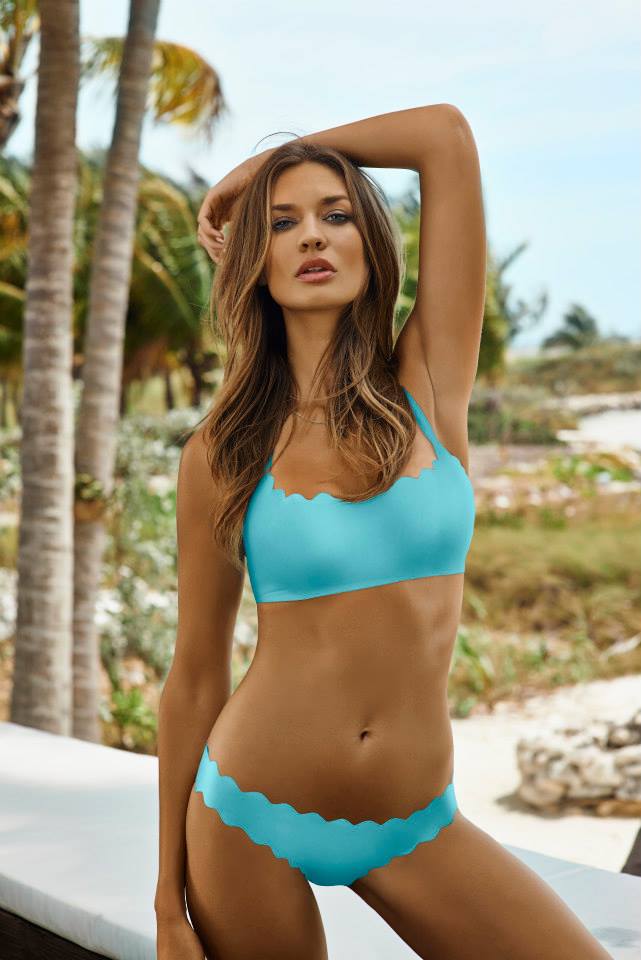
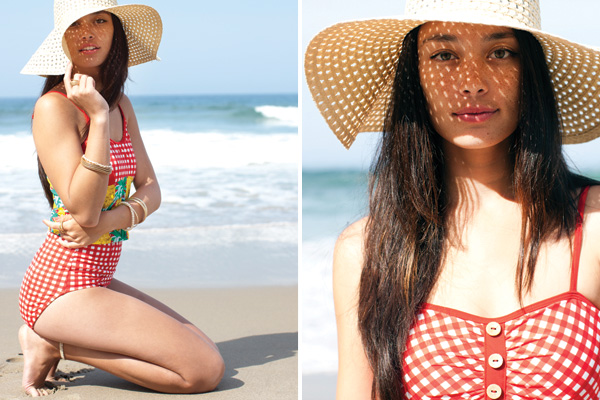
 Lime Ricki Swimwear Summer 2014 / Photographer: Matt Clayton







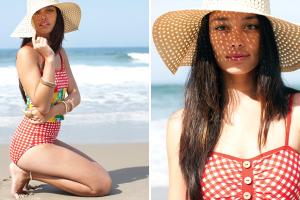

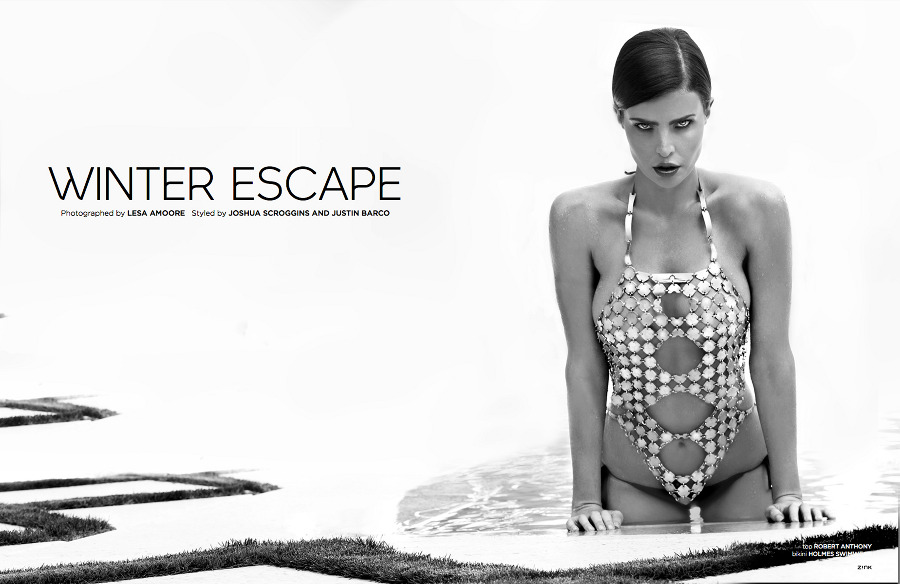
 ZINK Magazine Holiday 2012/13 / Editorial: Winter Escape / Photographer: Lesa Amoore





 Open Magazine / La vie en Or / Photographer: Michele Bloch-Stuckens /monthly_01_2015/post-35116-0-1593909506-7581_thumb.jpg" class="ipsImage ipsImage_thumbnailed" alt="michelegold3.jpg"> /monthly_01_2015/post-35116-0-1593909506-8144_thumb.jpg" class="ipsImage ipsImage_thumbnailed" alt="001_image.jpg">




 L'Officiel Paris August 2014
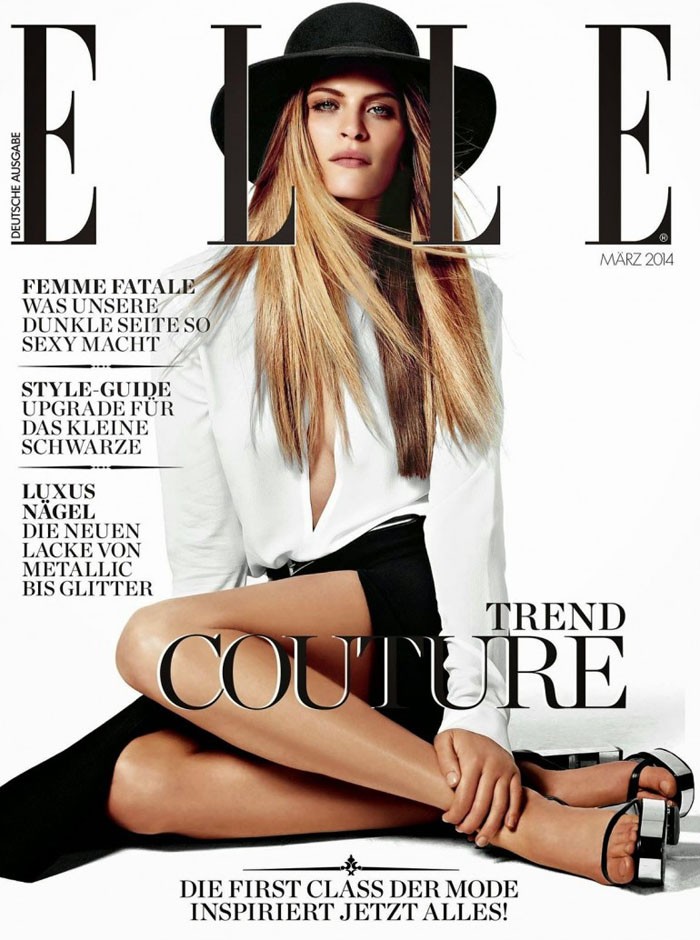
 Elle Switzerland March 2014 by Andreas Sjödin
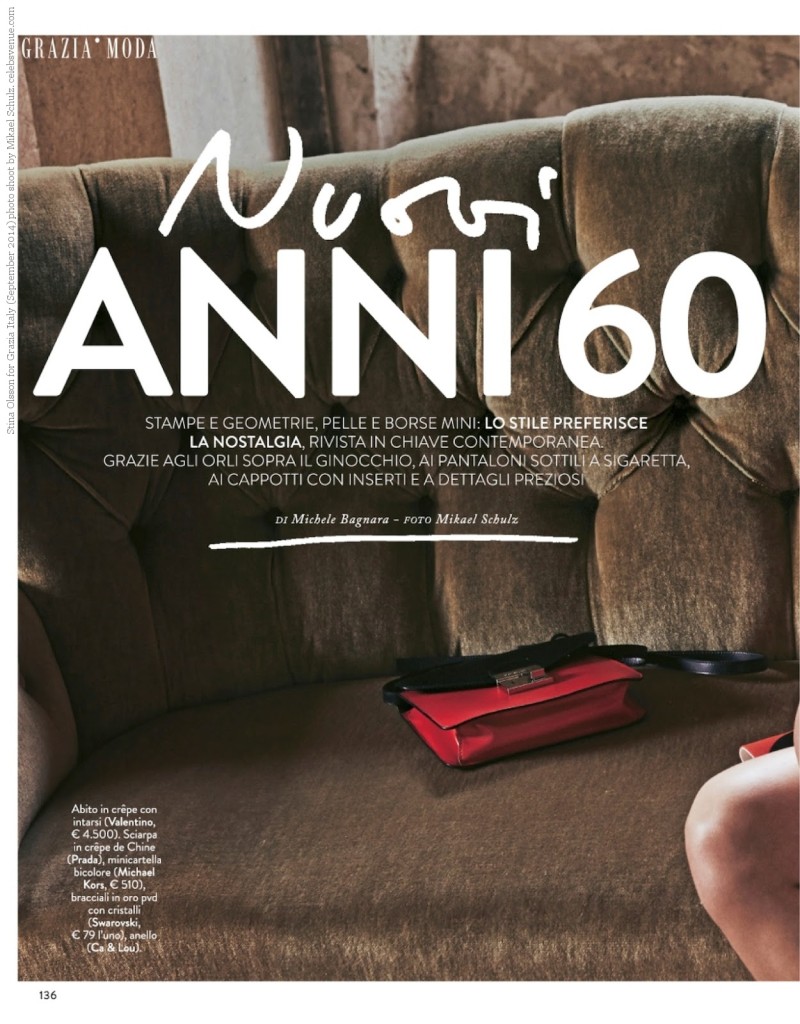
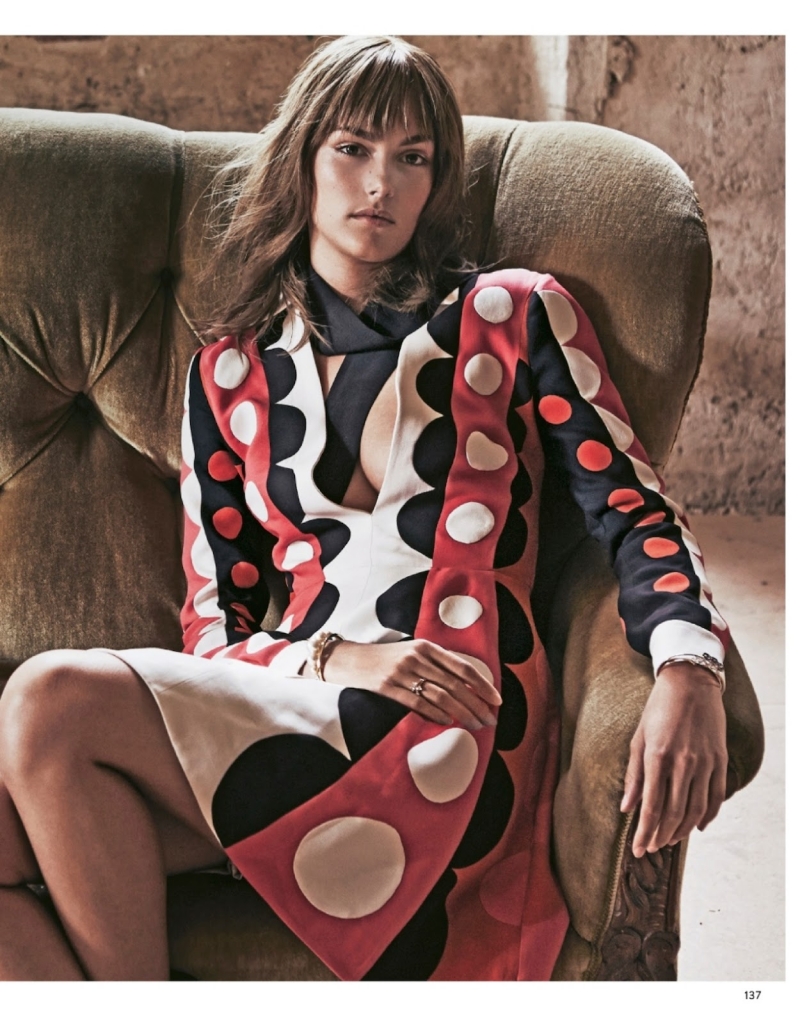
 Grazia Italy September 2014 by Mikael Schulz



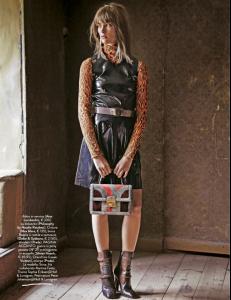

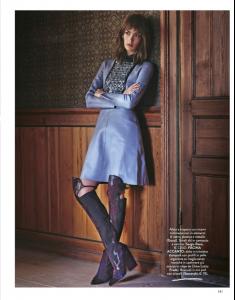
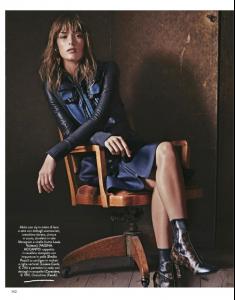

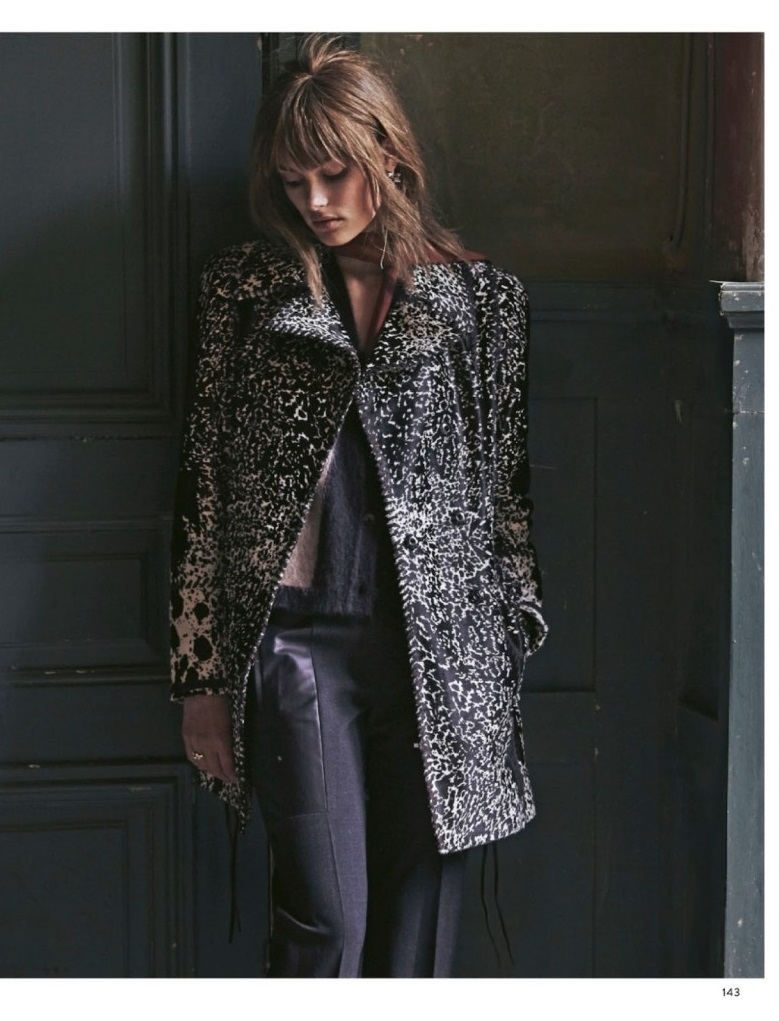
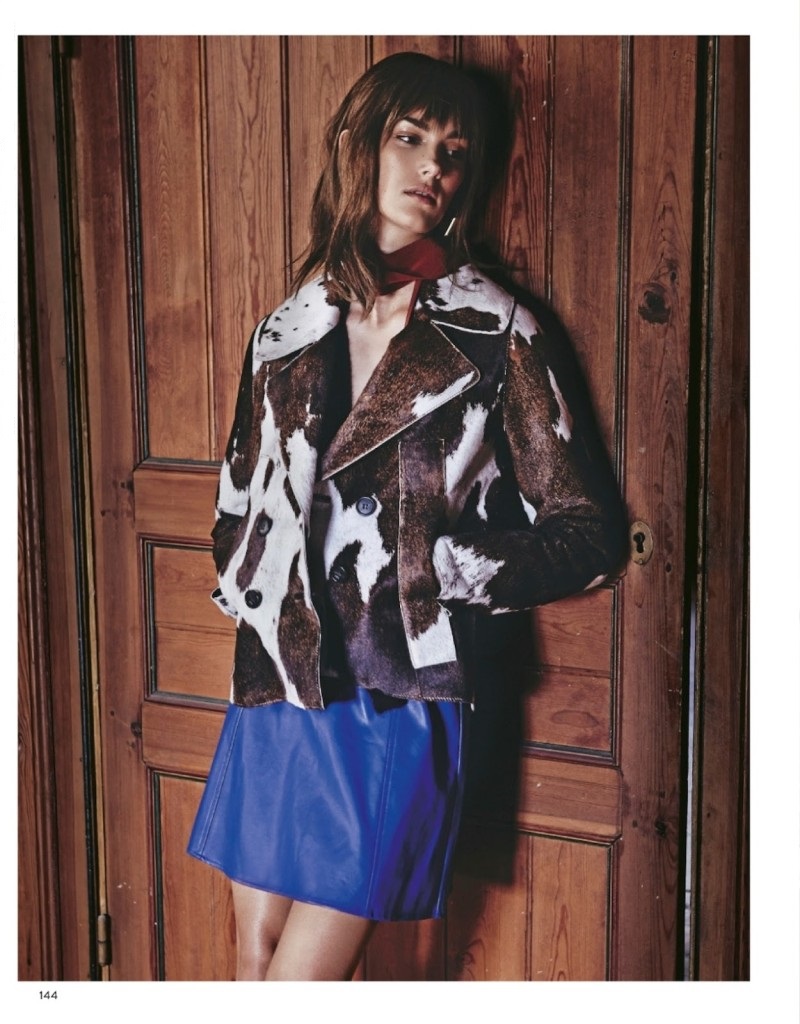
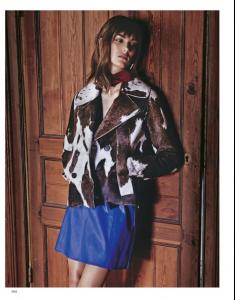 Very creative girl... behind or in front of the camera!









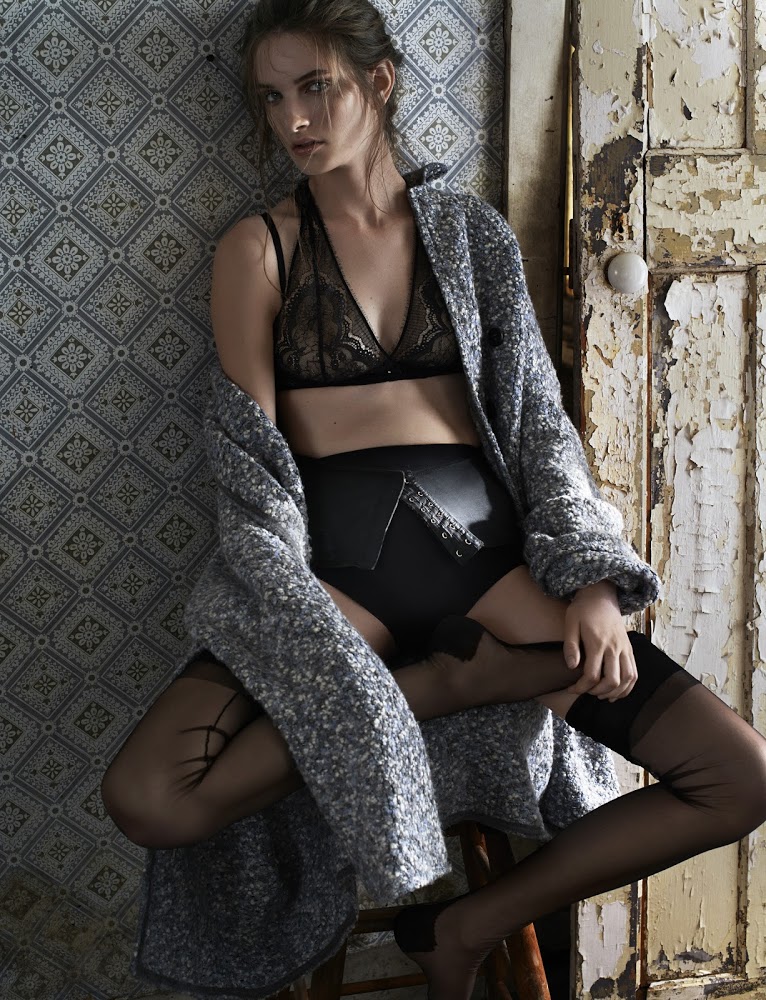






















































































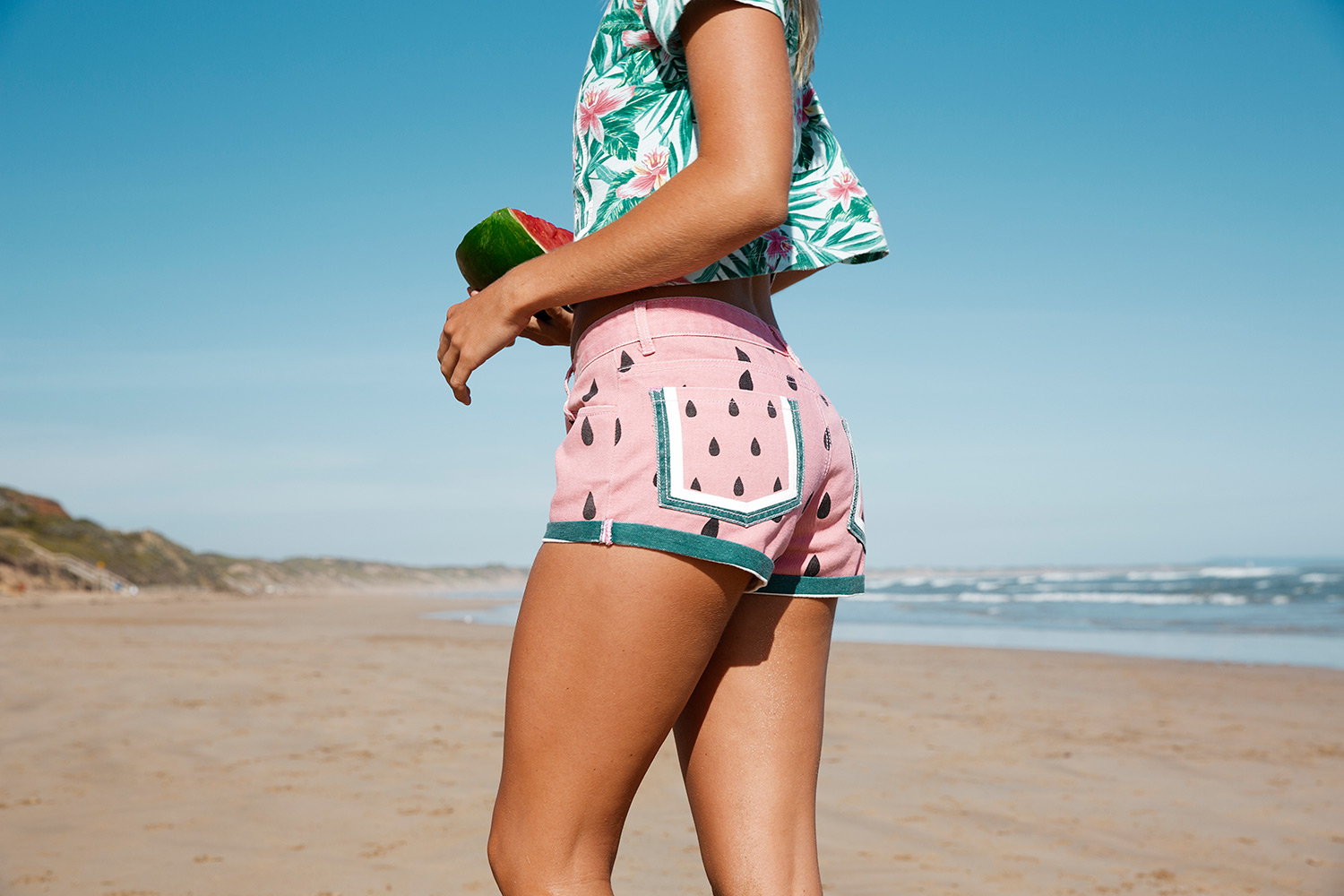
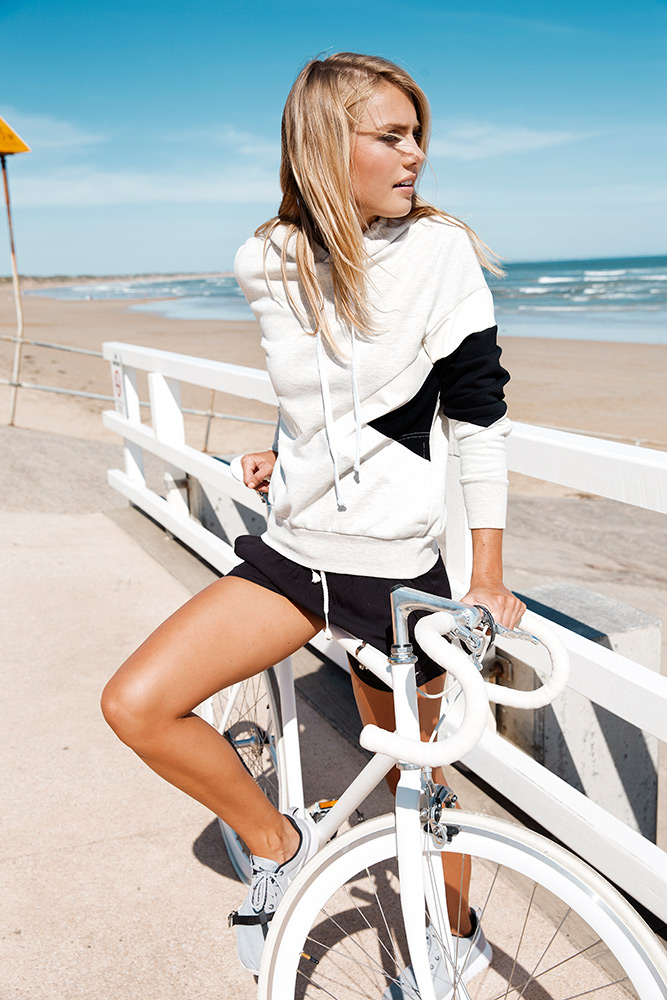

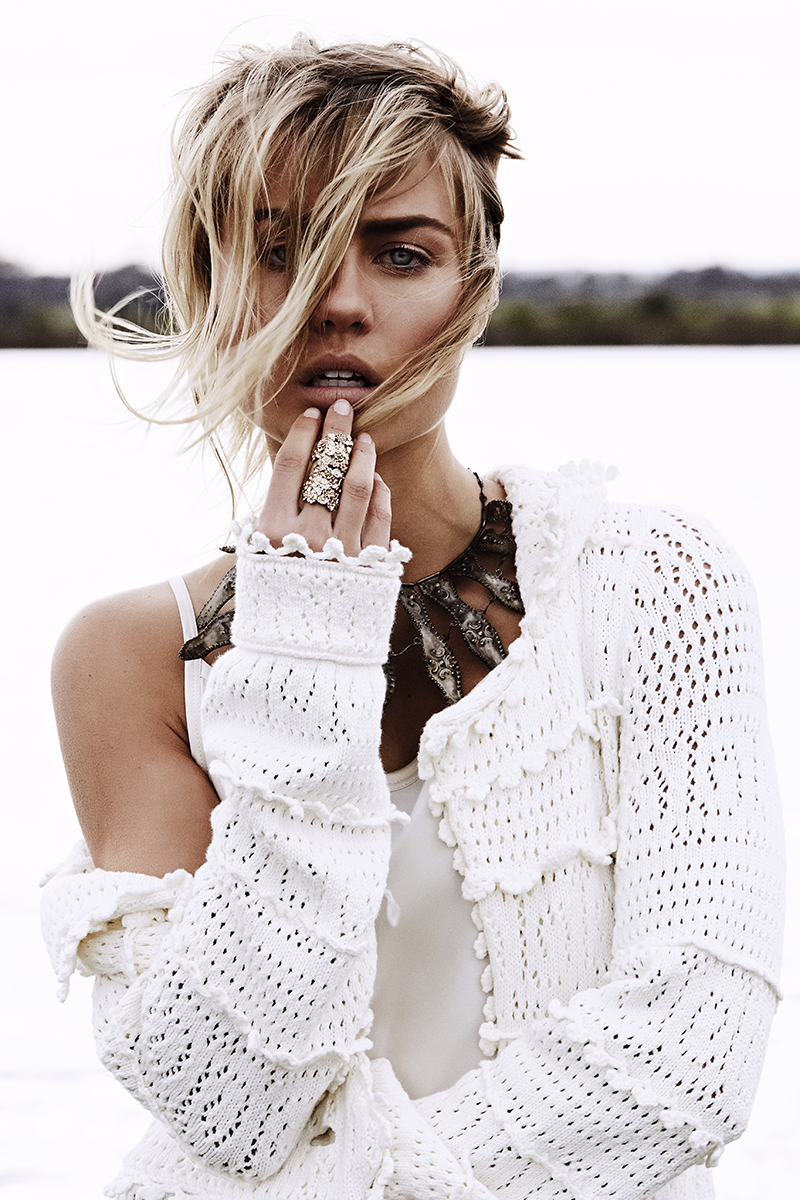








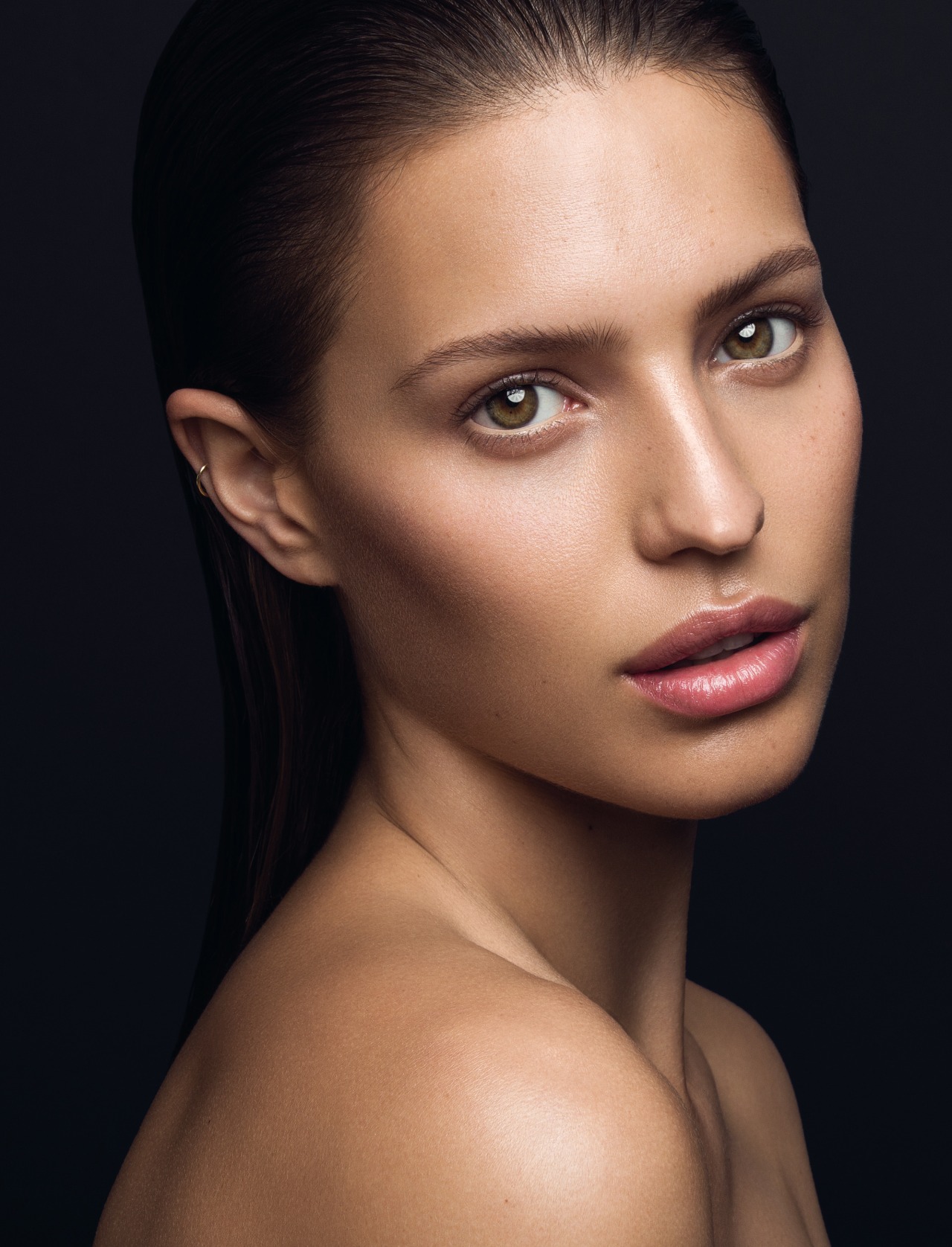




































Account
Navigation
Search
Configure browser push notifications
Chrome (Android)
- Tap the lock icon next to the address bar.
- Tap Permissions → Notifications.
- Adjust your preference.
Chrome (Desktop)
- Click the padlock icon in the address bar.
- Select Site settings.
- Find Notifications and adjust your preference.
Safari (iOS 16.4+)
- Ensure the site is installed via Add to Home Screen.
- Open Settings App → Notifications.
- Find your app name and adjust your preference.
Safari (macOS)
- Go to Safari → Preferences.
- Click the Websites tab.
- Select Notifications in the sidebar.
- Find this website and adjust your preference.
Edge (Android)
- Tap the lock icon next to the address bar.
- Tap Permissions.
- Find Notifications and adjust your preference.
Edge (Desktop)
- Click the padlock icon in the address bar.
- Click Permissions for this site.
- Find Notifications and adjust your preference.
Firefox (Android)
- Go to Settings → Site permissions.
- Tap Notifications.
- Find this site in the list and adjust your preference.
Firefox (Desktop)
- Open Firefox Settings.
- Search for Notifications.
- Find this site in the list and adjust your preference.