

Limerlight
Members
-
Joined
Everything posted by Limerlight
-
 Edward Snowden approves this post
 Should not have been wearing that while we're on the subject of scary old lady outfits
There's your Maxim #1 hottest woman
in the least stalker way possible
Should not have been wearing that while we're on the subject of scary old lady outfits
There's your Maxim #1 hottest woman
in the least stalker way possible
 Hi
Hi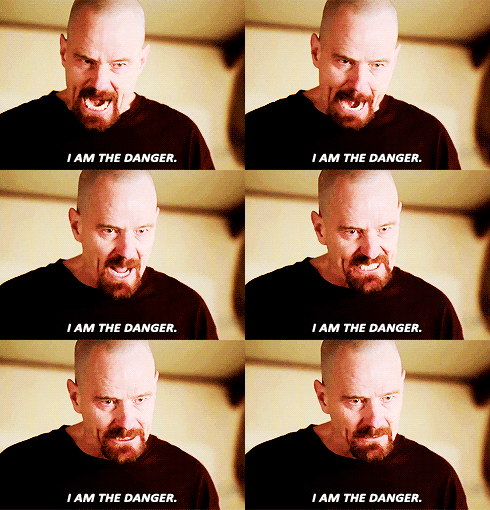
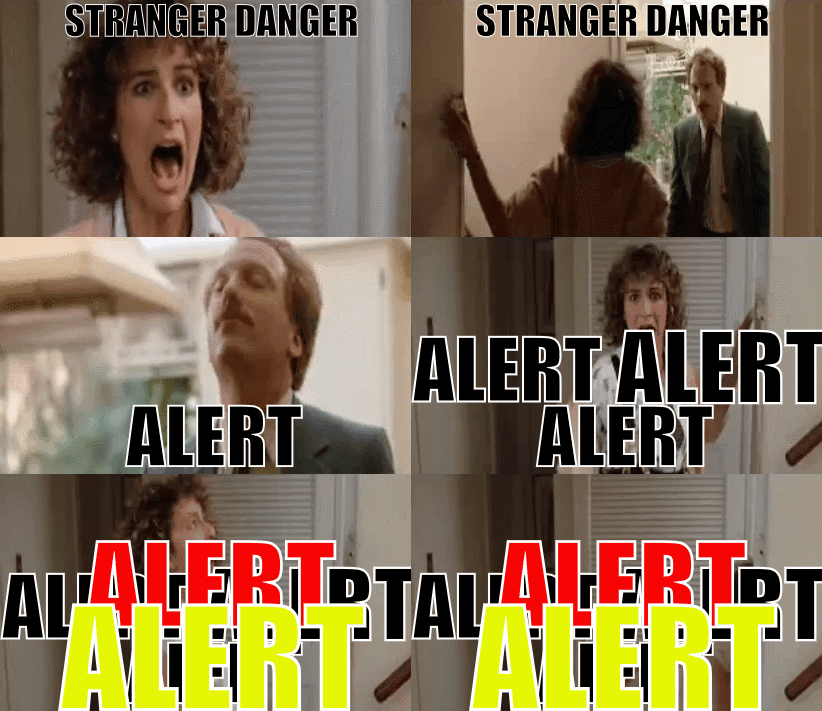 Well now it's a challenge
For half the video I thought VS put out a line of bracelet's
Don't mind me. Ellen Page is cute tho Have a flower
Well now it's a challenge
For half the video I thought VS put out a line of bracelet's
Don't mind me. Ellen Page is cute tho Have a flower ^ Similar boat, I got something from Amazon supposed to be here tomorrow I was worried
http://globalnews.ca/news/2907989/canada-post-employees-to-begin-job-action-in-alberta-n-w-t-monday/?sf34532119=1
@Prettyphile .I finally listened to you and bought more veggies and fruits then I usually do. And less junk but still some
We get TSN, Sportsnet. If they host ESPN then we get the feed but not ESPN by itself. Huge market that ESPN won't come into/ maybe not allowed? I'm not sure why they aren't here
^ +1
I hate you.
I'm more concerned about the NDSU game on that i can't watch because it's not on TV here
^ Similar boat, I got something from Amazon supposed to be here tomorrow I was worried
http://globalnews.ca/news/2907989/canada-post-employees-to-begin-job-action-in-alberta-n-w-t-monday/?sf34532119=1
@Prettyphile .I finally listened to you and bought more veggies and fruits then I usually do. And less junk but still some
We get TSN, Sportsnet. If they host ESPN then we get the feed but not ESPN by itself. Huge market that ESPN won't come into/ maybe not allowed? I'm not sure why they aren't here
^ +1
I hate you.
I'm more concerned about the NDSU game on that i can't watch because it's not on TV here






Account
Navigation
Search
Configure browser push notifications
Chrome (Android)
- Tap the lock icon next to the address bar.
- Tap Permissions → Notifications.
- Adjust your preference.
Chrome (Desktop)
- Click the padlock icon in the address bar.
- Select Site settings.
- Find Notifications and adjust your preference.
Safari (iOS 16.4+)
- Ensure the site is installed via Add to Home Screen.
- Open Settings App → Notifications.
- Find your app name and adjust your preference.
Safari (macOS)
- Go to Safari → Preferences.
- Click the Websites tab.
- Select Notifications in the sidebar.
- Find this website and adjust your preference.
Edge (Android)
- Tap the lock icon next to the address bar.
- Tap Permissions.
- Find Notifications and adjust your preference.
Edge (Desktop)
- Click the padlock icon in the address bar.
- Click Permissions for this site.
- Find Notifications and adjust your preference.
Firefox (Android)
- Go to Settings → Site permissions.
- Tap Notifications.
- Find this site in the list and adjust your preference.
Firefox (Desktop)
- Open Firefox Settings.
- Search for Notifications.
- Find this site in the list and adjust your preference.