Jump to content
View in the app

A better way to browse. Learn more.

Bellazon

A full-screen app on your home screen with push notifications, badges and more.

To install this app on iOS and iPadOS
  1. Tap the Share icon in Safari
  2. Scroll the menu and tap Add to Home Screen.
  3. Tap Add in the top-right corner.
To install this app on Android
  1. Tap the 3-dot menu (⋮) in the top-right corner of the browser.
  2. Tap Add to Home screen or Install app.
  3. Confirm by tapping Install.

Minerva13

Members
  • Joined

  • Last visited

Everything posted by Minerva13

  1. Emily McWilliam
  2. In the 90's until she lost weight (or not?but her face changed) and got a very short haircut,she looked more beautiful in my opinion Gioia Italy 20 November 1999 scanned by Sanja
  3. Looks like one from sisters Kepshire,but not sure scans by Sanja
  4. 2000 models 1 2 scans by Sanja
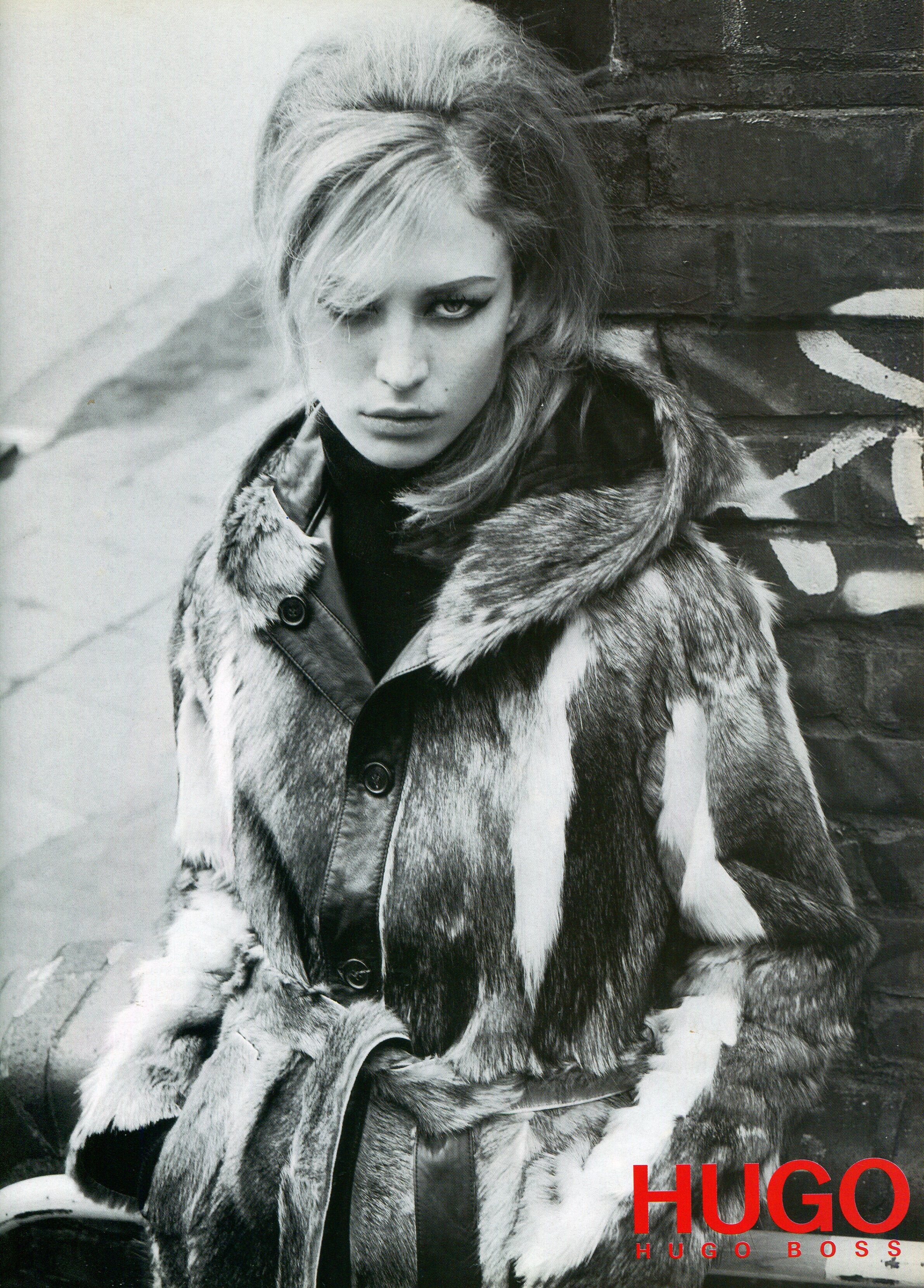
  5. ^ Great work who this 1998 model without eyebrows and terrible shor bang?Why did the stylists disfigure her so much... scans by Sanja
  6. Emily McWilliam thank you for the ID model @parisienne
  7. Isa France February 2001 Scanned by Sanja
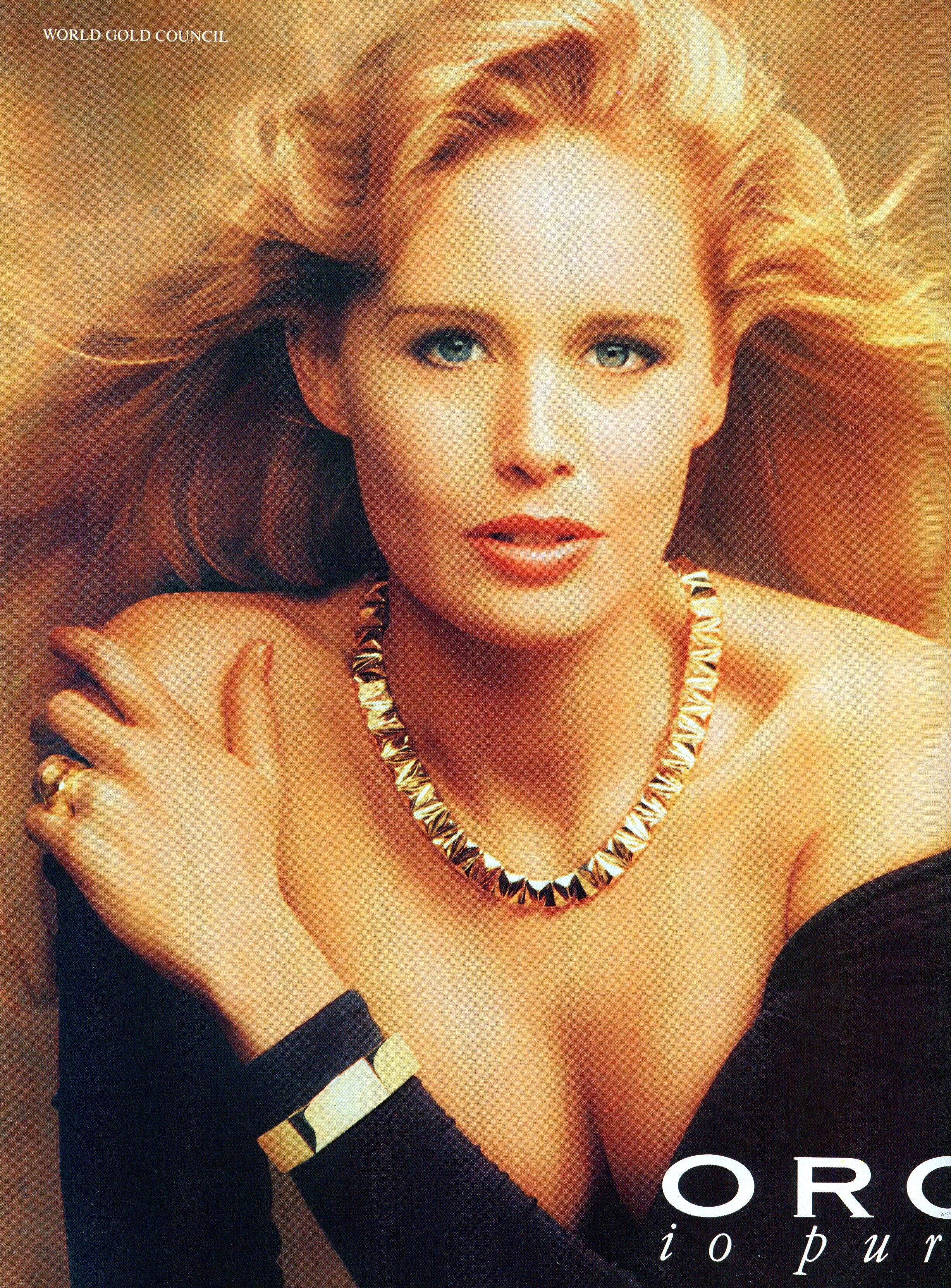
  8. Laura Biagiotti 'Laura' 1996 or 97 I think you're ads 1995, model Greta too my scan
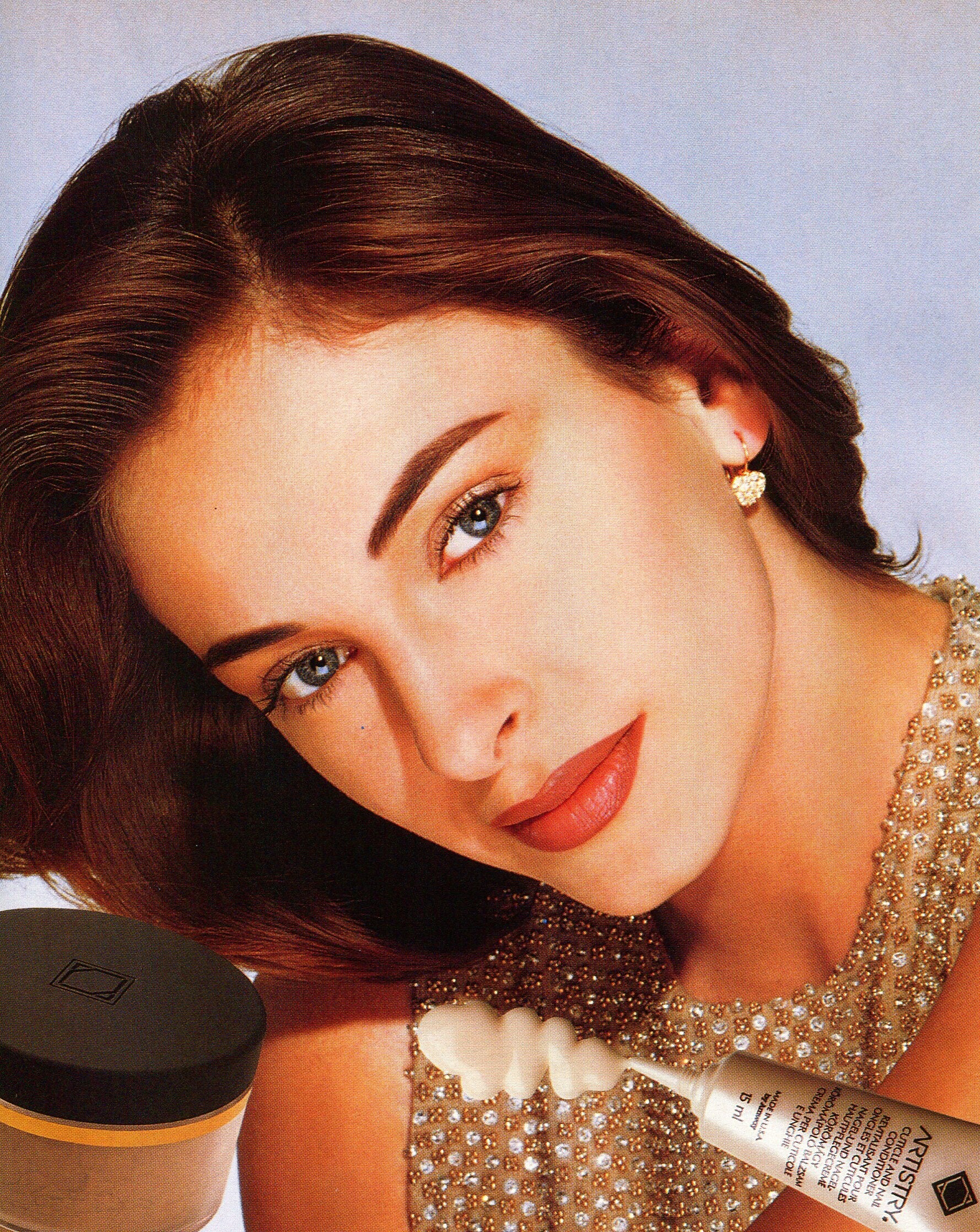
  9. Sophie Nicolas, Olga Maliouk and utm brunette
  10. + Sophie Nicolas and utm brunette
  11. Biba France November 2000 Photographer:Michael Wirth Models:Olga Maliouk,Sophie Nicolas & utm Scanned by Sanja Thank you for the ID model tarsier41
  12. 376 Amy Woodford (1 photo only)
  13. just awful...
  14. ^ why she wear wig?
  15. ELLE Canada September 2001 eBay (mikeware)
  16. Lisa Russia (special issue Fashion Hair) 2/2001 by me
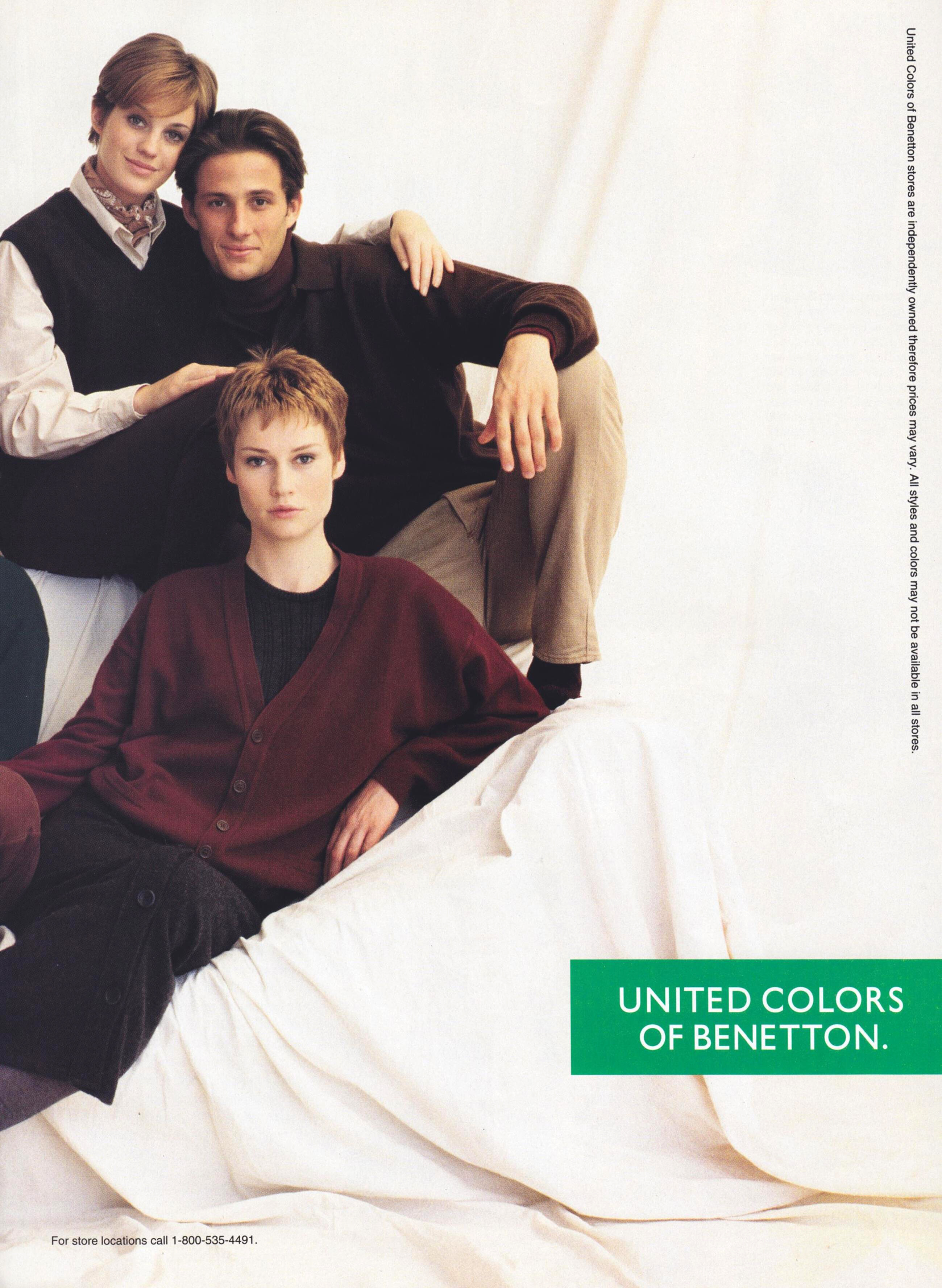
  17. Gioia Italy 24 February 1996 Models: Jacqui Vrolyk, Caroline Andersson, utm scanned by RocketQueen part I
  18. Thank you,always nice work!
  19. Jacqui Vrolyk Caroline Andersson
  20. 1996 model scans by RosieNikolaeva

Configure browser push notifications

Chrome (Android)
  1. Tap the lock icon next to the address bar.
  2. Tap Permissions → Notifications.
  3. Adjust your preference.
Chrome (Desktop)
  1. Click the padlock icon in the address bar.
  2. Select Site settings.
  3. Find Notifications and adjust your preference.