Jump to content
View in the app

A better way to browse. Learn more.

Bellazon

A full-screen app on your home screen with push notifications, badges and more.

To install this app on iOS and iPadOS
  1. Tap the Share icon in Safari
  2. Scroll the menu and tap Add to Home Screen.
  3. Tap Add in the top-right corner.
To install this app on Android
  1. Tap the 3-dot menu (⋮) in the top-right corner of the browser.
  2. Tap Add to Home screen or Install app.
  3. Confirm by tapping Install.

Paula

Members
  • Joined

  • Last visited

Everything posted by Paula

  1. Paula replied to Hime's topic in Female Fashion Models
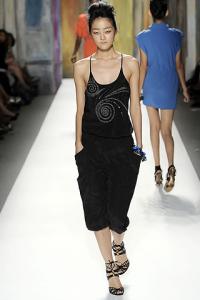
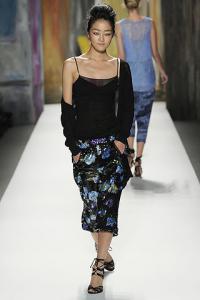
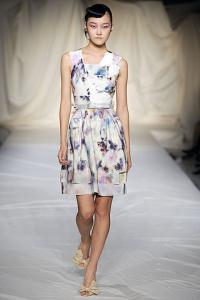
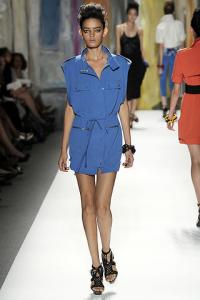
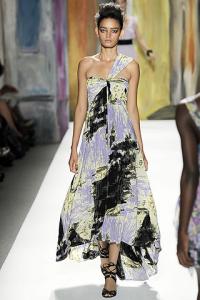
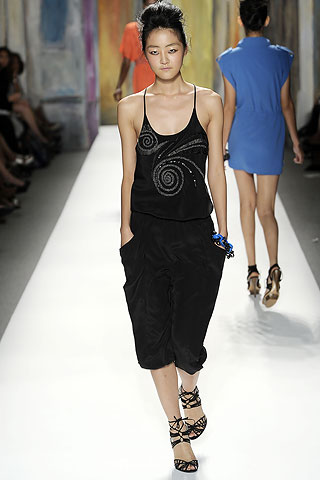
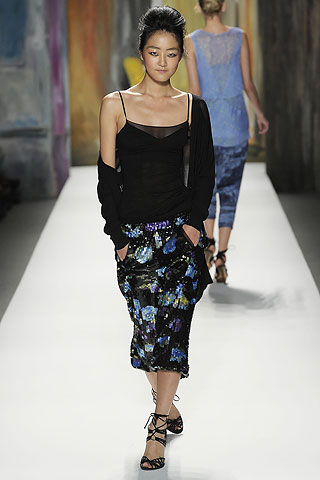
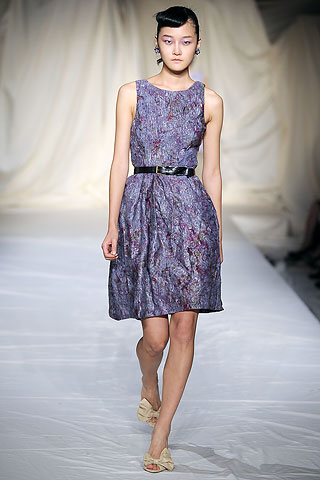
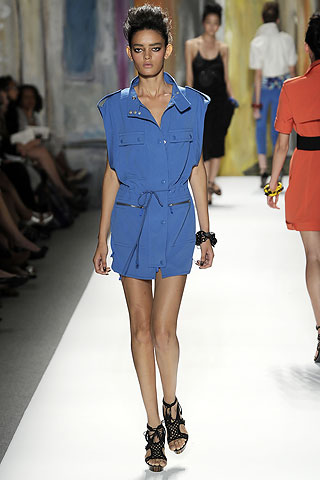
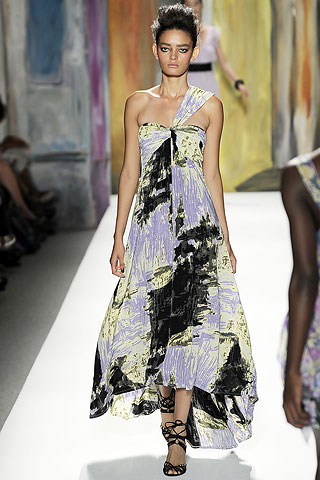
    Tracy Reese S/S 2010 * same
  2. Paula replied to Hime's topic in Female Fashion Models
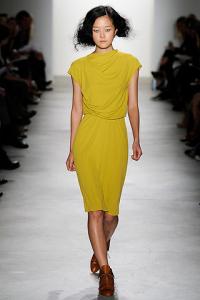
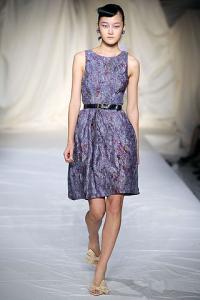
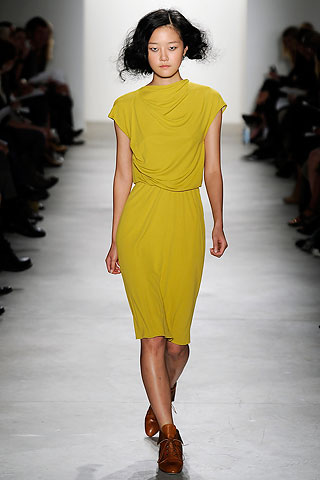
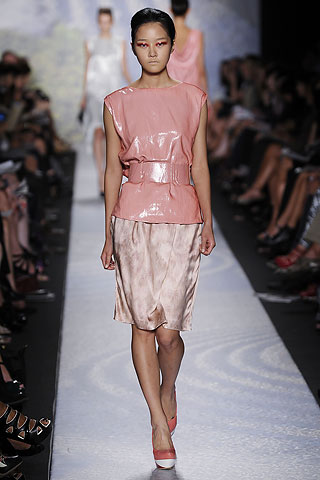
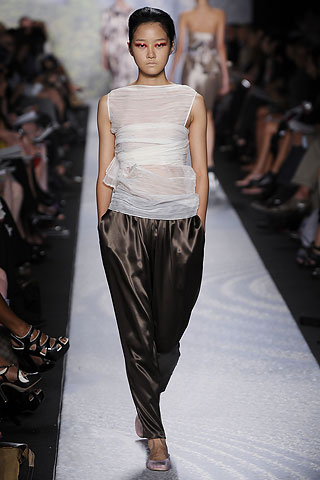
    Costello Tagliapietra S/S 2010 * same
  3. Paula replied to Hime's topic in Female Fashion Models
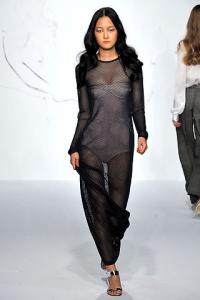
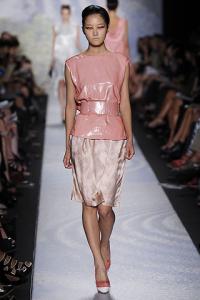
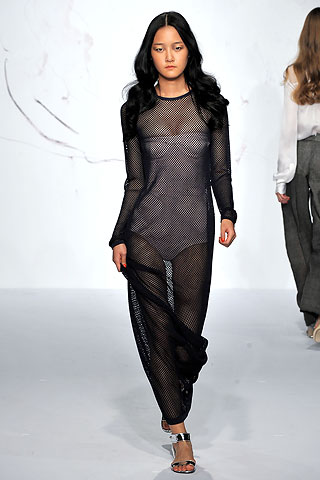
    Rachel Roy S/S 2010 * style
  4. Paula replied to Hime's topic in Female Fashion Models
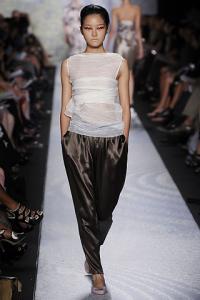
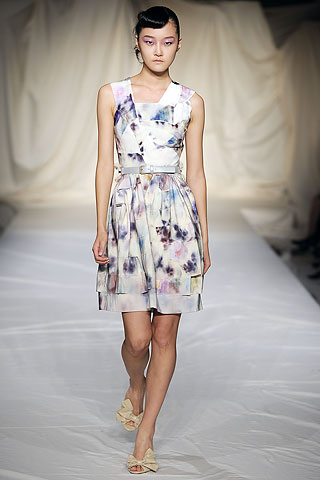
    Cynthia Rowley S/S 2010 * same
  5. Paula replied to Hime's topic in Female Fashion Models
    Ports 1961 S/S 2010 * style
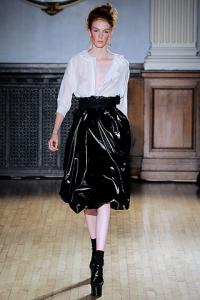
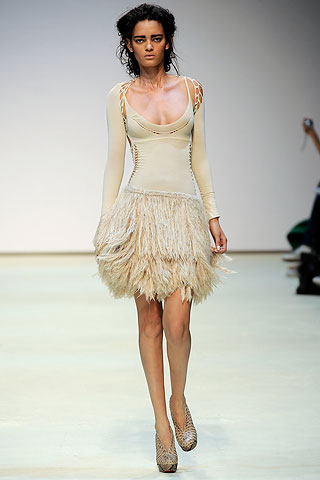
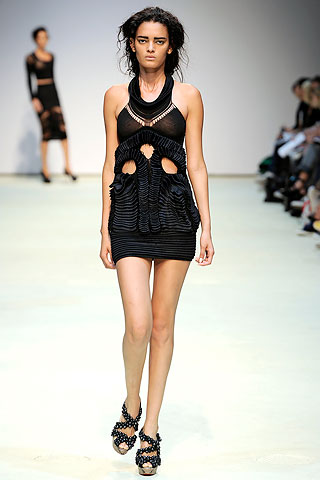
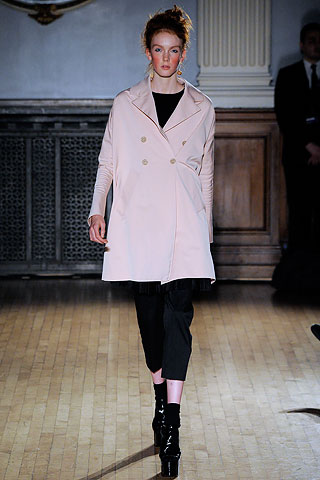
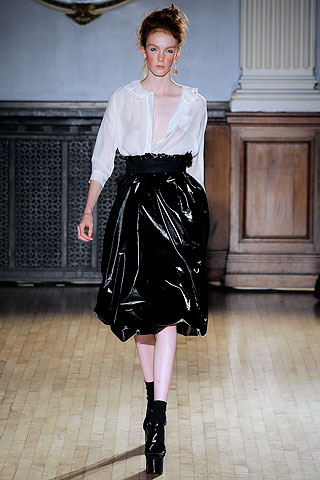
  6. Charles Anastase S/S 2010 * same
  7. Mark Fast S/S 2010 * same
  8. Vera Wang S/S 2010 * same
  9. Tracy Reese S/S 2010 * same source
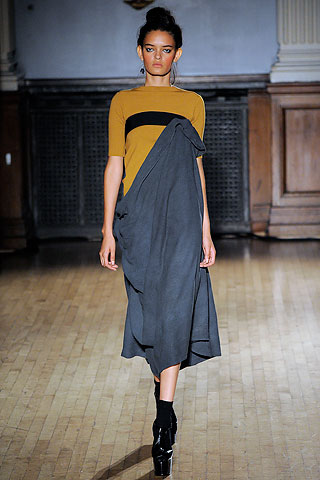
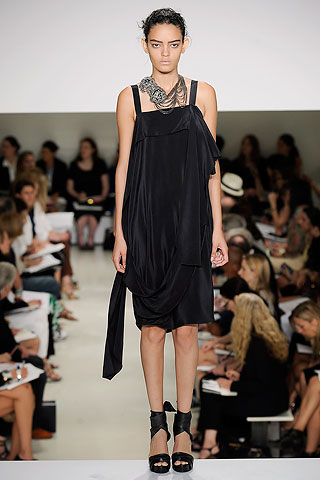
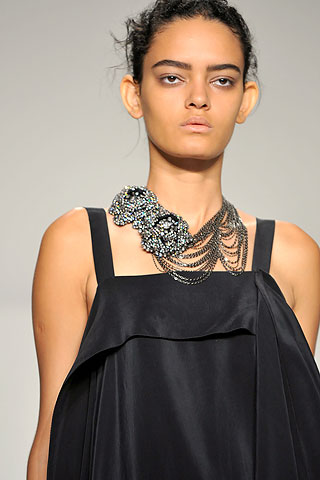
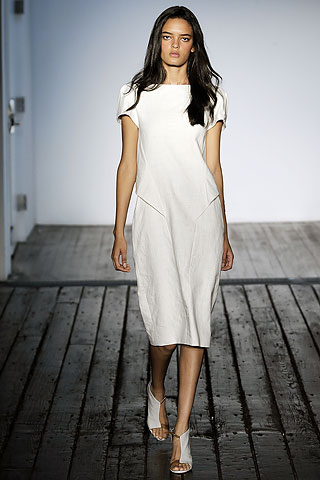
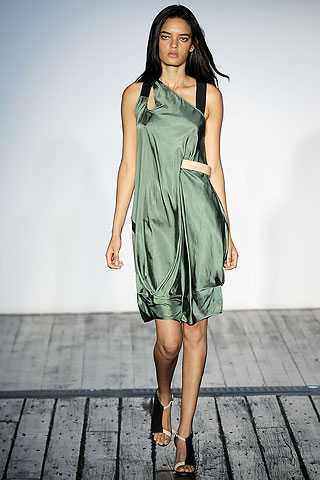
  10. Zero + Maria Cornejo S/S 2010 * same source
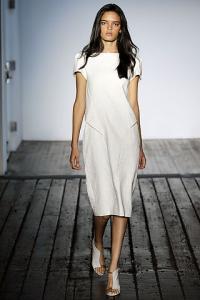
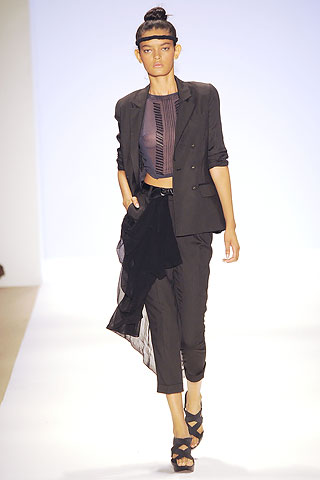
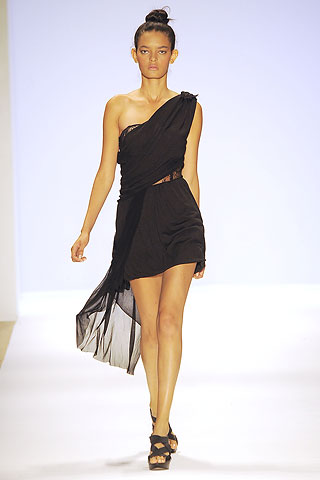
  11. Charlotte Ronson S/S 2010 * style.com

  12. ^^^ better quality. * style.com
  13. Carolyn Murphy - Estee Lauder x5
  14. Eugenia Frankie Mini Adriana
  15. Coco Rocha for YSL
  16. Josie Maran x3
  17. Madonna or Taylor Swift
  18. Hard To Kill

Configure browser push notifications

Chrome (Android)
  1. Tap the lock icon next to the address bar.
  2. Tap Permissions → Notifications.
  3. Adjust your preference.
Chrome (Desktop)
  1. Click the padlock icon in the address bar.
  2. Select Site settings.
  3. Find Notifications and adjust your preference.