specdude
Members
-
Joined
-
Last visited
Everything posted by specdude
-
B&O- the rest of that Malaysia picture set is on page 38 if you're looking for them. wow thx for heads up on pg 38. Can't believe I haven't seen these. Time to do a thread review
-
Gail Elliiot should be Gail Elliott. http://www.bellazon.com/main/index.php?showtopic=4795 thx Done. ~ Post Edited by Joe > Average
-
cool shot thx
-
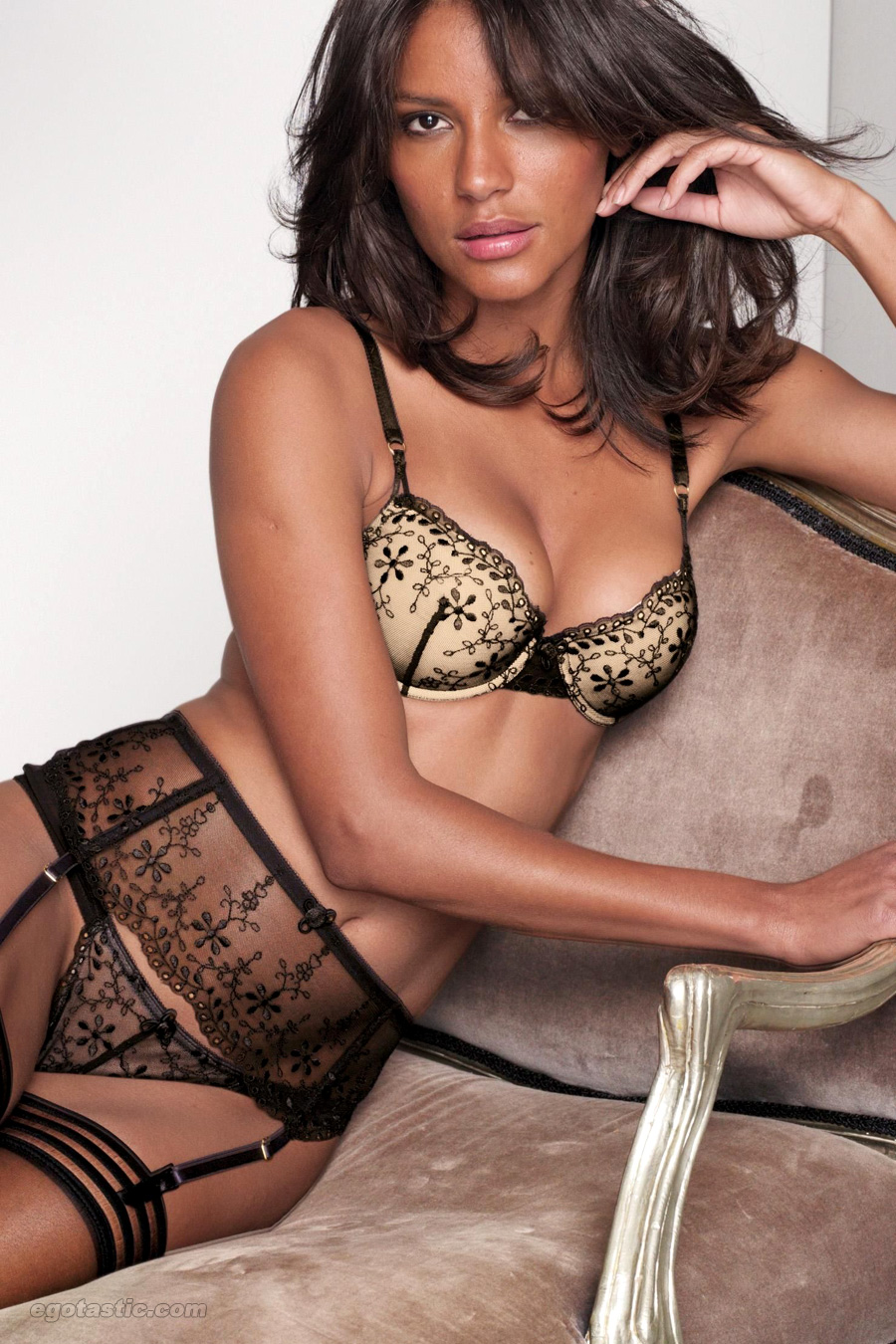
just...amazing! thx
-
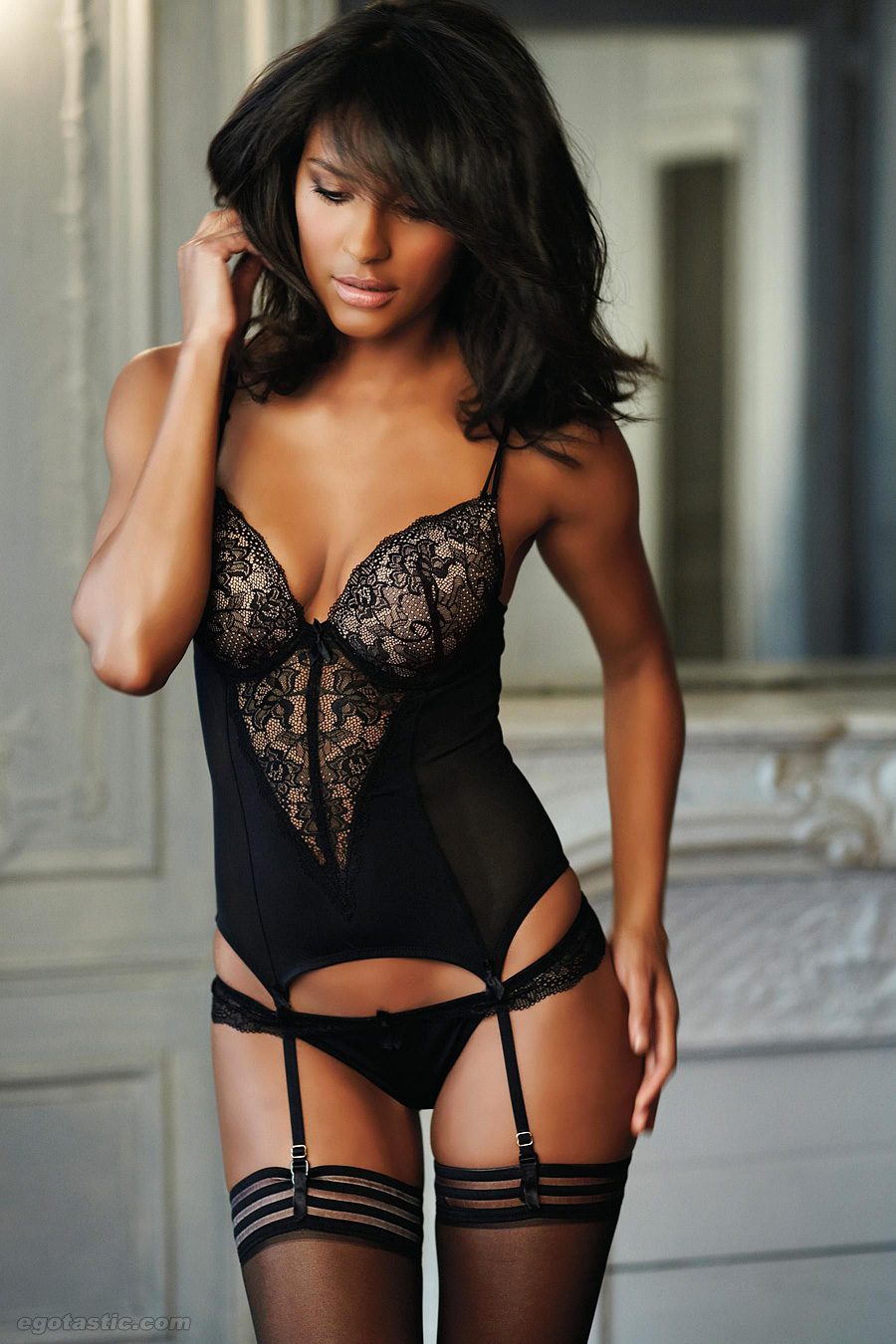
swimsuit season!

-
3 kids and she still looks better than most models 2day!
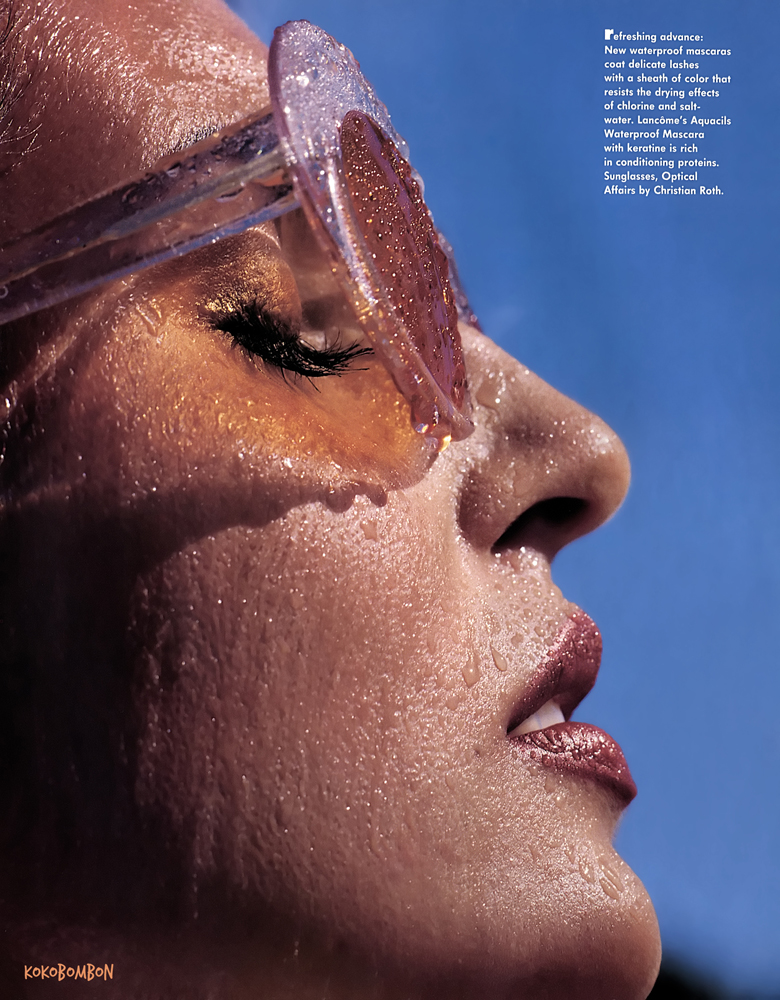
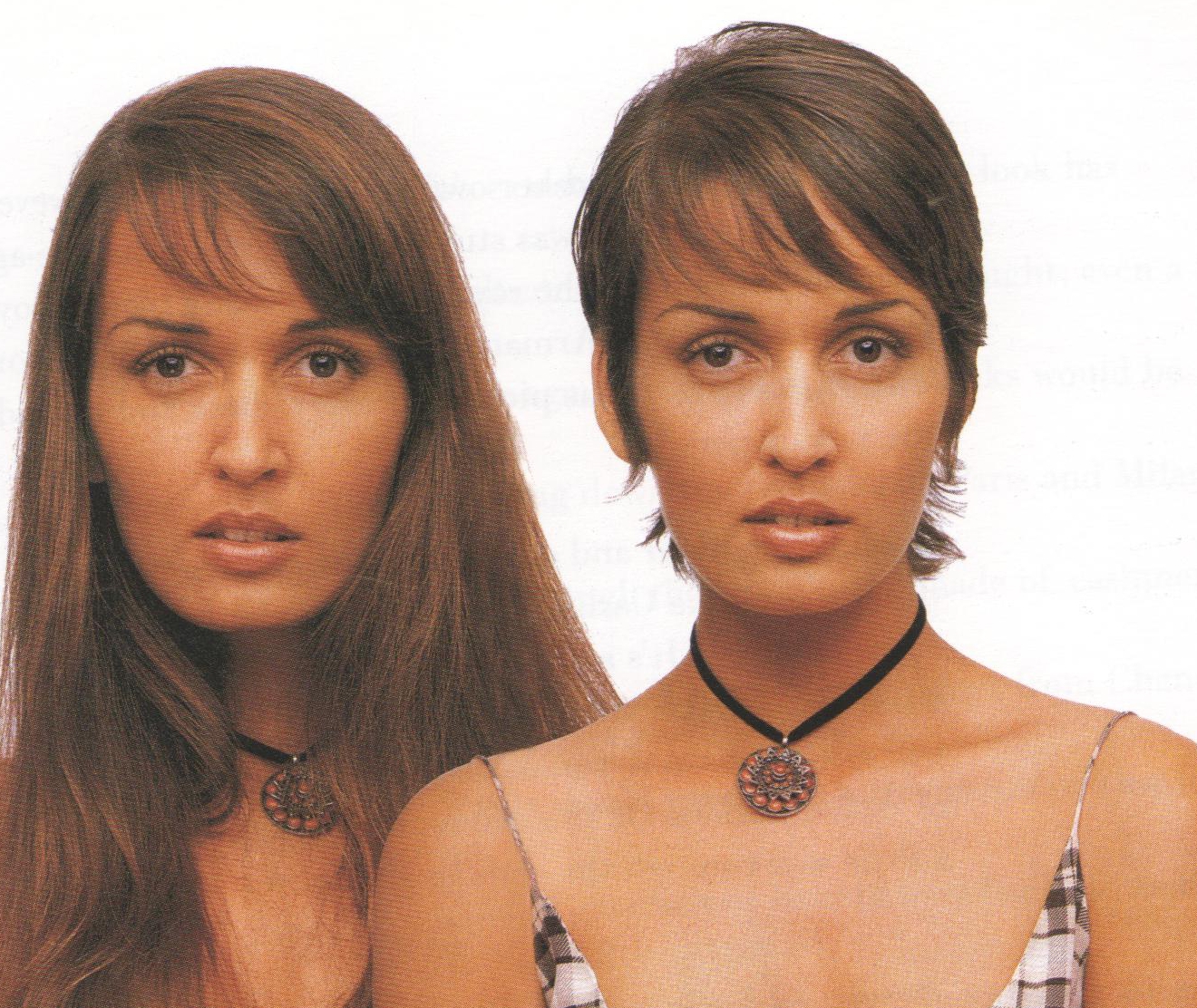
Harpers Bazaar April 92 USA
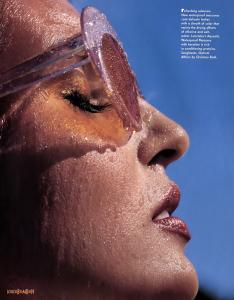
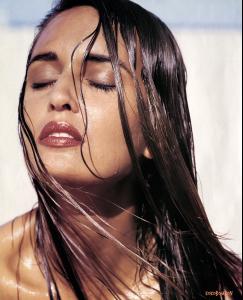

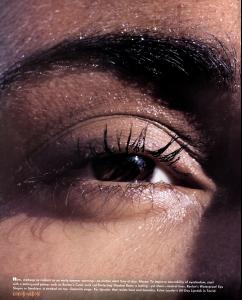
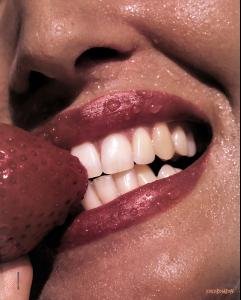 uhh gonna need this in HQ..oops nm! thx!
 Next new?

Account
Navigation
Search
Configure browser push notifications
Chrome (Android)
- Tap the lock icon next to the address bar.
- Tap Permissions → Notifications.
- Adjust your preference.
Chrome (Desktop)
- Click the padlock icon in the address bar.
- Select Site settings.
- Find Notifications and adjust your preference.
Safari (iOS 16.4+)
- Ensure the site is installed via Add to Home Screen.
- Open Settings App → Notifications.
- Find your app name and adjust your preference.
Safari (macOS)
- Go to Safari → Preferences.
- Click the Websites tab.
- Select Notifications in the sidebar.
- Find this website and adjust your preference.
Edge (Android)
- Tap the lock icon next to the address bar.
- Tap Permissions.
- Find Notifications and adjust your preference.
Edge (Desktop)
- Click the padlock icon in the address bar.
- Click Permissions for this site.
- Find Notifications and adjust your preference.
Firefox (Android)
- Go to Settings → Site permissions.
- Tap Notifications.
- Find this site in the list and adjust your preference.
Firefox (Desktop)
- Open Firefox Settings.
- Search for Notifications.
- Find this site in the list and adjust your preference.