

maddog107
Admin
-
Joined
-
Last visited
Everything posted by maddog107
-
 Credit: Amelia @ tFS





-
Credit: Charlotte @ tFS



-
shes worth it though
-
thx karas for the pics
-
she needs some so bump



-
booo :avada: why aint she with me instead thanks for the pics buhlack
-
thx ophelia
-
yay congrats
-
ok thats it for today why do no one else wub her




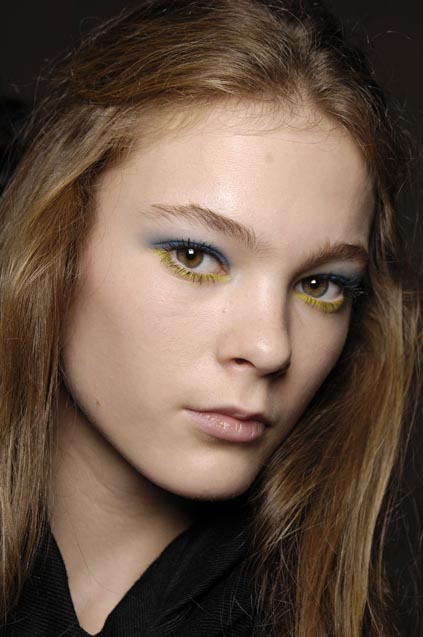
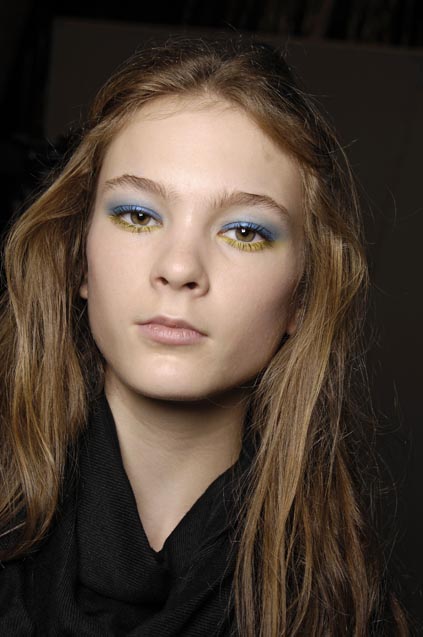
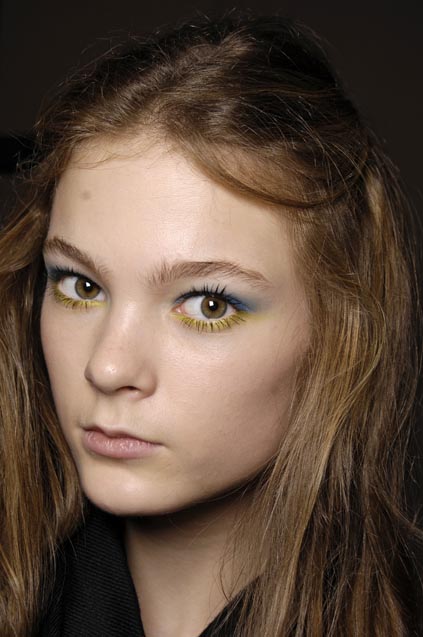
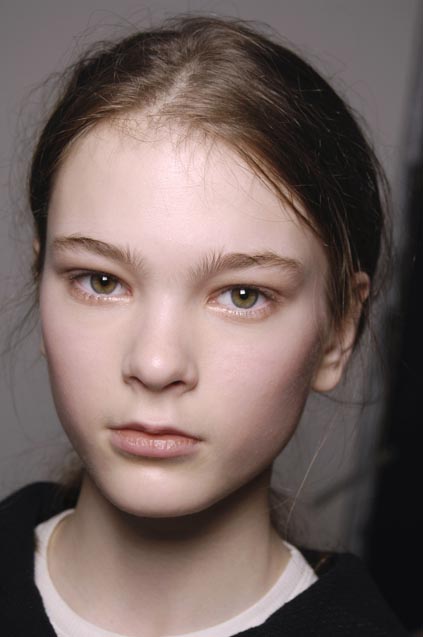
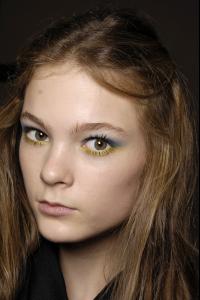 I really do love the hair Backstage Pics - Anna Sui S/S 2008





 shes got such a great face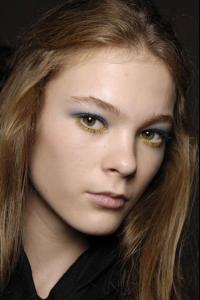


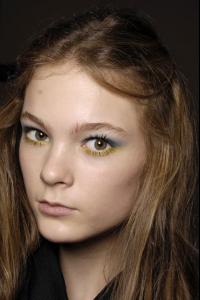 r those the pics from pirrelli? never seen em before nways, thanks
thanks layback great pic
thanks everyone for the pics
thanks van for the HQs
Wow that pic is fantastic, thanks
um julie obviously
shes cute thx
that ed is great, thanks
thx for all the pics
r those the pics from pirrelli? never seen em before nways, thanks
thanks layback great pic
thanks everyone for the pics
thanks van for the HQs
Wow that pic is fantastic, thanks
um julie obviously
shes cute thx
that ed is great, thanks
thx for all the pics
















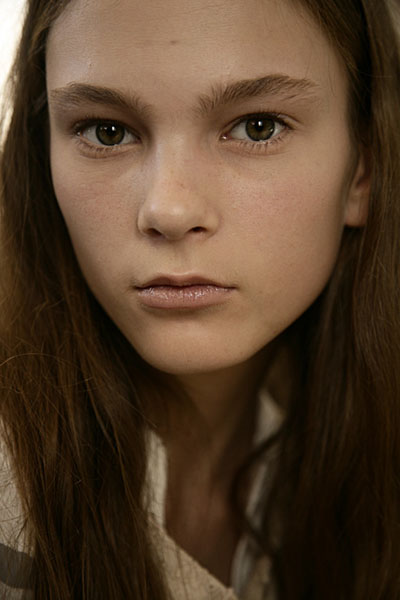
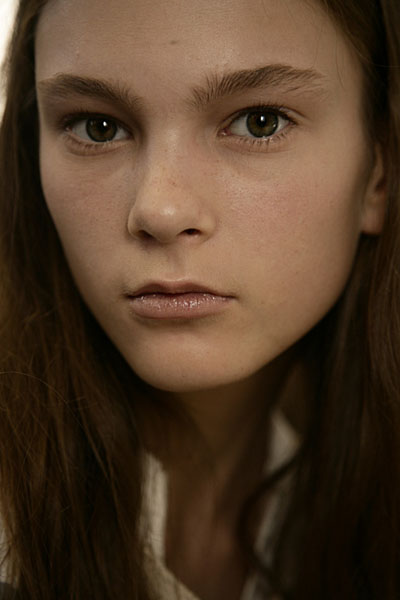
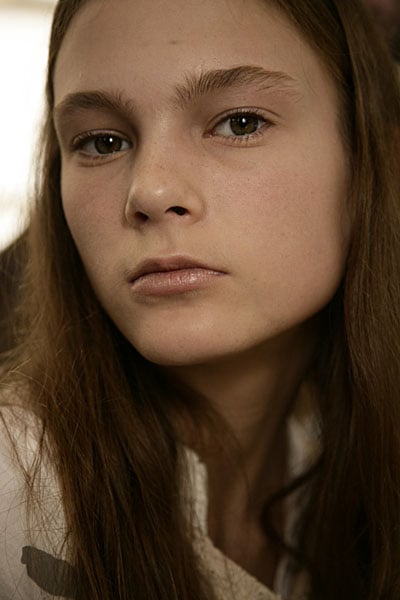
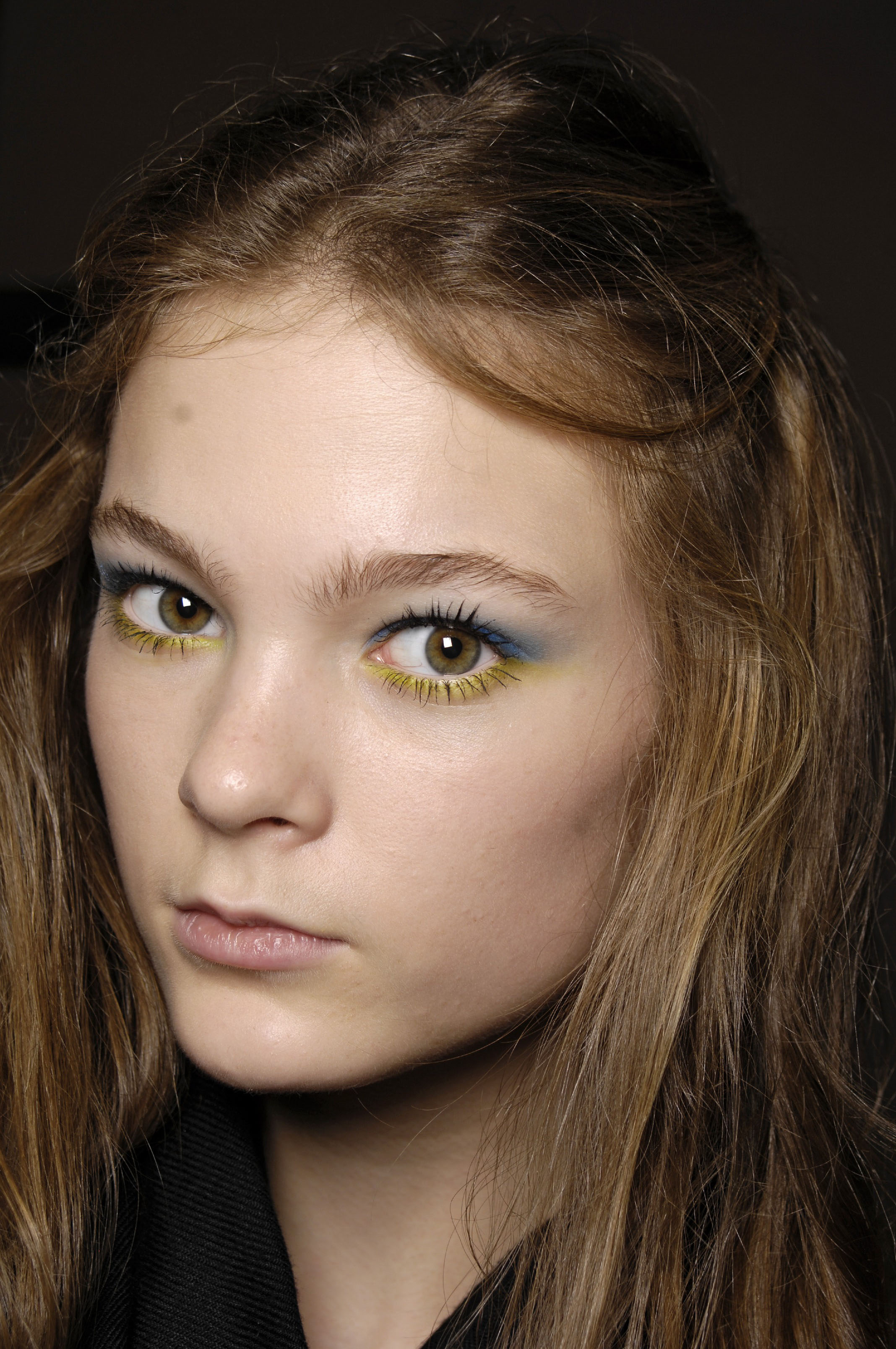

















Account
Navigation
Search
Configure browser push notifications
Chrome (Android)
- Tap the lock icon next to the address bar.
- Tap Permissions → Notifications.
- Adjust your preference.
Chrome (Desktop)
- Click the padlock icon in the address bar.
- Select Site settings.
- Find Notifications and adjust your preference.
Safari (iOS 16.4+)
- Ensure the site is installed via Add to Home Screen.
- Open Settings App → Notifications.
- Find your app name and adjust your preference.
Safari (macOS)
- Go to Safari → Preferences.
- Click the Websites tab.
- Select Notifications in the sidebar.
- Find this website and adjust your preference.
Edge (Android)
- Tap the lock icon next to the address bar.
- Tap Permissions.
- Find Notifications and adjust your preference.
Edge (Desktop)
- Click the padlock icon in the address bar.
- Click Permissions for this site.
- Find Notifications and adjust your preference.
Firefox (Android)
- Go to Settings → Site permissions.
- Tap Notifications.
- Find this site in the list and adjust your preference.
Firefox (Desktop)
- Open Firefox Settings.
- Search for Notifications.
- Find this site in the list and adjust your preference.