maddog107
Admin
-
Joined
-
Last visited
Everything posted by maddog107
-
 Test
Test -
^Me too! I've got a location too though... :| Go me! I guess we're special now. hmmmm need to look into that :|
-
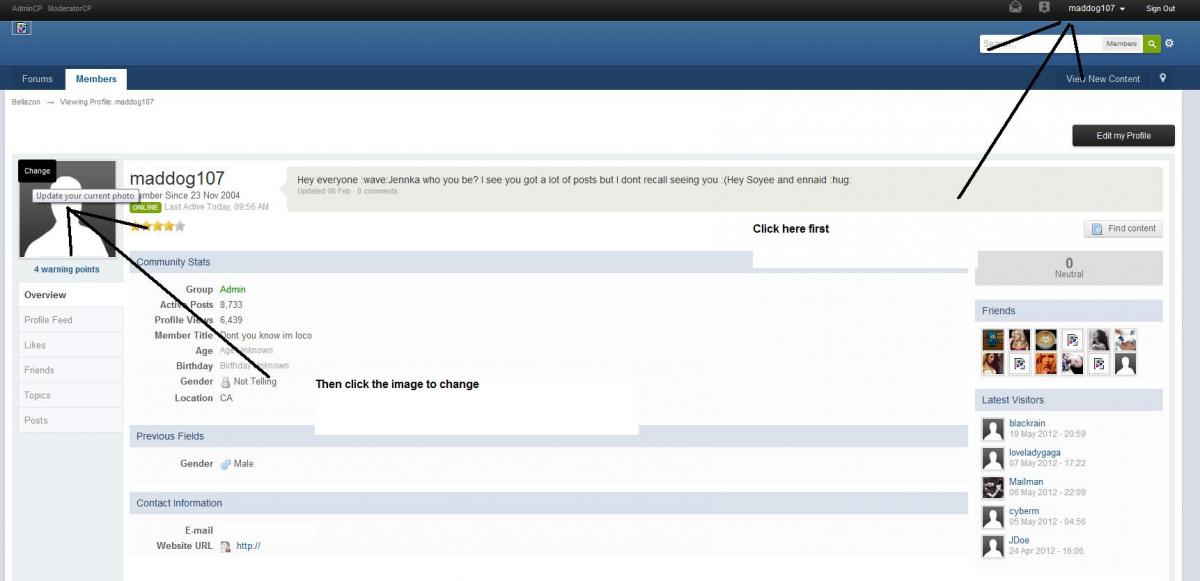
There use to be a profile picture and an Avatar, now the "avatar" is the default. You should simply be able to reupload the picture as your avatar. In one of my previous posts I mentioned how to do it.
-
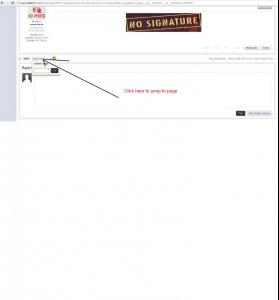
Twinkle, You can still jump to page, please see the attachment. And yes you should be able to use moving gif's, quite a few people have them and you can see them moving. Let me double check though.
-
This is the default skin for the new software, we will be looking to add additional skins to accommodate users (some like darker skins). Thanks for trying to accept it Im sure you will get use to it, everytime we upgrade there are always a ton of people that ask for the old version back and then eventually just accept it change is inevitable :|
-
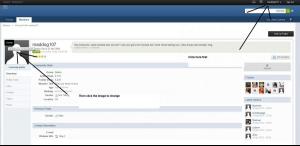
Please see attached image.
-
Sorry, I gave a brief 1 day notice. I will post all the new features shortly but now we have: A mobile version of BZ Automatic spam filters to stop spammers from joining new multi image uploader and much more...
-
thanks for all the pics everyone
-
Some new stuff. Thanks!
-
welcome, always nice to see other TFS members around here.
-
Makes me feel old to think she was one of my favs back then. 97 Thanks fro all the pics












-
Yea sorry everyone, its been broken and it took me a real long time to figure out why, it seems to be working now. Please let me know if it stops working. Thanks.
-
To the best of my knowledge, old avatars are removed altogether when they're replaced. Unless there's some kind of admin-only stash I don't know about. It is probably on the disks somewhere but since the forum renames it like AVA-[random number here] there would be no way to find which one belonged to who
-
yay
-
They have to reach a certain level of popularity before we will consider breaking them up into subforums. For the most part we prefer to keep it all on one page.
-
a bit late but
-
shes pretty , thanks everyone.
-
was doing some DB optimizations yesterday and it looks like it locked a table for a while so thats why you couldnt post for a bit and then all the sudden all the posts showed up Sorry
-
yea I got a bunch of alerts this morning, think our internet provider was having some issues. Ususally there is a small timeout between 4-4:30am PST every day, not sure why I need to look into it.
-
-
I have no idea how it got resolved, it fixed itself by itself yesterday
-
hmm i still cant figure this one out, I even had a long look at the DB and couldnt see anything starange
-
Sorry I have been offline for a little while. let me take a look
-
Restarted some services, can you let me know if you are still not receiving them. Thanks.
-
have you tried clearing you cache? Or a different browser? Let me know and we can go from there.