
ThorGod
Members
-
Joined
-
Last visited
Everything posted by ThorGod
-
 Post your collection of your favorite pictures over the last decade from Bellazon. Keep things clean include names and do not post more than 15 pictures at a time.
 -
Just wow
-
Thanks a lot josephine is very refreshing to say the least!
-
-
Excellent! Great work!
Thanks a lot out of those four Julia is definitely my favorite she's stunning!
Can anyone help me ID these models? Edit: models below ID'd already
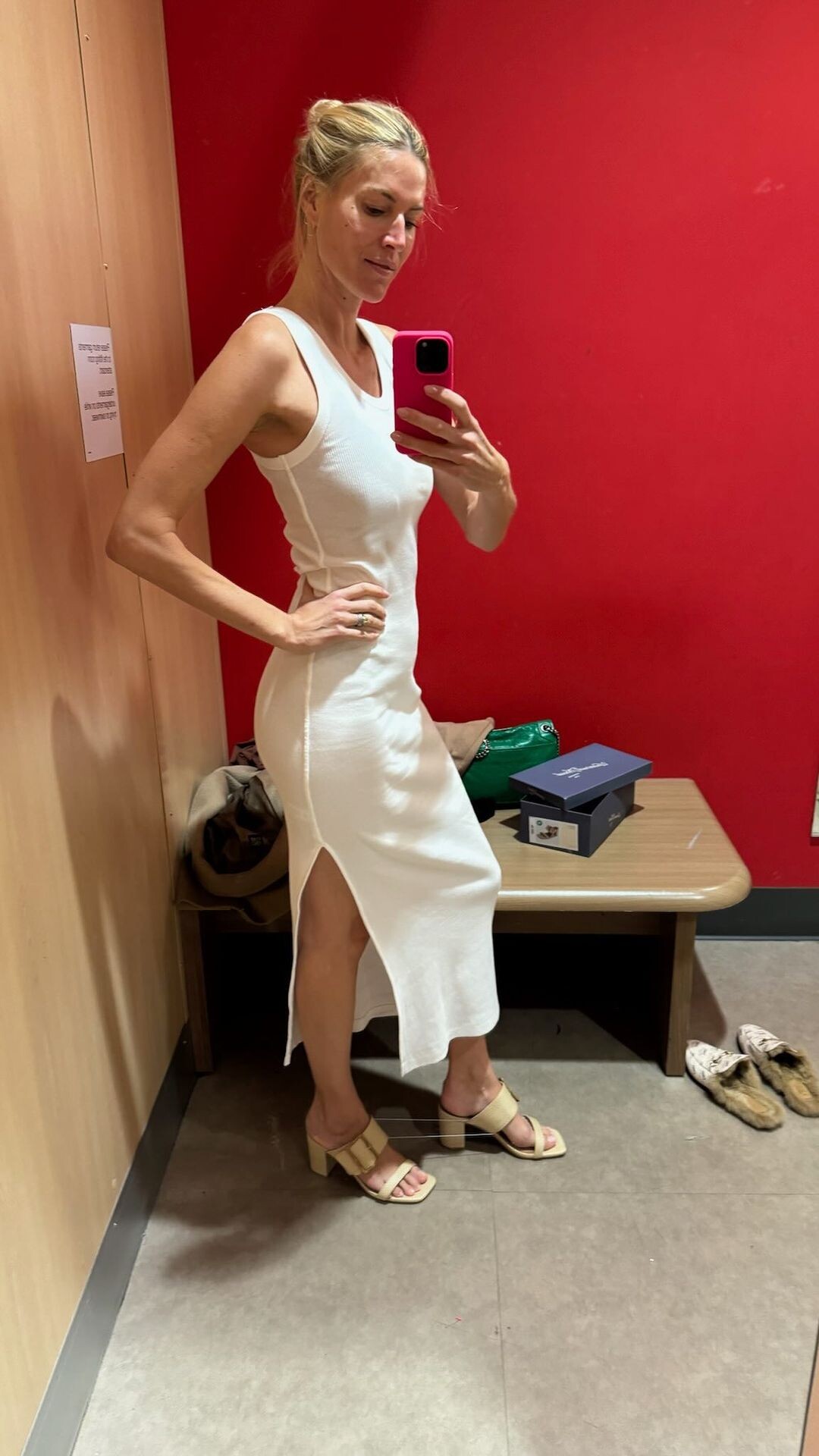
Yes and i have a weakness for white dresses. Seeing her rocking so many white dresses...
If you look closely and pay attention she has a male-ish face type. Maybe because of exercising and being so skinny for her length. Some find this hot others find it a little bit too overwhelming. She looks like she's on steroids or androgenic therapy.
Sorry but she has become a joke and her haircut is so cringe what happened to her
Looking hotter than every lately...
Such a hot body, can't even talk anymore jesus christ Edit: 10 mins later wow what a beautiful girl i'm following this thread

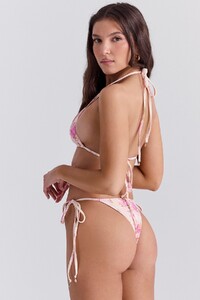
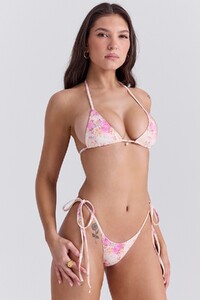








 Proud to say that after all these years, her kids, and her recent divorce, i'd still hit her... What a fine body, jesus christ!!
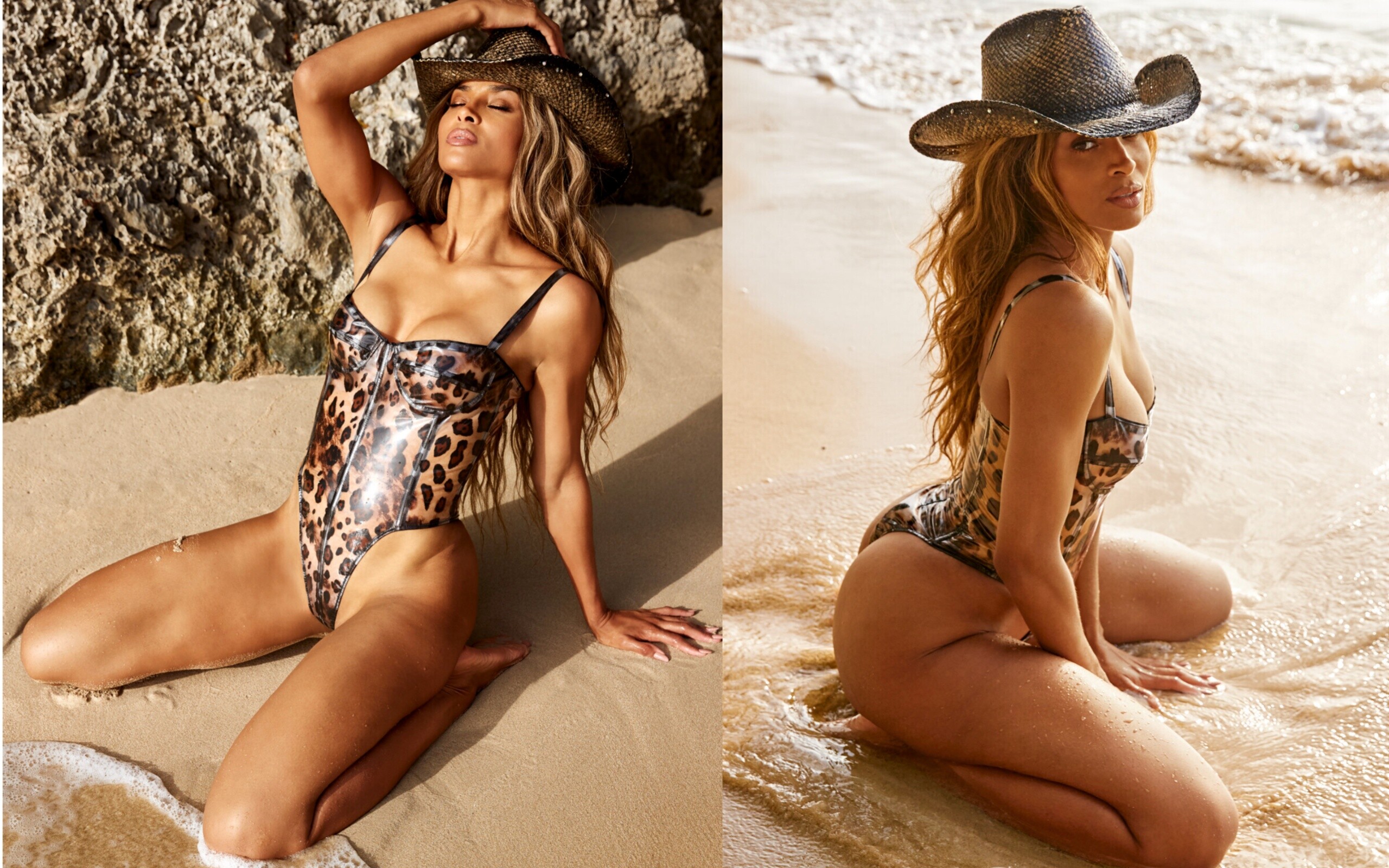
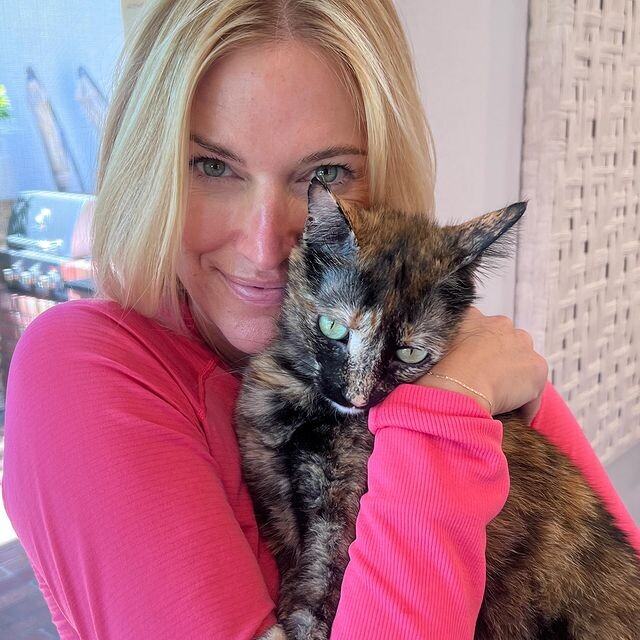
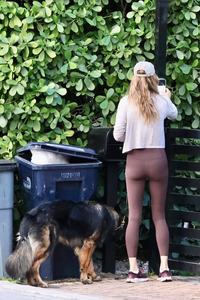 SUCH A QUEEN INCREDIBLE!!
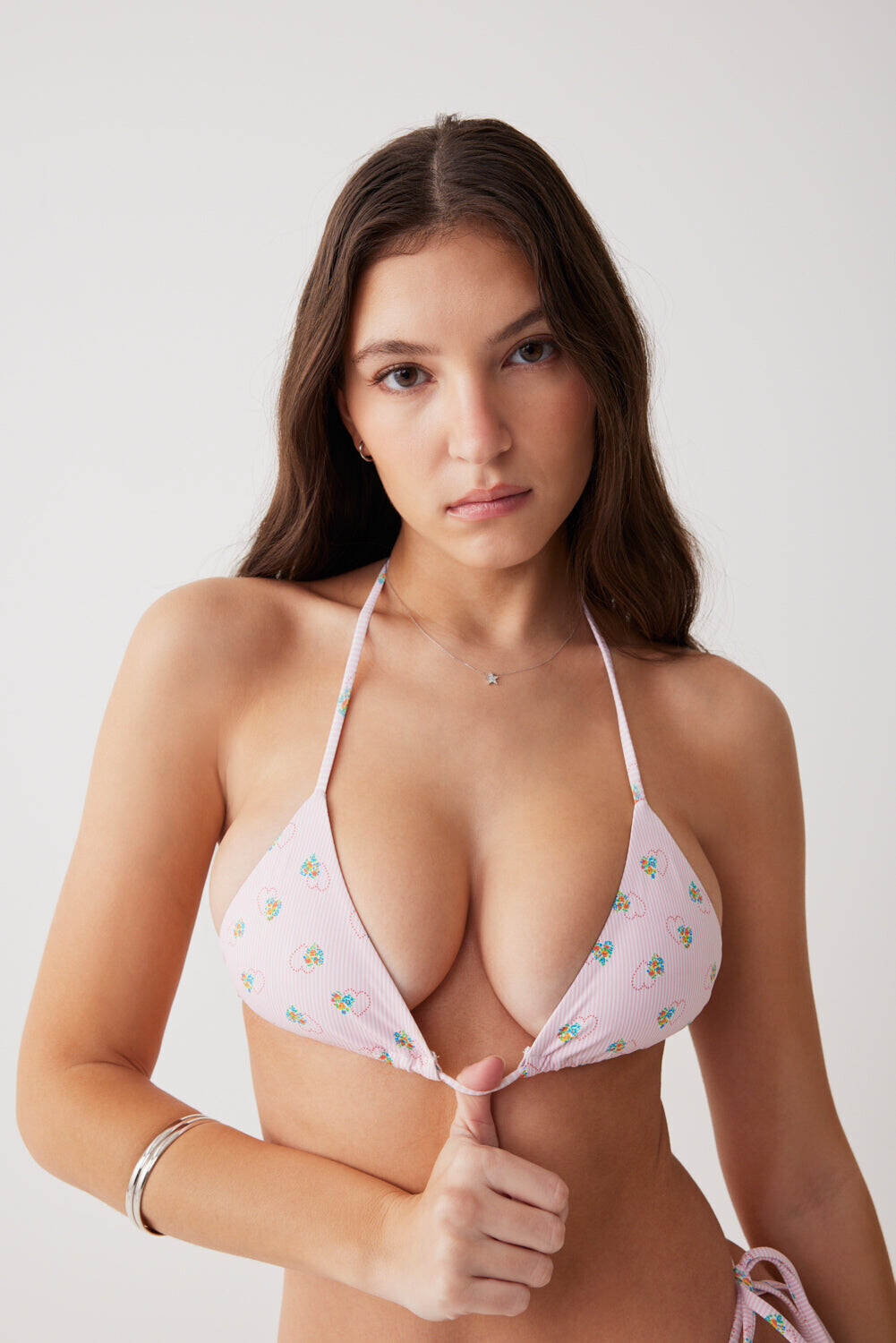
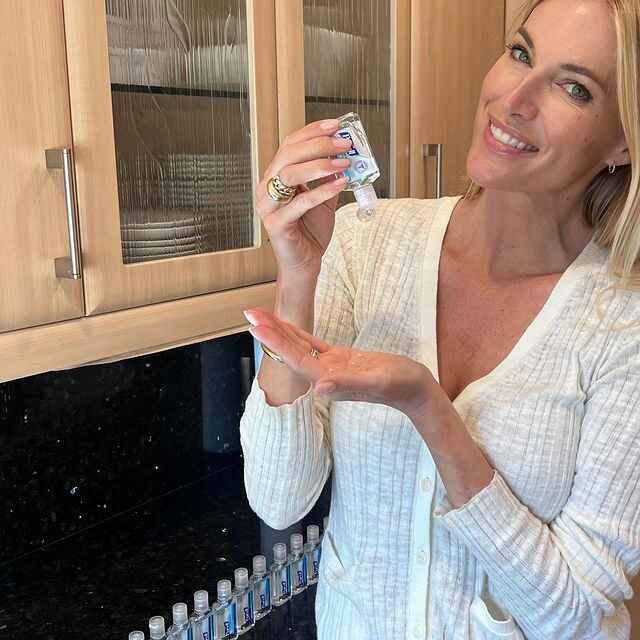
 Supercute just wow, she deserves to be an alo model
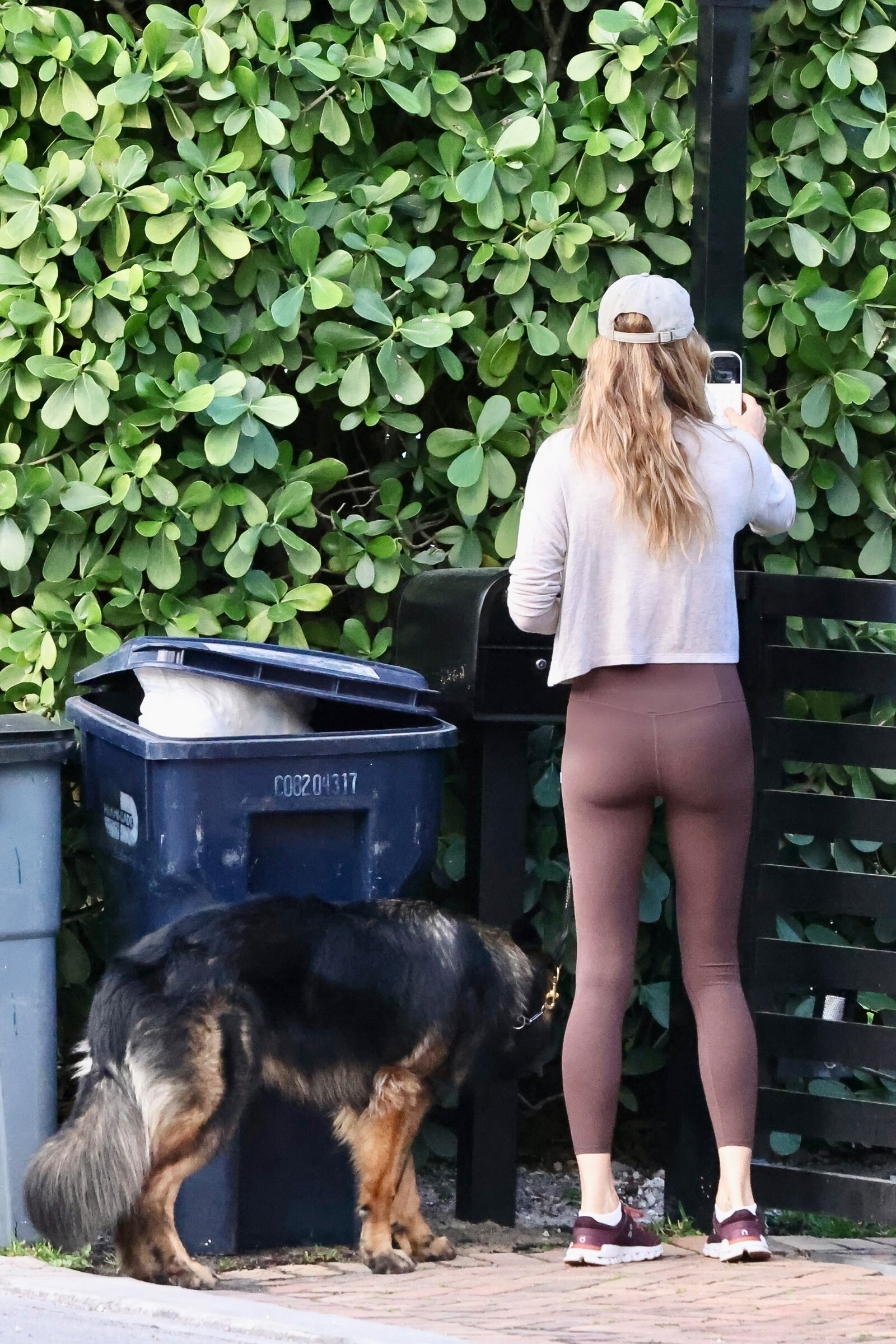
Wow unbelievable, I didn't know showing cameltoes on purpose was being a trend right now!
Supercute just wow, she deserves to be an alo model
Wow unbelievable, I didn't know showing cameltoes on purpose was being a trend right now!
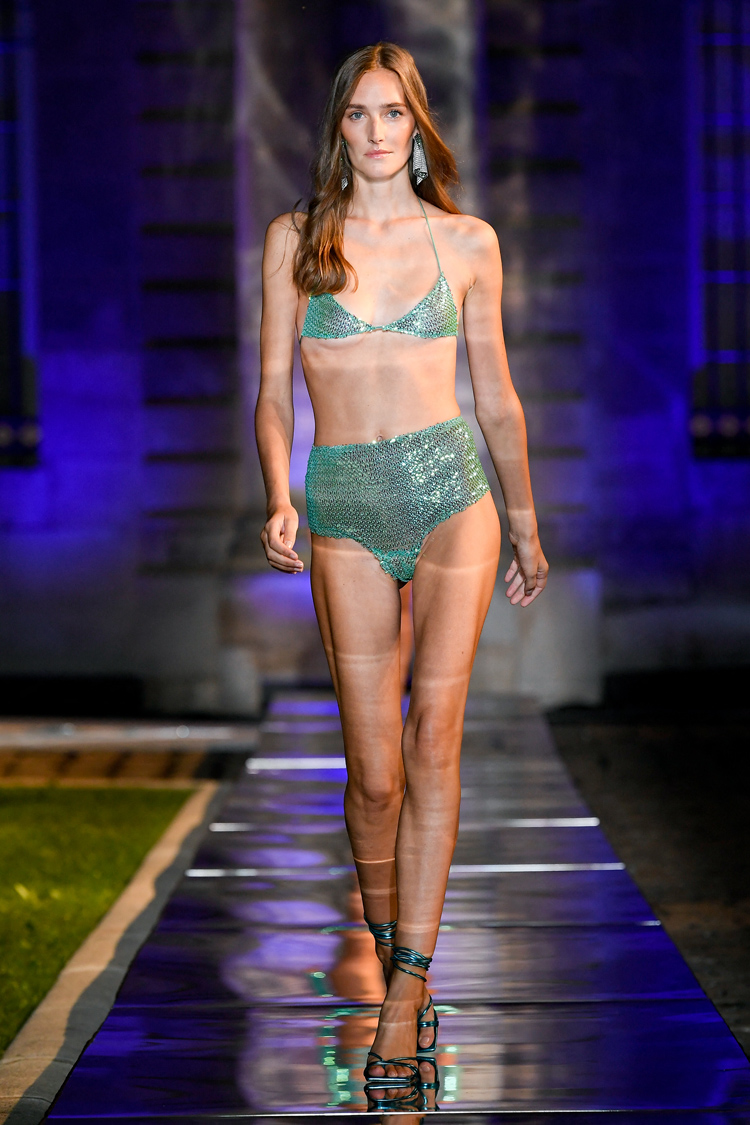
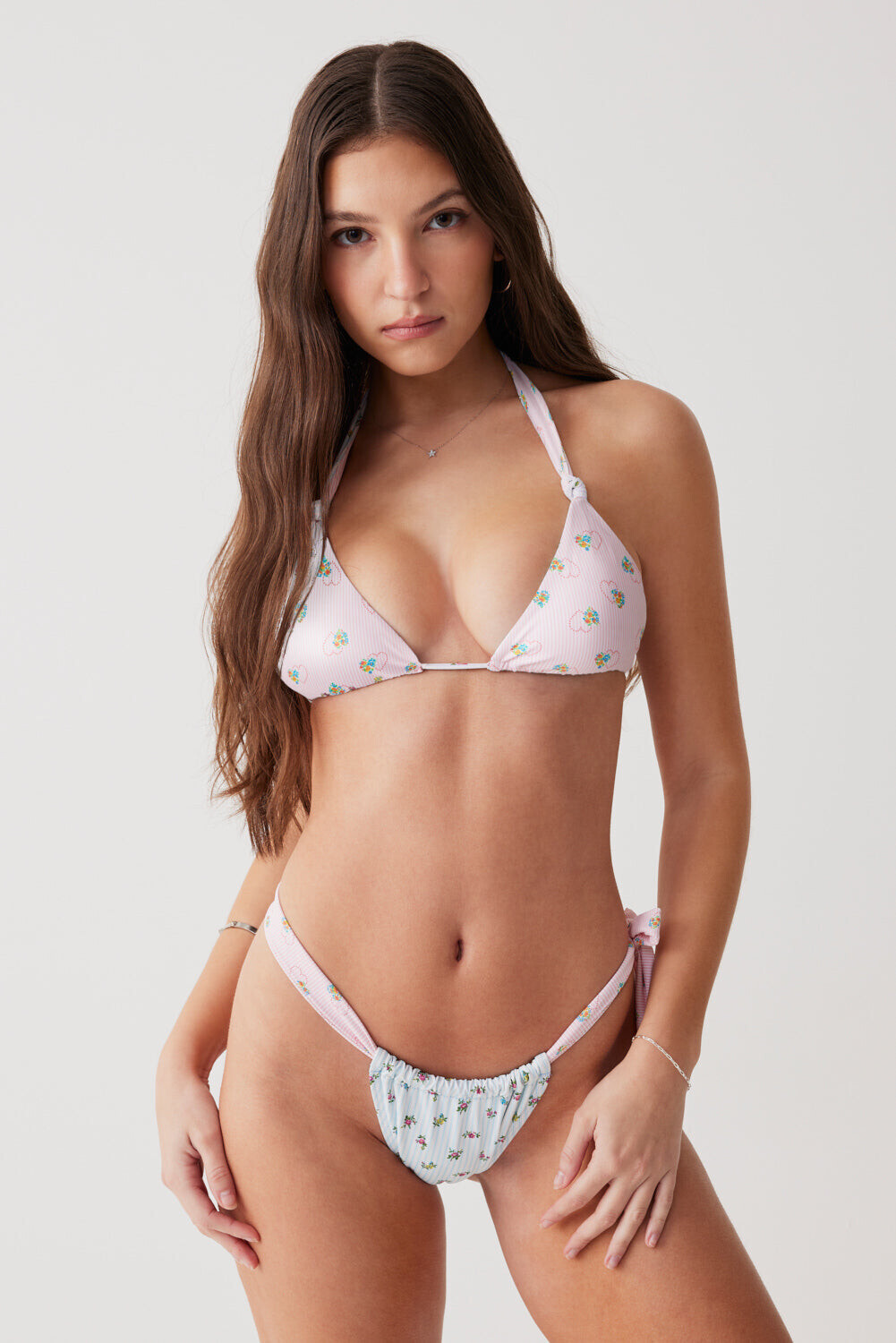
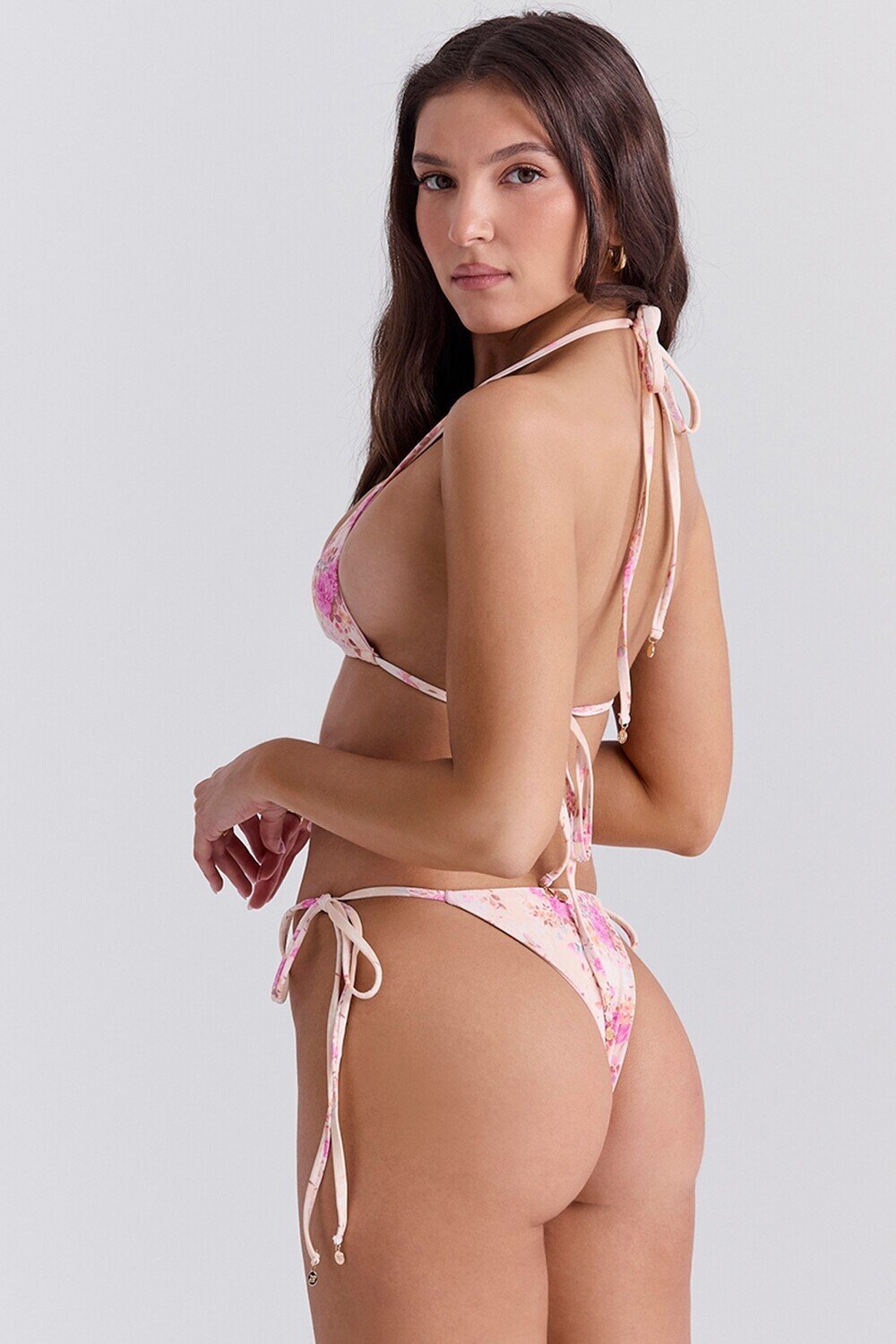
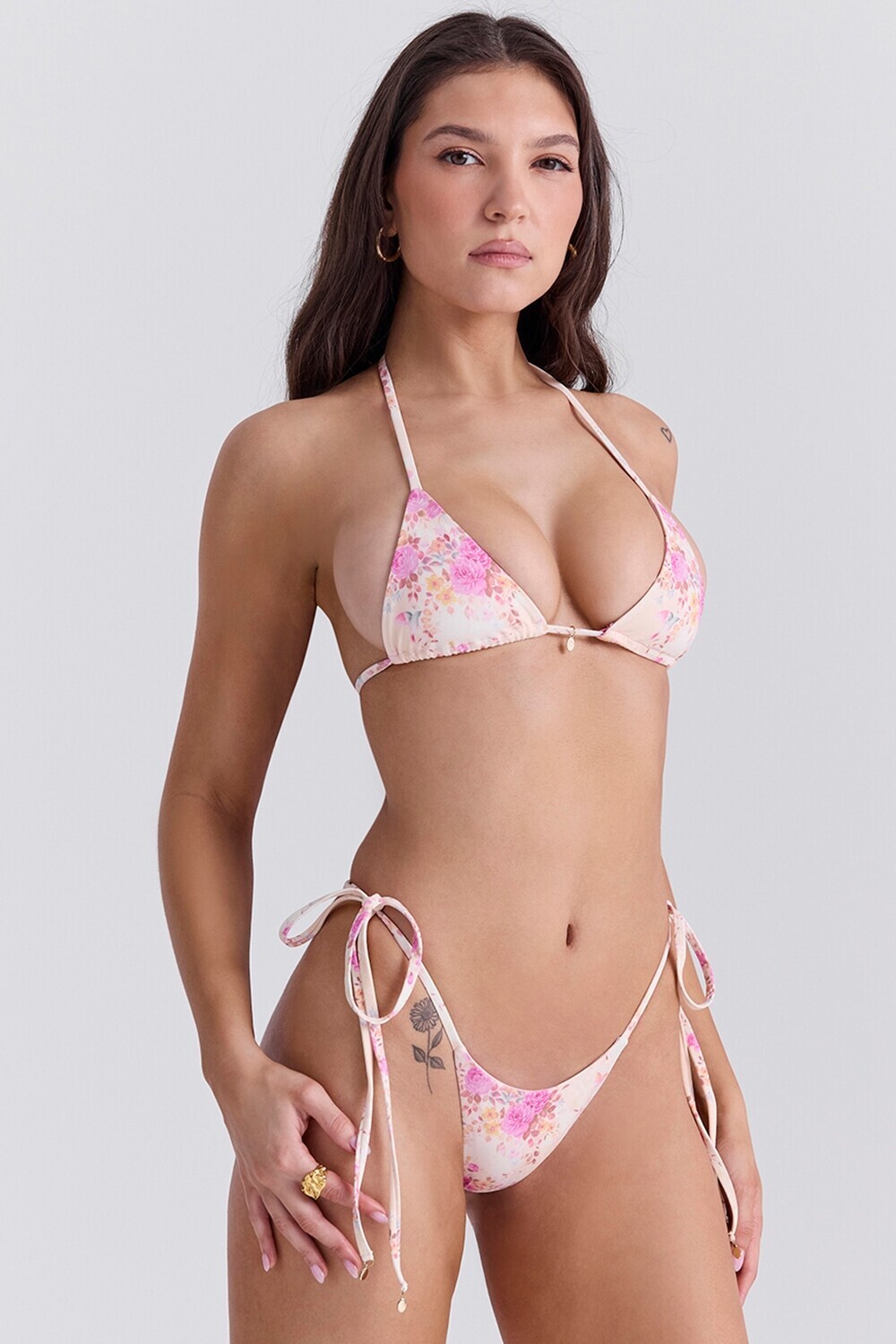

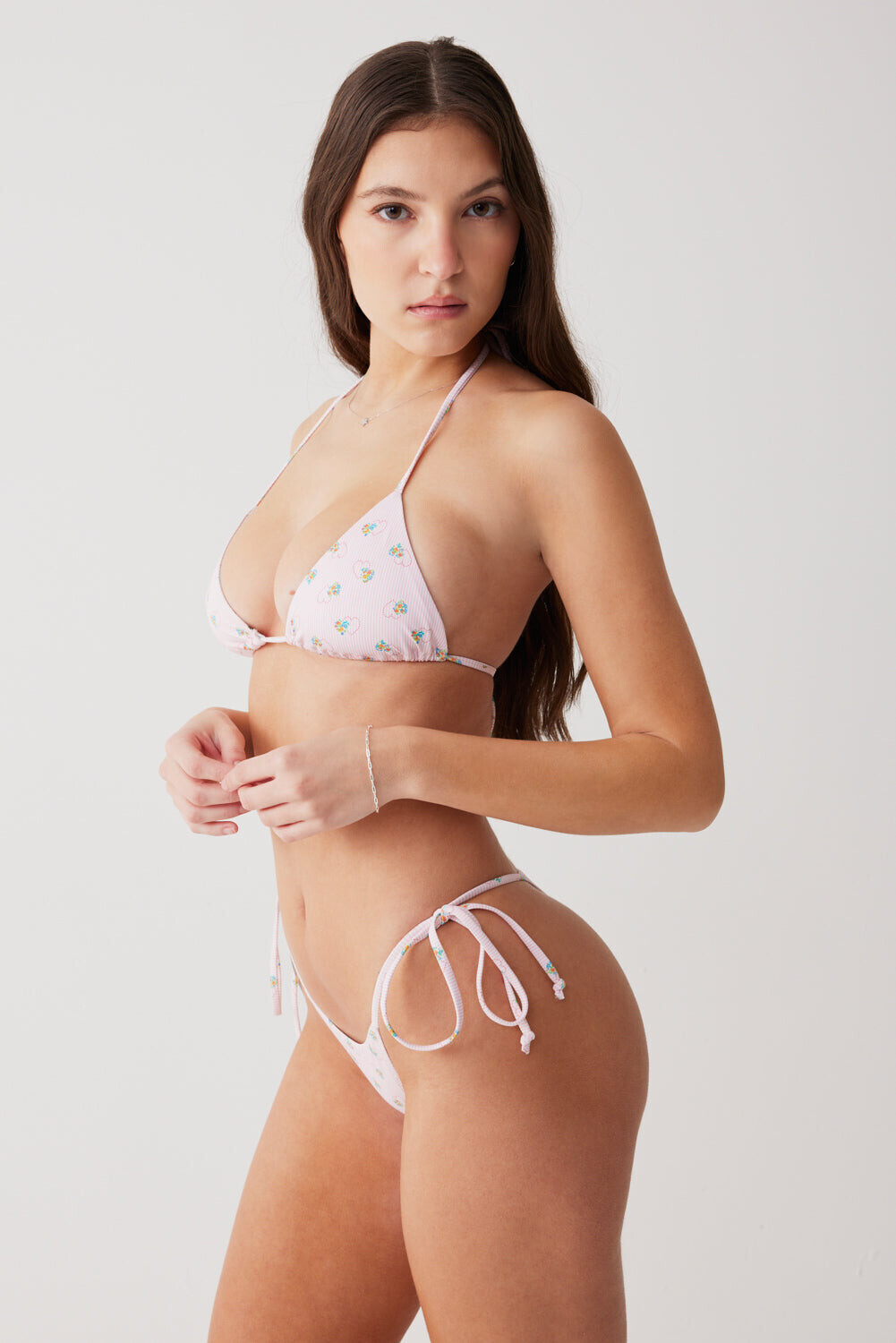
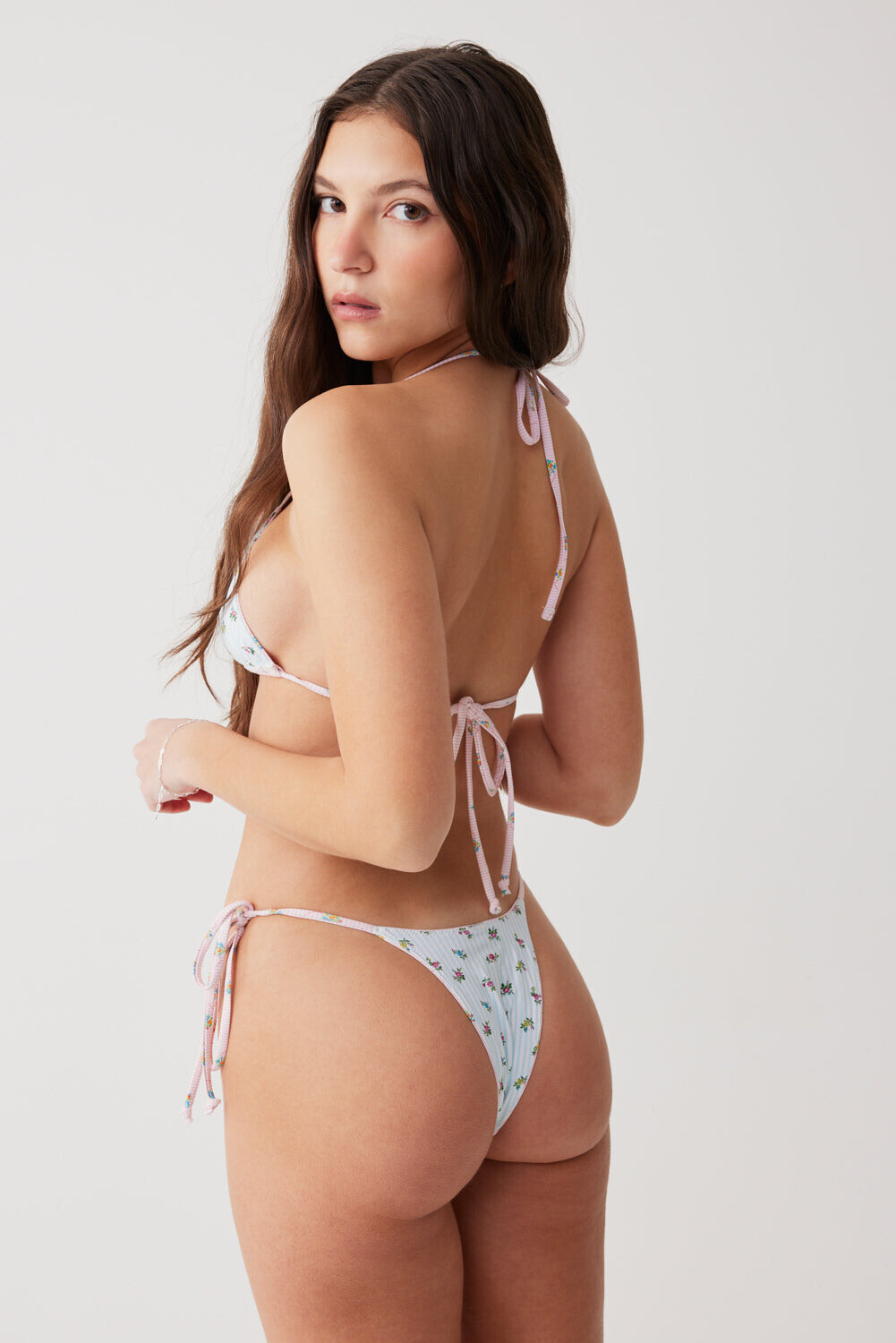
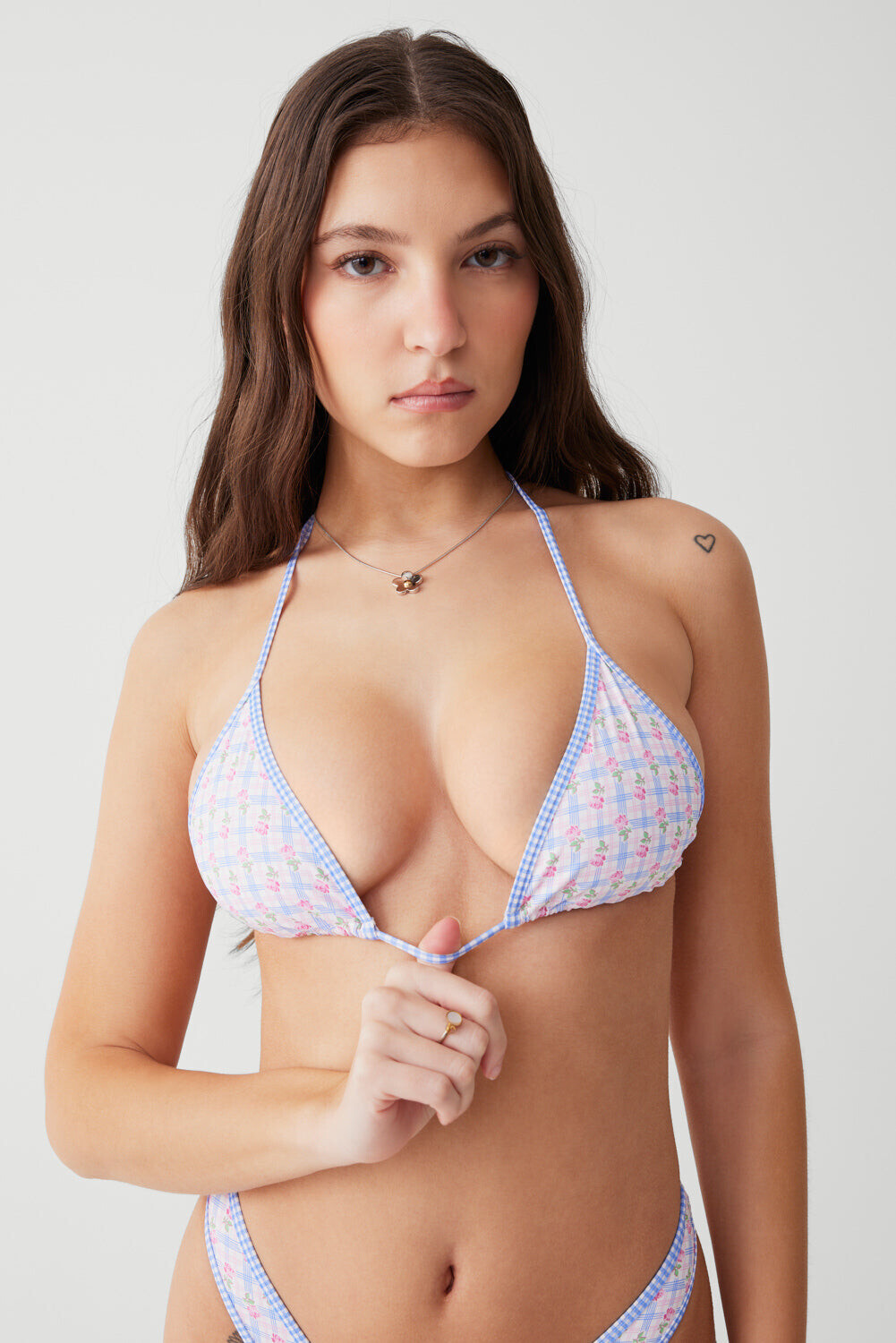
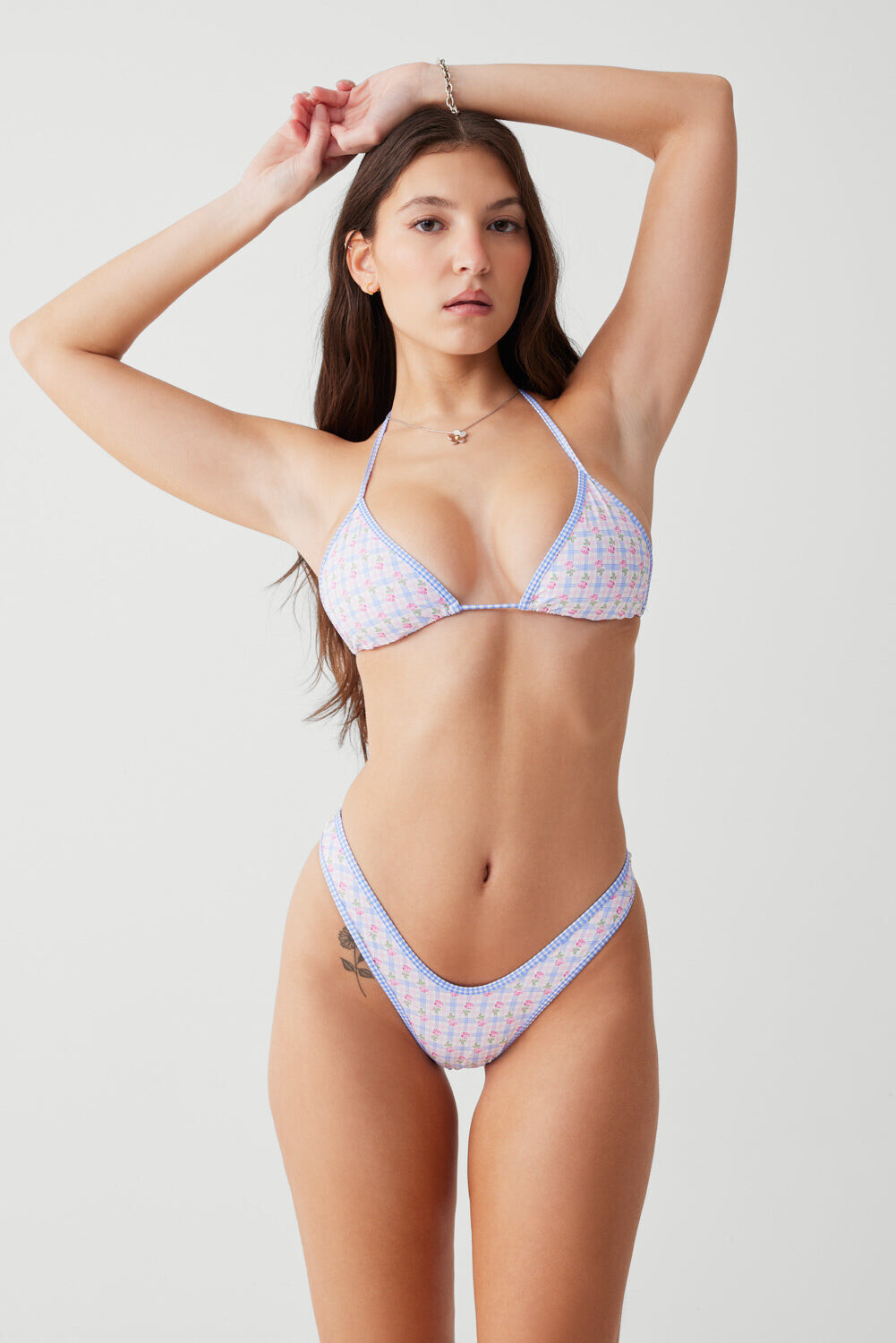
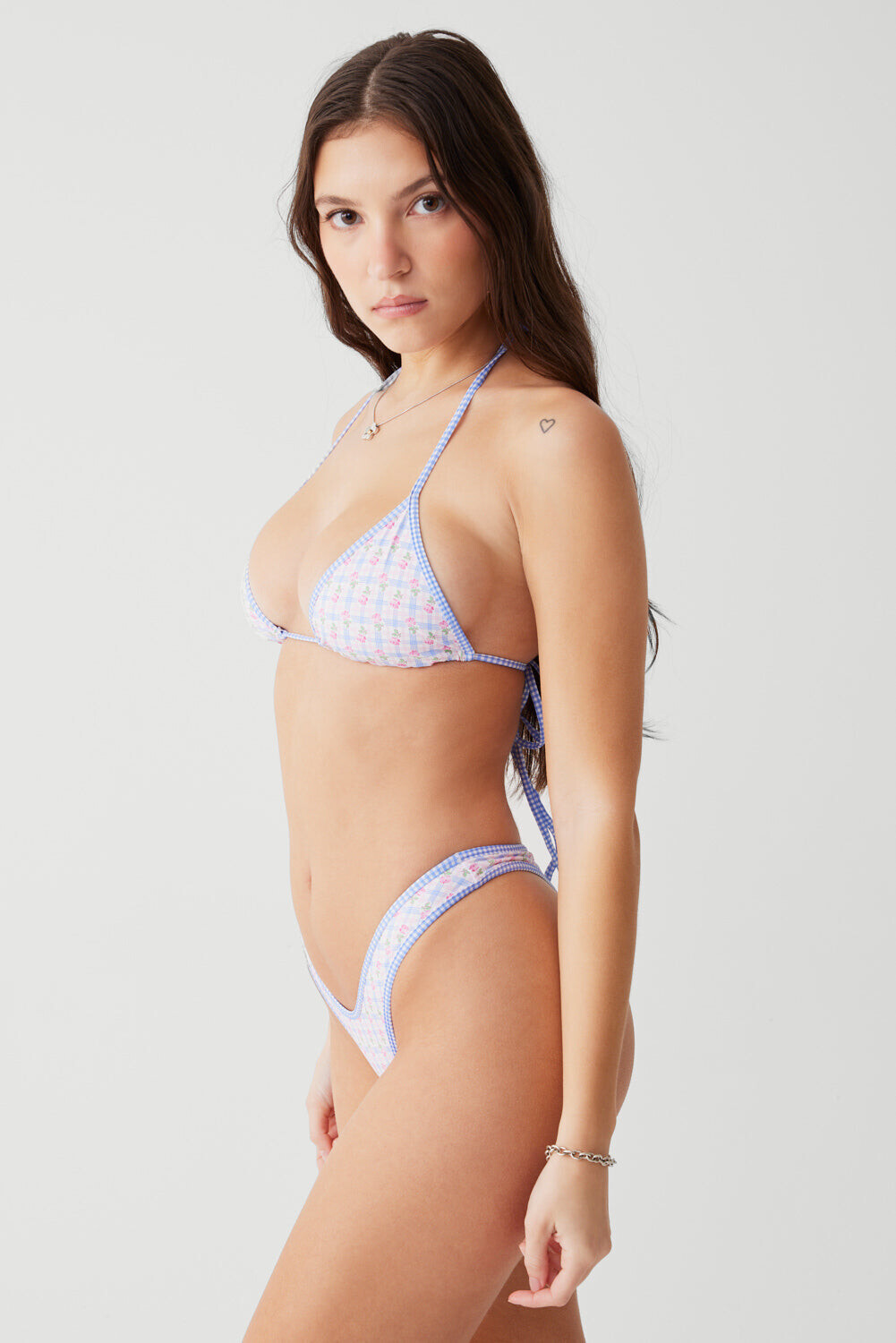












.gif.cfd91ab2e635a965acd6c88f6d40919e.gif)
.gif.261b882b52fa6ef476cf005f3840dfb0.gif)





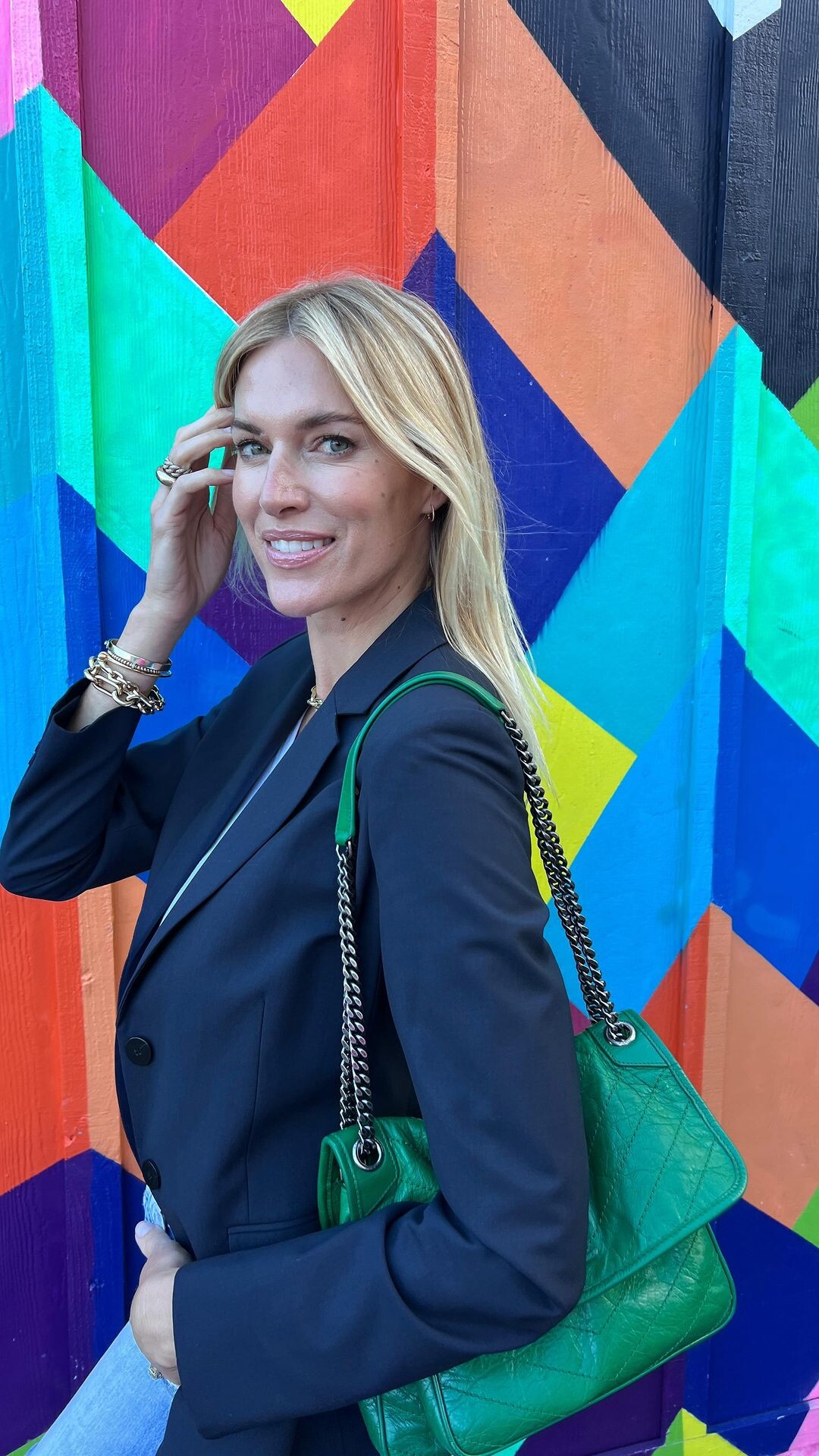
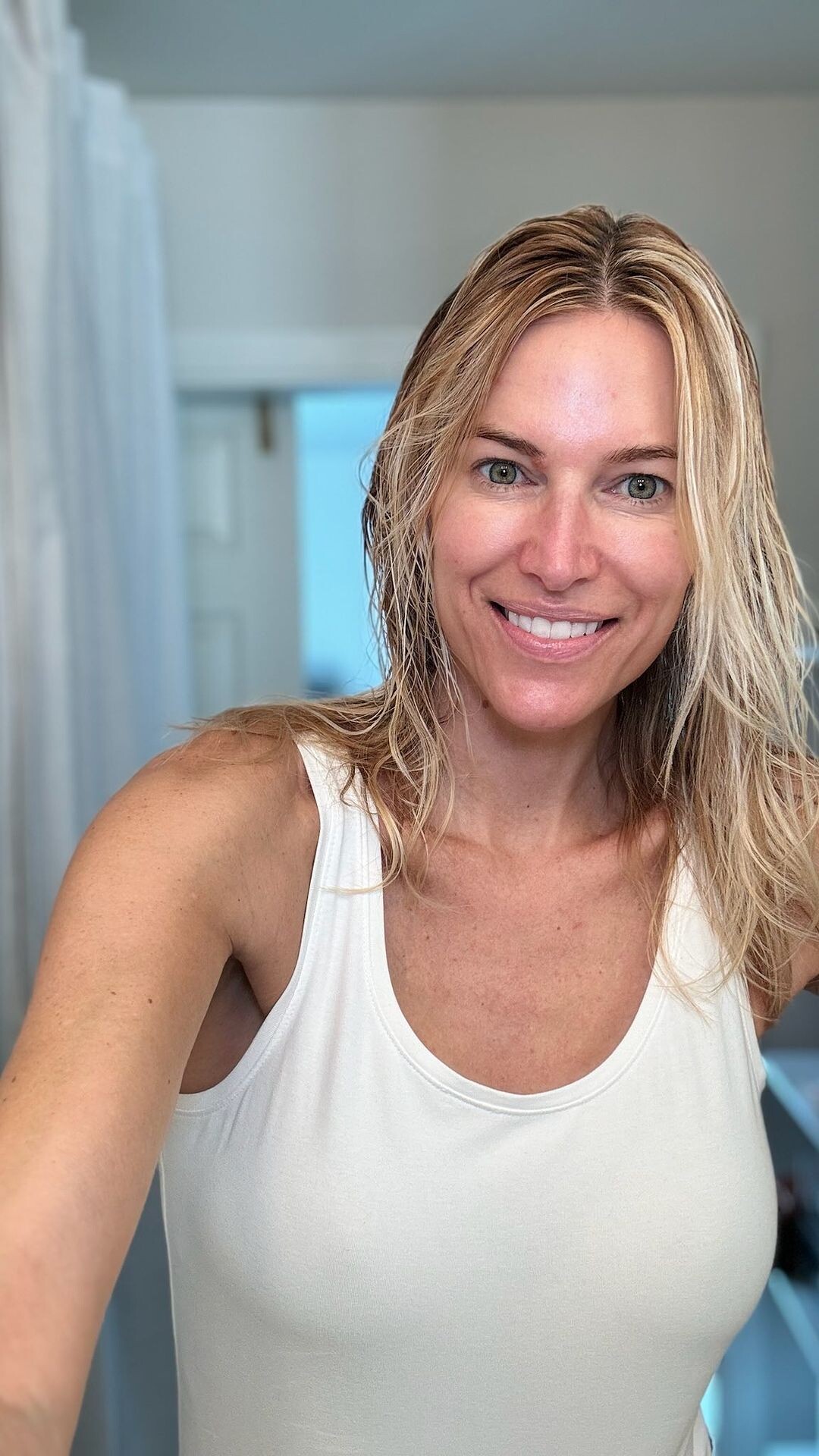




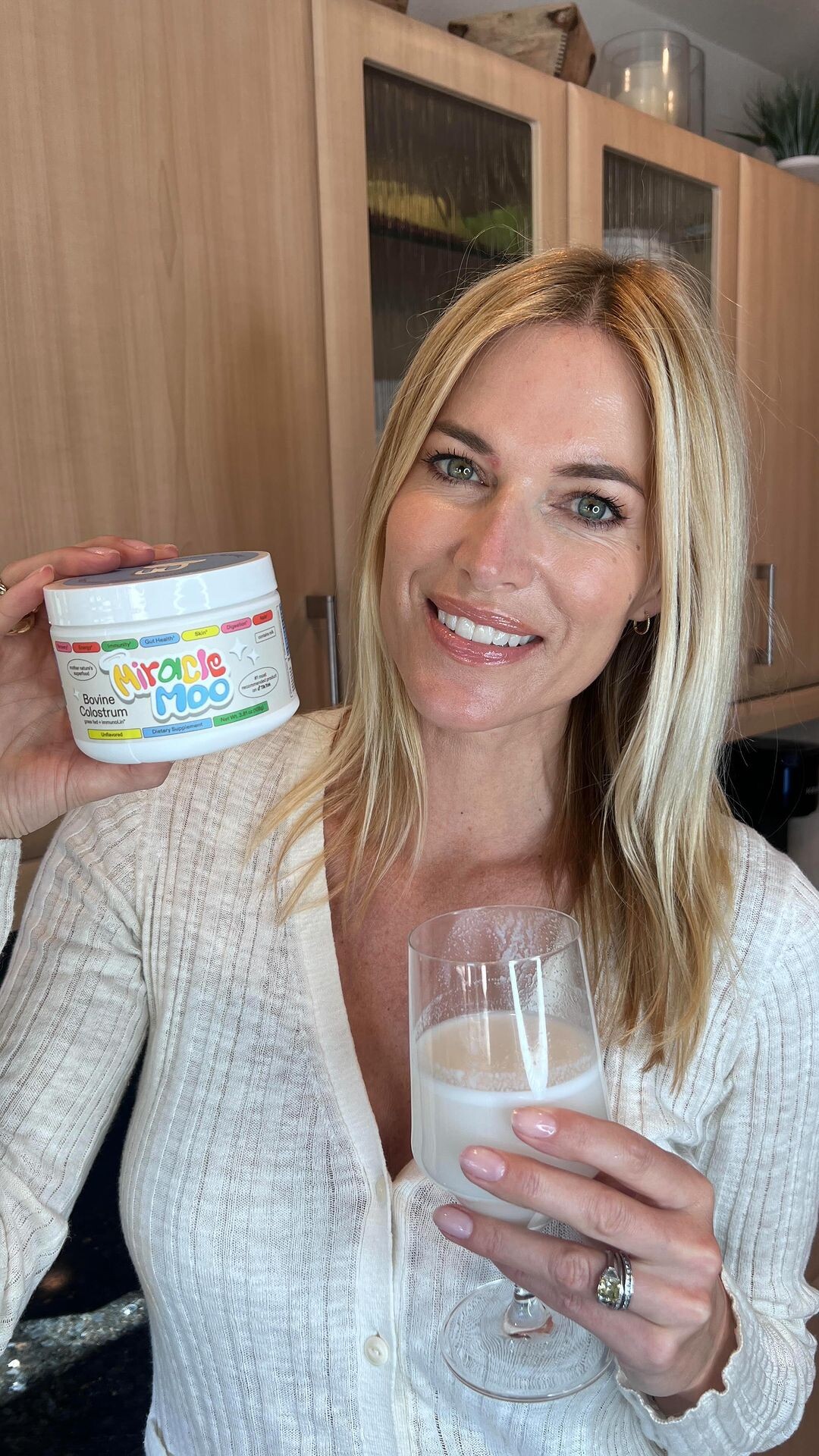















Account
Navigation
Search
Configure browser push notifications
Chrome (Android)
- Tap the lock icon next to the address bar.
- Tap Permissions → Notifications.
- Adjust your preference.
Chrome (Desktop)
- Click the padlock icon in the address bar.
- Select Site settings.
- Find Notifications and adjust your preference.
Safari (iOS 16.4+)
- Ensure the site is installed via Add to Home Screen.
- Open Settings App → Notifications.
- Find your app name and adjust your preference.
Safari (macOS)
- Go to Safari → Preferences.
- Click the Websites tab.
- Select Notifications in the sidebar.
- Find this website and adjust your preference.
Edge (Android)
- Tap the lock icon next to the address bar.
- Tap Permissions.
- Find Notifications and adjust your preference.
Edge (Desktop)
- Click the padlock icon in the address bar.
- Click Permissions for this site.
- Find Notifications and adjust your preference.
Firefox (Android)
- Go to Settings → Site permissions.
- Tap Notifications.
- Find this site in the list and adjust your preference.
Firefox (Desktop)
- Open Firefox Settings.
- Search for Notifications.
- Find this site in the list and adjust your preference.