Jump to content
View in the app

A better way to browse. Learn more.

Bellazon

A full-screen app on your home screen with push notifications, badges and more.

To install this app on iOS and iPadOS
  1. Tap the Share icon in Safari
  2. Scroll the menu and tap Add to Home Screen.
  3. Tap Add in the top-right corner.
To install this app on Android
  1. Tap the 3-dot menu (⋮) in the top-right corner of the browser.
  2. Tap Add to Home screen or Install app.
  3. Confirm by tapping Install.

tarsier41

Members
  • Joined

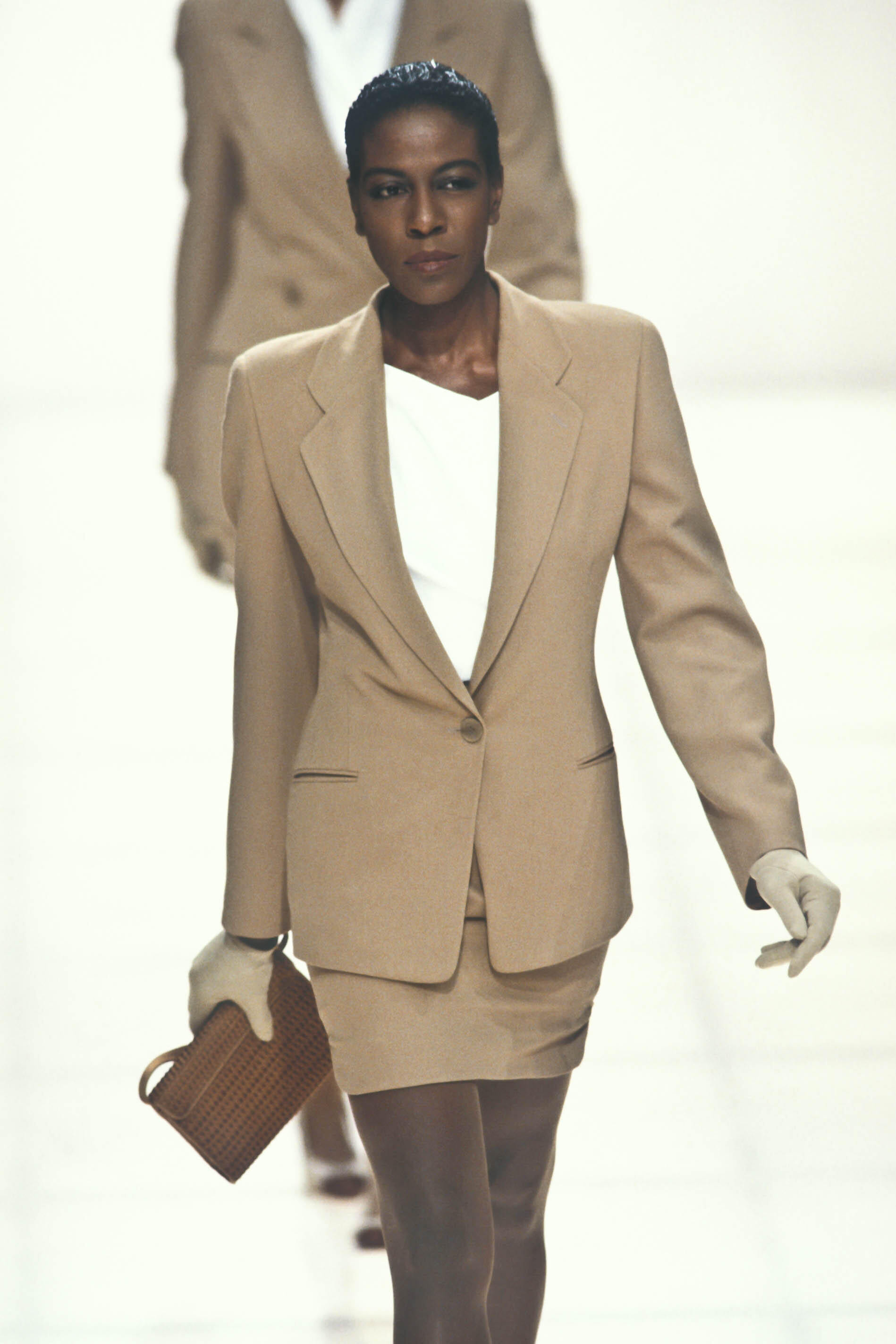
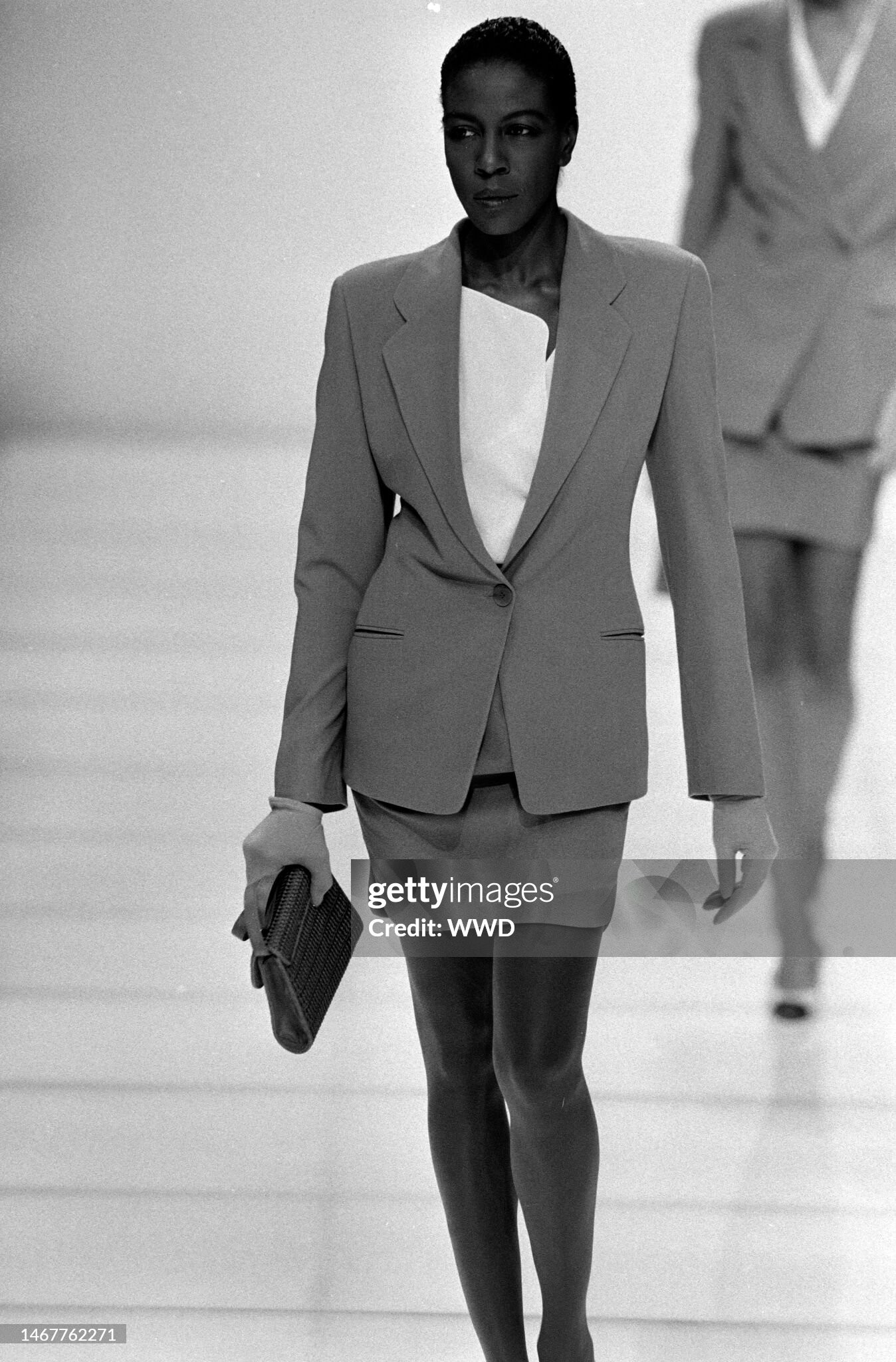
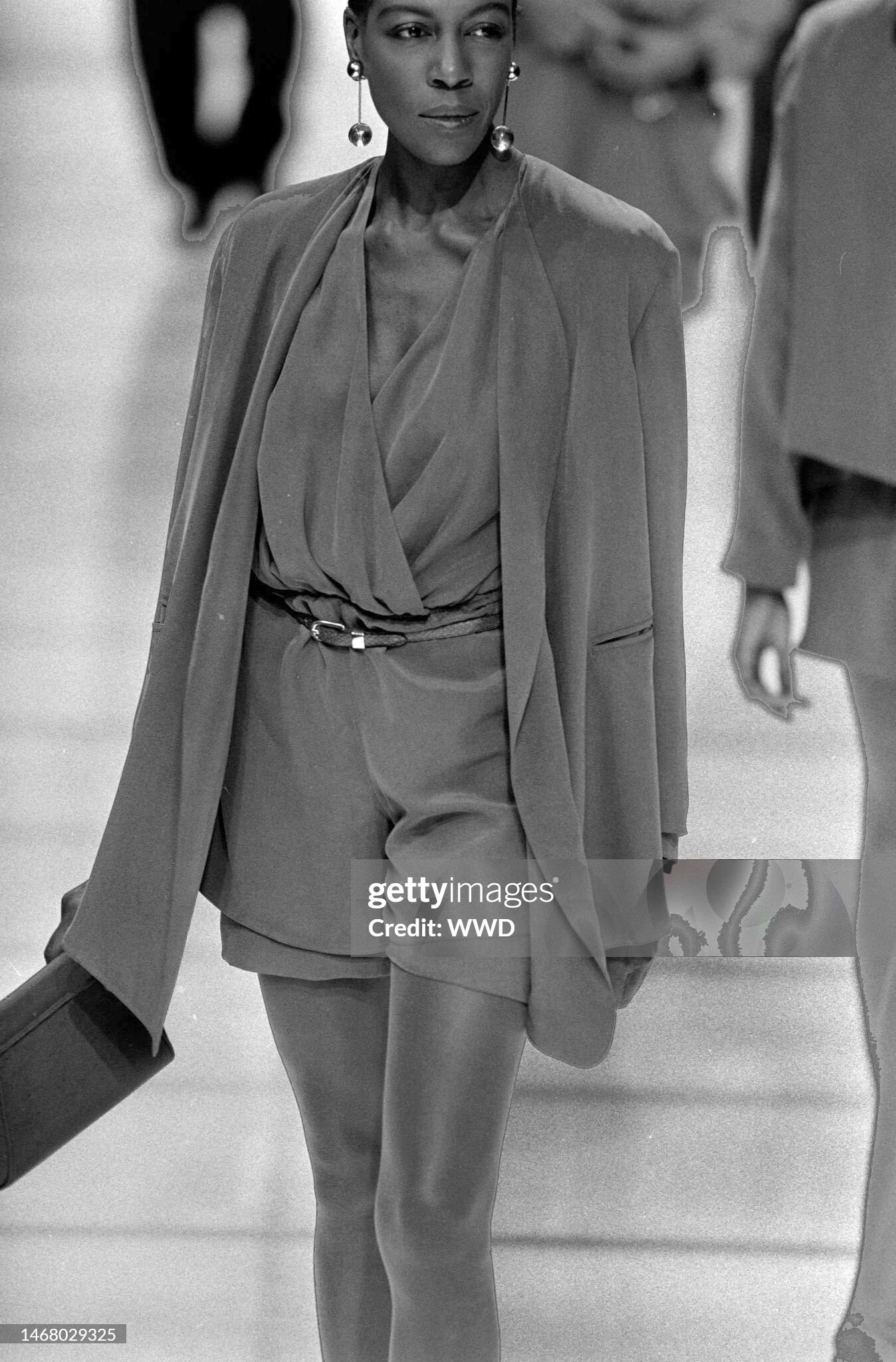
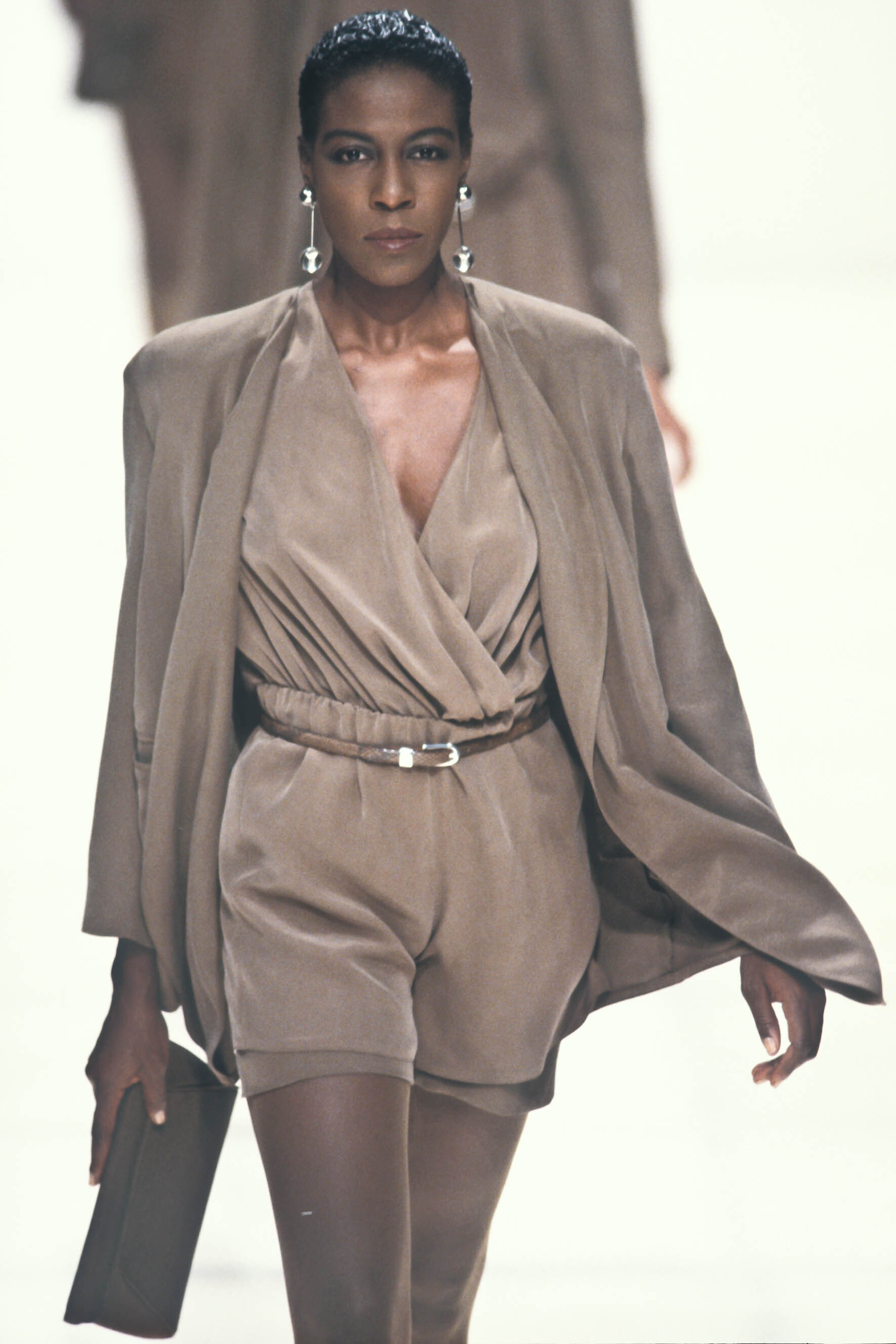
  • Last visited

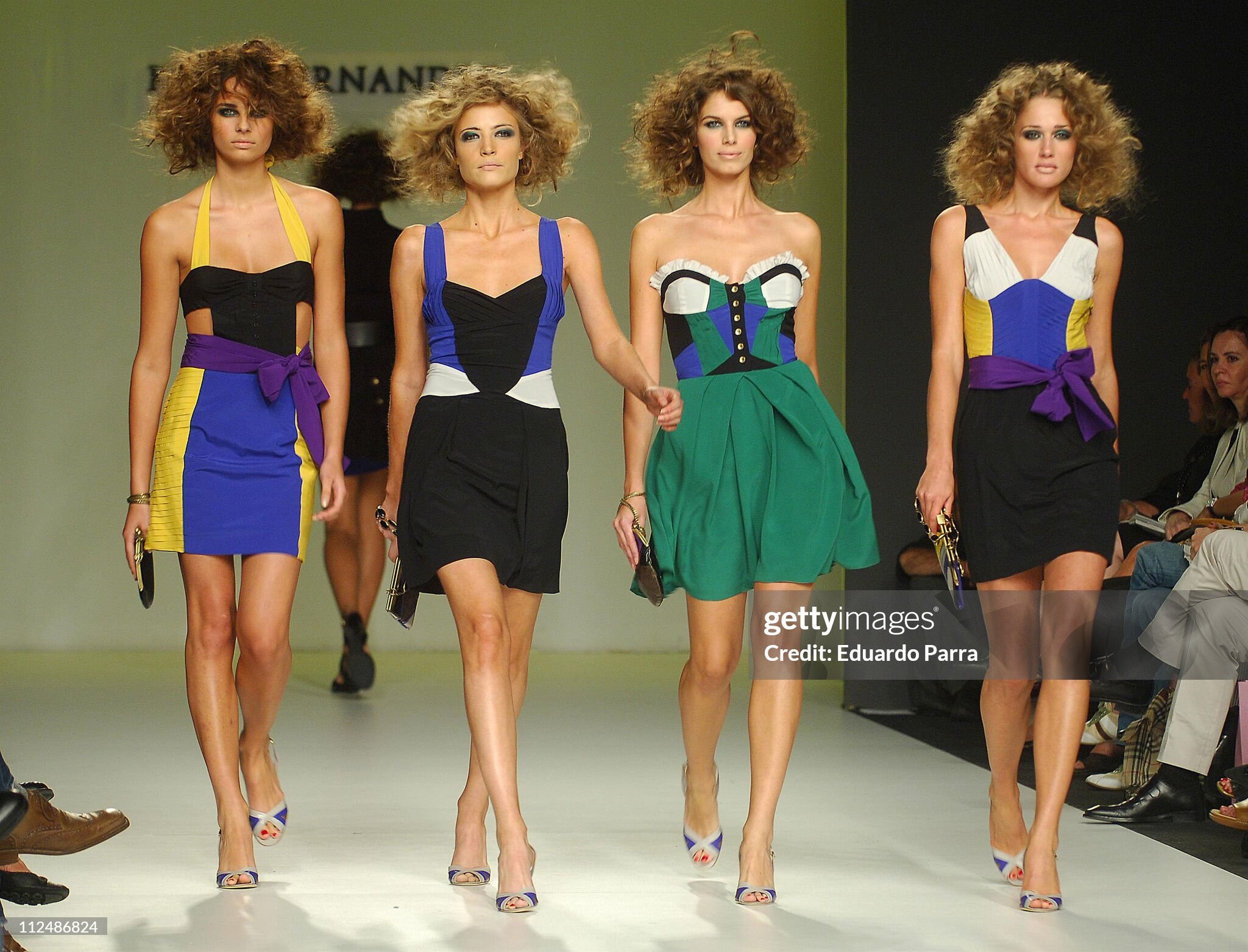
Everything posted by tarsier41

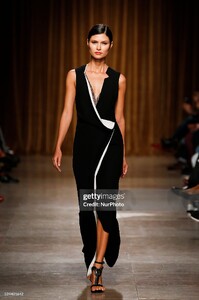
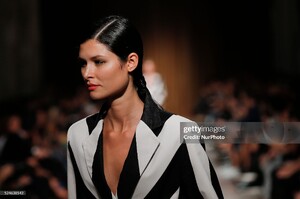
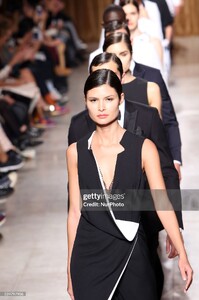
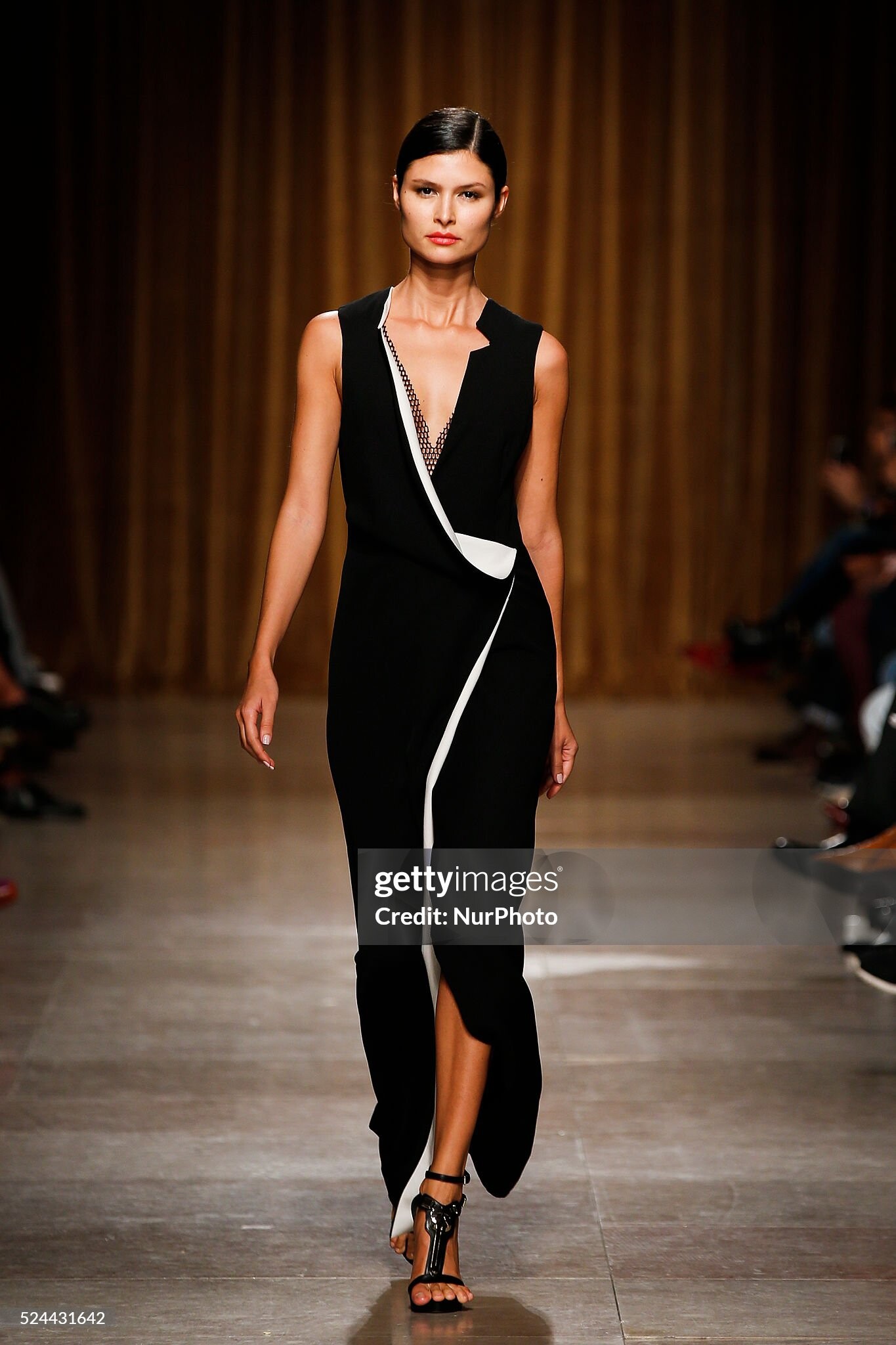
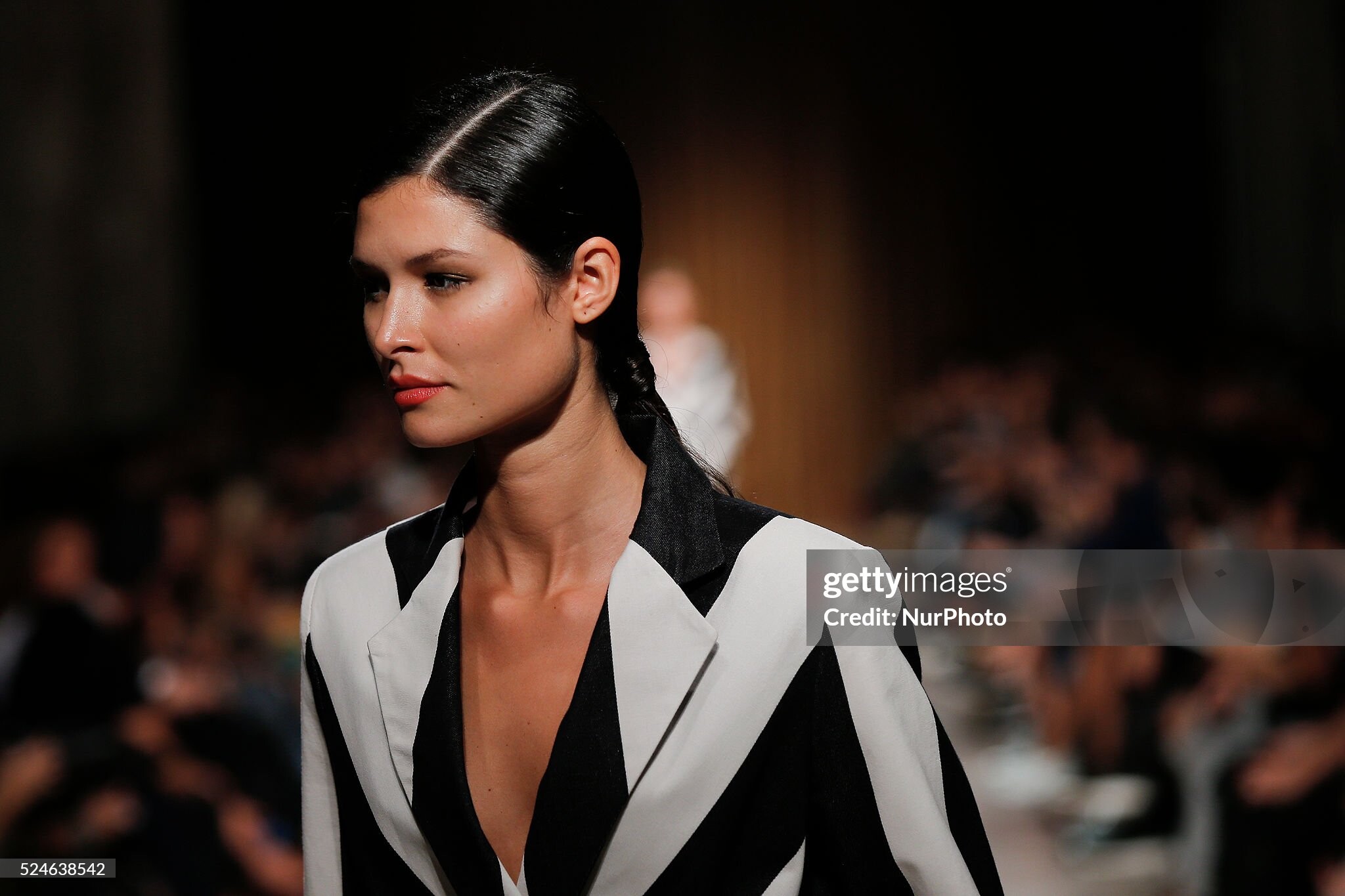
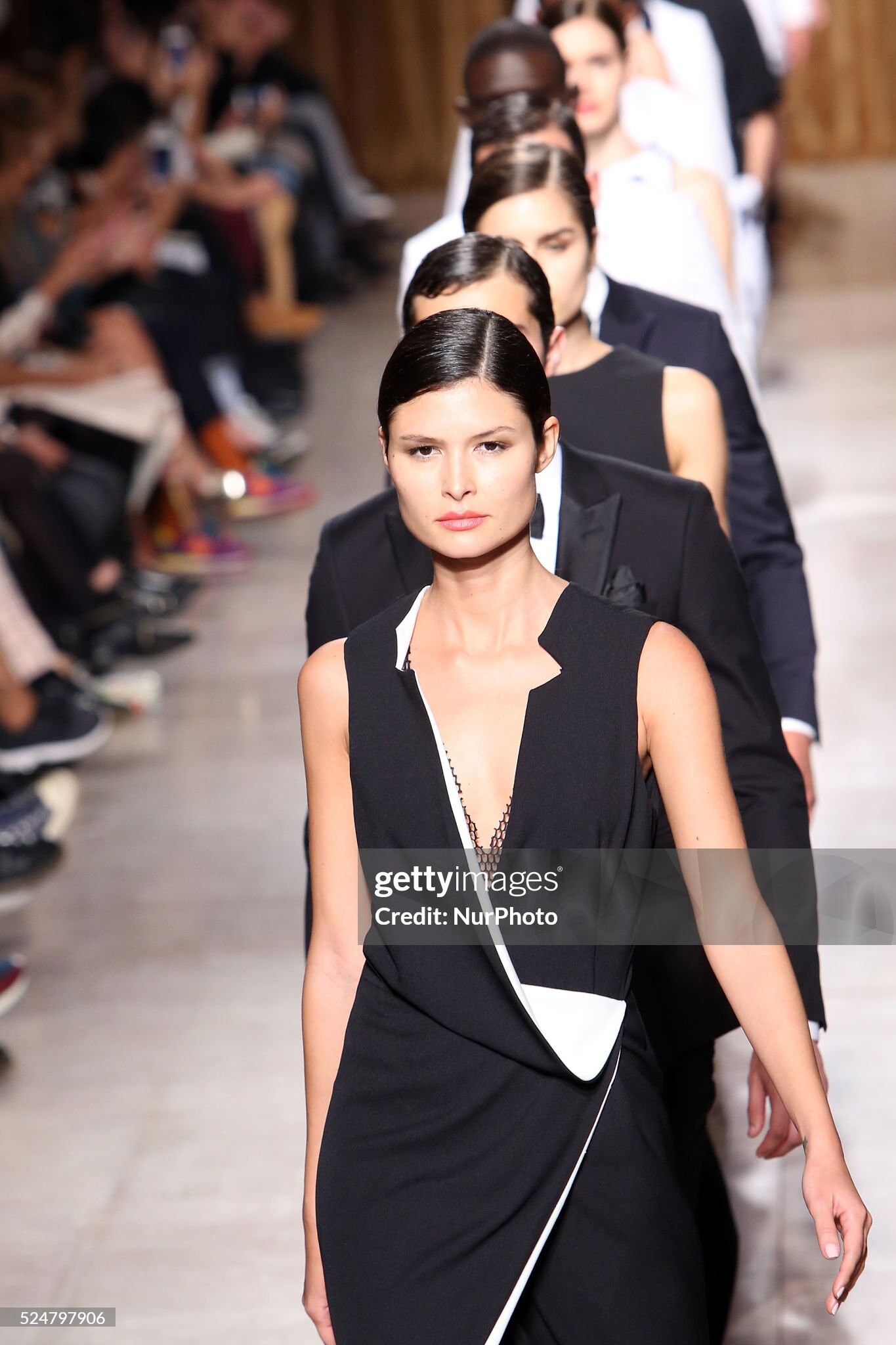
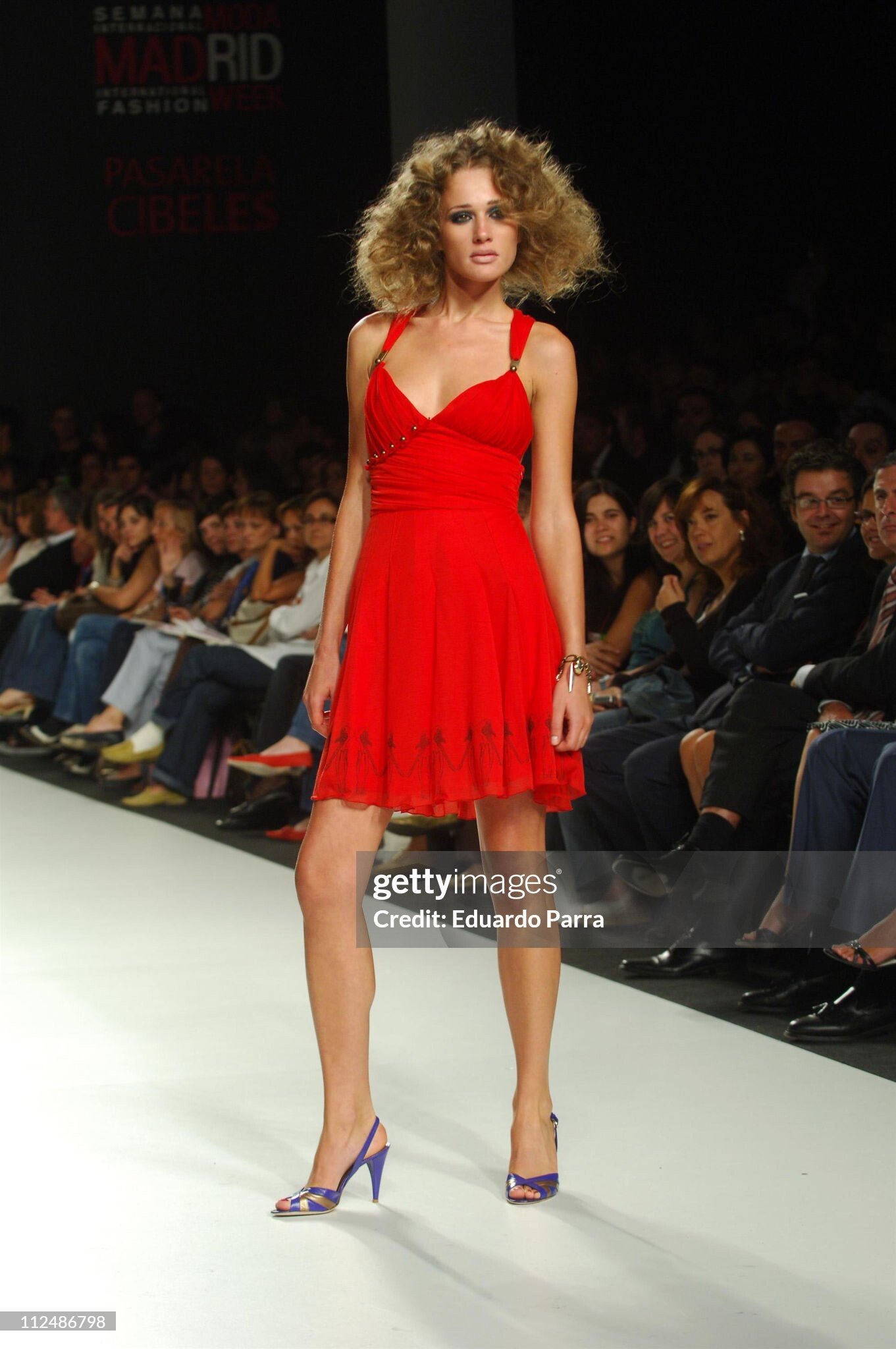
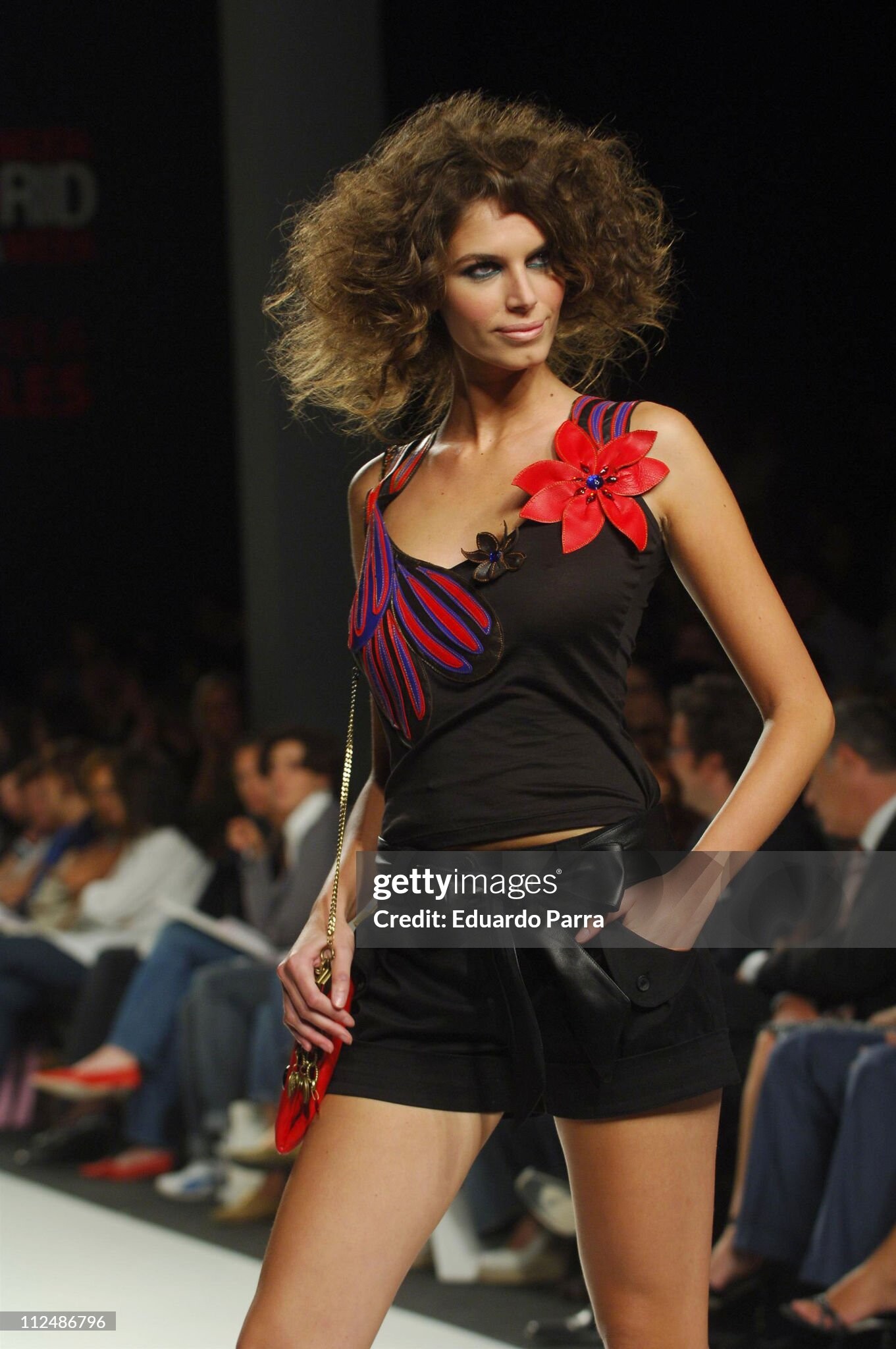
  1. Miguel Vieira, s/s 2016 (Portugal)
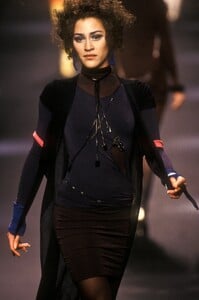
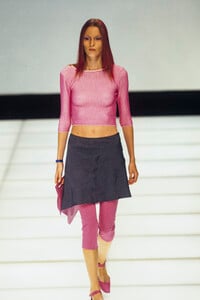
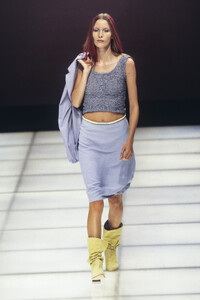
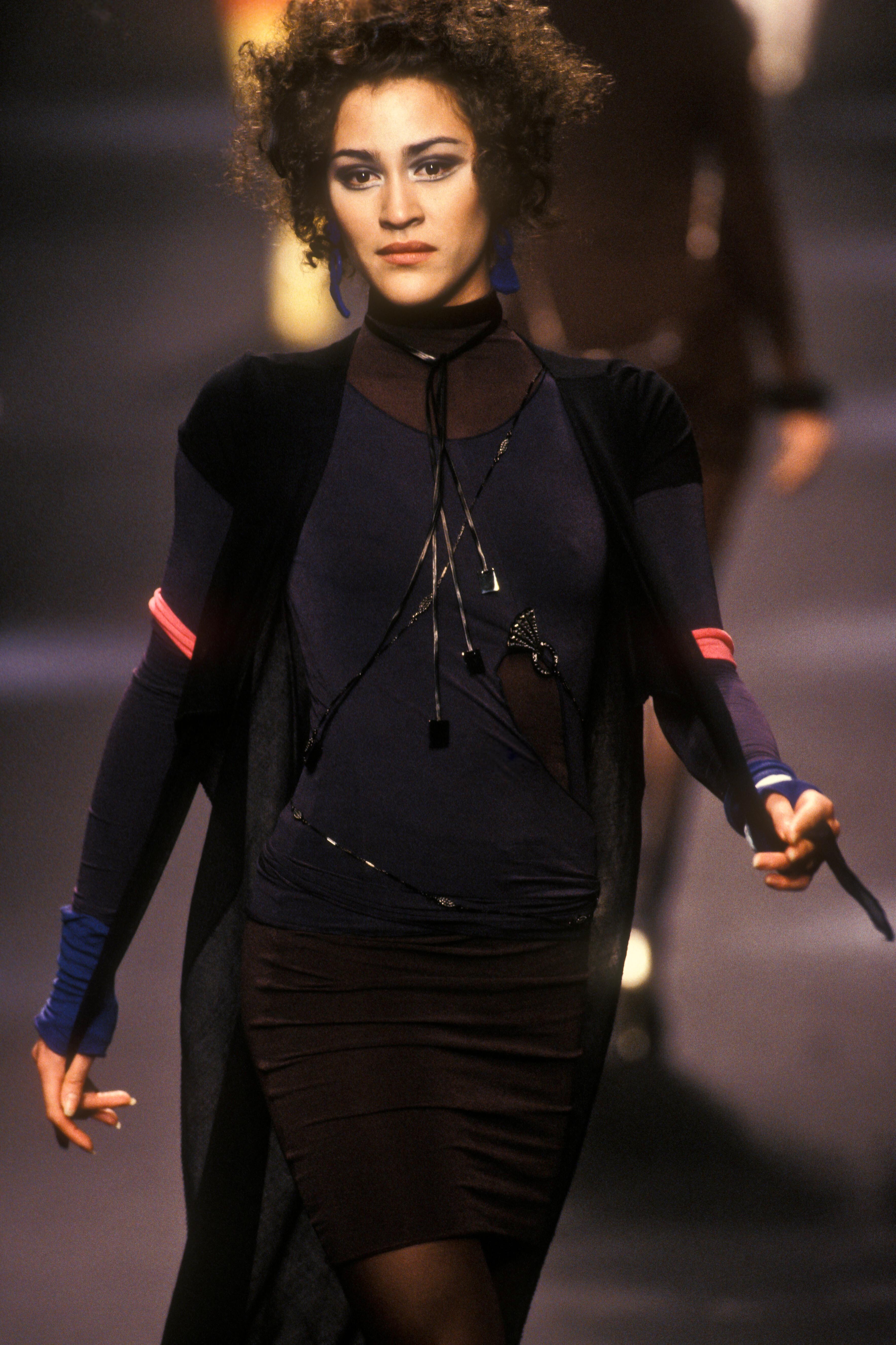
  2. J P Gaultier, s/s 1993 ID correction by danny-19 note: i wrongly posted in Ceyla Lacerda's topic...
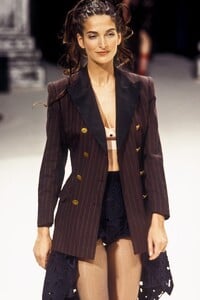
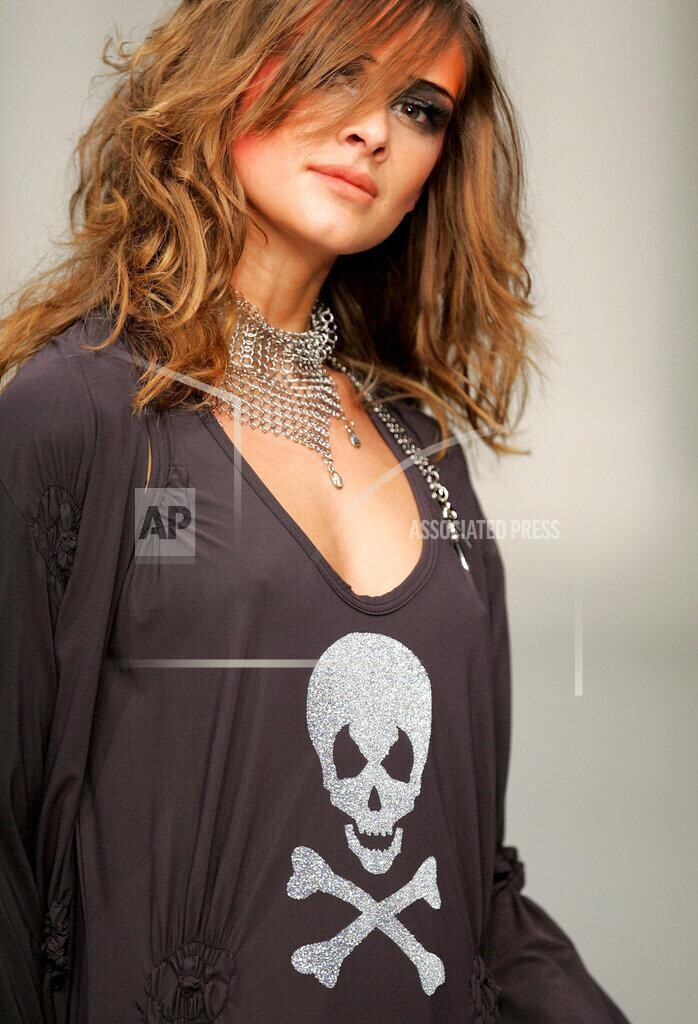
  3. is it helpful with darker hair ? around 2006
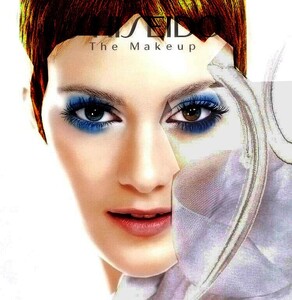
  4. sorry i checked some Milan shows at vogue, in case i would be lucky; there were lots of blondes: s/s 2006 Anna Molinari, Emilio Pucci, Etro s/s 2007 Anna Molinari, Etro, Luisa Beccaria, Marni
  5. sorry, but i do not seize / see it...
  6. Sveta Uzhinsky (Clements Ribeiro post)
  7. #3 Marta Zurkowska #4 Silvia Valcikova #7 Kristen Pazik #5 little chance she is Abigail Matray #10 seen ± 1993-2002, but utm #9 not Juliette
  8. model Kirsi Hiekka ?? @parisienne
  9. i thought she was Ana Paula Faria-Stein ... but i am not sure
  10. right: sunita nagi
  11. top right: natalia kretova bottom right: Amalia Vairelli, found by parisienne #1 in black: little chance she is olga petrova
  12. diana bienvenu & tatiana sorokko #4: not svetlana kochits...
  13. 1- isabelle alix mouret bottom left: natalia kretova
  14. right: Natalia Kretova top, center: little chance Svetlana Kochits
  15. sorry... i do not see angelica boss i agree for all others
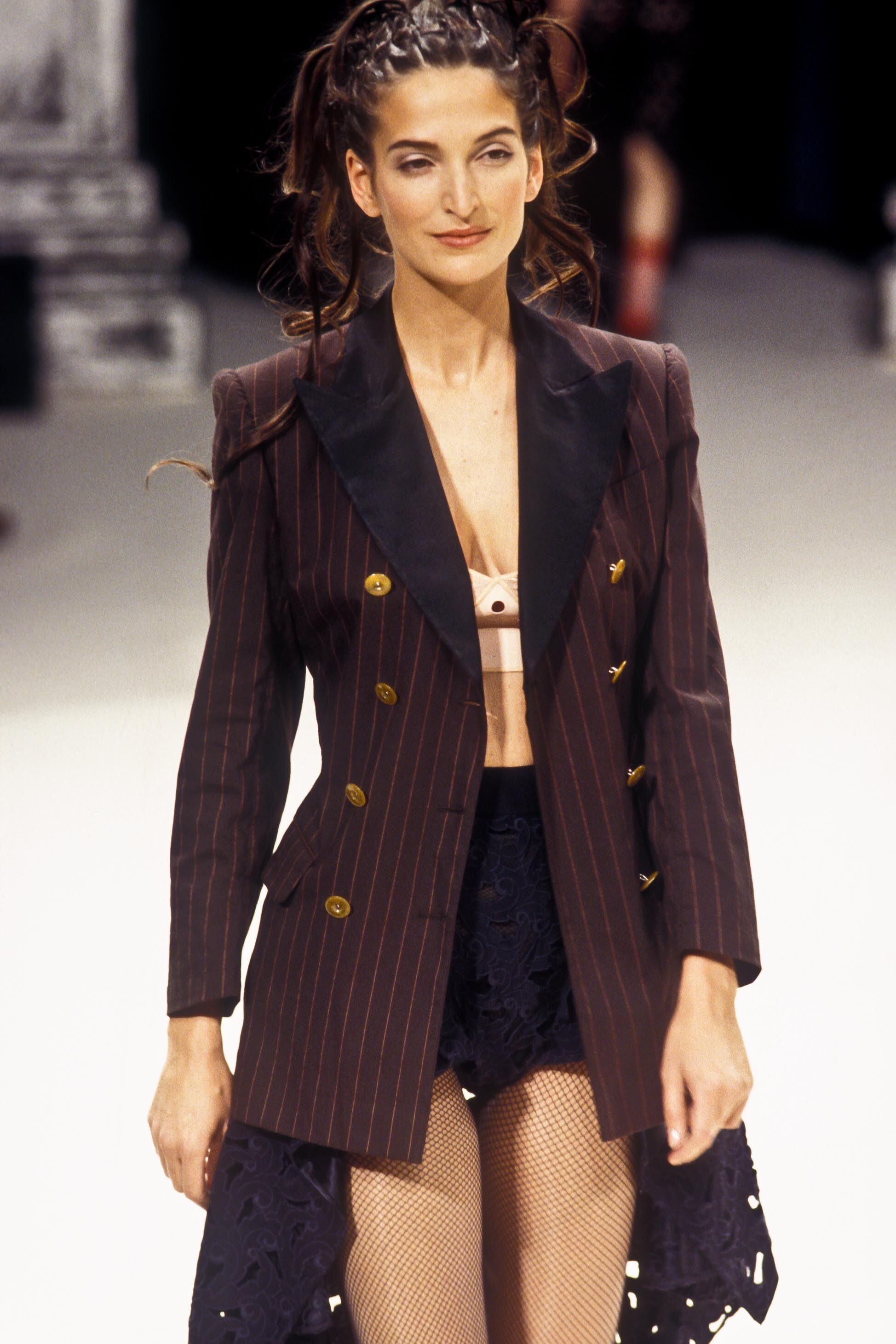
  16. Giorgio Armani (Milan) s/s 1991 ID from fakediorpurse
  17. thank you ! i reposted Madrid group (Horvat ++)
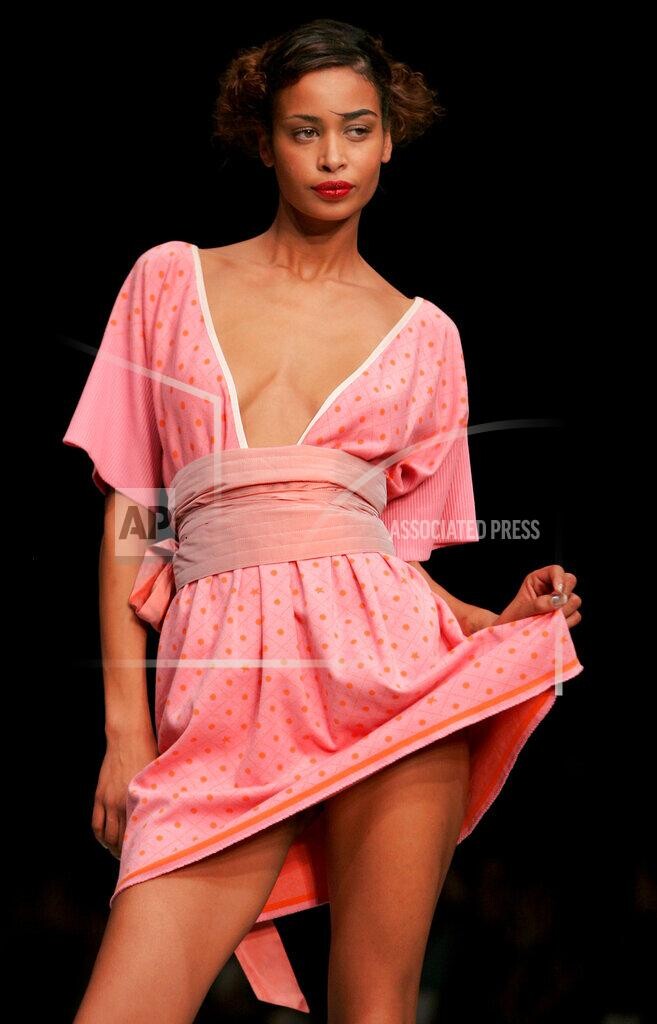
  18. Kina Fernandez (Madrid) s/s 2007 ID help from danny-19 Suzana Horvat, Barbara Berger, Nuria de la Fuente, Rachael-Anne

  19. Kina Fernandez (Madrid) s/s 2007 ID help from danny-19 Suzana Horvat, Barbara Berger, Nuria de la Fuente, Rachael-Anne


Account

Navigation

Search

Configure browser push notifications

Chrome (Android)
  1. Tap the lock icon next to the address bar.
  2. Tap Permissions → Notifications.
  3. Adjust your preference.
Chrome (Desktop)
  1. Click the padlock icon in the address bar.
  2. Select Site settings.
  3. Find Notifications and adjust your preference.