Jump to content
View in the app

A better way to browse. Learn more.

Bellazon

A full-screen app on your home screen with push notifications, badges and more.

To install this app on iOS and iPadOS
  1. Tap the Share icon in Safari
  2. Scroll the menu and tap Add to Home Screen.
  3. Tap Add in the top-right corner.
To install this app on Android
  1. Tap the 3-dot menu (⋮) in the top-right corner of the browser.
  2. Tap Add to Home screen or Install app.
  3. Confirm by tapping Install.

tarsier41

Members
  • Joined

  • Last visited

Everything posted by tarsier41

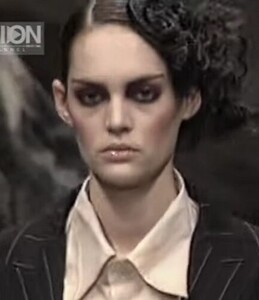
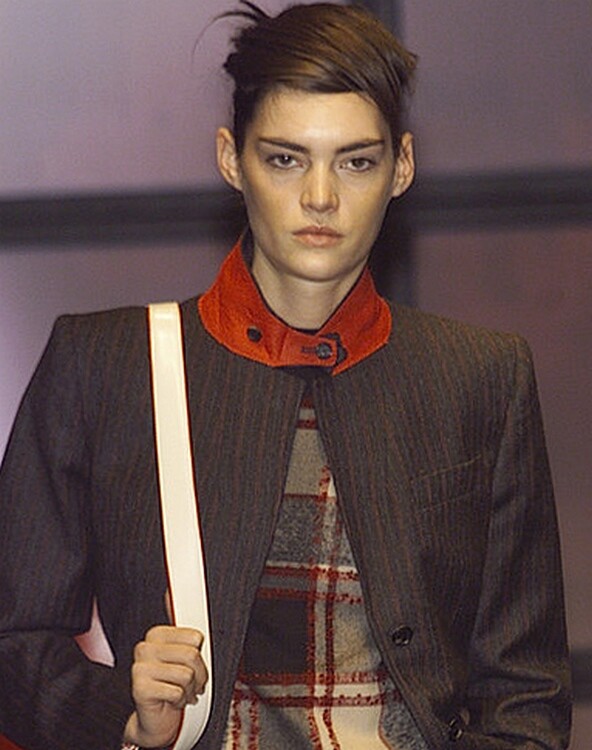
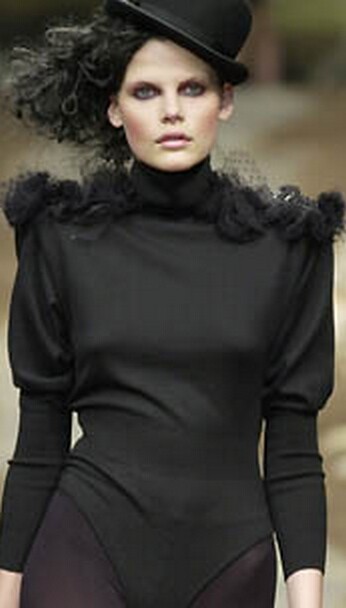
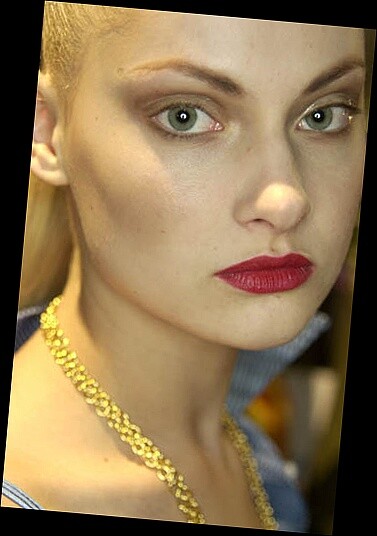
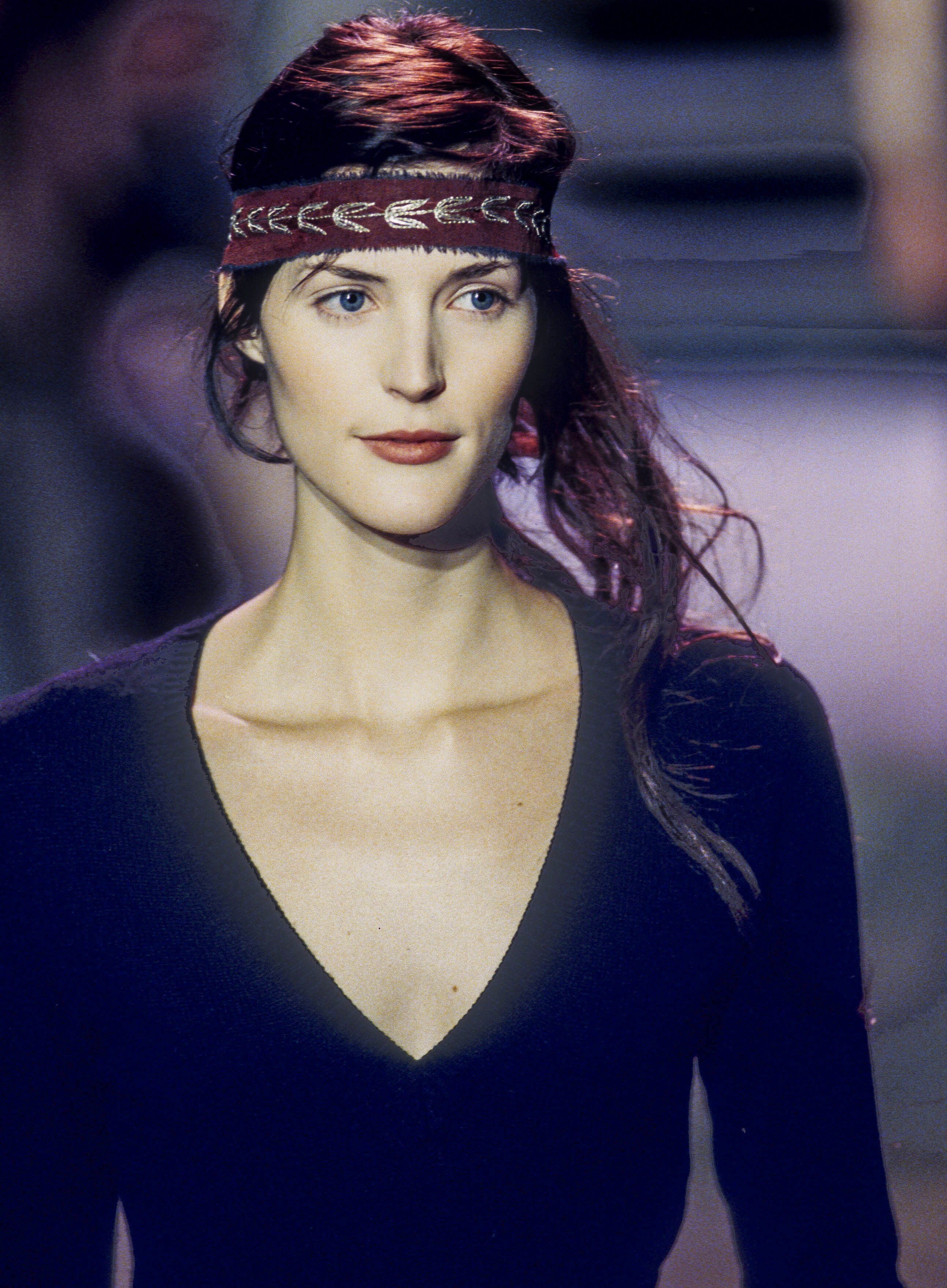
  1. Milan 2001 i thought she was Amanda Moore or Adrijana Dejanovic...
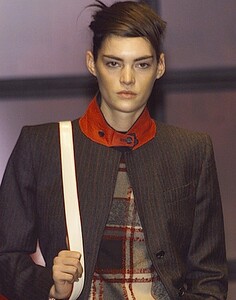
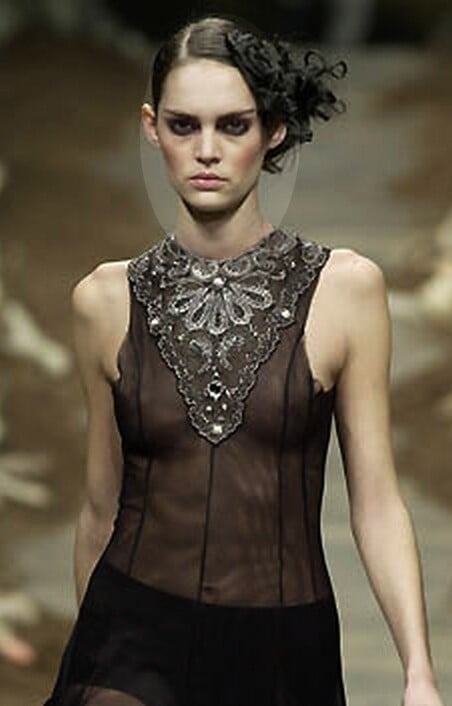
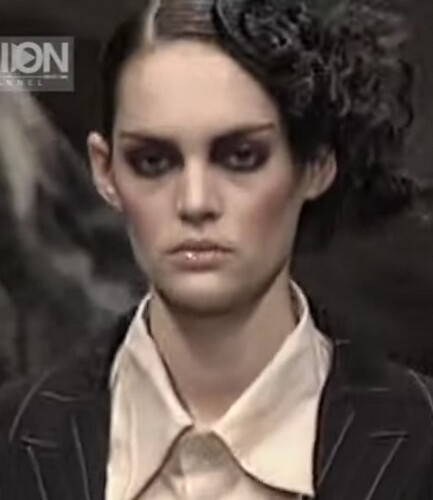
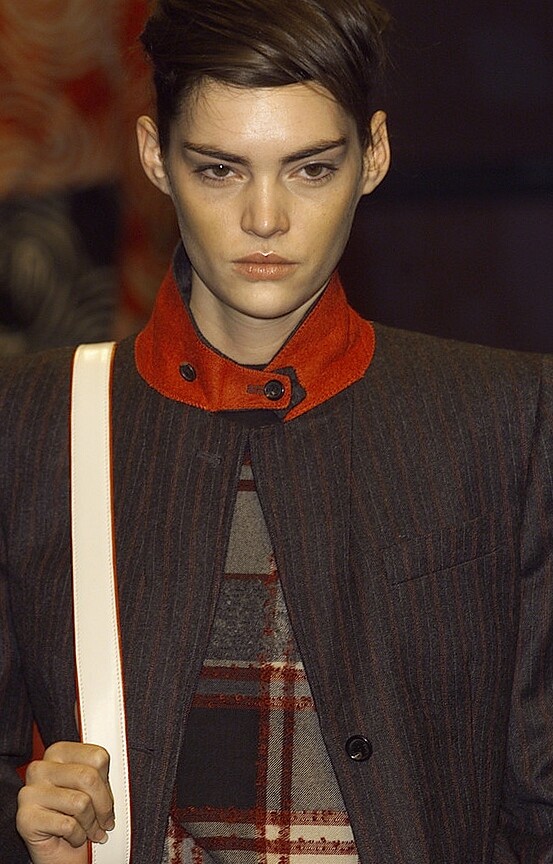
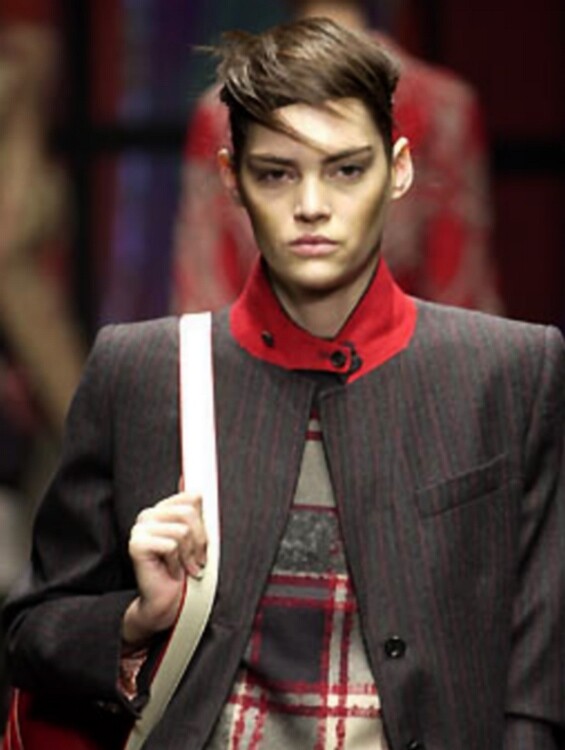
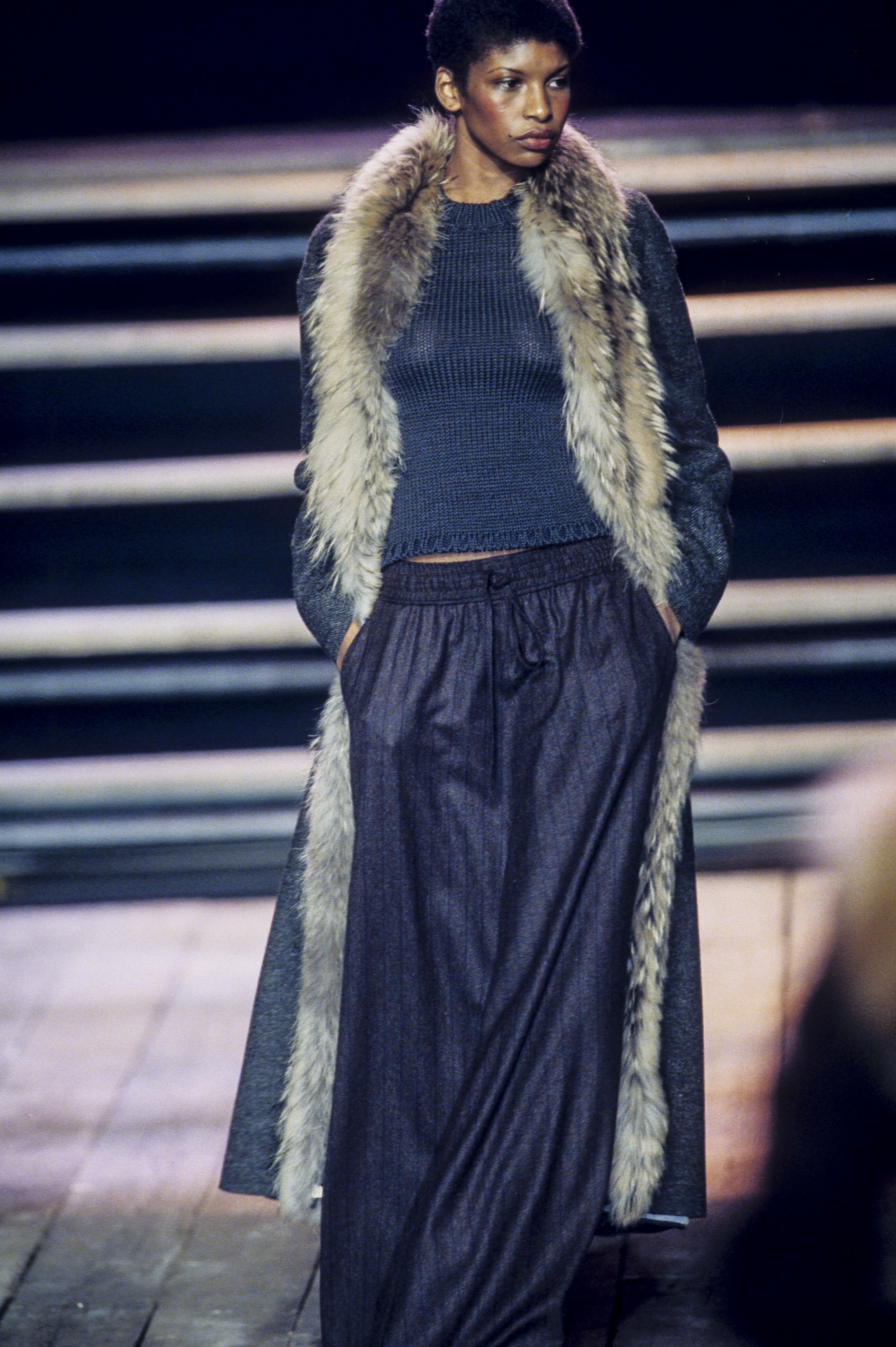
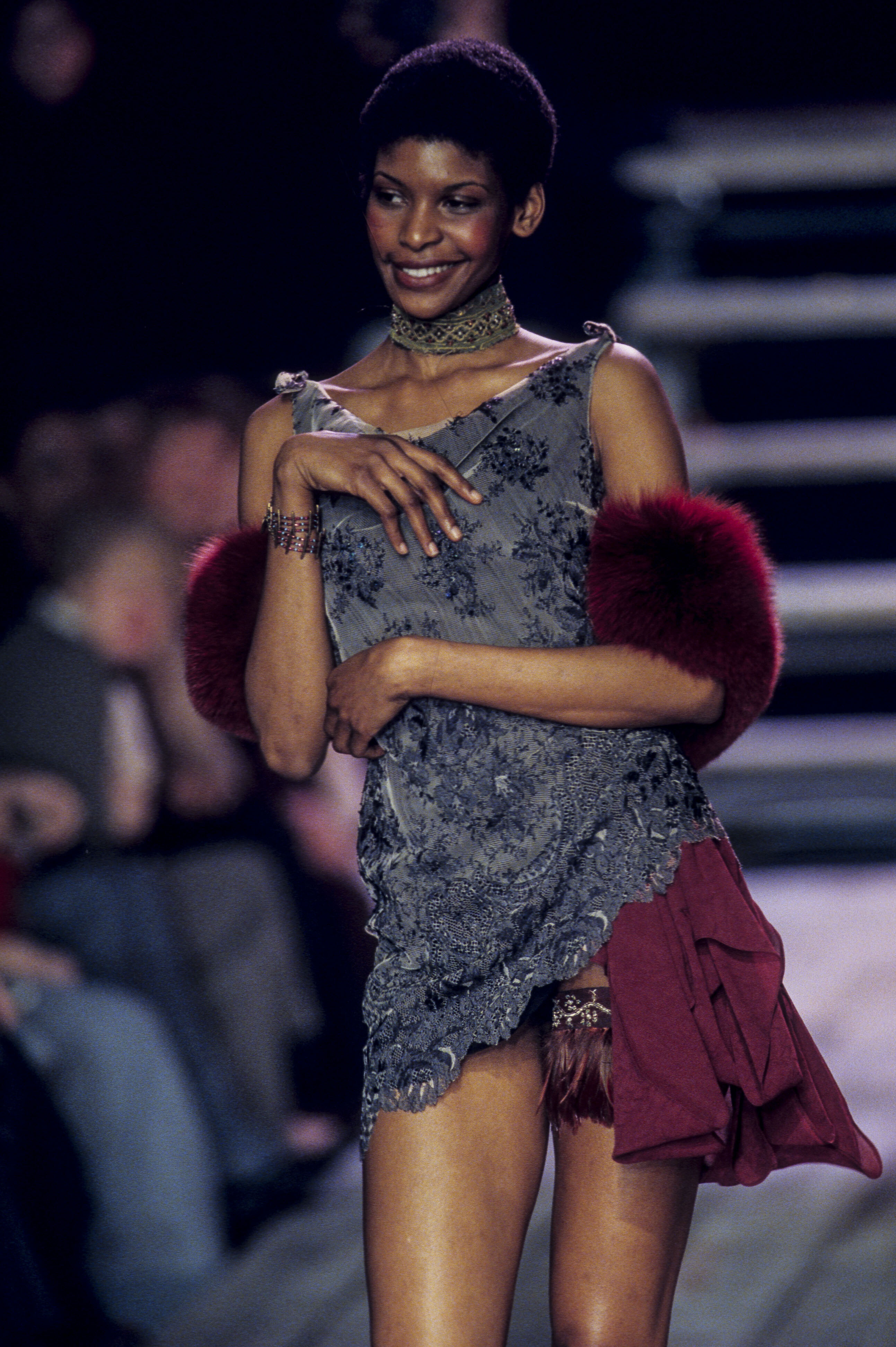
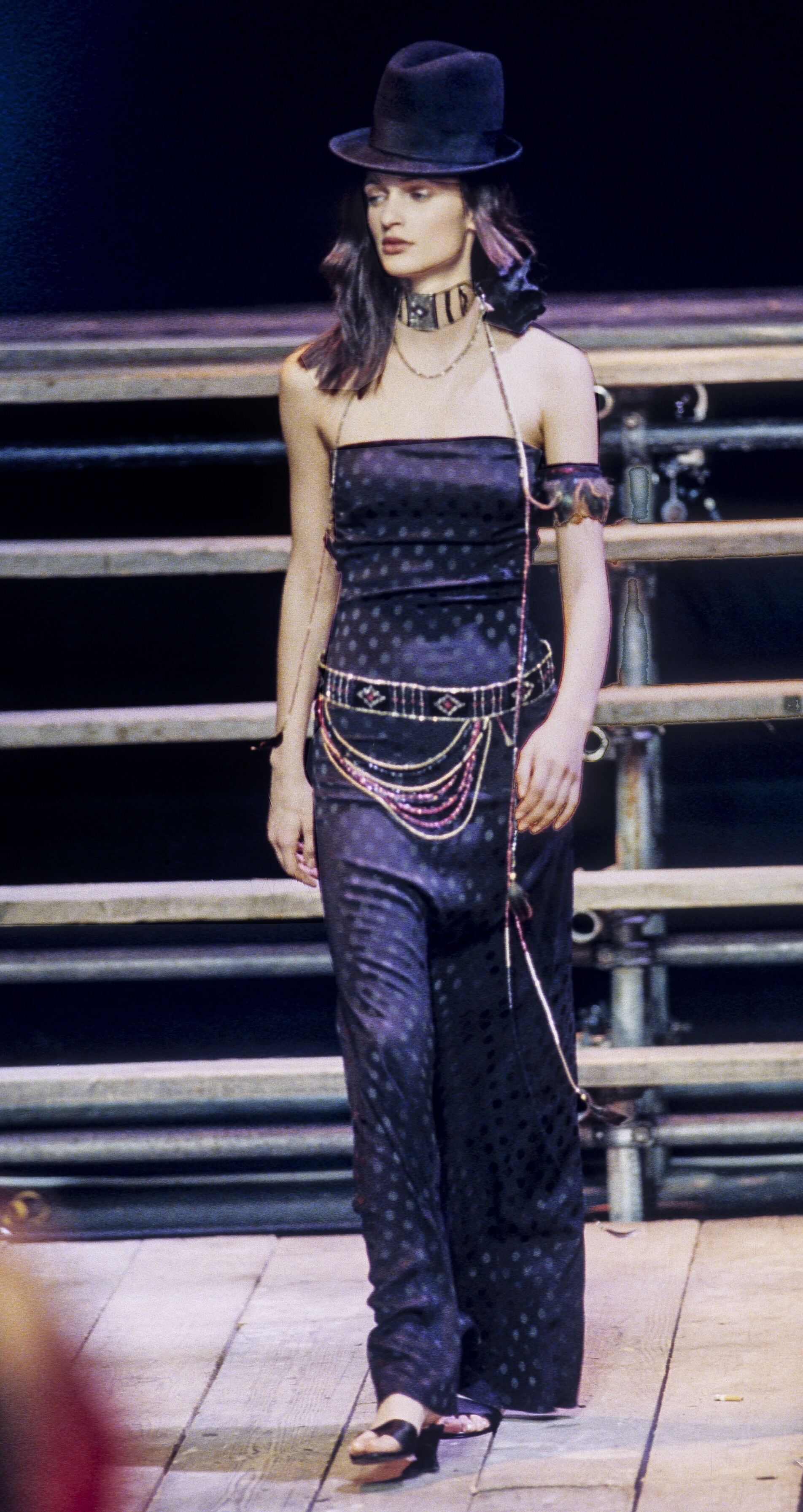
  2. Antonio Marras (Milan) f/w 2001
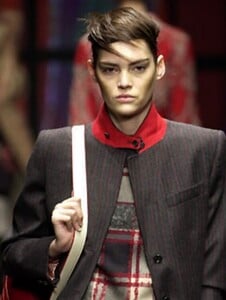
  3. Antonio Marras (Milan) f/w 2001
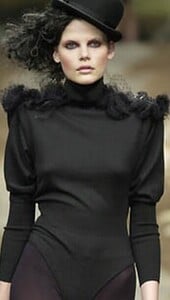
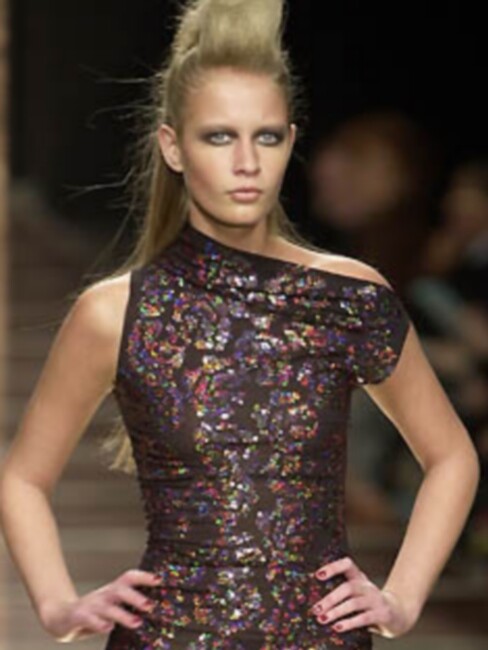
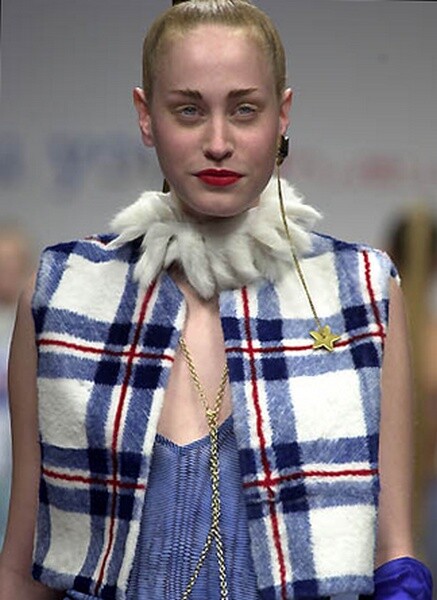
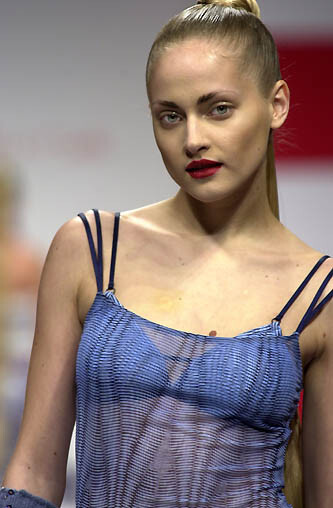
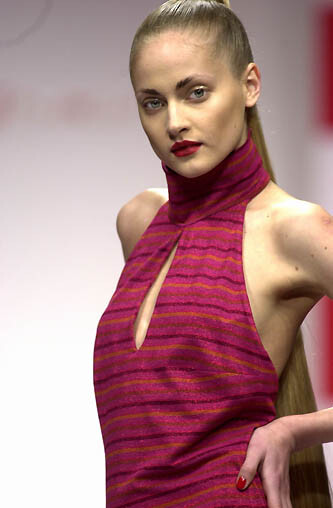
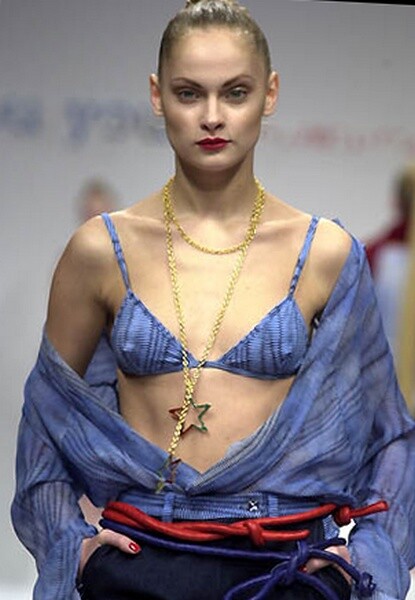
  4. Coveri's You Young (Milan) f/w 2001
  5. Coveri's You Young (Milan) f/w 2001 - addition
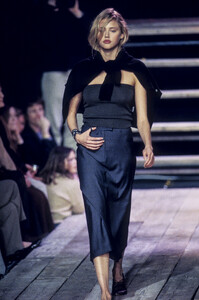
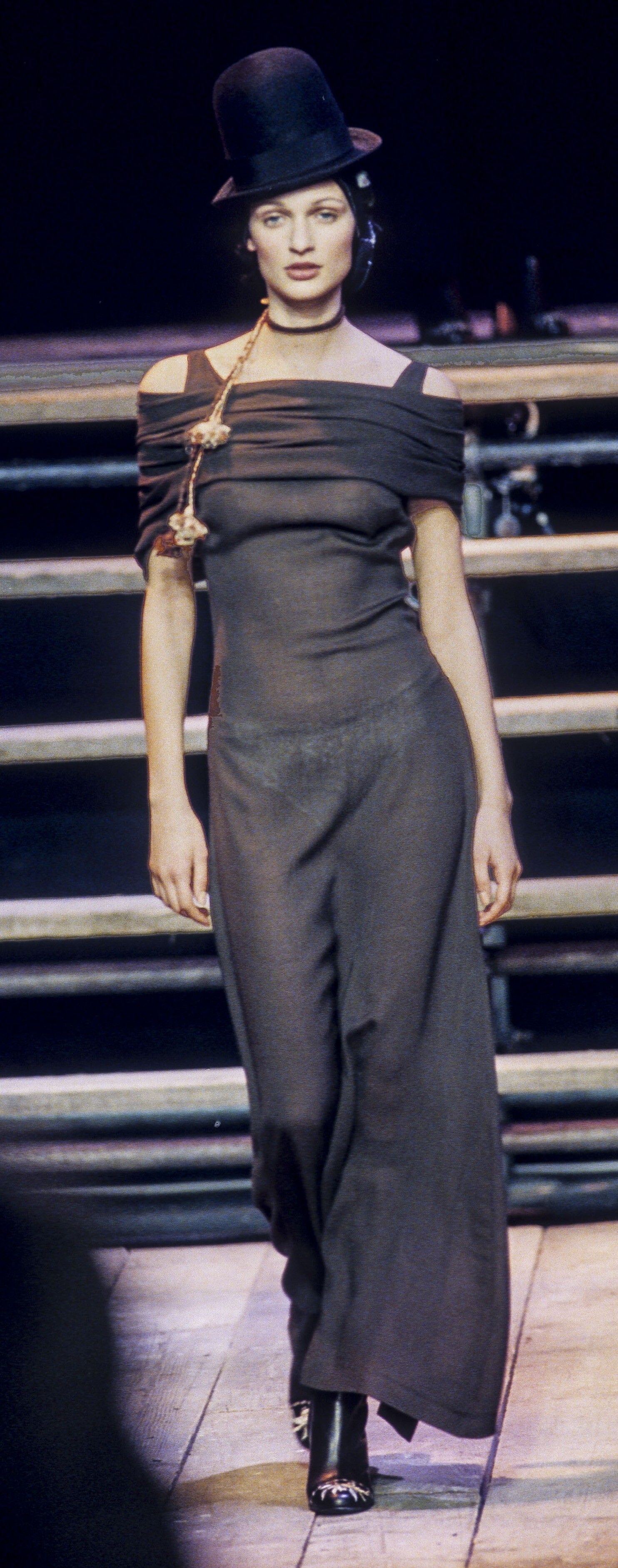
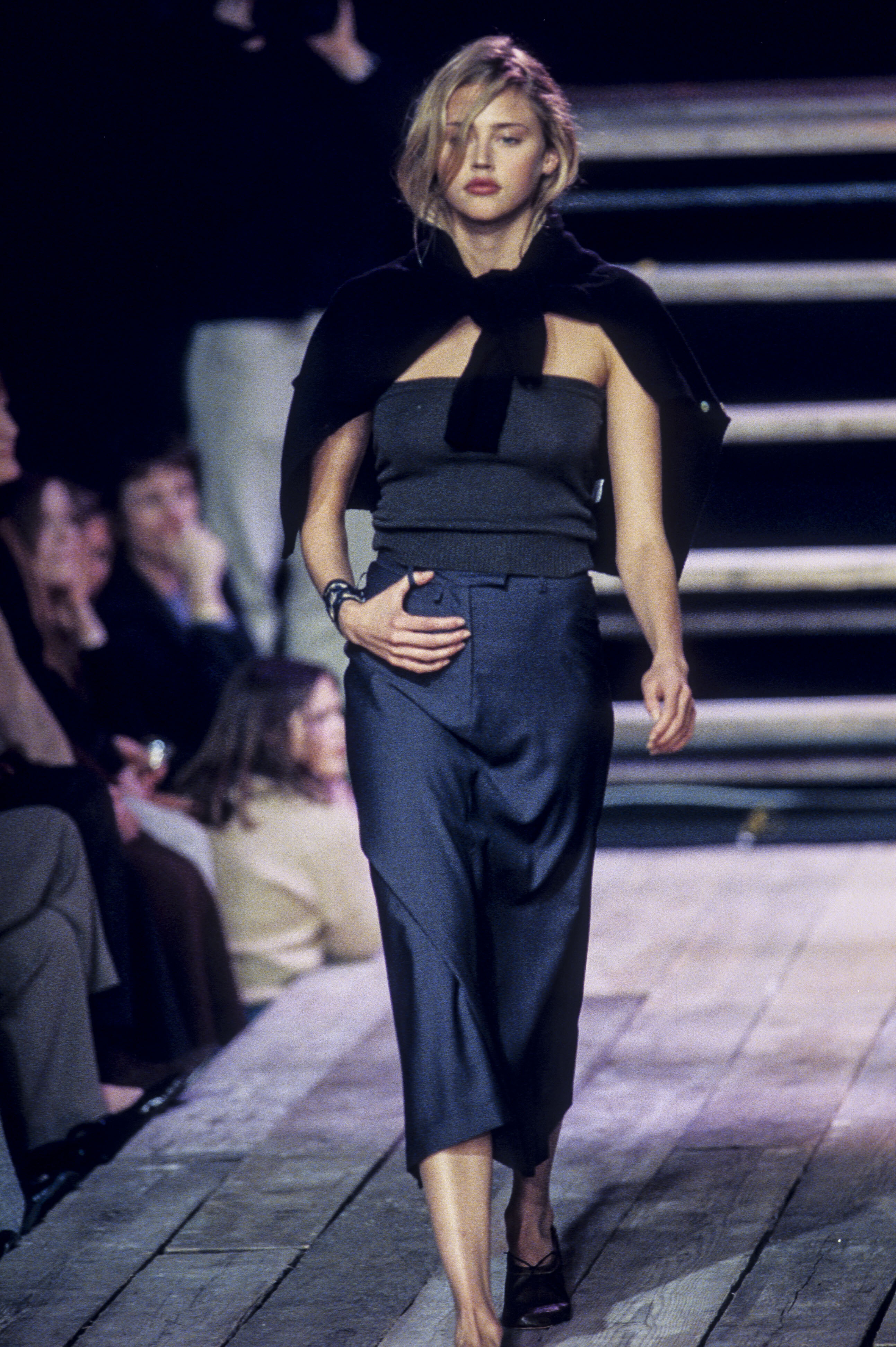
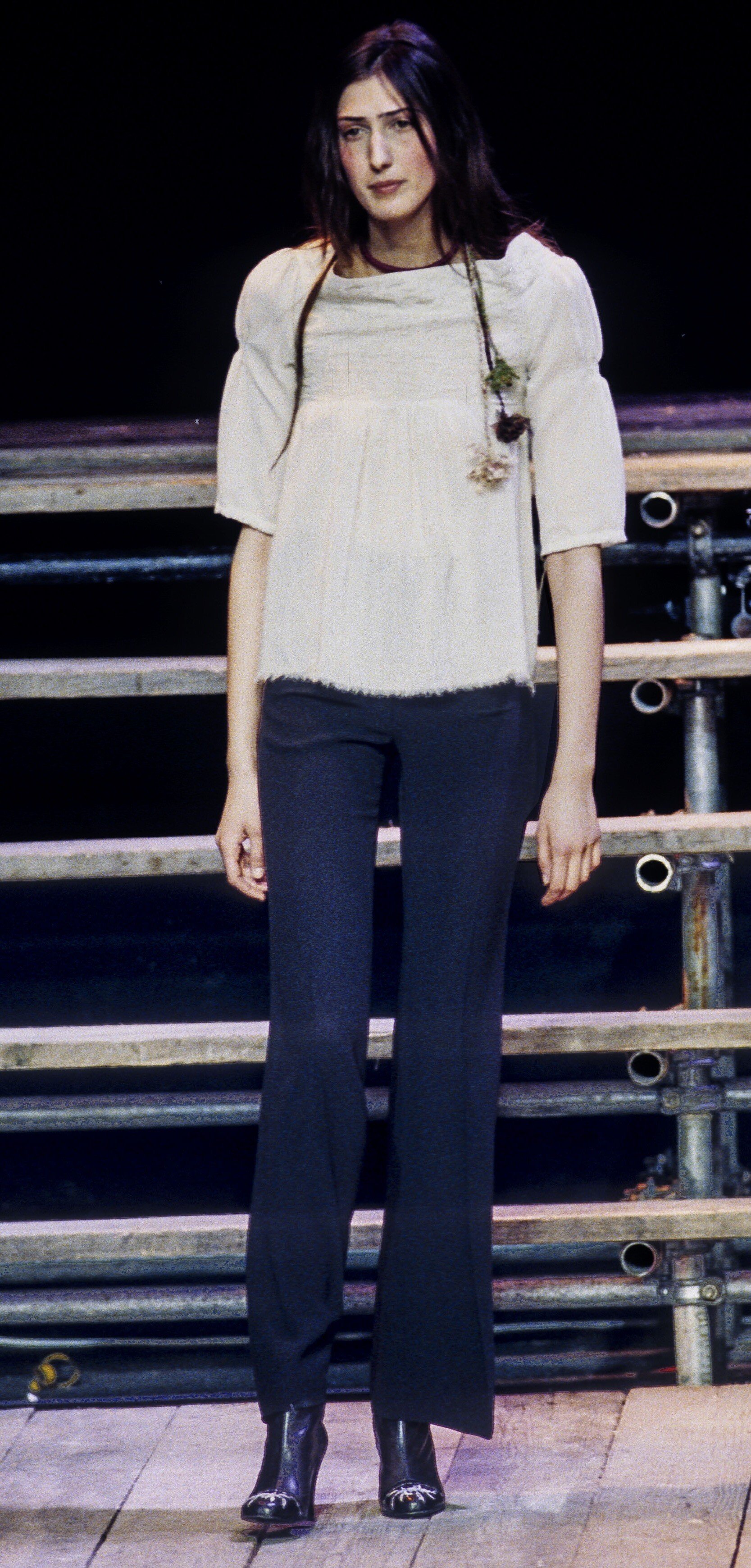
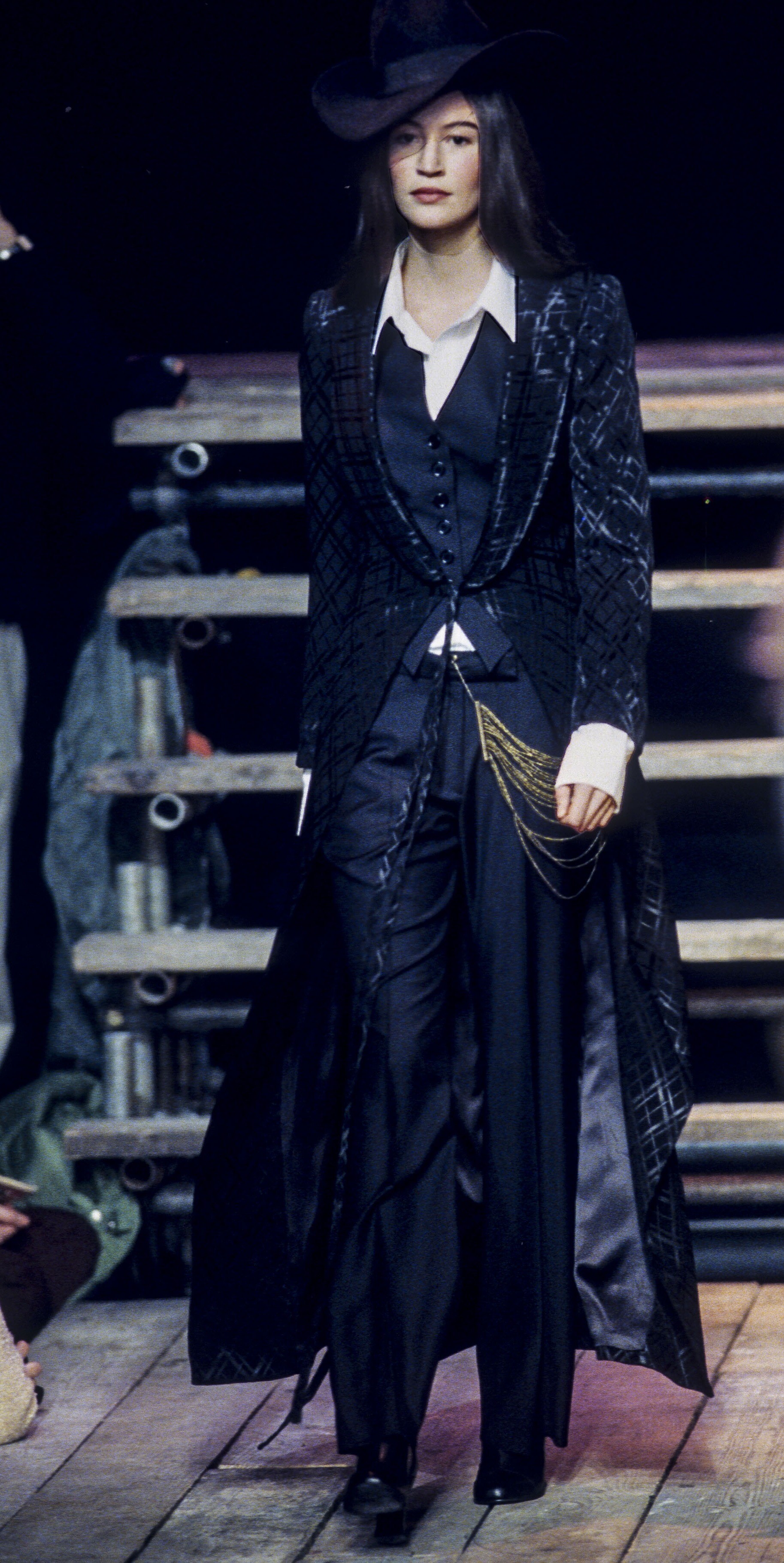
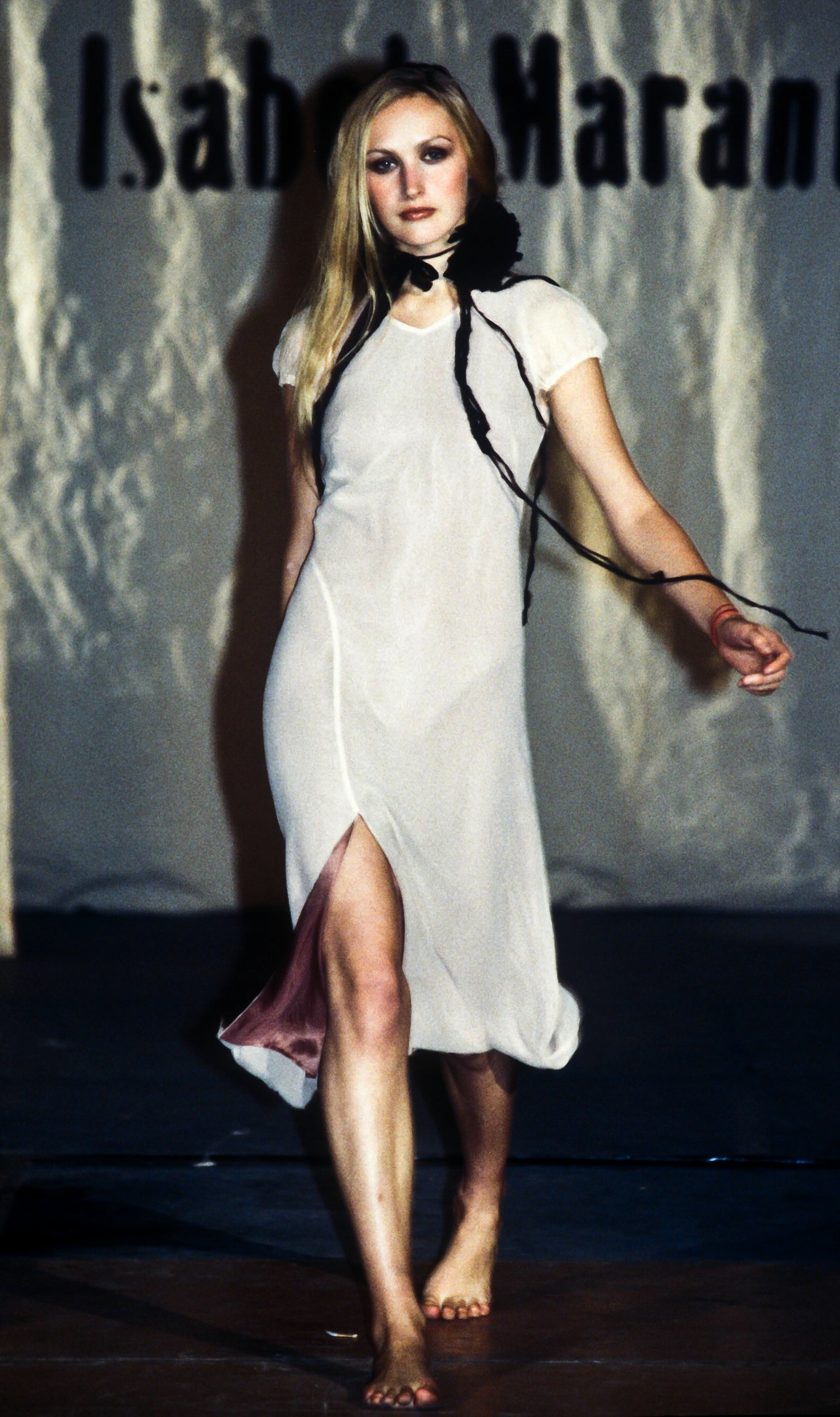
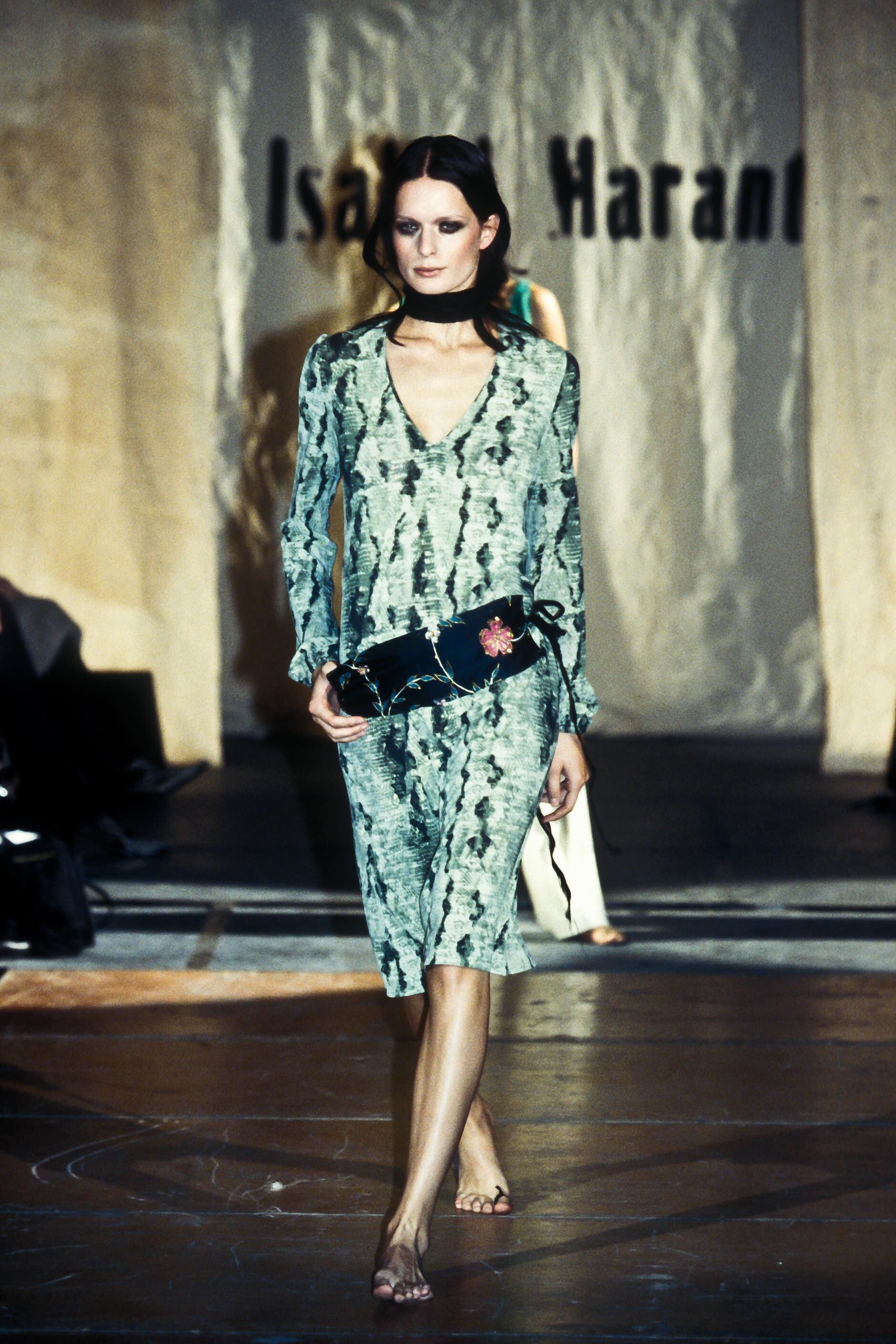
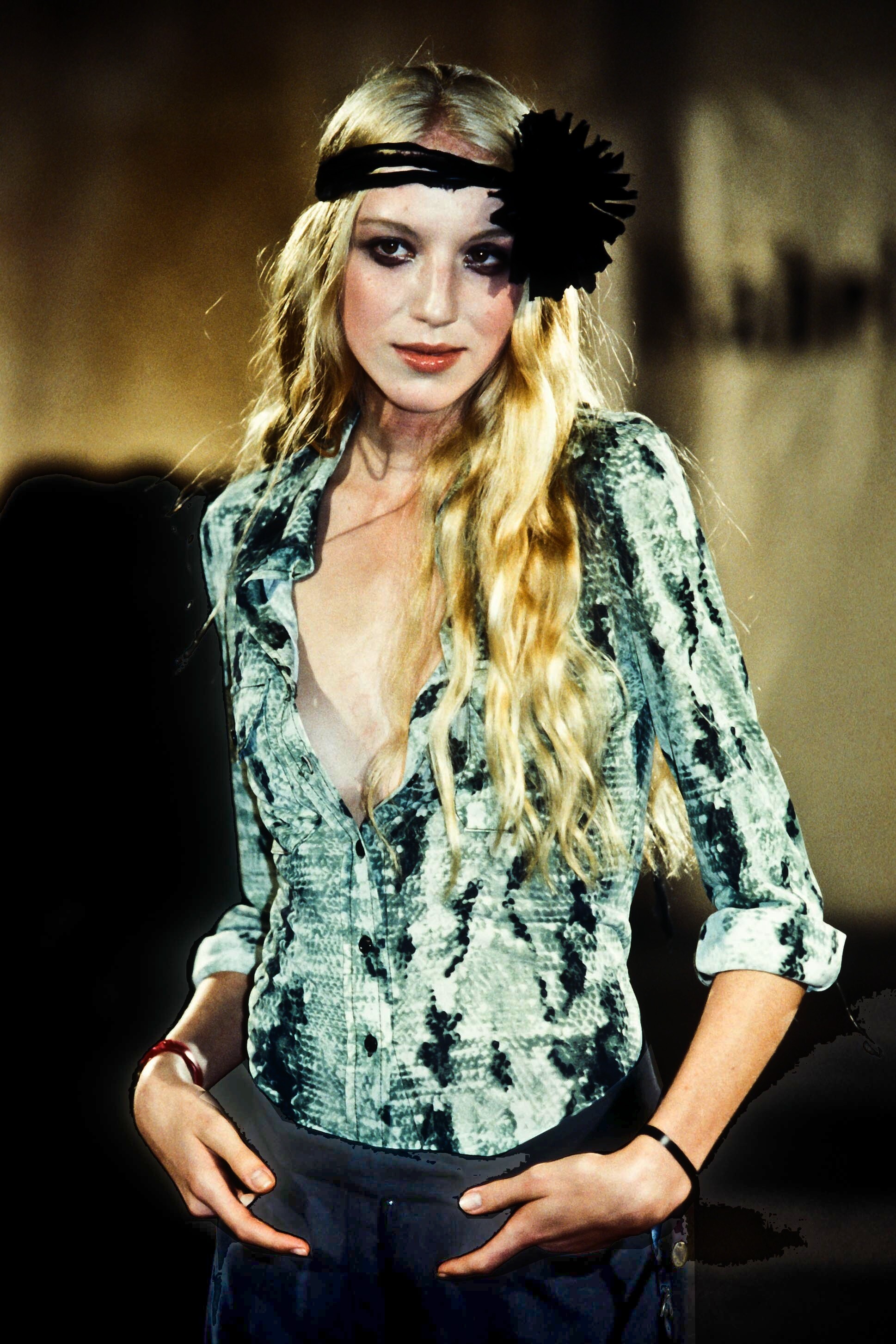
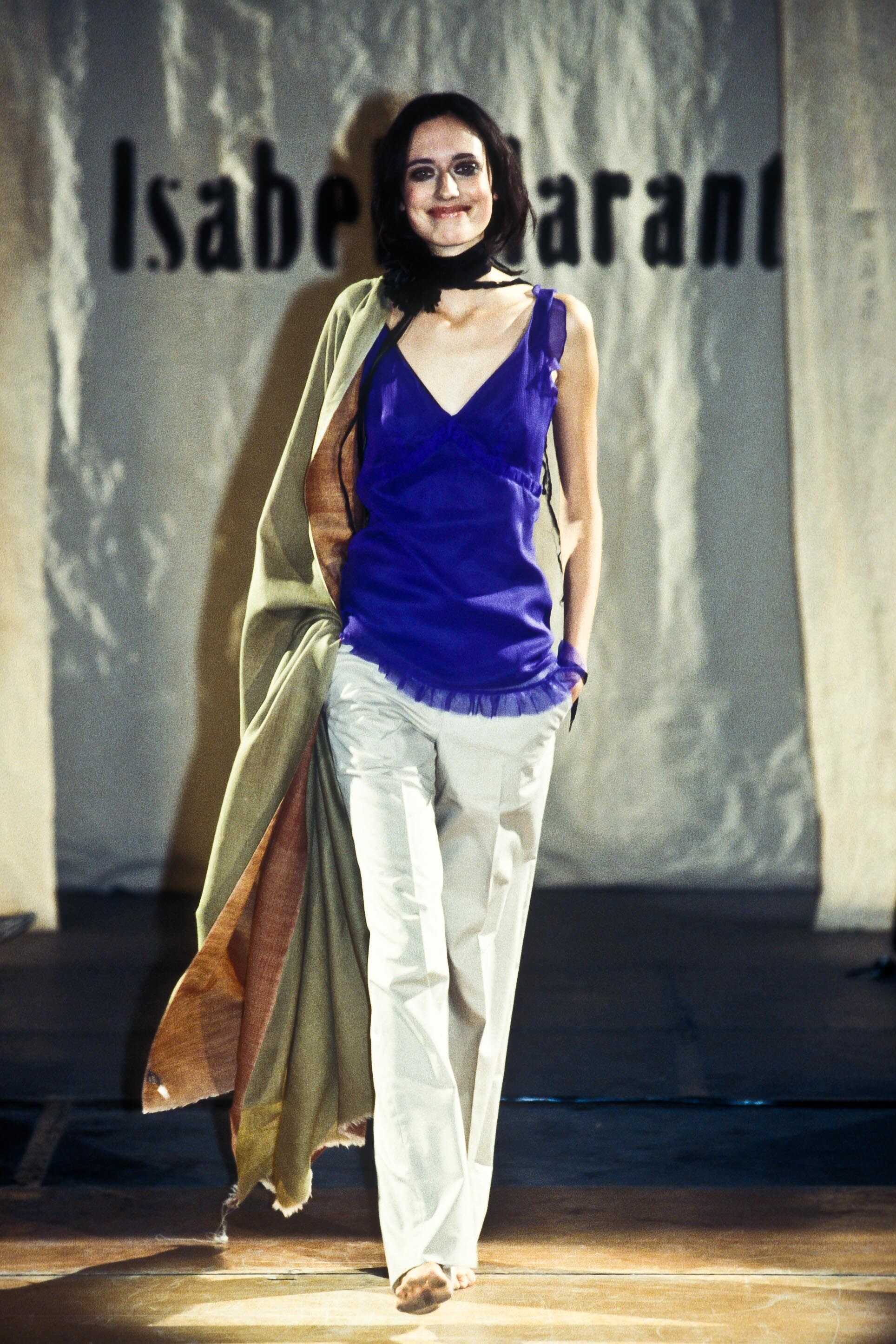
  6. Isabel Marant, f/w 1999 ID help from parisienne

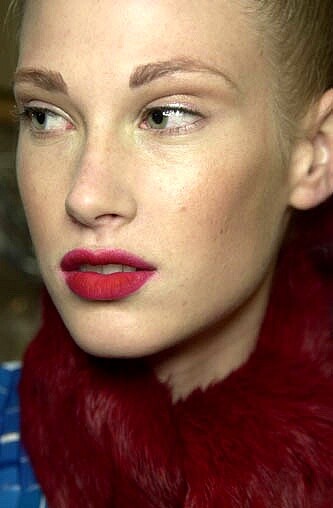
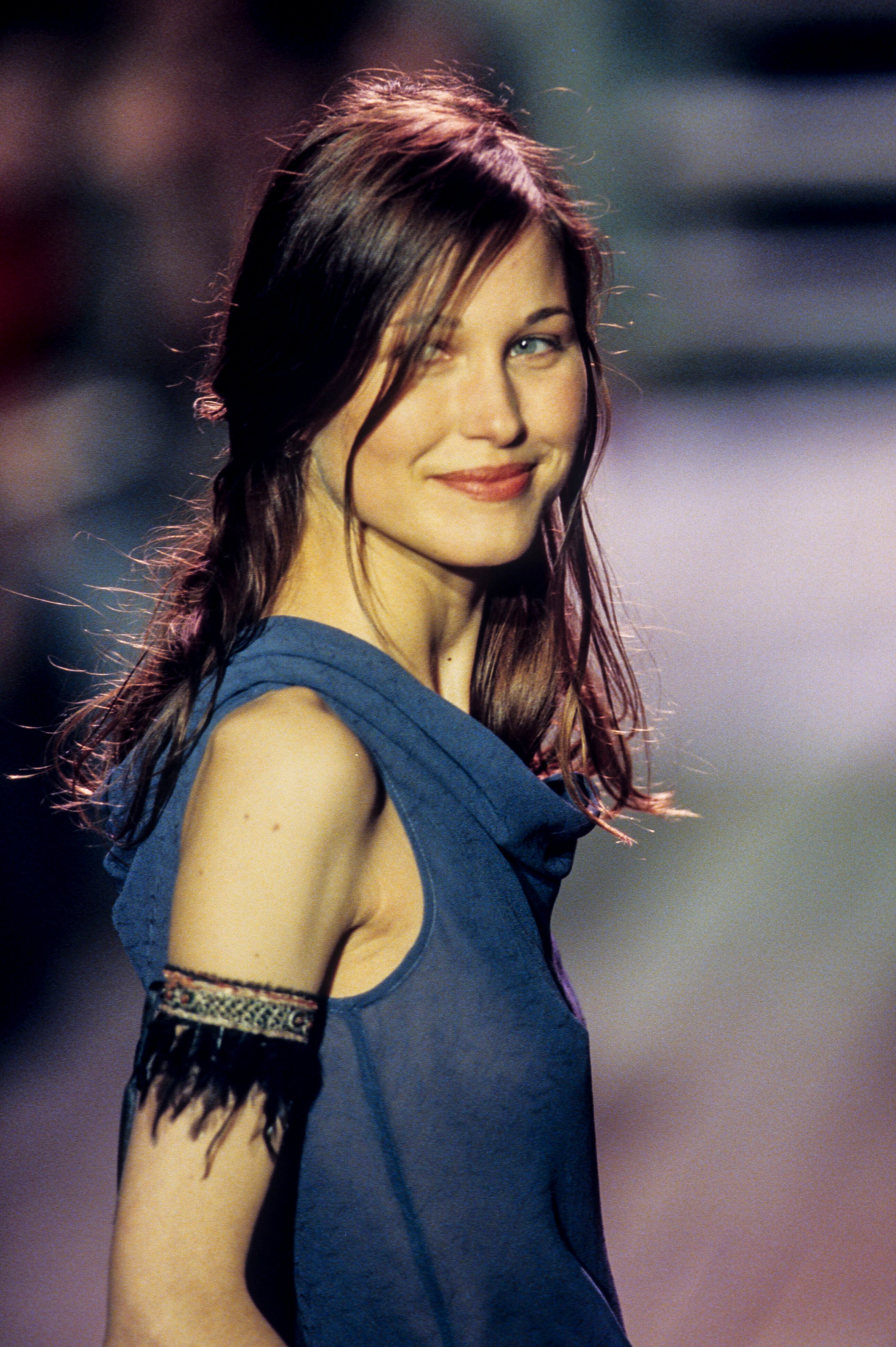
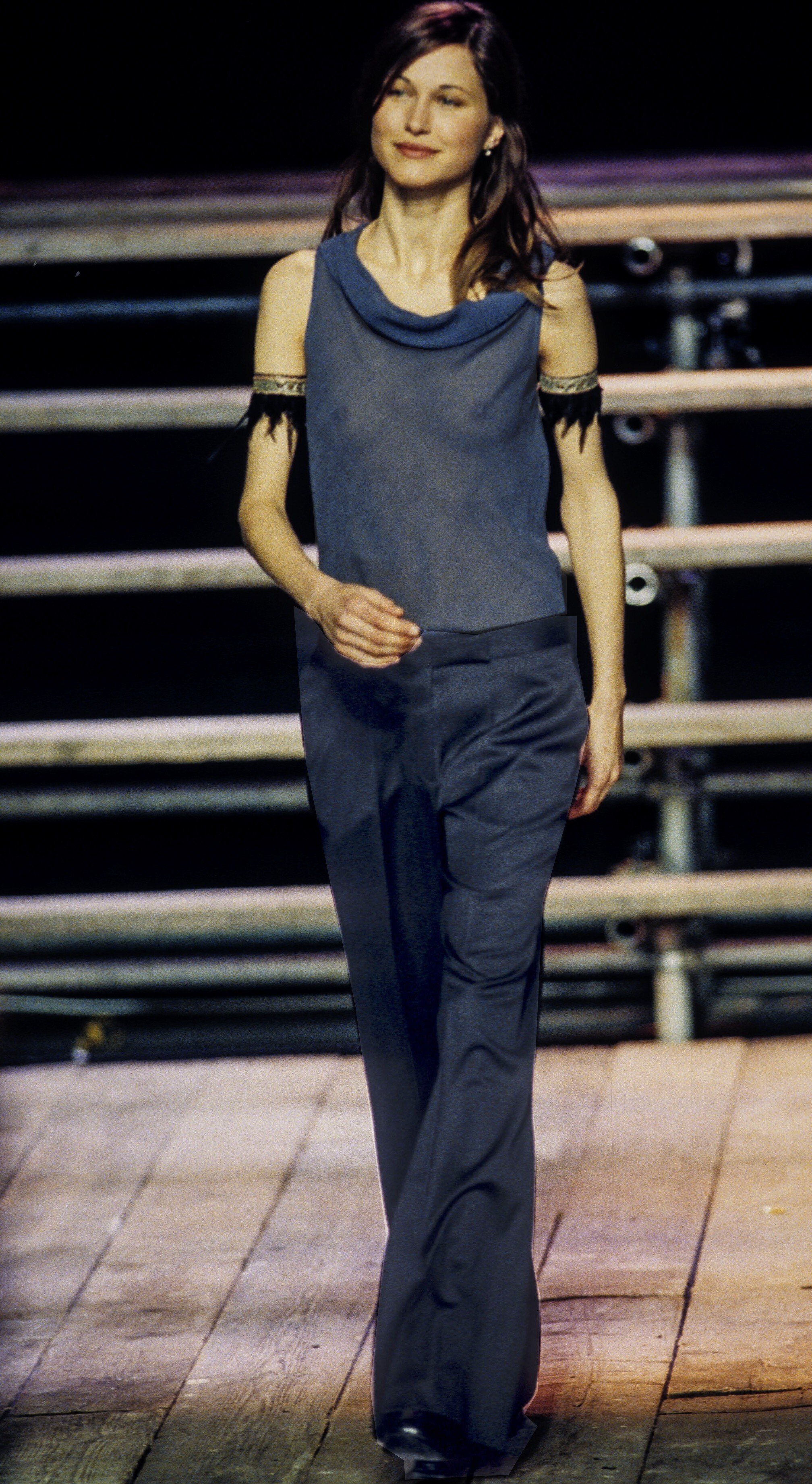
  7. thank you, again ! same little smile, probably because it is a comeback... and shoulder moles, like this one (R) in blue top necklace
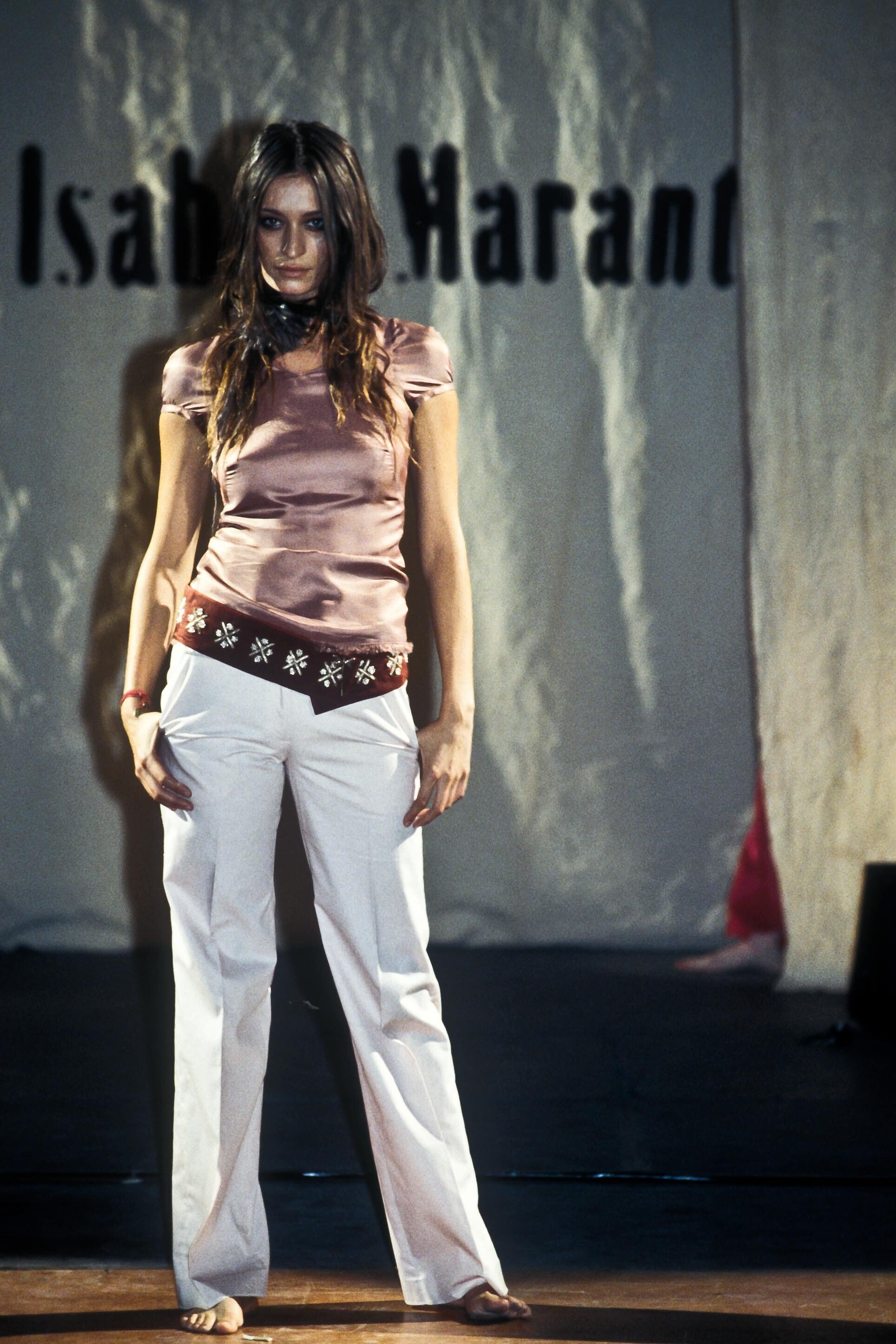
  8. Isabel Marant, f/w 1999
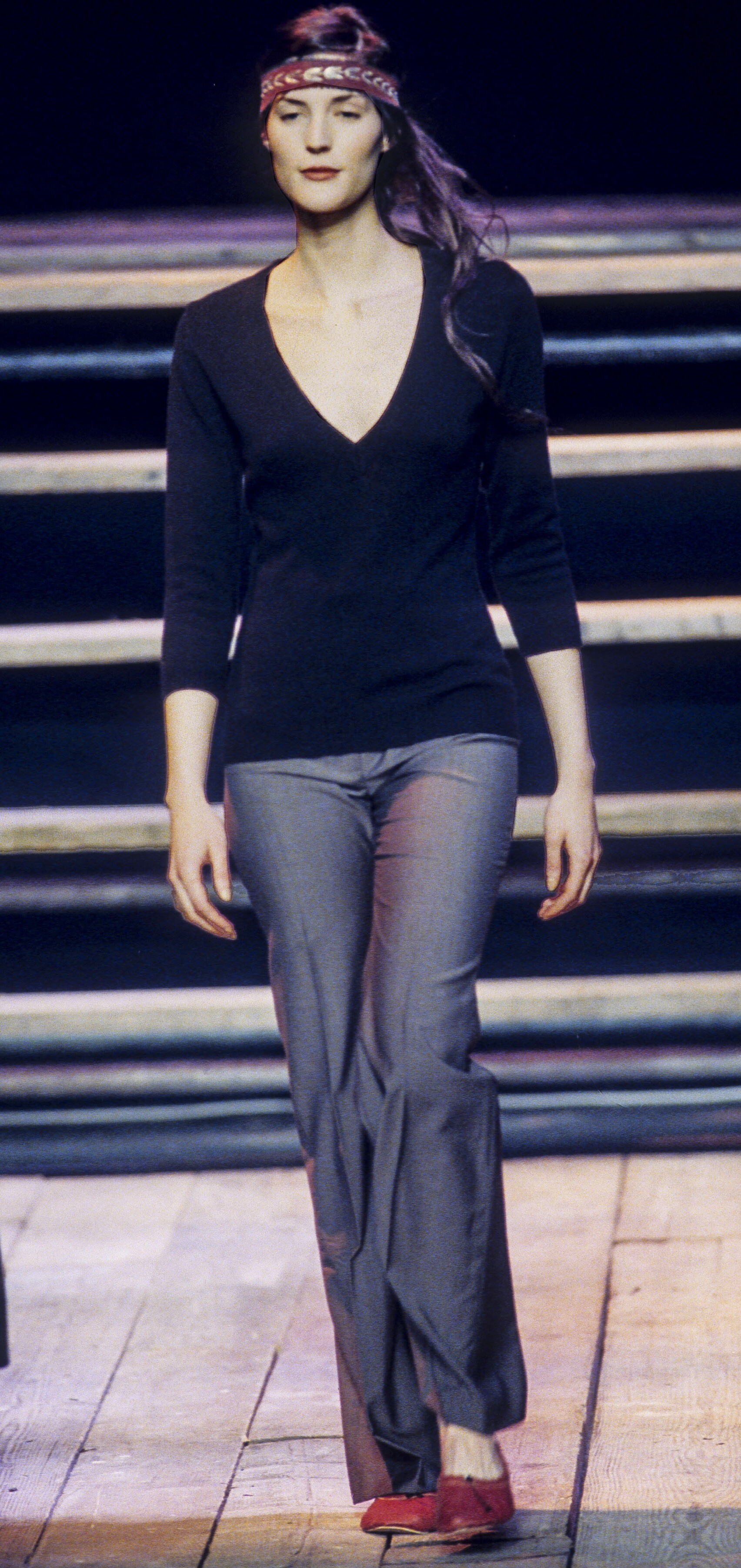
  9. f/w 1999 Paris (Isabel Marant) 1, ?? Elba Elmer, Simona Venier
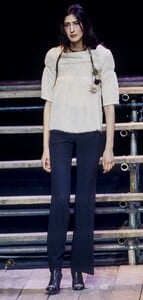
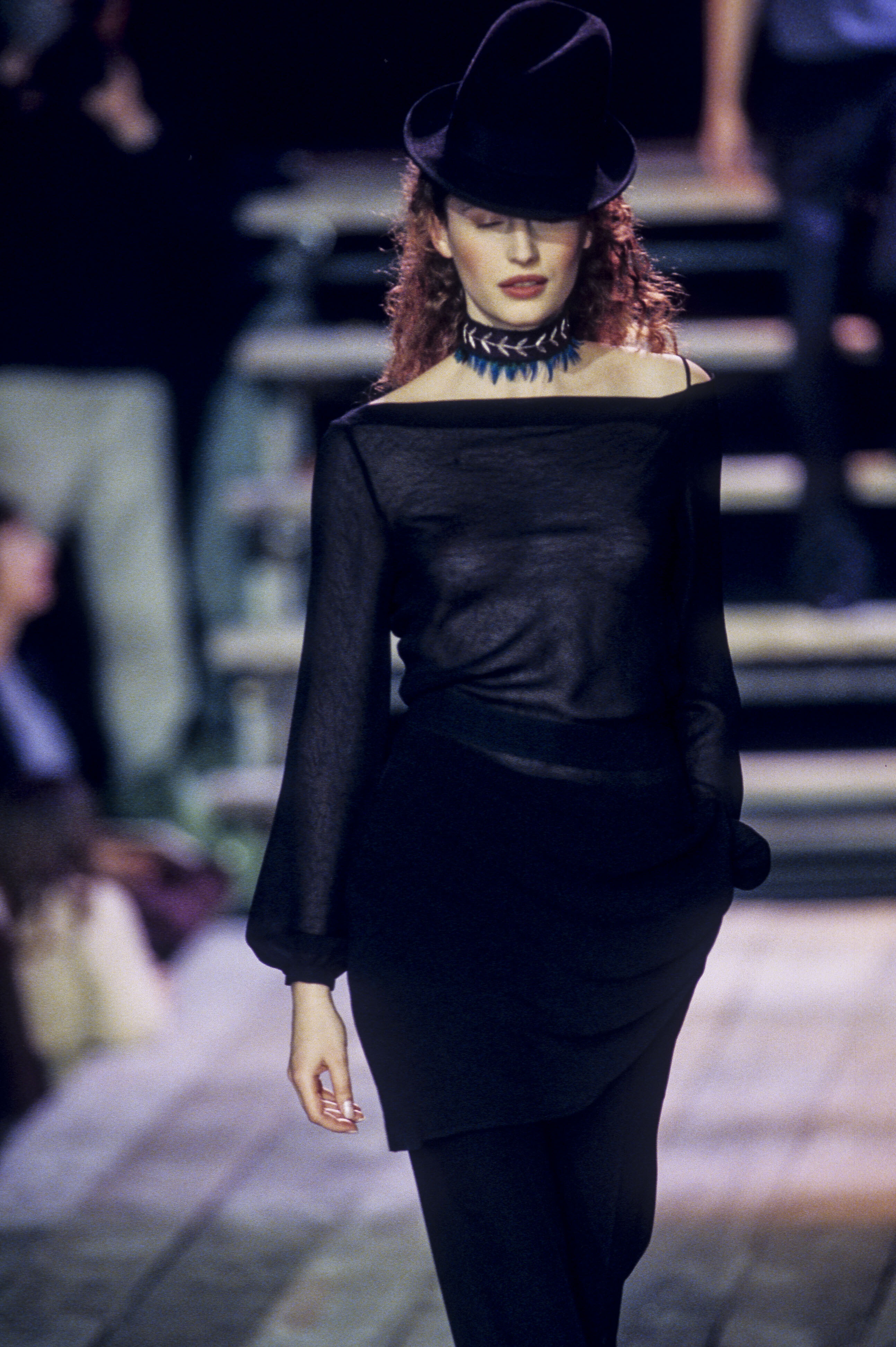
  10. Isabel Marant, f/w 2000
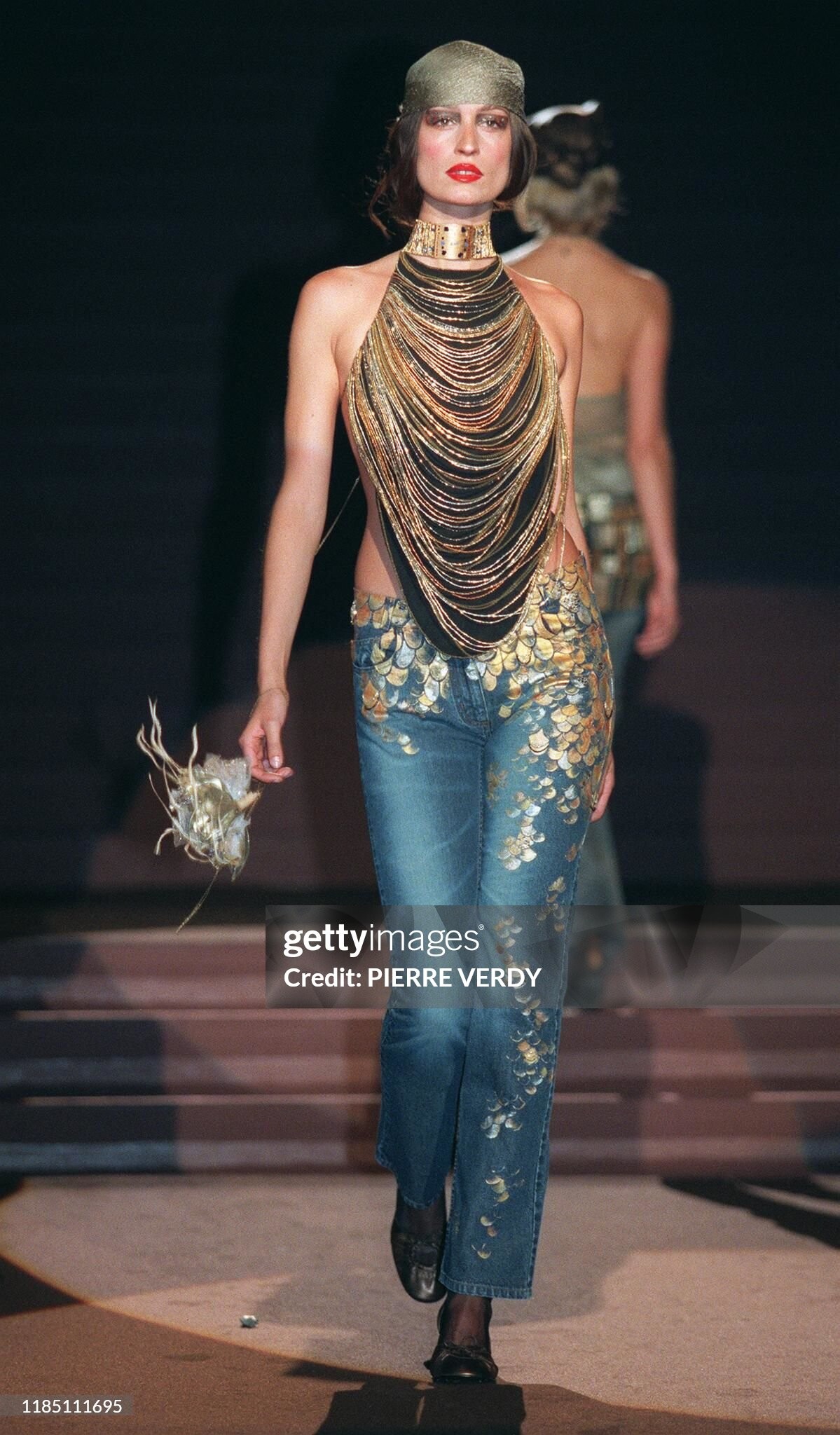
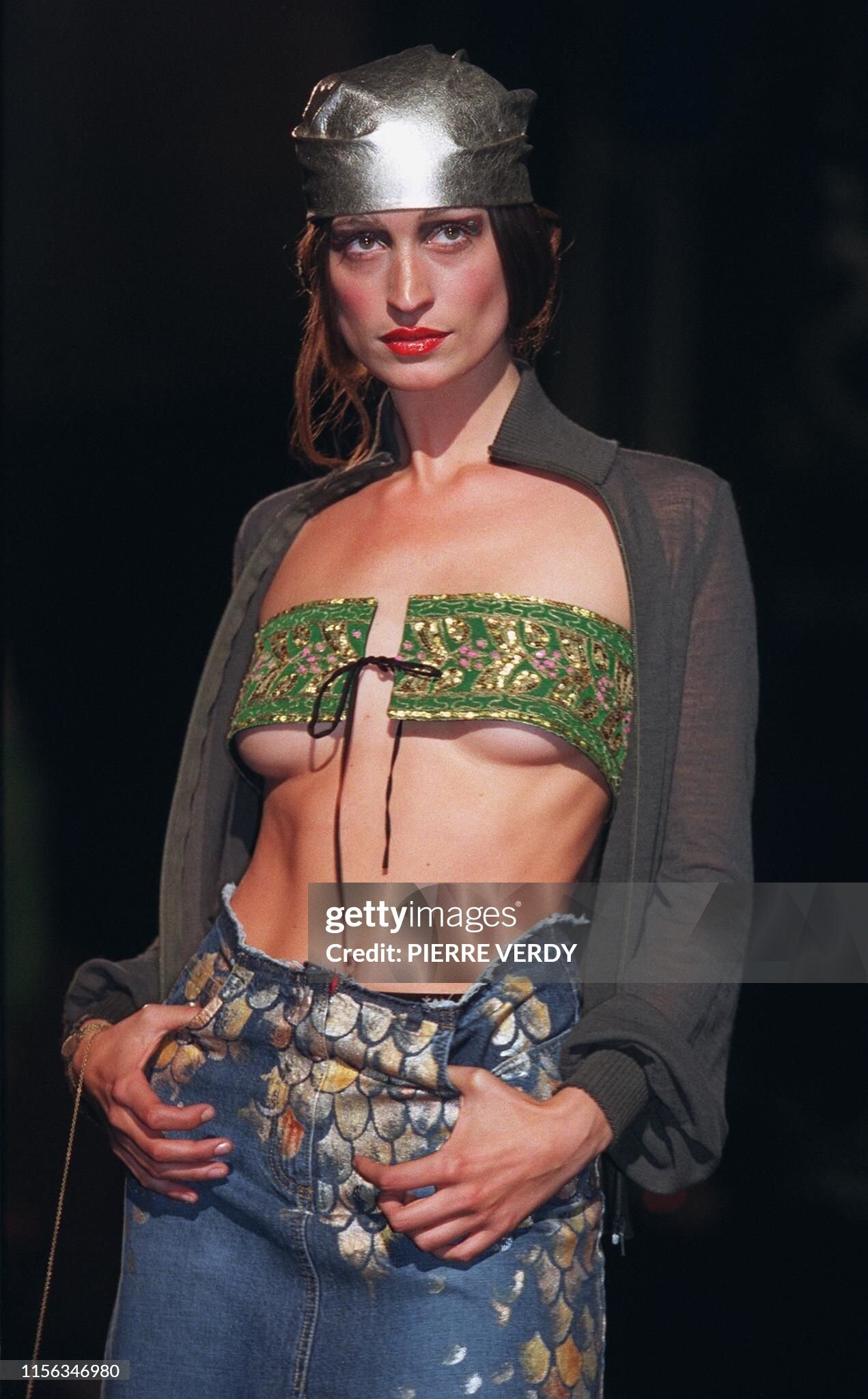
  11. Isabel Marant, s/s 2000
  12. Isabel Marant, s/s 2000
  13. Isabel Marant, s/s 2000
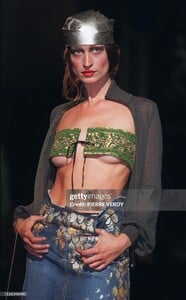
  14. Eva Green ?? s/s 2000 Paris
  15. Raffaella Curiel (Rome couture = altamoda) s/s 2003
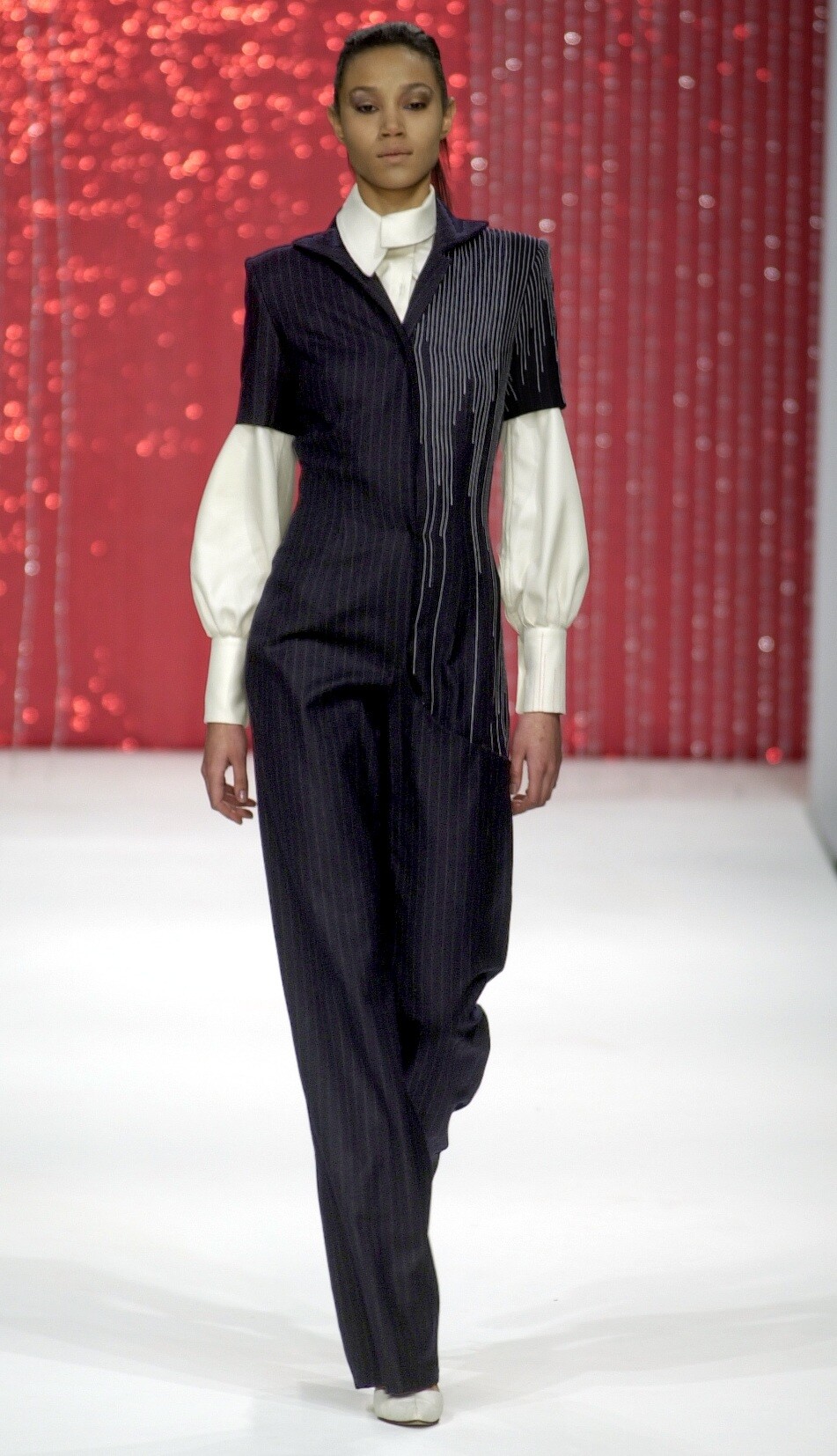
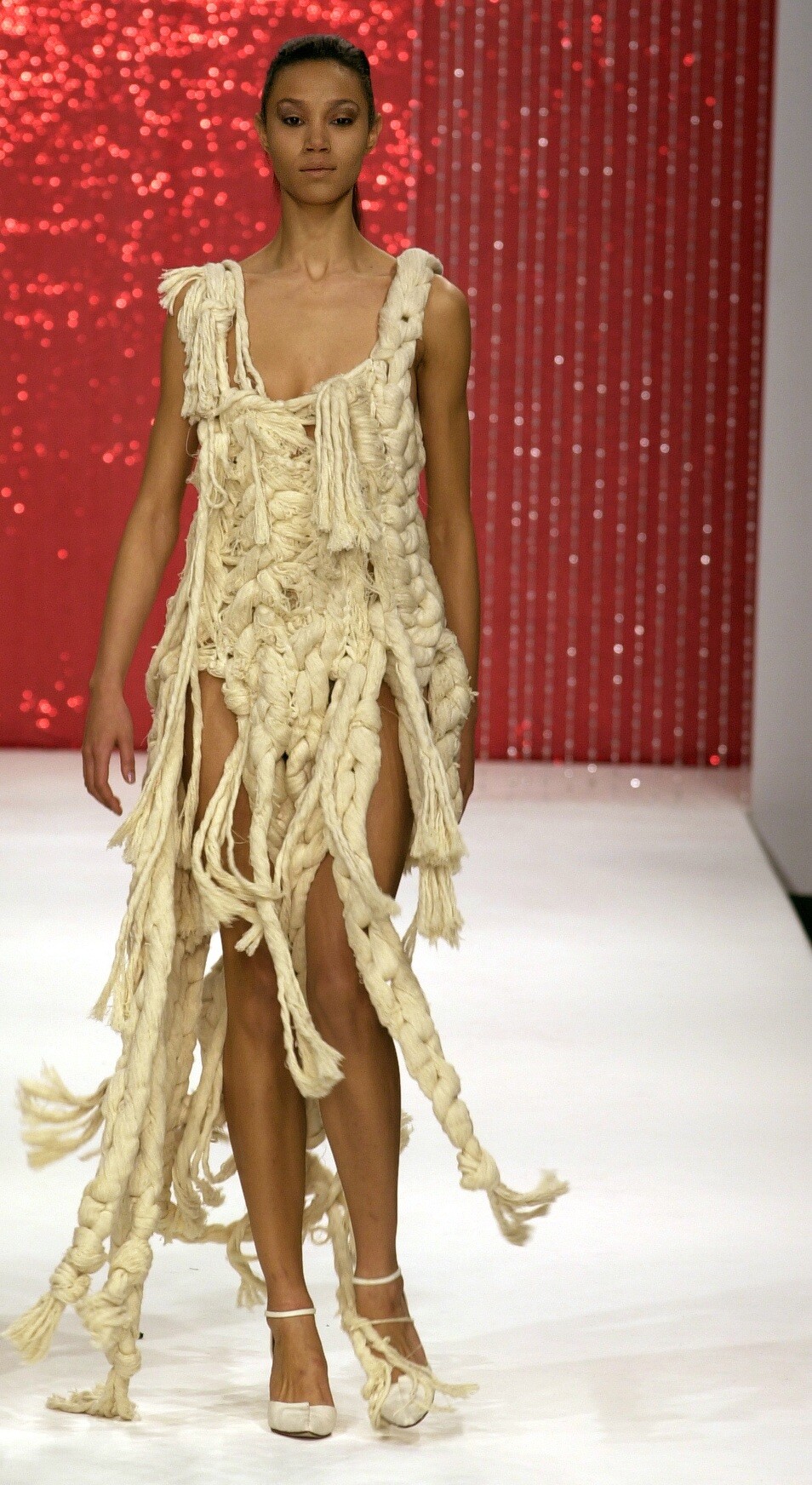
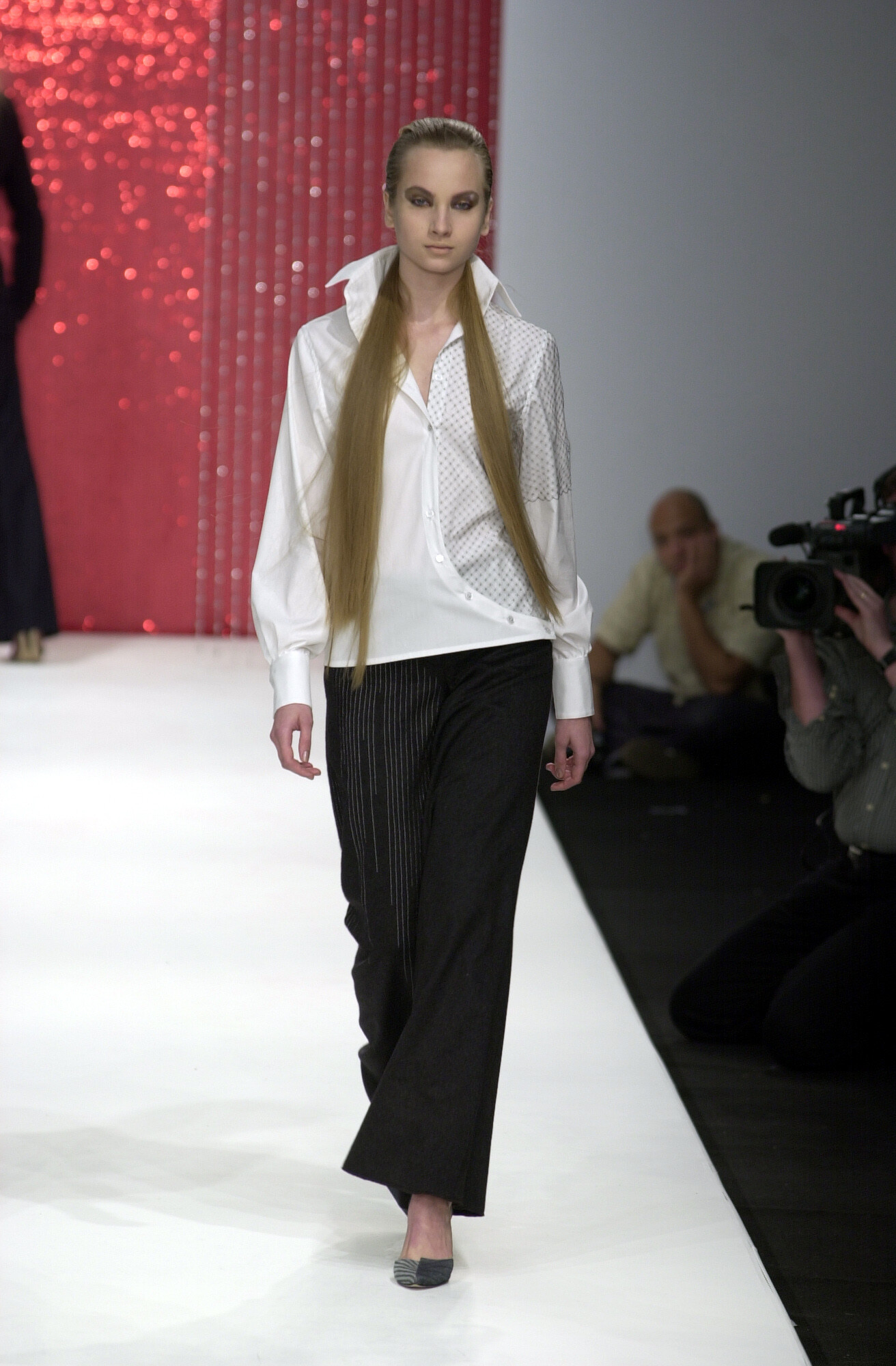
  16. Arkadius, f/w 2001
Account

Navigation

Search

Configure browser push notifications

Chrome (Android)
  1. Tap the lock icon next to the address bar.
  2. Tap Permissions → Notifications.
  3. Adjust your preference.
Chrome (Desktop)
  1. Click the padlock icon in the address bar.
  2. Select Site settings.
  3. Find Notifications and adjust your preference.