Jump to content
View in the app

A better way to browse. Learn more.

Bellazon

A full-screen app on your home screen with push notifications, badges and more.

To install this app on iOS and iPadOS
  1. Tap the Share icon in Safari
  2. Scroll the menu and tap Add to Home Screen.
  3. Tap Add in the top-right corner.
To install this app on Android
  1. Tap the 3-dot menu (⋮) in the top-right corner of the browser.
  2. Tap Add to Home screen or Install app.
  3. Confirm by tapping Install.

sanja

Members
  • Joined

  • Last visited

Everything posted by sanja

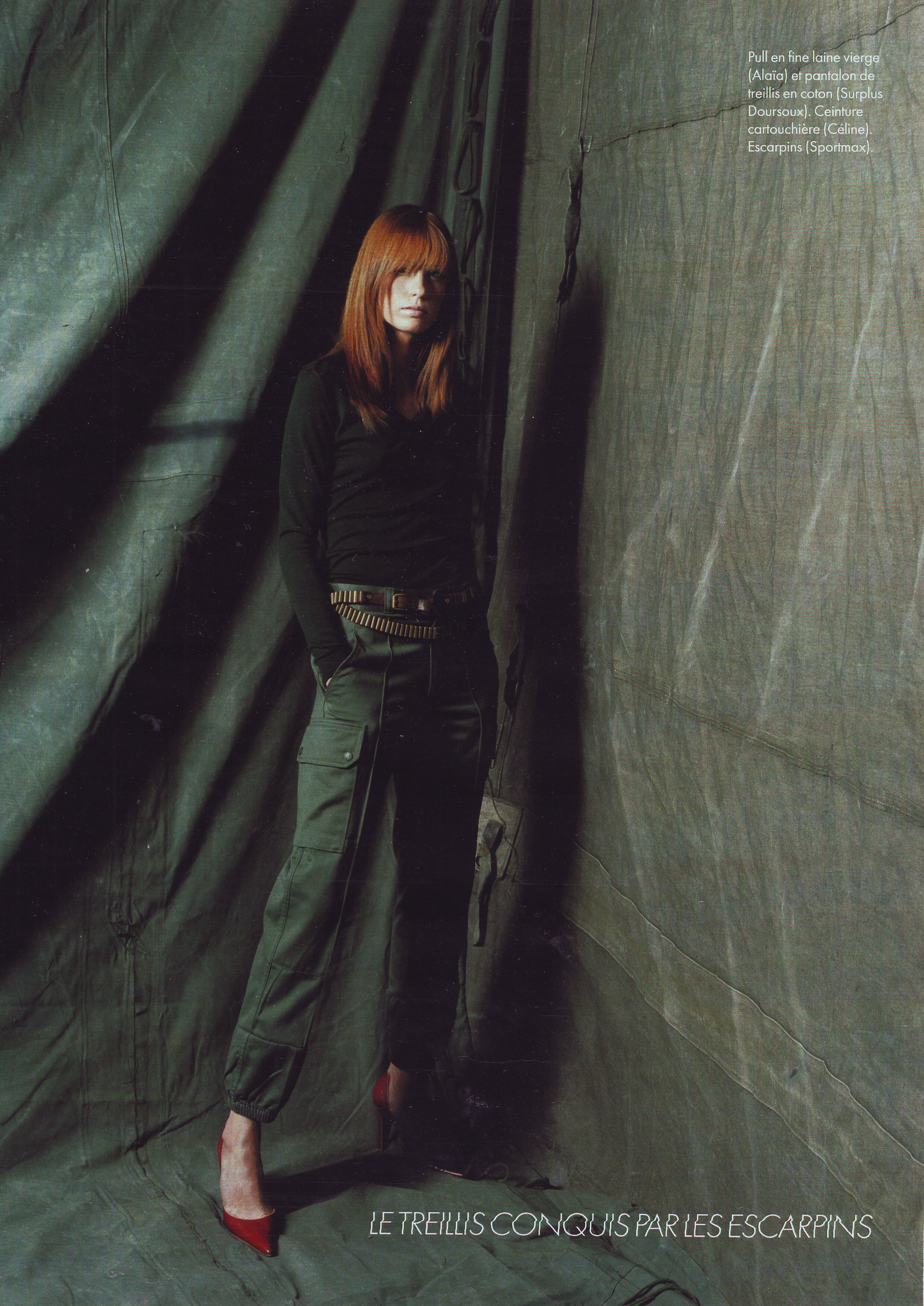
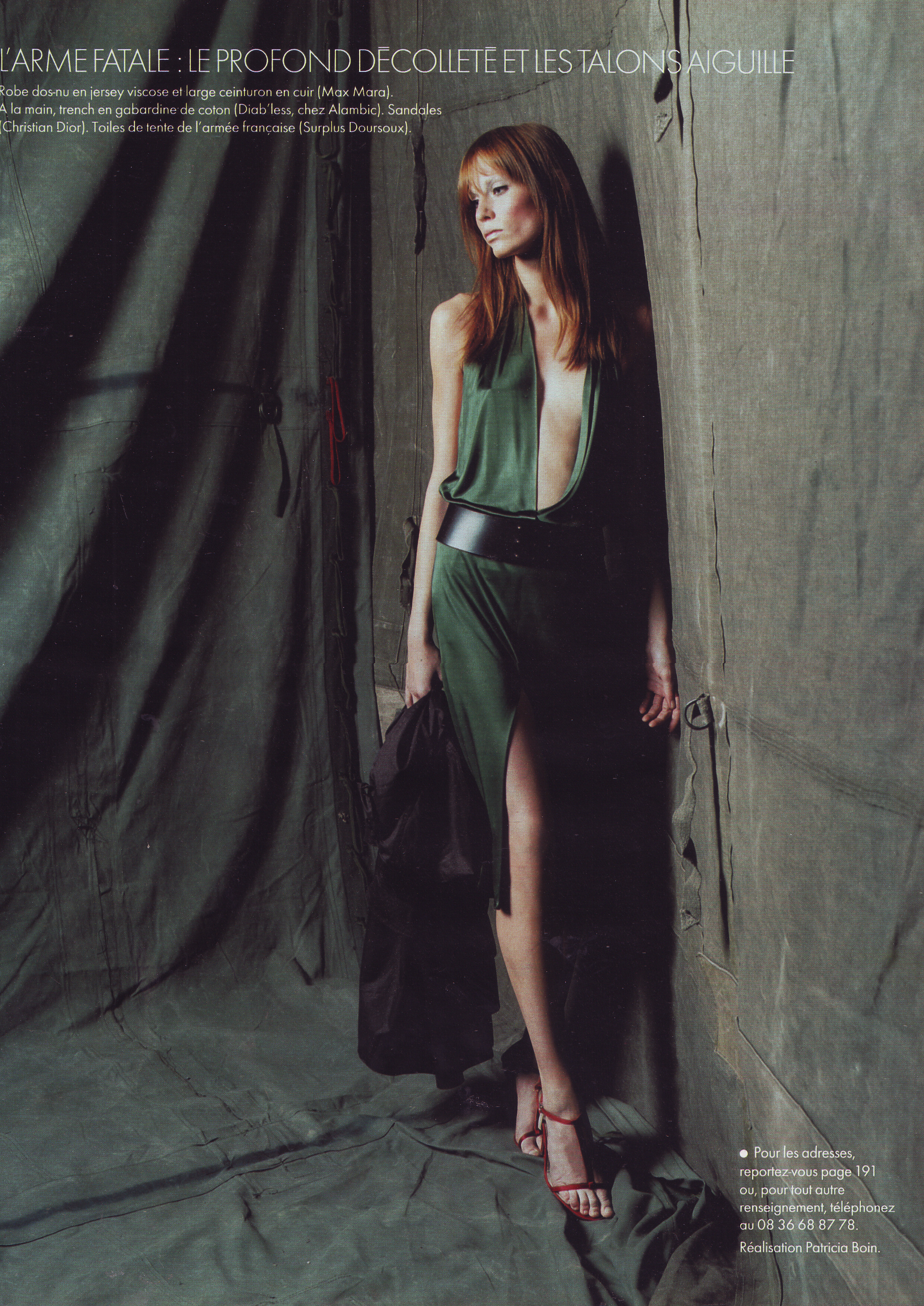
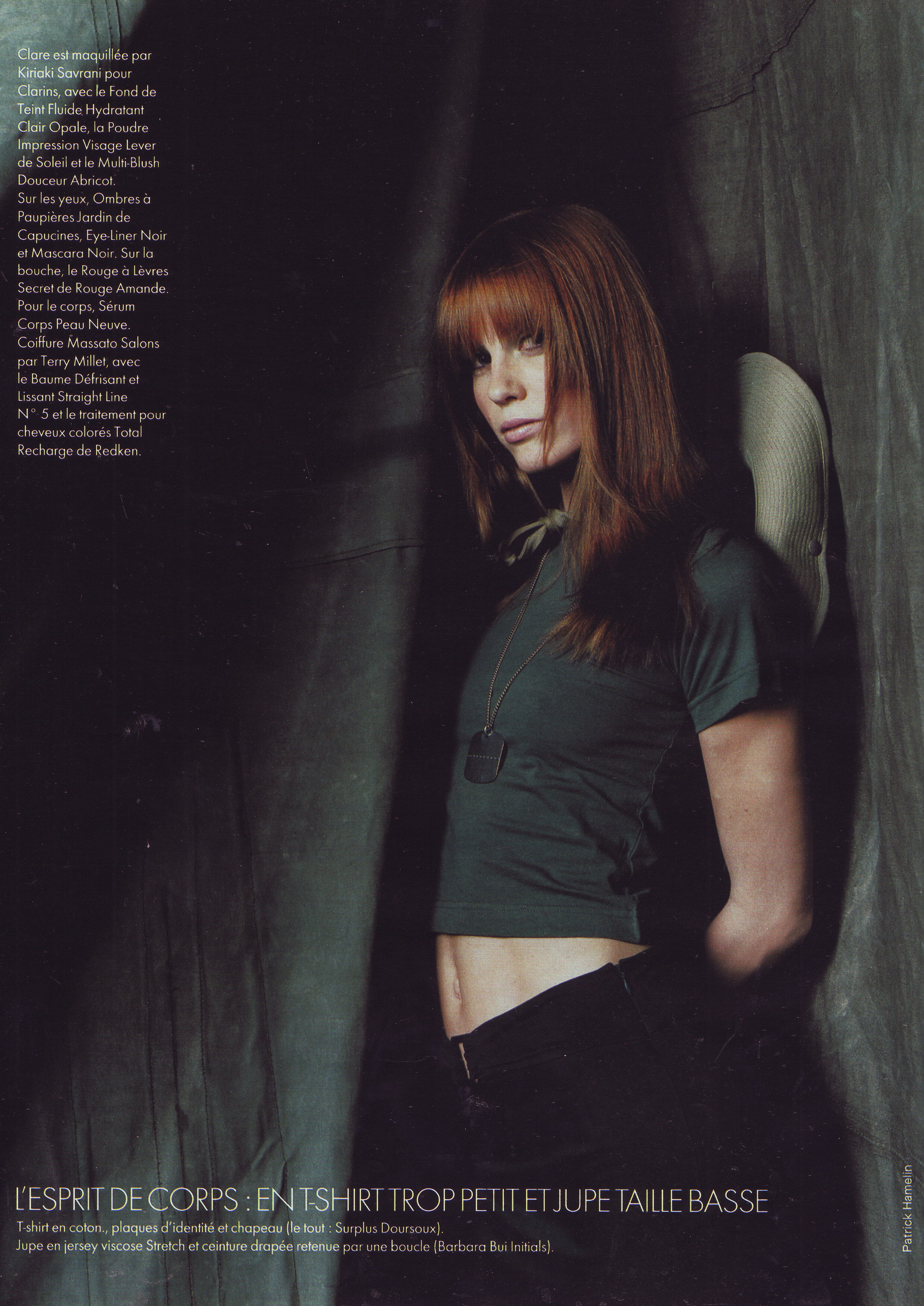
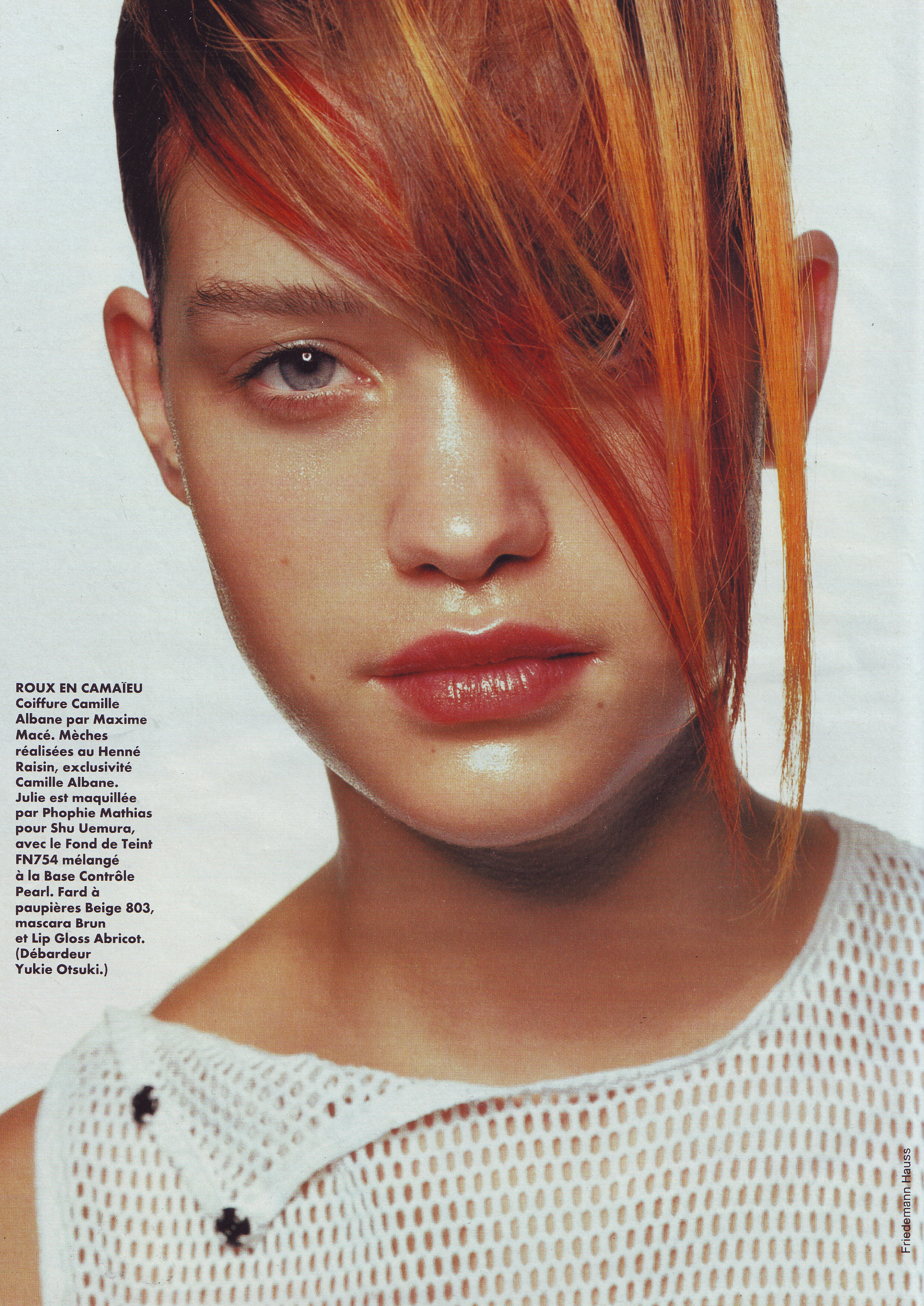
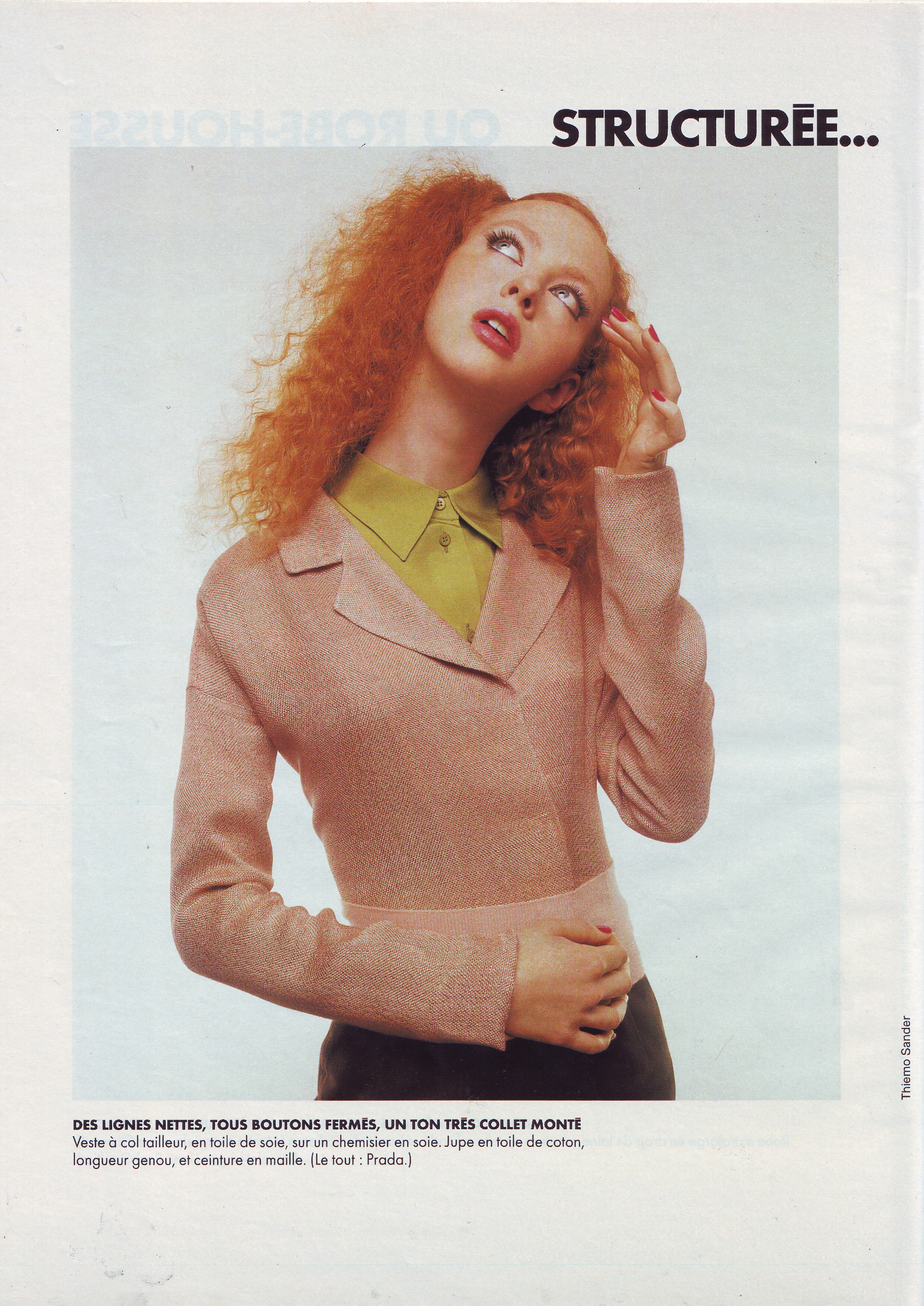
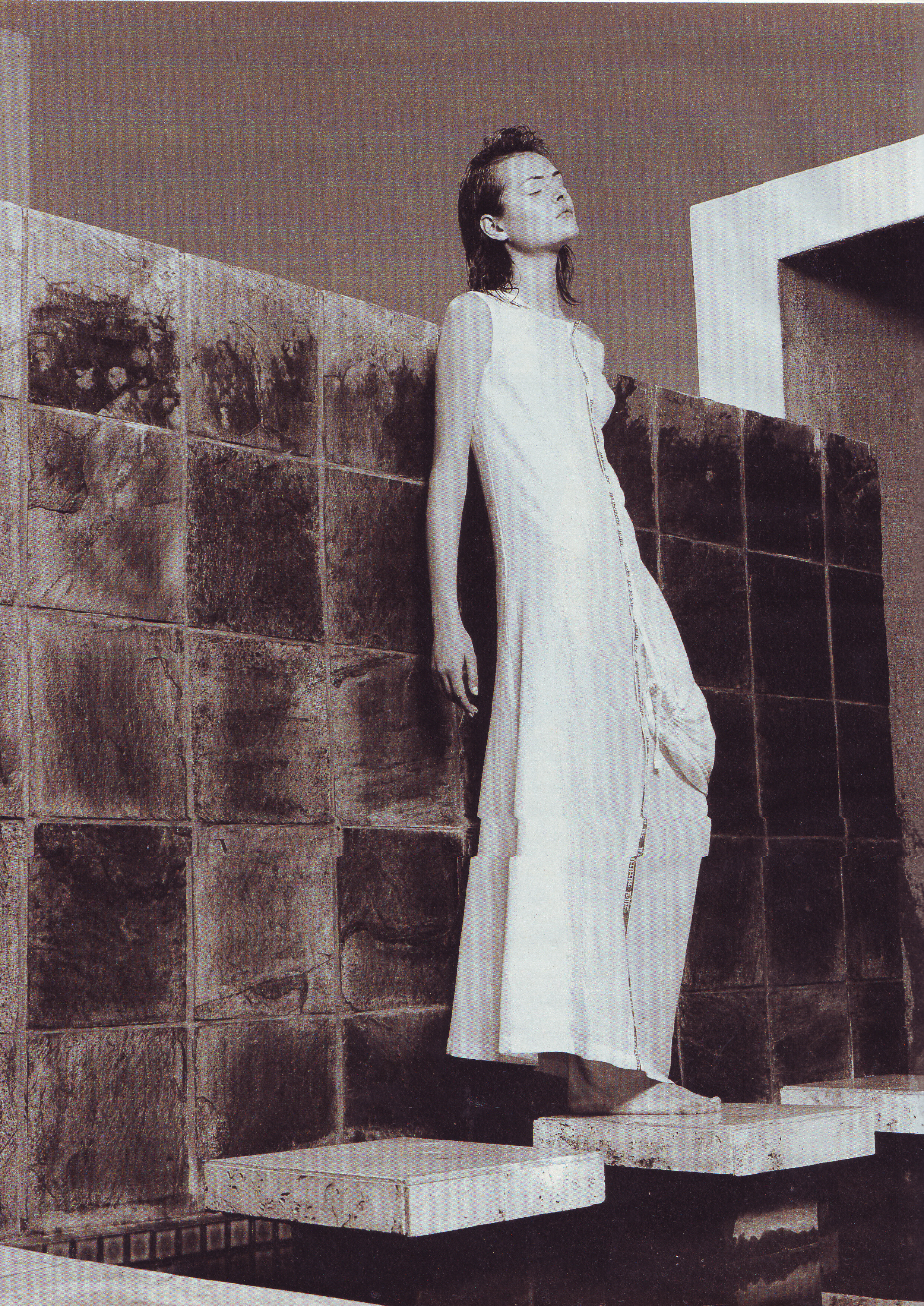
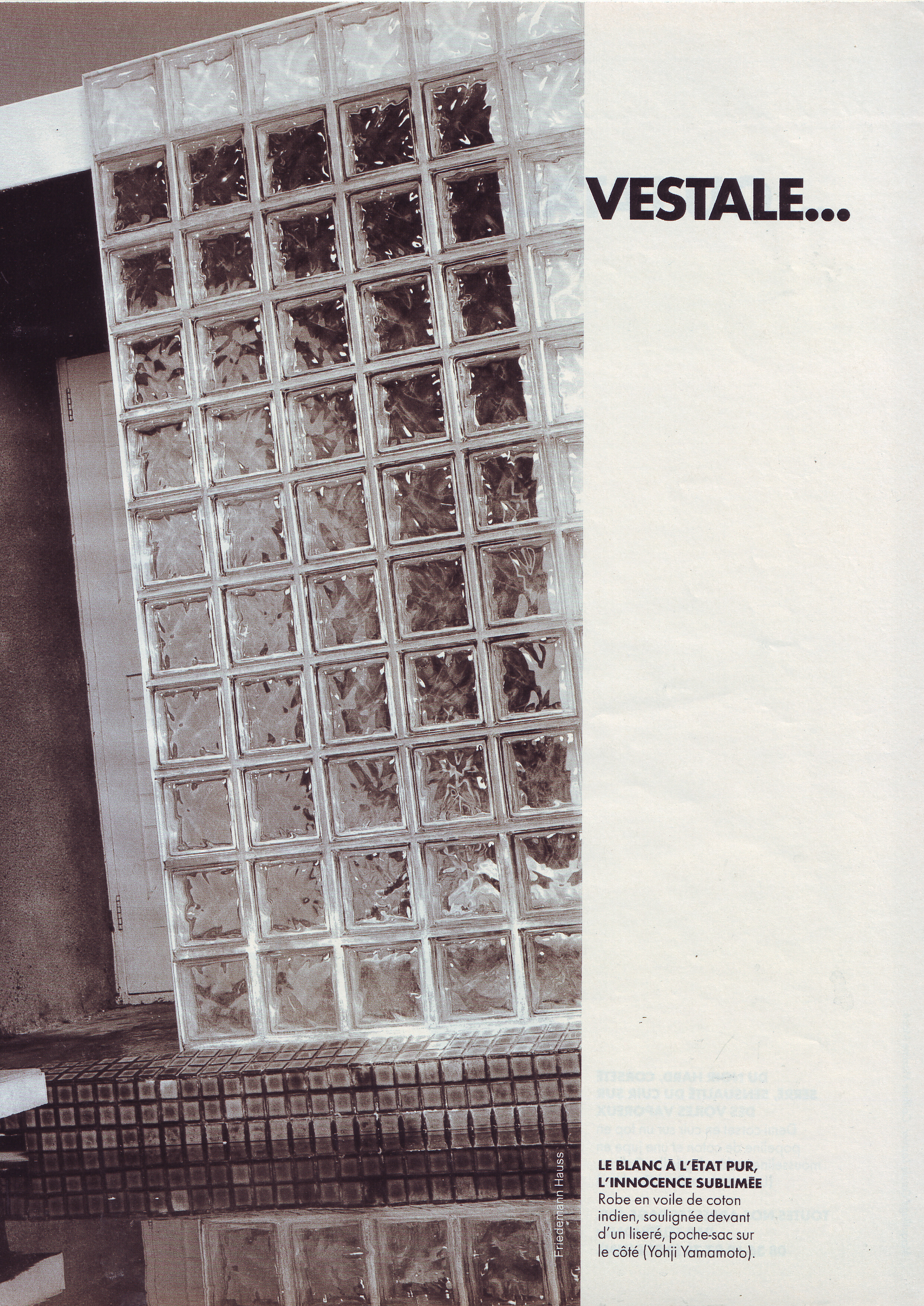
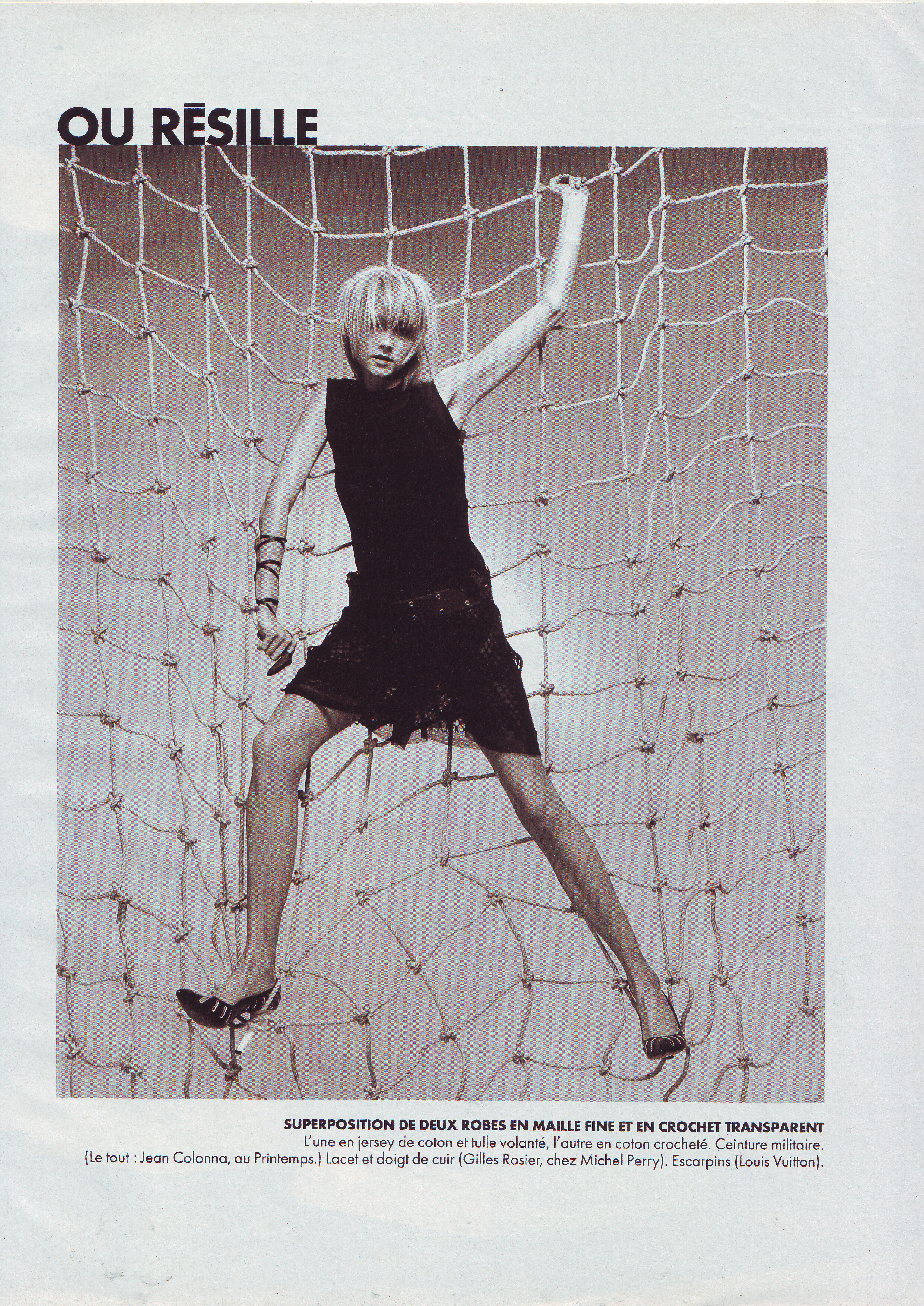
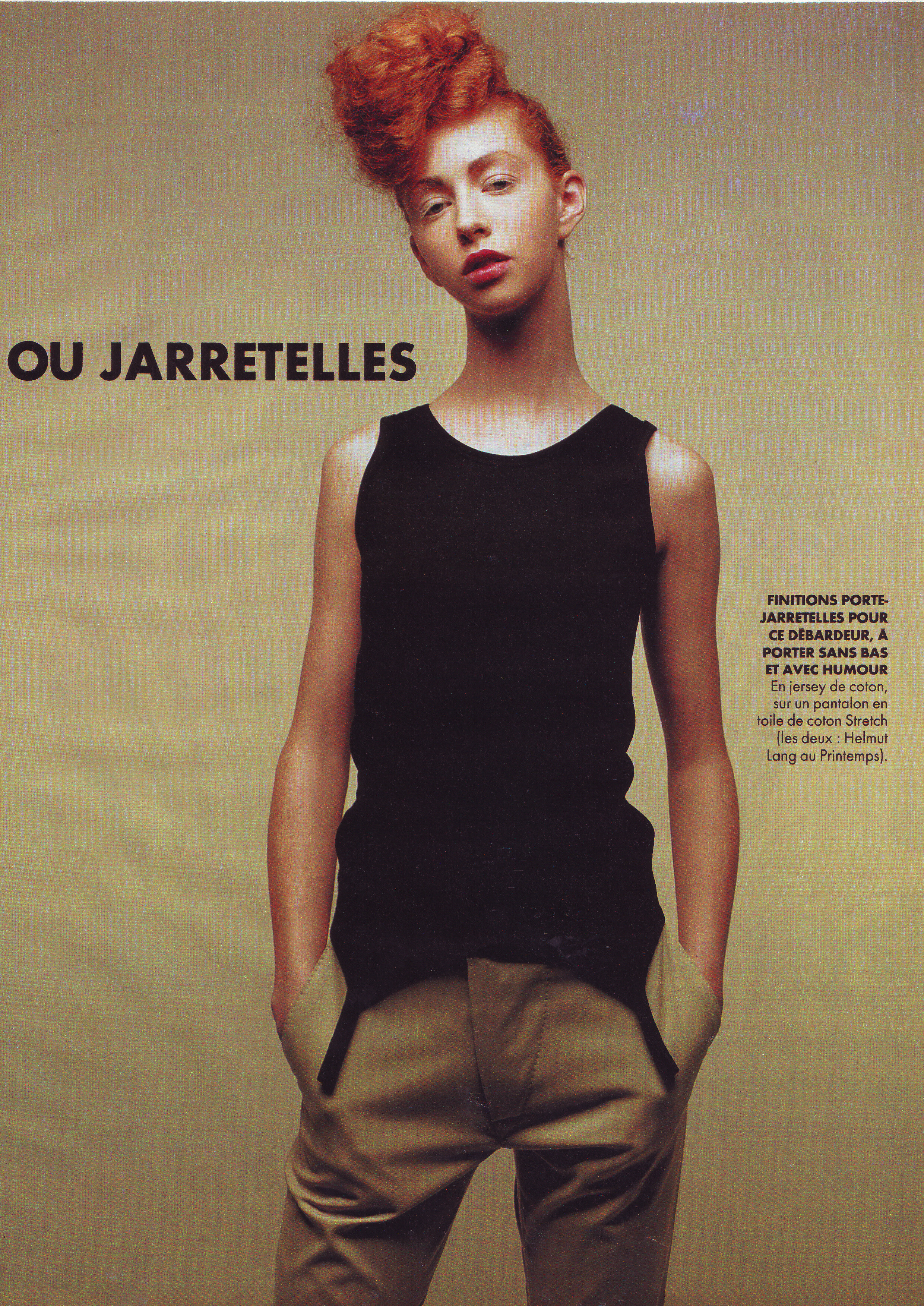
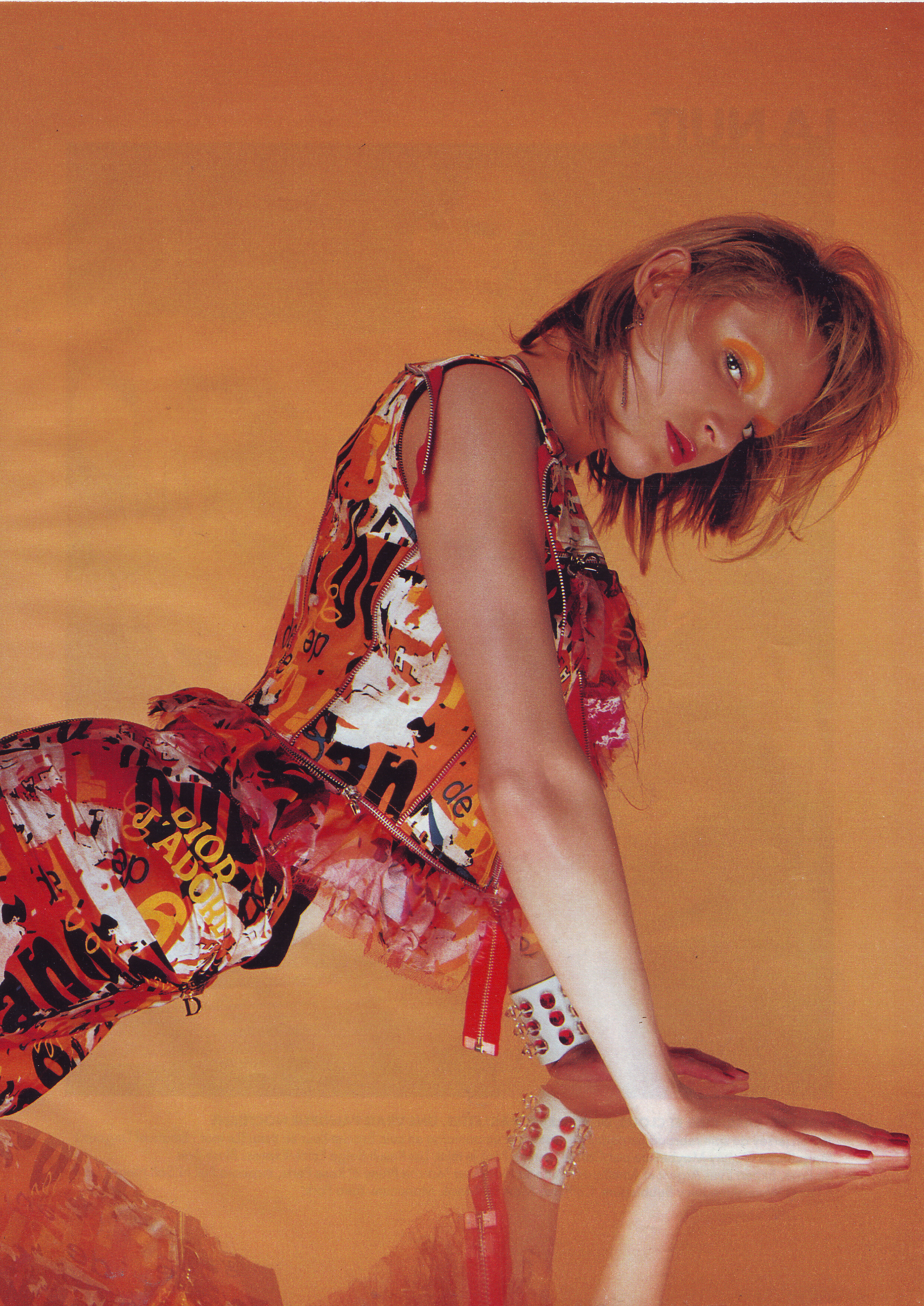
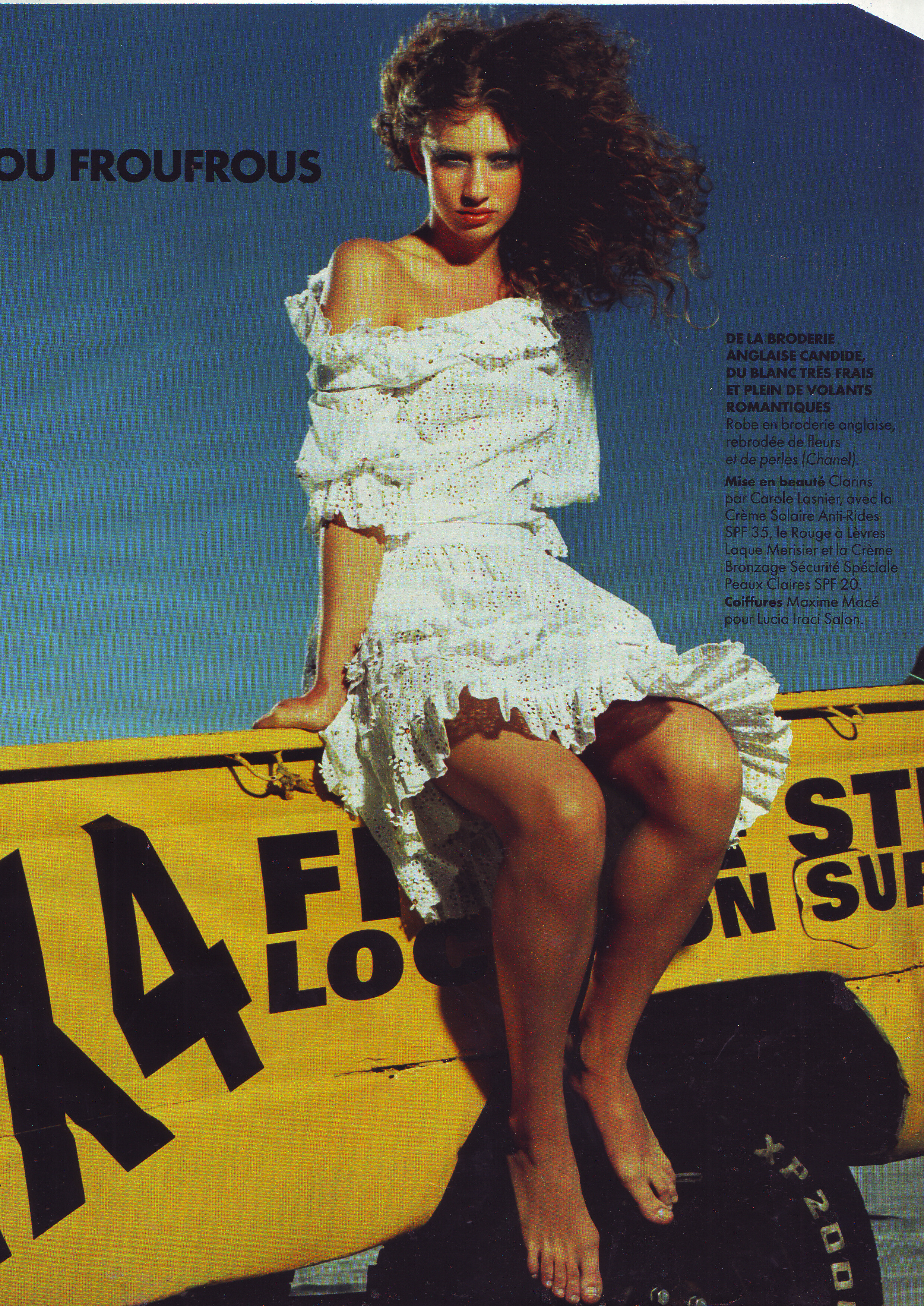
  1. Elle France 2 April 2001 Scanned by me cover actress Sophie Marceau model Christelle model Clare model Natalia Vodianova orange hair
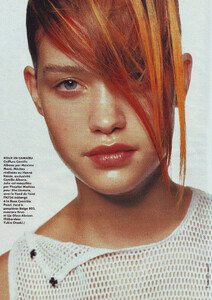
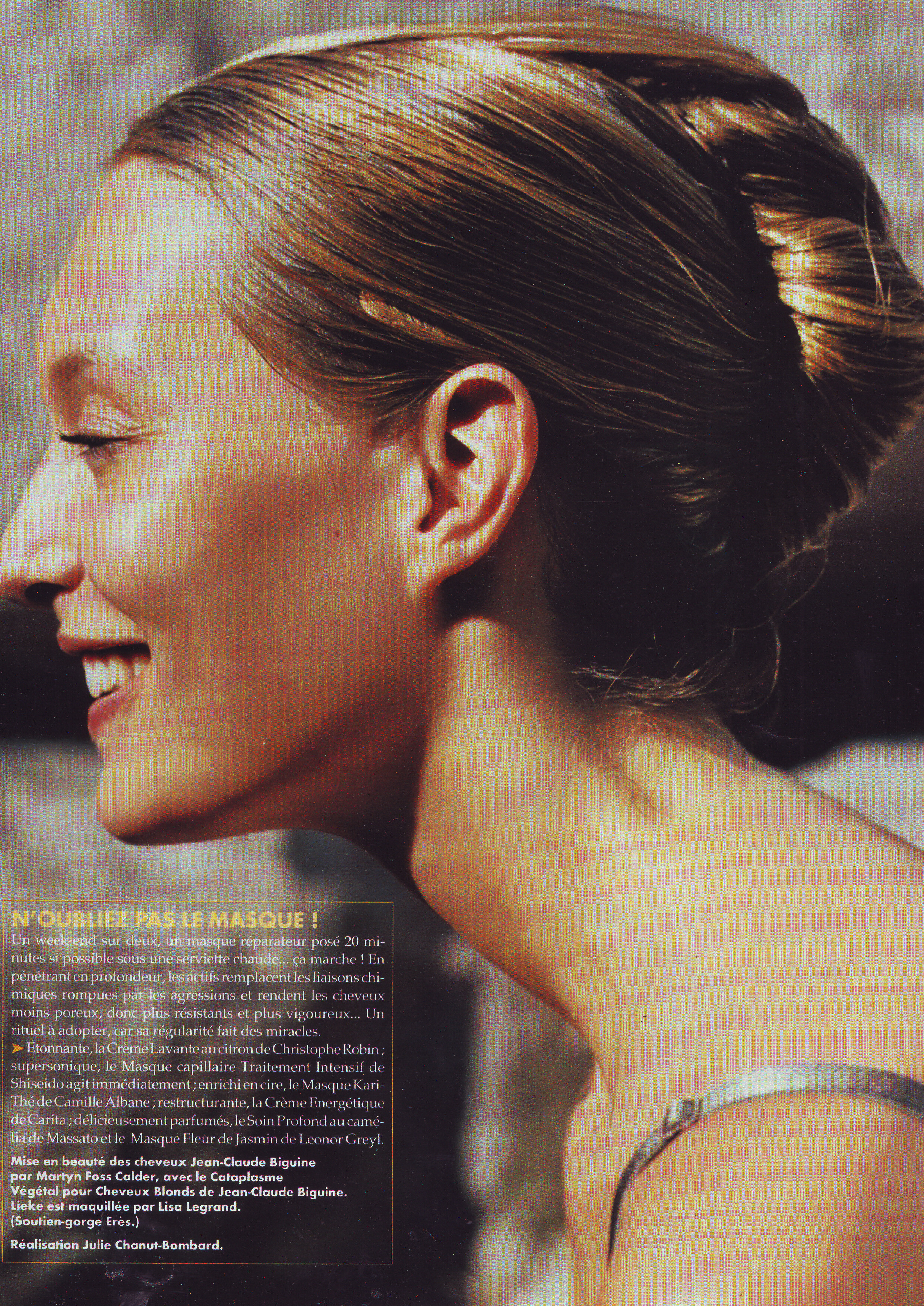
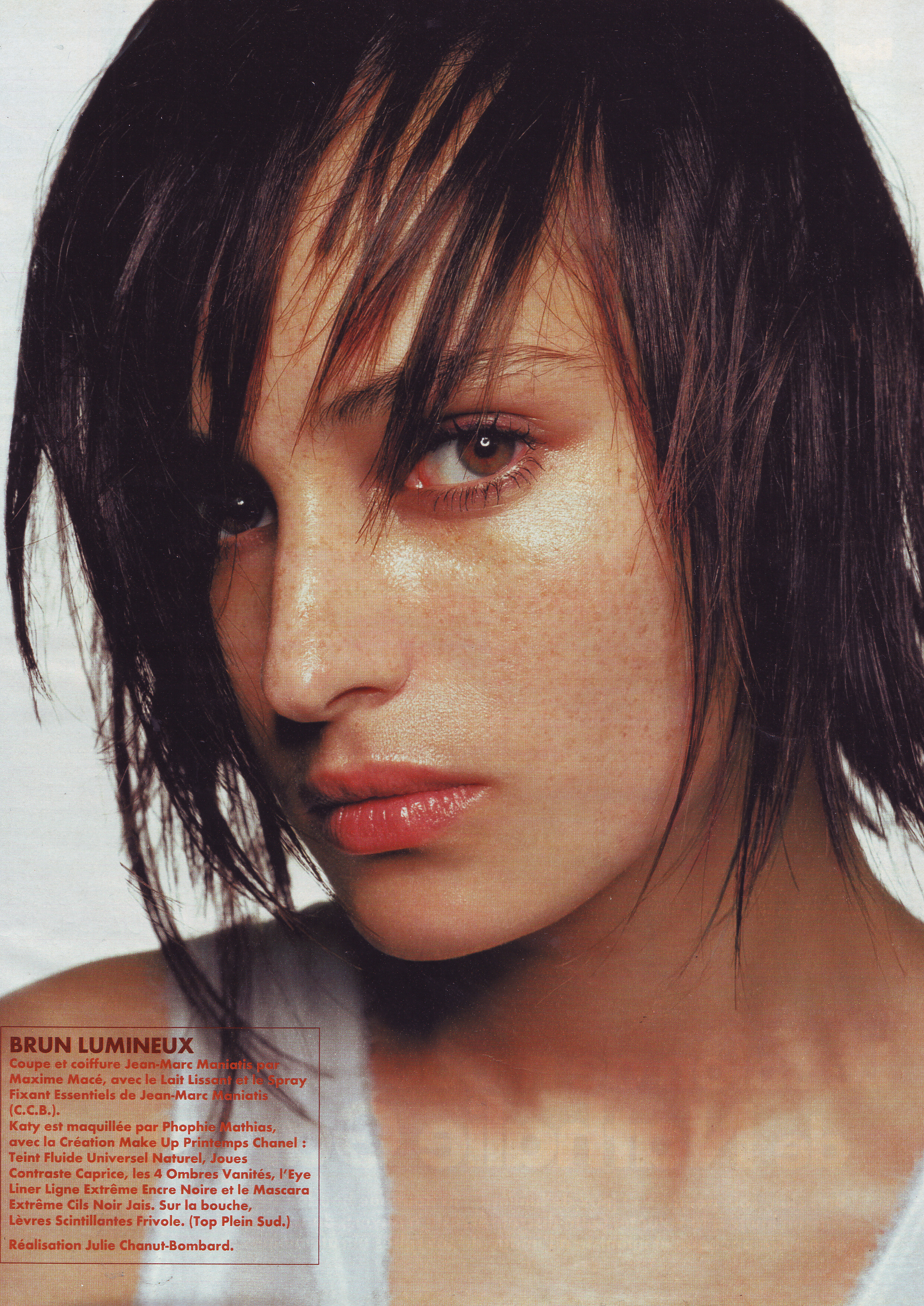
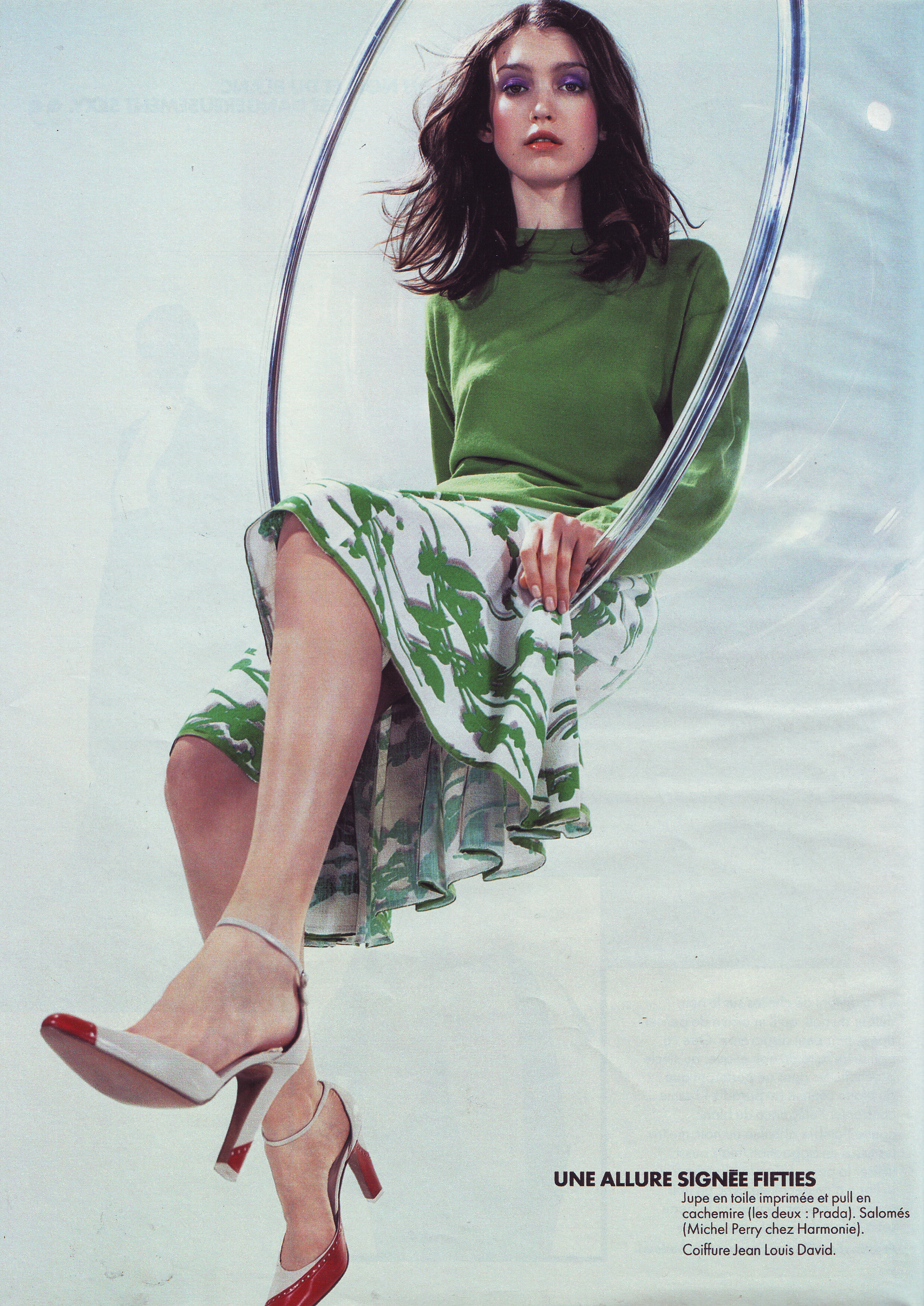
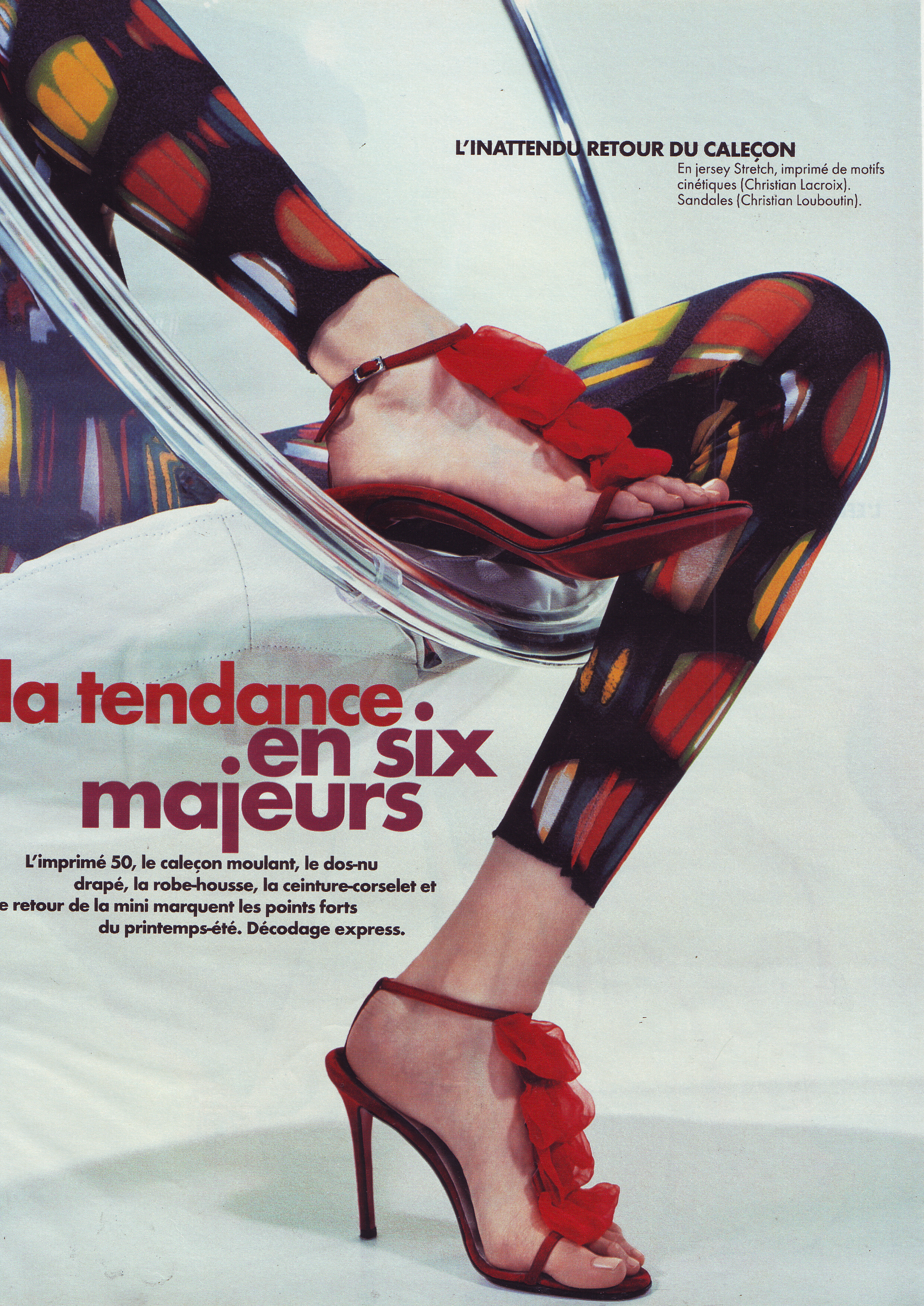
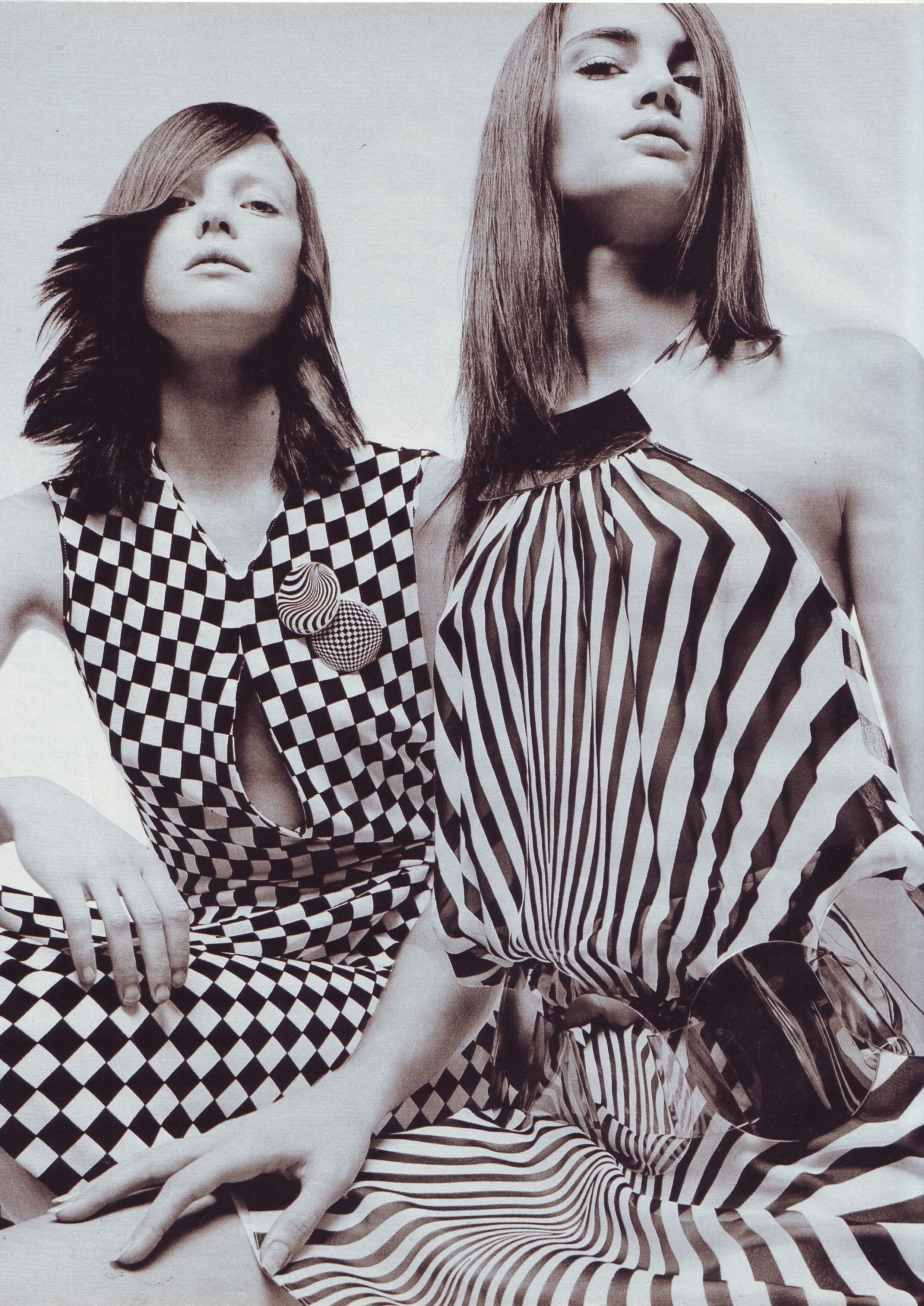
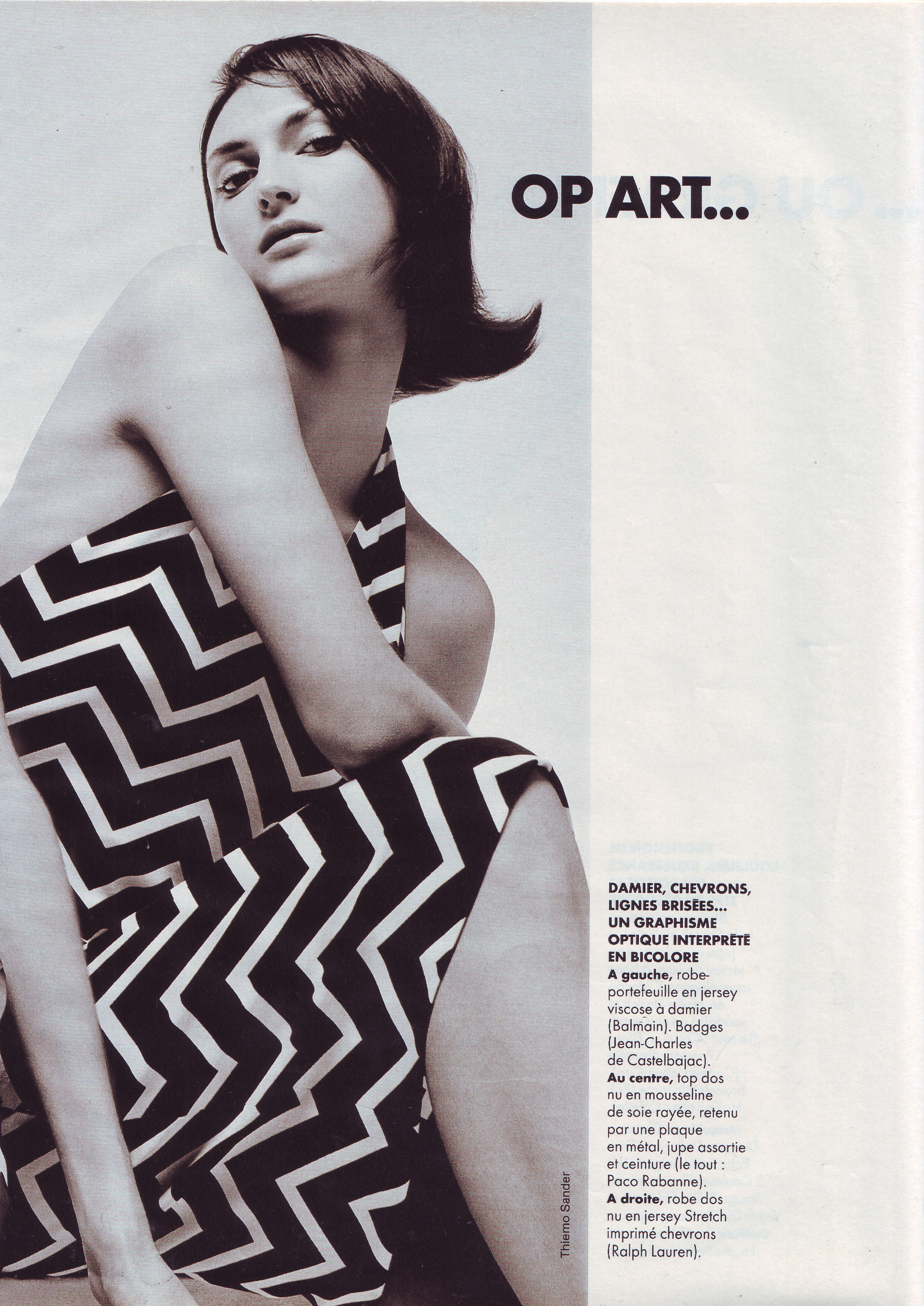
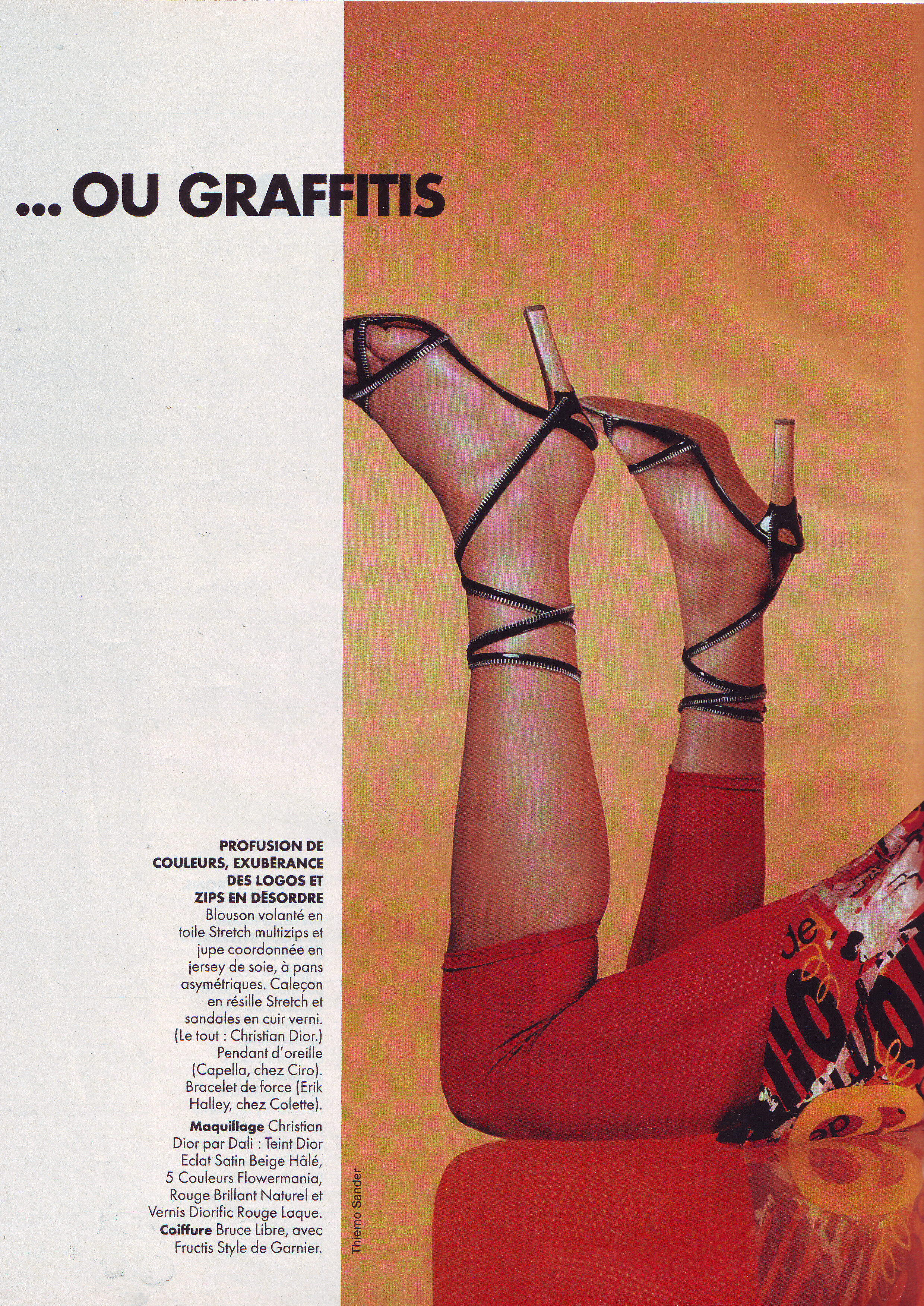
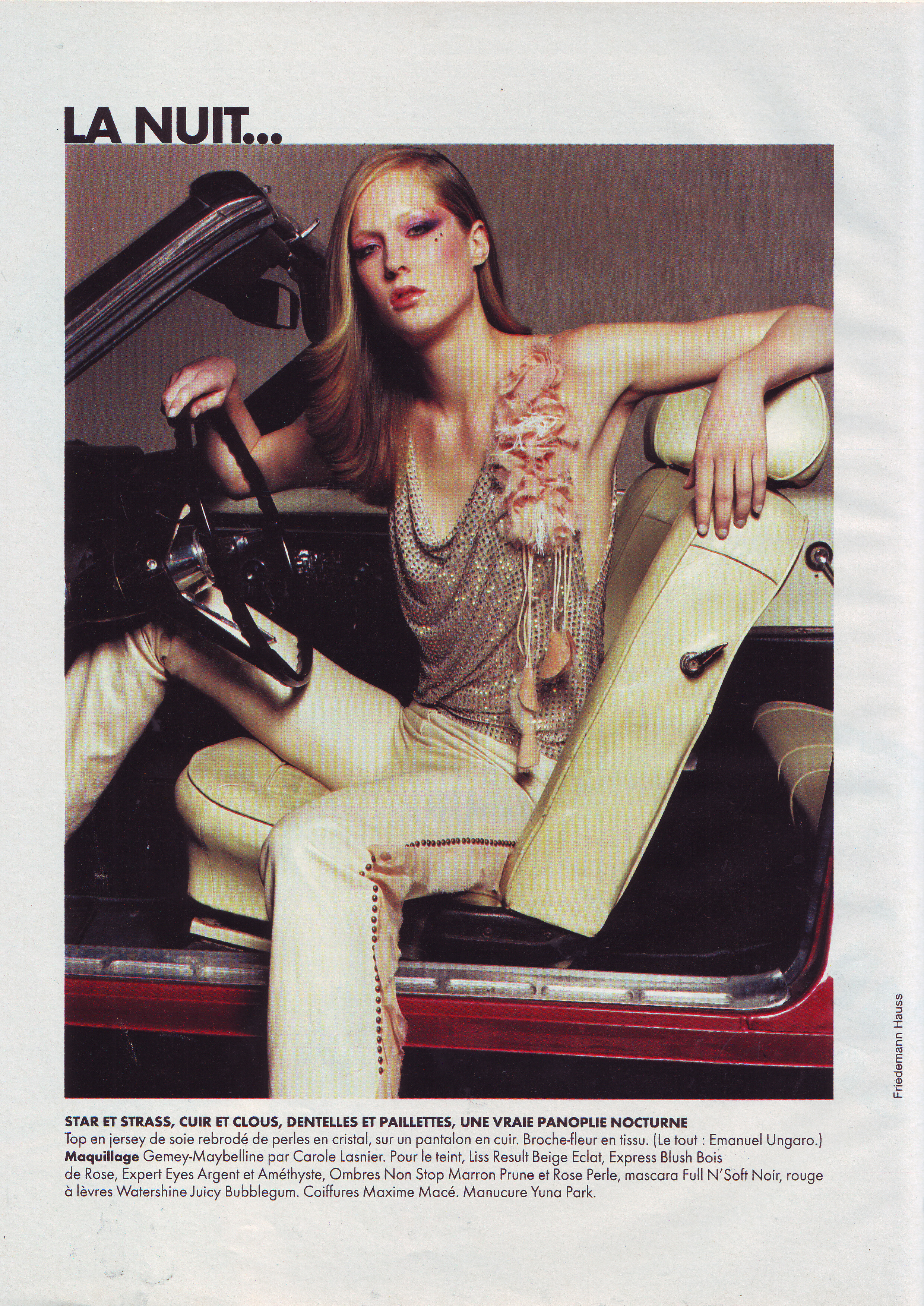
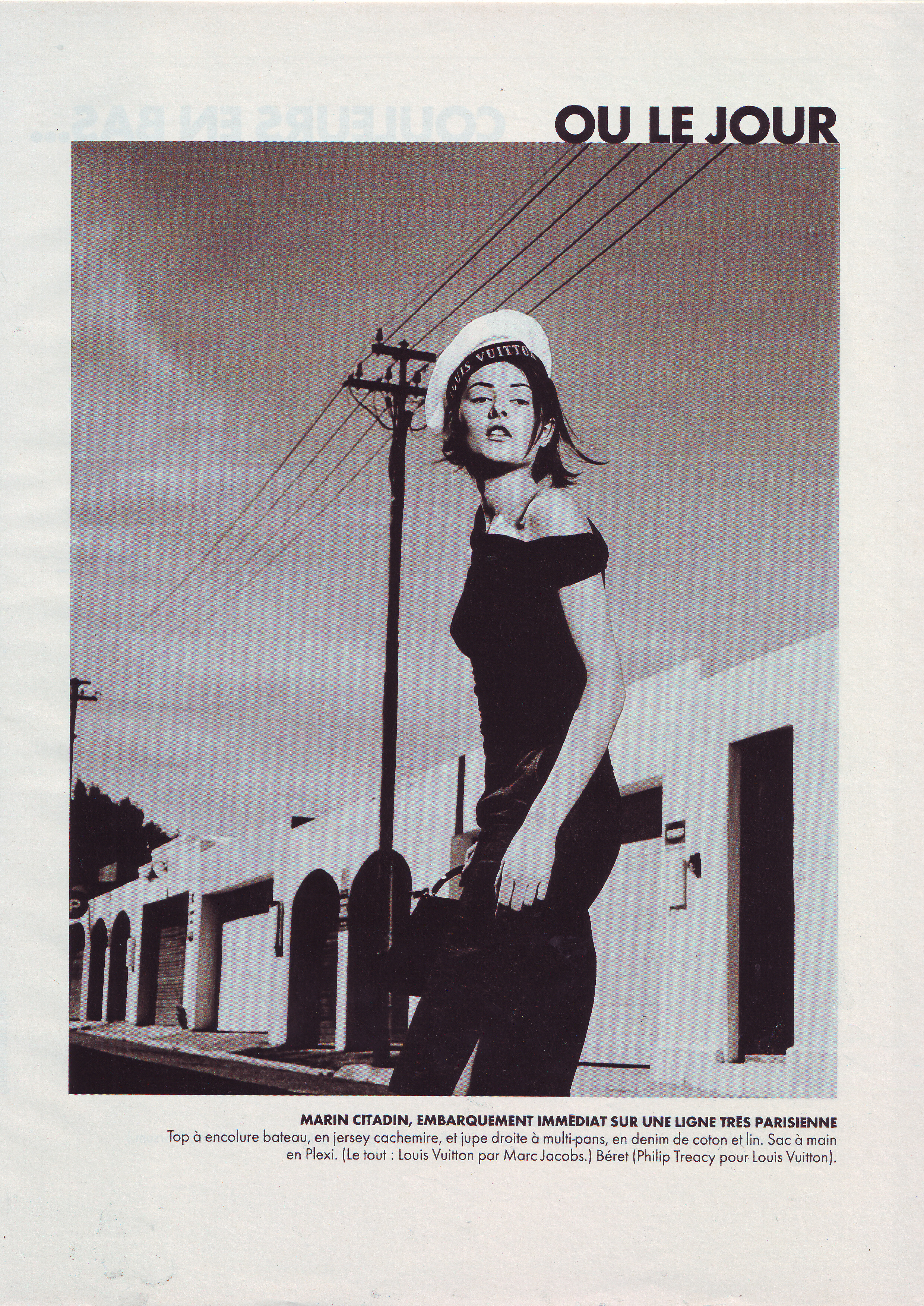
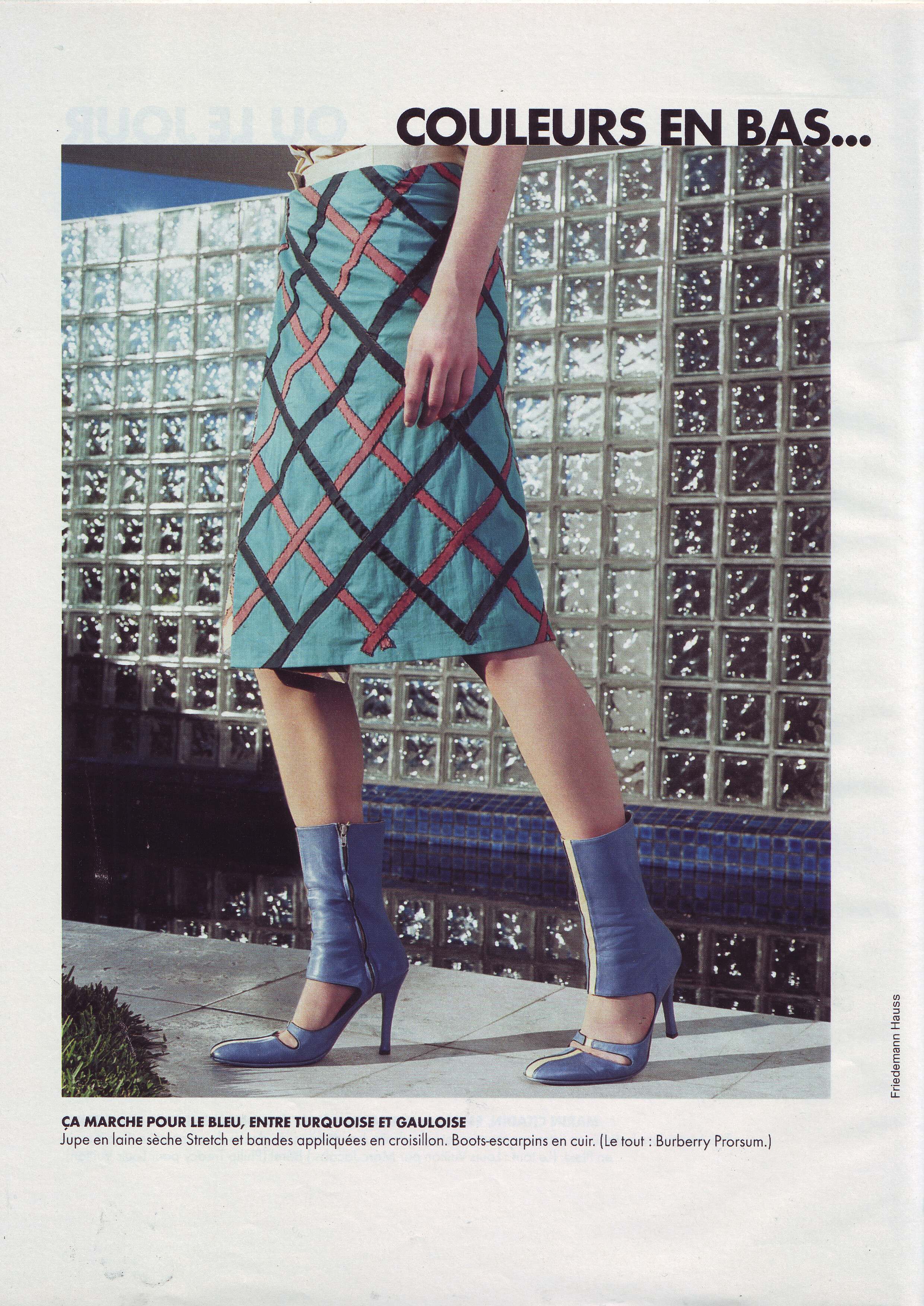
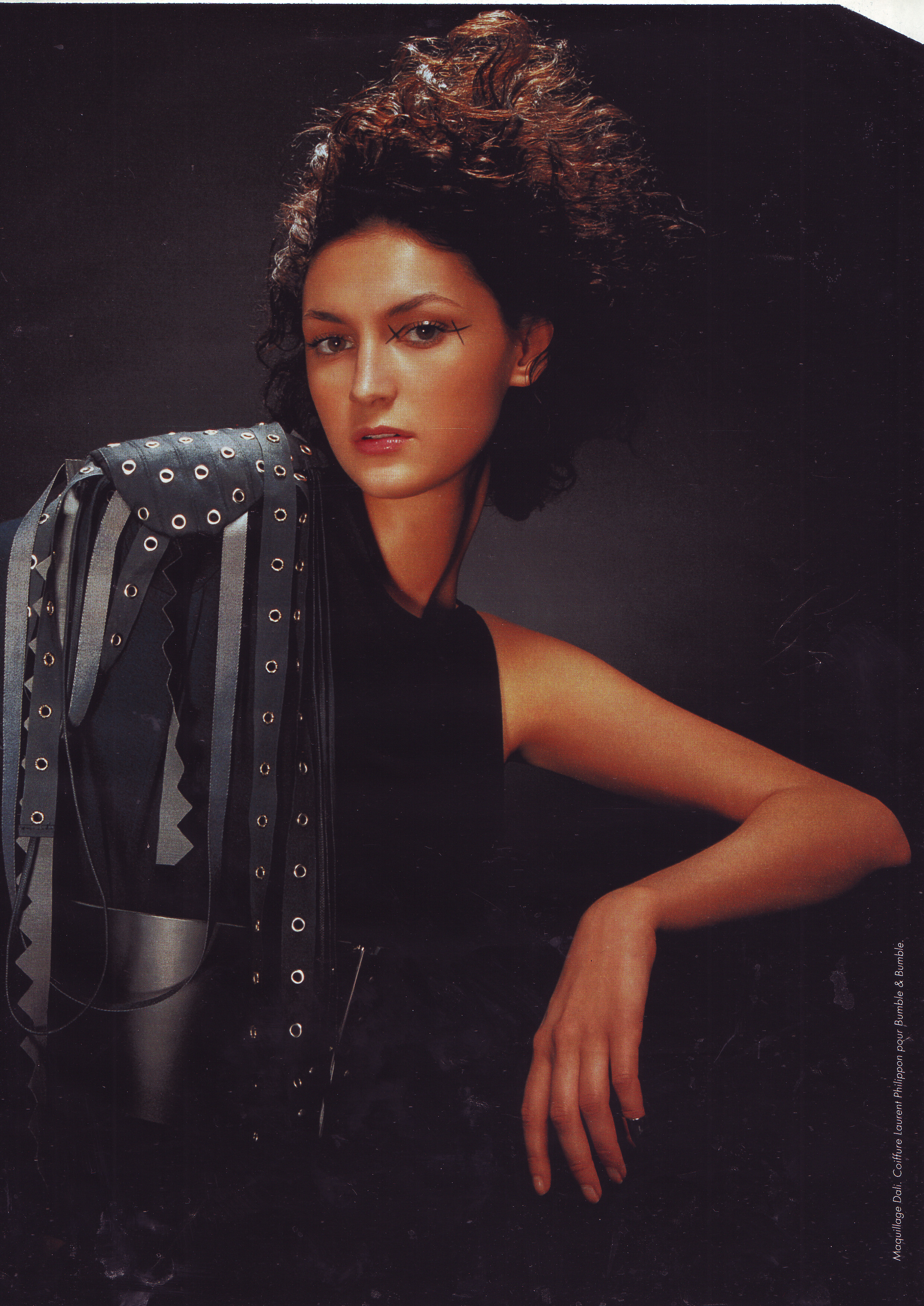
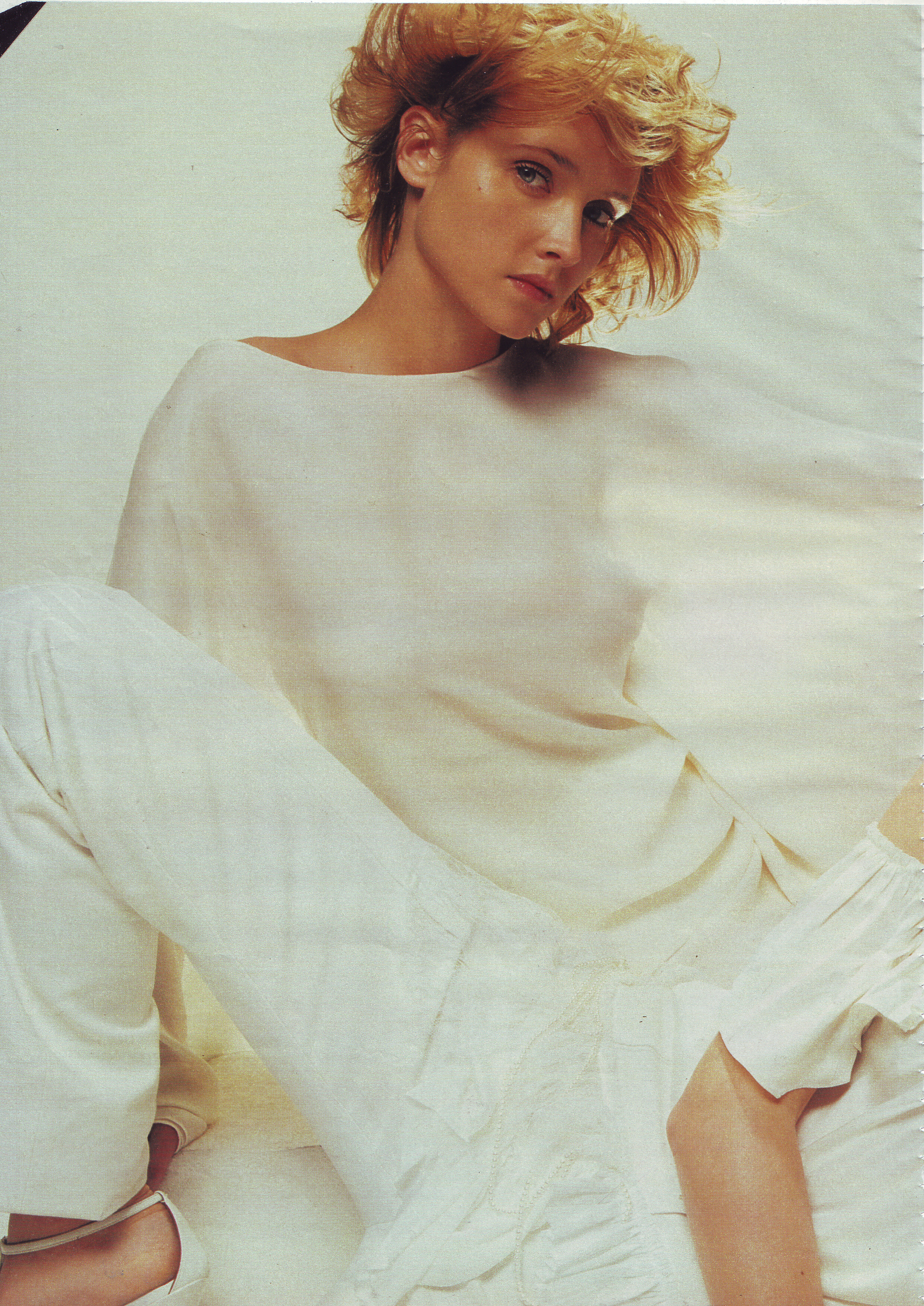
  2. Elle France 2 April 2001 Scanned by me
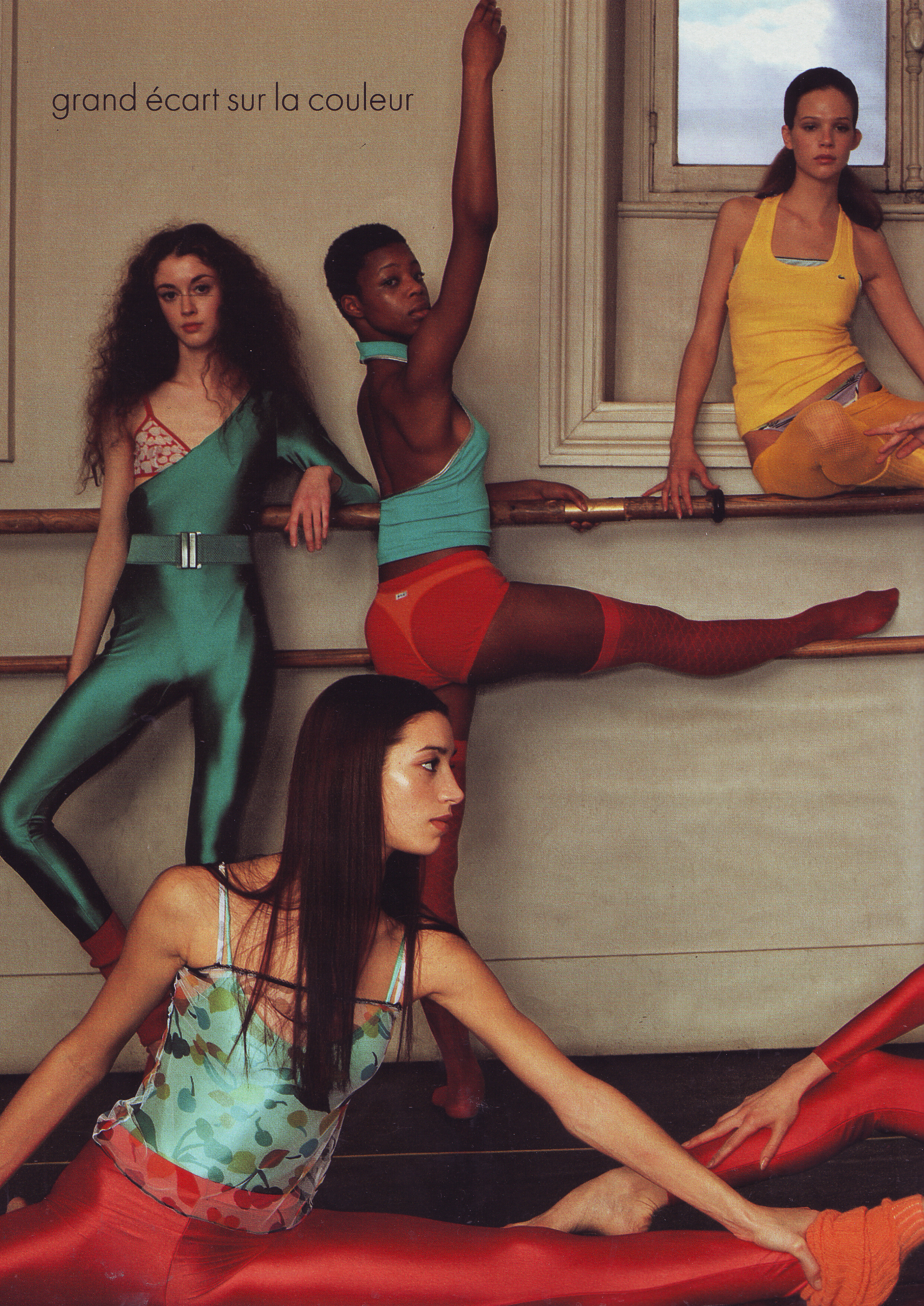
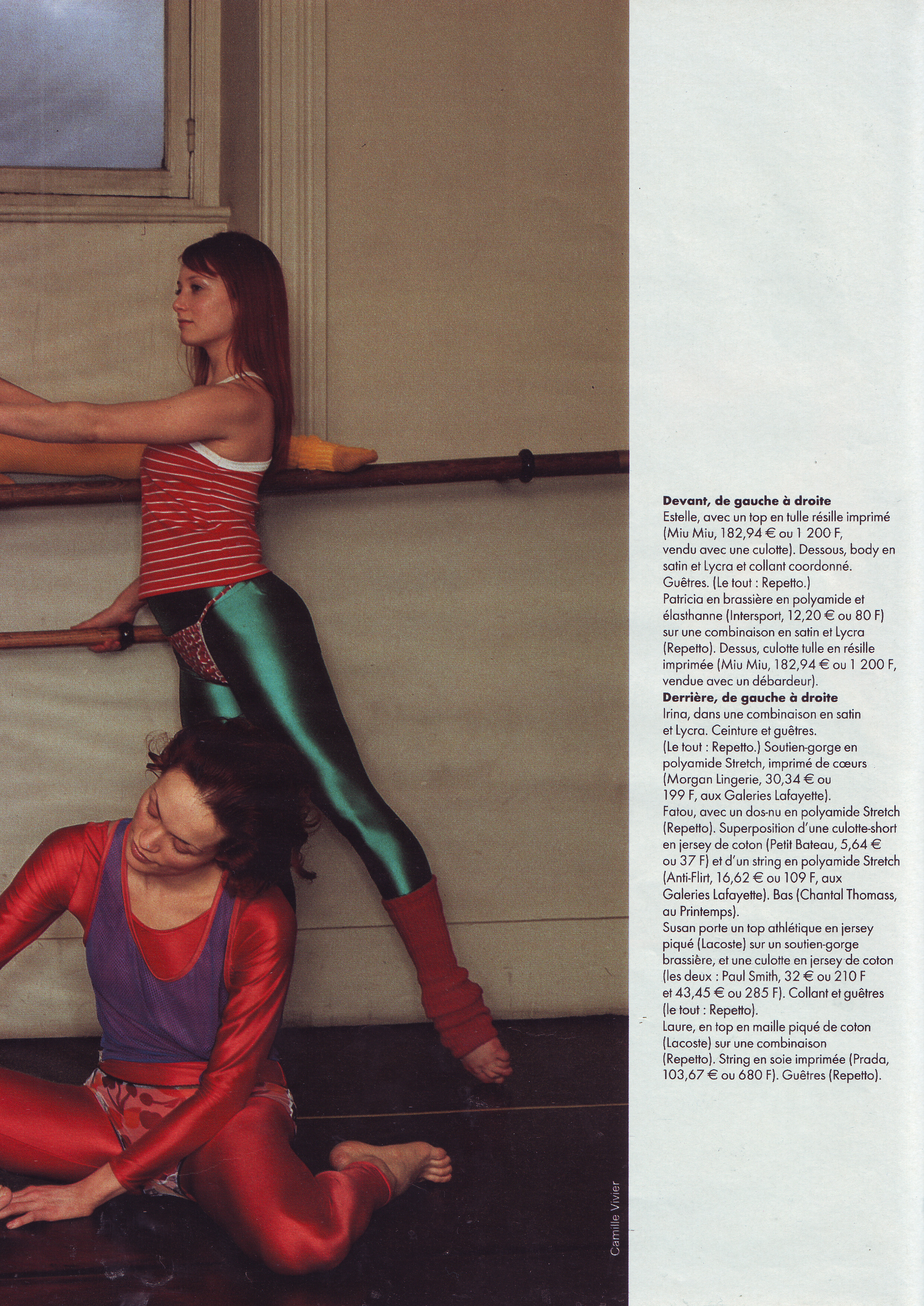
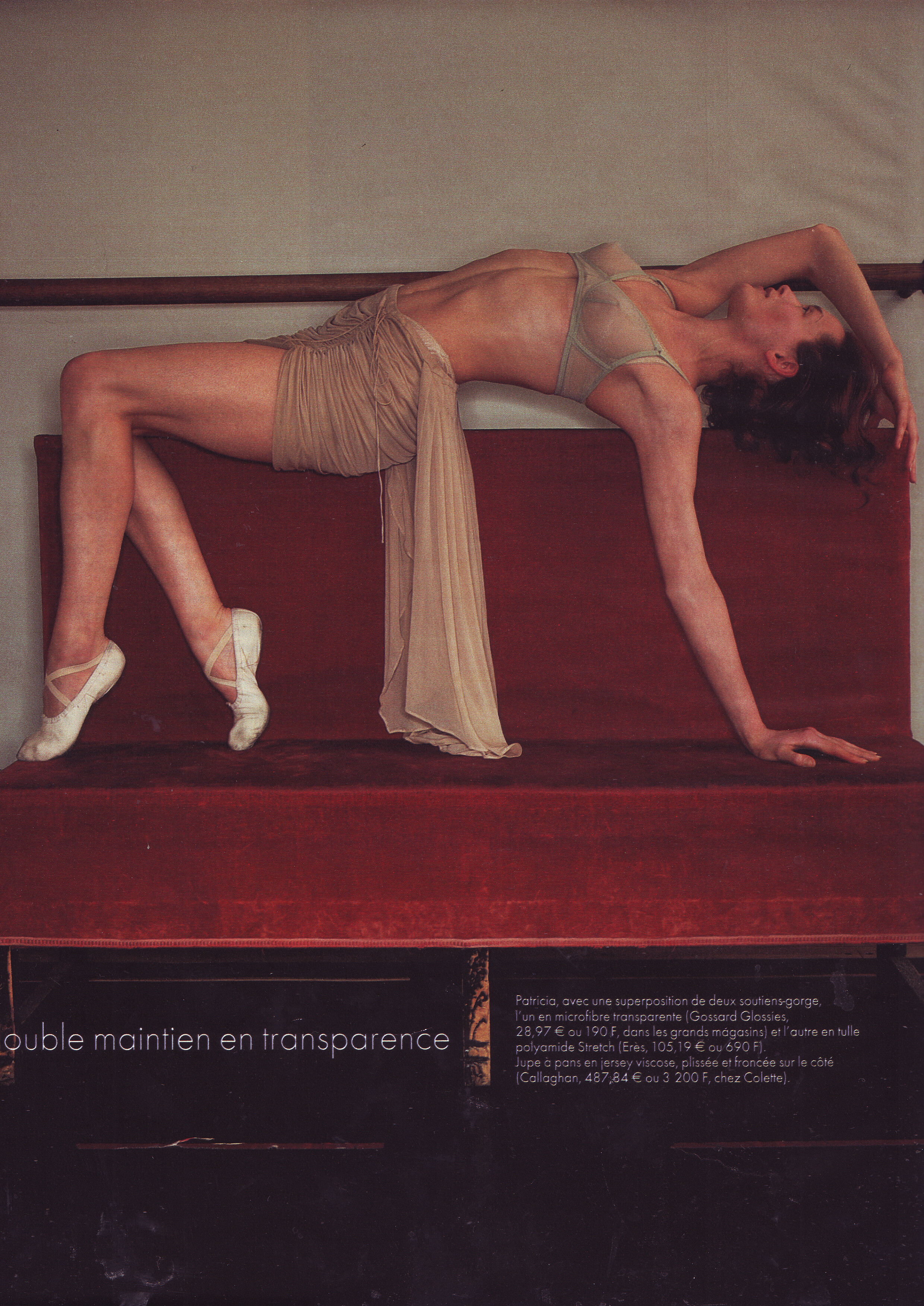
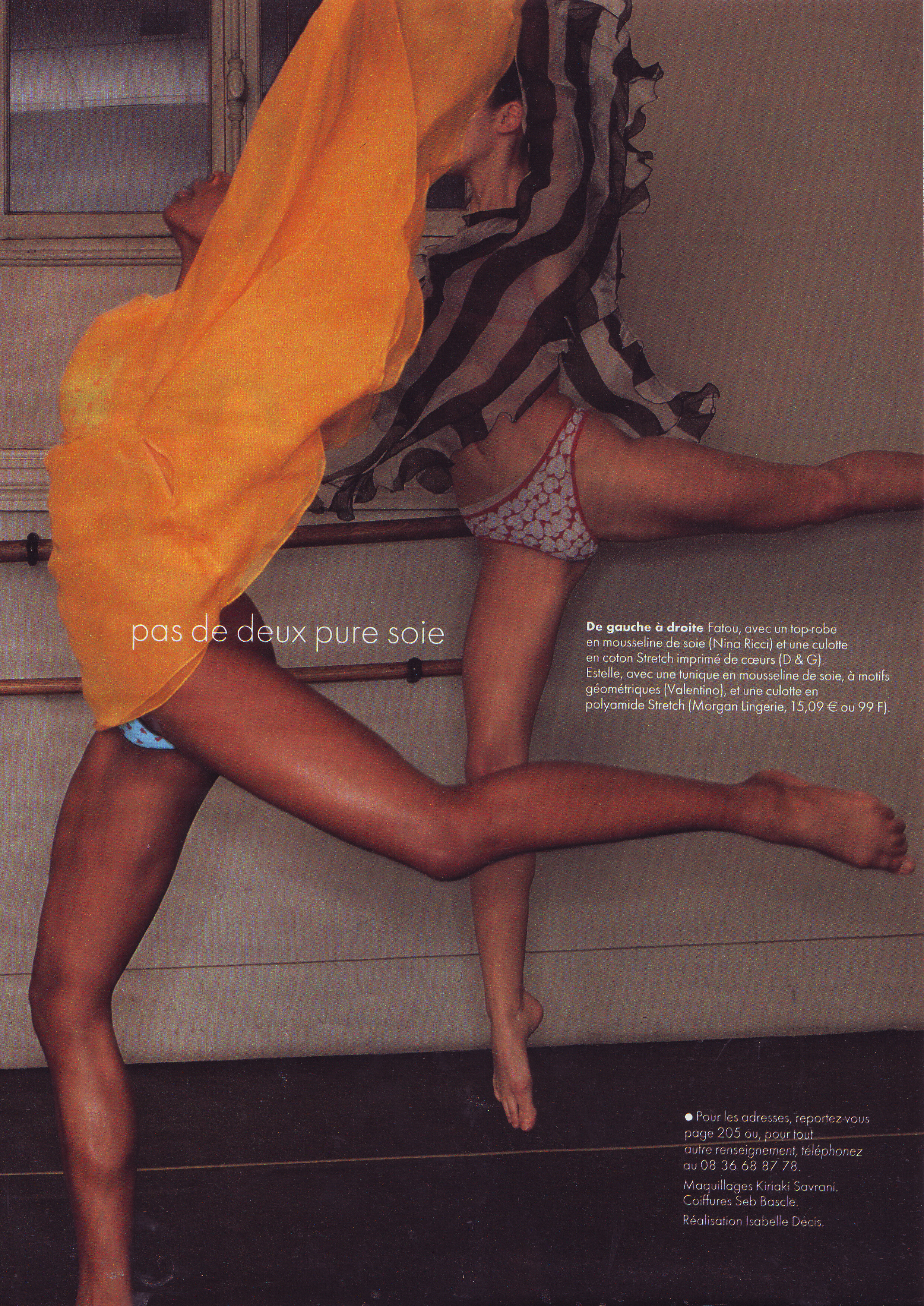
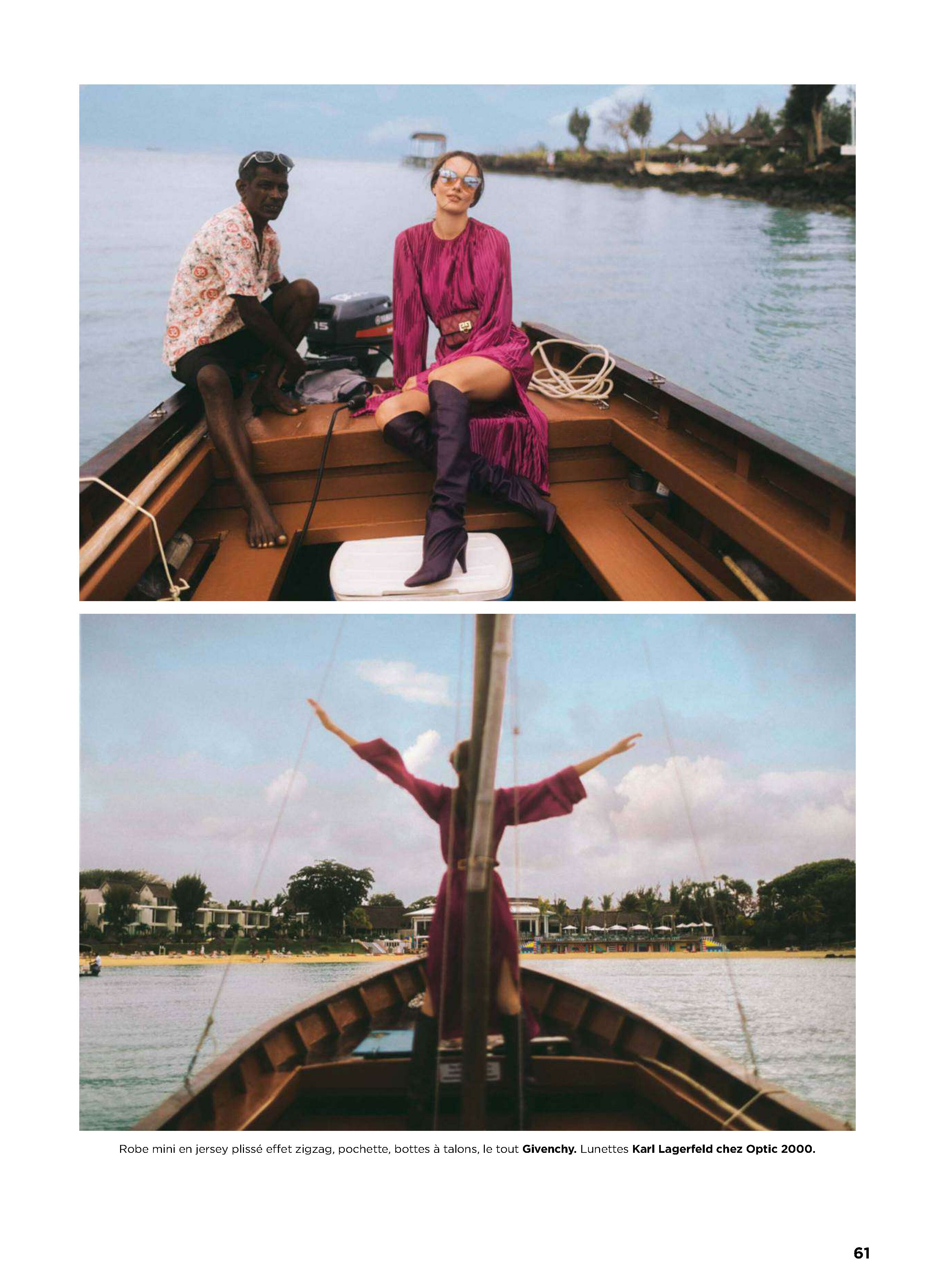
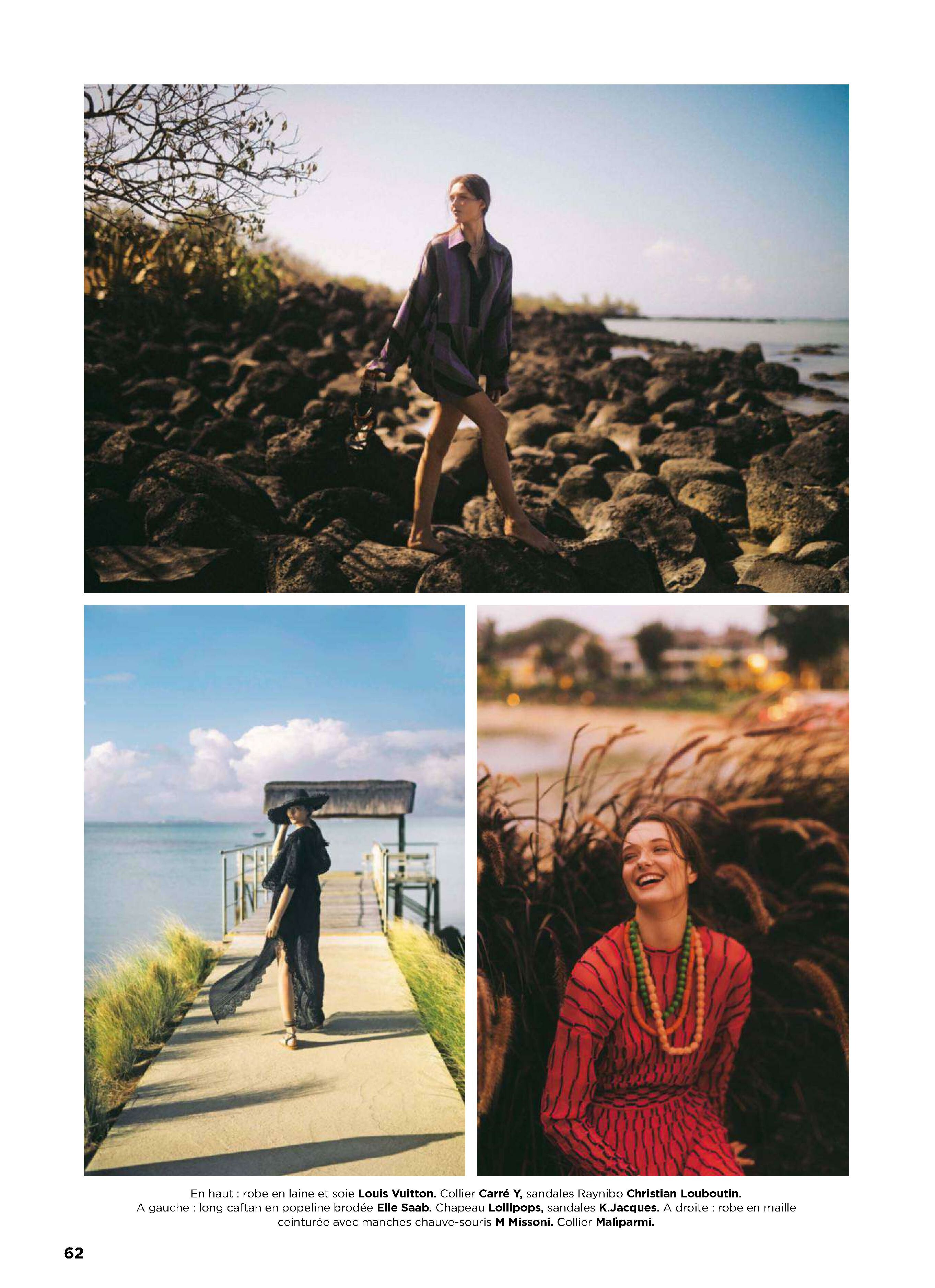
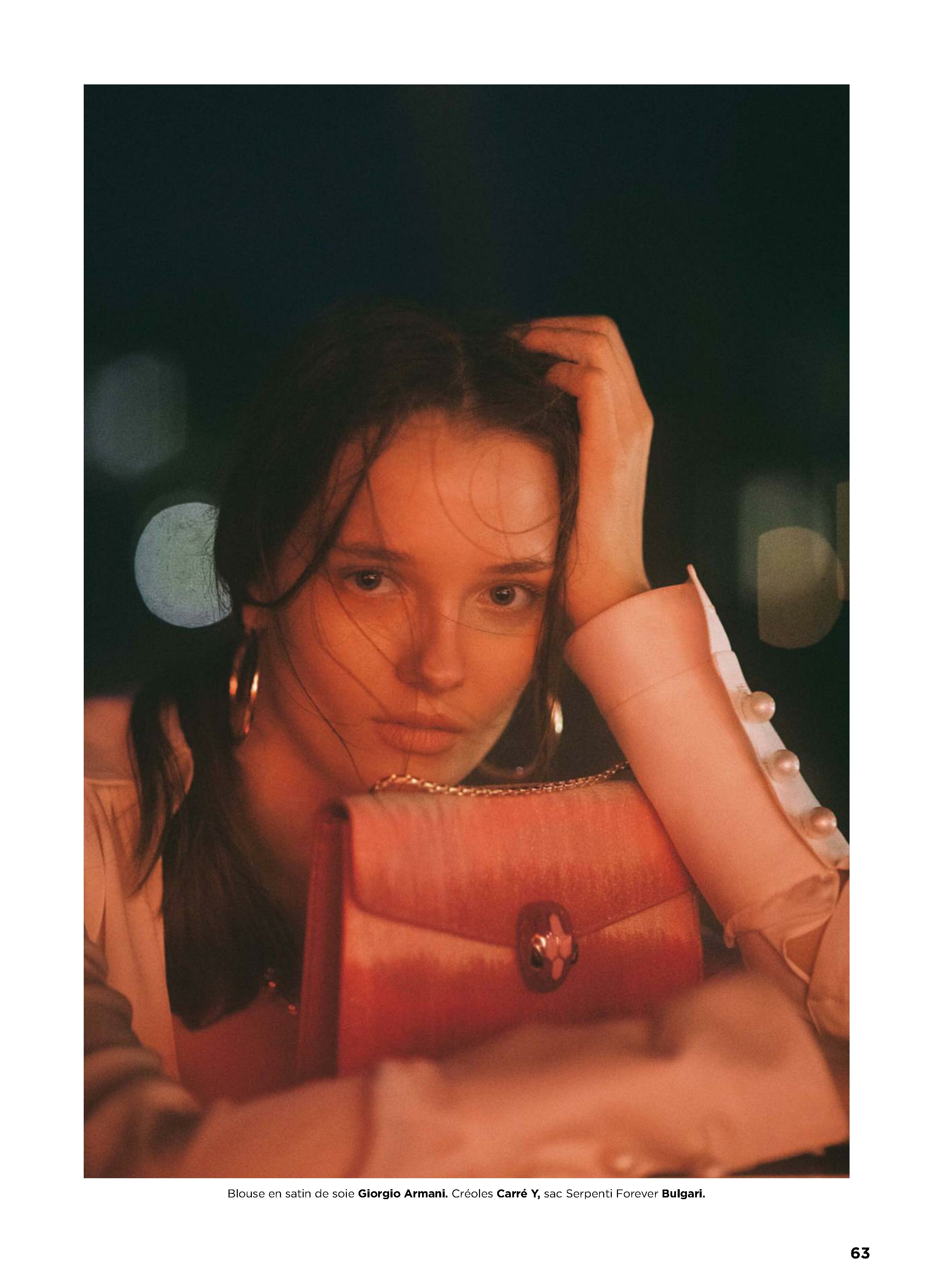
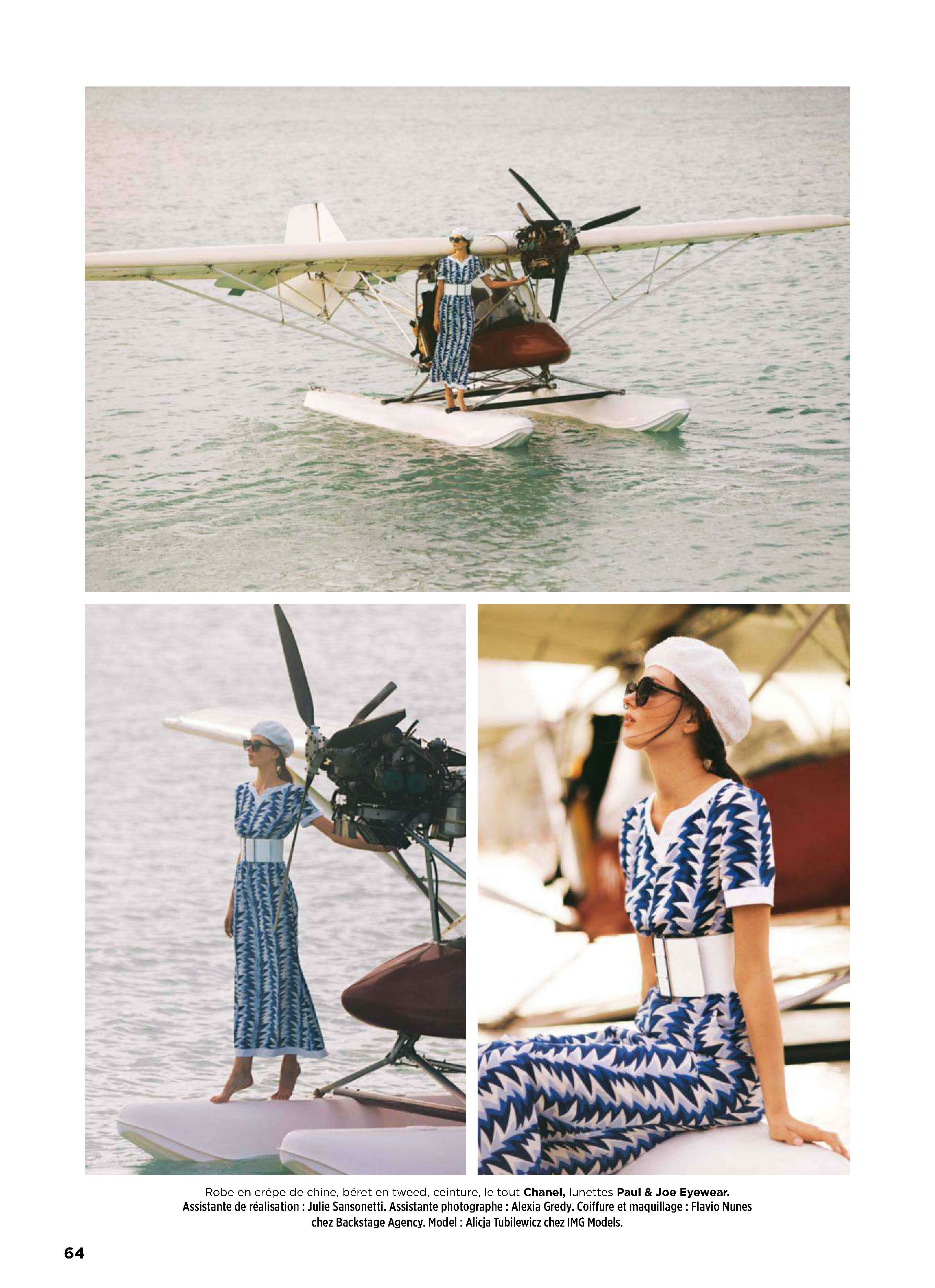
  3. Elle France 26 March 2001 Scanned by me cover actress Julia Roberts model Nastya models Patricia, Estelle, Irina and Susan
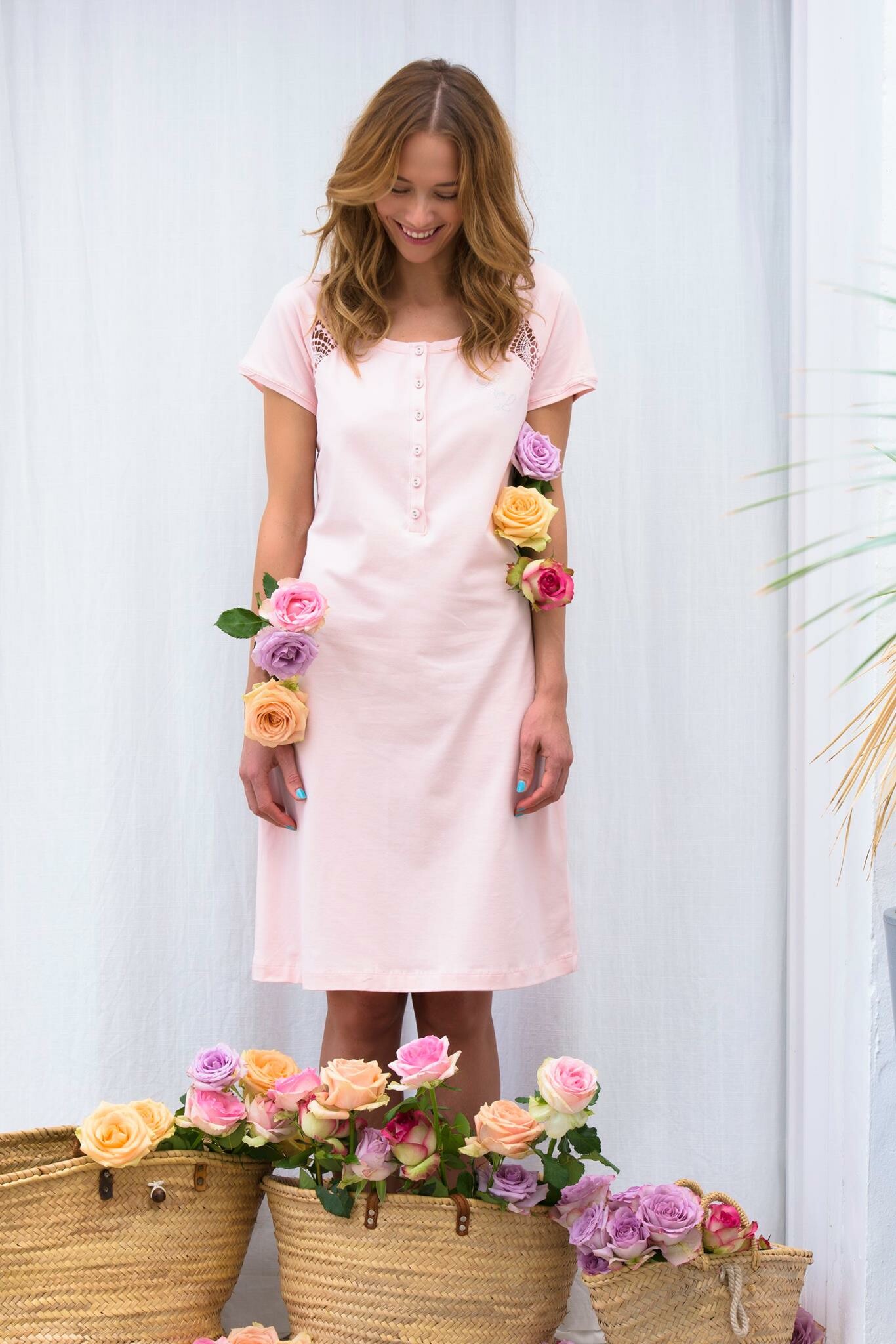
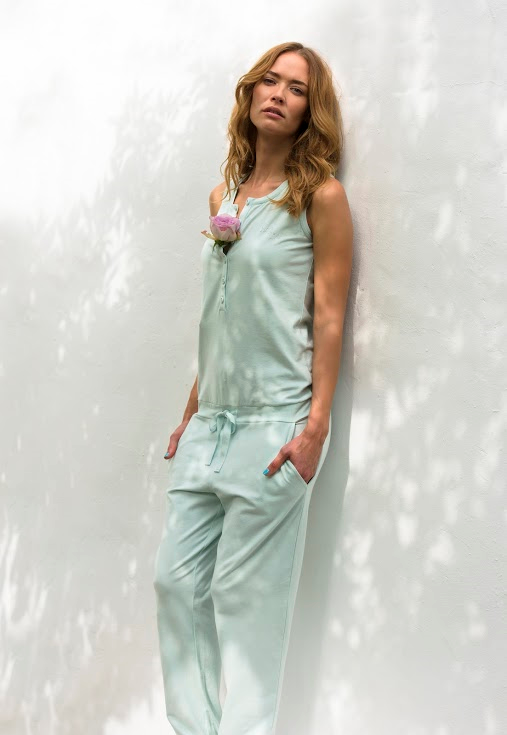
  4. Lord and lilies Belgium spring 2016
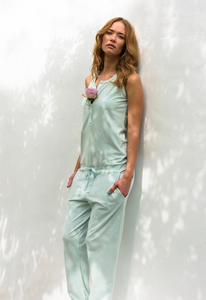
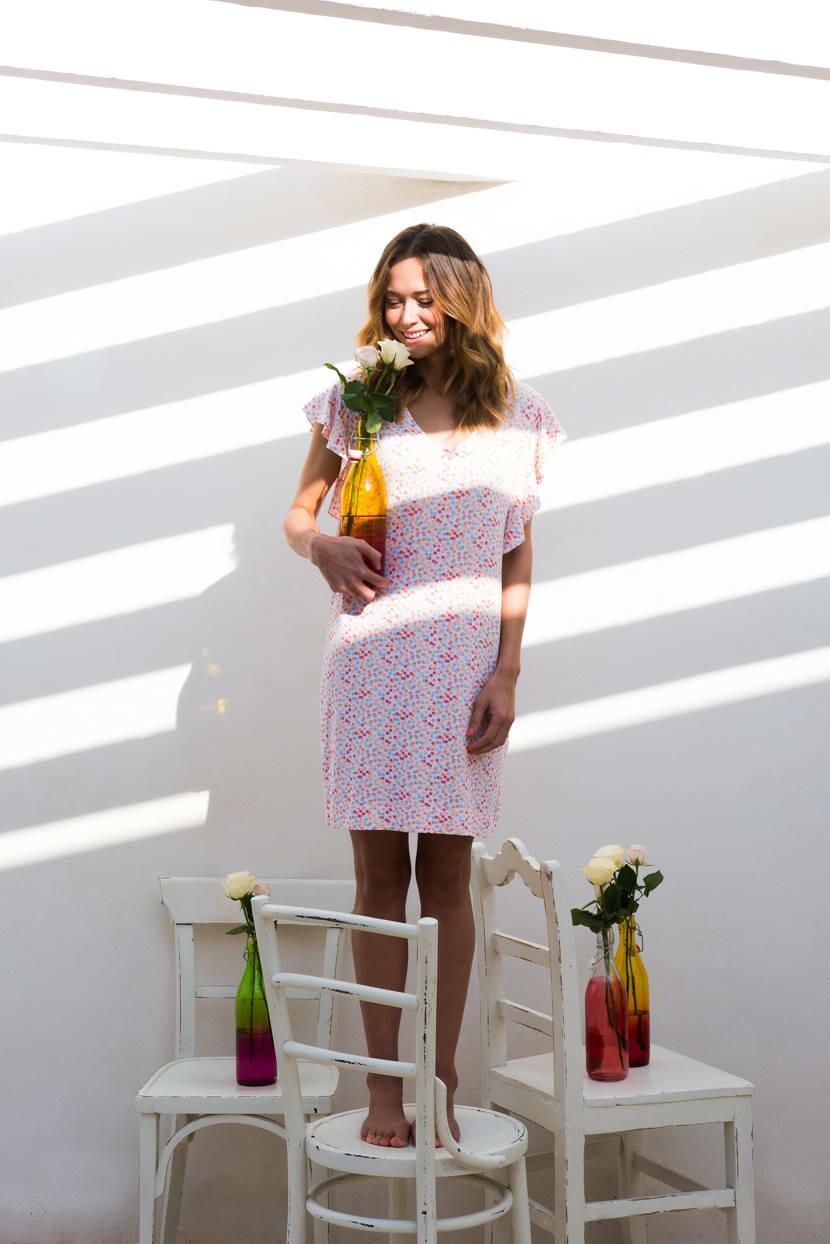
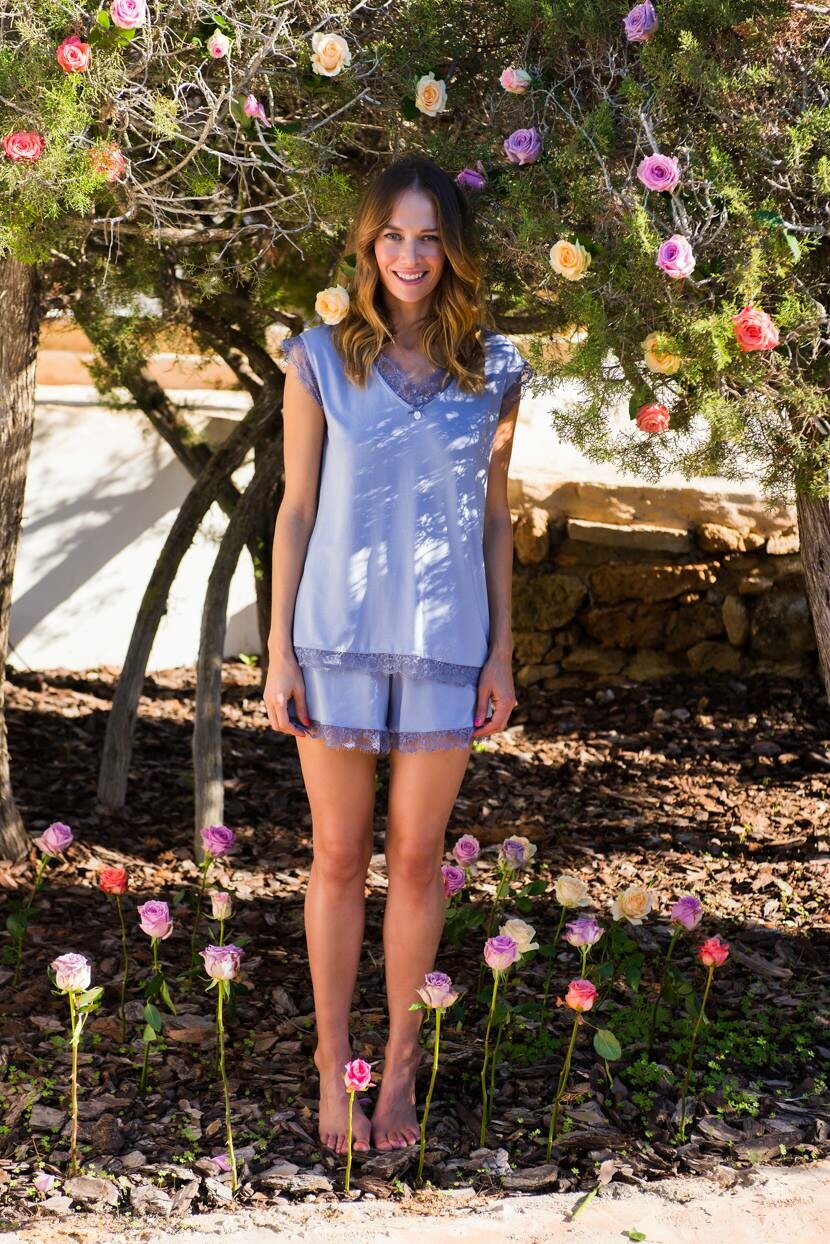
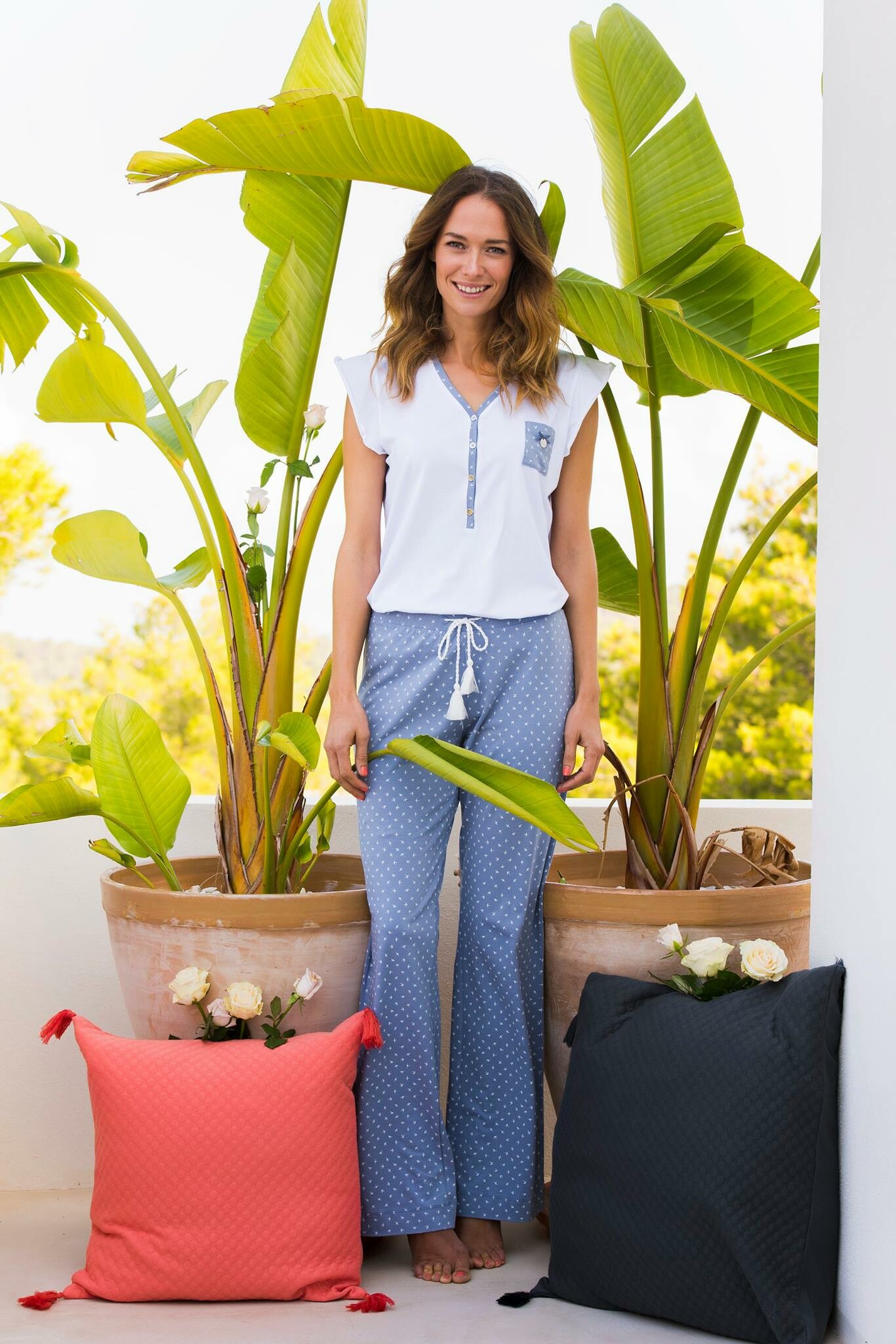
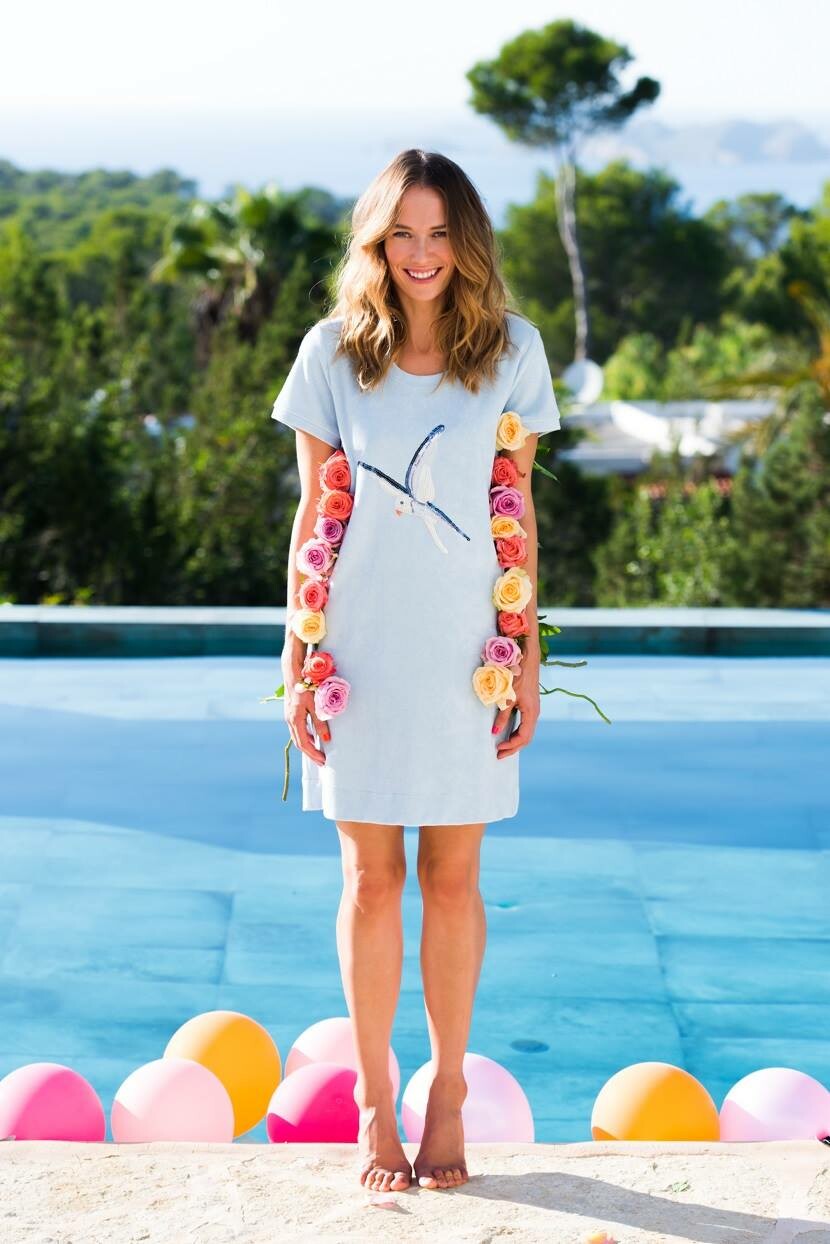
  5. Lord and lilies Belgium fall 2018
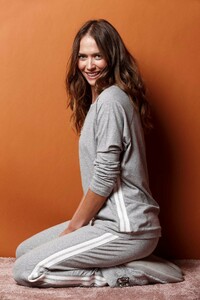
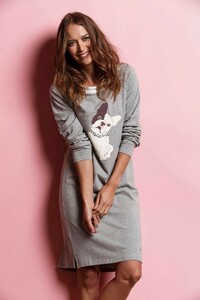
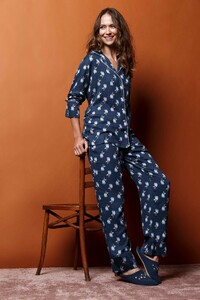
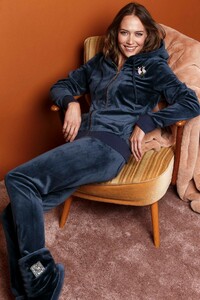
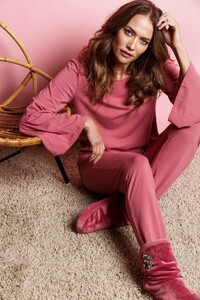
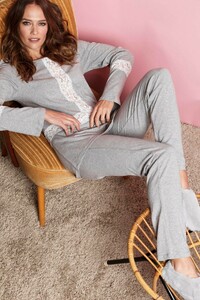
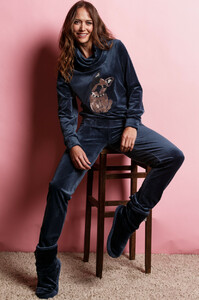
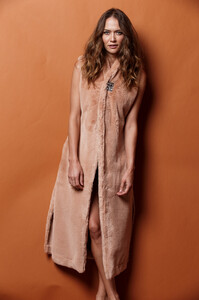
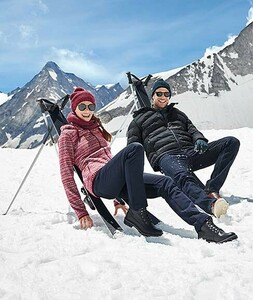
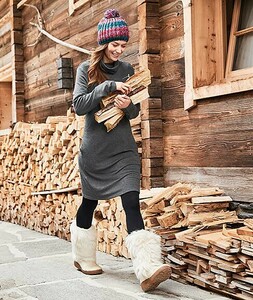
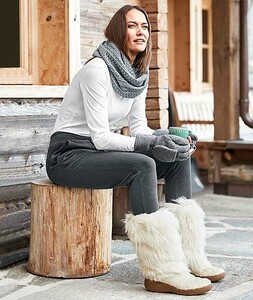
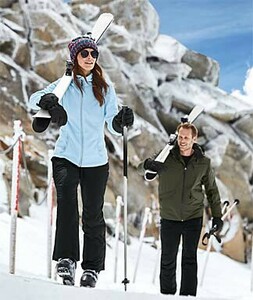
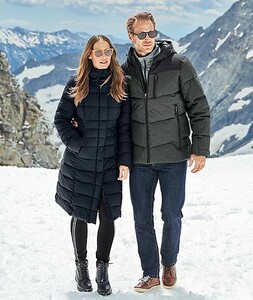
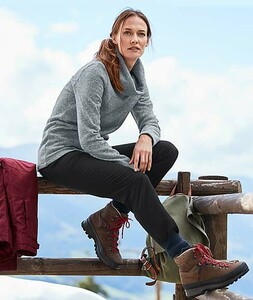
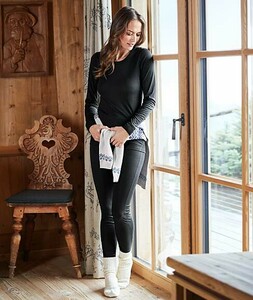
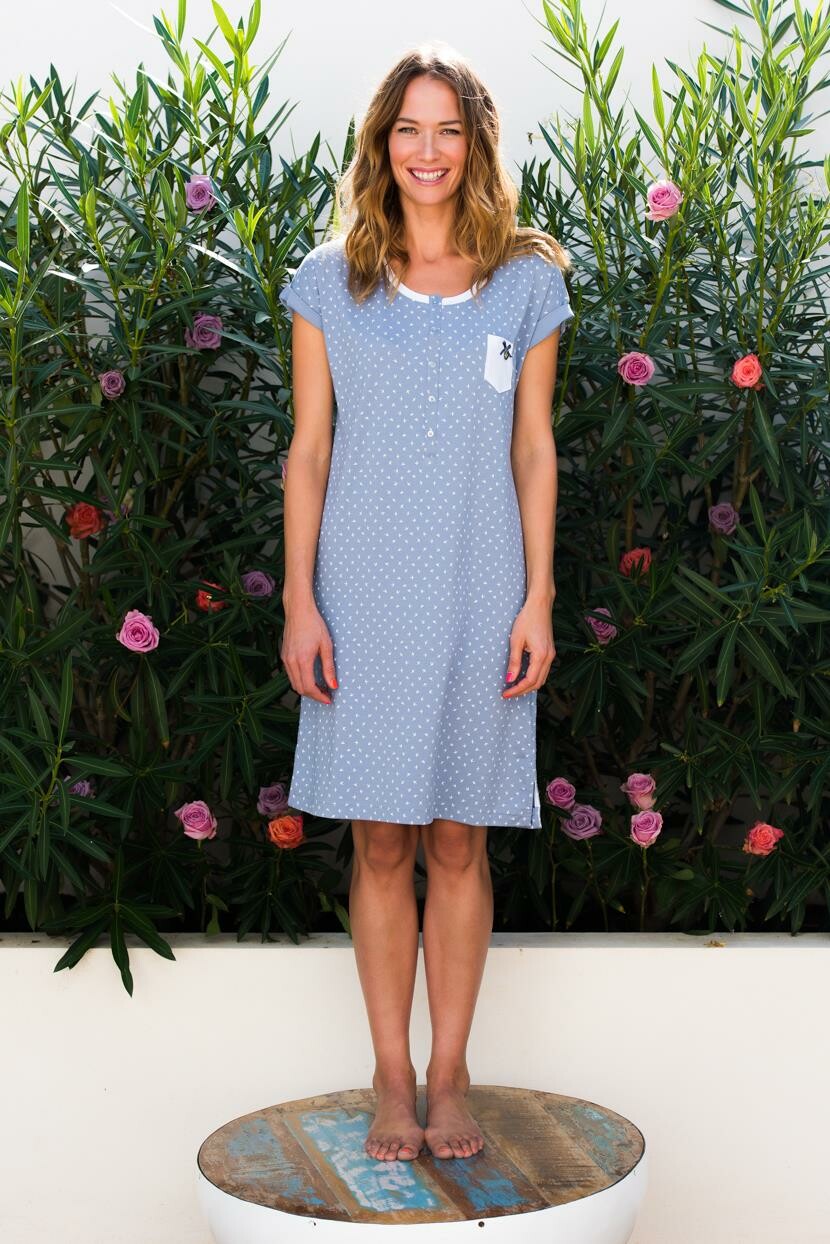
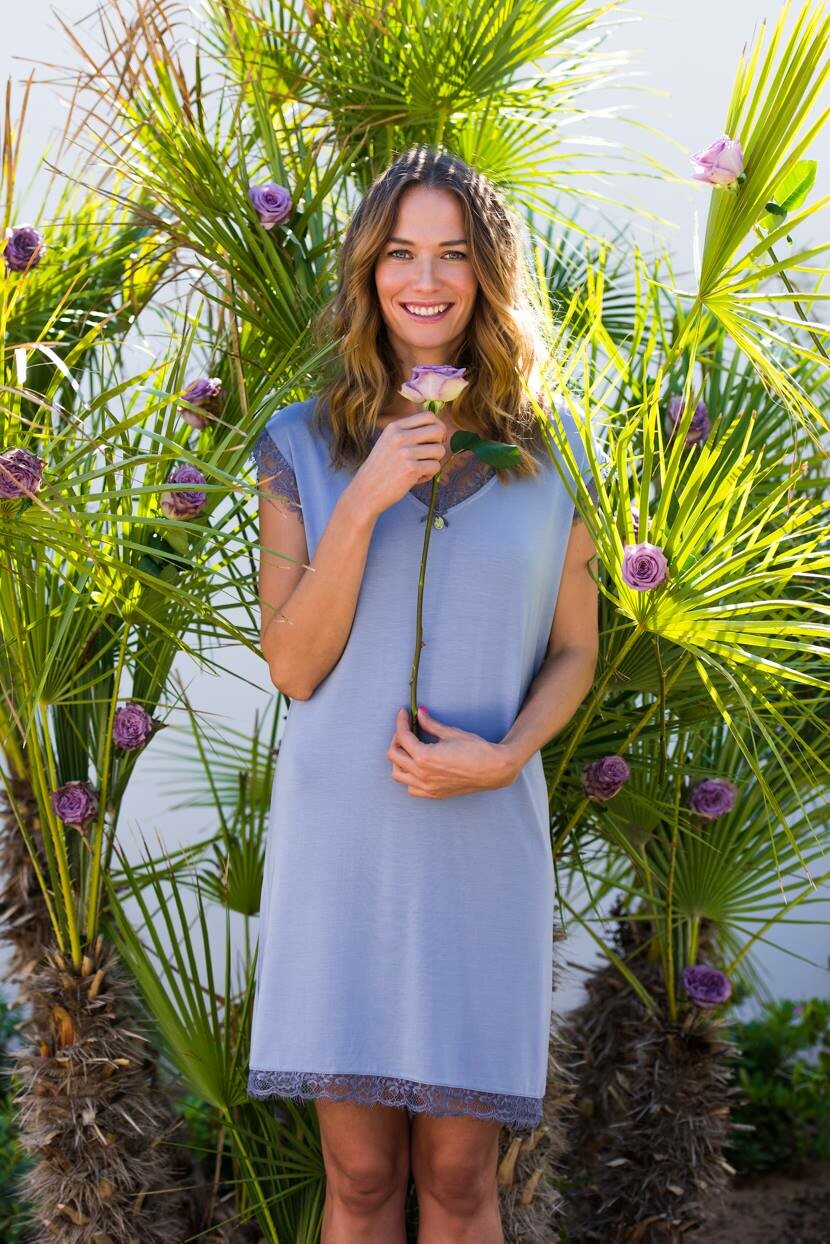
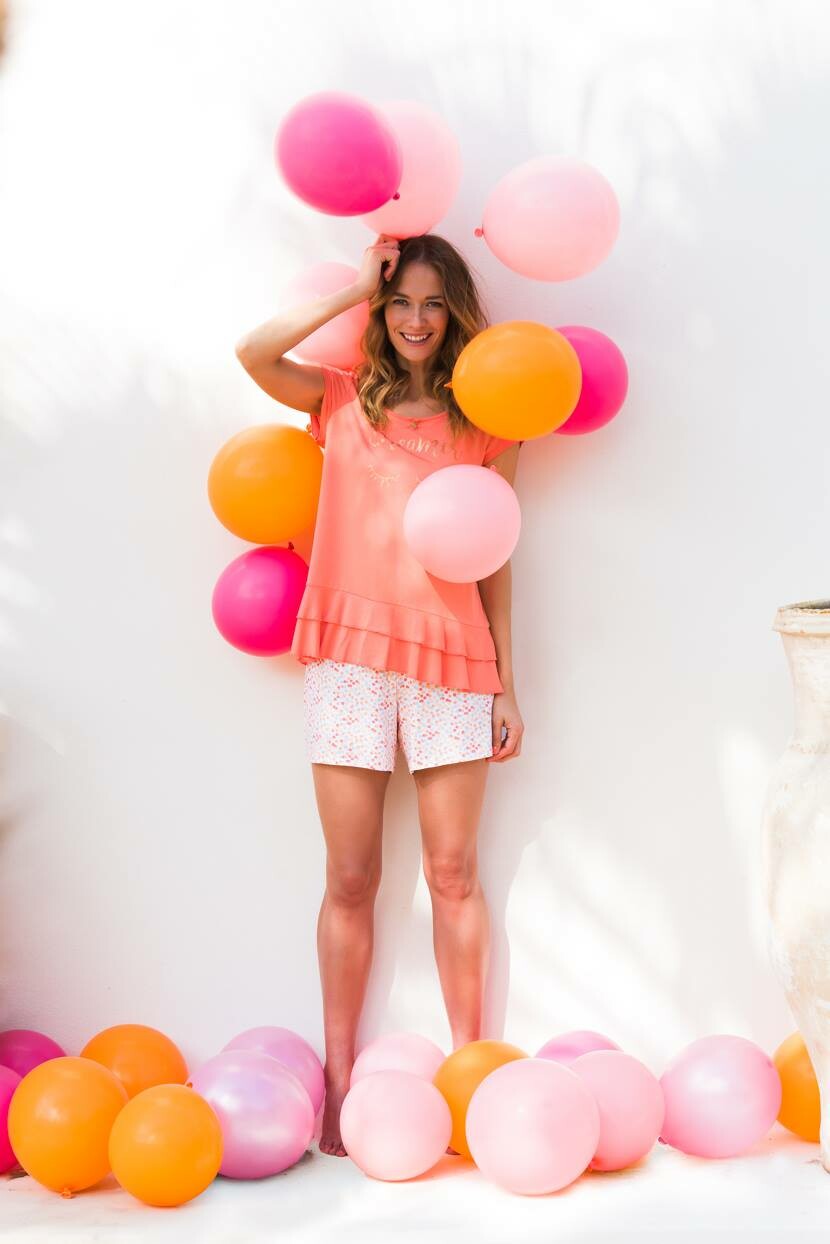
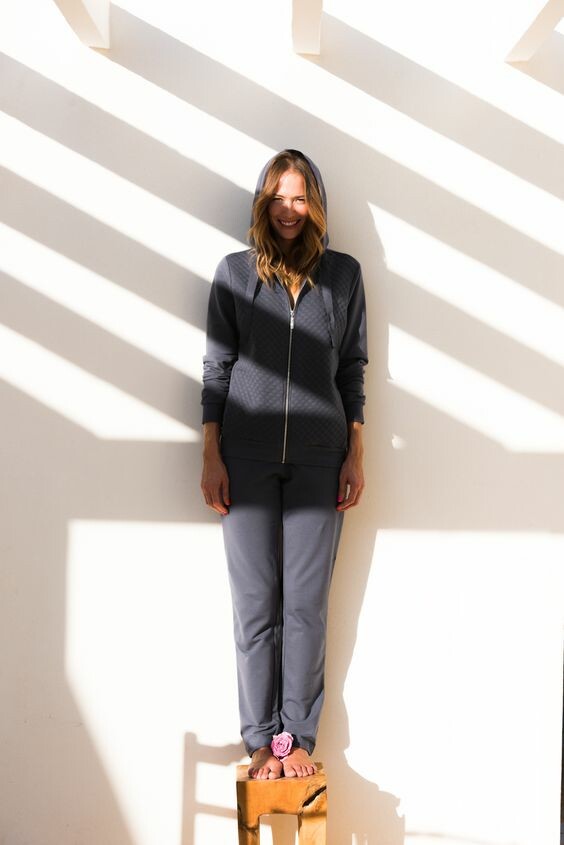
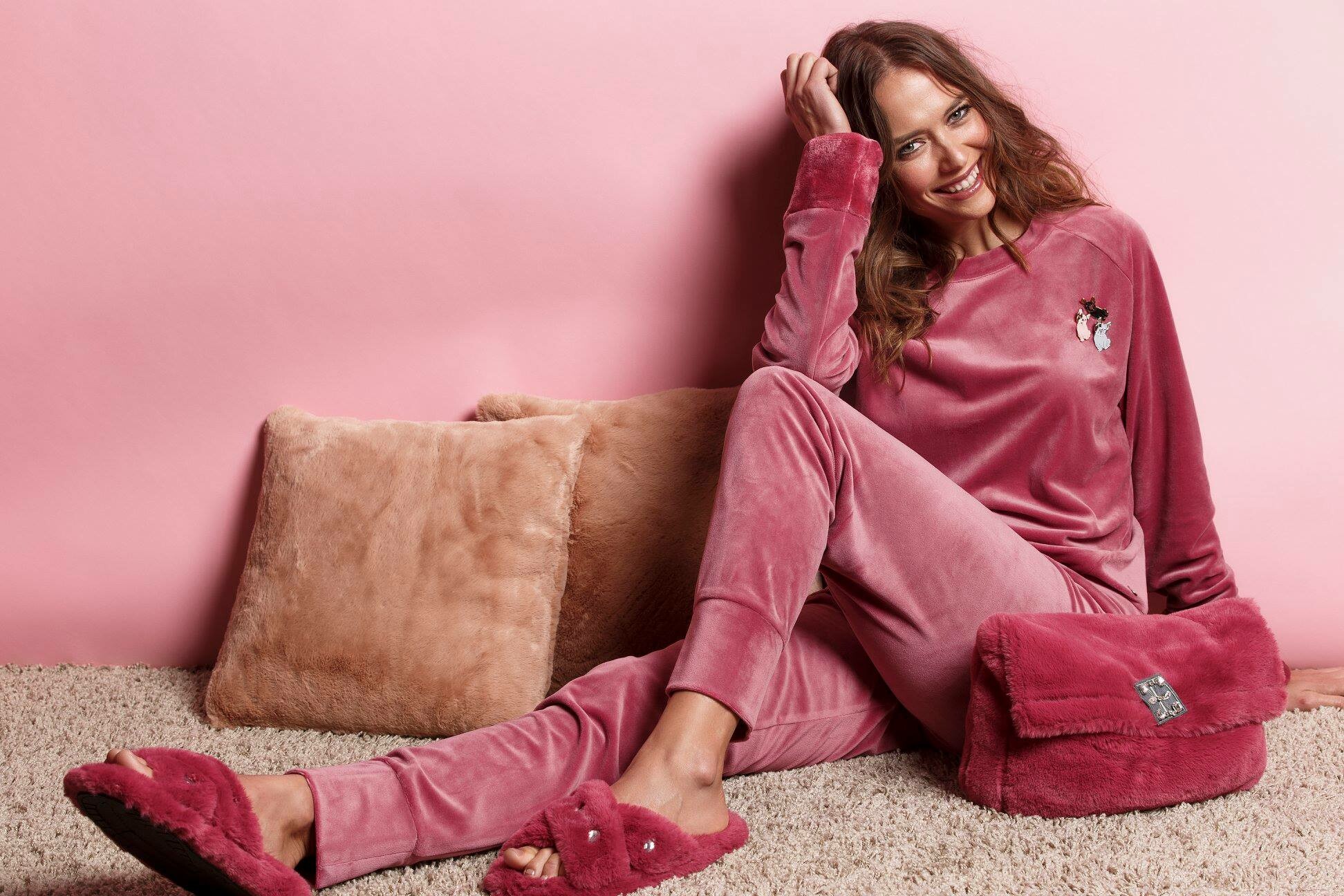
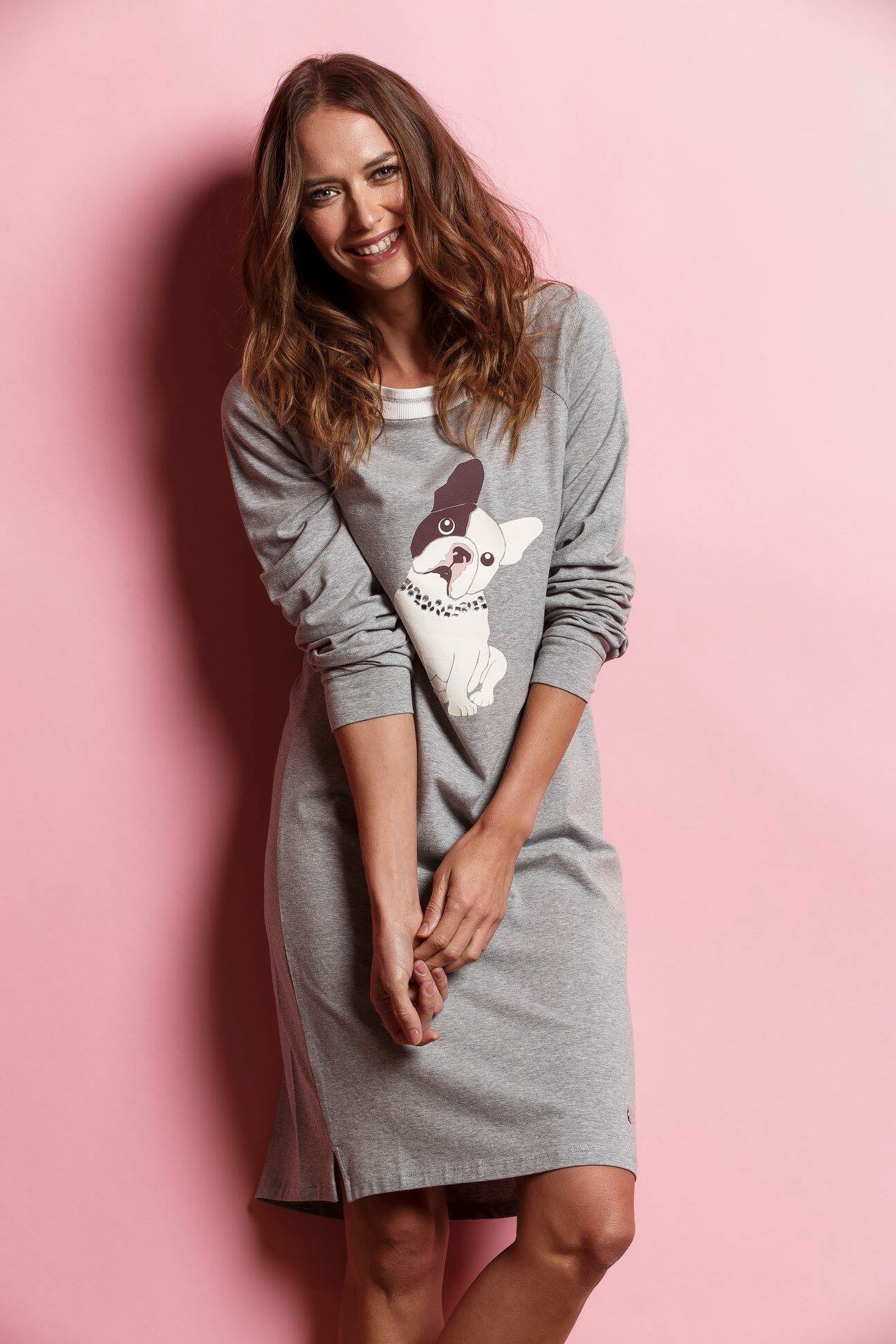
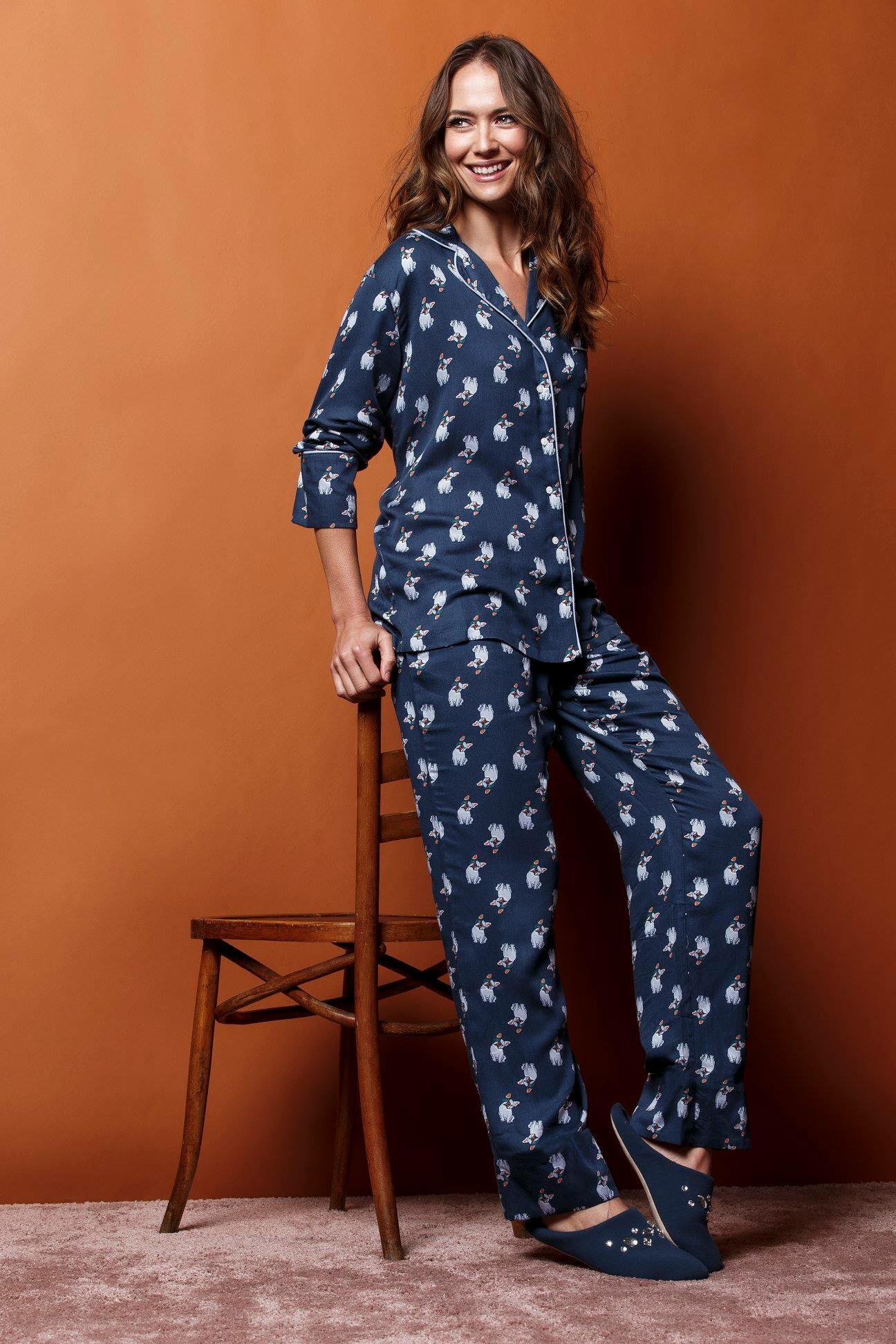
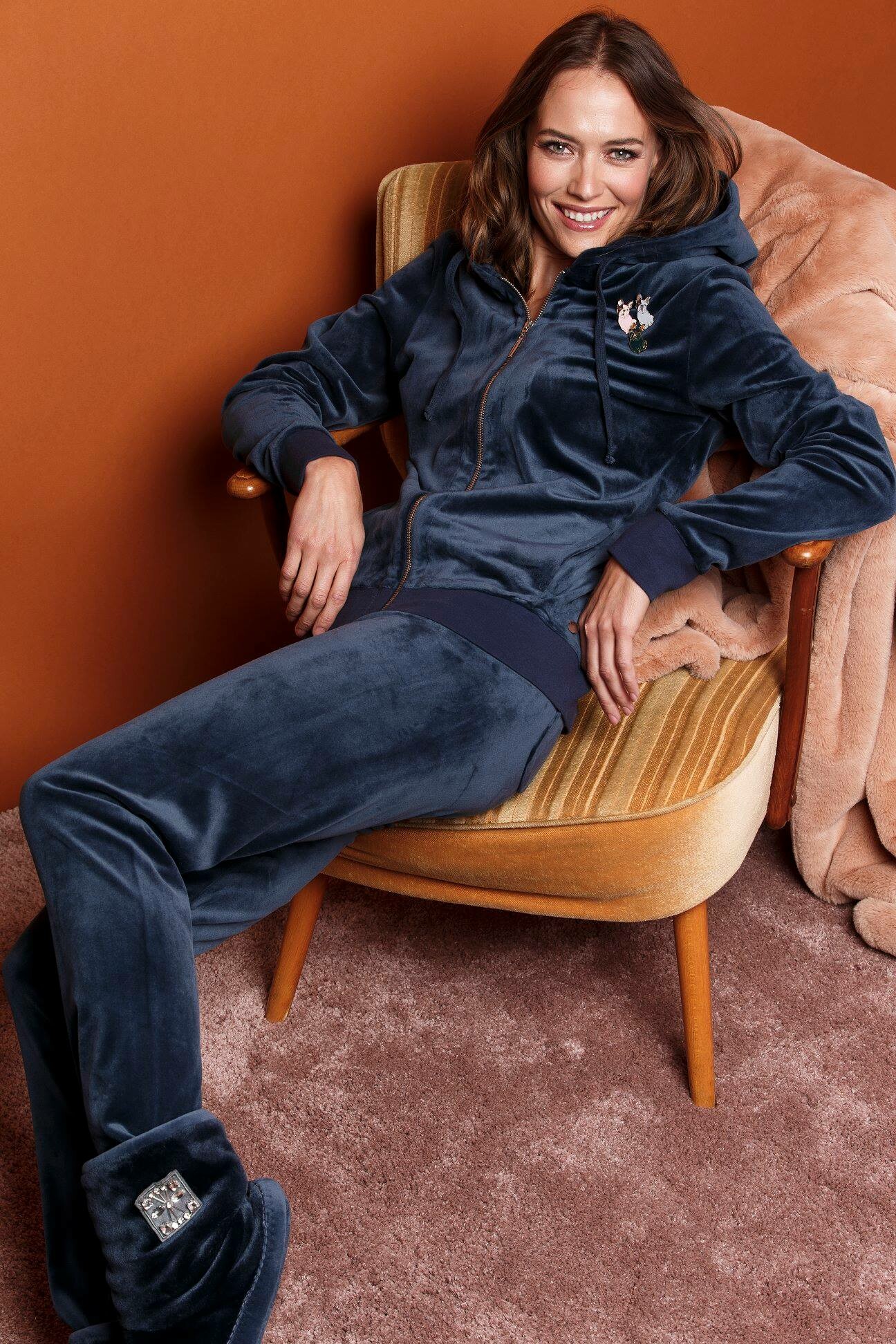
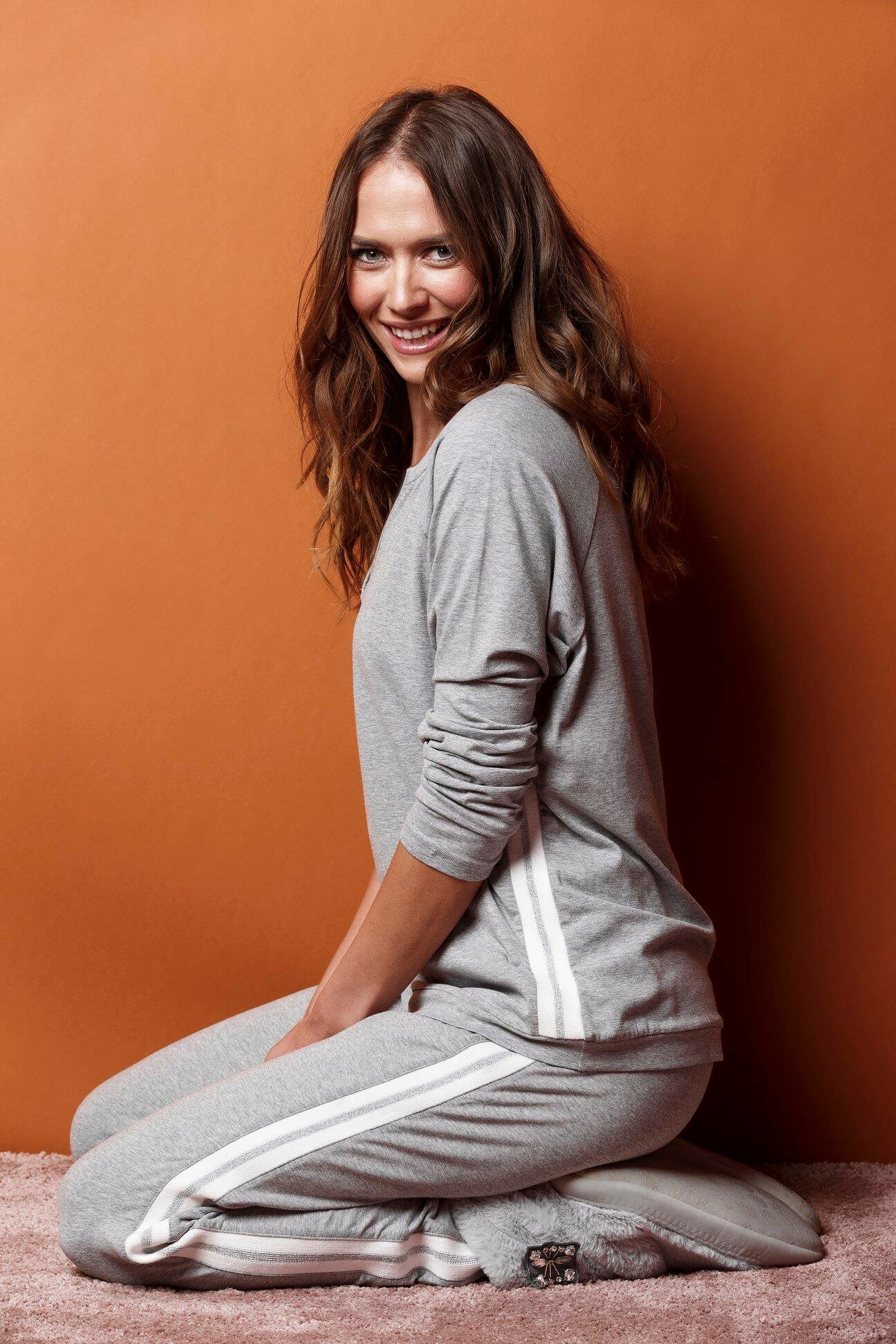
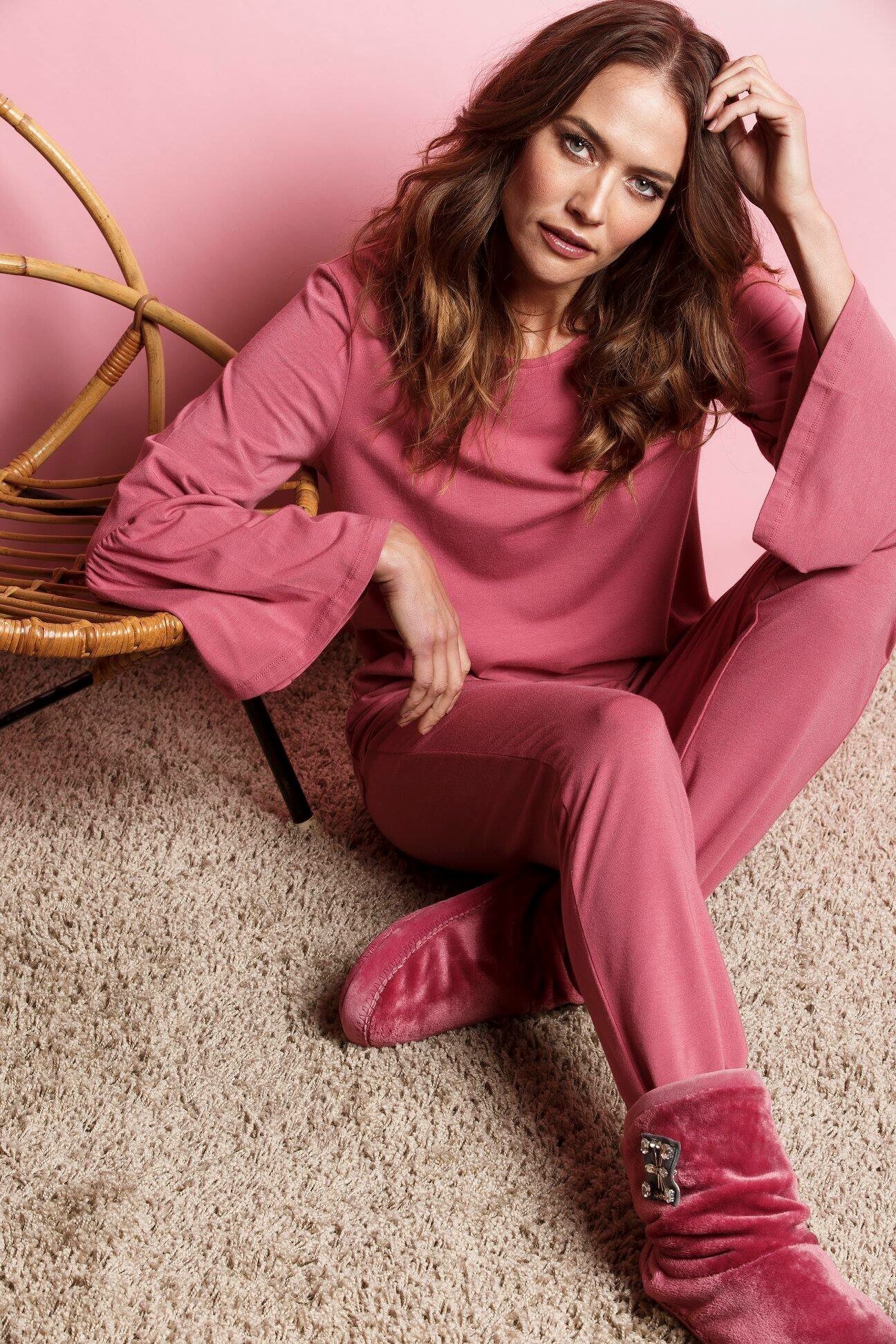
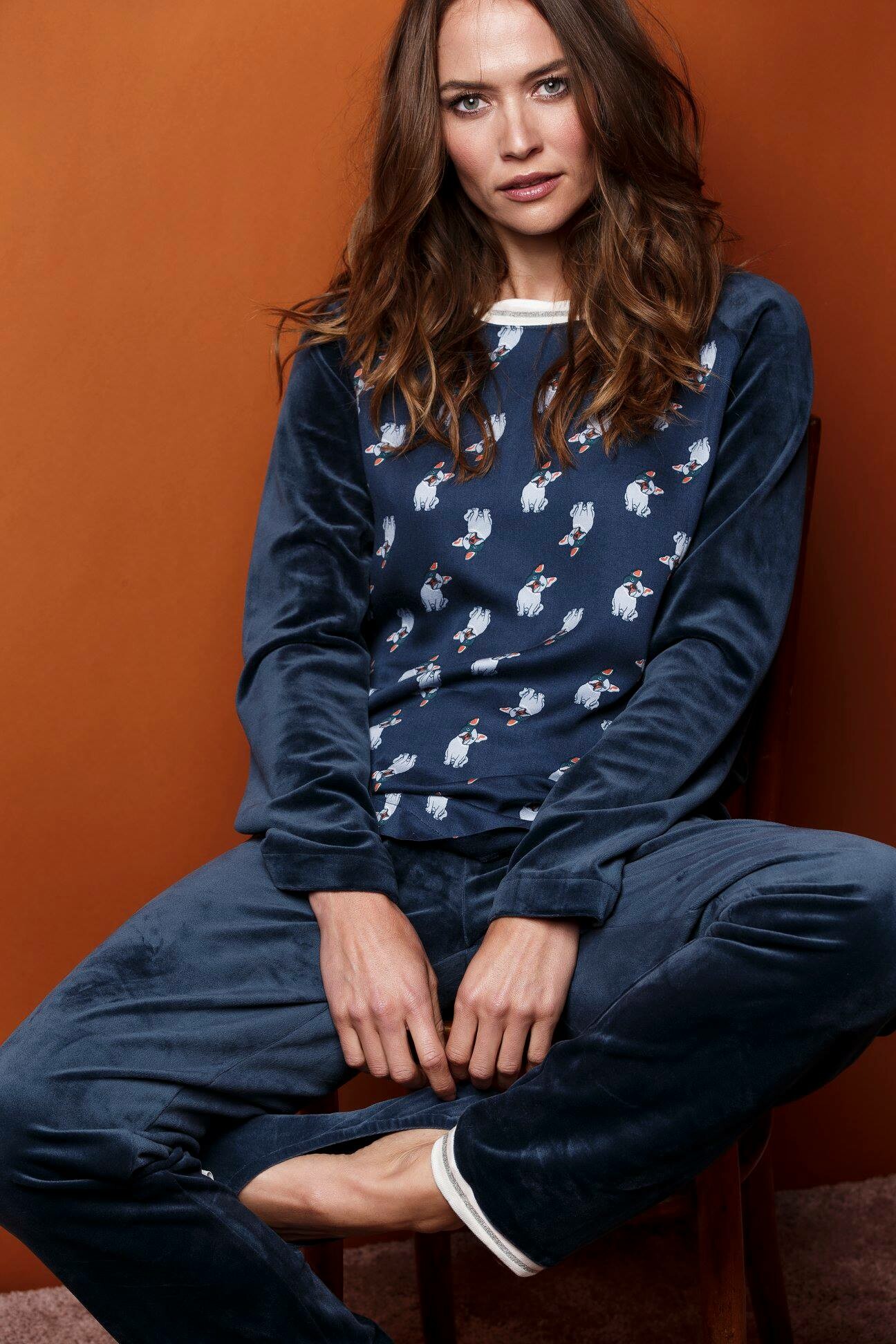
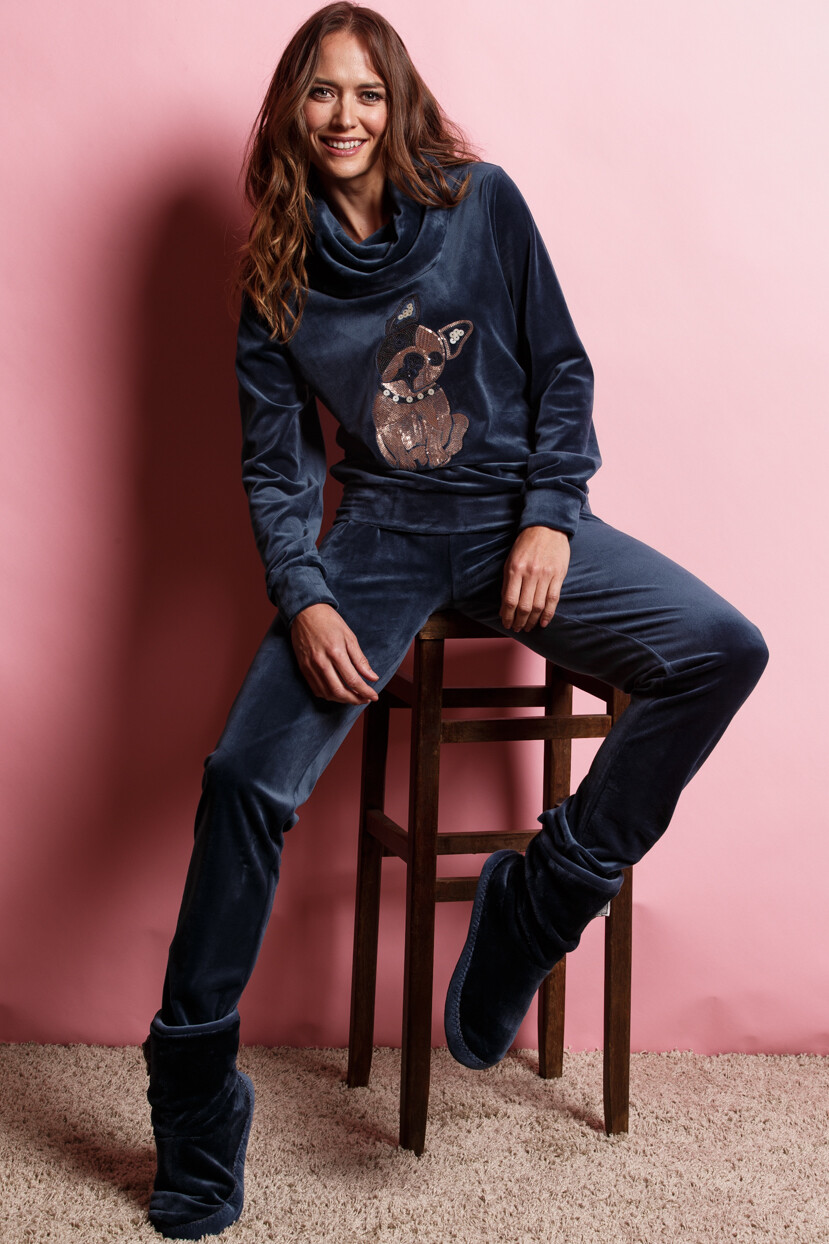
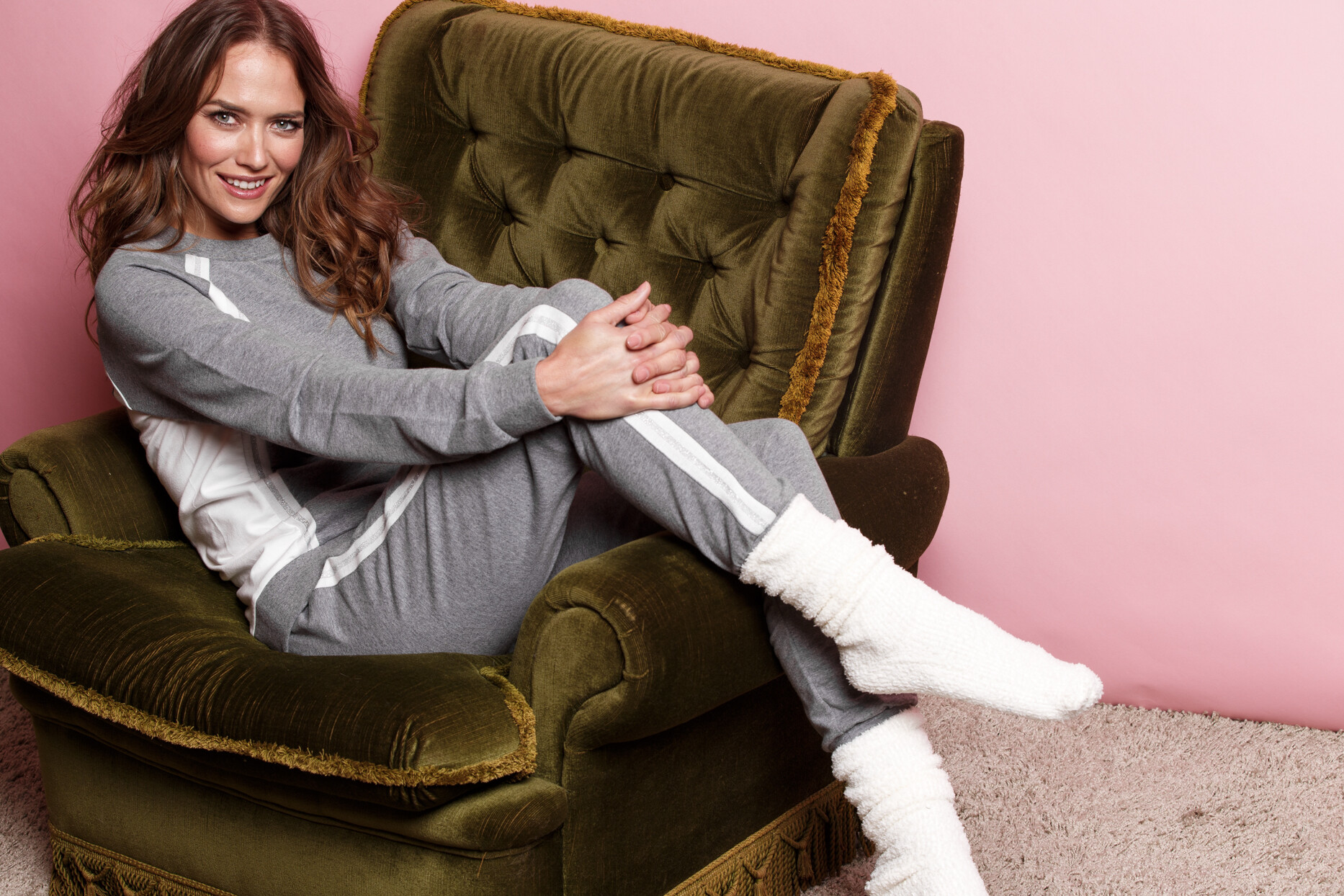
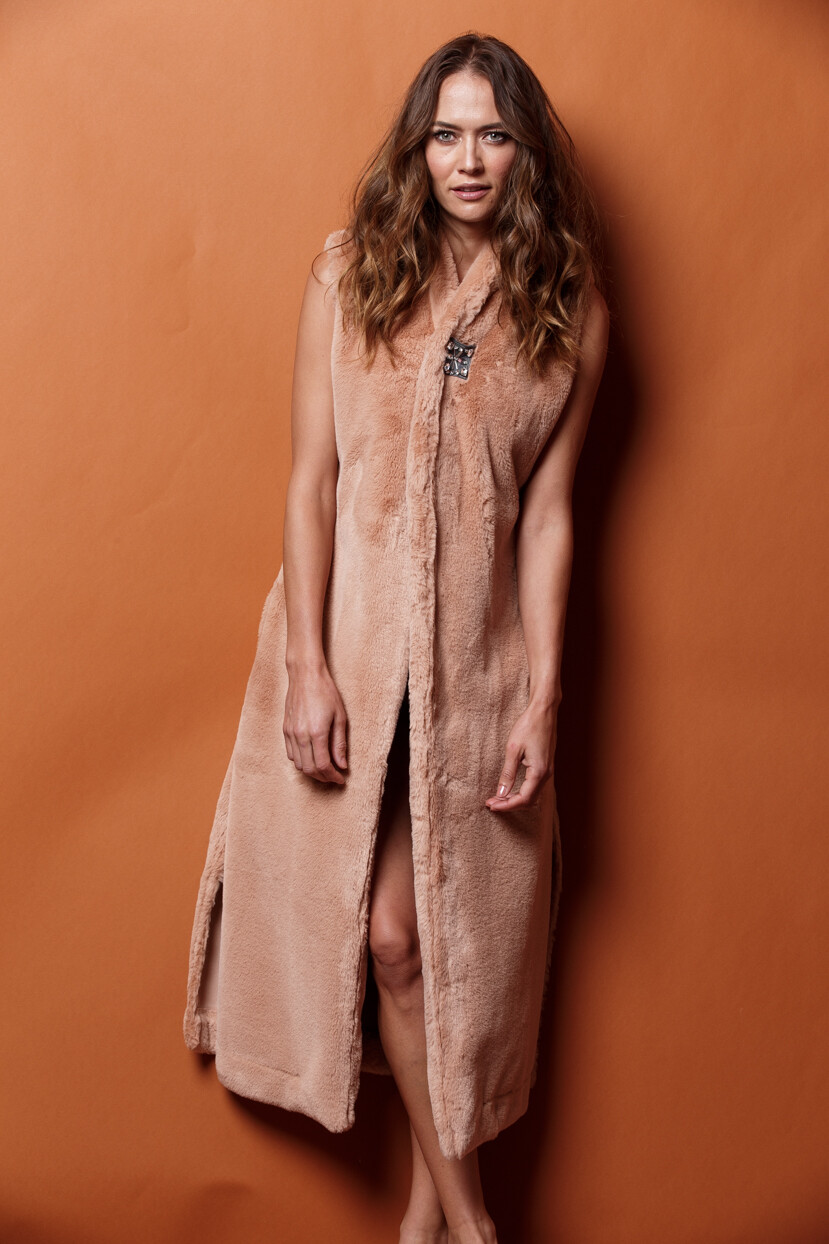
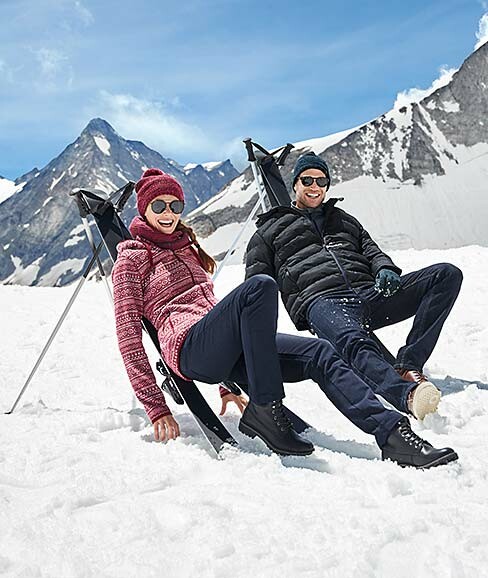
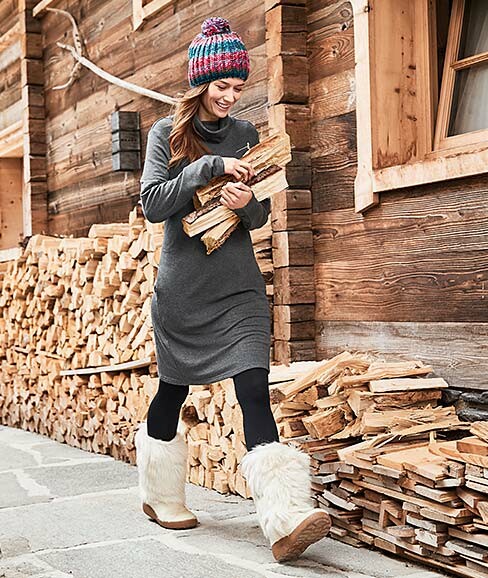
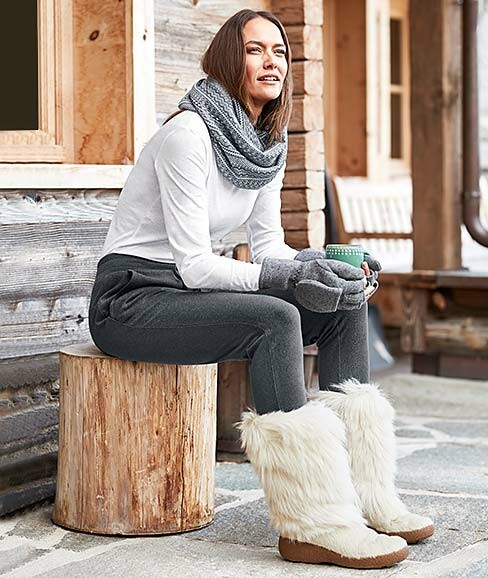
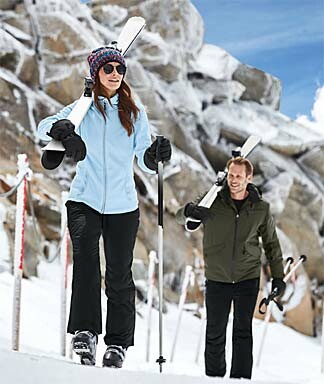
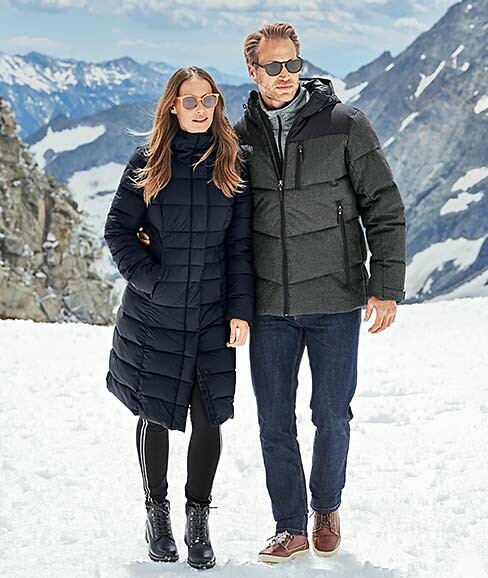
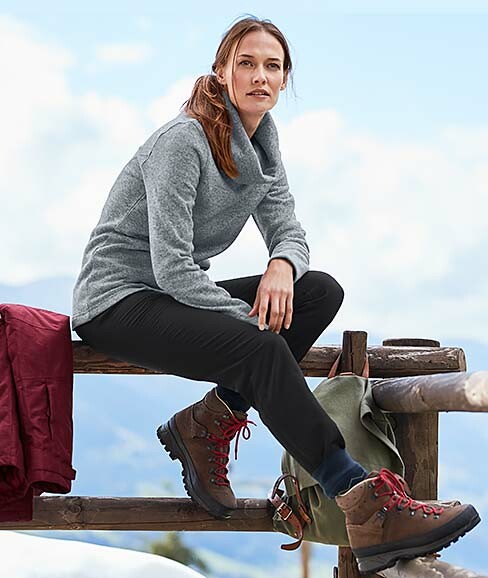
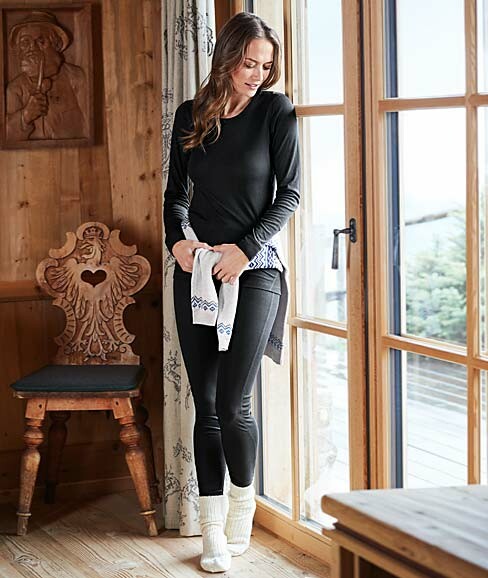
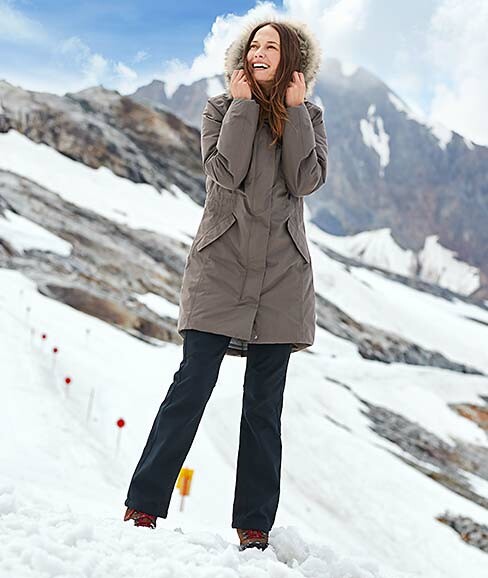
  6. Tchibo Austria winter 2018
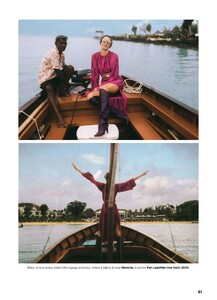
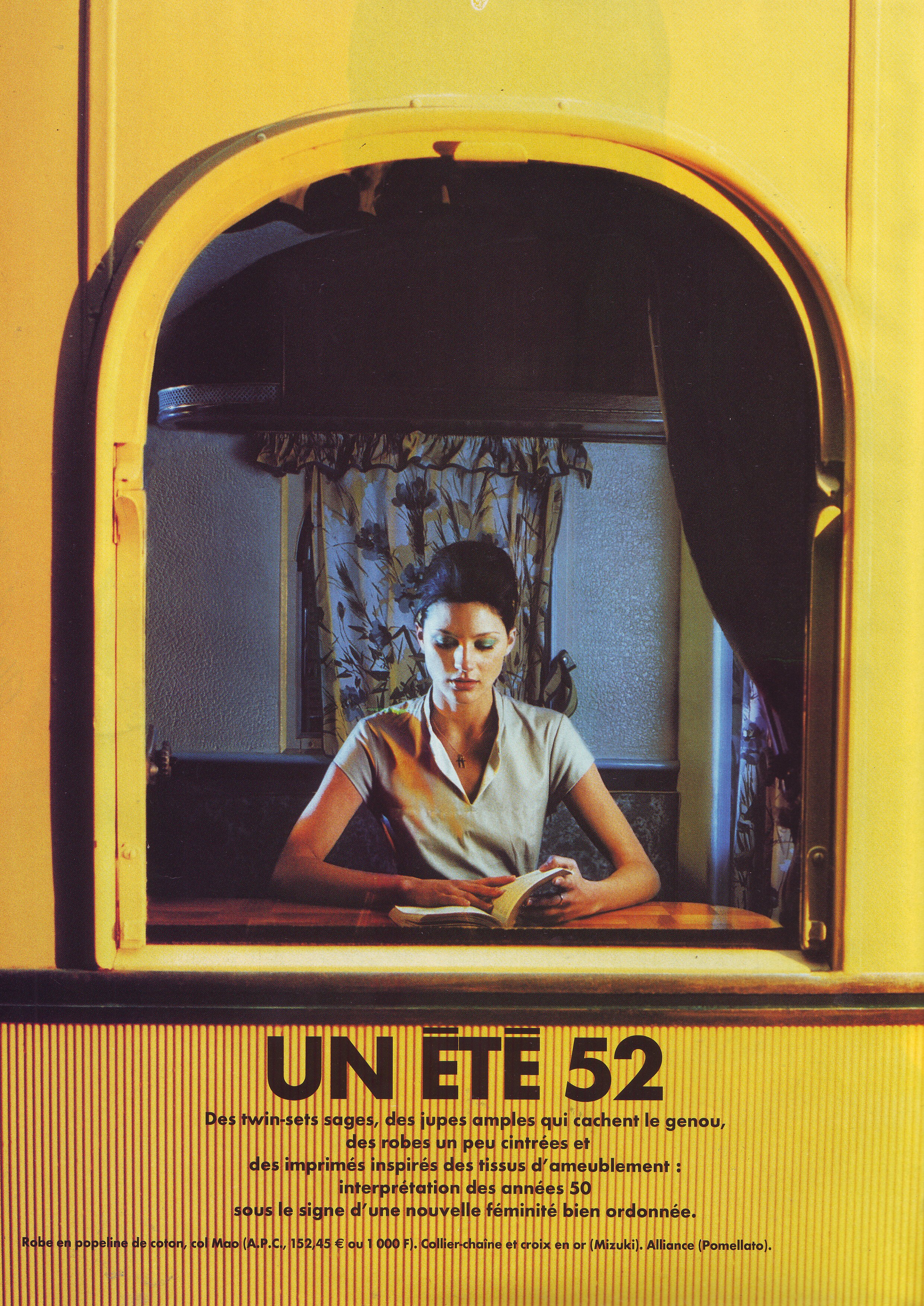
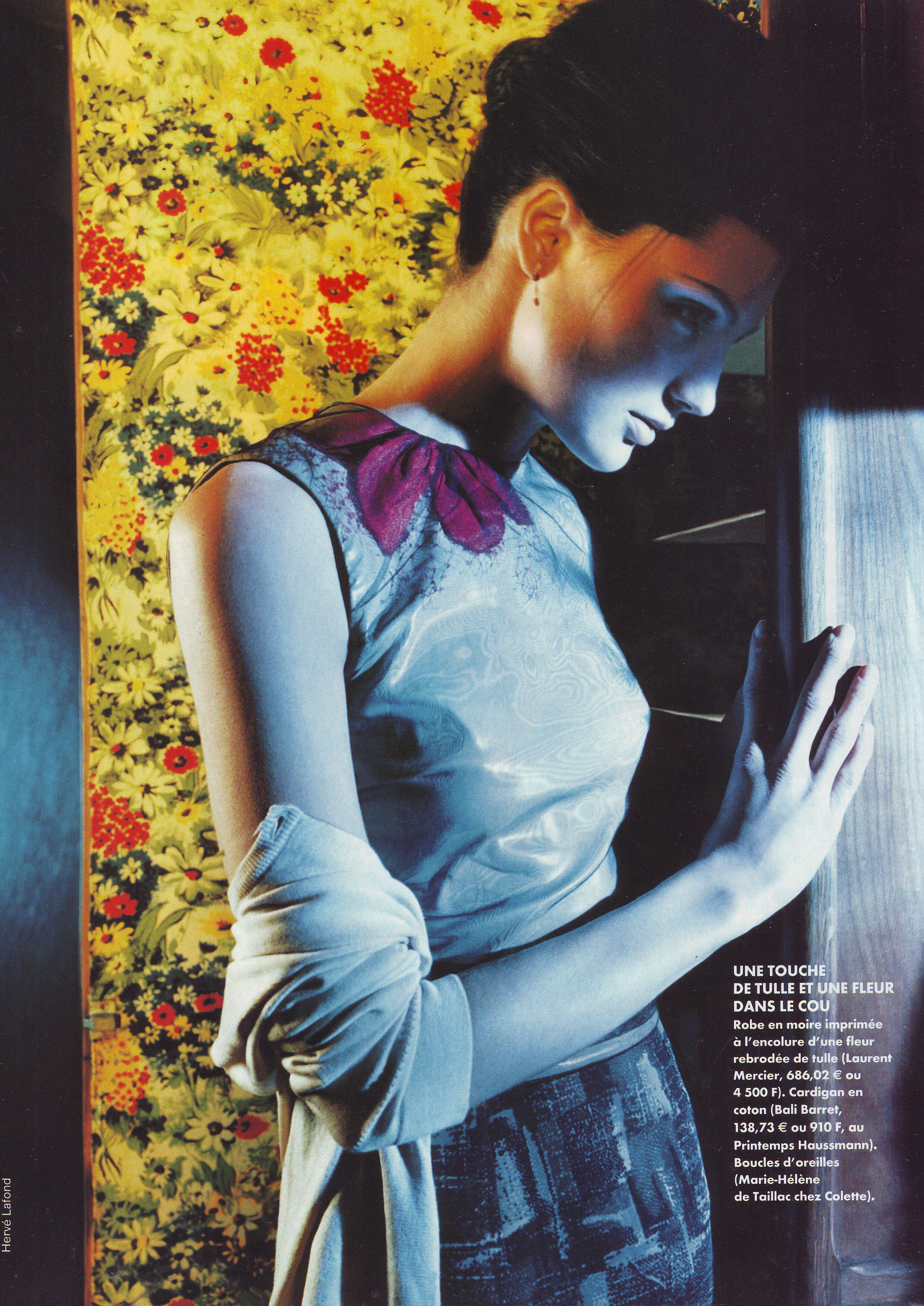
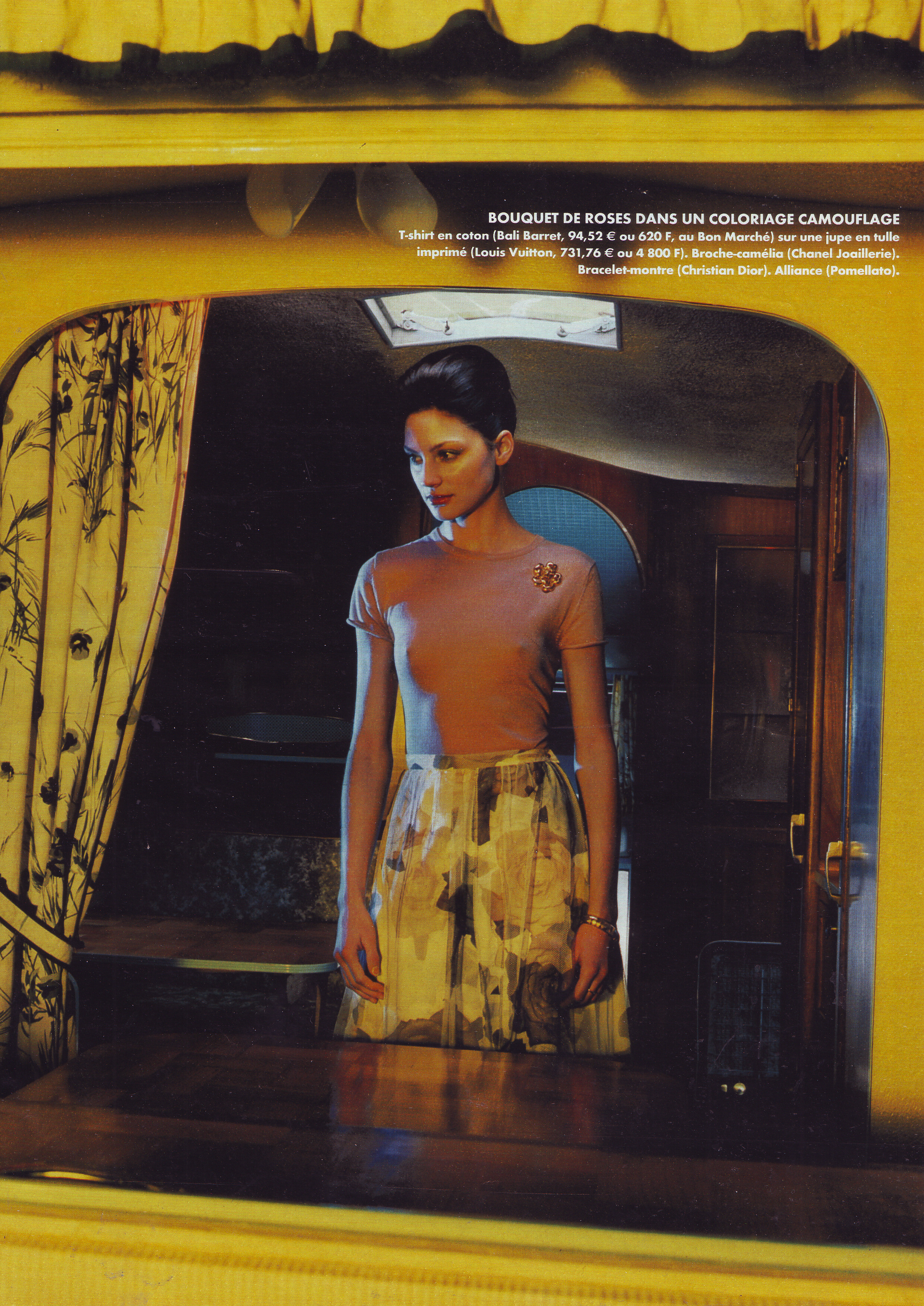
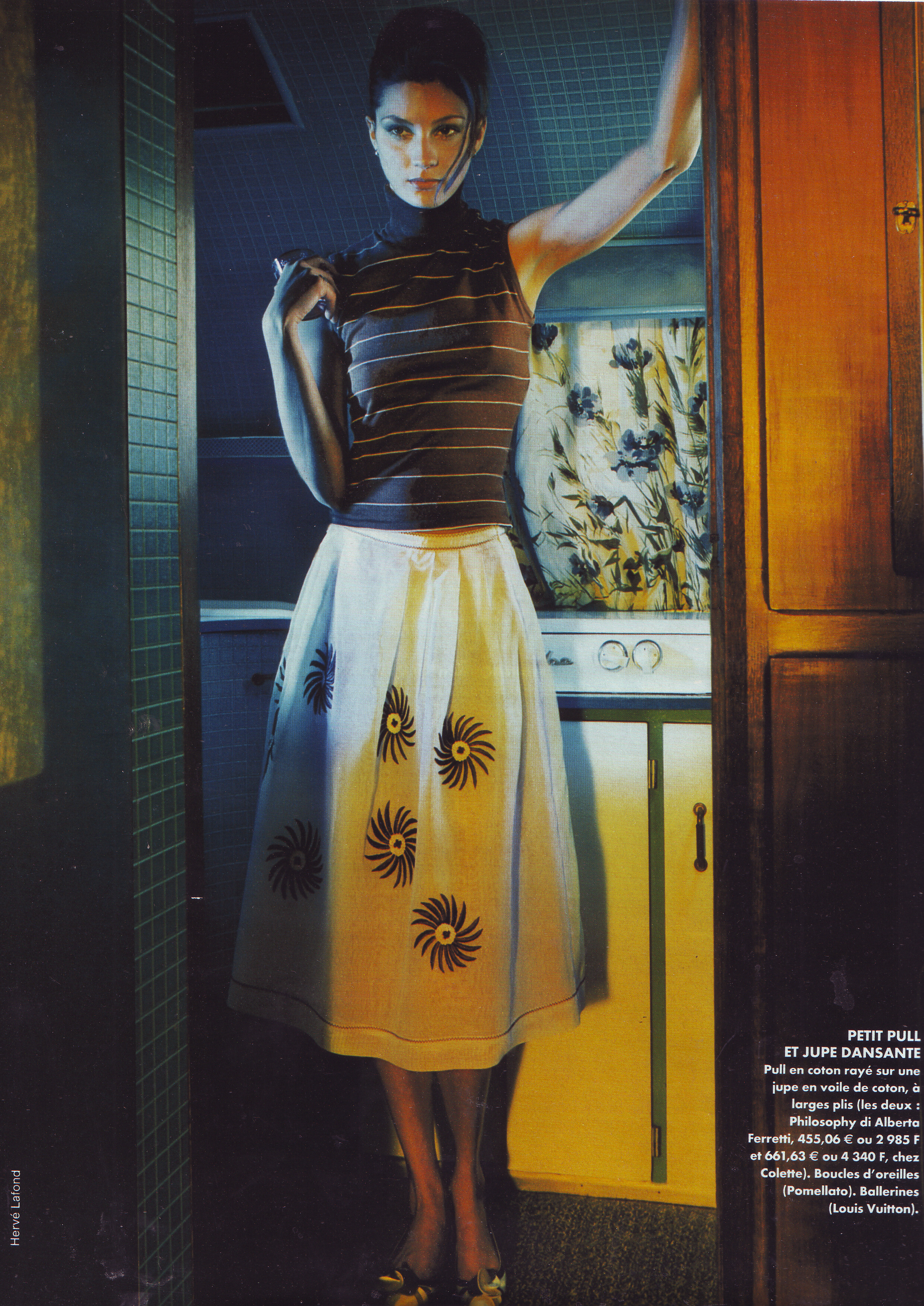
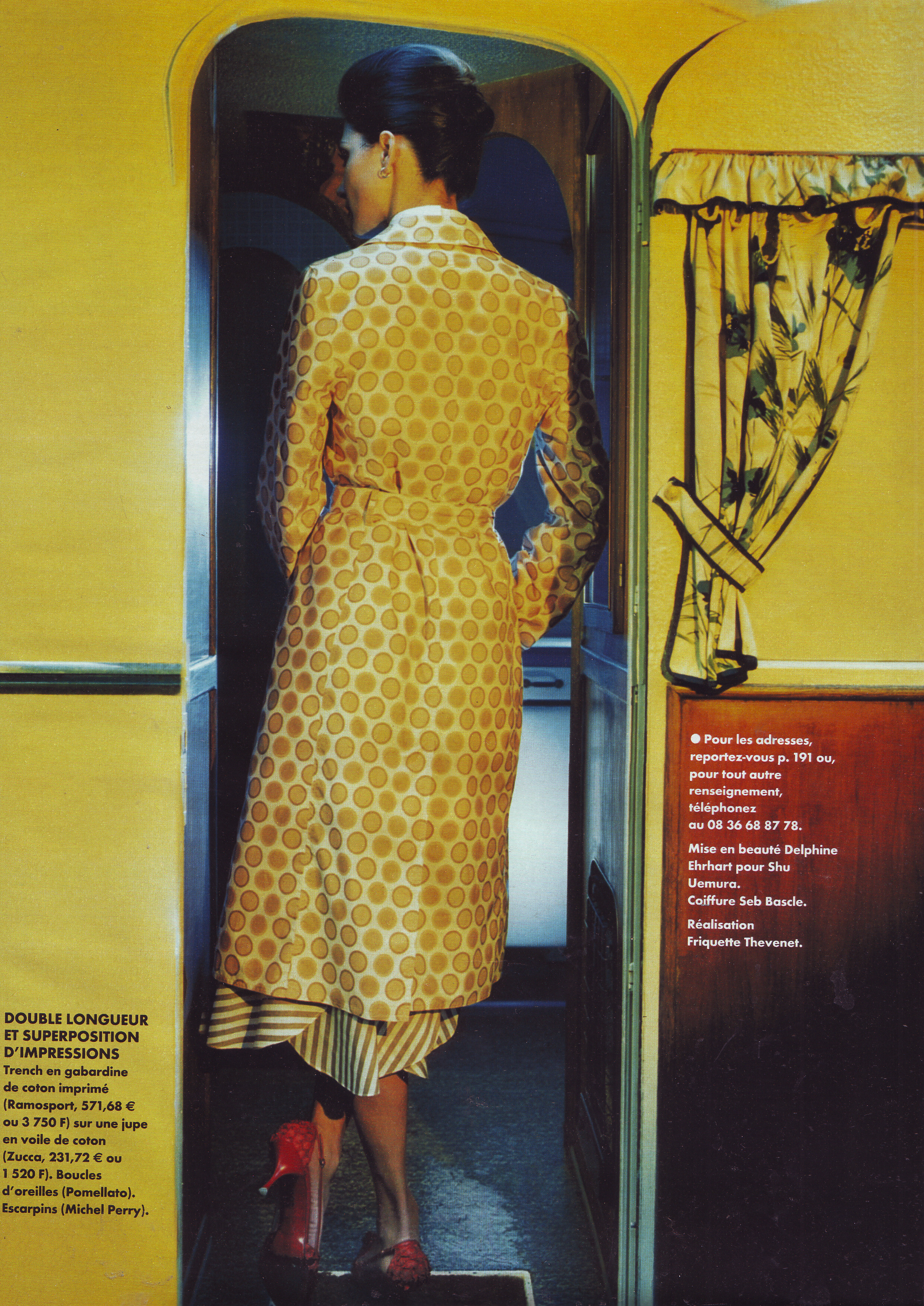
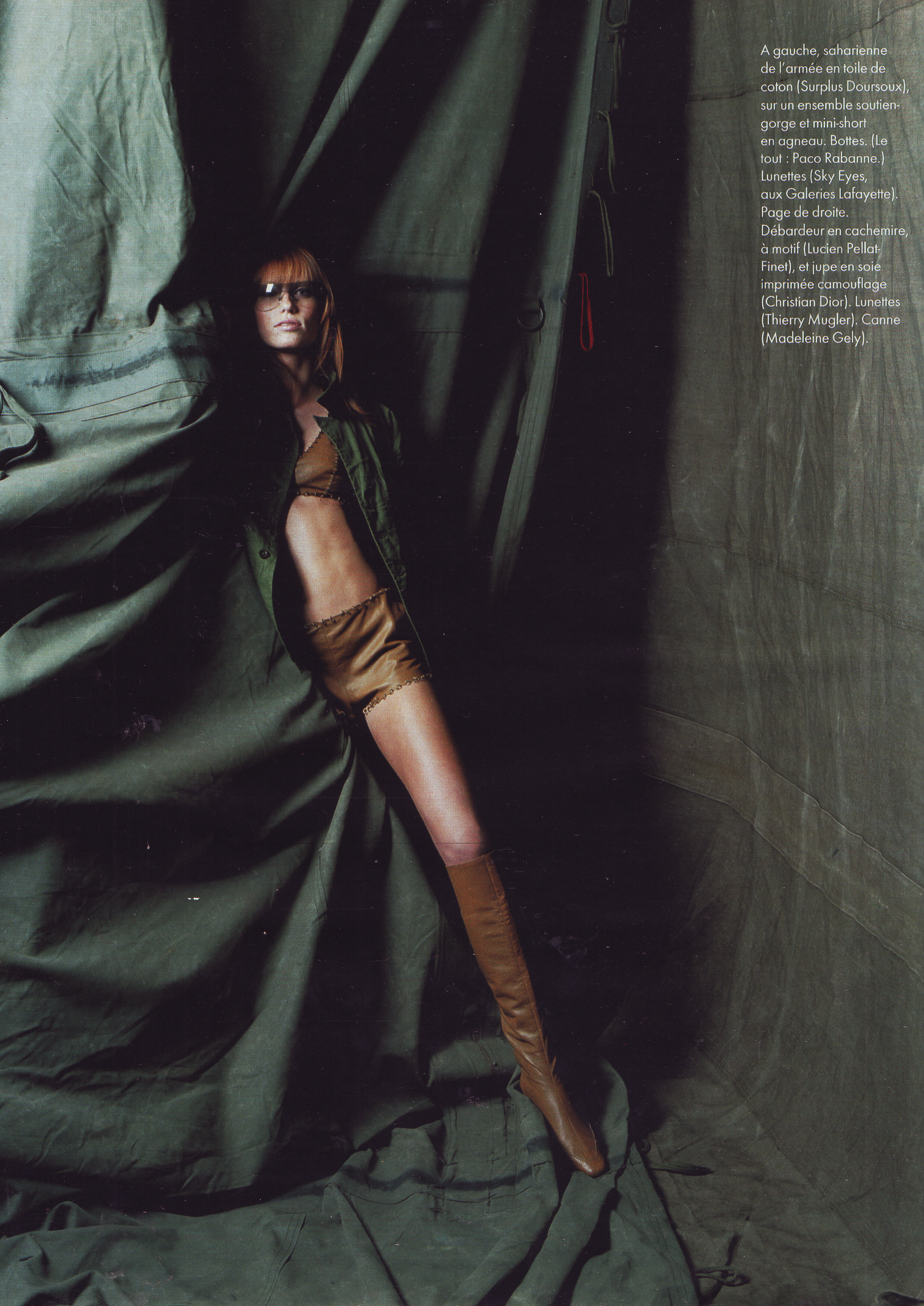
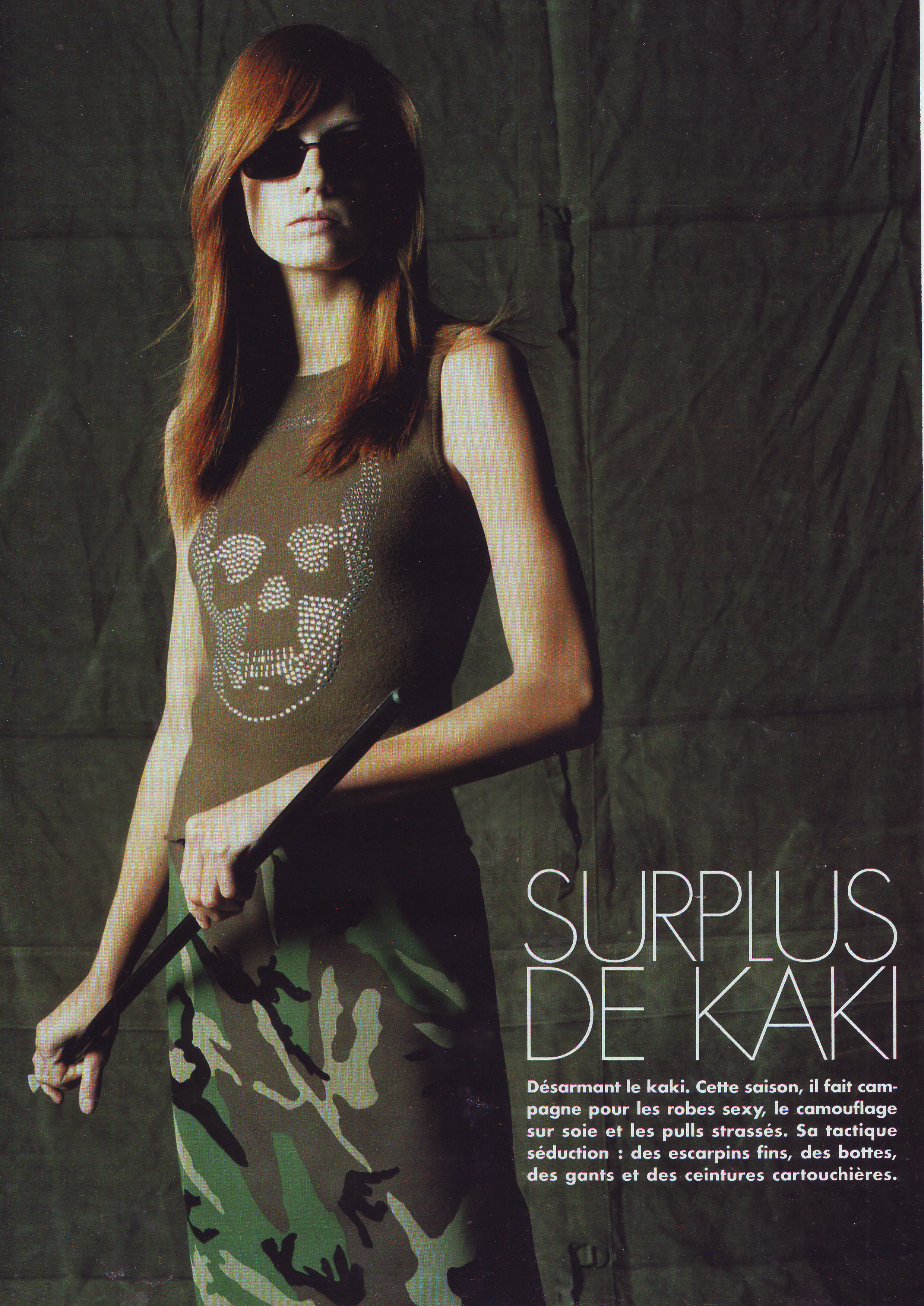
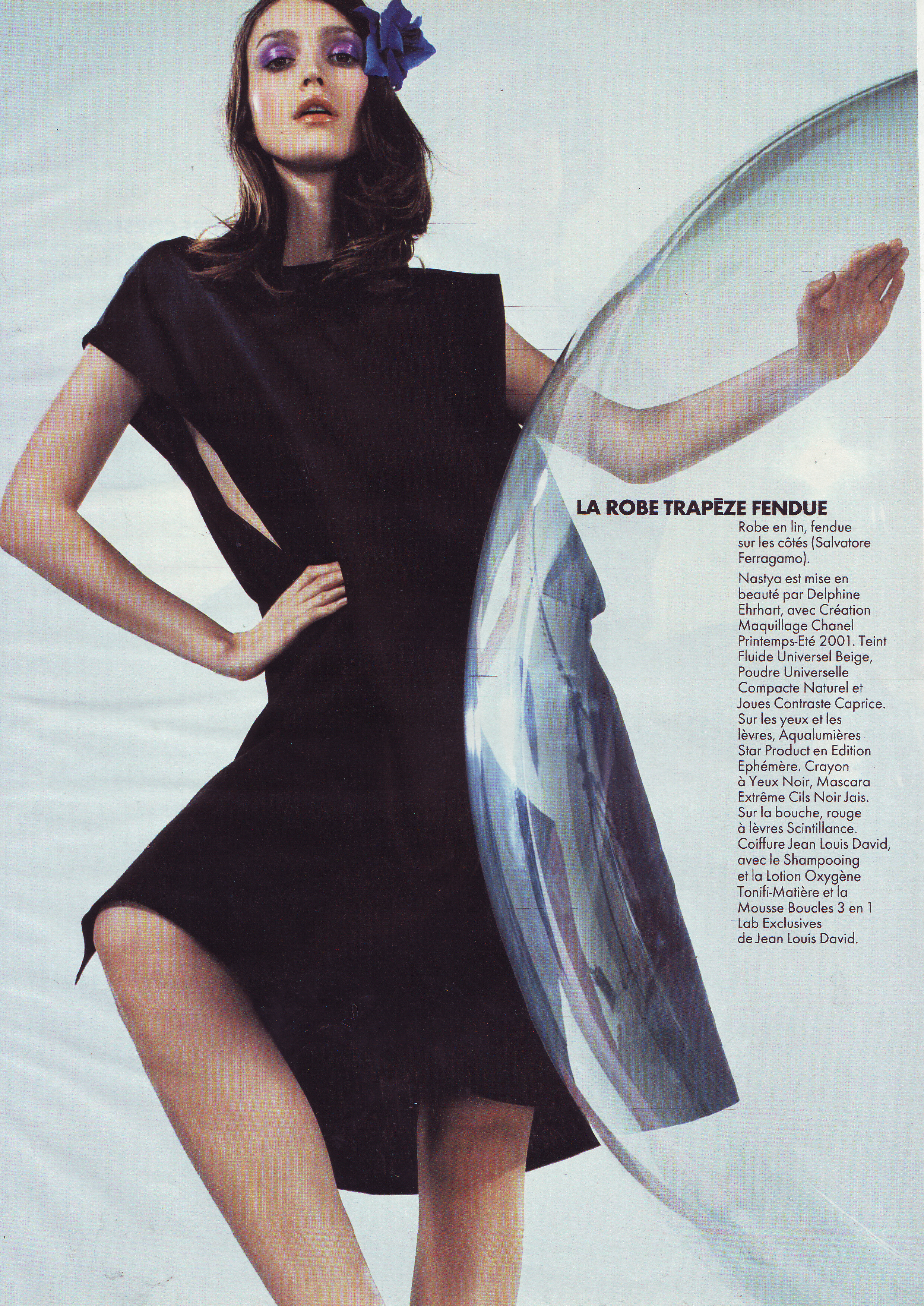
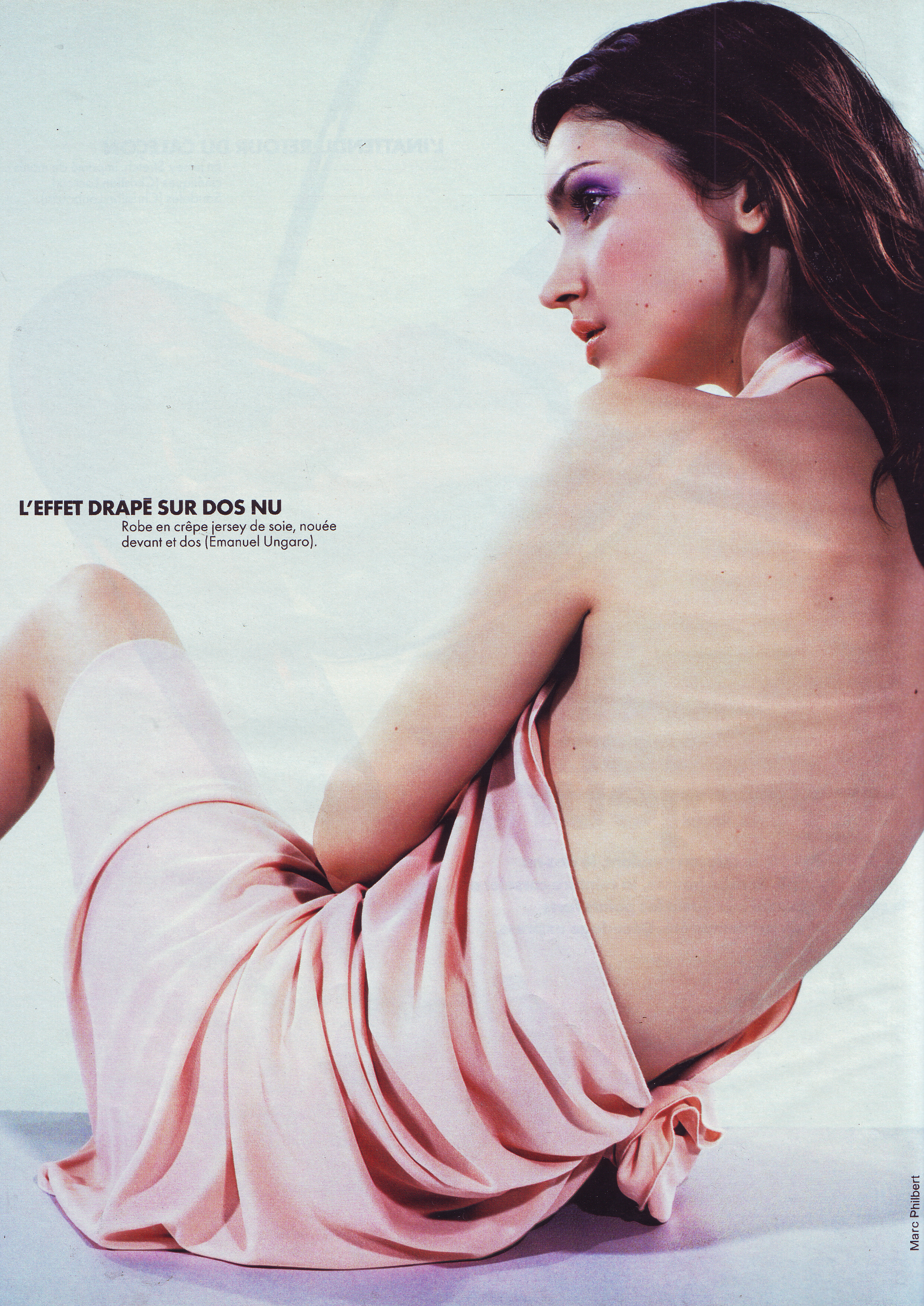
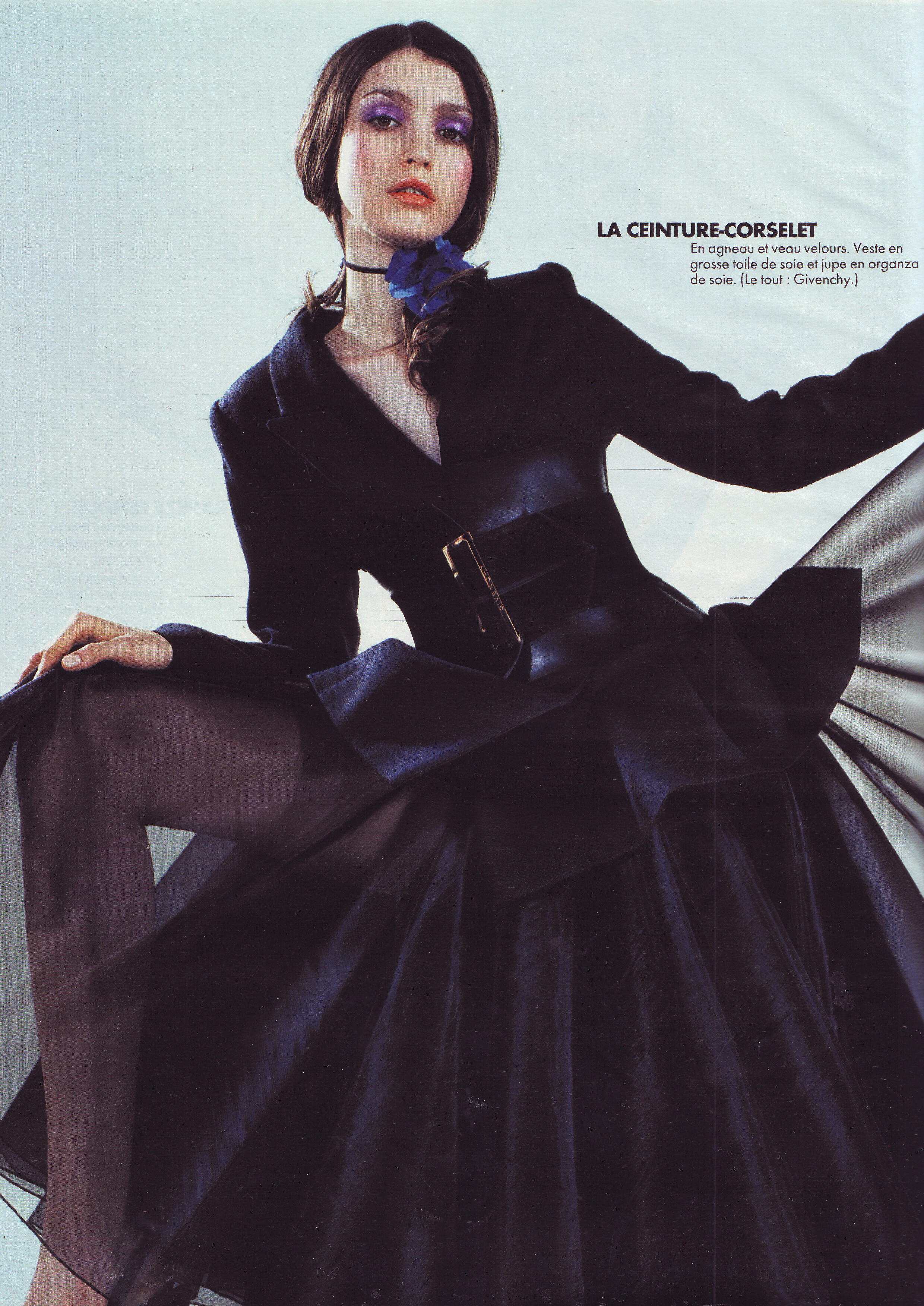
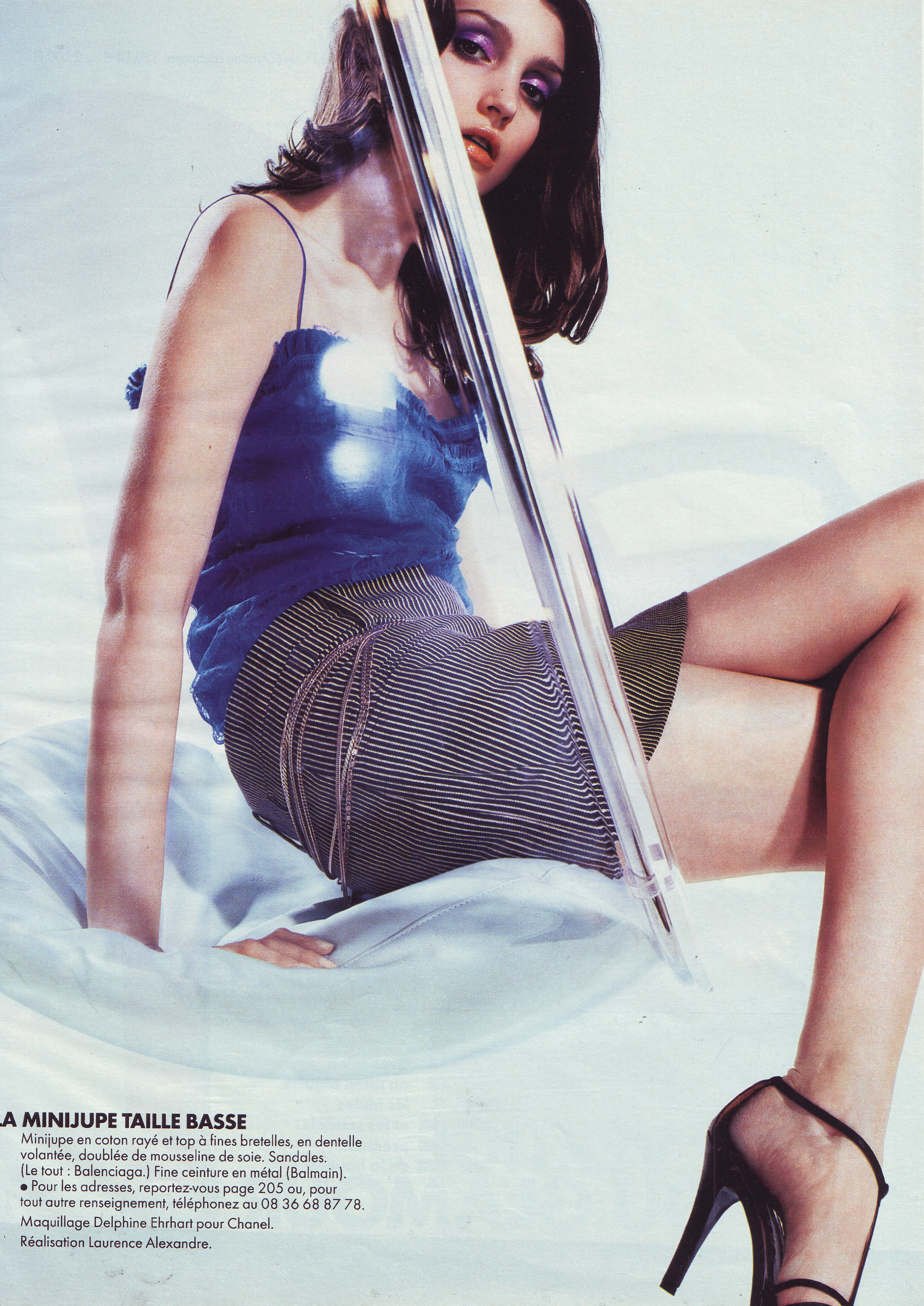
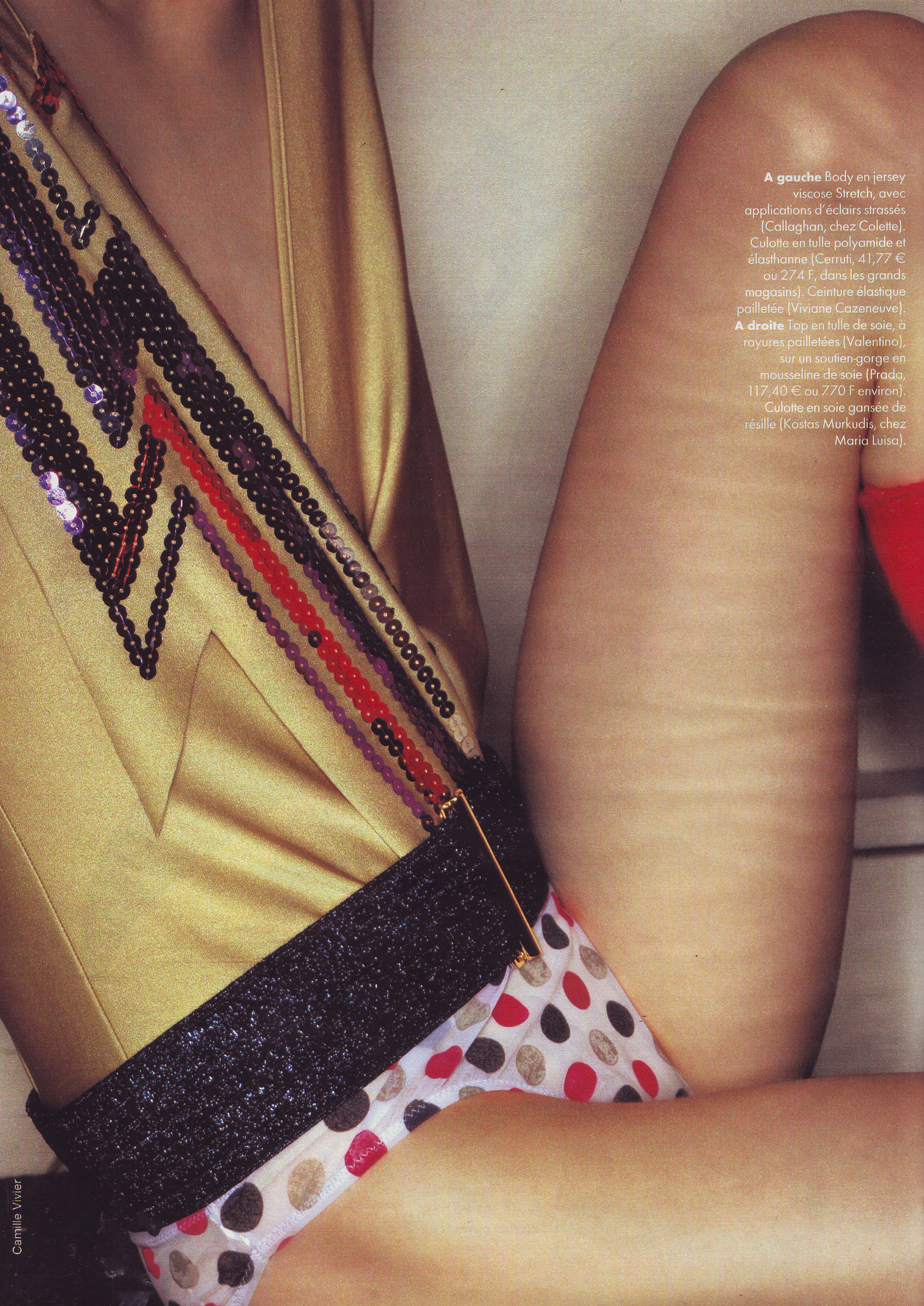
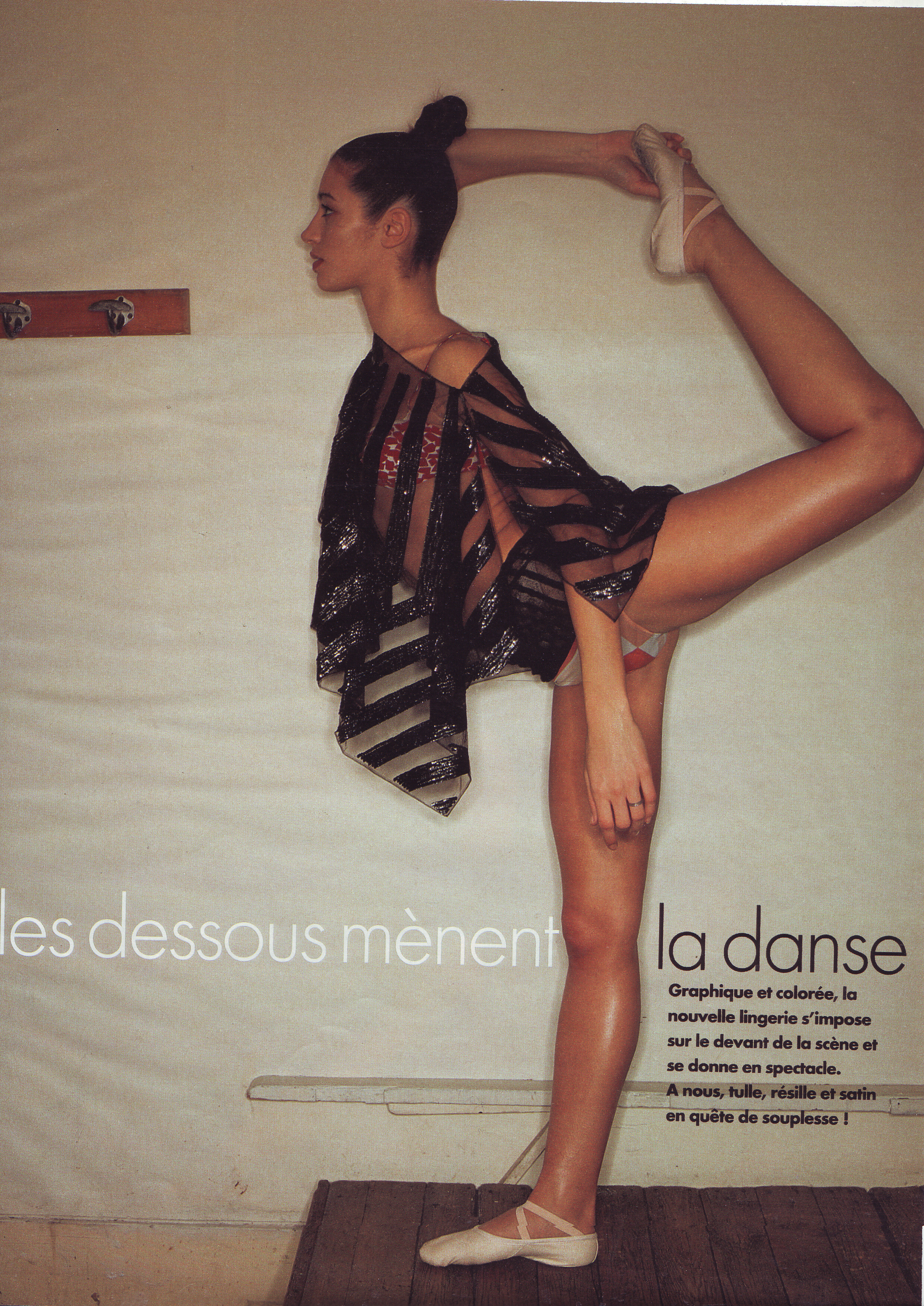
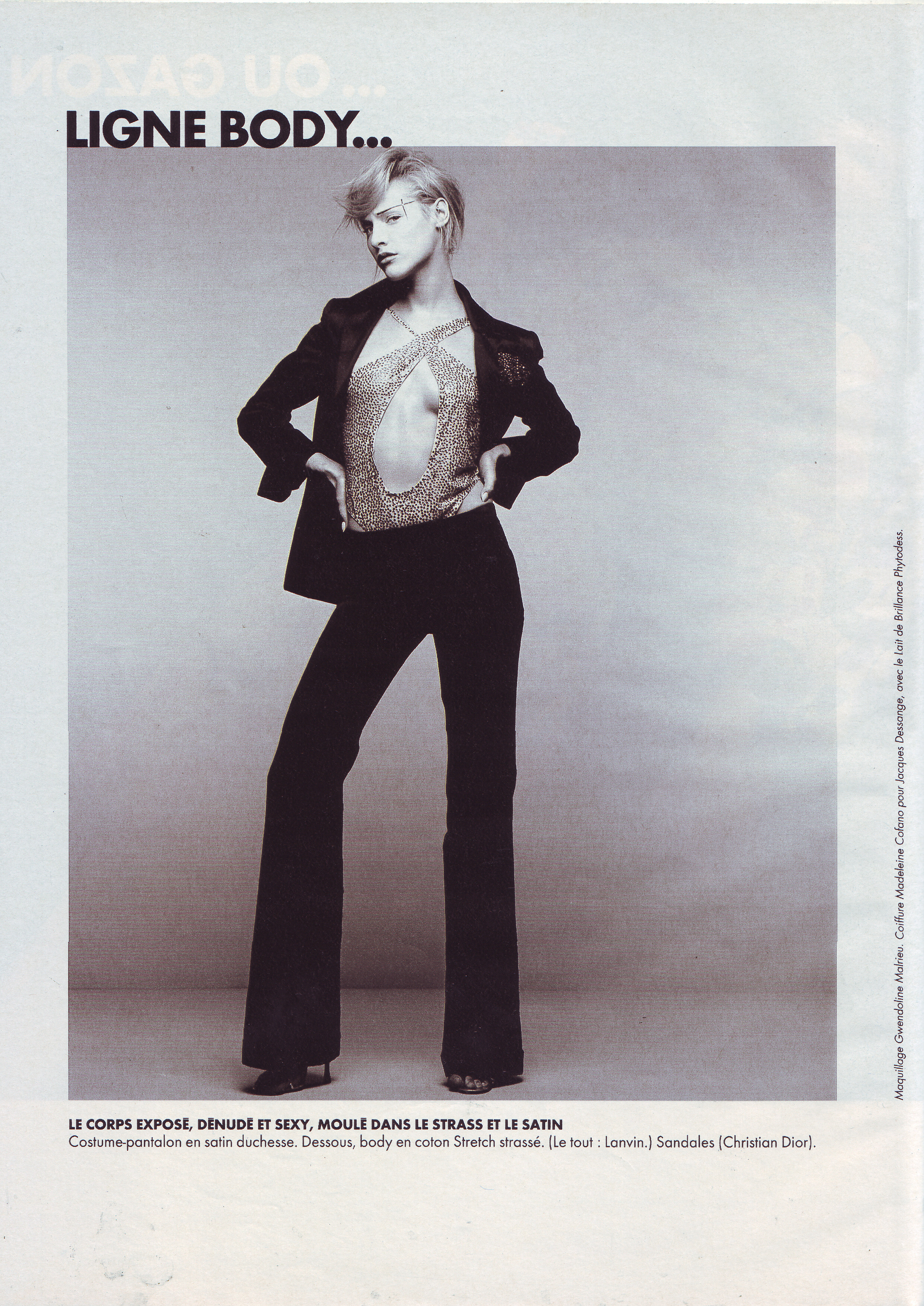
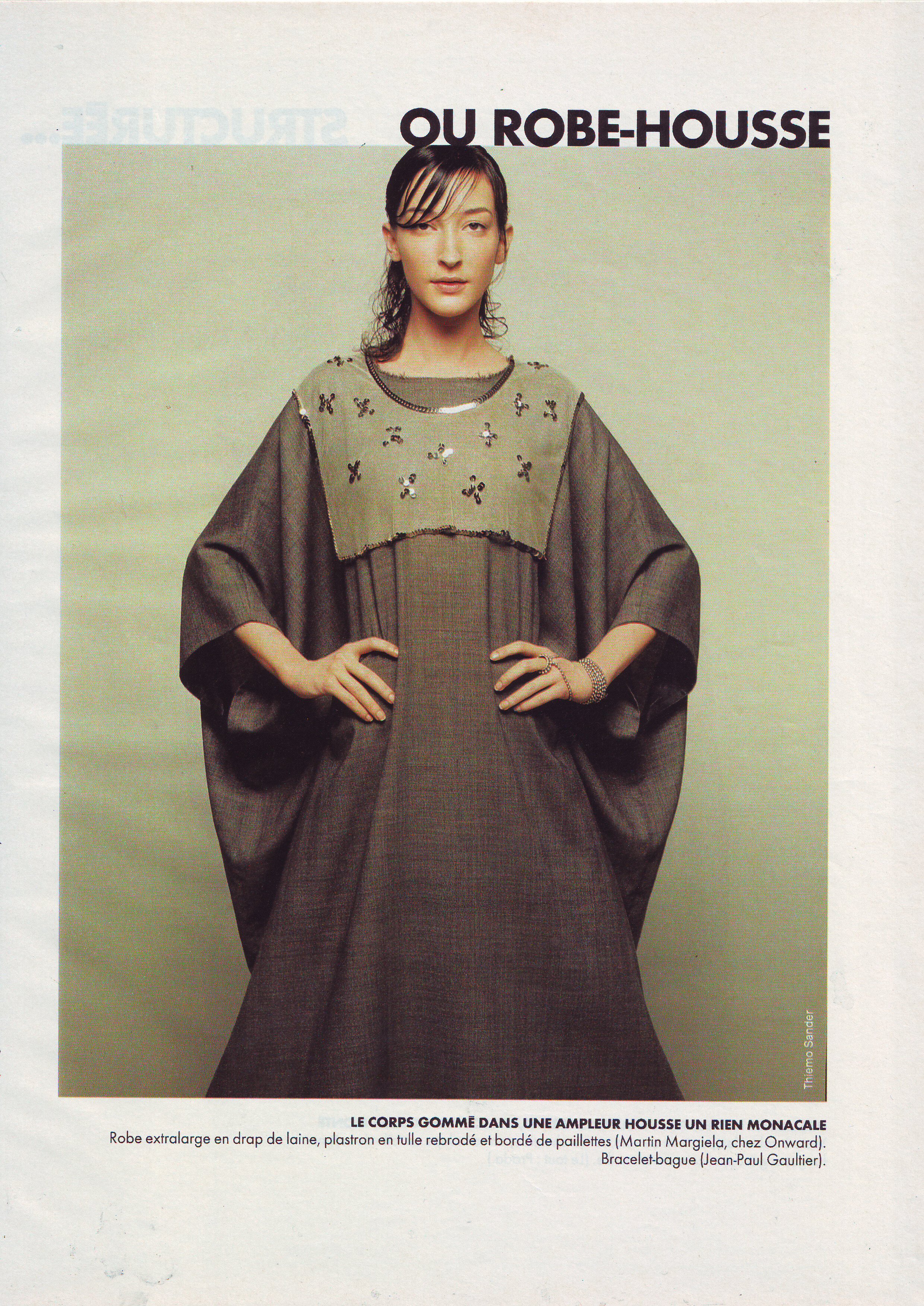
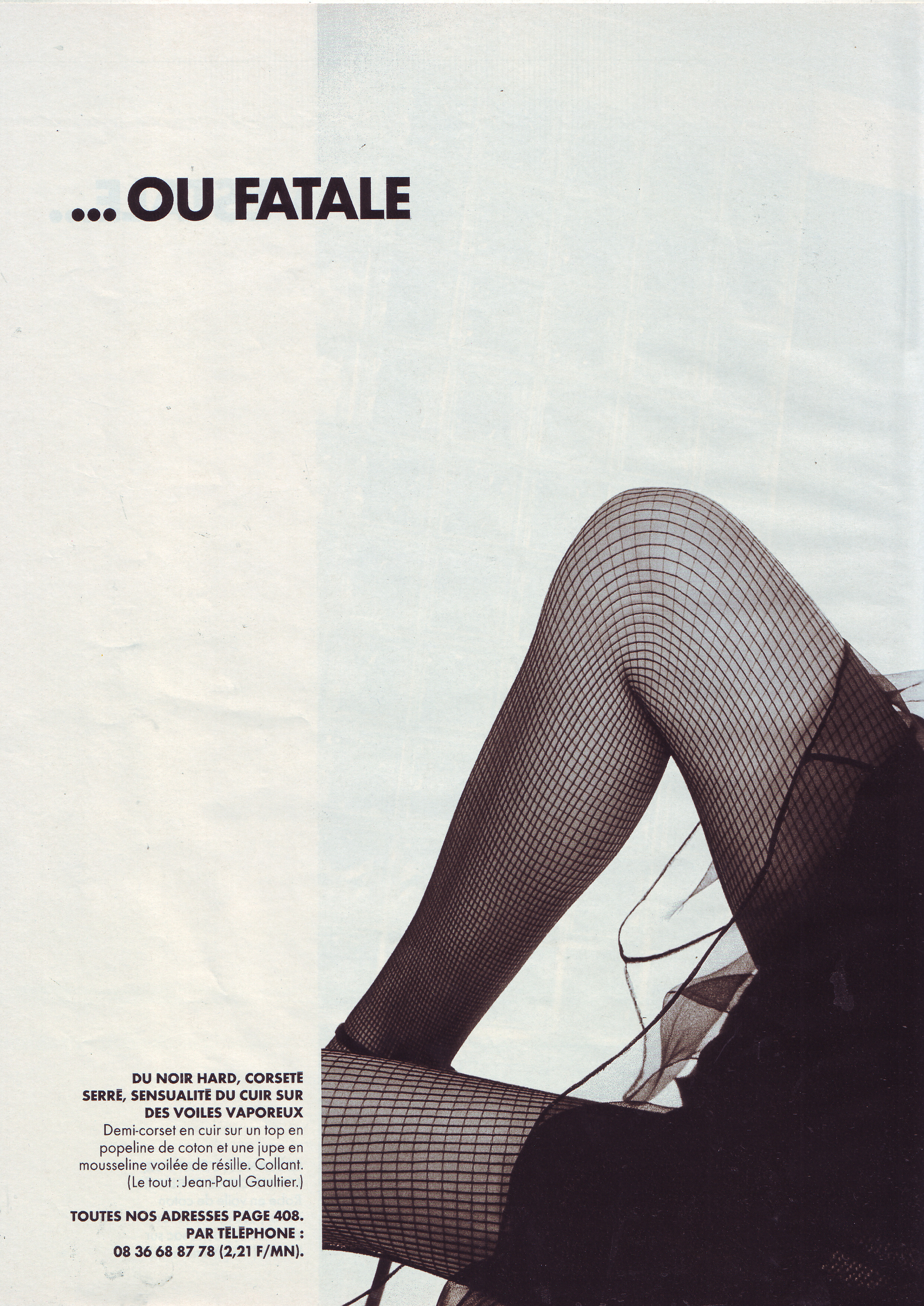
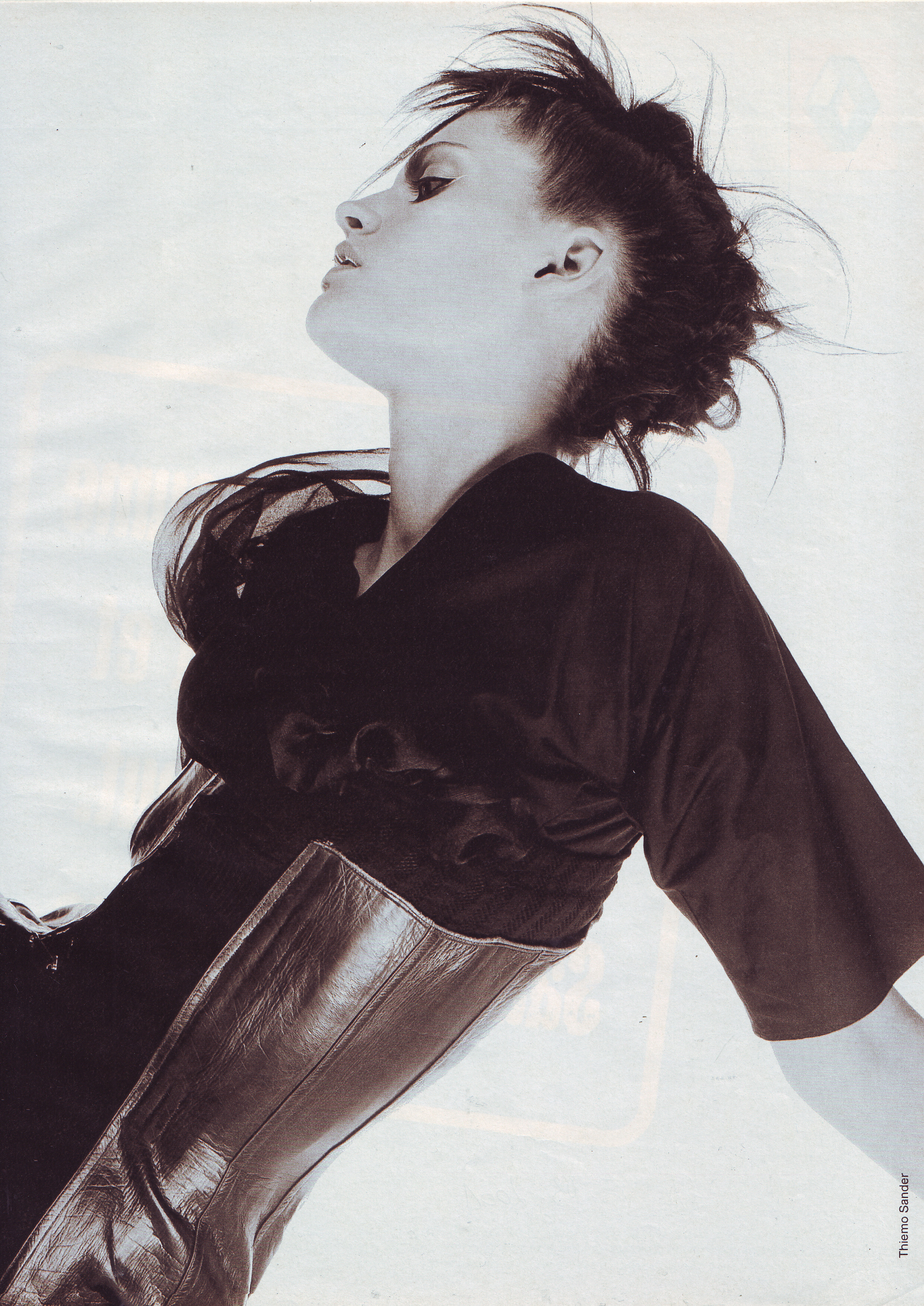
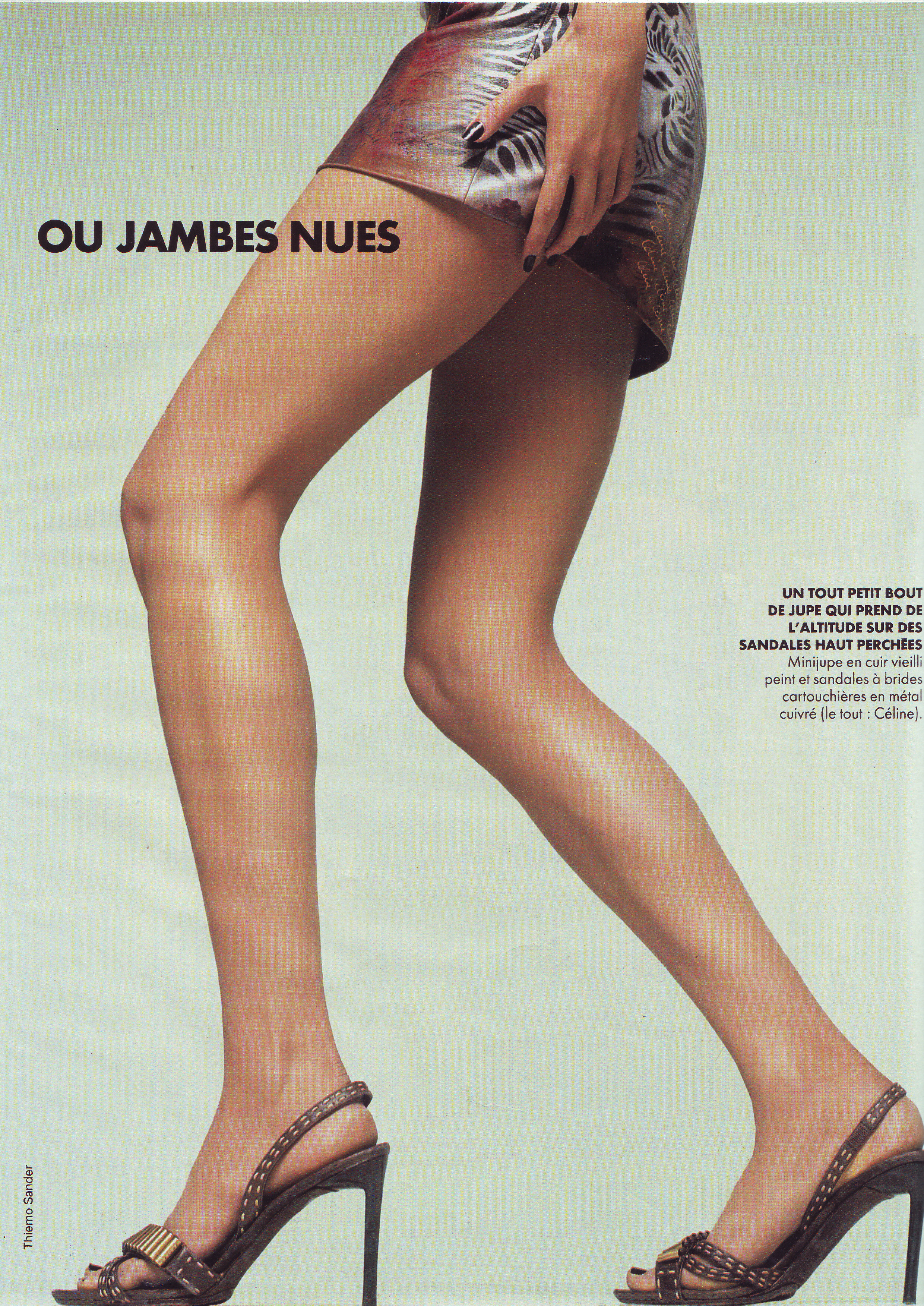
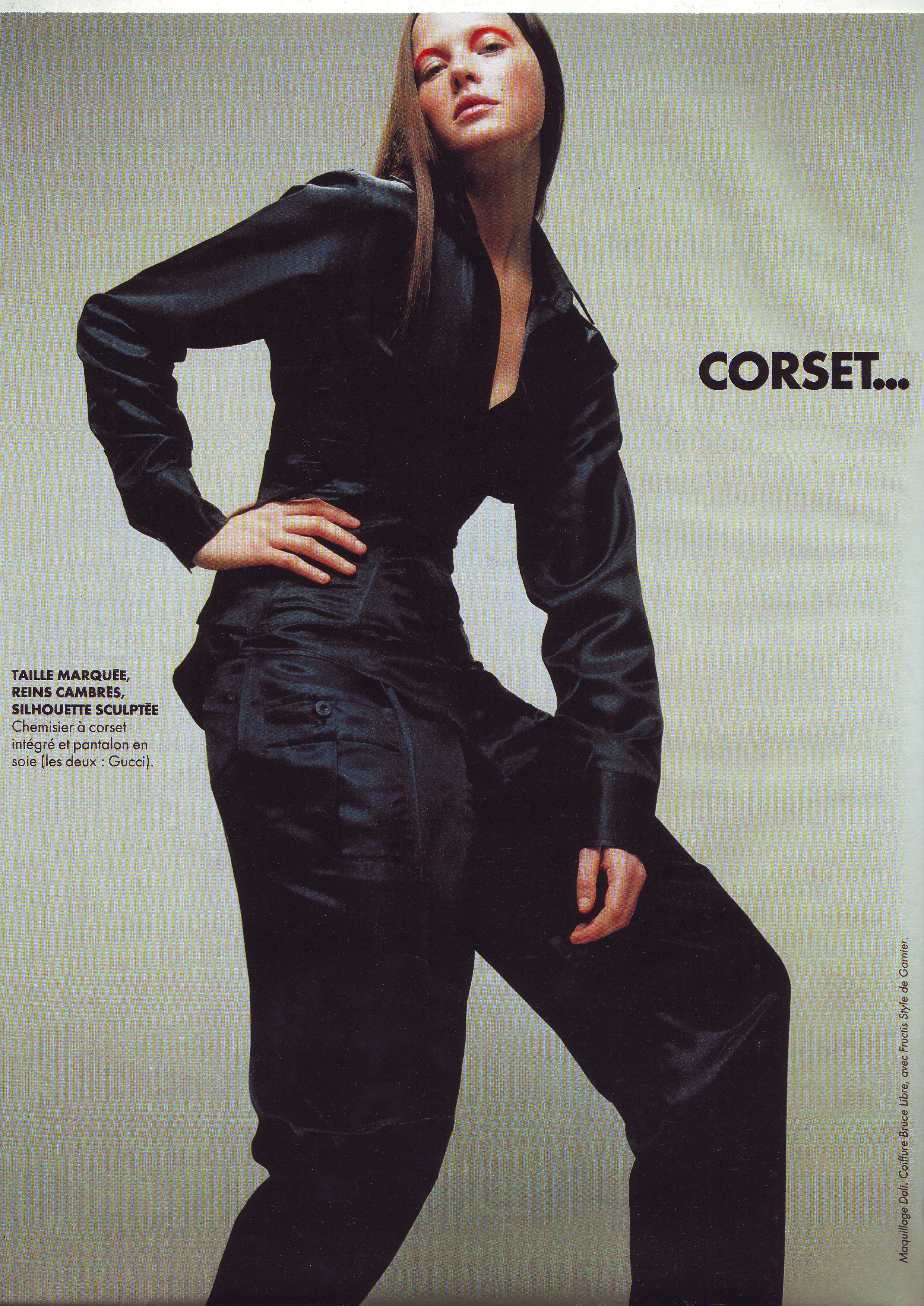
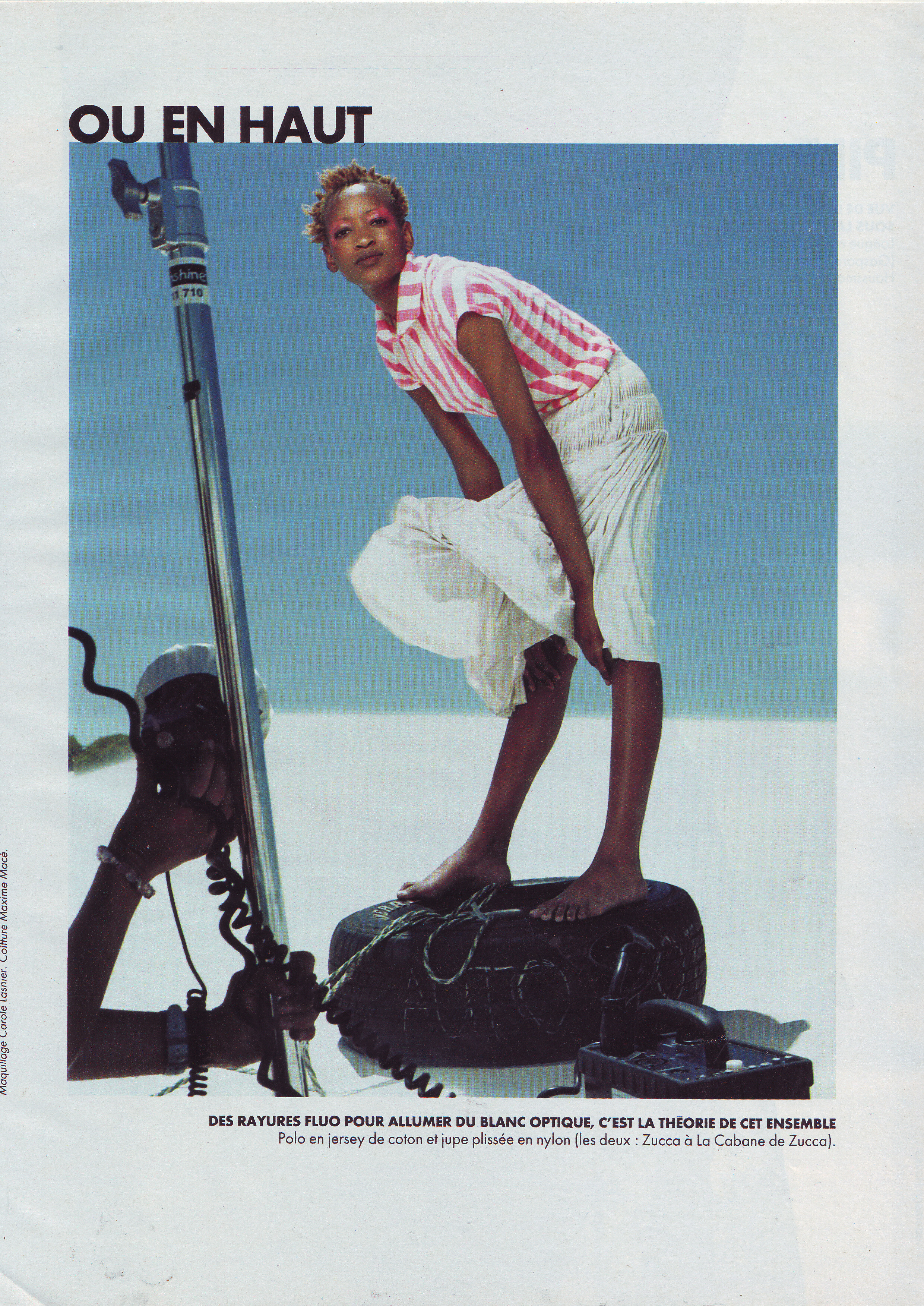
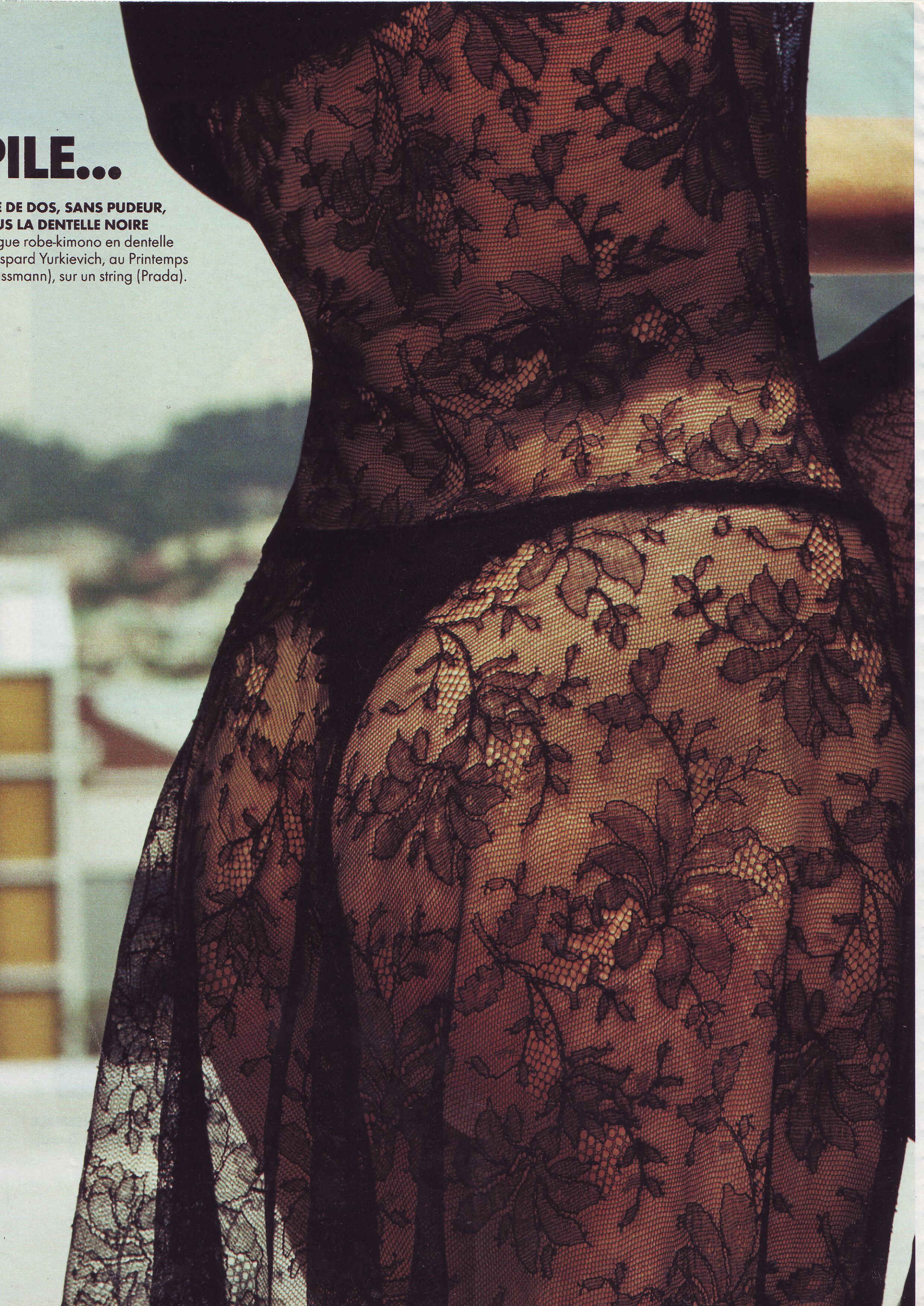
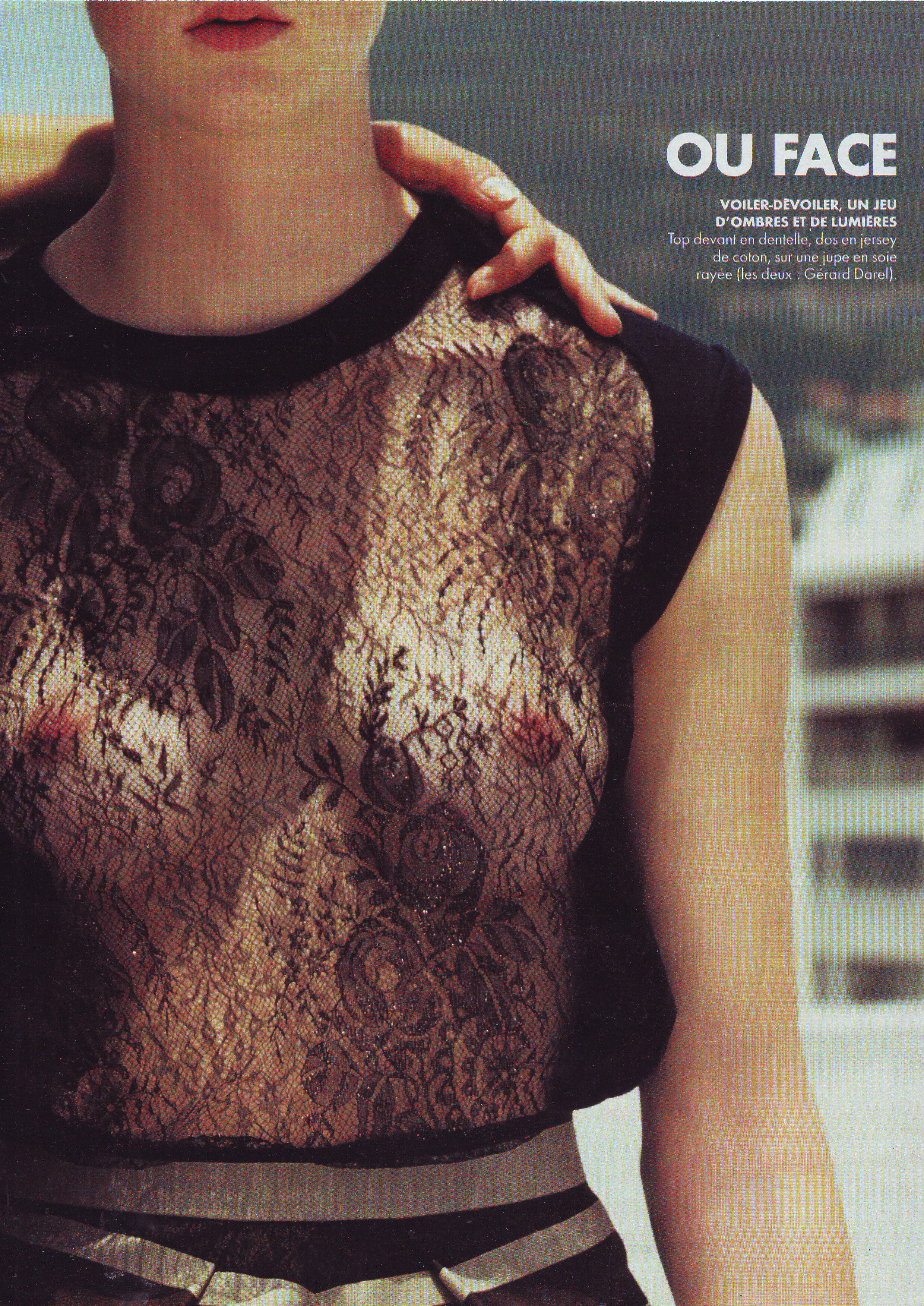
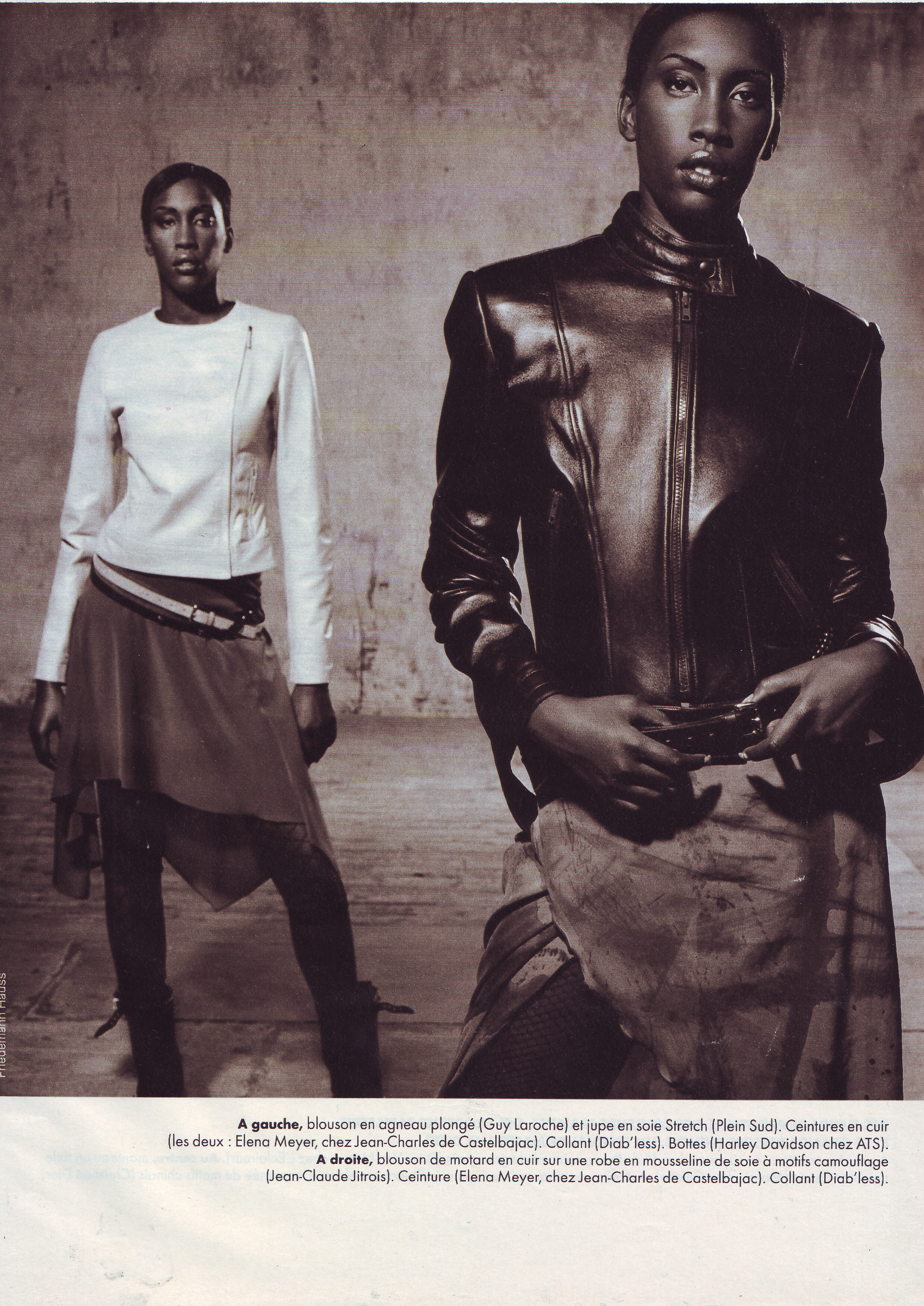
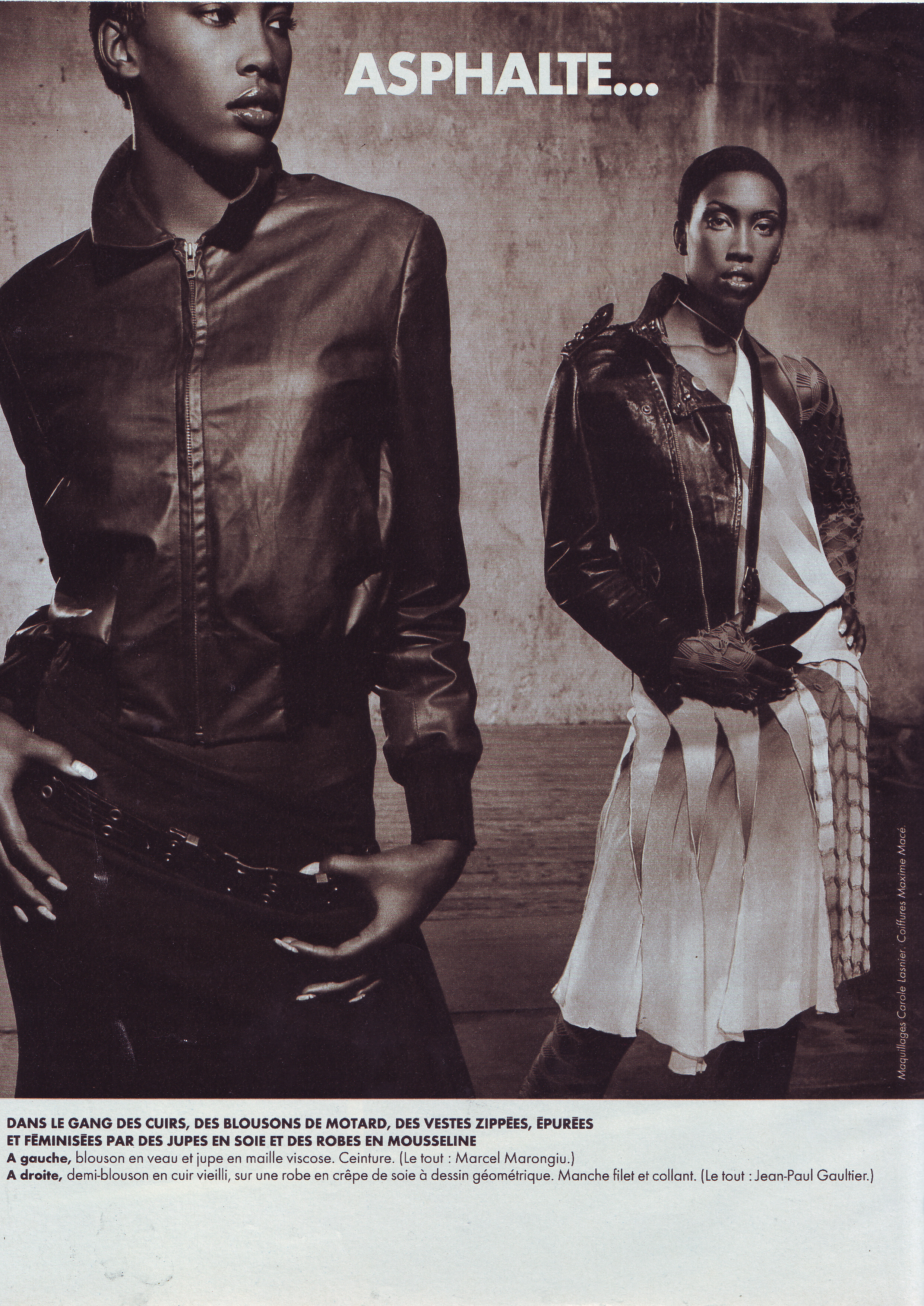
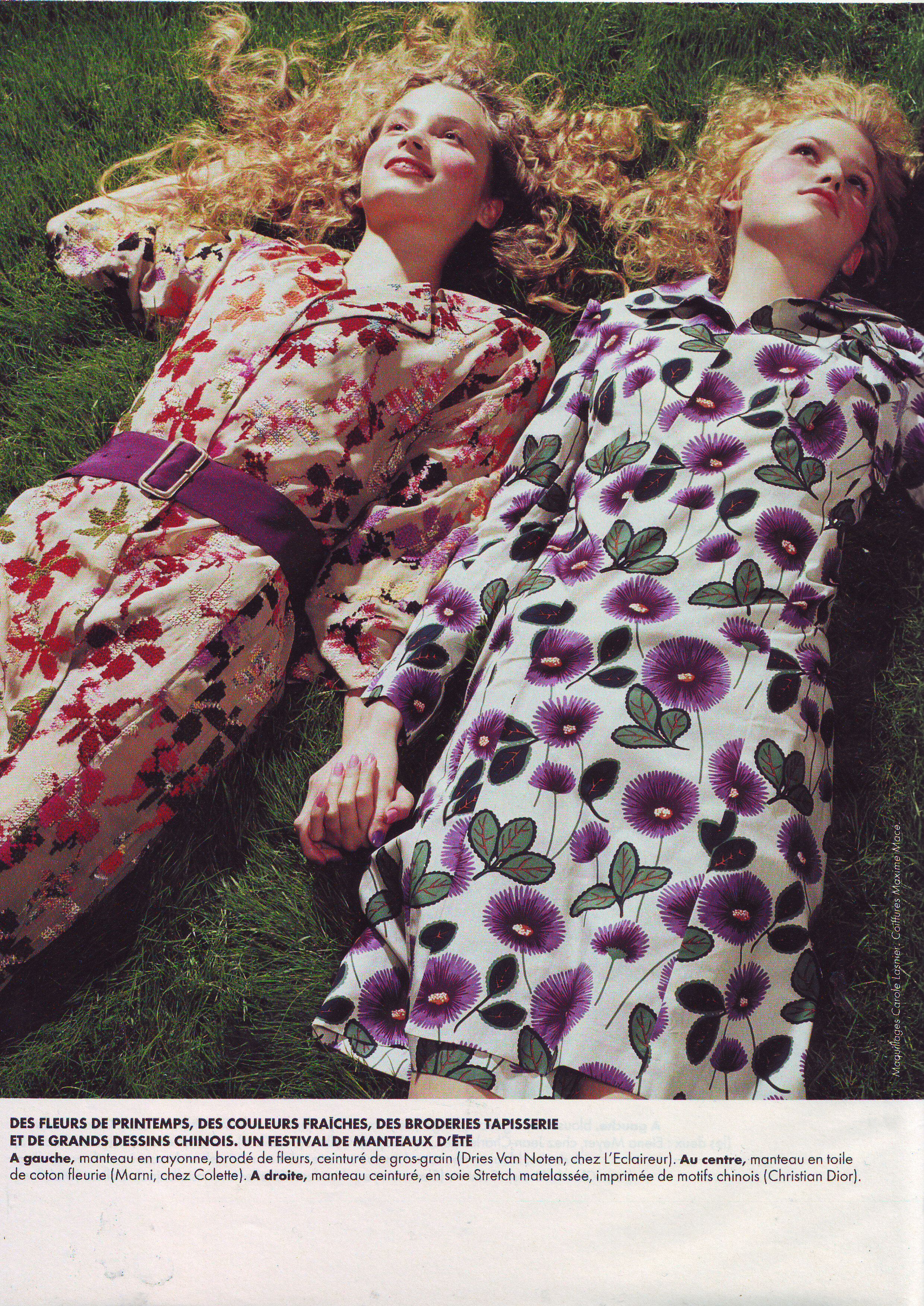
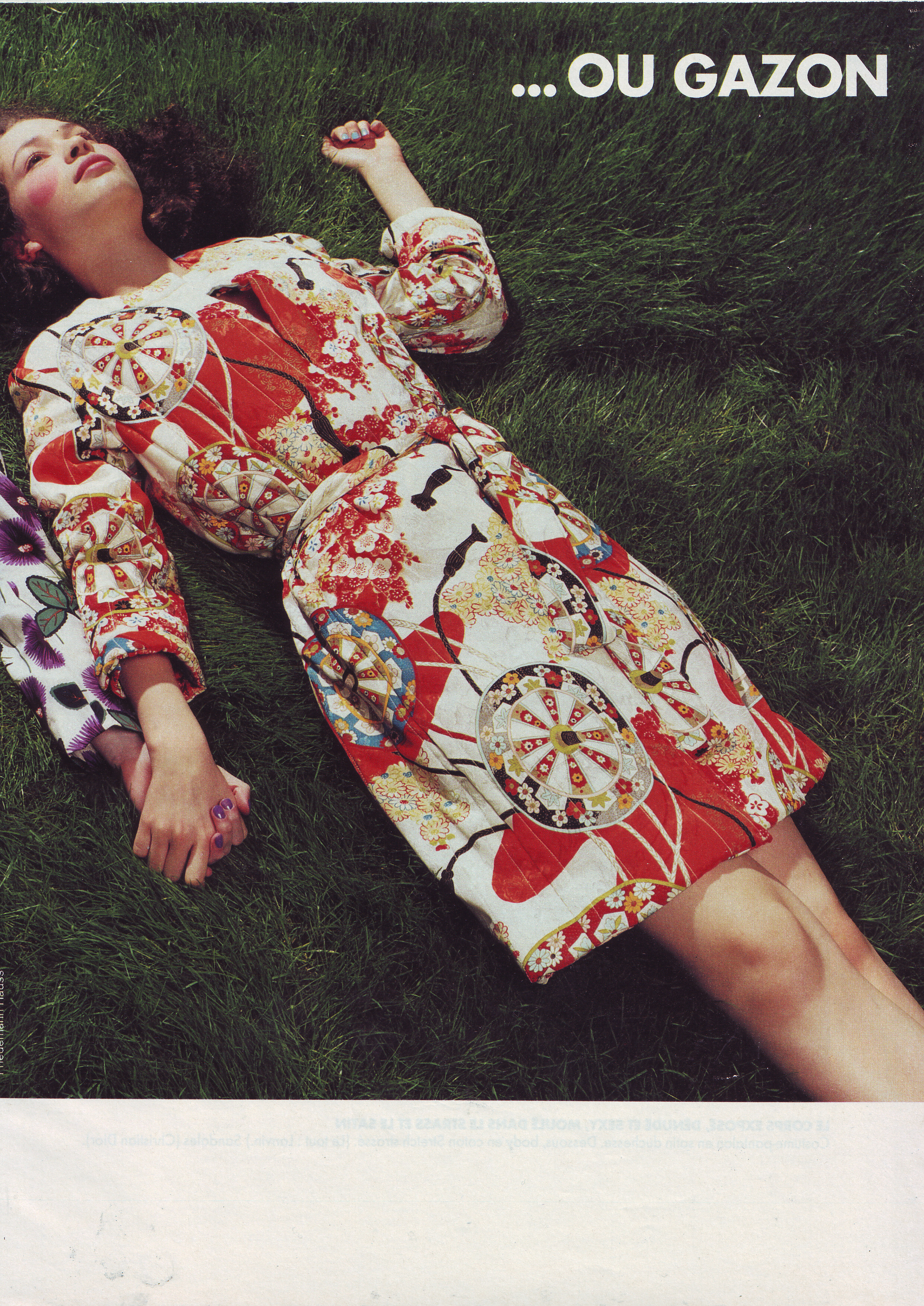
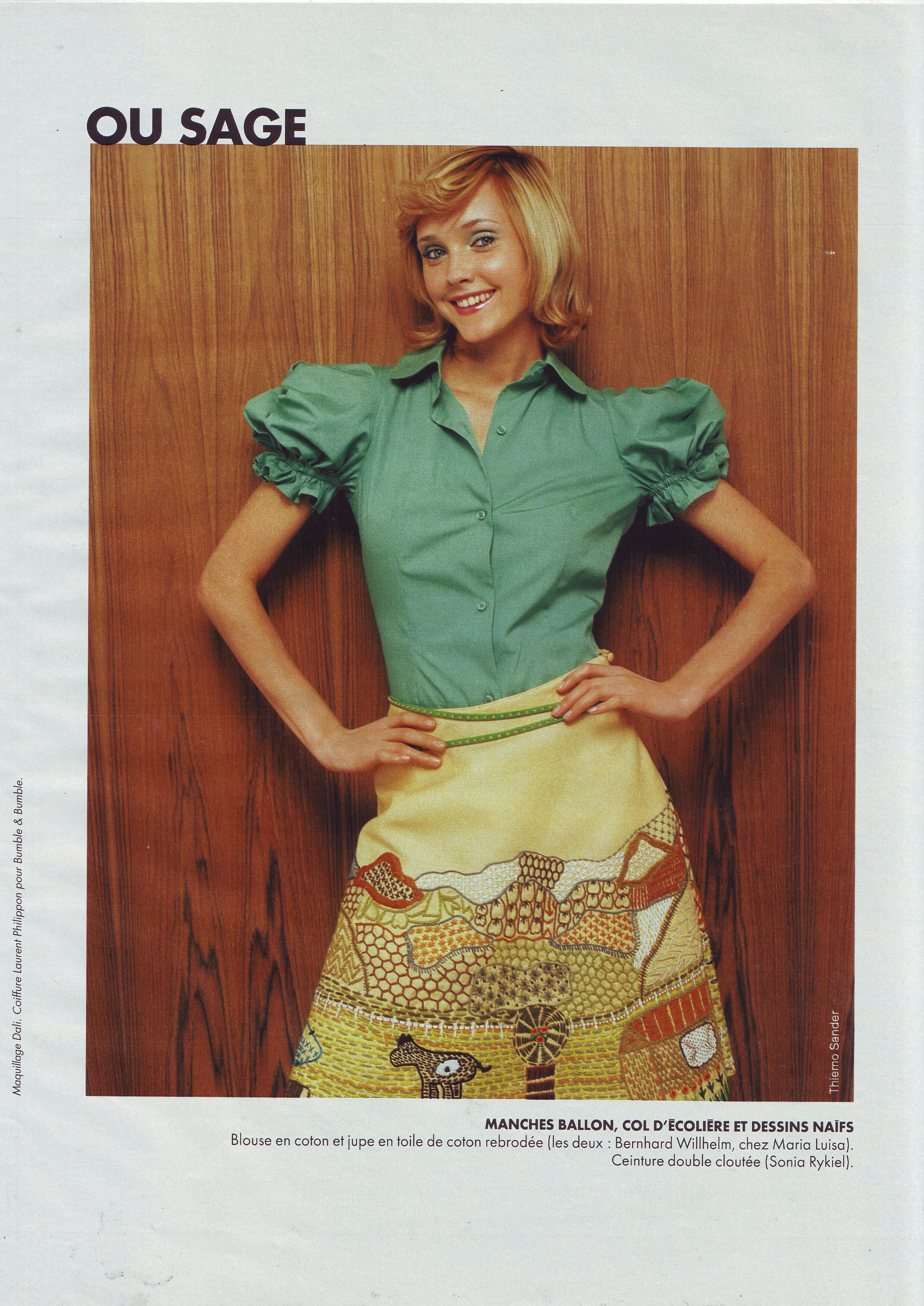
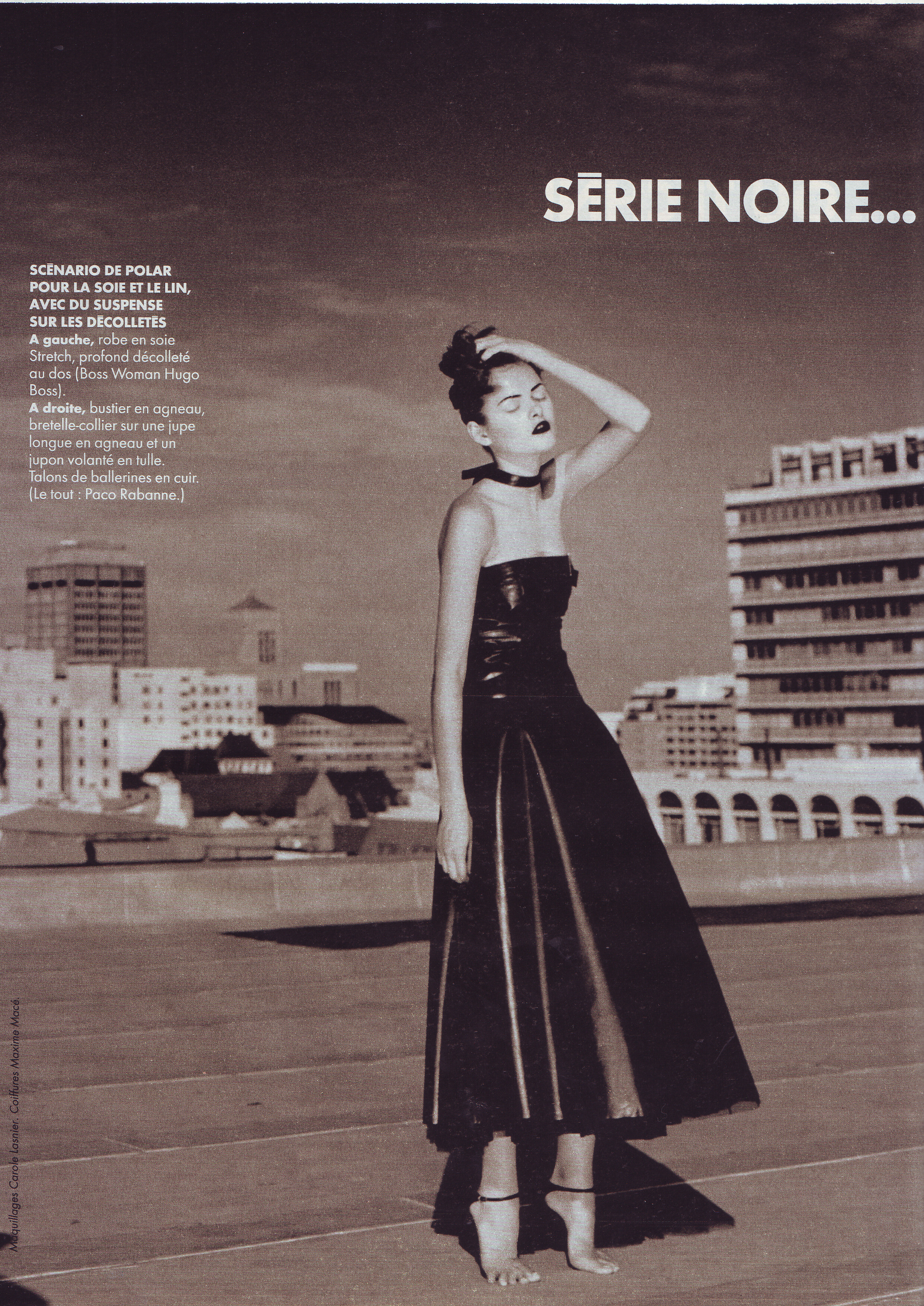
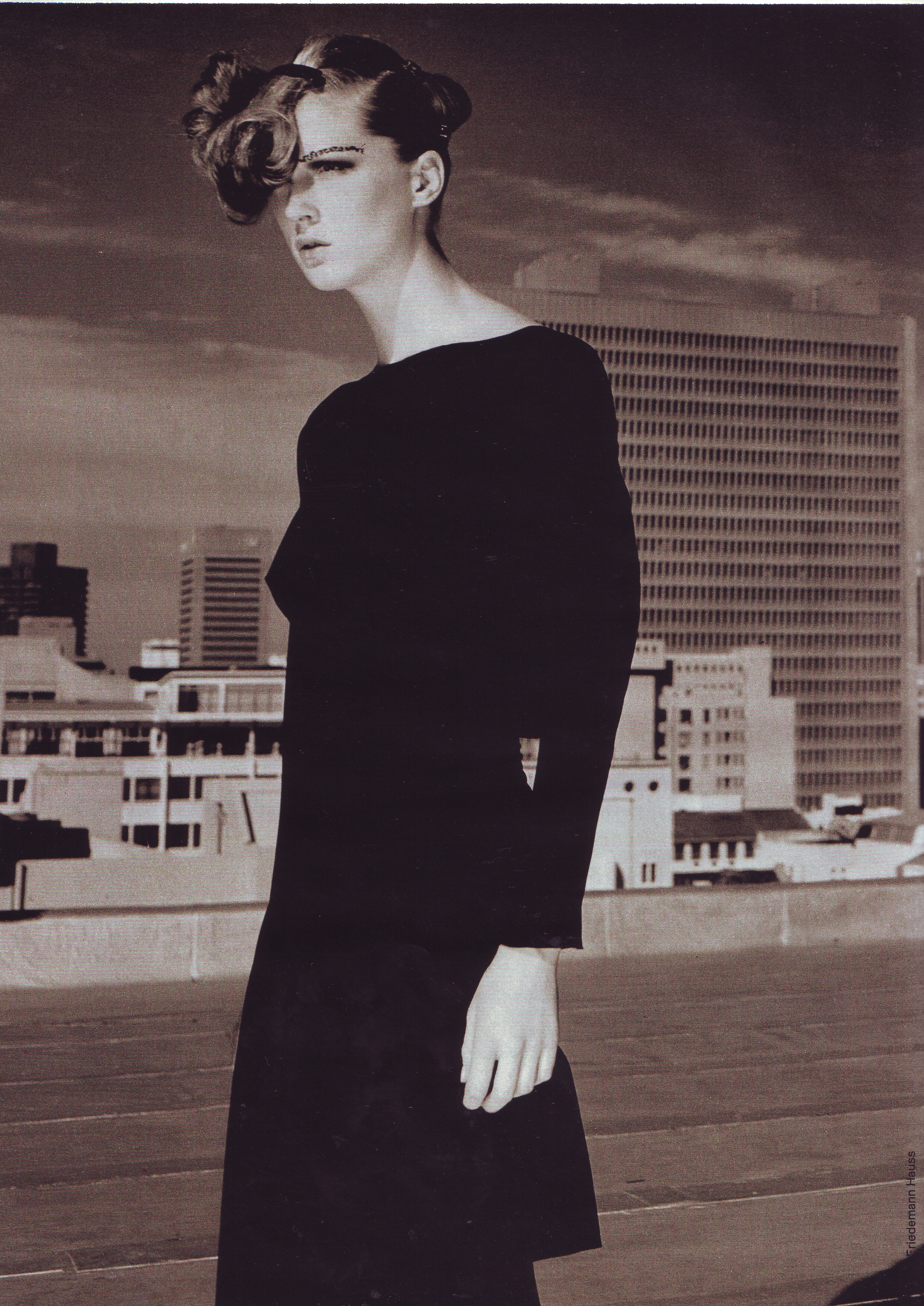
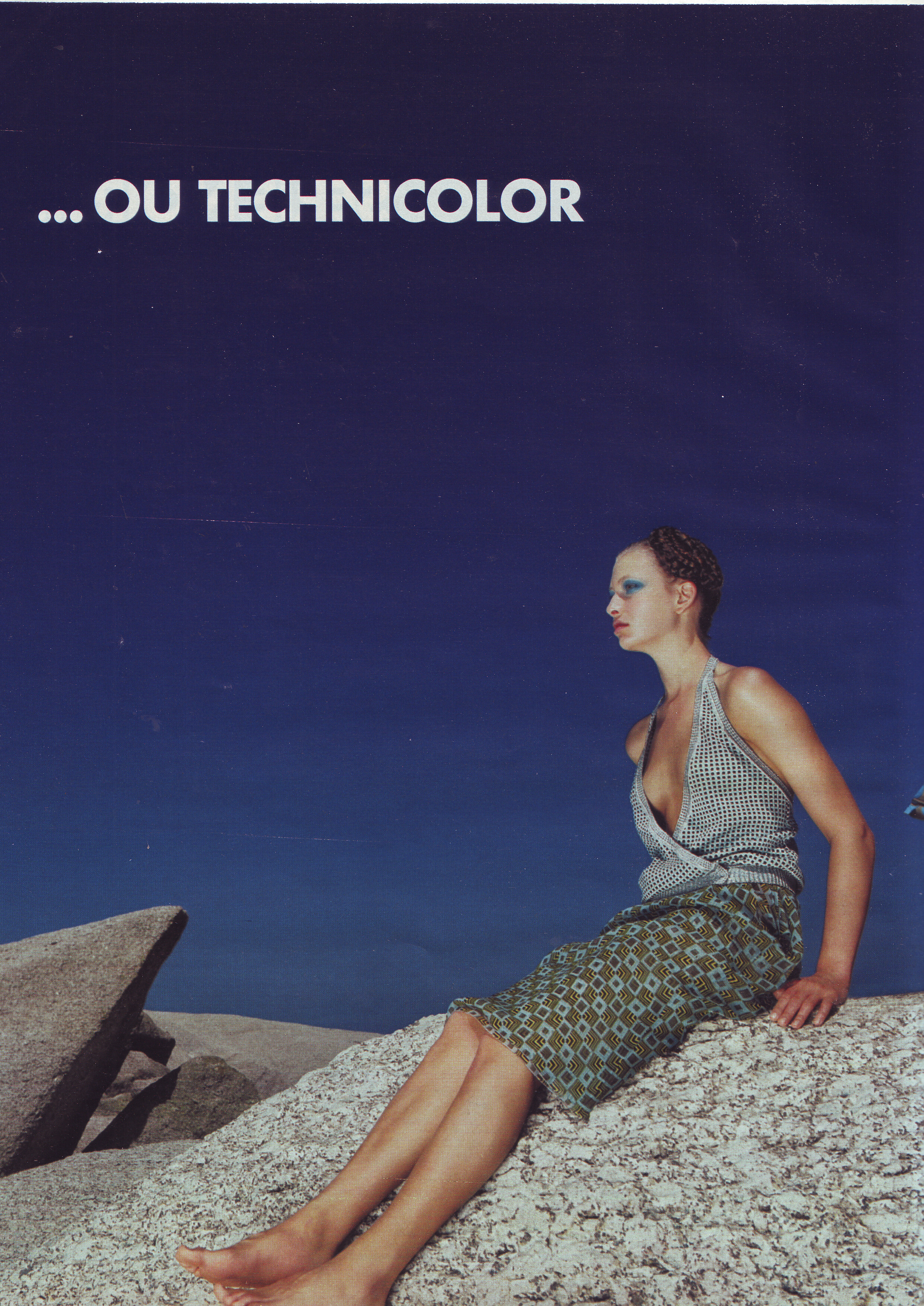
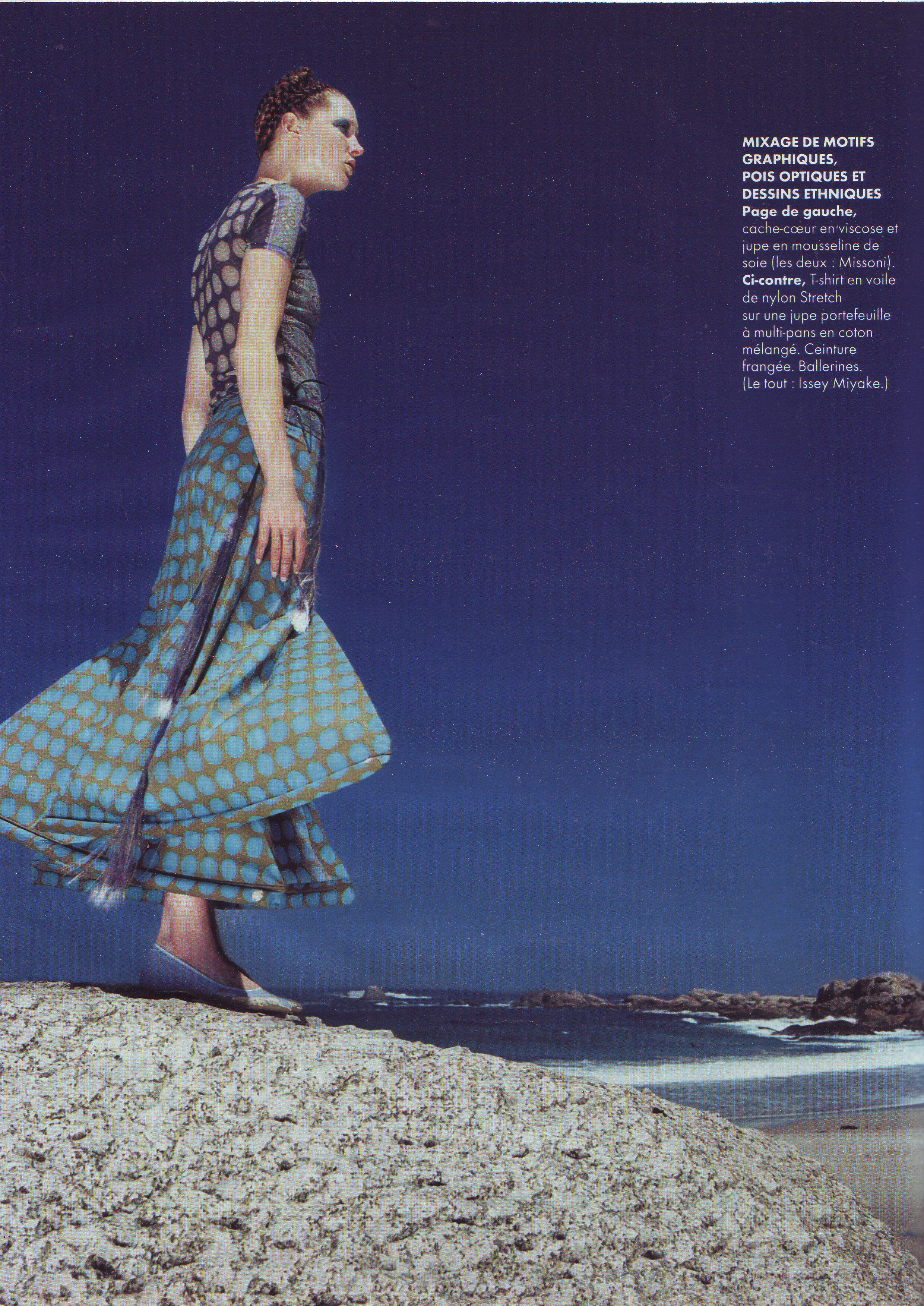
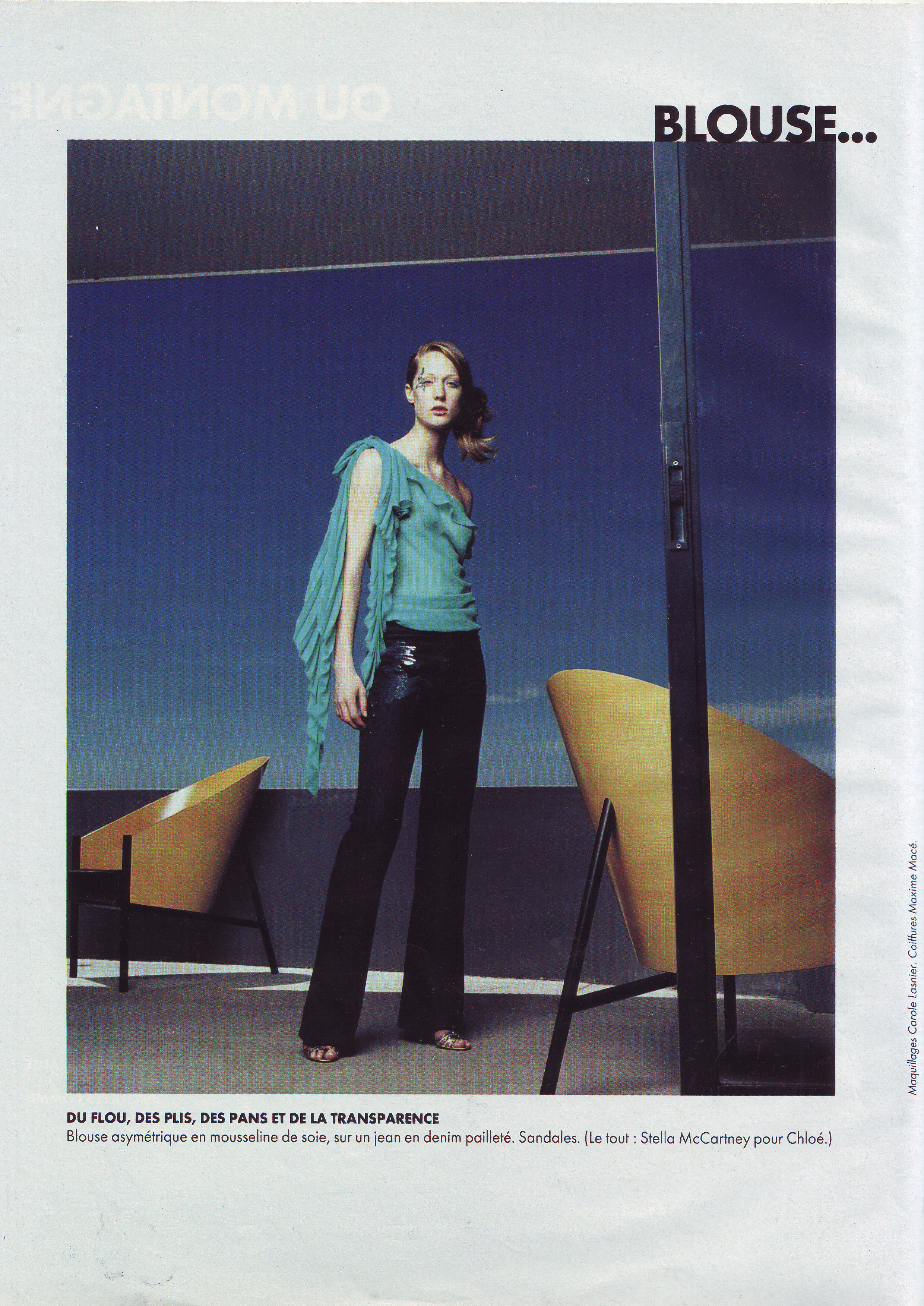
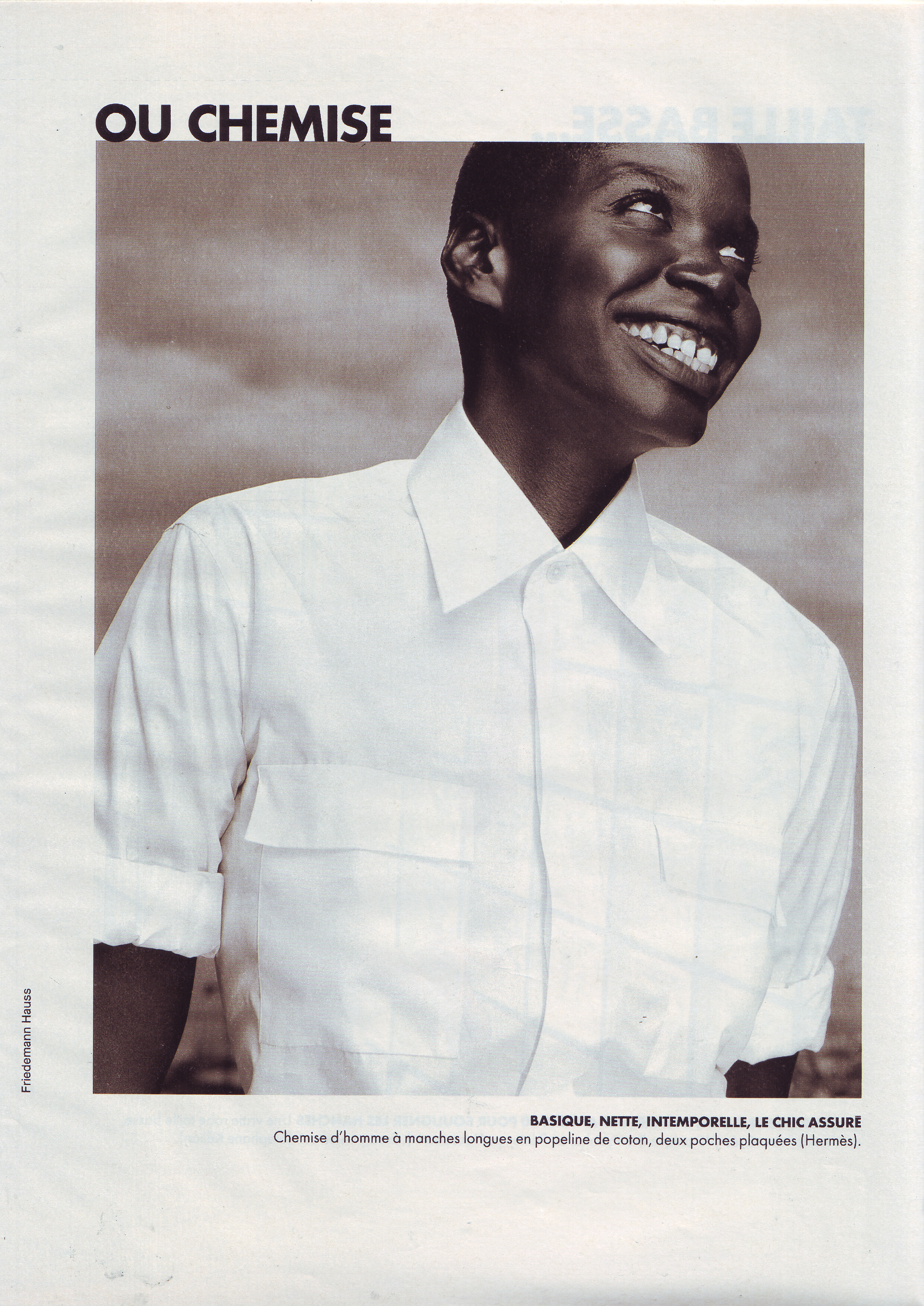
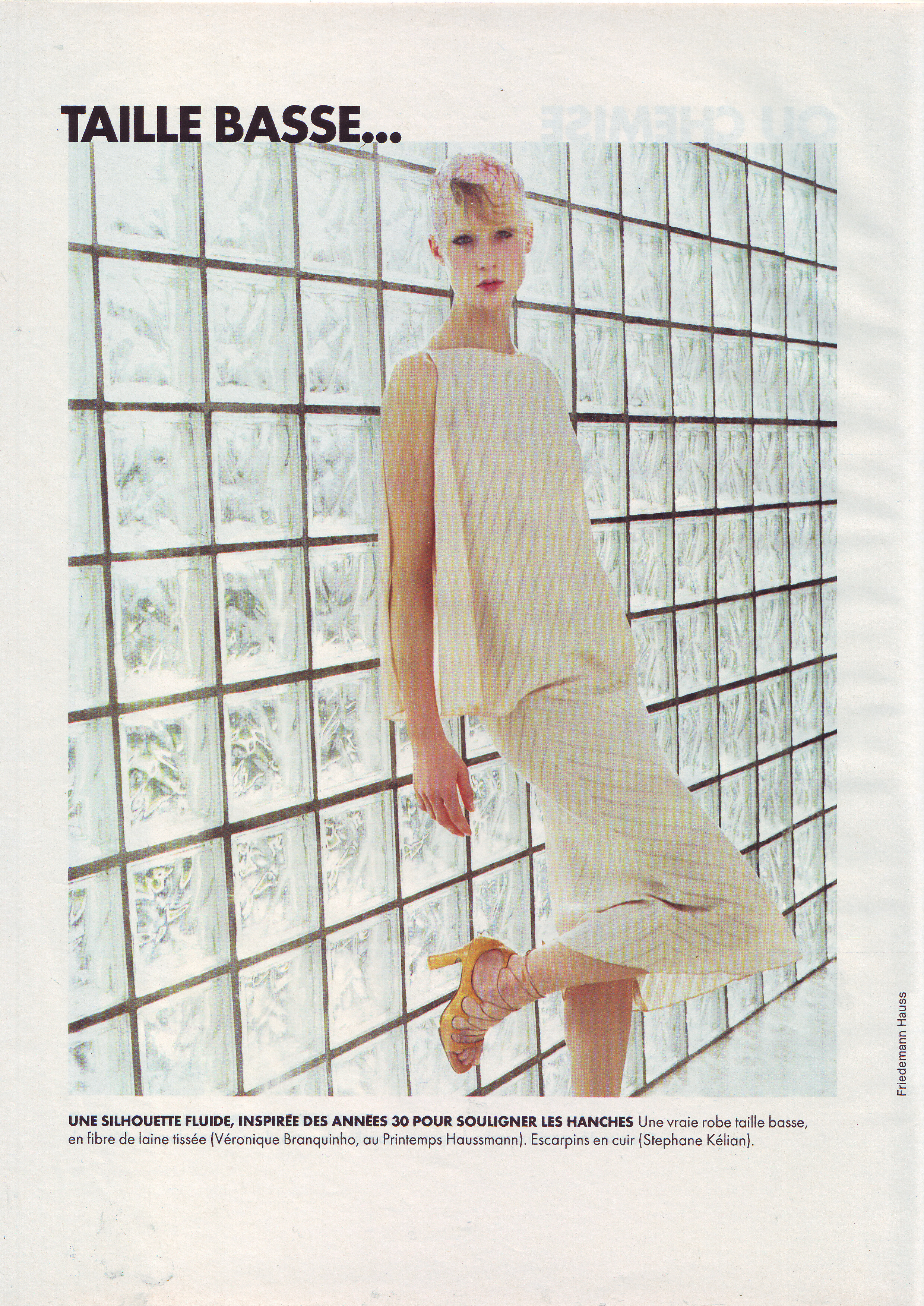
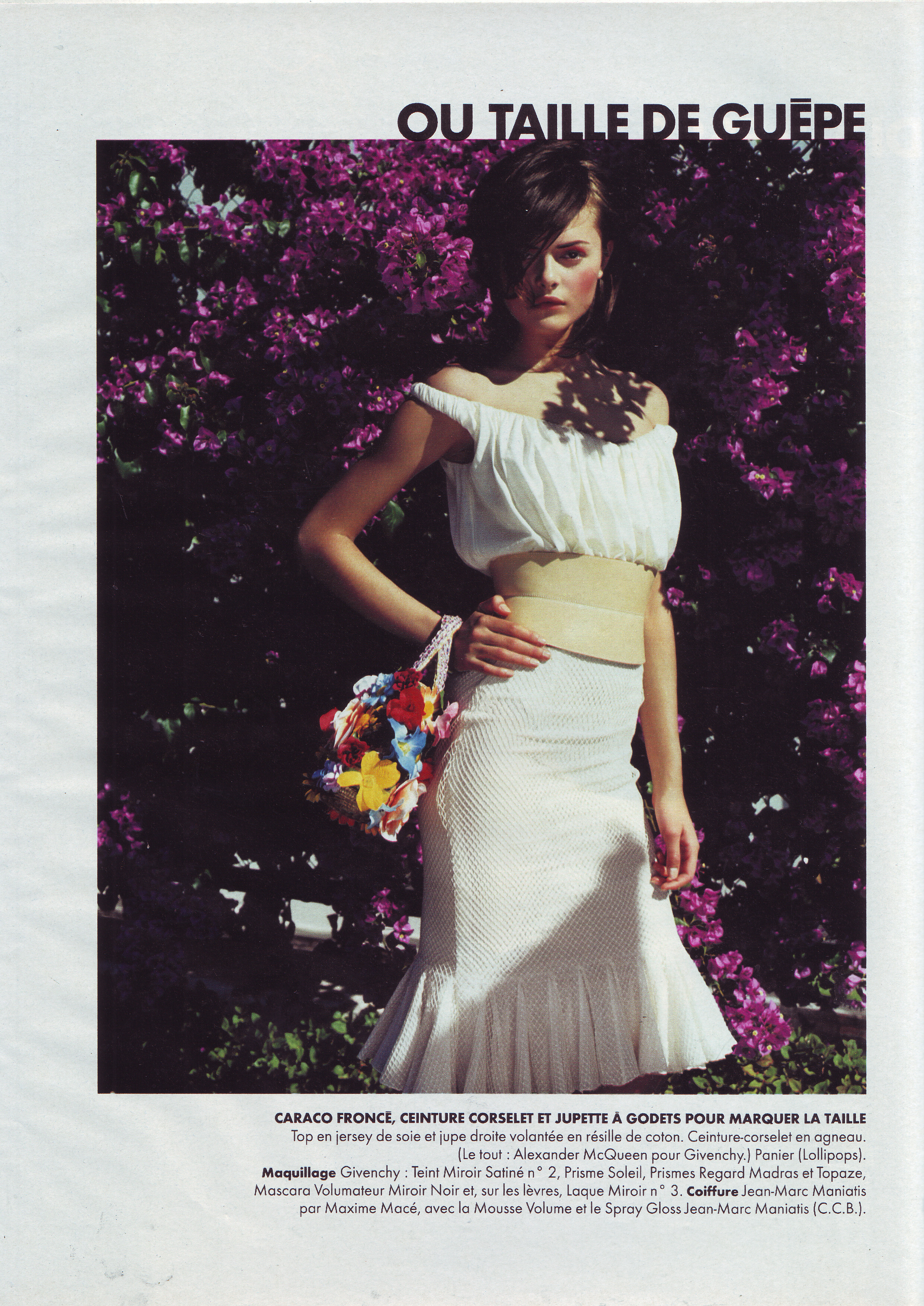
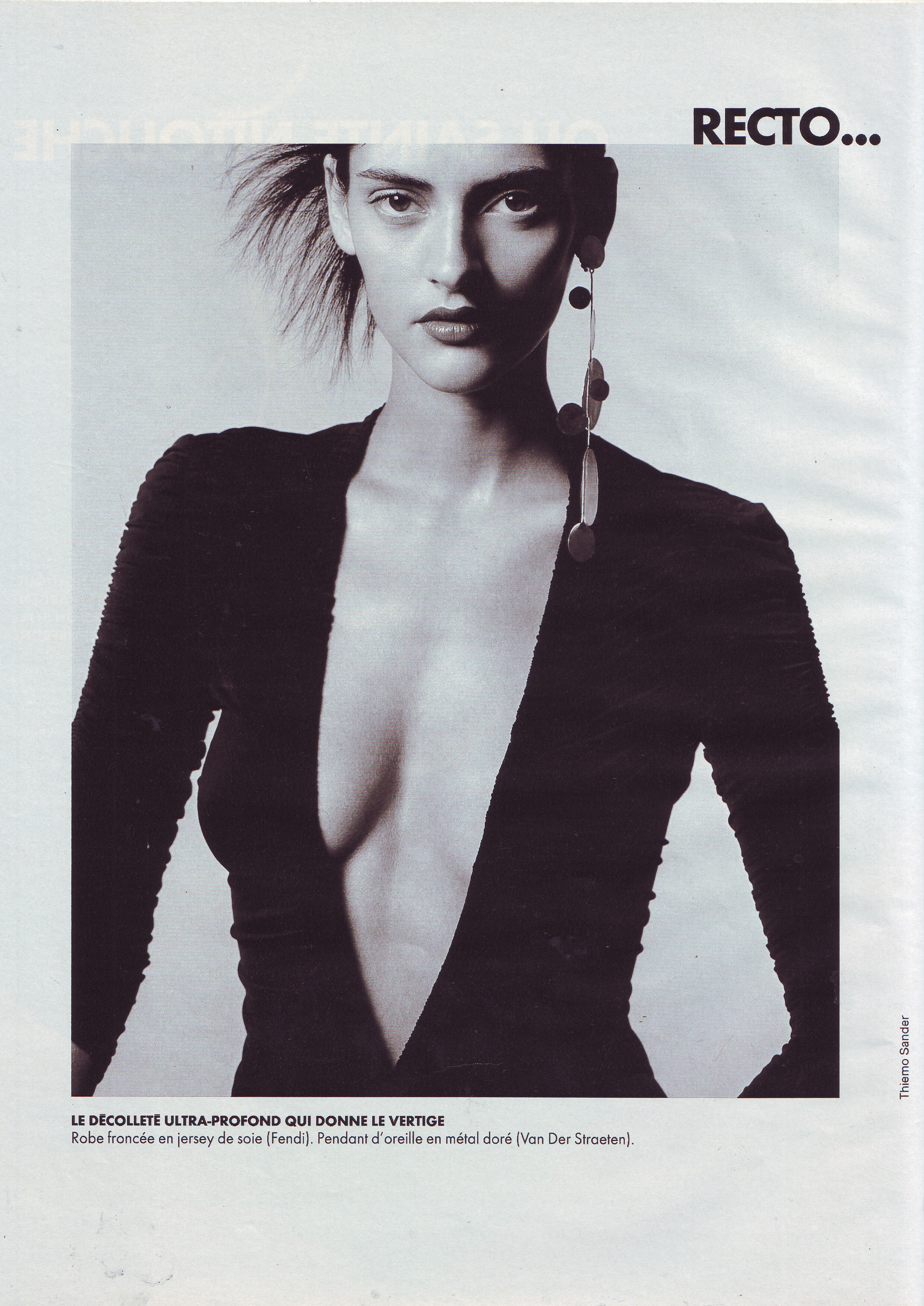
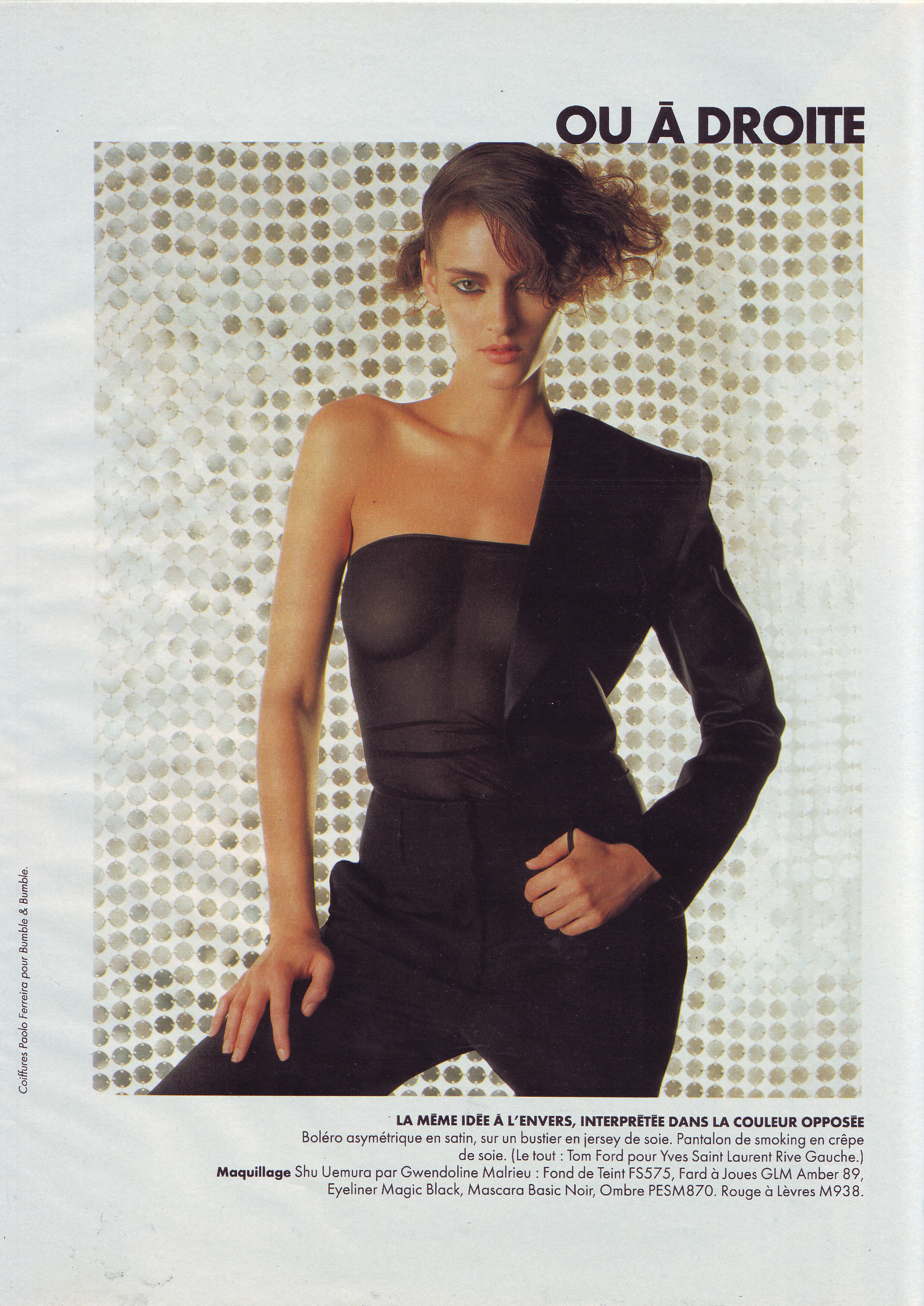
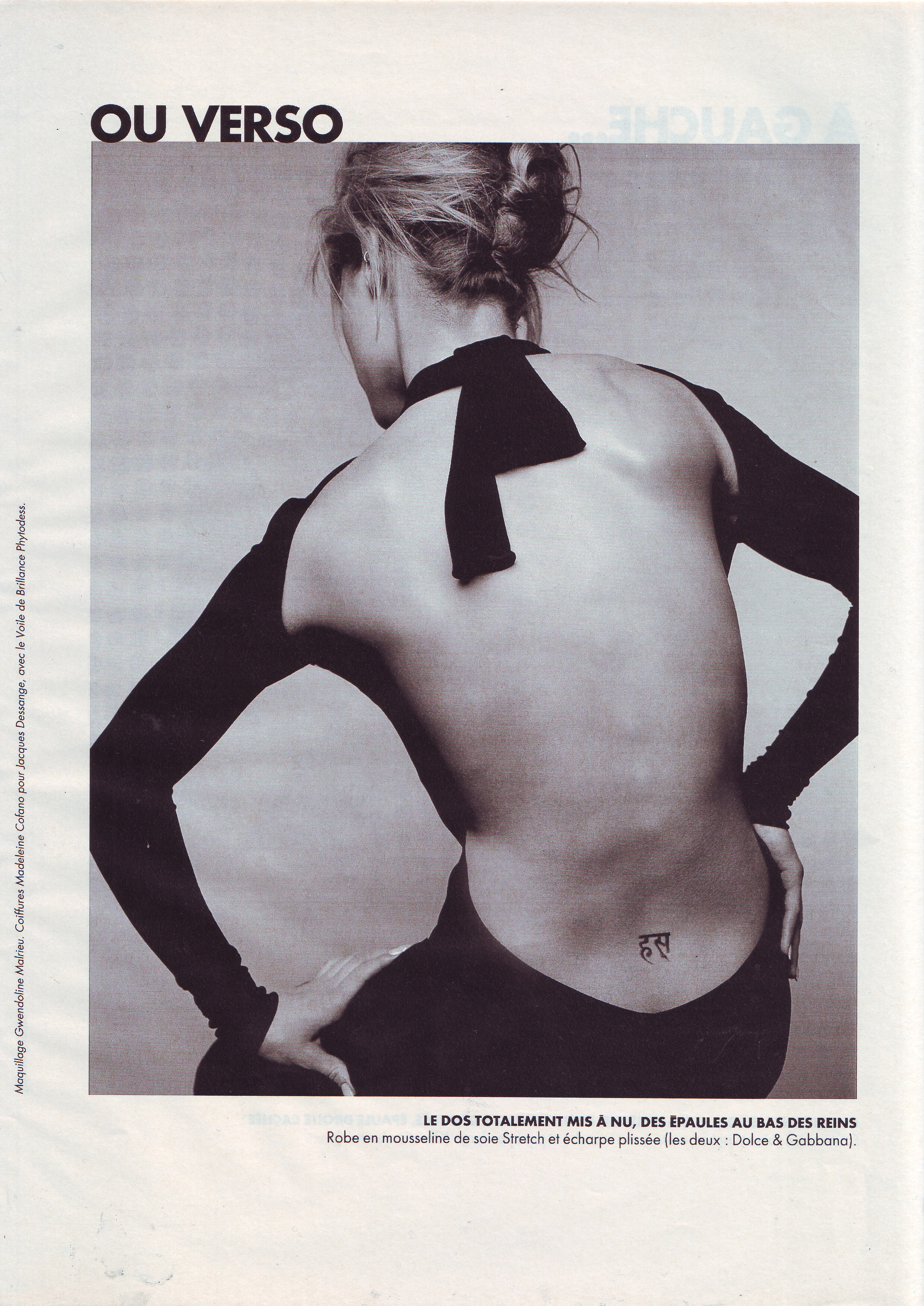
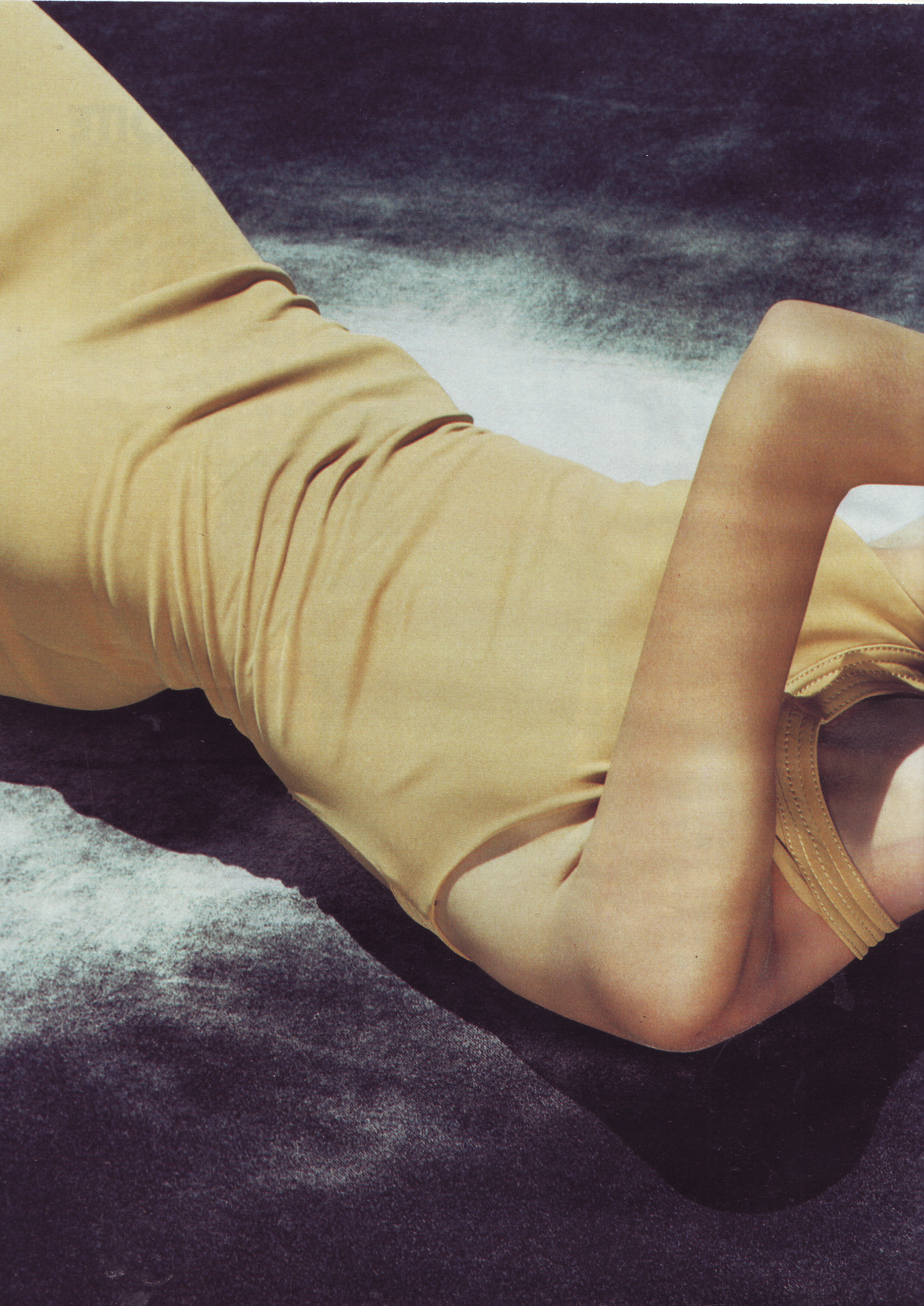
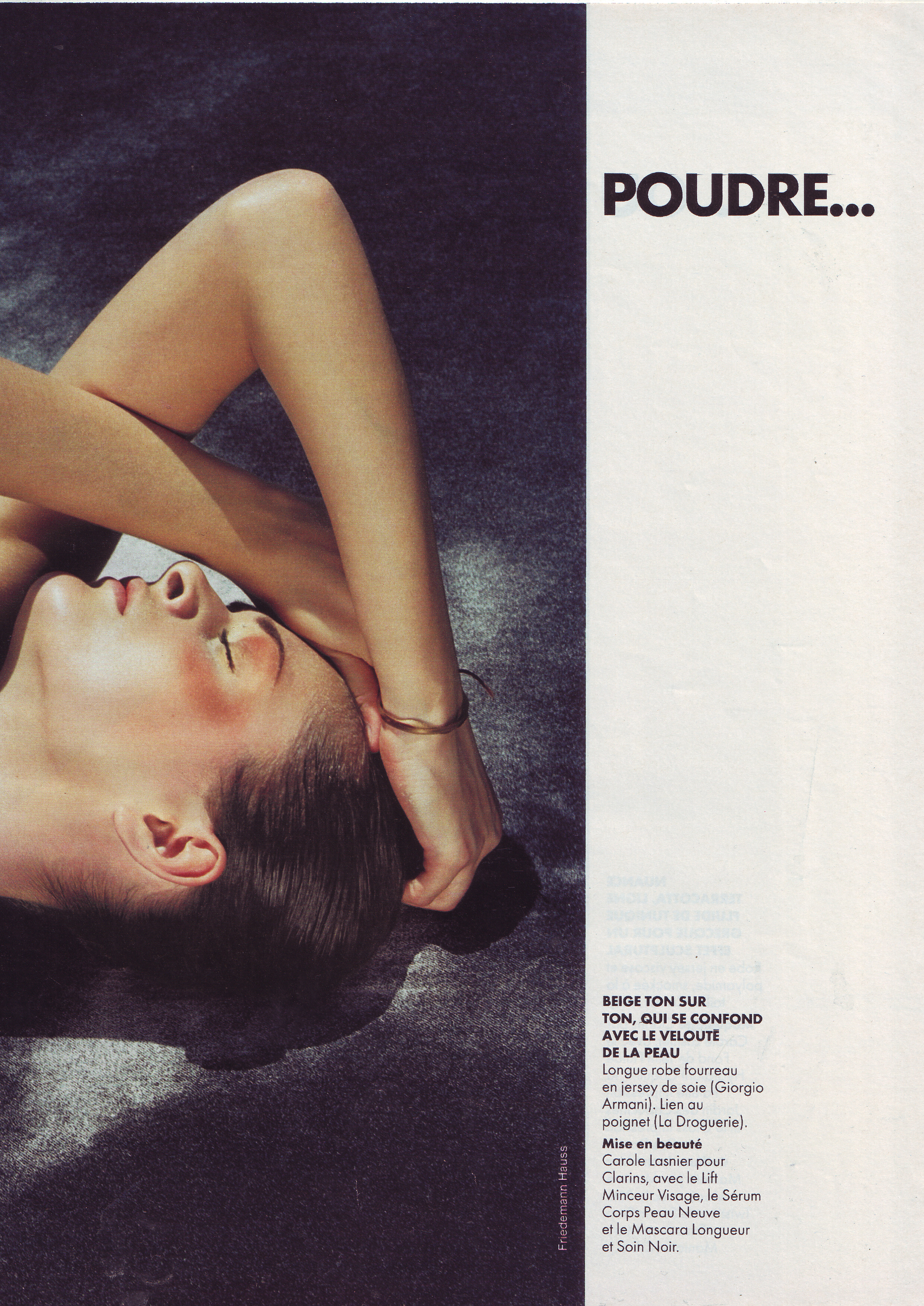
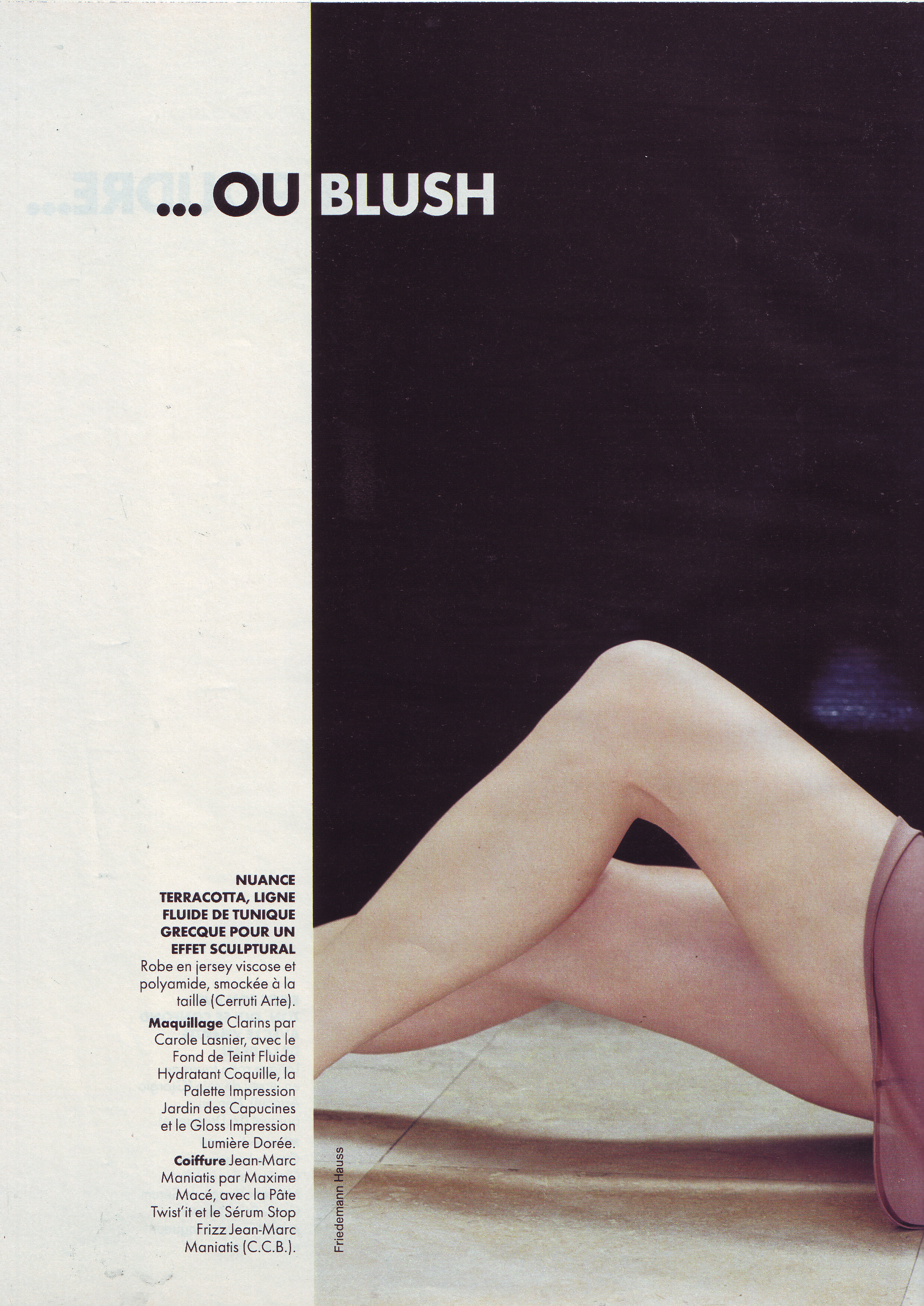
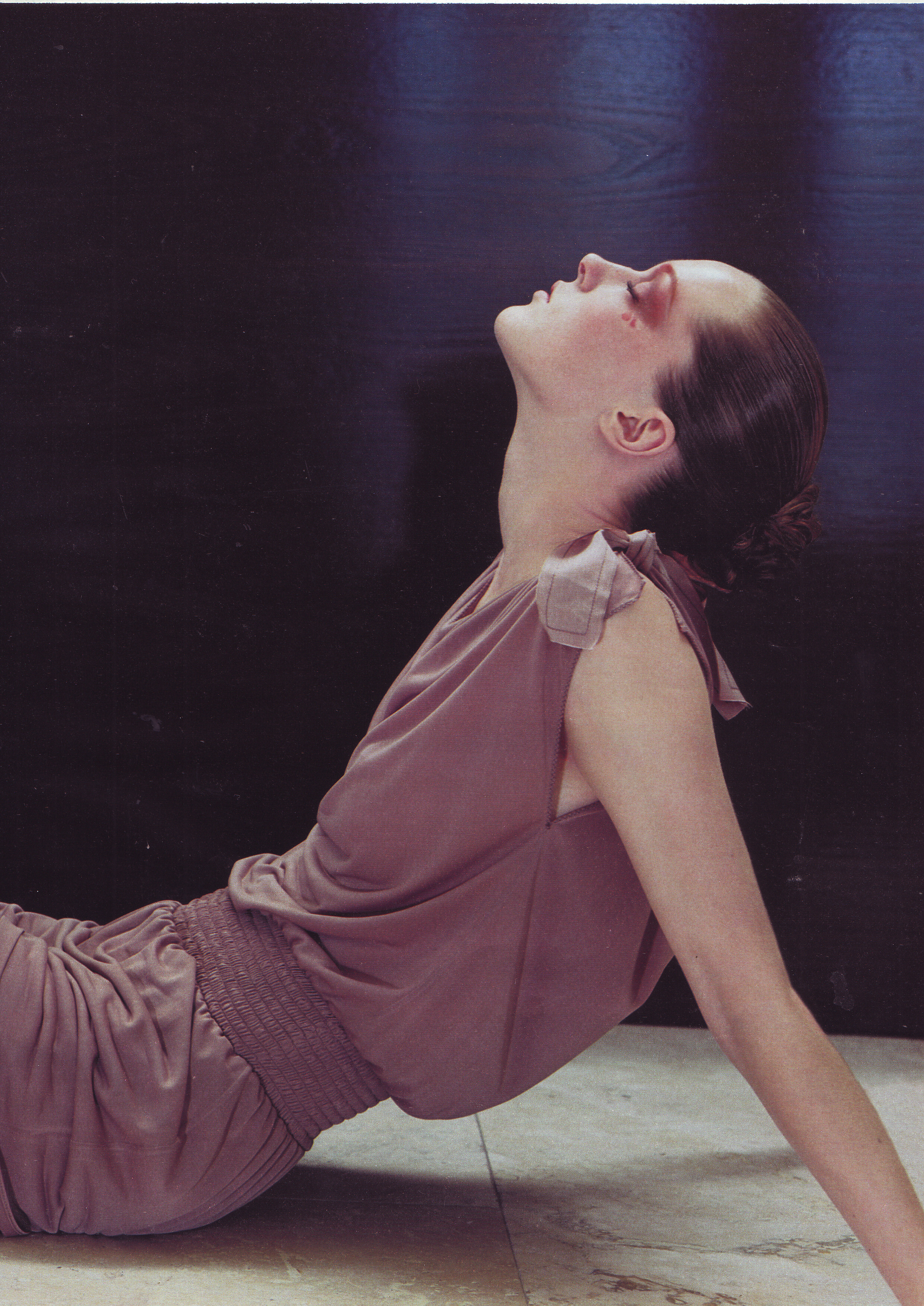
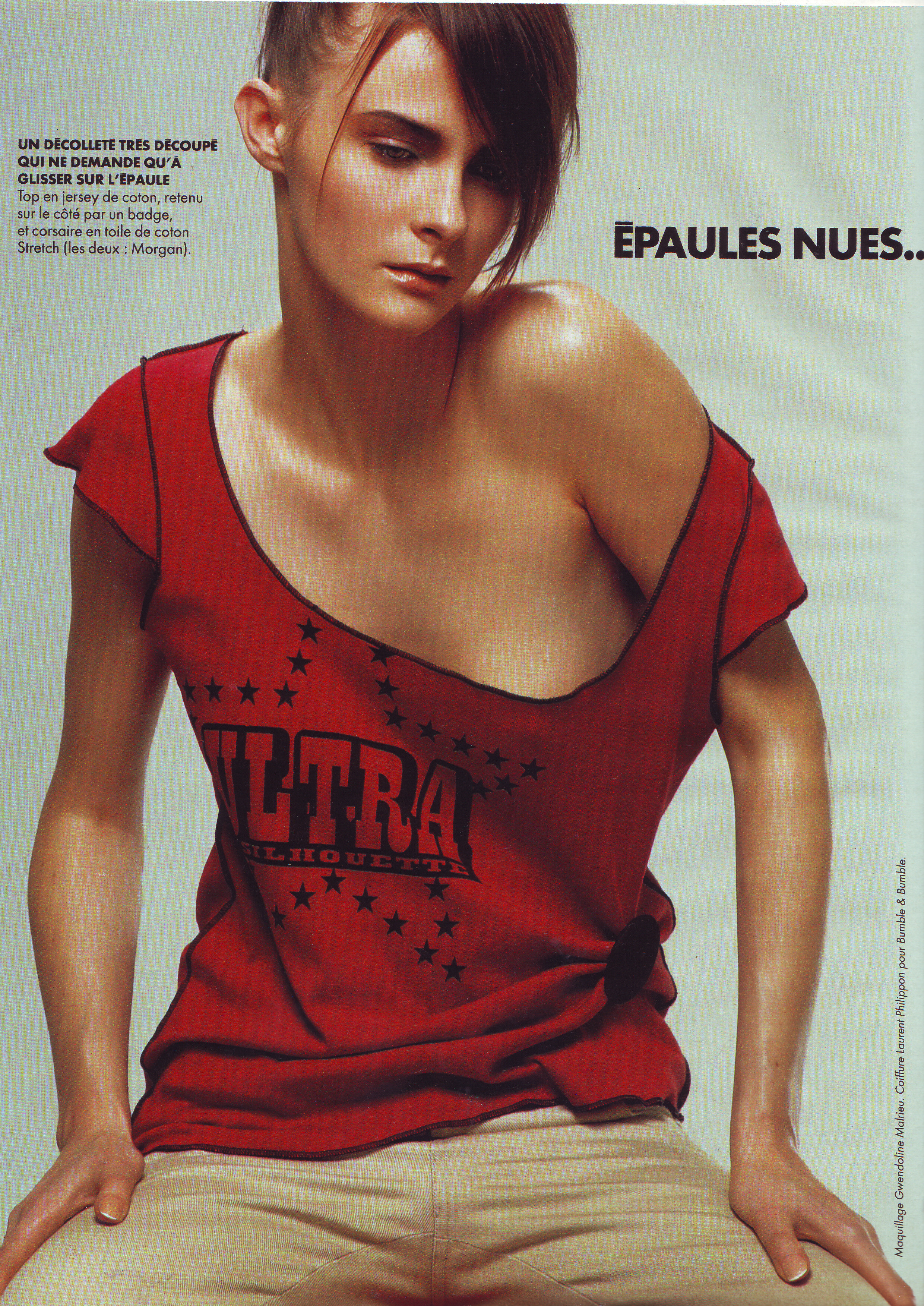
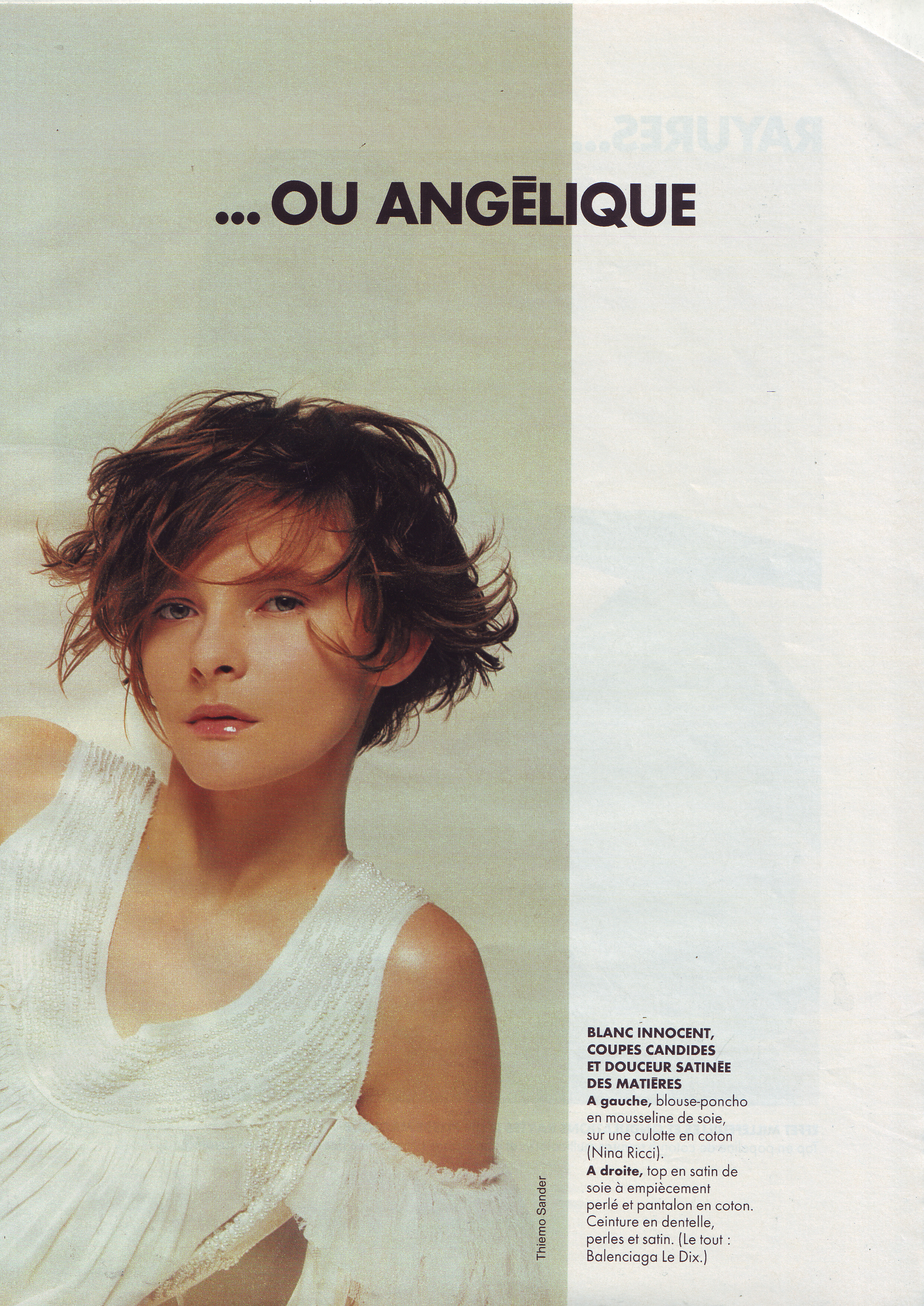
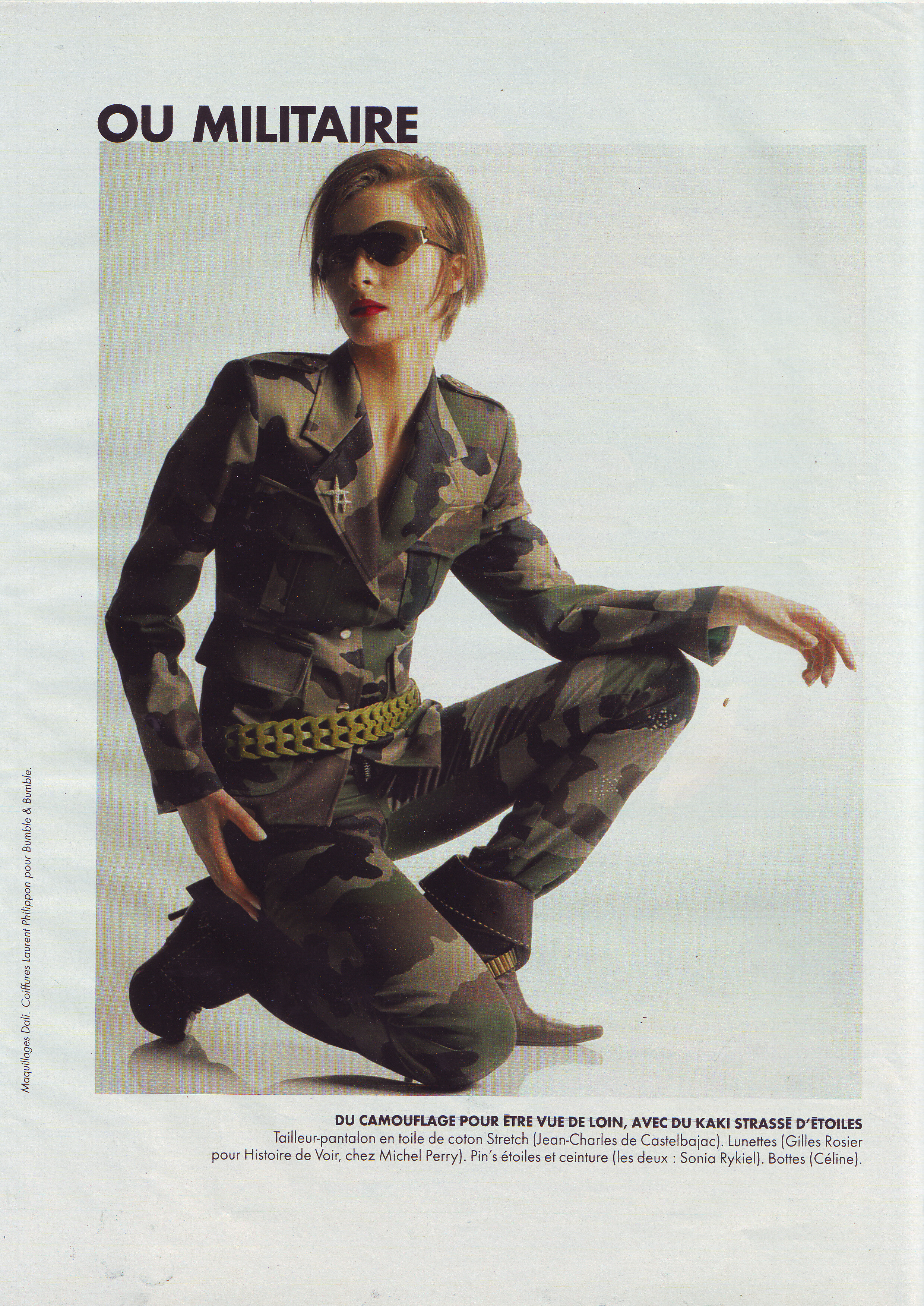
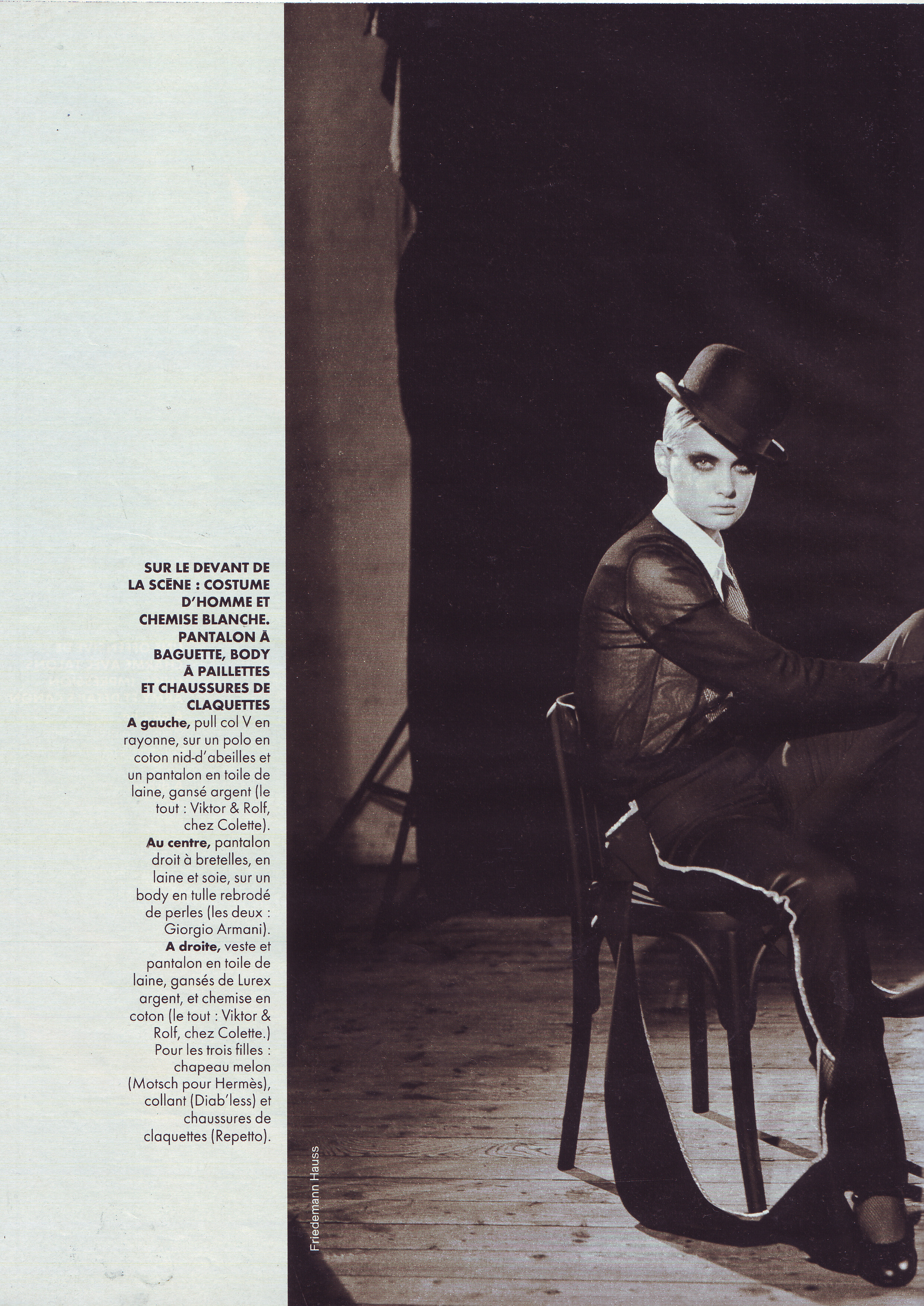
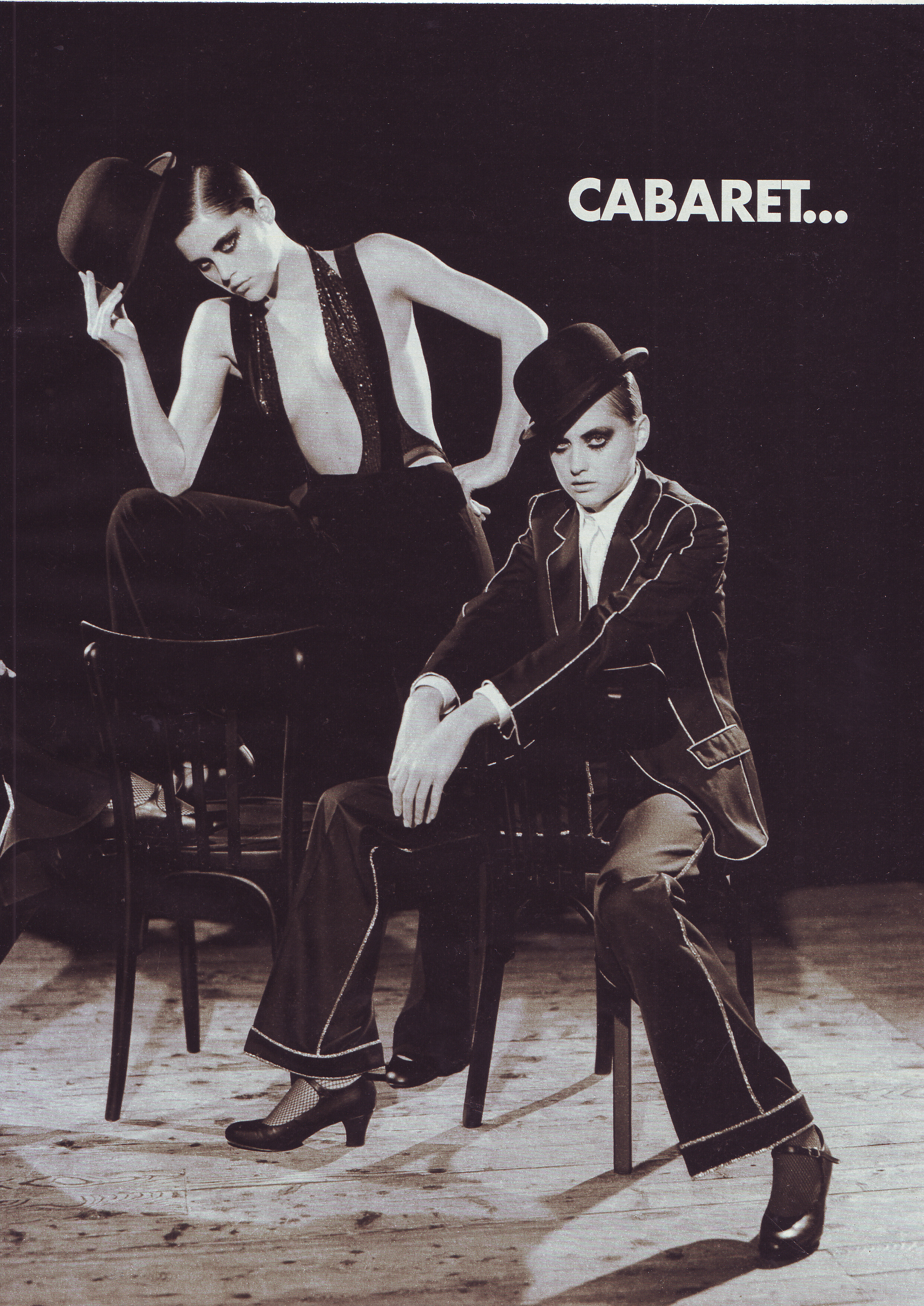
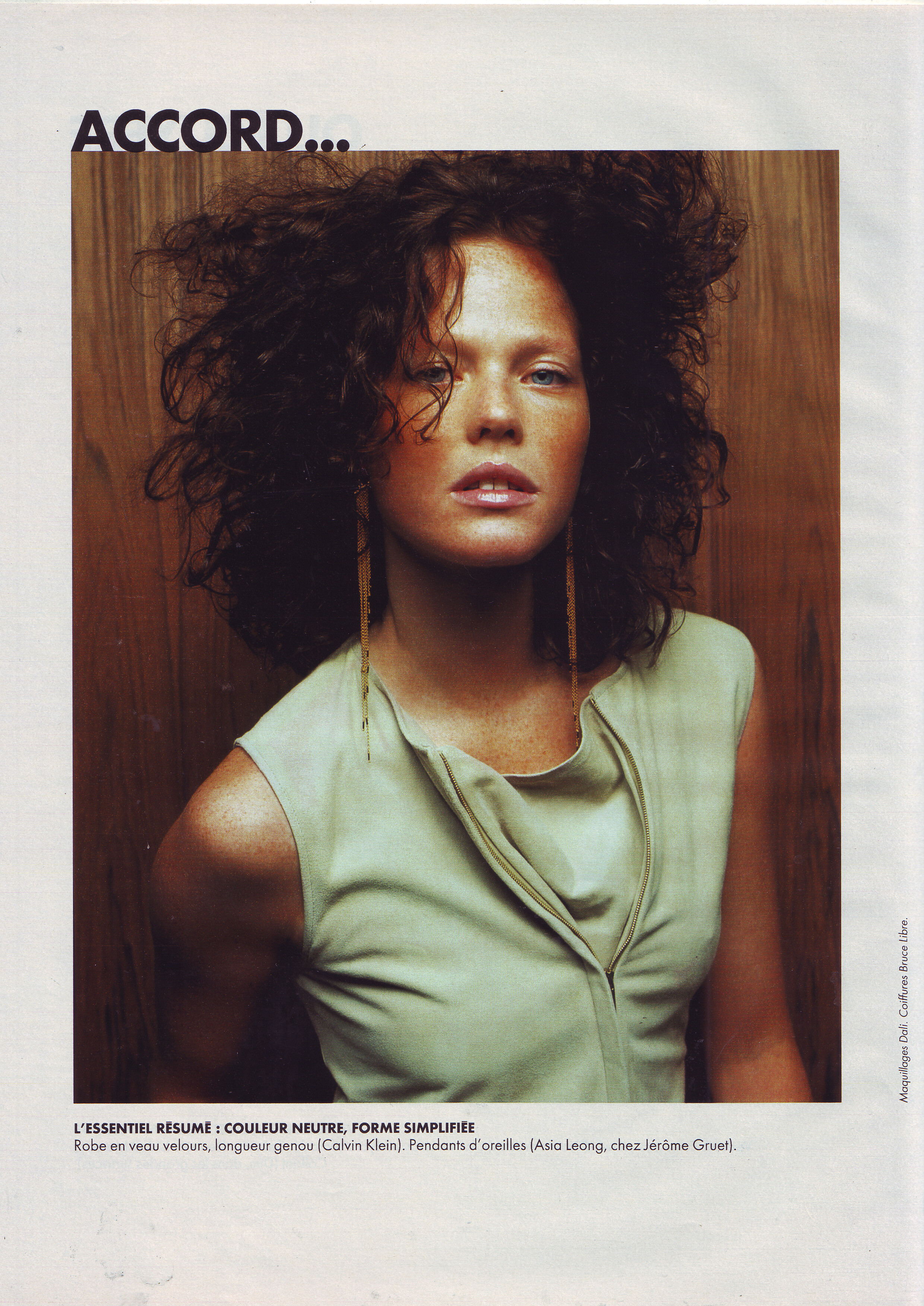
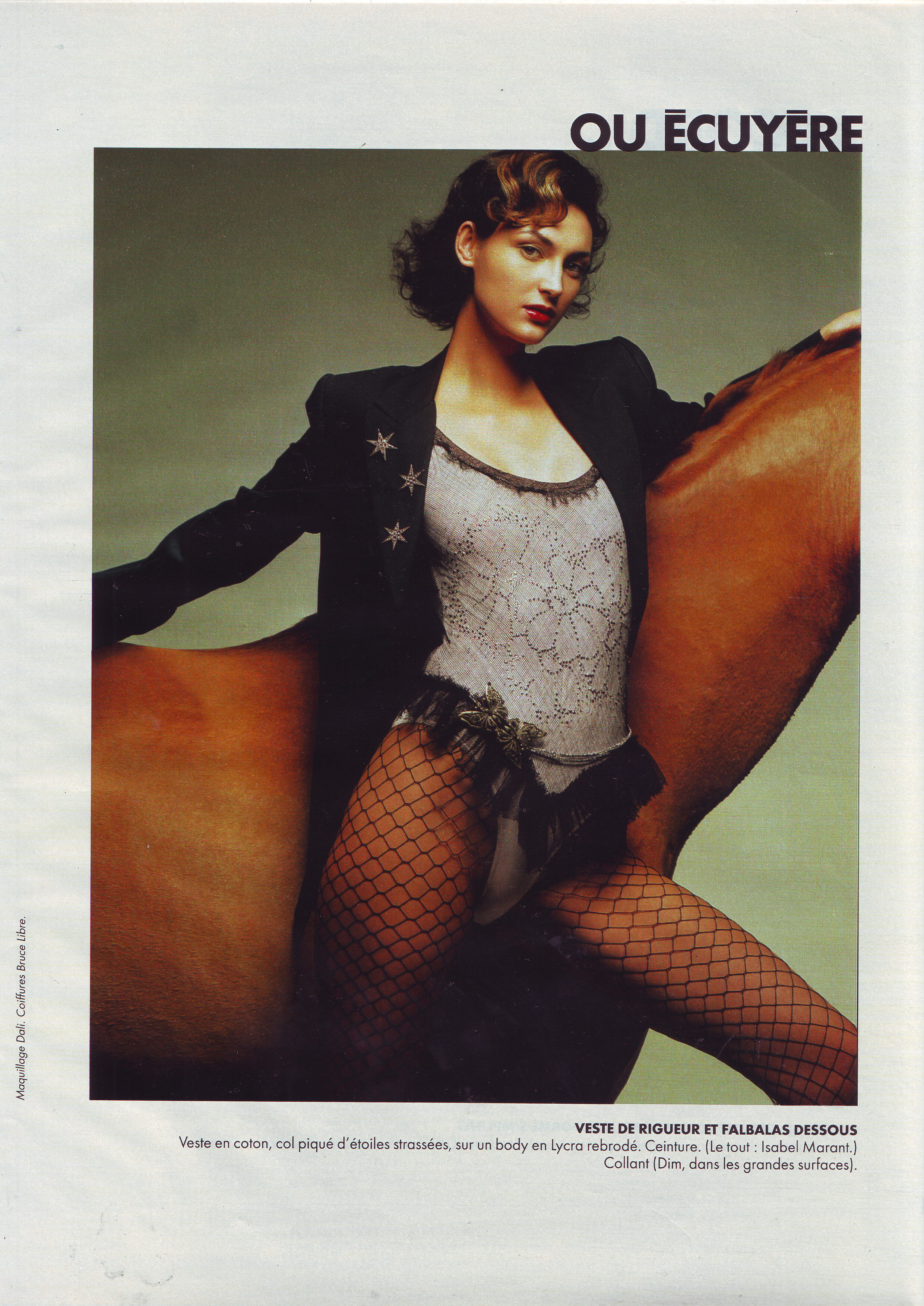
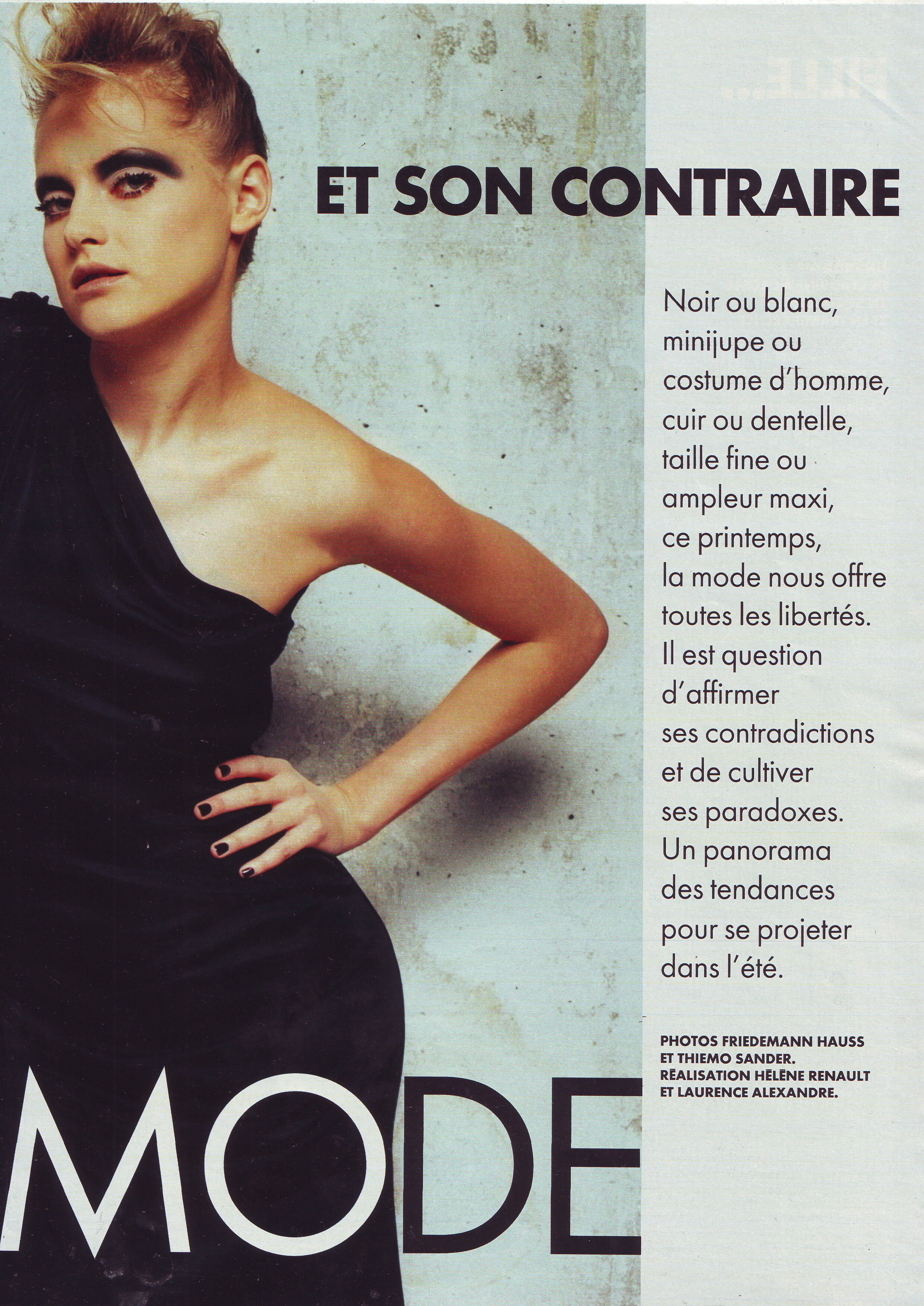
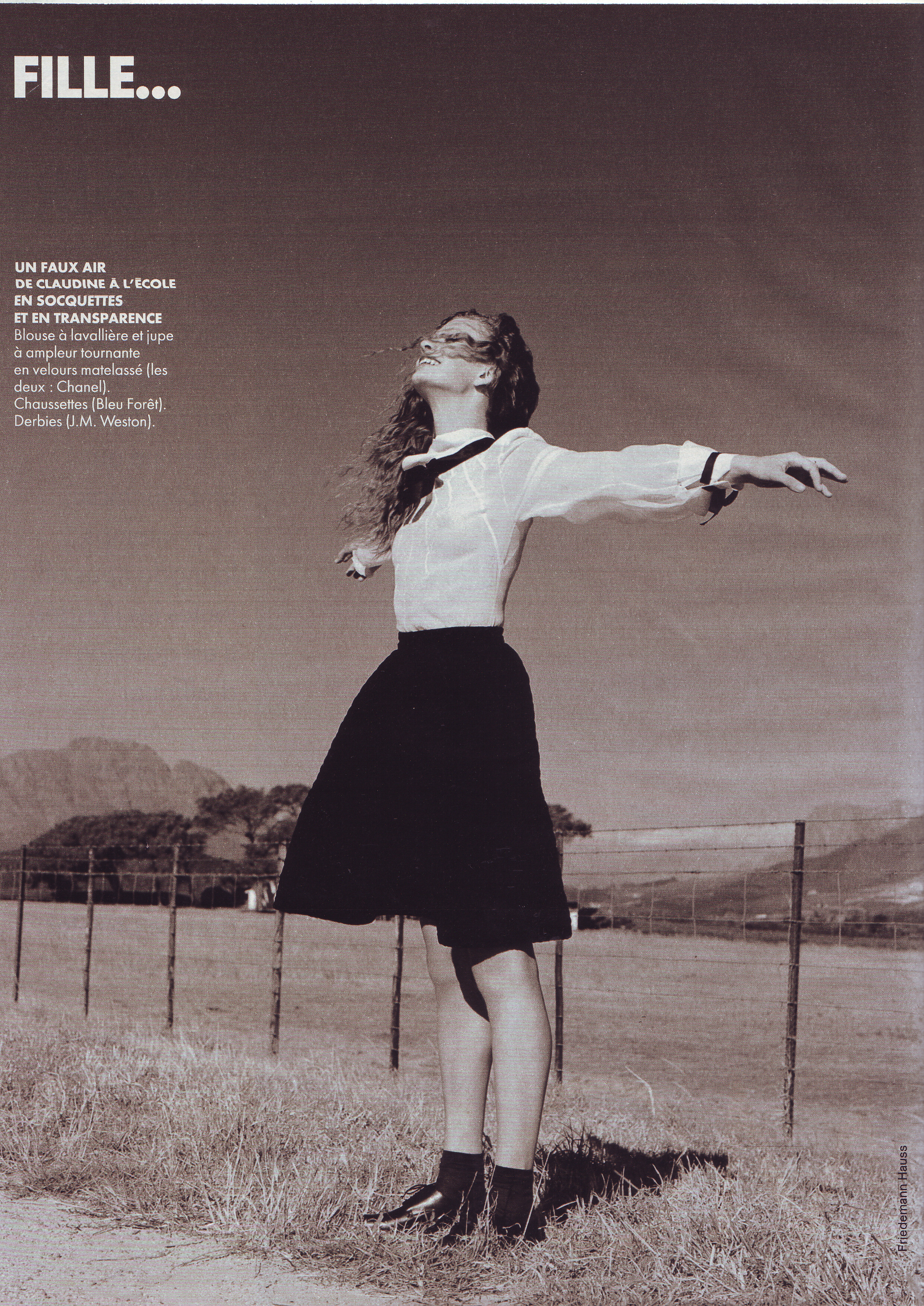
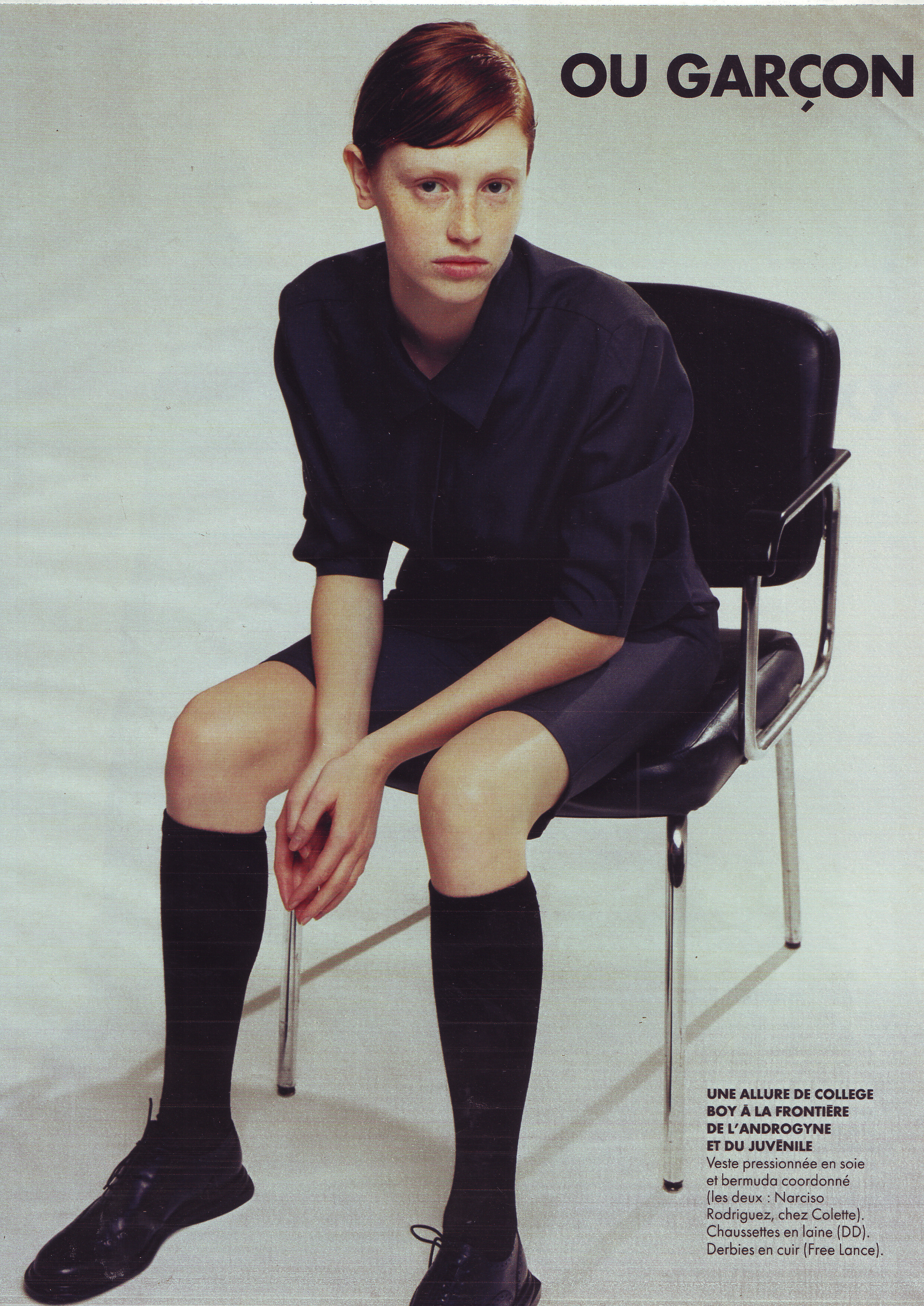
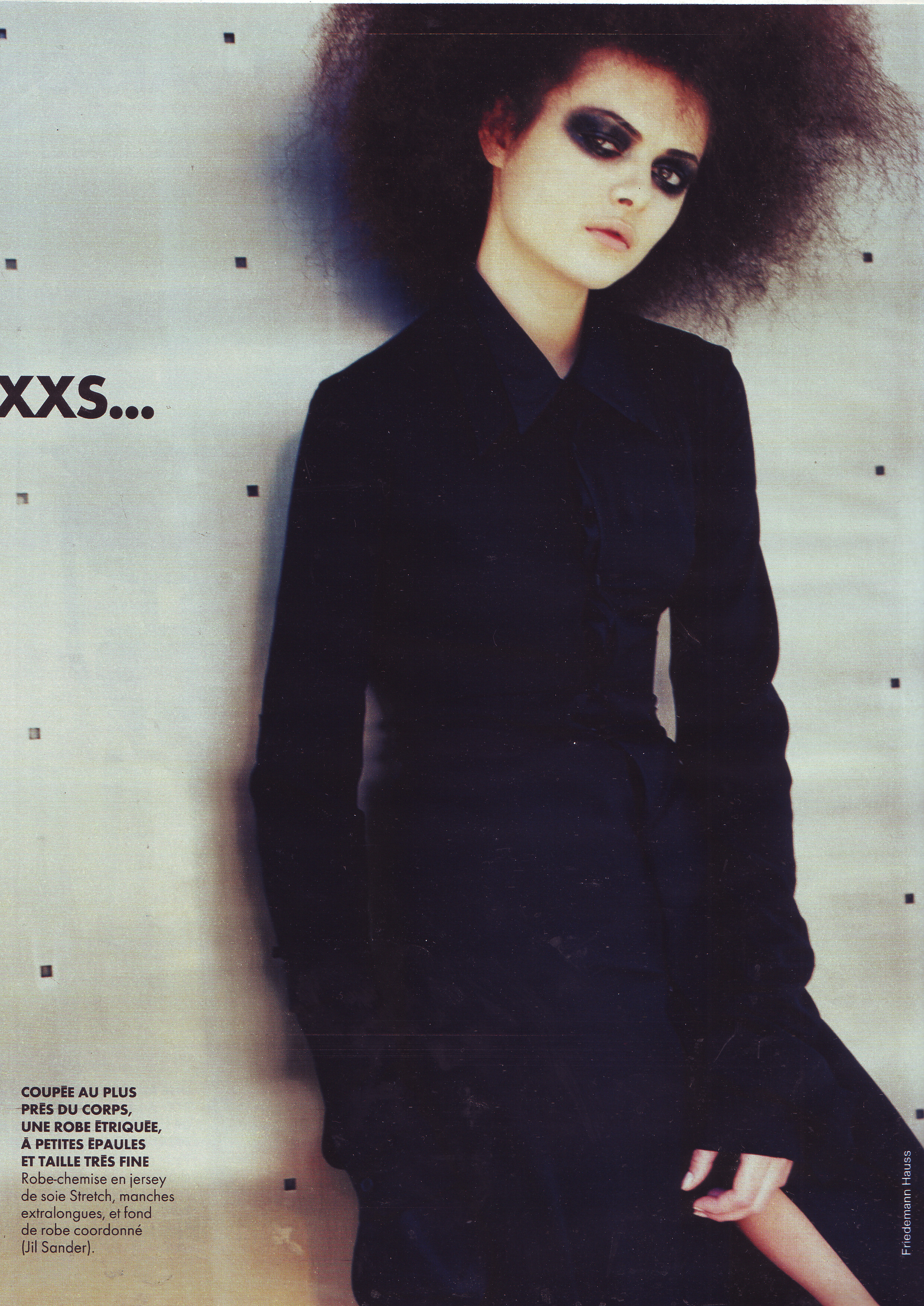
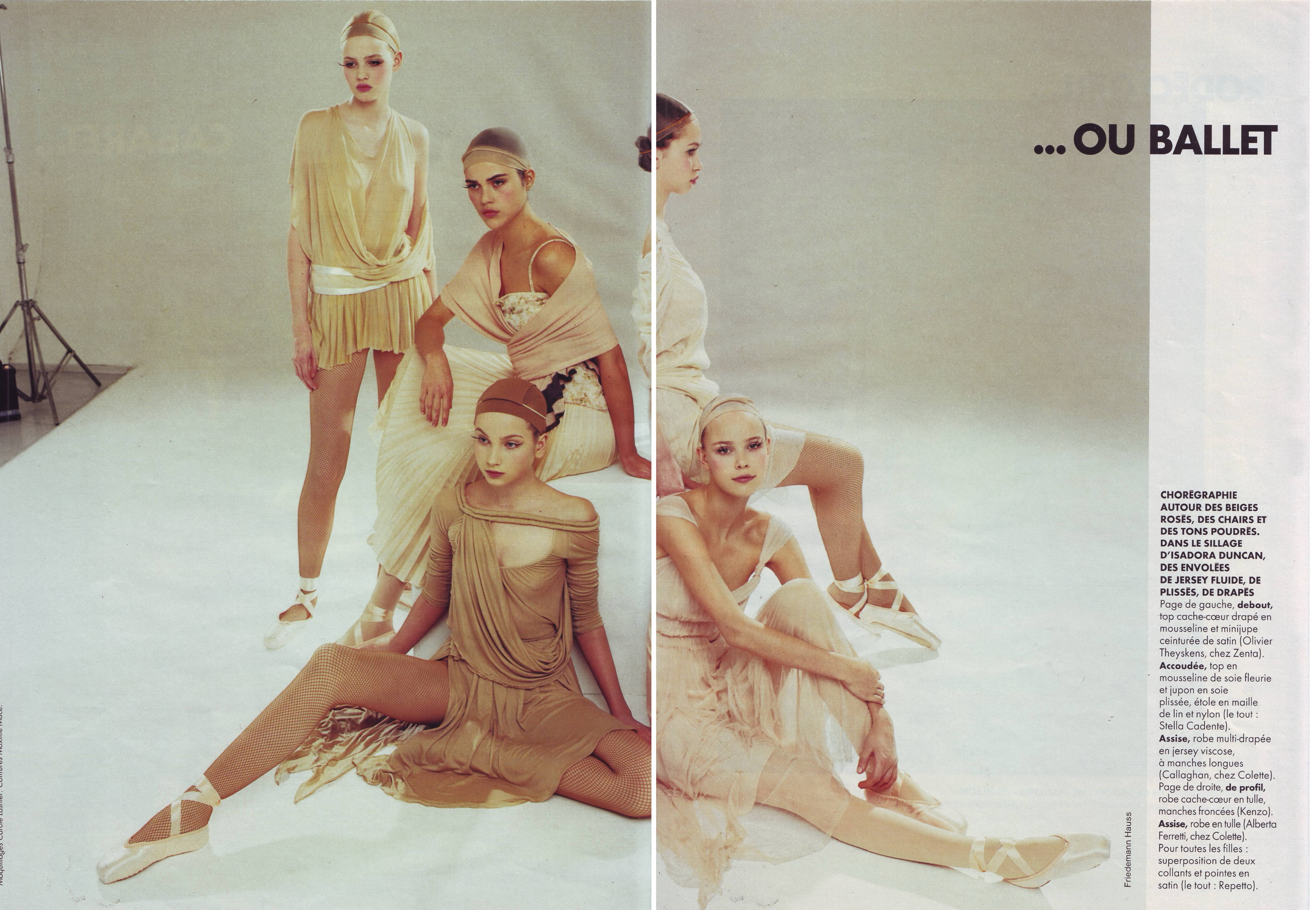
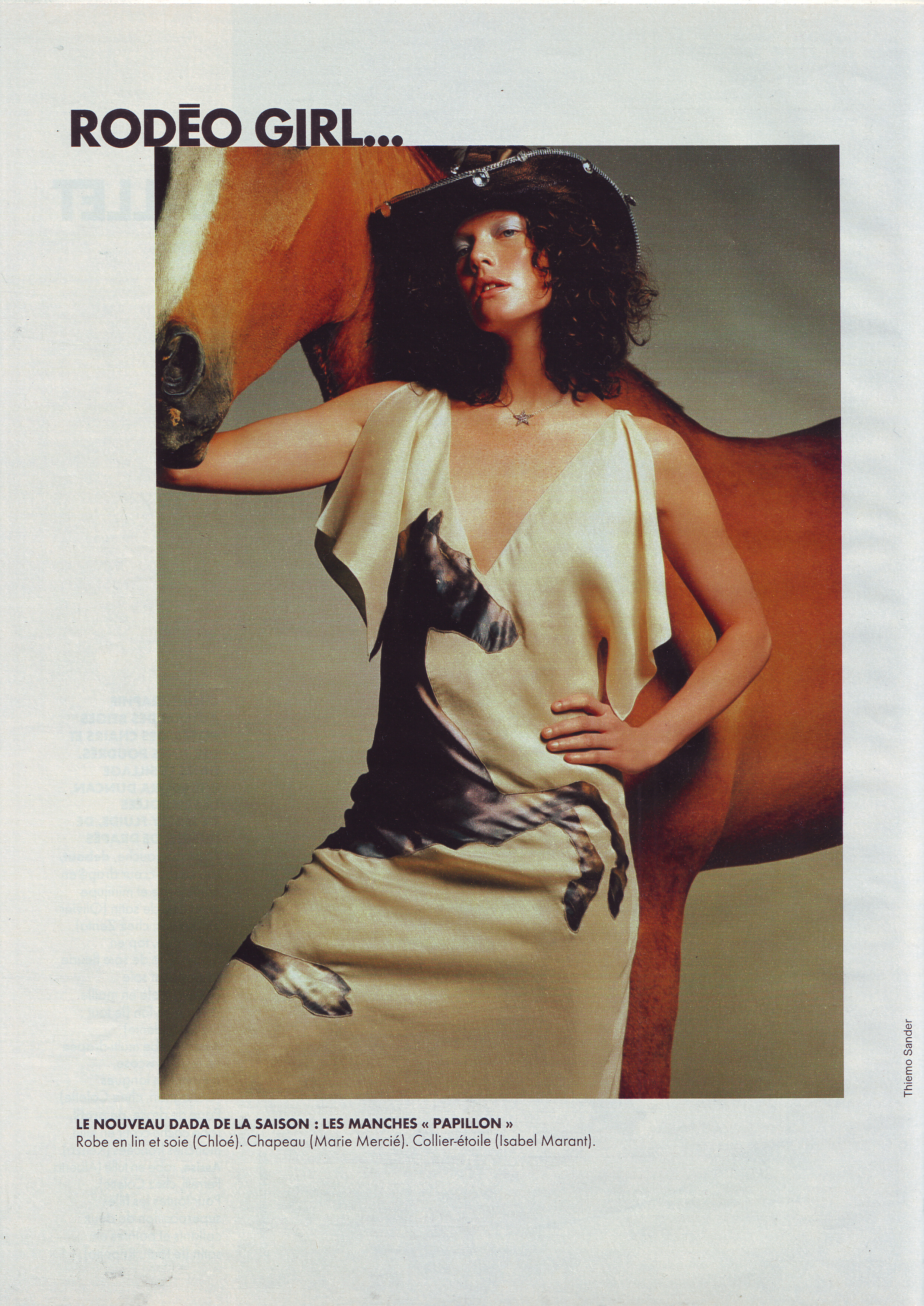
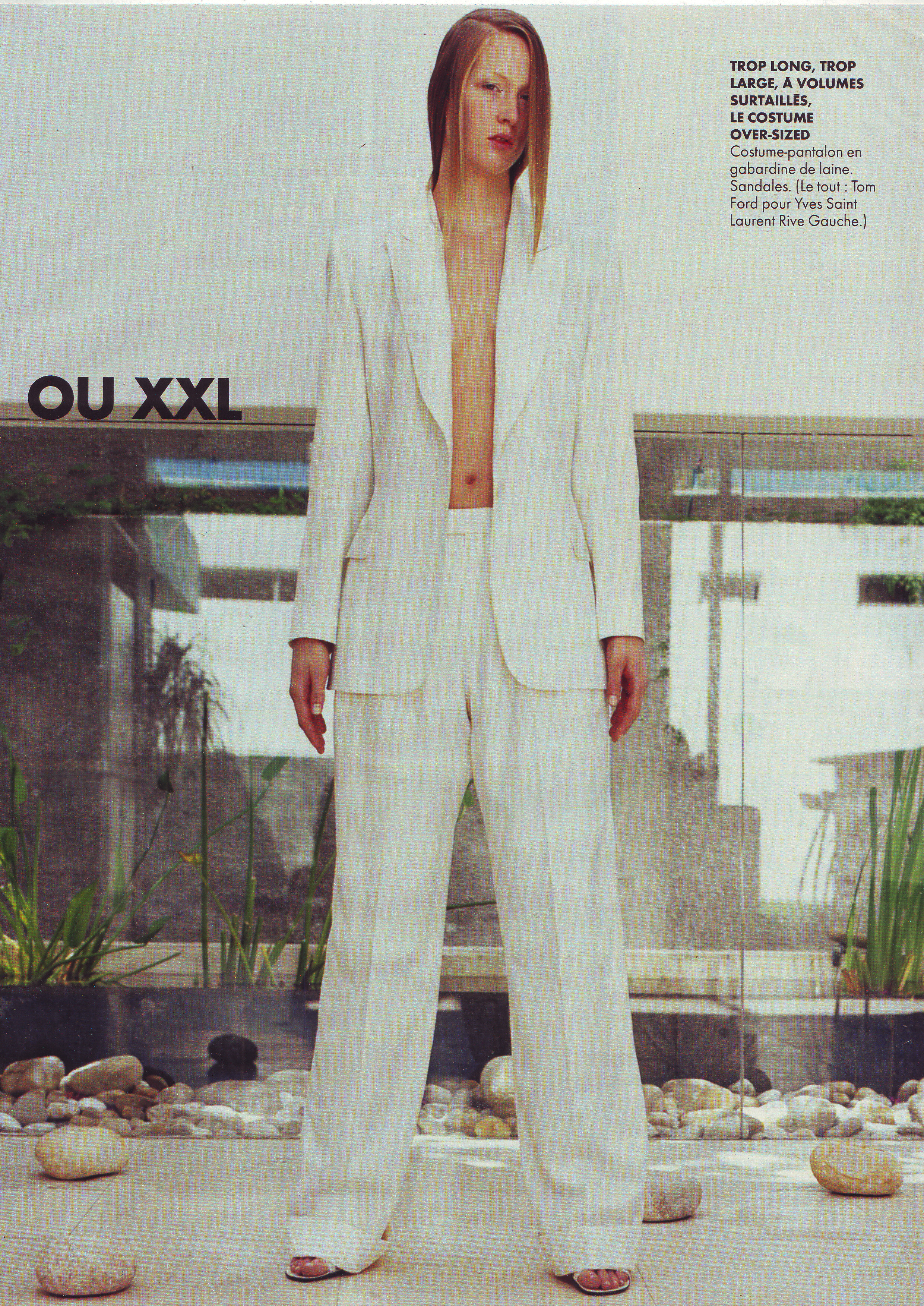
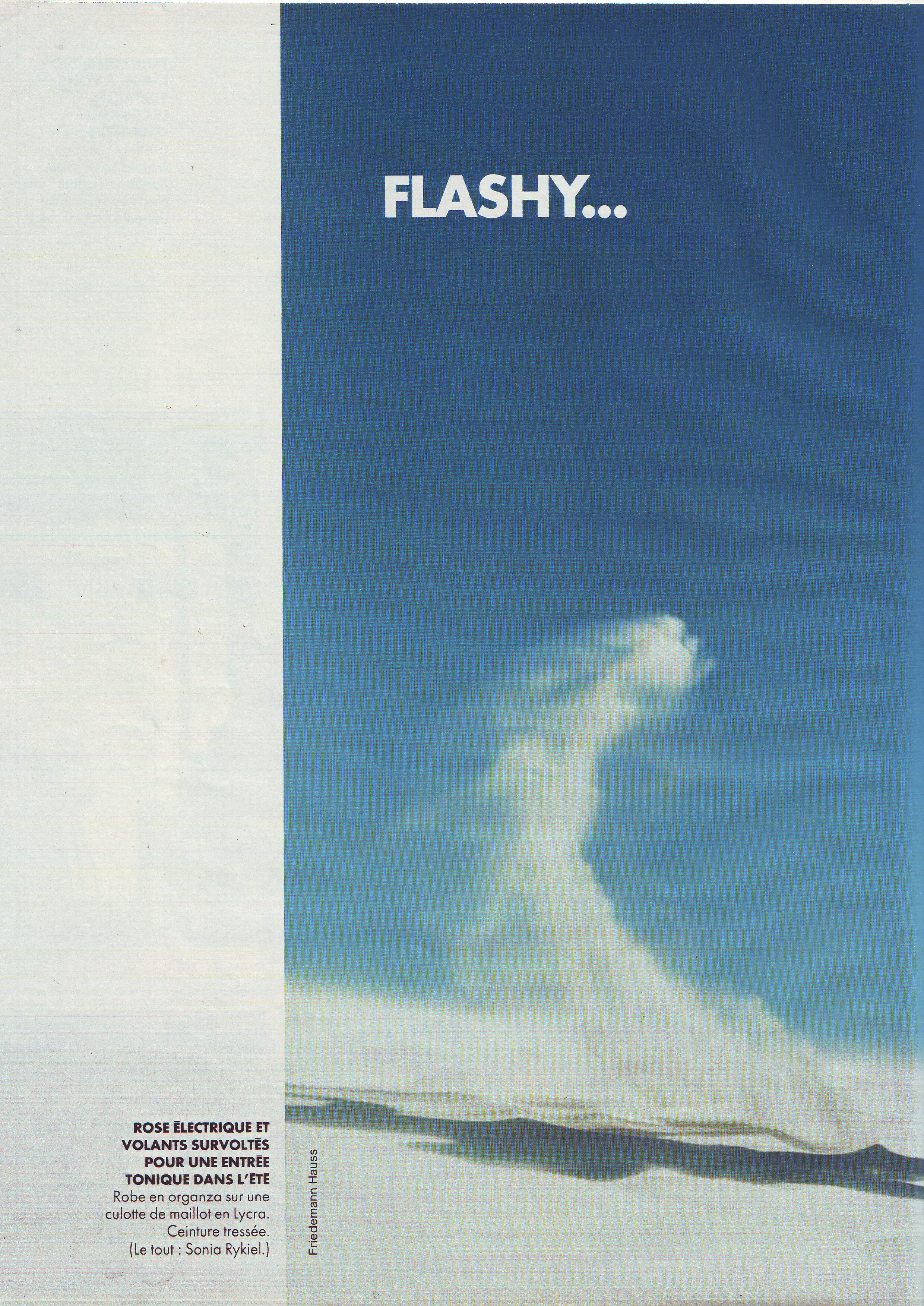
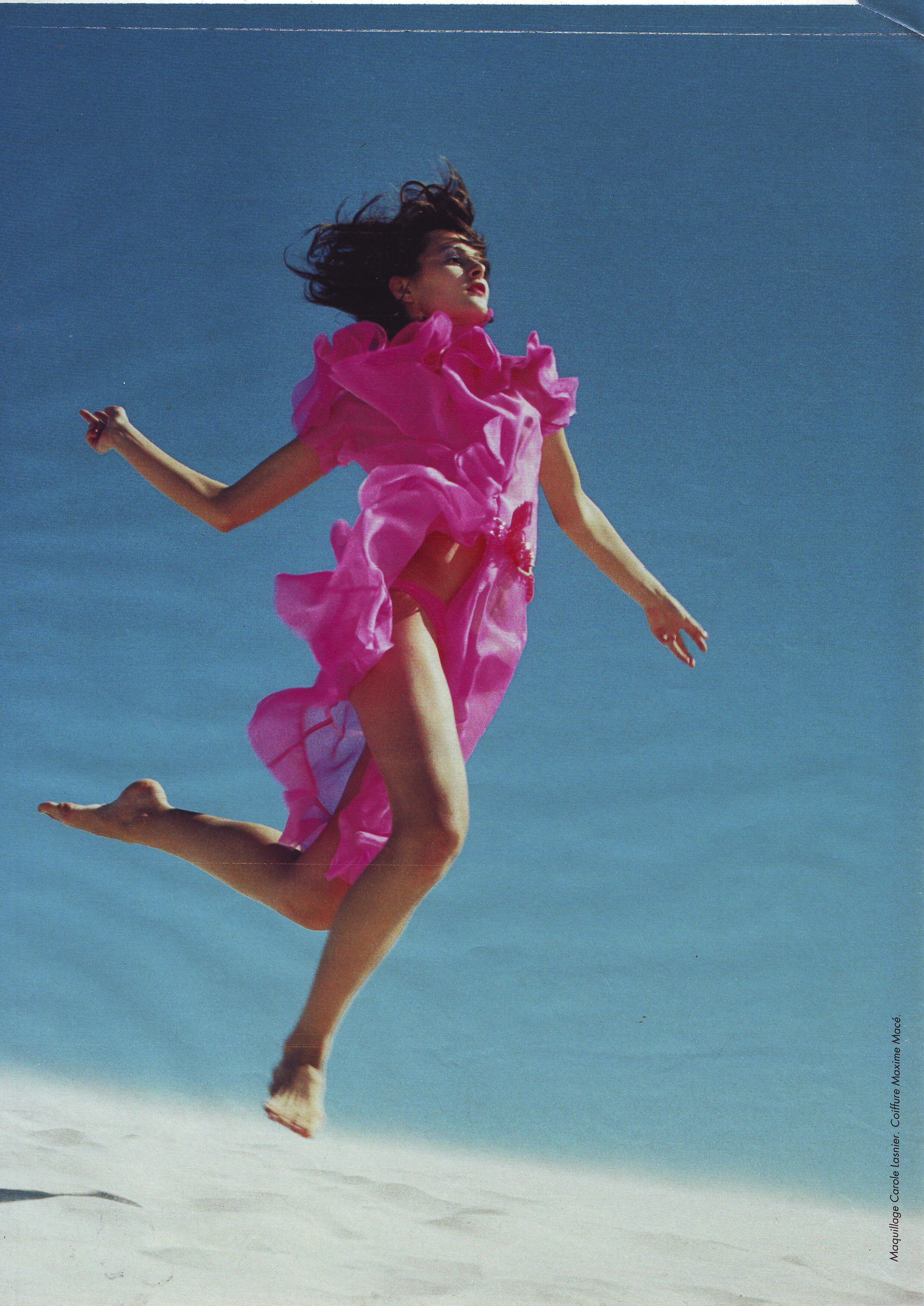
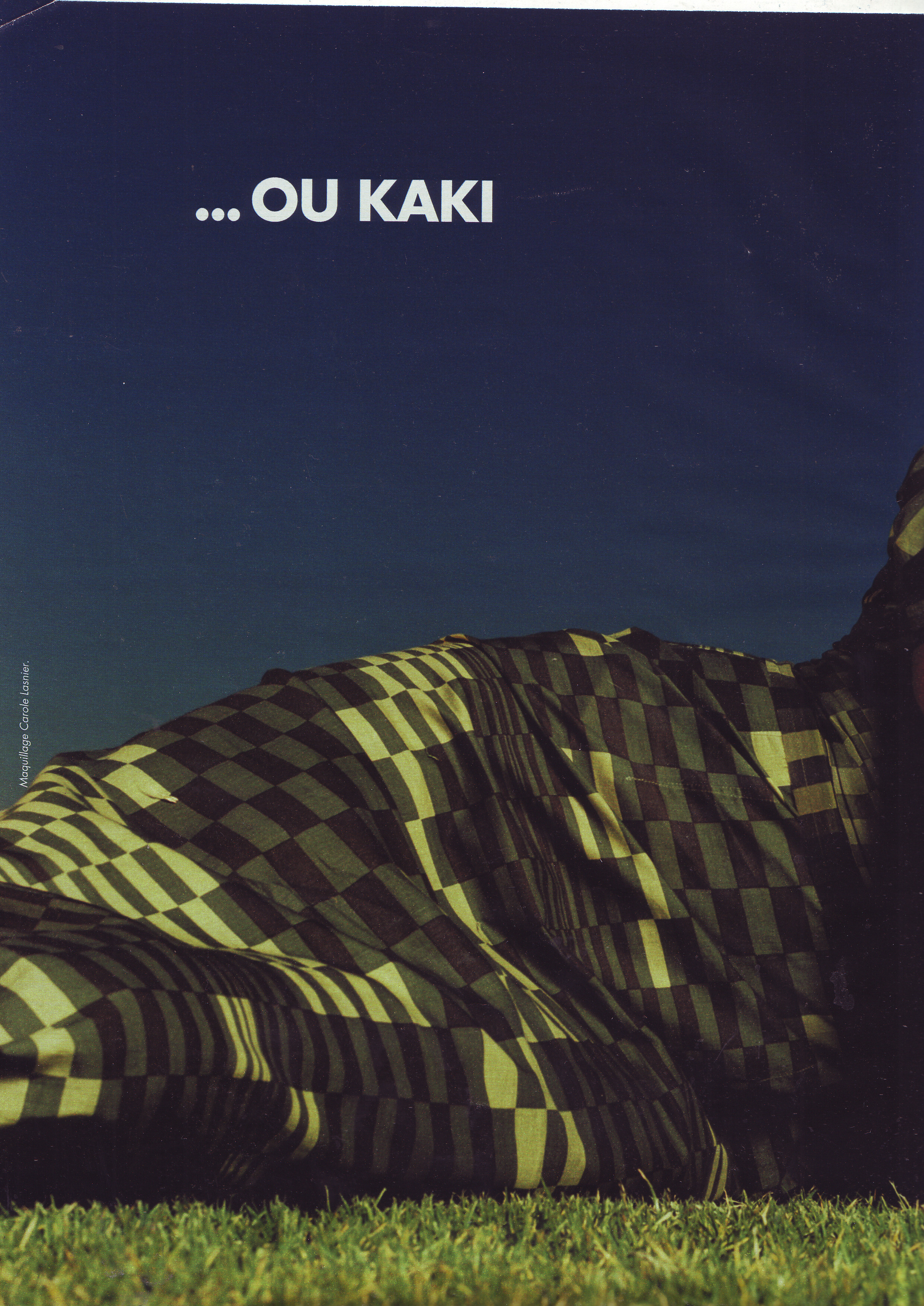
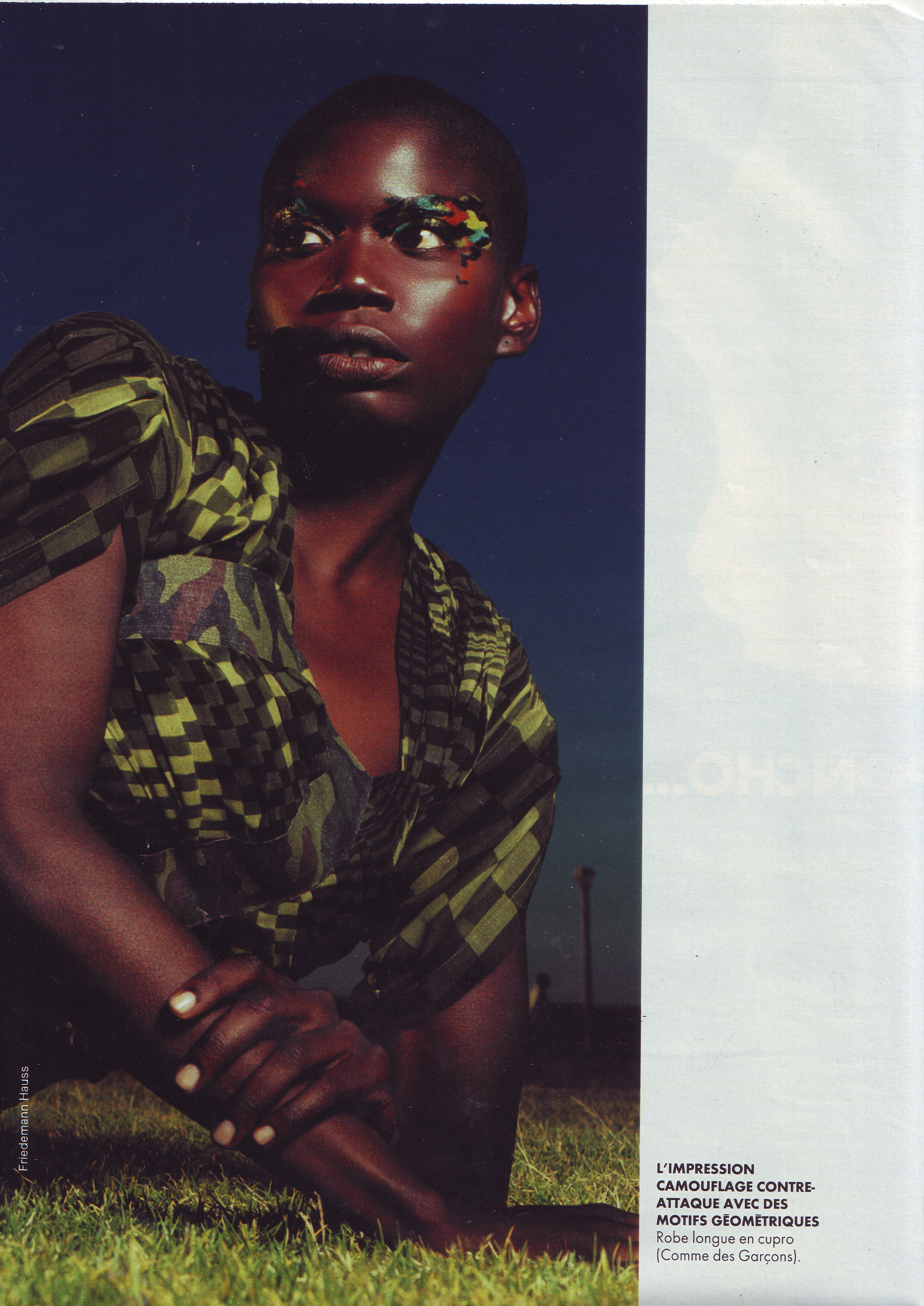
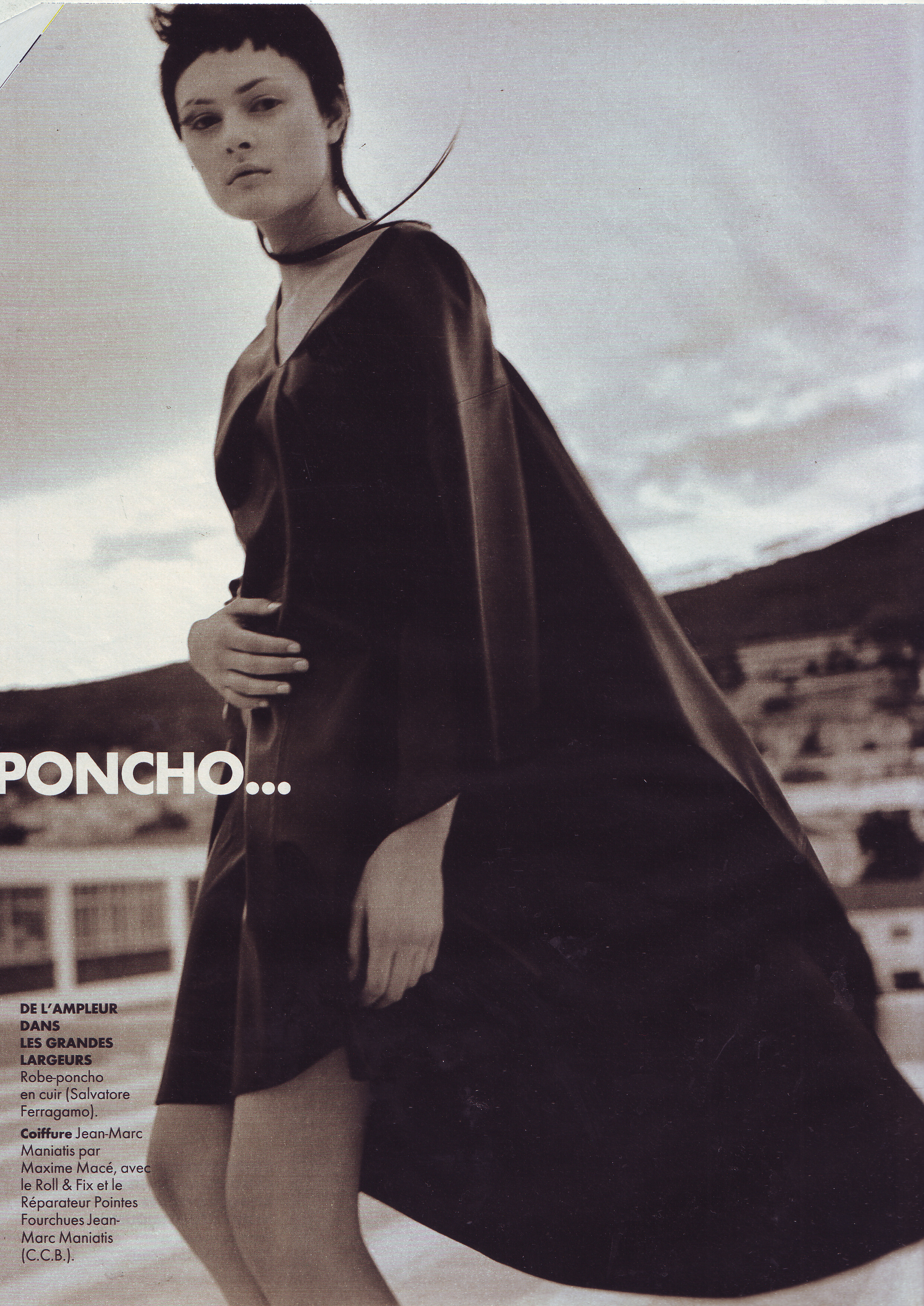
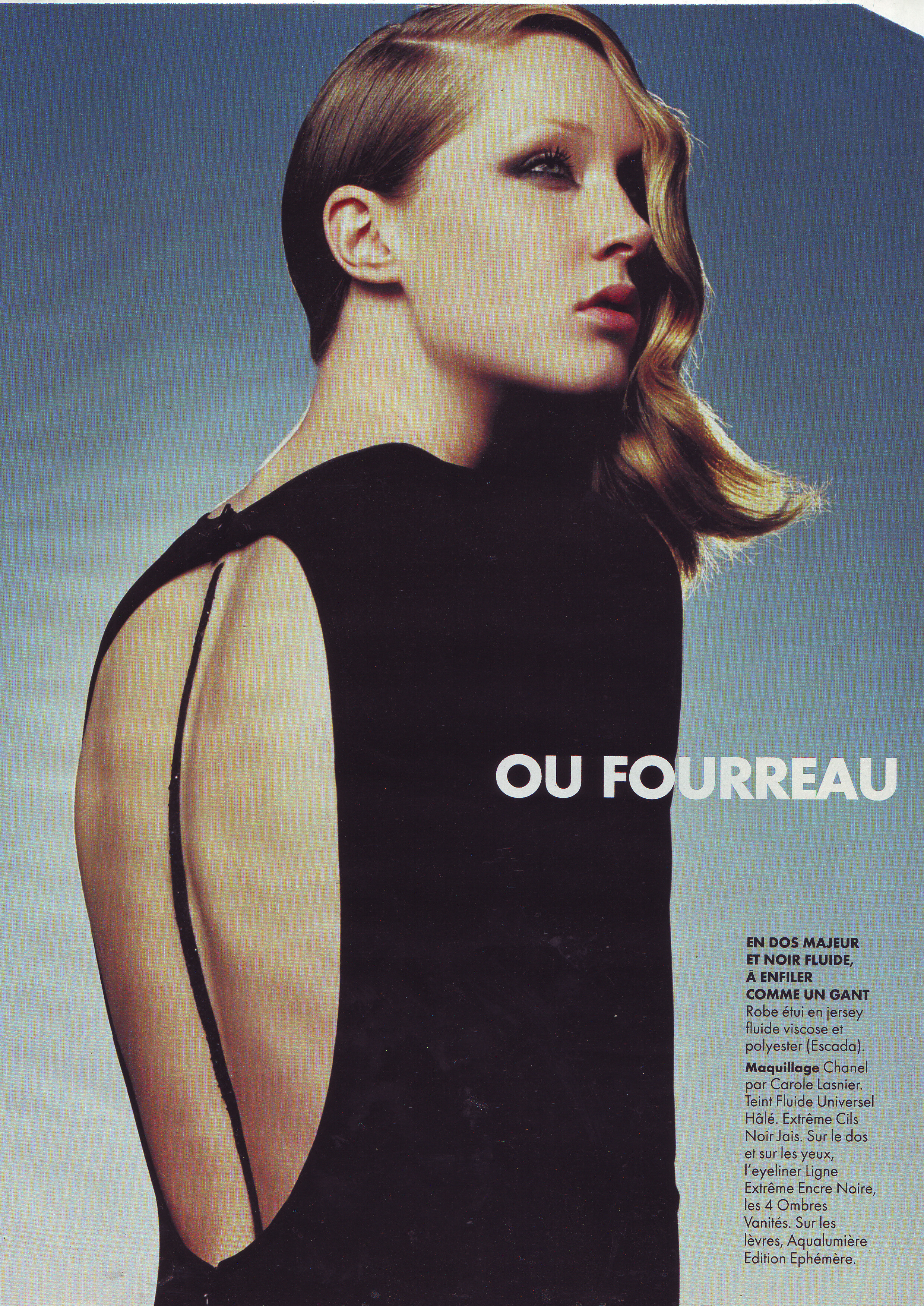
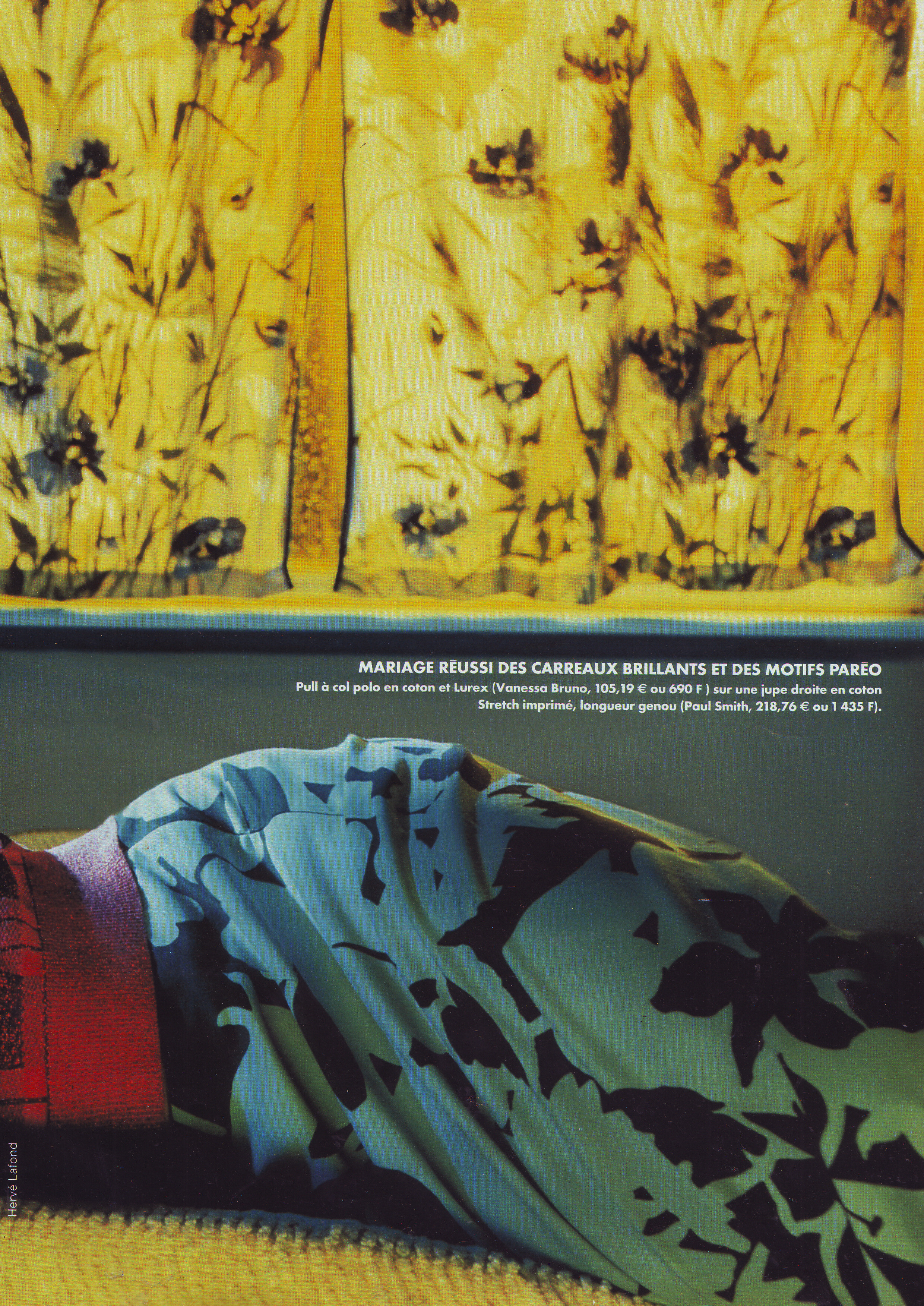
  7. Elle France 5 March 2001 Scanned by me
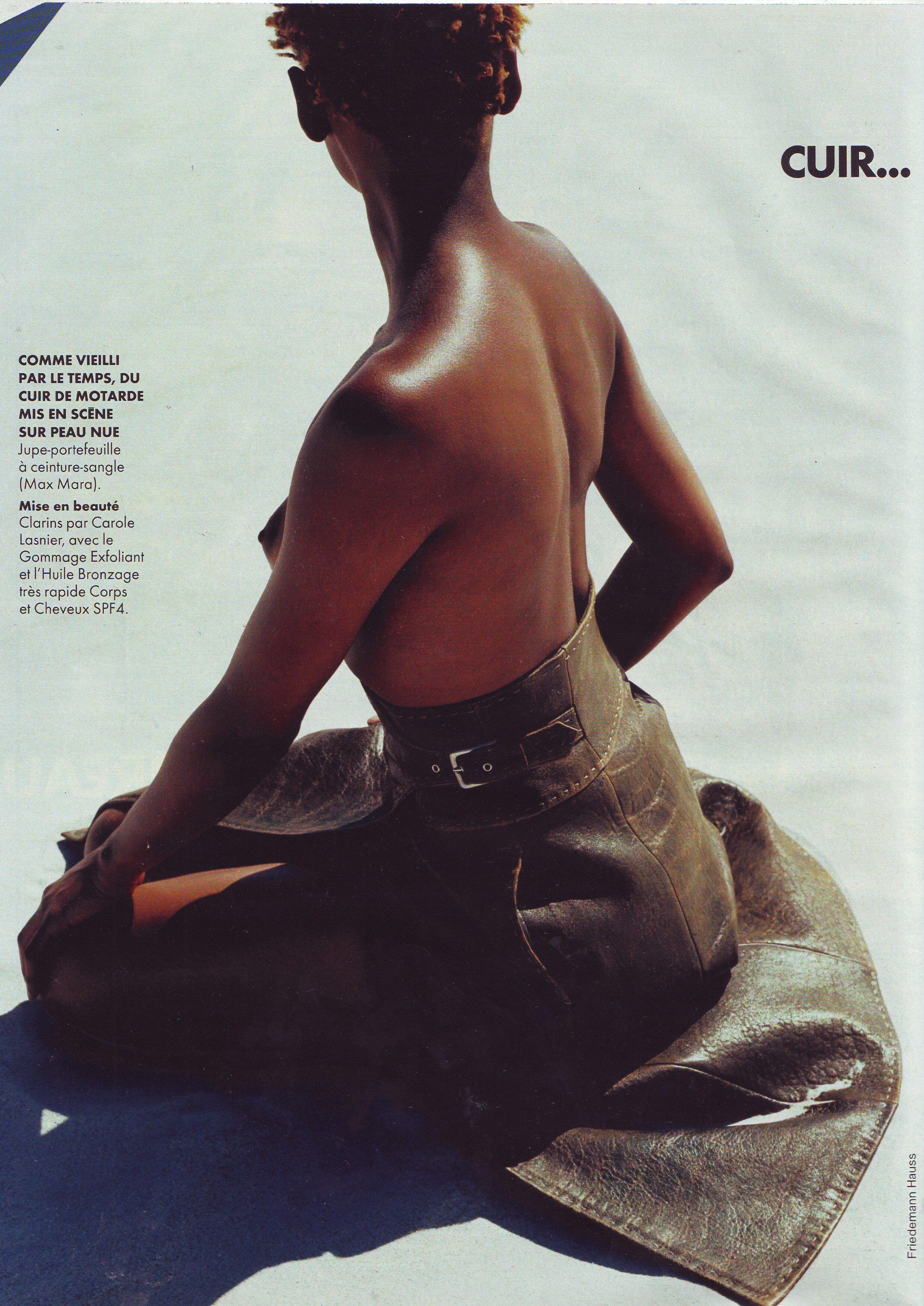
  8. Elle France 5 March 2001 Scanned by me WARNING NUDITY!
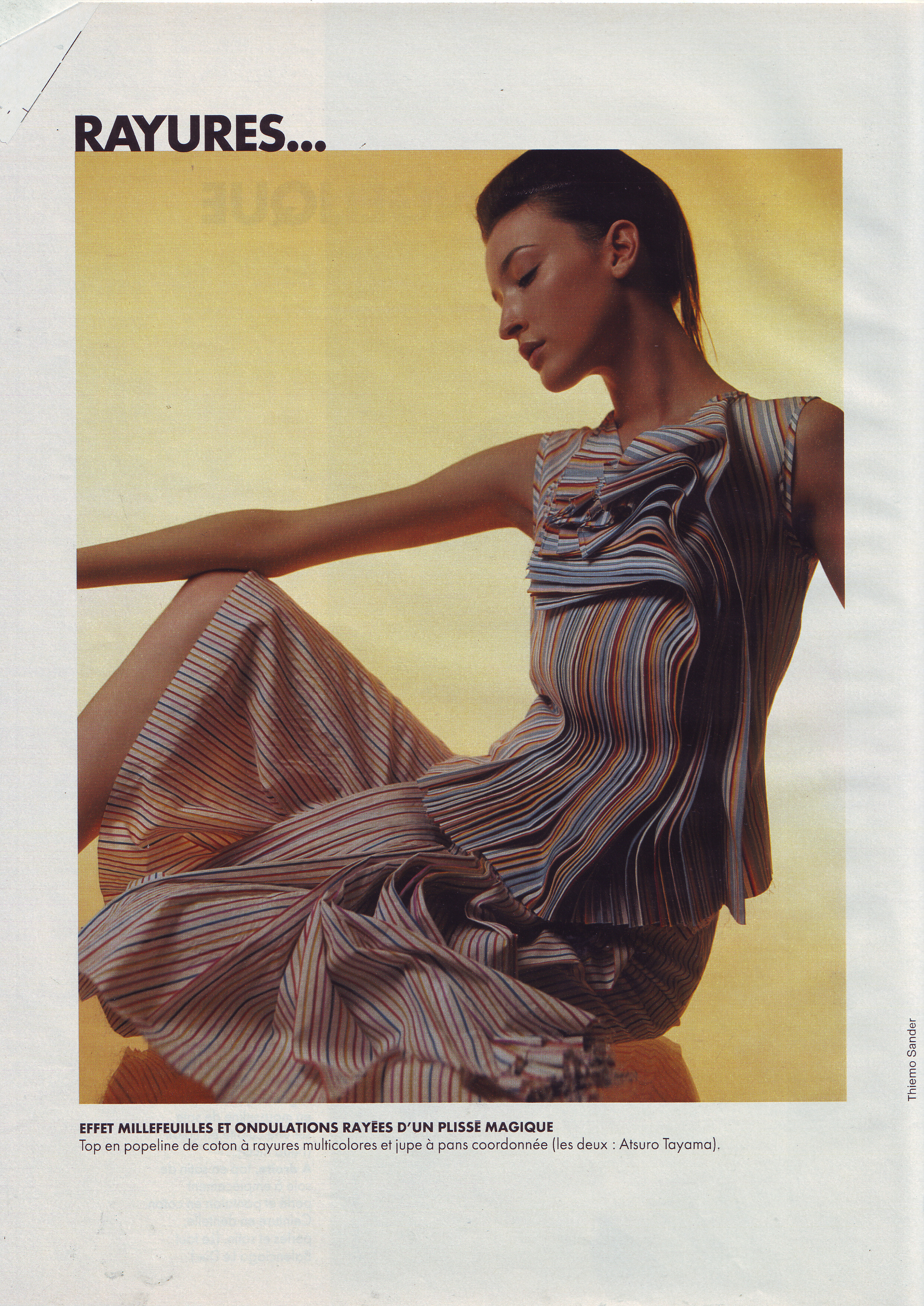
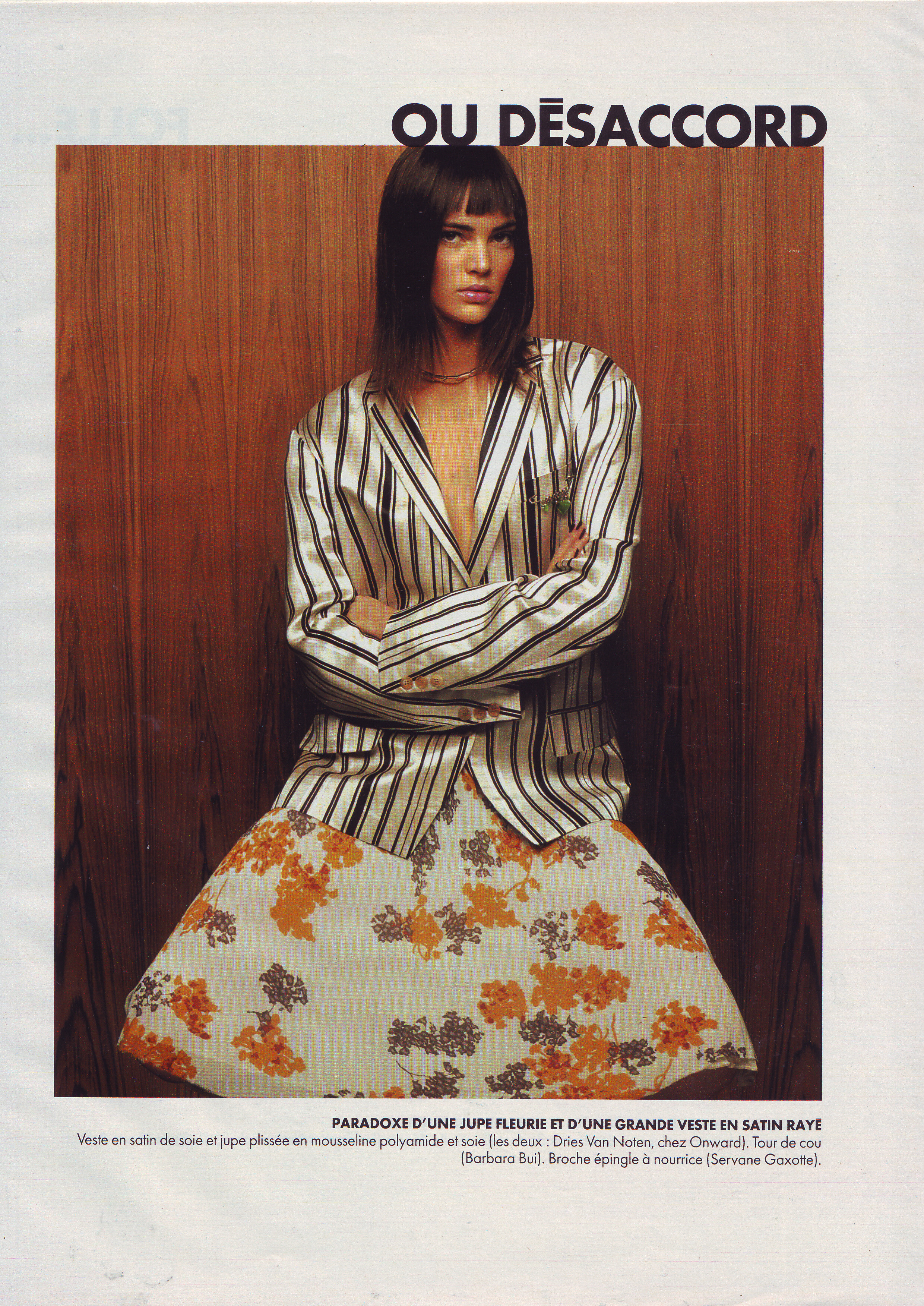
  9. Elle France 5 March 2001 Scanned by me
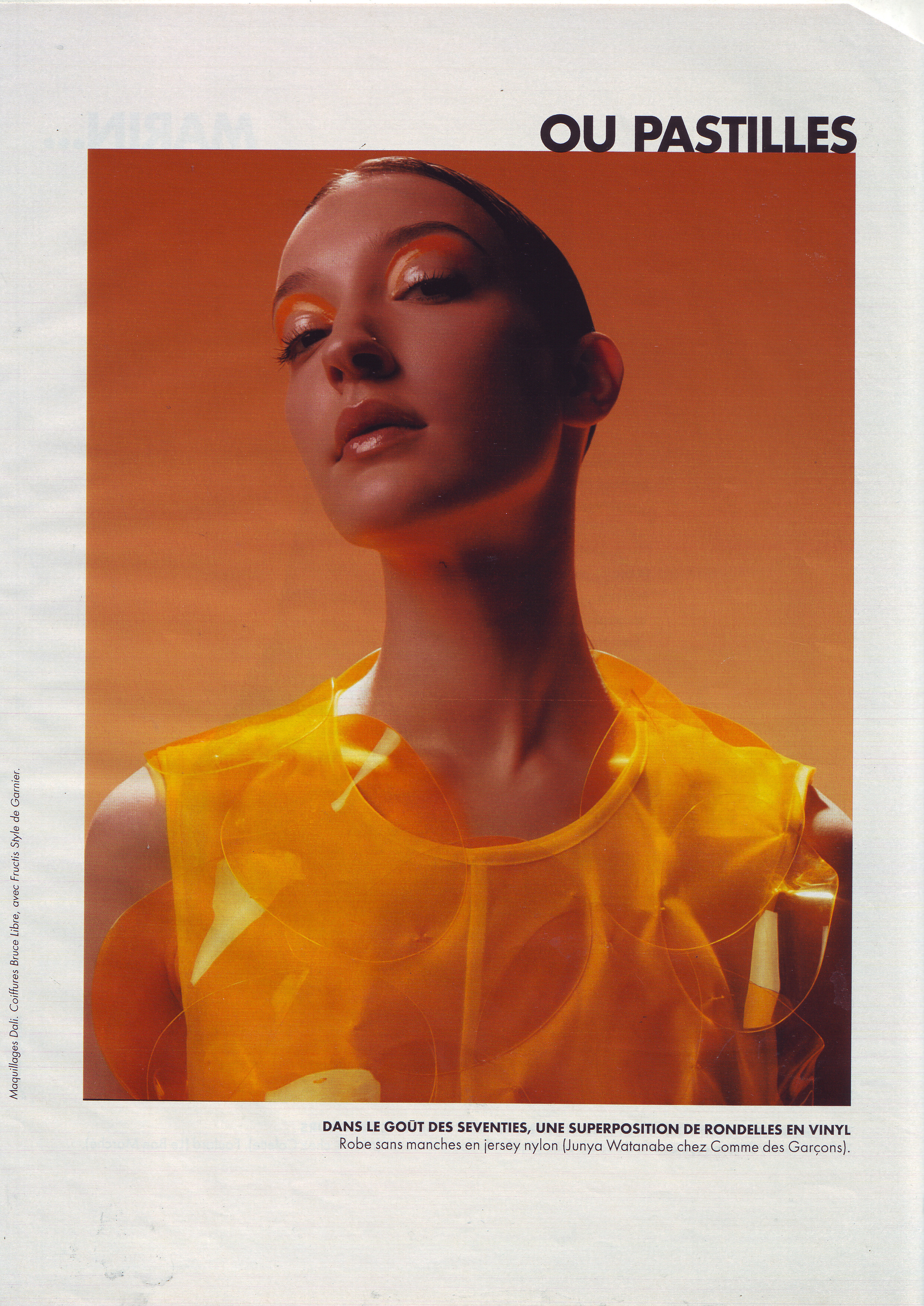
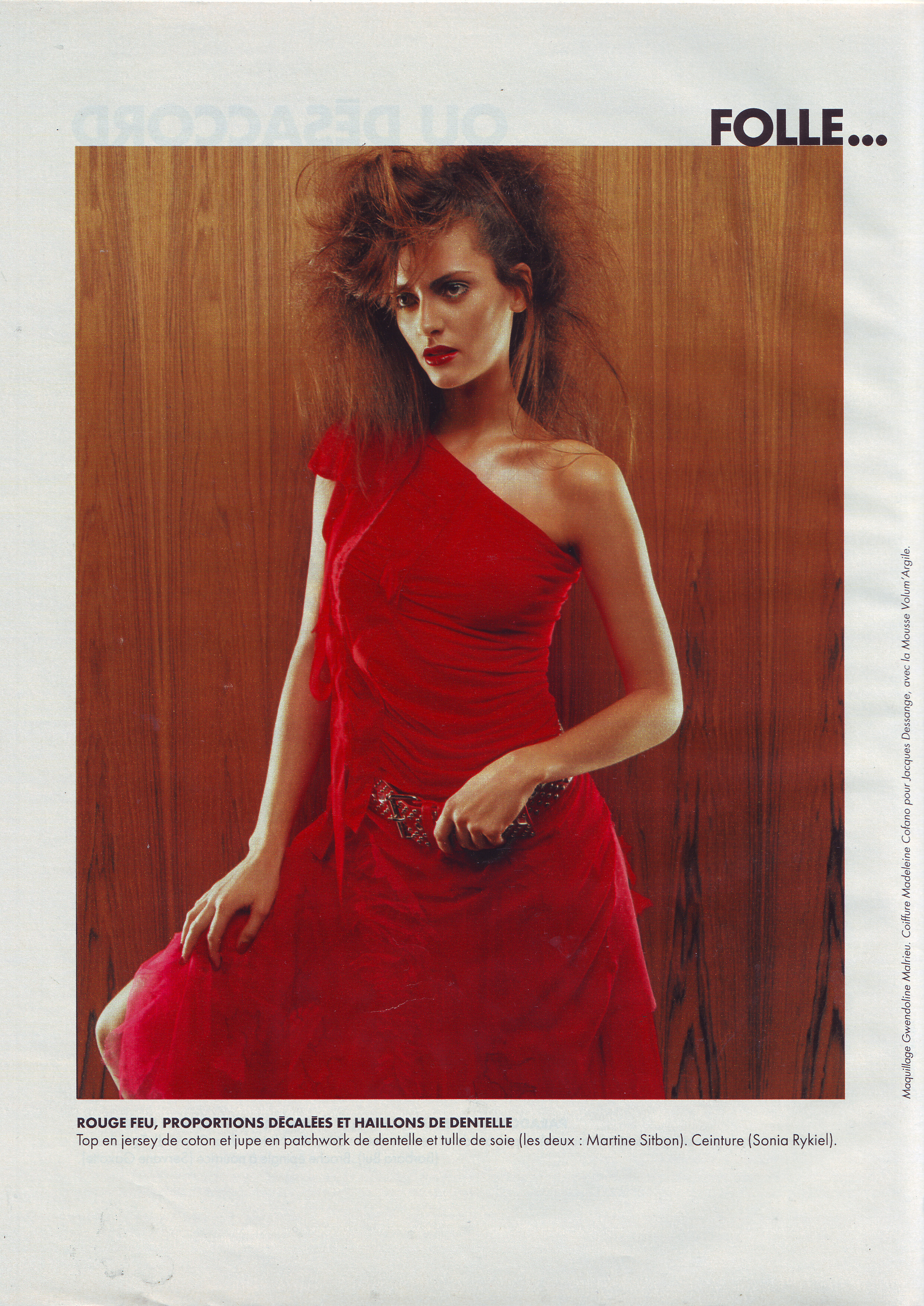
  10. Elle France 5 March 2001 Scanned by me
  11. Elle France 5 March 2001 Scanned by me cover model Sharon Van Der Knapp
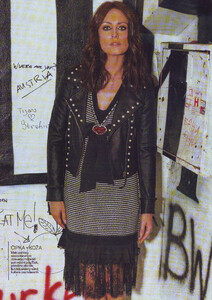
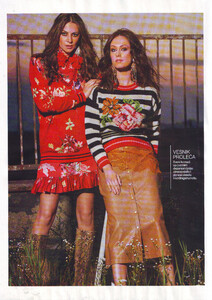
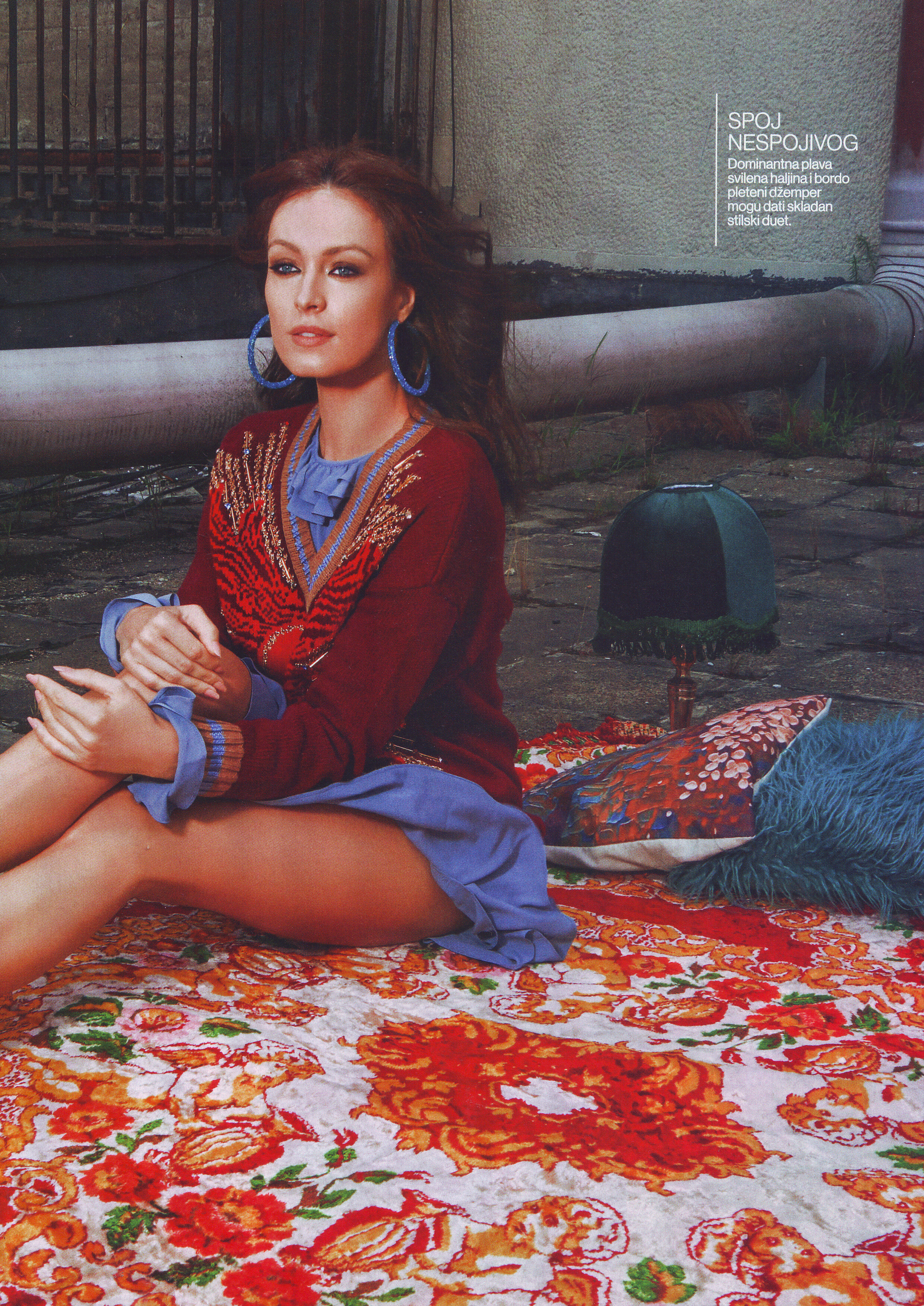
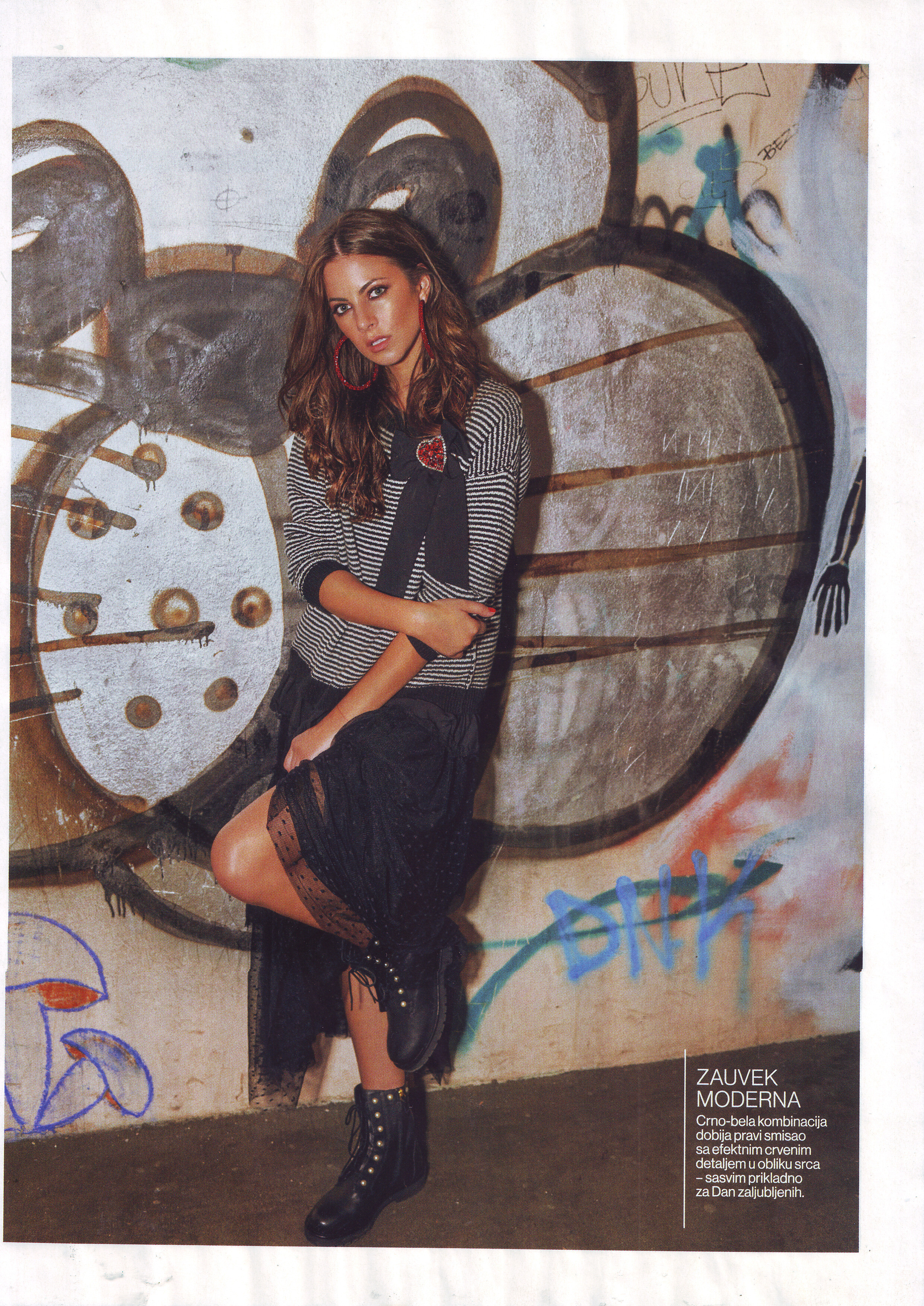
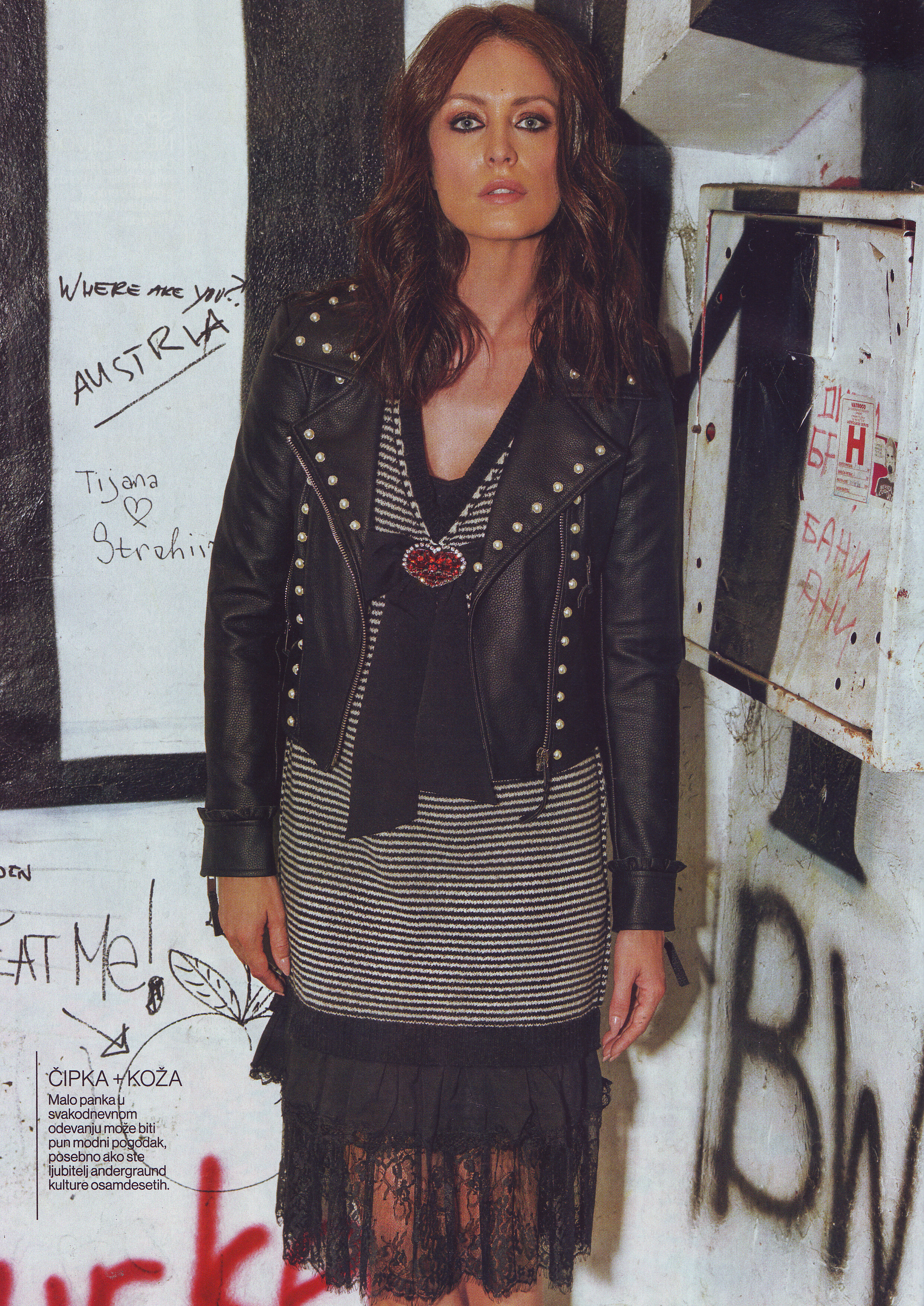
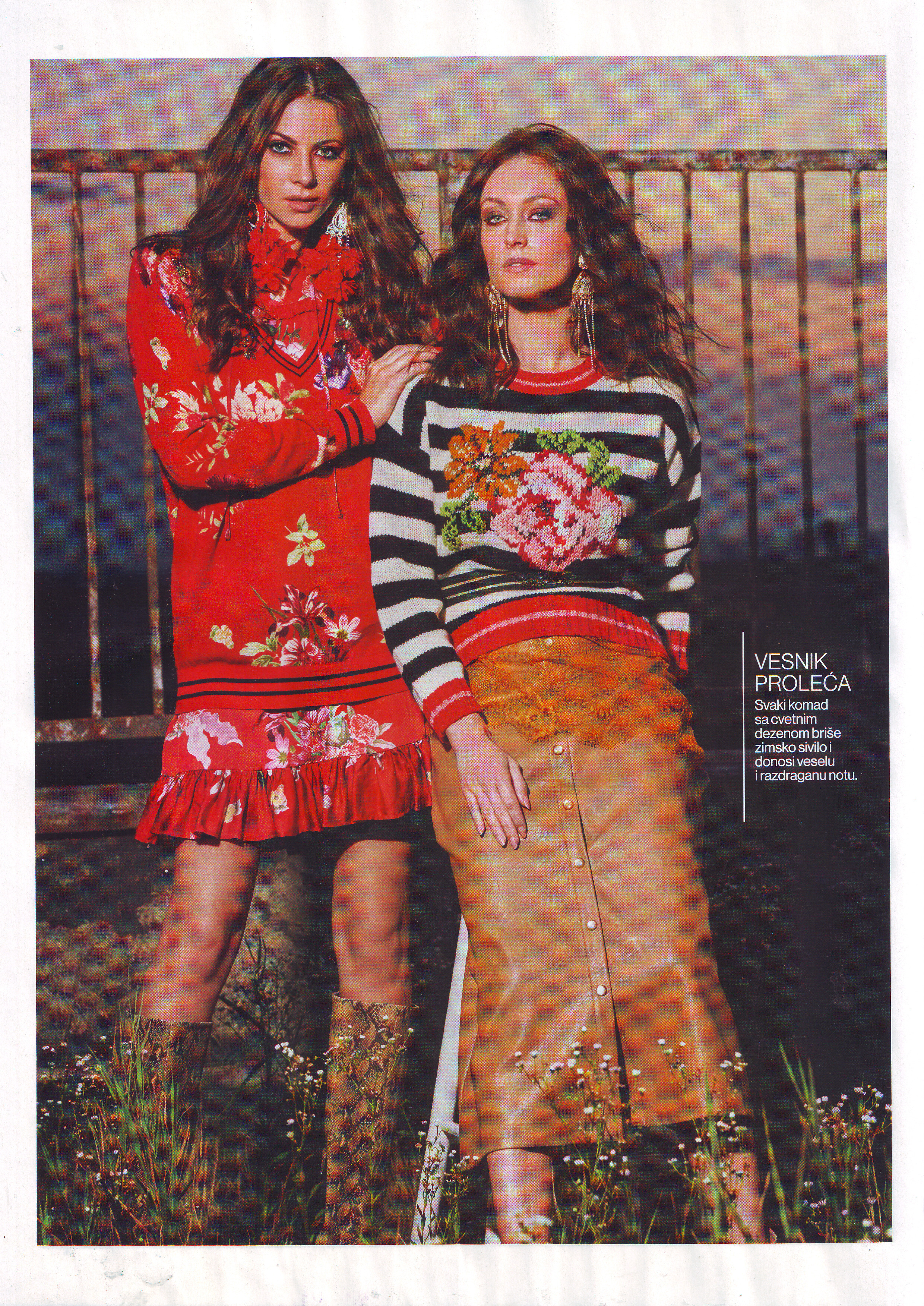
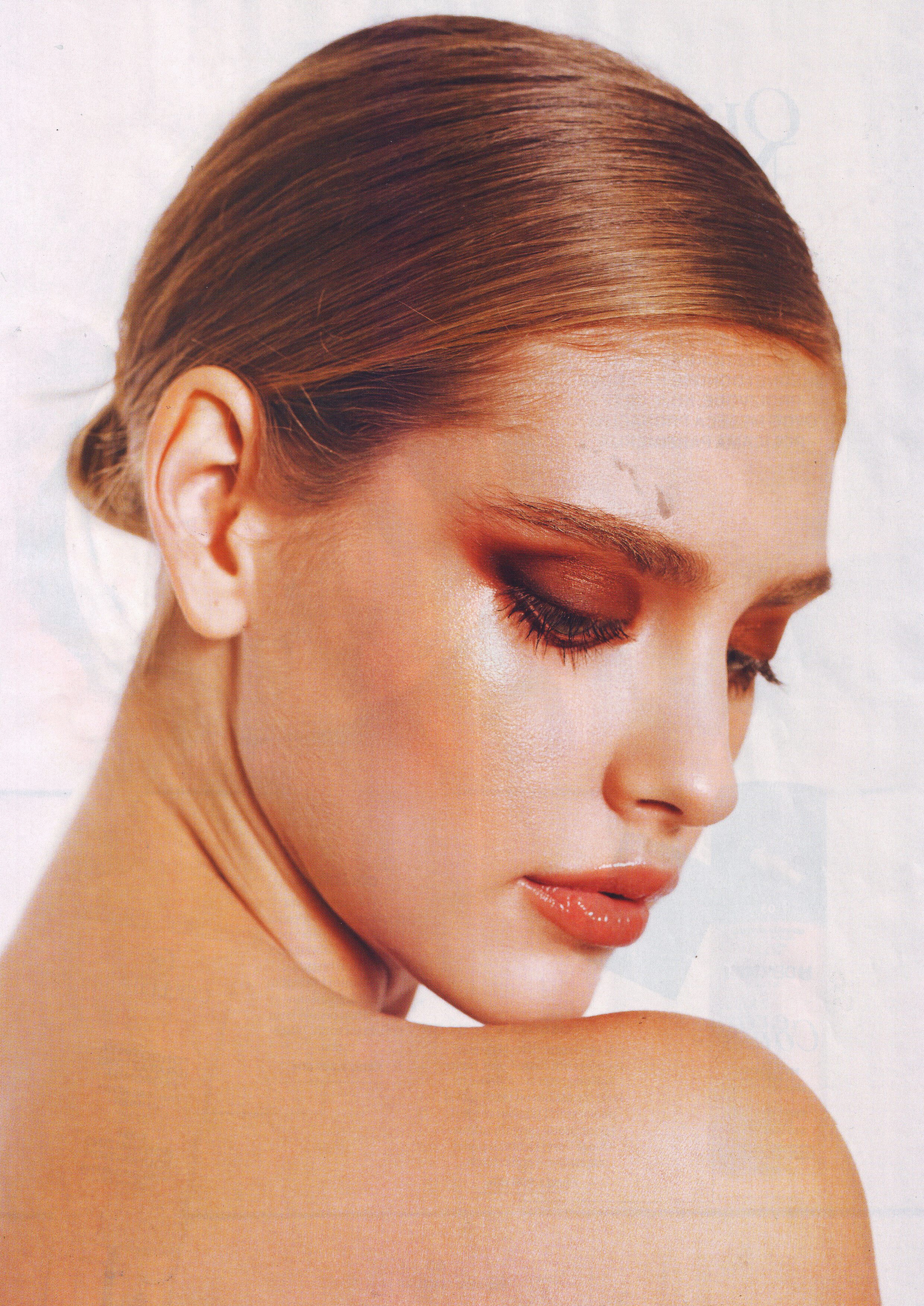
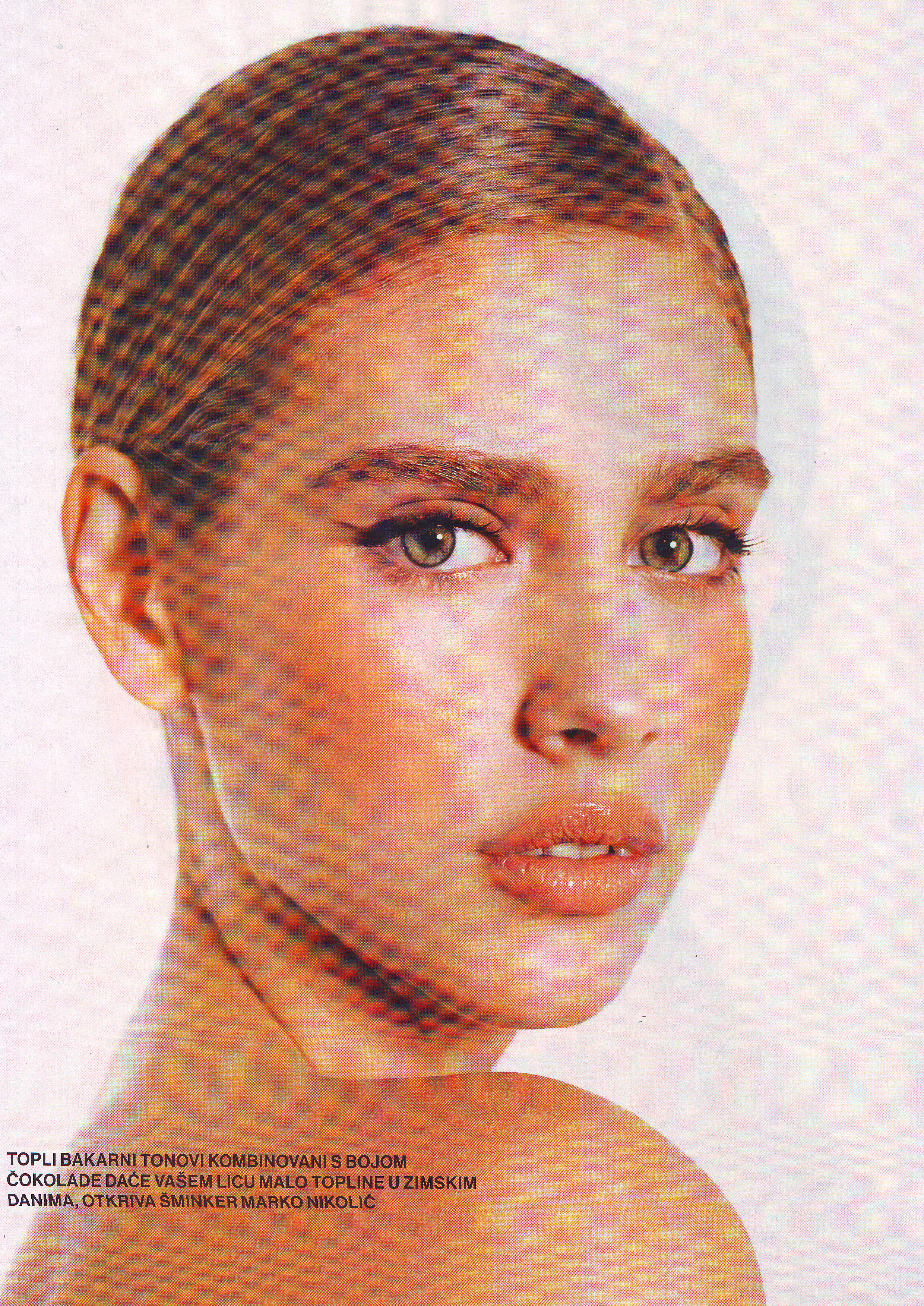
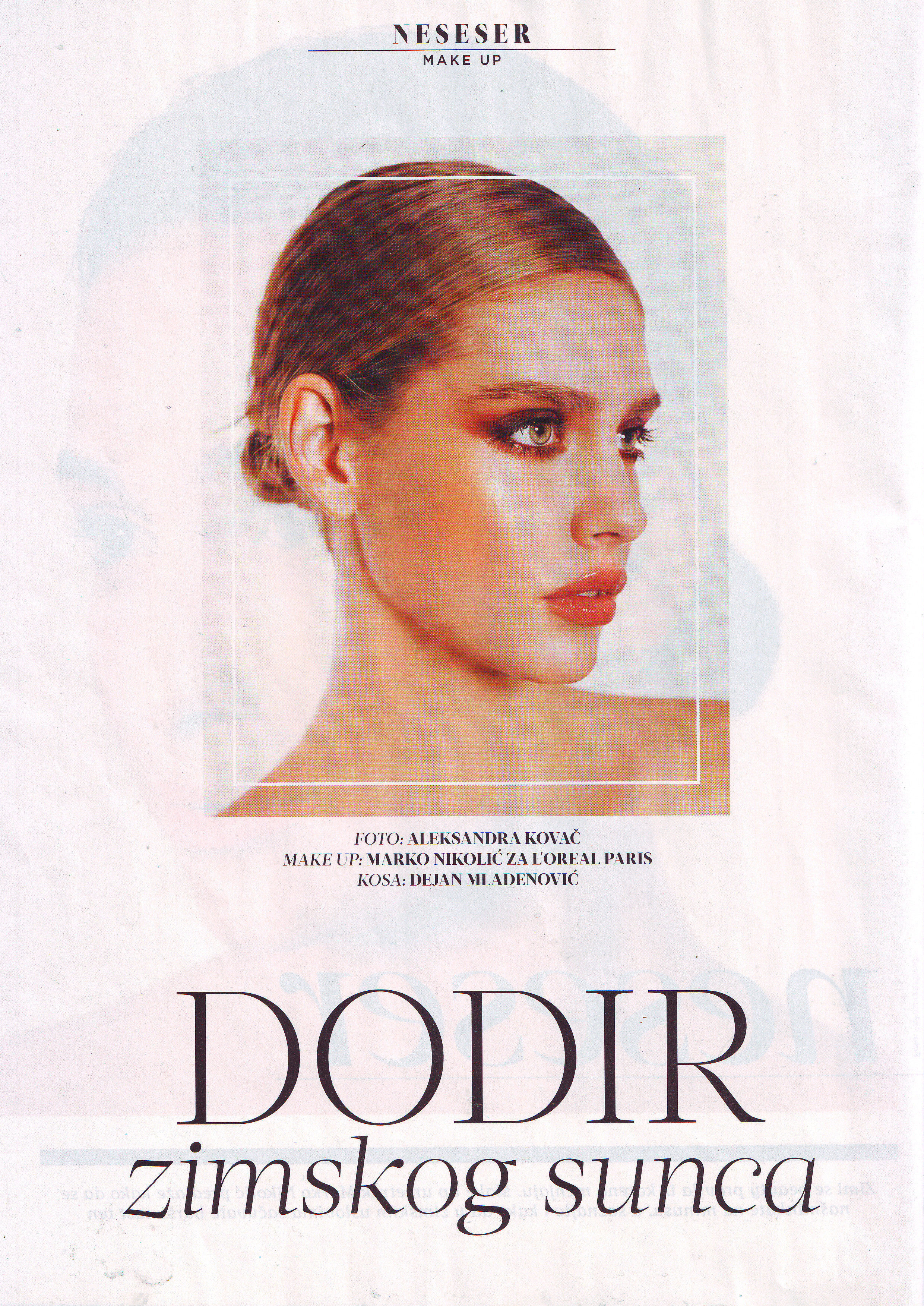
  12. Lepa i srecna Serbia February 2019 Scanned by me

  13. Lepa i srecna Serbia February 2019 Scanned by me
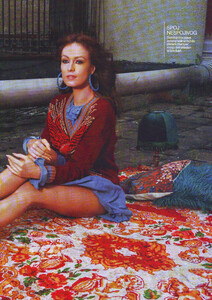
  14. Lepa i srecna Serbia February 2019 Scanned by me
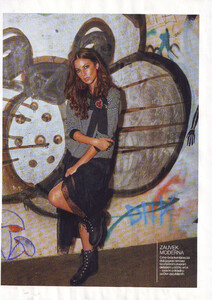
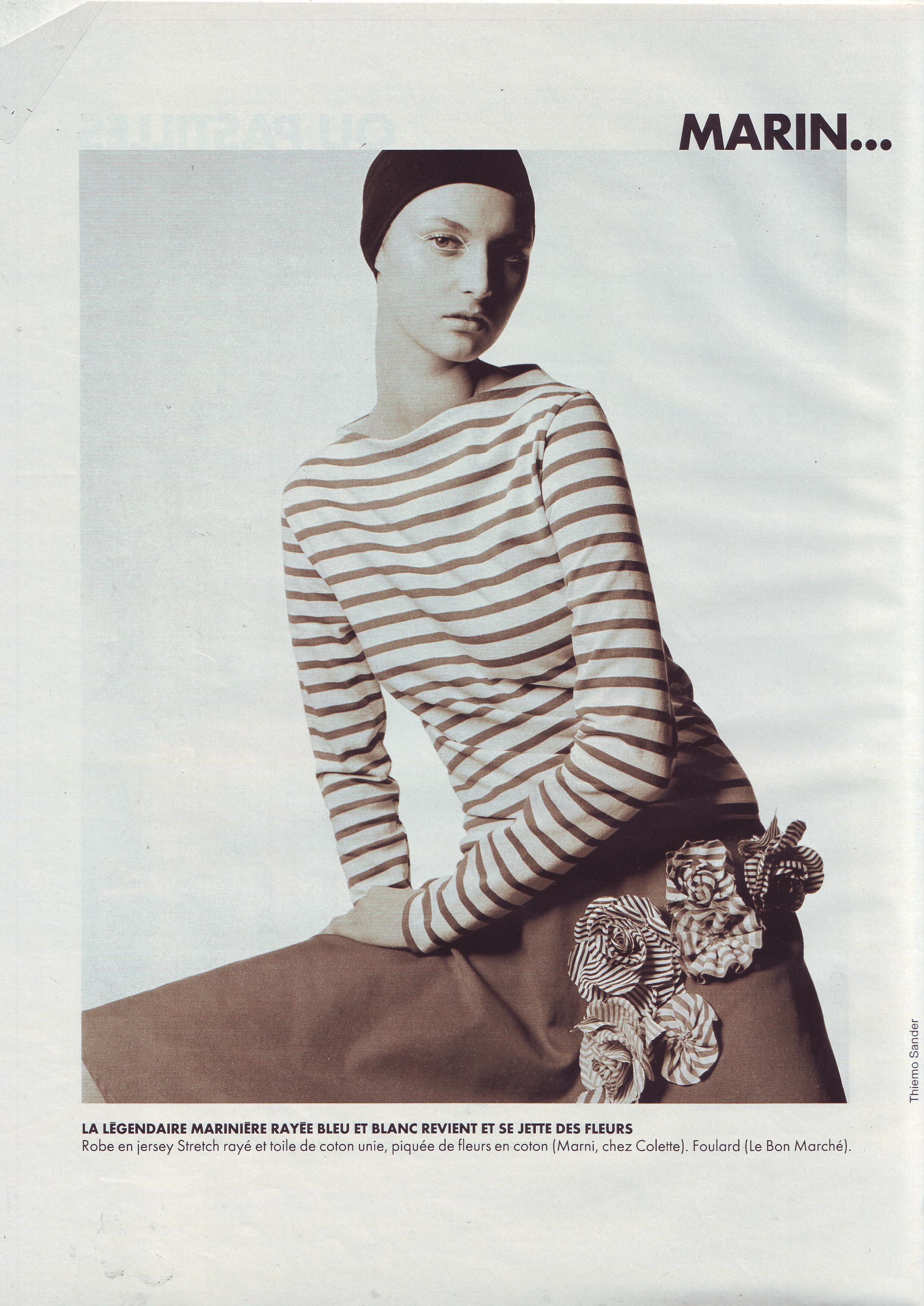
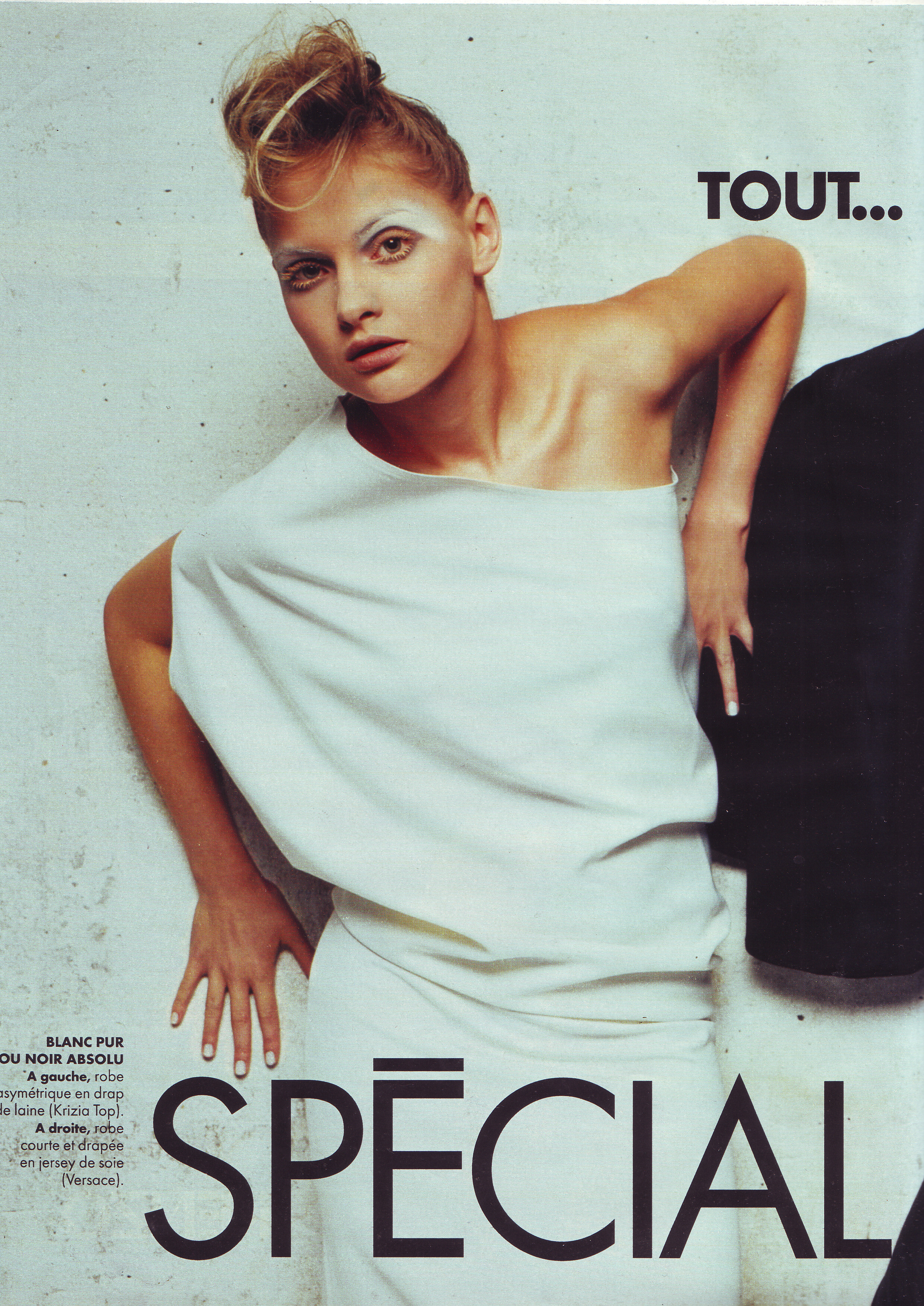
  15. Elle France 5 March 2001 Scanned by me
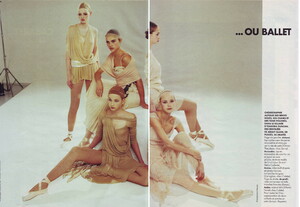
  16. Croatia
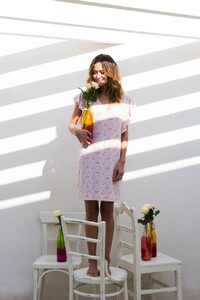
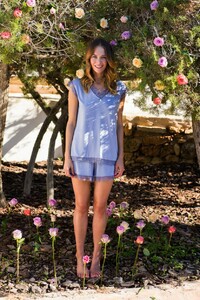
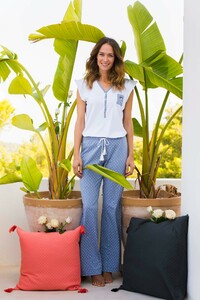
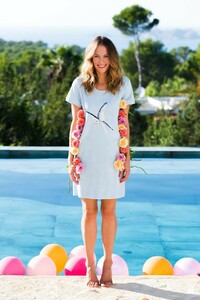
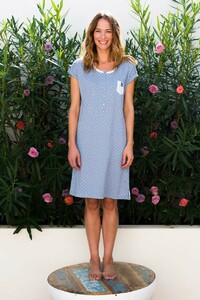
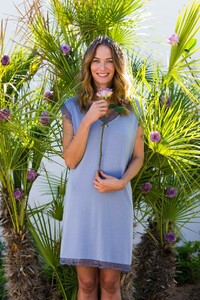
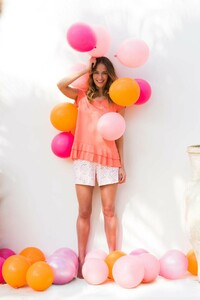
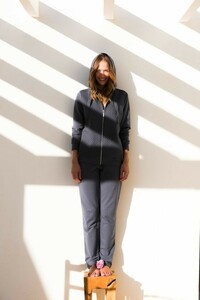
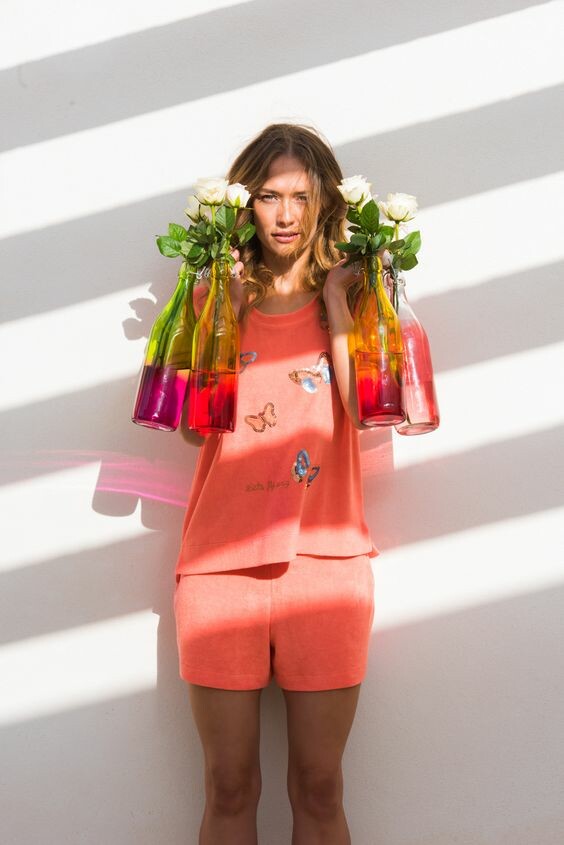
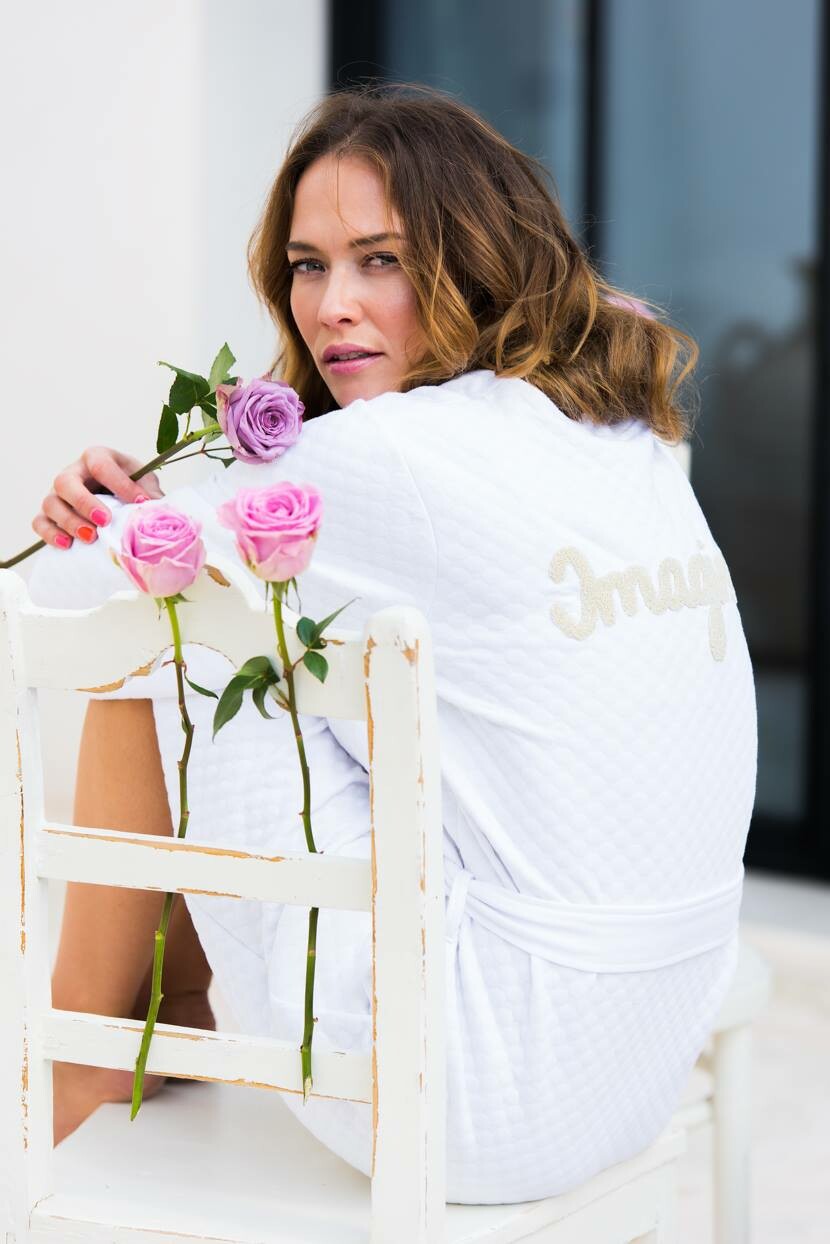
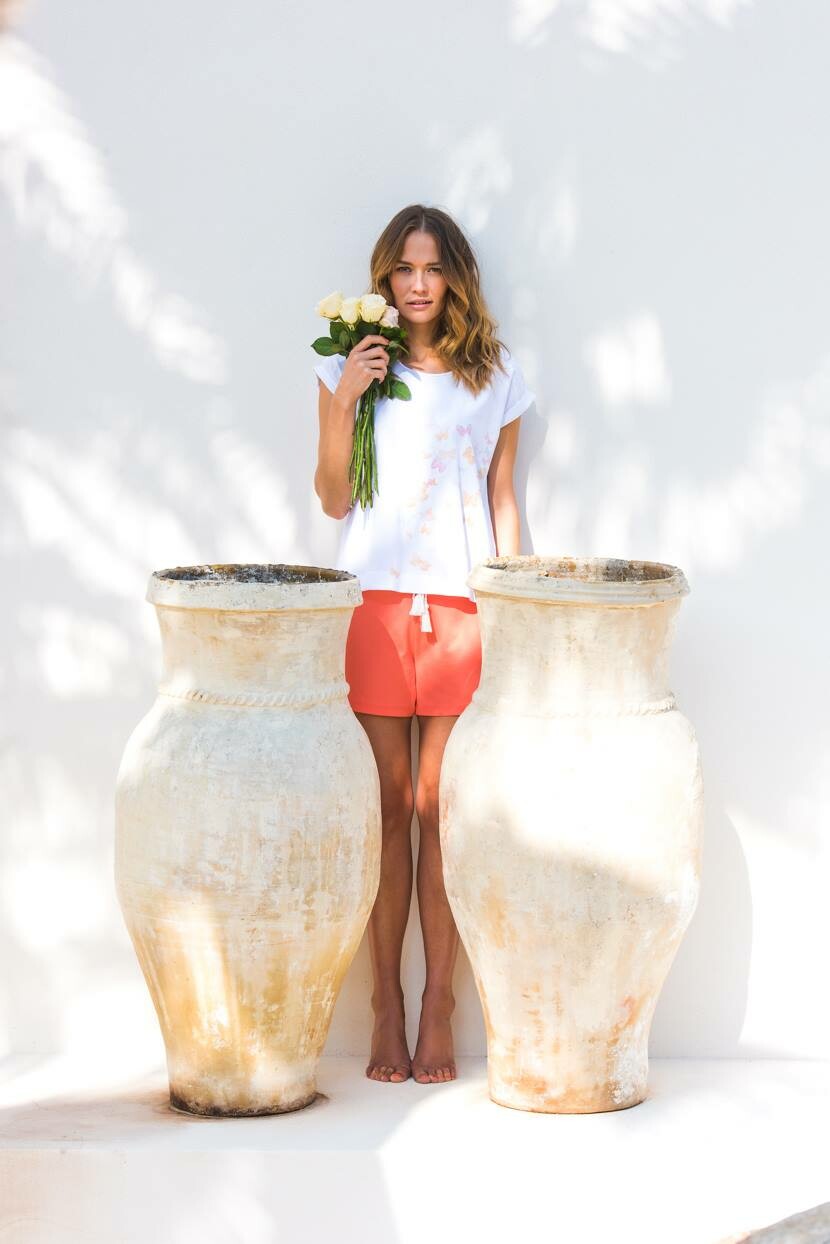
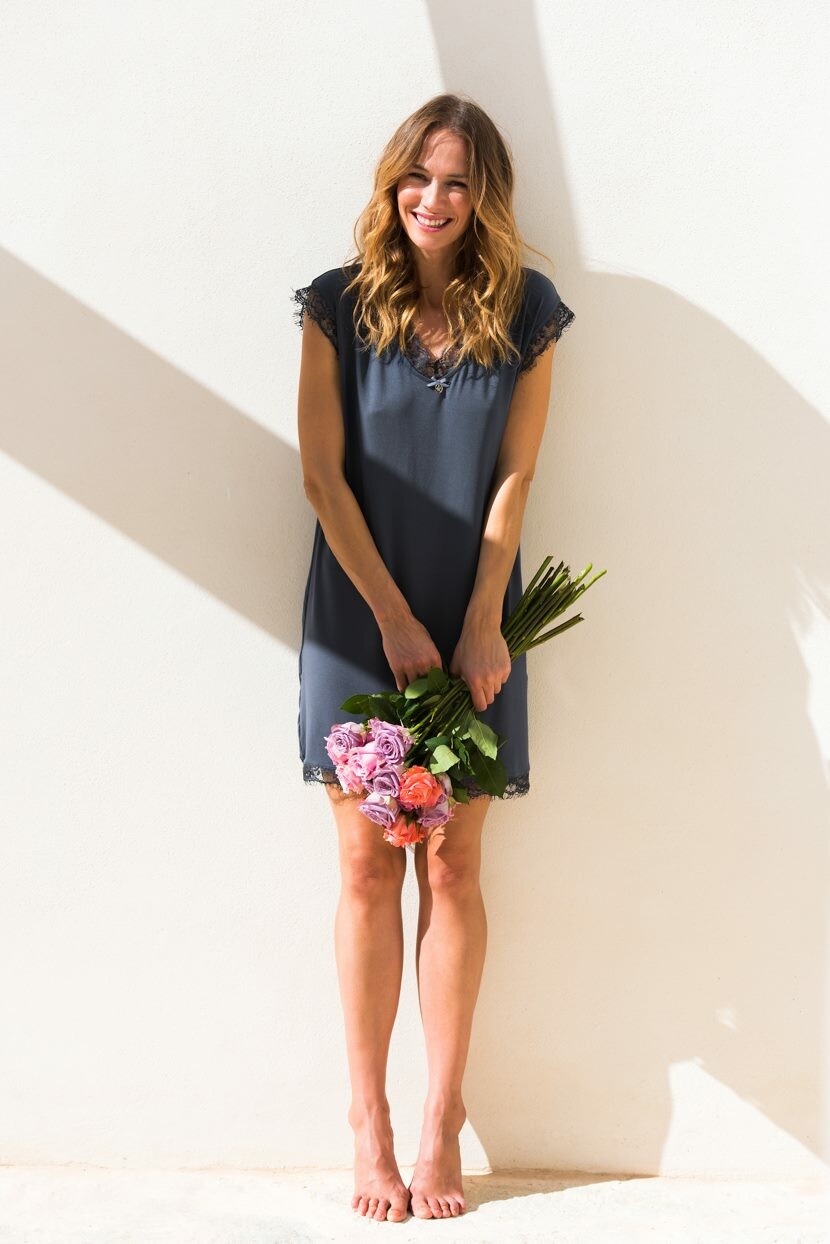
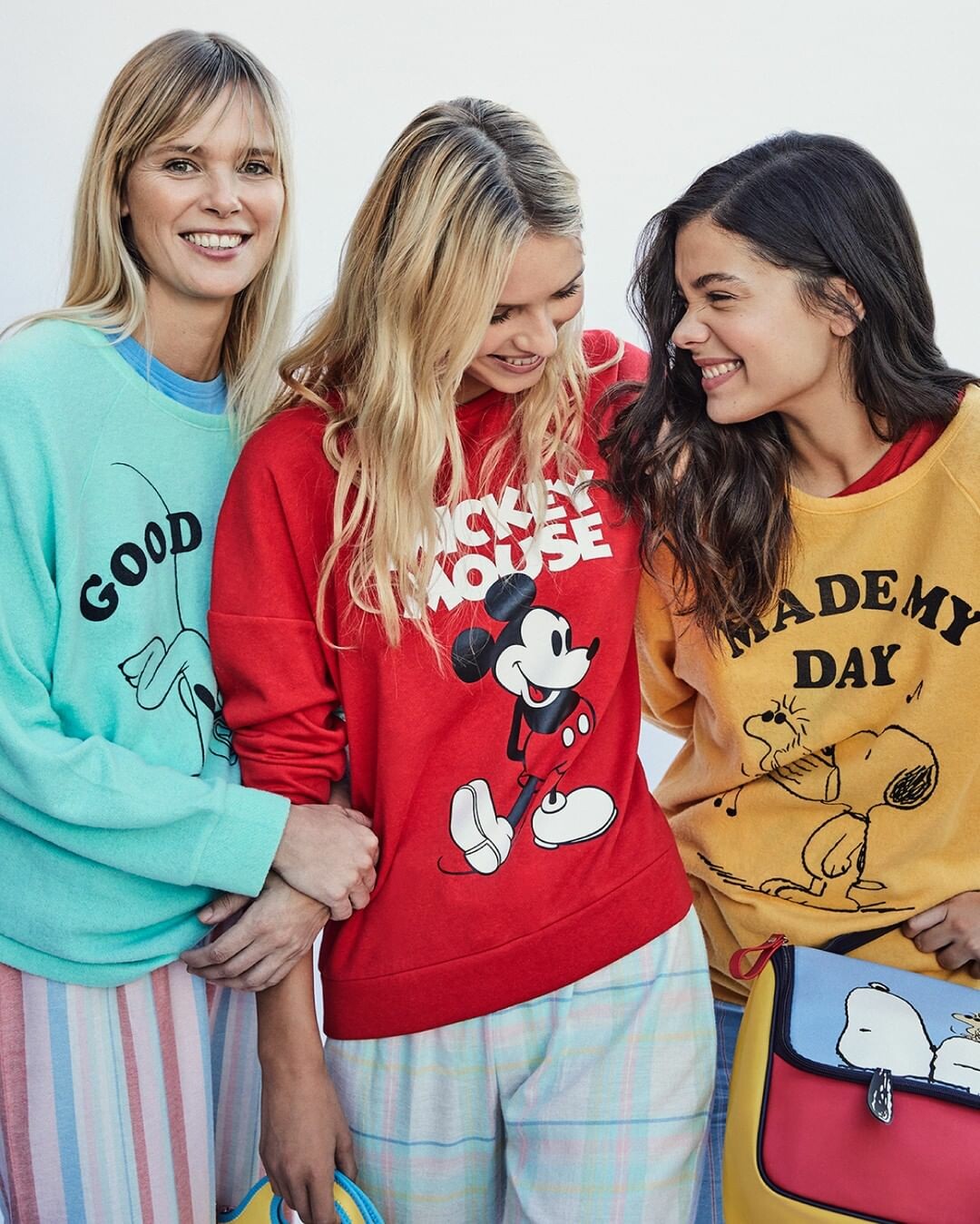
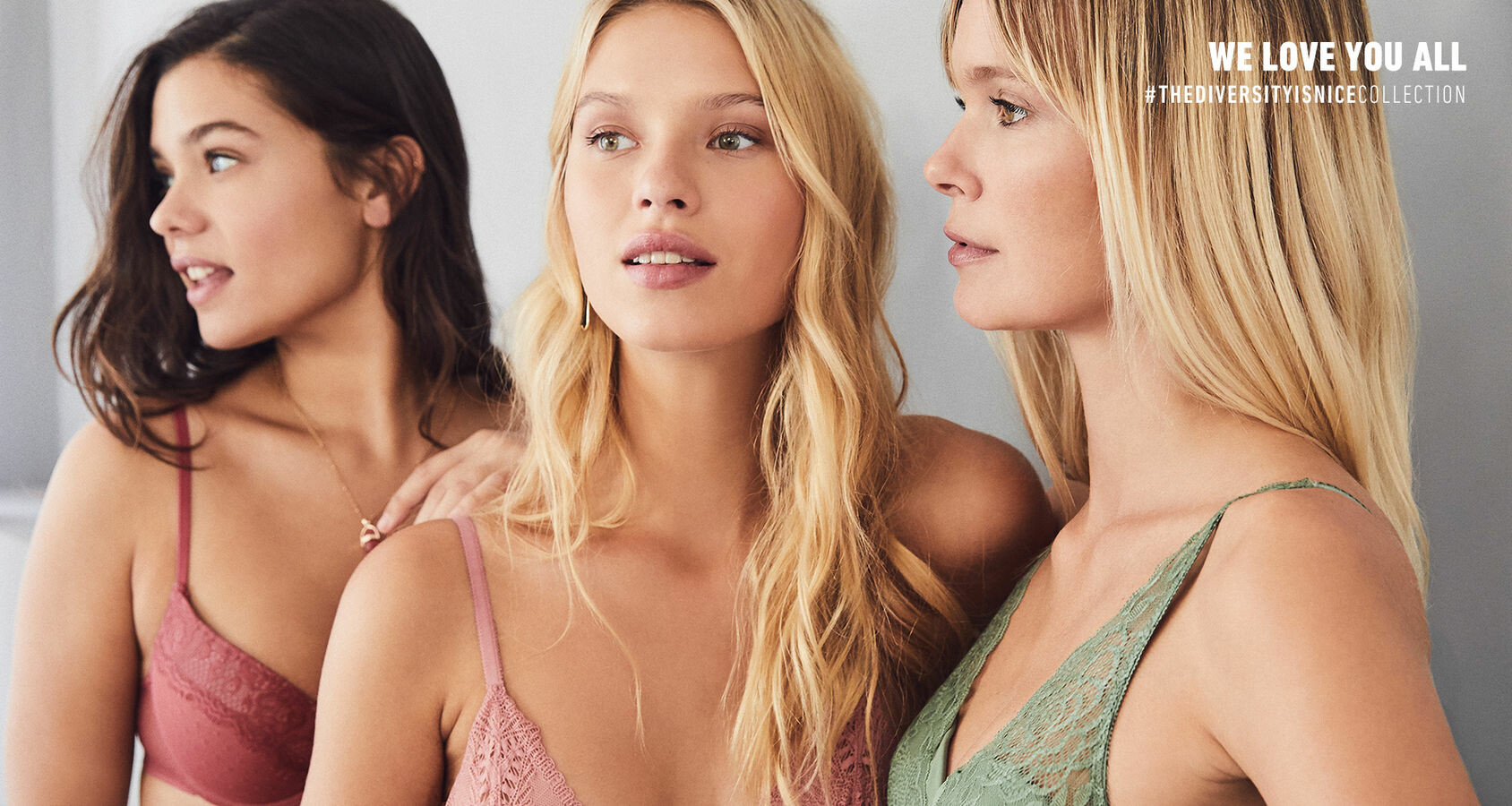
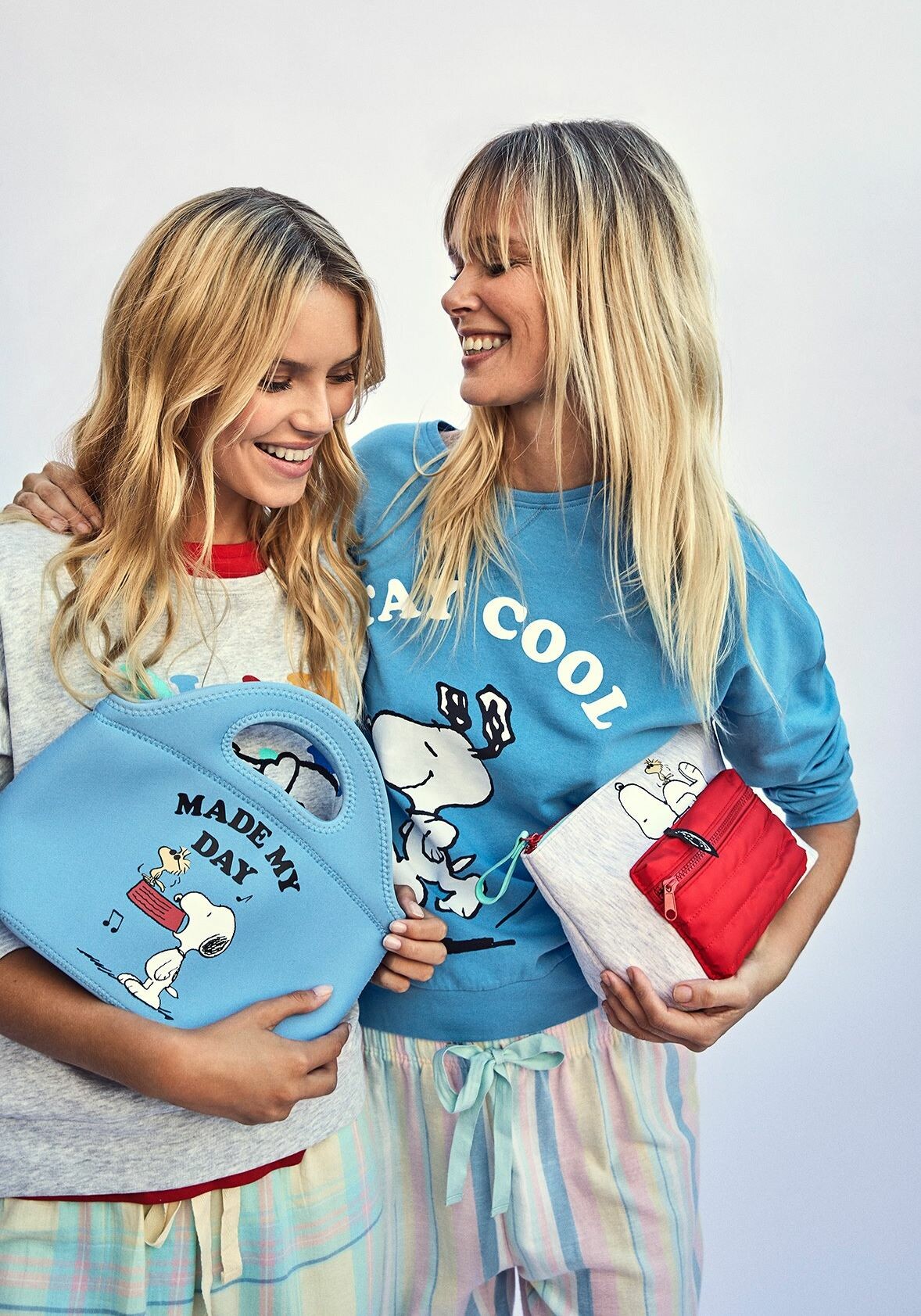
  17. Women's secret spring 2019
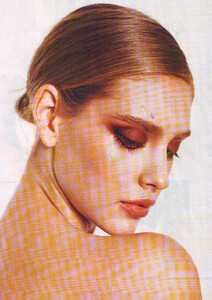
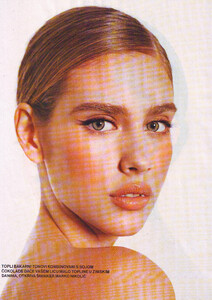
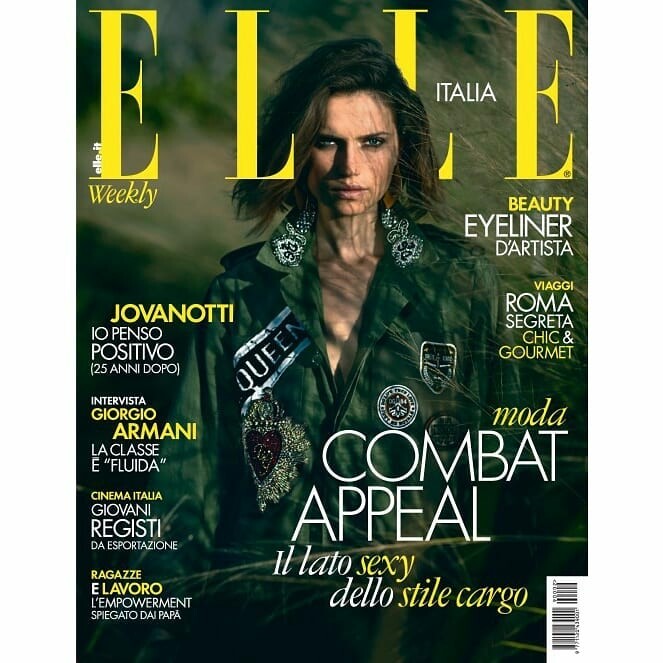
  18. Elle Italy January 2019
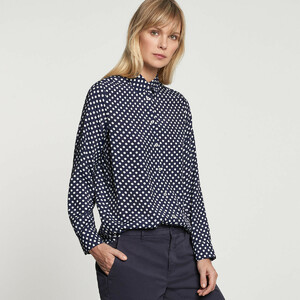
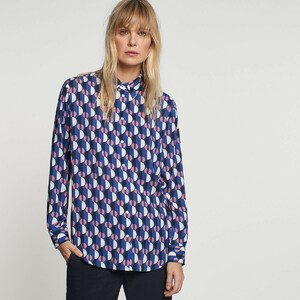
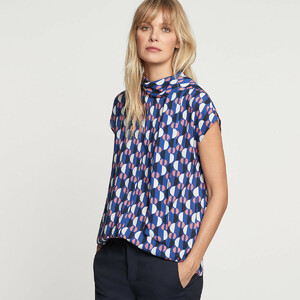
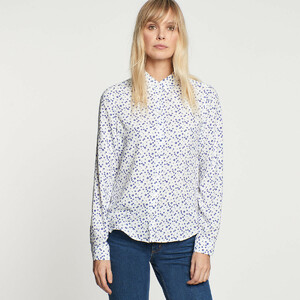
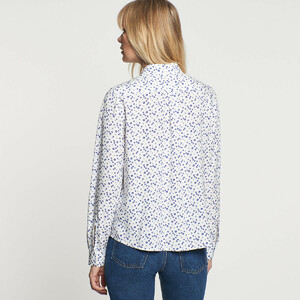
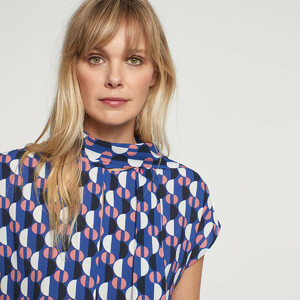
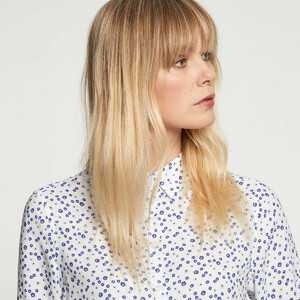
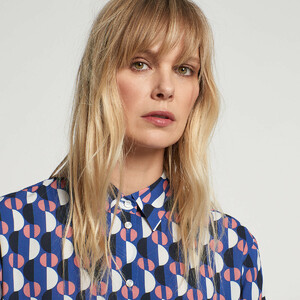
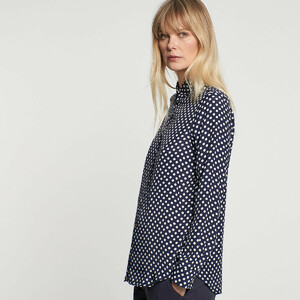
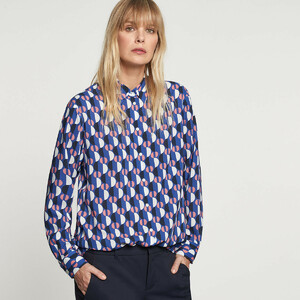
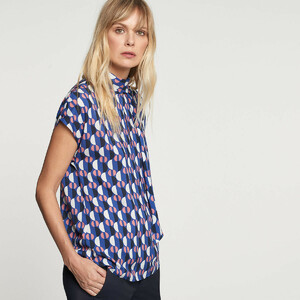
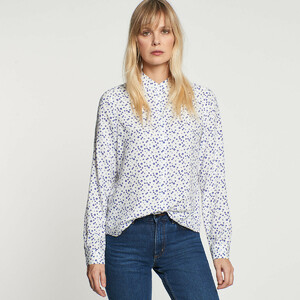
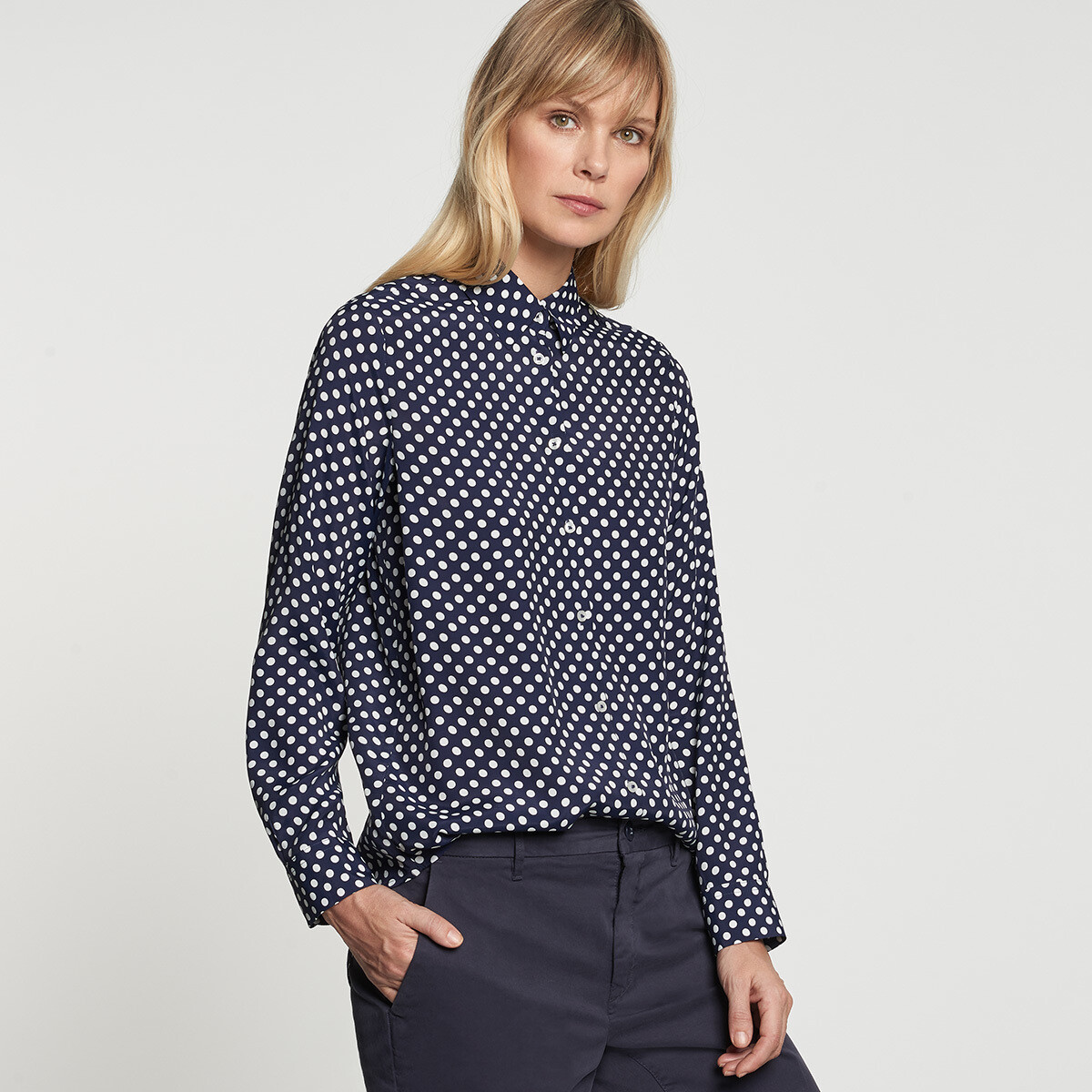
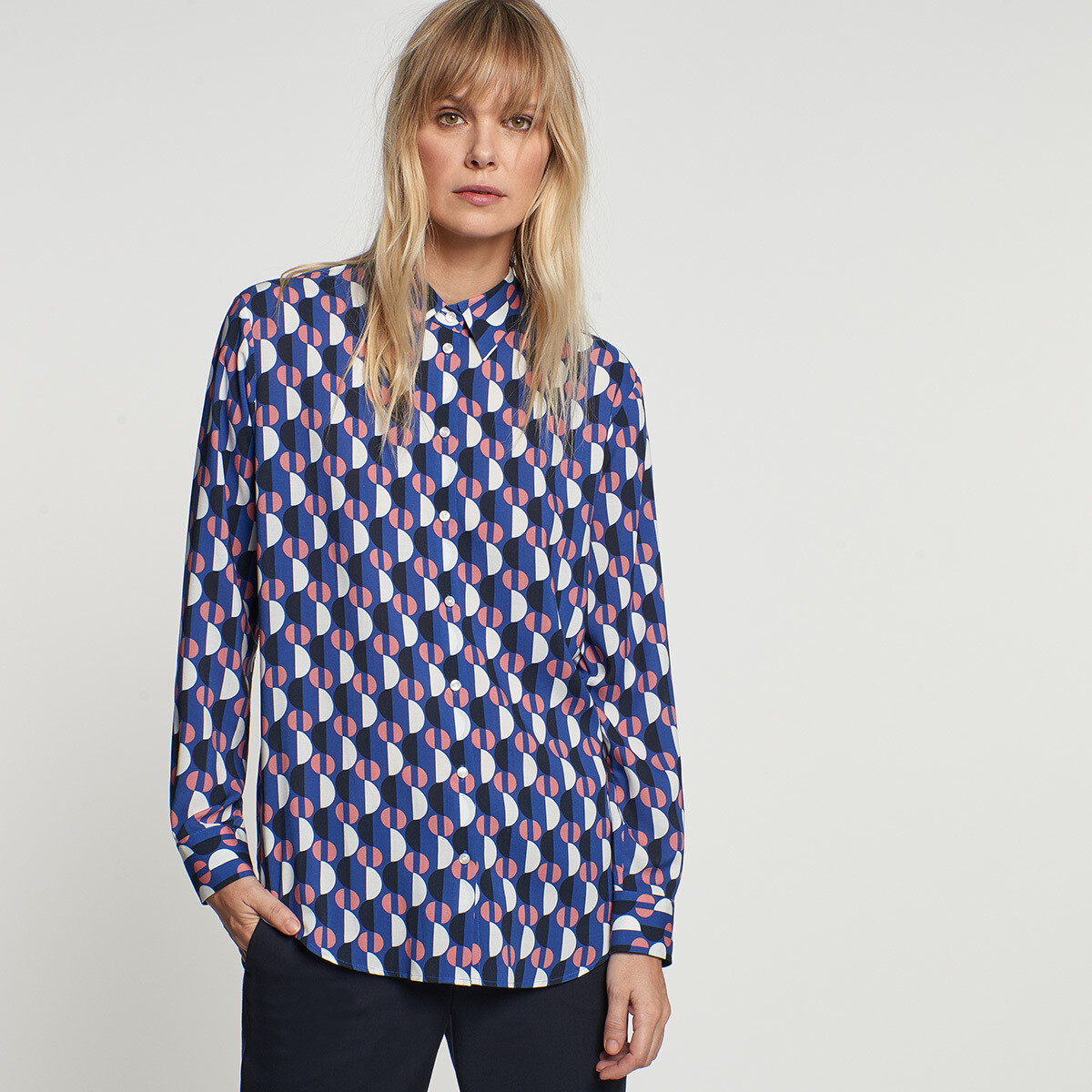
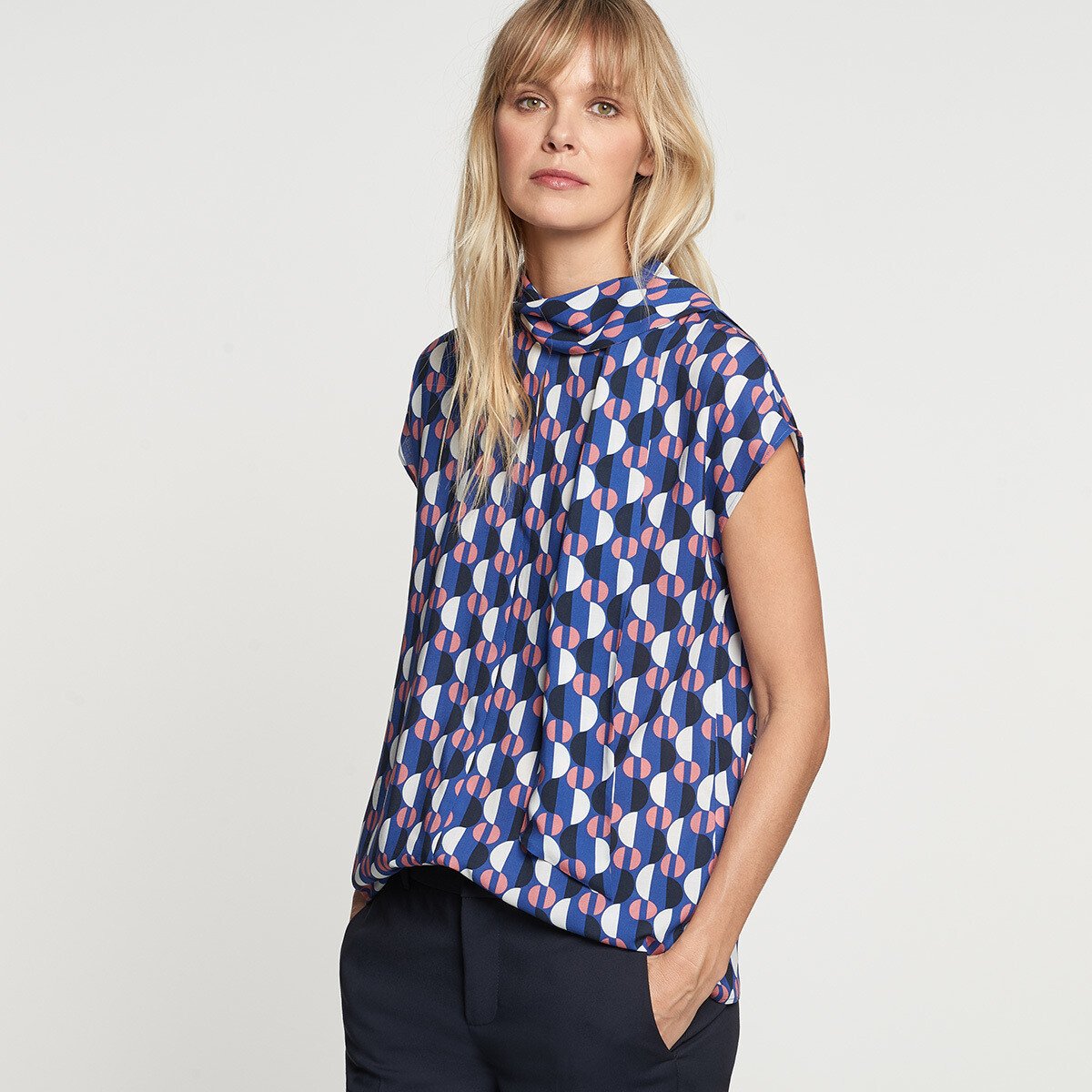
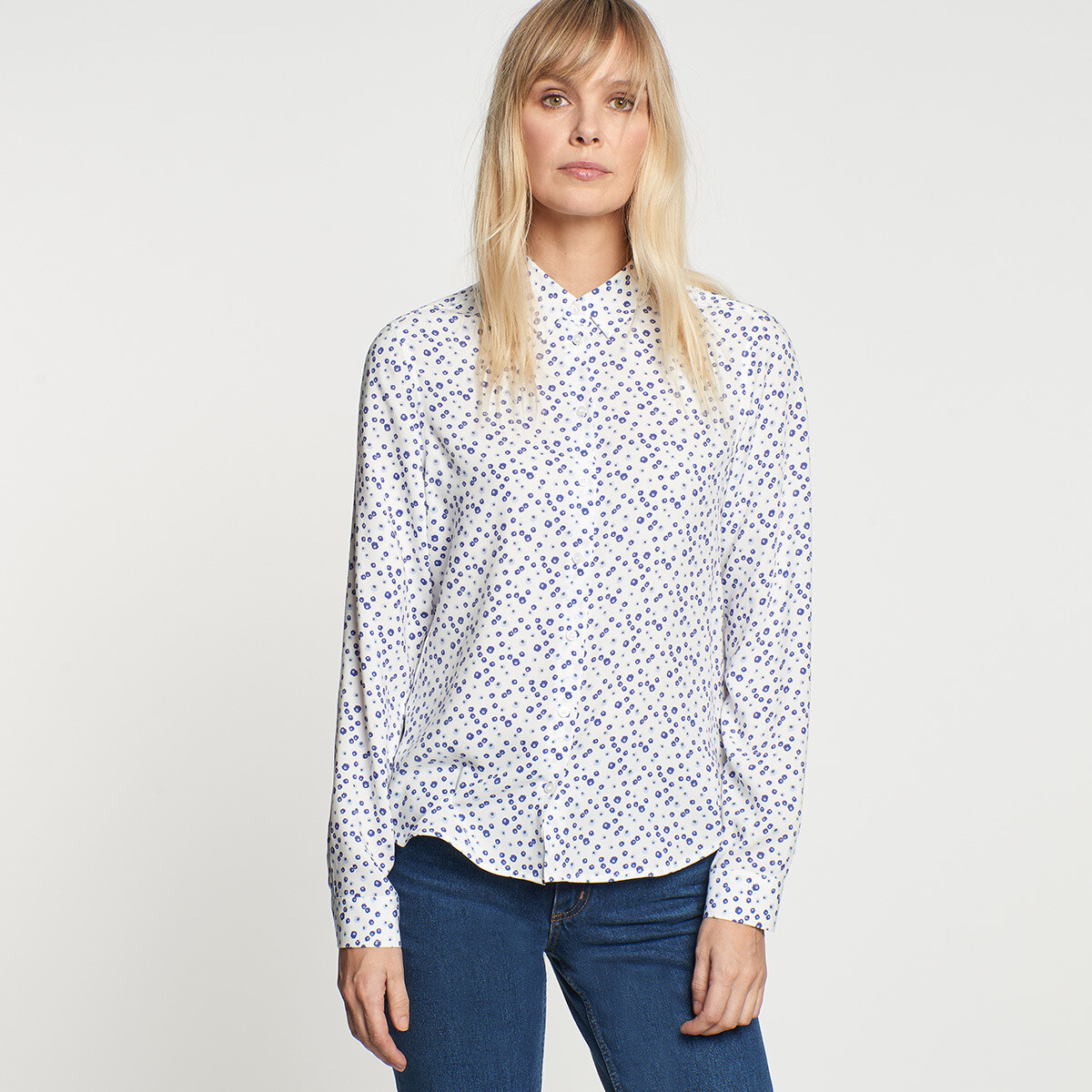
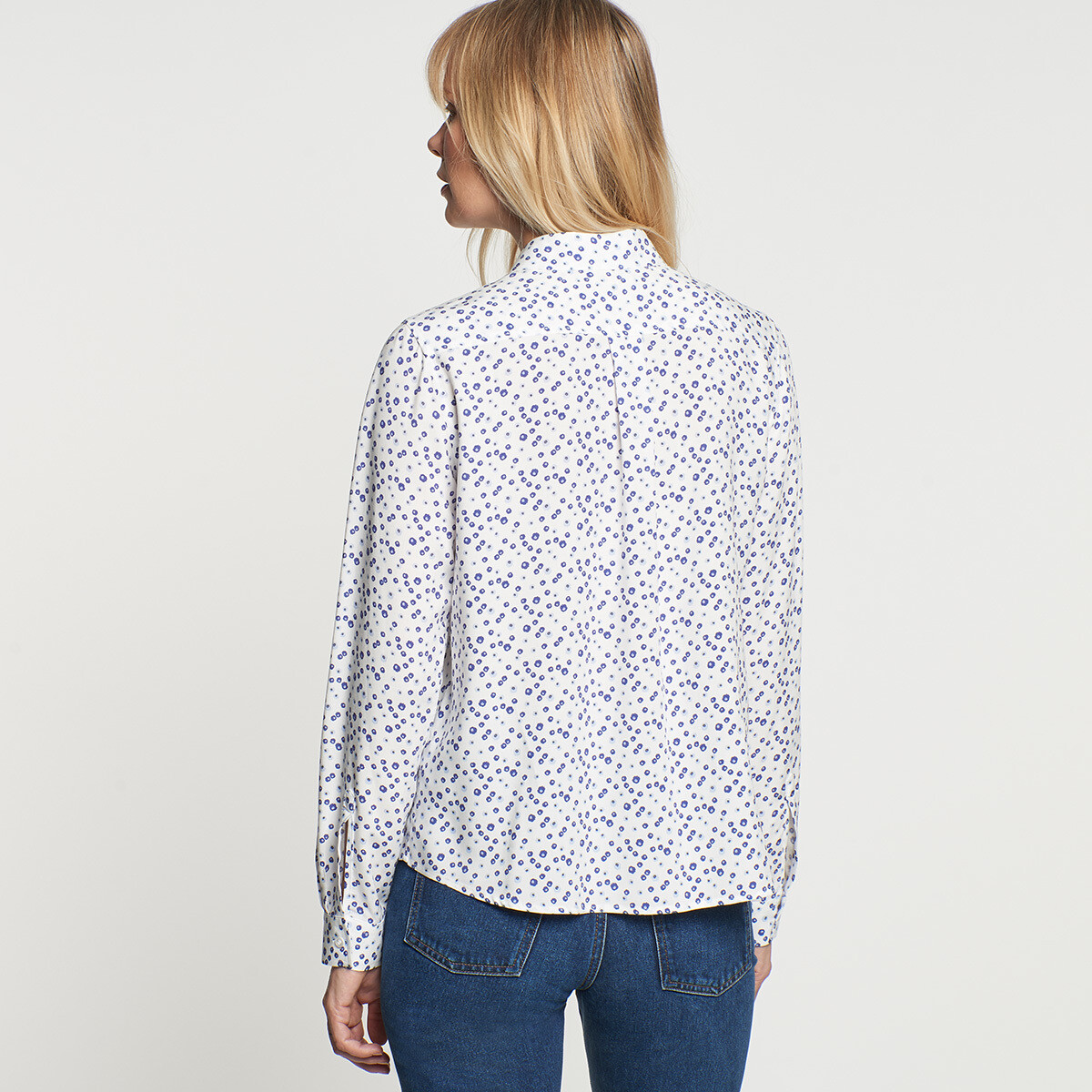
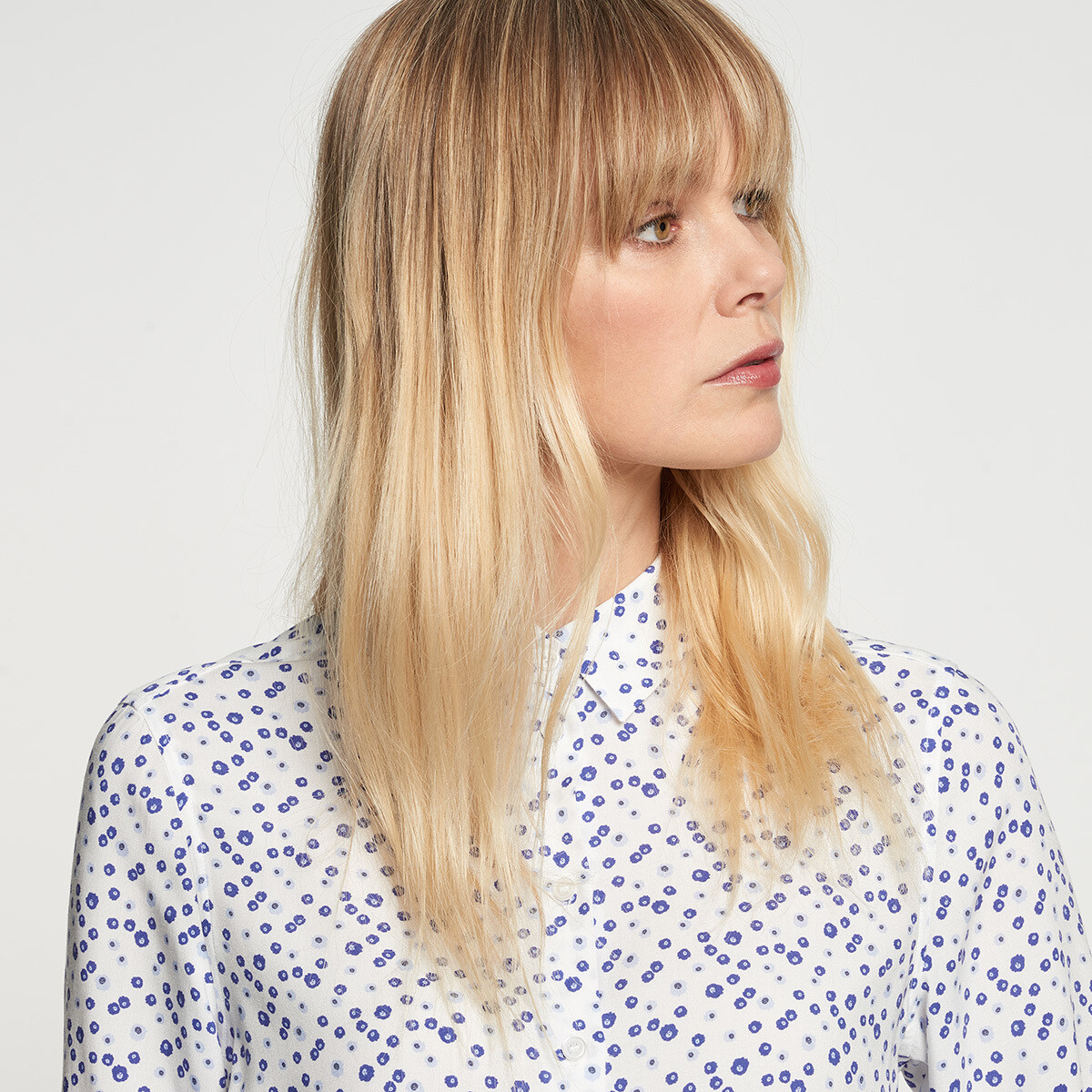
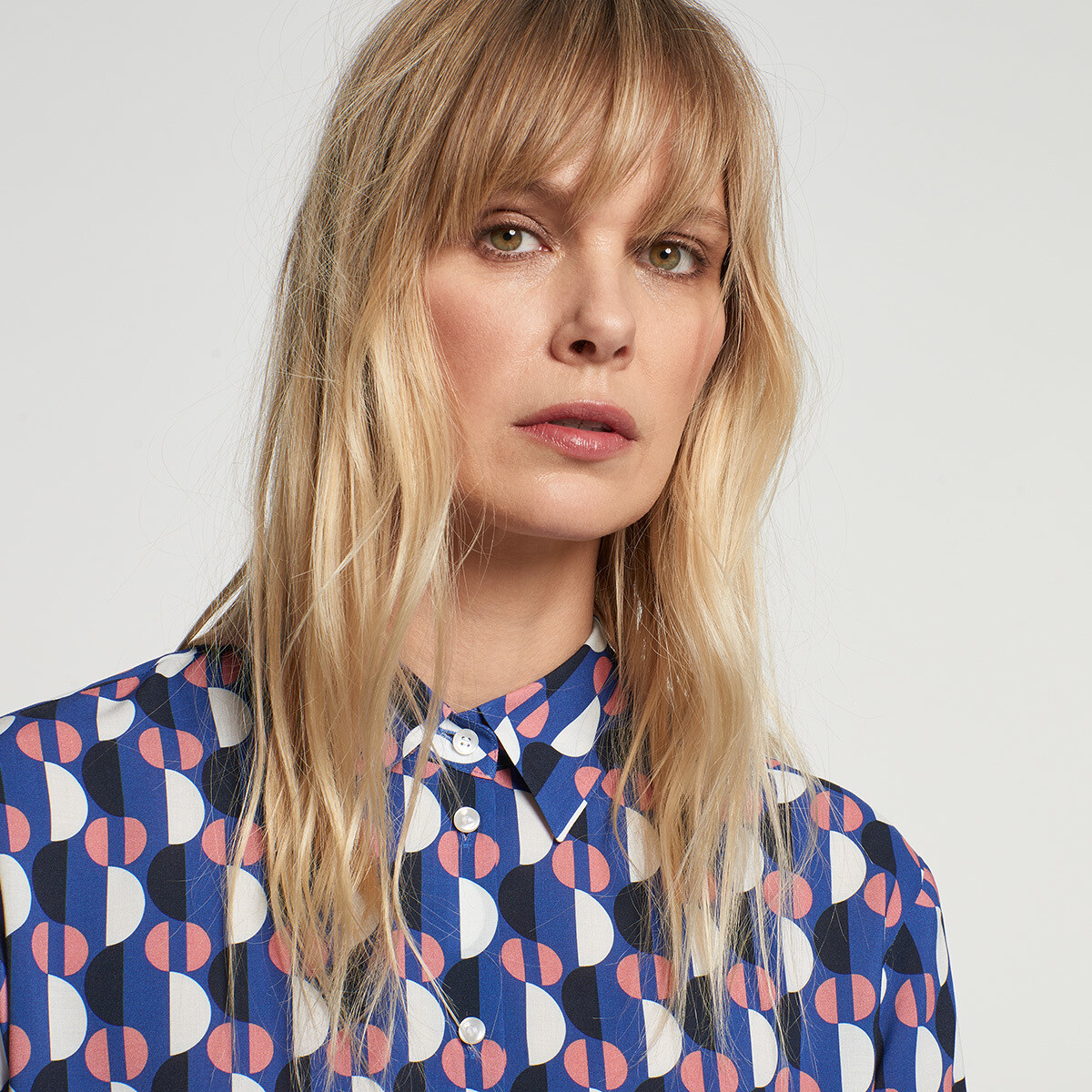
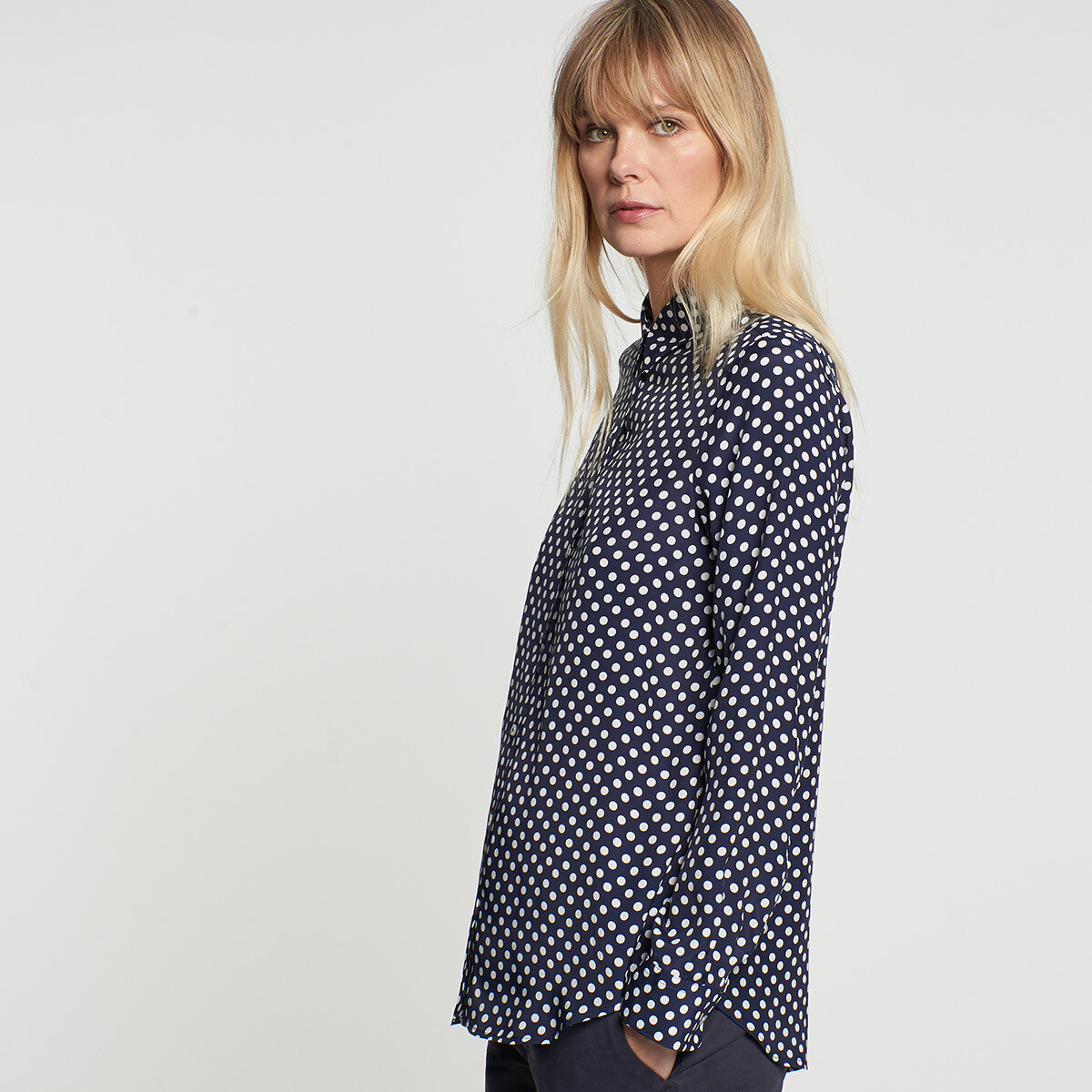
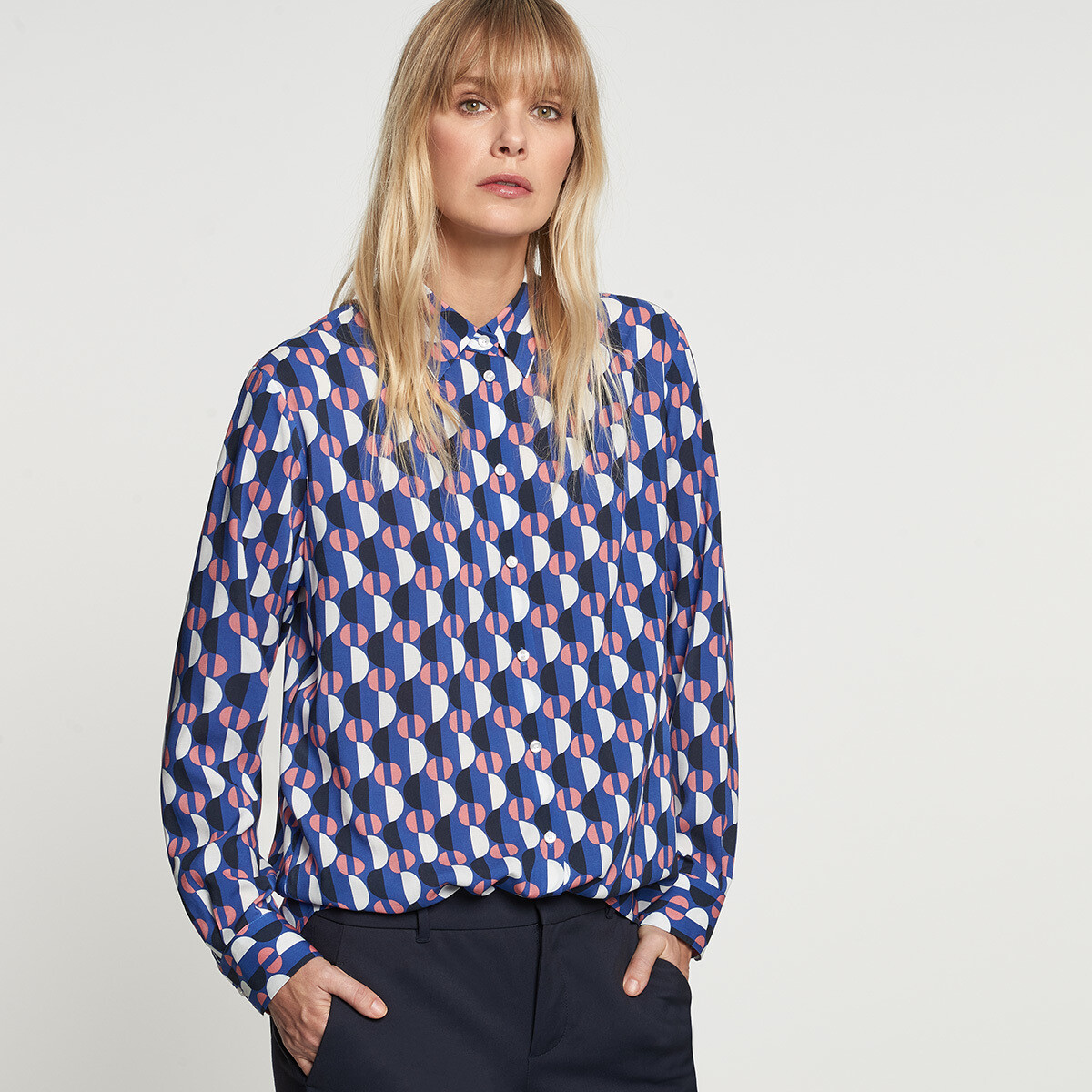
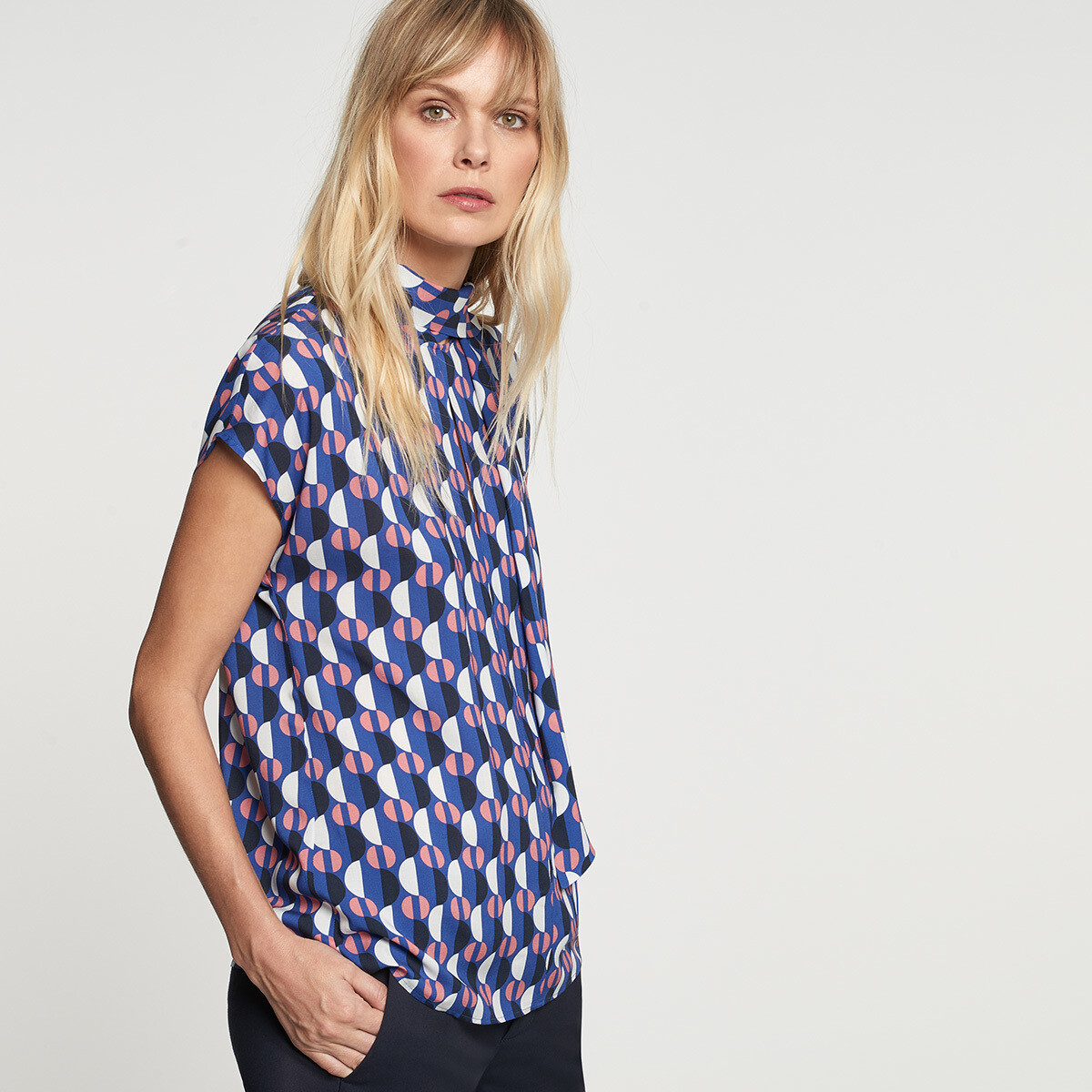
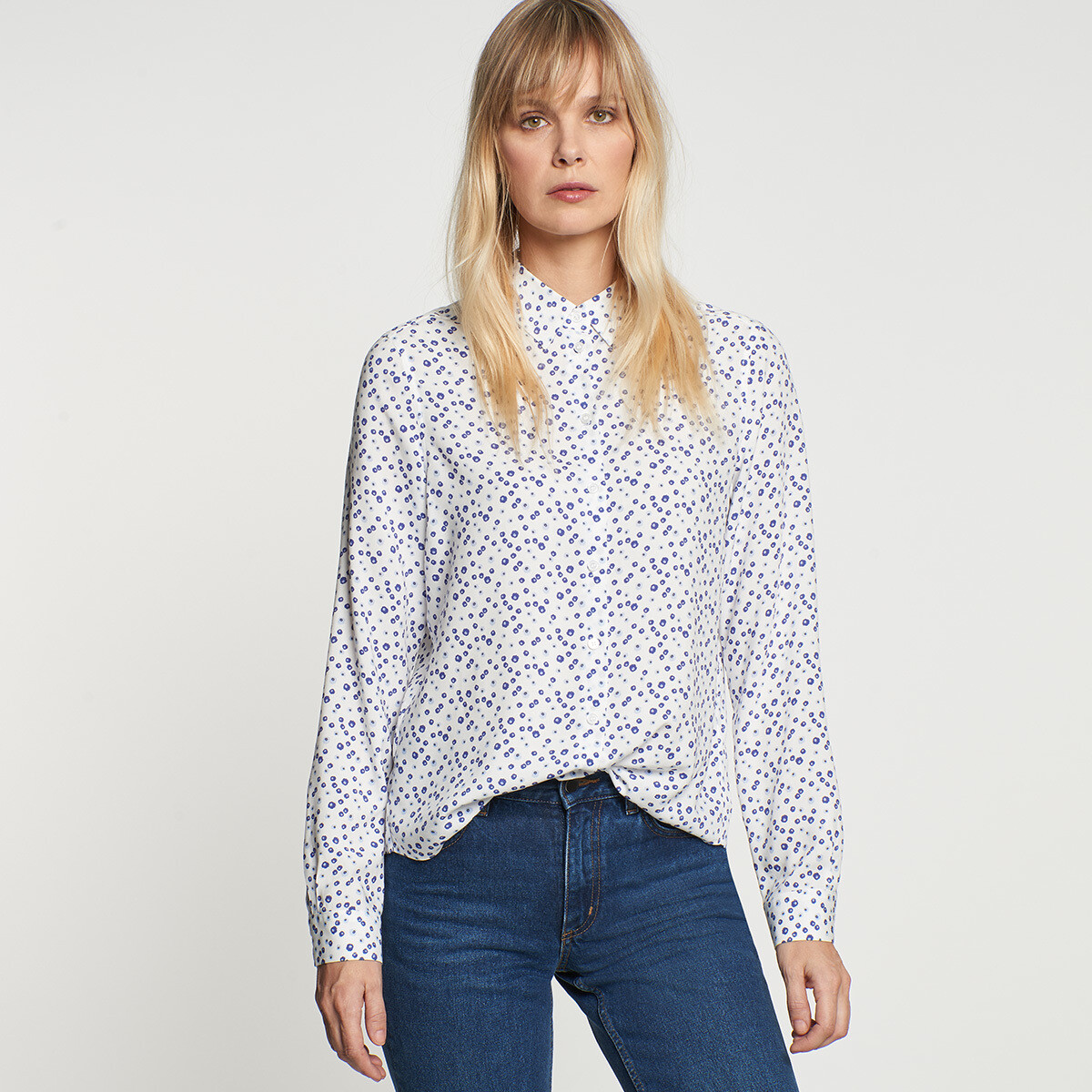
  19. Seidensticker spring 2019
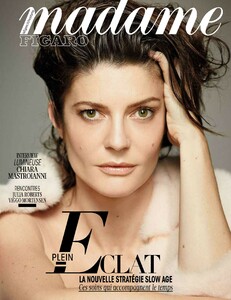
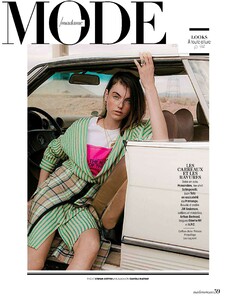
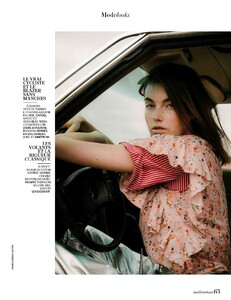
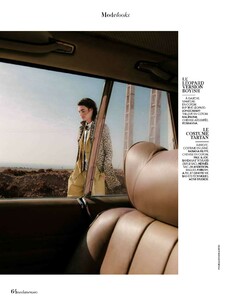
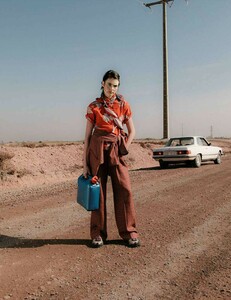
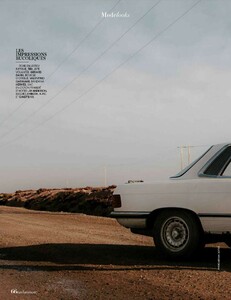
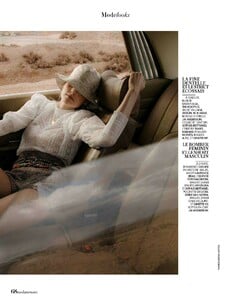
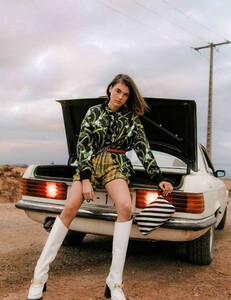
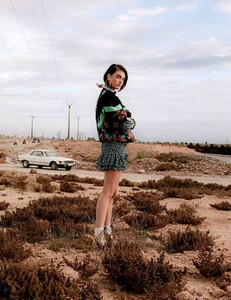
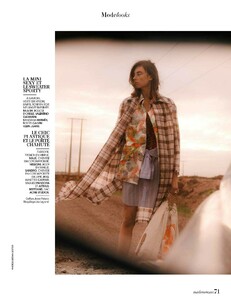
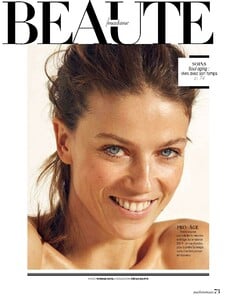
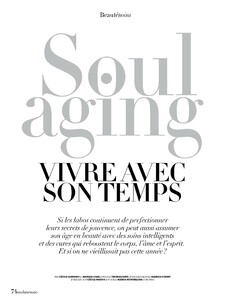
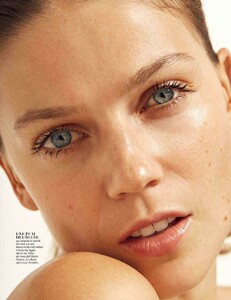
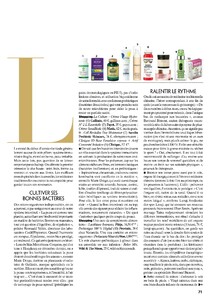
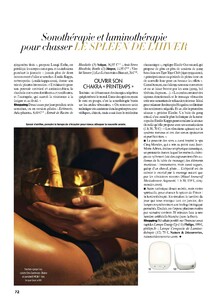
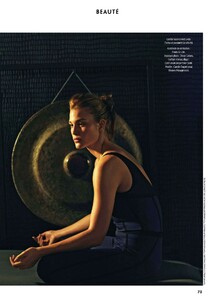
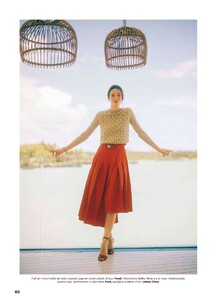
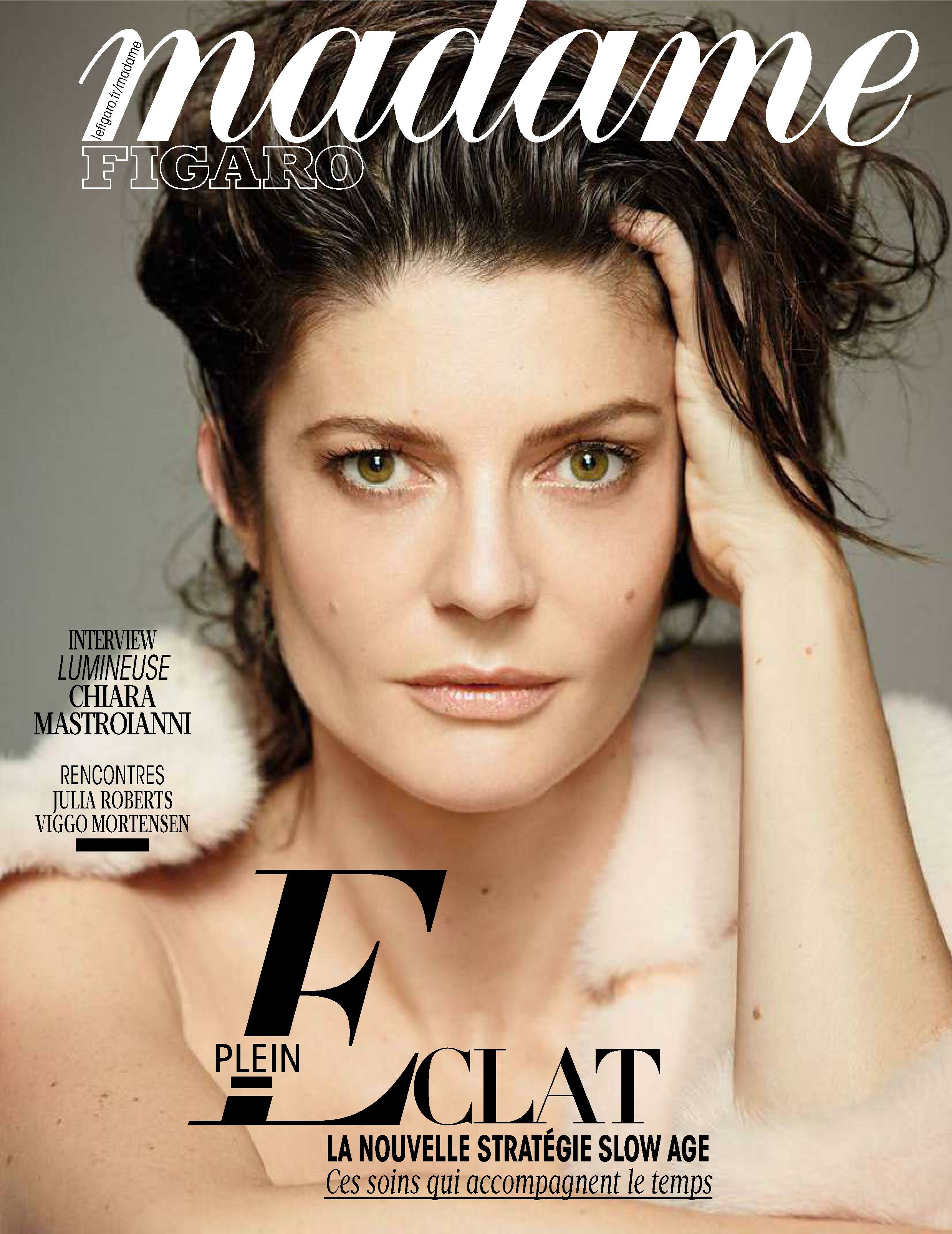
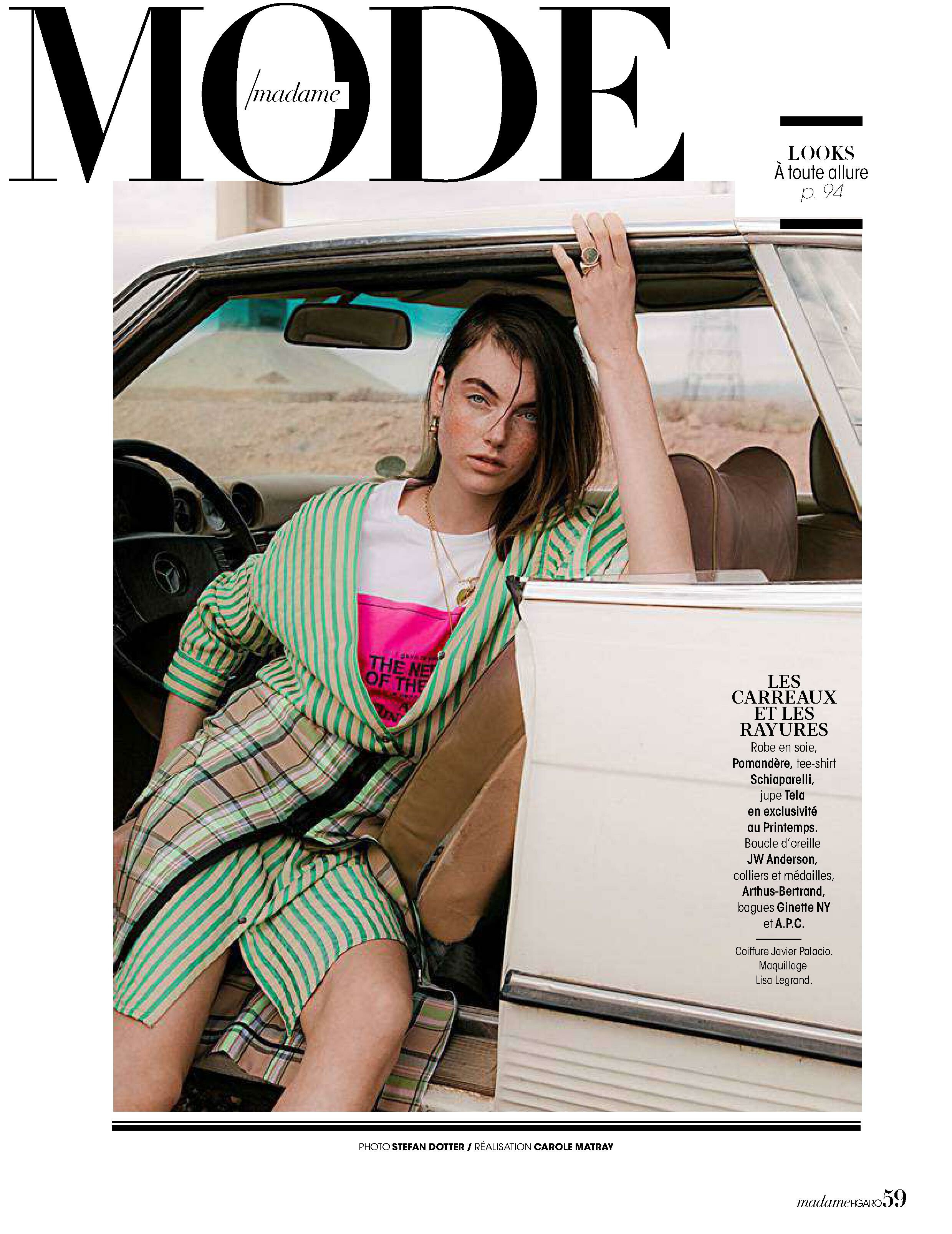
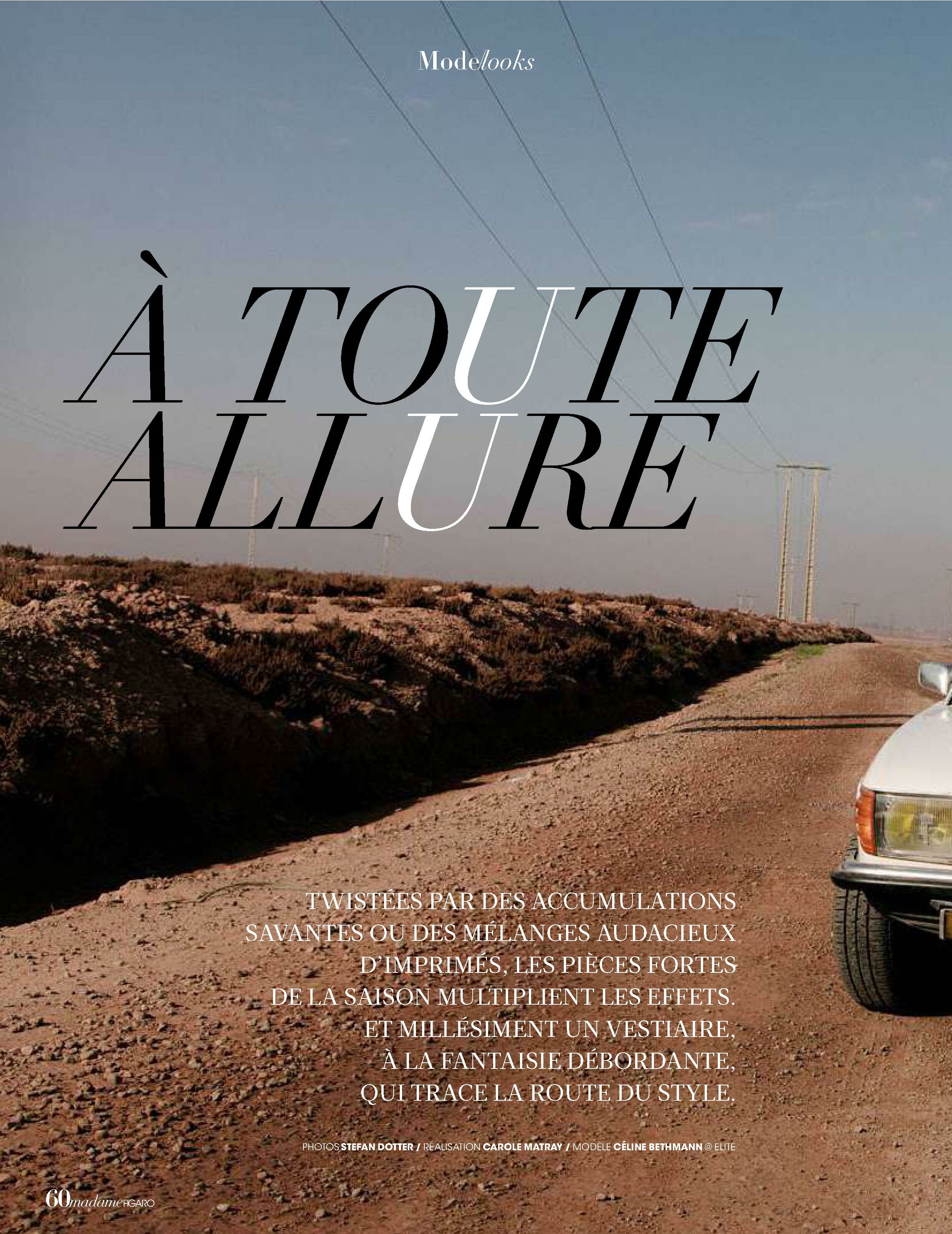
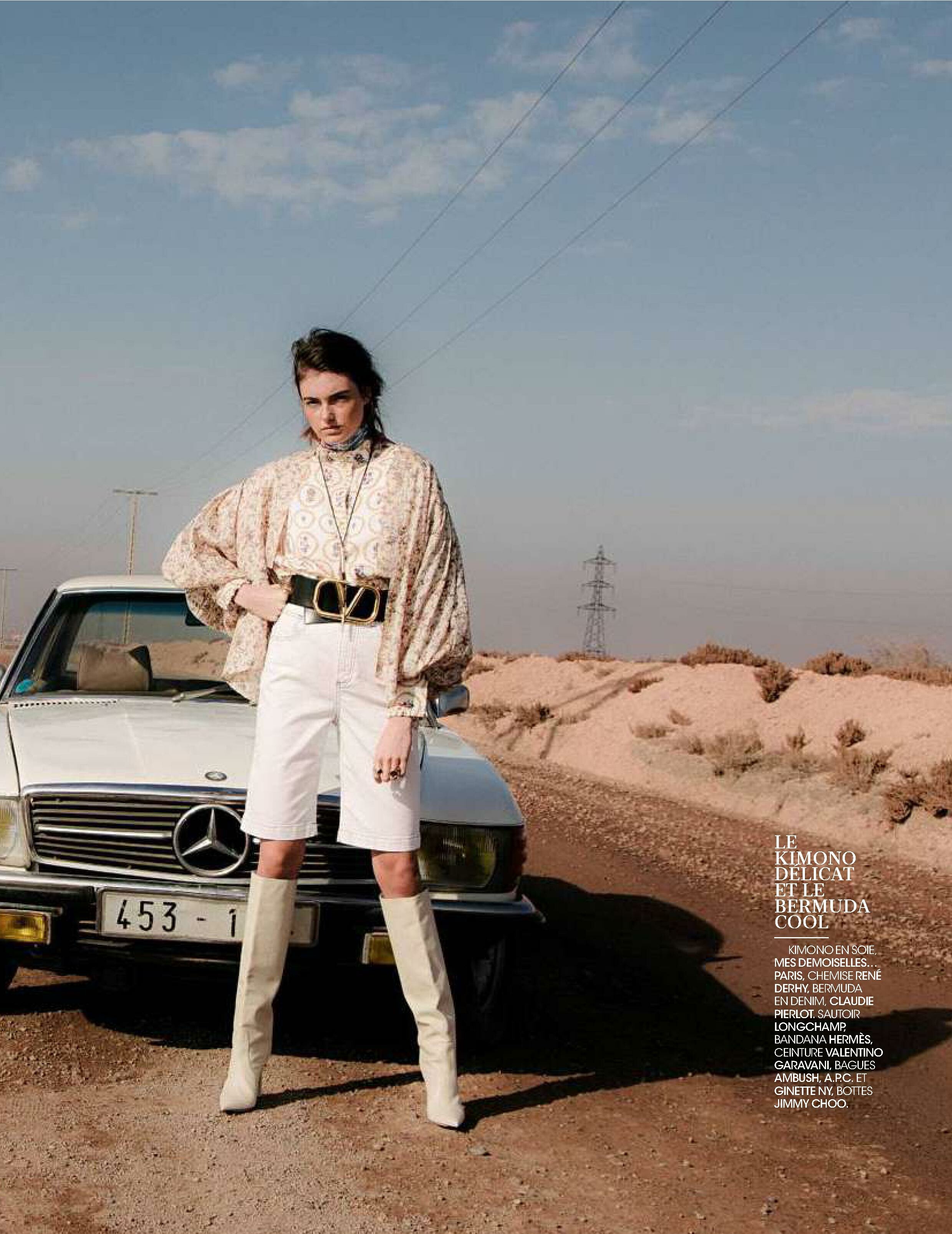
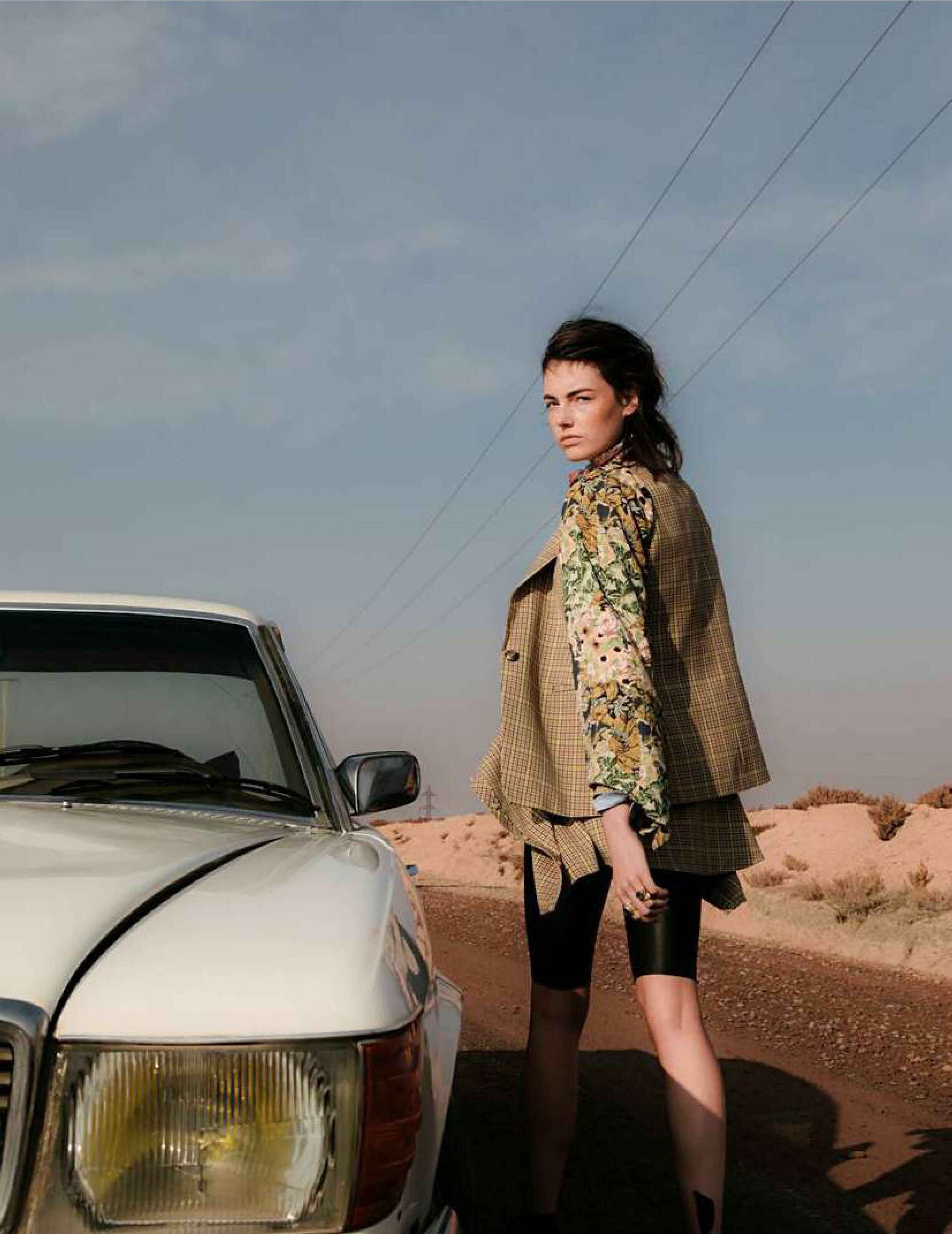
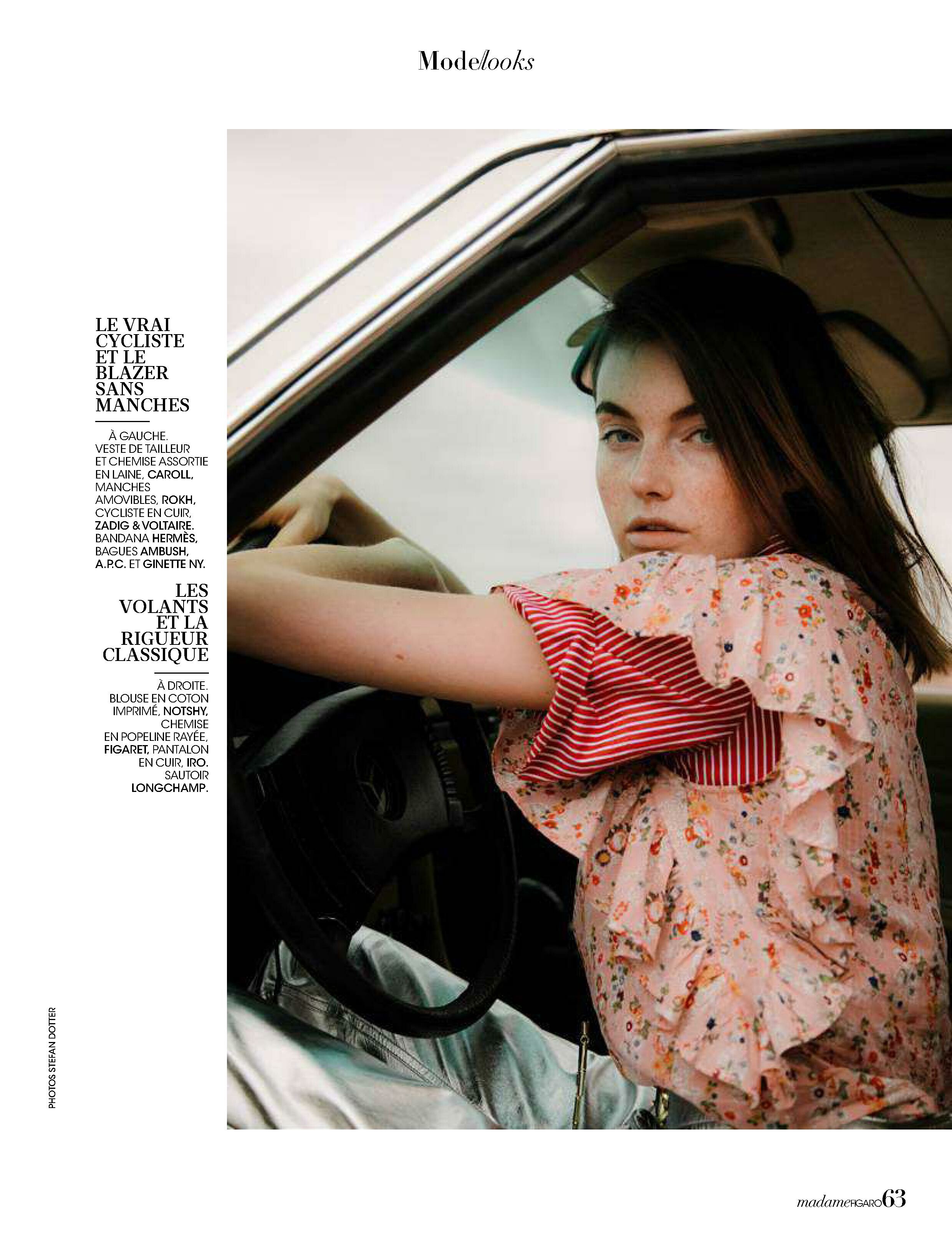
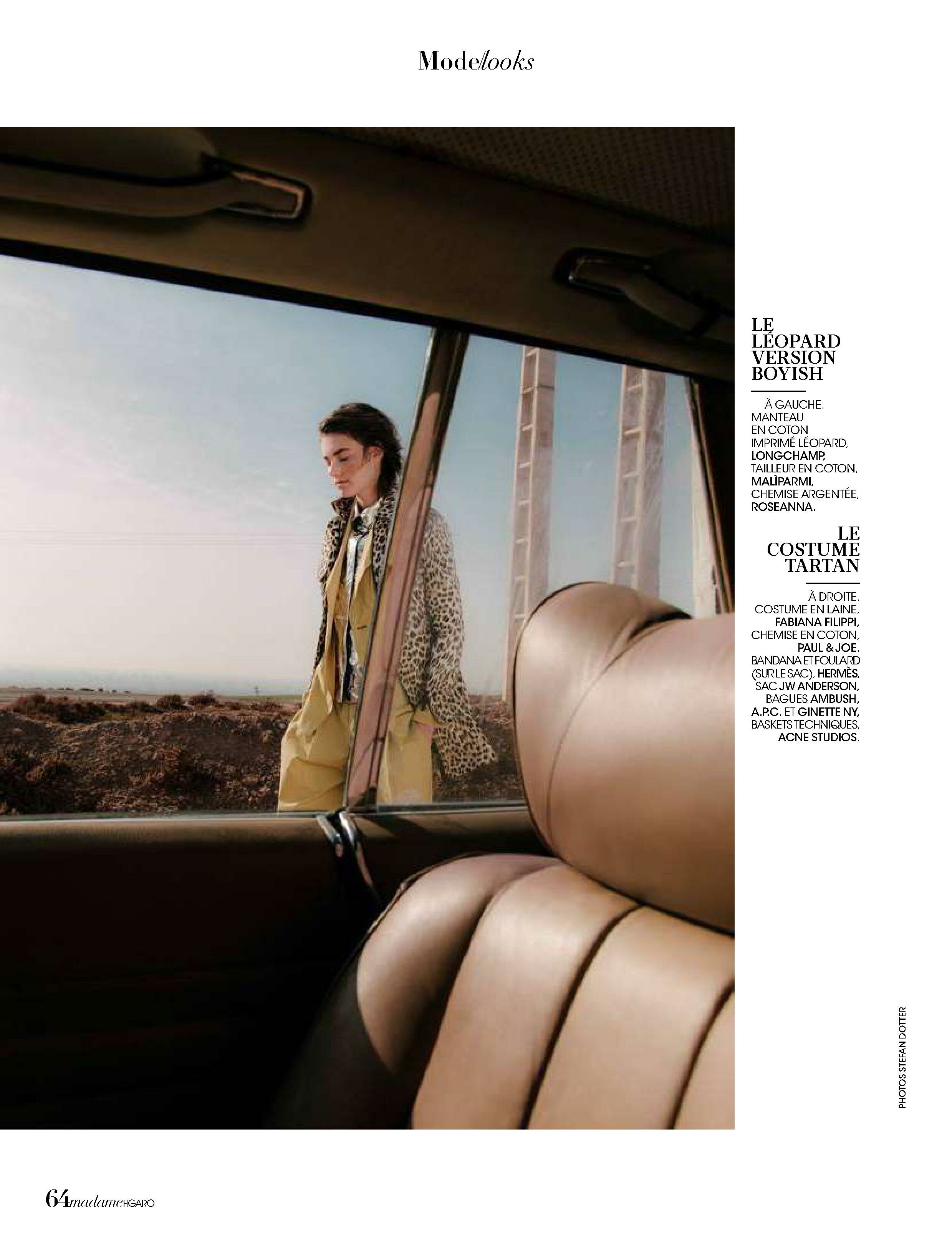
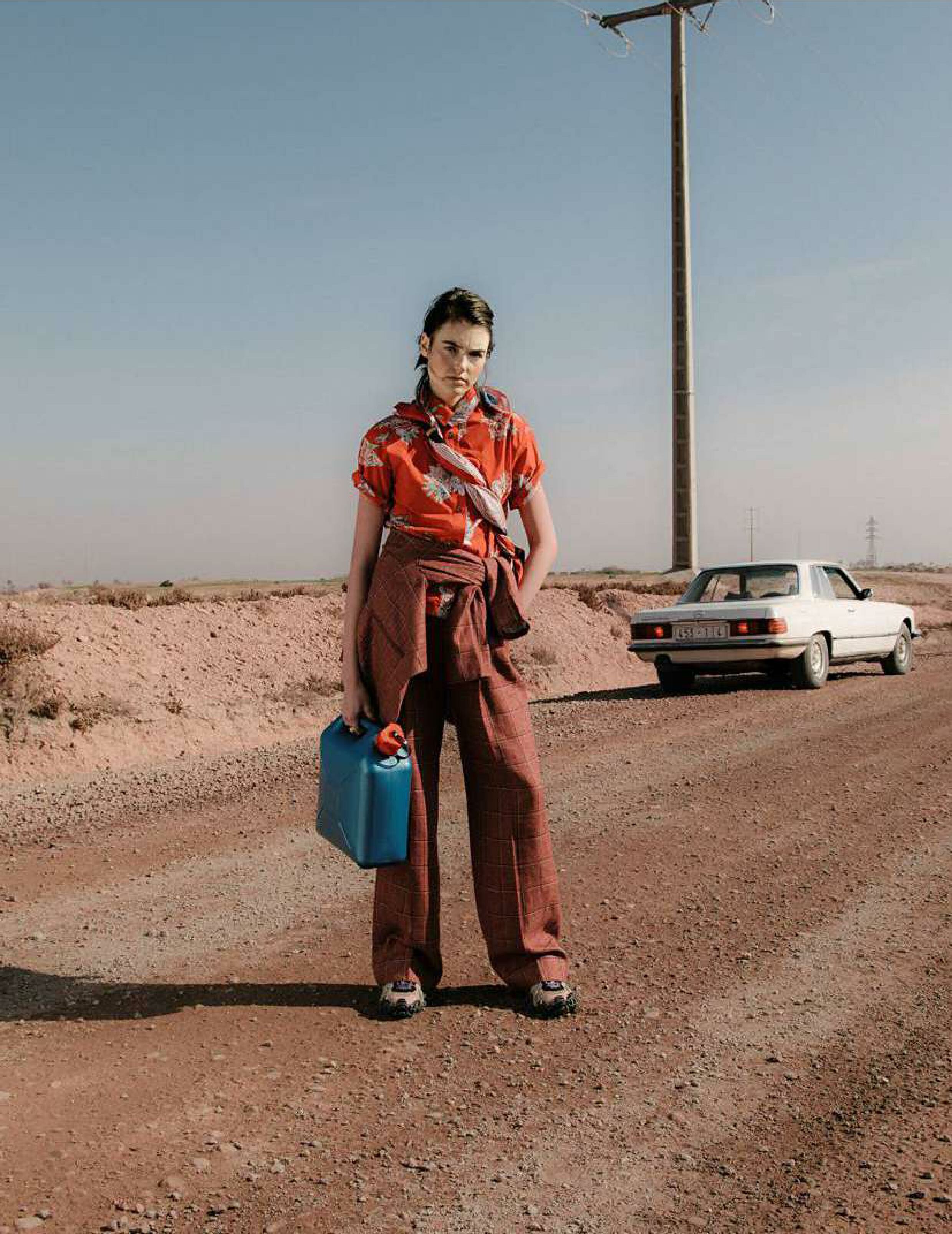
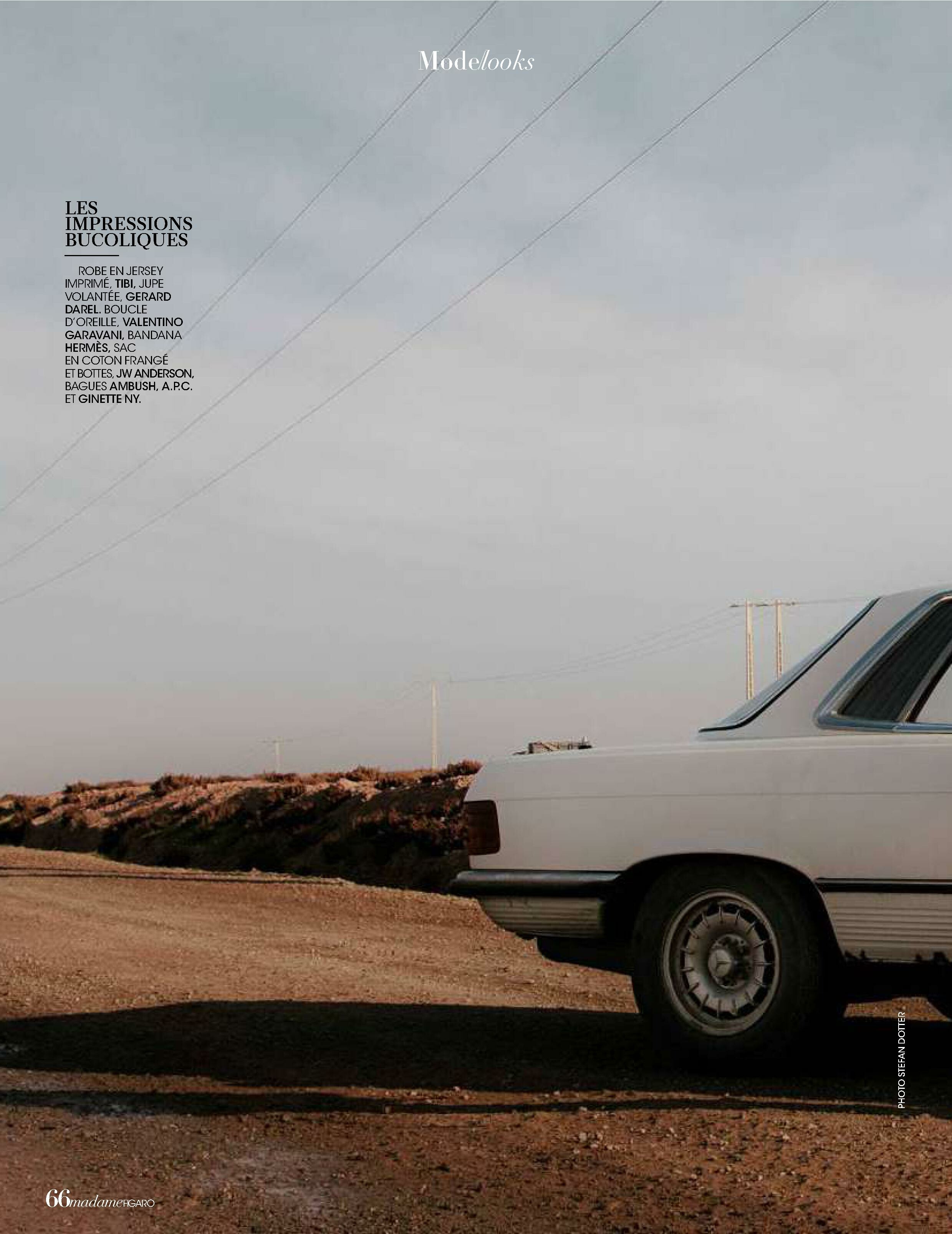
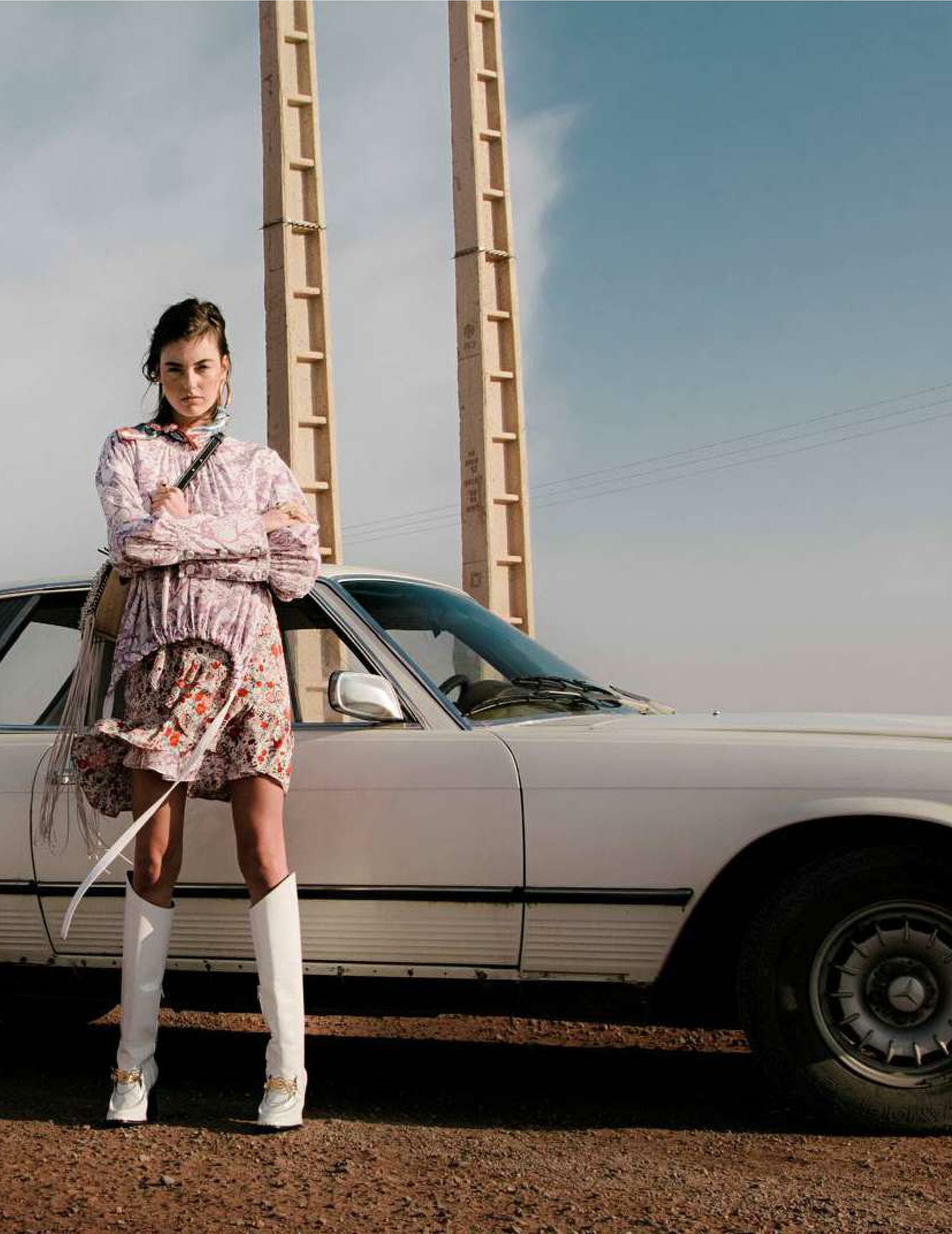
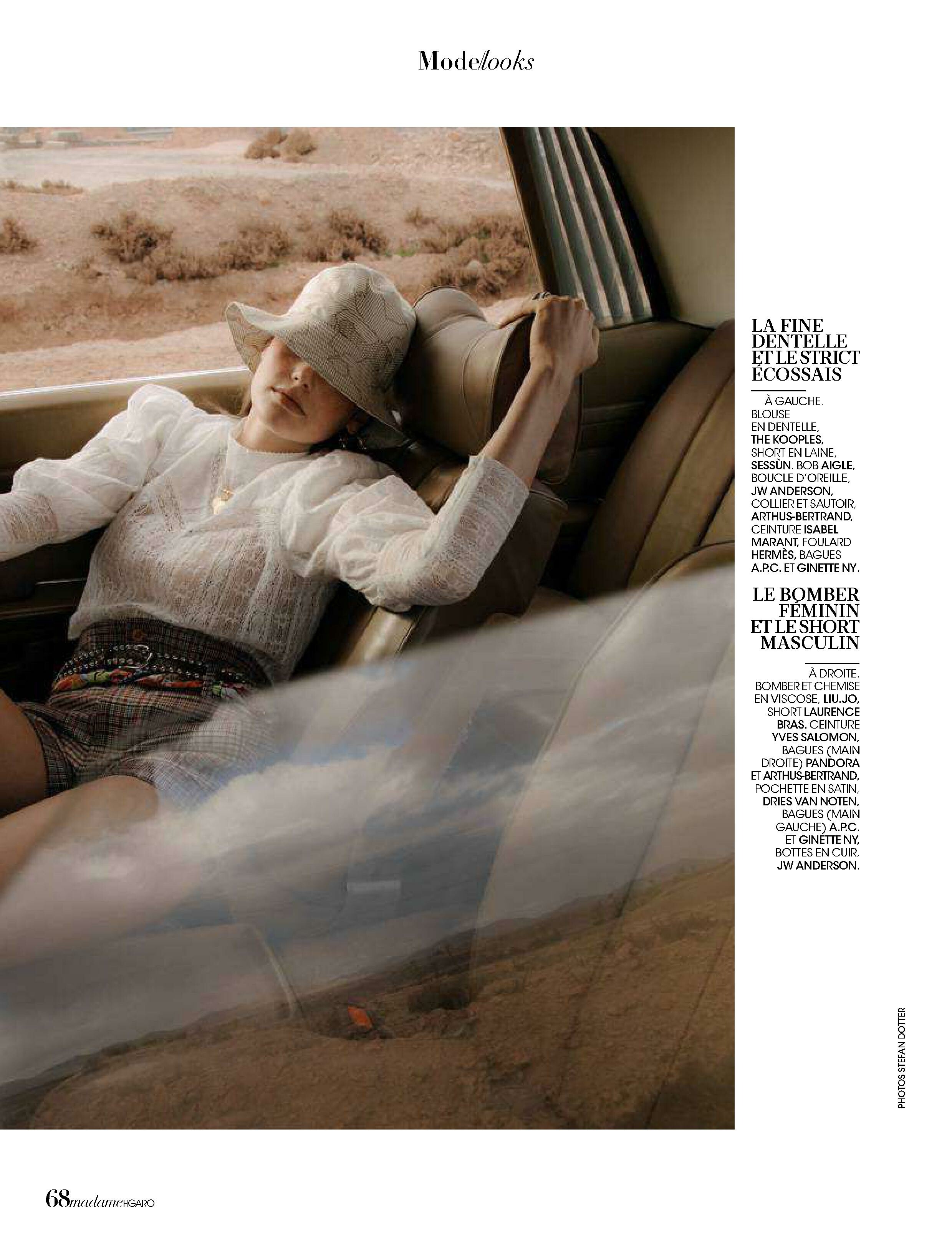
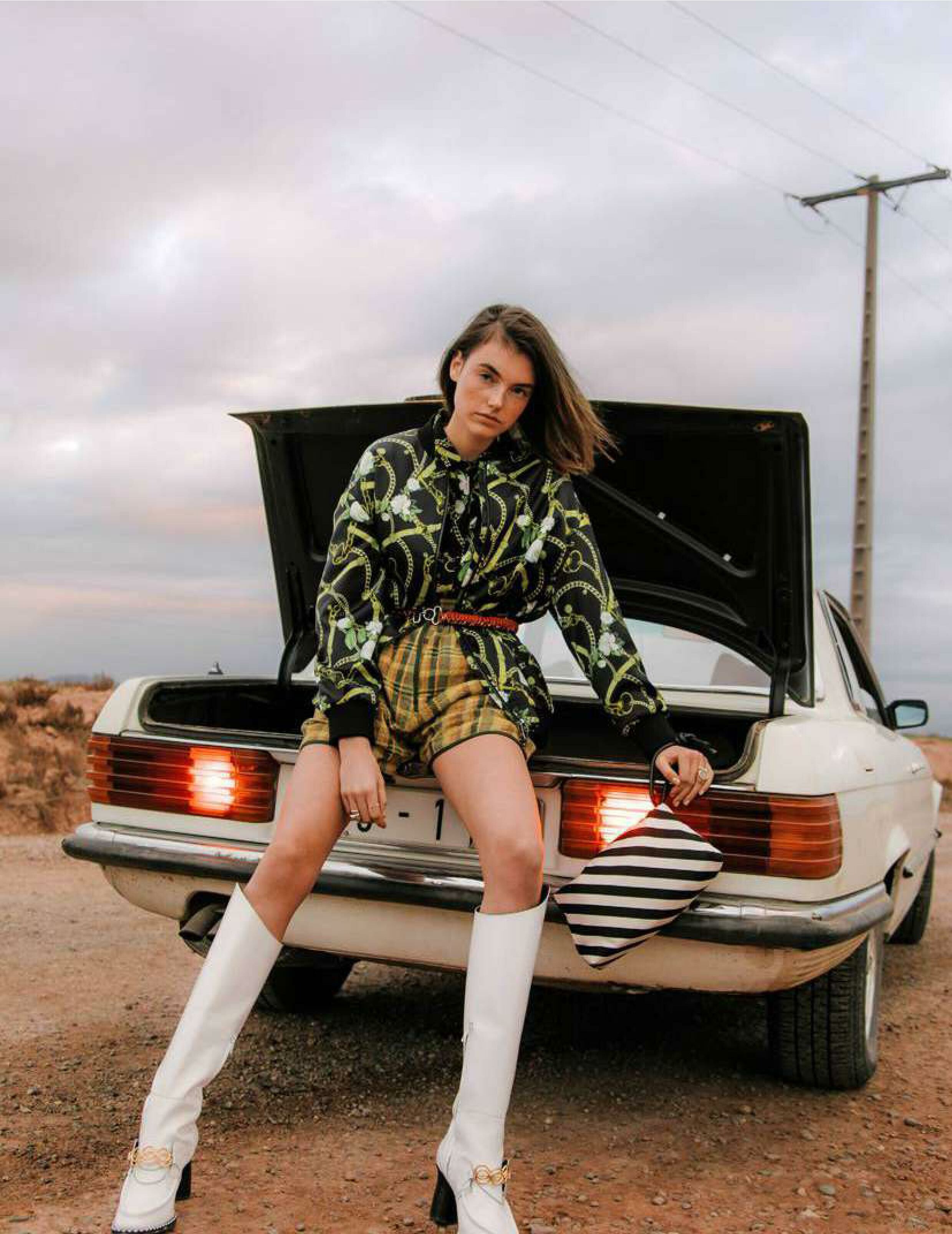
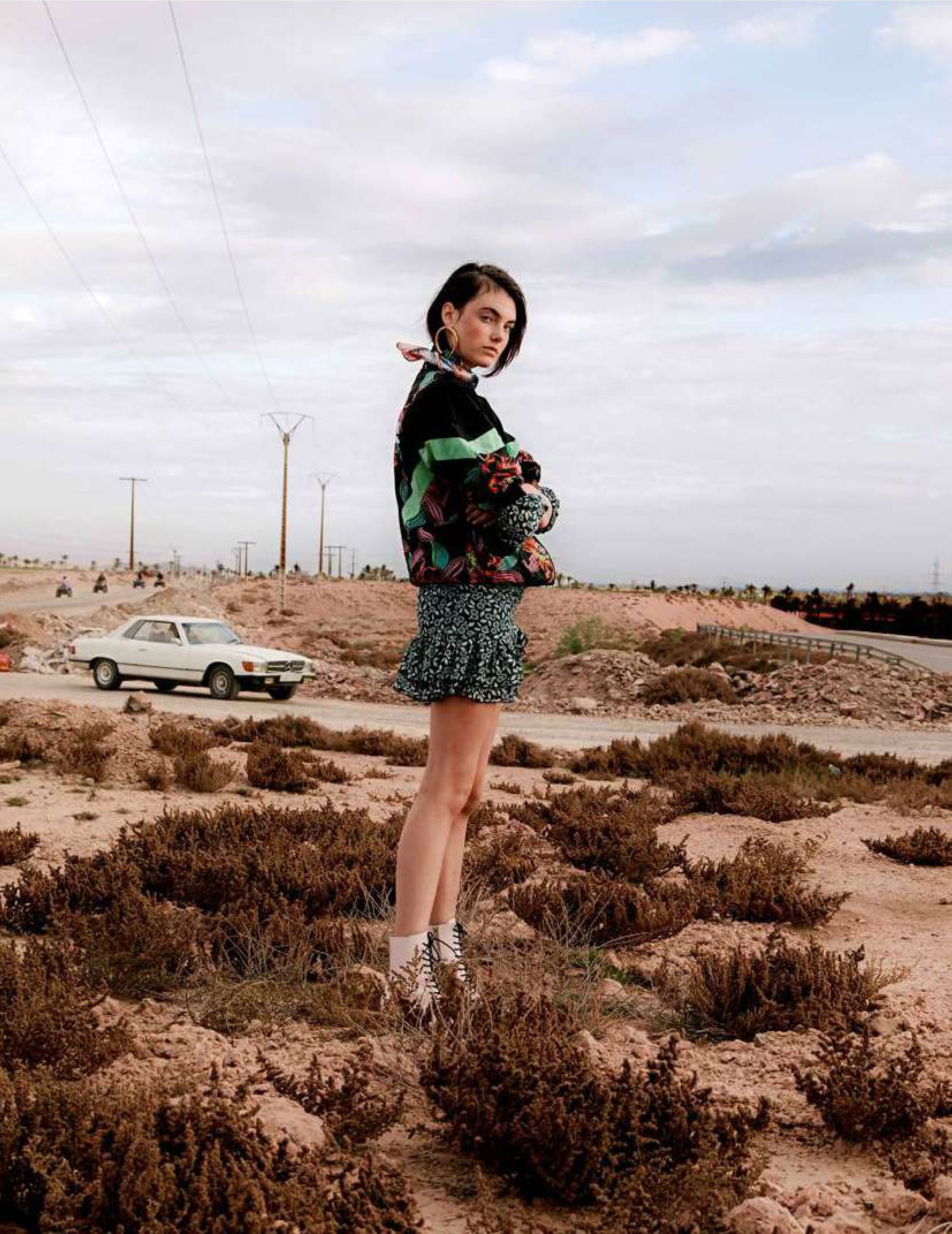
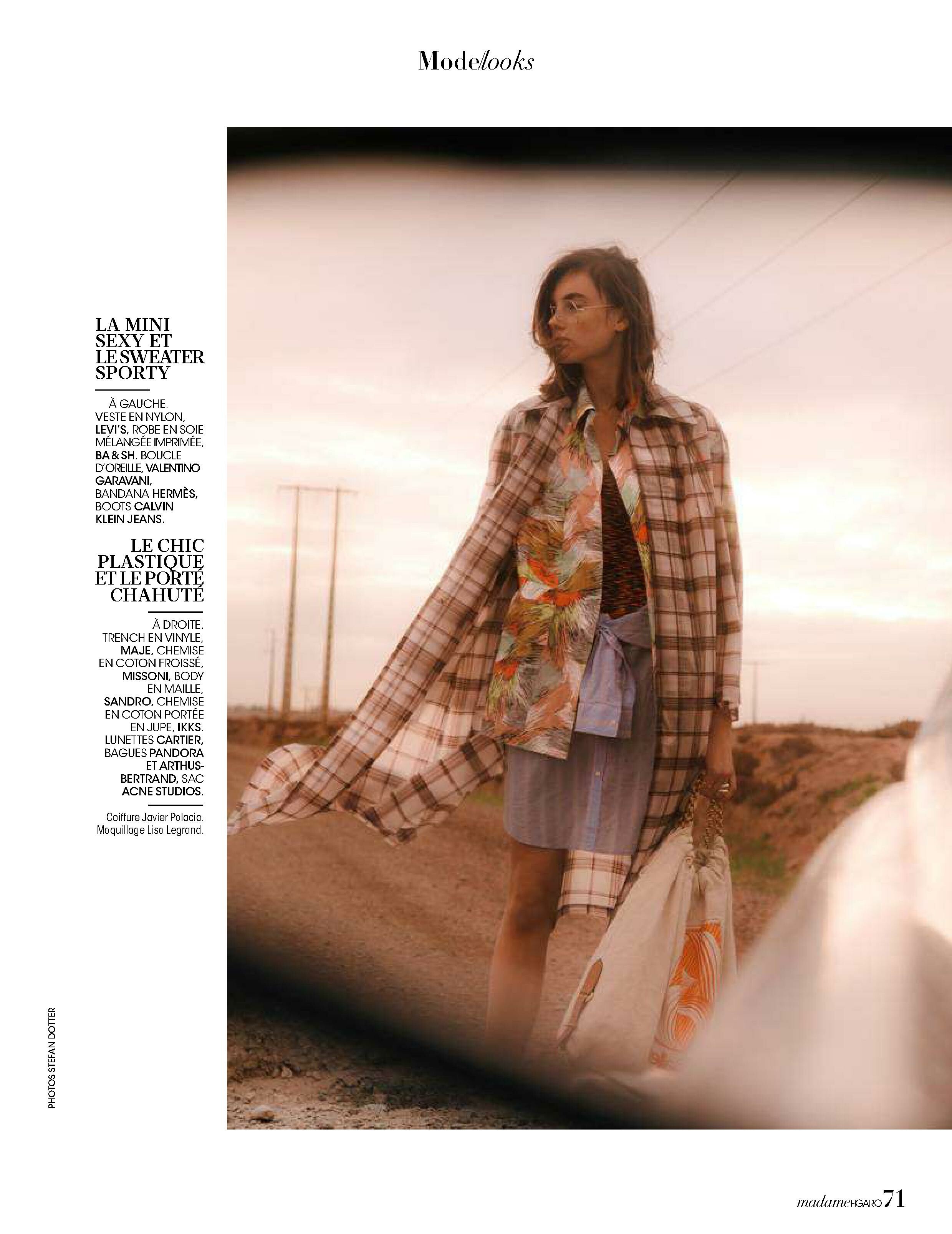
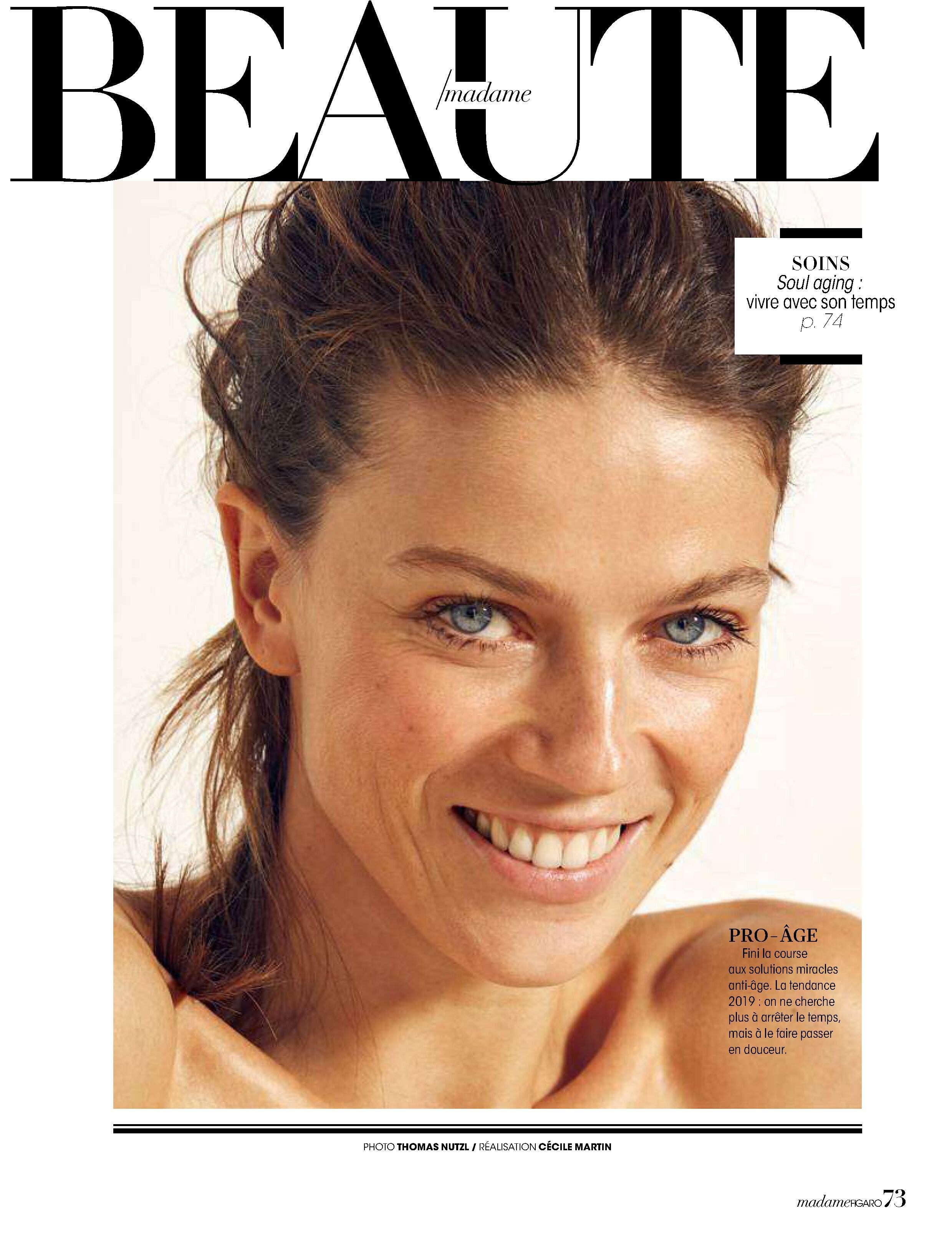
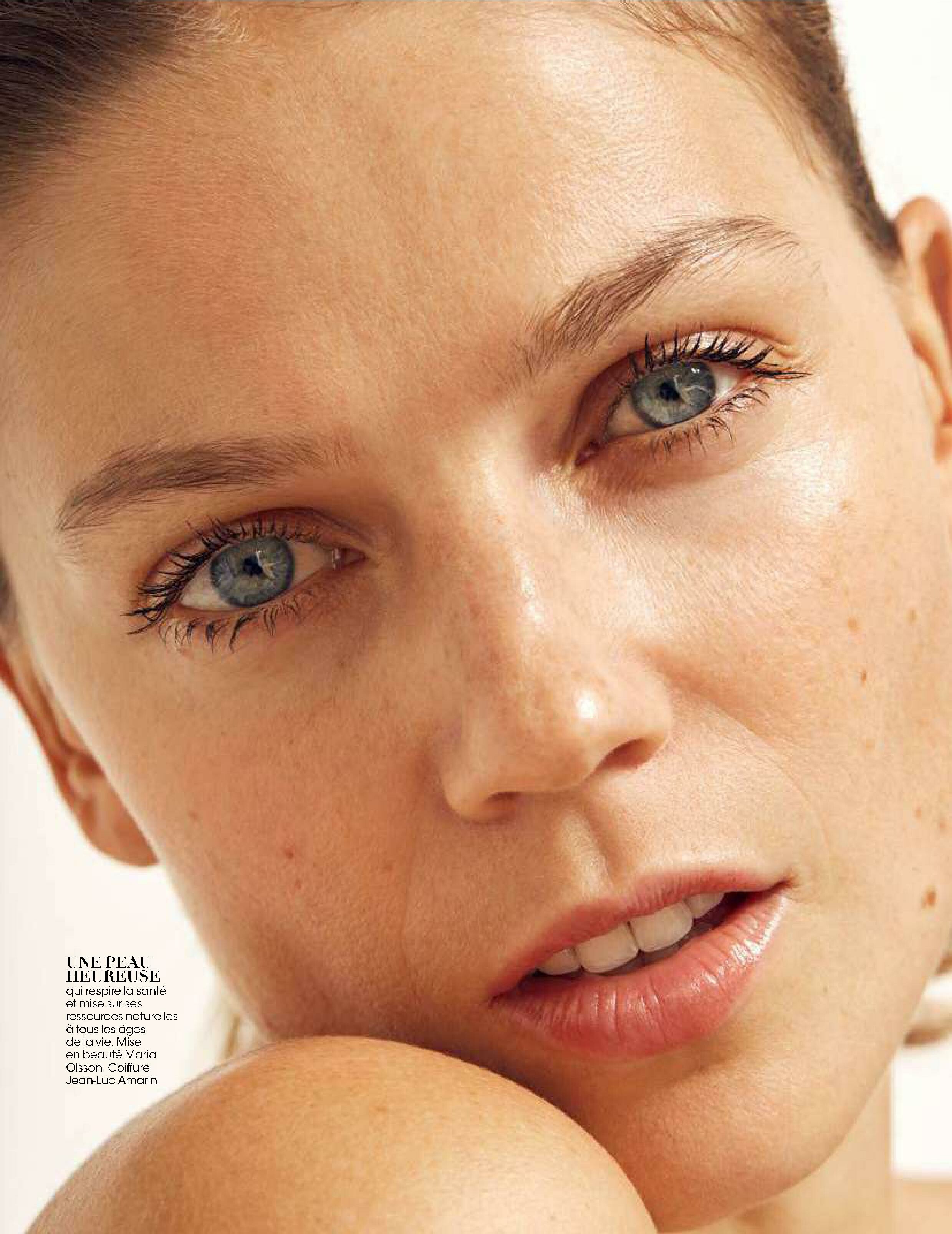
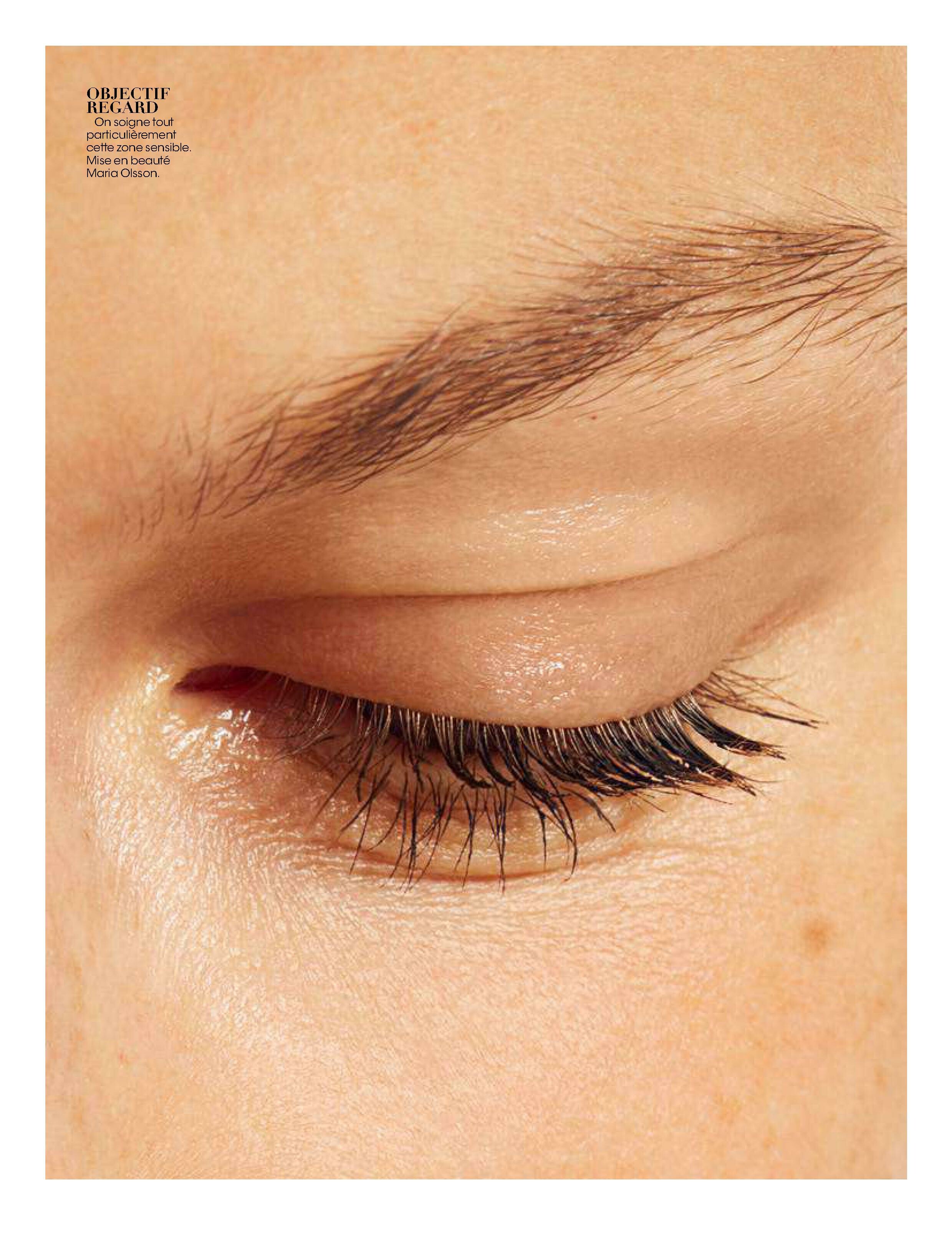
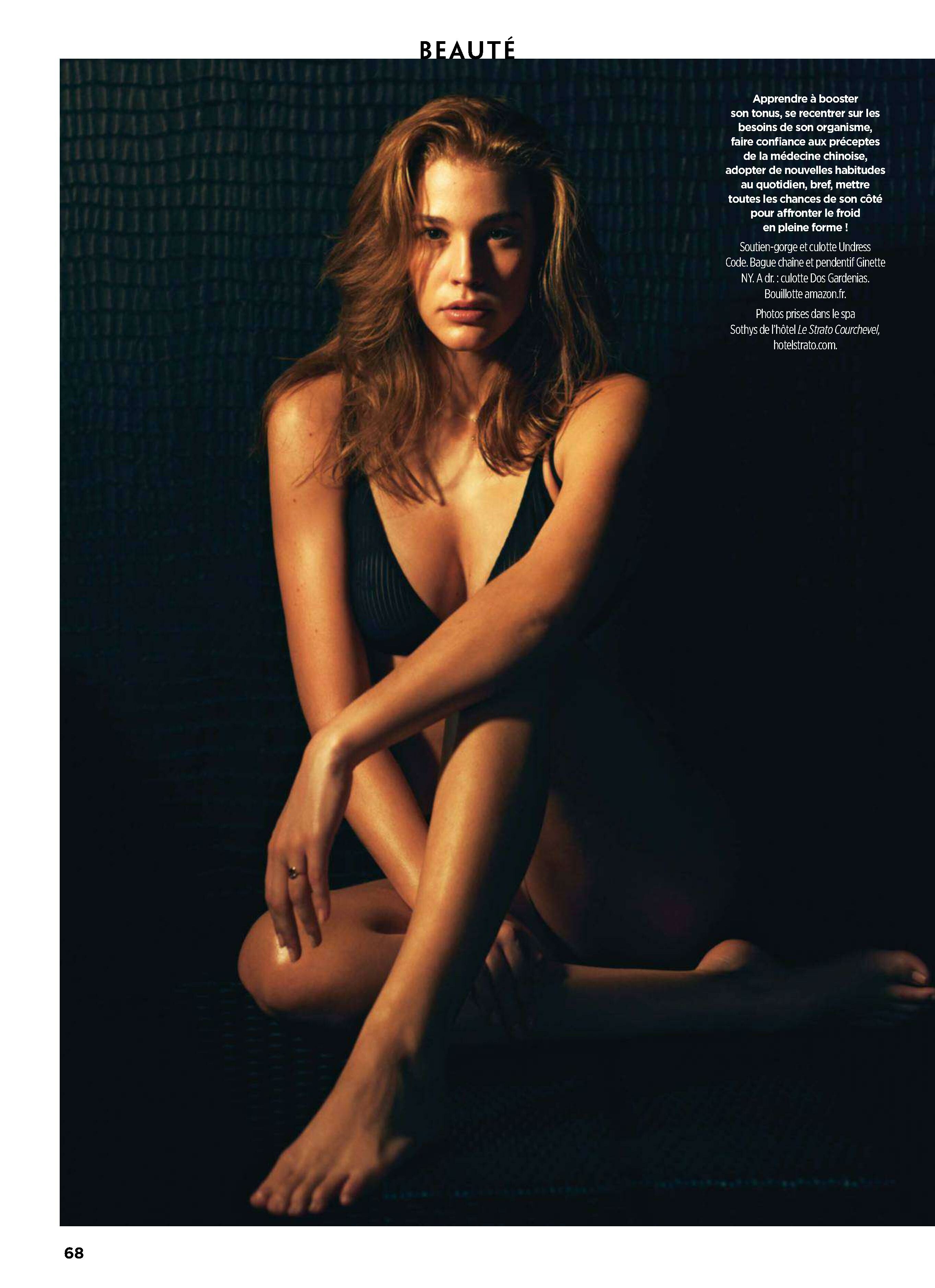
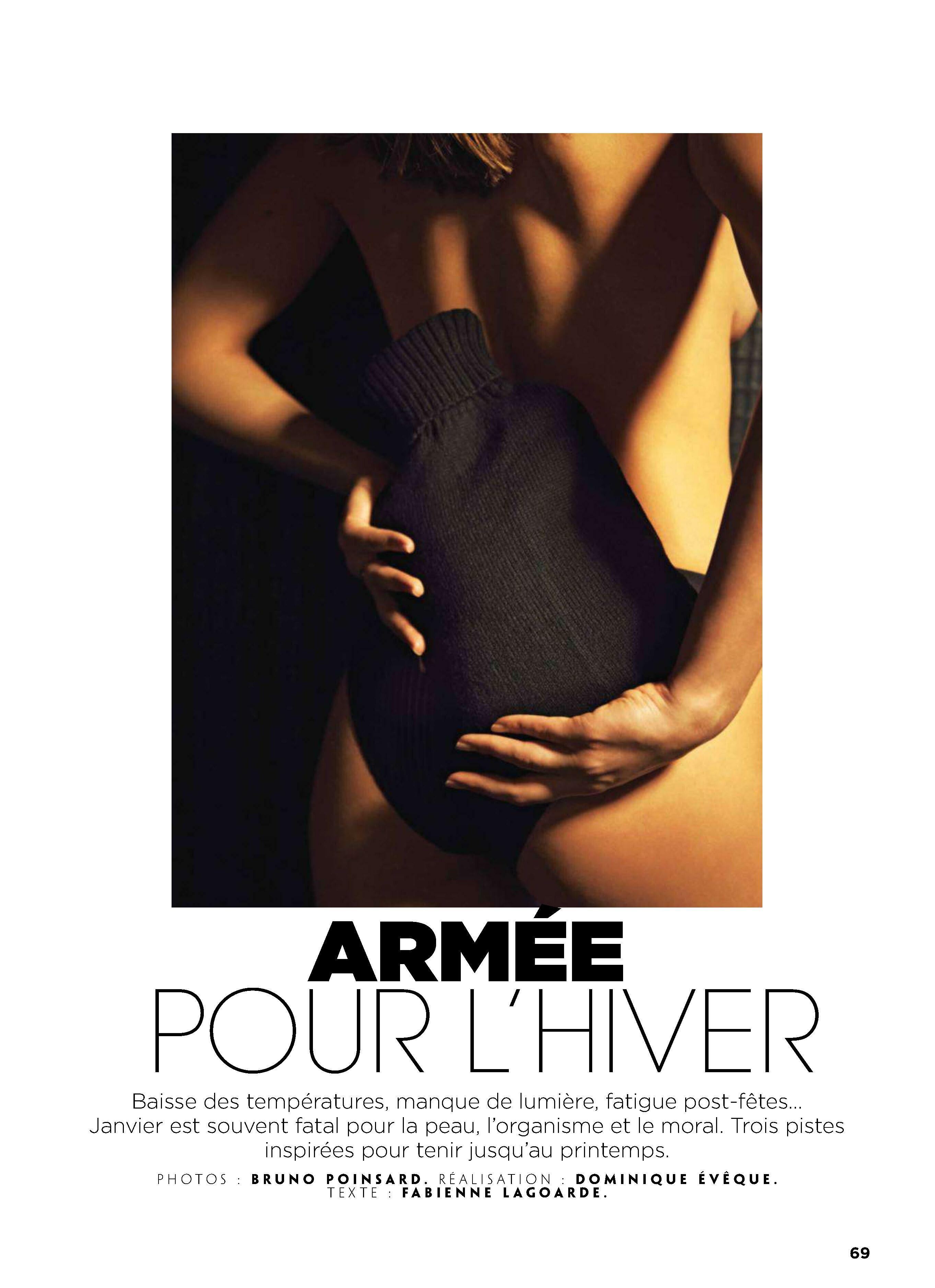
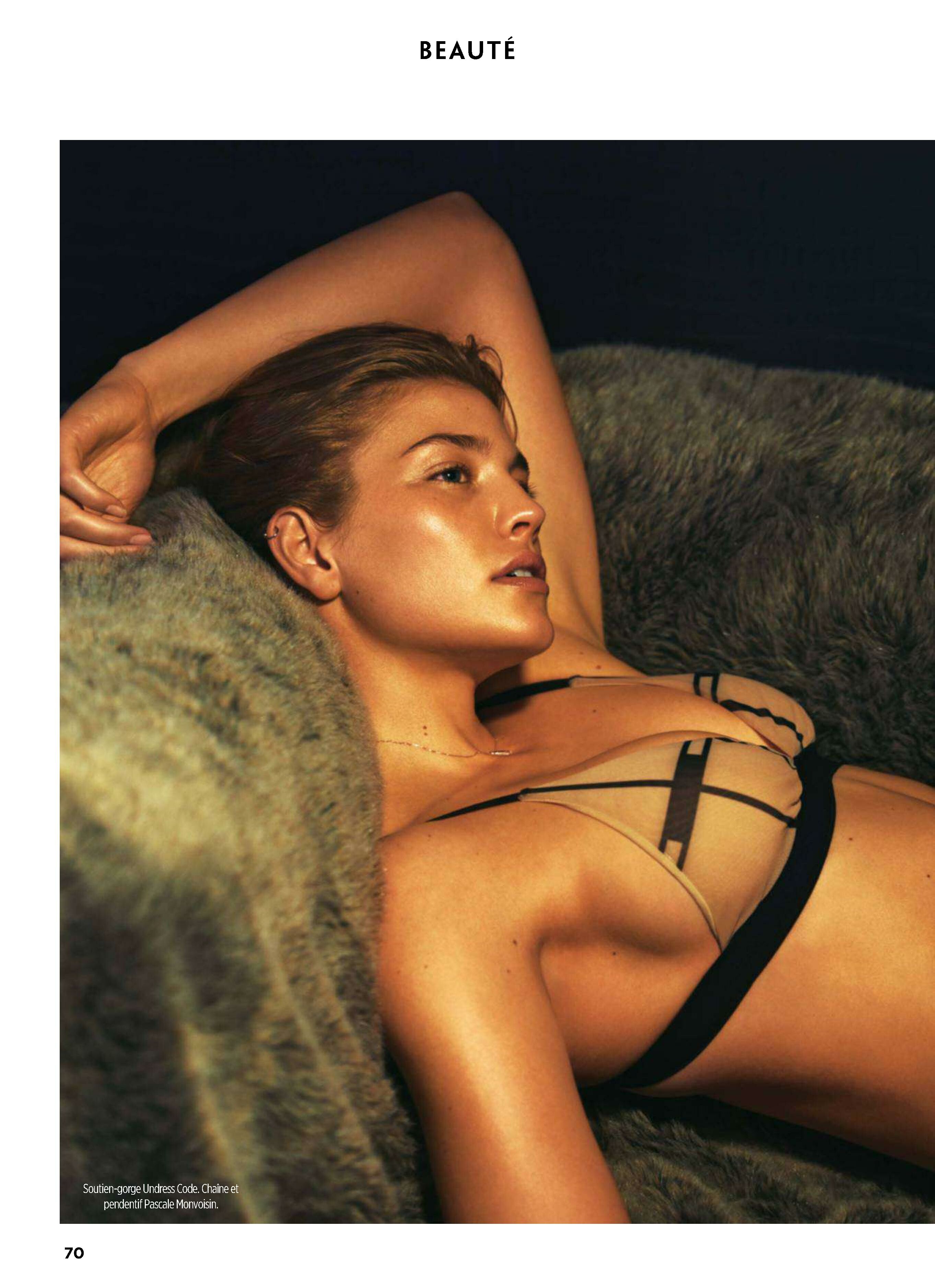
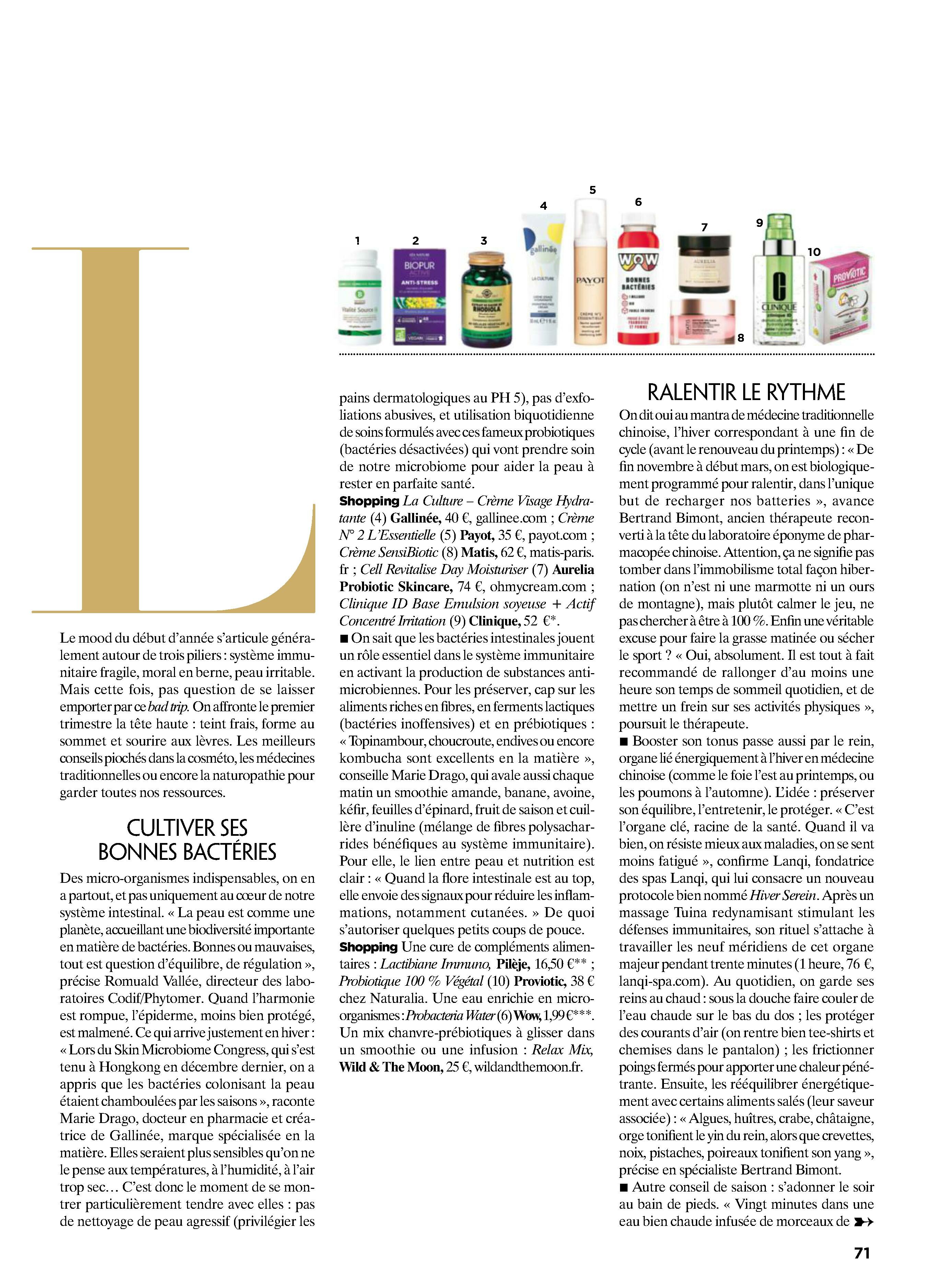
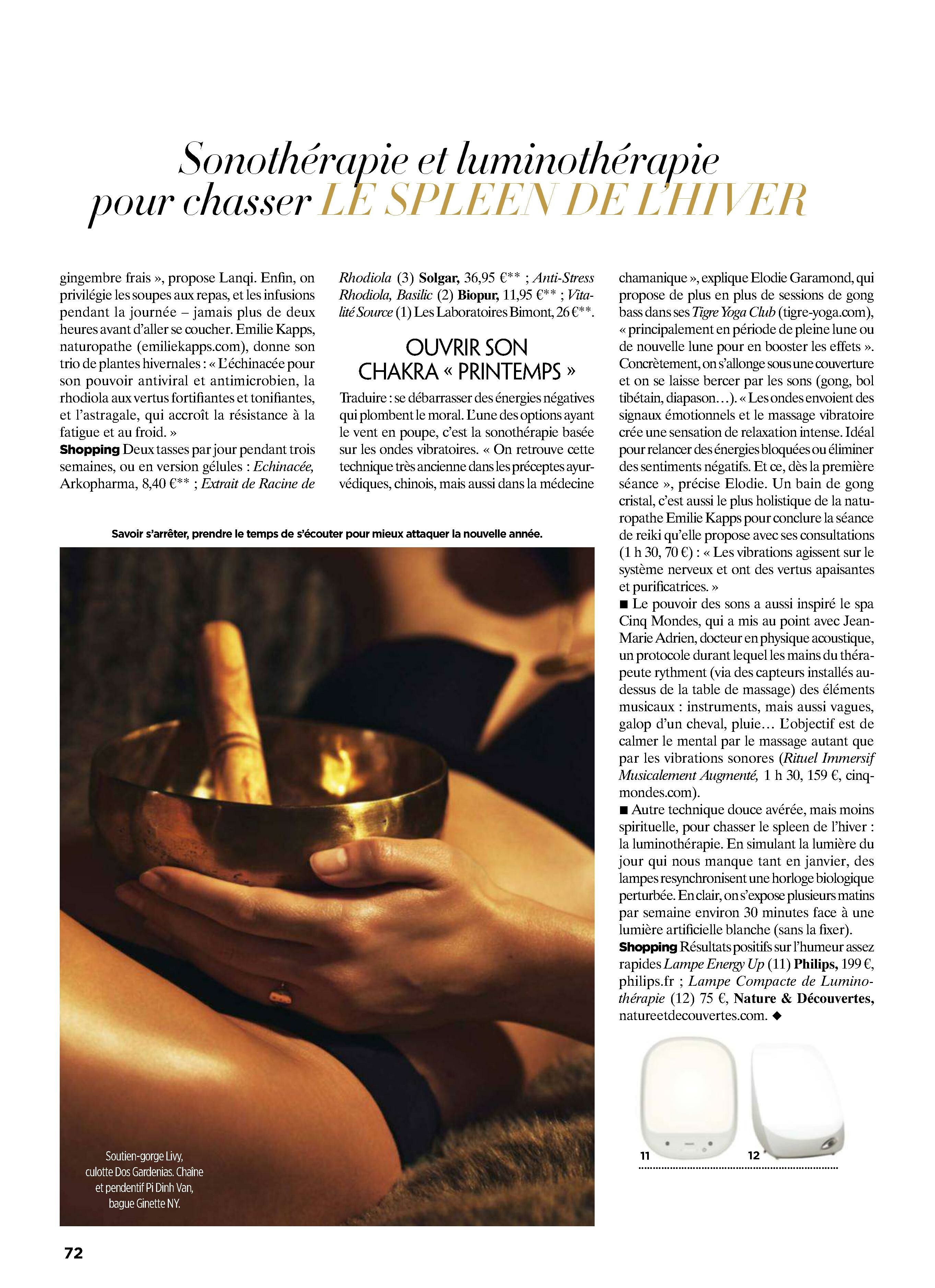
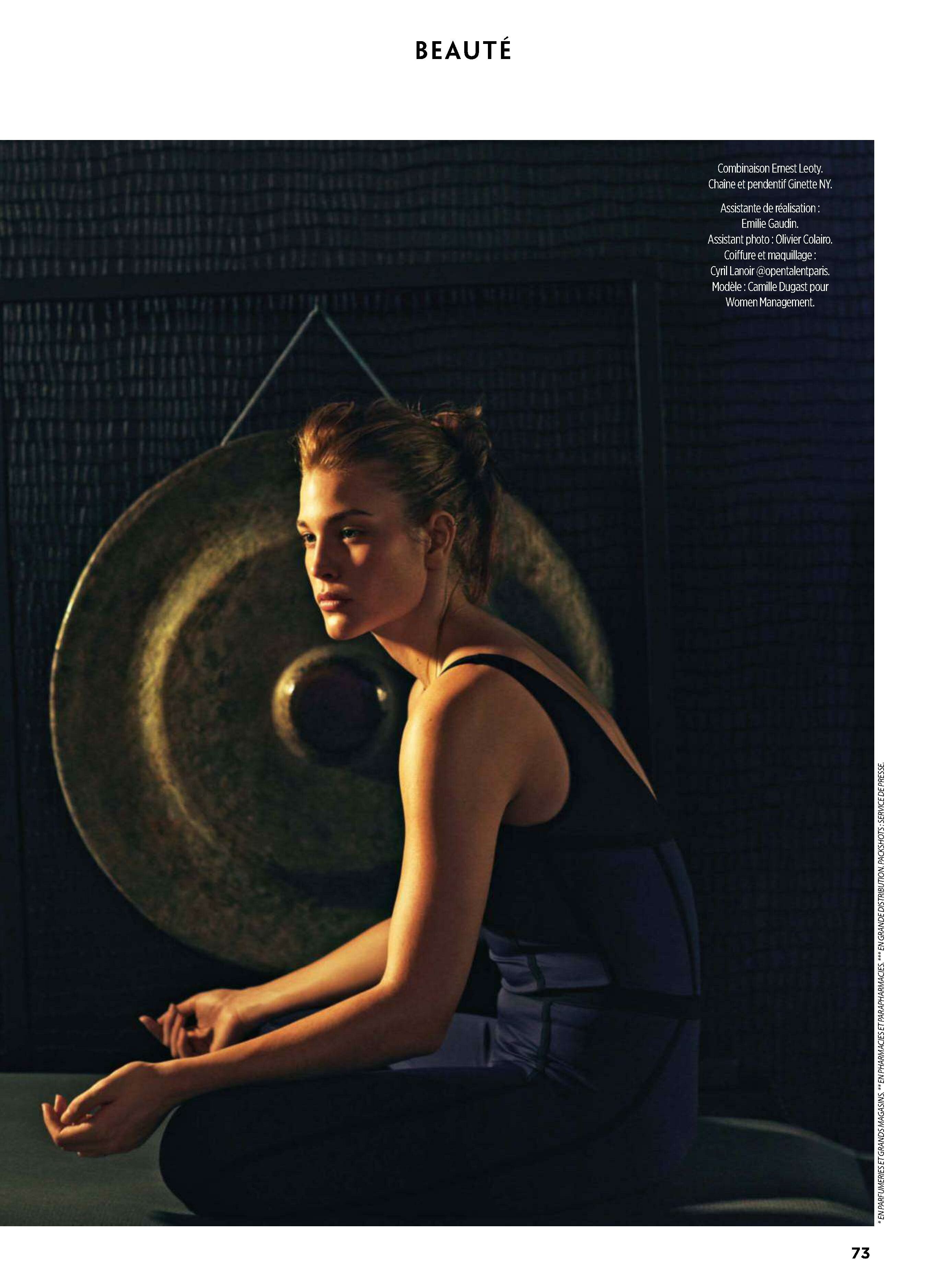
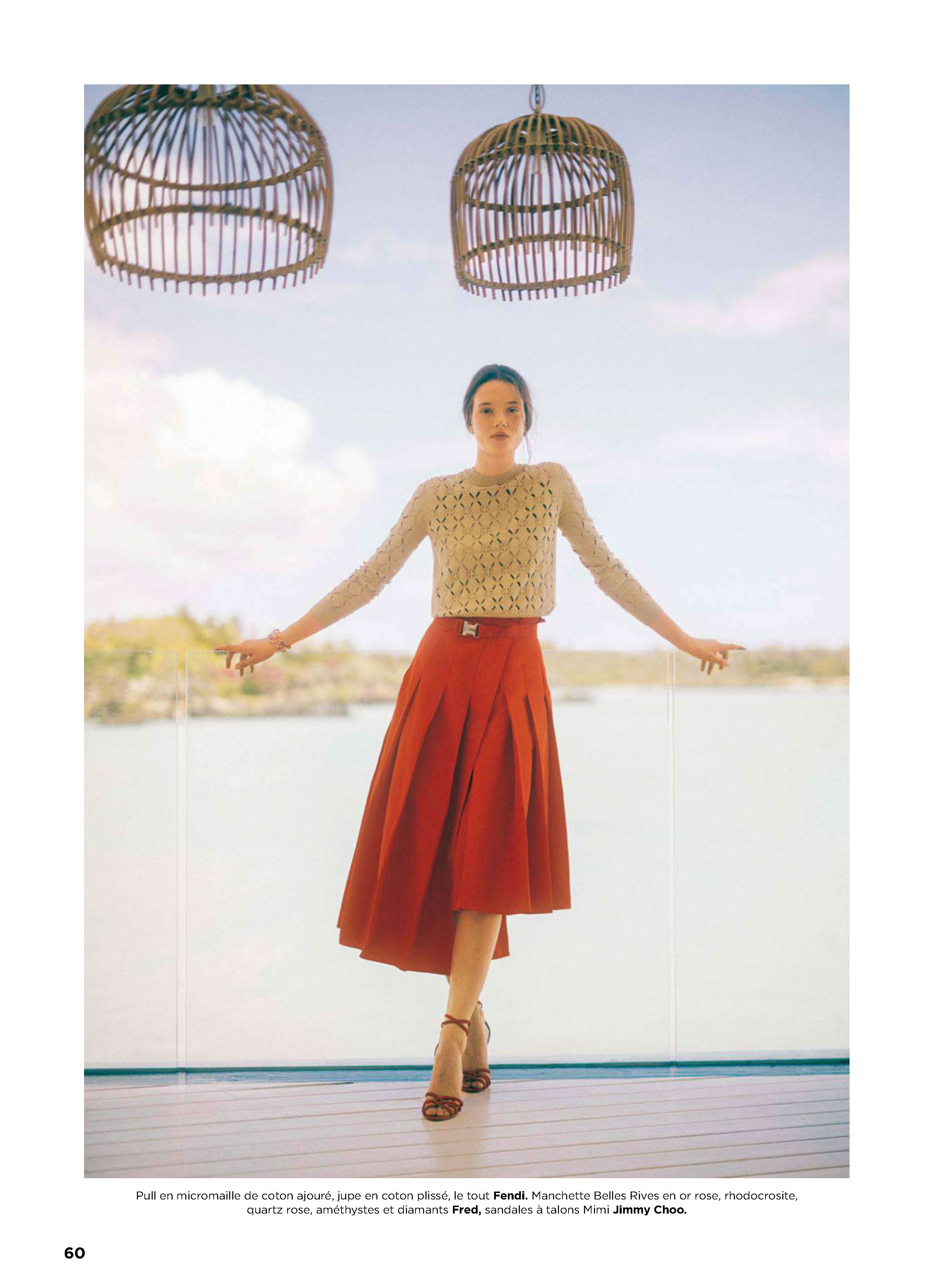
  20. Madame figaro France 18 January 2019

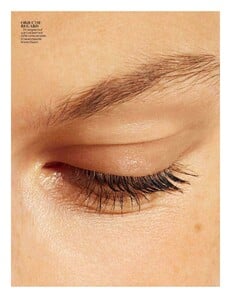
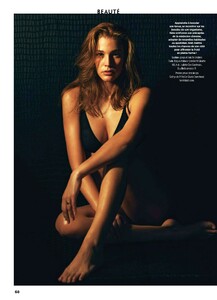
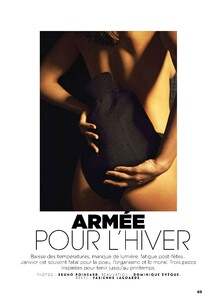
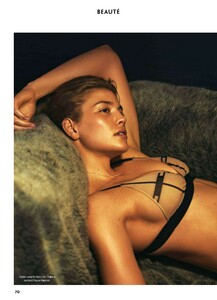
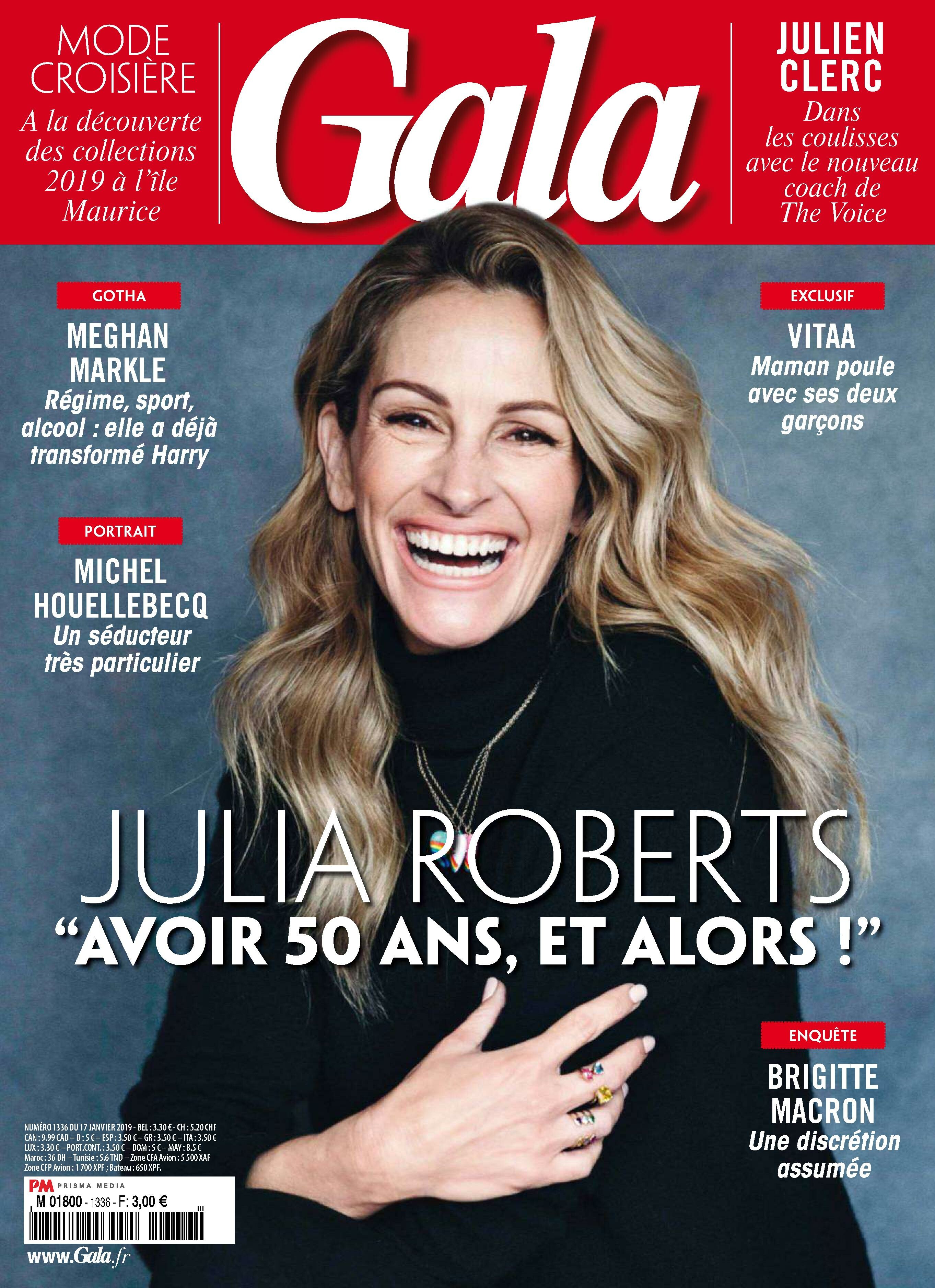
  21. Gala France 17 January 2019
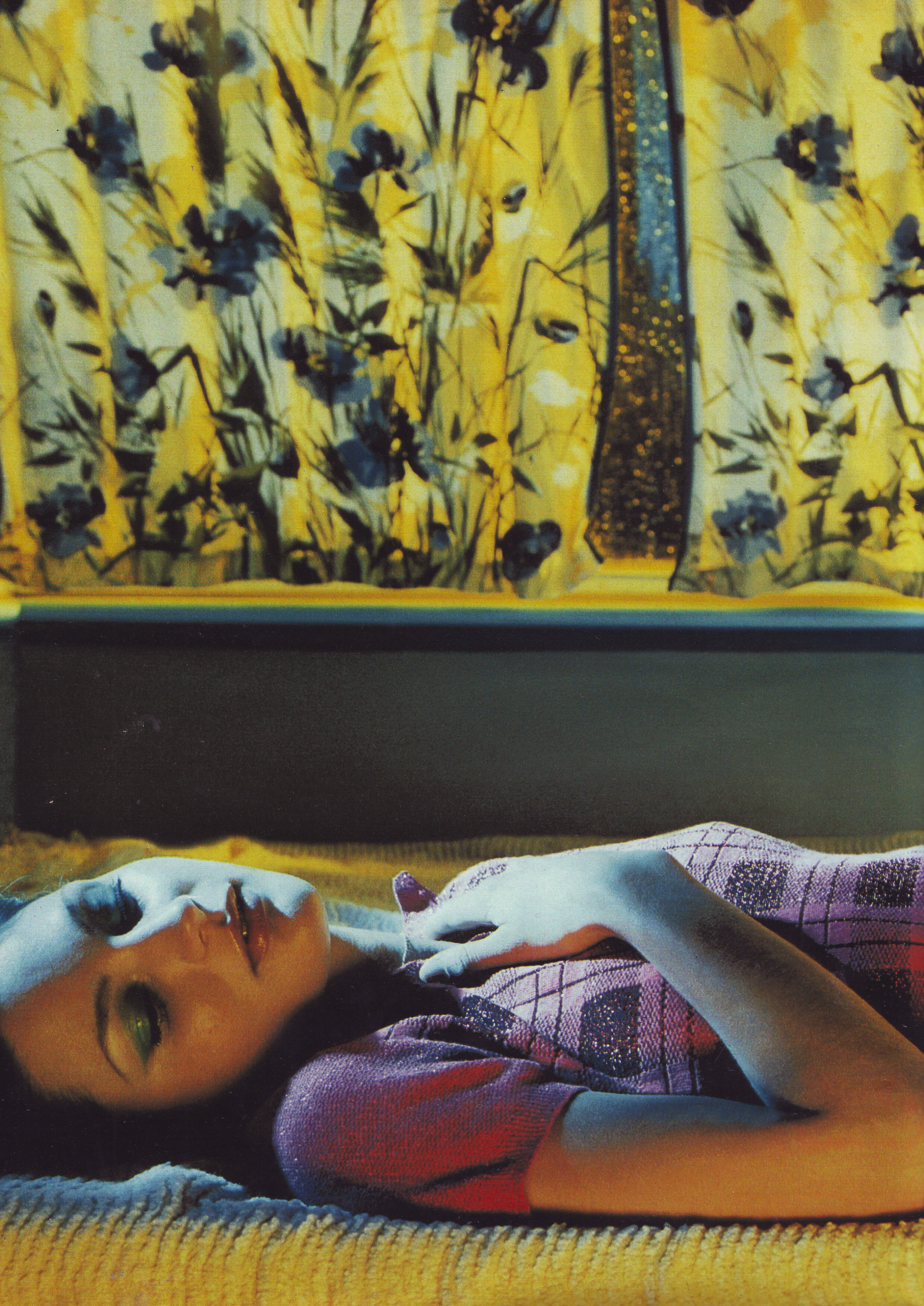
  22. Gala France 17 January 2019
Account

Navigation

Search

Configure browser push notifications

Chrome (Android)
  1. Tap the lock icon next to the address bar.
  2. Tap Permissions → Notifications.
  3. Adjust your preference.
Chrome (Desktop)
  1. Click the padlock icon in the address bar.
  2. Select Site settings.
  3. Find Notifications and adjust your preference.