Jump to content
View in the app

A better way to browse. Learn more.

Bellazon

A full-screen app on your home screen with push notifications, badges and more.

To install this app on iOS and iPadOS
  1. Tap the Share icon in Safari
  2. Scroll the menu and tap Add to Home Screen.
  3. Tap Add in the top-right corner.
To install this app on Android
  1. Tap the 3-dot menu (⋮) in the top-right corner of the browser.
  2. Tap Add to Home screen or Install app.
  3. Confirm by tapping Install.

sanja

Members
  • Joined

  • Last visited

Everything posted by sanja

  1. sanja replied to Dayrell's topic in General Discussion
    Yes so this is not a magazine, just betting shop brochure with scores and gaming statistics, nothing important believe me
  2. sanja replied to Dayrell's topic in General Discussion
    I have never seen it before, but magazine is from betting shop
  3. Cosmo shopping Turkey 2000 Scanned by Rado
  4. Elle Czech 1996 Scanned by Rado
  5. Elle Russia September 2002 Scanned by Rado
  6. Korina's reprinted editorial thanks to Rado Elle Russia January 2000 Scanned by Rado
  7. sanja replied to a post in a topic in Female Fashion Models
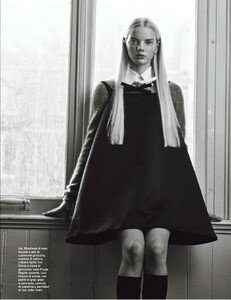
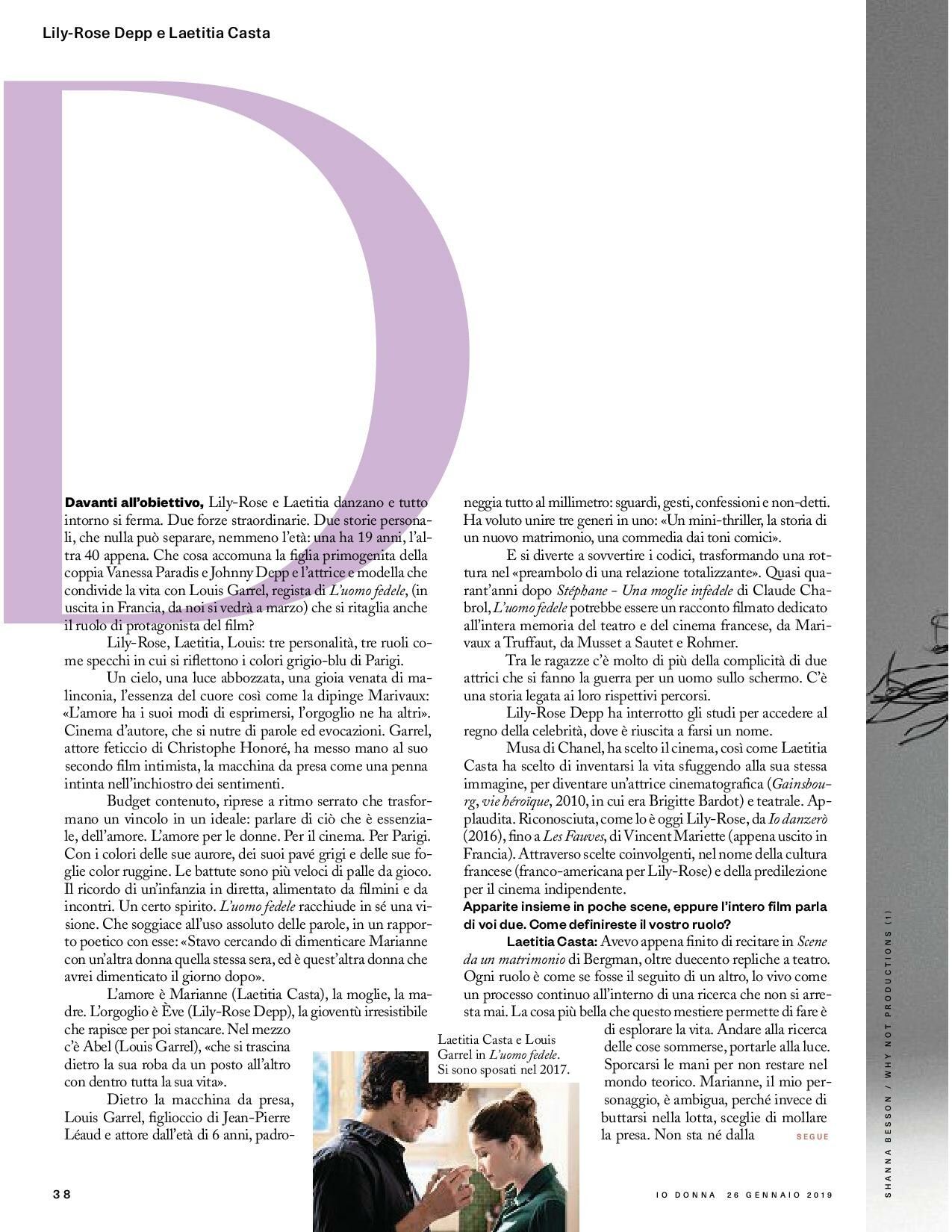
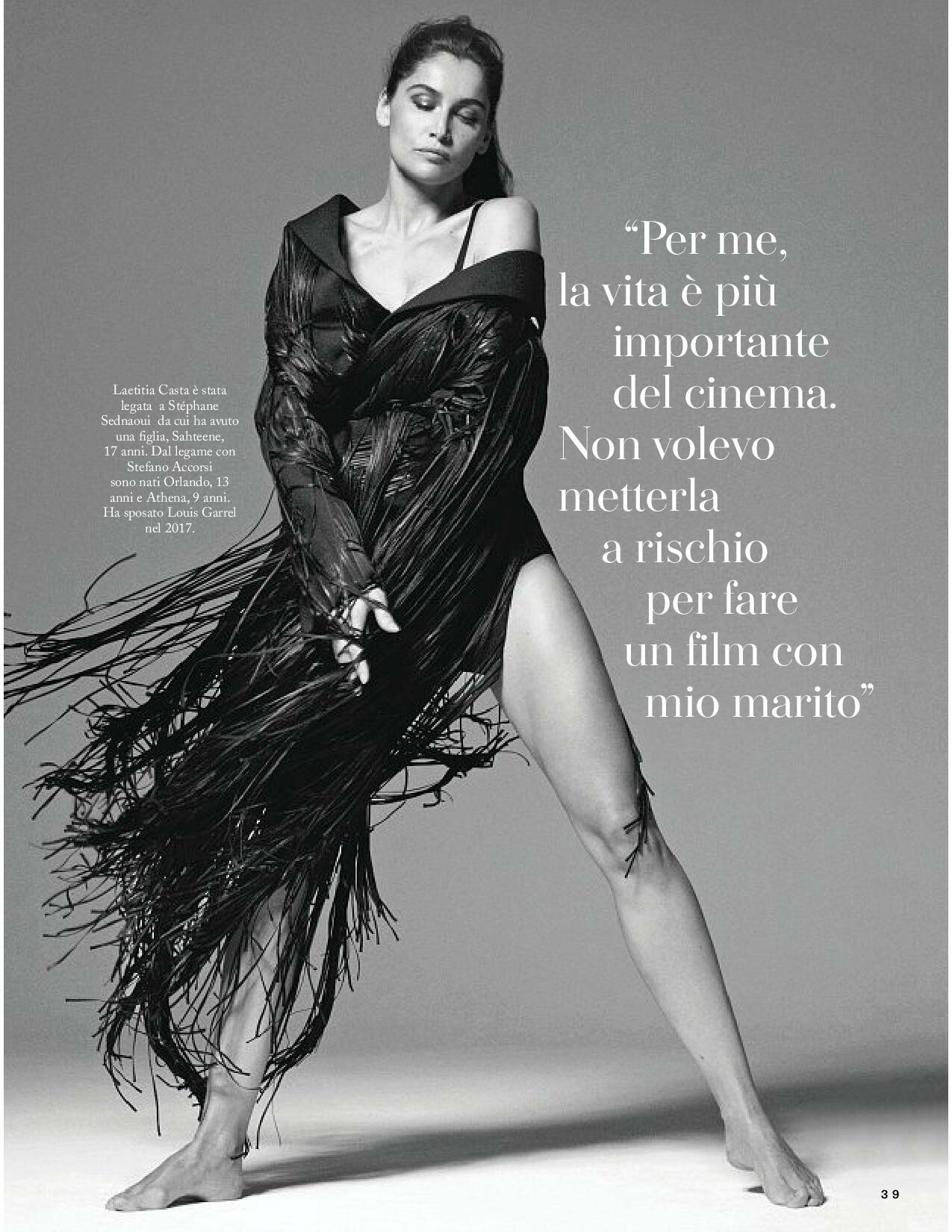
    Donna Italy November 1998 Scanned by me
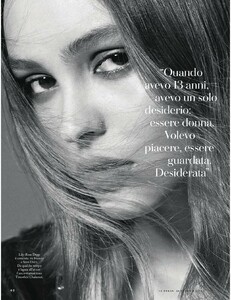
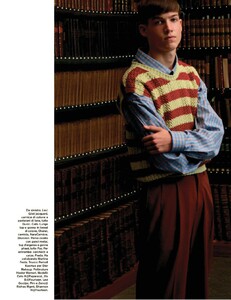
  8. Elle Italy February 2019

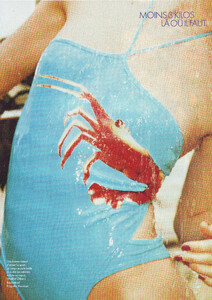
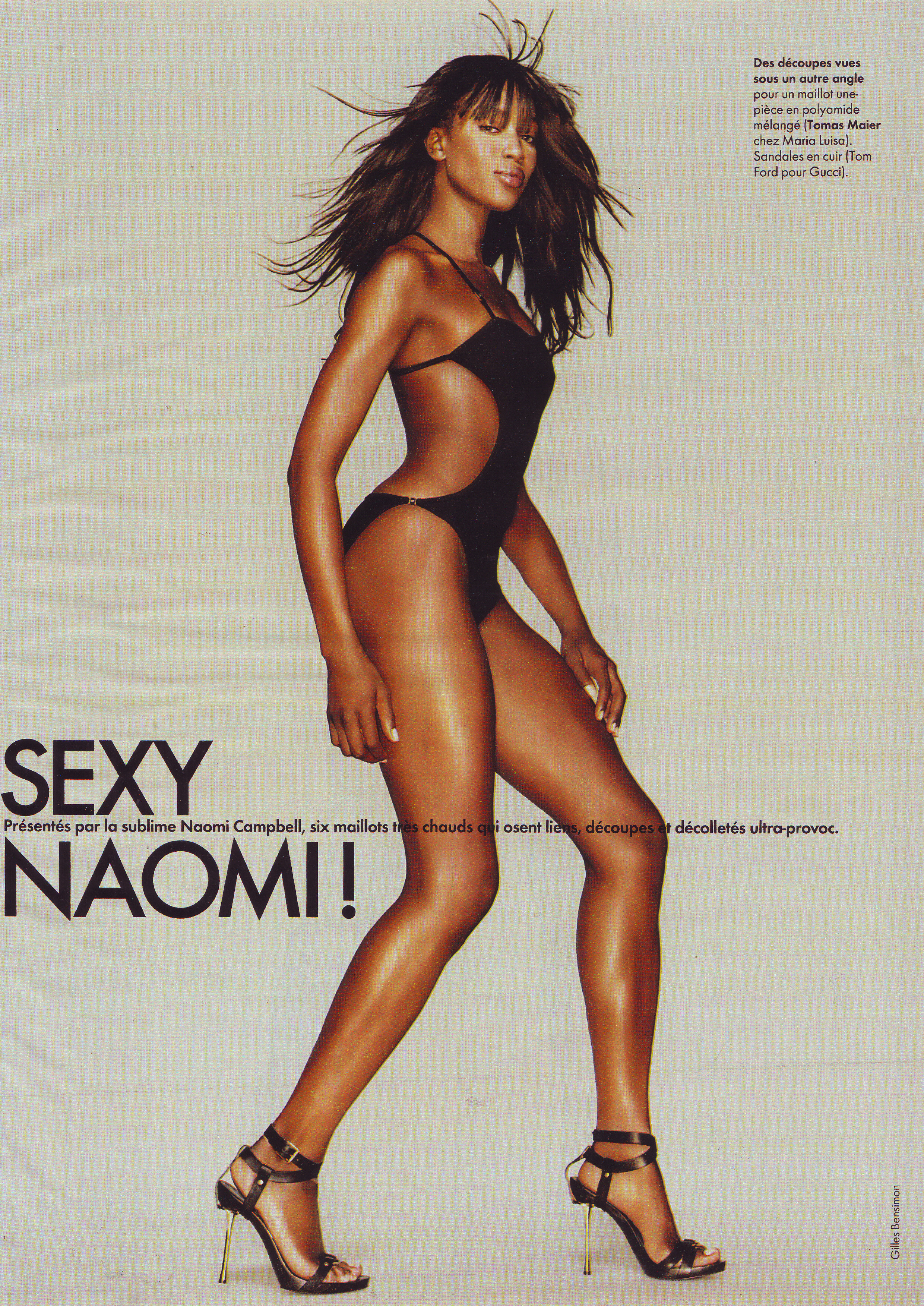
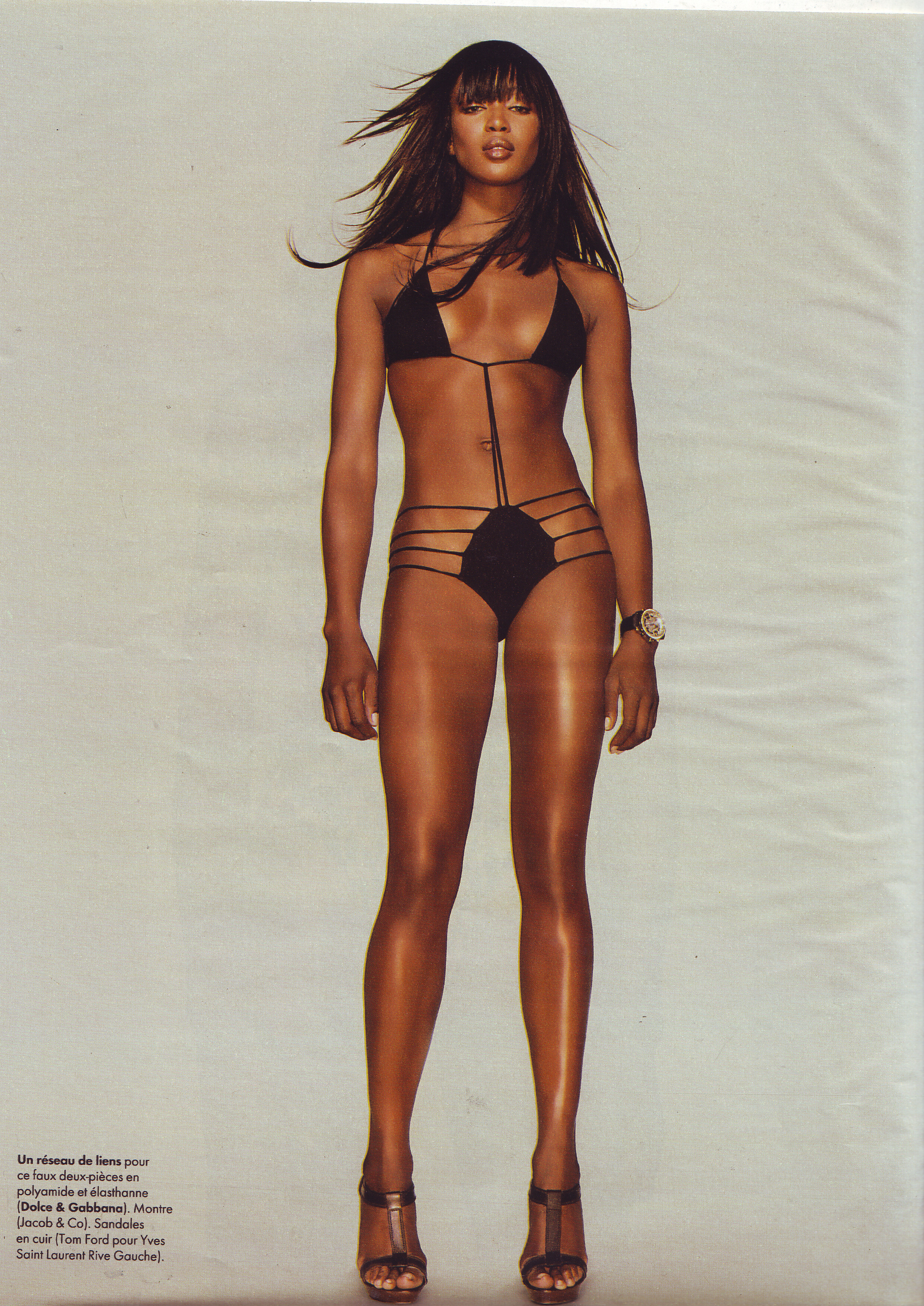
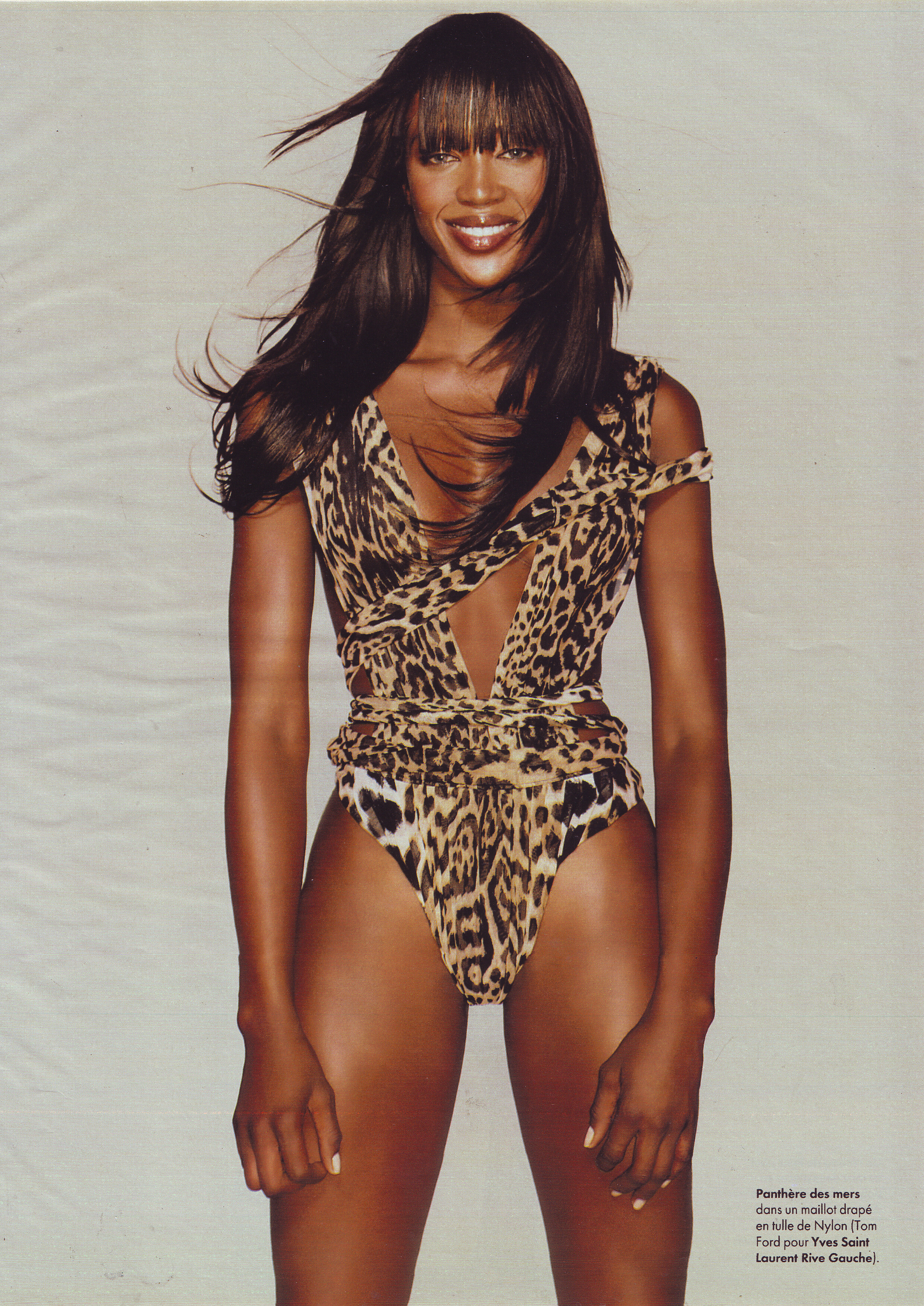
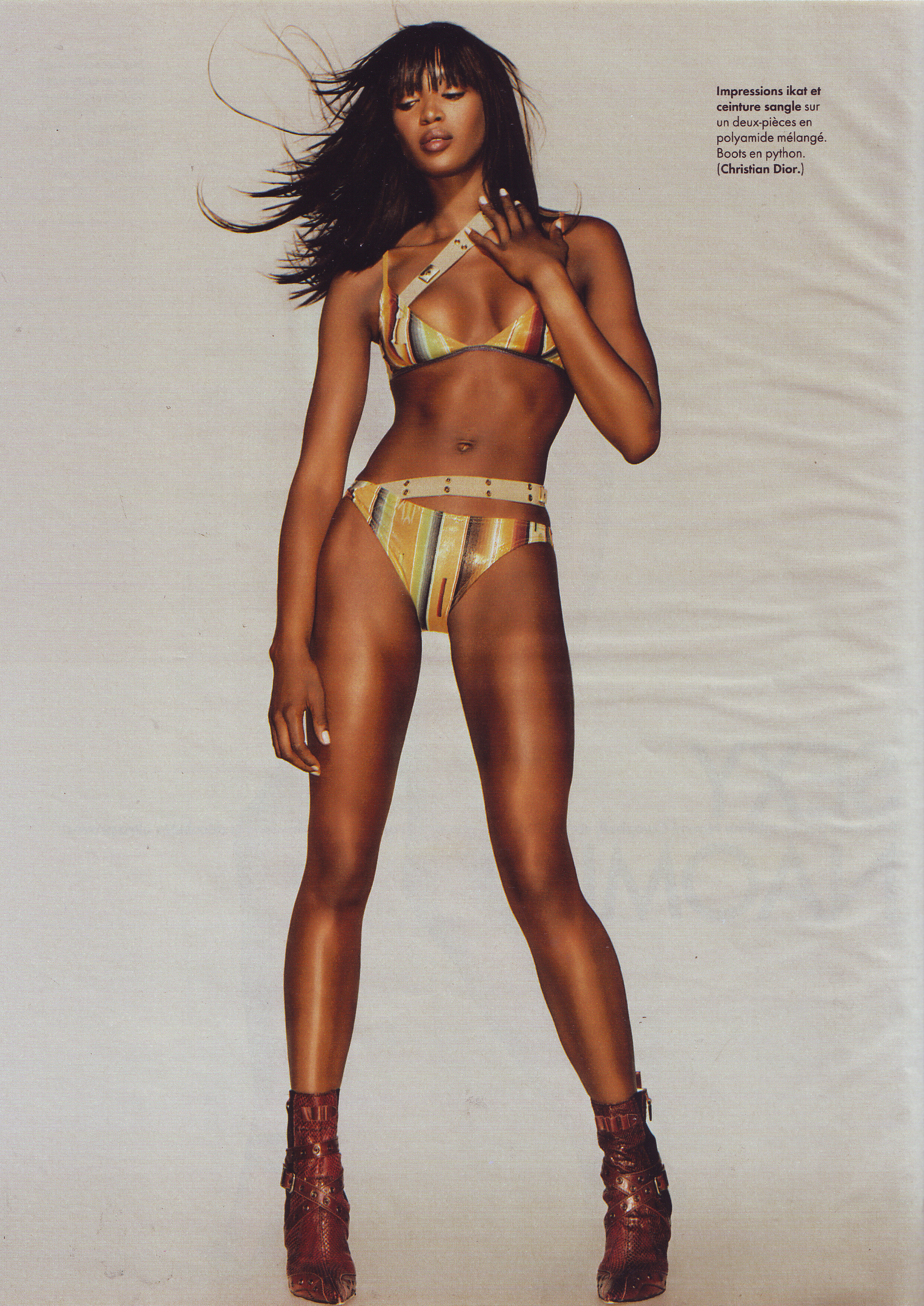
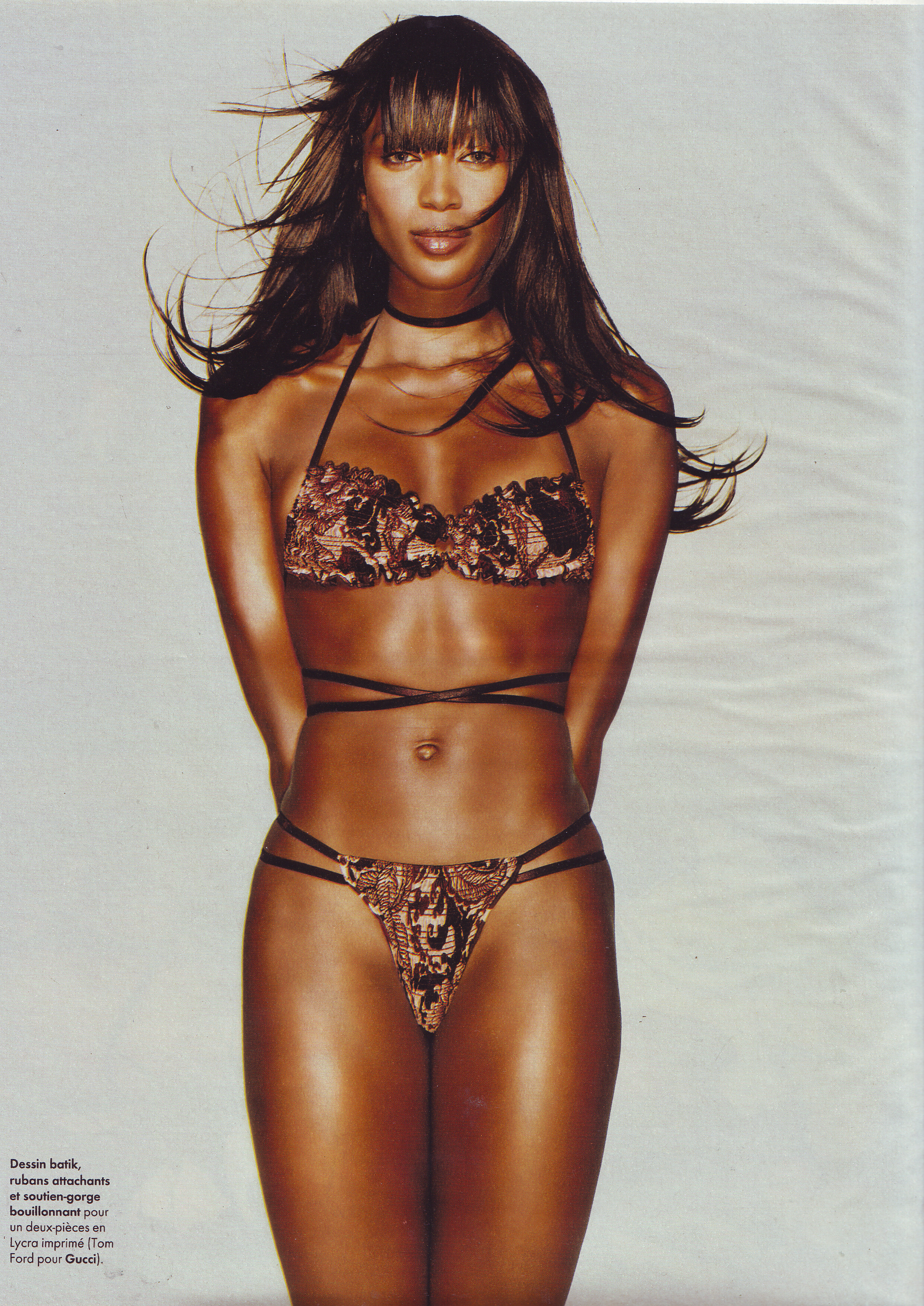
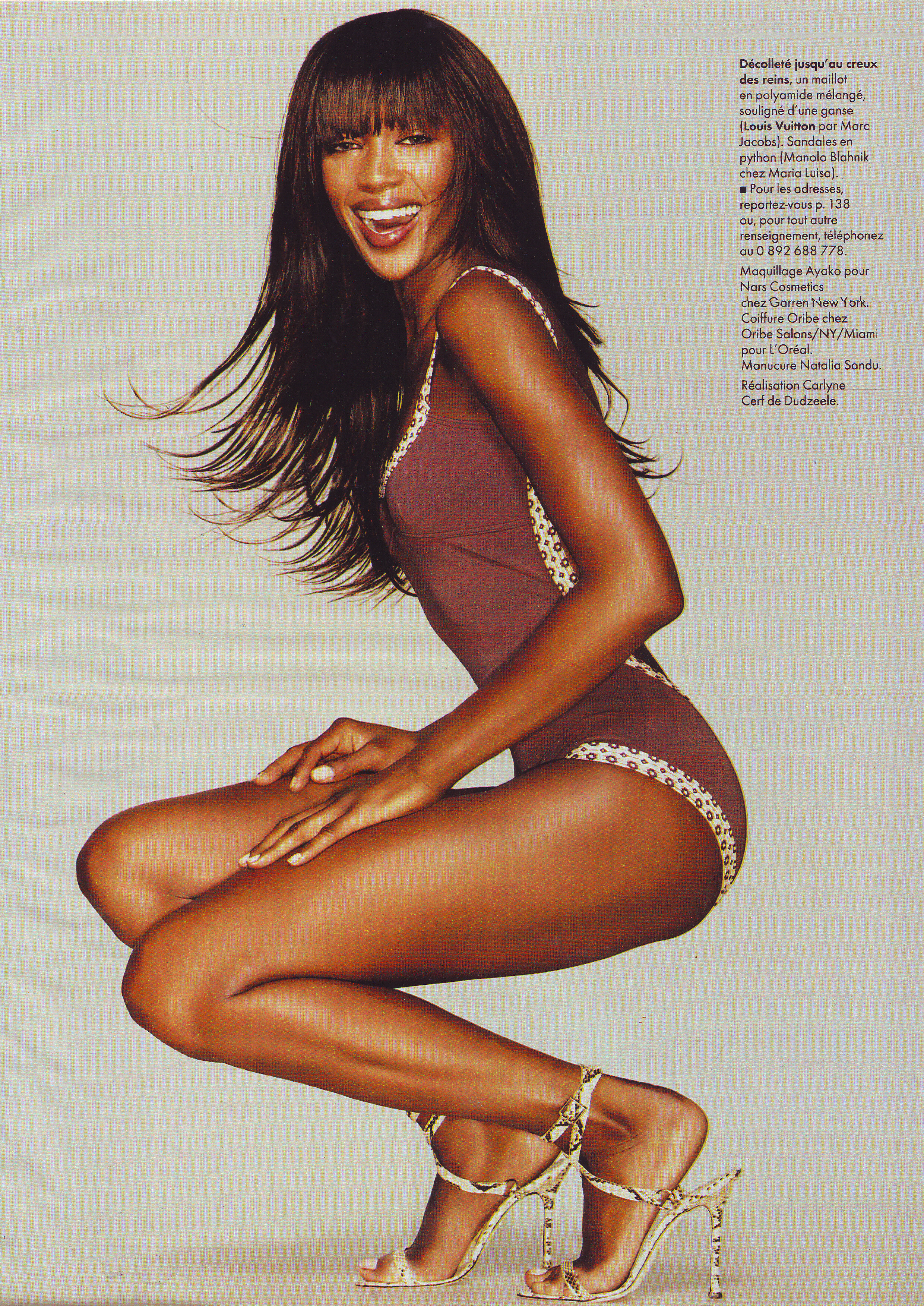
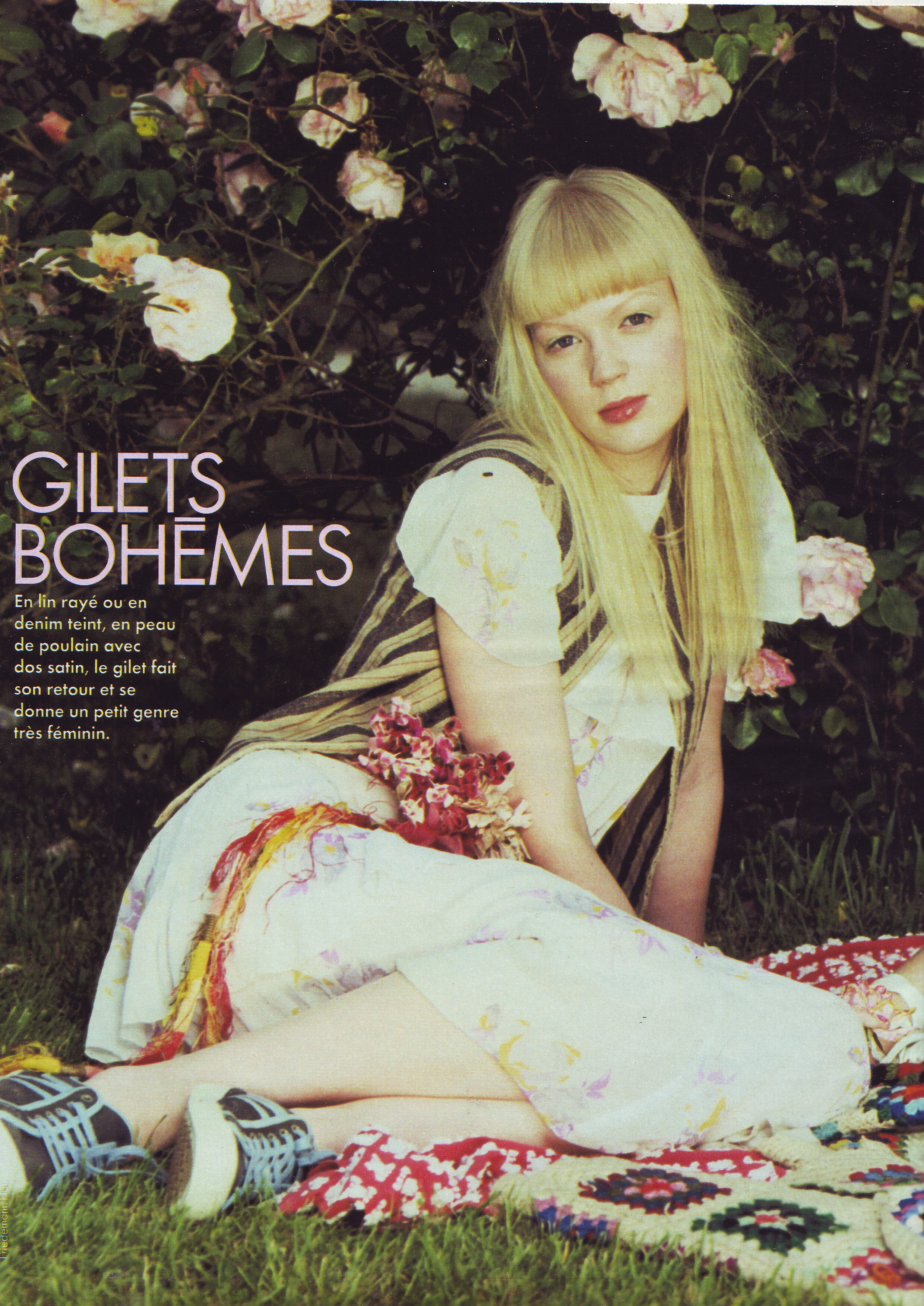
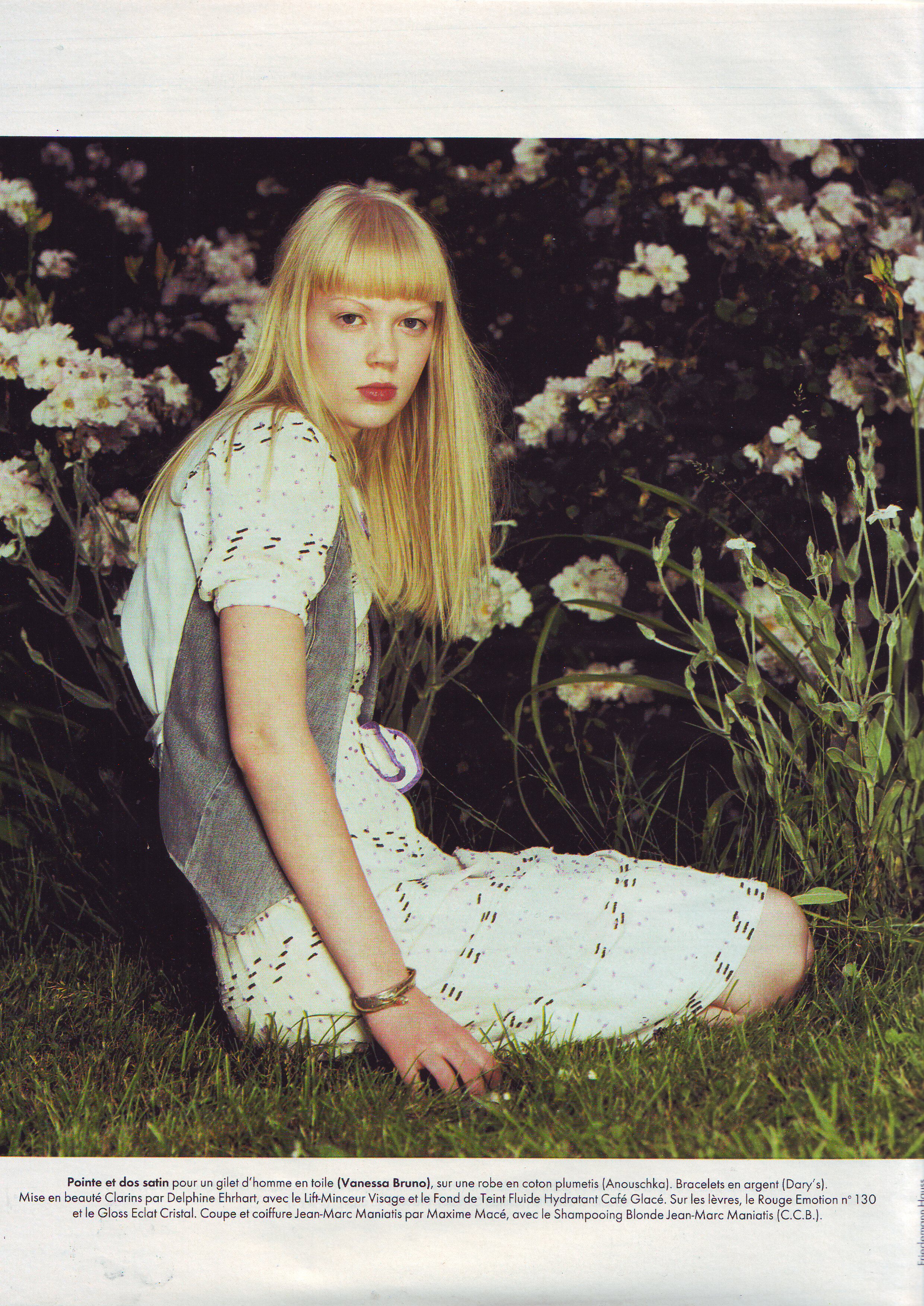
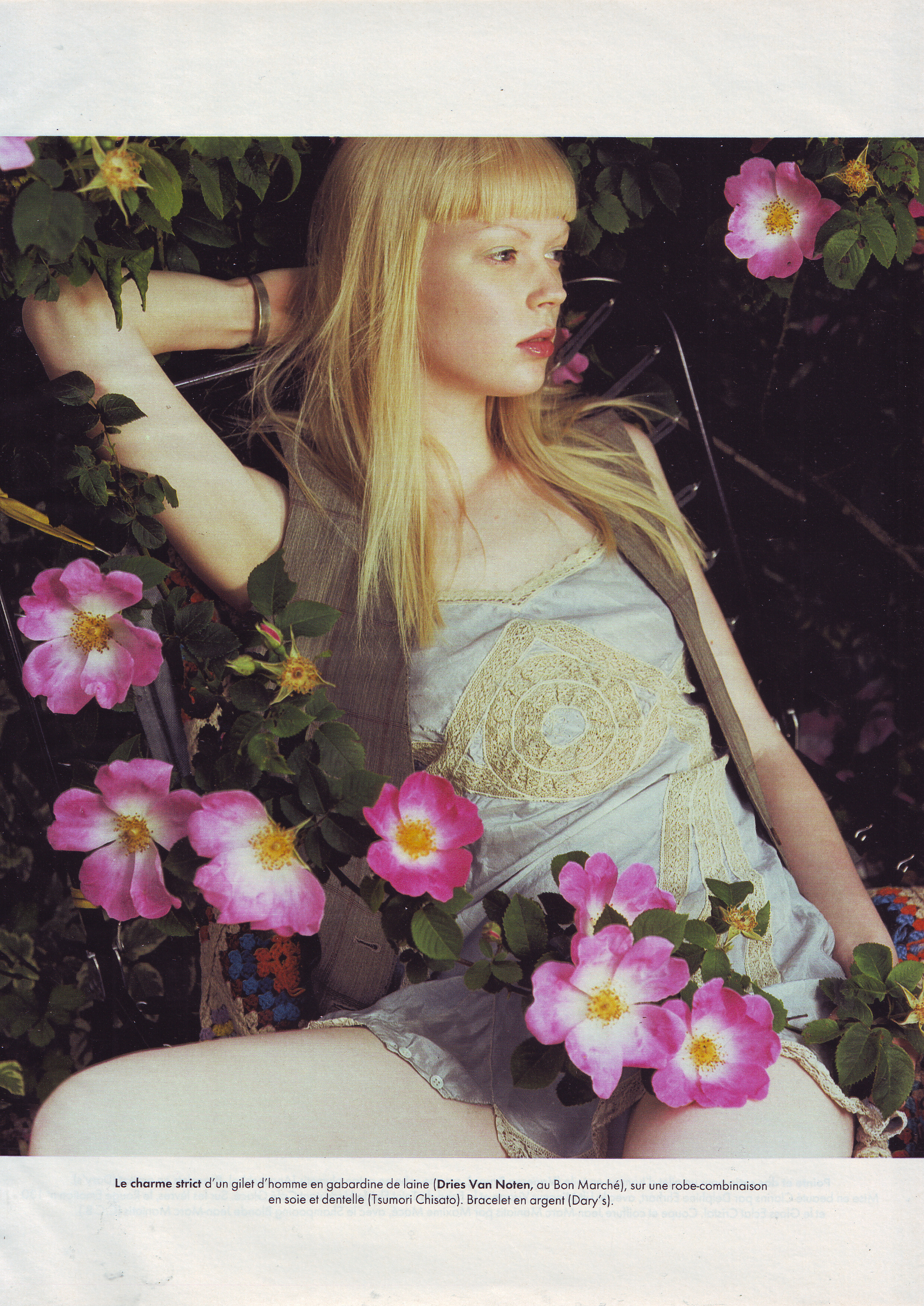
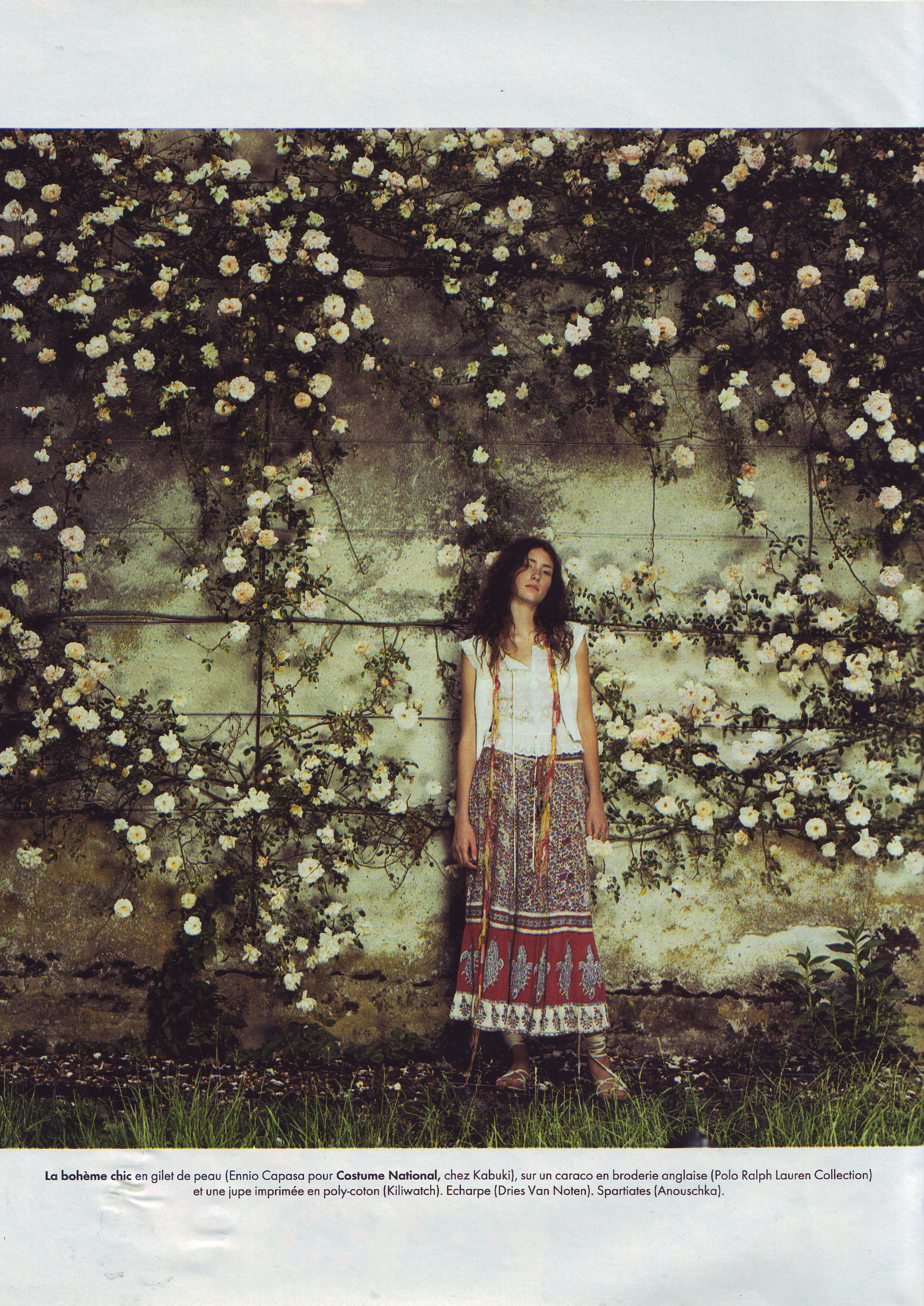
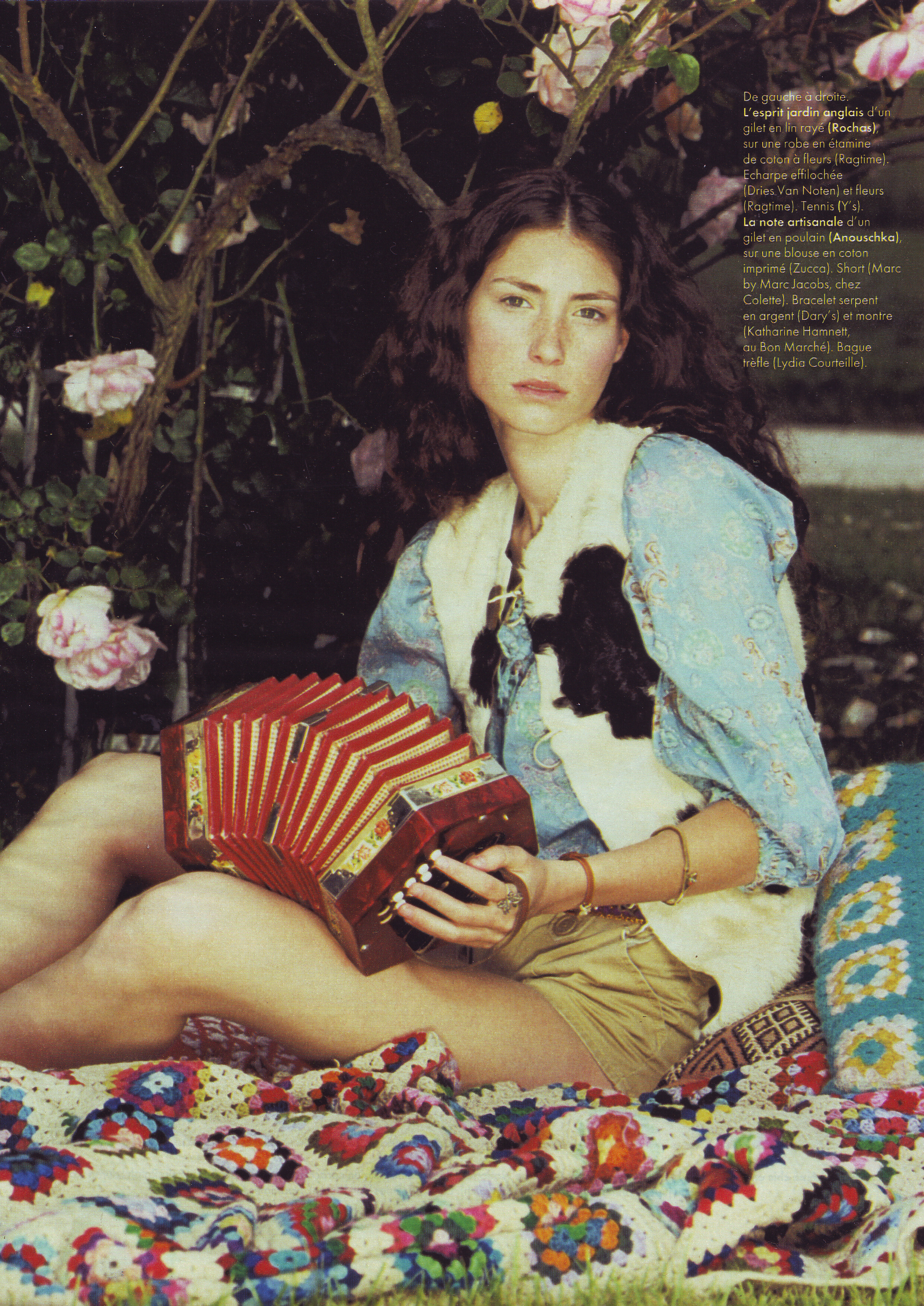
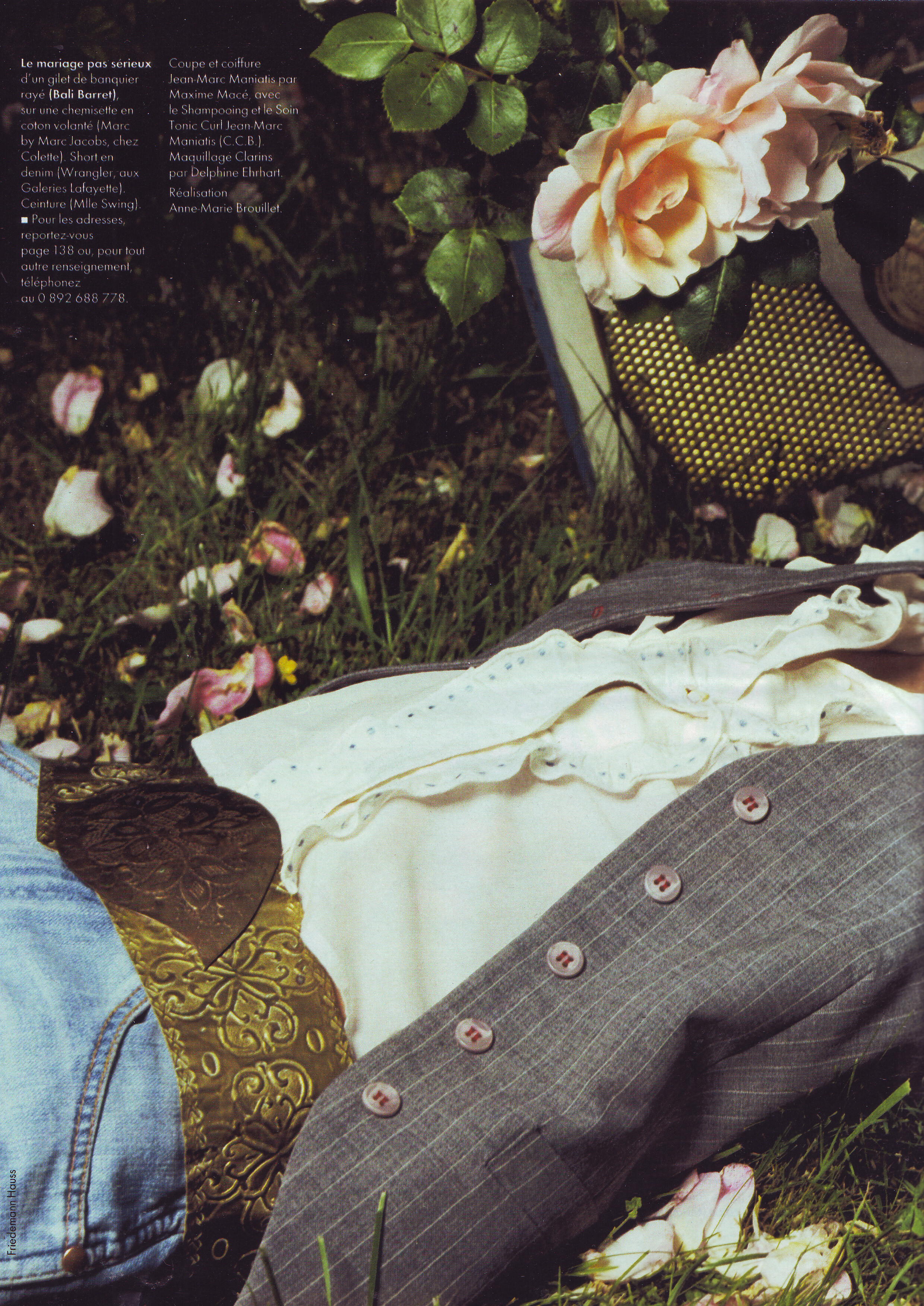
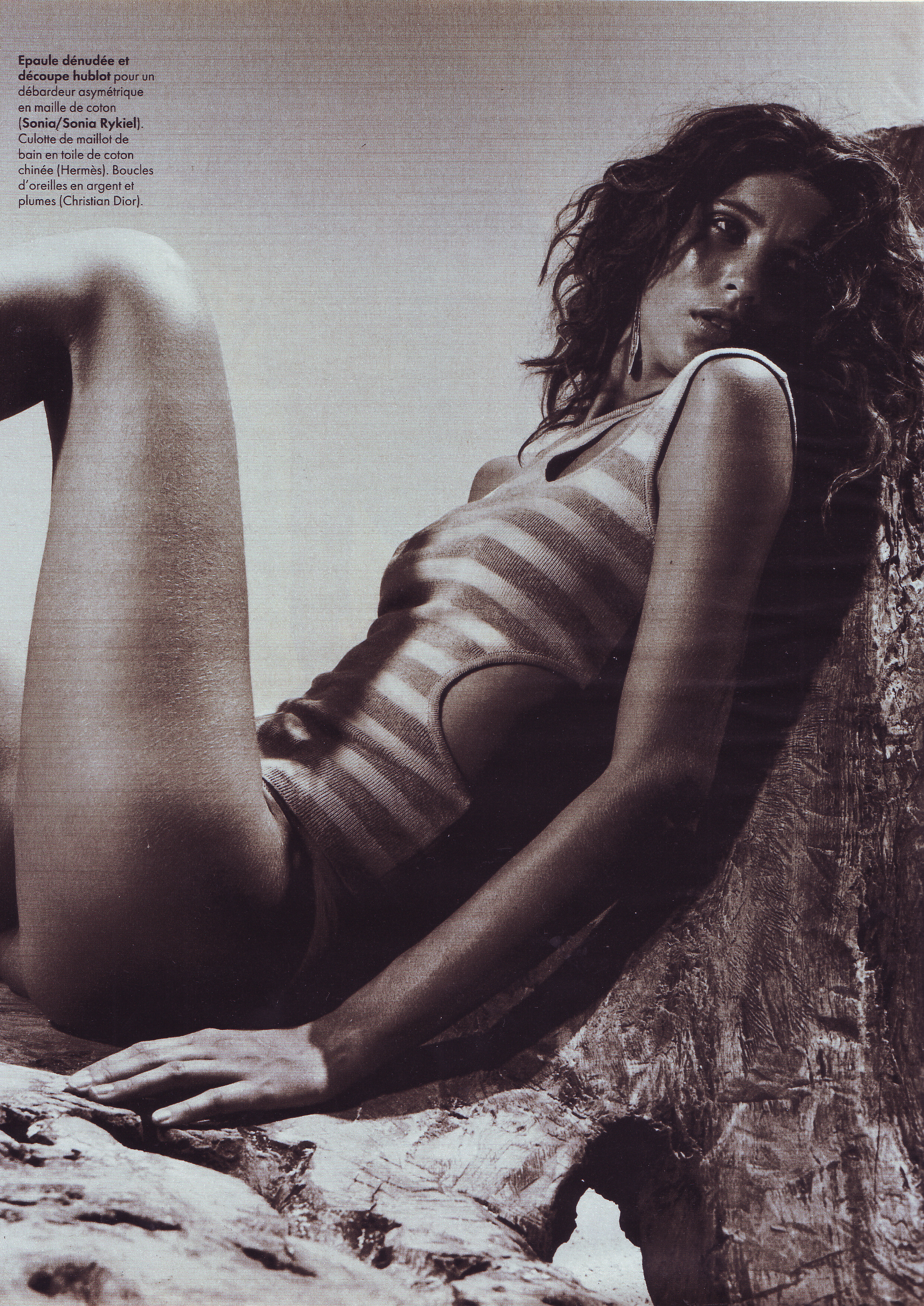
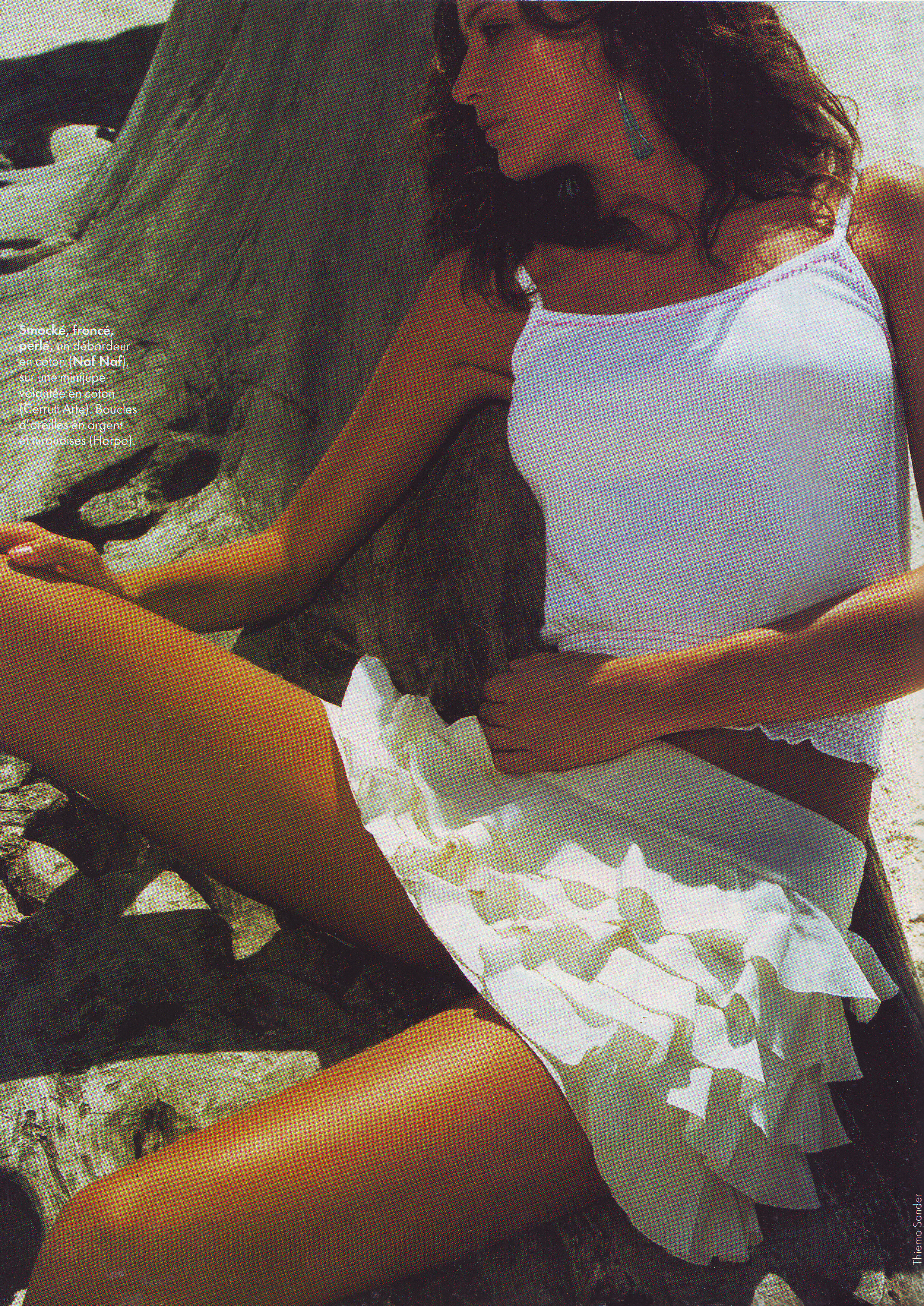
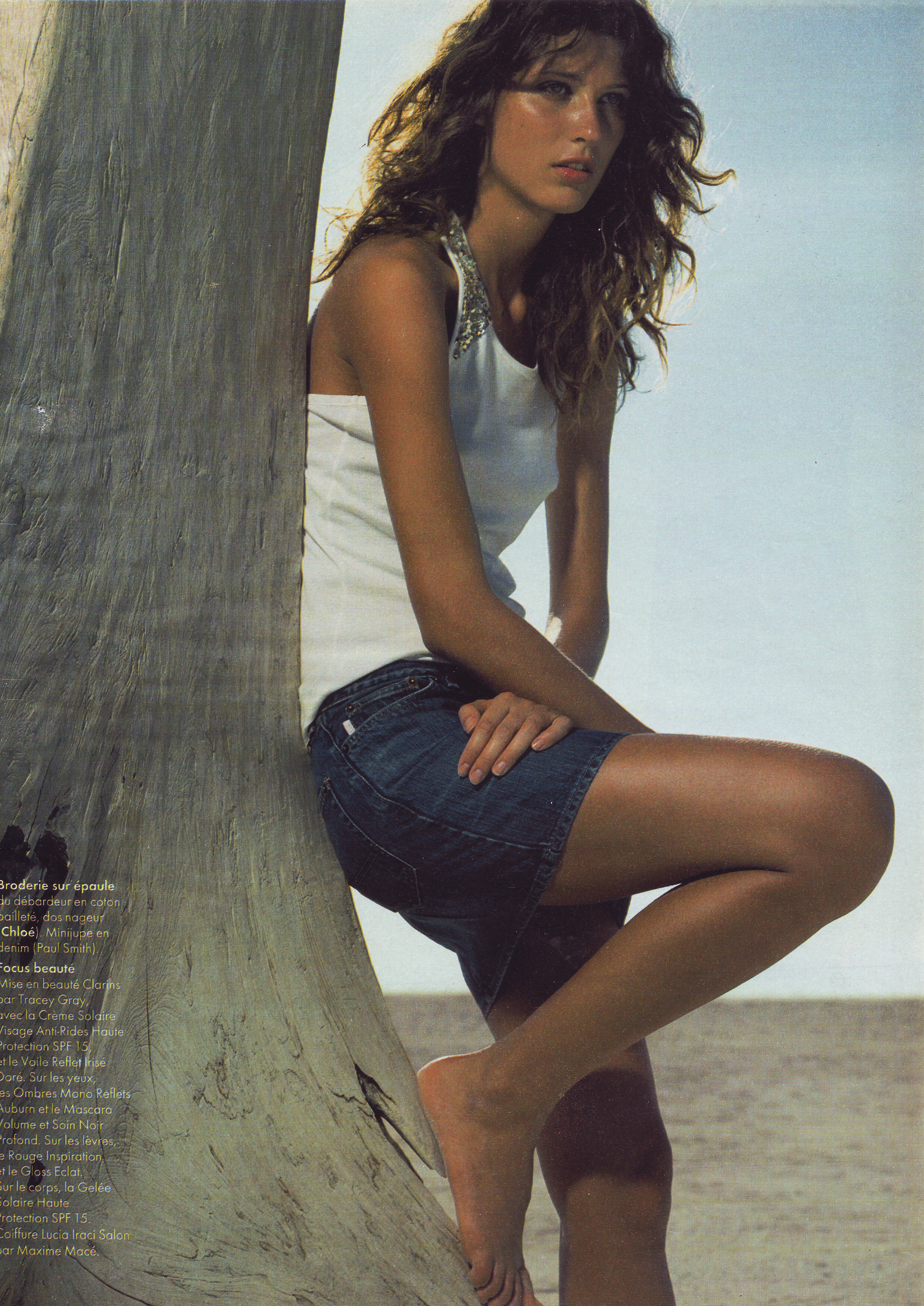
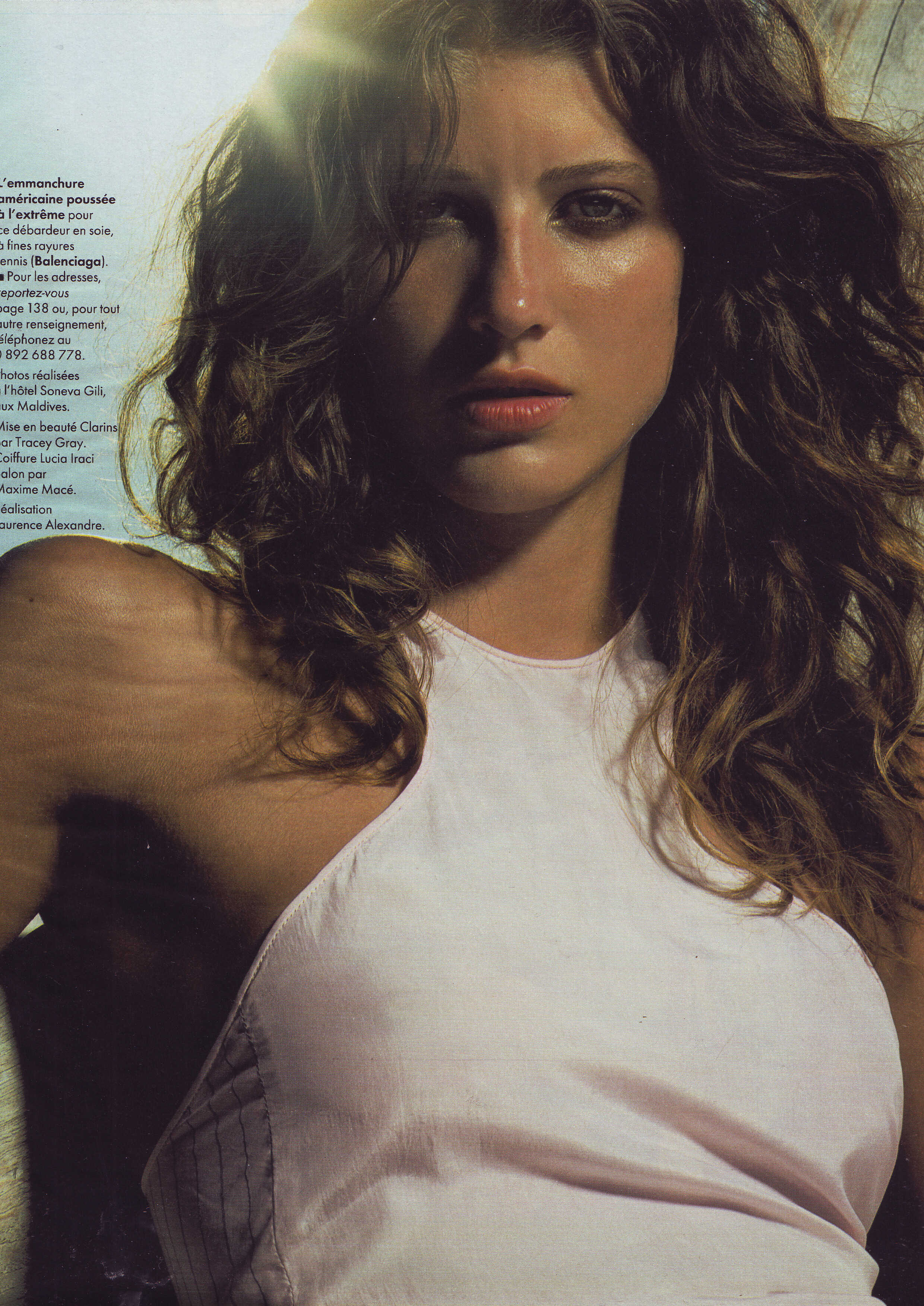
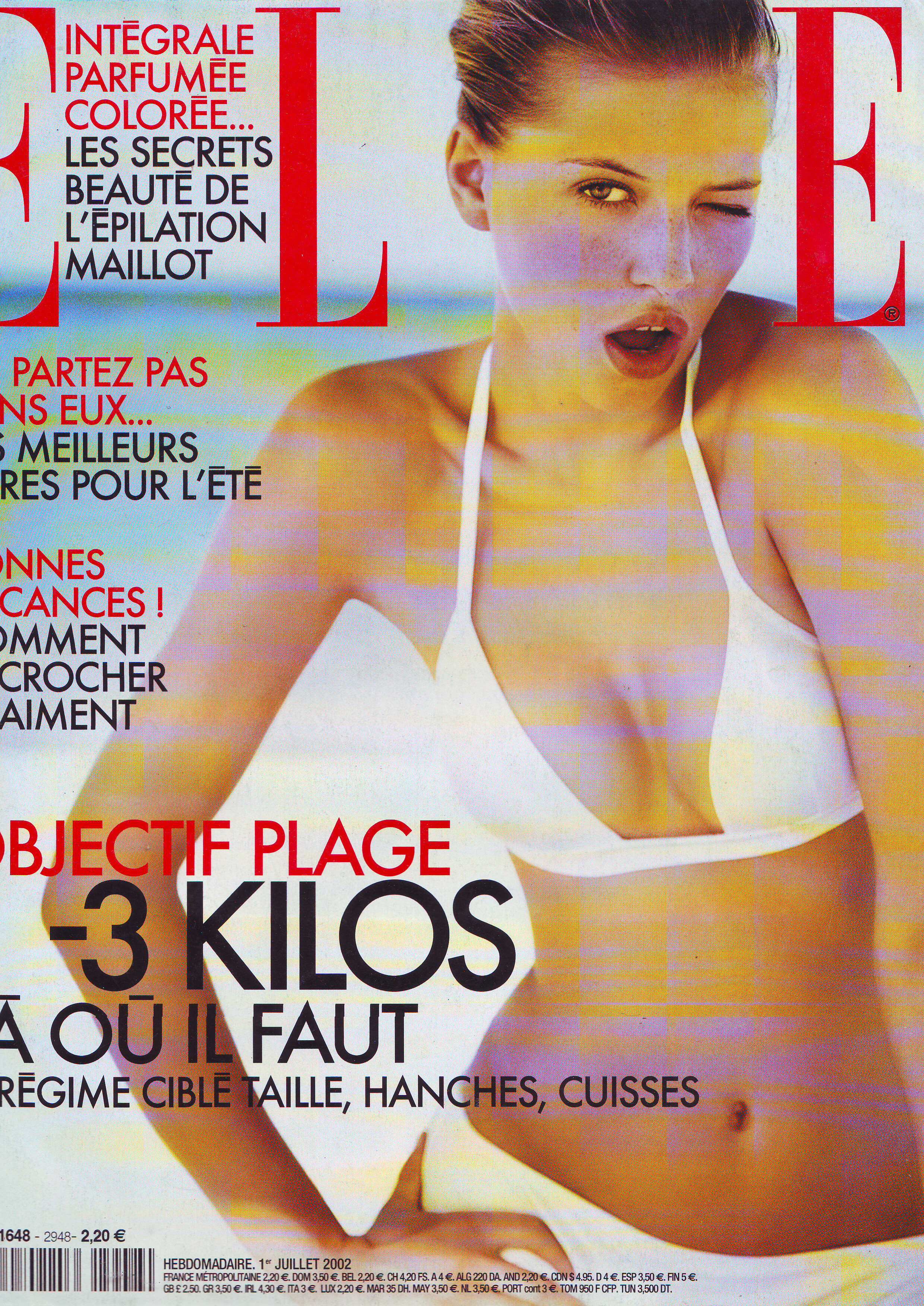
  9. Elle France 21 January 2002 Scanned by me
  10. Elle France 21 January 2002 Scanned by me cover actress Penelope Cruz model Michelle Hicks
  11. Avon Serbia 17 January 2019
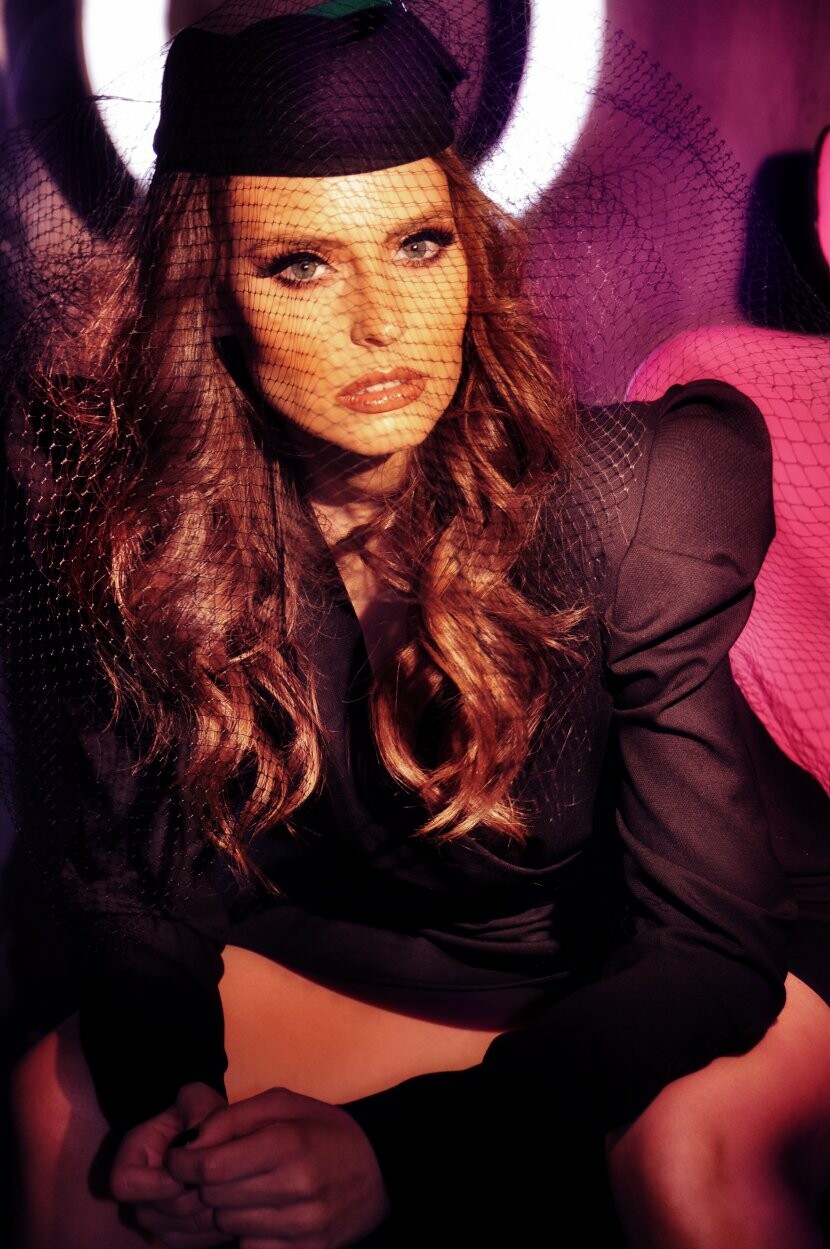
  12. Freundin Germany 23 January 2019

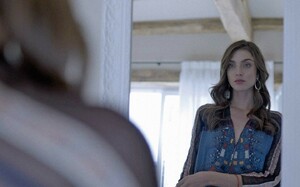
  13. Le menagement Silent models New York Height 175 Size 34 // 36 Bust 81 Waist 61 Hips 87 Shoes 39 // 40 Eyes Brown Hair Brown Category Image
  14. Freundin Germany 23 January 2019
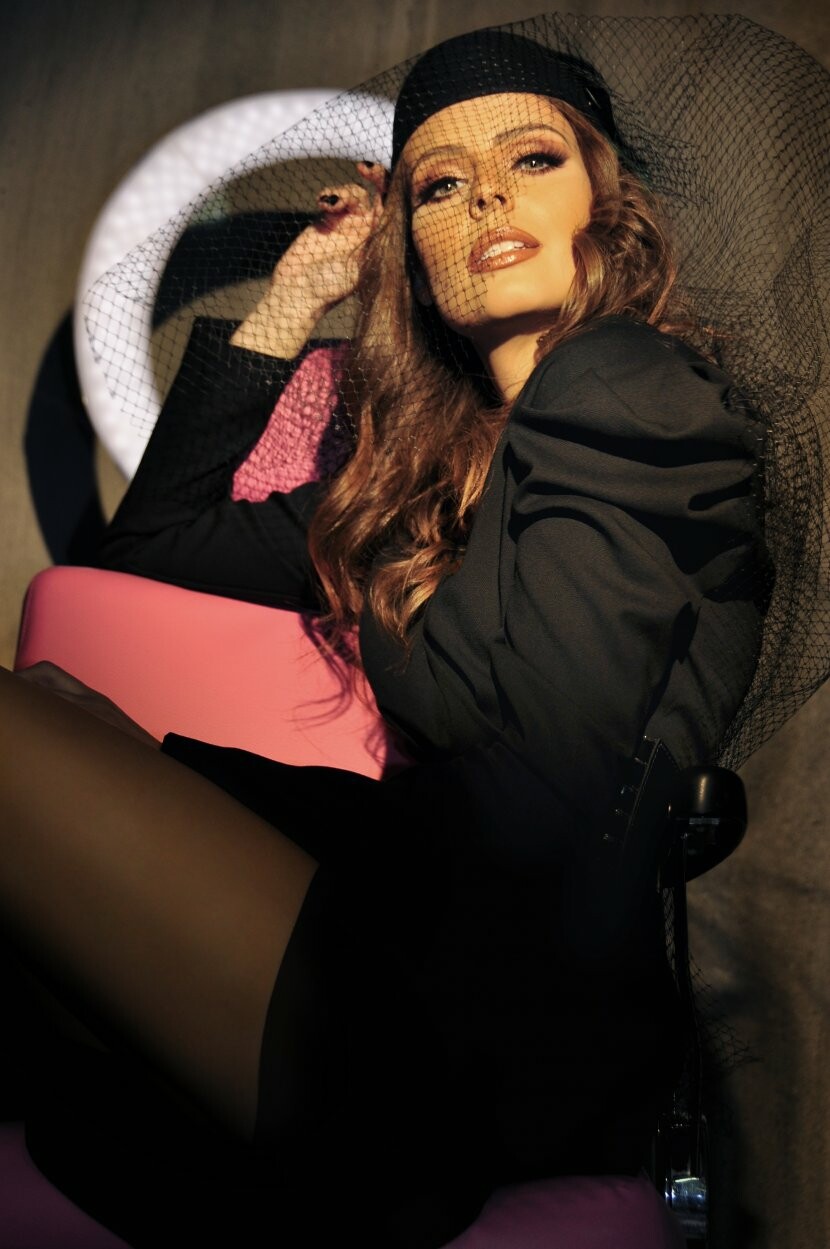
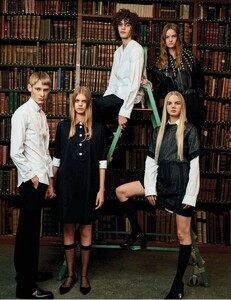
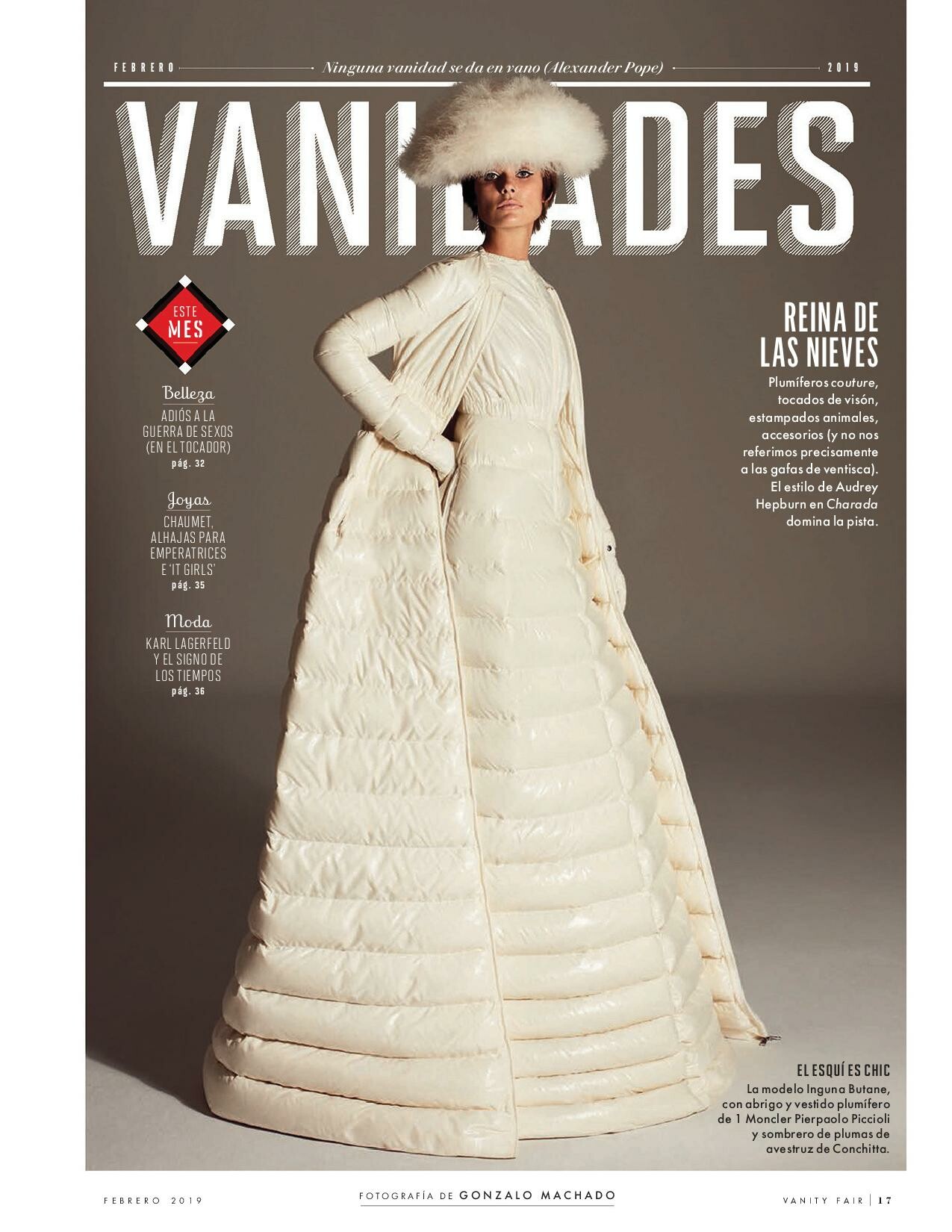
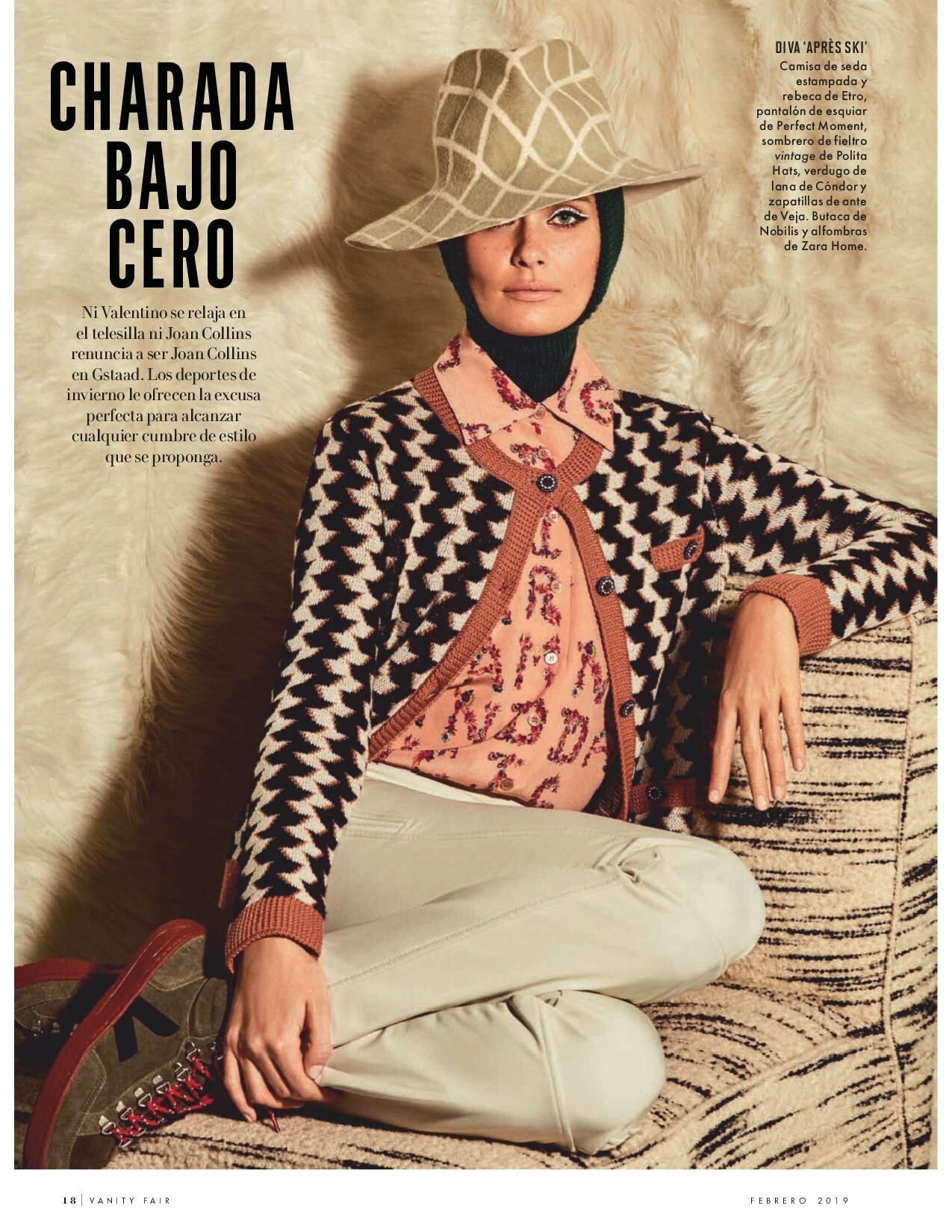
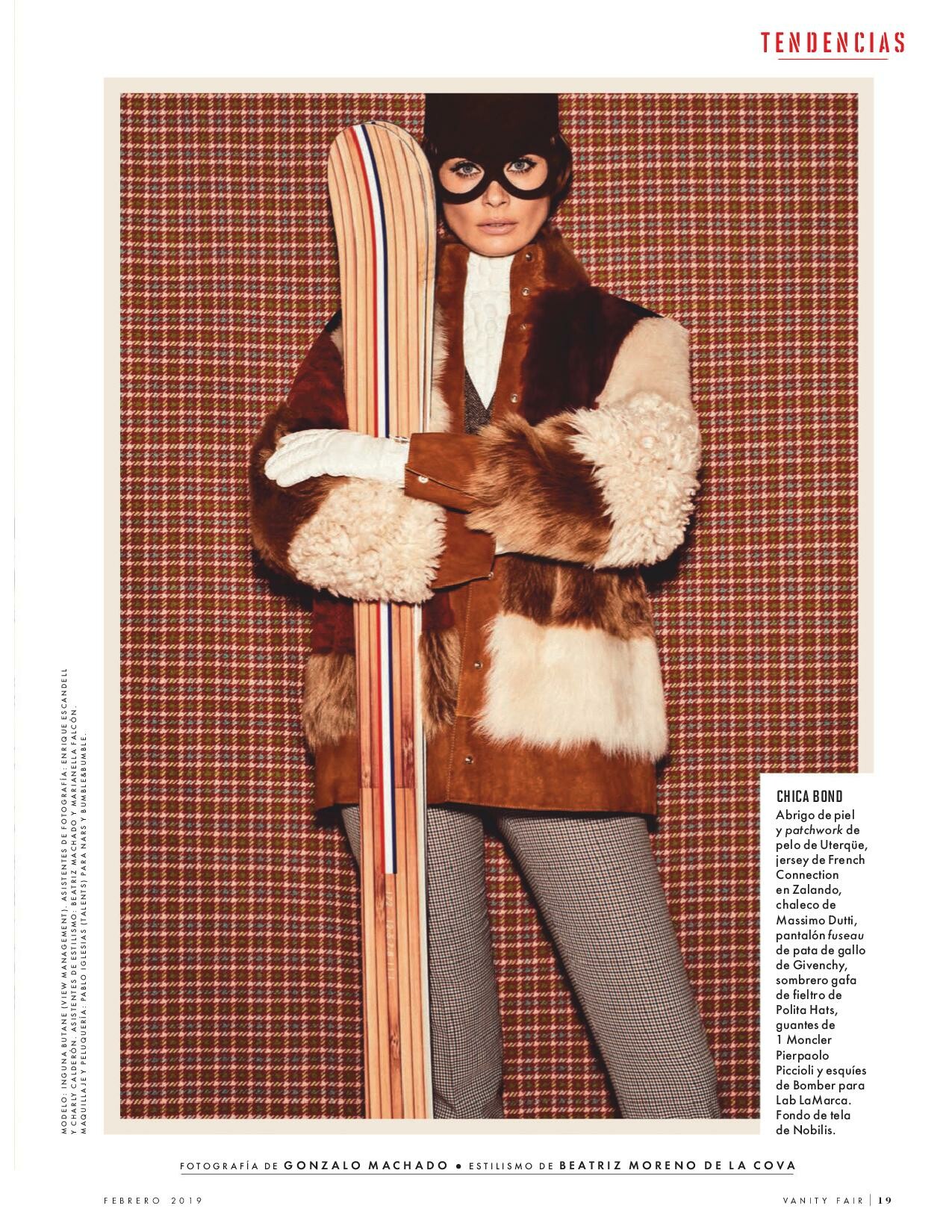
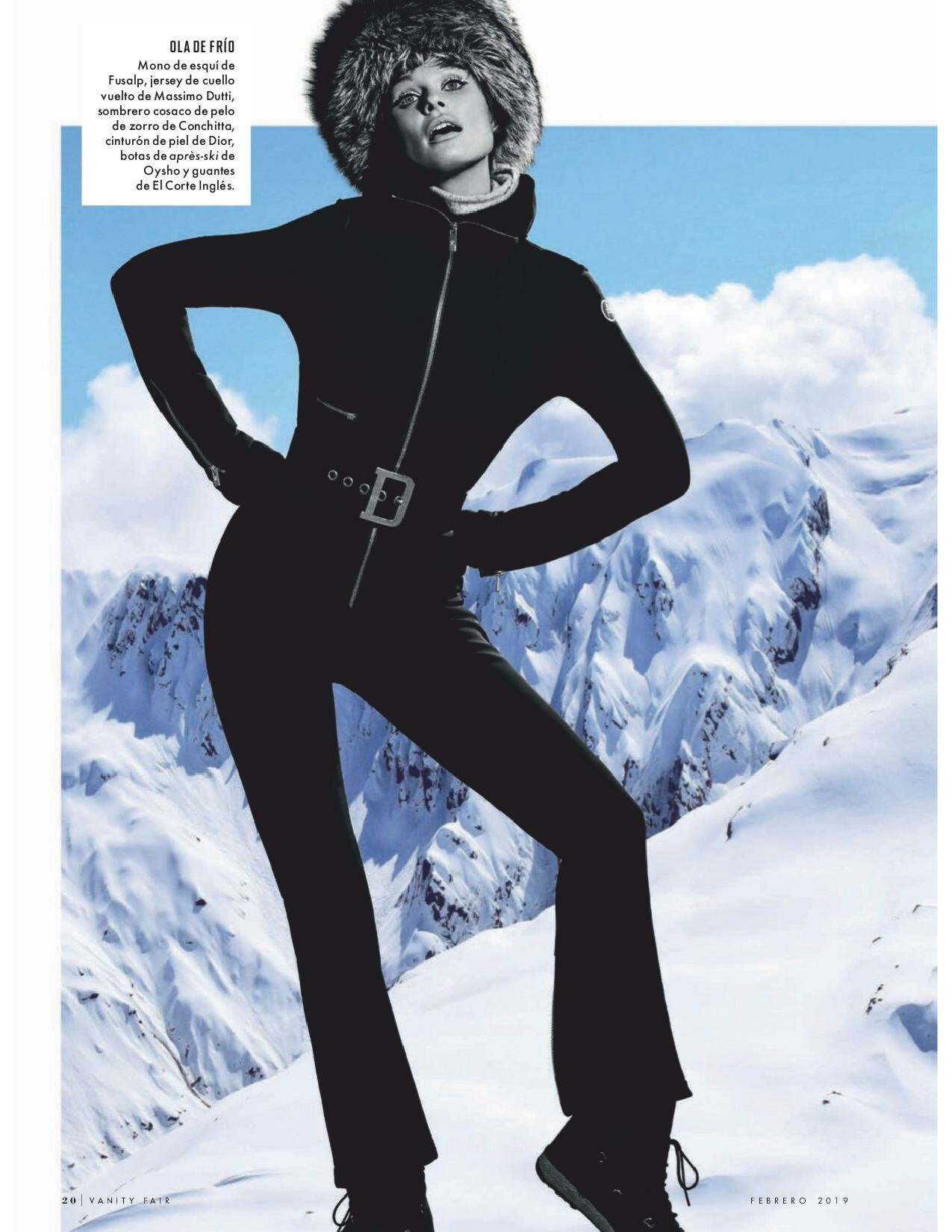
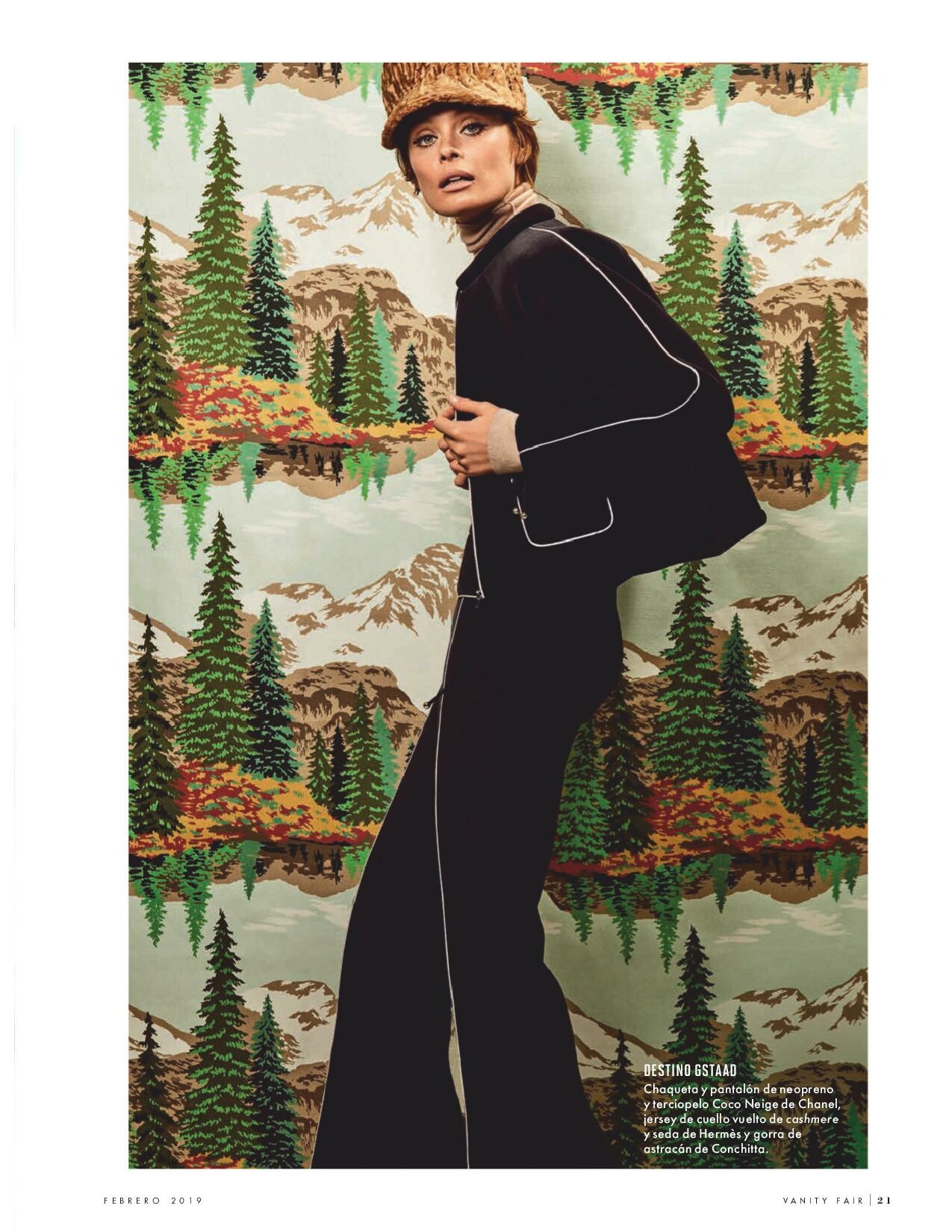
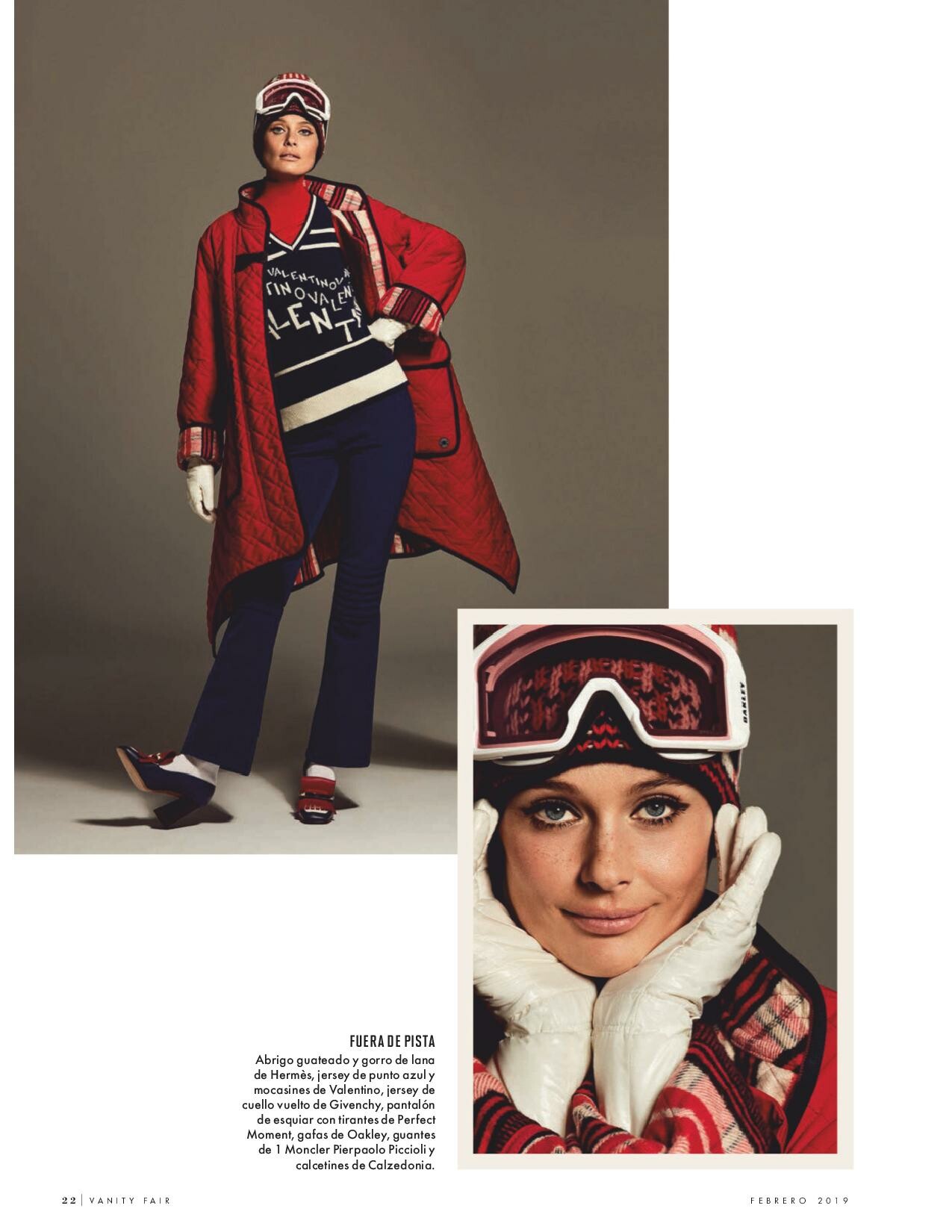
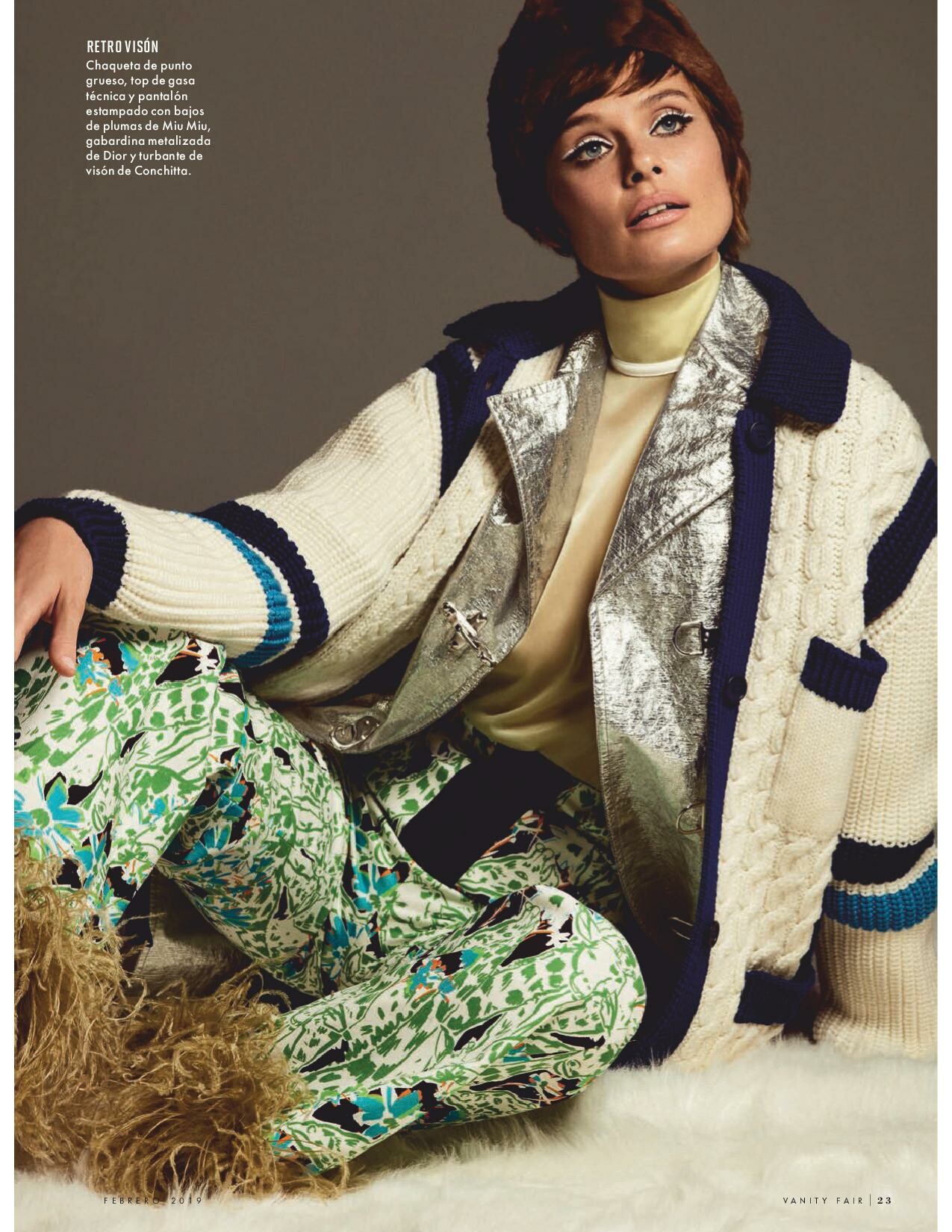
  15. Vanity fair France February 2019
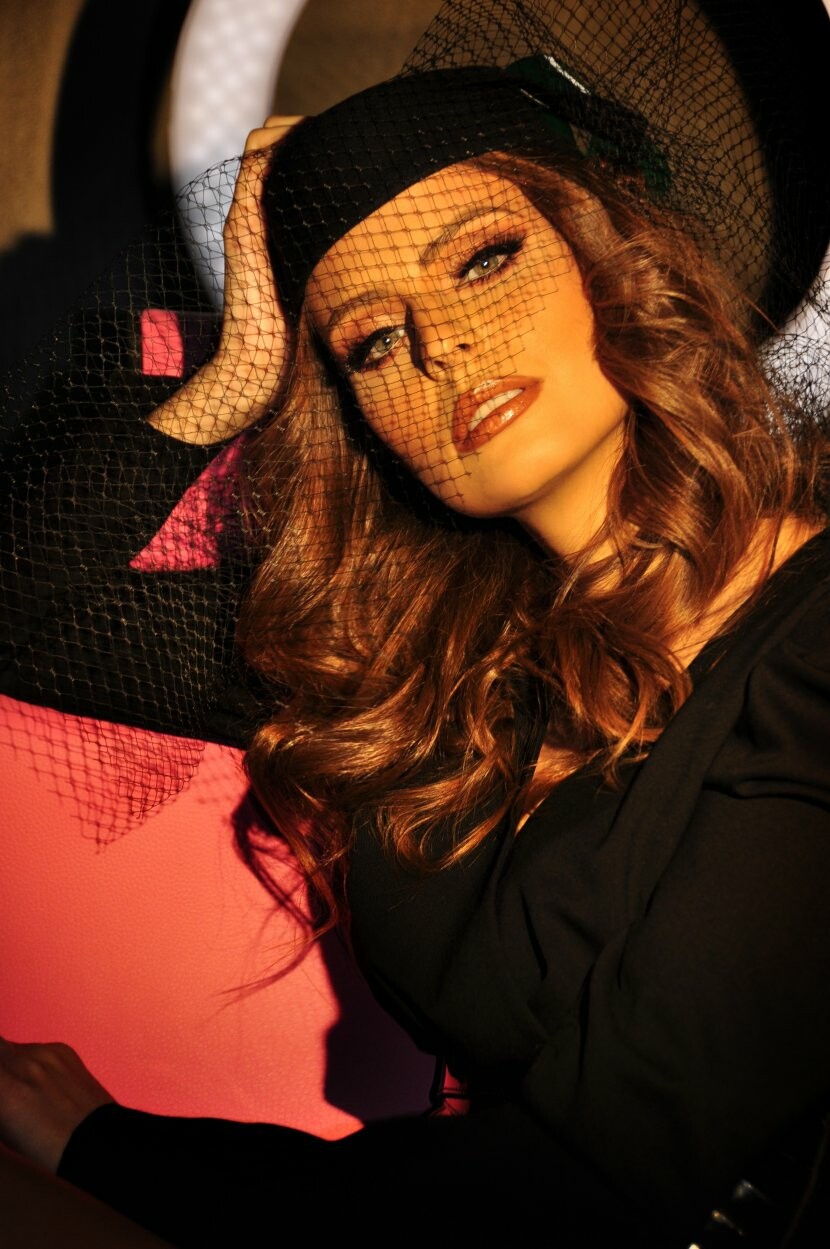
  16. Vanity fair France February 2019
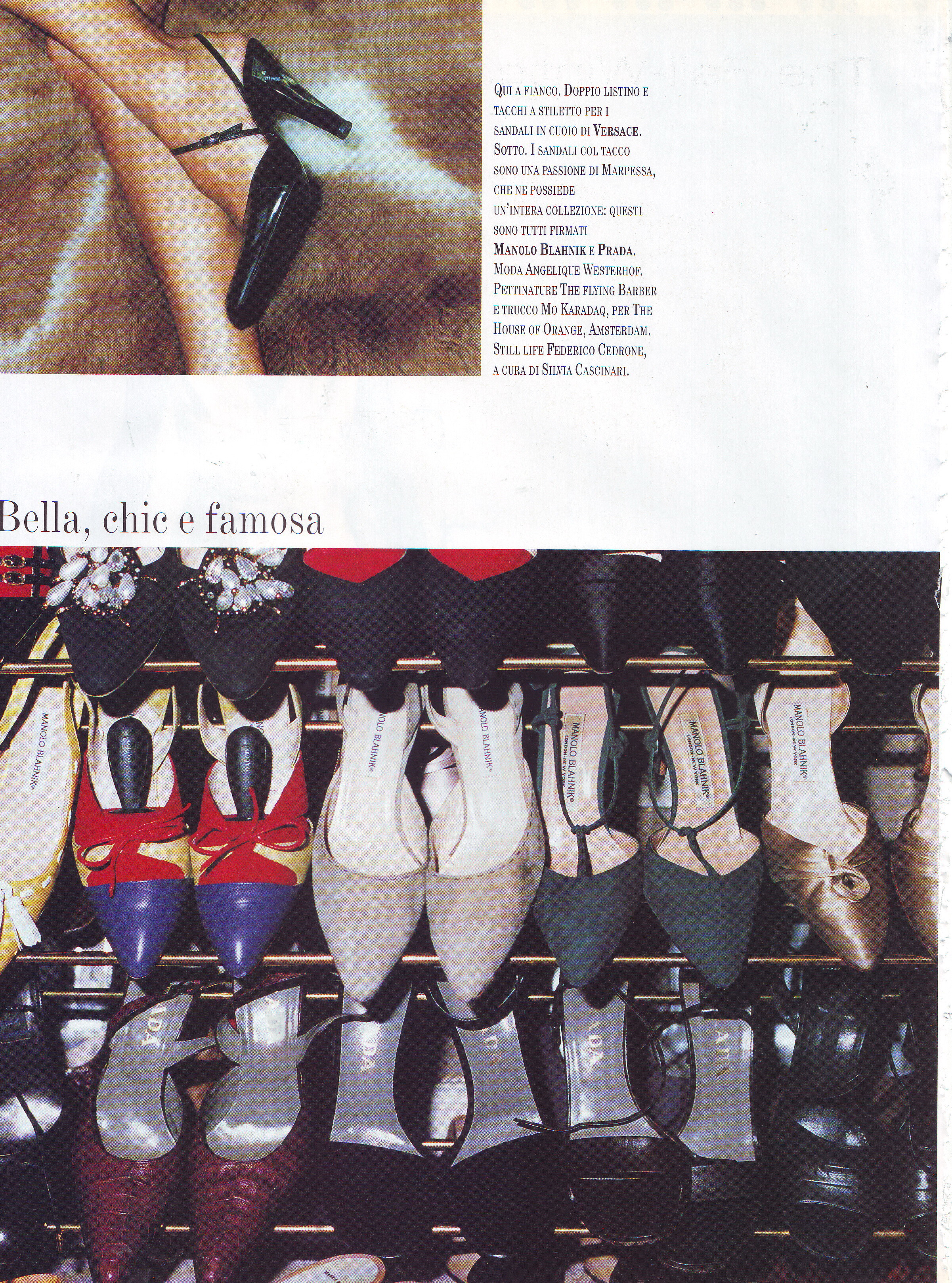
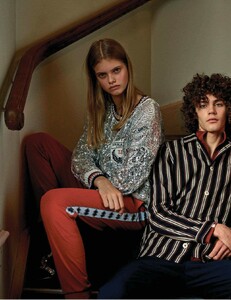
  17. Vanity fair Italy 30 January 2019
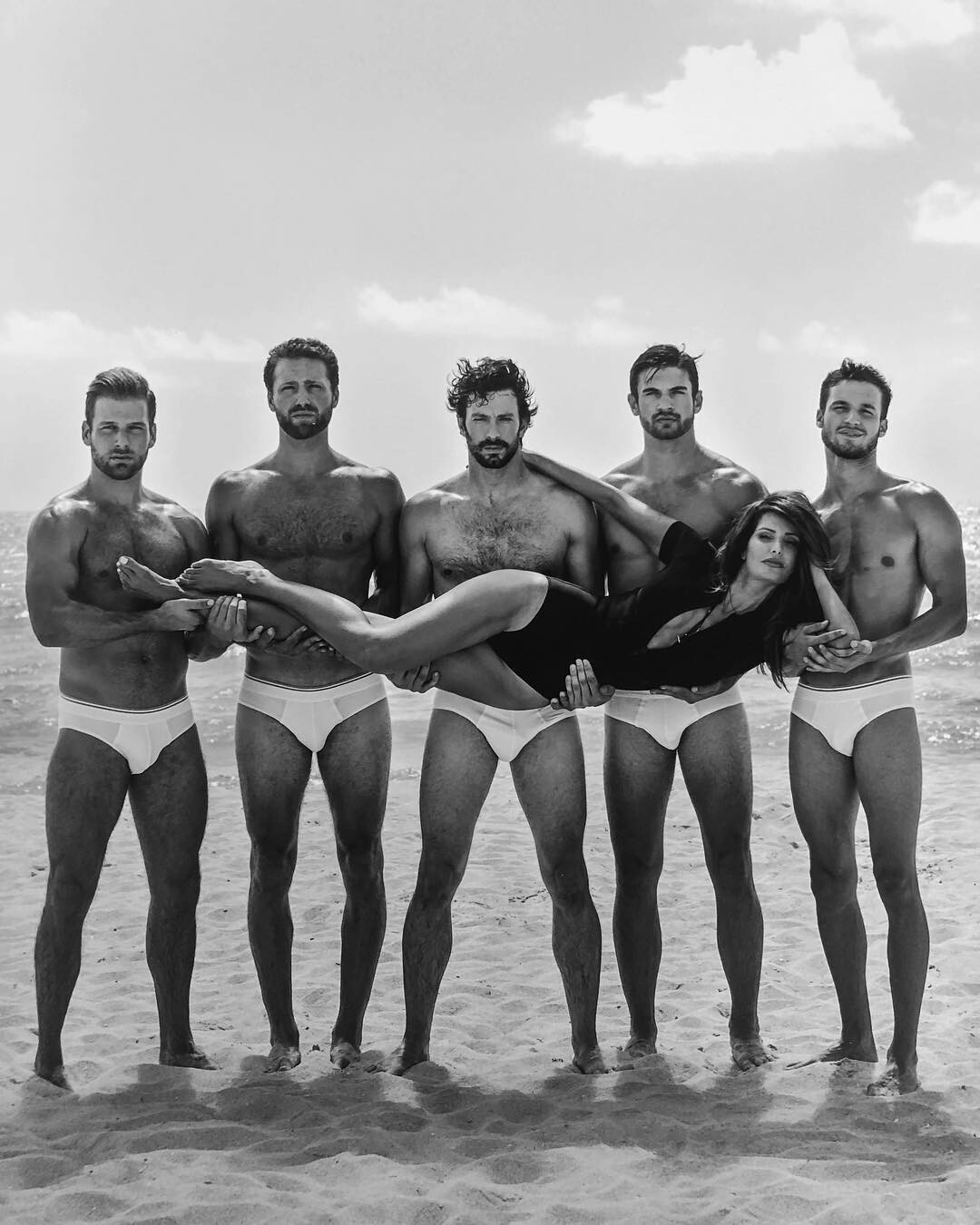
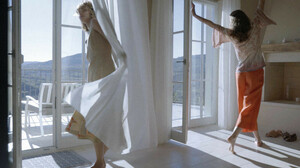
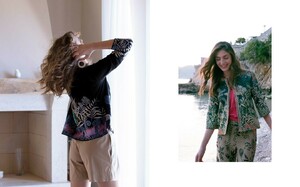
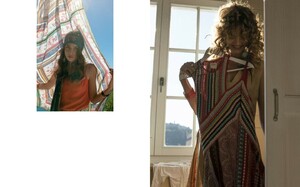
  18. Elle France 25 January 2019
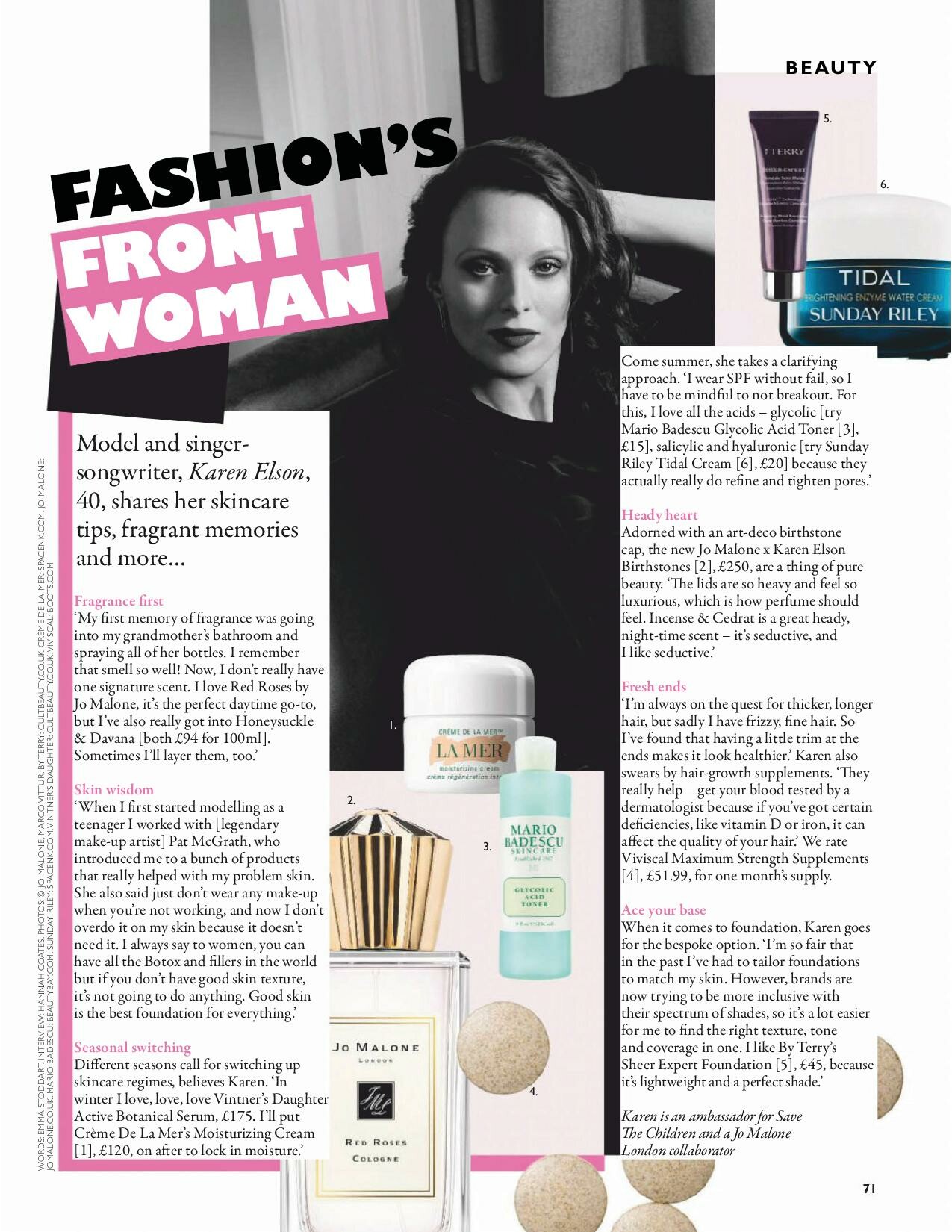
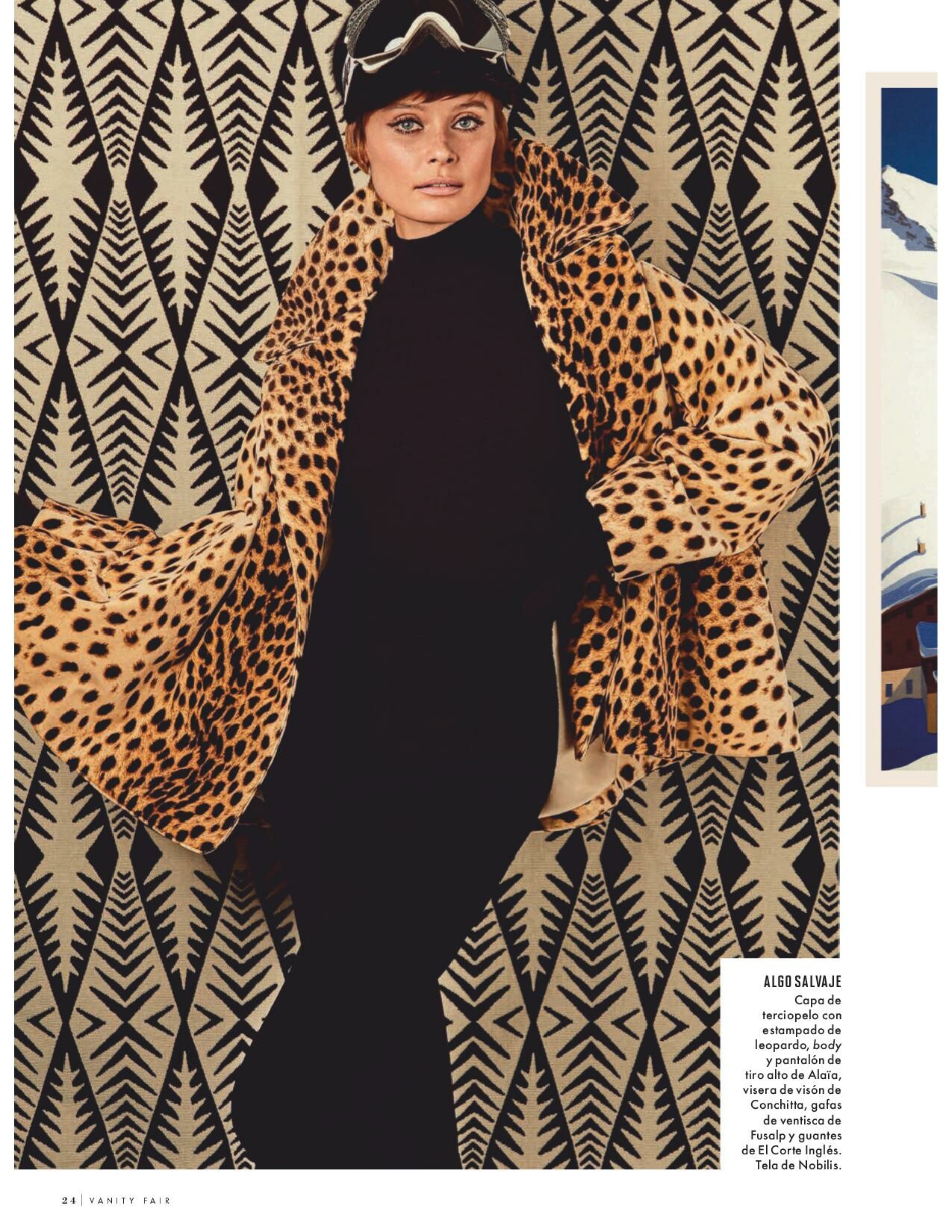
  19. Hola Spain 23 January 2019
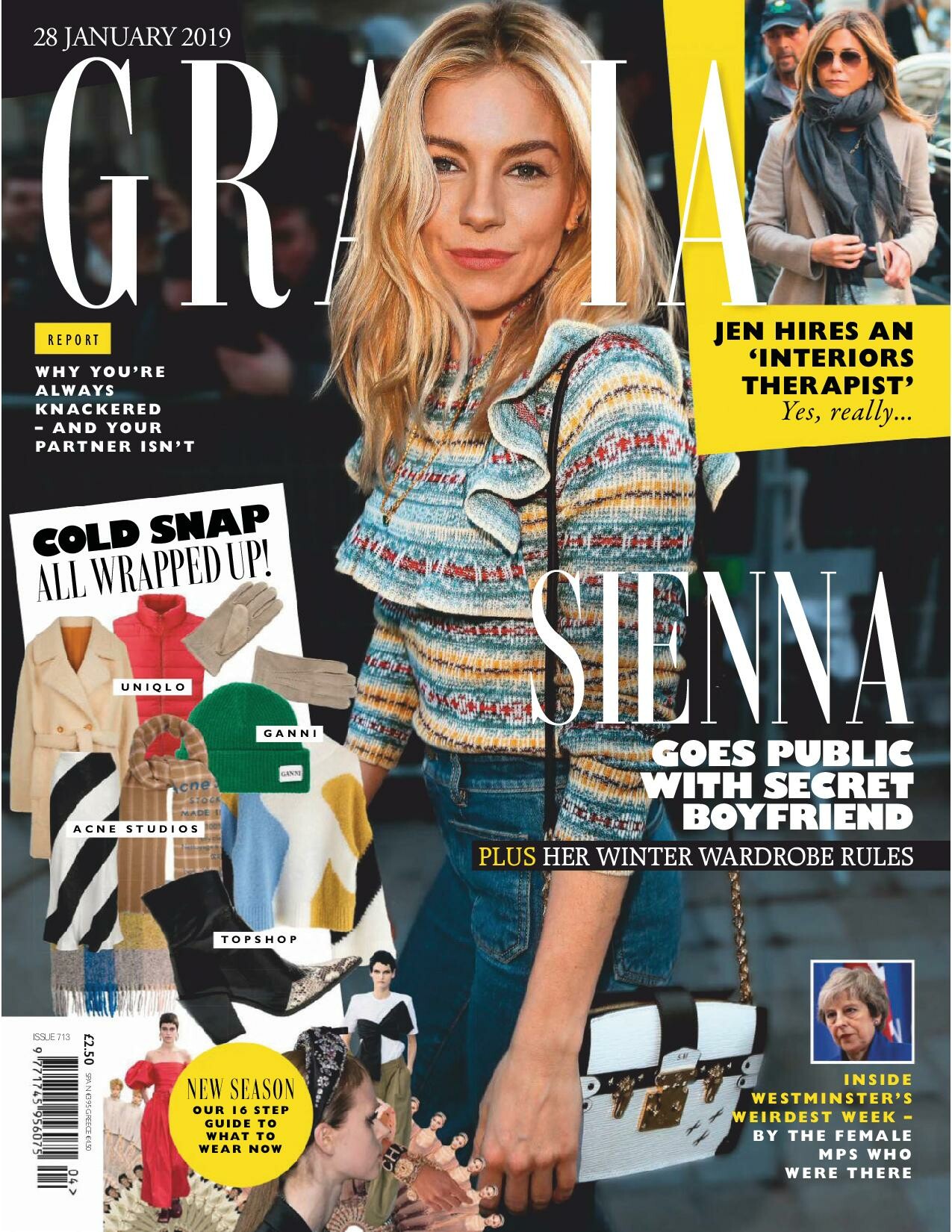
  20. Elle France 25 January 2019
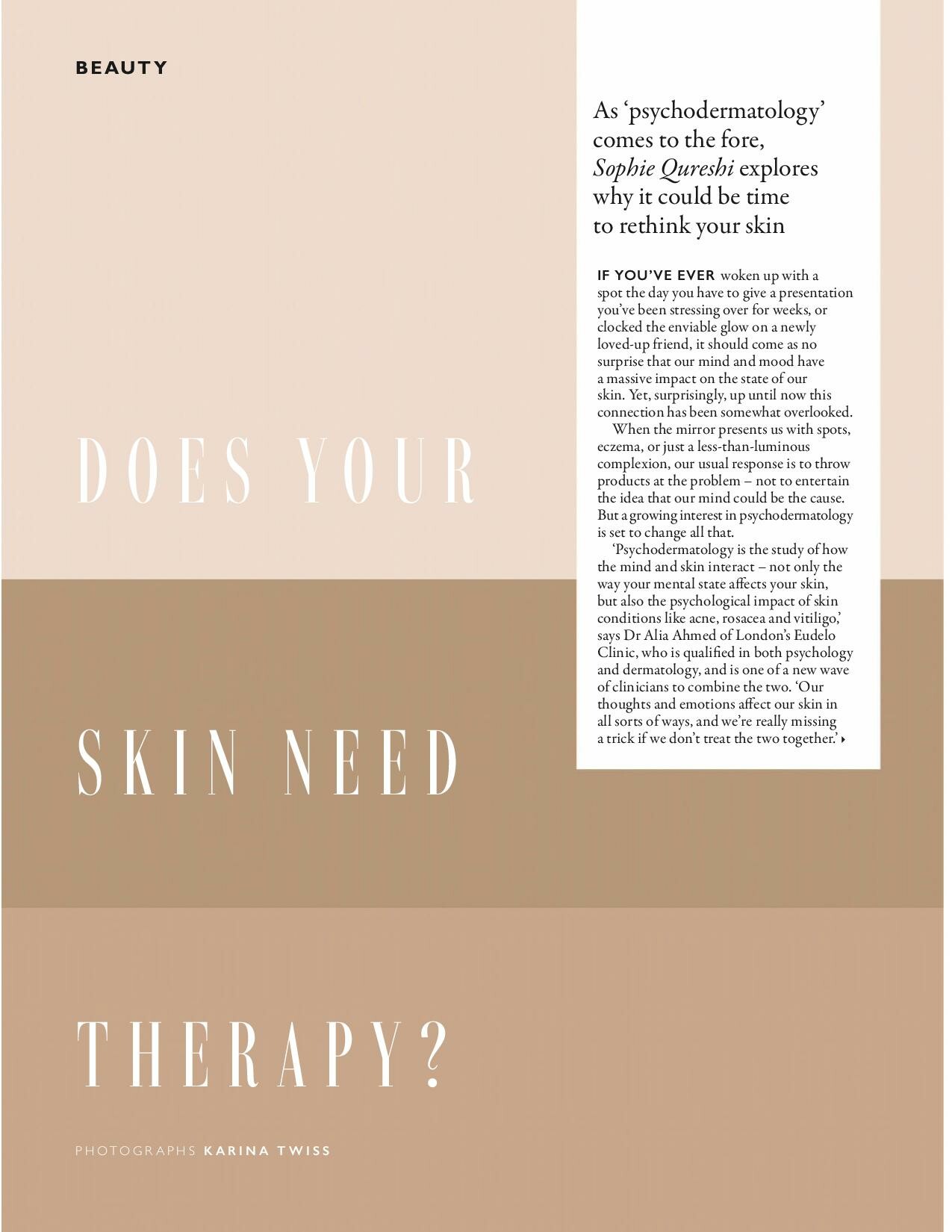
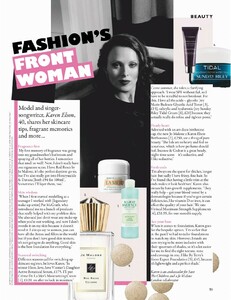
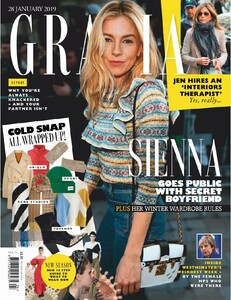
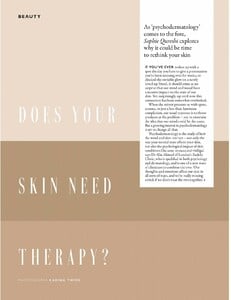
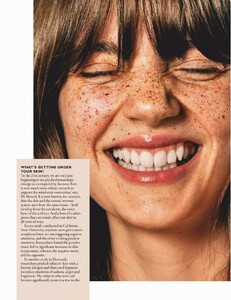
  21. Grazia UK 21 January 2019
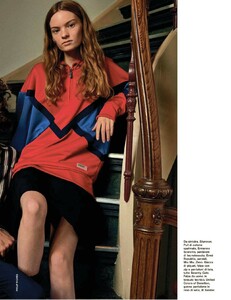
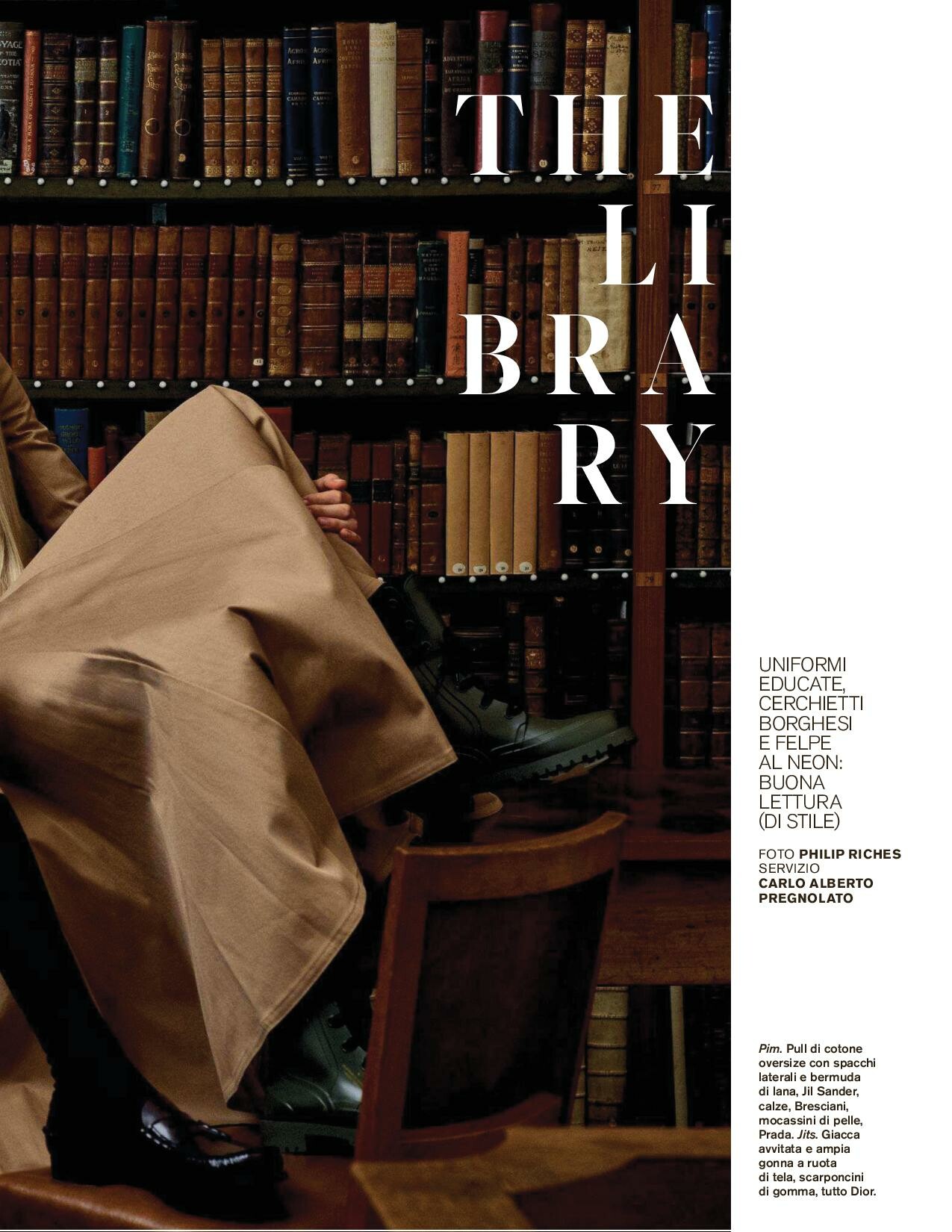
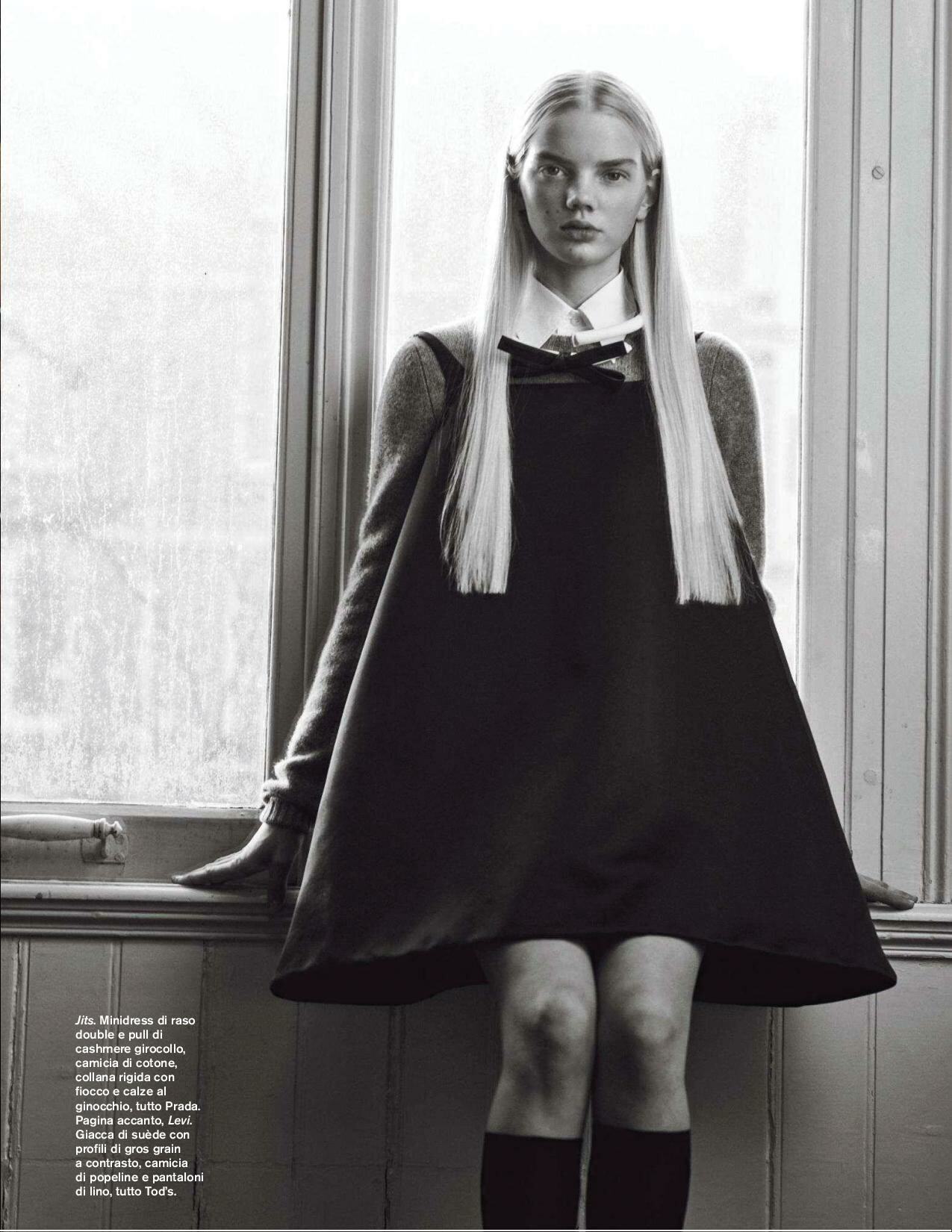
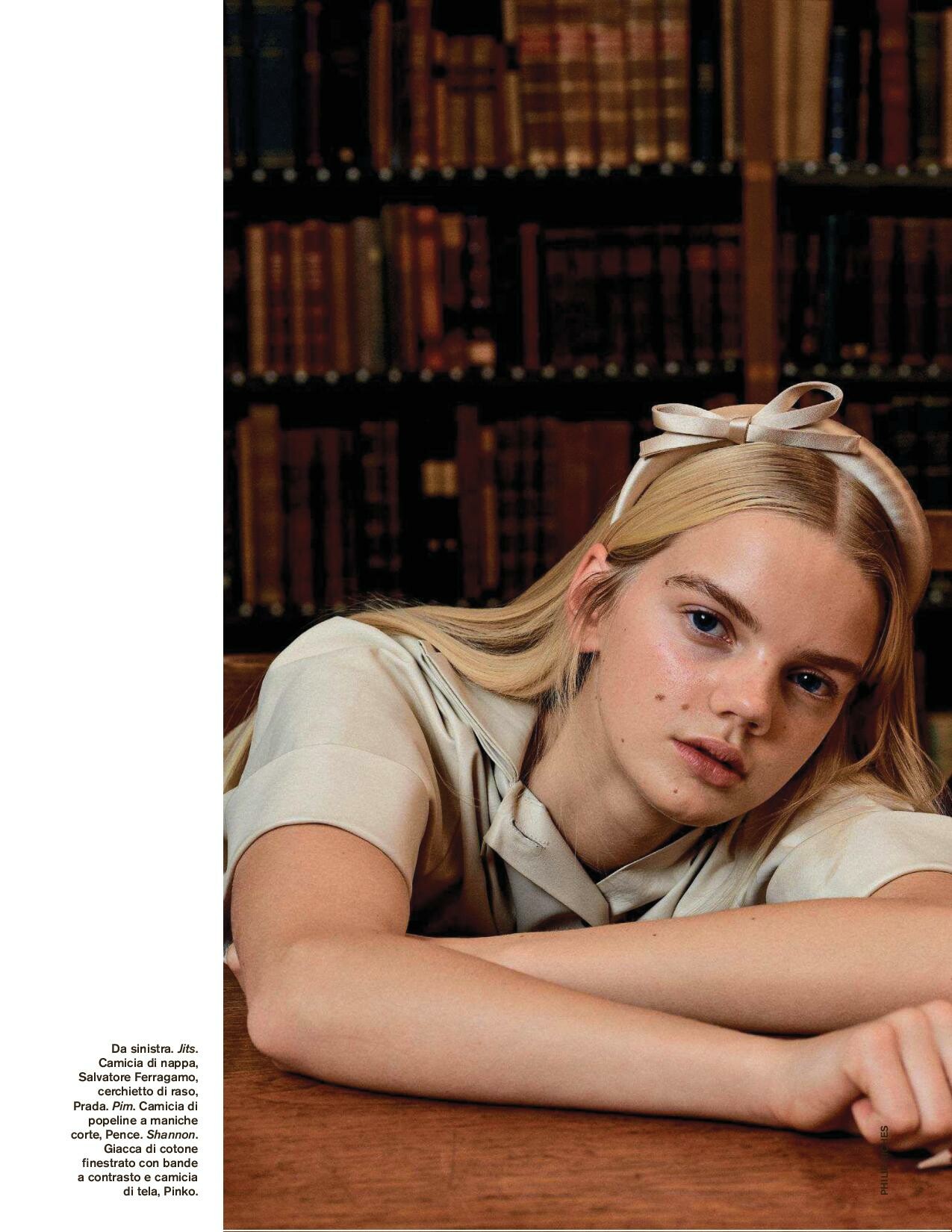
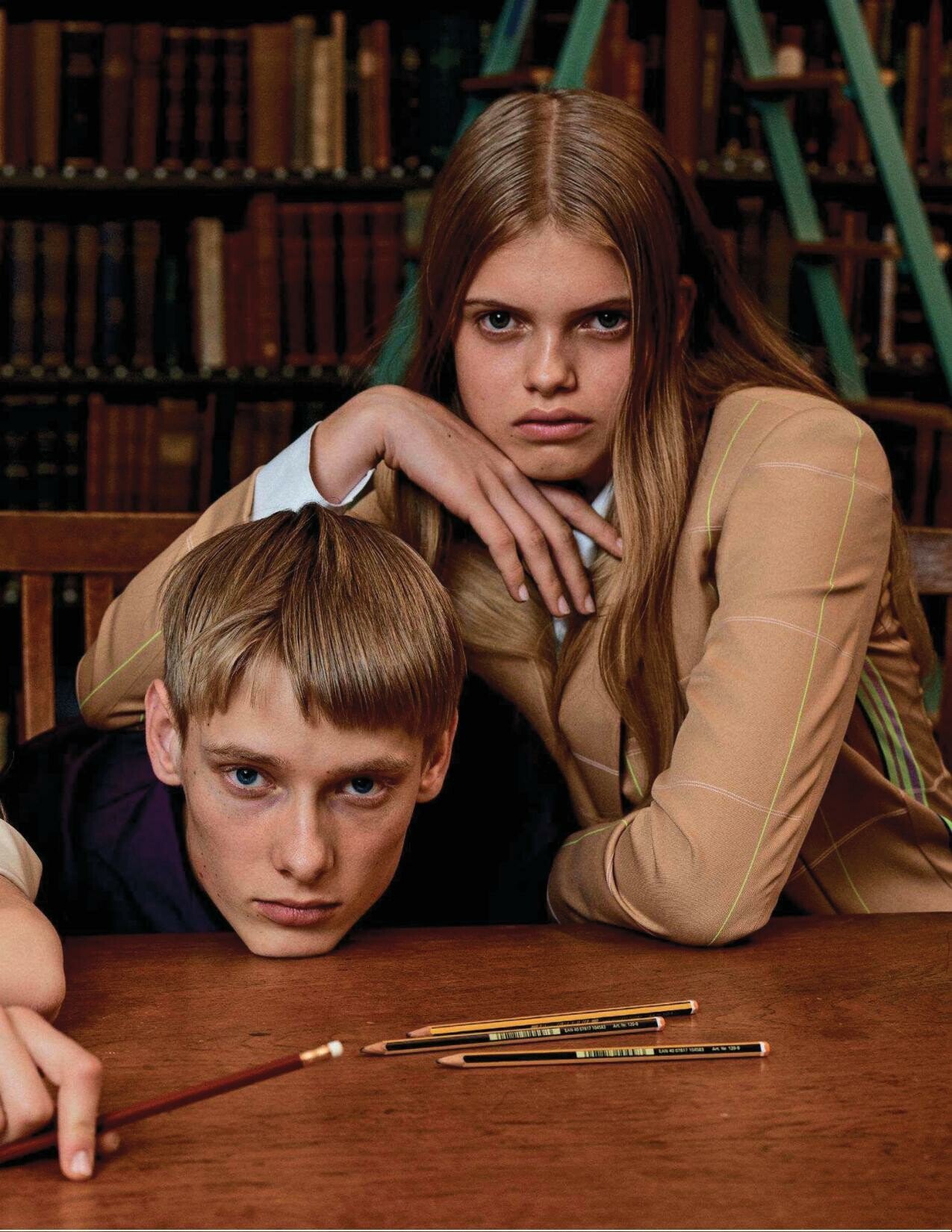
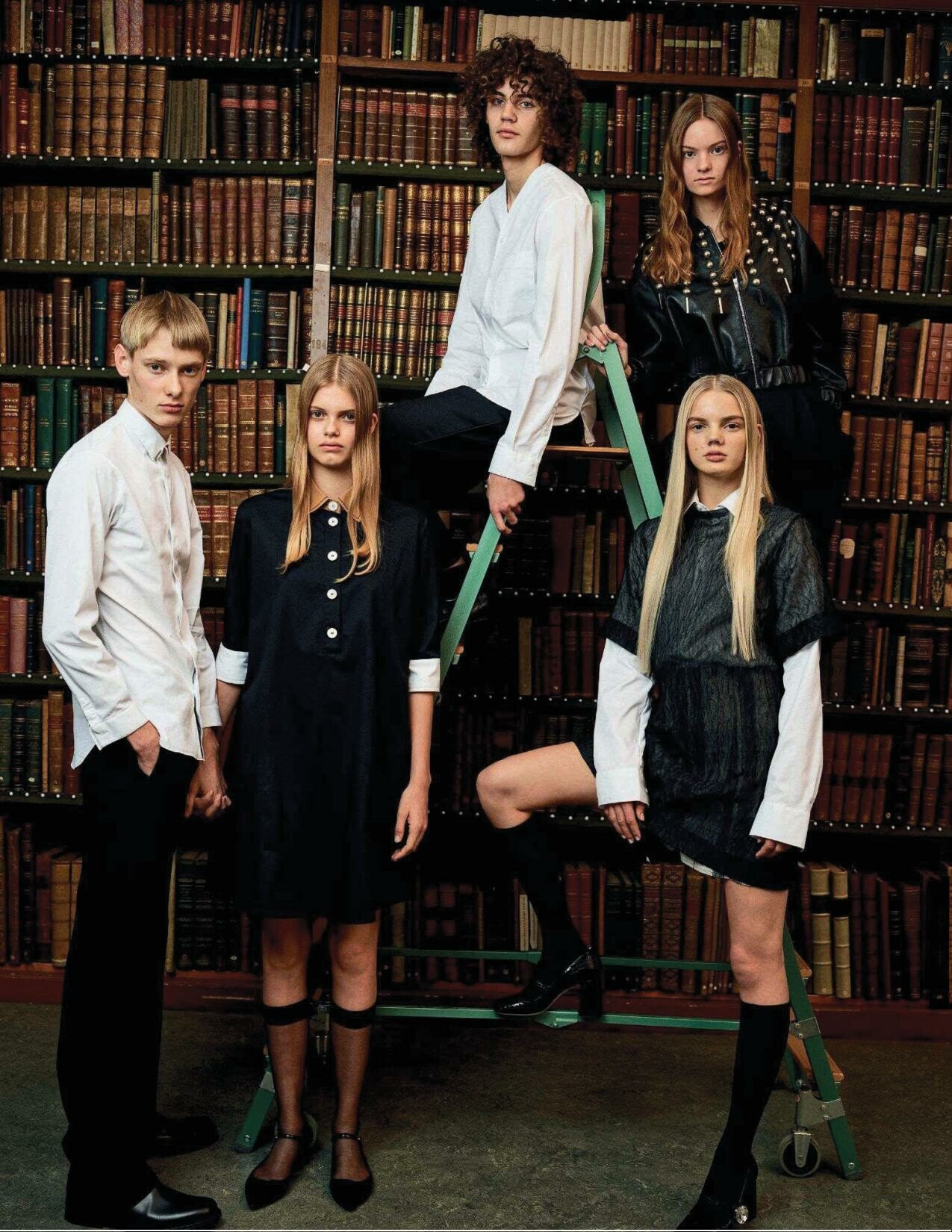
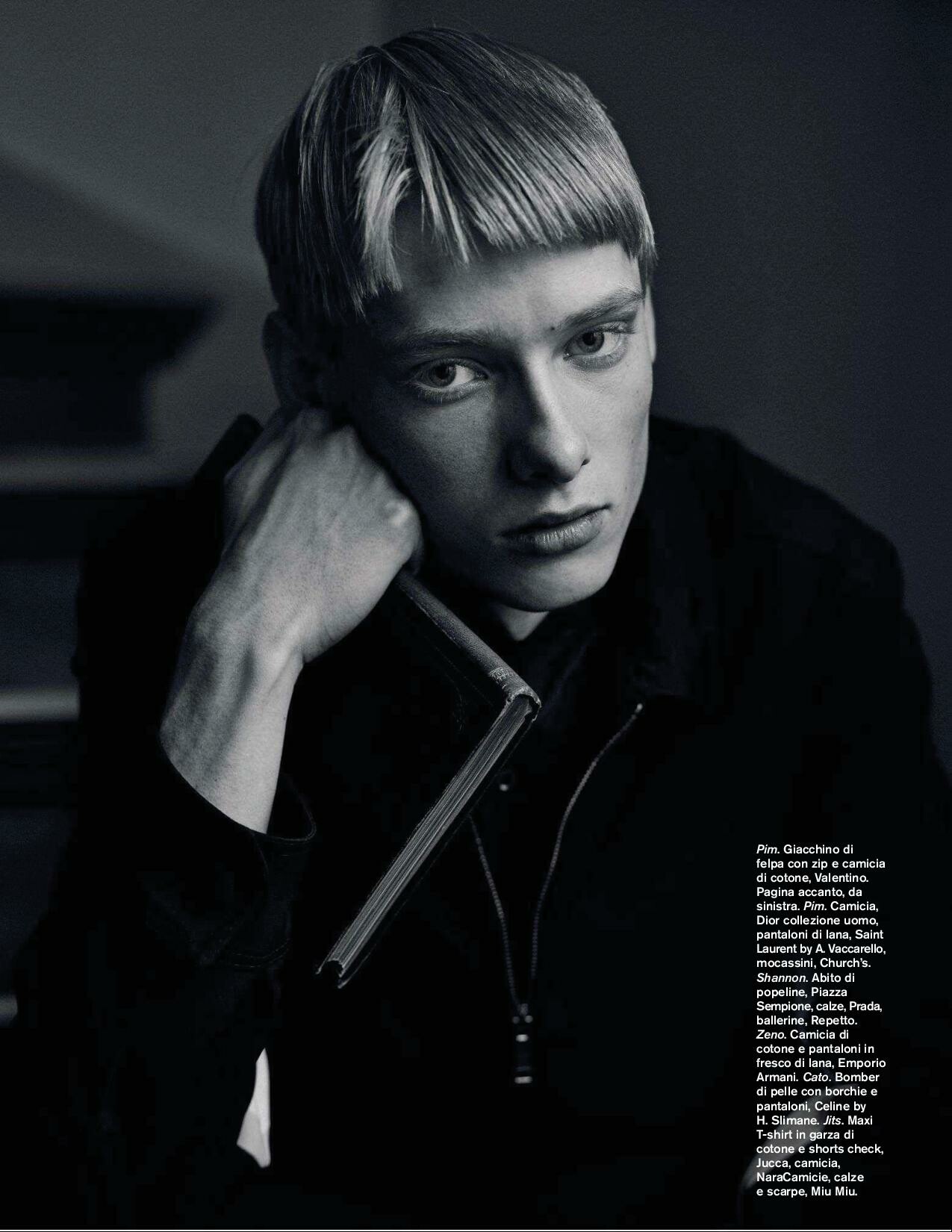
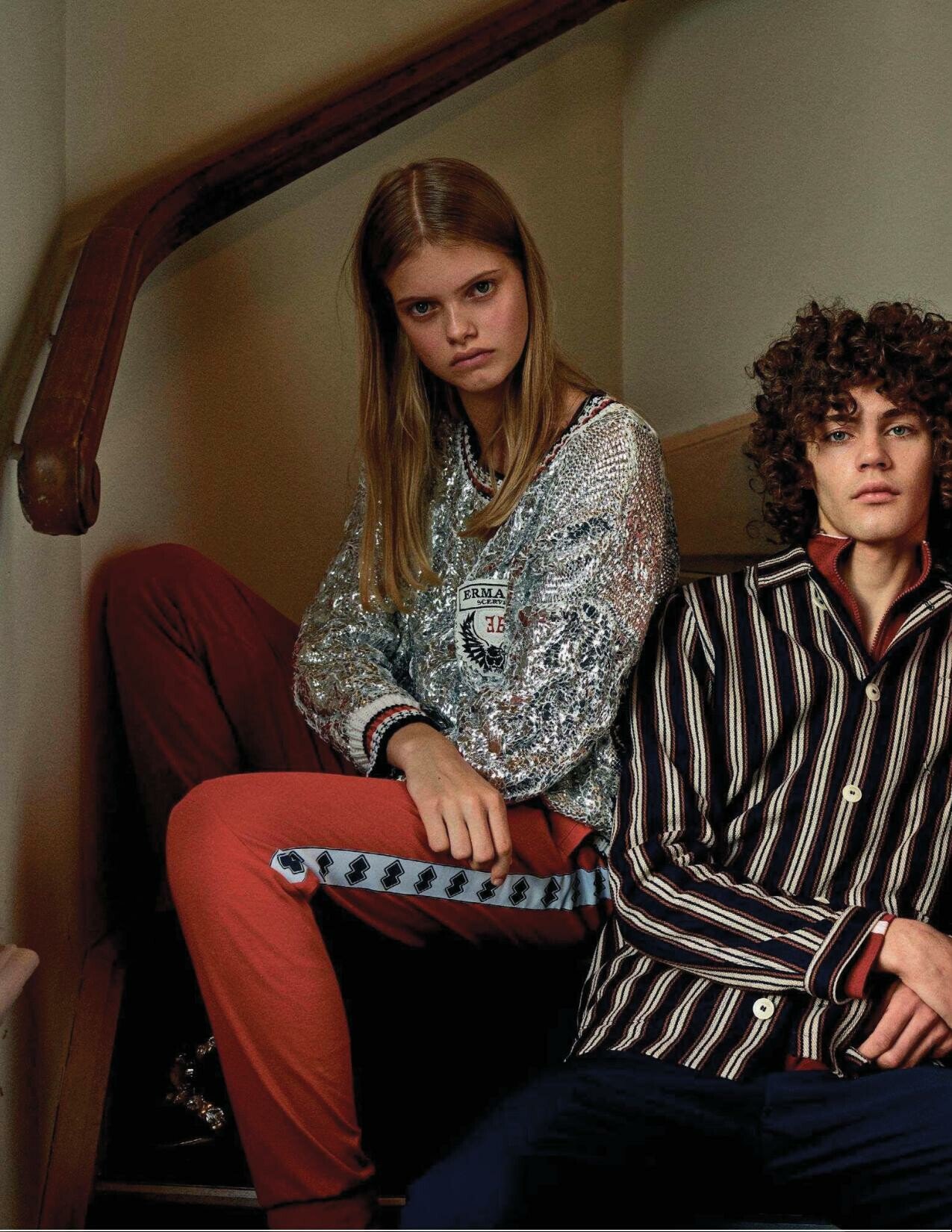
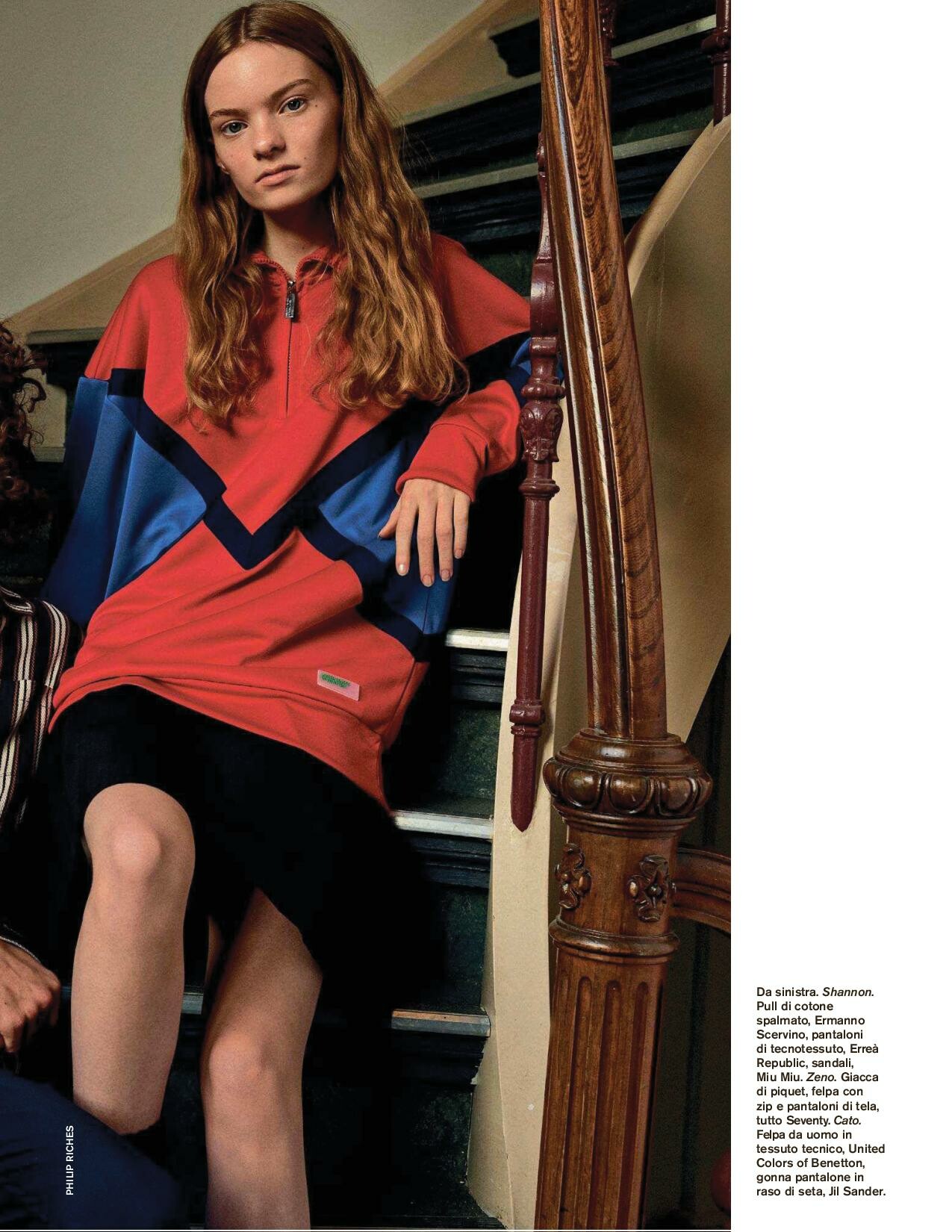
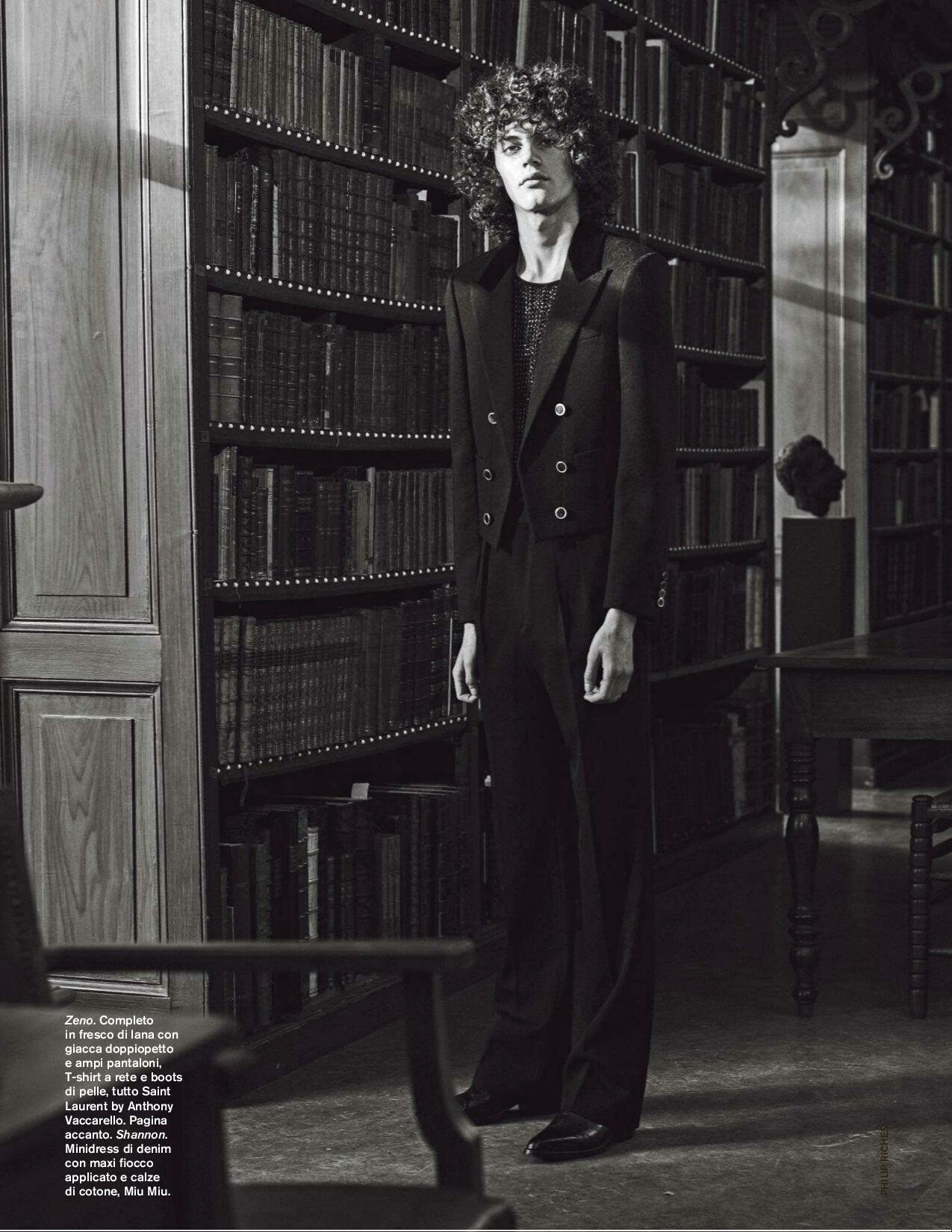
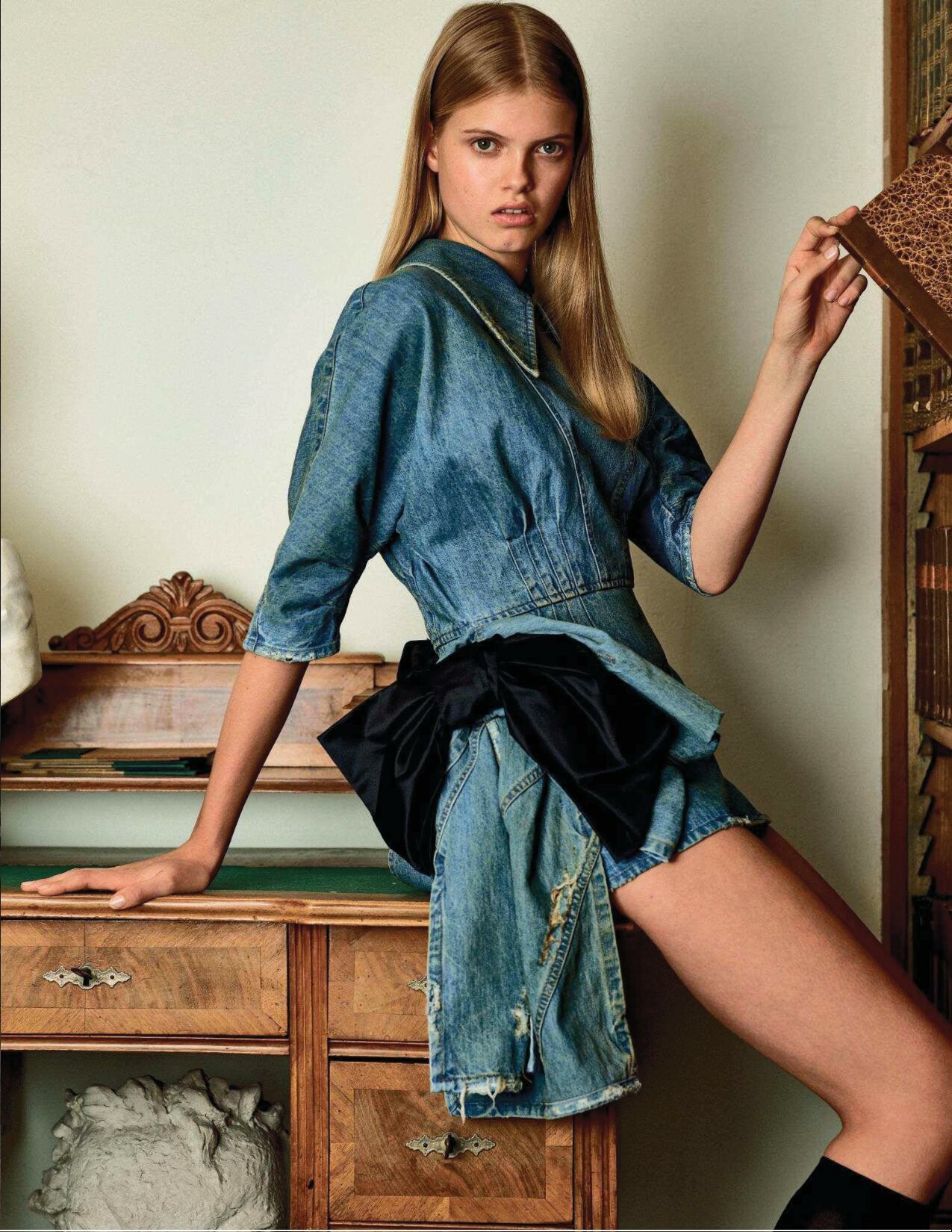
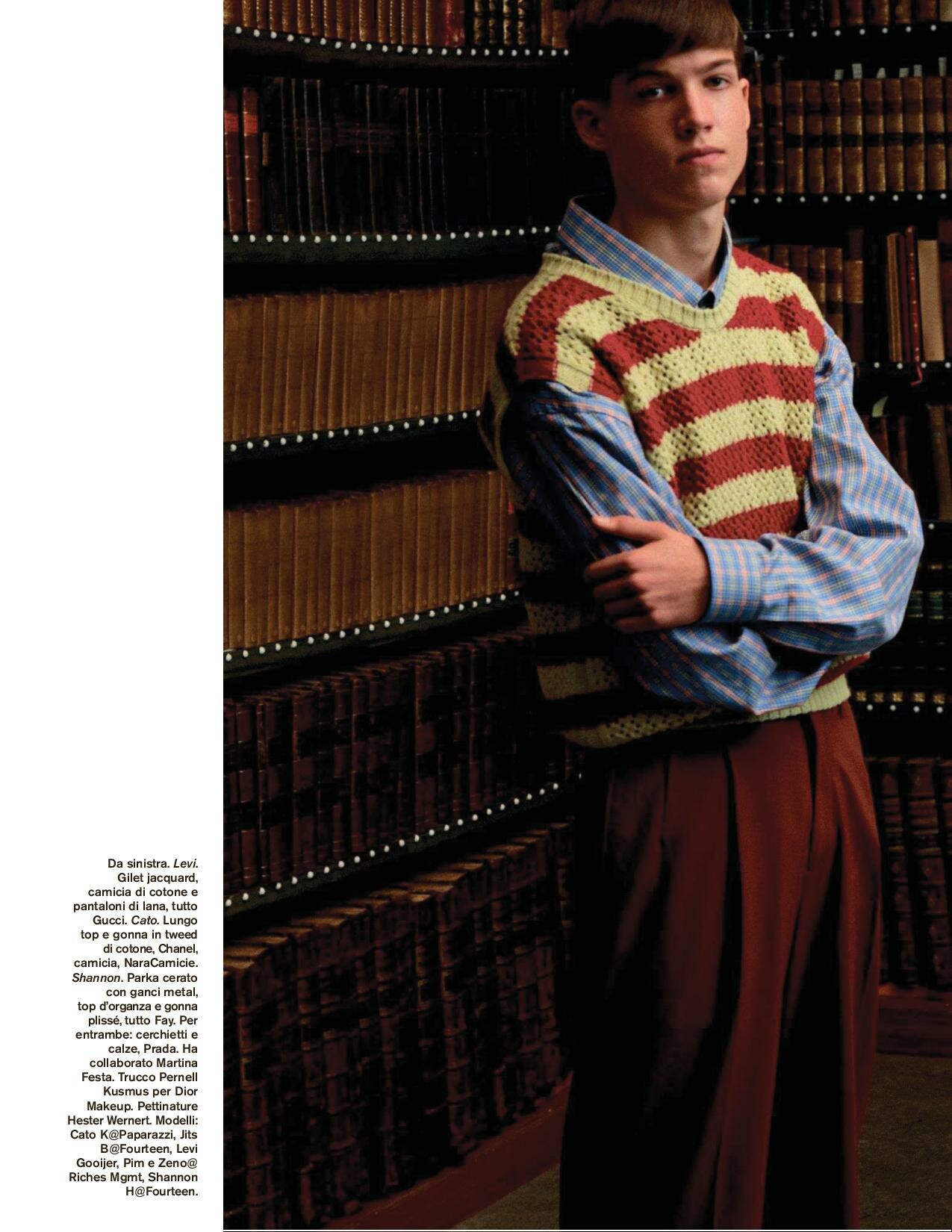
  22. Amica Italy February 2019

Configure browser push notifications

Chrome (Android)
  1. Tap the lock icon next to the address bar.
  2. Tap Permissions → Notifications.
  3. Adjust your preference.
Chrome (Desktop)
  1. Click the padlock icon in the address bar.
  2. Select Site settings.
  3. Find Notifications and adjust your preference.