Jump to content
View in the app

A better way to browse. Learn more.

Bellazon

A full-screen app on your home screen with push notifications, badges and more.

To install this app on iOS and iPadOS
  1. Tap the Share icon in Safari
  2. Scroll the menu and tap Add to Home Screen.
  3. Tap Add in the top-right corner.
To install this app on Android
  1. Tap the 3-dot menu (⋮) in the top-right corner of the browser.
  2. Tap Add to Home screen or Install app.
  3. Confirm by tapping Install.

sanja

Members
  • Joined

  • Last visited

Everything posted by sanja

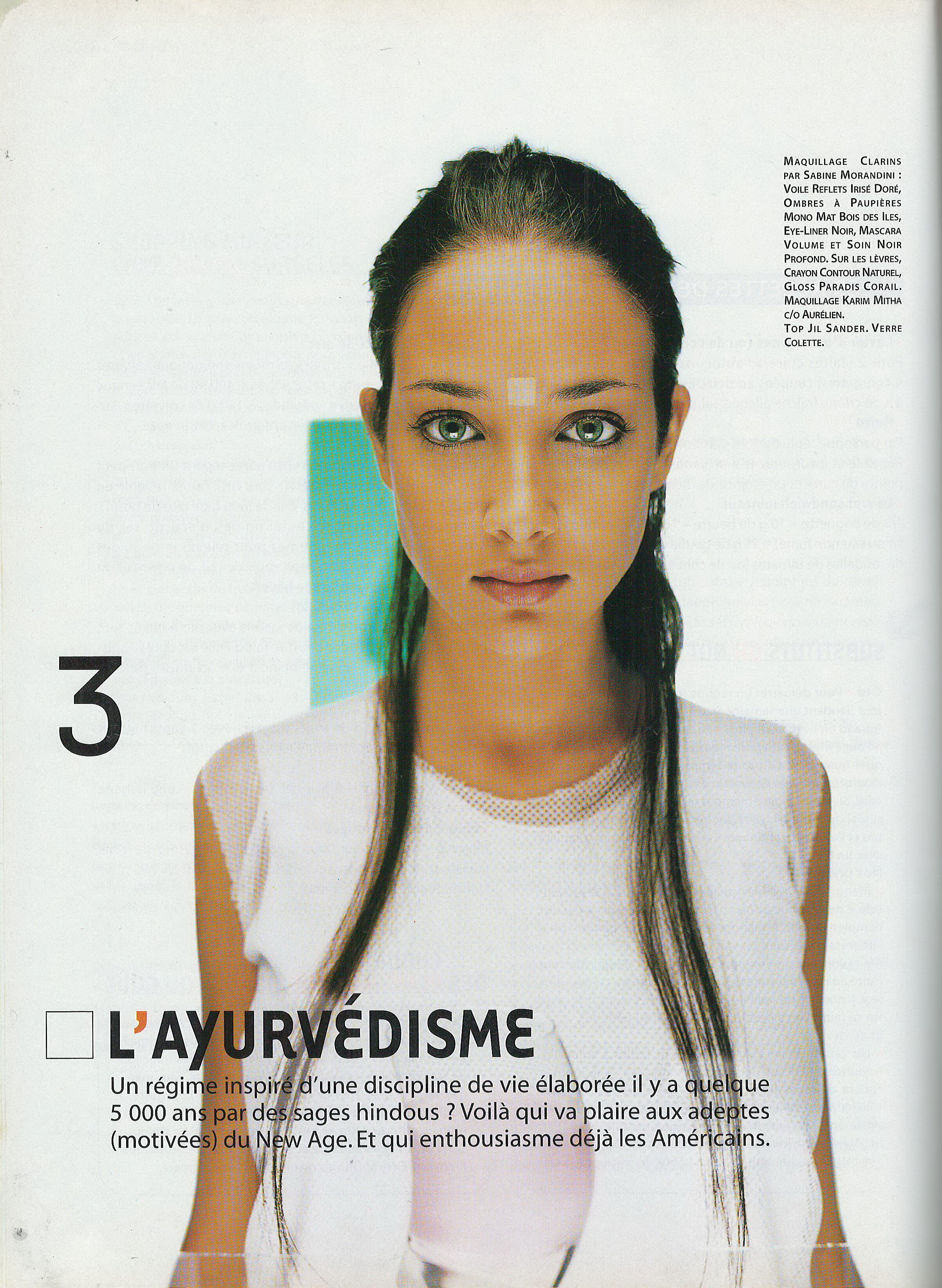
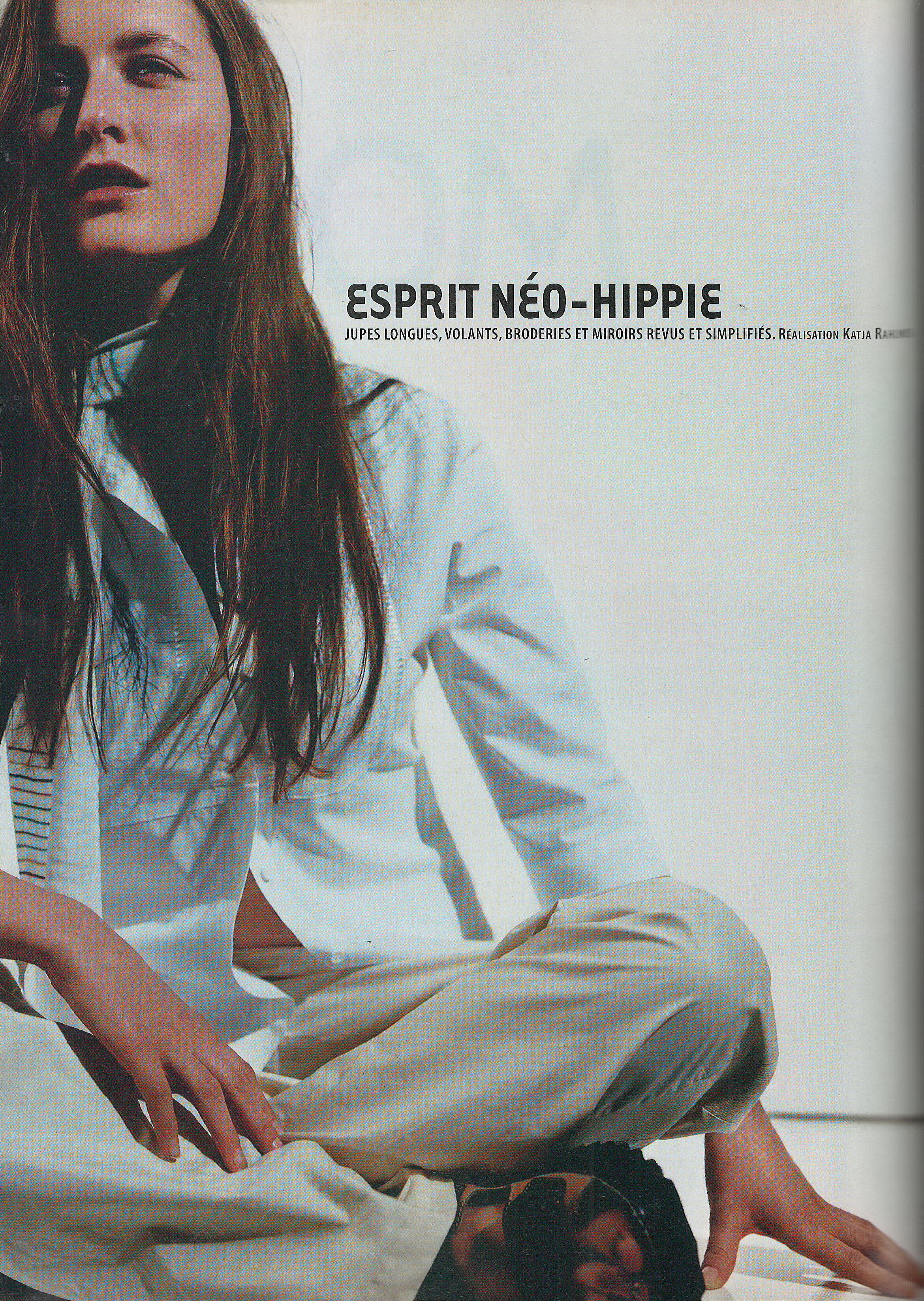
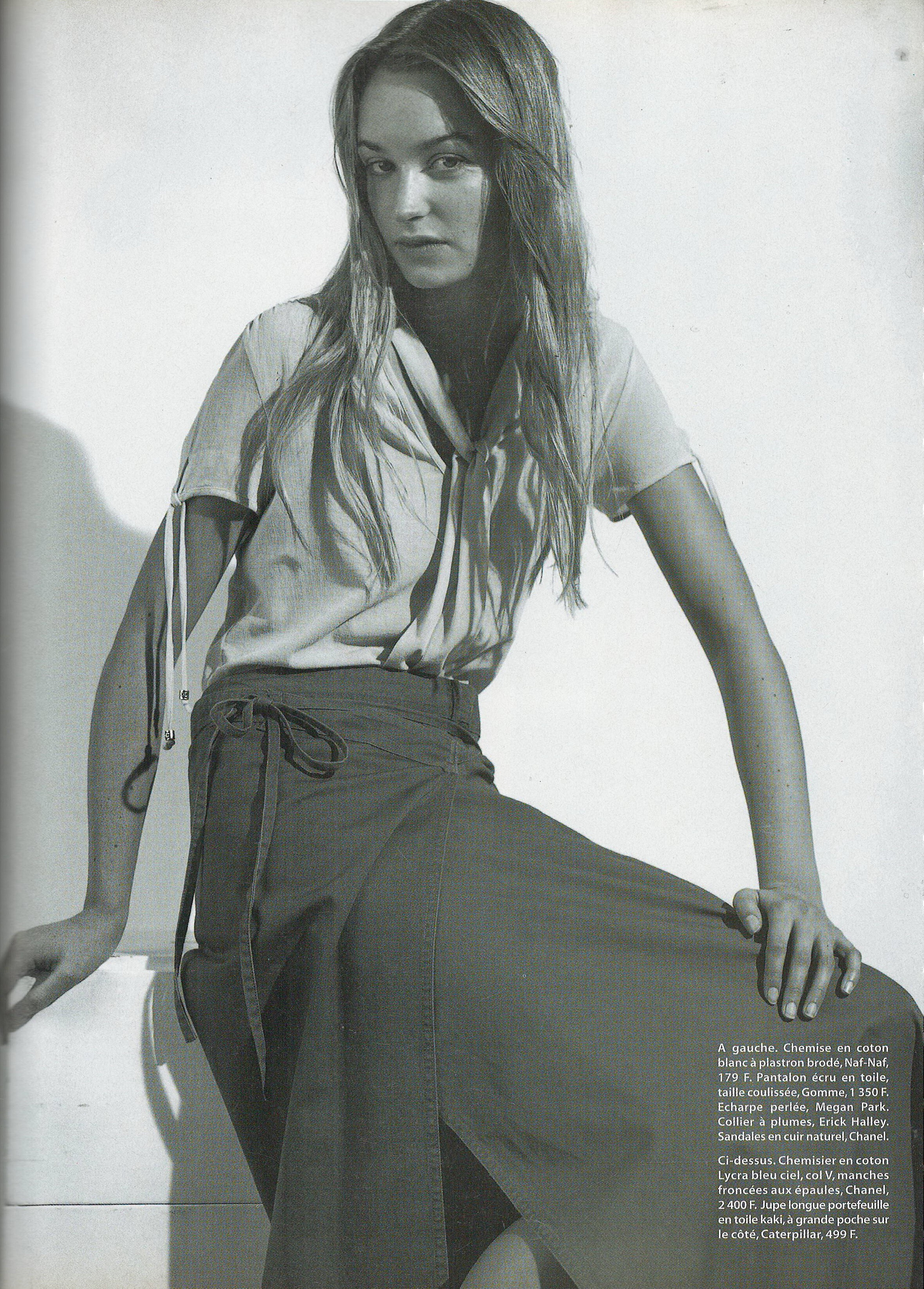
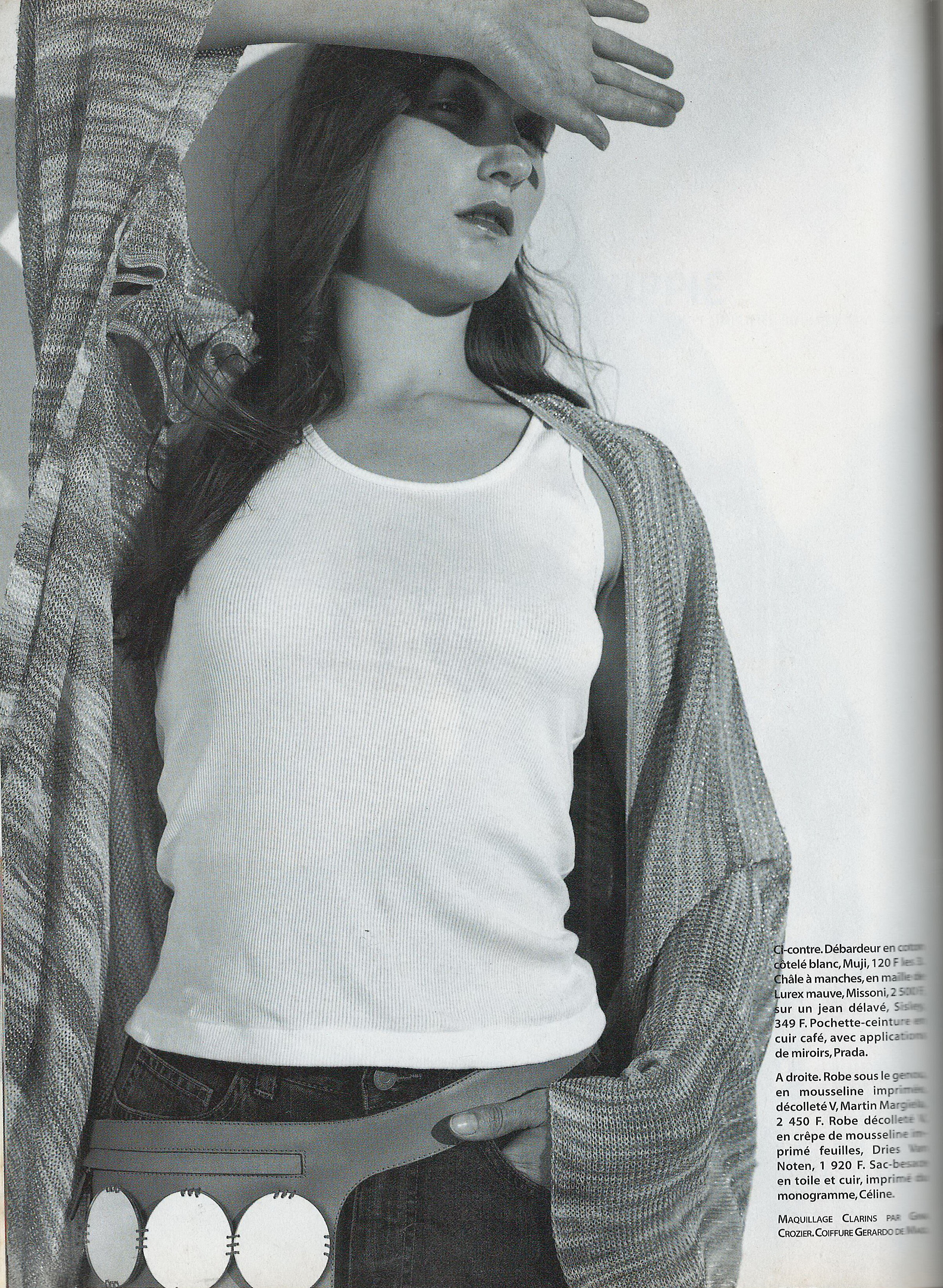
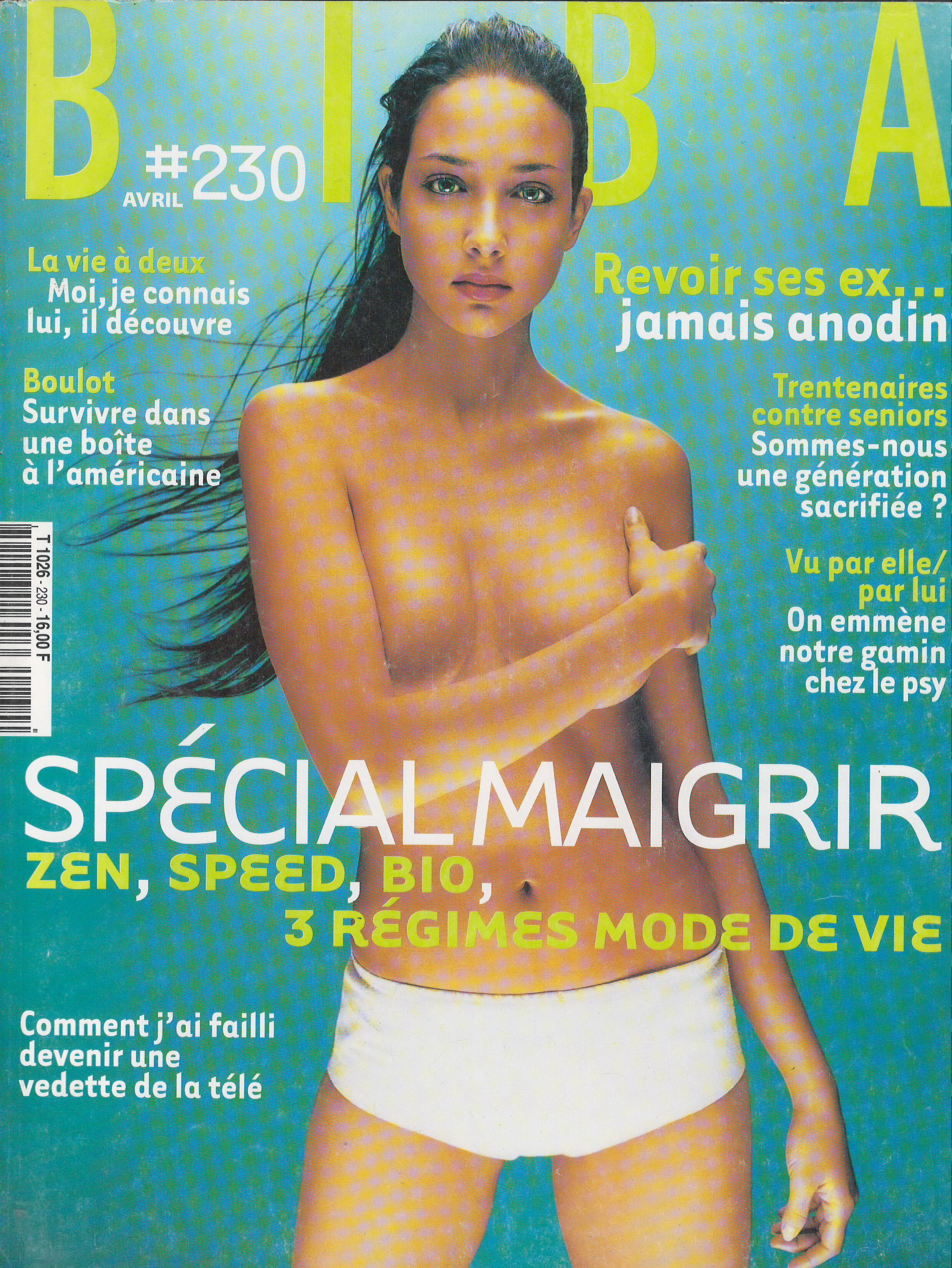
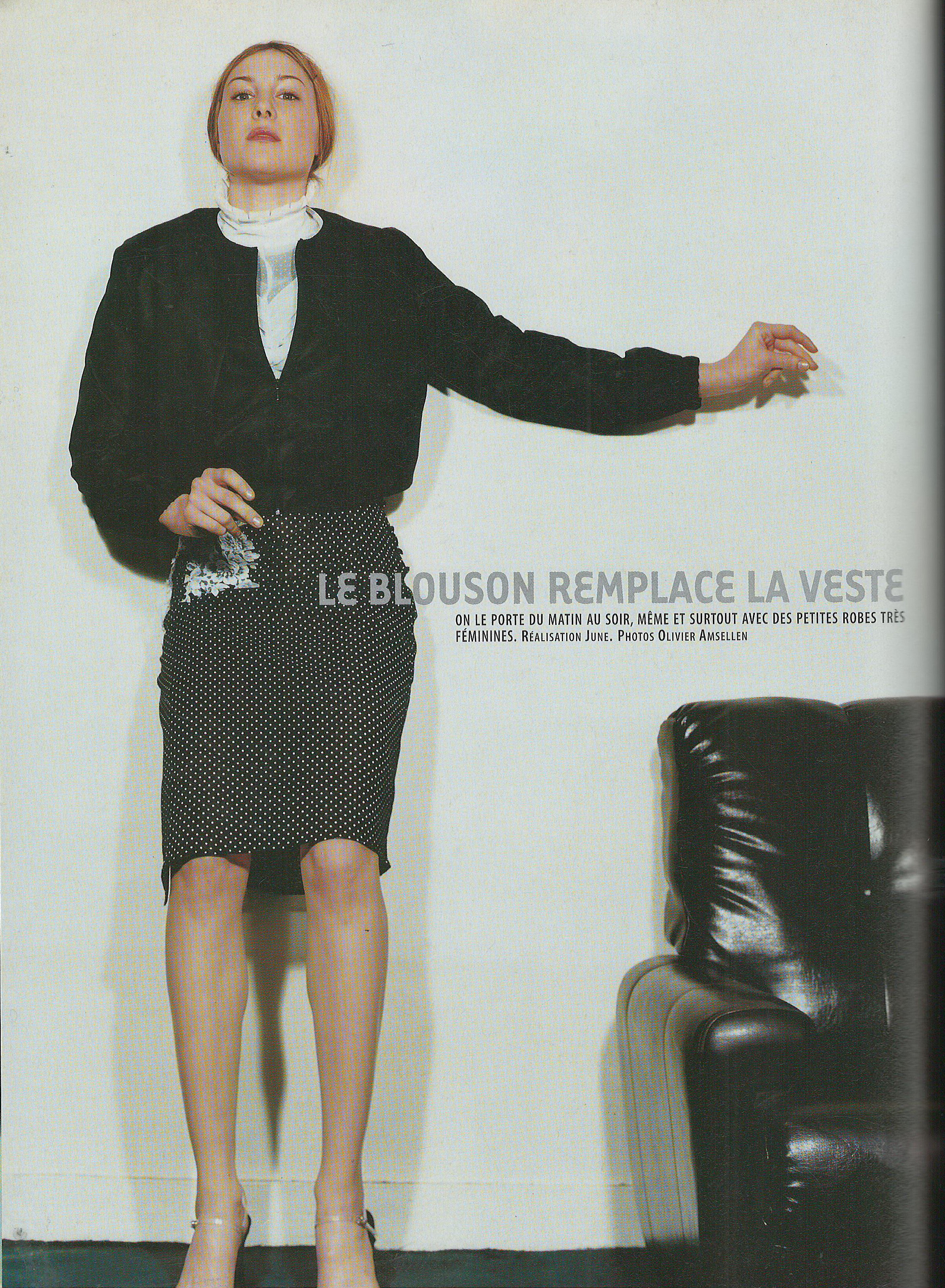
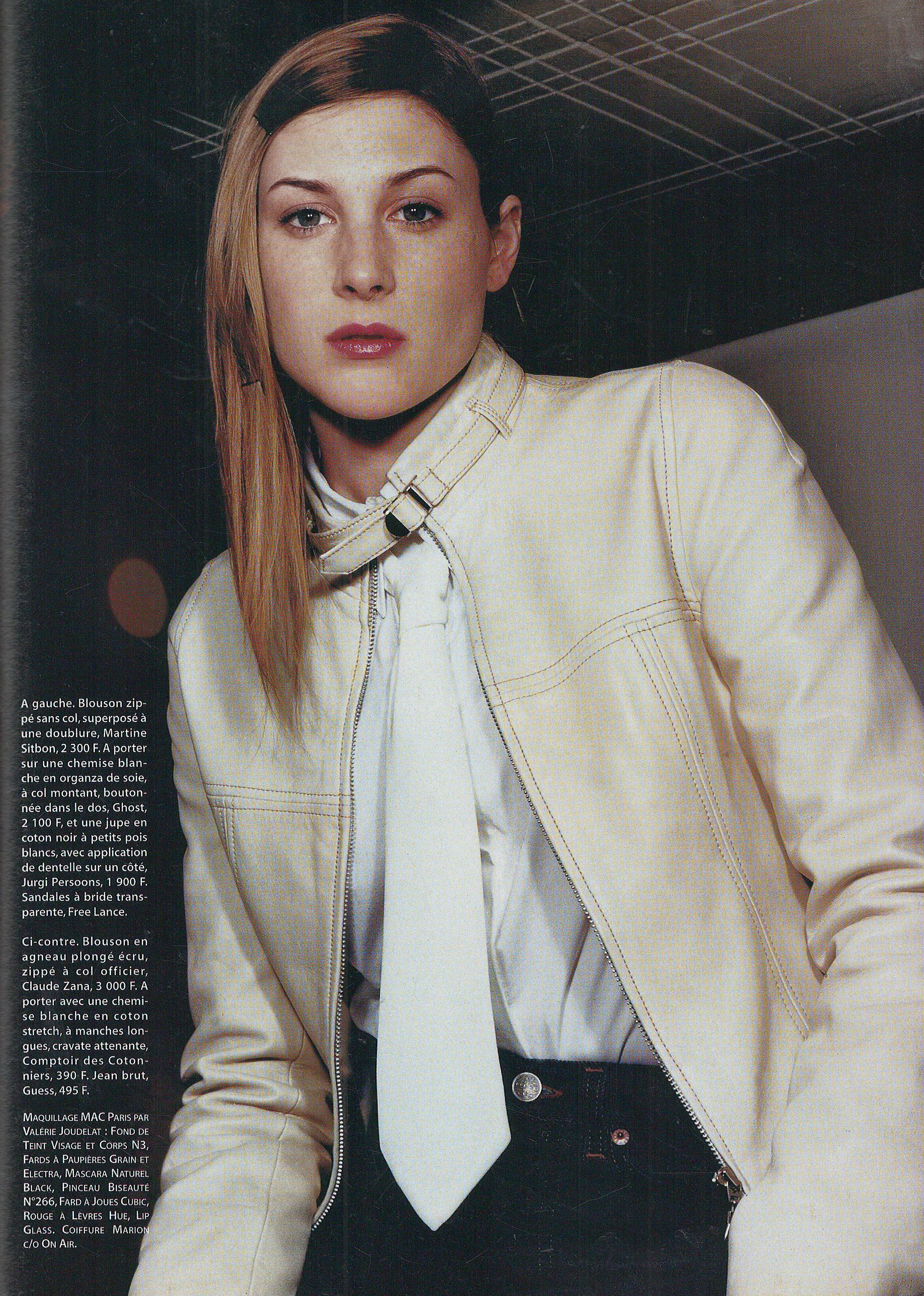
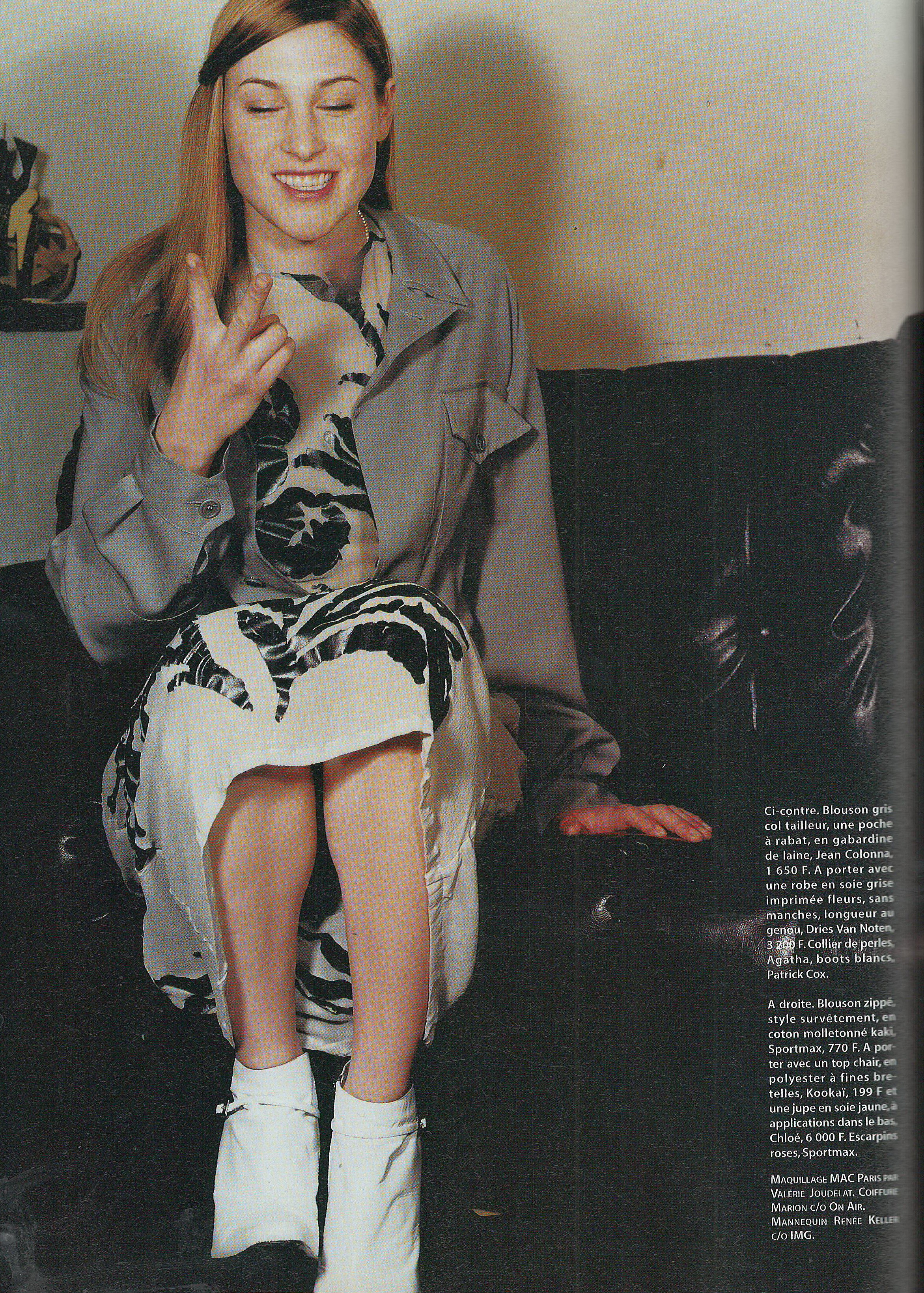
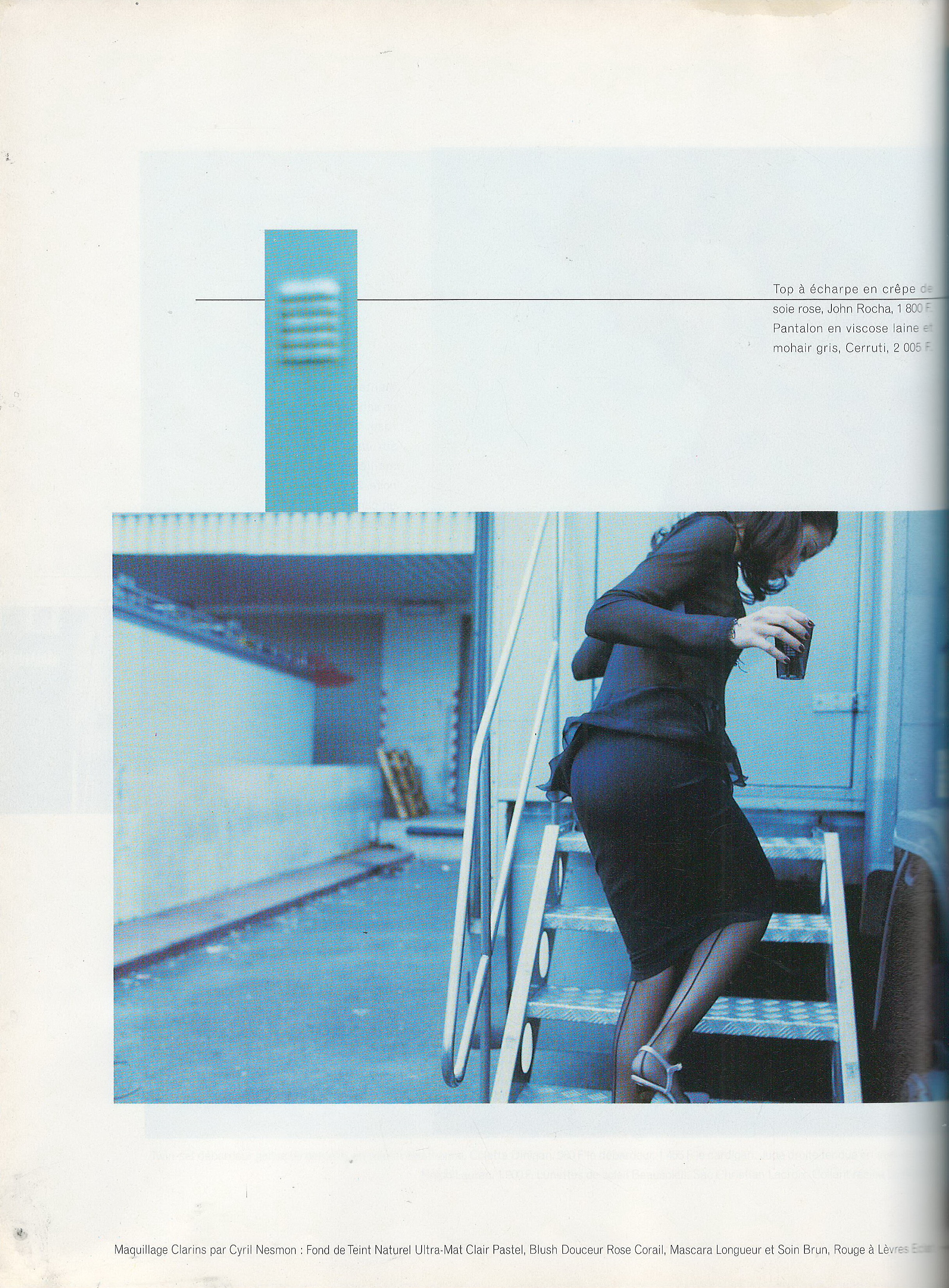
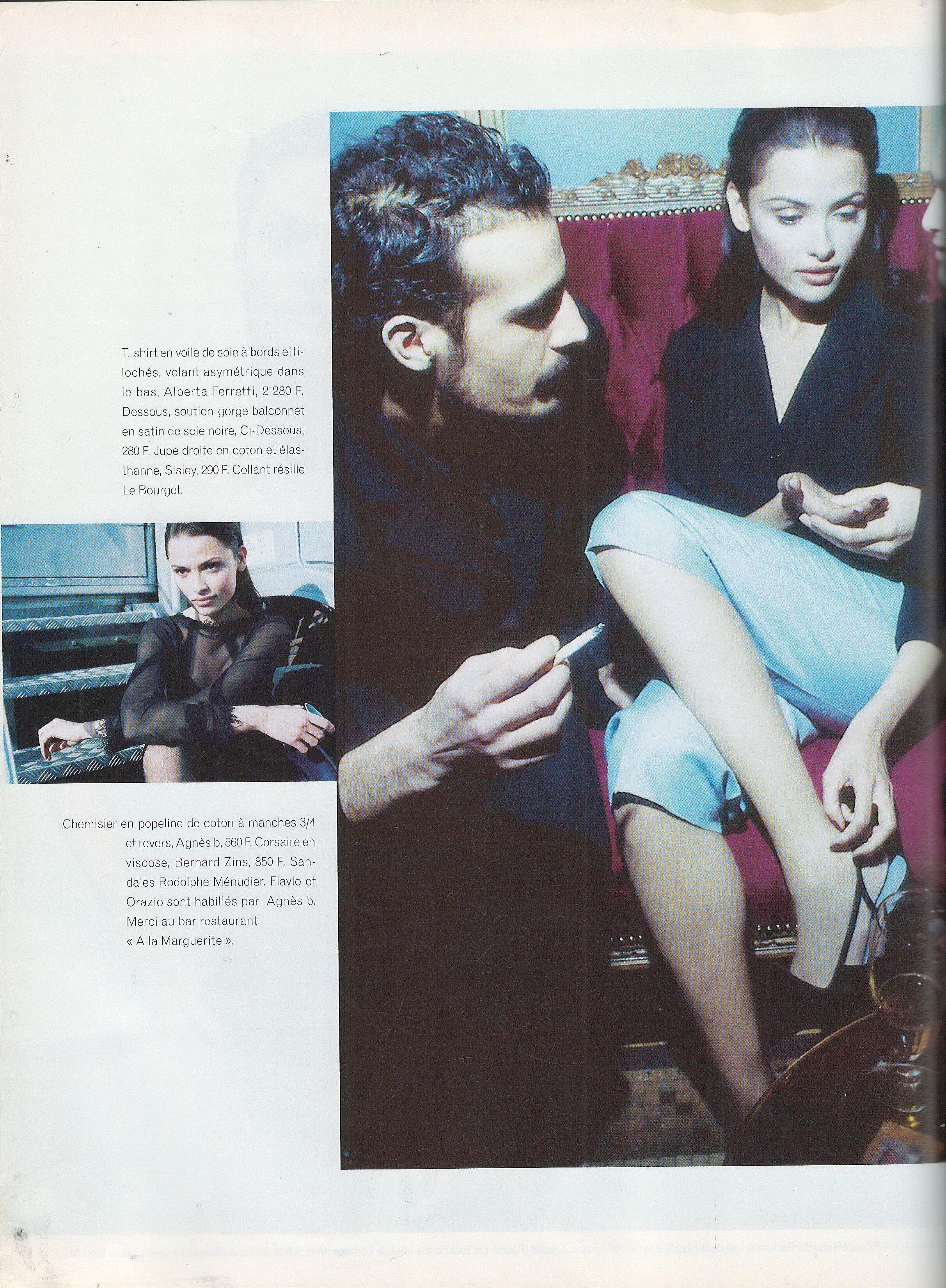
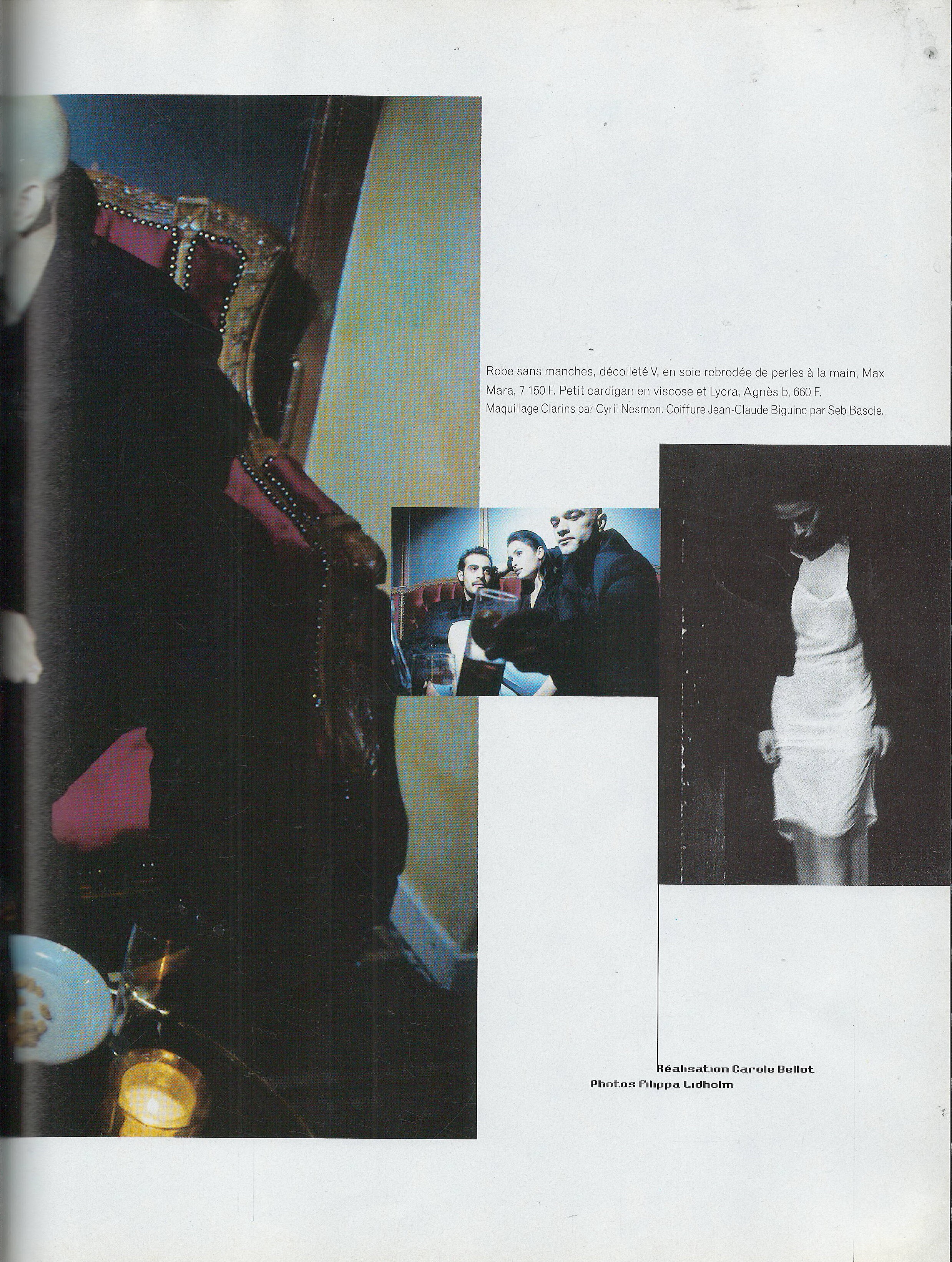
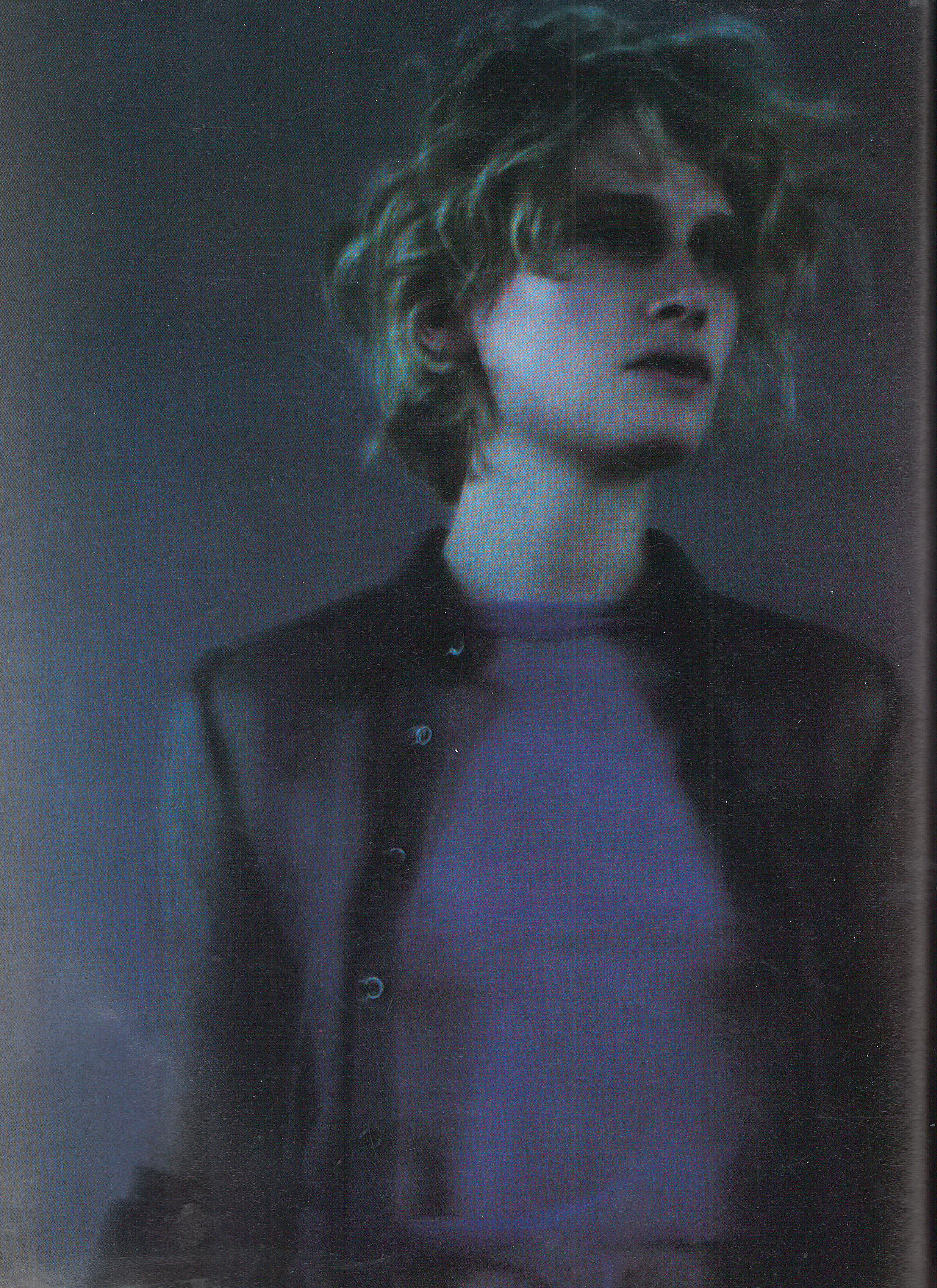
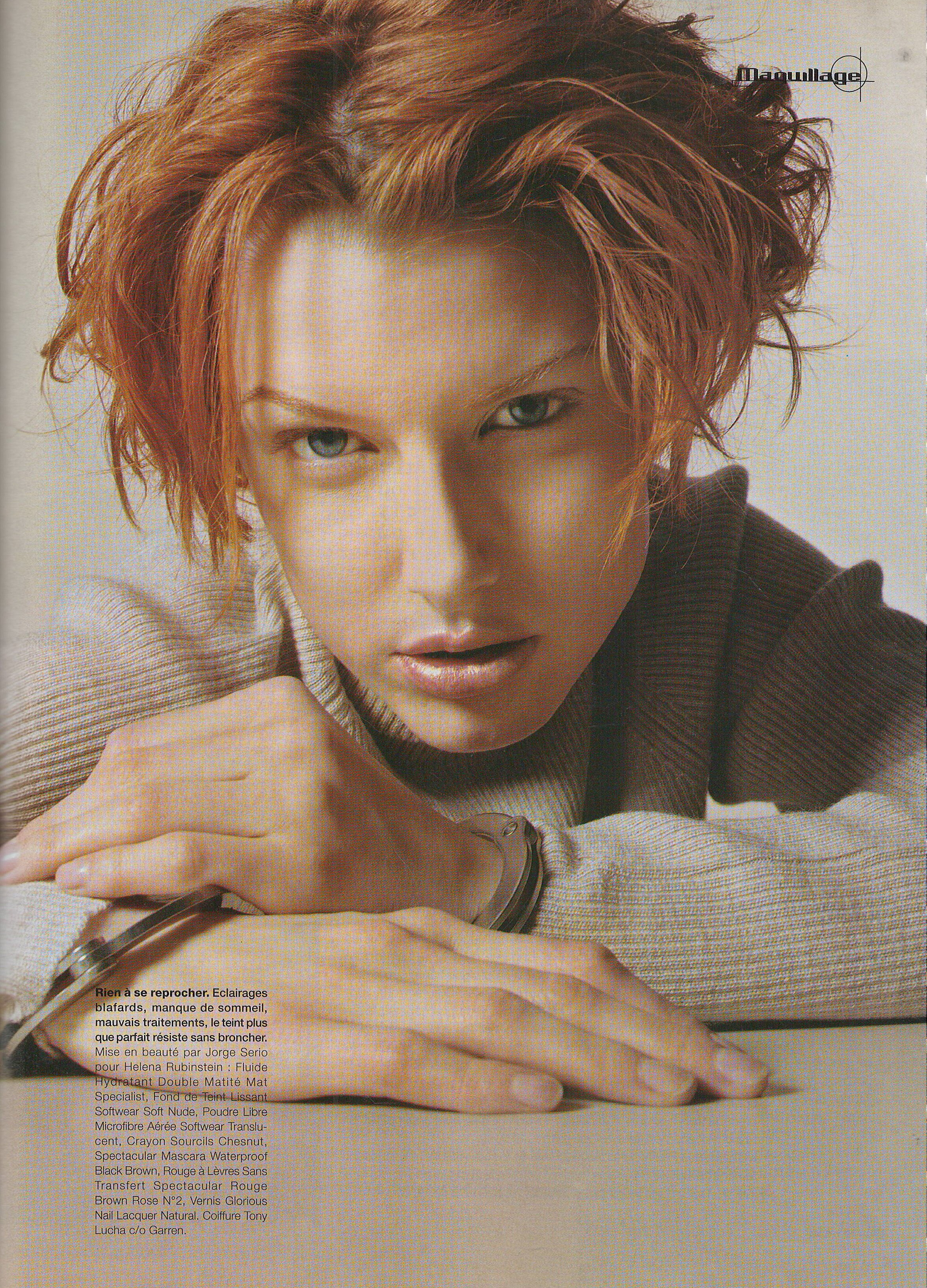
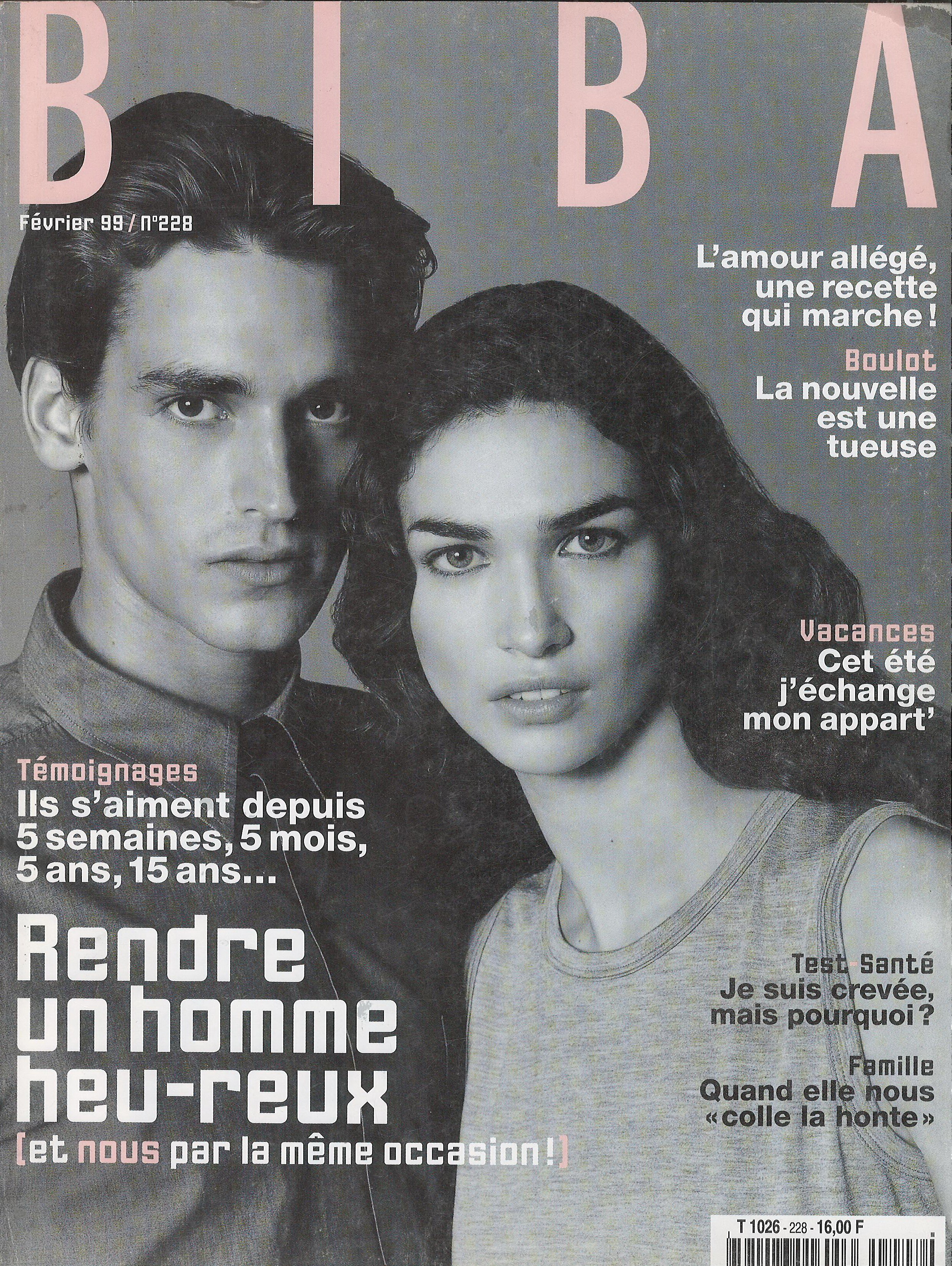
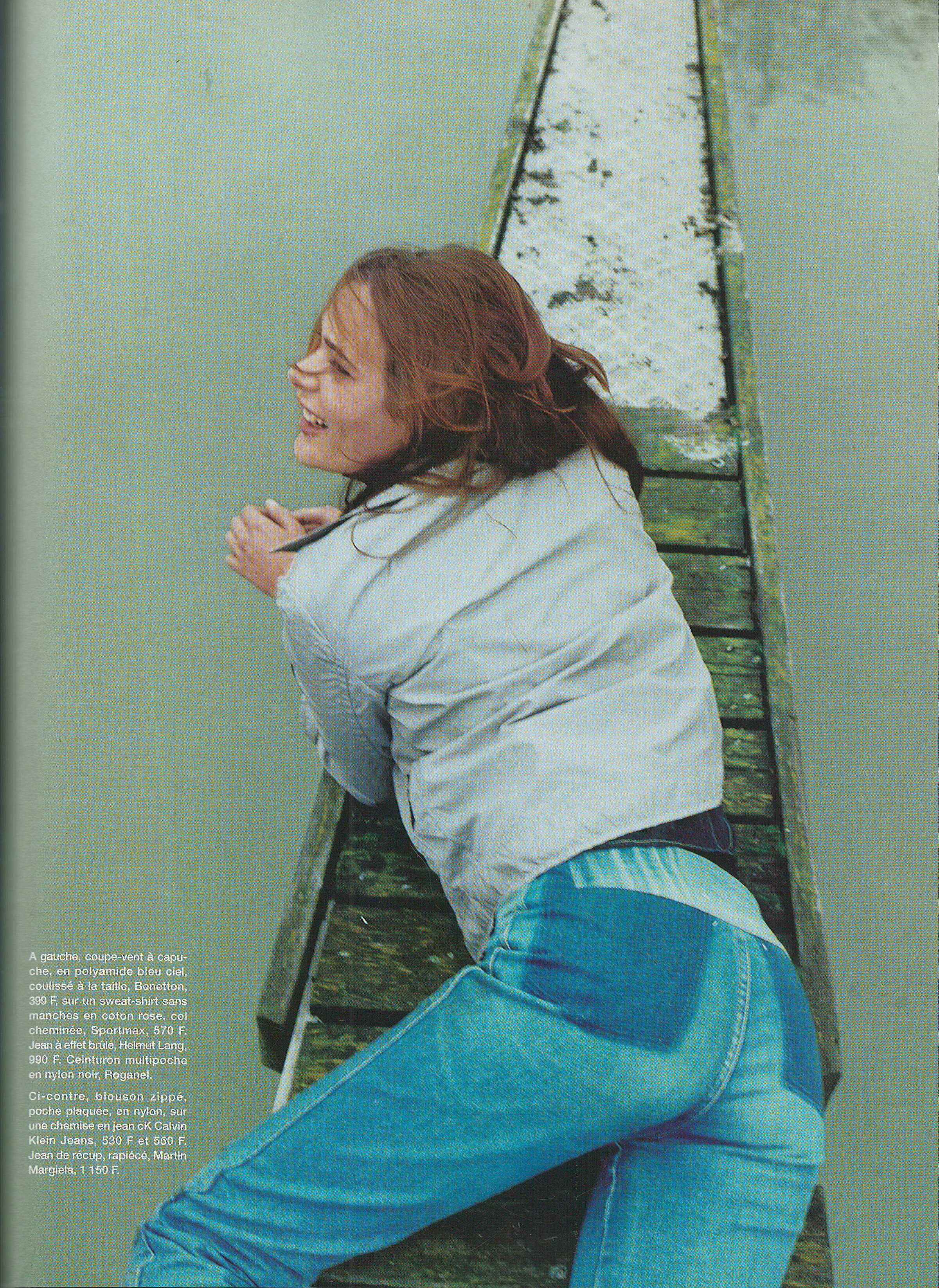
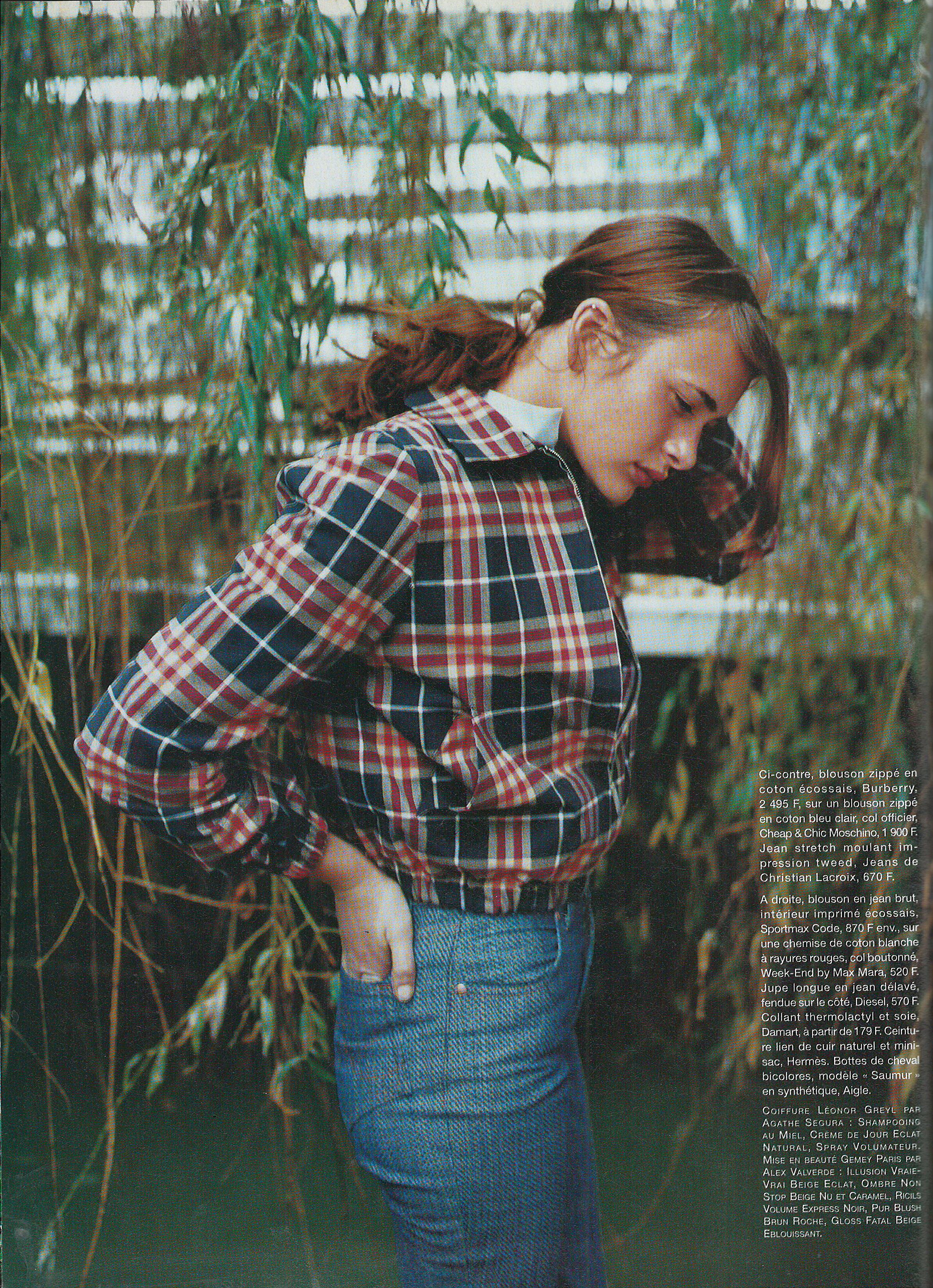
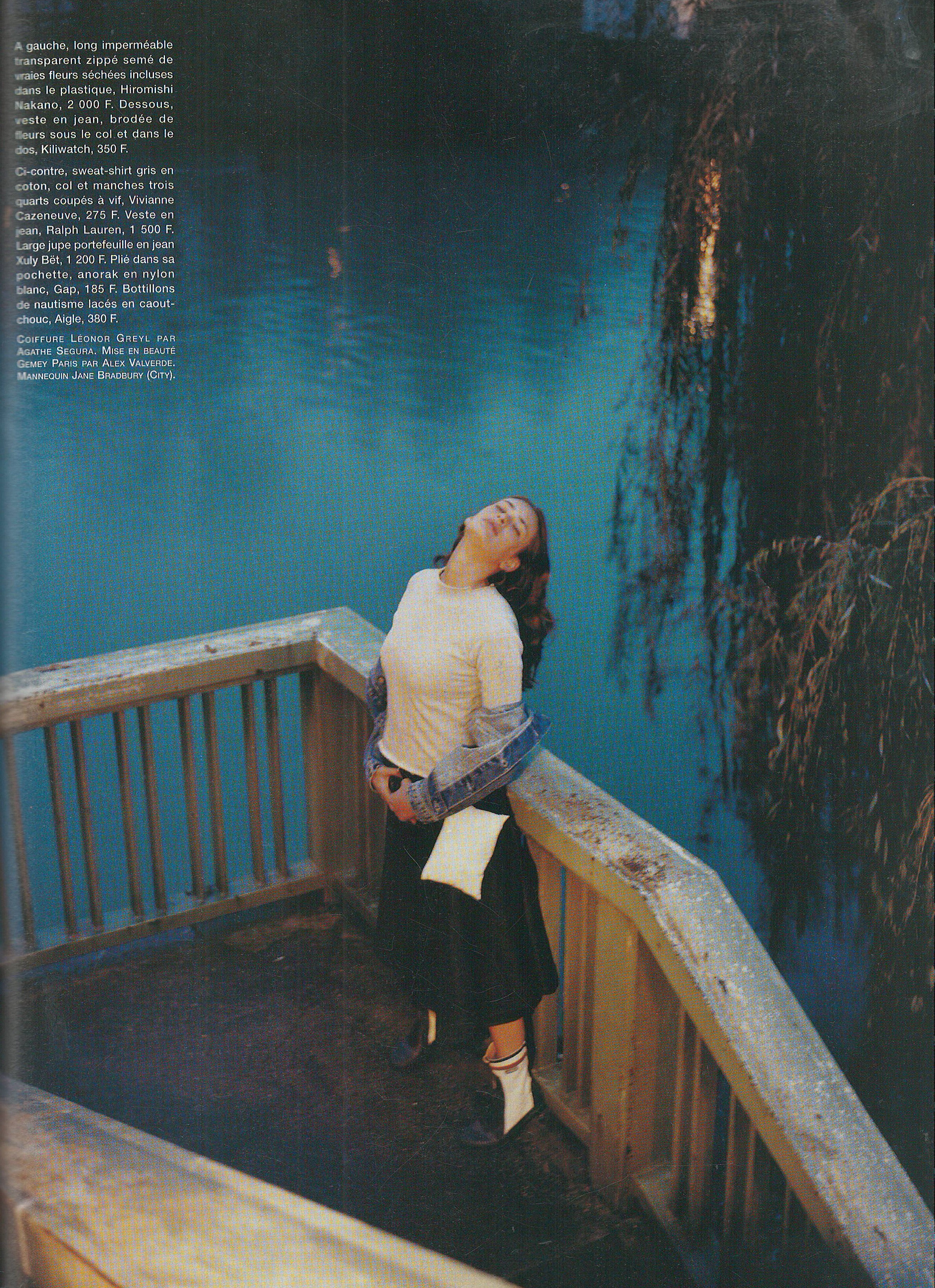
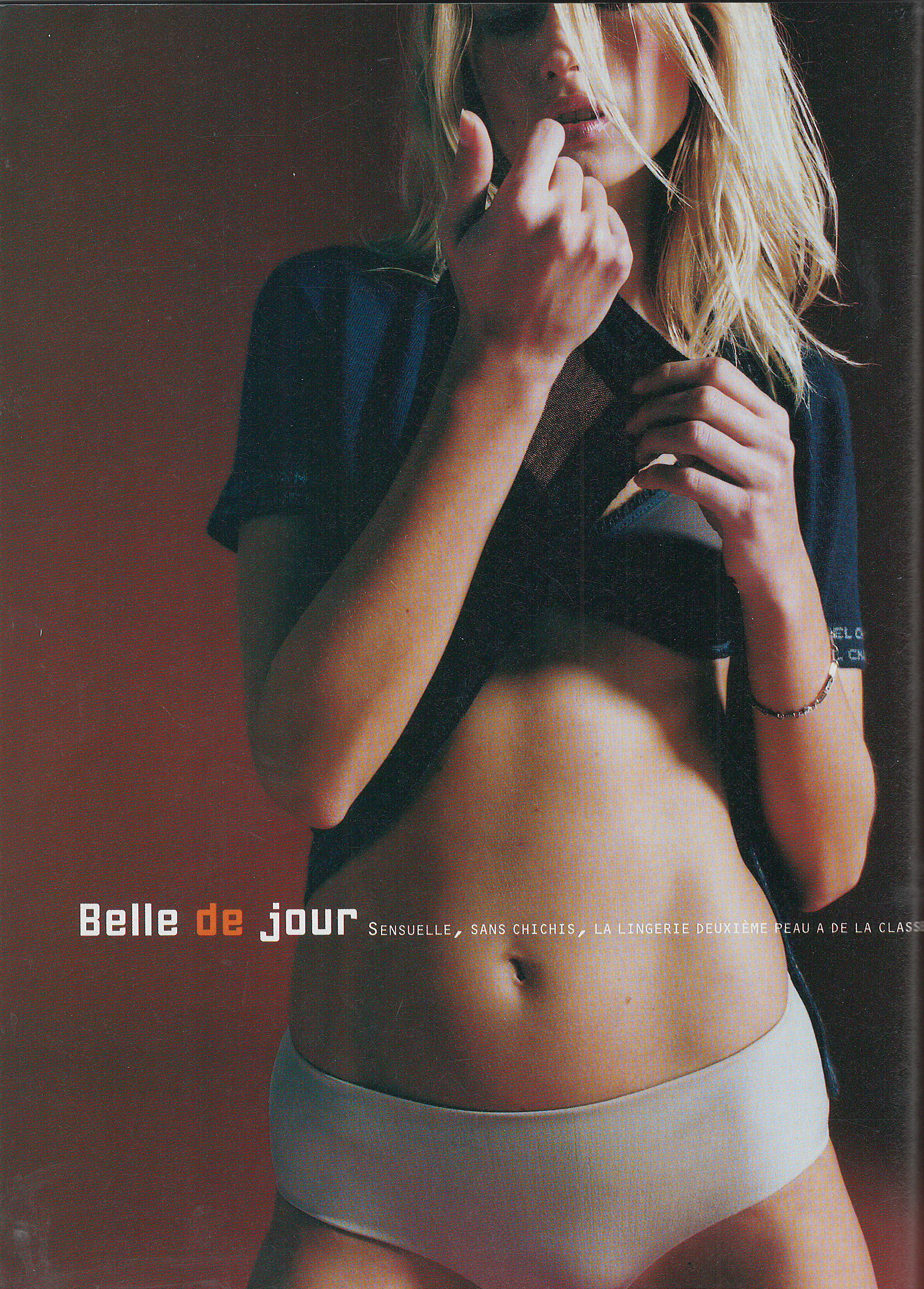
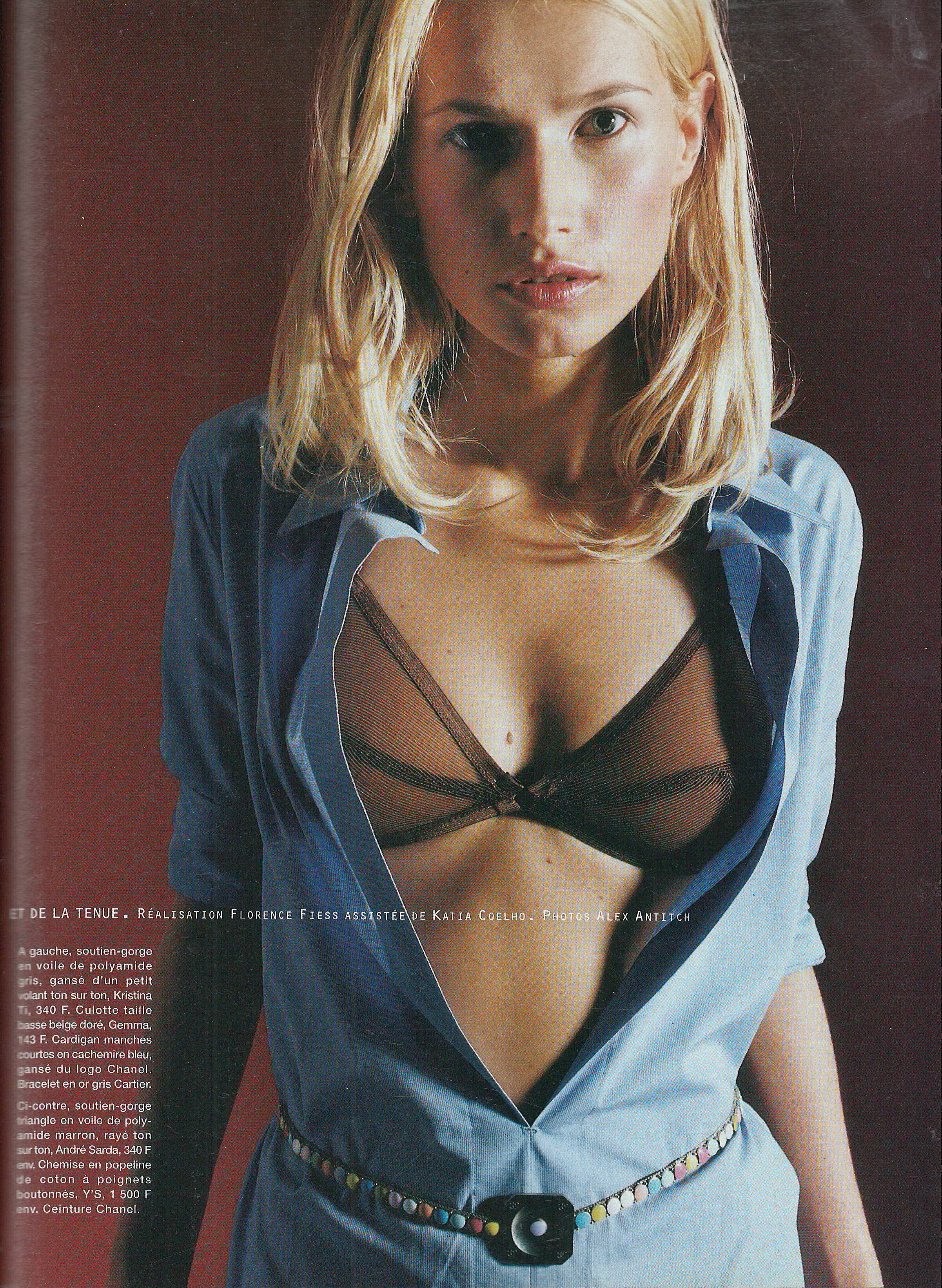
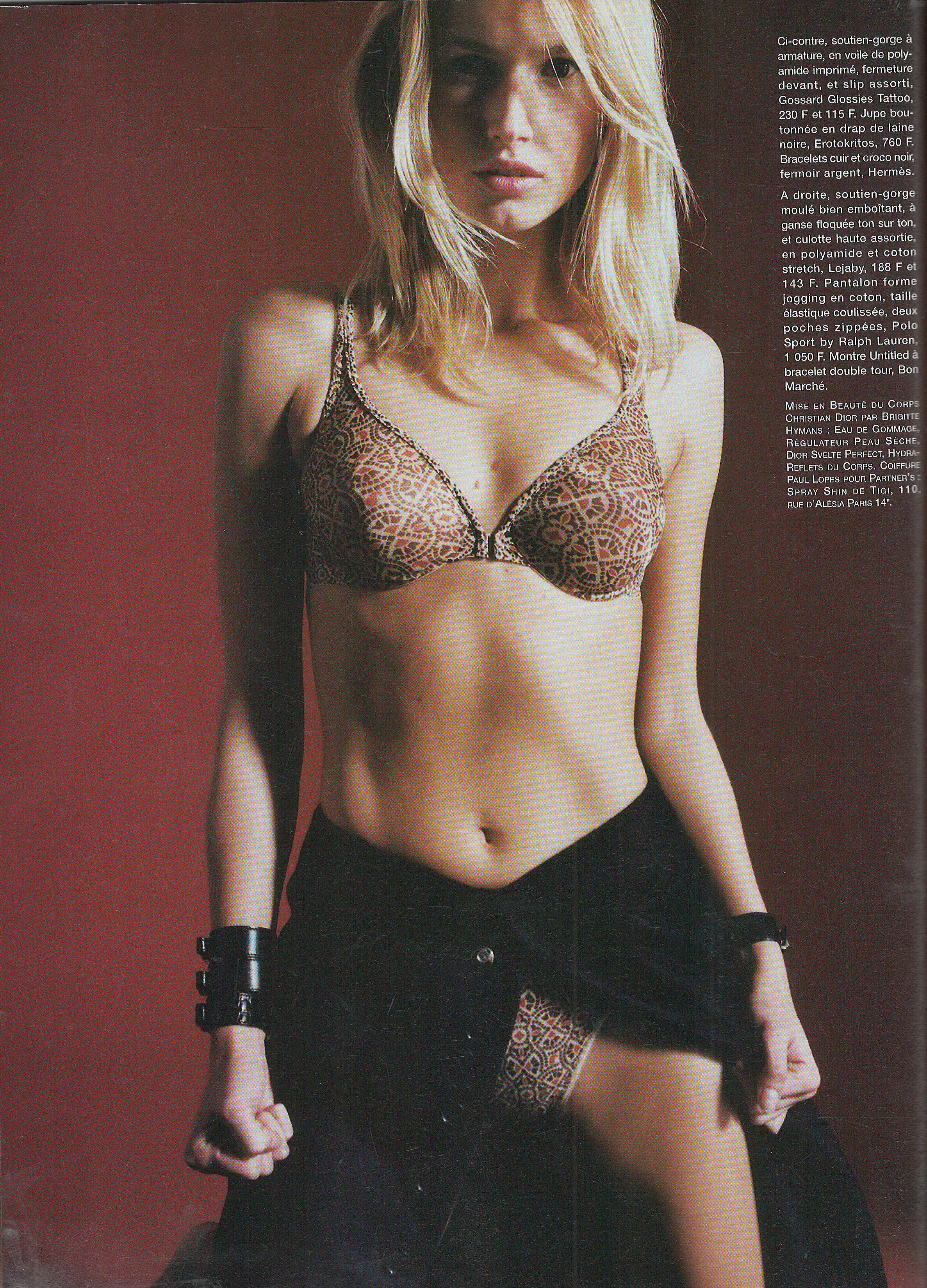
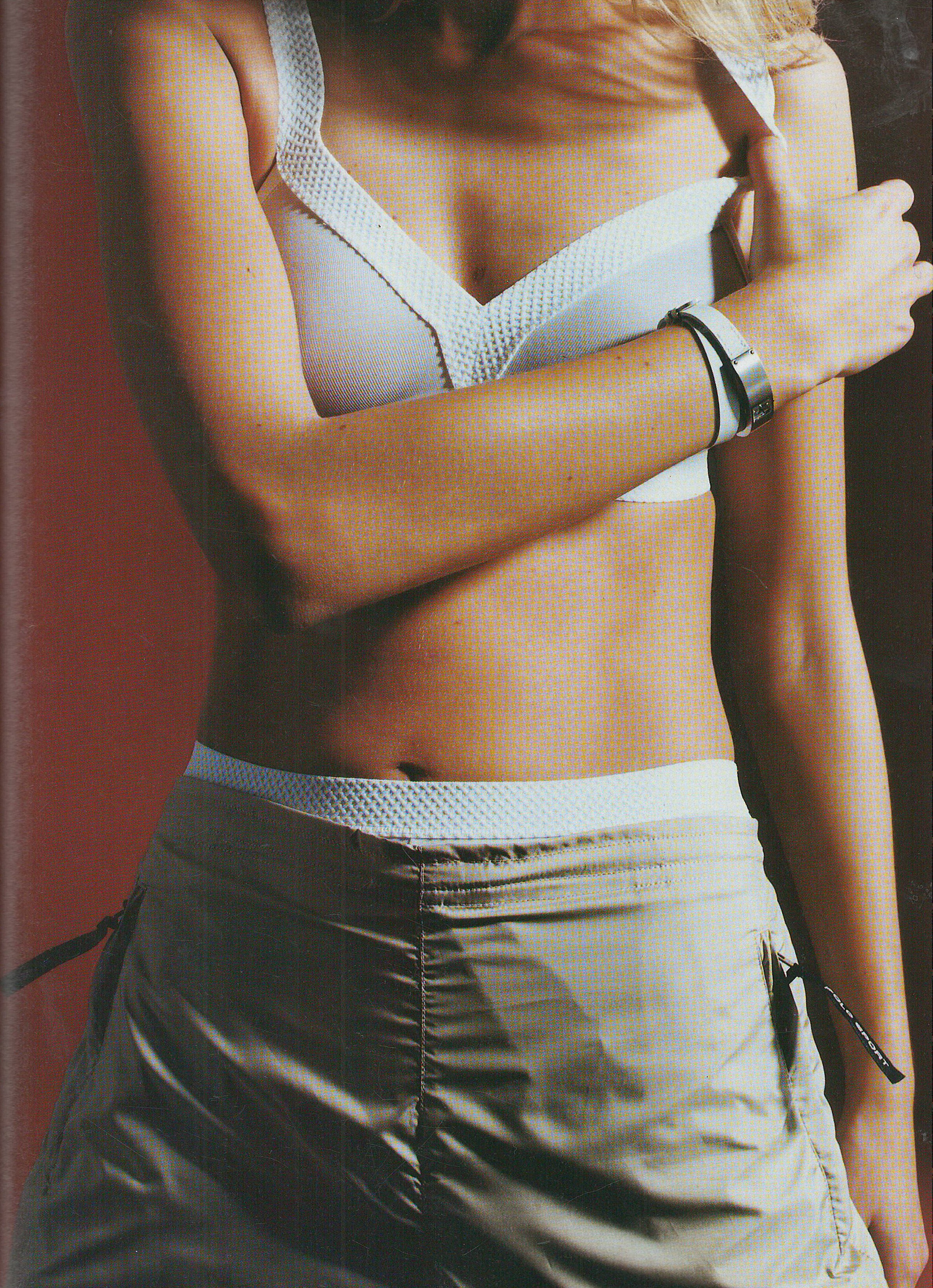
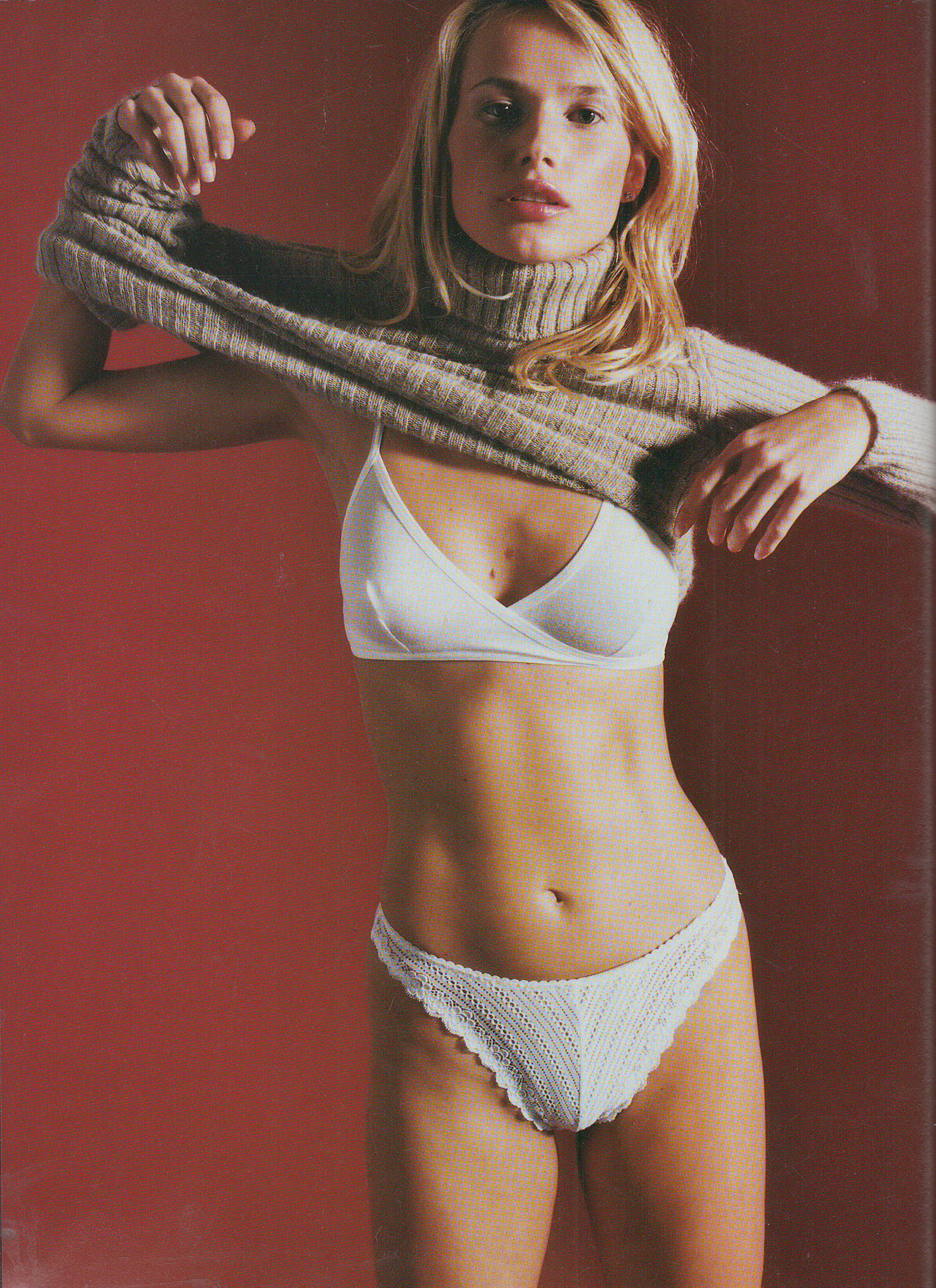
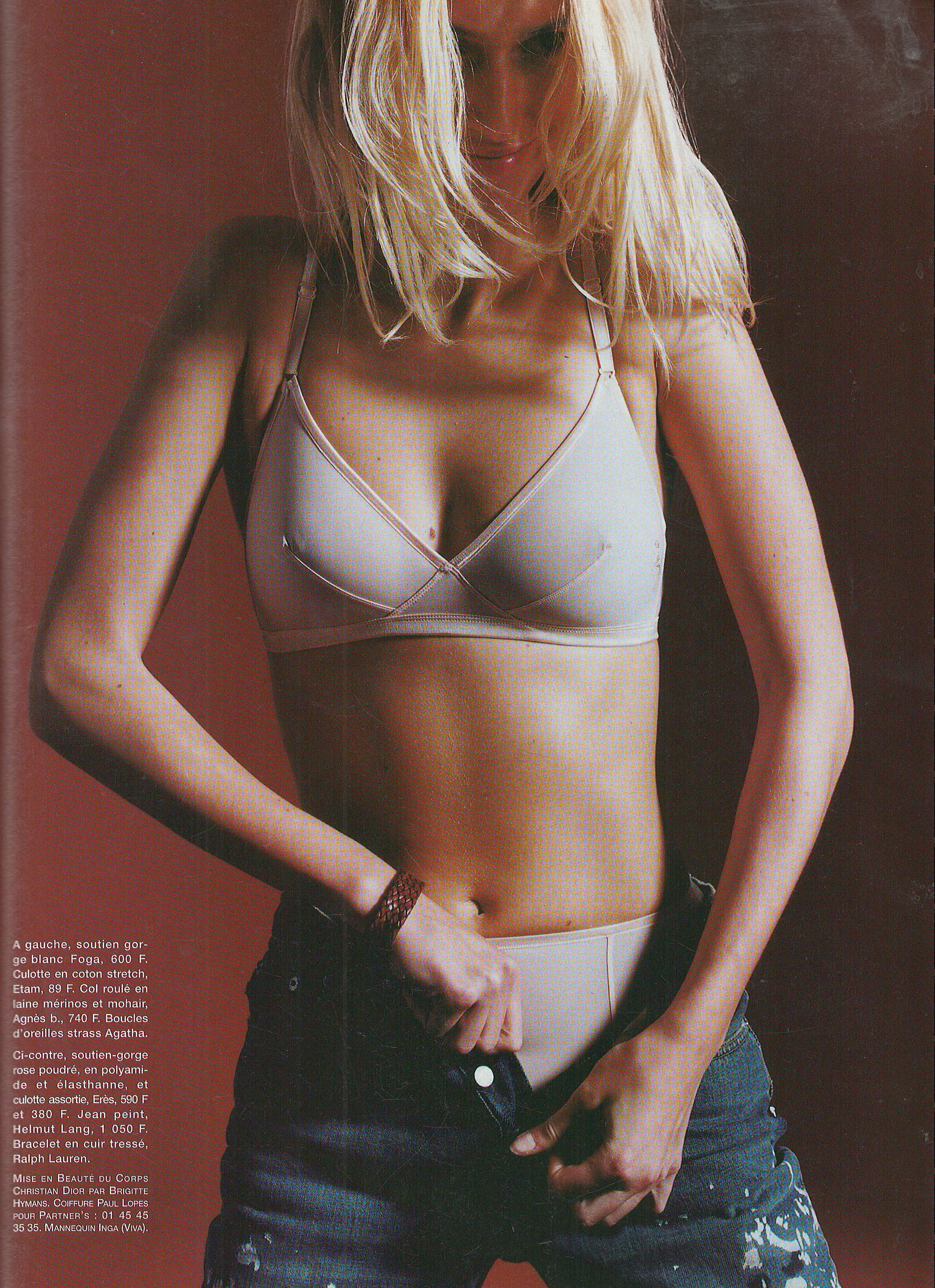
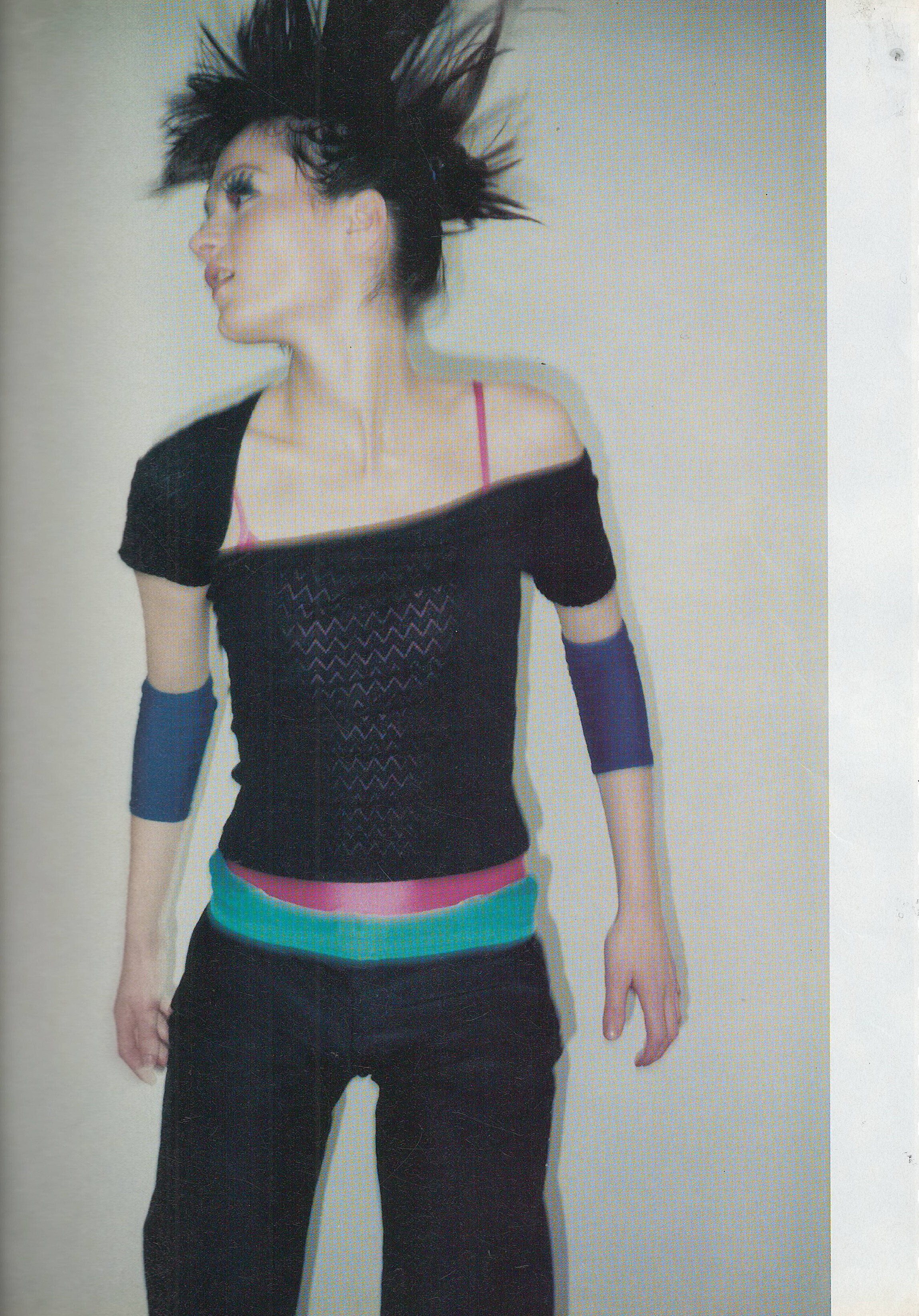
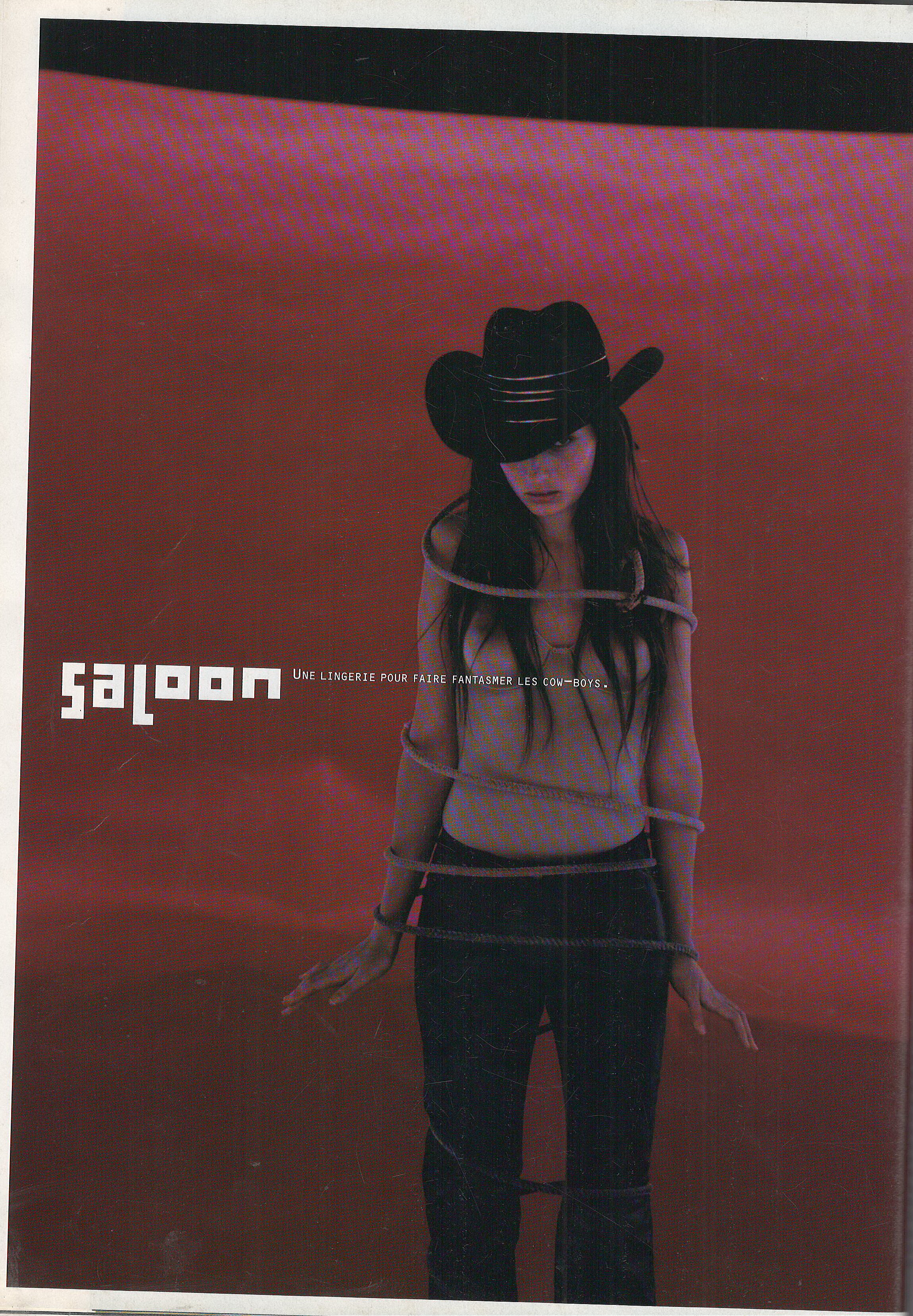
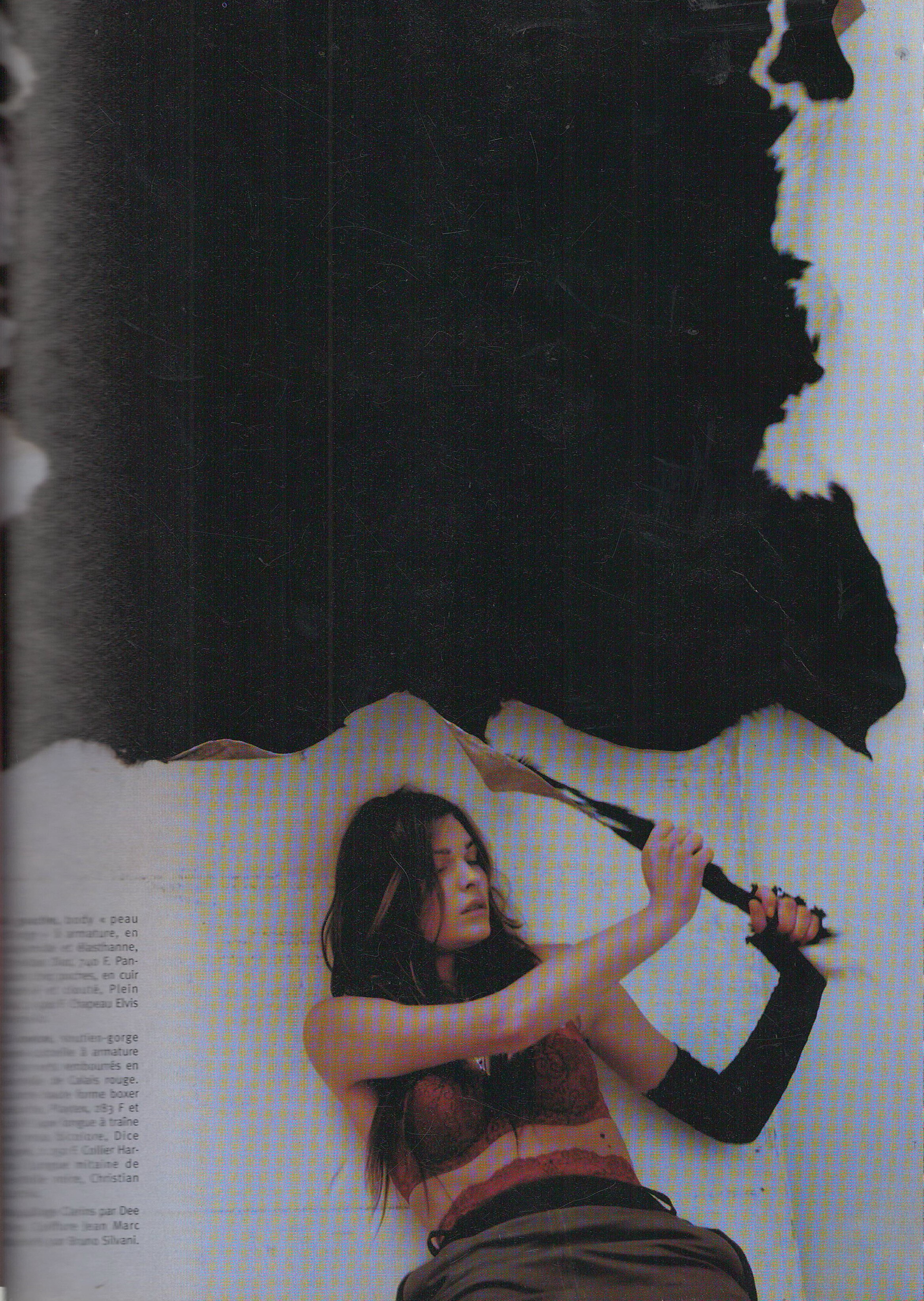
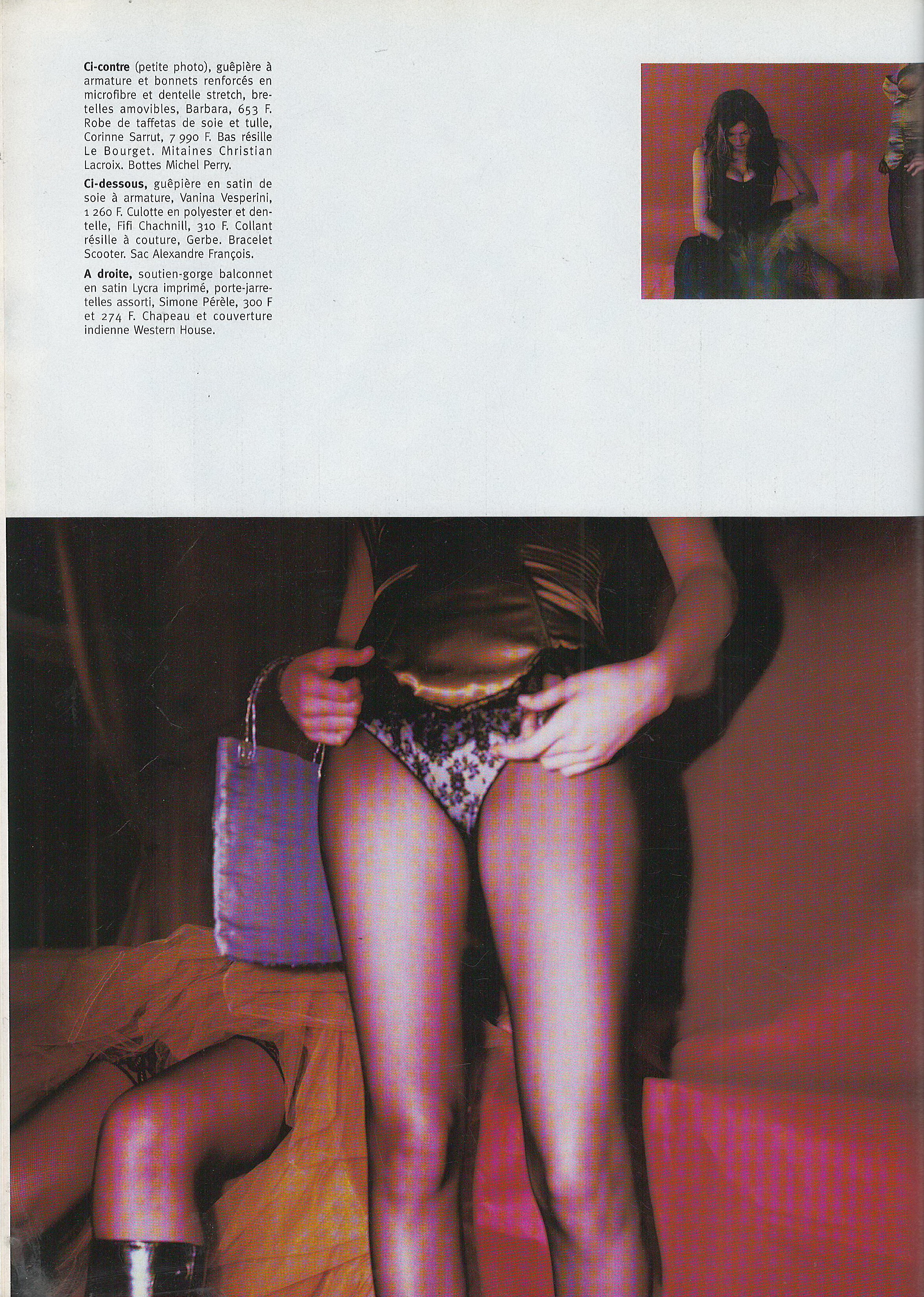
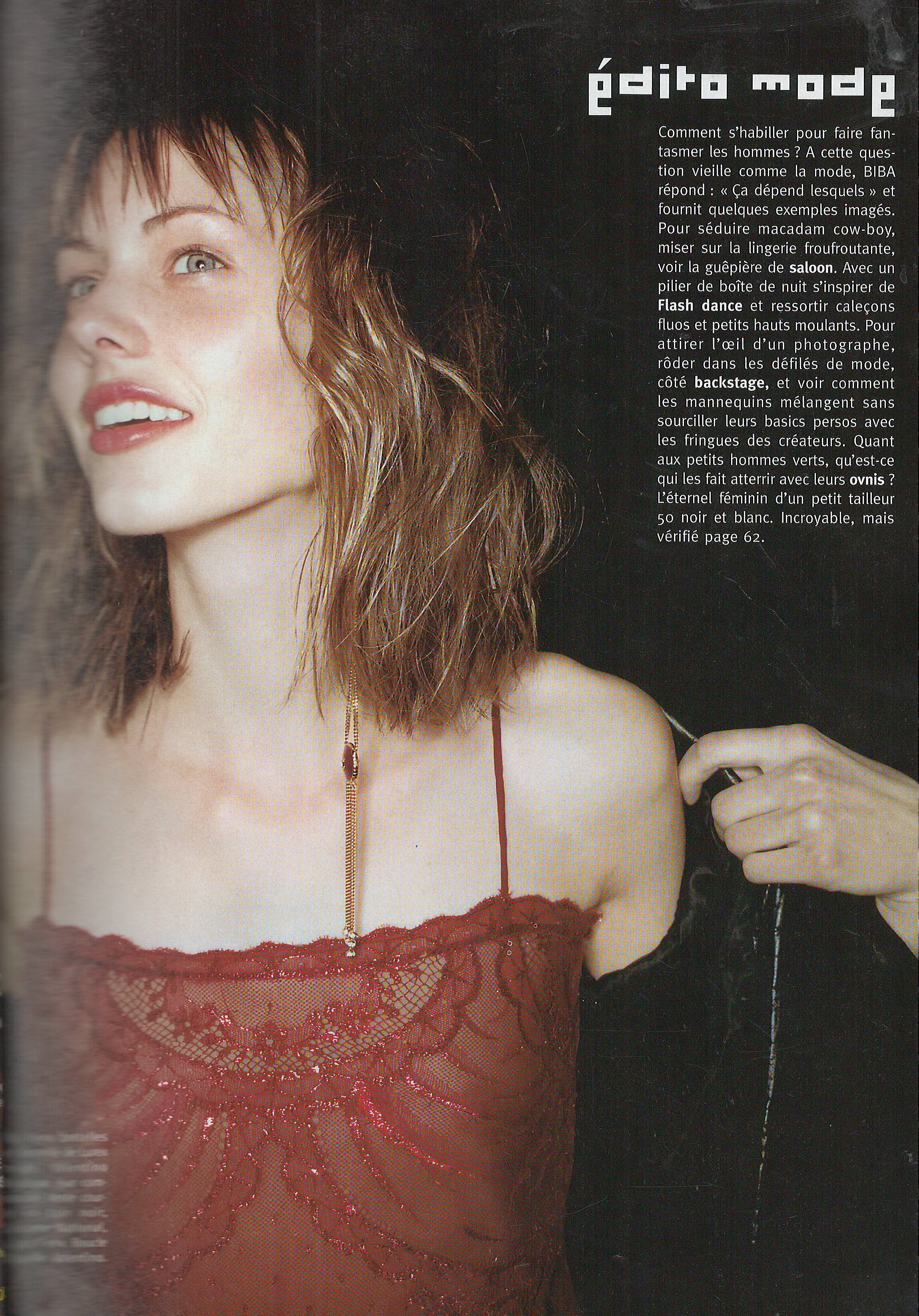
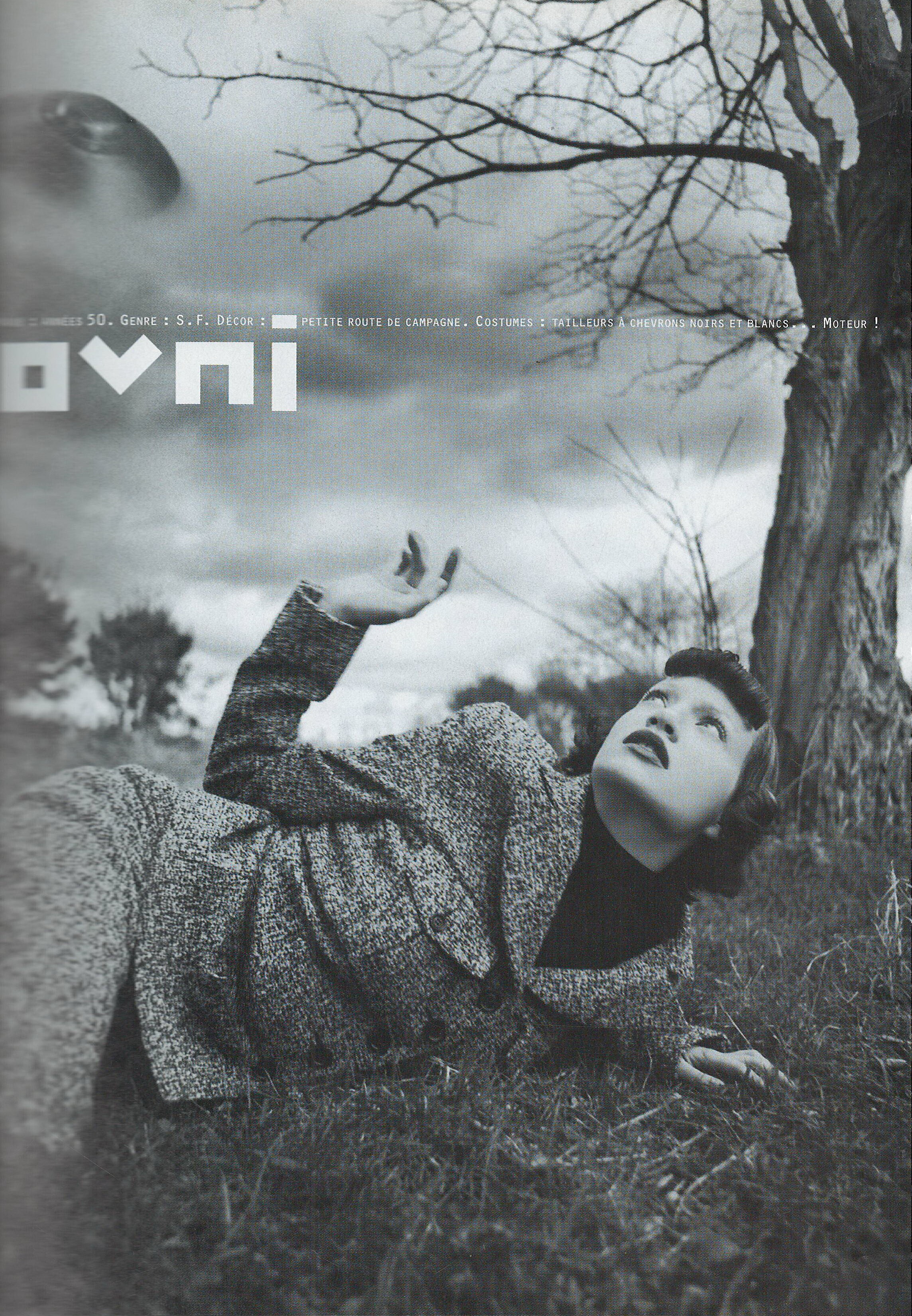
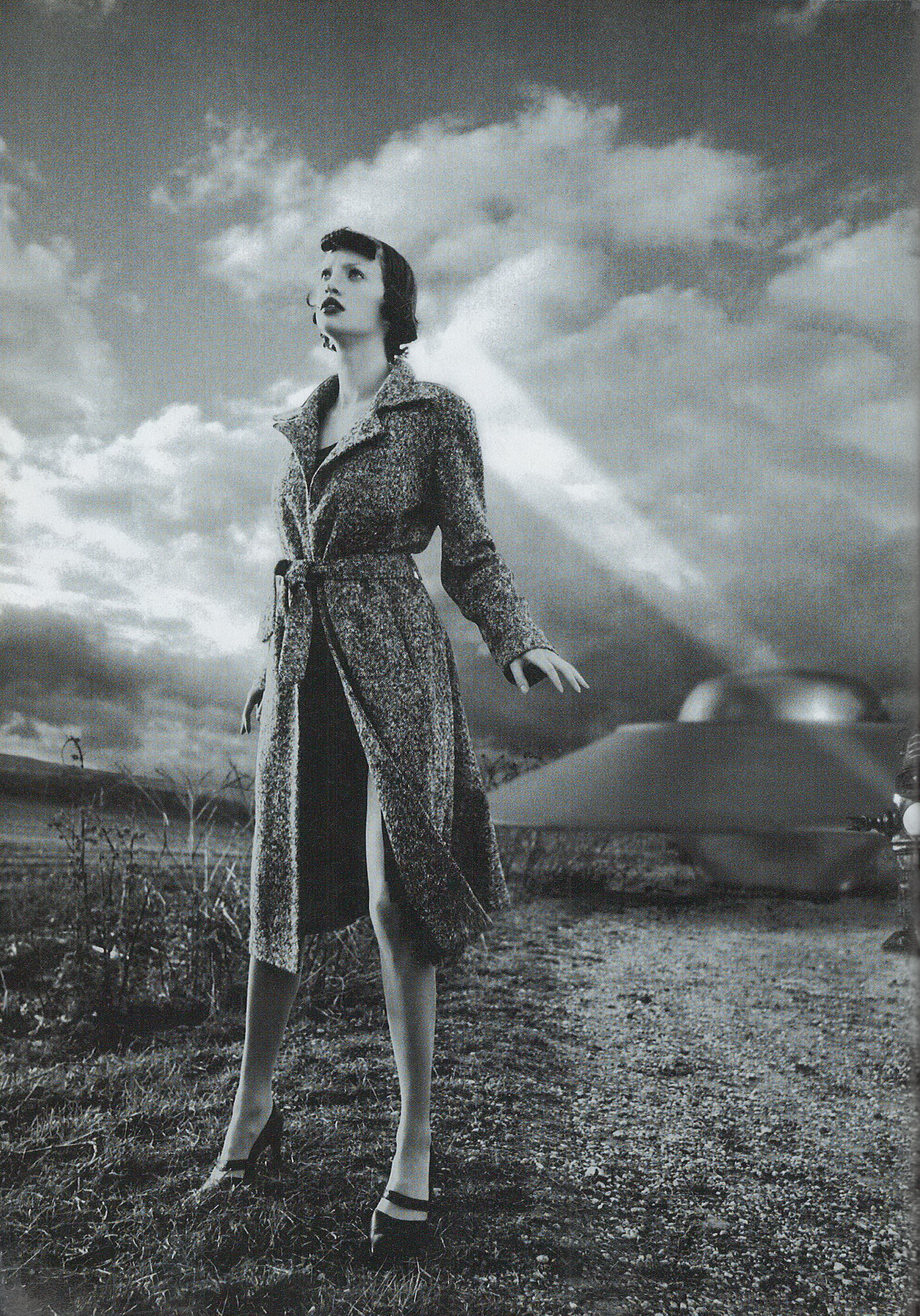
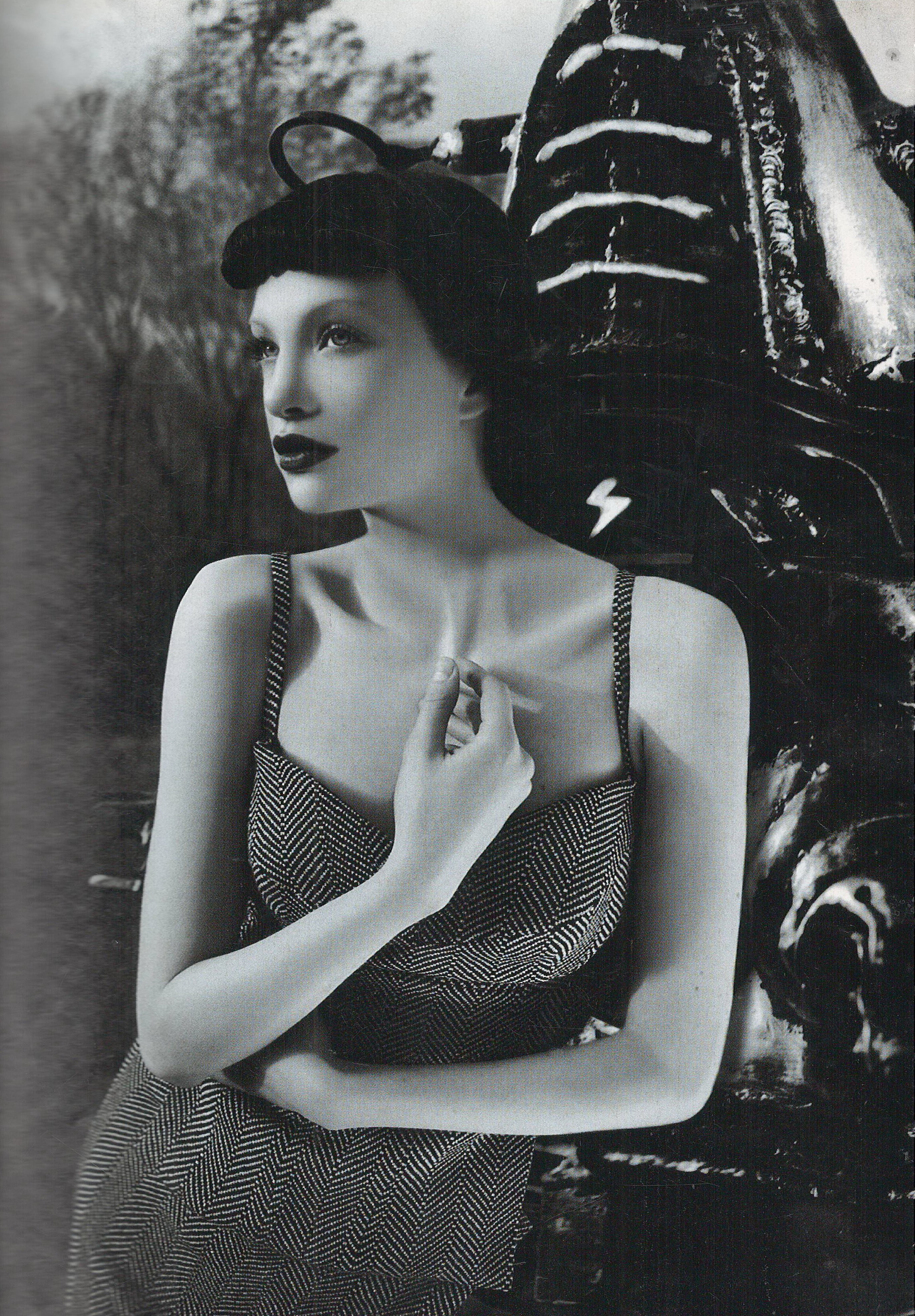
  1. Biba France January 1999 Scanned by me
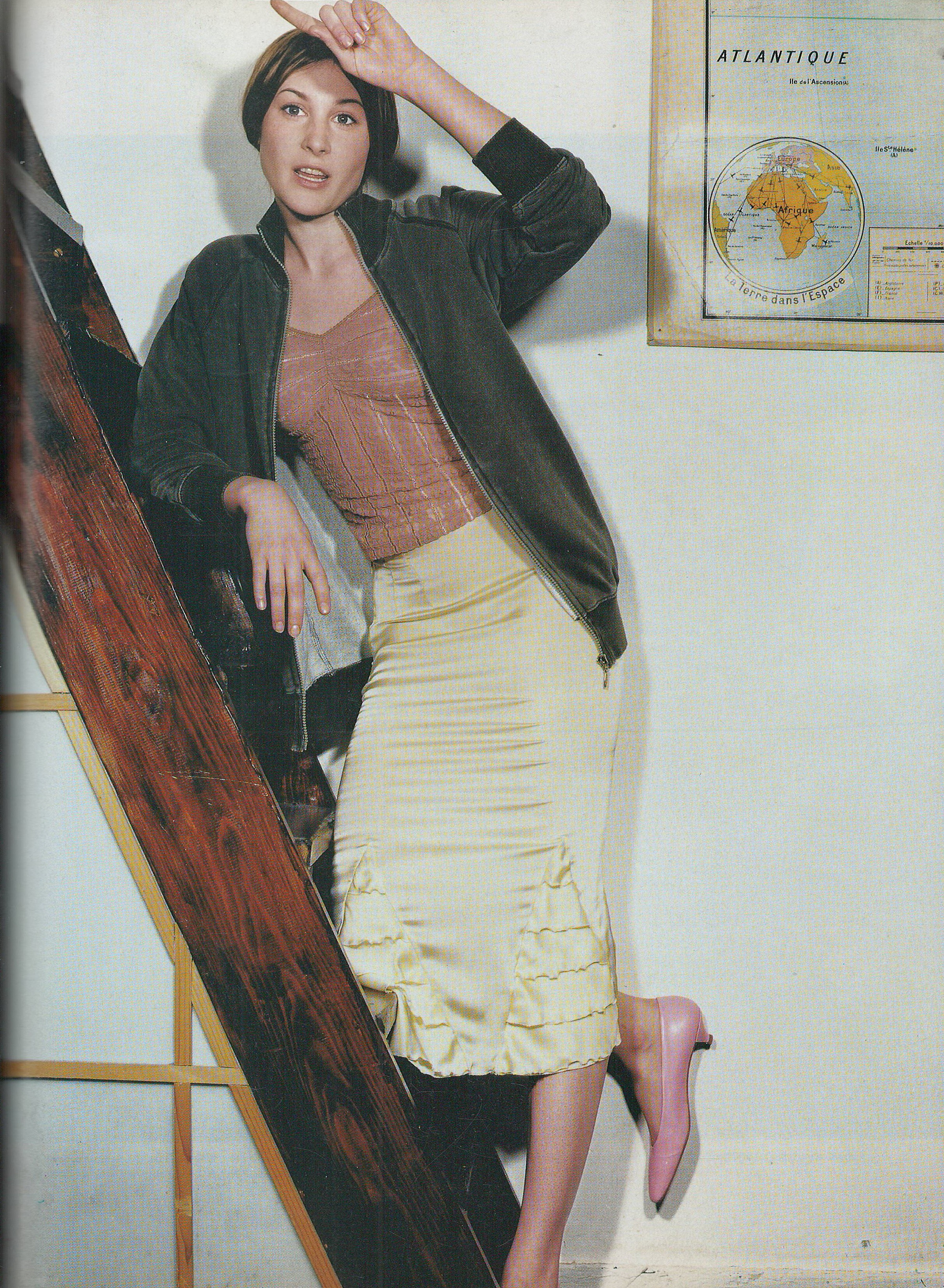
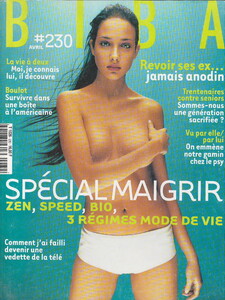
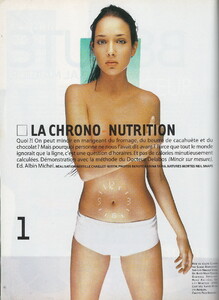
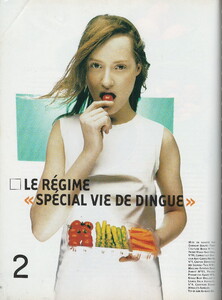
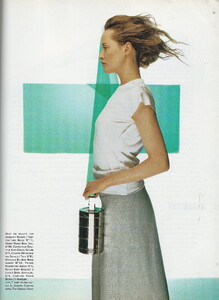
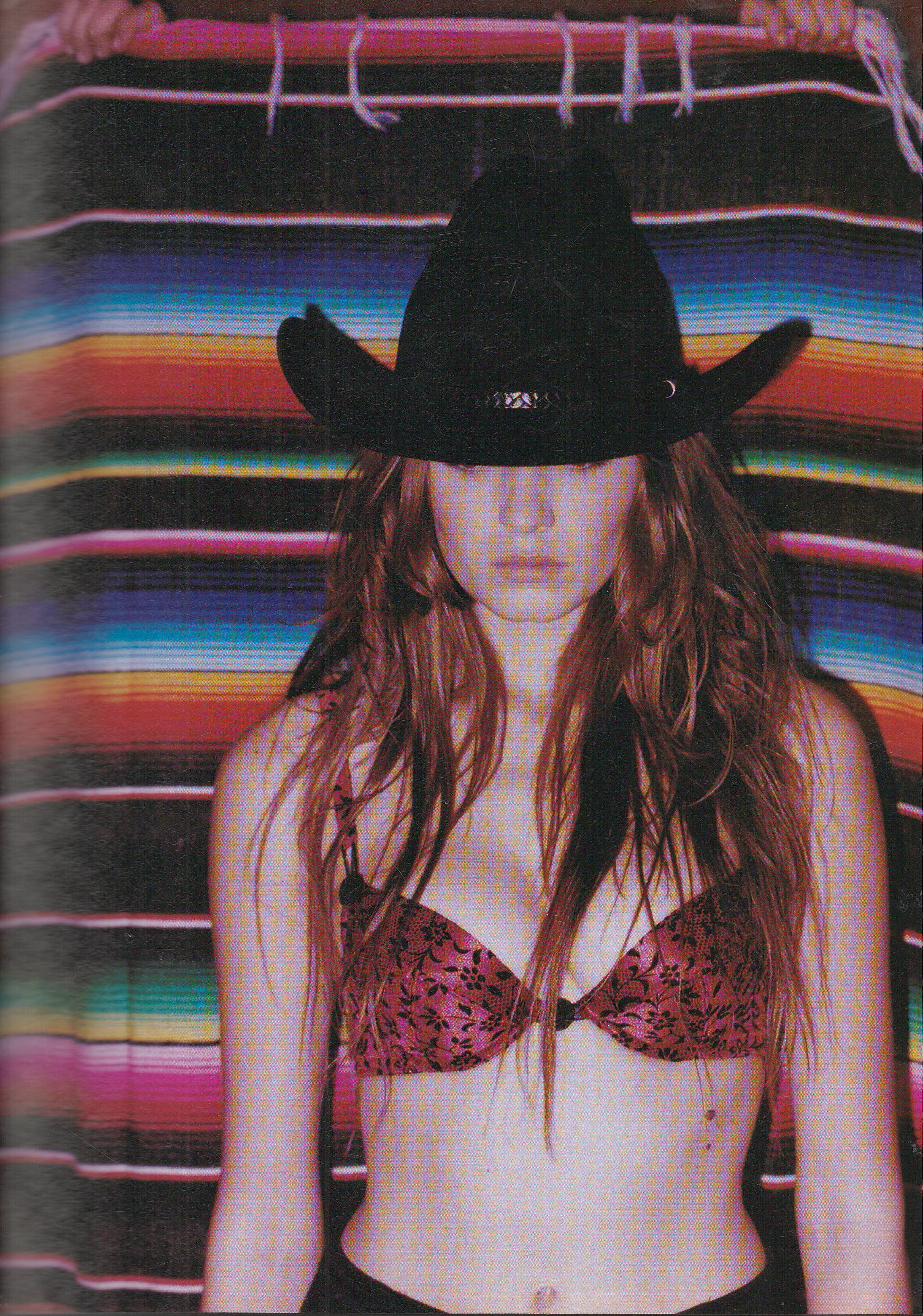
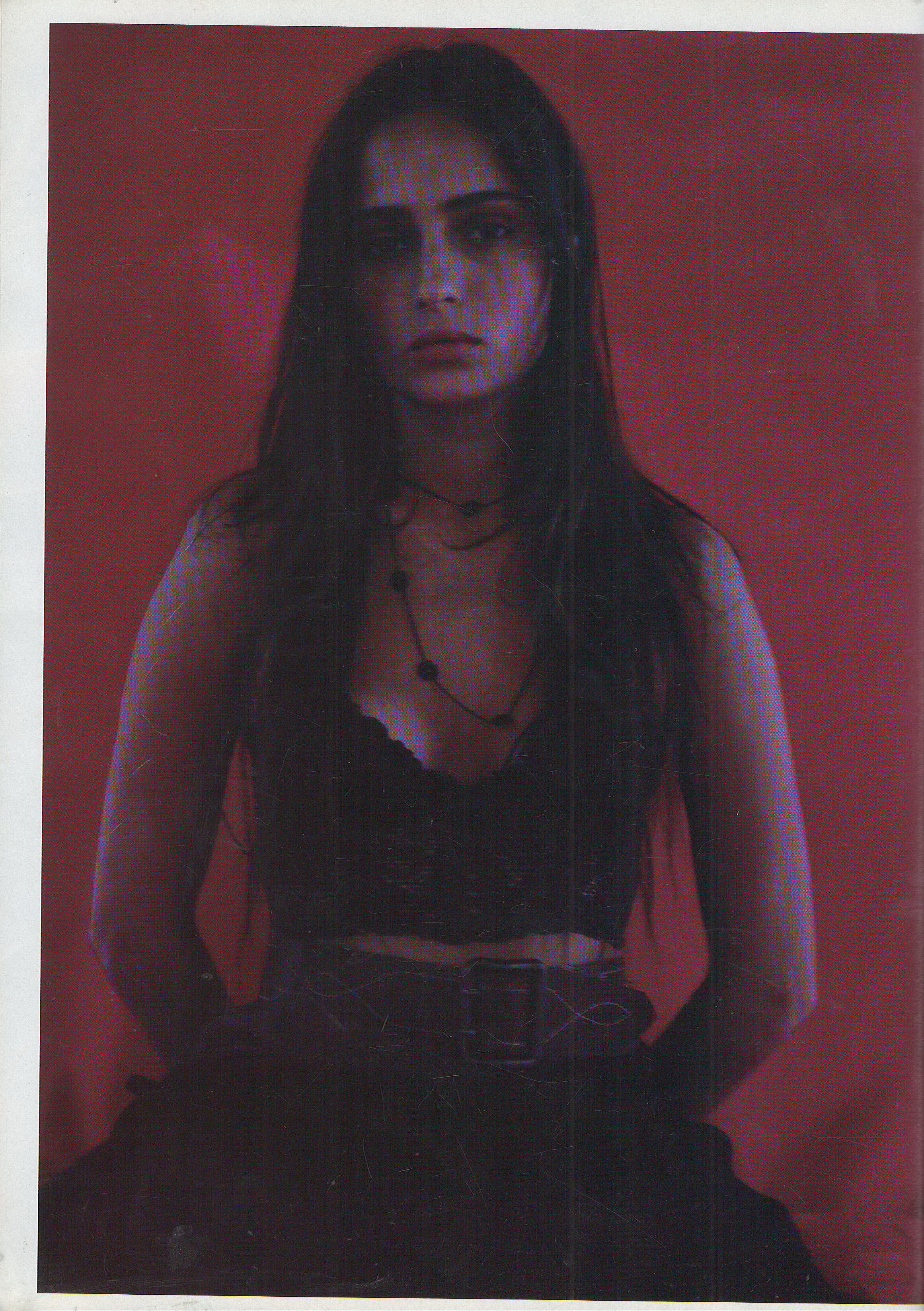
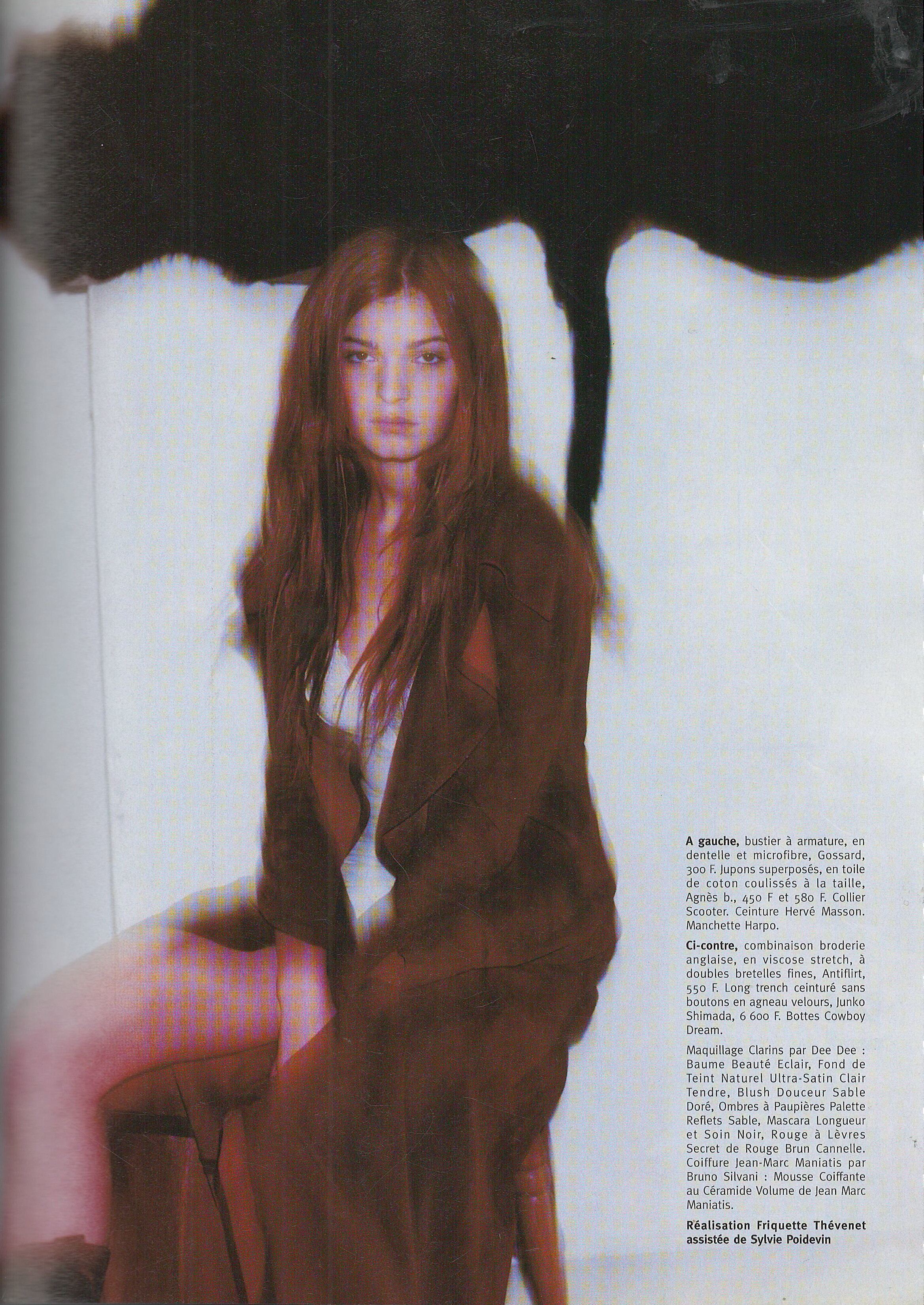
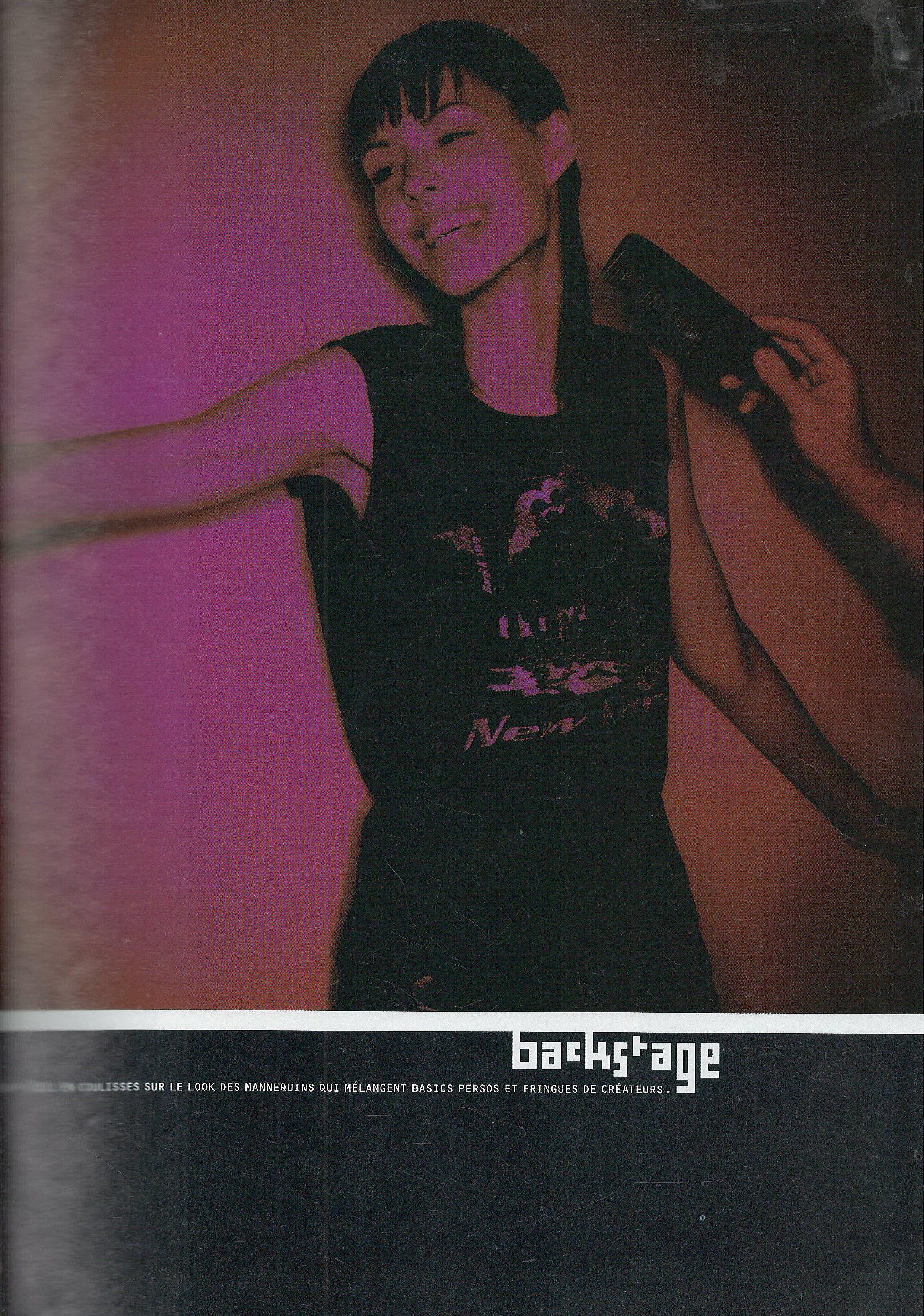
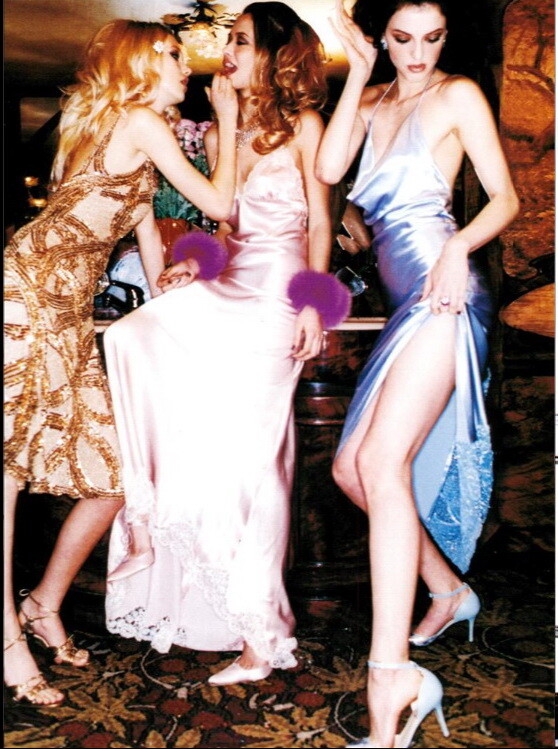
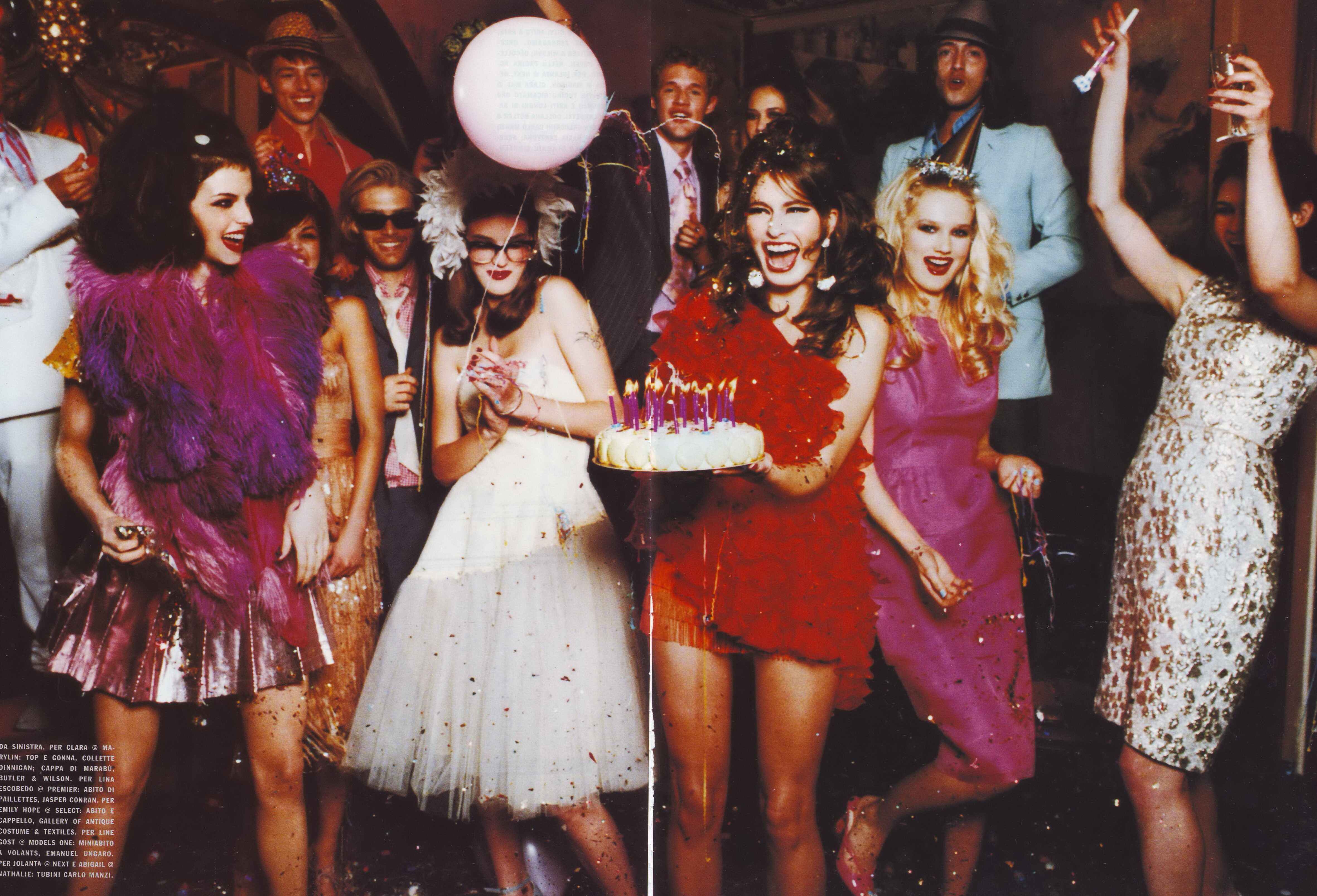
  2. Biba France September 1999 Scanned by me cover model Katia Braitman model Ana Claudia Michels (red dots on the eyebrows) in backstage picture in editorials models are: Lisa Flemmer, Yoko, Laura and Thalita

  3. Biba France September 1999 Scanned by me
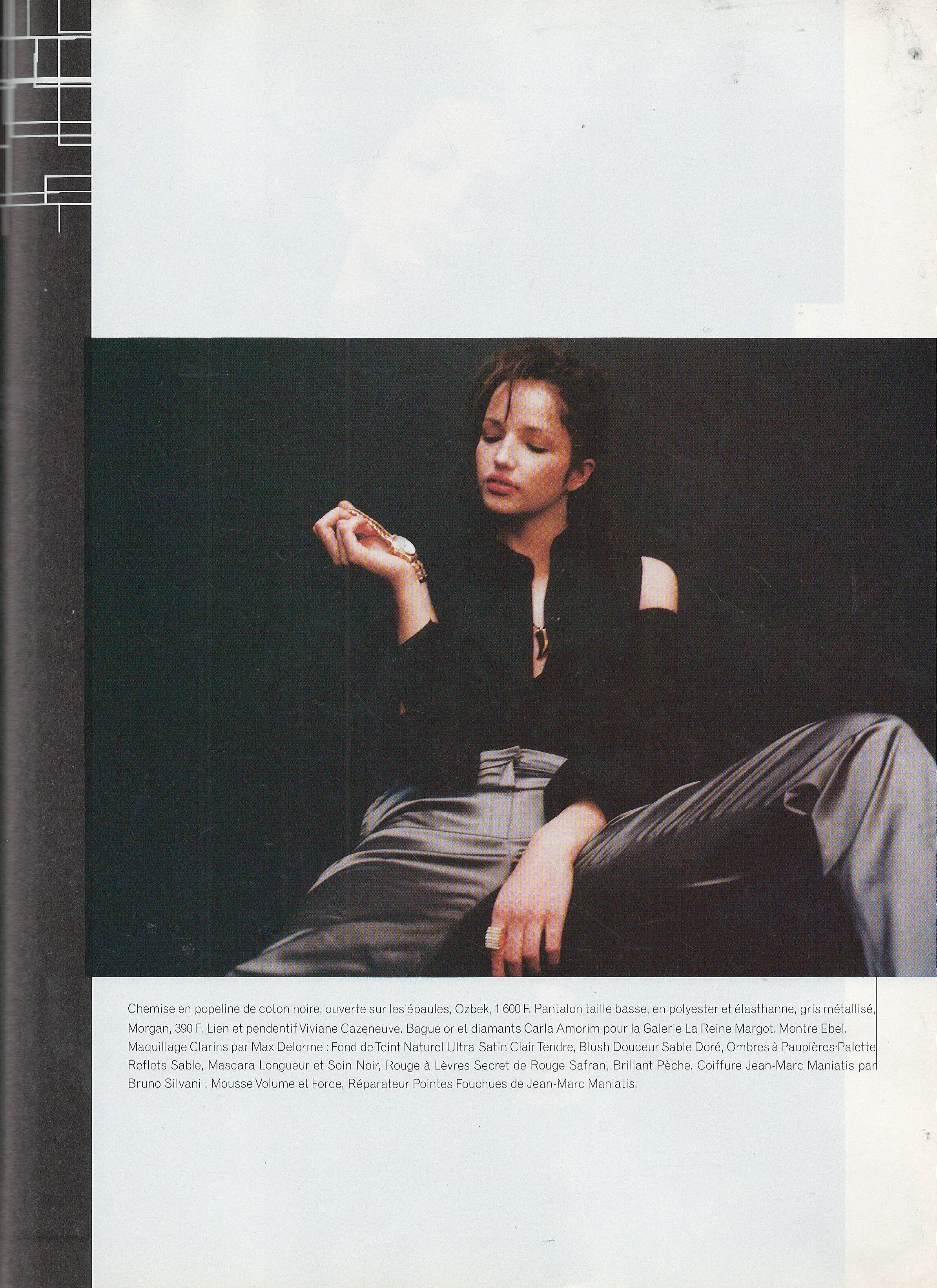
  4. Biba France August 1999 Scanned by me model Karina Bacon
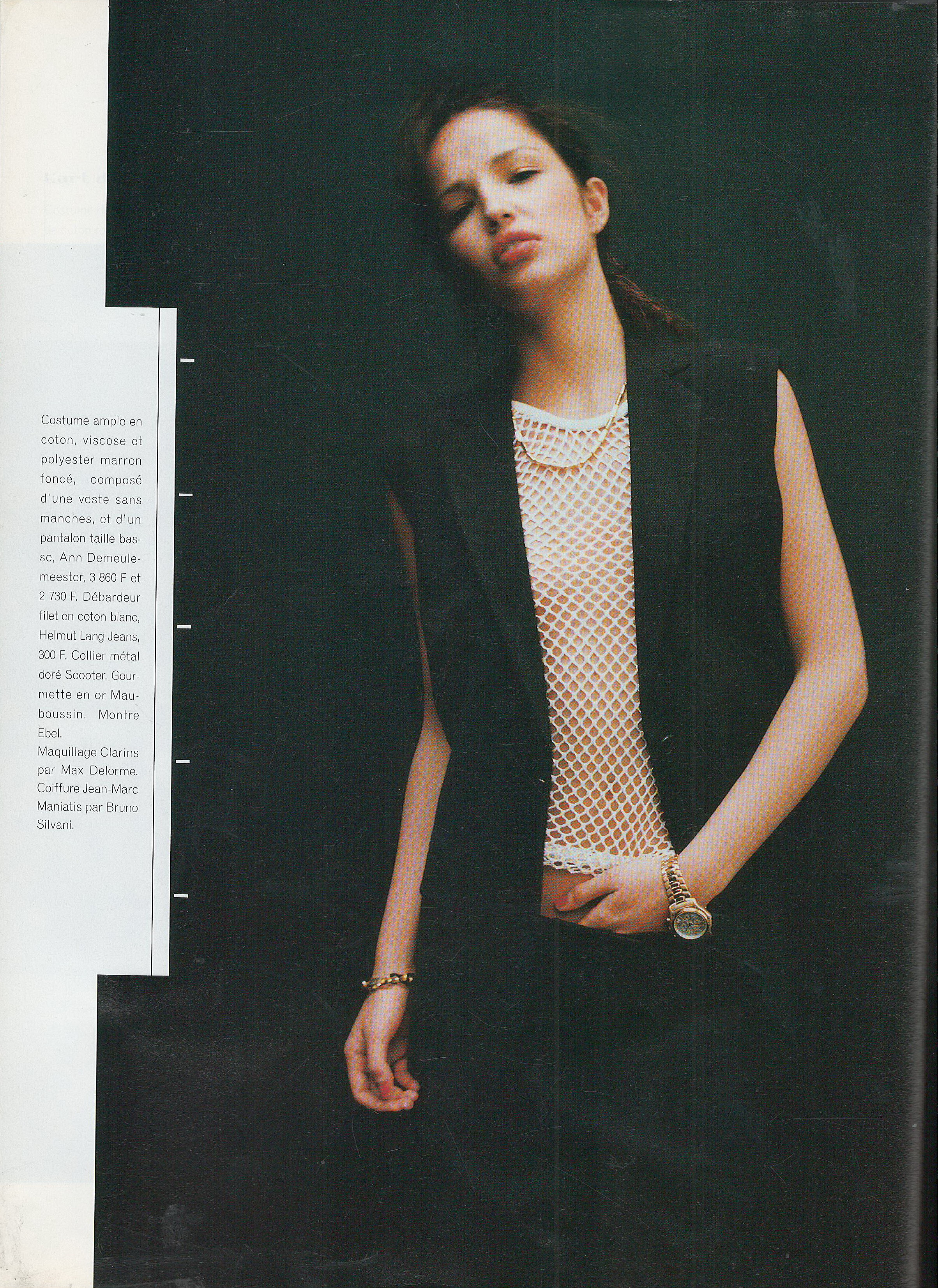
  5. Biba France August 1999 Scanned by me cover model Michelle Bennenah model Sophie Upton
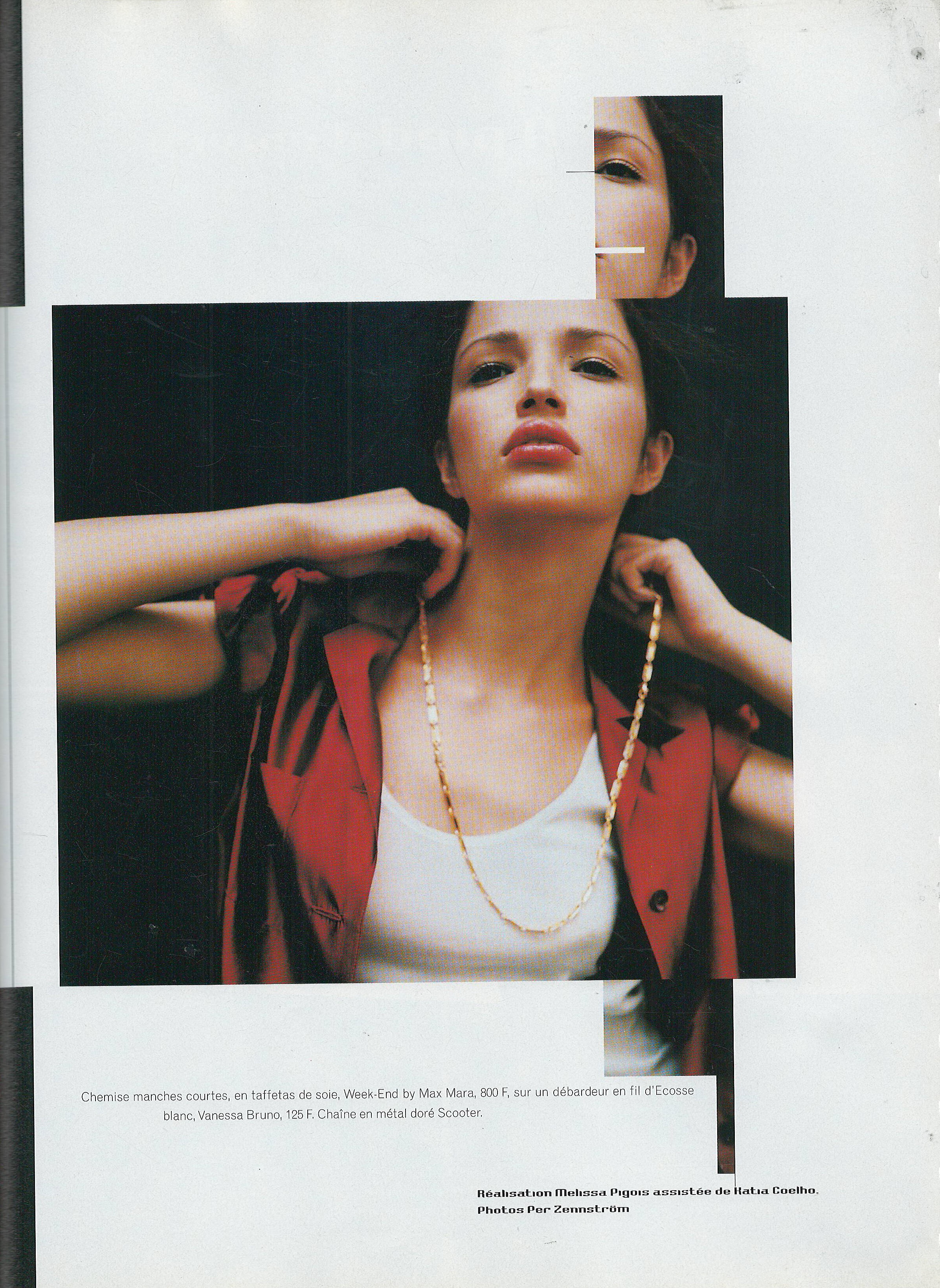
  6. Biba France March 1999 Scanned by me model Estella Warren models Catherine Hurley and Amanda Moore
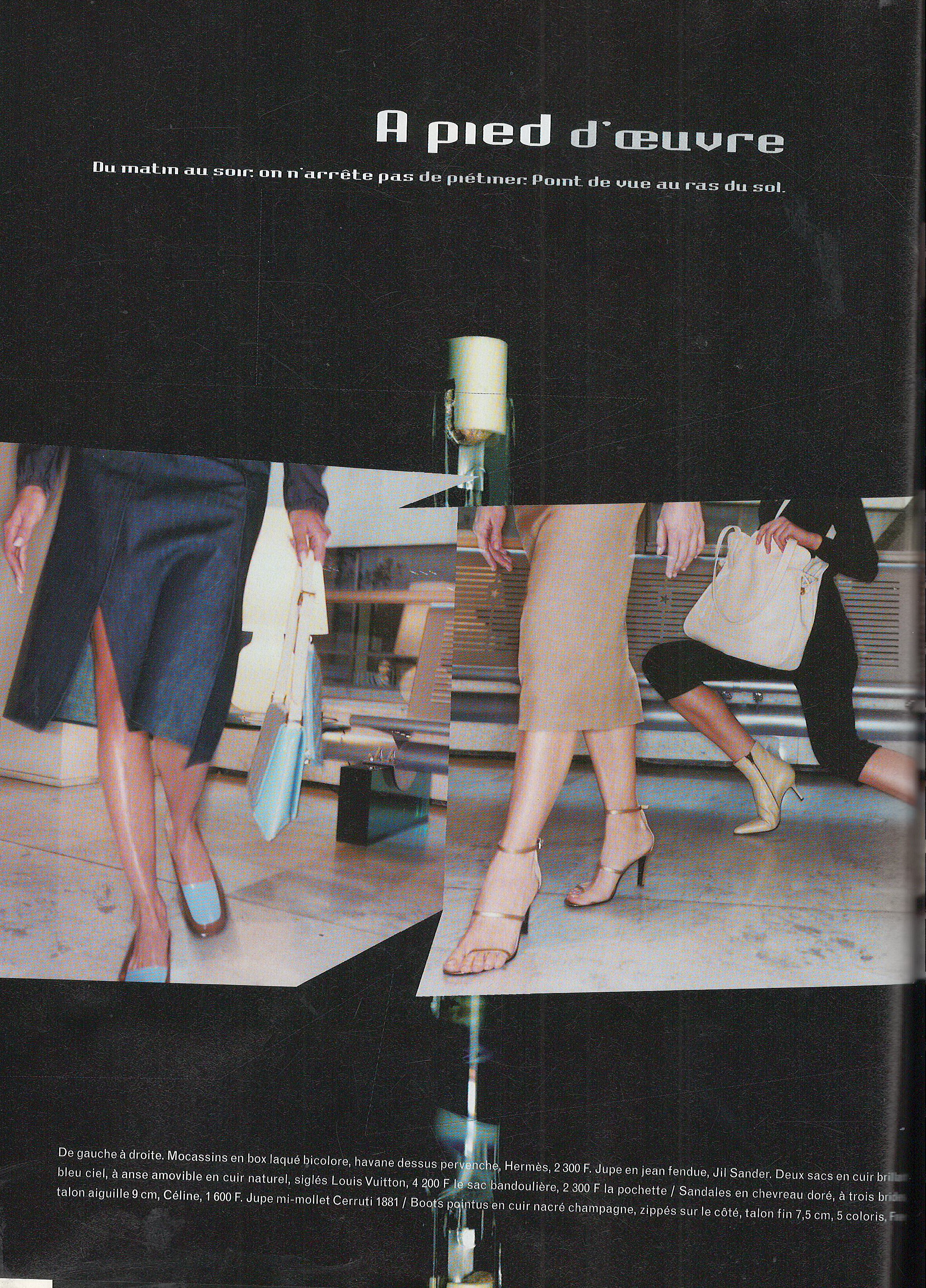
  7. Biba France March 1999 Scanned by me
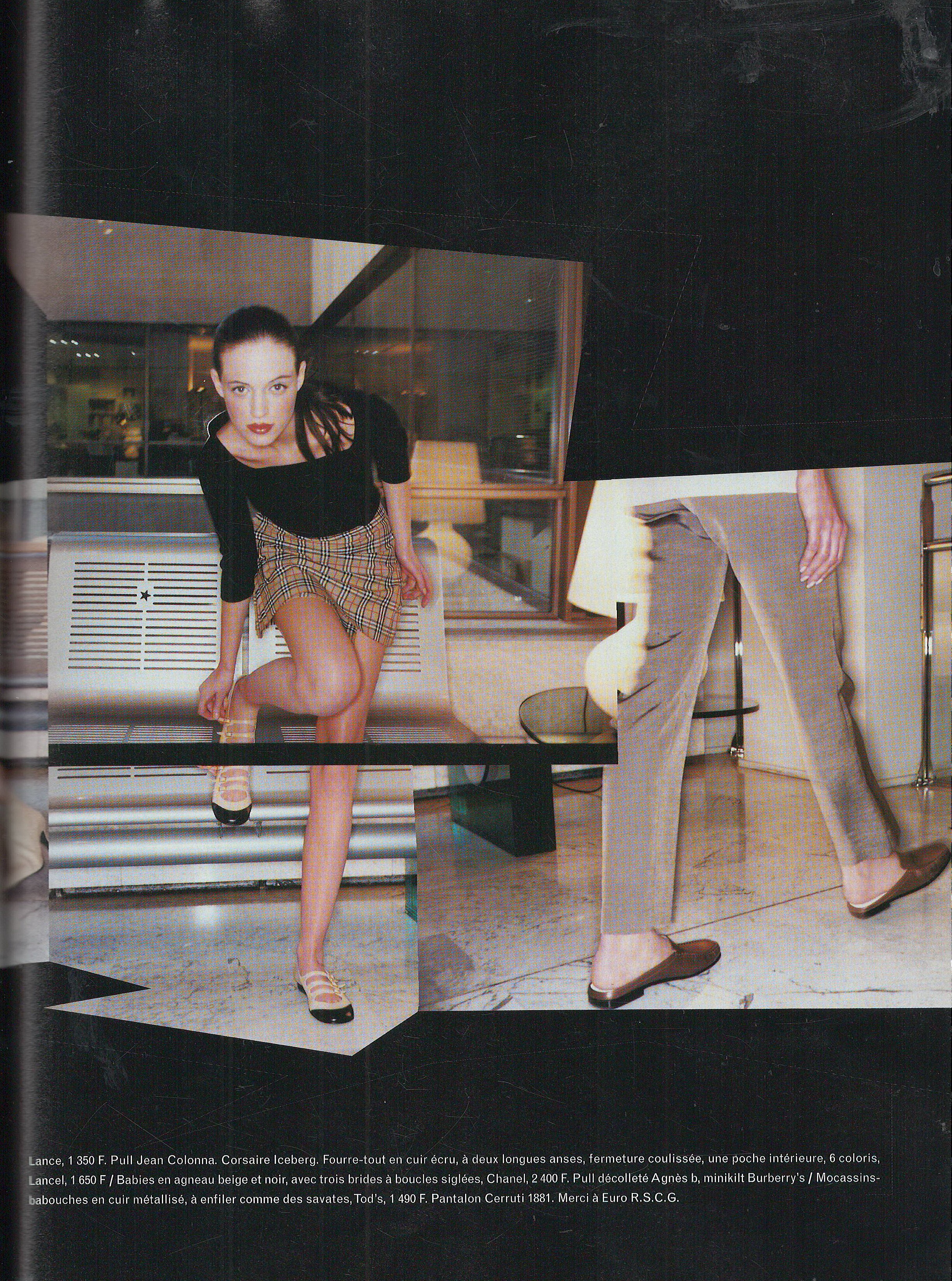
  8. Biba France March 1999 Scanned by me cover model Estella Warren model Caroline
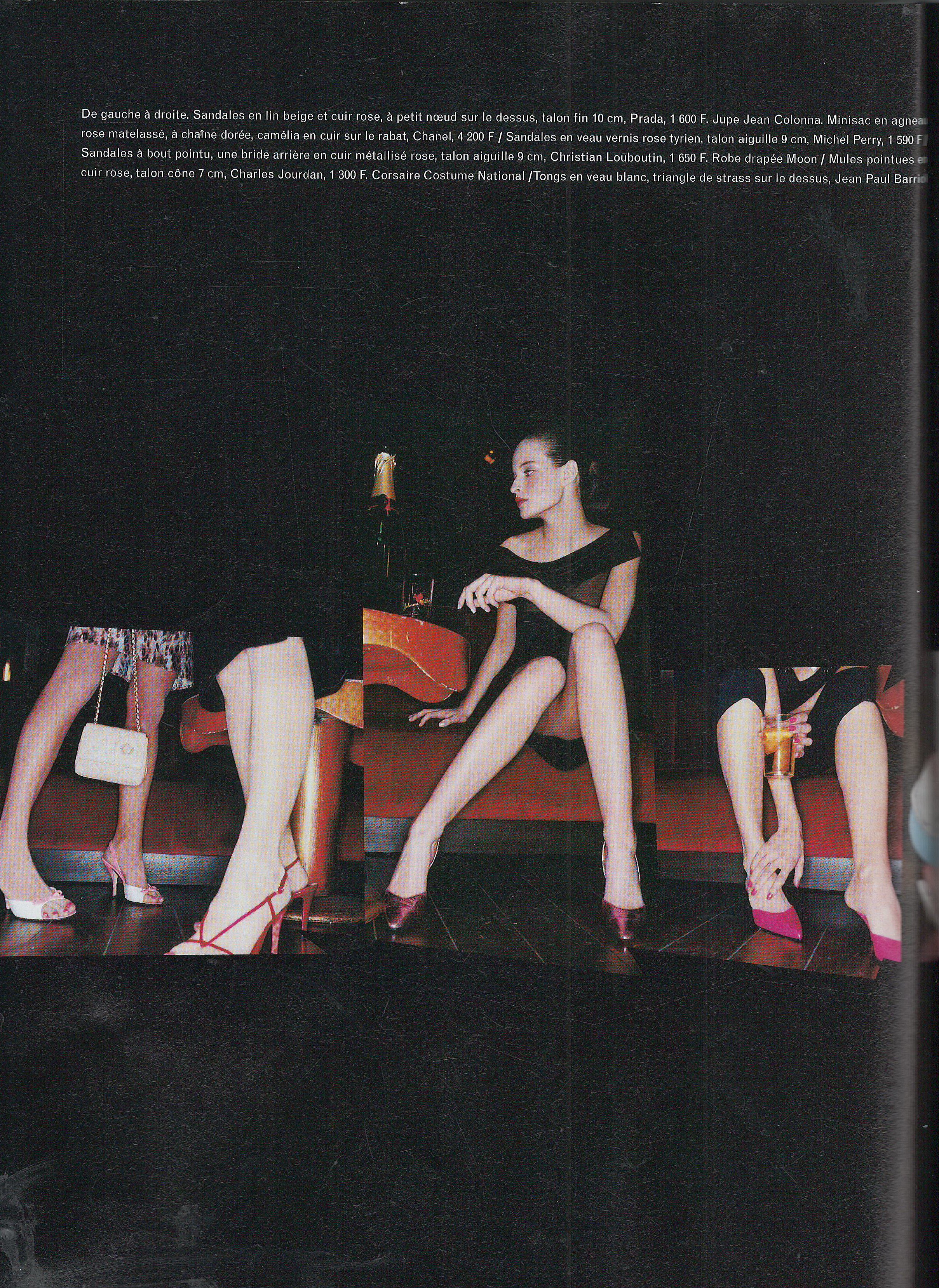
  9. Biba France January 1999 Scanned by me
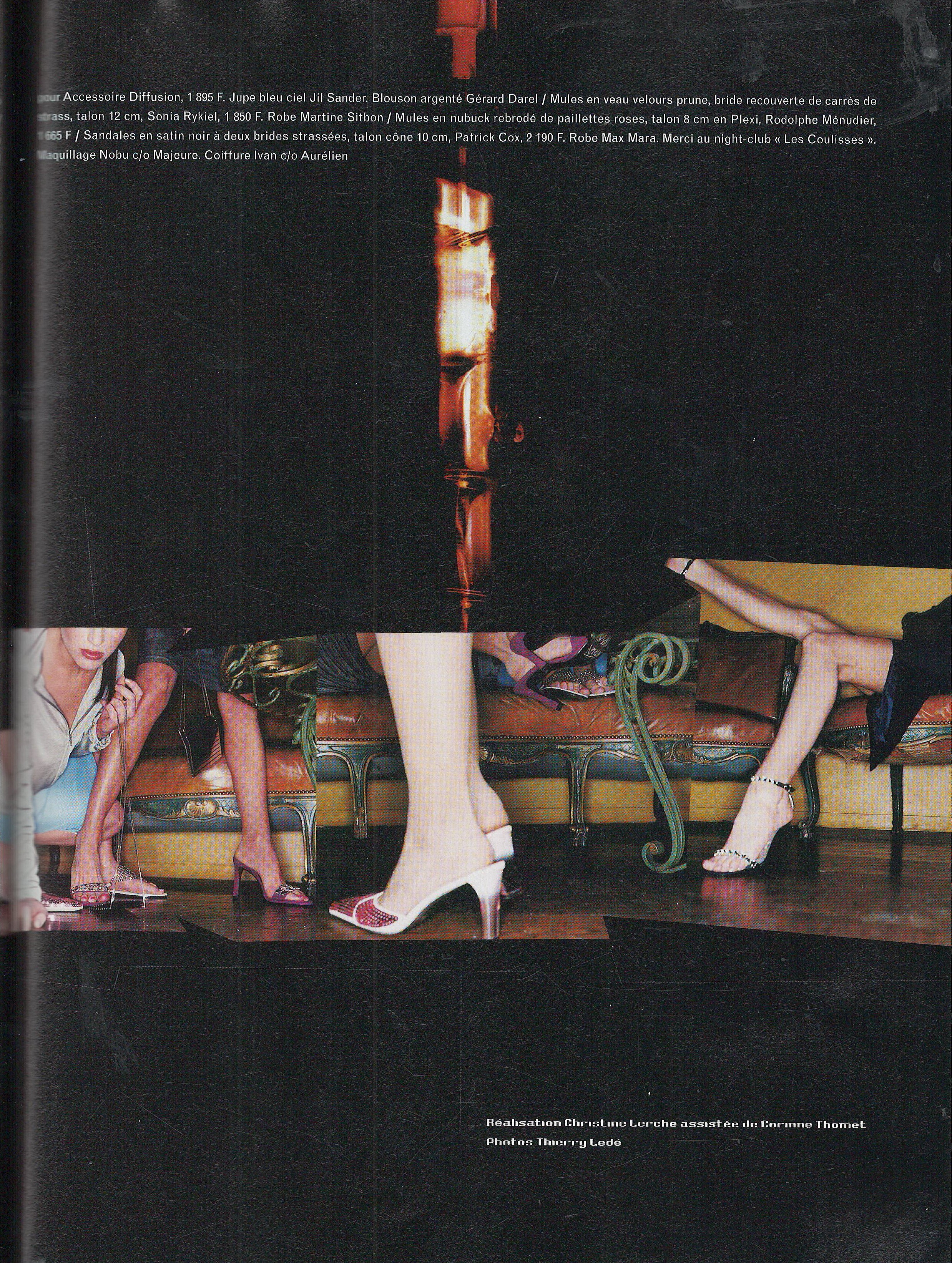
  10. Biba France January 1999 Scanned by me model Connie Houston models Julia Stautz, Ross
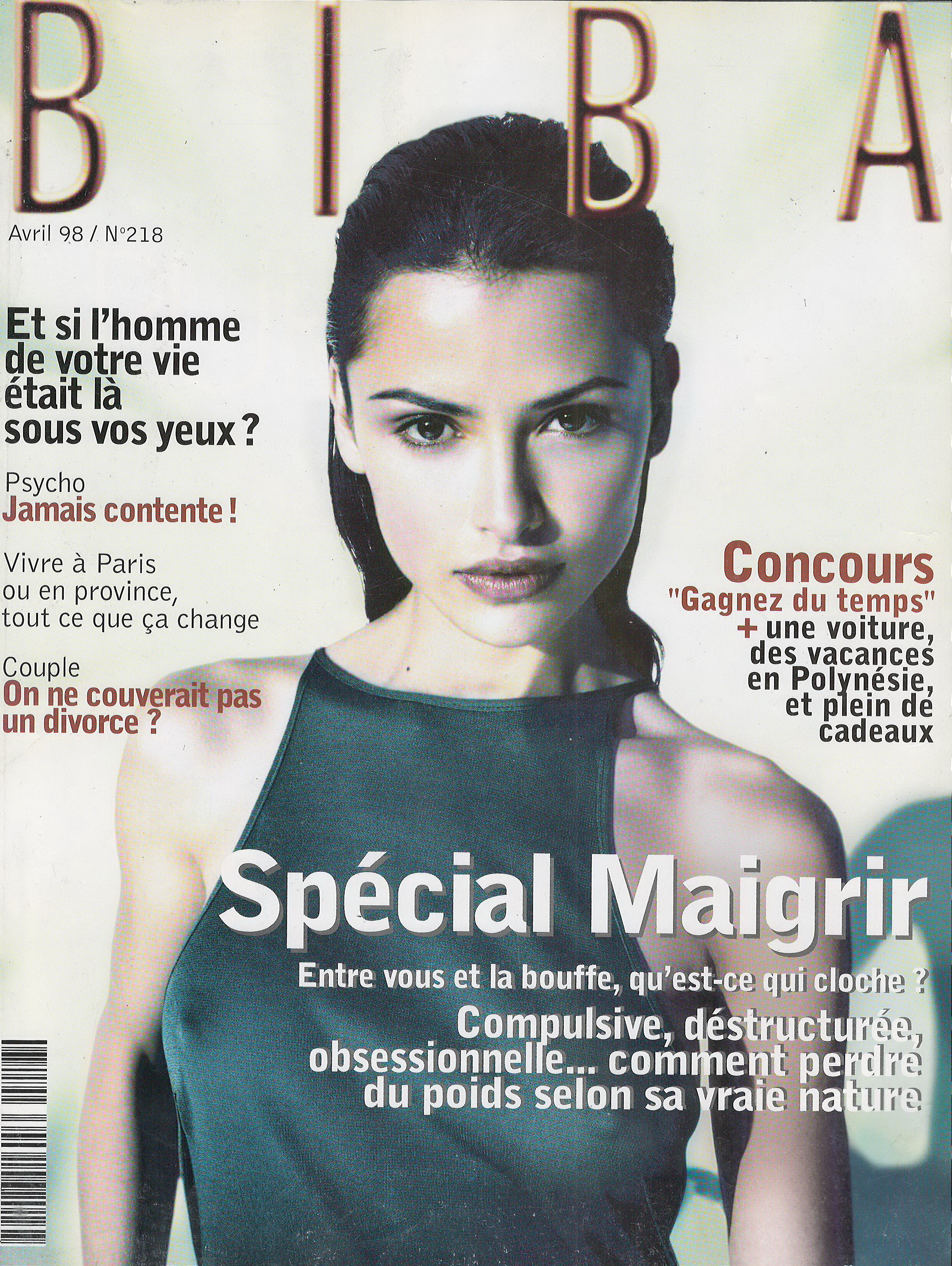
  11. Biba France January 1999 Scanned by me cover model Molly Sims model Sorcha models Laetizia Venezia Tarnowska and Lisa Peake
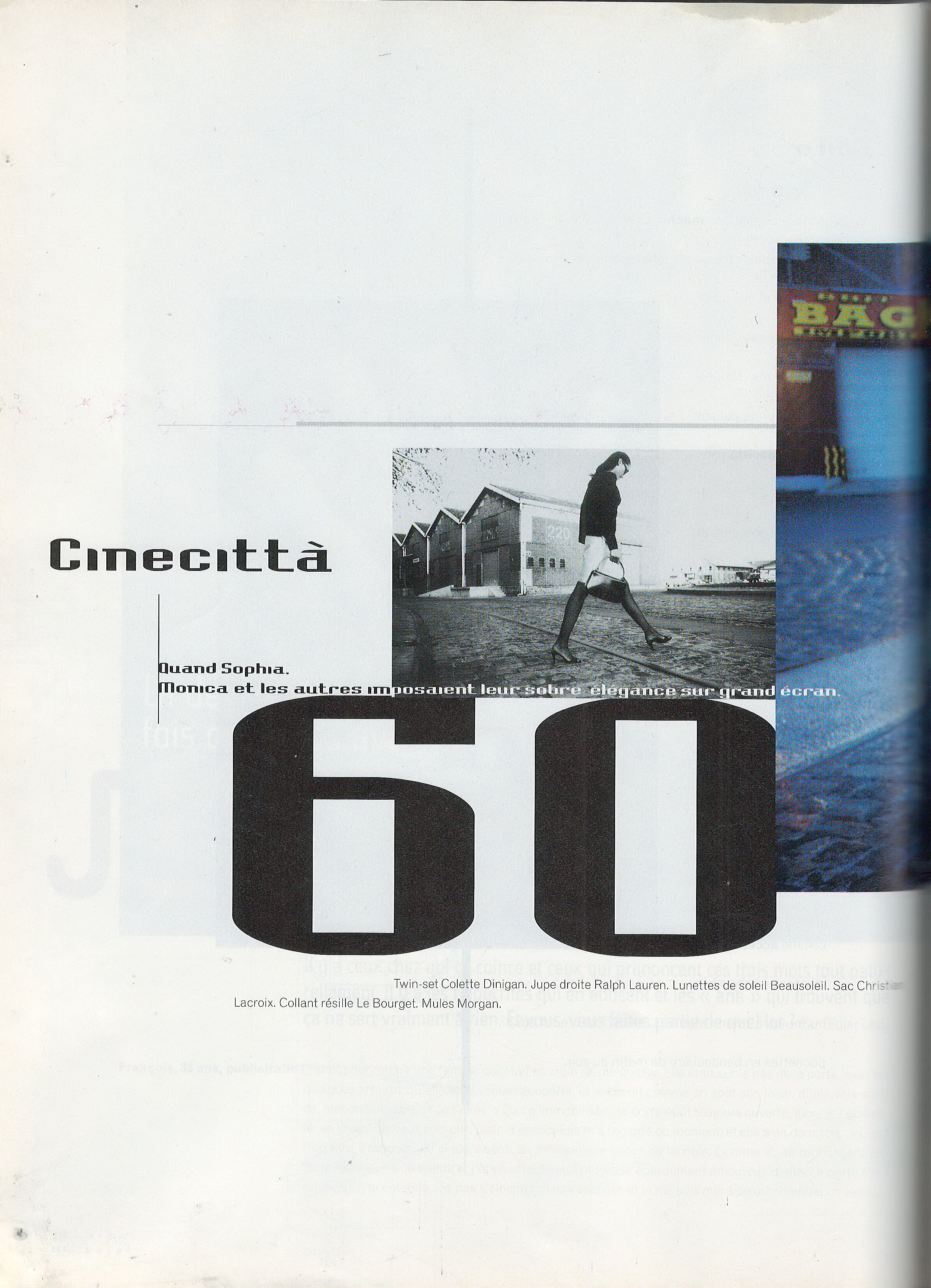
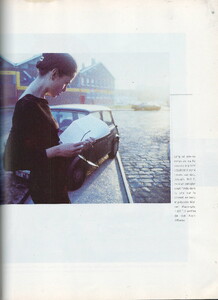
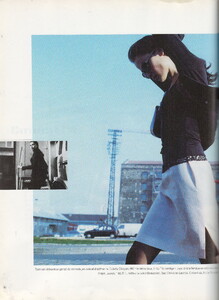
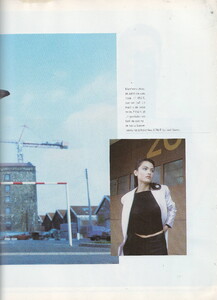
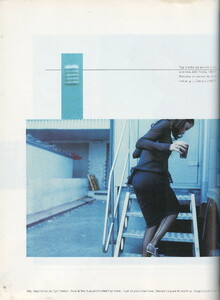
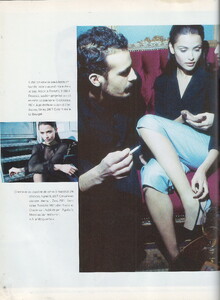
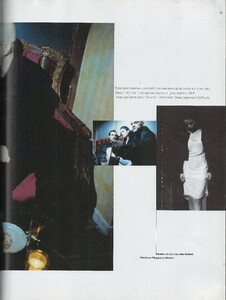
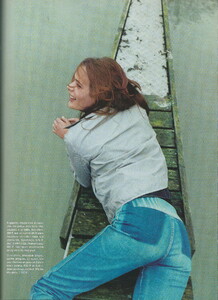
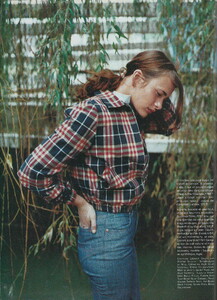
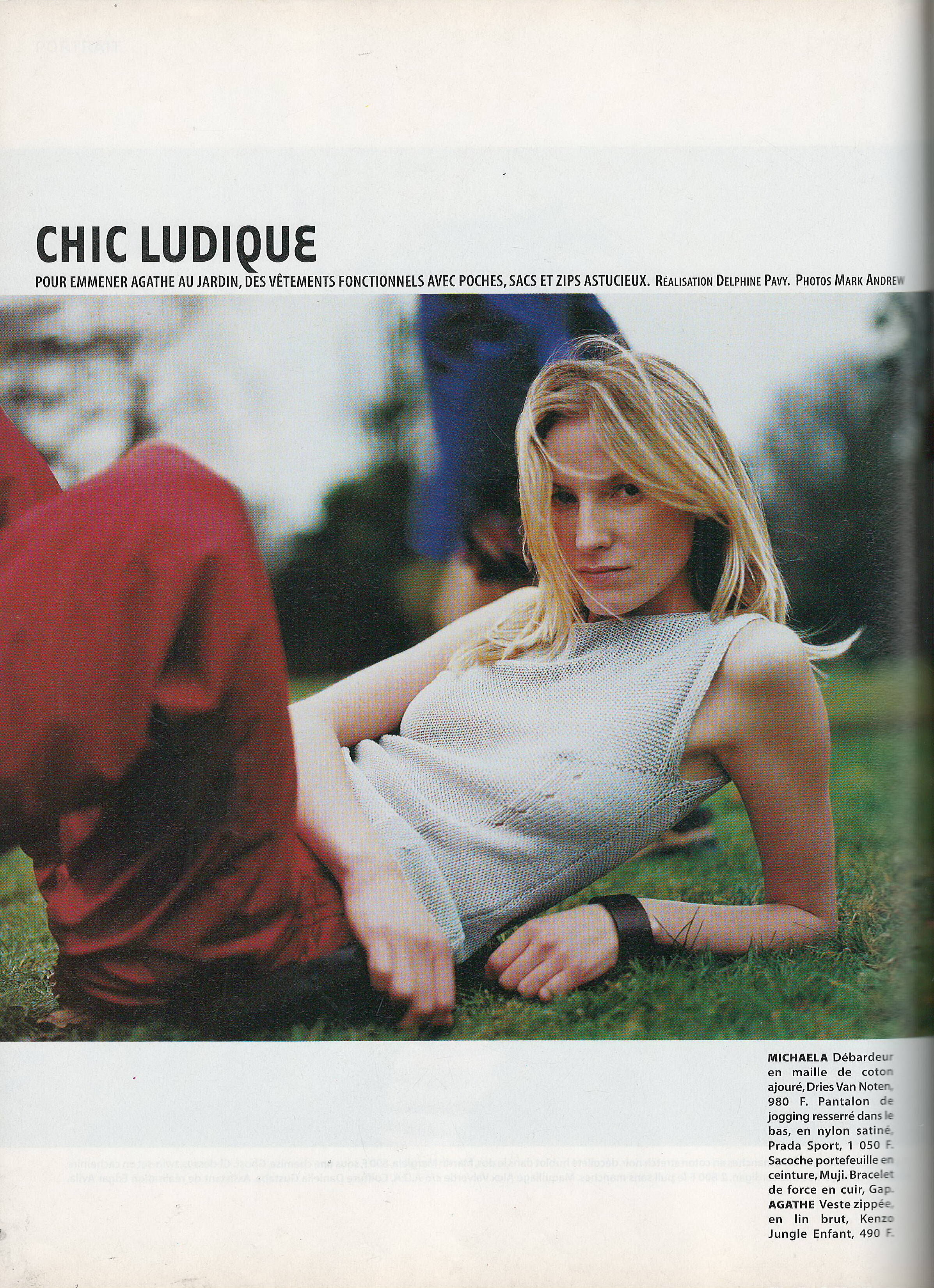
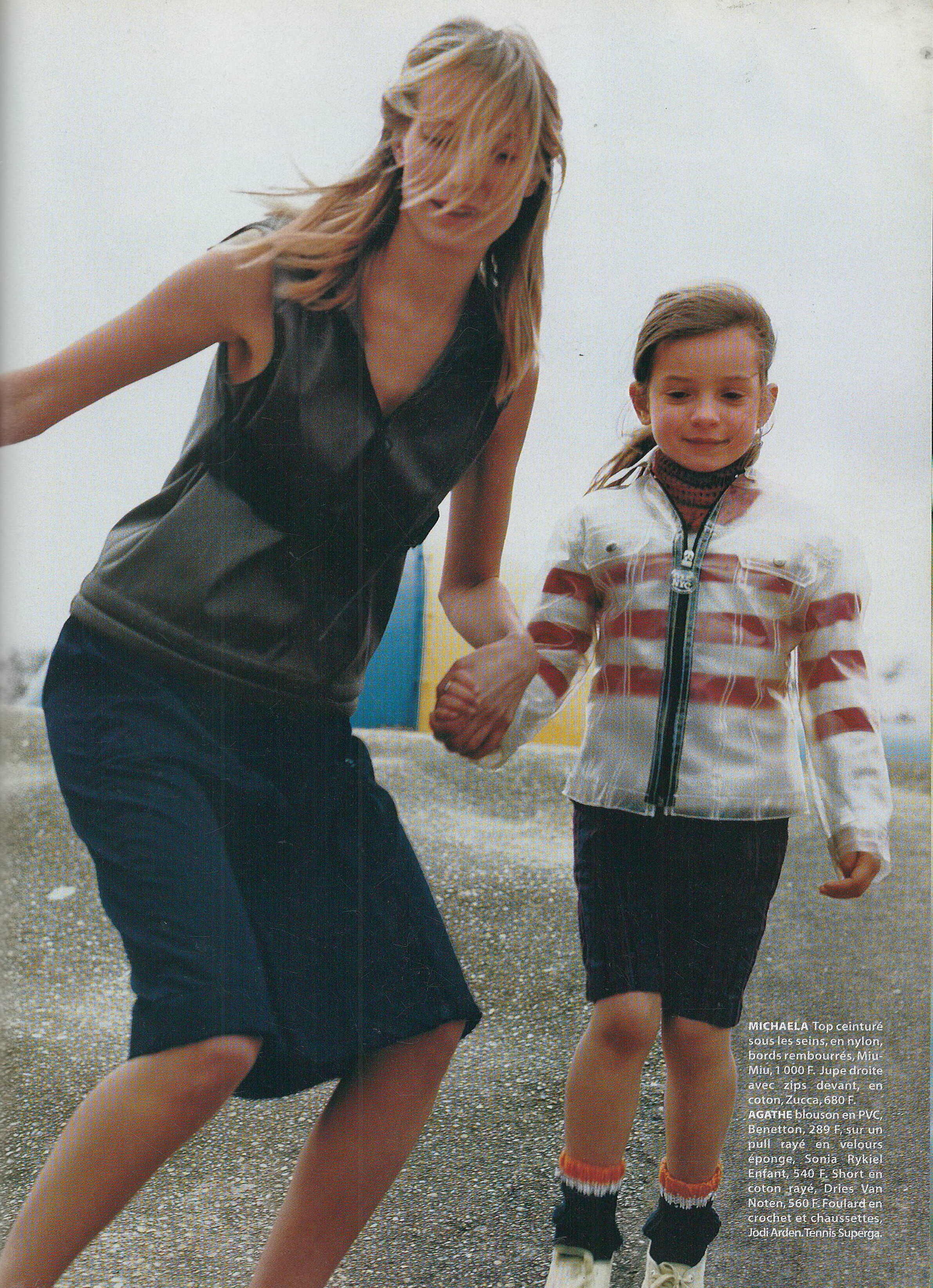
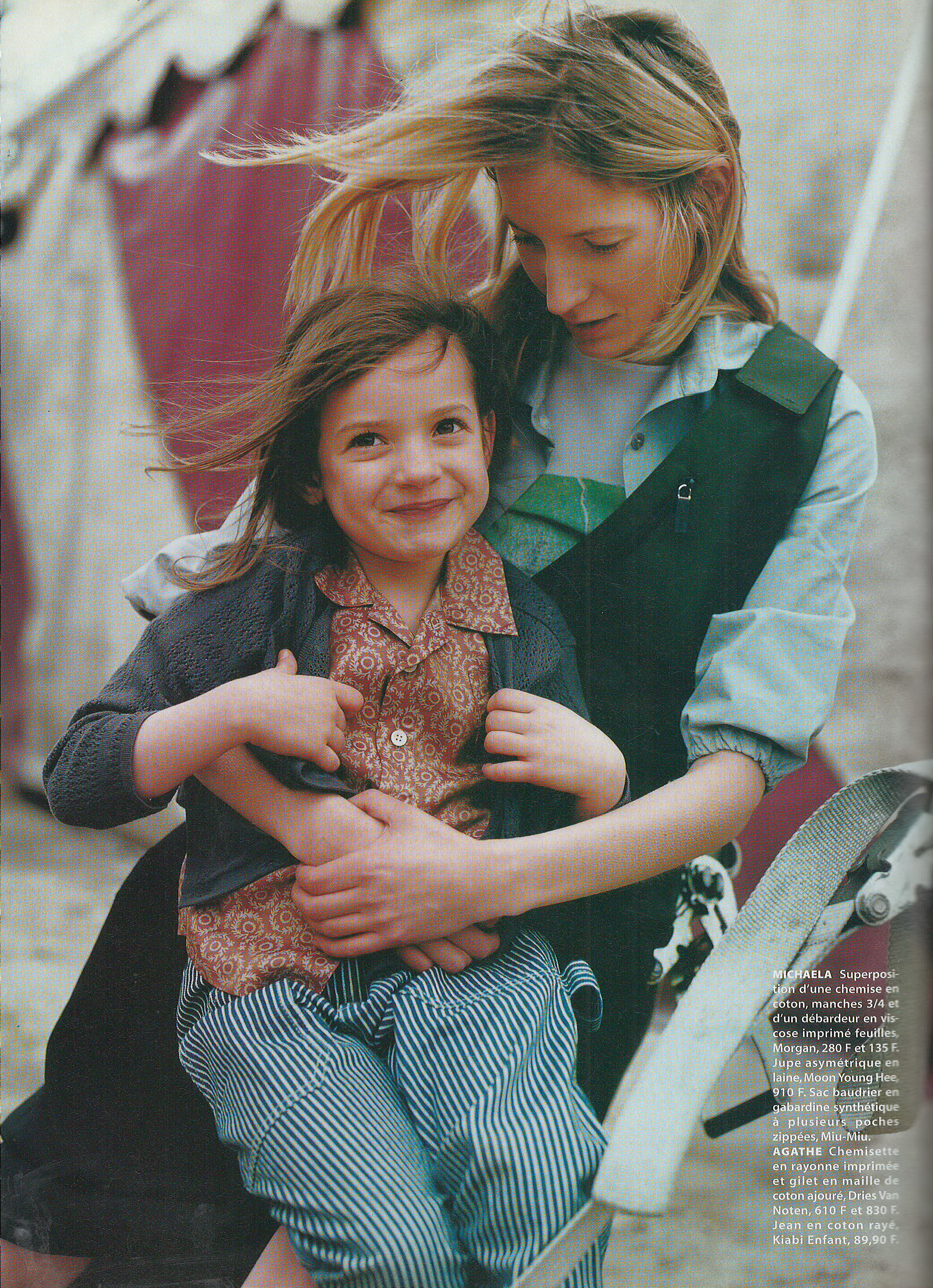
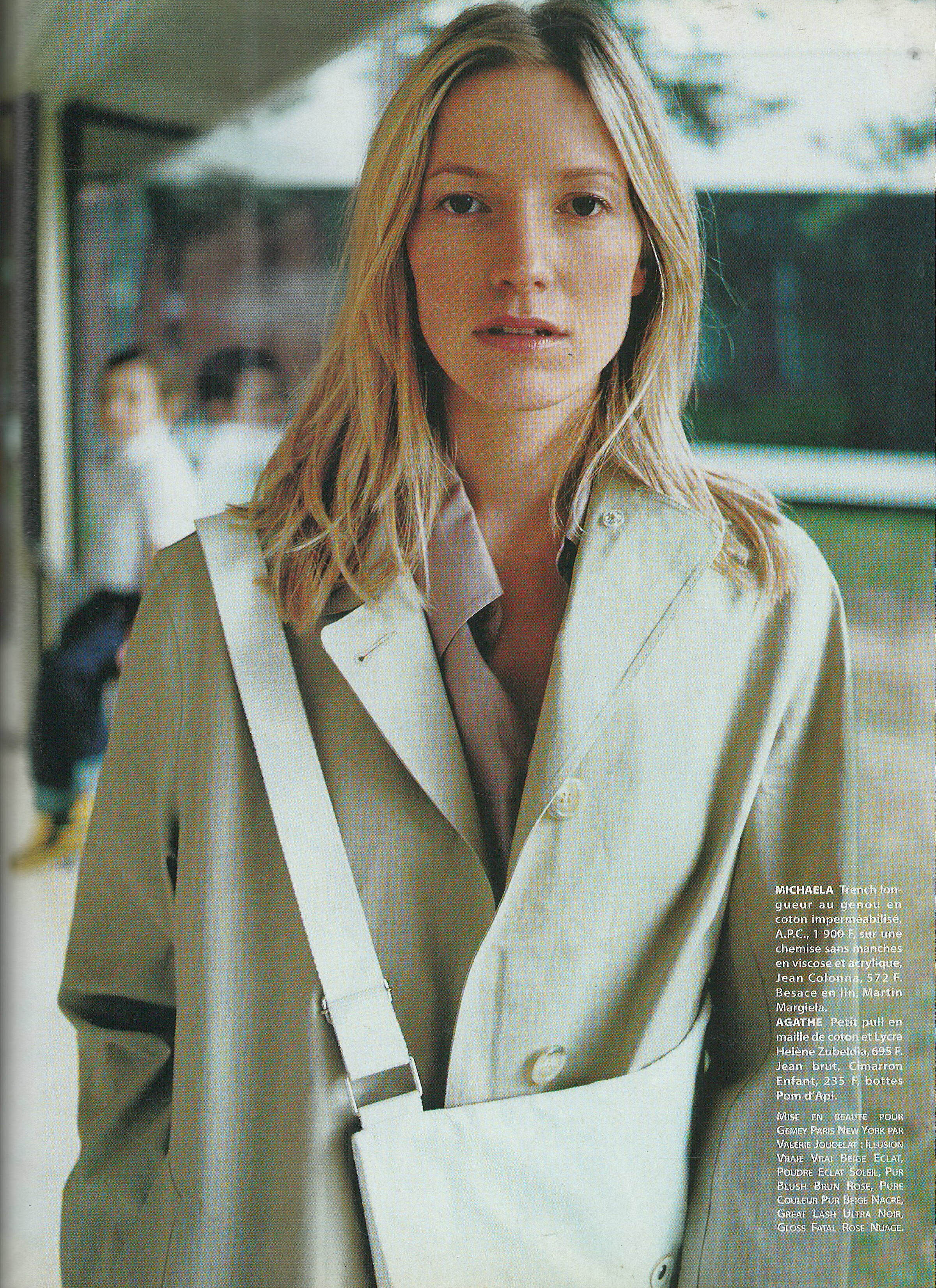
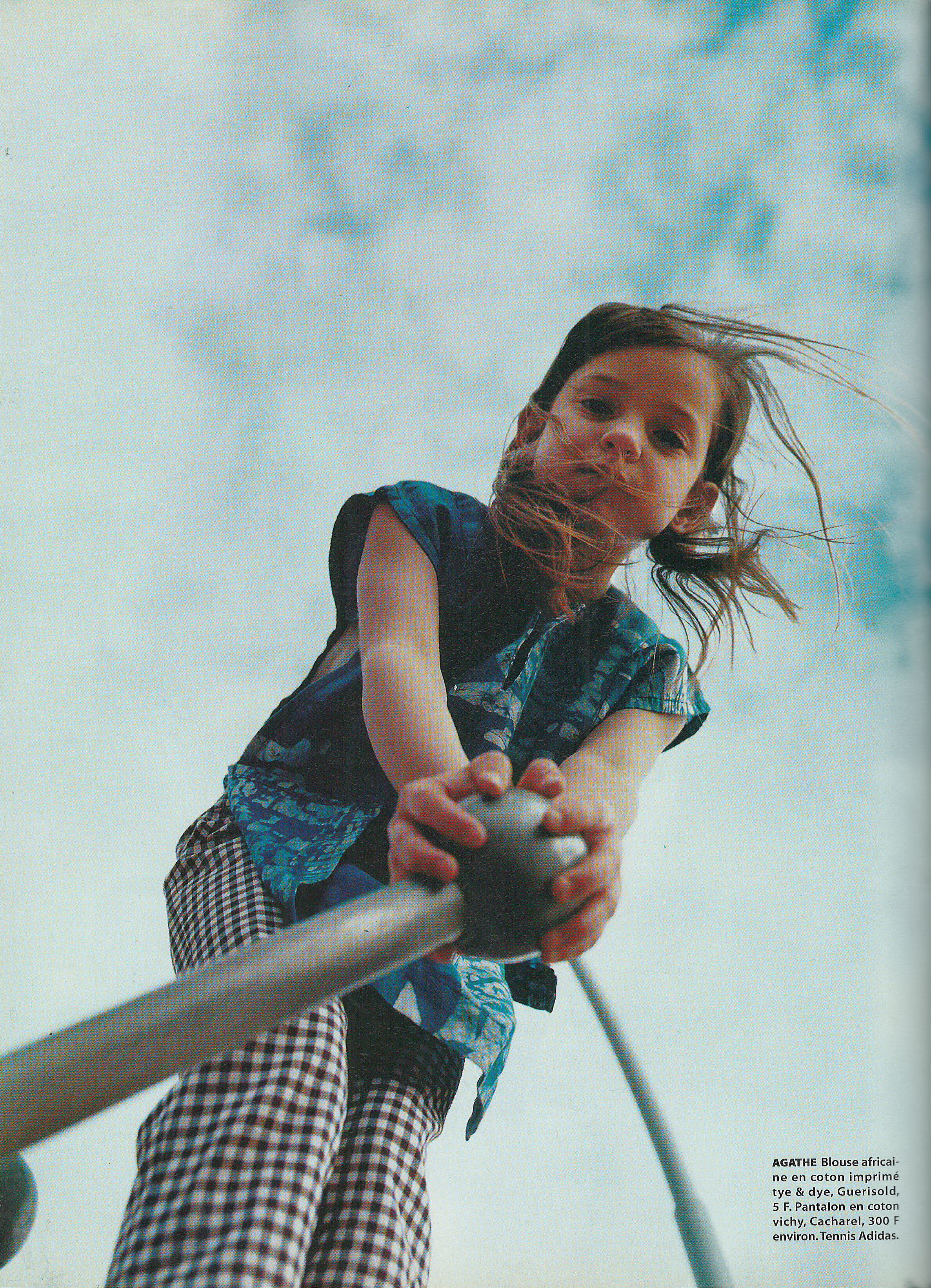
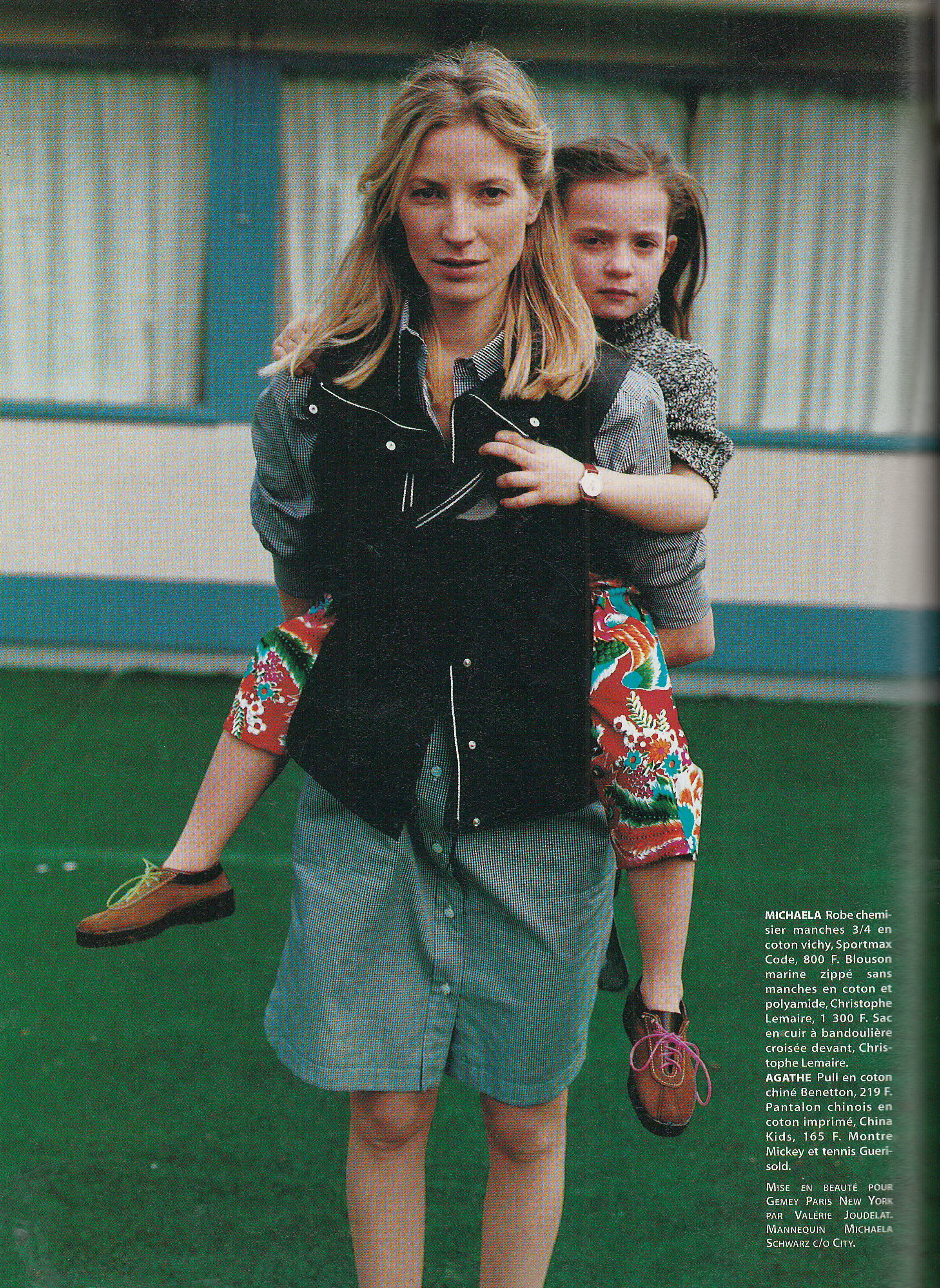
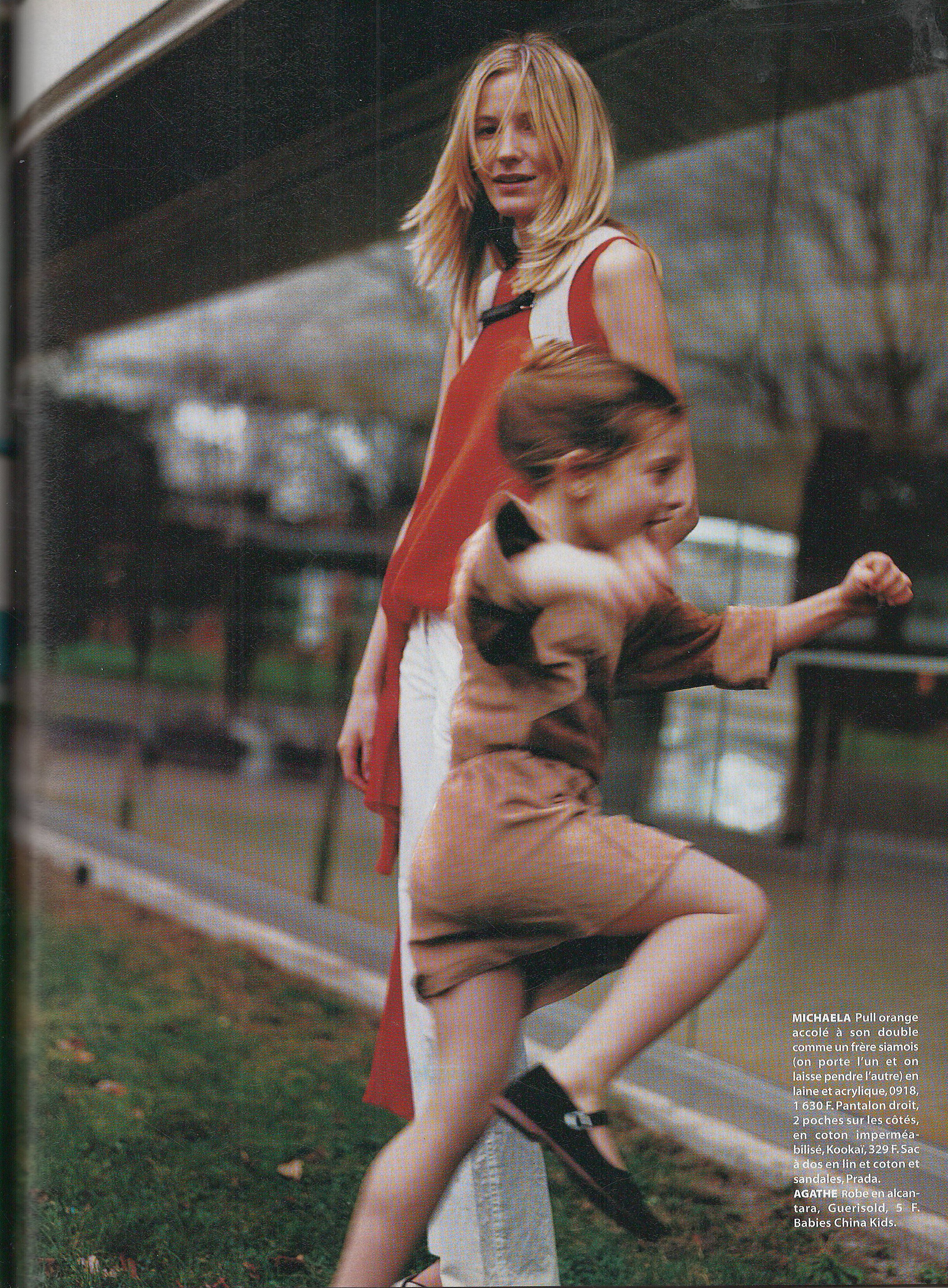
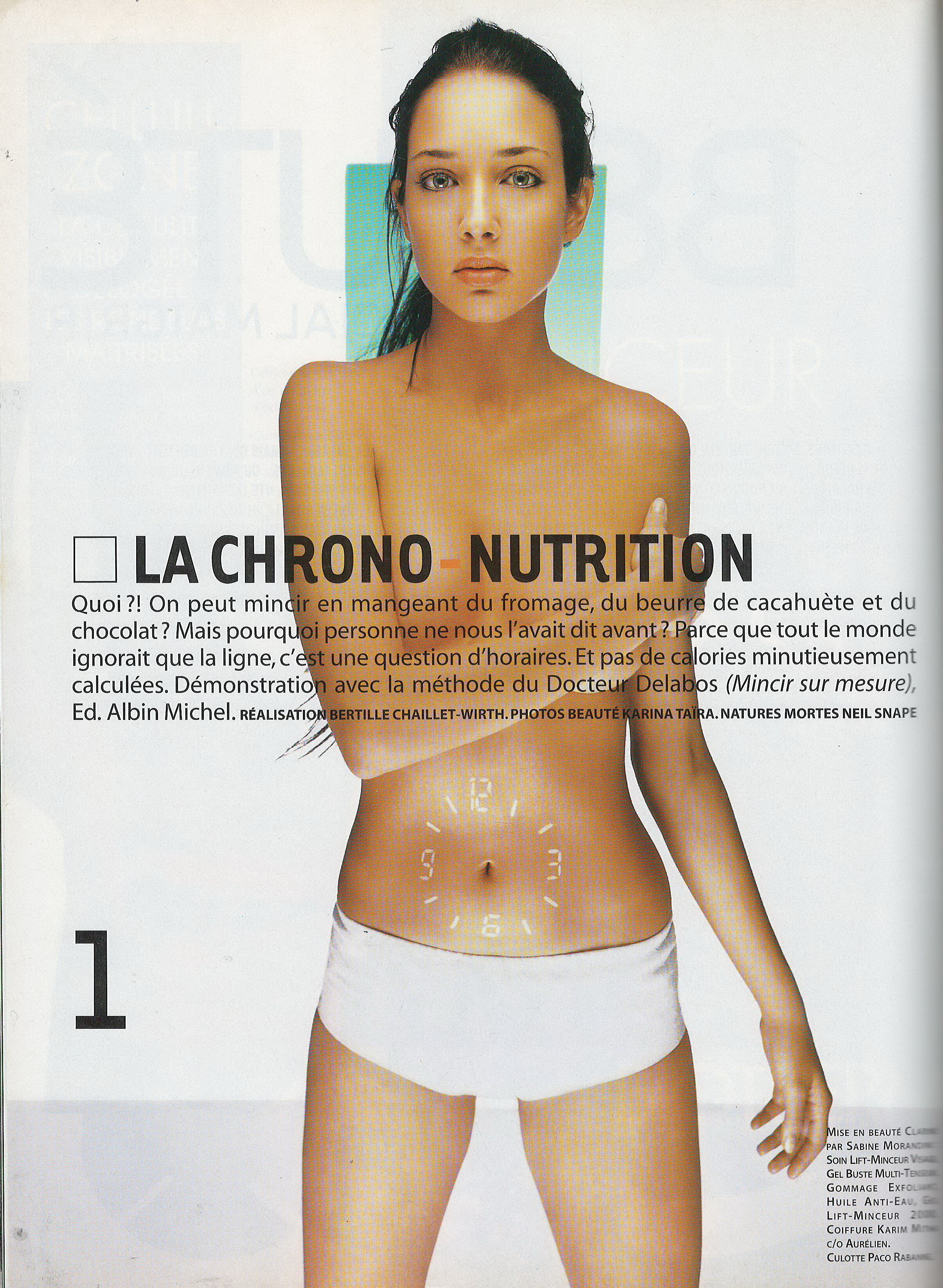
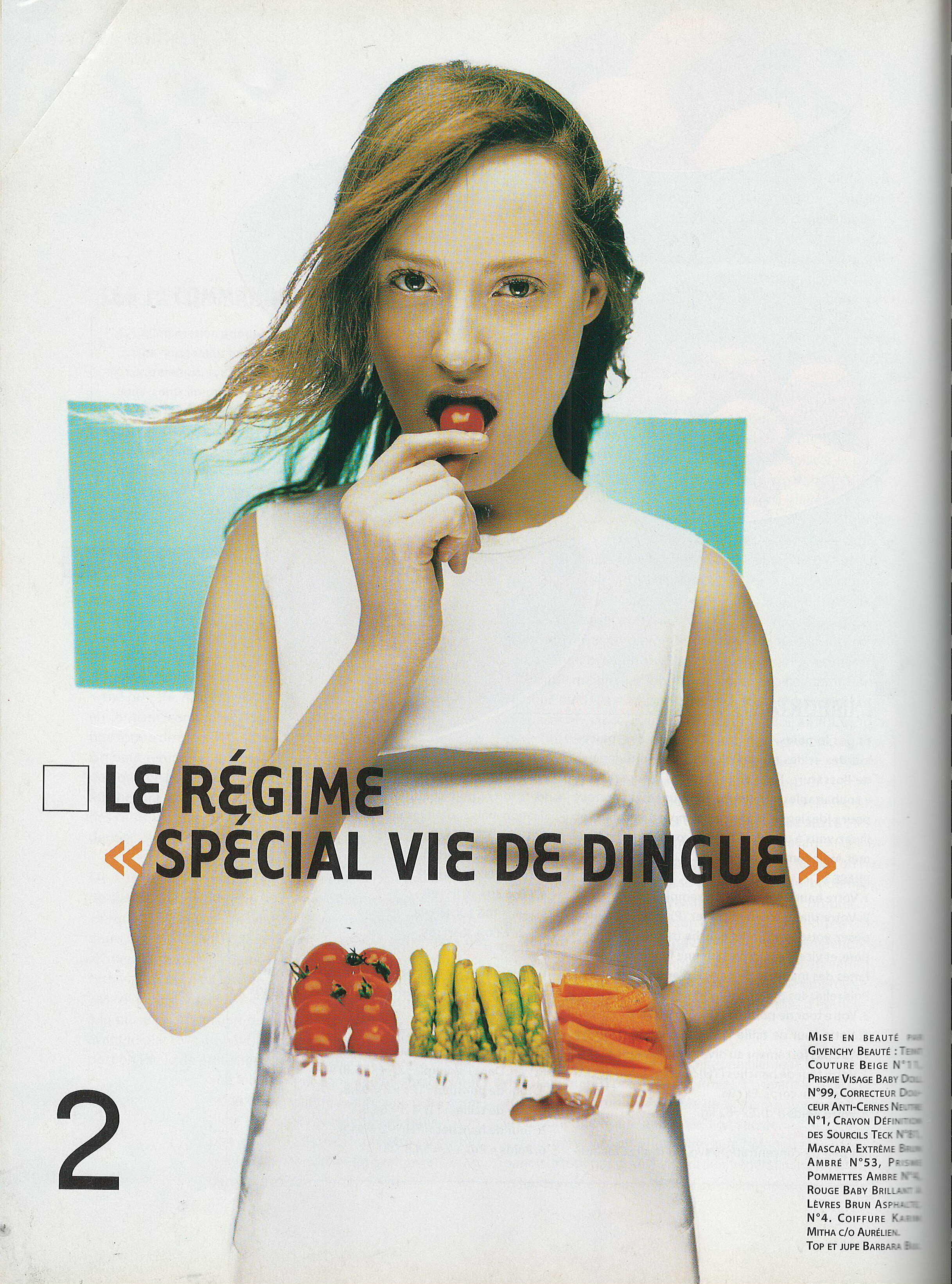
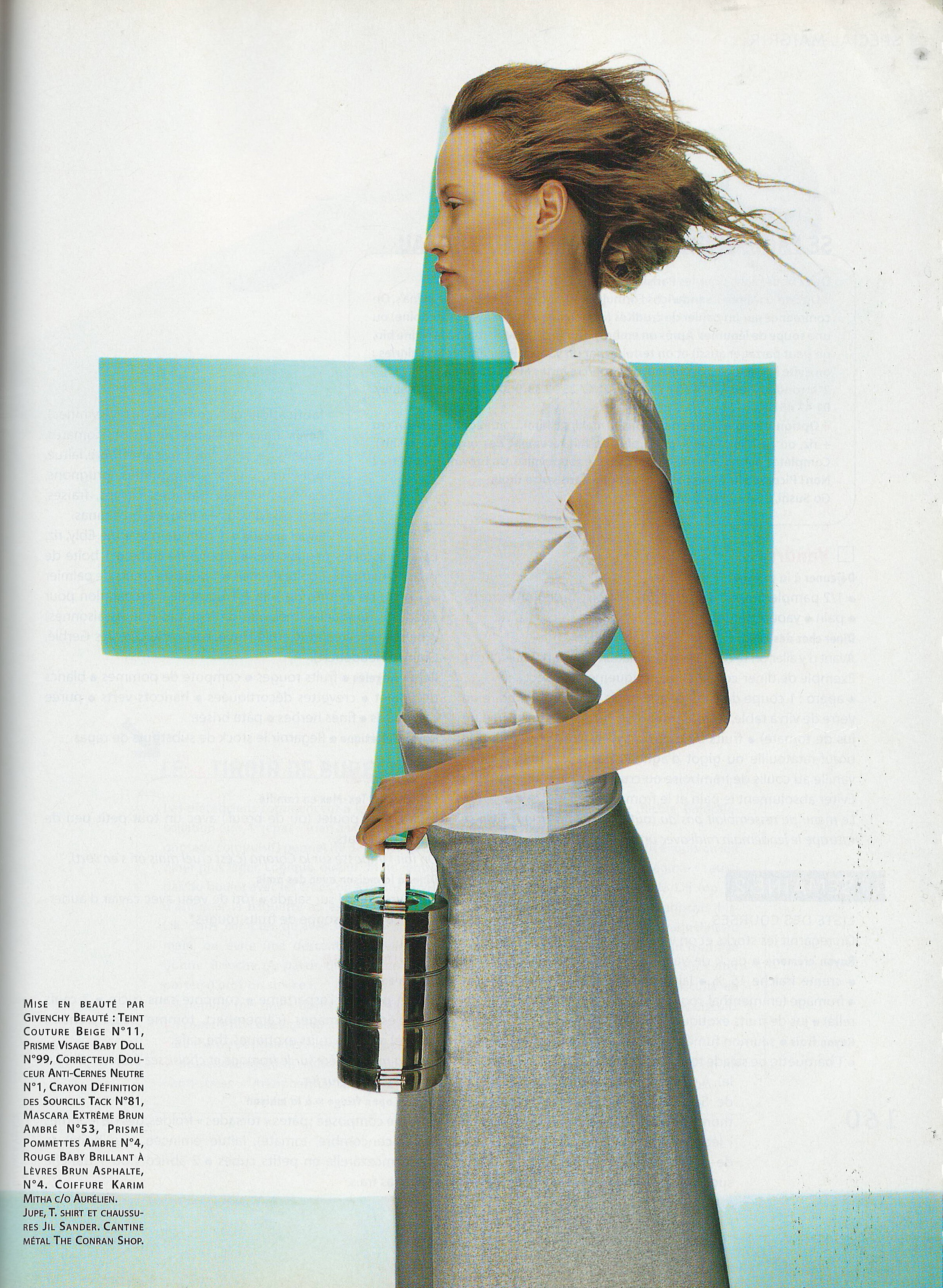
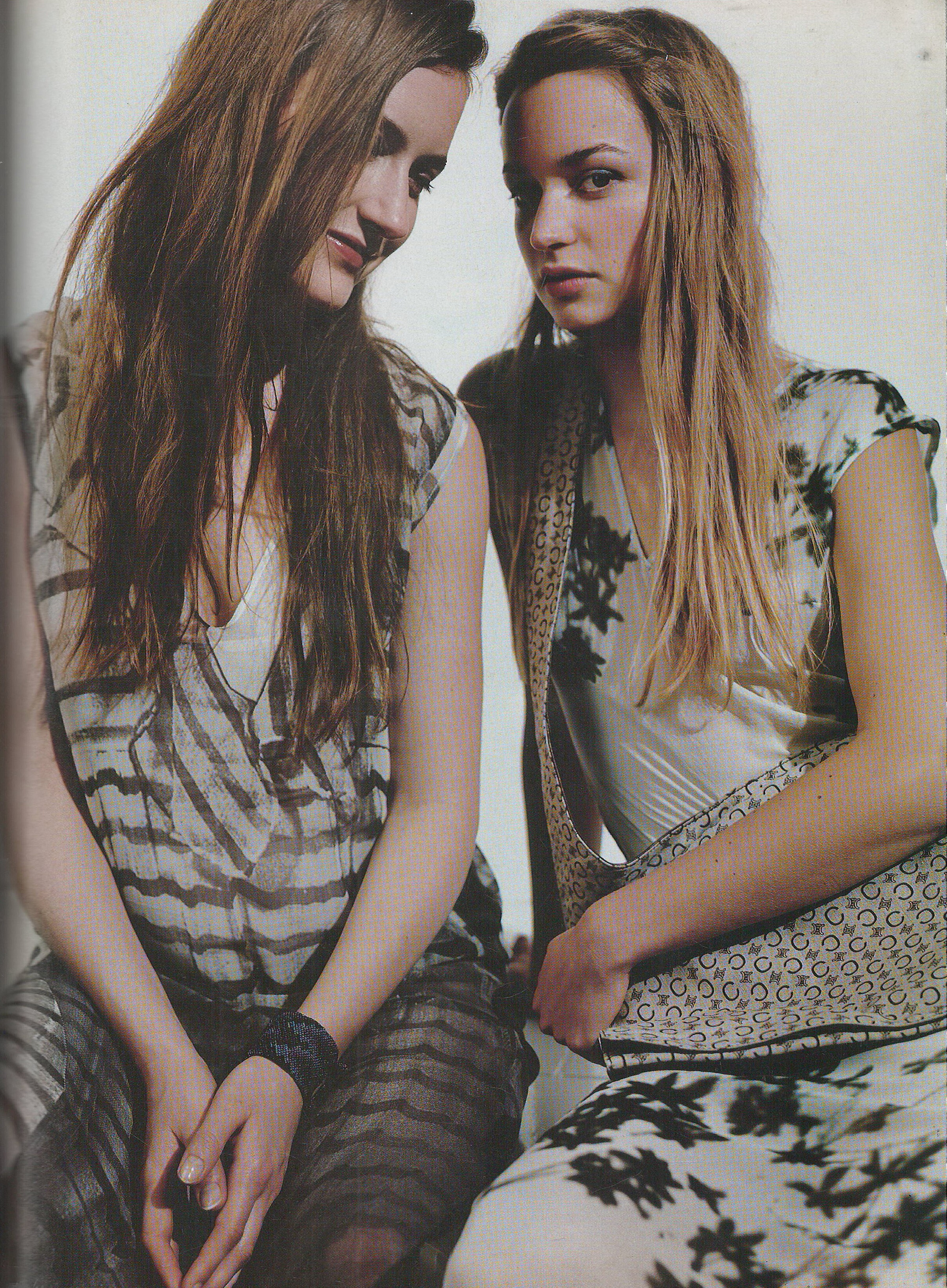
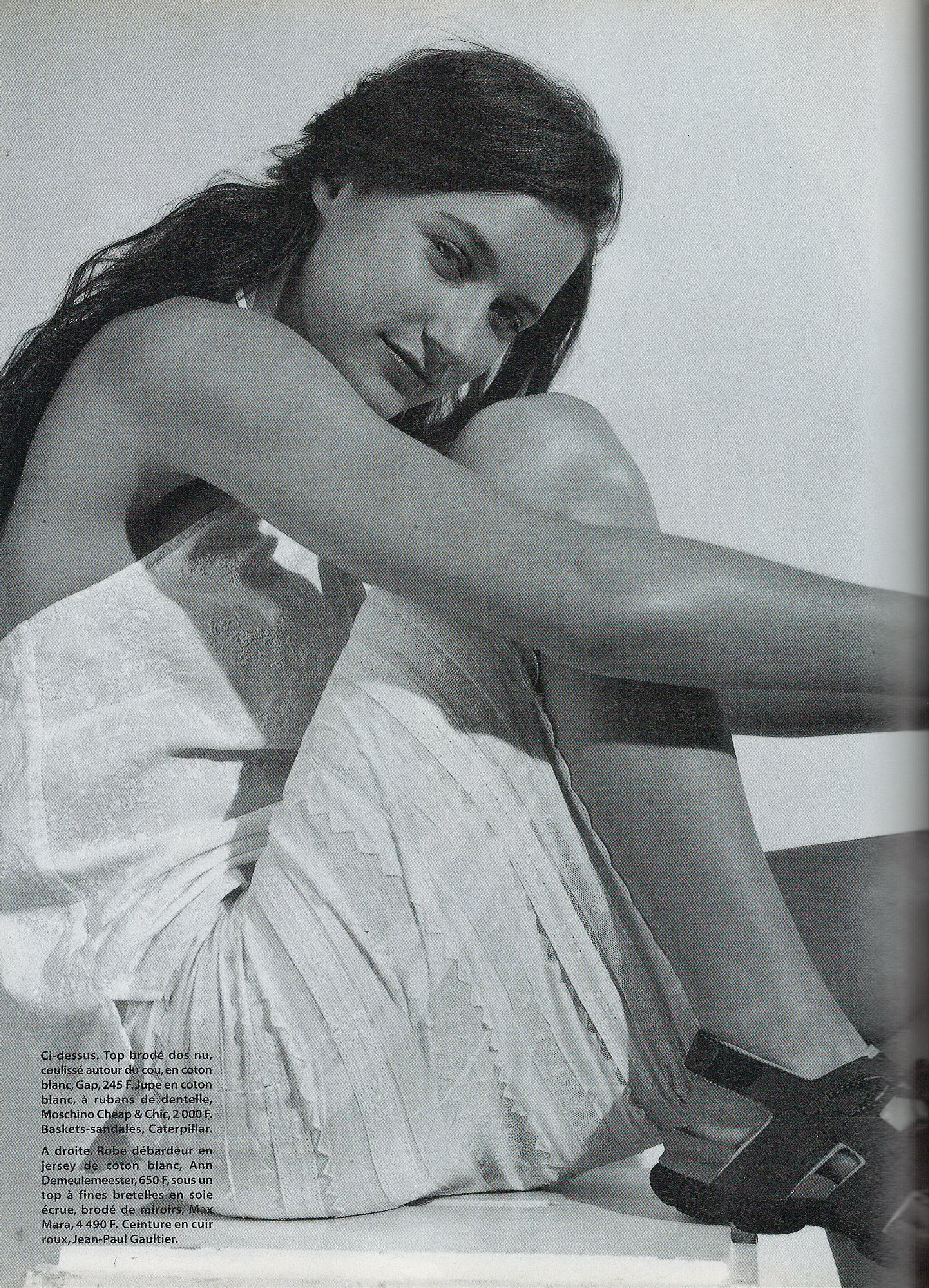
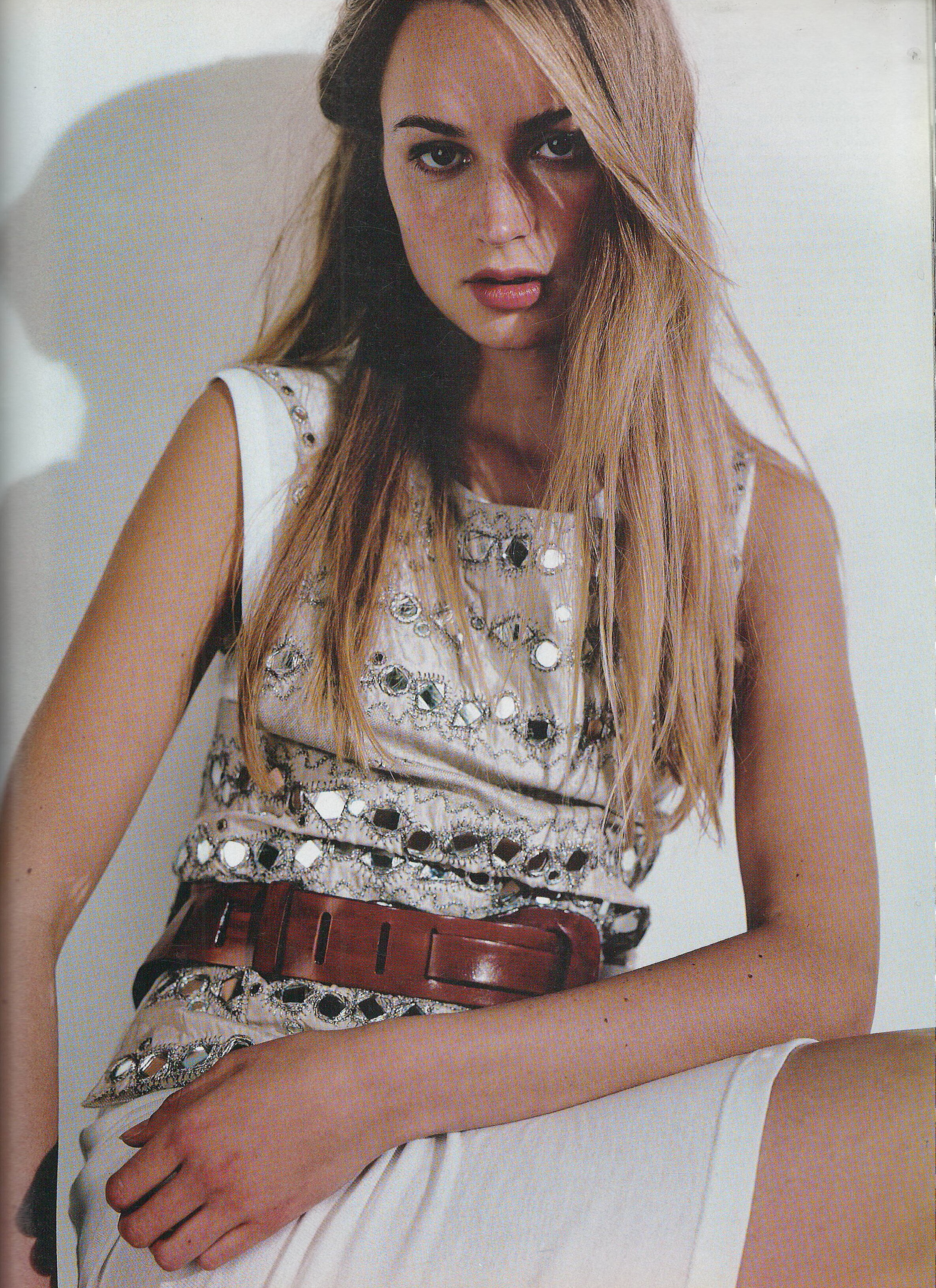
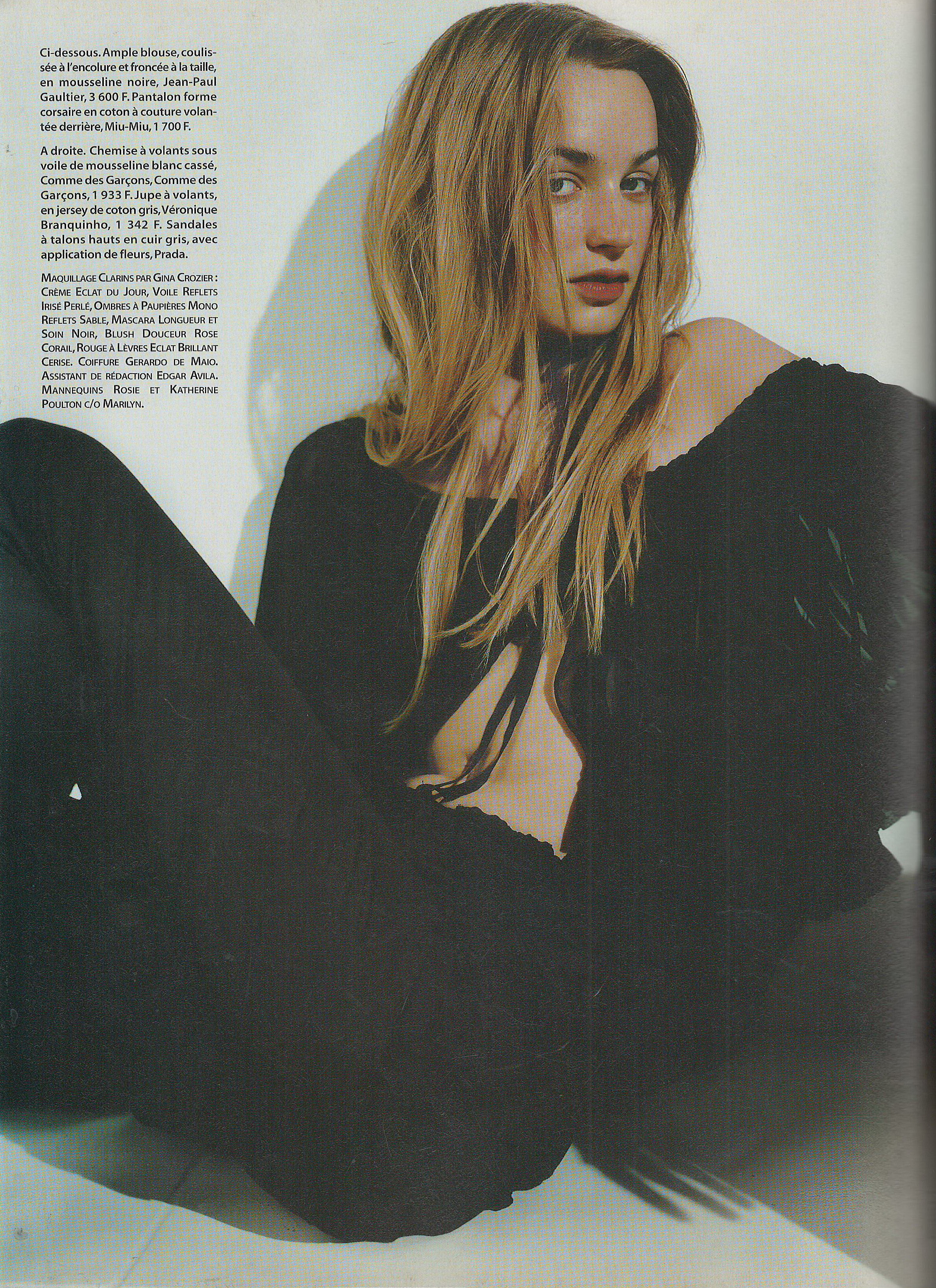
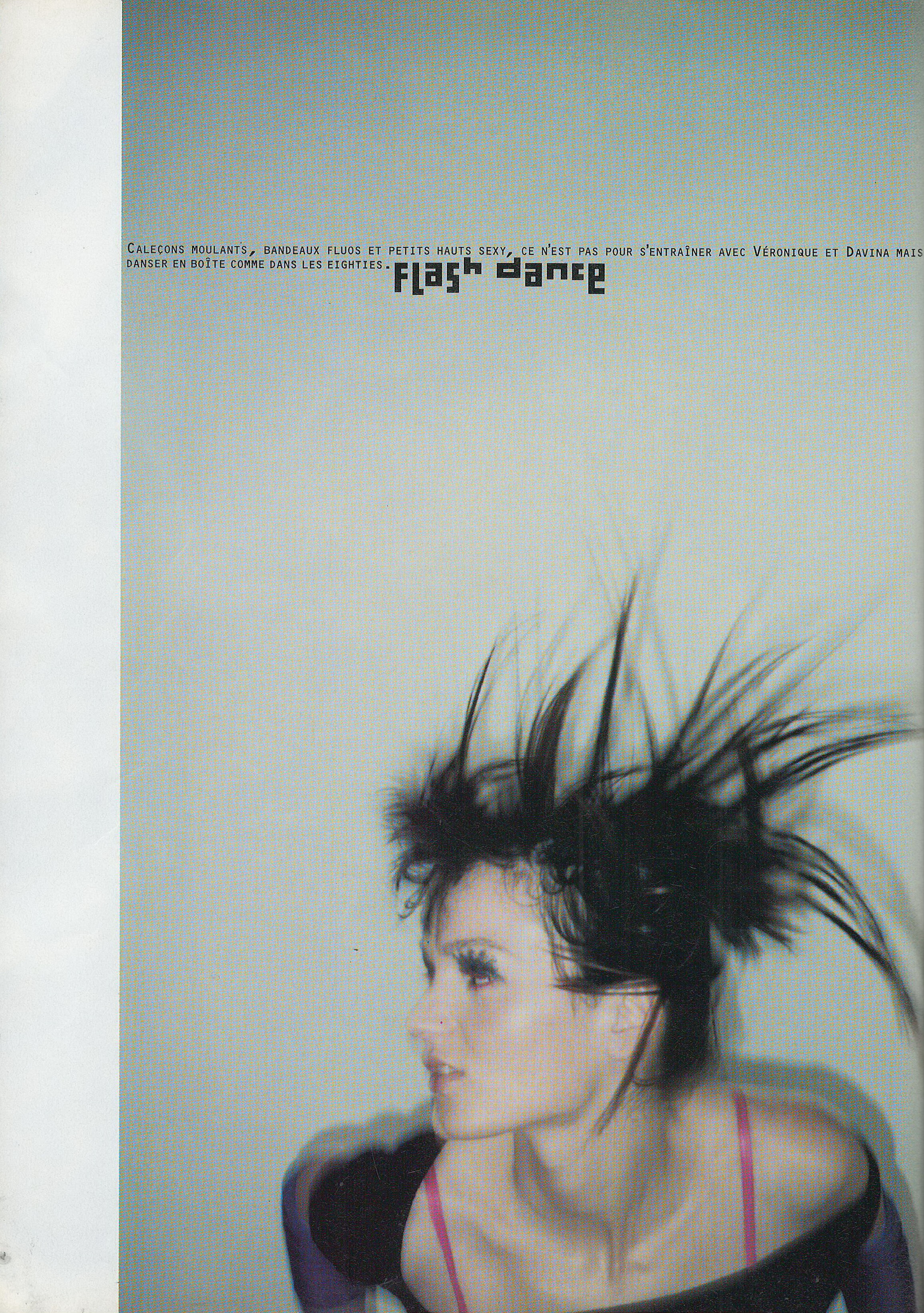
  12. I finally scanned all Marie France numbers from years 1997, 1998, 1999, 2000 and 2001. Don't have any other numbers
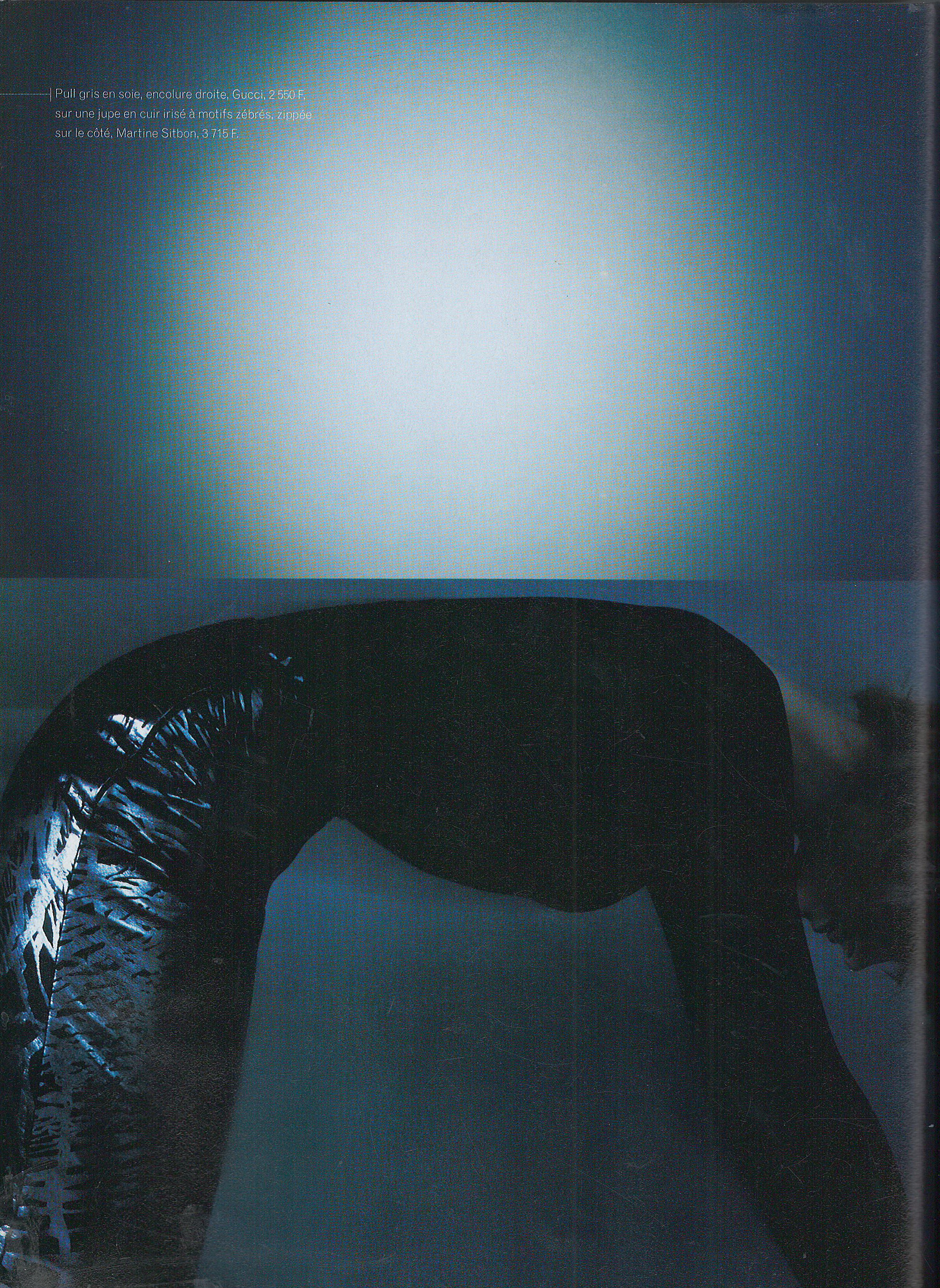
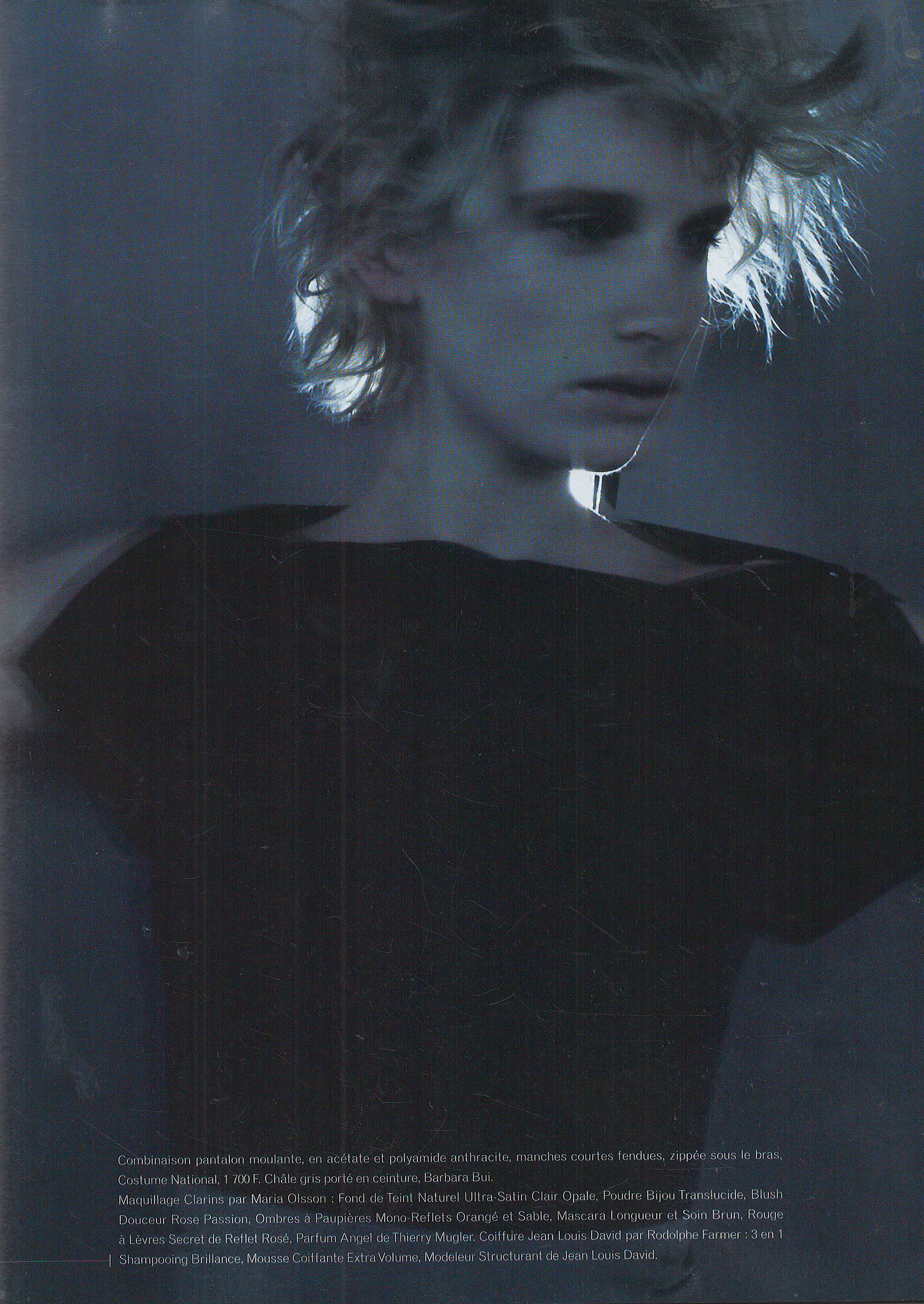
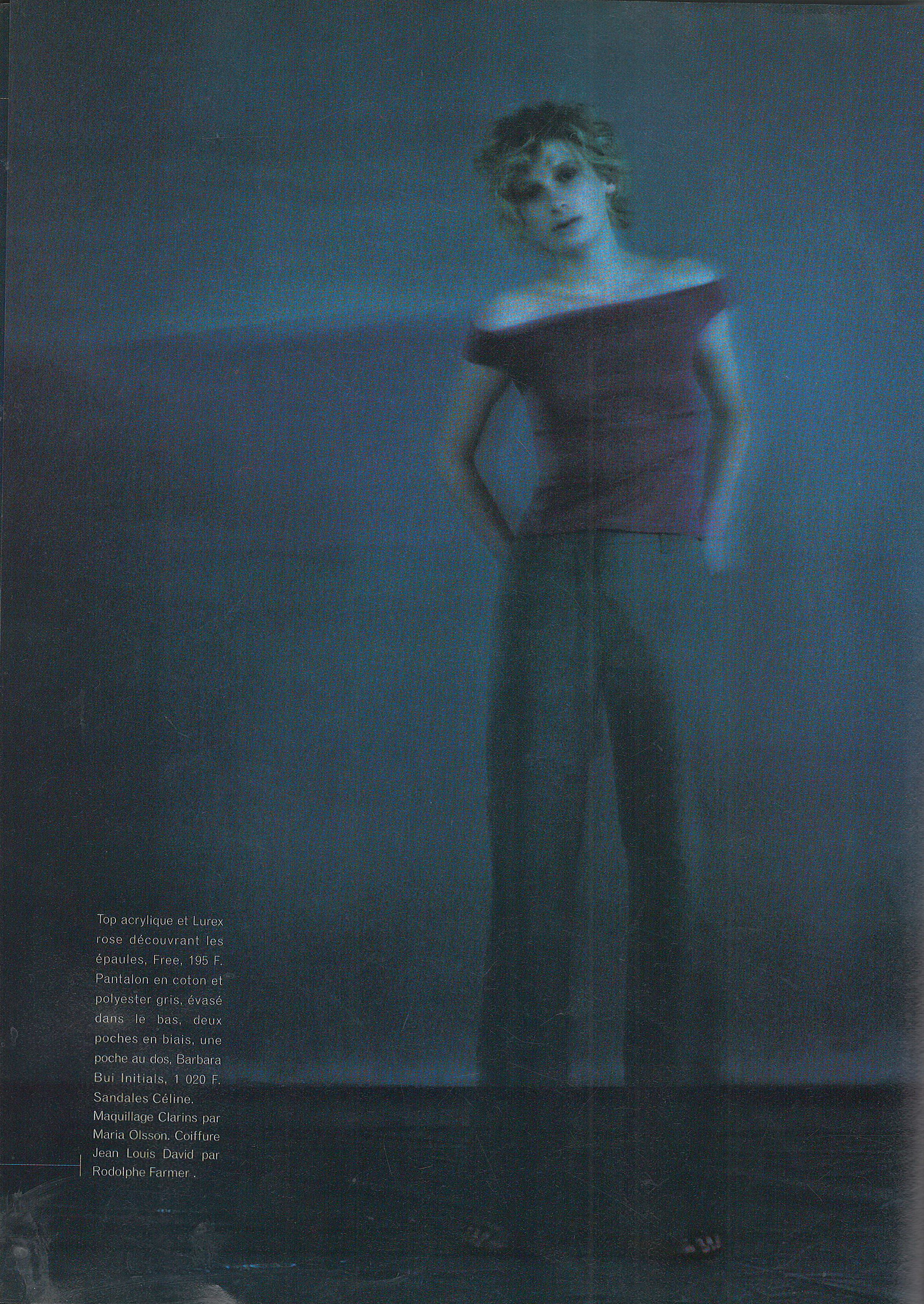
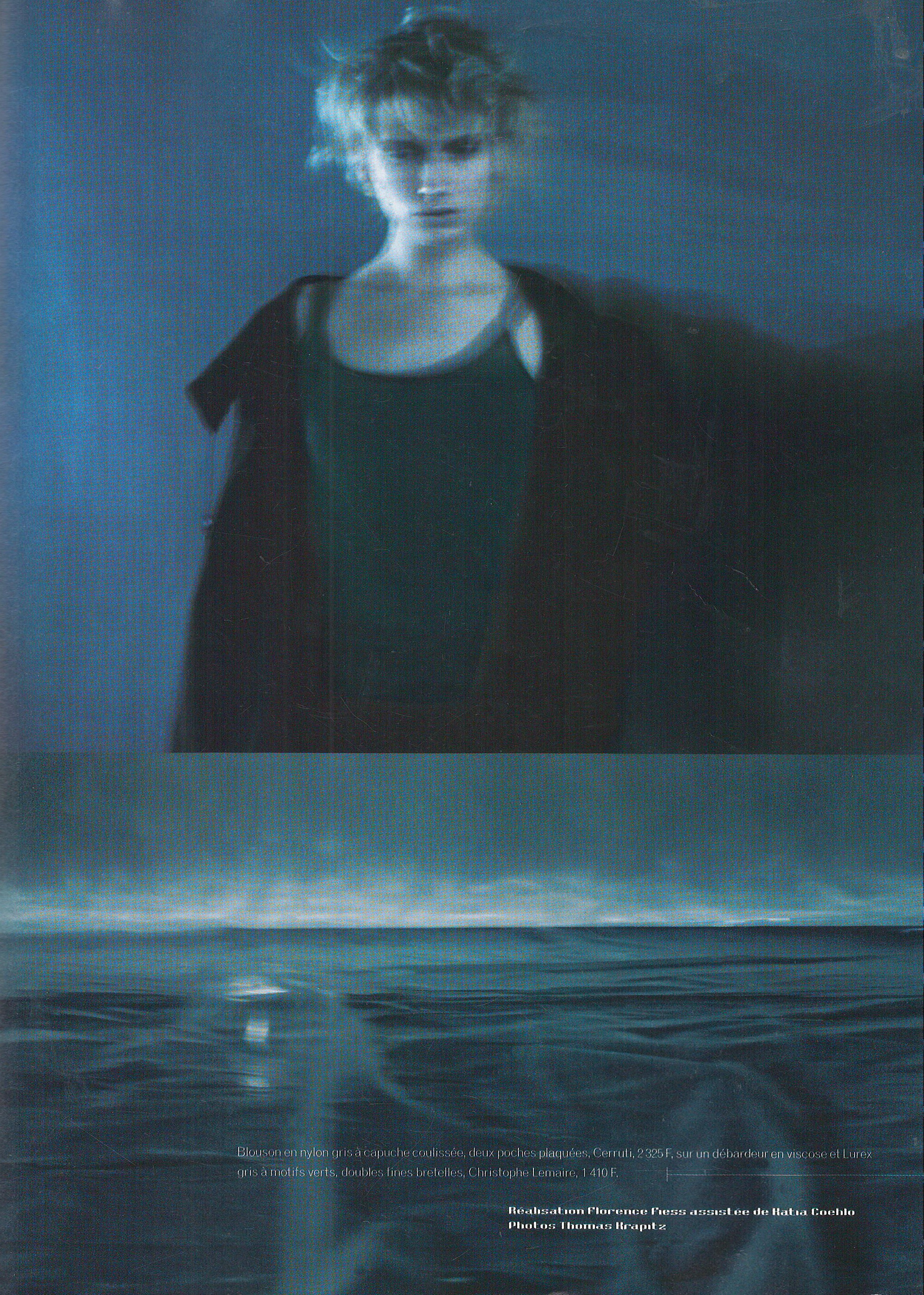
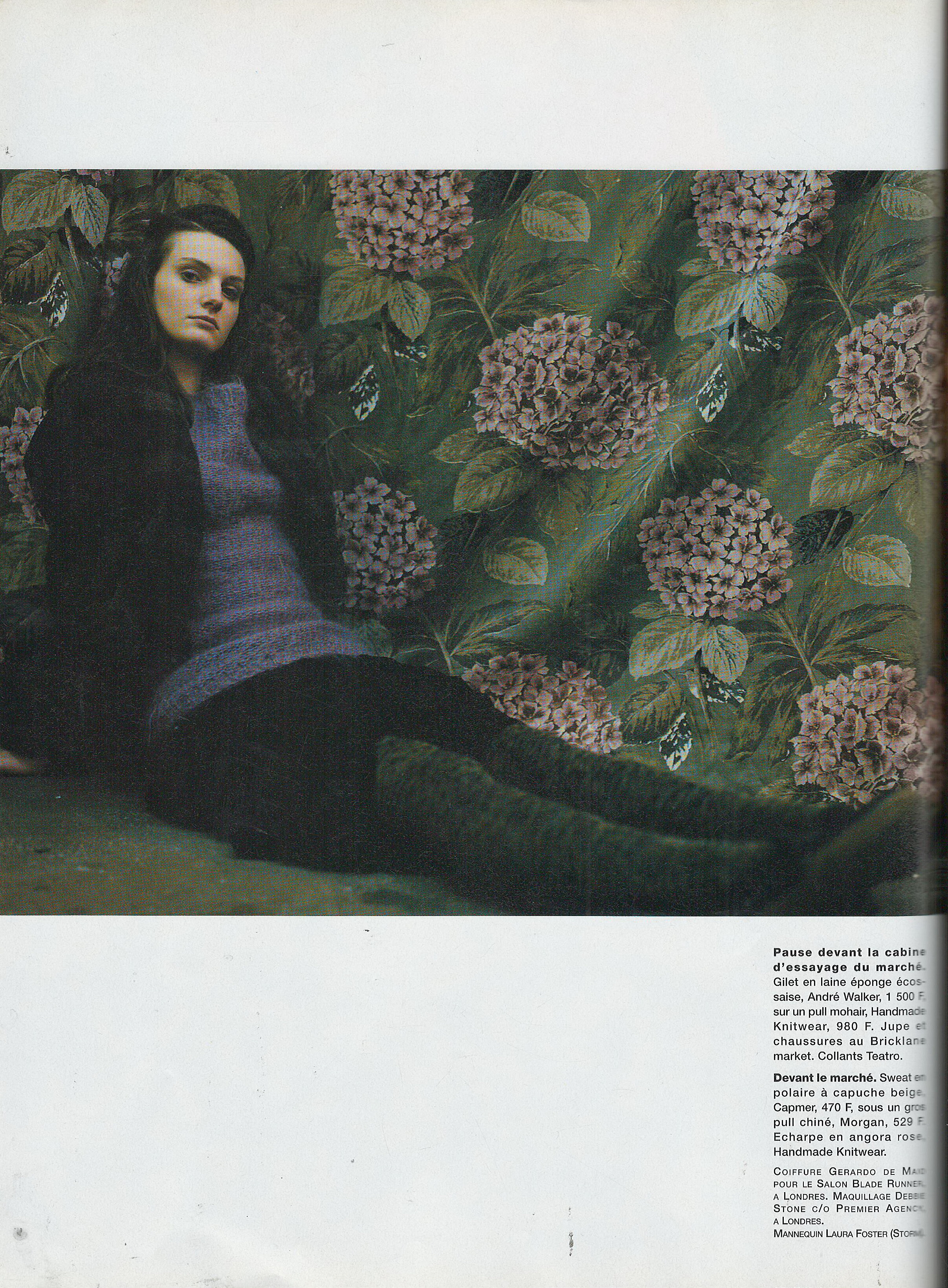
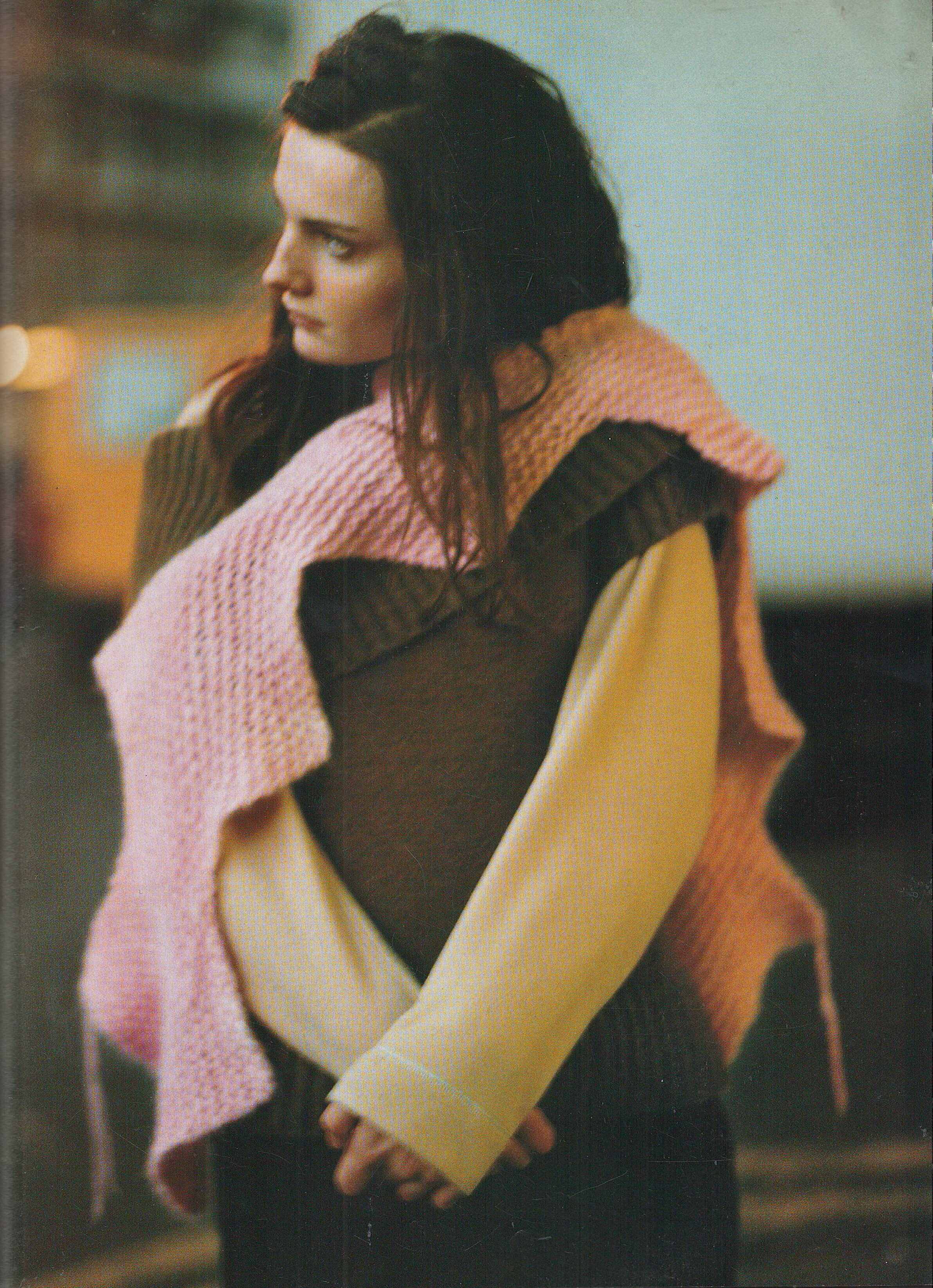
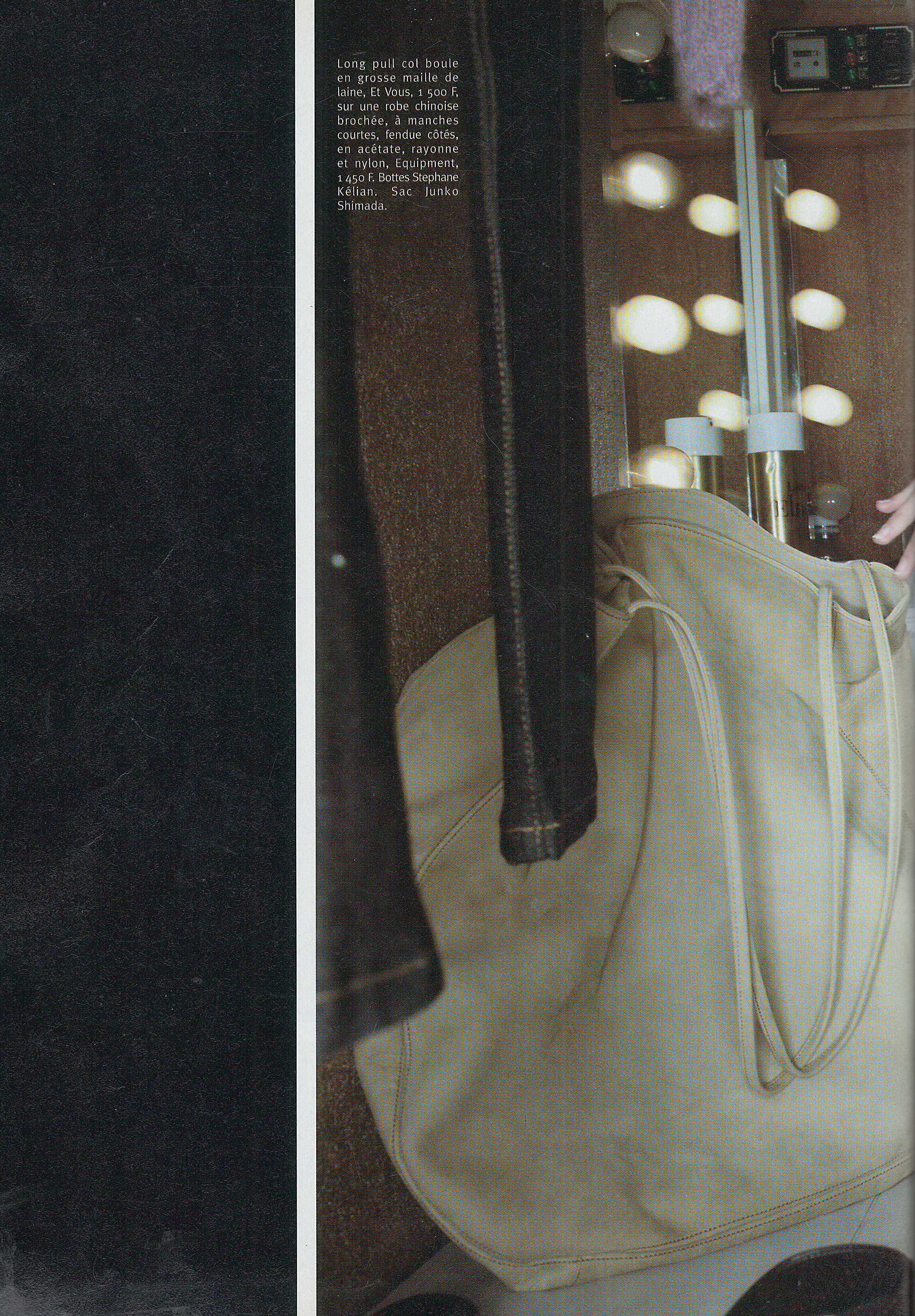
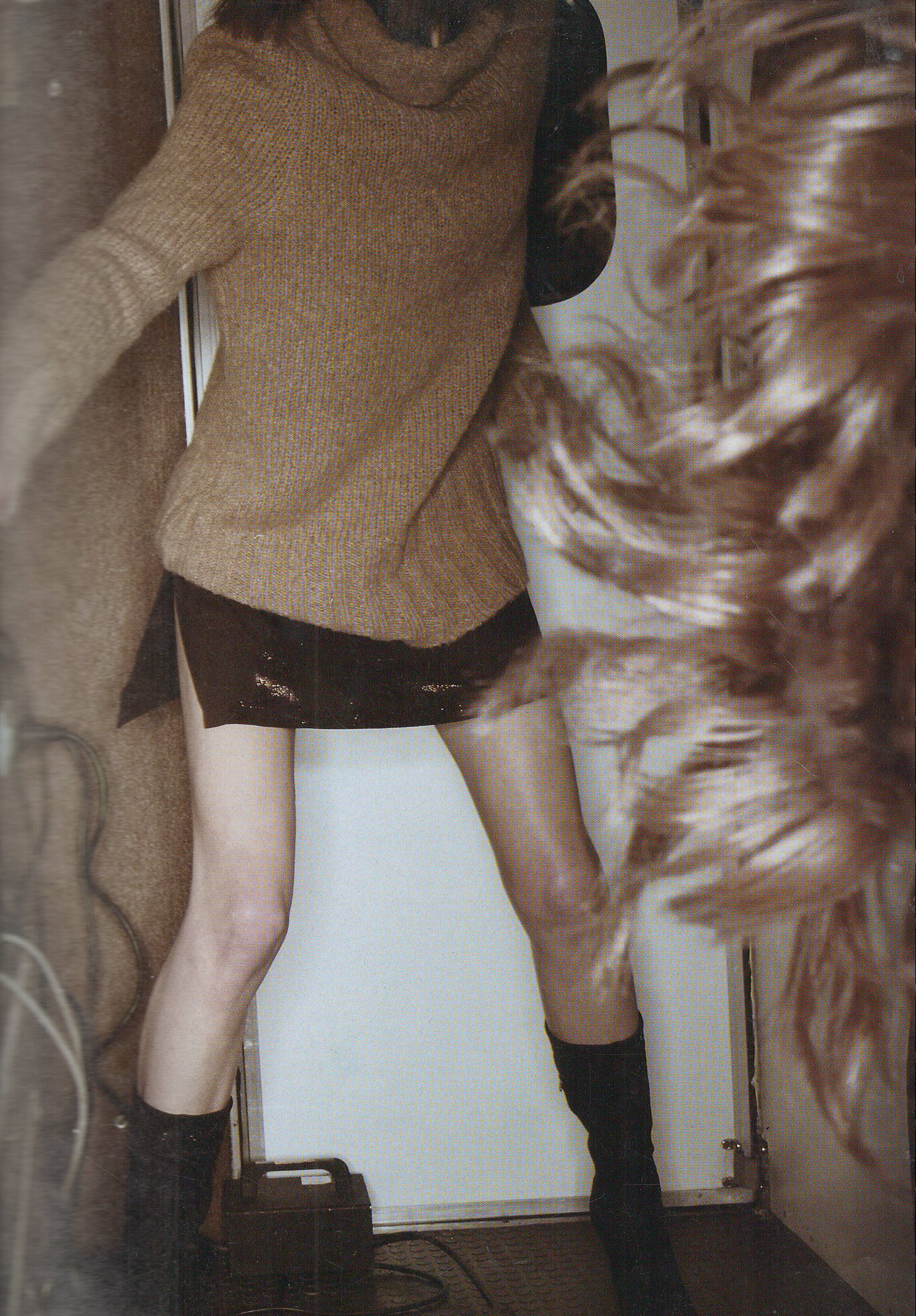
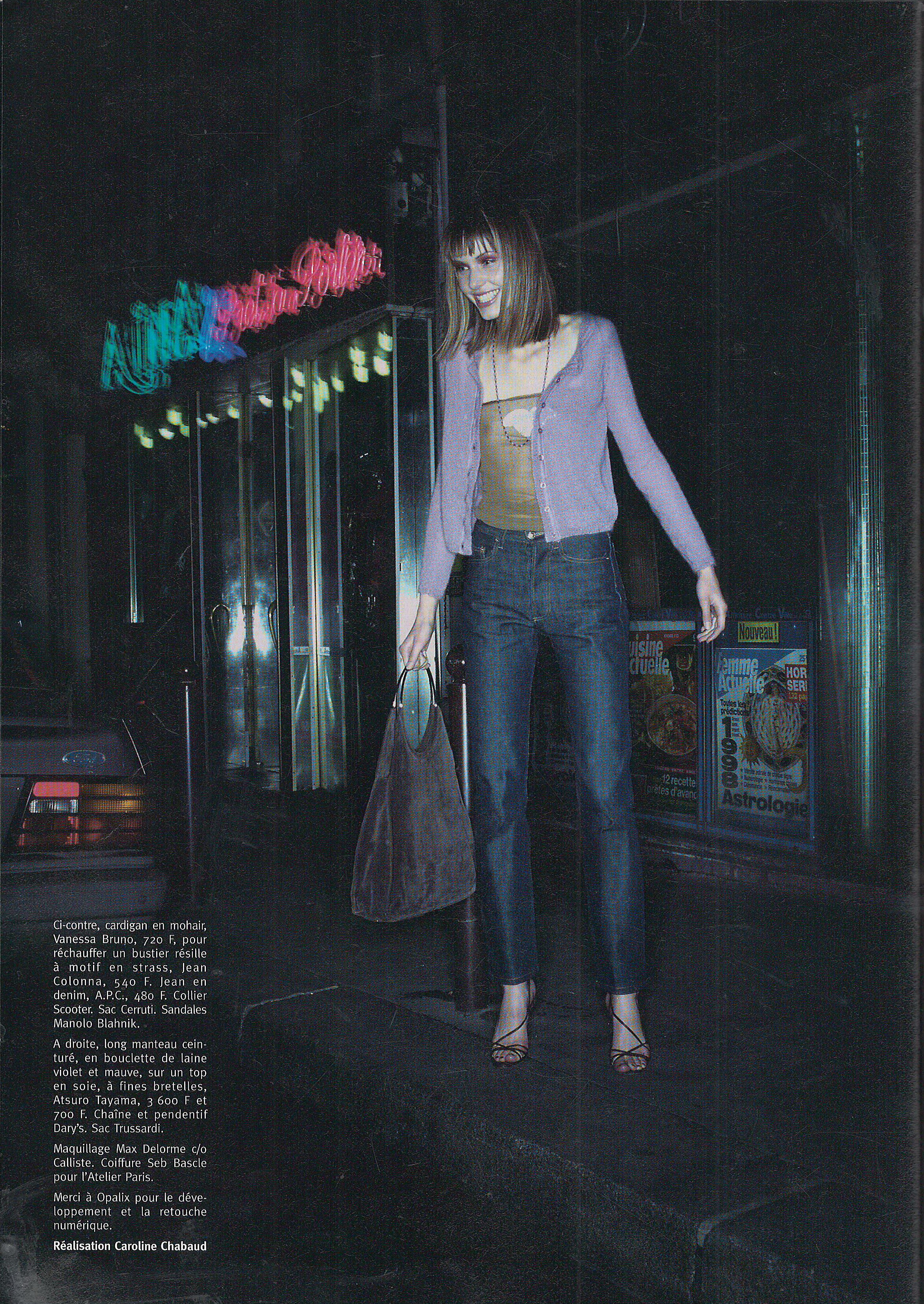
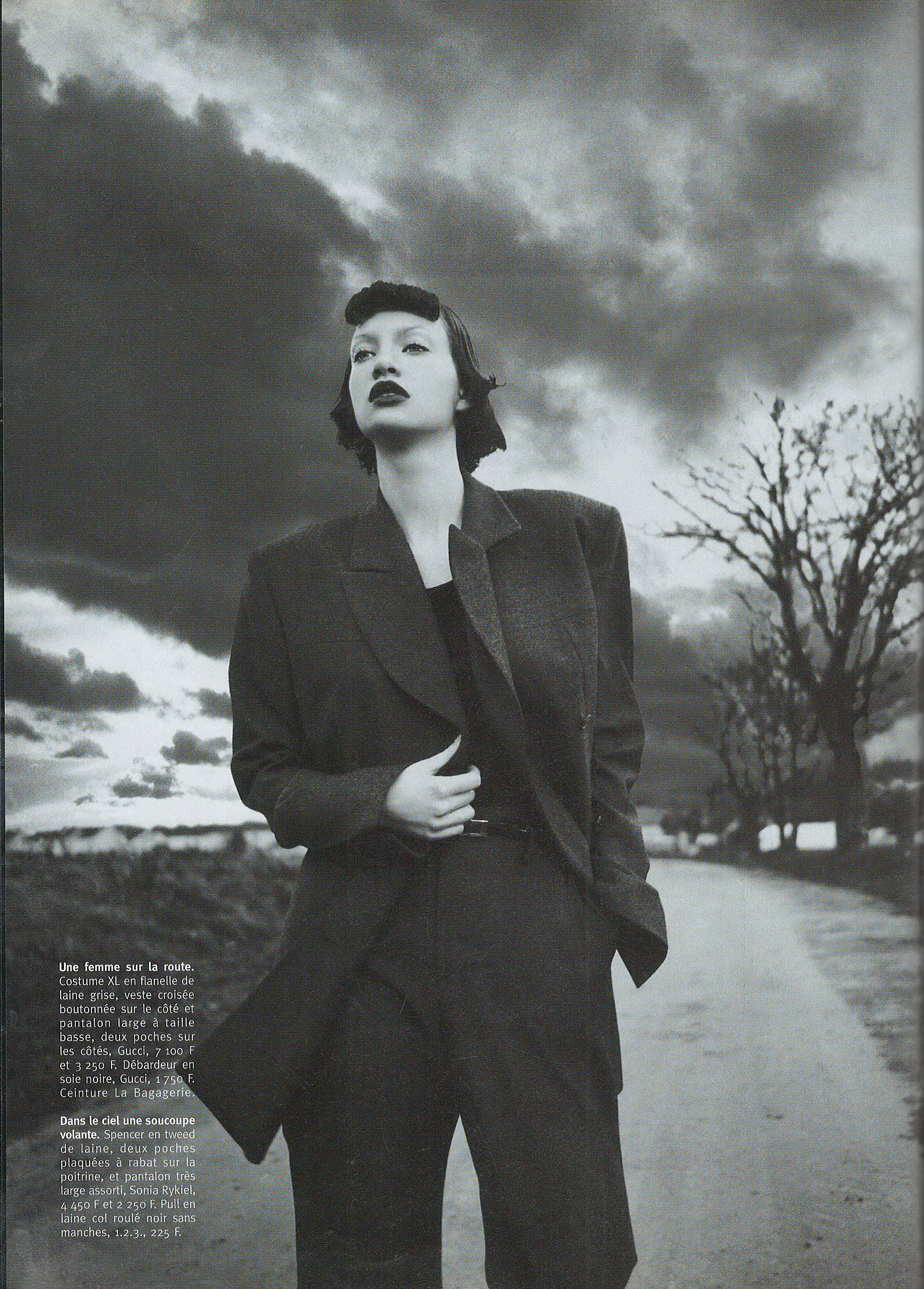
  13. Marie France October 1997 Scanned by me
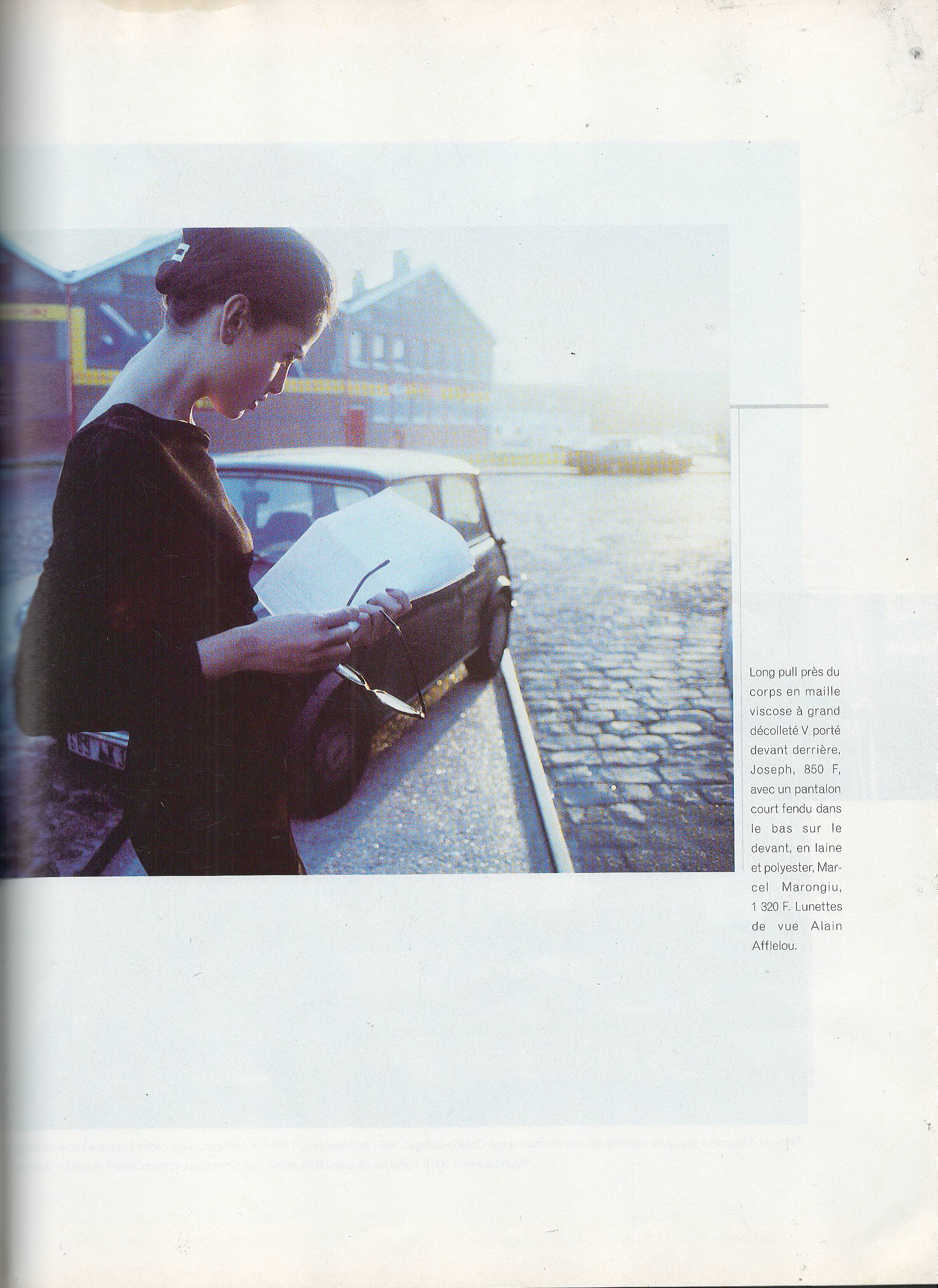
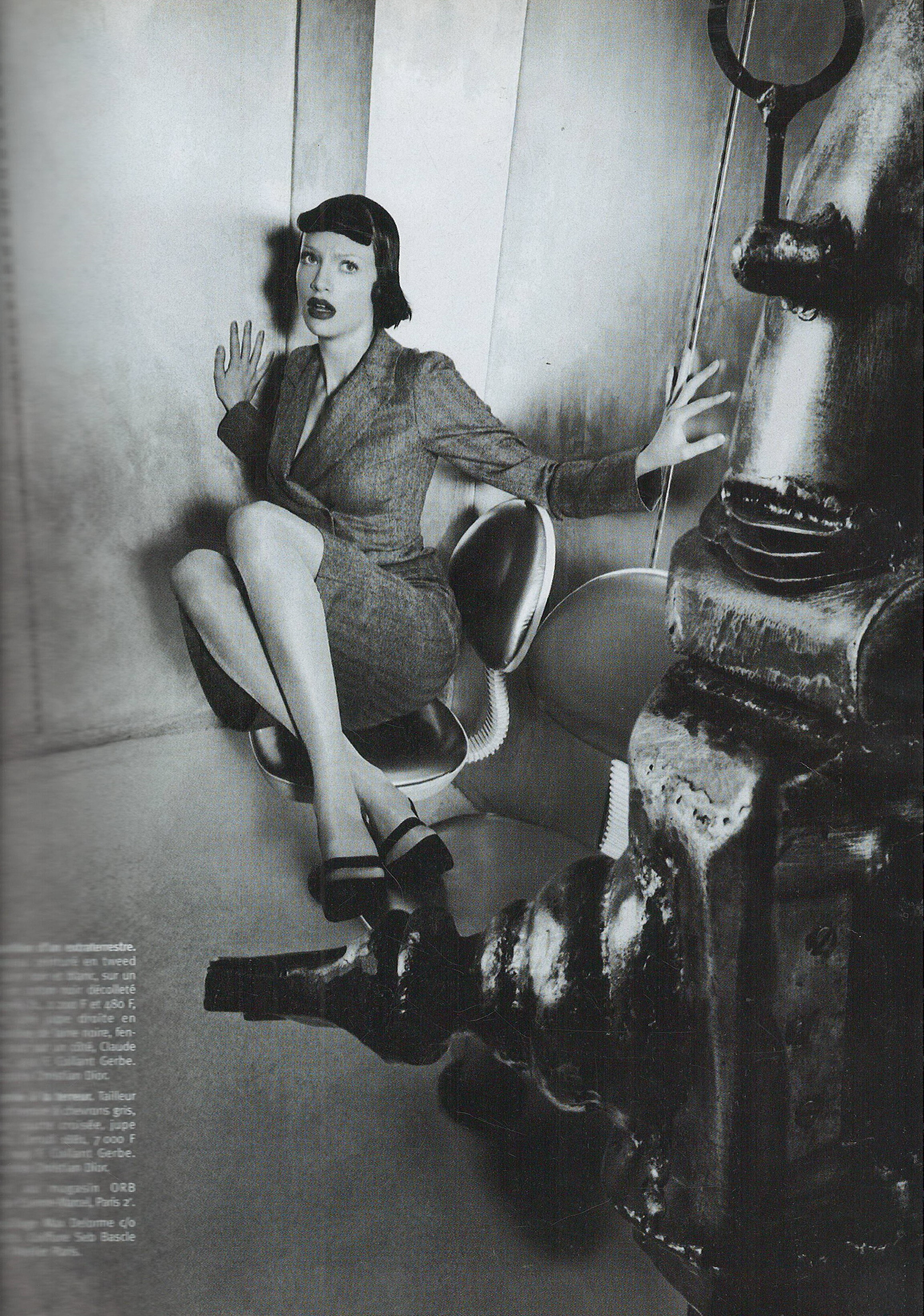
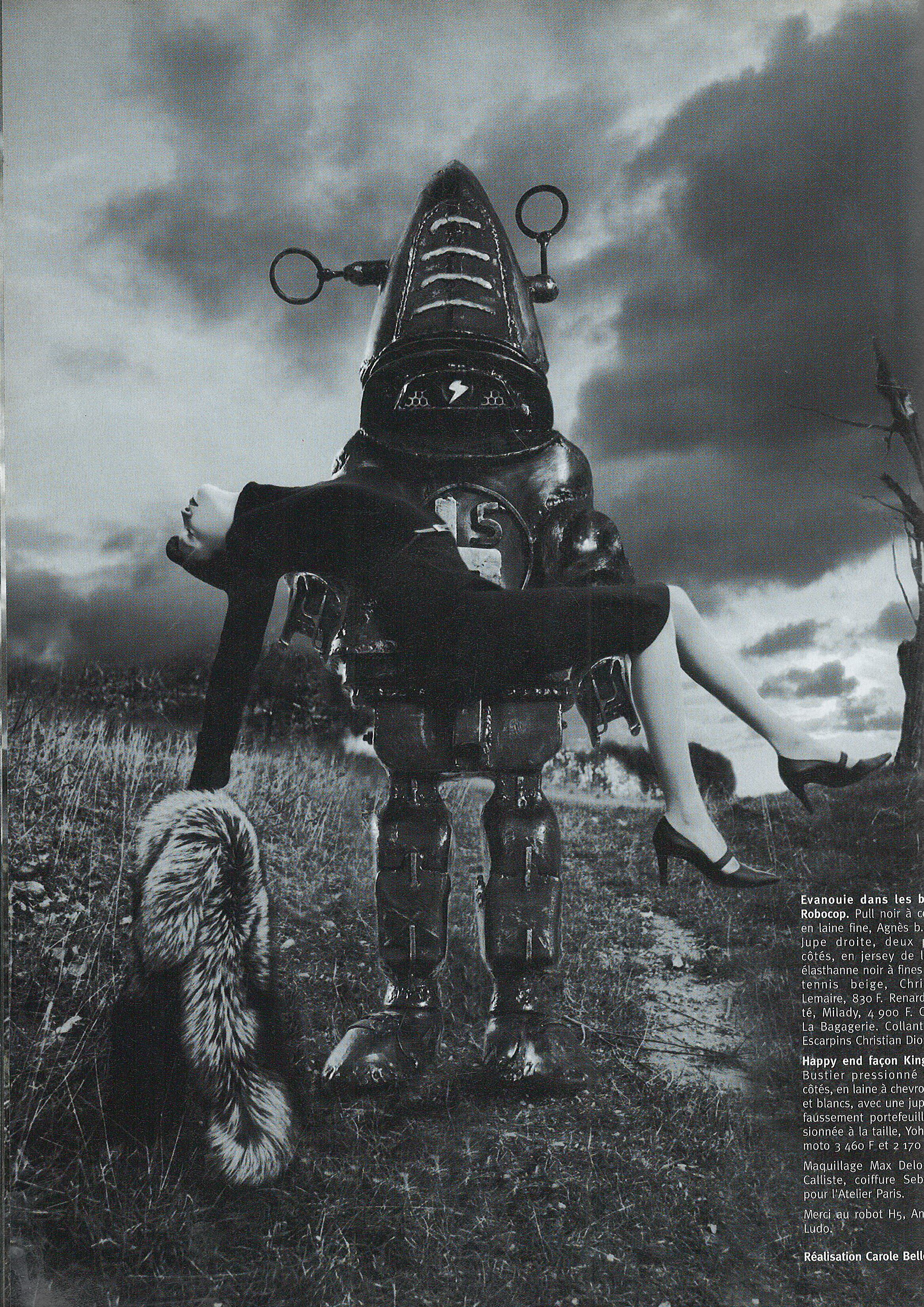
  14. 123 France fall 1997 Scanned by me
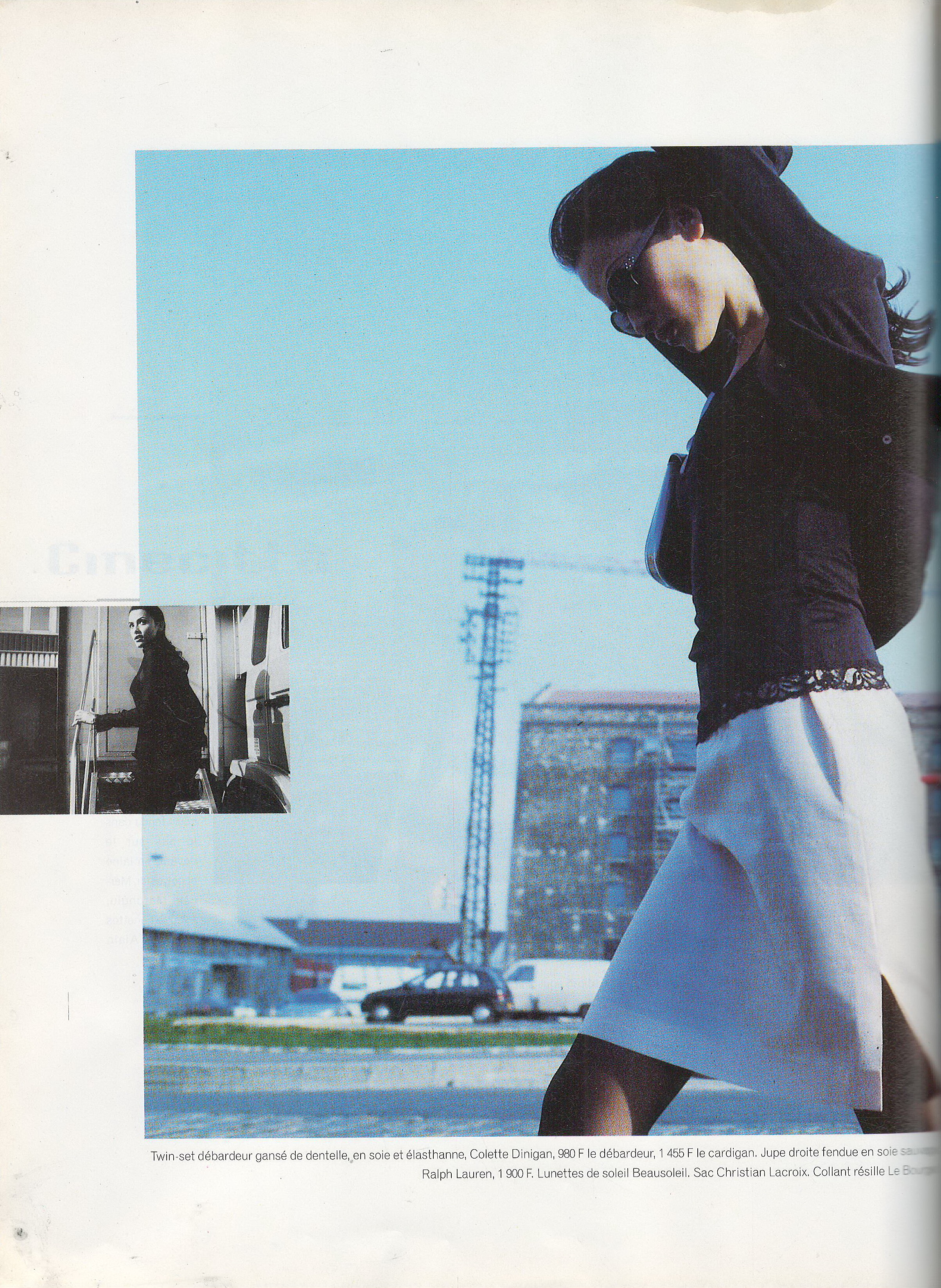
  15. Marie France November 1997 Scanned by me
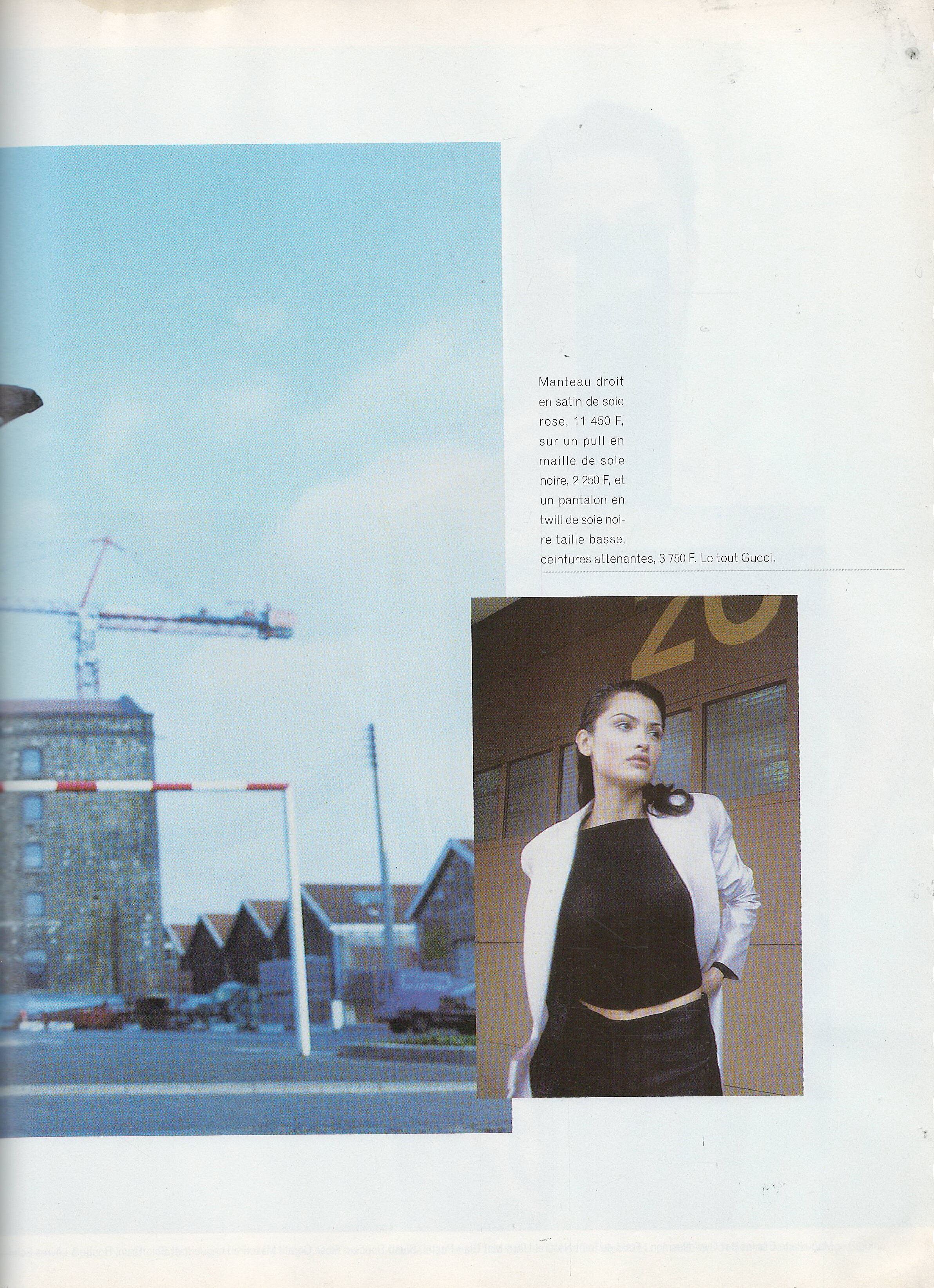
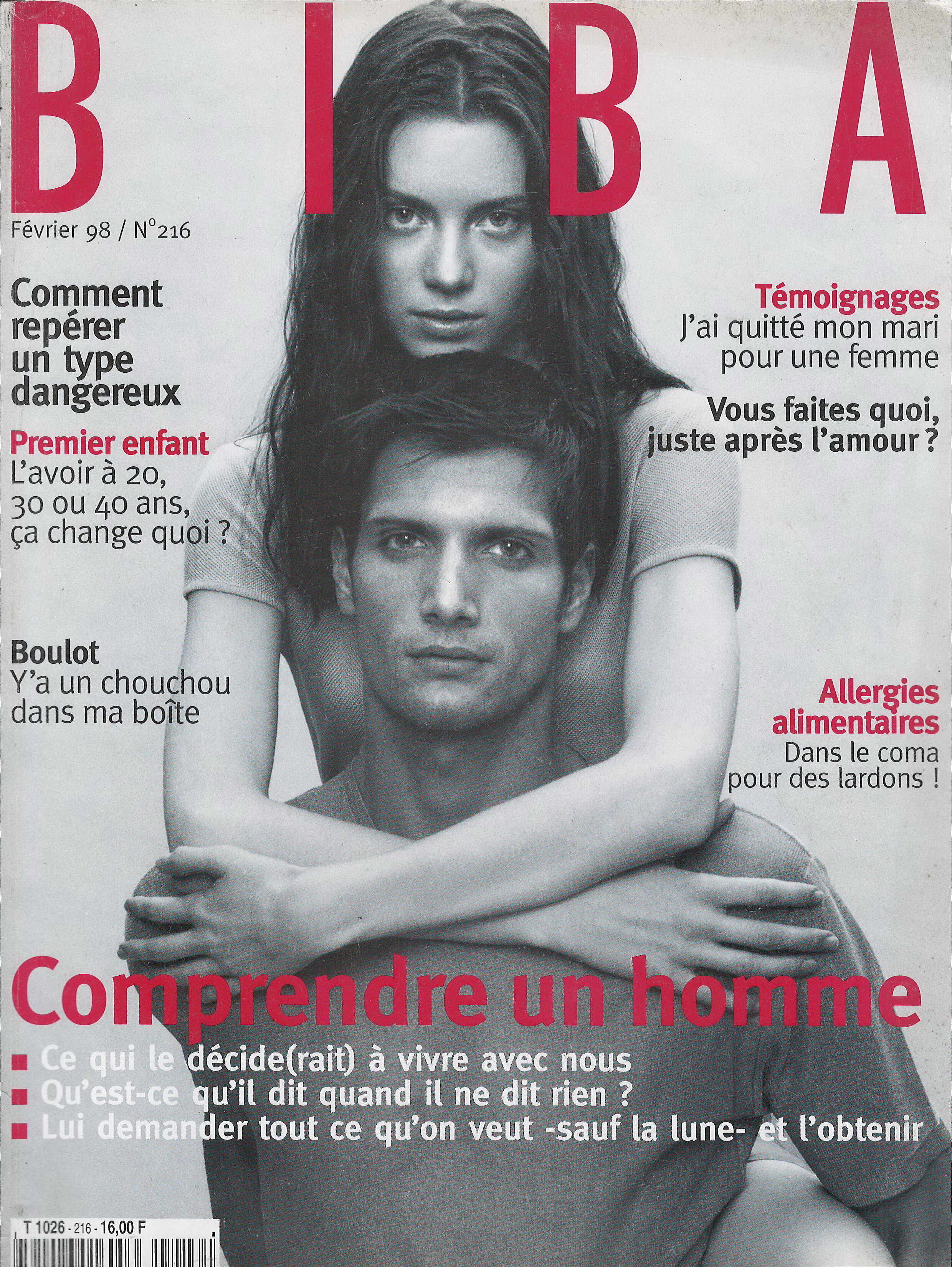
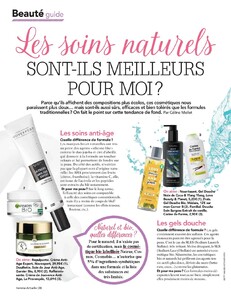
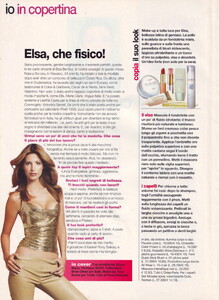
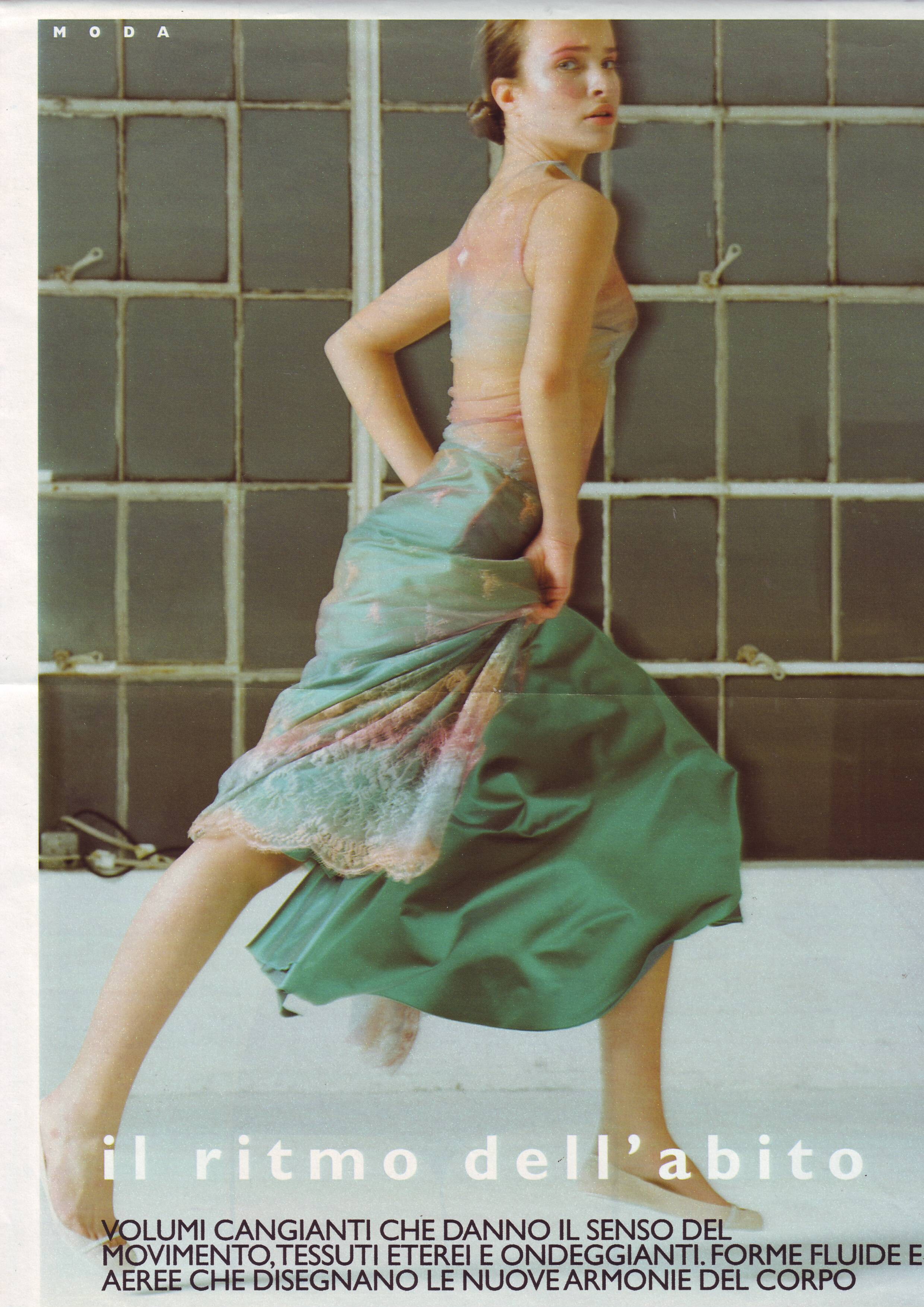
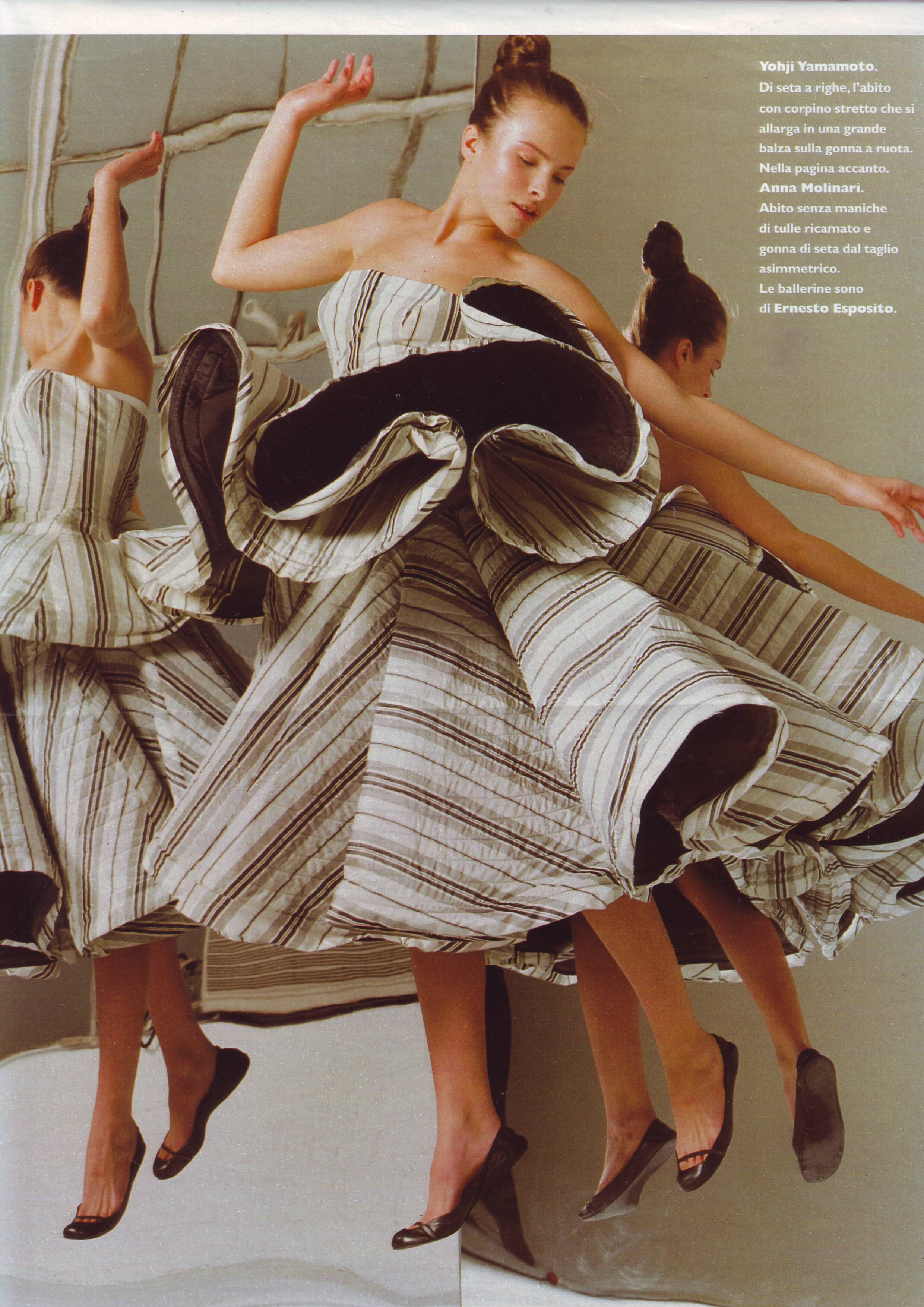
  16. Anna 30 September 2003 Scanned by me Anna 30 September 2003 Scanned by me
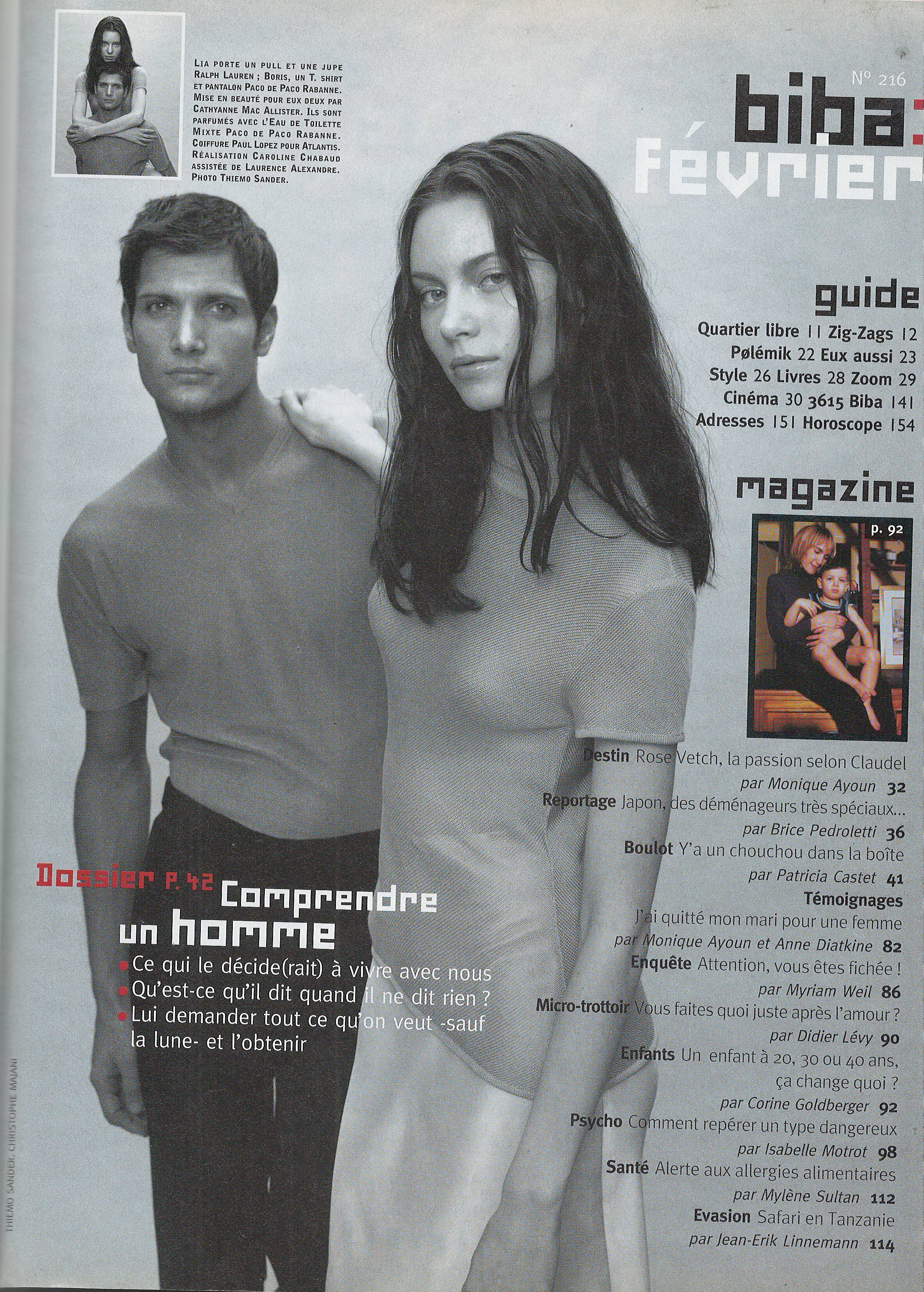
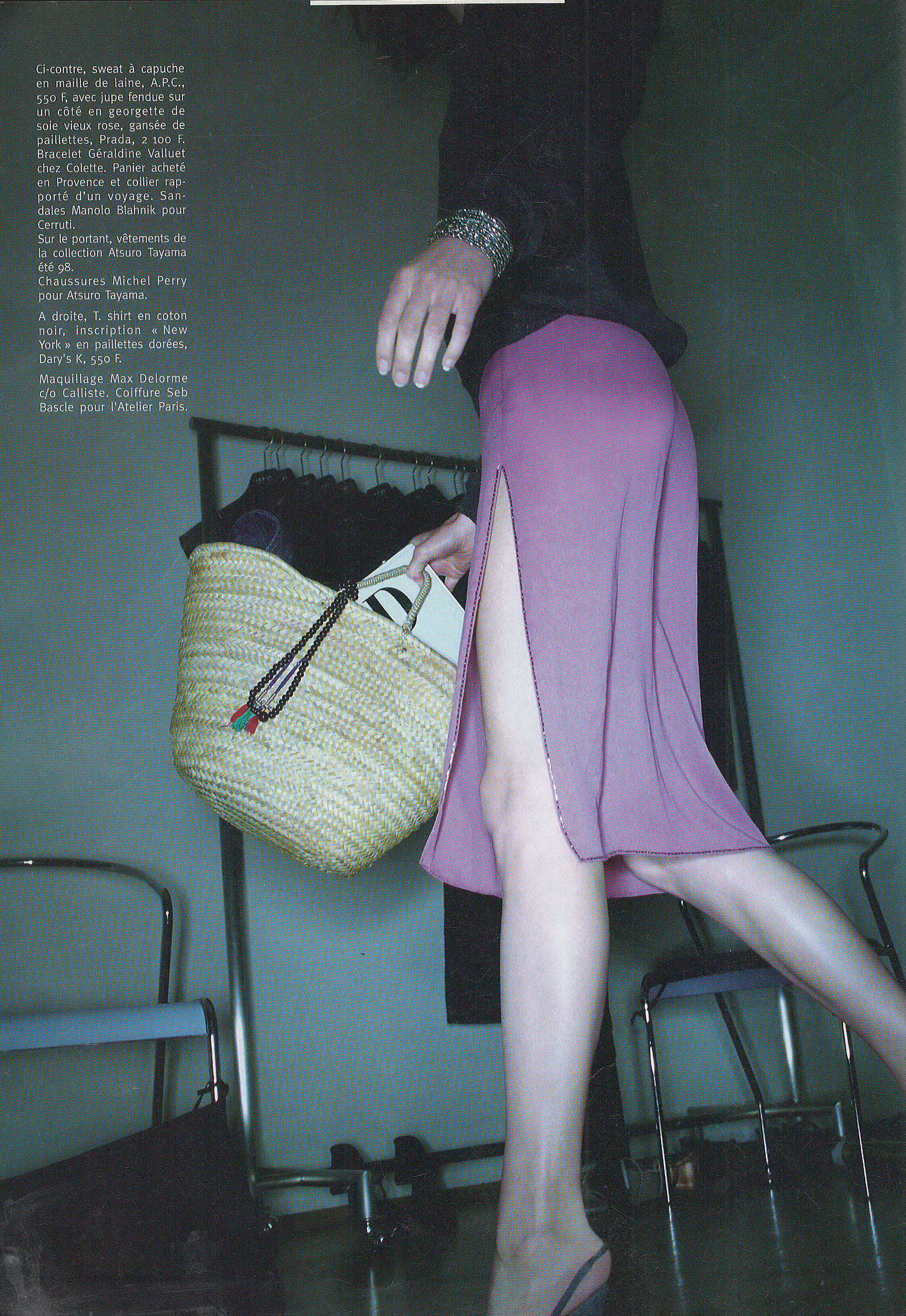
Configure browser push notifications

Chrome (Android)
  1. Tap the lock icon next to the address bar.
  2. Tap Permissions → Notifications.
  3. Adjust your preference.
Chrome (Desktop)
  1. Click the padlock icon in the address bar.
  2. Select Site settings.
  3. Find Notifications and adjust your preference.