Skip to content
View in the app

A better way to browse. Learn more.

Bellazon

A full-screen app on your home screen with push notifications, badges and more.

To install this app on iOS and iPadOS
  1. Tap the Share icon in Safari
  2. Scroll the menu and tap Add to Home Screen.
  3. Tap Add in the top-right corner.
To install this app on Android
  1. Tap the 3-dot menu (⋮) in the top-right corner of the browser.
  2. Tap Add to Home screen or Install app.
  3. Confirm by tapping Install.

kruso

Members

Everything posted by kruso

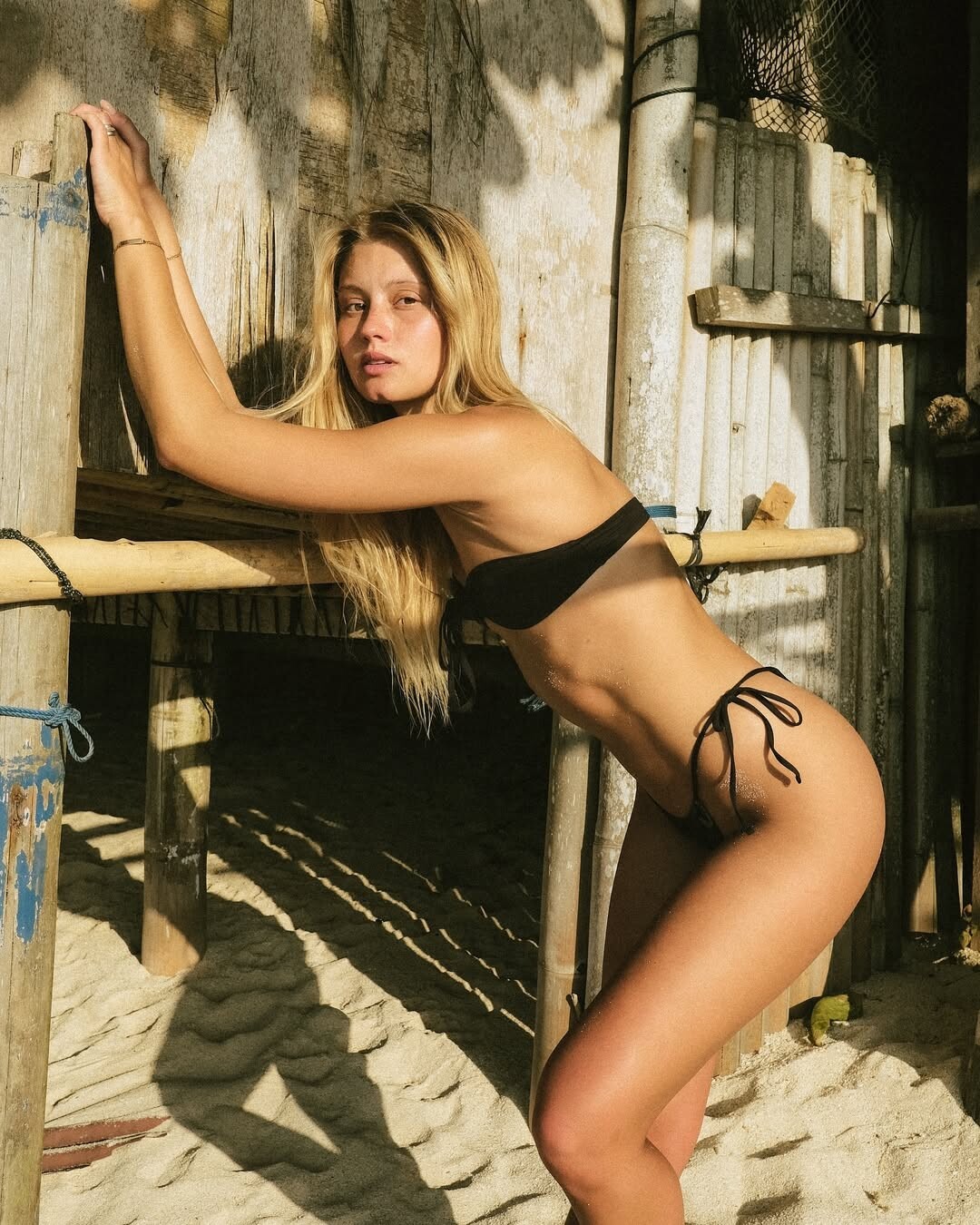
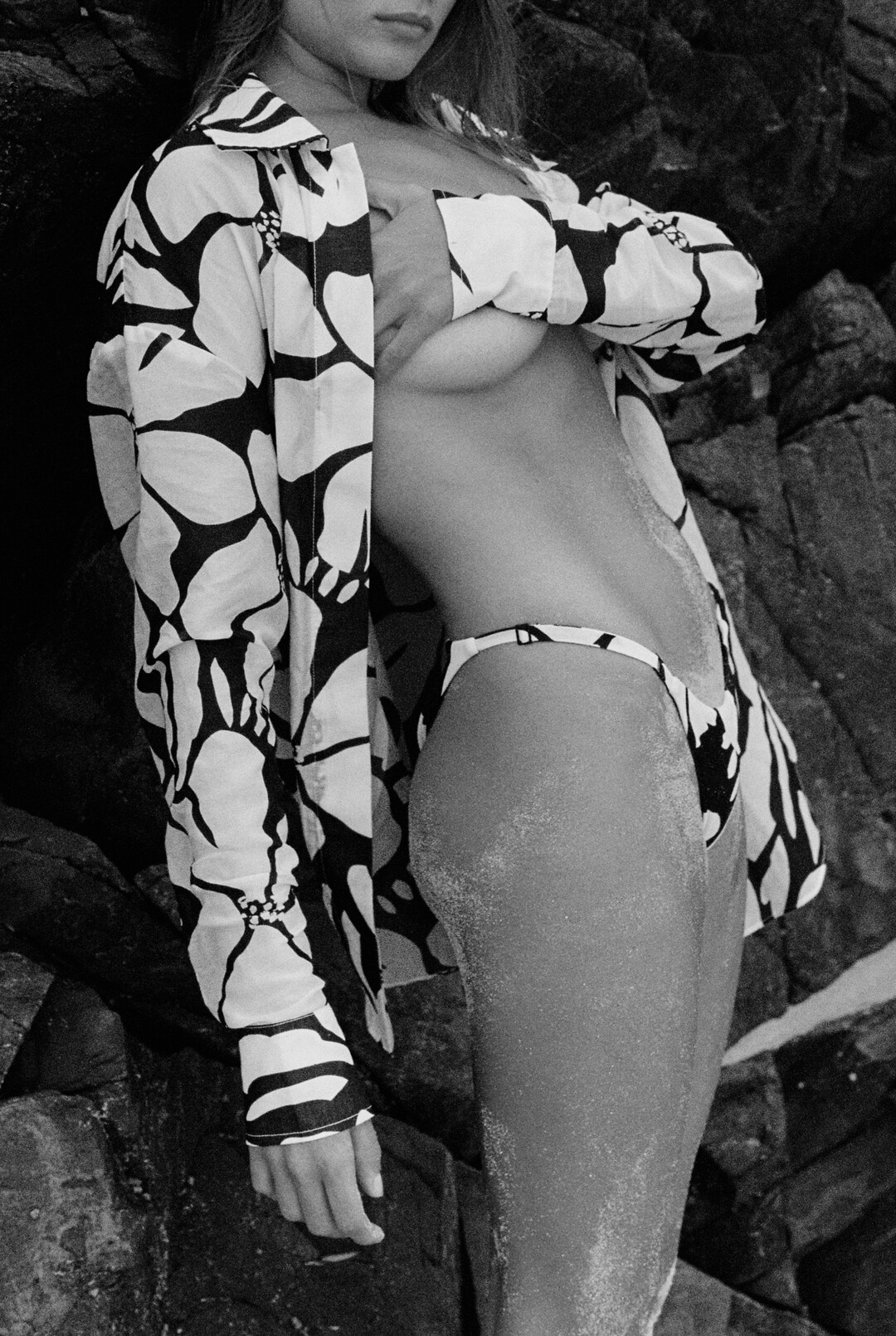
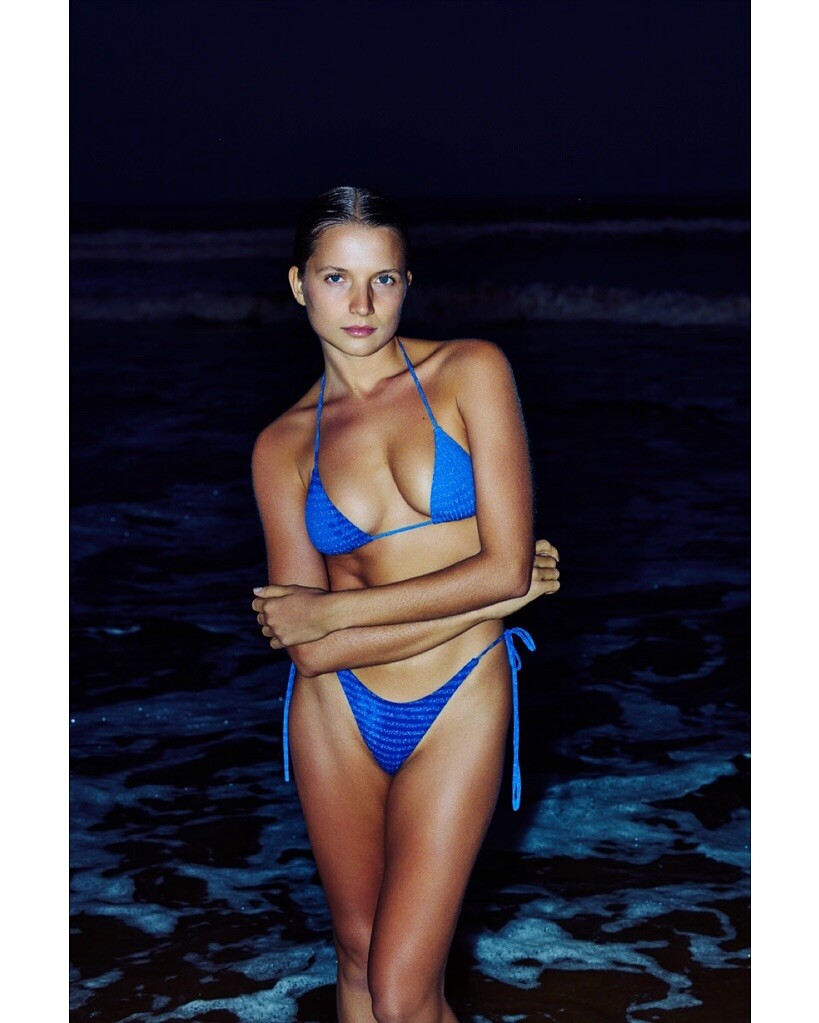
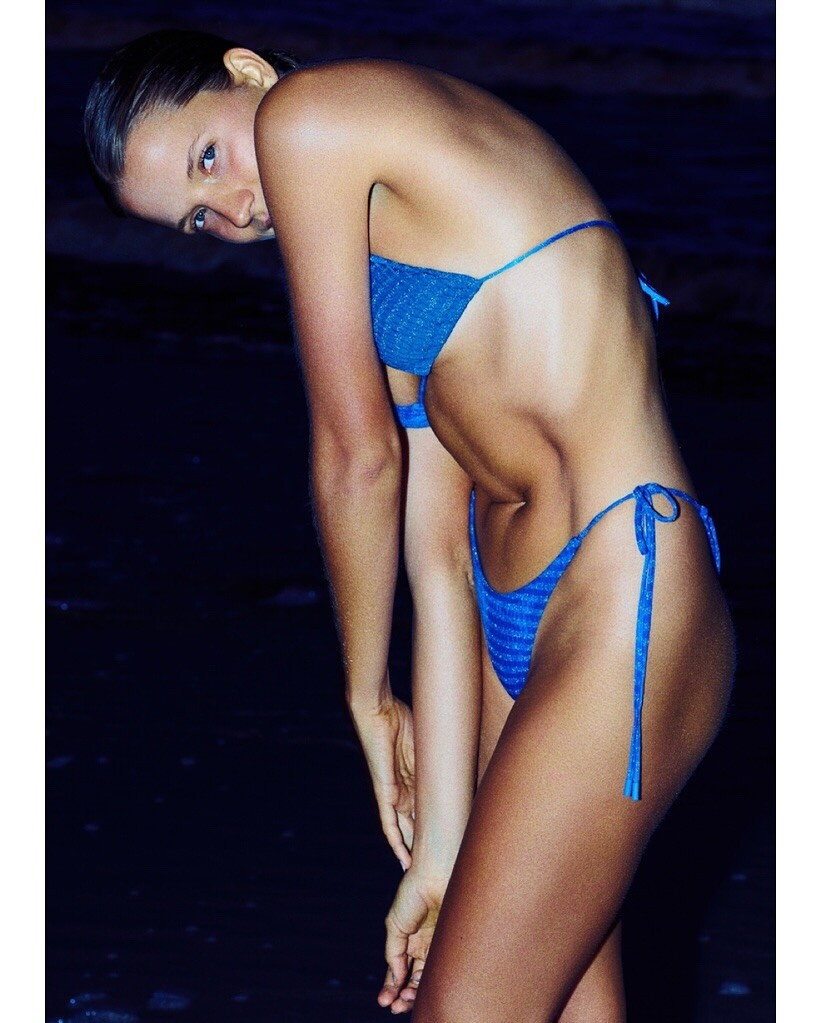
  1. by Deyvis Malta with Leonor Borges for Kanawa Swim Snapinst.app_video_AQO-ZYC7o07eKB0opxzRDPexuyv57-EHBOyXw21tsDjO1WFl1zFDb3yPy0Hh51pMUVAzbtZSwDxbhm2GdRqehfrrYRmmaVkOp03bZE8.mp4
  2. by Milos Nasio with Alondra Muñoz, Mariana Gómez for odiseaswimwear Snapinst.app_video_AQMNP-ZowzyHXQ-wT5gqeCNaGK5nLseJysu19X4rr3Oi8ptpGIgZKdLAKAsAC5oDFOkNxBWKEYIdXJfGJYiDL_scUszf9WHjEl-4WWU.mp4 Snapinst.app_video_AQMOP-Fq9qC9GGH5zk2iREqFudYihhEqZQ3wwPuZjc1SgM6w5Qjz4Viy-qBGELHGlv8hwTU9IuW4bvjKIUKbihoJ2sNv4_a4gvvu4mI.mp4

  3. by Victoria Vlasova Snapinst.app_video_AQOLkcxZzvKqGbjEigYbsvwVBsuLe96_r5w6N68ievK9SllY4Xm0fZpdFc6pmHuOJxMQg0ya2UZV5QZU1qOfD1egvRp_X8AL_Q6sJkk.mp4
  4. shot by her insta Snapinst.app_video_AQOLfB7K1uPRAw-oa14UaKeL_eoNI0qT-321lJ29HvD3B2jazSmWvBL7rL8QHj-MdFAn92uAwQiUcm48lGLrUE8f.mp4 Snapinst.app_video_AQNo1ARBFZ-vtxsMl49dd8W-BRkRhC4noAEHOragkjCfiPcE11RCVQXiynV3qc2cb6Hk4CxiY6NrUn8LdELmLgSf.mp4
  5. insta Snapinst.app_video_AQOBeAyTzeIUr7OfH521NCMx1t2Wi6n_risRuU74EnONmUdsBozqpXnMqdBX4PN-EEDYinu8-ZqoeZmQQJQO3VlsMeeWwV-rHfBbnwg.mp4 Snapinst.app_video_AQNidNGGV-89vfBROyWUnpyYBCevakUV7QB06oqTasXMFB0oI20ySuf5yoV8T9BRwHTIXCkaE80ugMTn6u-QcBo2e2DhKnrjhVfA-6Q.mp4
  6. by Vadim Barikov maybe some reposts

  7. some more by Giovanni Manetti for carvaro.it

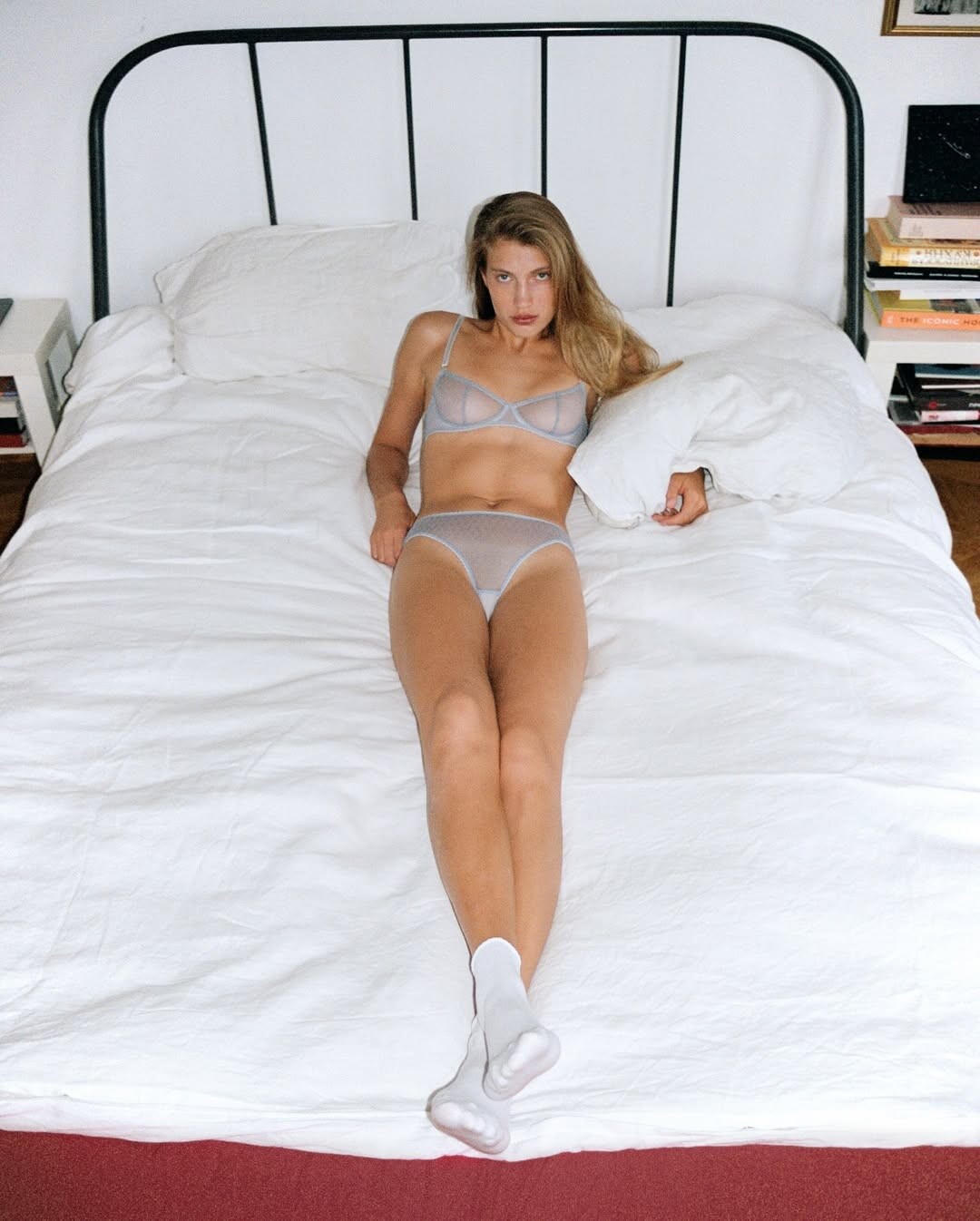
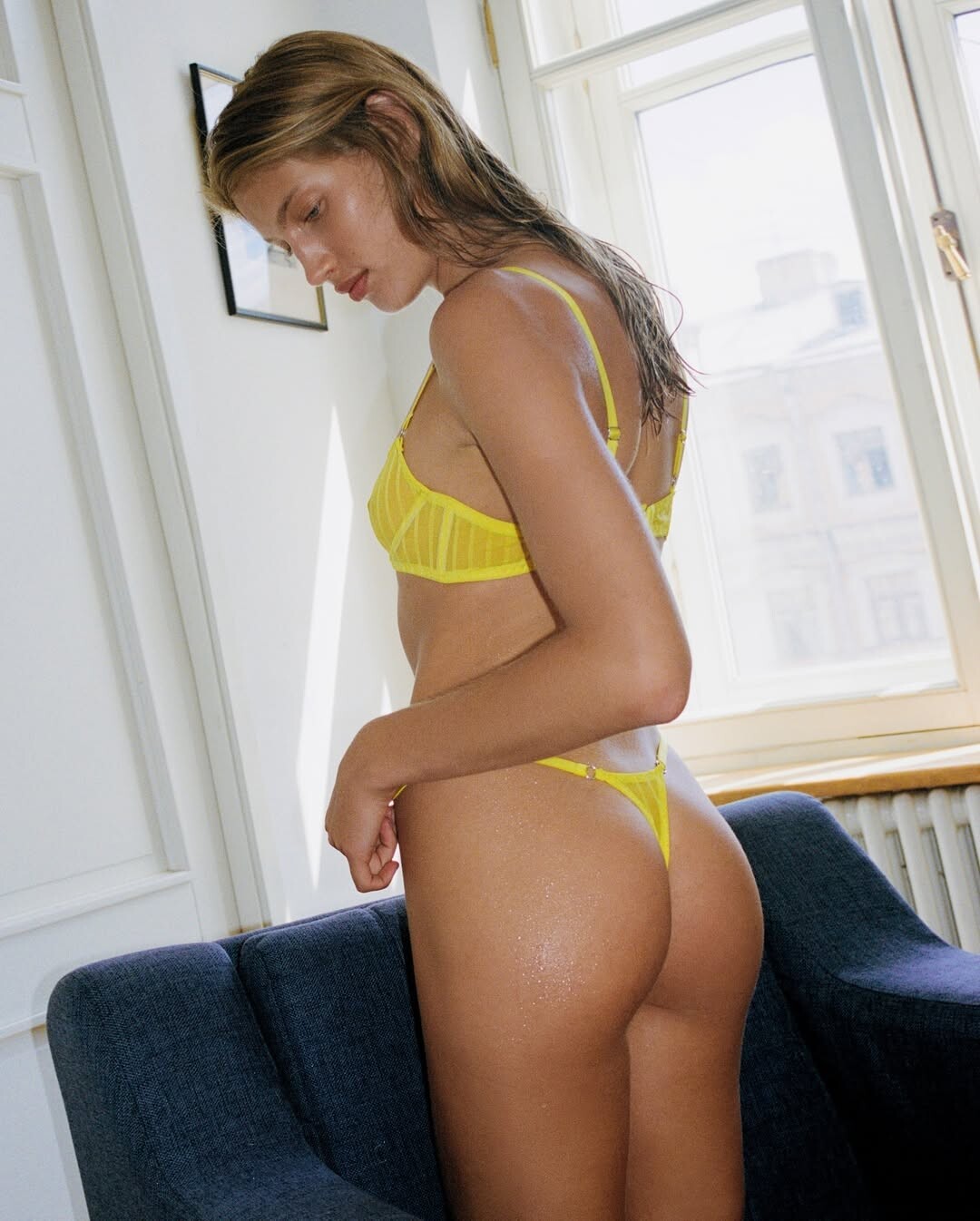
  8. byDarya Abramova for Merci Lingerie
  9. by shotbygreko
  10. by Art T creativerehabnycs sorry if reposts

Account

Navigation

Search

Search

Configure browser push notifications

Chrome (Android)
  1. Tap the lock icon next to the address bar.
  2. Tap Permissions → Notifications.
  3. Adjust your preference.
Chrome (Desktop)
  1. Click the padlock icon in the address bar.
  2. Select Site settings.
  3. Find Notifications and adjust your preference.